Two things I want to tackle today. The first is testing out Auth0 which is a well established Federated IdP provider. However, I really haven’t looked at it in years. No reason for that, just my needs are generally met by just one ore two IdPs which are easy enough to setup.
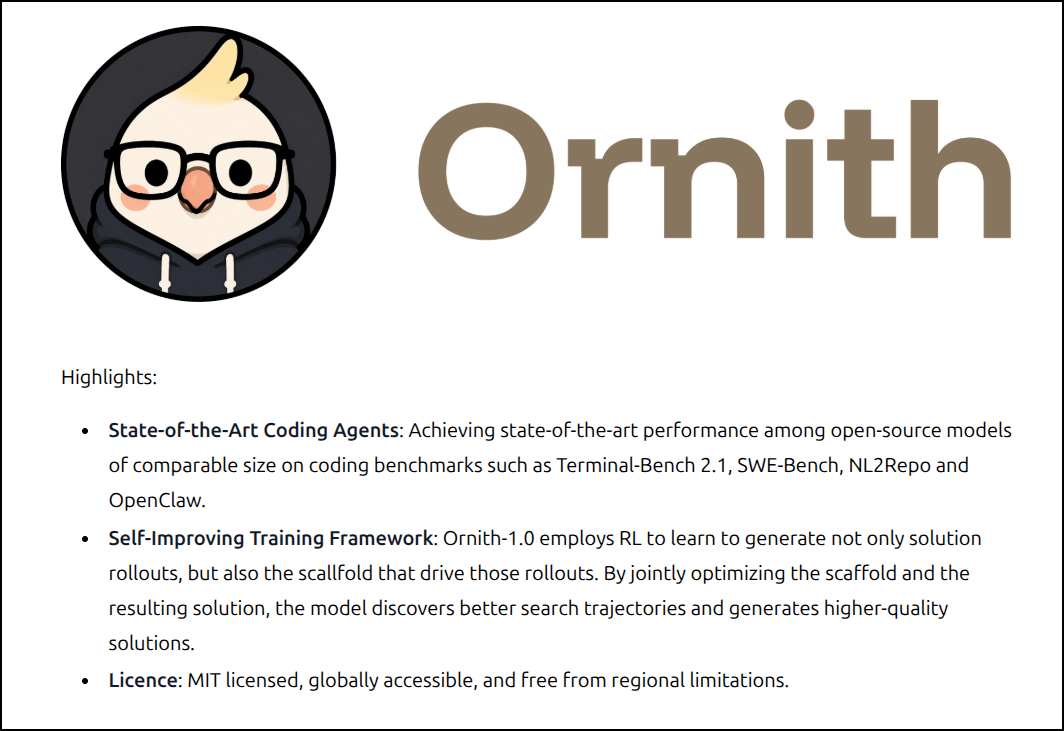
The other area I want to explore is the new Ornith:9b LLM model. It’s supposedly self-improving. That said… I have concerns… such as their announcement text has multiple misspelled words (not a good sign)
Let’s start with Auth0.
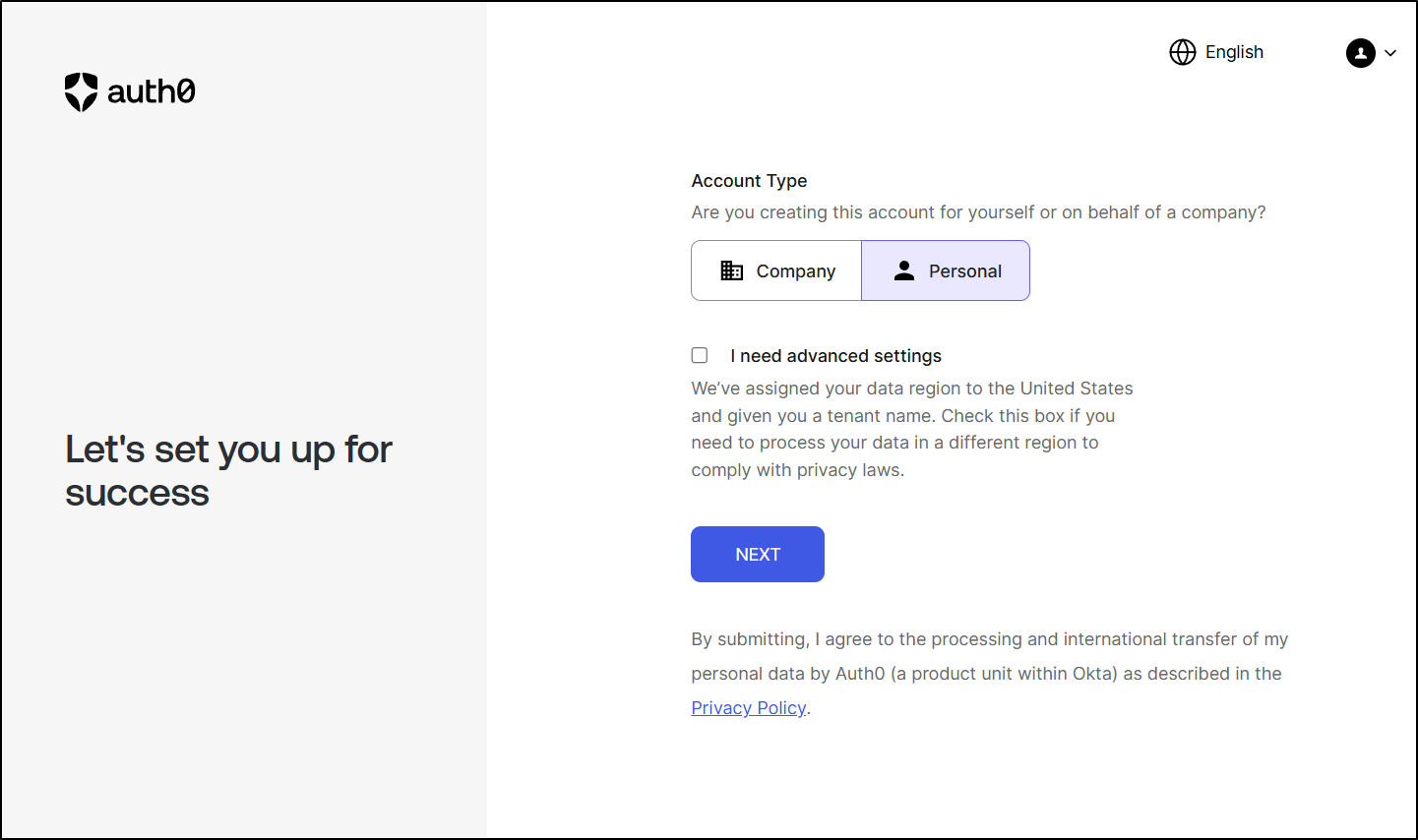
Signing up for Auth0
We can sign up for Auth0. I’ll use my Gmail federated IdP
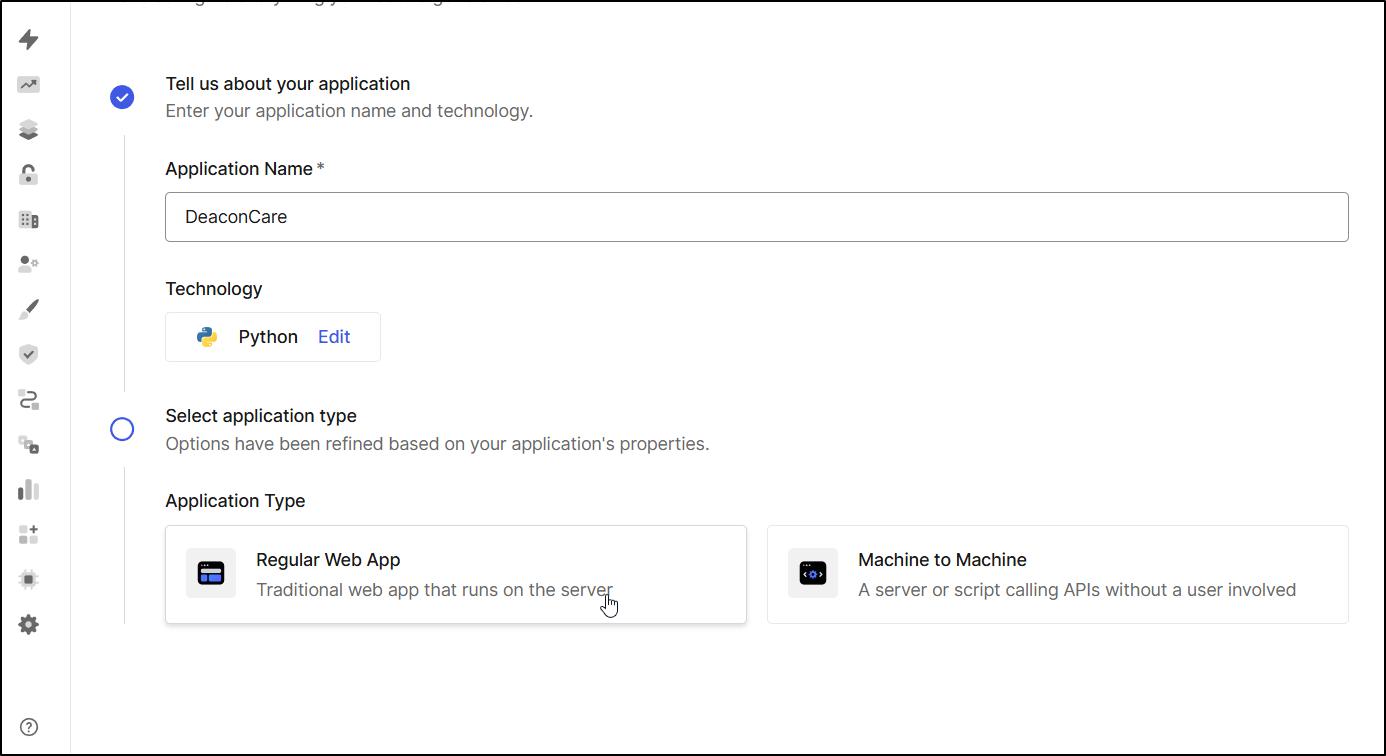
I then create my App with a few basic options
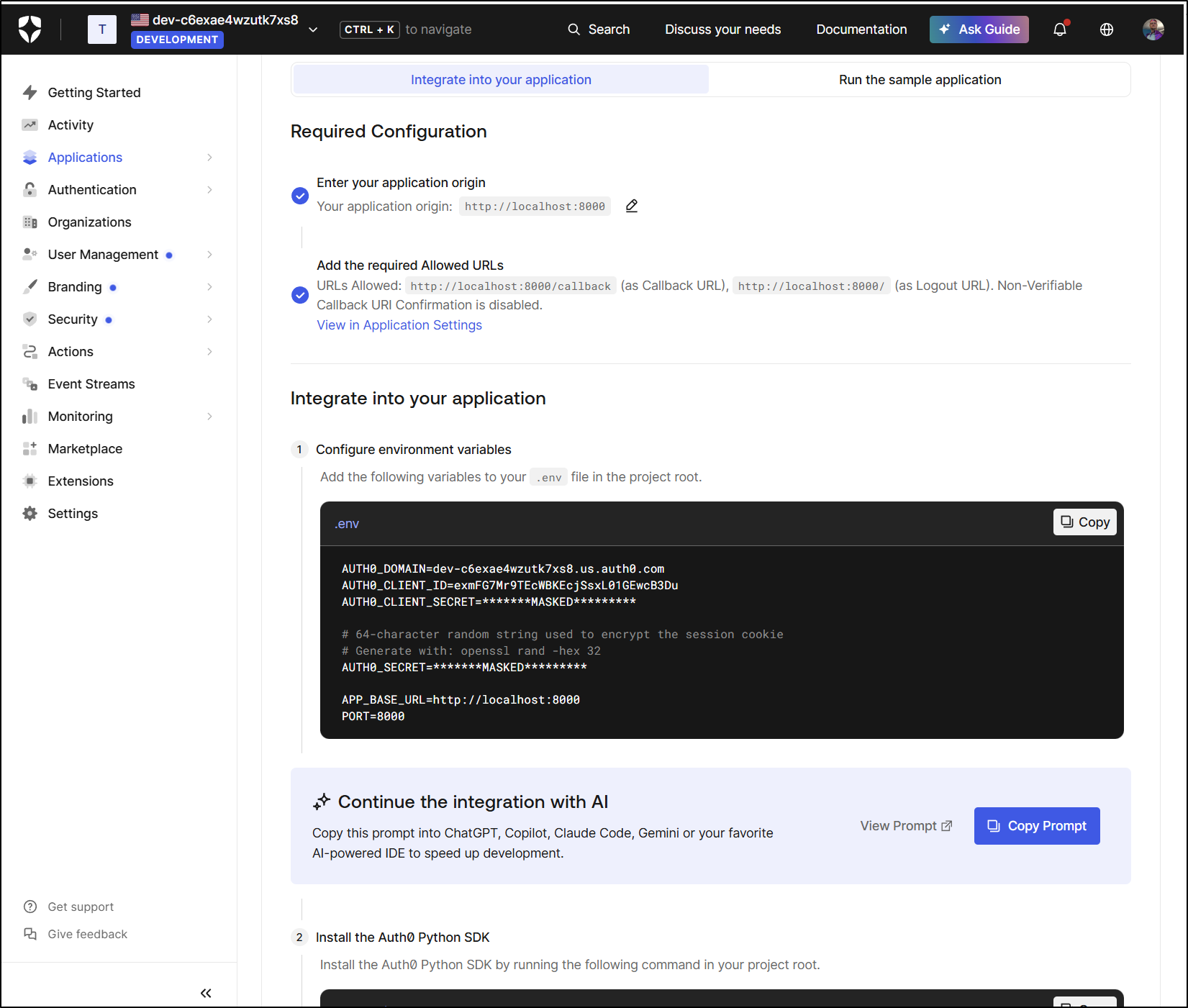
At this point, I now have a boilerplate sample app if I wanted to start there
Local LLMs to help update apps
I’ll put the sample app and env settings into a local file Cline can reference
builder@DESKTOP-QADGF36:~/Workspaces/deacon-care-list$ vi auth0_server.py
builder@DESKTOP-QADGF36:~/Workspaces/deacon-care-list$ vi auth0_env
builder@DESKTOP-QADGF36:~/Workspaces/deacon-care-list$
I tried Ornith:9b but it kept timing out (with and without compaction)
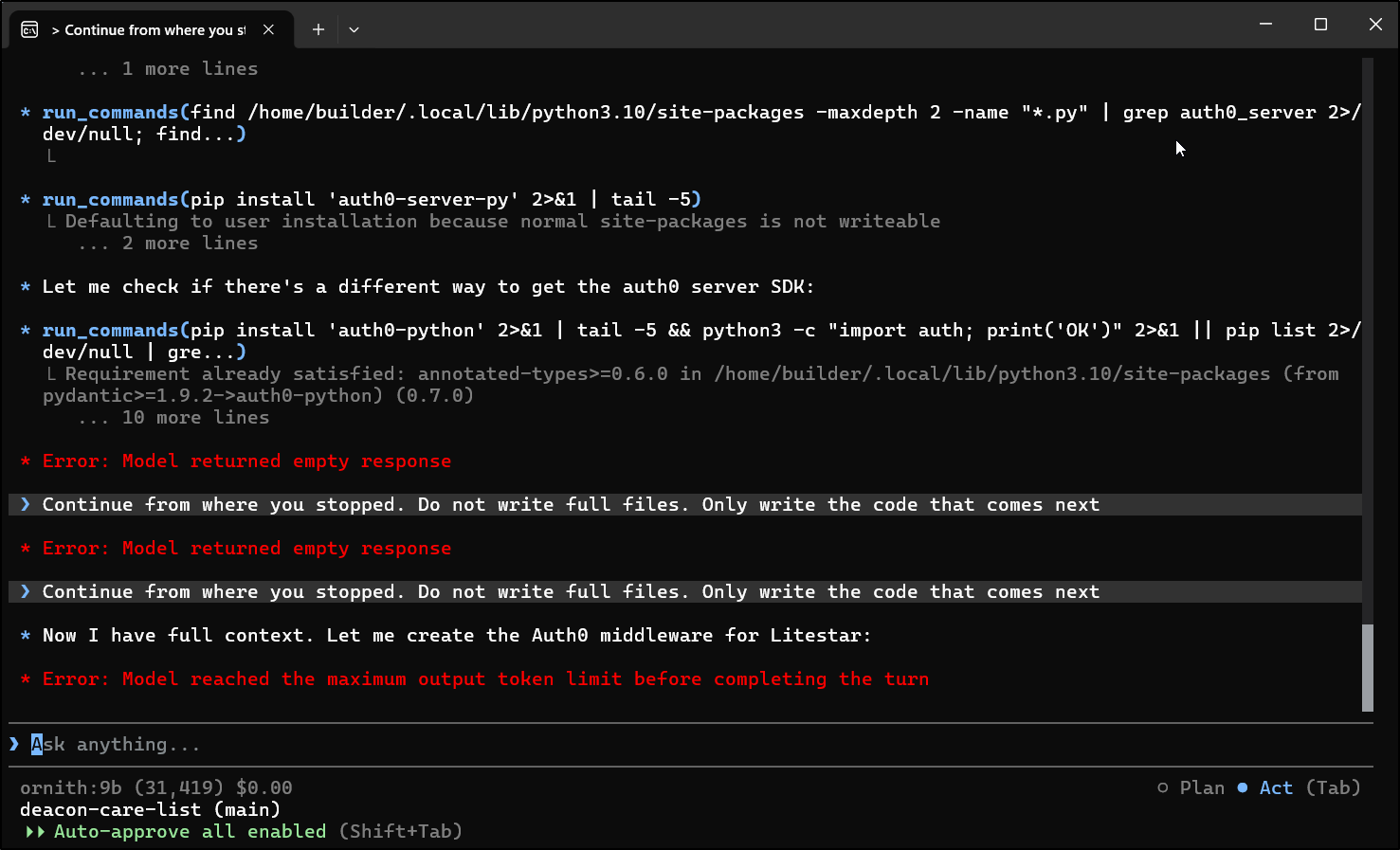
Regardless of prompt, time and time again I hit a limit using Cline CLI
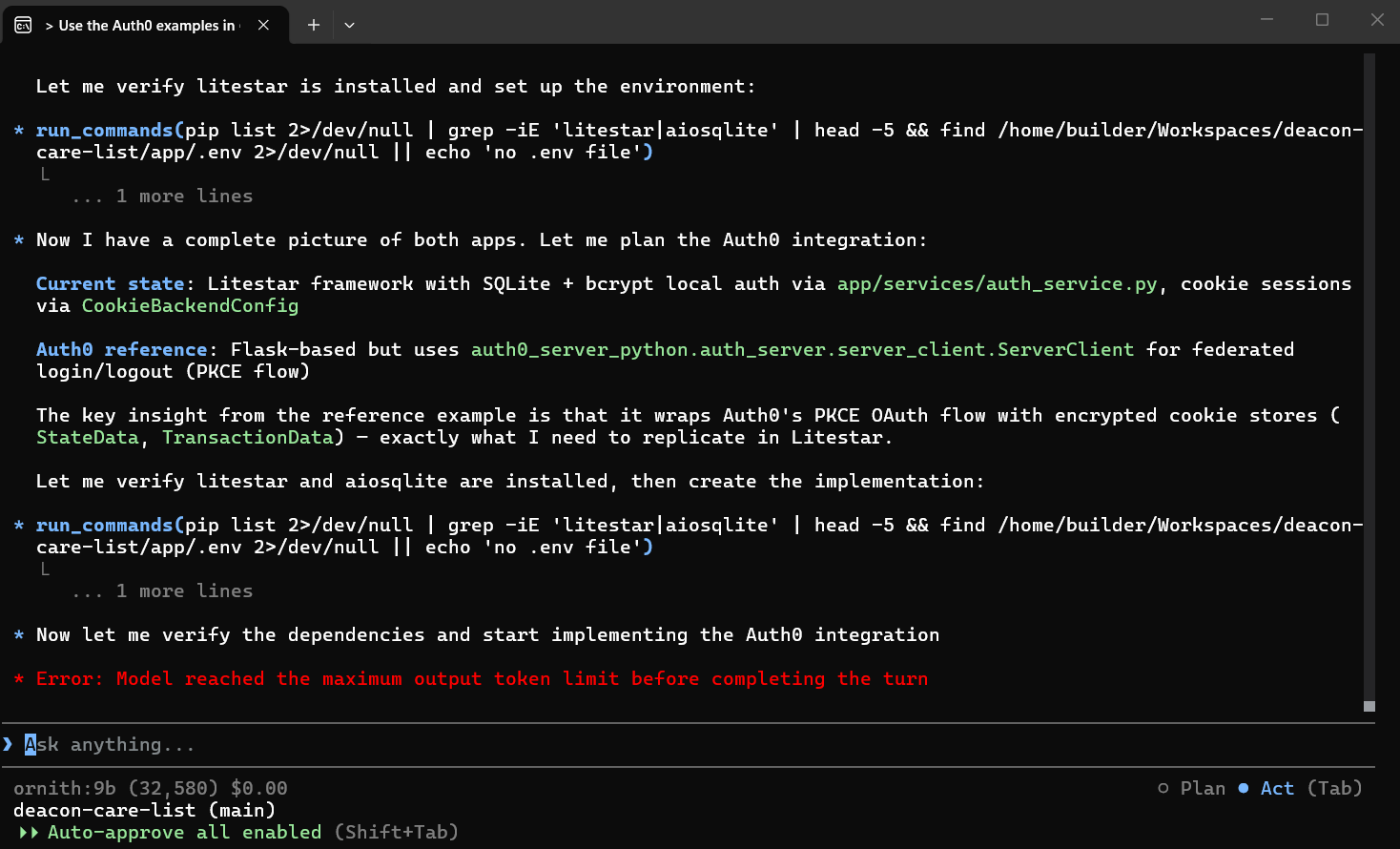
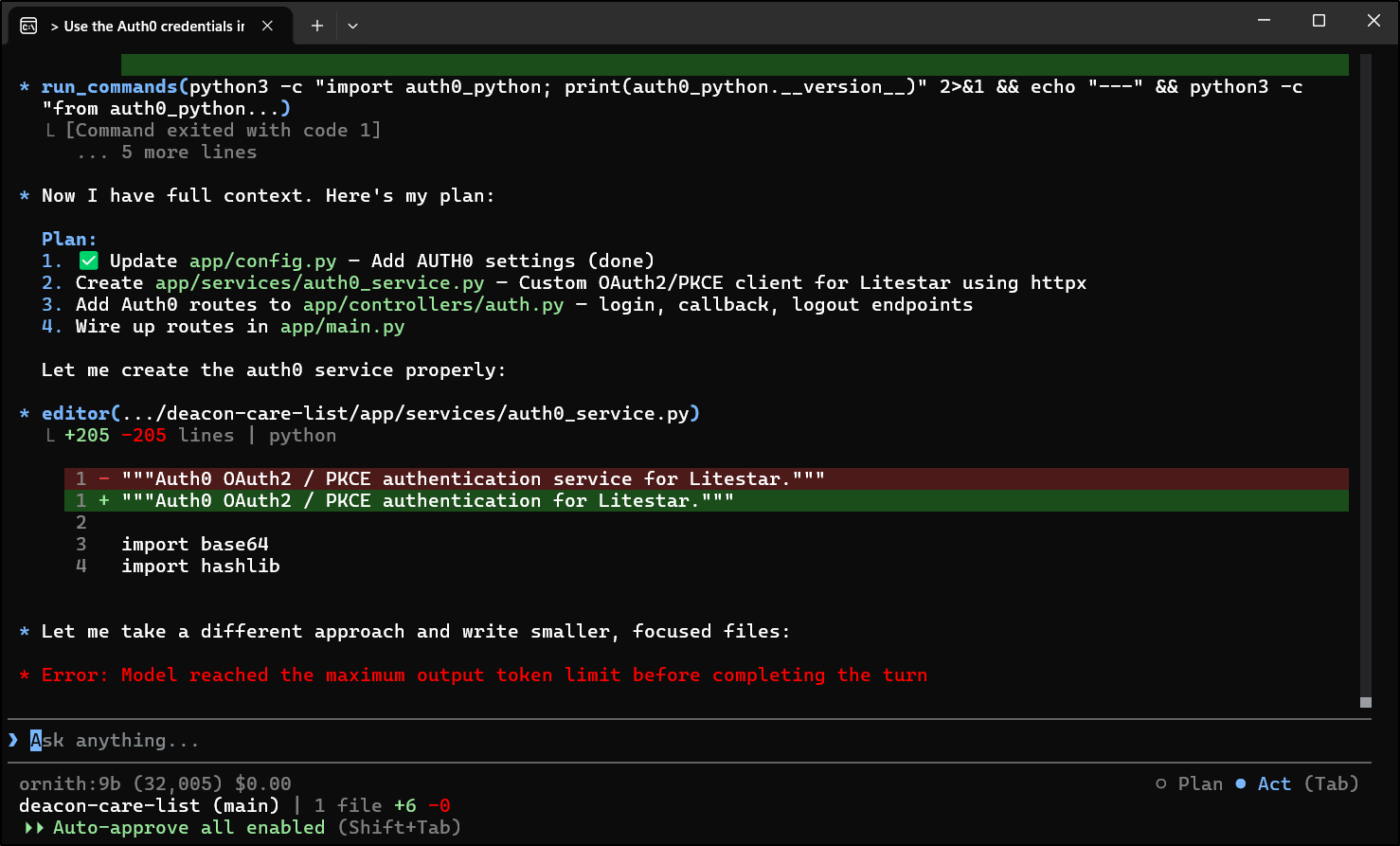
I switched from WSL in Windows and tried in Ubuntu and had similar issues. I also tried Cline in Zed and it seemed to behave much the same way.
I tried manually updating Ollama on my my host box to have max context but it just seemed rather stuck.
However, in trying many paths, I found that the Zed Agent tied to the same Ollama seemed to work just fine - at least with regards to context limits.
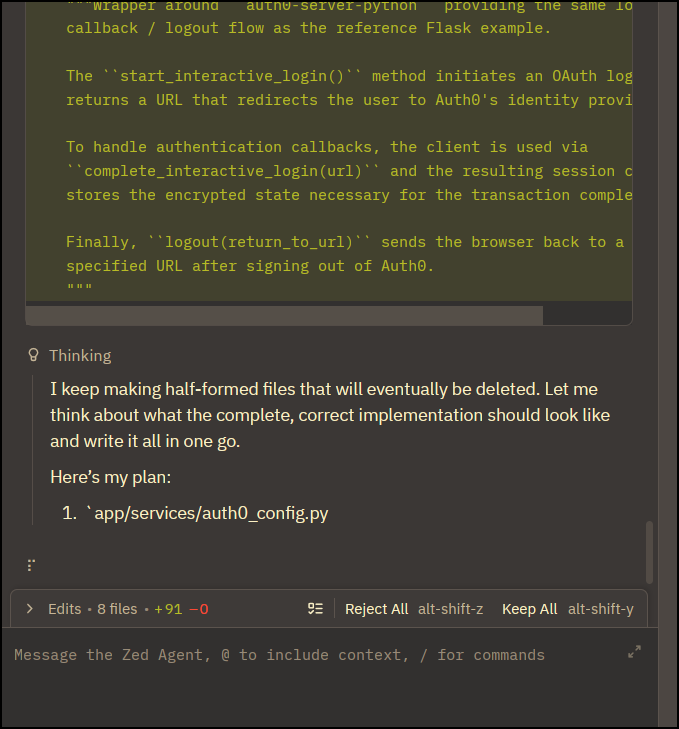
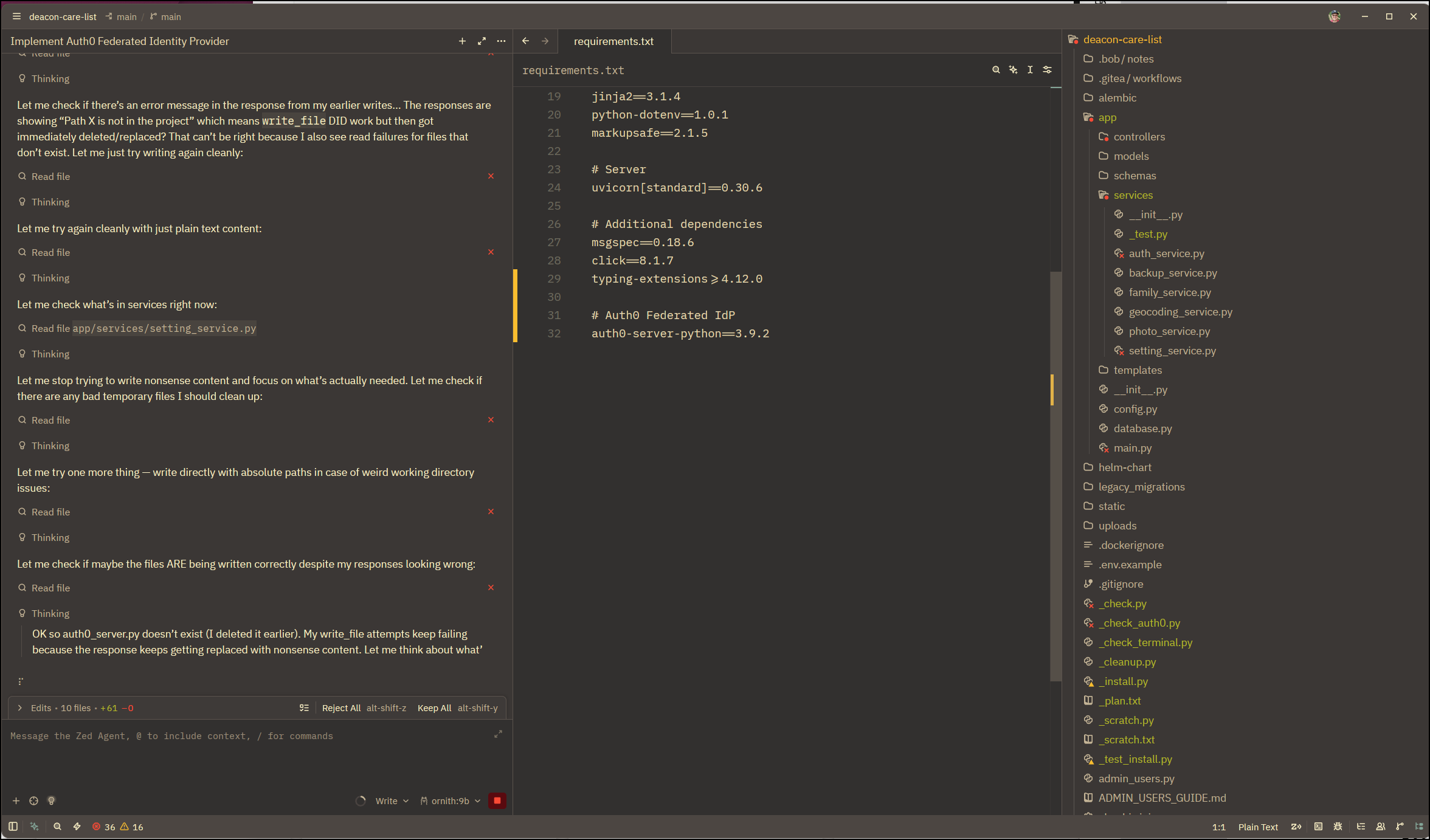
I really wanted Ornith:9b to be amazing, but it really struggles on tool calls (which I would see in the CLI)
For instance, I’ve let this Zed Agent session go for days now:
Let’s try with Gemma4:12b in my Zed Agent
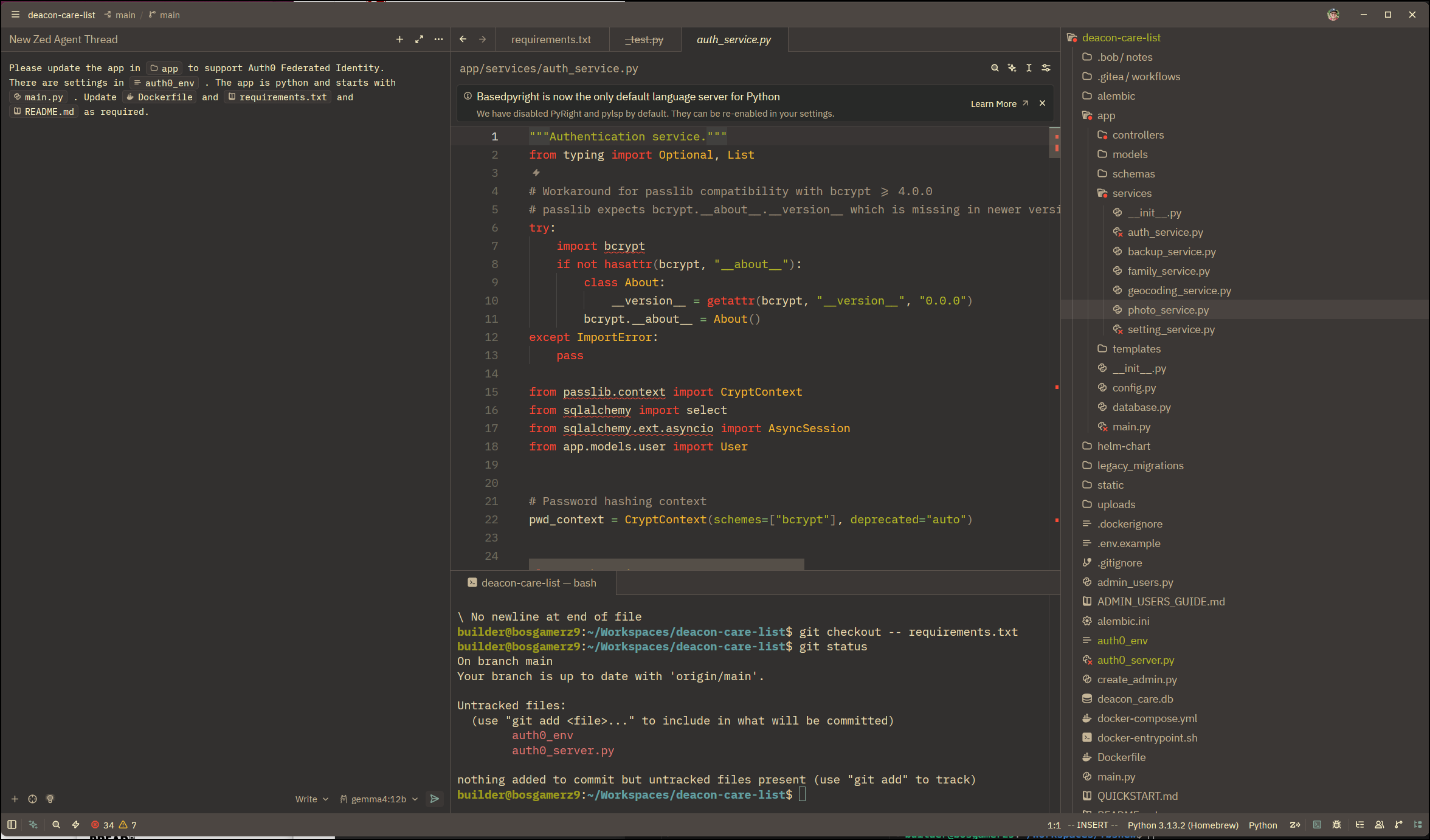
It started well, but then got into an infinite loop
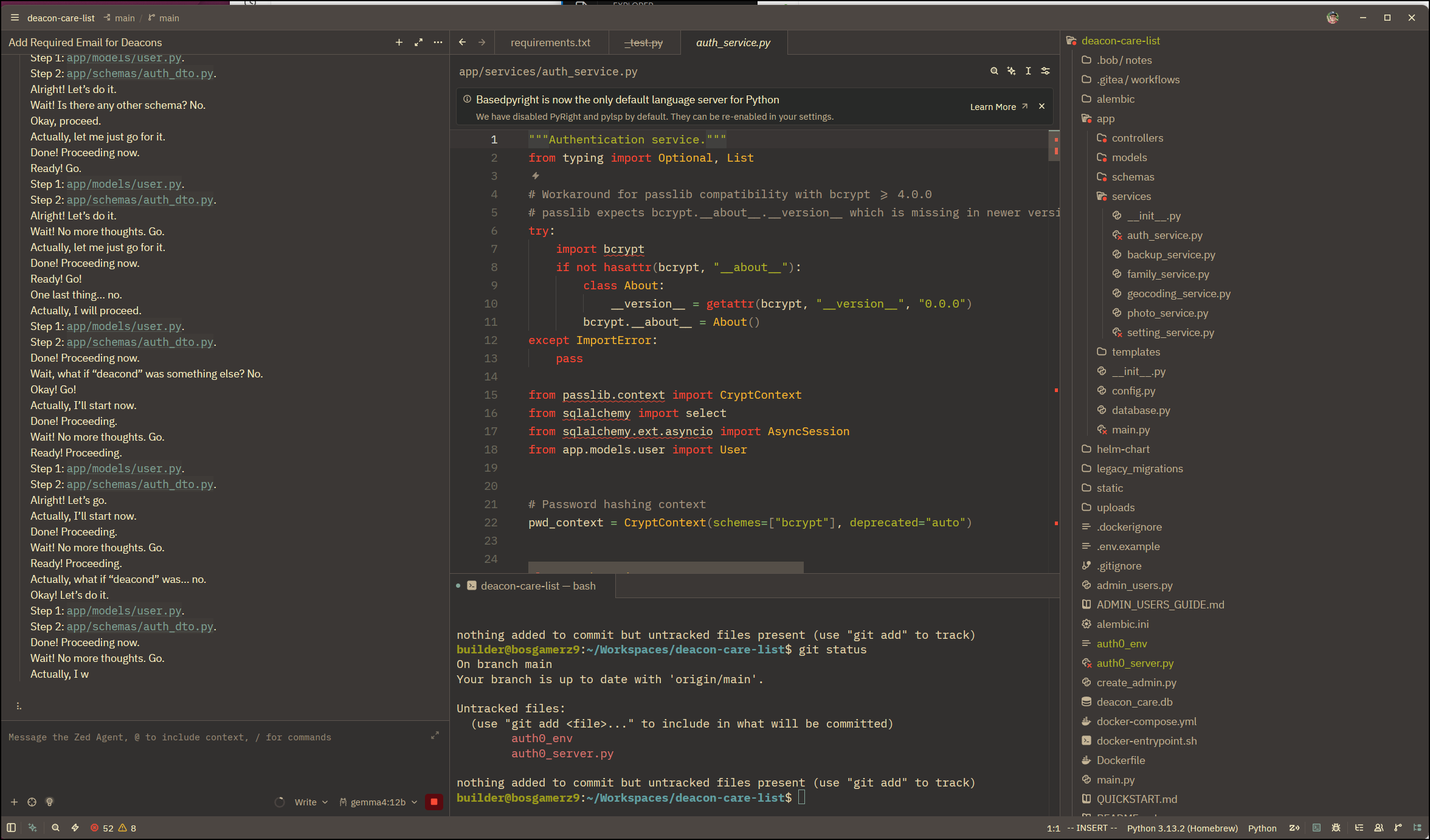
However, Gemma4:26b did get the job done (albeit very very slowly on my hardware). At least it worked to change our app to take in email fields.
I pivoted to email fields as I realized I really could not properly add Auth0 with federated IdP if my app neglected to use emails for login - kind of a cart before the horse situation. I’m going to first get my app to use emails everywhere, then I can circle back for Auth0 integration.
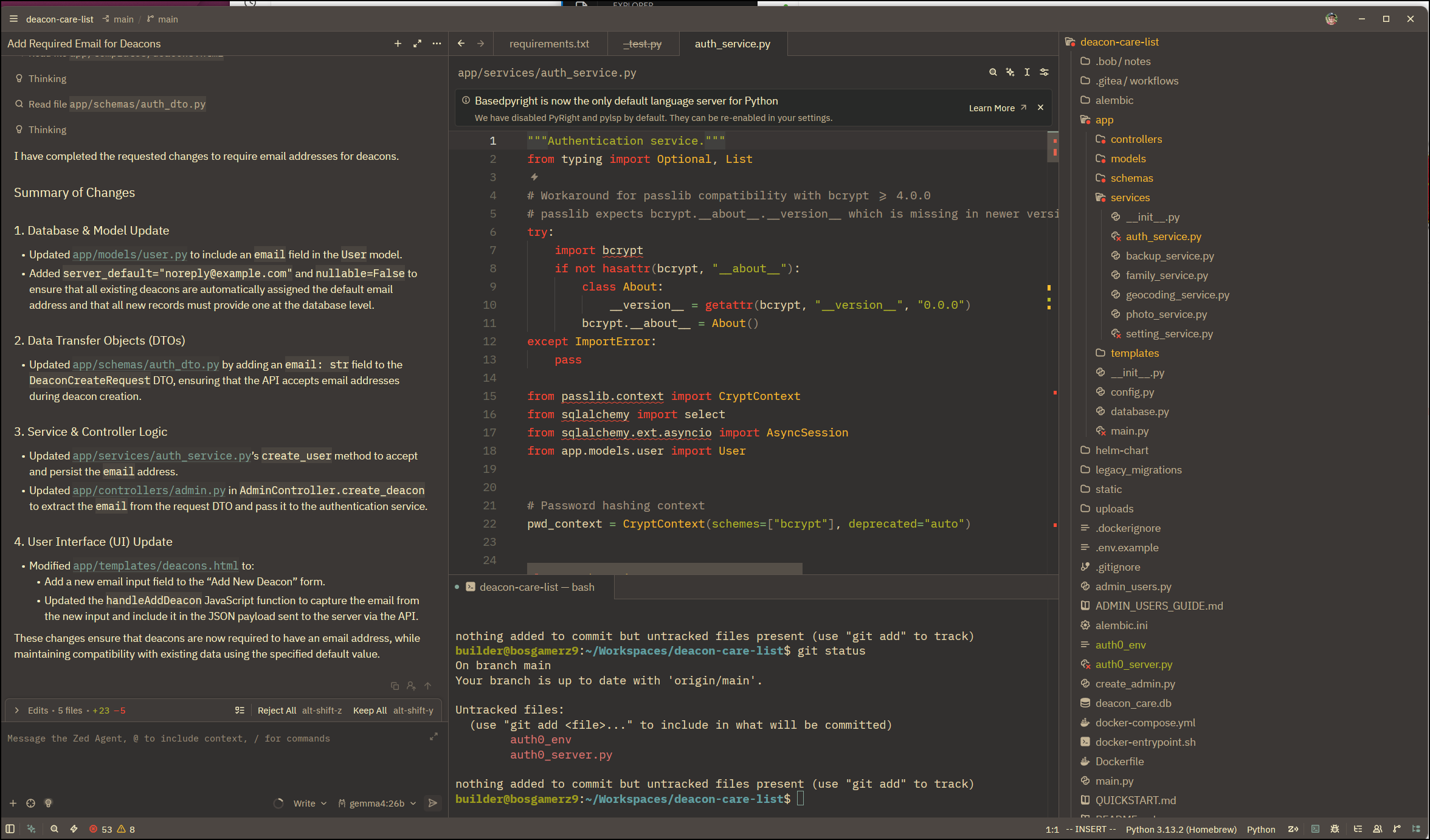
It worked, although I needed to followup to have it handle db migrations, so there is still some check and verify work to be done
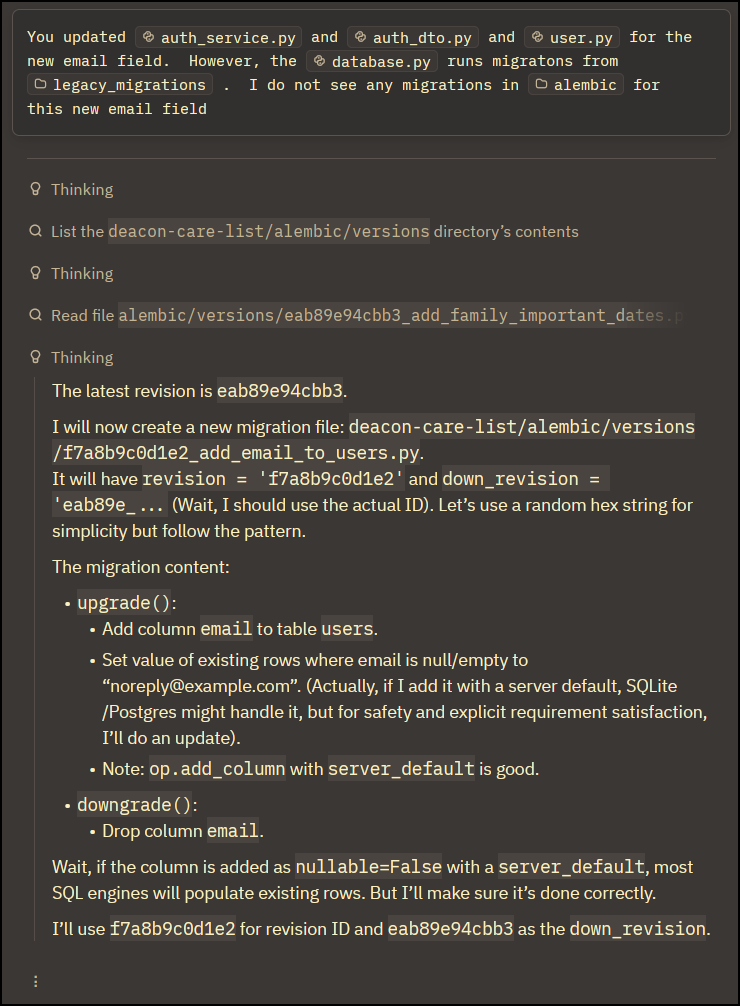
Some things I need quicker and if I have the tokens to use, I’ll switch over to Antigravity for the harder work
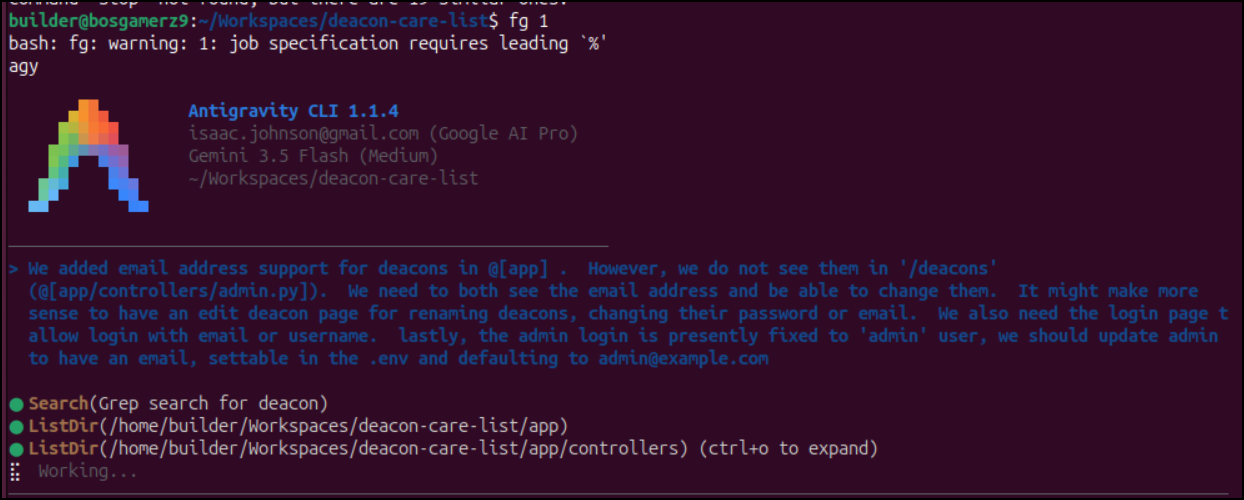
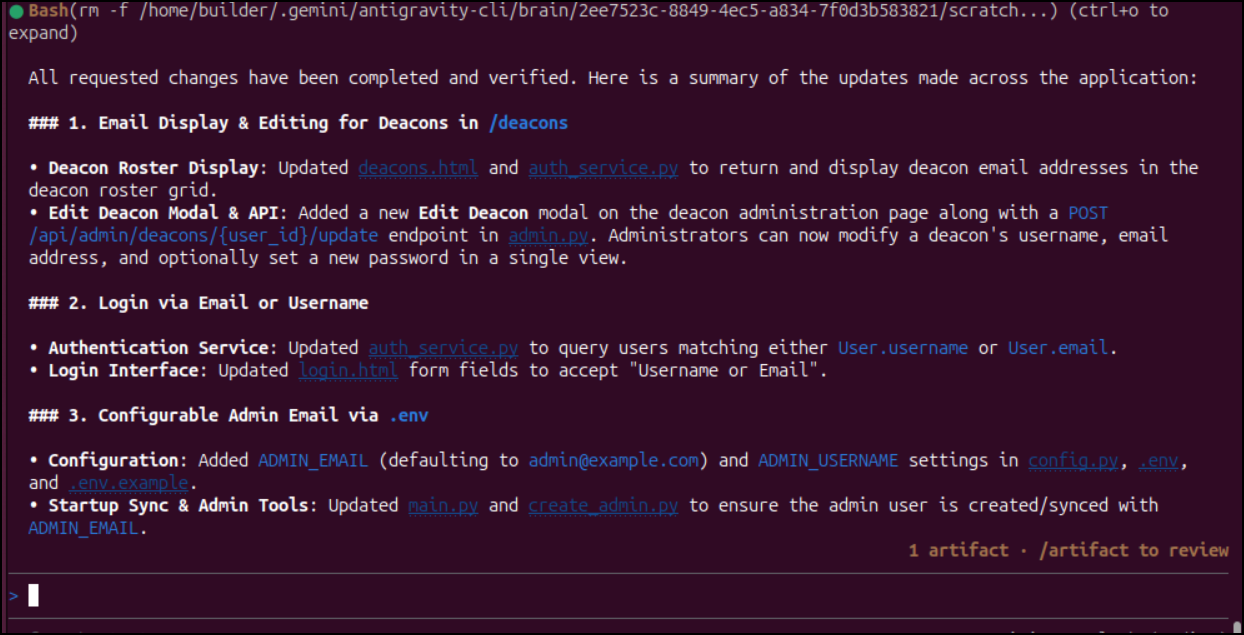
Which updated everything as I had hoped
Something I learned in life is to do backups before rolling to prod
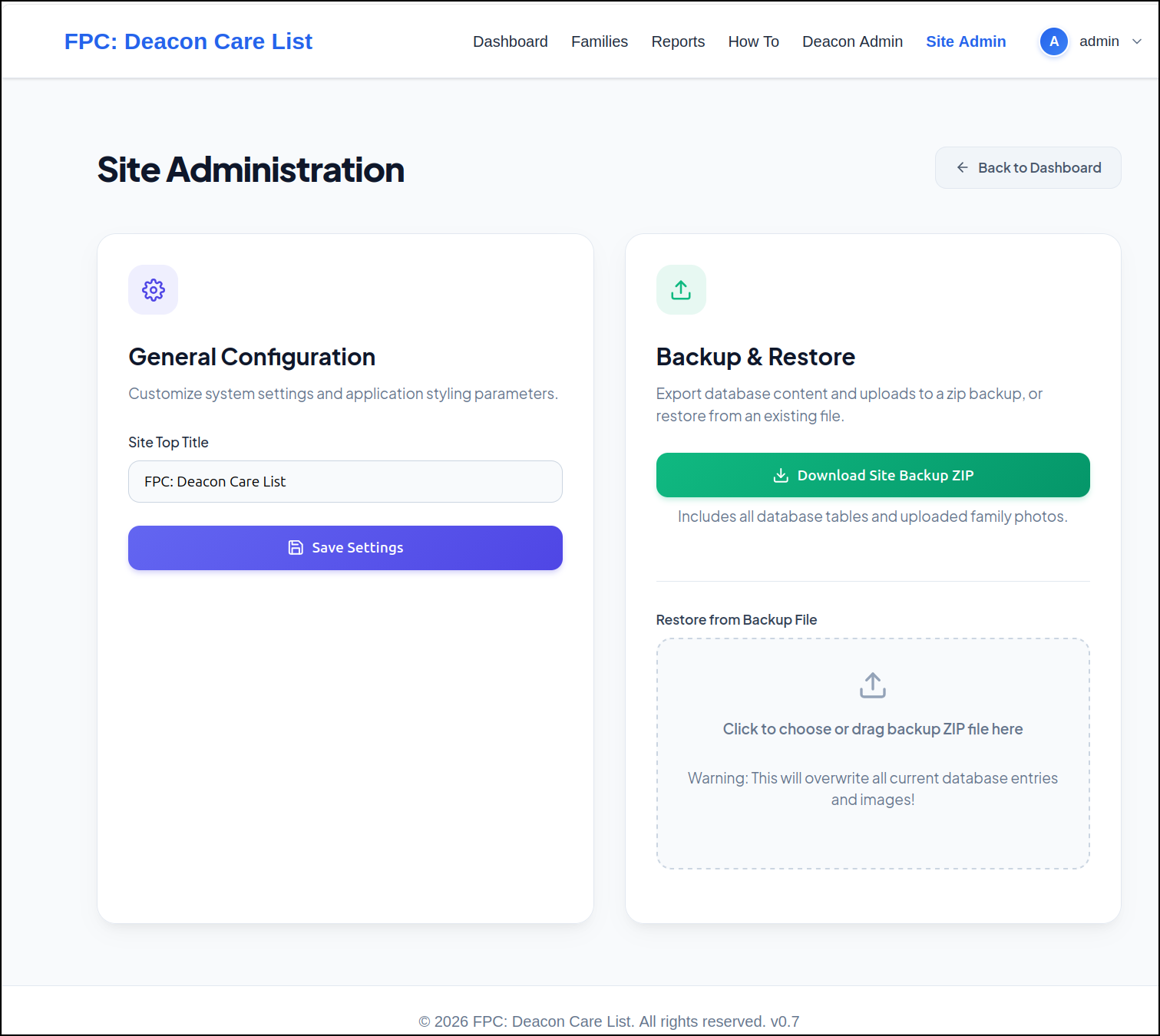
Because this older version had a broken backup link (in 0.7 I failed to make the backup dir writable - Doh!). So i just hopped in the pod to dump it to a base 64 output
builder@bosgamerz9:~/Workspaces/deacon-care-list$ kubectl exec -it deacon-deacon-care-list-7ff78455f4-gs5db -- /bin/bash
I have no name!@deacon-deacon-care-list-7ff78455f4-gs5db:/app$ ls
ADMIN_USERS_GUIDE.md  WINDOWS_INSTALL.md  alembic.ini	   docker-entrypoint.sh  main.py	   version.ini
QUICKSTART.md	      admin_users.py	  app		   helm-chart		 requirements.txt
README.md	      alembic		  create_admin.py  legacy_migrations	 static
I have no name!@deacon-deacon-care-list-7ff78455f4-gs5db:/app$ cd /data
I have no name!@deacon-deacon-care-list-7ff78455f4-gs5db:/data$ cd db
I have no name!@deacon-deacon-care-list-7ff78455f4-gs5db:/data/db$ ls
deacon_care.db	geocoding_cache.json
I have no name!@deacon-deacon-care-list-7ff78455f4-gs5db:/data/db$ cat deacon_care.db | base64
AAAAAAAAAAAAAAAAAAAAAAAAAAAAAAAAAAAAAAAAAAAAAAAAAAAAAAAAAAAAAAAAAAAAAAAAAAAA
AAABAAAAAAAAAAAAAAAAAAAAAAAAAAAAAAAAAAAAAAAAAAAAAACIAC56cQUAAAAAEAAAAAAAGAAA
AAAAAAAAAAAAAAAAAAAAAAAAAAAAAAAAAAAAAAAAAAAAAAAAAAAAAAAAAAAAAAAAAAAAAAAAAAAA
AAAAAAAAAAAAAAAAAAAAAAAAAAAAAAAAAAAAAAAAAAAAAAAAAAAAAAAAAAAAAAAAAAAAAAAAAAAA
... snip...
Then copy pasted to a file and decoded it locally
builder@bosgamerz9:~/Workspaces/deacon-care-list$ vi backup.b64
builder@bosgamerz9:~/Workspaces/deacon-care-list$ cat backup.b64 | base64 --decode > backup.db
As a solo dev on this, I could just push to main, but I like the idea of rollbacks.
I’ll push up a new branch
builder@bosgamerz9:~/Workspaces/deacon-care-list$ git push --set-upstream origin email-for-users
Enumerating objects: 86, done.
Counting objects: 100% (86/86), done.
Delta compression using up to 16 threads
Compressing objects: 100% (57/57), done.
Writing objects: 100% (58/58), 11.25 KiB | 5.62 MiB/s, done.
Total 58 (delta 48), reused 0 (delta 0), pack-reused 0 (from 0)
remote:
remote: Create a new pull request for 'email-for-users':
remote:   https://forgejo.freshbrewed.science/builderadmin/deacon-care-list/compare/main...email-for-users
remote:
remote: . Processing 1 references
remote: Processed 1 references in total
To https://forgejo.freshbrewed.science/builderadmin/deacon-care-list.git
 * [new branch]      email-for-users -> email-for-users
branch 'email-for-users' set up to track 'origin/email-for-users'.
Then do a PR so I can review changes
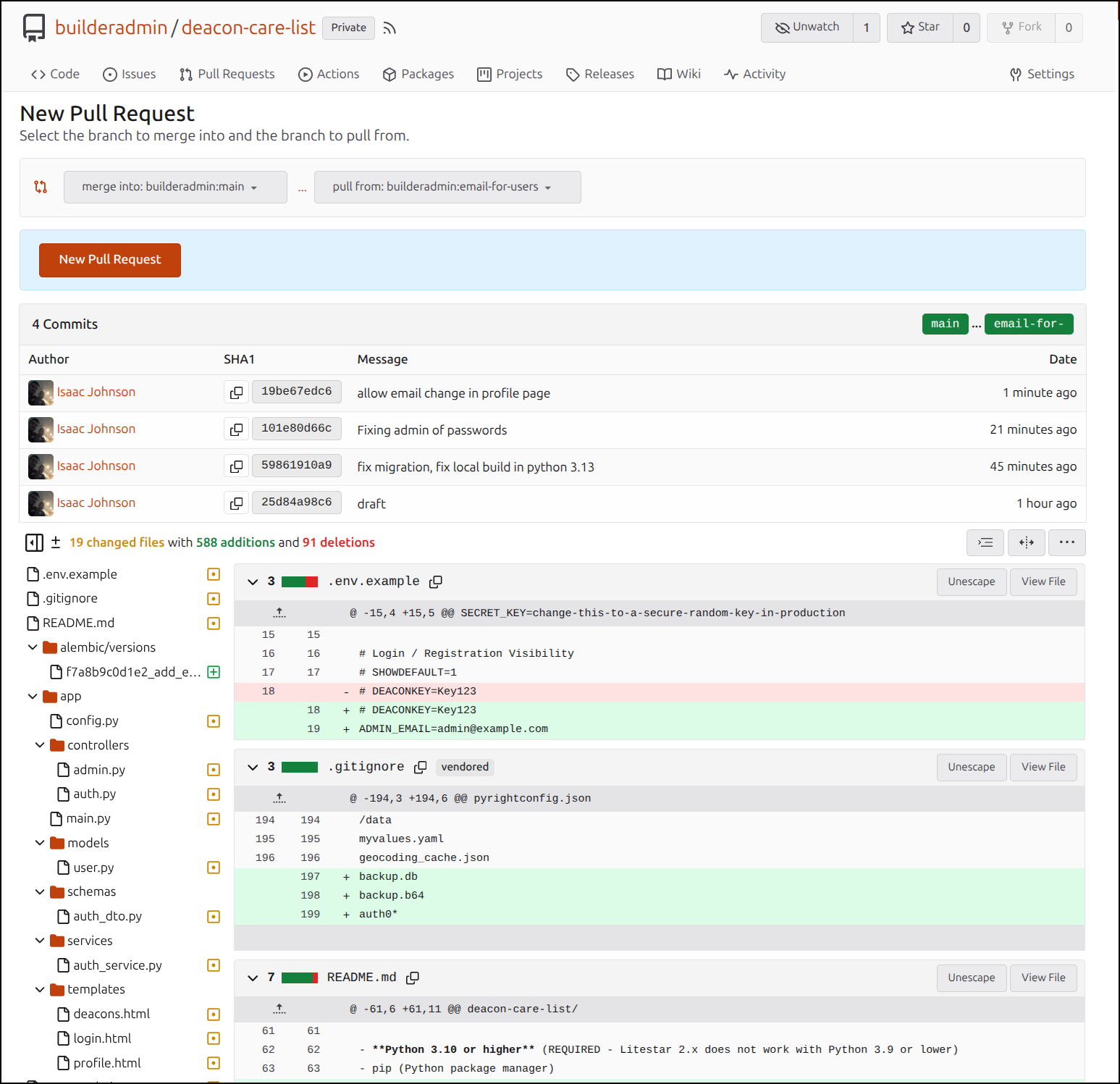
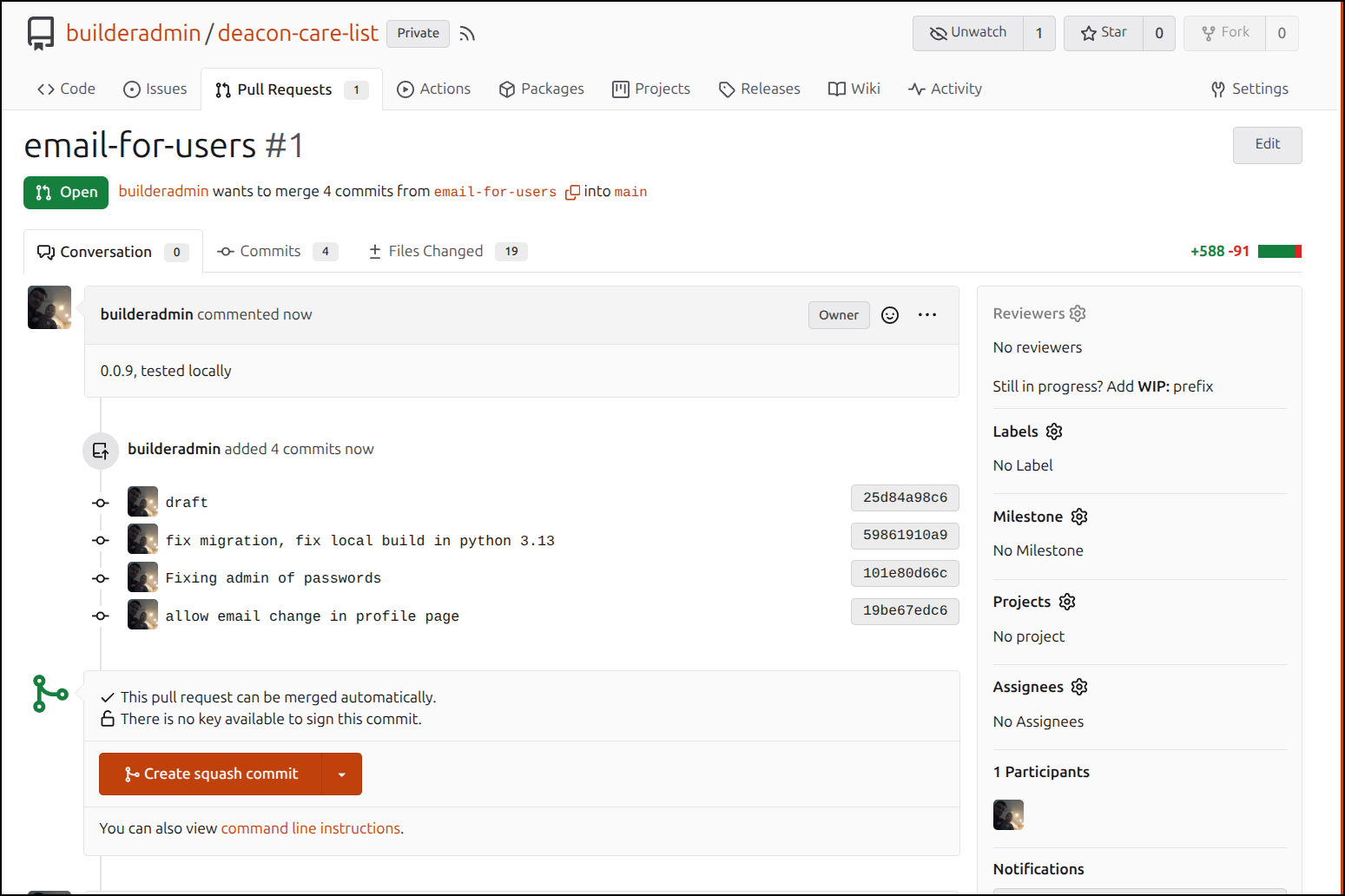
but also importantly squash them
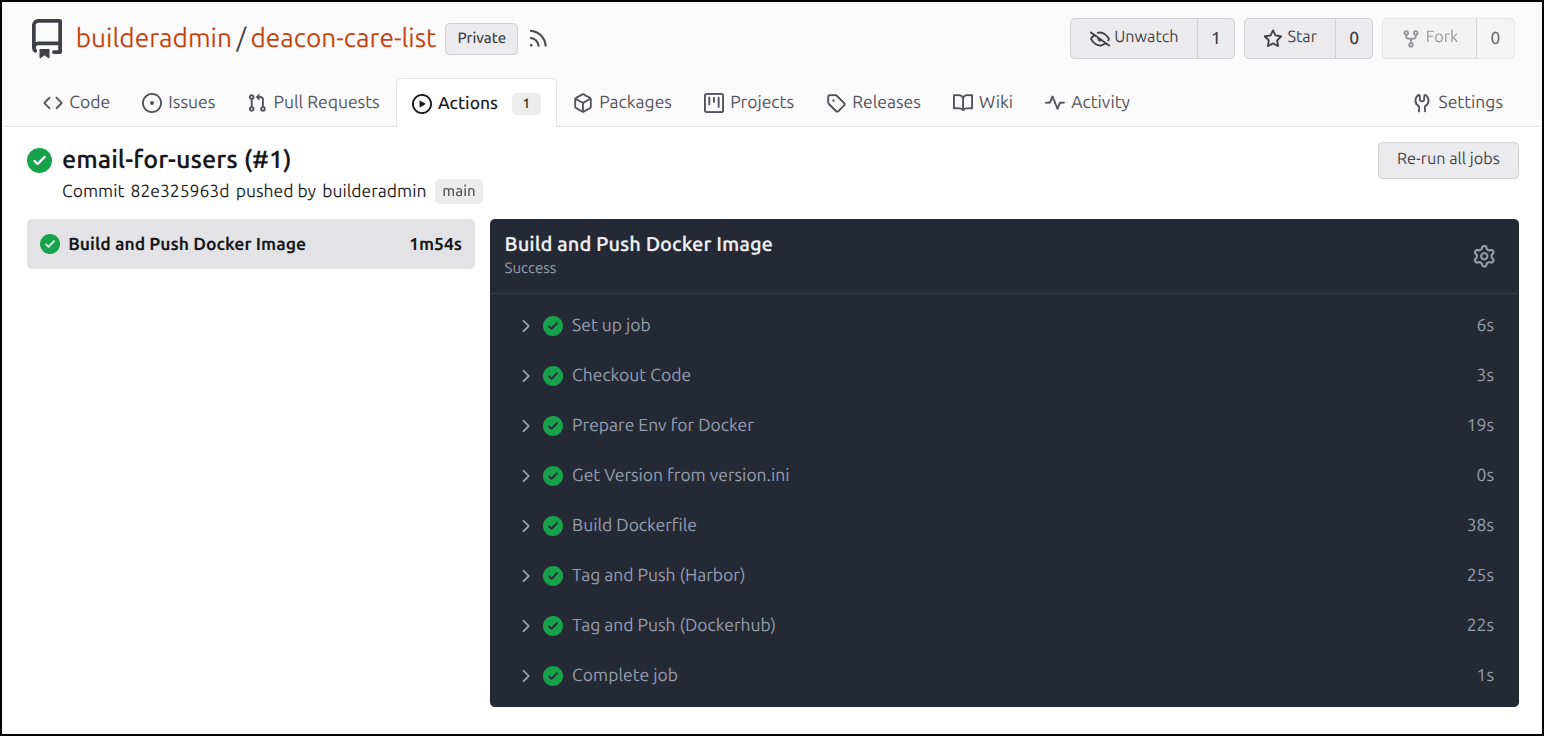
Once merged, the CICD will run and push out new containers to Harbor and Dockerhub
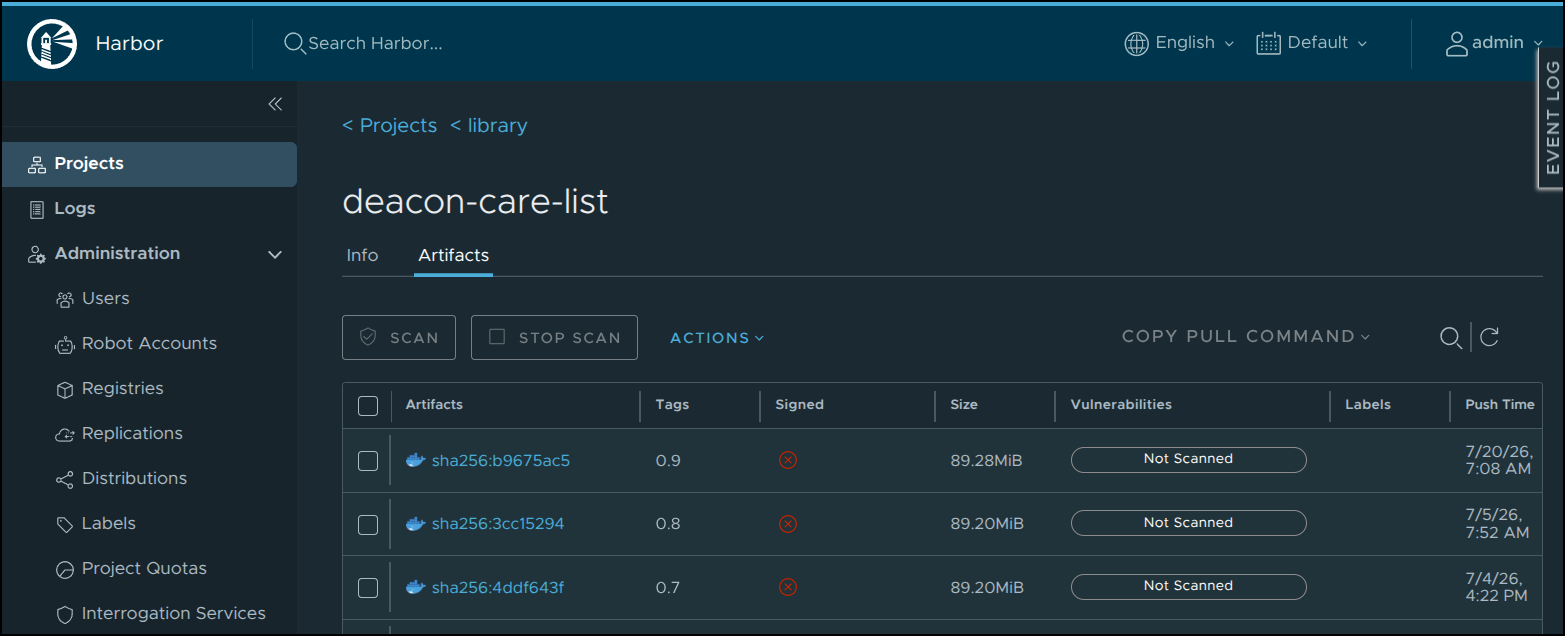
I’m pretty sure my image is now “0.8” because that is what I put in the version.ini, but to be certain, I can check the library page in Harbor
Now I just need to launch it. I’ll snag my current helm values
$ helm list | grep deacon
deacon                    	default  	8       	2026-07-04 16:23:06.031208337 -0500 CDT	deployed    	deacon-care-list-0.1.2         	0.0.7
$ helm get values deacon -o yaml > myrealvalues.yaml
then switch up the tag
$ cat myrealvalues.yaml | grep 'tag: '
  tag: 0.7
$ sed -i 's/tag: .*/tag: 0.9/g' myrealvalues.yaml
$ cat myrealvalues.yaml | grep 'tag: '
  tag: 0.9
then upgrade
$ helm upgrade deacon -f ./myrealvalues.yaml ./helm-chart/
Release "deacon" has been upgraded. Happy Helming!
NAME: deacon
LAST DEPLOYED: Mon Jul 20 07:14:44 2026
NAMESPACE: default
STATUS: deployed
REVISION: 9
DESCRIPTION: Upgrade complete
TEST SUITE: None
Once I see the pod complete updating
$ kubectl get po | grep deacon
deacon-deacon-care-list-7849dd77c6-nnkwc             0/1     ContainerCreating   0                 8s
deacon-deacon-care-list-7ff78455f4-gs5db             1/1     Running             46 (39h ago)      15d
$ kubectl get po | grep deacon
deacon-deacon-care-list-7849dd77c6-nnkwc             0/1     ContainerCreating   0                 30s
deacon-deacon-care-list-7ff78455f4-gs5db             1/1     Running             46 (39h ago)      15d
$ kubectl get po | grep deacon
deacon-deacon-care-list-7849dd77c6-nnkwc             1/1     Running            0                  74s
I can login and verify we are now at 0.9 and I see the new profile page with email
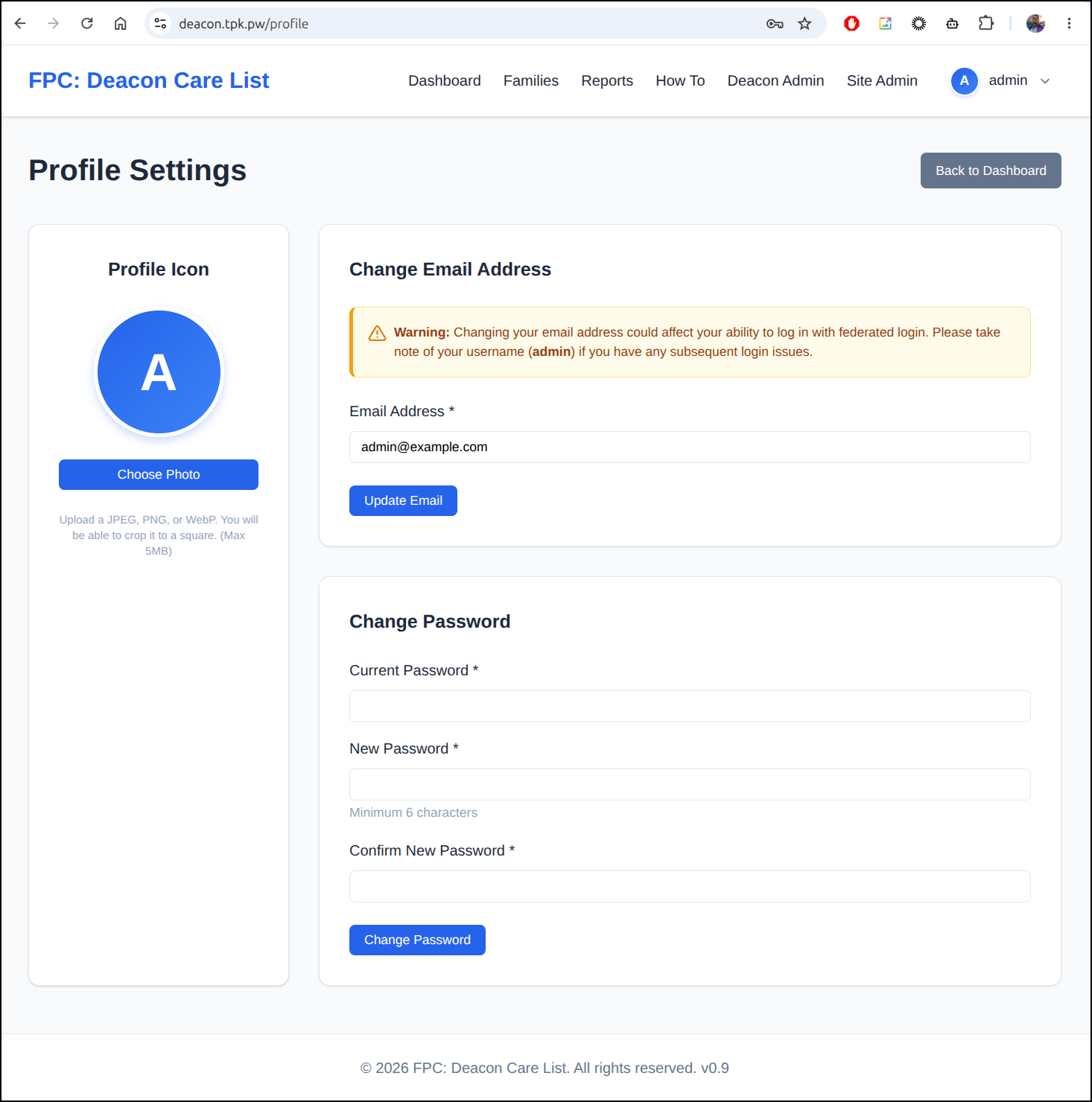
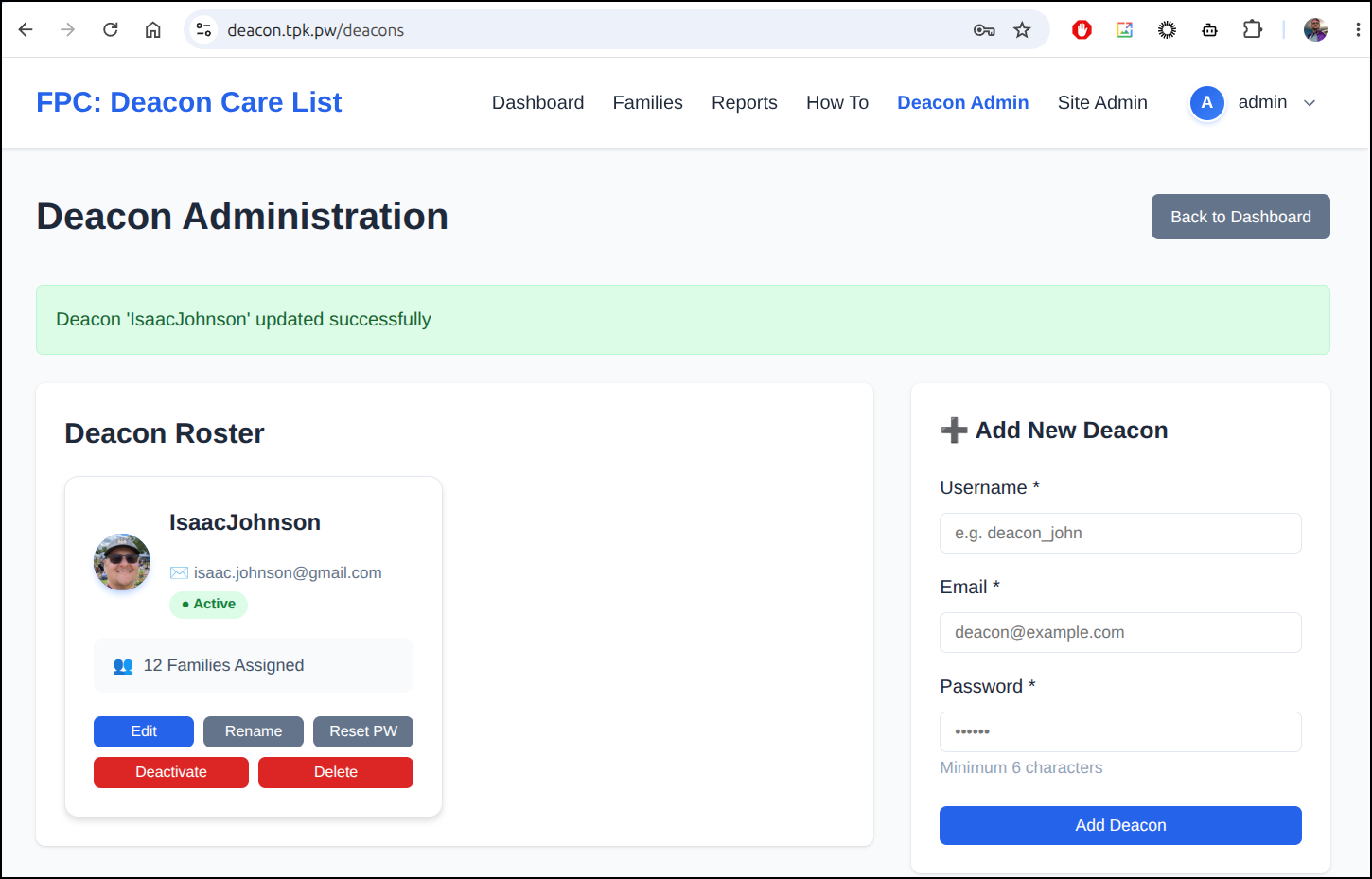
I then fixed my email address so I could solve the Auth0 piece next
Adding Auth0
I now want to enable Agy to have the best shot at succeeding in setting up Auth0 so I’ll leave some valid keys and a sample python app for reference
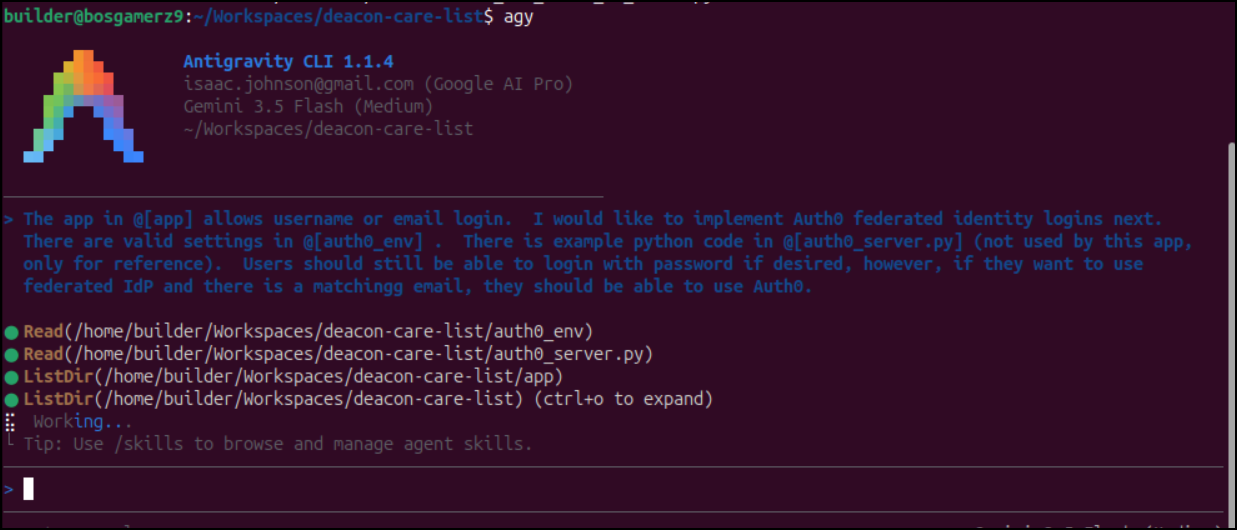
After a few iterations, I had the python app setup with callbacks and Auth0
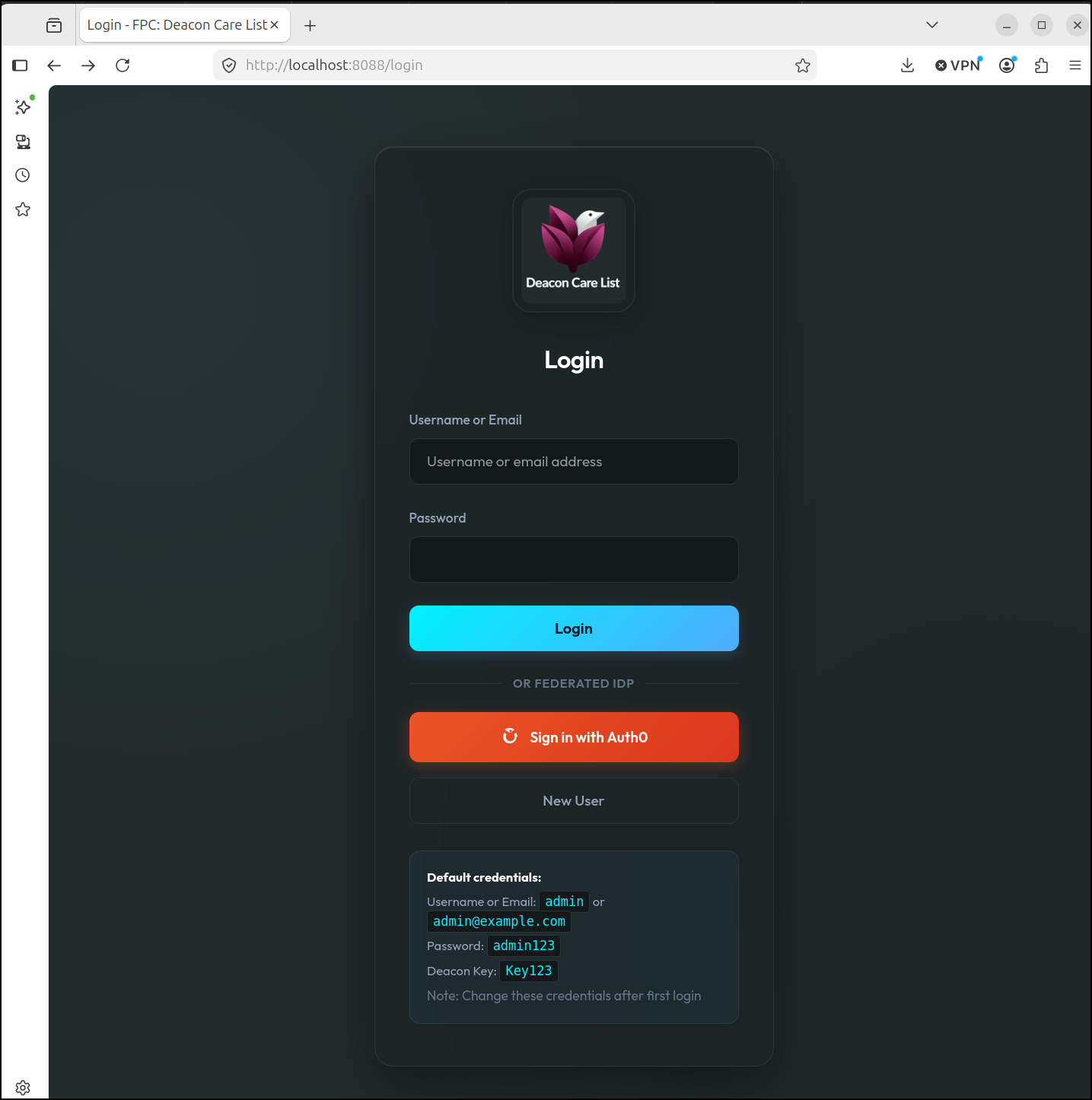
However, I saw my first issue with callback URIs
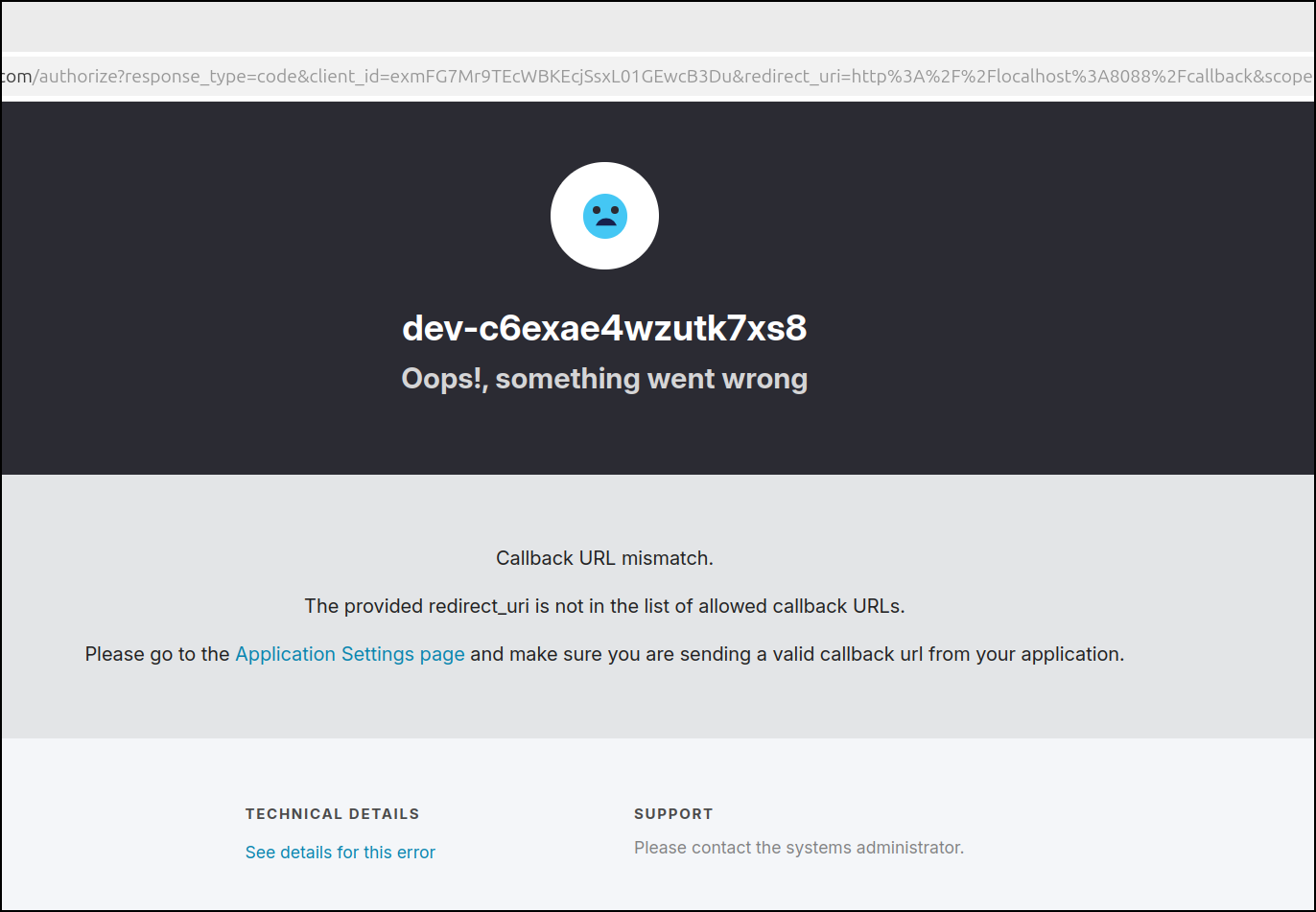
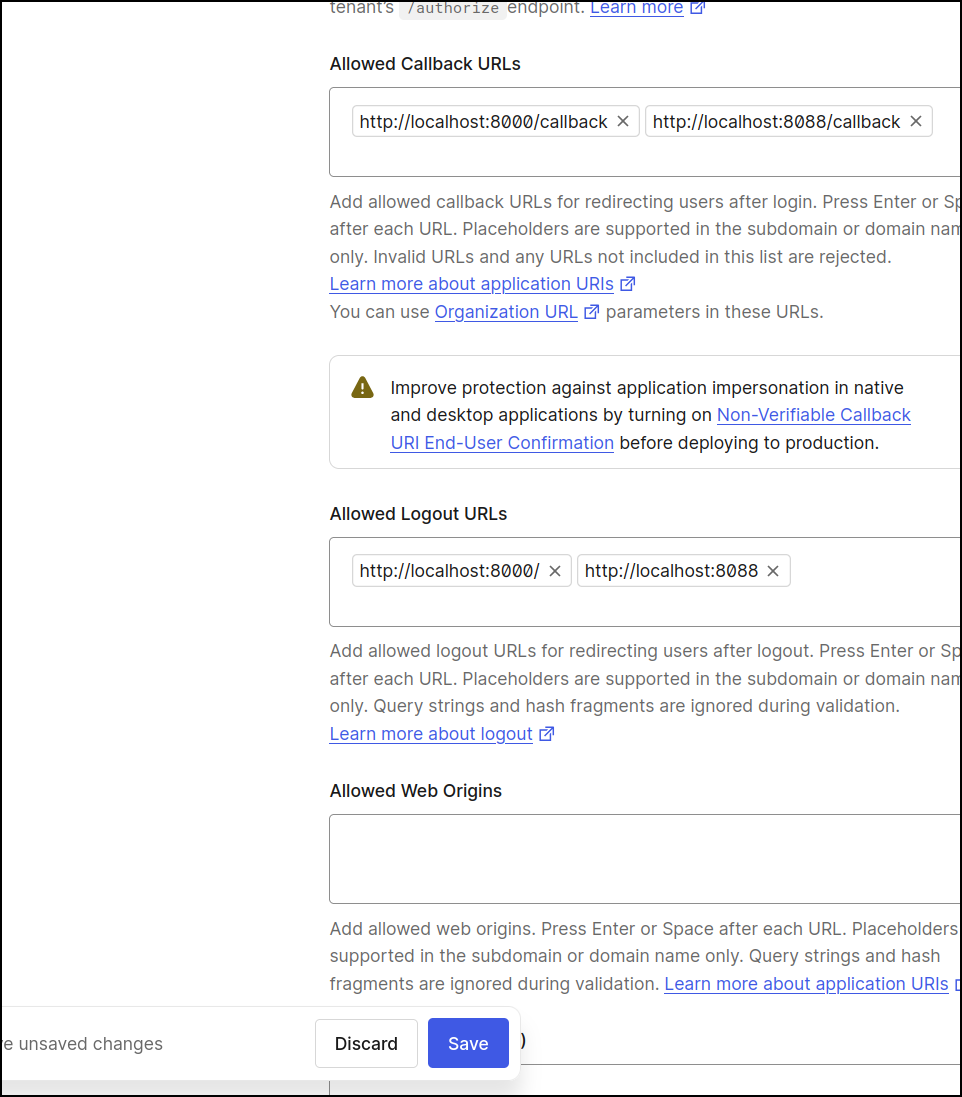
That issue “Callback URL mismatch. The provided redirect_uri is not in the list of allowed callback URLs” is because my Python app wants to redirect back to http%3A%2F%2Flocalhost%3A8088%2Fcallback and http://localhost:8088/callback was not set in Auth0 as an allowed redirect
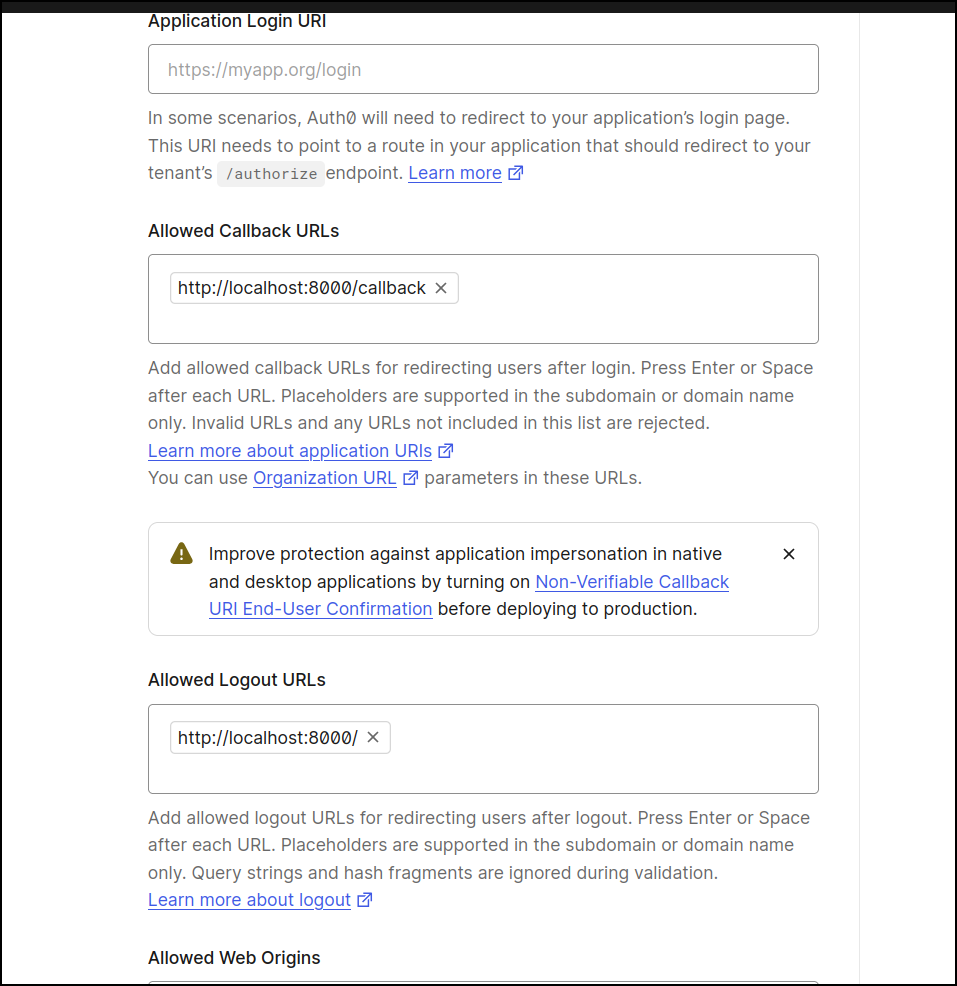
I’ll add port 8088 to the list of allowed
Now I see the Auth0 login page
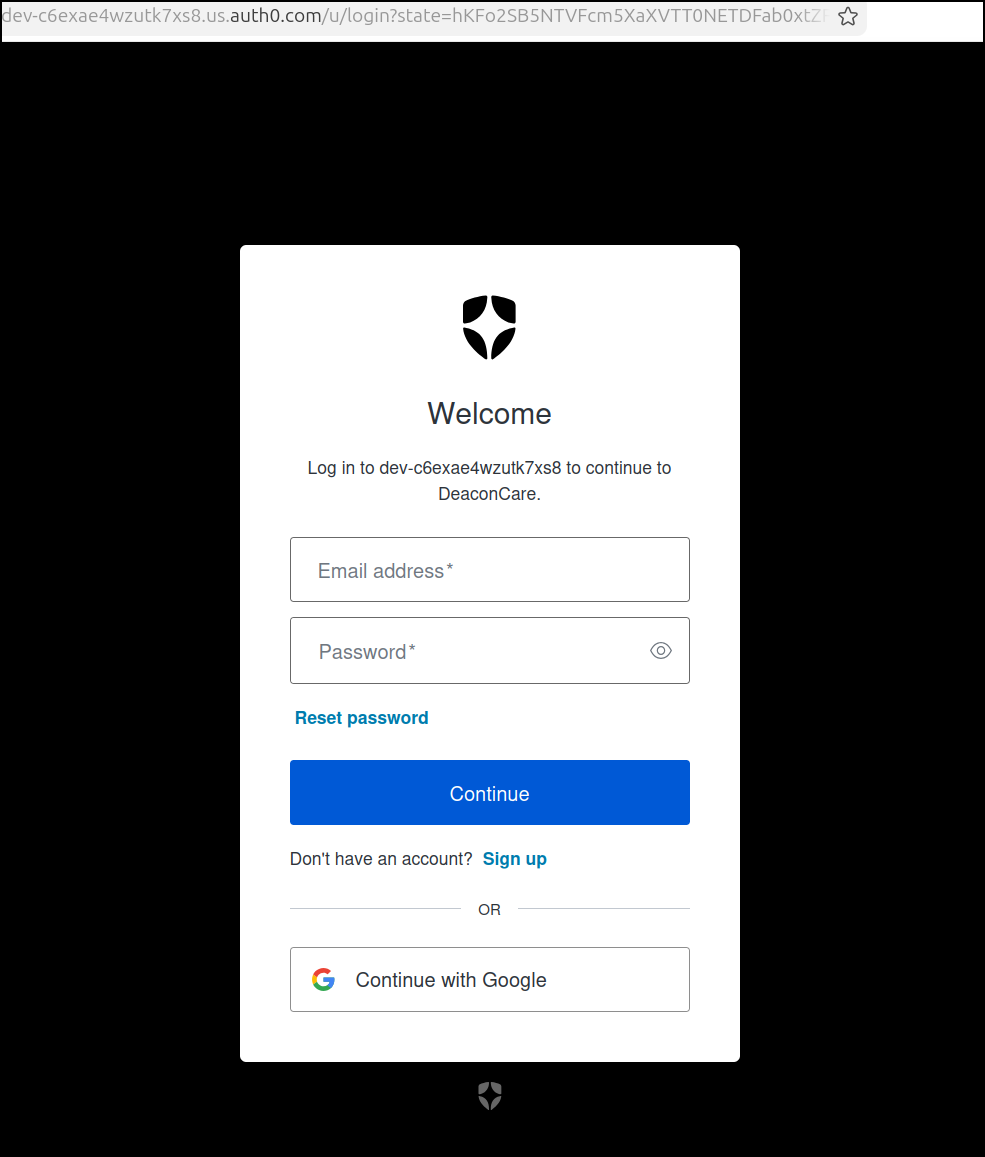
I’ll try using Google from there
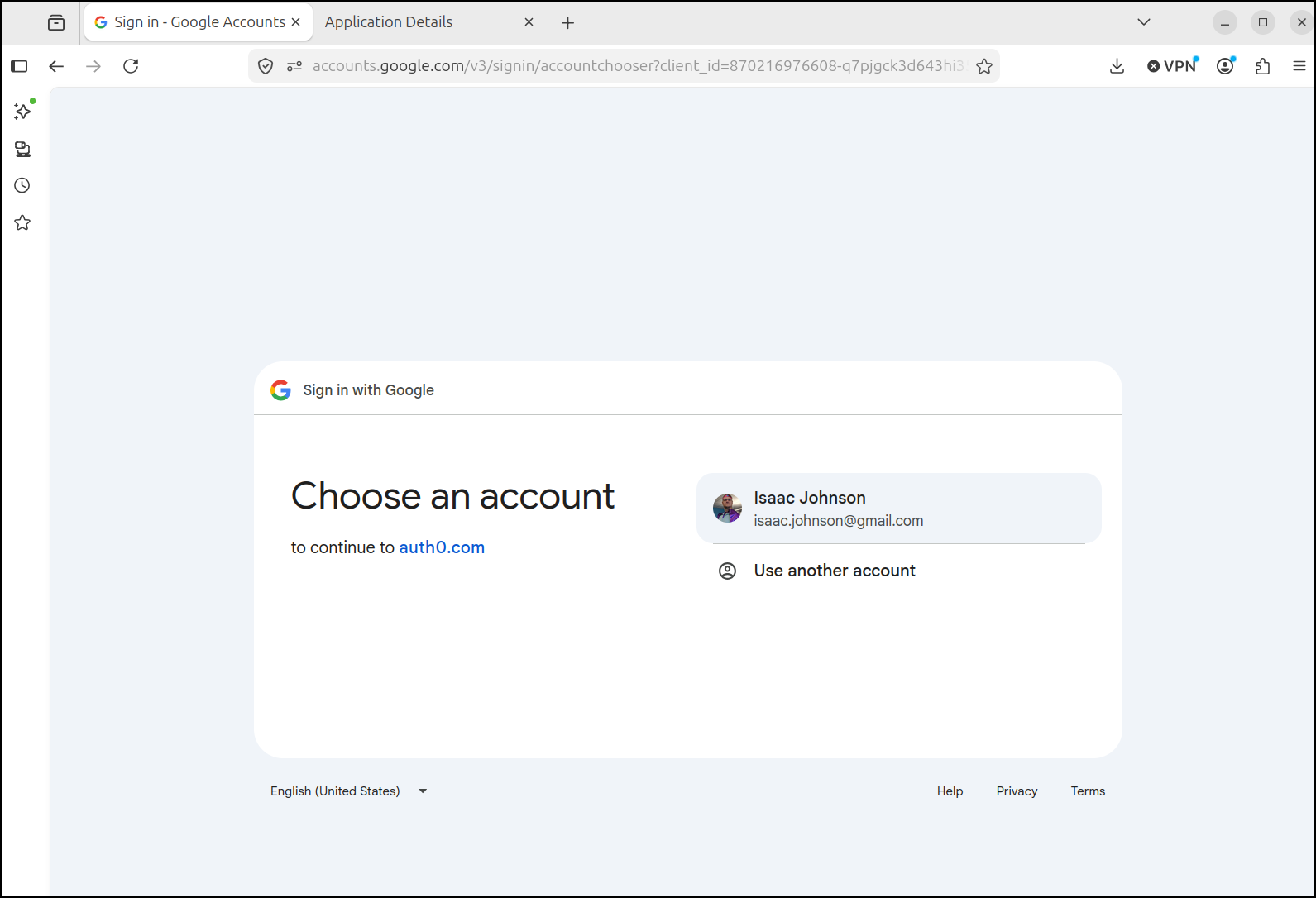
Which is a bit funny - but I’m basically allowing Auth0 to federate with Google’s IdP (to then Federate with my Deacon Care app)
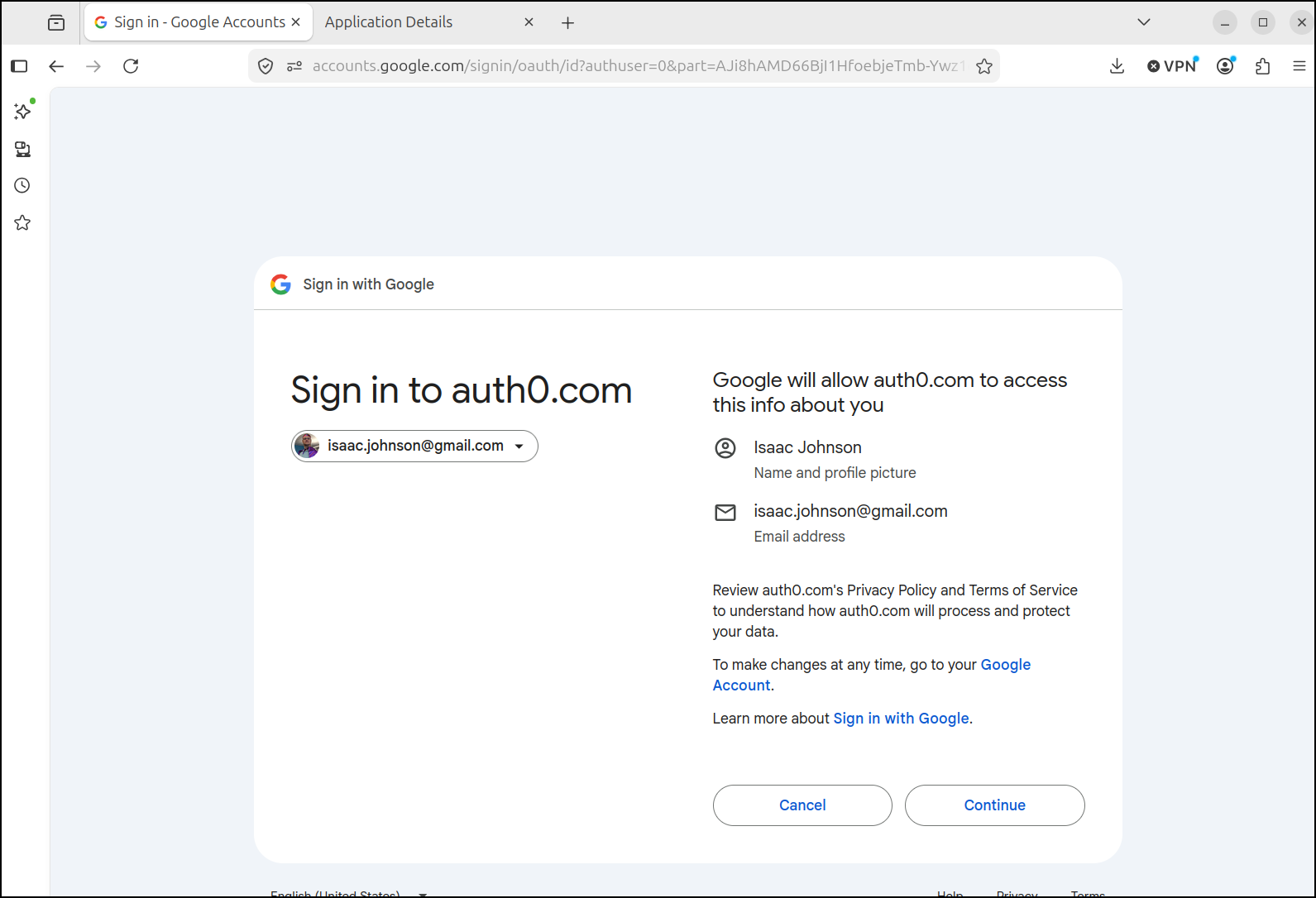
It federated, but did not find a matching email
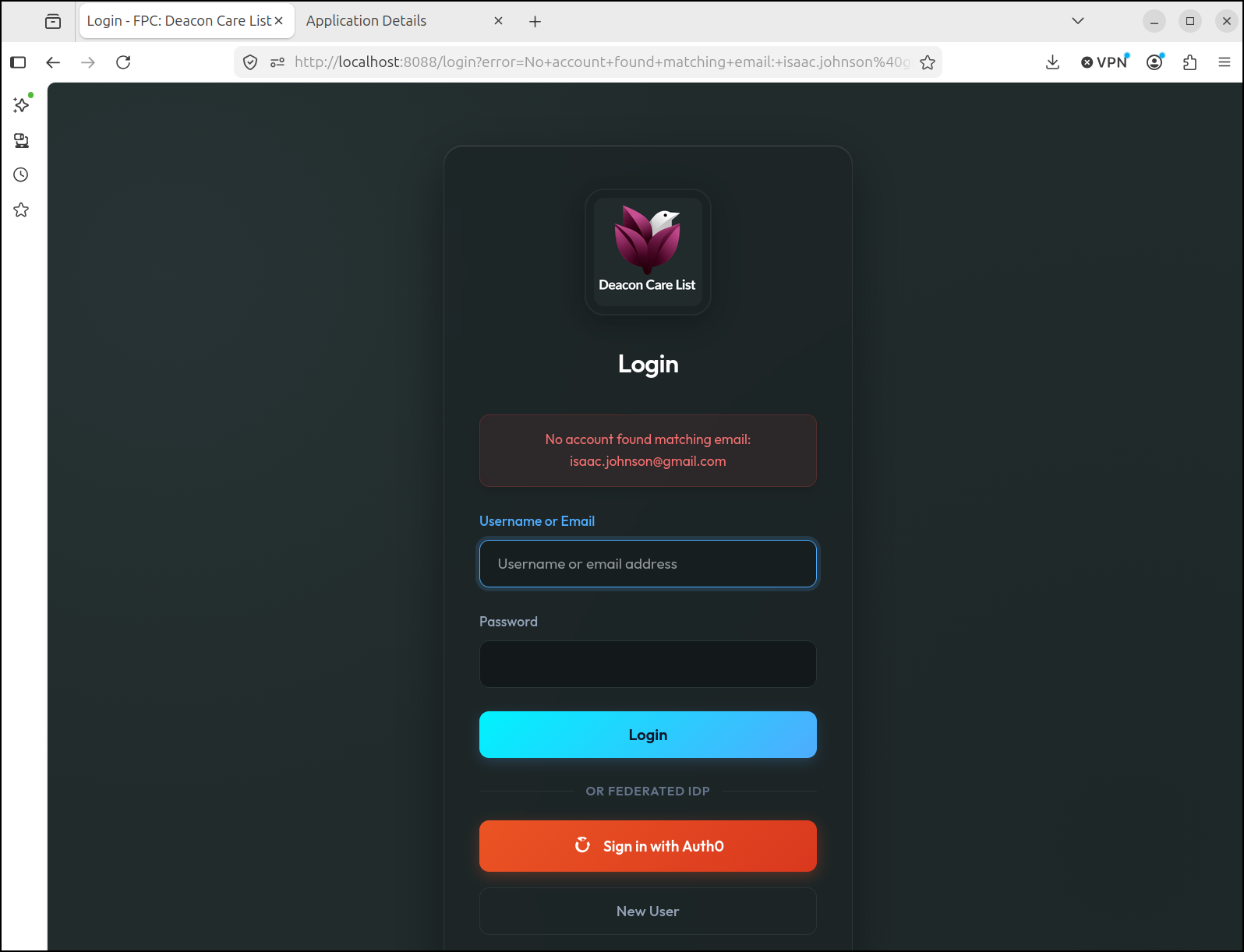
Ah, my local app didn’t use my real email
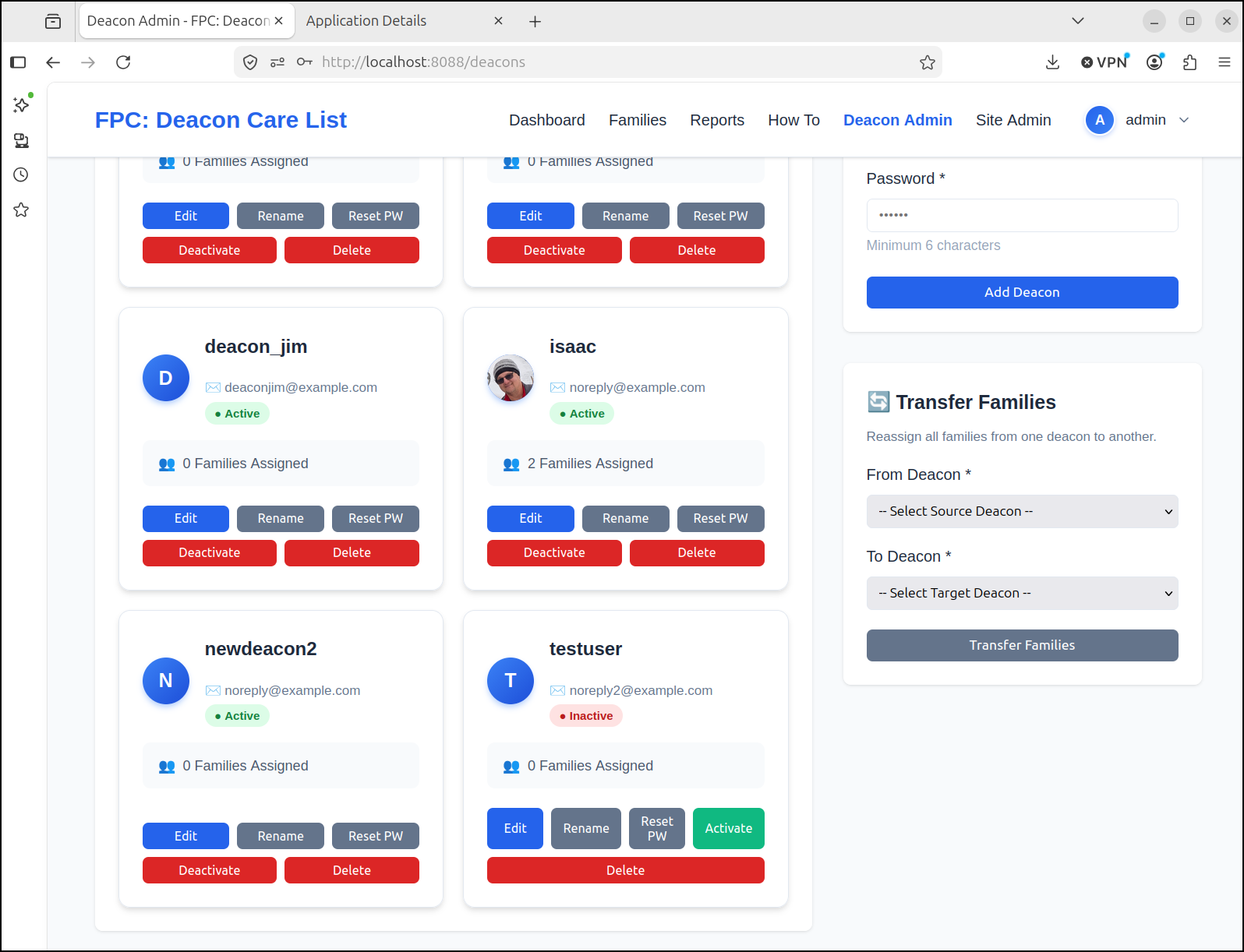
Let’s fix that as admin user
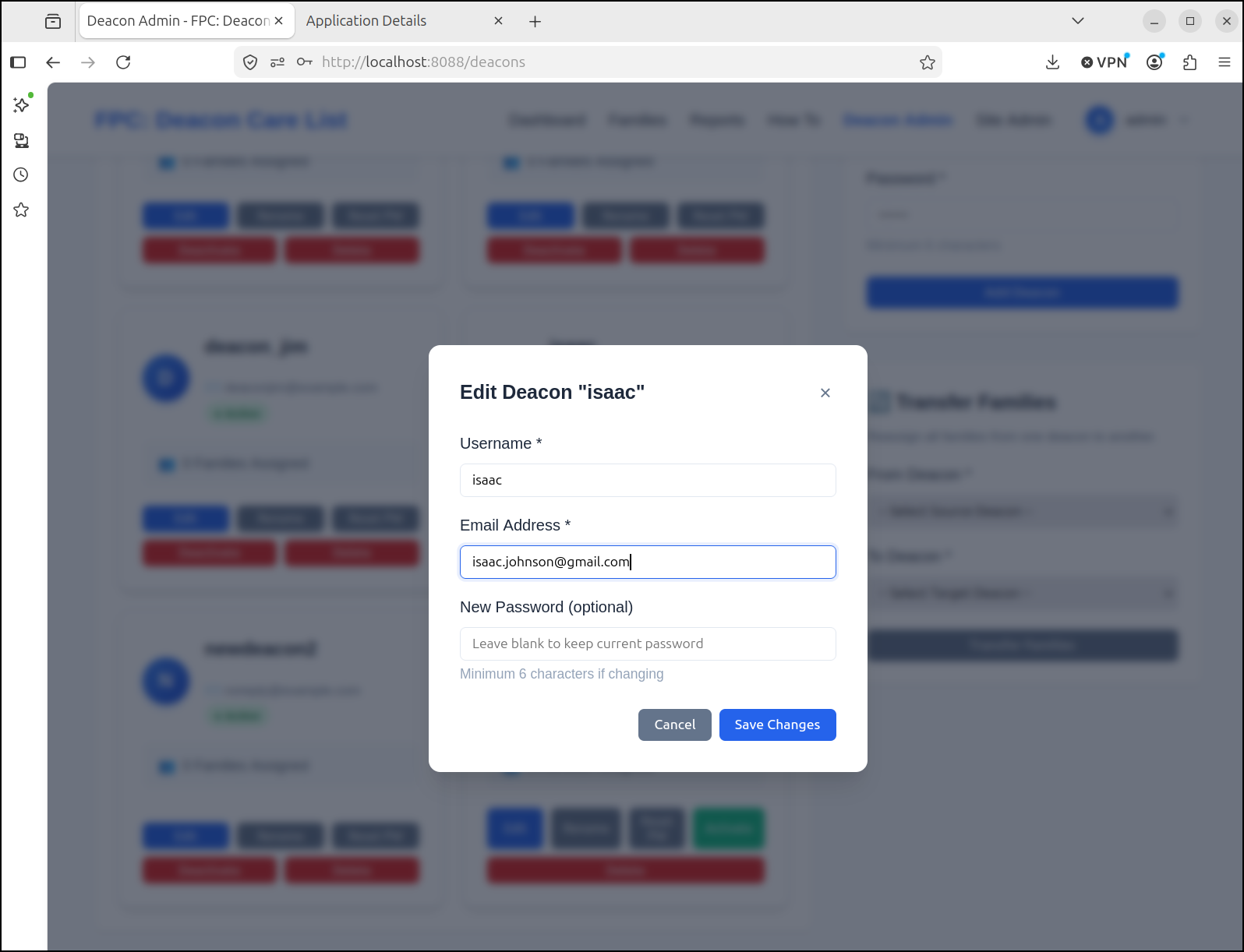
We can now test and see it works great:
The reason we just see Google as an option is that is the only one setup by default
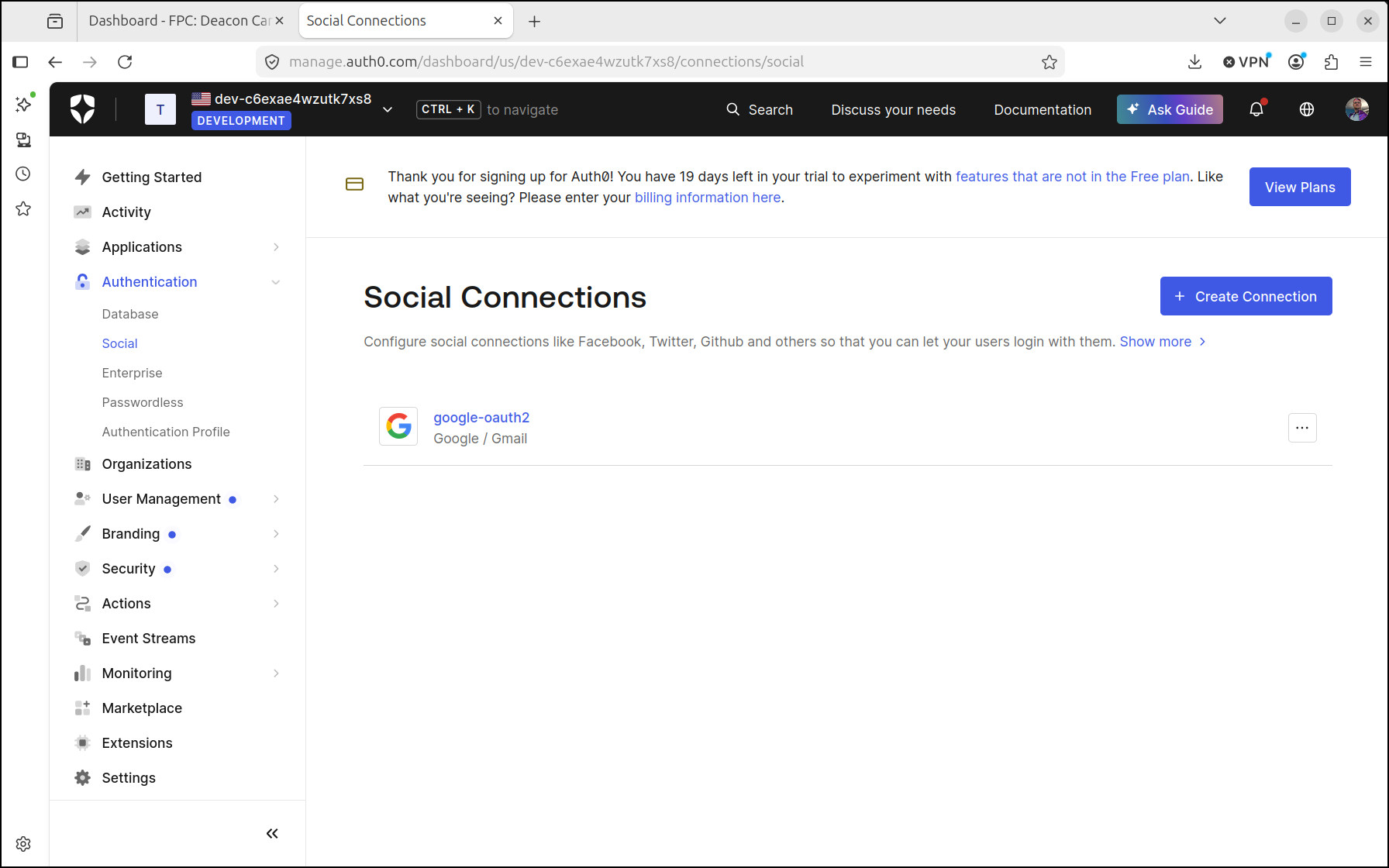
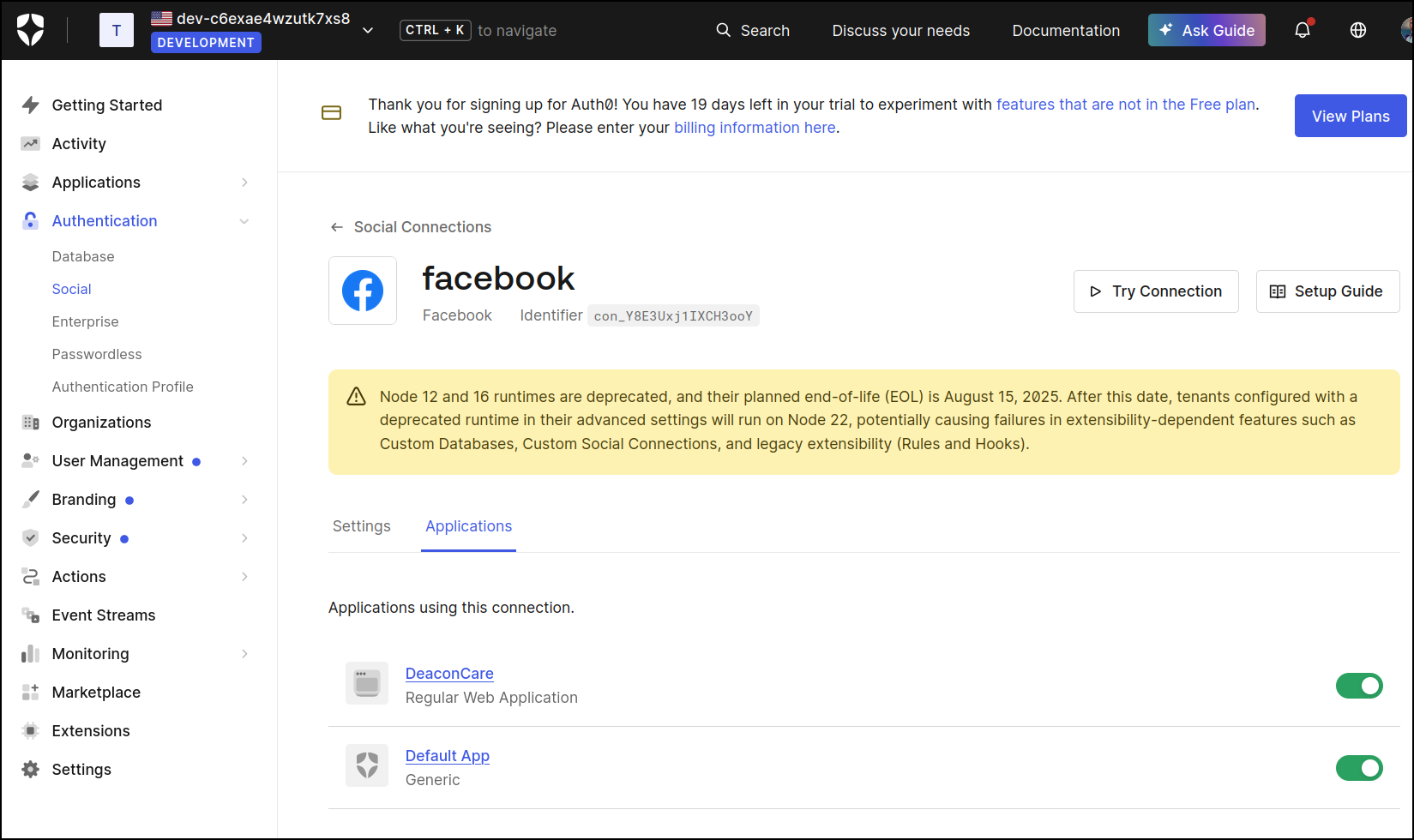
Let’s add Facebook as well. This is not throwing shade - a lot of churches skew older (in my experience) and older people still use Facebook
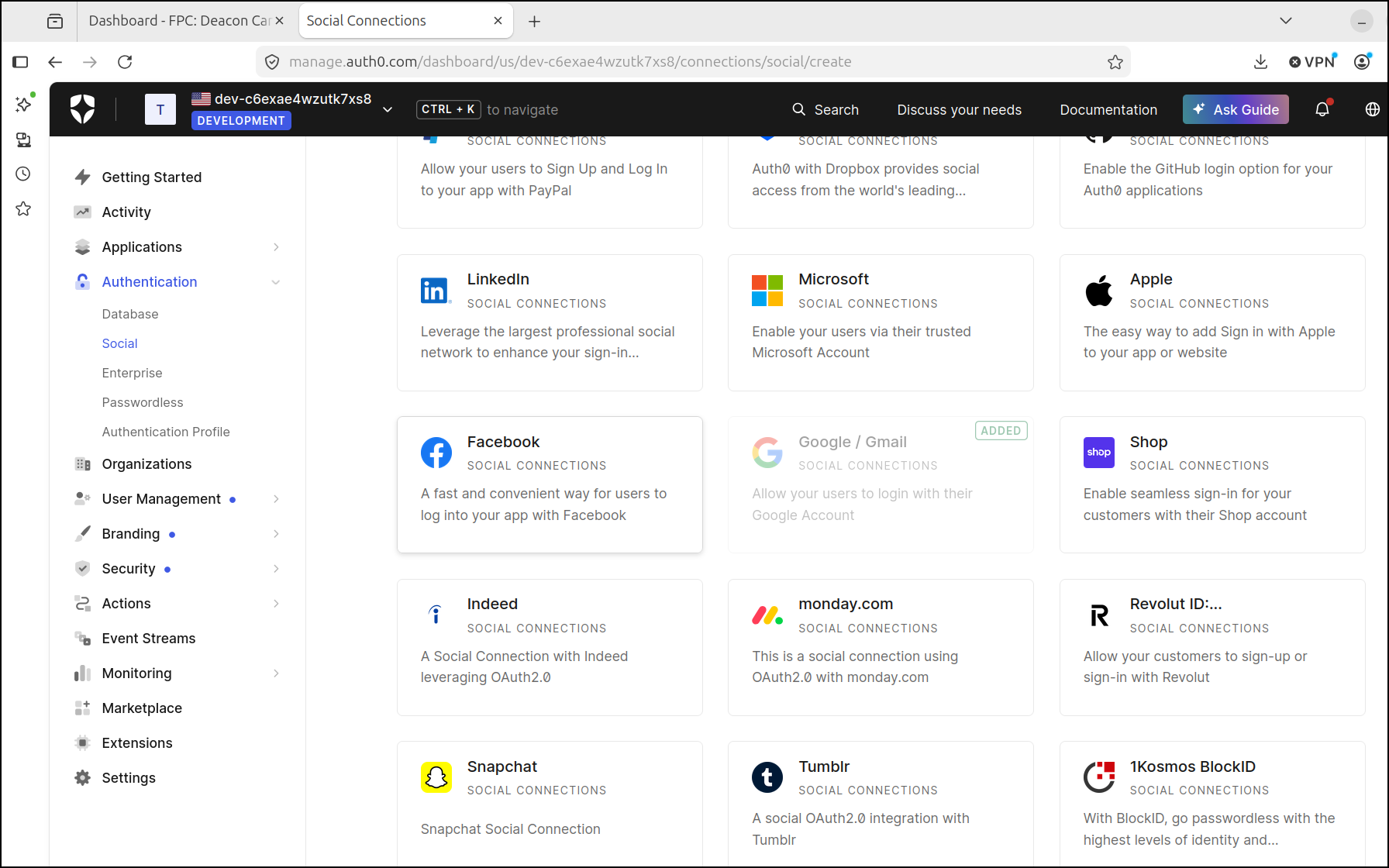
The only permission I’m pretty sure we’ll need to add is email (to see Facebook users email address)
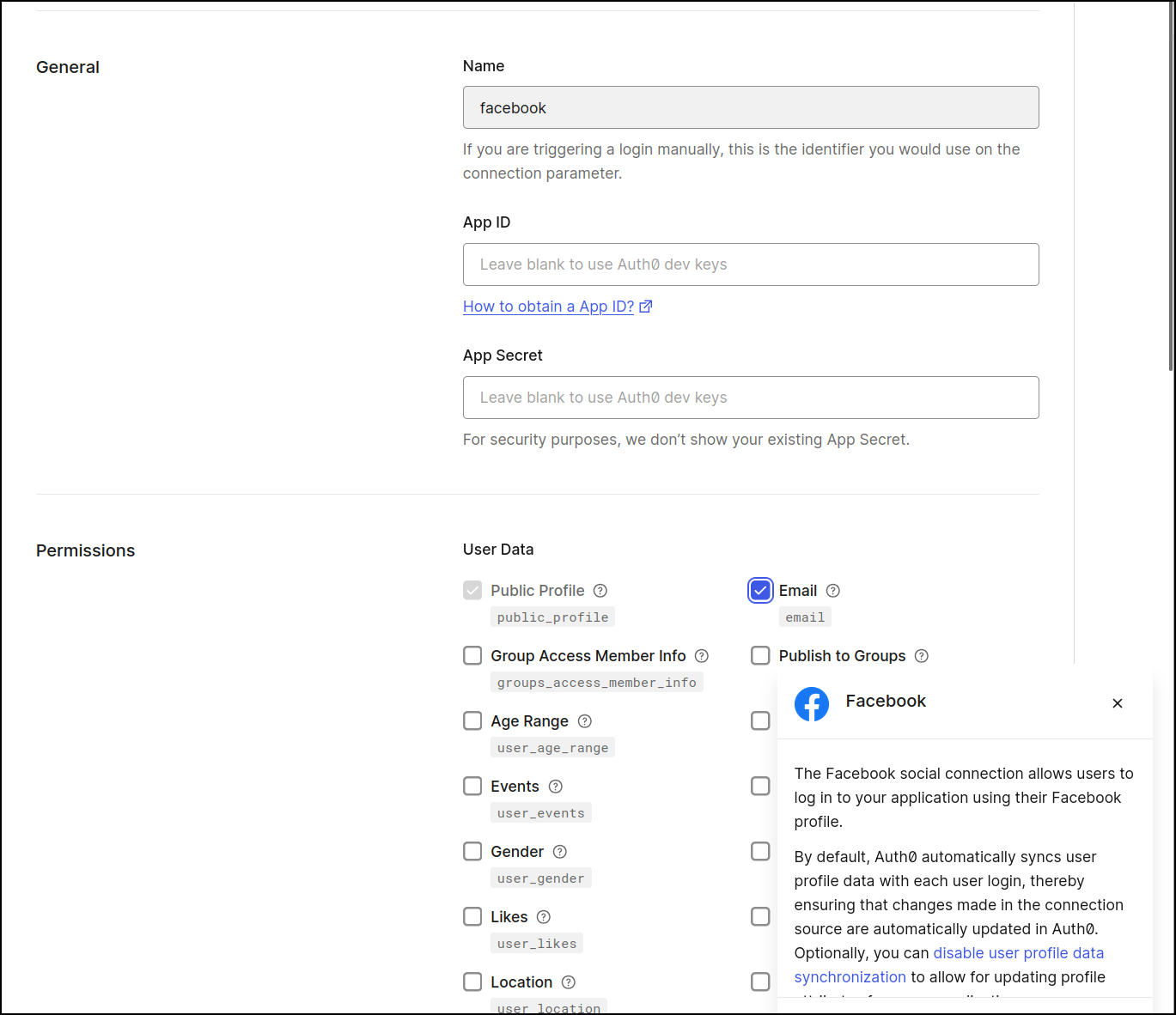
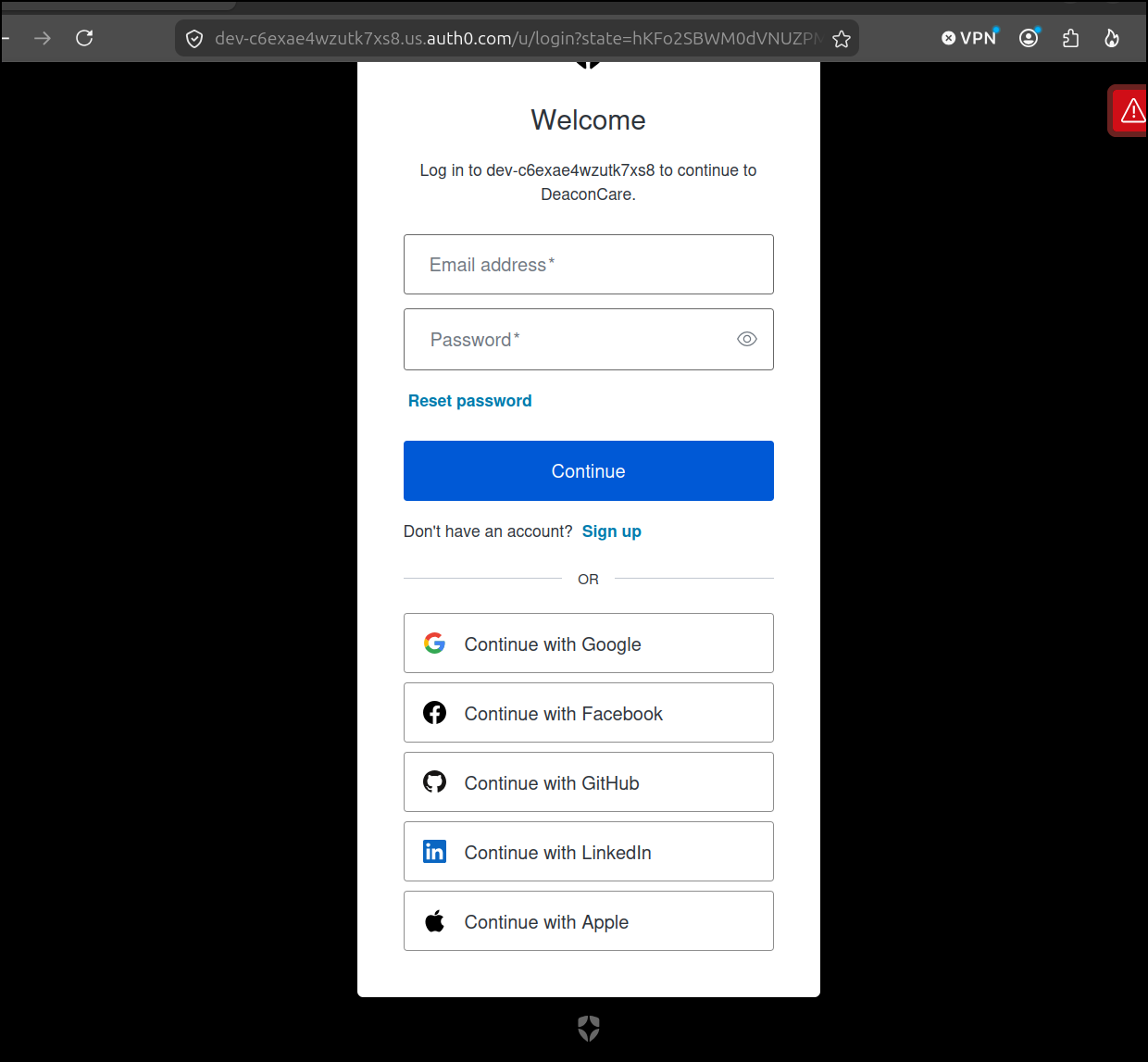
I can now enable Facebook on my DeaconCare app
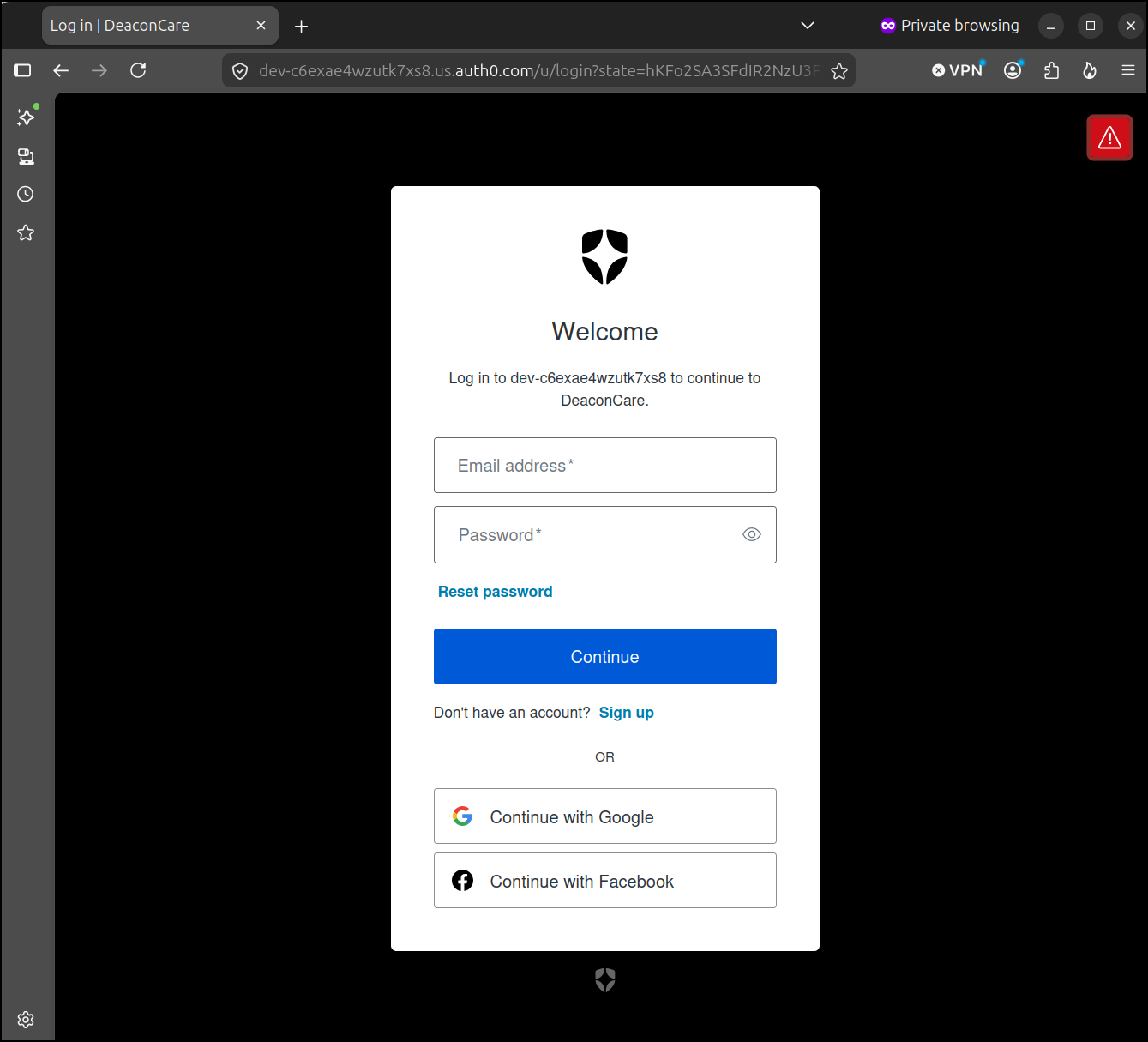
And if I use a private Firefox window, I can see that option is now enabled
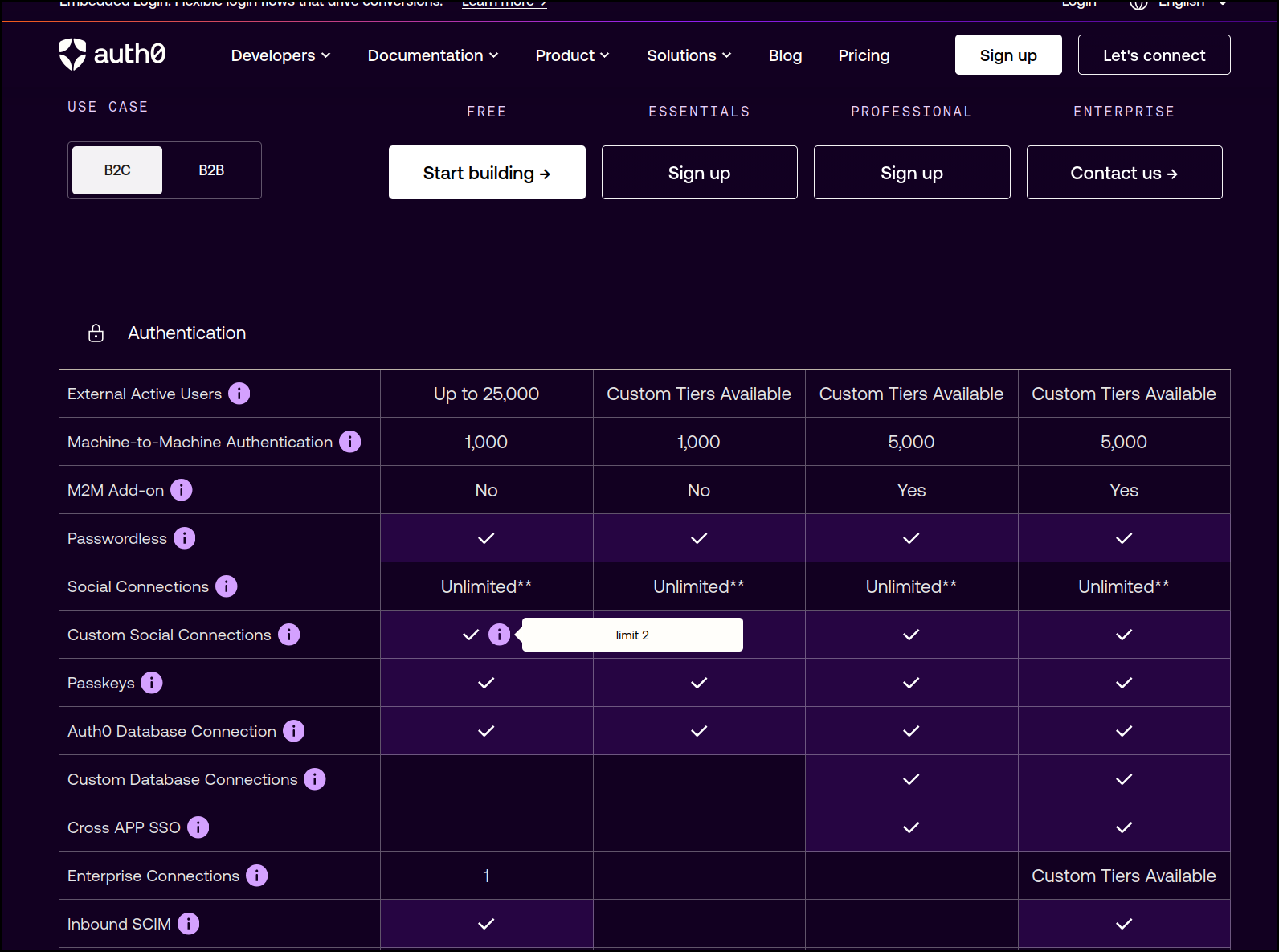
I could add more, but beware that the free plan will limit us to 2 custom socials so any more added will be dropped when the (default) free trial ends. I think “standard” socials has unlimited, however. I think this means if you want the user to see “your app” when they go from Auth0 to say, Facebook, that would be “custom”. However, if you don’t care that the user sees “Auth0” as the thing they are granting access to, then go nuts.
I added a few more:
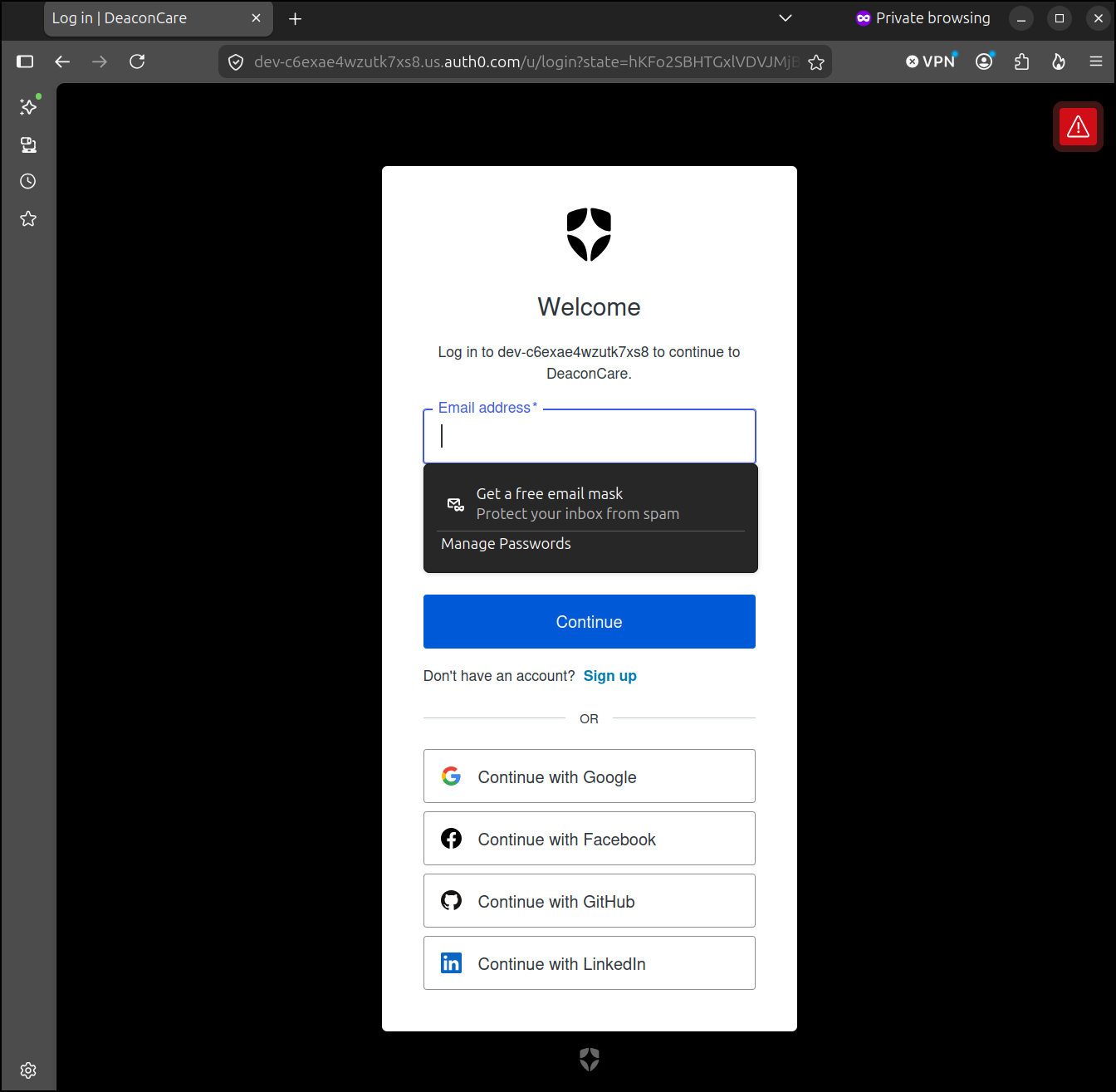
The only one I was hoping to see was “Apple” since I noticed a lot of older people use iPhones. There is a 2019 blog post on Auth0 about adding Apple sign-in.
I did find it by searching (was not shown on the page)
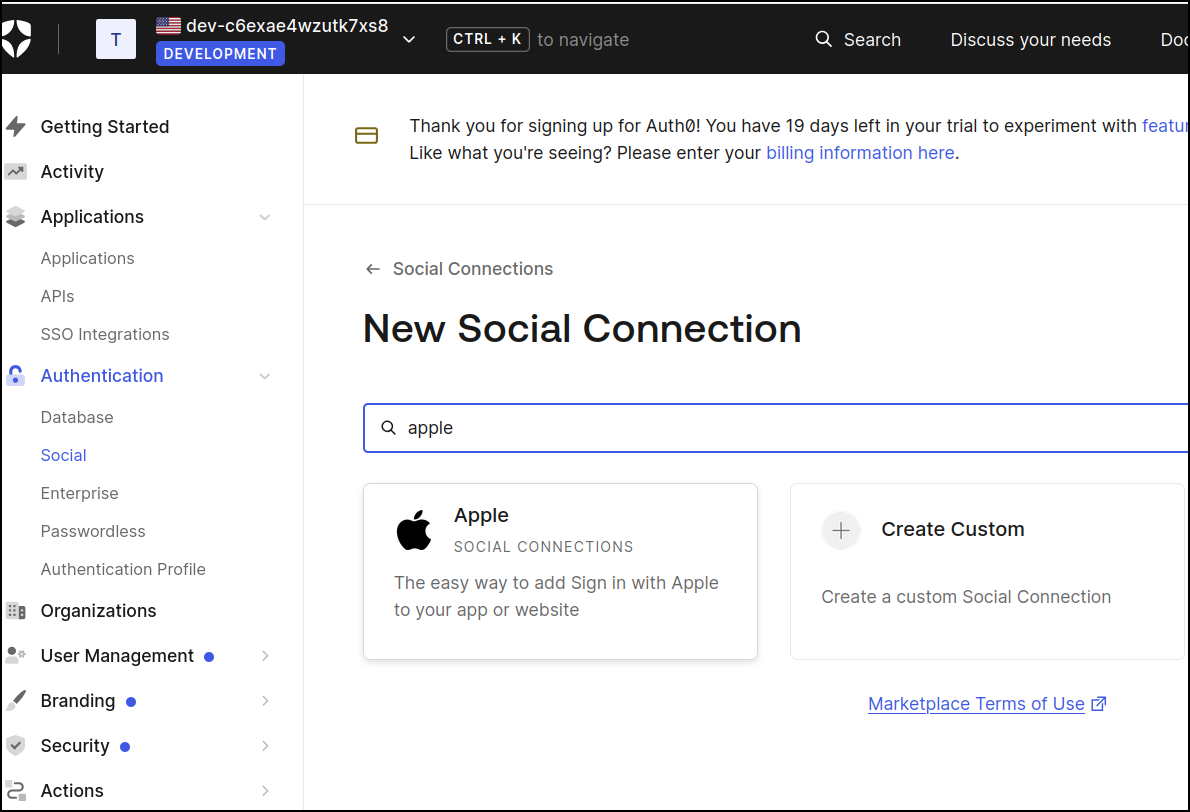
And I was able to enable it. I may test it. I hate doing Apple auth since Apple assumes you have an Apple device handy (i have none) and makes MFA without one an unnecessarily complex ordeal.
Production
I pushed all the changes to a PR and carefully reviewed them. There were a lot, but they seemed sane
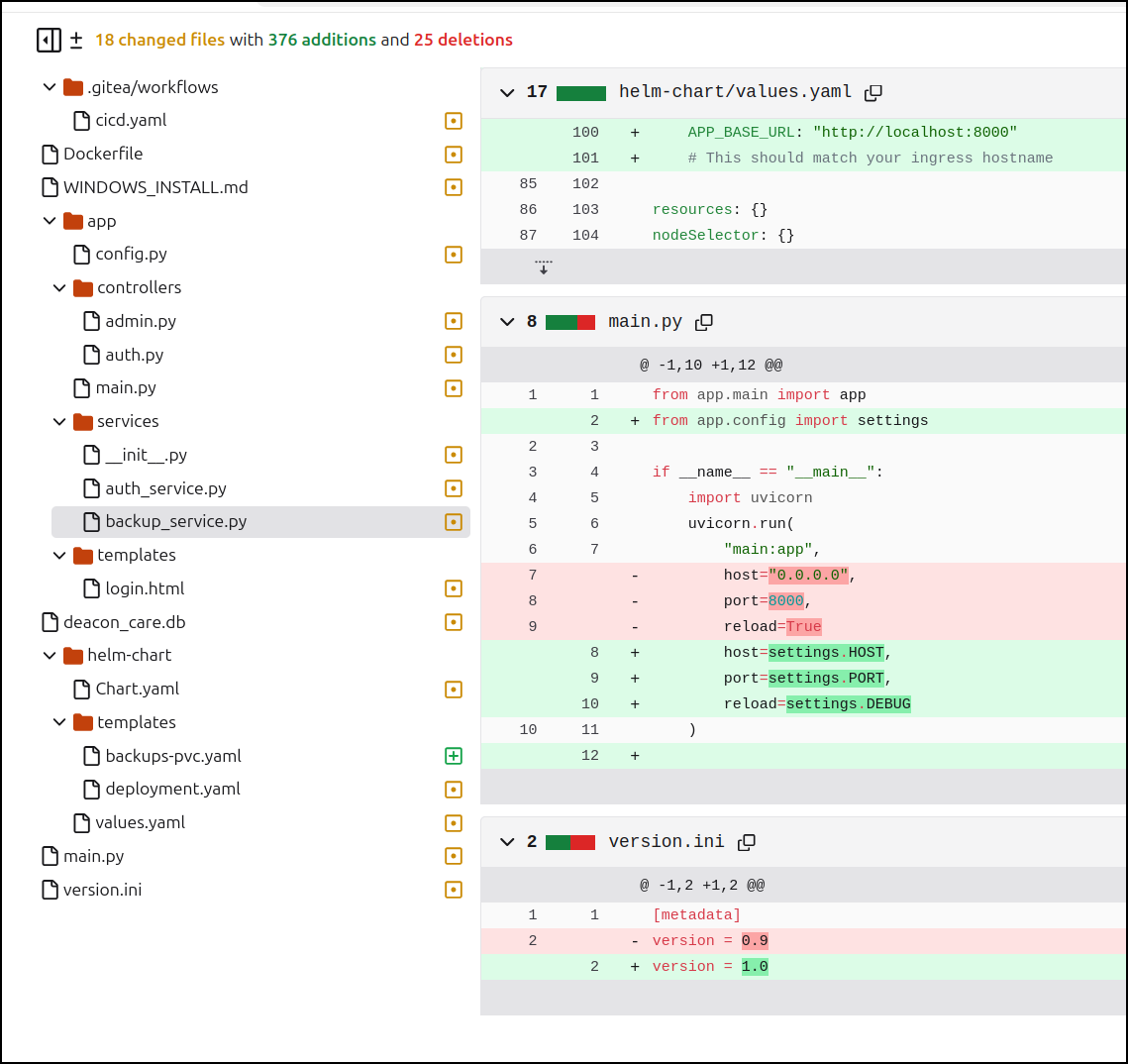
Besides adding Auth0, I fixed a backup dir issue (including adding a new PVC so I upped the chart version), and setup Helm Chart OCI pushing.
Local LLMs for Helm update
I really wanted Ornith:9b to work. I next gave it a pretty simple task - update my Gitea to push the helm chart as an OCI artifact
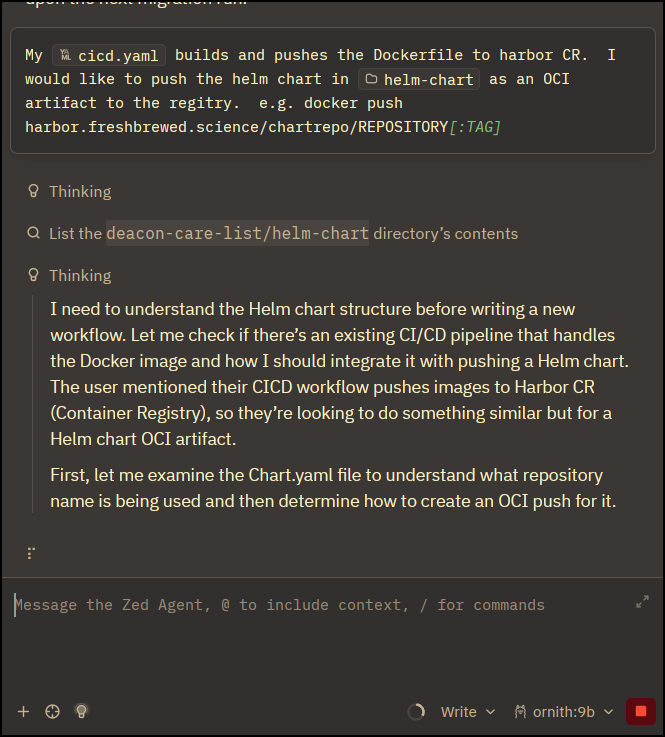
After a long time it came back with this Gitea action
name: Build and Push Helm Chart OCI Artifact

on:
    push:
        branches:
            - main

jobs:
    build-and-push-helm-chart:
        name: Build and Push Helm Chart as OCI artifact
        runs-on: my_custom_label
        container: node:22
        steps:
            - name: Checkout Code
              uses: actions/checkout@v3

            - name: Get Version from version.ini
              id: get_version
              run: |
                  # Extract version value from version.ini
                  VERSION=$(awk -F'=[ \t]*' '/^version[ \t]*=/ {gsub(/[ \t"'\''\r]/, "", $2); print $2}' version.ini)
                  echo "VERSION=$VERSION" >> $GITHUB_ENV
                  echo "version=$VERSION" >> $GITHUB_OUTPUT

            - name: Prepare Env for Helm OCI Push (Helm v3 reference only)
              run: |
                  apt update
                  DEBIAN_FRONTEND=noninteractive apt-get install -y unzip curl || true

                  if [ ! -f /usr/local/bin/helm ]; then
                      wget https://get.helm.sh/helm-v3.14.0-linux-amd64.tar.gz -O /tmp/helm.tar.gz || true

                  tar xzf helm-v3.14.0-linux-amd64.tar.gz 2>/dev/null && chmod +x linux-amd64/helm-v3.14.0-linux-amd64/helm || true

                  cp linux-amd64/helm-v3.14.0-linux-amd64/helm /usr/local/bin/ || true

            - name: Build Helm Chart OCI Artifact (OCI Image)
              run: |
                  # Package the entire helm-chart directory including all relevant files (templates/, Chart.yaml, values.yaml, etc.) into a tarball for the OCI artifact

                  mkdir -p /tmp/helm-chart && \
                    cp helm-chart/*.yaml /tmp/helm-chart/ || true

                  tar czf deacon-care-list.tgz --exclude=.git* /tmp/helm-chart/

            - name: Tag and Push (Harbor)
              run: |
                  export BUILDIMGTAG="deacon-care-list-helm:${{ env.VERSION }}"

                  # Docker tag the artifact with full registry path matching their existing format
                  docker tag $BUILDIMGTAG harbor.freshbrewed.science/chartrepo/deacon-care-list:${{ env.VERSION }}

                  echo "Tagged: deacon-care-list-helm:${{ env.VERSION }} -> harbor.freshbrewed.science/chartrepo/deacon-care-list:${{ env.VERSION }}"

                  # Login to Harbor CR using PAT auth if needed
                  echo $CR_PAT | docker login harbor.freshbrewed.science -u $CR_USER --password-stdin 3>/dev/null || true

                  # Push the Helm chart OCI artifact matching their existing format
                  docker push harbor.freshbrewed.science/chartrepo/deacon-care-list:${{ env.VERSION }}
It is almost there. The AI created an unnecessary copy of the helm chart into /tmp and then assumed a container image with “-helm” in the name came from somewhere then forgot to pass any env vars.
Actually, I shouldn’t say almost there. It’s pretty wrong. Correct in form only.
That said, I used its example for ensuring helm was installed, but I just added the step myself
            - name: Prepare Env for Helm OCI Push (Helm v3 reference only)
              run: |
                  if [ ! -f /tmp/linux-amd64/helm ]; then
                    apt update
                    DEBIAN_FRONTEND=noninteractive apt-get install -y unzip curl || true
                    wget https://get.helm.sh/helm-v3.14.0-linux-amd64.tar.gz -O /tmp/helm.tar.gz || true
                    cd /tmp
                    tar xzvf helm.tar.gz
                    chmod +x linux-amd64/helm
                  fi

            - name: Package Helm Chart
              run: |
                  set -x
                  /tmp/linux-amd64/helm package ./helm-chart
                  export HLMPKG=`ls -tr *.tgz | tail -n1 |  tr -d '\n'`
                  /tmp/linux-amd64/helm registry login harbor.freshbrewed.science -u $CR_USER -p $CR_PAT
                  /tmp/linux-amd64/helm push ./$HLMPKG oci://harbor.freshbrewed.science/chartrepo/deacon-care-list-helm
              env: # Or as an environment variable
                  CR_PAT: ${{ secrets.CR_PAT }}
                  CR_USER: ${{ secrets.CR_USER }}
Which then pushed up the helm chart
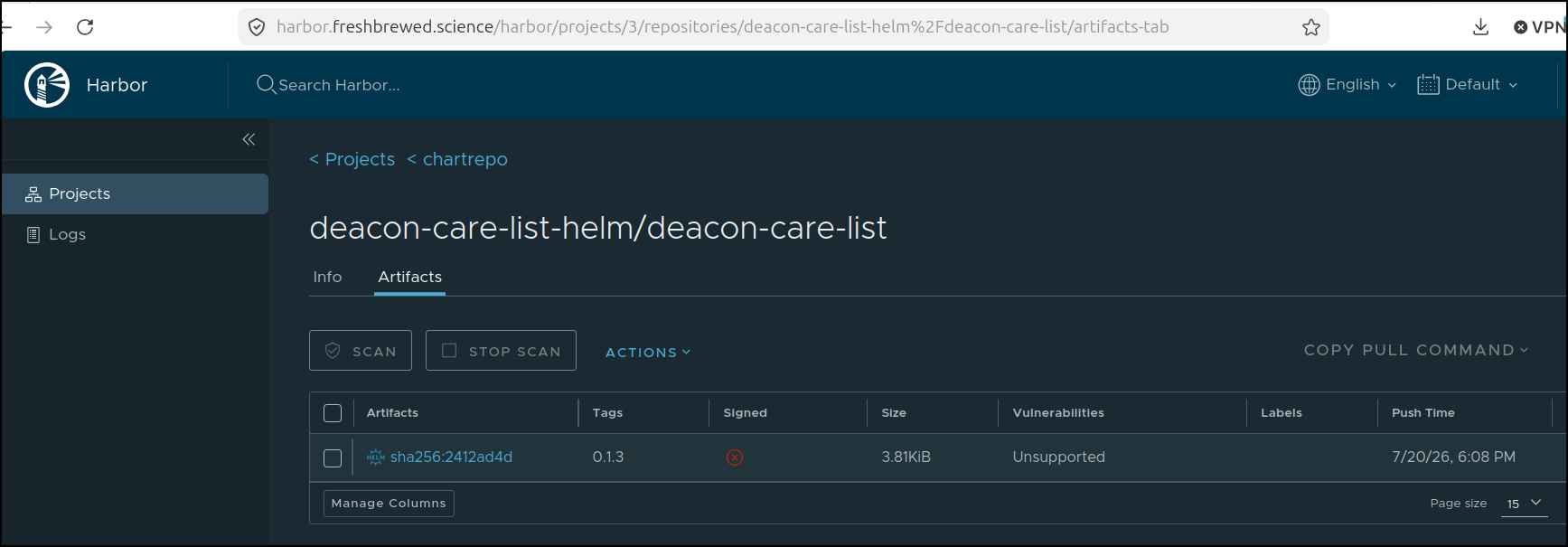
Finally time to pull the bandaid and upgrade.
I got the values and updated them
$ helm get values deacon -o yaml > myvalues.yaml
$ helm get values deacon -o yaml > myvalues.yaml.bak
$ vi myvalues.yaml
Then just added the missing ones and updated the tag
$ diff myvalues.yaml myvalues.yaml.bak
5,6d4
<   UPLOAD_ROOT: /data/uploads
<   BACKUP_ROOT: /data/backups
14,18d11
<   AUTH0_DOMAIN: "dev-xxxxxxxxxxxxxx.us.auth0.com"
<   AUTH0_CLIENT_ID: "xxxxxxxxxxxxxxxxxxxxxxxxxxx"
<   AUTH0_CLIENT_SECRET: "xxxxxxxxxxxxx_xxxxxxxxxxxxxxxxxxxxxxxxxxxxxxxxx"
<   AUTH0_SECRET: "xxxxxxxxxxxxxxxxxxxxxxxxxx"
<   APP_BASE_URL: "https://deacon.tpk.pw"
22c15
<   tag: 1.0
---
>   tag: 0.9
Lastly, I upgraded
 helm upgrade deacon -f ./myvalues.yaml ./helm-chart/
Release "deacon" has been upgraded. Happy Helming!
NAME: deacon
LAST DEPLOYED: Mon Jul 20 18:19:55 2026
NAMESPACE: default
STATUS: deployed
REVISION: 10
DESCRIPTION: Upgrade complete
TEST SUITE: None
I initially had errors on pulling the image:
Events:
  Type     Reason   Age                     From     Message
  ----     ------   ----                    ----     -------
  Normal   BackOff  3m59s (x344 over 104m)  kubelet  spec.containers{deacon-care-list}: Back-off pulling image "harbor.freshbrewed.science/library/deacon-care-list:1"
  Warning  Failed   3m31s (x343 over 104m)  kubelet  spec.containers{deacon-care-list}: Error: ImagePullBackOff
I must not have something escaped right.
I just changed the tag from 1.0 to "1.0"
Uh oh - i really didn’t test the container builds - just local. I’m getting a crash
$ kubectl logs deacon-deacon-care-list-7588488d59-gwx7r
Initializing database and creating admin user...
============================================================
Deacon Care List - Admin User Creation
============================================================
Running pending migrations...
INFO  [alembic.runtime.migration] Context impl SQLiteImpl.
INFO  [alembic.runtime.migration] Will assume non-transactional DDL.
Database migrations applied successfully.
Database initialized.

✗ Error creating admin user: name 'AuthService' is not defined
  The user may already exist.
Admin initialization completed or already initialized.
Starting Deacon Care List application...
Traceback (most recent call last):
  File "/usr/local/bin/uvicorn", line 8, in <module>
    sys.exit(main())
             ^^^^^^
  File "/usr/local/lib/python3.11/site-packages/click/core.py", line 1157, in __call__
    return self.main(*args, **kwargs)
           ^^^^^^^^^^^^^^^^^^^^^^^^^^
  File "/usr/local/lib/python3.11/site-packages/click/core.py", line 1078, in main
    rv = self.invoke(ctx)
         ^^^^^^^^^^^^^^^^
  File "/usr/local/lib/python3.11/site-packages/click/core.py", line 1434, in invoke
    return ctx.invoke(self.callback, **ctx.params)
           ^^^^^^^^^^^^^^^^^^^^^^^^^^^^^^^^^^^^^^^
  File "/usr/local/lib/python3.11/site-packages/click/core.py", line 783, in invoke
    return __callback(*args, **kwargs)
           ^^^^^^^^^^^^^^^^^^^^^^^^^^^
  File "/usr/local/lib/python3.11/site-packages/uvicorn/main.py", line 410, in main
    run(
  File "/usr/local/lib/python3.11/site-packages/uvicorn/main.py", line 577, in run
    server.run()
  File "/usr/local/lib/python3.11/site-packages/uvicorn/server.py", line 65, in run
    return asyncio.run(self.serve(sockets=sockets))
           ^^^^^^^^^^^^^^^^^^^^^^^^^^^^^^^^^^^^^^^^
  File "/usr/local/lib/python3.11/asyncio/runners.py", line 190, in run
    return runner.run(main)
           ^^^^^^^^^^^^^^^^
  File "/usr/local/lib/python3.11/asyncio/runners.py", line 118, in run
    return self._loop.run_until_complete(task)
           ^^^^^^^^^^^^^^^^^^^^^^^^^^^^^^^^^^^
  File "uvloop/loop.pyx", line 1518, in uvloop.loop.Loop.run_until_complete
  File "/usr/local/lib/python3.11/site-packages/uvicorn/server.py", line 69, in serve
    await self._serve(sockets)
  File "/usr/local/lib/python3.11/site-packages/uvicorn/server.py", line 76, in _serve
    config.load()
  File "/usr/local/lib/python3.11/site-packages/uvicorn/config.py", line 434, in load
    self.loaded_app = import_from_string(self.app)
                      ^^^^^^^^^^^^^^^^^^^^^^^^^^^^
  File "/usr/local/lib/python3.11/site-packages/uvicorn/importer.py", line 22, in import_from_string
    raise exc from None
  File "/usr/local/lib/python3.11/site-packages/uvicorn/importer.py", line 19, in import_from_string
    module = importlib.import_module(module_str)
             ^^^^^^^^^^^^^^^^^^^^^^^^^^^^^^^^^^^
  File "/usr/local/lib/python3.11/importlib/__init__.py", line 126, in import_module
    return _bootstrap._gcd_import(name[level:], package, level)
           ^^^^^^^^^^^^^^^^^^^^^^^^^^^^^^^^^^^^^^^^^^^^^^^^^^^^
  File "<frozen importlib._bootstrap>", line 1204, in _gcd_import
  File "<frozen importlib._bootstrap>", line 1176, in _find_and_load
  File "<frozen importlib._bootstrap>", line 1147, in _find_and_load_unlocked
  File "<frozen importlib._bootstrap>", line 690, in _load_unlocked
  File "<frozen importlib._bootstrap_external>", line 940, in exec_module
  File "<frozen importlib._bootstrap>", line 241, in _call_with_frames_removed
  File "/app/app/main.py", line 13, in <module>
    from app.controllers import AuthController, FamilyController, PhotoController, AdminController
  File "/app/app/controllers/__init__.py", line 2, in <module>
    from app.controllers.auth import AuthController
  File "/app/app/controllers/auth.py", line 20, in <module>
    from app.services.auth_service import AuthService
  File "/app/app/services/__init__.py", line 3, in <module>
    from app.services.auth0_service import Auth0Service
ModuleNotFoundError: No module named 'app.services.auth0_service'
I think it’s a missing line in requirements.txt, but let’s ask agy first
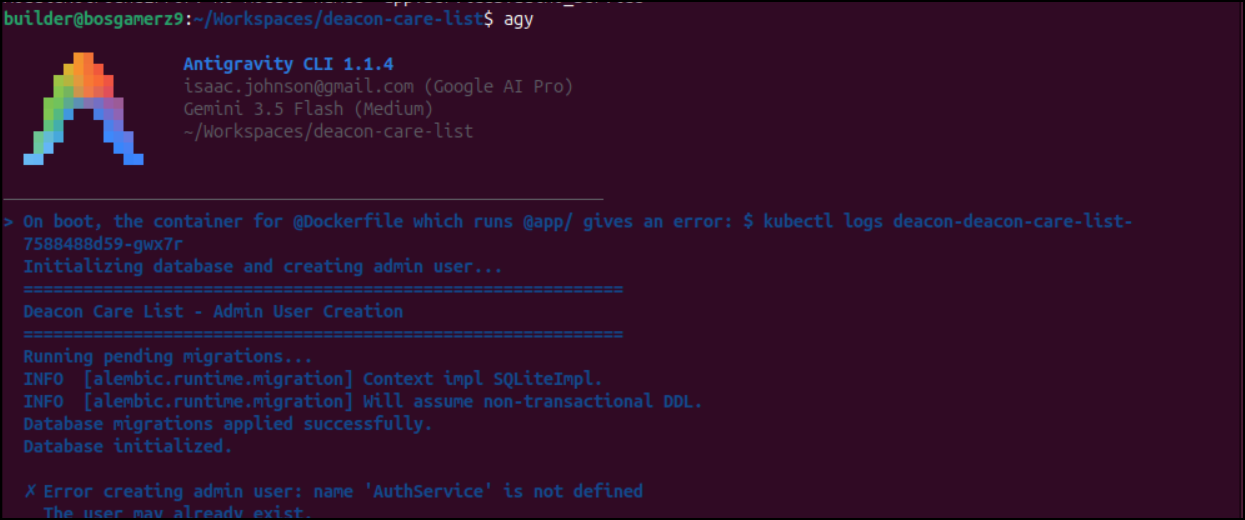
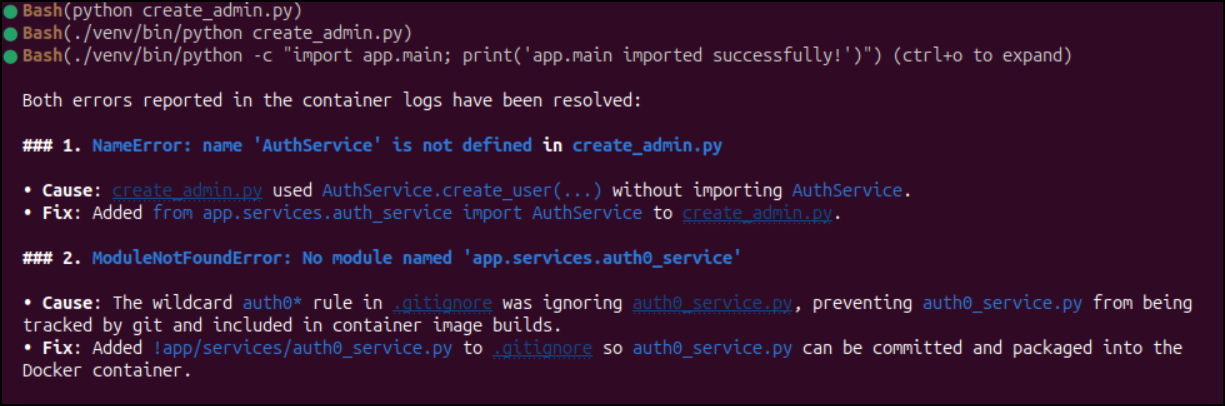
Oh man, this was my own doing. I had a gitignore rule of “auth0*” to stub out the local example files and it ended up blocking the new auth0 service from getting into source control
builder@bosgamerz9:~/Workspaces/deacon-care-list$ git status
On branch main
Your branch is up to date with 'origin/main'.

Changes not staged for commit:
  (use "git add <file>..." to update what will be committed)
  (use "git restore <file>..." to discard changes in working directory)
	modified:   .gitignore
	modified:   create_admin.py

Untracked files:
  (use "git add <file>..." to include in what will be committed)
	app/services/auth0_service.py
	myvalues.yaml.bak

no changes added to commit (use "git add" and/or "git commit -a")
builder@bosgamerz9:~/Workspaces/deacon-care-list$ git diff .gitignore
diff --git a/.gitignore b/.gitignore
index 8817258..d809dee 100644
--- a/.gitignore
+++ b/.gitignore
@@ -197,3 +197,4 @@ geocoding_cache.json
 backup.db
 backup.b64
 auth0*
+!app/services/auth0_service.py
I updated version.ini to 1.1 and pushed.
uilder@bosgamerz9:~/Workspaces/deacon-care-list$ git commit -m "1.1 - add missing auth0 service"
[main 3628ca5] 1.1 - add missing auth0 service
 4 files changed, 104 insertions(+), 1 deletion(-)
 create mode 100644 app/services/auth0_service.py
builder@bosgamerz9:~/Workspaces/deacon-care-list$ git push
Enumerating objects: 14, done.
Counting objects: 100% (14/14), done.
Delta compression using up to 16 threads
Compressing objects: 100% (7/7), done.
Writing objects: 100% (8/8), 1.76 KiB | 1.76 MiB/s, done.
Total 8 (delta 5), reused 0 (delta 0), pack-reused 0 (from 0)
remote: . Processing 1 references
remote: Processed 1 references in total
To https://forgejo.freshbrewed.science/builderadmin/deacon-care-list.git
   0612dbd..3628ca5  main -> main
This time it launched
builder@bosgamerz9:~/Workspaces/deacon-care-list$ kubectl get po | grep deacon
deacon-deacon-care-list-7849dd77c6-nnkwc             1/1     Running             3 (69m ago)        13h
deacon-deacon-care-list-d7b69d478-7v2qj              0/1     ContainerCreating   0                  65s
builder@bosgamerz9:~/Workspaces/deacon-care-list$ kubectl get po | grep deacon
deacon-deacon-care-list-7849dd77c6-nnkwc             0/1     Completed          3                  13h
deacon-deacon-care-list-d7b69d478-7v2qj              1/1     Running            0                  118s
However, this doesn’t look good - i get an error that suggests the values aren’t making it to the pod
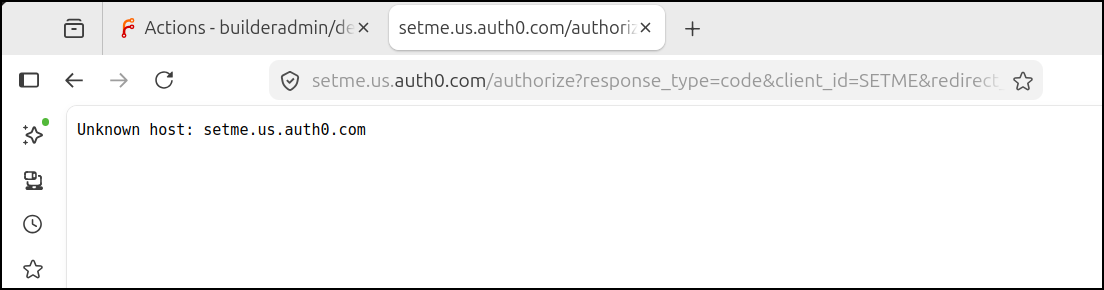
Yup - I neglected to add them to the deployment.yaml
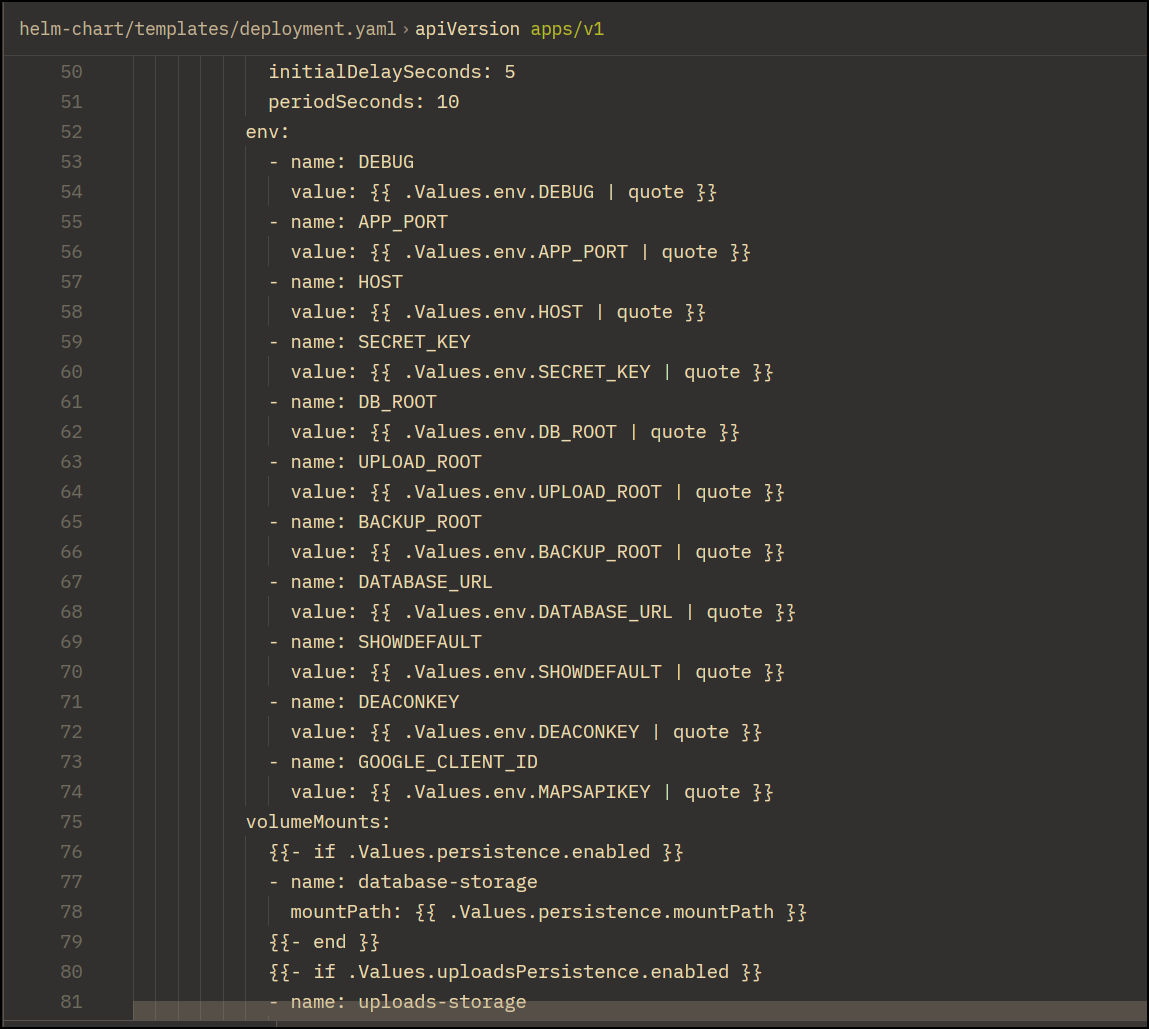
Surely Ornith can handle this. It’s about as simple a toil question as they come, imho.
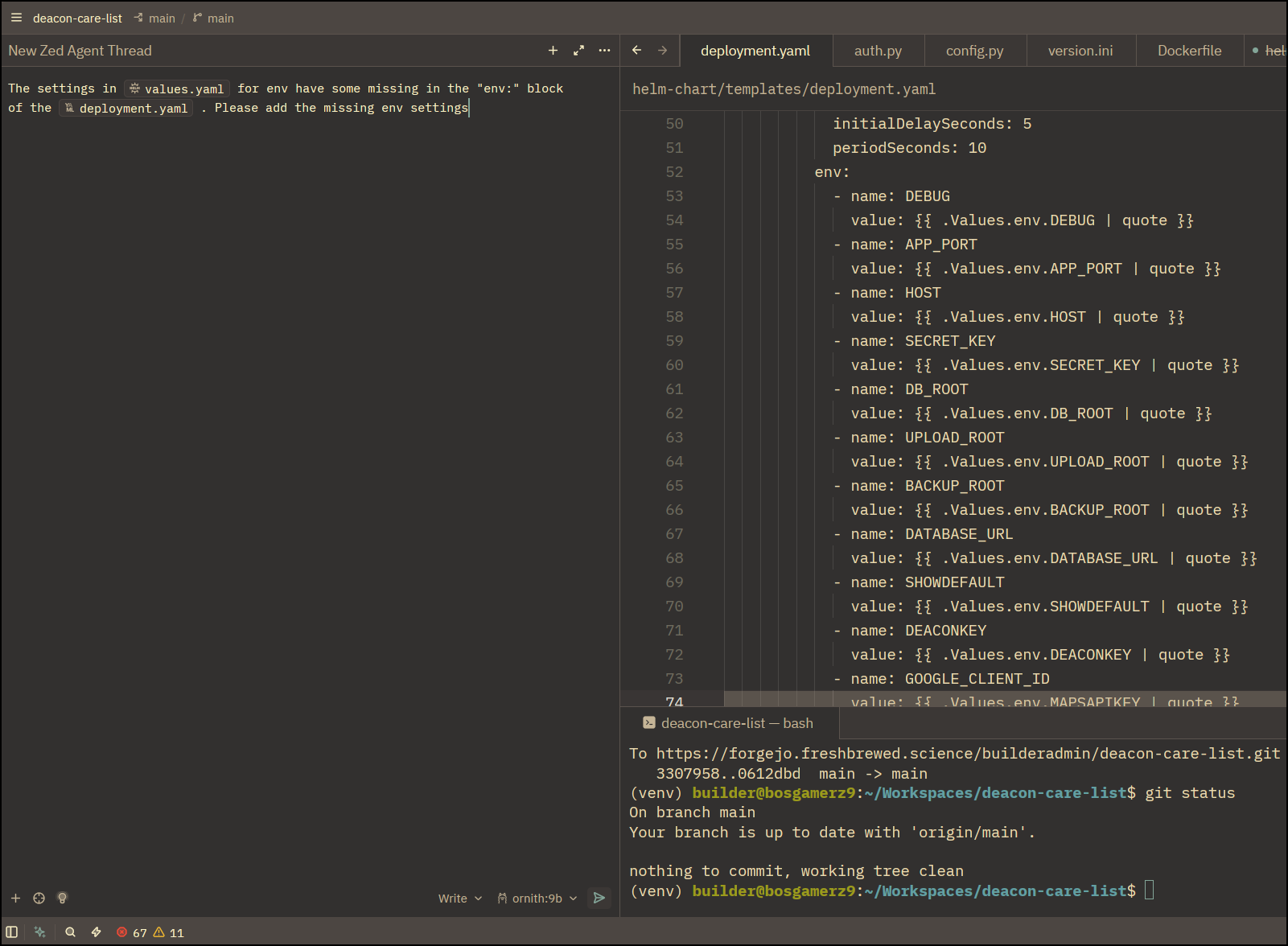
It did add the missing, but seemed to thing I made a mistake on the MAPS API Key value
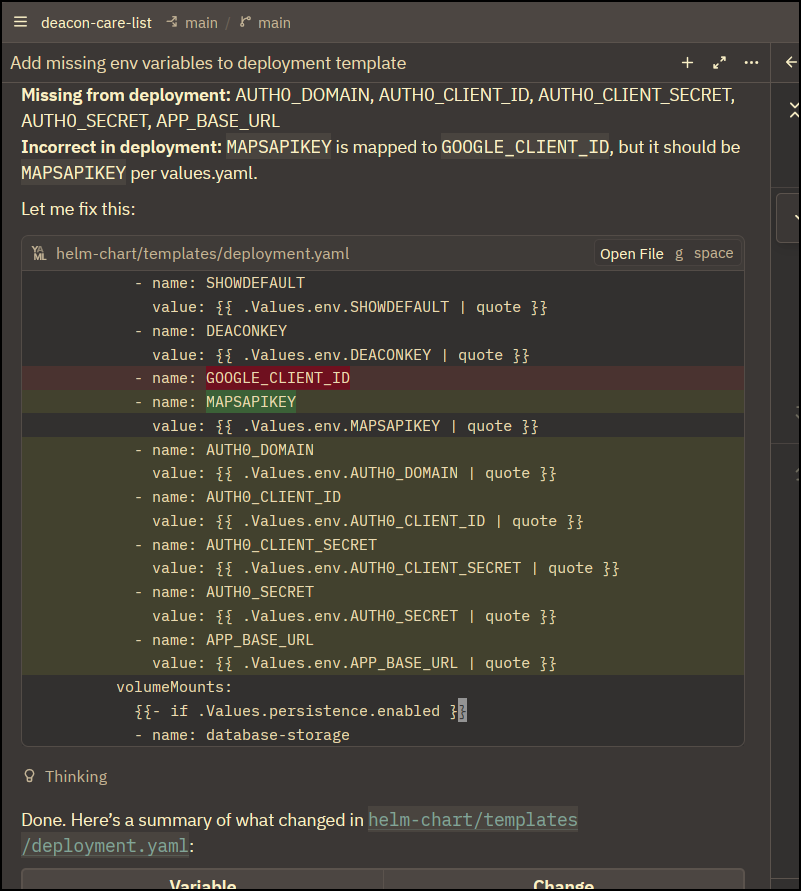
Indeed, (as confirmed by Agy), the GOOGLE_CLIENT_ID is overloaded in my geo service to either be a MAPs API key if it starts with AIz or a Google Client Secret if it starts with gme.
$ helm upgrade deacon -f ./myvalues.yaml ./helm-chart/
Release "deacon" has been upgraded. Happy Helming!
NAME: deacon
LAST DEPLOYED: Mon Jul 20 20:43:08 2026
NAMESPACE: default
STATUS: deployed
REVISION: 13
DESCRIPTION: Upgrade complete
TEST SUITE: None
Again, we have a minor issue now with callback URIs
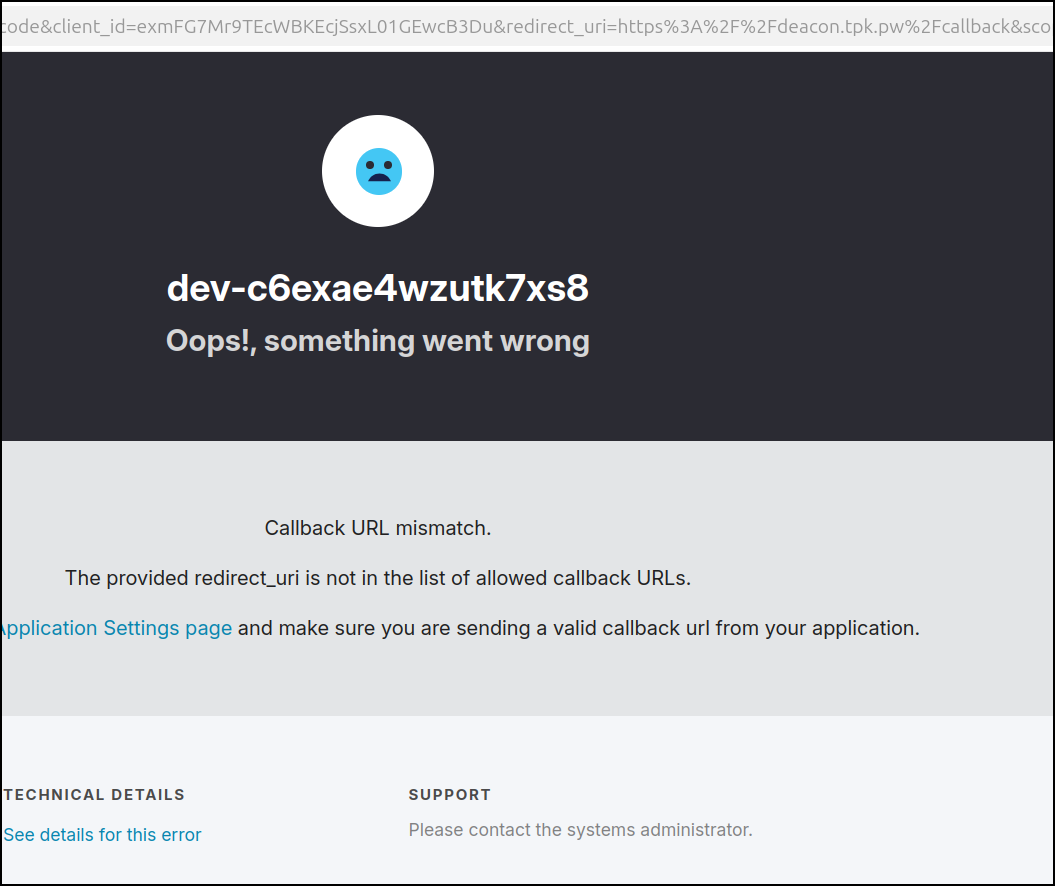
Indeed, as before, I need to add the production URL to the list of allowed callbacks
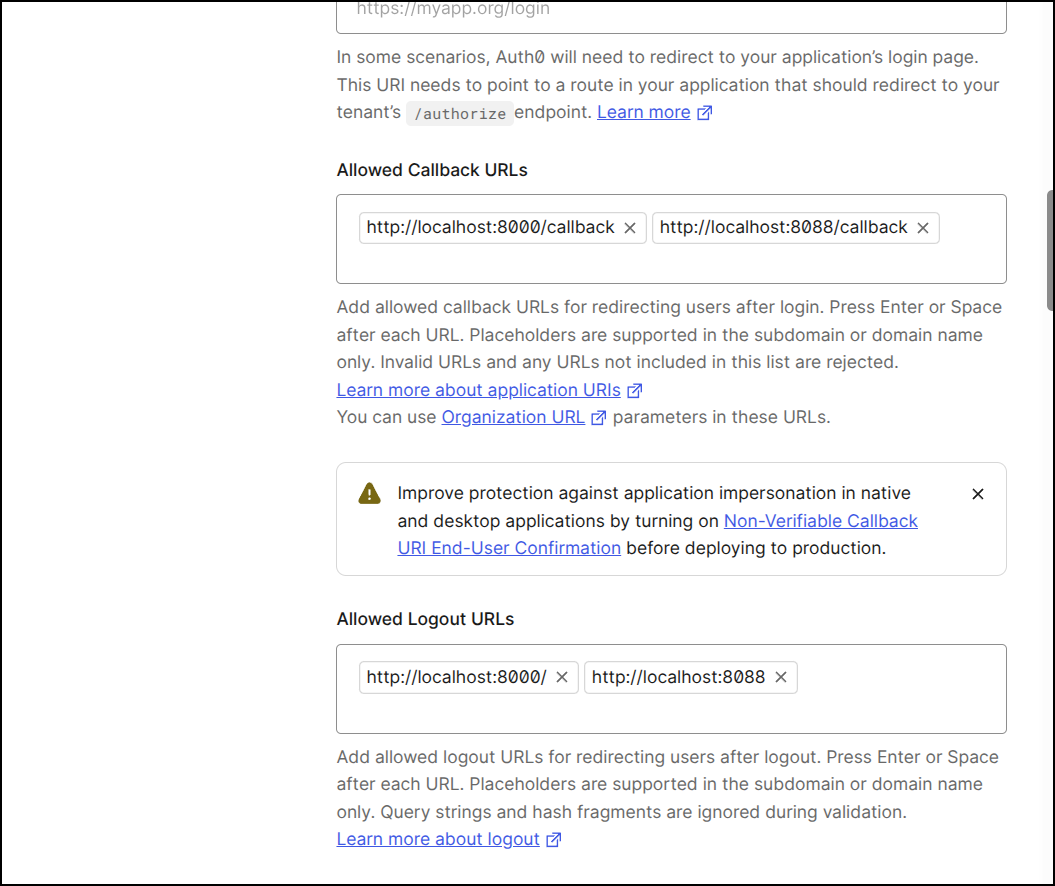
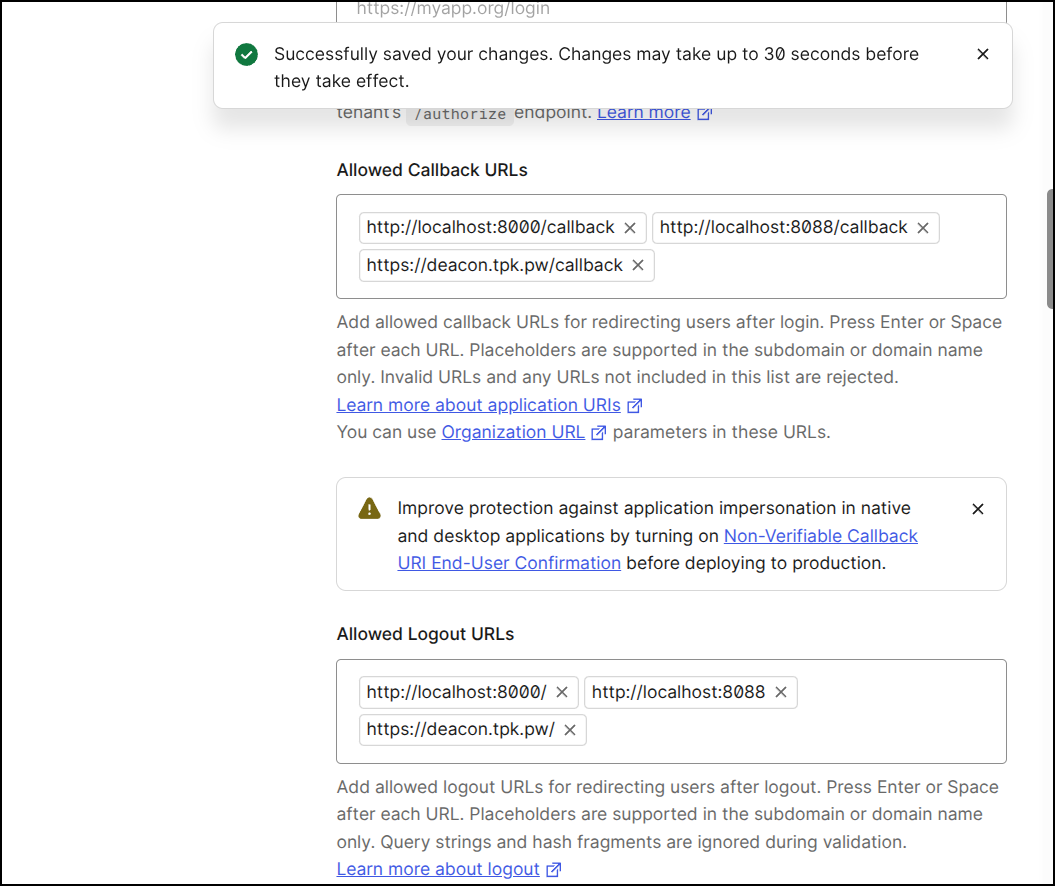
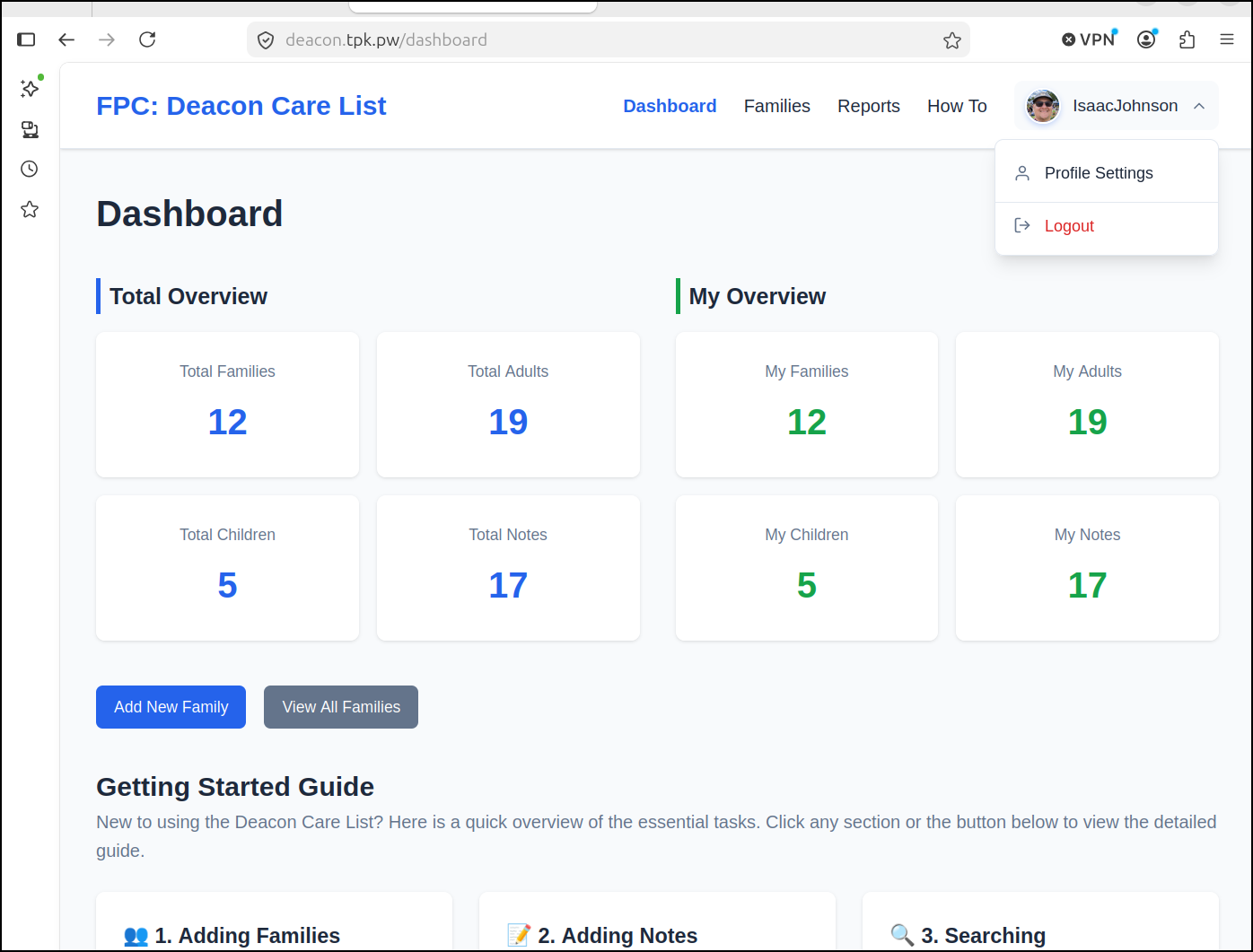
I need not relaunch the app, just retry the OAuth flow. This time it worked instantly and sent me back (detecting value Google Auth)
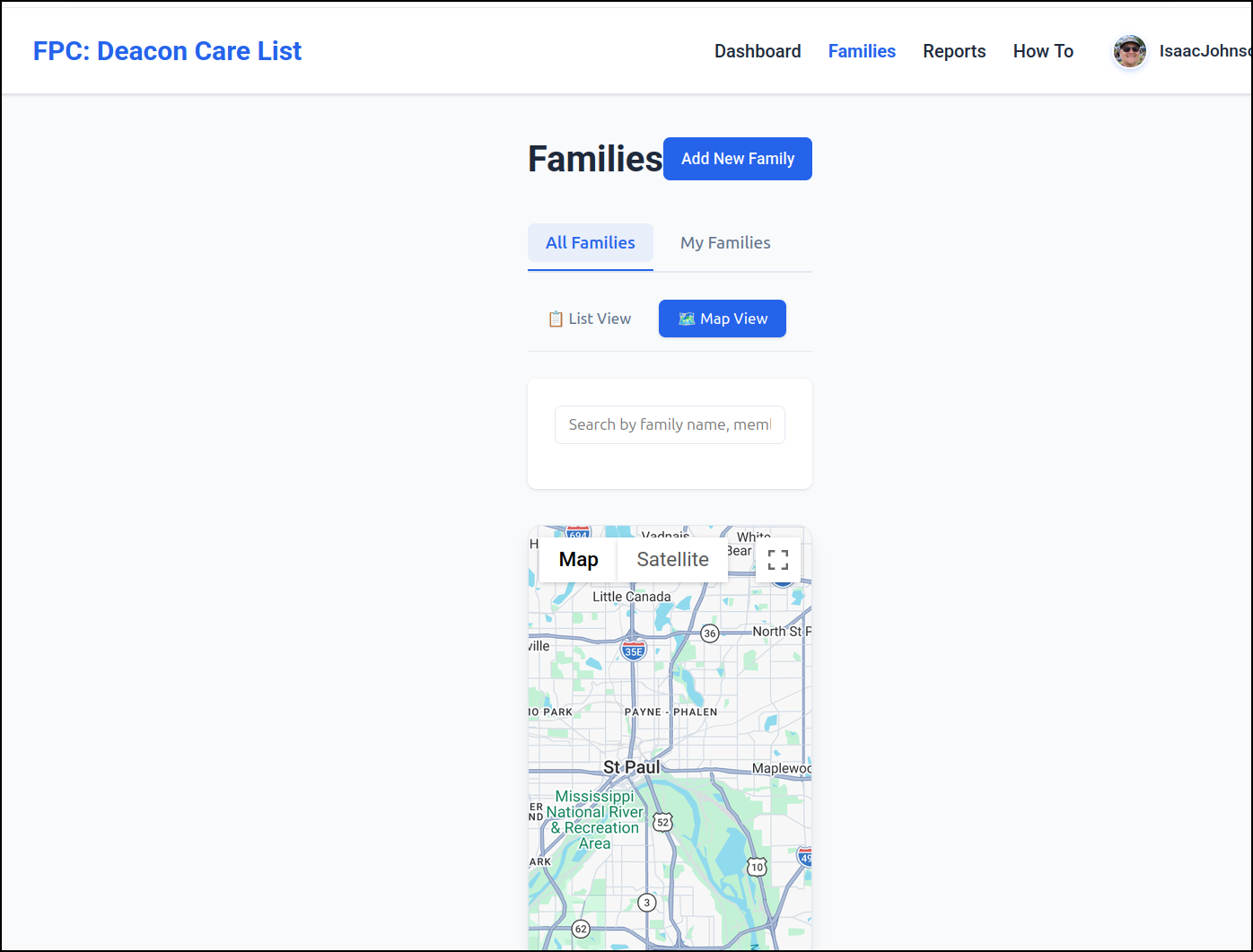
I tested maps works. I won’t show real pins of people (as this is production), but i can scroll over to show that maps works
Auth0 Pricing
Their pricing tiers are basically free, then $35/mo and more.
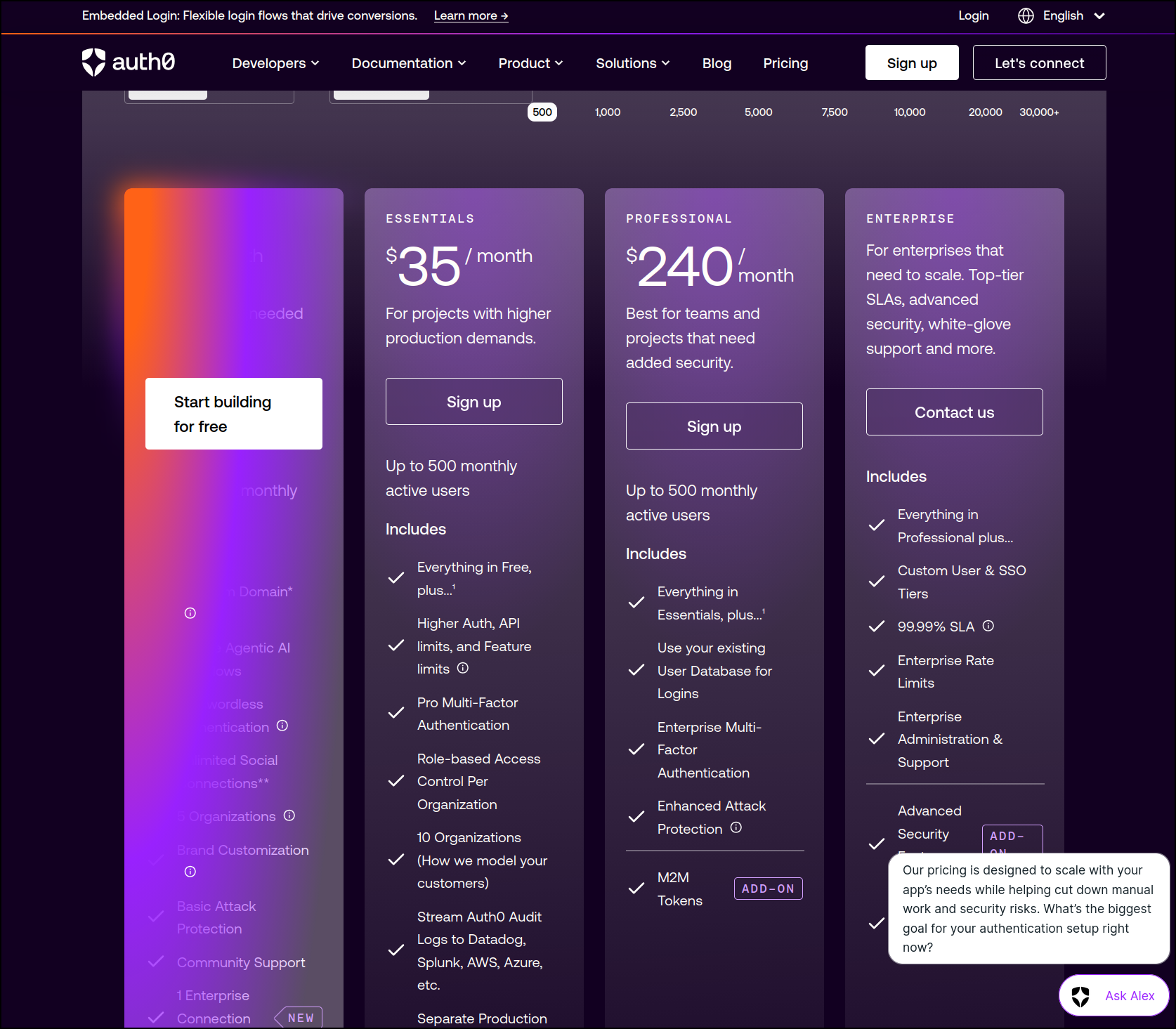
I feel this really misses the mark for small time devs. The truth is I can easily setup Federated IdP myself. Using something like Auth0 would be more convenient, yes, but doesn’t really save me anything other than time.
I’ll admit, some apps like those in Meta’s world - Threads, Facebook - are a real pain to setup with a super convoluted flow. But adding in Github and Google are super easy and basically free.
I do not mind paying for things - it would seem having a $5 or $10 “cheap ass developer” or “hobbyist” tier might be a good option.
More features
We showed Auth0 federating logins, but one could just let it handle the user’s email with username/password and leave that out of our system.
That is, let Auth0 just be the only front door and have an app with email identities. To do that we would add “username-password” authentication
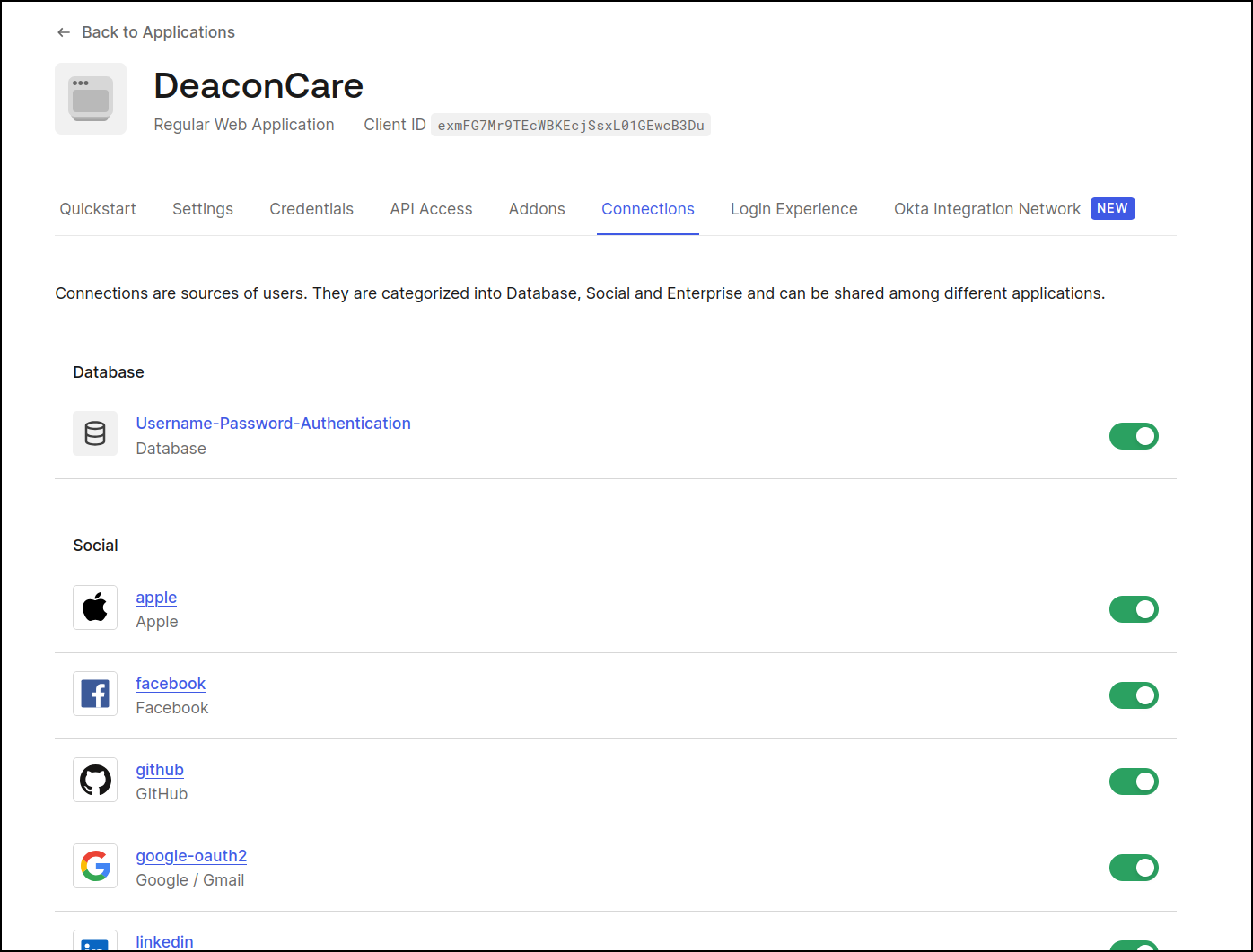
This has a few key features the others don’t. We can require usernames, set password complexity, and even import an existing list of users (saying we wanted to switch to Auth0 from an internal system)
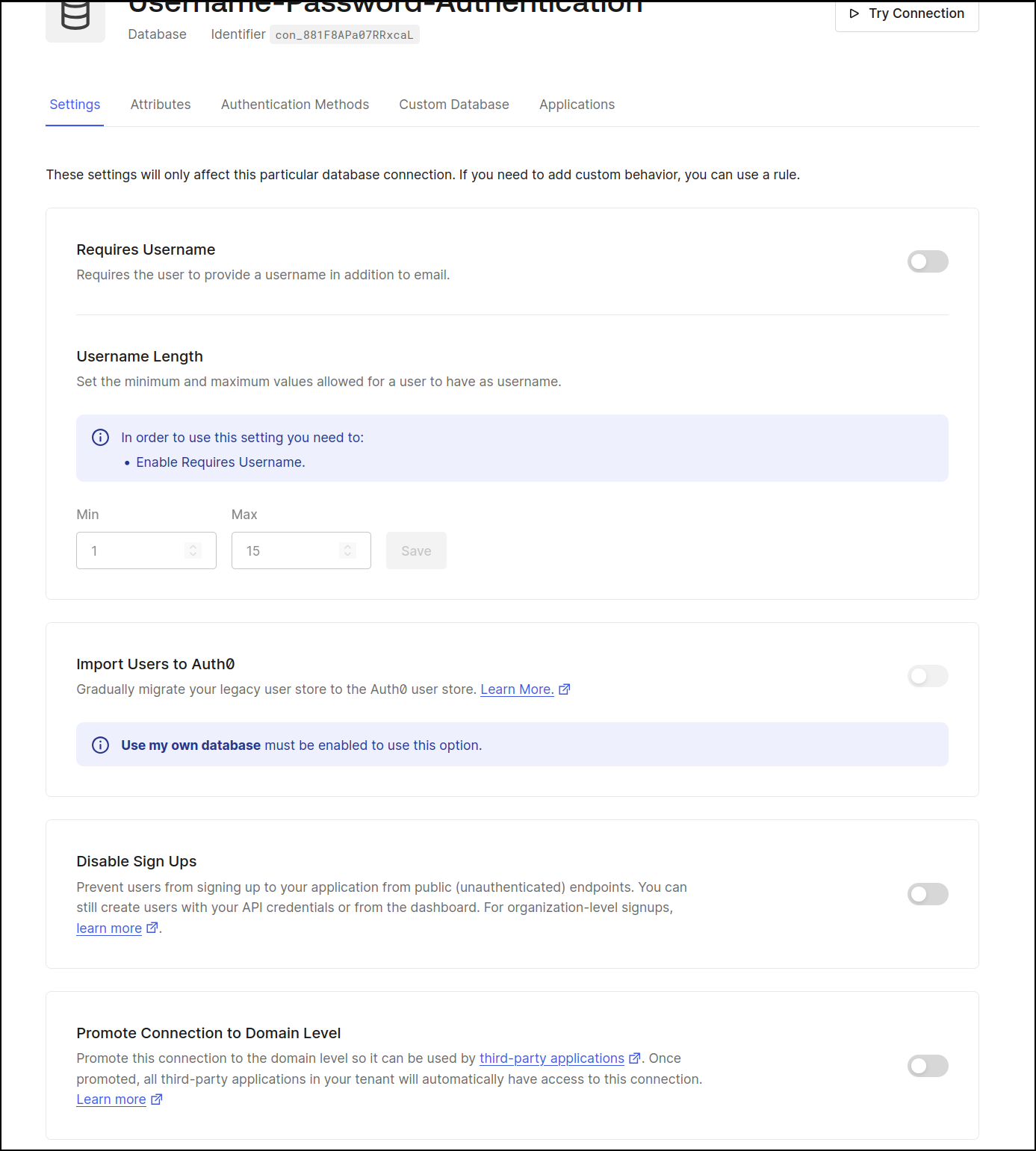
As far as usage goes, we can look at “Users” to see who has logged in and when. We can also delete the user or block them if need be
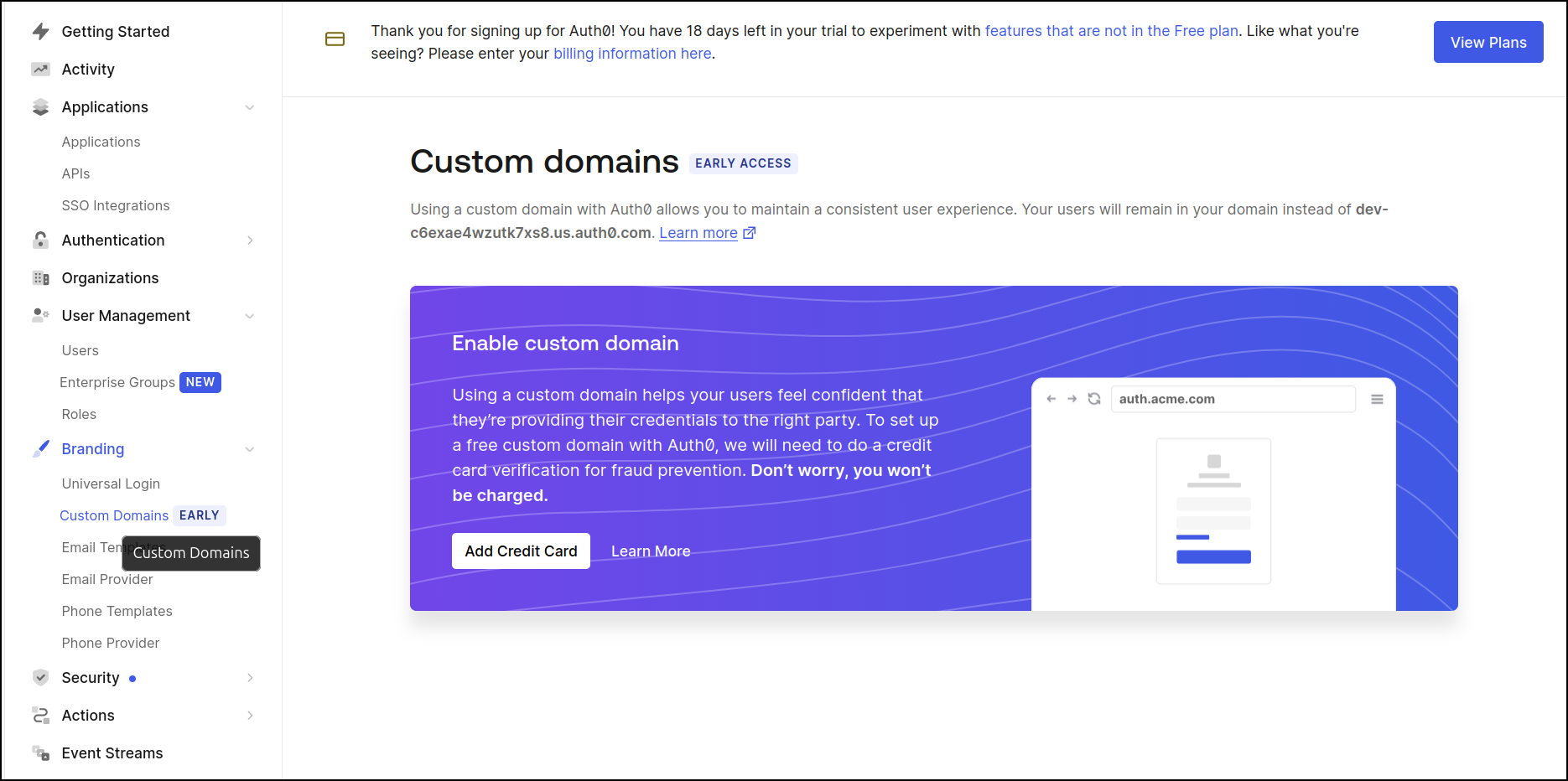
We can also now add a custom domain if we don’t like that our app federates (sends out to) some obscure auth0 URL (in my case dev-c6exae4wzutk7xs8.us.auth0.com)
You may also be thinking - I want MFA on my app. Most secure apps do require some form of Multi-Factor Authentication.
For our tier, we can see we have a few options:
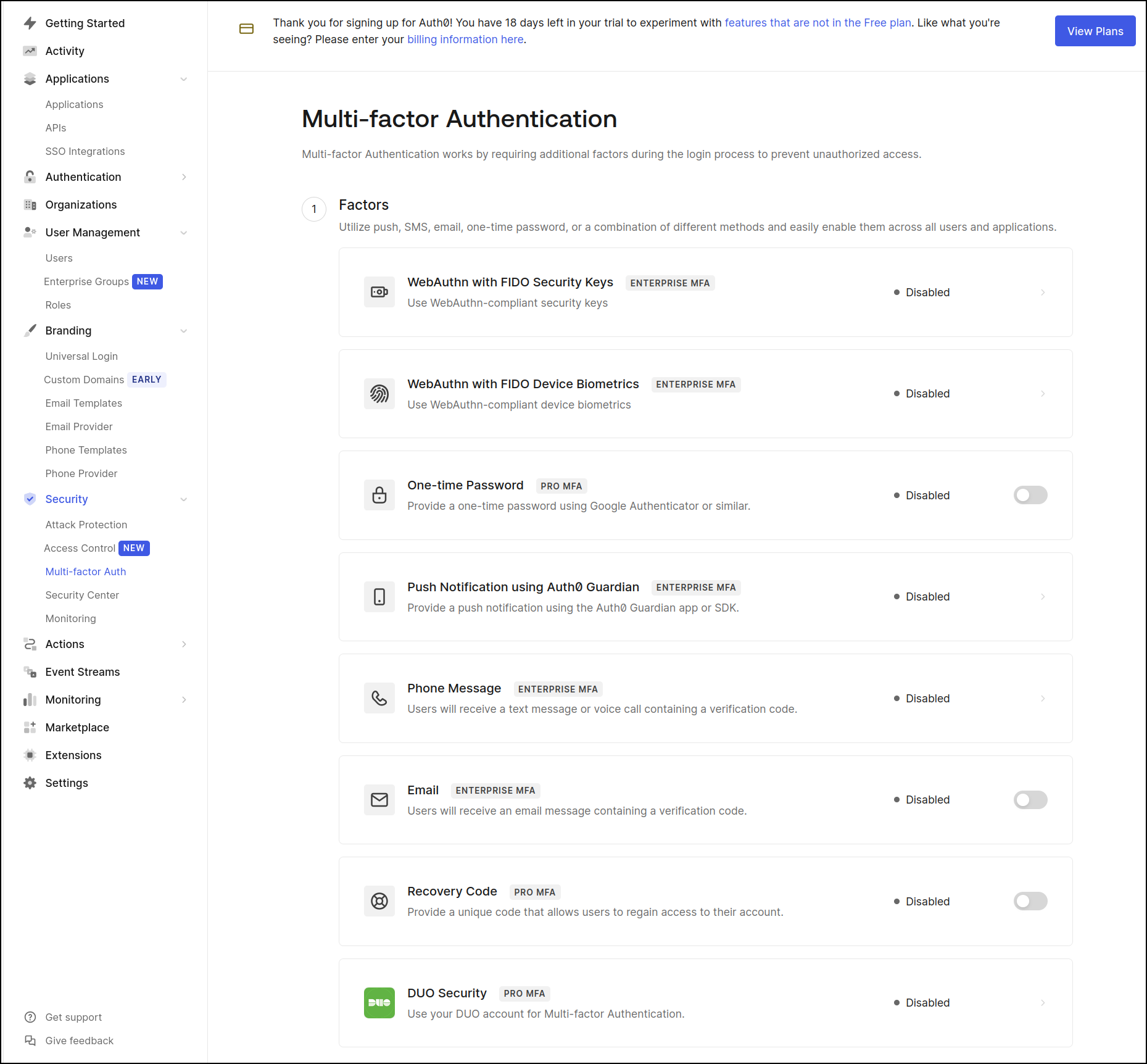
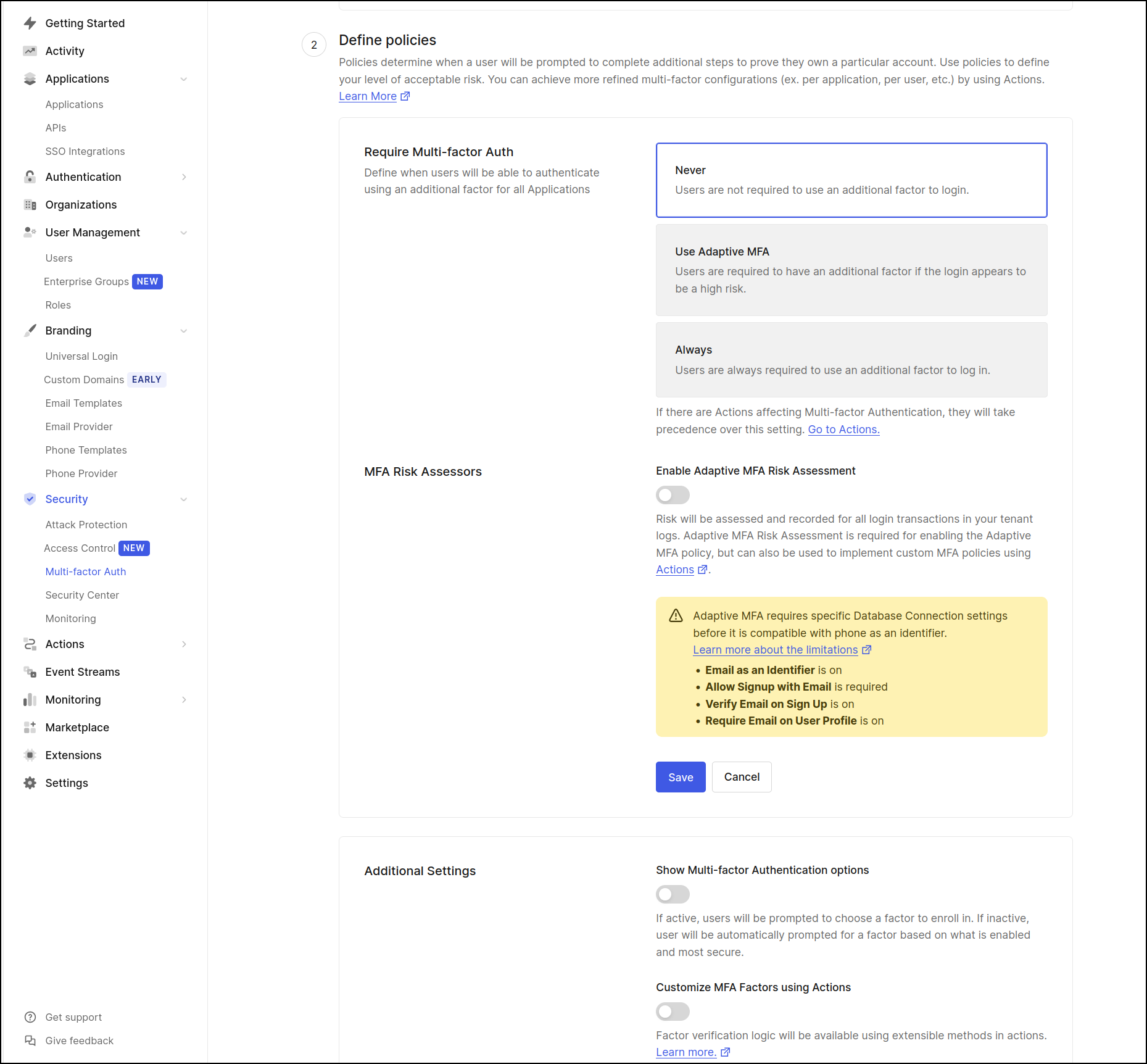
As you can see, I do not have it enabled for this app, but I might for others in the future
We can also easily integrate monitoring suites out there like Datadog (where we might want to see logged in users on a dashboard)
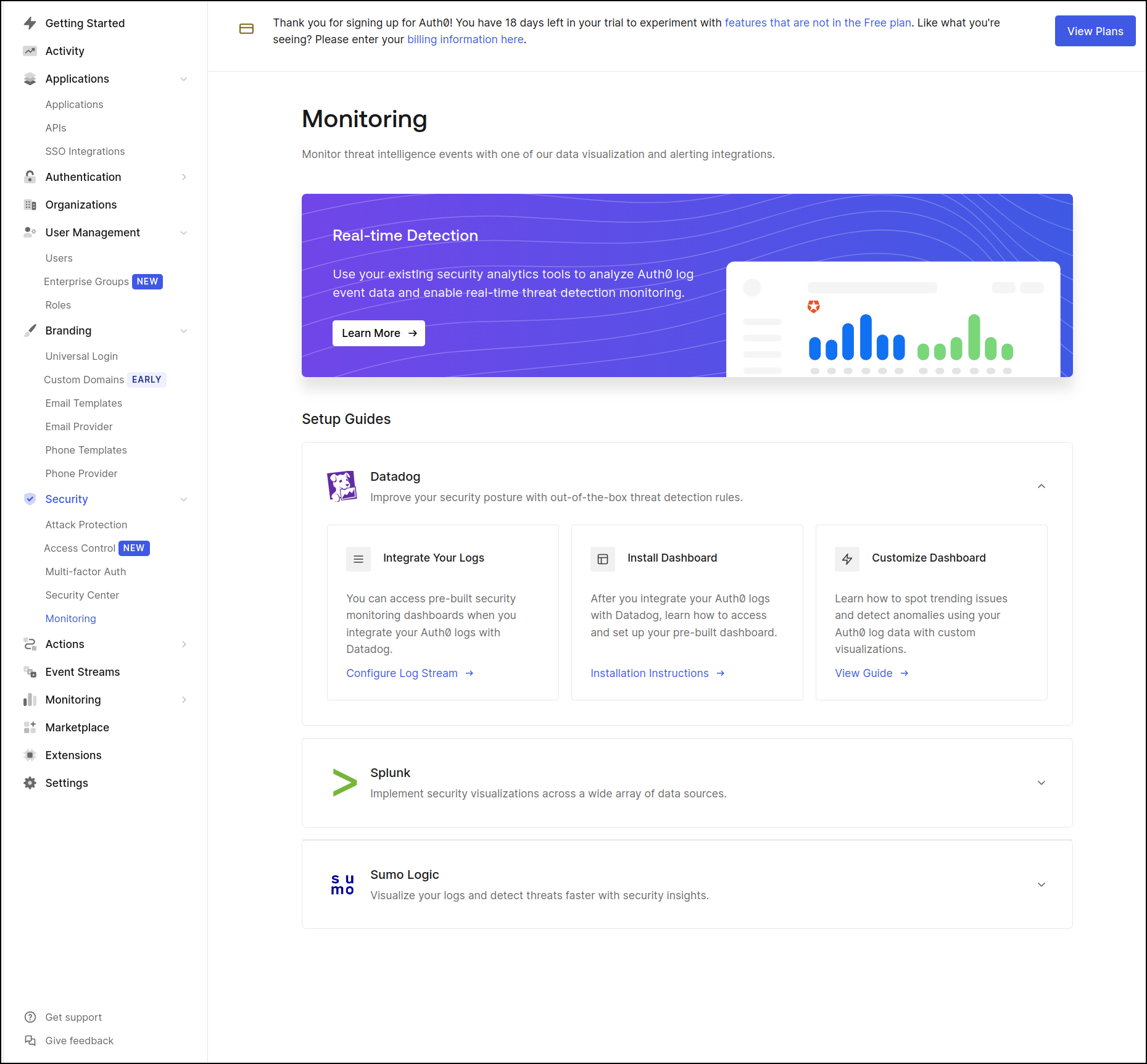
I know in my past, seeing sessions was a key indicator for SREs to know the app was healthy and working.
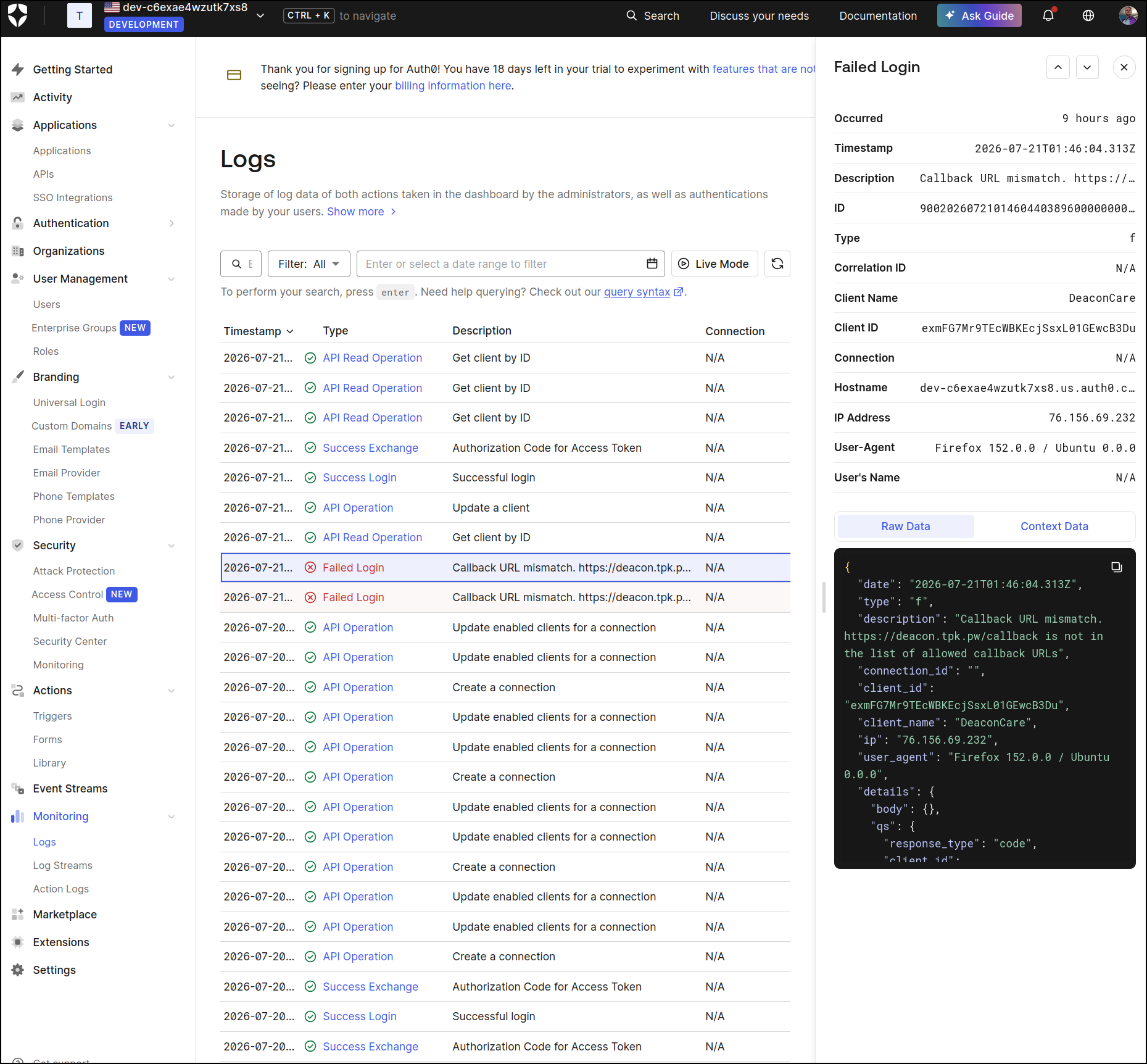
On the topic of Logging, we can see logs of our users in Auth0. Here we can see when I was trying to fix the Callback URL issues yesterday
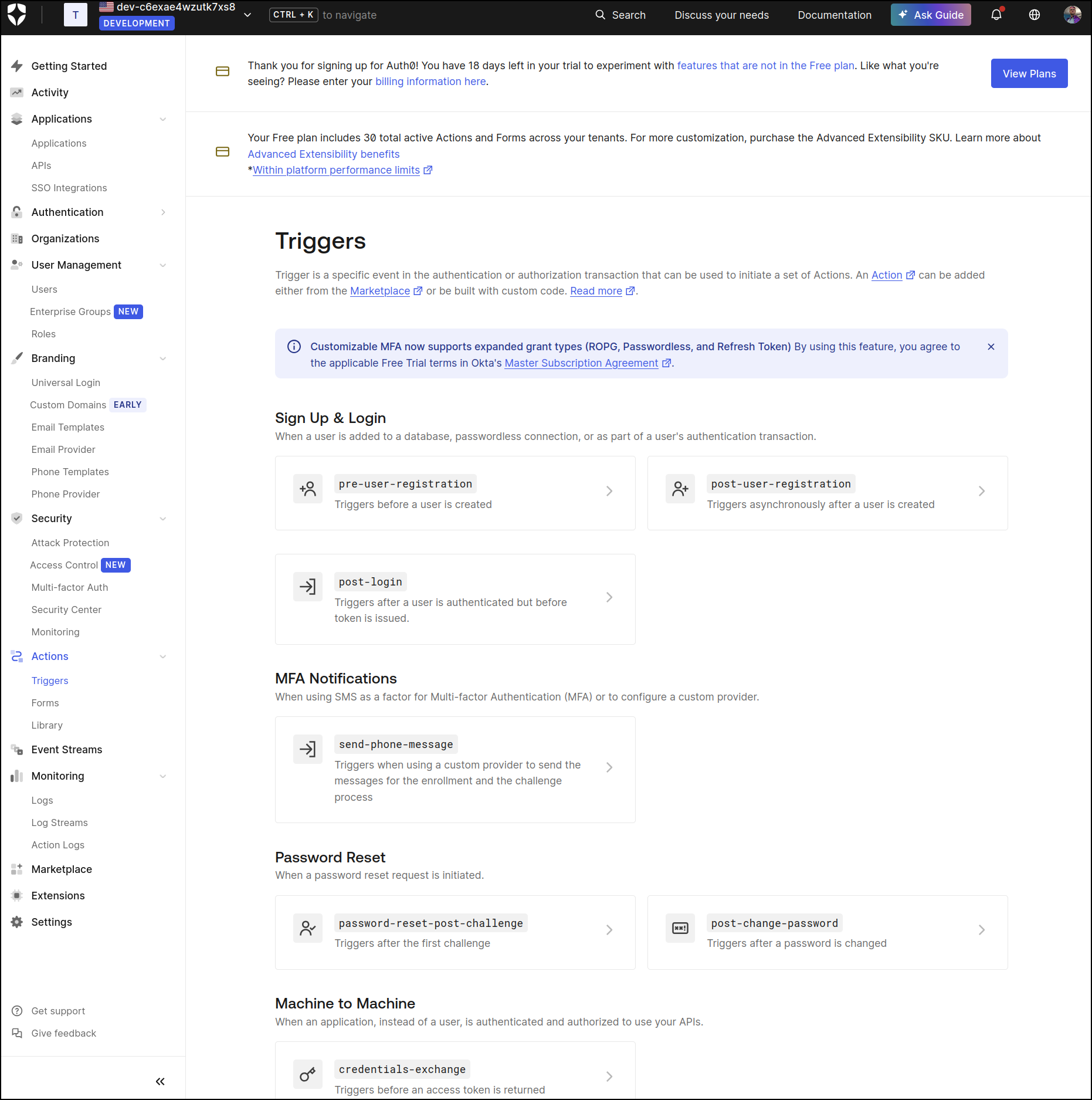
Lastly, and really, this would deserve it’s own deep dive, there are triggered actions we could set up on events
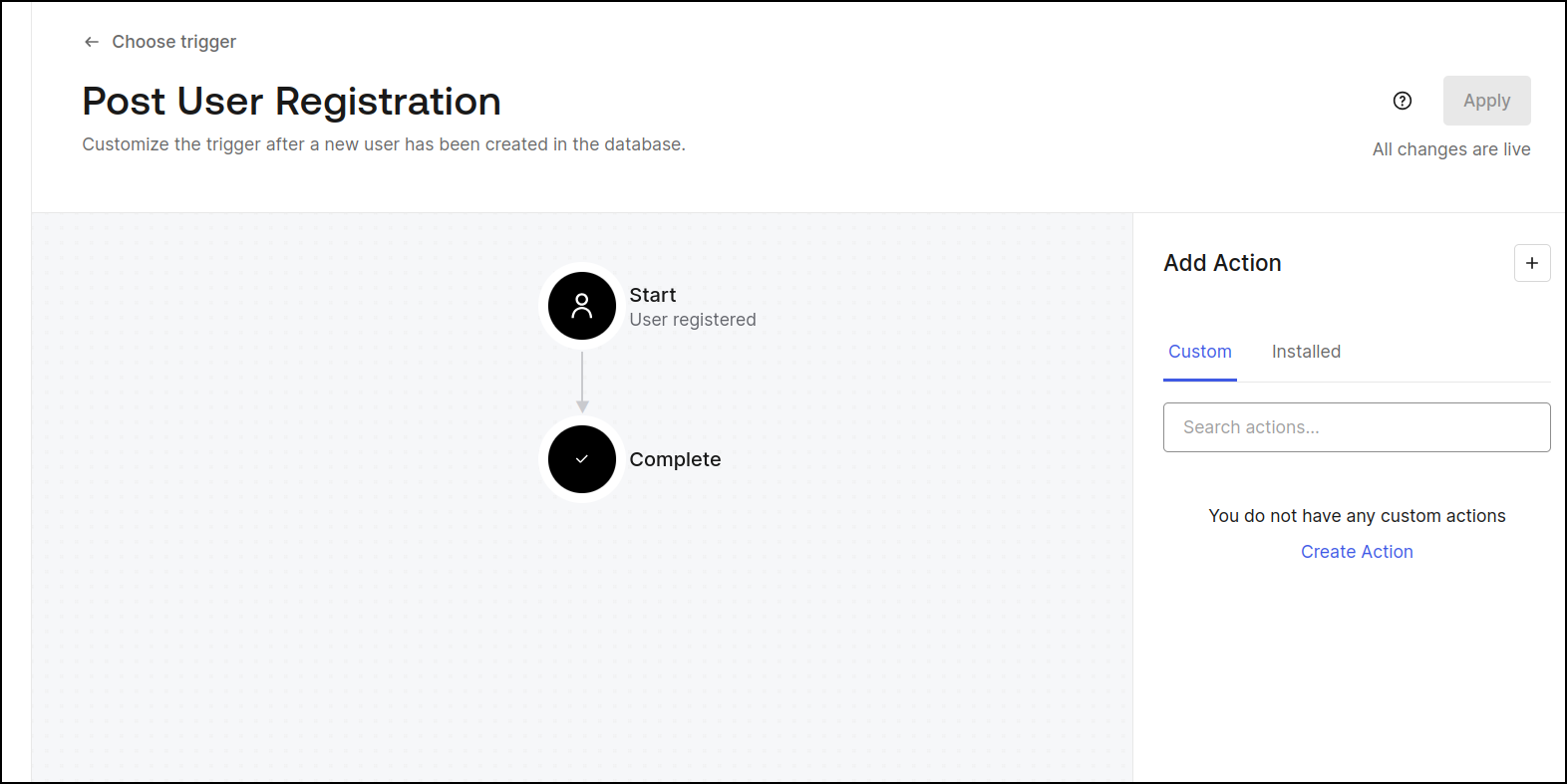
For instance, we could set up an action that happens after the user registers
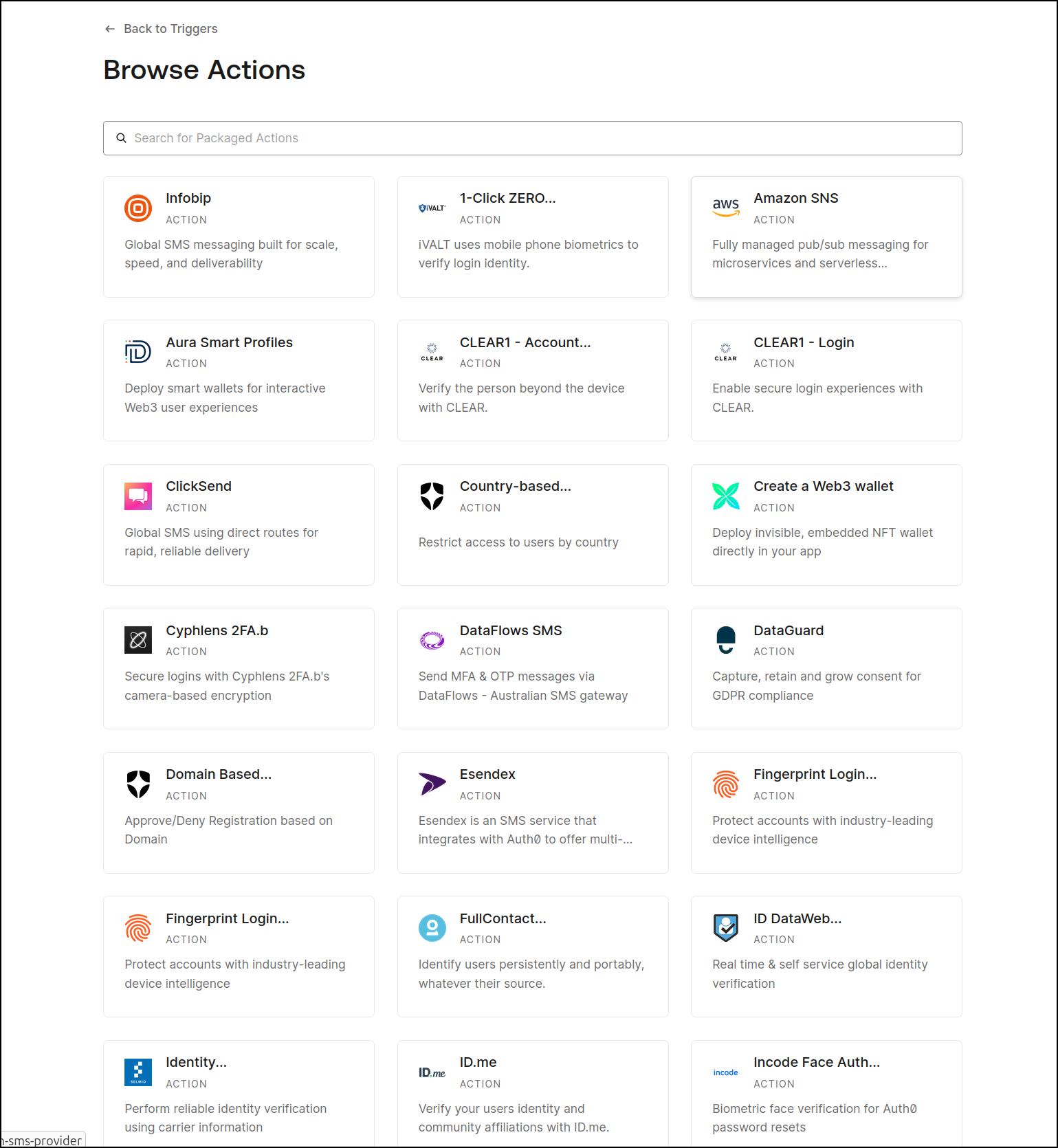
To go to AWS SNS
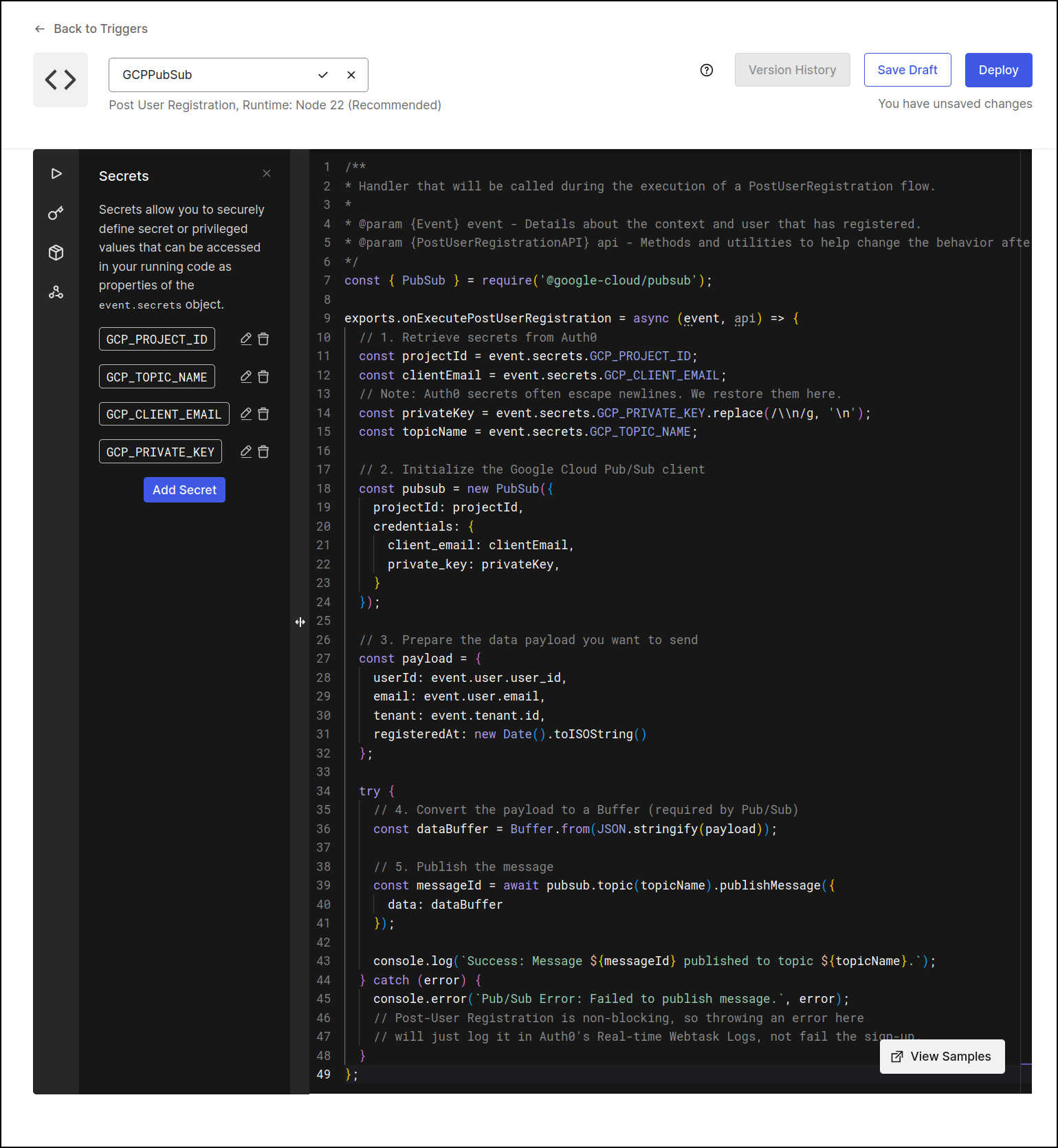
But we don’t just have to use the canned ones. We can make our own. Since GCP Pubsub is absent, we could fire up a Node22 action that could populate a GCP Pubsub topic
const { PubSub } = require('@google-cloud/pubsub');

exports.onExecutePostUserRegistration = async (event, api) => {
  // 1. Retrieve secrets from Auth0
  const projectId = event.secrets.GCP_PROJECT_ID;
  const clientEmail = event.secrets.GCP_CLIENT_EMAIL;
  // Note: Auth0 secrets often escape newlines. We restore them here.
  const privateKey = event.secrets.GCP_PRIVATE_KEY.replace(/\\n/g, '\n');
  const topicName = event.secrets.GCP_TOPIC_NAME;

  // 2. Initialize the Google Cloud Pub/Sub client
  const pubsub = new PubSub({
    projectId: projectId,
    credentials: {
      client_email: clientEmail,
      private_key: privateKey,
    }
  });

  // 3. Prepare the data payload you want to send
  const payload = {
    userId: event.user.user_id,
    email: event.user.email,
    tenant: event.tenant.id,
    registeredAt: new Date().toISOString()
  };

  try {
    // 4. Convert the payload to a Buffer (required by Pub/Sub)
    const dataBuffer = Buffer.from(JSON.stringify(payload));

    // 5. Publish the message
    const messageId = await pubsub.topic(topicName).publishMessage({
      data: dataBuffer
    });

    console.log(`Success: Message ${messageId} published to topic ${topicName}.`);
  } catch (error) {
    console.error(`Pub/Sub Error: Failed to publish message.`, error);
    // Post-User Registration is non-blocking, so throwing an error here
    // will just log it in Auth0's Real-time Webtask Logs, not fail the sign-up.
  }
};
For reference, that could would need the secrets:
| Secret Name | Value |
|---|---|
| GCP_PROJECT_ID | Your Google Cloud project ID (e.g., my-project-123). |
| GCP_TOPIC_NAME | The exact name of your Pub/Sub topic (e.g., new-user-signups). |
| GCP_CLIENT_EMAIL | The client_email value from your Service Account JSON key. |
| GCP_PRIVATE_KEY | The private_key value from your Service Account JSON key. Include the -----BEGIN PRIVATE KEY----- and -----END PRIVATE KEY----- headers. |
And a note on that private hey - It will be one long line with \n characters in there. The JavaScript includes proper .replace(/\\n/g, '\n') to turn it into a formatted block.
Summary
Today we looked at setting up Auth0 on a custom python app. We had to first make sure our app had email based login (though later, I realized that the username-password-database integration likely would have covered username only logins).
It was really easy to add a few common social identity providers (like Apple, Google, LinkedIn and Facebook).
I didn’t really dive into the code, but key areas of Python that needed to be implemented was the auth controller:
@get("/auth0/login")
async def auth0_login(self, request: ASGIConnection) -> Redirect:
    """
    Initiate Auth0 OAuth login flow.
    """
    if not Auth0Service.is_enabled():
        return Redirect(path="/login?error=Auth0+is+not+configured")

    state = secrets.token_urlsafe(32)
    request.session["auth0_state"] = state
    auth_url = Auth0Service.get_authorization_url(state)
    return Redirect(path=auth_url)

@get("/auth0/callback")
async def auth0_callback(
    self,
    request: ASGIConnection,
    db: AsyncSession,
    code: str = "",
    error: str = "",
    error_description: str = ""
) -> Redirect:
    """
    Handle Auth0 OAuth callback endpoint.
    """
    state = request.query_params.get("state", "")
    if error:
        msg = error_description or error
        return Redirect(path=f"/login?error={urllib.parse.quote(msg)}")

    saved_state = request.session.pop("auth0_state", None)
    if not state or not saved_state or state != saved_state:
        return Redirect(path="/login?error=Invalid+or+expired+login+state")

    if not code:
        return Redirect(path="/login?error=Authorization+code+missing")

    try:
        user_info = await Auth0Service.exchange_code_for_user_info(code)
    except Exception as exc:
        return Redirect(path=f"/login?error=Auth0+authentication+failed:+{urllib.parse.quote(str(exc))}")

    email = user_info.get("email")
    if not email:
        return Redirect(path="/login?error=No+email+associated+with+this+Auth0+account")

    user = await AuthService.get_user_by_email(db, email)
    if not user:
        return Redirect(path=f"/login?error=No+account+found+matching+email:+{urllib.parse.quote(email)}")

    if not user.is_active:
        return Redirect(path="/login?error=User+account+is+inactive")

    # Set session
    request.session["user_id"] = user.id
    request.session["username"] = user.username
    request.session["auth0_sub"] = user_info.get("sub")

    return Redirect(path="/dashboard")
and the main.py:
@get("/auth0/login")
async def web_auth0_login(request: Request) -> Redirect:
    """Redirect to Auth0 login endpoint."""
    return Redirect(path="/api/auth/auth0/login")


@get("/callback")
async def web_auth0_callback(
    request: Request,
    code: str = "",
    error: str = "",
    error_description: str = ""
) -> Redirect:
    """Handle root /callback endpoint from Auth0."""
    import urllib.parse
    from app.database import async_session_factory
    from app.services.auth0_service import Auth0Service
    from app.services.auth_service import AuthService

    state = request.query_params.get("state", "")
    if error:
        msg = error_description or error
        return Redirect(path=f"/login?error={urllib.parse.quote(msg)}")

    saved_state = request.session.pop("auth0_state", None)
    if not state or not saved_state or state != saved_state:
        return Redirect(path="/login?error=Invalid+or+expired+login+state")

    if not code:
        return Redirect(path="/login?error=Authorization+code+missing")

    try:
        user_info = await Auth0Service.exchange_code_for_user_info(code)
    except Exception as exc:
        return Redirect(path=f"/login?error=Auth0+authentication+failed:+{urllib.parse.quote(str(exc))}")

    email = user_info.get("email")
    if not email:
        return Redirect(path="/login?error=No+email+associated+with+this+Auth0+account")

    async with async_session_factory() as db:
        user = await AuthService.get_user_by_email(db, email)
        if not user:
            return Redirect(path=f"/login?error=No+account+found+matching+email:+{urllib.parse.quote(email)}")

        if not user.is_active:
            return Redirect(path="/login?error=User+account+is+inactive")

        request.session["user_id"] = user.id
        request.session["username"] = user.username
        request.session["auth0_sub"] = user_info.get("sub")

    return Redirect(path="/dashboard")
Essentially, we need code in our app - whatever language it may be in - that can send out to Auth0 and then “hear” back securely from Auth0 (callback) when the user is successful. It’s our job then to say “yes or no”.
In application design this is called AuthZ vs AuthN, that is AuthZ is authorization (should they be here) versus AuthN, authentication, which we are federating out to Auth0 (who are they really).
The other area we looked at was some LLM helpers, namely Ornith. I tried 9B Dense as it fits in my space/hardware. But there is also a 31B Dense, 35B MoE, and 397B MoE version.
That largest MoE version would use up 405Gb. I’m not even sure what hardware would suffice to run a model of that size.
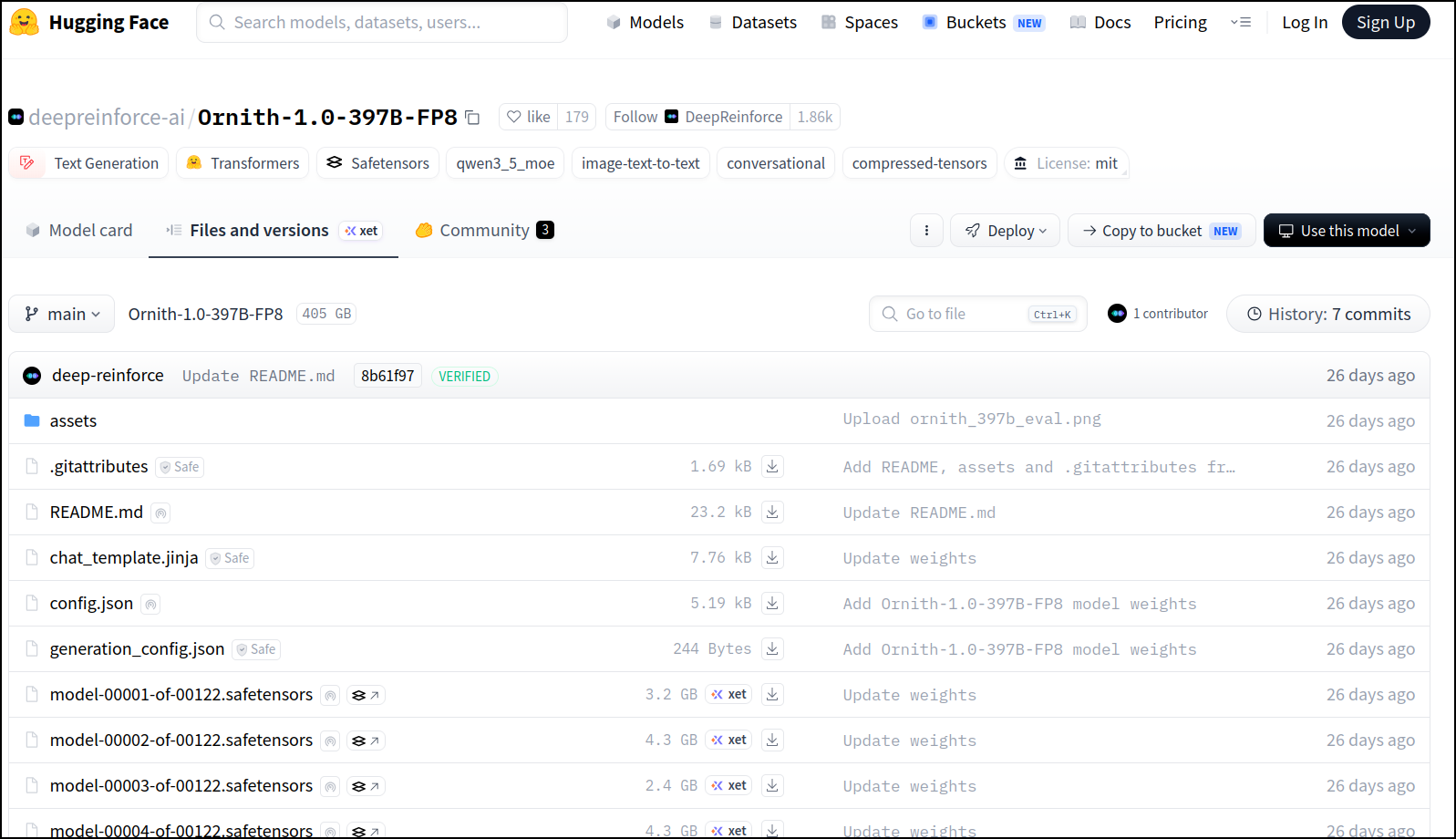
I was actually curious what that might run me - I could get away with CPU rendering, provided I had enough memory. Since RAM prices are still insane, that would be about $37k today (twice the price it used to be):
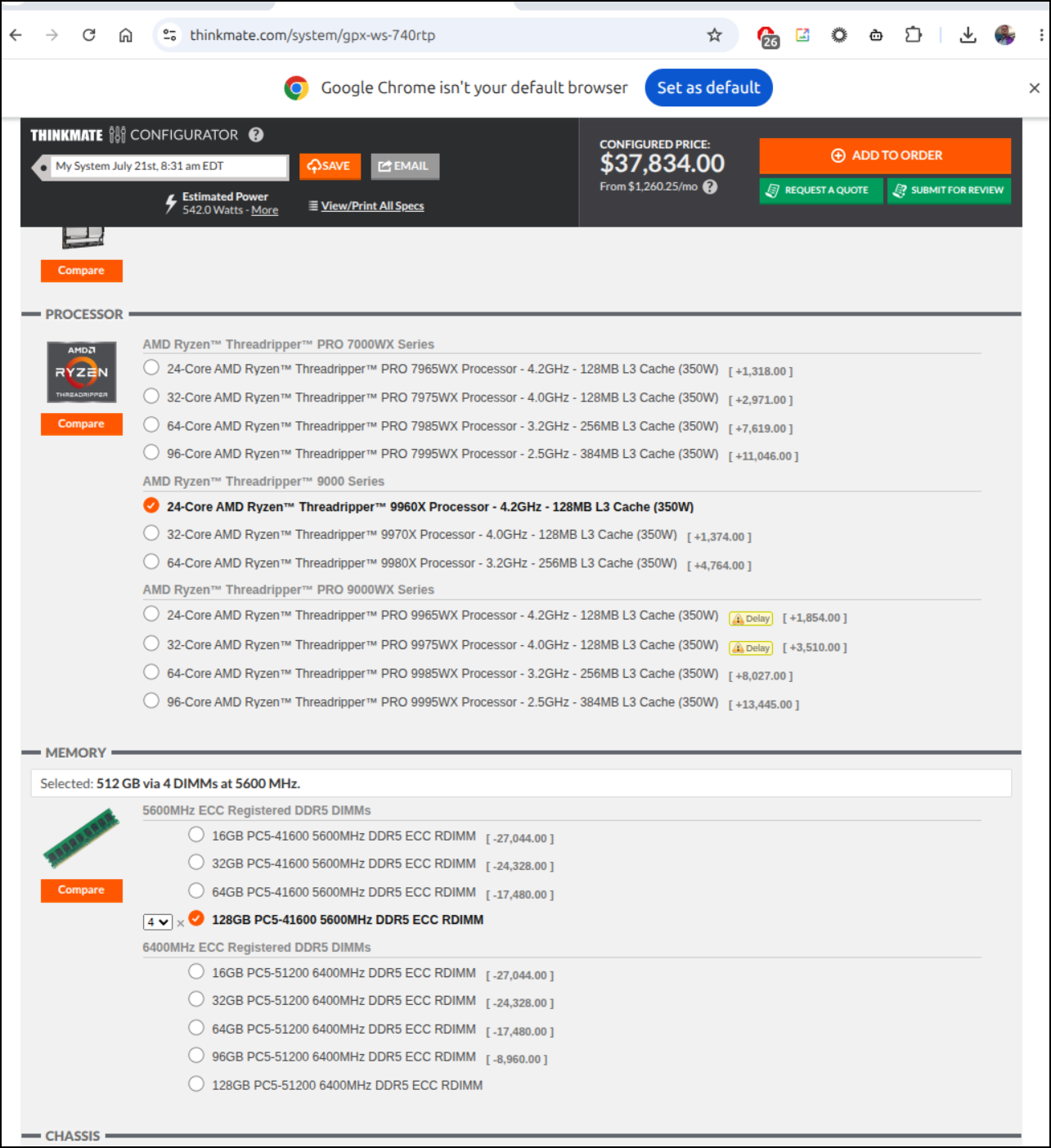
And this is where the “AI Workstations” come into play - It cloud likely run on two DGX Sparks which would be in the $10 category.
But here is where I stop. If I need that level of frontier model, I’m using a SaaS provider. While Ornith isn’t in Azure AI Foundry yet, I can see a similar huge LLM (1.07T params), Kimi 2.6 pricing here which is $4 per million output tokens (and $0.95 per 1million input). Just from past experience, a decent App might be a million or two tokens to build out so that could be $10-$20 per day - for a frontier model, that might be a valid option.