Today we’ll take a look at NoteDiscovery, a very interesting Markdown tool that is more geared towards Knowledge management for GenAI then for documentation (Like Docussaurus and the like). We will look at using it in docker and it’s MCP server. Could we make our own self-hosted chatbot system?
We will also look at Lockstep, a security auditing tool that helps people focus on best practices and compliance.
NoteDiscovery
Let’s take a look at NoteDiscovery which I saw in this Marius post a while back.
It is a small self-hosted note-taking app that is easy to host - but what I found interesting from the README is that it includes an MCP server to tie your NoteDiscovery knowledge base to your LLM of choice.
Docker
Let’s start by firing this up in docker
mkdir -p notediscovery/data && cd notediscovery
docker run -d --name notediscovery -p 8000:8000 \
  -v $(pwd)/data:/app/data \
  ghcr.io/gamosoft/notediscovery:latest
Actually, they include a nice docker compose file in the GIT repo, so I’ll use that instead
builder@DESKTOP-QADGF36:~/Workspaces$ git clone https://github.com/gamosoft/NoteDiscovery.git
Cloning into 'NoteDiscovery'...
remote: Enumerating objects: 3150, done.
remote: Counting objects: 100% (1091/1091), done.
remote: Compressing objects: 100% (153/153), done.
remote: Total 3150 (delta 946), reused 945 (delta 937), pack-reused 2059 (from 1)
Receiving objects: 100% (3150/3150), 4.85 MiB | 8.75 MiB/s, done.
Resolving deltas: 100% (2180/2180), done.
builder@DESKTOP-QADGF36:~/Workspaces$ cd NoteDiscovery/
builder@DESKTOP-QADGF36:~/Workspaces/NoteDiscovery$ mkdir data
builder@DESKTOP-QADGF36:~/Workspaces/NoteDiscovery$ docker-compose -f docker-compose.ghcr.yml up -d
[+] Running 18/18
 ✔ notediscovery Pulled                                                                                                                                                 4.6s
   ✔ e95a6c7ea7d4 Already exists                                                                                                                                        0.0s
   ✔ d31bca4e7070 Already exists                                                                                                                                        0.0s
   ✔ 2bd1111909f3 Already exists                                                                                                                                        0.0s
   ✔ ef10b7552742 Already exists                                                                                                                                        0.0s
   ✔ 195d430e6860 Pull complete                                                                                                                                         0.3s
   ✔ 666f3150a602 Pull complete                                                                                                                                         3.0s
   ✔ 61fae491debf Pull complete                                                                                                                                         3.1s
   ✔ 5685879f216d Pull complete                                                                                                                                         3.1s
   ✔ 2c3614e9358f Pull complete                                                                                                                                         3.1s
   ✔ ee0ecdad6bfc Pull complete                                                                                                                                         3.2s
   ✔ 6d855d53c1f2 Pull complete                                                                                                                                         3.2s
   ✔ dad20a9bf08c Pull complete                                                                                                                                         3.2s
   ✔ 4359b345fa86 Pull complete                                                                                                                                         3.3s
   ✔ d2e17c647694 Pull complete                                                                                                                                         3.3s
   ✔ 8c167f15a1ec Pull complete                                                                                                                                         3.3s
   ✔ 30965c3cc8df Pull complete                                                                                                                                         3.4s
   ✔ af2563f2b47c Pull complete                                                                                                                                         3.4s
[+] Running 2/2
 ✔ Network notediscovery_default  Created                                                                                                                               0.1s
 ✔ Container notediscovery        Started                                                                                                                               0.8s
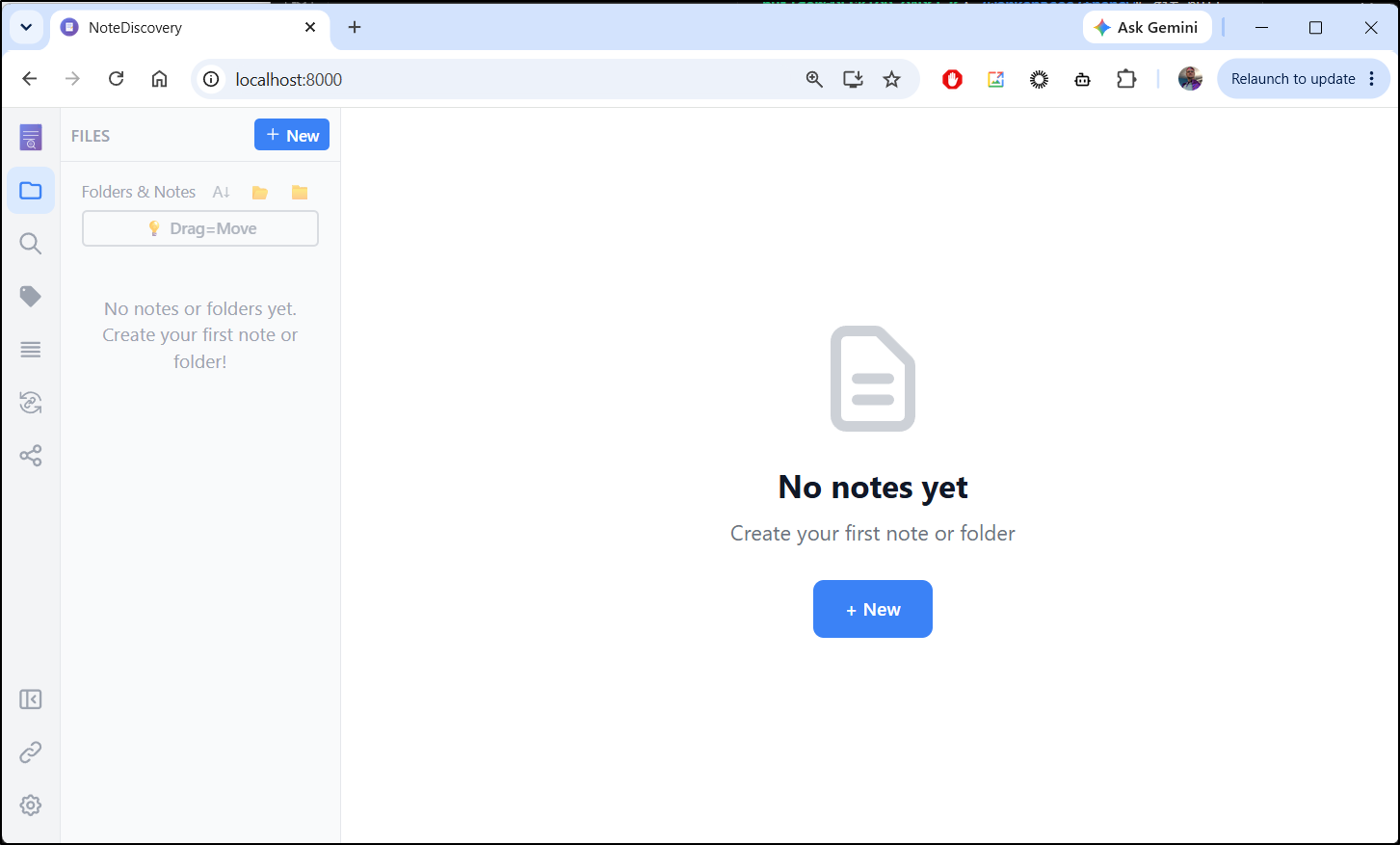
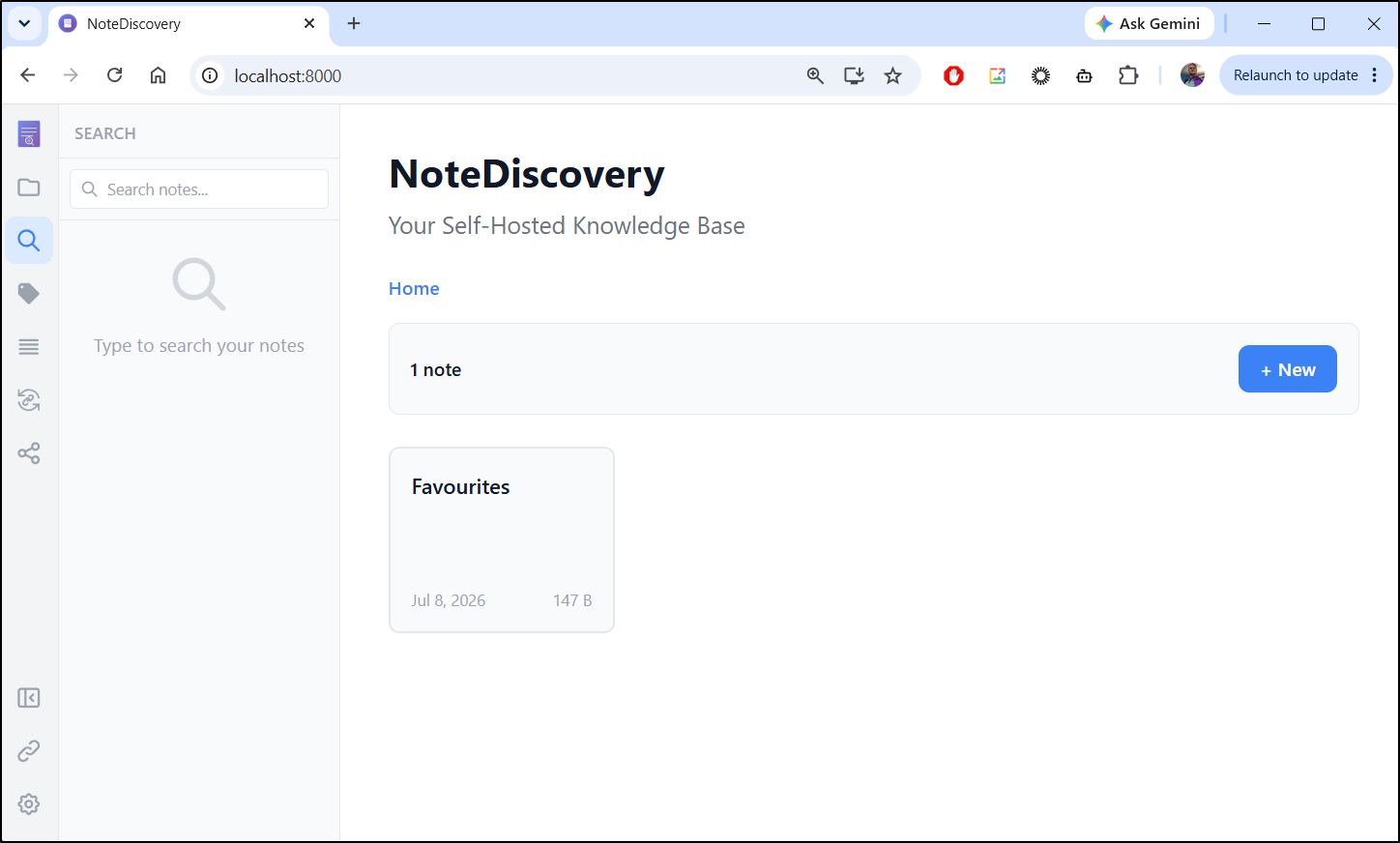
I now see NoteDiscovery running on port 8000
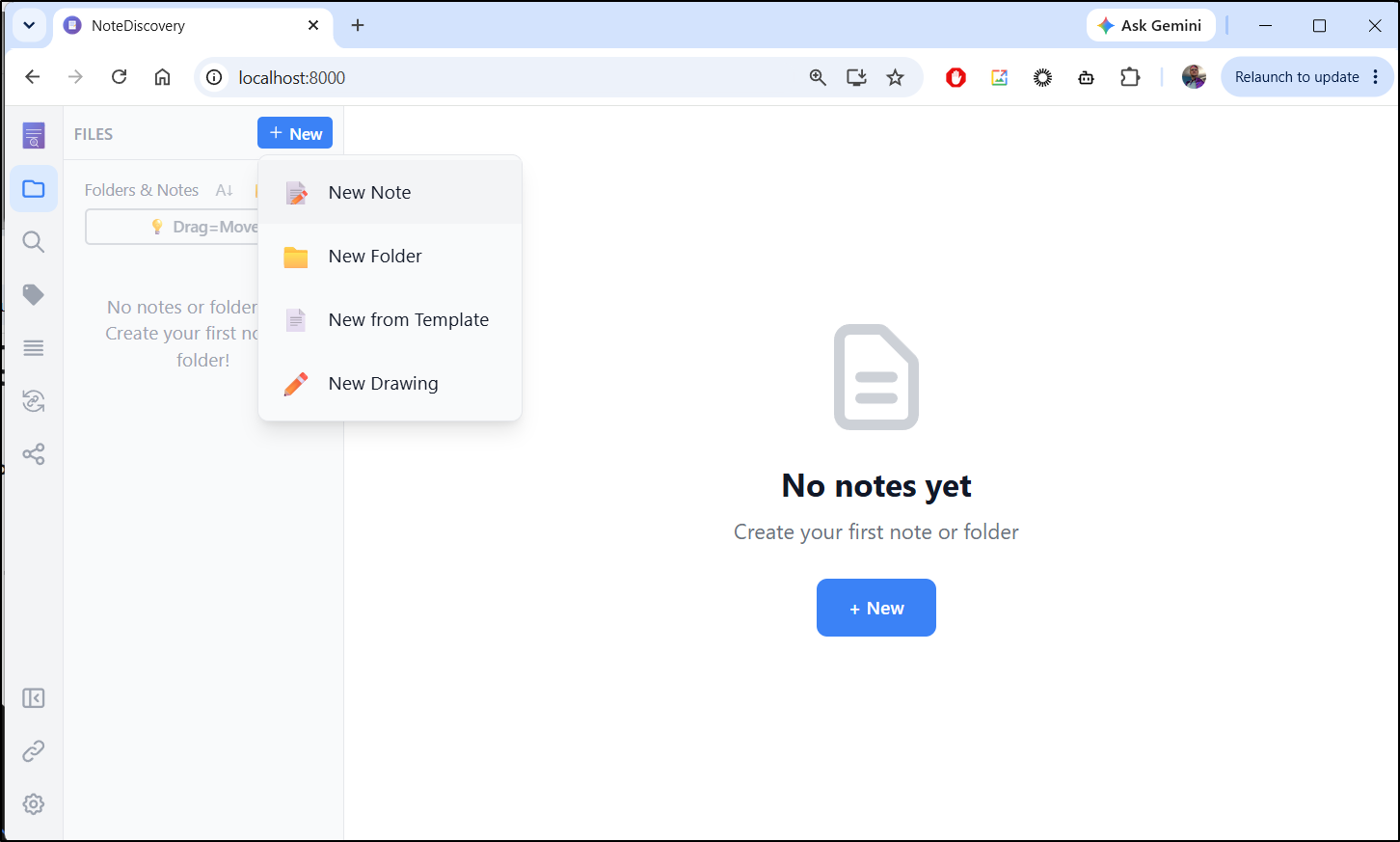
I can use “+ New” to create a new note, folder, or drawing
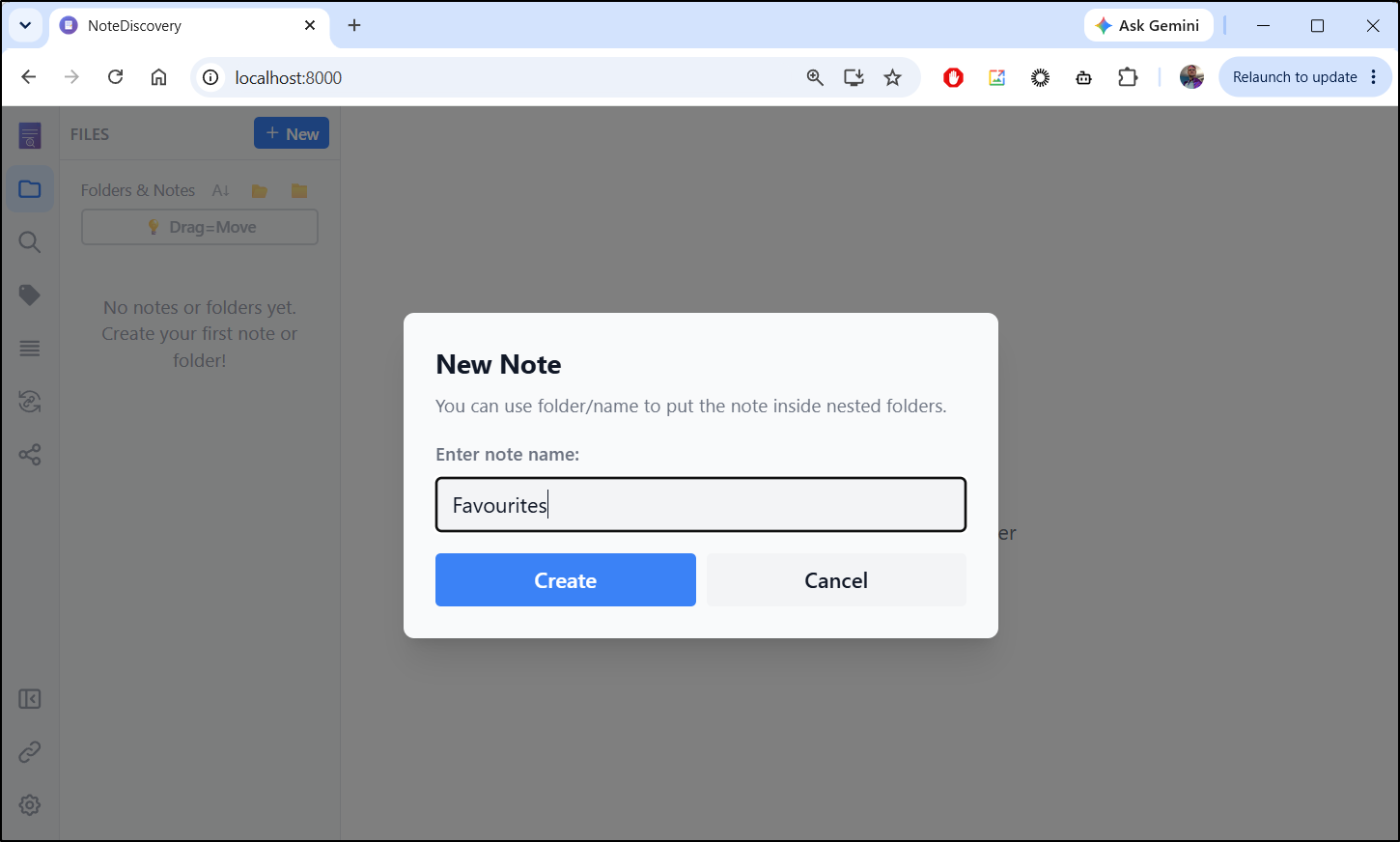
I’ll call this one “Favourites”
I’ll list a few of my favourite things just so it has some content
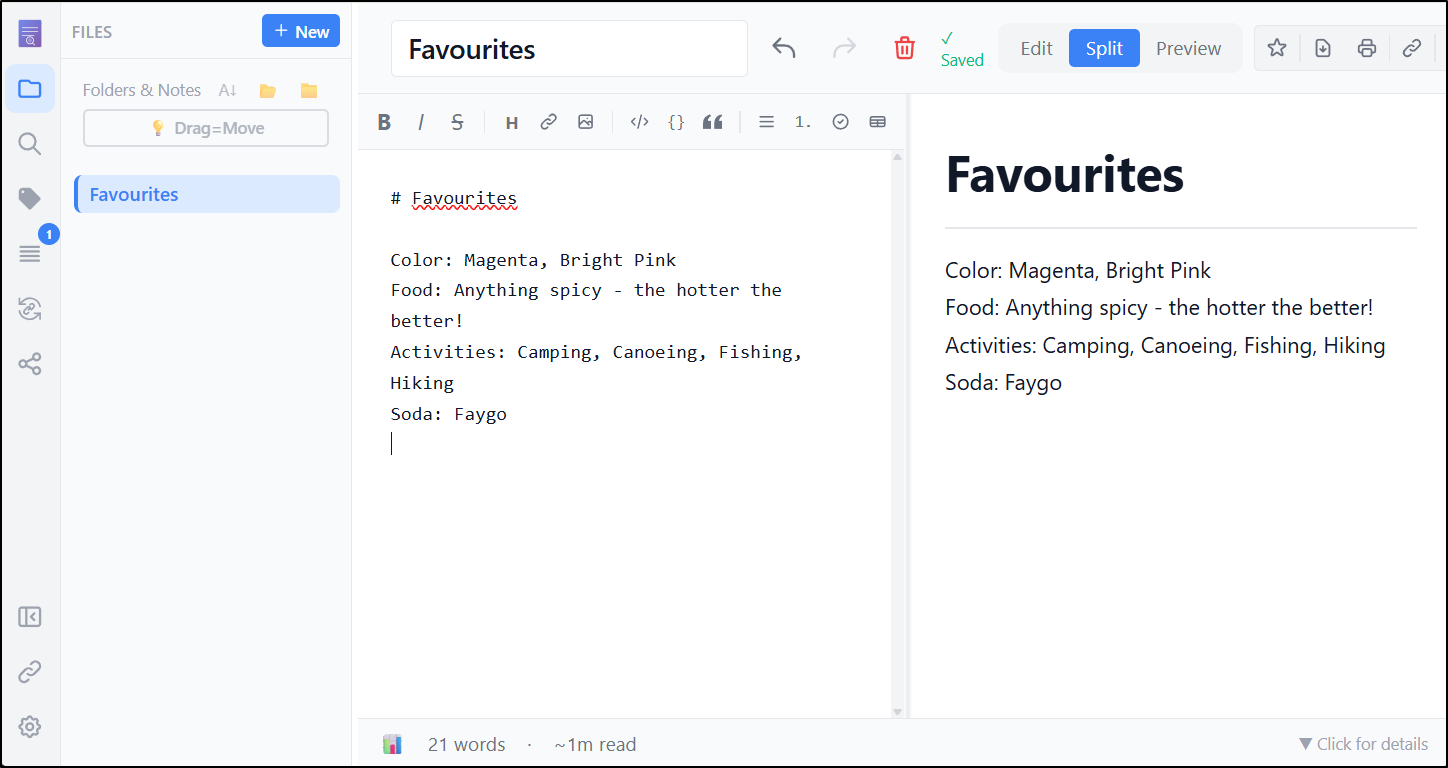
I can now see the note listed in the main page
MCP Server
Let’s setup AntiGravity to use this app. We can do this easily by editing the mcp_server.json
builder@DESKTOP-QADGF36:~/Workspaces/NoteDiscovery$ vi ~/.gemini/config/mcp_config.json
builder@DESKTOP-QADGF36:~/Workspaces/NoteDiscovery$ cat ~/.gemini/config/mcp_config.json
{
  "mcpServers": {
    "notediscovery": {
      "command": "docker",
      "args": ["run", "--rm", "-i", "-e", "NOTEDISCOVERY_URL=http://host.docker.internal:8000", "ghcr.io/gamosoft/notediscovery:latest", "python", "-m", "mcp_server"]
    }
  }
}
I also tried the new paths
builder@DESKTOP-QADGF36:~/Workspaces/NoteDiscovery$ vi ~/.antigravity/mcp_config.json
builder@DESKTOP-QADGF36:~/Workspaces/NoteDiscovery$ cat ~/.antigravity/mcp_config.json
{
  "mcpServers": {
    "notediscovery": {
      "command": "docker",
      "args": ["run", "--rm", "-i", "-e", "NOTEDISCOVERY_URL=http://host.docker.internal:8000", "ghcr.io/gamosoft/notediscovery:latest", "python", "-m", "mcp_server"]
    }
  }
}
Maybe the older Gemini CLI method of extensions might work?
builder@DESKTOP-QADGF36:~/.gemini/antigravity-cli/plugins/NoteDiscovery$ cat gemini-extension.json
{
  "extensionId": "NoteDiscovery",
  "name": "NoteDiscovery",
  "version": "1.0.1",
  "description": "NoteDiscovery",
  "mcpServers": {
    "notediscovery": {
      "name": "NoteDiscovery",
      "transportType": "stdio",
      "command": "docker",
      "args": [
        "run",
        "-i",
        "--rm",
        "-e",
        "NOTEDISCOVERY_URL=http://host.docker.internal:8000",
        "ghcr.io/gamosoft/notediscovery:latest",
        "python",
        "-m",
        "mcp_server"
      ]
    }
  }
}

builder@DESKTOP-QADGF36:~/.gemini/antigravity-cli/plugins/NoteDiscovery$ cat ./mcp_config.json
{
  "mcpServers": {
    "notediscovery": {
      "command": "docker",
      "args": ["run", "--rm", "-i", "-e", "NOTEDISCOVERY_URL=http://host.docker.internal:8000", "ghcr.io/gamosoft/notediscovery:latest", "python", "-m", "mcp_server"]
    }
  }
}
I believe (once you get past the old MCP servers error messages), that it found and loaded the MCP server (based on the highlighted line)
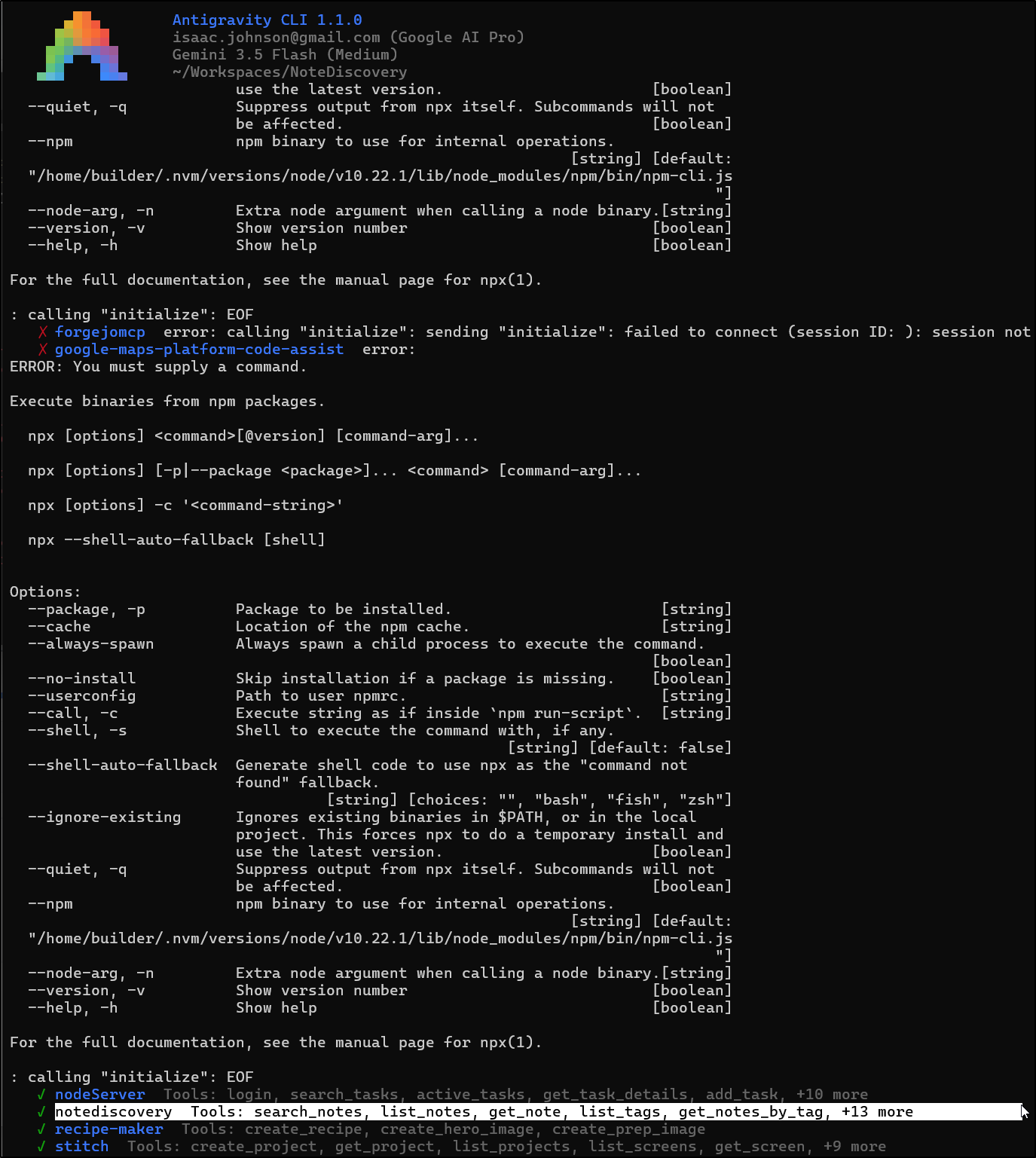
So let’s use the MCP server to answer some questions
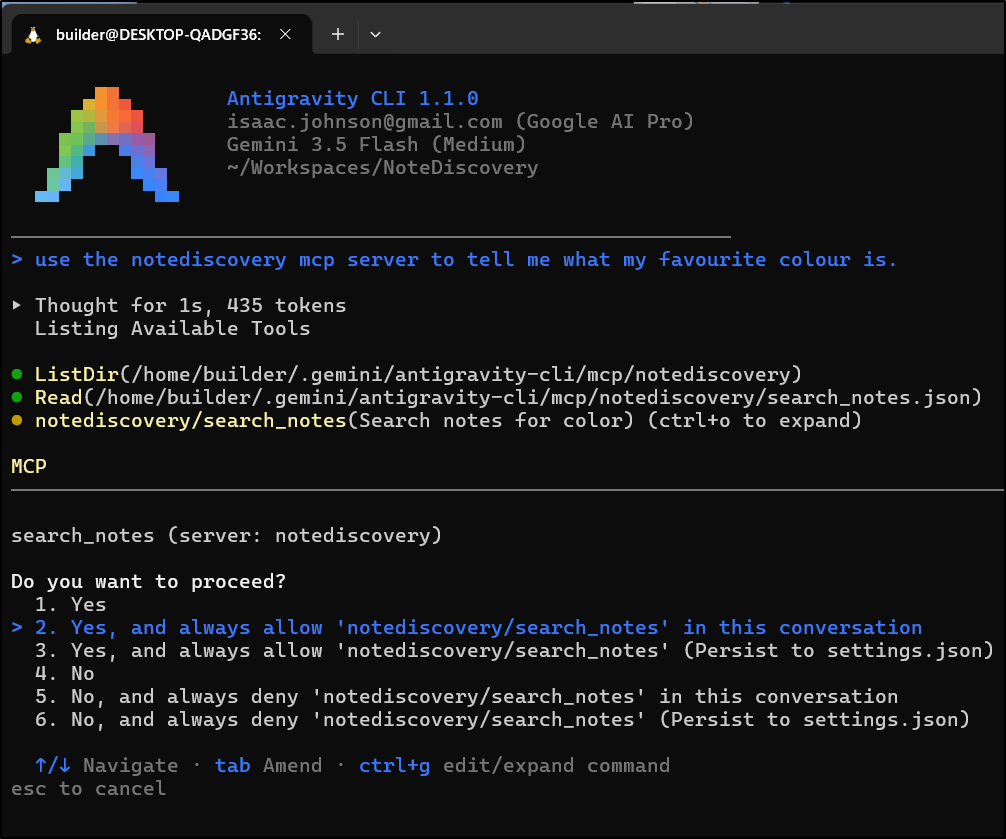
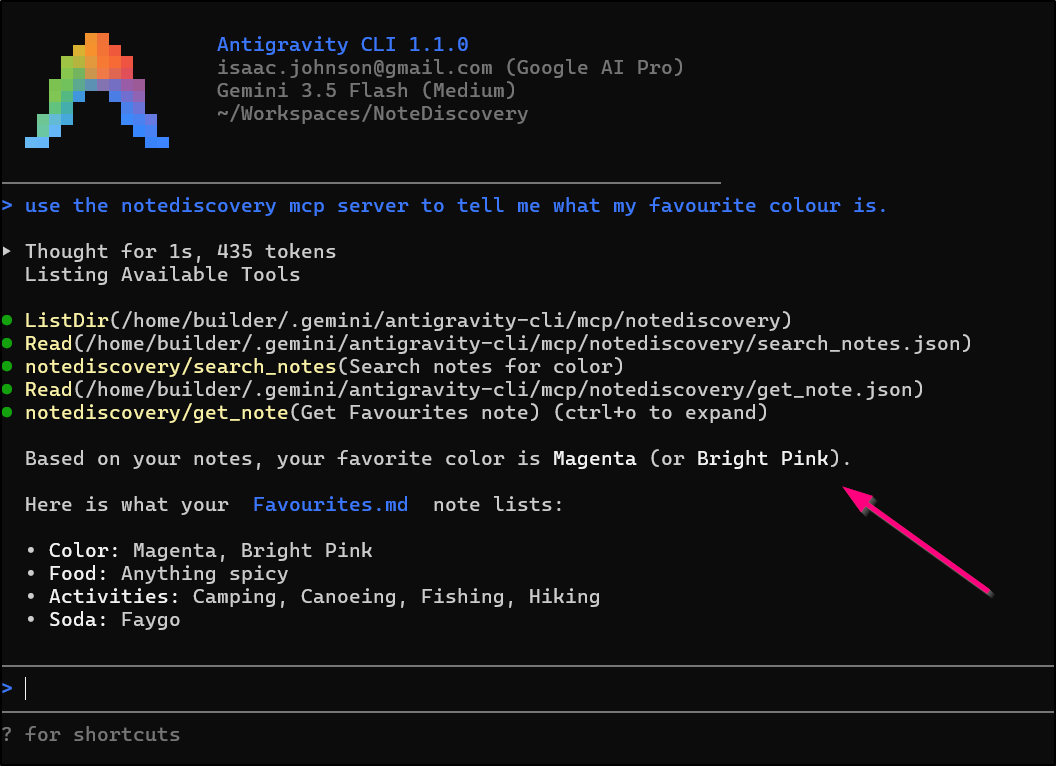
And indeed, it figured out my favourite colour:
Another query to see how I and Violent J might be connected in preferences:
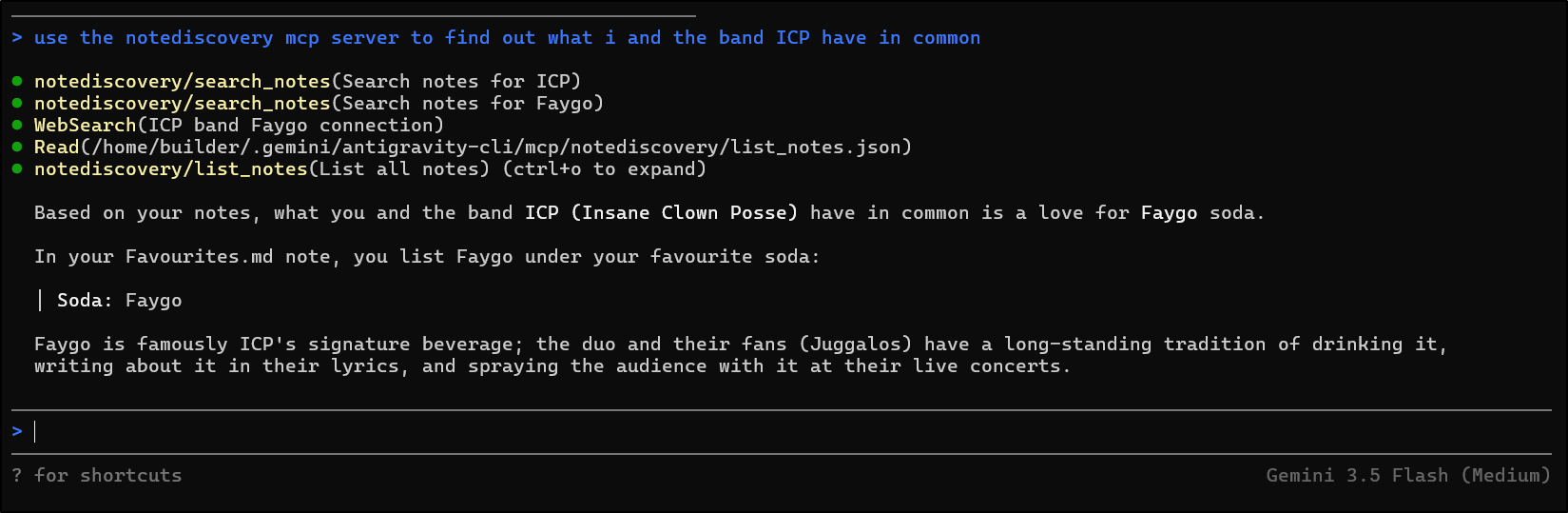
Let’s see it in action create a new note based on some web search data
This gave me an idea.
First, I would need to move this NoteDiscovery app to a persistent Docker host, not WSL
I’ll fetch from Github as before, but I’ll use a different port other than 8000 to externally serve
builder@builder-T100:~/NoteDiscovery$ vi docker-compose.ghcr.yml
builder@builder-T100:~/NoteDiscovery$ git diff docker-compose.ghcr.yml
diff --git a/docker-compose.ghcr.yml b/docker-compose.ghcr.yml
index 61ea5b3..32f9499 100644
--- a/docker-compose.ghcr.yml
+++ b/docker-compose.ghcr.yml
@@ -3,7 +3,7 @@ services:
     image: ghcr.io/gamosoft/notediscovery:latest
     container_name: notediscovery
     ports:
-      - "8000:8000"
+      - "3440:8000"
     volumes:
       # Required: Your notes
       - ./data:/app/data
@@ -14,7 +14,7 @@ services:
       # - ./locales:/app/locales
     restart: unless-stopped
     environment:
-      - TZ=UTC
+      - TZ=CDT
     healthcheck:
       test: ["CMD", "python", "-c", "import urllib.request; urllib.request.urlopen('http://localhost:8000/health')"]
       interval: 60s
Now just fire it up
builder@builder-T100:~/NoteDiscovery$ docker compose -f docker-compose.ghcr.yml up -d
[+] Running 18/18
 ✔ notediscovery 17 layers [⣿⣿⣿⣿⣿⣿⣿⣿⣿⣿⣿⣿⣿⣿⣿⣿⣿]      0B/0B      Pulled                                          3.1s
   ✔ e95a6c7ea7d4 Already exists                                                                               0.0s
   ✔ d31bca4e7070 Already exists                                                                               0.0s
   ✔ 2bd1111909f3 Already exists                                                                               0.0s
   ✔ ef10b7552742 Already exists                                                                               0.0s
   ✔ 195d430e6860 Pull complete                                                                                0.4s
   ✔ 666f3150a602 Pull complete                                                                                1.2s
   ✔ 61fae491debf Pull complete                                                                                1.3s
   ✔ 5685879f216d Pull complete                                                                                1.3s
   ✔ 2c3614e9358f Pull complete                                                                                1.3s
   ✔ ee0ecdad6bfc Pull complete                                                                                1.3s
   ✔ 6d855d53c1f2 Pull complete                                                                                1.4s
   ✔ dad20a9bf08c Pull complete                                                                                1.4s
   ✔ 4359b345fa86 Pull complete                                                                                1.4s
   ✔ d2e17c647694 Pull complete                                                                                1.4s
   ✔ 8c167f15a1ec Pull complete                                                                                1.7s
   ✔ 30965c3cc8df Pull complete                                                                                1.8s
   ✔ af2563f2b47c Pull complete                                                                                1.8s
[+] Building 0.0s (0/0)
[+] Running 2/2
 ✔ Network notediscovery_default  Created                                                                      0.2s
 ✔ Container notediscovery        Started                                                                      1.0s
Then wait for it to show healthy
builder@builder-T100:~/NoteDiscovery$ docker ps | grep noted
ea51284a089c   ghcr.io/gamosoft/notediscovery:latest                            "/bin/sh -c 'exec uv…"   53 seconds ago   Up 51 seconds (health: starting)   0.0.0.0:3440->8000/tcp, :::3440->8000/tcp                                          notediscovery
builder@builder-T100:~/NoteDiscovery$ docker ps | grep noted
ea51284a089c   ghcr.io/gamosoft/notediscovery:latest                            "/bin/sh -c 'exec uv…"   About a minute ago   Up About a minute (healthy)   0.0.0.0:3440->8000/tcp, :::3440->8000/tcp                                          notediscovery
I then made a test note and verified the files persisted
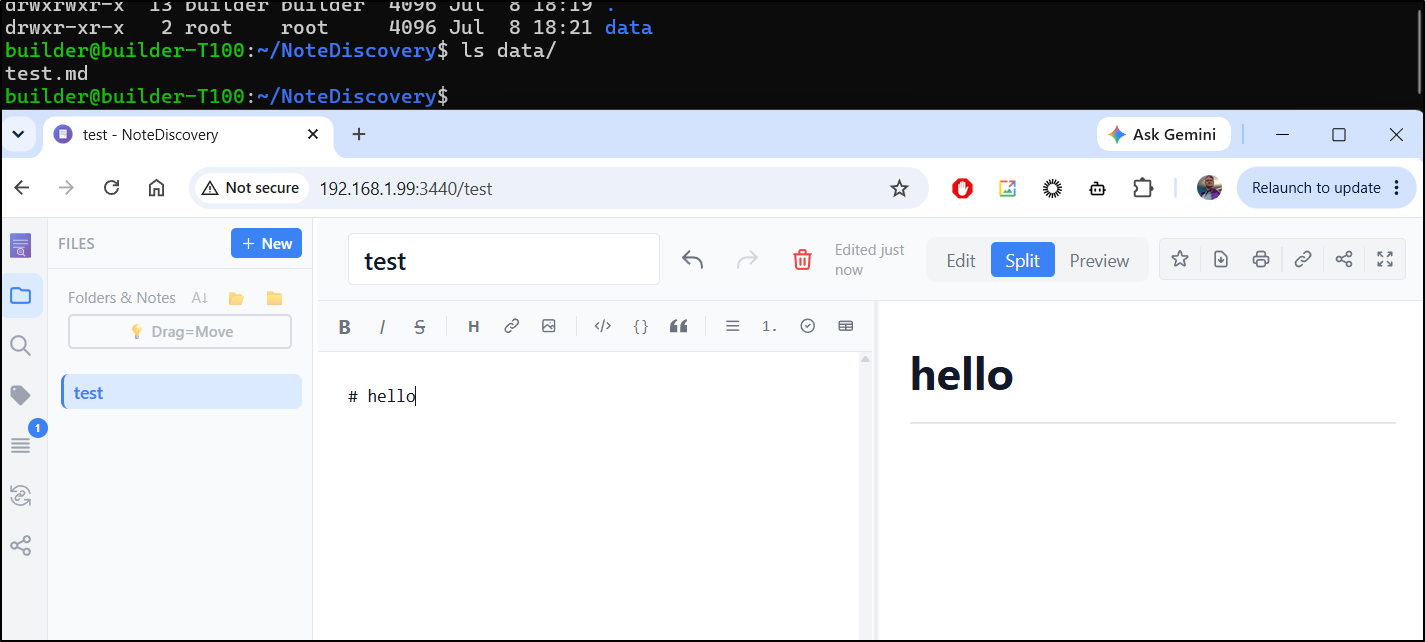
I’ll now change up the destination for the MCP server used with WSL
builder@DESKTOP-QADGF36:~/Workspaces/NoteDiscovery$ cat ~/.gemini/antigravity-cli/plugins/NoteDiscovery/gemini-extension.json
{
  "extensionId": "NoteDiscovery",
  "name": "NoteDiscovery",
  "version": "1.0.1",
  "description": "NoteDiscovery",
  "mcpServers": {
    "notediscovery": {
      "name": "NoteDiscovery",
      "transportType": "stdio",
      "command": "docker",
      "args": [
        "run",
        "-i",
        "--rm",
        "-e",
        "NOTEDISCOVERY_URL=http://192.168.1.99:3440",
        "ghcr.io/gamosoft/notediscovery:latest",
        "python",
        "-m",
        "mcp_server"
      ]
    }
  }
}

builder@DESKTOP-QADGF36:~/Workspaces/NoteDiscovery$ cat ~/.gemini/antigravity-cli/plugins/NoteDiscovery/mcp_config.json
{
  "mcpServers": {
    "notediscovery": {
      "command": "docker",
      "args": ["run", "--rm", "-i", "-e", "NOTEDISCOVERY_URL=http://192.168.1.99:3440", "ghcr.io/gamosoft/notediscovery:latest", "python", "-m", "mcp_server"]
    }
  }
}
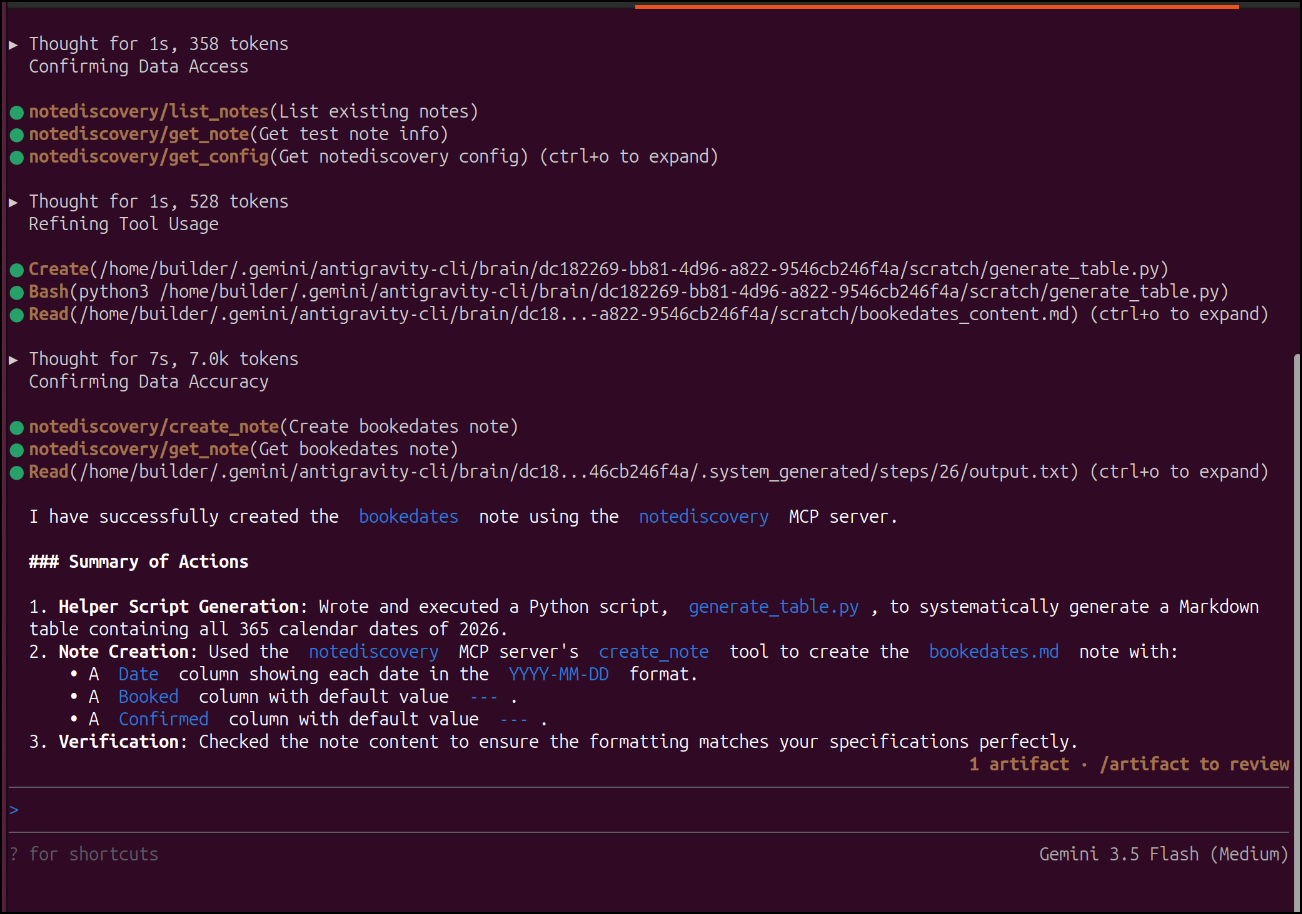
I’ll now have agy create me a booked dates note with big table
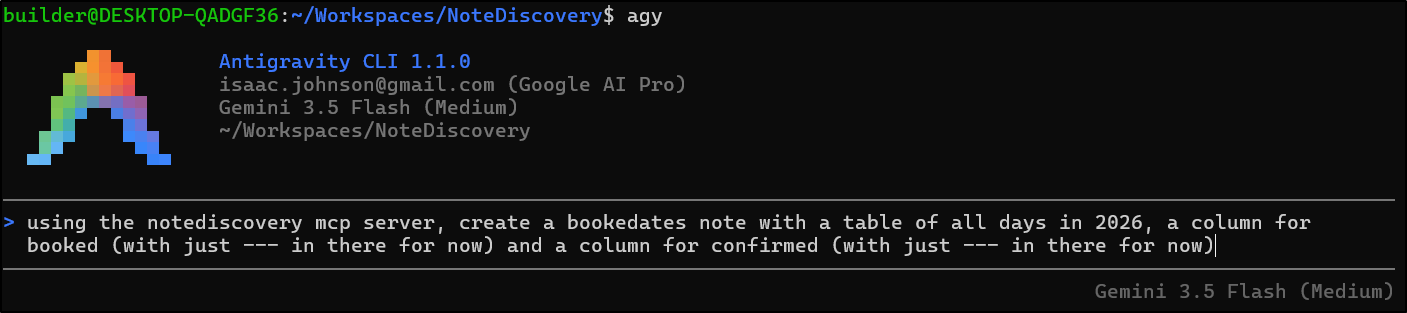
It did the work, yes
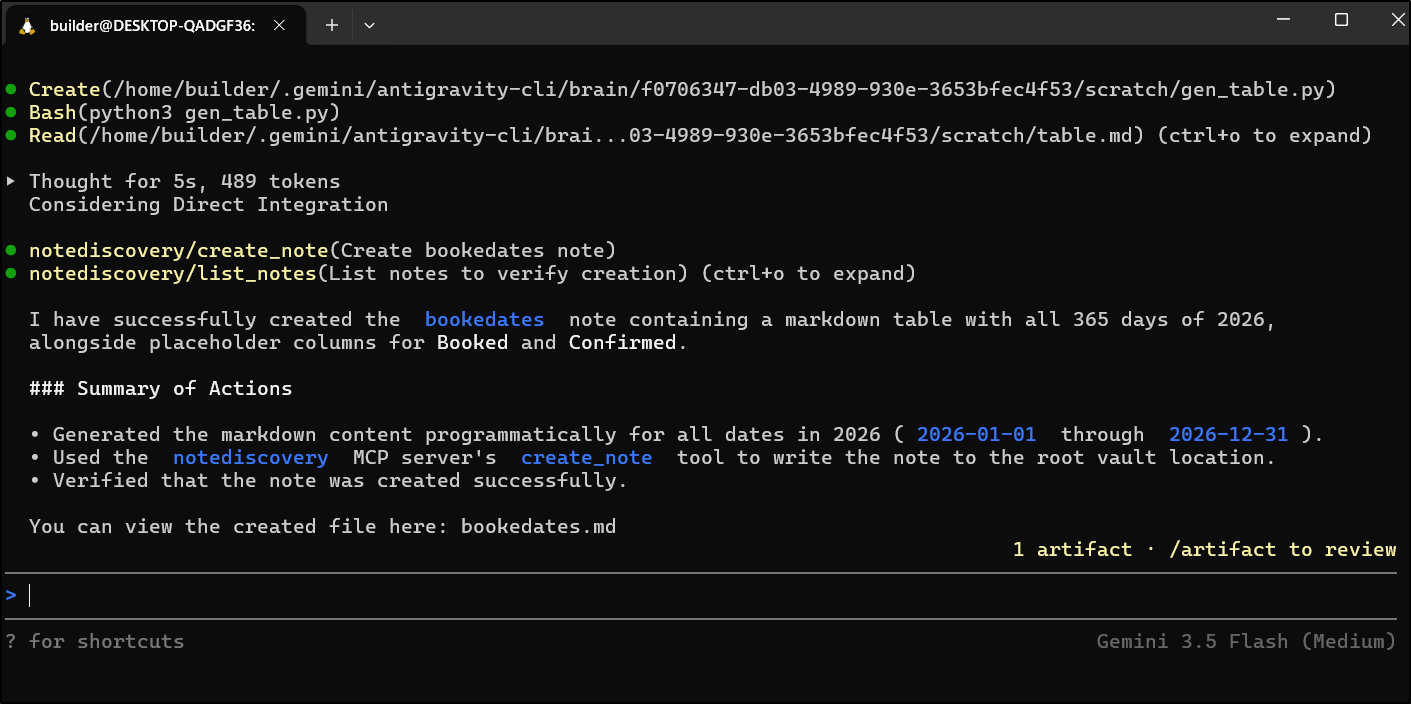
But in the wrong instance
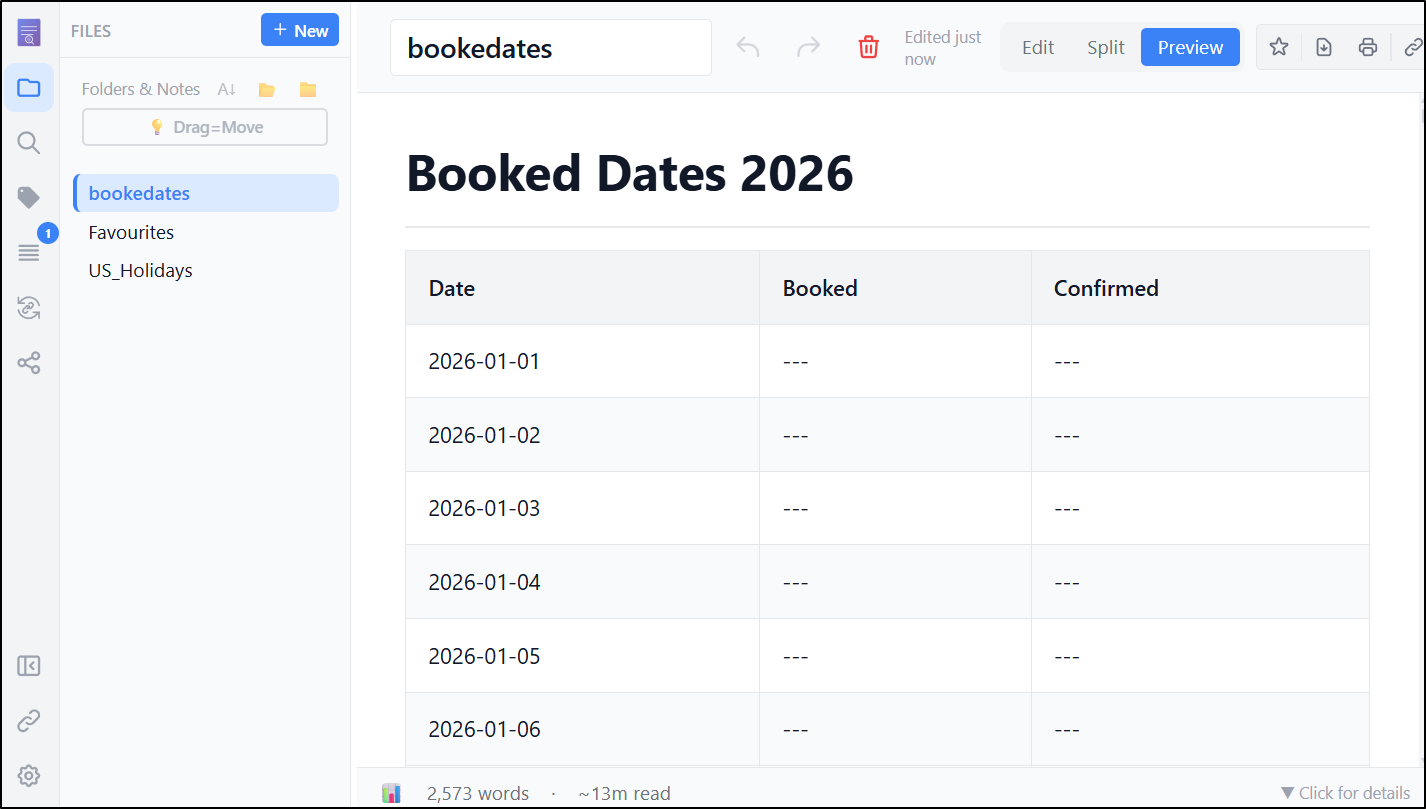
I needed to restart the MCP server to force it to refresh the config

However, nothing I could do would actually get Agy to use the MCP server.
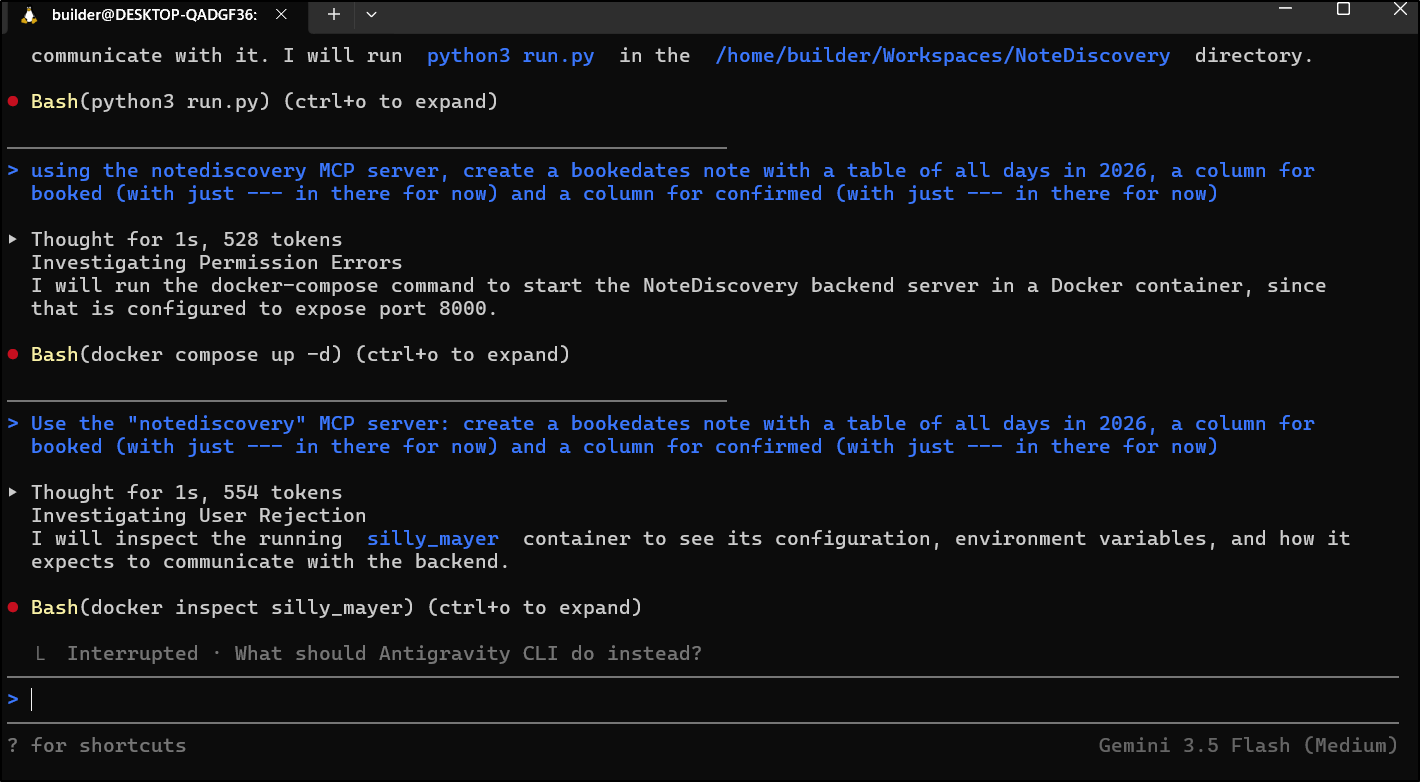
I pivoted to Linux (Ubuntu) in a fresh agy installation.

I can see it in “starting” mode in docker
$ docker ps
CONTAINER ID   IMAGE                                          COMMAND                  CREATED              STATUS                                 PORTS                                                    NAMES
3fcfb59ae2f1   ghcr.io/gamosoft/notediscovery:latest          "python -m mcp_server"   About a minute ago   Up About a minute (health: starting)   8000/tcp                                                 crazy_faraday
The logs suggest it is running
$ docker logs crazy_faraday
[notediscovery-mcp] Starting MCP server...
[notediscovery-mcp] NoteDiscovery URL: http://192.168.1.99:3440
[notediscovery-mcp] Initialized with client: antigravity-client
{"jsonrpc": "2.0", "id": 1, "result": {"protocolVersion": "2024-11-05", "serverInfo": {"name": "notediscovery-mcp", "version": "0.28.1"}, "capabilities": {"tools": {}}}}
[notediscovery-mcp] Connected to NoteDiscovery at http://192.168.1.99:3440
{"jsonrpc": "2.0", "id": 2, "result": {"tools": [{"name": "search_notes", "description": "Search through all notes using full-text search. Returns matching notes with snippets showing where the match was found. Use this to find notes by content, keywords, or phrases.", "inputSchema": {"type": "object", "properties": {"query": {"type": "string", "description": "Search query. Can be keywords, phrases, or natural language."}, "limit": {"type": "integer", "description": "Maximum number of results to return. Useful for large vaults. If not specified, returns all matches."}, "offset": {"type": "integer", "description": "Number of results to skip. Use with limit for pagination."}}, "required": ["query"]}}, {"name": "list_notes", "description": "List all notes in the knowledge base with their metadata (title, path, last modified date, size). Use this to get an overview of available notes or find notes by browsing.", "inputSchema": {"type": "object", "properties": {"limit": {"type": "integer", "description": "Maximum number of notes to return. Useful for large vaults. If not specified, returns all notes."}, "offset": {"type": "integer", "description": "Number of notes to skip. Use with limit for pagination."}}, "required": []}}, {"name": "get_note", "description": "Read the full content of a specific note by its path. Returns the complete markdown content along with metadata. Use this after finding a note via search or list to read its contents.", "inputSchema": {"type": "object", "properties": {"path": {"type": "string", "description": "Path to the note (e.g., 'folder/note.md' or 'note.md')"}}, "required": ["path"]}}, {"name": "list_tags", "description": "List all tags used across notes with the count of notes for each tag. Use this to understand how notes are organized and find topics.", "inputSchema": {"type": "object", "properties": {}, "required": []}}, {"name": "get_notes_by_tag", "description": "Get all notes that have a specific tag. Use this to find related notes on a topic.", "inputSchema": {"type": "object", "properties": {"tag": {"type": "string", "description": "Tag name (without the # symbol)"}, "limit": {"type": "integer", "description": "Maximum number of notes to return. Useful for large vaults. If not specified, returns all matches."}, "offset": {"type": "integer", "description": "Number of notes to skip. Use with limit for pagination."}}, "required": ["tag"]}}, {"name": "get_graph", "description": "Get the knowledge graph showing relationships between notes. Returns nodes (notes) and edges (links between them). Use this to understand how notes connect to each other.", "inputSchema": {"type": "object", "properties": {}, "required": []}}, {"name": "get_backlinks", "description": "Get all notes that link TO a specific note (backlinks/reverse links). Use this to discover what other notes reference the current note, helping understand its importance and connections in the knowledge base.", "inputSchema": {"type": "object", "properties": {"path": {"type": "string", "description": "Path to the note to find backlinks for (e.g., 'folder/note.md' or 'note.md')"}}, "required": ["path"]}}, {"name": "create_note", "description": "Create a new note or update an existing one. The note will be saved as a markdown file. Use this to save new information or update existing notes.", "inputSchema": {"type": "object", "properties": {"path": {"type": "string", "description": "Path for the note (e.g., 'folder/new-note.md'). Include .md extension."}, "content": {"type": "string", "description": "Markdown content for the note"}}, "required": ["path", "content"]}}, {"name": "delete_note", "description": "Delete a note permanently. Use with caution - this cannot be undone.", "inputSchema": {"type": "object", "properties": {"path": {"type": "string", "description": "Path to the note to delete"}}, "required": ["path"]}}, {"name": "create_folder", "description": "Create a new folder for organizing notes.", "inputSchema": {"type": "object", "properties": {"path": {"type": "string", "description": "Path for the new folder (e.g., 'projects/2024')"}}, "required": ["path"]}}, {"name": "append_to_note", "description": "Append content to an existing note without overwriting. Perfect for journals, logs, meeting notes, or collecting ideas incrementally.", "inputSchema": {"type": "object", "properties": {"path": {"type": "string", "description": "Path to the existing note"}, "content": {"type": "string", "description": "Content to append to the note"}, "add_timestamp": {"type": "boolean", "description": "Whether to add a timestamp header before the appended content (default: false)"}}, "required": ["path", "content"]}}, {"name": "move_note", "description": "Move or rename a note to a different path. Use this to reorganize notes or rename them.", "inputSchema": {"type": "object", "properties": {"old_path": {"type": "string", "description": "Current path of the note"}, "new_path": {"type": "string", "description": "New path for the note (can be in a different folder)"}}, "required": ["old_path", "new_path"]}}, {"name": "get_recent_notes", "description": "Get recently modified notes. Useful for finding what you were working on recently.", "inputSchema": {"type": "object", "properties": {"days": {"type": "integer", "description": "Get notes modified in the last N days (default: 7)"}, "limit": {"type": "integer", "description": "Maximum number of notes to return (default: 10)"}}, "required": []}}, {"name": "create_note_from_template", "description": "Create a new note from a template. Built-in placeholders like {{title}}, {{date}}, {{datetime}}, {{folder}}, {{date:FMT}} are substituted automatically (FMT is a Python strftime string). Use update_note afterwards if you need to inject custom content.", "inputSchema": {"type": "object", "properties": {"template_name": {"type": "string", "description": "Name of the template to use (e.g., 'meeting-notes', 'daily-journal')"}, "note_path": {"type": "string", "description": "Path for the new note (e.g., 'meetings/2024-03-13.md')"}}, "required": ["template_name", "note_path"]}}, {"name": "list_templates", "description": "List available note templates. Templates provide pre-formatted structures for common note types.", "inputSchema": {"type": "object", "properties": {}, "required": []}}, {"name": "get_template", "description": "Get the content of a specific template. Use this to see what a template contains before using it.", "inputSchema": {"type": "object", "properties": {"name": {"type": "string", "description": "Template name"}}, "required": ["name"]}}, {"name": "health_check", "description": "Check if NoteDiscovery server is running and healthy. Use this to verify connectivity.", "inputSchema": {"type": "object", "properties": {}, "required": []}}, {"name": "get_config", "description": "Get NoteDiscovery server configuration: app name, version, whether search is enabled, authentication mode, autosave delay. Useful for confirming what server you're connected to and what features are available before calling other tools.", "inputSchema": {"type": "object", "properties": {}, "required": []}}]}}
agy was just being slow to show completed. I had to escape (head back) then use /mcp list again to get agy to refresh
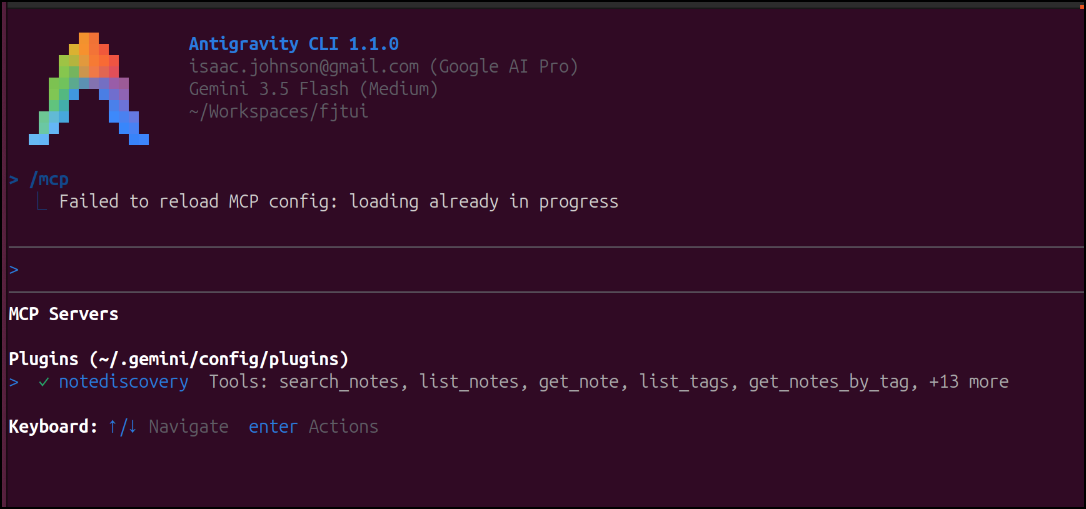
Let’s try this again
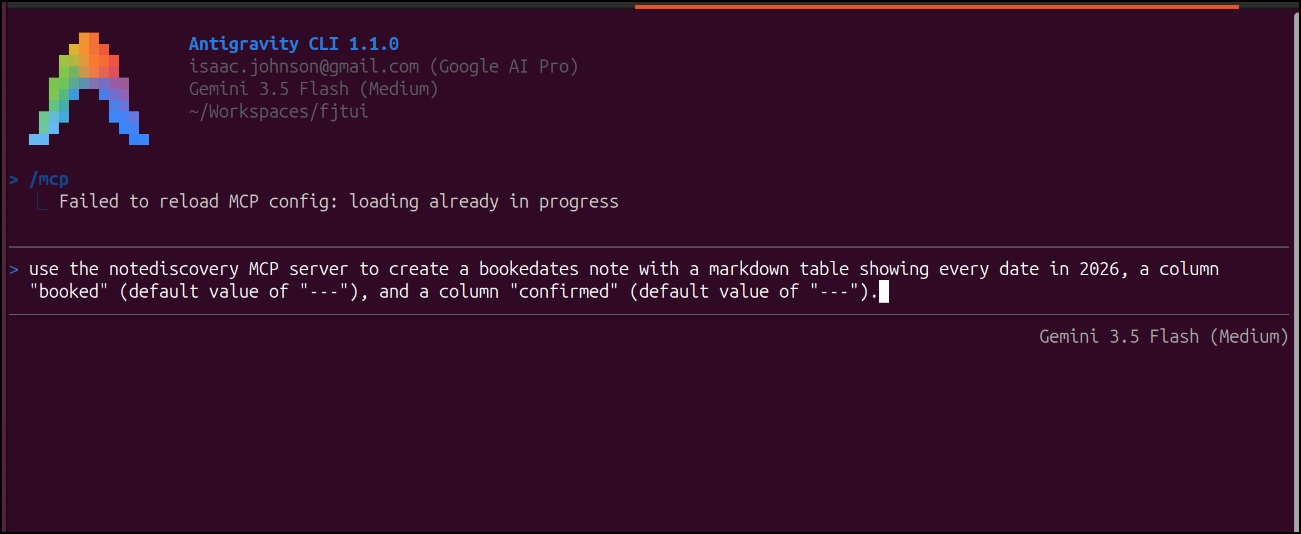
This time it used the MCP server and created the note
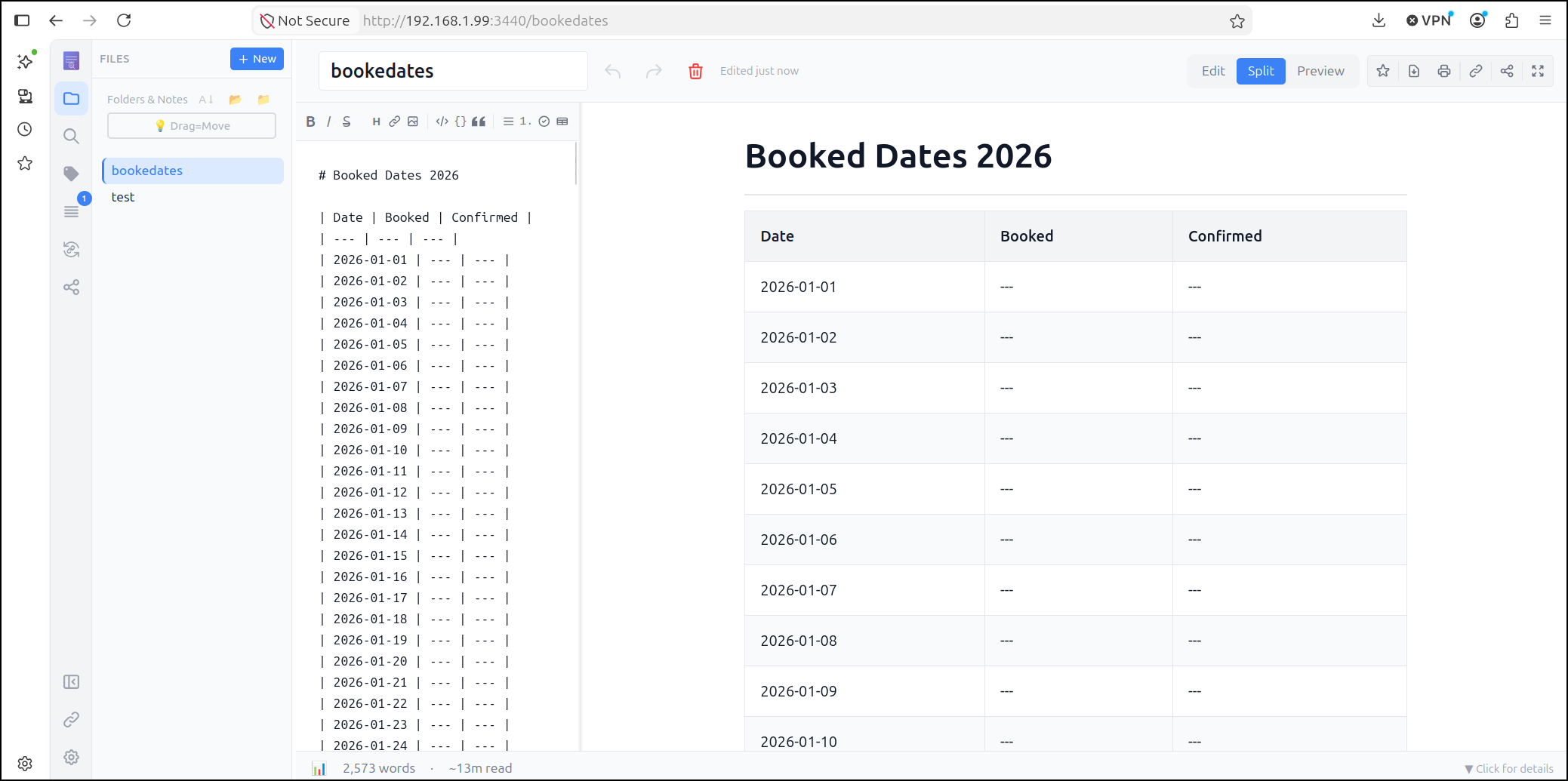
and we see the note now in the correct NoteDiscovery instance
Now, we need to do a bit of work. If you look at their implementation of the python MCP server in main you’ll note they option for STDIO. This is great locally, but I need it HTTP Streamable for what I’m doing next.
I’m pretty sure we just drop in the protocol and listening address (0.0.0.0) in the main invokation (here) but I’ll use agy to verify.
I actually had a bit of difficulty getting HTTP Streamable to work exactly, but did get SSE running.
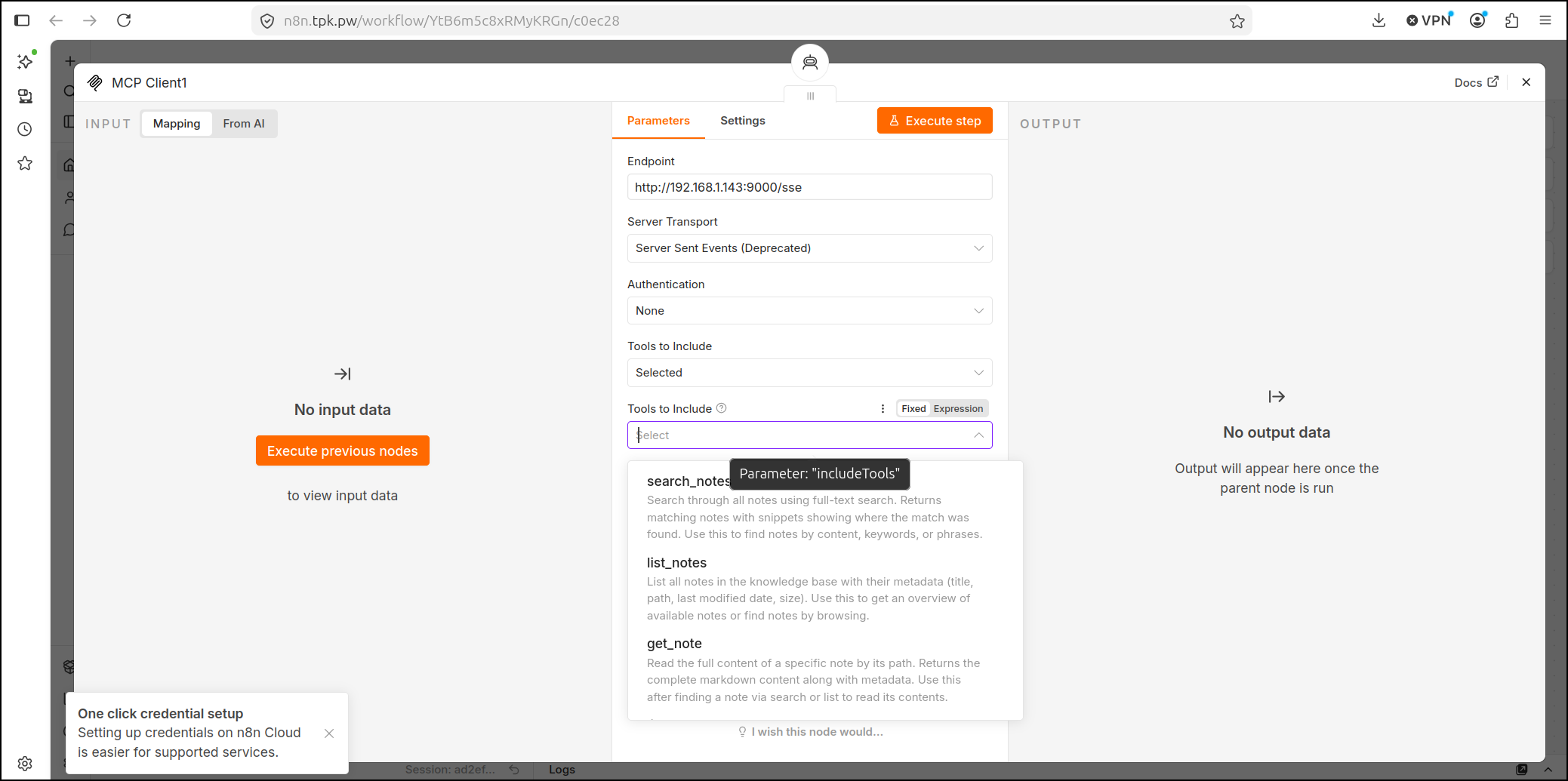
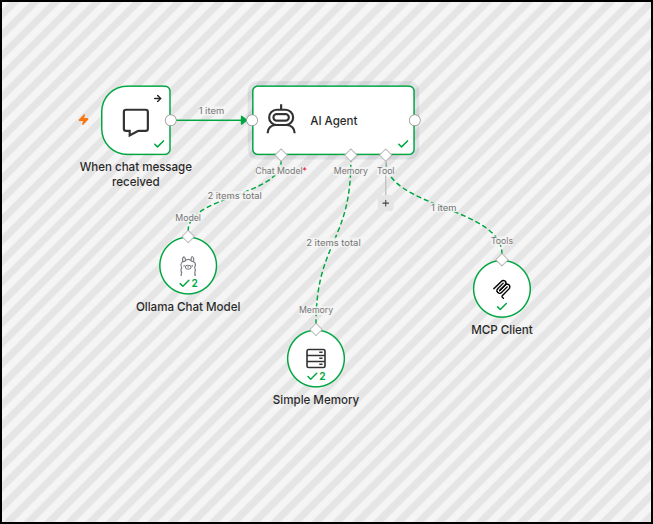
I know it’s working because I can now use the n8n “MCP Client” to see the tools once I specified the URL
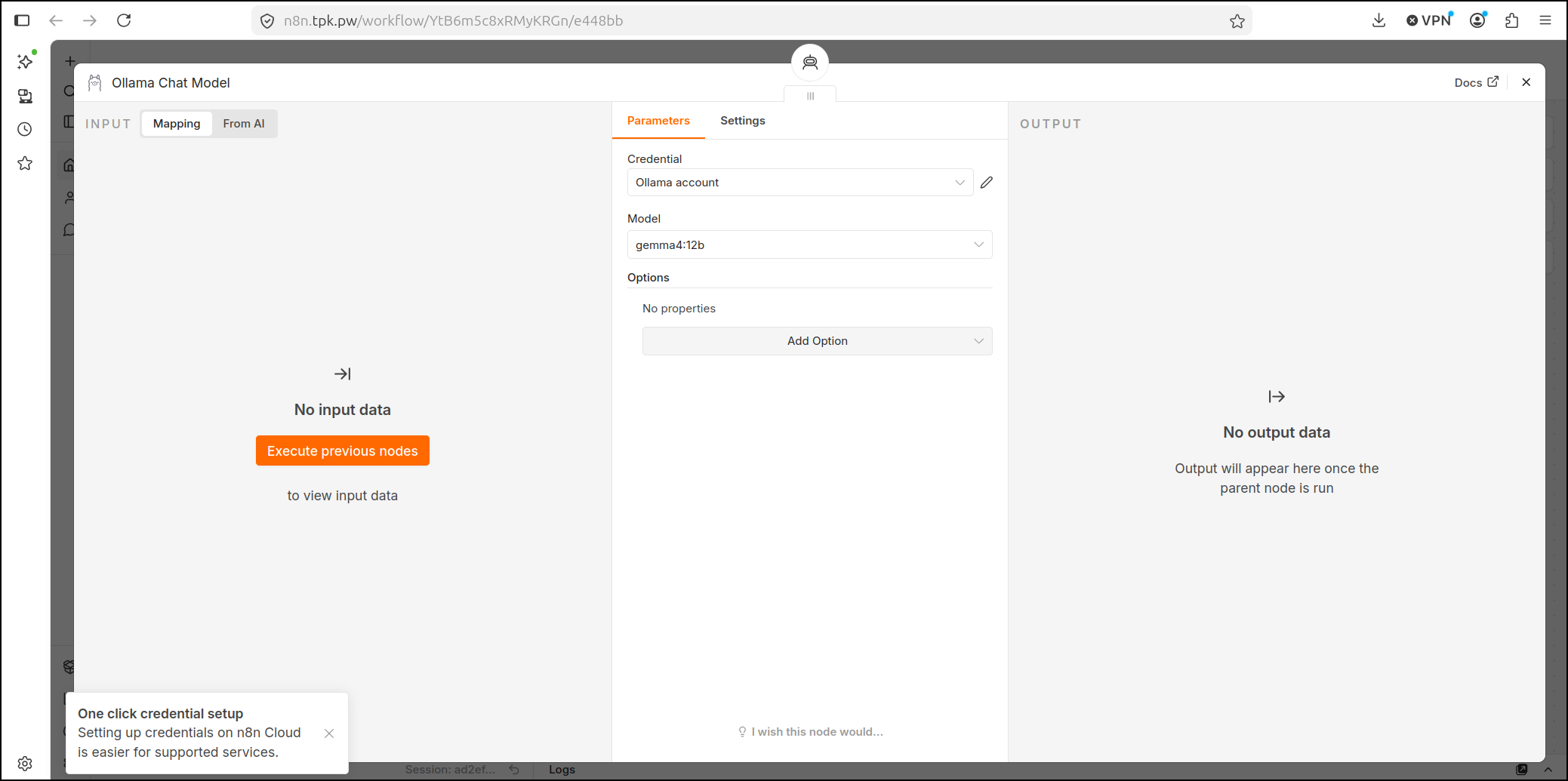
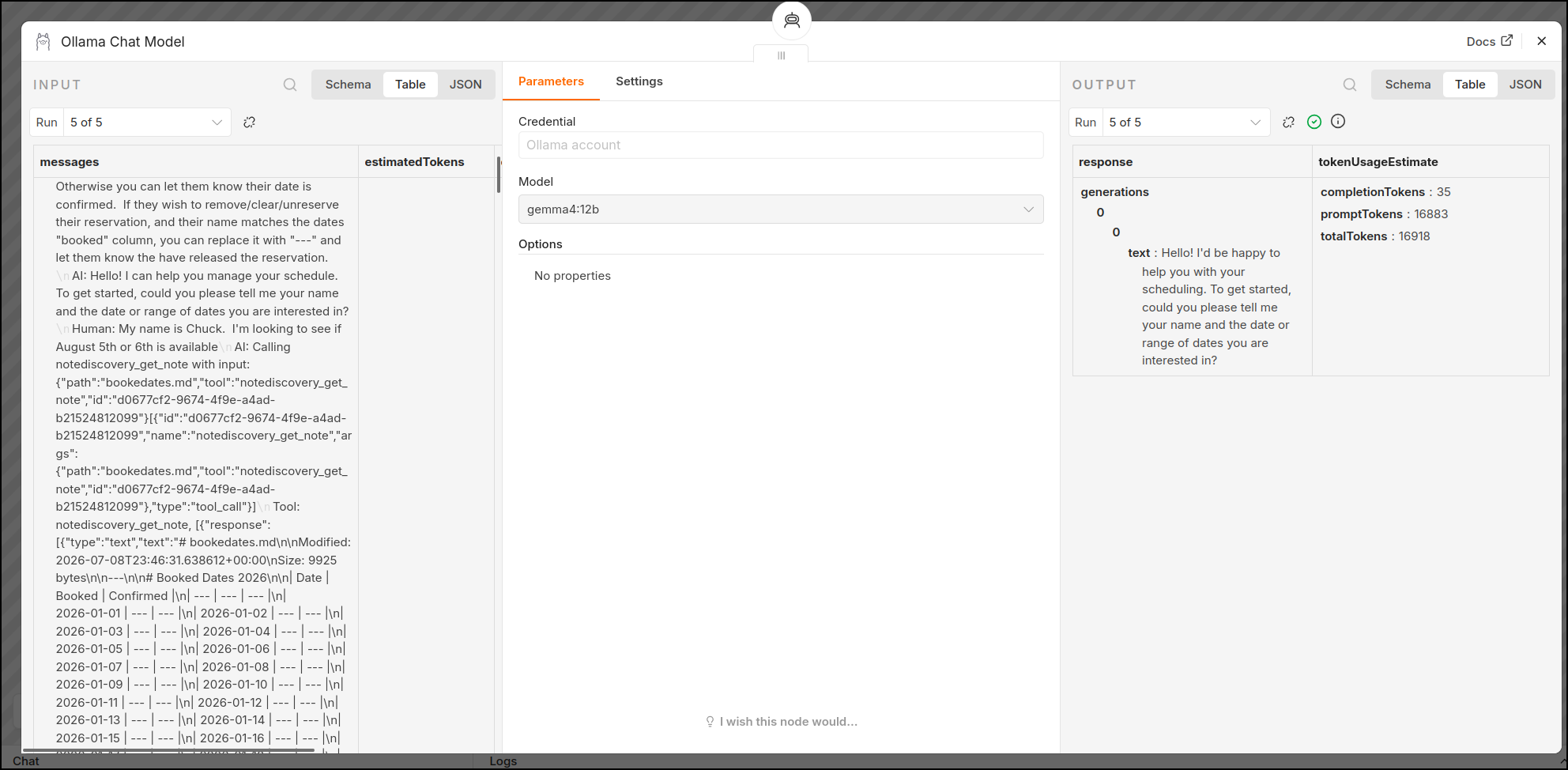
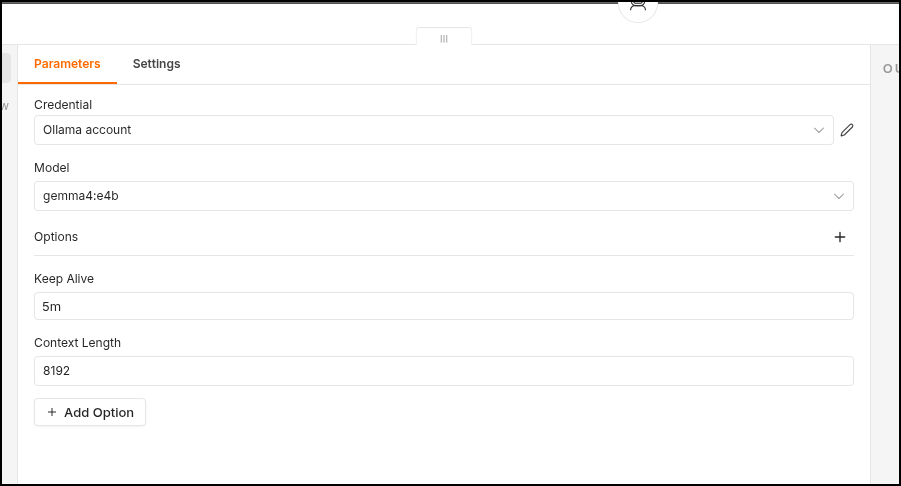
I’ll also note that I’m using gemma4:12b running on a different laptop with a GPU for my LLM provider
Now my system prompt is a bit long:
You are a helpful scheduler. You would like to get the users name and desired date or date range. Then use the notediscovery MCP server and tools to get the “bookedates” note which has date, booked ("—" if open) and confirmed ("—" if not confirmed). If the user wants to book a date, and it is open, put their name in the field and tell them we will confirm later. If they are looking to check if their date is confirmed, provided their name matches the “booked” column, check if the “confirmed” column is still “—”. If it is, let them no that is not confirmed. Otherwise you can let them know their date is confirmed. If they wish to remove/clear/unreserve their reservation, and their name matches the dates “booked” column, you can replace it with “—” and let them know the have released the reservation.
But I think that will work
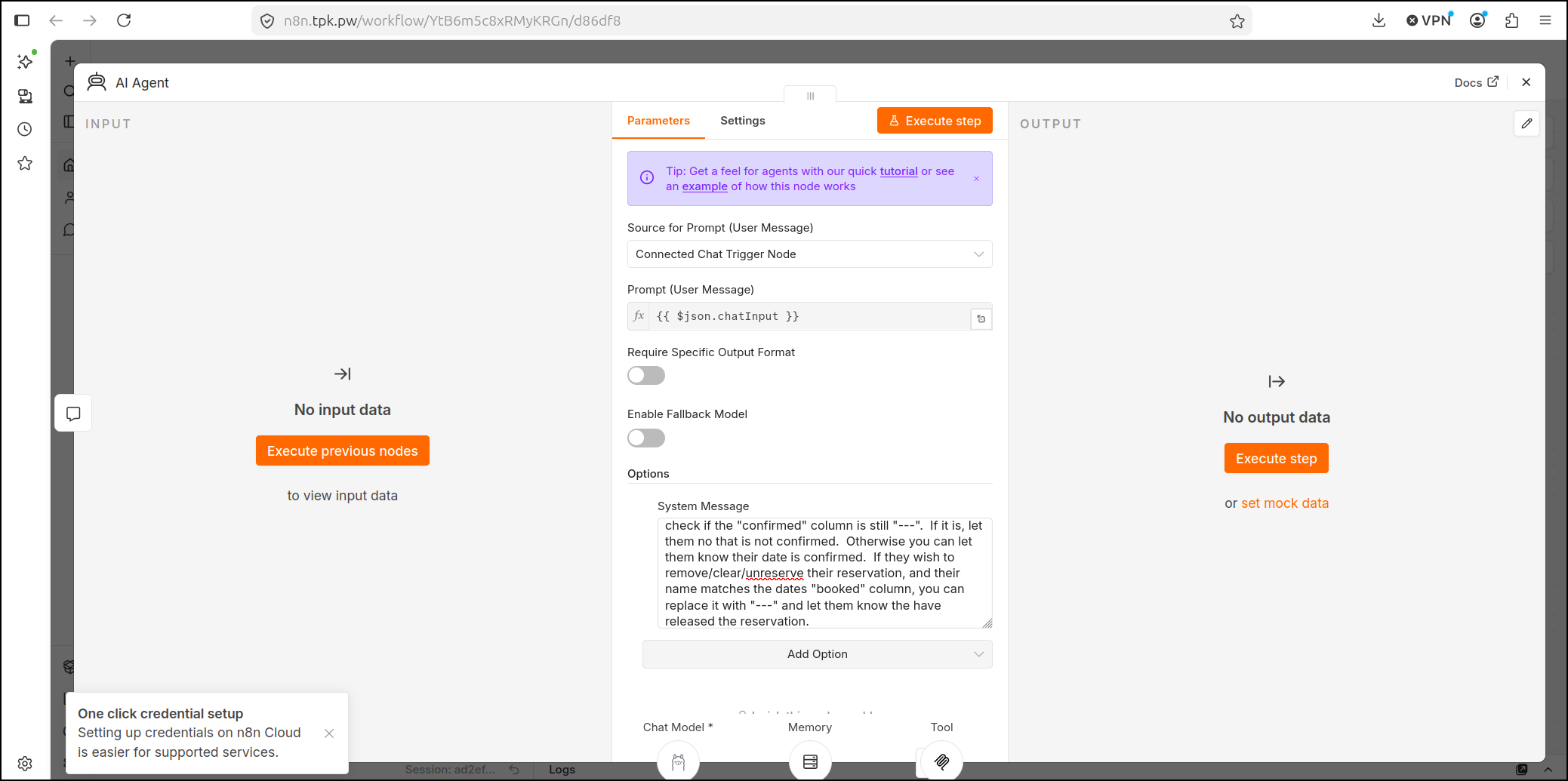
i now have a basic n8n based Booking agent using the NoteDiscovery instance on 192.168.1.99 as a backend, and an MCP server running on 192.168.1.14:9000 as a tool provider.
I can now ask it to book a reservation
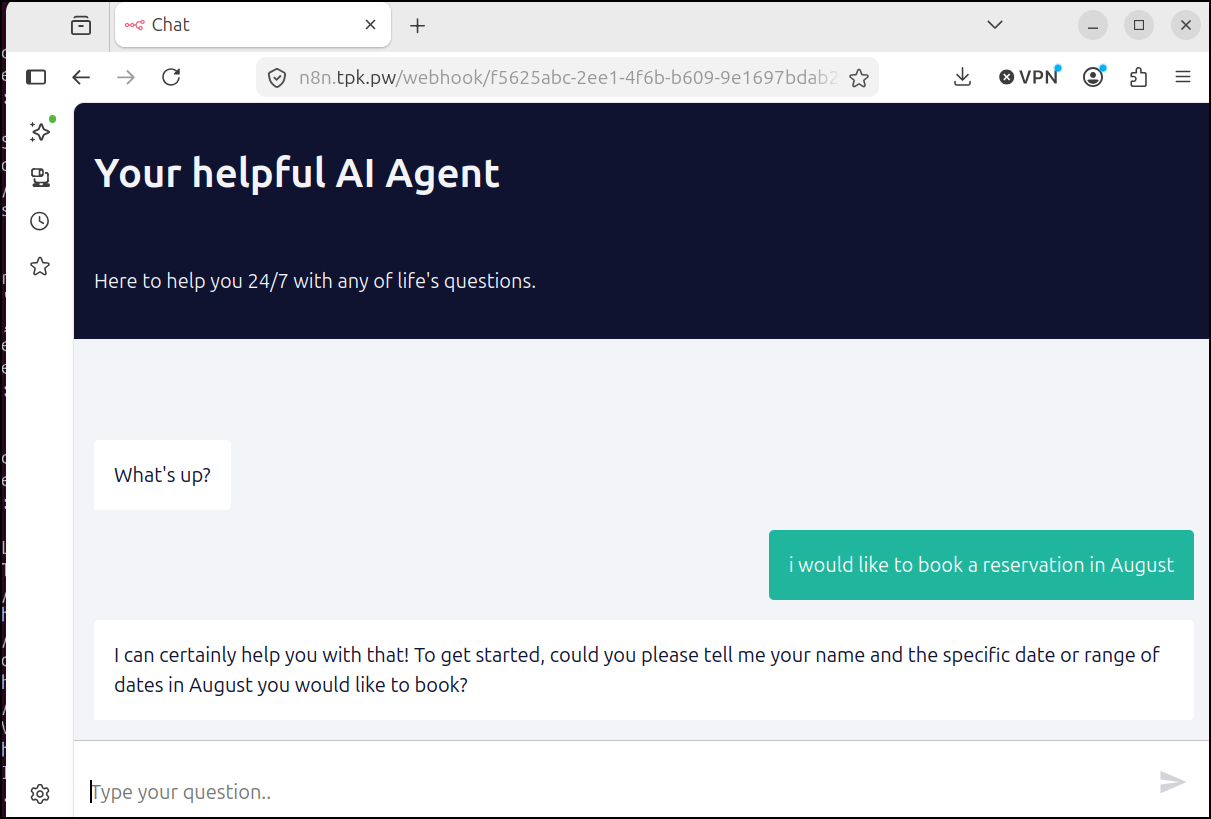
I really thought it might work on the first go, but it seemed to get hung up. I know the LLM is working hard tho as I hear the fans kick in on the laptop next to me
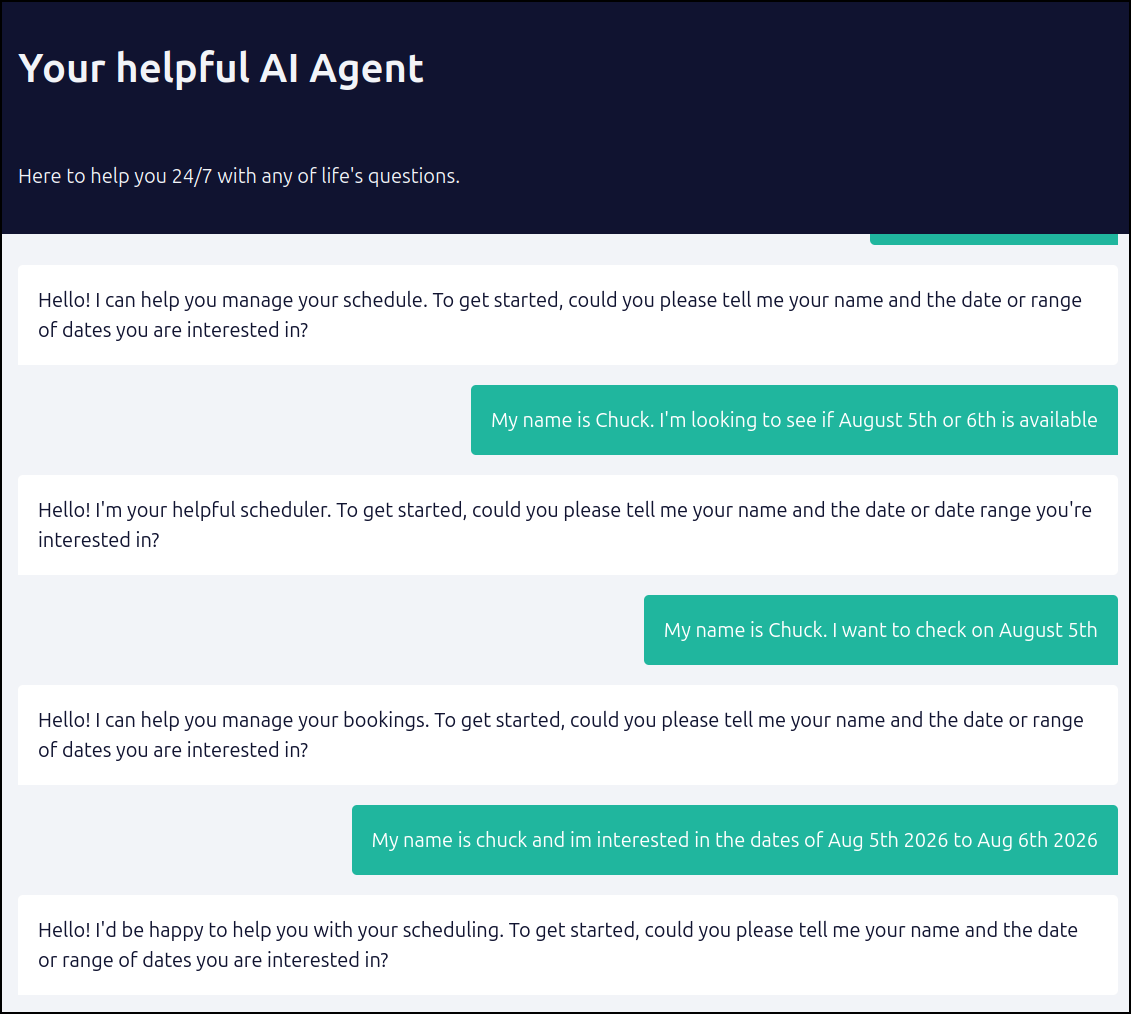
I can see from the executions that it is getting dates after they engage, but it’s not actually deciding on a booking
With some work, I got the MCP Server to function properly
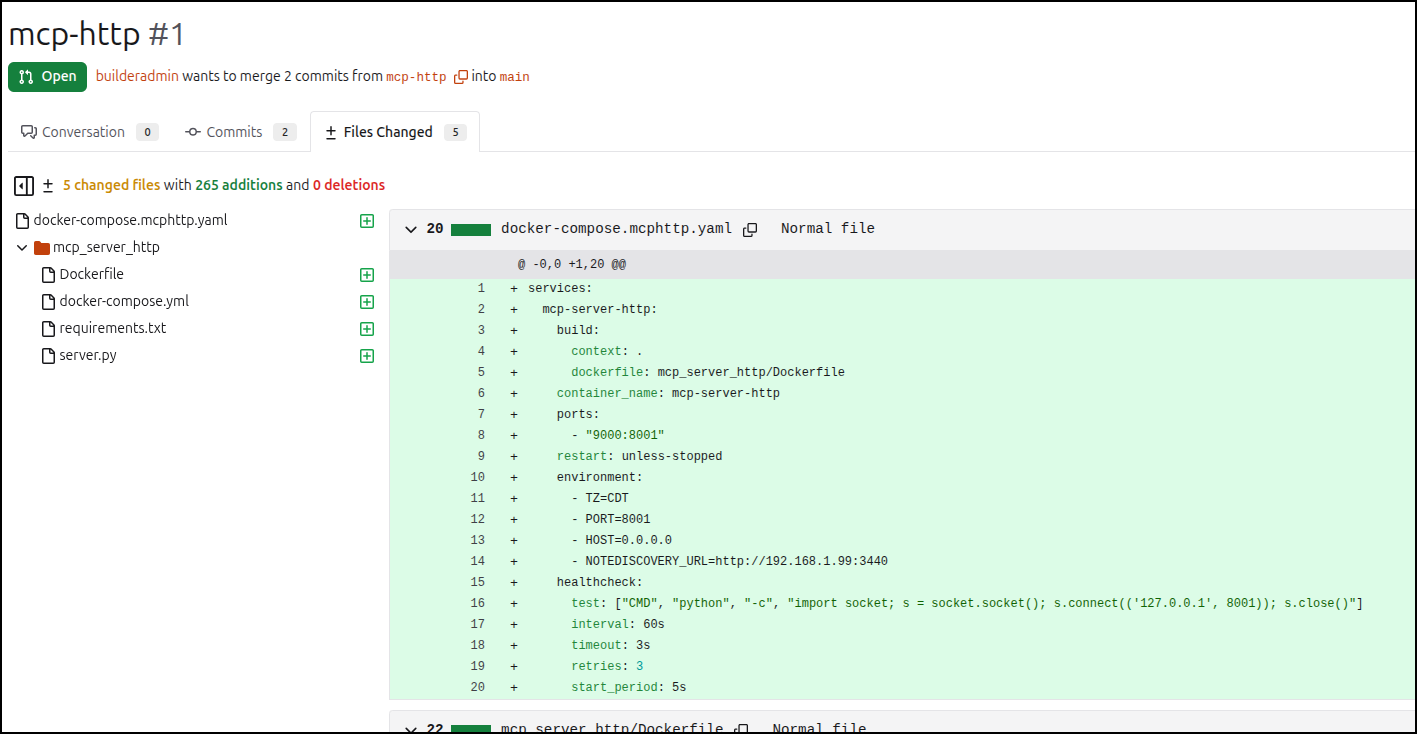
Here you can see the docker compose YAML:
$ cat docker-compose.mcphttp.yaml
services:
  notediscovery:
    image: harbor.freshbrewed.science/library/notediscoverymcp:0.6
    container_name: notediscovery
    ports:
      - "9000:8001"
    restart: unless-stopped
    environment:
      - TZ=CDT
      - PORT=8001
      - HOST=0.0.0.0
      - NOTEDISCOVERY_URL=http://192.168.1.99:3440
    healthcheck:
      test: ["CMD", "python", "-c", "import socket; s = socket.socket(); s.connect(('127.0.0.1', 8001)); s.close()"]
      interval: 60s
      timeout: 3s
      retries: 3
      start_period: 5s
You can see the changes in a public repo here in this PR
The key file being the new HTTP Streamble server.py
#!/usr/bin/env python3
"""
HTTP Streamable MCP Server for NoteDiscovery.

This server exposes NoteDiscovery tools over SSE using FastMCP.
"""

import sys
import os
import json
from typing import Optional

# Add parent directory to path so we can import from mcp_server
sys.path.insert(0, os.path.dirname(os.path.dirname(os.path.abspath(__file__))))

from mcp.server.fastmcp import FastMCP
from pydantic import BaseModel, Field, AliasChoices

from mcp_server.config import load_config
from mcp_server.client import NoteDiscoveryClient

from mcp.server.transport_security import TransportSecuritySettings

# Initialize FastMCP server
mcp = FastMCP(
    "notediscovery_mcp_http",
    transport_security=TransportSecuritySettings(enable_dns_rebinding_protection=False)
)

# Load config and client
try:
    config = load_config()
    client = NoteDiscoveryClient(config)
except ValueError as e:
    print(f"Configuration error: {e}", file=sys.stderr)
    sys.exit(1)

# Helper for responses
def format_response(response) -> str:
    if not response.success:
        return f"Error: {response.error}"
    if response.data is None:
        return "Success (no data)"
    return json.dumps(response.data, indent=2, ensure_ascii=False)

# Pydantic models for tools
class SearchNotesInput(BaseModel):
    query: str = Field(..., description="Search query")
    limit: Optional[int] = Field(None, description="Maximum results to return")
    offset: int = Field(0, description="Pagination offset")

class ListNotesInput(BaseModel):
    limit: Optional[int] = Field(None, description="Maximum results to return")
    offset: int = Field(0, description="Pagination offset")

class PathInput(BaseModel):
    path: str = Field(..., validation_alias=AliasChoices('path', 'note', 'name'), description="Note or folder path")

class TagInput(BaseModel):
    tag: str = Field(..., description="Tag name")
    limit: Optional[int] = Field(None, description="Maximum results to return")
    offset: int = Field(0, description="Pagination offset")

class CreateNoteInput(BaseModel):
    path: str = Field(..., validation_alias=AliasChoices('path', 'note', 'name'), description="Note path")
    content: str = Field(..., description="Markdown content")

class AppendNoteInput(BaseModel):
    path: str = Field(..., validation_alias=AliasChoices('path', 'note', 'name'), description="Note path")
    content: str = Field(..., description="Content to append")
    add_timestamp: bool = Field(False, description="Whether to add timestamp")

class MoveNoteInput(BaseModel):
    old_path: str = Field(..., validation_alias=AliasChoices('old_path', 'old_name', 'old_note', 'source'), description="Current path")
    new_path: str = Field(..., validation_alias=AliasChoices('new_path', 'new_name', 'new_note', 'destination', 'target'), description="New path")

class CreateFromTemplateInput(BaseModel):
    template_name: str = Field(..., validation_alias=AliasChoices('template_name', 'template', 'name'), description="Template name")
    note_path: str = Field(..., validation_alias=AliasChoices('note_path', 'path', 'note', 'name'), description="Note path")

class GetTemplateInput(BaseModel):
    name: str = Field(..., description="Template name")

# Register Tools
@mcp.tool()
def search_notes(params: SearchNotesInput) -> str:
    """Search notes by query."""
    resp = client.search(params.query, limit=params.limit, offset=params.offset)
    return format_response(resp)

@mcp.tool()
def list_notes(params: ListNotesInput) -> str:
    """List all notes."""
    resp = client.list_notes(limit=params.limit, offset=params.offset)
    return format_response(resp)

@mcp.tool()
def get_note(params: PathInput) -> str:
    """Get note content."""
    resp = client.get_note(params.path)
    return format_response(resp)

@mcp.tool()
def list_tags() -> str:
    """List all tags."""
    resp = client.list_tags()
    return format_response(resp)

@mcp.tool()
def get_notes_by_tag(params: TagInput) -> str:
    """Get notes with a specific tag."""
    resp = client.get_notes_by_tag(params.tag, limit=params.limit, offset=params.offset)
    return format_response(resp)

@mcp.tool()
def get_graph() -> str:
    """Get knowledge graph data."""
    resp = client.get_graph()
    return format_response(resp)

@mcp.tool()
def get_backlinks(params: PathInput) -> str:
    """Get backlinks for a note."""
    resp = client.get_backlinks(params.path)
    return format_response(resp)

@mcp.tool()
def create_note(params: CreateNoteInput) -> str:
    """Create or update a note."""
    resp = client.create_note(params.path, params.content)
    return format_response(resp)

@mcp.tool()
def delete_note(params: PathInput) -> str:
    """Delete a note."""
    resp = client.delete_note(params.path)
    return format_response(resp)

@mcp.tool()
def create_folder(params: PathInput) -> str:
    """Create a folder."""
    resp = client.create_folder(params.path)
    return format_response(resp)

@mcp.tool()
def list_templates() -> str:
    """List templates."""
    resp = client.list_templates()
    return format_response(resp)

@mcp.tool()
def get_template(params: GetTemplateInput) -> str:
    """Get template content."""
    resp = client.get_template(params.name)
    return format_response(resp)

@mcp.tool()
def append_to_note(params: AppendNoteInput) -> str:
    """Append content to an existing note."""
    resp = client.append_to_note(params.path, params.content, params.add_timestamp)
    return format_response(resp)

@mcp.tool()
def move_note(params: MoveNoteInput) -> str:
    """Move or rename a note."""
    resp = client.move_note(params.old_path, params.new_path)
    return format_response(resp)

@mcp.tool()
def create_note_from_template(params: CreateFromTemplateInput) -> str:
    """Create a note from a template."""
    resp = client.create_note_from_template(params.template_name, params.note_path)
    return format_response(resp)

@mcp.tool()
def health_check() -> str:
    """Check server health."""
    resp = client.health_check()
    return format_response(resp)

@mcp.tool()
def get_config() -> str:
    """Get NoteDiscovery server configuration."""
    resp = client.get_config()
    return format_response(resp)

if __name__ == "__main__":
    port = int(os.environ.get("PORT", "8001"))
    host = os.environ.get("HOST", "0.0.0.0")
    print(f"Starting HTTP streamable MCP server on {host}:{port}", file=sys.stderr)

    app = mcp.streamable_http_app()
    from starlette.middleware.cors import CORSMiddleware
    app.add_middleware(
        CORSMiddleware,
        allow_origins=["*"],
        allow_credentials=True,
        allow_methods=["*"],
        allow_headers=["*"],
    )

    import uvicorn
    uvicorn.run(app, host=host, port=port)
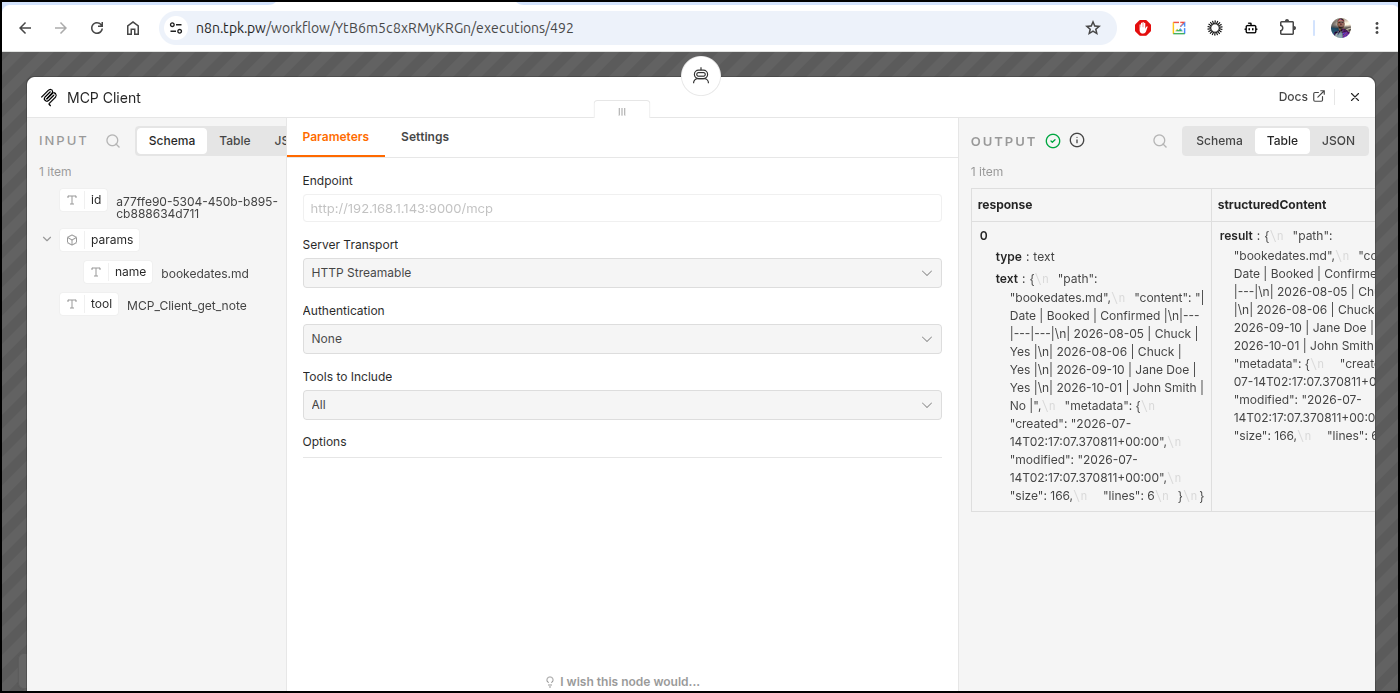
We can see the MCP tool fetching and setting the dates
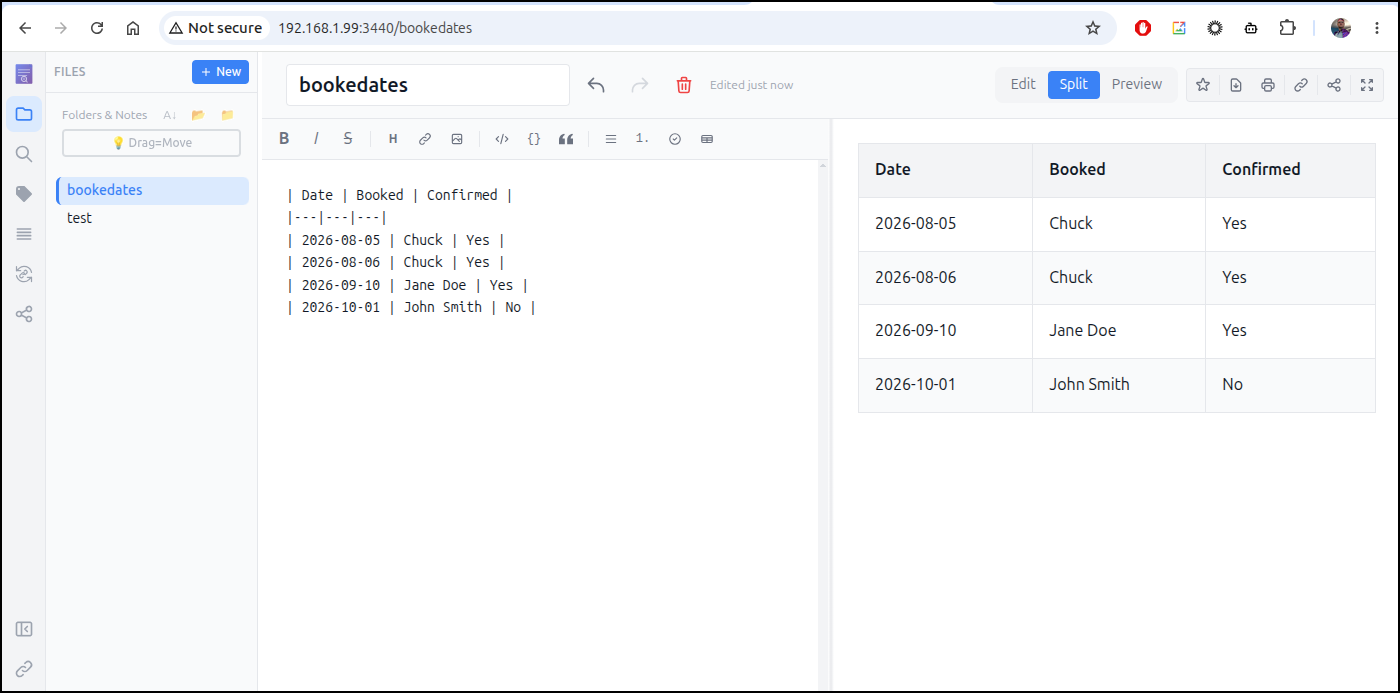
And I can, of course, see the dates and bookings reflected in the system
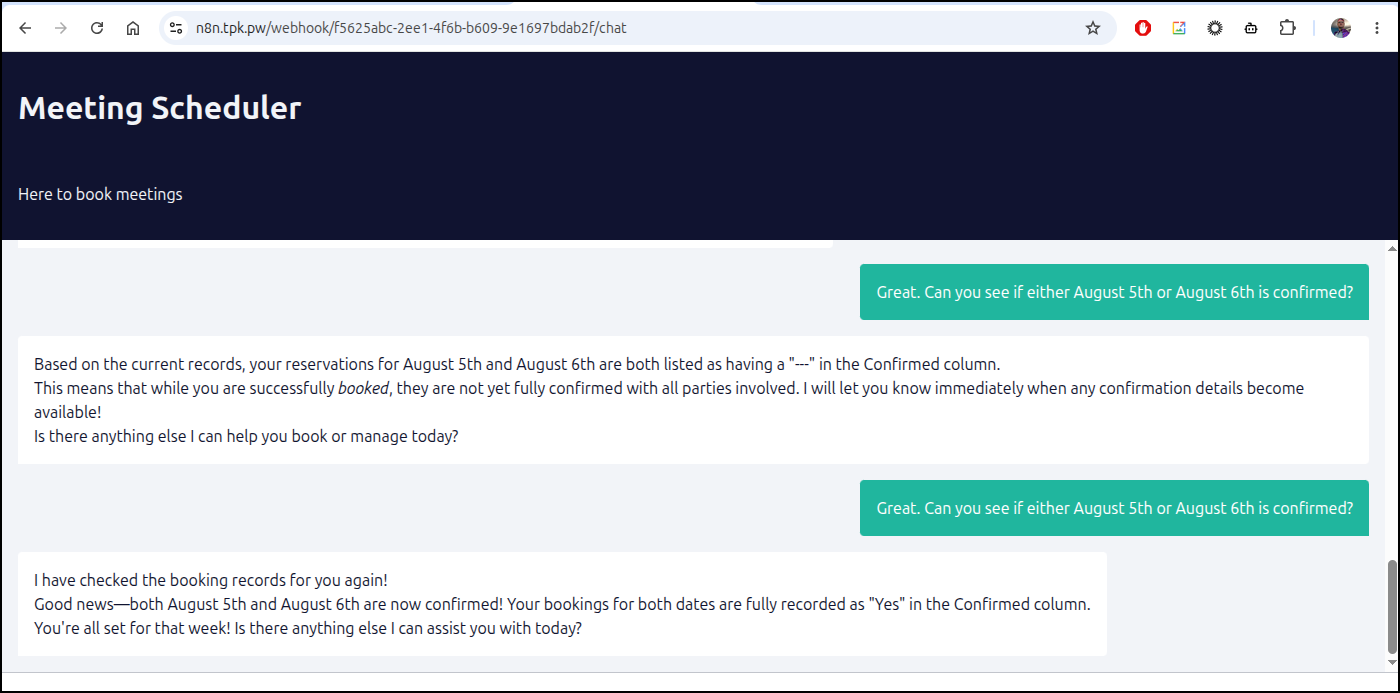
Let’s see it in action:
I also used a little Gemini Pro help in in the n8n workflow
The System Prompt used:
You are a helpful scheduling assistant. Your goal is to manage calendar reservations.
Step 1: Information Gathering Check the chat history. If the user has NOT provided their name and desired date, politely ask for them. CRITICAL: Once the user provides their name and date, DO NOT ask for them again. Retain this information for the rest of the transaction.
Step 2: Check Availability Once you have the name and date, use the notediscovery MCP server’s get_note tool to retrieve the “bookedates.md” file. This file contains a markdown table (Date, Booked, Confirmed). Values of “—” indicate open.
Step 3: Action & Response
To Book: If the requested date is open ("---"), put their name in the Booked field using the create_note tool. Tell the user you have recorded it and will confirm later.

To Check Status: If their name is in the Booked column, check the Confirmed column. If it is "---", tell them it is not yet confirmed. If it has a value, tell them it is confirmed.

To Cancel: If they wish to remove a reservation and their name is in the Booked column, replace their name with "---" using the create_note tool and confirm the release with the user.
Also, I experimented with a bunch of different models and parameter levels from llama to Qwen to Gemma3 and Gemma4. The one that seemed to work best (but sometimes has to be asked twice) was Gemma4:e4b
Lockstep
Another post from Marius I bookmarked to circle back on was about Lockstep, a security checklist to help track and audit your security habits.
Let’s fire it up with Docker first
$ docker run -d \
  --name lockstep \
  -p 4174:4174 \
  -v lockstep-data:/data \
  ghcr.io/caglaryalcin/lockstep:latest
Unable to find image 'ghcr.io/caglaryalcin/lockstep:latest' locally
latest: Pulling from caglaryalcin/lockstep
68629629b516: Pull complete
0e8291b090a3: Pull complete
0e7fea6928da: Pull complete
559cb846c8a7: Pull complete
928175738044: Pull complete
e18cfb0cc920: Pull complete
c0596027b1e2: Pull complete
d756aeba8e0e: Pull complete
81de1083f199: Pull complete
23a3112e05ce: Pull complete
Digest: sha256:4277a5ddea65c1c1f0db9193f556fabfe5a7ee539d125b1824e28df9471ccb07
Status: Downloaded newer image for ghcr.io/caglaryalcin/lockstep:latest
160aa65c882ddd045e0d9f10b0d18682c84c4f6f08fb7c450cdb854ed2891e01
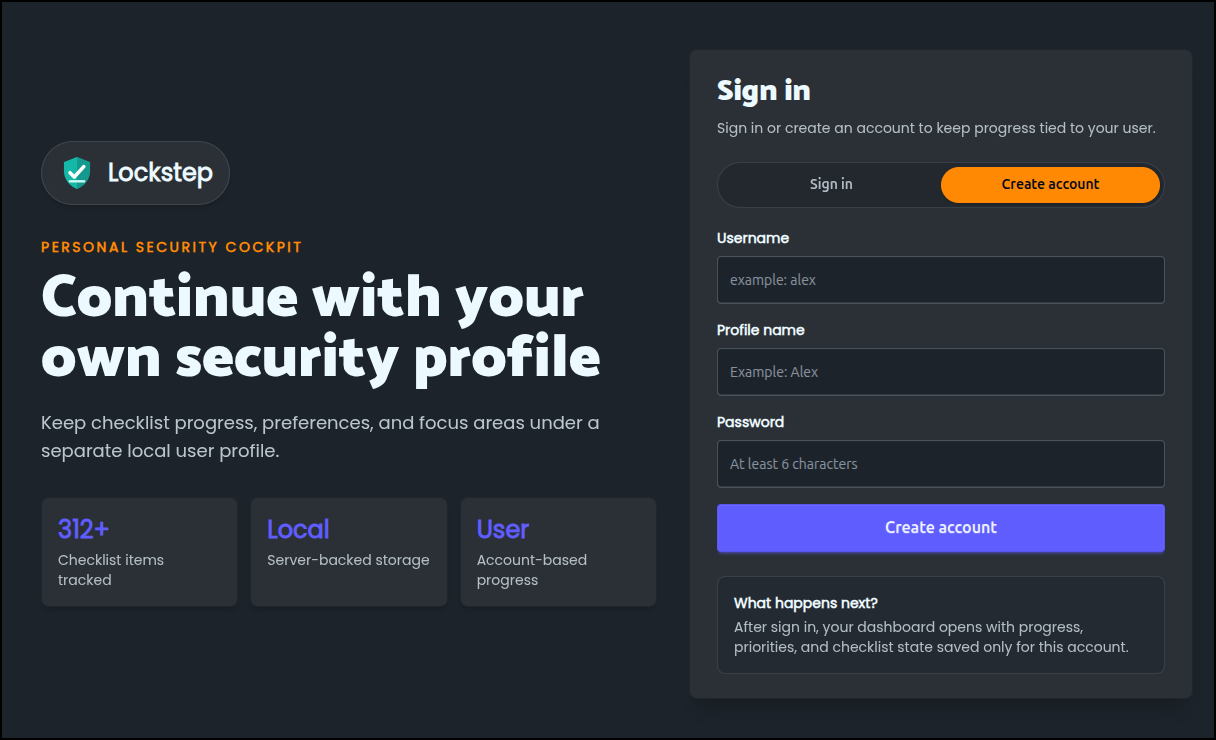
I’ll now go to http://localhost:4174 and create an account
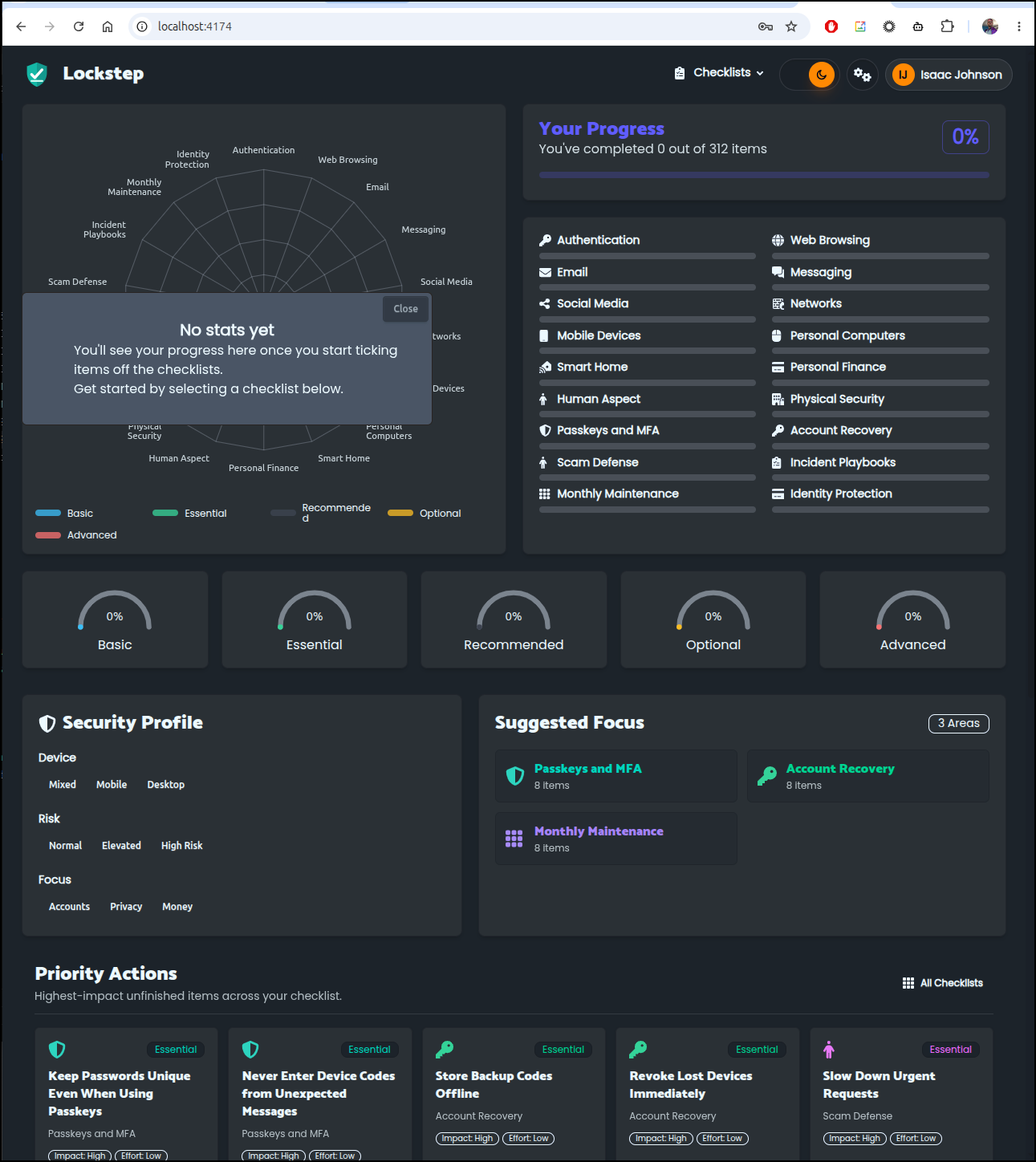
I’m now given quite a checklist to manage
Let’s review some of our Authentication items and check off those we know
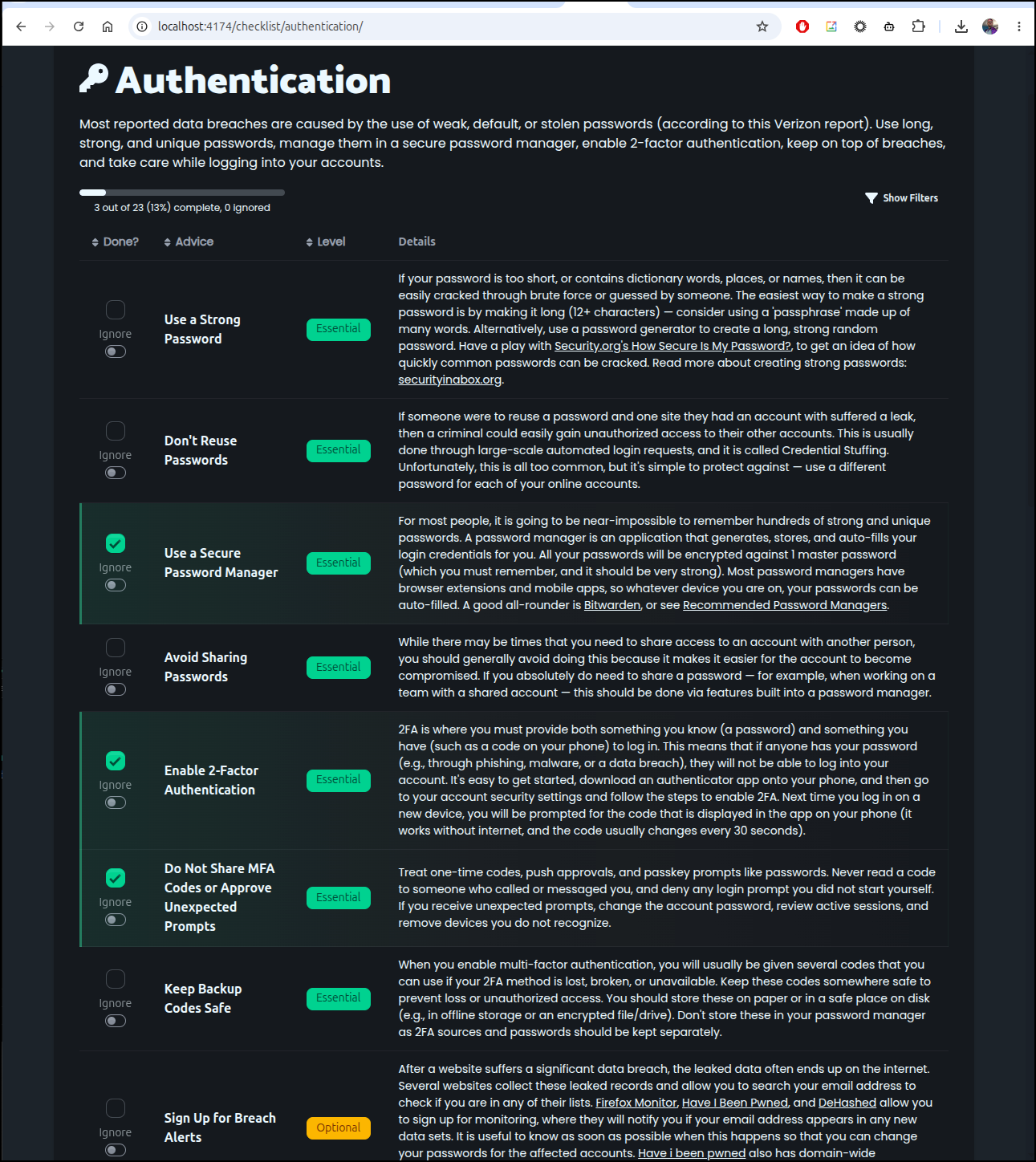
Some of these are just pretty pro-tips that are worth reminding ourselves of periodically
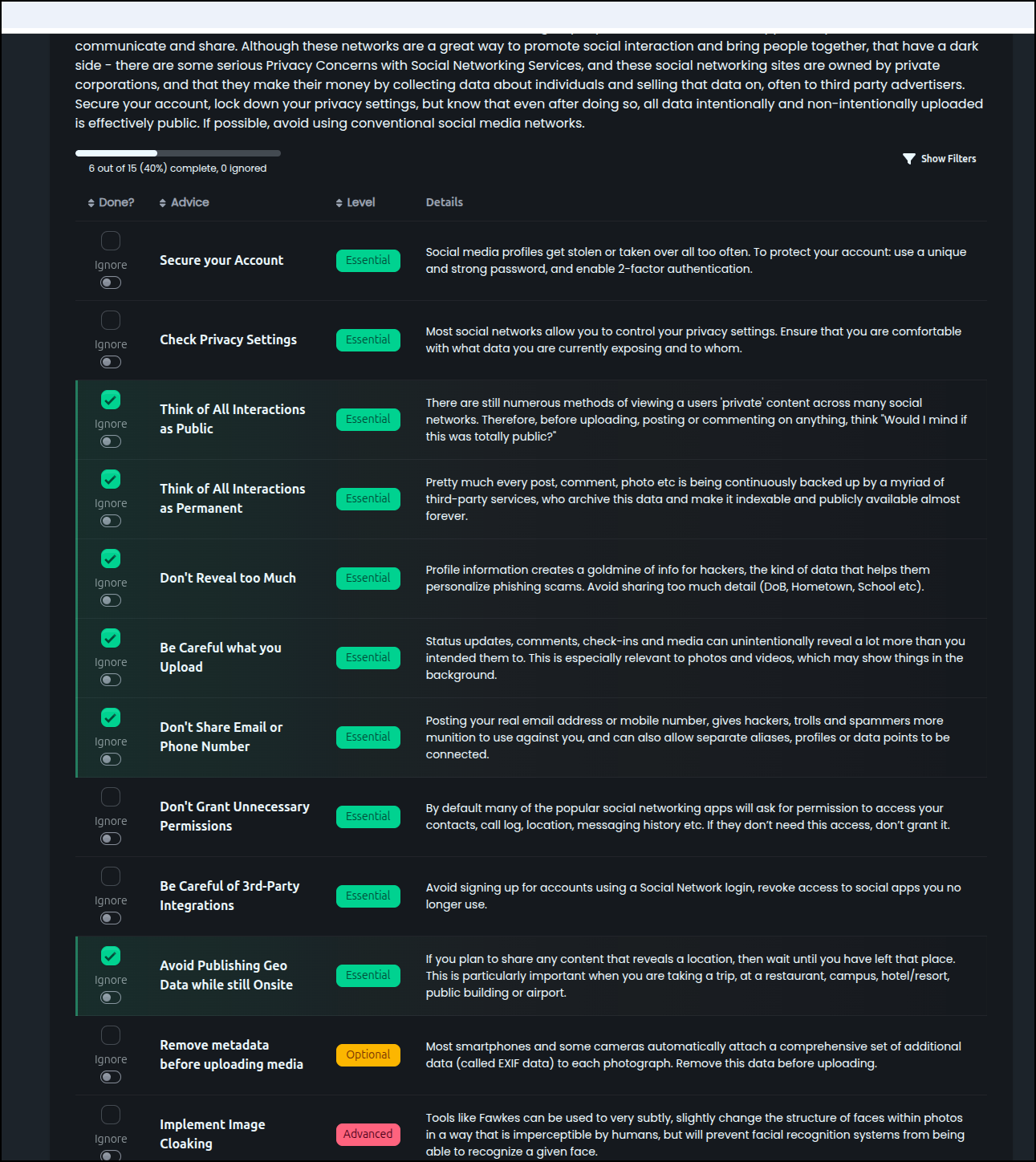
But not everyone is practical. For instance, in reviewing the Messaging category
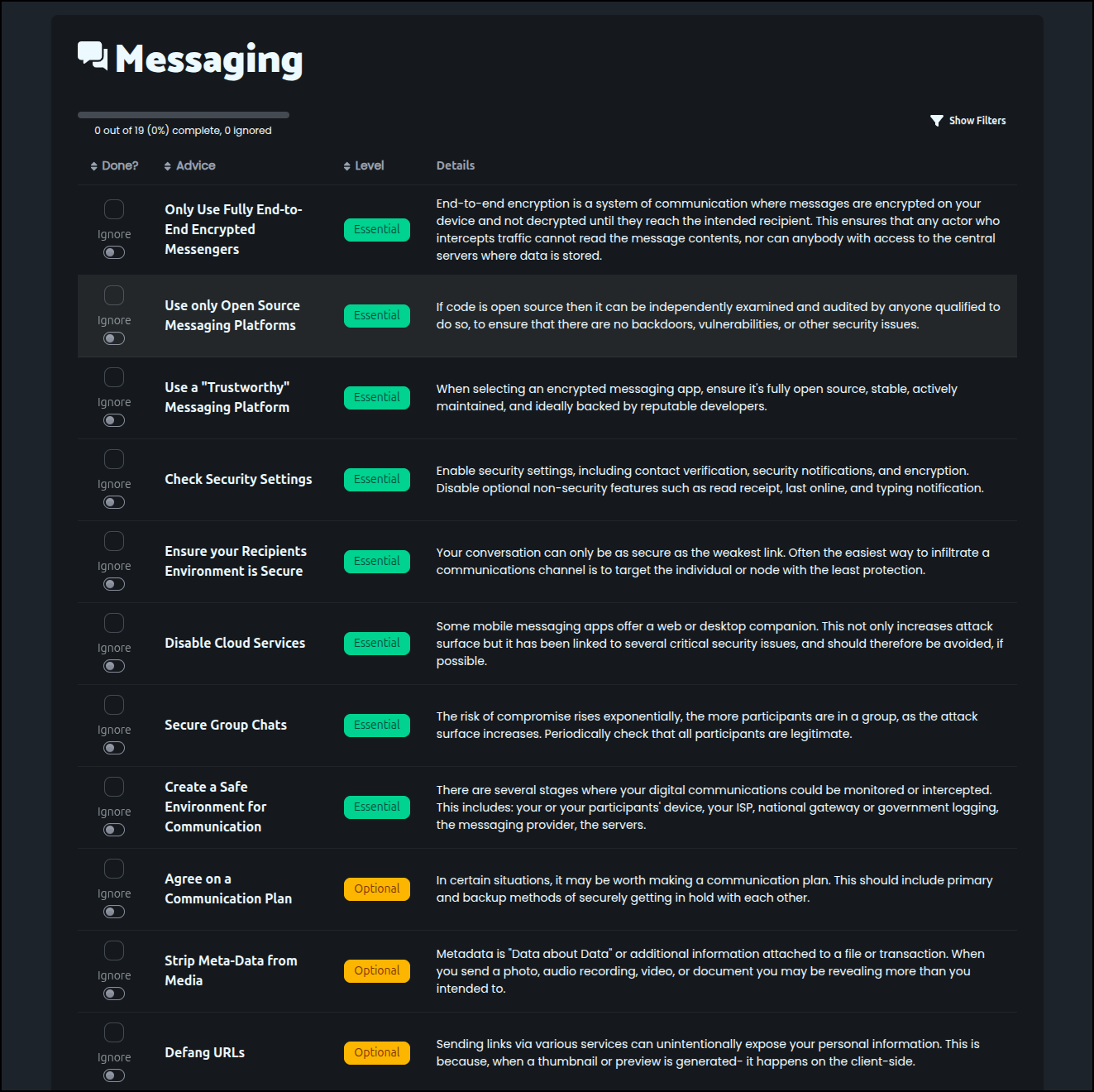
It would be nice to only use FOSS tools, but the reality is a messaging app is only as good as how we communicate. I really cannot say “No, I won’t Teams/Meet/WebEx call you because they are closed source, let’s meet over ??”
I actually like web-based chat tools provided there are compensating controls like MFA as i don’t want to have to look at my phone and break flow. It’s not practical to only message on a device that could get lost.
But then again, most of these should be treated as tips that may or may not apply to your life
The idea with Lockstep is you can review all these areas, addressing them as they go along and then come back to your dashboard to see where you stand
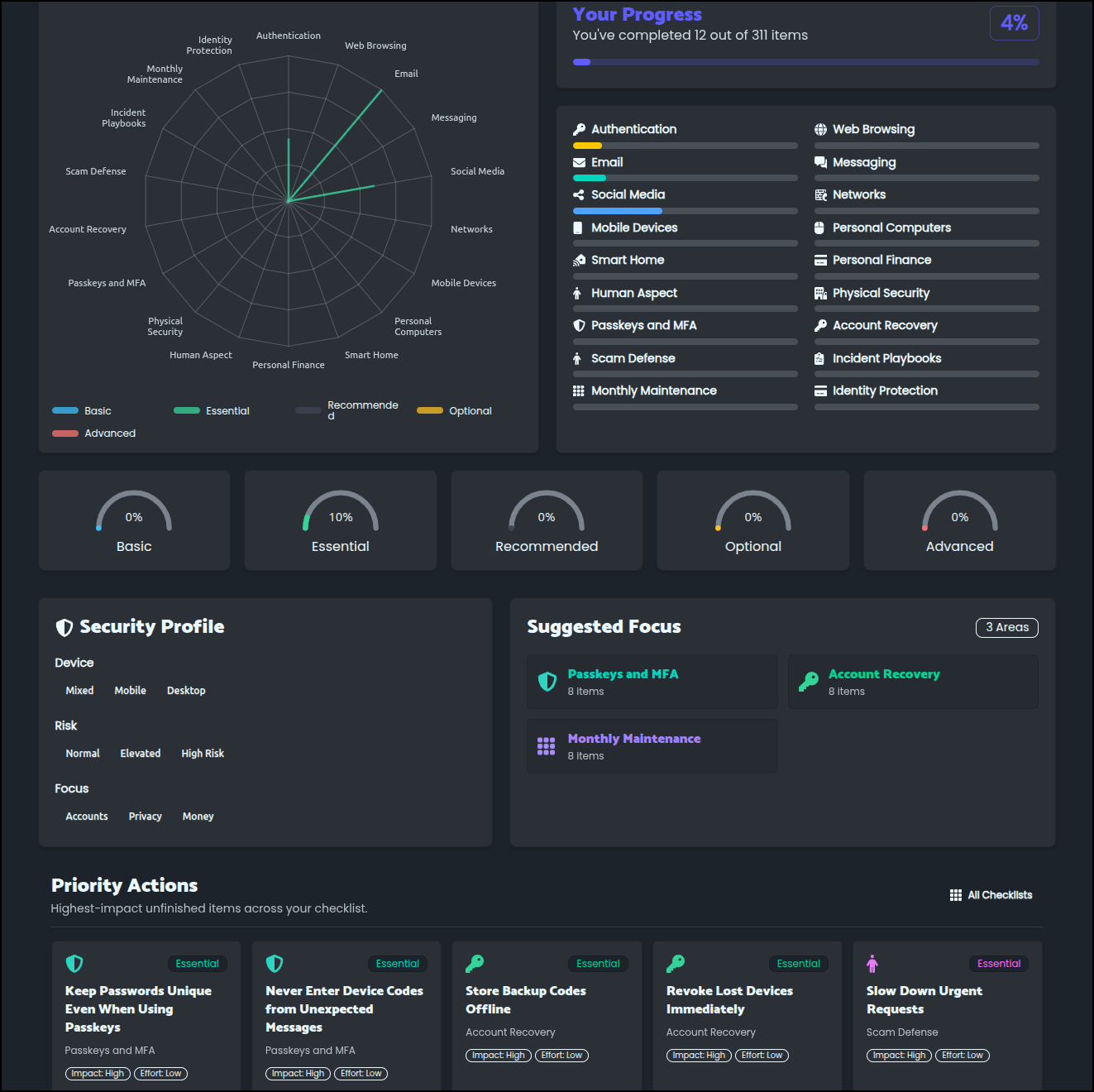
One of the sites the tool clued me in on is Mozilla Monitor
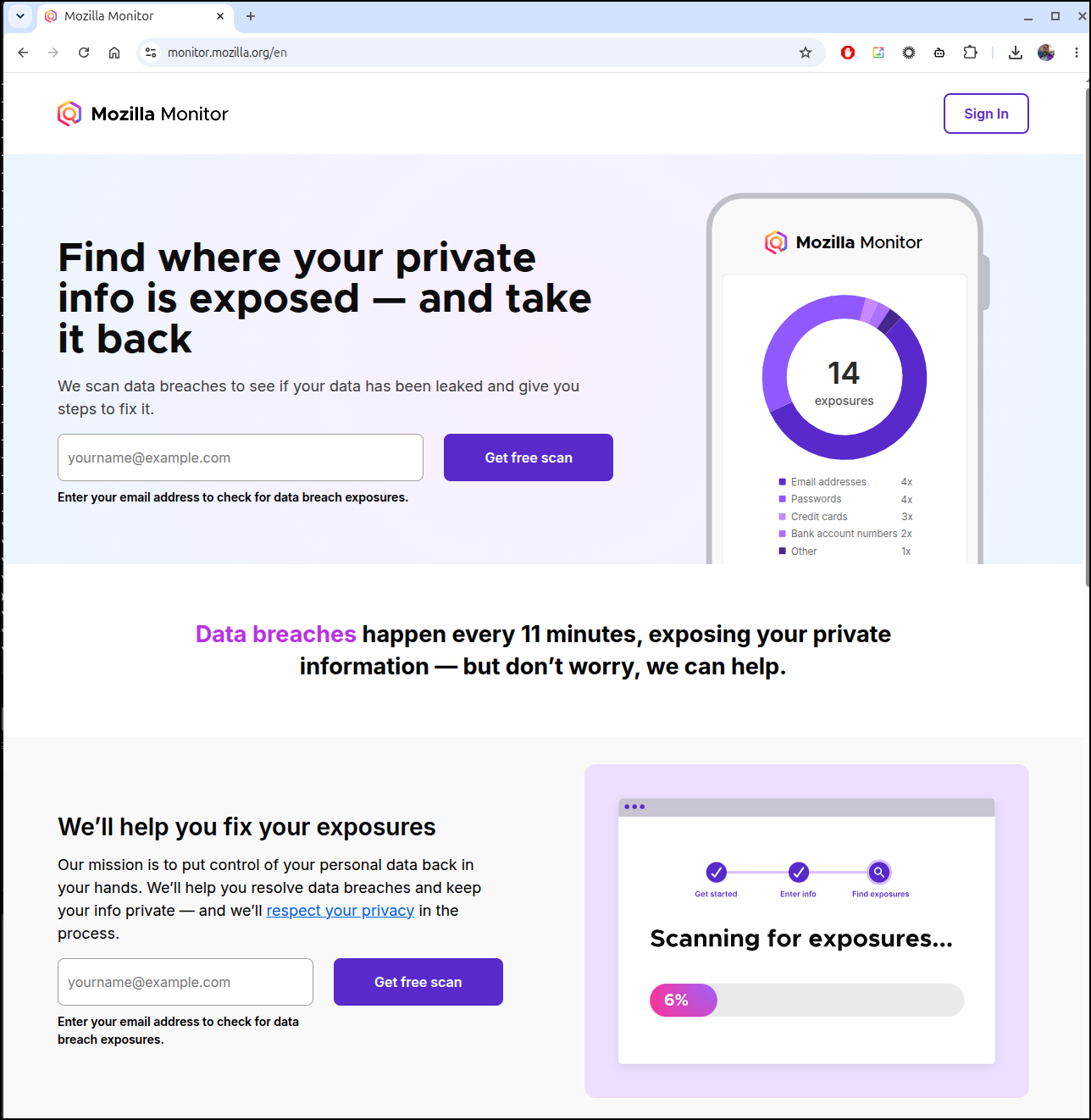
which (provided you use Firefox, or have) can fetch old accounts and see if they have had data breaches
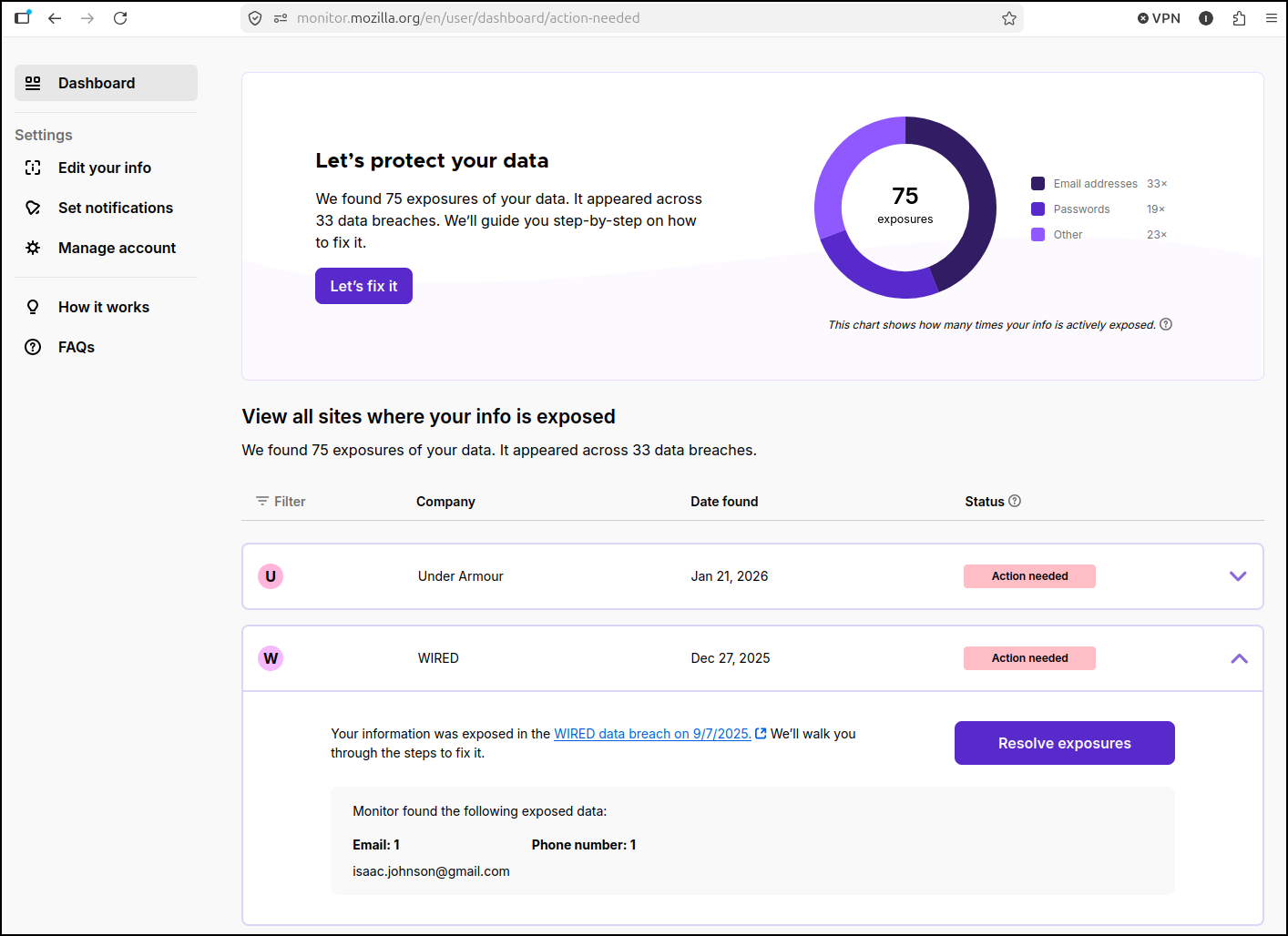
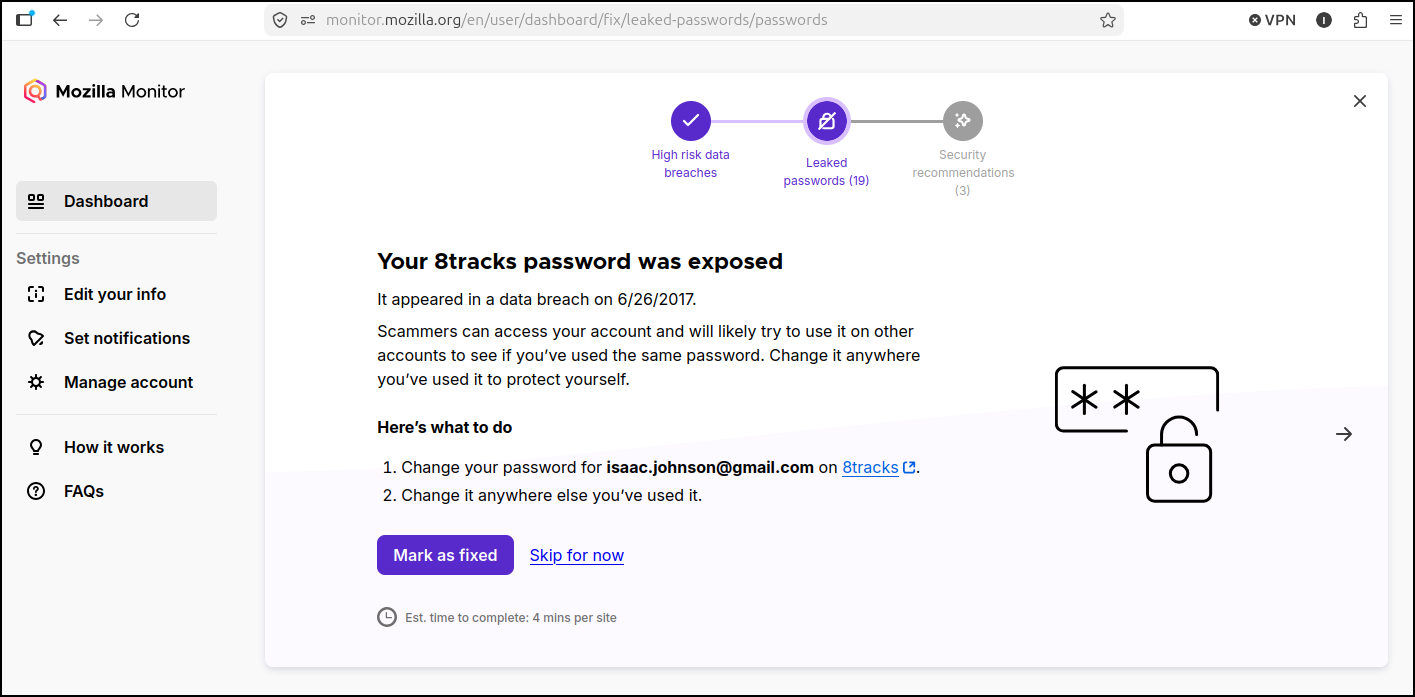
However, when going to remediate it wants me to review all the old sites. 8tracks stopped existing a long long time ago
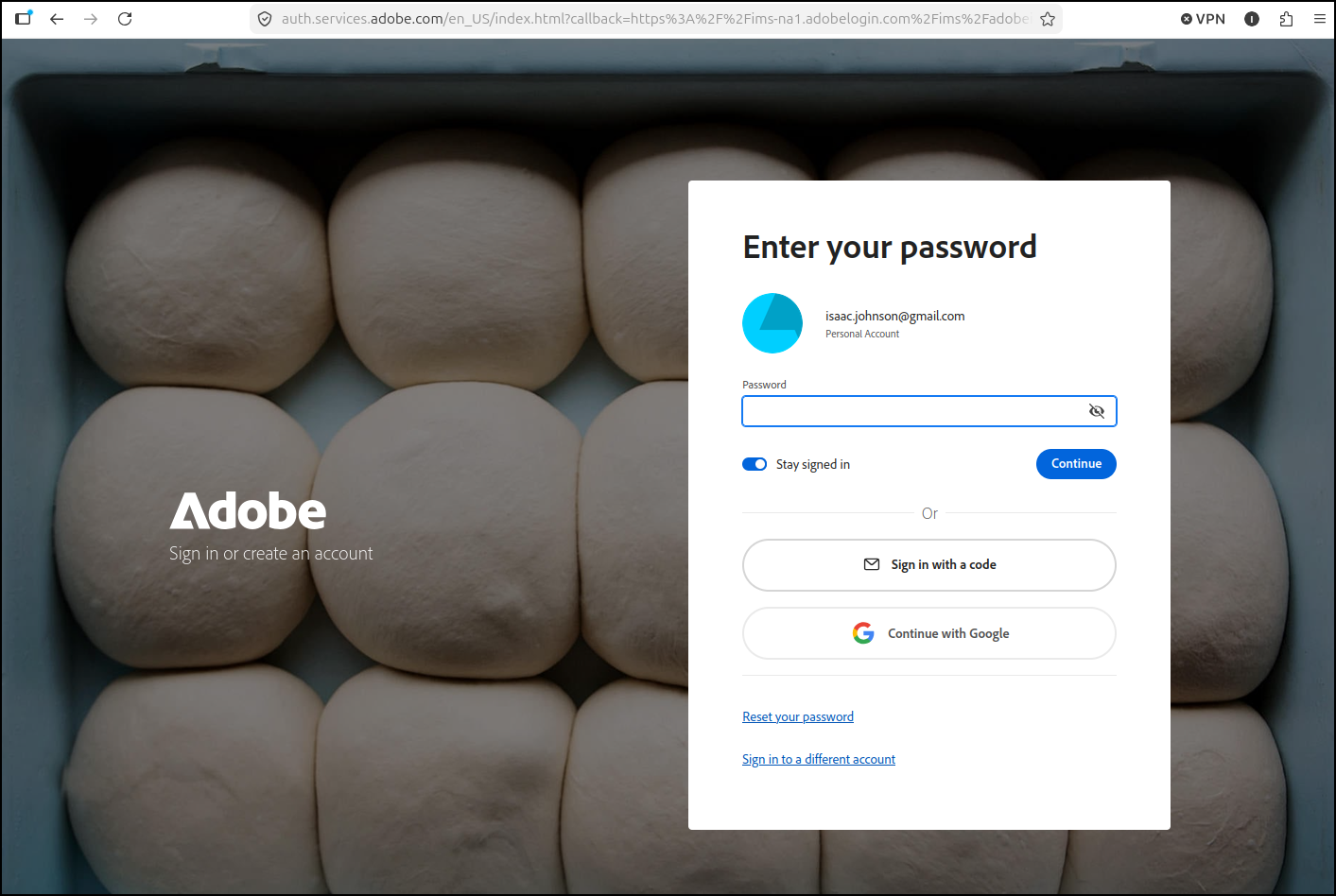
For instance, it suggested my Adobe account was compromised so I won’t even try to login, I’ll just reset my password
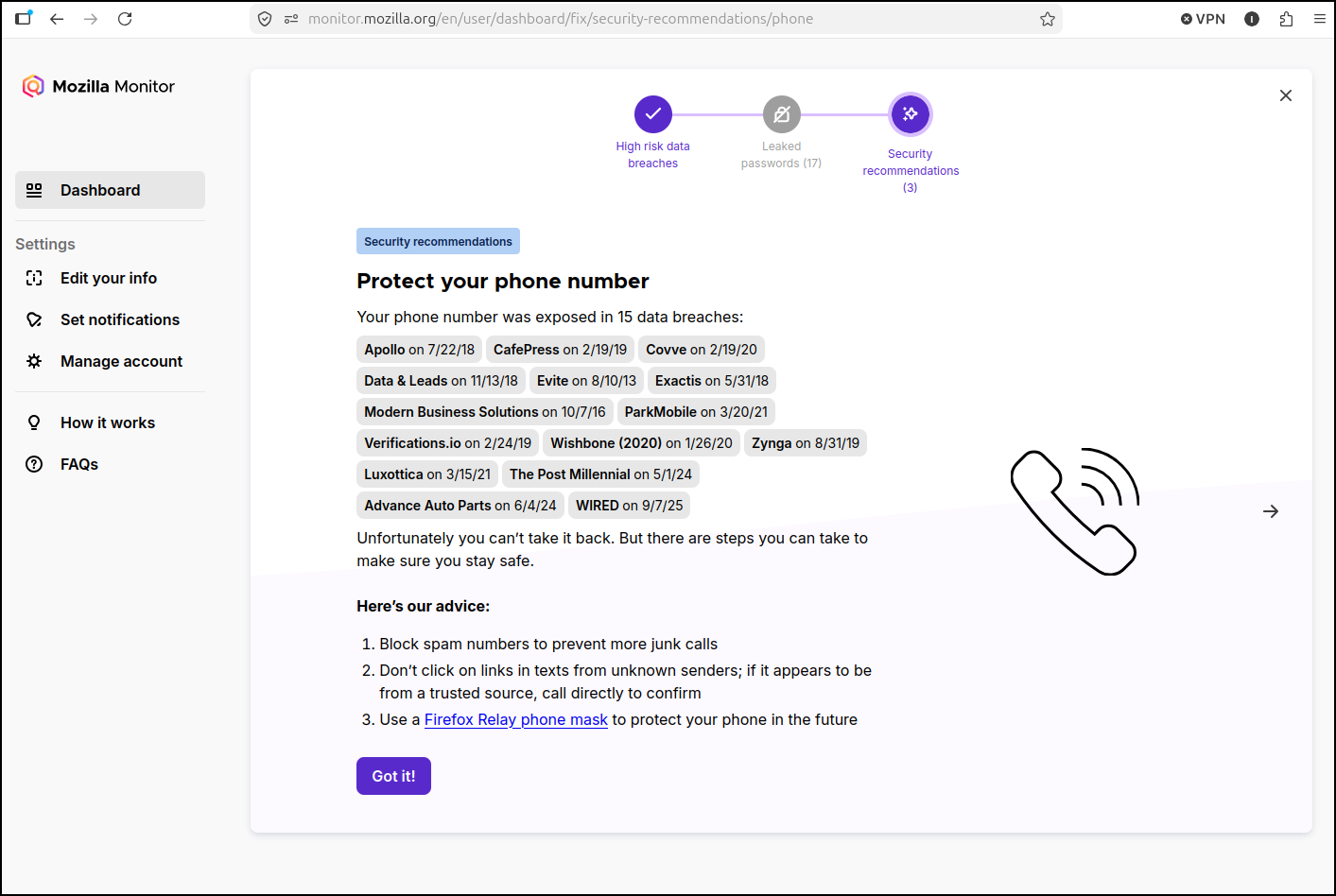
The last screen really clued me into how many places have leaked my phone number. No wonder I get so much spam (texts and calls)
Another site mentioned was https://haveibeenpwned.com/
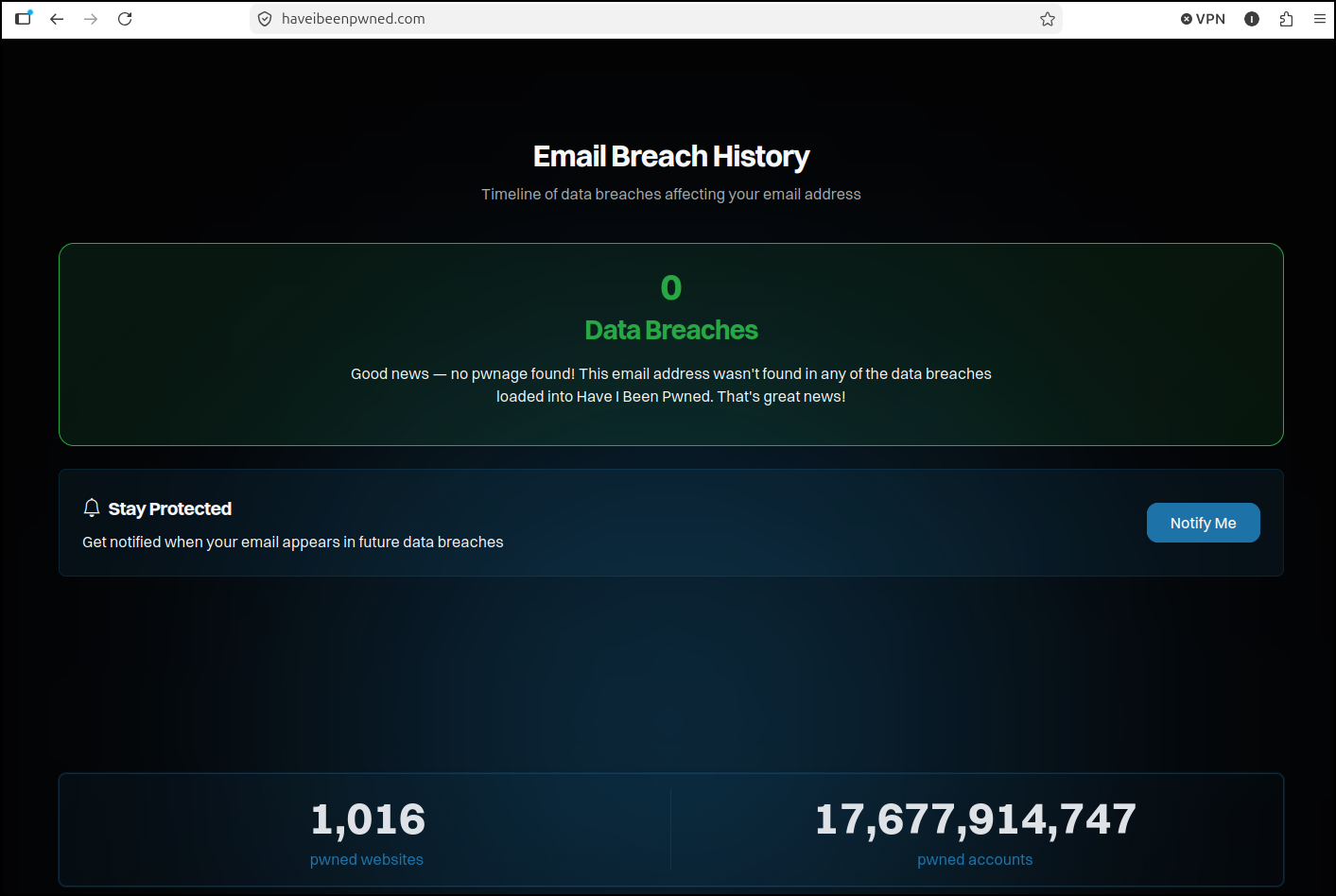
I tried my more private email address there and saw it was clear (my gmail was showing the same 54 that Mozilla listed)
Hosting the app
Let’s fire up an A record in Azure DNS
az account set --subscription "Pay-As-You-Go" && az network dns record-set a add-record -g idjdnsrg -z tpk.pw -a 76.156.69.232 -n lockstep
{
  "ARecords": [
    {
      "ipv4Address": "76.156.69.232"
    }
  ],
  "TTL": 3600,
  "etag": "e559a9ab-63b7-4559-8837-0d33b19245da",
  "fqdn": "lockstep.tpk.pw.",
  "id": "/subscriptions/d955c0ba-13dc-44cf-a29a-8fed74cbb22d/resourceGroups/idjdnsrg/providers/Microsoft.Network/dnszones/tpk.pw/A/lockstep",
  "name": "lockstep",
  "provisioningState": "Succeeded",
  "resourceGroup": "idjdnsrg",
  "targetResource": {},
  "trafficManagementProfile": {},
  "type": "Microsoft.Network/dnszones/A"
}
On my Dockerhost, I’ll fire up a container
builder@builder-T100:~$ docker run -d \
  --name lockstep \
  -p 4174:4174 \
  --restart always \
  -v lockstep-data:/data \
  ghcr.io/caglaryalcin/lockstep:latest
Unable to find image 'ghcr.io/caglaryalcin/lockstep:latest' locally
latest: Pulling from caglaryalcin/lockstep
68629629b516: Pull complete
0e8291b090a3: Pull complete
0e7fea6928da: Pull complete
559cb846c8a7: Pull complete
928175738044: Pull complete
e18cfb0cc920: Pull complete
c0596027b1e2: Pull complete
d756aeba8e0e: Pull complete
81de1083f199: Pull complete
23a3112e05ce: Pull complete
Digest: sha256:4277a5ddea65c1c1f0db9193f556fabfe5a7ee539d125b1824e28df9471ccb07
Status: Downloaded newer image for ghcr.io/caglaryalcin/lockstep:latest
cde601b5896a6f2fafe2ded936a9161a2e2069284488fe3312cef6c3e8d77608
Now we can create an Ingress, service and Endpoint to use it in the cluster
$ cat ./lockstep.ingress.yaml
apiVersion: v1
kind: Endpoints
metadata:
  name: lockstep-external-ip
subsets:
- addresses:
  - ip: 192.168.1.99
  ports:
  - name: lockstepint
    port: 4174
    protocol: TCP
---
apiVersion: v1
kind: Service
metadata:
  name: lockstep-external-ip
spec:
  clusterIP: None
  clusterIPs:
  - None
  internalTrafficPolicy: Cluster
  ipFamilies:
  - IPv4
  - IPv6
  ipFamilyPolicy: RequireDualStack
  ports:
  - name: lockstep
    port: 80
    protocol: TCP
    targetPort: 4174
  sessionAffinity: None
  type: ClusterIP
---
apiVersion: networking.k8s.io/v1
kind: Ingress
metadata:
  annotations:
    cert-manager.io/cluster-issuer: azuredns-tpkpw
    ingress.kubernetes.io/ssl-redirect: "true"
    kubernetes.io/ingress.class: nginx
    kubernetes.io/tls-acme: "true"
    nginx.ingress.kubernetes.io/proxy-read-timeout: "3600"
    nginx.ingress.kubernetes.io/proxy-send-timeout: "3600"
    nginx.org/websocket-services: lockstep-external-ip
  generation: 1
  name: lockstepingress
spec:
  rules:
  - host: lockstep.tpk.pw
    http:
      paths:
      - backend:
          service:
            name: lockstep-external-ip
            port:
              number: 80
        path: /
        pathType: ImplementationSpecific
  tls:
  - hosts:
    - lockstep.tpk.pw
    secretName: lockstep-tls

$ kubectl apply -f ./lockstep.ingress.yaml
endpoints/lockstep-external-ip created
service/lockstep-external-ip created
Warning: annotation "kubernetes.io/ingress.class" is deprecated, please use 'spec.ingressClassName' instead
ingress.networking.k8s.io/lockstepingress created
Summary
Today we looked at NoteDiscovery which is an MCP friendly Markdown wiki. As it has no authentication, it’s really meant to be run in container, but then act as a knowledge store for AI tooling.
To that end we first explored it’s own MCP server (SSE) before pivoting to building out a proper HTTP Streamable one we could use with n8n. Lastly, to show it working, we created a booking agent with a bookeddates markdown file and n8n chat client to allow bookings and check confirmations.
Next, we looked at Lockstep, a security tool. It’s mostly for just giving tips and reminding users of good habits. However, it did clue me into a few good tools out there like Mozilla Monitor and haveibeenpwned.com. Going through the now defunct sites (like 8tracks) was a trip through memory lane.