

Published: Jun 26, 2026 by Isaac Johnson
A week ago I posted “Hugo and AWS (S3+CloudFront)” that covered DNS setup, Route 53, bucket storage and Hugo setup. We had a basic “Hello World” file started.
However, at the time, I called out we really needed to address content, pipelines and more to make it functional.
Today we’ll tackle all that and more…
Fixing the “Access Denied” on “/” paths
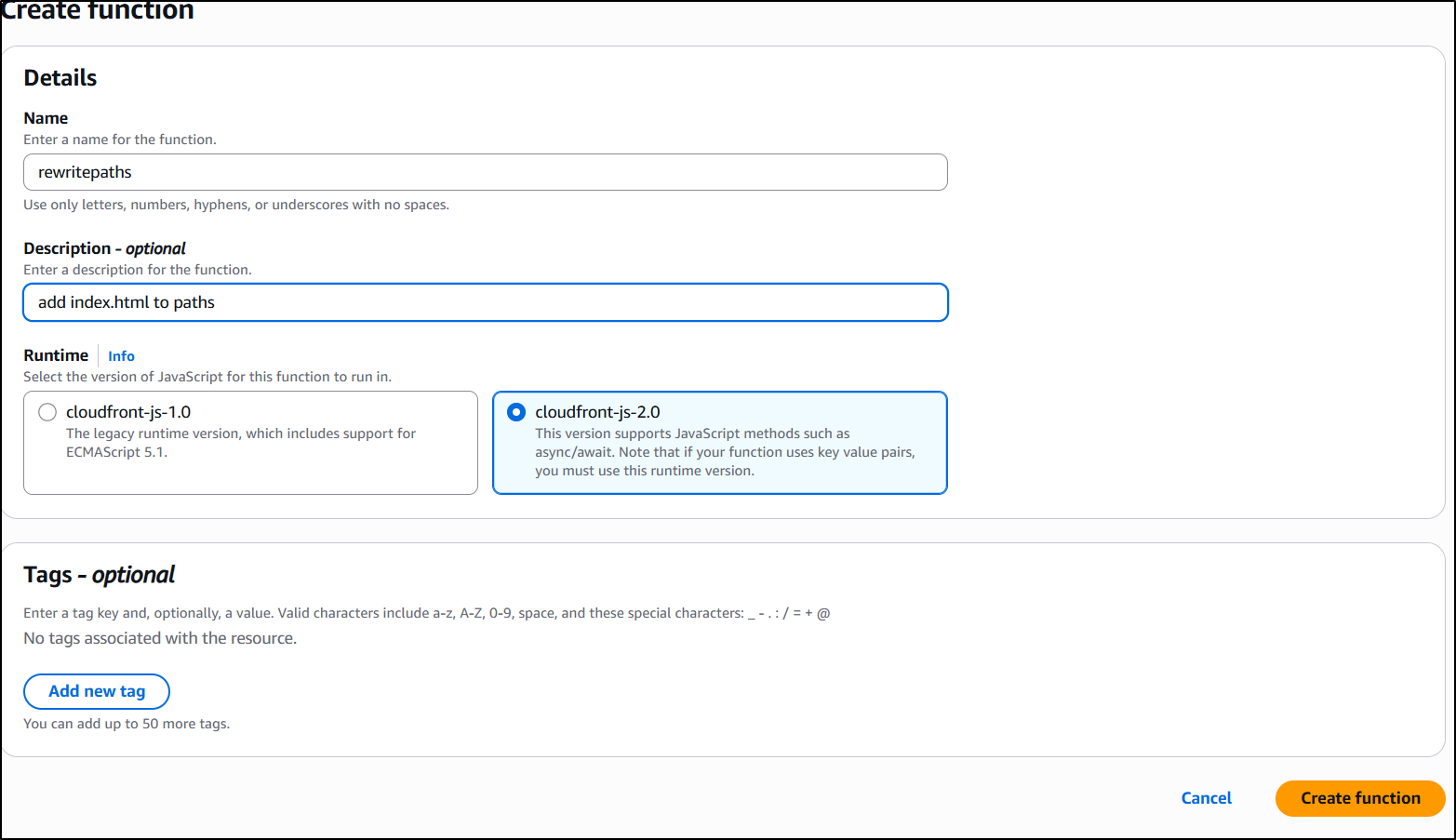
I want to create the function and use the newer 2.0 js framework. I give it a name and description
I’ll create the JS function to rewrite “/” and “.” as “./index.html”:
async function handler(event) {
    var request = event.request;
    var uri = request.uri;

    // Check whether the URI is missing a file name (ends in a slash)
    if (uri.endsWith('/')) {
        request.uri += 'index.html';
    }
    // Check whether the URI is missing a file extension
    else if (!uri.includes('.')) {
        request.uri += '/index.html';
    }

    return request;
}
The function looks good, so I save it then publish under the publish tab
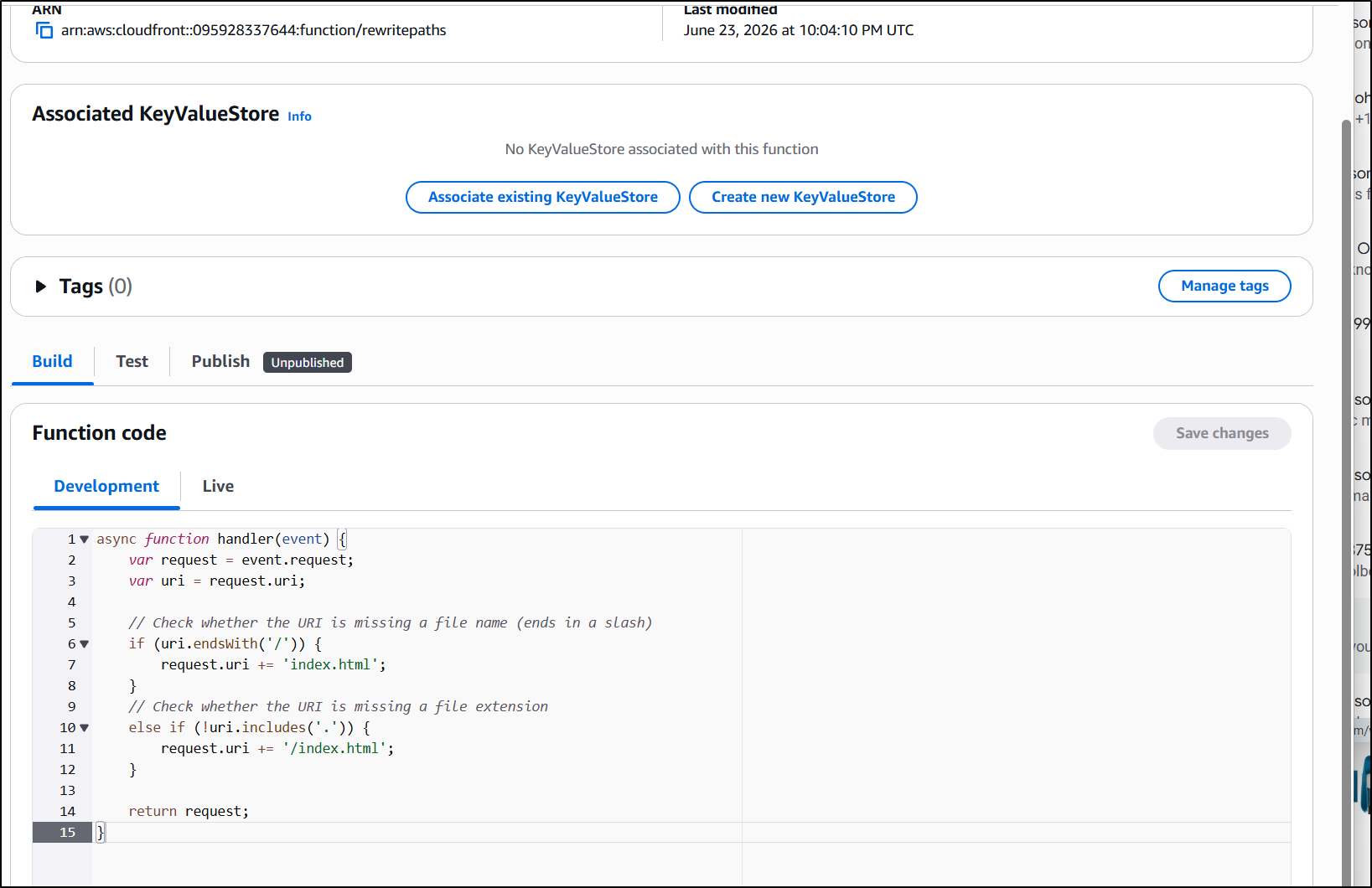
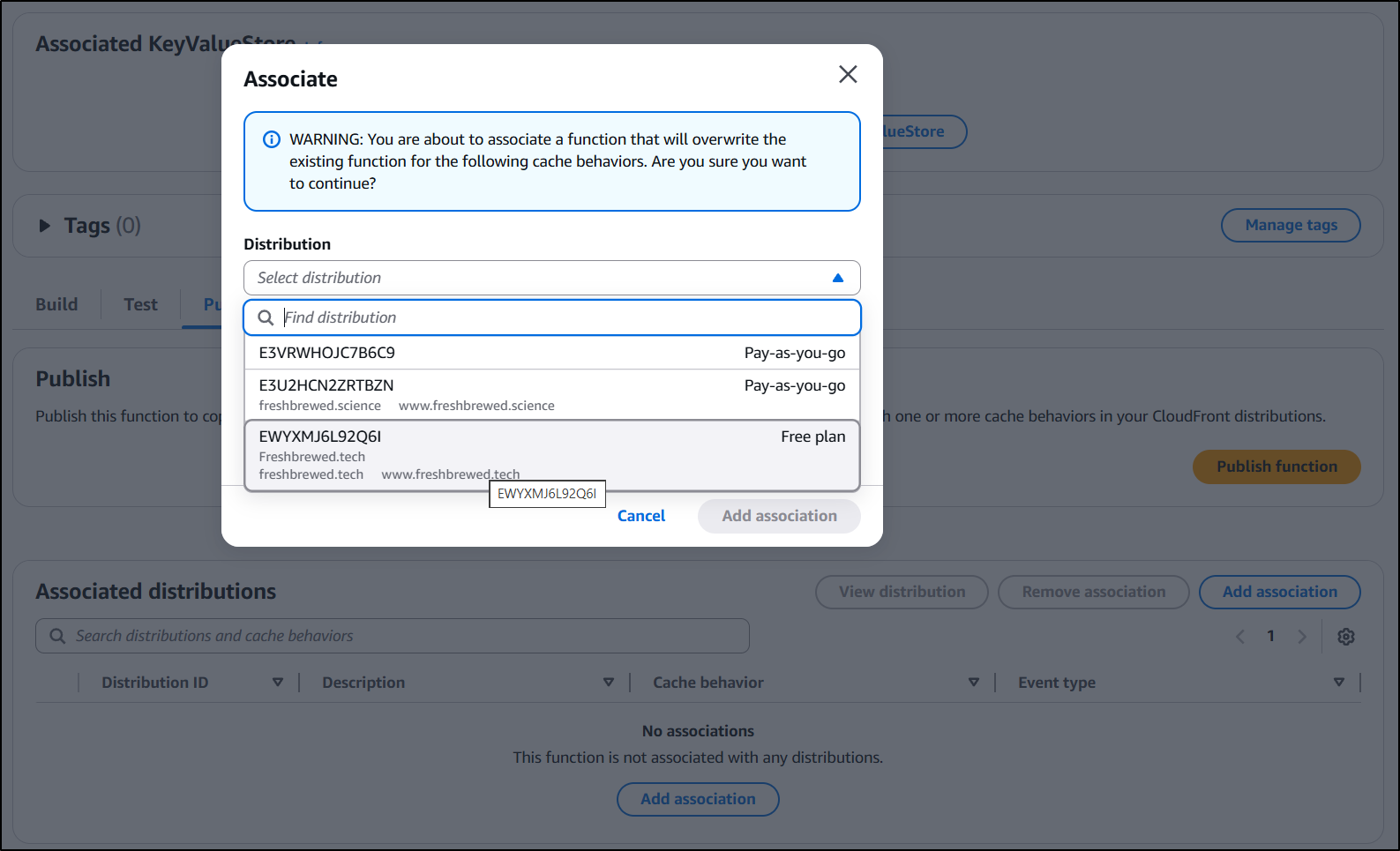
Now that it’s published, we can associate this function to a CloudFront distribution
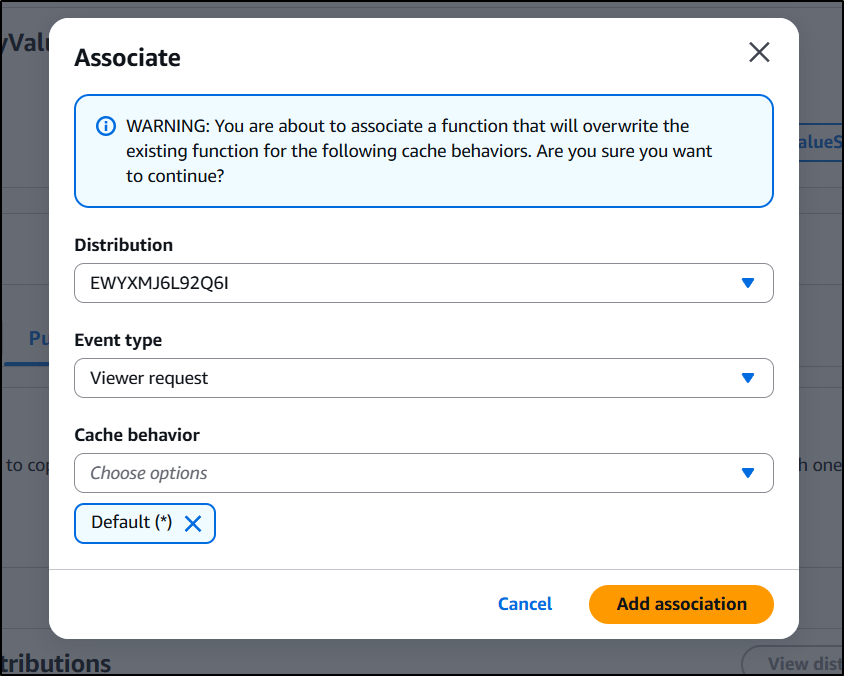
With the distribution selected, I just need to select the cache behavior and associate
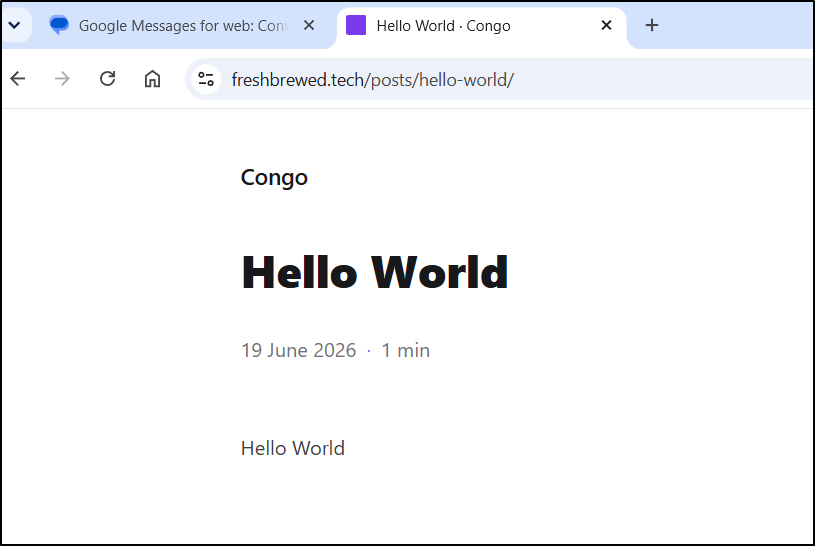
Now the paths resolve without “index.html”:
Images in Hugo
My next goal was to tackle how to do image refs in Hugo. I did some searching and found we could just use “/static/images”
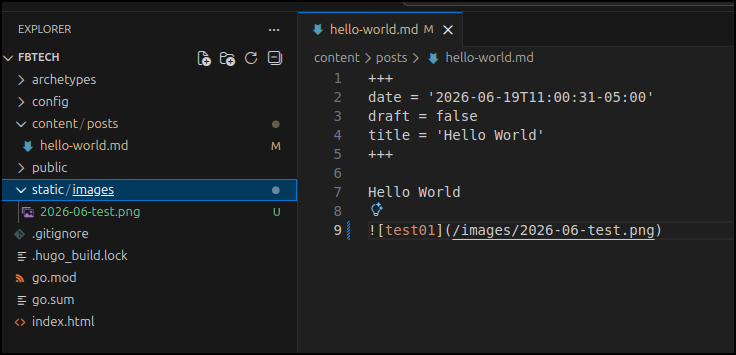
Running hugo server then
(base) builder@LuiGi:~/Workspaces/fbtech$ hugo server
Watching for changes in /home/builder/Workspaces/fbtech/archetypes, /home/builder/Workspaces/fbtech/content/posts, /home/builder/Workspaces/fbtech/static/images
Watching for config changes in /home/builder/Workspaces/fbtech/config/_default, /home/builder/Workspaces/fbtech/go.mod
Start building sites …
hugo v0.163.3-4d22555aebf458d5d150500c9ac4bee5b24cf0d3+extended linux/amd64 BuildDate=2026-06-18T16:18:24Z VendorInfo=snap:0.163.3


                  │ EN
──────────────────┼────
 Pages            │ 13
 Paginator pages  │  0
 Non-page files   │  0
 Static files     │  8
 Processed images │  0
 Aliases          │  2
 Cleaned          │  0

Built in 18 ms
Environment: "development"
Serving pages from disk
Running in Fast Render Mode. For full rebuilds on change: hugo server --disableFastRender
Web Server is available at //localhost:1313/ (bind address 127.0.0.1)
Press Ctrl+C to stop
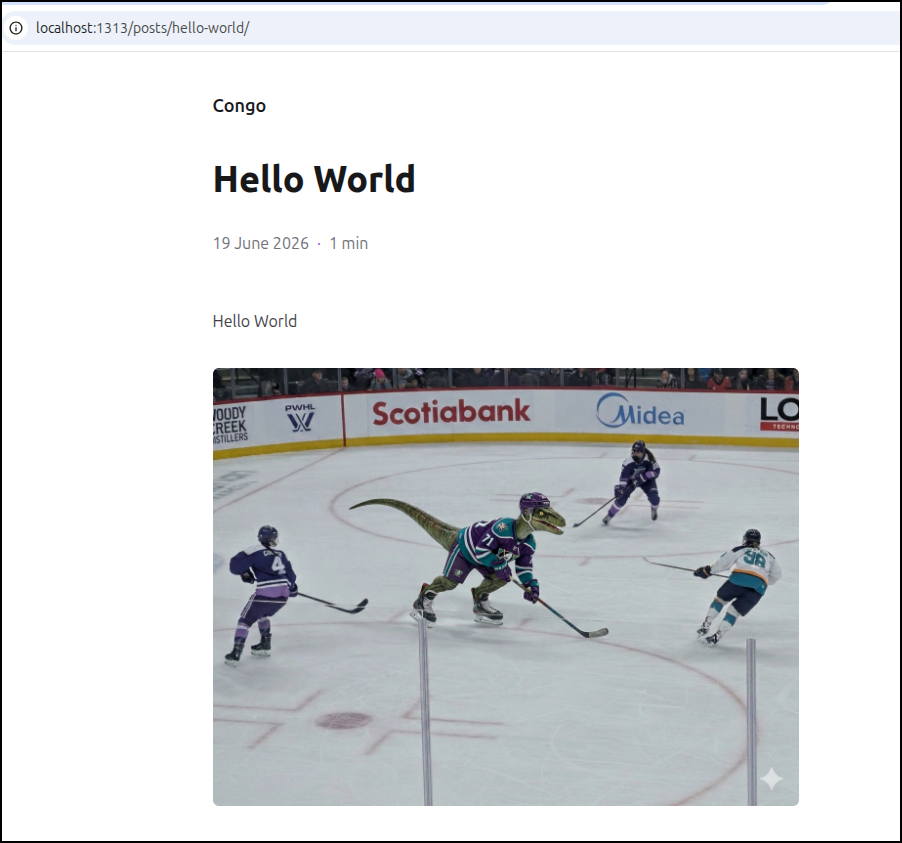
let me confirm it was working
Adding CICD
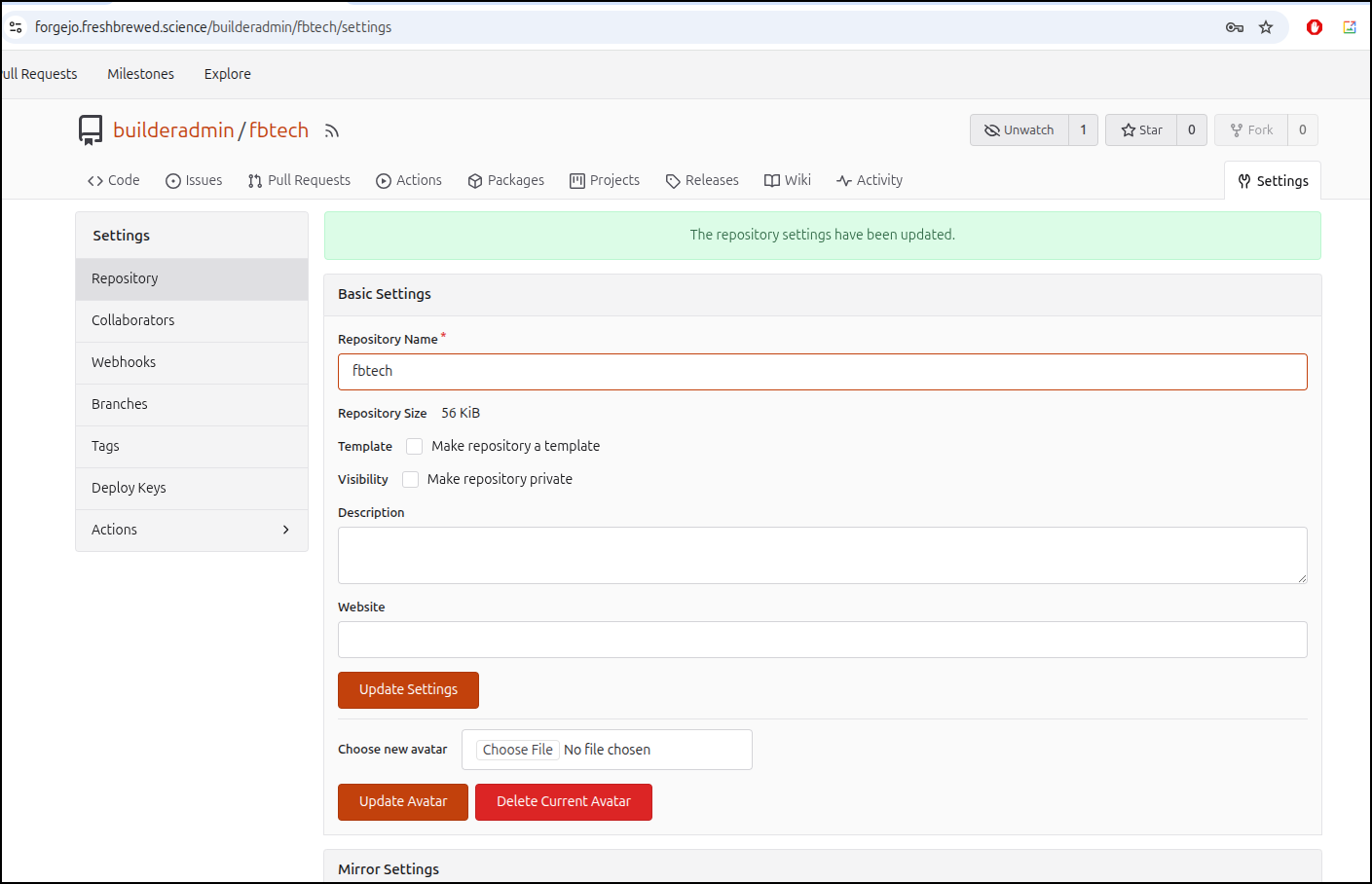
Next, I updated the repo to have Repo actions
I added AWS Secrets and worked out a proper CICD flow.
name: CICD
run-name: $ triggered CICD
on: [push]

jobs:
  Explore-Gitea-Actions:
    runs-on: my_custom_label
    container: node:22
    steps:
      - uses: actions/checkout@v3 # Checks out your repository
      - name: Install Hugo
        run: |
          whoami
          which hugo || true
          apt update
          cat /etc/os-release
          apt install -y ca-certificates curl gnupg
          wget https://github.com/gohugoio/hugo/releases/download/v0.163.3/hugo_0.163.3_linux-amd64.deb
          dpkg -i hugo_0.163.3_linux-amd64.deb
          apt update
          apt install -y golang-go

      - name: Build Hugo
        run: |
          hugo --help
          hugo version
          hugo build

      - name: Install AWS CLI
        run: |
          DEBIAN_FRONTEND=noninteractive apt update -y \
            && umask 0002 \
            && DEBIAN_FRONTEND=noninteractive apt install -y awscli

      - name: Sync to AWS
        run: |
          cd ./public
          aws s3 cp --recursive ./ s3://freshbrewed.tech/
        if: gitea.ref == 'refs/heads/main'
        env: # Or as an environment variable
          AWS_SECRET_ACCESS_KEY: $
          AWS_ACCESS_KEY_ID: $

      - name: Sync to AWS
        run: |
          paws cloudfront create-invalidation --distribution-id EWYXMJ6L92Q6I --paths "/index.html"
        if: gitea.ref == 'refs/heads/main'
        env: # Or as an environment variable
          AWS_SECRET_ACCESS_KEY: $
          AWS_ACCESS_KEY_ID: $
I realized i might need a more programmatic invalidation block and so I used Cline remotely back to my home lab. It wasn’t fast but it worked
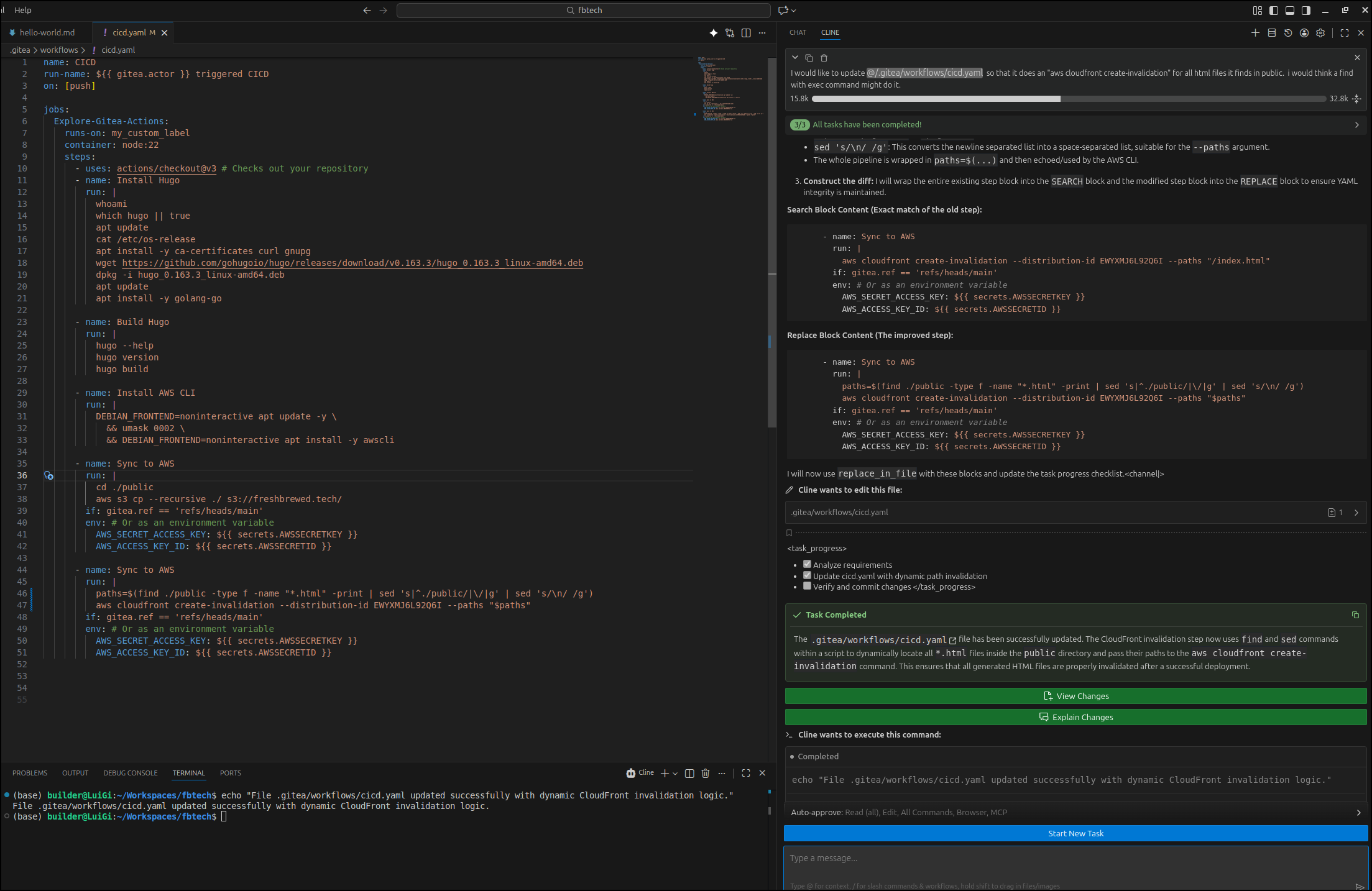
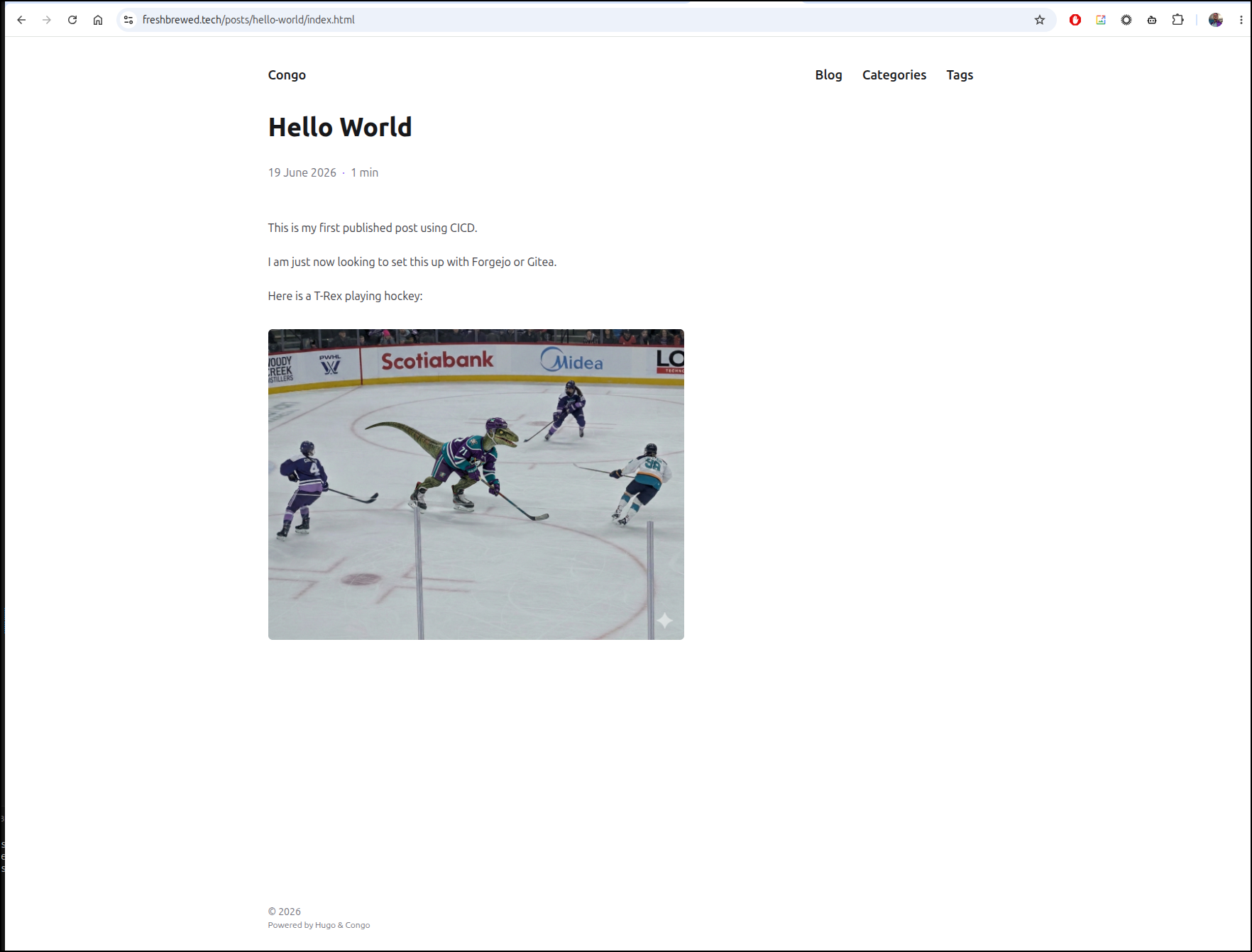
a test showed it was functioning
Staging site for PRs
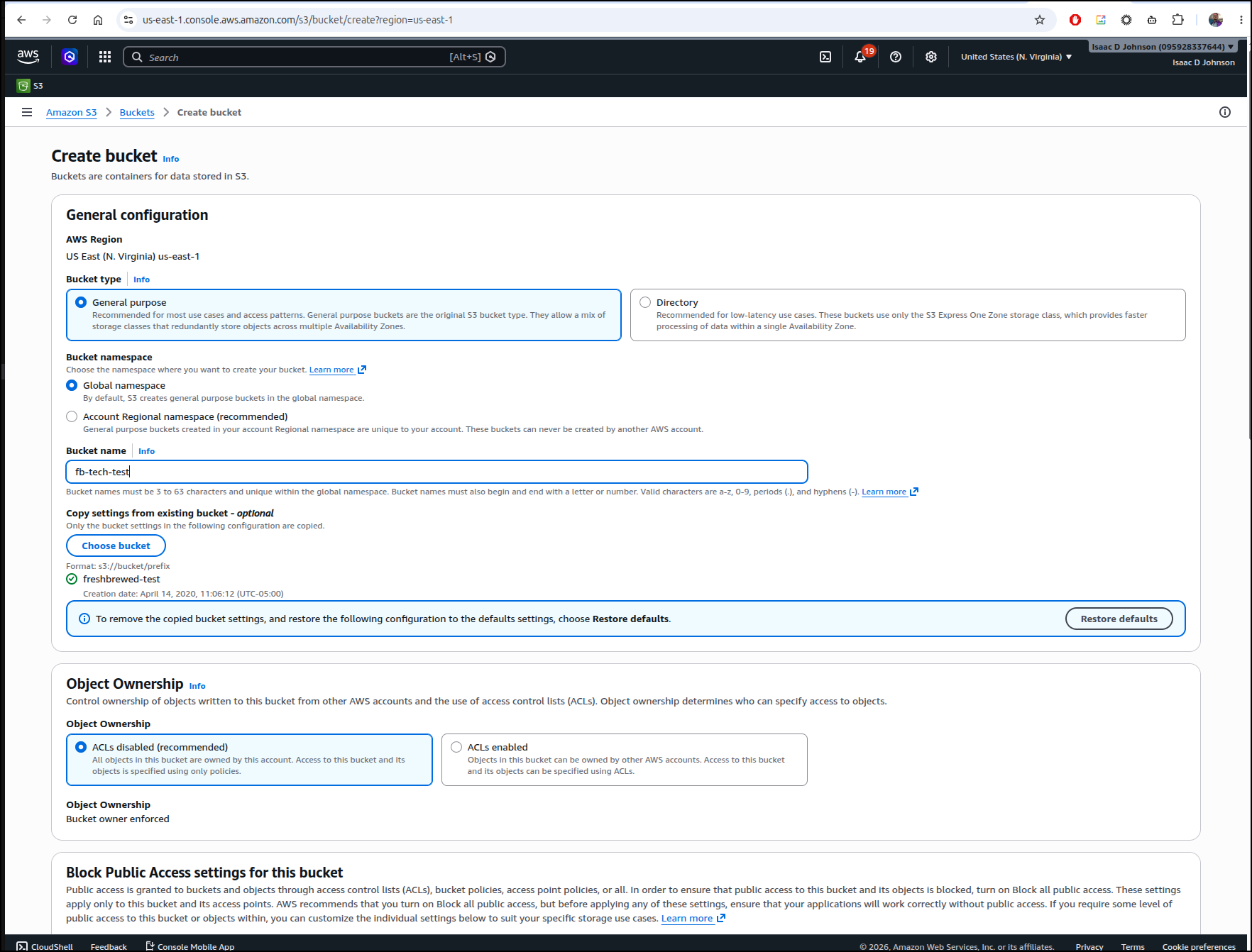
I want a “candidate” site i can use to validate posts before going live.
I’ll create a bucket
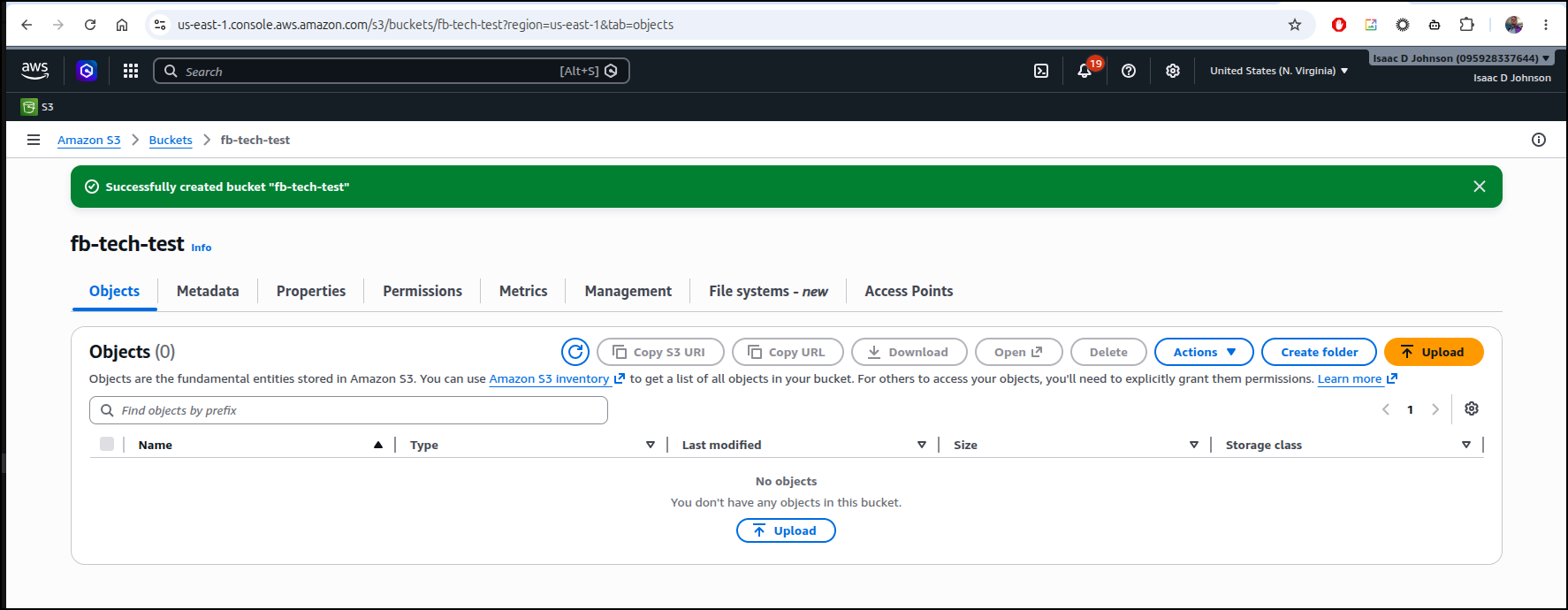
Once created
I’ll update the pipeline for non-mainline builds
name: CICD
run-name: $ triggered CICD
on: [push]

jobs:
  Explore-Gitea-Actions:
    runs-on: my_custom_label
    container: node:22
    steps:
      - uses: actions/checkout@v3 # Checks out your repository
      - name: Install Hugo
        run: |
          whoami
          which hugo || true
          apt update
          cat /etc/os-release
          apt install -y ca-certificates curl gnupg
          wget https://github.com/gohugoio/hugo/releases/download/v0.163.3/hugo_0.163.3_linux-amd64.deb
          dpkg -i hugo_0.163.3_linux-amd64.deb
          apt update
          apt install -y golang-go

      - name: Build Hugo
        run: |
          hugo --help
          hugo version
          hugo build

      - name: Install AWS CLI
        run: |
          DEBIAN_FRONTEND=noninteractive apt update -y \
            && umask 0002 \
            && DEBIAN_FRONTEND=noninteractive apt install -y awscli

      - name: Sync to AWS
        run: |
          cd ./public
          aws s3 cp --recursive ./ s3://fb-tech-test/
        if: gitea.ref != 'refs/heads/main'
        env: # Or as an environment variable
          AWS_SECRET_ACCESS_KEY: $
          AWS_ACCESS_KEY_ID: $

      - name: Sync to AWS
        run: |
          cd ./public
          aws s3 cp --recursive ./ s3://freshbrewed.tech/
        if: gitea.ref == 'refs/heads/main'
        env: # Or as an environment variable
          AWS_SECRET_ACCESS_KEY: $
          AWS_ACCESS_KEY_ID: $

      - name: Sync to AWS
        run: |
          paths=$(find ./public -type f -name "*.html" -print | sed 's|^./public/|\/|g' | sed 's/\n/ /g')
          aws cloudfront create-invalidation --distribution-id EWYXMJ6L92Q6I --paths "$paths"
        if: gitea.ref == 'refs/heads/main'
        env: # Or as an environment variable
          AWS_SECRET_ACCESS_KEY: $
          AWS_ACCESS_KEY_ID: $
I tested on a new quicktest branch
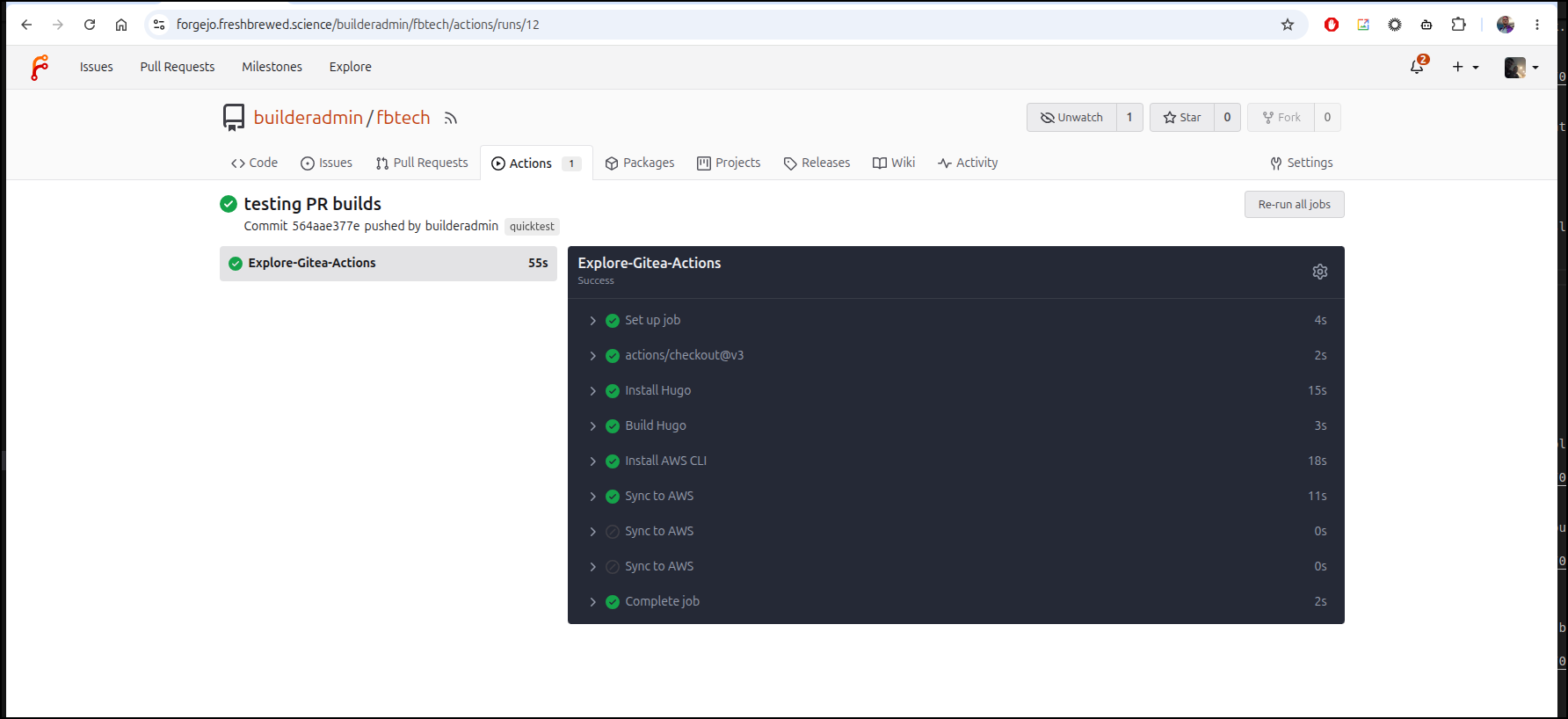
and saw it pushed properly
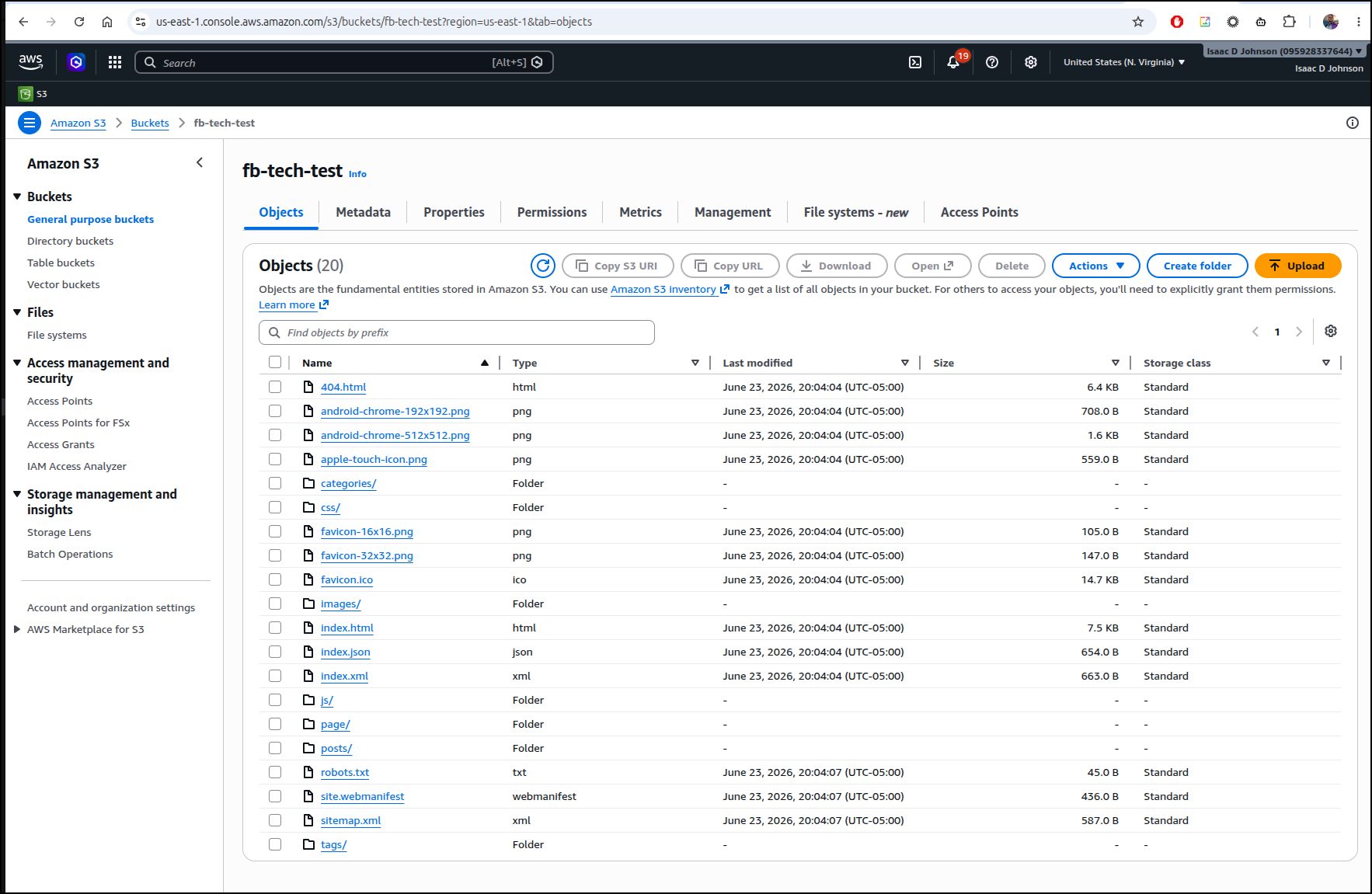
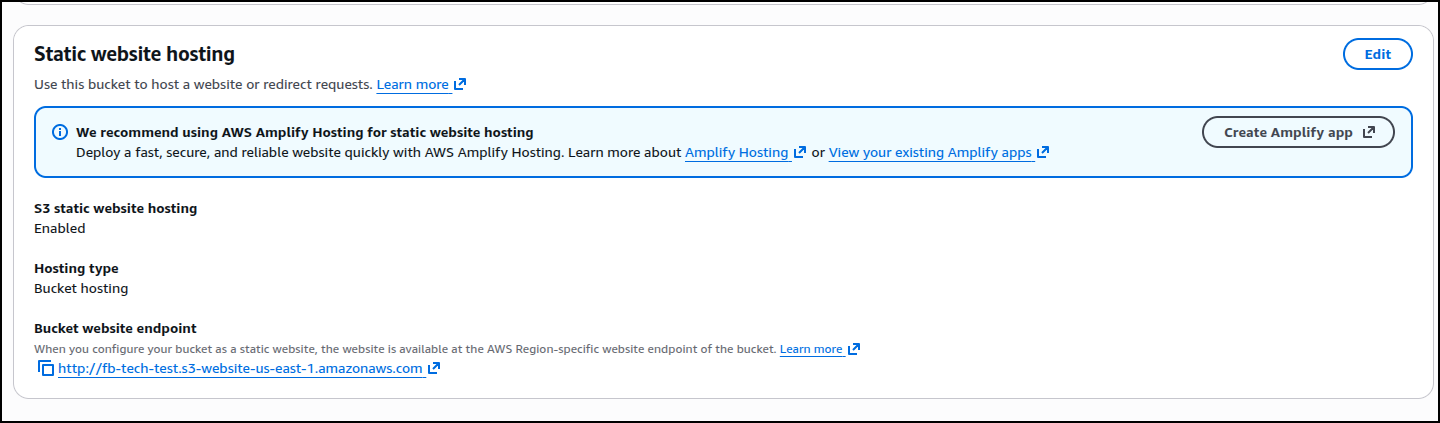
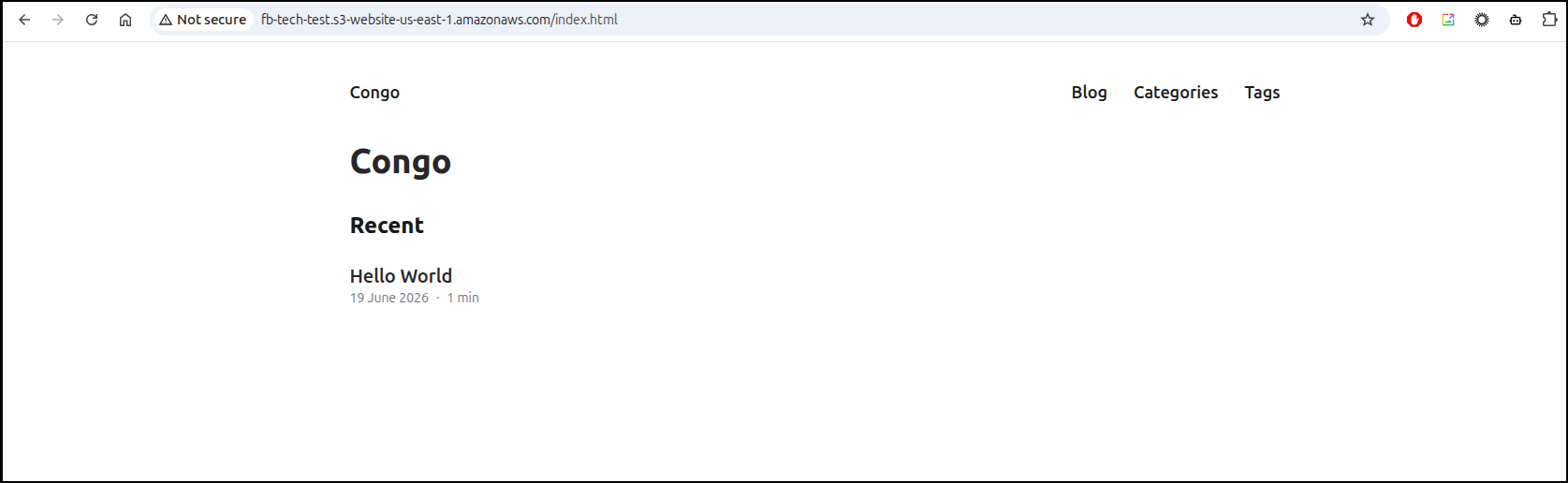
I enabled static site hosting on the bucket then checked the URL
But then it gave an error in testing
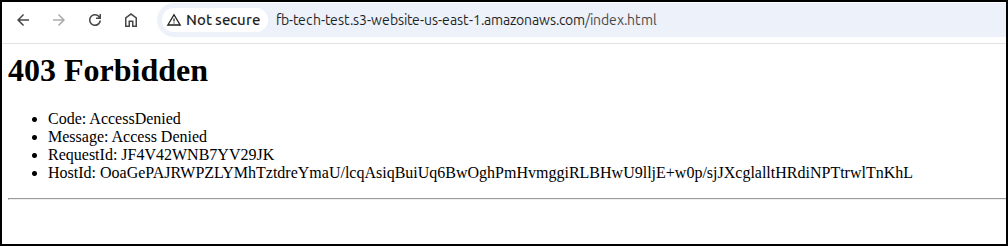
This means I cannot access the files from a web browser. We need to figure this out.
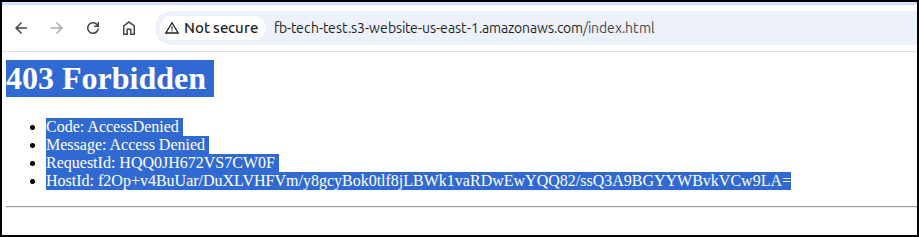
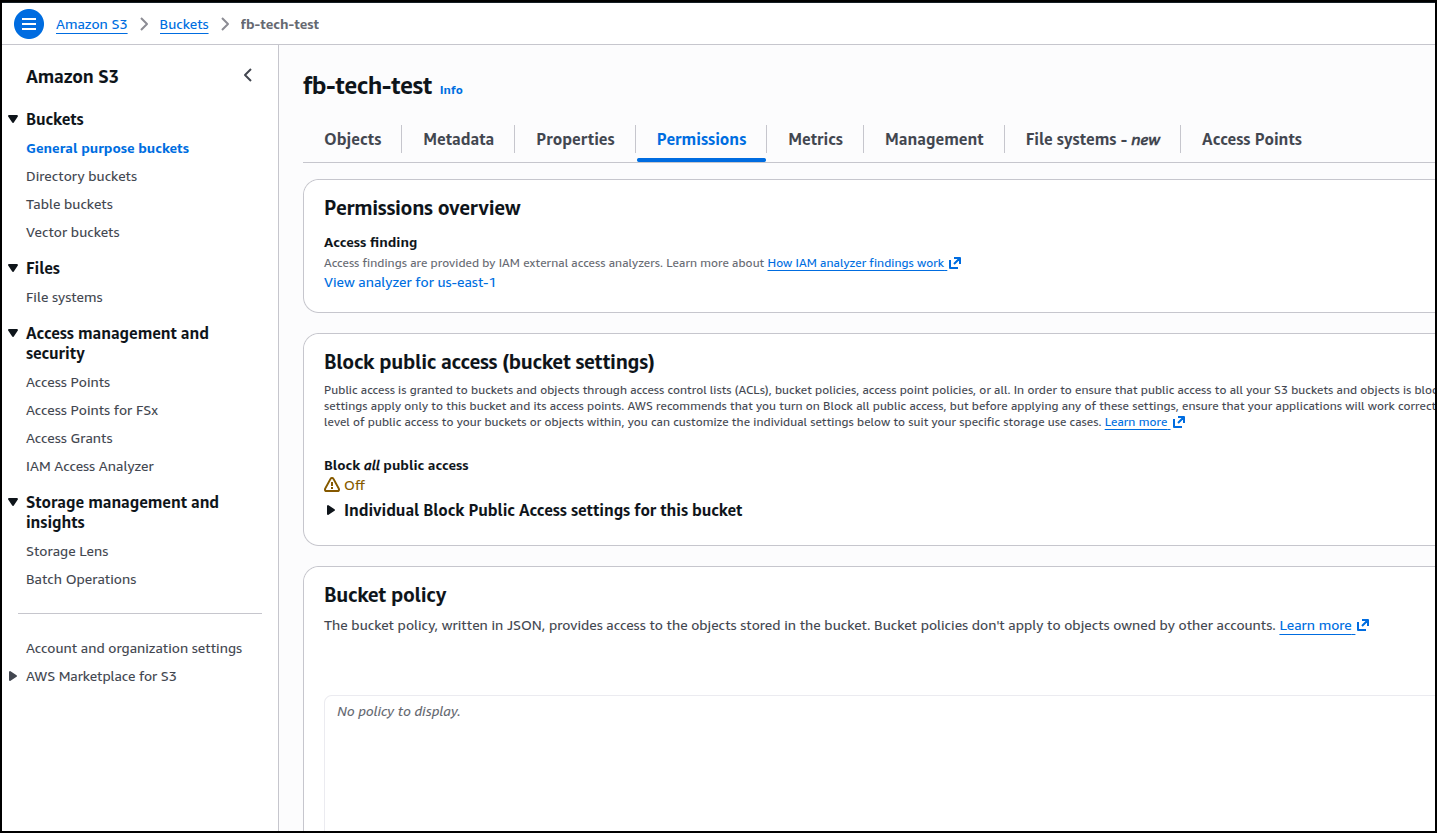
The solution lied in creating a bucket policy. Here you can see it is empty
But when I use
{
    "Version": "2012-10-17",
    "Statement": [
        {
            "Sid": "PublicReadGetObject",
            "Effect": "Allow",
            "Principal": "*",
            "Action": "s3:GetObject",
            "Resource": "arn:aws:s3:::fb-tech-test/*"
        }
    ]
}
as you see below
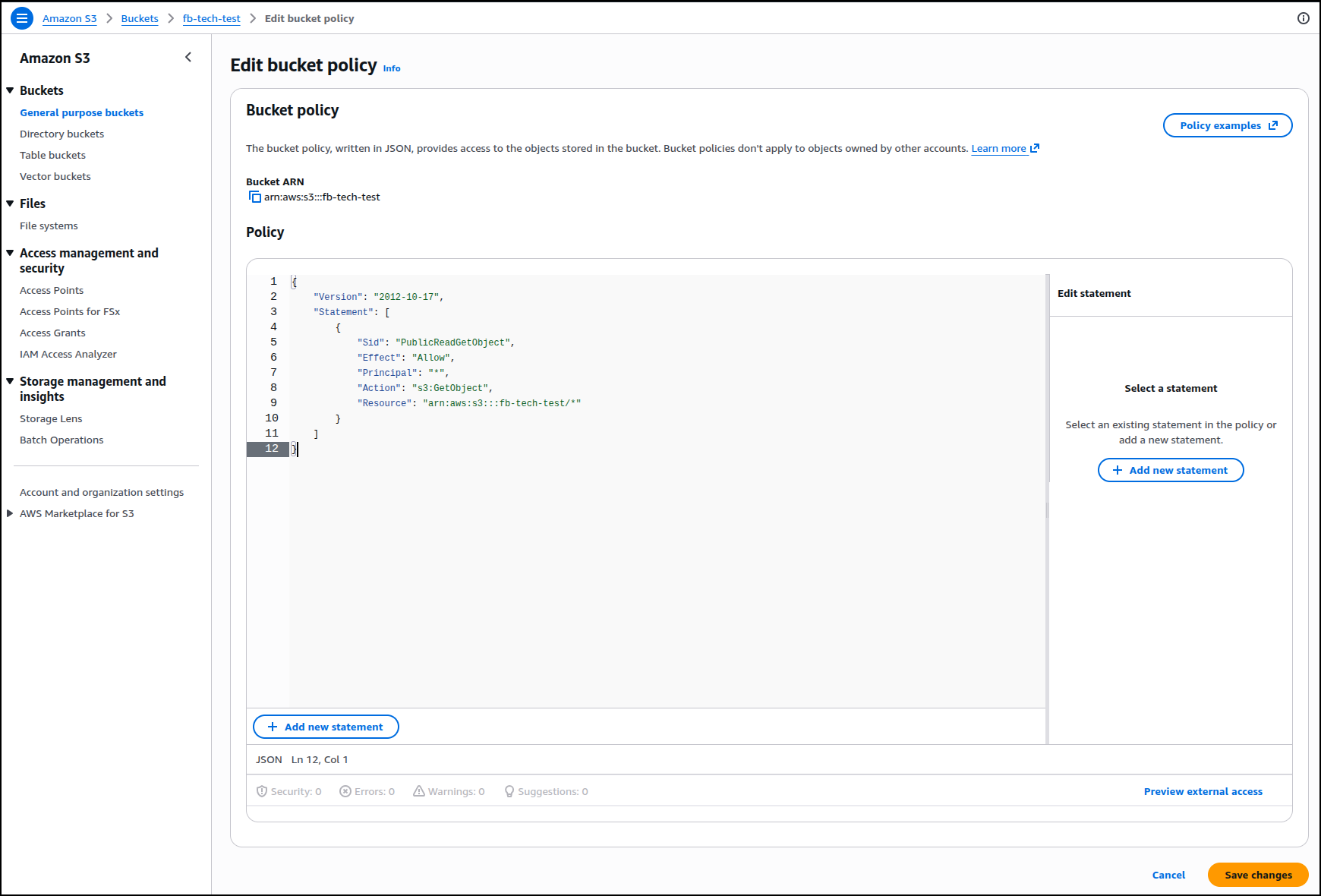
and save it
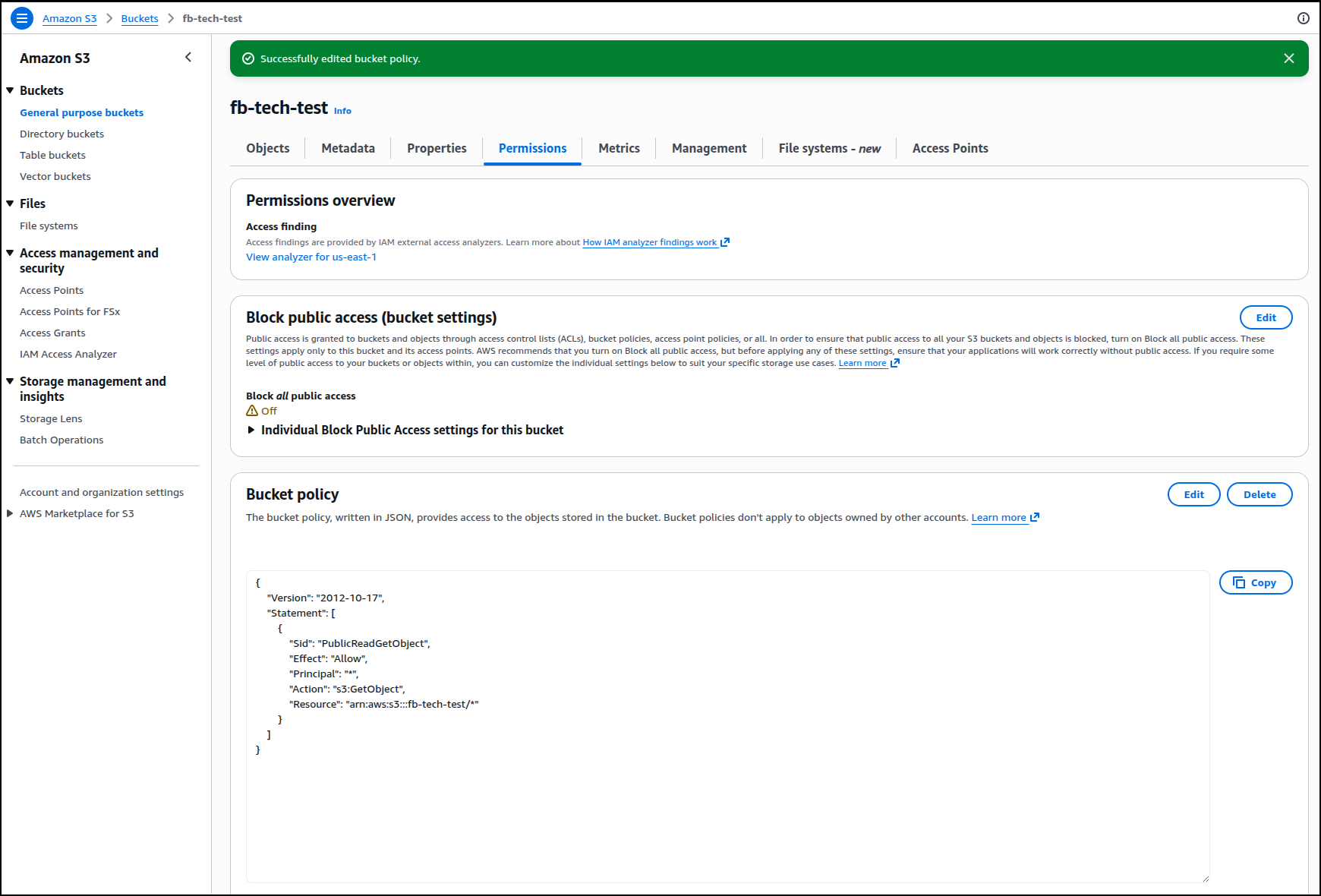
We can now view the contents
Testing the full flow
How might this look in a regular blogging scenario.
Here I have the repo on main:
builder@DESKTOP-QADGF36:~/Workspaces/fbtech$ git remote show origin
* remote origin
  Fetch URL: https://forgejo.freshbrewed.science/builderadmin/fbtech.git
  Push  URL: https://forgejo.freshbrewed.science/builderadmin/fbtech.git
  HEAD branch: main
  Remote branches:
    main      tracked
    quicktest tracked
  Local branch configured for 'git pull':
    main merges with remote main
  Local ref configured for 'git push':
    main pushes to main (up to date)
builder@DESKTOP-QADGF36:~/Workspaces/fbtech$ ls
archetypes  assets  config  content  data  go.mod  go.sum  i18n  index.html  layouts  static  themes
Let’s say I want to create a new blog entry.
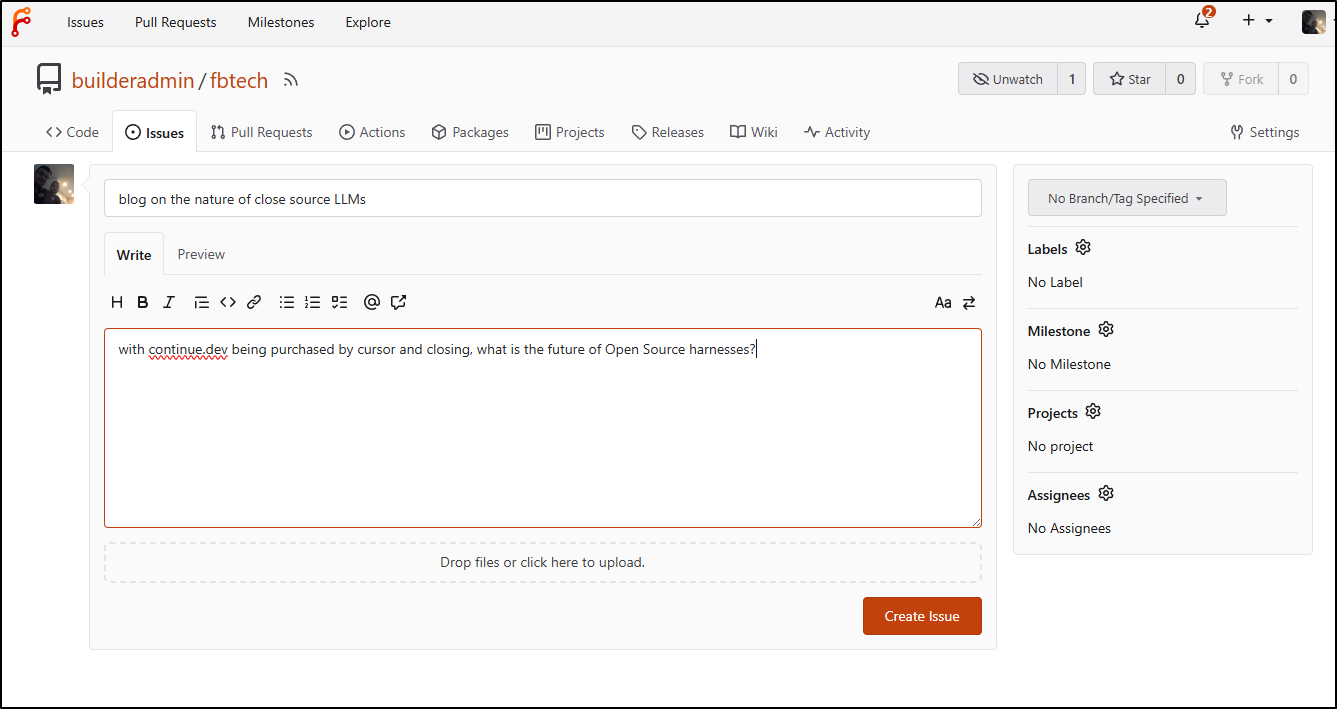
I would start by creating an Issue on the topic (I might in reality have a brain dump of a few ideas to pontificate upon)
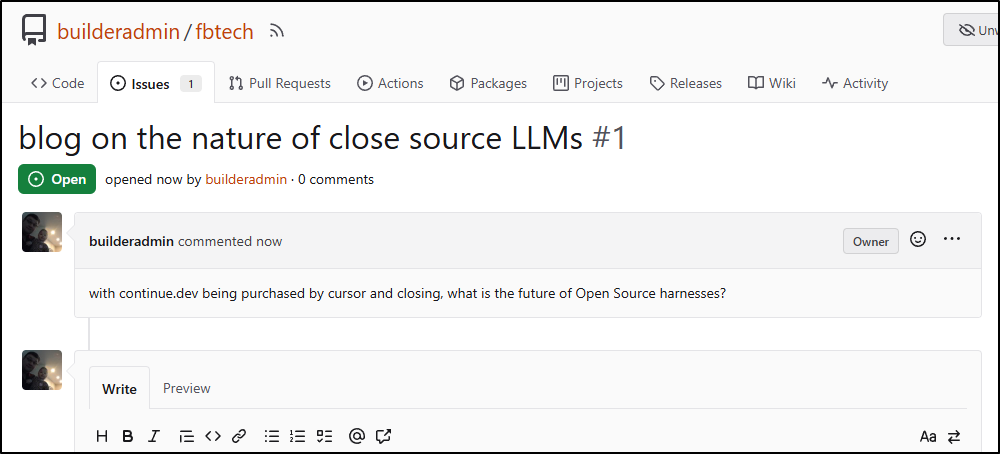
With the issue created (issue 1)
I create a branch to work out this idea
$ git checkout -b 1-closed-harnesses
Switched to a new branch '1-closed-harnesses'
Note: I always find it easiest to just copy a former for the header (until I get a muscle memory on the syntax)
$ cp content/posts/hello-world.md content/posts/1-closing-harnesses.md
$ vi content/posts/1-closing-harnesses.md
I worked the post for a bit and wrapped with a spellcheck and push
builder@DESKTOP-QADGF36:~/Workspaces/fbtech$ git add content/posts/
builder@DESKTOP-QADGF36:~/Workspaces/fbtech$ git commit -m "fix spell"
[1-closed-harnesses 6cc39f0] fix spell
 1 file changed, 6 insertions(+), 6 deletions(-)
builder@DESKTOP-QADGF36:~/Workspaces/fbtech$ git push
fatal: The current branch 1-closed-harnesses has no upstream branch.
To push the current branch and set the remote as upstream, use

    git push --set-upstream origin 1-closed-harnesses

builder@DESKTOP-QADGF36:~/Workspaces/fbtech$ git push --set-upstream origin 1-closed-harnesses
Enumerating objects: 51, done.
Counting objects: 100% (51/51), done.
Delta compression using up to 16 threads
Compressing objects: 100% (29/29), done.
Writing objects: 100% (37/37), 52.35 KiB | 7.48 MiB/s, done.
Total 37 (delta 9), reused 0 (delta 0), pack-reused 0
remote:
remote: Create a new pull request for '1-closed-harnesses':
remote:   https://forgejo.freshbrewed.science/builderadmin/fbtech/compare/main...1-closed-harnesses
remote:
remote: . Processing 1 references
remote: Processed 1 references in total
To https://forgejo.freshbrewed.science/builderadmin/fbtech.git
 * [new branch]      1-closed-harnesses -> 1-closed-harnesses
Branch '1-closed-harnesses' set up to track remote branch '1-closed-harnesses' from 'origin'.
I can now do a new PR on Forgejo
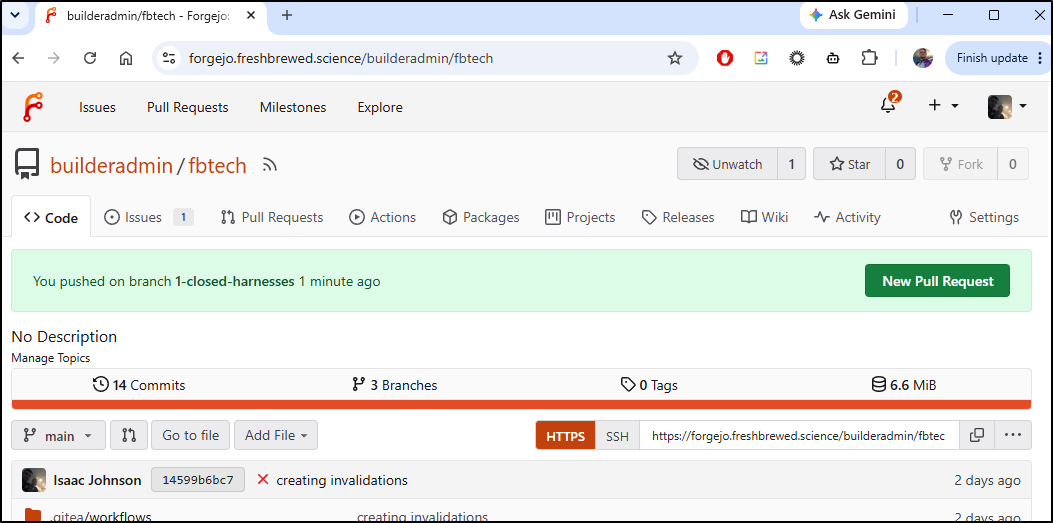
which also adds a new theme by way of submodule (could be a risk)
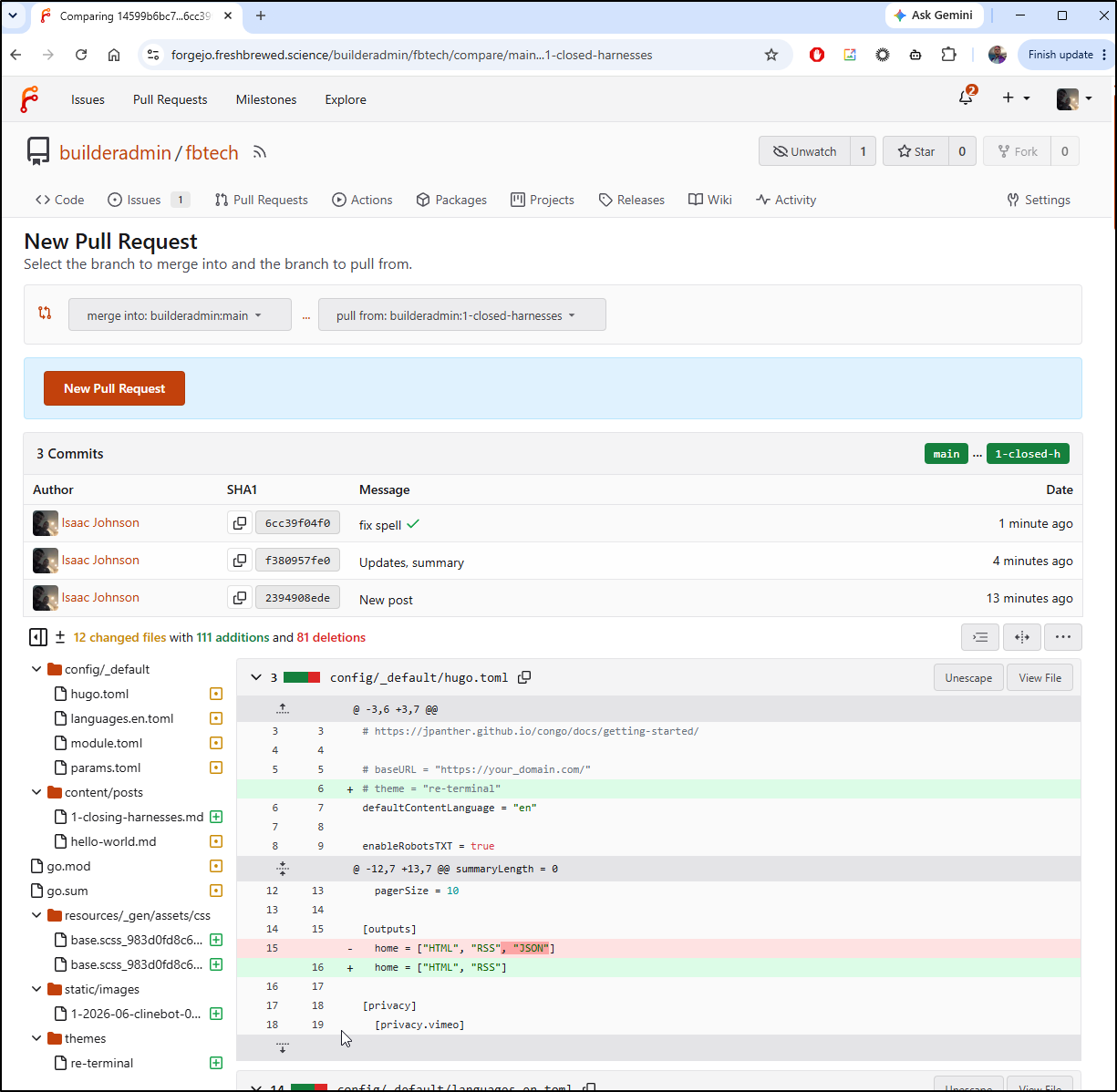
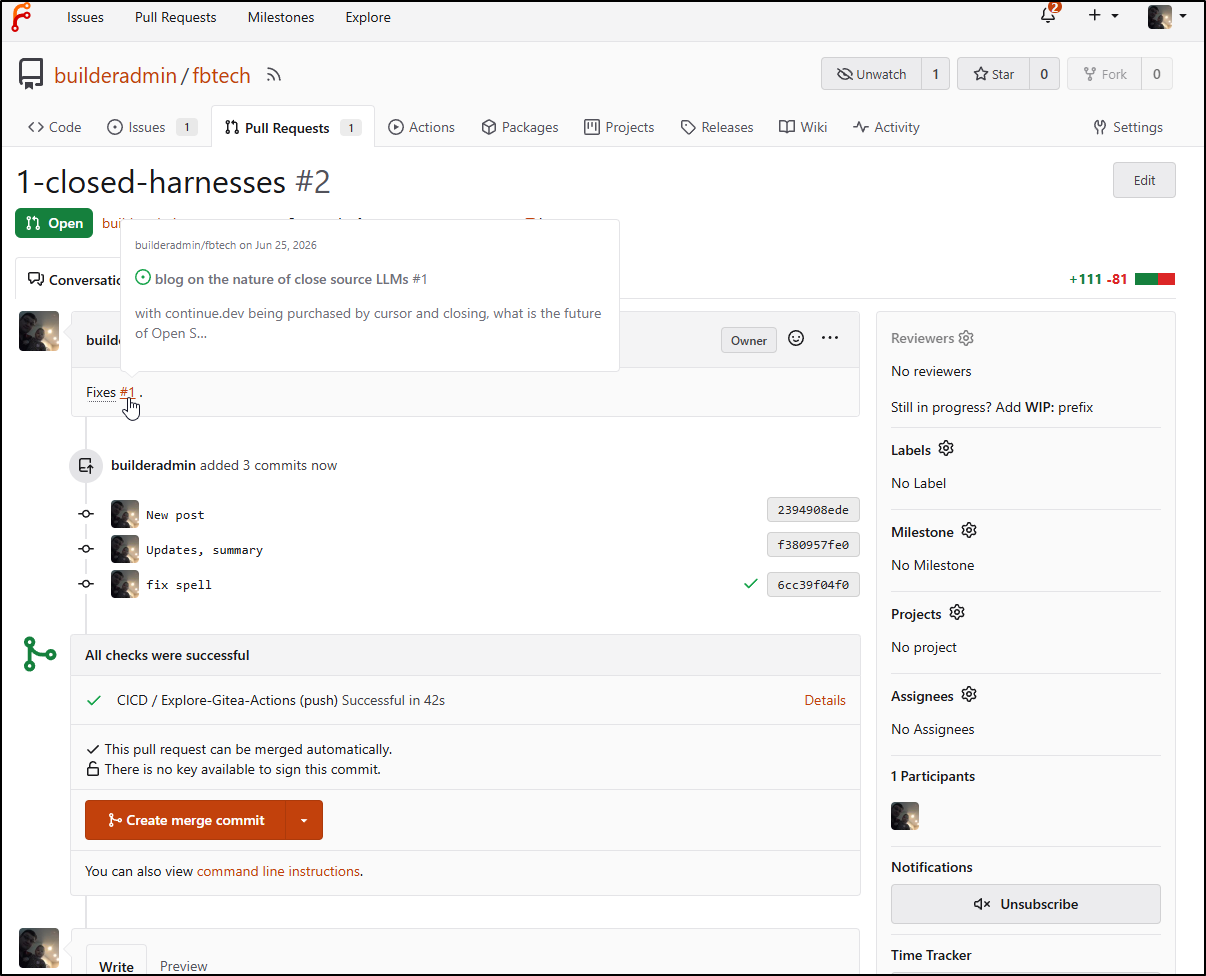
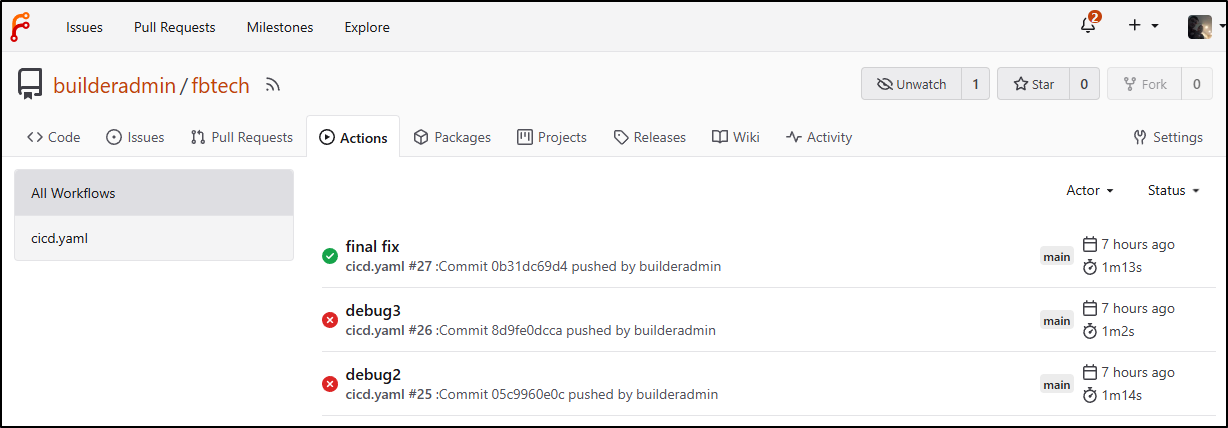
I see the PR is created, but didn’t fire a build for the pr
(coming back later: actually it did, you can see the green check next to “fix spell” commit)
but the push did do it for the branch
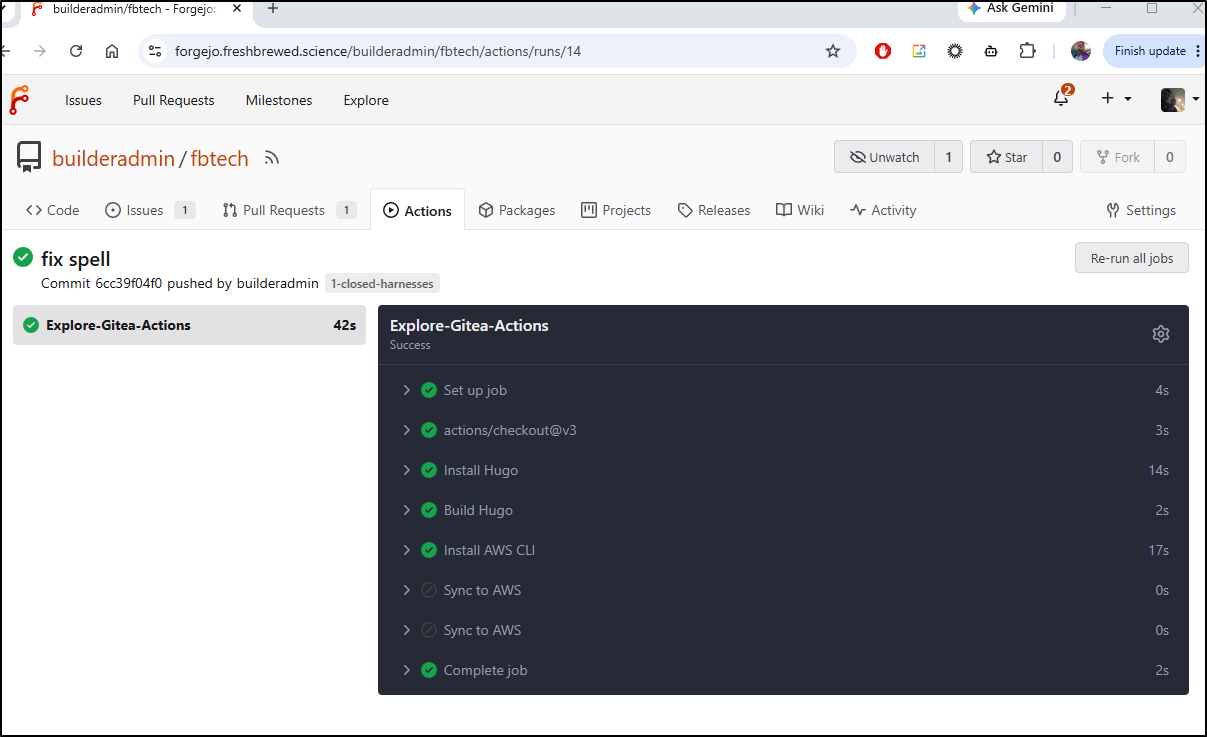
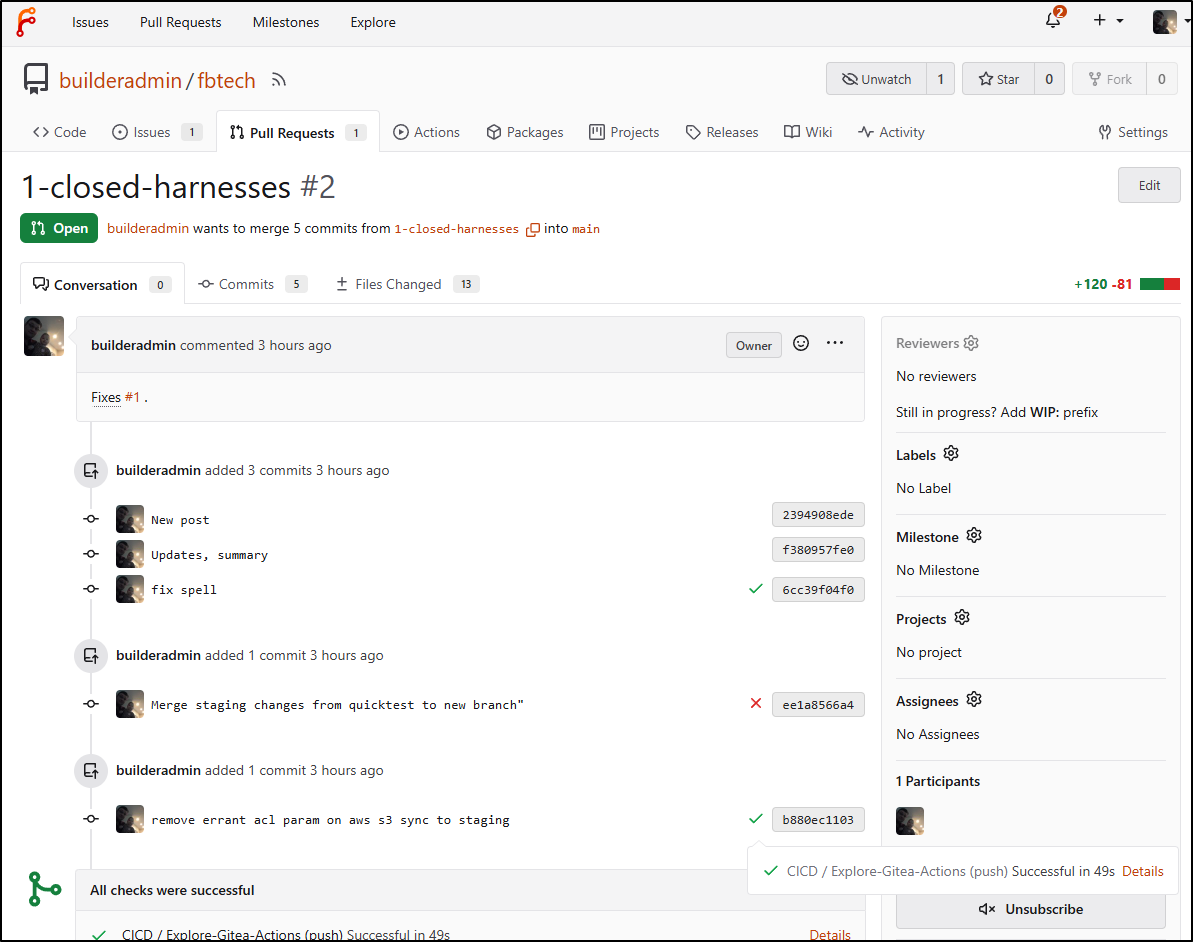
which is good enough because we see the build results per commit in the Forgejo PR history
Staging looks good
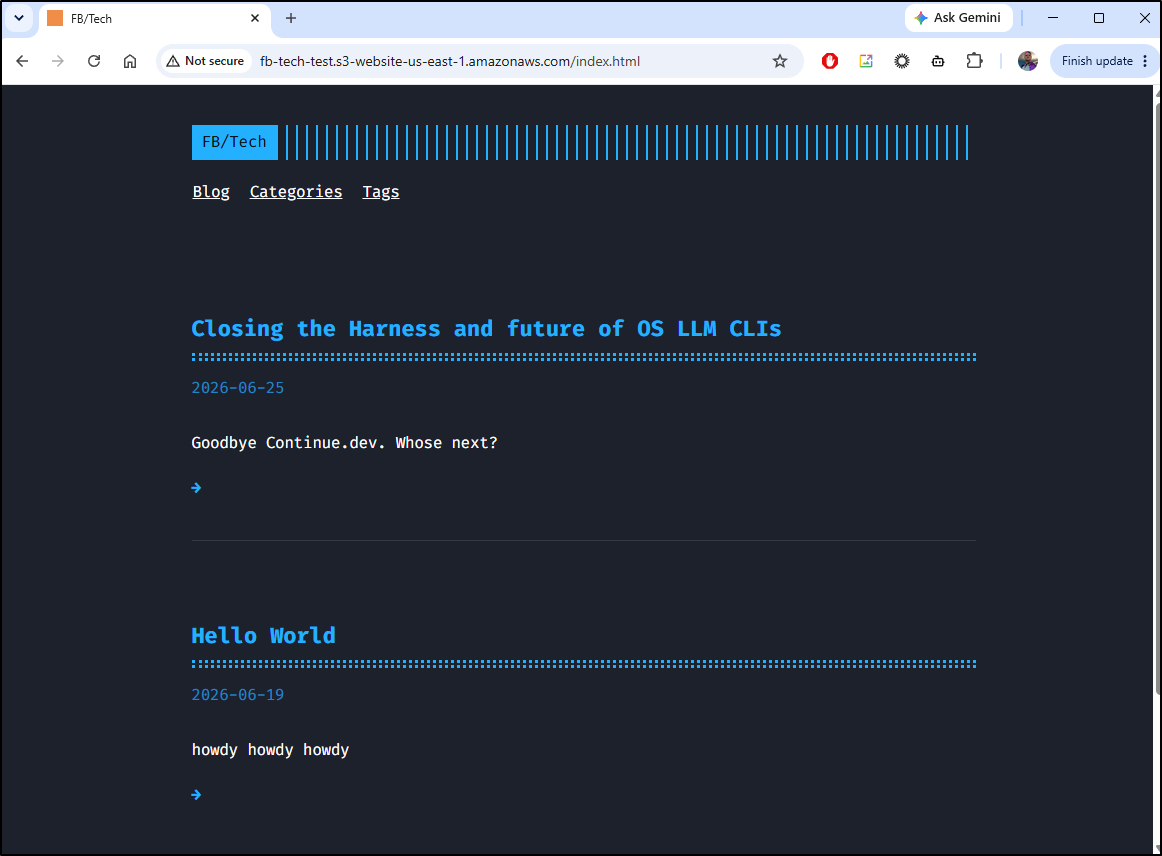
So lets merge the PR and see if it fixes the issue (closes it) and publishes to the main website:
the final error we see in the recording above is due to invalidation paths.
I added some debug to the last step
      - name: Sync to AWS
        run: |
          paths=$(find ./public -type f -name "*.html" -print | sed 's|^./public/|\/|g' | sed 's/\n/ /g')
          echo "paths: $paths"
          echo "----"
          set -x
          aws cloudfront create-invalidation --distribution-id EWYXMJ6L92Q6I --paths "$paths"
        if: gitea.ref == 'refs/heads/main'
        env: # Or as an environment variable
          AWS_SECRET_ACCESS_KEY: $
          AWS_ACCESS_KEY_ID: $
I’m still figuring out the issue on the paths (pasting the same command locally works so there must be a hidden character).
I now see the live site (running the create invalidation by hand)
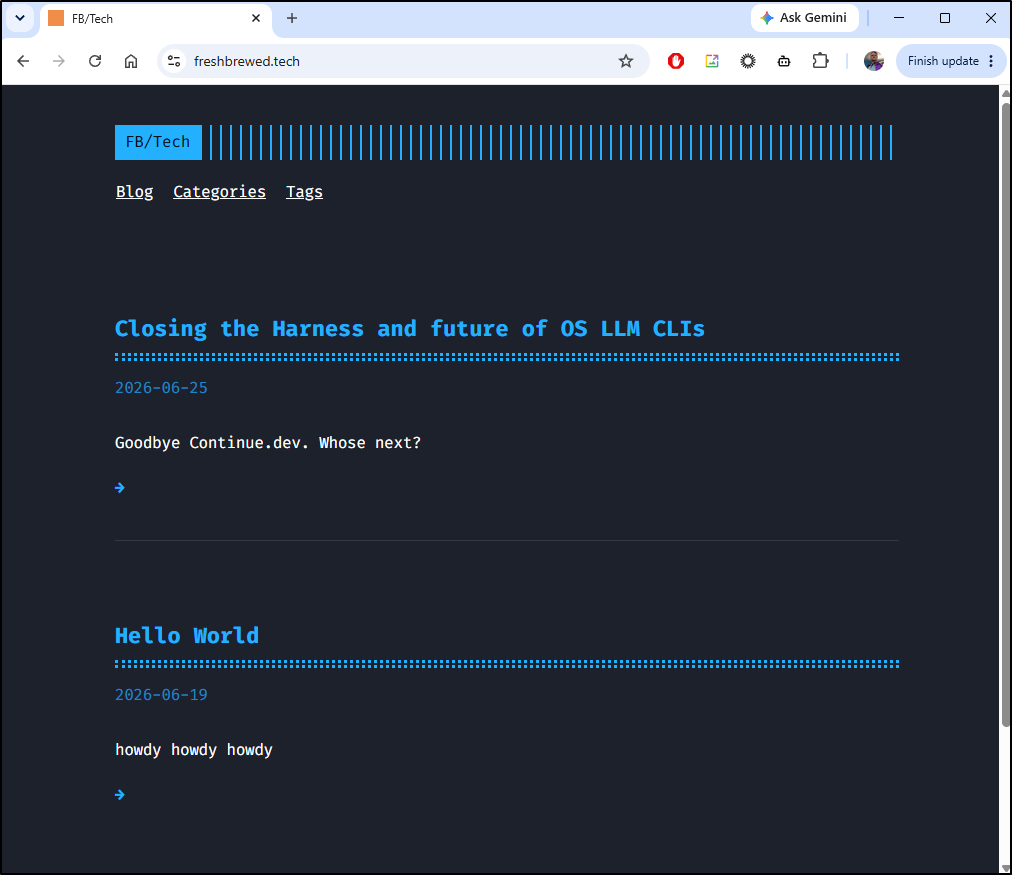
fast forward, after watching a great US vs Turkey FIFA match, i was inspired…
It would seem the double quotes were getting interpolated. I switched to moving the command to an inline script
      - name: Sync to AWS
        run: |
          paths=$(find ./public -type f -name "*.html" | sed -e 's|^./public/|/|' -e 's/.*/"&"/' | tr '\n' ' ')
          cat << EOF > myaction.sh
          aws cloudfront create-invalidation --distribution-id EWYXMJ6L92Q6I --paths $paths
          EOF
          cat myaction.sh | base64 -w 0
          chmod 755 ./myaction.sh
          ./myaction.sh
        if: gitea.ref == 'refs/heads/main'
        env: # Or as an environment variable
          AWS_SECRET_ACCESS_KEY: $
          AWS_ACCESS_KEY_ID: $
and now it works
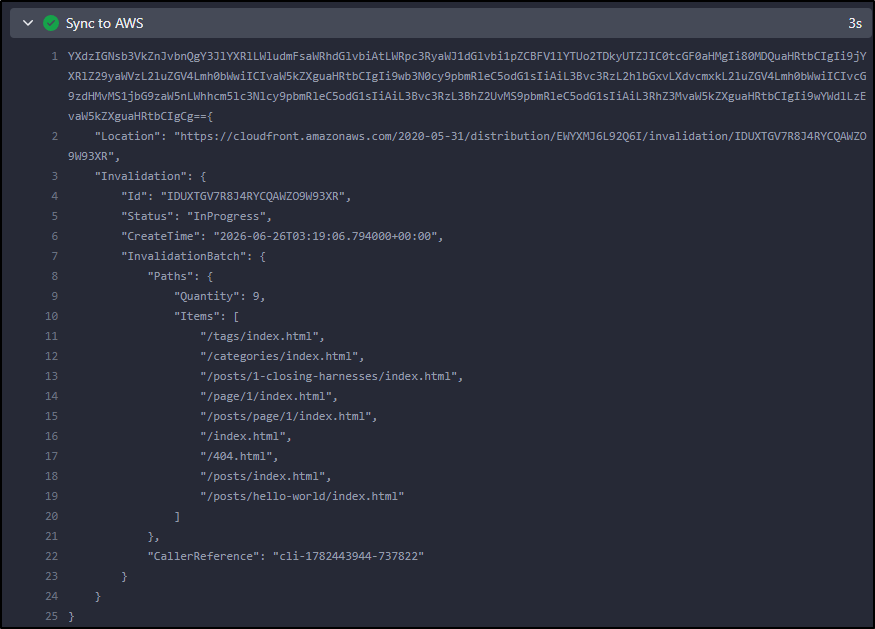
Summary
Today we sorted out bucket access policies to take care of public read issues, JS for auto-completing “/” URLs (so we didn’t need to add index.html to all URLs), and images and themes. We tackled CICD with Forgejo/Gitea and how to use an S3 bucket as a basic ‘staging’ endpoint.
I had to sort out a minor issue with paths and aws cloudfront create-invalidation but I would say we are now sorted. The repo is public so you are welcome to use the code yourself. Here is the final CICD workflow YAML
name: CICD
run-name: $ triggered CICD
on: [push]

jobs:
  Explore-Gitea-Actions:
    runs-on: my_custom_label
    container: node:22
    steps:
      - uses: actions/checkout@v3 # Checks out your repository
      - name: Install Hugo
        run: |
          whoami
          which hugo || true
          apt update
          cat /etc/os-release
          apt install -y ca-certificates curl gnupg unzip sudo groff
          wget https://github.com/gohugoio/hugo/releases/download/v0.163.3/hugo_0.163.3_linux-amd64.deb
          dpkg -i hugo_0.163.3_linux-amd64.deb
          apt update
          apt install -y golang-go

      - name: Build Hugo
        run: |
          hugo --help
          hugo version
          hugo build

      - name: Install AWS CLI
        run: |
          # DEBIAN_FRONTEND=noninteractive apt update -y \
          # && umask 0002 \
          # && DEBIAN_FRONTEND=noninteractive apt install -y awscli

          curl "https://awscli.amazonaws.com/awscli-exe-linux-x86_64.zip" -o "awscliv2.zip"
          unzip awscliv2.zip
          ./aws/install --bin-dir /usr/local/bin --install-dir /usr/local/aws-cli --update

      - name: Sync to AWS
        run: |
          cd ./public
          aws s3 cp --recursive ./ s3://fb-tech-test/
        if: gitea.ref != 'refs/heads/main'
        env: # Or as an environment variable
          AWS_SECRET_ACCESS_KEY: $
          AWS_ACCESS_KEY_ID: $

      - name: Sync to AWS
        run: |
          cd ./public
          aws s3 cp --recursive ./ s3://freshbrewed.tech/
        if: gitea.ref == 'refs/heads/main'
        env: # Or as an environment variable
          AWS_SECRET_ACCESS_KEY: $
          AWS_ACCESS_KEY_ID: $

      - name: Sync to AWS
        run: |
          paths=$(find ./public -type f -name "*.html" | sed -e 's|^./public/|/|' -e 's/.*/"&"/' | tr '\n' ' ')
          cat << EOF > myaction.sh
          aws cloudfront create-invalidation --distribution-id EWYXMJ6L92Q6I --paths $paths
          EOF
          cat myaction.sh | base64 -w 0
          chmod 755 ./myaction.sh
          ./myaction.sh
        if: gitea.ref == 'refs/heads/main'
        env: # Or as an environment variable
          AWS_SECRET_ACCESS_KEY: $
          AWS_ACCESS_KEY_ID: $
The question I’m left with is whether I change this blog over just yet. This Jekyll blog has something like 587 posts and the repo alone is 25Gb expanded.
builder@DESKTOP-QADGF36:~/Workspaces/jekyll-blog$ ls -l _posts/ | wc -l
589
builder@DESKTOP-QADGF36:~/Workspaces/jekyll-blog$ du -chs ./
25G     ./
25G     total
This means that even with some optimizations and shallow cloning, the builds for blog posts are about 16 minutes each
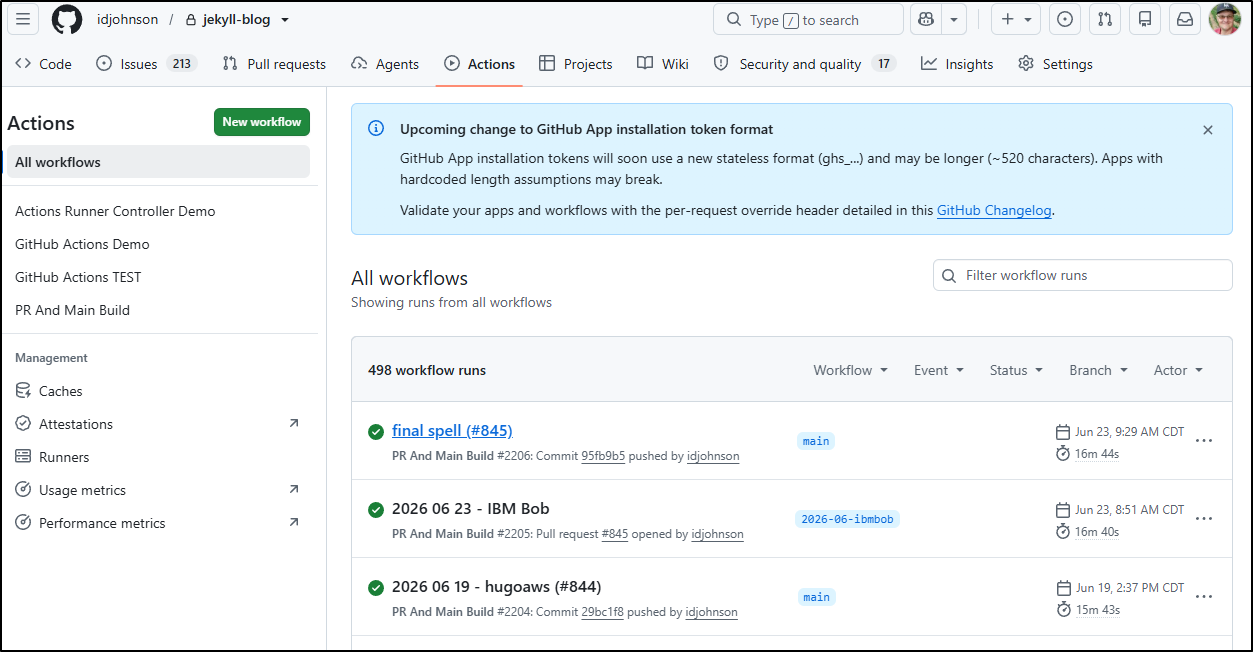
compared to a fresh Hugo one
I also have some custom code in this Jekyll blog for figuring out “who is latest” that wouldn’t work without packing the date in the name
# the grep -v ' 20[0-9][0-9]-[0-9][0-9]-xx' |
# is so that when we have "future" posts staged here, they aren't picked up
export LATESTFILE=`ls -l _posts/ | grep ".* 20[0-9][0-9]-[0-9][0-9].*markdown" | grep -v ' 20[0-9][0-9]-[0-9][0-9]-xx' | tail -n1 | sed 's/.* \(20[0-9][0-9]-[0-9][0-9].*markdown\)/\1/'`
export LATESTURL=`ls -l _posts/ | grep ".* 20[0-9][0-9]-[0-9][0-9].*markdown" | grep -v ' 20[0-9][0-9]-[0-9][0-9]-xx' |  tail -n1 | sed 's/.* \(20[0-9][0-9]-[0-9][0-9]-[0-9][0-9]-\)\(.*\)\.markdown/\2.html/'`
cat _posts/$LATESTFILE | grep "^title: " | head -n 1 | sed 's/^title: "\(.*\)"/\1/' | tr -d '\n'> title.txt
cat _posts/$LATESTFILE | grep "^social: " | head -n 1 | sed 's/^social: "\(.*\)"/\1/' | tr -d '\n'> social.txt
Things to stew on…
That said, hopefully you found a complete solution for Hugo blog posting on the cheap to AWS. I estimate this whole setup will cost me less than $1/month.
