

Published: Jun 19, 2026 by Isaac Johnson
Back in April, I did a three part series on Hugo blogs: Hugo and Azure Static Sites with Front Door, Hugo and Static Sites in GCP and lastly Hugo and Serverless in GCP.
Today I want to tackle Hugo and AWS. Honestly, this is full circle back to 2021 when I posted about using Github and Jekyll for this blog here which was in replacement of Ghost (which I wrote about here in 2019)
We’ll tackle registering a DNS name, setting up AWS Route53 for DNS hosting then get into creating a local blog with Hugo. We’ll lastly circle back to setting up a CloudFront distribution tied to an S3 bucket and getting proper certs and routing.
DNS
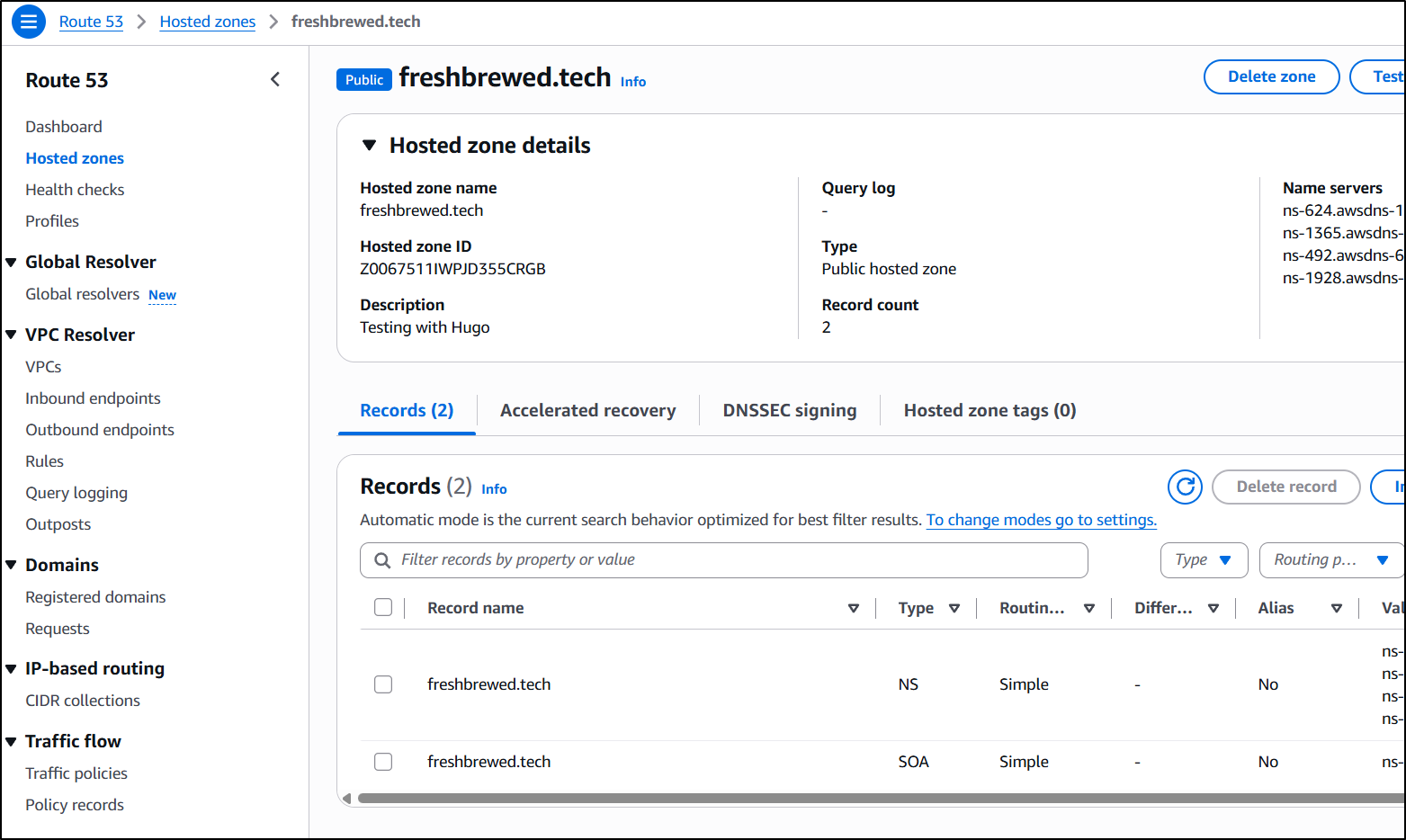
We’ll create the HZ in AWS Cloud53
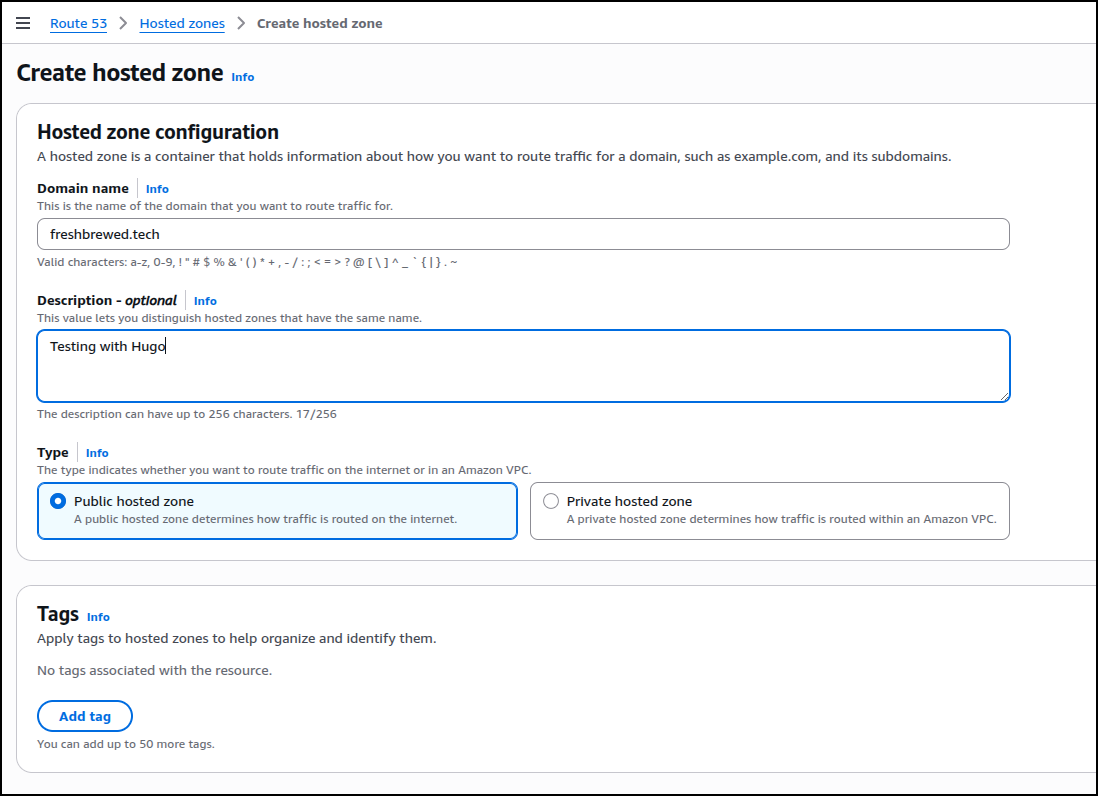
Which will list the NS servers I’ll need to use with Gandi
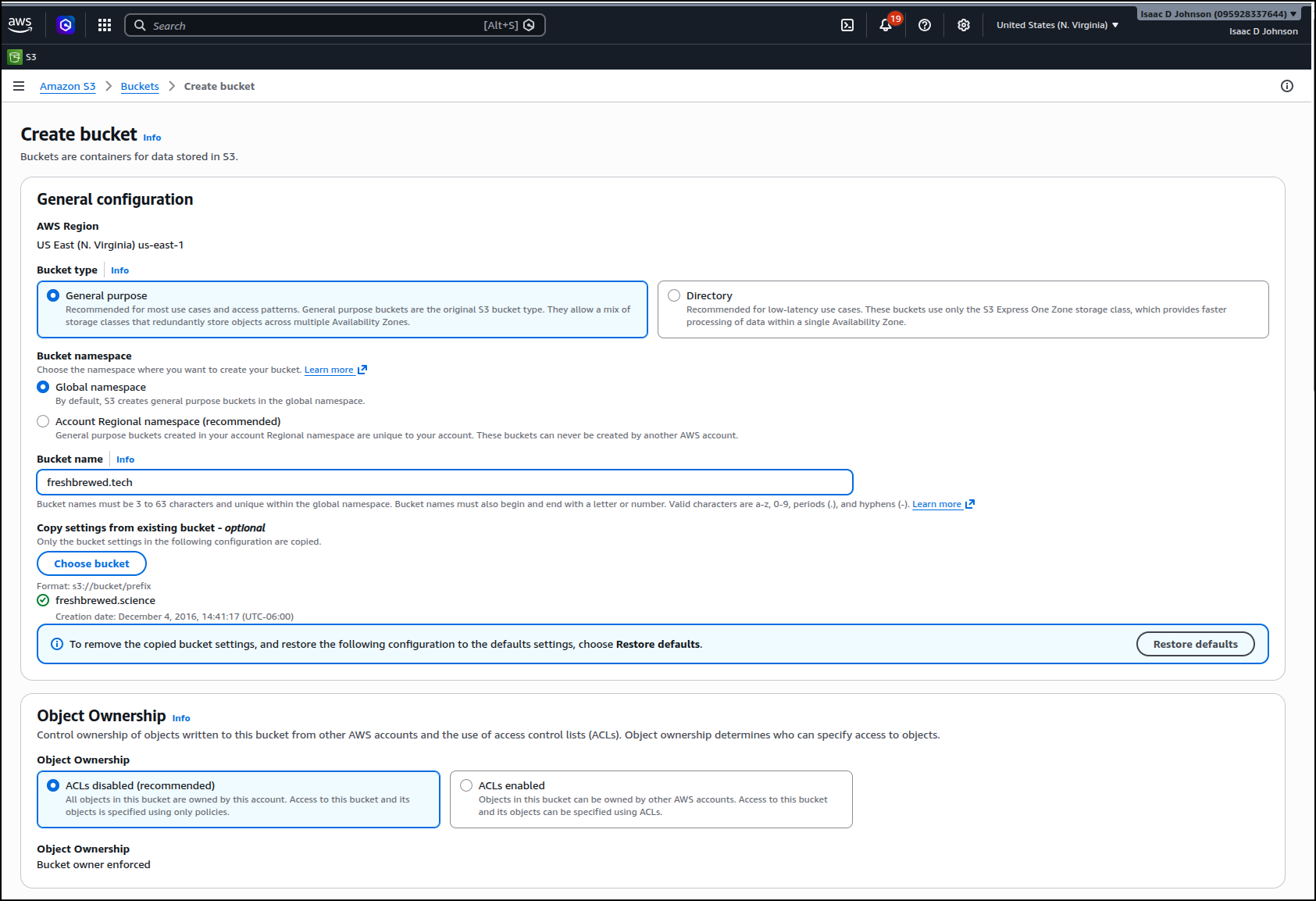
Then back in Gandi, I then need to set it to the AWS external nameservers
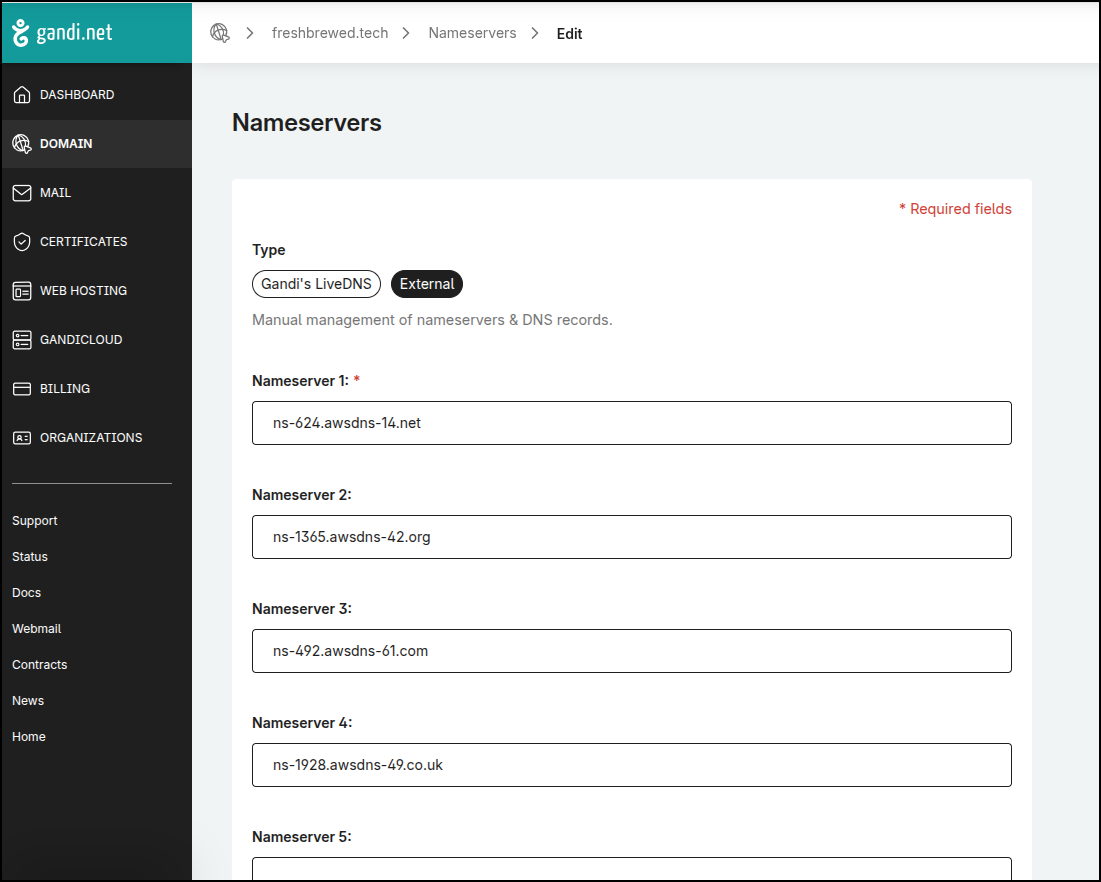
Back in AWS Console, I can create a new bucket based on the existing one used for freshbrewed.science
I can now see my new S3 bucket
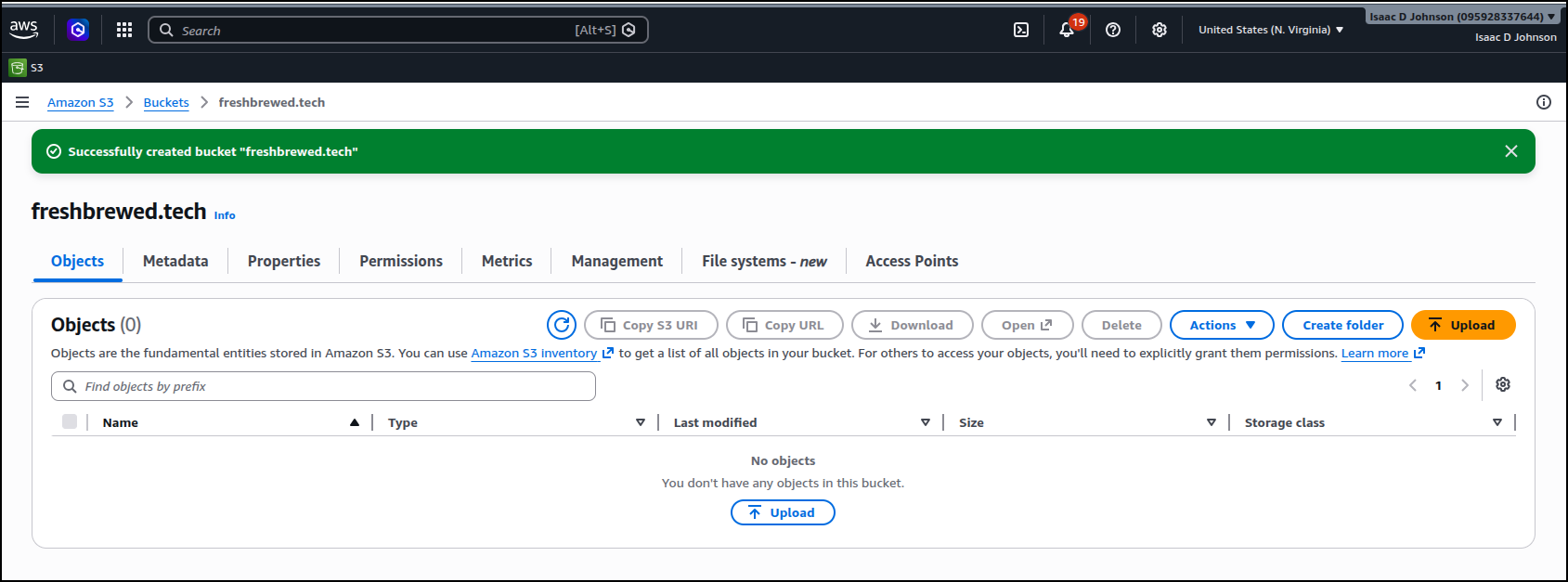
I’ll make a basic index.html just to verify it works:
(base) builder@LuiGi:~/Workspaces/fbtech$ cat index.html
<HTML>
        <HEAD>
                <TITLE>test site</TITLE>
        </HEAD>
        <BODY>
                <H1>Test Site 2026-06</H1>
        </BODY>
</HTML>
At this point I have a HZ, but no A or CNAME records so it goes nowhere
So I can copy that HTML file over to the new bucket
builder@DESKTOP-QADGF36:~/Workspaces/fbtech$ cat index.html
<HTML>
        <HEAD>
                <TITLE>test site</TITLE>
        </HEAD>
        <BODY>
                <H1>Test Site 2026-06</H1>
        </BODY>
</HTML>
builder@DESKTOP-QADGF36:~/Workspaces/fbtech$ aws s3 cp ./index.html s3://freshbrewed.tech/index.html
upload: ./index.html to s3://freshbrewed.tech/index.html
But the whole file-based ACLs won’t work anymore with how I set the bucket up
builder@DESKTOP-QADGF36:~/Workspaces/fbtech$ aws s3 cp ./index.html s3://freshbrewed.tech/index.html --acl public-read
upload failed: ./index.html to s3://freshbrewed.tech/index.html An error occurred (AccessControlListNotSupported) when calling the PutObject operation: The bucket does not allow ACLs
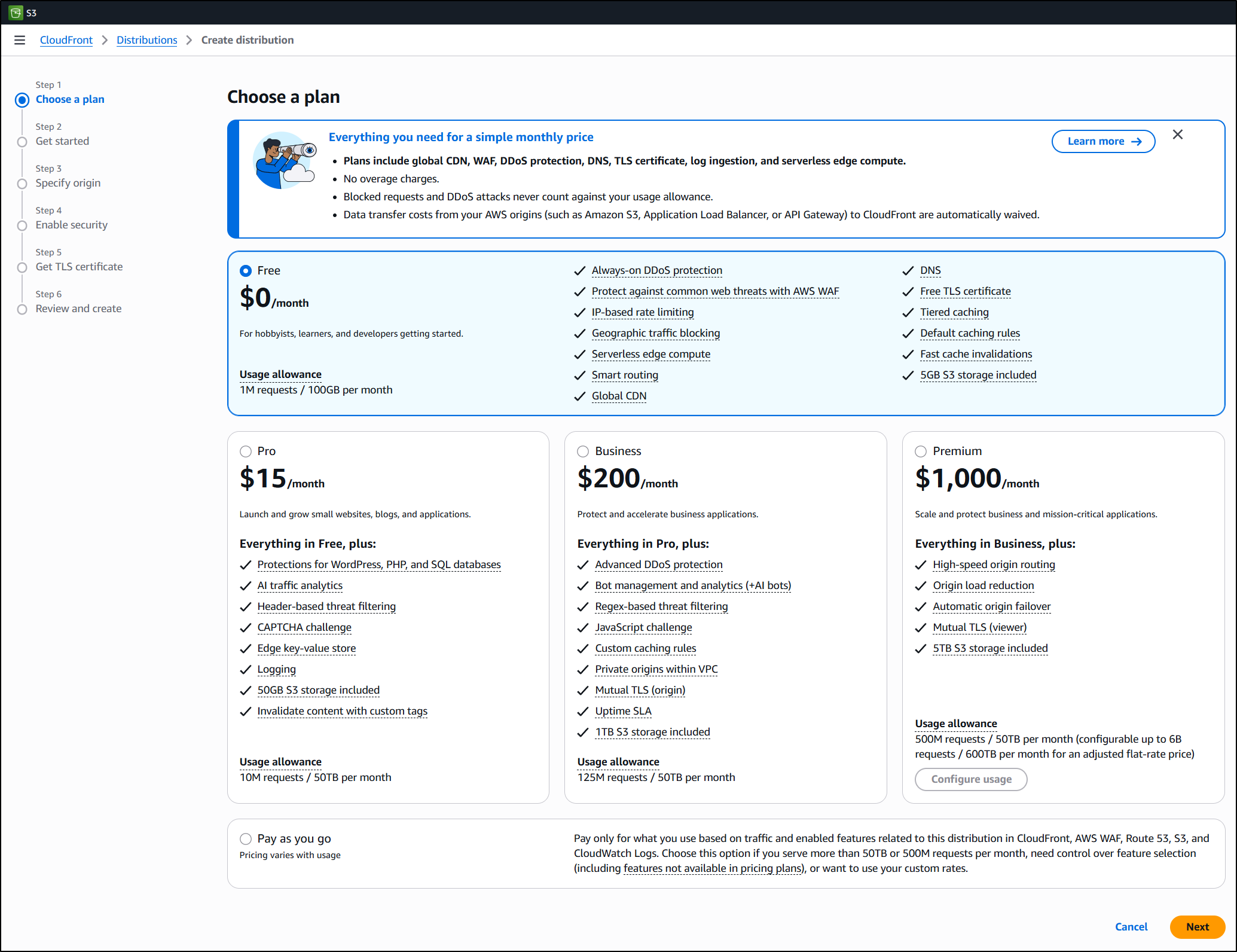
To create a CloudFront, I basically have two choices to consider, free tier or pay as you go. I’m thinking of the free tier for this test, but I know from history that pay-as-you-go is really cheap
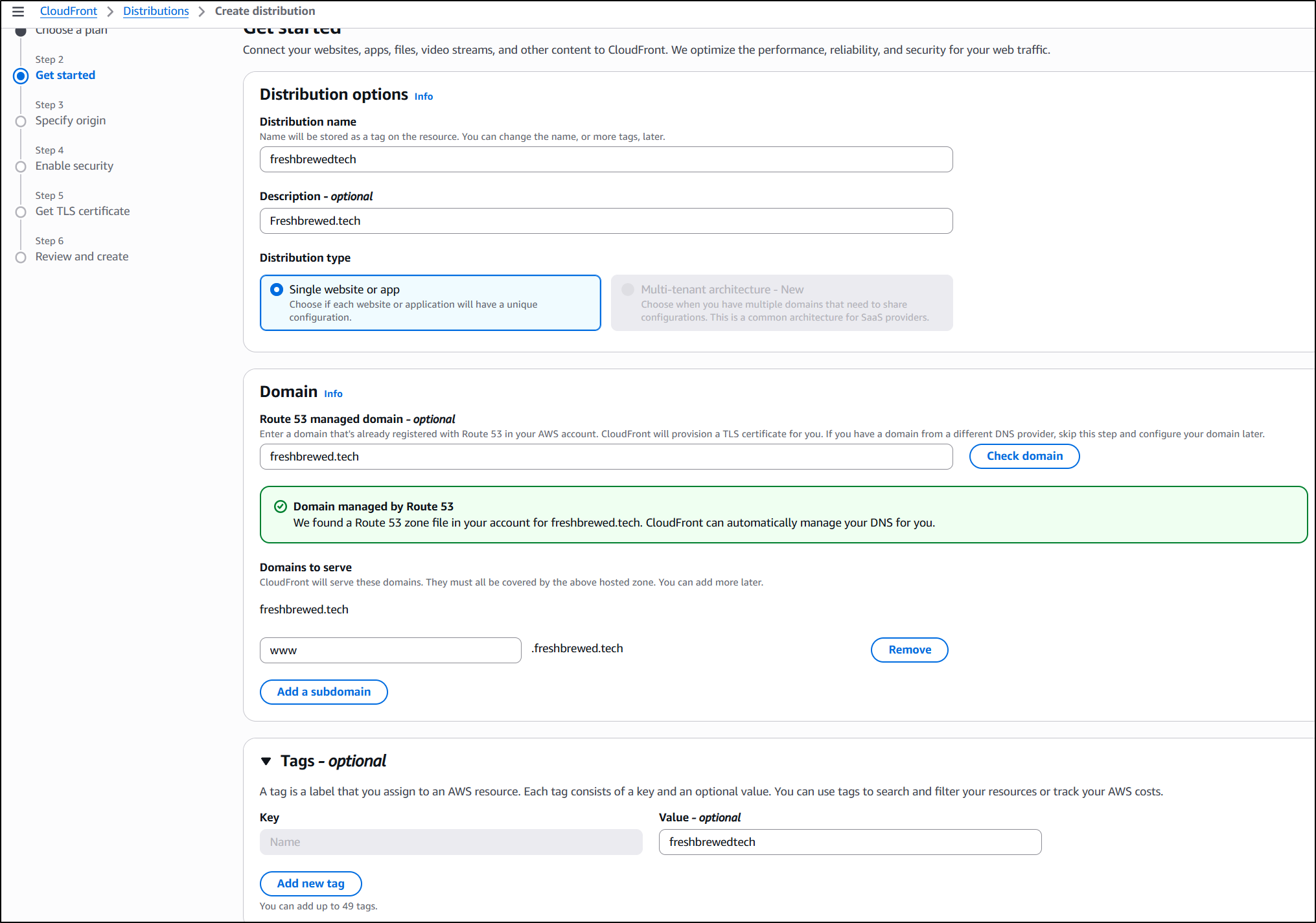
I can now set a name and optionally a subdomain
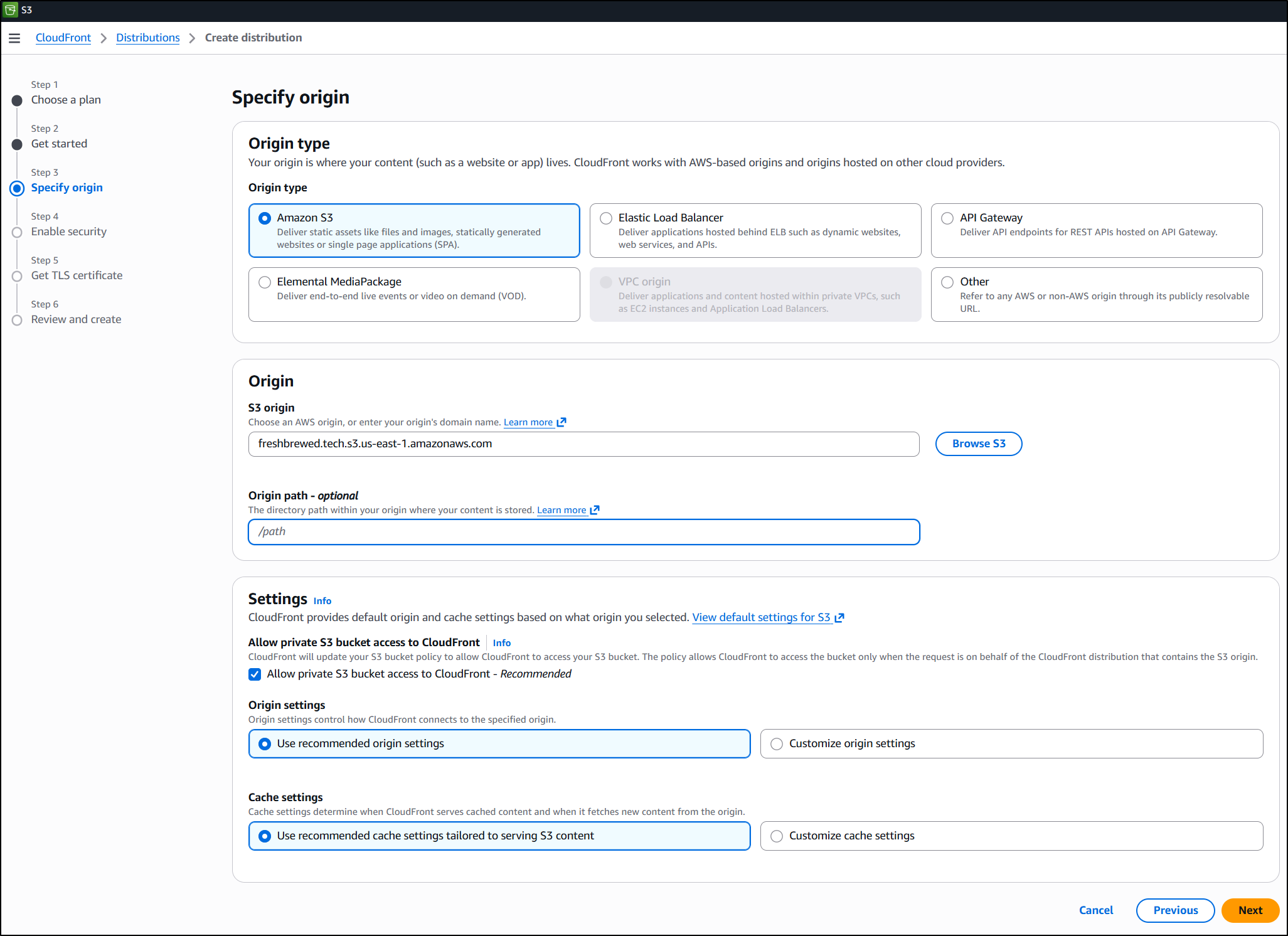
Next we specify our origin
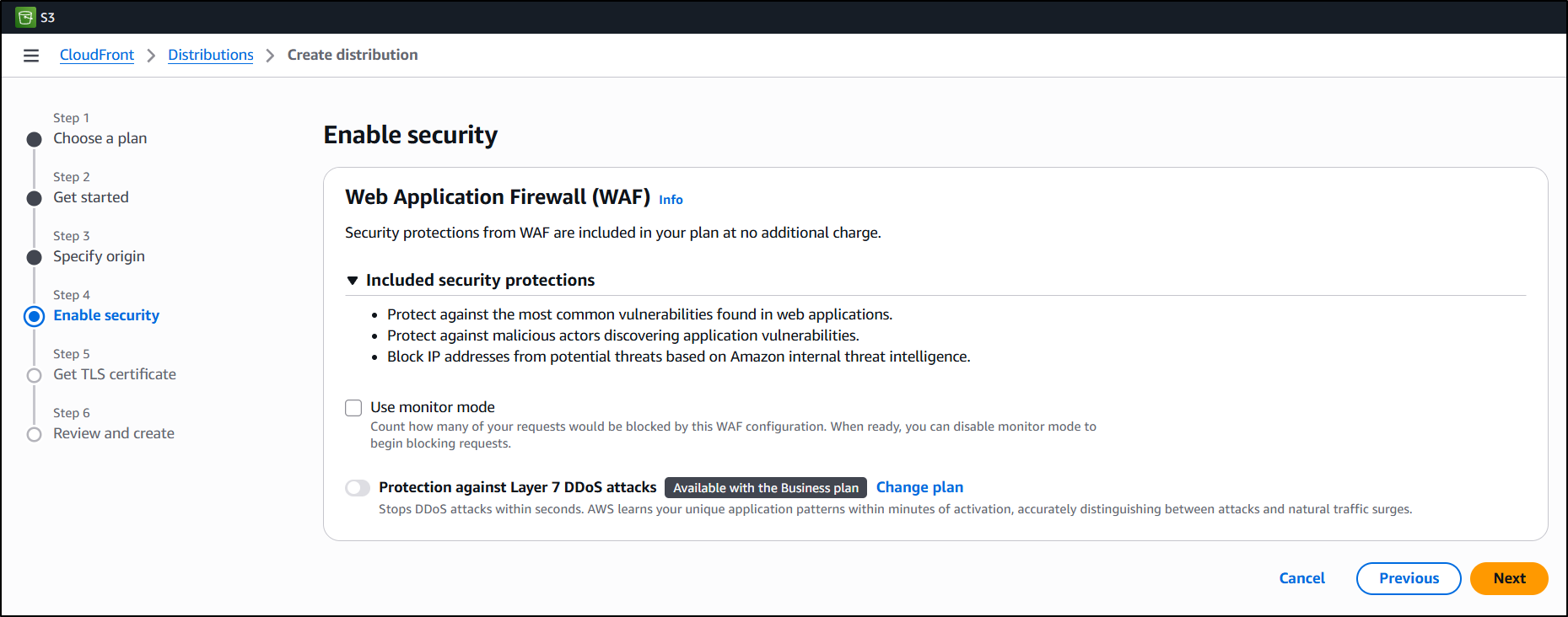
Next we can enable monitoring in security (but not DDOS protections with the free plan)
Next we have certs.. It will create a cert, but we likely will need to nudge it from time to time
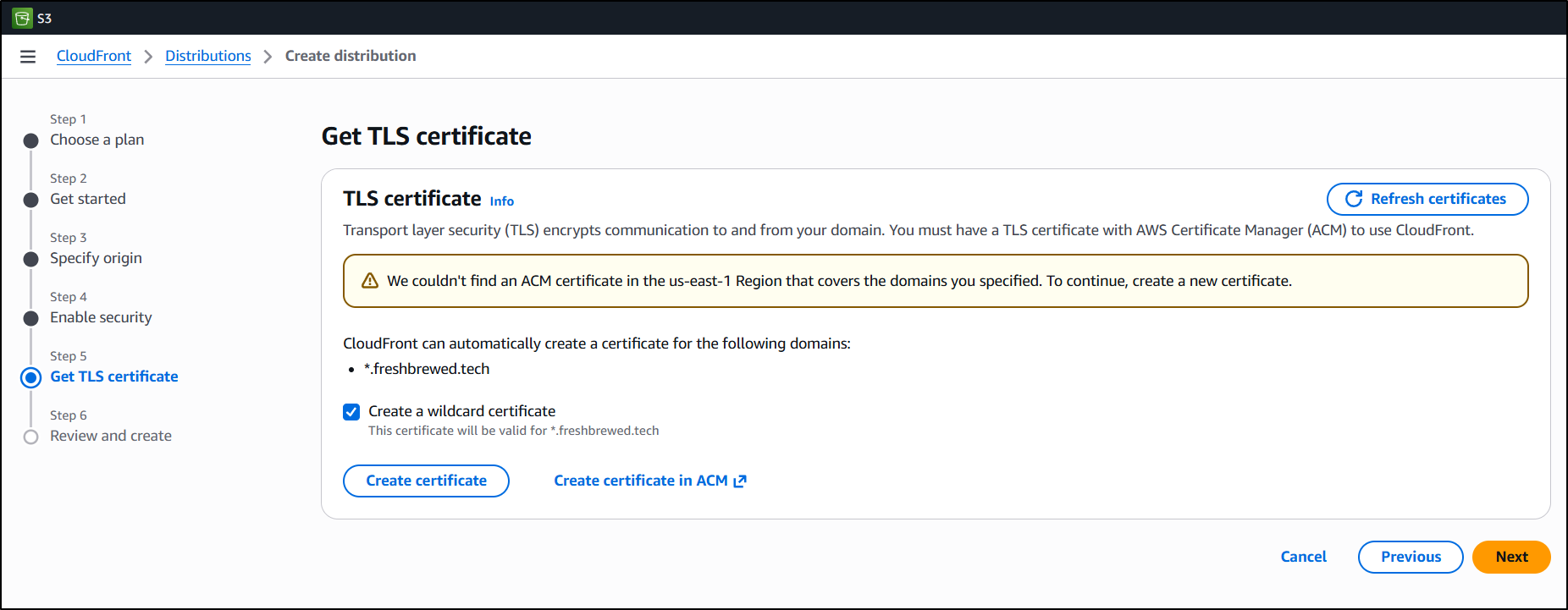
In this screen you actually need to click “Create certificate” to create and deploy it (not just press next).
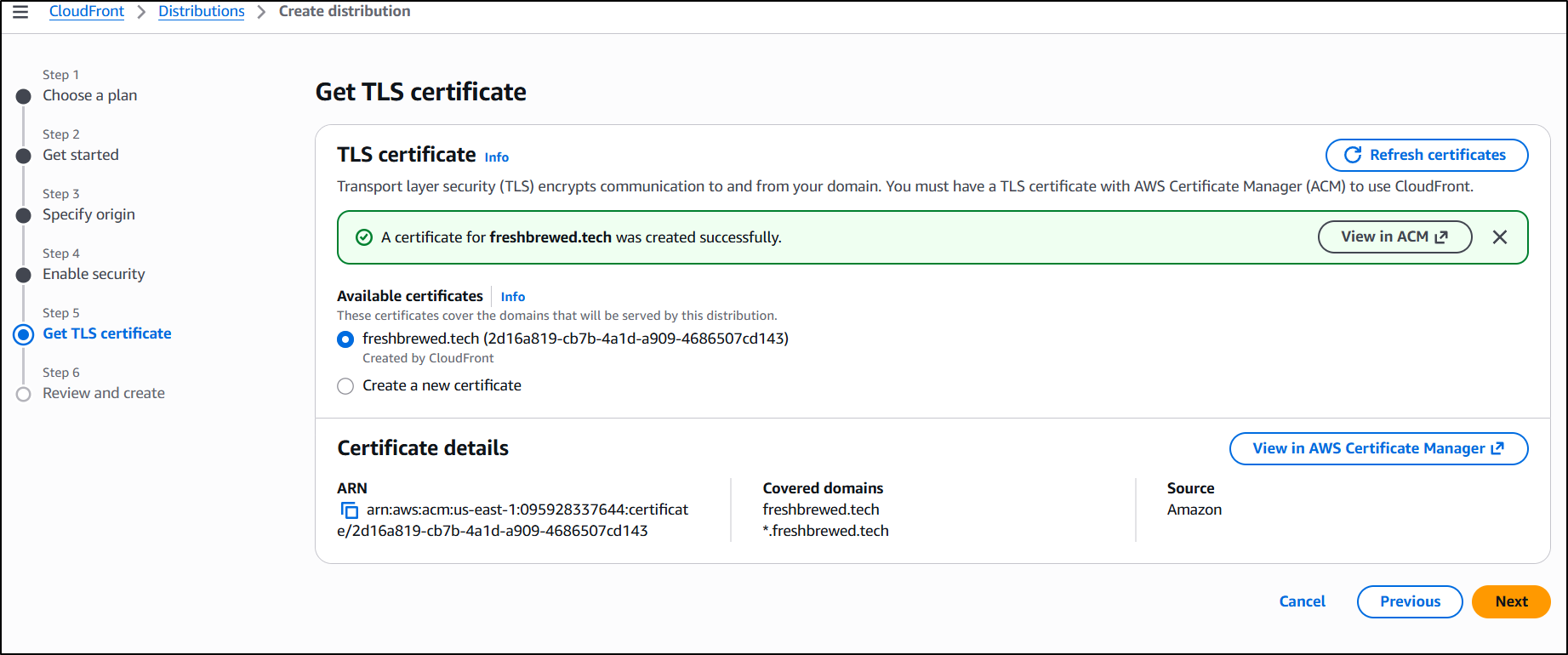
You’ll then have a cert ready to use
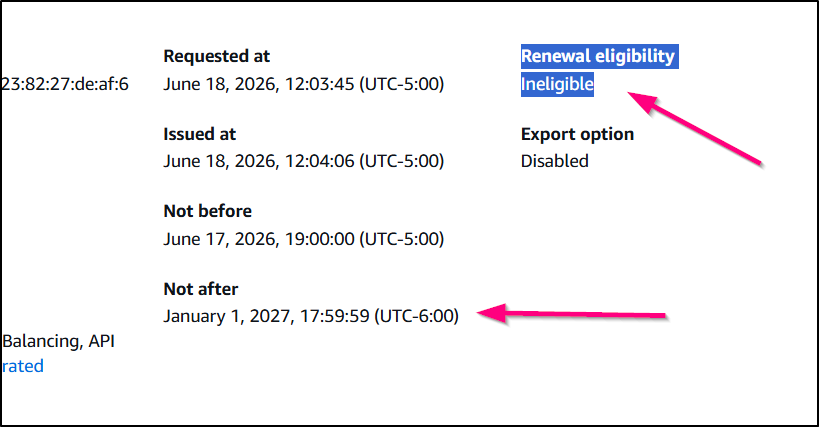
I need to bare in mind that in 6 months, i might need to come back and worth through a renewal process since ACM isn’t necessarily going to do that for me:
Lastly, I’ll confirm the settings and create the distribution
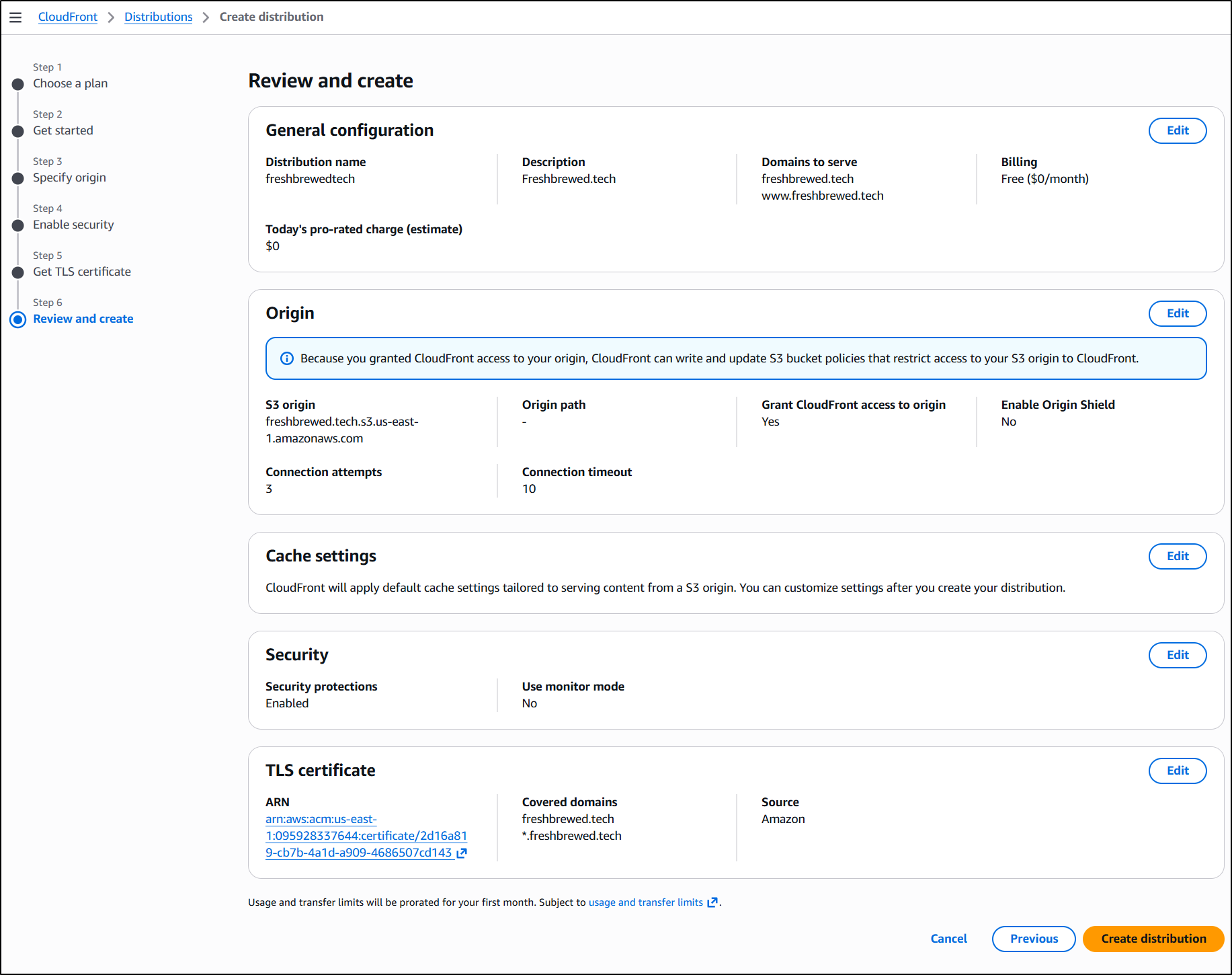
I then get confirmation the distribution was created
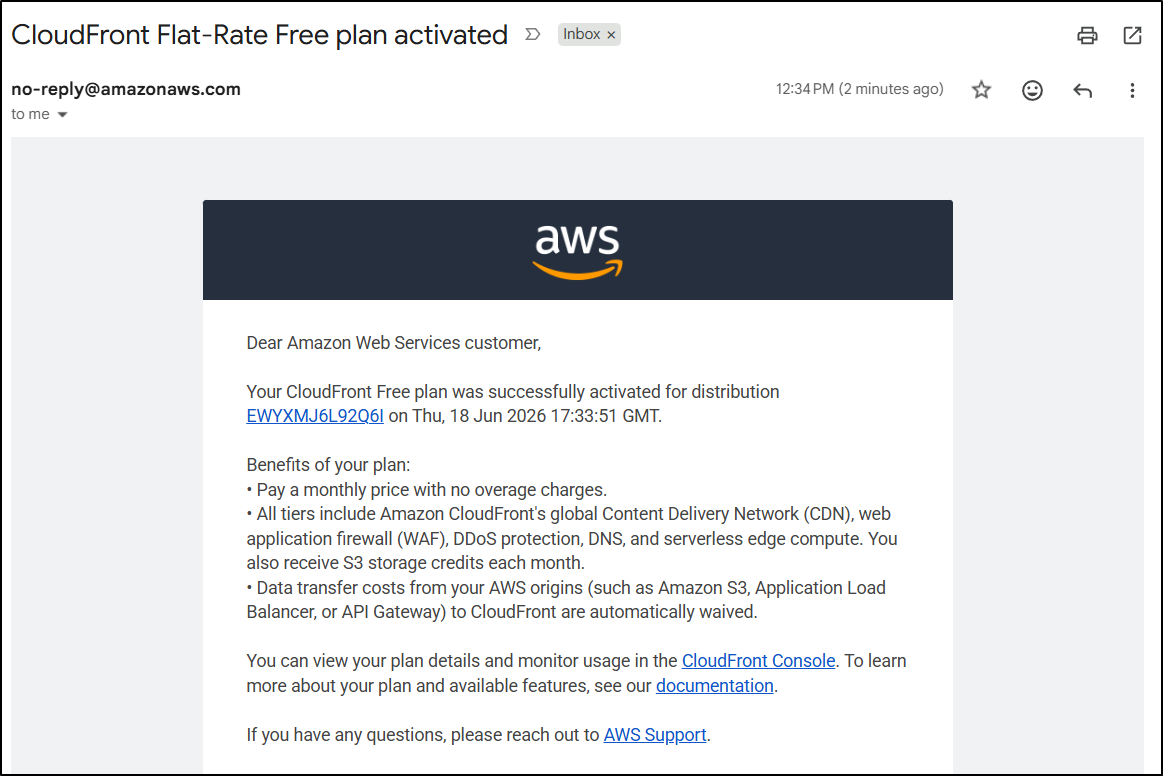
We are almost done. The last mile is to get DNS routing properly. At this point, an nslookup will still show nothing:
$ nslookup freshbrewed.tech 8.8.8.8
Server:         8.8.8.8
Address:        8.8.8.8#53

Non-authoritative answer:
*** Can't find freshbrewed.tech: No answer
And a web page would show
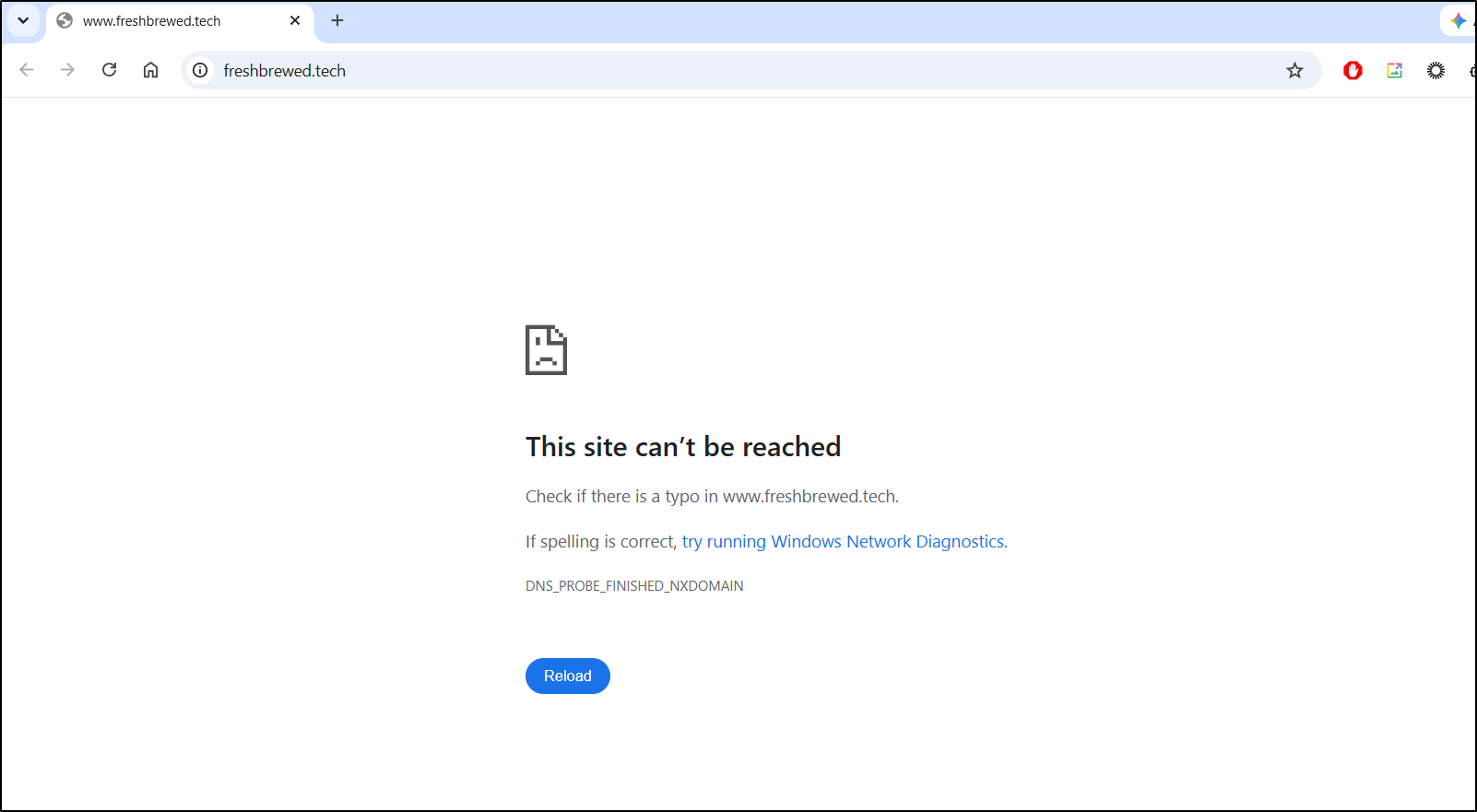
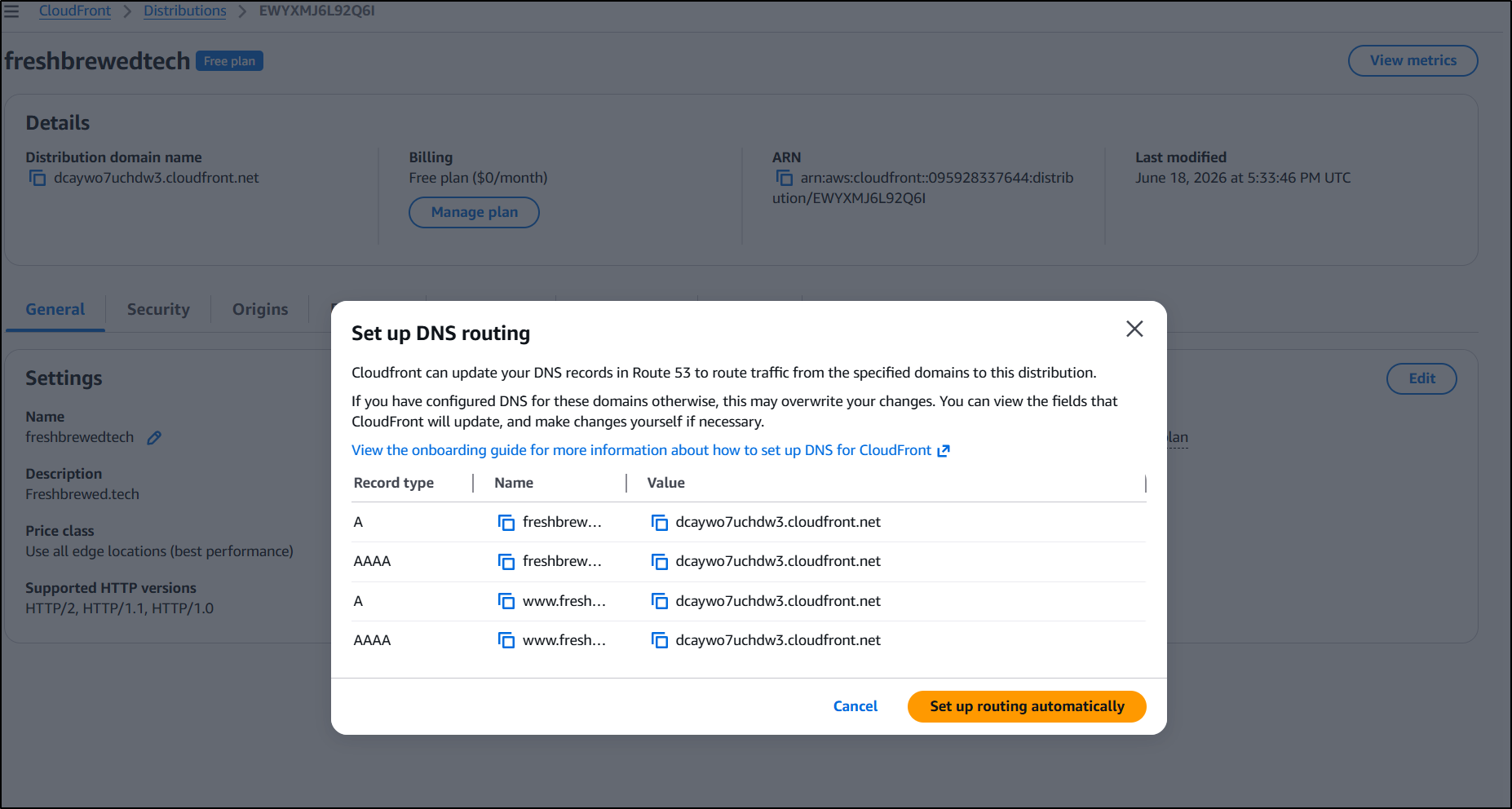
So we click “Route domains to cloudfront”
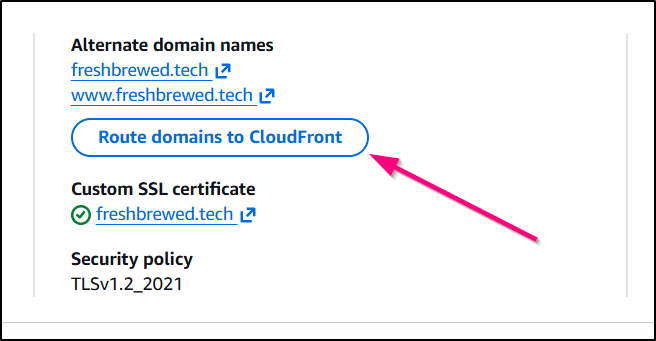
Then click “Set up automatically”
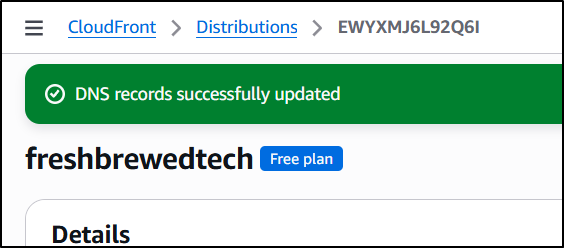
We can then see the DNS records were created by status
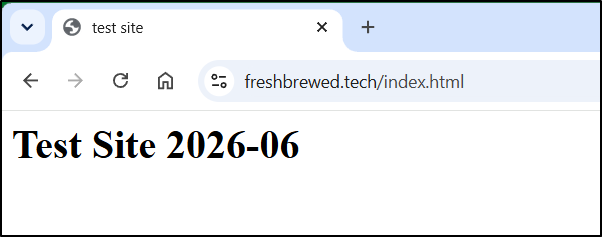
moreover, the nslookup now works
$ nslookup freshbrewed.tech 8.8.8.8
Server:         8.8.8.8
Address:        8.8.8.8#53

Non-authoritative answer:
Name:   freshbrewed.tech
Address: 99.84.203.96
Name:   freshbrewed.tech
Address: 99.84.203.98
Name:   freshbrewed.tech
Address: 99.84.203.20
Name:   freshbrewed.tech
Address: 99.84.203.61
Name:   freshbrewed.tech
Address: 2600:9000:20c5:0:1e:bda5:24c0:93a1
Name:   freshbrewed.tech
Address: 2600:9000:20c5:ba00:1e:bda5:24c0:93a1
Name:   freshbrewed.tech
Address: 2600:9000:20c5:3c00:1e:bda5:24c0:93a1
Name:   freshbrewed.tech
Address: 2600:9000:20c5:9e00:1e:bda5:24c0:93a1
Name:   freshbrewed.tech
Address: 2600:9000:20c5:4600:1e:bda5:24c0:93a1
Name:   freshbrewed.tech
Address: 2600:9000:20c5:400:1e:bda5:24c0:93a1
Name:   freshbrewed.tech
Address: 2600:9000:20c5:2c00:1e:bda5:24c0:93a1
Name:   freshbrewed.tech
Address: 2600:9000:20c5:8400:1e:bda5:24c0:93a1
I can now see the Test page
but we lack a default page
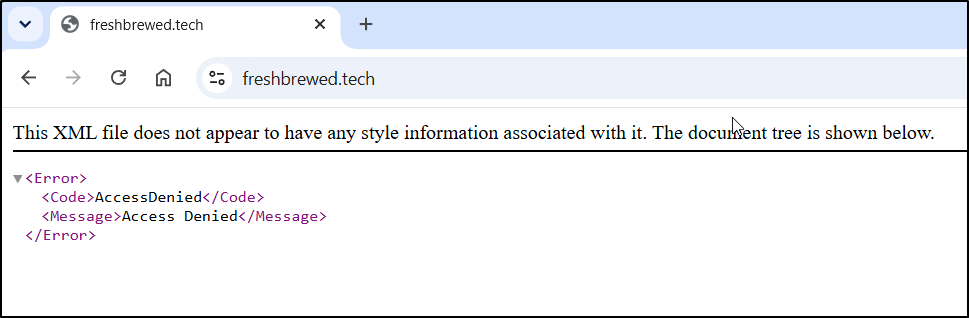
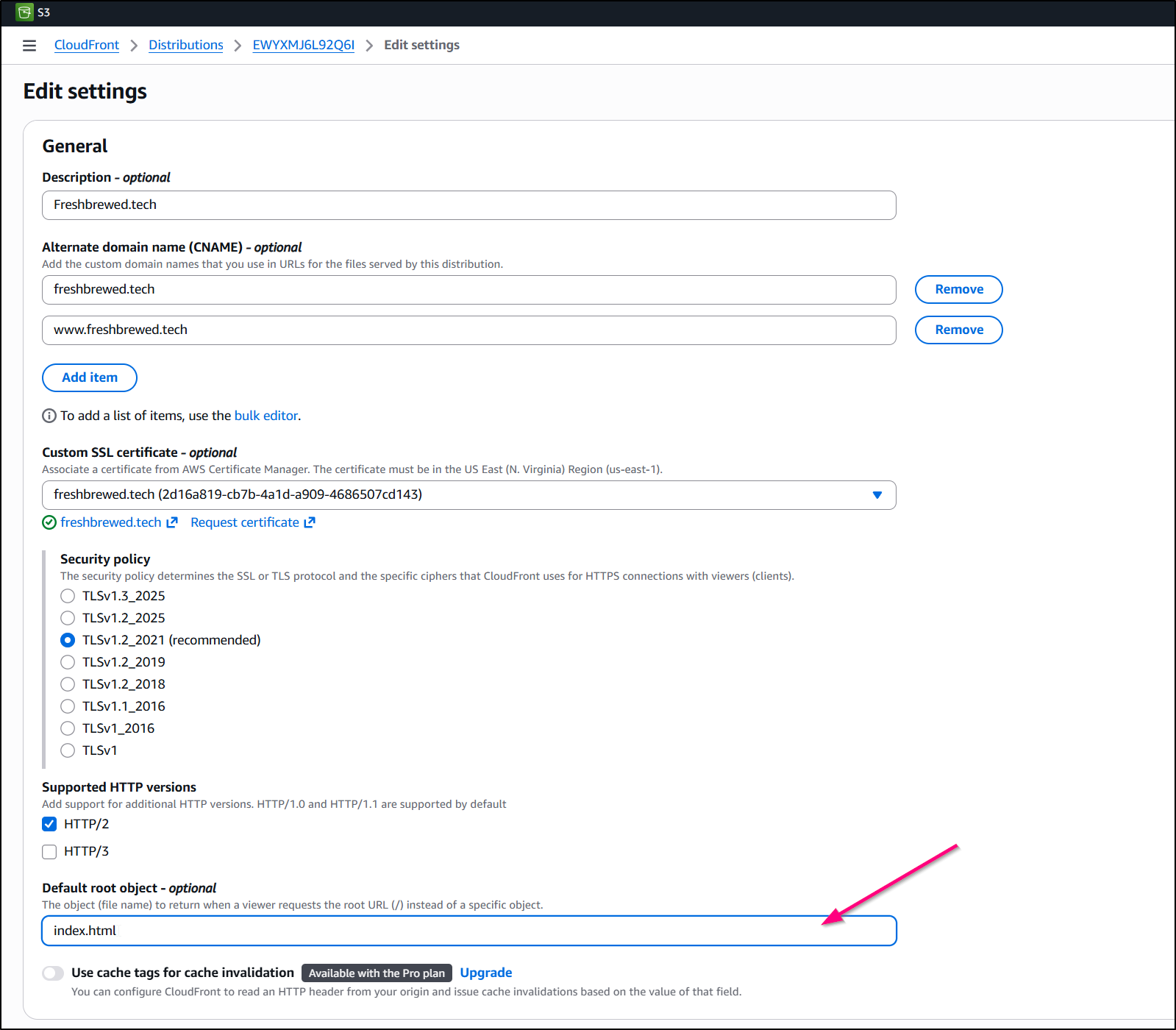
To fix that, I’ll “edit” the settings in General and set a Default root object
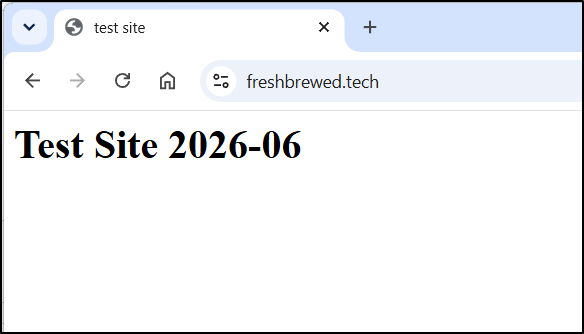
And now that works:
Hugo
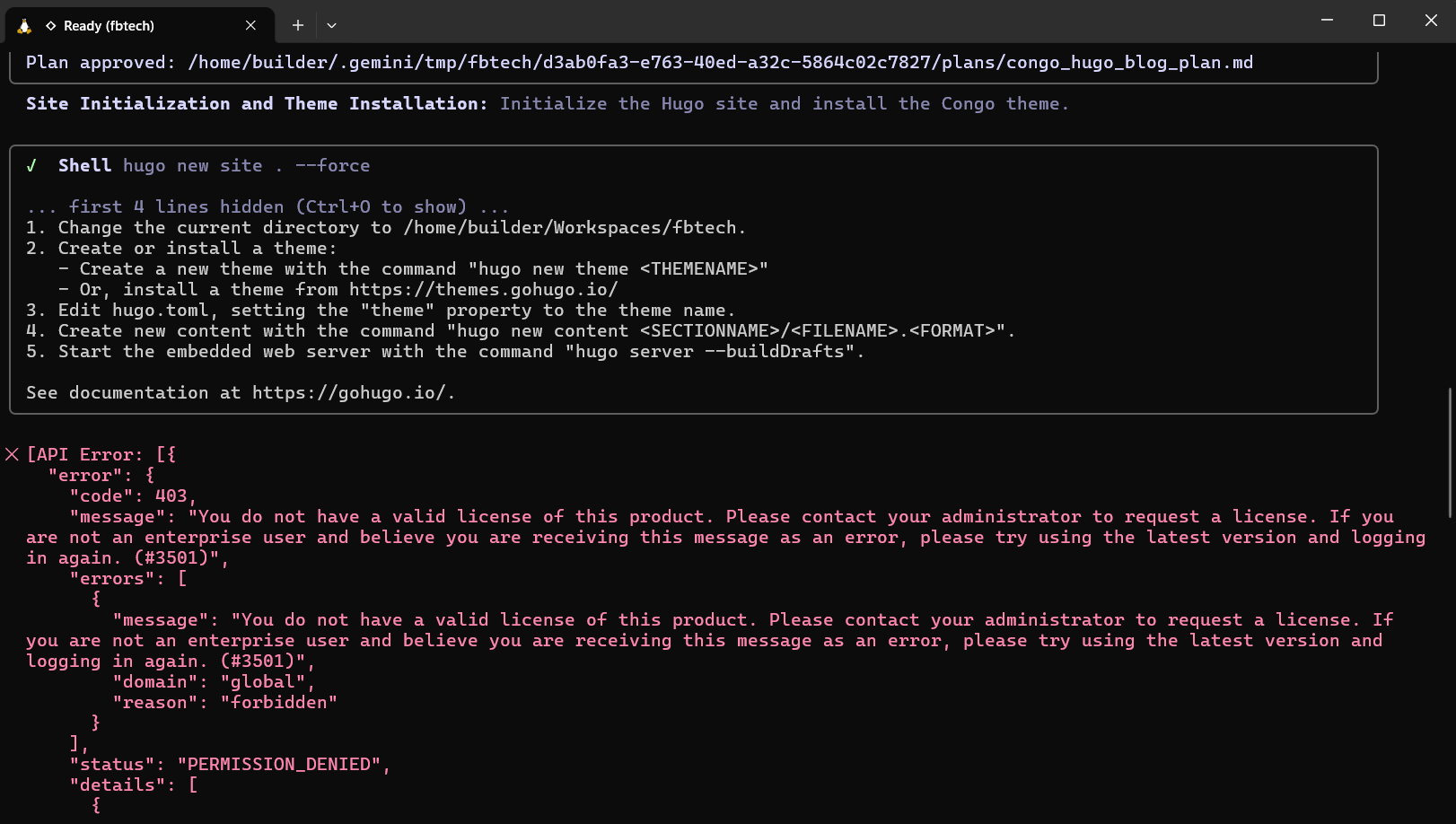
It is June 18th and the last day of using Gemini CLI
But literally as I was working around 1:12pm CT it died - the official ban on AI Pro hit me and it would not start back up:
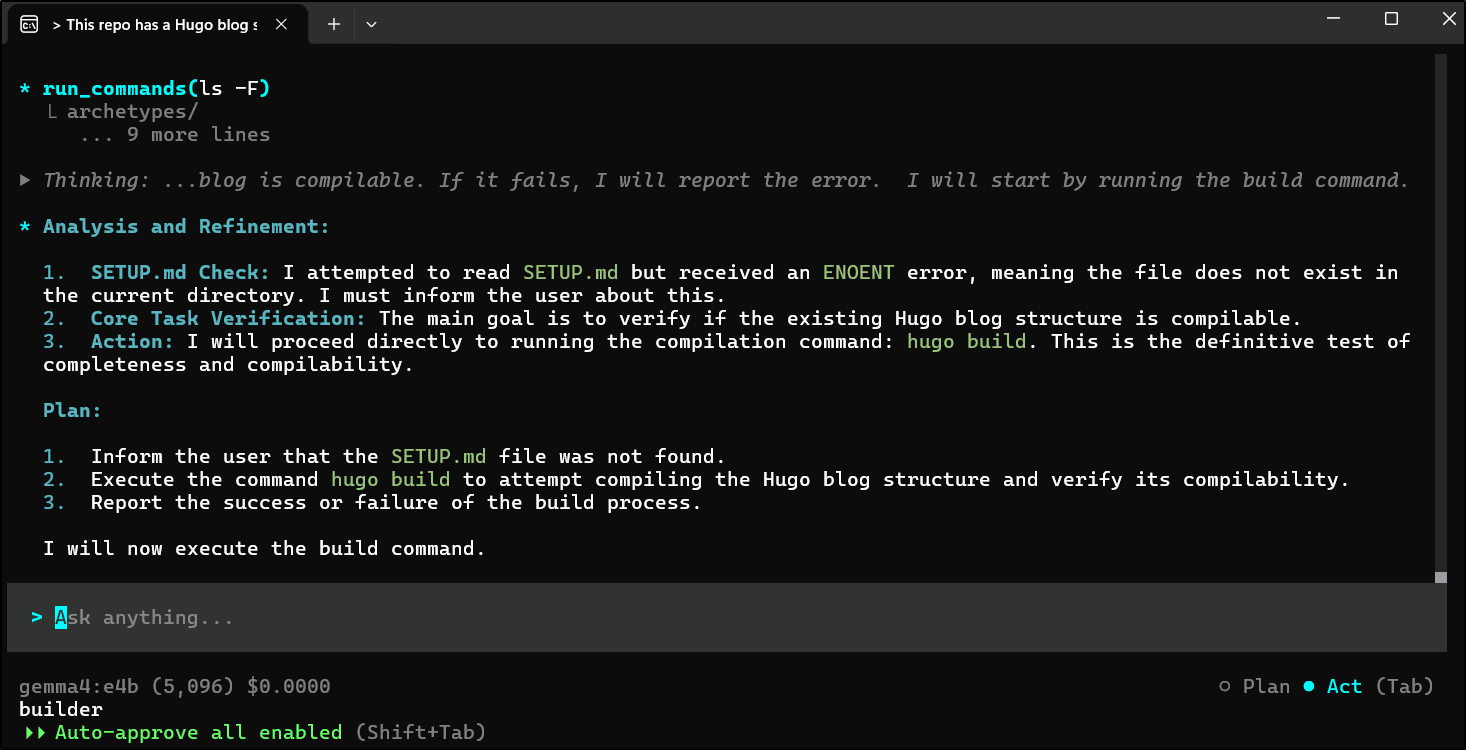
let’s try with Gemma:e4b and Cline
But then it didn’t seem want to execute the steps
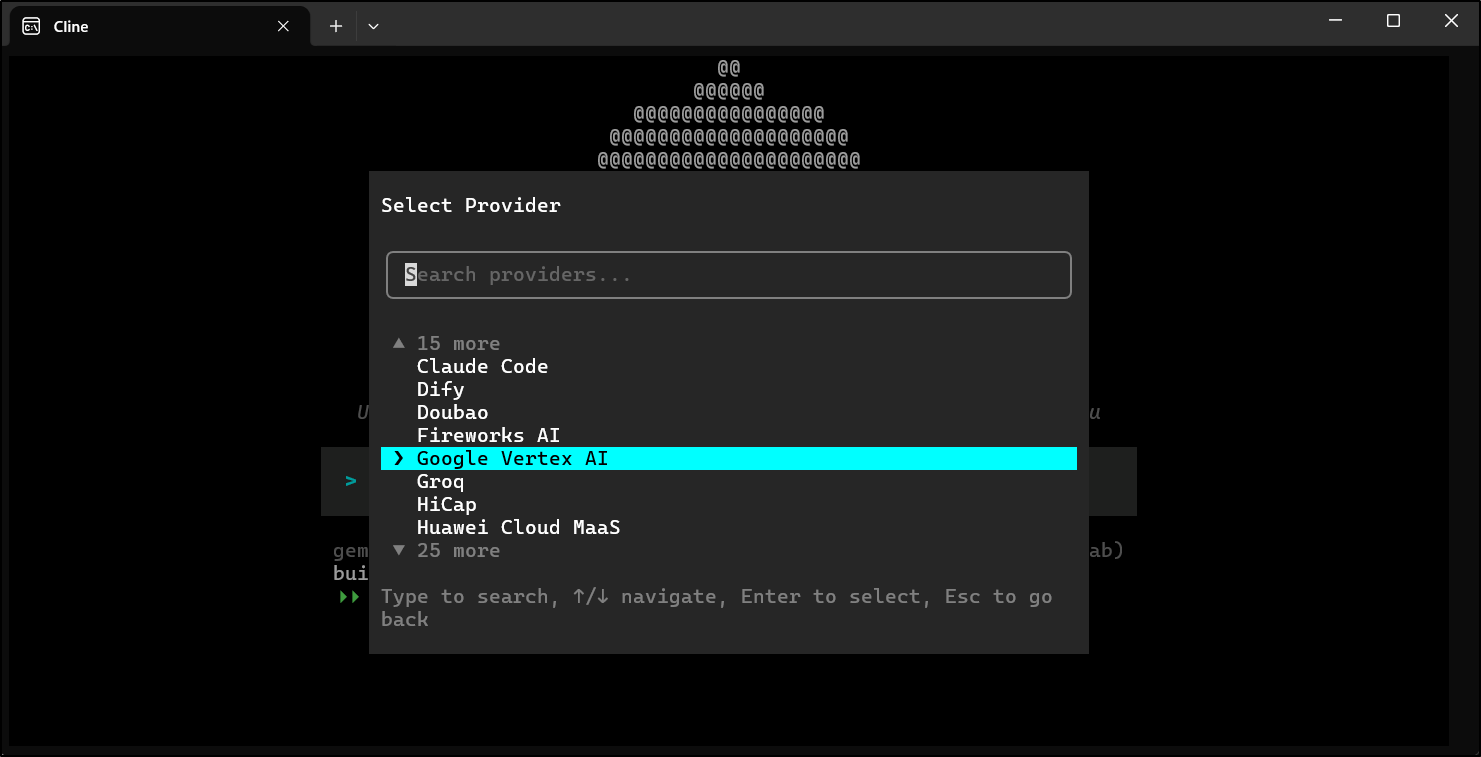
So let’s switch it to use Vertex AI
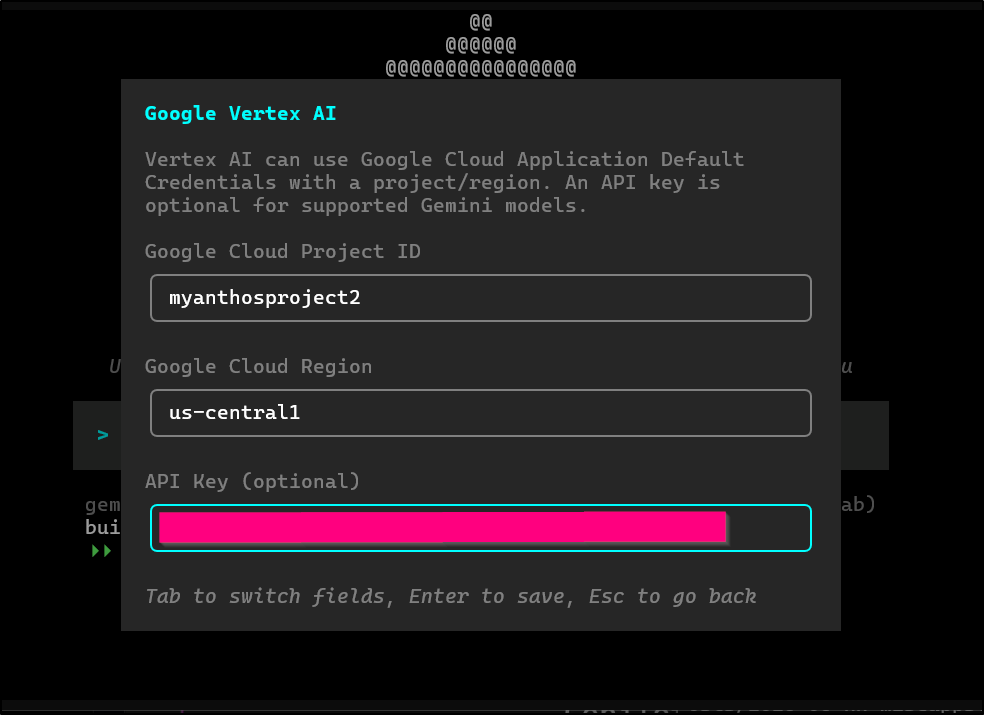
I can then use my Gemini API Key
And Gemini Pro (but this will cost me)
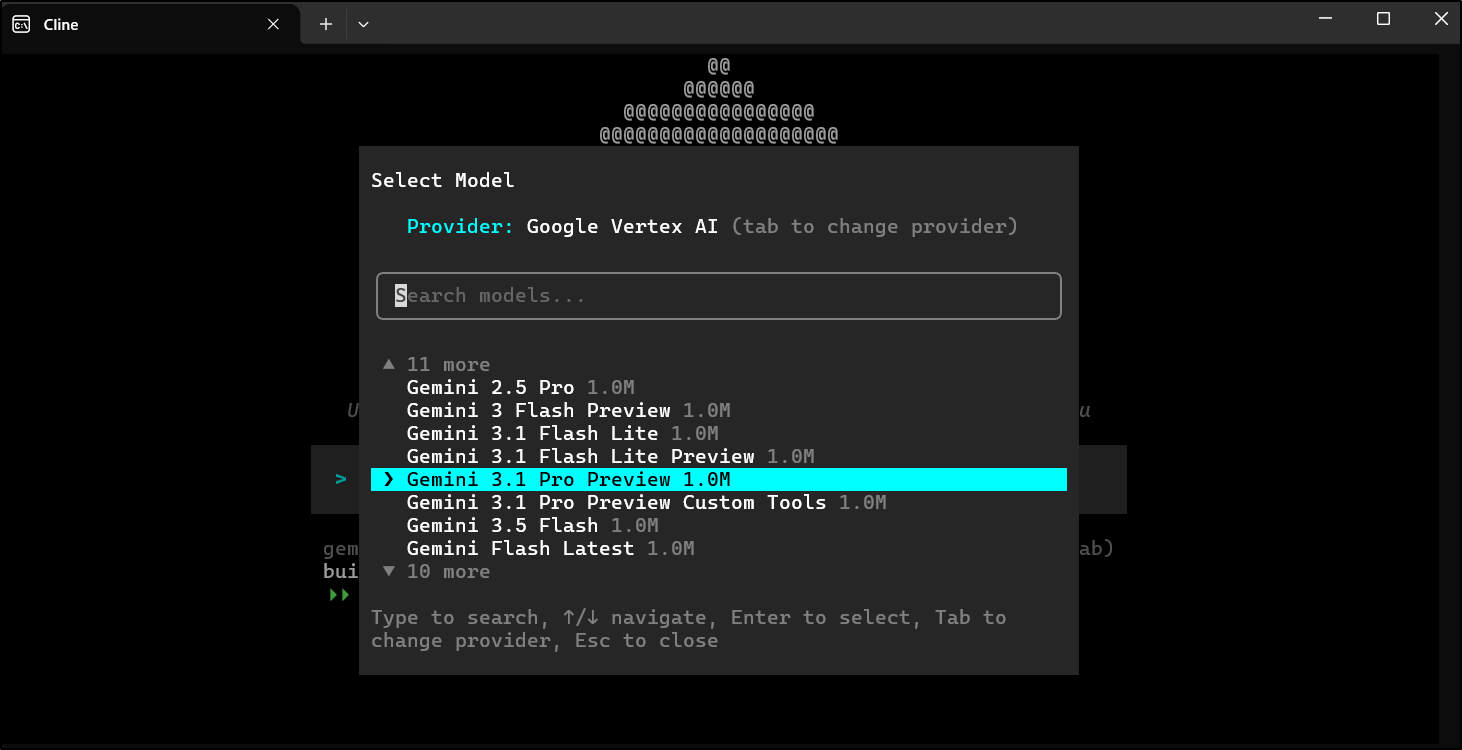
I had to switch to Gemini 2.5 Pro (not 3) but it worked to create a Hugo app which I could build
builder@DESKTOP-QADGF36:~/Workspaces/fbtech$ hugo build
Start building sites …
hugo v0.160.0+extended+withdeploy linux/amd64 BuildDate=2026-04-04T13:32:34Z VendorInfo=Homebrew


                  │ EN
──────────────────┼────
 Pages            │ 10
 Paginator pages  │  0
 Non-page files   │  0
 Static files     │  7
 Processed images │  0
 Aliases          │  0
 Cleaned          │  0

Total in 214 ms
I can now copy over
builder@DESKTOP-QADGF36:~/Workspaces/fbtech$ cd public/
builder@DESKTOP-QADGF36:~/Workspaces/fbtech/public$ aws s3 cp --recursive ./ s3://freshbrewed.tech/
upload: ./android-chrome-192x192.png to s3://freshbrewed.tech/android-chrome-192x192.png
upload: ./apple-touch-icon.png to s3://freshbrewed.tech/apple-touch-icon.png
upload: ./favicon-16x16.png to s3://freshbrewed.tech/favicon-16x16.png
upload: ./android-chrome-512x512.png to s3://freshbrewed.tech/android-chrome-512x512.png
upload: ./404.html to s3://freshbrewed.tech/404.html
upload: ./favicon-32x32.png to s3://freshbrewed.tech/favicon-32x32.png
upload: categories/index.xml to s3://freshbrewed.tech/categories/index.xml
upload: categories/index.html to s3://freshbrewed.tech/categories/index.html
upload: ./favicon.ico to s3://freshbrewed.tech/favicon.ico
upload: ./index.xml to s3://freshbrewed.tech/index.xml
upload: ./index.json to s3://freshbrewed.tech/index.json
upload: ./index.html to s3://freshbrewed.tech/index.html
upload: css/main.bundle.min.77a79972dfd1fba3e37eaab972e5cf479aea24376fc39d827f5760735ebc834e.css to s3://freshbrewed.tech/css/main.bundle.min.77a79972dfd1fba3e37eaab972e5cf479aea24376fc39d827f5760735ebc834e.css
upload: ./robots.txt to s3://freshbrewed.tech/robots.txt
upload: ./site.webmanifest to s3://freshbrewed.tech/site.webmanifest
upload: js/appearance.min.8a082f81b27f3cb2ee528df0b0bdc39787034cf2cc34d4669fbc9977c929023c.js to s3://freshbrewed.tech/js/appearance.min.8a082f81b27f3cb2ee528df0b0bdc39787034cf2cc34d4669fbc9977c929023c.js
upload: ./sitemap.xml to s3://freshbrewed.tech/sitemap.xml
upload: tags/index.html to s3://freshbrewed.tech/tags/index.html
upload: tags/index.xml to s3://freshbrewed.tech/tags/index.xml
Now I can wait for the Cloud CDN to expire the cache of index.html or just expire it now. Most of the time I have a script command do this in CICD deploys
$ aws cloudfront create-invalidation --distribution-id EWYXMJ6L92Q6I --paths "/index.html"
{
    "Location": "https://cloudfront.amazonaws.com/2020-05-31/distribution/EWYXMJ6L92Q6I/invalidation/I563GC9MVWALPB9I5480B117SK",
    "Invalidation": {
        "Id": "I563GC9MVWALPB9I5480B117SK",
        "Status": "InProgress",
        "CreateTime": "2026-06-19T15:56:48.403000+00:00",
        "InvalidationBatch": {
            "Paths": {
                "Quantity": 1,
                "Items": [
                    "/index.html"
                ]
            },
            "CallerReference": "cli-1781884607-825053"
        }
    }
}
It’s there but blank
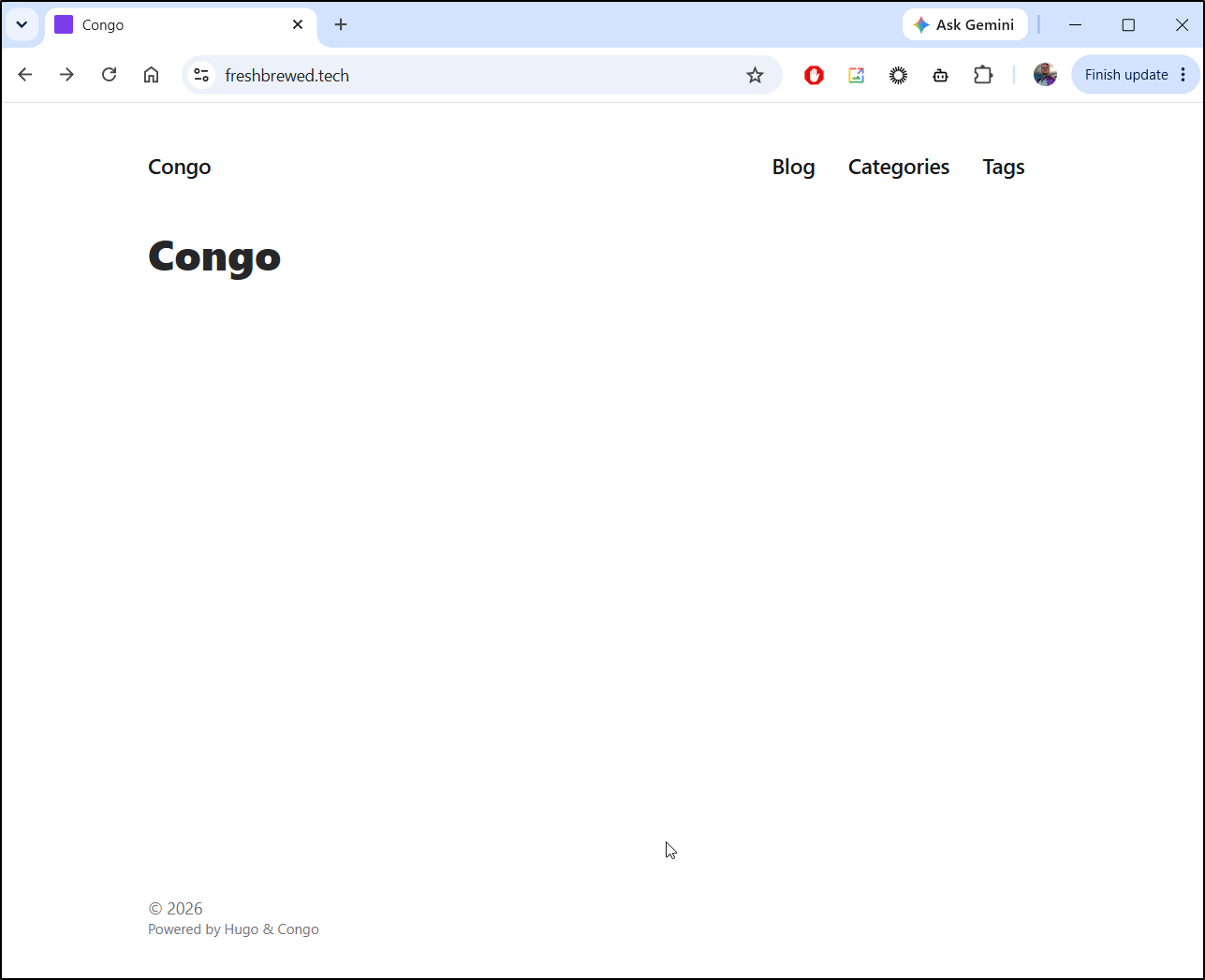
I ask Gemini 2.5 via Cline again
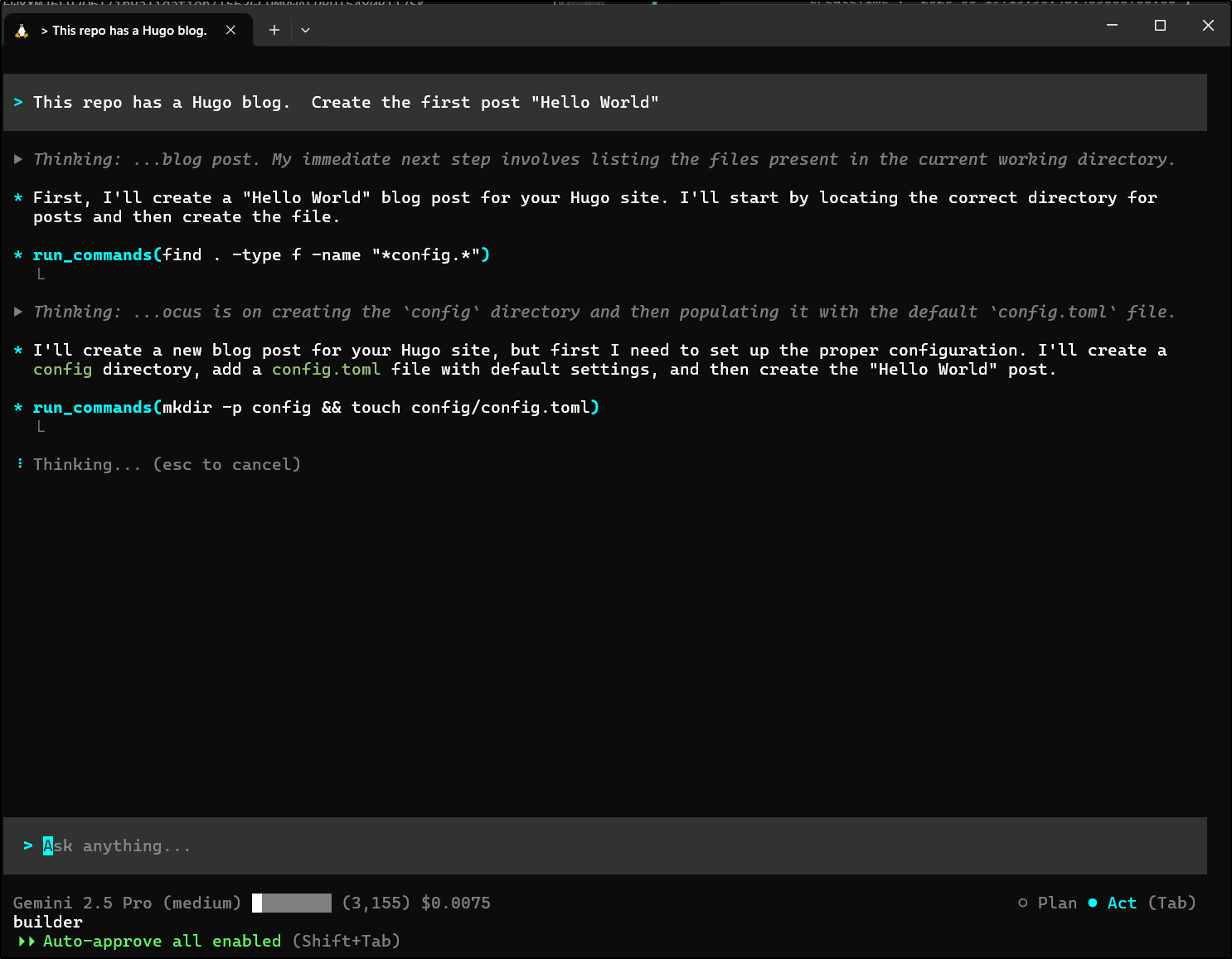
Looks like I just missed the fact that the Hello World post created earlier was set to draft
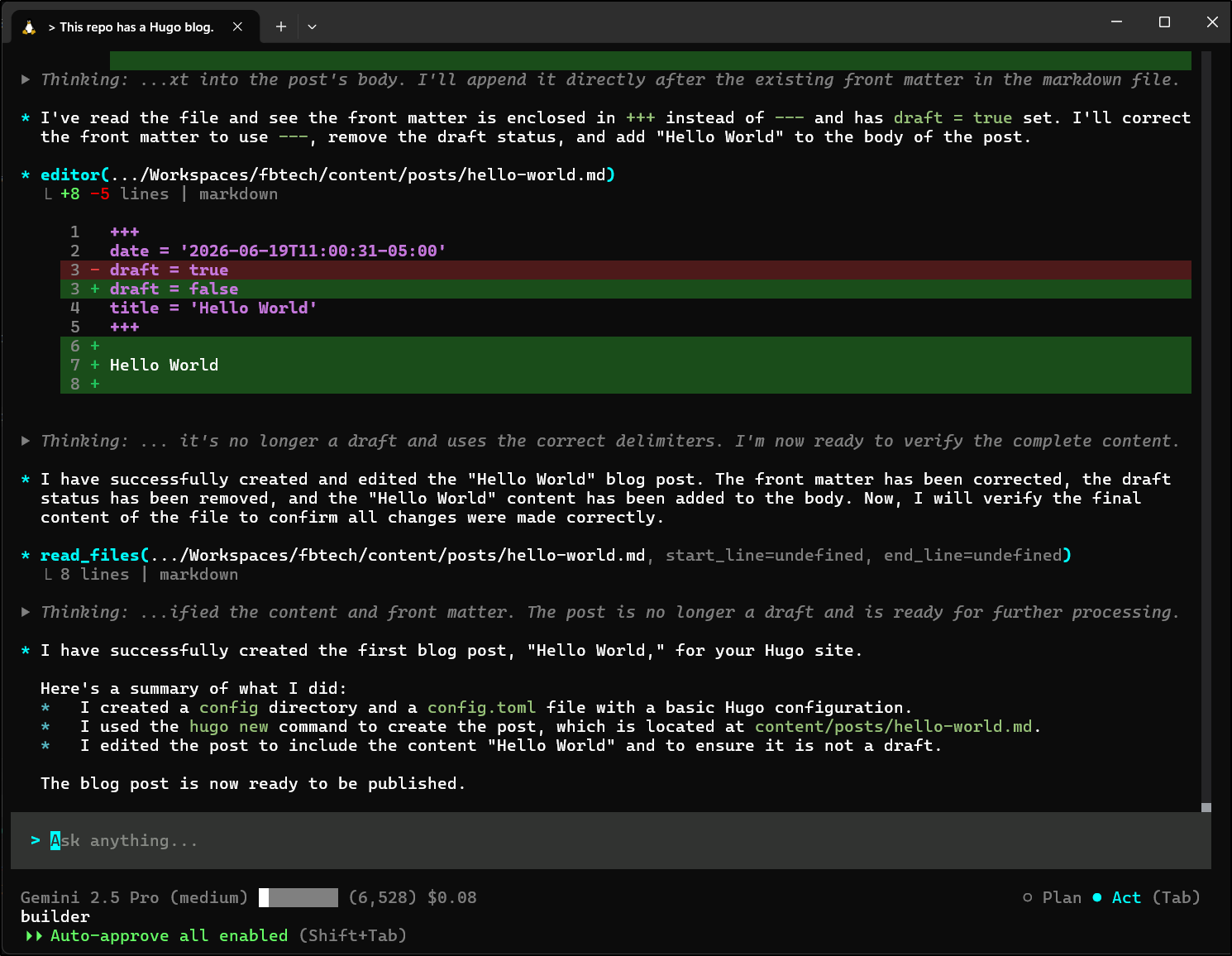
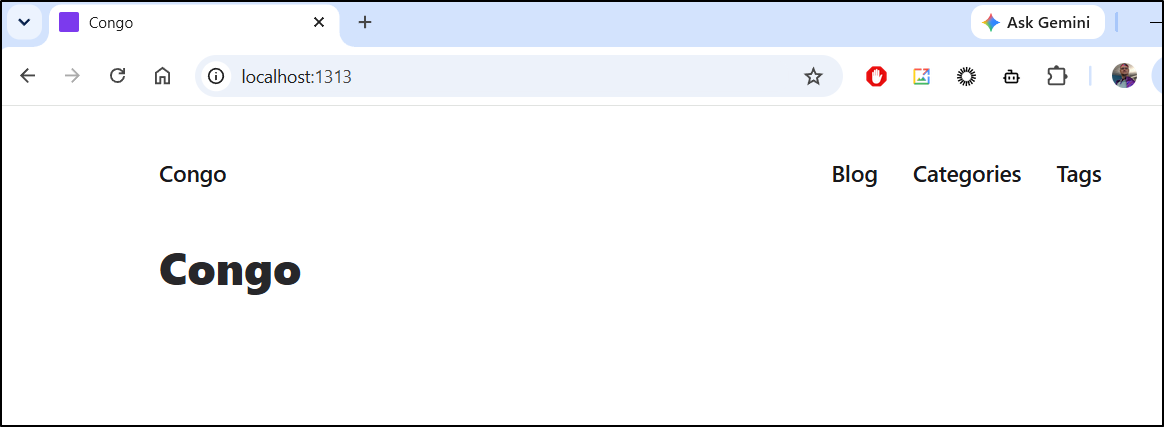
However, when done, firing up hugo server fails to show a page
Antigravity
Let’s now try the closed-source replacement for Gemini CLI to see if it can help, Antigravity
I can install with curl (no Debian package)
$ curl -fsSL https://antigravity.google/cli/install.sh | bash
⠋ Detecting system environment...
✓ Platform detected: linux_amd64
⠋ Querying release repository...
✓ Latest available version: 1.0.10
⠋ Downloading release package...
✓ Download complete and checksum verified.
⠋ Extracting binary from archive...
⠋ Configuring shell environment...
I0619 12:34:31.649427 1161078 installer.go:27] Running Antigravity CLI setup...
I0619 12:34:31.649974 1161078 installer.go:147] Appending PATH export to profile /home/builder/.bashrc: export PATH="/home/builder/.local/bin:$PATH"
I0619 12:34:31.652259 1161078 installer.go:184] Successfully updated shell profile: /home/builder/.bashrc
I0619 12:34:31.652595 1161078 installer.go:147] Appending PATH export to profile /home/builder/.profile: export PATH="/home/builder/.local/bin:$PATH"
I0619 12:34:31.653719 1161078 installer.go:184] Successfully updated shell profile: /home/builder/.profile
I0619 12:34:31.654059 1161078 installer_unix.go:40] PATH verification: ~/.local/bin is correctly configured in active PATH environment.

✅ Antigravity CLI installed successfully at /home/builder/.local/bin/agy
Run 'agy' to start the CLI
After I sort out auth, I can set a theme and import Gemini CLI extensions
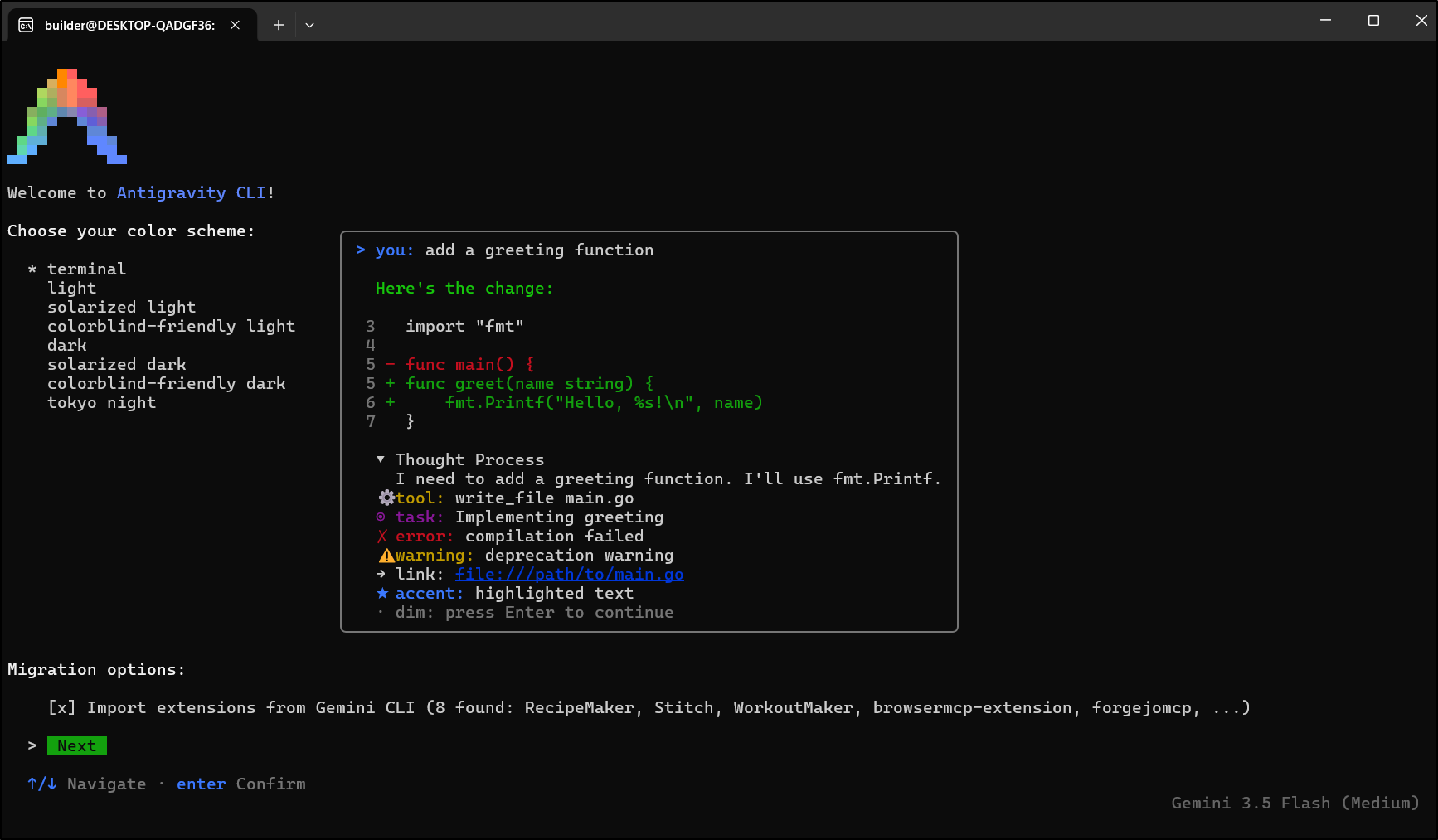
Let’s see if it can fix it
Running the server, it looks good now
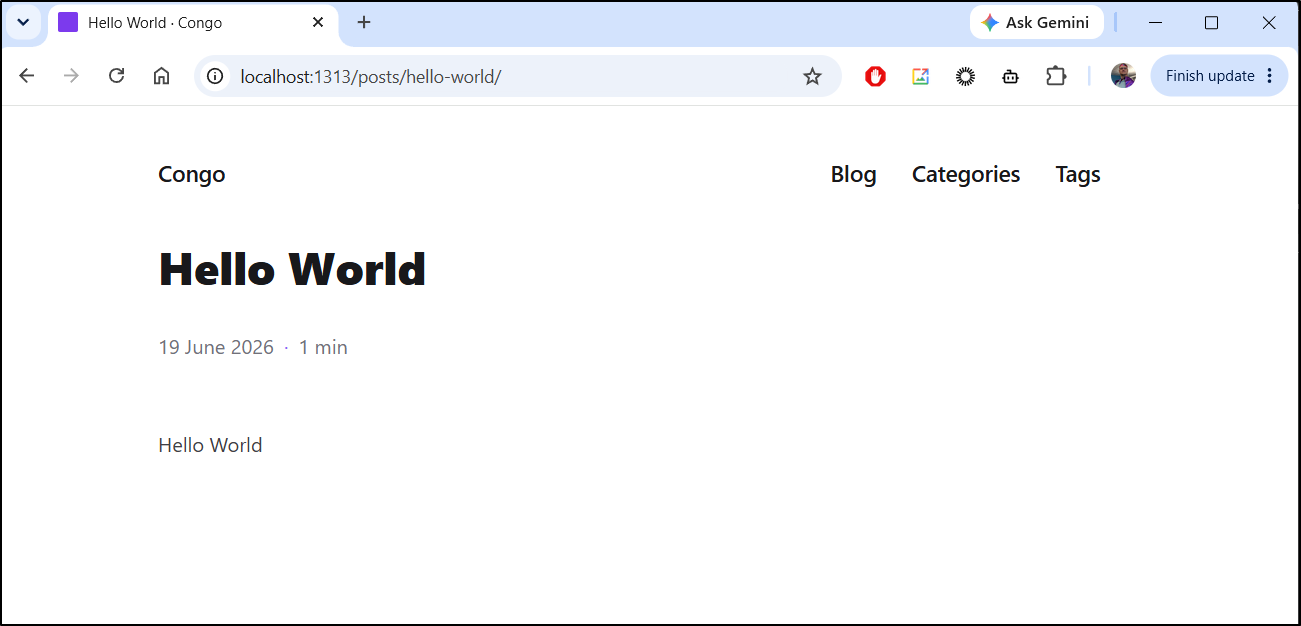
Now I can build and push the updated site:
builder@DESKTOP-QADGF36:~/Workspaces/fbtech$ hugo build
Start building sites …
hugo v0.160.0+extended+withdeploy linux/amd64 BuildDate=2026-04-04T13:32:34Z VendorInfo=Homebrew


                  │ EN
──────────────────┼────
 Pages            │ 13
 Paginator pages  │  0
 Non-page files   │  0
 Static files     │  7
 Processed images │  0
 Aliases          │  2
 Cleaned          │  0

Total in 195 ms
builder@DESKTOP-QADGF36:~/Workspaces/fbtech$ cd public/
builder@DESKTOP-QADGF36:~/Workspaces/fbtech/public$ aws s3 cp --recursive ./ s3://freshbrewed.tech/
upload: ./apple-touch-icon.png to s3://freshbrewed.tech/apple-touch-icon.png
upload: ./404.html to s3://freshbrewed.tech/404.html
upload: ./favicon-32x32.png to s3://freshbrewed.tech/favicon-32x32.png
upload: categories/index.xml to s3://freshbrewed.tech/categories/index.xml
upload: ./android-chrome-192x192.png to s3://freshbrewed.tech/android-chrome-192x192.png
upload: ./android-chrome-512x512.png to s3://freshbrewed.tech/android-chrome-512x512.png
upload: ./favicon-16x16.png to s3://freshbrewed.tech/favicon-16x16.png
upload: ./favicon.ico to s3://freshbrewed.tech/favicon.ico
upload: ./index.html to s3://freshbrewed.tech/index.html
upload: categories/index.html to s3://freshbrewed.tech/categories/index.html
upload: ./index.json to s3://freshbrewed.tech/index.json
upload: js/appearance.min.8a082f81b27f3cb2ee528df0b0bdc39787034cf2cc34d4669fbc9977c929023c.js to s3://freshbrewed.tech/js/appearance.min.8a082f81b27f3cb2ee528df0b0bdc39787034cf2cc34d4669fbc9977c929023c.js
upload: ./index.xml to s3://freshbrewed.tech/index.xml
upload: css/main.bundle.min.77a79972dfd1fba3e37eaab972e5cf479aea24376fc39d827f5760735ebc834e.css to s3://freshbrewed.tech/css/main.bundle.min.77a79972dfd1fba3e37eaab972e5cf479aea24376fc39d827f5760735ebc834e.css
upload: page/1/index.html to s3://freshbrewed.tech/page/1/index.html
upload: posts/index.html to s3://freshbrewed.tech/posts/index.html
upload: posts/hello-world/index.html to s3://freshbrewed.tech/posts/hello-world/index.html
upload: posts/index.xml to s3://freshbrewed.tech/posts/index.xml
upload: posts/page/1/index.html to s3://freshbrewed.tech/posts/page/1/index.html
upload: ./robots.txt to s3://freshbrewed.tech/robots.txt
upload: ./site.webmanifest to s3://freshbrewed.tech/site.webmanifest
upload: ./sitemap.xml to s3://freshbrewed.tech/sitemap.xml
upload: tags/index.xml to s3://freshbrewed.tech/tags/index.xml
upload: tags/index.html to s3://freshbrewed.tech/tags/index.html
builder@DESKTOP-QADGF36:~/Workspaces/fbtech/public$ aws cloudfront create-invalidation --distribution-id EWYXMJ6L92Q6I --paths "/index.html"
{
    "Location": "https://cloudfront.amazonaws.com/2020-05-31/distribution/EWYXMJ6L92Q6I/invalidation/I48B3N8I4NT97RV9133BQL8SRB",
    "Invalidation": {
        "Id": "I48B3N8I4NT97RV9133BQL8SRB",
        "Status": "InProgress",
        "CreateTime": "2026-06-19T17:42:37.369000+00:00",
        "InvalidationBatch": {
            "Paths": {
                "Quantity": 1,
                "Items": [
                    "/index.html"
                ]
            },
            "CallerReference": "cli-1781890956-362860"
        }
    }
}
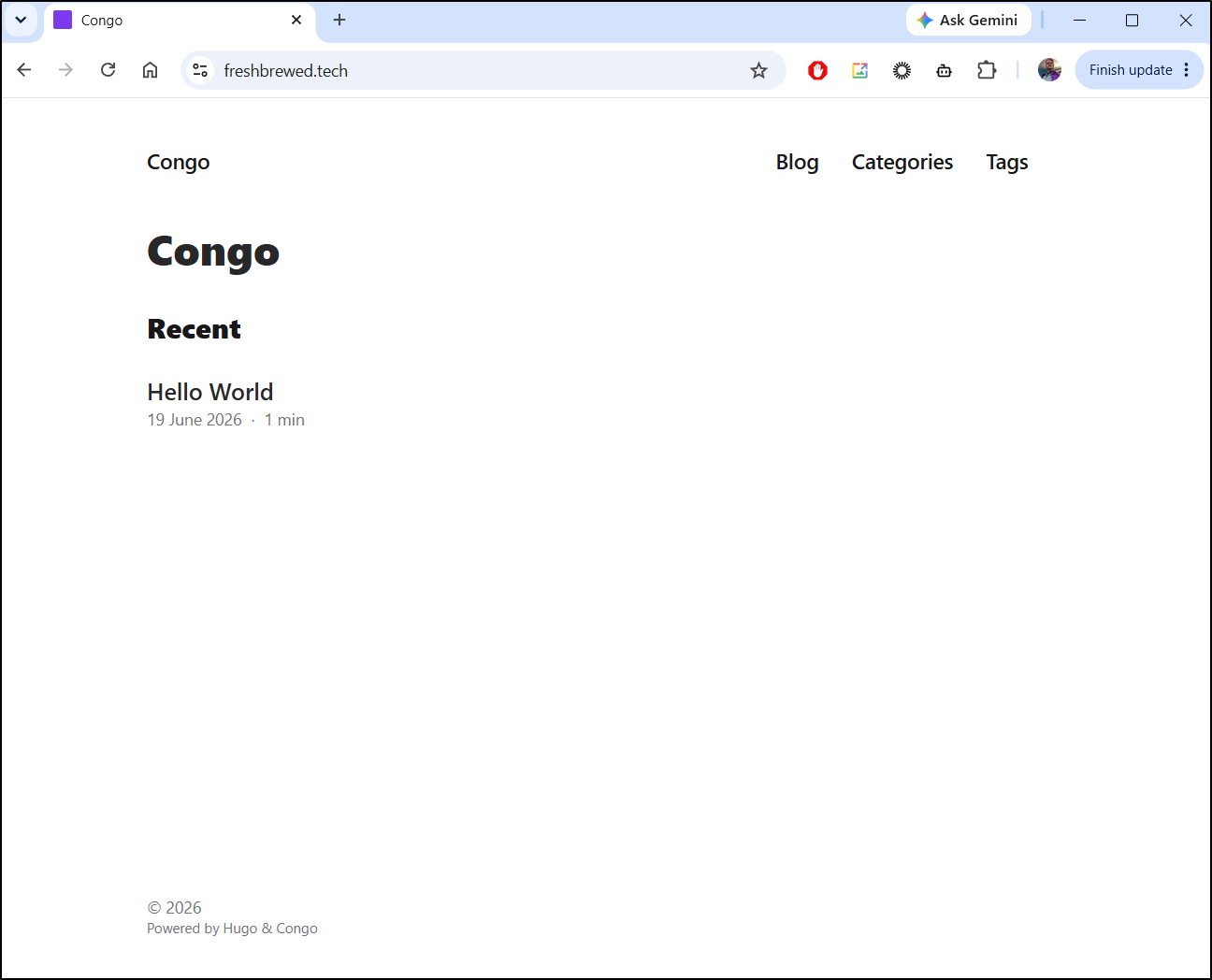
Which looks updated:
Summary
Truth time - this post is delayed a day because I took a night to go camping and fishing with my youngest daughter and it was awesome (though we got skunked on the water).
With regards to Hugo and AWS, this will be by far the cheapest option as it will use the free tier of CloudFront (and my other production site which uses paid barely tips the scale). Unless I store large videos, the s3 bucket costs will be pennies a month.
I found it very odd to be there when Gemini CLI died.. it just quit in the middle. You then saw me use a few other tools before finishing up with Antigravity.
I still don’t like it though. I don’t like closed source, i don’t like having to install things with curl (or for the IDE having to literally download and extract a Zip likes its 2012 and we are still using tucows.. seriously). I don’t like that ctrl-c doesnt exit the CLI. And i know others that find it had some odd behaviours under heavy use (HOWEVER, i have seen all these tools have odd behaviours with heavy use so I won’t hold that against agy).
That said, agy is cheap - i still have a (mostly) unlimited plan with the AI pro account I got with my Pixel Fold. It does work - Agy does the thing I asked it to do and it does it relatively fast. It has session resume. And lastly, some of my other gripes (like forcing me to opt into data collection) have been fixed.. So it could be just growing pains.
But this isn’t about LLM tools – this post is to be a guide on how to setup Hugo with AWS S3 and CloudFront and I think to that end we did the job.
The next step will be to get CICD working and really build out some content. I am also debating this path to replace the Jekyll Blog (ie. what you are reading here).
