

Published: May 12, 2026 by Isaac Johnson
I wanted to take some time to look into a couple open-source apps that have been on my list to check out. One of them, TimeTagger I actually looked at some time ago. But I haven’t revisited it in some time. The other app is SnapOtter, a local containerized image manipulation app similar to Krita or Gimp. SnapOtter also has some interesting AI tools we can look into.
Let’s start back in with Timetagger and see if we ca can see any changes or solve the issue we had last time with adding more than one user.
TimeTagger
I recently saw a Marius post on TimeTagger - an Open-Source app for tracking and reporting on time spent on projects.
If you want, you can just try their demo app:
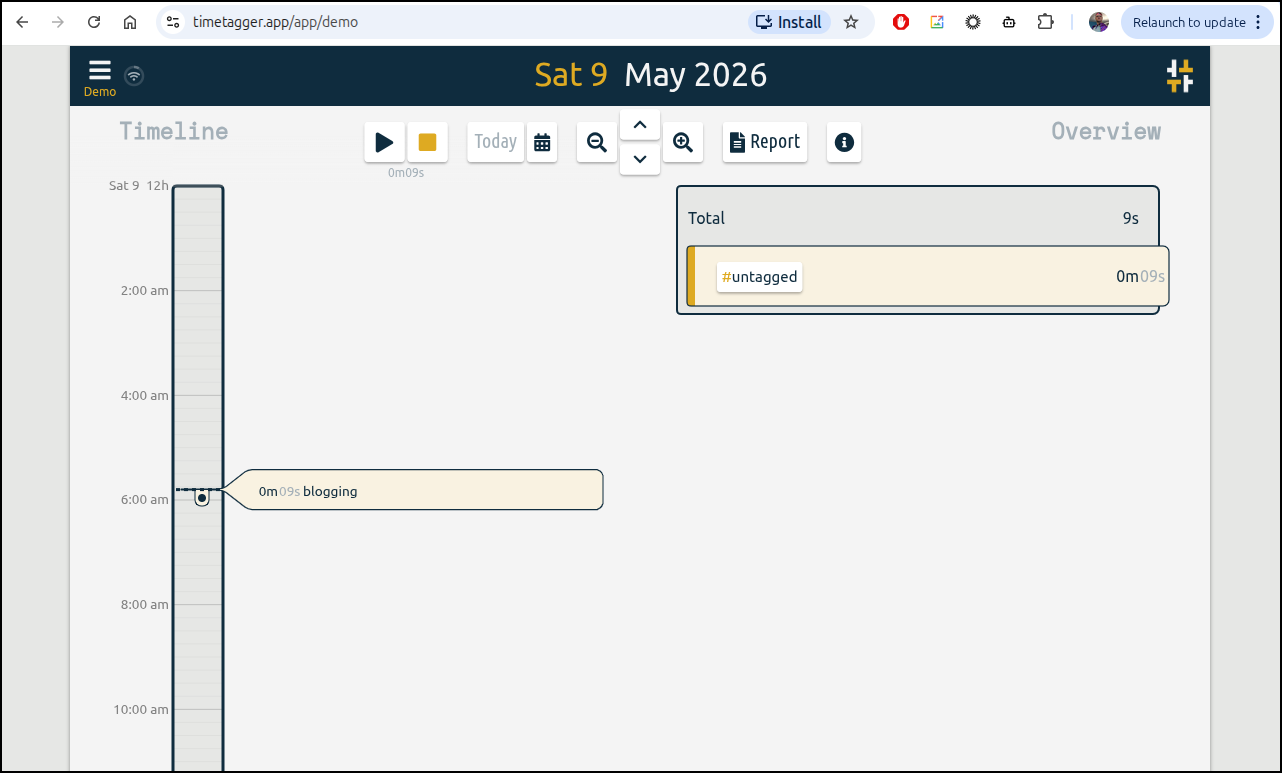
I realized I last reported on this back in June of 2024
While the bulk of the app has not changed in some time, I did see a note about adding multiple users which was my issue in the past:
As you recall, from that last writeup it was an easy deploy with a k8s manifest
$ cat timetagger.manifest.yaml
apiVersion: v1
kind: PersistentVolumeClaim
metadata:
  name: timetagger-pvc
spec:
  accessModes:
    - ReadWriteOnce
  resources:
    requests:
      storage: 1Gi
---
apiVersion: apps/v1
kind: Deployment
metadata:
  name: timetagger-deployment
spec:
  replicas: 1
  selector:
    matchLabels:
      app: timetagger
  template:
    metadata:
      labels:
        app: timetagger
    spec:
      containers:
        - name: timetagger
          image: ghcr.io/almarklein/timetagger
          ports:
            - containerPort: 80
          env:
            - name: TIMETAGGER_BIND
              value: "0.0.0.0:80"
            - name: TIMETAGGER_DATADIR
              value: "/root/_timetagger"
            - name: TIMETAGGER_LOG_LEVEL
              value: "info"
            - name: TIMETAGGER_CREDENTIALS
              value: "test:$$2a$$08$$zMsjPEGdXHzsu0N/felcbuWrffsH4.4ocDWY5oijsZ0cbwSiLNA8."
          volumeMounts:
            - name: timetagger-volume
              mountPath: /root/_timetagger
      volumes:
        - name: timetagger-volume
          persistentVolumeClaim:
            claimName: timetagger-pvc
---
apiVersion: v1
kind: Service
metadata:
  name: timetagger-service
spec:
  selector:
    app: timetagger
  ports:
    - protocol: TCP
      port: 80
      targetPort: 80
Even though I haven’t used it in a couple years, it’s still running in my cluster
$ kubectl get deployments | grep timetagger
timetagger-deployment               1/1     1            1           716d
But it does note there is a major release available
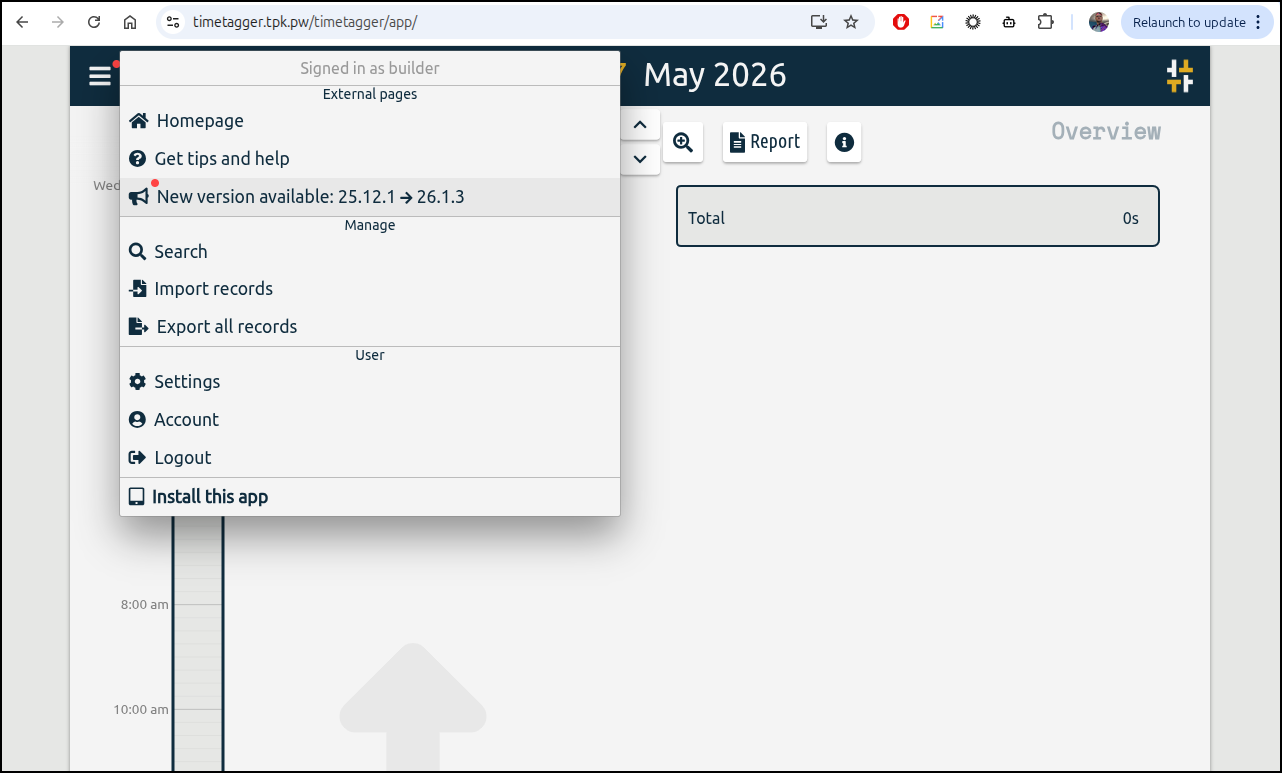
Since there is no tag on the container, it should just update on pod rotation. However, I can see our pod has been running since Dec 22, 2025
$ kubectl get po | grep timet
timetagger-deployment-5695cd8486-qv6qp               1/1     Running            0                  138d
GHCR risk mitigation
I’m going to take a beat and mitigate the risk of using GHCR.
First, I’ll check the exact version that was running since Dec
$ kubectl describe po timetagger-deployment-5695cd8486-qv6qp | grep 'Image ID'
    Image ID:       ghcr.io/almarklein/timetagger@sha256:441963e347bc13a6005524aafdb4c748905c3560afb5337c33e8b8d7aa12313b
and pull that down
$ docker pull ghcr.io/almarklein/timetagger@sha256:441963e347bc13a6005524aafdb4c748905c3560afb5337c33e8b8d7aa12313b
ghcr.io/almarklein/timetagger@sha256:441963e347bc13a6005524aafdb4c748905c3560afb5337c33e8b8d7aa12313b: Pulling from almarklein/timetagger
8e44f01296e3: Pull complete
1531b2cd2260: Pull complete
cb6fc5a44528: Pull complete
4af252baaf63: Pull complete
4f4fb700ef54: Pull complete
60cd50da43cc: Pull complete
aa7cf2be2280: Pull complete
Digest: sha256:441963e347bc13a6005524aafdb4c748905c3560afb5337c33e8b8d7aa12313b
Status: Downloaded newer image for ghcr.io/almarklein/timetagger@sha256:441963e347bc13a6005524aafdb4c748905c3560afb5337c33e8b8d7aa12313b
ghcr.io/almarklein/timetagger@sha256:441963e347bc13a6005524aafdb4c748905c3560afb5337c33e8b8d7aa12313b
Now, I know from the UI that this current version I’m running is v25.12.1. So let’s tag and push that to our own HarborCR
$ docker tag ghcr.io/almarklein/timetagger@sha256:441963e347bc13a6005524aafdb4c748905c3560afb5337c33e8b8d7aa12313b harbor.freshbrewed.science/library/timetagger:25.12.1
$ docker push harbor.freshbrewed.science/library/timetagger:25.12.1
The push refers to repository [harbor.freshbrewed.science/library/timetagger]
bc8ad6beed67: Pushed
1b0edfcff00a: Pushed
5f70bf18a086: Pushed
6eeb641f7609: Pushed
7b9965998cfb: Pushed
c207c60bd4ac: Pushed
bd2be69c2f99: Pushed
25.12.1: digest: sha256:f7d117e11aeea666b14b9725a19e0fc2b448726d1fbe42a98e7c486ae314aa62 size: 1788
I can now do similar to latest so I have a local copy of 26.1.3 (which they admitted should have been called 26.2.3, but lets keep the release names the same)
$ docker pull ghcr.io/almarklein/timetagger
Using default tag: latest
latest: Pulling from almarklein/timetagger
c02d17997ce3: Already exists
147314ac1e23: Pull complete
b6e251ce53ea: Pull complete
5c2c99400009: Pull complete
4f4fb700ef54: Pull complete
642d9f5a50d3: Pull complete
321989366786: Pull complete
Digest: sha256:04797c616a25760ee94b352273535a516881ca820e507aee9abf7a63e5768502
Status: Downloaded newer image for ghcr.io/almarklein/timetagger:latest
ghcr.io/almarklein/timetagger:latest

$ docker tag ghcr.io/almarklein/timetagger:latest harbor.freshbrewed.science/library/timetagger:26.1.3

$ docker push harbor.freshbrewed.science/library/timetagger:26.1.3
The push refers to repository [harbor.freshbrewed.science/library/timetagger]
b53e76bf5aa2: Pushed
d57c9282ce3f: Pushed
5f70bf18a086: Layer already exists
7b096b66ddfc: Pushed
979a300cd7e8: Pushed
d534116cf899: Pushed
e0e600257047: Pushed
26.1.3: digest: sha256:9e7ca4860ea39170b7b35713bd4e8655846f0dd92c14860cf634ad425cc72c2a size: 1788
Updating
We can see I used just the bare Image (no tag, assume latest) in my deployment
$ kubectl get deployment timetagger-deployment -o yaml | grep 'image: '
        image: ghcr.io/almarklein/timetagger
I’ll use kubectl edit to switch that to harbor.freshbrewed.science/library/timetagger:26.1.3
$ kubectl edit deployment timetagger-deployment
deployment.apps/timetagger-deployment edited

$ kubectl get deployment timetagger-deployment -o yaml | grep 'image: '
        image: harbor.freshbrewed.science/library/timetagger:26.1.3
The pod has successfully rotated
$ kubectl get po -l app=timetagger
NAME                                     READY   STATUS    RESTARTS   AGE
timetagger-deployment-79b655c9b8-m2gxk   1/1     Running   0          72s
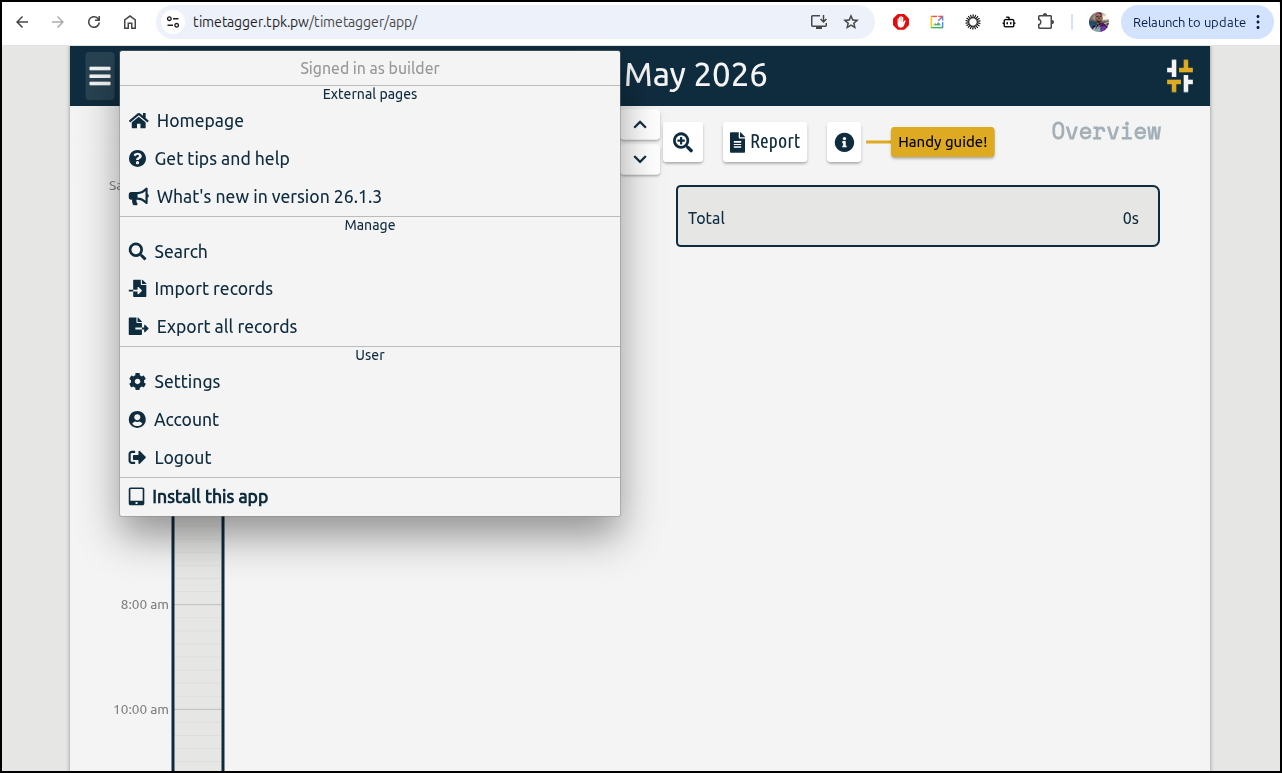
I didn’t see the update until I logged out of the web ui and back in again, but then I could see the updated version:
Trying to add users
My first thought was to just follow the command on Github with a new user
(base) builder@LuiGi:~/Workspaces/jekyll-blog$ kubectl exec -it timetagger-deployment-79b655c9b8-m2gxk -- /bin/bash
root@timetagger-deployment-79b655c9b8-m2gxk:~# python -m timetagger --credentials=testuser:\$2a\$08\$ZAzU7MwYXEyxV.u1.kUGdODdf4qxq2YbeUq9wckIM.r9xo.uarc7i
[INFO 2026-05-09 11:18:31] Collected 14 assets from /root/timetagger/common
[INFO 2026-05-09 11:18:32] Compiled pscript from dialogs.py
[INFO 2026-05-09 11:18:32] Compiled pscript from dt.py
[INFO 2026-05-09 11:18:34] Compiled pscript from front.py
[INFO 2026-05-09 11:18:35] Compiled pscript from stores.py
[INFO 2026-05-09 11:18:35] Compiled pscript from tools.py
[INFO 2026-05-09 11:18:36] Compiled pscript from utils.py
[INFO 2026-05-09 11:18:36] Collected 13 assets from /root/timetagger/app
[INFO 2026-05-09 11:18:36] Collected 26 assets from /root/timetagger/images
[INFO 2026-05-09 11:18:36] Collected 4 assets from /root/timetagger/pages
[INFO 2026-05-09 11:18:43] Collected 14 assets from /root/timetagger/common
[INFO 2026-05-09 11:18:44] Compiled pscript from dialogs.py
[INFO 2026-05-09 11:18:45] Compiled pscript from dt.py
[INFO 2026-05-09 11:18:49] Compiled pscript from front.py
[INFO 2026-05-09 11:18:49] Compiled pscript from stores.py
[INFO 2026-05-09 11:18:49] Compiled pscript from tools.py
[INFO 2026-05-09 11:18:49] Compiled pscript from utils.py
[INFO 2026-05-09 11:18:49] Collected 13 assets from /root/timetagger/app
[INFO 2026-05-09 11:18:49] Collected 26 assets from /root/timetagger/images
[INFO 2026-05-09 11:18:49] Collected 4 assets from /root/timetagger/pages
[INFO 2026-05-09 11:18:53] Server is starting up
ERROR:    [Errno 98] error while attempting to bind on address ('0.0.0.0', 80): address already in use
[INFO 2026-05-09 11:18:53] Server is shutting down
But from the output I realized it will just fire up a new instance.
However, If I use a comma-separated list for the credentials
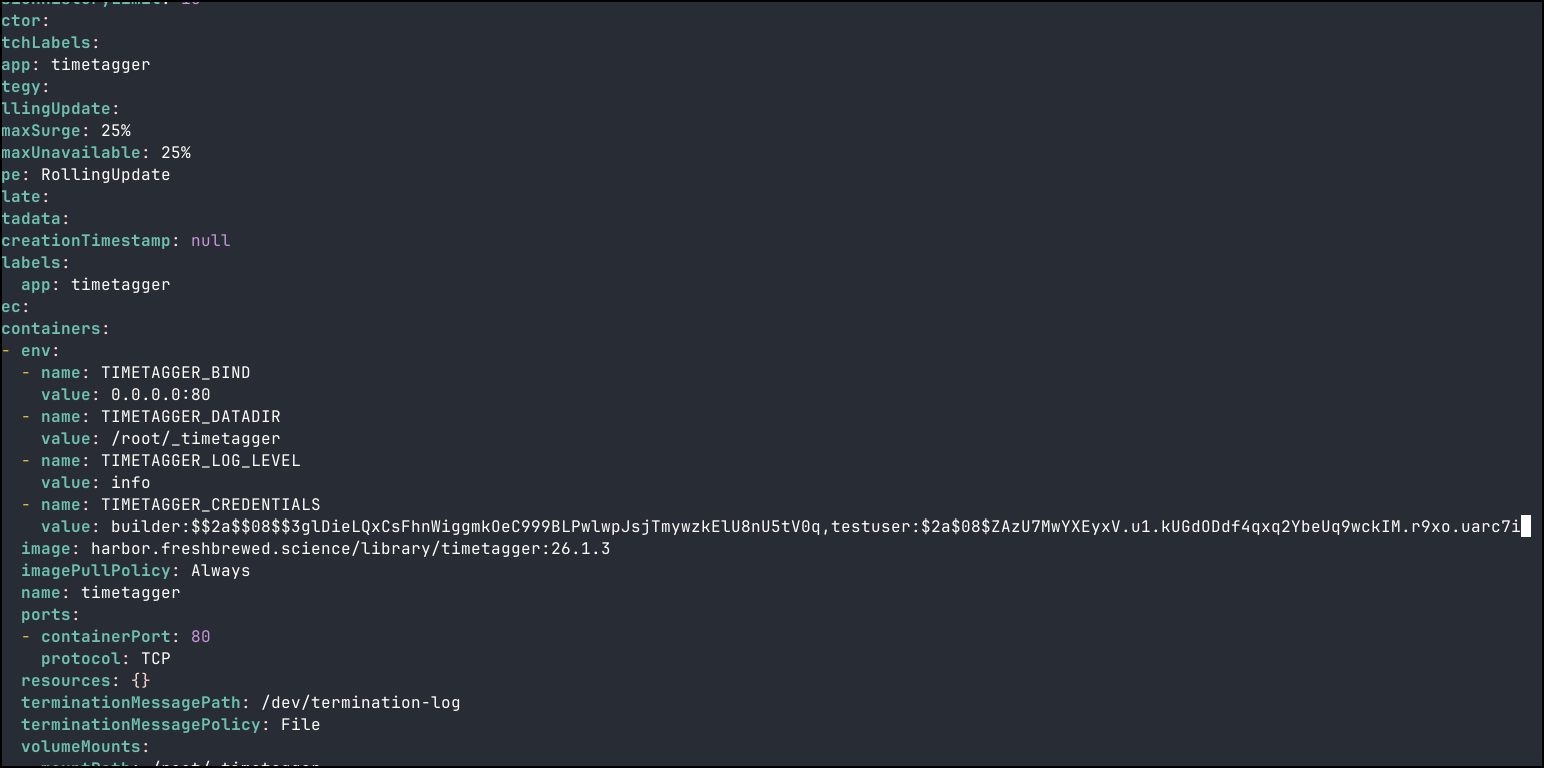
I can then use both builder and testuser
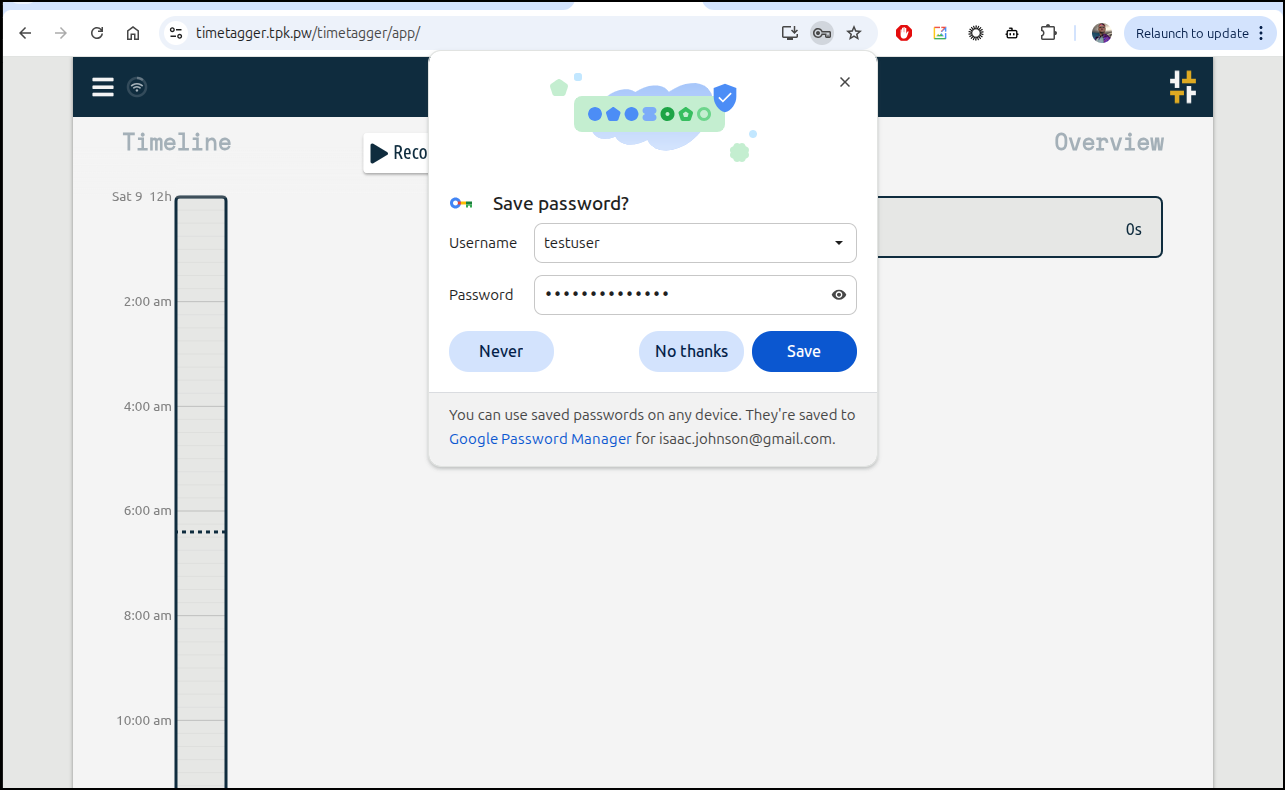
I did a quick test of immutability by creating an entry
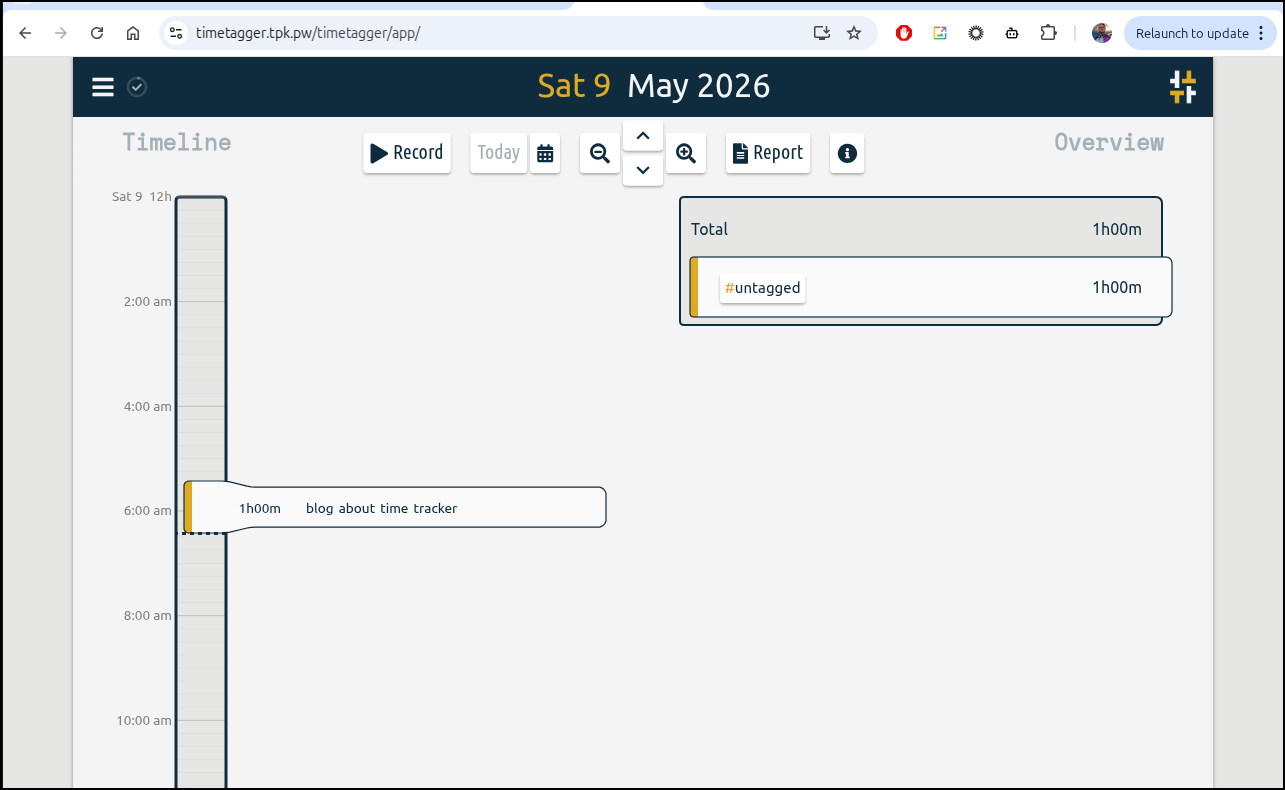
Then rotating the pod
$ kubectl get po -l app=timetagger
NAME                                     READY   STATUS    RESTARTS   AGE
timetagger-deployment-7c7d88d9cc-9bvnh   1/1     Running   0          7s

$ kubectl delete po timetagger-deployment-7c7d88d9cc-9bvnh
pod "timetagger-deployment-7c7d88d9cc-9bvnh" deleted from default namespace

$ kubectl get po -l app=timetagger
NAME                                     READY   STATUS    RESTARTS   AGE
timetagger-deployment-7c7d88d9cc-df6ql   1/1     Running   0          64s
and ensuring it was still there
Saving outputs
I can copy table data, say for emails
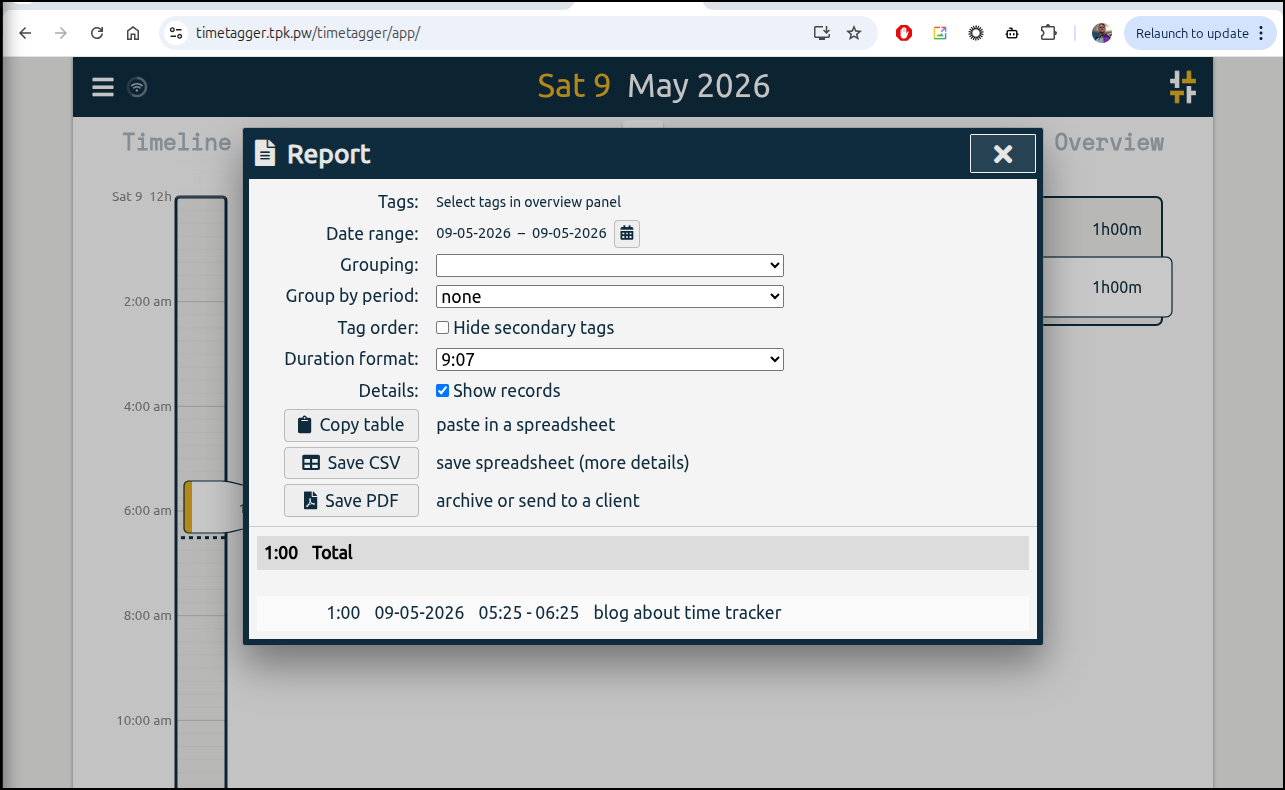
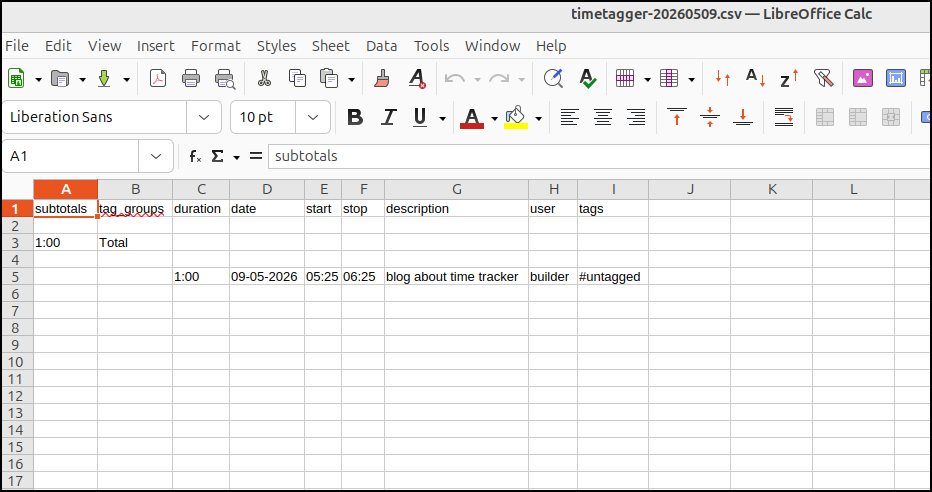
1:00	Total
1:00	09-05-2026	05:25	06:25	blog about time tracker
Or kick it out to a PDF
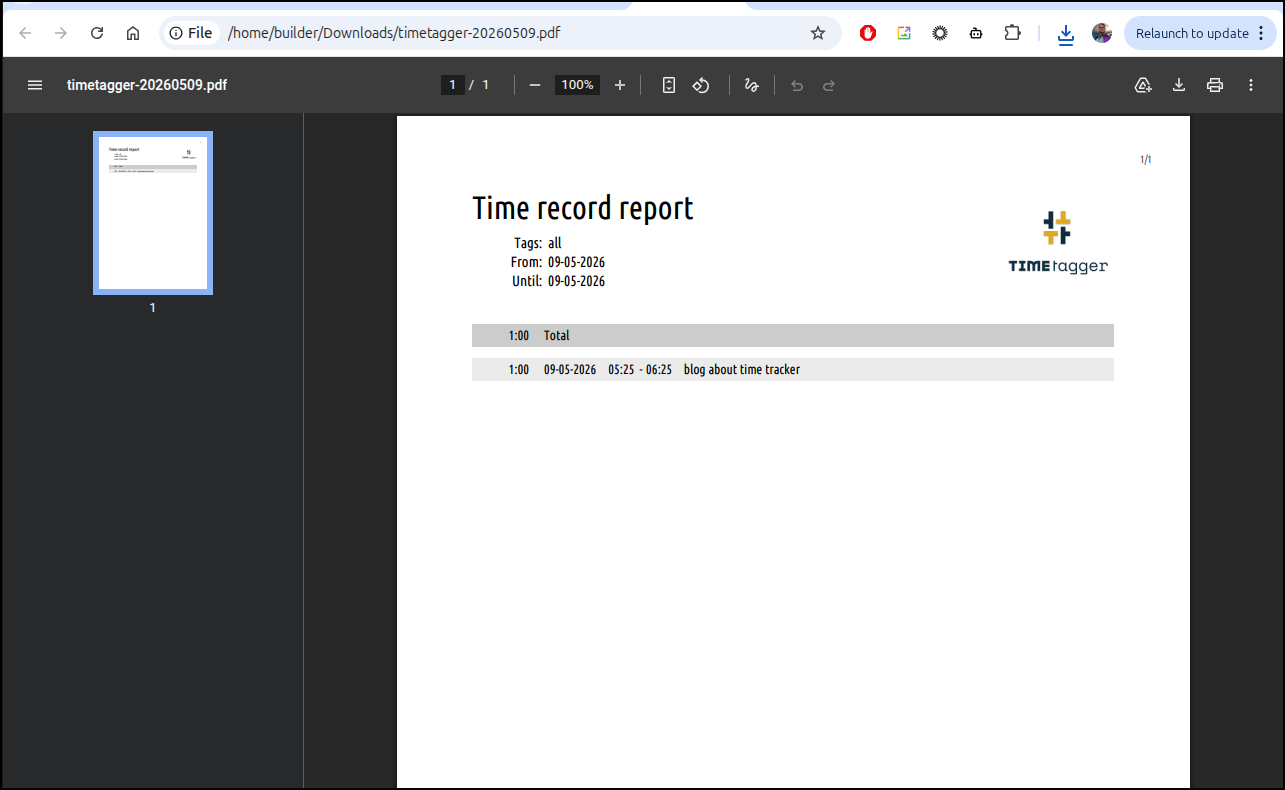
or a CSV
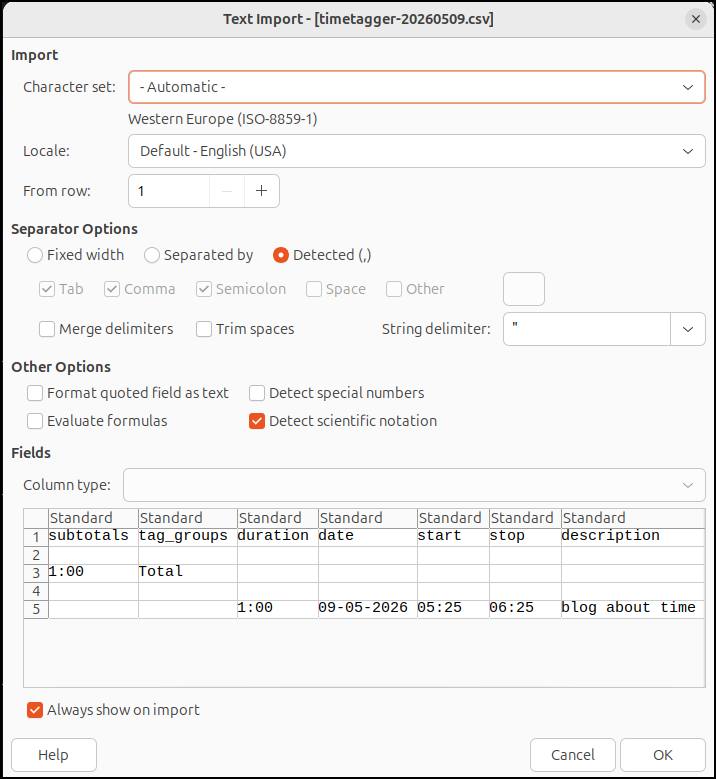
which opens without issue in LibreOffice
SnapOtter
Also from Marius comes a writeup on SnapOtter
There are two ways we can fire this up:
IF you have an nVidia GPU, you can use
docker run -d --name snapotter -p 1349:1349 \
   --gpus all -v snapotter-data:/data \
   snapotter/snapotter:latest
and if not
docker run -d --name snapotter -p 1349:1349 \
   -v snapotter-data:/data \
   snapotter/snapotter:latest
However, since the guide says “falls back to CPU if no GPU is found”, I see no reason not to try the GPU even though this laptop I’m using presently just has a bland old intel GPU
$ docker run -d --name snapotter -p 1349:1349 --gpus all -v snapotter-data:/data snapotter/snapotter:latest
Unable to find image 'snapotter/snapotter:latest' locally
latest: Pulling from snapotter/snapotter
afad30e59d72: Pull complete
bd06d3ff2532: Pull complete
8c0575e6ec2e: Pull complete
95c4042ee7b4: Pull complete
150ae9de14cf: Pull complete
9cccfd001630: Pull complete
77b0ceda29ac: Pull complete
6fd18a520430: Pull complete
3b176c2fc716: Pull complete
d67931eaa1a4: Pull complete
d2c14e880dc5: Pull complete
18822337d93b: Pull complete
6931f4a1a7e2: Pull complete
0cf4fe863b94: Pull complete
a2b0b9aafed7: Pull complete
518c01b7e75a: Pull complete
455a53b0175d: Pull complete
07ba62d2085c: Pull complete
14219b6e6d90: Pull complete
4f4fb700ef54: Pull complete
8b2a086cd871: Pull complete
7d1287f738ad: Pull complete
0224e22c4e83: Pull complete
9a5848968111: Pull complete
68513b6e5bf6: Pull complete
aaca5e8a8664: Pull complete
80ddcfacbaba: Pull complete
b3179b9d5ef6: Pull complete
8921c9187ab7: Pull complete
a1bdcf63a8da: Pull complete
3ec640c6a8d5: Pull complete
6e4a2eb91061: Pull complete
02bd2566d0c3: Pull complete
3fe5a1dc894e: Pull complete
9e7d141cfeb8: Pull complete
a9ee194ed987: Pull complete
80ec06b2a206: Pull complete
Digest: sha256:47a1df2ffe227c72364301a604802d408c9efd5dc96aee65ab78f2b4515ec8d8
Status: Downloaded newer image for snapotter/snapotter:latest
b135d37837e65e7b49503ff5882a8b8930988de38a7abe12523586cd4f69926a
docker: Error response from daemon: could not select device driver "" with capabilities: [[gpu]]

Run 'docker run --help' for more information
Tho it clearly crashes on start
$ docker start snapotter
Error response from daemon: could not select device driver "" with capabilities: [[gpu]]
Error: failed to start containers: snapotter
$ docker run -d --name snapotter -p 1349:1349 -v snapotter-data:/data snapotter/snapotter:latest
9f47e4f4f2f98c20d2ea82e5f86680a7c68ac9e14b064cbf6e110f7acc4fbce5
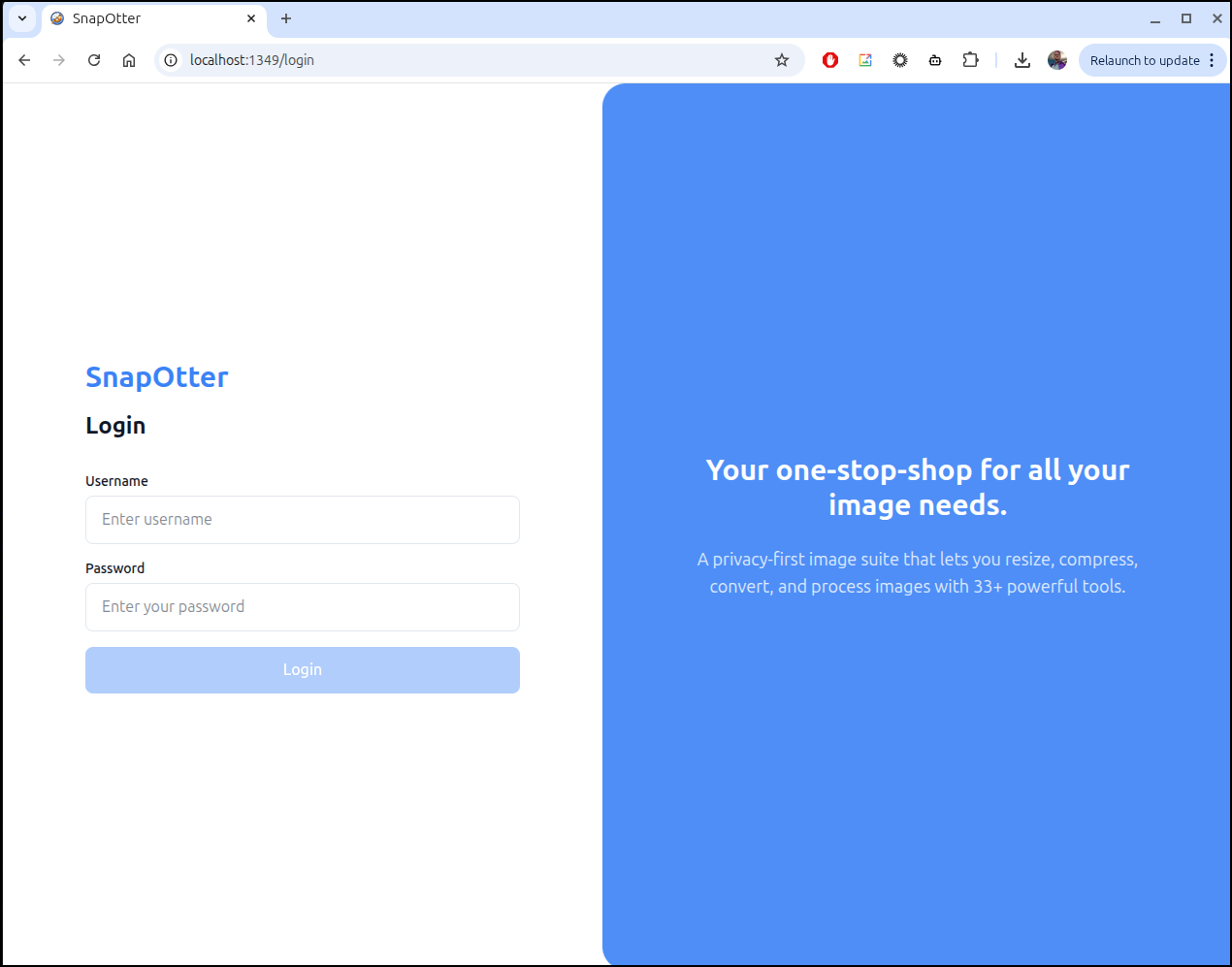
Now we can login
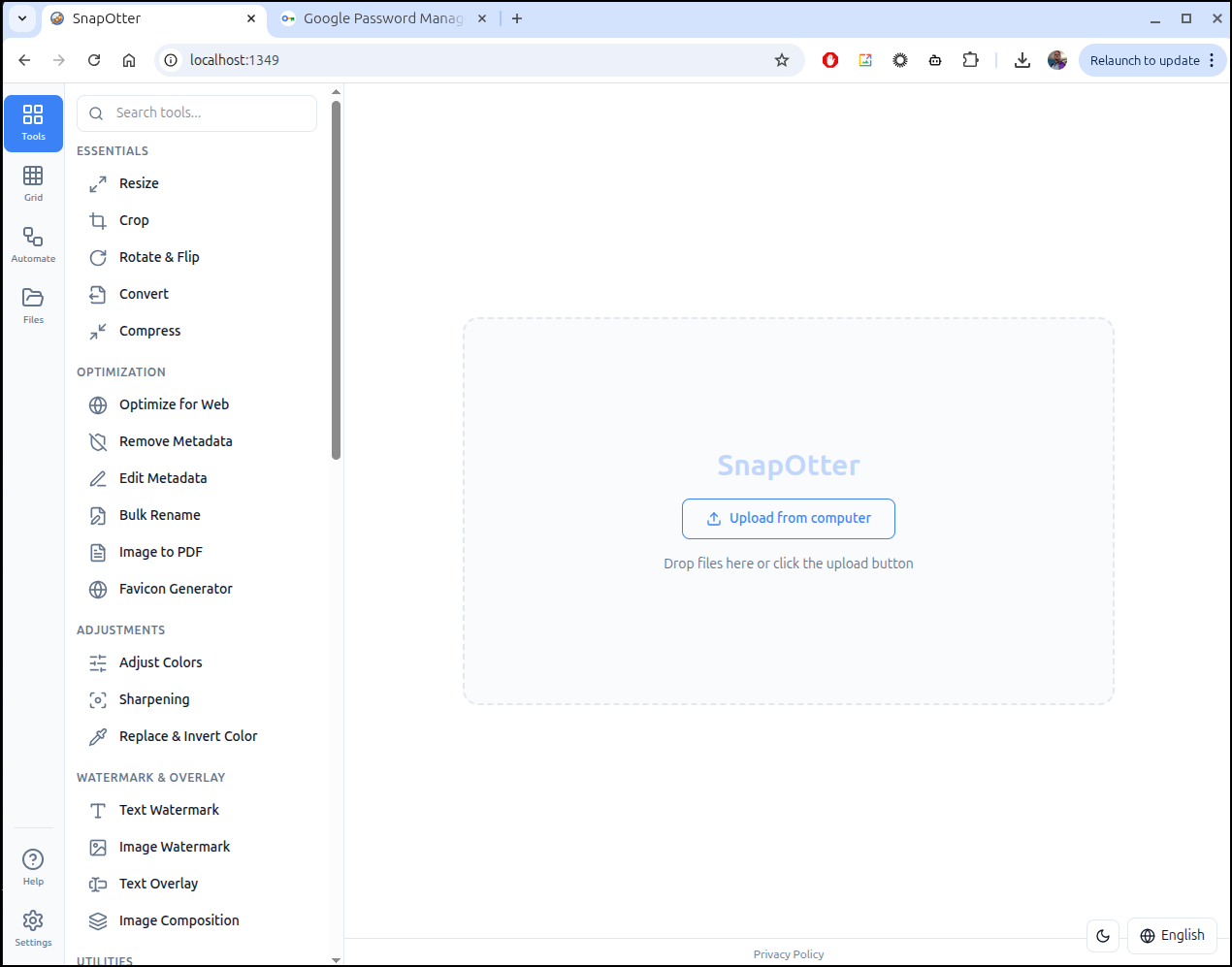
Usage
some of the AI tools require rather sizable downloads
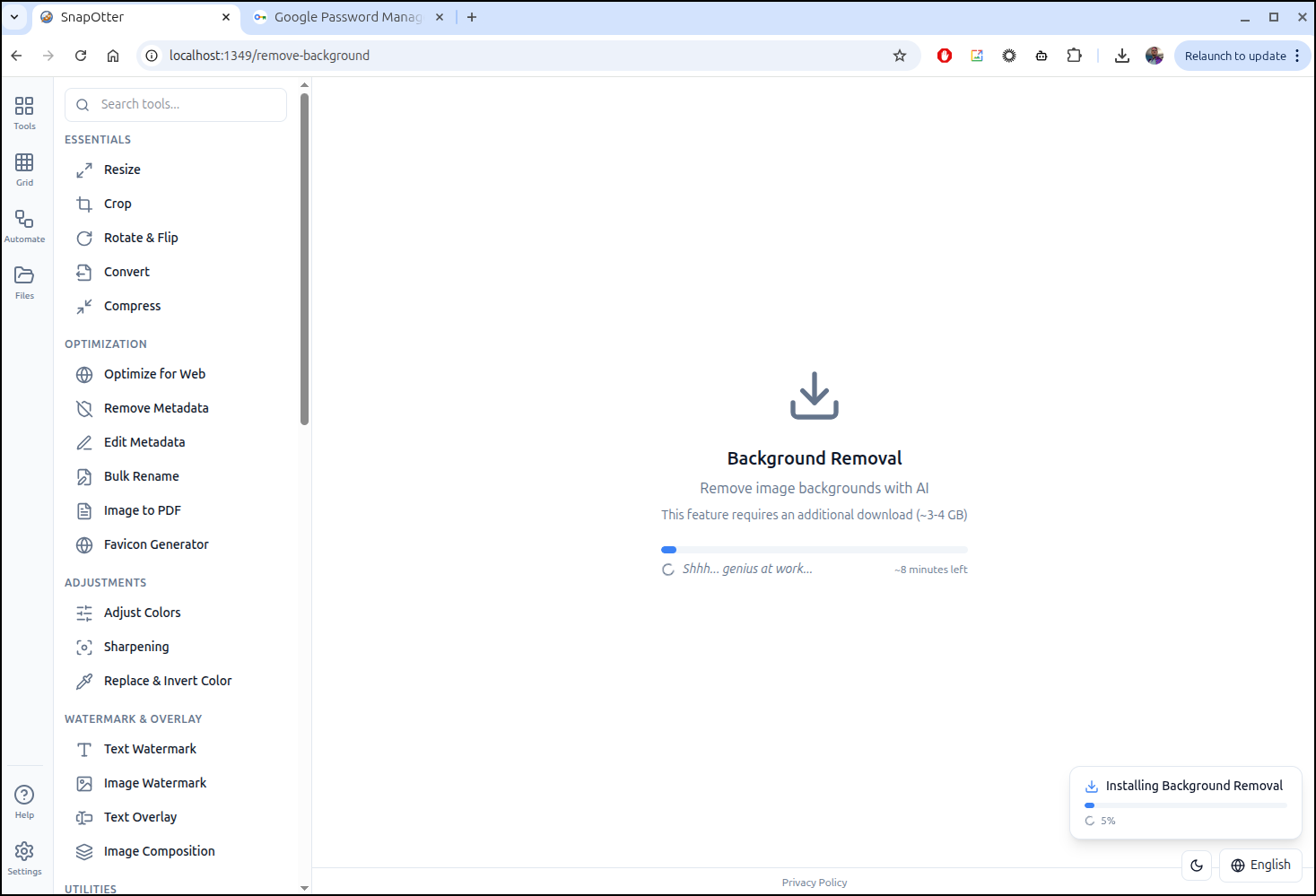
Once downloaded, I can invoke it to remove a background
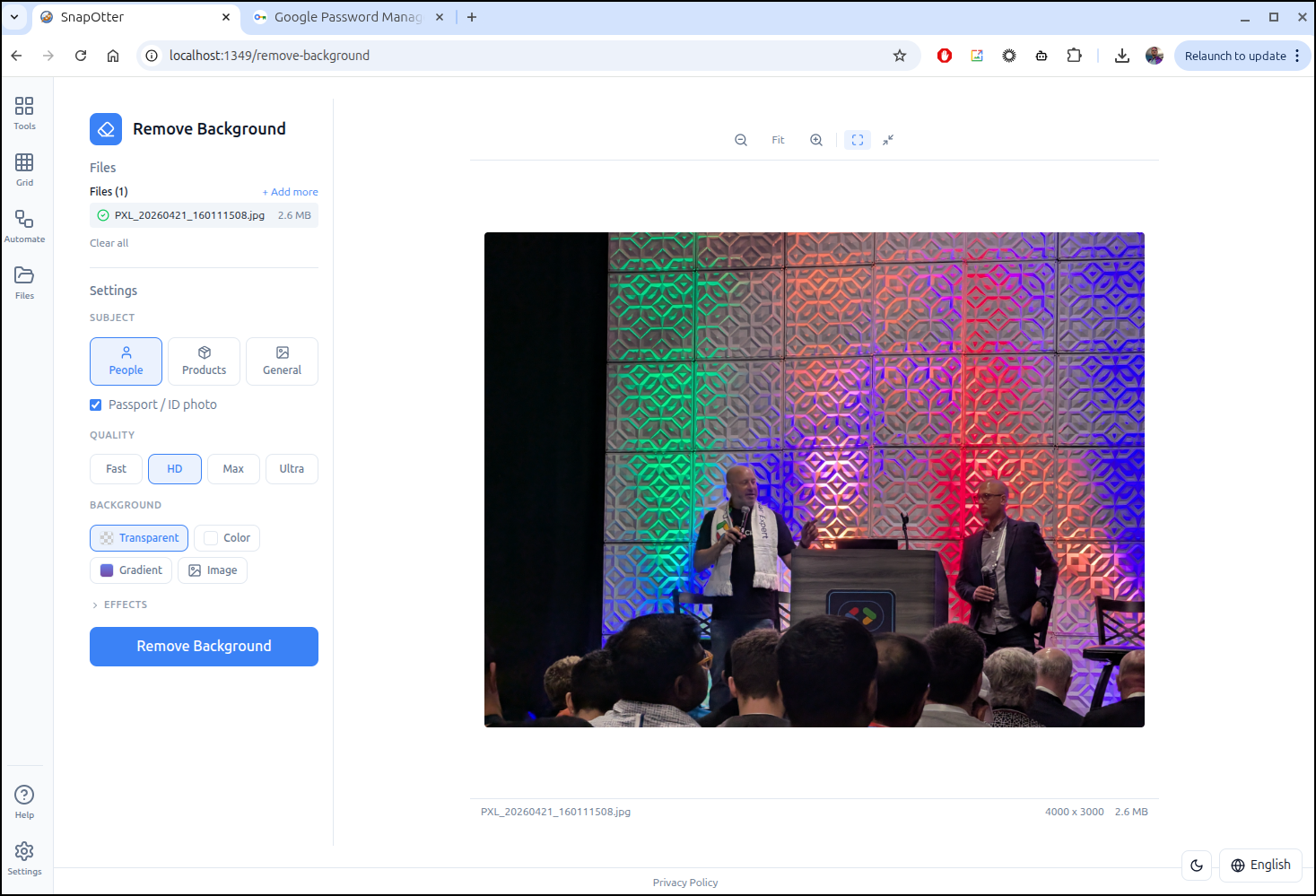
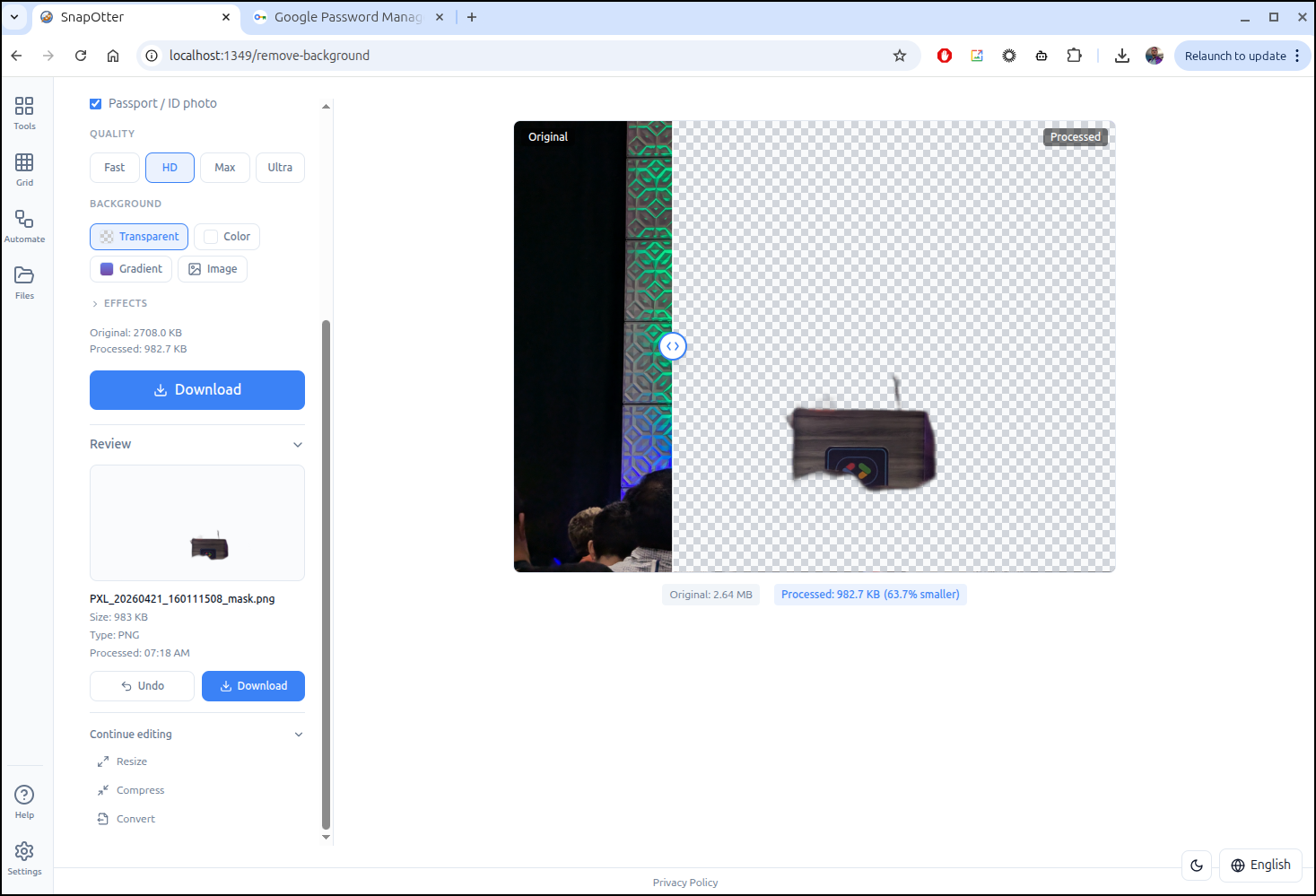
But on my first try, it didn’t do a great job
However, a standard portrait worked just fine

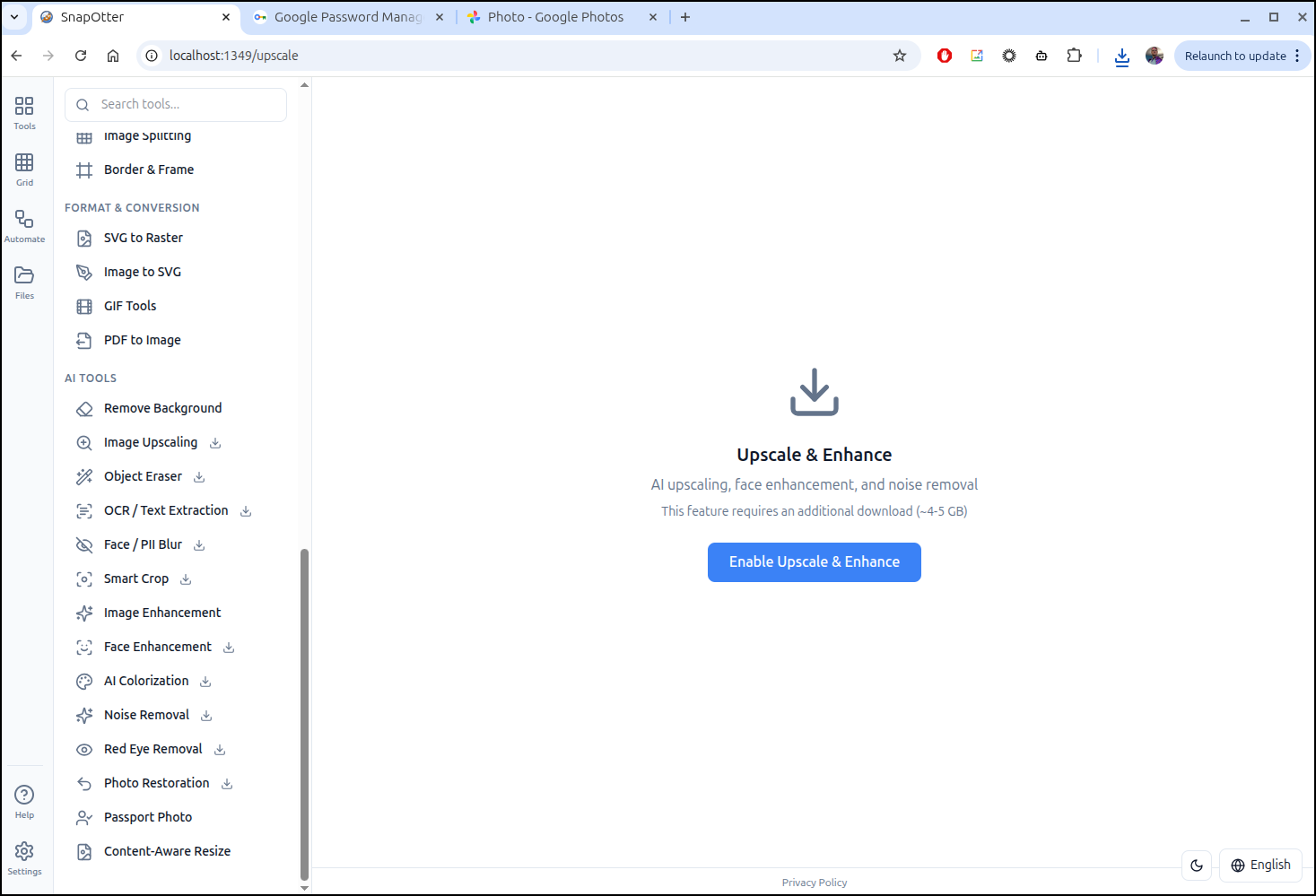
I wanted to play with upscaling, but it seems the various AI tools all require separate downloads.
$ sudo du -chs /var/lib/docker/volumes/snapotter-data/
6.0G    /var/lib/docker/volumes/snapotter-data/
6.0G    total
This will cost a lot of space and bandwidth
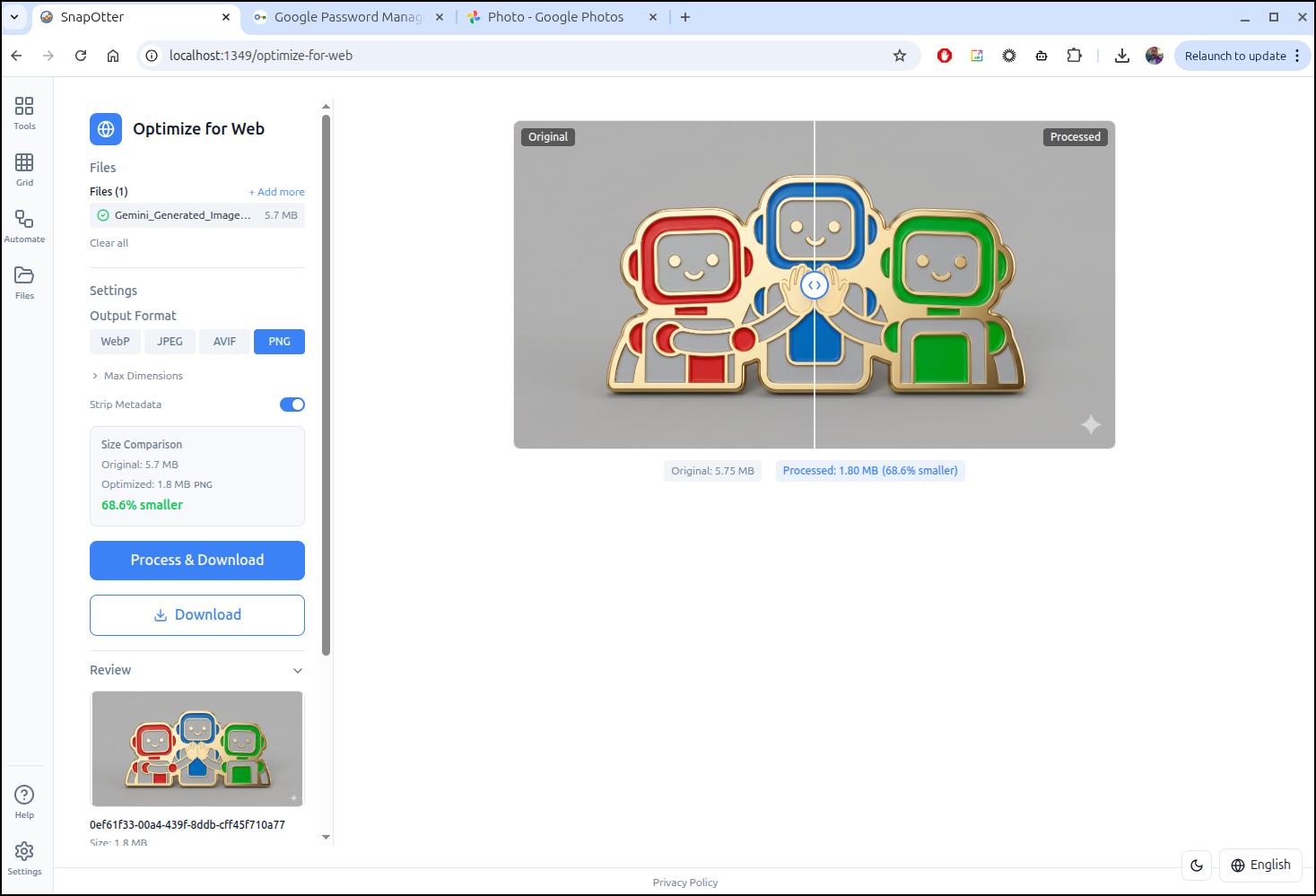
However, the non-AI tools are quite nice. For instance, I could use this to skinny up the background images. For instance, this image that is 5.7Mb to 1.8
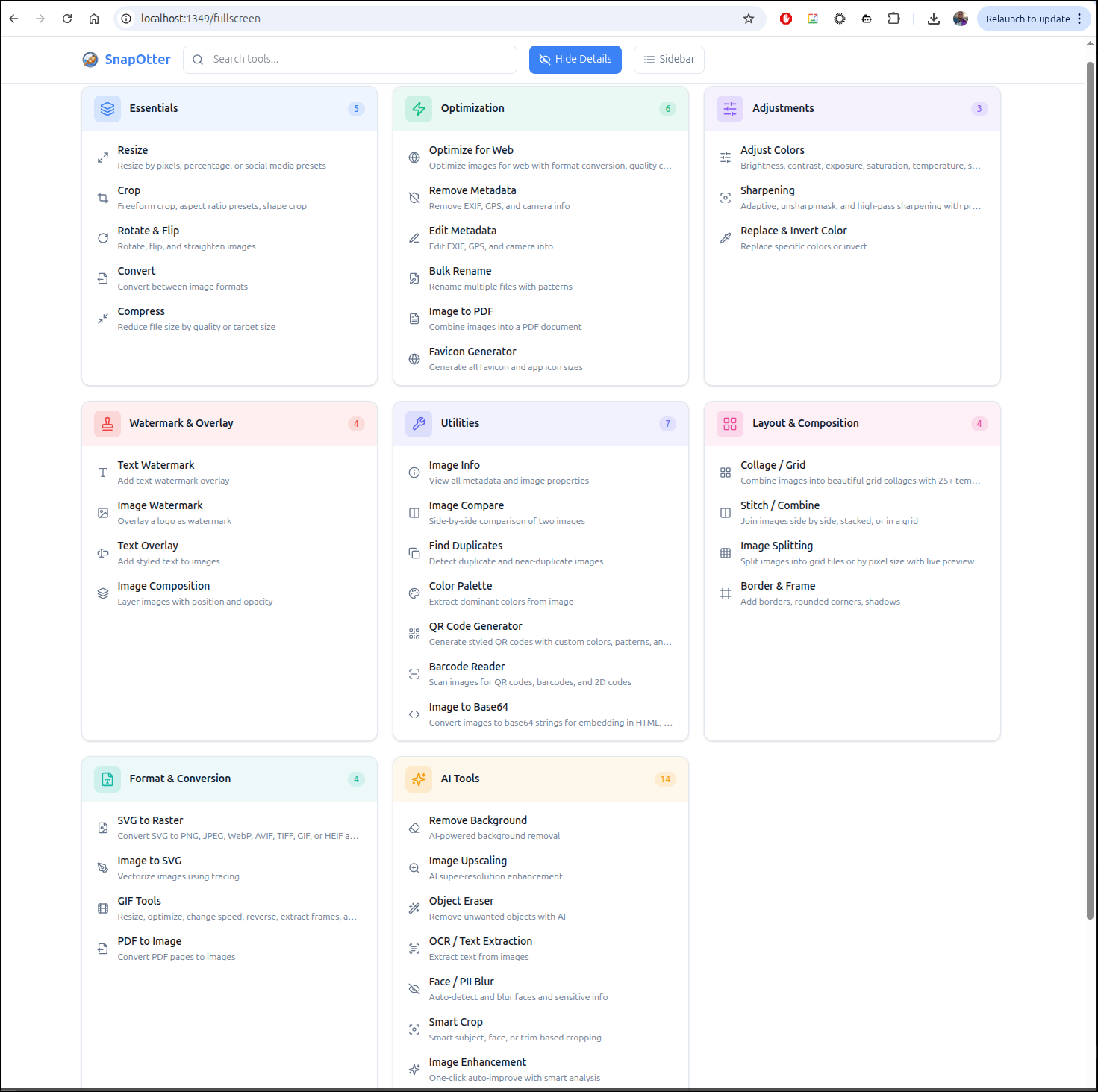
There are quite a lot of tools we can use
Summary
TimeTagger continues to be an excellent self-contained Open-source time tracking suite. The fact that it kept cranking away for 2 years and I didn’t even notice is a pretty good sign. There are occasions I need to log time for billing and this would definitely serve that purpose.
SnapOtter is interesting. It has some nice utilities and the AI parts do work. But I question the need for them. That is, a background removal that works only part of the time is not much different from a configurable lasso tool. When we add that each tool is another 3-4Gb download, I hardly see myself spending that much bandwidth or disk space to check them all out. Then again, I’m also the type that scoffs at 200Gb downloads for AAA games so it might just be a me-issue.
