

Published: May 5, 2026 by Isaac Johnson
In the very last session of GCP Next, I saw a demonstration of their new CICD extension. They linked up a basic Python app with buildkit to CloudRun for a simple CD approach, but then showed a much more comprehensive CICD pipeline using Cloud Build and Cloud Deploy that even had an approval gate. I was pretty impressed.
Though, if you know me, you know I waited for questions and asked about non-Github/Gitlab/Bitbucket options as CloudBuild only supports those major SaaS providers.
Let’s do this together to see how well it works
Gemini CLI
First, a lot of folks use Claude, so for y’all, you can do:
$ claude plugin marketplace add https://github.com/gemini-cli-extensions/cicd.git#v0.2.2
$ claude plugin install cicd
Since I’m using Gemini CLI, I’ll just add by extensions (which will also check for updates later)
$ gemini extensions install https://github.com/gemini-cli-extensions/cicd
Installing extension "cicd".
This extension will run the following MCP servers:
  * cicd-mcp (local): /tmp/gemini-extensionbp1hc7/cicd-mcp-server

Agent Skills:

This extension will install the following agent skills:

  * google-cicd-terraform: Architect, provision, and troubleshoot production-grade Google Cloud infrastructure using Terraform and OpenTofu. Use to design landing zones (Shared VPCs, Folders), deploy core services (GKE, Cloud Run, Cloud SQL), implement IAM least-privilege, and manage GCS-backed state. Enforces Google’s Cloud Foundation Fabric patterns and rigorous validation protocols to ensure secure, idempotent, and scalable deployments across environments.
    (Source: /tmp/gemini-extensionbp1hc7/skills/google-cicd-terraform/SKILL.md) (2 items in directory)

  * google-cicd-release-orchestration: Design Cloud Deploy delivery pipelines and manage releases when deploying applications to Cloud Run and Google Kubernetes Engine (GKE). Use when users want to deploy their applications to multiple environments (e.g. dev and prod), leverage deployment strategies (i.e. canary), or rollback (manually or automatically) when there are issues deploying their application.

    (Source: /tmp/gemini-extensionbp1hc7/skills/google-cicd-release-orchestration/SKILL.md) (2 items in directory)

  * google-cicd-pipeline-design: Design and implement a Google Cloud based CI/CD pipeline. Use when the user wants to build a new pipeline, design an architecture on GCP.
    (Source: /tmp/gemini-extensionbp1hc7/skills/google-cicd-pipeline-design/SKILL.md) (2 items in directory)

  * google-cicd-deploy: Deploy an application to Google Cloud. Use when the user wants to deploy a new application on GCP.
    (Source: /tmp/gemini-extensionbp1hc7/skills/google-cicd-deploy/SKILL.md) (2 items in directory)


The extension you are about to install may have been created by a third-party developer and sourced from a public repository. Google does not vet, endorse, or guarantee the functionality or security of extensions. Please carefully inspect any extension and its source code before installing to understand the permissions it requires and the actions it may perform.

Agent skills inject specialized instructions and domain-specific knowledge into the agent's system prompt. This can change how the agent interprets your requests and interacts with your environment. Review the skill definitions at the location(s) provided below to ensure they meet your security standards.
Do you want to continue? [Y/n]: Y
Extension "cicd" installed successfully and enabled.
The extension will not be asking for credentials. It assumed you are app logged in, so do:
$ gcloud auth login
$ gcloud auth application-default login
Making the app
Before I even start, let’s get a valid DESIGN.md as I have yet to do that. It is a standard, but we can derive it with stitch from an existing website (that I just mucked about to build the first time).
From the project page, we will start with a Design.md
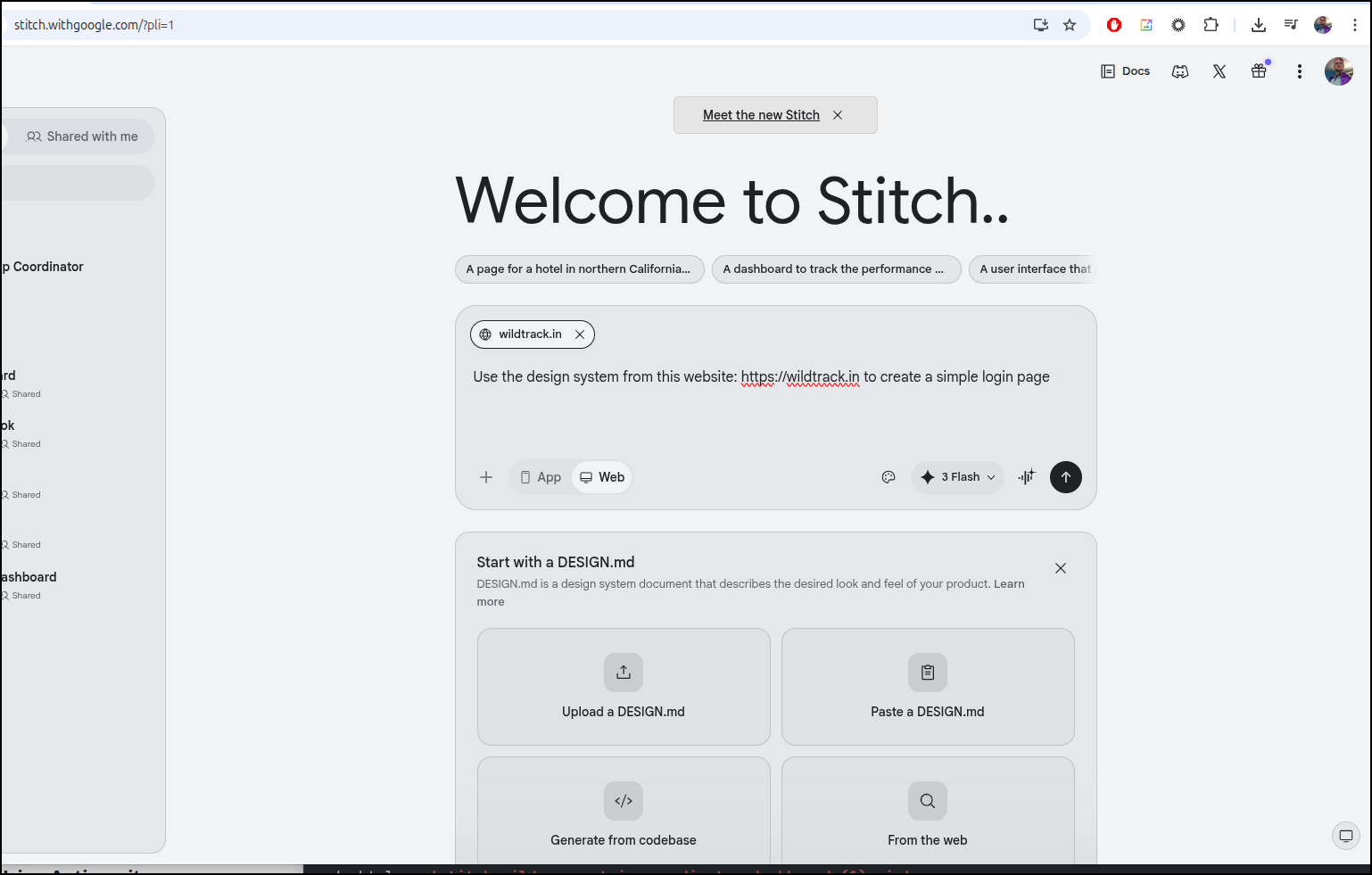
I can now export a Zip file which has a DESIGN.md
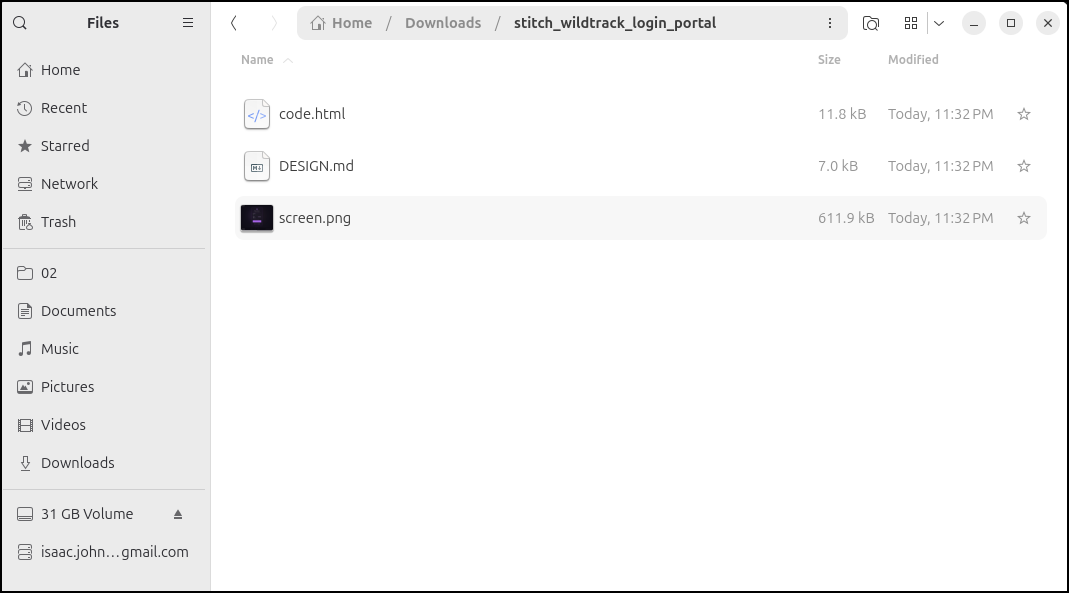
I then copied it into the local folder where we’ll work on the app
(base) builder@LuiGi:~/Workspaces/letsfishapp$ rm ./stitch_wilderness_trip_coordinator_dashboard\ \(1\).zip
(base) builder@LuiGi:~/Workspaces/letsfishapp$ ls
DESIGN.md  code.html  screen.png
(base) builder@LuiGi:~/Workspaces/letsfishapp$ ls -l
total 620
-rw-rw-r-- 1 builder builder   6973 Apr 24  2026 DESIGN.md
-rw-rw-r-- 1 builder builder  11816 Apr 24  2026 code.html
-rw-rw-r-- 1 builder builder 611949 Apr 24  2026 screen.png
The CICD Extension
We can see the new CICD skills that were added when I ran gemini extensions install https://github.com/gemini-cli-extensions/cicd earlier:
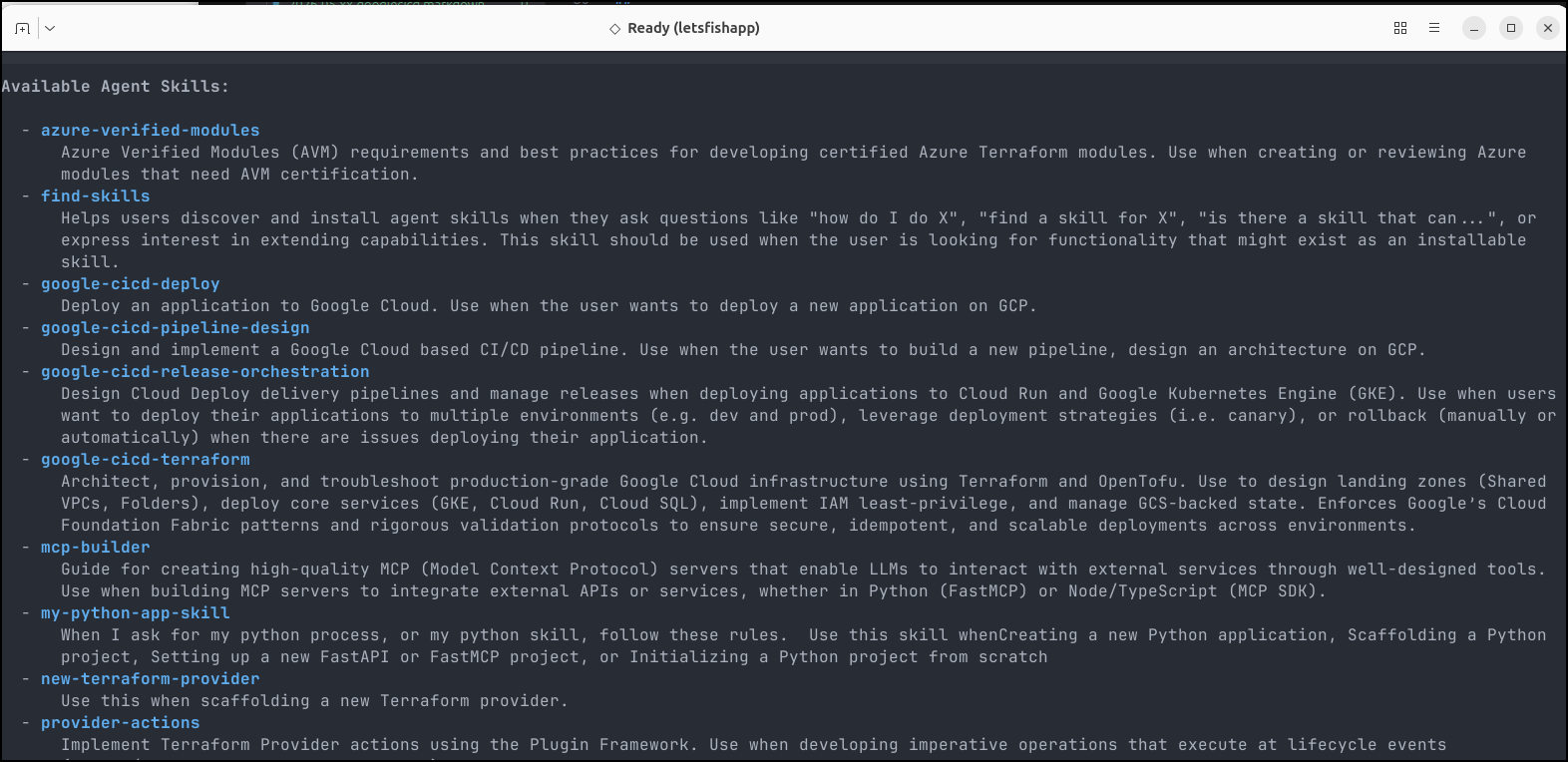
But first, let’s use Gemini CLI to make a quick app (in order to use those skills).
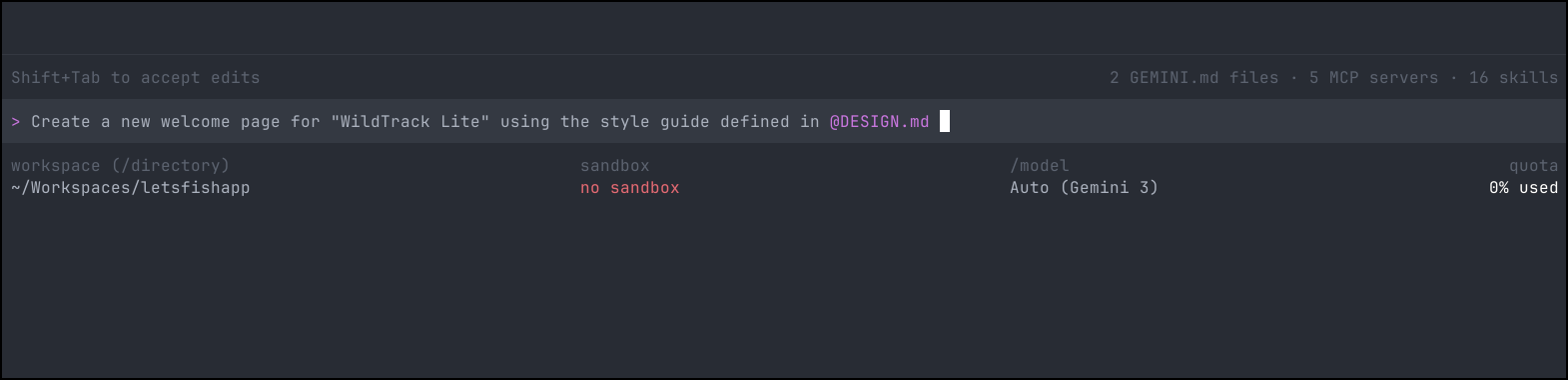
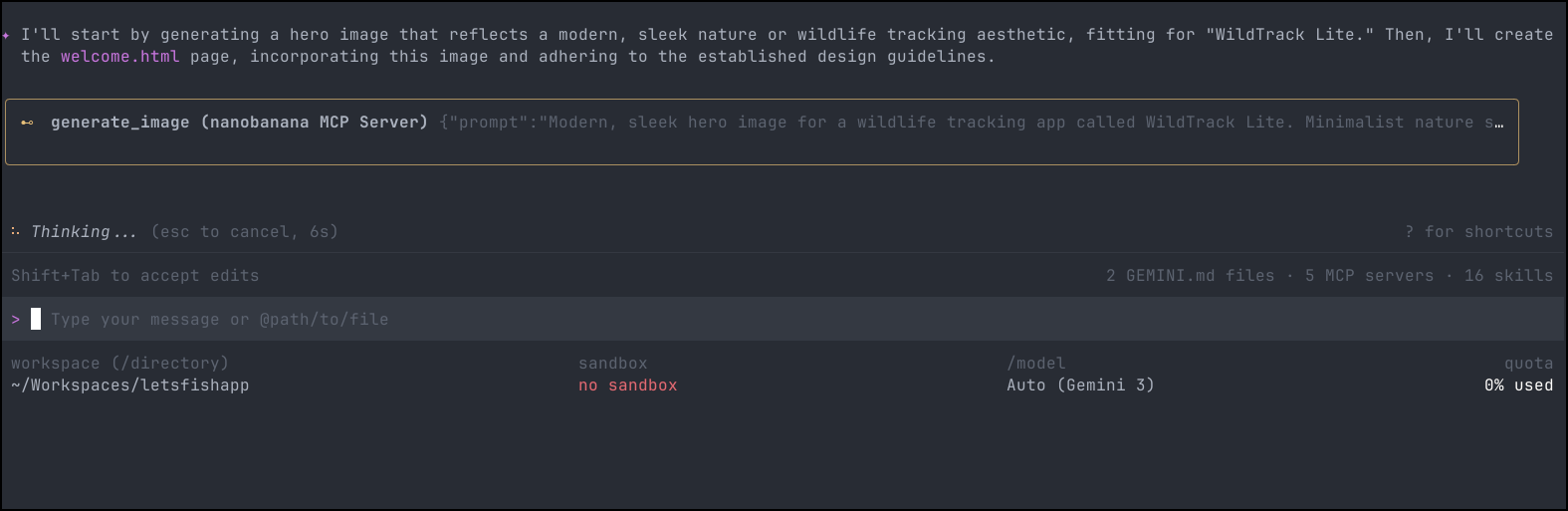
Because I have the Nanobanana MCP server, Gemini CLI will create a hero image on the fly
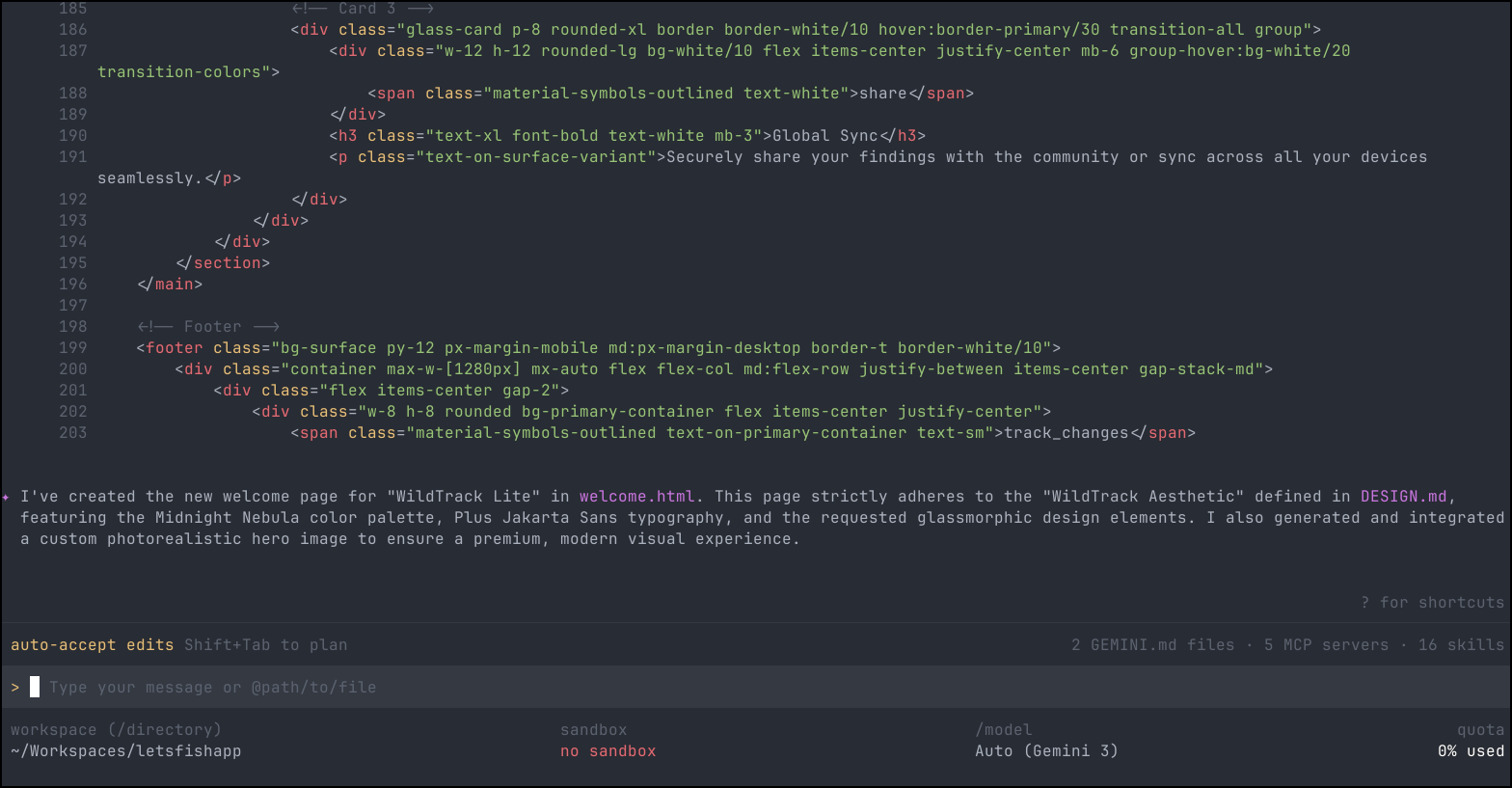
and create a webpage based on the design
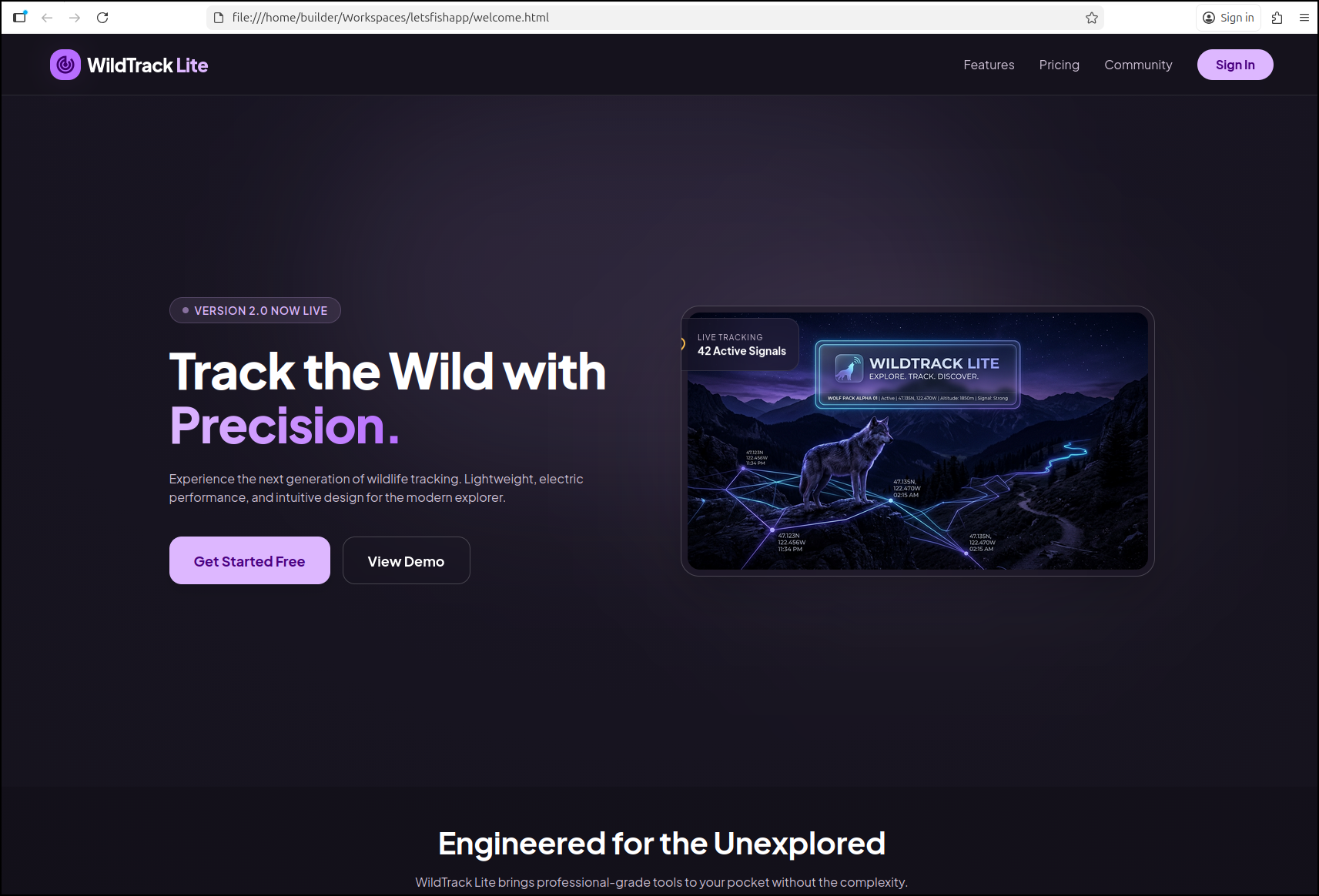
which looks good
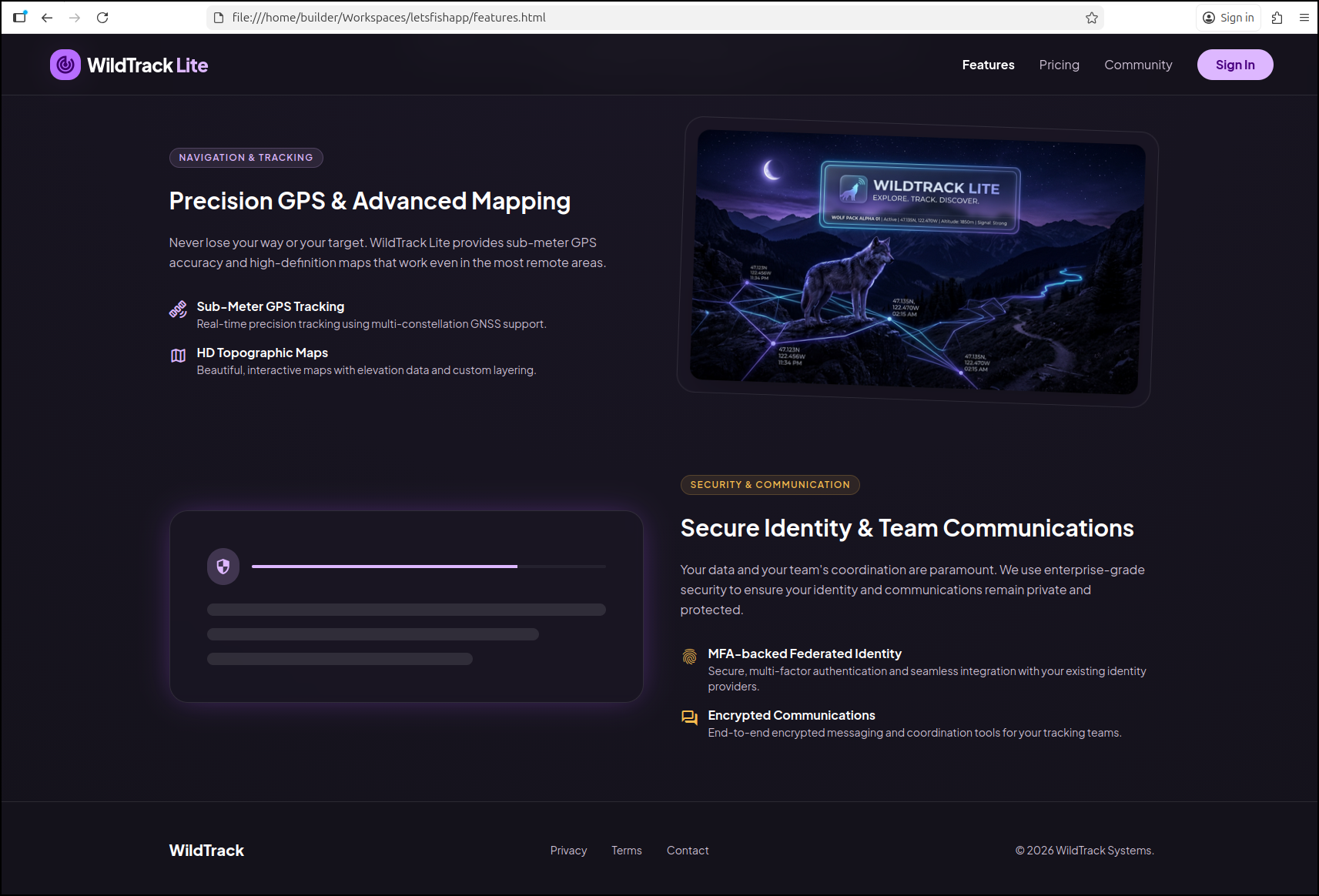
I used a few more prompts to build out the other pages
Create the Pricing page for “WildTrack Lite” that has a Community Edition for $0 and a Professional edition for $5/mo. It should include features like GPS tracking, maps, communications and MFA-backed Federated Identity. Make sure to use the style guide defined in @DESIGN.md. This same information should be included on the Features page linked from @welcome.html .
Deploy
At this point I have NOT made a Dockerfile - just three webpages with no real functionality.
Let’s start with the “CICD Deploy” option:
  - google-cicd-deploy
      Deploy an application to Google Cloud. Use when the user wants to deploy a new application on GCP.
We can ask the skill to do this and see it will look up some of its references
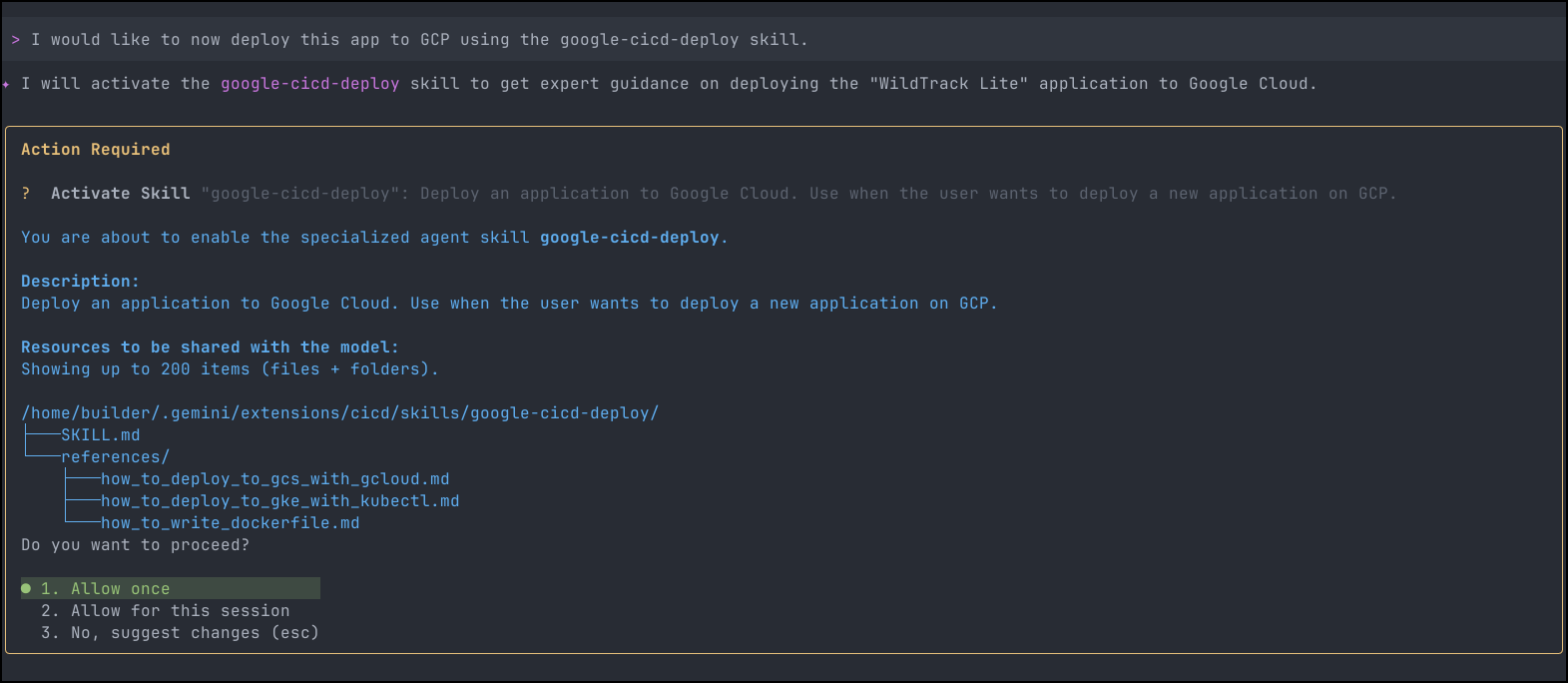
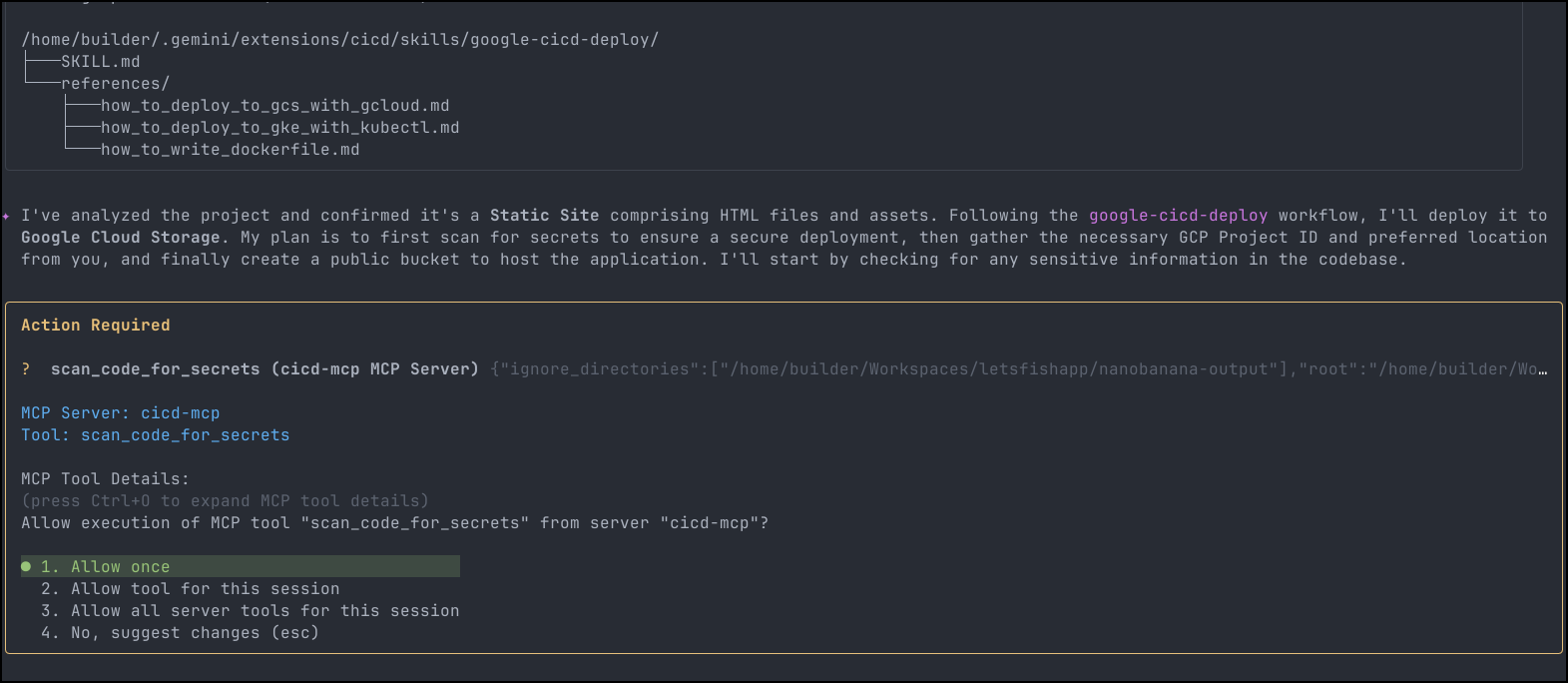
It figured out it was a static site and plans to use Google Cloud Storage. The skill now wants to use the secrets scanner MCP server
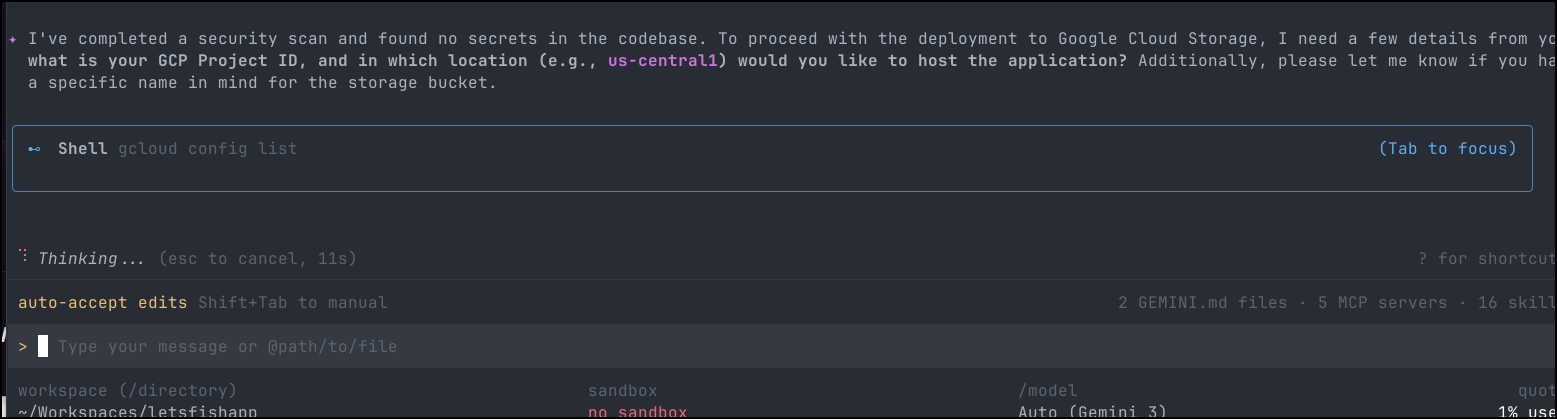
It’s now satisfied I have no secrets leaks and looks to pick a project
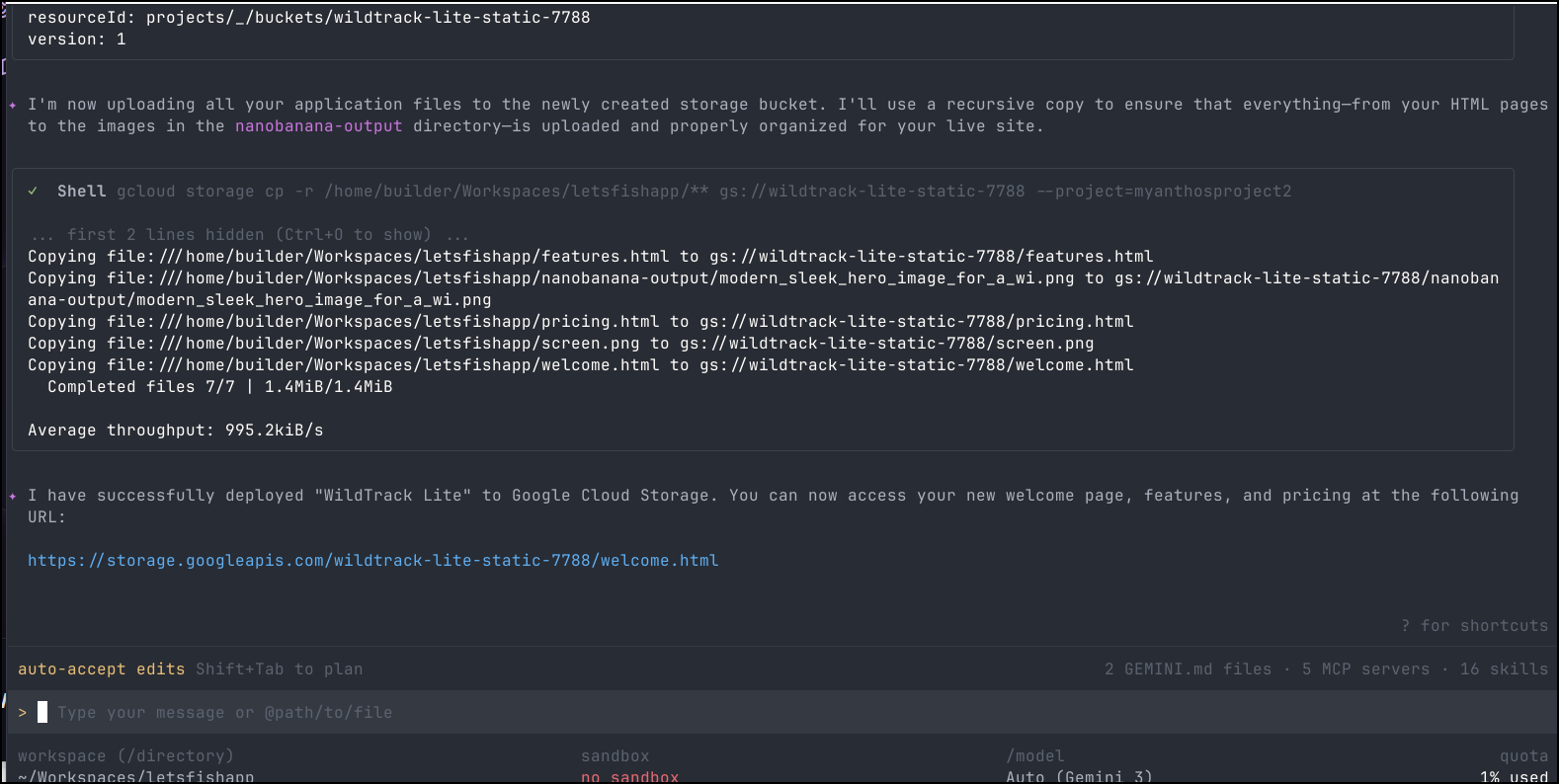
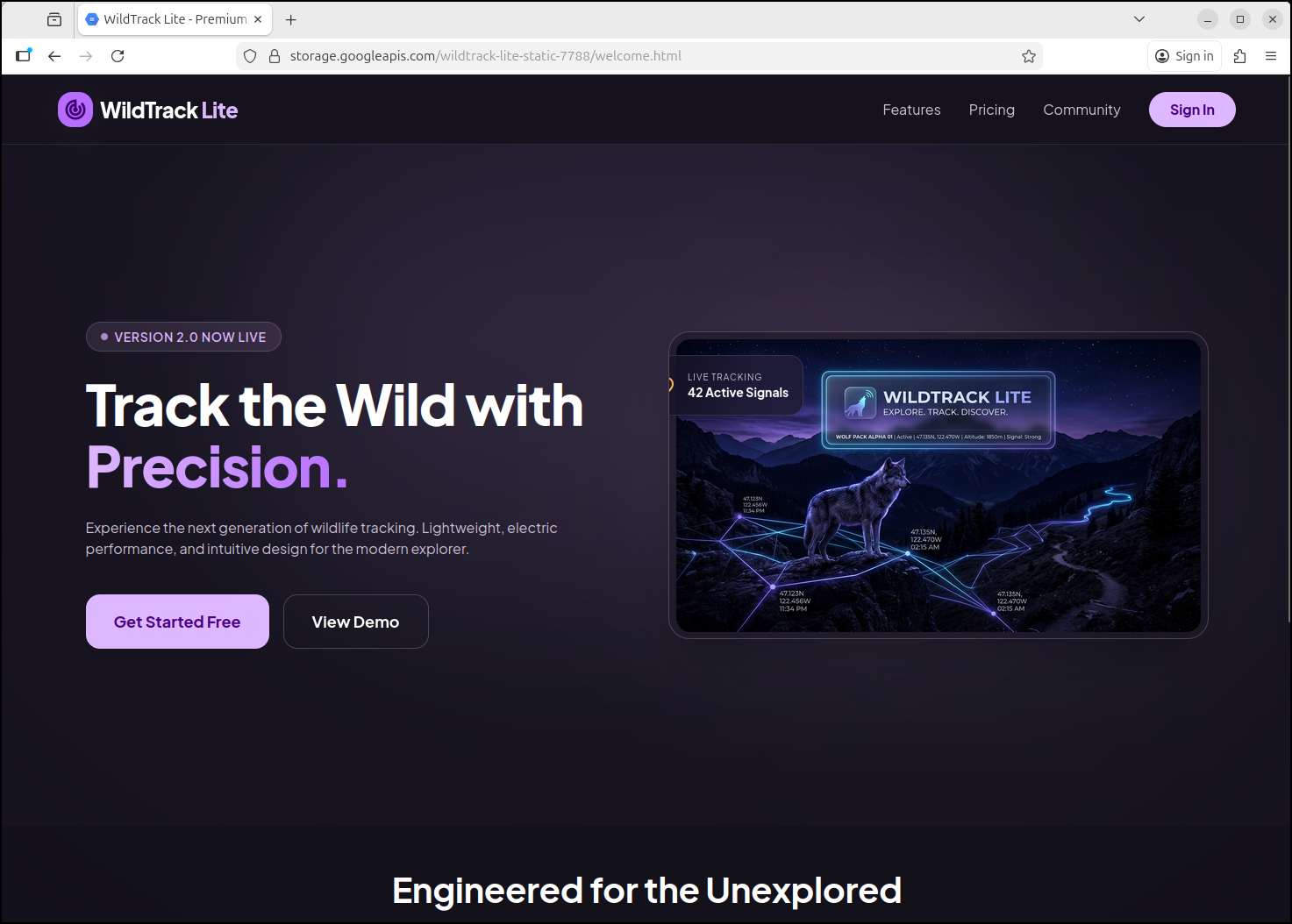
It then just deployed to a bucket and gave me back a URL, https://storage.googleapis.com/wildtrack-lite-static-7788/welcome.html
Which worked just fine
But what if I wanted Federated IdP? I can do that with a Cloud Run Container
It moved to using a Cloud Run app and a new Dockerfile
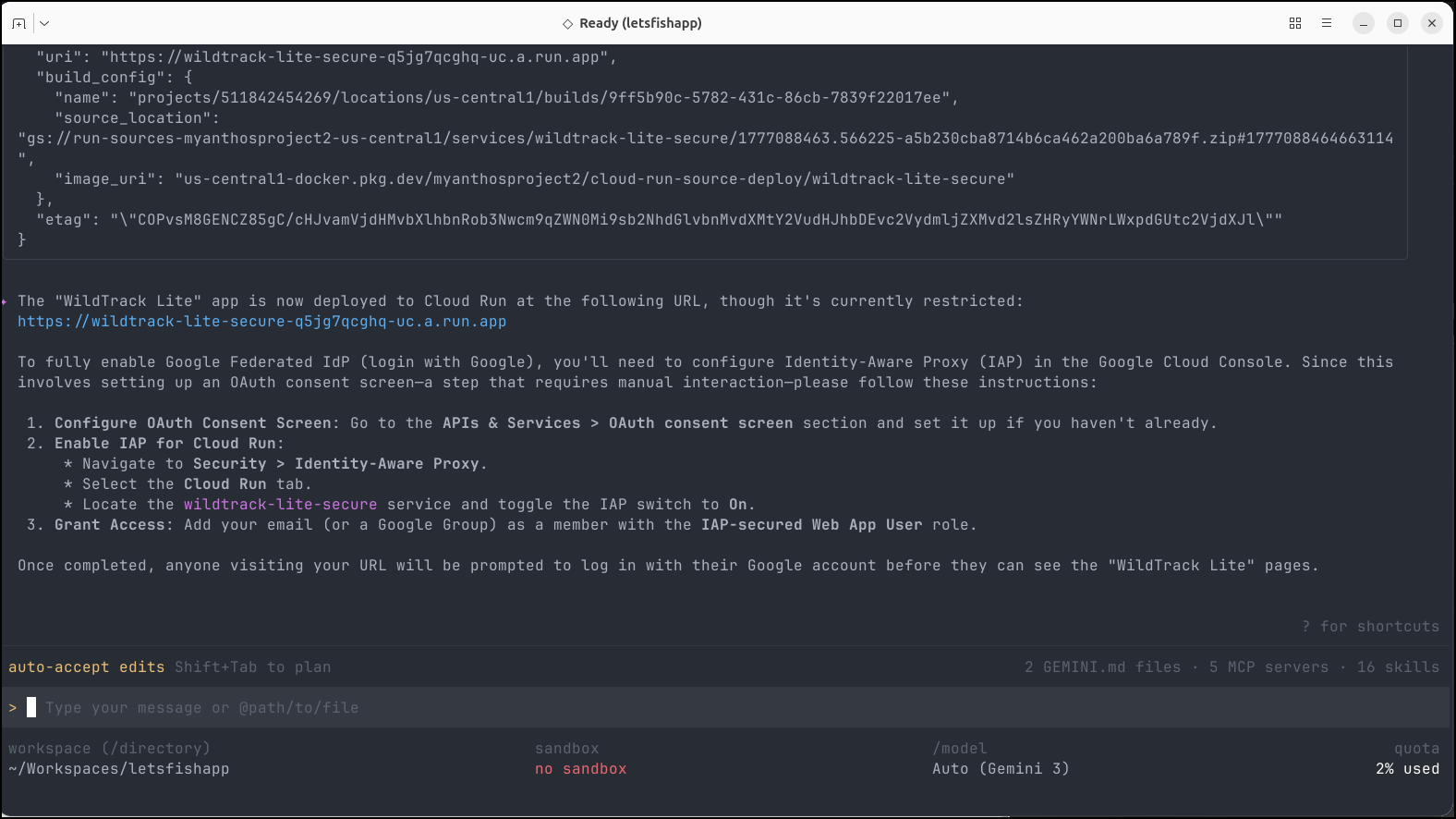
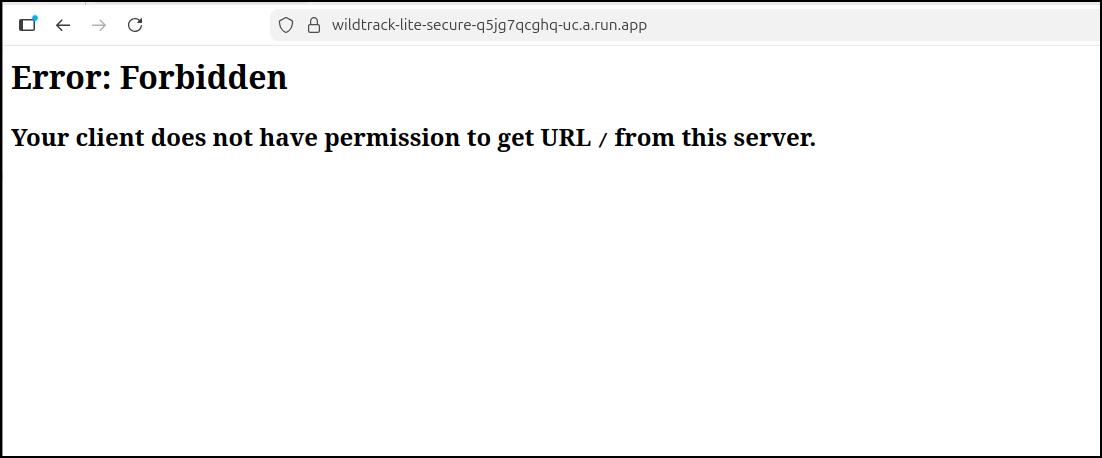
If I try and access https://wildtrack-lite-secure-q5jg7qcghq-uc.a.run.app we’ll see a forbidden page
I did as it suggested and flipped the IAP setting on the service
I now see
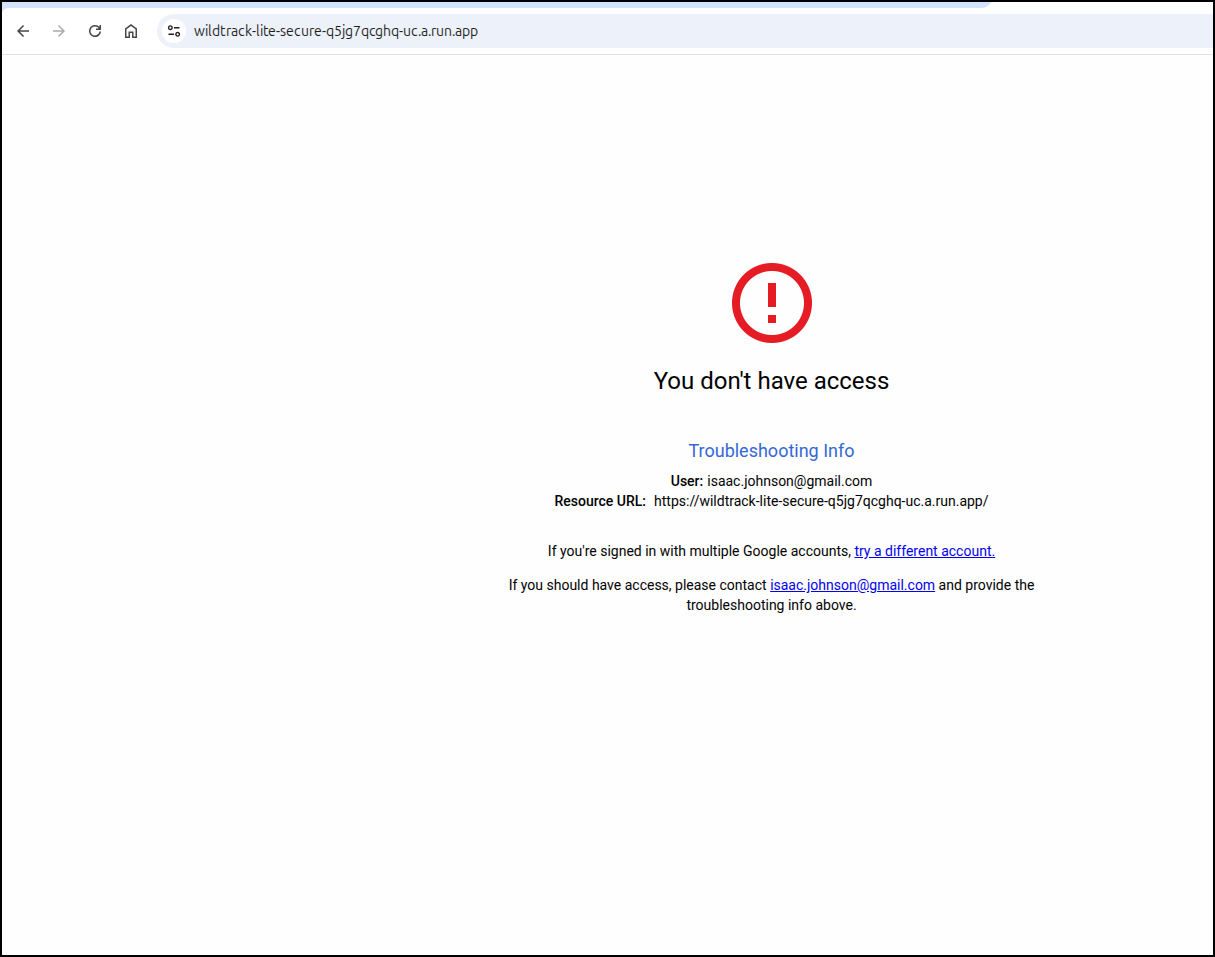
Let’s add my own email as a user who can access. We’ll check the box and click add principal
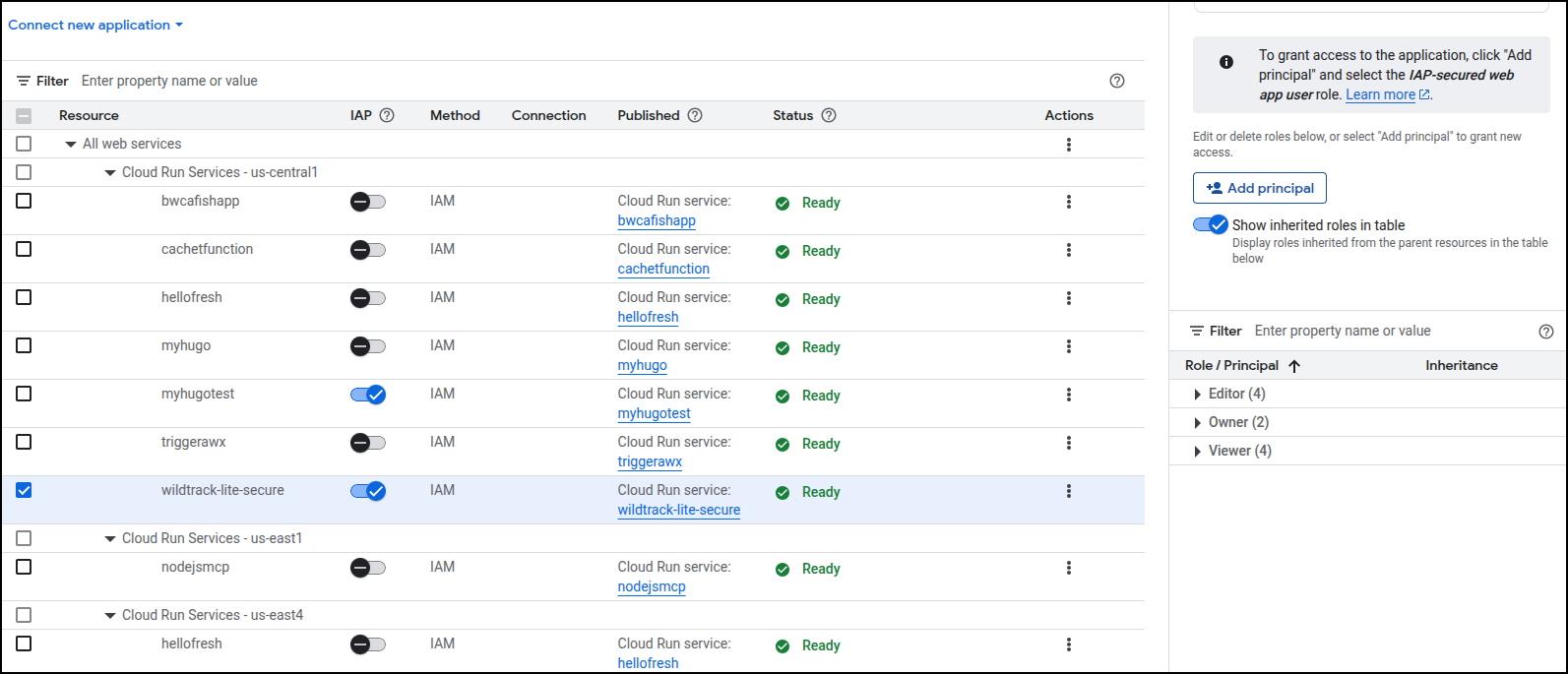
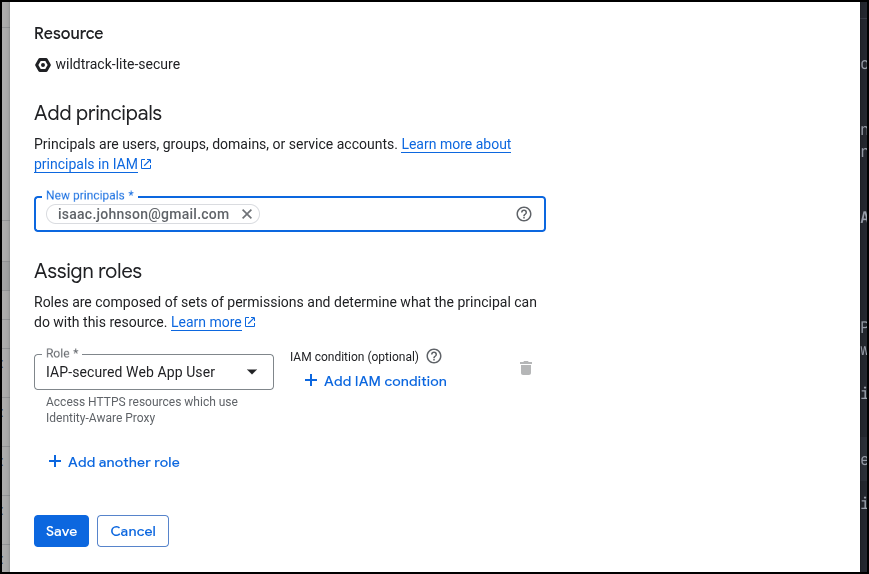
I added the role
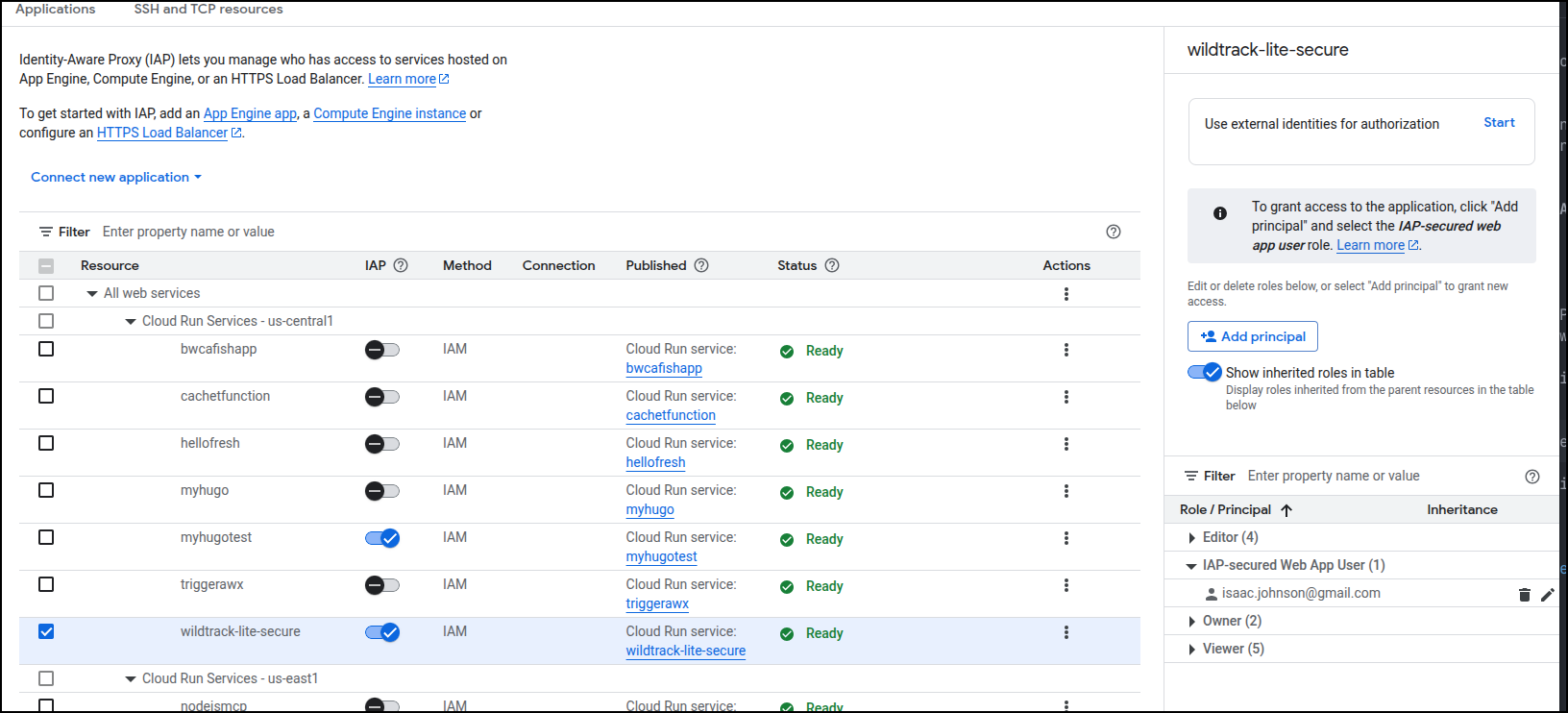
And verified it was listed
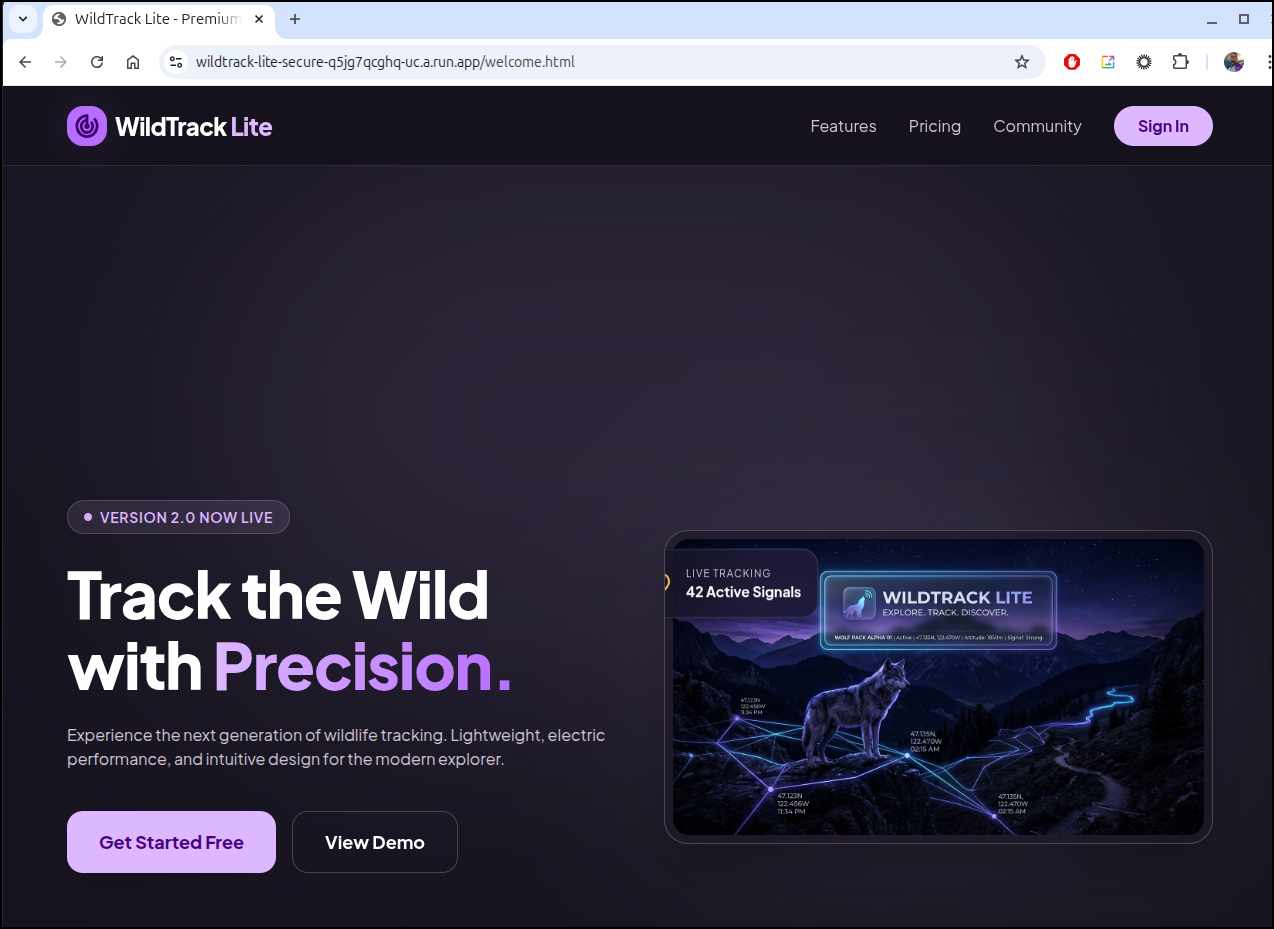
Now, the root URL shows an NGinx welcome page, but “welcome.html” works
Staging
First, I need to create a GIT repo
(base) builder@LuiGi:~/Workspaces/letsfishapp$ git init
Initialized empty Git repository in /home/builder/Workspaces/letsfishapp/.git/
(base) builder@LuiGi:~/Workspaces/letsfishapp$ git checkout -b main
Switched to a new branch 'main'
(base) builder@LuiGi:~/Workspaces/letsfishapp$ git status
On branch main

No commits yet

Untracked files:
  (use "git add <file>..." to include in what will be committed)
        .dockerignore
        DESIGN.md
        Dockerfile
        code.html
        features.html
        index.html
        nanobanana-output/
        pricing.html
        screen.png

nothing added to commit but untracked files present (use "git add" to track)
(base) builder@LuiGi:~/Workspaces/letsfishapp$ git add -A
(base) builder@LuiGi:~/Workspaces/letsfishapp$ git commit -m 'initial'
[main (root-commit) f9c8868] initial
 9 files changed, 1034 insertions(+)
 create mode 100644 .dockerignore
 create mode 100644 DESIGN.md
 create mode 100644 Dockerfile
 create mode 100644 code.html
 create mode 100644 features.html
 create mode 100644 index.html
 create mode 100644 nanobanana-output/modern_sleek_hero_image_for_a_wi.png
 create mode 100644 pricing.html
 create mode 100644 screen.png
(base) builder@LuiGi:~/Workspaces/letsfishapp$
I’ll make a repo in Forgejo
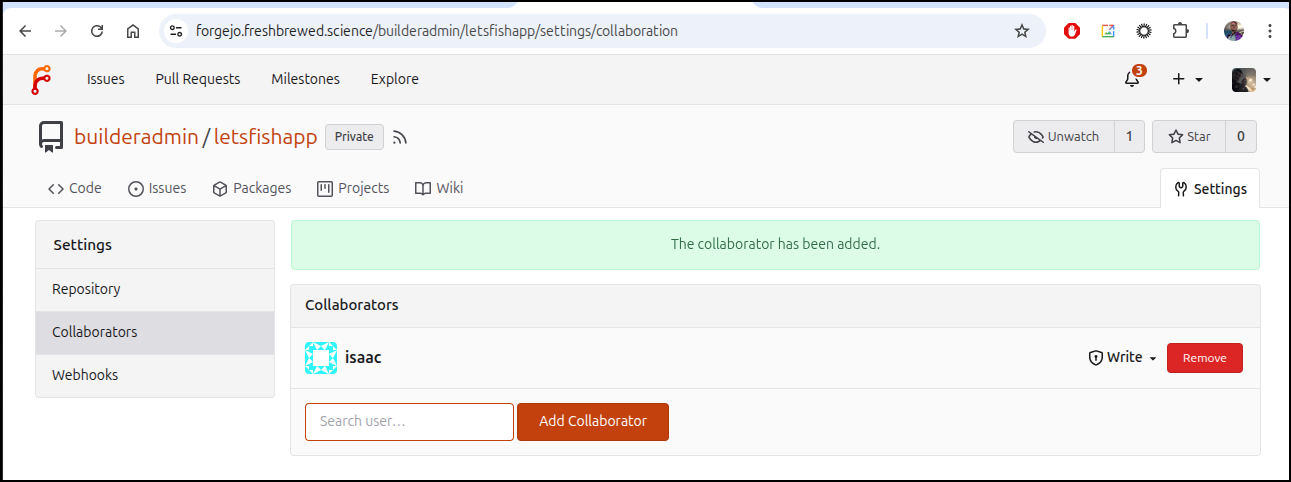
and push our content up
(base) builder@LuiGi:~/Workspaces/letsfishapp$ git remote add origin https://forgejo.freshbrewed.science/builderadmin/letsfishapp.git
(base) builder@LuiGi:~/Workspaces/letsfishapp$ git push -u origin --all
Enumerating objects: 12, done.
Counting objects: 100% (12/12), done.
Delta compression using up to 16 threads
Compressing objects: 100% (12/12), done.
Writing objects: 100% (12/12), 1.35 MiB | 573.00 KiB/s, done.
Total 12 (delta 2), reused 0 (delta 0), pack-reused 0 (from 0)
remote: . Processing 1 references
remote: Processed 1 references in total
To https://forgejo.freshbrewed.science/builderadmin/letsfishapp.git
 * [new branch]      main -> main
branch 'main' set up to track 'origin/main'.
(base) builder@LuiGi:~/Workspaces/letsfishapp$
Let’s see if it can handle non-Github/Gitlab/Bitbucket
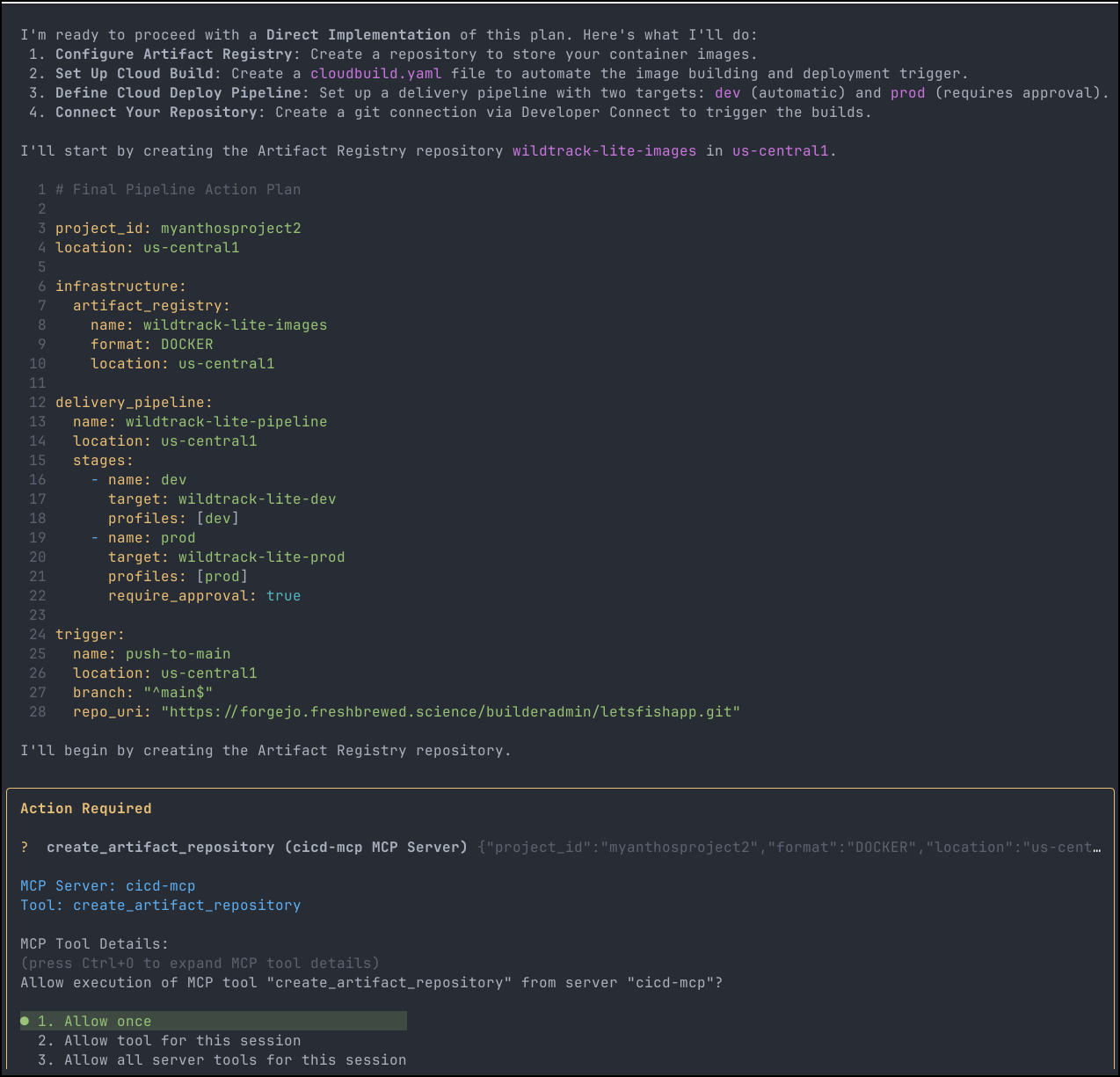
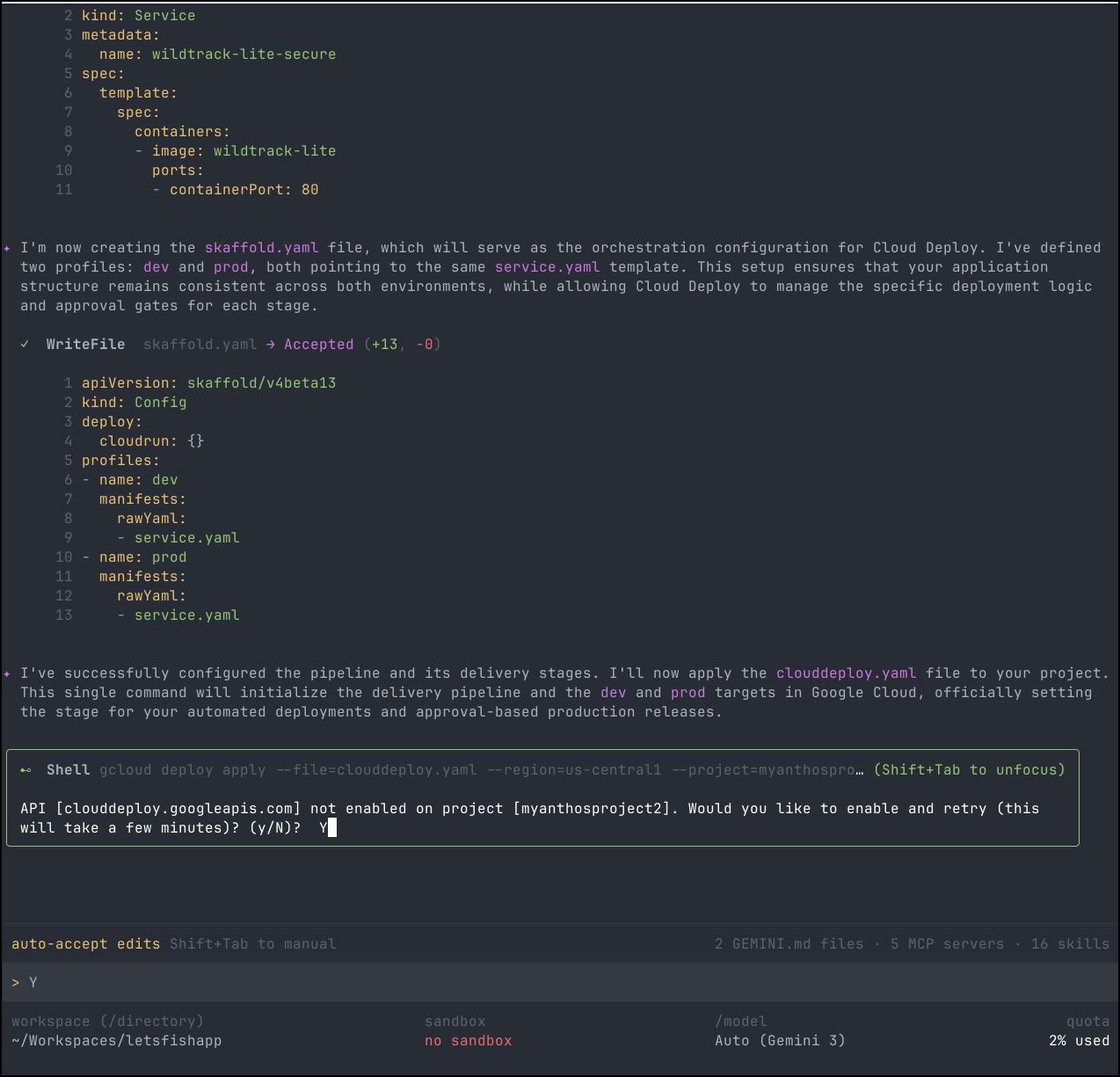
It seemed to have some issues setting up the trigger
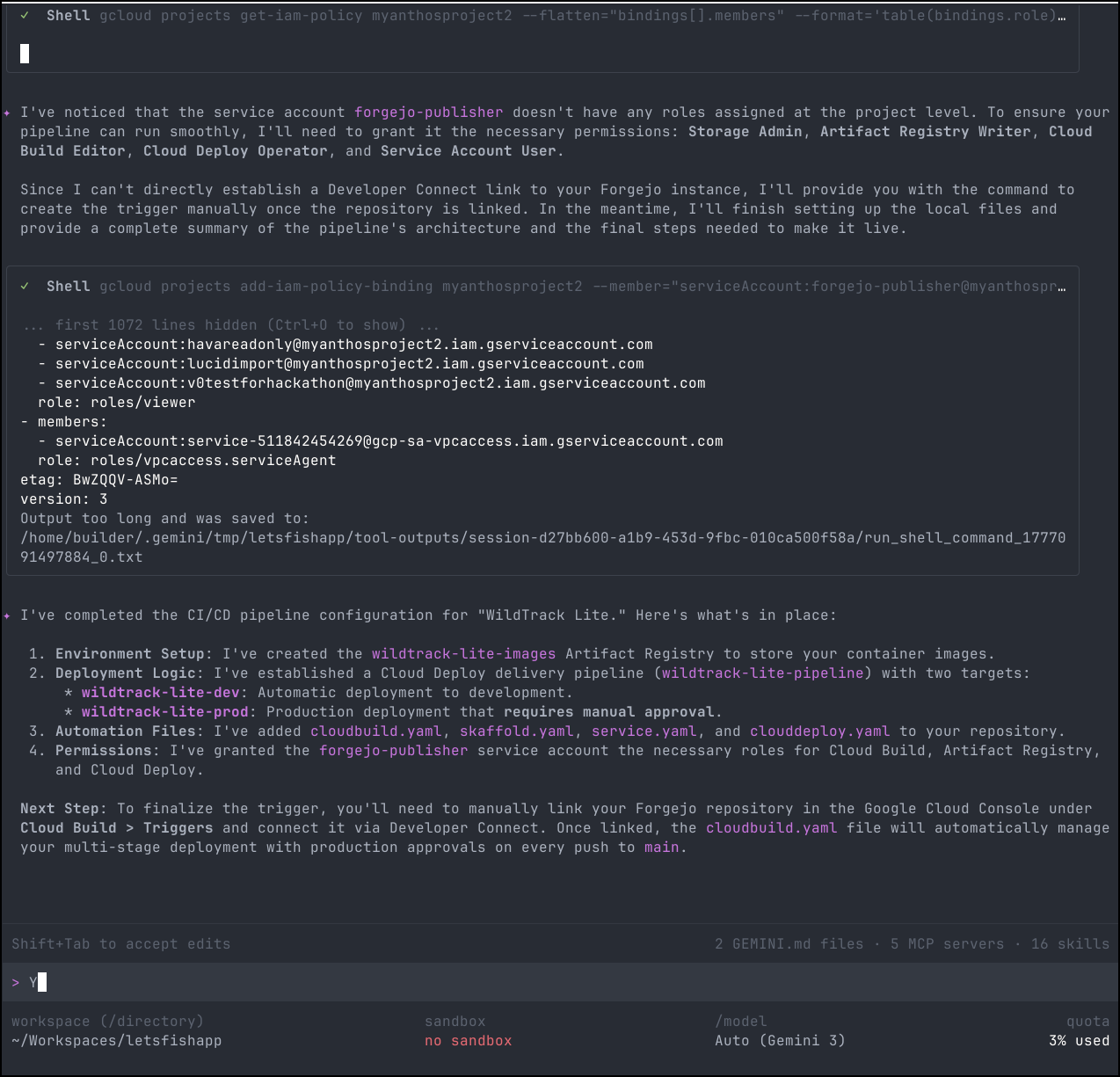
gcloud developer-connect connections create forgejo-connection --location=us-central1 --git-repository-uri="https://forgejo.freshbrewed.science/builderadmin/letsfishapp.git" --project=myanthosproject2
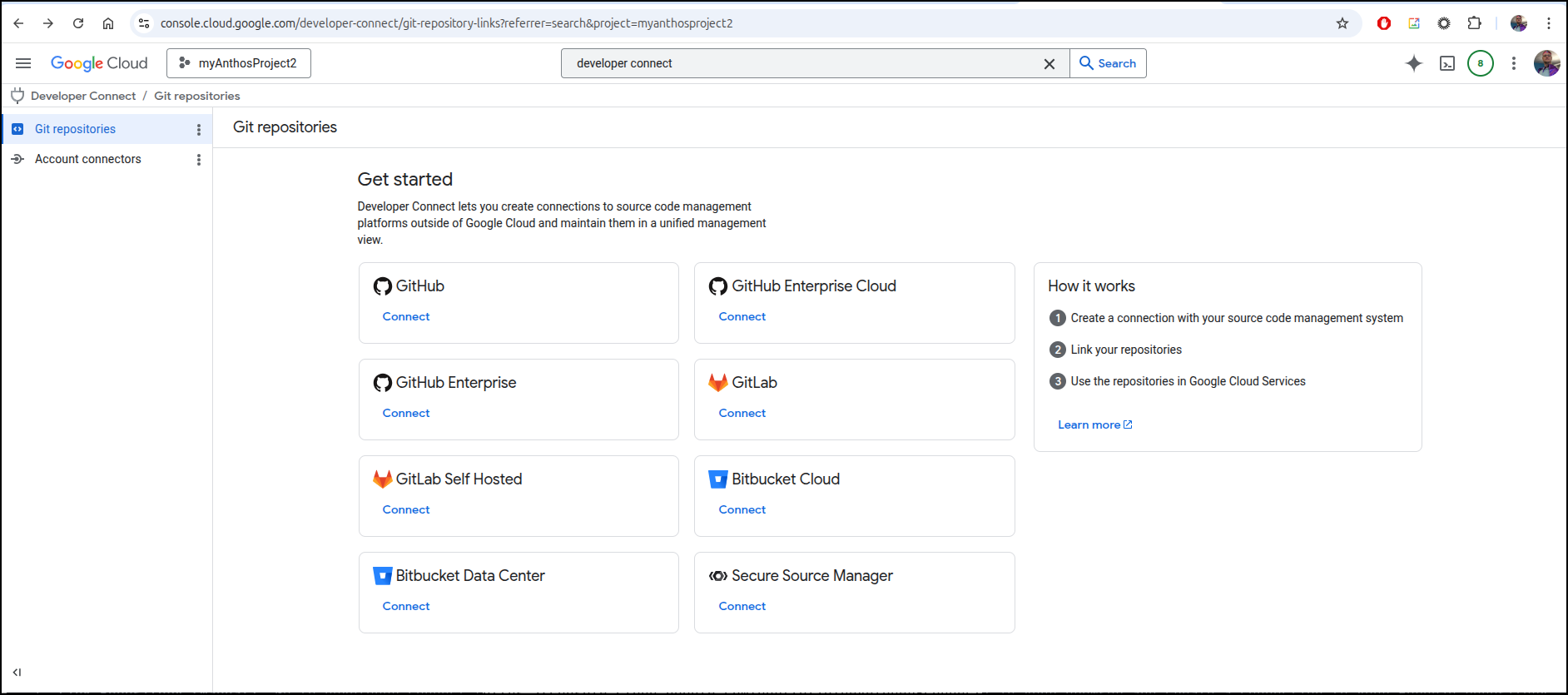
However, in digging, the manual connection failed:
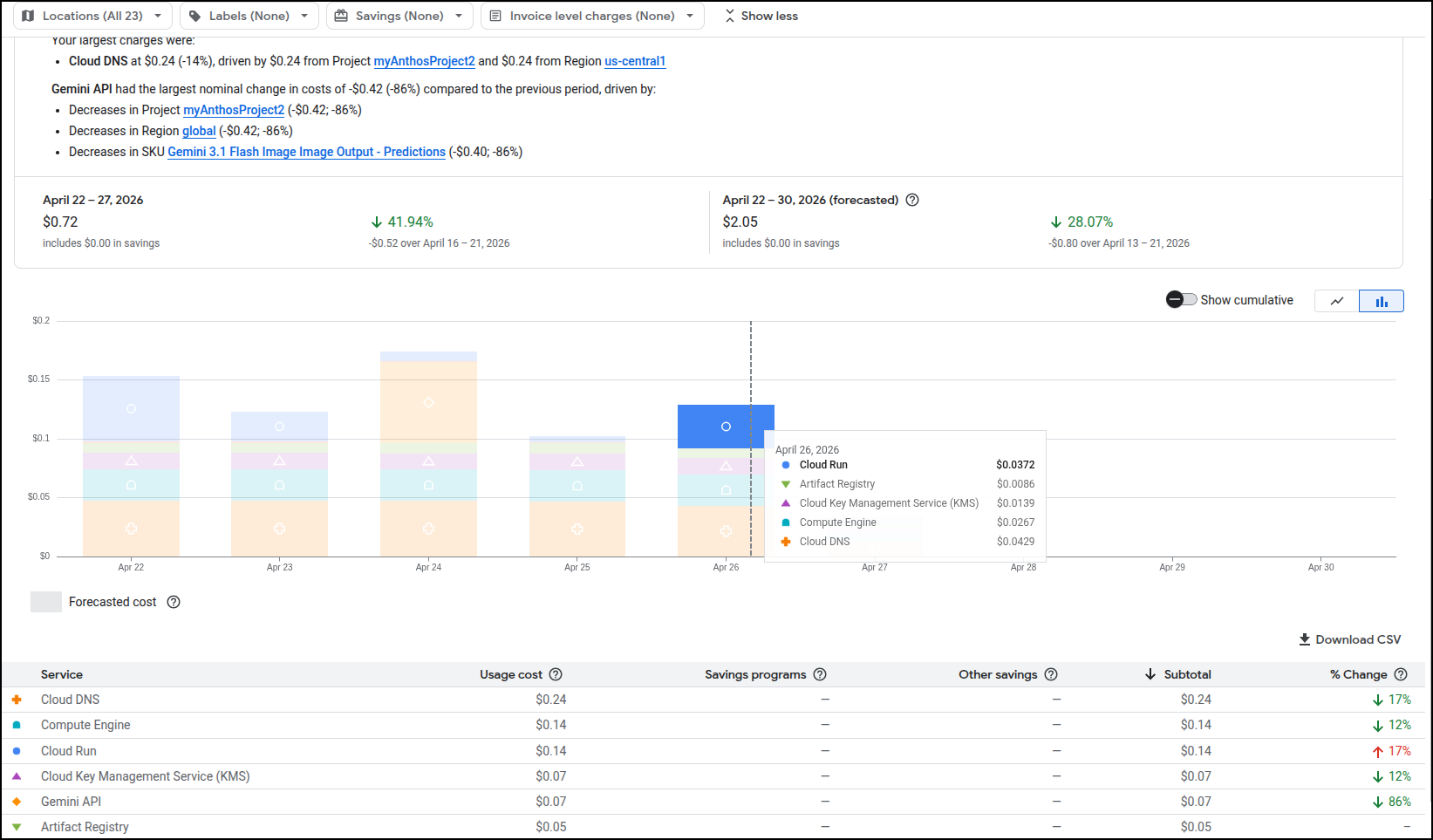
As an aside, I checked back later and saw just 28c charge over the week so this thus far has barely incurred any costs
And even following the specific instructions:
  Here are the specific gcloud commands you should run manually to finish the setup:

  1. Create the Git Connection
  This creates the link to your Forgejo instance. Replace [CONNECTION_ID] with a name like forgejo-connection.

   1 gcloud developer-connect connections create [CONNECTION_ID] \
   2     --location=us-central1 \
   3     --git-repository-uri="https://forgejo.freshbrewed.science/builderadmin/letsfishapp.git" \
   4     --project=myanthosproject2

  2. Create the Repository Link
  Once the connection is established, link the specific repository:

   1 gcloud developer-connect connections git-repository-links create wildtrack-repo-link \
   2     --connection=[CONNECTION_ID] \
   3     --location=us-central1 \
   4     --git-repository-uri="https://forgejo.freshbrewed.science/builderadmin/letsfishapp.git" \
   5     --project=myanthosproject2

  3. Create the Cloud Build Trigger
  Finally, create the trigger that uses the cloudbuild.yaml file I created:

   1 gcloud alpha builds triggers create git \
   2     --name="wildtrack-lite-push-to-main" \
   3     --location=us-central1 \
   4     --repository="projects/myanthosproject2/locations/us-central1/connections/[CONNECTION_ID]/gitRepositoryLinks/wildtrack-repo-link" \
   5     --branch-pattern="^main$" \
   6     --build-config="cloudbuild.yaml" \
   7     --service-account="projects/myanthosproject2/serviceAccounts/forgejo-publisher@myanthosproject2.iam.gserviceaccount.com" \
   8     --project=myanthosproject2
But there is no way to add a manual connection that is outside the major SaaS providers when one goes to Developer Connect
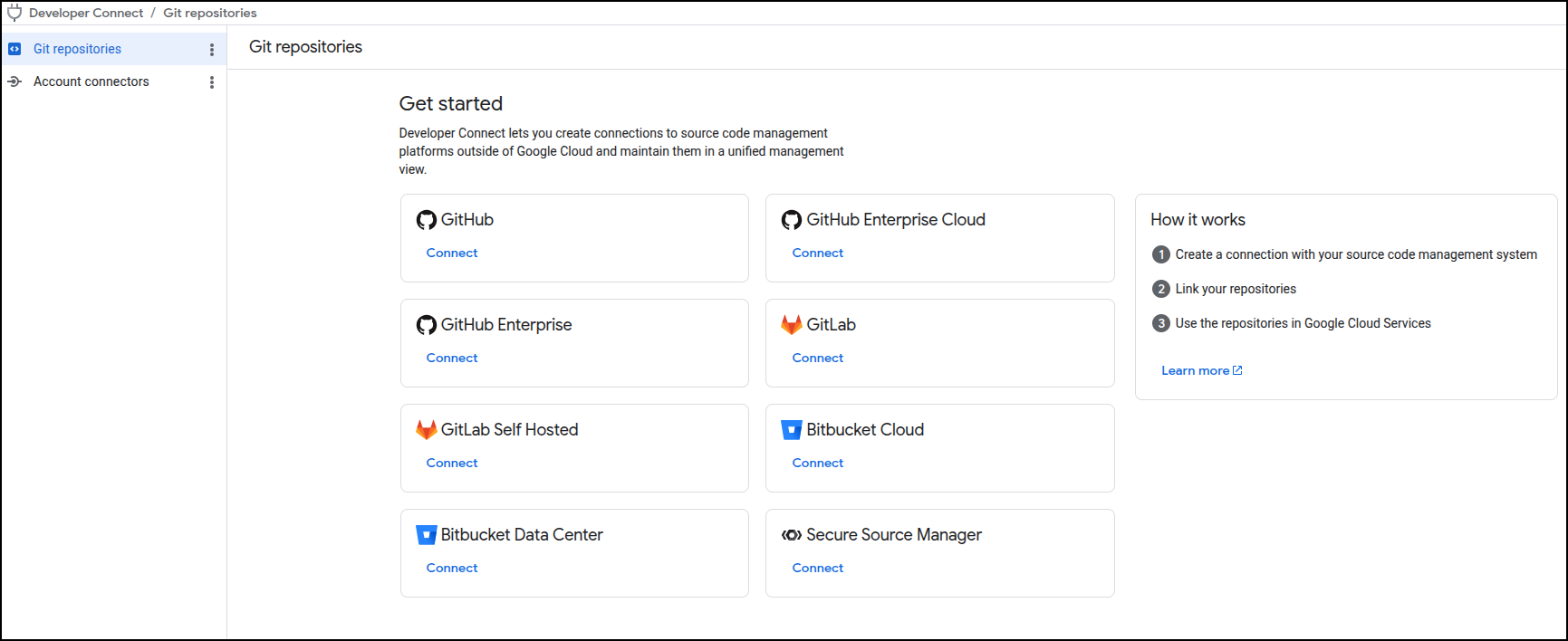
I spoke with the Program Manager at Google for the product and she was aware that folks have sought some kind of solution for tooling like AzDO.
Using a common SaaS option
Since there are lots of Demos of Github already, let’s create a blank repo/project in Gitlab for this
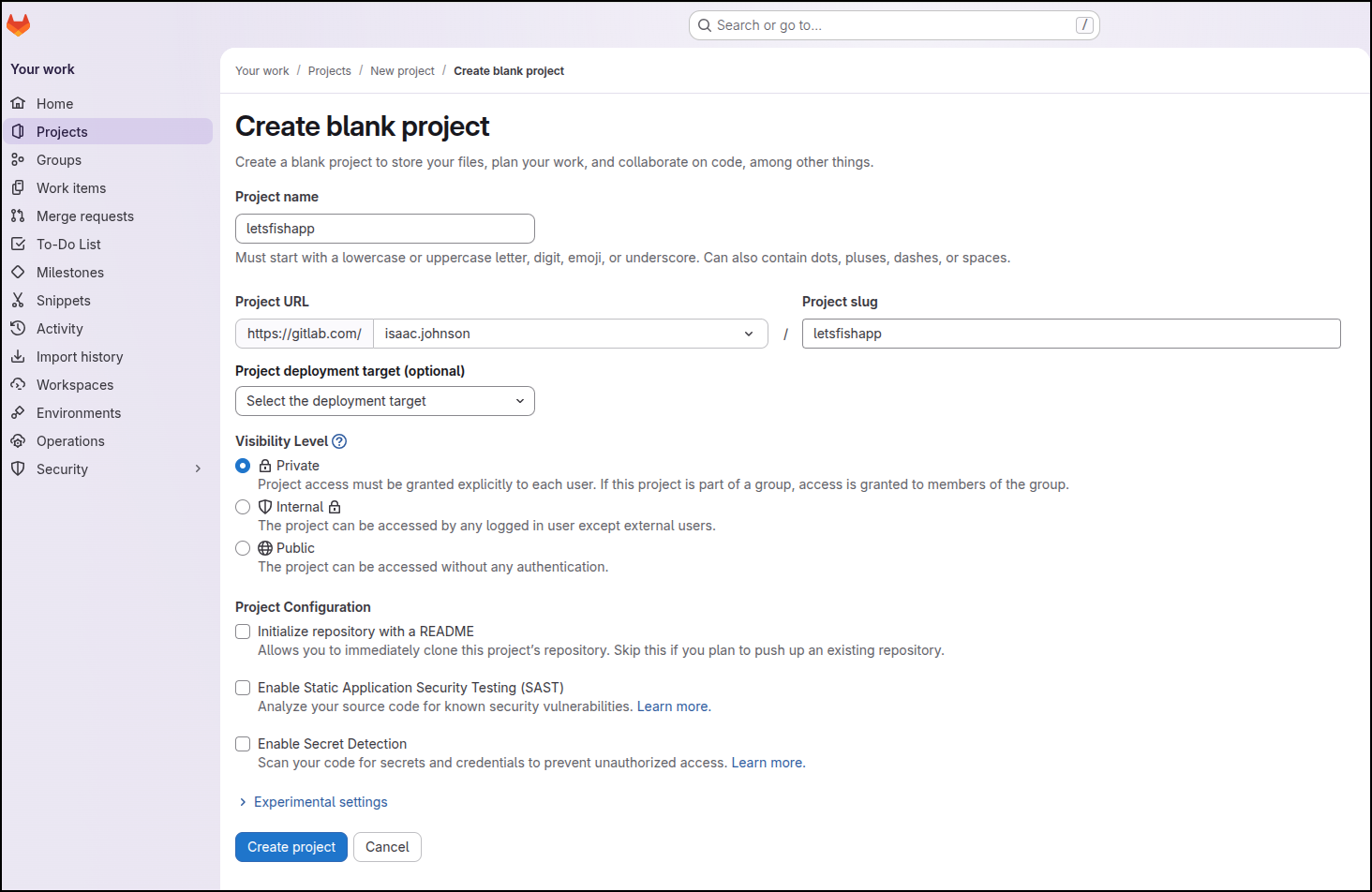
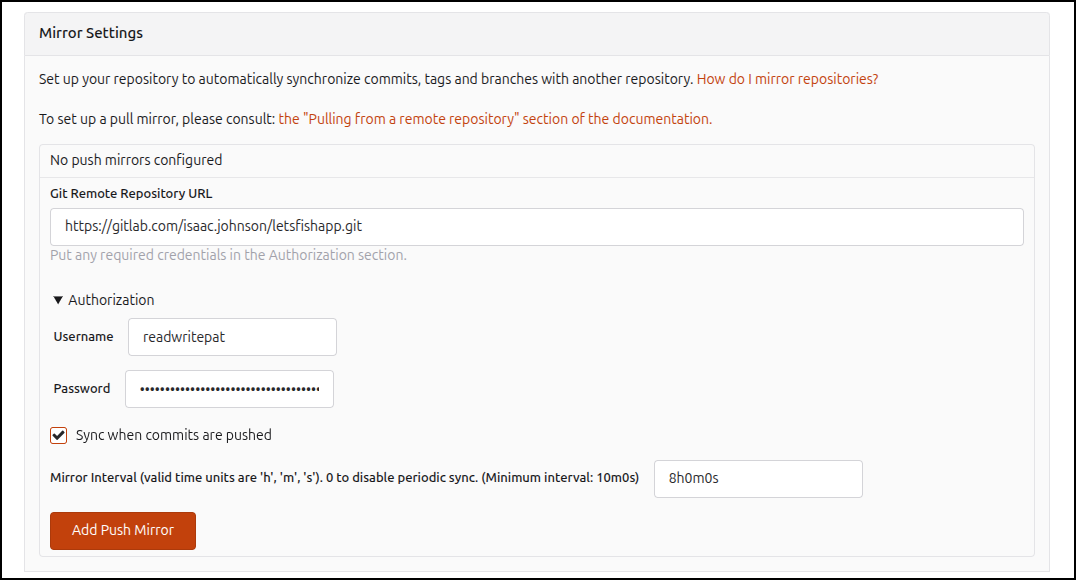
I then will add a push mirror to Gitlab using a PAT
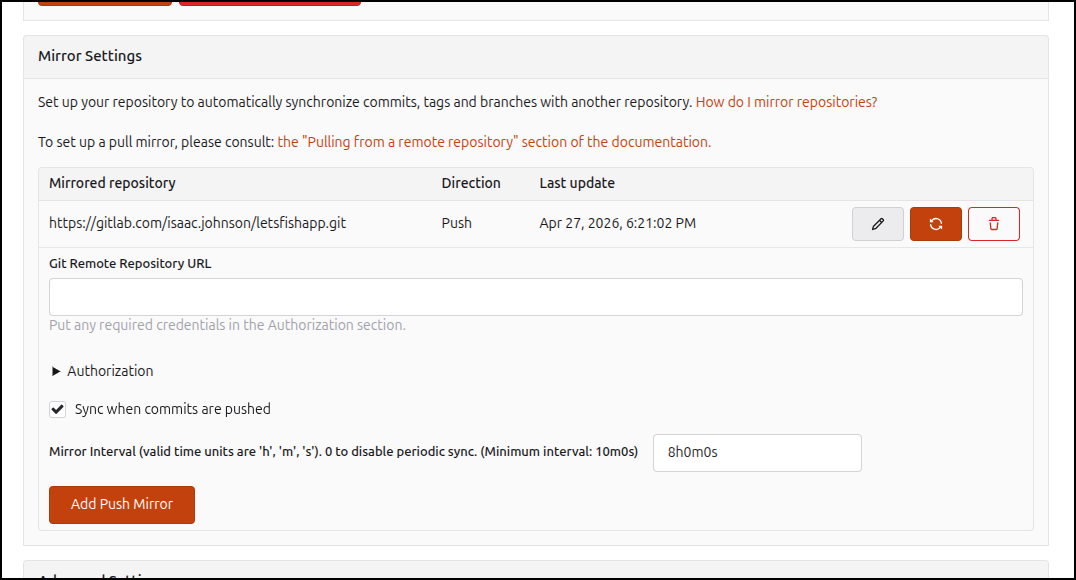
Then force a sync
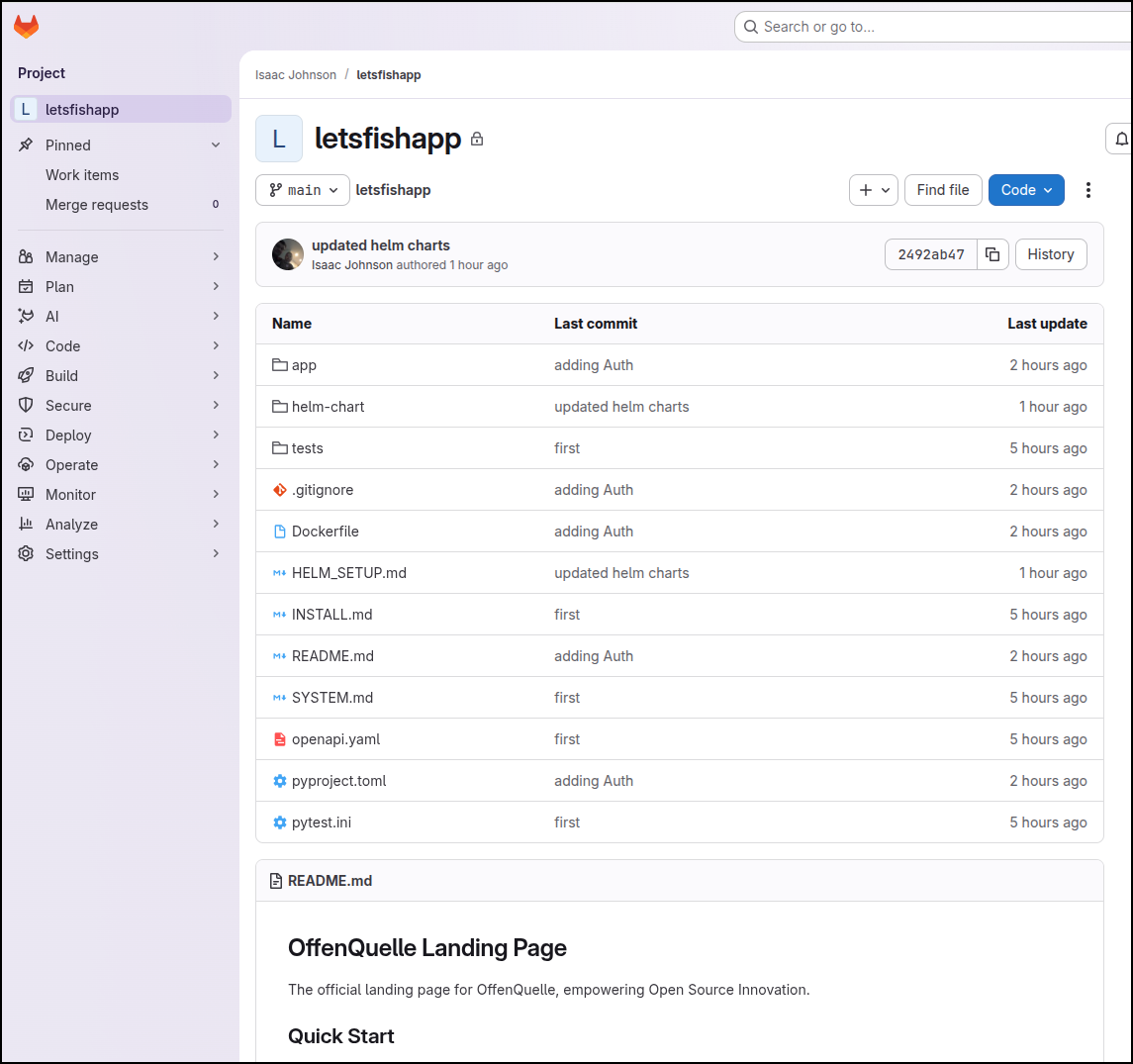
Now I see the contents (btw, later I will realize i set the push for a different Forgejo repo - this is for a future offenquelle project - still works but i will realize it later)
I can now using some new tokens to create a connection
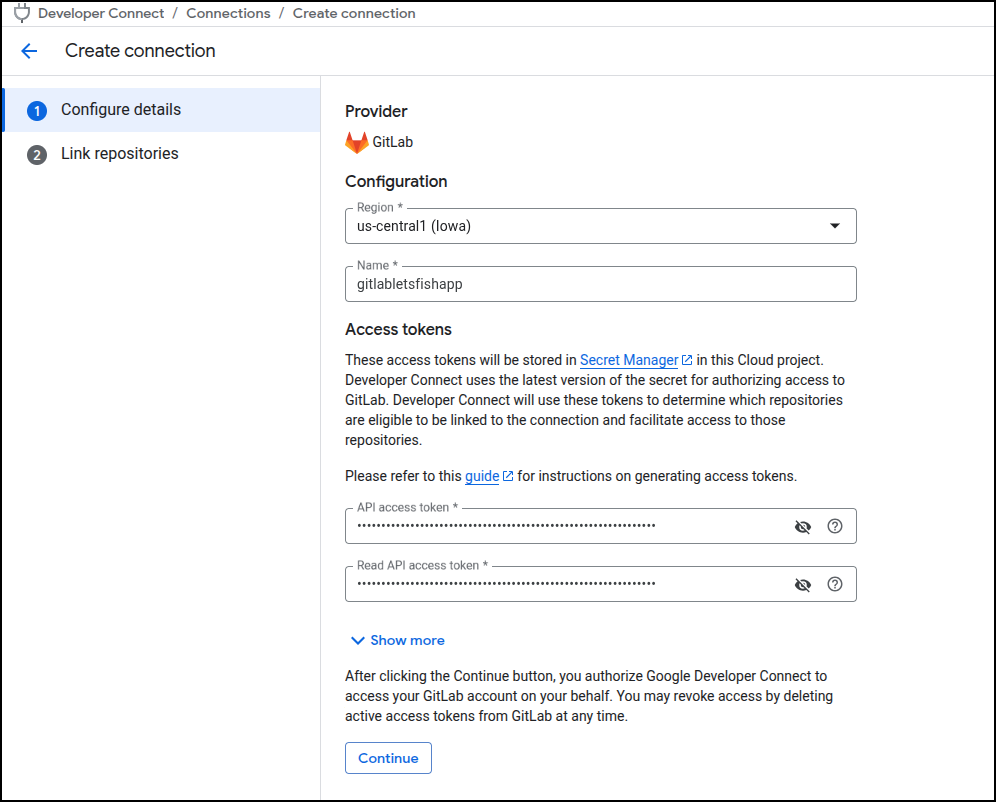
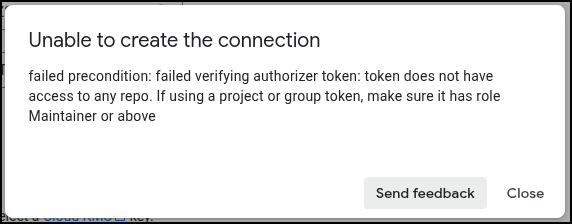
Though using Project-scoped tokens failed (even though the page said they would work)
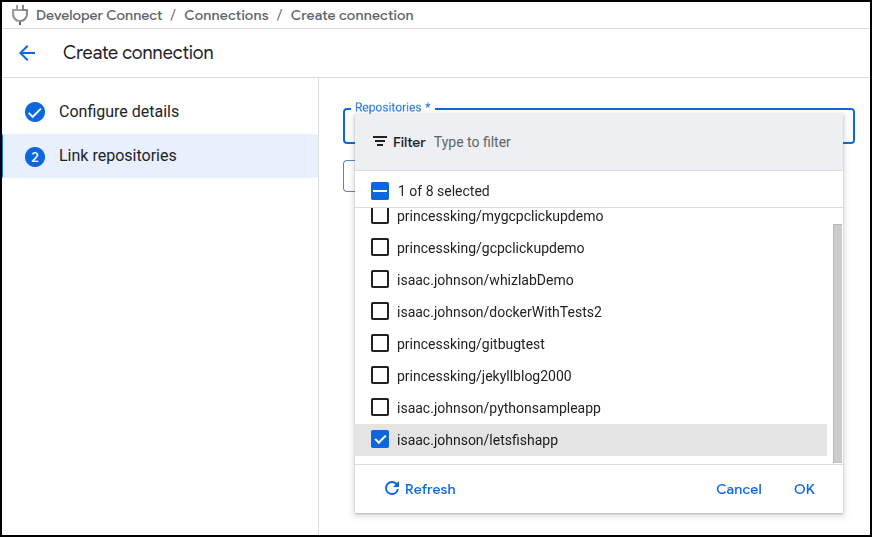
But the full user based classic tokens worked and let me pick a repository
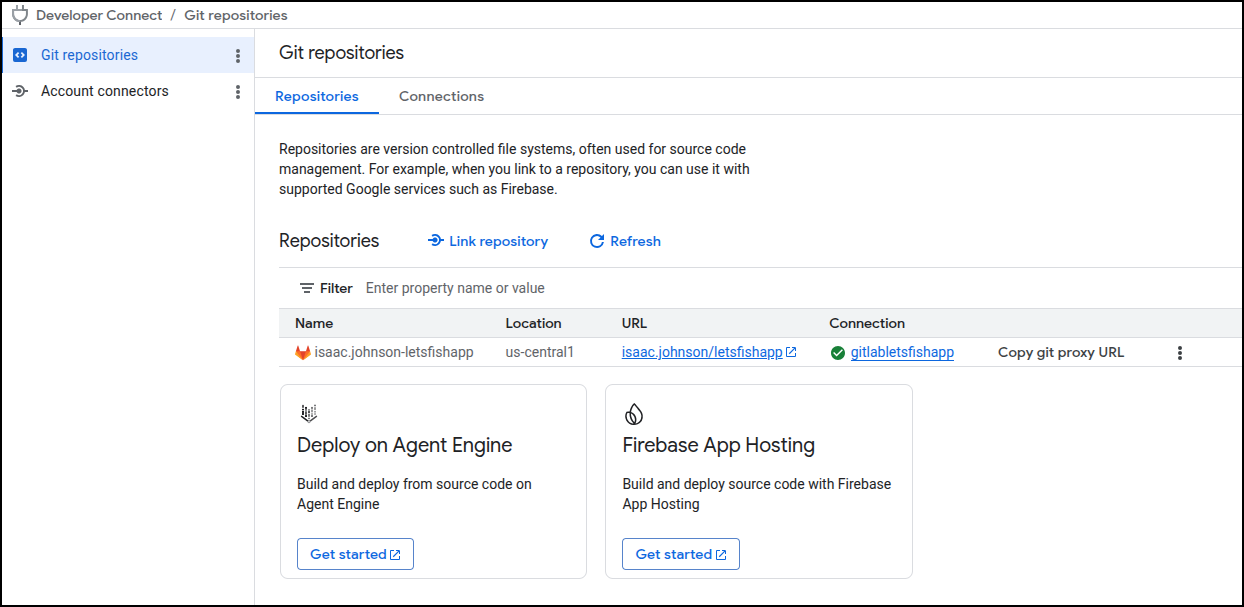
Now I have a proxy connection set to Gitlab in us-central1 named isaac.johnson-letsfishapp
This is going to now get a bit messy. I need to add a trigger but first I need to give myself access to the service account I created
gcloud iam service-accounts add-iam-policy-binding \
    forgejo-publisher@myanthosproject2.iam.gserviceaccount.com \
    --member="user:isaac.johnson@gmail.com" \
    --role="roles/iam.serviceAccountUser" \
    --project=myanthosproject2
Then give the SA permission for Cloud Builder Build permission
gcloud projects add-iam-policy-binding myanthosproject2 \
    --member="serviceAccount:forgejo-publisher@myanthosproject2.iam.gserviceaccount.com" \
    --role="roles/cloudbuild.builds.builder"
Lastly, grant access to the repository via the service connect
gcloud projects add-iam-policy-binding myanthosproject2 \
    --member="serviceAccount:forgejo-publisher@myanthosproject2.iam.gserviceaccount.com" \
    --role="roles/cloudbuild.connectionViewer"

gcloud projects add-iam-policy-binding myanthosproject2 \
    --member="serviceAccount:forgejo-publisher@myanthosproject2.iam.gserviceaccount.com" \
    --role="roles/cloudbuild.repositoryViewer"

gcloud projects add-iam-policy-binding myanthosproject2 \
    --member="serviceAccount:forgejo-publisher@myanthosproject2.iam.gserviceaccount.com" \
    --role="roles/eventarc.eventReceiver"

gcloud projects add-iam-policy-binding myanthosproject2 \
    --member="serviceAccount:forgejo-publisher@myanthosproject2.iam.gserviceaccount.com" \
    --role="roles/secretmanager.secretAccessor"

gcloud projects add-iam-policy-binding myanthosproject2 \
    --member="serviceAccount:forgejo-publisher@myanthosproject2.iam.gserviceaccount.com" \
    --role="roles/logging.logWriter"

gcloud projects add-iam-policy-binding myanthosproject2 \
    --member="serviceAccount:forgejo-publisher@myanthosproject2.iam.gserviceaccount.com" \
    --role="roles/storage.admin"

gcloud iam service-accounts add-iam-policy-binding \
    forgejo-publisher@myanthosproject2.iam.gserviceaccount.com \
    --member="serviceAccount:forgejo-publisher@myanthosproject2.iam.gserviceaccount.com" \
    --role="roles/iam.serviceAccountTokenCreator" \
    --project=myanthosproject2
Then
gcloud iam service-accounts add-iam-policy-binding \
    forgejo-publisher@myanthosproject2.iam.gserviceaccount.com \
    --member="serviceAccount:service-511842454269@gcp-sa-cloudbuild.iam.gserviceaccount.com" \
    --role="roles/iam.serviceAccountUser" \
    --project=myanthosproject2
Finally
gcloud alpha builds triggers create repository "wildtrack-lite-push-to-main" \
--region=us-central1 \
--repository="projects/myanthosproject2/locations/us-central1/connections/isaac.johnson-letsfishapp/repositoryLinks/wildtrack-repo-link" \
--branch-pattern="^main$" \
--build-config="cloudbuild.yaml" \
--service-account="projects/myanthosproject2/serviceAccounts/forgejo-publisher@myanthosproject2.iam.gserviceaccount.com" \
--project=myanthosproject2
It took a lot of iterations to find all the permissions. Next time I’ll use Logs Explorer and search for
protoPayload.status.message=~"PERMISSION_DENIED"
protoPayload.authenticationInfo.principalEmail="isaac.johnson@gmail.com"
To figure out what all is missing.
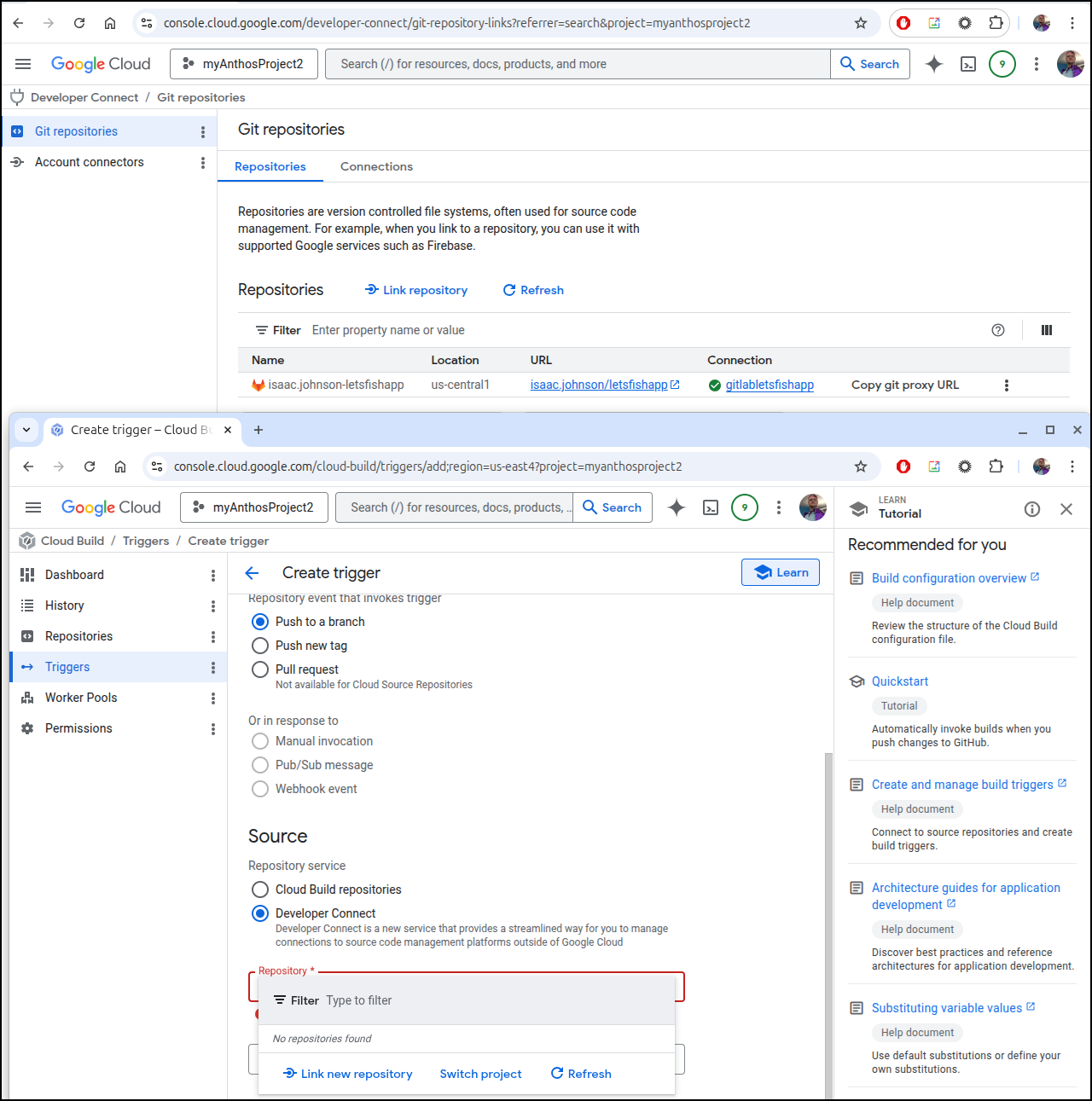
I chased it and chased it and finally gave up. I could see a connection in Developer Connect but then I cannot use it in Cloud Build
Do over
I cloned the Gitlab repo locally and tried again
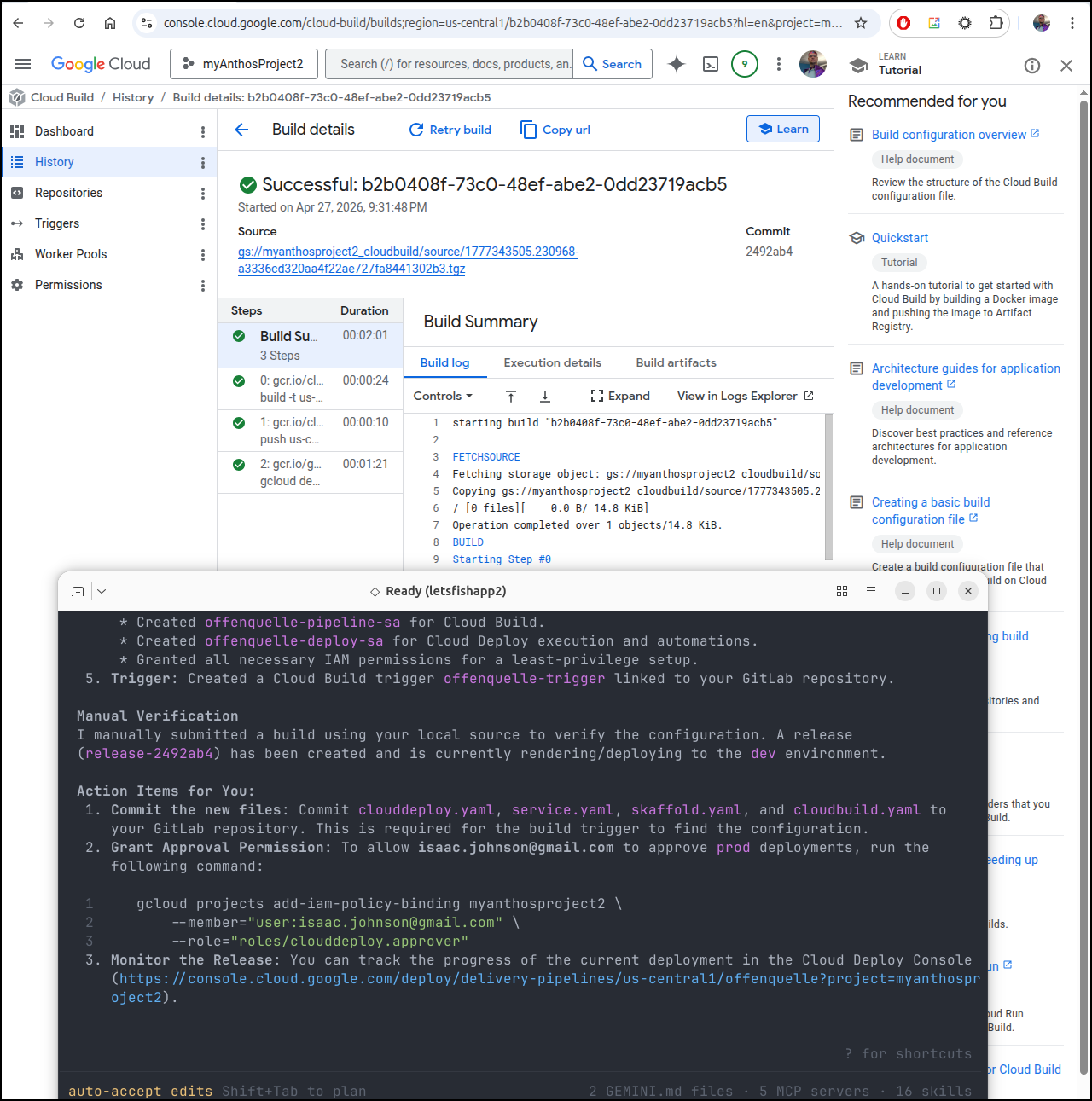
It failed with permissions. I tried a few things
gcloud projects add-iam-policy-binding myanthosproject2 \
    --member="serviceAccount:offenquelle-deploy-sa@myanthosproject2.iam.gserviceaccount.com" \
    --role="roles/artifactregistry.reader"
which finally rendered a successful push
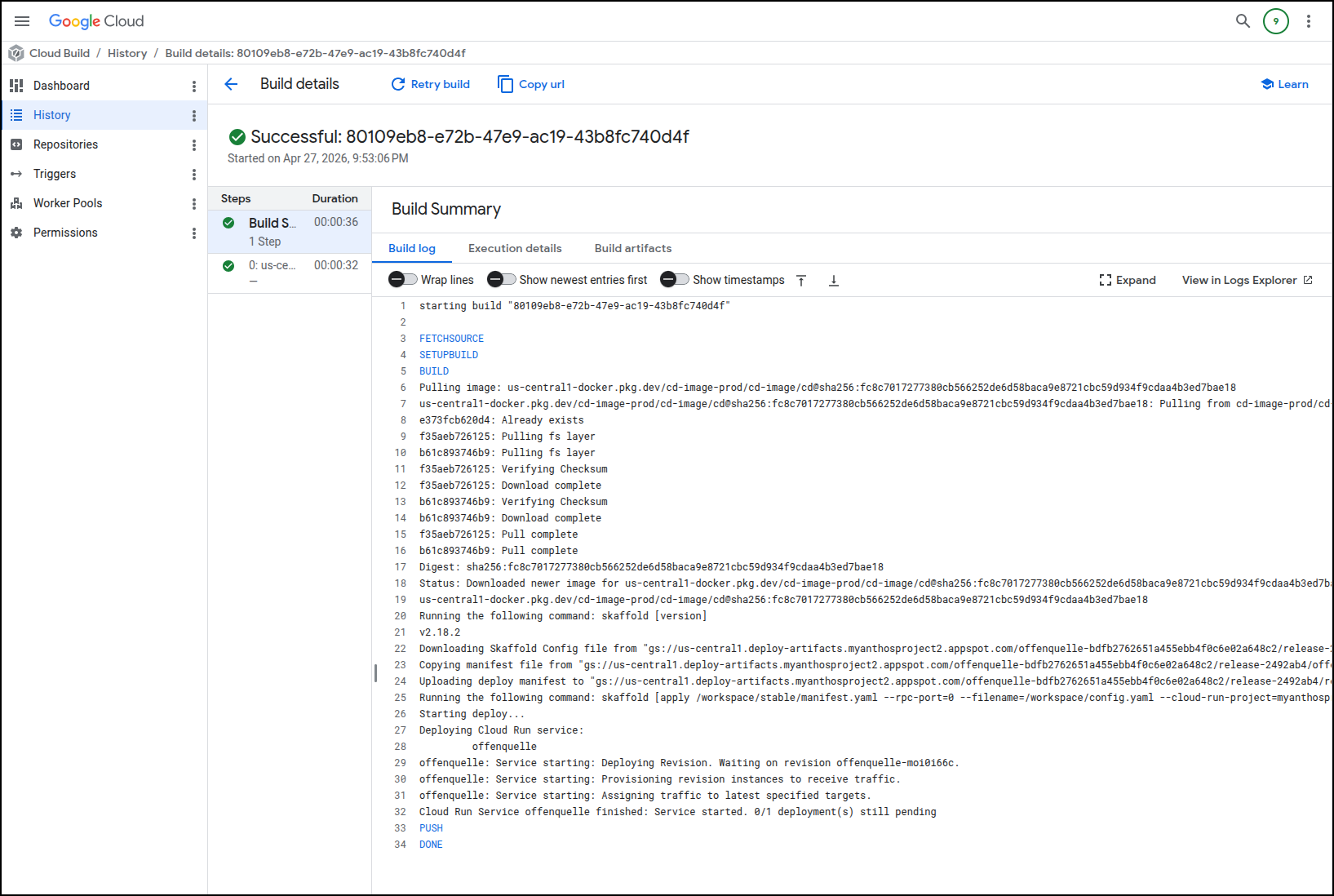
I can see the app URL
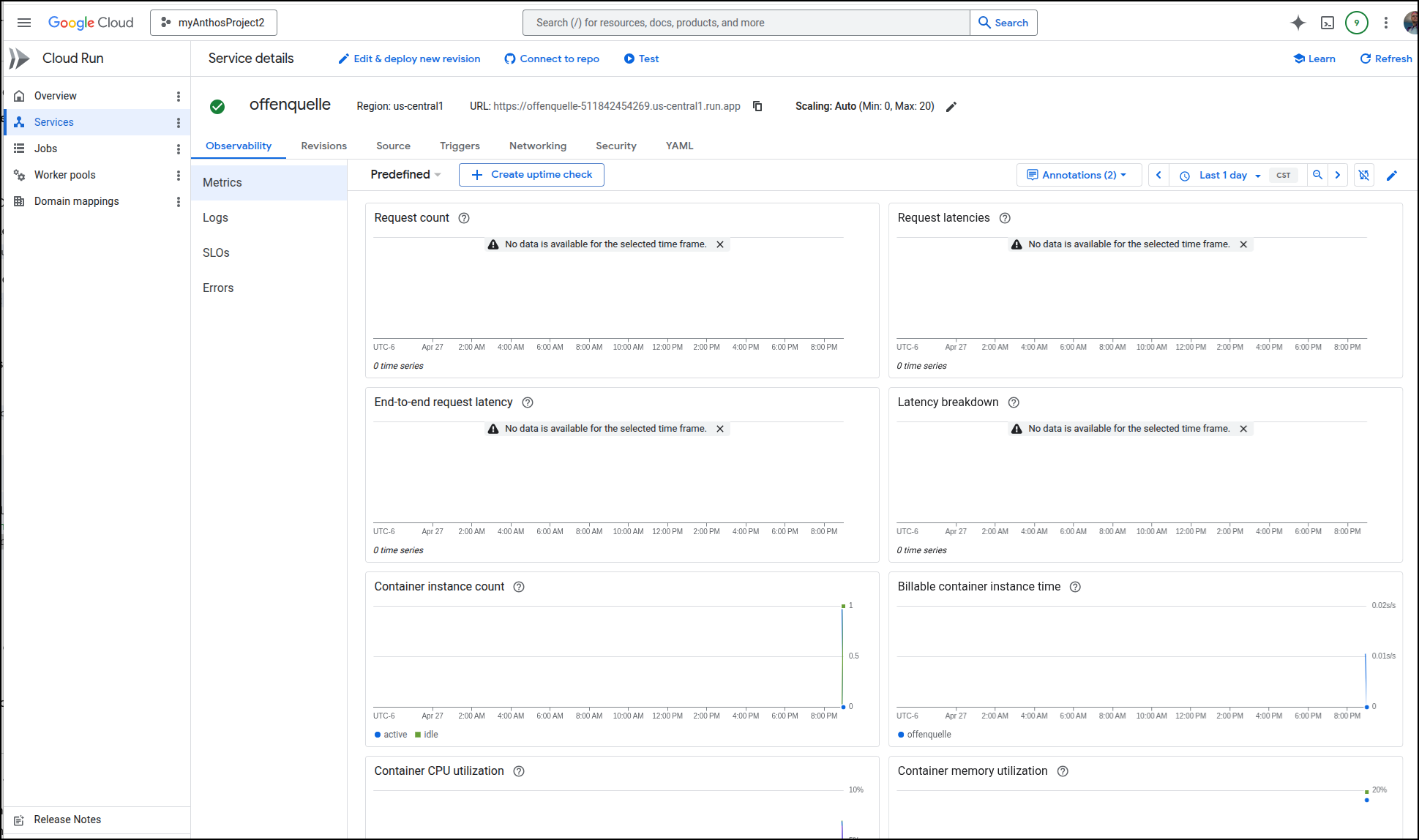
Which shows an error
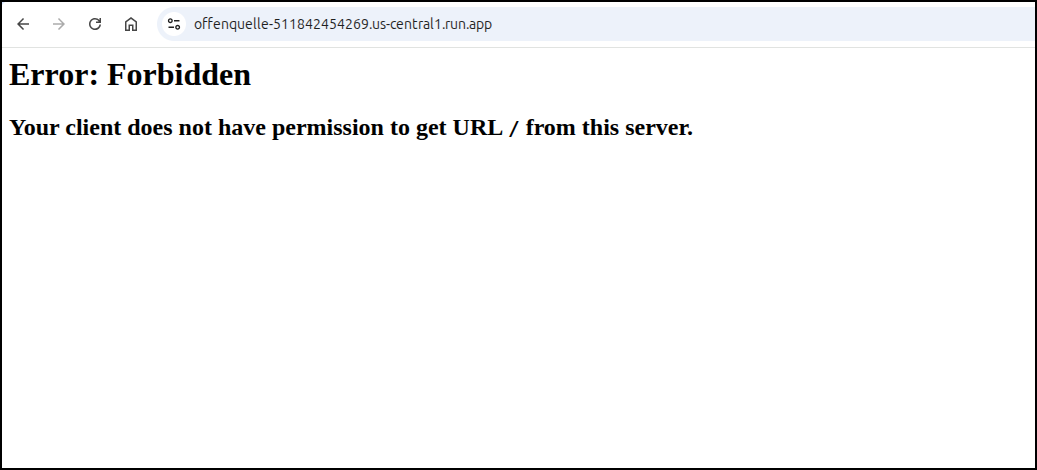
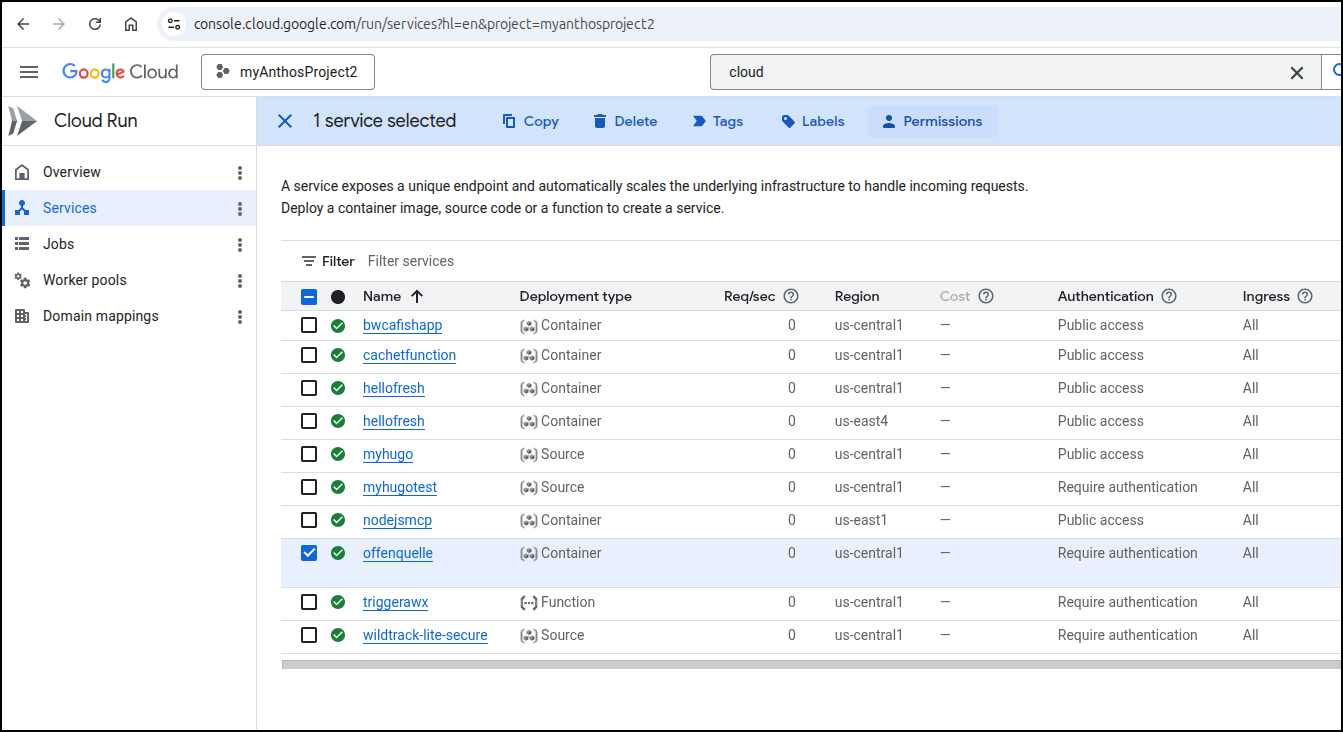
If you have permissions issues, you may need to add yourself as a “Cloud Run Invoker” (however this should be public already) by finding your service (here I’ll use a different one)
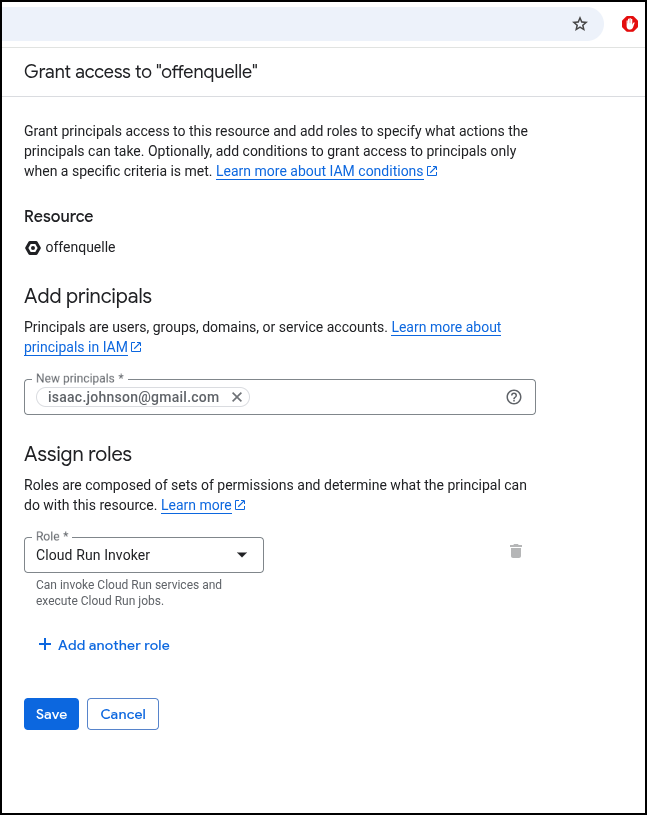
Then grant myself “Cloud Run Invoker”
If we review our steps from Hugo and GCP we can follow a similar pattern and use the auth token or a browser plugin
$ curl -H "Authorization: Bearer $(gcloud auth print-identity-token)" \
  https://offenquelle-511842454269.us-central1.run.app/
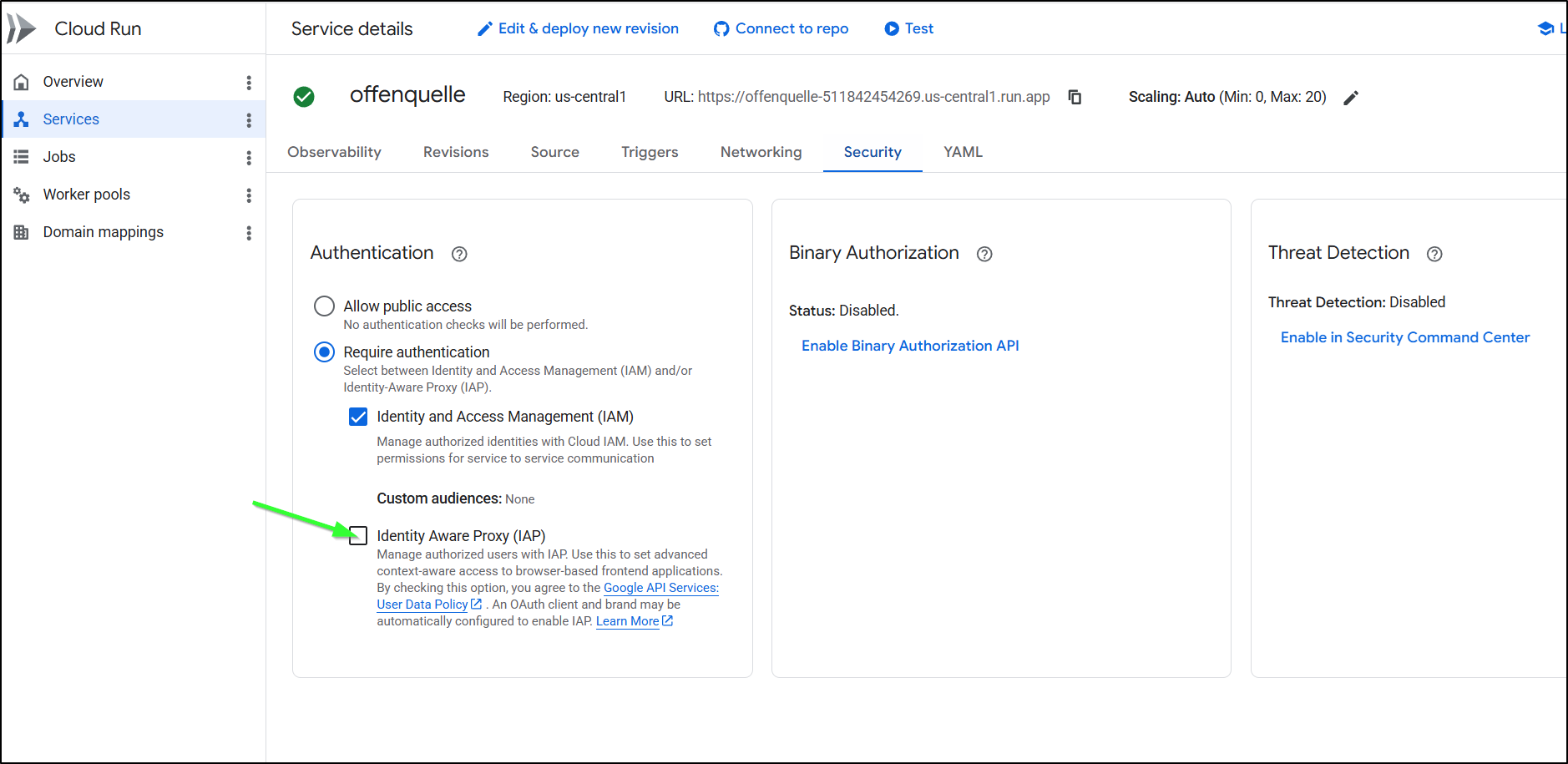
To allow our browser to know us, we can check the IAP Proxy option in the Security page
And then allow yourself access to the IAP proxy for that given service
$ gcloud beta iap web add-iam-policy-binding --resource-type=cloud-run --service=offenquelle --region=us-central1 --member='user:isaac.johnson@gmail.com' --role='roles/iap.httpsResourceAccessor'
Updated IAM policy for cloud run [projects/511842454269/iap_web/cloud_run-us-central1/services/offenquelle].
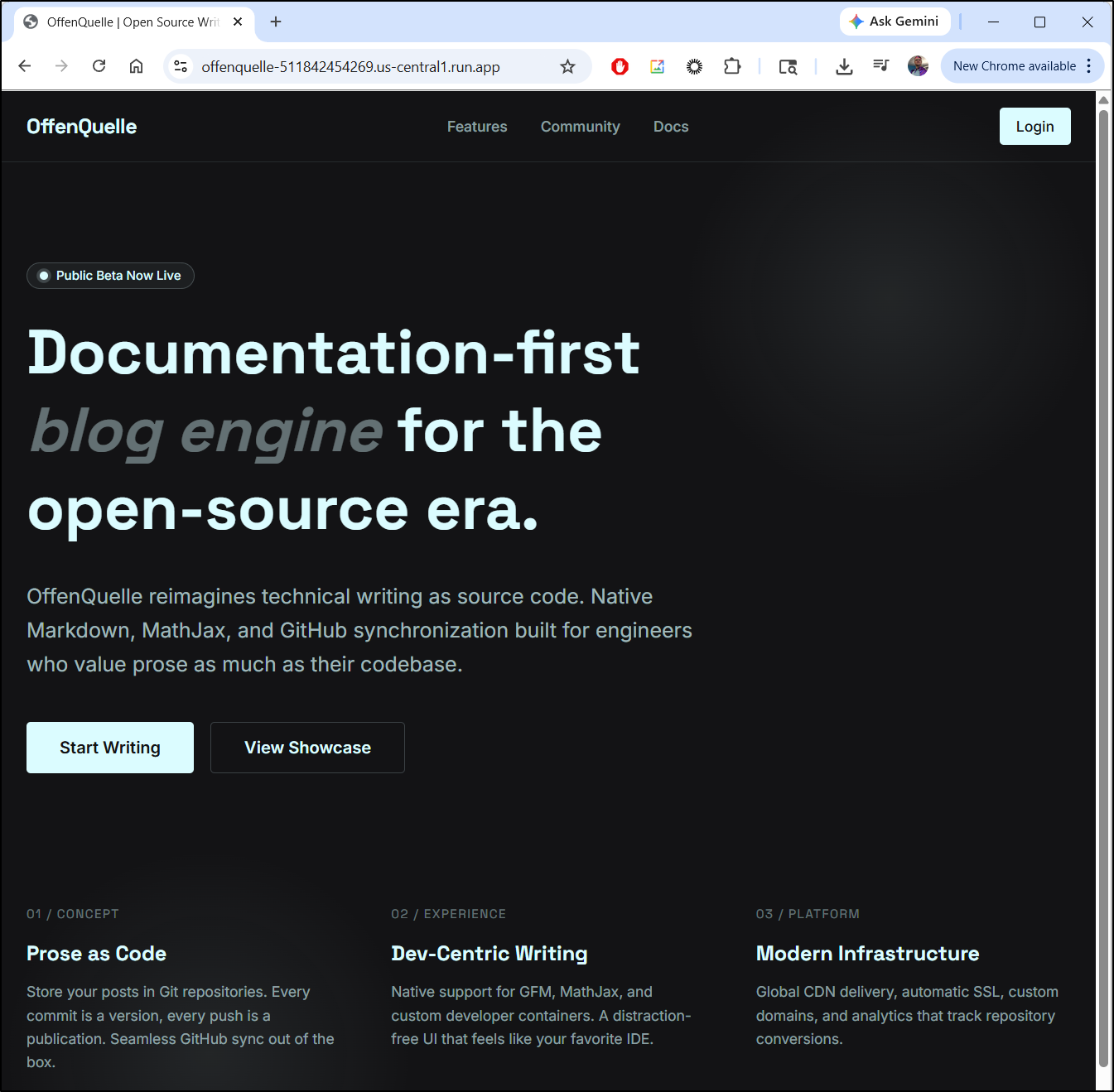
And yes, I realize the now rendering page is not the “Wildtrack Lite” page as I errantly set the Gitlab to be a replica of a different private Git repo
Costs
When I circle back on my costs, I see a rather large spike on Cloud Deploy
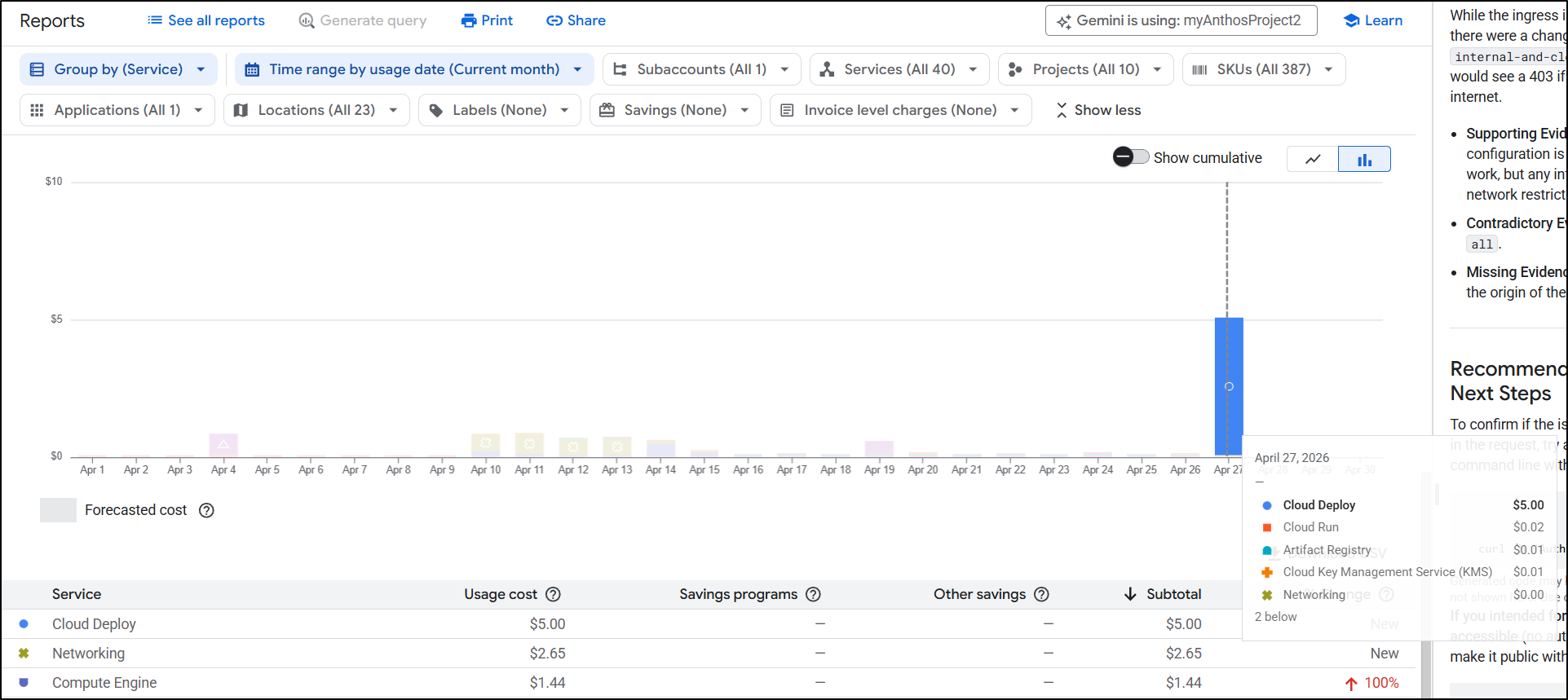
The reason is we are charged US$5/mo per additional pipeline beyond 1. So that means every pipeline (save for the first) costs you an extra $5. That seems awfully steep:
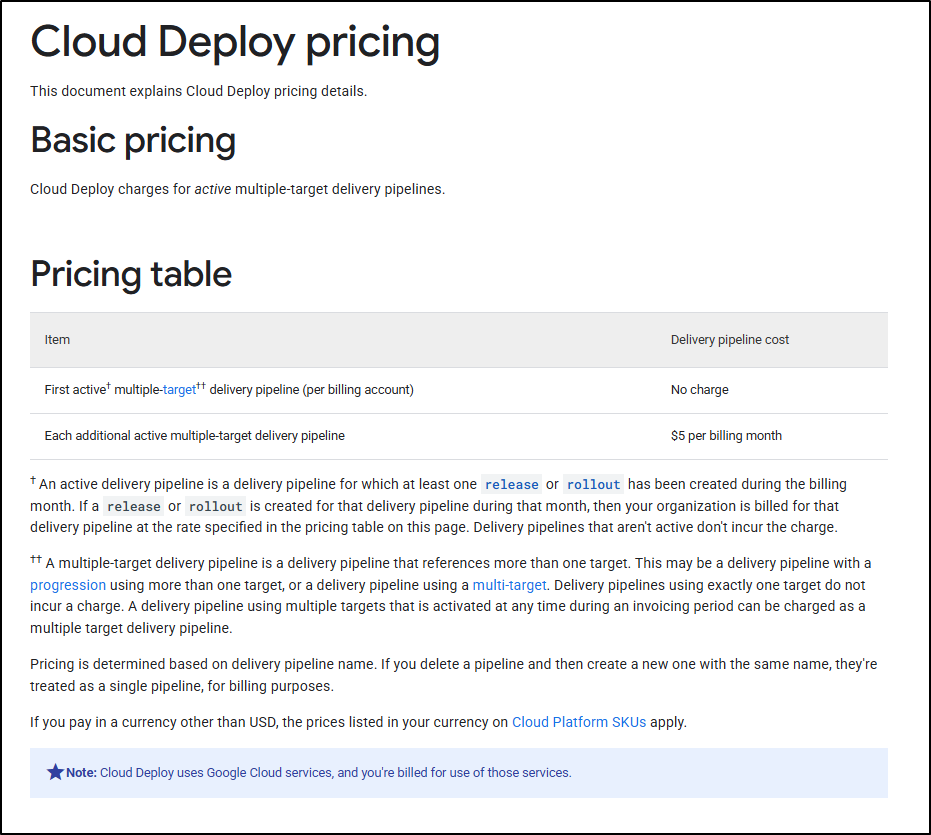
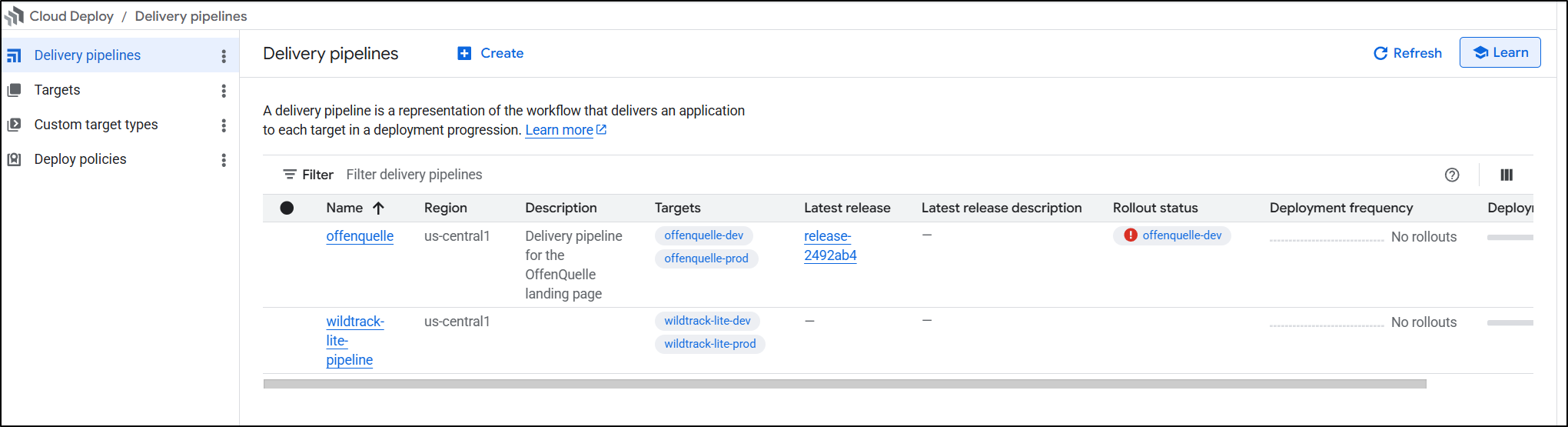
This was caused by trying to do pipelines two different ways (the Wildtrack Lite that failed because it couldn’t do Forgejo/Gitea and the new Offenquelle one)
It is not a graduated payment either. Create a pipeline, pay $5. However, if you delete one and create one with the same name they won’t double charge - so bare that in mind (e.g. if you do a lot of demos, perhaps name them “myclouddeploypipeline”) and just re-use it.
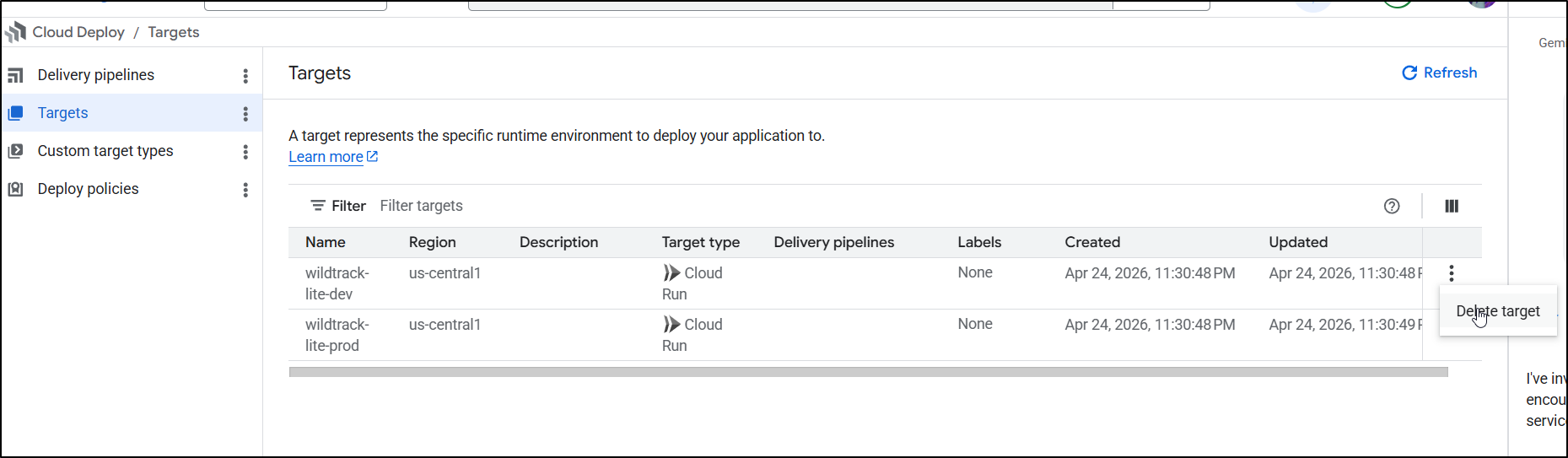
I don’t like paying for things unnecessarily so I’ll delete these pipelines.
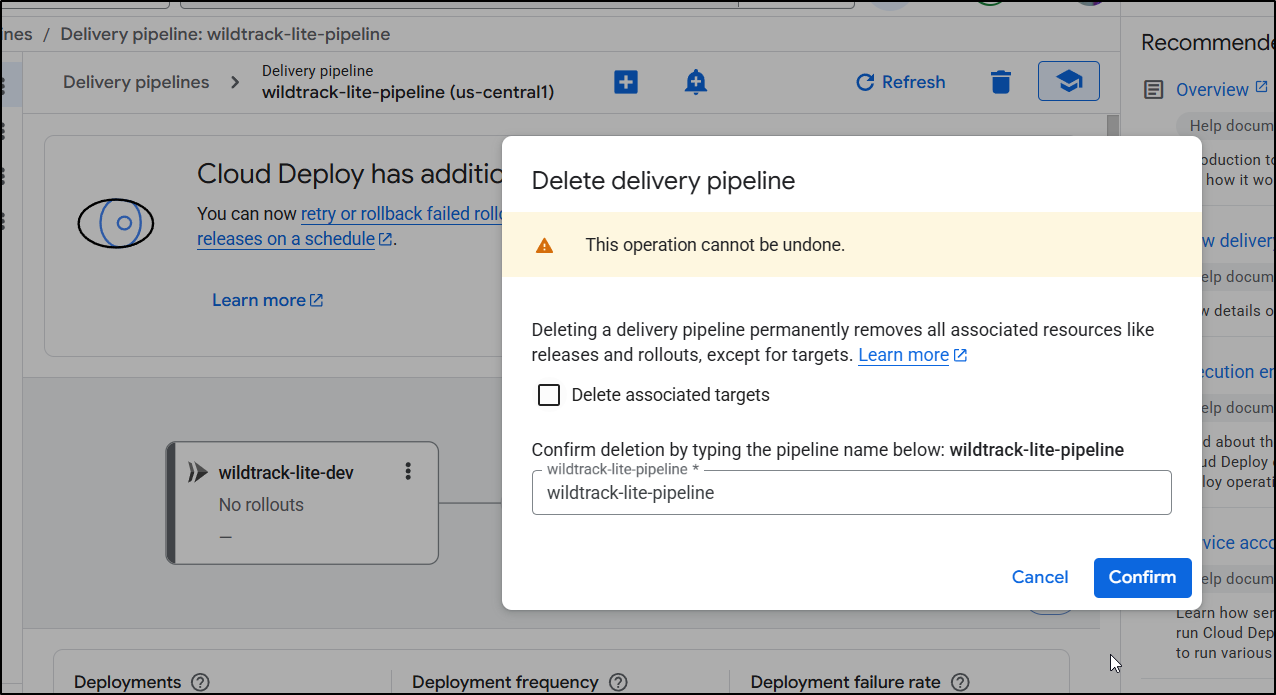
You can chose to delete targets at the same time, or come back later to do that
Pipelines
We spent a bit too long fighting Cloud Deploy and I’m not keen on the pricing.
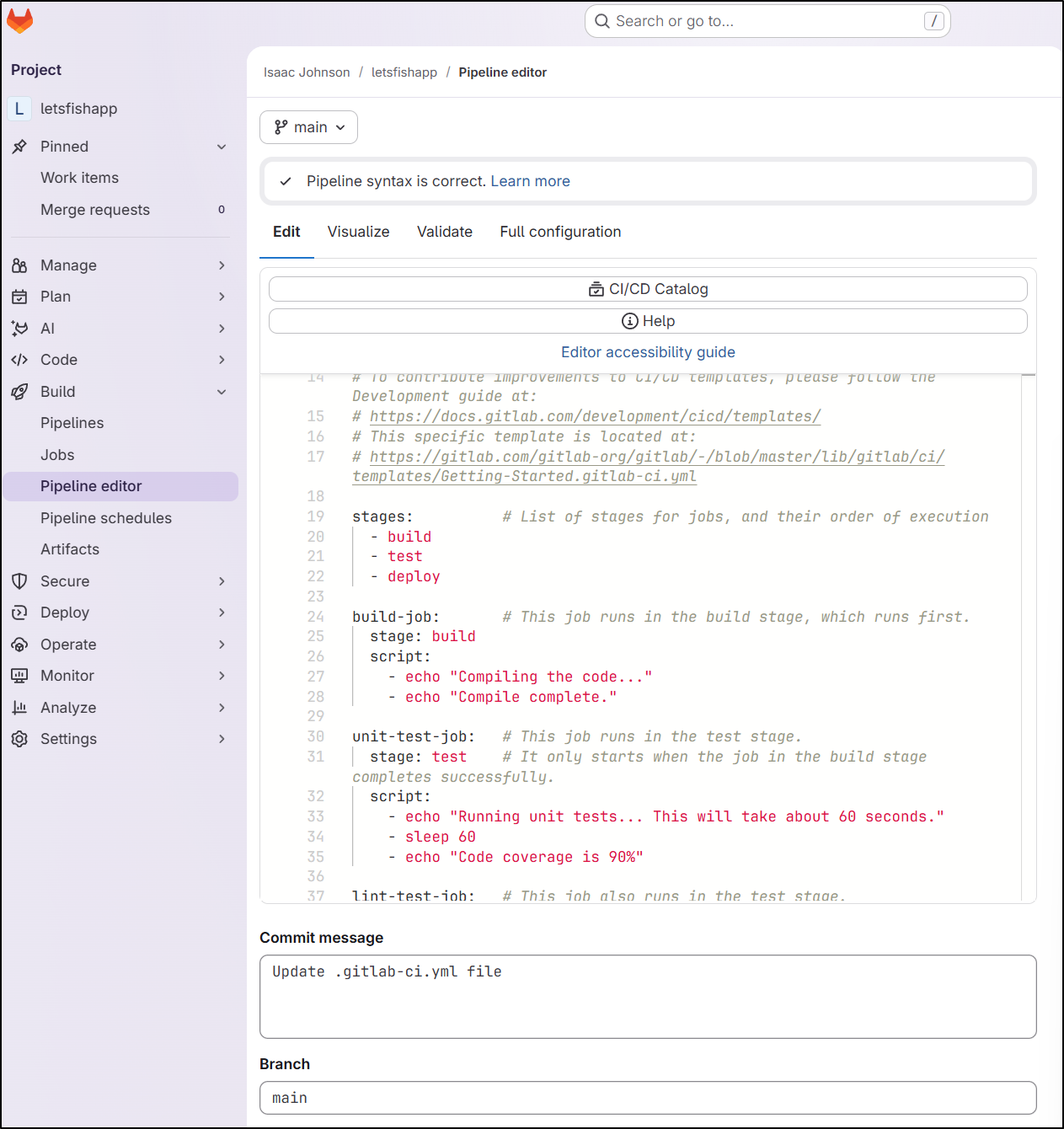
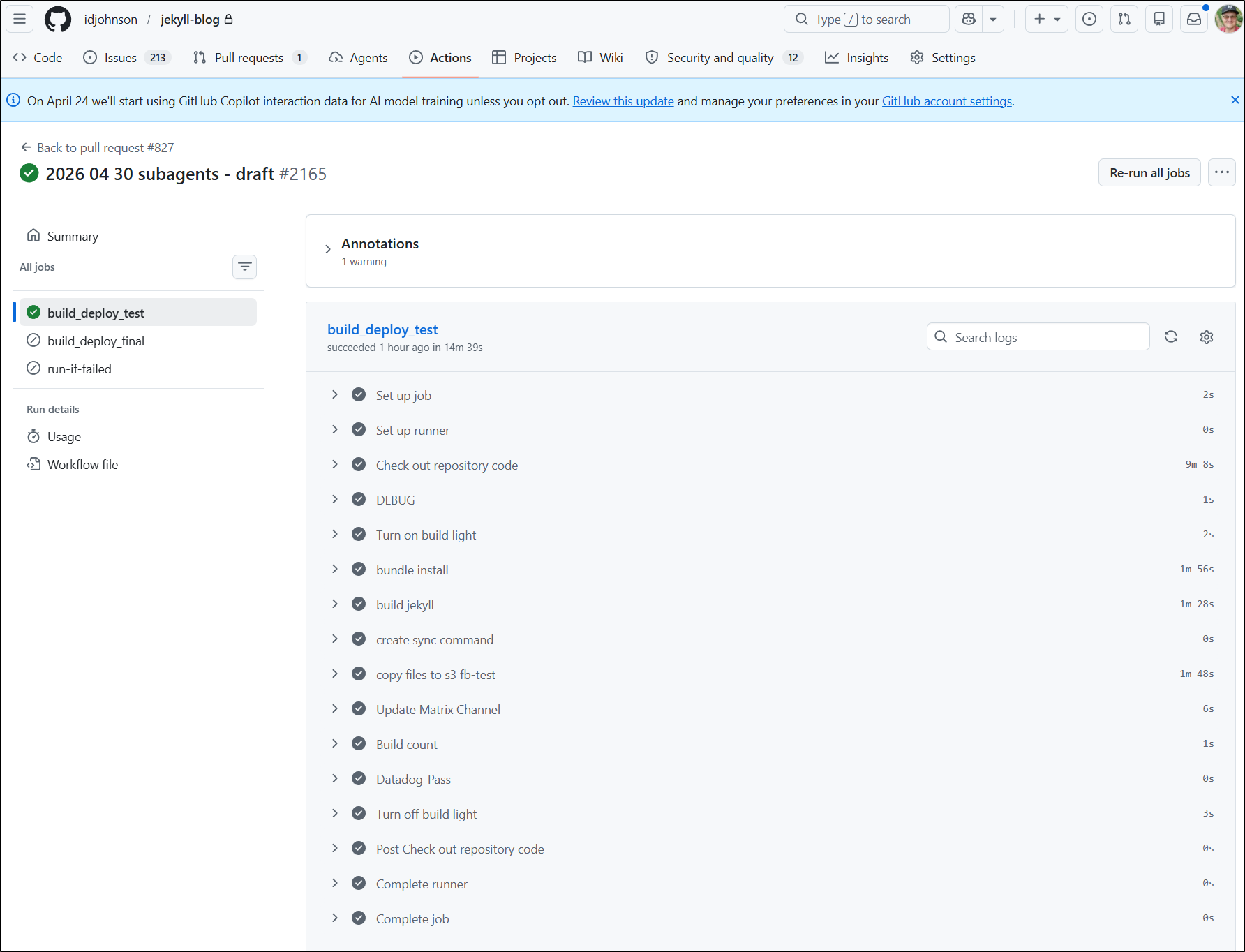
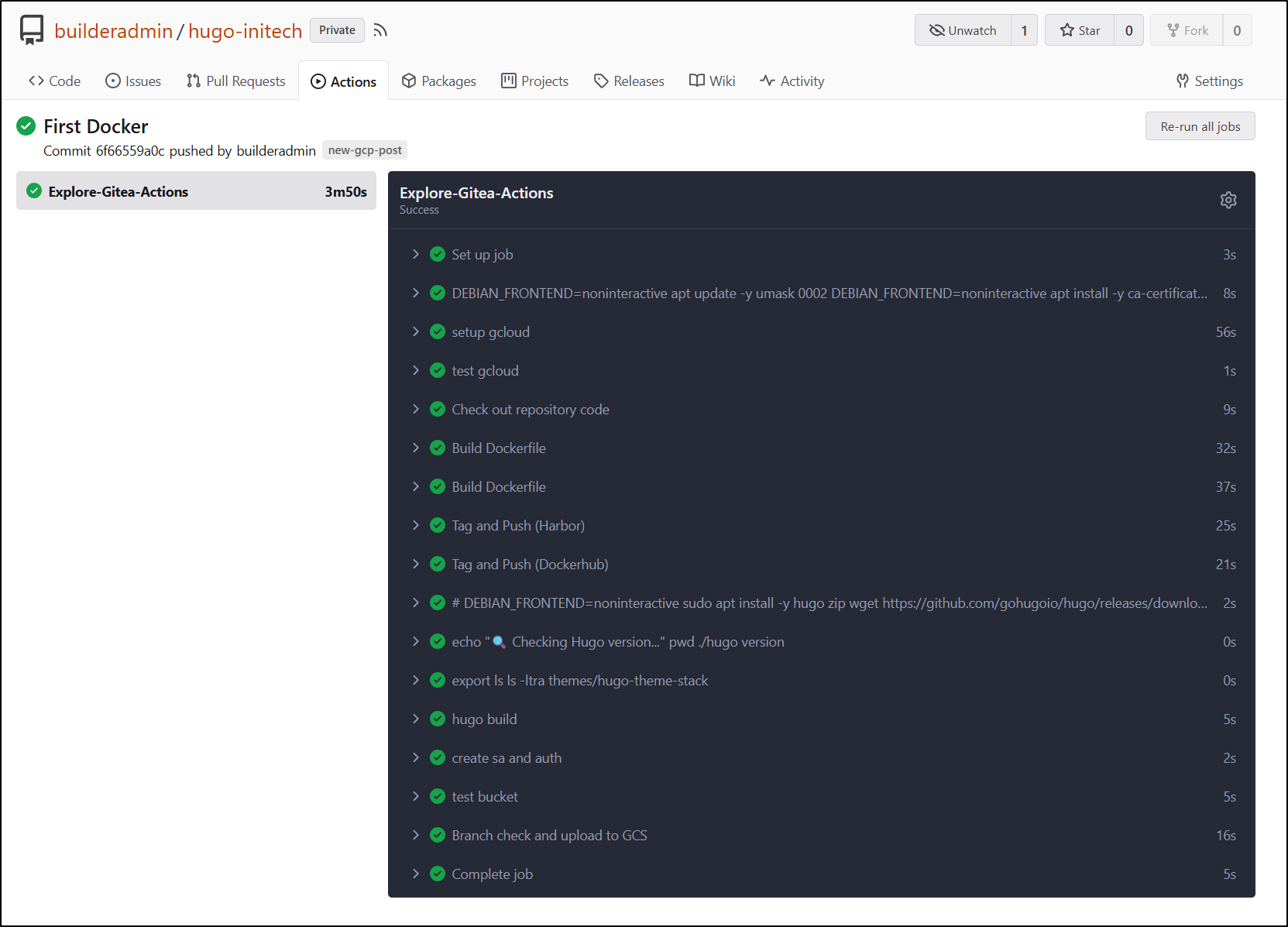
We could easily avoid these costs by just using a pipeline system in our revision control platform.
Whether we are talking about Gitlab
Or Github
Or Forgejo/Gitea
You can use Harness or Harness OS or Azure DevOps
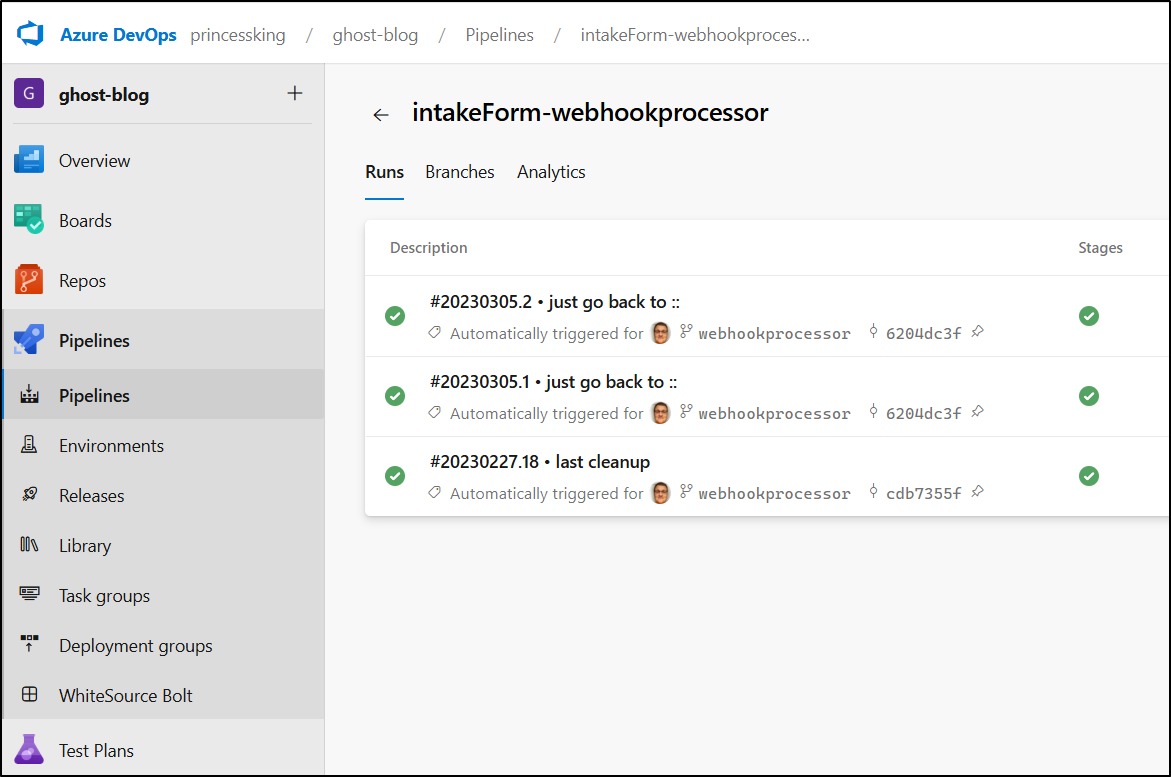
There are just so many free and open choices (and yes, you can use junkins. I’m not going to though).

Summary
I found the Pipeline CICD did a fine job if we are either doing a direct Cloud Run deploy (which effectively packages and pushes to a bucket which then creates the Cloud Run instance) or a Cloud Deploy pipeline, provided you stick to a well-known SaaS provider.
I found the Cloud Deploy still had plenty of nuances and I could tell it was stringing up a lot of components as it went along to create connections to Gitlab, then service account permissions (which in Gemini CLI I needed to use tab to go in and confirm).
After I fought through the Cloud Deploy permissions issues, I noticed the cost spike and it made me want to abandon Cloud Deploy all-together, especially when we consider there are so many other available pipeline styles.
If I needed gates, I would likely consider Github, Gitlab and Azure DevOps (e.g. Using an Azure DevOps “Environment” with a manual approval gate is really easy).
However, the CICD Pipeline Extension isn’t a tacit promotion of Google-only offerings, it’s just meant to help you onboard more seamlessly and to that end, it definitely was easier than hacking about in the UI.
Also, I fought those permissions issues for quite a while. The unsung hero was really Cloud Assist which is that Gemini logo in the Cloud Console
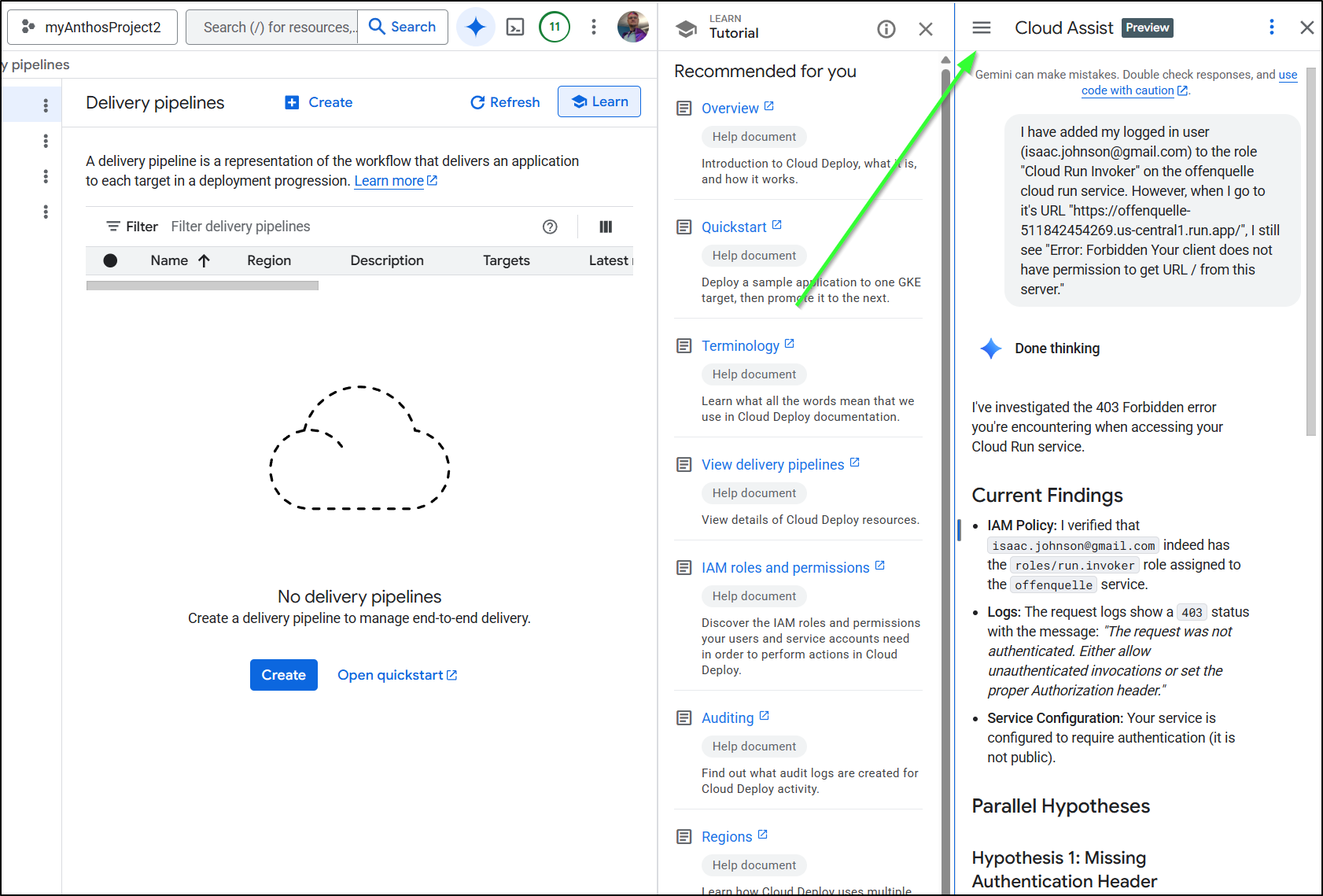
It has the ability to see all my Cloud Setup and find the underlying permissions. Once I stopped trying to use Gemini in the browser with deep thinking and use Cloud Assist - which could actually go check logs and permissions, I moved along a lot faster.
Going forward, I will keep the Google CICD extension handy and likely just use it for quick CloudRun invokations when not using standard YAML CICD templates for whatever repository hosting option I’m using at the time.
