

Published: Dec 25, 2025 by Isaac Johnson
Our n8n has been out of date for quite a while. It’s the engine that fires up when you click “Feedback” at the top of the page and does quite a lot for me.
Today let’s take care of some end-of-year house cleaning and update that primary workflow engine to the latest version. We’ll backup the flows before update, then verify the flows still work after.
Also, Lets update Coder to the latest version and make sure we can run similar GenAI tooling as we have with Github Codespaces (devcontainers in Github).
n8n updates
I’ve had a pretty out of date n8n for a while now
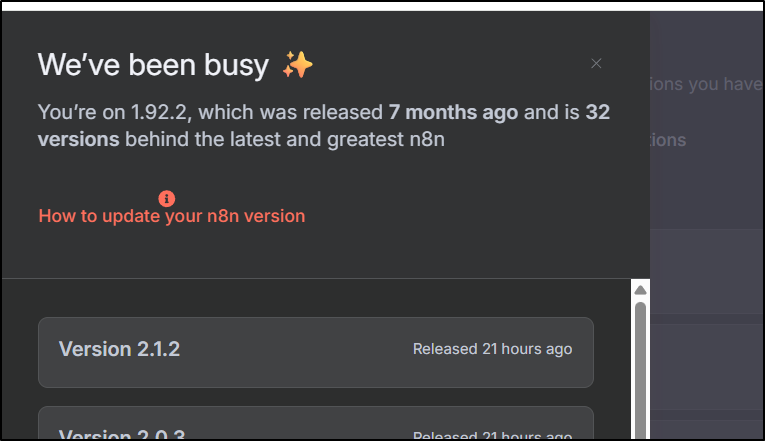
and the only reason I have yet to update is just FUD.
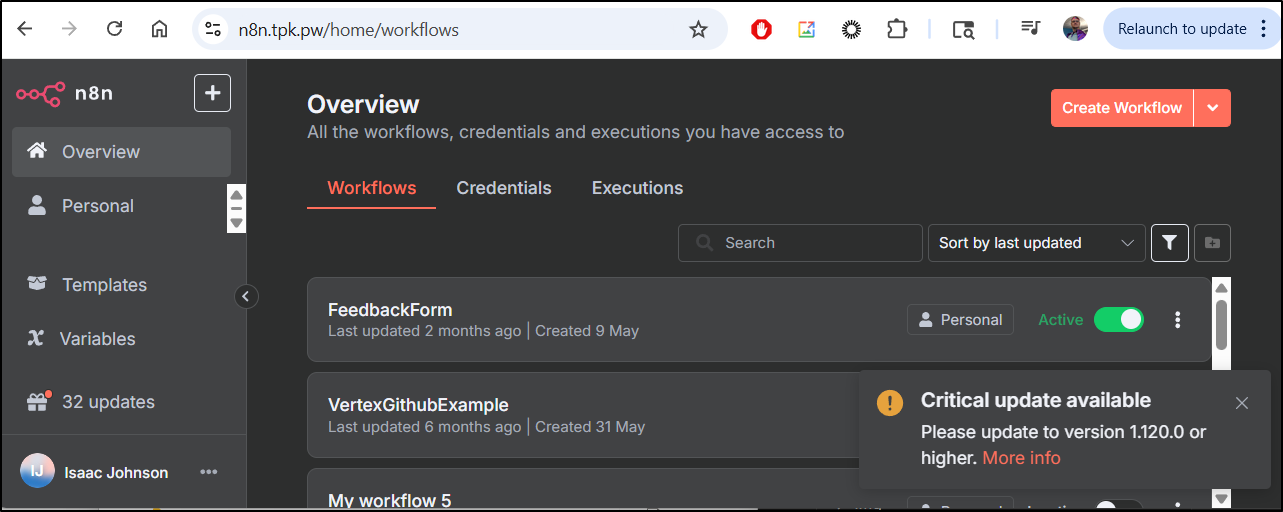
Before I update, to be safe I’ll download my main flows
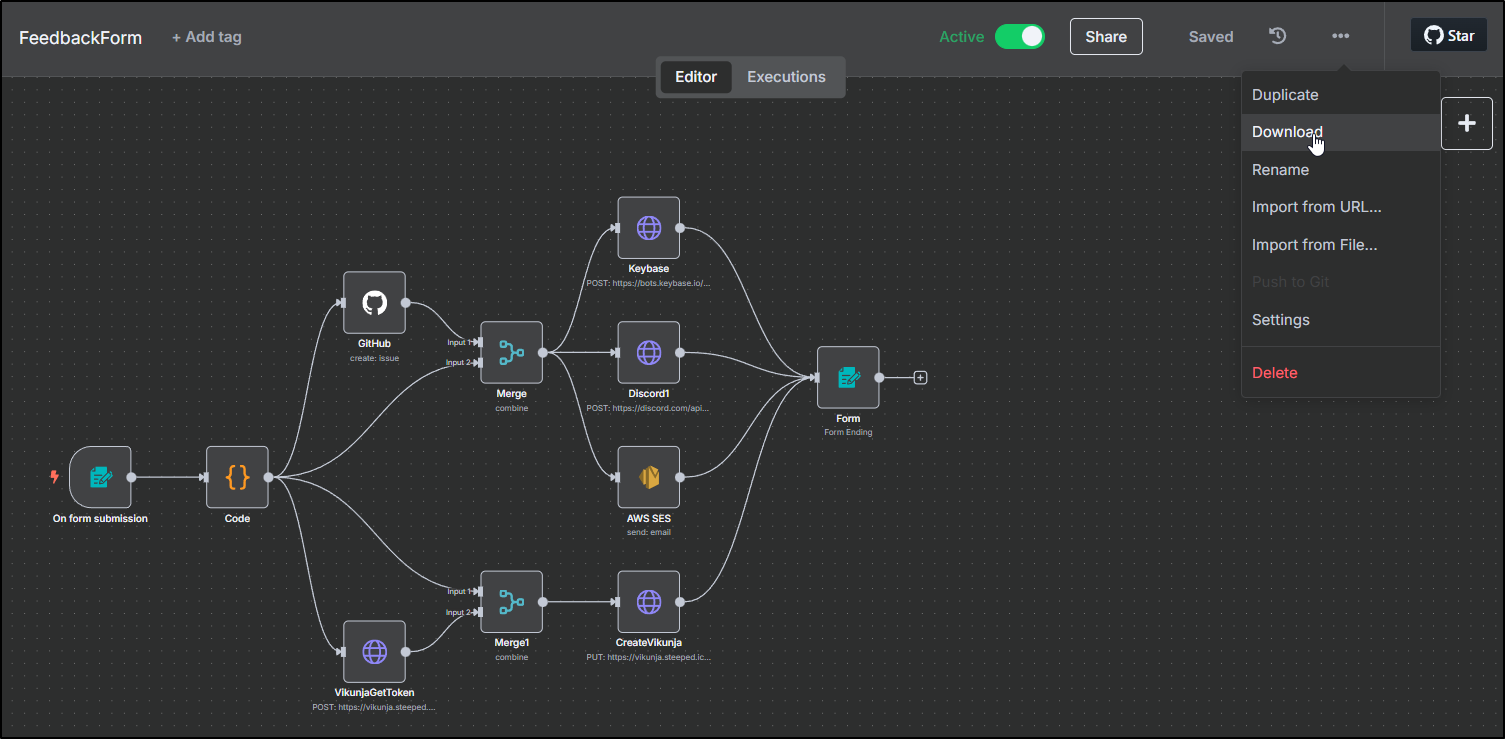
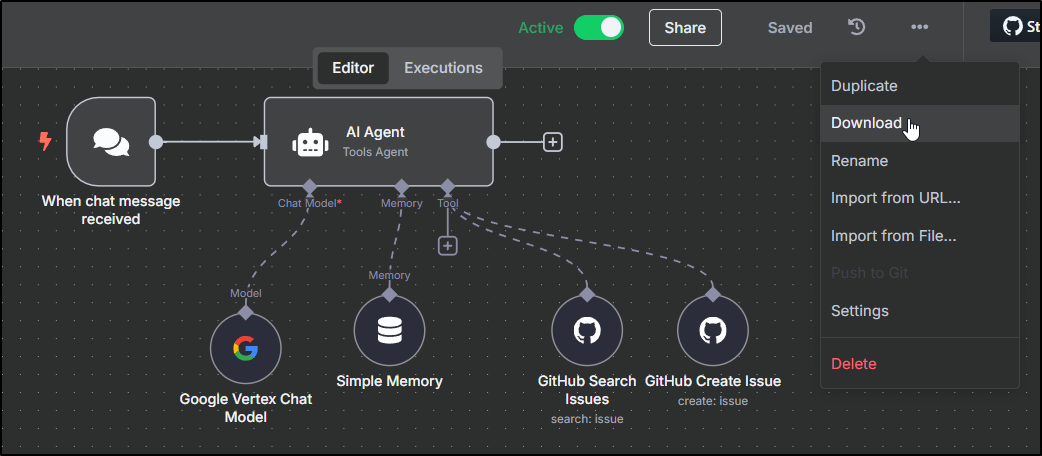
The rest are demo flows and I can live without.
The steps to update in docker start with pulling an updated container.
I had started this originally 7mo ago:
$ docker run -d --name n8n -p 5678:443 -e N8N_SECURE_COOKIE=false -e N8N_HOST=n8n.tpk.pw -e N8N_PROTOCOL=https -e N8N_PORT=443 -v /home/builder/n8n:/home/node/.n8n docker.n8n.io/n8nio/n8n:latest
It should be painless… Let’s pull the latest “latest” tag:
builder@builder-T100:~/n8n$ docker pull docker.n8n.io/n8nio/n8n
Using default tag: latest
latest: Pulling from n8nio/n8n
014e56e61396: Pull complete
2e4fafc9c573: Pull complete
4745102427f1: Pull complete
b9b992ae23a0: Pull complete
9fc0bdb9d8ca: Pull complete
7847cc1dd778: Pull complete
4f4fb700ef54: Pull complete
5c499a2904dd: Pull complete
f7c8f5f8b094: Pull complete
1e63b9844beb: Pull complete
bdc846d3b57e: Pull complete
78e8189b010c: Pull complete
Digest: sha256:c4c5539a06b6e9b51db02d87ea7e54fc4274d4ba8173812bdfa2d058e9cb2b50
Status: Downloaded newer image for docker.n8n.io/n8nio/n8n:latest
docker.n8n.io/n8nio/n8n:latest
I should now just be able to stop the start the container
builder@builder-T100:~/n8n$ docker ps -a | grep n8n
140fec5b53b8   52bb09f839b2                                                     "tini -- /docker-ent…"   7 months ago    Up 7 minutes                 5678/tcp, 0.0.0.0:5678->443/tcp, :::5678->443/tcp                                  n8n
builder@builder-T100:~/n8n$ docker stop n8n
n8n
builder@builder-T100:~/n8n$ docker start n8n
n8n
builder@builder-T100:~/n8n$ docker ps -a | grep n8n
140fec5b53b8   52bb09f839b2                                                     "tini -- /docker-ent…"   7 months ago    Up 5 seconds                 5678/tcp, 0.0.0.0:5678->443/tcp, :::5678->443/tcp                                  n8n
Of course, as before, I forgot to pause Uptime Kuma so I got an immediate PagerDuty alert
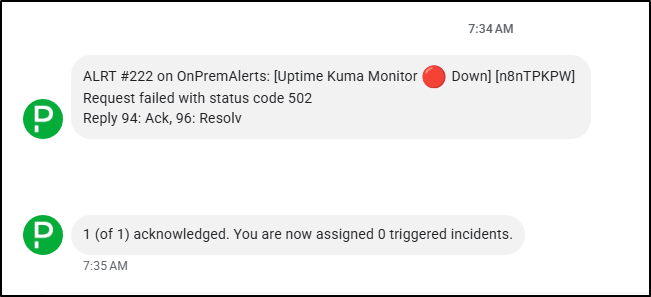
Well, that did not work. I really do need to remove the container (which i feared. I really hope this works).
I might as well learn from mistakes and pause Uptime Kuma this time
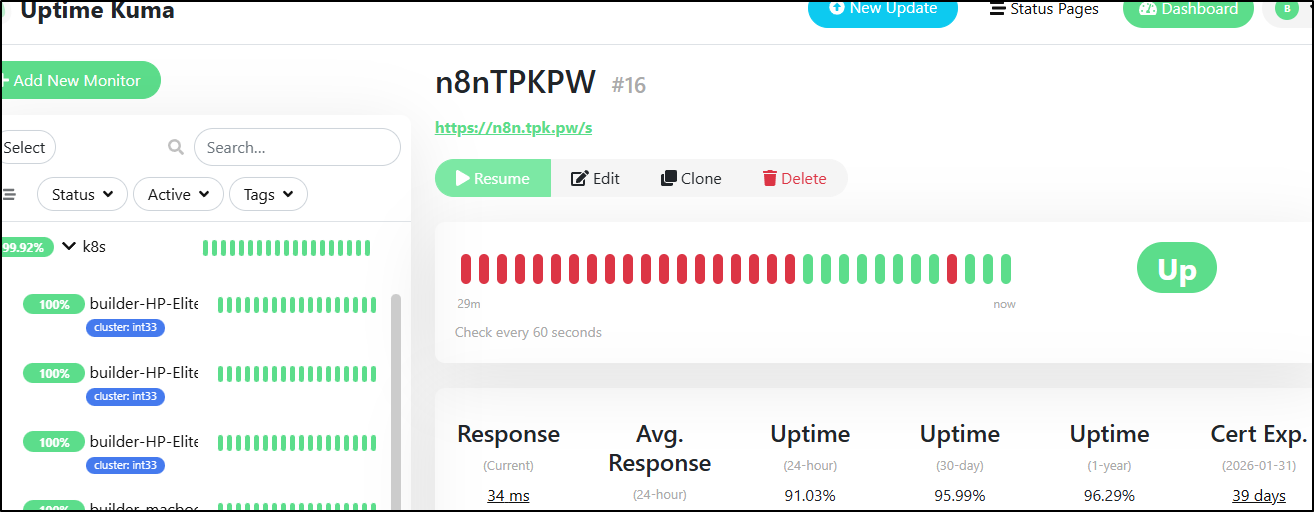
Now lets stop and remove then recreate
builder@builder-T100:~/n8n$ docker ps -a | grep n8n
140fec5b53b8   52bb09f839b2                                                     "tini -- /docker-ent…"   7 months ago    Up 4 minutes                 5678/tcp, 0.0.0.0:5678->443/tcp, :::5678->443/tcp                                  n8n
builder@builder-T100:~/n8n$ docker stop n8n
n8n
builder@builder-T100:~/n8n$ docker rm 140fec5b53b8
140fec5b53b8
builder@builder-T100:~/n8n$ docker ps -a | grep n8n
builder@builder-T100:~/n8n$ docker run -d --name n8n -p 5678:443 -e N8N_SECURE_COOKIE=false -e N8N_HOST=n8n.tpk.pw -e N8N_PROTOCOL=https -e N8N_PORT=443 -v /home/builder/n8n:/home/node/.n8n docker.n8n.io/n8nio/n8n:latest
8f42c11de9a4e51441dbc15ebbc81cd28b5997ccaf955848e0747df5f9949768
First look seems like the flows made it
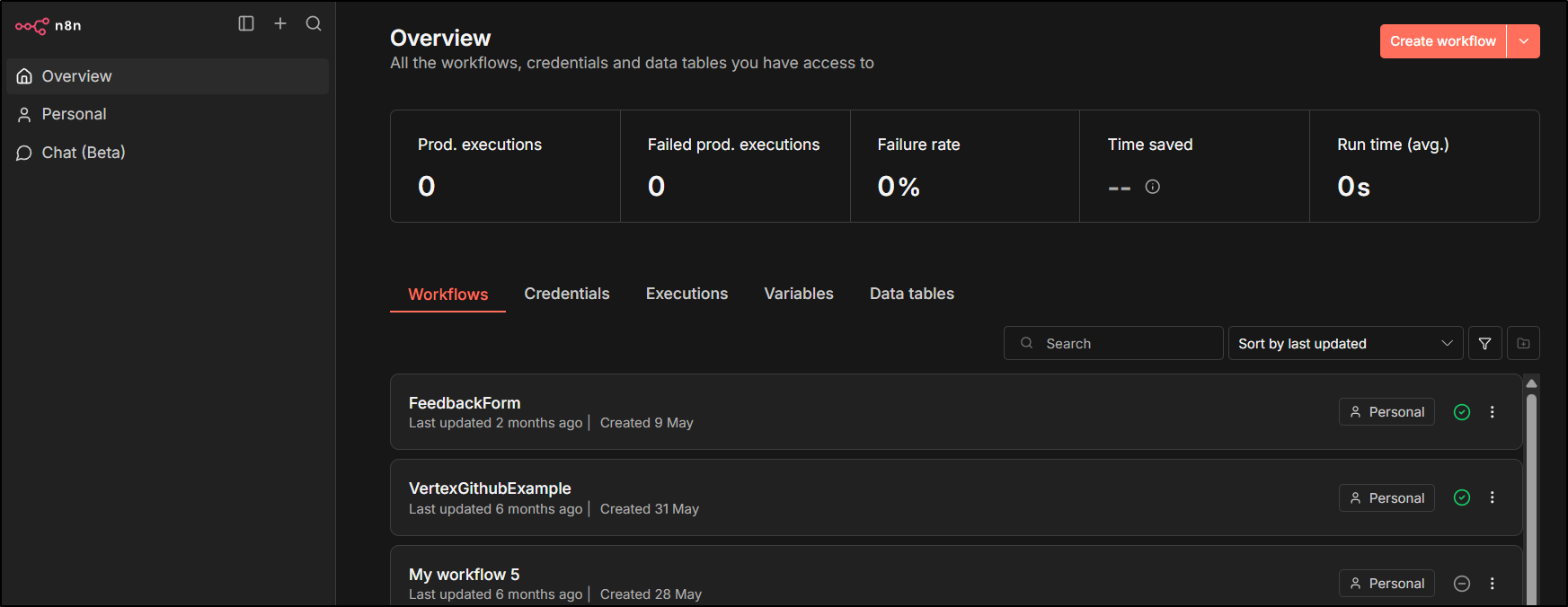
I’ll resume the Uptime Kuma monitor
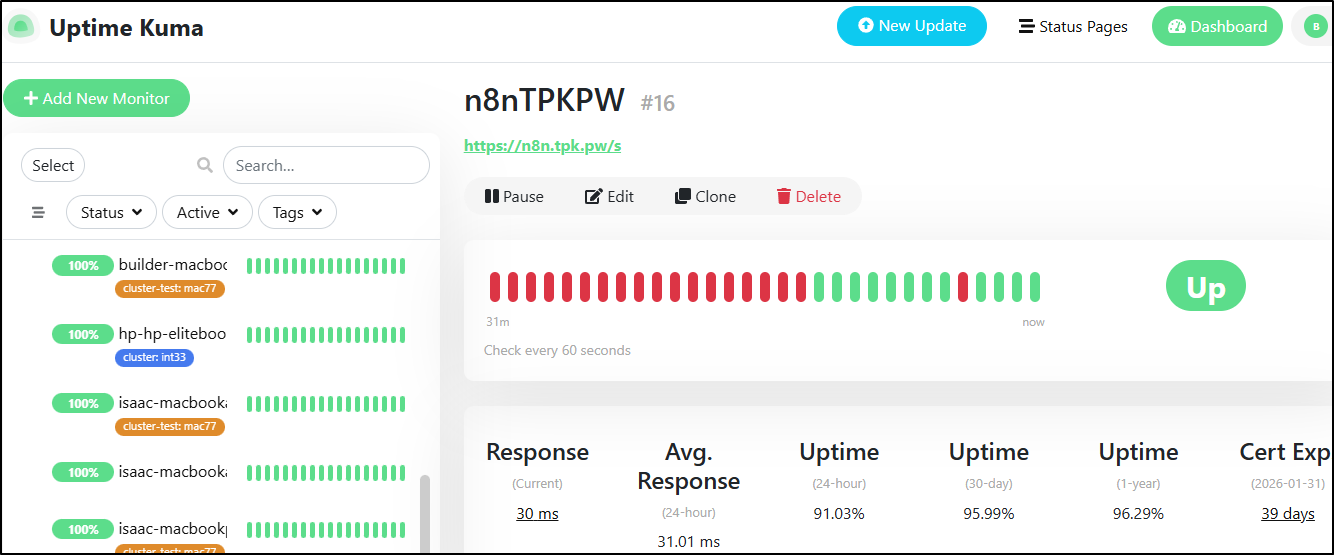
The Feedback form workflow looks fine
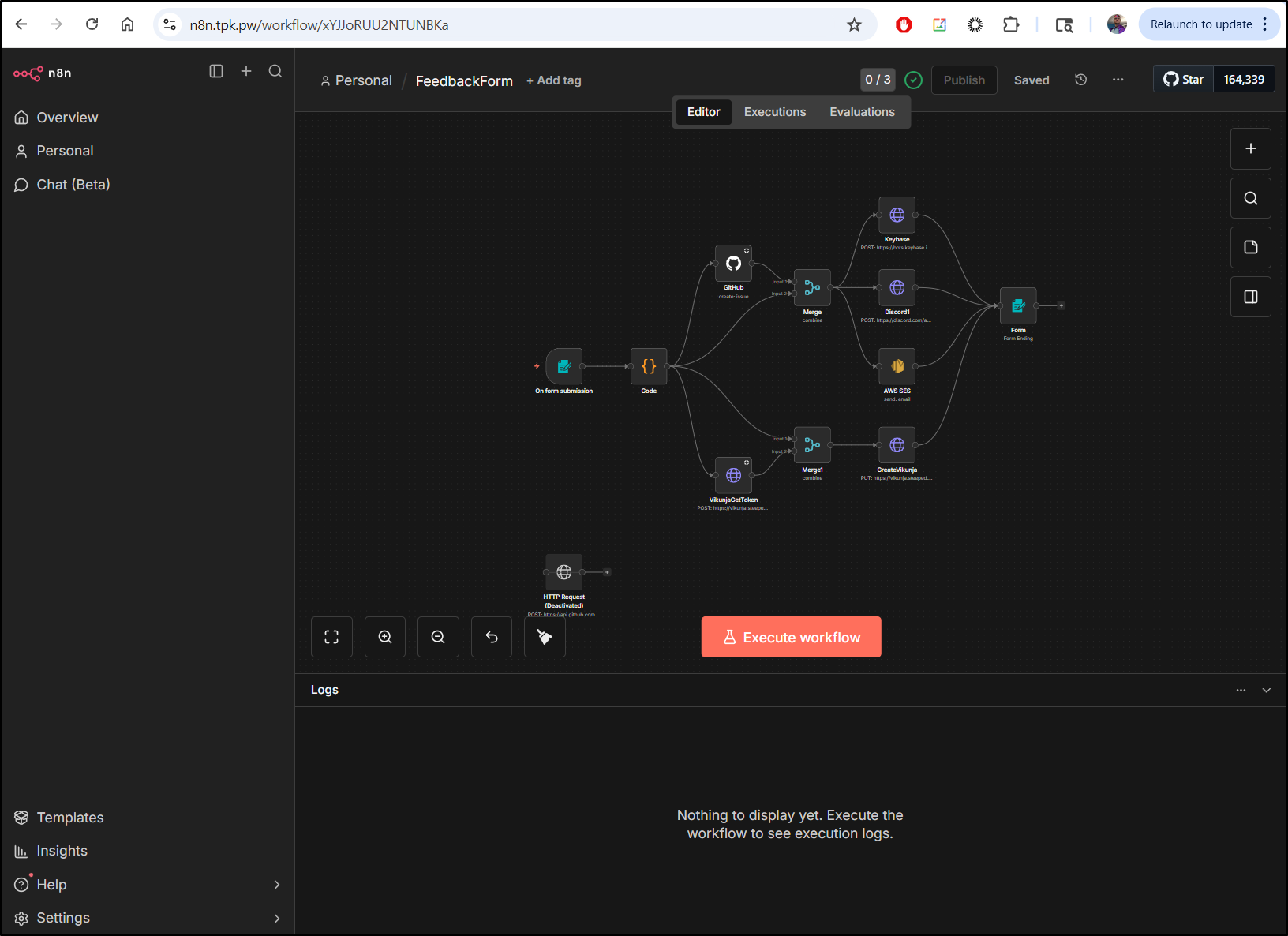
the only way to really know is to test it:
Checking versions
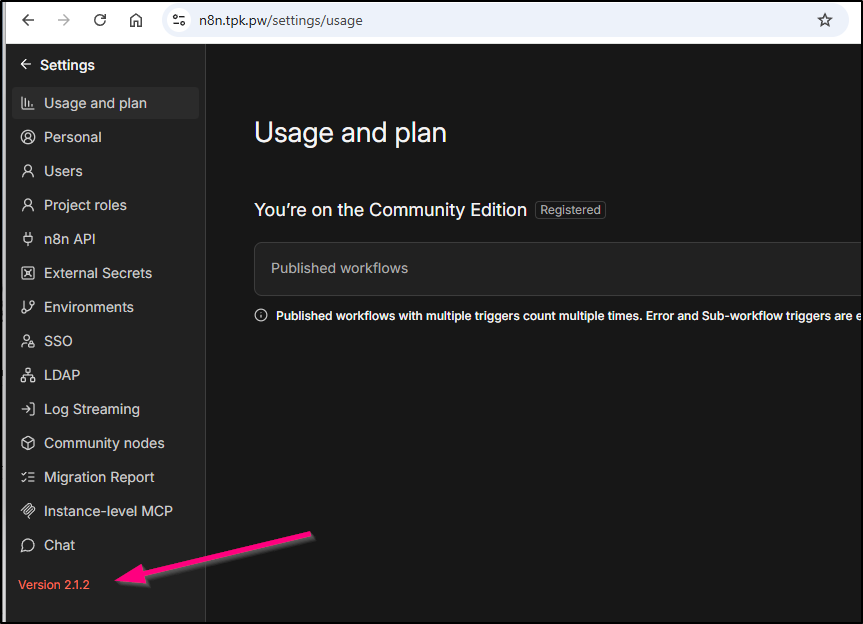
I should point out that to determine your version, youc can see it when viewing “usage and plan” in settings
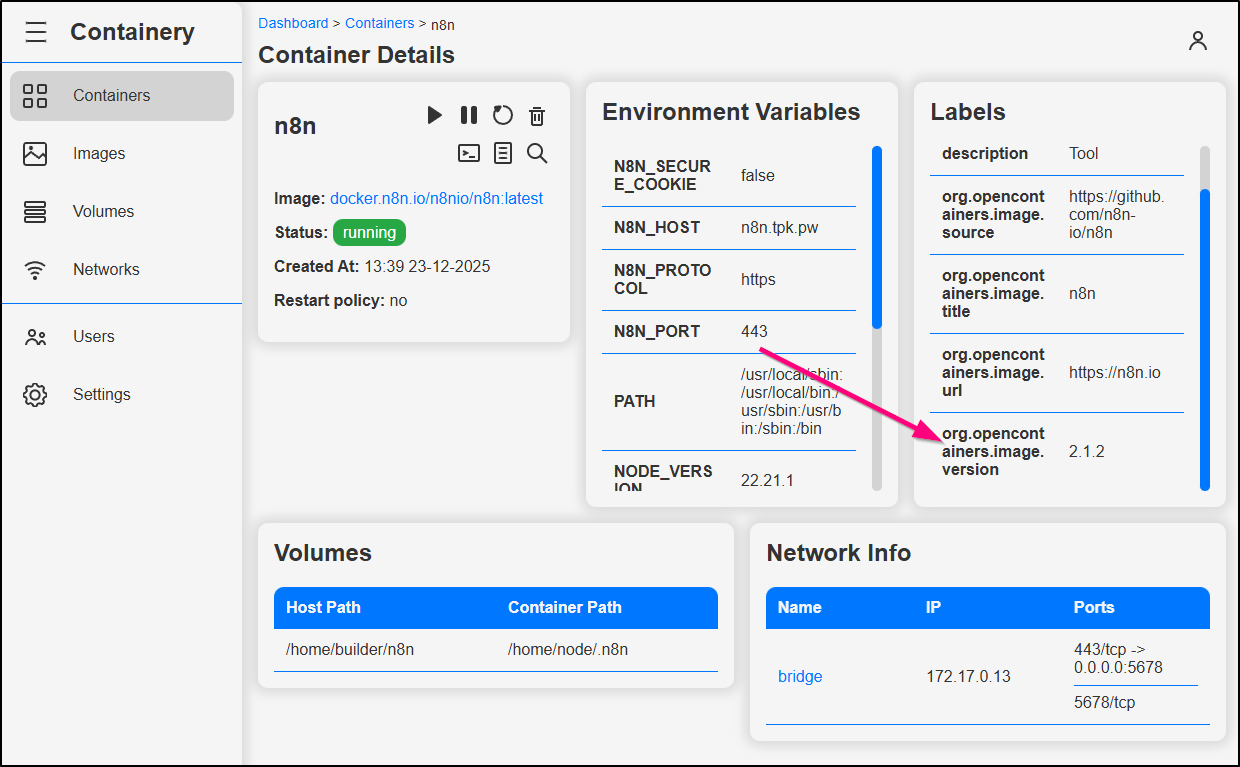
But I noticed it also shows up in Containery as well as the image.version (even though i used “latest”)
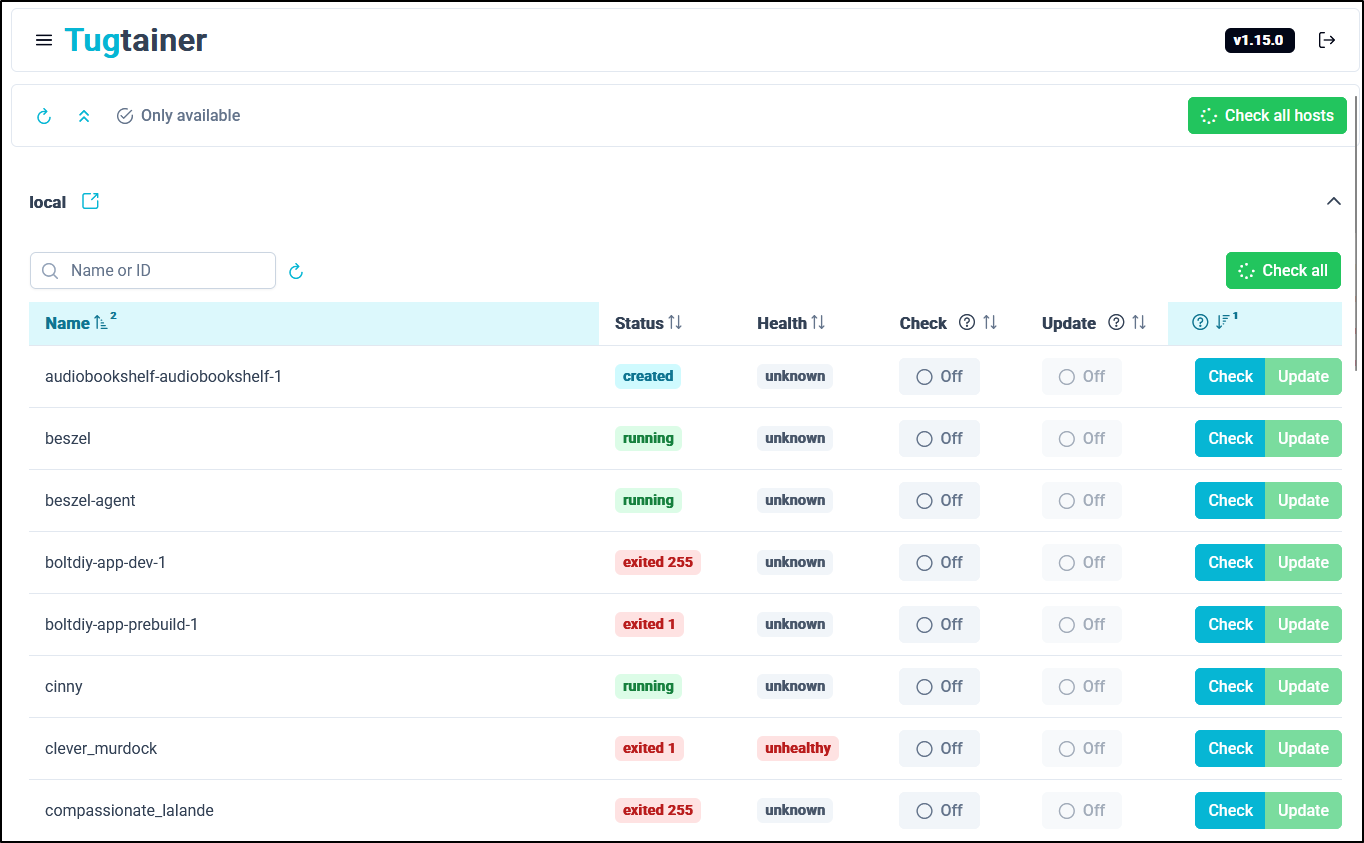
Updates with Tugtainer
We can use Tugtainer to update apps as well.
Here I have an older Open WebUI for some basic models
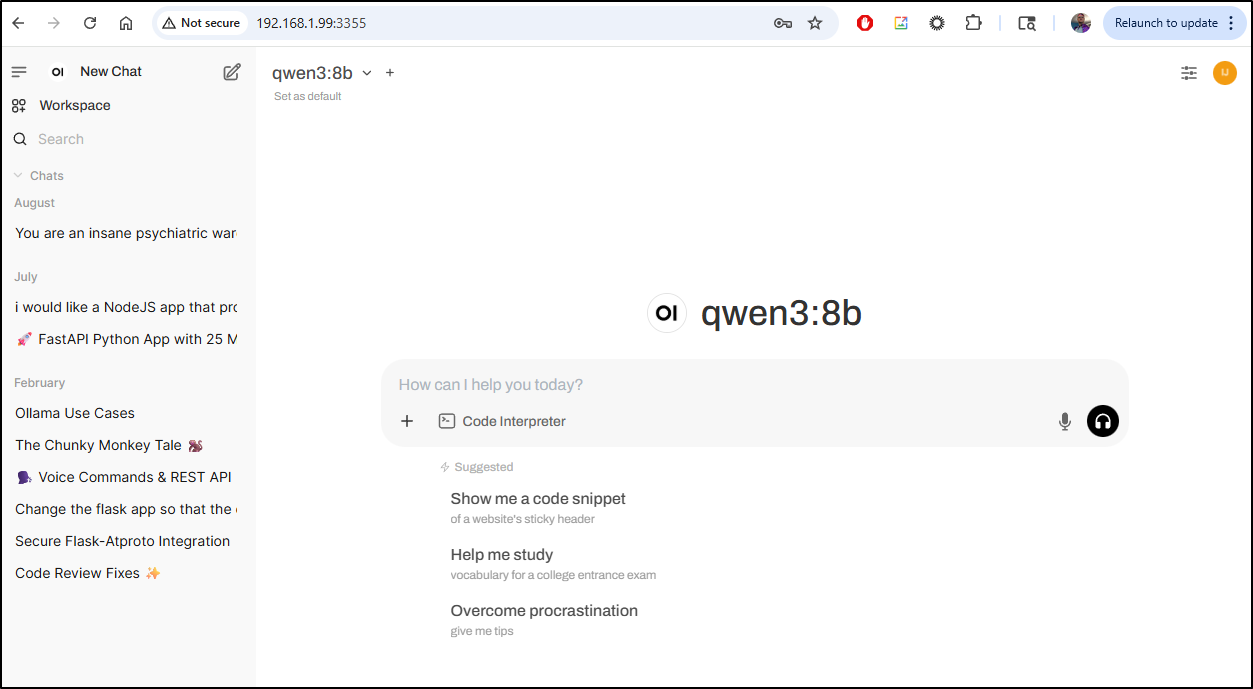
I can use Tugtainer to update it
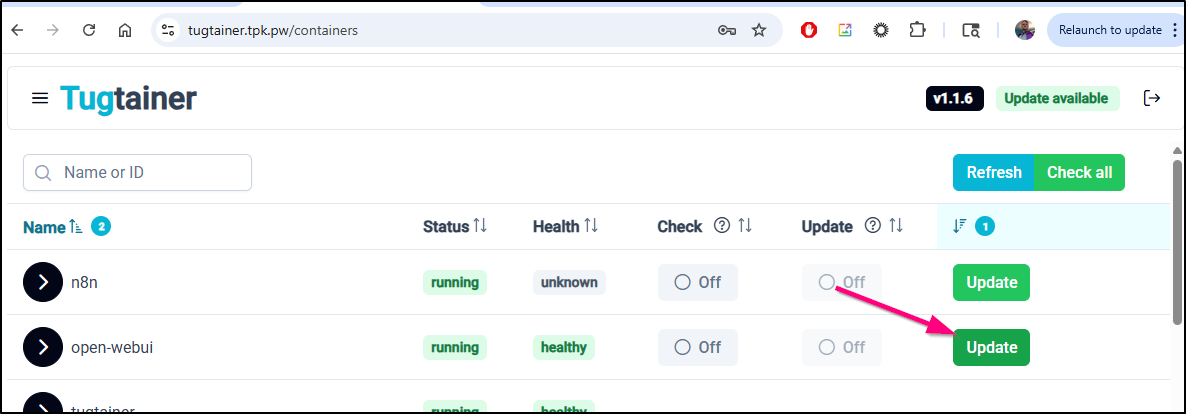
It’s now up and healthy
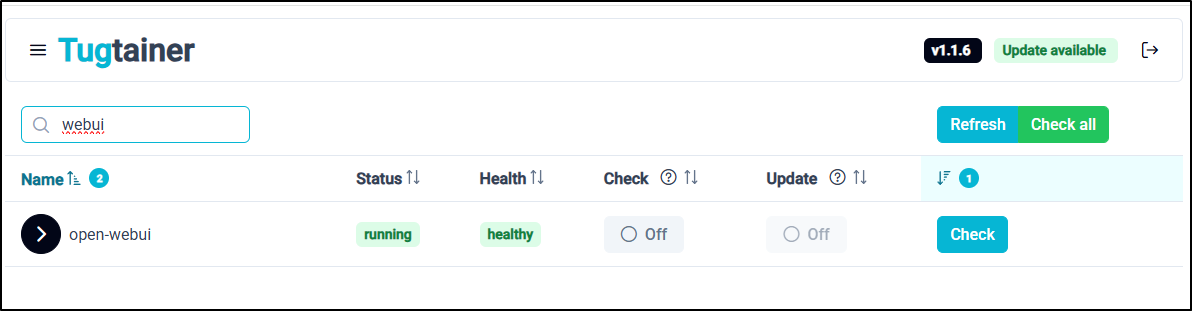
I can confirm it is running on the host as well
$ docker ps -a | grep webui
9f9fa092ae01   ghcr.io/open-webui/open-webui:main                               "bash start.sh"          38 seconds ago      Up 37 seconds (healthy)      0.0.0.0:3355->8080/tcp, :::3355->8080/tcp                                          open-webui
and I can now see a new release notes page show up
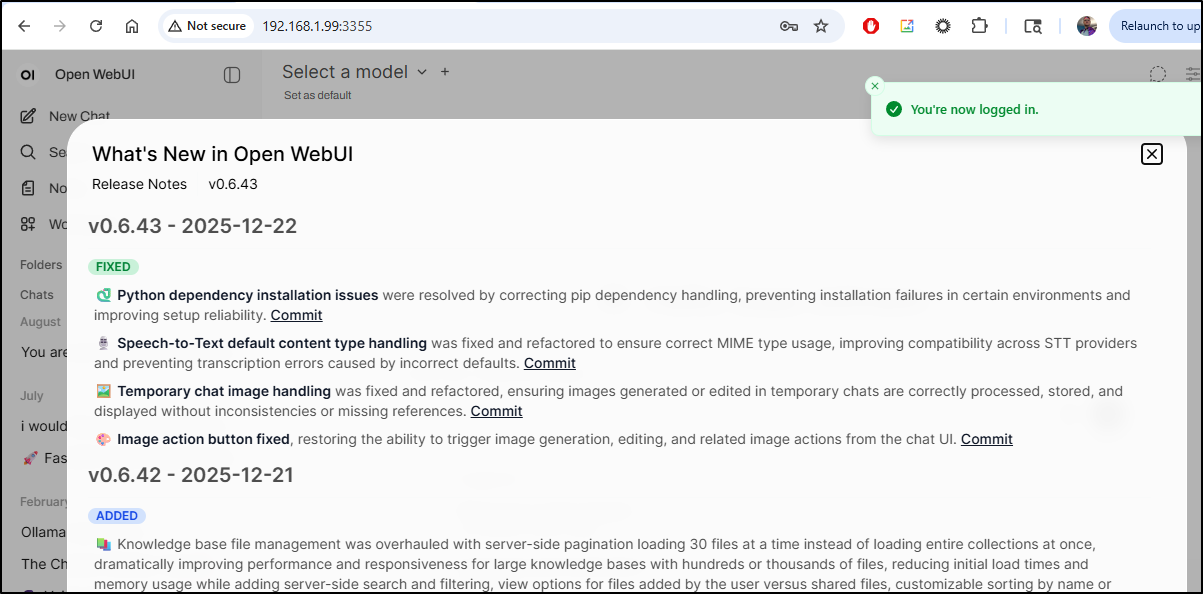
Updates with Dockpeek
Another tool we can use is Dockpeek which can show and update containers (akin to Tugtainer)
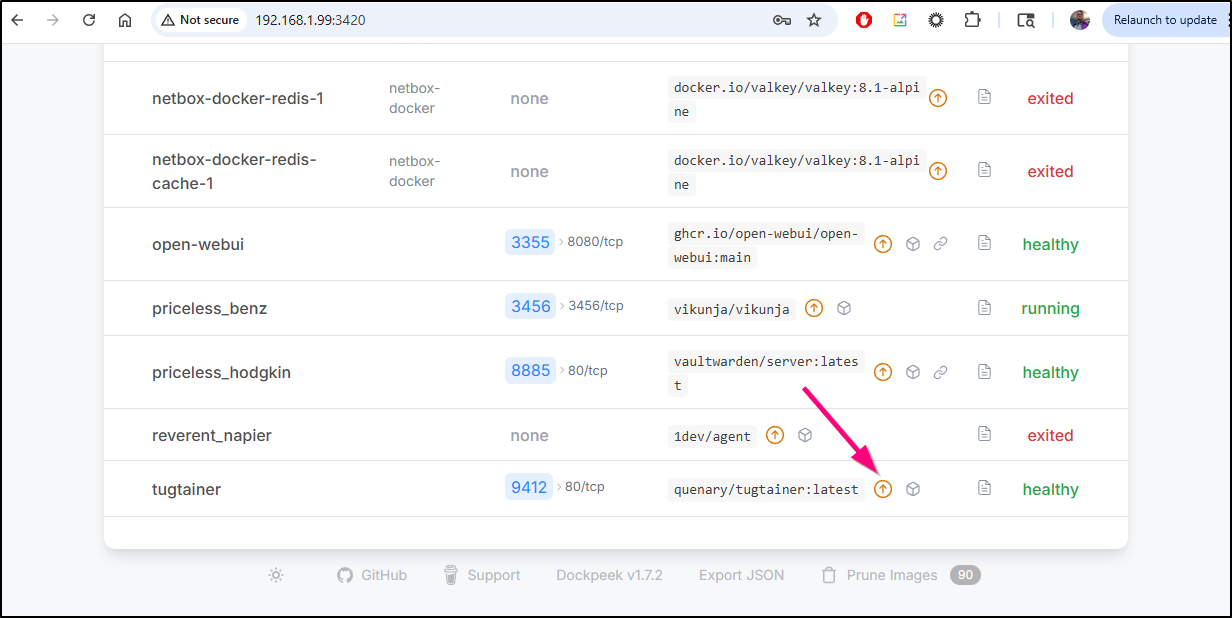
Dockpeek will make you confirm you want to update
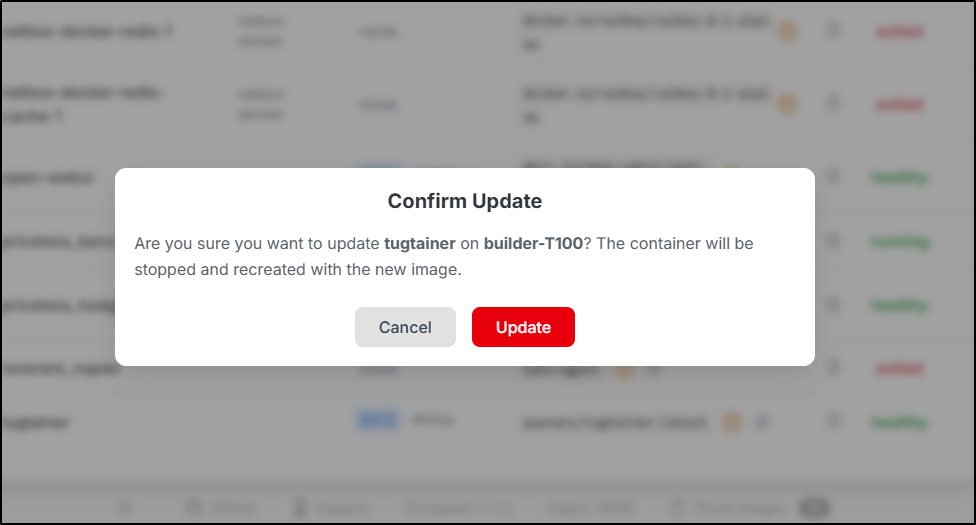
Then update
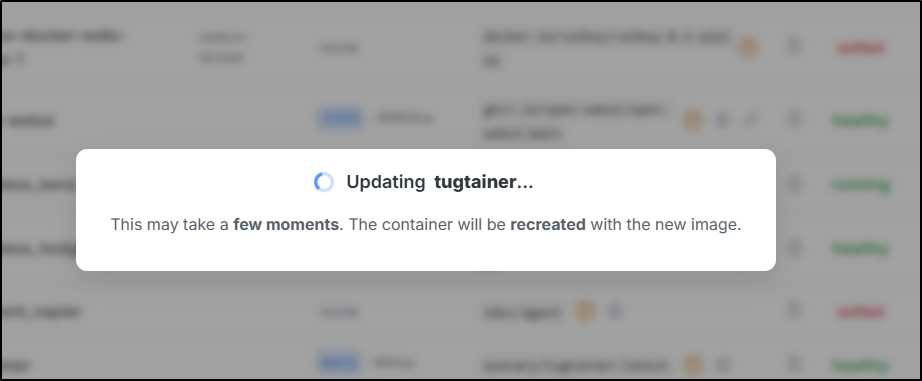
and let you know when done
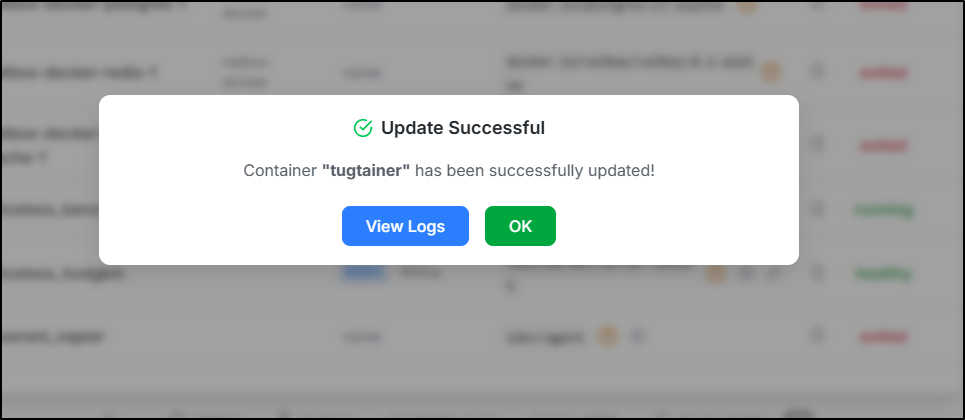
However, when I went to check Tugtainer, it seemingly has reset, prompting me to create a password
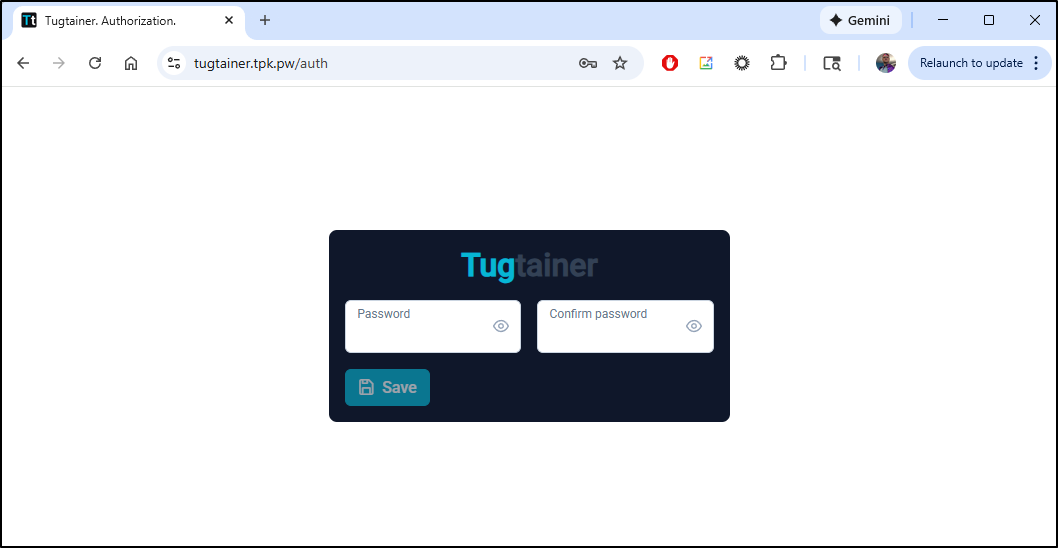
It gives me a “bad gateway” when I try and set it
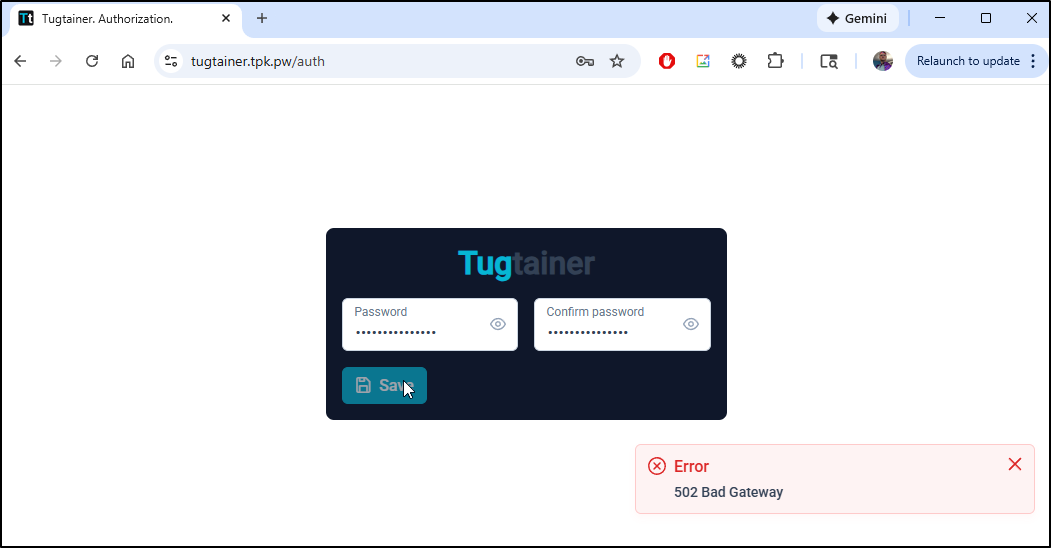
I’m worried the container is crashing because there are new expected env vars in the latest container
builder@builder-T100:~/tugtainer$ docker ps -a | grep tug
c67f7db1d5ea   quenary/tugtainer:latest                                         "/usr/bin/supervisor…"   2 minutes ago   Restarting (2) Less than a second ago                                                                                      tugtainer
builder@builder-T100:~/tugtainer$ docker logs tugtainer
Error: Format string '%(ENV_AGENT_ENABLED)s' for 'program:agent.autostart' contains names ('ENV_AGENT_ENABLED') which cannot be expanded. Available names: ENV_GPG_KEY, ENV_HOME, ENV_HOSTNAME, ENV_LC_CTYPE, ENV_PATH, ENV_PYTHON_SHA256, ENV_PYTHON_VERSION, ENV_VERSION, group_name, here, host_node_name, program_name in section 'program:agent' (file: '/etc/supervisor/conf.d/supervisord.conf')
For help, use /usr/bin/supervisord -h
stopping and starting failed.
The deploy steps seem the same
I did a remove and recreate
builder@builder-T100:~/tugtainer$ docker stop tugtainer
tugtainer
builder@builder-T100:~/tugtainer$ docker rm tugtainer
tugtainer
builder@builder-T100:~/tugtainer$ docker run -d -p 9412:80     --name=tugtainer     --restart=unless-stopped     -v ./data:/tugtainer     -v /var/run/docker.sock:/var/run/docker.sock     quenary/tugtainer:latest
85c7738798f5aea95d0d10062ce5f35d4d05edb492df4ef534388f383c824255
This worked fine and the old password worked. So maybe just Dockpeek failed at re-launching it.
Coder
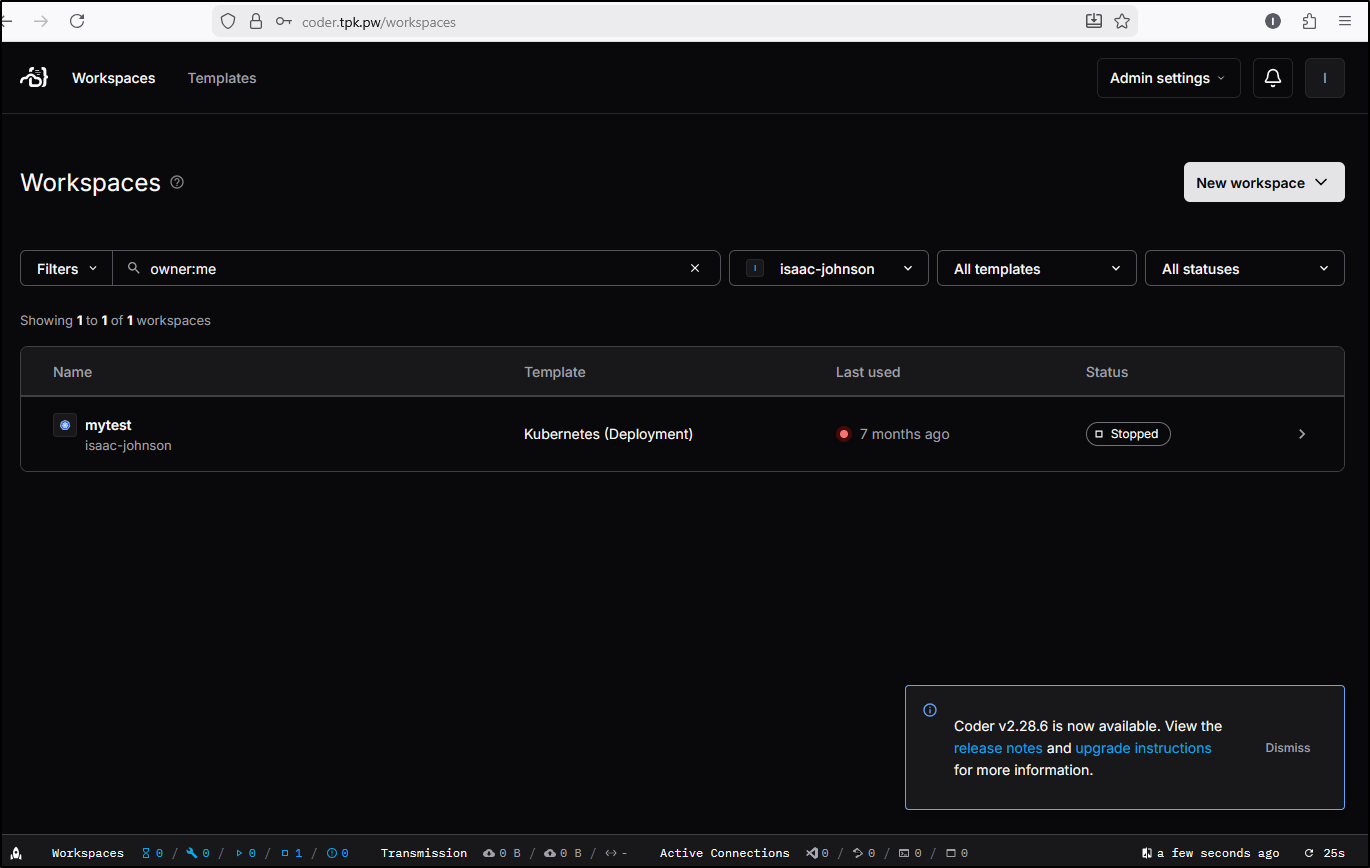
I’m finding myself more and more interested in Coder. The version I have, you guessed it, is way out of date
Last time I used helm to upgrade
$ helm upgrade coder coder-v2/coder --namespace coder --values coder.values.yaml --version 2.21.0
However, in checking those values in coder.values.yaml, they were just no-ops. I see no point in keeping them.
$ helm repo update
$ helm upgrade coder coder-v2/coder --namespace coder --version 2.28.6
coalesce.go:298: warning: cannot overwrite table with non table for coder.coder.ingress.tls (map[enable:false secretName: wildcardSecretName:])
coalesce.go:298: warning: cannot overwrite table with non table for coder.coder.ingress.tls (map[enable:false secretName: wildcardSecretName:])
Release "coder" has been upgraded. Happy Helming!
NAME: coder
LAST DEPLOYED: Tue Dec 23 09:28:54 2025
NAMESPACE: coder
STATUS: deployed
REVISION: 3
TEST SUITE: None
NOTES:
Enjoy Coder! Please create an issue at https://github.com/coder/coder if you run
into any problems! :)
It looks updated:
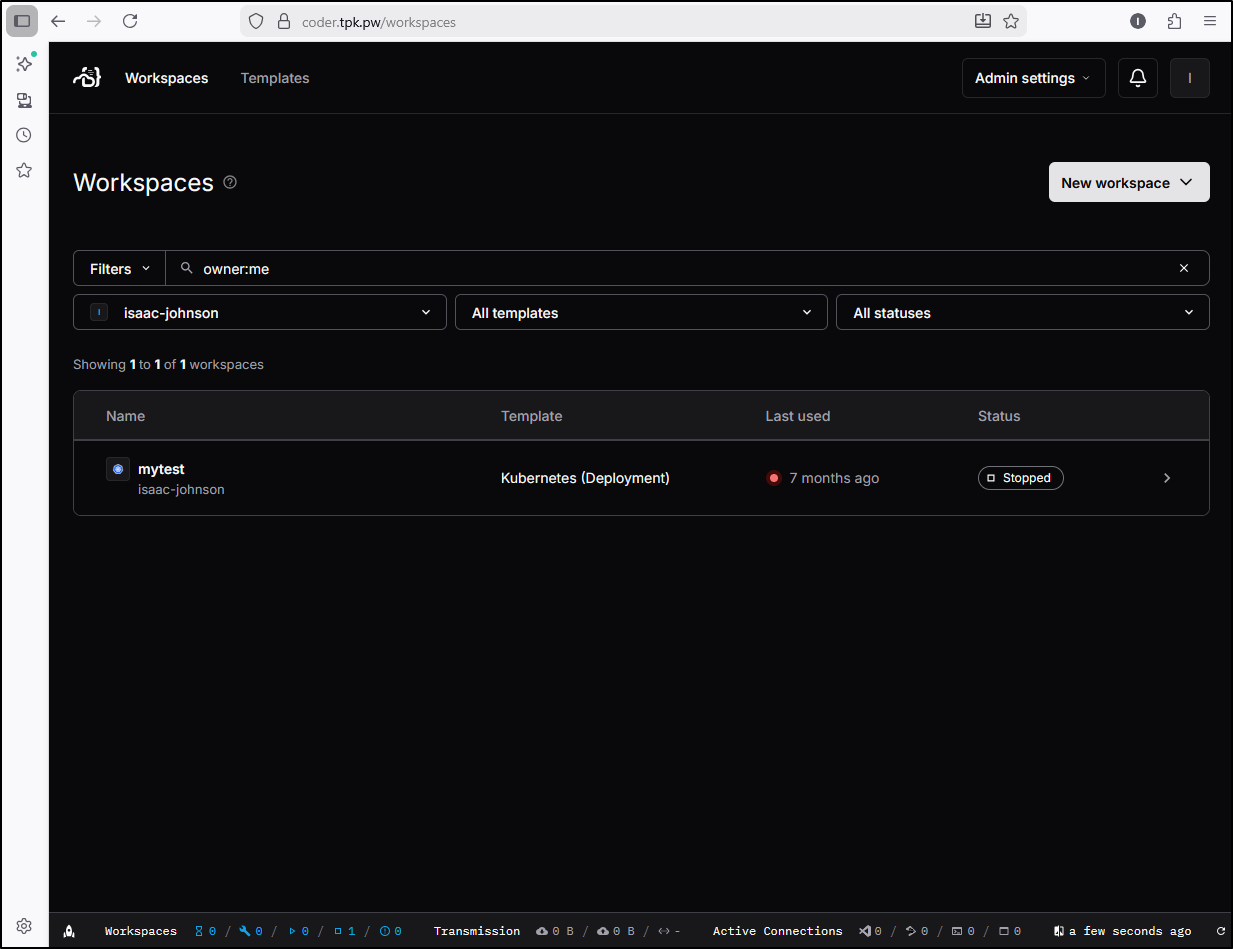
I’ll try making a new K8s Workspace
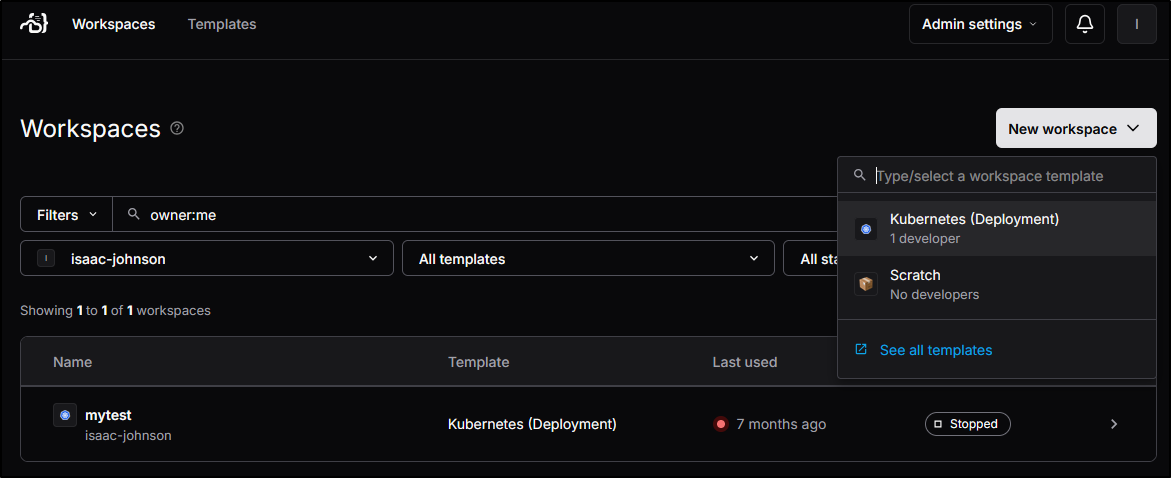
I created a new workspace with enough disk for a heavier workload like the Jekyll blog
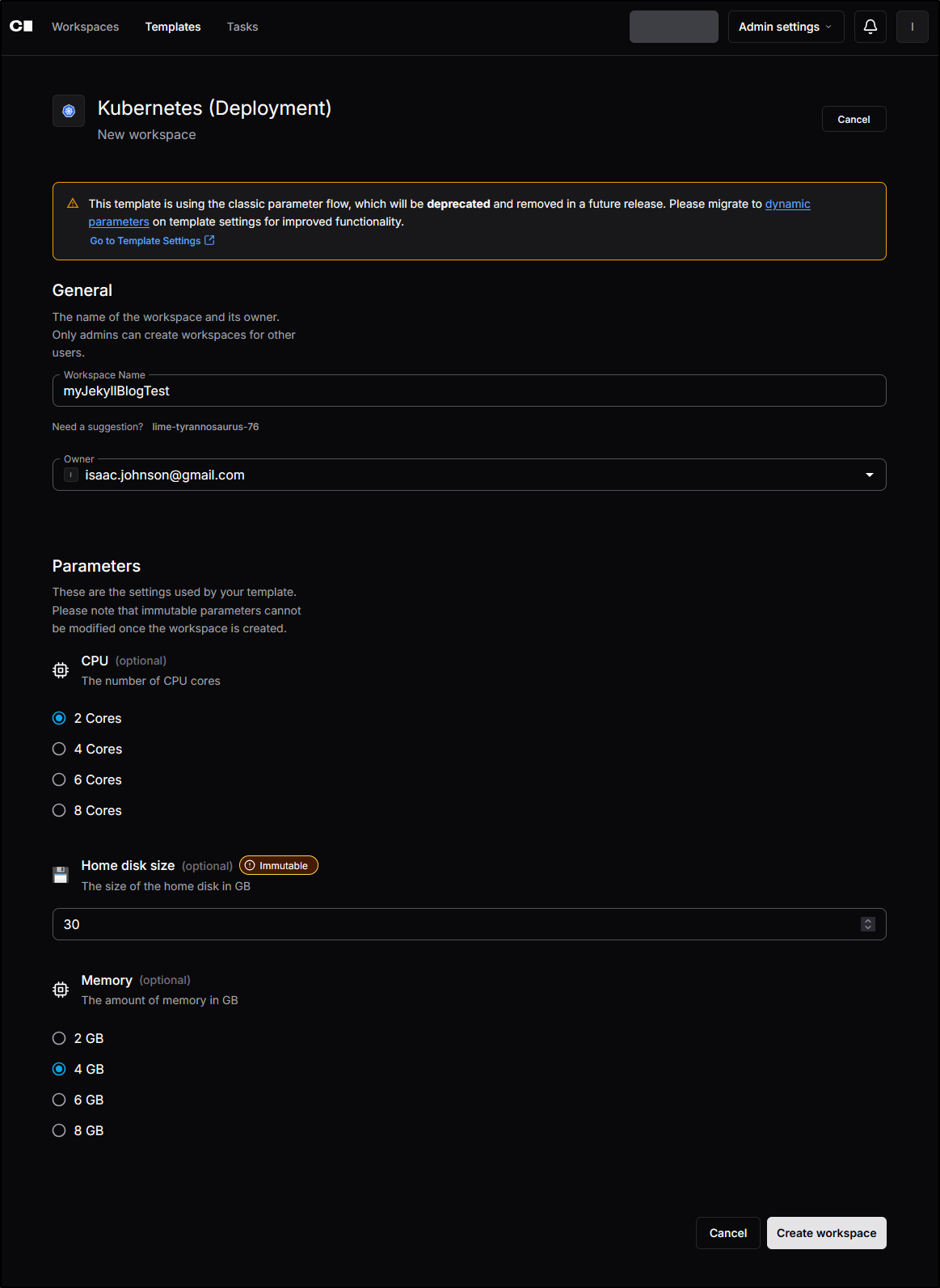
I see a lot of warnings here too
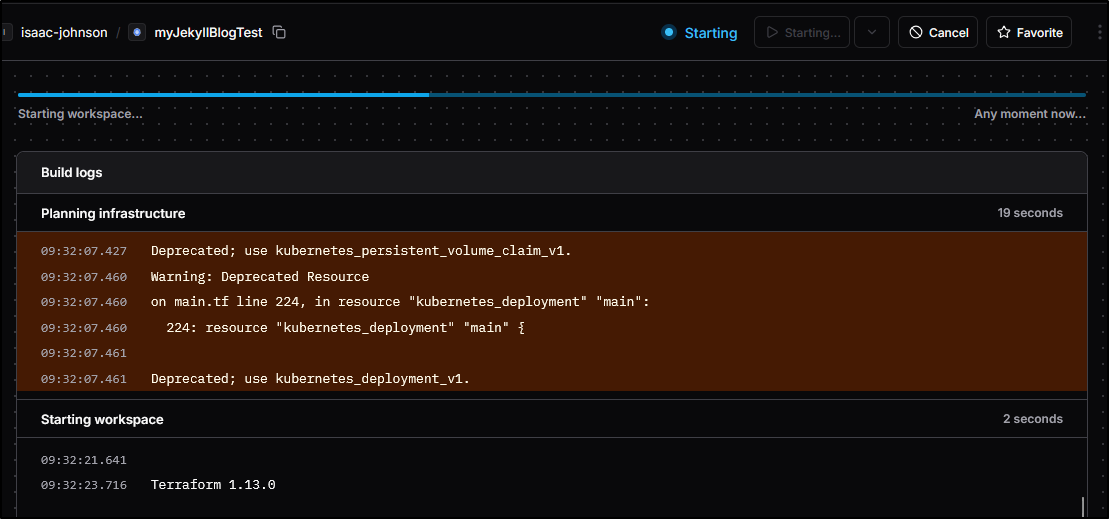
But soon I saw the workspace starting up
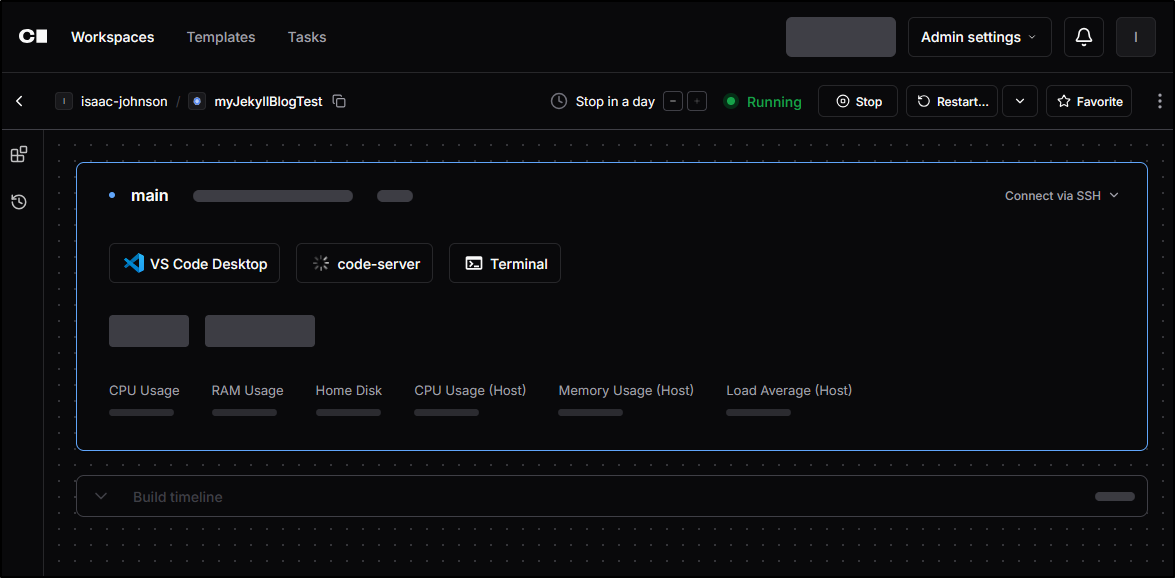
I also noticed it in the namespace in Kubernetes
$ kubectl get po -n coder
NAME                                                          READY   STATUS    RESTARTS   AGE
coder-575f87c9fb-qzrl4                                        1/1     Running   0          4m16s
coder-5b5e3c82-075c-4243-983b-aff287de7ee9-79c6cffb5f-28m9x   0/1     Pending   0          36s
coder-db-postgresql-0                                         1/1     Running   0          26h
Once running I saw it install a few binaries then show it was ready
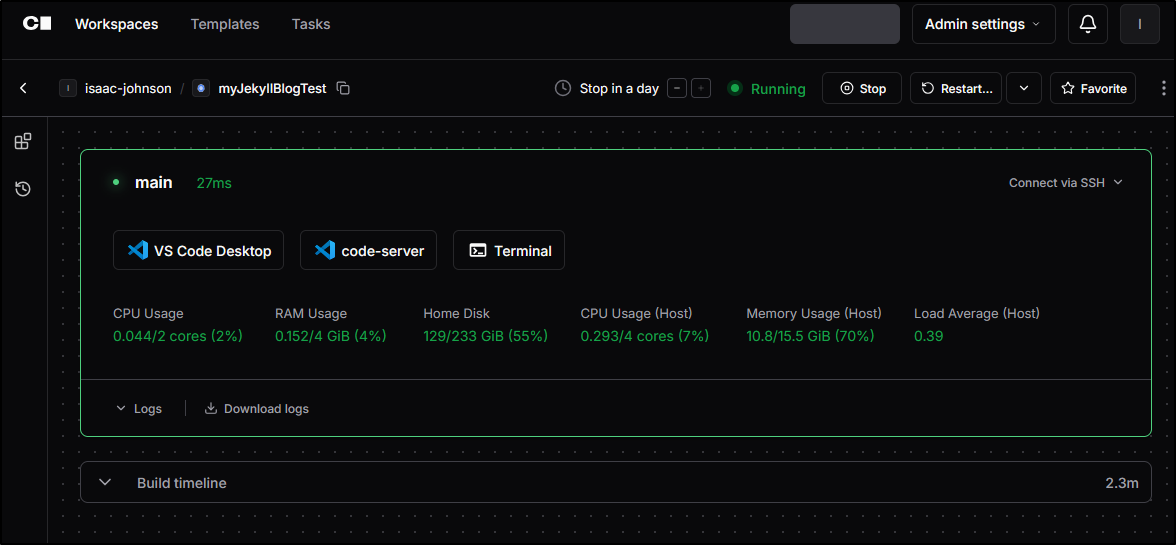
Clicking “code-server” will pop-up a code server window
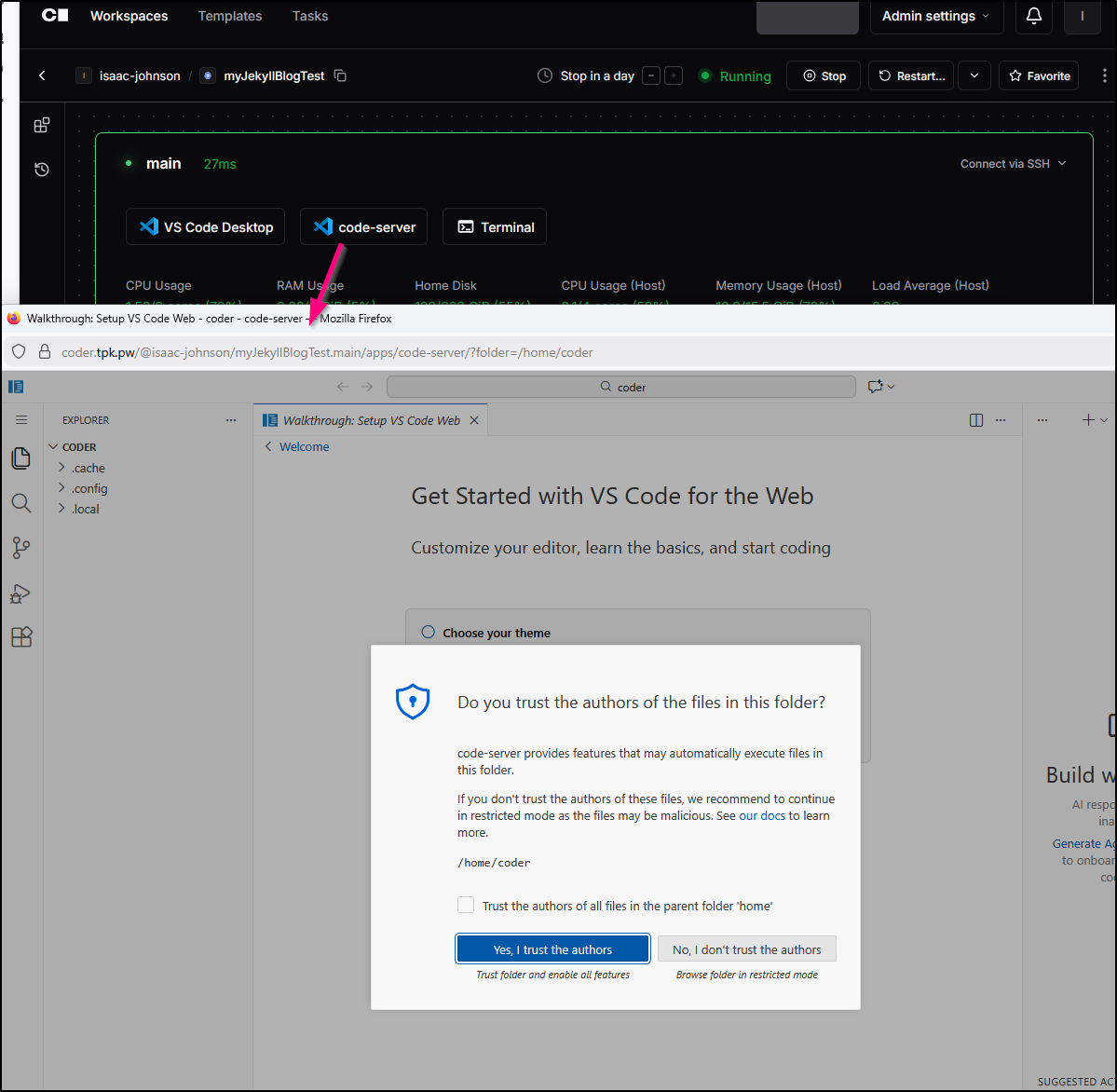
At first, I thought I might signin to Github for Copilot access
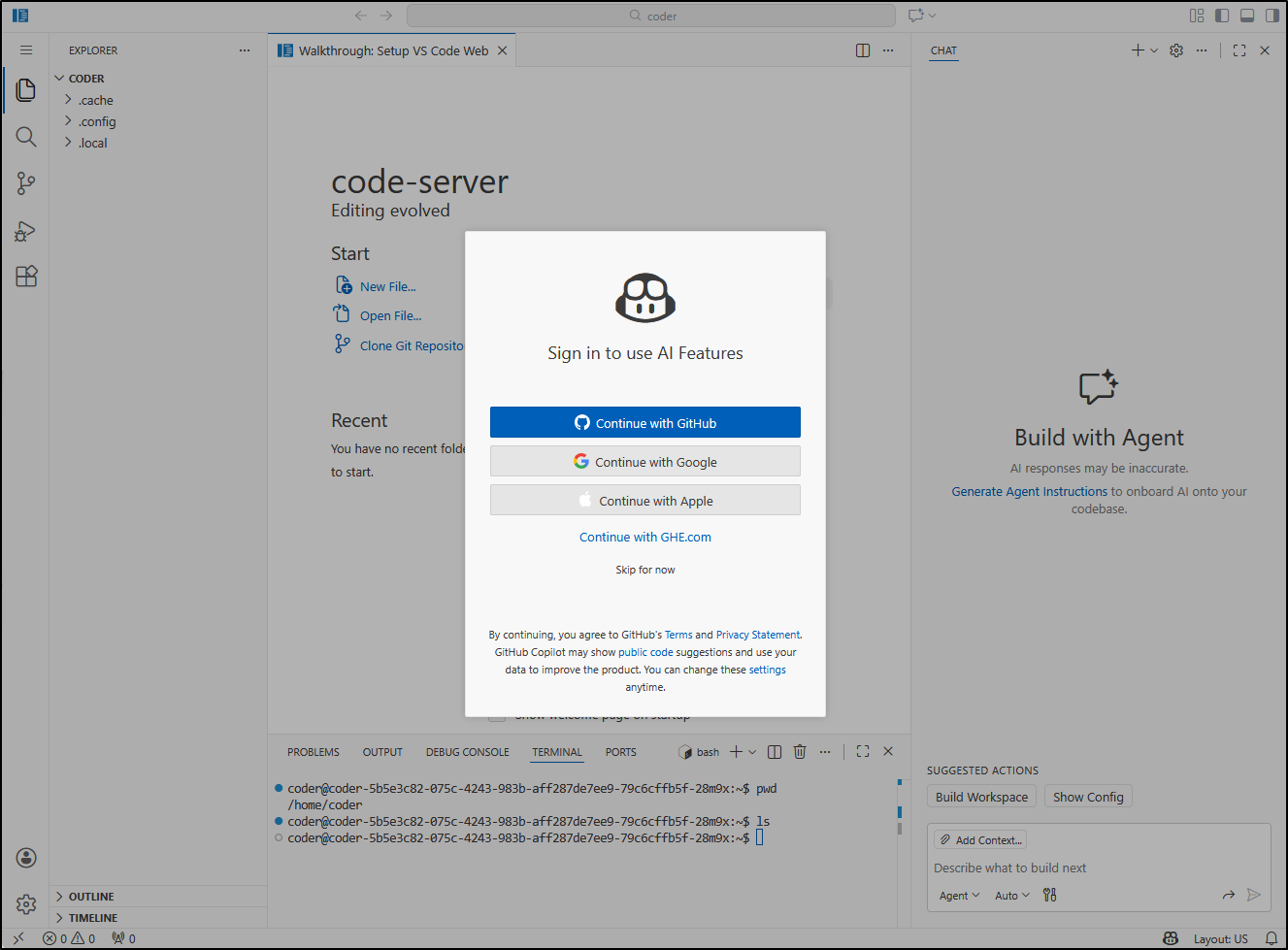
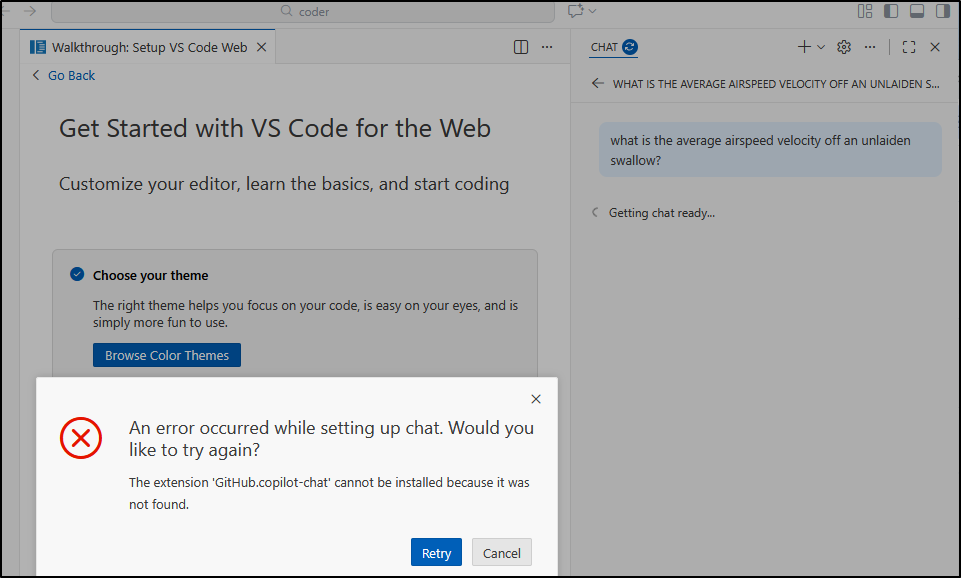
But then I got caught in a loop of “no such extension error”
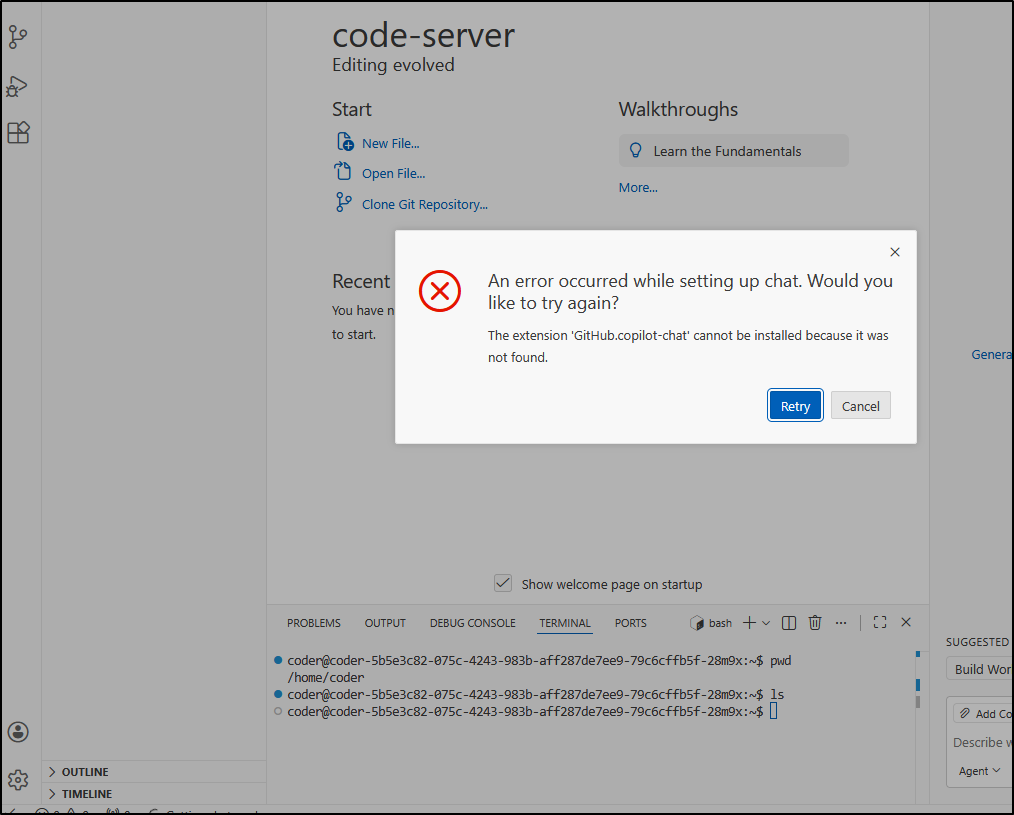
Even though I logged in, the whole “Chat” section just pops up errors
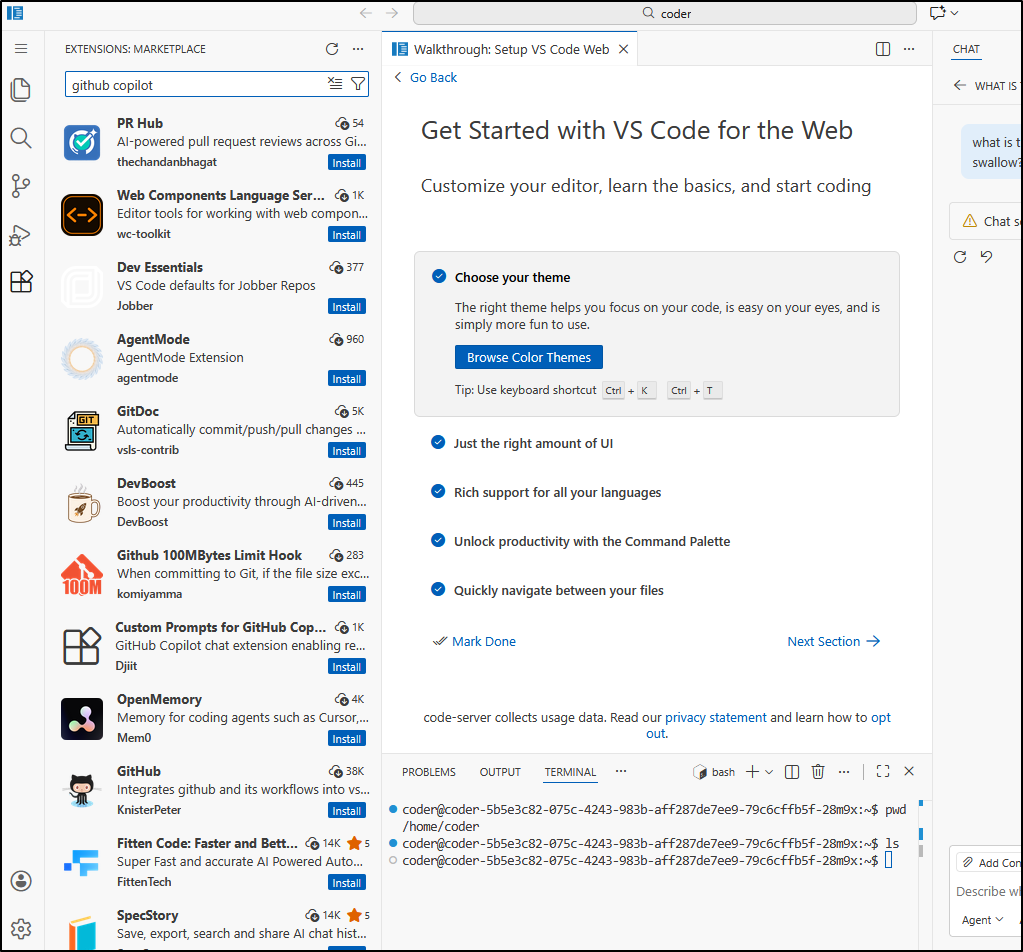
And there are no Copilot extensions to be found
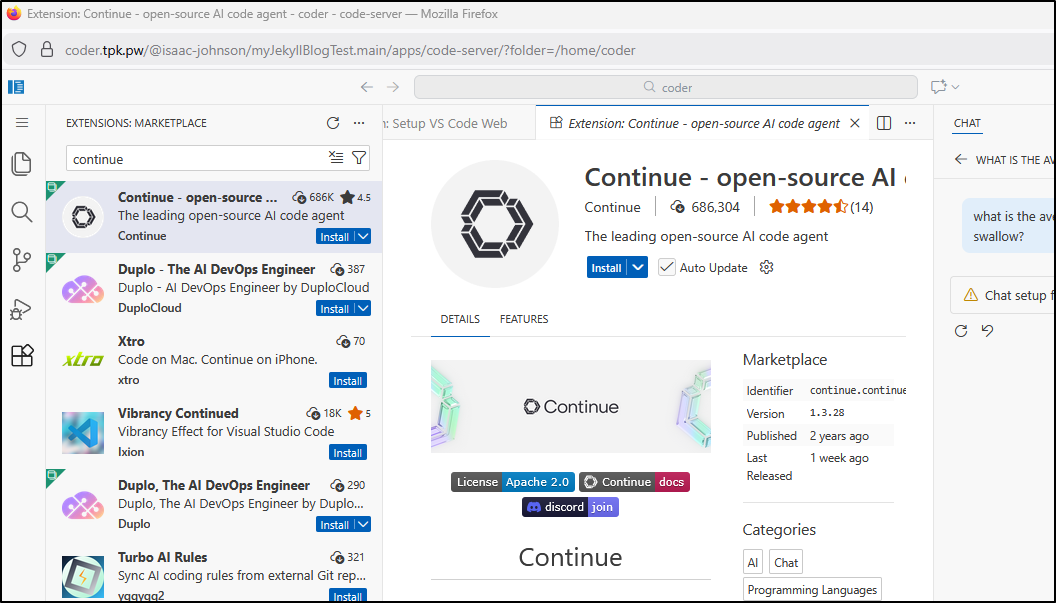
However I do have Continue.dev I can use
And what is this? I now see a “Gemini CLI” extension… yes please! I’ll get that and GCA
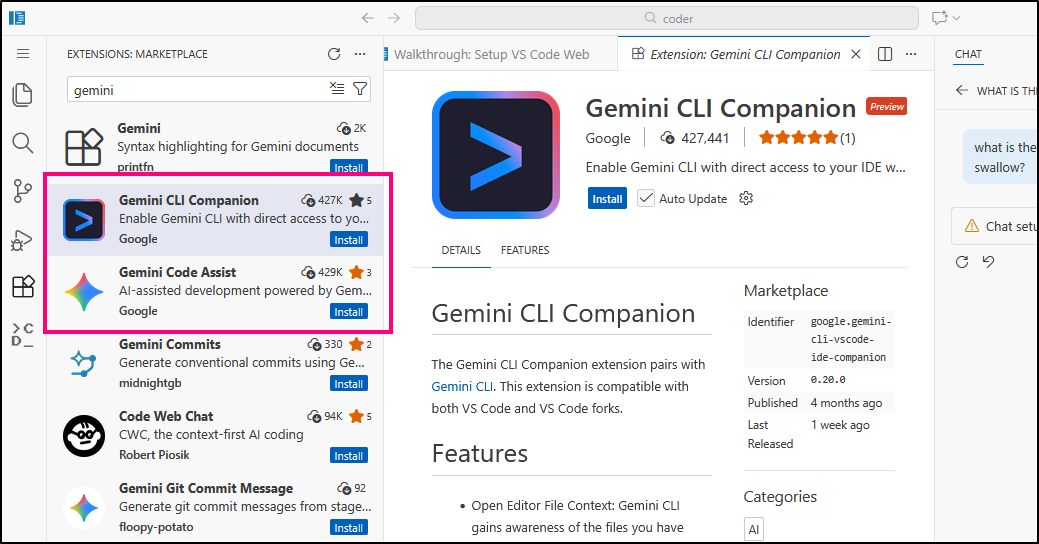
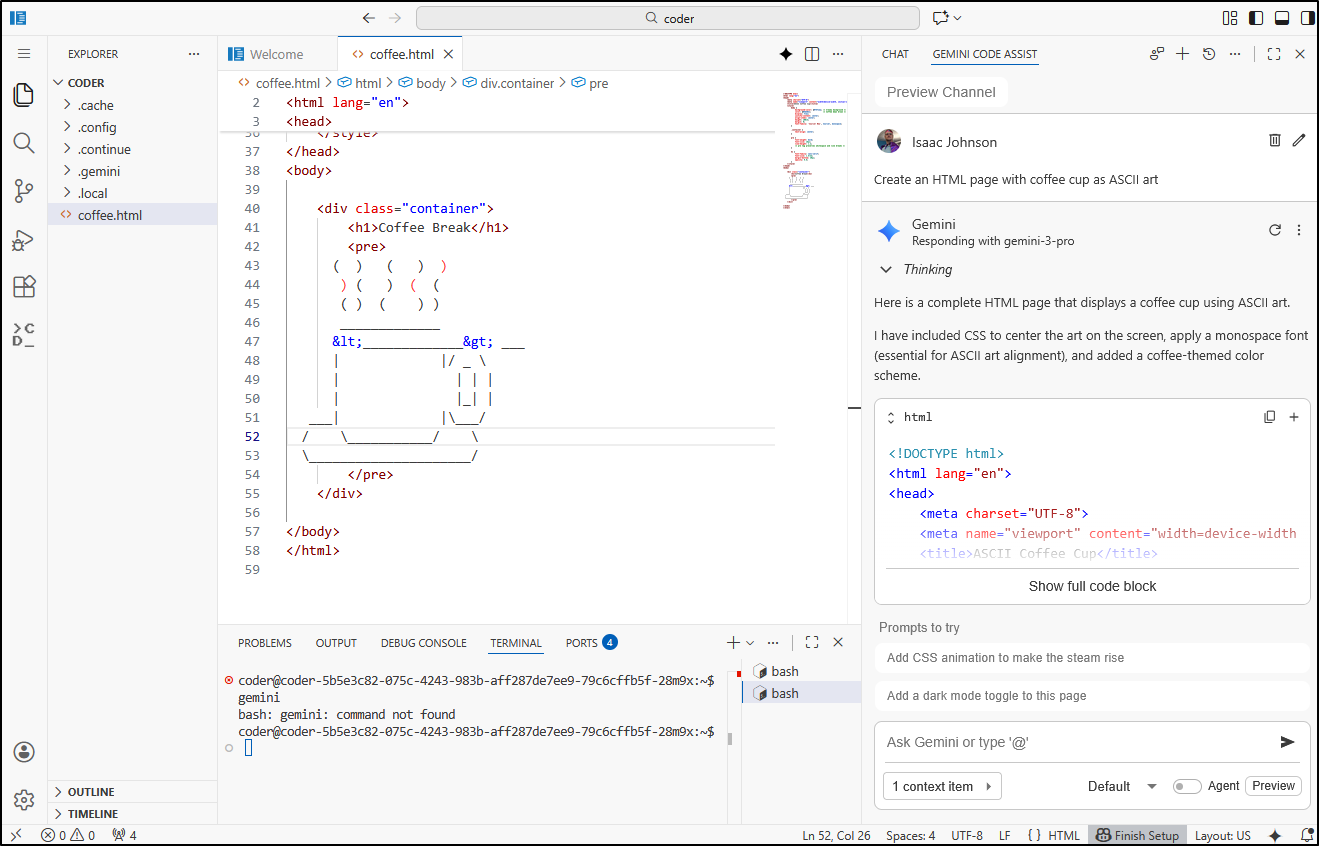
A quick test shows GCA is working just dandy
Continue.dev
Continue’s plugin as gotten a bit weirder. It now uses a python block for config and its UI is all blocky and bright
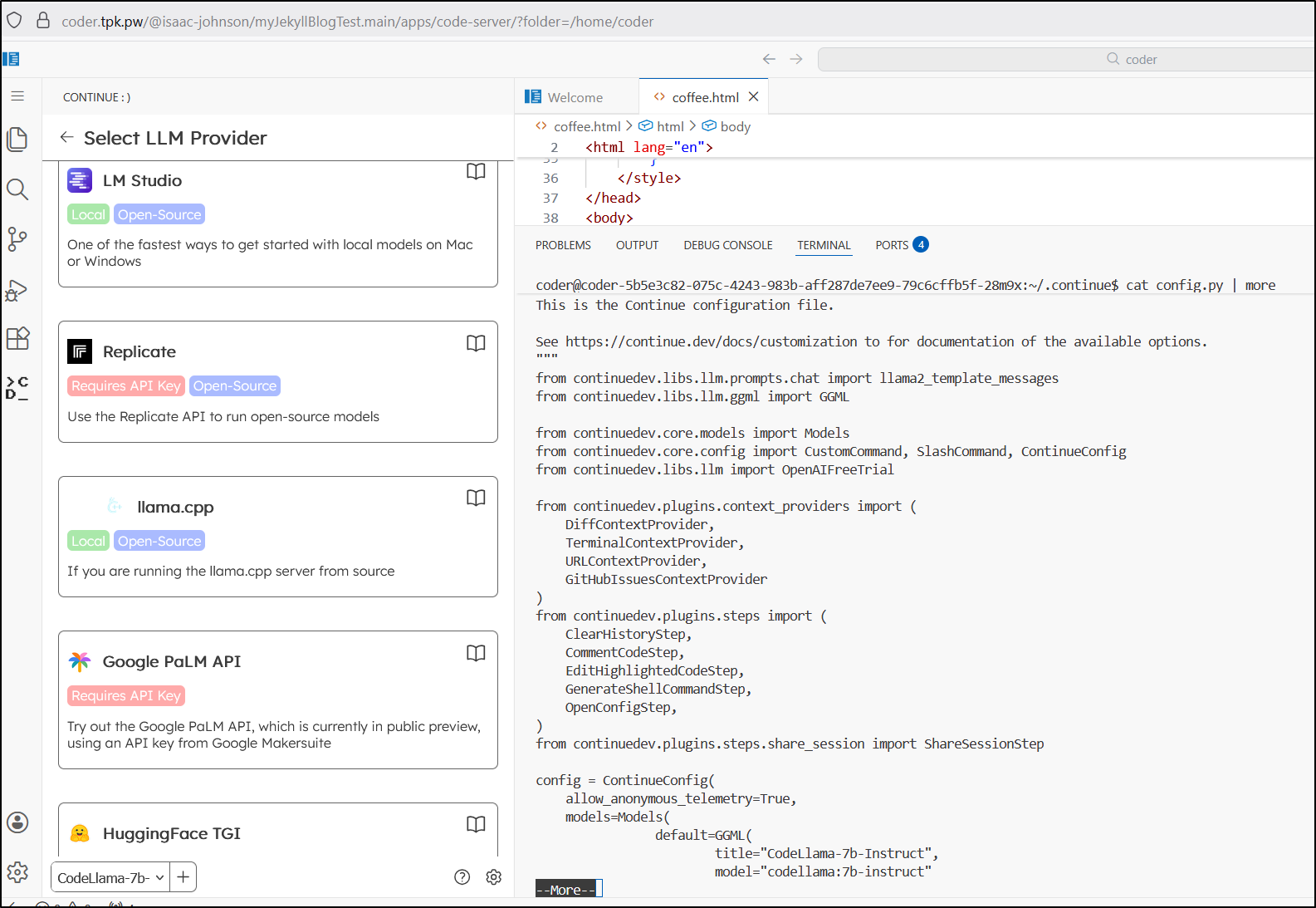
I figured it out pretty quick. It is using a very old version of the extension (0.1.5)
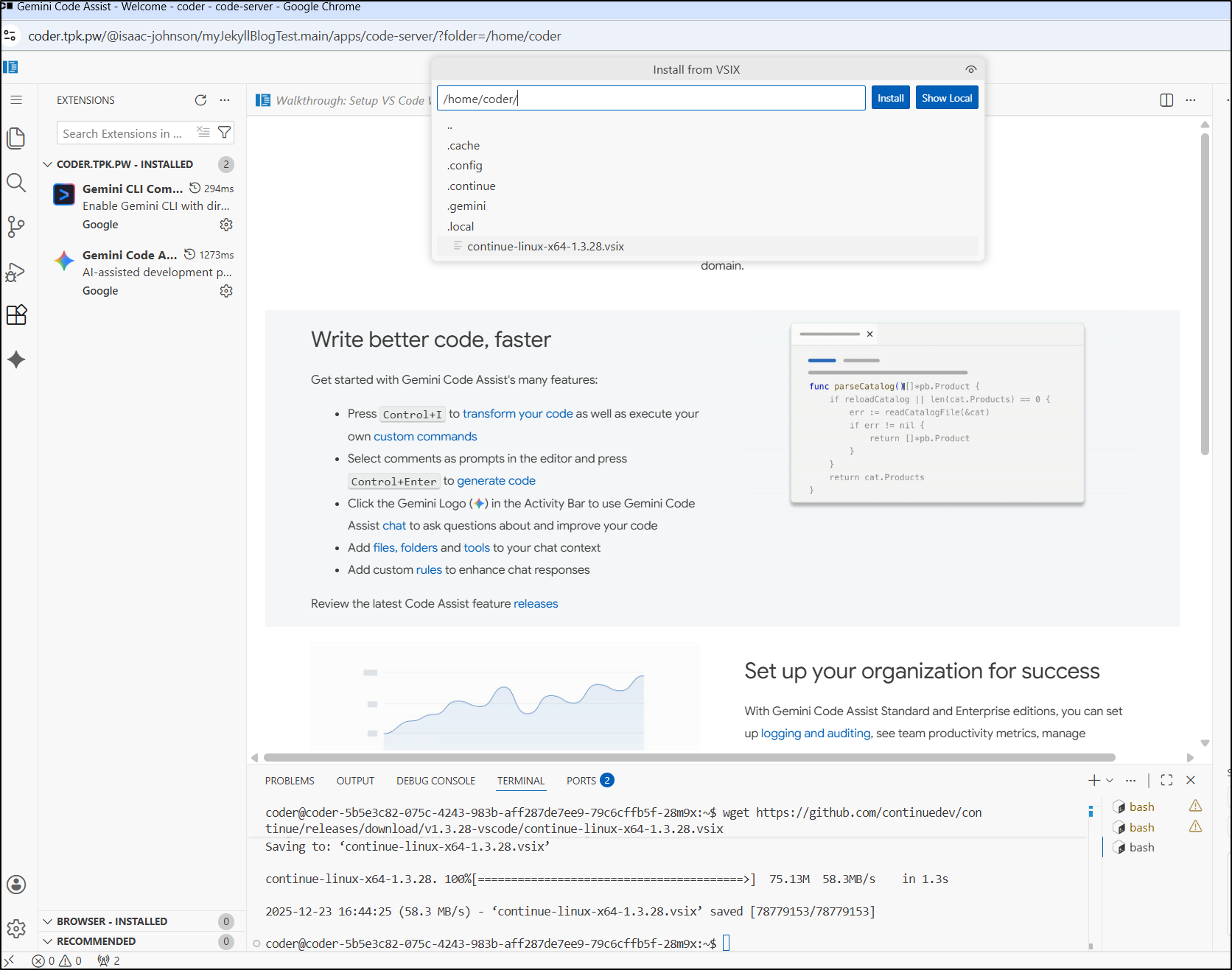
I worked around this using wget for the latest release of the vsix file
coder@coder-5b5e3c82-075c-4243-983b-aff287de7ee9-79c6cffb5f-28m9x:~$ wget https://github.com/continuedev/continue/releases/download/v1.3.28-vscode/continue-linux-x64-1.3.28.vsix
Then install the extension directly from the vsix file
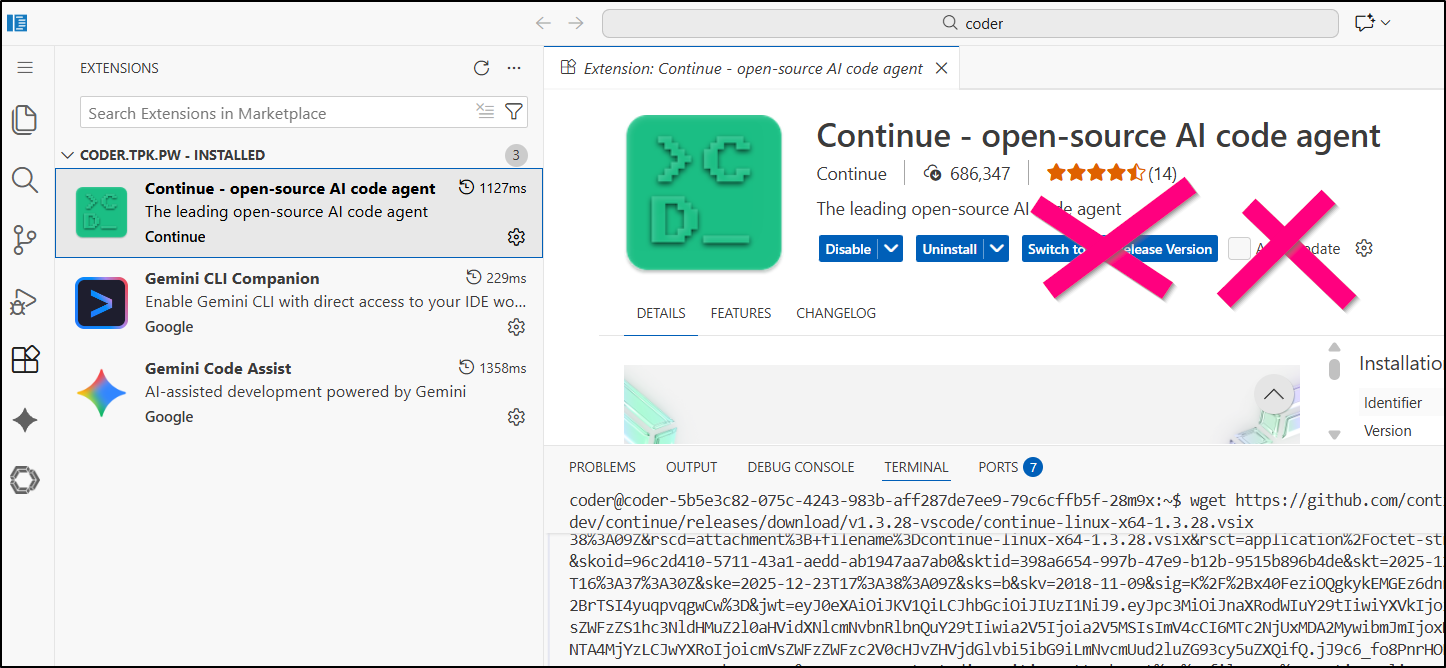
A quick note: do not auto-update nor switch to pre-release as it will revert back to the old version
A quick test of Azure AI worked just fine
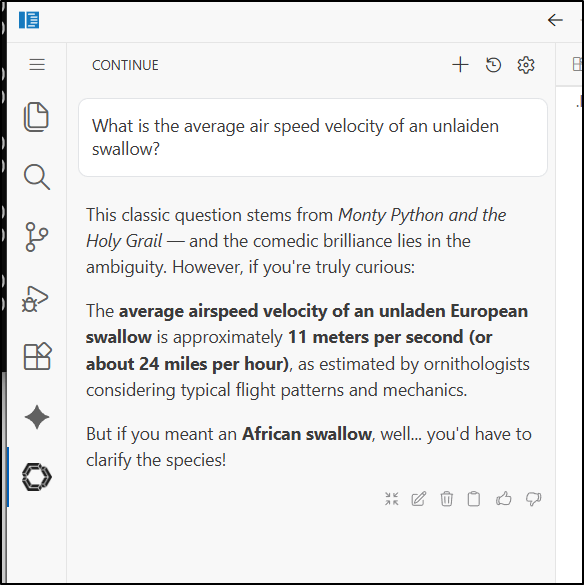
I can use an API keys from Google AI Studio to leverage the latest Gemini models.
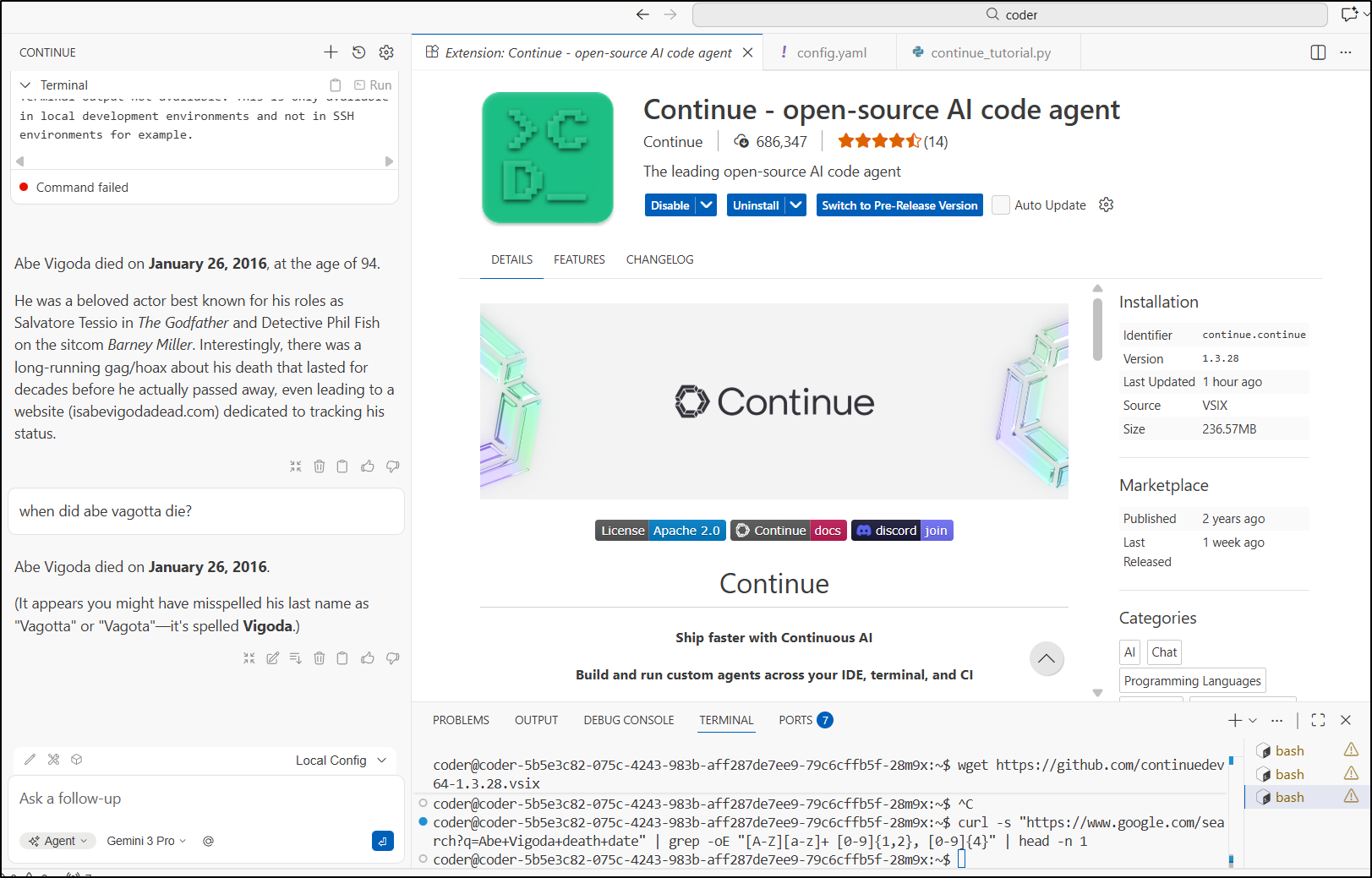
Updated models
Let’s snag a newer Mistral AI model
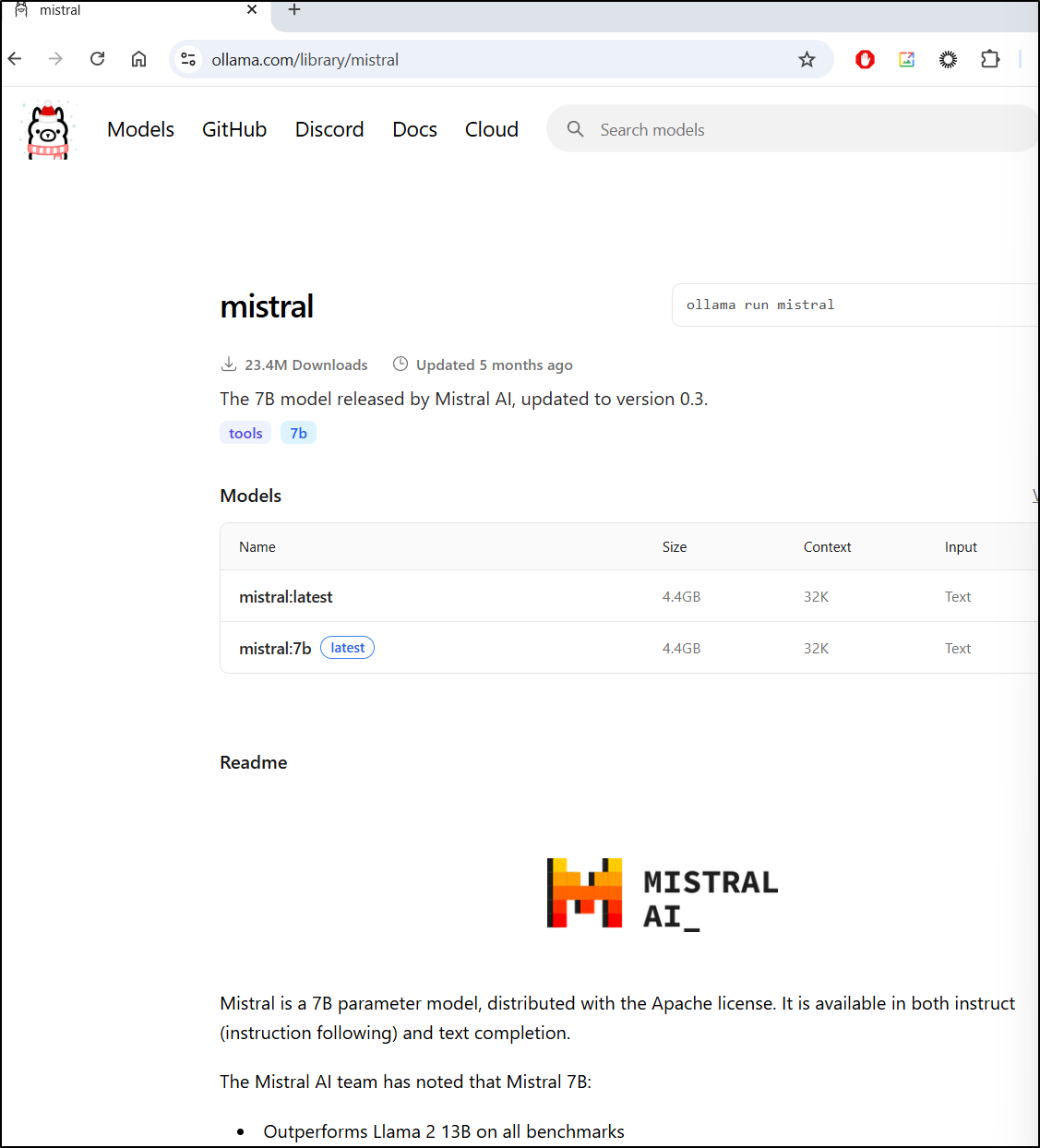
Which I can pull
builder@bosgamerz7:~$ ollama pull mistral:7b
pulling manifest
pulling f5074b1221da: 100% ▕███████████████████████████████████████████████████████████████████████████████████████████▏ 4.4 GB
pulling 43070e2d4e53: 100% ▕███████████████████████████████████████████████████████████████████████████████████████████▏  11 KB
pulling 1ff5b64b61b9: 100% ▕███████████████████████████████████████████████████████████████████████████████████████████▏  799 B
pulling ed11eda7790d: 100% ▕███████████████████████████████████████████████████████████████████████████████████████████▏   30 B
pulling 1064e17101bd: 100% ▕███████████████████████████████████████████████████████████████████████████████████████████▏  487 B
verifying sha256 digest
writing manifest
success
Trying to get a newer GPT model needs a new Ollama
builder@bosgamerz7:~$ ollama pull gpt-oss:20b
pulling manifest
Error: pull model manifest: 412:

The model you are attempting to pull requires a newer version of Ollama.

Please download the latest version at:

        https://ollama.com/download


builder@bosgamerz7:~$ ollama --version
ollama version is 0.10.0
We can use the install script to update Ollama locally
builder@bosgamerz7:~$ curl -fsSL https://ollama.com/install.sh | sh
>>> Cleaning up old version at /usr/local/lib/ollama
>>> Installing ollama to /usr/local
>>> Downloading Linux amd64 bundle
######################################################################## 100.0%
>>> Adding ollama user to render group...
>>> Adding ollama user to video group...
>>> Adding current user to ollama group...
>>> Creating ollama systemd service...
>>> Enabling and starting ollama service...
>>> Downloading Linux ROCm amd64 bundle
######################################################################## 100.0%
>>> The Ollama API is now available at 127.0.0.1:11434.
>>> Install complete. Run "ollama" from the command line.
>>> AMD GPU ready.
Now I’m able to pull the 20b model
builder@bosgamerz7:~$ ollama pull gpt-oss:20b
pulling manifest
pulling e7b273f96360: 100% ▕███████████████████████████████████████████████████████████████████████████████████████████▏  13 GB
pulling fa6710a93d78: 100% ▕███████████████████████████████████████████████████████████████████████████████████████████▏ 7.2 KB
pulling f60356777647: 100% ▕███████████████████████████████████████████████████████████████████████████████████████████▏  11 KB
pulling d8ba2f9a17b3: 100% ▕███████████████████████████████████████████████████████████████████████████████████████████▏   18 B
pulling 776beb3adb23: 100% ▕███████████████████████████████████████████████████████████████████████████████████████████▏  489 B
verifying sha256 digest
writing manifest
success
i can now add them to the code-server config
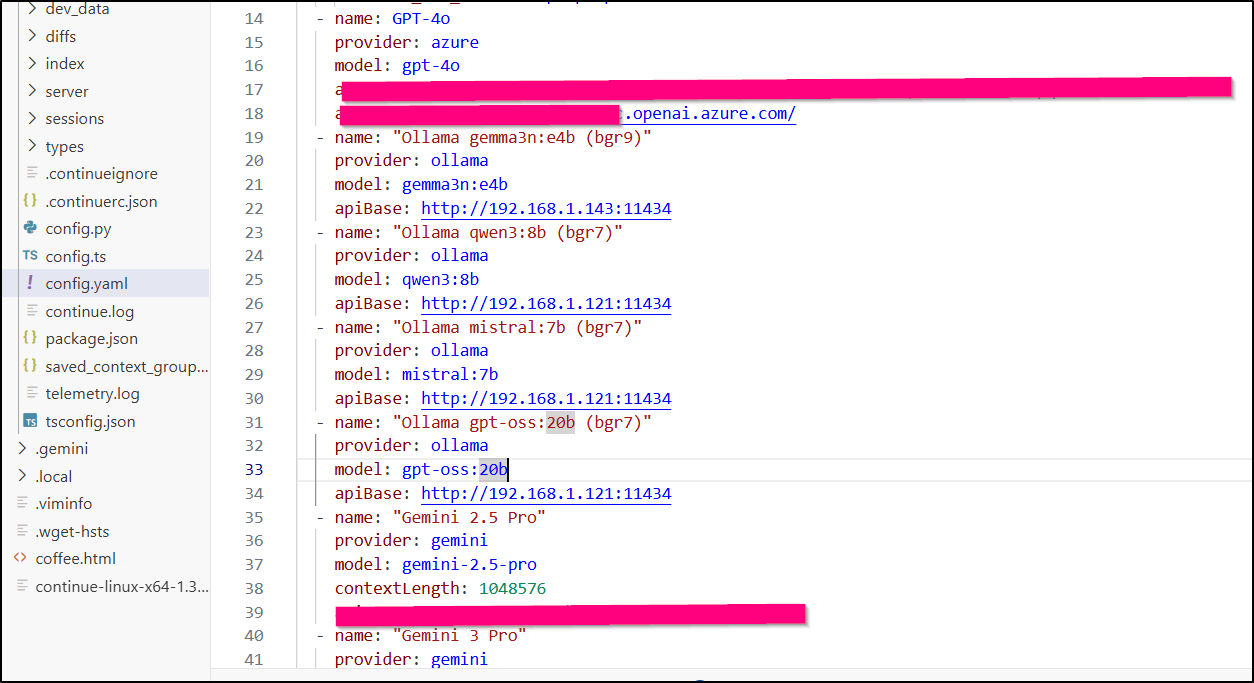
And see them listed
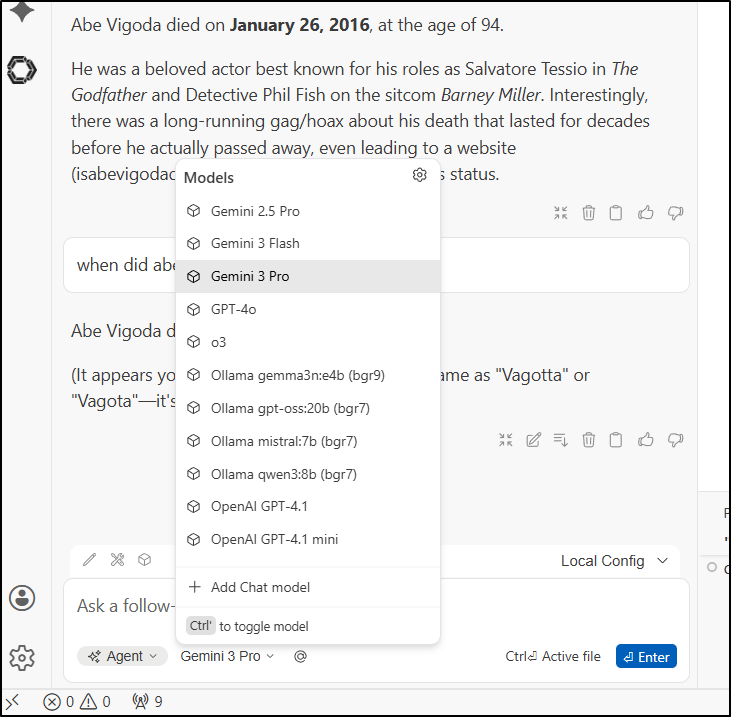
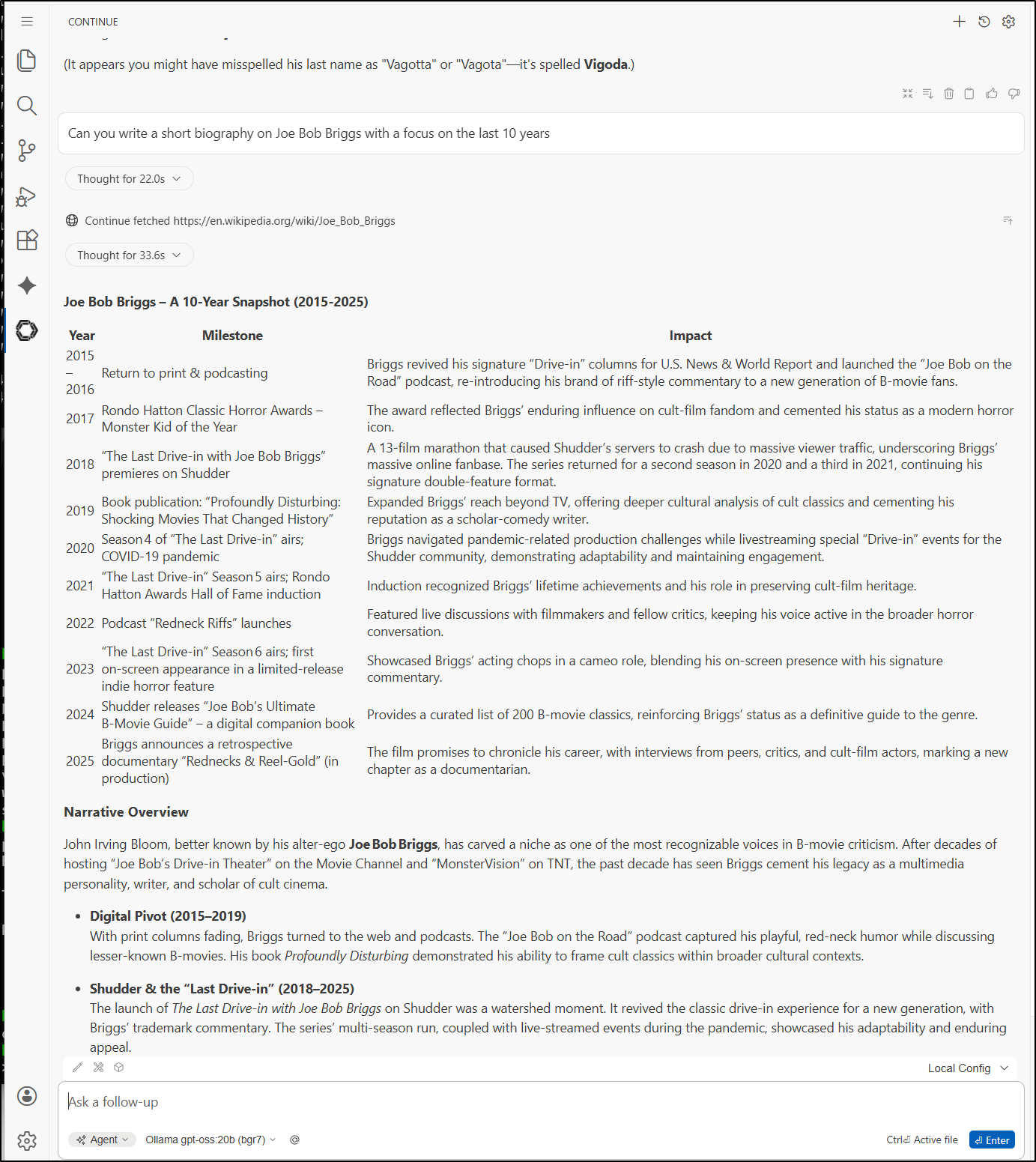
Firing it up took 1:12 to get to a “Thinking” indicator, then “thought” for 22s before wanting to check Wikipedia. Then about 6m till it gets a response.
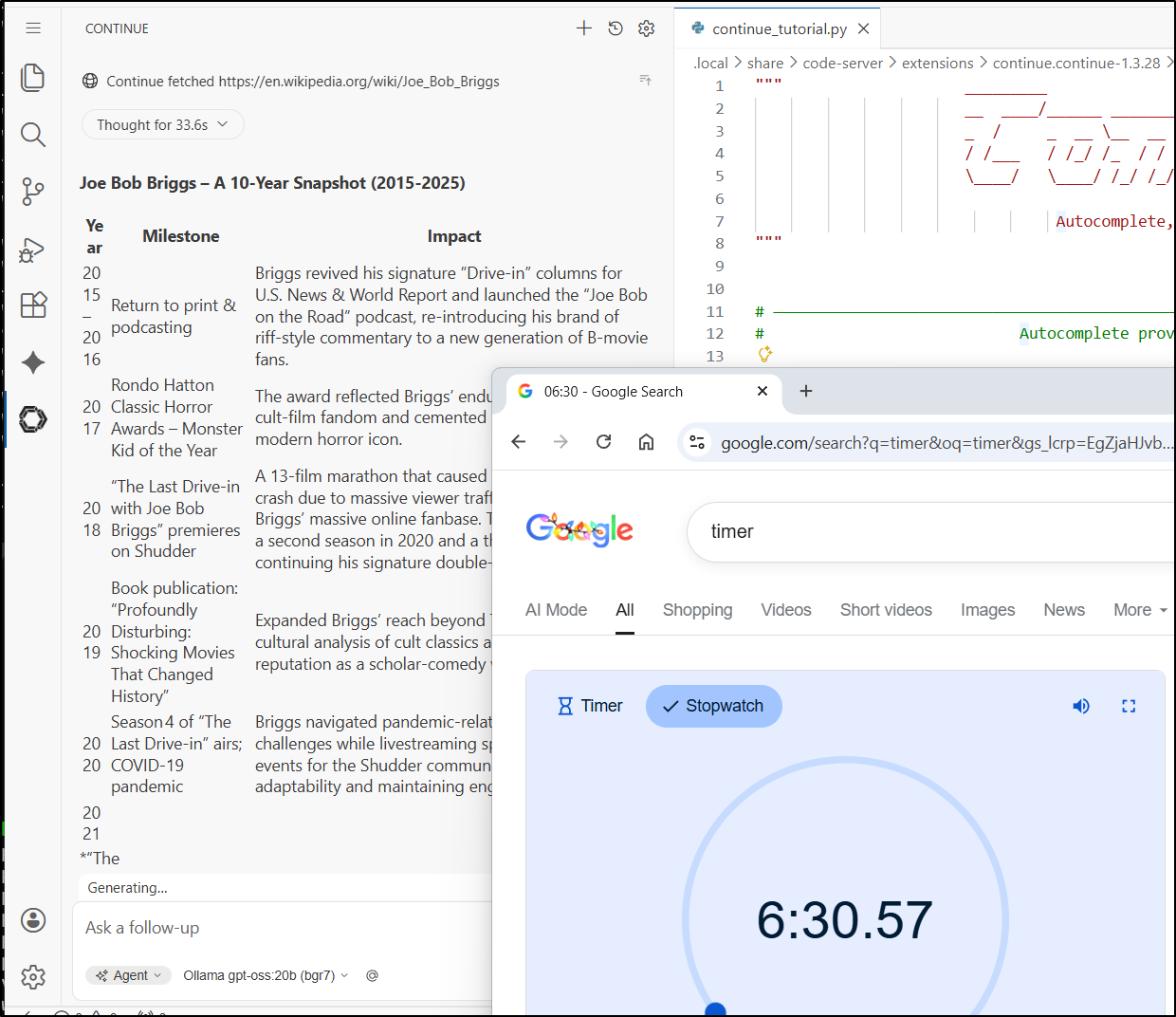
But if one is patient, one can get some good results using local hardware
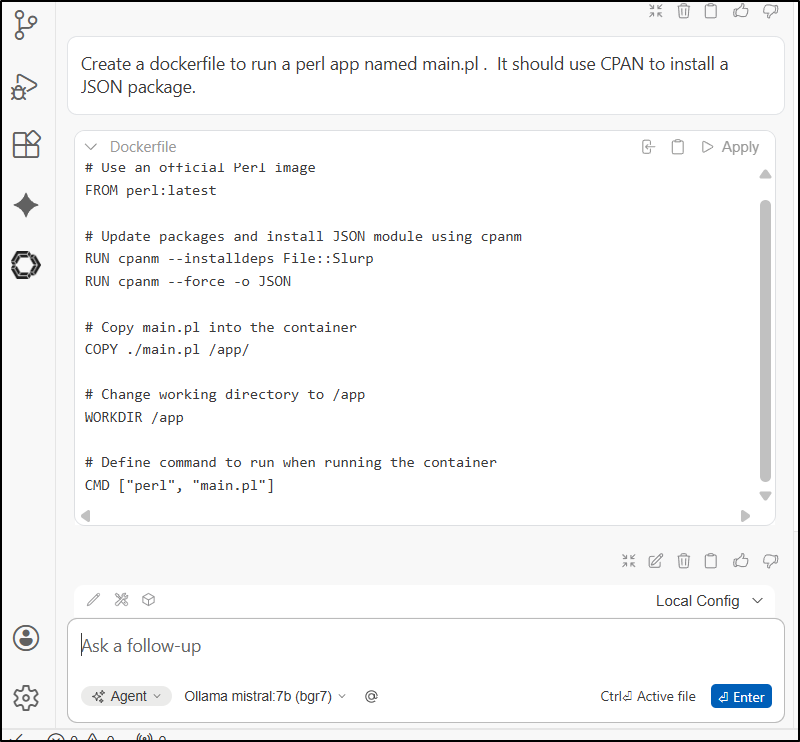
Let’s do one more quick test using Mistral:7b this time whcih tool about 3m to create
Now I’ll pause on more coding updates - clearly Coder and code-server now works great.
Summary
Today we updated n8n, my primary workflow engine I use for chatbots and form flows. We easily just updated docker and verified all the flows were live. The one lesson learned, of course, is to pause Uptime Kuma (or at least PagerDuty) when doing big updates on “Prod” endpoints.
We then circled back on Code Server from Coder. I think the reason this was front-and-center is because of some of things Github has done lately. Now I did total up what that change would have cost me: $0.56 for my 281 minutes usage thus far this month. But it spooked me and now I’m starting to think about Github alternatives in a real way (and of course FOSS is front and center).
