Published: Dec 23, 2025 by Isaac Johnson
I saw this recent Marius post about Dockhand and really wanted to give it a try.
I thought it might be a small one-trick suite like other “docker managers” I’ve reviewed but this one, as I reviewed it below, showed itself to be uniquely full featured.
While there is a commercial edition, we’ll just stick with the free one. I’m not really sure if it is actually open-source as they don’t have their source on GH
I’ll also take a moment to look at a fast light editor called Fresh.
Dockhand
There are a few versions which we will circle back on, but for now let’s dig into the free OS version
We can fire this off with docker serving up on port 3000:
$ docker run -d \
  --name dockhand \
  -p 3000:3000 \
  -v /var/run/docker.sock:/var/run/docker.sock \
  -v dockhand_data:/app/data \
  fnsys/dockhand:latest
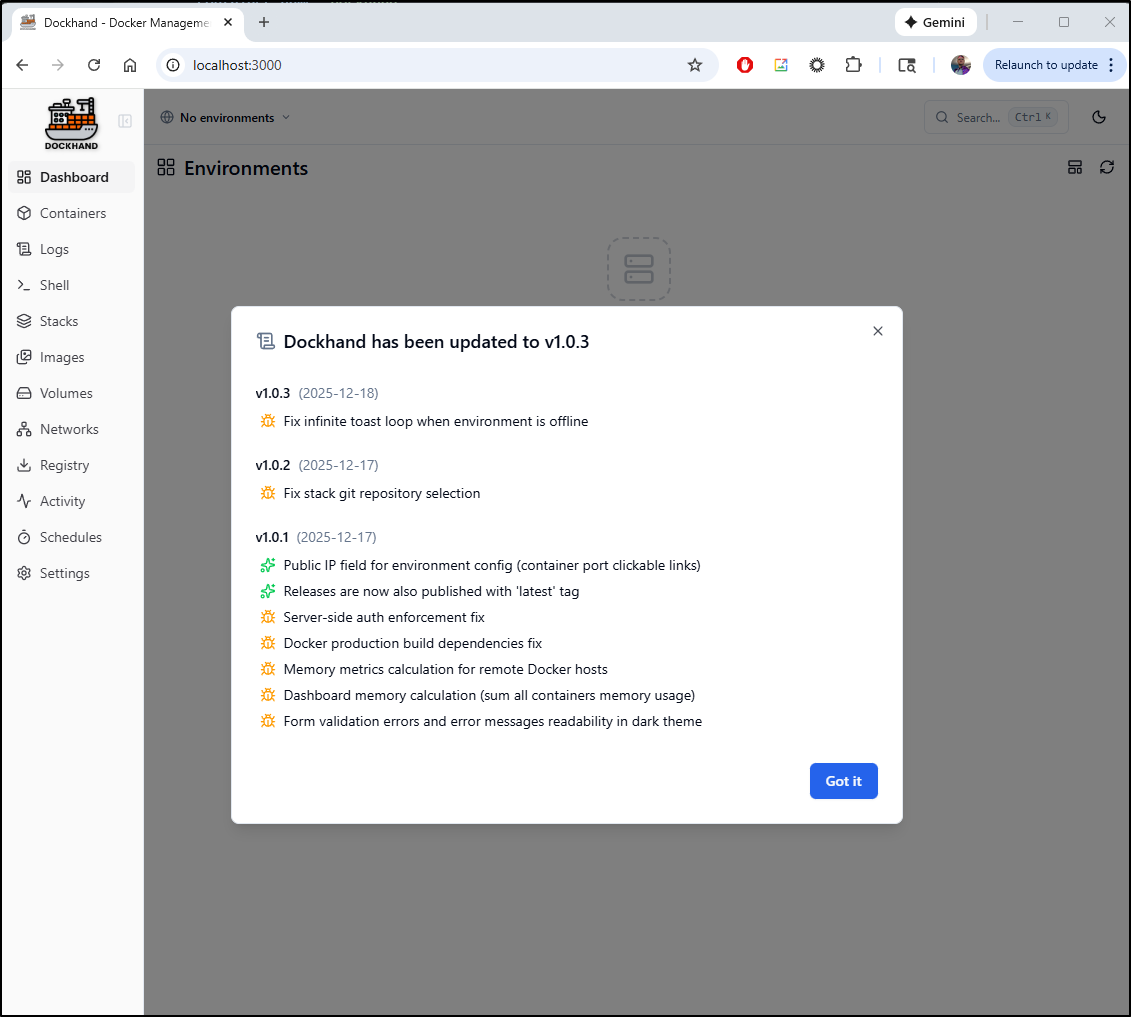
Opening http://localhost:3000 we see a notice on latest updates first
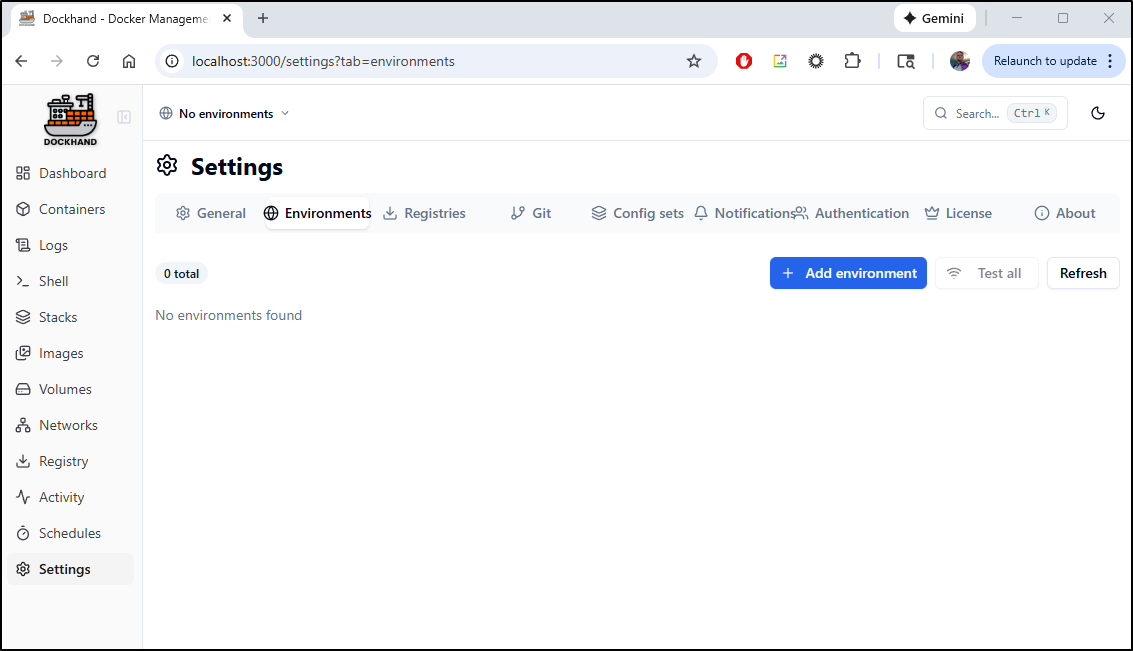
Since this is intended to manage multiple hosts, we need to start by adding an Environment
Here I’ll give it the name WSLLocal. I can add labels and if I wanted to view this from other machines, I would set the Public IP to the computers local IPv4
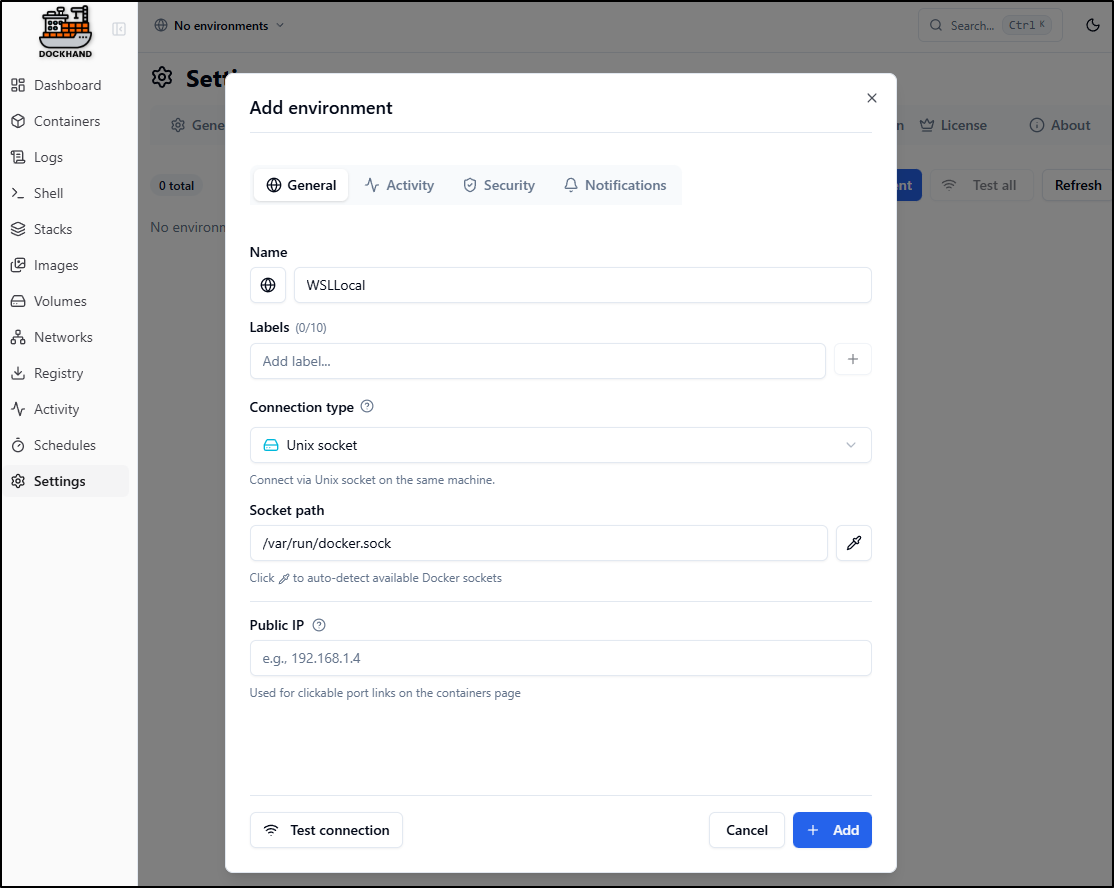
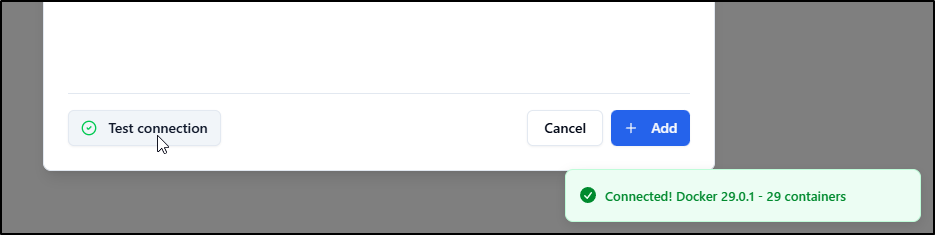
A quick “Test connection” verified it was working
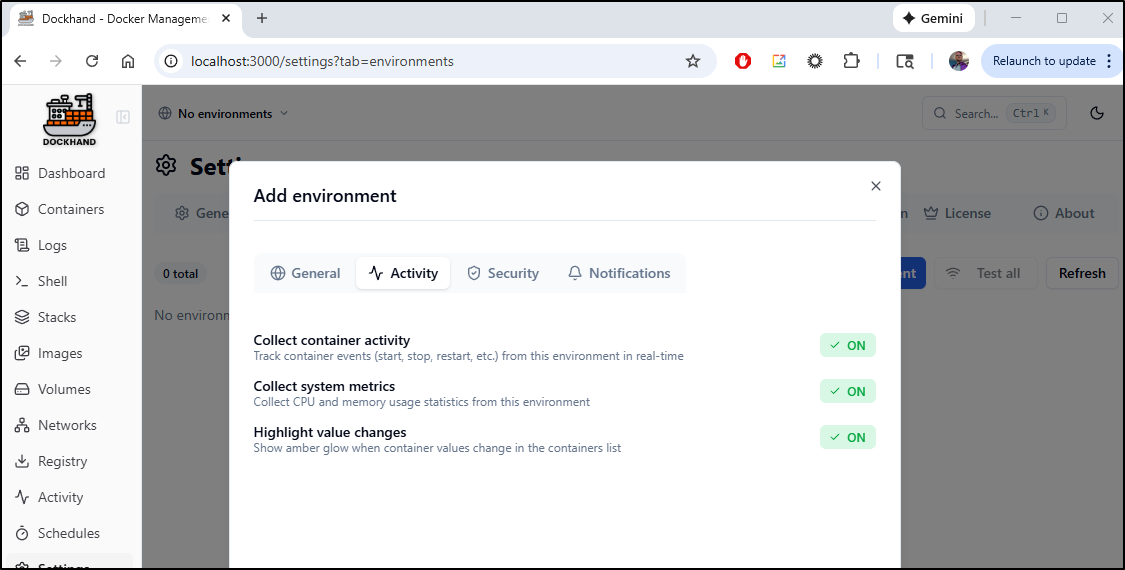
By default, all the activity monitoring is enabled
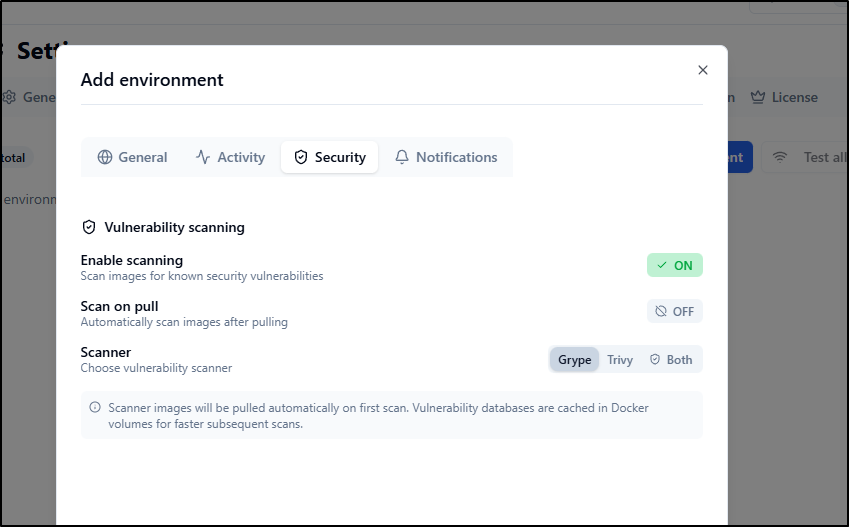
I can enable container scanning on pull and pick the scanner to use (by default off)
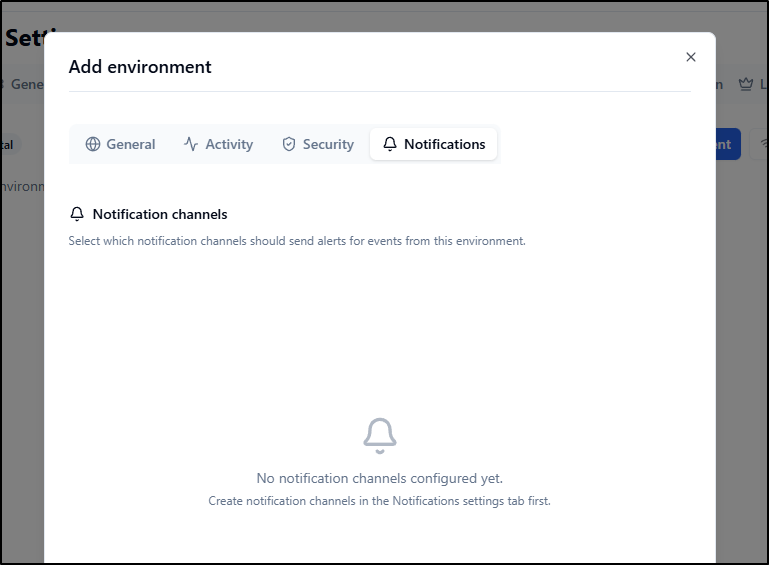
For now, i can’t use notifications as I have yet to setup those channels
Clicking add now shows the “WSLLocal” environment
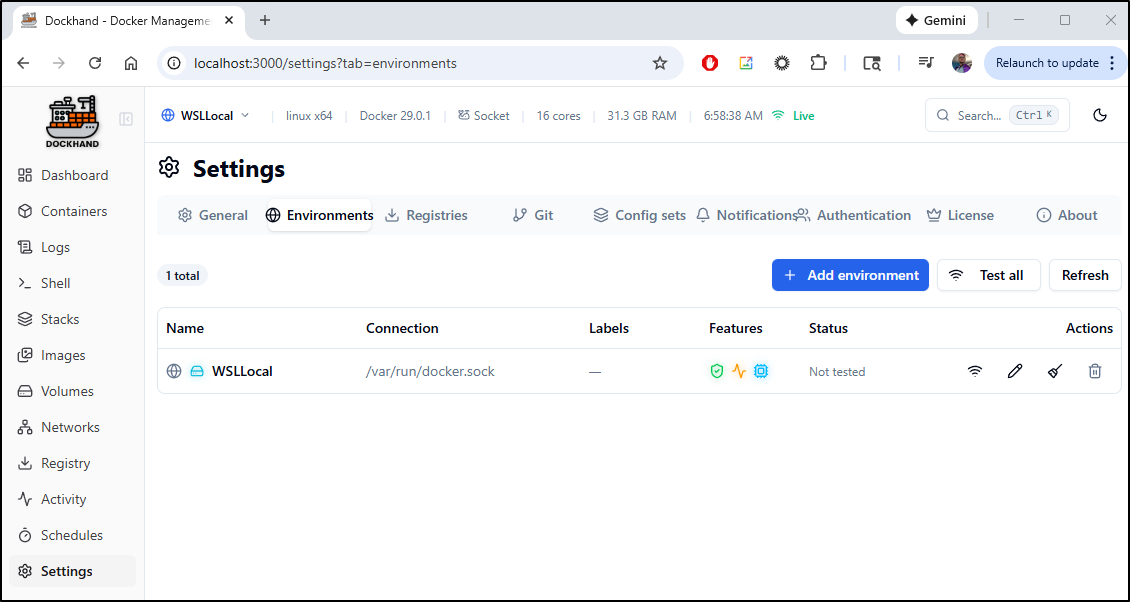
Registries
by default, it has Docker Hub, but let’s add our Harbor CR to it
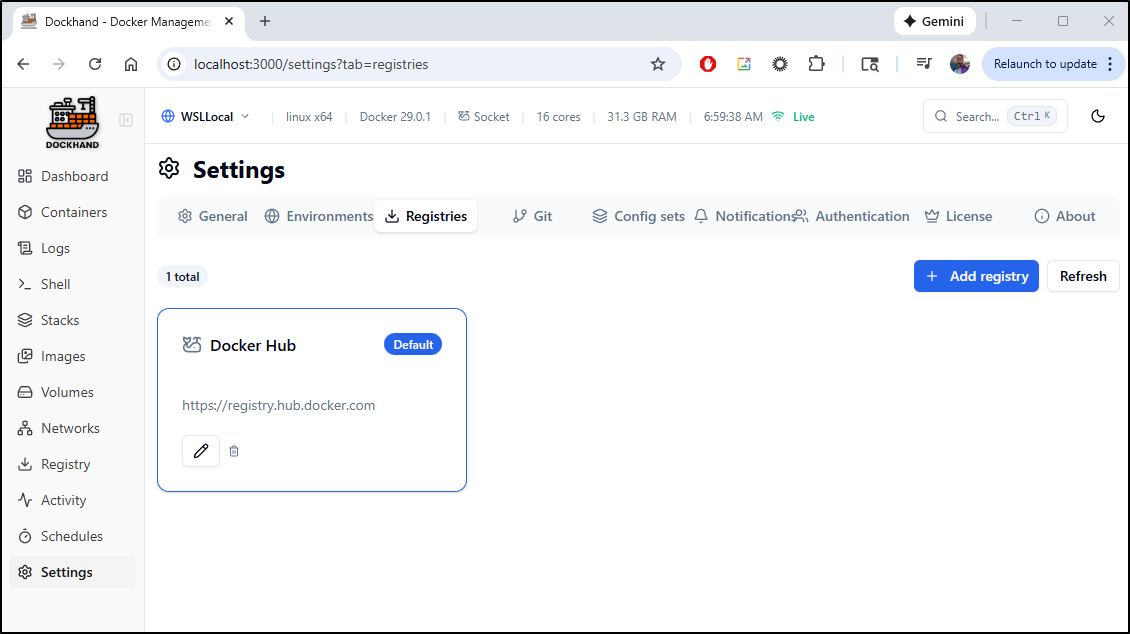
I just need to set the root of the CR
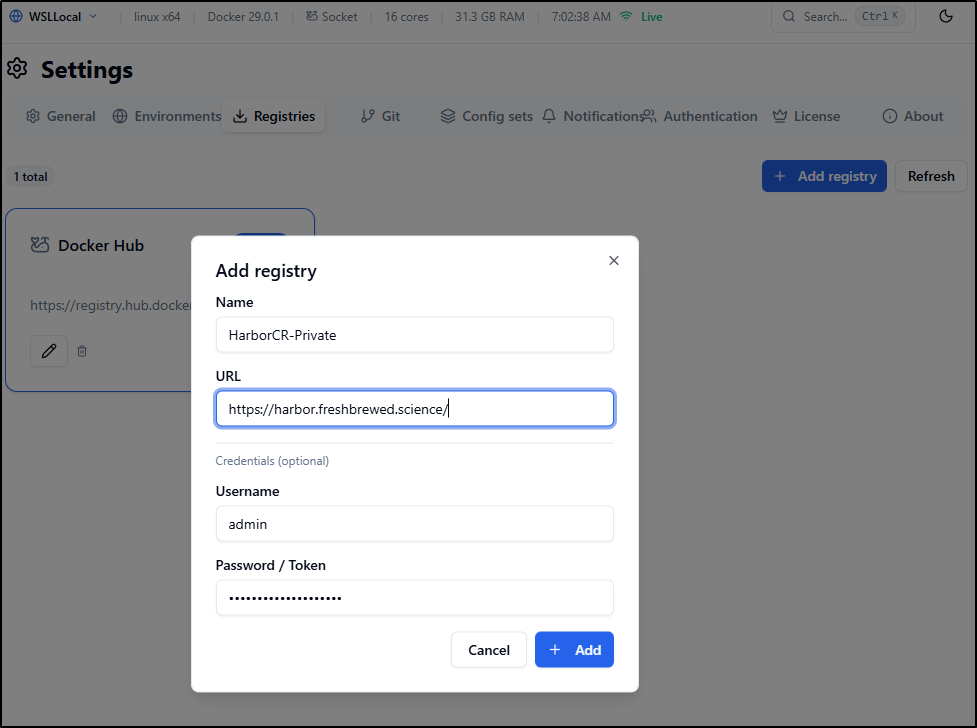
To test, let’s search for a private container and expand the tags
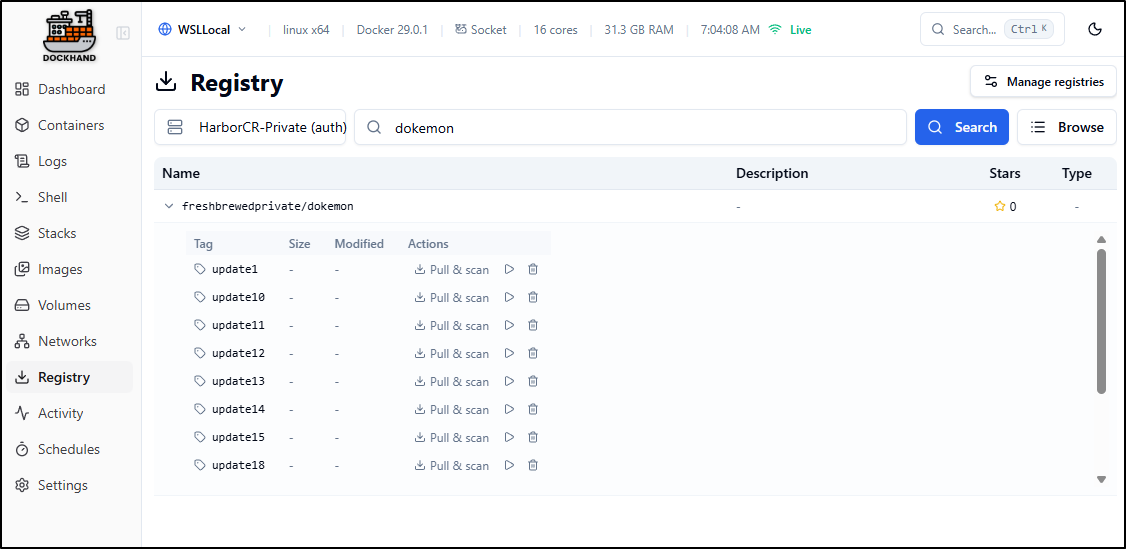
I initiated a pull and scan:
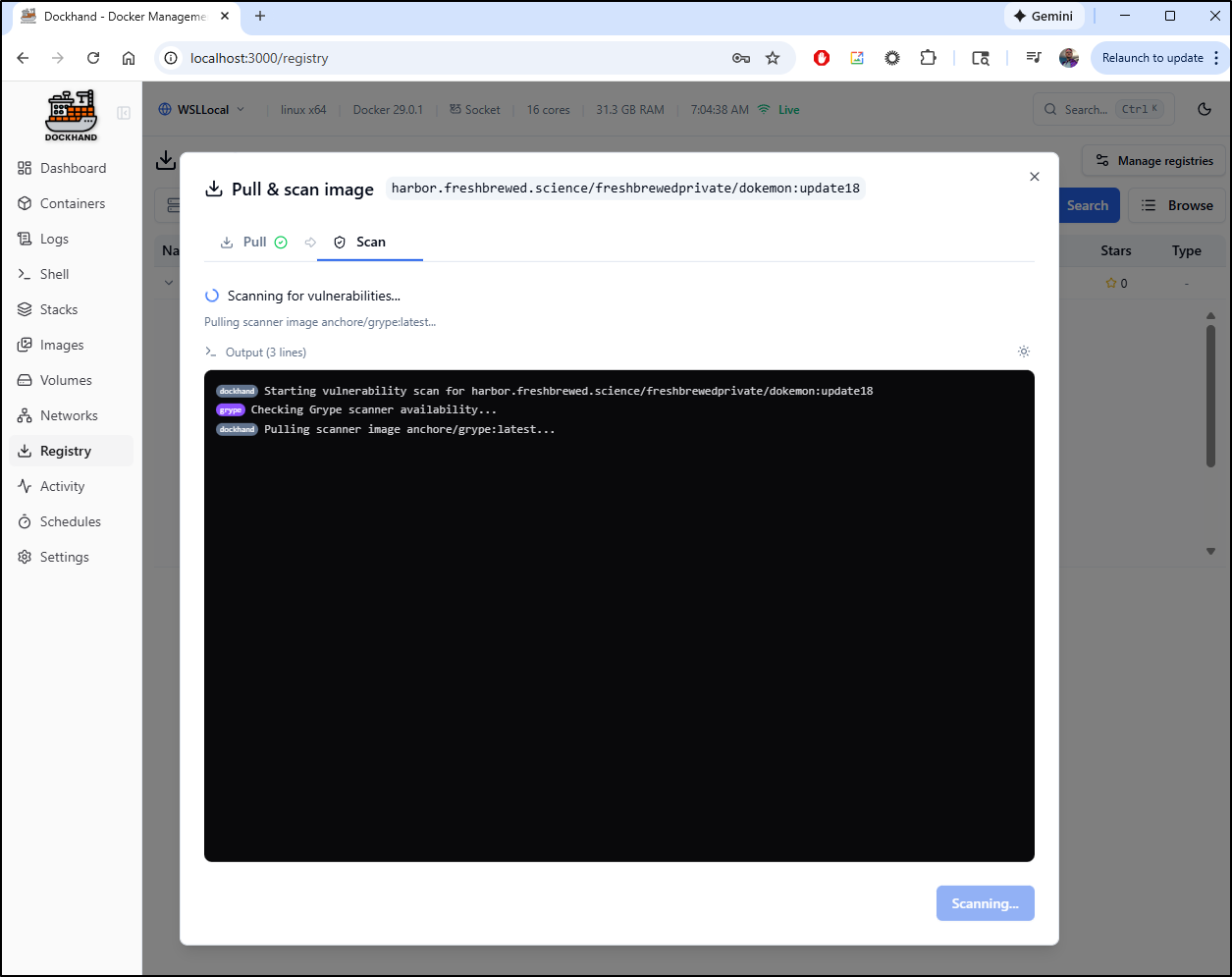
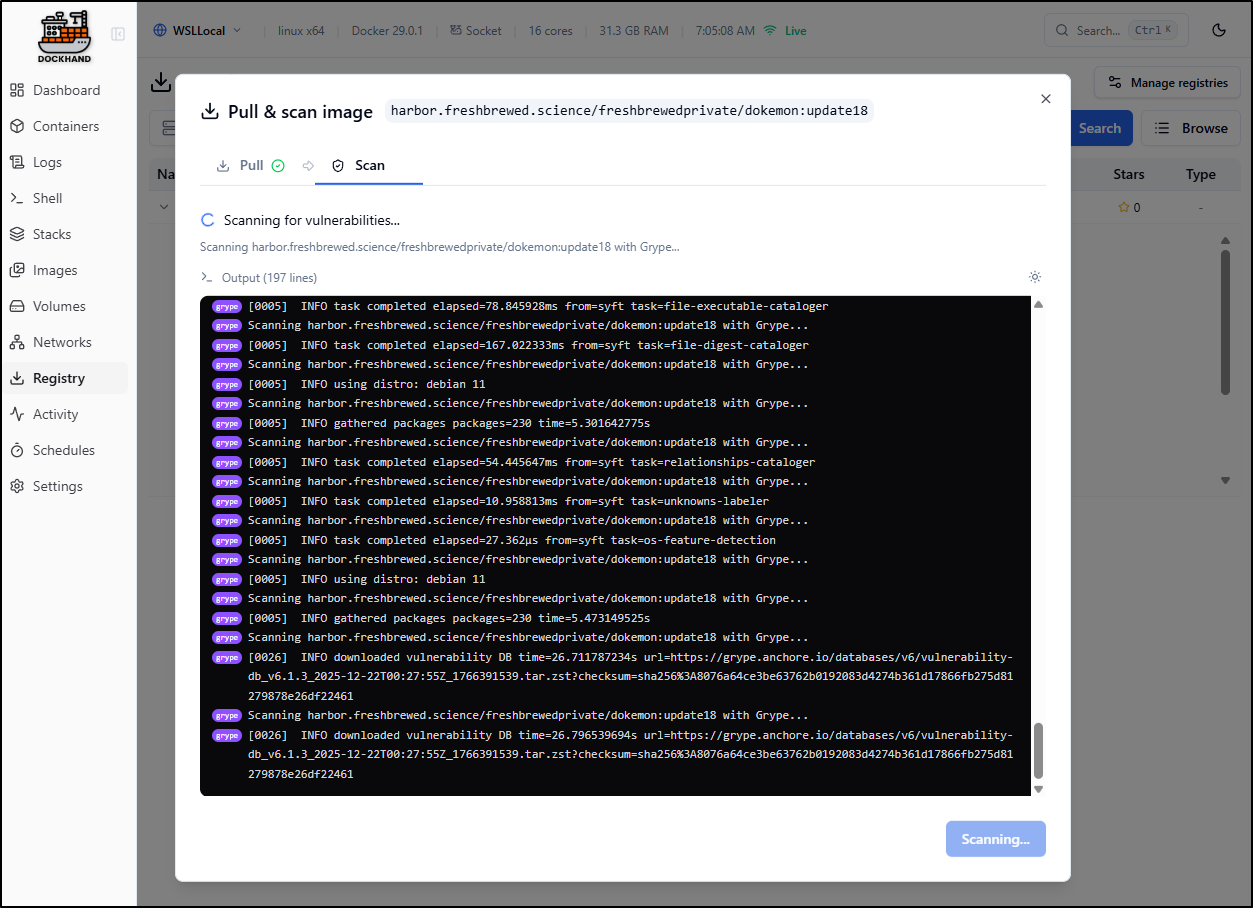
Which took a few to scan for vulnerabilities:
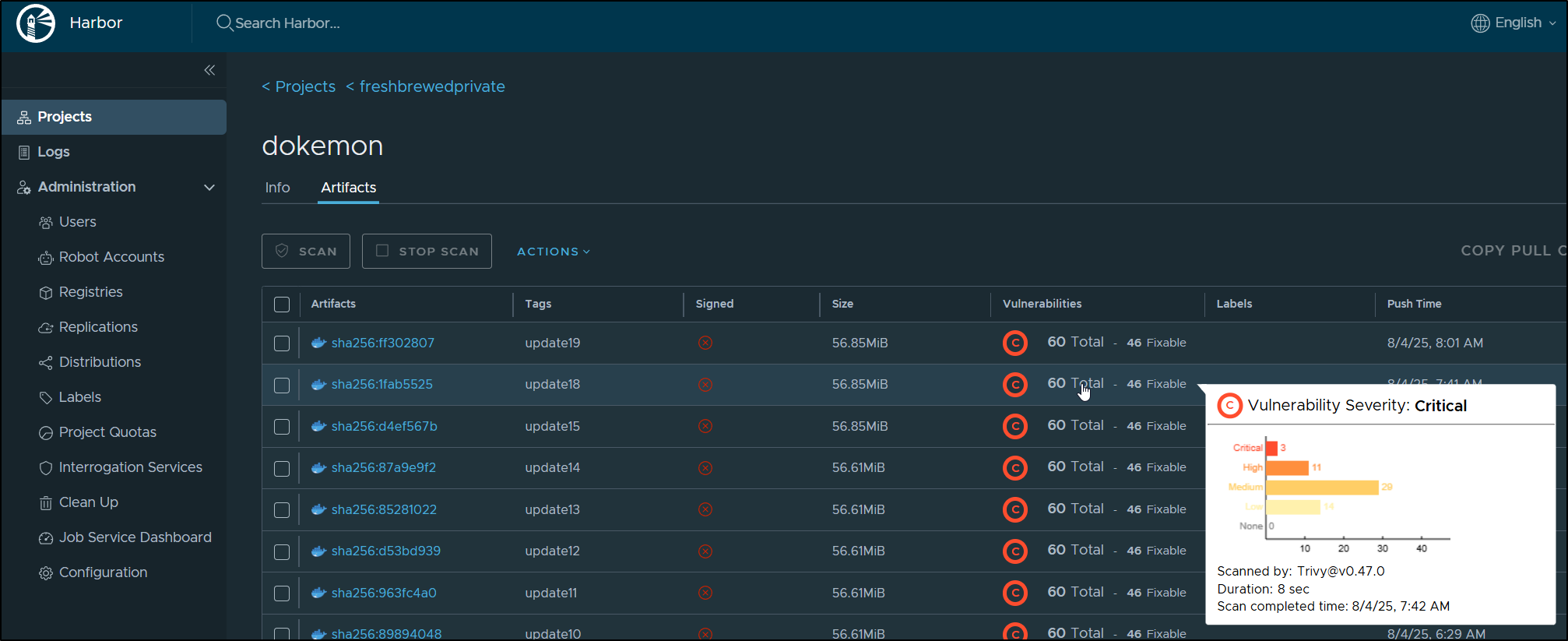
I can see the ones found via Aqua Trivy in Harbor:
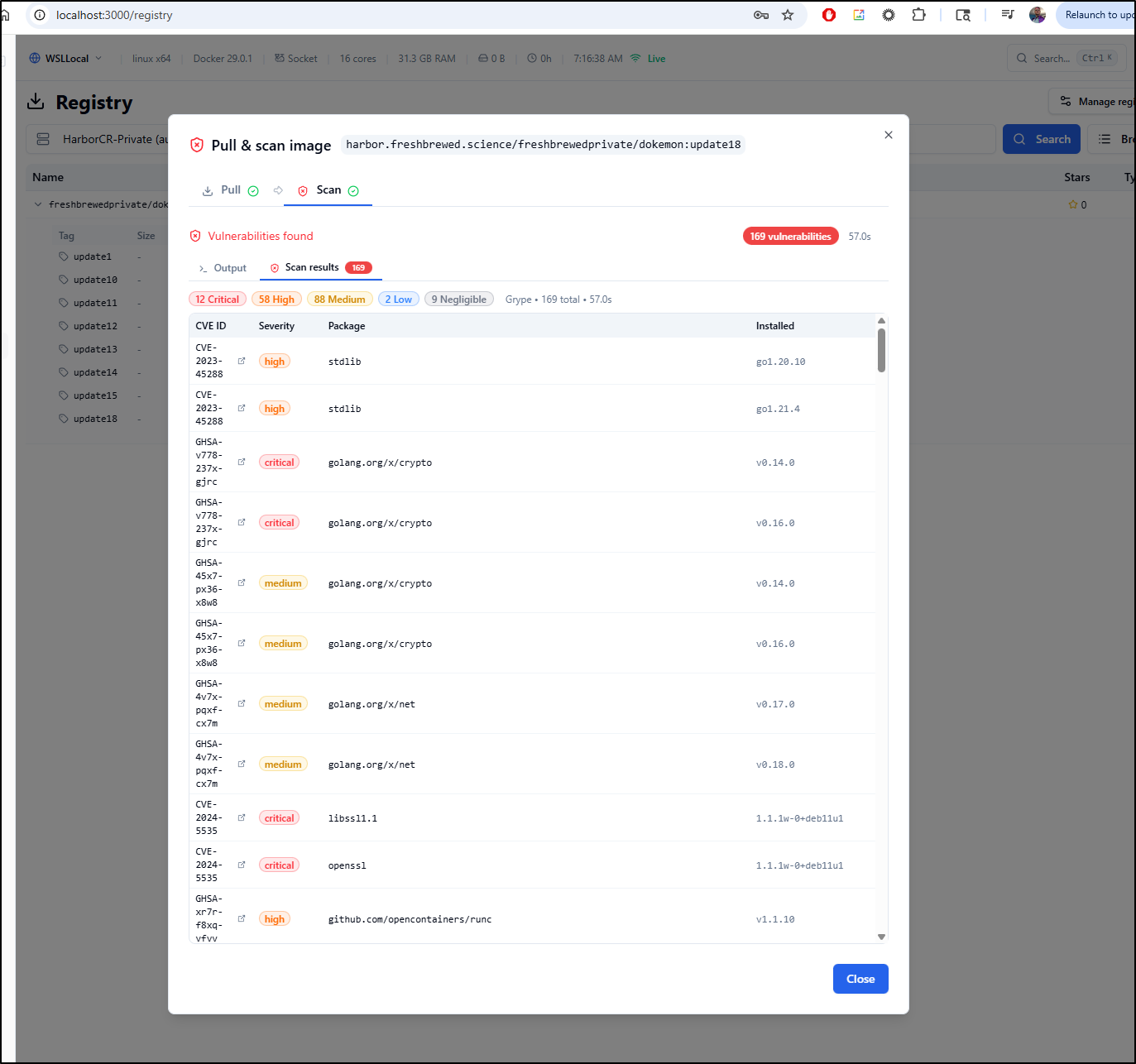
And compare with those found by Grype in Dockerhand
If one clicks on any off the rows, one will see an expanded detailed summary on the CVE
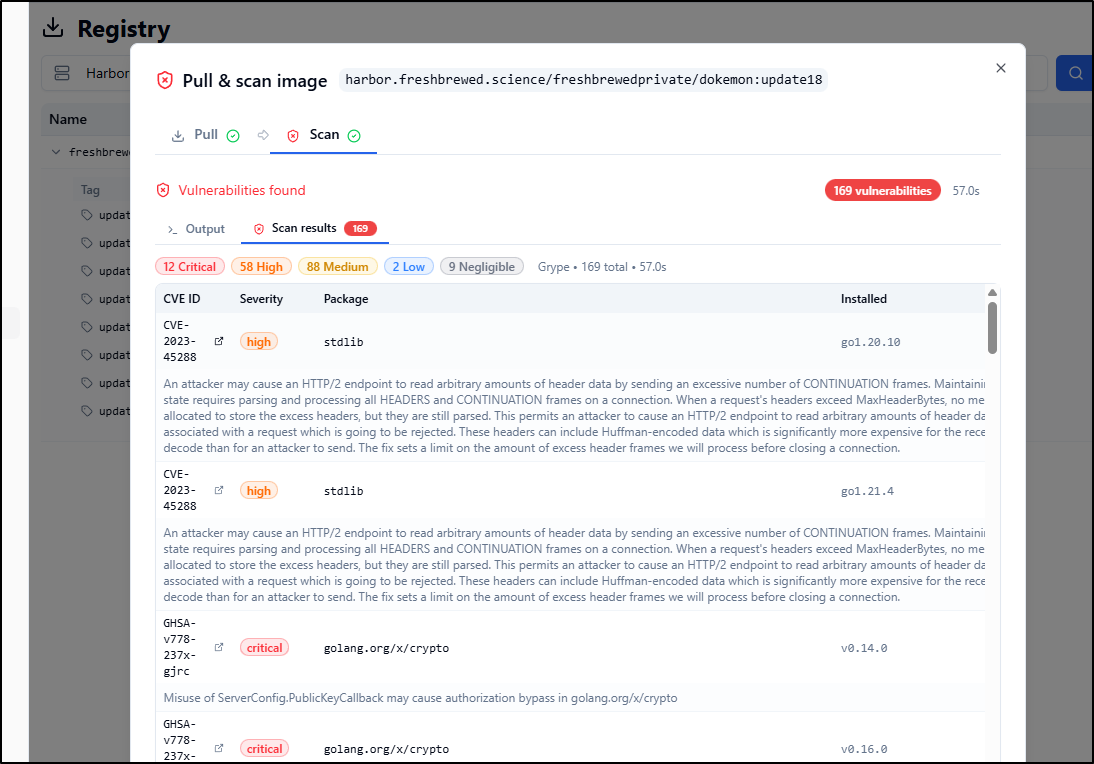
The link will still go to NIST (e.g. CVE-2023-45288) whereas Harbor will send me to Aqua (e.g. CVE-2024-41110).
I think all these tools will need to focus on moving off US government sites sooner than later. I hope to see both move to the newer EUVD. That said, when the NIST site eventually goes offline, I would expect to find URLs matching up (e.g. CVE-2023-45288 in EUVD)
Launching a container
We can actually use the Registry pane to create a new container by clicking the play icon
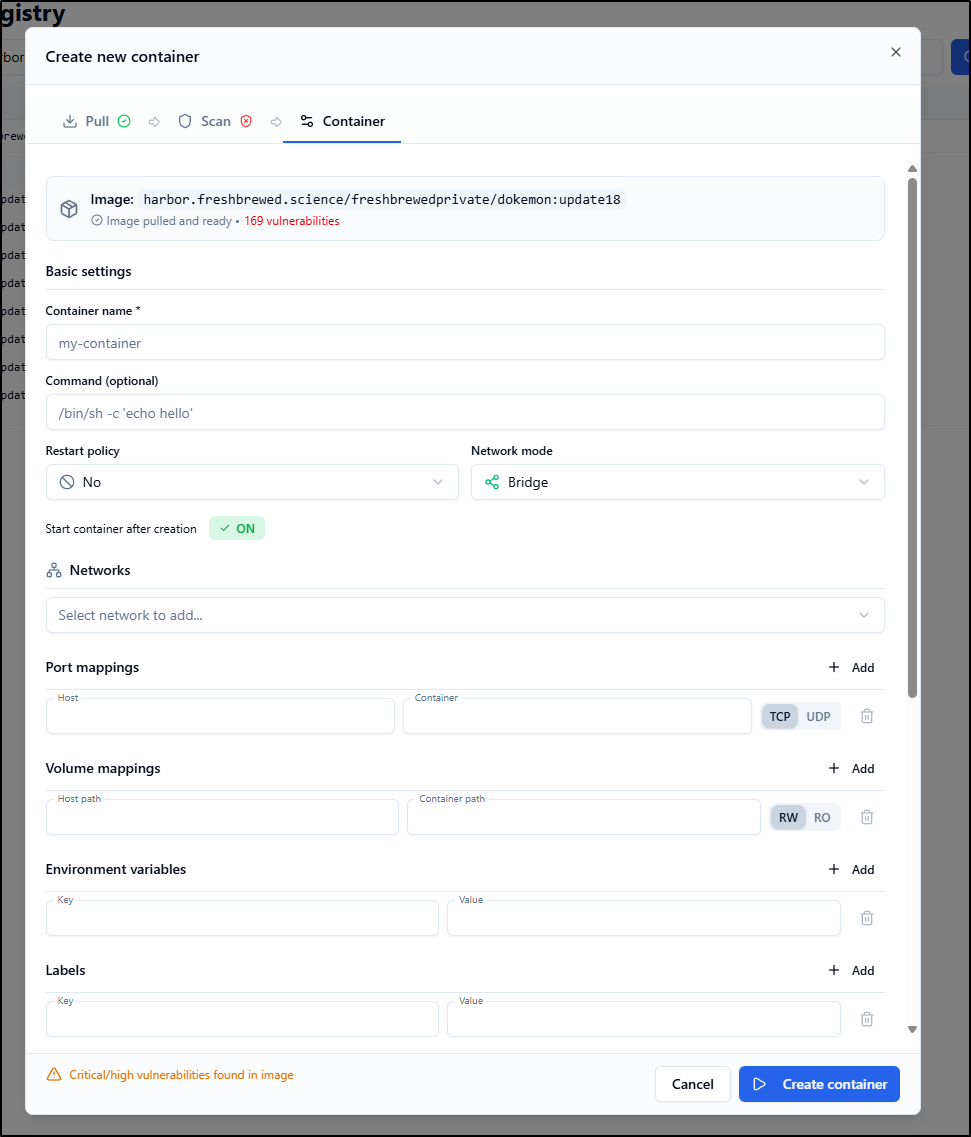
Reviewing my last post on Dokemon, it seems I just need a volume for data if I want to persist it.
I tried just adding a Device
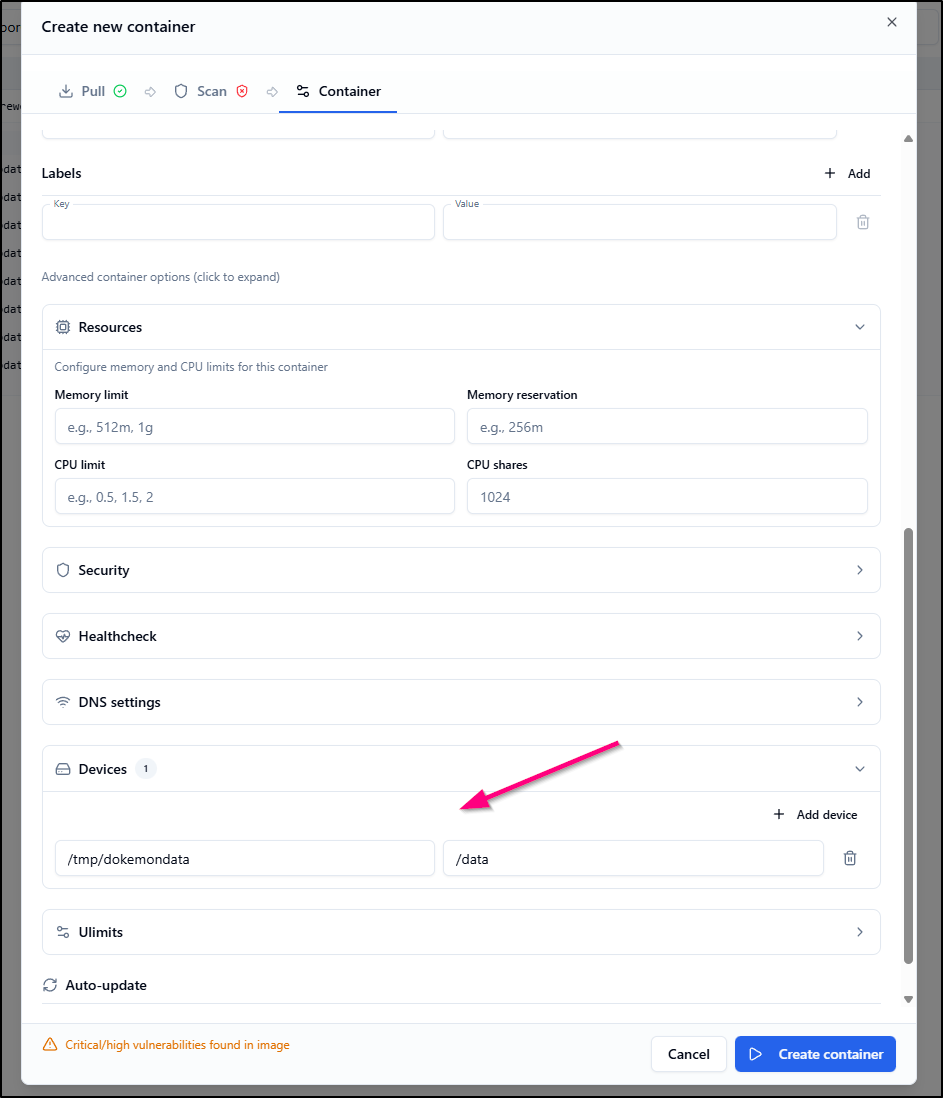
But it got stuck in “created”
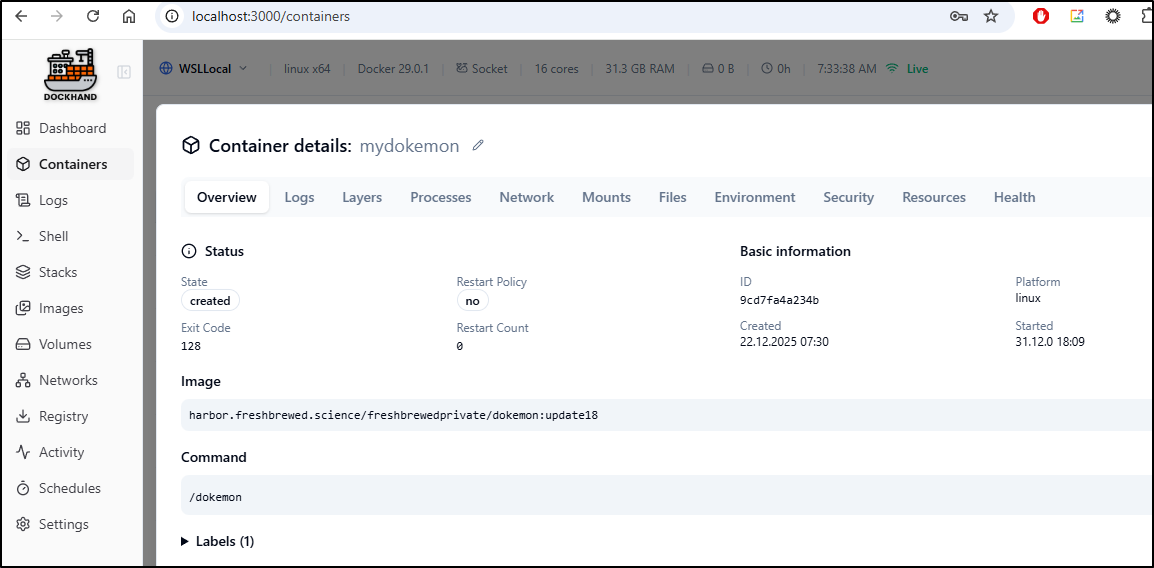
I went to Docker locally and saw that indeed, it won’t automatically create the directories
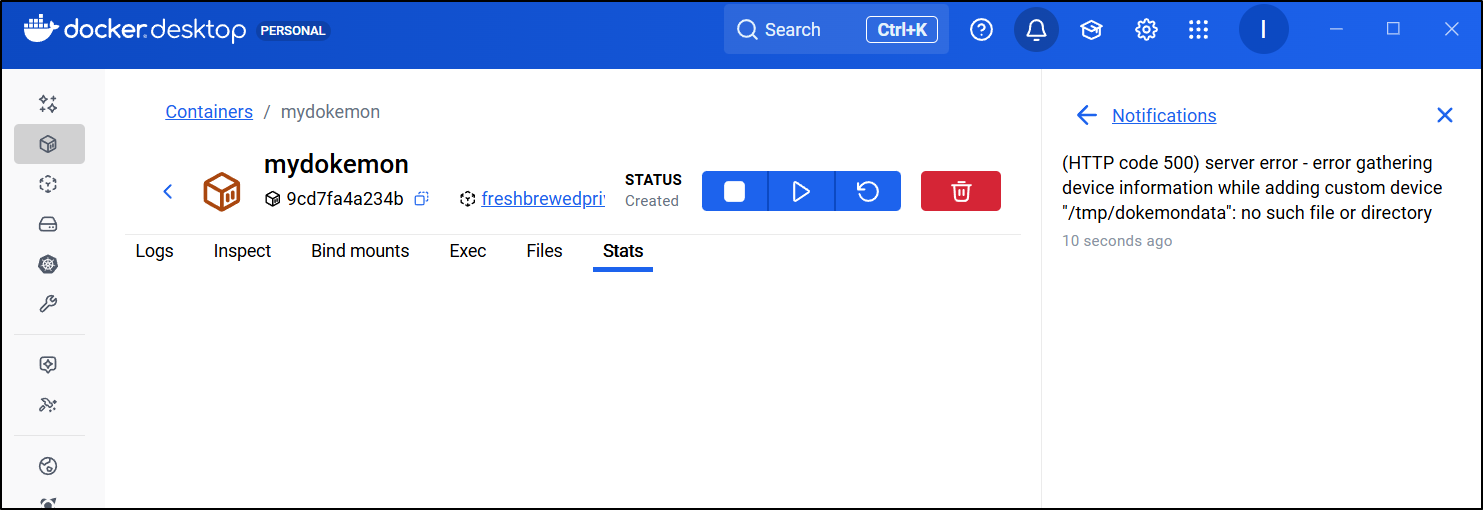
I’ll do a quick dir create for it
$ mkdir /tmp/dokemondata
$ chmod 777 /tmp/dokemondata
however, Docker still complained:
(HTTP code 500) server error - error gathering device information while adding custom device "/tmp/dokemondata": no such file or directory
I noticed a “failed to search images” for nginx in Docker Hub.
I then went to the Registries and clicked “edit” on Docker Hub to set my own creds
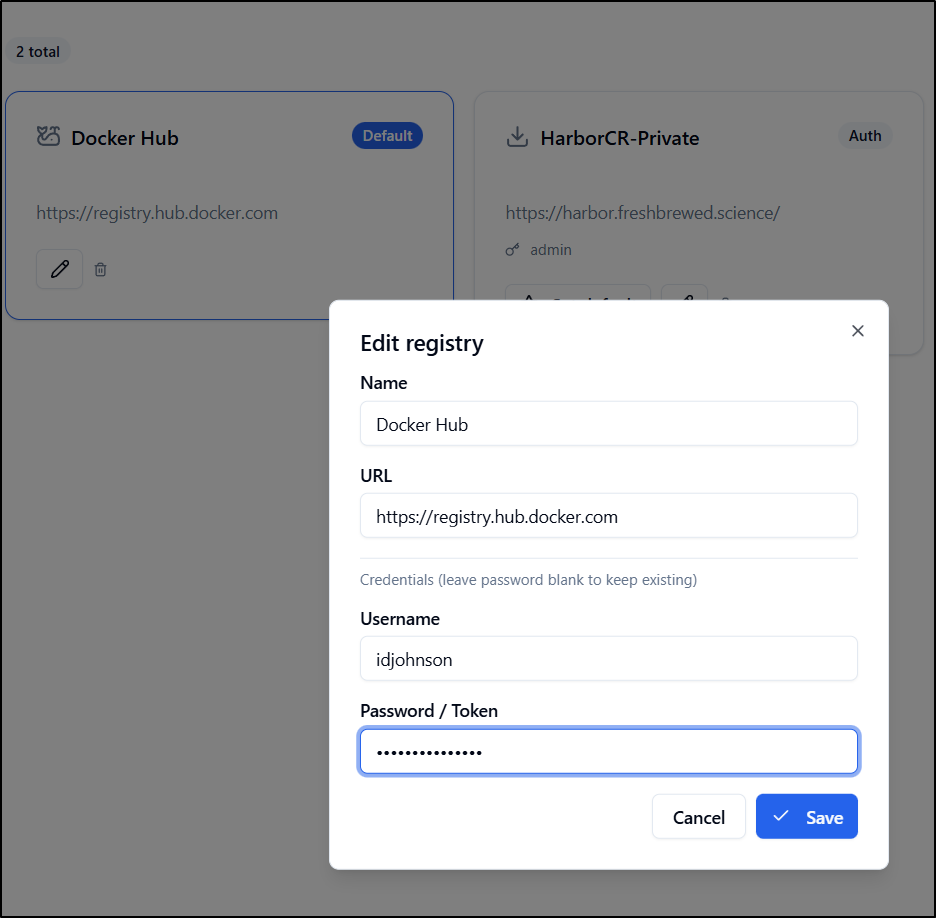
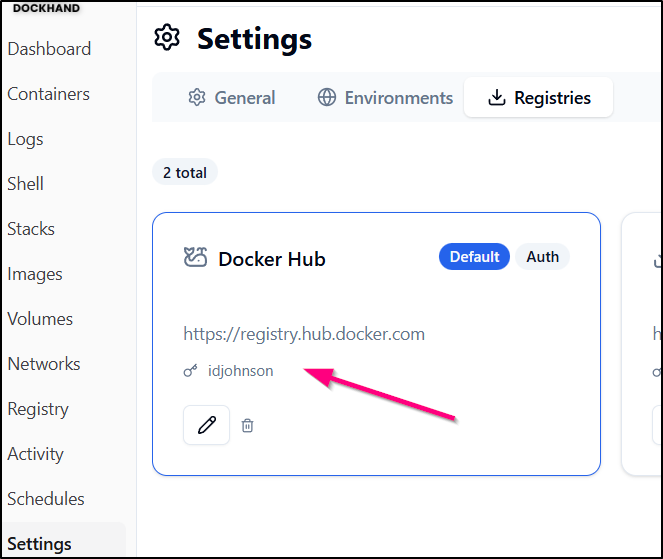
I can now see my username next to the key icon in “Docker Hub” in the registries
However, it still fails to find nginx
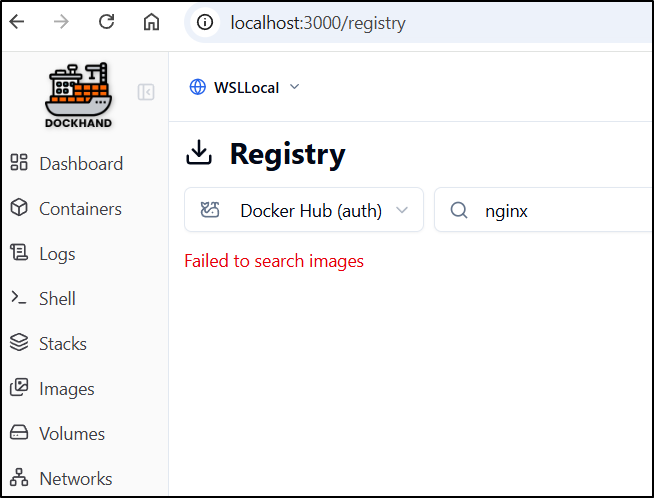
While I saw now errors in the docker logs for dockhand, I was suspicious as the app was performing really poorly in the browser.
I did the old turn-it-off-and-on-again
g$ docker stop dockhand
dockhand
$ docker start dockhand
dockhand
And now it is working - so it might not have been Docker Hub auth issues before. The search now comes back with logs of options
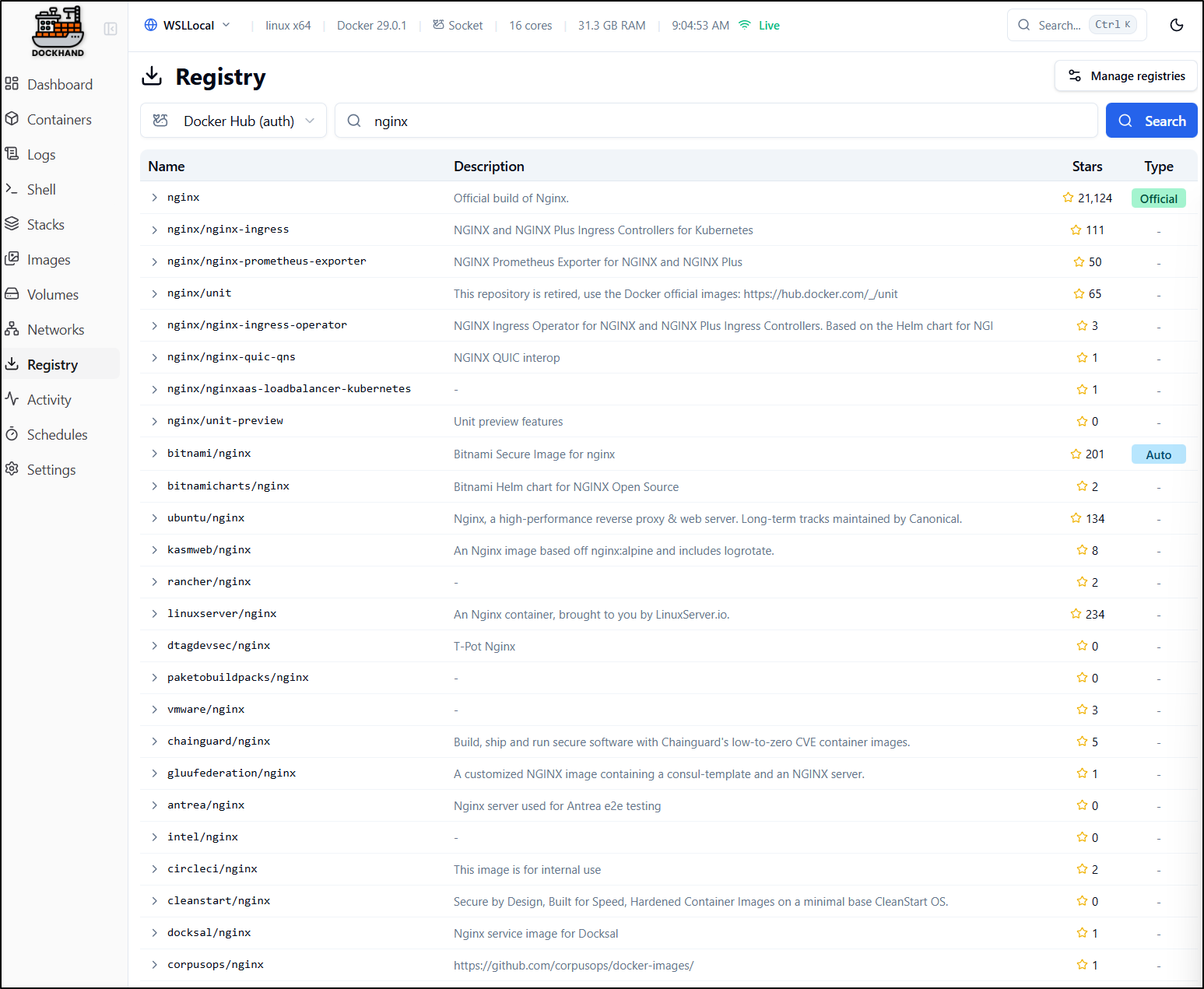
I chose a latest and clicked run. I kept it simple just giving a name and some port mappings
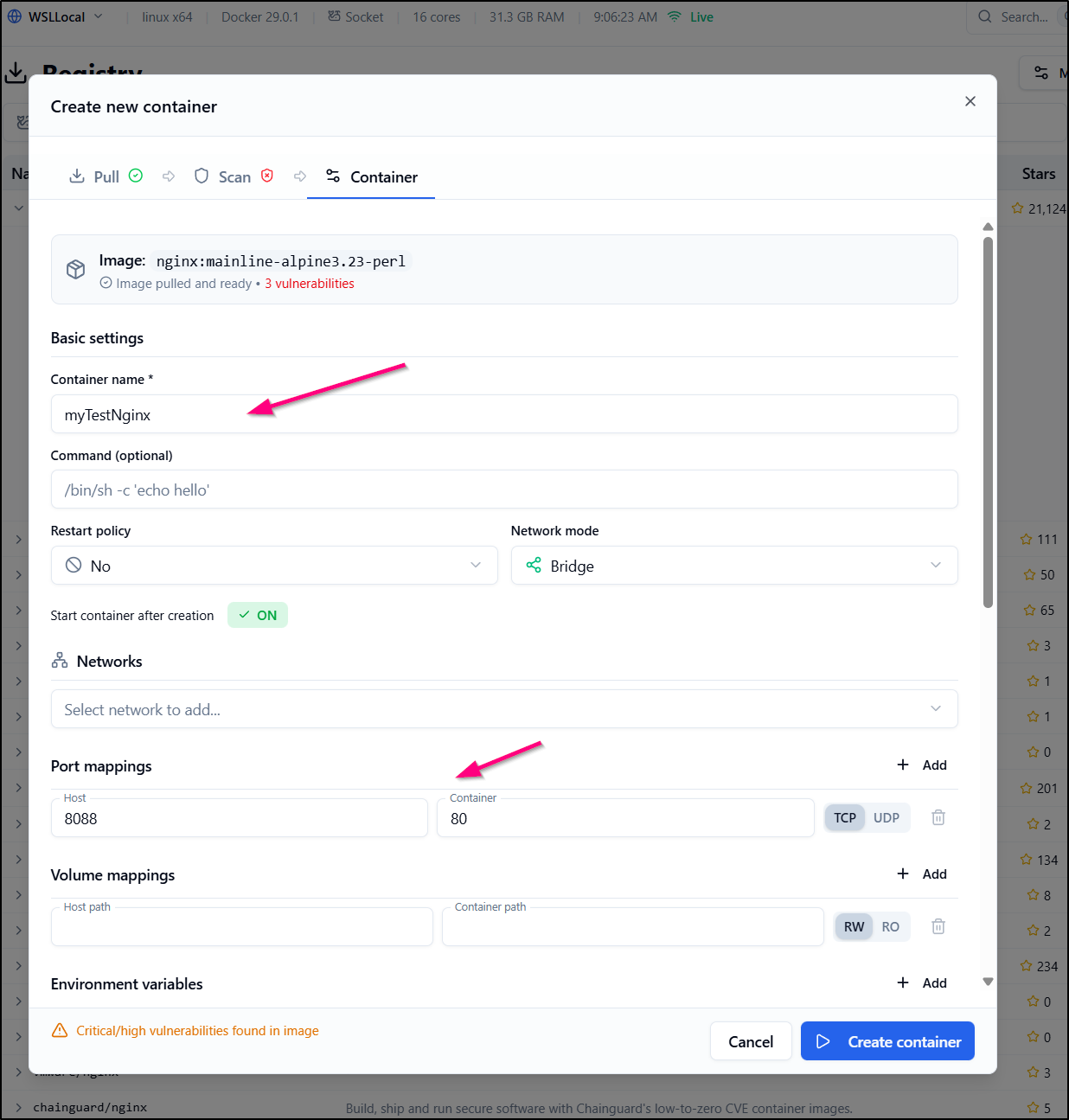
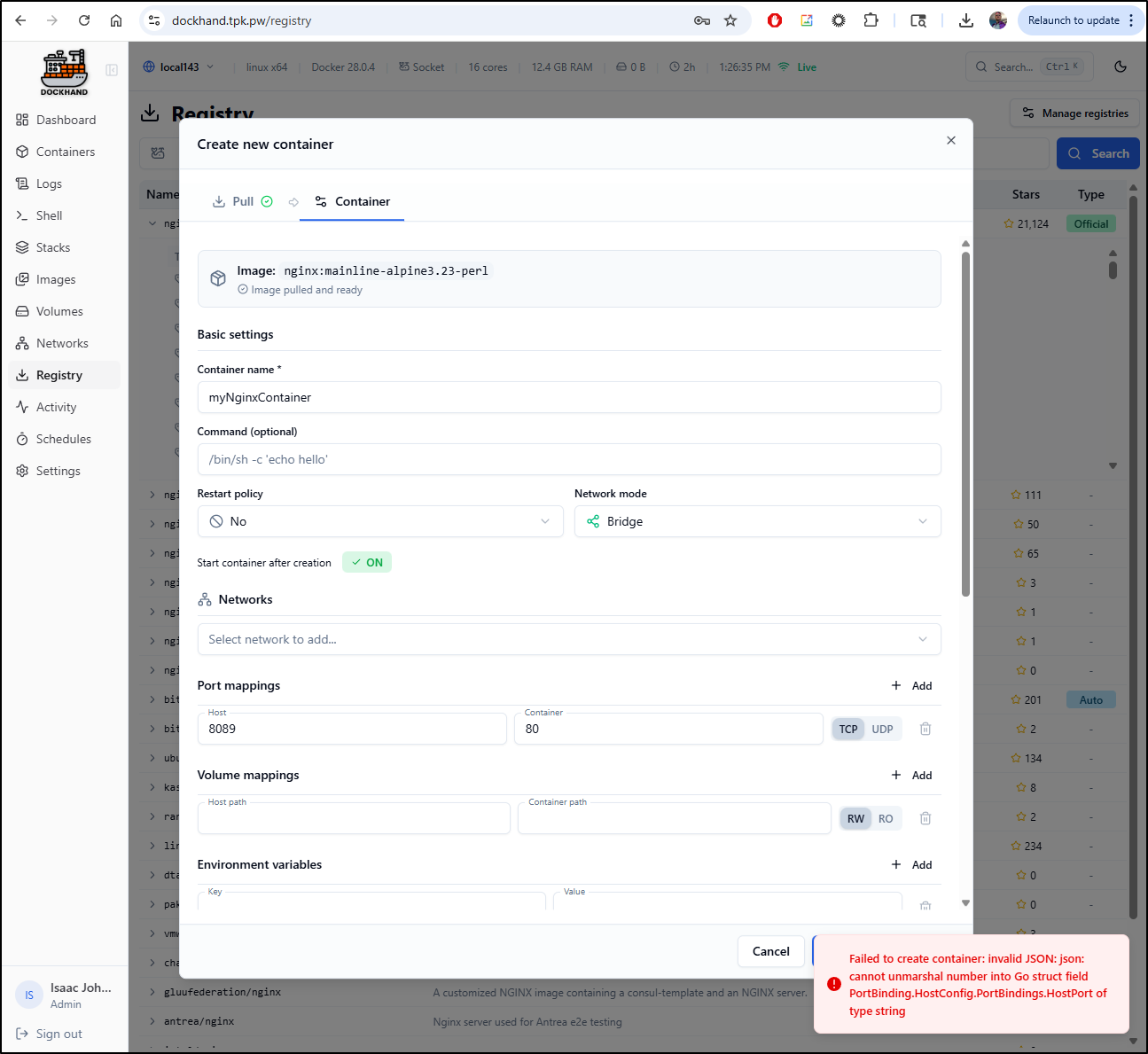
However, there seems to be a bug as it fails to create with a port mapping
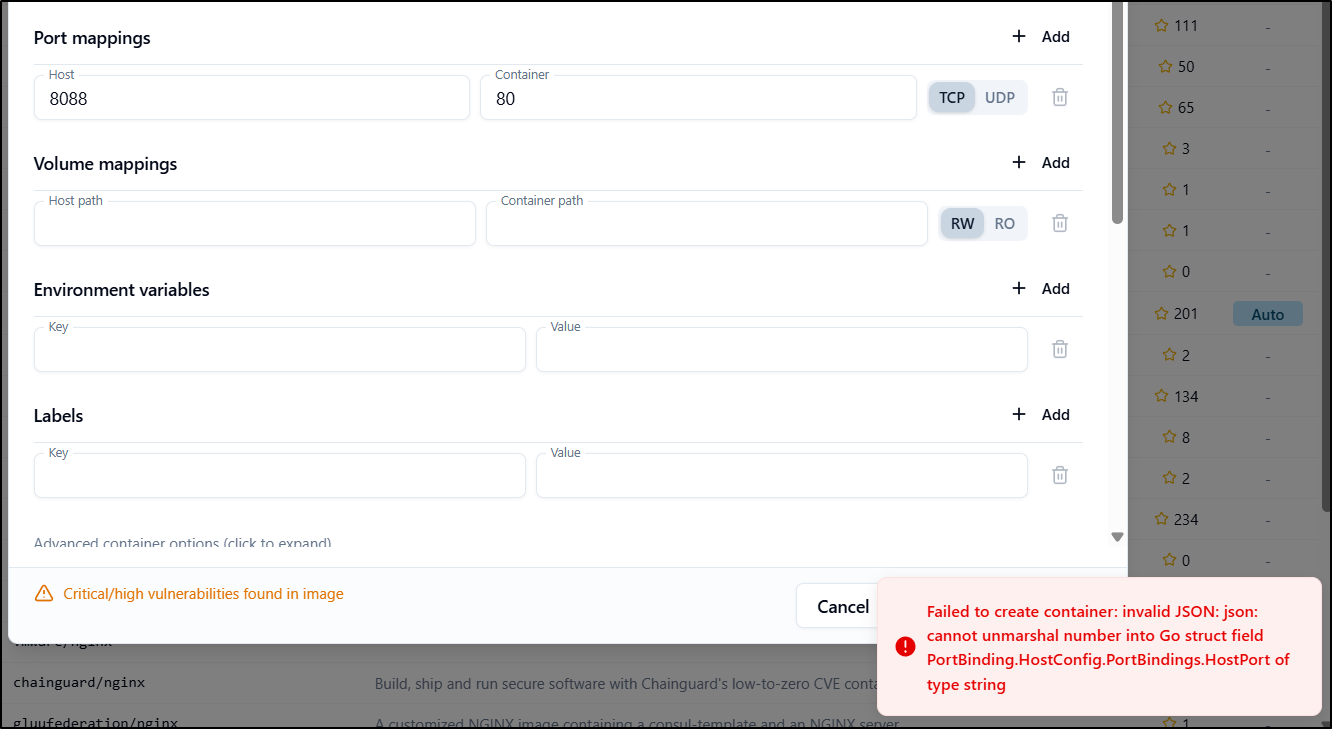
However, creating with no port mapping then adding it after worked just fine
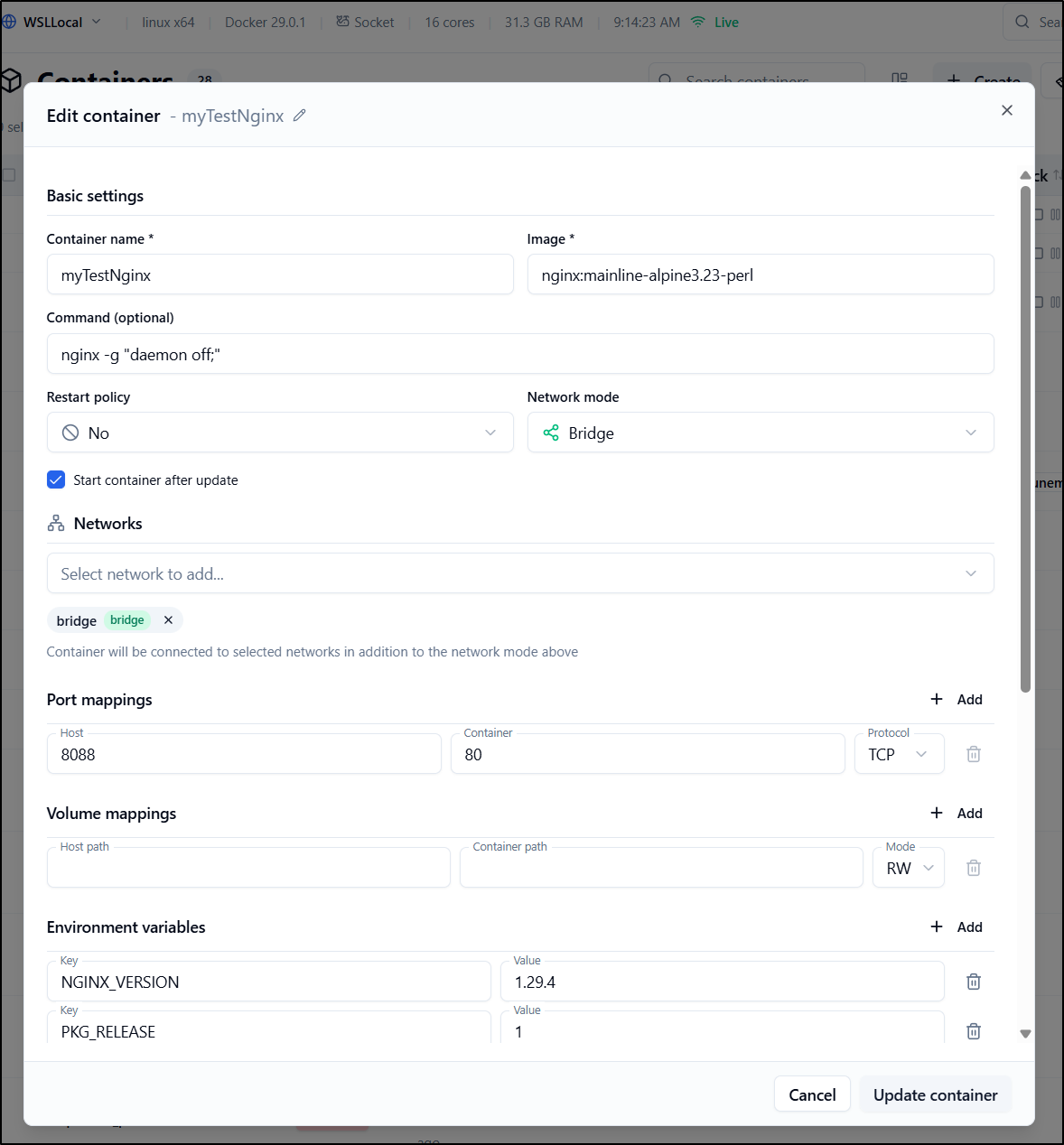
wait! it said it updated but then it completely deleted it!
This is a pretty bad behaviour, imho. Here you can see what I mean:
Let’s put a pin into creating and updating containers as I now have some trust issues
Activity
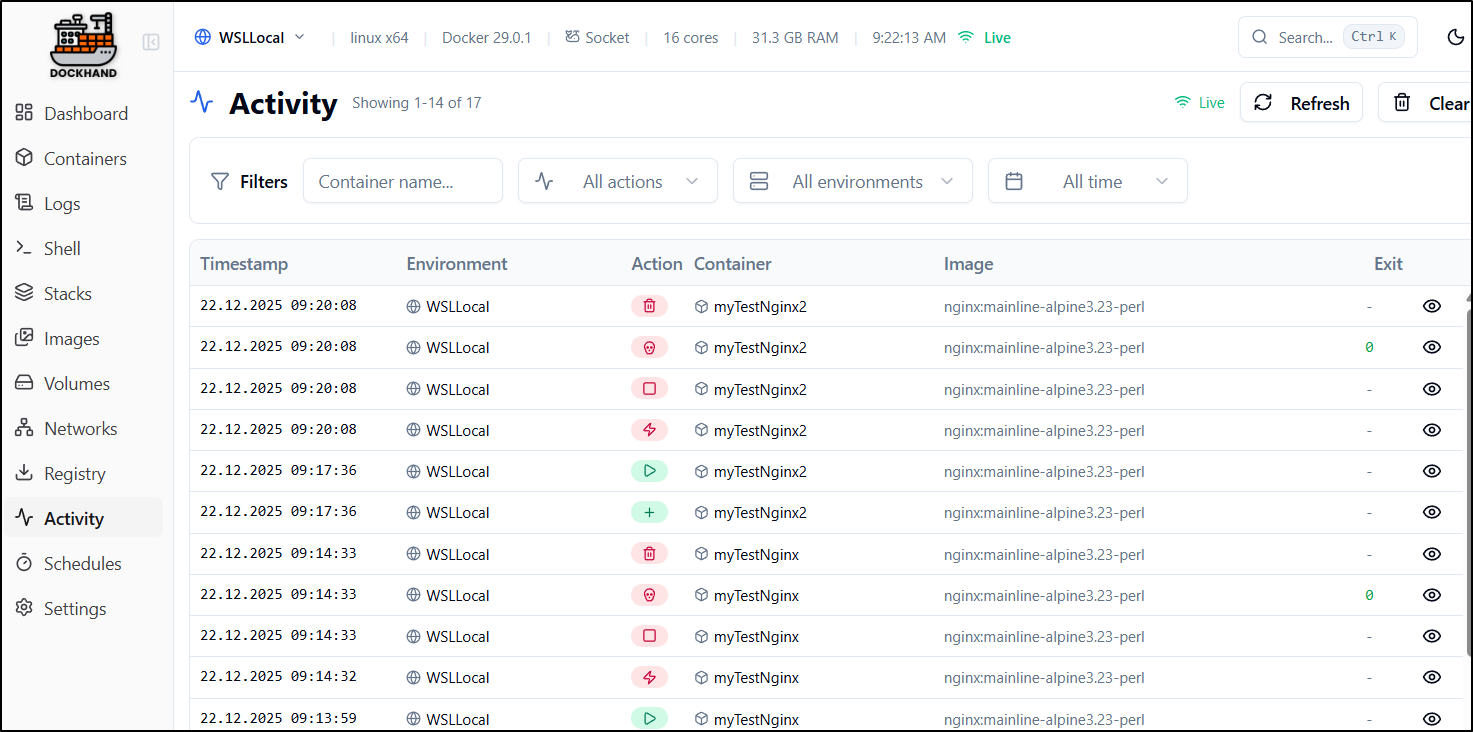
Viewing activity, at least we see that container was repeatedly removed
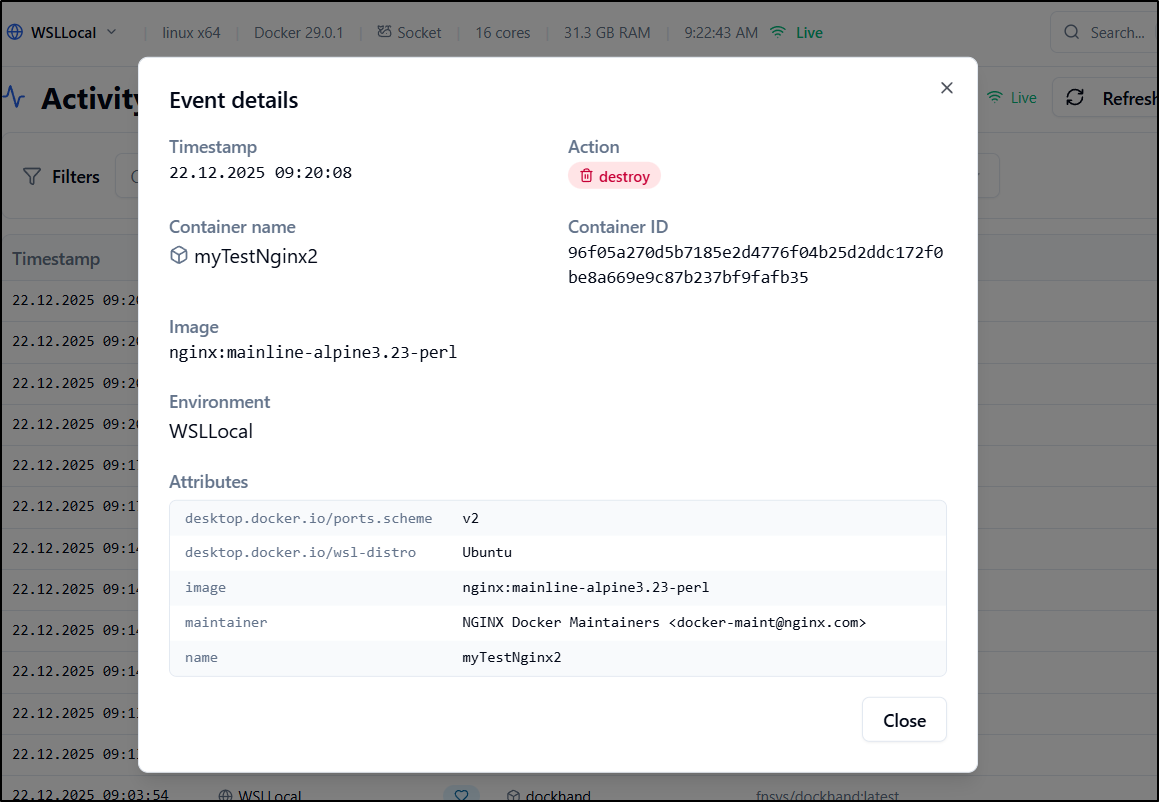
Viewing details clearly shows a “destroy” command
Schedules
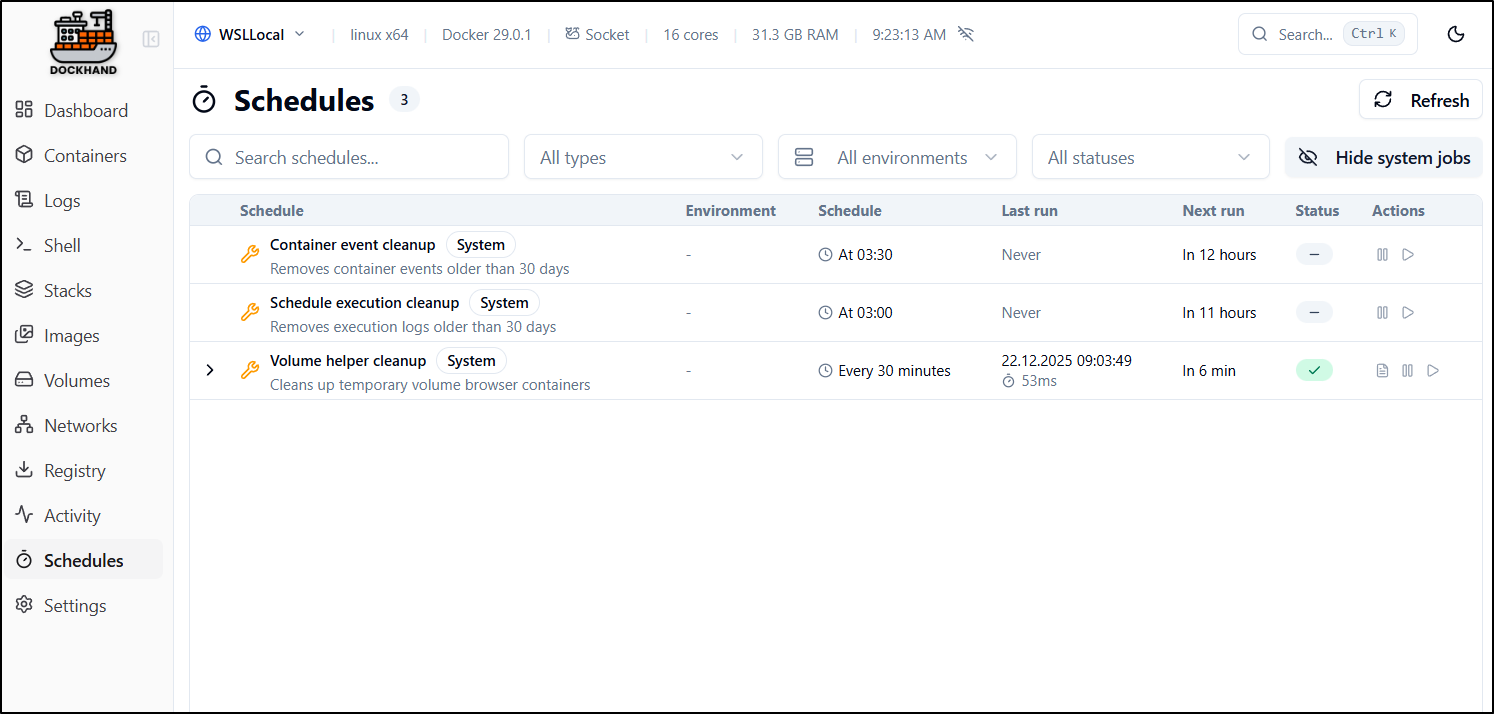
By default, we have a few basic scheduled tasks to keep bloat down - namely events, logs and temporary volume cleanup
Stacks
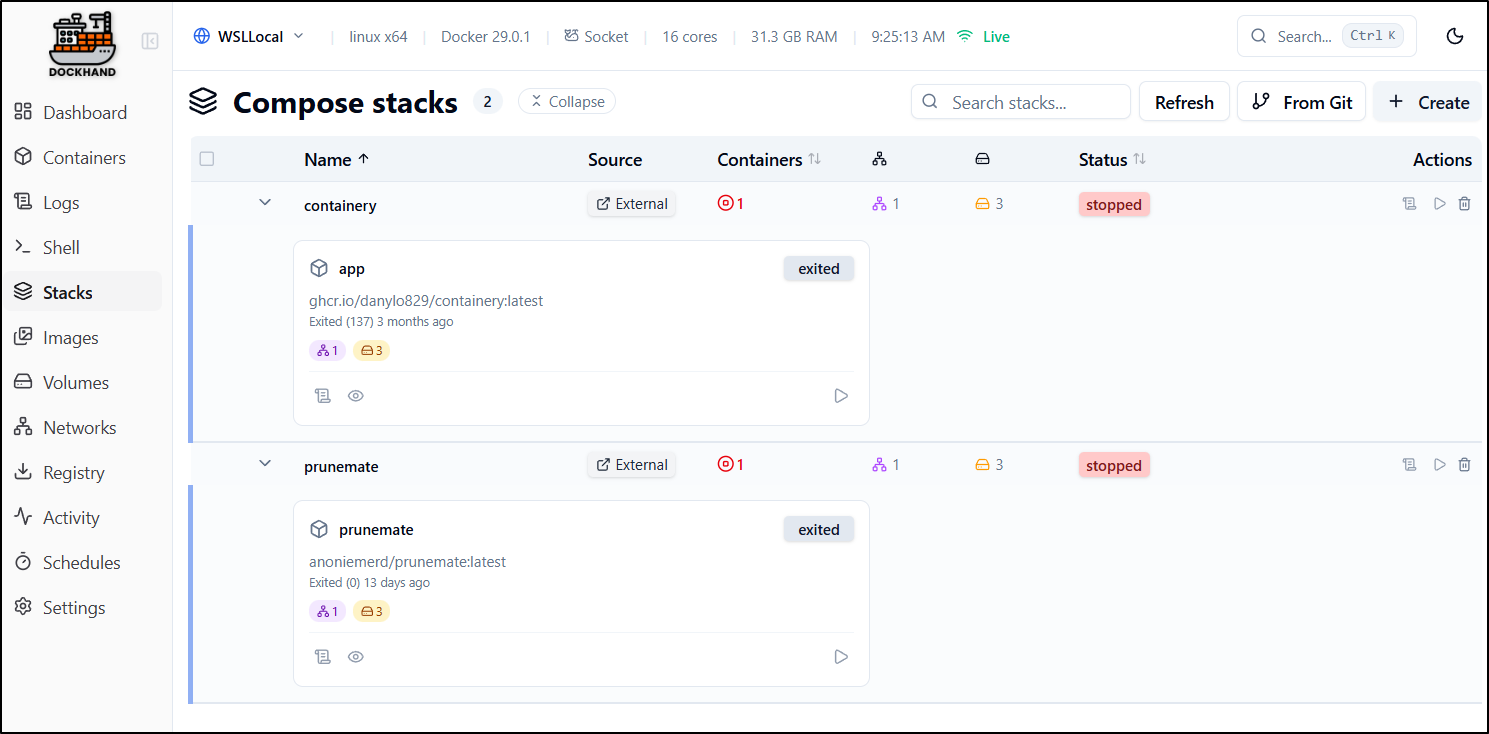
Stacks launch with Docker Compose are listed in “Stacks”
We can “create” a stack here. I will test my luck and do Nginx again with a port mapping
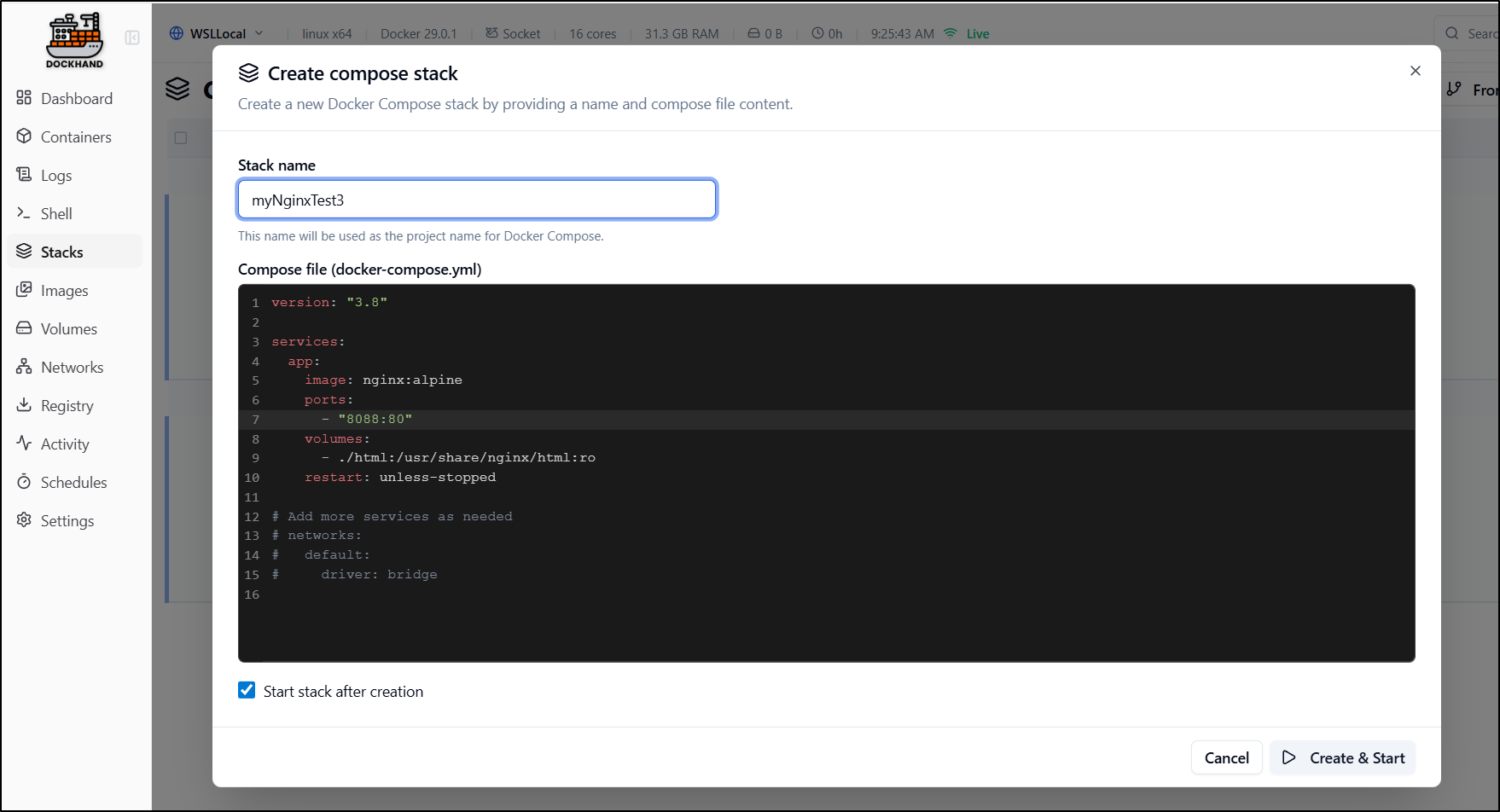
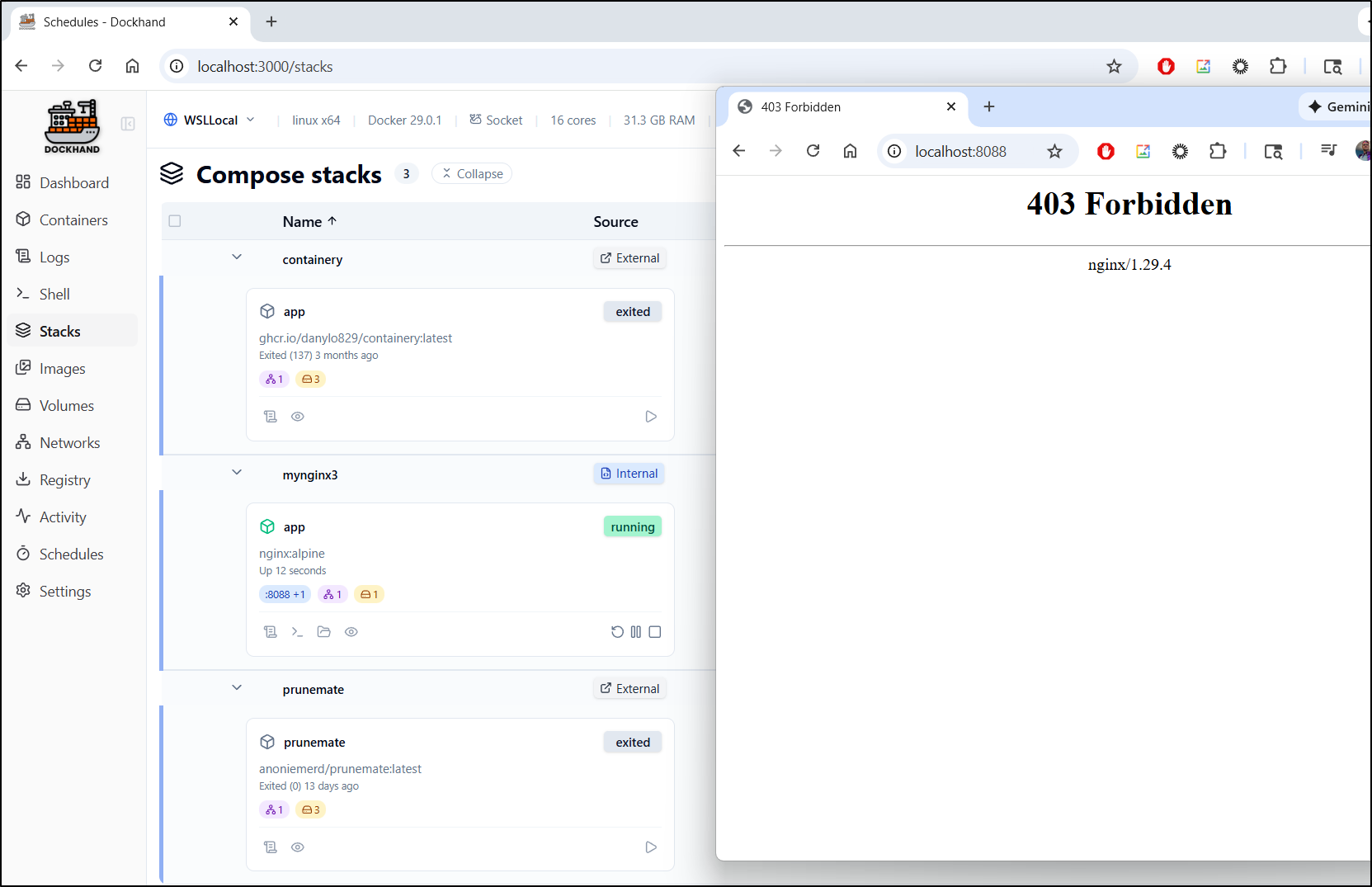
That launched just fine and I can see a 403 on root (it is a blank NGinx so i expect that - the fact we see “nginx/1.29.4” is the tell it is functioning)
Authentication
To add auth, we first need to add a user:
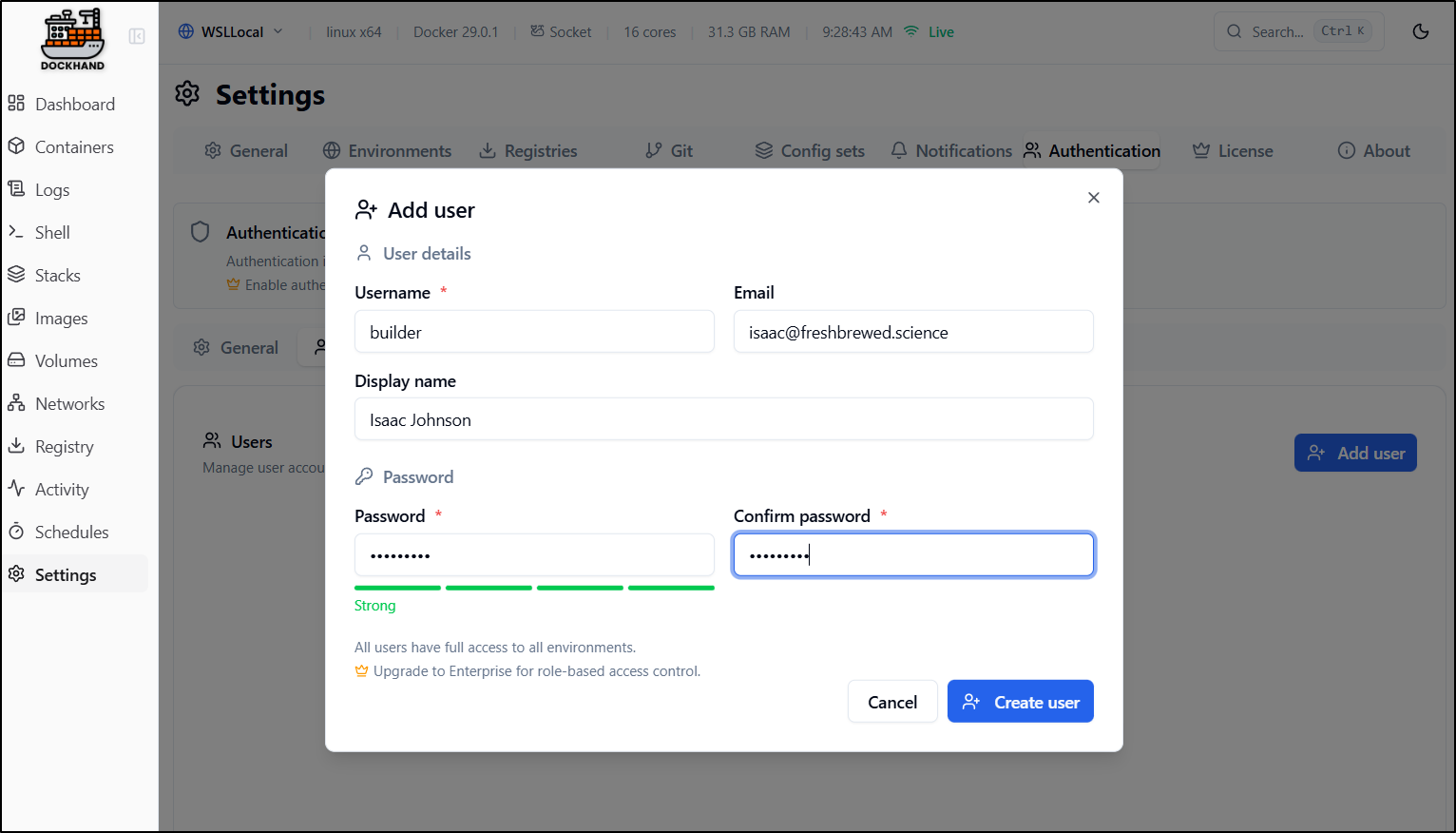
As we see, this is our first instance of a ‘pay’ feature in that RBAC is relegated to Enterprise licensed versions. I feel that is fair.
Once we have at least one user, we can enable Authentication
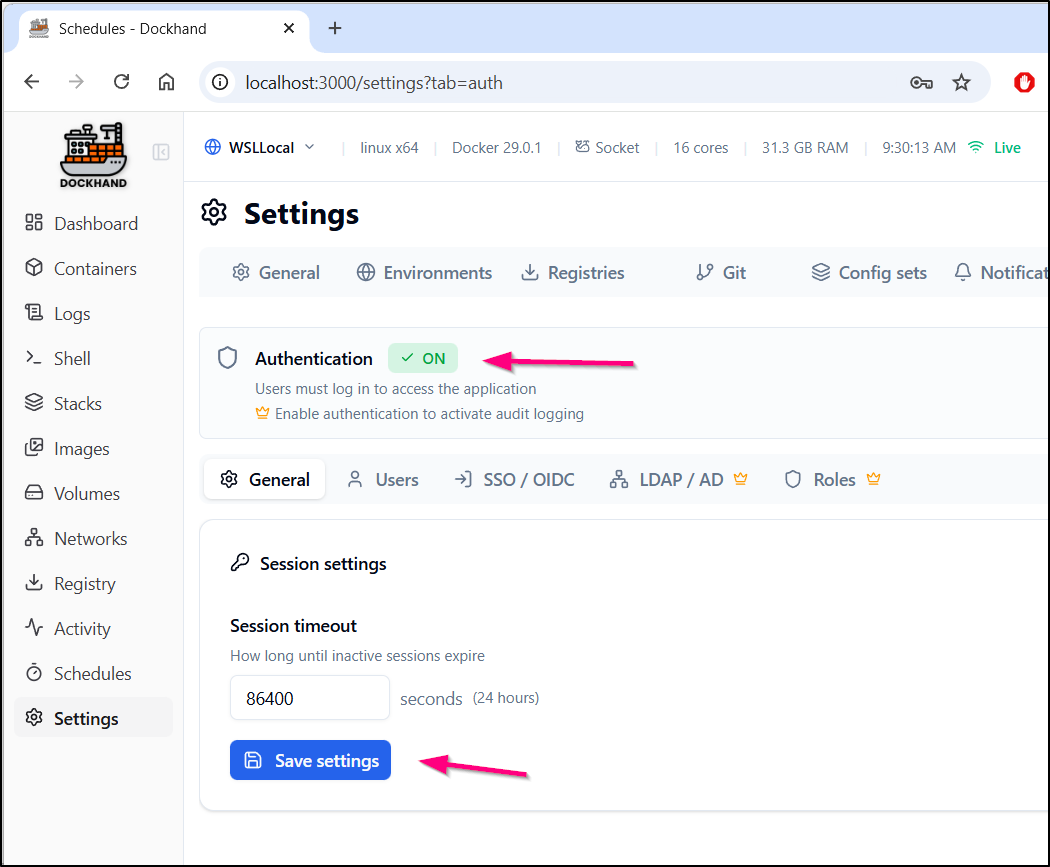
Further actions showed errors and a refresh showed i needed to now login
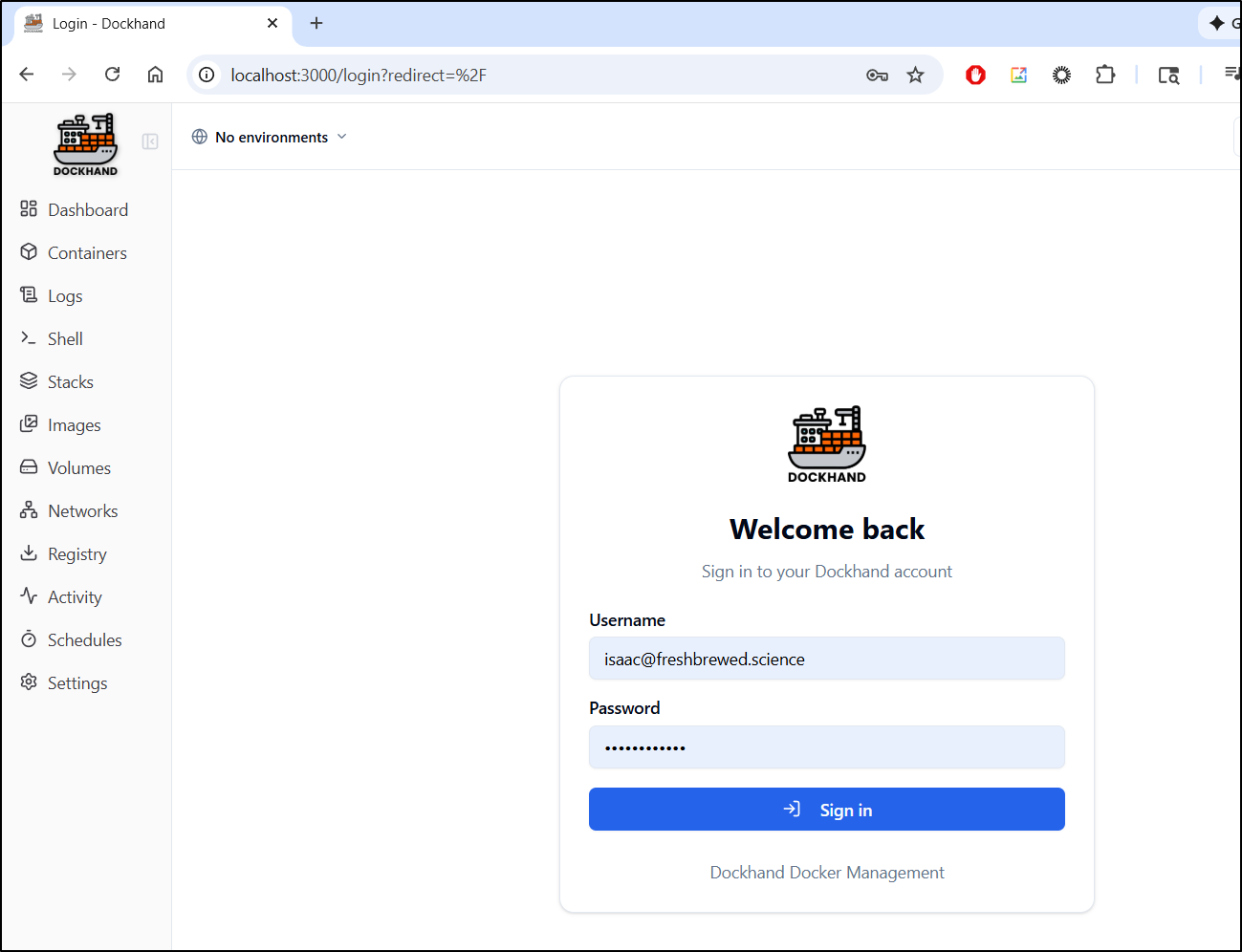
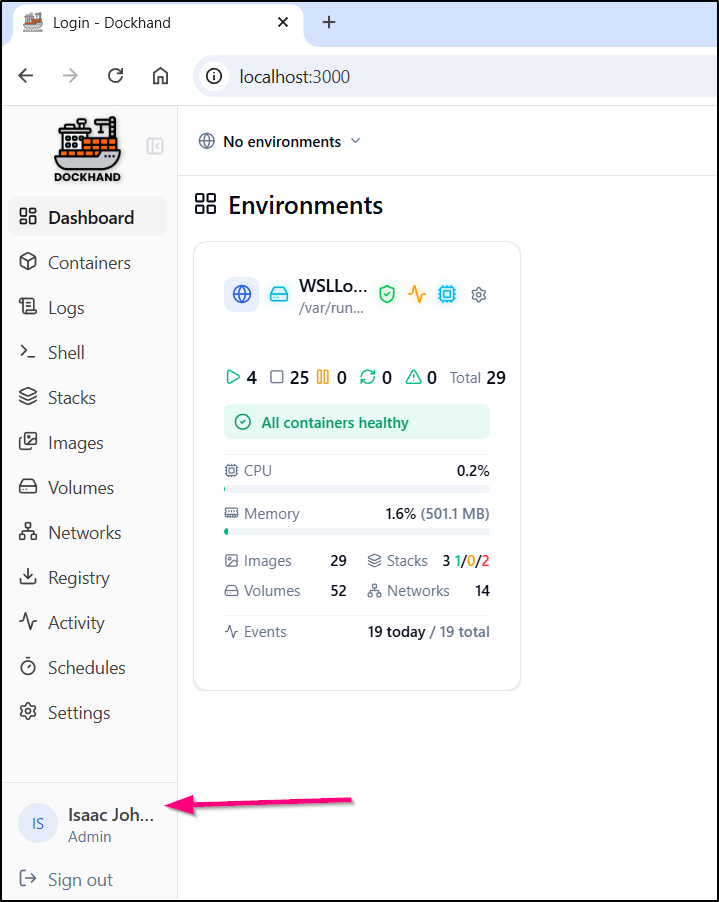
Once logged in, I can see my user in the lower left
Notifications
For Notifications, we can choose SMTP (email) or Apprise (Webhooks)
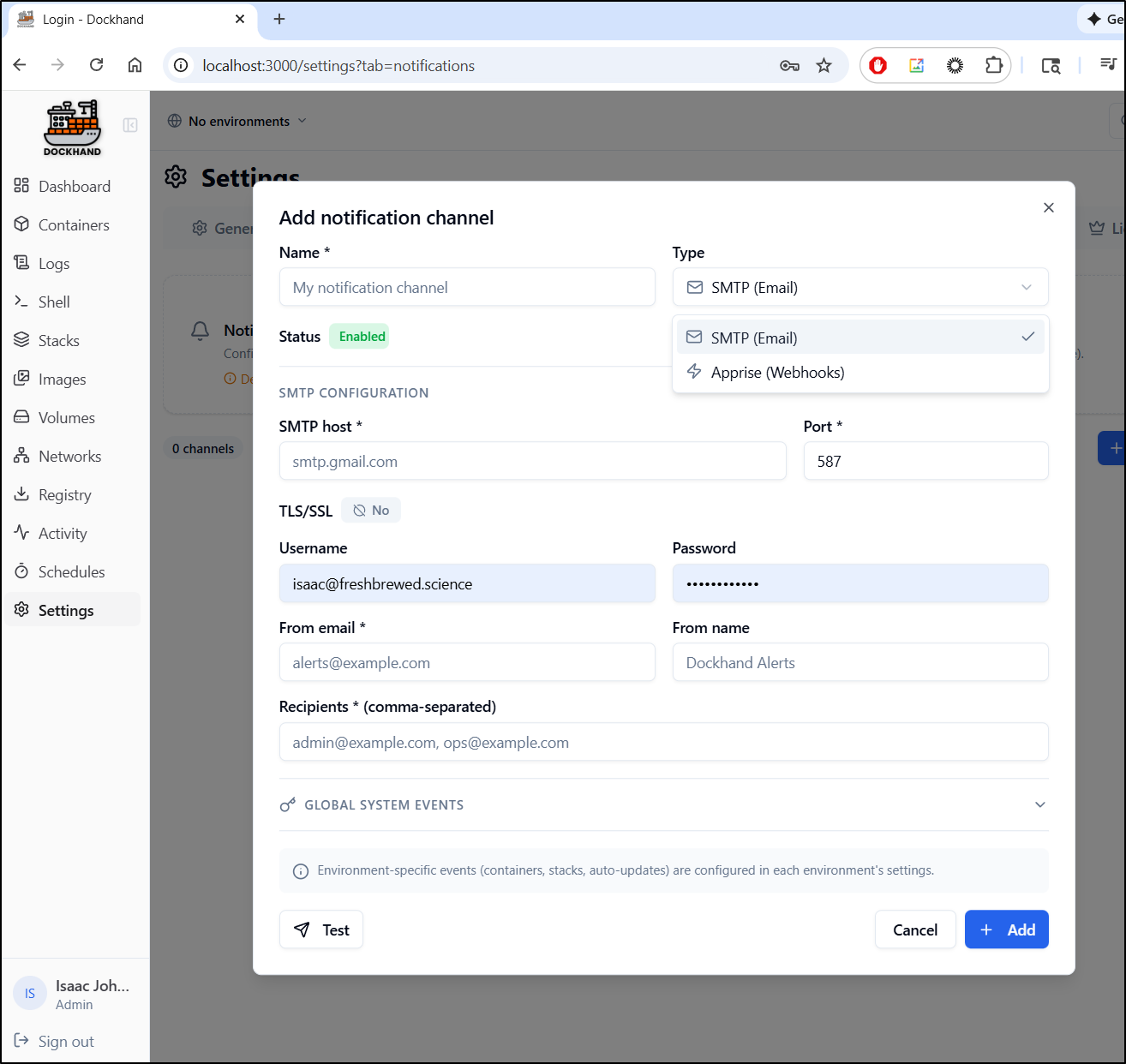
Ever since Sendgrid quit, I tend to use either Resend, Gmail or SES.
let’s use SES on this one
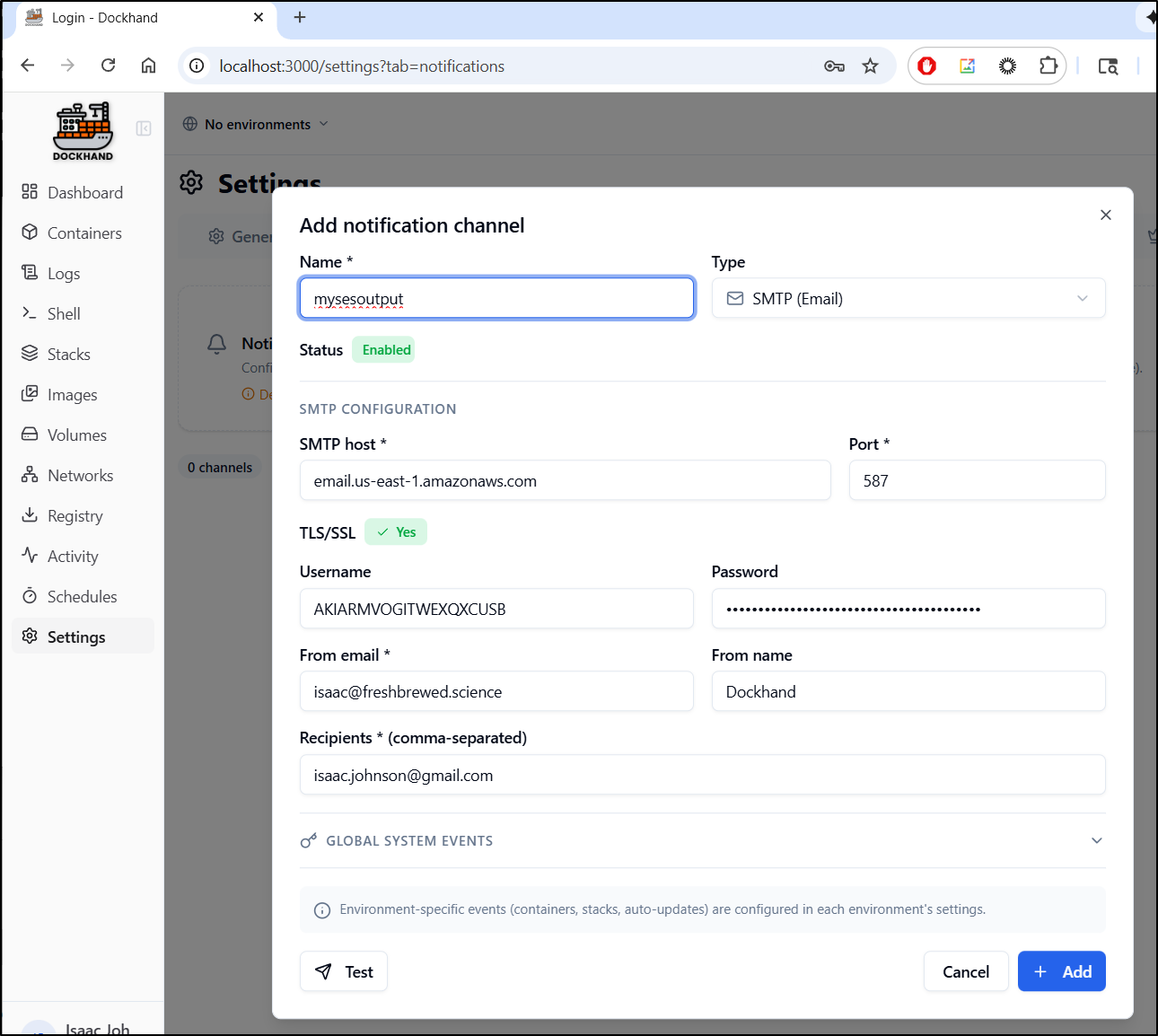
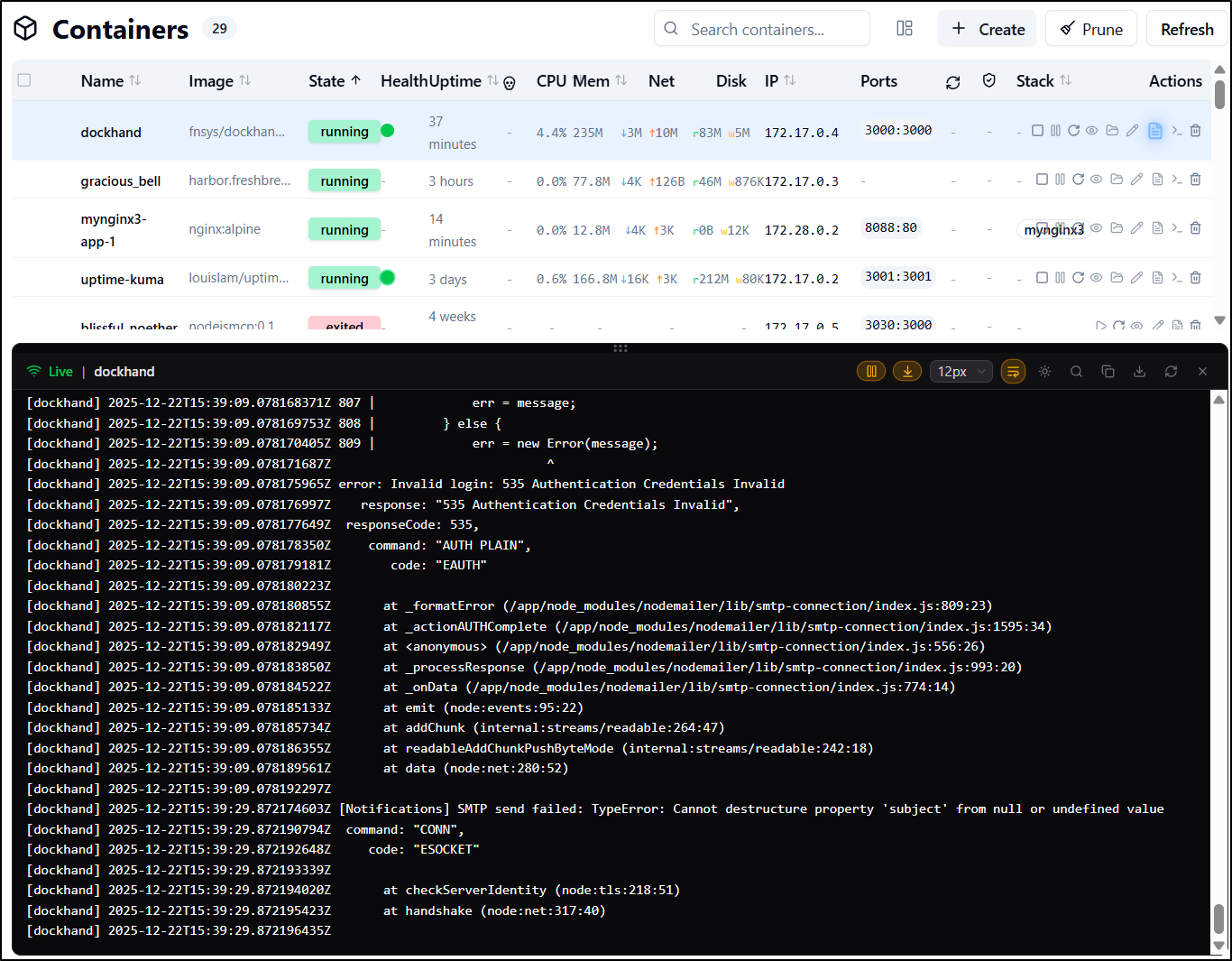
However, this failed to send (and I know my settings are correct)
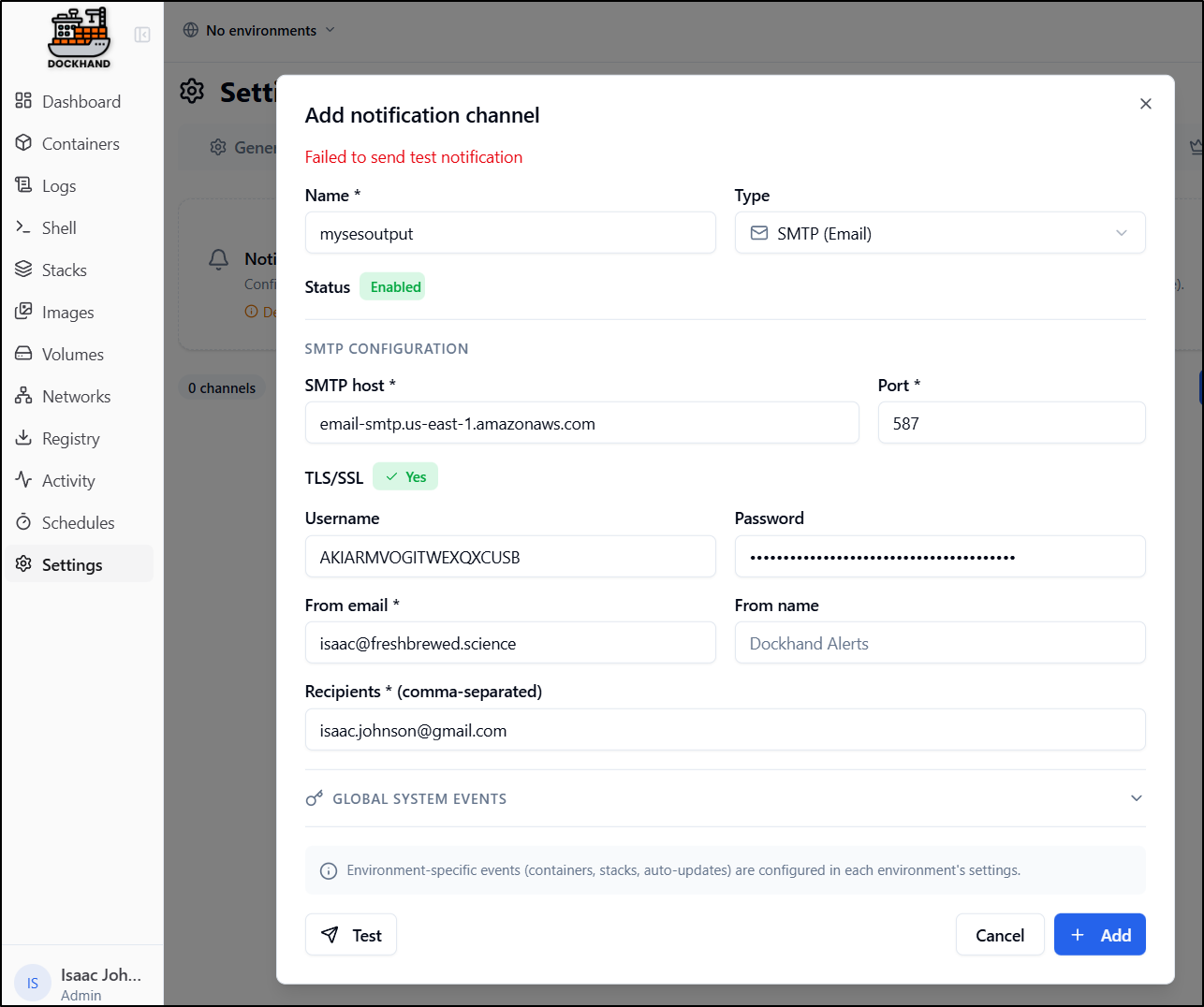
the Logs suggest it might be auth or lack of subject
However, gmail SMTP
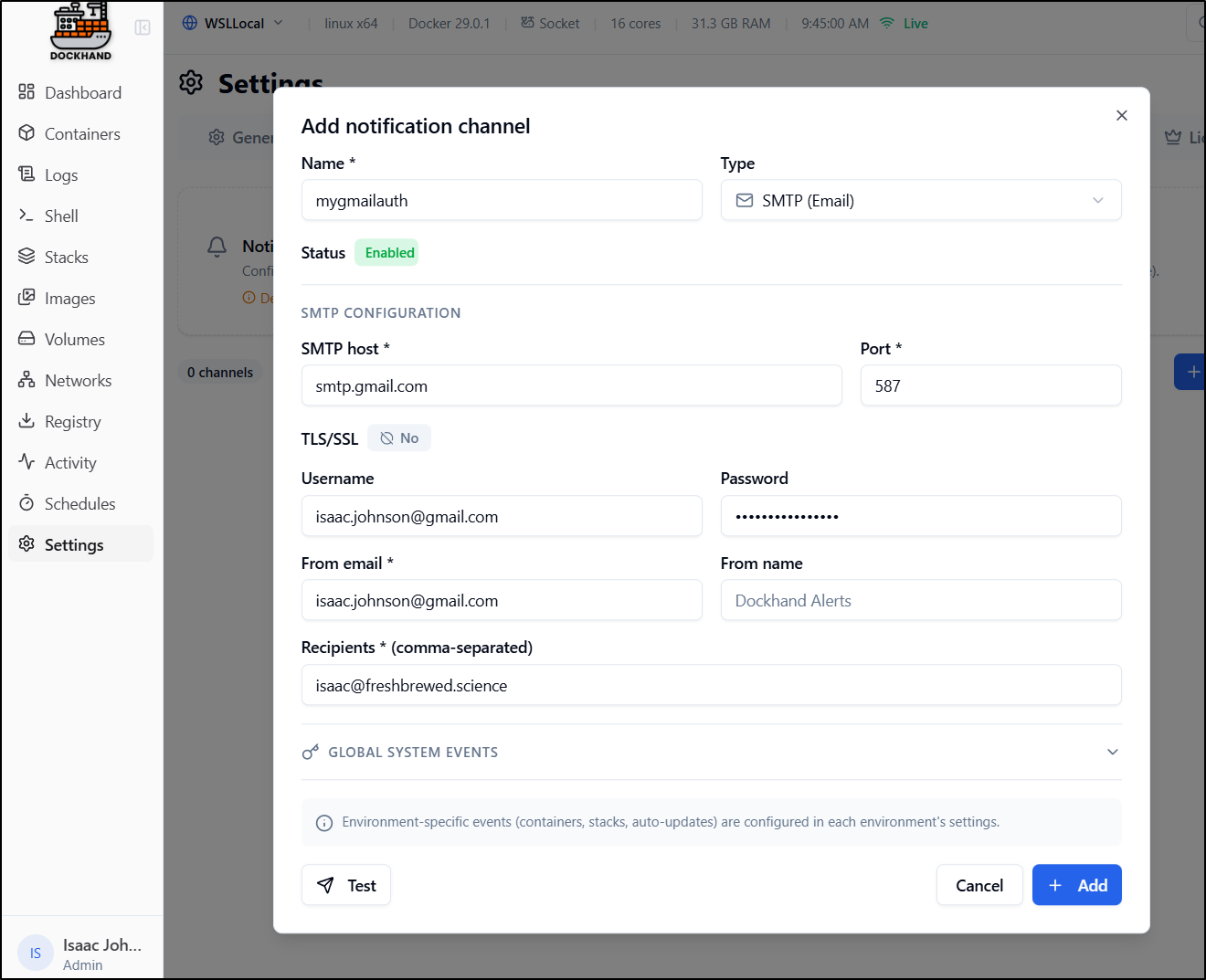
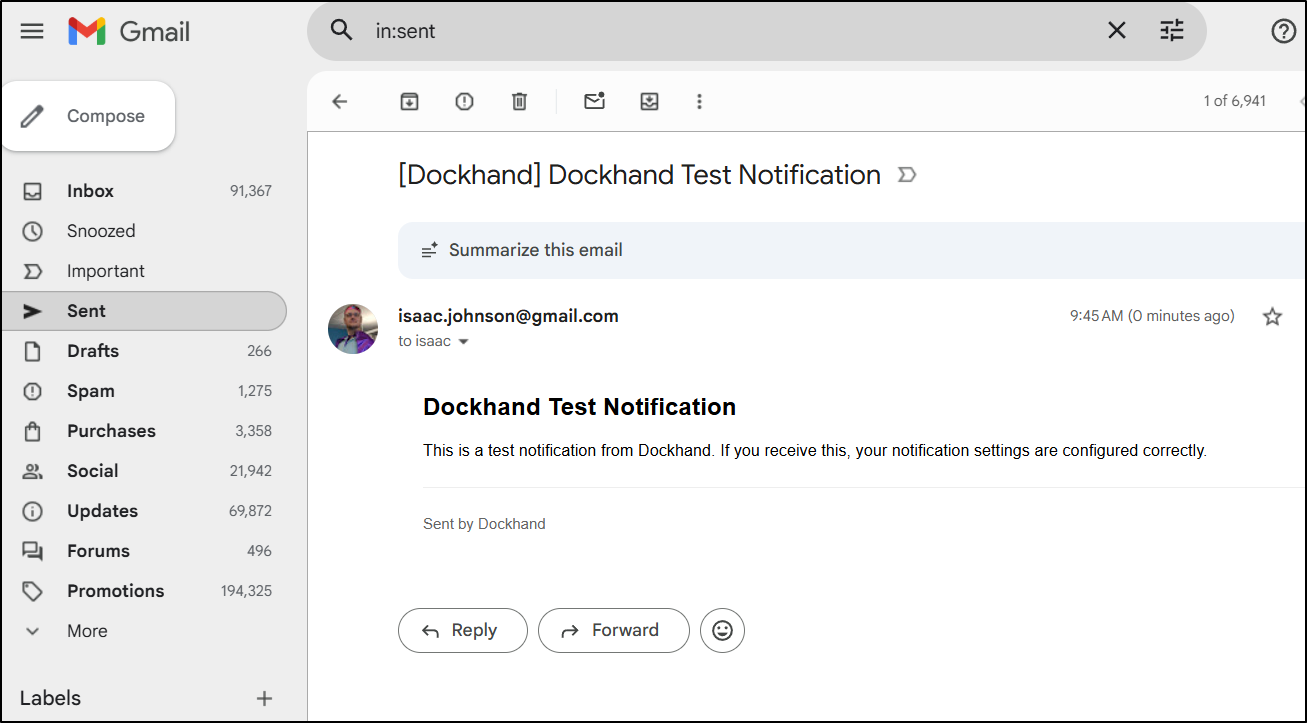
seemed to work without issue
Git Repos
For private repos, we need to first set a token or SSH key
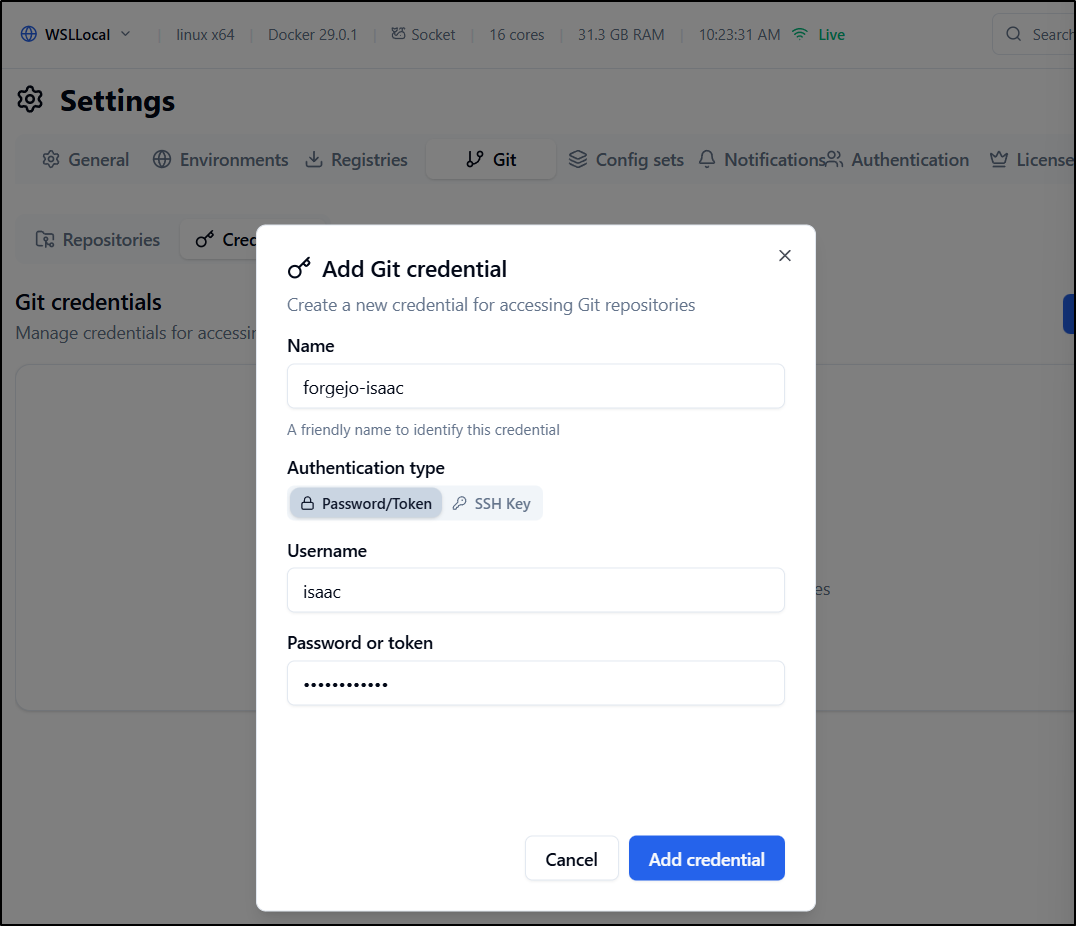
I can now add a repo and set the credential
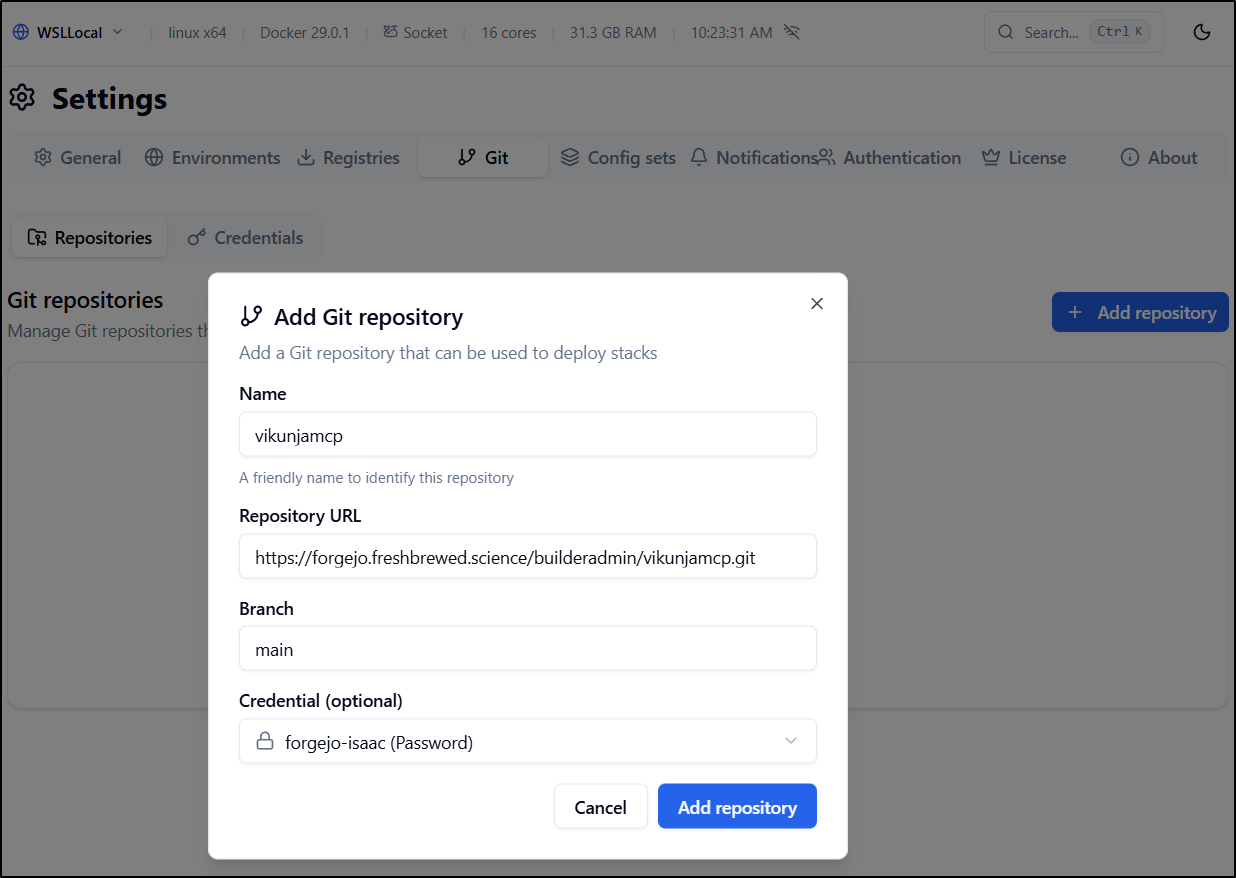
Now when launching a stack, I can use the GIT repo to fetch the docker compose
As an aside, i again got errors
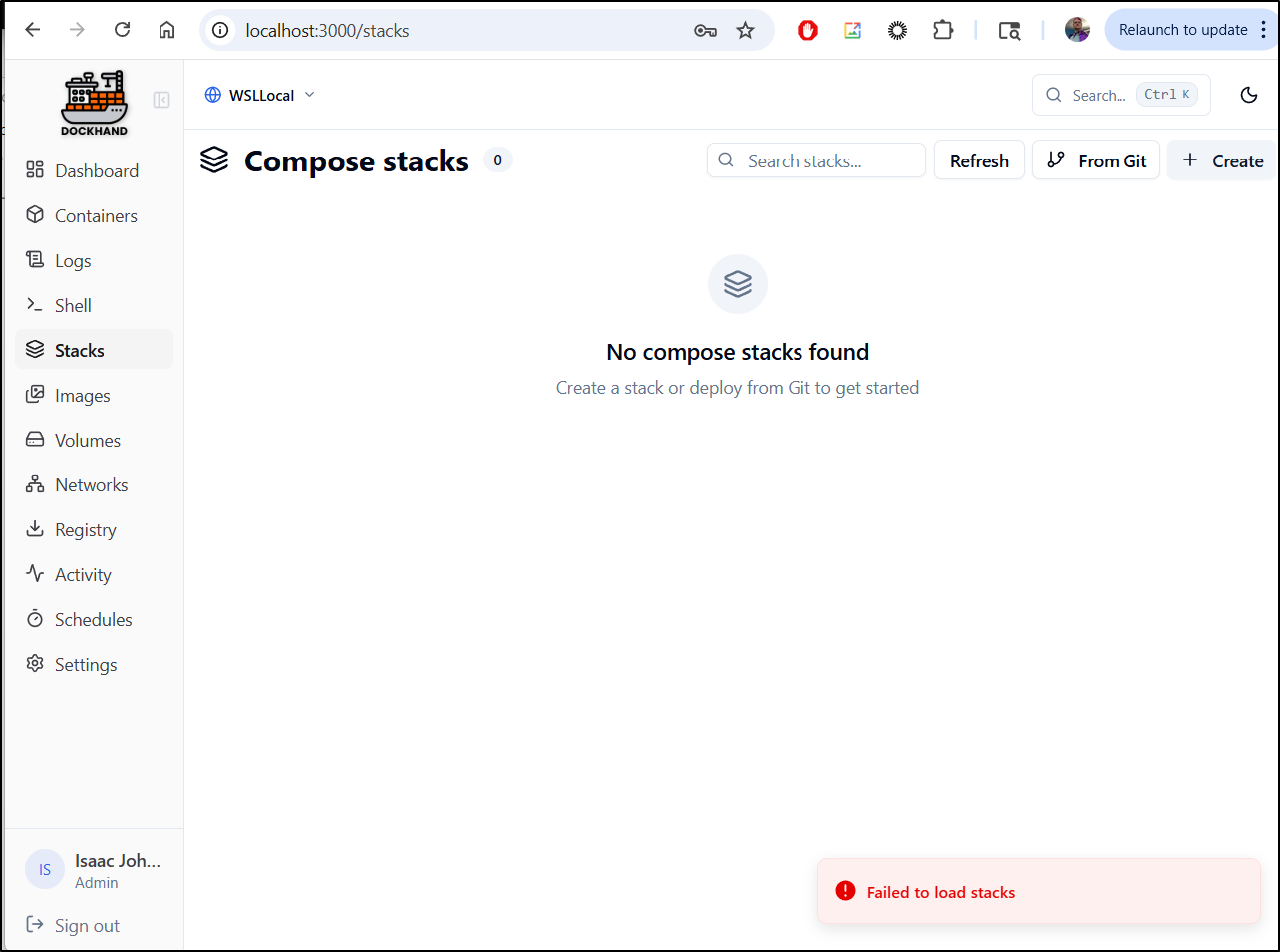
that a restart of Dockerhand in docker solved.
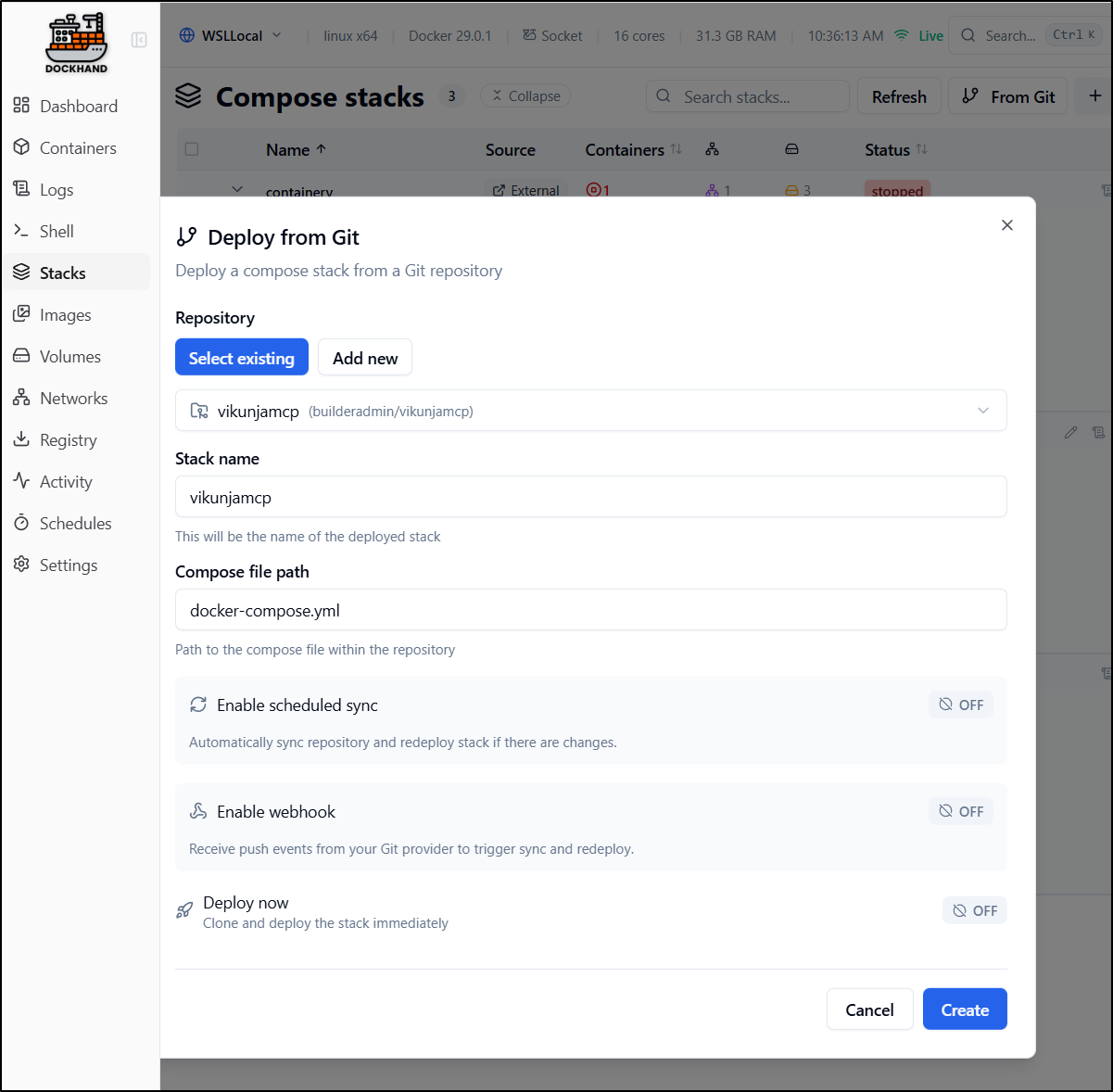
A slight issue I found is this docker-compose has some variables that need to be set and there is no real way to do that in this UI. So I got caught in an endless restart
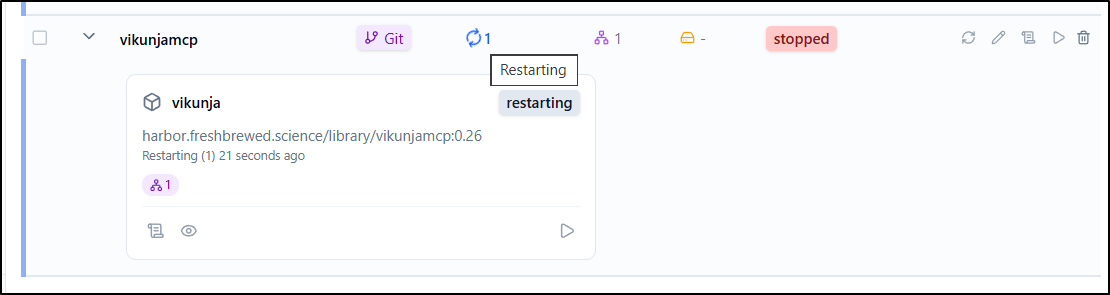
Push to registry
One rather neat feature is that if we have setup a private CR, we can use Dockerhand to help push things up.
This can be useful for local development:
Shell
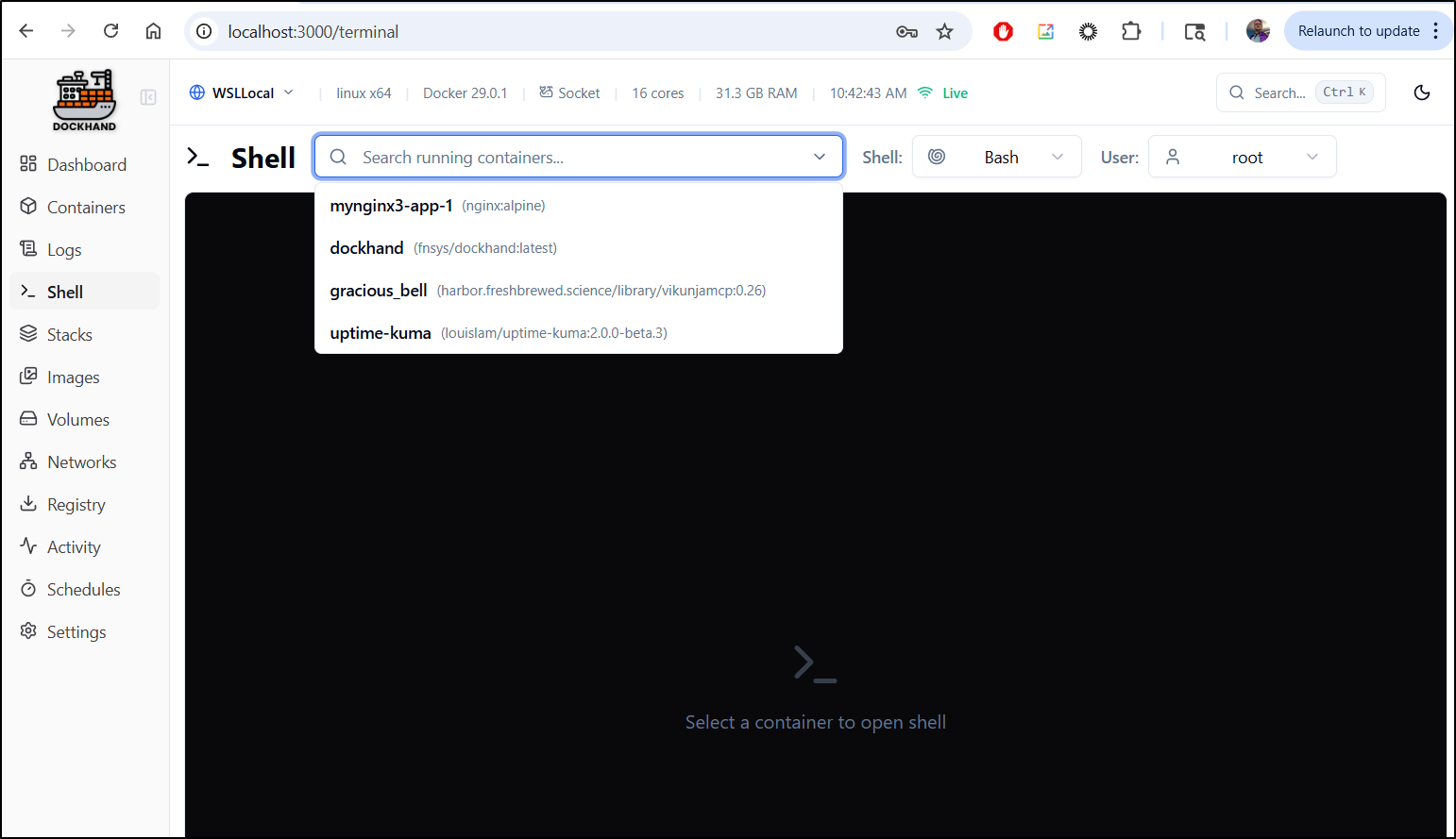
Another nice features of Dockhand is to just shell into a container.
We go to shell, then pick a running container
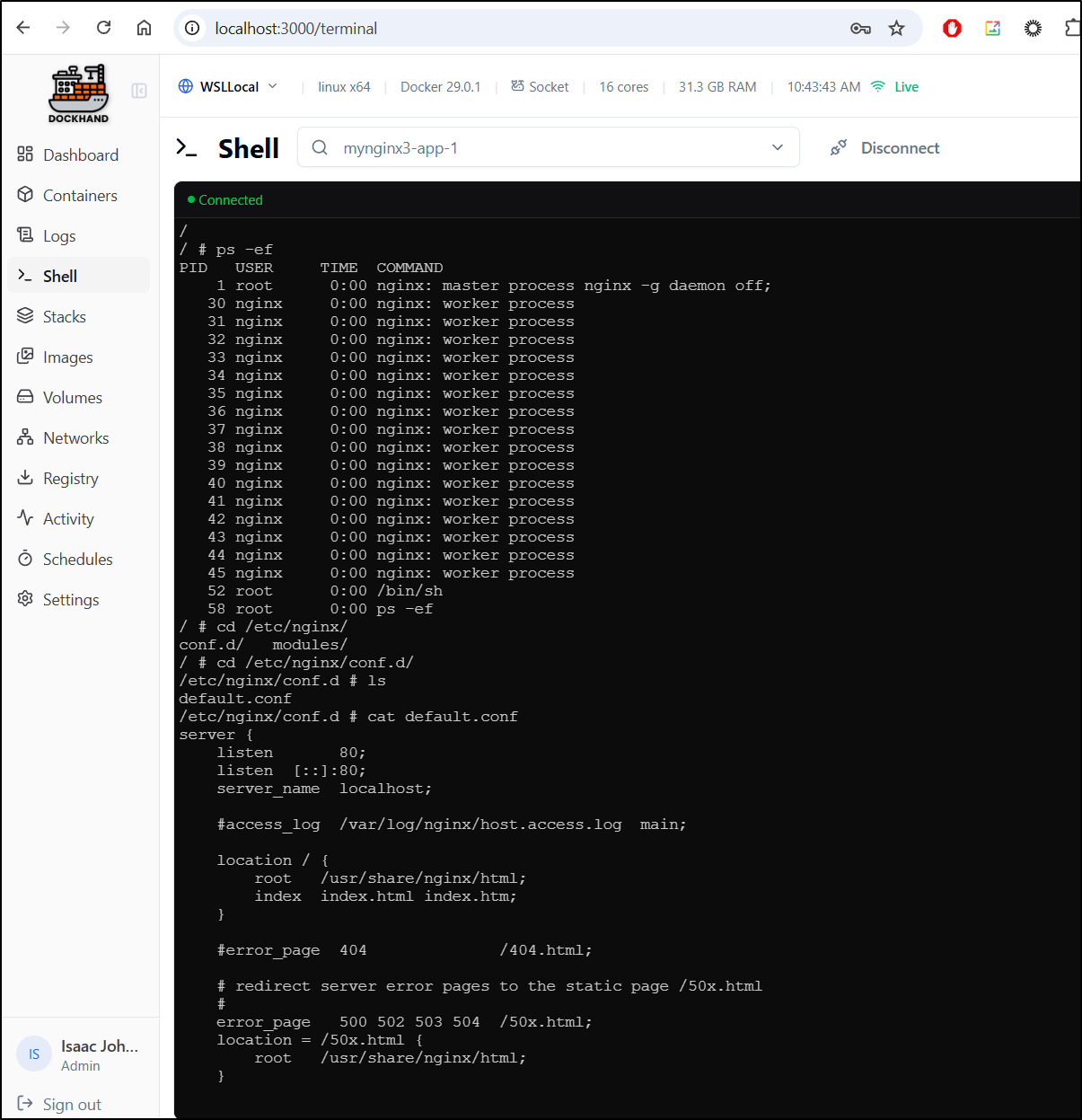
I can hop into the Nginx container, for instance and see where the default HTML folder is
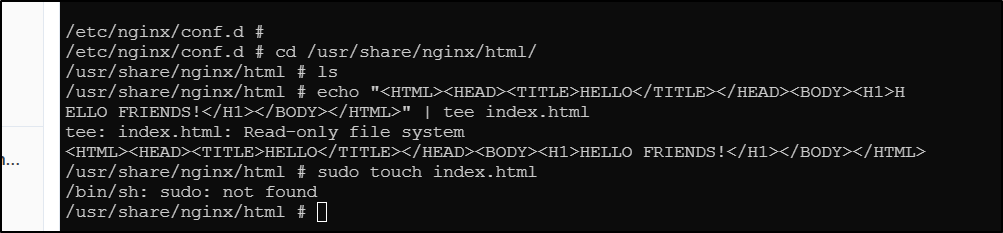
I had hoped to show a nice example of creating and updating the HTML page off the Nginx container, but they rendered the filesystem RO so I can’t:
Logs
We can view recent logs of any container and follow them if desired.
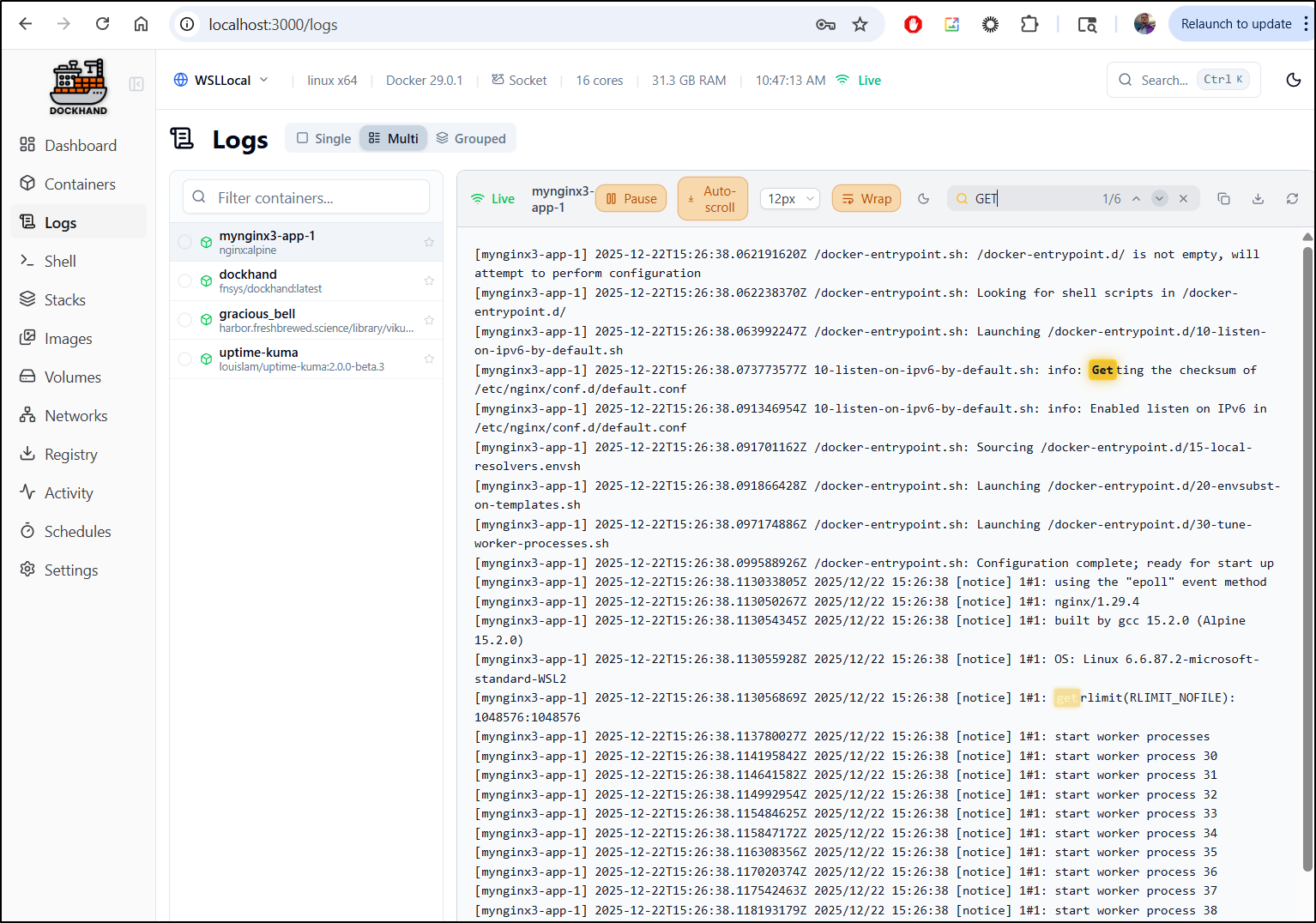
I like the simple search feature which for most cases would solve our needs. However, there is a download button to save them if needed
Volumes
Volumes offers a simple dynamic sort table
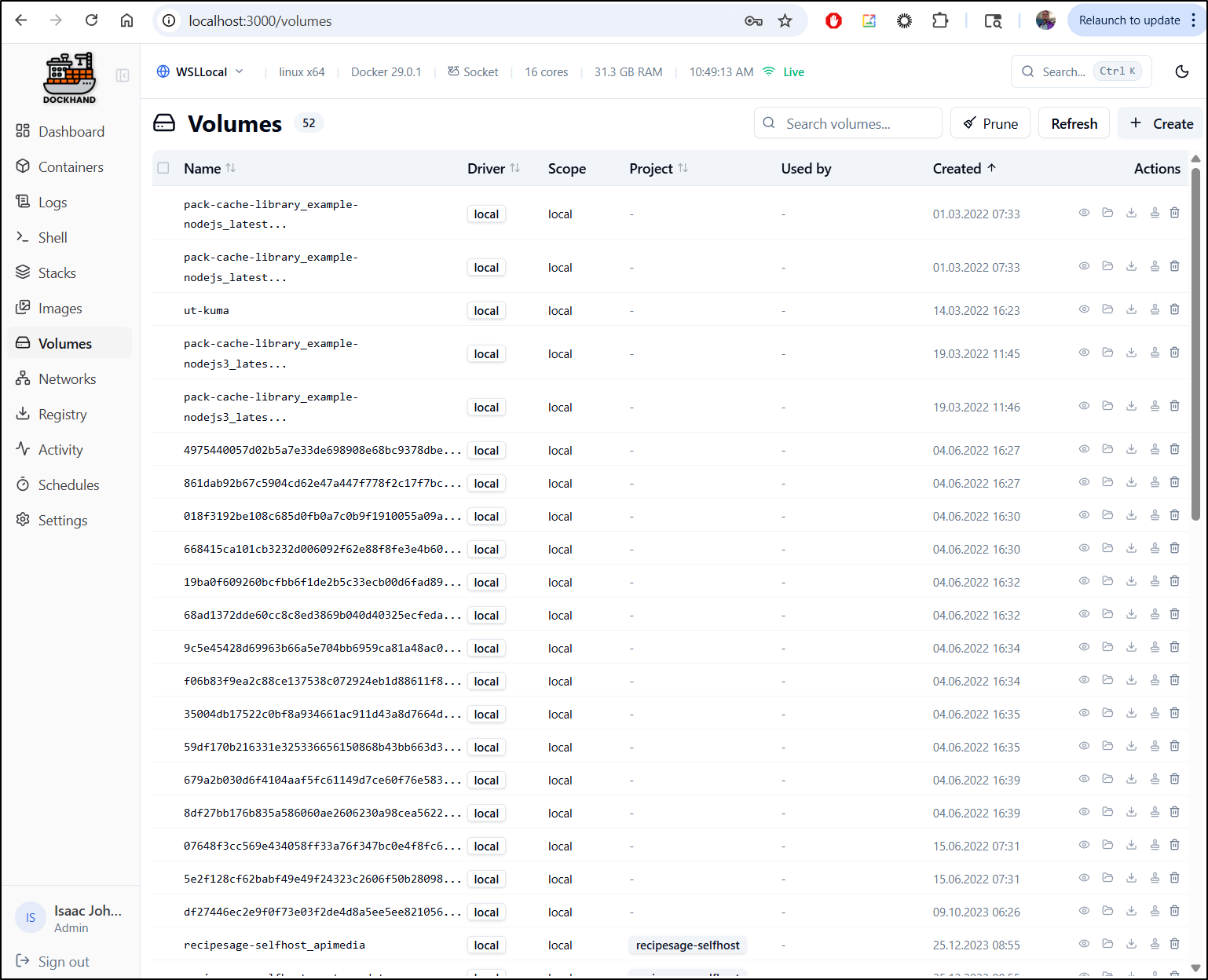
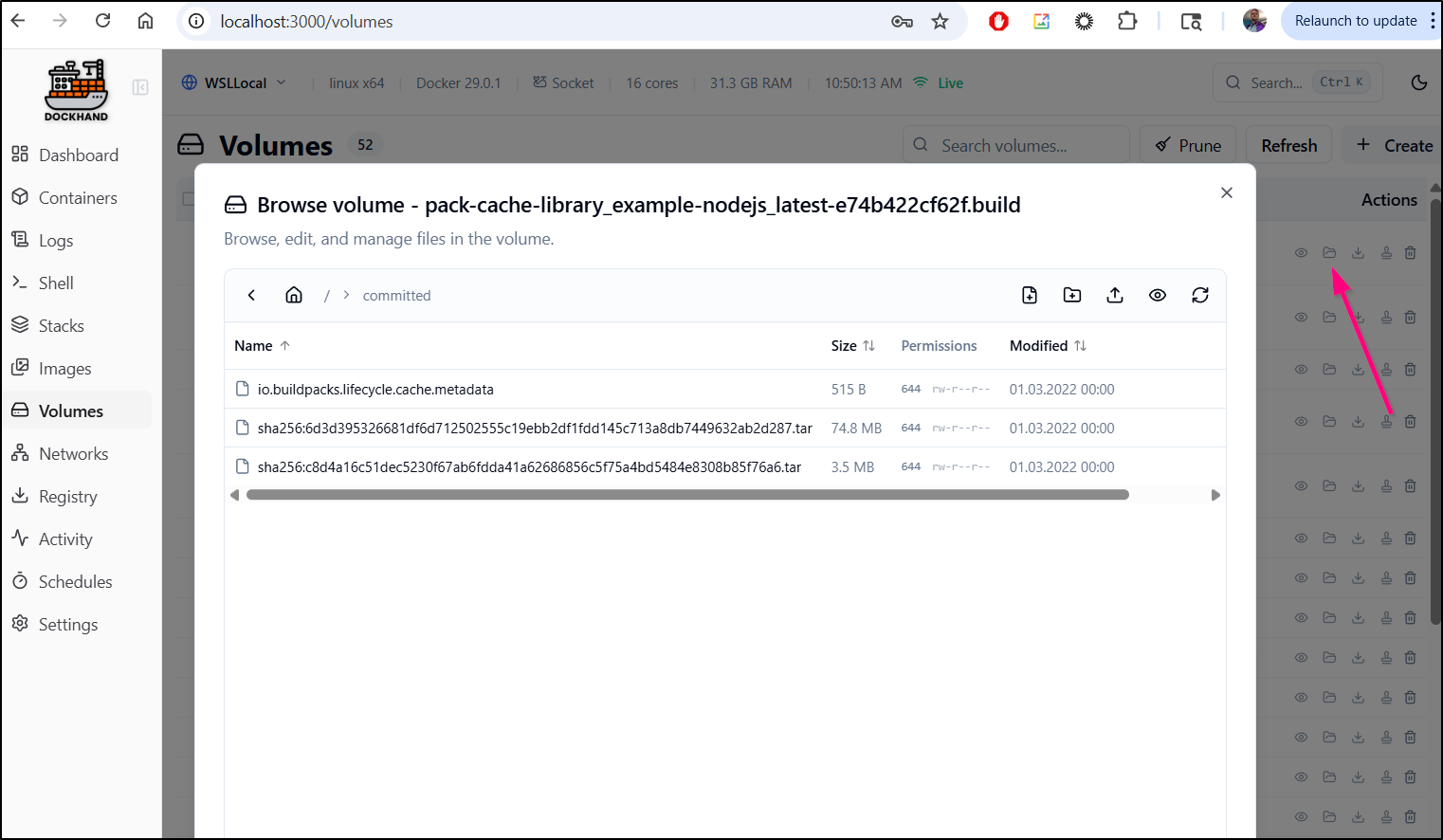
The file browser part really surprised me. I have never seen that before.
It appears to mount the volume on Dockerhand and let use browse the files
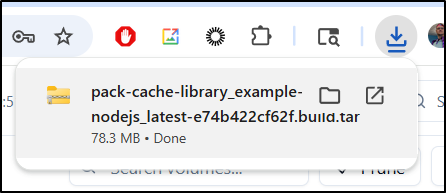
i can also export as a tar file
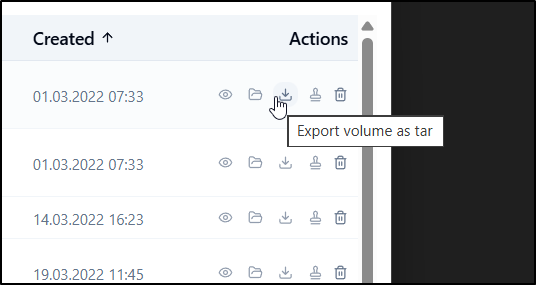
Which downloads it locally
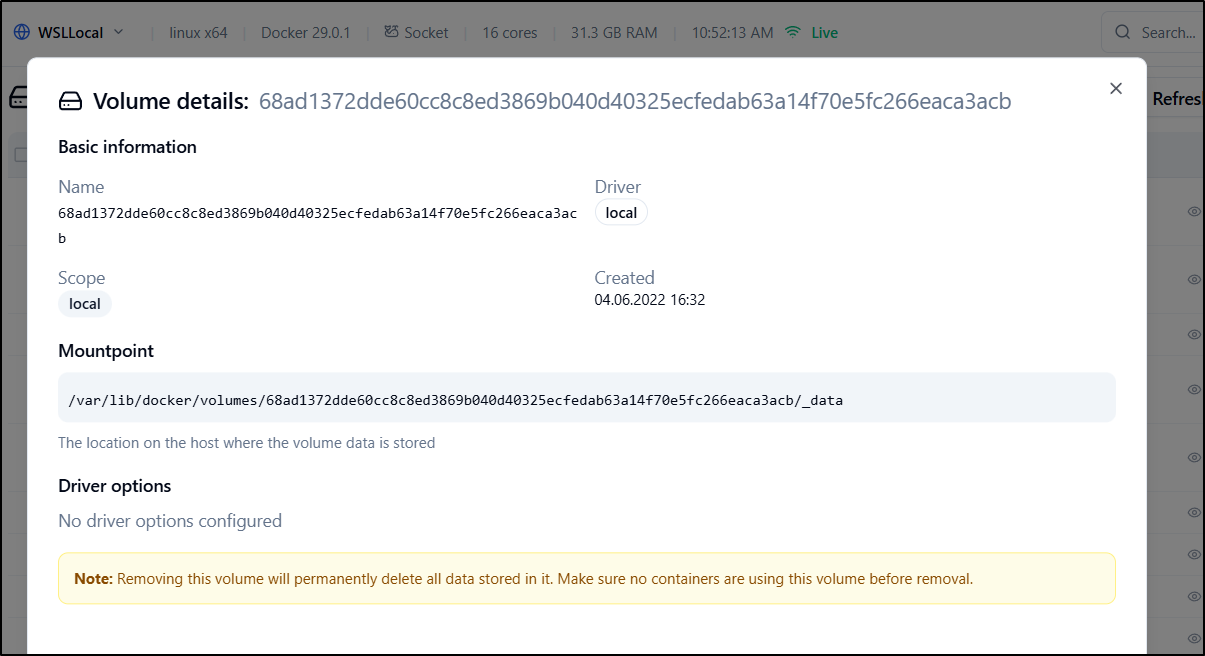
I think the only feature I would really want is some kind of idea of size of these. It makes deciding when to prune a much easier decision.
We only see basic information in the details view
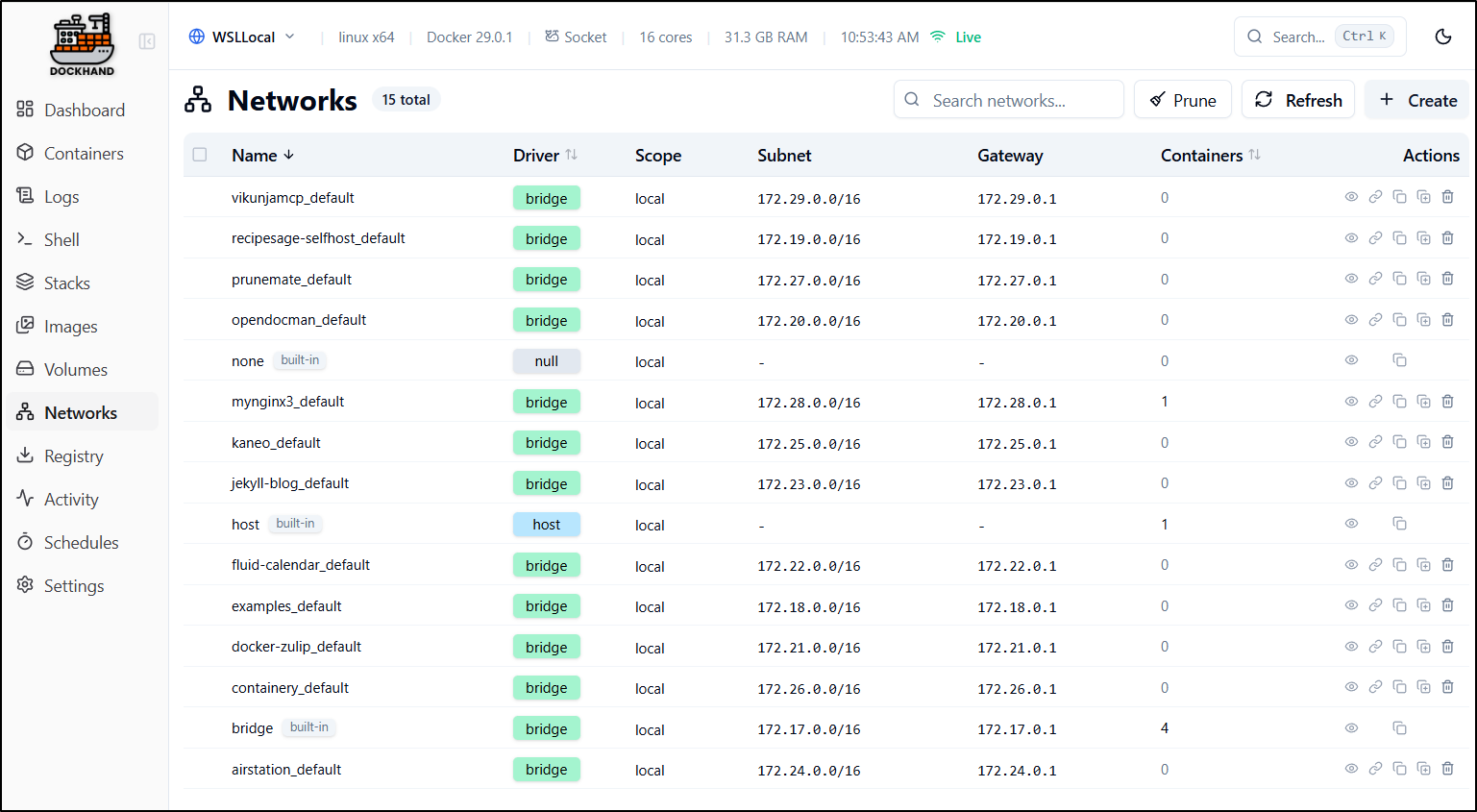
Networks
The networks page shows all networks presently in existence
Viewing the details shows things like connected containers, gateways and subnets
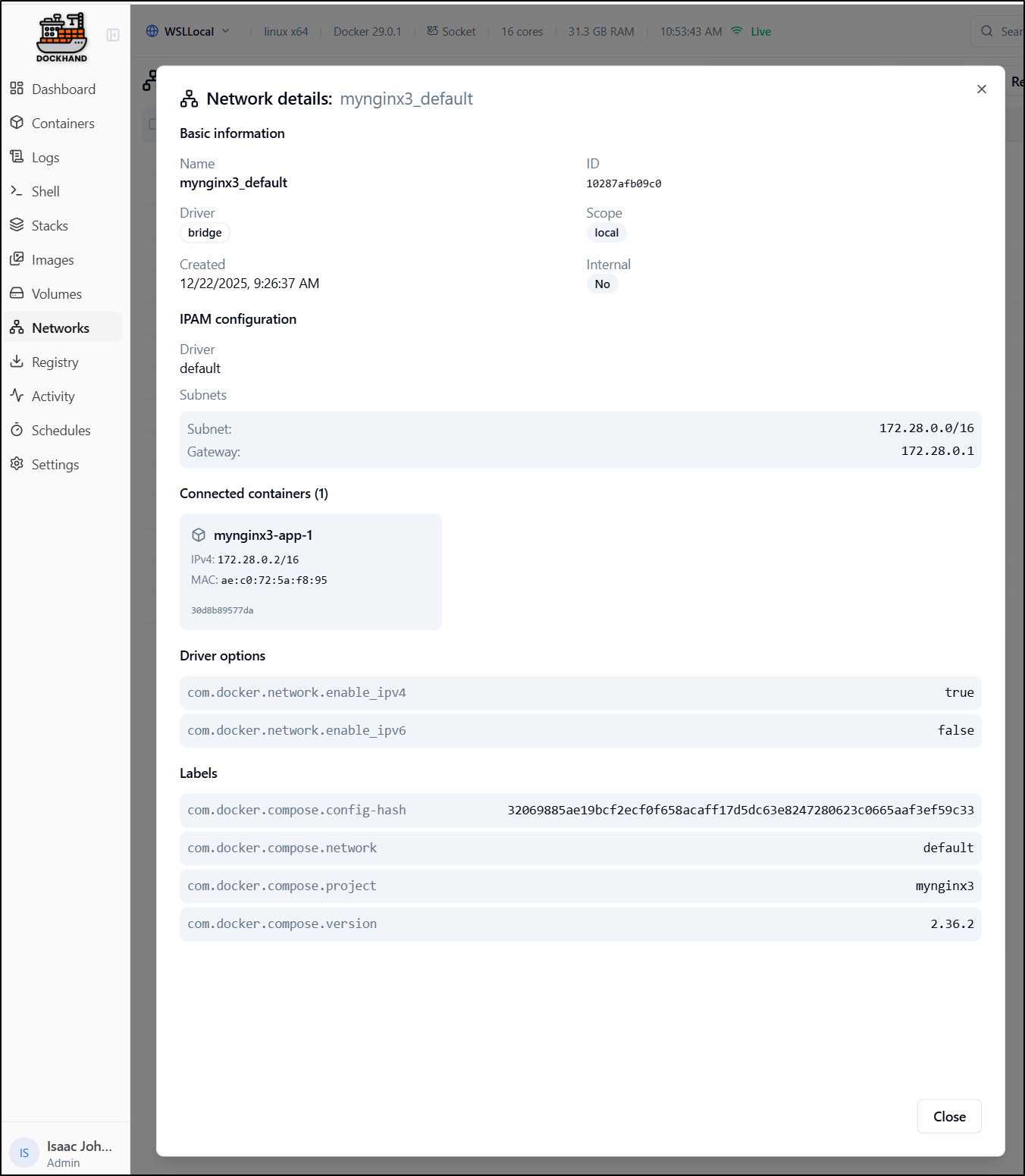
We can use the “connect container” action to connect an existing container to that network.
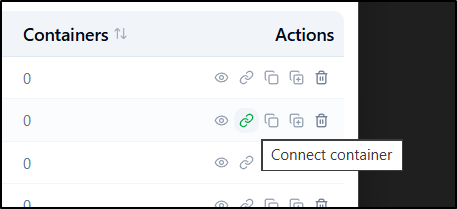
I can see that being useful for, say, restoring a database, launching the restored copy directly and then adding it to the network, or using a cloned copy of a Valkey store and adding it in for key storage.
Profile page
The profile page lets us set things like our Display name and icon
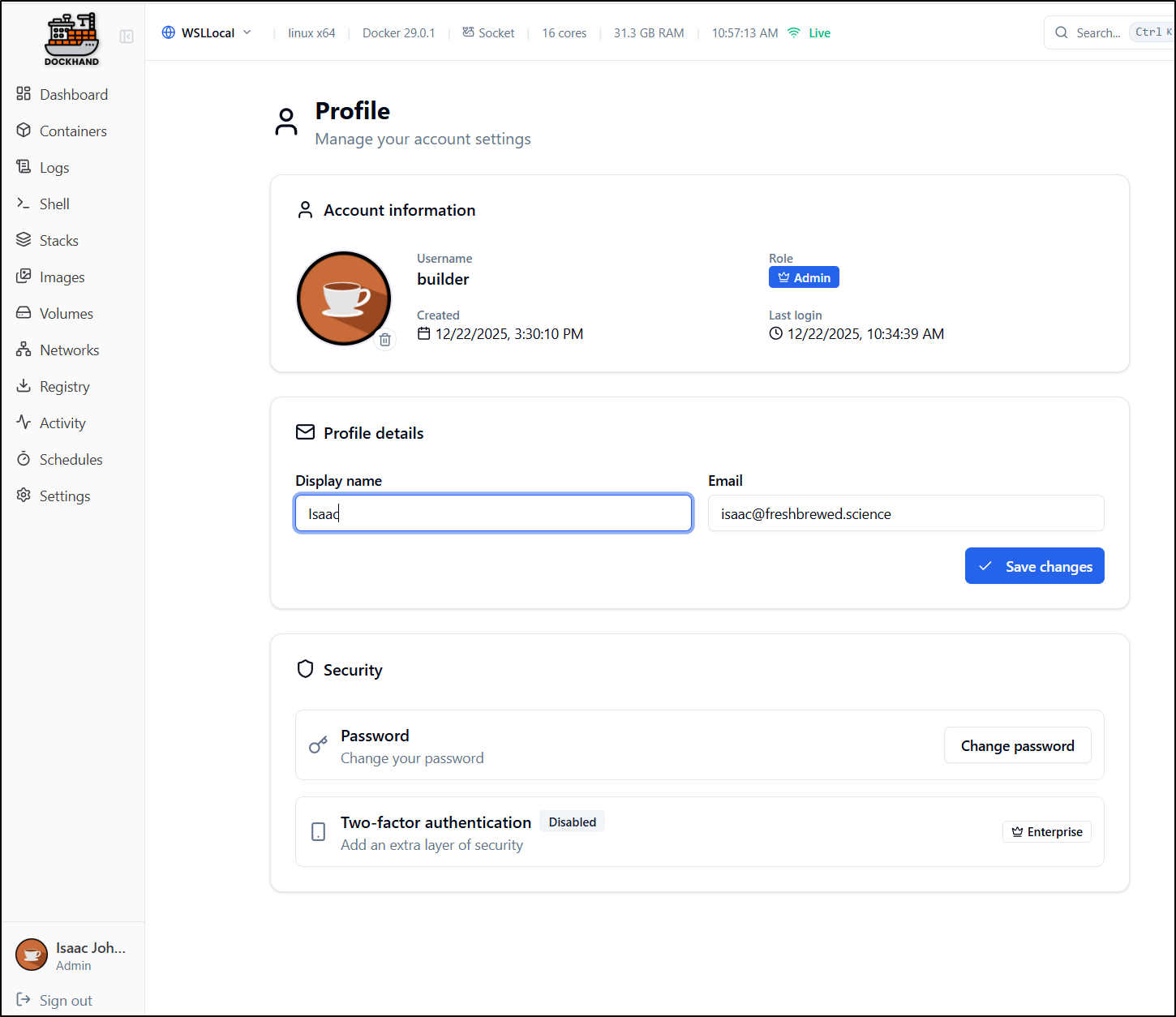
we can also use it to change the password if needed.
Here we see the second feature behind the paywall, MFA.
However, I could easily support MFA by just using AAD/Entra ID, a GCP app or Okta
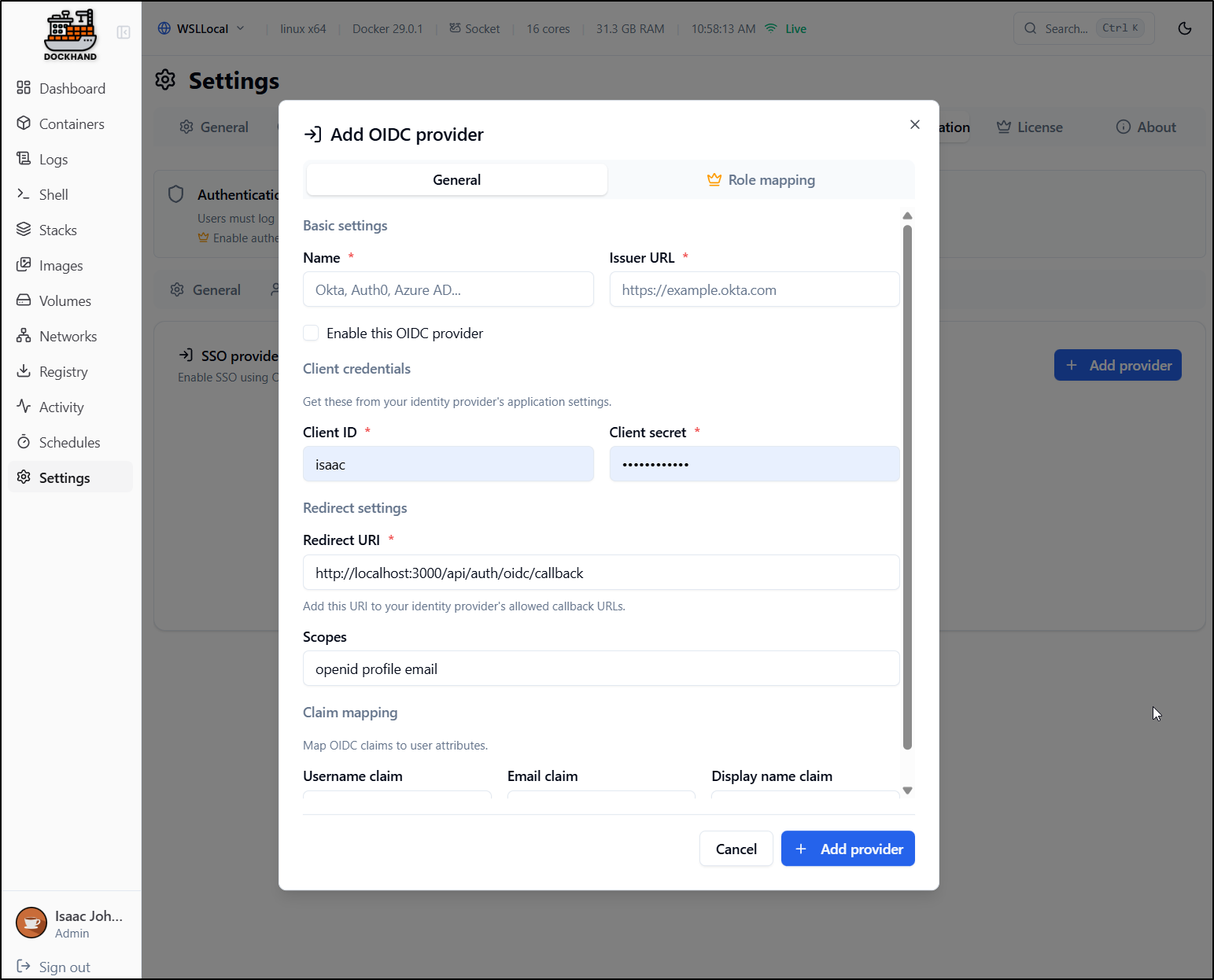
Yes, the Role mapping, as i would expect, is an enterprise feature, but then i could ensure MFA by way of federated Identity management.
Linux
Let’s take a minute and get off WSL and use a proper Ubuntu Docker host.
I’m already using 3000 for zipline so let’s use port 3050 in this case
$ docker run -d \
  --name dockhand \
  -p 3050:3000 \
  -v /var/run/docker.sock:/var/run/docker.sock \
  -v dockhand_data:/app/data \
  fnsys/dockhand:latest
Though, when I add environments I’ll set the PublicIP so i can connect from my primary desktop
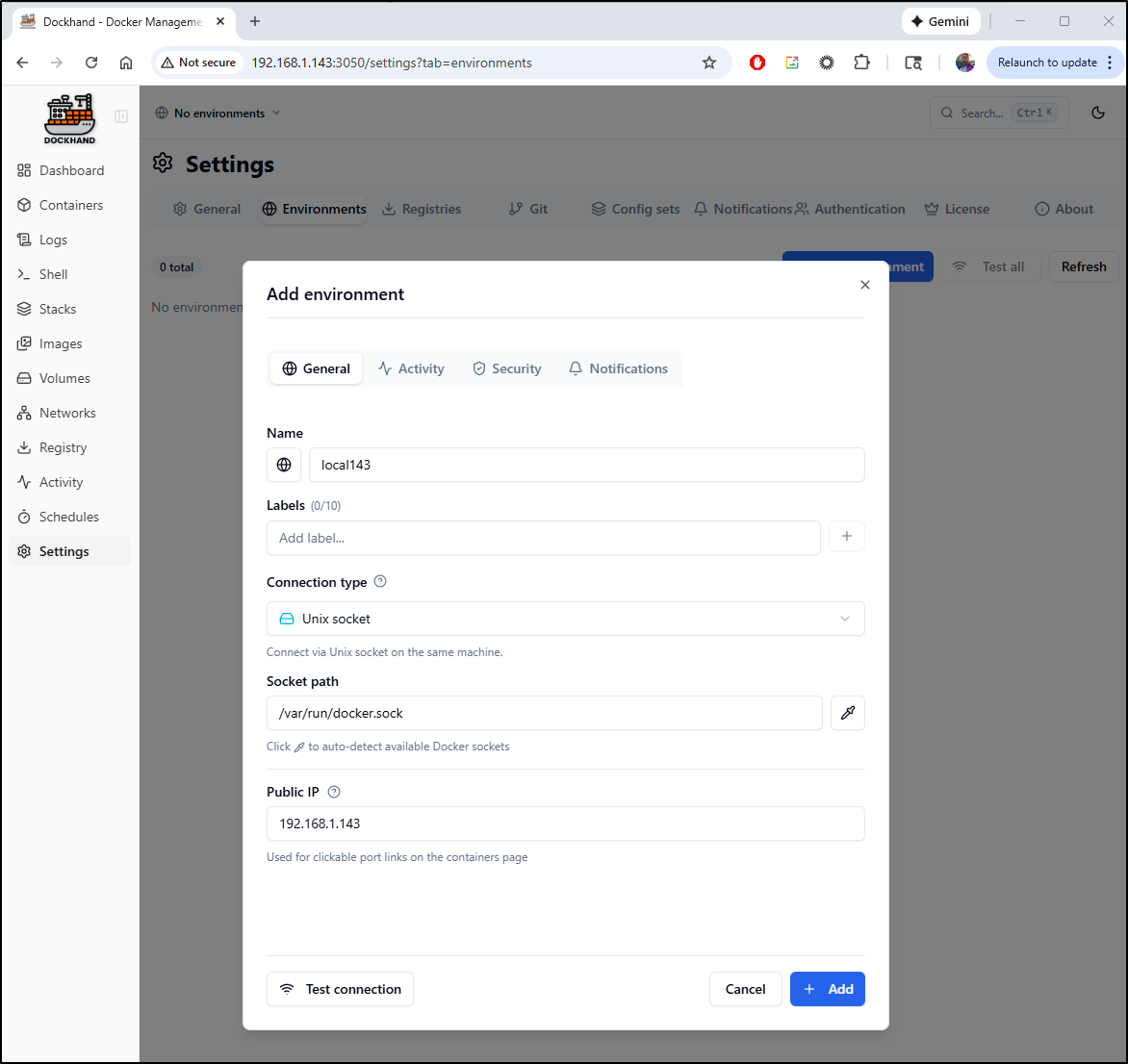
Which then lets me click the forwarding link to access
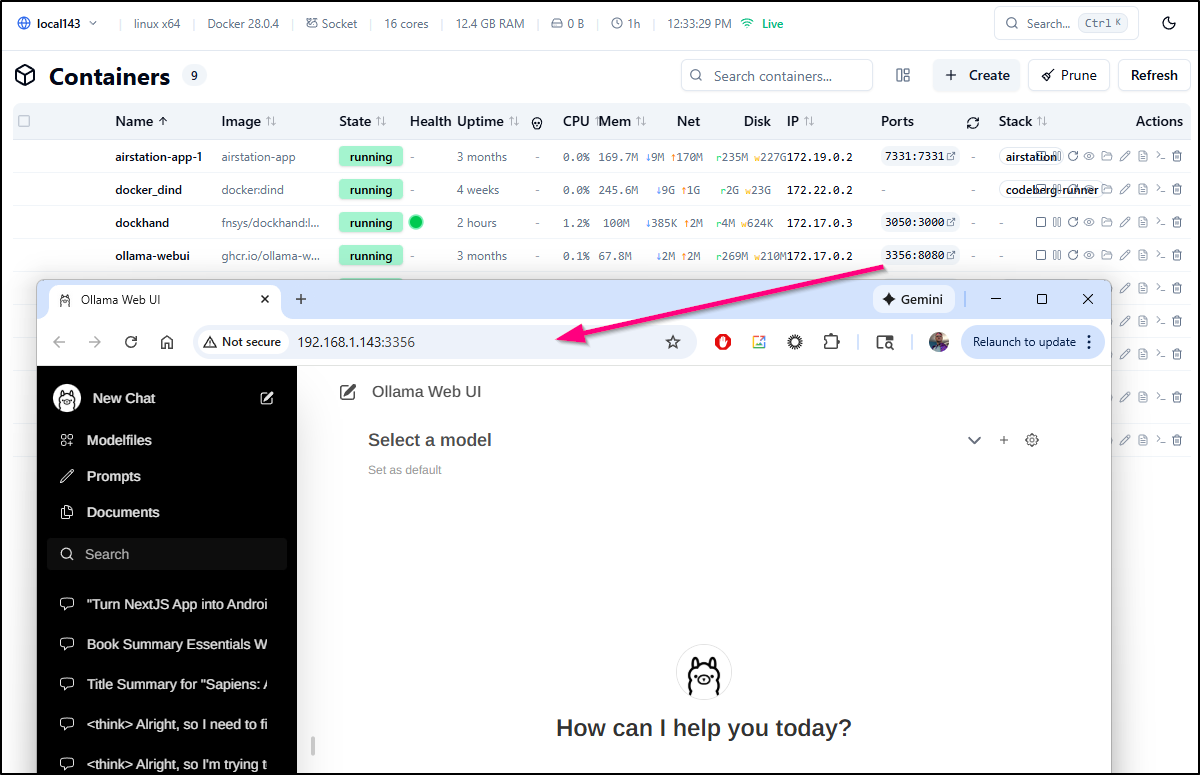
Because I’m running Prunemate here, there are not a lot of stopped and stale containers to cleanup
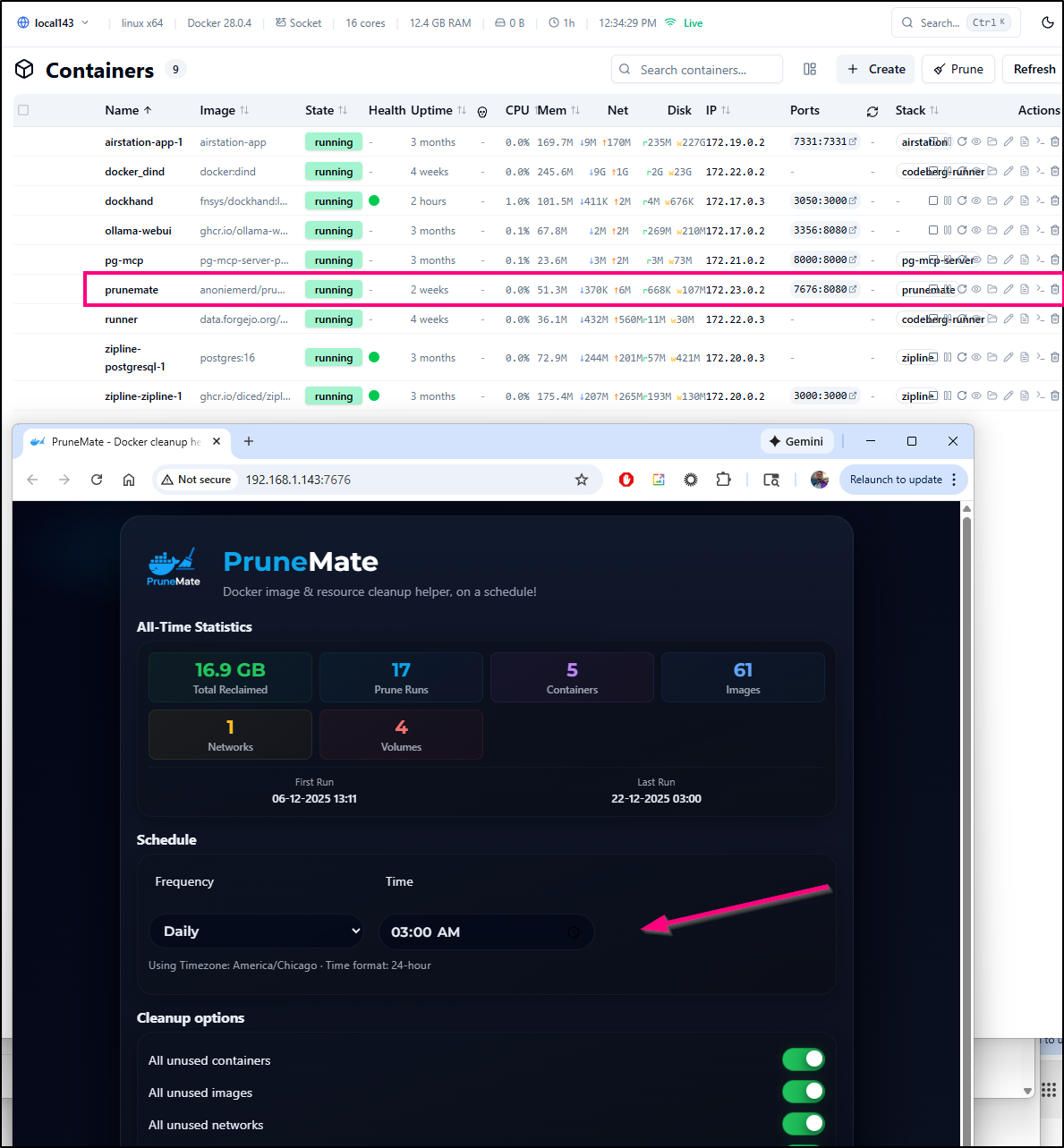
Exposing with TLS
I’ll first need an A-Record for this. I’ll use Azure DNS
$ az account set --subscription "Pay-As-You-Go" && az network dns record-set a add-record -g idjdnsrg -z tpk.pw -
a 75.72.233.202 -n dockhand
{
  "ARecords": [
    {
      "ipv4Address": "75.72.233.202"
    }
  ],
  "TTL": 3600,
  "etag": "84d6a7f1-3716-4ce1-b3a9-a0d084e541be",
  "fqdn": "dockhand.tpk.pw.",
  "id": "/subscriptions/d955c0ba-13dc-44cf-a29a-8fed74cbb22d/resourceGroups/idjdnsrg/providers/Microsoft.Network/dnszones/tpk.pw/A/dockhand",
  "name": "dockhand",
  "provisioningState": "Succeeded",
  "resourceGroup": "idjdnsrg",
  "targetResource": {},
  "trafficManagementProfile": {},
  "type": "Microsoft.Network/dnszones/A"
}
Next, I’ll use a YAML manifest for an endpoint, service and ingress
$ cat dockhand.yaml
apiVersion: v1
kind: Endpoints
metadata:
  name: dockhand-external-ip
subsets:
- addresses:
  - ip: 192.168.1.143
  ports:
  - name: dhndint
    port: 3050
    protocol: TCP
---
apiVersion: v1
kind: Service
metadata:
  name: dockhand-external-ip
spec:
  clusterIP: None
  clusterIPs:
  - None
  internalTrafficPolicy: Cluster
  ipFamilies:
  - IPv4
  - IPv6
  ipFamilyPolicy: RequireDualStack
  ports:
  - name: dockhand
    port: 80
    protocol: TCP
    targetPort: 3050
  sessionAffinity: None
  type: ClusterIP
---
apiVersion: networking.k8s.io/v1
kind: Ingress
metadata:
  annotations:
    cert-manager.io/cluster-issuer: azuredns-tpkpw
    ingress.kubernetes.io/ssl-redirect: "true"
    kubernetes.io/ingress.class: nginx
    kubernetes.io/tls-acme: "true"
    nginx.ingress.kubernetes.io/proxy-read-timeout: "3600"
    nginx.ingress.kubernetes.io/proxy-send-timeout: "3600"
    nginx.org/websocket-services: dockhand-external-ip
  generation: 1
  name: dockhandingress
spec:
  rules:
  - host: dockhand.tpk.pw
    http:
      paths:
      - backend:
          service:
            name: dockhand-external-ip
            port:
              number: 80
        path: /
        pathType: ImplementationSpecific
  tls:
  - hosts:
    - dockhand.tpk.pw
    secretName: dockhand-tls

$ kubectl apply -f ./dockhand.yaml
endpoints/dockhand-external-ip created
service/dockhand-external-ip created
Warning: annotation "kubernetes.io/ingress.class" is deprecated, please use 'spec.ingressClassName' instead
ingress.networking.k8s.io/dockhandingress created
As that loads, I’ll make sure to add a user and enable auth
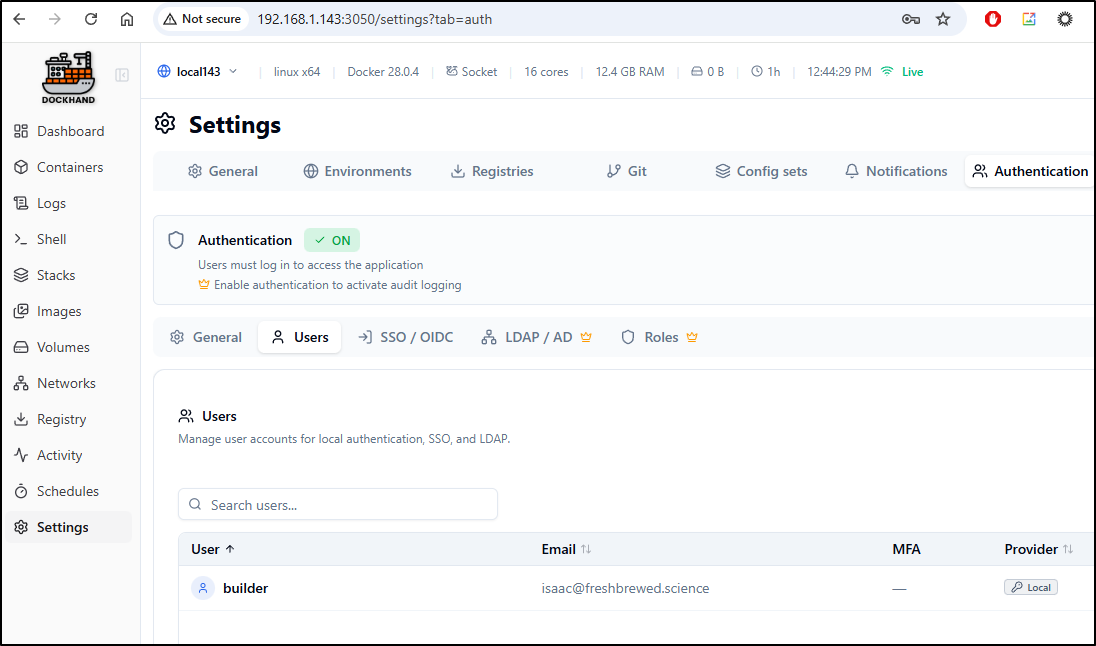
And soon thereafter I get a proper HTTPS website I can reach externally
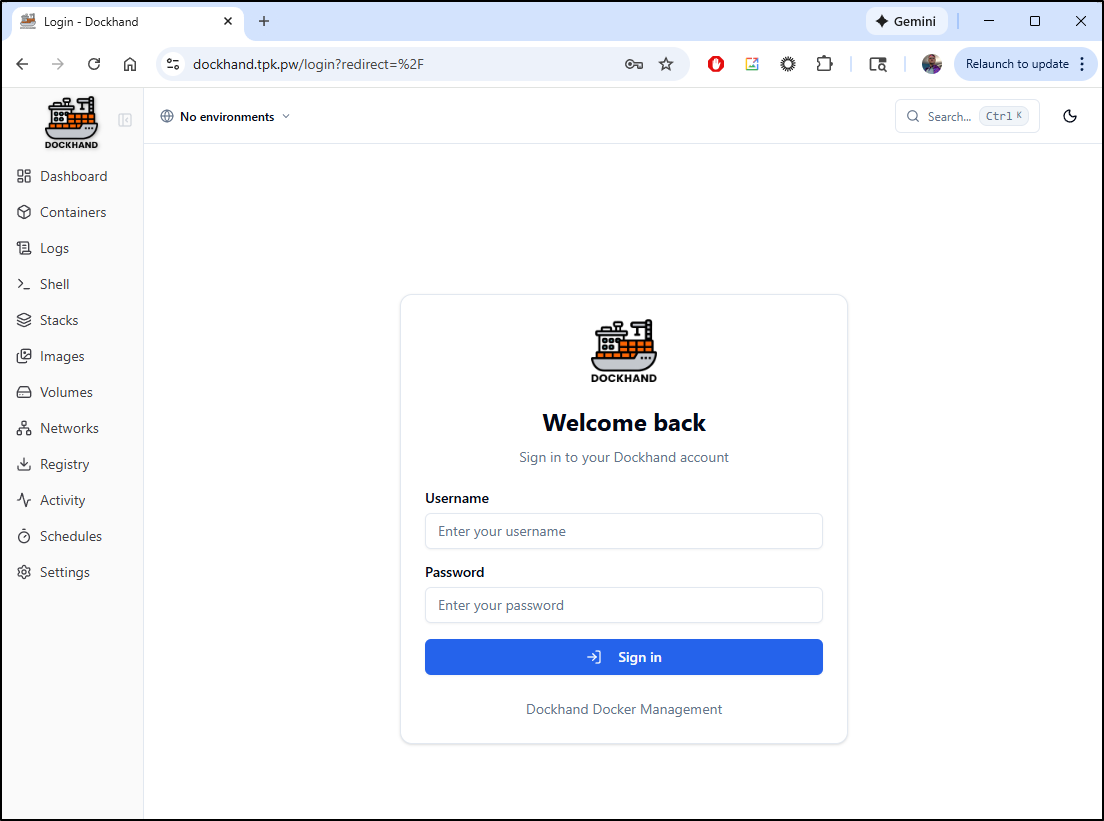
Fresh Editor
Fresh has been on my list from a TLDR DevOps post from some time.
To install, we can just use Homebrew
$ brew tap sinelaw/fresh
==> Auto-updating Homebrew...
Adjust how often this is run with `$HOMEBREW_AUTO_UPDATE_SECS` or disable with
`$HOMEBREW_NO_AUTO_UPDATE=1`. Hide these hints with `$HOMEBREW_NO_ENV_HINTS=1` (see `man brew`).
==> Downloading https://ghcr.io/v2/homebrew/core/portable-ruby/blobs/sha256:63a9c333137e7cf8a568e0f37ec6802c22fbbdd5839f4825c863c26e415d2947
######################################################################## 100.0%
==> Pouring portable-ruby-3.4.8.x86_64_linux.bottle.tar.gz
... snip ...


$ brew install fresh-editor
==> Fetching downloads for: fresh-editor
✔︎ Bottle Manifest fresh-editor (0.1.58)                                                                                             [Downloaded    7.5KB/  7.5KB]
✔︎ Bottle fresh-editor (0.1.58)                                                                                                      [Downloaded   46.7MB/ 46.7MB]
==> Pouring fresh-editor--0.1.58.x86_64_linux.bottle.tar.gz
🍺  /home/linuxbrew/.linuxbrew/Cellar/fresh-editor/0.1.58: 9 files, 187.6MB
==> Running `brew cleanup fresh-editor`...
... snip ...
I have no idea why I enjoy this as much as a I do. I think it harkens back to the old windows text editor from the Win 3.1 days
There is a more complete web site for Fresh that shows a few of its features like a Language Server Protocol
Though I found that failed to work, at least in WSL
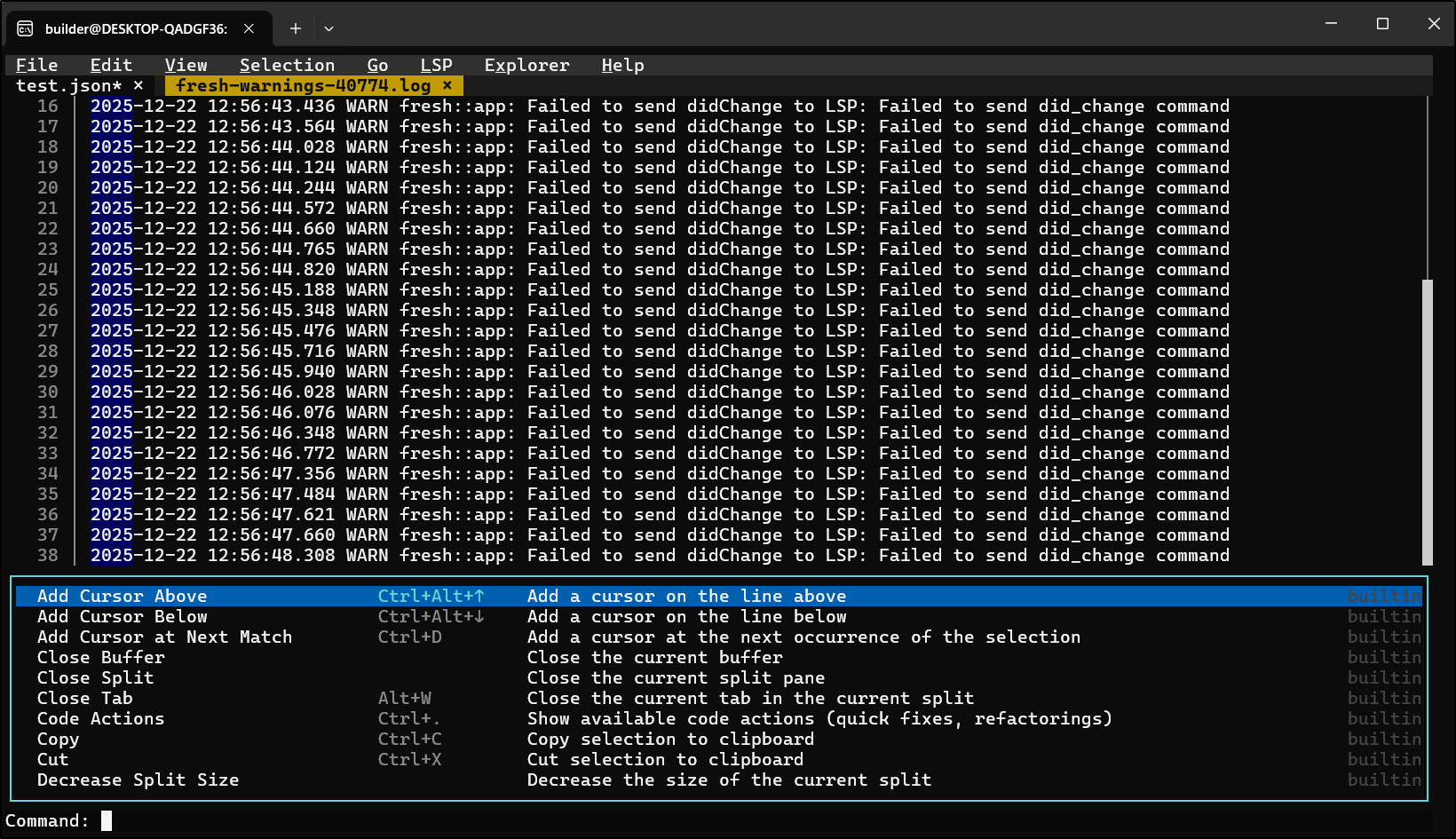
I’m not really sure if I would give up VIM for something like this, but it is an interesting option.
Summary
Today we did a big deep dive into Dockhand, looking at all of its features in the Open-Source/Community edition before setting up TLS via Kubernetes endpoints.
I didn’t really dig into Federated IDP but it should be easy to setup once exposed (you do need a callback URL for Google/Okta/AAD to which to redirect).
I also took a quick glance at Fresh, a lightweight editor.
Let’s take a quick look at the Free vs Enterprise Dockhand features:
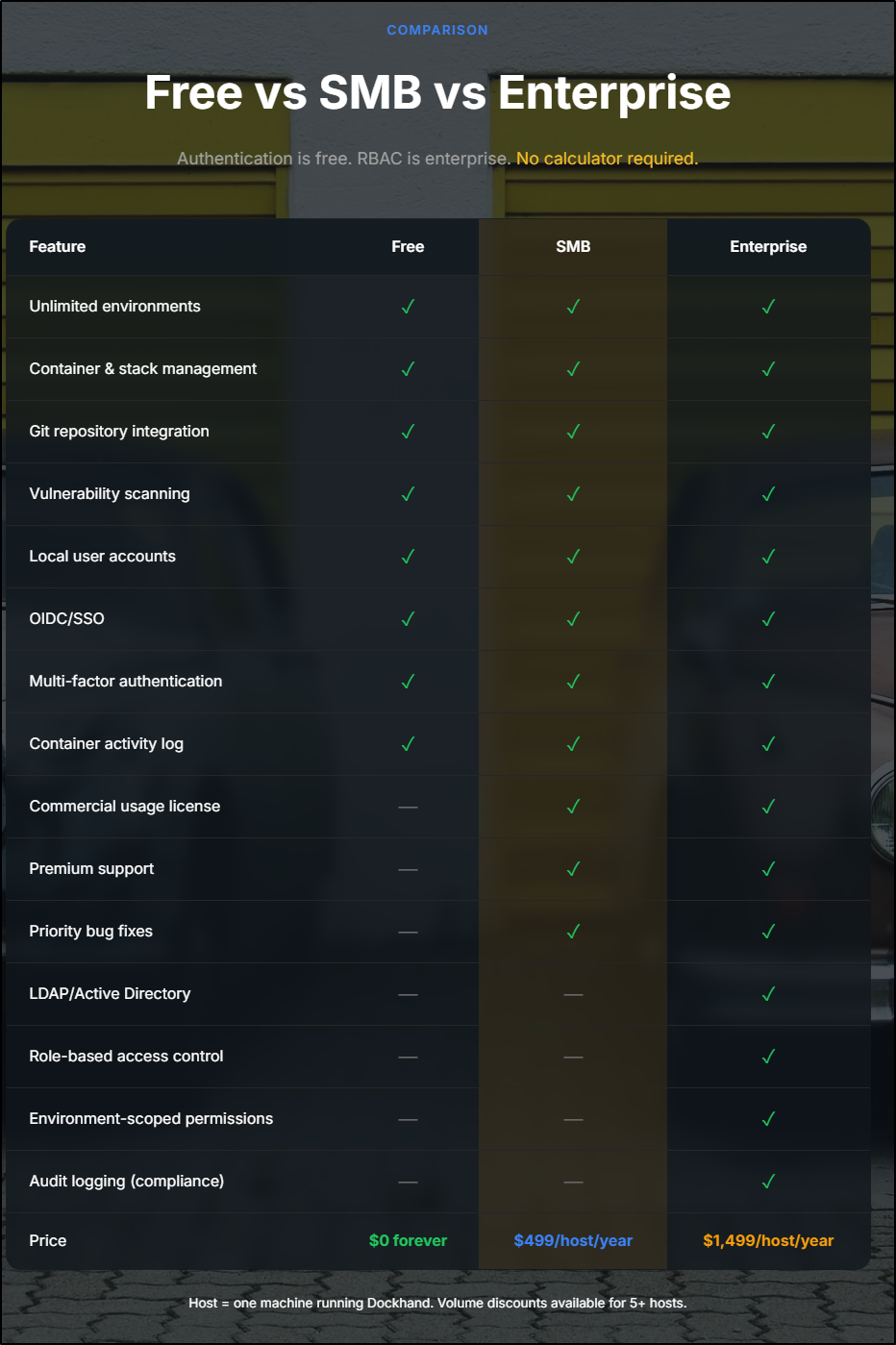
It is basically $42/mo/host for the SMB model, but the moment you want LDAP/AD integration or RBAC (and I would assume in an enterprise you want RBAC), then we are up to $1500/year/host ($125/mo).
I think that is a bit steep. In my humble opinion, the prices should be about half that to make sense.
However, one other feature I didn’t explore was their Hawser agent which would allow one to have a unified view of all Docker hosts:
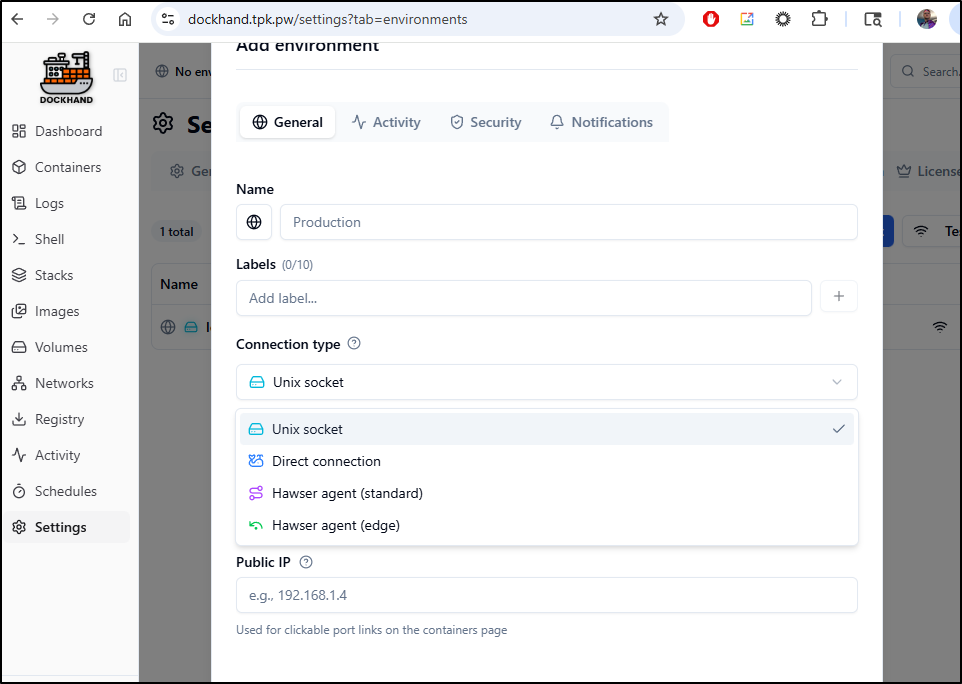
So, perhaps if one thinks of a single instance that aggregates many hosts (provided they don’t charge for those other environments), then those prices might make sense.
Still, it’s an amazing product and one I’m going to try using for a while on some of my local docker hosts.
Though, lest you thought I forgot, I did test the container ports on the newer Ubuntu host and it too gave that JSON GO struct error so it was not WSL related: