

Published: Dec 11, 2025 by Isaac Johnson
Today we’ll explore three Open-Source apps that have been on my radar: KeePassXC, PruneMate and Journiv.
KeepassXC took me back to the wayback days of psafe3 files and PasswordSafe. However, this is a lot newer than that old, sometimes buggy java app. We’ll dig into usage, including backups.
PruneMate is a simple docker cleanup suite run in, of course, docker. We’ll expose it externally and show how we can use it to safe space (and verify it works).
Lastly, we’ll look at a fast responsive containerized journaling app, Journiv and try to vibe code ourselves some fixes (with mixed results).
KeePassXC
I knew of Keypass from my wayback days at Intuit. I’m sure they have since moved on, but we regularly used it to secure credentials for basic dev systems. Of course, it was called Keypass or Passwordsafe with psafe3 files.
I saw this post about the latest release of KeePassXC and wanted to give it a try.
Flatpack
If you dont have flatpack you’ll need that first
$ sudo apt update
$ sudo apt install -y flatpak
Next, we add a flatpak remote
$ flatpak remote-add --user --if-not-exists flathub https://dl.flathub.org/repo/flathub.flatpakrepo

Note that the directories

'/var/lib/flatpak/exports/share'
'/home/builder/.local/share/flatpak/exports/share'

are not in the search path set by the XDG_DATA_DIRS environment variable, so
applications installed by Flatpak may not appear on your desktop until the
session is restarted.
I can then install
$ flatpak install --user flathub org.keepassxc.KeePassXC

Note that the directories

'/var/lib/flatpak/exports/share'
'/home/builder/.local/share/flatpak/exports/share'

are not in the search path set by the XDG_DATA_DIRS environment variable, so
applications installed by Flatpak may not appear on your desktop until the
session is restarted.

Looking for matches…
Required runtime for org.keepassxc.KeePassXC/x86_64/stable (runtime/org.kde.Platform/x86_64/5.15-25.08) found in remote flathub
Do you want to install it? [Y/n]: Y

org.keepassxc.KeePassXC permissions:
    ipc                      network                      pcsc       ssh-auth       wayland       x11       devices       file access [1]       dbus access [2]
    bus ownership [3]        system dbus access [4]

    [1] /tmp, host, xdg-config/kdeglobals:ro, xdg-run/gvfs
    [2] com.canonical.AppMenu.Registrar, com.canonical.Unity.Session, org.freedesktop.Notifications, org.freedesktop.ScreenSaver, org.gnome.ScreenSaver, org.gnome.SessionManager, org.gnome.SessionManager.Presence, org.kde.KGlobalSettings,
        org.kde.StatusNotifierWatcher, org.kde.kconfig.notify
    [3] org.freedesktop.secrets
    [4] org.freedesktop.login1


        ID                                                Branch                 Op            Remote             Download
 1. [\] org.freedesktop.Platform.GL.default               25.08                  i             flathub              131.5 MB / 140.1 MB
 2. [ ] org.freedesktop.Platform.GL.default               25.08-extra            i             flathub            < 140.1 MB
 3. [ ] org.freedesktop.Platform.VAAPI.Intel              25.08                  i             flathub             < 13.2 MB
 4. [ ] org.freedesktop.Platform.codecs-extra             25.08-extra            i             flathub             < 14.4 MB
 5. [ ] org.gtk.Gtk3theme.Yaru                            3.22                   i             flathub            < 191.5 kB
 6. [ ] org.kde.Platform.Locale                           5.15-25.08             i             flathub            < 400.0 MB (partial)
 7. [ ] org.kde.Platform                                  5.15-25.08             i             flathub            < 367.7 MB
 8. [ ] org.keepassxc.KeePassXC                           stable                 i             flathub             < 22.7 MB

        ID                                                Branch                 Op            Remote             Download
 1. [|] org.freedesktop.Platform.GL.default               25.08                  i             flathub              139.4 MB / 140.1 MB
 2. [ ] org.freedesktop.Platform.GL.default               25.08-extra            i             flathub            < 140.1 MB
 3. [ ] org.freedesktop.Platform.VAAPI.Intel              25.08                  i             flathub             < 13.2 MB
 4. [ ] org.freedesktop.Platform.codecs-extra             25.08-extra            i             fla        ID                                      Branch        Op   Remote   Download
 1. [✓] org.freedesktop.Platform.GL.default     25.08         i    flathub  139.4 MB / 140.1 MB
 2. [✓] org.freedesktop.Platform.GL.default     25.08-extra   i    flathub   24.5 MB / 140.1 MB
 3. [✓] org.freedesktop.Platform.VAAPI.Intel    25.08         i    flathub   13.1 MB / 13.2 MB
 4. [✓] org.freedesktop.Platform.codecs-extra   25.08-extra   i    flathub   14.2 MB / 14.4 MB
 5. [✓] org.gtk.Gtk3theme.Yaru                  3.22          i    flathub  139.3 kB / 191.5 kB
 6. [✓] org.kde.Platform.Locale                 5.15-25.08    i    flathub   18.6 kB / 400.0 MB
 7. [✓] org.kde.Platform                        5.15-25.08    i    flathub  297.9 MB / 367.7 MB
 8. [✓] org.keepassxc.KeePassXC                 stable        i    flathub   20.2 MB / 22.7 MB

Installing 8/8… ████████████████████ 100%  20.2 MB/s
Note that '/home/builder/.local/share/flatpak/exports/share' is not in the search path
set by the XDG_DATA_HOME and XDG_DATA_DIRS
environment variables, so applications may not
        ID                                      Branch        Op   Remote   Download
 1. [✓] org.freedesktop.Platform.GL.default     25.08         i    flathub  139.4 MB / 140.1 MB
 2. [✓] org.freedesktop.Platform.GL.default     25.08-extra   i    flathub   24.5 MB / 140.1 MB
 3. [✓] org.freedesktop.Platform.VAAPI.Intel    25.08         i    flathub   13.1 MB / 13.2 MB
 4. [✓] org.freedesktop.Platform.codecs-extra   25.08-extra   i    flathub   14.2 MB / 14.4 MB
 5. [✓] org.gtk.Gtk3theme.Yaru                  3.22          i    flathub  139.3 kB / 191.5 kB
 6. [✓] org.kde.Platform.Locale                 5.15-25.08    i    flathub   18.6 kB / 400.0 MB
 7. [✓] org.kde.Platform                        5.15-25.08    i    flathub  297.9 MB / 367.7 MB
 8. [✓] org.keepassxc.KeePassXC                 stable        i    flathub   20.2 MB / 22.7 MB

Installation complete.
At first, I didn’t see it
builder@LuiGi:~/Workspaces/jekyll-blog$ flatpak install --user flathub org.keepassxc.KeePassXC

Note that the directories

'/var/lib/flatpak/exports/share'
'/home/builder/.local/share/flatpak/exports/share'

are not in the search path set by the XDG_DATA_DIRS environment variable, so
applications installed by Flatpak may not appear on your desktop until the
session is restarted.

Looking for matches…
Skipping: org.keepassxc.KeePassXC/x86_64/stable is already installed
builder@LuiGi:~/Workspaces/jekyll-blog$ export PATH=$PATH:/var/lib/flatpak/exports/share:/home/builder/.local/share/flatpak/exports/share
builder@LuiGi:~/Workspaces/jekyll-blog$ keepassxc
Command 'keepassxc' not found, but can be installed with:
sudo snap install keepassxc
builder@LuiGi:~/Workspaces/jekyll-blog$
I logged out and in again to see if that sorted things out, which it did
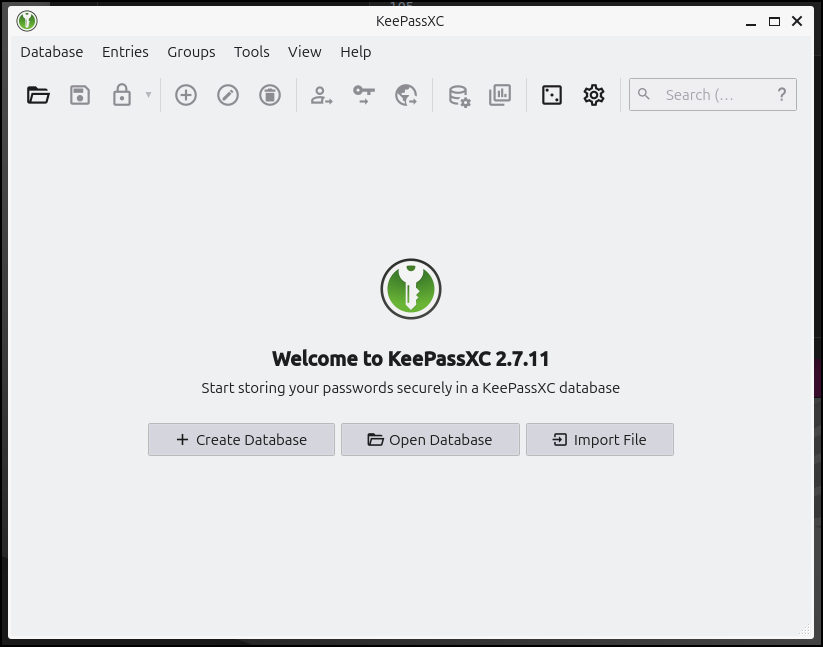
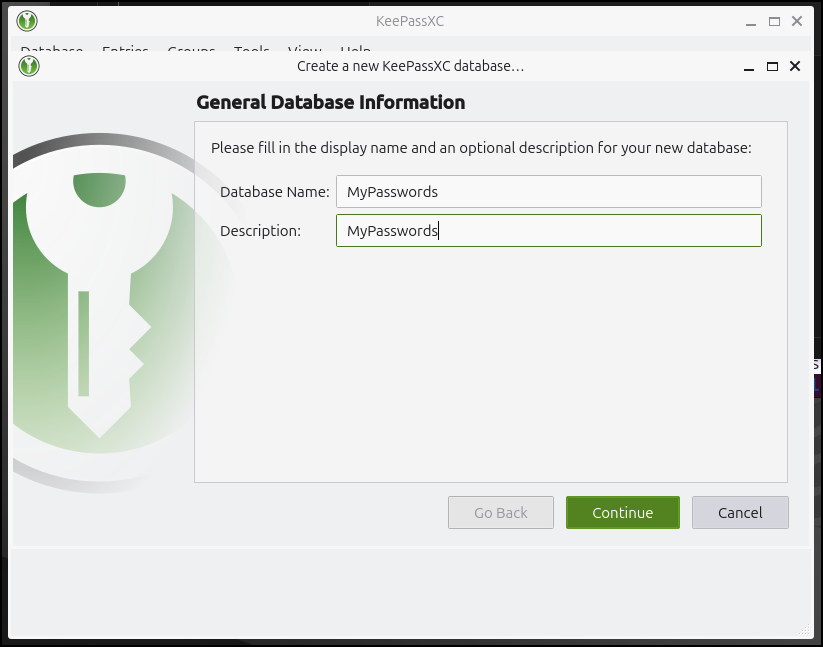
Our first step would be to create a database
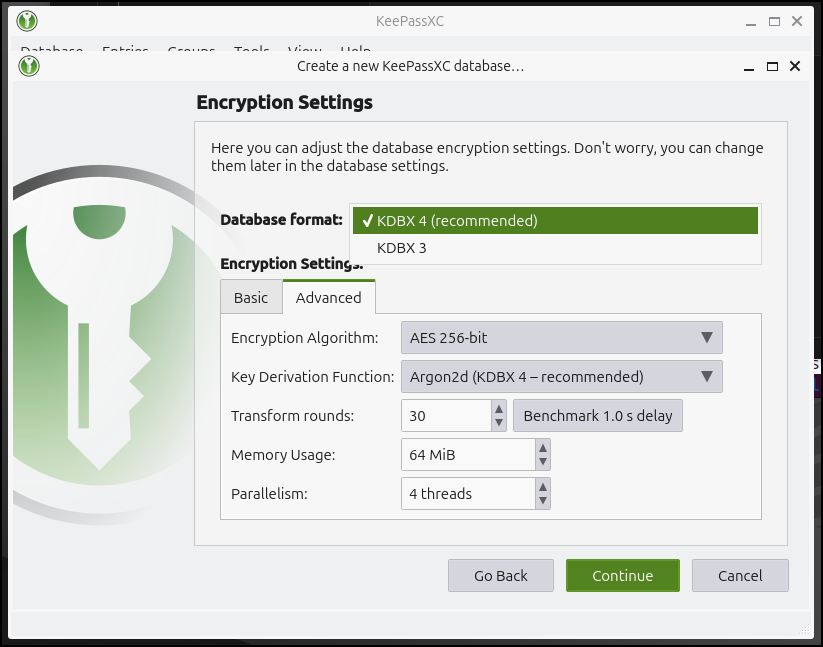
There are advanced settings
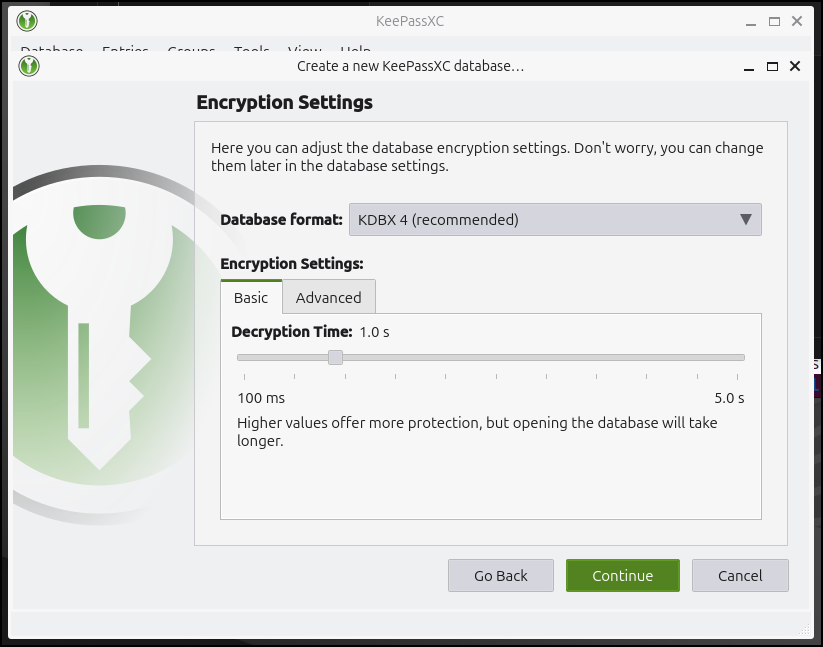
but for most folks, the basic ones will do
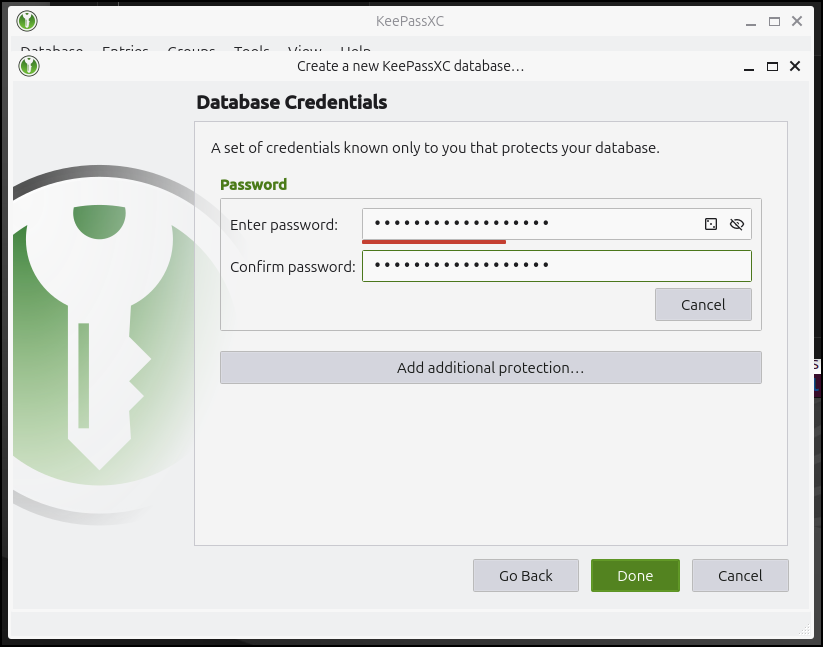
I can now give it a password
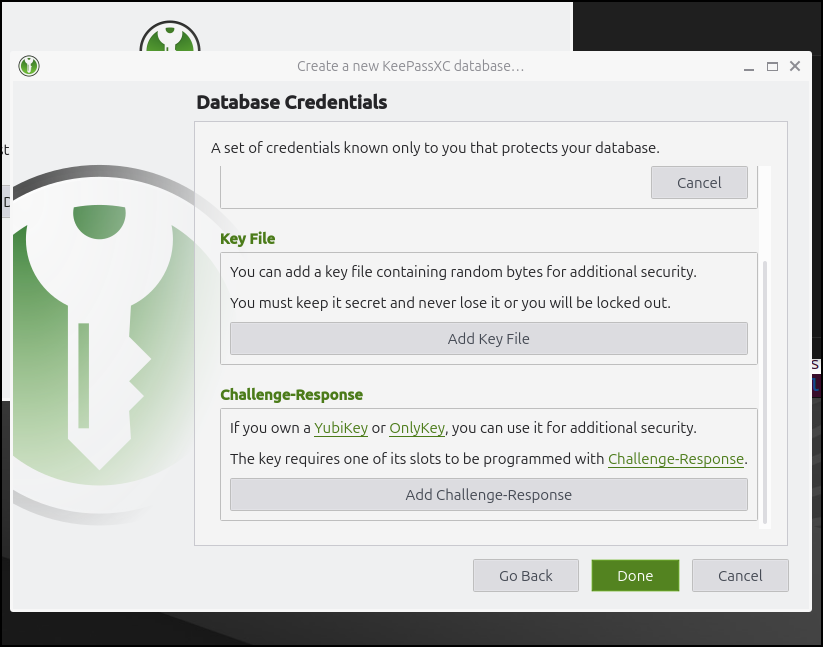
The advanced options include a Yubikey or binary file added security:
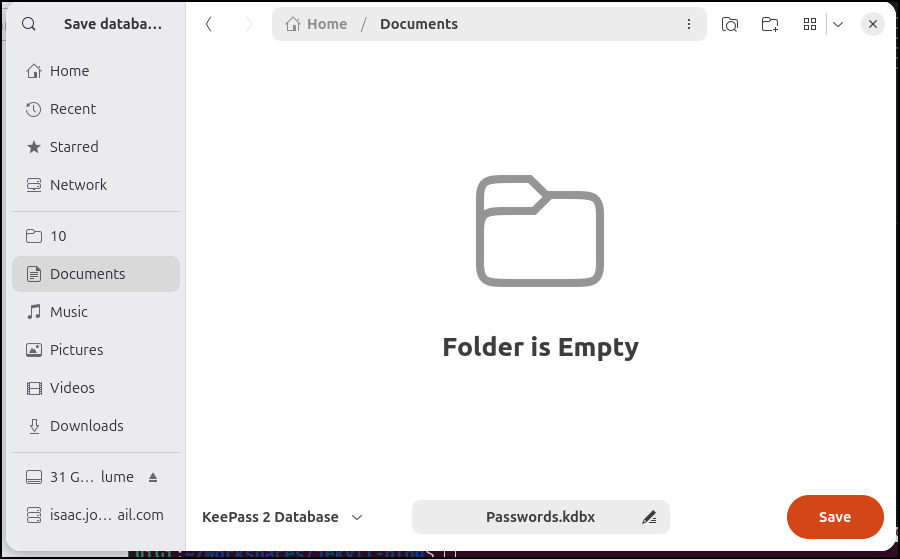
I’ll now find somewhere to save it
You can then use the “+” to add a password
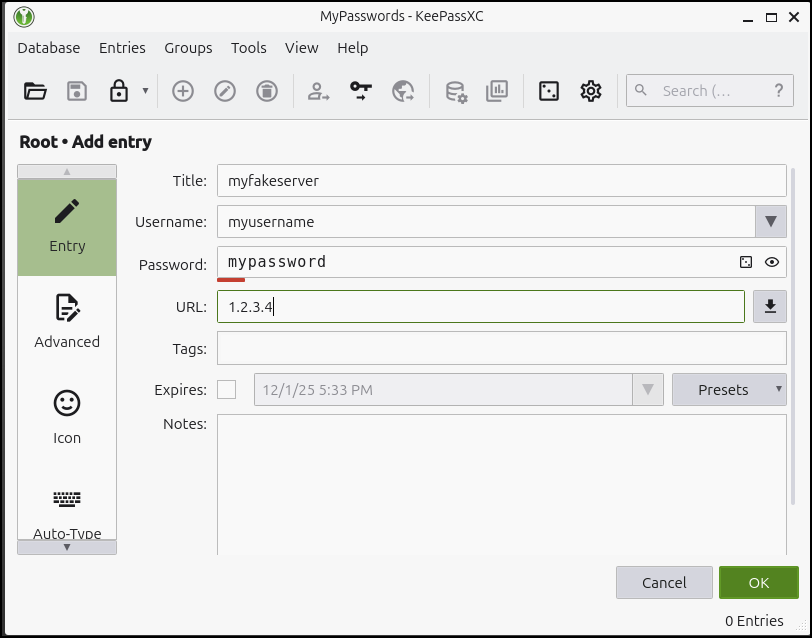
We can also let Keepass create a strong password for us (by default it doesn’t show it)
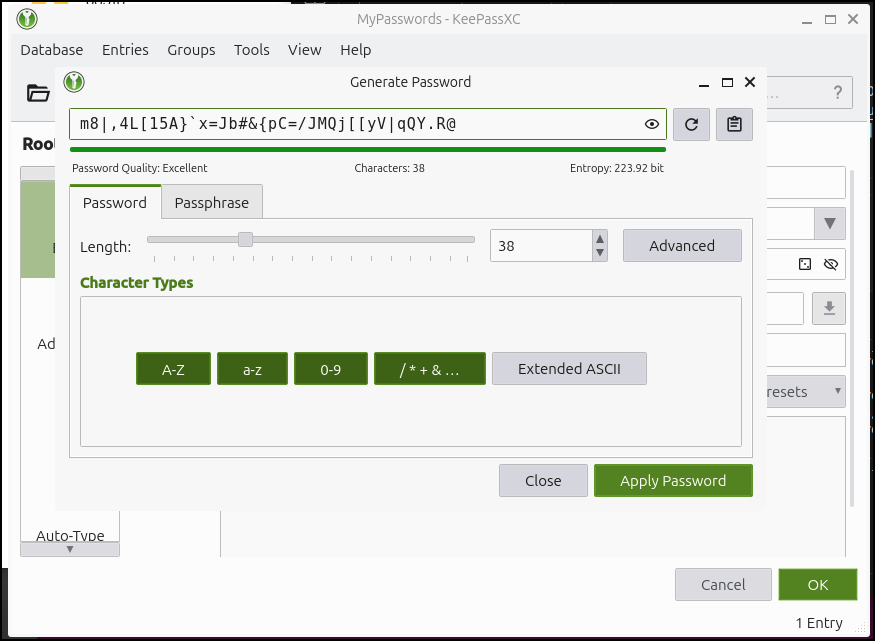
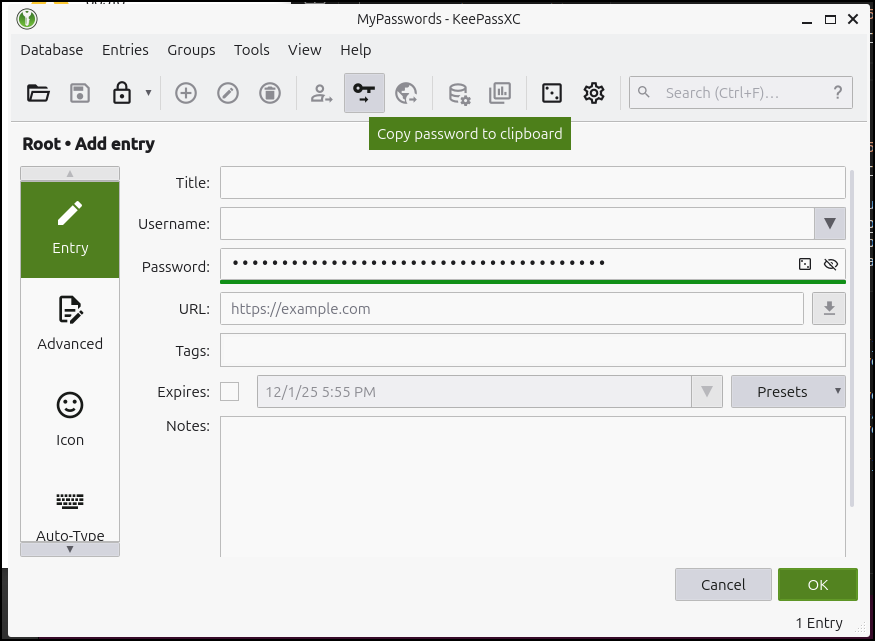
And then just copy to the clipboard
Encryption
If we view the KeePassXC file, we’ll see it’s encrypted so it would be of little use to folks without the password
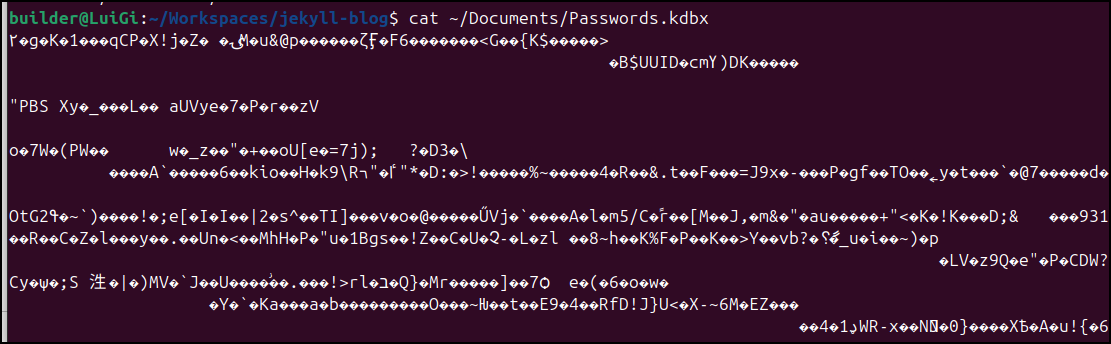
It isn’t foolproof though. You can see articles like this one about using johntheripper and hashcat to try and break in. That’s why a long obscure password is always better than a short one.
Backups
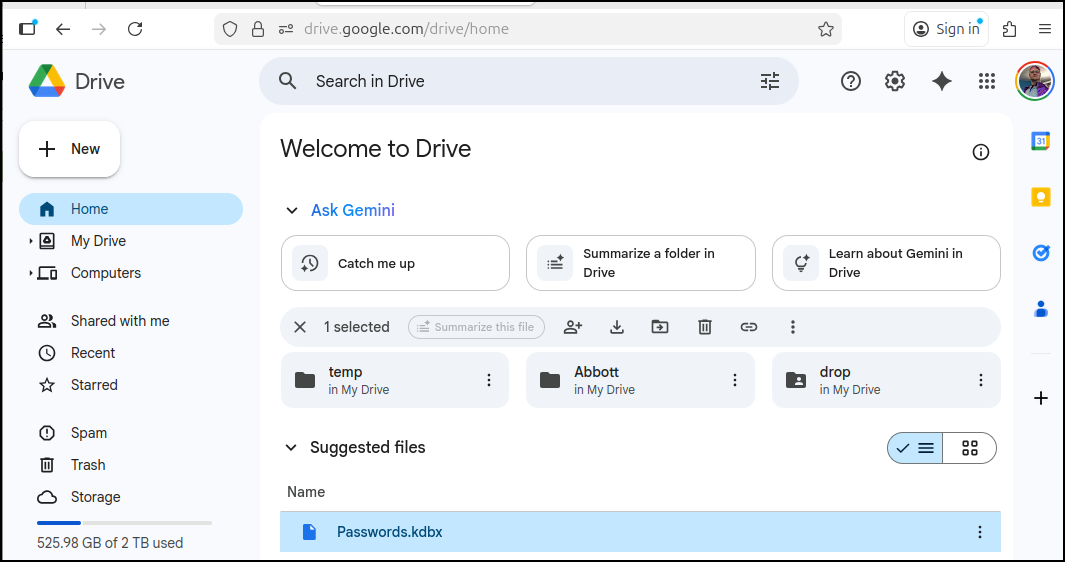
I recommend storing occasional backups somewhere in your control.
A very basic option might be to use OneDrive or Google Drive
Another good option is a GCP Storage Bucket which for things of this size is nearly free
$ gcloud storage cp ~/Documents/Passwords.kdbx gs://winsrvshare01/Passwords.kdbx
Copying file:///home/builder/Documents/Passwords.kdbx to gs://winsrvshare01/Passwords.kdbx
  Completed files 1/1 | 2.3kiB/2.3kiB
Prunemate
Another tool I wanted to checkout was PruneMate which I saw noted in a Marius post recently.
While it has a whole lot of features, the goal of PruneMate is to cleanup unused Docker images.
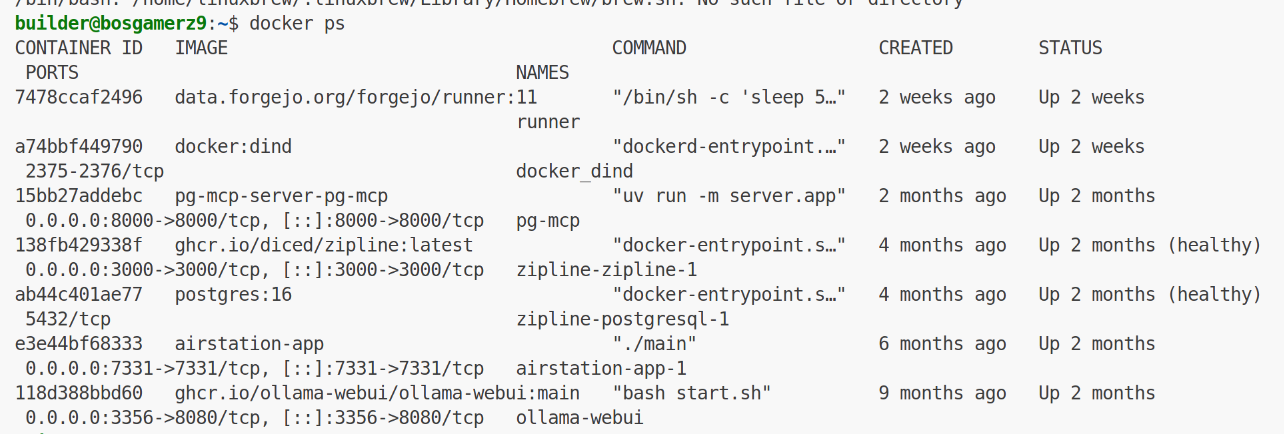
I have a host I use for occasional compute that might need this:
I can now make a docker-compose:
builder@bosgamerz9:~/prunemate$ cat docker-compose.yml
services:
  prunemate:
    image: anoniemerd/prunemate:latest
    container_name: prunemate
    ports:
      - "7676:8080"
    volumes:
      - /var/run/docker.sock:/var/run/docker.sock
      - ./logs:/var/log
      - ./config:/config
    environment:
      - PRUNEMATE_TZ=America/Chicago
      - PRUNEMATE_TIME_24H=true #false for 12-Hour format (AM/PM)
    restart: unless-stopped
I’ll now use docker compose up to launch it
builder@bosgamerz9:~/prunemate$ docker compose up
[+] Running 10/10
 ✔ prunemate Pulled                                                                                 3.4s
   ✔ 0e4bc2bd6656 Pull complete                                                                     1.8s
   ✔ 490b9a1c25e4 Pull complete                                                                     1.9s
   ✔ 0674d14a155c Pull complete                                                                     2.1s
   ✔ b7ba6d2a1fc7 Pull complete                                                                     2.1s
   ✔ a8cffbb08a1e Pull complete                                                                     2.2s
   ✔ 25eddacf1c93 Pull complete                                                                     2.2s
   ✔ b2c537ec6f4c Pull complete                                                                     2.2s
   ✔ 415c8b25567f Pull complete                                                                     2.2s
   ✔ 854955f8f1ea Pull complete                                                                     2.4s
[+] Running 2/2
 ✔ Network prunemate_default  Created                                                               0.0s
 ✔ Container prunemate        Created                                                               0.1s
Attaching to prunemate
prunemate  | Using timezone: America/Chicago
prunemate  | Using time format: 24-hour
prunemate  | Scheduler started
prunemate  | [2025-12-06T11:21:14-06:00] No config file found at /config/config.json, using defaults.
prunemate  | Added job "heartbeat" to job store "default"
prunemate  | [2025-12-06T11:21:14-06:00] Scheduler heartbeat job started (every minute at :00).
prunemate  | [2025-12-06 17:21:14 +0000] [1] [INFO] Starting gunicorn 23.0.0
prunemate  | [2025-12-06 17:21:14 +0000] [1] [INFO] Listening at: http://0.0.0.0:8080 (1)
prunemate  | [2025-12-06 17:21:14 +0000] [1] [INFO] Using worker: gthread
prunemate  | [2025-12-06 17:21:14 +0000] [8] [INFO] Booting worker with pid: 8
prunemate  | [2025-12-06T11:22:00-06:00] Heartbeat: scheduler is alive.
To expose it, we need a new A record
 az account set --subscription "Pay-As-You-Go" && az network dns record-set a add-record -g idjdnsrg -z tpk.pw -a 75.72.233.202 -n prunemate
{
  "ARecords": [
    {
      "ipv4Address": "75.72.233.202"
    }
  ],
  "TTL": 3600,
  "etag": "f27ee52e-ac76-4217-a459-79e9eb3f6df6",
  "fqdn": "prunemate.tpk.pw.",
  "id": "/subscriptions/d955c0ba-13dc-44cf-a29a-8fed74cbb22d/resourceGroups/idjdnsrg/providers/Microsoft.Network/dnszones/tpk.pw/A/prunemate",
  "name": "prunemate",
  "provisioningState": "Succeeded",
  "resourceGroup": "idjdnsrg",
  "targetResource": {},
  "trafficManagementProfile": {},
  "type": "Microsoft.Network/dnszones/A"
}
Now we can expose this with a Kubernetes Ingress, service and endpoints
---
apiVersion: v1
kind: Endpoints
metadata:
  name: prunemate-external-ip
subsets:
- addresses:
  - ip: 192.168.1.143
  ports:
  - name: prunemateint
    port: 7676
    protocol: TCP
---
apiVersion: v1
kind: Service
metadata:
  name: prunemate-external-ip
spec:
  clusterIP: None
  clusterIPs:
  - None
  internalTrafficPolicy: Cluster
  ipFamilies:
  - IPv4
  - IPv6
  ipFamilyPolicy: RequireDualStack
  ports:
  - name: prunemate
    port: 80
    protocol: TCP
    targetPort: 7676
  sessionAffinity: None
  type: ClusterIP
---
apiVersion: networking.k8s.io/v1
kind: Ingress
metadata:
  annotations:
    cert-manager.io/cluster-issuer: azuredns-tpkpw
    ingress.kubernetes.io/ssl-redirect: "true"
    kubernetes.io/ingress.class: nginx
    kubernetes.io/tls-acme: "true"
    nginx.ingress.kubernetes.io/proxy-read-timeout: "3600"
    nginx.ingress.kubernetes.io/proxy-send-timeout: "3600"
    nginx.org/websocket-services: prunemate-external-ip
  generation: 1
  name: prunemateingress
spec:
  rules:
  - host: prunemate.tpk.pw
    http:
      paths:
      - backend:
          service:
            name: prunemate-external-ip
            port:
              number: 80
        path: /
        pathType: ImplementationSpecific
  tls:
  - hosts:
    - prunemate.tpk.pw
    secretName: prunemate-tls
Let’s apply
$ kubectl apply -f ~/prune.k8s.yaml
endpoints/prunemate-external-ip created
service/prunemate-external-ip created
Warning: annotation "kubernetes.io/ingress.class" is deprecated, please use 'spec.ingressClassName' instead
ingress.networking.k8s.io/prunemateingress created
Let’s wait for the cert to get created
builder@LuiGi:~/Workspaces/jekyll-blog$ kubectl get cert | grep prun
prunemate-tls                       False   prunemate-tls                       68s

builder@LuiGi:~/Workspaces/jekyll-blog$ kubectl get cert | grep prun
prunemate-tls                       True    prunemate-tls                       91s
I can now see it exposed
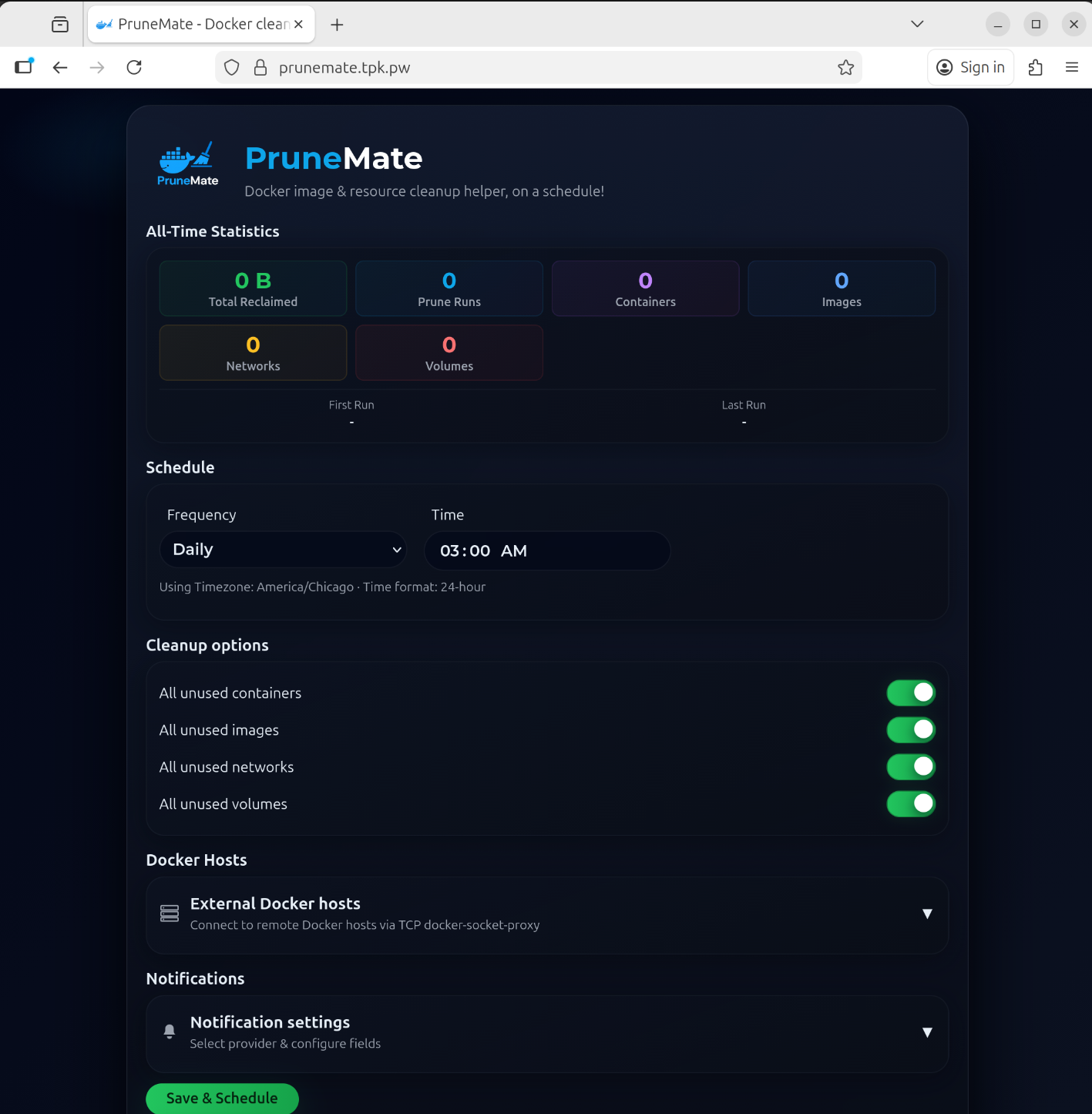
I can click preview at the bottom to see what would be cleaned up
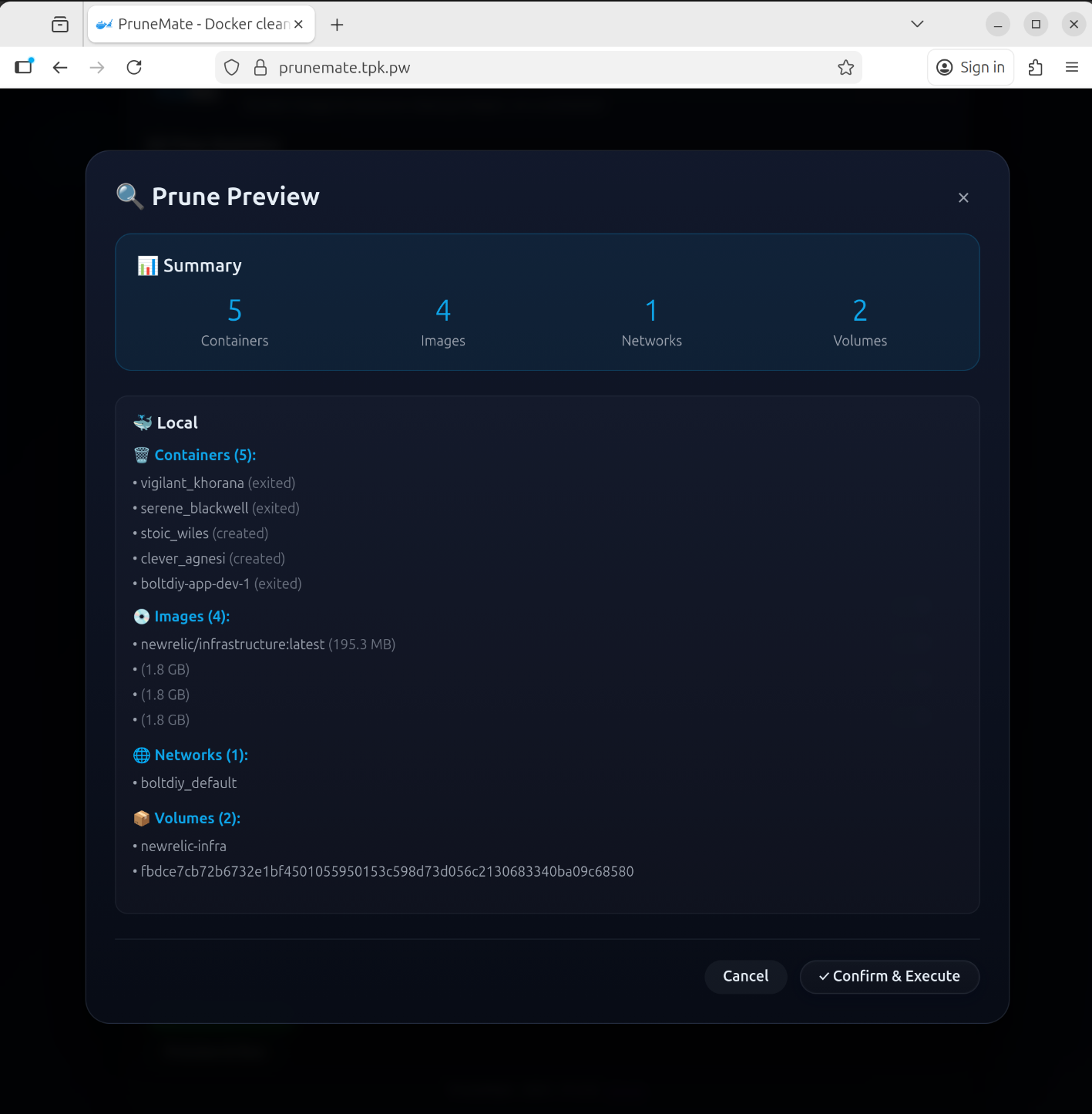
Let’s test it. First, I’ll check my current usage
builder@bosgamerz9:~$ df -h
Filesystem                     Size  Used Avail Use% Mounted on
tmpfs                          1.3G  3.5M  1.3G   1% /run
/dev/nvme0n1p5                 228G  152G   65G  71% /
tmpfs                          6.3G     0  6.3G   0% /dev/shm
tmpfs                          5.0M   20K  5.0M   1% /run/lock
efivarfs                       128K   45K   79K  37% /sys/firmware/efi/efivars
tmpfs                          6.3G     0  6.3G   0% /run/qemu
/dev/nvme0n1p1                  96M   60M   37M  62% /boot/efi
tmpfs                          1.3G  148K  1.3G   1% /run/user/1000
I’ll now execute
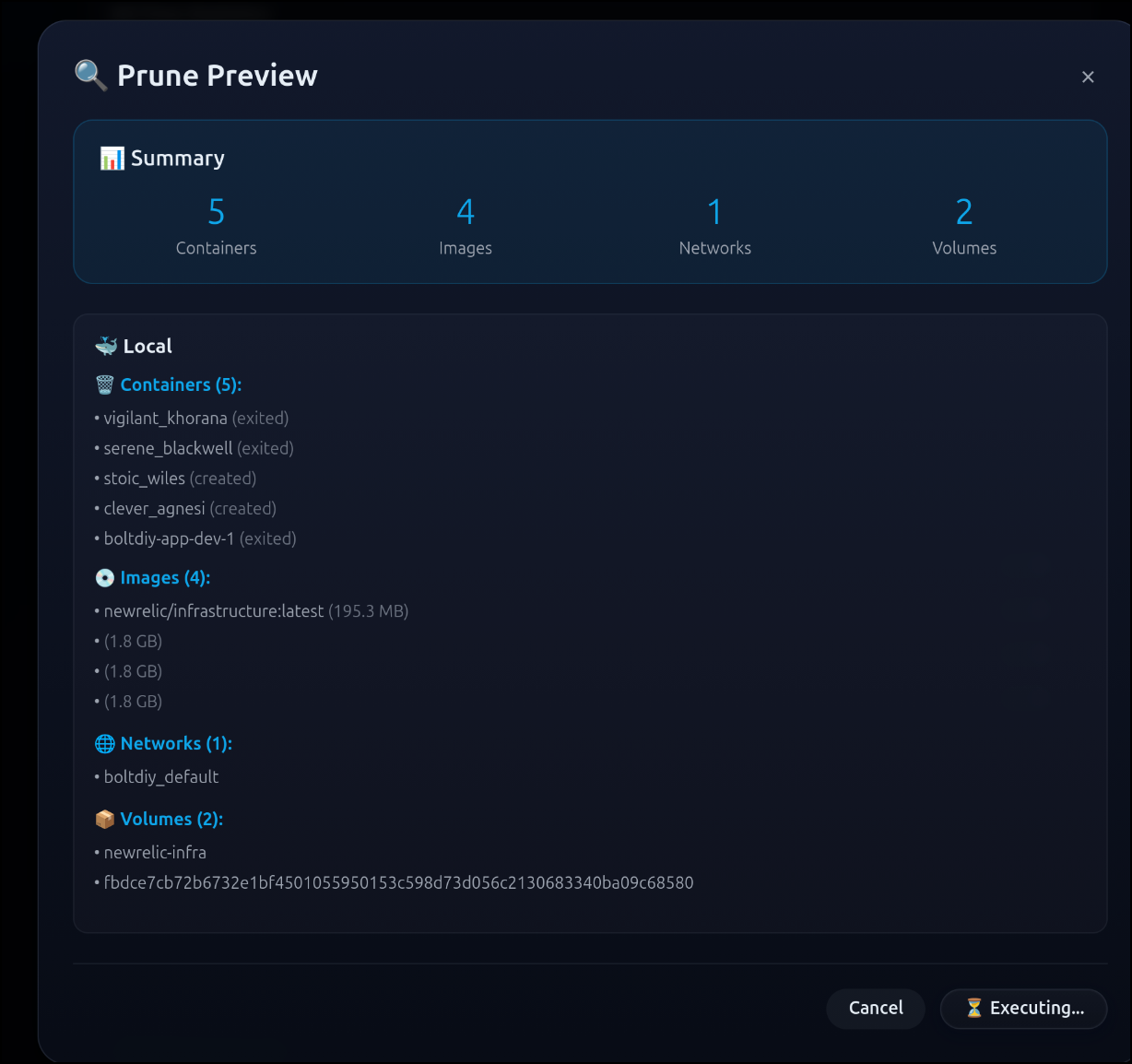
Then you’ll see a completion notice:
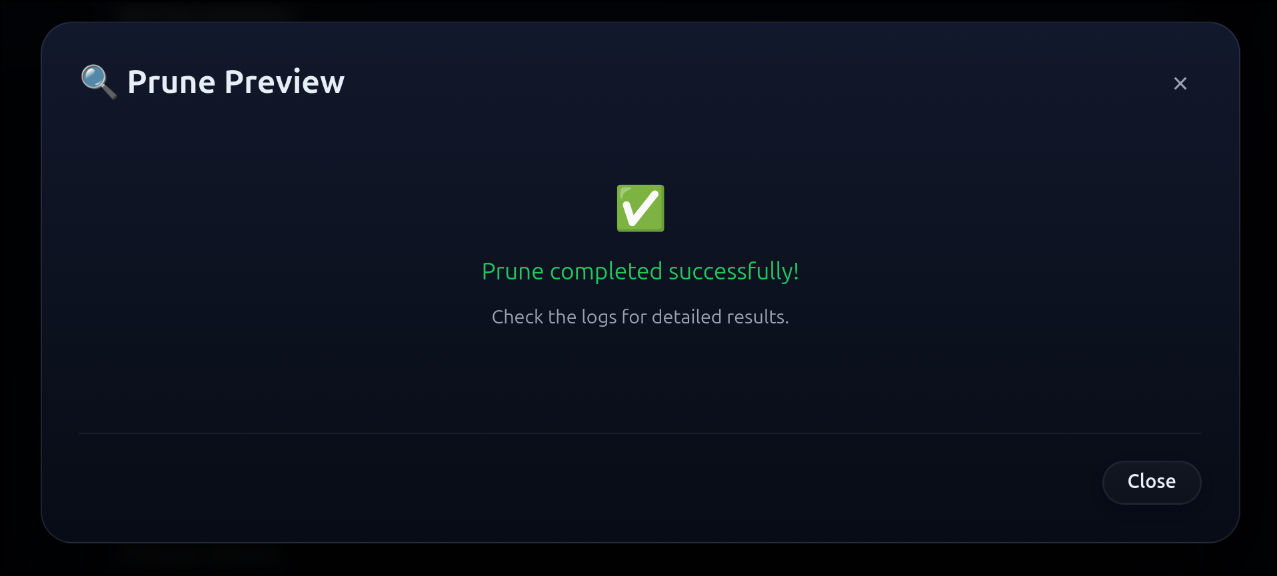
Now I can get a listing and see we went from 65G free and 71% used to 82G free and 62% used.
builder@bosgamerz9:~$ df -h
Filesystem                     Size  Used Avail Use% Mounted on
tmpfs                          1.3G  3.5M  1.3G   1% /run
/dev/nvme0n1p5                 228G  134G   82G  62% /
tmpfs                          6.3G     0  6.3G   0% /dev/shm
tmpfs                          5.0M   20K  5.0M   1% /run/lock
efivarfs                       128K   45K   79K  37% /sys/firmware/efi/efivars
tmpfs                          6.3G     0  6.3G   0% /run/qemu
/dev/nvme0n1p1                  96M   60M   37M  62% /boot/efi
tmpfs                          1.3G  148K  1.3G   1% /run/user/1000
However, I may not want this exposed all the time.
I just did a quick edit to change from 80 to port 8080
$ kubectl edit ingress prunemateingress
ingress.networking.k8s.io/prunemateingress edited
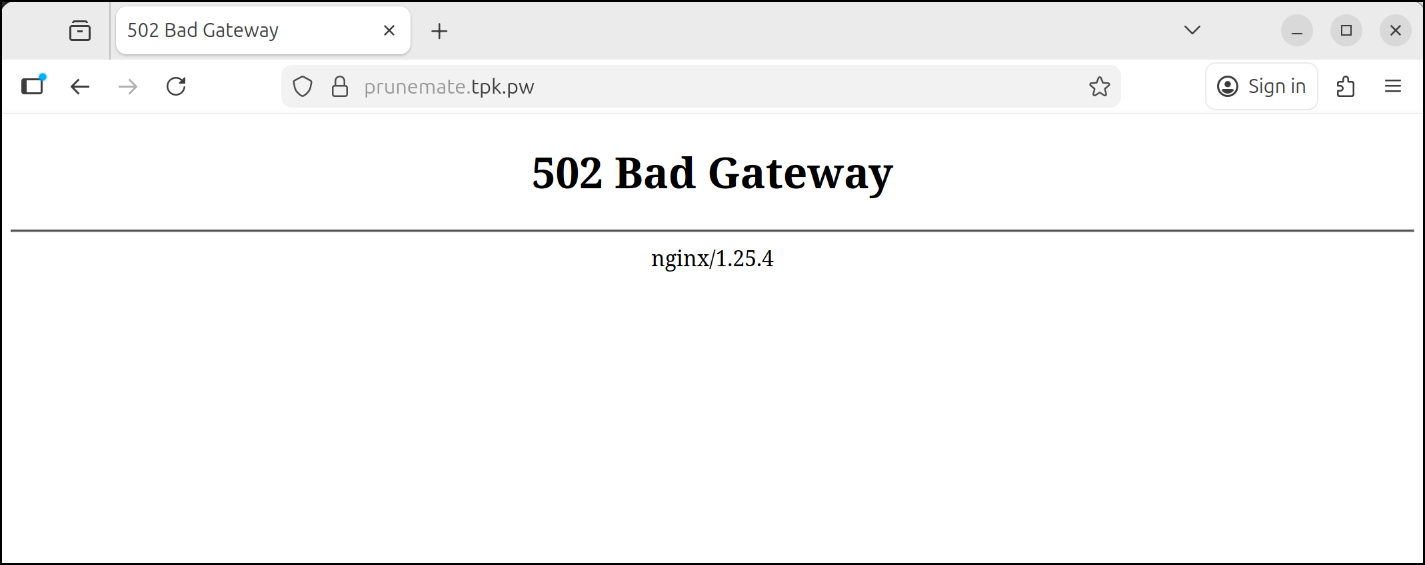
Now it is effecively disabled as we arent servicing port 8080 so the ingress is functionally disabled.
Journiv
Also from a Marius post comes Journiv, a self-hosted Journaling app.
Let’s start with the simplest form, a quick interactive docker run:
$ docker run \
  --name journiv \
  -p 8000:8000 \
  -e SECRET_KEY=your-secret-key-here \
  -e DOMAIN_NAME=192.168.1.1 \
  -v journiv_data:/data \
  swalabtech/journiv-app:latest
Unable to find image 'swalabtech/journiv-app:latest' locally
latest: Pulling from swalabtech/journiv-app
2d35ebdb57d9: Already exists
d6919b1d38e5: Pull complete
2216f72b5039: Pull complete
bc0e8b3a76b9: Pull complete
ebb73430c1cc: Pull complete
78404051ca56: Pull complete
5def478e97b8: Pull complete
4f0baefb9e75: Pull complete
78a22748983e: Pull complete
53c9f369d2d0: Pull complete
4e7f110e9ebc: Pull complete
a0f3c60112c7: Pull complete
3f037d755e00: Pull complete
7f0c9dc19049: Pull complete
0b1184b97e80: Pull complete
ae301e935159: Pull complete
613a9785e735: Pull complete
Digest: sha256:c6a975eccaef09af4bb29f8abea1d00c7349981e58bf2cbee68847ff365c9dfb
Status: Downloaded newer image for swalabtech/journiv-app:latest
Ensuring data directories exist...
Running database migrations in entrypoint script...
SECRET_KEY is only 20 characters long. Recommend at least 32 characters for security. Generate a secure key with: python -c 'import secrets; print(secrets.token_urlsafe(32))' or openssl rand -hex 32
Production configuration warning: Using SQLite in production. Ensure you understand the durability limitations and configure regular backups.
Production configuration warning: CELERY_BROKER_URL not configured. Import/export features require Celery with Redis.
Production configuration warning: CELERY_RESULT_BACKEND not configured. Job status tracking will not work.
INFO  [alembic.runtime.migration] Context impl SQLiteImpl.
INFO  [alembic.runtime.migration] Will assume non-transactional DDL.
INFO  [alembic.runtime.migration] Running upgrade  -> 31316b8d8d5f, initial schema
INFO  [alembic.runtime.migration] Running upgrade 31316b8d8d5f -> 4fbf758e7995, Add ExternalIdentity model for OIDC authentication
INFO  [alembic.runtime.migration] Running upgrade 4fbf758e7995 -> c3ea6c0f0a1d, Add UTC datetime + timezone tracking to entries and mood logs
INFO  [alembic.runtime.migration] Running upgrade c3ea6c0f0a1d -> 6b2d62d09dd8, Add import and export job models
INFO  [alembic.runtime.migration] Running upgrade 6b2d62d09dd8 -> 7c52fcc89c83, Make user name field required
INFO  [alembic.runtime.migration] Running upgrade 7c52fcc89c83 -> abc123def456, Add user role column for admin/user management
Seeding initial data in entrypoint script...
SECRET_KEY is only 20 characters long. Recommend at least 32 characters for security. Generate a secure key with: python -c 'import secrets; print(secrets.token_urlsafe(32))' or openssl rand -hex 32
Production configuration warning: Using SQLite in production. Ensure you understand the durability limitations and configure regular backups.
Production configuration warning: CELERY_BROKER_URL not configured. Import/export features require Celery with Redis.
Production configuration warning: CELERY_RESULT_BACKEND not configured. Job status tracking will not work.
Starting Gunicorn...
[2025-12-08 13:27:07 +0000] [1] [INFO] Starting gunicorn 23.0.0
[2025-12-08 13:27:07 +0000] [1] [INFO] Listening at: http://0.0.0.0:8000 (1)
[2025-12-08 13:27:07 +0000] [1] [INFO] Using worker: uvicorn.workers.UvicornWorker
[2025-12-08 13:27:07 +0000] [10] [INFO] Booting worker with pid: 10
[2025-12-08 13:27:07 +0000] [11] [INFO] Booting worker with pid: 11
SECRET_KEY is only 20 characters long. Recommend at least 32 characters for security. Generate a secure key with: python -c 'import secrets; print(secrets.token_urlsafe(32))' or openssl rand -hex 32
Production configuration warning: Using SQLite in production. Ensure you understand the durability limitations and configure regular backups.
Production configuration warning: CELERY_BROKER_URL not configured. Import/export features require Celery with Redis.
Production configuration warning: CELERY_RESULT_BACKEND not configured. Job status tracking will not work.
SECRET_KEY is only 20 characters long. Recommend at least 32 characters for security. Generate a secure key with: python -c 'import secrets; print(secrets.token_urlsafe(32))' or openssl rand -hex 32
Production configuration warning: Using SQLite in production. Ensure you understand the durability limitations and configure regular backups.
Production configuration warning: CELERY_BROKER_URL not configured. Import/export features require Celery with Redis.
Production configuration warning: CELERY_RESULT_BACKEND not configured. Job status tracking will not work.
2025-12-08 13:27:08 - app.core.logging_config - INFO - Logging configured - Level: INFO
2025-12-08 13:27:08 - app.core.logging_config - INFO - Console logging: Enabled
2025-12-08 13:27:08 - app.core.logging_config - INFO - File logging: /data/logs/app.log
2025-12-08 13:27:08 - LogCategory.APP - INFO - Rate limiting enabled with slowapi
2025-12-08 13:27:08 - LogCategory.APP - INFO - CORS disabled (same-origin SPA mode)
2025-12-08 13:27:08 - LogCategory.APP - INFO - TrustedHostMiddleware allowed hosts: ['192.168.1.1', 'localhost', '127.0.0.1']
2025-12-08 13:27:08 - app.core.logging_config - INFO - Logging configured - Level: INFO
2025-12-08 13:27:08 - app.core.logging_config - INFO - Console logging: Enabled
2025-12-08 13:27:08 - app.core.logging_config - INFO - File logging: /data/logs/app.log
2025-12-08 13:27:08 - LogCategory.APP - INFO - Rate limiting enabled with slowapi
2025-12-08 13:27:08 - LogCategory.APP - INFO - CORS disabled (same-origin SPA mode)
2025-12-08 13:27:08 - LogCategory.APP - INFO - TrustedHostMiddleware allowed hosts: ['192.168.1.1', 'localhost', '127.0.0.1']
2025-12-08 13:27:08 - LogCategory.APP - INFO - Starting up Journiv Service...
2025-12-08 13:27:08 - app.core.database - INFO - Initializing database...
2025-12-08 13:27:08 - app.core.database - INFO - Skipping database initialization in worker (already performed by entrypoint script)
2025-12-08 13:27:08 - app.core.database - INFO - Skipping data seeding in worker (already performed by entrypoint script)
2025-12-08 13:27:08 - app.core.database - INFO - Database initialization completed
2025-12-08 13:27:08 - LogCategory.APP - INFO - Database initialization completed!
2025-12-08 13:27:08 - app.middleware.request_logging - INFO - Request started
2025-12-08 13:27:08 - app.middleware.request_logging - INFO - Request completed successfully
2025-12-08 13:27:08 - LogCategory.APP - INFO - Starting up Journiv Service...
2025-12-08 13:27:08 - app.core.database - INFO - Initializing database...
2025-12-08 13:27:08 - app.core.database - INFO - Skipping database initialization in worker (already performed by entrypoint script)
2025-12-08 13:27:08 - app.core.database - INFO - Skipping data seeding in worker (already performed by entrypoint script)
2025-12-08 13:27:08 - app.core.database - INFO - Database initialization completed
2025-12-08 13:27:08 - LogCategory.APP - INFO - Database initialization completed!
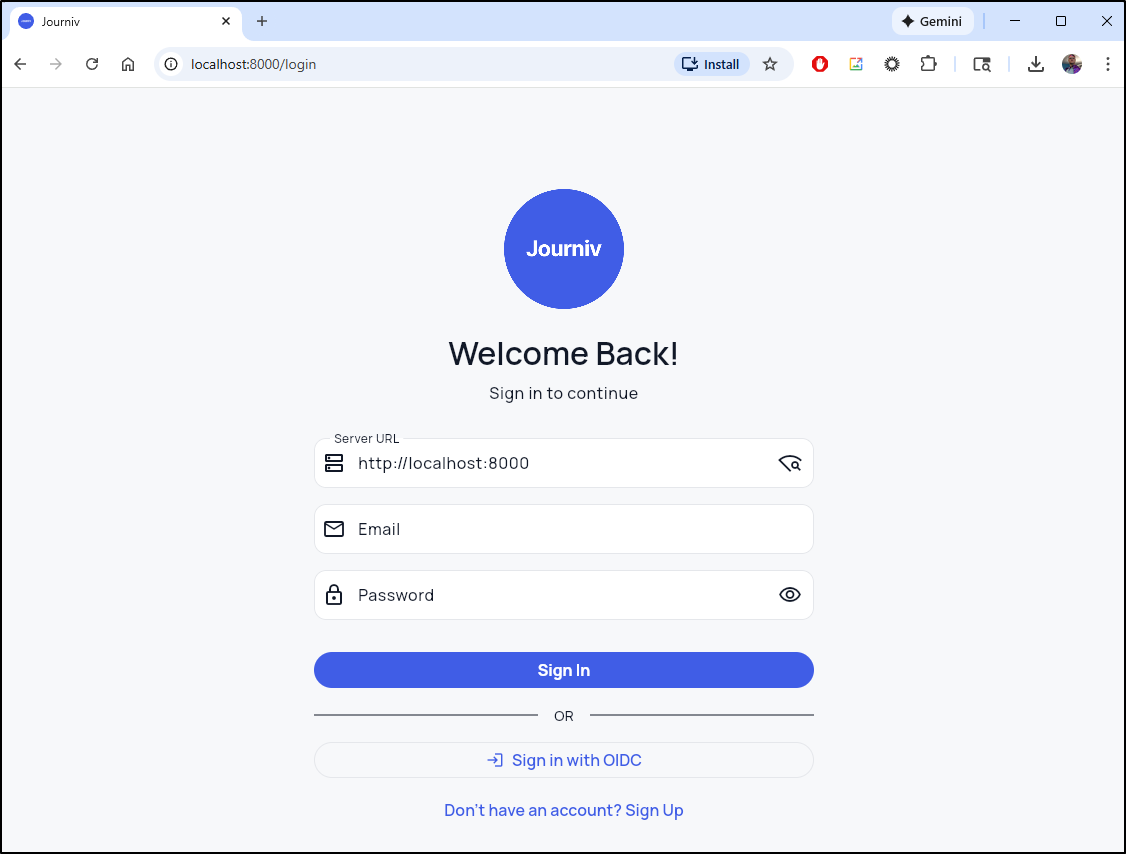
Which brings up a simple login/signup page
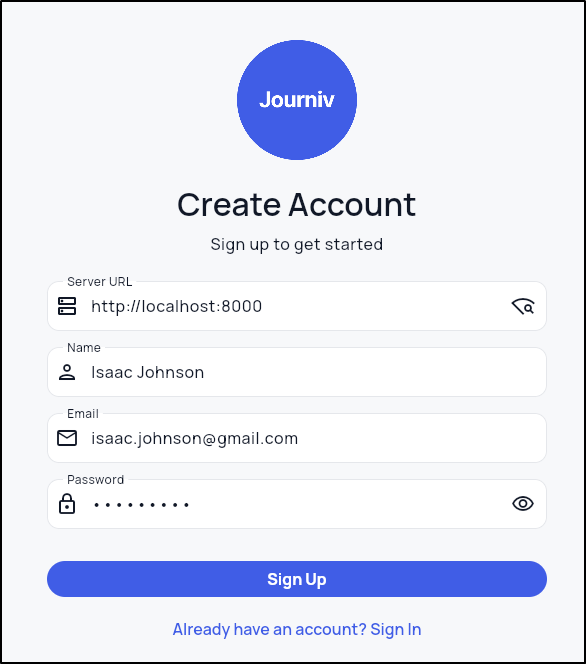
I’ll do a quick signup
And we are presented with a clean basic interface
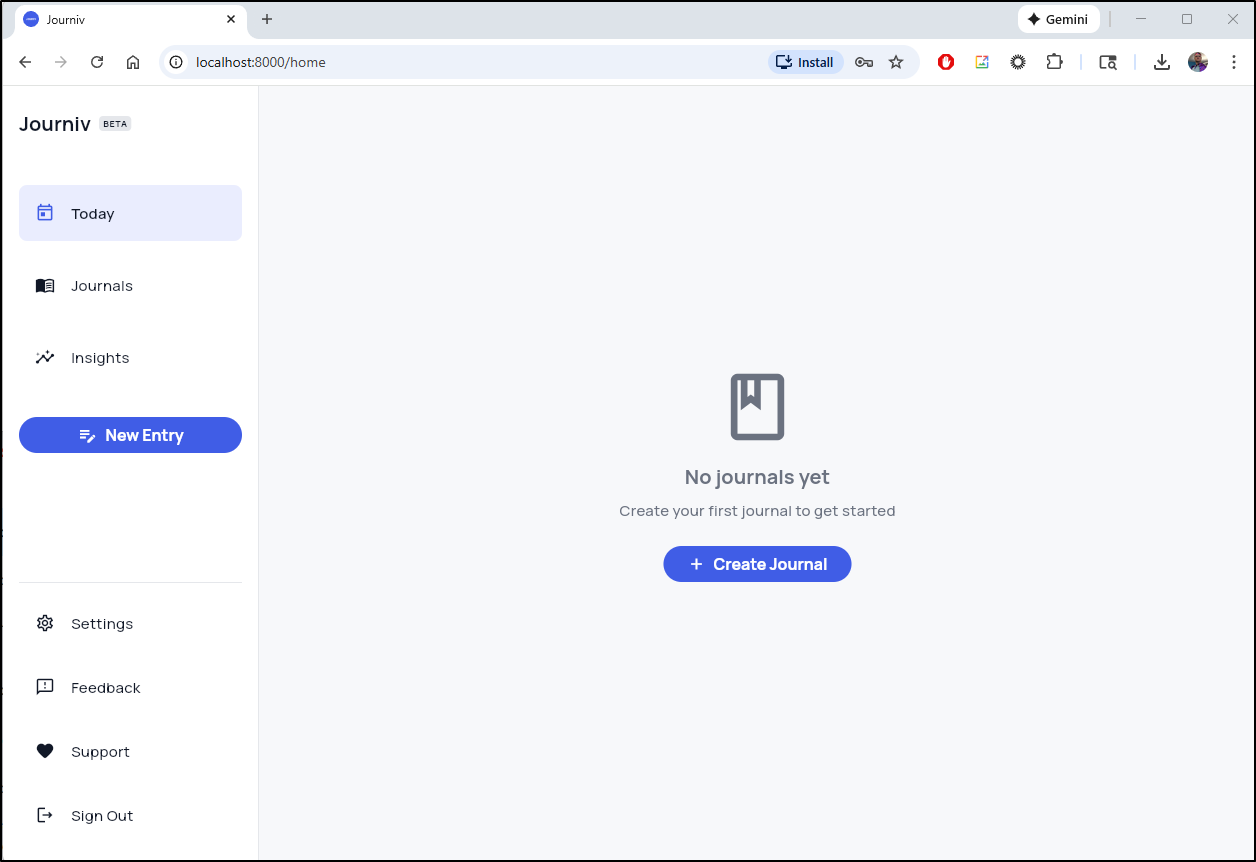
let’s add some entries
Hosting
We could use -d in the docker invokation to make it run in the background and just hum along locally. That would be fine.
We could follow the pattern you’ve seen me use a lot of times to run in Docker but then expose with a Kubernetes service endpoint - that too would work.
Let’s try and make a decent Kubenretes YAML manifest this time.
I’m going to start by Forking their repo to my own
Then I’m going to fire up Gemini CLI
builder@DESKTOP-QADGF36:~/Workspaces$ git clone https://github.com/idjohnson/journiv-app.git
Cloning into 'journiv-app'...
remote: Enumerating objects: 1227, done.
remote: Counting objects: 100% (105/105), done.
remote: Compressing objects: 100% (53/53), done.
remote: Total 1227 (delta 76), reused 57 (delta 52), pack-reused 1122 (from 1)
Receiving objects: 100% (1227/1227), 27.74 MiB | 28.27 MiB/s, done.
Resolving deltas: 100% (729/729), done.
builder@DESKTOP-QADGF36:~/Workspaces$ cd journiv-app/
builder@DESKTOP-QADGF36:~/Workspaces/journiv-app$ gemini
I’ll use Gemini CLI with the prompt:
| This app runs in docker using the commands you see in README.md. Full documentation of the environment variables is in https://journiv.com/docs/configuration/environment. I would like a Kubneretes manifest with a deployment, PVC for data using local-path storage, a kubernetes service exposing port 80 and the assumed domain name of “journiv.tpk.pw”. I would also like the Ingress object that points to the service using TLS on https://journiv.tpk.pw. The ingress needs the annoation: “cert-manager.io/cluster-issuer: azuredns-tpkpw”. |
What is key here, and you see when I review, it assumed I wanted external DB hosting on an older PostgreSQL box in my network and put in a connect string for a defunct “PatientsDB”. It also mistook my ask for an Ingress annotation as the only annotation to make which would fail (either by annotation or spec.ingressClassName we need to set it to Nginx)
apiVersion: v1
kind: PersistentVolumeClaim
metadata:
  name: journiv-data-pvc
spec:
  accessModes:
    - ReadWriteOnce
  resources:
    requests:
      storage: 1Gi
  storageClassName: local-path
---
apiVersion: apps/v1
kind: Deployment
metadata:
  name: journiv-deployment
  labels:
    app: journiv
spec:
  replicas: 1
  selector:
    matchLabels:
      app: journiv
  template:
    metadata:
      labels:
        app: journiv
    spec:
      containers:
        - name: journiv
          image: swalabtech/journiv-app:latest
          ports:
            - containerPort: 8000
          env:
            - name: SECRET_KEY
              value: "ZyvYWzAFF_8D8nmM3YpodnGyw5O9LbuULHYhmX5rNXc"
            - name: DOMAIN_NAME
              value: "journiv.tpk.pw"
            - name: DOMAIN_SCHEME
              value: "https"
            - name: DB_DRIVER
              value: "postgres"
            - name: DATABASE_URL
              value: "postgres://patientsuser:patientPassword1@192.168.1.77:5432/patientsdb"
          volumeMounts:
            - name: data
              mountPath: /data
      volumes:
        - name: data
          persistentVolumeClaim:
            claimName: journiv-data-pvc
---
apiVersion: v1
kind: Service
metadata:
  name: journiv-service
spec:
  selector:
    app: journiv
  ports:
    - protocol: TCP
      port: 80
      targetPort: 8000
---
apiVersion: networking.k8s.io/v1
kind: Ingress
metadata:
  name: journiv-ingress
  annotations:
    cert-manager.io/cluster-issuer: azuredns-tpkpw
spec:
  rules:
    - host: journiv.tpk.pw
      http:
        paths:
          - path: /
            pathType: Prefix
            backend:
              service:
                name: journiv-service
                port:
                  number: 80
  tls:
    - hosts:
        - journiv.tpk.pw
      secretName: journiv-tls
An updated YAML might look like this where I remove DB settings and add missing annotations:
apiVersion: v1
kind: PersistentVolumeClaim
metadata:
  name: journiv-data-pvc
spec:
  accessModes:
    - ReadWriteOnce
  resources:
    requests:
      storage: 1Gi
  storageClassName: local-path
---
apiVersion: apps/v1
kind: Deployment
metadata:
  name: journiv-deployment
  labels:
    app: journiv
spec:
  replicas: 1
  selector:
    matchLabels:
      app: journiv
  template:
    metadata:
      labels:
        app: journiv
    spec:
      containers:
        - name: journiv
          image: swalabtech/journiv-app:latest
          ports:
            - containerPort: 8000
          env:
            - name: SECRET_KEY
              value: "ZyvYWzAFF_8D8nmM3YpodnGyw5O9LbuULHYhmX5rNXc"
            - name: DOMAIN_NAME
              value: "journiv.tpk.pw"
            - name: DOMAIN_SCHEME
              value: "https"
          volumeMounts:
            - name: data
              mountPath: /data
      volumes:
        - name: data
          persistentVolumeClaim:
            claimName: journiv-data-pvc
---
apiVersion: v1
kind: Service
metadata:
  name: journiv-service
spec:
  selector:
    app: journiv
  ports:
    - protocol: TCP
      port: 80
      targetPort: 8000
---
apiVersion: networking.k8s.io/v1
kind: Ingress
metadata:
  name: journiv-ingress
  annotations:
    cert-manager.io/cluster-issuer: azuredns-tpkpw
    nginx.ingress.kubernetes.io/ssl-redirect: "true"
    ingress.kubernetes.io/ssl-redirect: "true"
    nginx.org/client-max-body-size: "0"
    kubernetes.io/ingress.class: nginx
spec:
  rules:
    - host: journiv.tpk.pw
      http:
        paths:
          - path: /
            pathType: Prefix
            backend:
              service:
                name: journiv-service
                port:
                  number: 80
  tls:
    - hosts:
        - journiv.tpk.pw
      secretName: journiv-tls
To test, I’ll make the A record
$ az account set --subscription "Pay-As-You-Go" && az network dns record-set a add-record -g idjdnsrg -z tpk.pw -a 75.72.233.202 -n journiv
{
  "ARecords": [
    {
      "ipv4Address": "75.72.233.202"
    }
  ],
  "TTL": 3600,
  "etag": "96da2aba-79e5-46e0-9127-4f0f9e4e1e59",
  "fqdn": "journiv.tpk.pw.",
  "id": "/subscriptions/d955c0ba-13dc-44cf-a29a-8fed74cbb22d/resourceGroups/idjdnsrg/providers/Microsoft.Network/dnszones/tpk.pw/A/journiv",
  "name": "journiv",
  "provisioningState": "Succeeded",
  "resourceGroup": "idjdnsrg",
  "targetResource": {},
  "trafficManagementProfile": {},
  "type": "Microsoft.Network/dnszones/A"
}
Then apply the manifest
$ kubectl apply -f ./kubernetes.yaml
persistentvolumeclaim/journiv-data-pvc created
deployment.apps/journiv-deployment created
service/journiv-service created
ingress.networking.k8s.io/journiv-ingress created
Warning: annotation "kubernetes.io/ingress.class" is deprecated, please use 'spec.ingressClassName' instead
Once I see the cert is live
$ kubectl get cert journiv-tls
NAME          READY   SECRET        AGE
journiv-tls   False   journiv-tls   36s
$ kubectl get cert journiv-tls
NAME          READY   SECRET        AGE
journiv-tls   True    journiv-tls   79s'
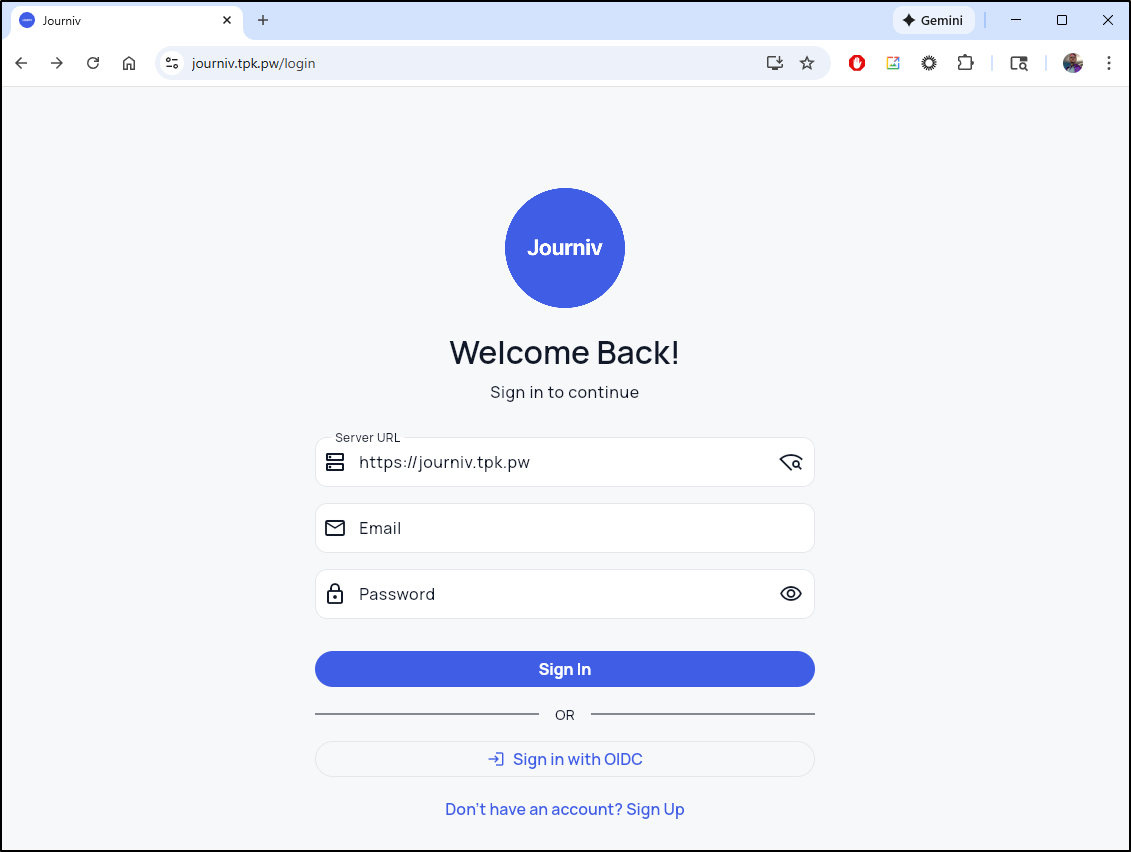
I cannot use OIDC because I haven’t set that up, but I can “signup” for a new account
I was then able to create a new personal Journal.
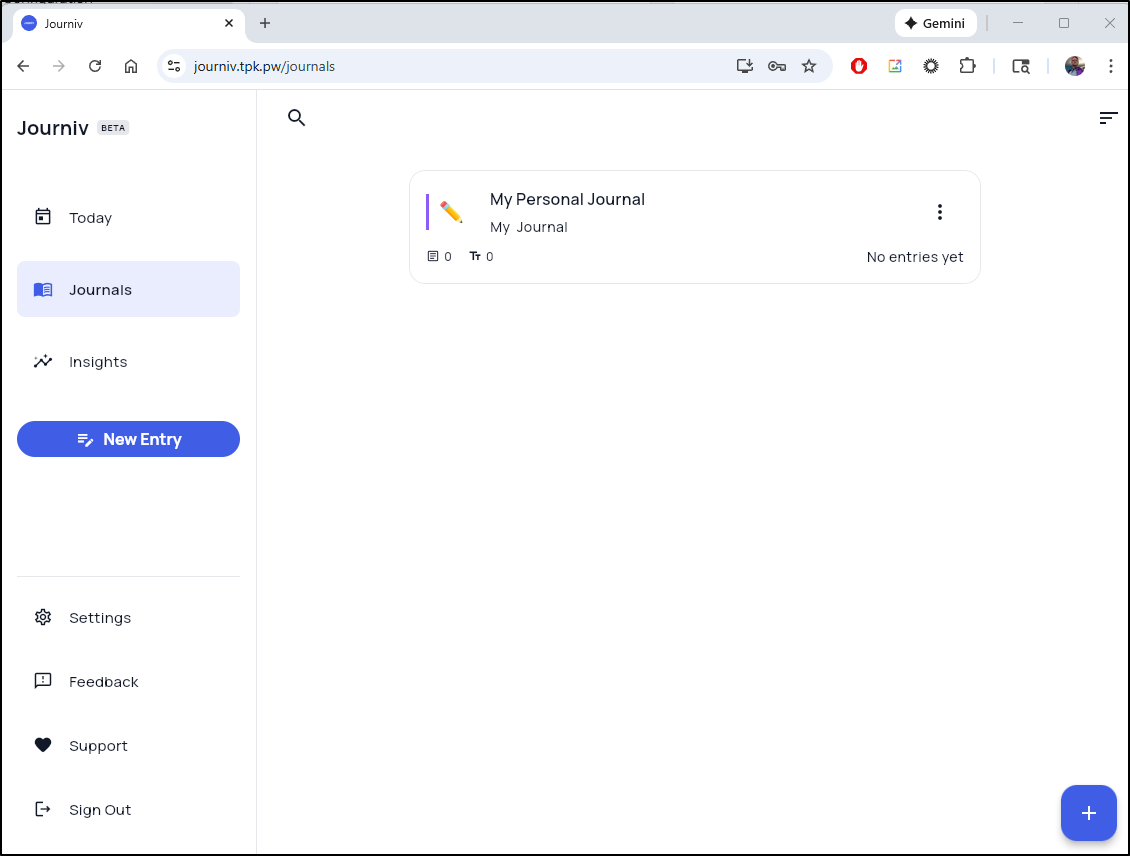
My first test was to ensure the data is safe.. so let’s kill a pod and see that we can still login and see that journal
Next, according to the documentation, I should be able to disable signups (unless I wanted to host others which generally turns into just spammers and bots).
We can just add “DISABLE_SIGNUP” to the env vars:
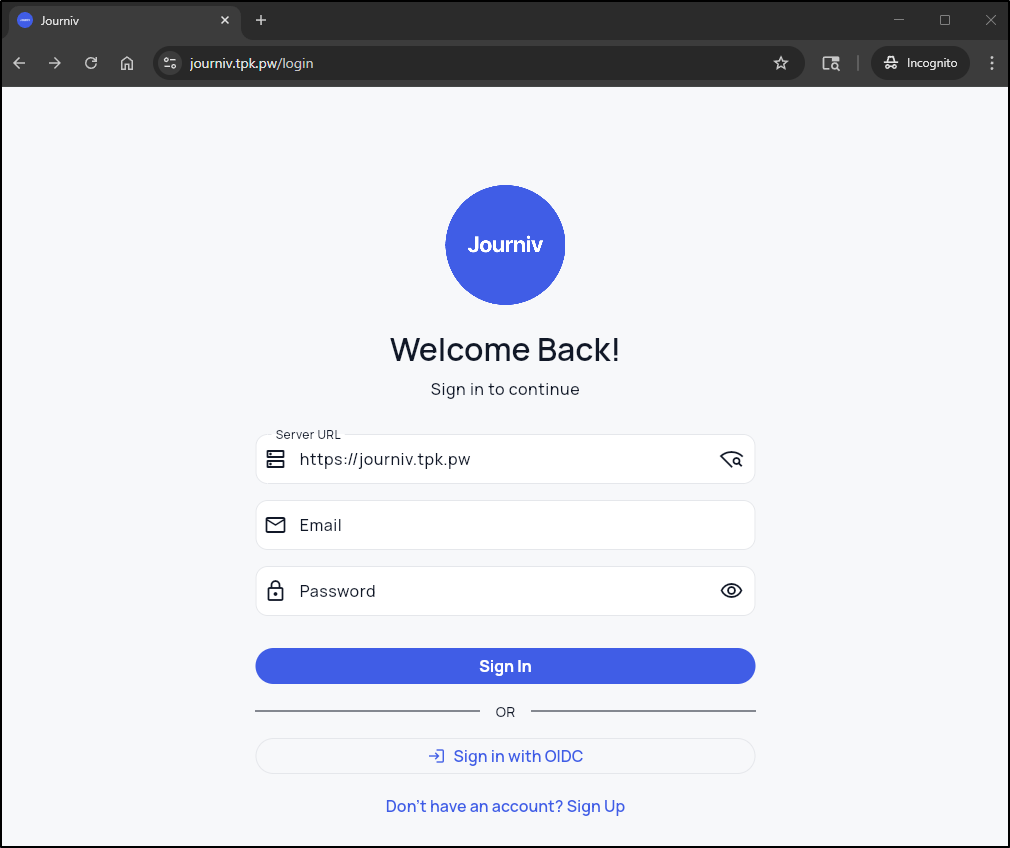
I’m not thrilled that the signup page is still showing, but just disabled. Seems we could optimize that.
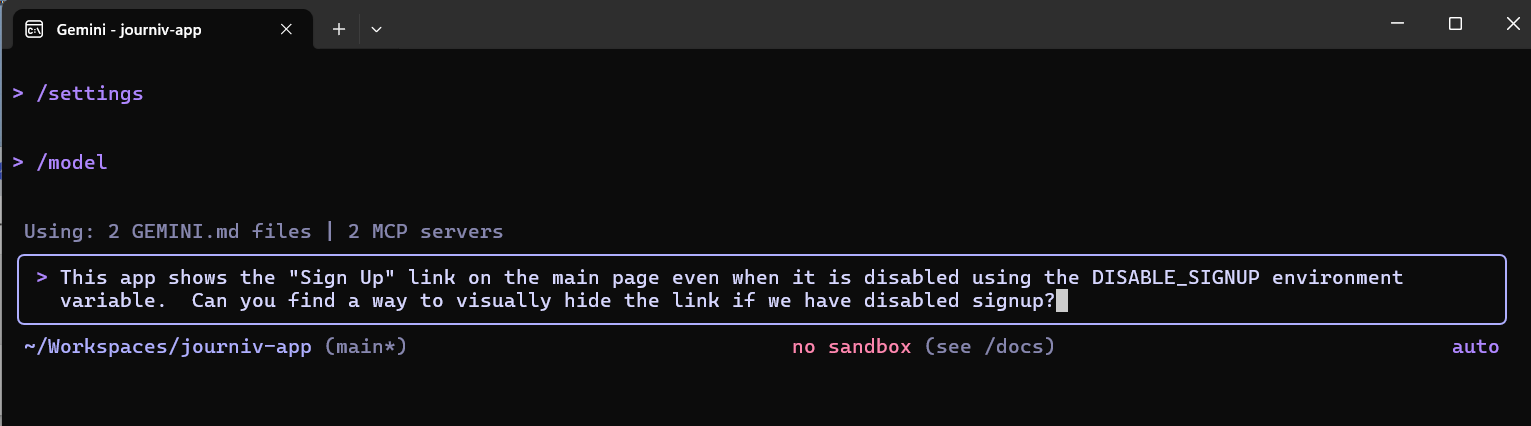
Again, I’ll ask for some Gemini help
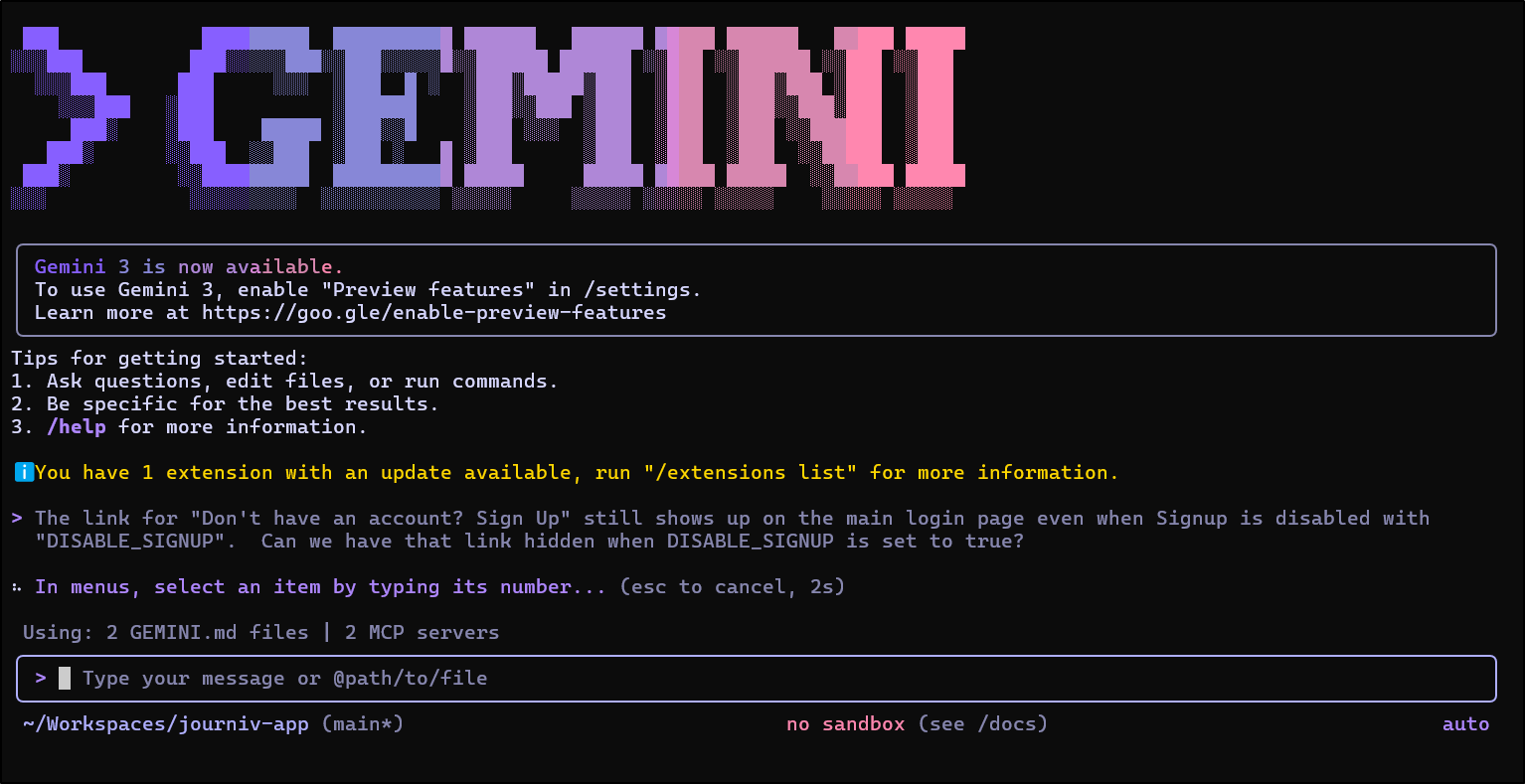
which had a clever idea of injecting a snippet of JavaScript when it wants to disable the button (I might have used a div block that I could just hide)
builder@DESKTOP-QADGF36:~/Workspaces/journiv-app$ git diff app/main.py
diff --git a/app/main.py b/app/main.py
index 54b4cdd..8075435 100644
--- a/app/main.py
+++ b/app/main.py
@@ -328,7 +328,20 @@ if WEB_BUILD_PATH.exists():
         # This enables Flutter Web's path-based routing
         index_file = WEB_BUILD_PATH / "index.html"
         if index_file.exists():
-            return serve_static_file(index_file, cache=False)
+            with open(index_file, "r", encoding="utf-8") as f:
+                html_content = f.read()
+
+            # Inject settings into the HTML
+            config_script = (
+                f"<script>\n"
+                f"  window.JOURNIV_CONFIG = {{\n"
+                f"    disableSignup: {str(settings.disable_signup).lower()}\n"
+                f"  }};\n"
+                f"</script>"
+            )
+            html_content = html_content.replace("</head>", f"{config_script}\n</head>")
+
+            return Response(content=html_content, media_type="text/html", headers={"Cache-Control": "no-cache, no-store, must-revalidate"})

         log.error("Flutter web index.html not found.")
         return JSONResponse(
To test this, since I’m in Kubernetes, I’ll want to build and push somewhere:
builder@DESKTOP-QADGF36:~/Workspaces/journiv-app$ docker build -t idjohnson/journiv:0.1 .
[+] Building 66.4s (23/23) FINISHED                                                                           docker:default
 => [internal] load build definition from Dockerfile                                                                    0.0s
 => => transferring dockerfile: 2.82kB                                                                                  0.0s
 => [internal] load metadata for docker.io/library/python:3.11-alpine                                                   1.2s
 => [auth] library/python:pull token for registry-1.docker.io                                                           0.0s
 => [internal] load .dockerignore                                                                                       0.0s
 => => transferring context: 2.62kB                                                                                     0.0s
 => [builder 1/5] FROM docker.io/library/python:3.11-alpine@sha256:d174db33fa506083fbd941b265f7bae699e7c338c77c415f85d  3.3s
 => => resolve docker.io/library/python:3.11-alpine@sha256:d174db33fa506083fbd941b265f7bae699e7c338c77c415f85dddff4f17  0.0s
 => => sha256:014e56e613968f73cce0858124ca5fbc601d7888099969a4eea69f31dcd71a53 3.86MB / 3.86MB                          0.4s
 => => sha256:bb5f4599b21e664fe9bea62f260bf954cf69bceafb5f18a3786c8dc552b8e4bc 460.81kB / 460.81kB                      0.3s
 => => sha256:ae6d29a607761d879066dfcf2ef8db32635a533bebe97f5237379634f7446a8c 16.02MB / 16.02MB                        1.2s
 => => sha256:d174db33fa506083fbd941b265f7bae699e7c338c77c415f85dddff4f176d1de 10.30kB / 10.30kB                        0.0s
 => => sha256:d9a8539ed410a93c009a03d854966c33b5ab5b83f0f085d30c3fdef3990f2618 1.74kB / 1.74kB                          0.0s
 => => sha256:33146c594cc9a945532708eddbb092f8e84bb32ebf167d779beb4068cfa41ddc 5.27kB / 5.27kB                          0.0s
 => => sha256:f9d933e5f52854b1c5039c8bd7911db4713f89ba2d76fef5a4c472df0f285e48 247B / 247B                              0.5s
 => => extracting sha256:014e56e613968f73cce0858124ca5fbc601d7888099969a4eea69f31dcd71a53                               0.3s
 => => extracting sha256:bb5f4599b21e664fe9bea62f260bf954cf69bceafb5f18a3786c8dc552b8e4bc                               0.2s
 => => extracting sha256:ae6d29a607761d879066dfcf2ef8db32635a533bebe97f5237379634f7446a8c                               1.9s
 => => extracting sha256:f9d933e5f52854b1c5039c8bd7911db4713f89ba2d76fef5a4c472df0f285e48                               0.0s
 => [internal] load build context                                                                                       0.4s
 => => transferring context: 40.73MB                                                                                    0.4s
 => [builder 2/5] WORKDIR /app                                                                                          0.2s
 => [builder 3/5] RUN apk add --no-cache --virtual .build-deps   gcc   musl-dev   libffi-dev   postgresql-dev   libma  21.3s
 => [runtime  3/14] RUN apk add --no-cache   libmagic   curl   ffmpeg   libffi   postgresql-libs   libpq   && echo "�  8.4ss
 => [builder 4/5] COPY requirements/ requirements/                                                                      0.0s
 => [builder 5/5] RUN pip install --no-cache-dir --upgrade pip   && pip install --no-cache-dir -r requirements/prod.t  34.6s
 => [runtime  4/14] COPY --from=builder /usr/local/lib/python3.11/site-packages /usr/local/lib/python3.11/site-package  2.1s
 => [runtime  5/14] COPY --from=builder /usr/local/bin /usr/local/bin                                                   0.1s
 => [runtime  6/14] COPY app/ app/                                                                                      0.1s
 => [runtime  7/14] COPY alembic/ alembic/                                                                              0.0s
 => [runtime  8/14] COPY alembic.ini .                                                                                  0.0s
 => [runtime  9/14] COPY scripts/moods.json scripts/moods.json                                                          0.0s
 => [runtime 10/14] COPY scripts/prompts.json scripts/prompts.json                                                      0.0s
 => [runtime 11/14] COPY scripts/docker-entrypoint.sh scripts/docker-entrypoint.sh                                      0.0s
 => [runtime 12/14] COPY web/ web/                                                                                      0.1s
 => [runtime 13/14] COPY LICENSE.md .                                                                                   0.0s
 => [runtime 14/14] RUN adduser -D -u 1000 appuser   && mkdir -p /data/media /data/logs   && chmod +x scripts/docker-e  0.6s
 => exporting to image                                                                                                  1.7s
 => => exporting layers                                                                                                 1.7s
 => => writing image sha256:66588e919f7a3626bb080c520754ff9256707fec0e81670ce334fa7105aaf980                            0.0s
 => => naming to docker.io/idjohnson/journiv:0.1                                                                        0.0s
builder@DESKTOP-QADGF36:~/Workspaces/journiv-app$ docker push idjohnson/journiv:0.1
The push refers to repository [docker.io/idjohnson/journiv]
7a6421025d35: Pushed
a9d8f0b0399f: Pushed
aa45719d53ca: Pushed
6d7e0c6889d6: Pushed
02a9082692fc: Pushed
c496050ab7ff: Pushed
36498b029970: Pushed
35ee169d3289: Pushed
5d34a62cd46b: Pushed
0ea5bf8b3863: Pushed
2bdffc896382: Pushed
724729303244: Pushed
e574b7c4659b: Pushed
4b08040437f9: Mounted from library/python
2a4d16b8814e: Mounted from library/python
ec21a592a16e: Mounted from library/python
5aa68bbbc67e: Mounted from library/python
0.1: digest: sha256:fa6f4d6e7649859a66df3aecd04d251860024e608946d2e67bba92df3fb49014 size: 3876
I then edited the deployment to use it
$ kubectl edit deployment journiv-deployment
... snip ...

        image: idjohnson/journiv:0.1
        imagePullPolicy: Always
... snip ...
While I can see the HTML added
<script>
  window.JOURNIV_CONFIG = {
    disableSignup: true
  };
</script>
It didn’t work
My next prompt got a bit odd too so I stopped it and got a bit more prescriptive in my ask:
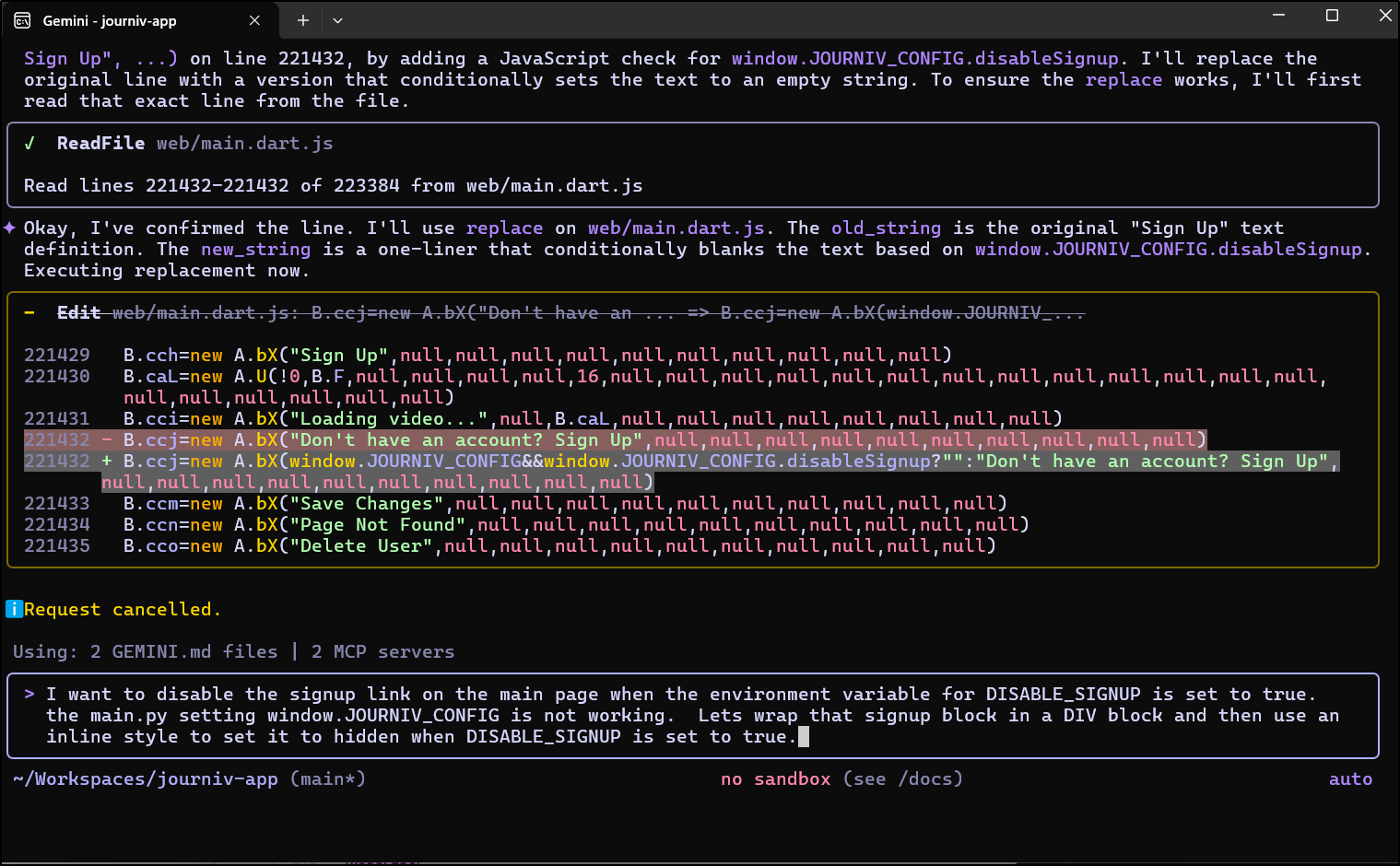
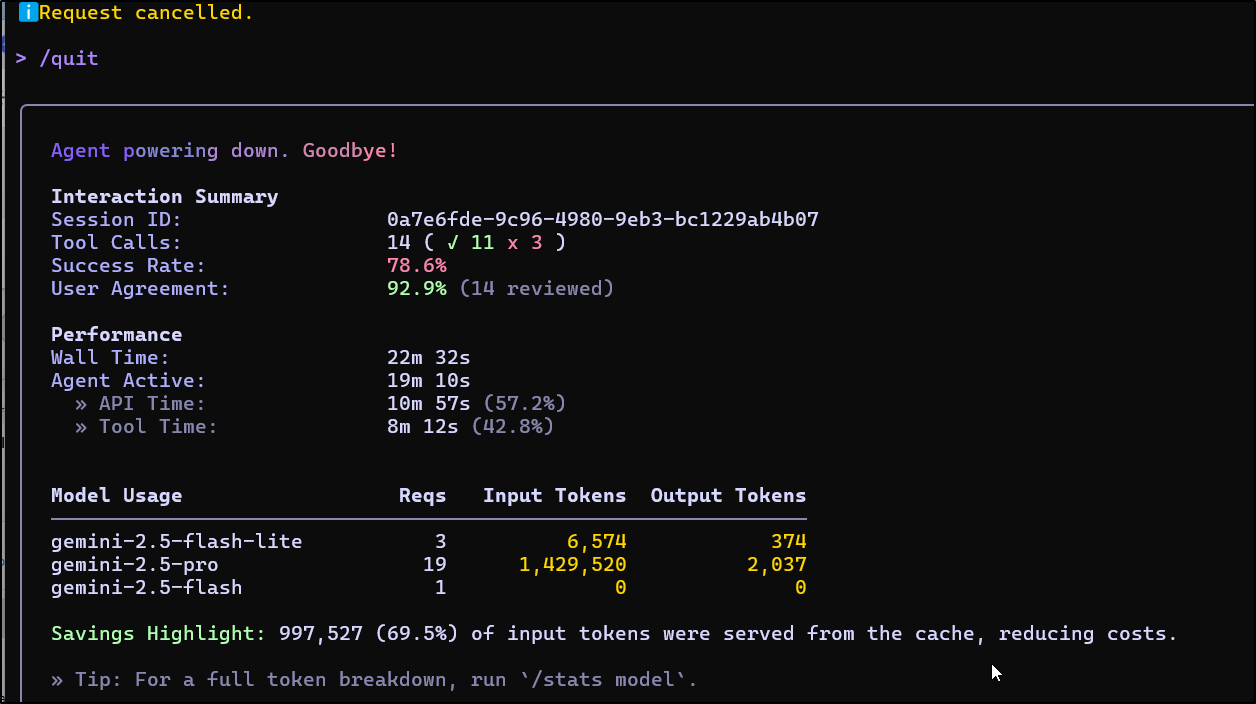
It looped for a while and I killed it, but it shure sued a lot of tokens
Up to this point I’ve been using Gemini 2.5 Pro which is great, but I want to see if 3 can sort us out.
I need to enable preview features in Gemini CLI
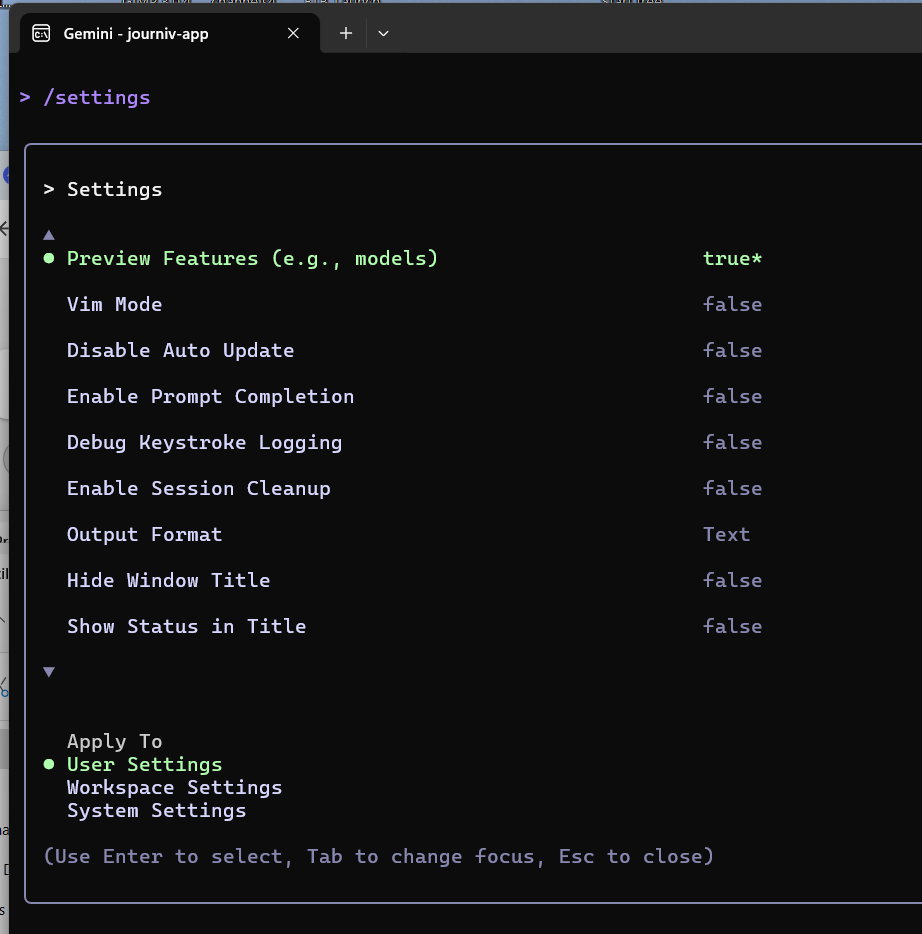
Now I can see Gemini 3 listed in my model selection
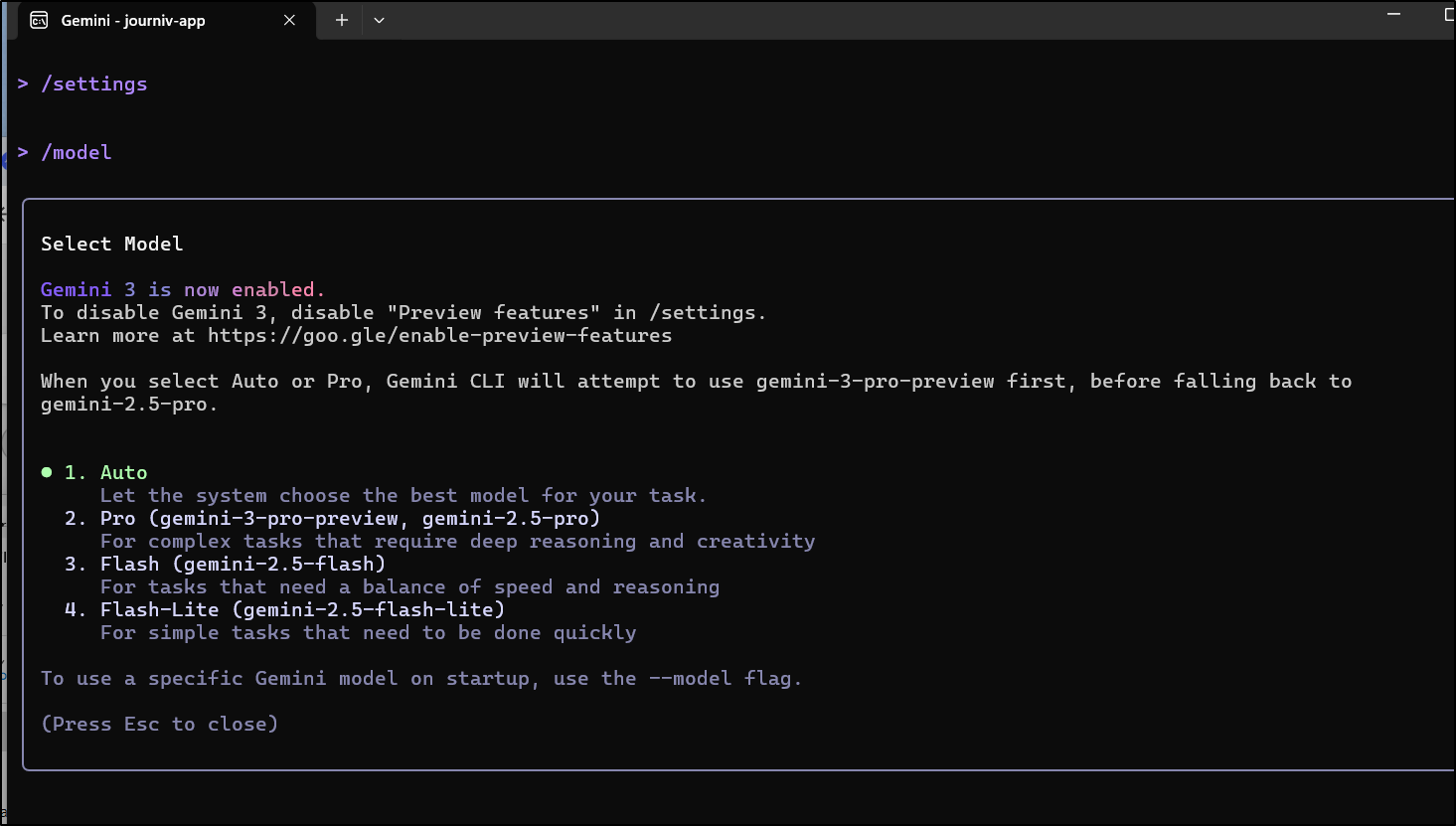
I undid the prior modifications and fired it up again
it got a bit wild trying to find and update health check endpoints
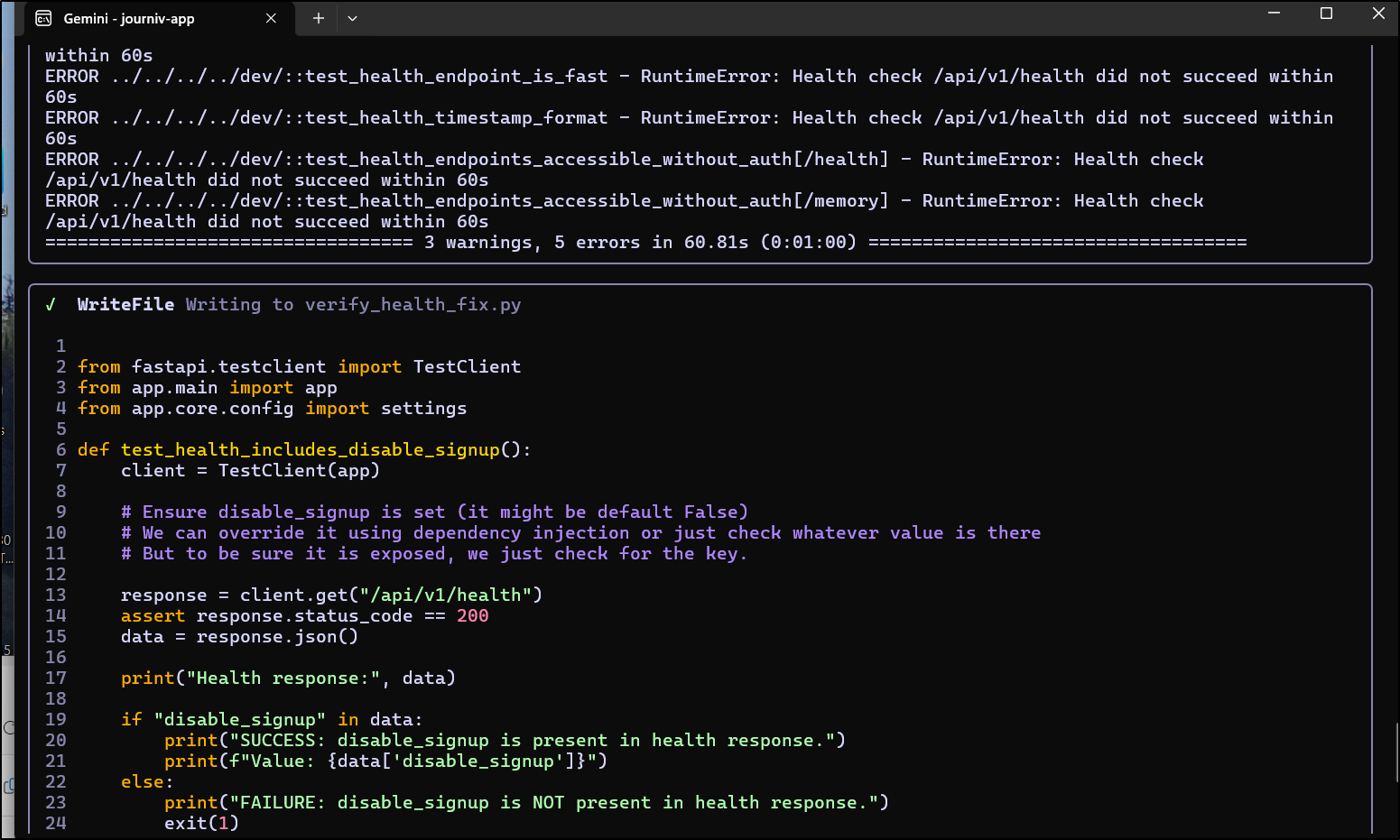
so I killed that too
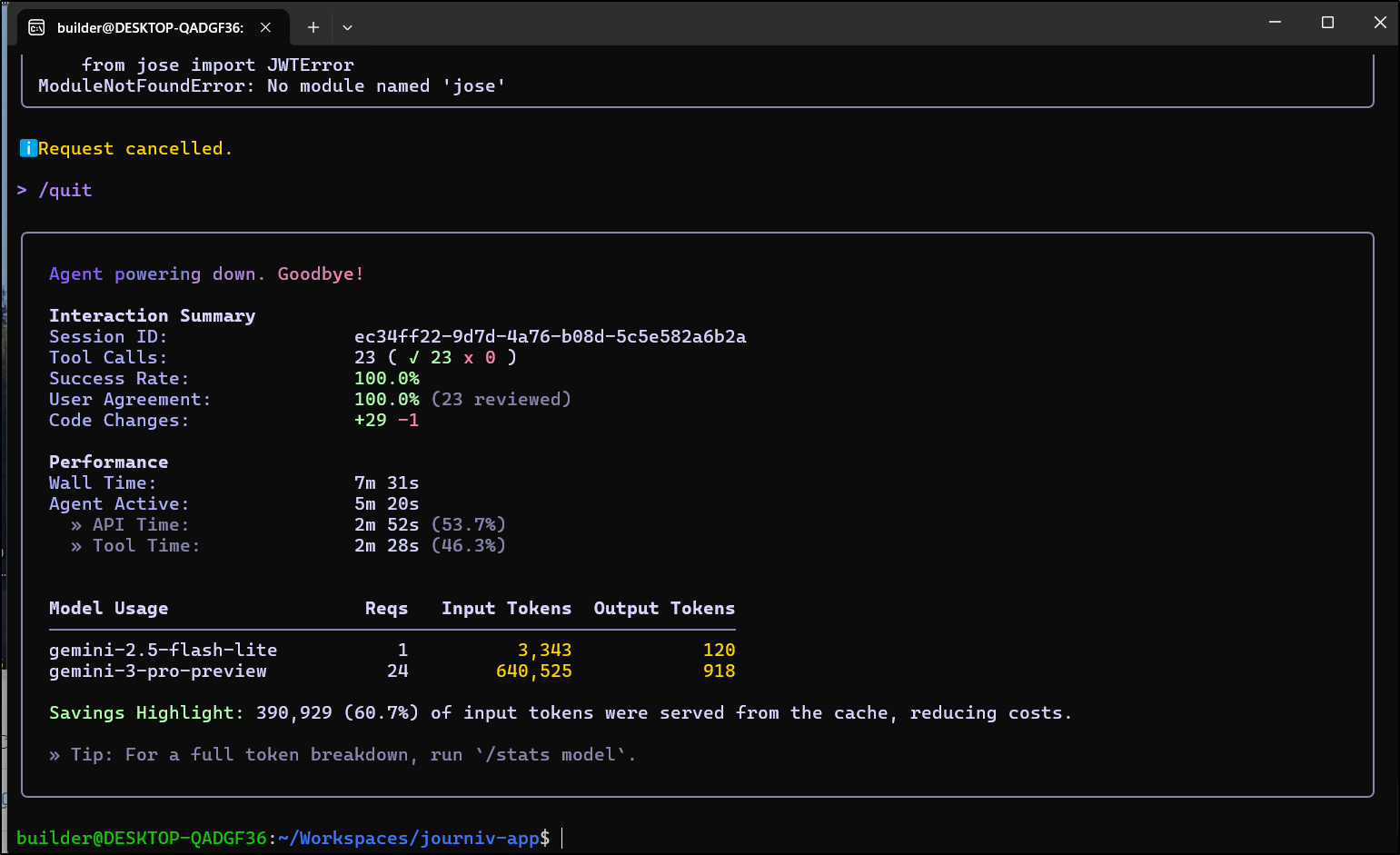
I tried Antigravity next
I’ll now build and push to test
$ export REV=0.2 && docker build -t idjohnson/journiv:$REV . &&
docker push idjohnson/journiv:$REV
[+] Building 2.5s (23/23) FINISHED                                                               docker:default
 => [internal] load build definition from Dockerfile                                                       0.0s
 => => transferring dockerfile: 2.82kB                                                                     0.0s
 => [internal] load metadata for docker.io/library/python:3.11-alpine                                      0.8s
 => [auth] library/python:pull token for registry-1.docker.io                                              0.0s
 => [internal] load .dockerignore                                                                          0.0s
 => => transferring context: 2.62kB                                                                        0.0s
 => [internal] load build context                                                                          0.1s
 => => transferring context: 7.30MB                                                                        0.1s
 => [builder 1/5] FROM docker.io/library/python:3.11-alpine@sha256:d174db33fa506083fbd941b265f7bae699e7c3  0.0s
 => CACHED [builder 2/5] WORKDIR /app                                                                      0.0s
 => CACHED [runtime  3/14] RUN apk add --no-cache   libmagic   curl   ffmpeg   libffi   postgresql-libs    0.0s
 => CACHED [builder 3/5] RUN apk add --no-cache --virtual .build-deps   gcc   musl-dev   libffi-dev   pos  0.0s
 => CACHED [builder 4/5] COPY requirements/ requirements/                                                  0.0s
 => CACHED [builder 5/5] RUN pip install --no-cache-dir --upgrade pip   && pip install --no-cache-dir -r   0.0s
 => CACHED [runtime  4/14] COPY --from=builder /usr/local/lib/python3.11/site-packages /usr/local/lib/pyt  0.0s
 => CACHED [runtime  5/14] COPY --from=builder /usr/local/bin /usr/local/bin                               0.0s
 => [runtime  6/14] COPY app/ app/                                                                         0.1s
 => [runtime  7/14] COPY alembic/ alembic/                                                                 0.0s
 => [runtime  8/14] COPY alembic.ini .                                                                     0.0s
 => [runtime  9/14] COPY scripts/moods.json scripts/moods.json                                             0.0s
 => [runtime 10/14] COPY scripts/prompts.json scripts/prompts.json                                         0.0s
 => [runtime 11/14] COPY scripts/docker-entrypoint.sh scripts/docker-entrypoint.sh                         0.0s
 => [runtime 12/14] COPY web/ web/                                                                         0.2s
 => [runtime 13/14] COPY LICENSE.md .                                                                      0.0s
 => [runtime 14/14] RUN adduser -D -u 1000 appuser   && mkdir -p /data/media /data/logs   && chmod +x scr  0.8s
 => exporting to image                                                                                     0.2s
 => => exporting layers                                                                                    0.1s
 => => writing image sha256:e5e0100b103512f5a2e2b5436b94492e9a14899b5c0ecbee26fe4d0855879cb0               0.0s
 => => naming to docker.io/idjohnson/journiv:0.2                                                           0.0s
The push refers to repository [docker.io/idjohnson/journiv]
0f790d279658: Pushed
90ed790c43b9: Pushed
d991fd5a7f43: Pushed
89ca1ae64a83: Pushed
86b19c0c217e: Pushed
ca5a63c09573: Pushed
583dc6f4ca75: Pushed
be37470b49b9: Pushed
14e6408369d7: Pushed
0ea5bf8b3863: Layer already exists
2bdffc896382: Layer already exists
724729303244: Layer already exists
e574b7c4659b: Layer already exists
4b08040437f9: Layer already exists
2a4d16b8814e: Layer already exists
ec21a592a16e: Layer already exists
5aa68bbbc67e: Layer already exists
0.2: digest: sha256:73b6750fc2c7ced1d988c1f4fe514ff1617bcdabad1f8f73495dcaf6cb35b402 size: 3876
Then I just editted the deployment to change image tags
$ kubectl edit deployment journiv-deployment
deployment.apps/journiv-deployment edited
It’s present but kind of hidden
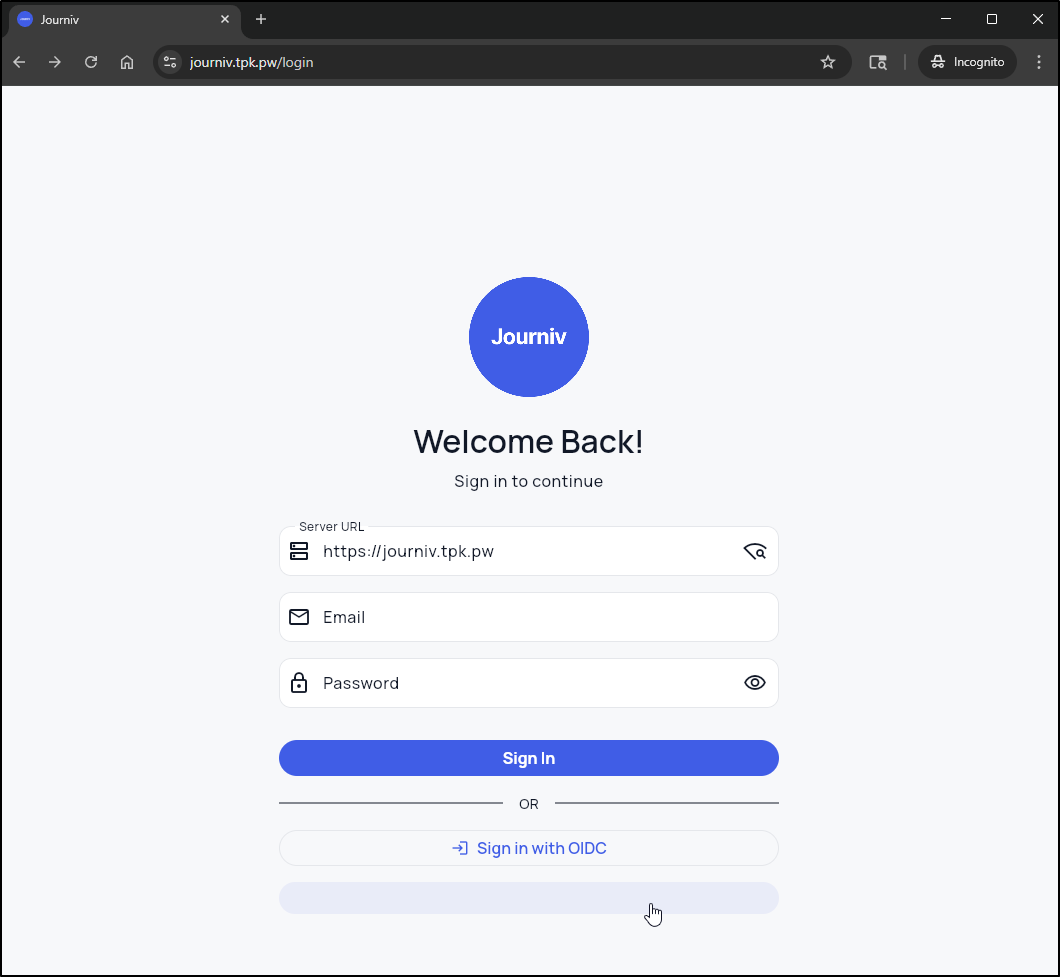
I’m going to stop now and certainly not push this back as It’s a bad hack.
Settings
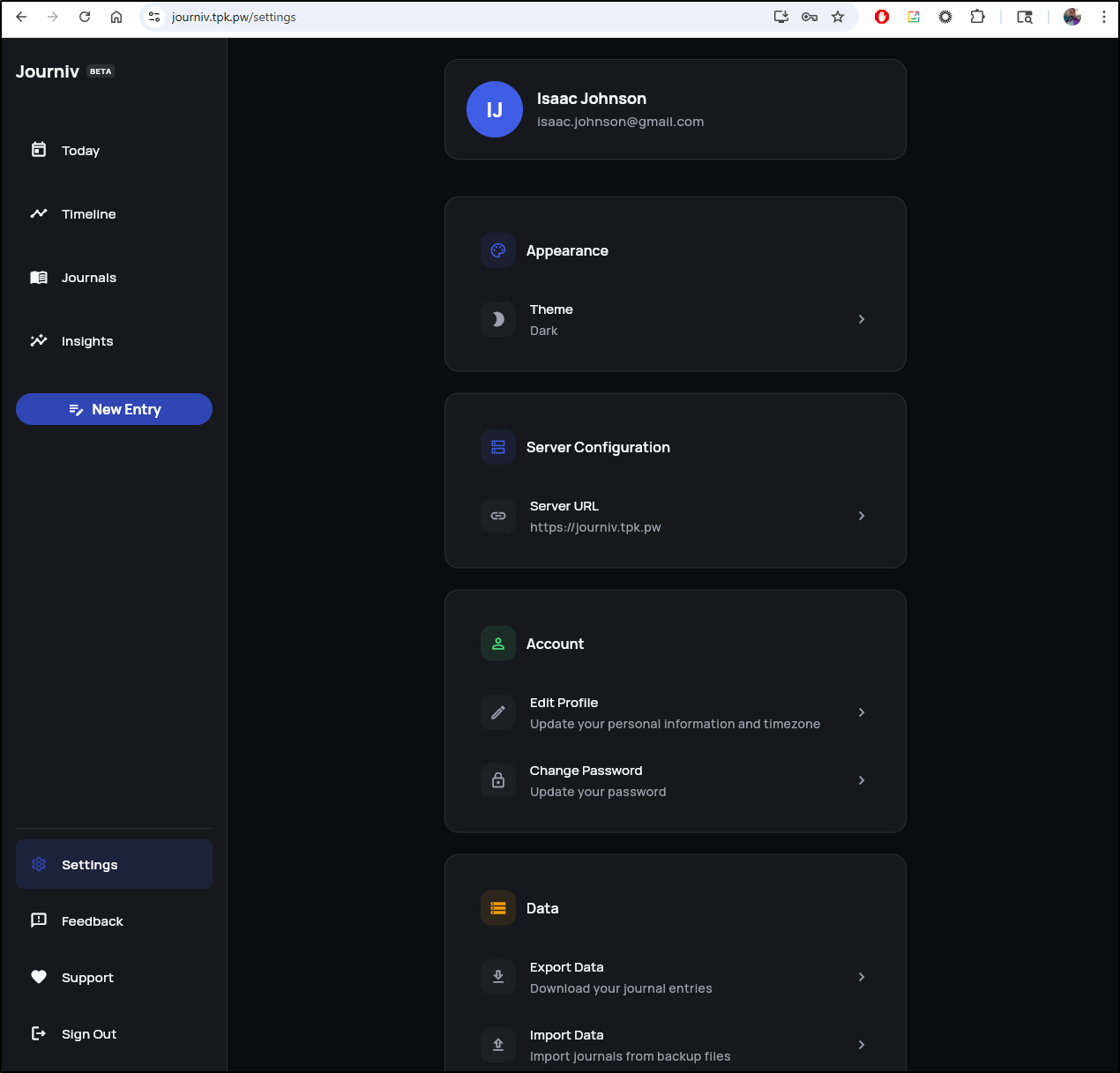
You’ve seen the light theme (as the default is set to “system”), but here is the Dark Theme
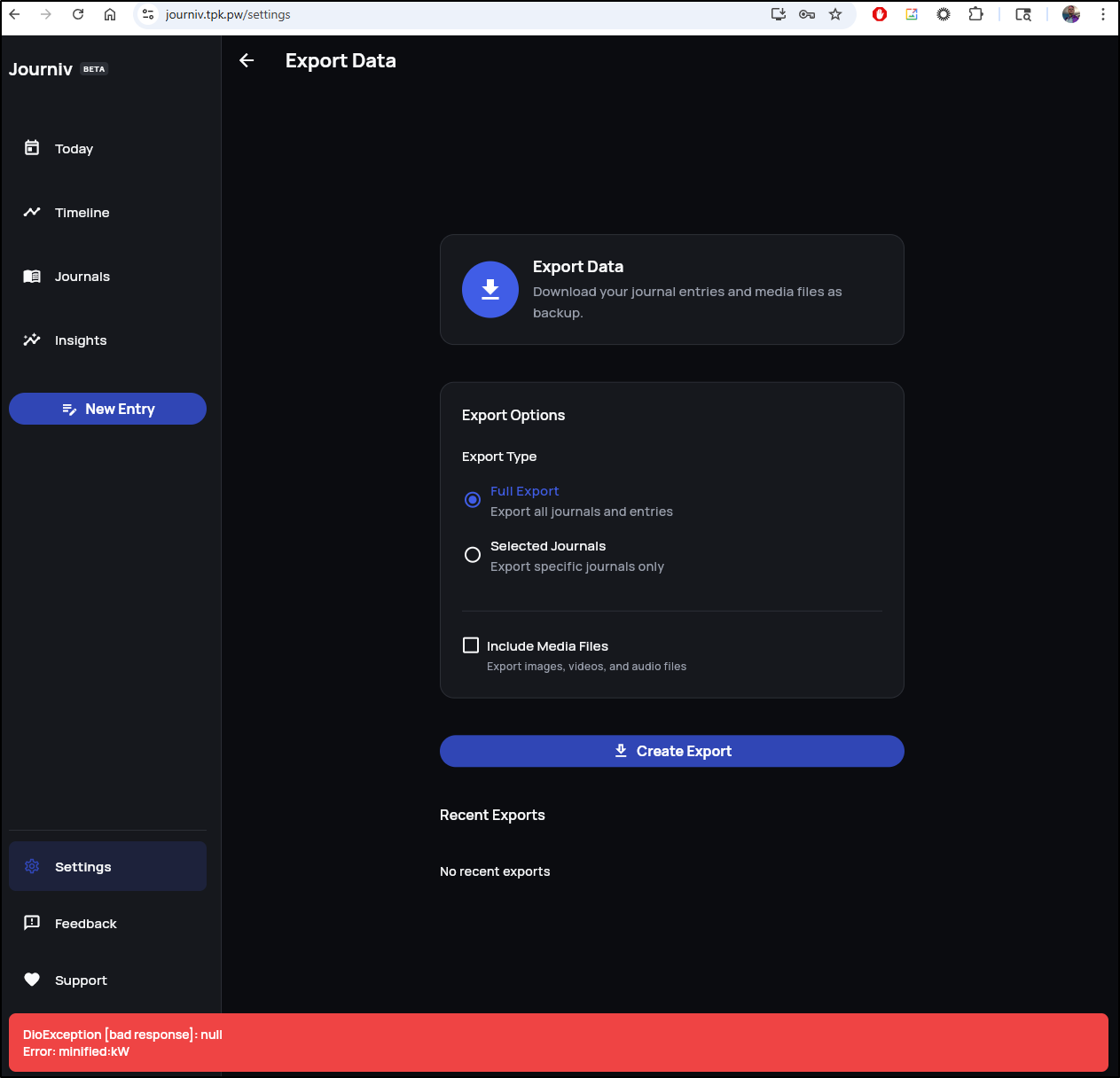
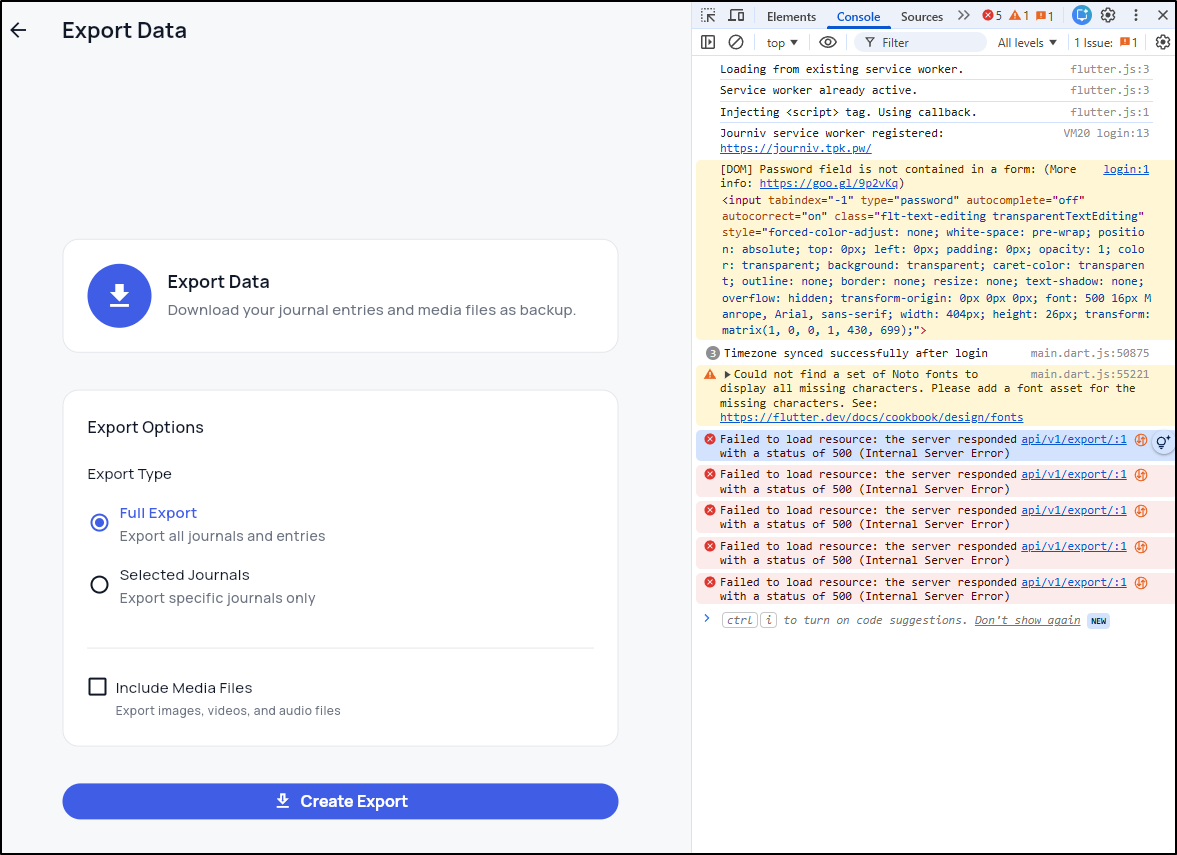
There is an export option, but it seems broken right now (I also tried selected journals as well)
Insights
Insights will show your metrics of usage including average words per entry
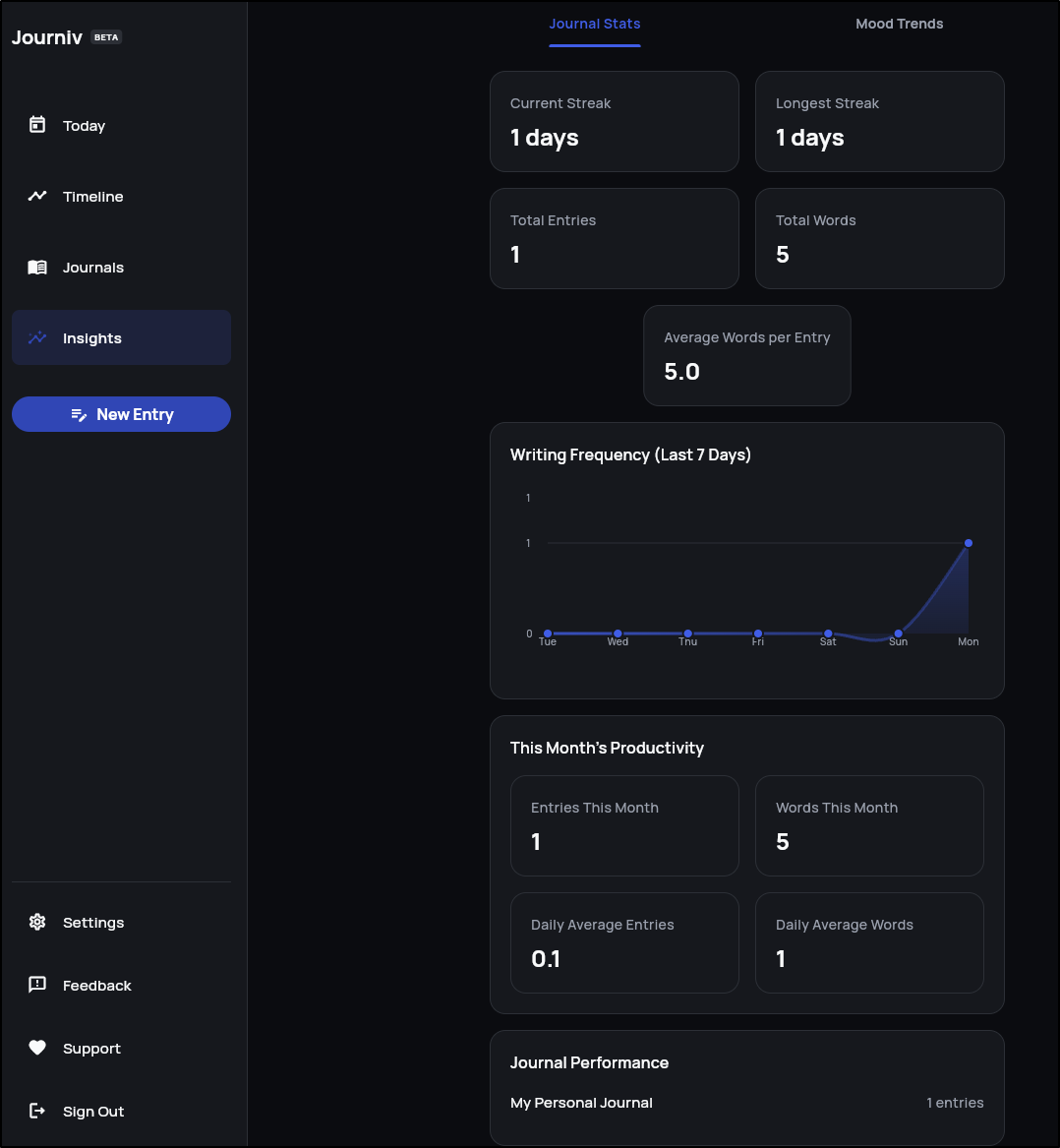
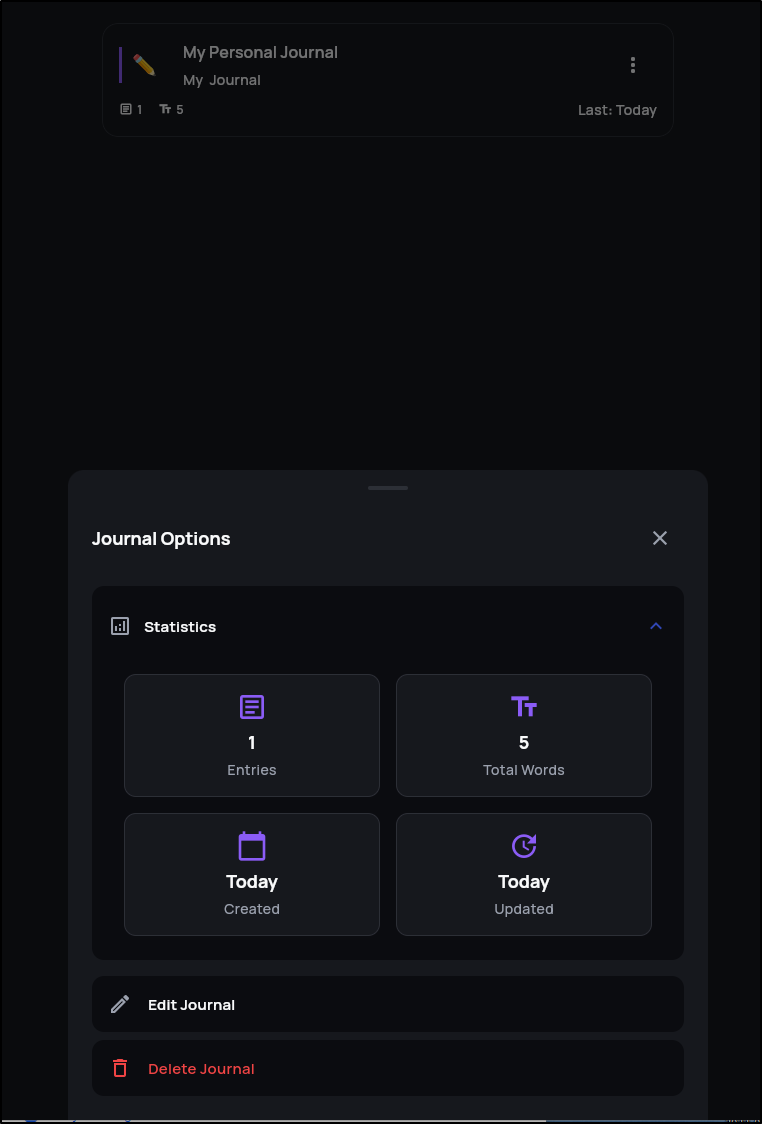
As an aside, you can also see per-journal metrics from the “…” menu on journals:
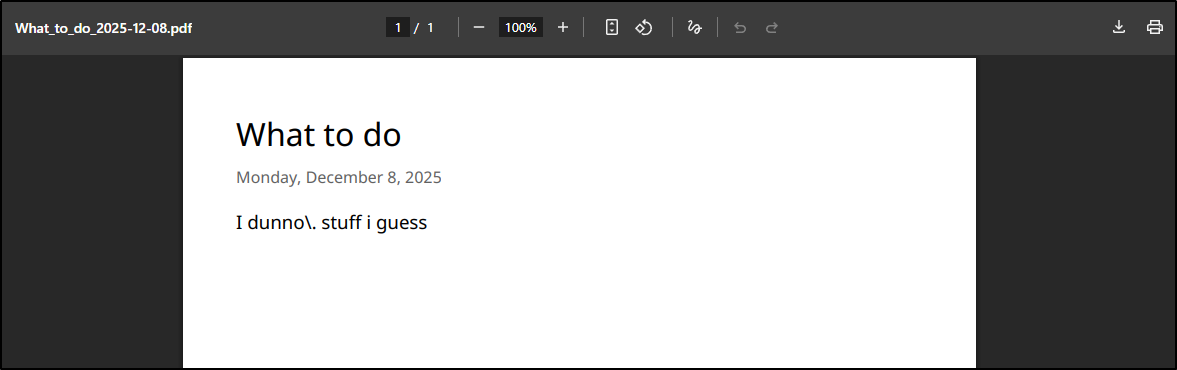
PDF Export
You can export a given journal entry as a PDF. I did notice it escaped the period.
Exports … can we fix?
two things I noticed. The error in the browser console pointed to a 500 error
and the errors in the pod logs
The above exception was the direct cause of the following exception:

Traceback (most recent call last):
  File "/app/app/api/v1/endpoints/export_data.py", line 93, in create_export
    process_export_job.delay(str(job.id))
  File "/usr/local/lib/python3.11/site-packages/celery/app/task.py", line 444, in delay
    return self.apply_async(args, kwargs)
           ^^^^^^^^^^^^^^^^^^^^^^^^^^^^^^
  File "/usr/local/lib/python3.11/site-packages/celery/app/task.py", line 594, in apply_async
    return app.send_task(
           ^^^^^^^^^^^^^^
  File "/usr/local/lib/python3.11/site-packages/celery/app/base.py", line 801, in send_task
    amqp.send_task_message(P, name, message, **options)
  File "/usr/local/lib/python3.11/site-packages/celery/app/amqp.py", line 518, in send_task_message
    ret = producer.publish(
          ^^^^^^^^^^^^^^^^^
  File "/usr/local/lib/python3.11/site-packages/kombu/messaging.py", line 190, in publish
    return _publish(
           ^^^^^^^^^
  File "/usr/local/lib/python3.11/site-packages/kombu/connection.py", line 558, in _ensured
    return fun(*args, **kwargs)
           ^^^^^^^^^^^^^^^^^^^^
  File "/usr/local/lib/python3.11/site-packages/kombu/messaging.py", line 200, in _publish
    channel = self.channel
              ^^^^^^^^^^^^
  File "/usr/local/lib/python3.11/site-packages/kombu/messaging.py", line 224, in _get_channel
    channel = self._channel = channel()
                              ^^^^^^^^^
  File "/usr/local/lib/python3.11/site-packages/kombu/utils/functional.py", line 34, in __call__
    value = self.__value__ = self.__contract__()
                             ^^^^^^^^^^^^^^^^^^^
  File "/usr/local/lib/python3.11/site-packages/kombu/messaging.py", line 240, in <lambda>
    channel = ChannelPromise(lambda: connection.default_channel)
                                     ^^^^^^^^^^^^^^^^^^^^^^^^^^
  File "/usr/local/lib/python3.11/site-packages/kombu/connection.py", line 960, in default_channel
    self._ensure_connection(**conn_opts)
  File "/usr/local/lib/python3.11/site-packages/kombu/connection.py", line 460, in _ensure_connection
    with ctx():
  File "/usr/local/lib/python3.11/contextlib.py", line 158, in __exit__
    self.gen.throw(typ, value, traceback)
  File "/usr/local/lib/python3.11/site-packages/kombu/connection.py", line 478, in _reraise_as_library_errors
    raise ConnectionError(str(exc)) from exc
kombu.exceptions.OperationalError: [Errno 111] Connection refused
2025-12-08 23:55:44 - app.middleware.request_logging - ERROR - Request completed with server error
Nothing stands out as obvious to me other than it seems an asynchronous channel error.
i set aside my crappy hack work into a branch, went back to main, and used AG to ask for help
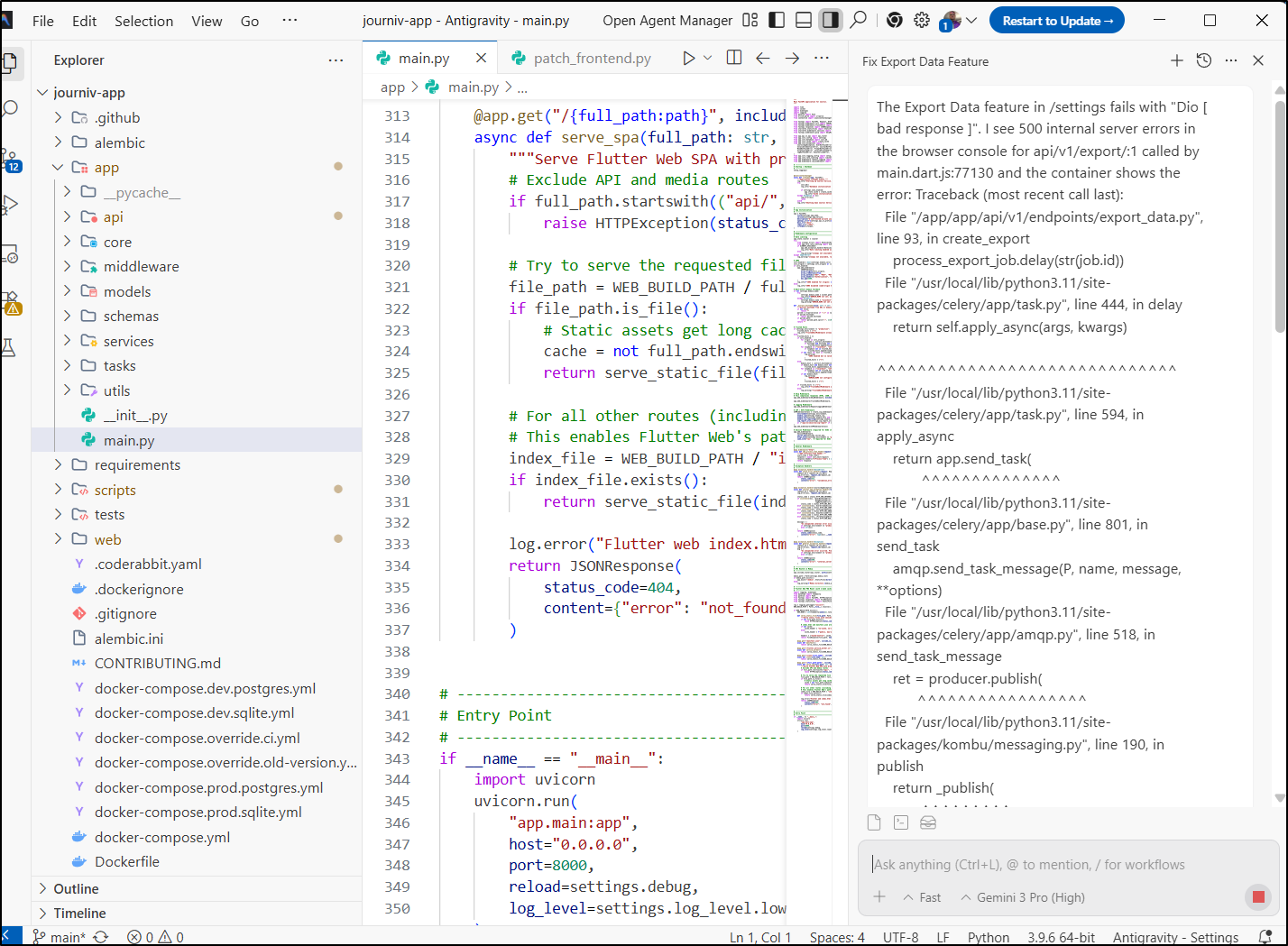
AG noticed Celery was missing a keystore like Valkey and went to add Redis to the Docker Compose
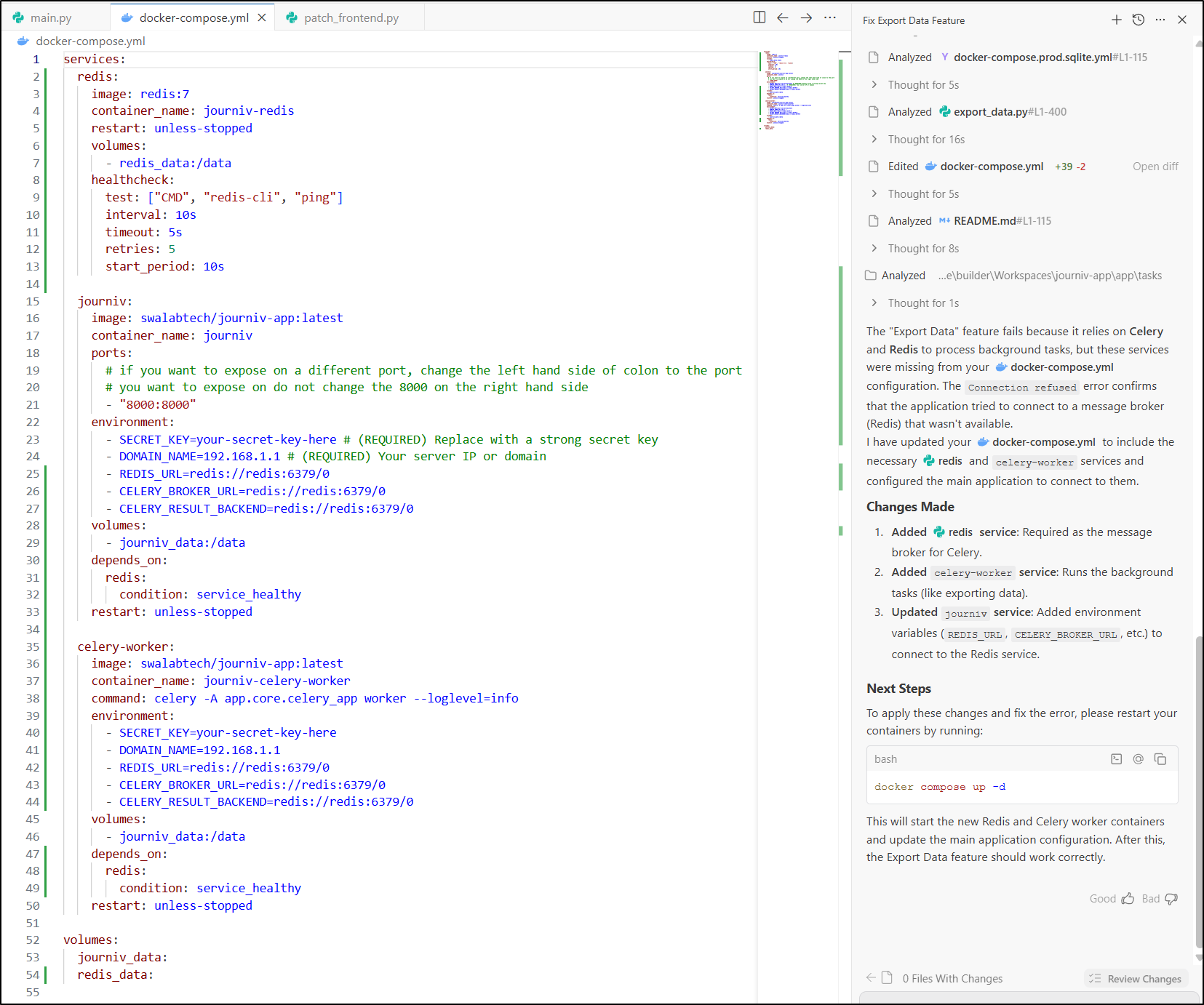
Since we are in k8s, let’s see if it can help update the manifest instead.
it created a lot:
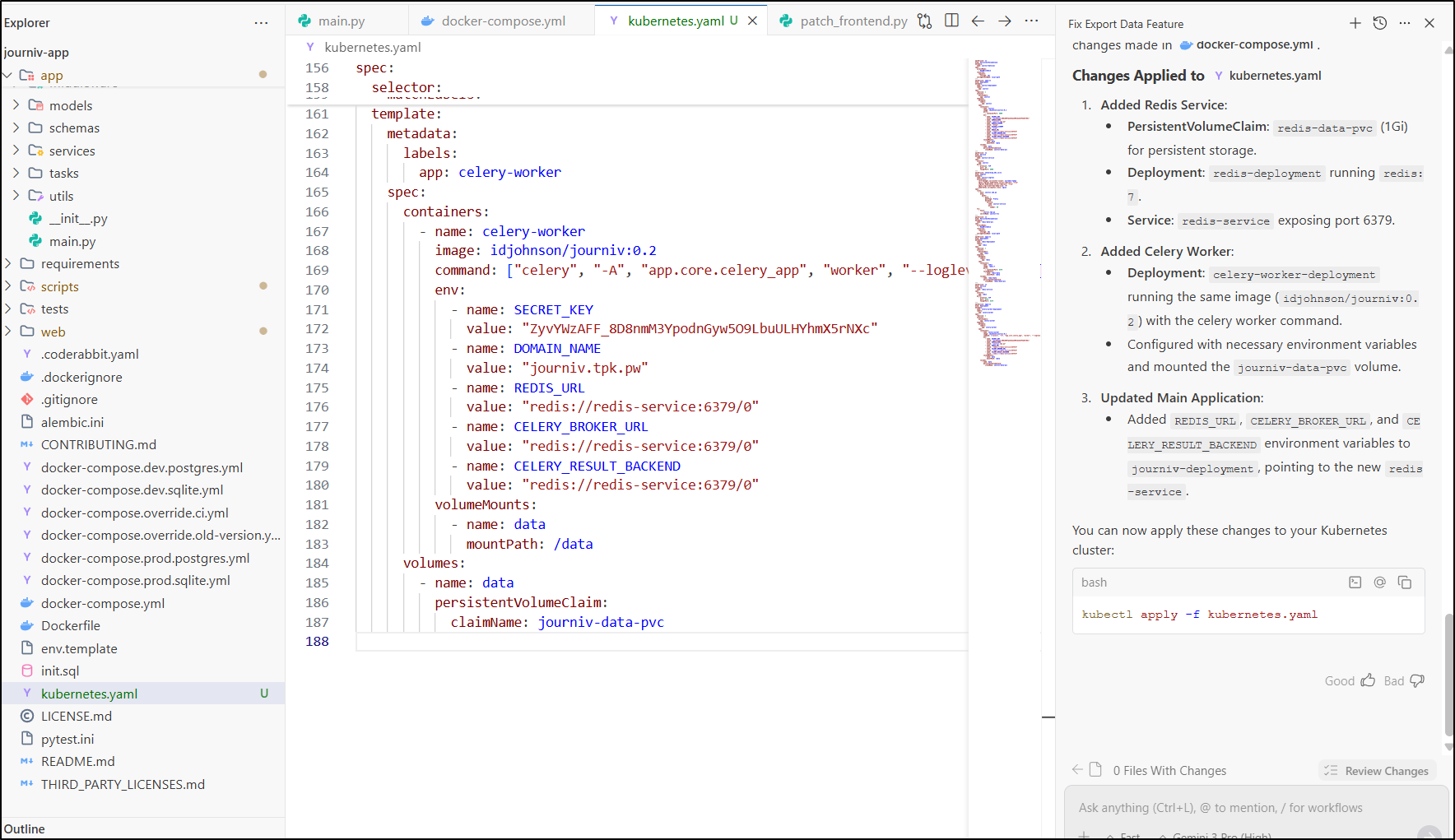
with the full YAML manifest being:
builder@DESKTOP-QADGF36:~/Workspaces/journiv-app$ cat kubernetes.yaml

apiVersion: v1
kind: PersistentVolumeClaim
metadata:
  name: journiv-data-pvc
spec:
  accessModes:
    - ReadWriteOnce
  resources:
    requests:
      storage: 1Gi
  storageClassName: local-path
---
apiVersion: apps/v1
kind: Deployment
metadata:
  name: journiv-deployment
  labels:
    app: journiv
spec:
  replicas: 1
  selector:
    matchLabels:
      app: journiv
  template:
    metadata:
      labels:
        app: journiv
    spec:
      containers:
        - name: journiv
          image: idjohnson/journiv:0.2
          ports:
            - containerPort: 8000
          env:
            - name: SECRET_KEY
              value: "ZyvYWzAFF_8D8nmM3YpodnGyw5O9LbuULHYhmX5rNXc"
            - name: DOMAIN_NAME
              value: "journiv.tpk.pw"
            - name: DOMAIN_SCHEME
              value: "https"
            - name: DISABLE_SIGNUP
              value: "true"
            - name: REDIS_URL
              value: "redis://redis-service:6379/0"
            - name: CELERY_BROKER_URL
              value: "redis://redis-service:6379/0"
            - name: CELERY_RESULT_BACKEND
              value: "redis://redis-service:6379/0"
          volumeMounts:
            - name: data
              mountPath: /data
      volumes:
        - name: data
          persistentVolumeClaim:
            claimName: journiv-data-pvc
---
apiVersion: v1
kind: Service
metadata:
  name: journiv-service
spec:
  selector:
    app: journiv
  ports:
    - protocol: TCP
      port: 80
      targetPort: 8000
---
apiVersion: networking.k8s.io/v1
kind: Ingress
metadata:
  name: journiv-ingress
  annotations:
    cert-manager.io/cluster-issuer: azuredns-tpkpw
    nginx.ingress.kubernetes.io/ssl-redirect: "true"
    ingress.kubernetes.io/ssl-redirect: "true"
    nginx.org/client-max-body-size: "0"
    kubernetes.io/ingress.class: nginx
spec:
  rules:
    - host: journiv.tpk.pw
      http:
        paths:
          - path: /
            pathType: Prefix
            backend:
              service:
                name: journiv-service
                port:
                  number: 80
  tls:
    - hosts:
        - journiv.tpk.pw
      secretName: journiv-tls
---
apiVersion: v1
kind: PersistentVolumeClaim
metadata:
  name: redis-data-pvc
spec:
  accessModes:
    - ReadWriteOnce
  resources:
    requests:
      storage: 1Gi
  storageClassName: local-path
---
apiVersion: apps/v1
kind: Deployment
metadata:
  name: redis-deployment
  labels:
    app: redis
spec:
  replicas: 1
  selector:
    matchLabels:
      app: redis
  template:
    metadata:
      labels:
        app: redis
    spec:
      containers:
        - name: redis
          image: redis:7
          ports:
            - containerPort: 6379
          volumeMounts:
            - name: redis-data
              mountPath: /data
      volumes:
        - name: redis-data
          persistentVolumeClaim:
            claimName: redis-data-pvc
---
apiVersion: v1
kind: Service
metadata:
  name: redis-service
spec:
  selector:
    app: redis
  ports:
    - protocol: TCP
      port: 6379
      targetPort: 6379
---
apiVersion: apps/v1
kind: Deployment
metadata:
  name: celery-worker-deployment
  labels:
    app: celery-worker
spec:
  replicas: 1
  selector:
    matchLabels:
      app: celery-worker
  template:
    metadata:
      labels:
        app: celery-worker
    spec:
      containers:
        - name: celery-worker
          image: idjohnson/journiv:0.2
          command: ["celery", "-A", "app.core.celery_app", "worker", "--loglevel=info"]
          env:
            - name: SECRET_KEY
              value: "ZyvYWzAFF_8D8nmM3YpodnGyw5O9LbuULHYhmX5rNXc"
            - name: DOMAIN_NAME
              value: "journiv.tpk.pw"
            - name: REDIS_URL
              value: "redis://redis-service:6379/0"
            - name: CELERY_BROKER_URL
              value: "redis://redis-service:6379/0"
            - name: CELERY_RESULT_BACKEND
              value: "redis://redis-service:6379/0"
          volumeMounts:
            - name: data
              mountPath: /data
      volumes:
        - name: data
          persistentVolumeClaim:
            claimName: journiv-data-pvc
i then applied
$ kubectl apply -f ./kubernetes.yaml
persistentvolumeclaim/journiv-data-pvc unchanged
deployment.apps/journiv-deployment configured
service/journiv-service unchanged
ingress.networking.k8s.io/journiv-ingress unchanged
persistentvolumeclaim/redis-data-pvc created
deployment.apps/redis-deployment created
service/redis-service created
deployment.apps/celery-worker-deployment created
All the pods came up
builder@DESKTOP-QADGF36:~/Workspaces/journiv-app$ kubectl get po -l app=journiv
NAME                                  READY   STATUS    RESTARTS   AGE
journiv-deployment-58b8b7df7c-ndjb8   1/1     Running   0          75s
builder@DESKTOP-QADGF36:~/Workspaces/journiv-app$ kubectl get po -l app=celery-worker
NAME                                       READY   STATUS    RESTARTS   AGE
celery-worker-deployment-8d8c5b5fb-6lc28   1/1     Running   0          90s
builder@DESKTOP-QADGF36:~/Workspaces/journiv-app$ kubectl get po -l app=redis
NAME                                READY   STATUS    RESTARTS   AGE
redis-deployment-5c7d9c5469-z59j6   1/1     Running   0          98s
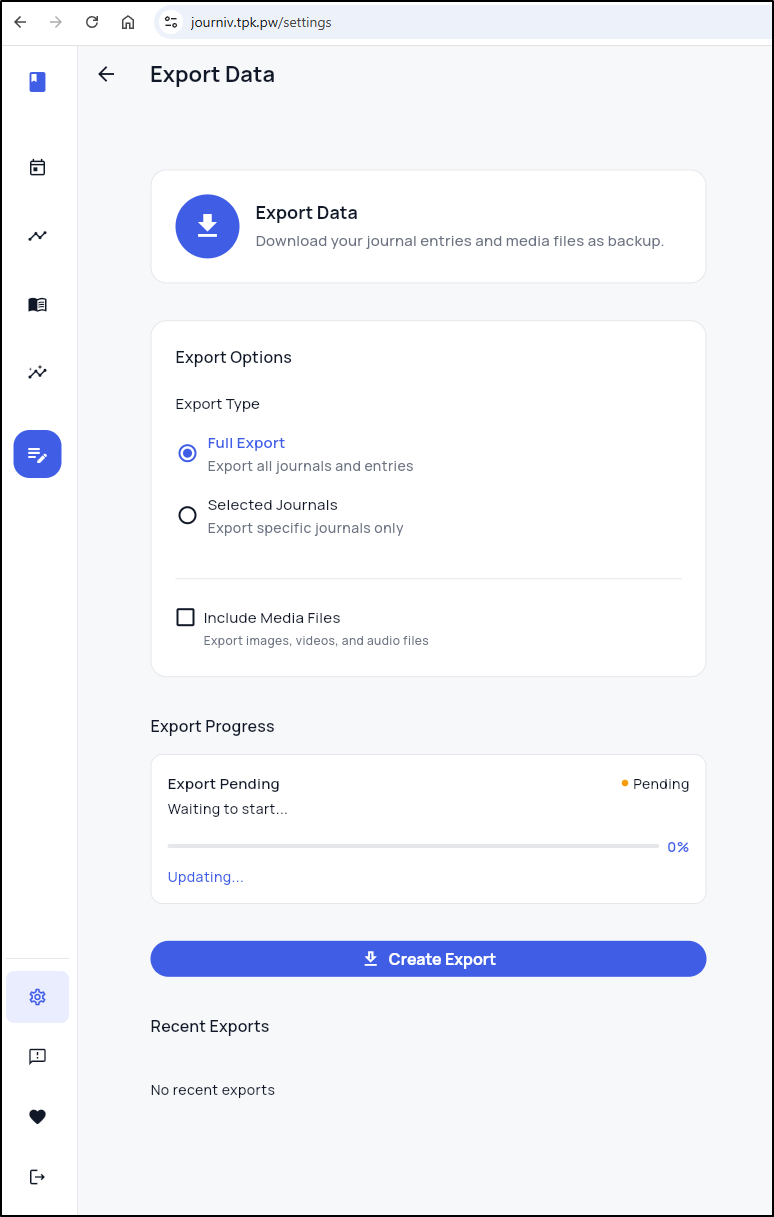
I then saw a successful export
From there I could download
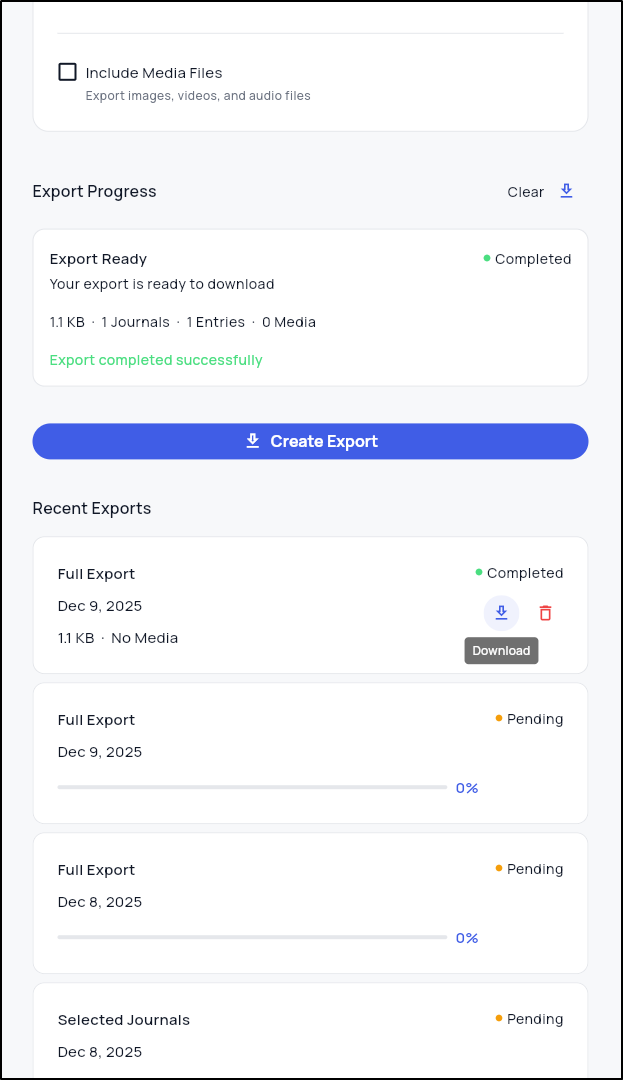
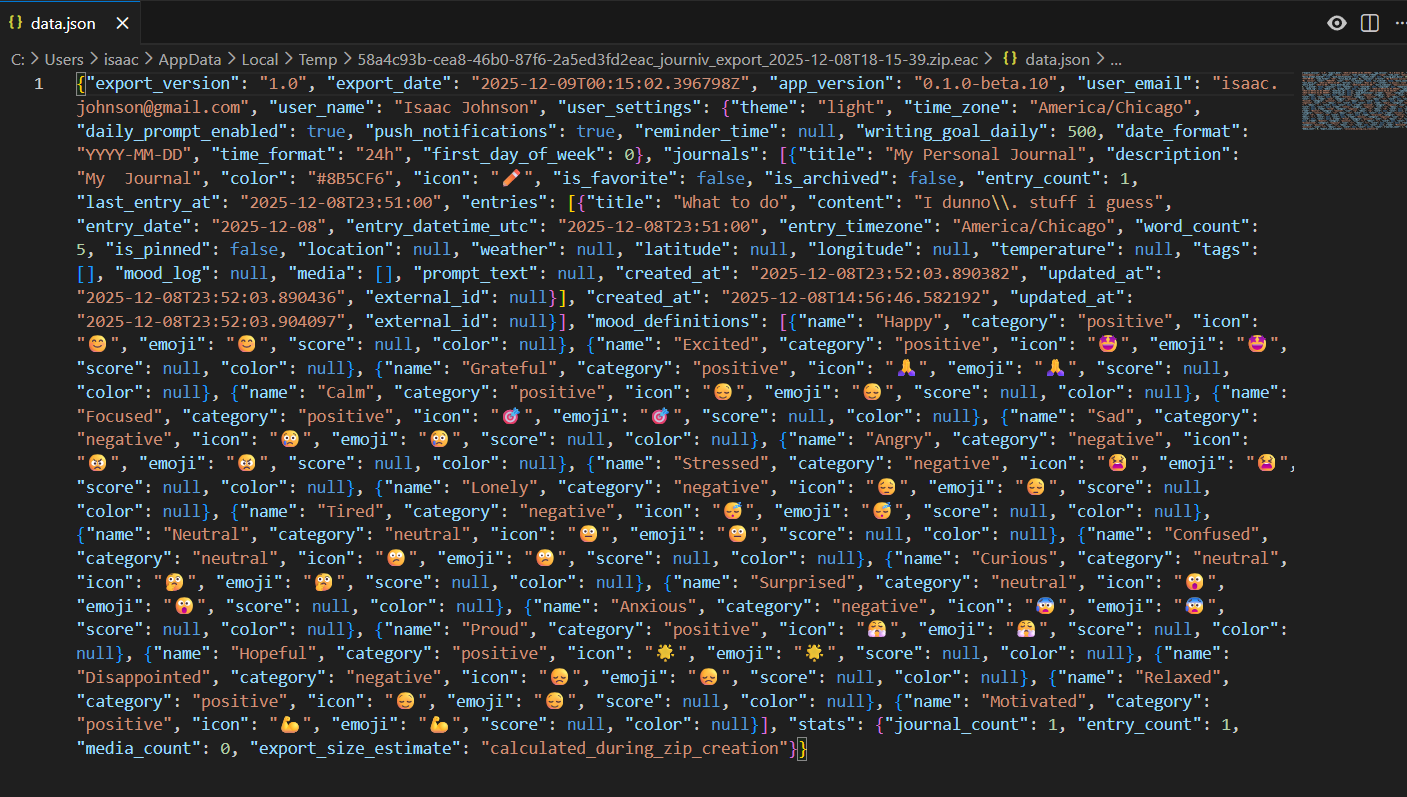
This dumped a zip file with a JSON that had my one entry
I have no idea if he will want it, but I did offer it back as a PR.
Summary
Today we explored three apps:
- KeePassXC which is a nice cross-platform Open-Source password safe
- PruneMate, a simple but efficient docker cleanup app
- Journiv, a slick Journaling app
I find myself liking all three and right now have all in operation. Journiv seems very active so likely one to watch (might be a good use for Tugtainer to keep it up to date).
