I’ve had a few Open Source apps in the queue to review as of late. First up, from a Marius post is OpenGym. It can run in docker compose and kubernetes and is a really complete self-hosted workout and health management tool. It has a lot of extras (like ties to trainers, nutrition sites, OAuth endpoints, etc).
Second, I was going to dig into an Auth tool by Ente but instead got completely lost in their Toys area. They have more than enough to keep us distracted for a while.
But let’s start with OpenGym.
OpenGym
We can go to the Github page for OpenGym and see there is a nice docker-compose file already.
I’ll clone it down
isaac@isaac-G707:~/Workspaces/trymeapp$ cd Workspaces/
bash: cd: Workspaces/: No such file or directory
isaac@isaac-G707:~/Workspaces/trymeapp$ cd ..
isaac@isaac-G707:~/Workspaces$ git clone https://github.com/DuarteSantos8/openGym.git
Cloning into 'openGym'...
remote: Enumerating objects: 96191, done.
remote: Counting objects: 100% (366/366), done.
remote: Compressing objects: 100% (147/147), done.
remote: Total 96191 (delta 273), reused 218 (delta 218), pack-reused 95825 (from 3)
Receiving objects: 100% (96191/96191), 383.62 MiB | 17.58 MiB/s, done.
Resolving deltas: 100% (48507/48507), done.
Updating files: 100% (22793/22793), done.
Then fire up Docker compose
isaac@isaac-G707:~/Workspaces$ cd openGym
isaac@isaac-G707:~/Workspaces/openGym$ docker compose up
env file /home/isaac/Workspaces/openGym/.env not found: stat /home/isaac/Workspaces/openGym/.env: no such file or directory
isaac@isaac-G707:~/Workspaces/openGym$ cp .env.example .env
isaac@isaac-G707:~/Workspaces/openGym$ vi .env
isaac@isaac-G707:~/Workspaces/openGym$ docker compose up
[+] up 39/39
 ✔ Image ghcr.io/duartesantos8/opengym-api:latest Pulled                                                             6.2s
 ✔ Image ghcr.io/duartesantos8/opengym-web:latest Pulled                                                            10.5s
 ✔ Network opengym_default                        Created                                                            0.0s
 ✔ Container opengym-api-1                        Created                                                            0.2s
 ✔ Container opengym-web-1                        Created                                                            0.0s
Attaching to api-1, web-1
web-1  | /docker-entrypoint.sh: /docker-entrypoint.d/ is not empty, will attempt to perform configuration
web-1  | /docker-entrypoint.sh: Looking for shell scripts in /docker-entrypoint.d/
web-1  | /docker-entrypoint.sh: Launching /docker-entrypoint.d/05-check-base-path.sh
web-1  | /docker-entrypoint.sh: Launching /docker-entrypoint.d/10-listen-on-ipv6-by-default.sh
web-1  | 10-listen-on-ipv6-by-default.sh: info: Getting the checksum of /etc/nginx/conf.d/default.conf
web-1  | 10-listen-on-ipv6-by-default.sh: info: /etc/nginx/conf.d/default.conf differs from the packaged version
web-1  | /docker-entrypoint.sh: Sourcing /docker-entrypoint.d/15-local-resolvers.envsh
web-1  | /docker-entrypoint.sh: Launching /docker-entrypoint.d/20-envsubst-on-templates.sh
web-1  | 20-envsubst-on-templates.sh: Running envsubst on /etc/nginx/templates/default.conf.template to /etc/nginx/conf.d/default.conf
web-1  | /docker-entrypoint.sh: Launching /docker-entrypoint.d/30-tune-worker-processes.sh
web-1  | /docker-entrypoint.sh: Configuration complete; ready for start up
web-1  | 2026/11/17 12:10:04 [notice] 1#1: using the "epoll" event method
web-1  | 2026/11/17 12:10:04 [notice] 1#1: nginx/1.31.7
web-1  | 2026/11/17 12:10:04 [notice] 1#1: built by gcc 15.2.0 (Alpine 15.2.0)
web-1  | 2026/11/17 12:10:04 [notice] 1#1: OS: Linux 7.0.0-42-generic
web-1  | 2026/11/17 12:10:04 [notice] 1#1: getrlimit(RLIMIT_NOFILE): 1024:524288
web-1  | 2026/11/17 12:10:04 [notice] 1#1: start worker processes
web-1  | 2026/11/17 12:10:04 [notice] 1#1: start worker process 36
web-1  | 2026/11/17 12:10:04 [notice] 1#1: start worker process 37
web-1  | 2026/11/17 12:10:04 [notice] 1#1: start worker process 38
As you saw above, i needed to create a basic “.env” file first
I now have a login page waiting on port 8080
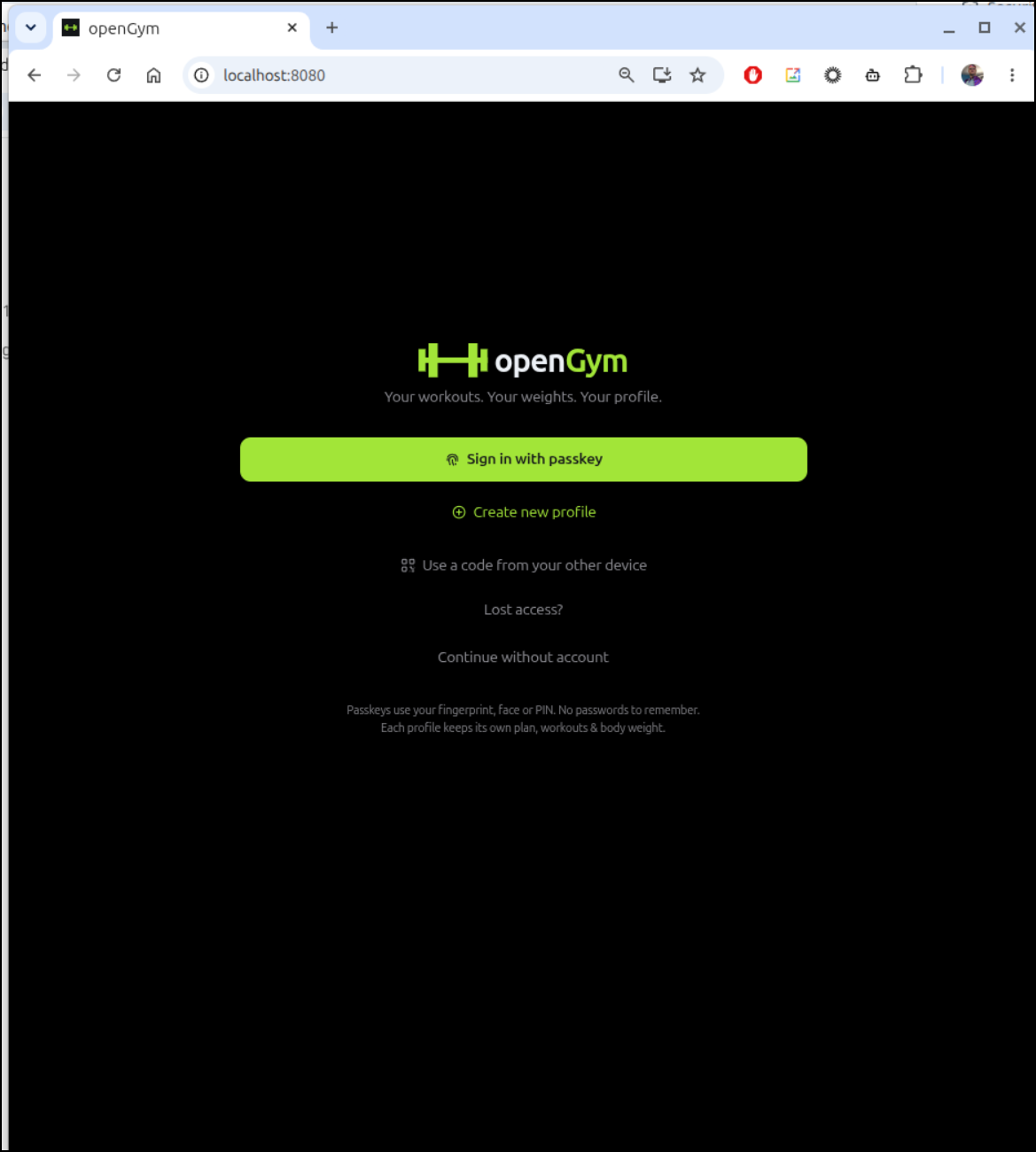
I then created a new profile
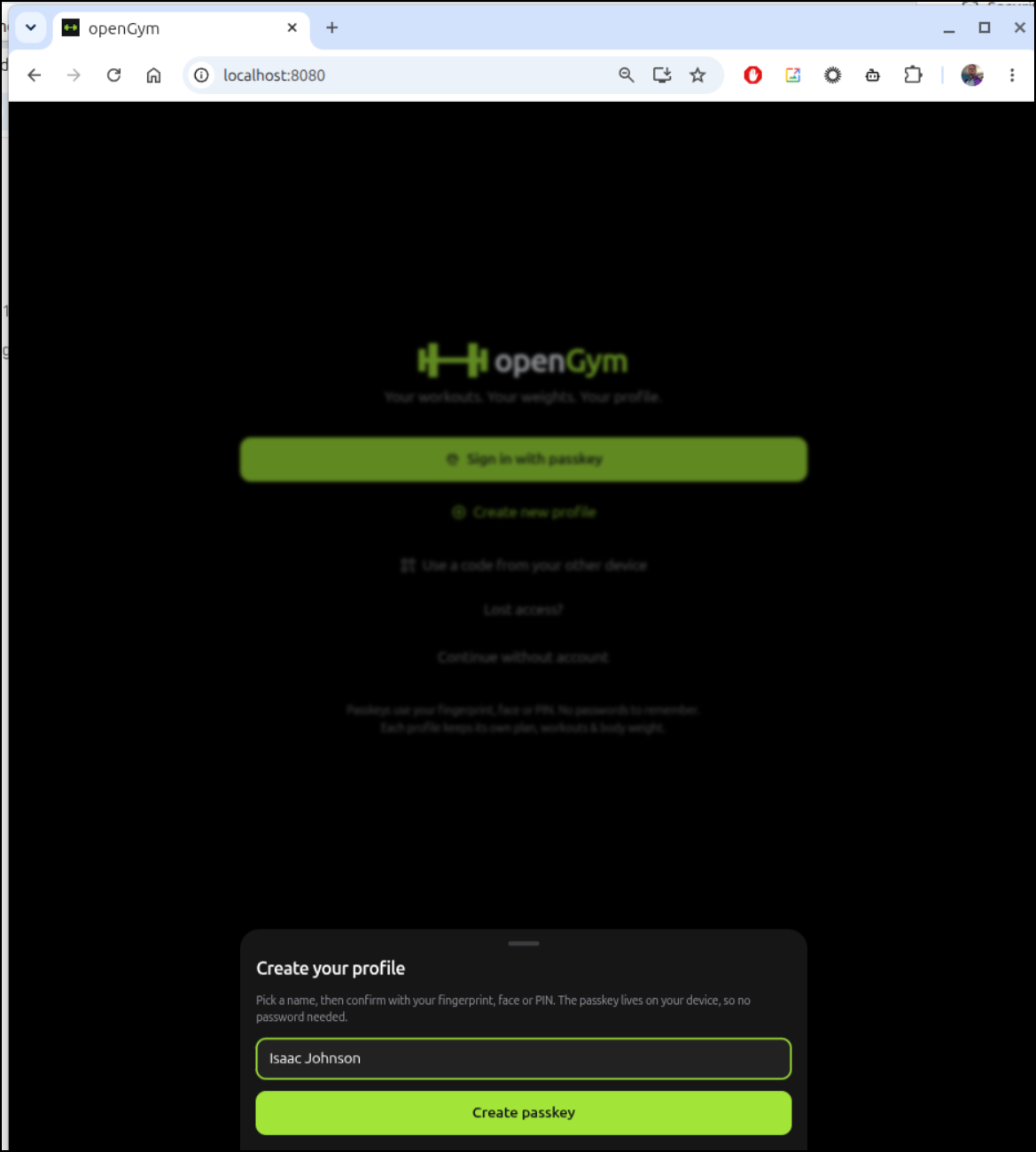
It’s only really setup for passkey, so it prompted to create that
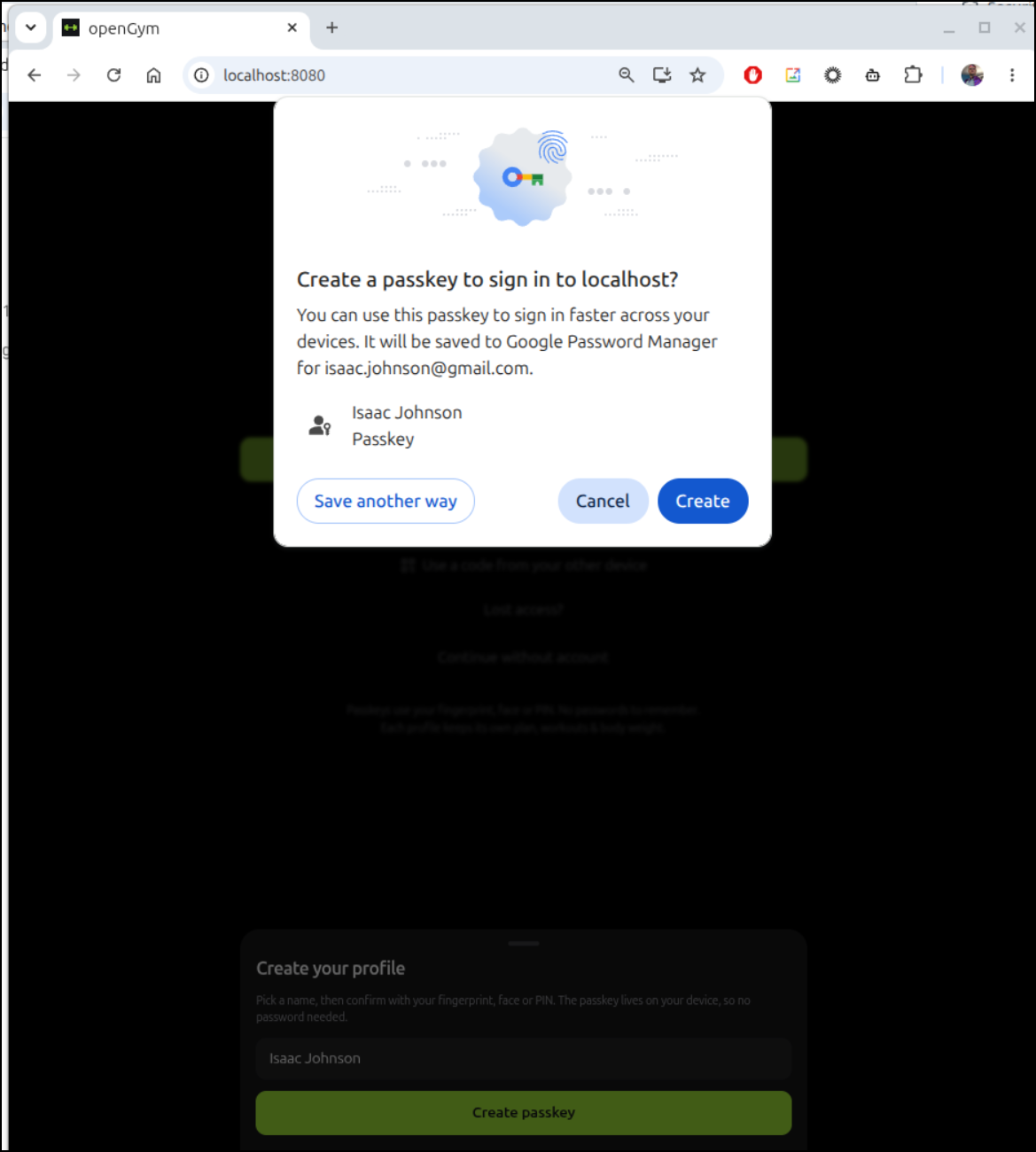
which in this test, saved to Google password manager
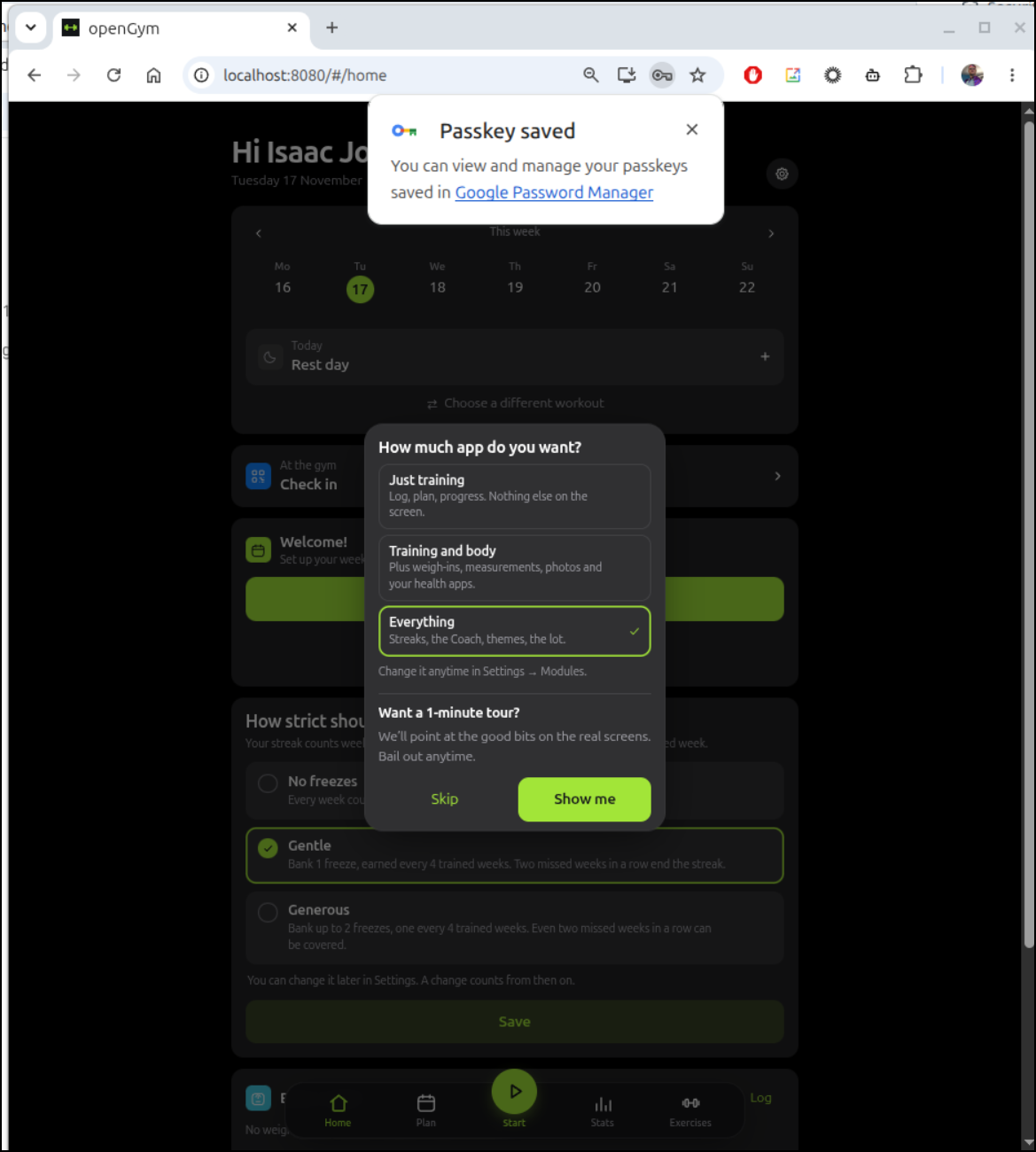
Next, I have a “how much app do you want” question
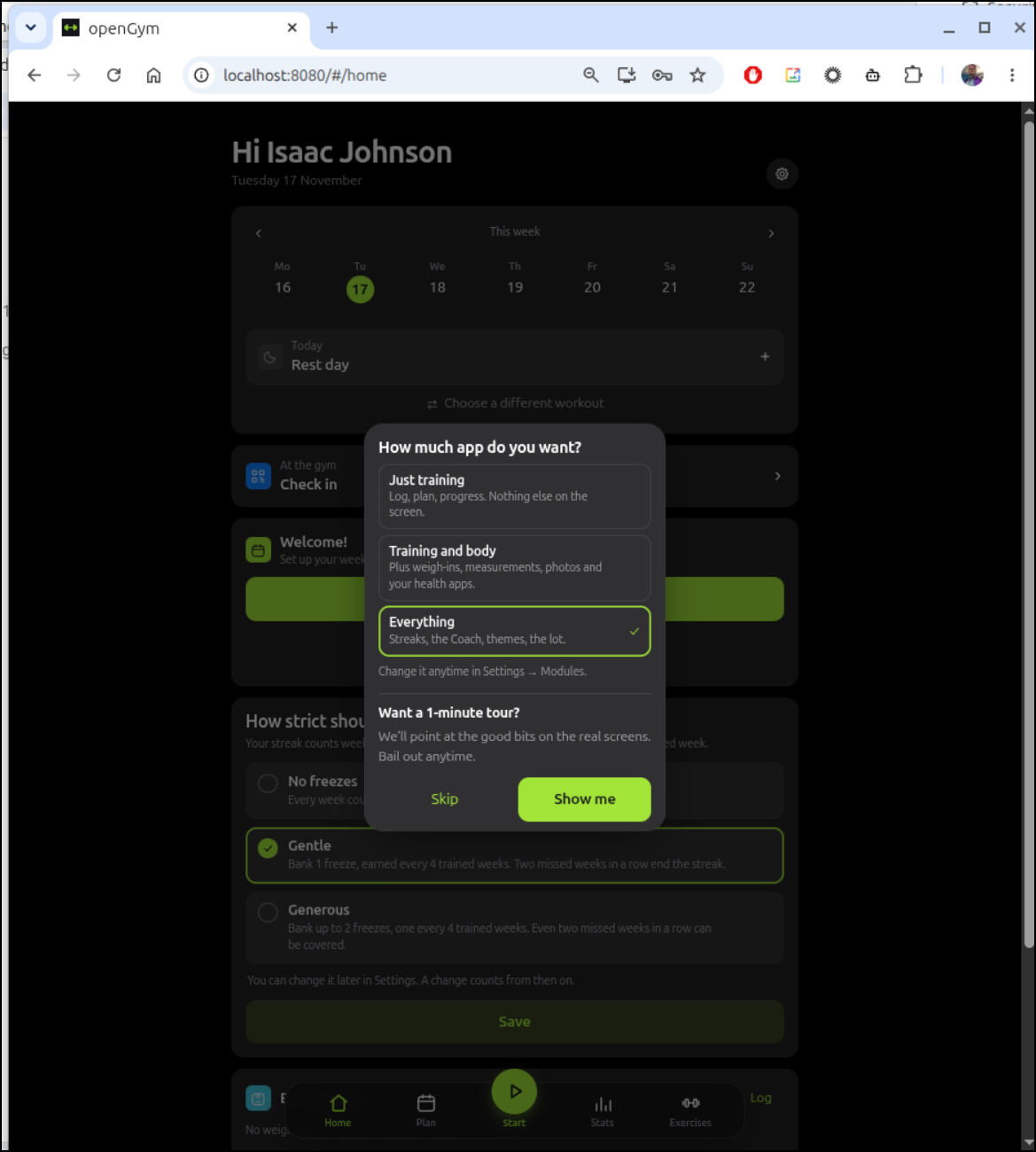
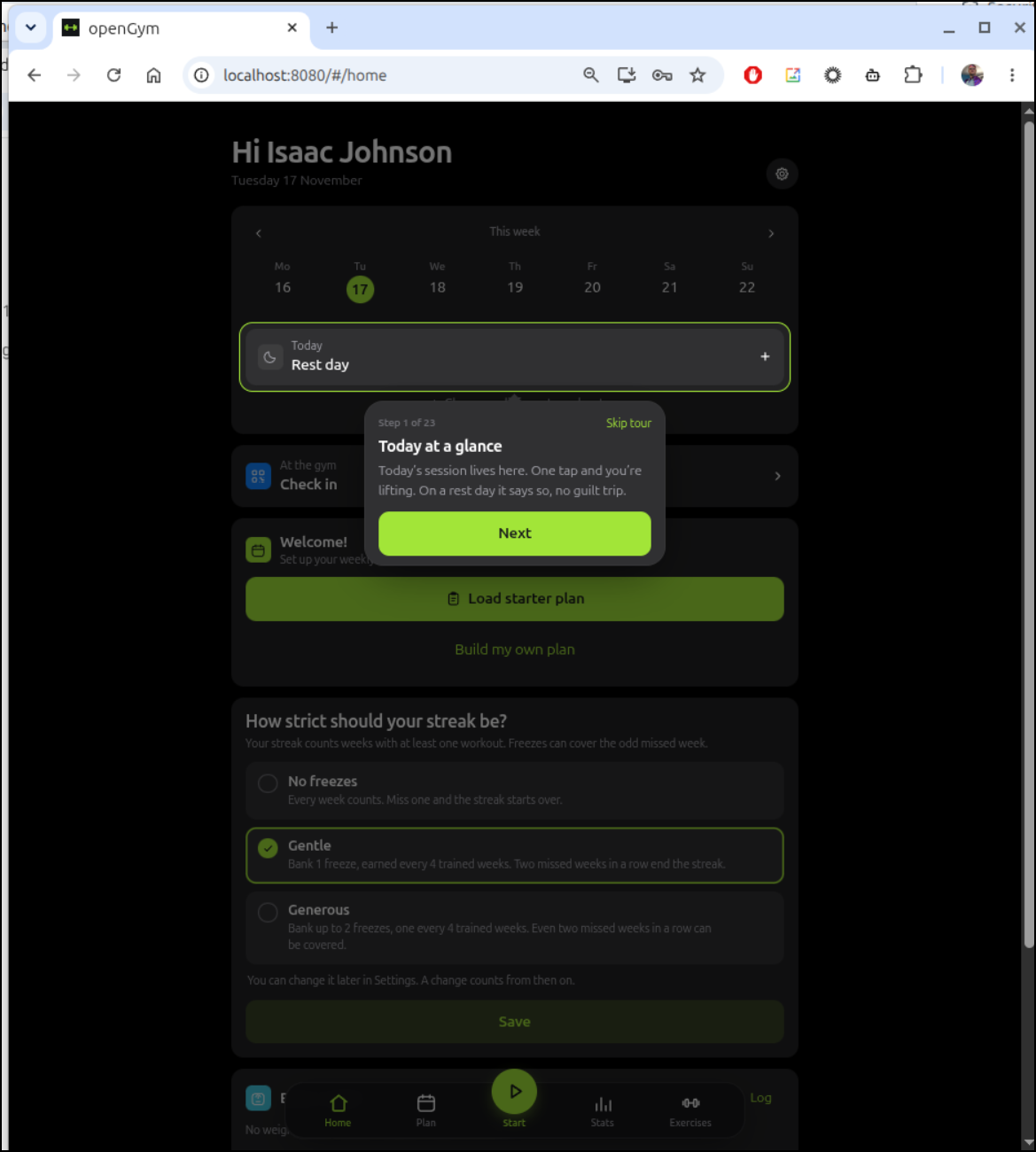
I won’t take you through every screen, but it has a nice short tutorial
It has a different types of exercises and then the ability to schedule them in your week and with various weights and reps
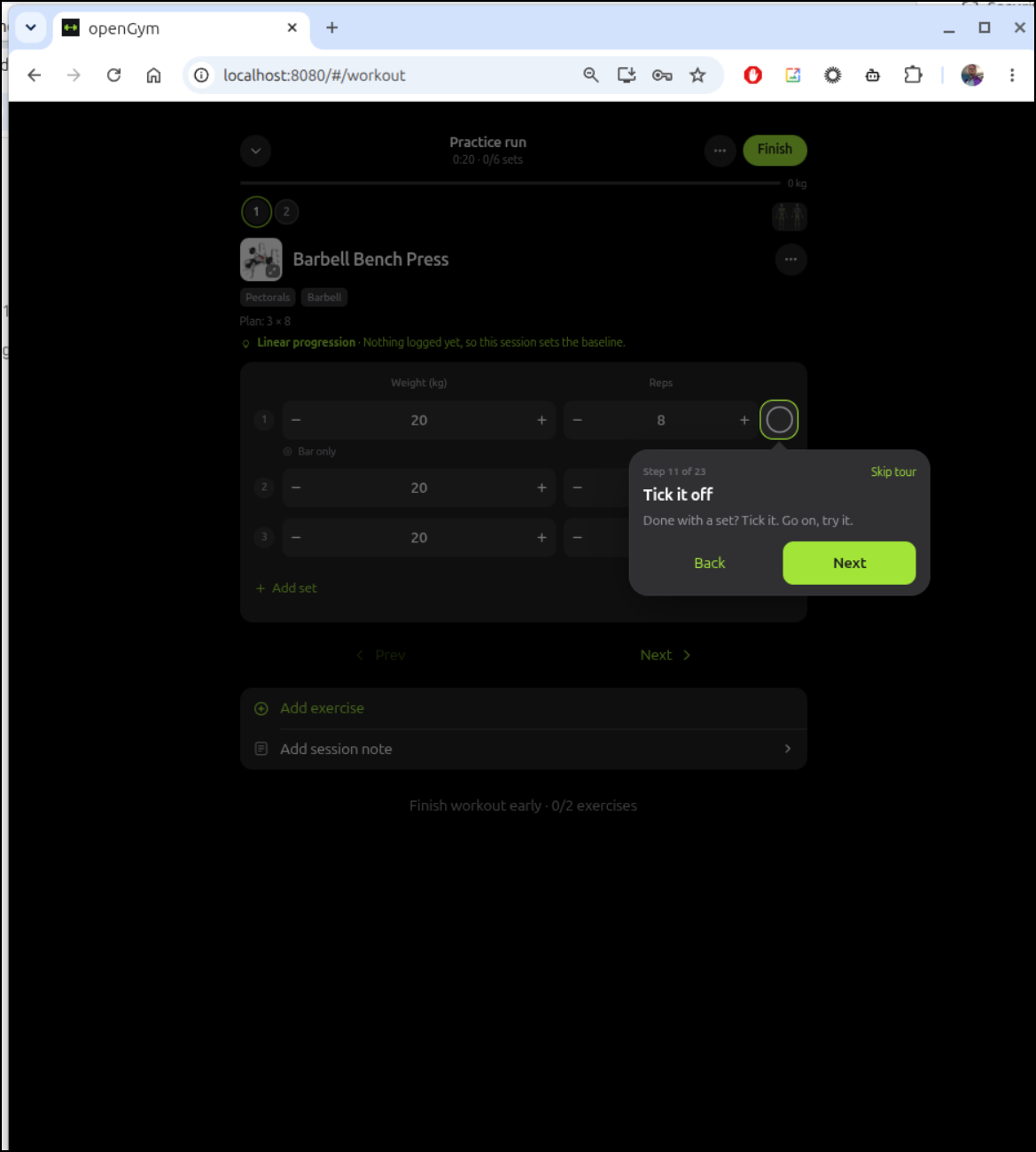
I was about to build out some plans when I realized I rather preferred to try to do this later at the gym and track a real workout
Externalizing
Call me a bit paranoid, but I wanted my own images and didn’t want to trust ghcr would stay around.
I pulled the existing images:
isaac@isaac-G707:~/Workspaces/openGym$ docker pull ghcr.io/duartesantos8/opengym-mcp:latest
latest: Pulling from duartesantos8/opengym-mcp
2a9491572f6e: Pull complete
7428e4303ad1: Pull complete
f4d9bc2308dc: Pull complete
881fc932939e: Already exists
66742b133b6d: Pull complete
df11f9b3da94: Pull complete
071409a40254: Pull complete
1a0489f4e2fc: Pull complete
55cf3c49afdd: Pull complete
7fb2a8f73ba8: Pull complete
dd23963b9a53: Pull complete
0188dd0fe48f: Pull complete
7fe9155e7091: Pull complete
44136fa355b3: Already exists
15ab4daf631d: Download complete
Digest: sha256:f1f1a48ac79f8c7ea762ca30770764ec961e7c6901b28dd97dff47170f8af5c9
Status: Downloaded newer image for ghcr.io/duartesantos8/opengym-mcp:latest
ghcr.io/duartesantos8/opengym-mcp:latest
isaac@isaac-G707:~/Workspaces/openGym$ docker pull ghcr.io/duartesantos8/opengym-web:latest
latest: Pulling from duartesantos8/opengym-web
eb0e9e2e9e4f: Pull complete
be5591e0fb89: Pull complete
f0d04b8df509: Pull complete
e2de96513ba9: Already exists
d7981fdc1147: Pull complete
07332018f47f: Pull complete
ba11abd8fbe4: Pull complete
1b76ccda7946: Pull complete
980da609e7c2: Pull complete
98f56d1336e8: Pull complete
3c794113eaed: Pull complete
9da1d7de63ce: Pull complete
01542e9f53e3: Pull complete
42fc578c1955: Pull complete
afb2aec2284f: Pull complete
44136fa355b3: Already exists
b7d7726f63f7: Download complete
Digest: sha256:e621677554302a0e1745e3b8c90acddc7d7149e118c4d683d51c13aa88f47d27
Status: Downloaded newer image for ghcr.io/duartesantos8/opengym-web:latest
ghcr.io/duartesantos8/opengym-web:latest
isaac@isaac-G707:~/Workspaces/openGym$ docker pull ghcr.io/duartesantos8/opengym-api:latest
latest: Pulling from duartesantos8/opengym-api
1897eb5b8efb: Pull complete
6619d2fb3a0e: Pull complete
c10fb1edc235: Pull complete
f19118ab0afd: Pull complete
75e982c19a5f: Pull complete
e6b0193890b3: Pull complete
f75deb4343cb: Pull complete
fc96aefcf876: Pull complete
881fc932939e: Already exists
b71dc93daa82: Pull complete
5133dfe86bcc: Pull complete
b26c0bfbbf44: Pull complete
641a01f87ec1: Pull complete
84c16294ea84: Pull complete
33b0c3dff4a7: Pull complete
9166956fa79c: Pull complete
44136fa355b3: Already exists
c310832f82fc: Download complete
Digest: sha256:397c83e9ac33a413bc8f21e66b2e55038100fc7f9da900d80be28b30fbb12ea8
Status: Downloaded newer image for ghcr.io/duartesantos8/opengym-api:latest
ghcr.io/duartesantos8/opengym-api:latest
I then pushed them to my Harbor CR for safekeeping
isaac@isaac-G707:~/Workspaces/openGym$ docker tag ghcr.io/duartesantos8/opengym-web:latest harbor.freshbrewed.science/library/opengym-web:latest
isaac@isaac-G707:~/Workspaces/openGym$ docker tag ghcr.io/duartesantos8/opengym-api:latest harbor.freshbrewed.science/library/opengym-api:latest
isaac@isaac-G707:~/Workspaces/openGym$ docker tag ghcr.io/duartesantos8/opengym-mcp:latest harbor.freshbrewed.science/library/opengym-mcp:latest
isaac@isaac-G707:~/Workspaces/openGym$ docker push harbor.freshbrewed.science/library/opengym-web:latest && docker push harbor.freshbrewed.science/library/opengym-api:latest && docker push harbor.freshbrewed.science/library/opengym-mcp:latest
The push refers to repository [harbor.freshbrewed.science/library/opengym-web]
98f56d1336e8: Pushed
07332018f47f: Pushed
e2de96513ba9: Pushed
3c794113eaed: Pushed
be5591e0fb89: Pushed
42fc578c1955: Pushed
ba11abd8fbe4: Pushed
d7981fdc1147: Pushed
f0d04b8df509: Pushed
980da609e7c2: Pushed
1b76ccda7946: Pushed
afb2aec2284f: Pushed
01542e9f53e3: Pushed
9da1d7de63ce: Pushed
eb0e9e2e9e4f: Pushed
latest: digest: sha256:22b4c02113b0aa4aa8b4f1f377ceba7f24cda85b62e1d02c23ff44b2e93df70d size: 3141

i Info → Not all multiplatform-content is present and only the available single-platform image was pushed
         sha256:e621677554302a0e1745e3b8c90acddc7d7149e118c4d683d51c13aa88f47d27 -> sha256:22b4c02113b0aa4aa8b4f1f377ceba7f24cda85b62e1d02c23ff44b2e93df70d
The push refers to repository [harbor.freshbrewed.science/library/opengym-api]
1897eb5b8efb: Pushed
881fc932939e: Mounted from library/n8n-sandbox-service-api
9166956fa79c: Pushed
6619d2fb3a0e: Pushed
b71dc93daa82: Pushed
f75deb4343cb: Pushed
5133dfe86bcc: Pushed
75e982c19a5f: Pushed
b26c0bfbbf44: Pushed
f19118ab0afd: Pushed
641a01f87ec1: Pushed
84c16294ea84: Pushed
c10fb1edc235: Pushed
e6b0193890b3: Pushed
33b0c3dff4a7: Pushed
fc96aefcf876: Pushed
latest: digest: sha256:2d6fa02c5ef280b89dce6abab3006ccbe8975df2b76dcf633862281bafafcacb size: 3330

i Info → Not all multiplatform-content is present and only the available single-platform image was pushed
         sha256:397c83e9ac33a413bc8f21e66b2e55038100fc7f9da900d80be28b30fbb12ea8 -> sha256:2d6fa02c5ef280b89dce6abab3006ccbe8975df2b76dcf633862281bafafcacb
The push refers to repository [harbor.freshbrewed.science/library/opengym-mcp]
2a9491572f6e: Pushed
df11f9b3da94: Pushed
071409a40254: Pushed
881fc932939e: Mounted from library/opengym-api
66742b133b6d: Pushed
55cf3c49afdd: Pushed
7428e4303ad1: Pushed
7fe9155e7091: Pushed
f4d9bc2308dc: Pushed
dd23963b9a53: Pushed
7fb2a8f73ba8: Pushed
0188dd0fe48f: Pushed
1a0489f4e2fc: Pushed
latest: digest: sha256:19878ff9c01269e9484e64da908ec91b9c54ec21dc7d3817a14c64b3ae7308c9 size: 2764

i Info → Not all multiplatform-content is present and only the available single-platform image was pushed
         sha256:f1f1a48ac79f8c7ea762ca30770764ec961e7c6901b28dd97dff47170f8af5c9 -> sha256:19878ff9c01269e9484e64da908ec91b9c54ec21dc7d3817a14c64b3ae7308c9
Next, I’ll create an A Record for this
$ az account set --subscription "Pay-As-You-Go" && az network dns record-set a add-record -g idjdnsrg -z tpk.pw -a 76.156.69.232 -n opengym
{
  "ARecords": [
    {
      "ipv4Address": "76.156.69.232"
    }
  ],
  "TTL": 3600,
  "etag": "88077873-21e7-4a39-b216-7d051af0da2d",
  "fqdn": "opengym.tpk.pw.",
  "id": "/subscriptions/d955c0ba-13dc-44cf-a29a-8fed74cbb22d/resourceGroups/idjdnsrg/providers/Microsoft.Network/dnszones/tpk.pw/A/opengym",
  "name": "opengym",
  "provisioningState": "Succeeded",
  "resourceGroup": "idjdnsrg",
  "targetResource": {},
  "trafficManagementProfile": {},
  "type": "Microsoft.Network/dnszones/A"
}
I’m going to actually fire this up in docker on a docker host and externally route traffic via K8s for TLS.
On one of my docker hosts, I’ll clone the repo down
builder@bosgamerz9:~$ git clone https://github.com/DuarteSantos8/openGym.git
Cloning into 'openGym'...
remote: Enumerating objects: 96191, done.
remote: Counting objects: 100% (366/366), done.
remote: Compressing objects: 100% (147/147), done.
remote: Total 96191 (delta 273), reused 218 (delta 218), pack-reused 95825 (from 3)
Receiving objects: 100% (96191/96191), 383.62 MiB | 17.86 MiB/s, done.
Resolving deltas: 100% (48507/48507), done.
Updating files: 100% (22793/22793), done.
builder@bosgamerz9:~$ cd openGym/
builder@bosgamerz9:~/openGym$
I copied the .env example file then edited a few things to use port 4179 and enable admin and MCP
cat .env | grep -v ^# | sed '/^$/d'
RP_ID=localhost
ORIGIN=http://localhost:4179
WEB_PORT=4179
RP_NAME=openGym
FIRST_USER_ADMIN=1
TRUST_PROXY=1
COMPOSE_PROFILES=mcp
MCP=on
I’ll use the ghcr images now, but i have them in Harbor in case anything goes awry
builder@bosgamerz9:~/openGym$ docker compose up -d
[+] up 50/50
 ✔ Image ghcr.io/duartesantos8/opengym-api:latest Pulled                                                                                                                                                5.8s
 ✔ Image ghcr.io/duartesantos8/opengym-mcp:latest Pulled                                                                                                                                                9.1s
 ✔ Image ghcr.io/duartesantos8/opengym-web:latest Pulled                                                                                                                                               13.1s
 ✔ Network opengym_default                        Created                                                                                                                                               0.0s
 ✔ Container opengym-api-1                        Started                                                                                                                                               0.2s
 ✔ Container opengym-mcp-1                        Started                                                                                                                                               0.3s
 ✔ Container opengym-web-1                        Started
I can now make the service, endpoint and ingress to route traffic to that host
$ cat ./ingress.opengym.yaml
apiVersion: v1
kind: Endpoints
metadata:
  name: opengym-external-ip
subsets:
- addresses:
  - ip: 192.168.1.142
  ports:
  - name: opengymint
    port: 4179
    protocol: TCP
---
apiVersion: v1
kind: Service
metadata:
  name: opengym-external-ip
spec:
  clusterIP: None
  clusterIPs:
  - None
  internalTrafficPolicy: Cluster
  ipFamilies:
  - IPv4
  - IPv6
  ipFamilyPolicy: RequireDualStack
  ports:
  - name: opengym
    port: 80
    protocol: TCP
    targetPort: 4179
  sessionAffinity: None
  type: ClusterIP
---
apiVersion: networking.k8s.io/v1
kind: Ingress
metadata:
  annotations:
    cert-manager.io/cluster-issuer: azuredns-tpkpw
    ingress.kubernetes.io/ssl-redirect: "true"
    kubernetes.io/ingress.class: nginx
    kubernetes.io/tls-acme: "true"
    nginx.ingress.kubernetes.io/proxy-read-timeout: "3600"
    nginx.ingress.kubernetes.io/proxy-send-timeout: "3600"
    nginx.org/websocket-services: opengym-external-ip
  generation: 1
  name: opengymingress
spec:
  rules:
  - host: opengym.tpk.pw
    http:
      paths:
      - backend:
          service:
            name: opengym-external-ip
            port:
              number: 80
        path: /
        pathType: ImplementationSpecific
  tls:
  - hosts:
    - opengym.tpk.pw
    secretName: opengym-tls
Now i just need to apply
$ kubectl apply -f ./ingress.opengym.yaml
endpoints/opengym-external-ip created
service/opengym-external-ip created
Warning: annotation "kubernetes.io/ingress.class" is deprecated, please use 'spec.ingressClassName' instead
ingress.networking.k8s.io/opengymingress created
And wait on the cert to get satisfied
isaac@isaac-G707:~/Workspaces/openGym$ kubectl get cert opengym-tls
NAME          READY   SECRET        AGE
opengym-tls   False   opengym-tls   75s
isaac@isaac-G707:~/Workspaces/openGym$ kubectl get cert opengym-tls
NAME          READY   SECRET        AGE
opengym-tls   True    opengym-tls   116s
I got errors trying to create a passkey.
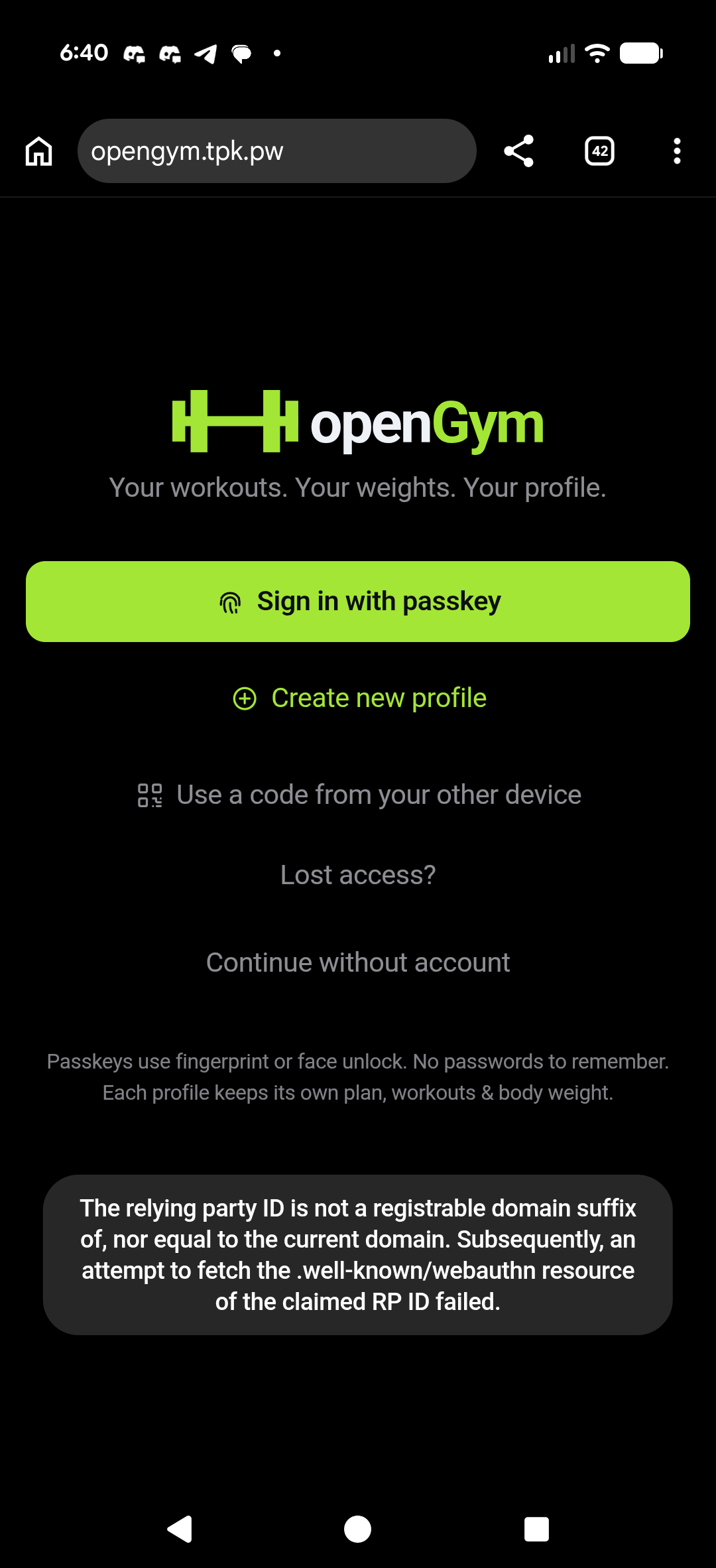
I went back to the .env and realized there are different settings for reverse proxies
builder@bosgamerz9:~/openGym$ vi .env
builder@bosgamerz9:~/openGym$ docker compose down
[+] down 4/4
 ✔ Container opengym-mcp-1 Removed                                                                                                                                                                     10.1s
 ✔ Container opengym-web-1 Removed                                                                                                                                                                      0.2s
 ✔ Container opengym-api-1 Removed                                                                                                                                                                     10.1s
 ✔ Network opengym_default Removed                                                                                                                                                                      0.1s
builder@bosgamerz9:~/openGym$ cat .env | grep -v ^# | sed '/^$/d'
RP_ID=opengym.tpk.pw
ORIGIN=https://opengym.tpk.pw
WEB_PORT=4179
RP_NAME=openGym
FIRST_USER_ADMIN=1
TRUST_PROXY=1
COMPOSE_PROFILES=mcp
MCP=on
builder@bosgamerz9:~/openGym$ docker compose up -d
[+] up 4/4
 ✔ Network opengym_default Created                                                                                                                                                                      0.0s
 ✔ Container opengym-api-1 Started                                                                                                                                                                      0.2s
 ✔ Container opengym-mcp-1 Started                                                                                                                                                                      0.3s
 ✔ Container opengym-web-1 Started
This time I was able to create an account with a passkey and login
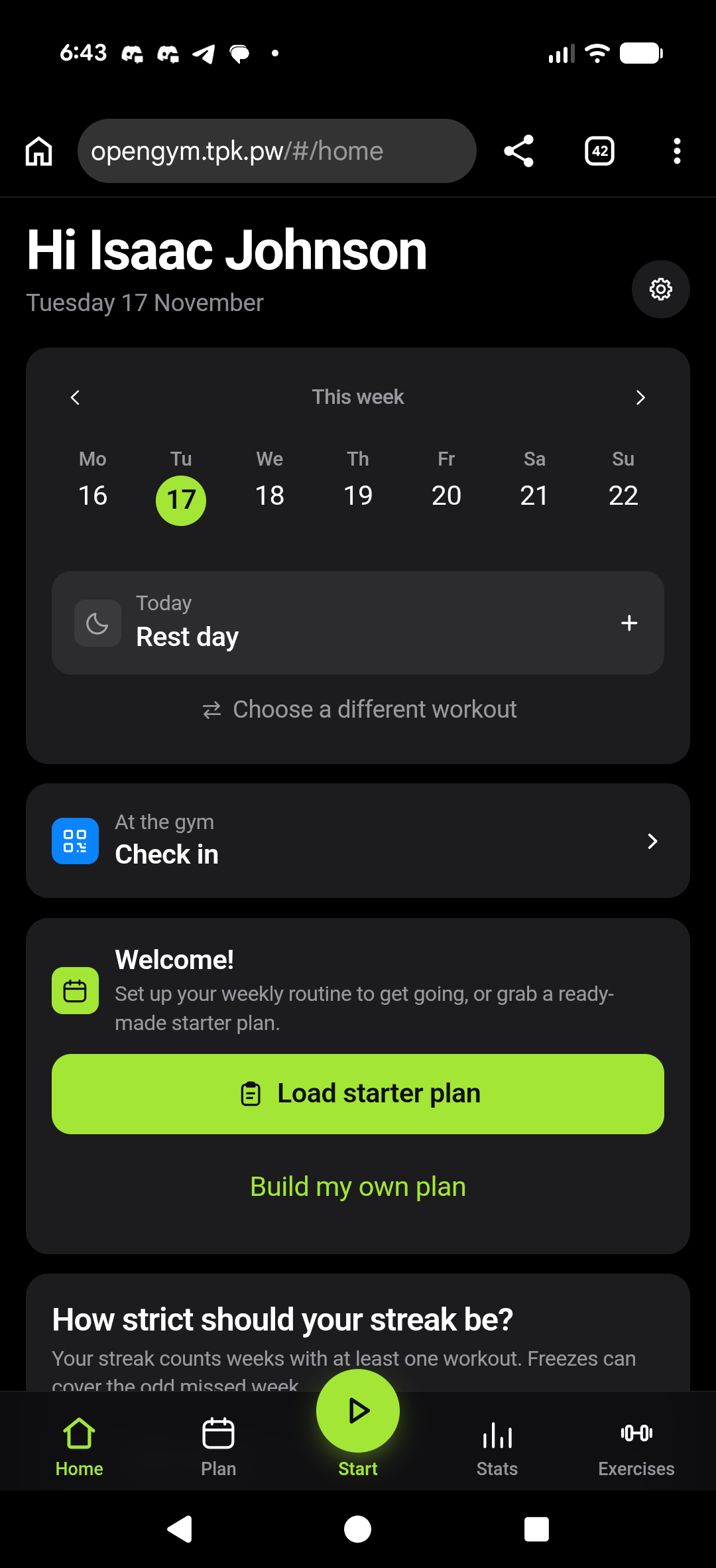
I might have my qualms with Chrome, but the fact the passkey is shared across my Pixel and local Linux desktop makes the login process nice (and no password to remember)
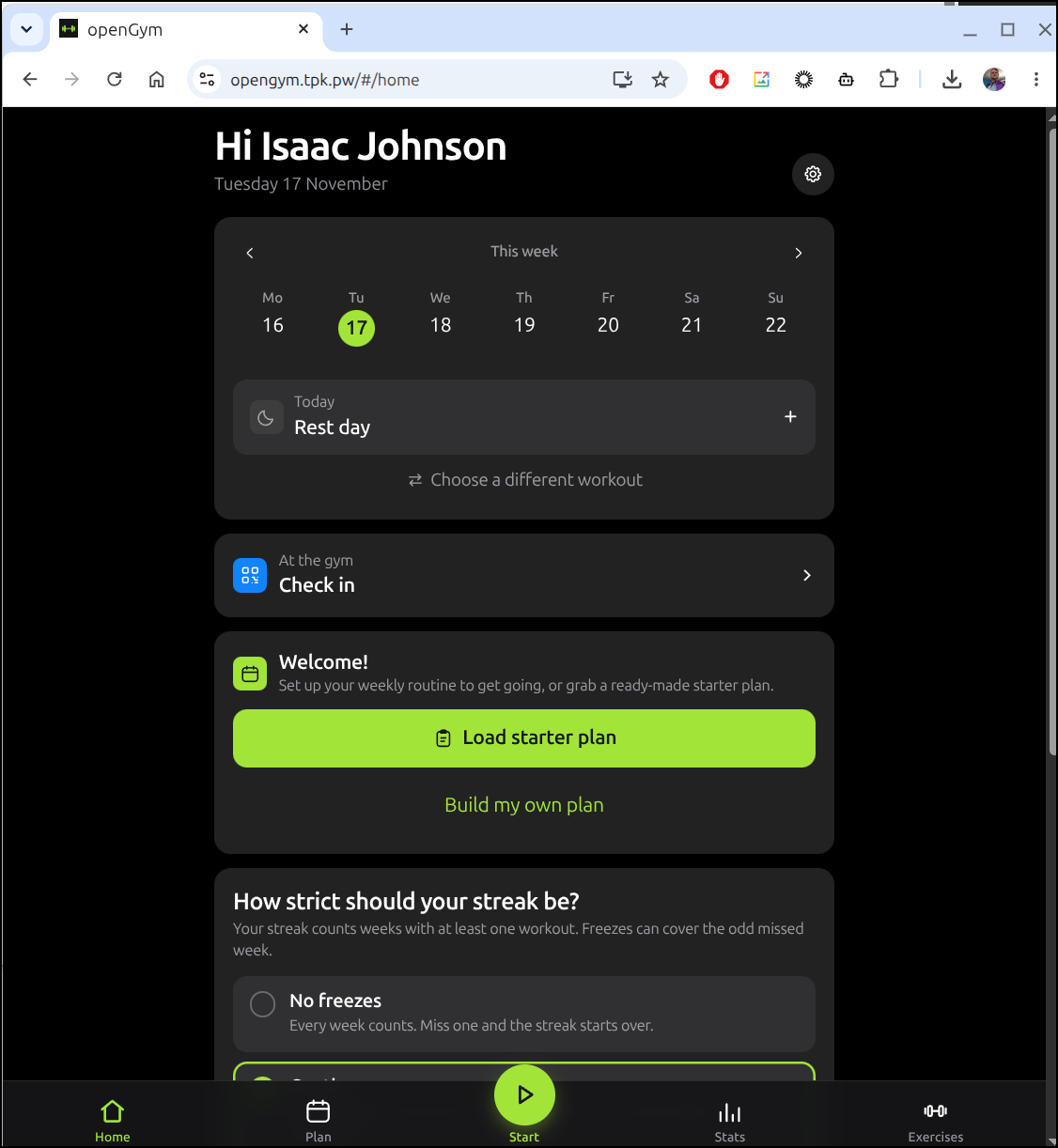
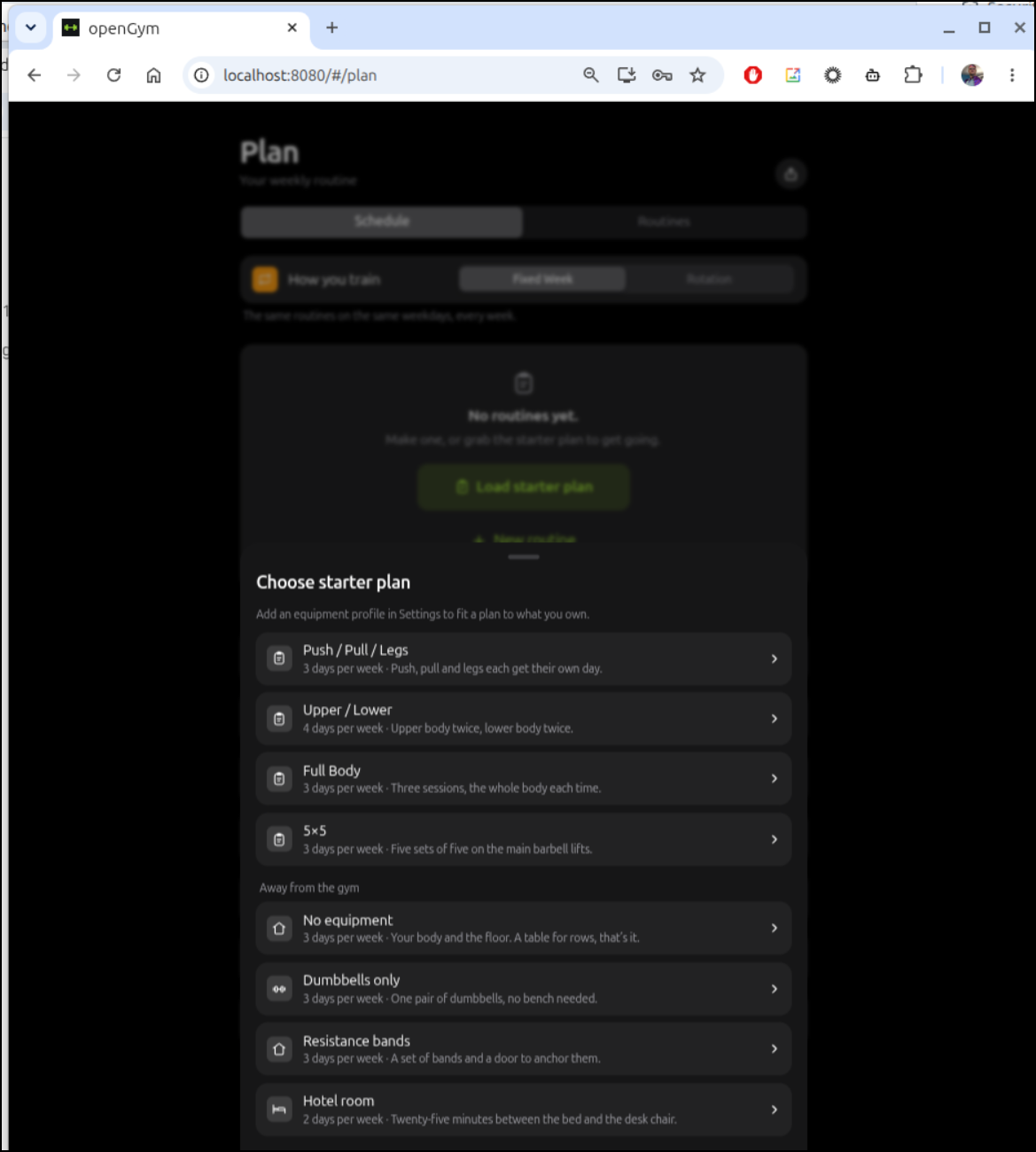
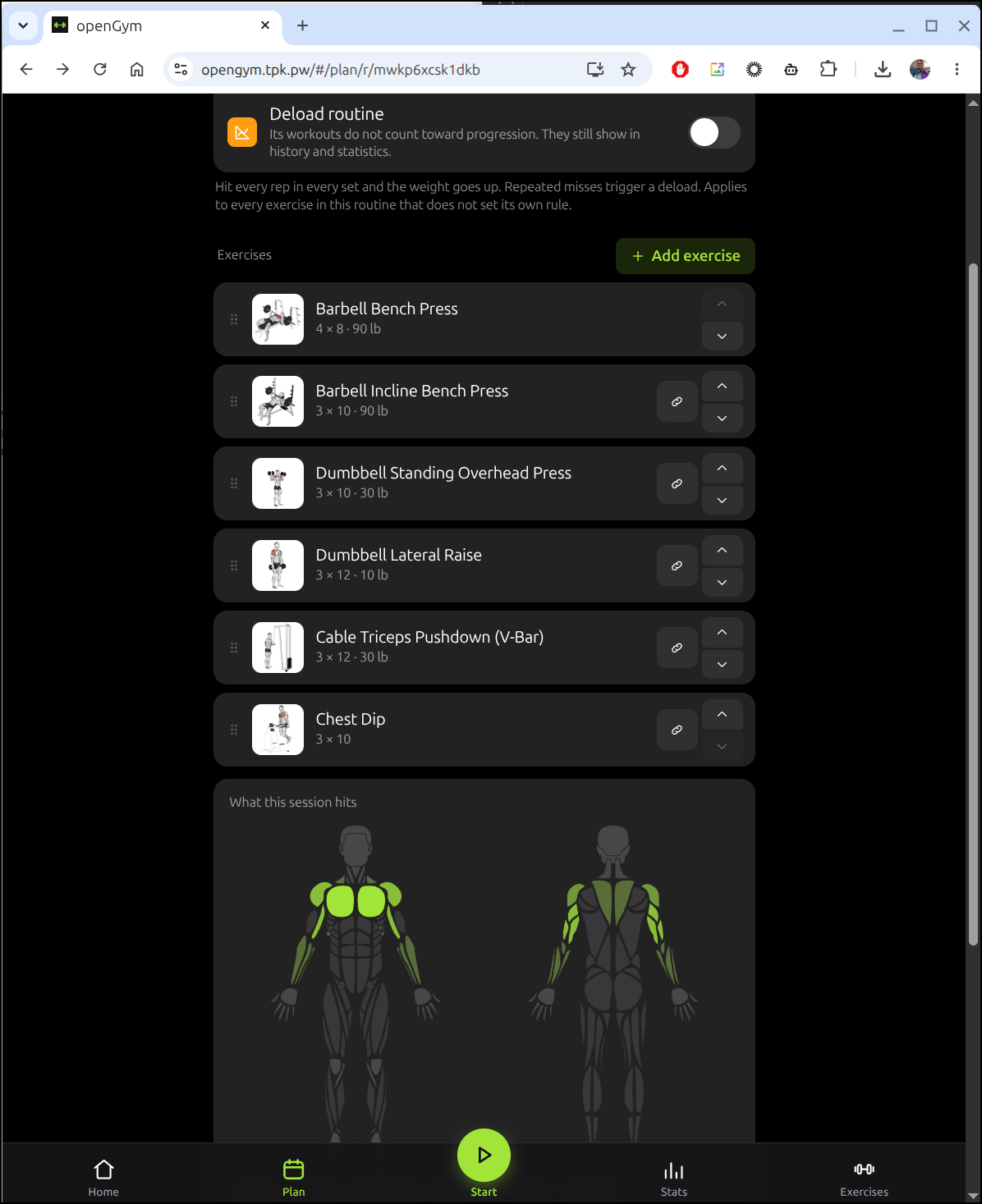
Now that I’m logged in, I loaded a starter plan of push, pull, legs
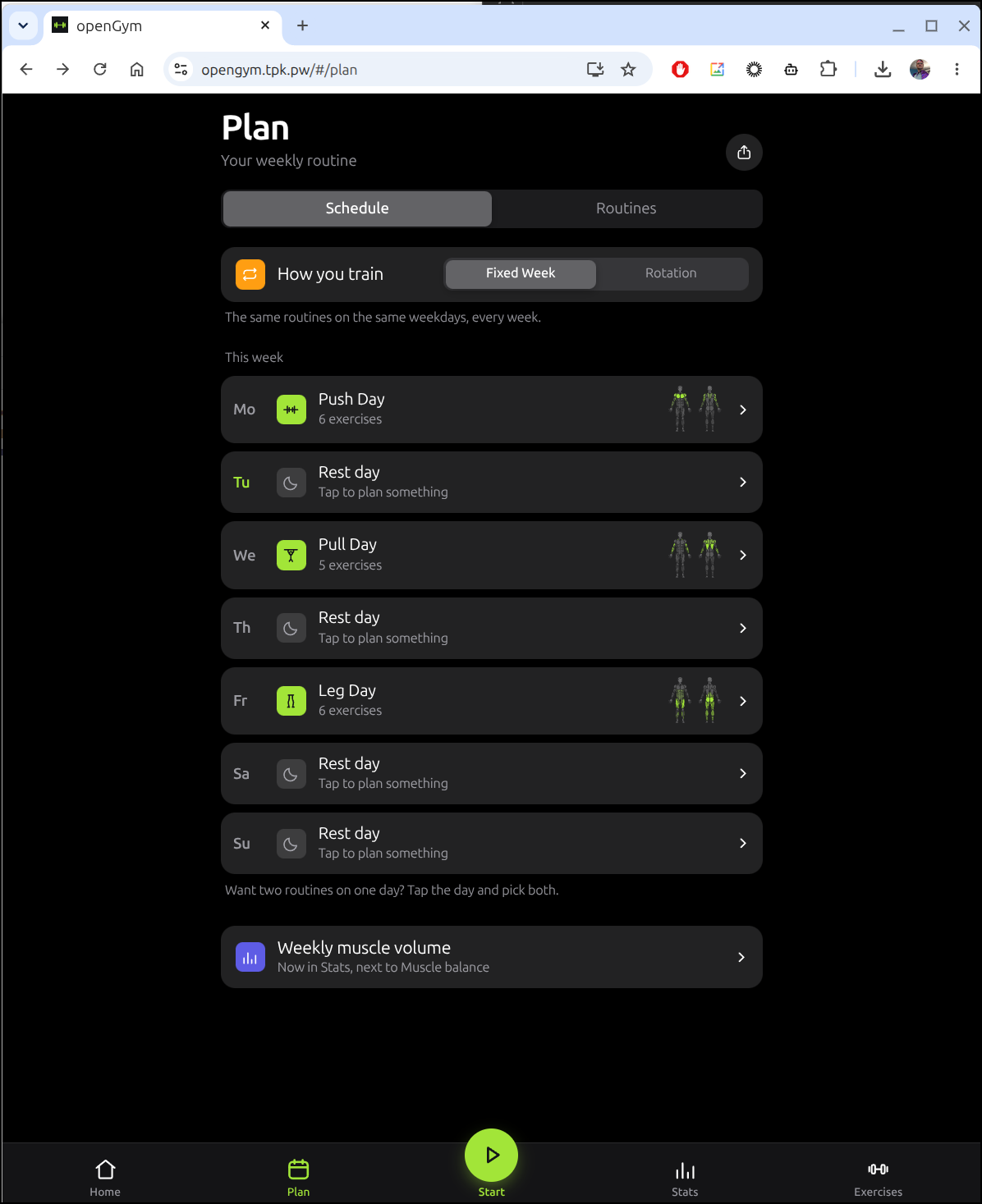
I know my gym has most of those available but I might have to sort out the chest dip if there isn’t something like it there
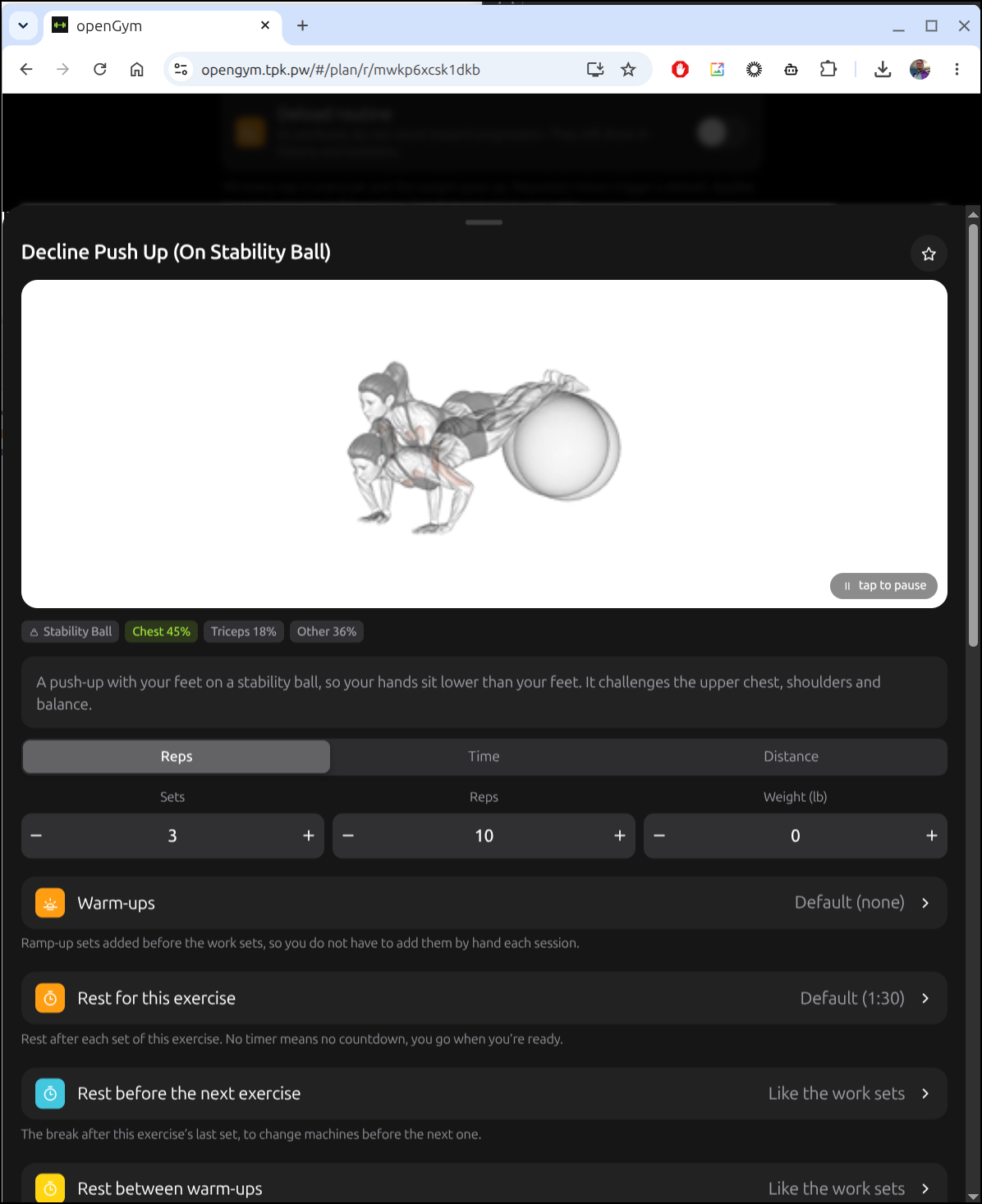
It allows for some backup exercises to be set. since these are not gifs, you can’t see that the image of the person is a short animation of the workout in question
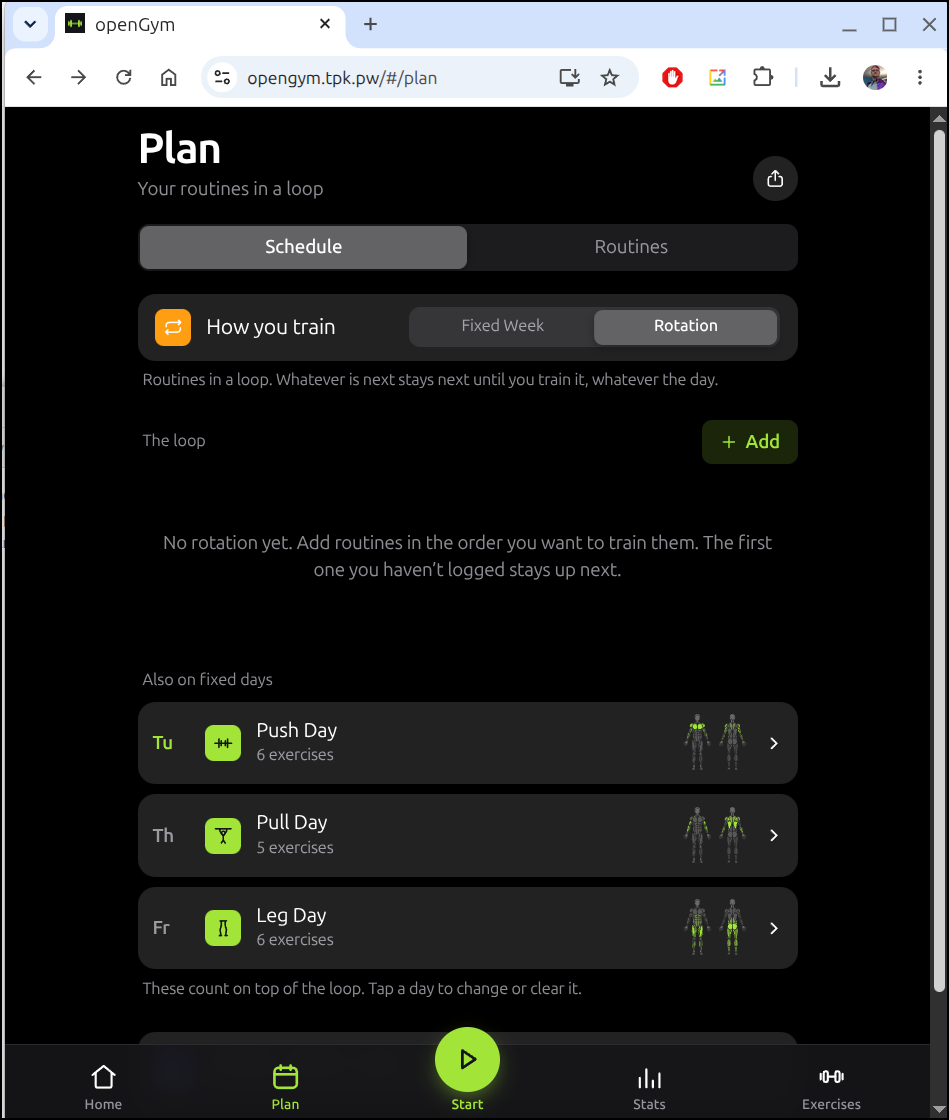
Because my gym workouts will, for now, need to be tied to when I’m in the office, I decided to just do a round robin routine style as opposed to per-day
Ente Toys
I went to look at using an Auth tool I bookmarked when I got absolutely lost on their Toys page
First up is consent.gg
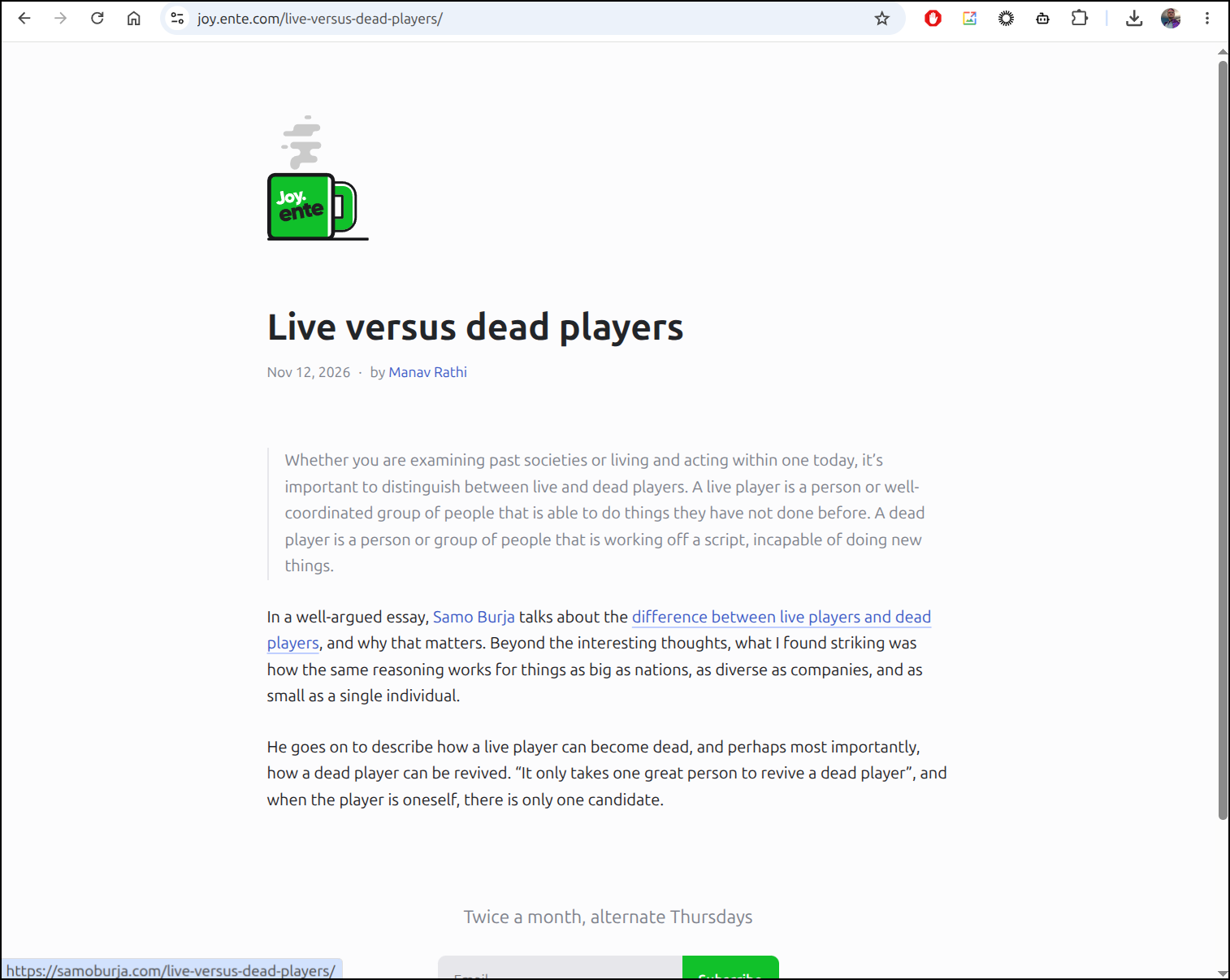
There is a Joy of Reading page
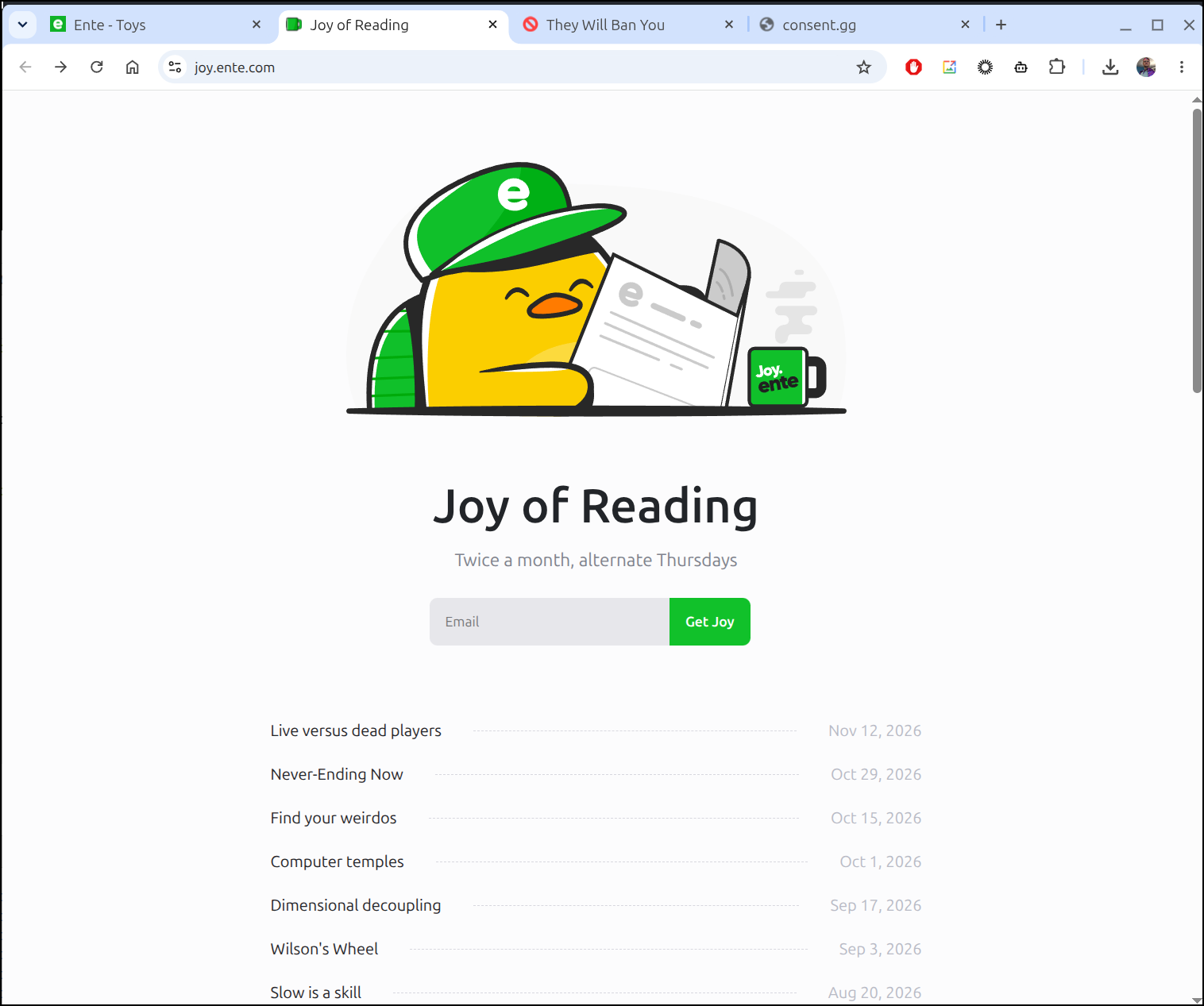
that has some well-written interesting blog posts (reminds me of metafilter from back in the day)
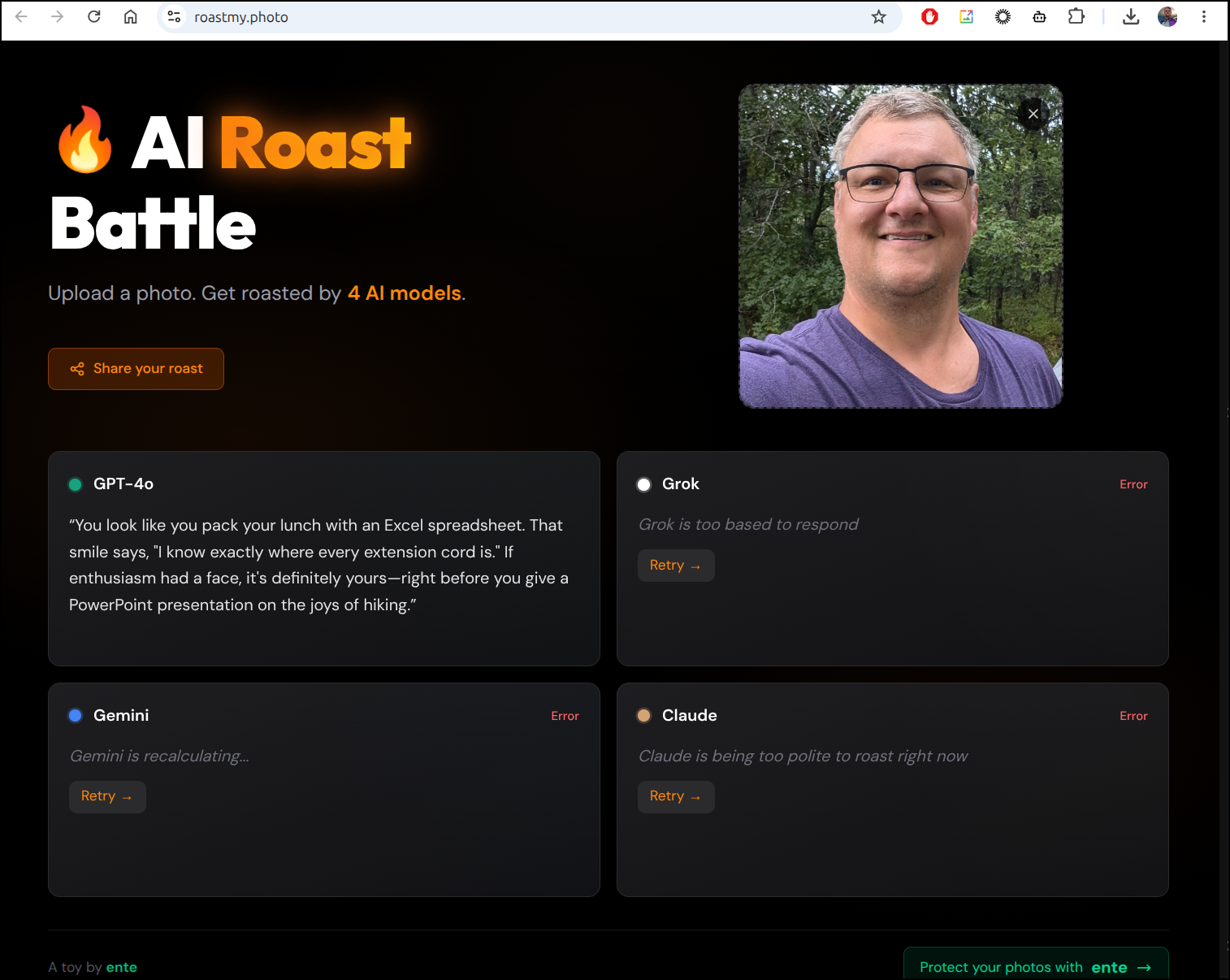
Then there is roastmy.photo
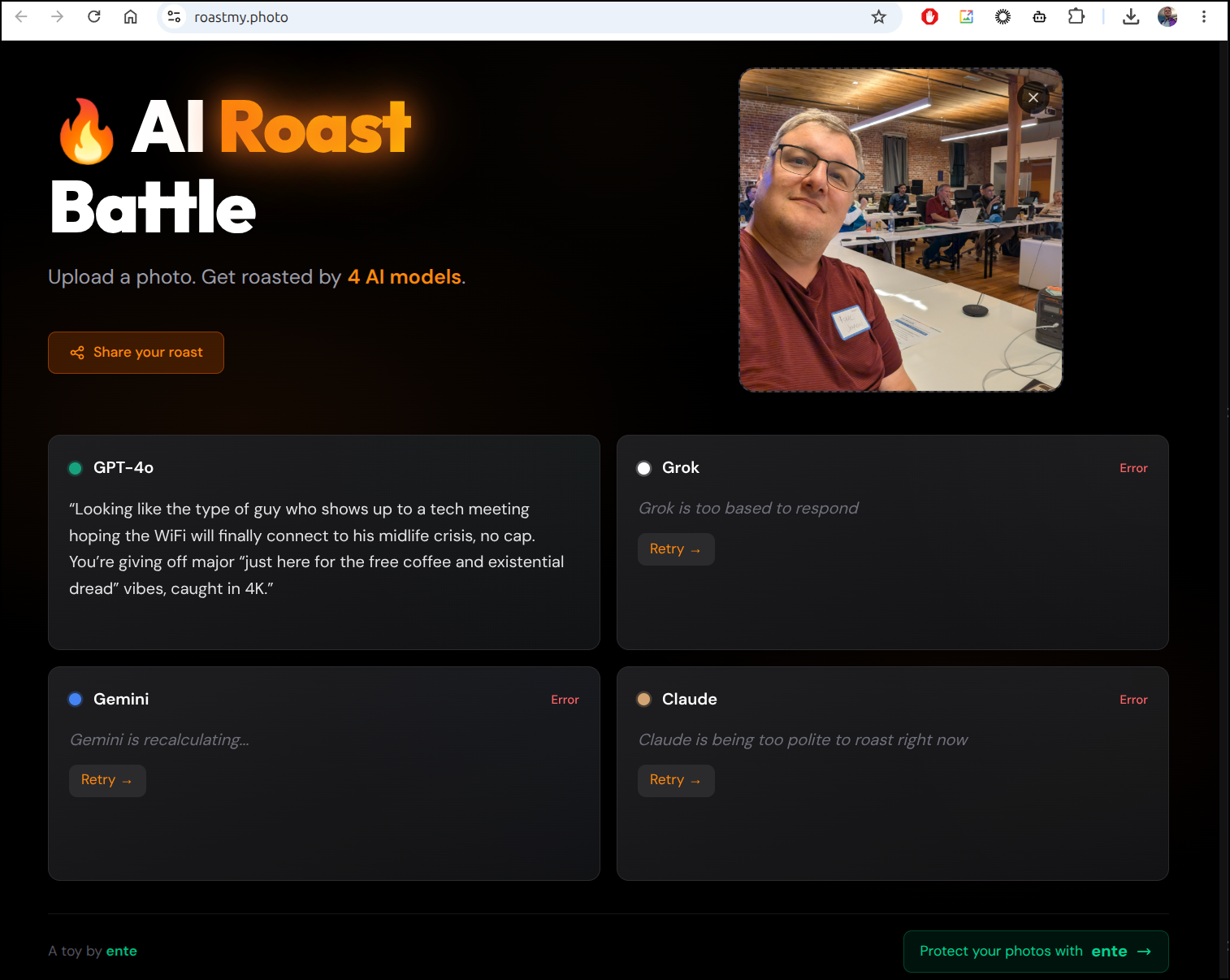
Even though only one of the four models worked for me, I actually laughed at the roast (was totally true)
and another, again, got me right
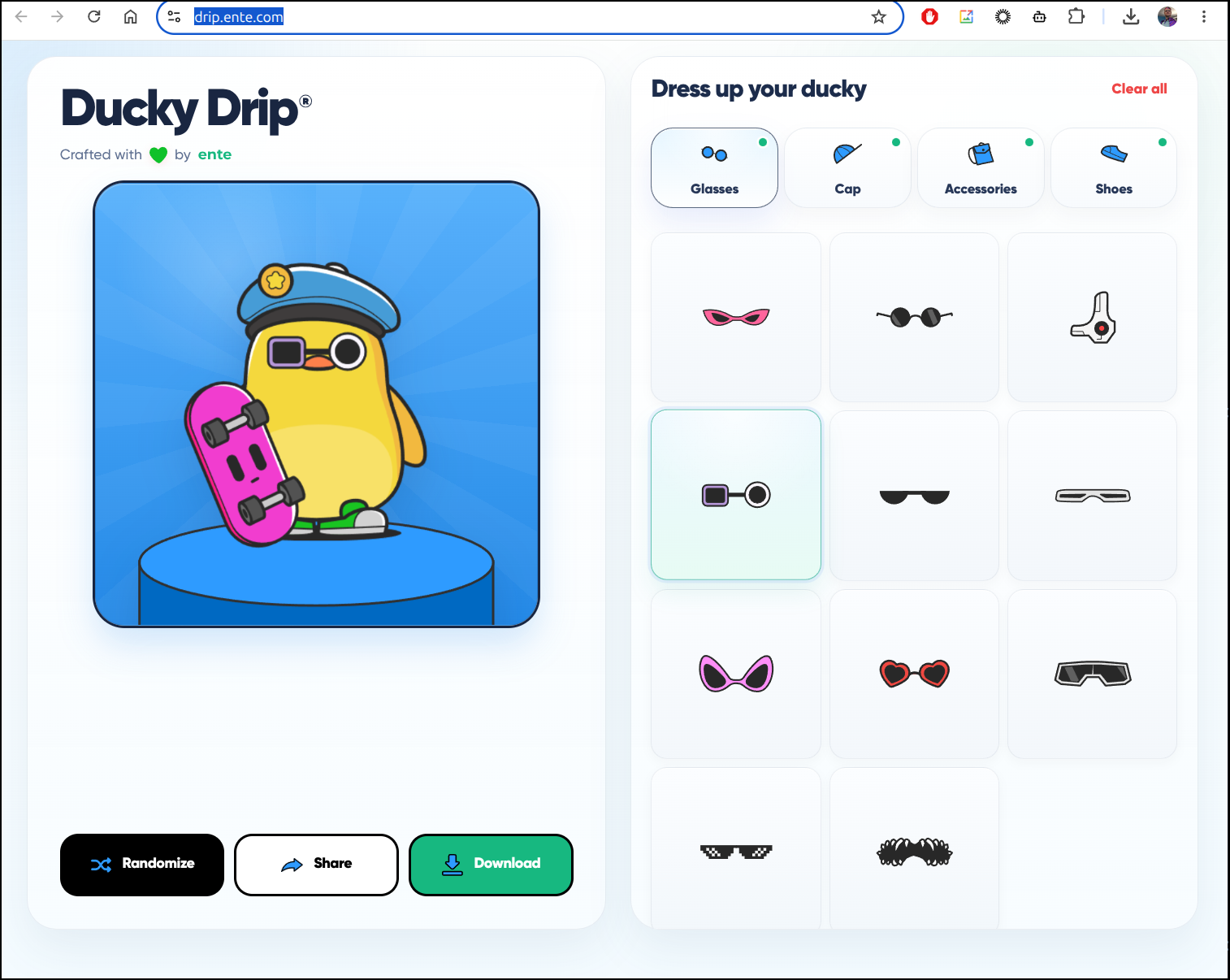
There is Ducky Drip which just let’s you customize a duck. Kind of fun
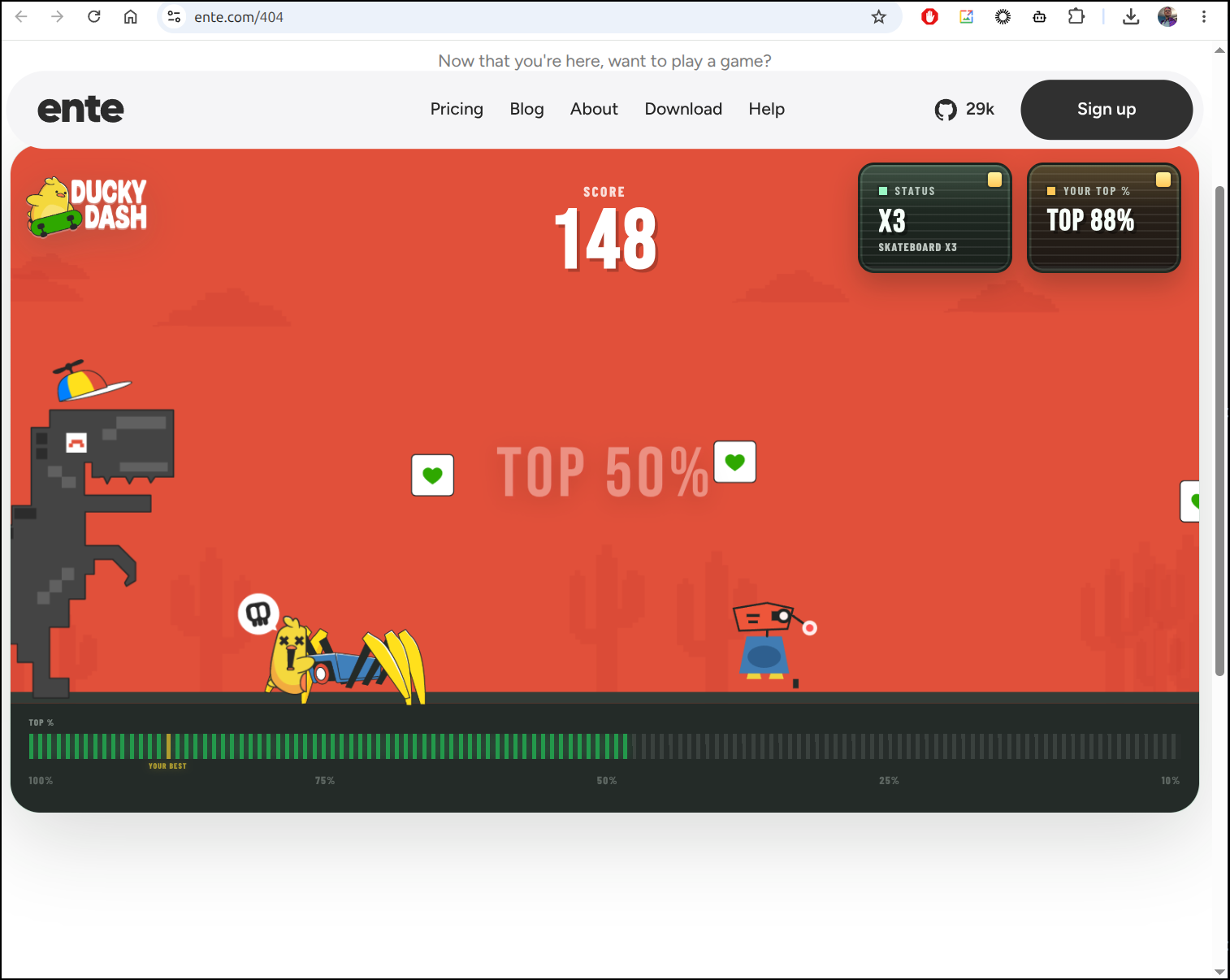
There is a fun game called 404 which is mostly just a side scroller to throw shade at AI tools and companies
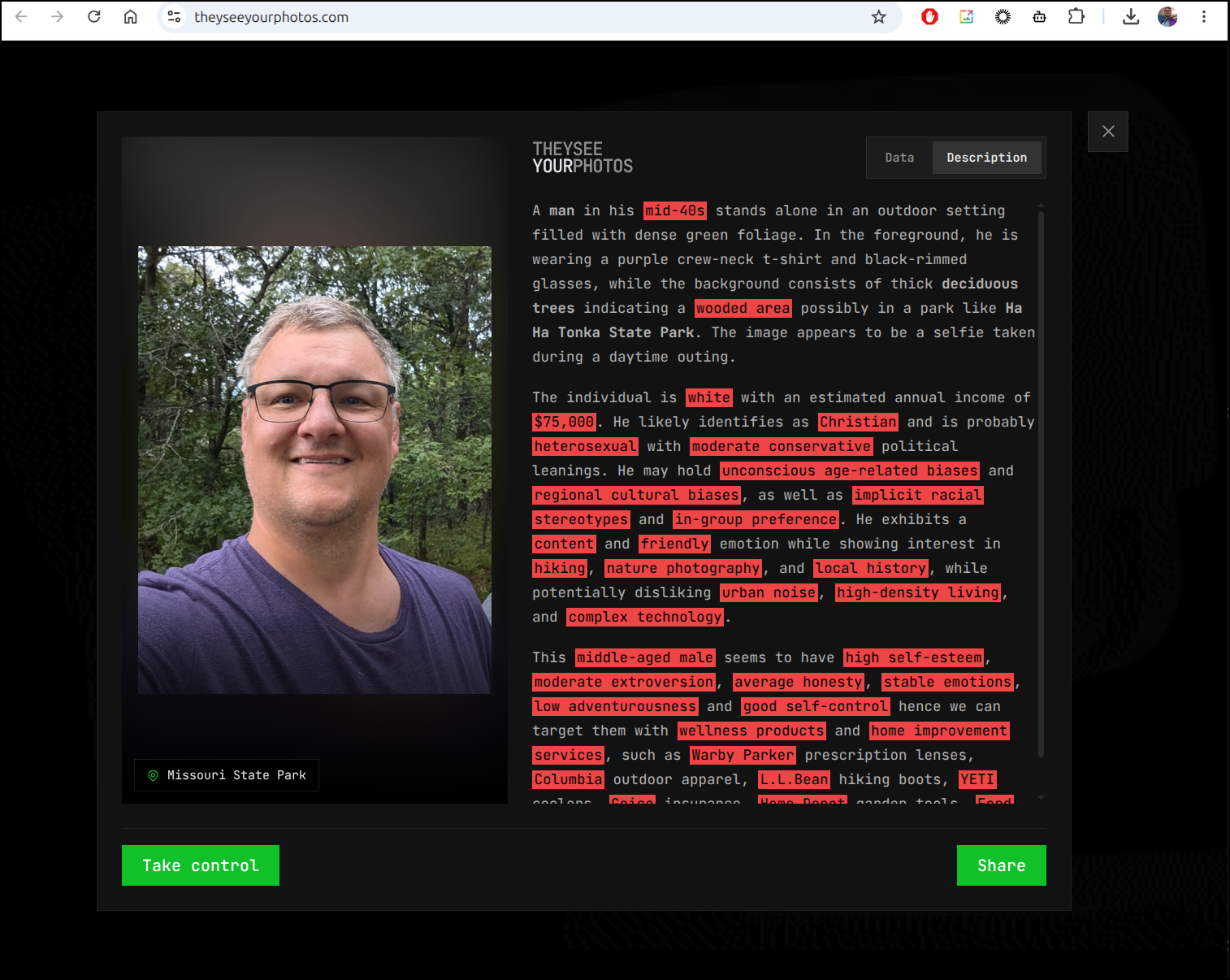
Lastly, they have a “They see your Photos” site where it shows what the AI’s can deduce from your photos
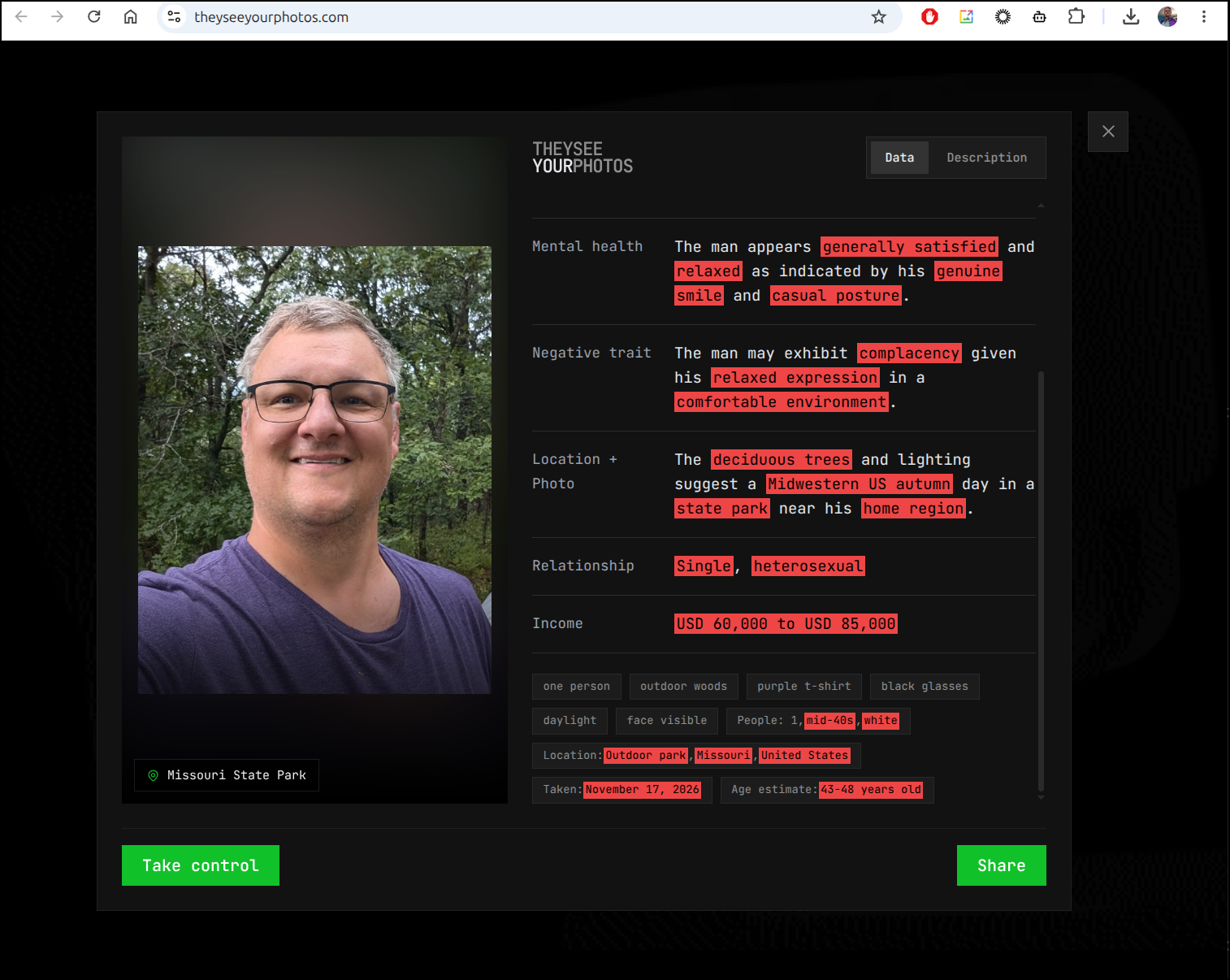
Going to the Data page showed a few very close details (not exact, but more on point than I expected). For instance, I’m roughly a bit over 47yo in that photo:
I recommend exploring all their toys here.
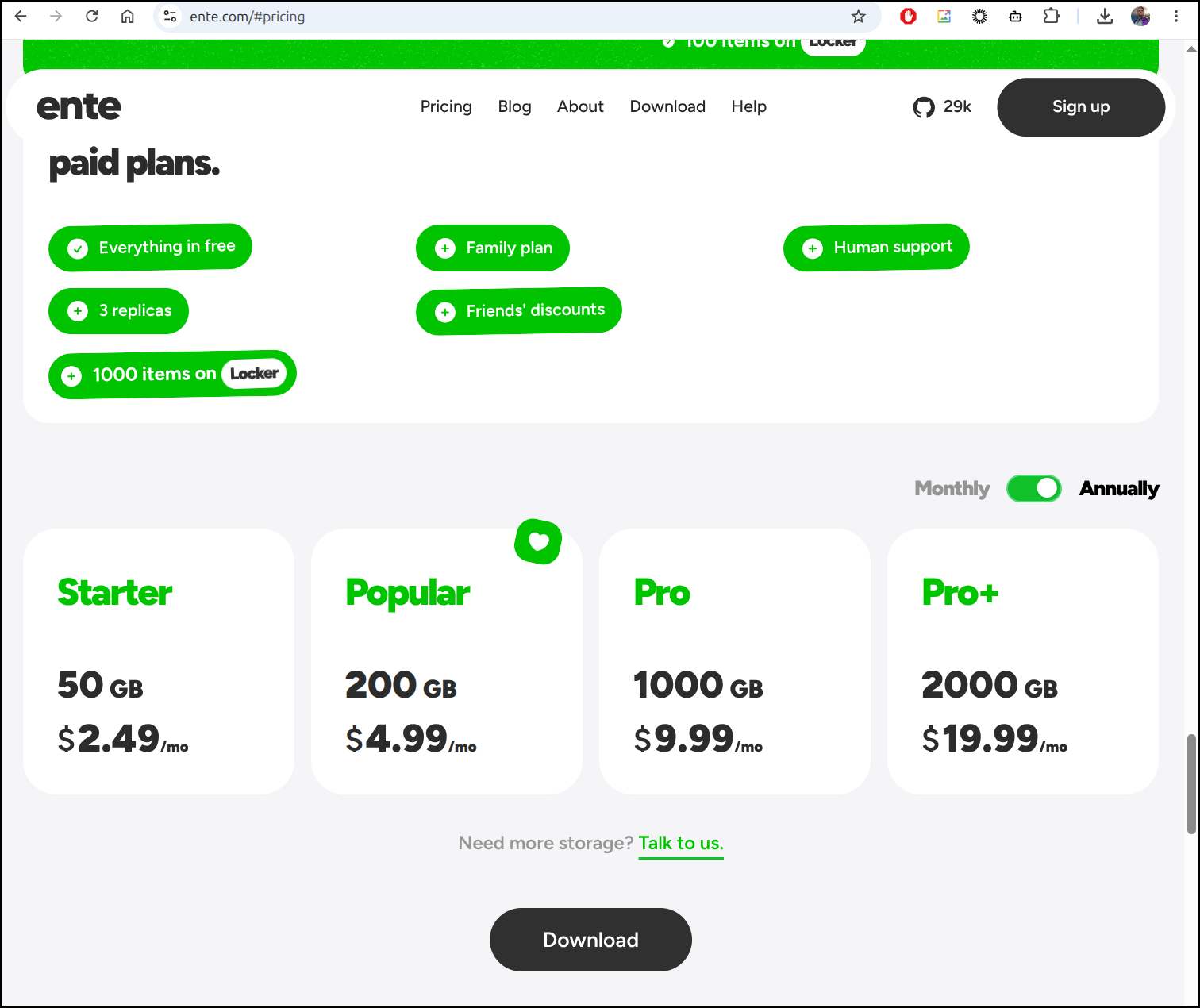
Pricing
I think the whole point of Ente is to make series of privacy-centric apps and support them.
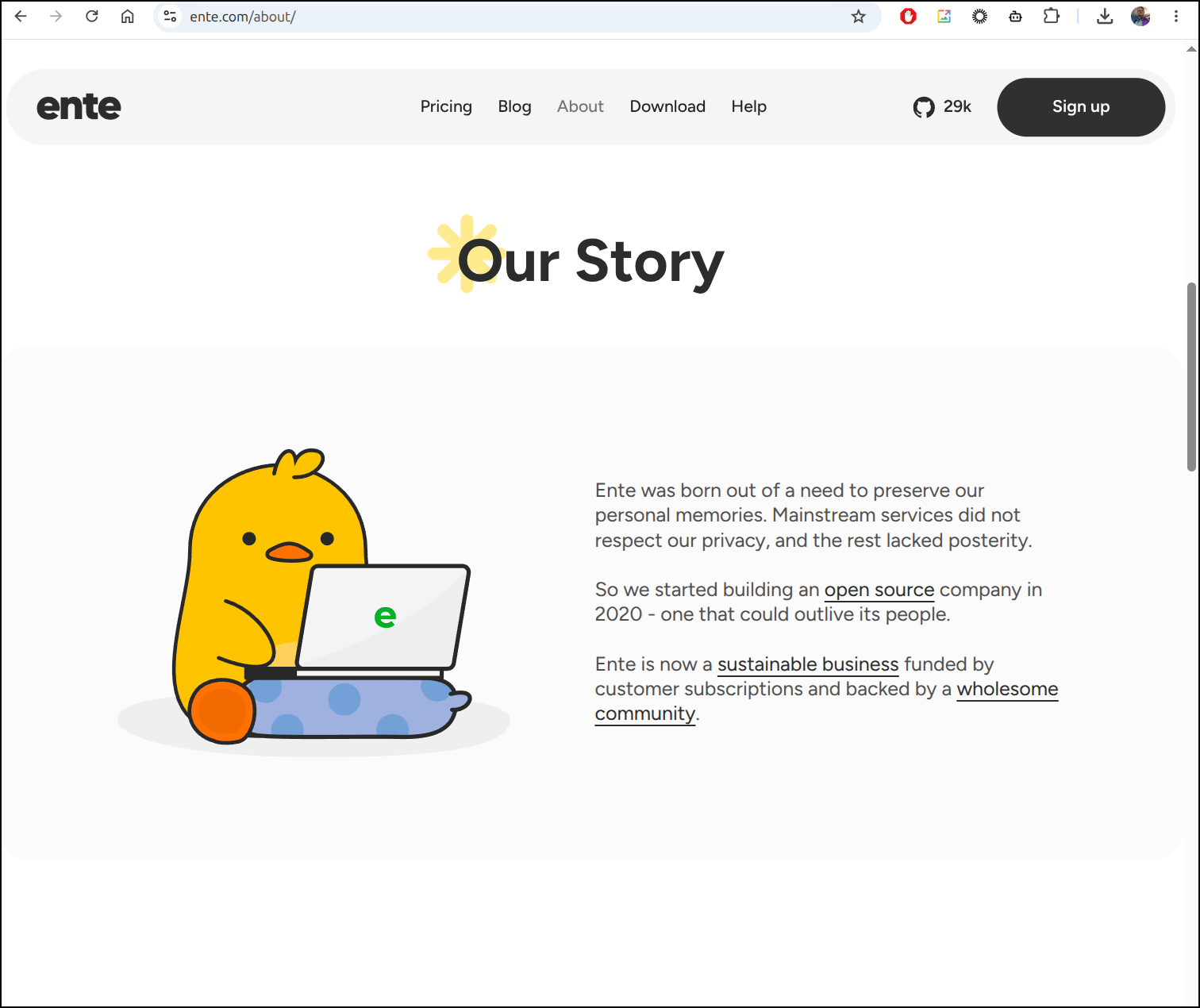
Thus they have a lot of free options, but they offer groups in “lockers” with backups and storage for a small fee:
Summary
We started with OpenGym and showed it running locally then externally with a mix of Docker and Kubernetes. I plan to try this out over the coming weeks and see if it sticks (I’m pretty bad at sticking with Gym workouts, but we’ll see).
The Ente site, which I had planned to just explore their Auth option, sucked me with the Toys site. I’ll come back to their more serious tools, but they have some utilities in there I didn’t cover above like a QR Code generator and Encrypted paste.
The pricing leads me to believe it’s more of a group of passionate OS folks that look to break even as it cannot make much money at their prices. Nothing wrong with that, by the way, just seems to give you a lot for very little in cost.