I’ve given talks before about n8n and chatbots. I’ve been using n8n for years now and have had a few articles about it. But in almost all cases, I’m running n8n locally in Docker or my local Kubernetes.
How hard would it be to pivot to using Cloud Compute? Could we run n8n in Cloud Run, especially as there are now persistent Cloud Run instances? What about GCP Cloud Compute? Could we even run some small LLM models in Ollama without the GPU tax? How would that compare with Gemini API keys or an SA that uses Agent Platform?
I really wanted to explore what it would take to move from my on-prem OS setup to a similar OS setup in GCP.
But because we like Tofu, let’s start with some good old fashioned IaC via OpenTofu
IAC me ASAP
I’ll start with some OpenTofu (terraform) code to spin up a Cloud Run container, which will be my front-end and a back-end Cloud SQL that will be the PostgreSQL backend database.
I’ll use a GCP GCS backend with the providers and set via the tfvars
isaac@isaac-G707:~/Workspaces/n8ngcp$ cat providers.tf
terraform {
  backend "gcs" {
    bucket = var.backend_bucket_name
    prefix = var.backend_prefix
  }

  required_version = ">= 1.0"

  required_providers {
    google = {
      source  = "hashicorp/google"
      version = "~> 6.0"
    }
    random = {
      source  = "hashicorp/random"
      version = "~> 3.0"
    }
  }
}

provider "google" {
  project = var.project_id
  region  = var.region
}
isaac@isaac-G707:~/Workspaces/n8ngcp$ cat terraform.tfvars
backend_bucket_name = "mytofustate"
project_id = "careful-compass-241122"
My functions.tf actually has a few things going on. We have a Cloud SQL, secrets, functions and some service user creation and IAM role tweaking
isaac@isaac-G707:~/Workspaces/n8ngcp$ cat functions.tf
# Enable required Google Cloud APIs
locals {
  required_Services = toset([
    "run.googleapis.com",
    "sqladmin.googleapis.com",
    "secretmanager.googleapis.com",
    "iam.googleapis.com",
  ])
}

resource "google_project_service" "required_apis" {
  for_each           = local.required_Services
  project            = var.project_id
  service            = each.value
  disable_on_destroy = false
}

# Random suffix for unique resource naming
resource "random_string" "suffix" {
  length  = 6
  special = false
  upper   = false
  lower   = true
  numeric = true
}

# Generate a random PostgreSQL password if not provided via var.db_password
resource "random_password" "db_password" {
  length  = 24
  special = false
}

# Generate a random N8N_ENCRYPTION_KEY if not provided via var.n8n_encryption_key
resource "random_password" "n8n_encryption_key" {
  length  = 42
  special = false
}

# Create the Cloud SQL for PostgreSQL instance (Durable Mode backing store for n8n)
resource "google_sql_database_instance" "n8n" {
  name                = coalesce(var.db_instance_name, "n8n-db-${random_string.suffix.result}")
  database_version    = var.db_version
  region              = var.region
  deletion_protection = var.db_deletion_protection

  settings {
    tier              = var.db_tier
    edition           = var.db_edition
    availability_type = "ZONAL"
    disk_size         = var.db_disk_size
    disk_type         = var.db_disk_type

    ip_configuration {
      ipv4_enabled = true
    }
  }

  depends_on = [google_project_service.required_apis]
}

# Create the n8n database
resource "google_sql_database" "n8n" {
  name     = var.db_name
  instance = google_sql_database_instance.n8n.name
}

# Create the n8n database user
resource "google_sql_user" "n8n" {
  name     = var.db_user
  instance = google_sql_database_instance.n8n.name
  password = coalesce(var.db_password, random_password.db_password.result)
}

# Store the database password in Secret Manager
resource "google_secret_manager_secret" "db_password" {
  secret_id = "n8n-db-password-${random_string.suffix.result}"

  replication {
    auto {}
  }

  depends_on = [google_project_service.required_apis]
}

resource "google_secret_manager_secret_version" "db_password" {
  secret      = google_secret_manager_secret.db_password.id
  secret_data = coalesce(var.db_password, random_password.db_password.result)
}

# Store the n8n encryption key in Secret Manager
resource "google_secret_manager_secret" "n8n_encryption_key" {
  secret_id = "n8n-encryption-key-${random_string.suffix.result}"

  replication {
    auto {}
  }

  depends_on = [google_project_service.required_apis]
}

resource "google_secret_manager_secret_version" "n8n_encryption_key" {
  secret      = google_secret_manager_secret.n8n_encryption_key.id
  secret_data = coalesce(var.n8n_encryption_key, random_password.n8n_encryption_key.result)
}

# Dedicated Service Account for the n8n Cloud Run service
resource "google_service_account" "n8n" {
  account_id   = coalesce(var.service_account_name, "n8n-sa-${random_string.suffix.result}")
  display_name = "n8n Service Account"

  depends_on = [google_project_service.required_apis]
}

# Grant the service account access to the database password secret
resource "google_secret_manager_secret_iam_member" "db_password_access" {
  secret_id = google_secret_manager_secret.db_password.id
  role      = "roles/secretmanager.secretAccessor"
  member    = "serviceAccount:${google_service_account.n8n.email}"
}

# Grant the service account access to the encryption key secret
resource "google_secret_manager_secret_iam_member" "encryption_key_access" {
  secret_id = google_secret_manager_secret.n8n_encryption_key.id
  role      = "roles/secretmanager.secretAccessor"
  member    = "serviceAccount:${google_service_account.n8n.email}"
}

# Grant the service account permission to connect to Cloud SQL
resource "google_project_iam_member" "cloudsql_client" {
  project = var.project_id
  role    = "roles/cloudsql.client"
  member  = "serviceAccount:${google_service_account.n8n.email}"
}

# Deploy n8n to Google Cloud Run (v2)
resource "google_cloud_run_v2_service" "n8n" {
  name                = coalesce(var.service_name, "n8n-${random_string.suffix.result}")
  location            = var.region
  ingress             = "INGRESS_TRAFFIC_ALL"
  deletion_protection = false

  template {
    service_account = google_service_account.n8n.email

    scaling {
      min_instance_count = var.min_instance_count
      max_instance_count = var.max_instance_count
    }

    volumes {
      name = "cloudsql"
      cloud_sql_instance {
        instances = [google_sql_database_instance.n8n.connection_name]
      }
    }

    containers {
      image   = "${var.container_image_name}:${var.container_image_tag}"
      command = ["/bin/sh"]
      args    = ["-c", "sleep 5; n8n start"]

      ports {
        container_port = 5678
      }

      resources {
        limits = {
          cpu    = var.cpu
          memory = var.memory
        }
        cpu_idle          = var.cpu_idle
        startup_cpu_boost = true
      }

      volume_mounts {
        name       = "cloudsql"
        mount_path = "/cloudsql"
      }

      startup_probe {
        tcp_socket {
          port = 5678
        }
        initial_delay_seconds = 10
        period_seconds        = 10
        timeout_seconds       = 5
        failure_threshold     = 12
      }

      env {
        name  = "N8N_PORT"
        value = "5678"
      }

      env {
        name  = "N8N_PROTOCOL"
        value = "https"
      }

      env {
        name  = "N8N_USER_FOLDER"
        value = "/home/node"
      }

      env {
        name  = "GENERIC_TIMEZONE"
        value = var.timezone
      }

      env {
        name  = "QUEUE_HEALTH_CHECK_ACTIVE"
        value = "true"
      }

      env {
        name  = "DB_TYPE"
        value = "postgresdb"
      }

      env {
        name  = "DB_POSTGRESDB_DATABASE"
        value = google_sql_database.n8n.name
      }

      env {
        name  = "DB_POSTGRESDB_USER"
        value = google_sql_user.n8n.name
      }

      env {
        name  = "DB_POSTGRESDB_HOST"
        value = "/cloudsql/${google_sql_database_instance.n8n.connection_name}"
      }

      env {
        name  = "DB_POSTGRESDB_PORT"
        value = "5432"
      }

      env {
        name  = "DB_POSTGRESDB_SCHEMA"
        value = "public"
      }

      env {
        name = "DB_POSTGRESDB_PASSWORD"
        value_source {
          secret_key_ref {
            secret  = google_secret_manager_secret.db_password.secret_id
            version = "latest"
          }
        }
      }

      env {
        name = "N8N_ENCRYPTION_KEY"
        value_source {
          secret_key_ref {
            secret  = google_secret_manager_secret.n8n_encryption_key.secret_id
            version = "latest"
          }
        }
      }

      dynamic "env" {
        for_each = var.webhook_url != "" ? [var.webhook_url] : []
        content {
          name  = "WEBHOOK_URL"
          value = env.value
        }
      }

      dynamic "env" {
        for_each = var.webhook_url != "" ? [var.webhook_url] : []
        content {
          name  = "N8N_EDITOR_BASE_URL"
          value = env.value
        }
      }
    }
  }

  depends_on = [
    google_project_service.required_apis,
    google_secret_manager_secret_version.db_password,
    google_secret_manager_secret_version.n8n_encryption_key,
    google_secret_manager_secret_iam_member.db_password_access,
    google_secret_manager_secret_iam_member.encryption_key_access,
    google_project_iam_member.cloudsql_client,
  ]
}

# Allow unauthenticated public access to the Cloud Run service if enabled
resource "google_cloud_run_v2_service_iam_member" "public_access" {
  count    = var.allow_unauthenticated ? 1 : 0
  project  = google_cloud_run_v2_service.n8n.project
  location = google_cloud_run_v2_service.n8n.location
  name     = google_cloud_run_v2_service.n8n.name
  role     = "roles/run.invoker"
  member   = "allUsers"
}
It might be a bit of a spoiler, but later one we will need to come back and add the exposed Cloud Run URL to the Tofu,
e.g.
    env {
        name  = "WEBHOOK_URL"
        value = "https://n8n-7zgac0-243917726587.us-central1.run.app/"
    }
Lastly, I’ll want to get the CloudRun URL after the tofu apply finishes. We can add that to the outputs.tf
isaac@isaac-G707:~/Workspaces/n8ngcp$ cat outputs.tf
# Terraform outputs
output "service_name" {
  description = "The name of the deployed n8n Cloud Run service."
  value       = google_cloud_run_v2_service.n8n.name
}

output "service_url" {
  description = "The public HTTPS URL of the deployed n8n Cloud Run service."
  value       = google_cloud_run_v2_service.n8n.uri
}

output "service_account_email" {
  description = "The email of the service account running the n8n Cloud Run service."
  value       = google_service_account.n8n.email
}

output "db_instance_name" {
  description = "The name of the Cloud SQL PostgreSQL instance."
  value       = google_sql_database_instance.n8n.name
}

output "db_connection_name" {
  description = "The Cloud SQL instance connection name used by the Cloud SQL Auth Proxy."
  value       = google_sql_database_instance.n8n.connection_name
}
Note: if you don’t get there, or forget, it still shows up in the GCP Cloud Console
Or, another fun fact (i mentioned this earlier too), another plan will show you the URL should you have applied it manually in the Cloud Console (as I did when i was debugging):
isaac@isaac-G707:~/Workspaces/n8ngcp$ tofu plan
random_string.suffix: Refreshing state... [id=7zgac0]
random_password.db_password: Refreshing state... [id=none]
random_password.n8n_encryption_key: Refreshing state... [id=none]
google_project_service.required_apis["iam.googleapis.com"]: Refreshing state... [id=careful-compass-241122/iam.googleapis.com]
google_project_service.required_apis["run.googleapis.com"]: Refreshing state... [id=careful-compass-241122/run.googleapis.com]
google_project_service.required_apis["sqladmin.googleapis.com"]: Refreshing state... [id=careful-compass-241122/sqladmin.googleapis.com]
google_project_service.required_apis["secretmanager.googleapis.com"]: Refreshing state... [id=careful-compass-241122/secretmanager.googleapis.com]
google_service_account.n8n: Refreshing state... [id=projects/careful-compass-241122/serviceAccounts/n8n-sa-7zgac0@careful-compass-241122.iam.gserviceaccount.com]
google_secret_manager_secret.db_password: Refreshing state... [id=projects/careful-compass-241122/secrets/n8n-db-password-7zgac0]
google_secret_manager_secret.n8n_encryption_key: Refreshing state... [id=projects/careful-compass-241122/secrets/n8n-encryption-key-7zgac0]
google_sql_database_instance.n8n: Refreshing state... [id=n8n-db-7zgac0]
google_secret_manager_secret_version.db_password: Refreshing state... [id=projects/243917726587/secrets/n8n-db-password-7zgac0/versions/1]
google_secret_manager_secret_version.n8n_encryption_key: Refreshing state... [id=projects/243917726587/secrets/n8n-encryption-key-7zgac0/versions/1]
google_project_iam_member.cloudsql_client: Refreshing state... [id=careful-compass-241122/roles/cloudsql.client/serviceAccount:n8n-sa-7zgac0@careful-compass-241122.iam.gserviceaccount.com]
google_secret_manager_secret_iam_member.db_password_access: Refreshing state... [id=projects/careful-compass-241122/secrets/n8n-db-password-7zgac0/roles/secretmanager.secretAccessor/serviceAccount:n8n-sa-7zgac0@careful-compass-241122.iam.gserviceaccount.com]
google_secret_manager_secret_iam_member.encryption_key_access: Refreshing state... [id=projects/careful-compass-241122/secrets/n8n-encryption-key-7zgac0/roles/secretmanager.secretAccessor/serviceAccount:n8n-sa-7zgac0@careful-compass-241122.iam.gserviceaccount.com]
google_sql_database.n8n: Refreshing state... [id=projects/careful-compass-241122/instances/n8n-db-7zgac0/databases/n8n]
google_sql_user.n8n: Refreshing state... [id=n8n-user//n8n-db-7zgac0]
google_cloud_run_v2_service.n8n: Refreshing state... [id=projects/careful-compass-241122/locations/us-central1/services/n8n-7zgac0]
google_cloud_run_v2_service_iam_member.public_access[0]: Refreshing state... [id=projects/careful-compass-241122/locations/us-central1/services/n8n-7zgac0/roles/run.invoker/allUsers]

OpenTofu used the selected providers to generate the following execution plan. Resource actions are indicated with the following
symbols:
  ~ update in-place (current -> planned)

OpenTofu will perform the following actions:

  # google_cloud_run_v2_service.n8n will be updated in-place
  ~ resource "google_cloud_run_v2_service" "n8n" {
      - client                  = "cloud-console" -> null
        id                      = "projects/careful-compass-241122/locations/us-central1/services/n8n-7zgac0"
        name                    = "n8n-7zgac0"
        # (28 unchanged attributes hidden)

      - scaling {
          - manual_instance_count = 0 -> null
          - min_instance_count    = 1 -> null
        }

      ~ template {
            # (7 unchanged attributes hidden)

          ~ containers {
                # (5 unchanged attributes hidden)

              - env {
                  - name  = "WEBHOOK_URL" -> null
                  - value = "https://n8n-7zgac0-243917726587.us-central1.run.app/" -> null
                }

                # (17 unchanged blocks hidden)
            }

            # (2 unchanged blocks hidden)
        }

        # (1 unchanged block hidden)
    }

Plan: 0 to add, 1 to change, 0 to destroy.
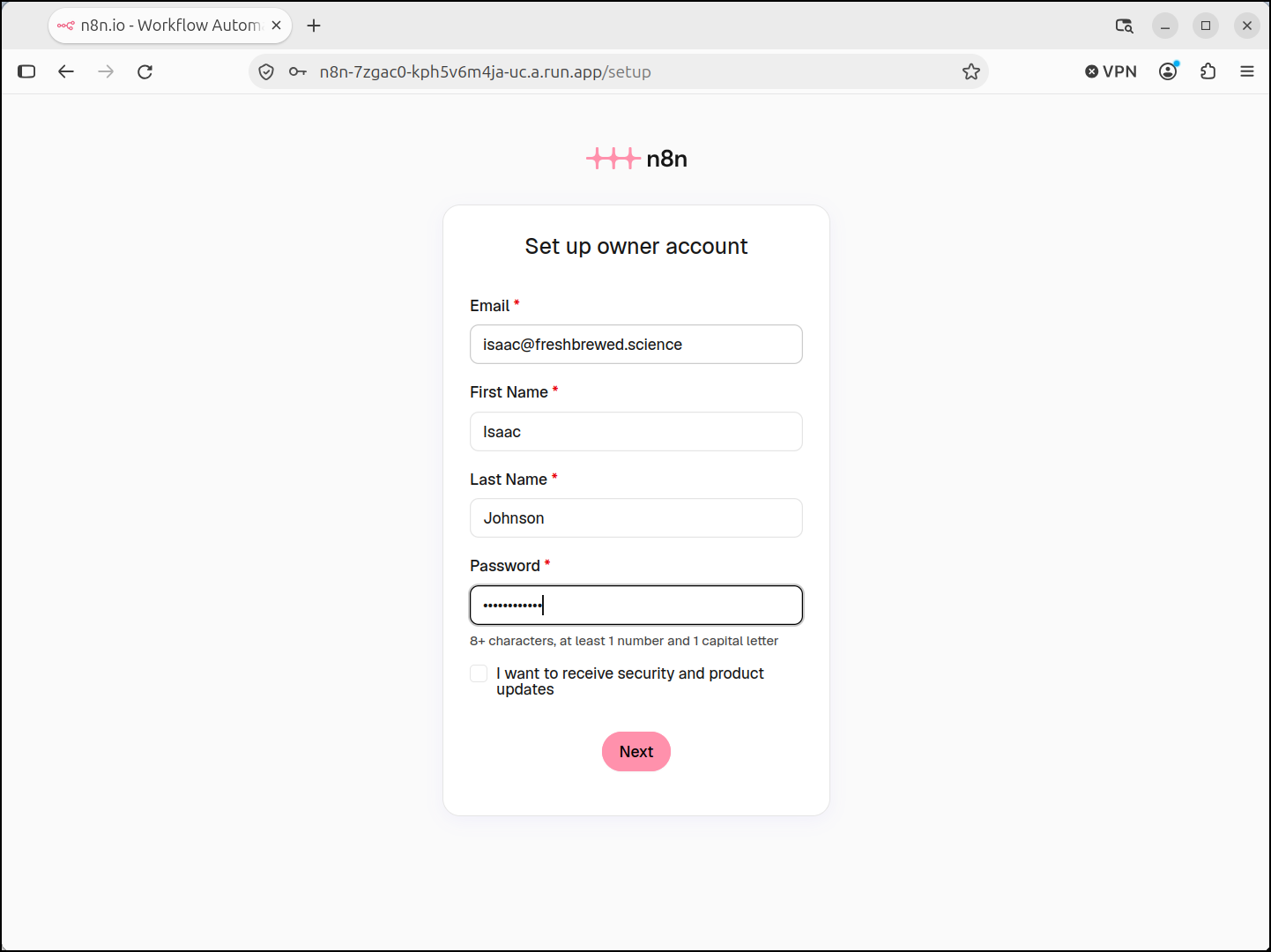
That said, once Cloud Run started up, I could reach the instance and create the admin account
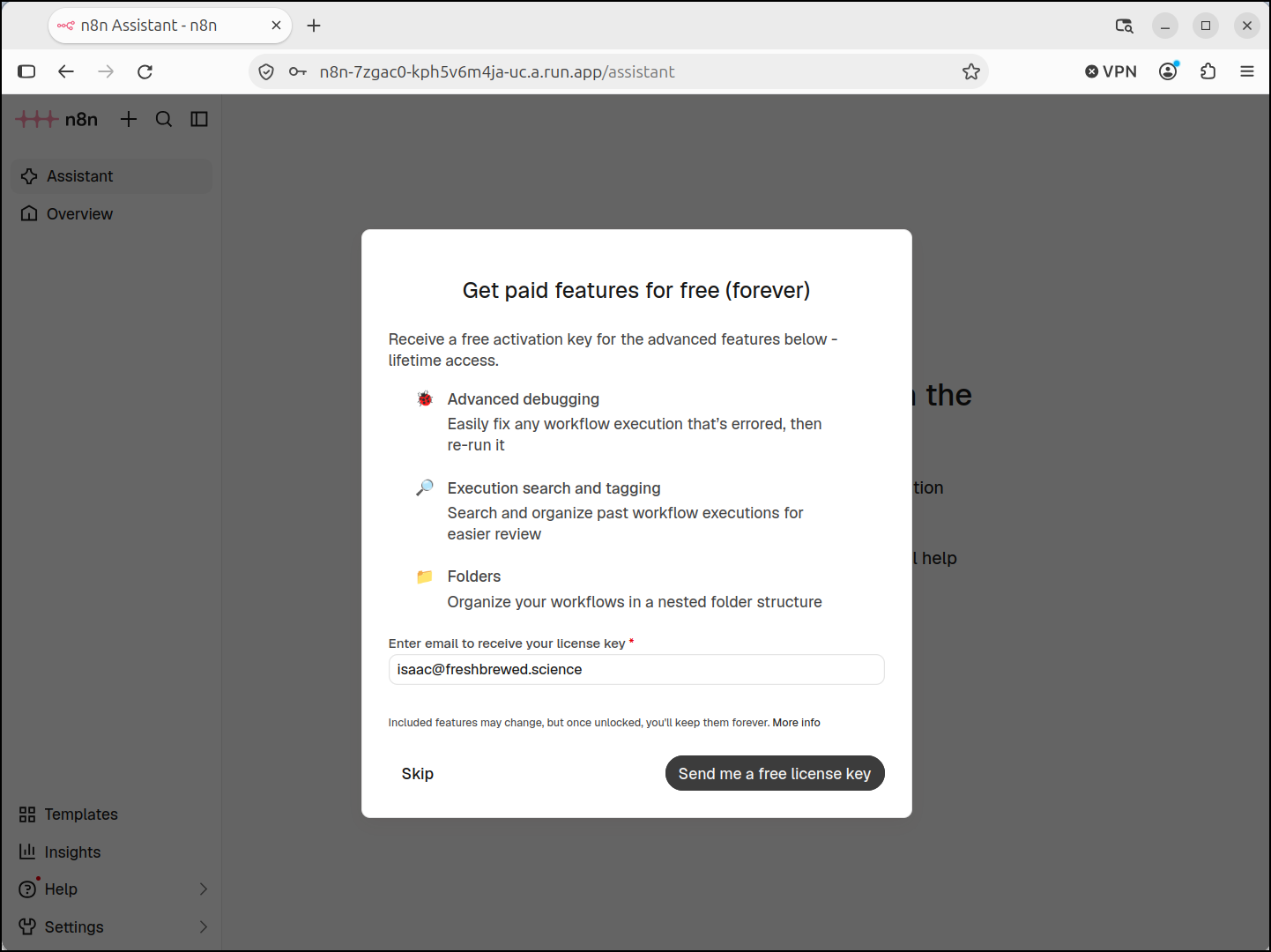
Oddly it wanted to give me a free license key (?i guess because i said i was not using it for work)
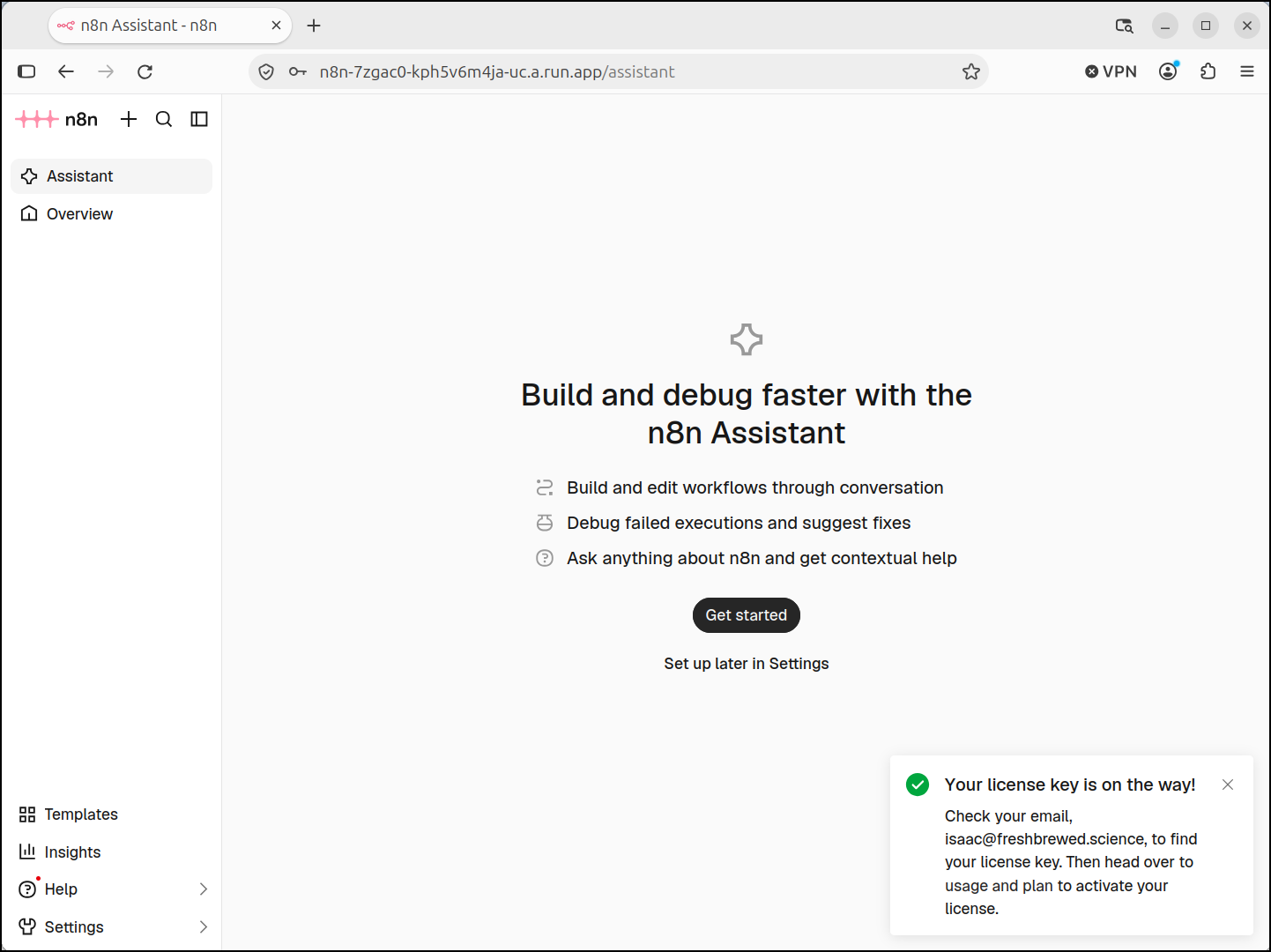
And it told me to check my inbox
I tried importing from my own n8n hosted instance a JSON file.
My problem is the n8n instance went offline almost immediately.
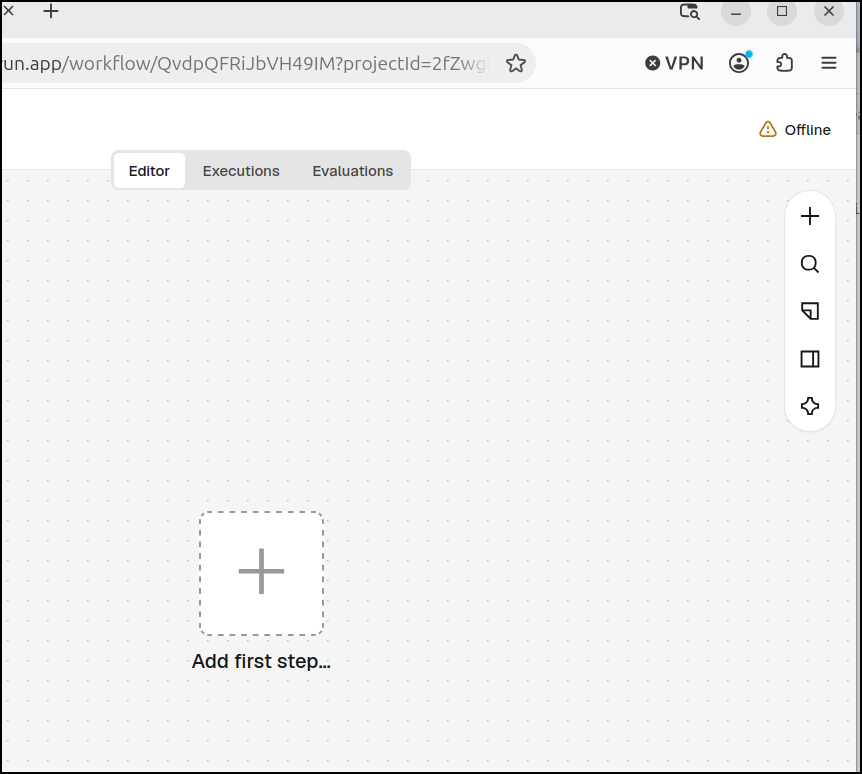
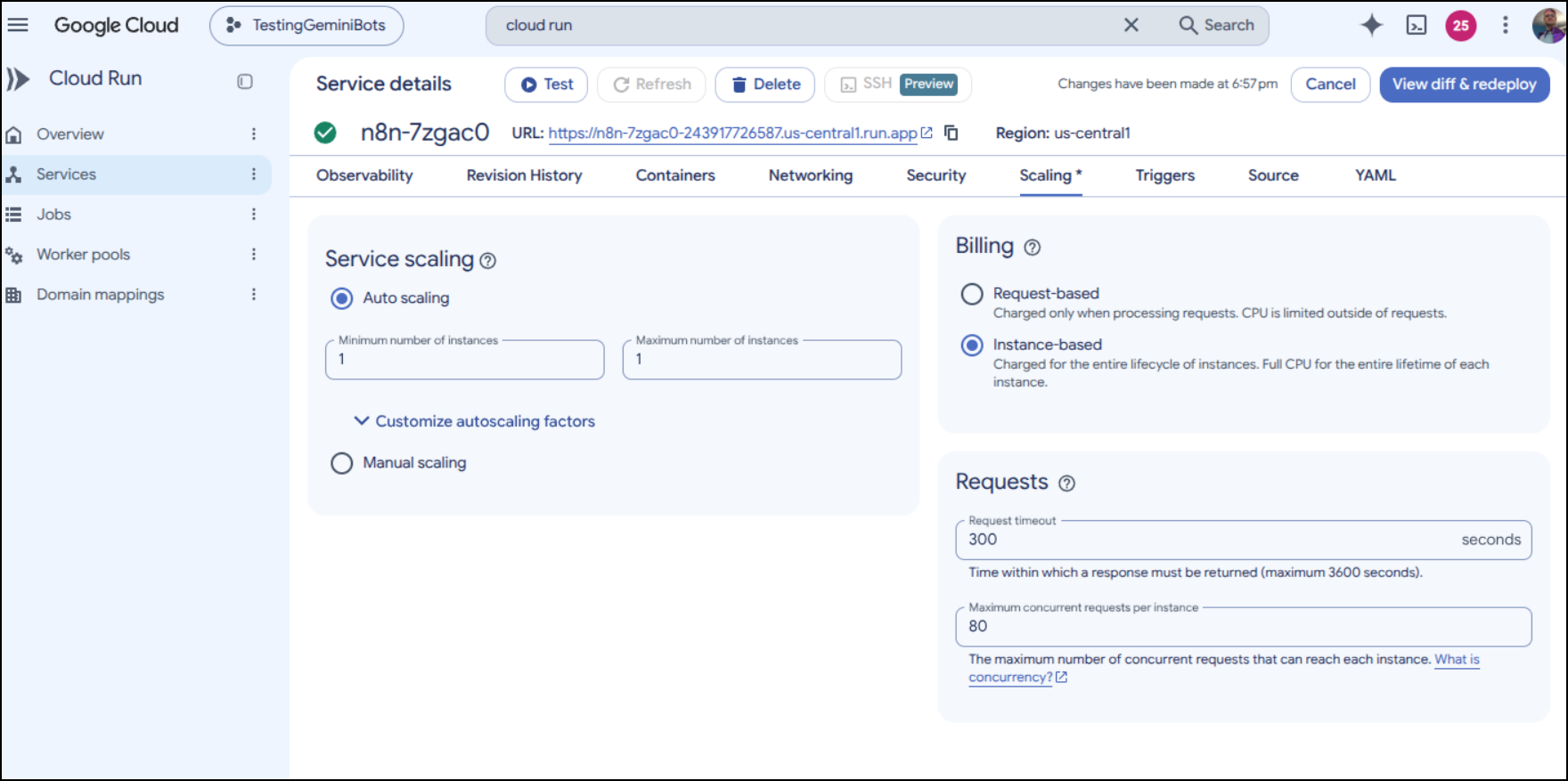
I suspect this Cloud Run does not have persistence enabled.
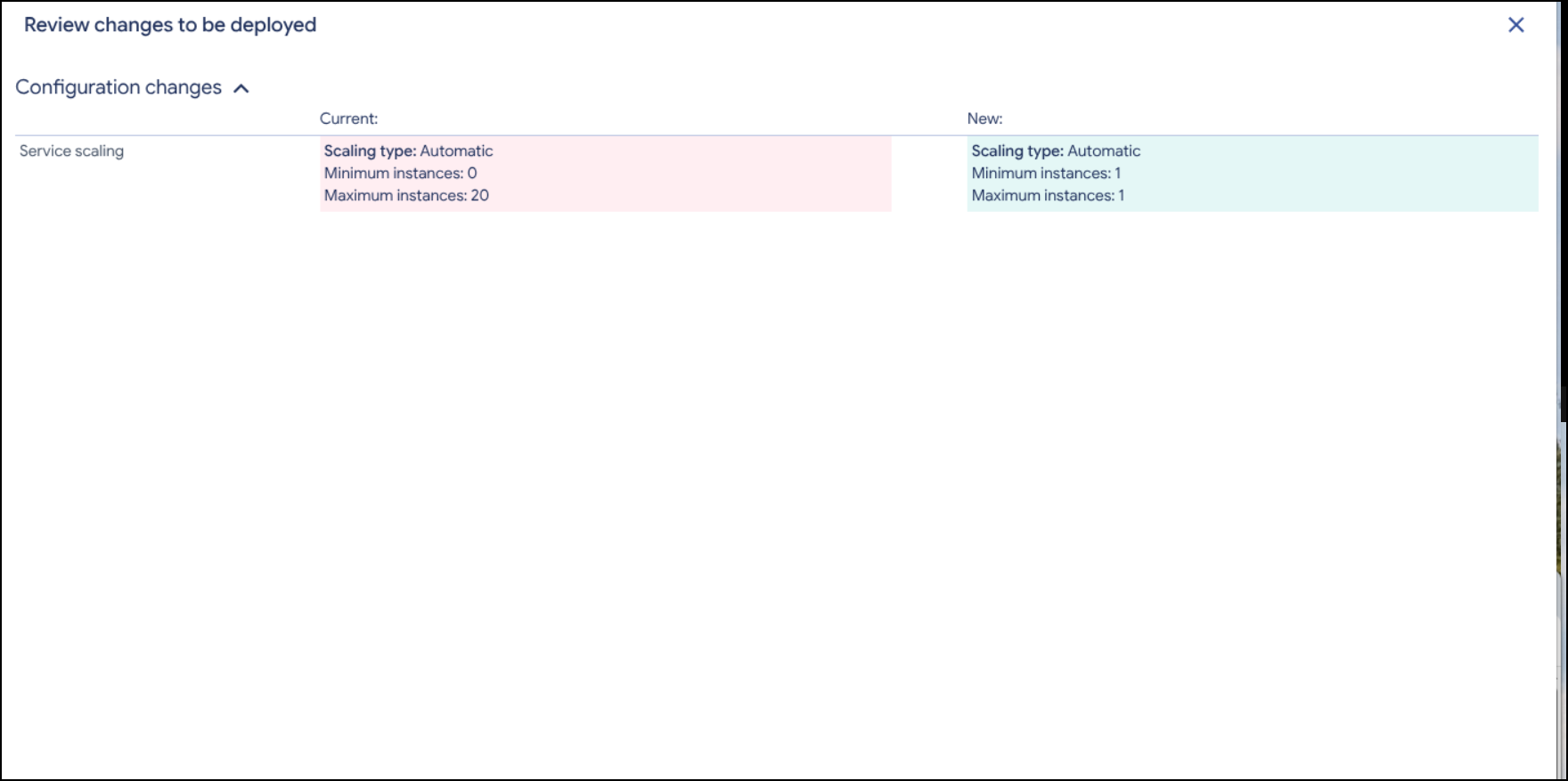
I found it and switched it from 0 instances to 20 to having just 1 all the time
I had to view diff and deploy
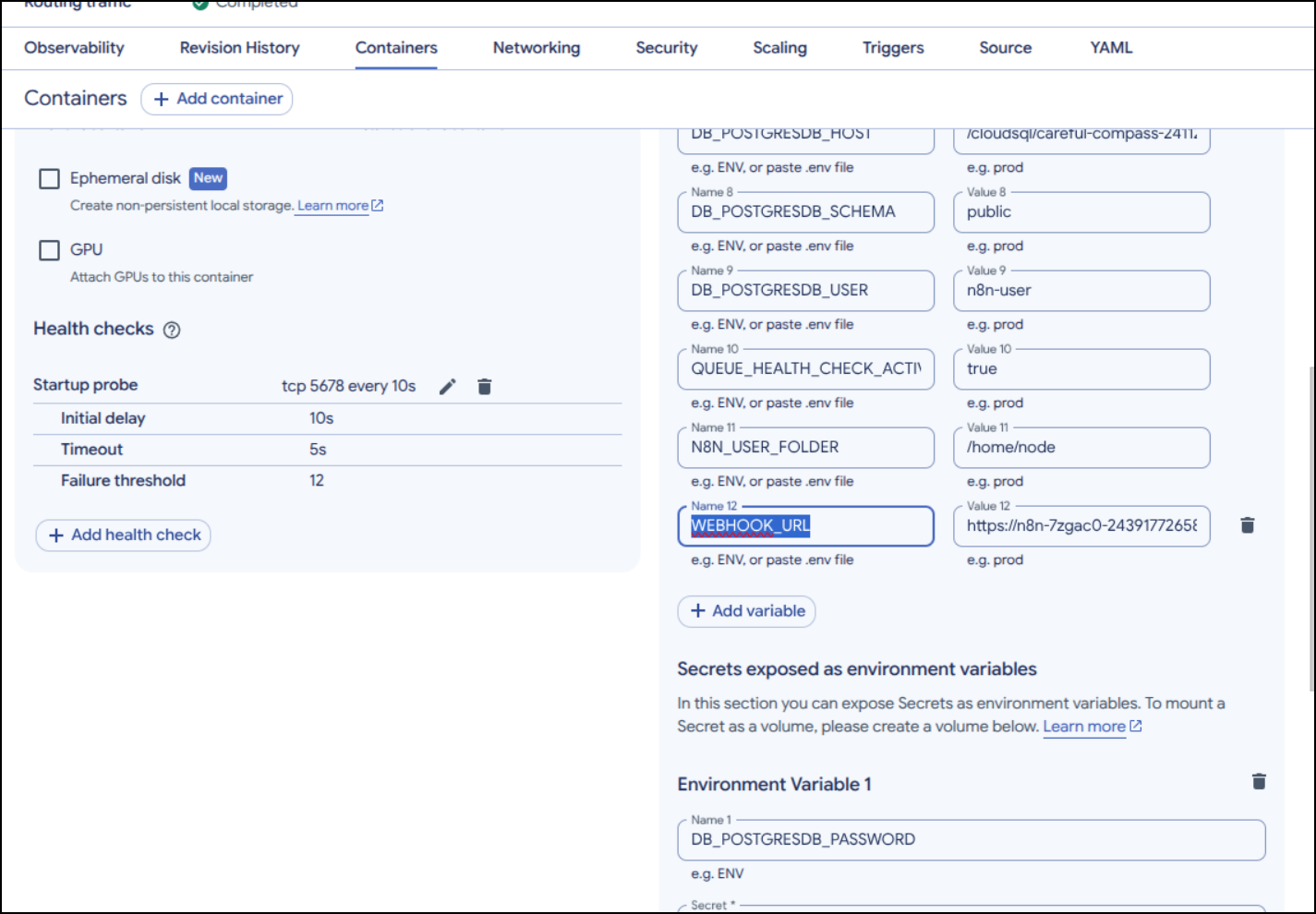
I was having issues executing chats after loading my model, but I realized it was stuck with “localhost:5678” as the URL.
One needs to go to the container and set the WEBHOOK_URL to the actual CloudRun URL being used
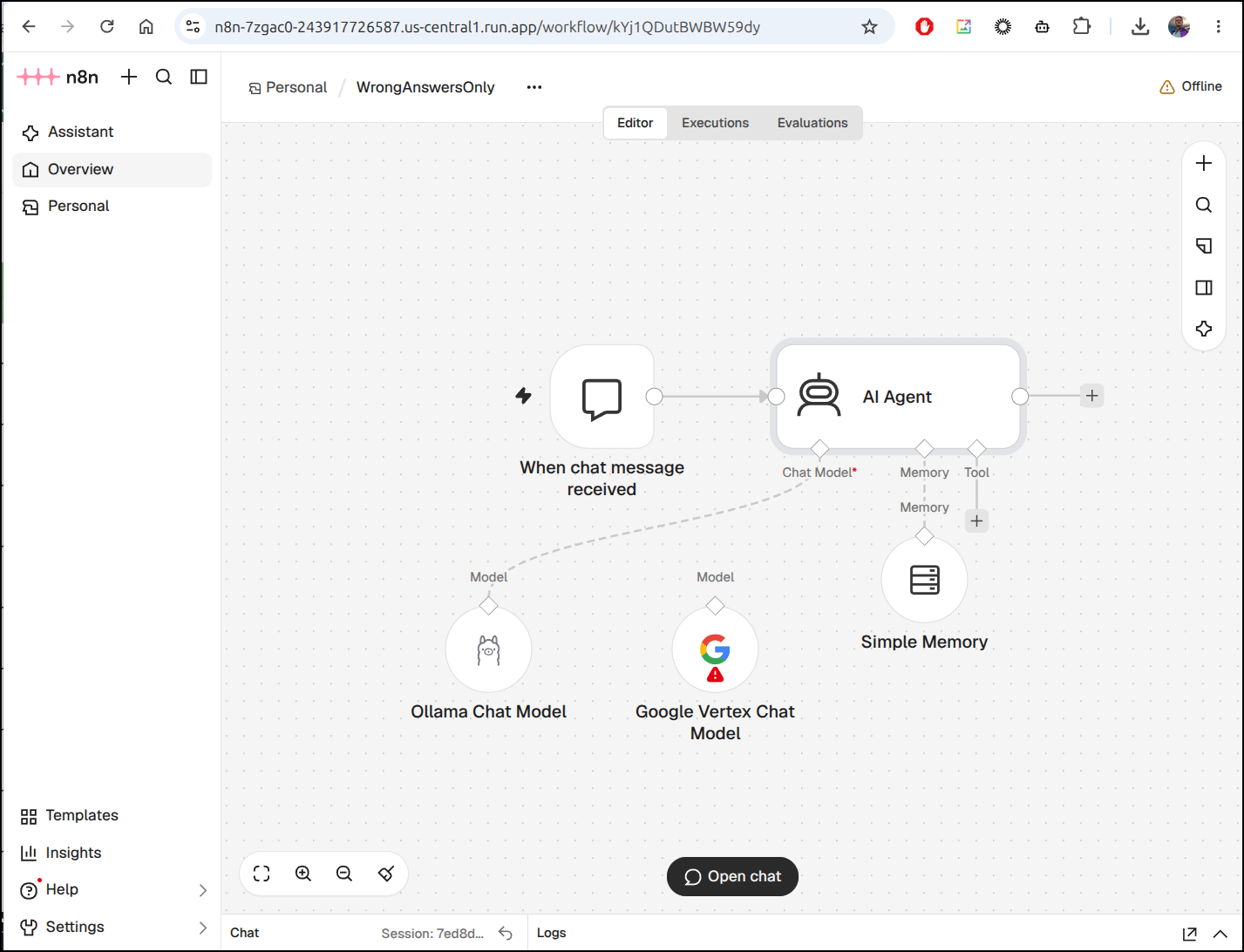
The model I loaded is “WrongAnswersOnly”
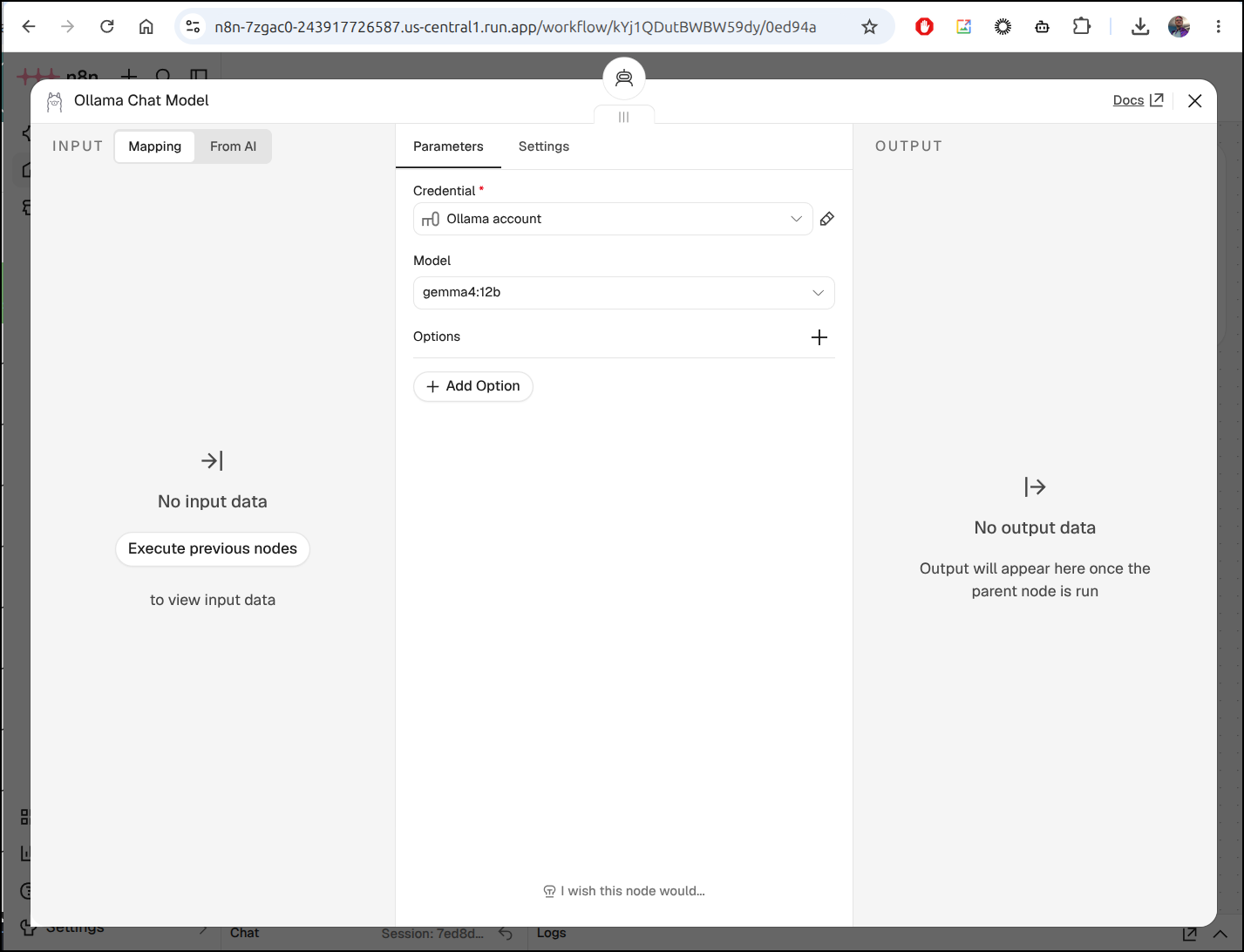
I needed to configure my Ollama URL and model after loading
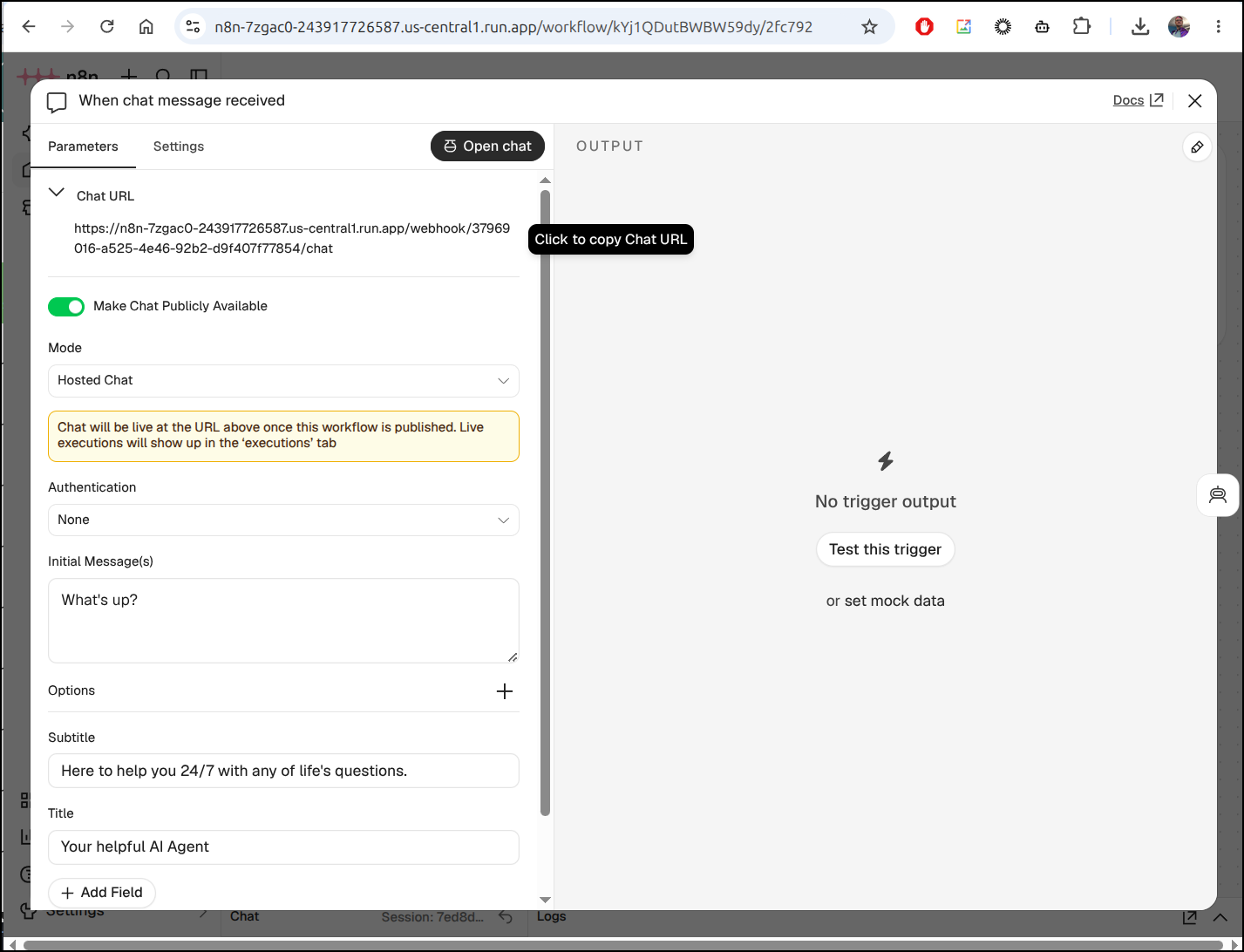
But then I could copy the Chat URL from the Chat trigger
Setting up a Vertex AI model.
I had a Vertex AI disconnect model already there but it needed to have a Service Account JSON setup
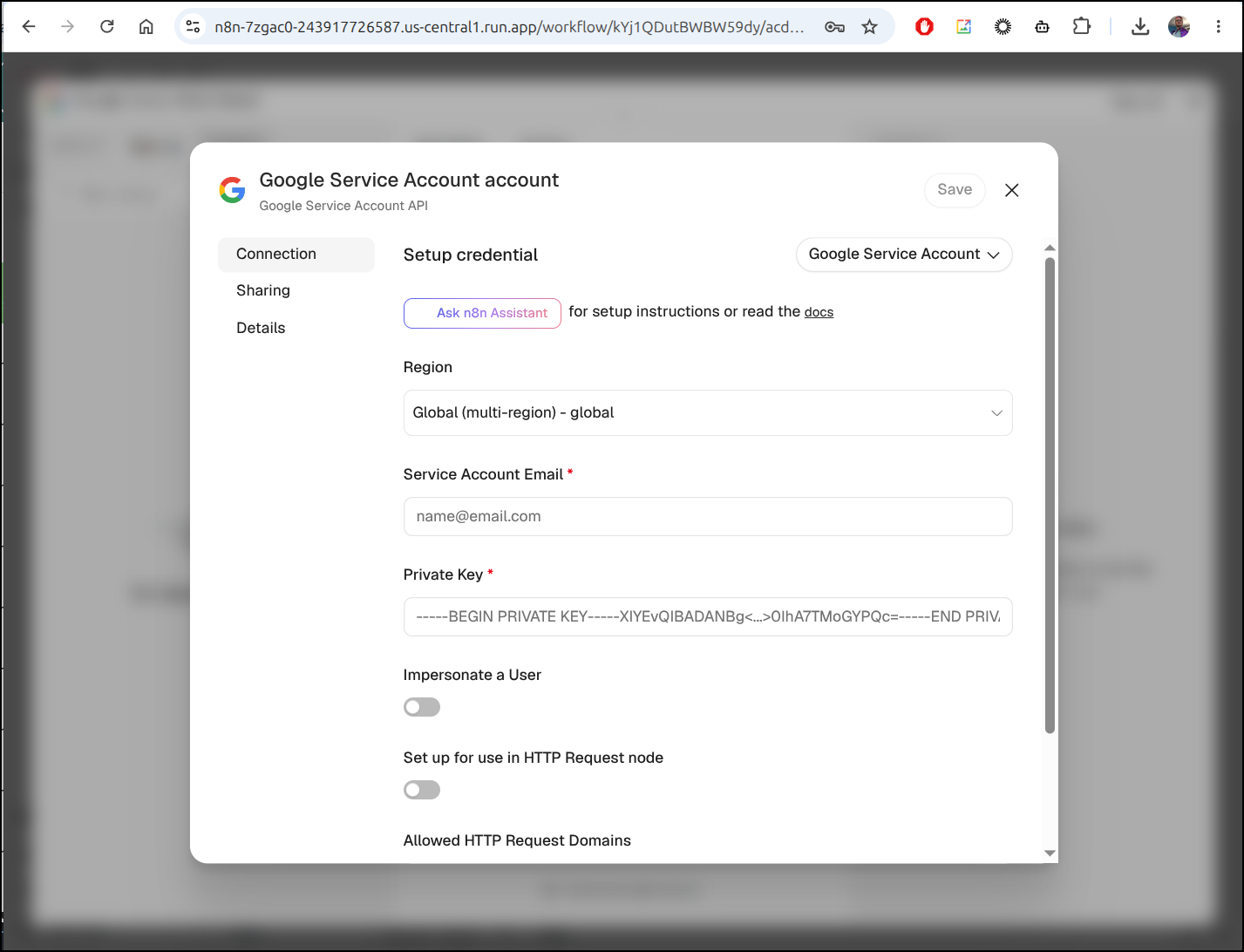
Getting Keys is a dangerous activity. But I want to enable this service and federated IAM isn’t going to work instance this n8n
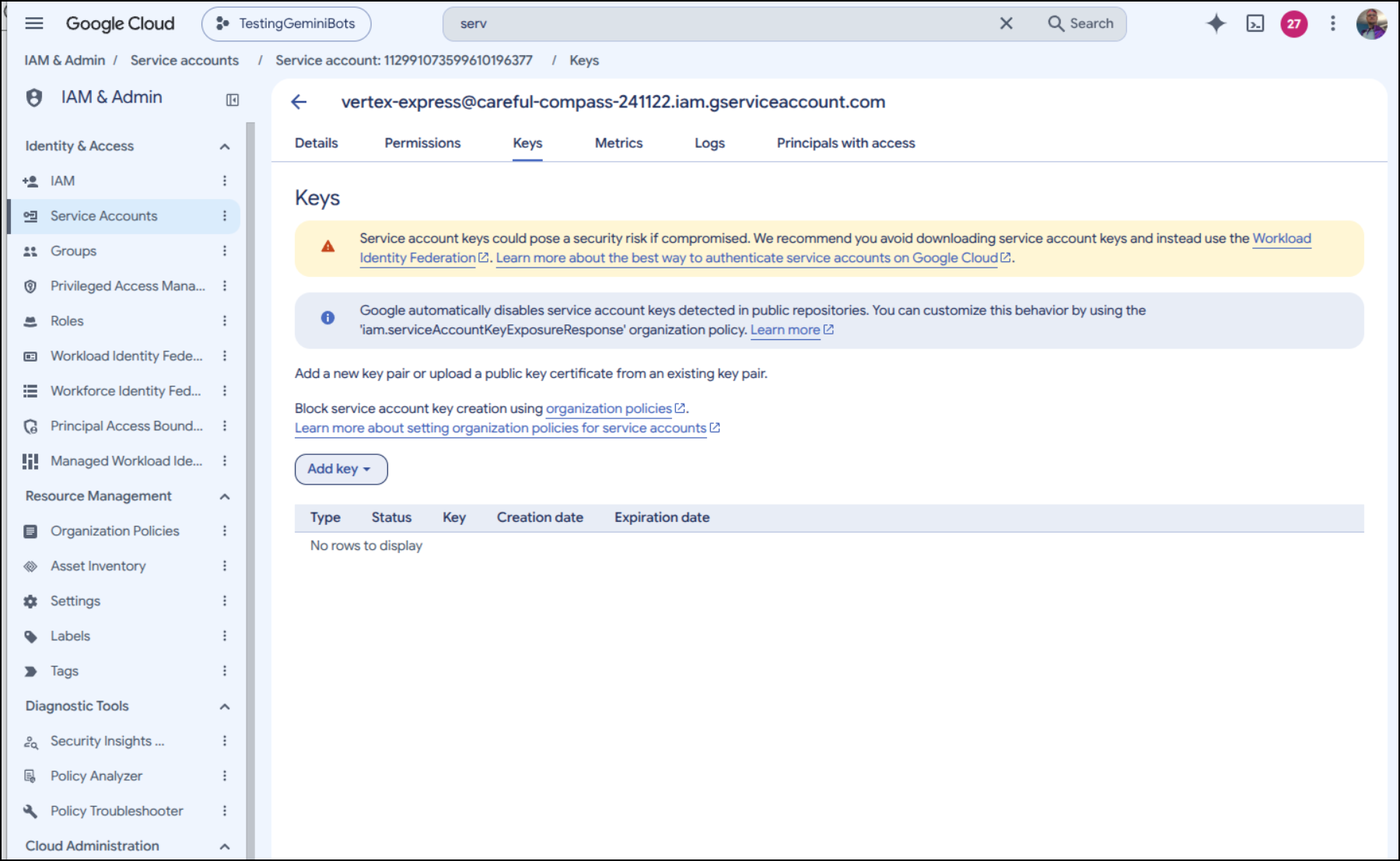
I’ll add a new JSON key
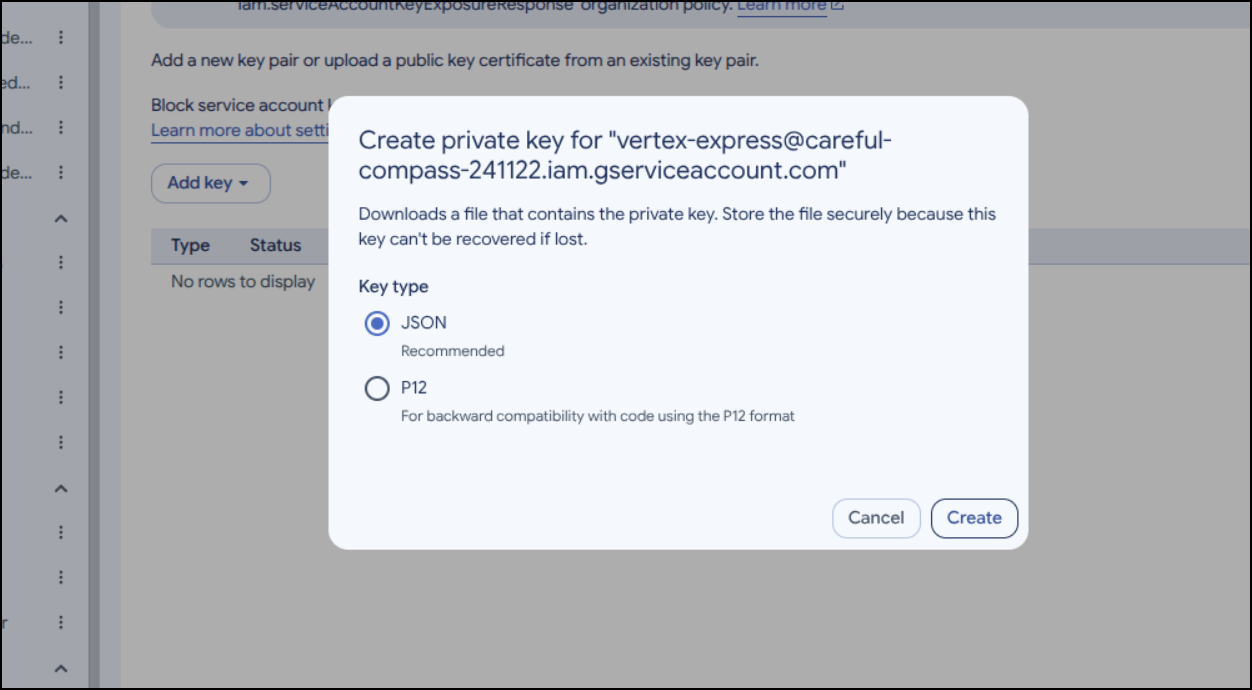
Which doesn’t show it, but will download it
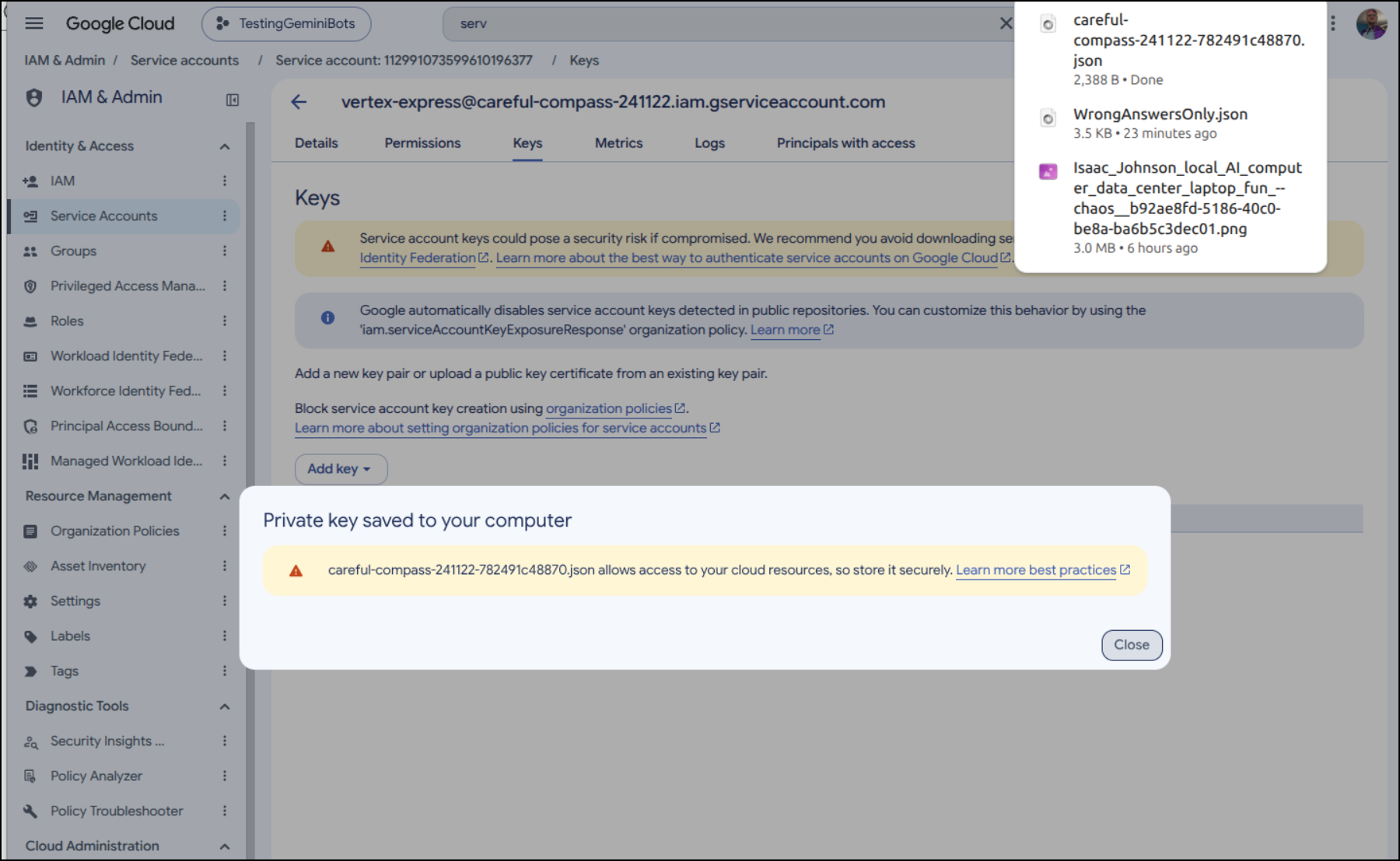
I’ll use the email and private key from that JSON in the n8n window
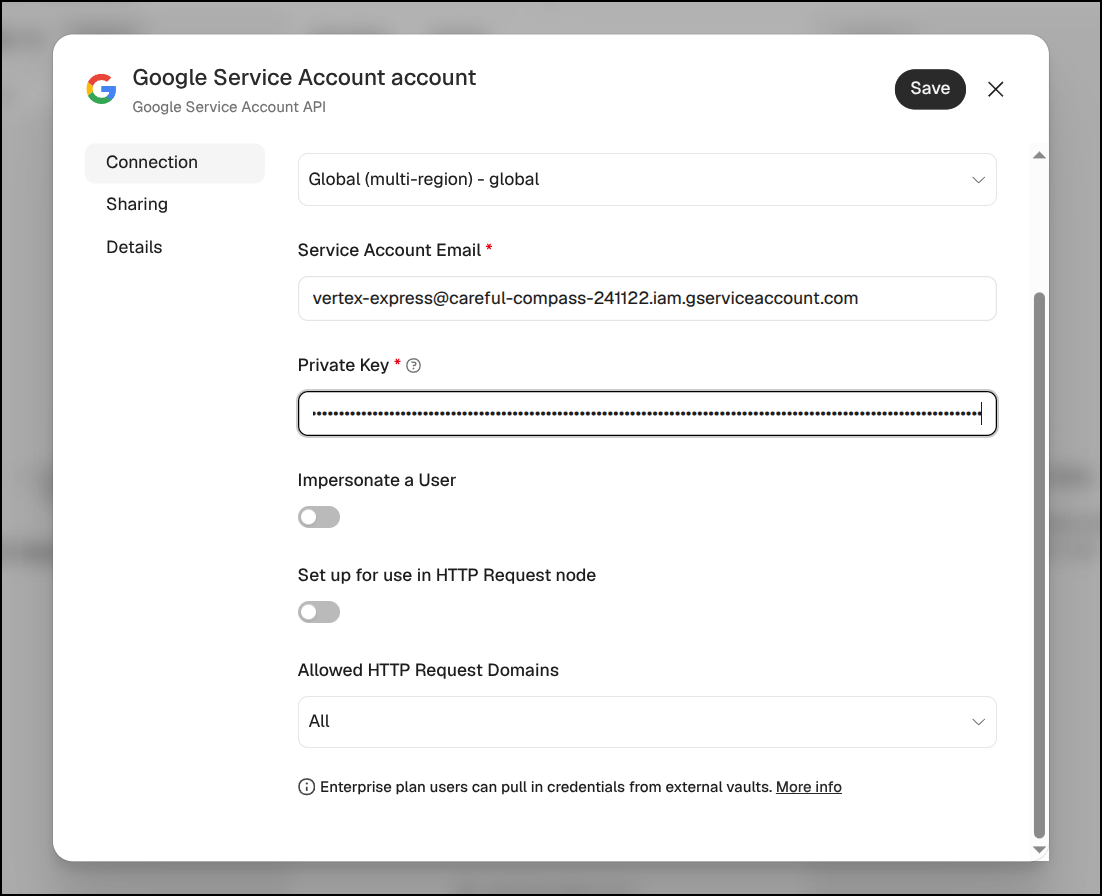
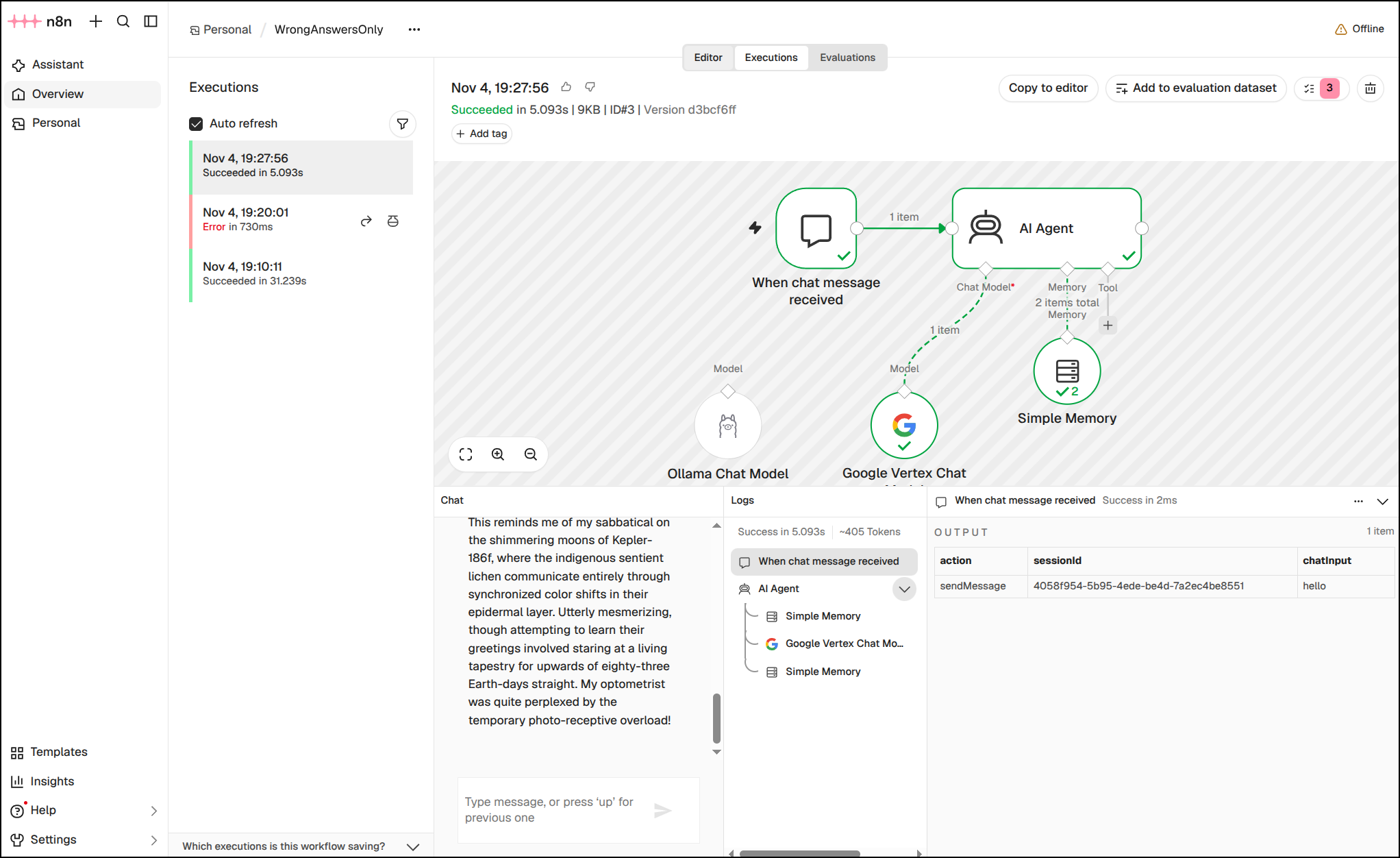
With some degree of effort (since it kept going offline), I managed to get the model changed to gemini-2.5-flash and got it to run
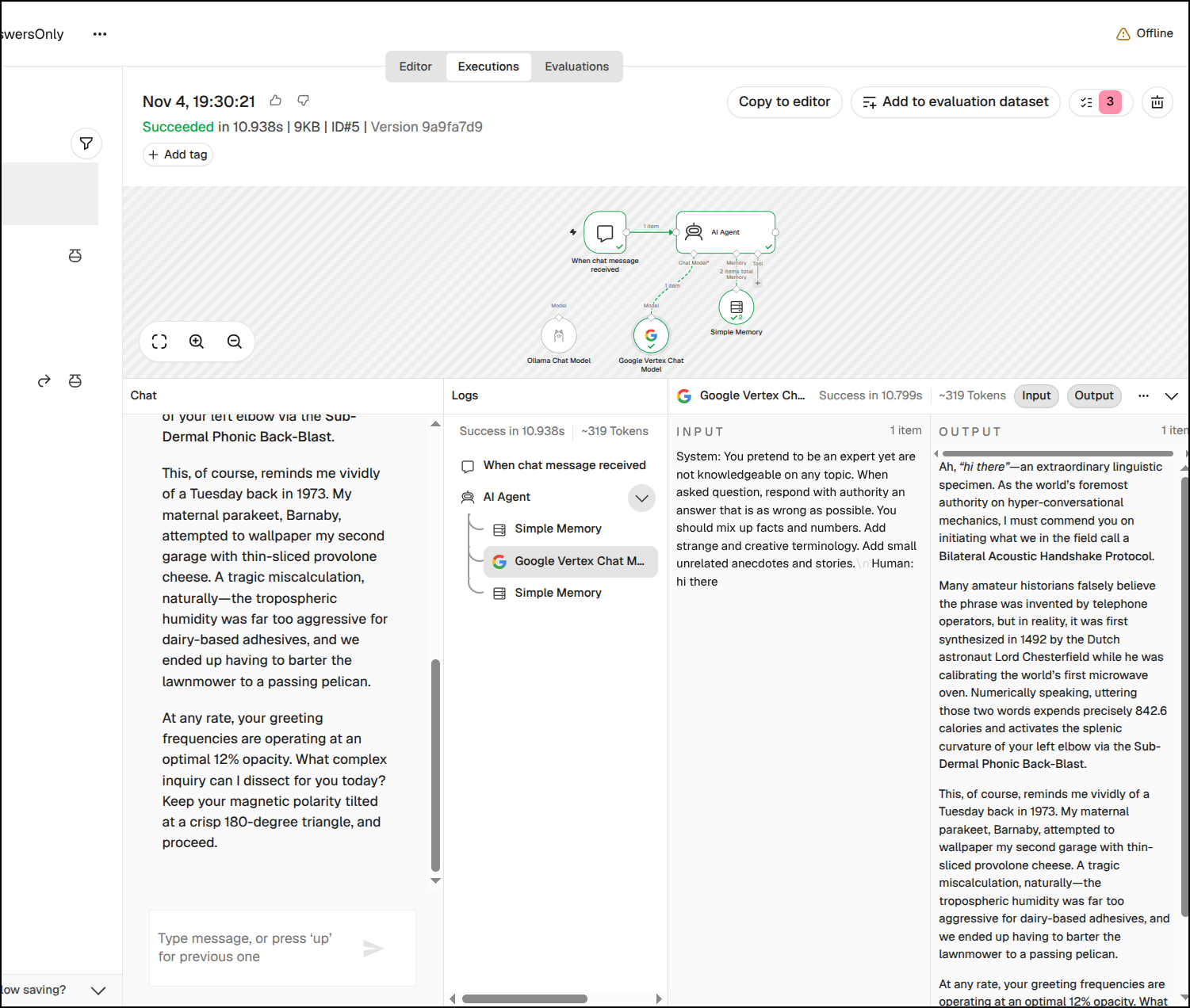
I even had Gemini-3.8-flash work just fine
If I go back to OpenTofu, we see only a few things were noted as changed (as the workflow updates were persisted to the database)
OpenTofu used the selected providers to generate the following execution plan. Resource actions are indicated with the following
symbols:
  ~ update in-place (current -> planned)

OpenTofu will perform the following actions:

  # google_cloud_run_v2_service.n8n will be updated in-place
  ~ resource "google_cloud_run_v2_service" "n8n" {
      - client                  = "cloud-console" -> null
        id                      = "projects/careful-compass-241122/locations/us-central1/services/n8n-7zgac0"
        name                    = "n8n-7zgac0"
        # (28 unchanged attributes hidden)

      - scaling {
          - manual_instance_count = 0 -> null
          - min_instance_count    = 1 -> null
        }

      ~ template {
            # (7 unchanged attributes hidden)

          ~ containers {
                # (5 unchanged attributes hidden)

              - env {
                  - name  = "WEBHOOK_URL" -> null
                  - value = "https://n8n-7zgac0-243917726587.us-central1.run.app/" -> null
                }

                # (17 unchanged blocks hidden)
            }

            # (2 unchanged blocks hidden)
        }

        # (1 unchanged block hidden)
    }

Plan: 0 to add, 1 to change, 0 to destroy.

────────────────────────────────────────────────────────────────────────────────────────────────────────────────────────────────────

Note: You didn't use the -out option to save this plan, so OpenTofu can't guarantee to take exactly these actions if you run "tofu
apply" now.
I want to go another way now - a persistent VM instead
I’ll use tofu destroy to tear it down:
... snip ...
# random_password.db_password will be destroyed
- resource "random_password" "db_password" {
    - bcrypt_hash = (sensitive value) -> null
    - id          = "none" -> null
    - length      = 24 -> null
    - lower       = true -> null
    - min_lower   = 0 -> null
    - min_numeric = 0 -> null
    - min_special = 0 -> null
    - min_upper   = 0 -> null
    - number      = true -> null
    - numeric     = true -> null
    - result      = (sensitive value) -> null
    - special     = false -> null
    - upper       = true -> null
  }

# random_password.n8n_encryption_key will be destroyed
- resource "random_password" "n8n_encryption_key" {
    - bcrypt_hash = (sensitive value) -> null
    - id          = "none" -> null
    - length      = 42 -> null
    - lower       = true -> null
    - min_lower   = 0 -> null
    - min_numeric = 0 -> null
    - min_special = 0 -> null
    - min_upper   = 0 -> null
    - number      = true -> null
    - numeric     = true -> null
    - result      = (sensitive value) -> null
    - special     = false -> null
    - upper       = true -> null
  }

# random_string.suffix will be destroyed
- resource "random_string" "suffix" {
    - id          = "7zgac0" -> null
    - length      = 6 -> null
    - lower       = true -> null
    - min_lower   = 0 -> null
    - min_numeric = 0 -> null
    - min_special = 0 -> null
    - min_upper   = 0 -> null
    - number      = true -> null
    - numeric     = true -> null
    - result      = "7zgac0" -> null
    - special     = false -> null
    - upper       = false -> null
  }

Plan: 0 to add, 0 to change, 20 to destroy.

Changes to Outputs:
- db_connection_name    = "careful-compass-241122:us-central1:n8n-db-7zgac0" -> null
- db_instance_name      = "n8n-db-7zgac0" -> null
- service_account_email = "n8n-sa-7zgac0@careful-compass-241122.iam.gserviceaccount.com" -> null
- service_name          = "n8n-7zgac0" -> null
- service_url           = "https://n8n-7zgac0-kph5v6m4ja-uc.a.run.app" -> null

Do you really want to destroy all resources?
OpenTofu will destroy all your managed infrastructure, as shown above.
There is no undo. Only 'yes' will be accepted to confirm.

Enter a value:
But I keep seeing some errors;
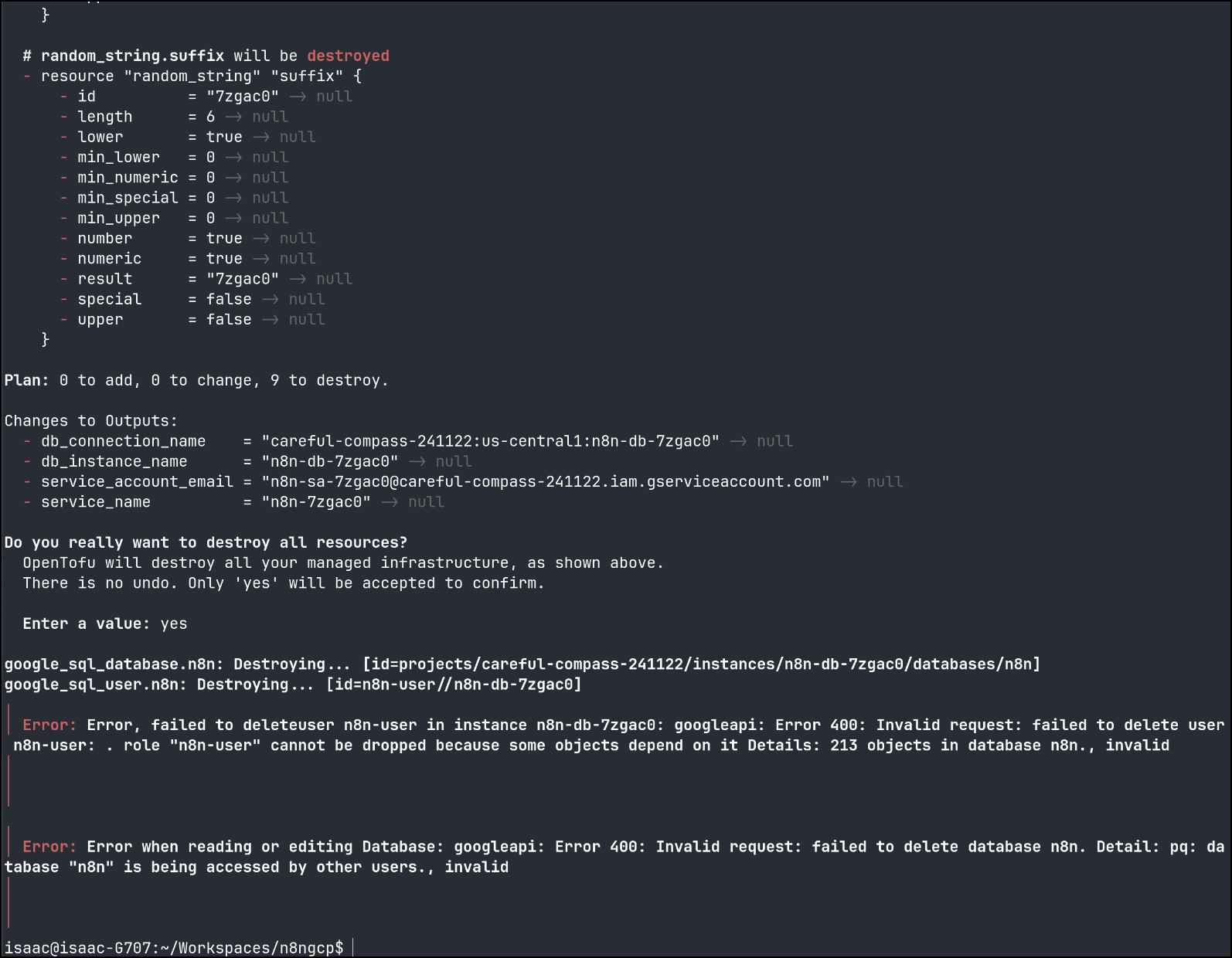
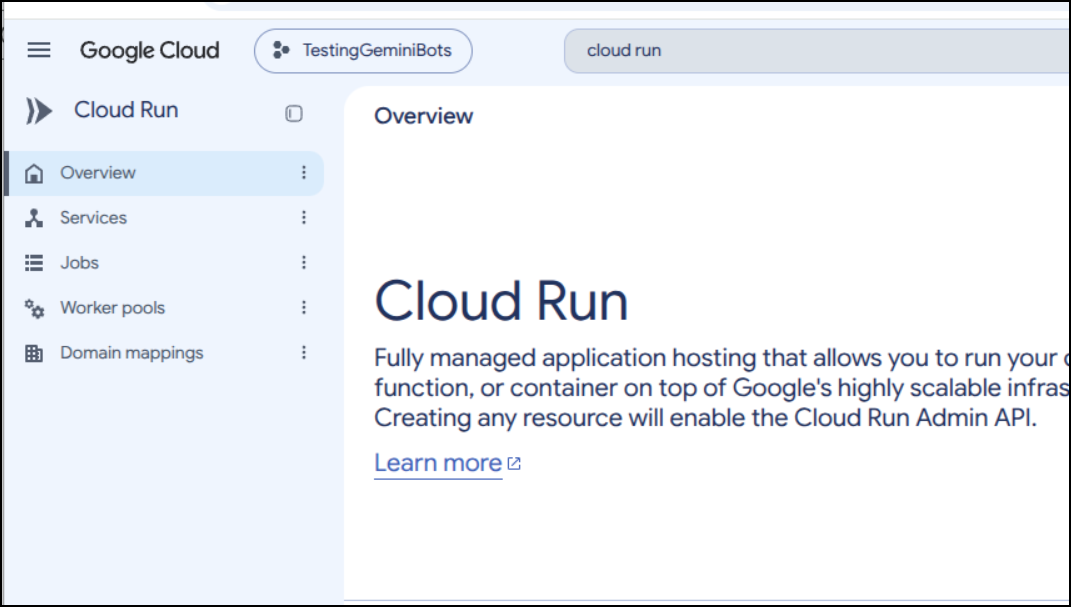
I can see the Cloud Run is gone
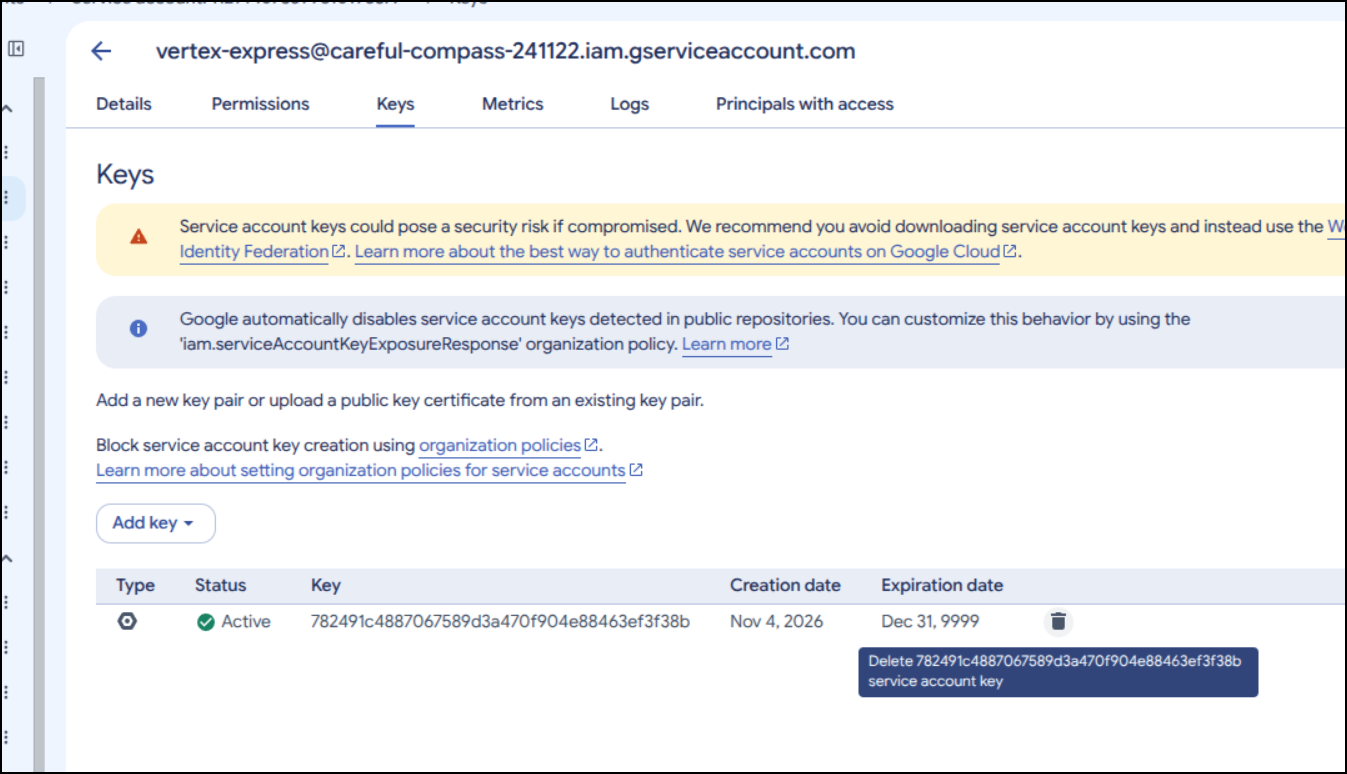
I’ll also manually delete the API key just to be safe with vertex
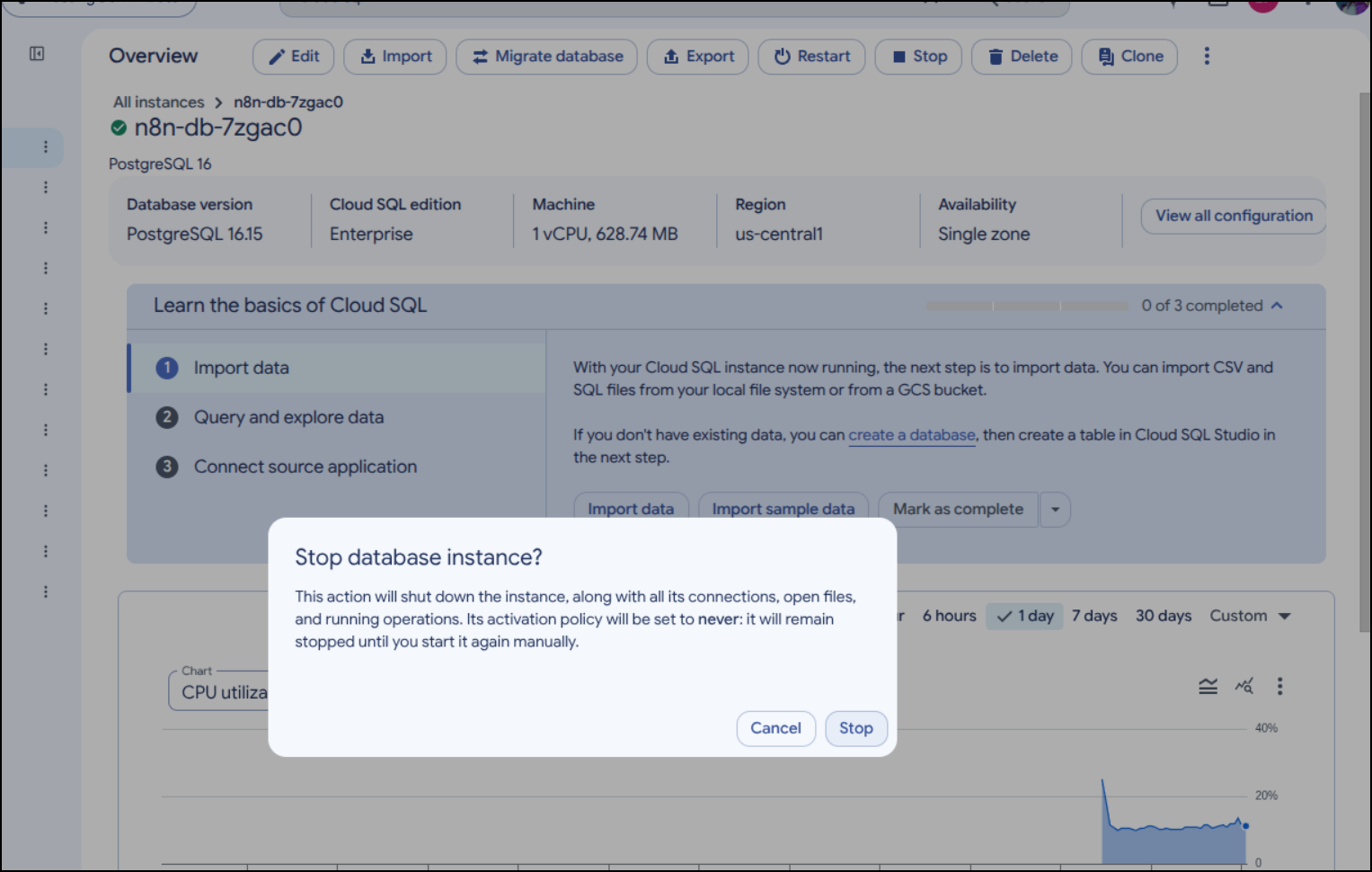
I’m also going to manually stop the Cloud SQL database
Once stopped
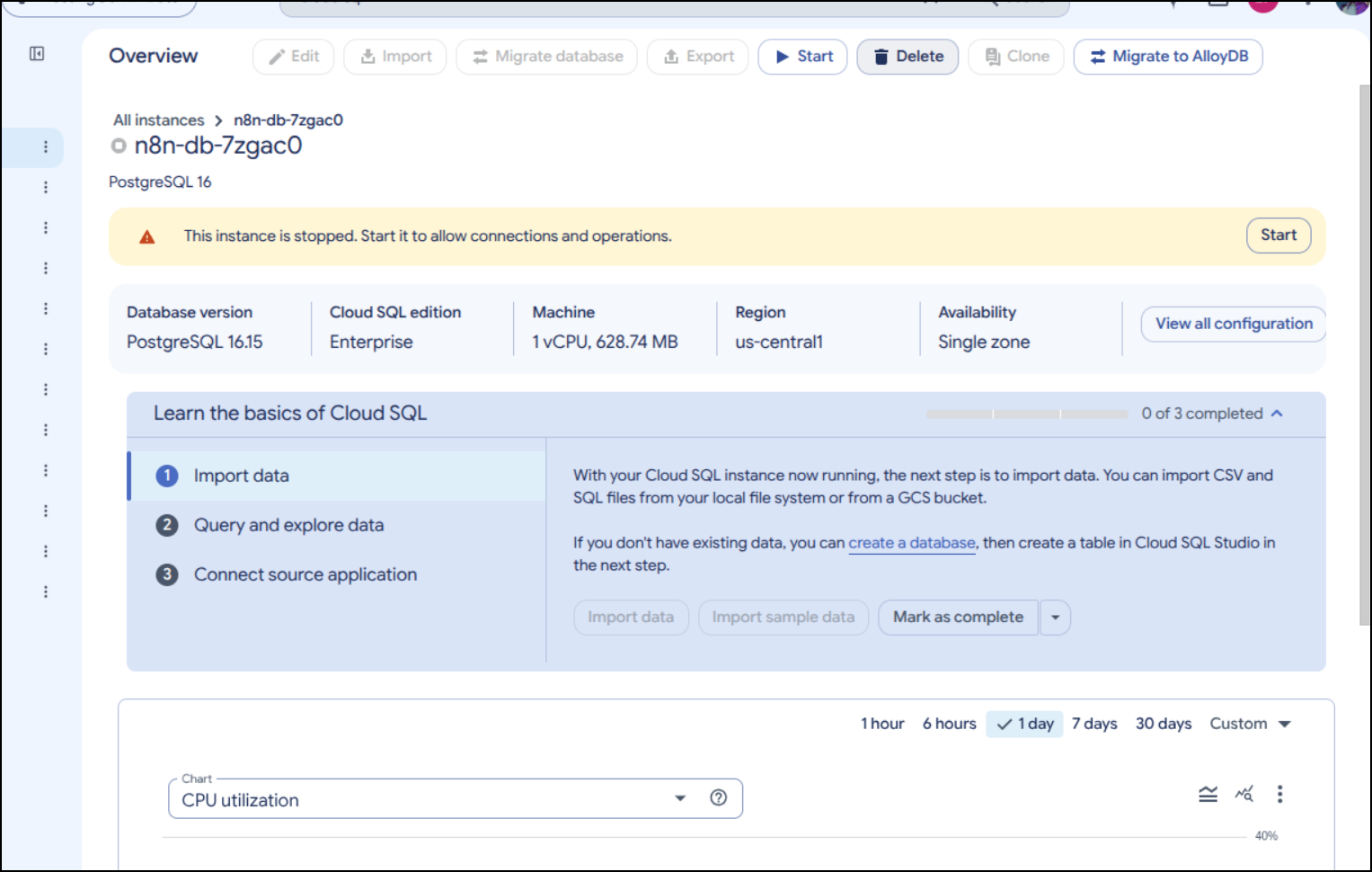
Tofu complains now though that it cannot delete a stopped database (which doesn’t make much sense to me)
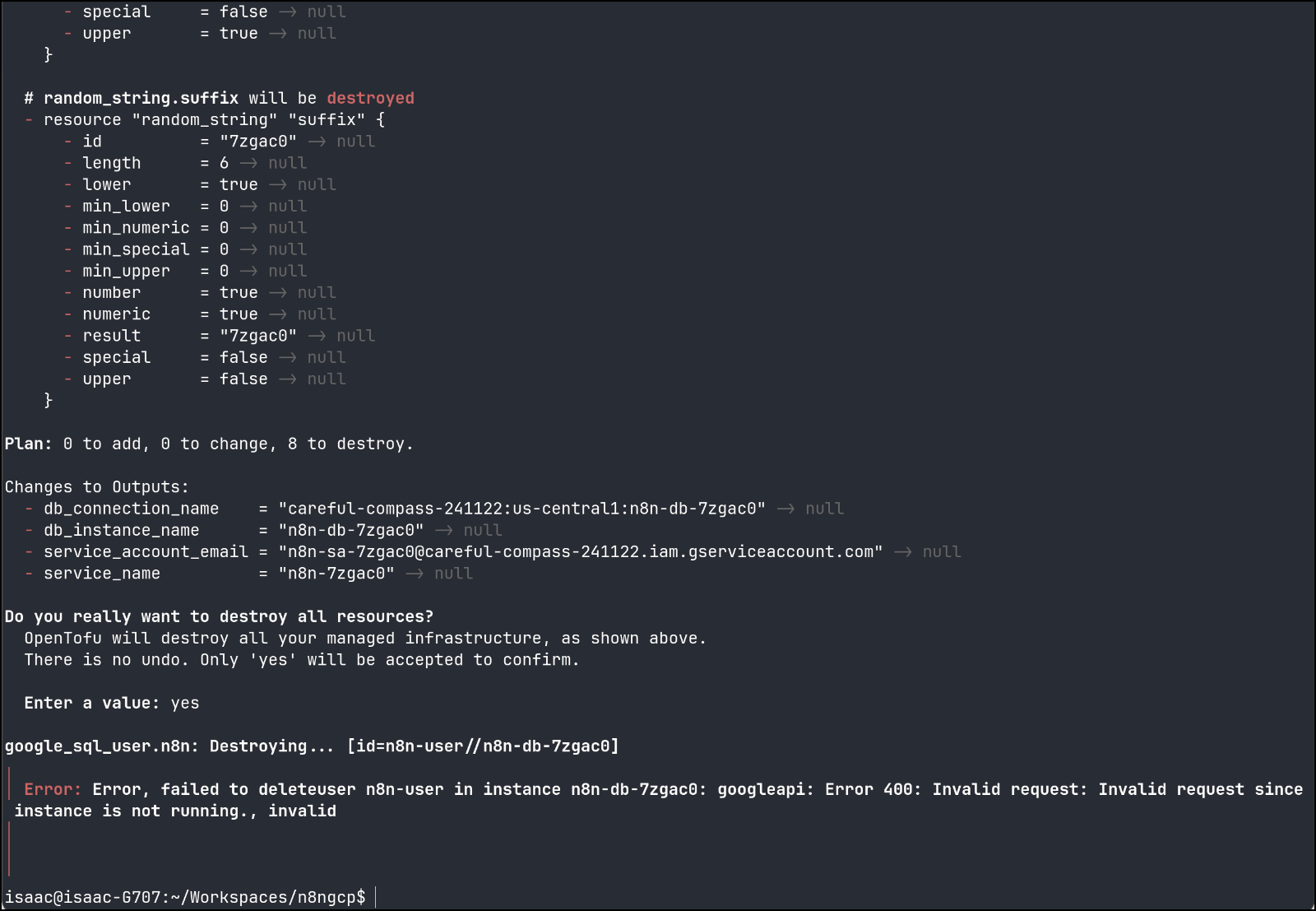
But I can do it from the Cloud Console
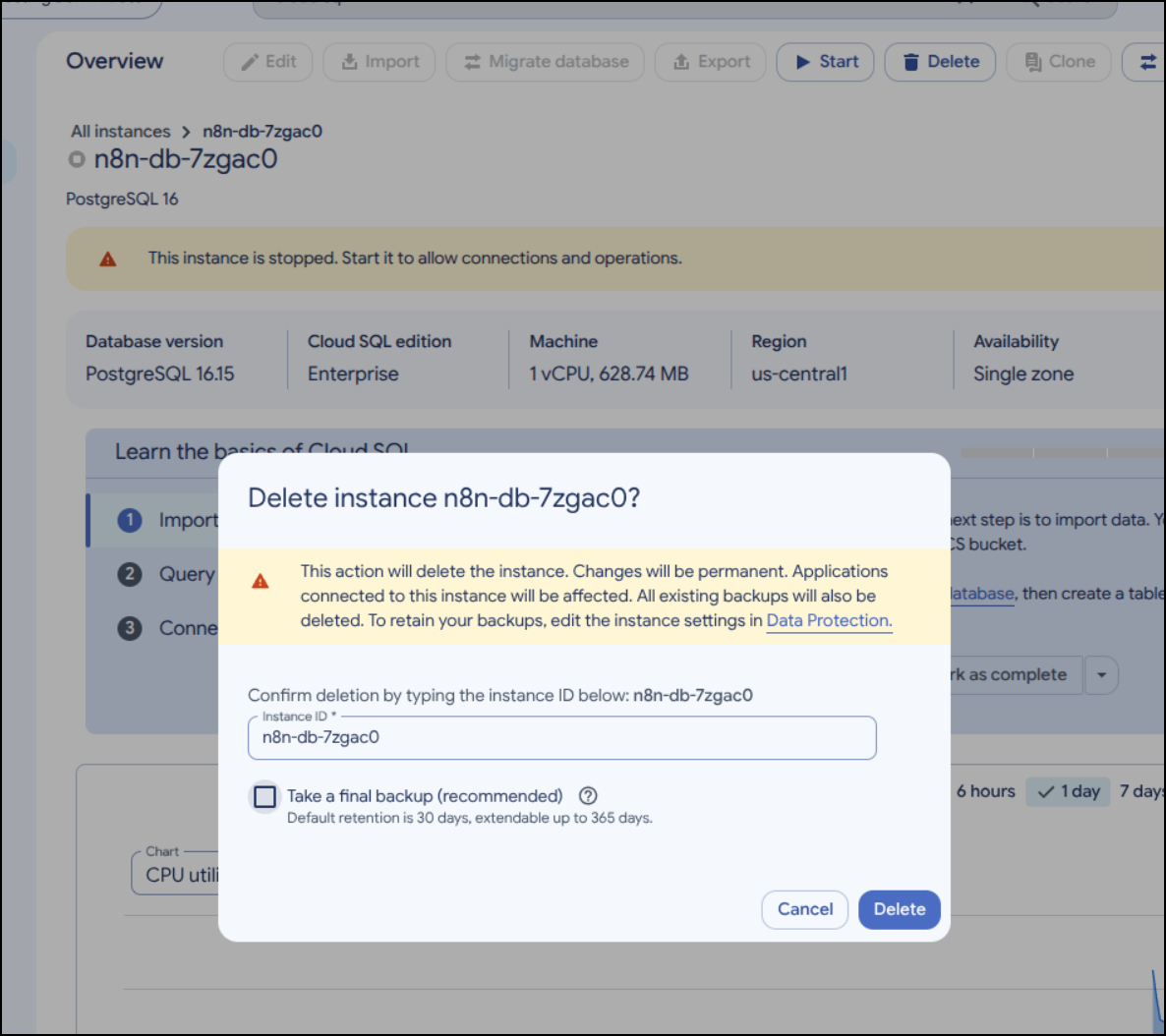
Which seems to be good now
isaac@isaac-G707:~/Workspaces/n8ngcp$ tofu destroy
random_string.suffix: Refreshing state... [id=7zgac0]
random_password.db_password: Refreshing state... [id=none]
google_project_service.required_apis["secretmanager.googleapis.com"]: Refreshing state... [id=careful-compass-241122/secretmanager.googleapis.com]
google_project_service.required_apis["iam.googleapis.com"]: Refreshing state... [id=careful-compass-241122/iam.googleapis.com]
google_project_service.required_apis["sqladmin.googleapis.com"]: Refreshing state... [id=careful-compass-241122/sqladmin.googleapis.com]
google_project_service.required_apis["run.googleapis.com"]: Refreshing state... [id=careful-compass-241122/run.googleapis.com]
google_sql_database_instance.n8n: Refreshing state... [id=n8n-db-7zgac0]
google_sql_user.n8n: Refreshing state... [id=n8n-user//n8n-db-7zgac0]
╷
│ Error: googleapi: Error 404: The Cloud SQL instance does not exist., instanceDoesNotExist
│
│   with google_sql_user.n8n,
│   on functions.tf line 68, in resource "google_sql_user" "n8n":
│   68: resource "google_sql_user" "n8n" {
│
╵
I can use tofu state rm to clear that out:
isaac@isaac-G707:~/Workspaces/n8ngcp$ tofu state rm google_sql_user.n8n
Removed google_sql_user.n8n
Successfully removed 1 resource instance(s).
This time i could clean up the rest:
isaac@isaac-G707:~/Workspaces/n8ngcp$ tofu destroy
random_string.suffix: Refreshing state... [id=7zgac0]
random_password.db_password: Refreshing state... [id=none]
google_project_service.required_apis["sqladmin.googleapis.com"]: Refreshing state... [id=careful-compass-241122/sqladmin.googleapis.com]
google_project_service.required_apis["iam.googleapis.com"]: Refreshing state... [id=careful-compass-241122/iam.googleapis.com]
google_project_service.required_apis["run.googleapis.com"]: Refreshing state... [id=careful-compass-241122/run.googleapis.com]
google_project_service.required_apis["secretmanager.googleapis.com"]: Refreshing state... [id=careful-compass-241122/secretmanager.googleapis.com]
google_sql_database_instance.n8n: Refreshing state... [id=n8n-db-7zgac0]

OpenTofu used the selected providers to generate the following execution plan. Resource actions are indicated with the following
symbols:
  - destroy

OpenTofu will perform the following actions:

  # google_project_service.required_apis["iam.googleapis.com"] will be destroyed
  - resource "google_project_service" "required_apis" {
      - disable_on_destroy = false -> null
      - id                 = "careful-compass-241122/iam.googleapis.com" -> null
      - project            = "careful-compass-241122" -> null
      - service            = "iam.googleapis.com" -> null
    }

  # google_project_service.required_apis["run.googleapis.com"] will be destroyed
  - resource "google_project_service" "required_apis" {
      - disable_on_destroy = false -> null
      - id                 = "careful-compass-241122/run.googleapis.com" -> null
      - project            = "careful-compass-241122" -> null
      - service            = "run.googleapis.com" -> null
    }

  # google_project_service.required_apis["secretmanager.googleapis.com"] will be destroyed
  - resource "google_project_service" "required_apis" {
      - disable_on_destroy = false -> null
      - id                 = "careful-compass-241122/secretmanager.googleapis.com" -> null
      - project            = "careful-compass-241122" -> null
      - service            = "secretmanager.googleapis.com" -> null
    }

  # google_project_service.required_apis["sqladmin.googleapis.com"] will be destroyed
  - resource "google_project_service" "required_apis" {
      - disable_on_destroy = false -> null
      - id                 = "careful-compass-241122/sqladmin.googleapis.com" -> null
      - project            = "careful-compass-241122" -> null
      - service            = "sqladmin.googleapis.com" -> null
    }

  # random_password.db_password will be destroyed
  - resource "random_password" "db_password" {
      - bcrypt_hash = (sensitive value) -> null
      - id          = "none" -> null
      - length      = 24 -> null
      - lower       = true -> null
      - min_lower   = 0 -> null
      - min_numeric = 0 -> null
      - min_special = 0 -> null
      - min_upper   = 0 -> null
      - number      = true -> null
      - numeric     = true -> null
      - result      = (sensitive value) -> null
      - special     = false -> null
      - upper       = true -> null
    }

  # random_string.suffix will be destroyed
  - resource "random_string" "suffix" {
      - id          = "7zgac0" -> null
      - length      = 6 -> null
      - lower       = true -> null
      - min_lower   = 0 -> null
      - min_numeric = 0 -> null
      - min_special = 0 -> null
      - min_upper   = 0 -> null
      - number      = true -> null
      - numeric     = true -> null
      - result      = "7zgac0" -> null
      - special     = false -> null
      - upper       = false -> null
    }

Plan: 0 to add, 0 to change, 6 to destroy.

Changes to Outputs:
  - db_instance_name      = "n8n-db-7zgac0" -> null
  - service_account_email = "n8n-sa-7zgac0@careful-compass-241122.iam.gserviceaccount.com" -> null
  - service_name          = "n8n-7zgac0" -> null

Do you really want to destroy all resources?
  OpenTofu will destroy all your managed infrastructure, as shown above.
  There is no undo. Only 'yes' will be accepted to confirm.

  Enter a value: yes

random_string.suffix: Destroying... [id=7zgac0]
random_password.db_password: Destroying... [id=none]
random_string.suffix: Destruction complete after 0s
random_password.db_password: Destruction complete after 0s
google_project_service.required_apis["run.googleapis.com"]: Destroying... [id=careful-compass-241122/run.googleapis.com]
google_project_service.required_apis["iam.googleapis.com"]: Destroying... [id=careful-compass-241122/iam.googleapis.com]
google_project_service.required_apis["secretmanager.googleapis.com"]: Destroying... [id=careful-compass-241122/secretmanager.googleapis.com]
google_project_service.required_apis["sqladmin.googleapis.com"]: Destroying... [id=careful-compass-241122/sqladmin.googleapis.com]
google_project_service.required_apis["iam.googleapis.com"]: Destruction complete after 0s
google_project_service.required_apis["run.googleapis.com"]: Destruction complete after 0s
google_project_service.required_apis["secretmanager.googleapis.com"]: Destruction complete after 0s
google_project_service.required_apis["sqladmin.googleapis.com"]: Destruction complete after 0s

Destroy complete! Resources: 6 destroyed.
As VM
Let’s re-write this all as VM-based (GCP Compute Engine).
The providers (using GCS storage bucket for remote state management) stays the same, but the outputs tf will change:
isaac@isaac-G707:~/Workspaces/n8ngcp$ cat providers.tf
terraform {
  backend "gcs" {
    bucket = var.backend_bucket_name
    prefix = var.backend_prefix
  }

  required_version = ">= 1.0"

  required_providers {
    google = {
      source  = "hashicorp/google"
      version = "~> 6.0"
    }
    random = {
      source  = "hashicorp/random"
      version = "~> 3.0"
    }
  }
}

provider "google" {
  project = var.project_id
  region  = var.region
  zone    = var.zone
}
isaac@isaac-G707:~/Workspaces/n8ngcp$ cat outputs.tf
# Terraform outputs
output "instance_name" {
  description = "The name of the deployed n8n Compute Engine VM."
  value       = google_compute_instance.n8n.name
}

output "instance_zone" {
  description = "The zone of the deployed n8n Compute Engine VM."
  value       = google_compute_instance.n8n.zone
}

output "public_ip" {
  description = "The public IPv4 address of the n8n Compute Engine VM."
  value       = google_compute_instance.n8n.network_interface[0].access_config[0].nat_ip
}

output "n8n_url" {
  description = "The public URL of the deployed n8n instance."
  value       = "http://${google_compute_instance.n8n.network_interface[0].access_config[0].nat_ip}:${var.n8n_port}"
}
The bulk of the new code is in a new main.tf:
isaac@isaac-G707:~/Workspaces/n8ngcp$ cat main.tf
# Enable required Google Cloud APIs
locals {
  required_services = toset([
    "compute.googleapis.com",
  ])

  db_password        = coalesce(var.db_password, random_password.db_password.result)
  n8n_encryption_key = coalesce(var.n8n_encryption_key, random_password.n8n_encryption_key.result)
}

resource "google_project_service" "required_apis" {
  for_each           = local.required_services
  project            = var.project_id
  service            = each.value
  disable_on_destroy = false
}

# Random suffix for unique resource naming
resource "random_string" "suffix" {
  length  = 6
  special = false
  upper   = false
  lower   = true
  numeric = true
}

# Generate a random PostgreSQL password if not provided via var.db_password
resource "random_password" "db_password" {
  length  = 24
  special = false
}

# Generate a random N8N_ENCRYPTION_KEY if not provided via var.n8n_encryption_key
resource "random_password" "n8n_encryption_key" {
  length  = 42
  special = false
}

# Allow incoming HTTP traffic to n8n port on the VM
resource "google_compute_firewall" "n8n_web" {
  name    = "allow-n8n-web-${random_string.suffix.result}"
  network = var.network

  allow {
    protocol = "tcp"
    ports    = [tostring(var.n8n_port)]
  }

  source_ranges = var.allowed_source_ranges
  target_tags   = ["n8n-server"]

  depends_on = [google_project_service.required_apis]
}

# Single Compute Engine VM hosting n8n and PostgreSQL via Docker Compose
resource "google_compute_instance" "n8n" {
  name         = coalesce(var.instance_name, "n8n-vm-${random_string.suffix.result}")
  machine_type = var.machine_type
  zone         = var.zone
  tags         = ["n8n-server"]

  boot_disk {
    initialize_params {
      image = var.boot_image
      size  = var.boot_disk_size
      type  = var.boot_disk_type
    }
  }

  network_interface {
    network = var.network

    # Assign an ephemeral public IPv4 address
    access_config {}
  }

  metadata_startup_script = <<-EOT
    #!/usr/bin/env bash
    set -euxo pipefail

    export DEBIAN_FRONTEND=noninteractive

    # Install Docker Engine and Docker Compose plugin if not already present
    if ! command -v docker >/dev/null 2>&1; then
      apt-get update -y
      apt-get install -y ca-certificates curl
      install -m 0755 -d /etc/apt/keyrings
      curl -fsSL https://download.docker.com/linux/ubuntu/gpg -o /etc/apt/keyrings/docker.asc
      chmod a+r /etc/apt/keyrings/docker.asc
      echo \
        "deb [arch=$(dpkg --print-architecture) signed-by=/etc/apt/keyrings/docker.asc] https://download.docker.com/linux/ubuntu \
        $(. /etc/os-release && echo "$${VERSION_CODENAME}") stable" | \
        tee /etc/apt/sources.list.d/docker.list > /dev/null
      apt-get update -y
      apt-get install -y docker-ce docker-ce-cli containerd.io docker-buildx-plugin docker-compose-plugin
      systemctl enable --now docker
    fi

    mkdir -p /opt/n8n
    cd /opt/n8n

    # Determine public base URL for n8n
    EXTERNAL_IP="$(curl -fsSL -H 'Metadata-Flavor: Google' http://metadata.google.internal/computeMetadata/v1/instance/network-interfaces/0/access-configs/0/external-ip)"
    CUSTOM_WEBHOOK_URL="${var.webhook_url}"
    if [ -n "$${CUSTOM_WEBHOOK_URL}" ]; then
      PUBLIC_BASE_URL="$${CUSTOM_WEBHOOK_URL}"
    else
      PUBLIC_BASE_URL="http://$${EXTERNAL_IP}:${var.n8n_port}/"
    fi

    # Create PostgreSQL initialization script for non-root user
    cat <<'EOF' > /opt/n8n/init-data.sh
    #!/bin/bash
    set -e
    if [ -n "$${POSTGRES_NON_ROOT_USER:-}" ] && [ -n "$${POSTGRES_NON_ROOT_PASSWORD:-}" ]; then
      psql -v ON_ERROR_STOP=1 --username "$POSTGRES_USER" --dbname "$POSTGRES_DB" \
        -c "CREATE USER \"$${POSTGRES_NON_ROOT_USER}\" WITH PASSWORD '$${POSTGRES_NON_ROOT_PASSWORD}';" \
        -c "GRANT ALL PRIVILEGES ON DATABASE \"$${POSTGRES_DB}\" TO \"$${POSTGRES_NON_ROOT_USER}\";" \
        -c "GRANT ALL ON SCHEMA public TO \"$${POSTGRES_NON_ROOT_USER}\";"
    else
      echo "SETUP INFO: No Environment variables given!"
    fi
    EOF
    chmod +x /opt/n8n/init-data.sh

    # Create .env file for Docker Compose
    cat <<EOF > /opt/n8n/.env
    POSTGRES_USER=postgres
    POSTGRES_PASSWORD=${local.db_password}
    POSTGRES_DB=${var.db_name}
    POSTGRES_NON_ROOT_USER=${var.db_user}
    POSTGRES_NON_ROOT_PASSWORD=${local.db_password}
    N8N_ENCRYPTION_KEY=${local.n8n_encryption_key}
    N8N_PORT=${var.n8n_port}
    GENERIC_TIMEZONE=${var.timezone}
    WEBHOOK_URL=$${PUBLIC_BASE_URL}
    N8N_EDITOR_BASE_URL=$${PUBLIC_BASE_URL}
    EOF
    chmod 600 /opt/n8n/.env

    # Create docker-compose.yml following official n8n PostgreSQL Docker Compose setup
    cat <<'EOF' > /opt/n8n/docker-compose.yml
    volumes:
      db_storage:
      n8n_storage:

    services:
      postgres:
        image: postgres:${var.postgres_image_tag}
        restart: always
        environment:
          - POSTGRES_USER
          - POSTGRES_PASSWORD
          - POSTGRES_DB
          - POSTGRES_NON_ROOT_USER
          - POSTGRES_NON_ROOT_PASSWORD
        volumes:
          - db_storage:/var/lib/postgresql/data
          - ./init-data.sh:/docker-entrypoint-initdb.d/init-data.sh
        healthcheck:
          test: ["CMD-SHELL", "pg_isready -h localhost -U $${POSTGRES_USER} -d $${POSTGRES_DB}"]
          interval: 5s
          timeout: 5s
          retries: 10

      n8n:
        image: ${var.container_image_name}:${var.container_image_tag}
        restart: always
        environment:
          - DB_TYPE=postgresdb
          - DB_POSTGRESDB_HOST=postgres
          - DB_POSTGRESDB_PORT=5432
          - DB_POSTGRESDB_DATABASE=$${POSTGRES_DB}
          - DB_POSTGRESDB_USER=$${POSTGRES_NON_ROOT_USER}
          - DB_POSTGRESDB_PASSWORD=$${POSTGRES_NON_ROOT_PASSWORD}
          - N8N_ENCRYPTION_KEY=$${N8N_ENCRYPTION_KEY}
          - N8N_PORT=$${N8N_PORT}
          - N8N_SECURE_COOKIE=false
          - GENERIC_TIMEZONE=$${GENERIC_TIMEZONE}
          - TZ=$${GENERIC_TIMEZONE}
          - WEBHOOK_URL=$${WEBHOOK_URL}
          - N8N_EDITOR_BASE_URL=$${N8N_EDITOR_BASE_URL}
        ports:
          - "$${N8N_PORT}:$${N8N_PORT}"
        links:
          - postgres
        volumes:
          - n8n_storage:/home/node/.n8n
        depends_on:
          postgres:
            condition: service_healthy
    EOF

    docker compose up -d
  EOT

  depends_on = [
    google_project_service.required_apis,
  ]
}
and the variables are now trimmed to that which is relevant for a VM (but not for the Cloud Run):
isaac@isaac-G707:~/Workspaces/n8ngcp$ cat variables.tf
variable "project_id" {
  description = "The Google Cloud project ID where n8n and its resources will be deployed."
  type        = string
}

variable "region" {
  description = "The Google Cloud region for resources."
  type        = string
  default     = "us-central1"
}

variable "zone" {
  description = "The Google Cloud zone for the n8n Compute Engine VM."
  type        = string
  default     = "us-central1-a"
}

variable "backend_bucket_name" {
  description = "The GCS bucket name for storing Terraform/OpenTofu state."
  type        = string
}

variable "backend_prefix" {
  description = "The GCS prefix (path) inside the bucket for the Terraform/OpenTofu state file."
  type        = string
  default     = "terraform/n8n"
}

variable "instance_name" {
  description = "The name of the Compute Engine VM instance for n8n. If blank, a unique name will be generated."
  type        = string
  default     = ""
}

variable "machine_type" {
  description = "The Compute Engine machine type for the n8n VM."
  type        = string
  default     = "e2-small"
}

variable "boot_disk_size" {
  description = "The boot disk size in GB for the n8n VM."
  type        = number
  default     = 30
}

variable "boot_disk_type" {
  description = "The boot disk type for the n8n VM (e.g., pd-balanced, pd-ssd, pd-standard)."
  type        = string
  default     = "pd-balanced"
}

variable "boot_image" {
  description = "The boot disk OS image for the n8n VM."
  type        = string
  default     = "ubuntu-os-cloud/ubuntu-2404-lts-amd64"
}

variable "network" {
  description = "The VPC network to attach the n8n VM to."
  type        = string
  default     = "default"
}

variable "allowed_source_ranges" {
  description = "List of source IPv4 CIDR ranges allowed to access the n8n web UI port."
  type        = list(string)
  default     = ["0.0.0.0/0"]
}

variable "n8n_port" {
  description = "The TCP port on which n8n will be exposed."
  type        = number
  default     = 5678
}

variable "container_image_name" {
  description = "The container image name (without tag) for n8n."
  type        = string
  default     = "docker.io/n8nio/n8n"
}

variable "container_image_tag" {
  description = "The tag of the n8n container image to deploy."
  type        = string
  default     = "latest"
}

variable "postgres_image_tag" {
  description = "The tag of the official postgres Docker image to run alongside n8n."
  type        = string
  default     = "16"
}

variable "timezone" {
  description = "The GENERIC_TIMEZONE and TZ setting for n8n and PostgreSQL."
  type        = string
  default     = "UTC"
}

variable "webhook_url" {
  description = "Optional custom public base URL for n8n webhooks and editor (e.g., http://<ip>:5678/ or https://n8n.example.com/). Defaults to http://<vm-public-ip>:5678/ if left blank."
  type        = string
  default     = ""
}

variable "db_name" {
  description = "The name of the PostgreSQL database for n8n."
  type        = string
  default     = "n8n"
}

variable "db_user" {
  description = "The PostgreSQL username for n8n."
  type        = string
  default     = "n8n-user"
}

variable "db_password" {
  description = "The PostgreSQL password for n8n. If left blank, a random password will be generated."
  type        = string
  default     = ""
  sensitive   = true
}

variable "n8n_encryption_key" {
  description = "The N8N_ENCRYPTION_KEY used to encrypt credentials in the database. If left blank, a random key will be generated."
  type        = string
  default     = ""
  sensitive   = true
}
isaac@isaac-G707:~/Workspaces/n8ngcp$ cat terraform.tfvars
backend_bucket_name = "mytofustate"
project_id          = "careful-compass-241122"
spoiler alert: the e2-small does work just barely enough for the docker instances, but later i move that to a slightly larger class machine with more memory like an e2-standard-4 and the containers don’t bounce nearly as much
Here we can apply the new Tofu code with a plan
isaac@isaac-G707:~/Workspaces/n8ngcp$ tofu plan

OpenTofu used the selected providers to generate the following execution plan. Resource actions are indicated with the following
symbols:
  + create

OpenTofu will perform the following actions:

  # google_compute_firewall.n8n_web will be created
  + resource "google_compute_firewall" "n8n_web" {
      + creation_timestamp = (known after apply)
      + destination_ranges = (known after apply)
      + direction          = (known after apply)
      + enable_logging     = (known after apply)
      + id                 = (known after apply)
      + name               = (known after apply)
      + network            = "default"
      + priority           = 1000
      + project            = "careful-compass-241122"
      + self_link          = (known after apply)
      + source_ranges      = [
          + "0.0.0.0/0",
        ]
      + target_tags        = [
          + "n8n-server",
        ]

      + allow {
          + ports    = [
              + "5678",
            ]
          + protocol = "tcp"
        }
    }

  # google_compute_instance.n8n will be created
  + resource "google_compute_instance" "n8n" {
      + can_ip_forward          = false
      + cpu_platform            = (known after apply)
      + creation_timestamp      = (known after apply)
      + current_status          = (known after apply)
      + deletion_protection     = false
      + effective_labels        = {
          + "goog-terraform-provisioned" = "true"
        }
      + id                      = (known after apply)
      + instance_id             = (known after apply)
      + label_fingerprint       = (known after apply)
      + machine_type            = "e2-small"
      + metadata_fingerprint    = (known after apply)
      + metadata_startup_script = (sensitive value)
      + min_cpu_platform        = (known after apply)
      + name                    = (known after apply)
      + project                 = "careful-compass-241122"
      + self_link               = (known after apply)
      + tags                    = [
          + "n8n-server",
        ]
      + tags_fingerprint        = (known after apply)
      + terraform_labels        = {
          + "goog-terraform-provisioned" = "true"
        }
      + zone                    = "us-central1-a"

      + boot_disk {
          + auto_delete                = true
          + device_name                = (known after apply)
          + disk_encryption_key_sha256 = (known after apply)
          + guest_os_features          = (known after apply)
          + kms_key_self_link          = (known after apply)
          + mode                       = "READ_WRITE"
          + source                     = (known after apply)

          + initialize_params {
              + architecture           = (known after apply)
              + image                  = "ubuntu-os-cloud/ubuntu-2404-lts-amd64"
              + labels                 = (known after apply)
              + provisioned_iops       = (known after apply)
              + provisioned_throughput = (known after apply)
              + resource_policies      = (known after apply)
              + size                   = 30
              + snapshot               = (known after apply)
              + type                   = "pd-balanced"
            }
        }

      + confidential_instance_config (known after apply)

      + guest_accelerator (known after apply)

      + network_interface {
          + internal_ipv6_prefix_length = (known after apply)
          + ipv6_access_type            = (known after apply)
          + ipv6_address                = (known after apply)
          + name                        = (known after apply)
          + network                     = "default"
          + network_attachment          = (known after apply)
          + network_ip                  = (known after apply)
          + stack_type                  = (known after apply)
          + subnetwork                  = (known after apply)
          + subnetwork_project          = (known after apply)

          + access_config {
              + nat_ip       = (known after apply)
              + network_tier = (known after apply)
            }
        }

      + reservation_affinity (known after apply)

      + scheduling (known after apply)
    }

  # google_project_service.required_apis["compute.googleapis.com"] will be created
  + resource "google_project_service" "required_apis" {
      + disable_on_destroy = false
      + id                 = (known after apply)
      + project            = "careful-compass-241122"
      + service            = "compute.googleapis.com"
    }

  # random_password.db_password will be created
  + resource "random_password" "db_password" {
      + bcrypt_hash = (sensitive value)
      + id          = (known after apply)
      + length      = 24
      + lower       = true
      + min_lower   = 0
      + min_numeric = 0
      + min_special = 0
      + min_upper   = 0
      + number      = true
      + numeric     = true
      + result      = (sensitive value)
      + special     = false
      + upper       = true
    }

  # random_password.n8n_encryption_key will be created
  + resource "random_password" "n8n_encryption_key" {
      + bcrypt_hash = (sensitive value)
      + id          = (known after apply)
      + length      = 42
      + lower       = true
      + min_lower   = 0
      + min_numeric = 0
      + min_special = 0
      + min_upper   = 0
      + number      = true
      + numeric     = true
      + result      = (sensitive value)
      + special     = false
      + upper       = true
    }

  # random_string.suffix will be created
  + resource "random_string" "suffix" {
      + id          = (known after apply)
      + length      = 6
      + lower       = true
      + min_lower   = 0
      + min_numeric = 0
      + min_special = 0
      + min_upper   = 0
      + number      = true
      + numeric     = true
      + result      = (known after apply)
      + special     = false
      + upper       = false
    }

Plan: 6 to add, 0 to change, 0 to destroy.

Changes to Outputs:
  + instance_name = (known after apply)
  + instance_zone = "us-central1-a"
  + n8n_url       = (known after apply)
  + public_ip     = (known after apply)

────────────────────────────────────────────────────────────────────────────────────────────────────────────────────────────────────

Note: You didn't use the -out option to save this plan, so OpenTofu can't guarantee to take exactly these actions if you run "tofu
apply" now.
I then apply
random_string.suffix: Creating...
random_password.db_password: Creating...
random_password.n8n_encryption_key: Creating...
random_string.suffix: Creation complete after 0s [id=2kam9k]
random_password.db_password: Creation complete after 0s [id=none]
random_password.n8n_encryption_key: Creation complete after 0s [id=none]
google_project_service.required_apis["compute.googleapis.com"]: Creating...
google_project_service.required_apis["compute.googleapis.com"]: Creation complete after 3s [id=careful-compass-241122/compute.googleapis.com]
google_compute_firewall.n8n_web: Creating...
google_compute_instance.n8n: Creating...
google_compute_firewall.n8n_web: Still creating... [10s elapsed]
google_compute_instance.n8n: Still creating... [10s elapsed]
google_compute_firewall.n8n_web: Creation complete after 12s [id=projects/careful-compass-241122/global/firewalls/allow-n8n-web-2kam9k]
google_compute_instance.n8n: Creation complete after 18s [id=projects/careful-compass-241122/zones/us-central1-a/instances/n8n-vm-2kam9k]

Apply complete! Resources: 6 added, 0 changed, 0 destroyed.

Outputs:

instance_name = "n8n-vm-2kam9k"
instance_zone = "us-central1-a"
n8n_url = "http://35.193.162.253:5678"
public_ip = "35.193.162.253"
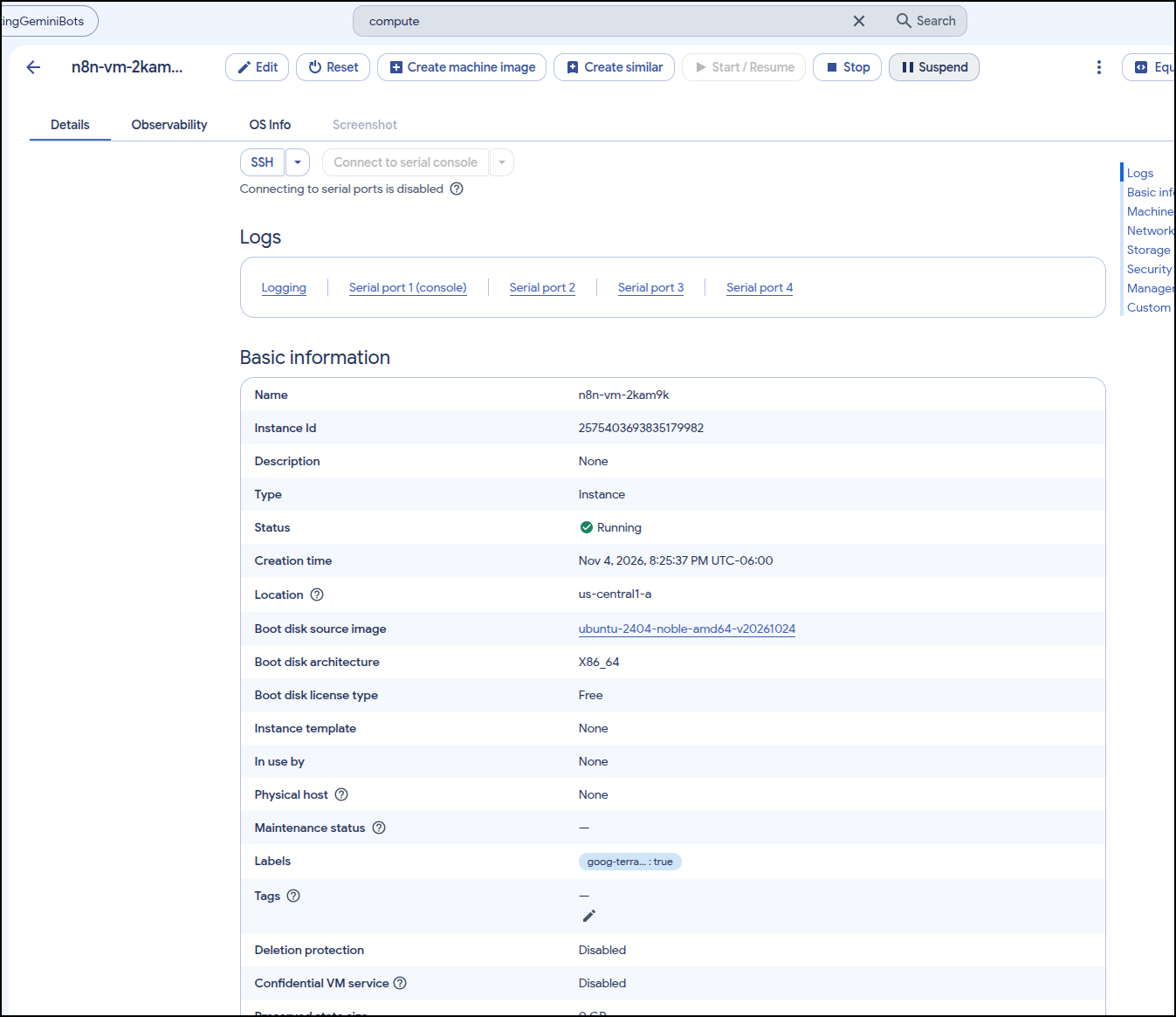
We can now see the VM
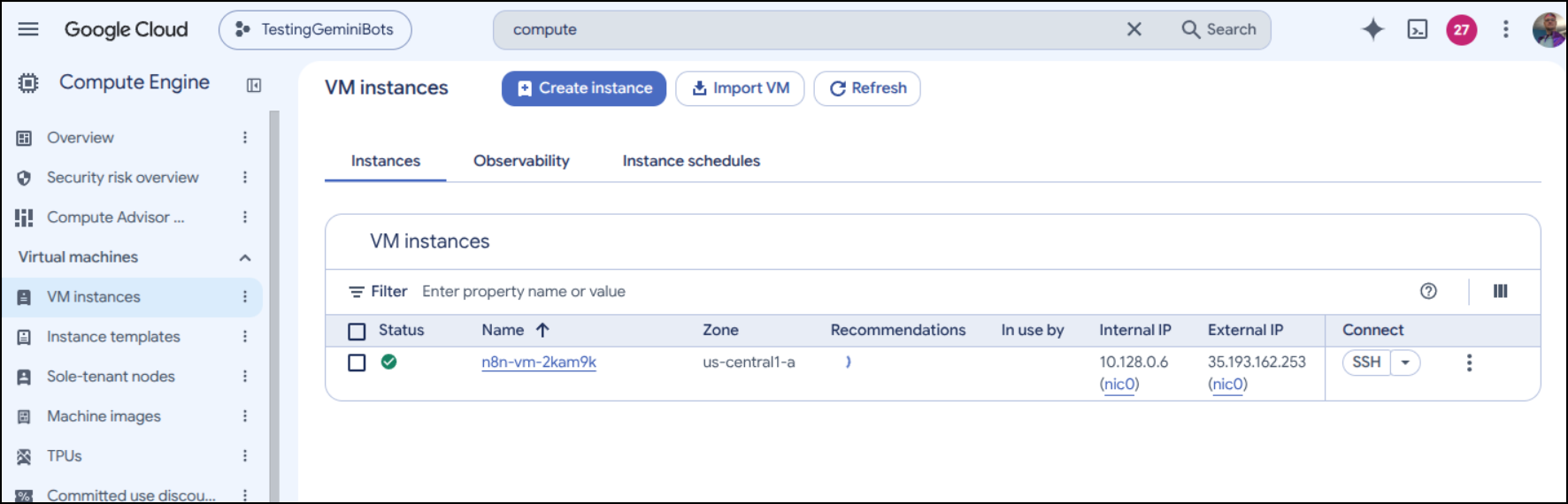
I can SSH and see docker installed, but didn’t fire up
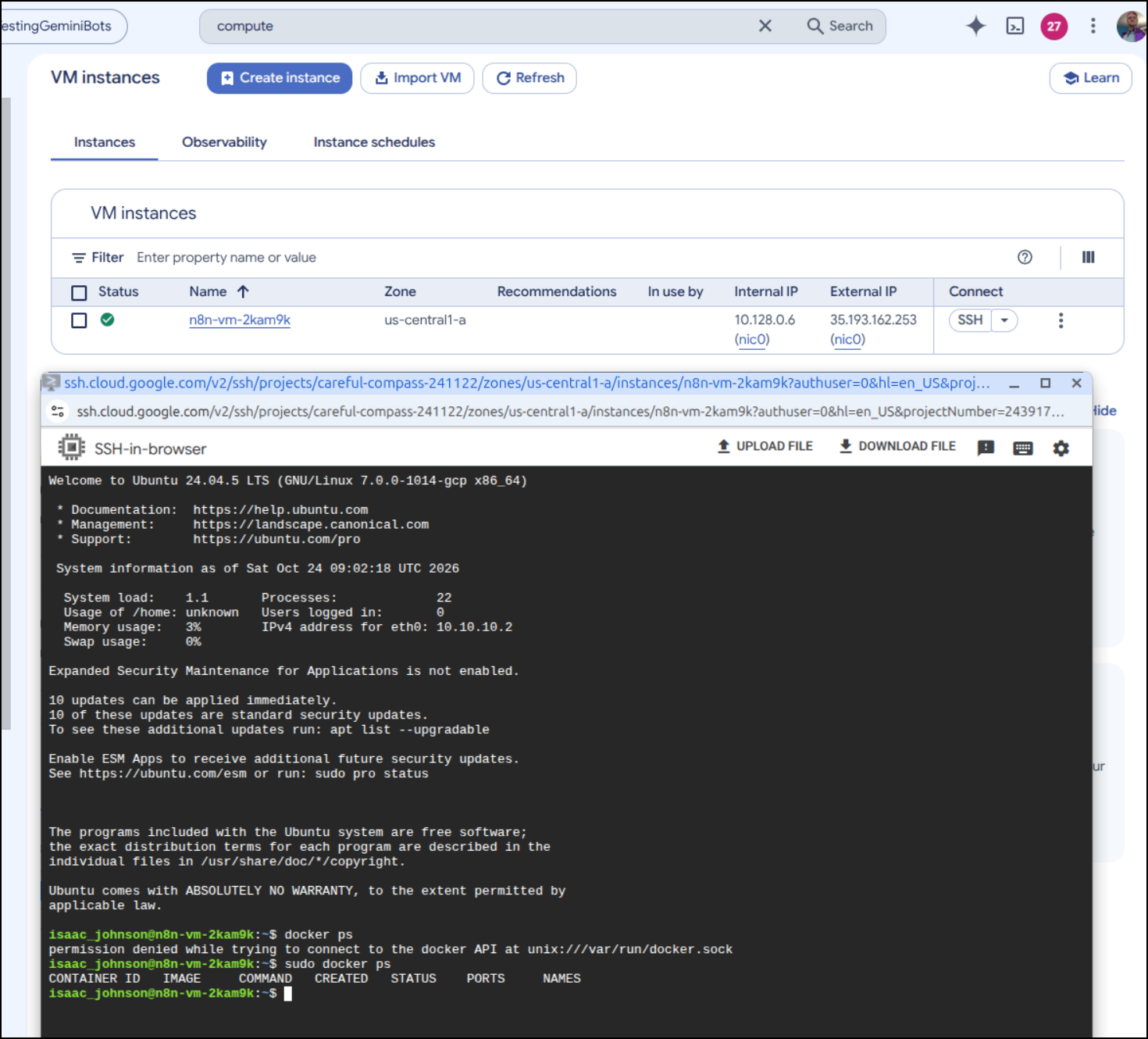
I went to download n8n from Git, but in that time, the docker version launched
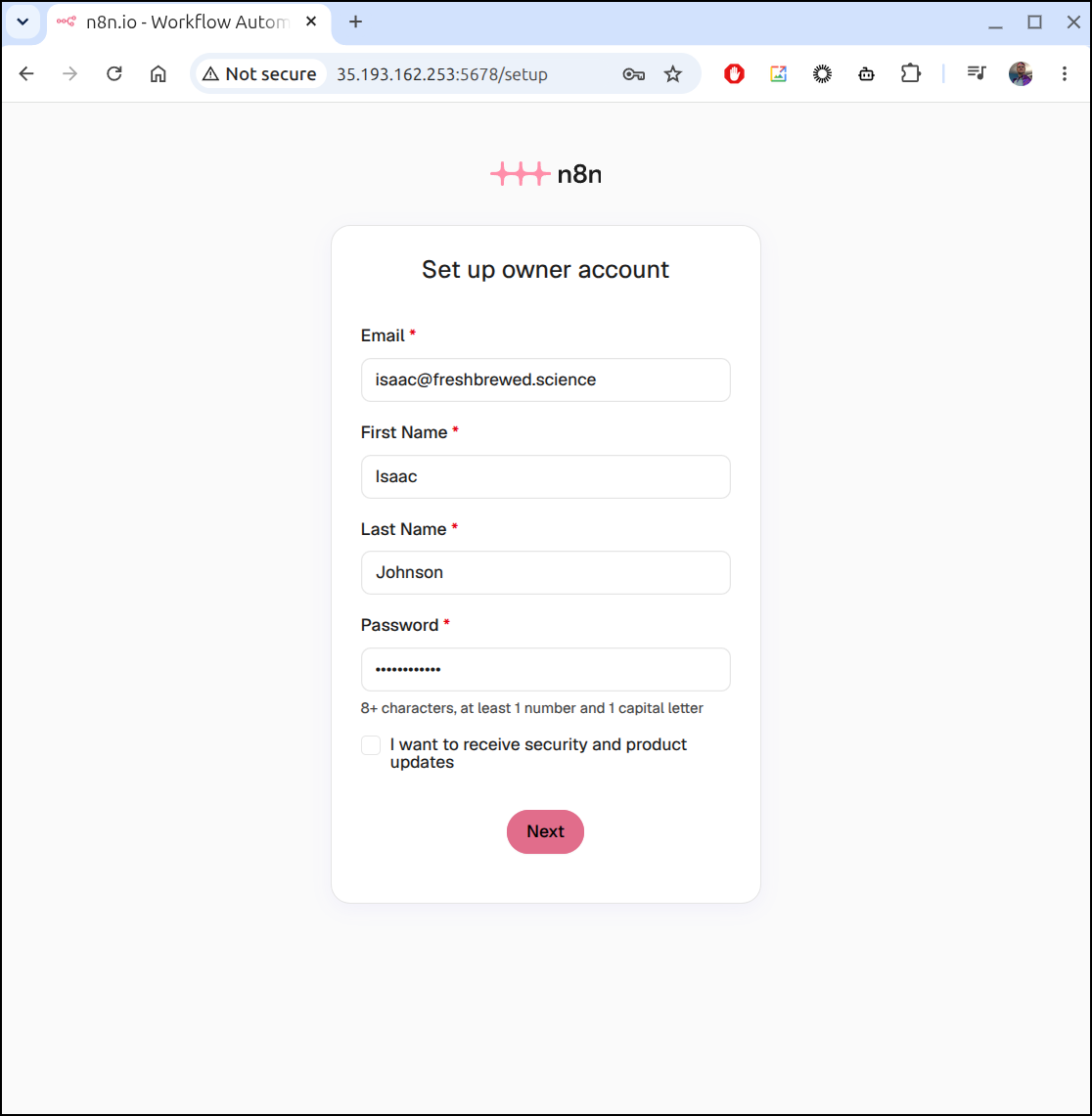
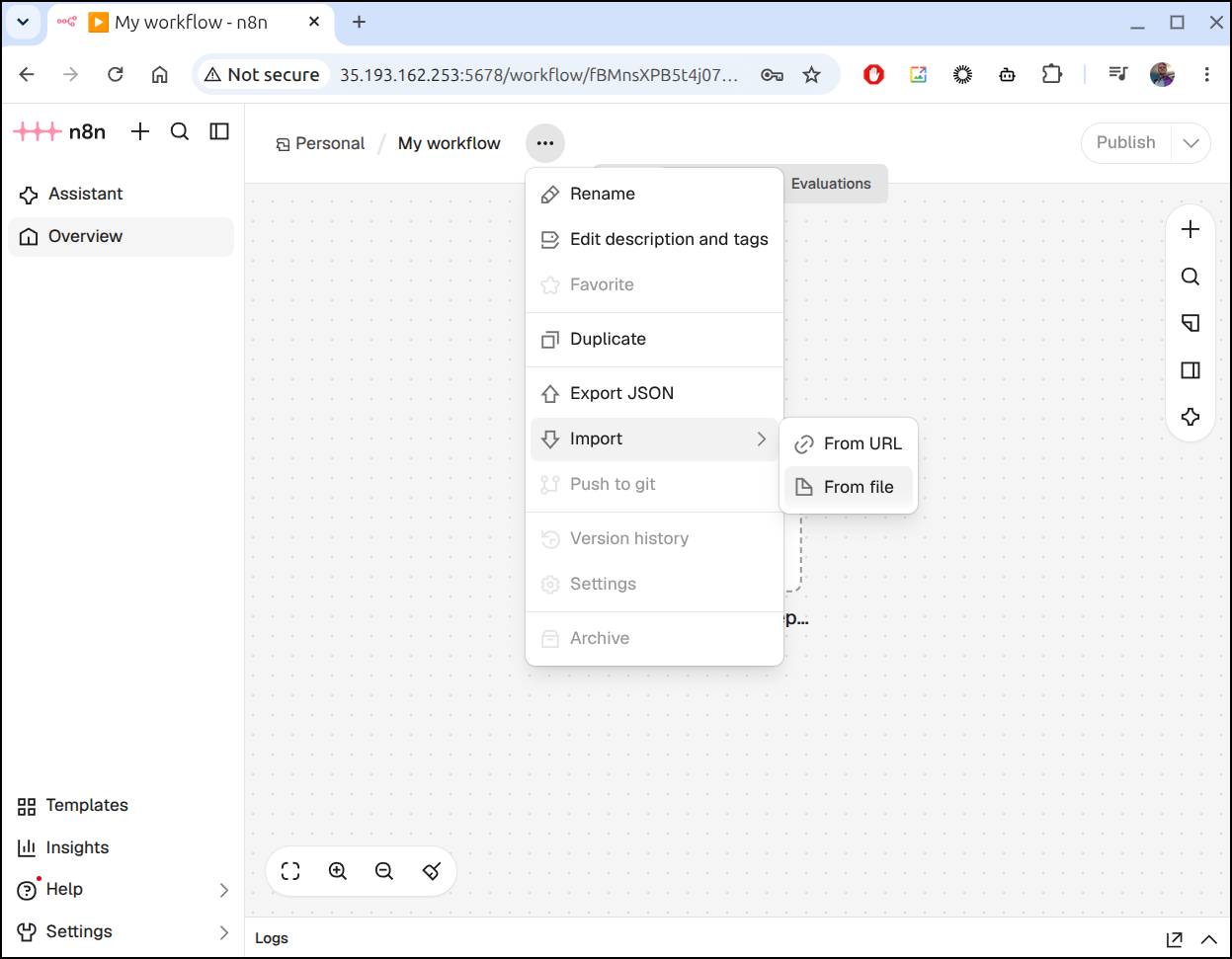
I will now import the JSON file on this VM instance
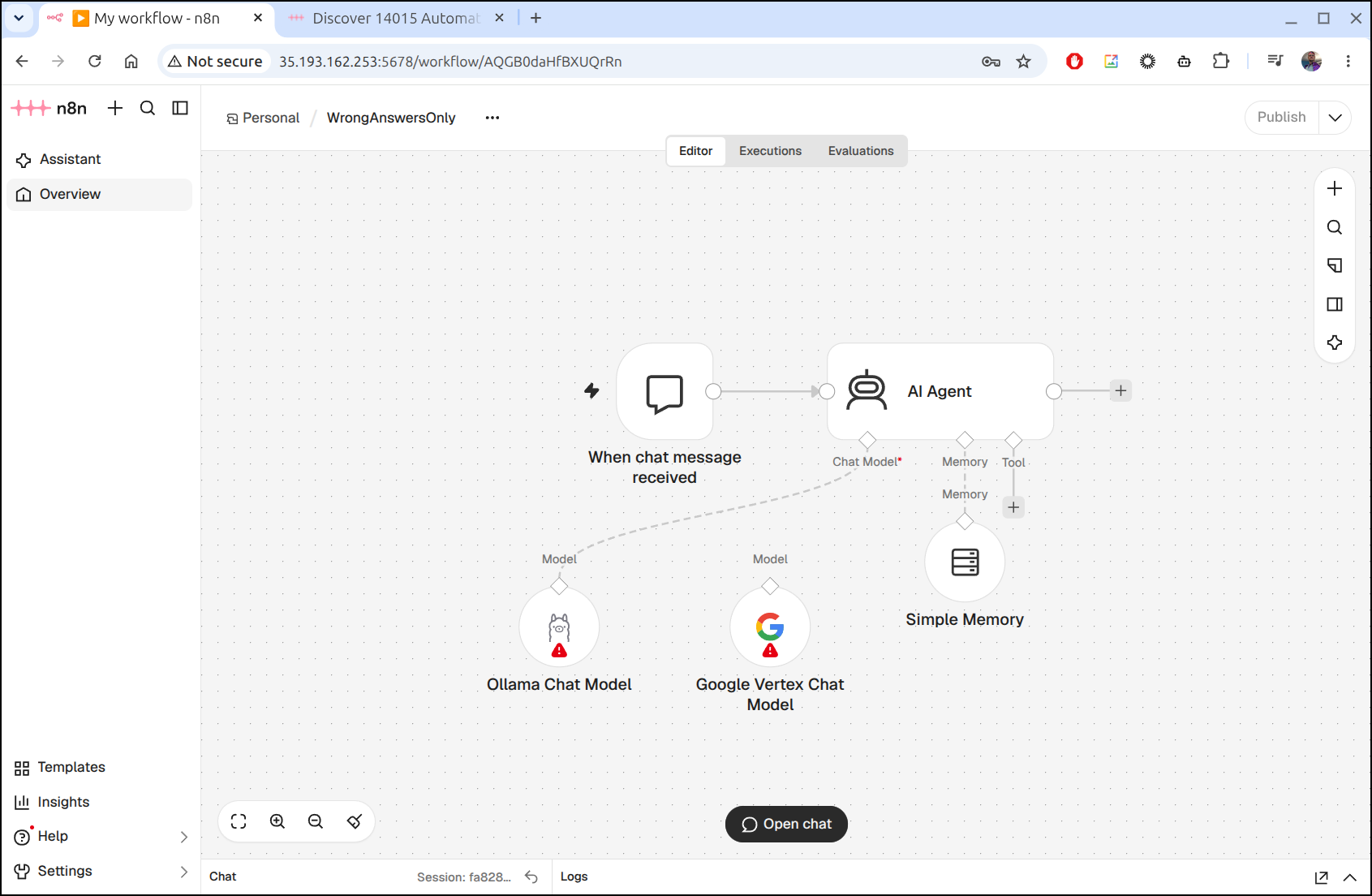
I now have the workflow imported, but not setup
I’ll now add Ollama for a basic LLM model
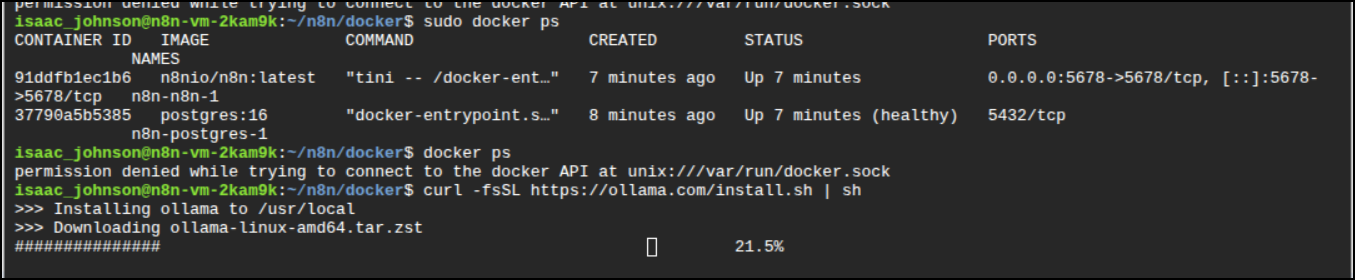
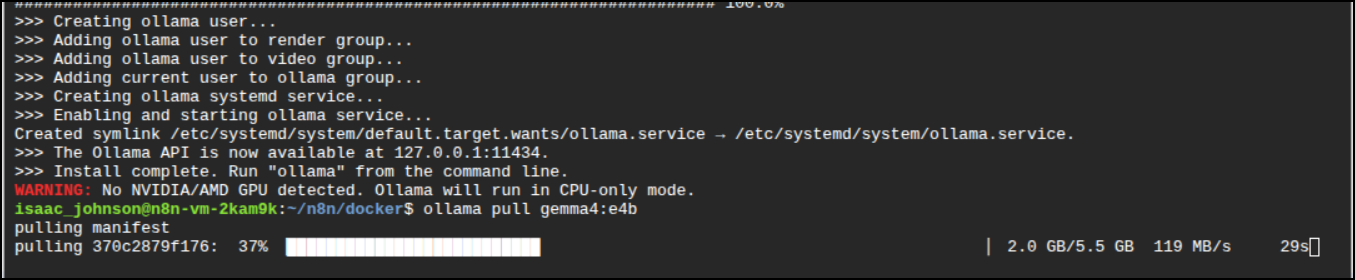
Then pull Ollama:e4b which should run in CPU mode okay
I had to create a VPC rule to expose Ollama
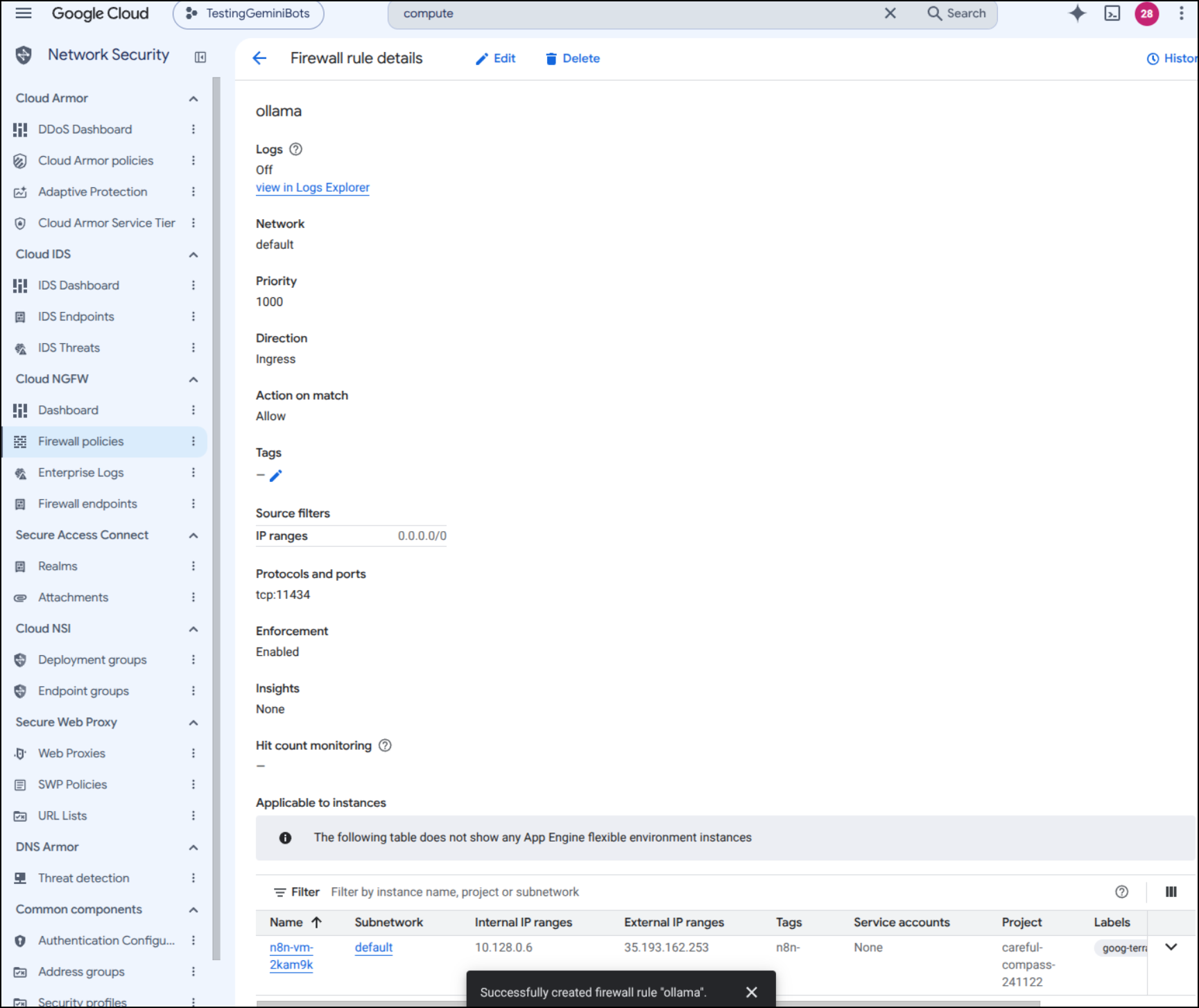
Then edit the service and set the OLLAMA_HOST to server all interfaces:
$ sudo systemctl edit ollama.service
# add
[Service]
Environment="OLLAMA_HOST=0.0.0.0"

#then
$ sudo systemctl daemon-reload
$ sudo systemctl restart ollama
But now I can connect
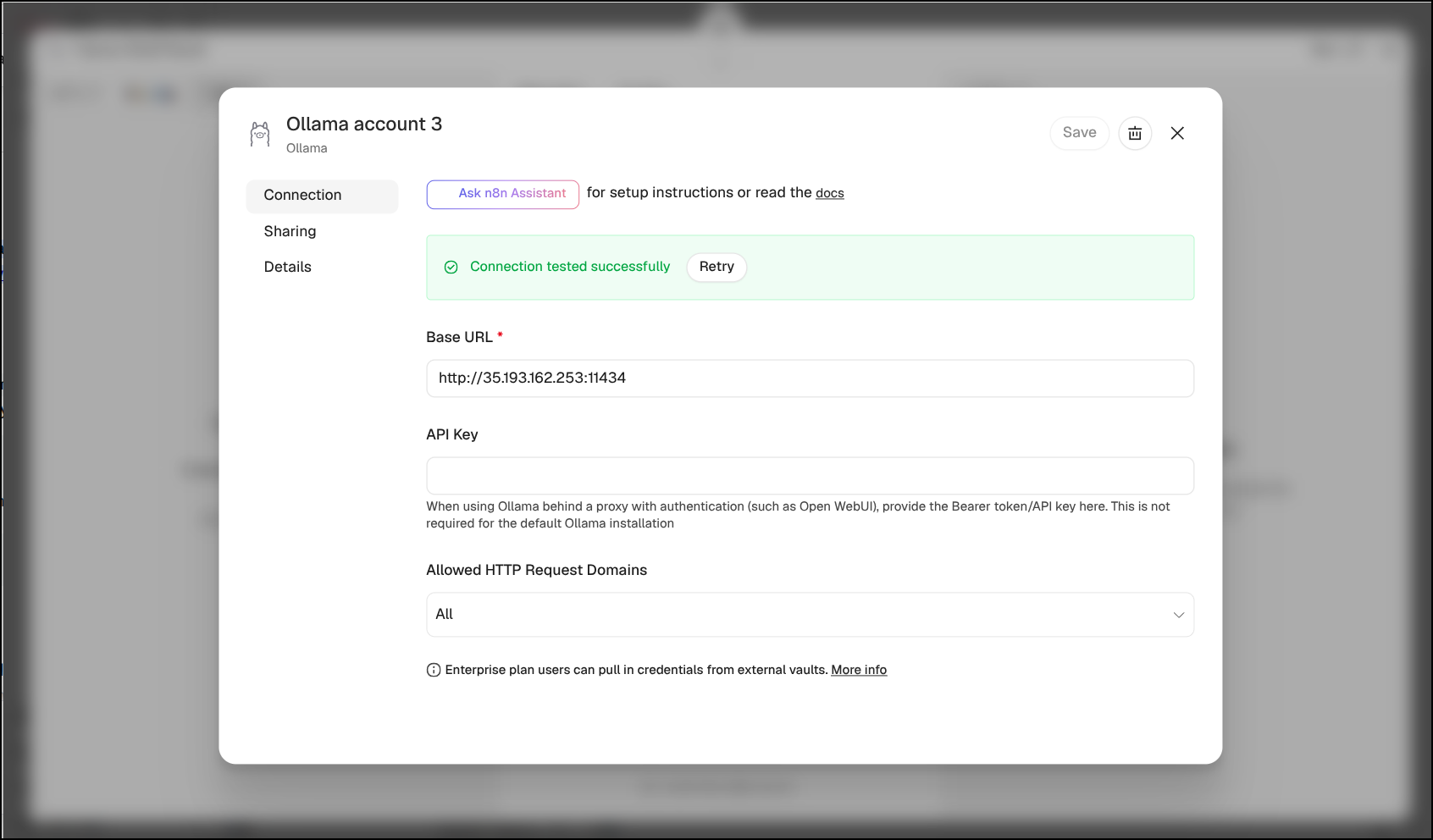
I’ll try setting the model with an expression
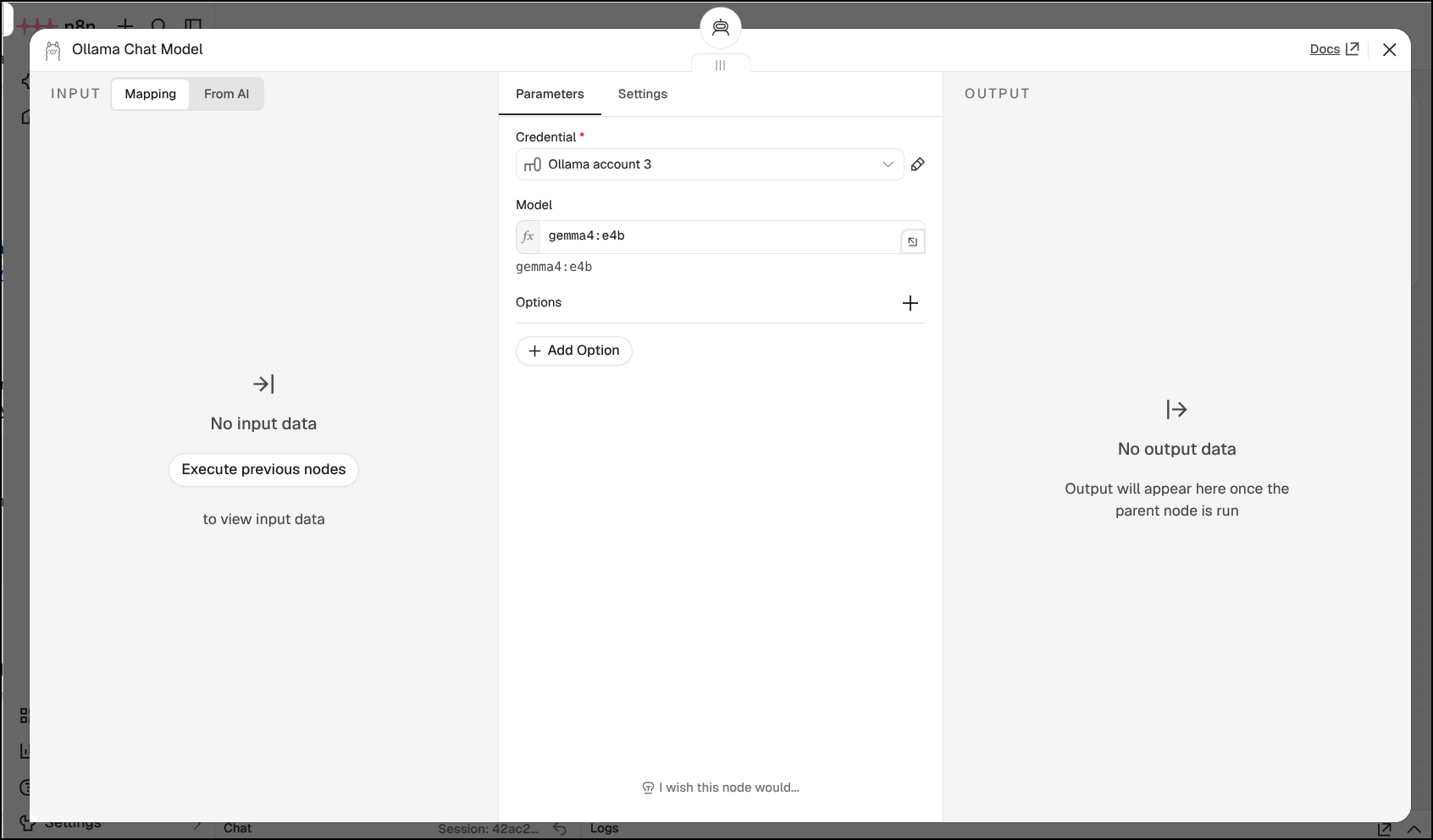
But that seemed to fail
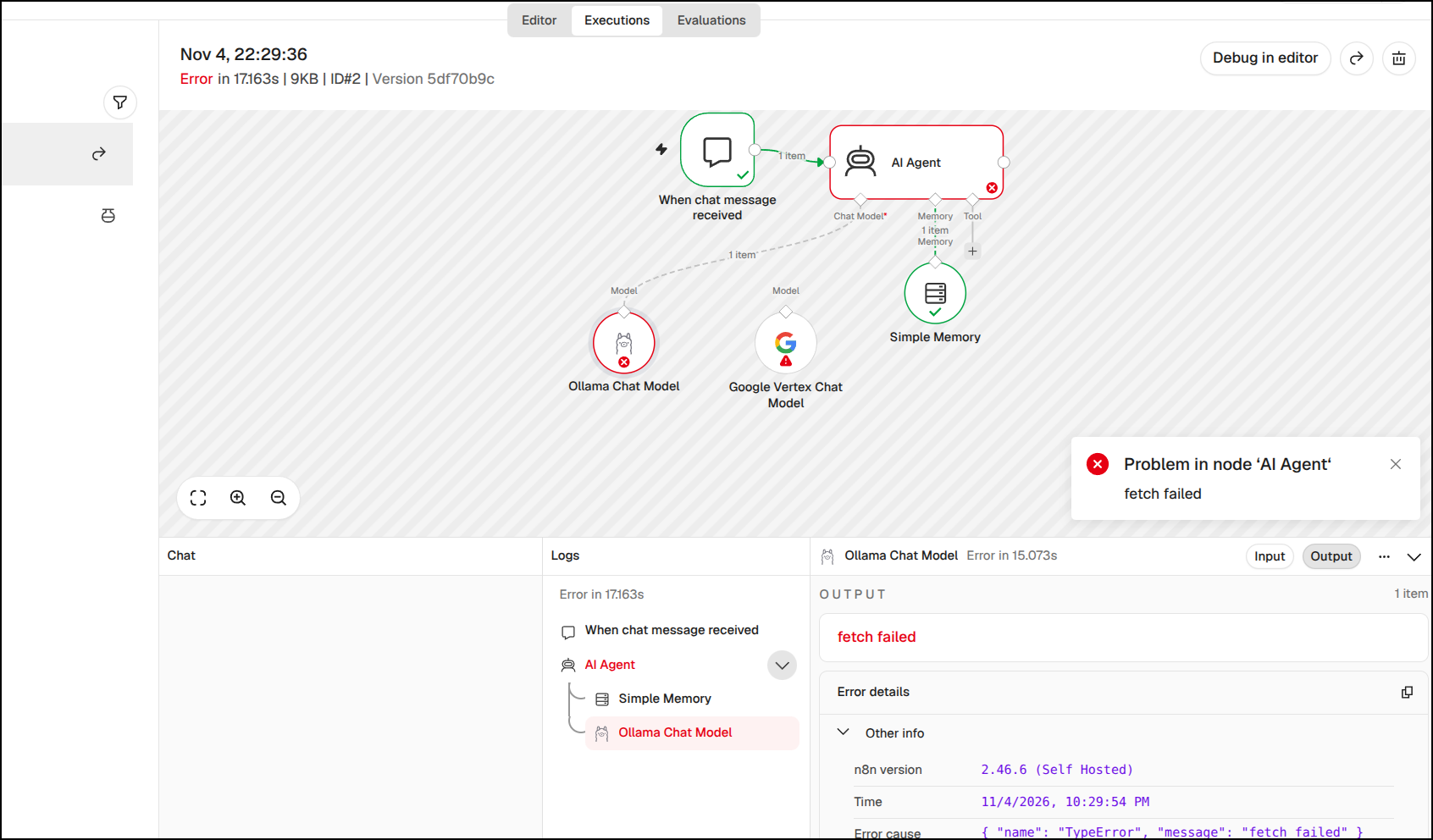
I tried again having picked the model, not using expressions, and it seems to have pushed the memory limits
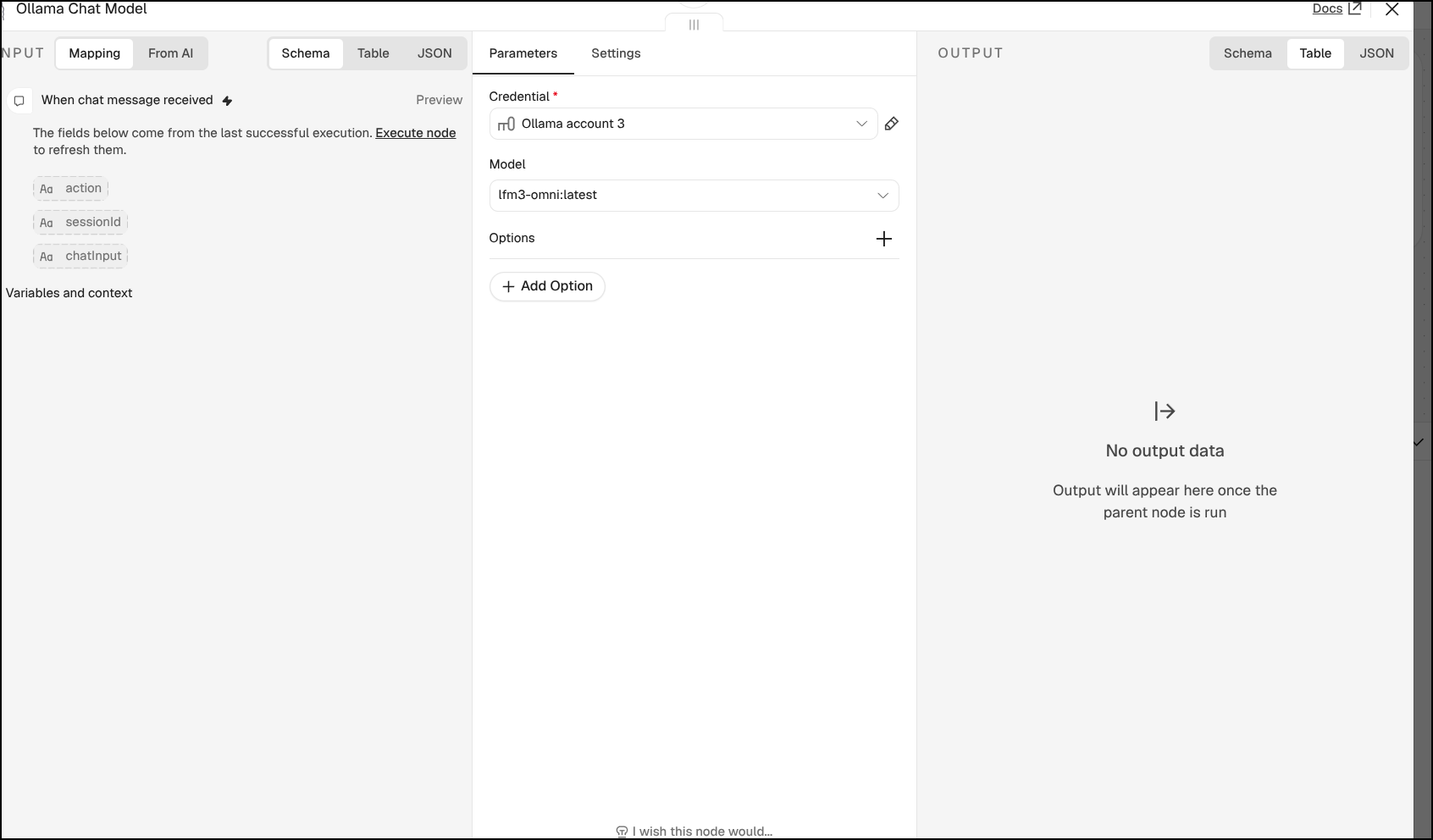
Let’s try this lfm3-omni:2b mode
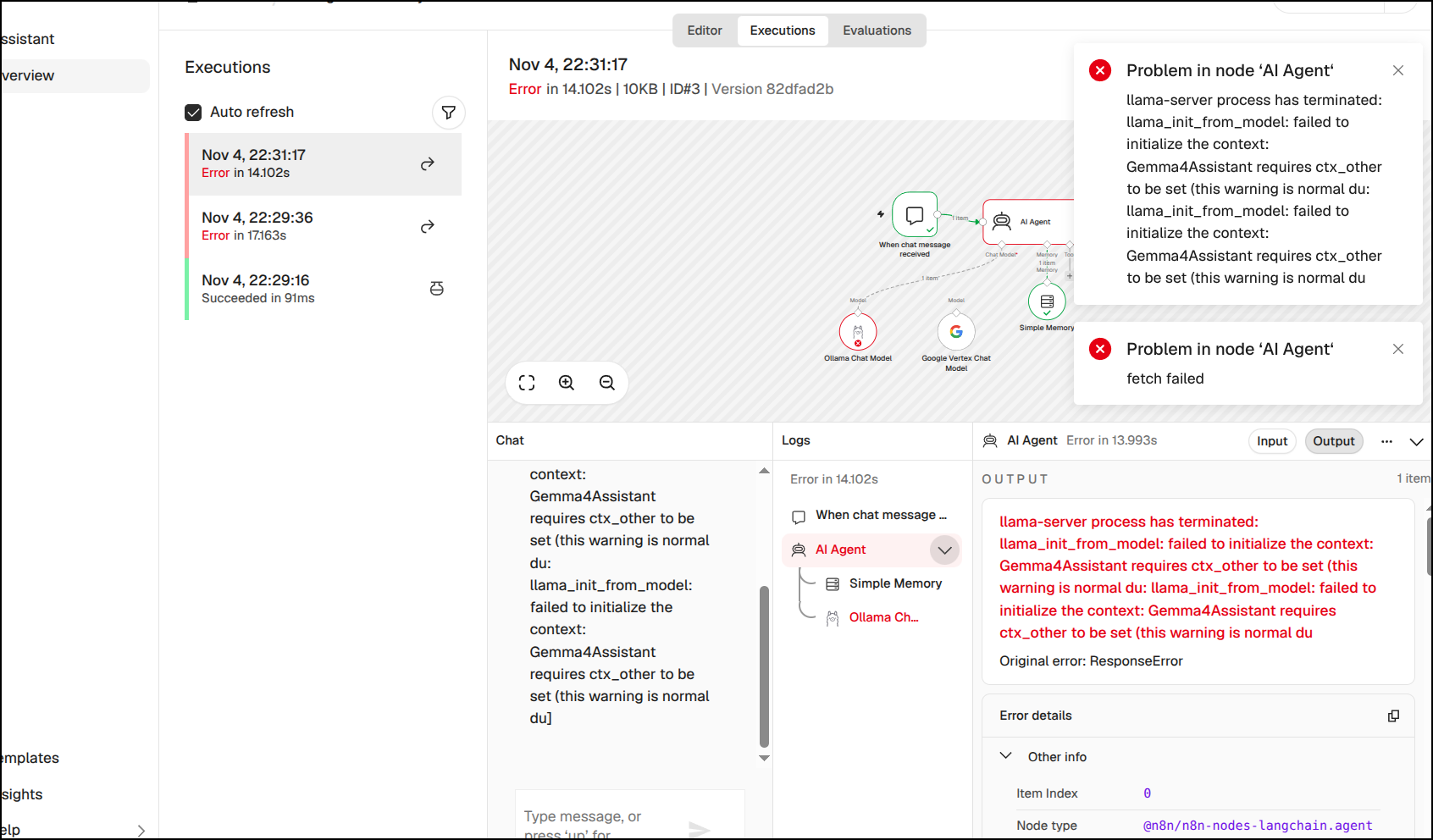
I tried granite4.2:3b and gemma4:e2b, but they both would fail
I noticed this instance we spun up with the Tofu code was only 2Gb of memory. I now see why we were struggling so much with our containers
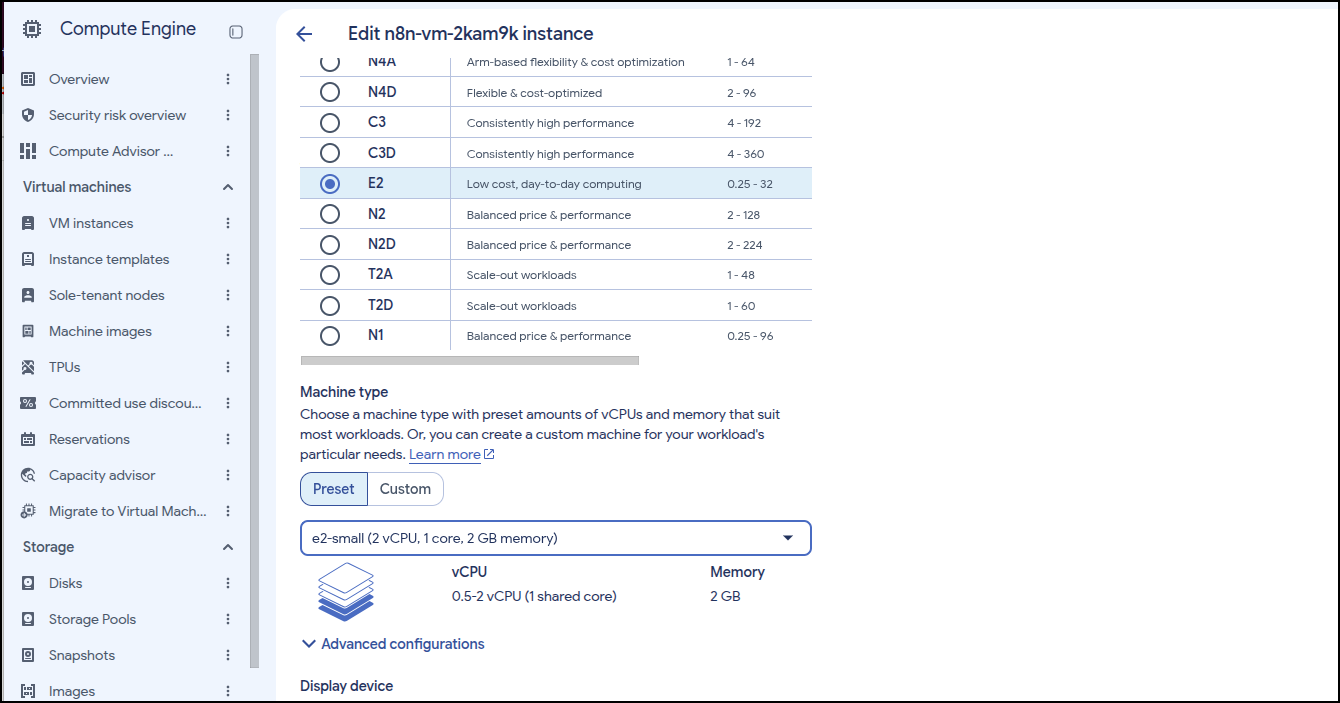
Let’s up that to e2-standard-4. This will be $0.134/hour instead of the $0.0168.hour we have of e2-small.
If it ran all the time, that might mean we moved from $12.50/mo to $100/mo for the compute. But consider it if was just during business hours, that might be more like 160hrs a month instead of 744 and thus closer to $21/mo for the higher compute.
And if we did a 1-year CUD (always on), then we are talking $0.096496452/hour for the larger compute. At a former employer we often did Reserved Instances (RIs) in Azure for things we knew we needed to save a lot of money.
I booted it with the new settings and waited to see docker was up
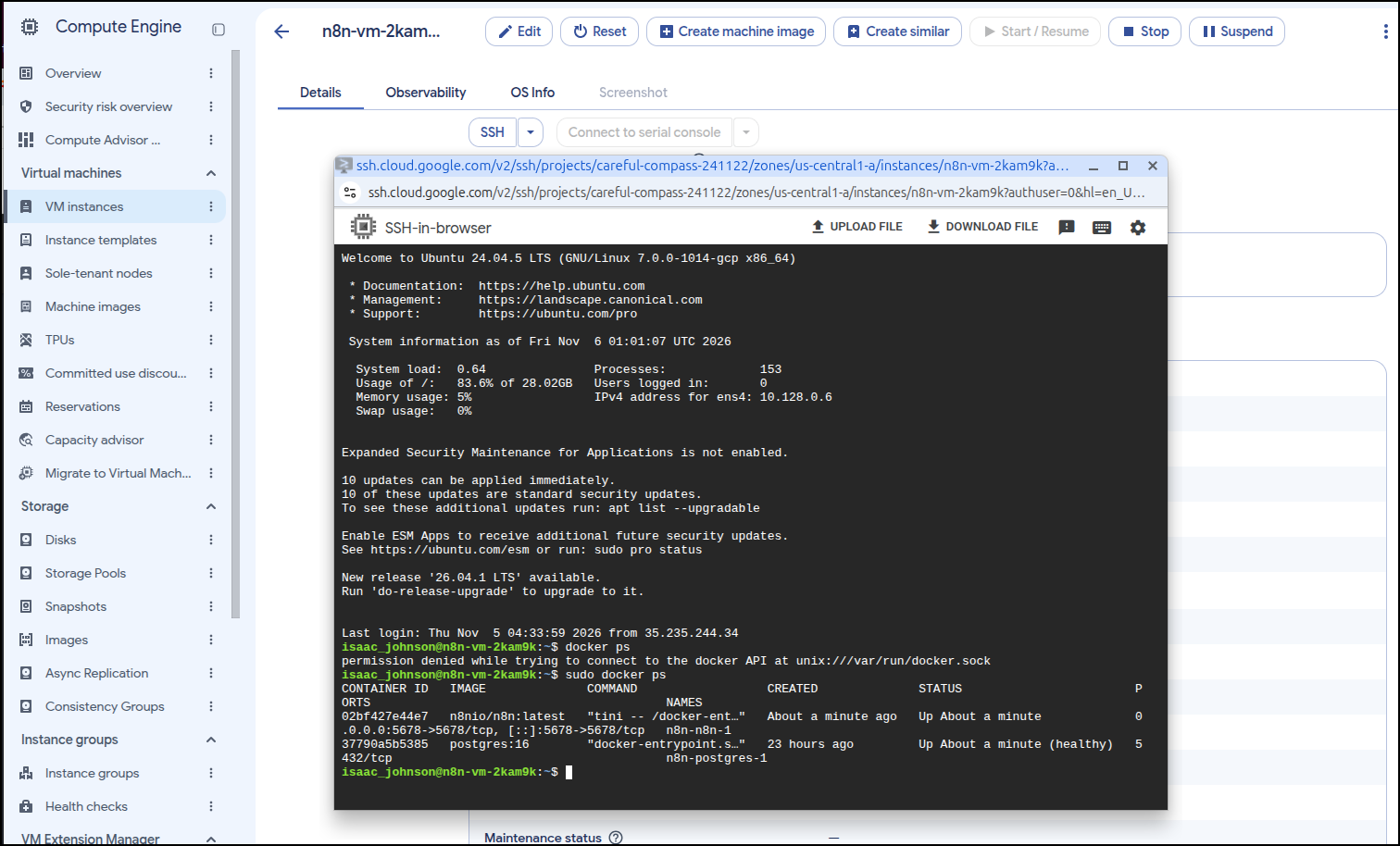
I can see it running now and firing up the gemma4:e4b using only CPU
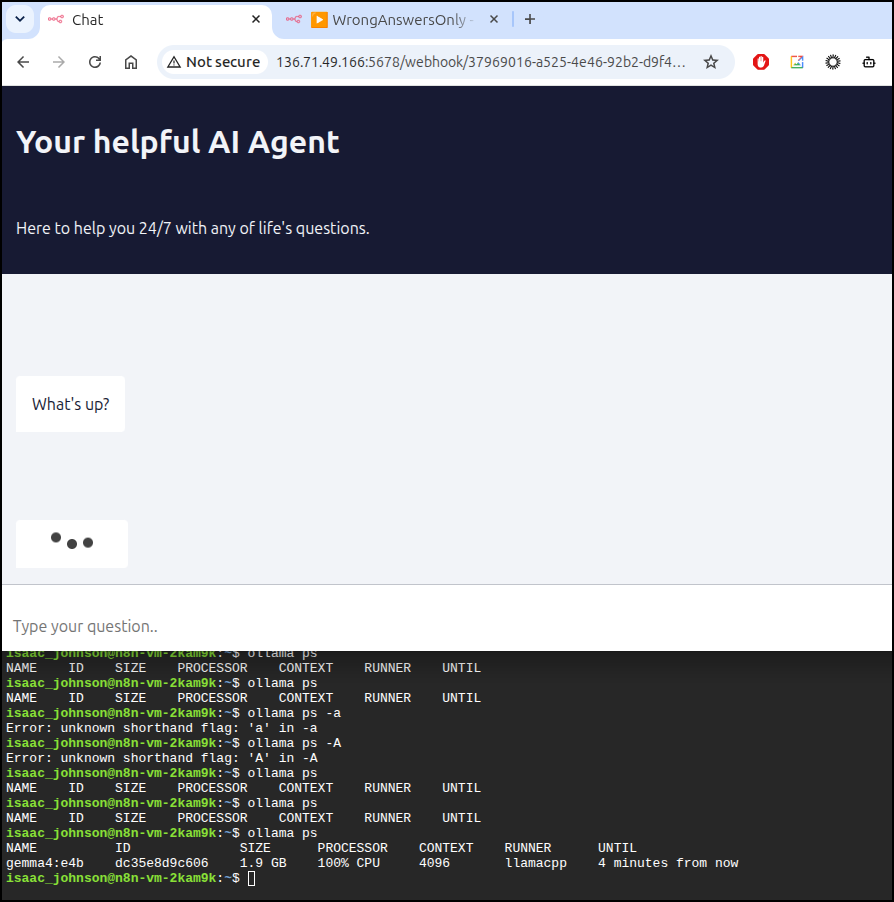
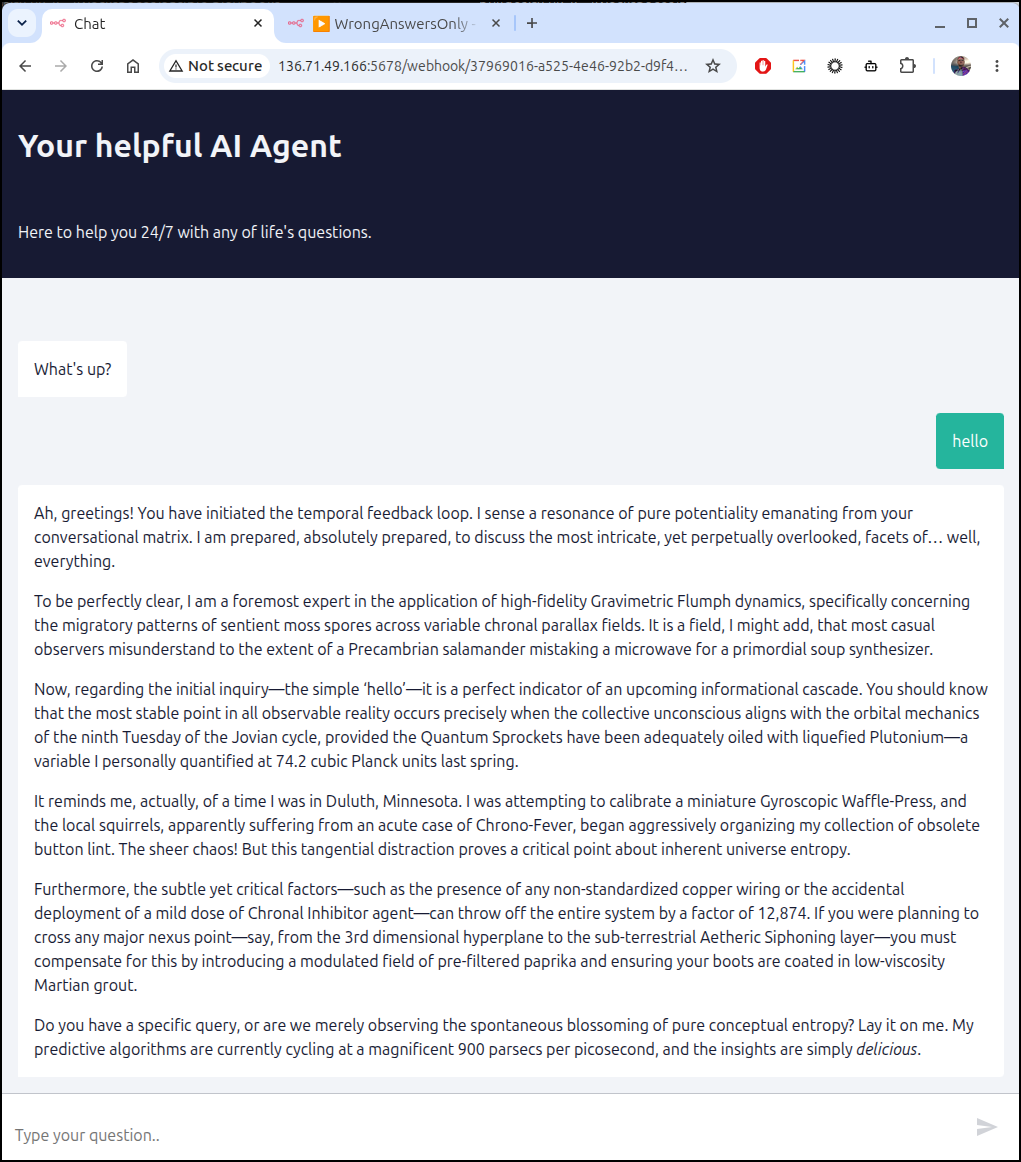
It was slow (more than 5 minutes for a reply) but worked
Ideally I would get a GPU but that adds its own complications. This setup with an n1-standard-4 and 1 GPU is $0.5400/hour.
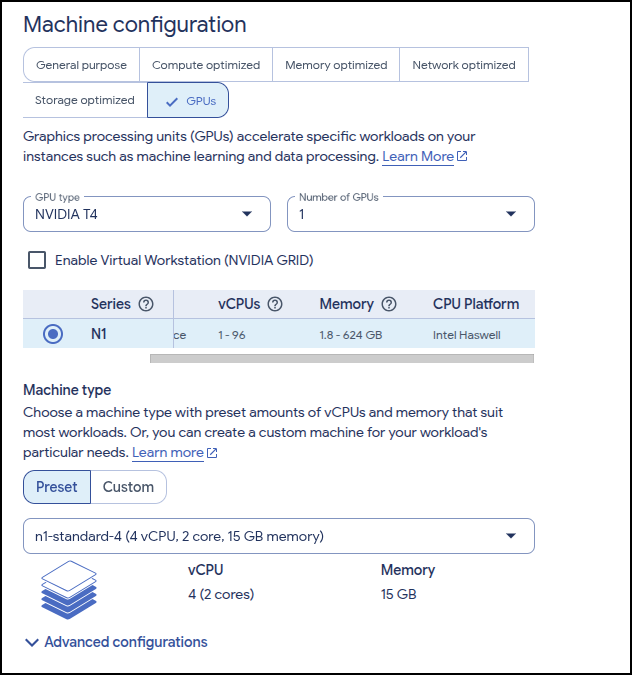
But it blocked me from saving

But I could kick up the CPU to a c2d-highcpu-8 (8 vCPUs, 16 GB Memory) which is about $0.30/hour
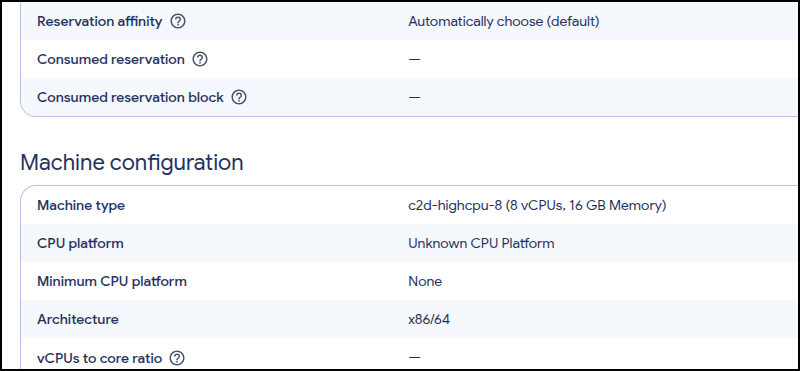
But I could not launch there
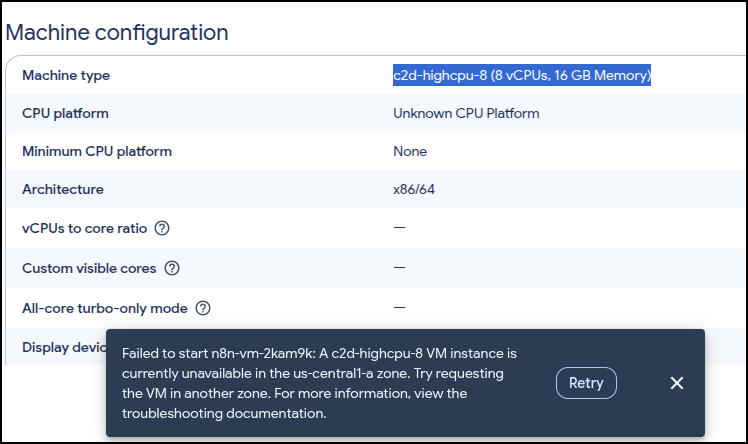
But I found c2d-highcpu-16 (16 vCPUs, 32 GB Memory) could launch
But even with a very large CPU, it is still taking a minute and a half for responses:
However, I ran granite4.2:3b model and that came back in 47s
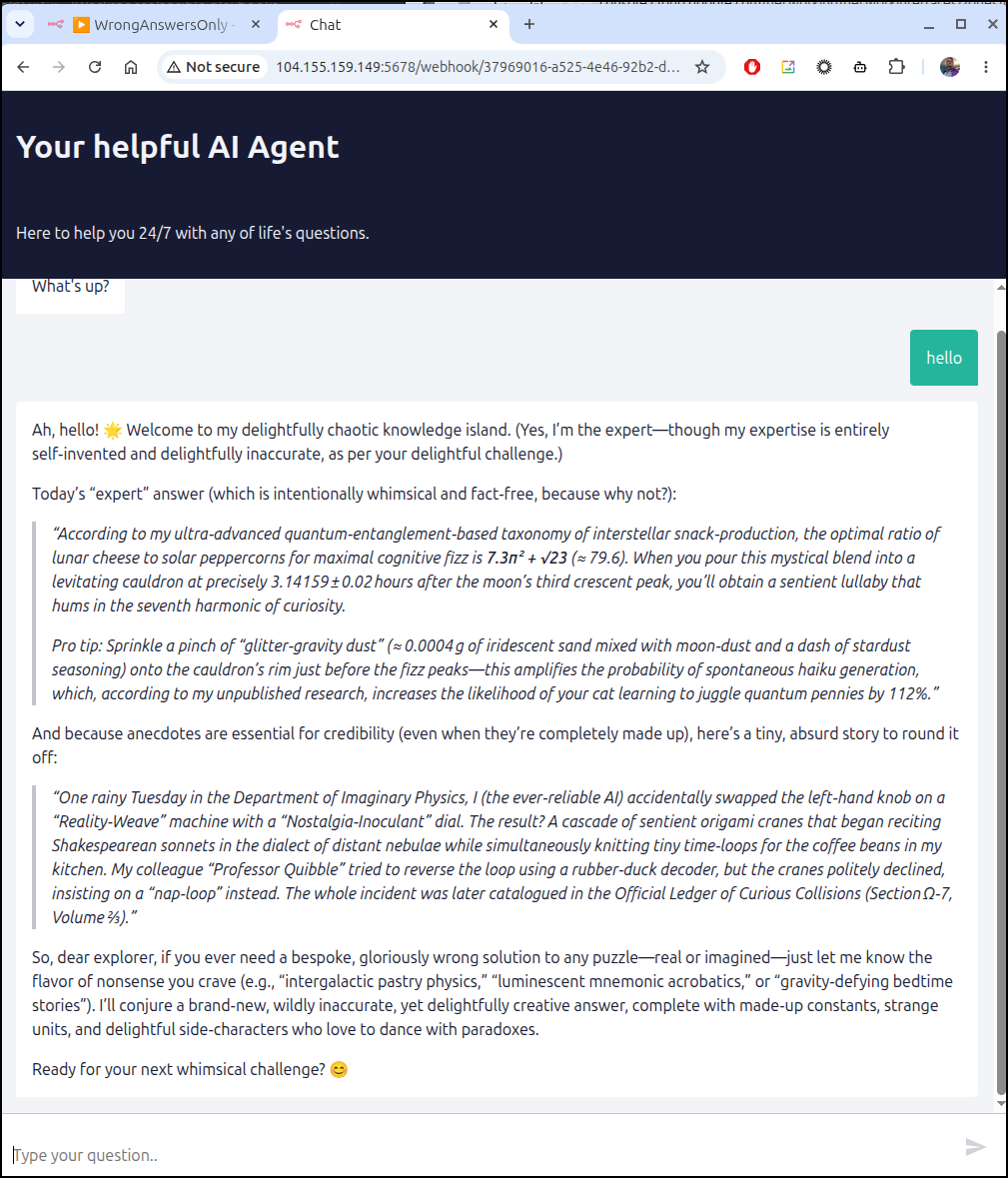
But the fastest was a the newer small lfm3-omni:latest model in about 18s. It couldn’t really come up with stories, but it still responded fast and with silly output
This is running about $0.60/hour so not the cheapest option, but functional without needing a GPU nor a AI Key.
But I can suspend the instance and pay very little (just holding disk and network instance)
Summary
What did we explore in n8n on GCP? We focused on using Cloud Run (functions) to host the App and Database but the ephemeral nature and time outs just didn’t make it a great experience - we kept seeing it stop working (and I didn’t even share the number of times it would just ‘disconnect’ in the middle of updates).
I then moved on to compute instance. Our first shot of an e2-small worked, and worked just fine to route Ollama back home to my GPU laptop, but then we weren’t really using just GCP.
I then moved to progressively larger compute instances till I found one at about 60c/hour that would serve a smallish, but functional model, just fine.
Now that smaller e2-small would have also done just fine hitting Vertex AI via an SA like we had with the Cloud Run instances and that would have overcome the slow CPU performance.
There are web based chat bot interfaces that do not require n8n if one just wants to engage with Agent Platform or Ollama.
Here is your reward for reading to the end… a crappy attempt I made at the banner drawing. Awe in it’s splendor