I get caught up sometimes on LinkedIn posts and i was directed to this one by Andreas Prins posted Sept 22 about new rancher charts for OpenBao.
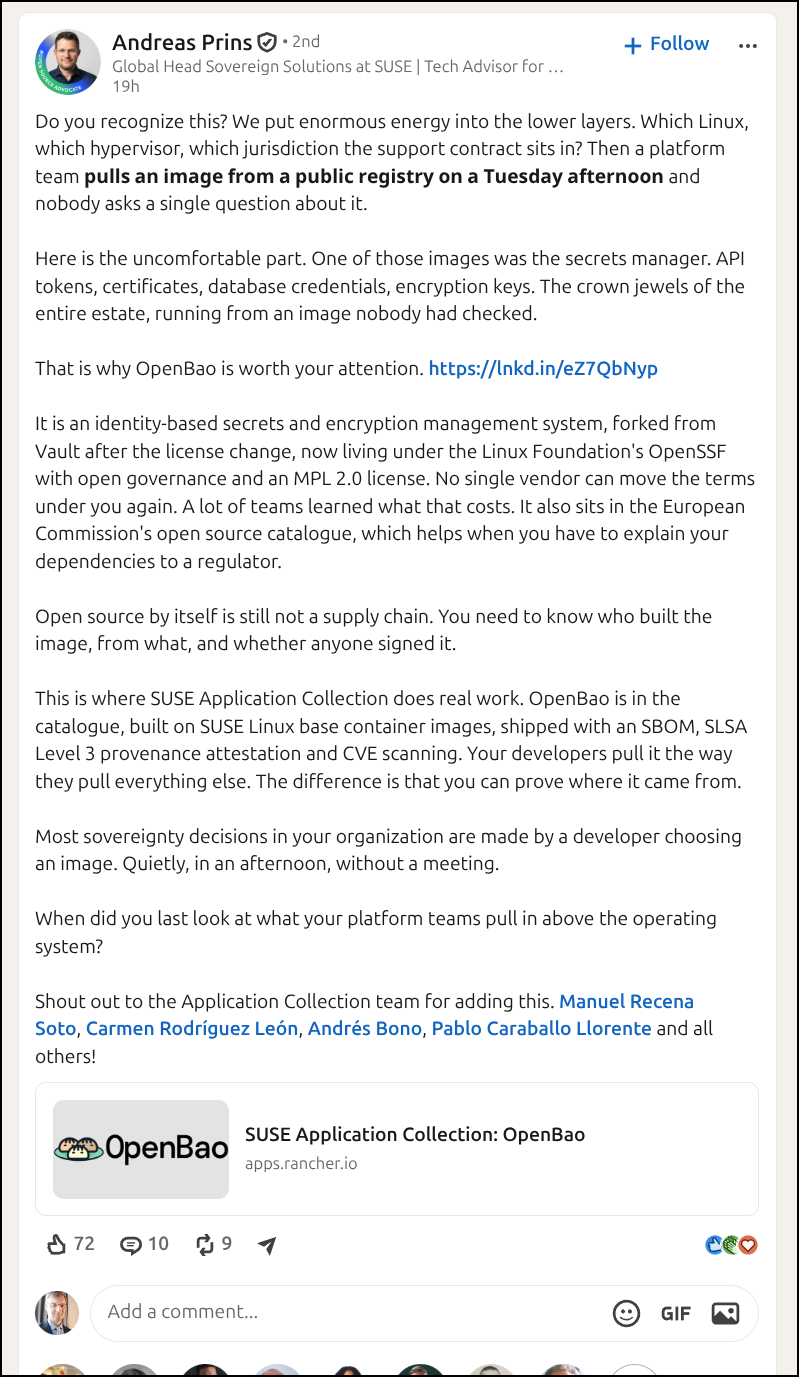
That seems really sweet. I love Rancher K3s and so i immediately wanted to dig in. I plan to setup OpenBao in K3s then focus on JWT/OIDC authentication with Authentik as well as CLI usage locally.
However, we may be in for a rough start…
OpenBao with Helm, from SUSE?
Rancher (which I had no idea till now that it’s part of SUSE) has a helm chart for OpenBao
The link in that post is to https://apps.rancher.io/applications/openbao
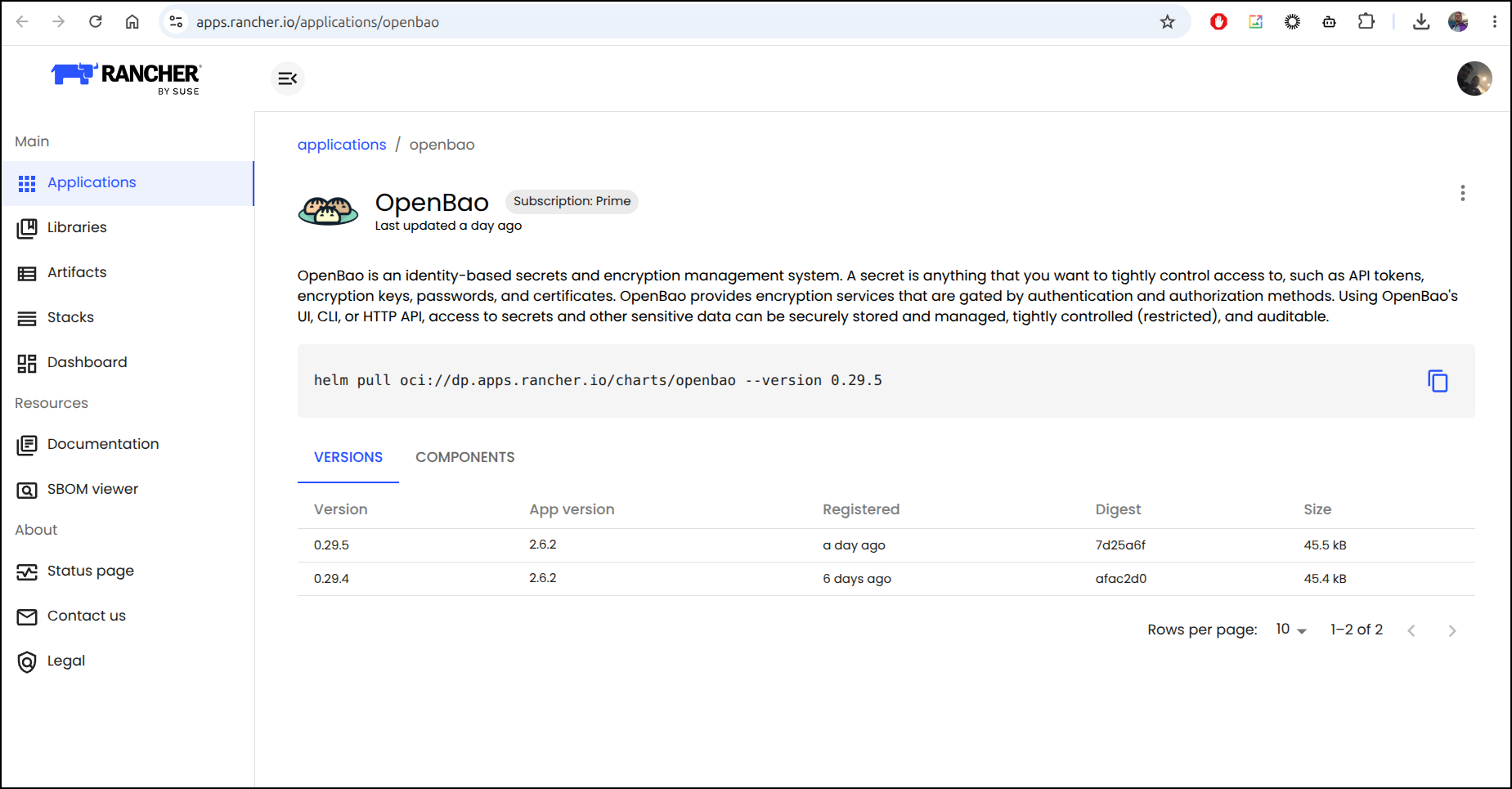
We can see the pull command from the Rancher application page:
$ helm pull oci://dp.apps.rancher.io/charts/openbao --version 0.29.5
First, it failed because you need to Auth.
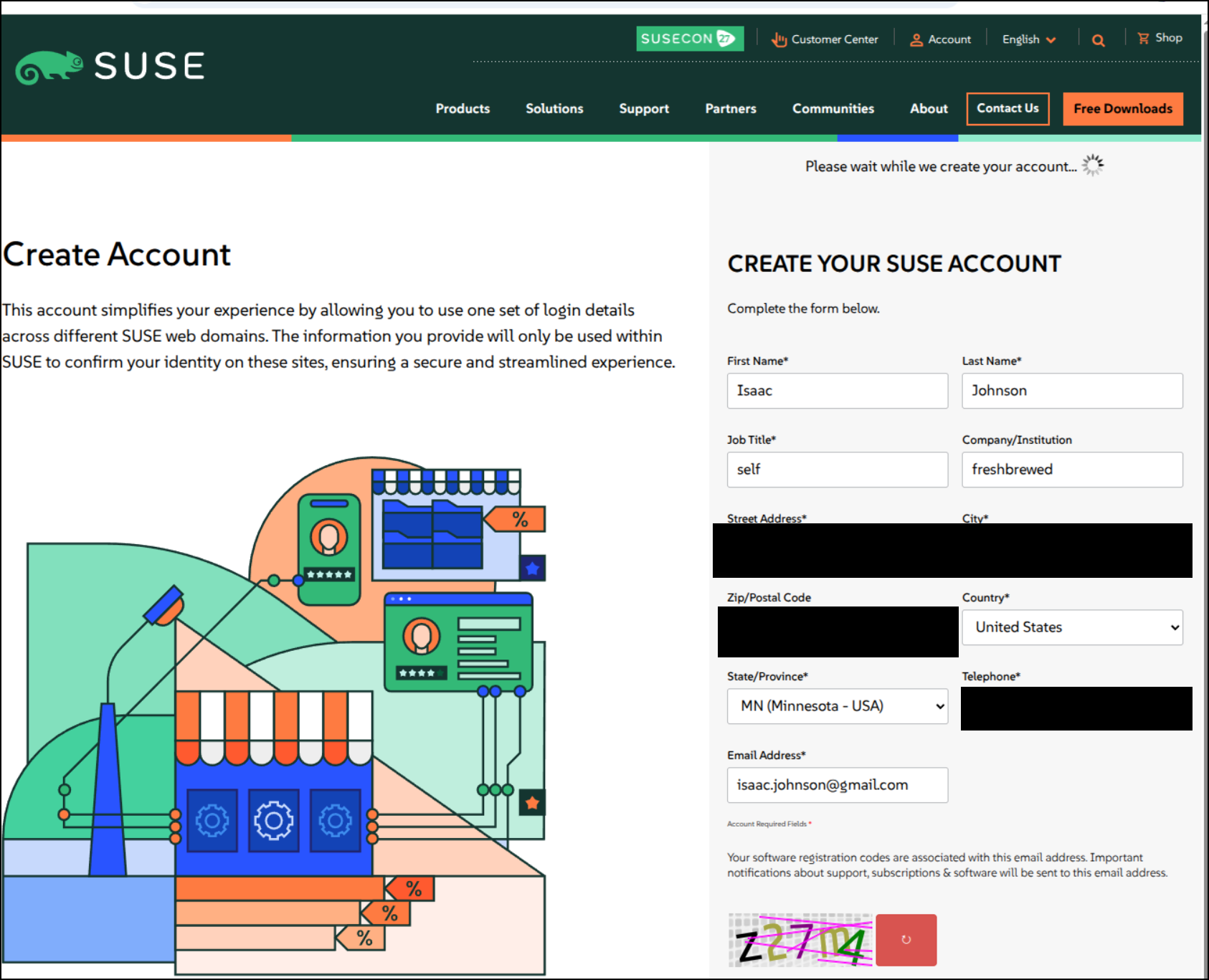
Next, the SUSEID login requires a SUSE account which asks for way more info than should be required
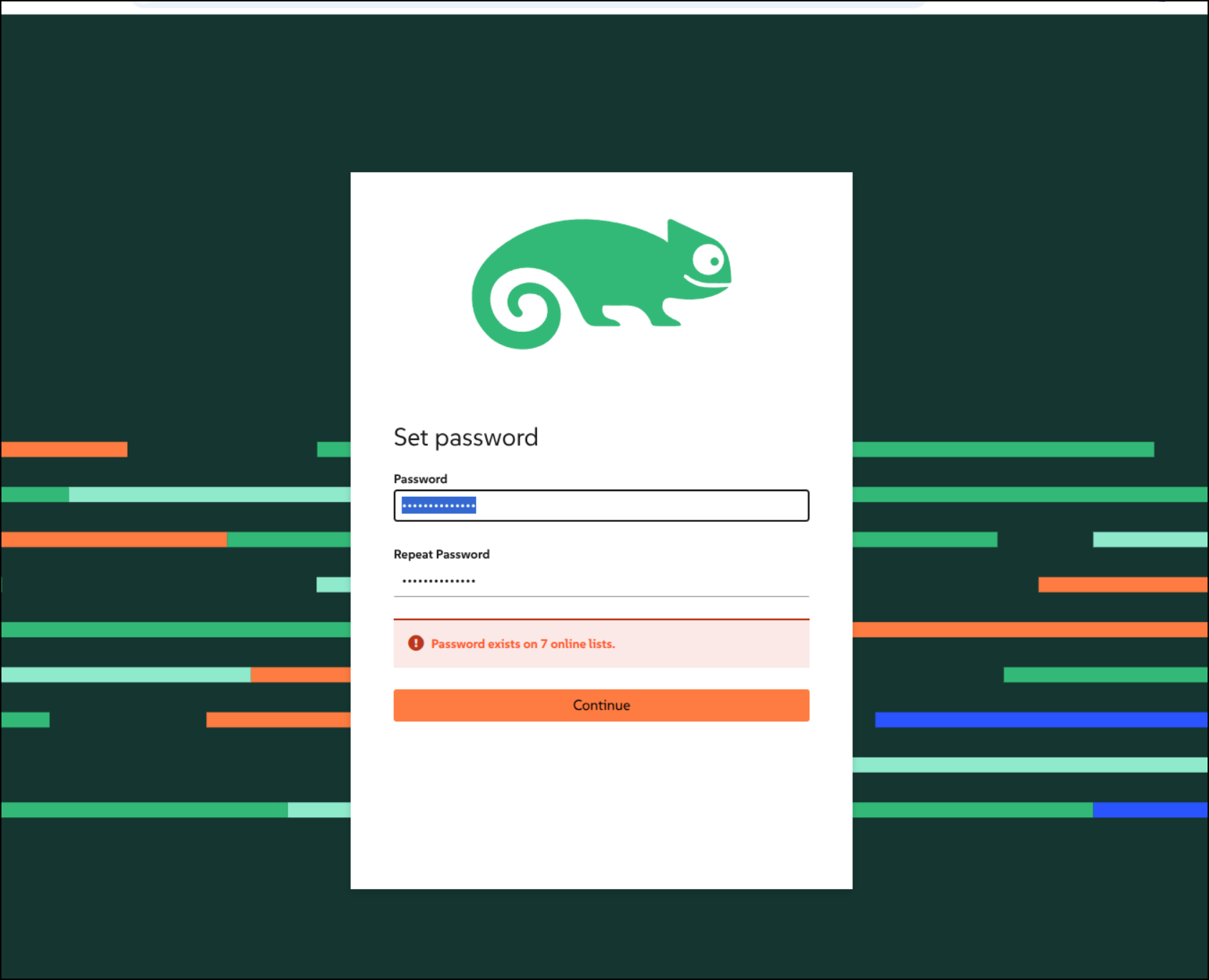
Then I guess it won’t let me use just any password
I then tried to login with that
$ helm registry login dp.apps.rancher.io -u 'isaac.johnson@gmail.com' -p 'notmyrealpassword'
level=WARN msg="using --password via the CLI is insecure. Use --password-stdin"
Error: authenticating to "dp.apps.rancher.io": GET "https://dp.apps.rancher.io/v2/": response status code 401: Unauthorized
I also tried a token password
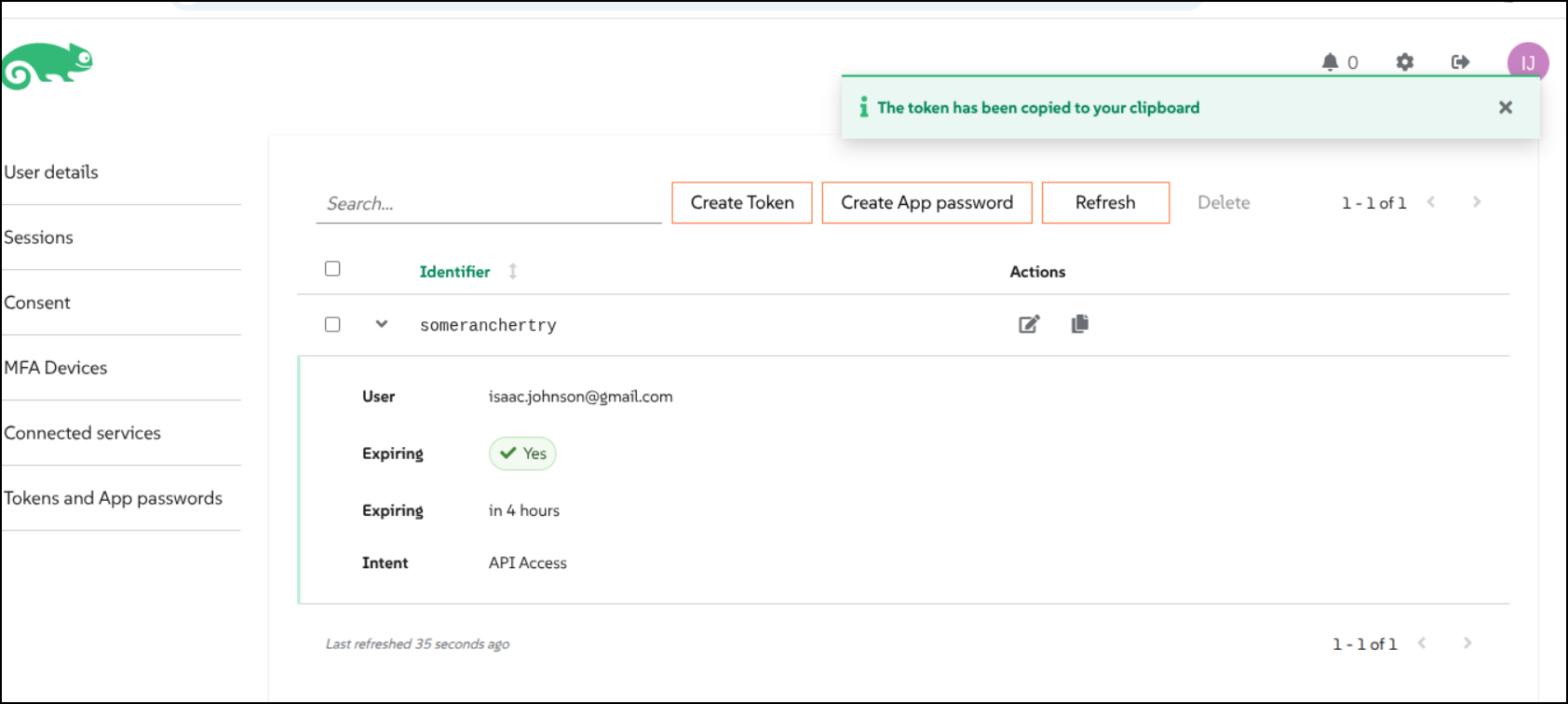
I clicked my name which showed a settings page. From there I got to access tokens and guess what, more nonsense to deal with
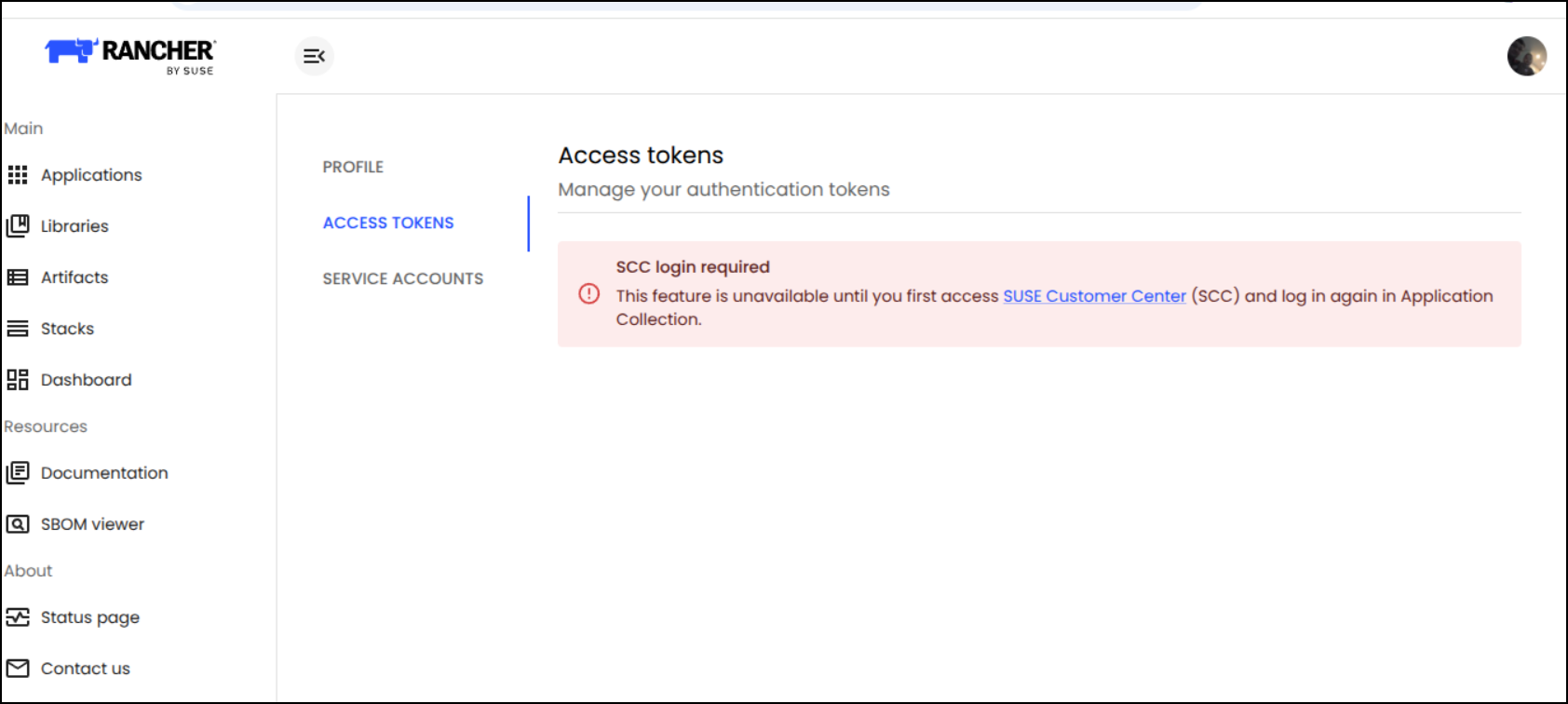
And more agreements
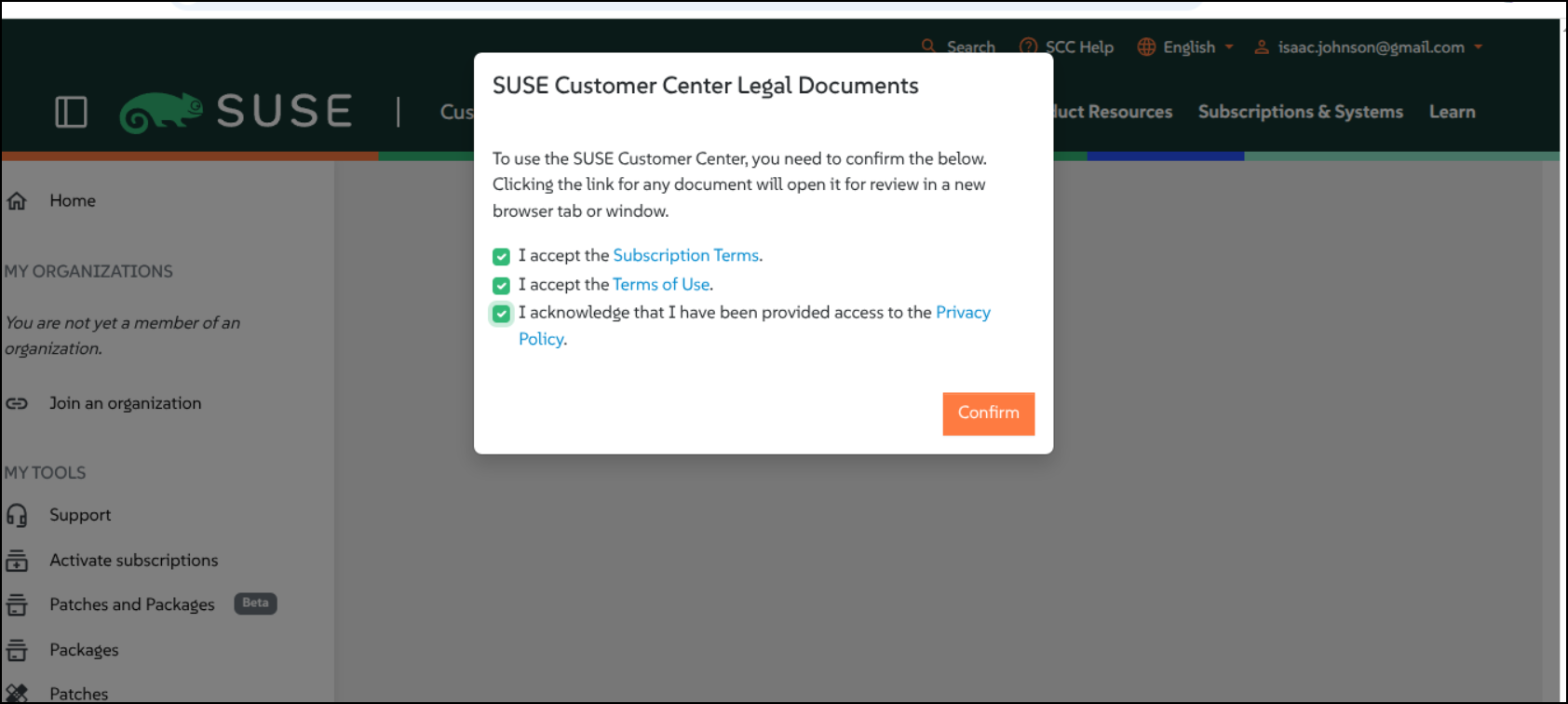
I poked all around the SUSE page but found now “Application Collection”. After I logged out, only then did I see they now brand ‘apps.rancher.io’ the “Application Collection”
Now I can create a token
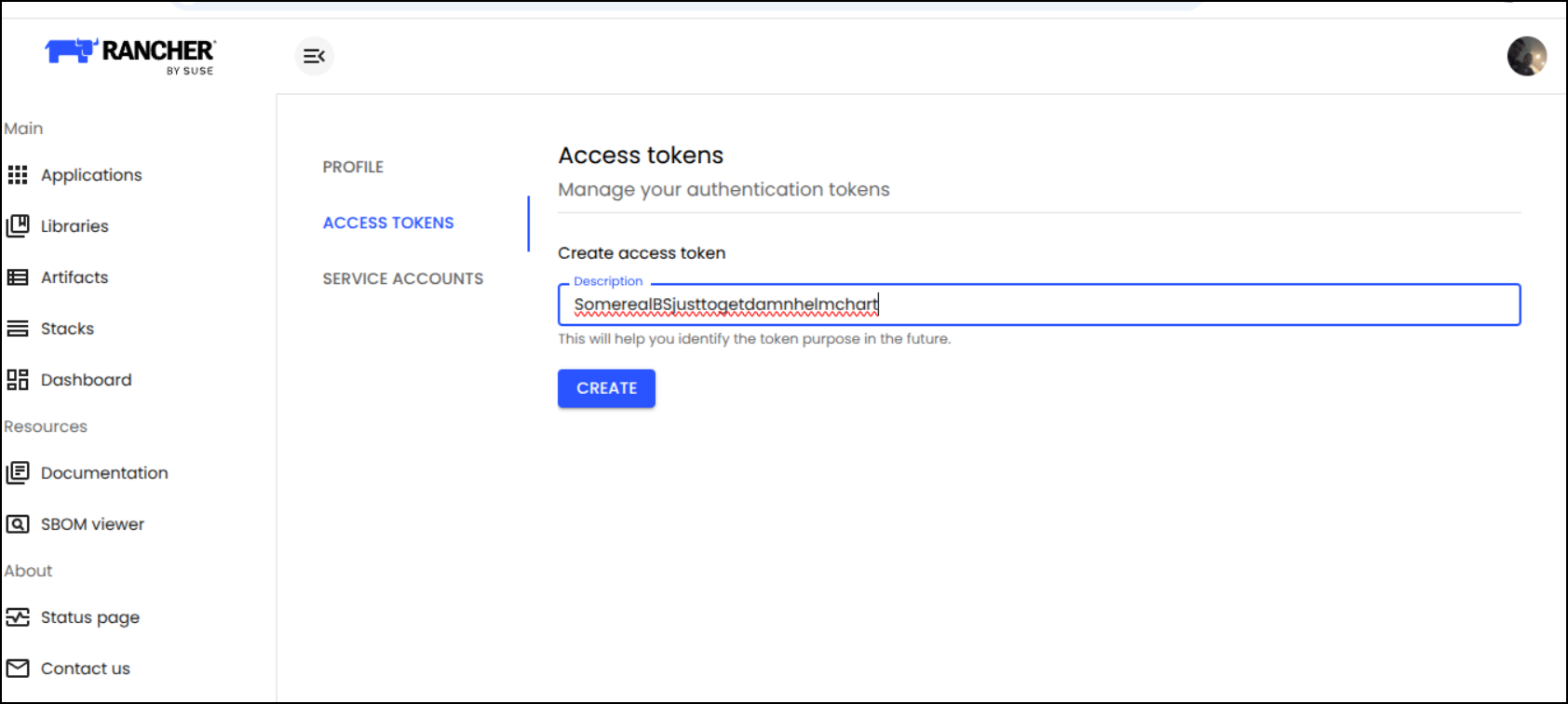
I login and guess what, I need some kind of damn subscription
$ helm registry login dp.apps.rancher.io -u isaac.johnson@gmail.com -p bGRmY2ZneWNkeXlhZXR4b2RoeW11c25sbXRneXNja3N2Z2trbmprbGNoeGNibmdsZnhsY2RlZGd2bWVrdXpzag==
level=WARN msg="using --password via the CLI is insecure. Use --password-stdin"
Login Succeeded
$ helm pull oci://dp.apps.rancher.io/charts/openbao --version 0.29.5
Error: failed to perform "FetchReference" on source: GET "https://dp.apps.rancher.io/v2/charts/openbao/manifests/0.29.5": response status code 403: denied: Forbidden access to openbao image in charts repository. isaac.johnson@gmail.com lacks necessary subscription.
That sucked. I’m just going to use the OTS chart
OTS Chart
$ helm pull oci://ghcr.io/openbao/charts/openbao
Pulled: ghcr.io/openbao/charts/openbao:0.29.5
Digest: sha256:cacdca206a0face0f7ce95a7171816854fd2ef2b04b504610c20cf3be3b85454
I’ll snag an Azure DNS entry for this app
$ az account set --subscription "Pay-As-You-Go" && az network dns record-set a add-record -g idjdnsrg -z tpk.pw -a 76.156.69.232 -n openbao
{
  "ARecords": [
    {
      "ipv4Address": "76.156.69.232"
    }
  ],
  "TTL": 3600,
  "etag": "a4fe7ebf-35ef-4c57-ba1d-f734b821644e",
  "fqdn": "openbao.tpk.pw.",
  "id": "/subscriptions/d955c0ba-13dc-44cf-a29a-8fed74cbb22d/resourceGroups/idjdnsrg/providers/Microsoft.Network/dnszones/tpk.pw/A/openbao",
  "name": "openbao",
  "provisioningState": "Succeeded",
  "resourceGroup": "idjdnsrg",
  "targetResource": {},
  "trafficManagementProfile": {},
  "type": "Microsoft.Network/dnszones/A"
}
And use that in the chart values.
You’ll see this is most certainly not an HA system, nor one that uses the injector. It’s just to test OpenBao in the most basic sense
$ cat values.yaml
server:
  # Standalone mode avoids the need for a highly available storage backend like Consul or Raft for a basic setup
  standalone:
    enabled: true
    config: |
      ui = true
      listener "tcp" {
        tls_disable = 1
        address = "[::]:8200"
        cluster_address = "[::]:8201"
      }
      storage "file" {
        path = "/vault/data"
      }

  # Ensure the generated keys and secrets survive pod restarts
  dataStorage:
    enabled: true
    size: 5Gi

  # Web UI and routing configuration
  ingress:
    annotations:
      cert-manager.io/cluster-issuer: azuredns-tpkpw
      ingress.kubernetes.io/proxy-body-size: "0"
      ingress.kubernetes.io/ssl-redirect: "true"
      kubernetes.io/tls-acme: "true"
      nginx.ingress.kubernetes.io/proxy-body-size: "0"
      nginx.ingress.kubernetes.io/proxy-read-timeout: "3600"
      nginx.ingress.kubernetes.io/proxy-send-timeout: "3600"
      nginx.ingress.kubernetes.io/ssl-redirect: "true"
      nginx.org/client-max-body-size: "0"
      nginx.org/proxy-connect-timeout: "3600"
      nginx.org/proxy-read-timeout: "3600"
    ingressClassName: nginx
    enabled: true
    pathType: Prefix
    hosts:
    - host: openbao.tpk.pw
      paths: []
    tls:
    - hosts:
      - openbao.tpk.pw
      secretName: openbao-tls

ui:
  # Explicitly enable the UI service
  enabled: true

injector:
  # Disable the sidecar injector for a basic setup to save resources
  enabled: false
I’ll pull in the helm registry for this to make it easier
$ helm repo add openbao https://openbao.github.io/openbao-helm
$ helm repo update
$ helm search repo openbao/openbao
Now I can install
$ helm upgrade --install openbao -n openbao --create-namespace -f values.yaml openbao/openbao
Release "openbao" has been upgraded. Happy Helming!
NAME: openbao
LAST DEPLOYED: Tue Sep 22 17:08:19 2026
NAMESPACE: openbao
STATUS: deployed
REVISION: 3
DESCRIPTION: Upgrade complete
NOTES:
Thank you for installing OpenBao!

Now that you have deployed OpenBao, you should look over the docs on using
OpenBao with Kubernetes available here:

https://openbao.org/docs/


Your release is named openbao. To learn more about the release, try:

  $ helm status openbao
  $ helm get manifest openbao
This looks good
$ helm status openbao -n openbao
NAME: openbao
LAST DEPLOYED: Tue Sep 22 17:08:19 2026
NAMESPACE: openbao
STATUS: deployed
REVISION: 3
DESCRIPTION: Upgrade complete
RESOURCES:
==> v1/ServiceAccount
NAME      SECRETS   AGE
openbao   0         6m14s

==> v1/ConfigMap
NAME             DATA   AGE
openbao-config   1      6m14s

==> v1/ClusterRoleBinding
NAME                     ROLE                                AGE
openbao-server-binding   ClusterRole/system:auth-delegator   6m14s

==> v1/Service
NAME               TYPE        CLUSTER-IP   EXTERNAL-IP   PORT(S)             AGE
openbao-internal   ClusterIP   None         <none>        8200/TCP,8201/TCP   6m14s
openbao   ClusterIP   10.43.250.27   <none>   8200/TCP,8201/TCP   6m14s
openbao-ui   ClusterIP   10.43.167.59   <none>   8200/TCP   6m14s

==> v1/StatefulSet
NAME      READY   AGE
openbao   0/1     6m13s

==> v1/Pod(related)
NAME        READY   STATUS    RESTARTS   AGE
openbao-0   0/1     Running   0          6m13s

==> v1/Ingress
NAME      CLASS   HOSTS            ADDRESS   PORTS     AGE
openbao   nginx   openbao.tpk.pw             80, 443   59s


NOTES:
Thank you for installing OpenBao!

Now that you have deployed OpenBao, you should look over the docs on using
OpenBao with Kubernetes available here:

https://openbao.org/docs/


Your release is named openbao. To learn more about the release, try:

  $ helm status openbao
  $ helm get manifest openbao
I’m now being shown the UI I expected
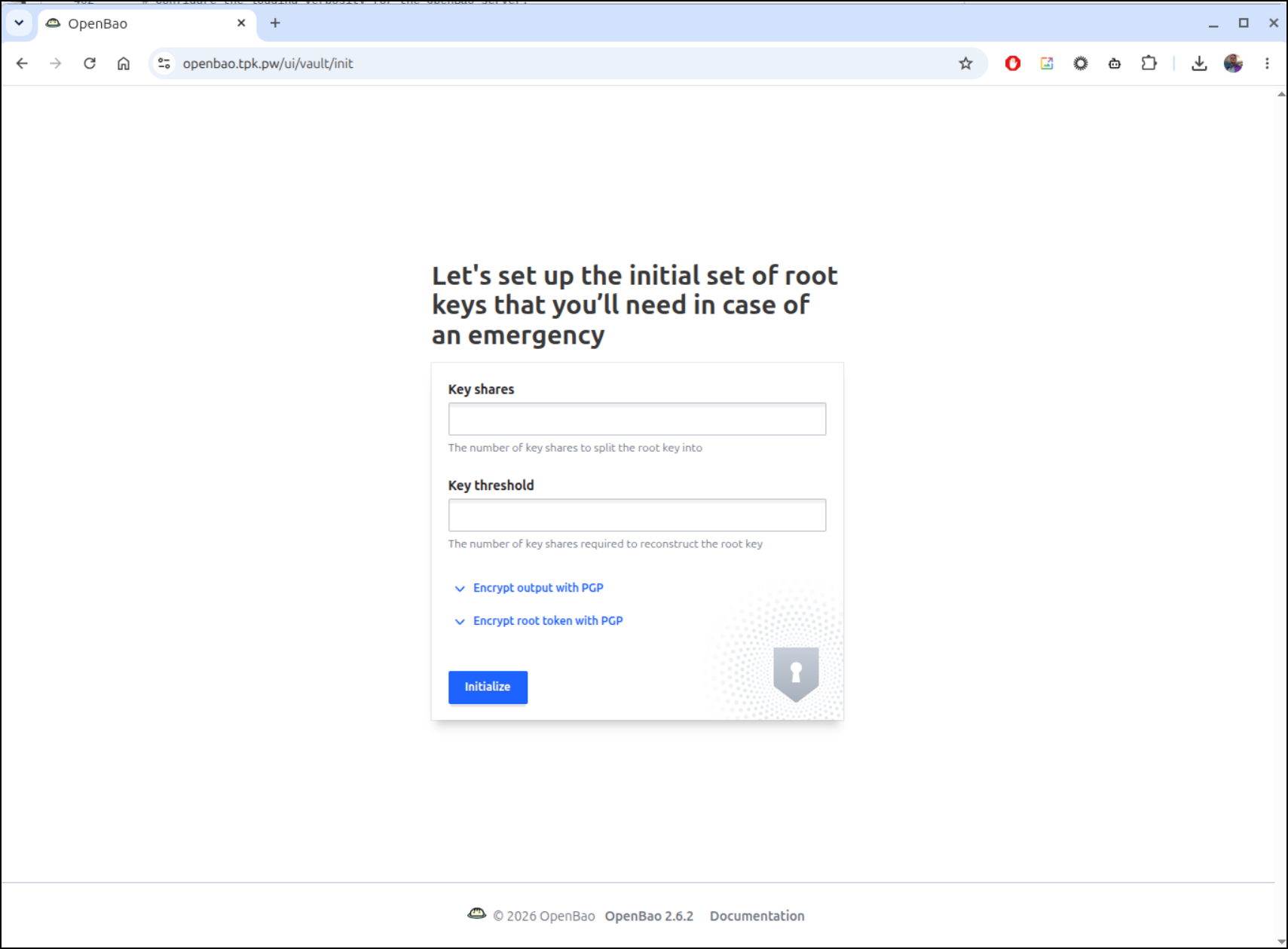
Though it fails to initialize.
the error I see in the pod logs
2026-09-22T22:10:25.756Z [INFO]  core: security barrier not initialized
2026-09-22T22:10:25.756Z [INFO]  core: seal configuration missing, not initialized
2026-09-22T22:10:27.725Z [INFO]  core: security barrier not initialized
2026-09-22T22:10:27.726Z [INFO]  core: security barrier not initialized
2026-09-22T22:10:27.726Z [INFO]  core: seal configuration missing, not initialized
2026-09-22T22:10:29.353Z [INFO]  core: security barrier not initialized
2026-09-22T22:10:29.354Z [ERROR] core: failed to initialize barrier: error="failed to persist keyring: mkdir /vault: permission denied"
I engaged with Gemini Pro to see if it could help. It suggested that:
The error occurs because OpenBao runs as a non-root user (UID 10000) for security, but in lightweight Kubernetes distributions like k3s, local persistent volumes are often created and owned by the root user on the host node. OpenBao is being blocked from writing its initial encrypted keyring to the disk.
Let’s fix that with an init container:
isaac@isaac-G707:~/Workspaces/openBao$ cat values.yaml
server:
  # needed for permissions in k3s
  extraInitContainers:
    - name: fix-perms
      image: busybox
      command: ["sh", "-c", "chown -R 10000:10000 /vault/data"]
      securityContext:
        runAsUser: 0
      volumeMounts:
        - name: data
          mountPath: /vault/data

  # Standalone mode avoids the need for a highly available storage backend like Consul or Raft for a basic setup
  standalone:
    enabled: true
    config: |
      ui = true
      listener "tcp" {
        tls_disable = 1
        address = "[::]:8200"
        cluster_address = "[::]:8201"
      }
      storage "file" {
        path = "/vault/data"
      }

  # Ensure the generated keys and secrets survive pod restarts
  dataStorage:
    enabled: true
    size: 5Gi

  # Web UI and routing configuration
  ingress:
    annotations:
      cert-manager.io/cluster-issuer: azuredns-tpkpw
      ingress.kubernetes.io/proxy-body-size: "0"
      ingress.kubernetes.io/ssl-redirect: "true"
      kubernetes.io/tls-acme: "true"
      nginx.ingress.kubernetes.io/proxy-body-size: "0"
      nginx.ingress.kubernetes.io/proxy-read-timeout: "3600"
      nginx.ingress.kubernetes.io/proxy-send-timeout: "3600"
      nginx.ingress.kubernetes.io/ssl-redirect: "true"
      nginx.org/client-max-body-size: "0"
      nginx.org/proxy-connect-timeout: "3600"
      nginx.org/proxy-read-timeout: "3600"
    ingressClassName: nginx
    enabled: true
    pathType: Prefix
    hosts:
    - host: openbao.tpk.pw
      paths: []
    tls:
    - hosts:
      - openbao.tpk.pw
      secretName: openbao-tls

ui:
  # Explicitly enable the UI service
  enabled: true

injector:
  # Disable the sidecar injector for a basic setup to save resources
  enabled: false
isaac@isaac-G707:~/Workspaces/openBao$ helm upgrade --install openbao -n openbao --create-namespace -f values.yaml openbao/openbao
Release "openbao" has been upgraded. Happy Helming!
NAME: openbao
LAST DEPLOYED: Tue Sep 22 17:14:13 2026
NAMESPACE: openbao
STATUS: deployed
REVISION: 4
DESCRIPTION: Upgrade complete
NOTES:
Thank you for installing OpenBao!

Now that you have deployed OpenBao, you should look over the docs on using
OpenBao with Kubernetes available here:

https://openbao.org/docs/


Your release is named openbao. To learn more about the release, try:

  $ helm status openbao
  $ helm get manifest openbao
I ended up debugging this for a while. The final working values file (note the updated chown portion)
injector:
  enabled: false
server:
  dataStorage:
    enabled: true
    size: 5Gi
  extraInitContainers:
  - command:
    - sh
    - -c
    - chown -R 100:1000 /openbao/data
    image: busybox
    name: fix-perms
    securityContext:
      runAsNonRoot: false
      runAsUser: 0
    volumeMounts:
    - mountPath: /openbao/data
      name: data
  ingress:
    annotations:
      cert-manager.io/cluster-issuer: azuredns-tpkpw
      ingress.kubernetes.io/proxy-body-size: "0"
      ingress.kubernetes.io/ssl-redirect: "true"
      kubernetes.io/tls-acme: "true"
      nginx.ingress.kubernetes.io/proxy-body-size: "0"
      nginx.ingress.kubernetes.io/proxy-read-timeout: "3600"
      nginx.ingress.kubernetes.io/proxy-send-timeout: "3600"
      nginx.ingress.kubernetes.io/ssl-redirect: "true"
      nginx.org/client-max-body-size: "0"
      nginx.org/proxy-connect-timeout: "3600"
      nginx.org/proxy-read-timeout: "3600"
    enabled: true
    hosts:
    - host: openbao.tpk.pw
      paths: []
    ingressClassName: nginx
    pathType: Prefix
    tls:
    - hosts:
      - openbao.tpk.pw
      secretName: openbao-tls
  standalone:
    config: |
      ui = true
      listener "tcp" {
        tls_disable = 1
        address = "[::]:8200"
        cluster_address = "[::]:8201"
      }
      storage "file" {
        path = "/openbao/data"
      }
    enabled: true
ui:
  enabled: true
Once upgraded and running, I can get the keys
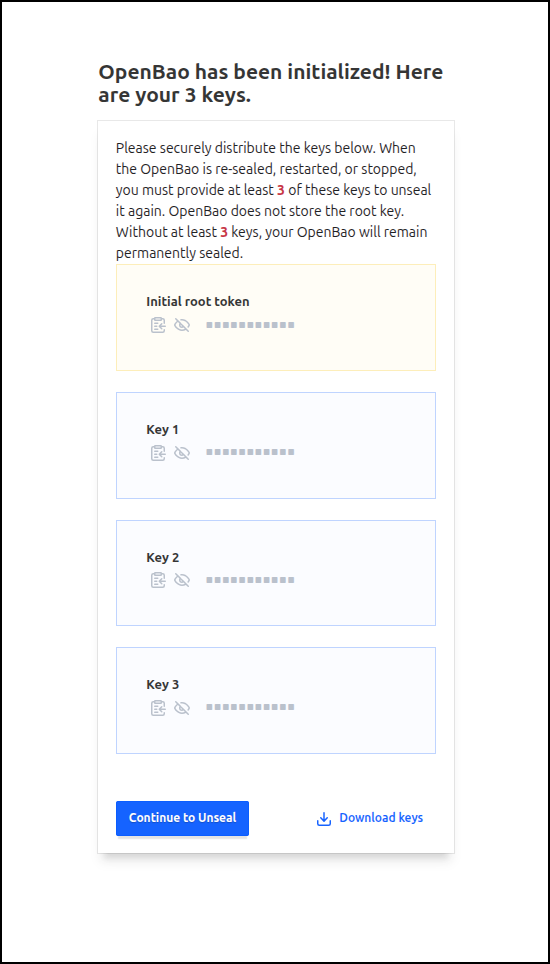
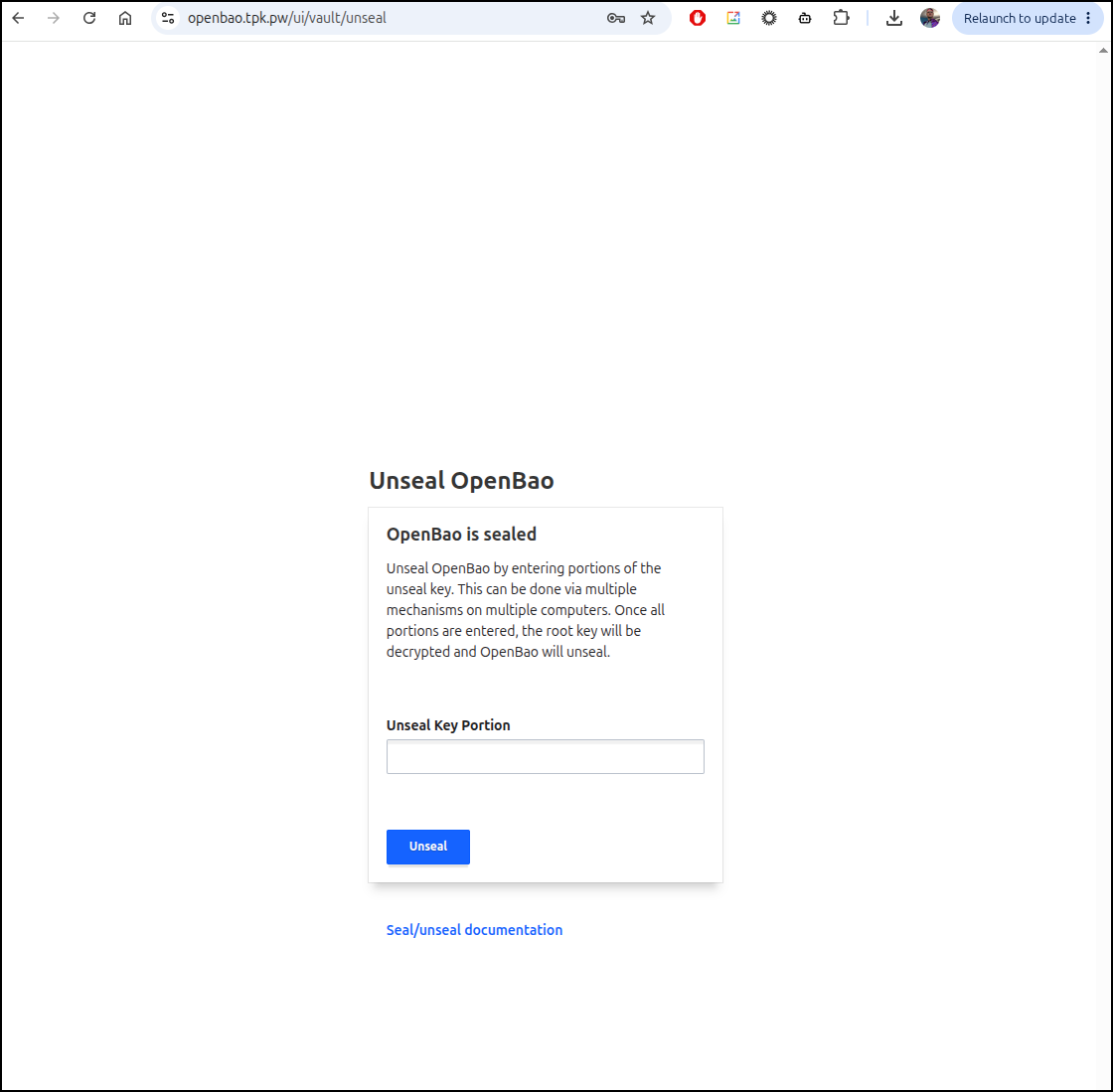
To finish the unseal, I need to provide those same keys
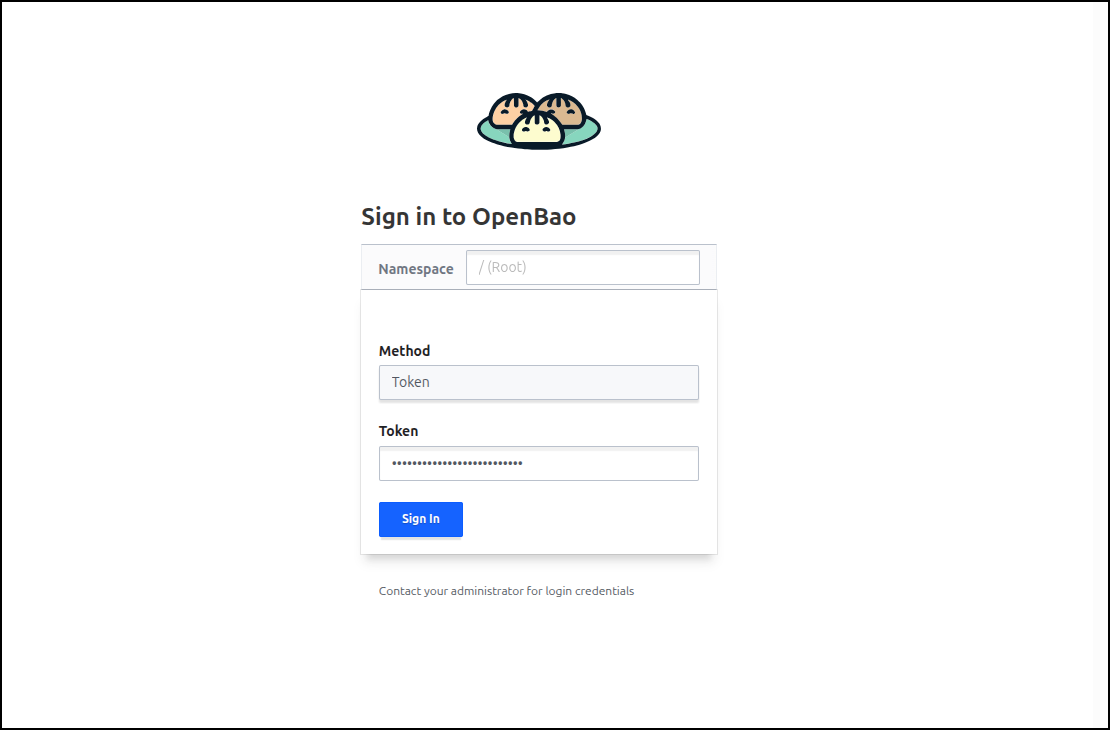
Once unsealed, I can sign-in with the root token
If we wanted to, we could now create a secret
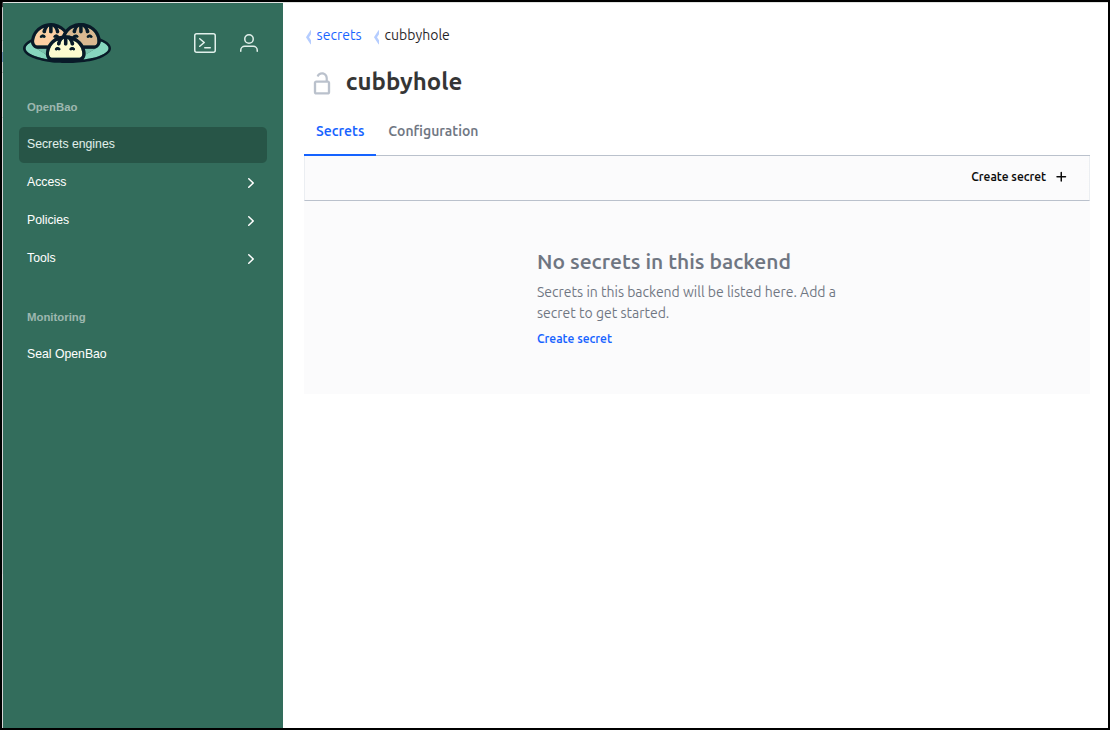
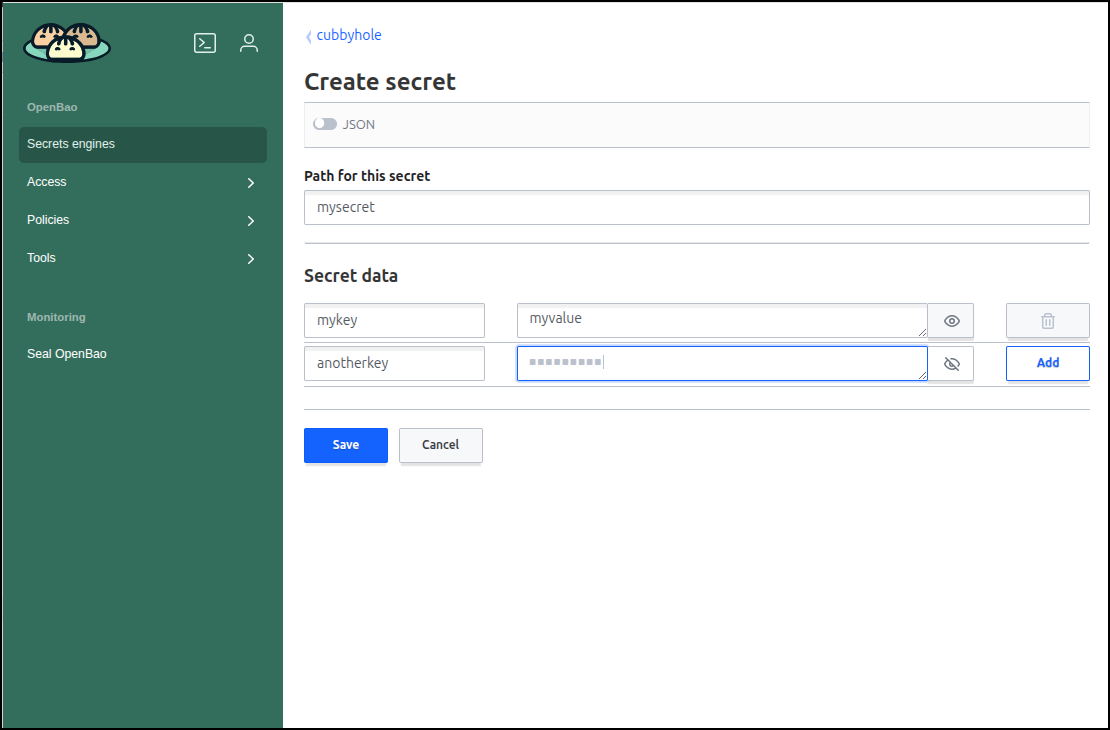
I’ll create a couple
We now have some secrets stored
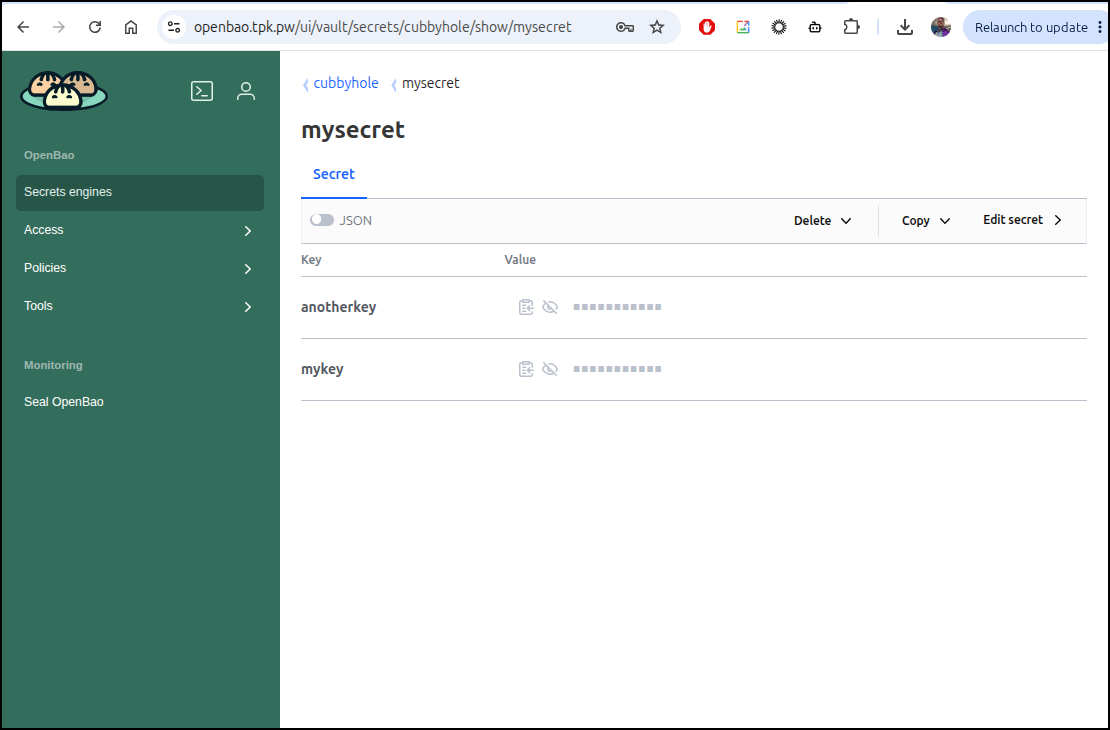
Using the CLI
Let’s install openbao locally with homebrew
$ brew install openbao
==> Auto-updating Homebrew...
Adjust how often this is run with `$HOMEBREW_AUTO_UPDATE_SECS` or disable with
`$HOMEBREW_NO_AUTO_UPDATE=1`. Hide these hints with `$HOMEBREW_NO_ENV_HINTS=1` (see `man brew`).
==> Auto-updated Homebrew!
Updated 2 taps (homebrew/core and homebrew/cask).
==> New Formulae
bashka: Static verification of installation bash scripts
bend: Language that blocks AI mistakes via proof
ccmux: Run all your AI coding agents in tmux
confluence-markdown-exporter: Export Atlassian Confluence pages as Markdown files
fastplong: Ultra-fast preprocessing and quality control for long-read sequencing data
go-arch-lint: Architecture linter for Go projects
ketch: Web search and scraping for agents
libklvanc: VANC Processing Framework
openfasttrace: Requirement tracing suite
percona-server@8.4: Drop-in MySQL replacement
ratex: Fast TeX engine written in Rust
smbclient-ng: Fast and user friendly way to interact with SMB shares
taoup: Tao of Unix Programming with Ruby-powered ANSI-colored fortunes
termaid: Render Mermaid diagrams in the terminal
workmux: Git worktrees + tmux windows for zero-friction parallel dev
xgrammar: Structured generation and reasoning engine for LLMs

You have 11 outdated formulae installed.

openbao 2.4.4 is already installed but outdated (so it will be upgraded).
==> Downloading bottle manifests
✔︎ Bottle Manifest openbao (2.6.2)                                            Downloaded   18.1KB/ 18.1KB
==> Would upgrade 1 formula:
openbao 2.4.4 -> 2.6.2
==> Fetching downloads for: openbao
✔︎ Bottle openbao (2.6.2)                                                     Downloaded   40.7MB/ 40.7MB
==> Upgrading openbao
  2.4.4 -> 2.6.2
==> Pouring openbao--2.6.2.x86_64_linux.bottle.tar.gz
🍺  /home/linuxbrew/.linuxbrew/Cellar/openbao/2.6.2: 11 files, 144.3MB
==> Cleanup
Removing: /home/linuxbrew/.linuxbrew/Cellar/openbao/2.4.4... (9 files, 184.1MB)
Disable this behaviour by setting `HOMEBREW_NO_INSTALL_CLEANUP=1`.
Hide these hints with `HOMEBREW_NO_ENV_HINTS=1` (see `man brew`).
==> Caveats
==> openbao
To start openbao now and restart at login:
  brew services start openbao
Or, if you don't want/need a background service you can just run:
  /home/linuxbrew/.linuxbrew/opt/openbao/bin/bao server -dev
I can now login from the CLI
$ export BAO_ADDR=https://openbao.tpk.pw
$ bao login s.xxxxxxxxxxxxxxxxxx
Success! You are now authenticated. The token information displayed below is
already stored in the token helper. You do NOT need to run "bao login" again.
Future OpenBao requests will automatically use this token.

Key                  Value
---                  -----
token                s.xxxxxxxxxxxxxxxxxxxxxxxx
token_accessor       8TdTcI3Yf14XAc3lXNHXlZRg
token_duration       ∞
token_renewable      false
token_policies       ["root"]
identity_policies    []
policies             ["root"]
I can then fetch the values
$ bao kv get cubbyhole/mysecret
======= Data =======
Key           Value
---           -----
anotherkey    stuffsuff
mykey         myvalue
Let’s also set a value
$ bao kv put cubbyhole/mysecret username="admin" password="SuperSecretPassword123"
Success! Data written to: cubbyhole/mysecret
we can see it reflected in the webui as well
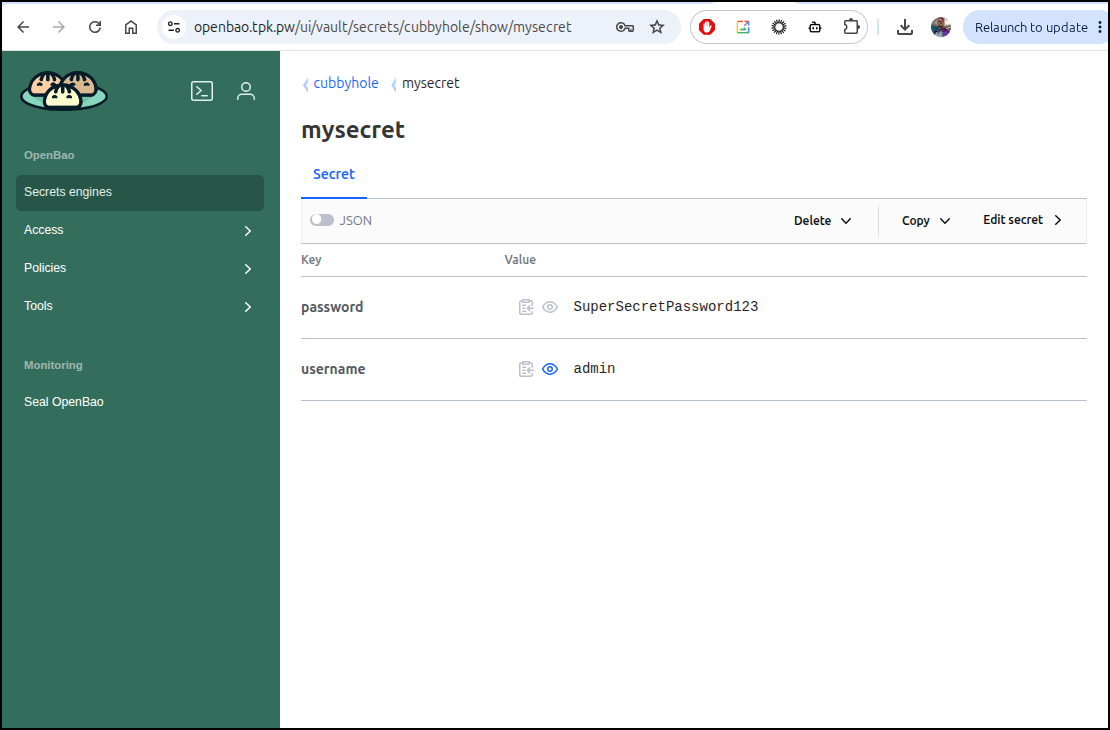
Because we used the same secret name, the old values were overwritten.
I tried to patch, but found my engine is not version 2
$ bao kv patch cubbyhole/mysecret password="NewUpdatedPassword456"
K/V engine mount must be version 2 for patch support
But just to show we are writing secrets, I’ll put up a new secret name
$ bao kv put cubbyhole/mysecret2 username="admin" password="SuperSecretPassword123"
Success! Data written to: cubbyhole/mysecret2
And that is reflected in the UI
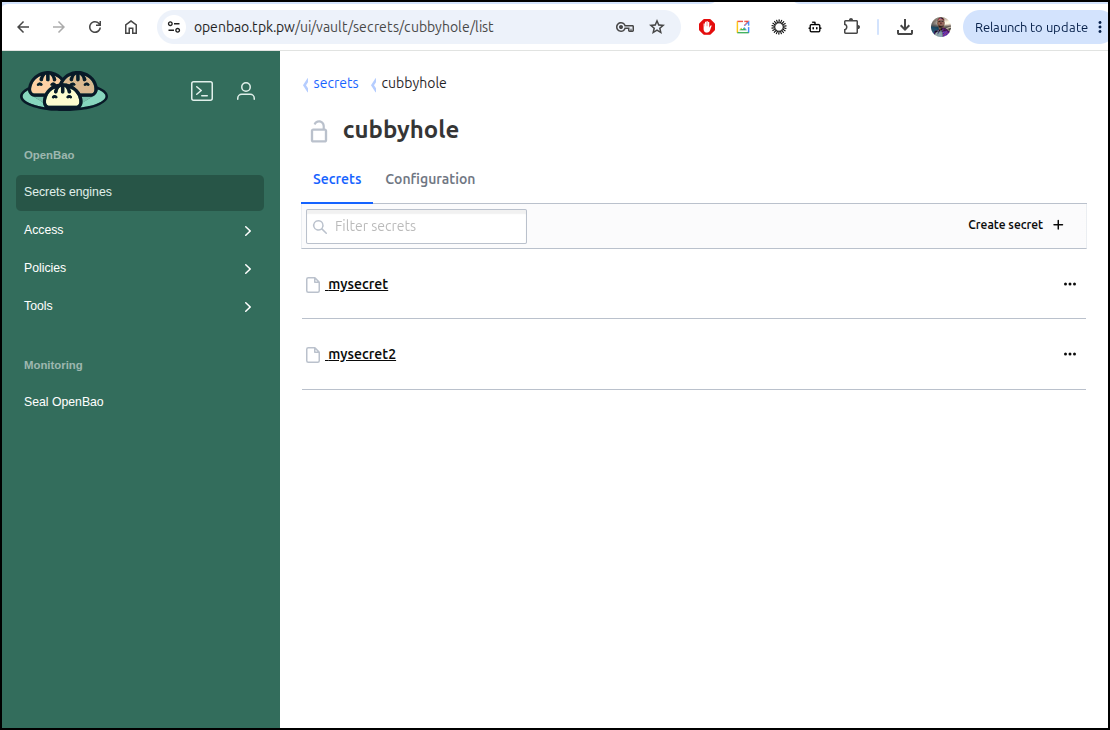
Engines
Let’s enable another kv secret engine
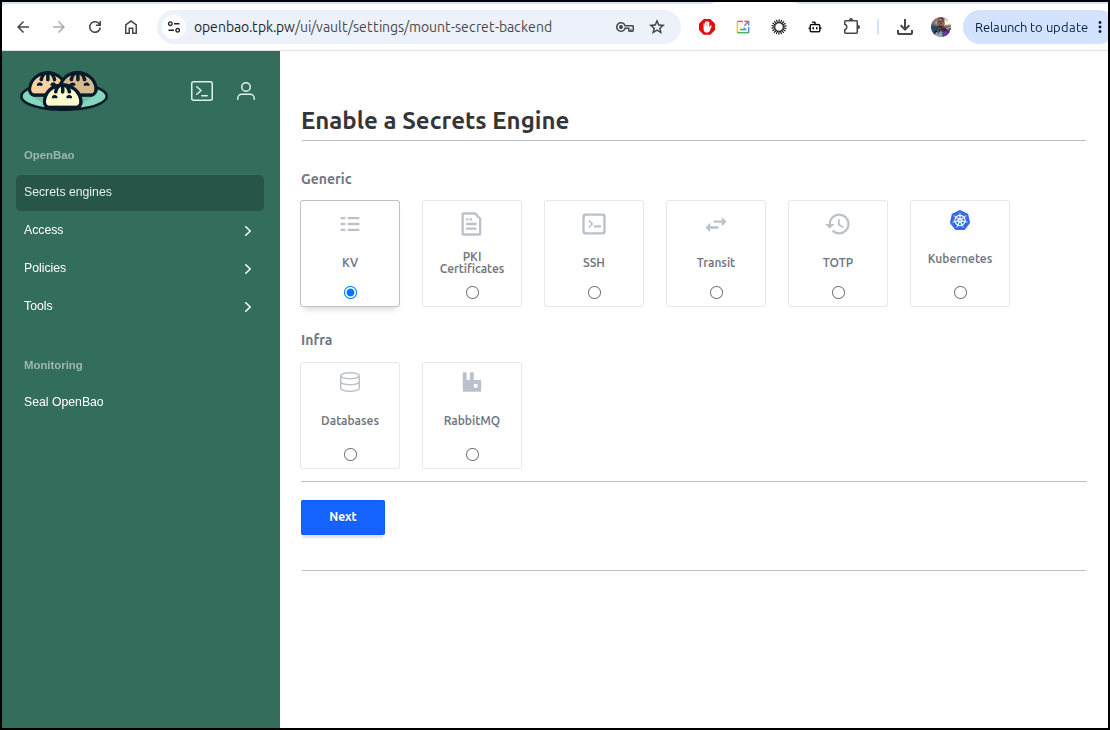
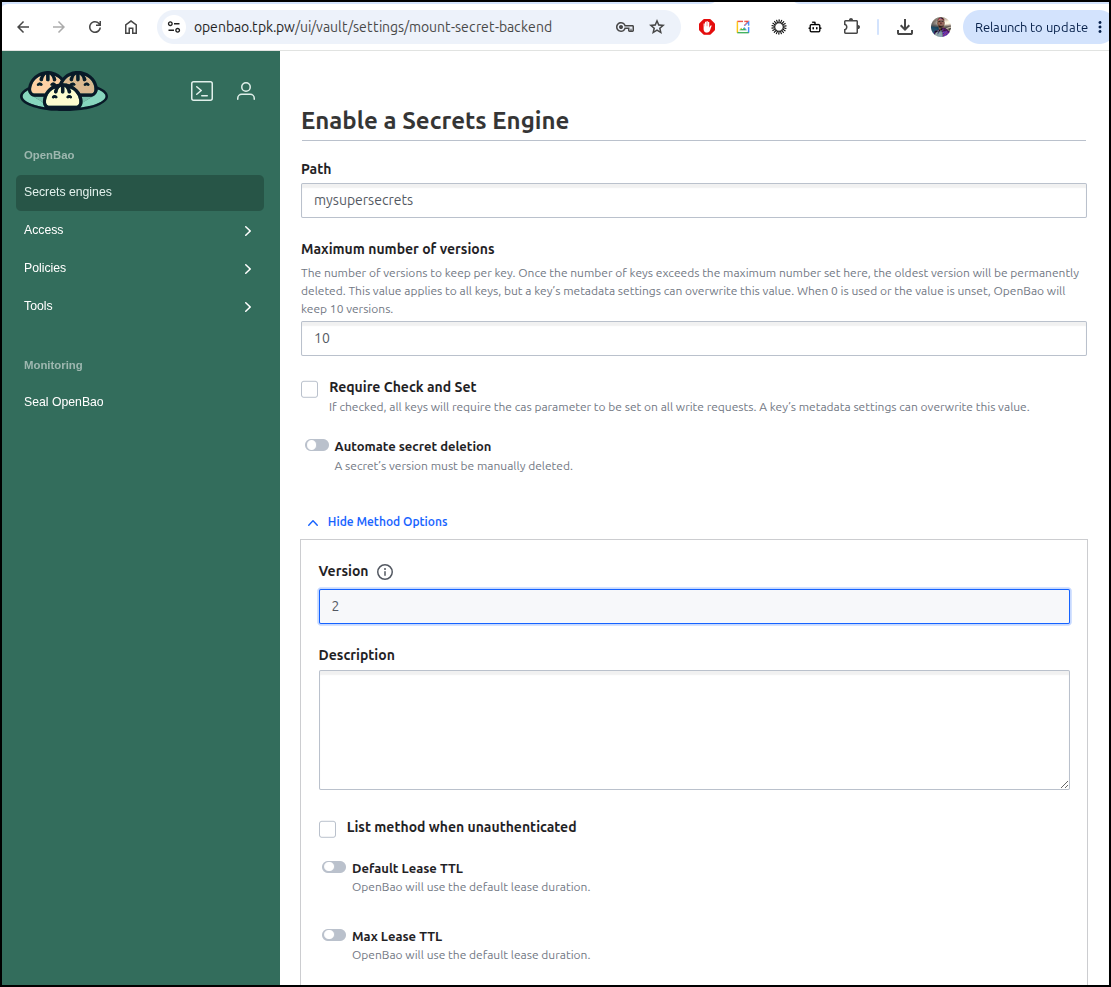
I’ll make sure to enable version 2
I now have a version 2 engine running at mysuperscrets
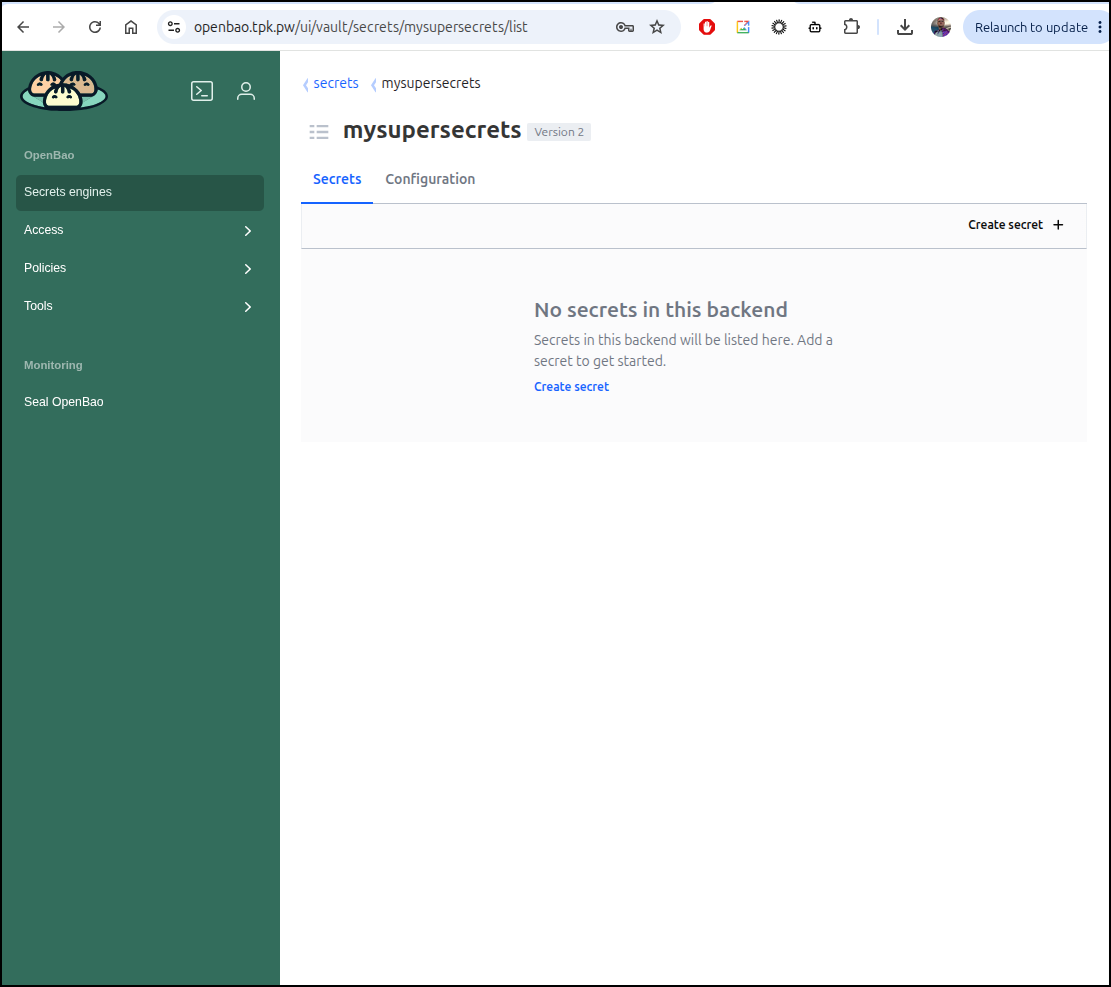
Here I can put in a key and we see a version number shown
$ bao kv put mysupersecrets/newsecret username="admin" password="SuperSecretPassword123"
======== Secret Path ========
mysupersecrets/data/newsecret

======= Metadata =======
Key                Value
---                -----
created_time       2026-09-22T23:54:26.577843846Z
custom_metadata    <nil>
deletion_time      n/a
destroyed          false
version            1
And back in the web ui we see versions listed for this
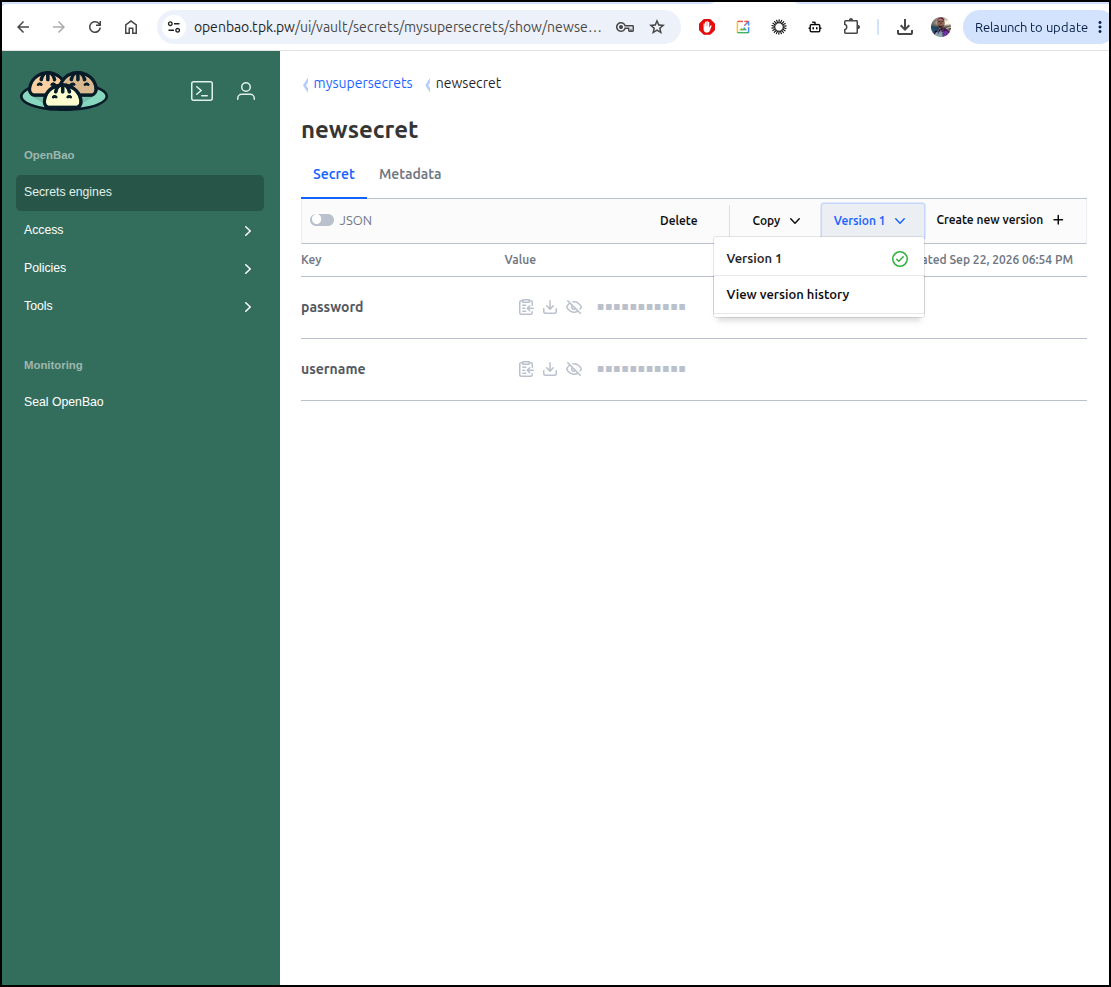
I’ll now try to patch with just one of the keys updated
$ bao kv patch mysupersecrets/newsecret password="SuperSecretPassword432"
======== Secret Path ========
mysupersecrets/data/newsecret

======= Metadata =======
Key                Value
---                -----
created_time       2026-09-22T23:56:05.961122856Z
custom_metadata    <nil>
deletion_time      n/a
destroyed          false
version            2
Unlike before with our version 1 engine, the patch just modified the password key while leaving the username key alone
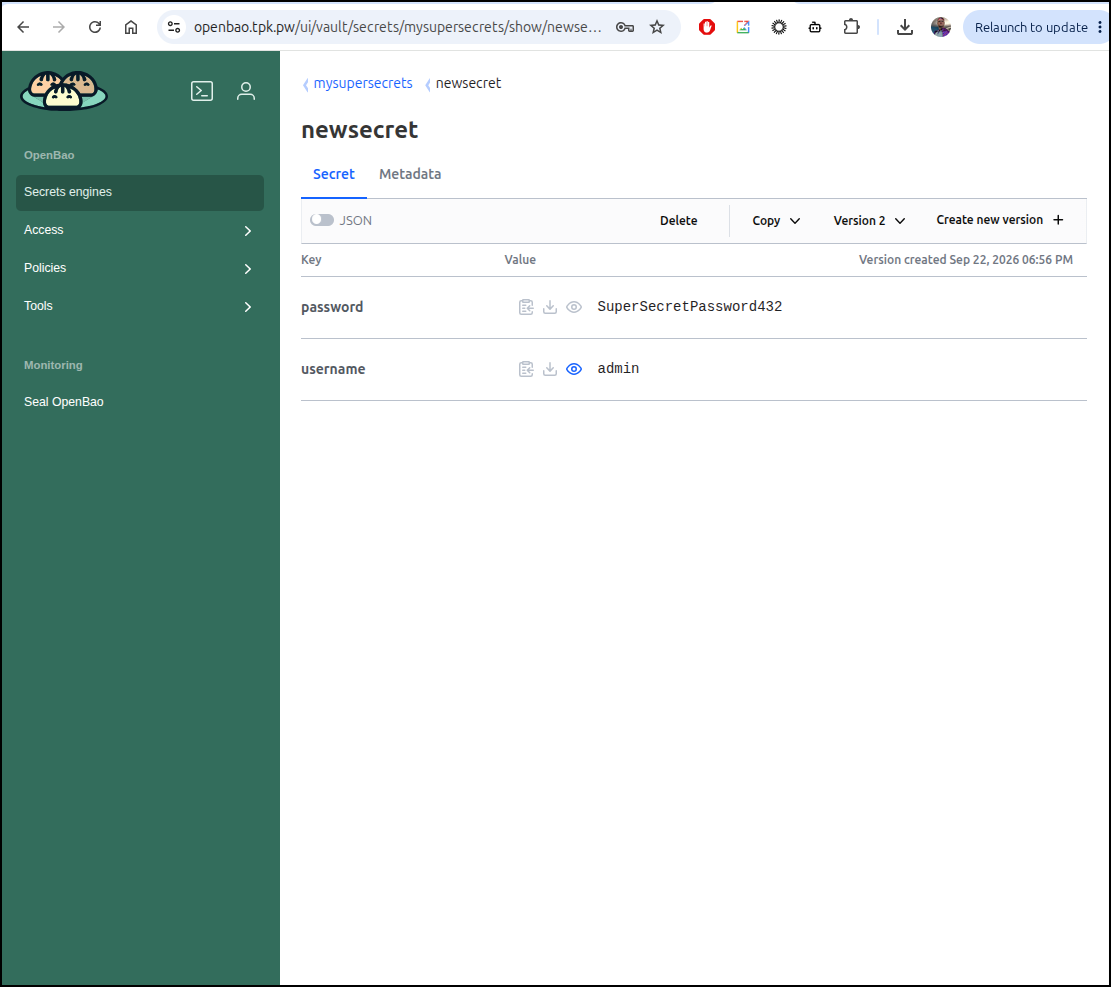
OIDC authentication
Let’s take it up a level and use OIDC authentication
I’ll first setup a new OIDC provider in Authentik
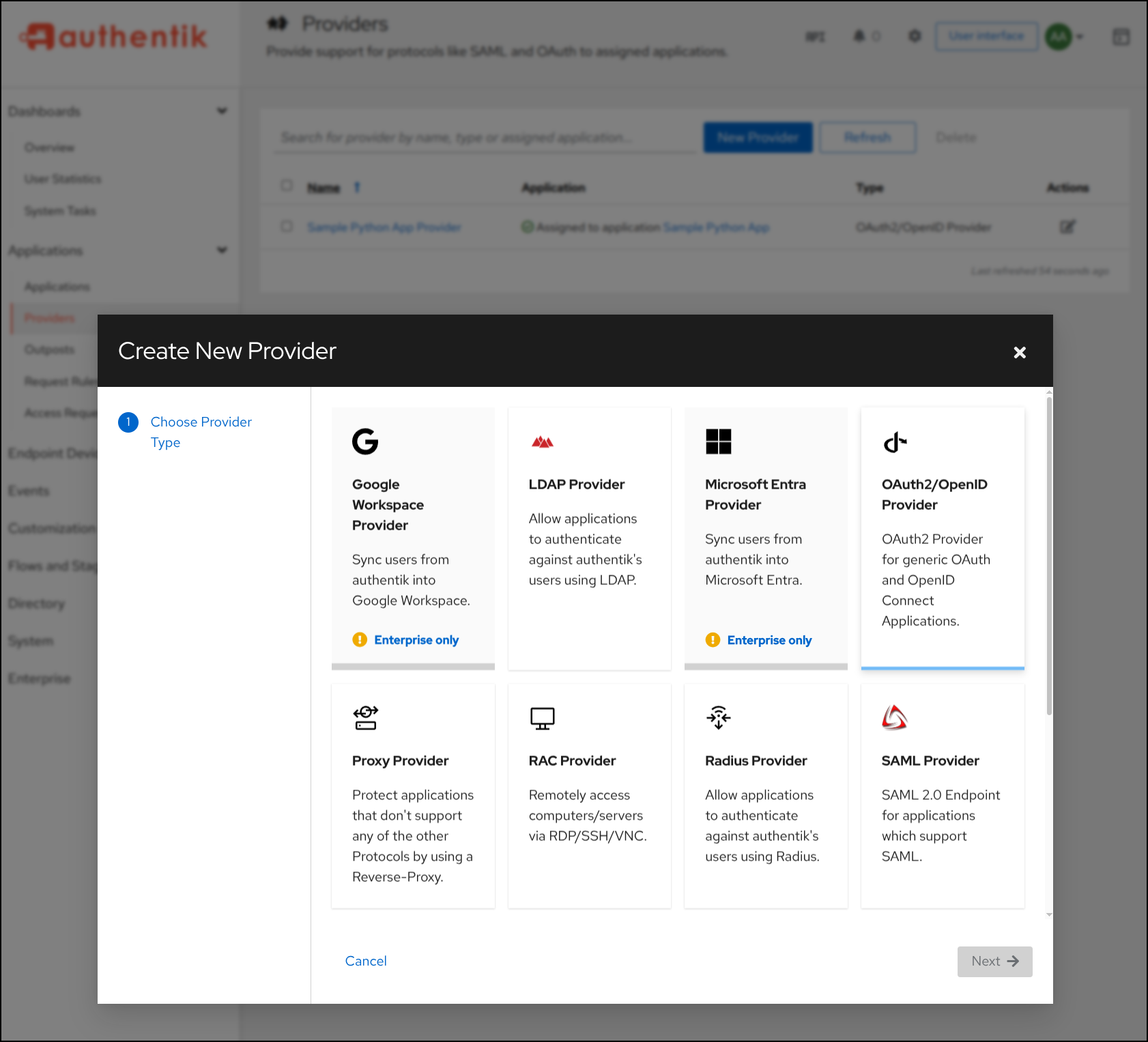
I’ll give it a name and set aside the Client ID and Client Secret
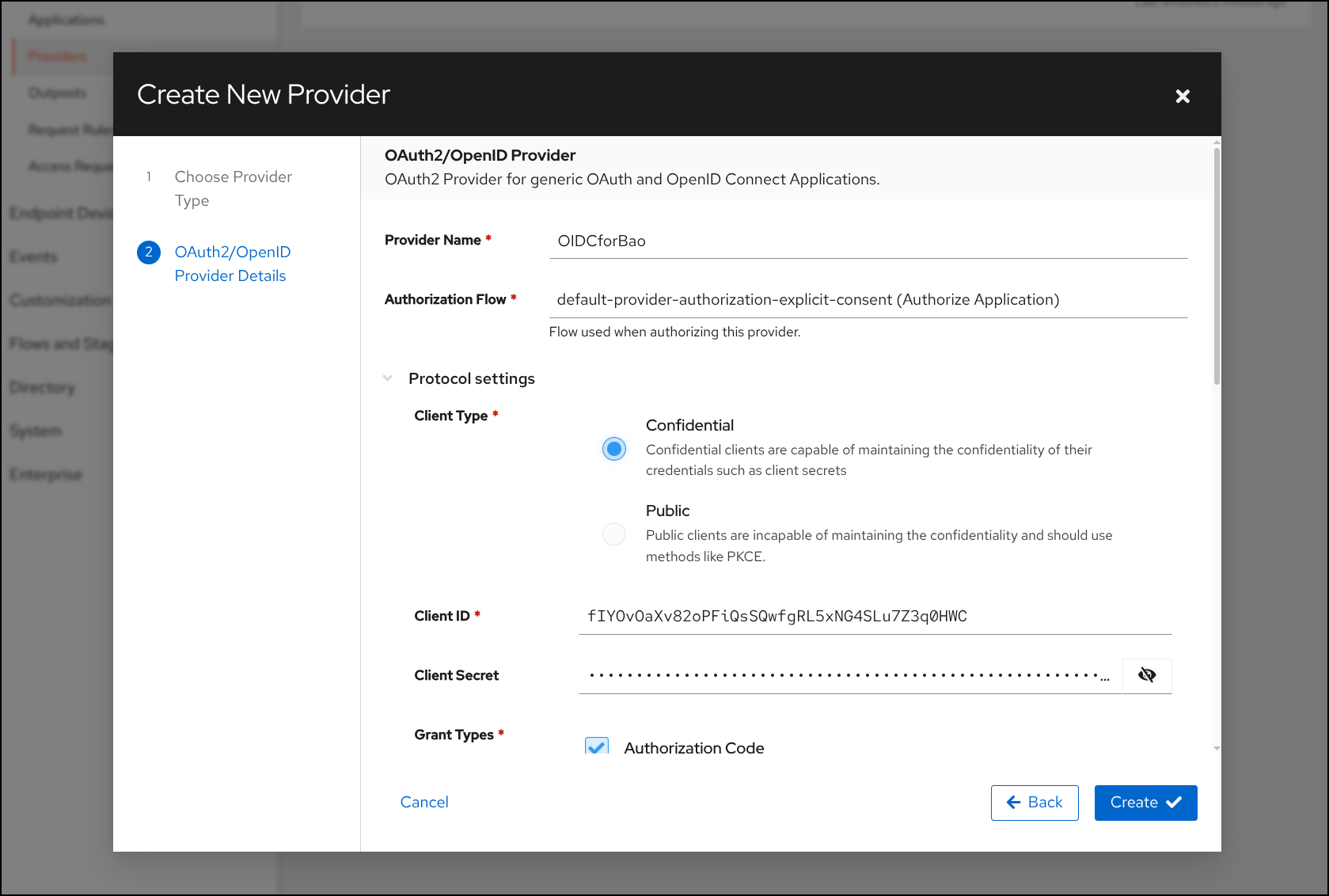
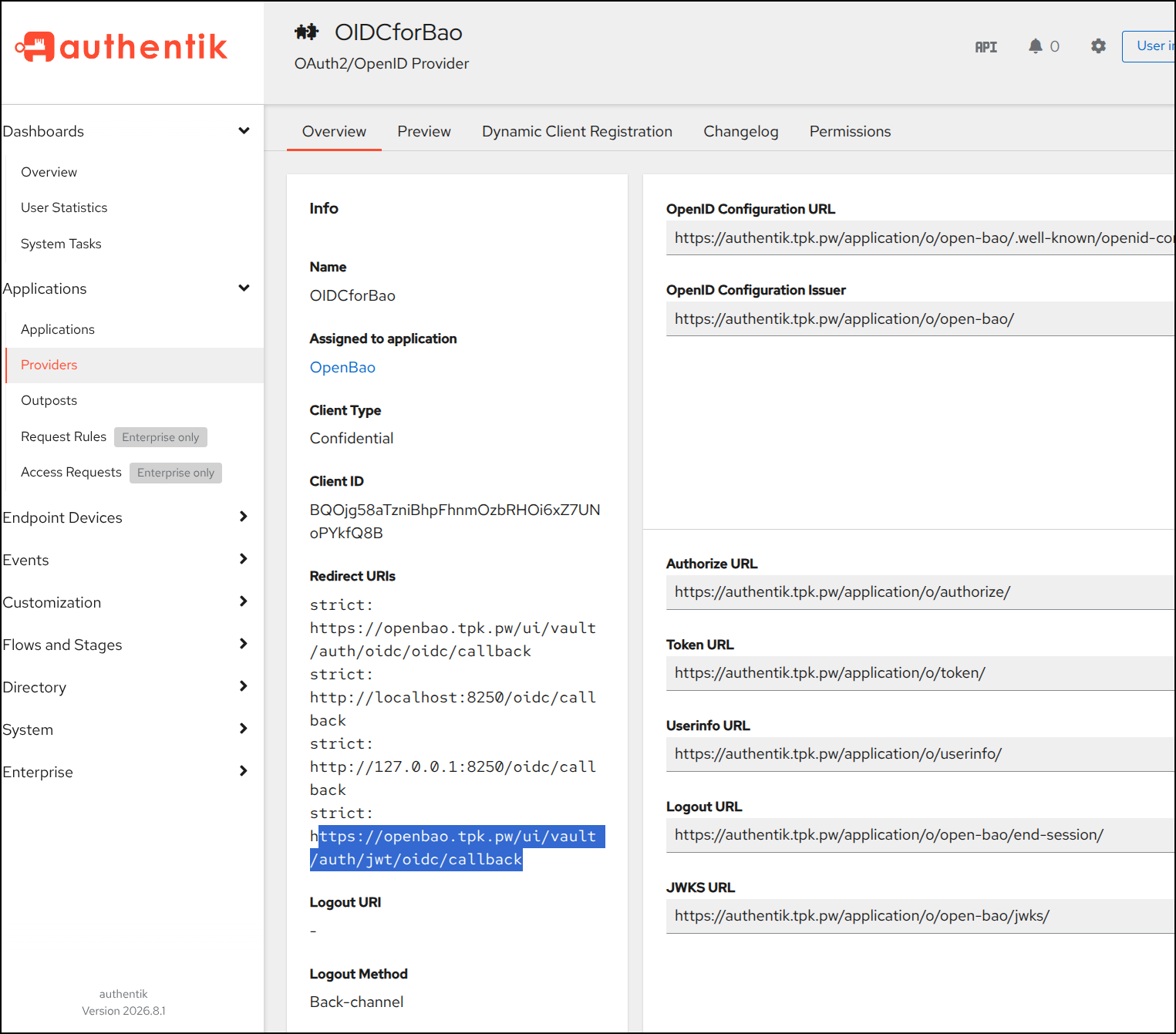
I’ll also need to add my Redirect URS:
- https://openbao.tpk.pw/ui/vault/auth/oidc/oidc/callback
- http://localhost:8250/oidc/callback
- http://127.0.0.1:8250/oidc/callback
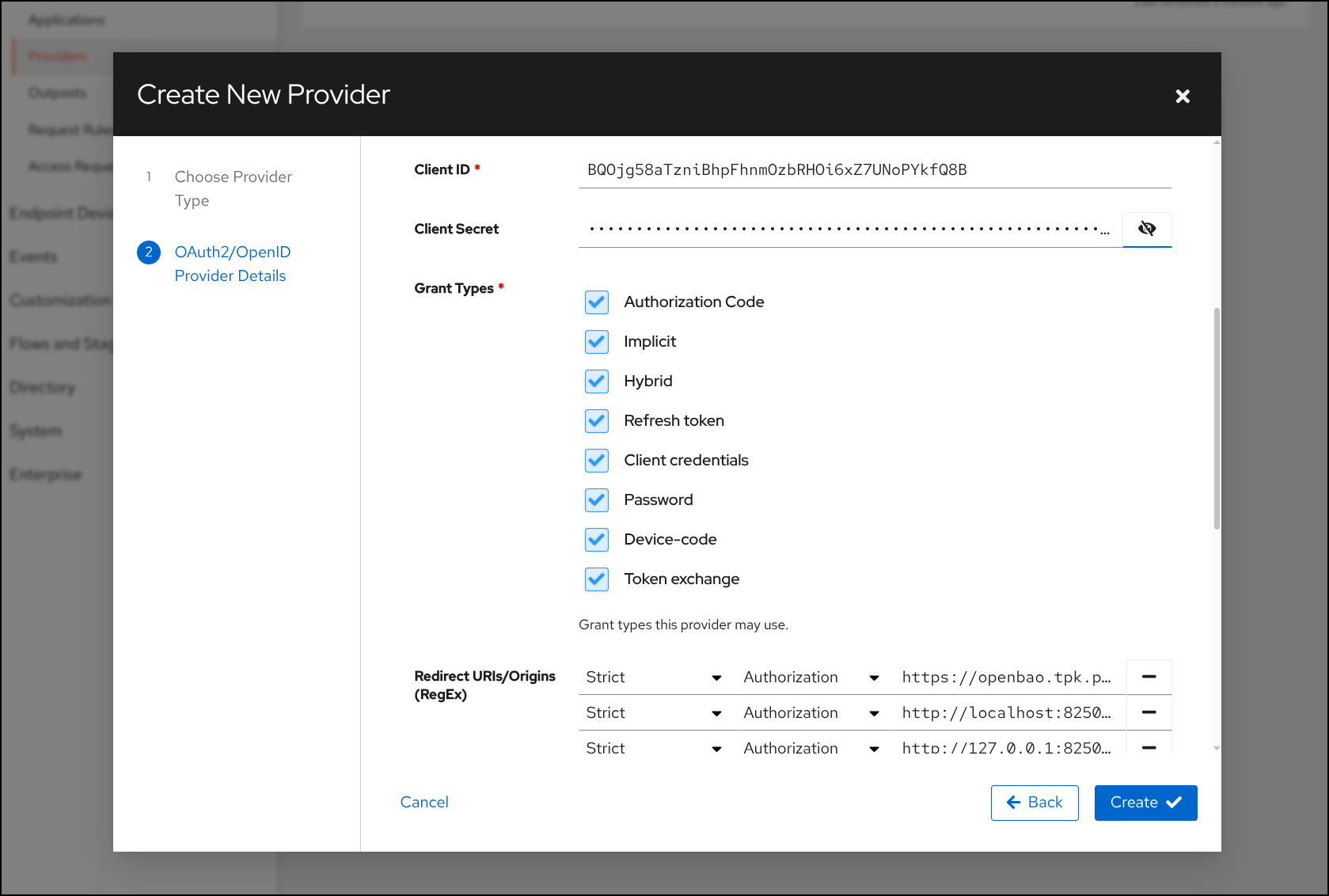
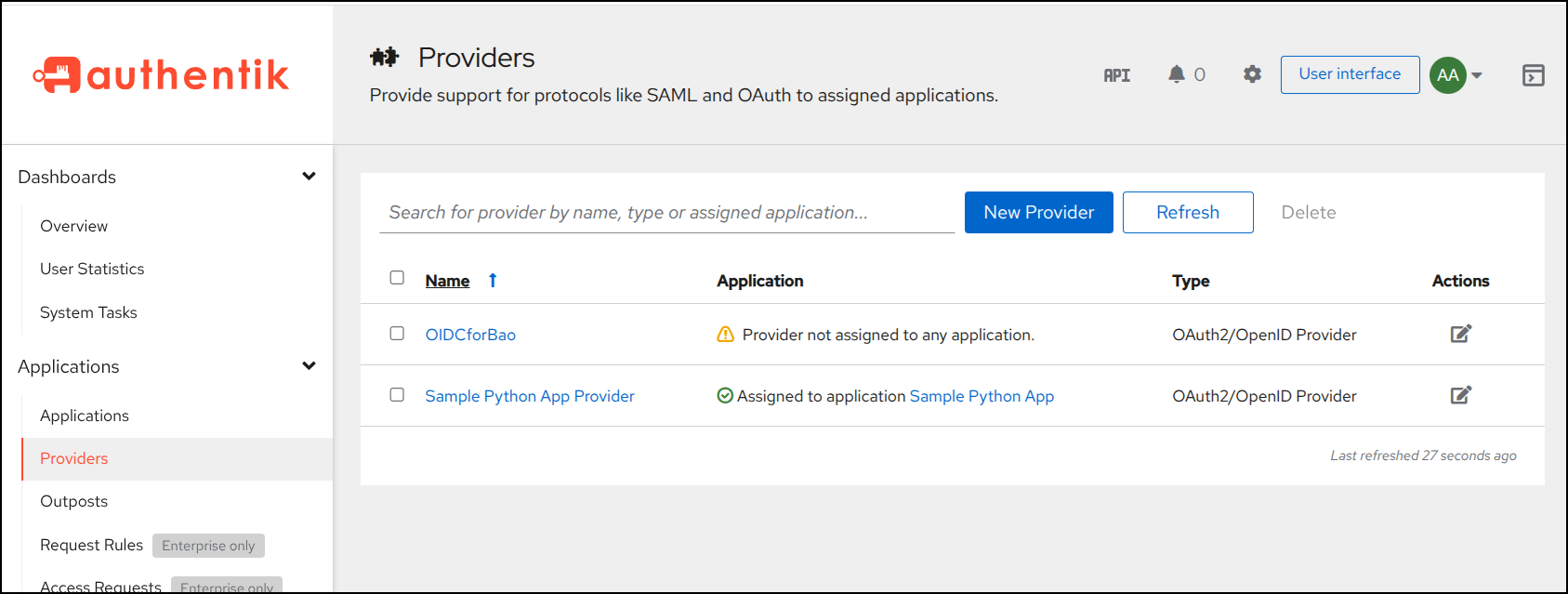
Now I see the Provider created
(Note: I later needed to add jwt as well: https://openbao.tpk.pw/ui/vault/auth/jwt/oidc/callback)
I can move on to creating an application
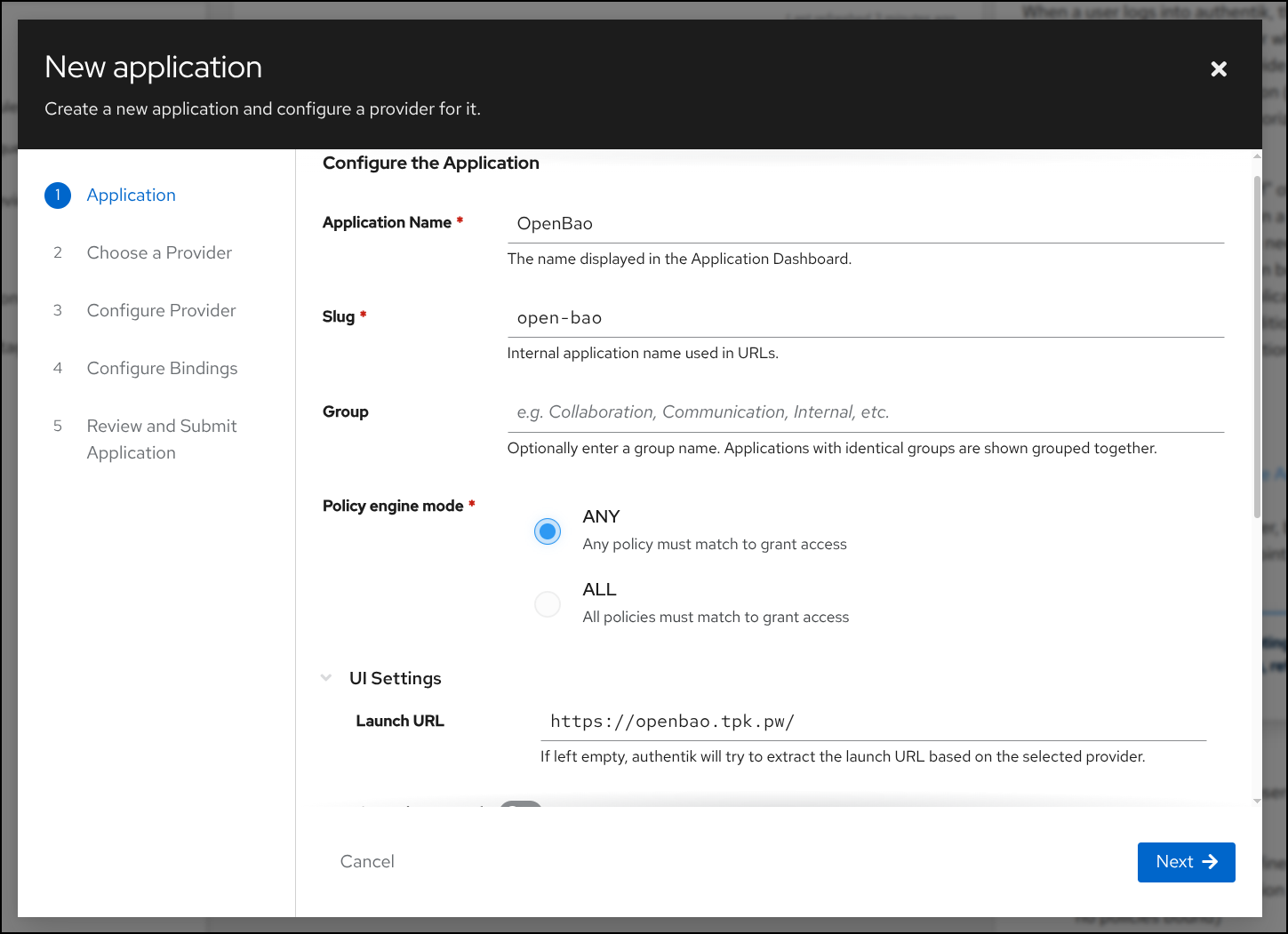
Now that I have an application defined
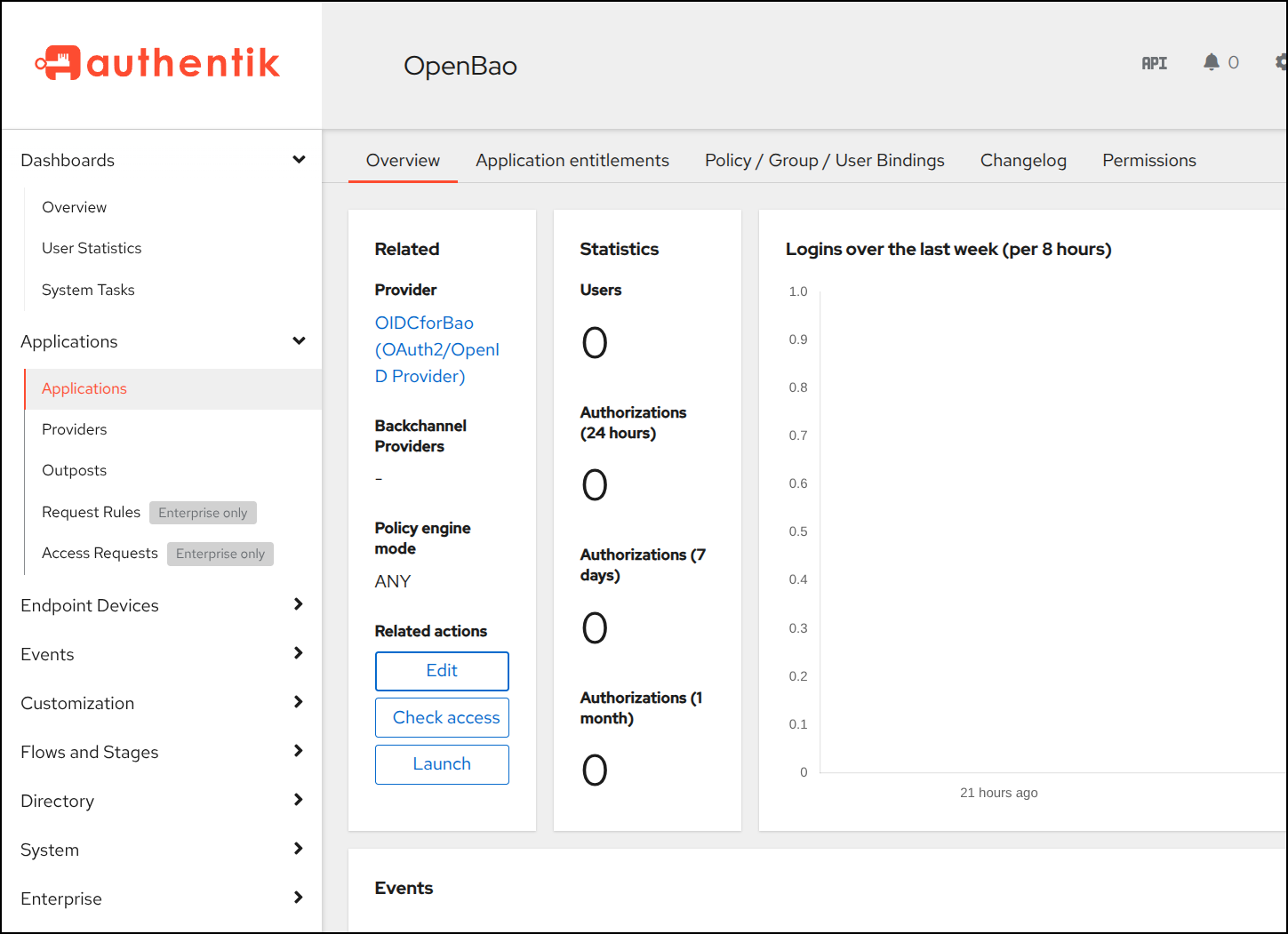
Next, I want to actually use JWT this timeso I’ll create the config with the OIDC settings from Authentik
$ bao write auth/jwt/config oidc_discovery_url="https://authentik.tpk.pw/application/o/open-bao/" oidc_client_id="BQOjg58aTzniBhpFhnmOzbRHOi6xZ7UNoPYkfQ8B" oidc_client_secret="xxxxxxxxxxxxxxxxxxxxxxxxxxxxxxxxxxxxxxxxxxxxxxxxxxxxxxxxxxxxxxxxxxxxxxxxxxxxxxxxxxxxxxxxxxxxxxxxxxxxxxxxxxxxxxxxxxxxxxxxxxxxxxxx" default_role="reader"
Success! Data written to: auth/jwt/config
Then create the proper reader role we made default above
$ bao write auth/jwt/role/reader role_type="oidc" allowed_redirect_uris="http://localhost:8250/oidc/callback" allowed_redirect_uris="http://127.0.0.1:8250/oidc/callback" allowed_redirect_uris="https://openbao.tpk.pw/ui/vault/auth/oidc/callback" user_claim="sub" policies="reader"
Success! Data written to: auth/jwt/role/reader
I had some issues until I realized it was missing ‘jwt’ in the redirect URLs:
$ bao write auth/jwt/role/reader \
  role_type="oidc" \
  user_claim="sub" \
  policies="reader" \
  allowed_redirect_uris="http://localhost:8250/oidc/callback,http://127.0.0.1:8250/oidc/callback,https://openbao.tpk.pw/ui/vault/auth/jwt/oidc/callback"
Success! Data written to: auth/jwt/role/reader
I updated the Provider in Authentik to include jwt in the redirect URLs:
and now it works
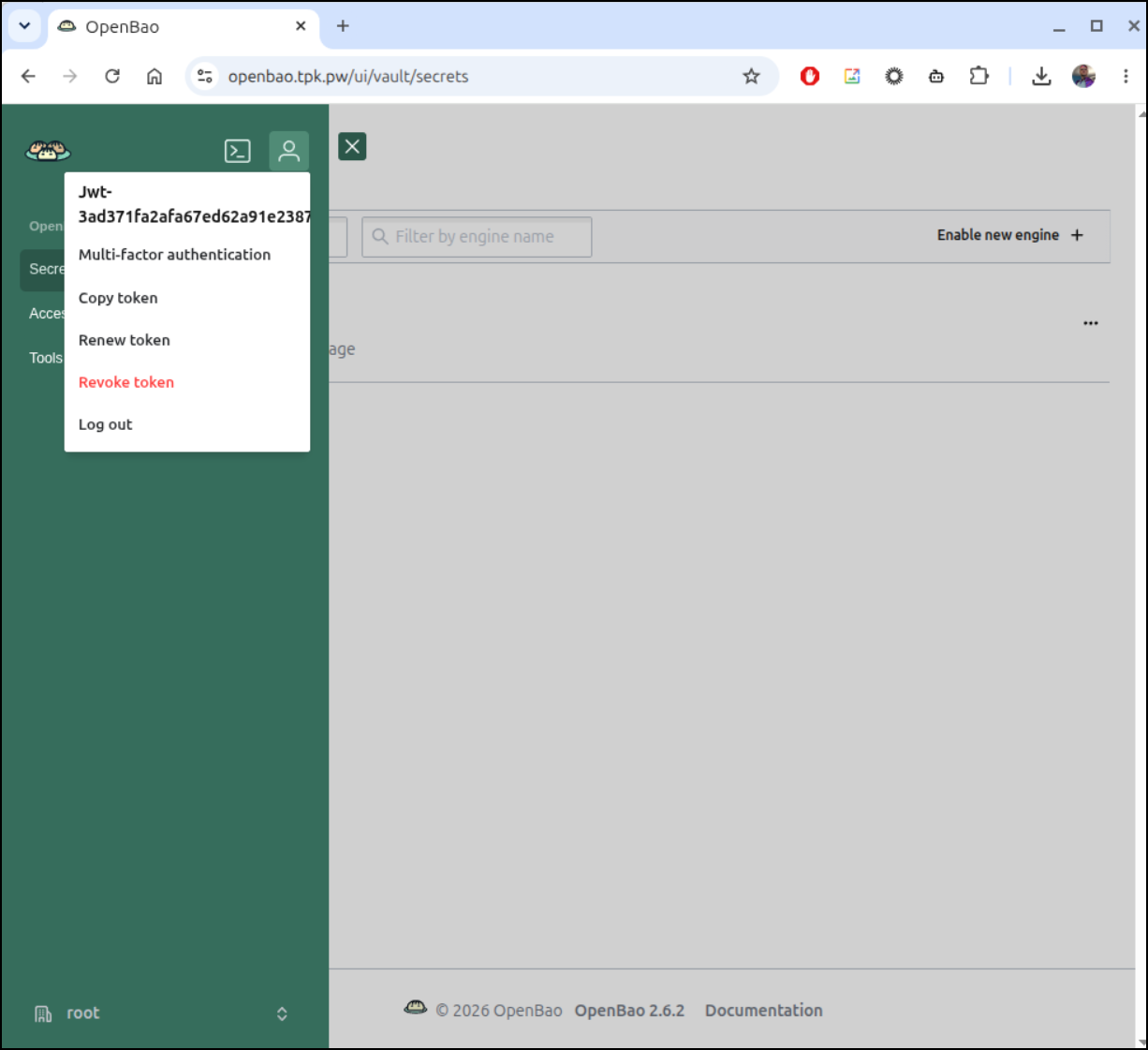
the flow in action:
Rancher and SUSE
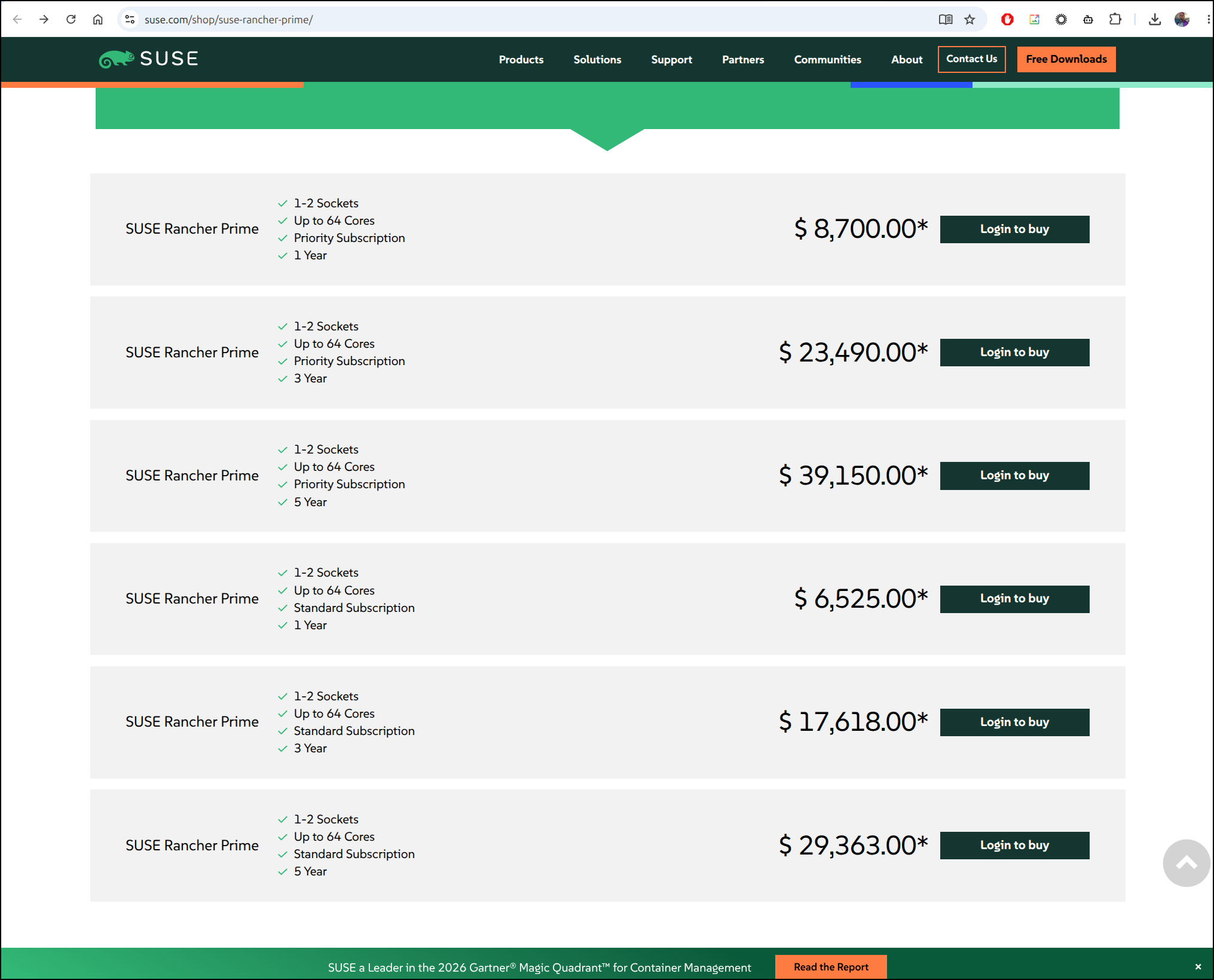
I suspect that the “app” listed requires “Rancher Enterprise Prime” subscription (according to Google) and if we go the pricing sheet thats as cheap as US$6500 with just standard support and a couple of sockets
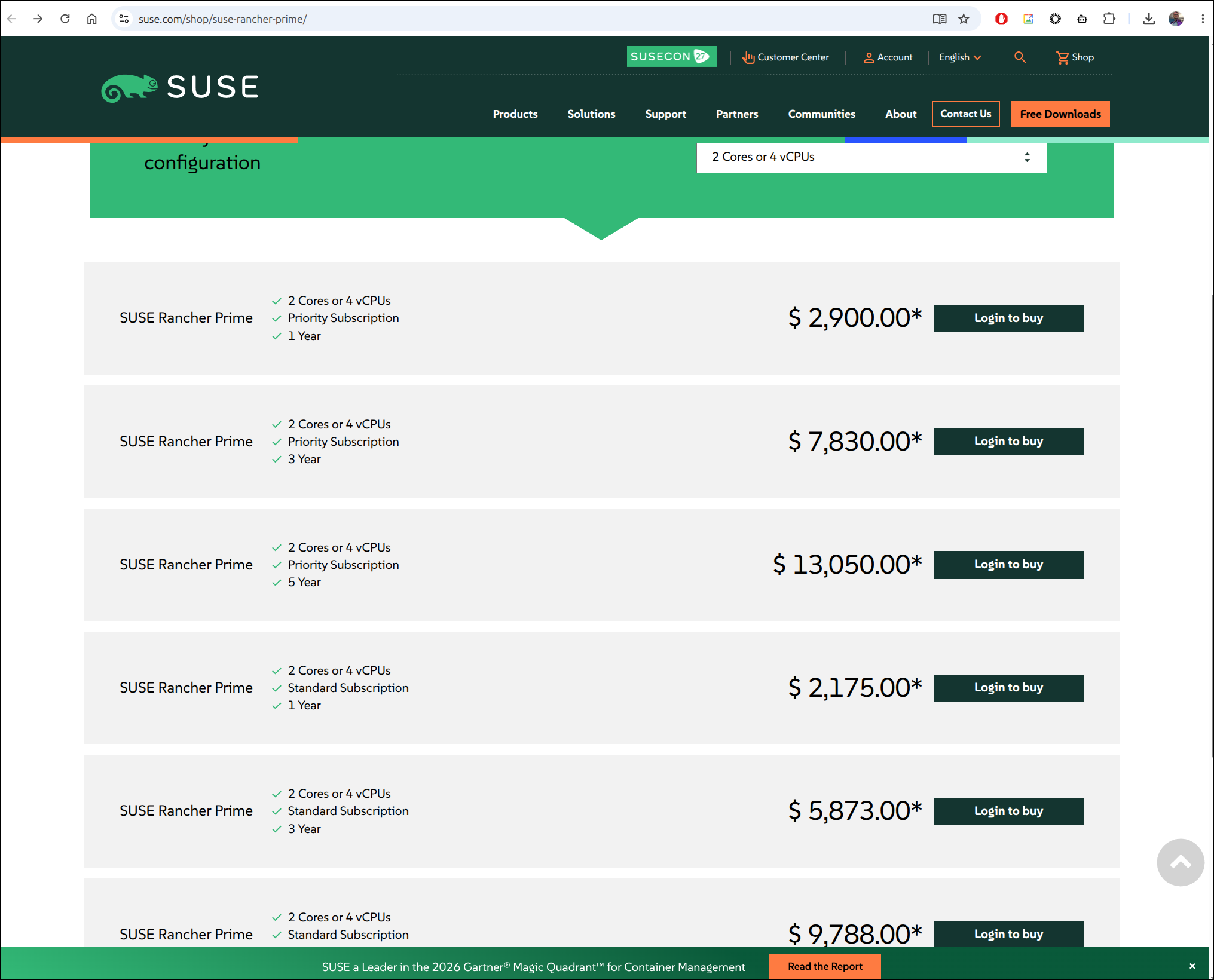
Though there is a cheaper 4 vCPU option for as low as $2175
I still am not sure what the heck “Enterprise Prime” means even having looked at this SUSE video
I watched YT video after YT video, none of them really show what the product really is. I’m not mad, mind you, it just seems ill defined.
I mean, if you cannot tell me what your product really is with a few small demos or specific diagrams, it’s likely overpriced consulting build-as-you go half baked product.
Rancher was amazing as a company. I really liked them - their sticker is on my laptop (which is earned by the way). I’m just not sure what “Enterprise Prime” is and it smells a lot like some Rancher products + SUSE support mixed with some Security tooling.
Summary
This is not meant to be a dig at SUSE. I love that they are an enterprise Linux offering - I love Linux. I do take some issue with promoting “look what amazing thing my team has” then making it rather hard to get at (and not being upfront about that).
Back in 2023 when Hashi dropped Open-Source licensing and OpenTofu was birthed, we saw a real move over to OpenTF (It started as OpenTerraform but was theatrened over the name so they called it tofu so peope would still think of “tf”). I really didn’t talk much about OpenBao since as I focus more on IaC. I did speak on setting it up in K8s back in 2025 as part of an article on RustFS with OpenBao KMS.
OpenBao is good. It’s a good secrets manager and there is a lot one can do with it. I might look to setup a secrets injector in K8s or look at using it in an app somehow, but in many ways it’s a real solid LTS version of Hashi Vault in Open-Source skin.