You know you secretly liked MS Paint. So did I and now there is a solid fast platform independent Open Source alternative called JSPaint. We’ll look into using it to make some diagrams and see if it can fit our needs.
I also wanted to check out, or rather circle back to, Shiori. It’s a bookmark tool but also it can download web pages and save them locally. It has a “create a book” feature I want to explore.
Lastly, I had on my list “SnapOtter”, which is one of the largest massive utility tools I’ve seen thus far. We’ll just scratch the surface on some of what that can do.
First, we’ll start with Paint
JSPaint
There is a Releases page with a debian package so I downloaded that and installed manually
$ sudo dpkg -i ~/Downloads/jspaint-1.1.0-Linux-x64.deb
[sudo: authenticate] Password:
Selecting previously unselected package jspaint.
(Reading database… 299539 files and directories currently installed.)
Preparing to unpack …/jspaint-1.1.0-Linux-x64.deb…
Unpacking jspaint (1.1.0)…
Setting up jspaint (1.1.0)…
Processing triggers for gnome-menus (3.38.1-1ubuntu1)…
Processing triggers for desktop-file-utils (0.28-1build1)…
I can now fire up JSPaint from the apps pane
On my screen, it doesn’t scale quite right so it’s very tiny
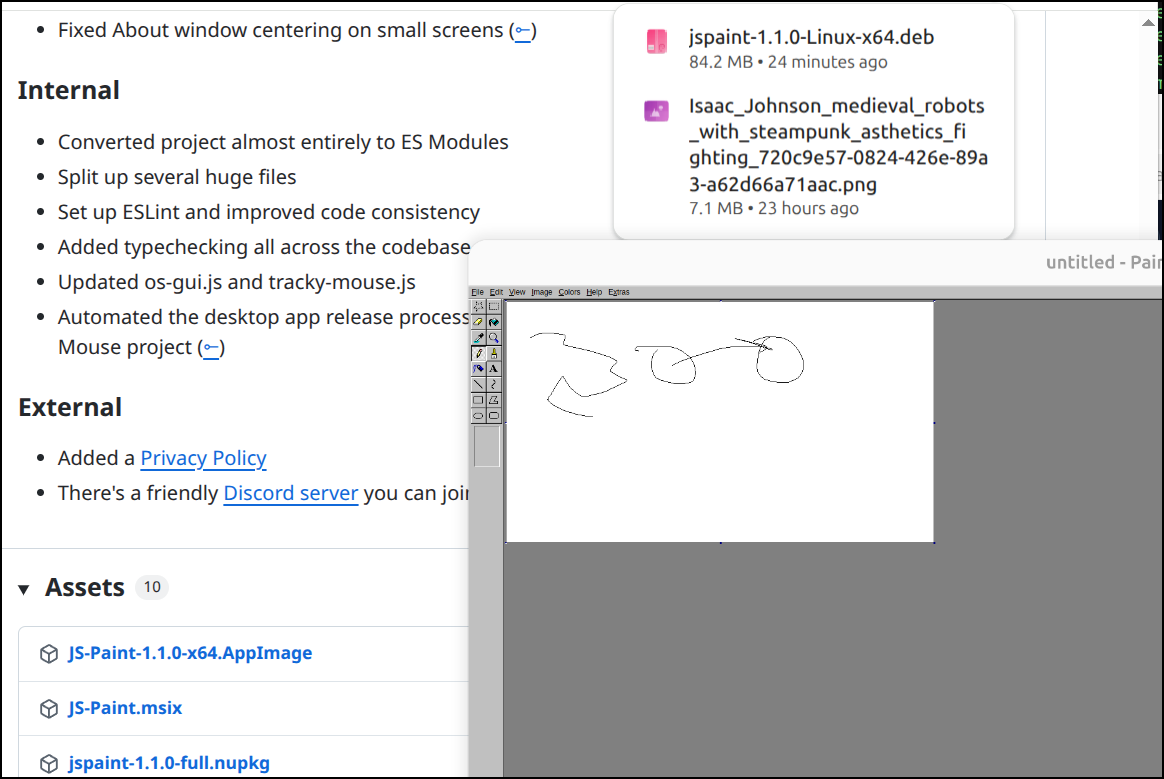
That said, there is a deployed instance at jspaint.app we can use
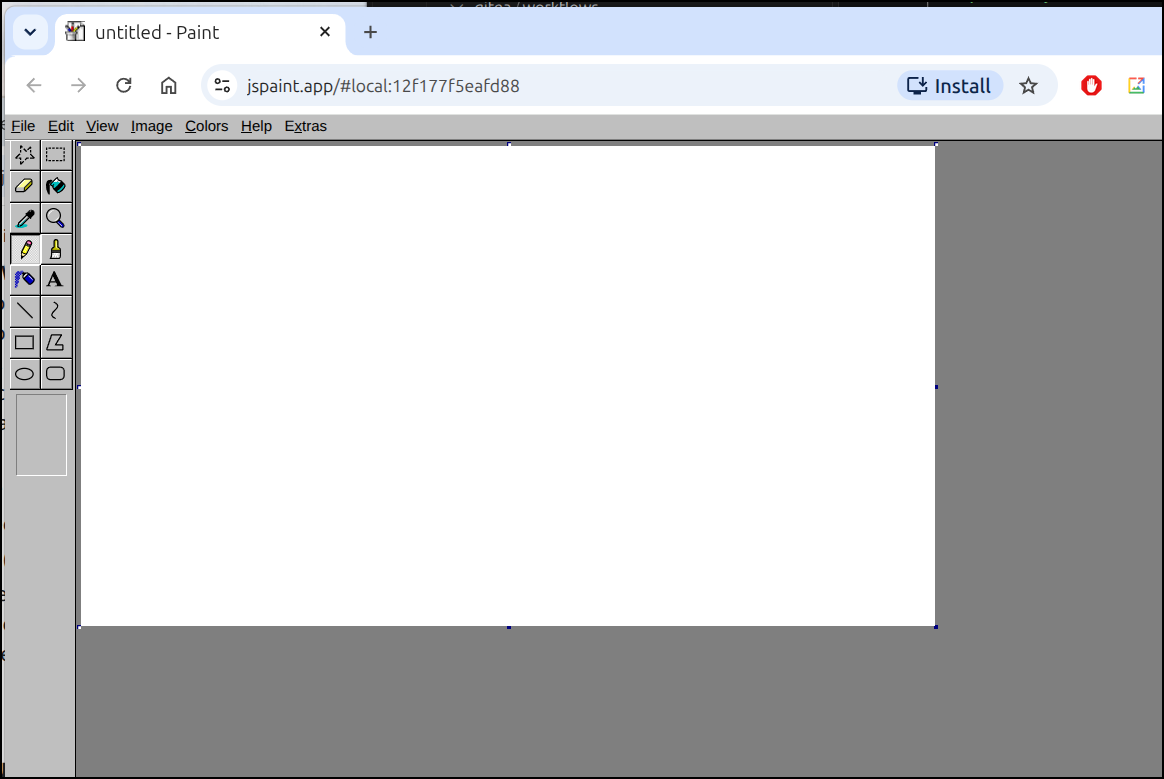
It works just like the old MS Paint
And I can save it out as a PNG quite easily
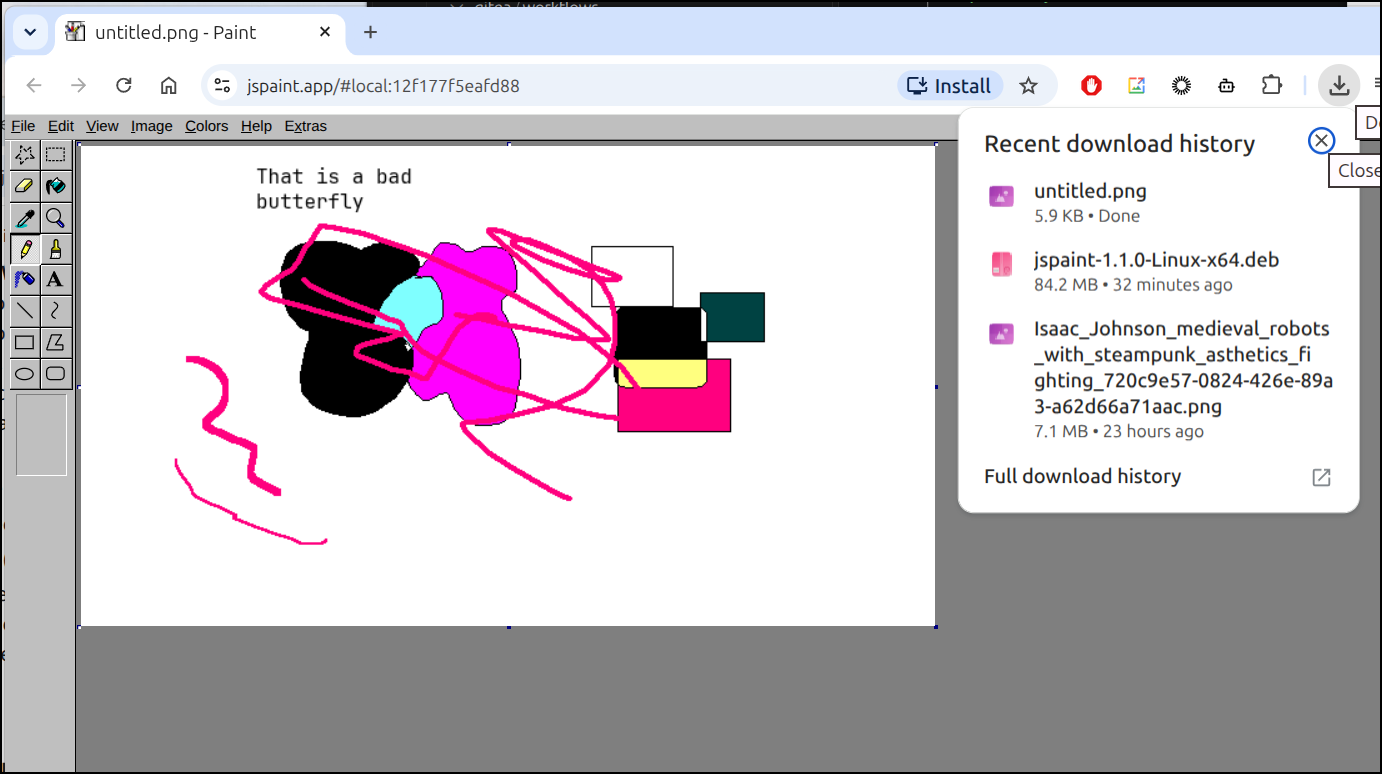
If you want to know why i like Paint, it’s because it has always been the most straightforward lowest-commmon-denominator tool for making diagrams.
It has been the poor man’s whiteboard in IT for many many years now.
Let’s see how easy I can just make a simple diagram using it
Shiori
A few years ago I looked at Shiori and a few other apps.
I came back across it doing some cluster maintenance when I realized it’s cert was bad and I had never fixed it
$ kubectl get ingress | grep -i shio
shiorigcpingress                    <none>   shiori.steeped.space                                            80, 443   2y20d
$ kubectl get cert -A | grep -i false | grep -i shi
default                 shiorigcp-tls                                  False   shiorigcp-tls                                  2y20d
Let’s fix the cert first. If you look at that blog article, you’ll not I just used an ingress object in K8s - no helm chart.
(venv) isaac@isaac-G707:~/Workspaces/osn2026mcpdemo$ kubectl get ingress shiorigcpingress -o yaml > shiorigcpingress.ingress.yaml
(venv) isaac@isaac-G707:~/Workspaces/osn2026mcpdemo$ kubectl get ingress shiorigcpingress -o yaml > shiorigcpingress.ingress.yaml.bak
(venv) isaac@isaac-G707:~/Workspaces/osn2026mcpdemo$ vi shiorigcpingress.ingress.yaml
(venv) isaac@isaac-G707:~/Workspaces/osn2026mcpdemo$ diff shiorigcpingress.ingress.yaml.bak shiorigcpingress.ingress.yaml
5c5
<     cert-manager.io/cluster-issuer: gcpleprod2
---
>     cert-manager.io/cluster-issuer: gcp-freshbrewedprod
27c27
<   - host: shiori.steeped.space
---
>   - host: shiori.steeped.icu
39c39
<     - shiori.steeped.space
---
>     - shiori.steeped.icu
Now I’ll just rotate the ingress
(venv) isaac@isaac-G707:~/Workspaces/osn2026mcpdemo$ kubectl delete ingress shiorigcpingress
ingress.networking.k8s.io "shiorigcpingress" deleted from default namespace
(venv) isaac@isaac-G707:~/Workspaces/osn2026mcpdemo$ kubectl delete cert shiorigcp-tls
Error from server (NotFound): certificates.cert-manager.io "shiorigcp-tls" not found
(venv) isaac@isaac-G707:~/Workspaces/osn2026mcpdemo$ kubectl apply -f ./shiorigcpingress.ingress.yaml
Warning: annotation "kubernetes.io/ingress.class" is deprecated, please use 'spec.ingressClassName' instead
ingress.networking.k8s.io/shiorigcpingress created
(venv) isaac@isaac-G707:~/Workspaces/osn2026mcpdemo$ kubectl get cert | grep shio
shiorigcp-tls                       False   shiorigcp-tls                       6s
(venv) isaac@isaac-G707:~/Workspaces/osn2026mcpdemo$ kubectl get cert | grep shio
shiorigcp-tls                       True    shiorigcp-tls                       86s
I see the ingress
$ kubectl get ingress | grep shio
shiorigcpingress                    <none>   shiori.steeped.icu                                              80, 443   3m23s
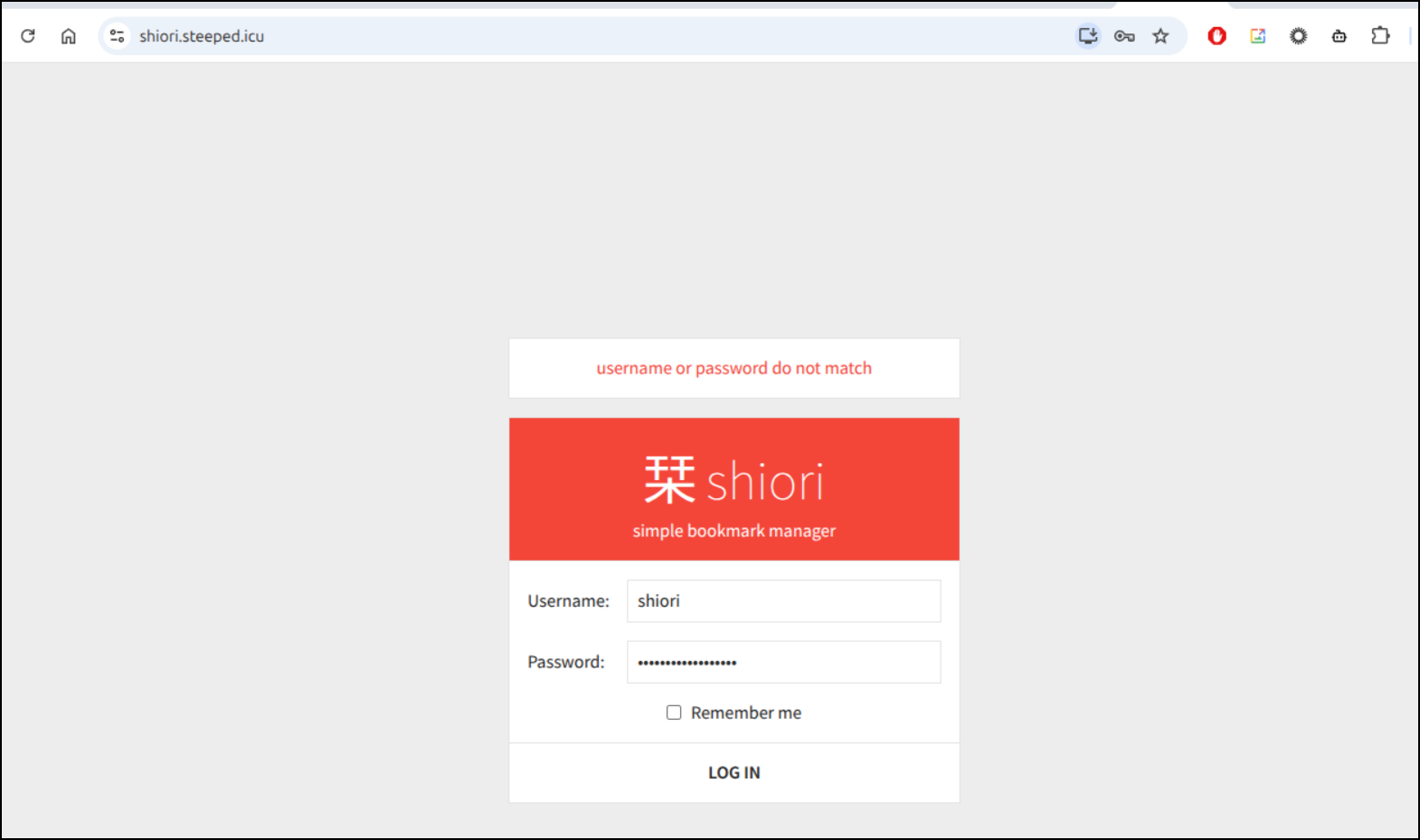
I can now login
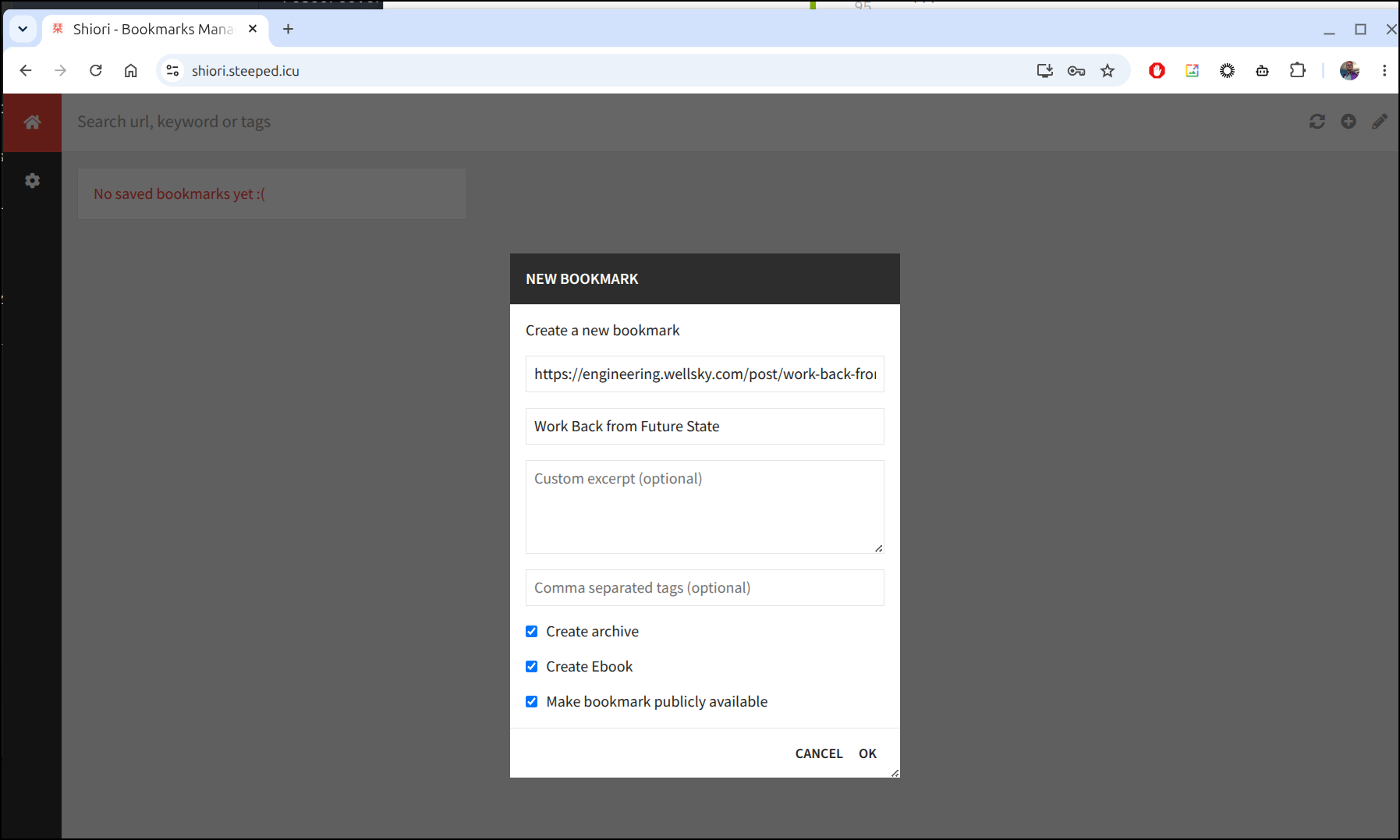
I’ll try and make a bookmark from a LI post
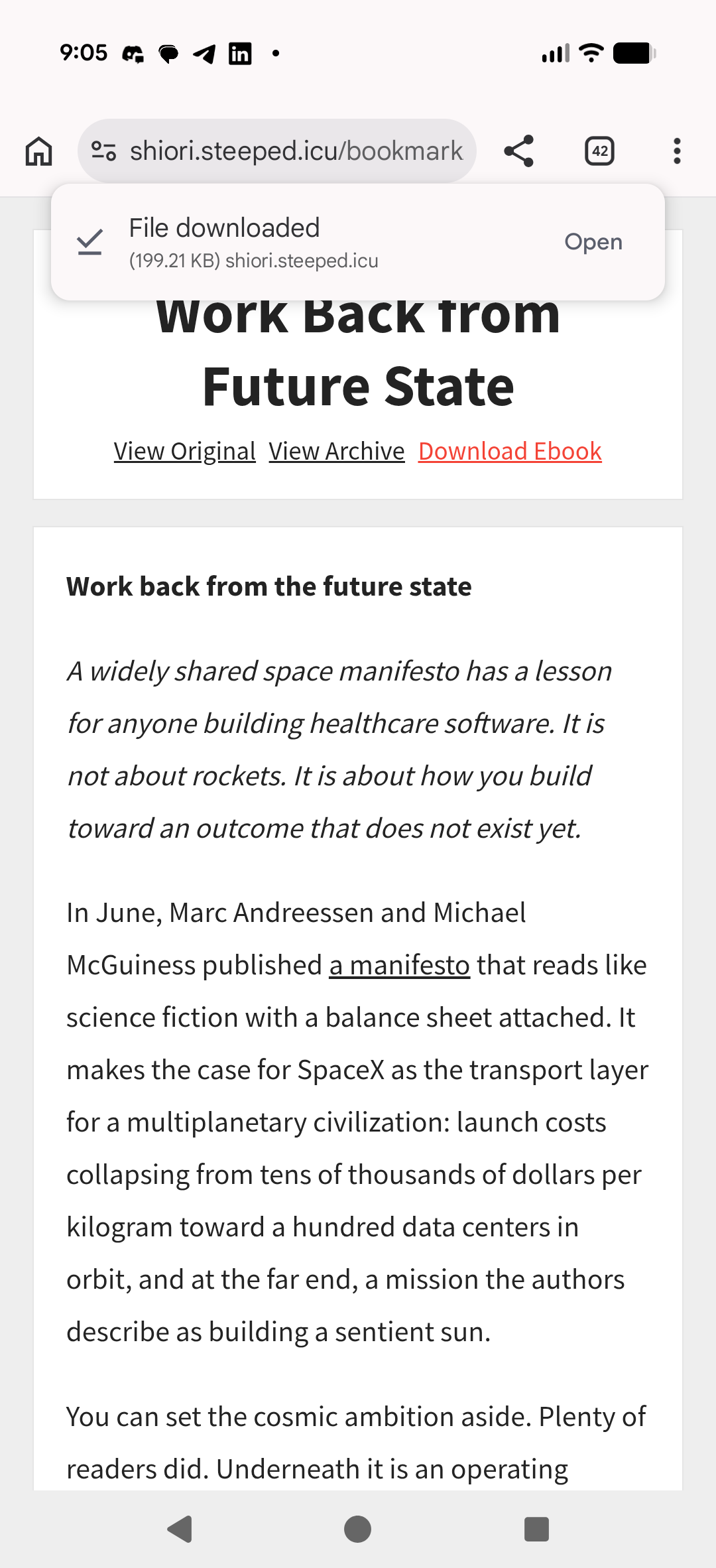
I can now view the article as cached
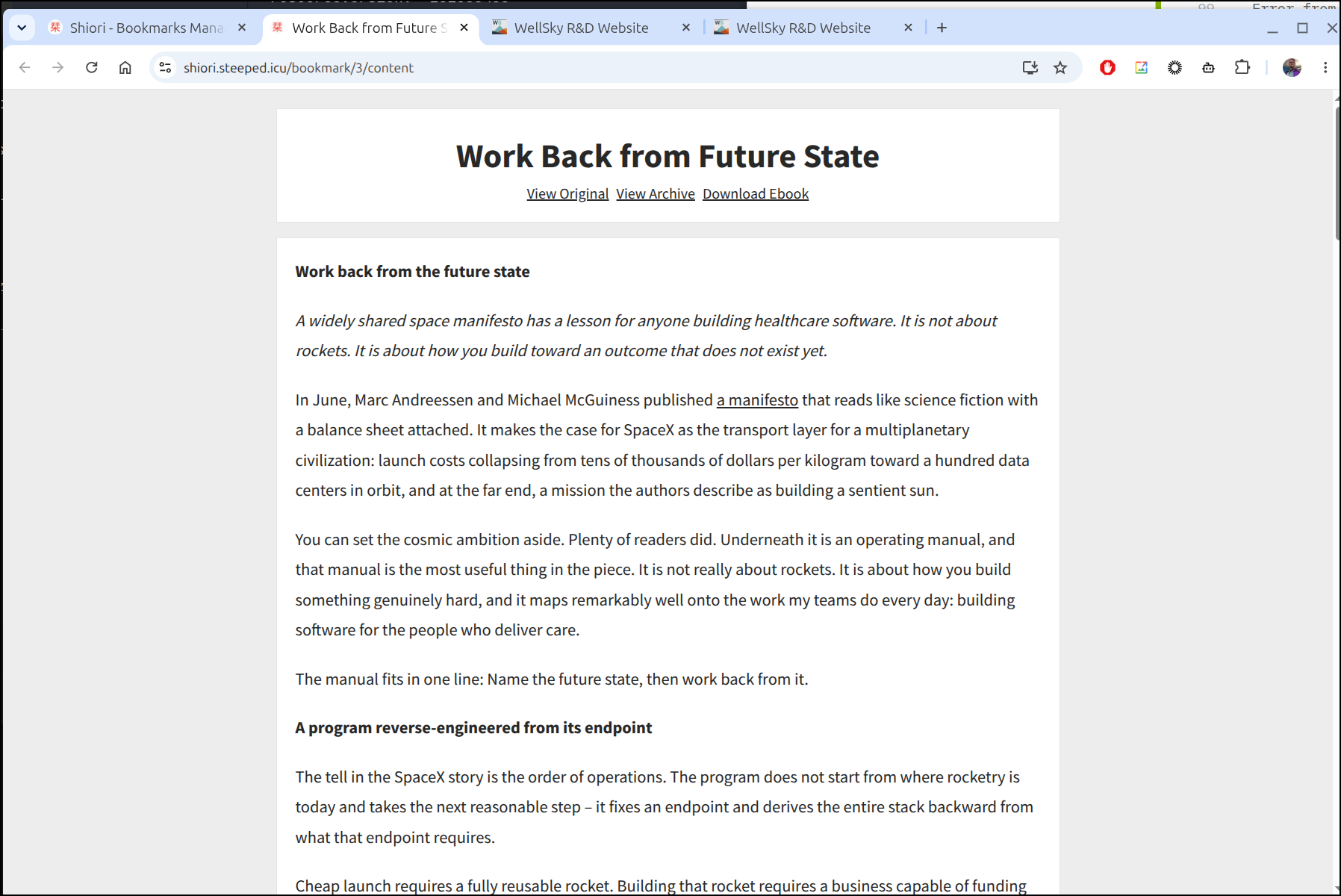
I can download the ePub
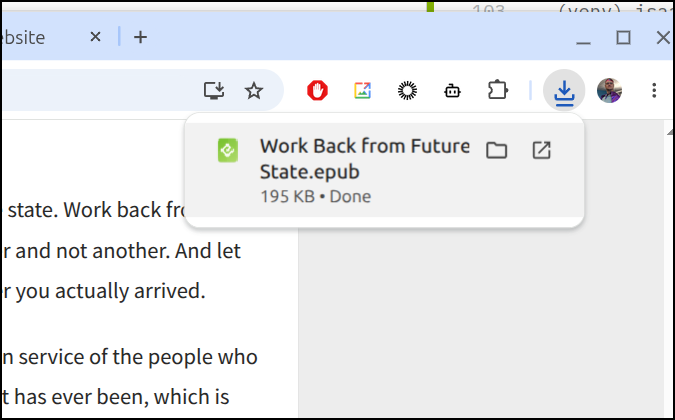
I found the ePub, at least for this article didn’t work. On chrome it came down as a zip and the apps I found on F-droid didn’t seem to want to open them.

I could read it on the page just fine, albeit vertical scrolling
However, on my desktop it downloaded as an epub (or a zip with epub). I transferred that over and then the ereaders worked great.
Here it is with my phone unfolded:
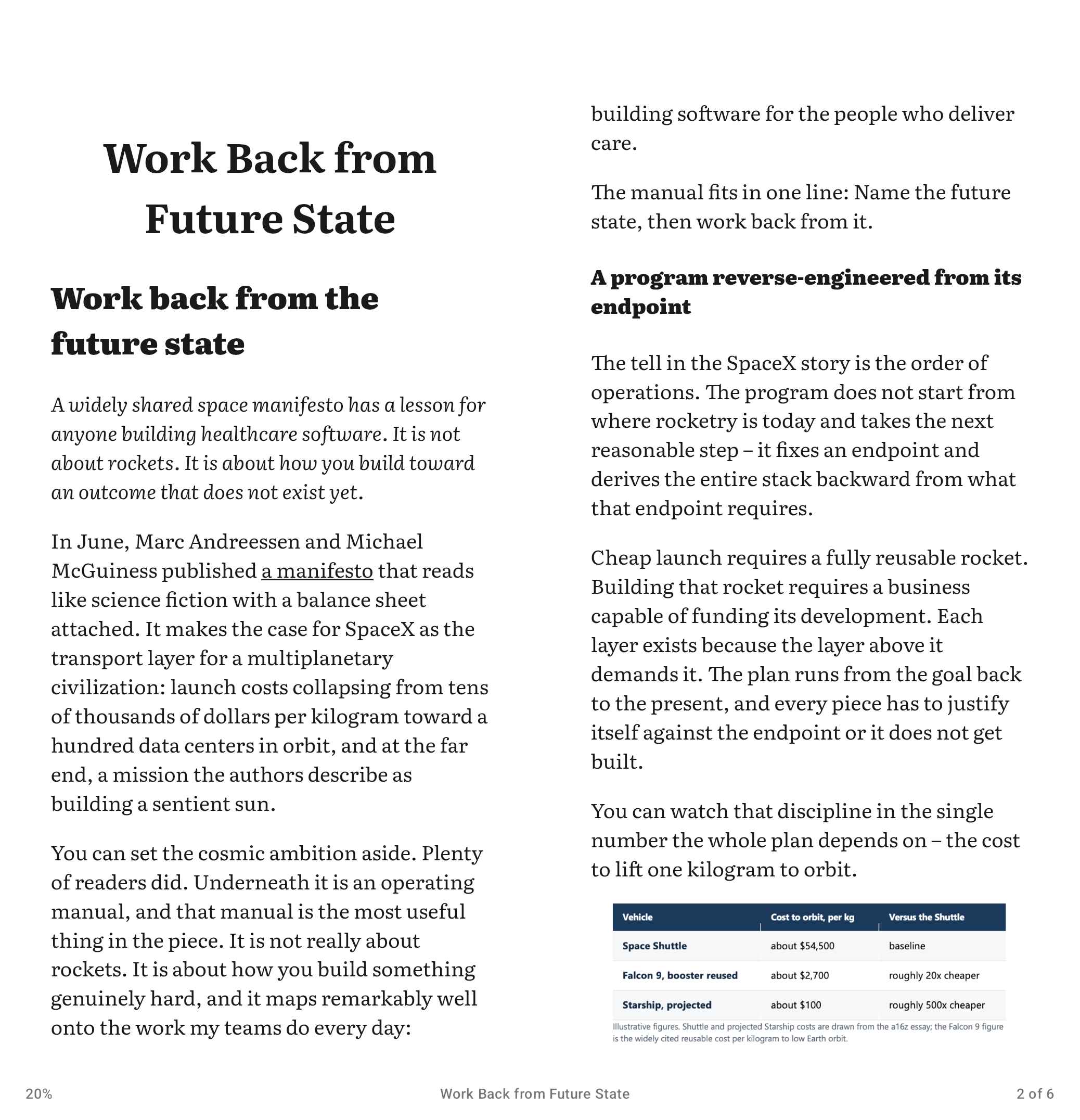
(Credit to Joe Baker’s good article I found on the WS Engineering blog)
SnapOtter
A while back I bookmarked this Marius post on SnapOtter which covered an interesting photo manipulation tool, SnapOtter
Let’s start with the docker container to see what it can do.
$ docker run -d --name SnapOtter -p 1349:1349 -v SnapOtter-data:/data snapotter/snapotter:latest
2d808c5496a0997149f4ba4bfa76f33998766de57e110c489c8b54ac62ddf2e2
the default login/pass is admin/admin
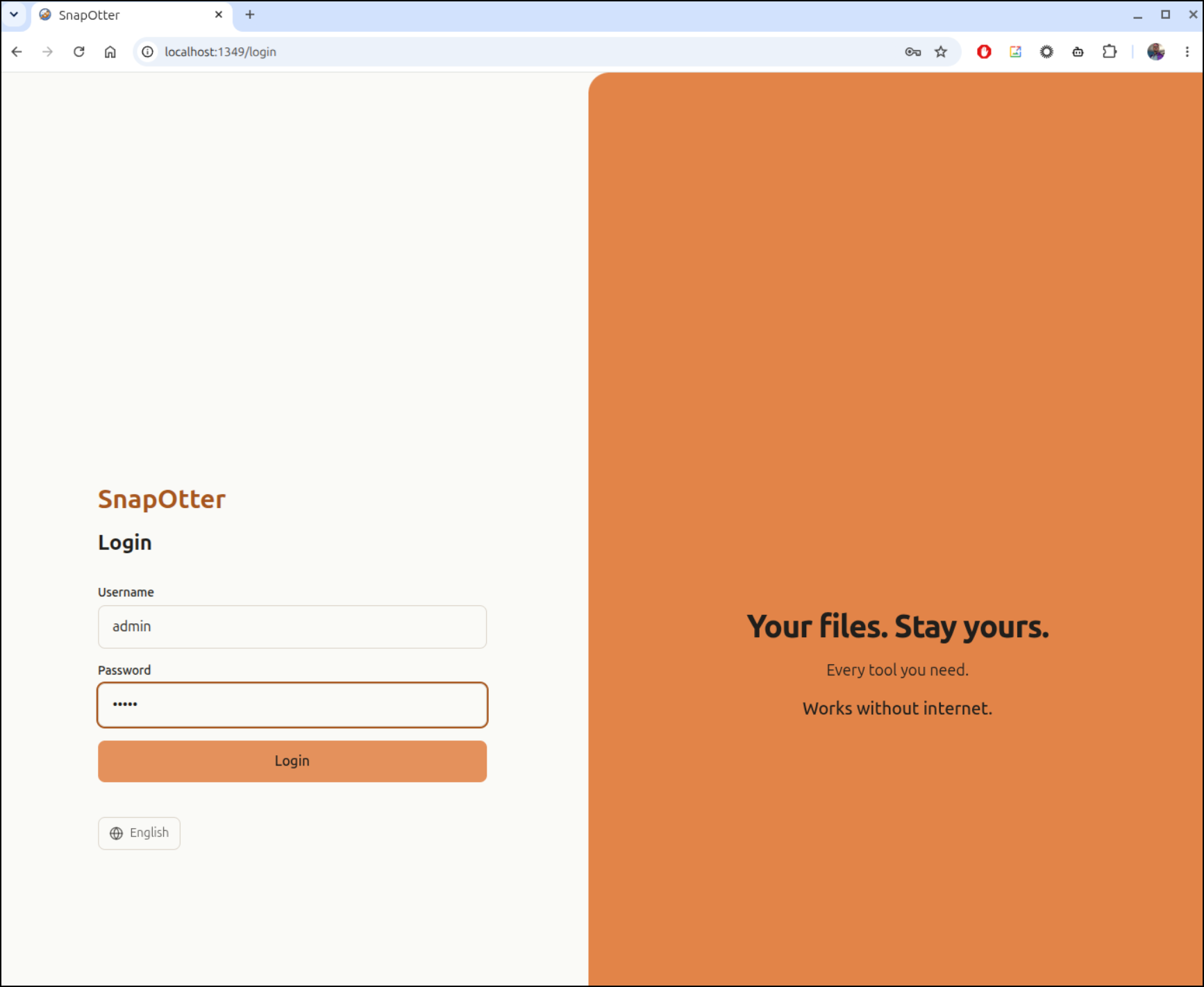
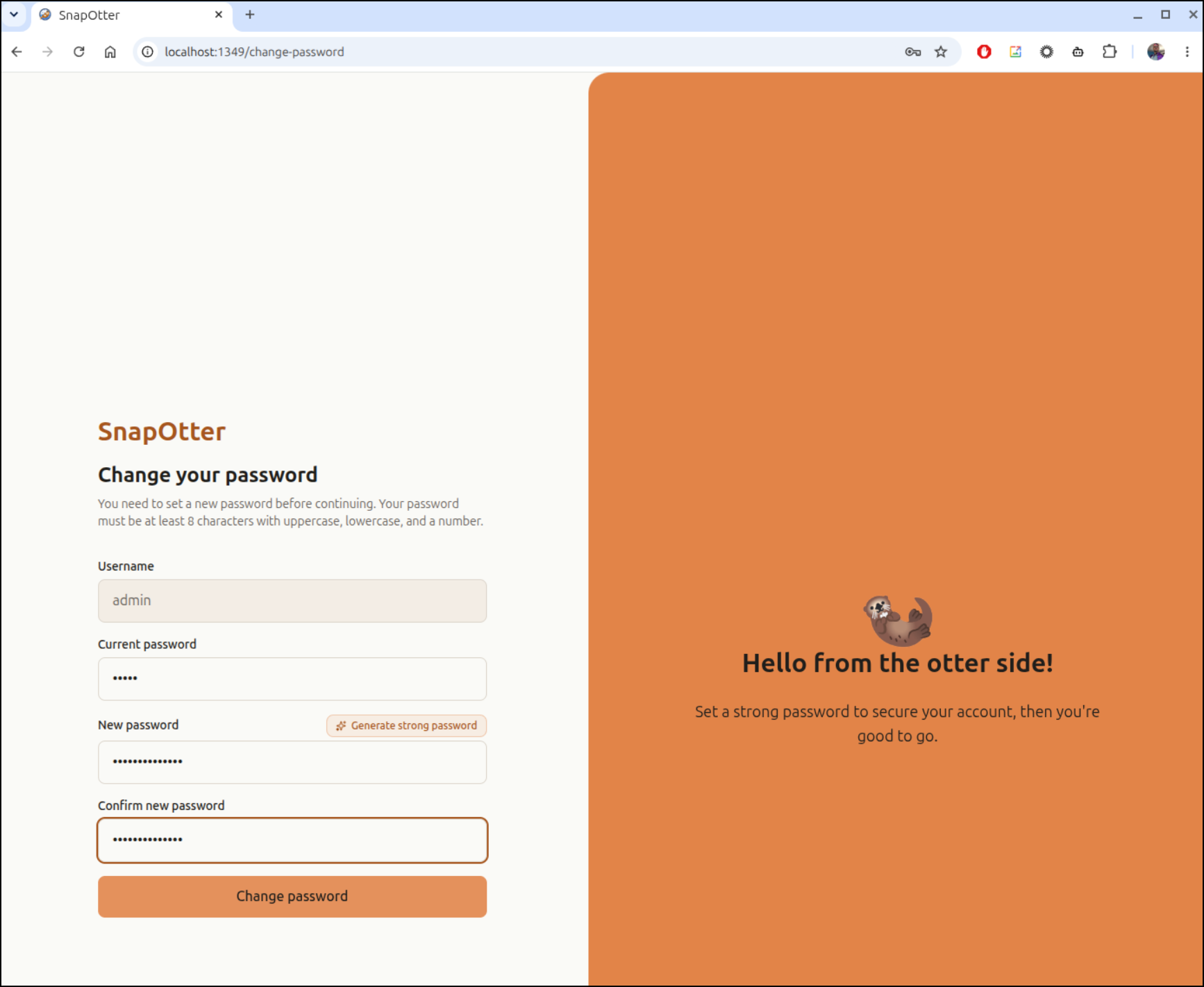
But you need to immediately change it
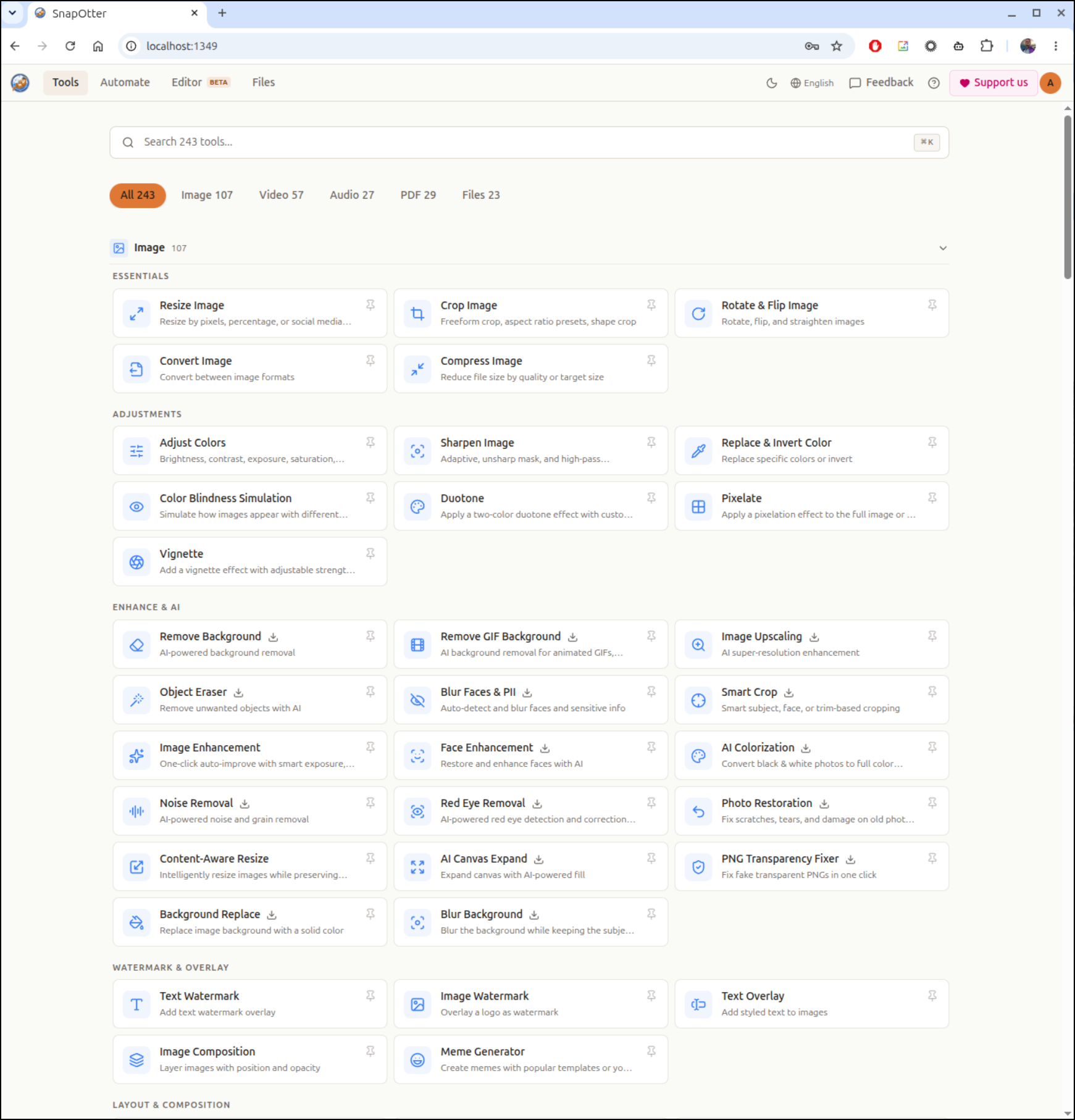
We now have a whole lot of tools at our disposal in the app
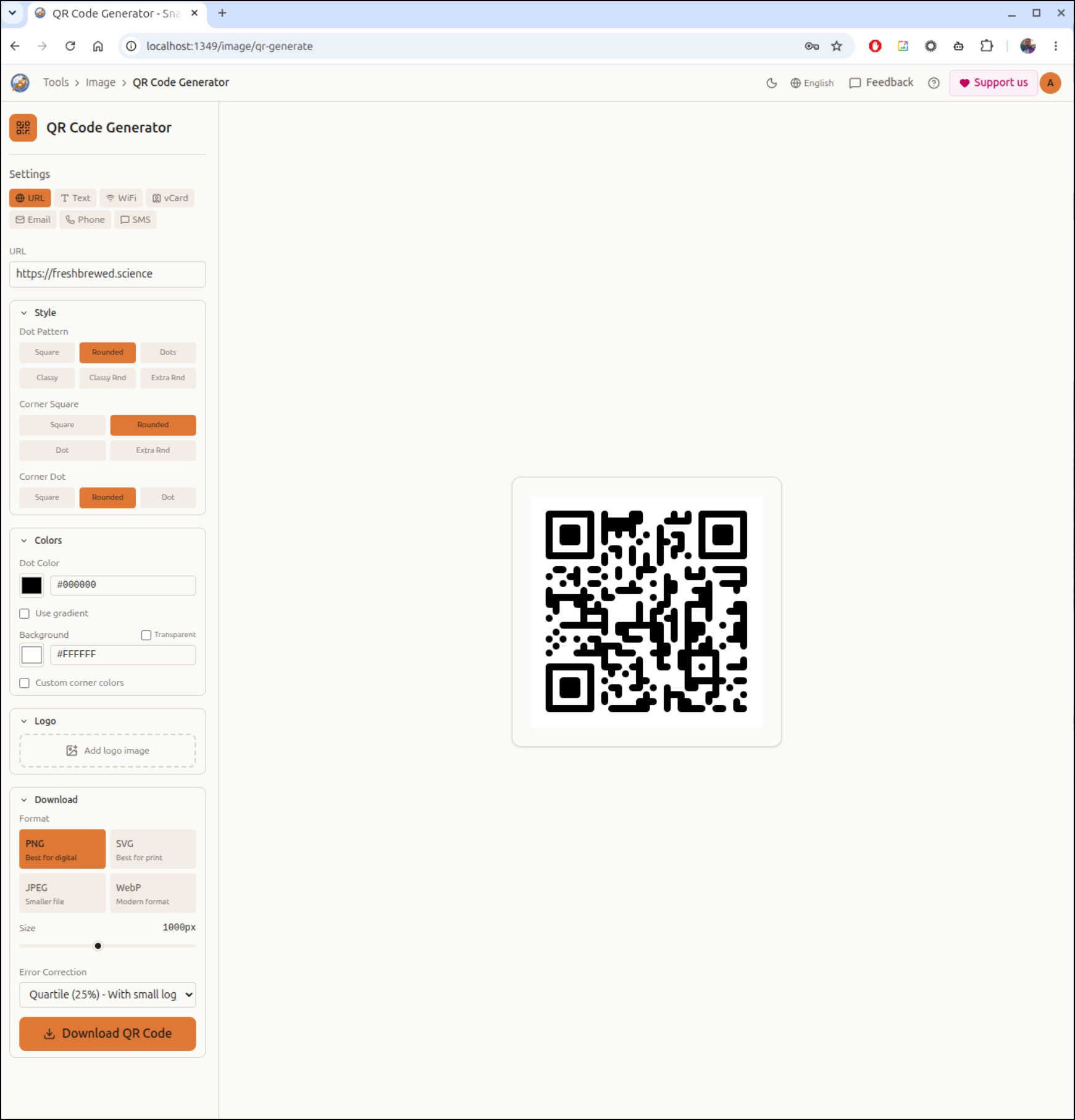
Such as a handy QR code generator
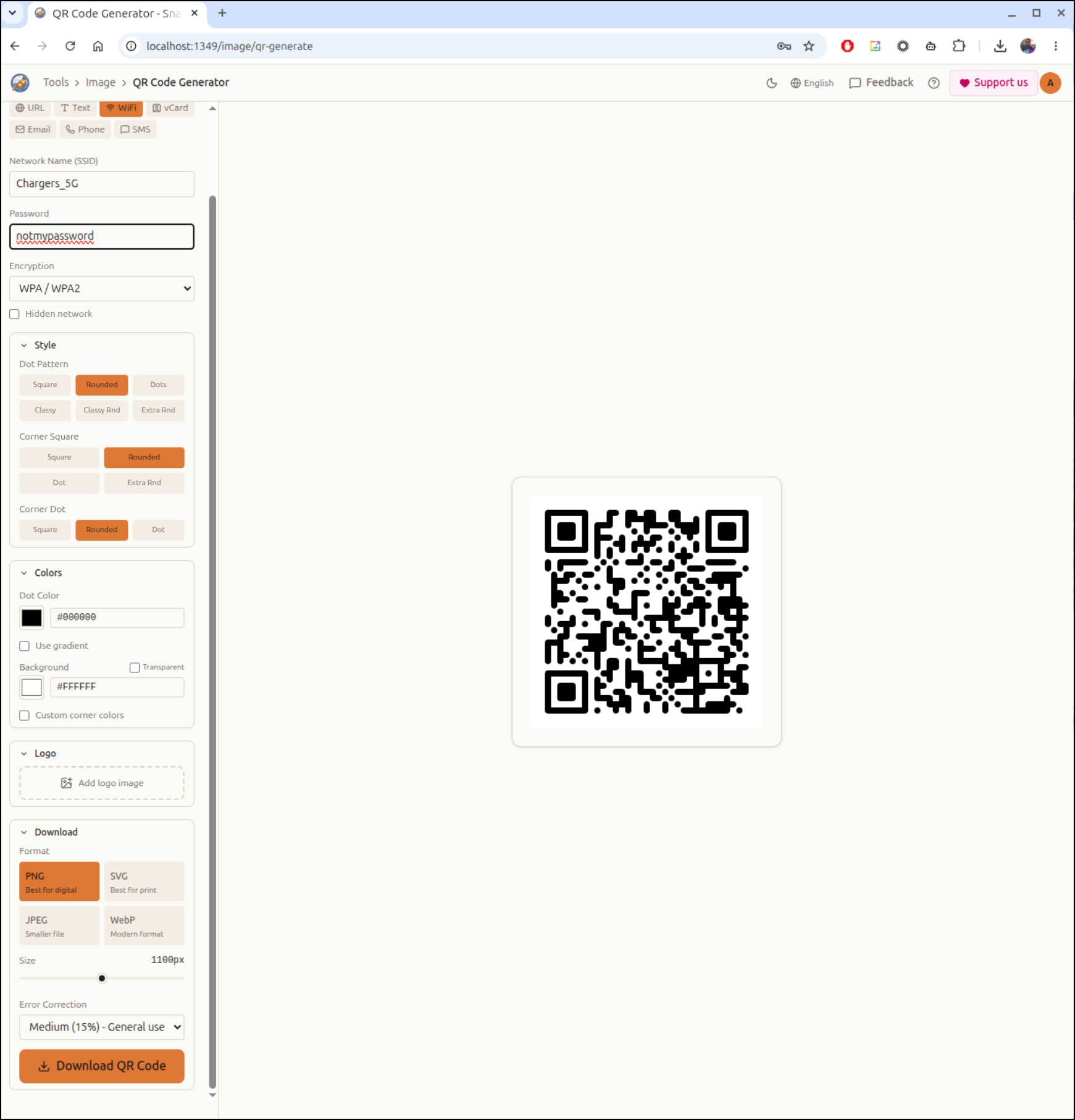
My first use was actually to create a QR code for guests to use my wifi
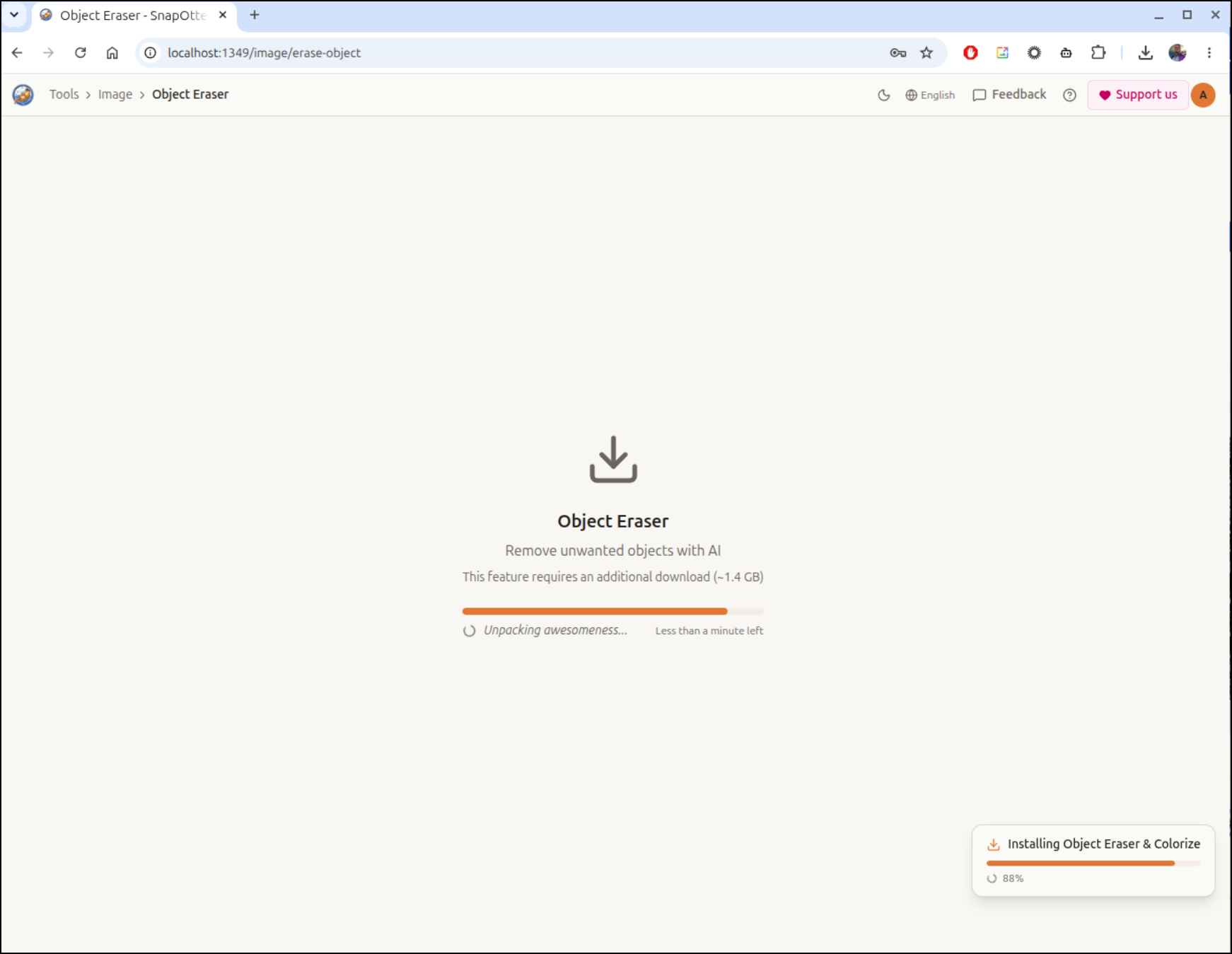
If you want to use any “AI” features, then a model has to come down.
I tried the erase feature and removing an object in a screenshot
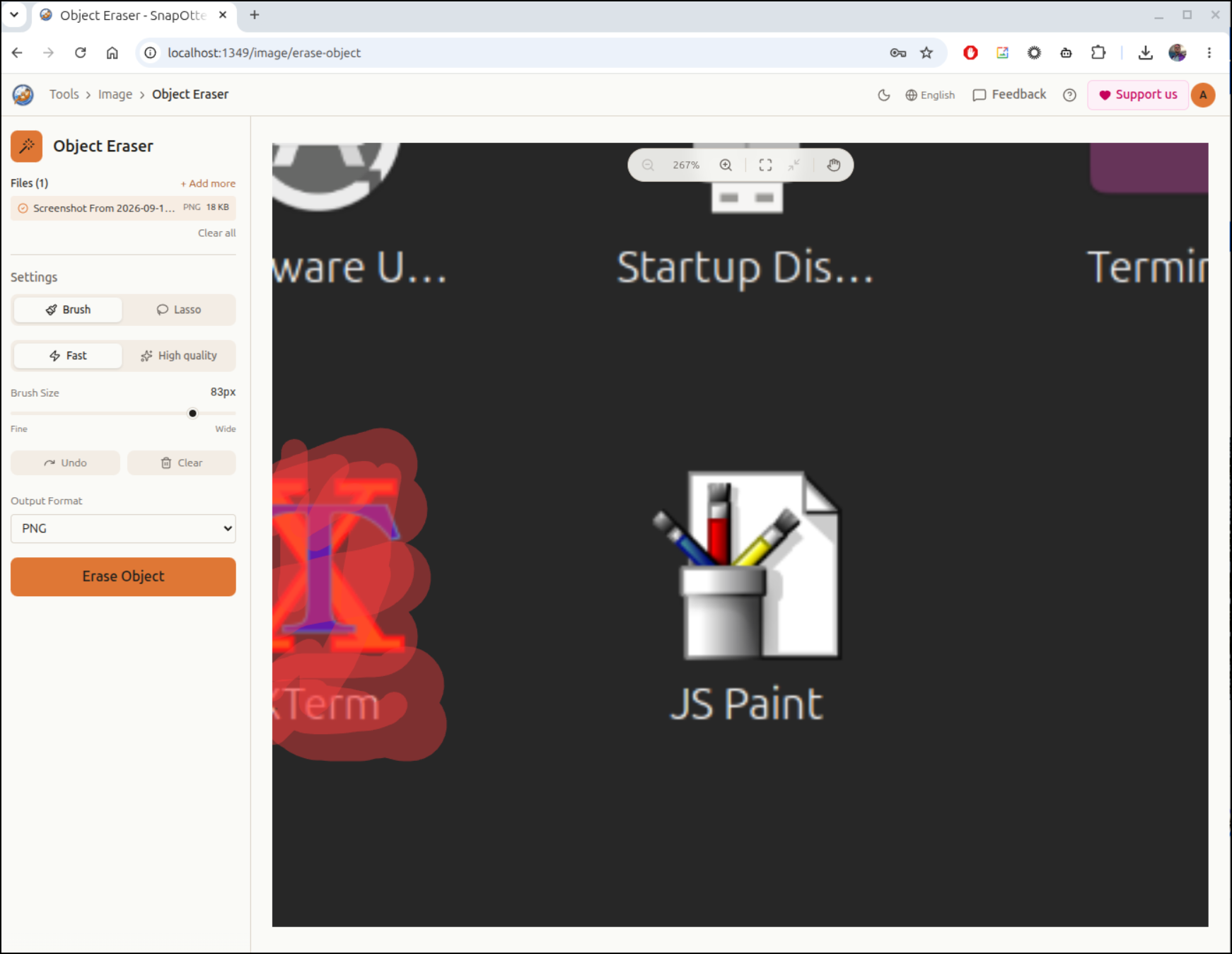
I would argue it did an excellent job
I then tried a harder image and it did not work as well
I decided to try the HQ object eraser
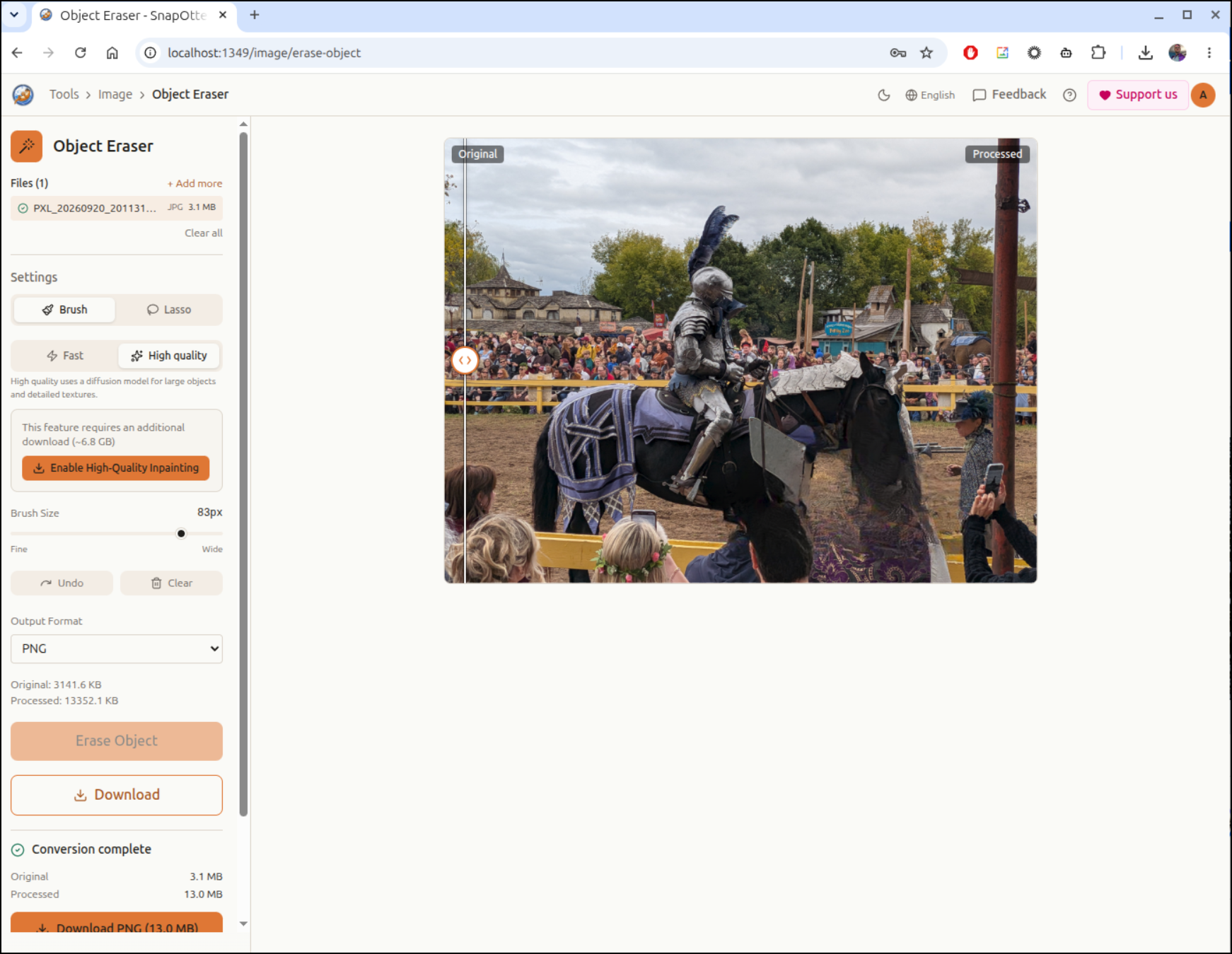
I erased the people blocking the view
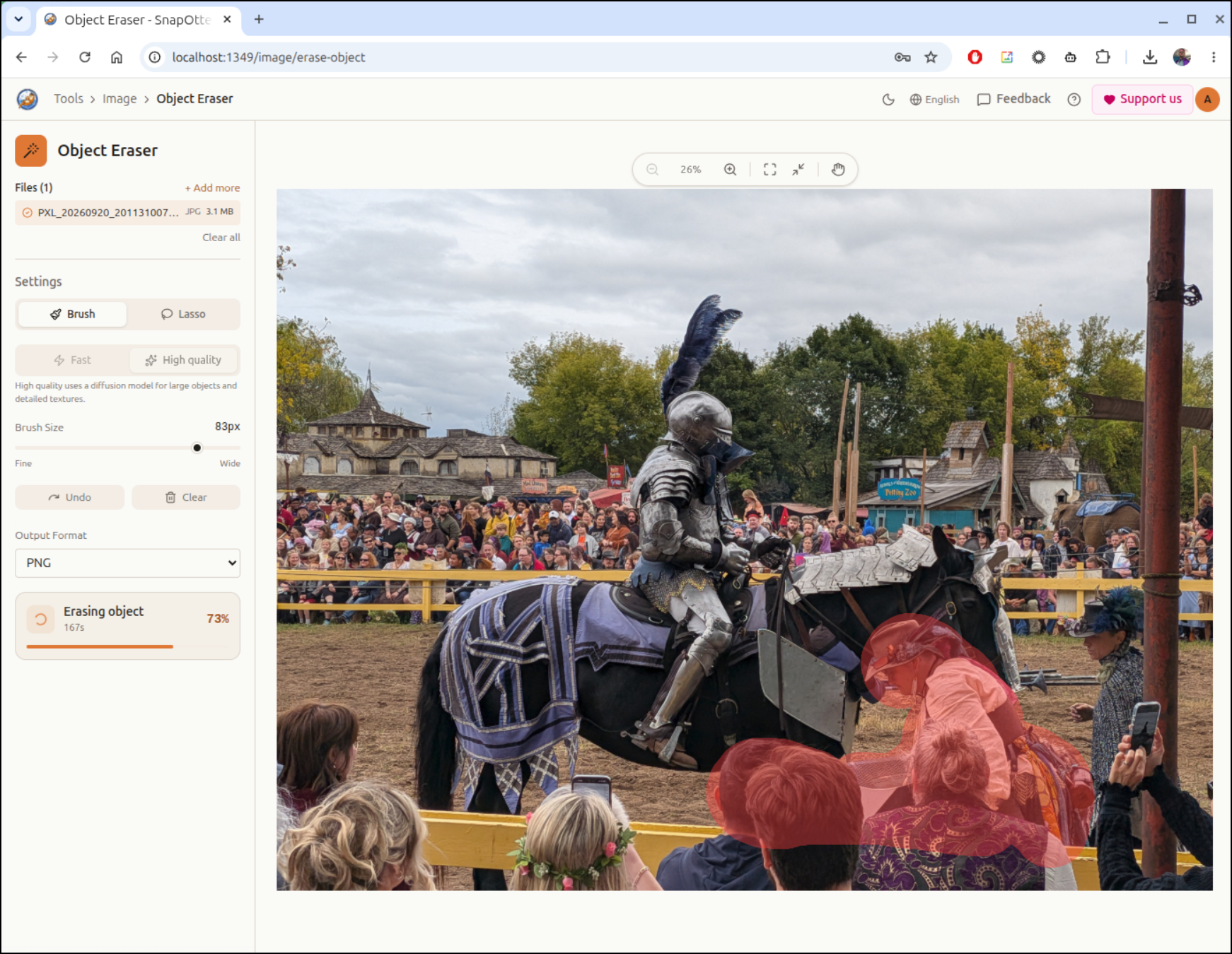
That did a much better job
There are a lot of video and audio tools as well
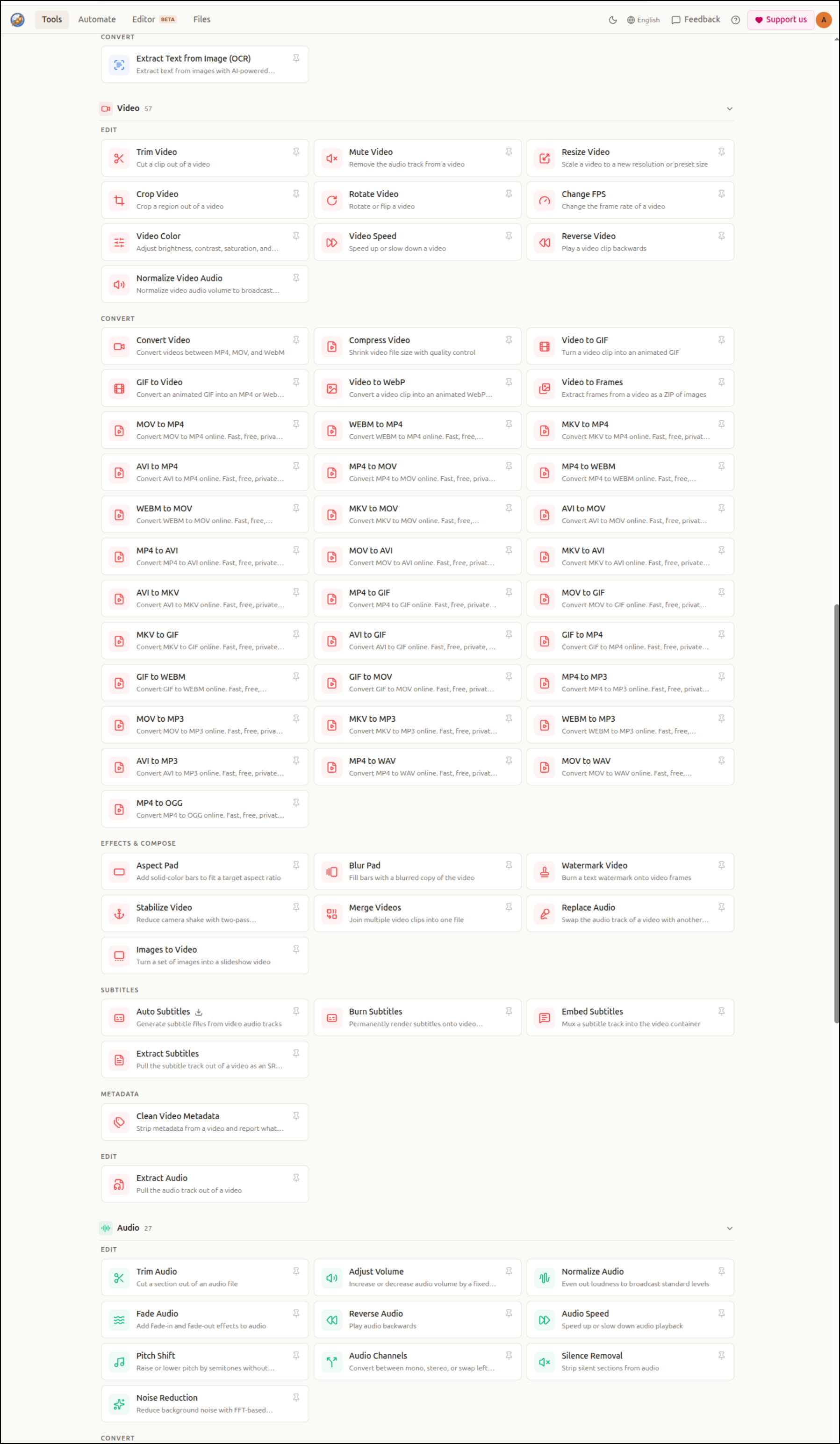
I kept looking and there were more tools like PDF and file based utilities
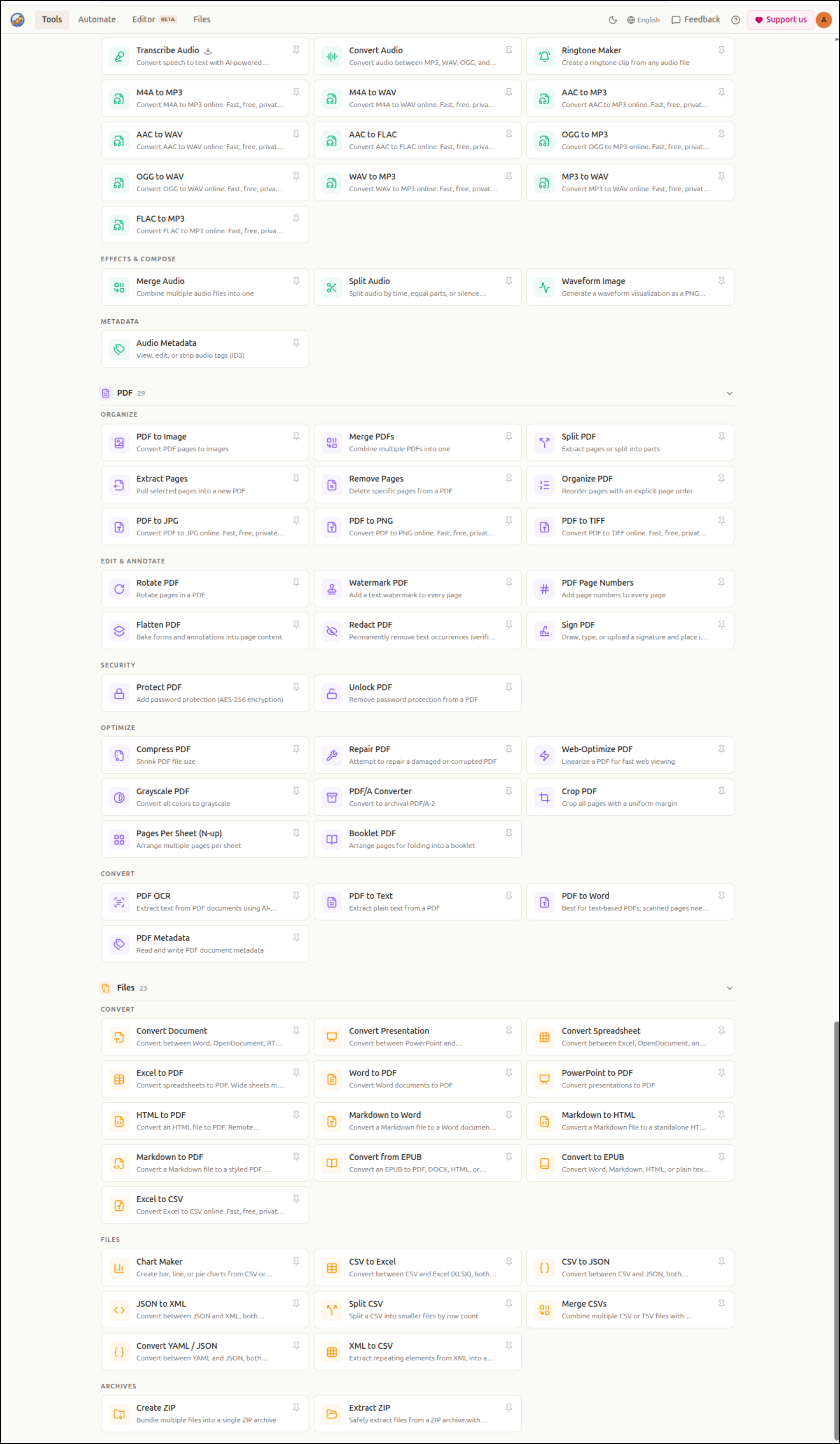
There is a CSV to Chart offering that seemed interesting.
I asked Agy to create a cost breakdown for serverless functions into a CSV file
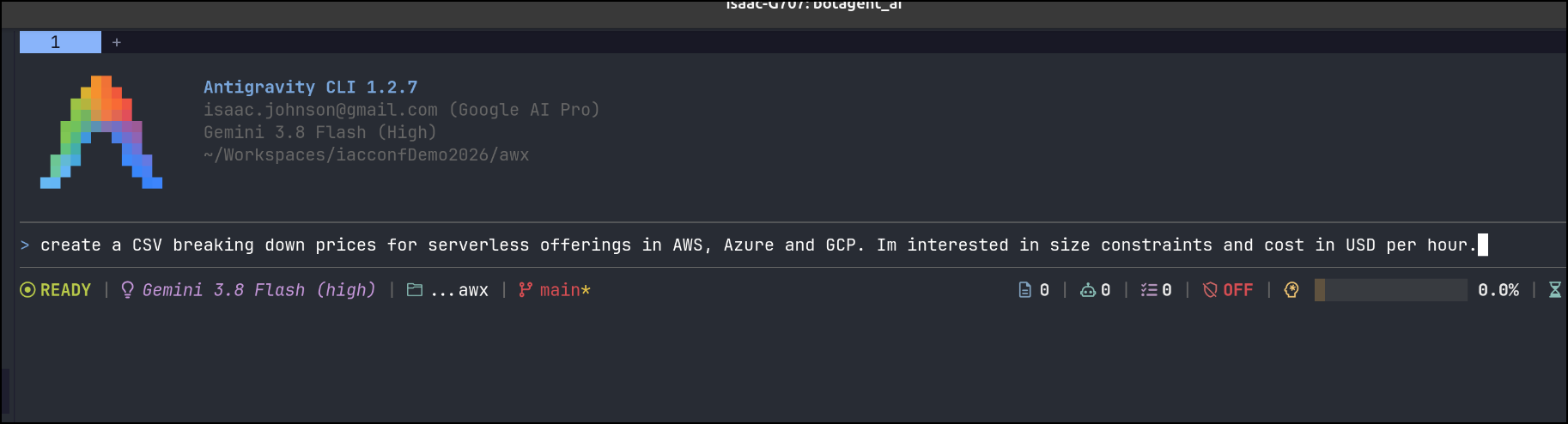
I got some results
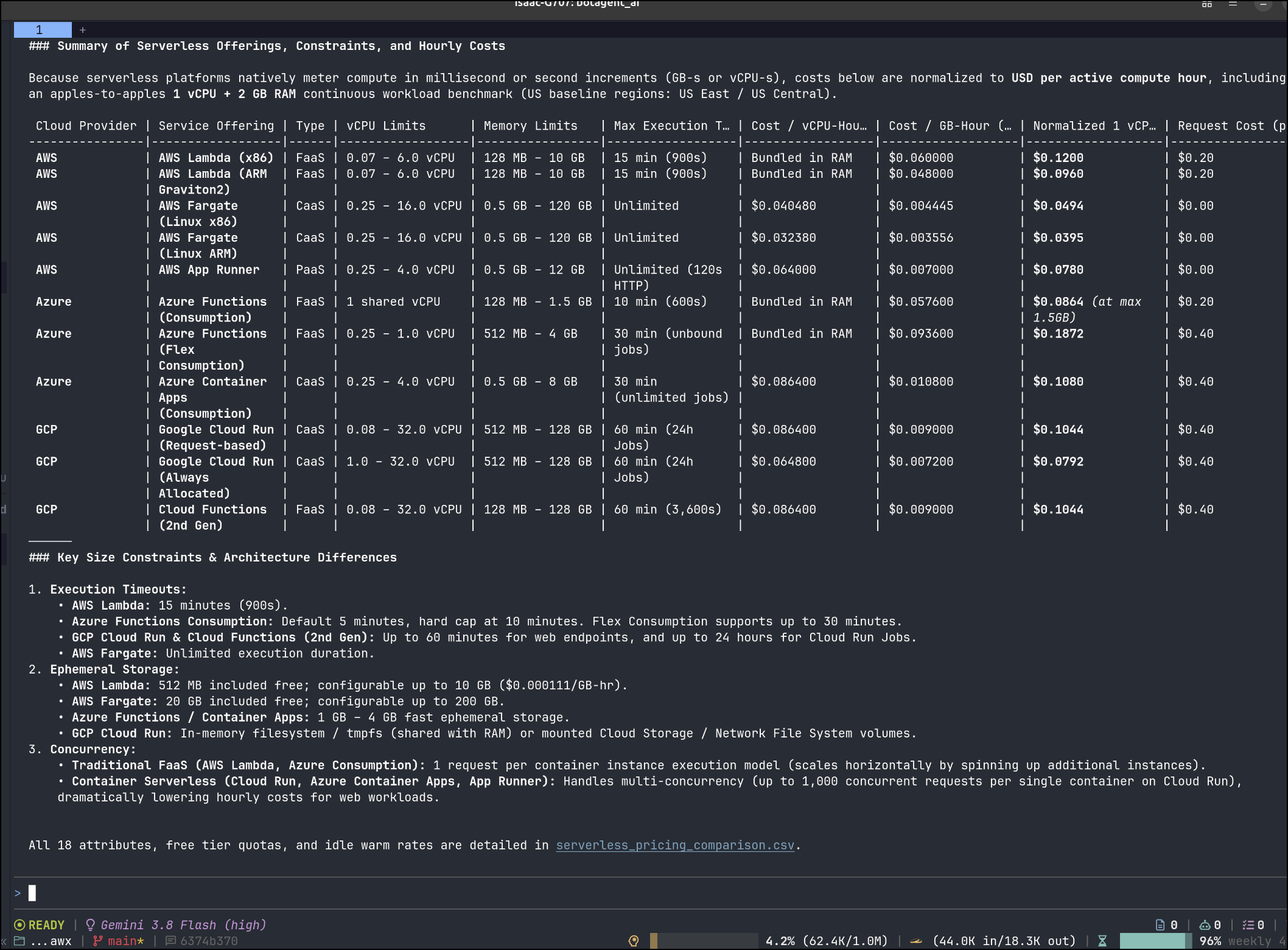
I had to pair them down, and then the result was rather basic
I had another tool that seemed interesting and it was an epub converter.
My earliest eReaders were nooks and i used ePubs for all of them.
My first go didn’t work
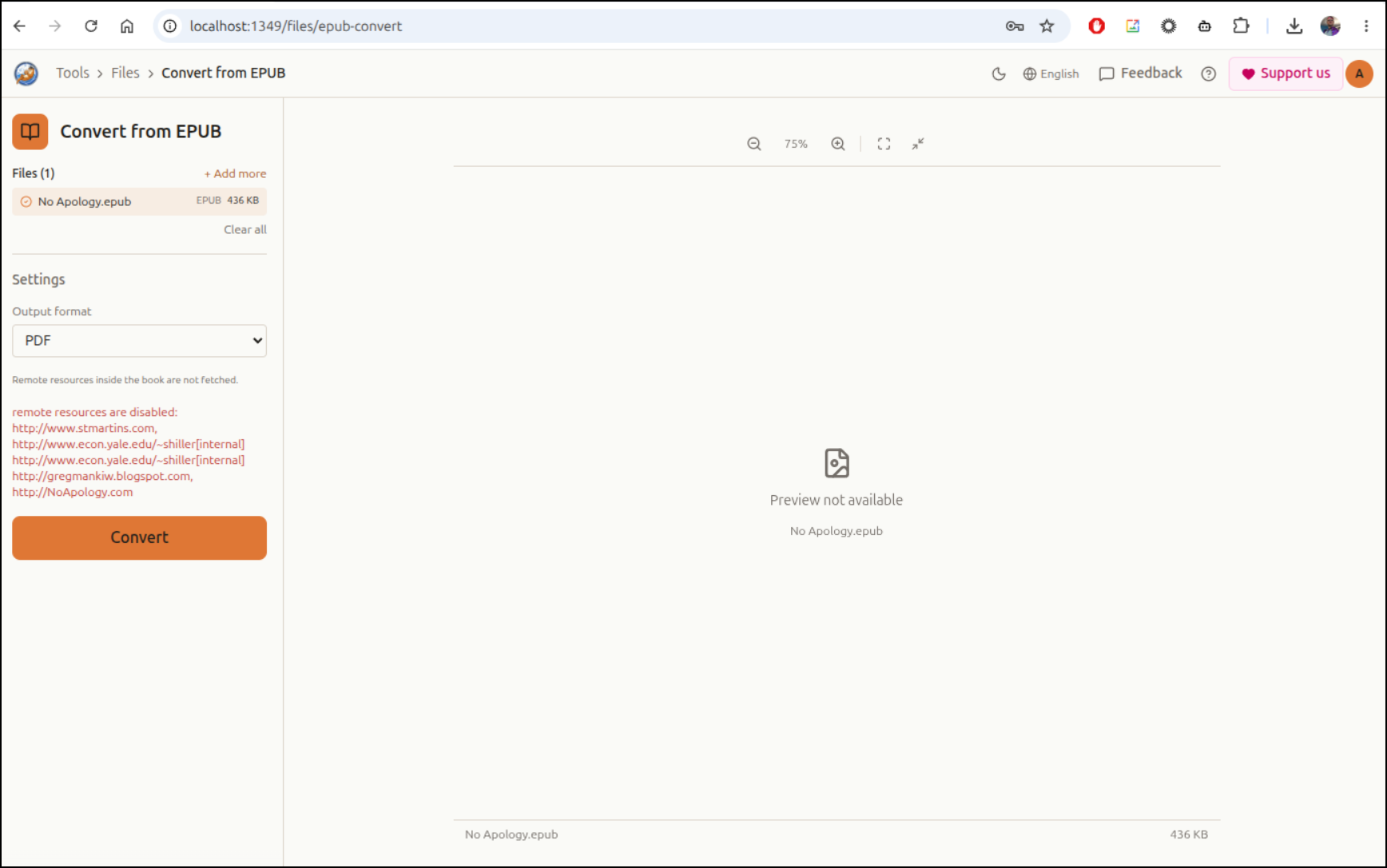
I had similar issues with another book.
I then tried DOCX, that seemed more promising
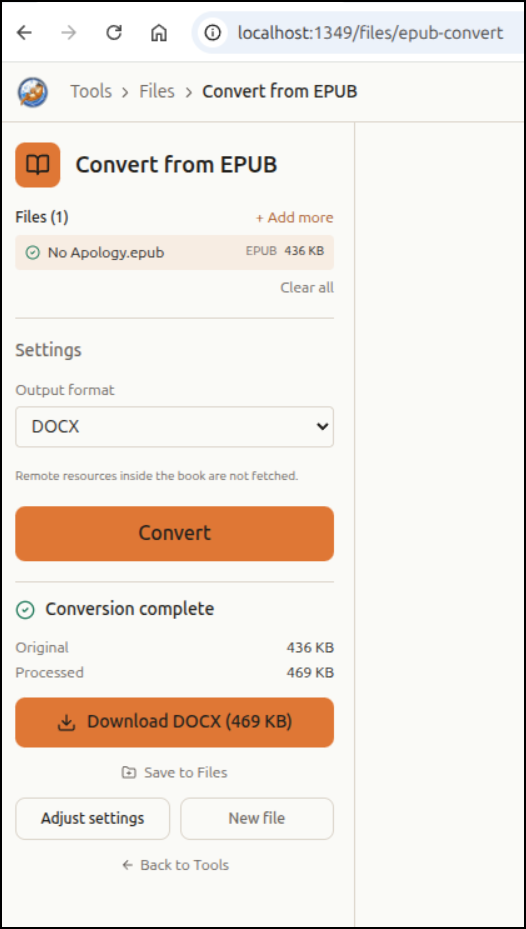
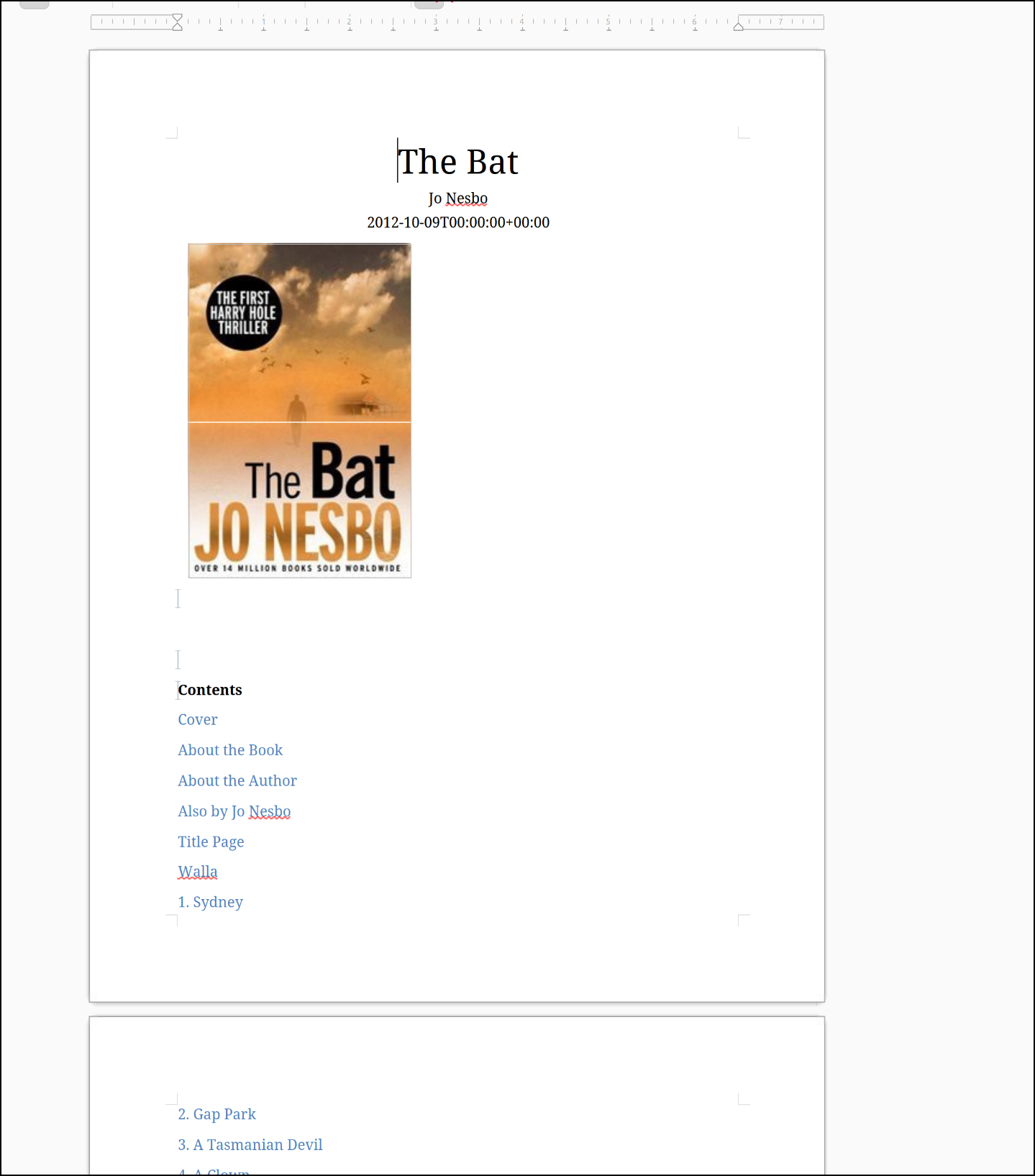
I was about to then print to PDF from LibreOffice when I realized who that author was.. So i tried a different
While PDF failed, DOCX was fine
There are so many fantastic tools here, this seems like a no-brainer app.
Summary
Today we looked at a few interesting apps: JSPaint, Shiori, and SnapOtter. I actually like all three, however I have found myself now daily driving JSPaint more than the others. It is just so handy to fire up and just create a quick diagram - I think it’s the speed of the tool that makes it so useful.
I had use some others before like Whiteboard which is still live.
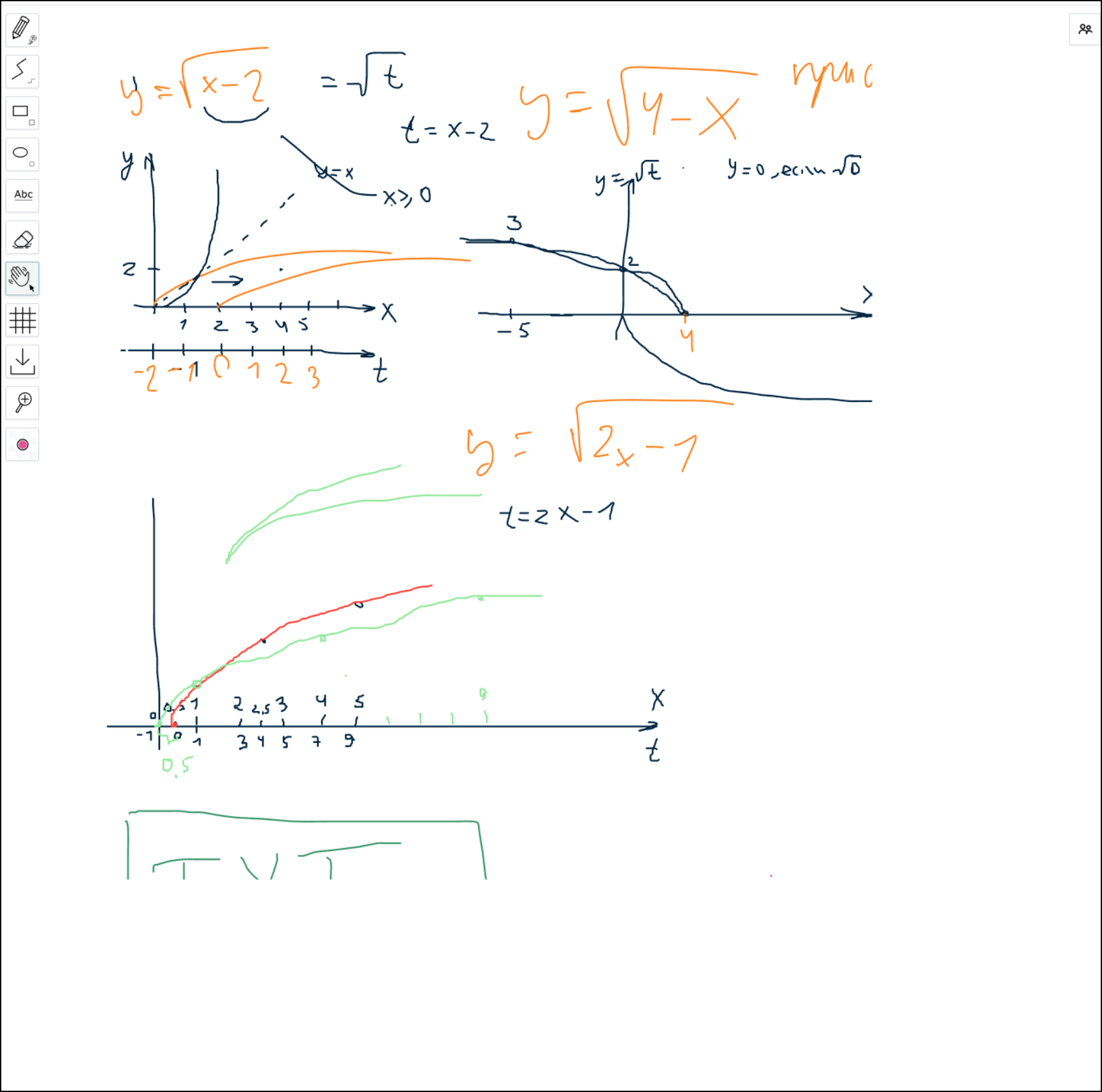
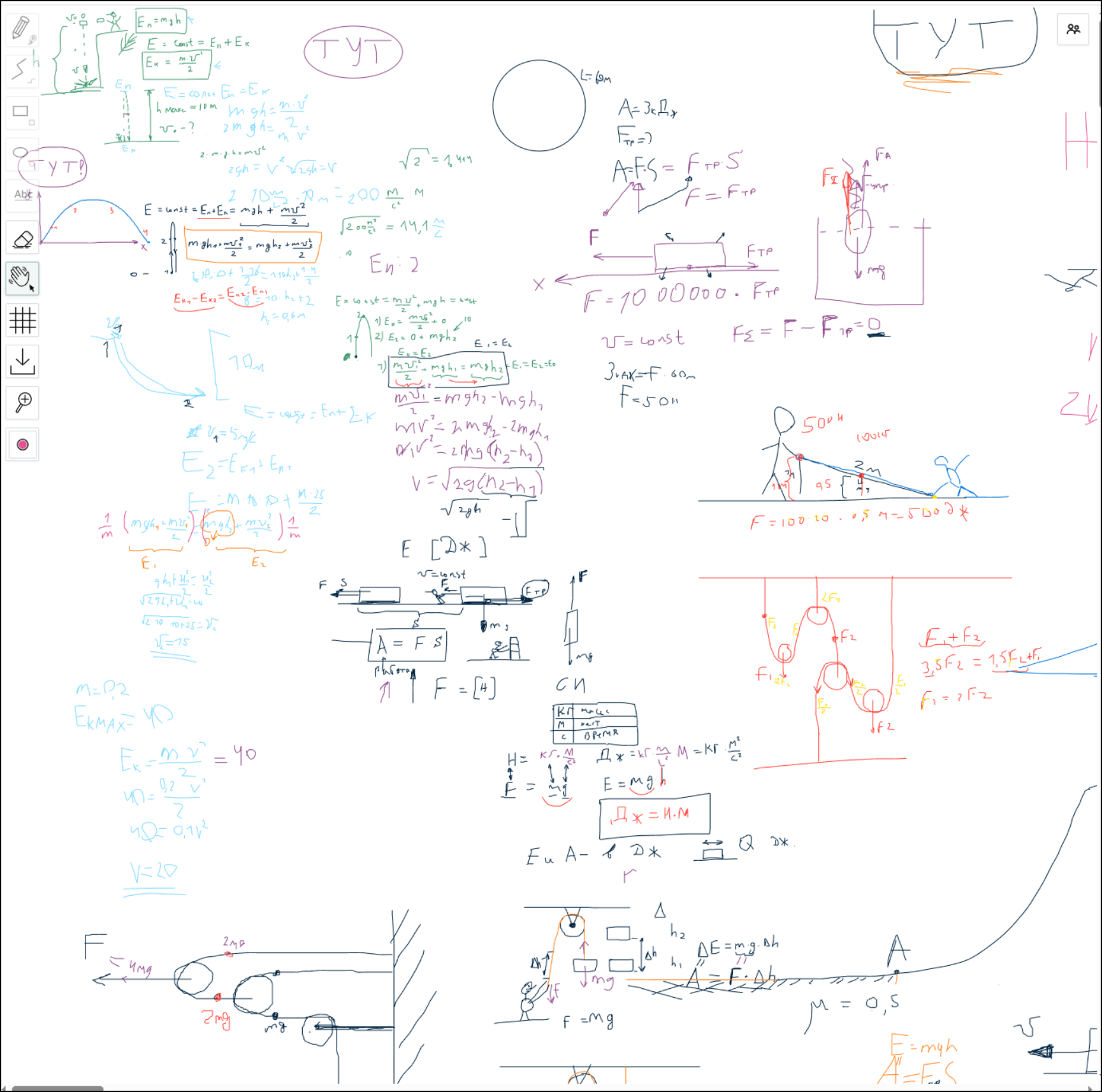
I actually started to poke around and was amazed at all the stuff folks were using that for
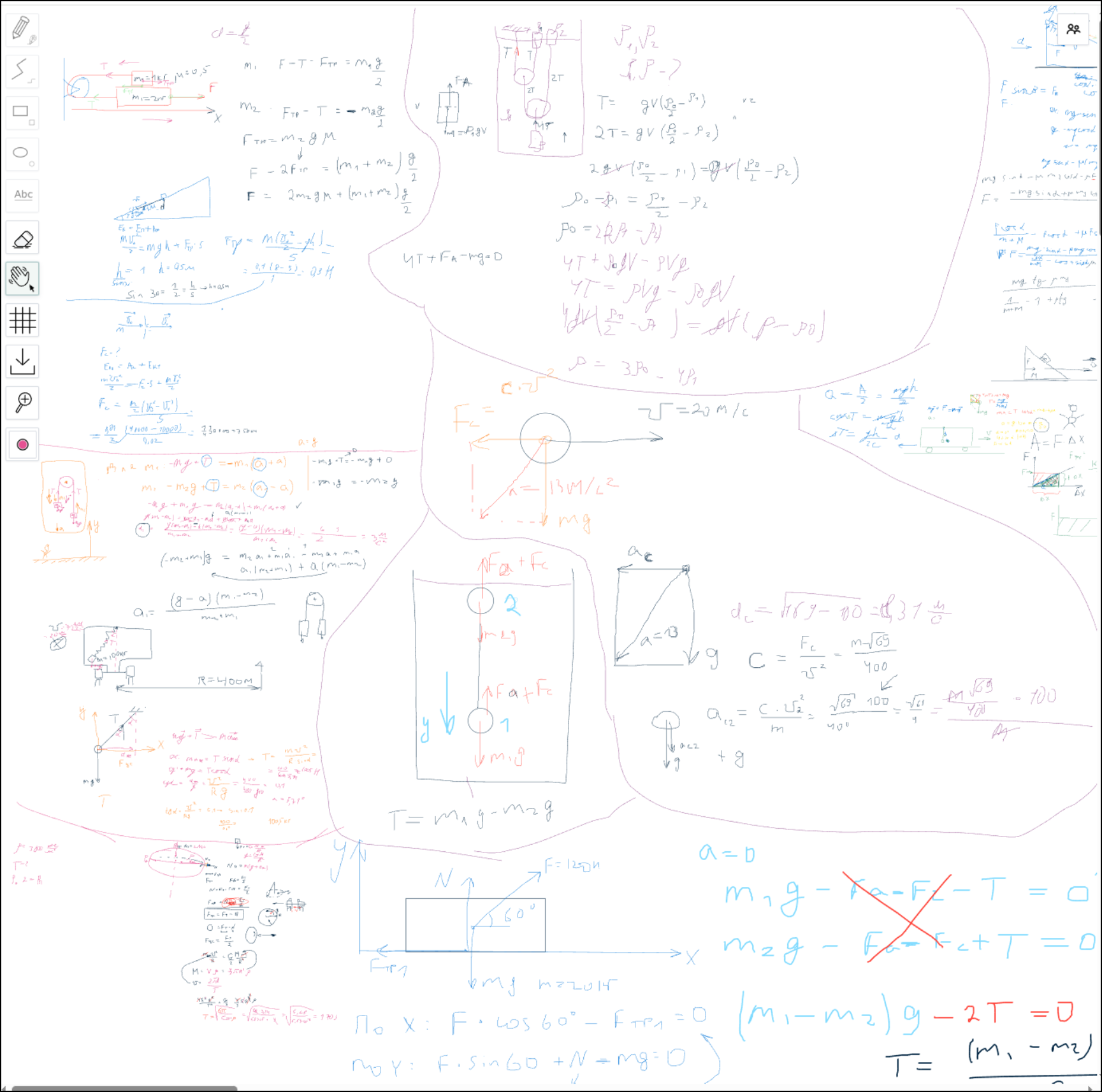
Lots of math stuff - which is great - glad it could help folks
But I digress - the tools like JSPaint and SnapOtter are great and I’ll have to keep trying Shiori to see if I like it.