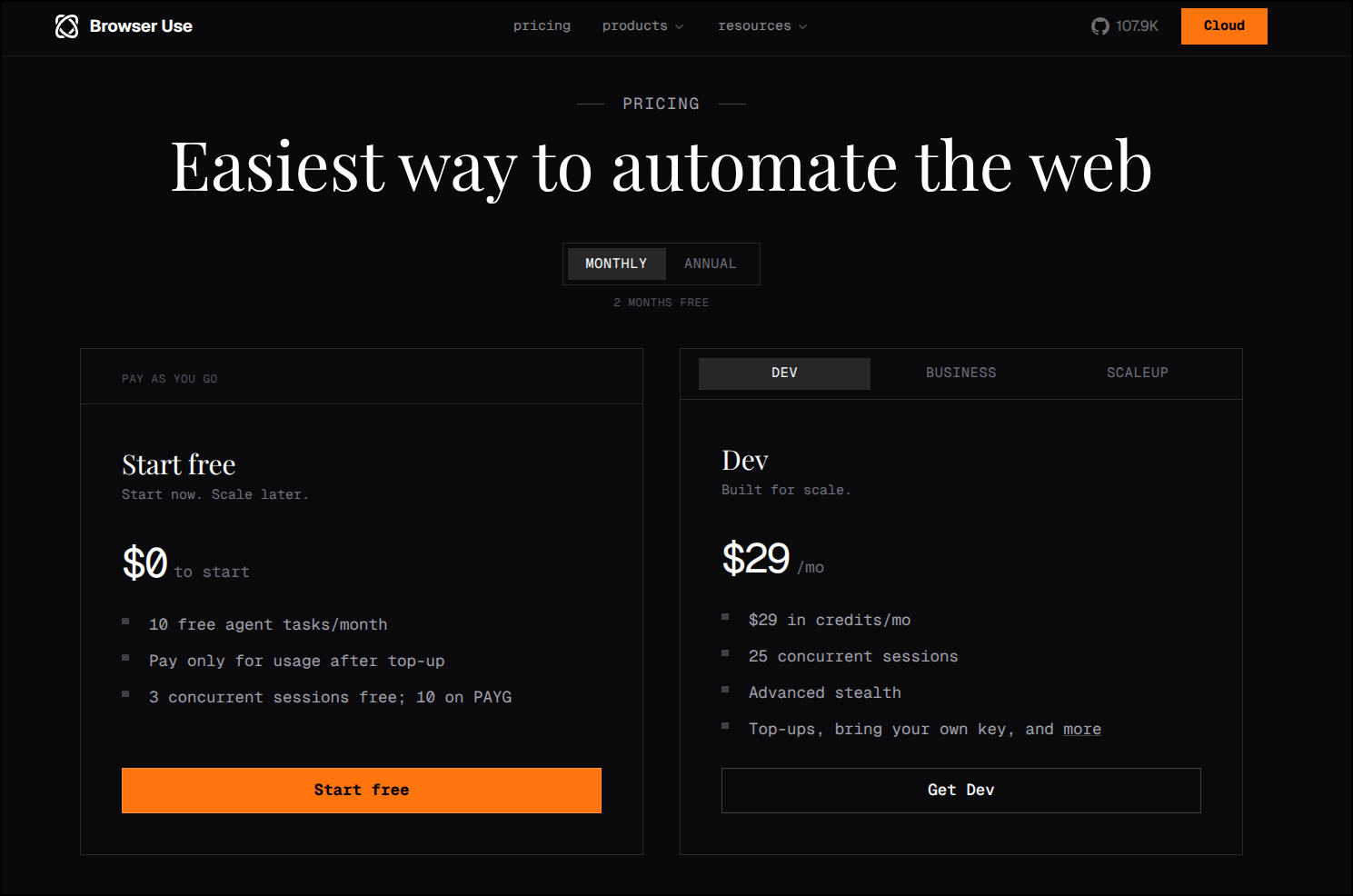
I had a bookmark (not sure where I saw it) for Browser Use. It’s a geared for agentic work, of course, but the idea is ephemeral and scheduled web browser related flows that are easy to script with NodeJS or python.
It has a free tier so there is no reason not to give it a go and see what it can do.
Setup
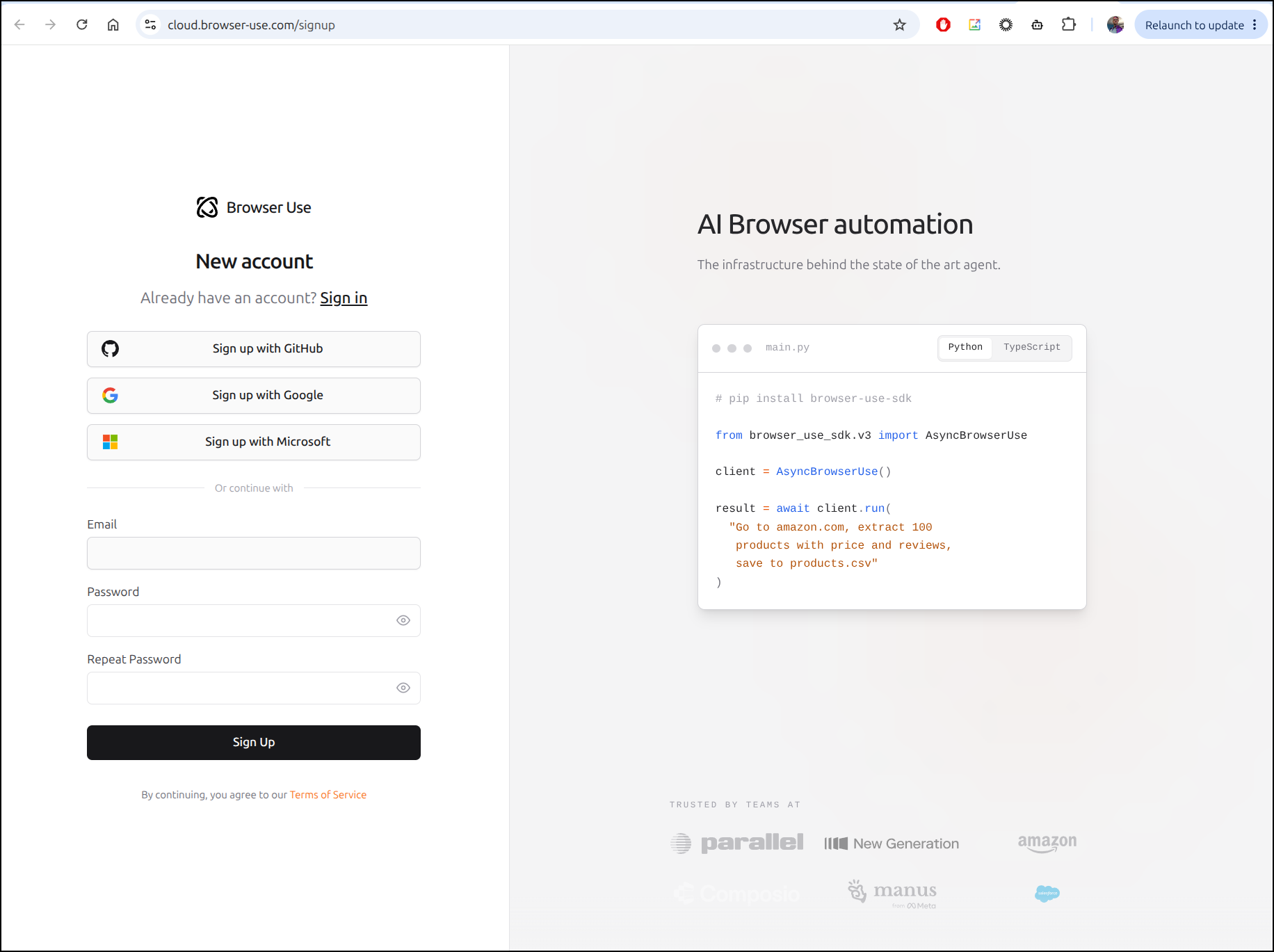
We can signup here with username/password or a federated IdP. I’ll do the latter with google
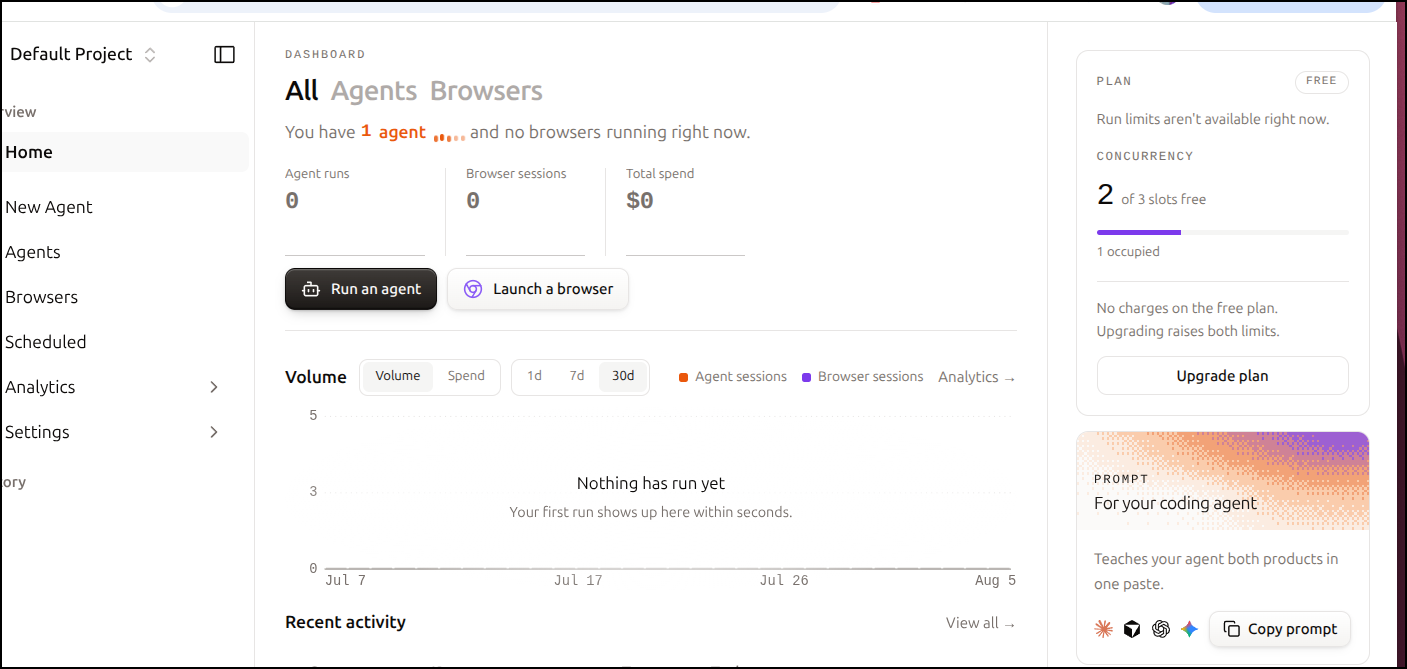
I’m immediately launched into a default project dashboard
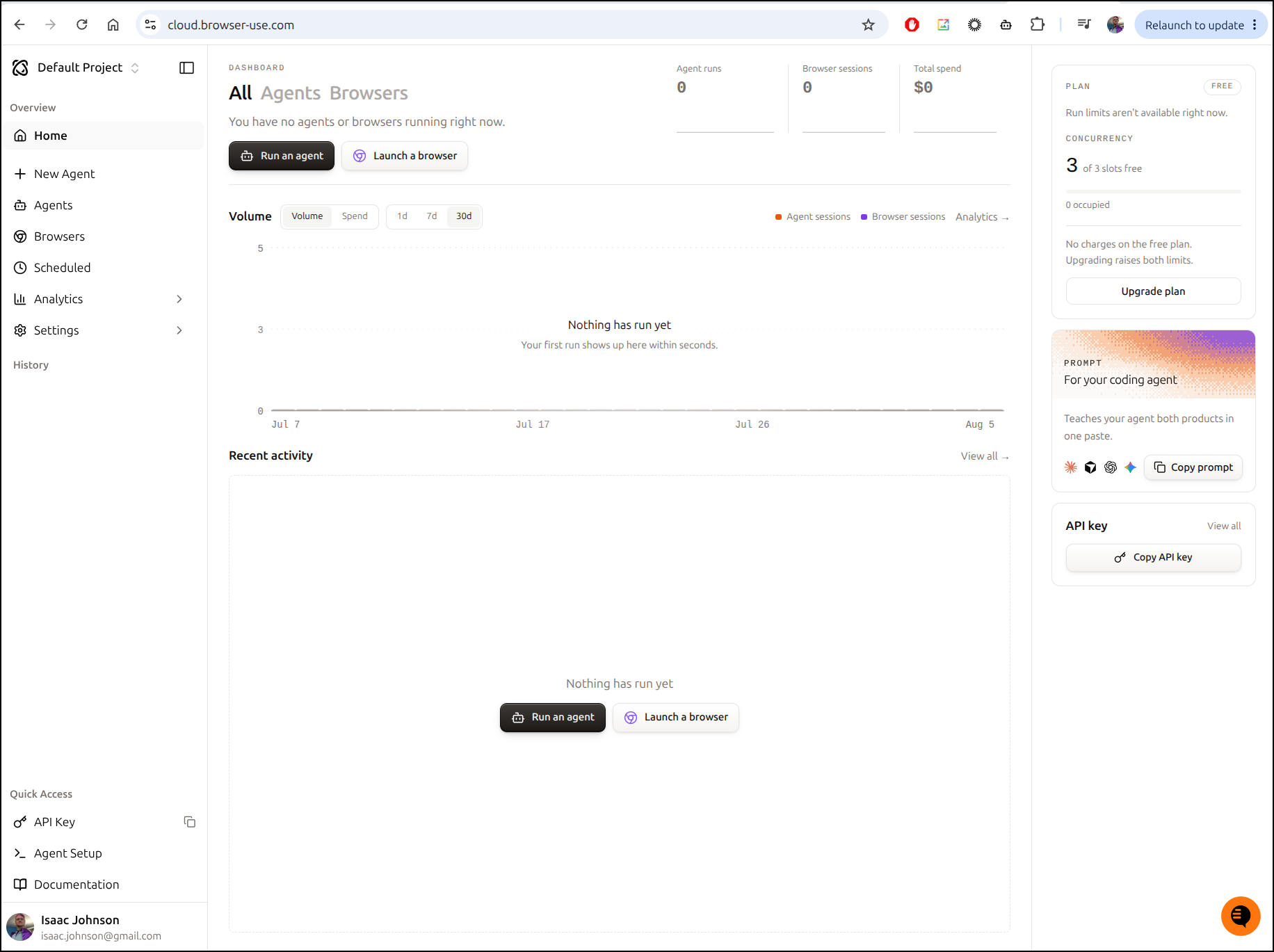
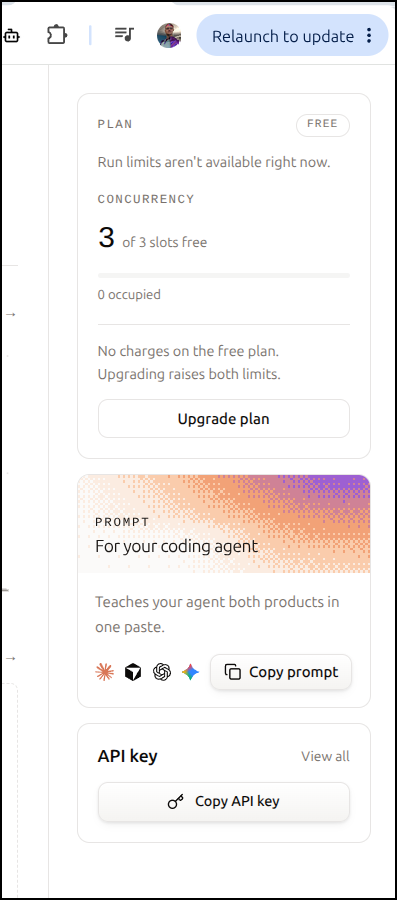
On the right we see concurrent jobs (with an upgrade button), a prompt for “teach(ing)” our agents and an API key button.
I’m going to try this in a new folder
I’ll fire up agy
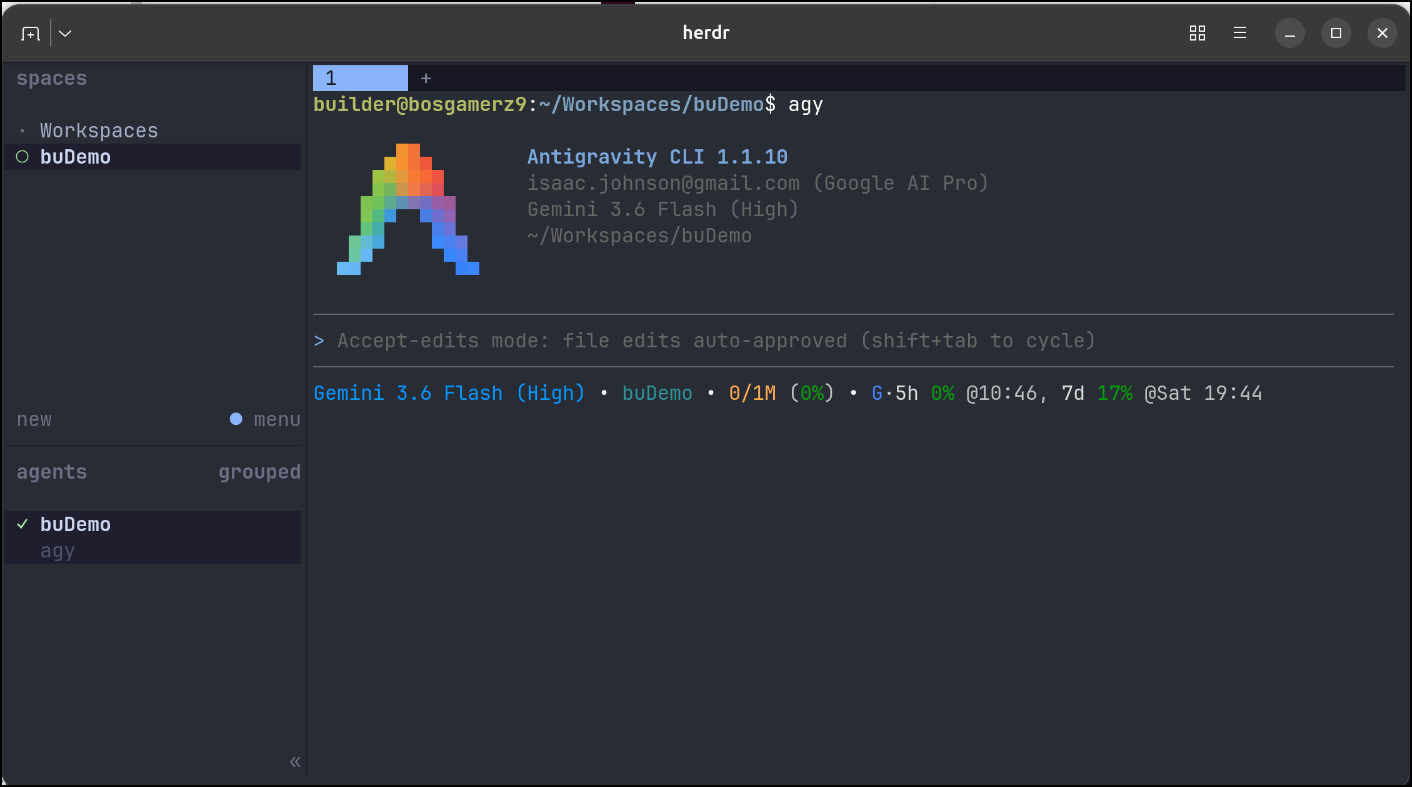
And pasted the prompt:
Browser Use Cloud — setup for coding agents
You have access to Browser Use Cloud: managed cloud browsers with stealth, residential proxies, persistent profiles and live observability. Two products sit on the same infrastructure.
- Agent — give it a goal in natural language and it completes the web task itself.
- Browser — a real cloud Chrome you drive yourself over CDP from Playwright, Puppeteer or Selenium.
Read the docs before writing any code
These pages are kept current. Anything restated in this prompt can go stale, so treat the docs as the source of truth and this file as a map.
- https://docs.browser-use.com/cloud/llms.txt — one-line index of every doc page. Read this first and pick your route from it.
- https://docs.browser-use.com/cloud/vibecoding — the complete Cloud SDK reference, written for AI coding agents. Read this next if you are writing code.
- https://docs.browser-use.com/cloud/llms-full.txt — the entire documentation inlined with code examples. Use it when you need exact request and response shapes.
- https://docs.browser-use.com — the docs site itself, for anything you want to link the user to.
Do not guess an endpoint, a model name or an SDK signature. Fetch the page.
Setup
Use the SDK rather than hand-rolling HTTP. Check whether it is already installed; if it is, upgrade it.
- Python: pip install –upgrade browser-use-sdk
- TypeScript: npm install browser-use-sdk@latest
Authenticate with the BROWSER_USE_API_KEY environment variable. Keys start with bu_ and travel in the X-Browser-Use-API-Key header. Never hard-code the key, never print it, never commit it. If the user does not have one yet, they can create it in one click at https://cloud.browser-use.com/settings?tab=api-keys&new=1
Which API to use
Choose API v4. It is the current agent API, the recommended one for new integrations, and it is what long, complex, high-accuracy workflows need.
Reach for API v2 only when extremely low cost or predictable speed matters more than getting the task right — its accuracy is substantially lower.
Traps that are expensive to discover on your own
- Stopping a standalone browser: client.close(), browser.close() and simply dropping the CDP connection do NOT stop a v4 browser or its billing. Keep the session id returned by POST /api/v4/browsers and call PATCH /api/v4/browsers/{id} with {“action”:“stop”}. That ends billing and refunds the unused browser time.
- TypeScript typing: pass model explicitly. Whenever browserSettings is present, also pass proxyCountryCode — “us” to keep the default proxy, null to disable it. New model strings can reach the REST API before they reach the generated TypeScript union, so if a model you know is valid gets rejected, call POST /api/v4/runs directly.
- The open-source browser-use Python library is a different API from the Cloud SDK. Do not mix their docs or their call signatures.
Elsewhere
- Dashboard, runs and live sessions: https://cloud.browser-use.com
- Pricing, credits and rates: https://browser-use.com/pricing.md
- OpenAPI spec for v4: https://docs.browser-use.com/cloud/openapi/v4.json
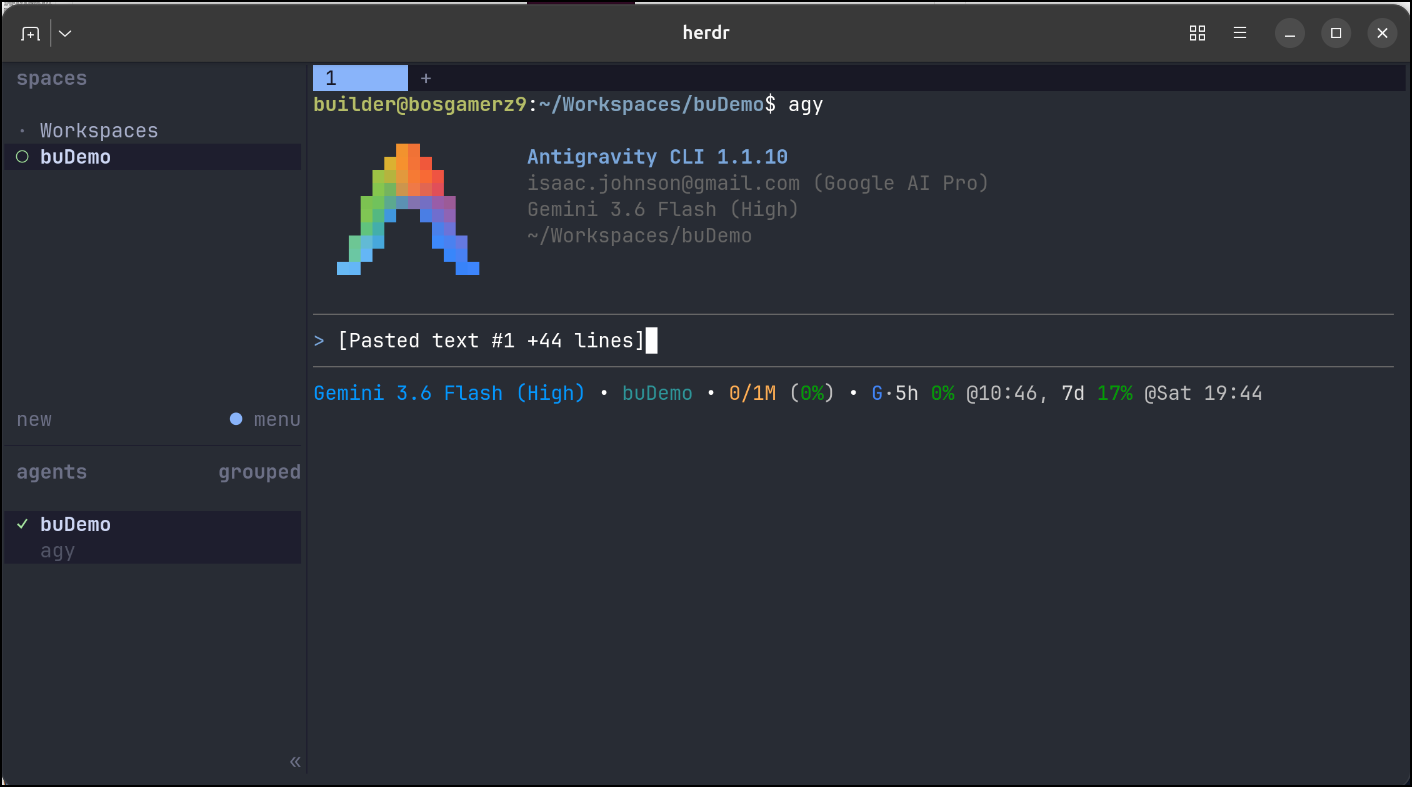
That quickly went to run some Python
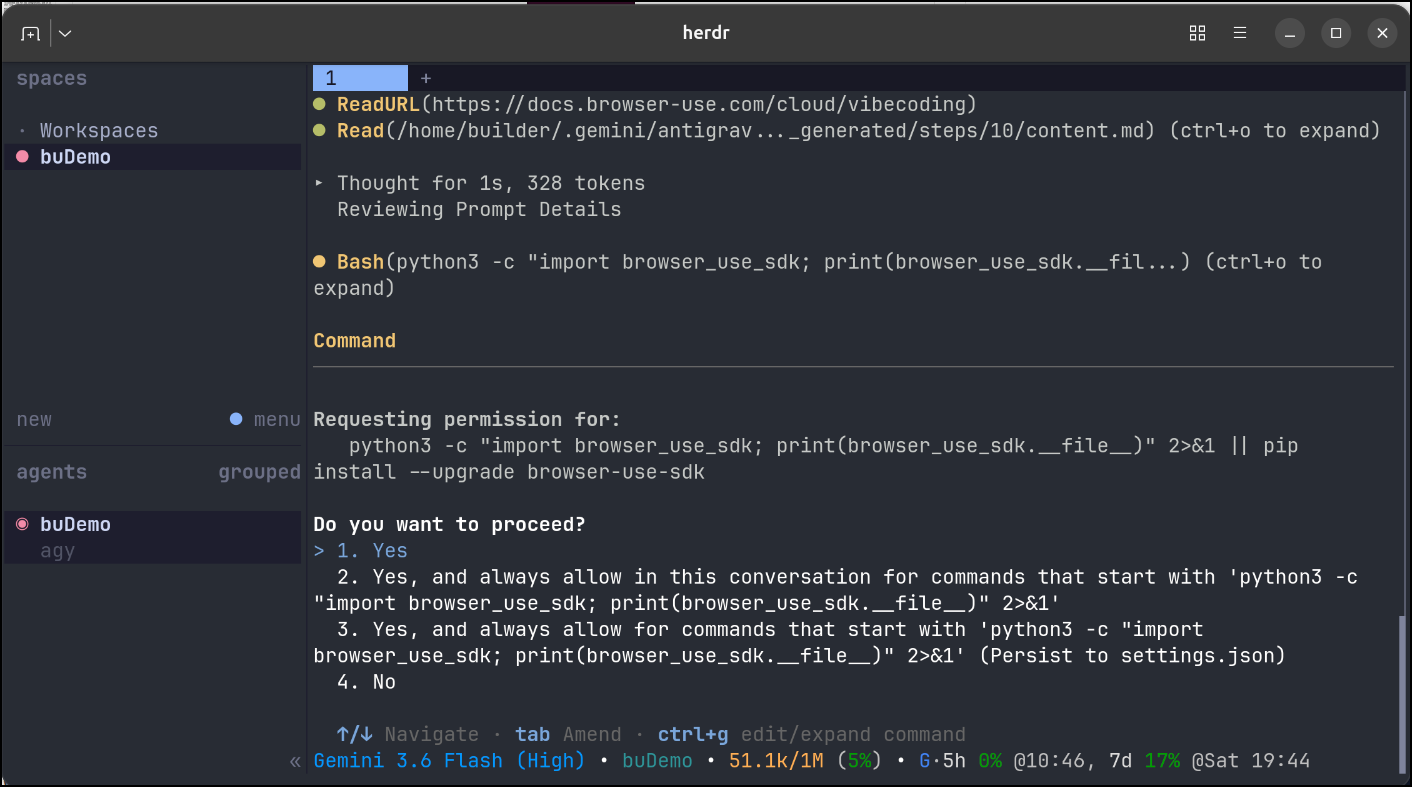
It looks like it’s ready
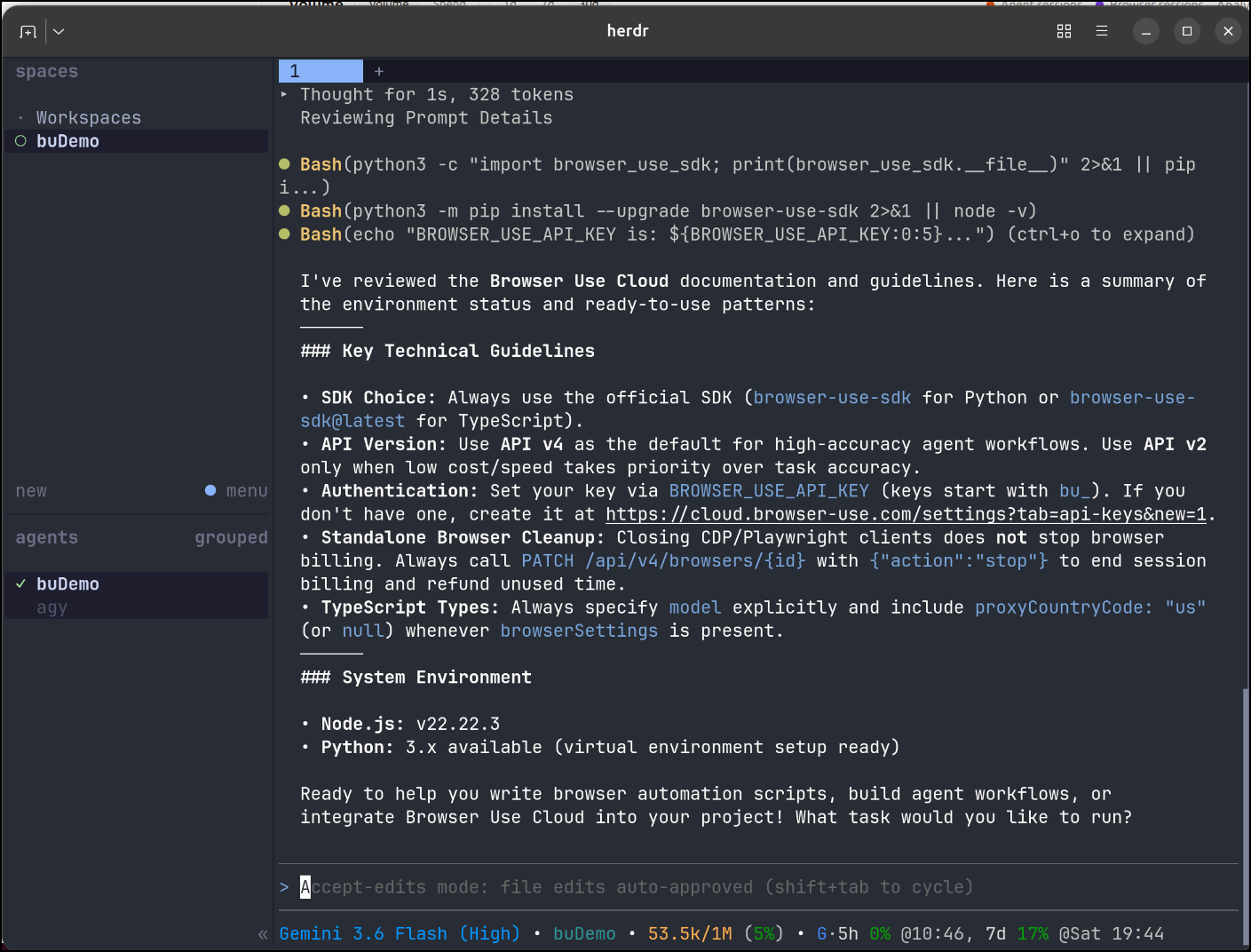
But I noticed above it might need an API key (BROWSER_USE_API_KEY).
I copied that to the clipboard (never showing it)
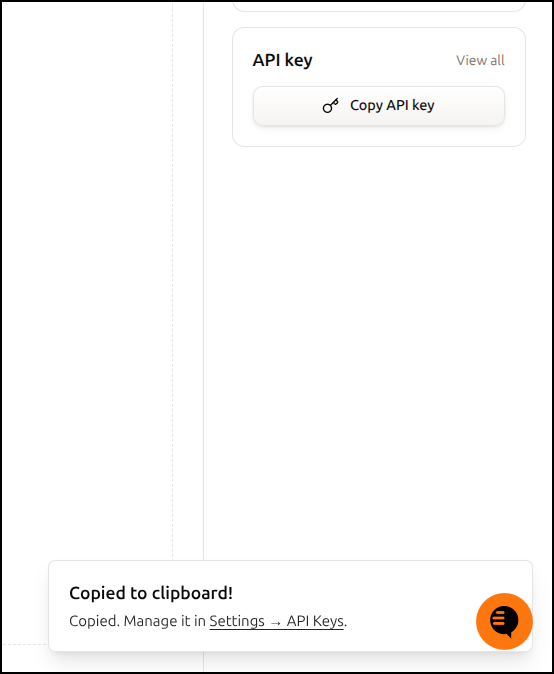
I’m going to drop out of agy (/exit), set the key as an env var, then come back to the session

Usage
Let’s start by asking it to make a browser automation script to get a report of my LI activity. This is something I still do by hand today on a periodic basis
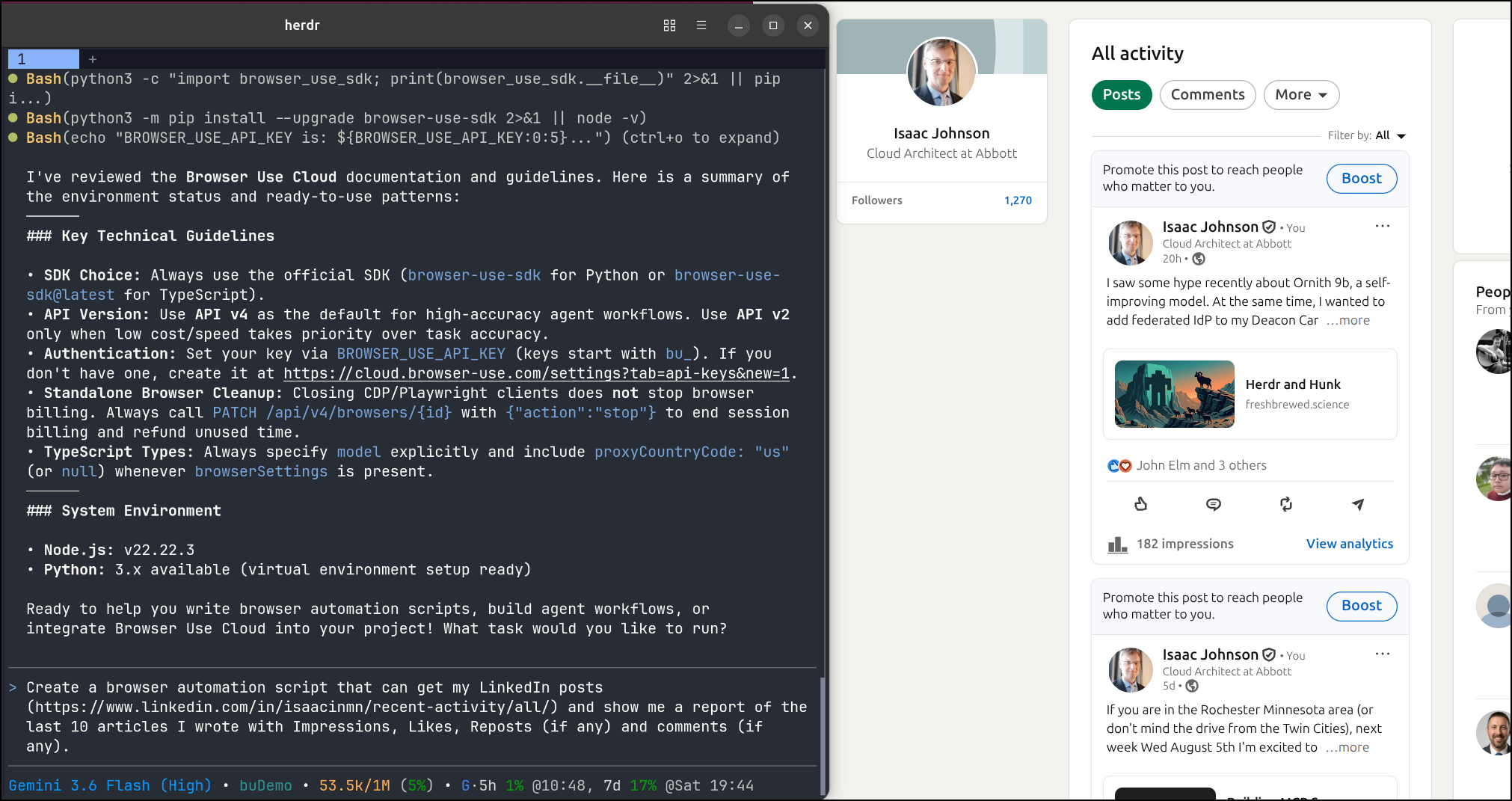
it started to crank away building python and NodeJS and giving me an option with both:
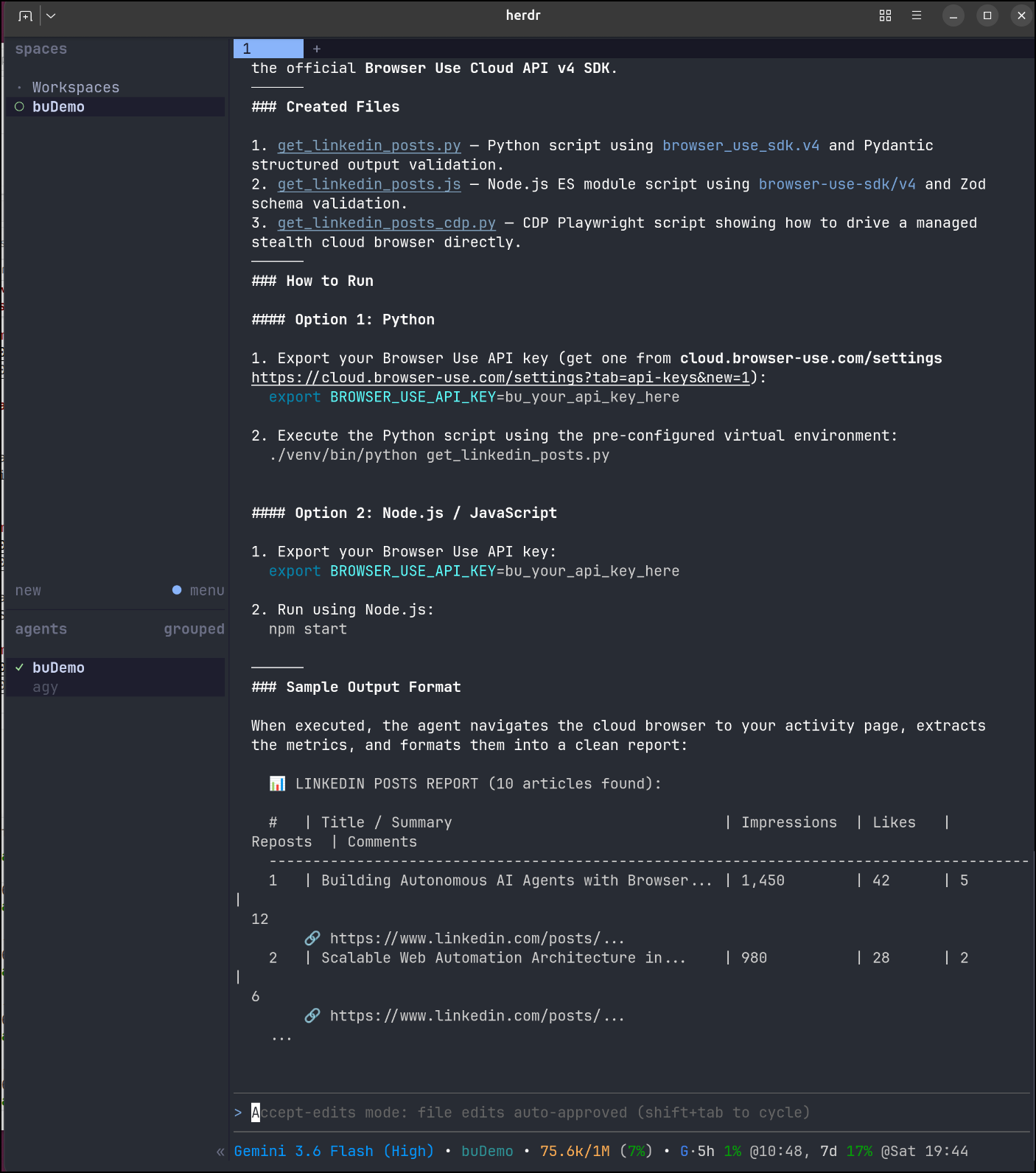
At first I was going to show you the output of a tree command but there was way too much (26Mb of files)
250 directories, 2292 files
builder@bosgamerz9:~/Workspaces/buDemo$ ls
__pycache__            get_linkedin_posts.py      node_modules       package.json
get_linkedin_posts.js  get_linkedin_posts_cdp.py  package-lock.json  venv
I started with the Python script first
builder@bosgamerz9:~/Workspaces/buDemo$ source venv/bin/activate
(venv) builder@bosgamerz9:~/Workspaces/buDemo$ python get_linkedin_posts.py
But it does not share Grok with the free plan
venv) builder@bosgamerz9:~/Workspaces/buDemo$ python get_linkedin_posts.py
Initializing Browser Use Cloud Agent (v4)...
Creating agent run with model 'grok-4.5'...
Traceback (most recent call last):
  File "/home/builder/Workspaces/buDemo/get_linkedin_posts.py", line 105, in <module>
    run_linkedin_scraper()
    ~~~~~~~~~~~~~~~~~~~~^^
  File "/home/builder/Workspaces/buDemo/get_linkedin_posts.py", line 64, in run_linkedin_scraper
    run = client.runs.create(
        task=task_prompt.strip(),
        model="grok-4.5",  # Recommended model for high accuracy and price balance
    )
  File "/home/builder/Workspaces/buDemo/venv/lib/python3.13/site-packages/browser_use_sdk/v4/resources/runs.py", line 80, in create
    self._http.request("POST", "/runs", json=body)
... snip ...
I’m guessing I have access to GPT 5.6 Luna
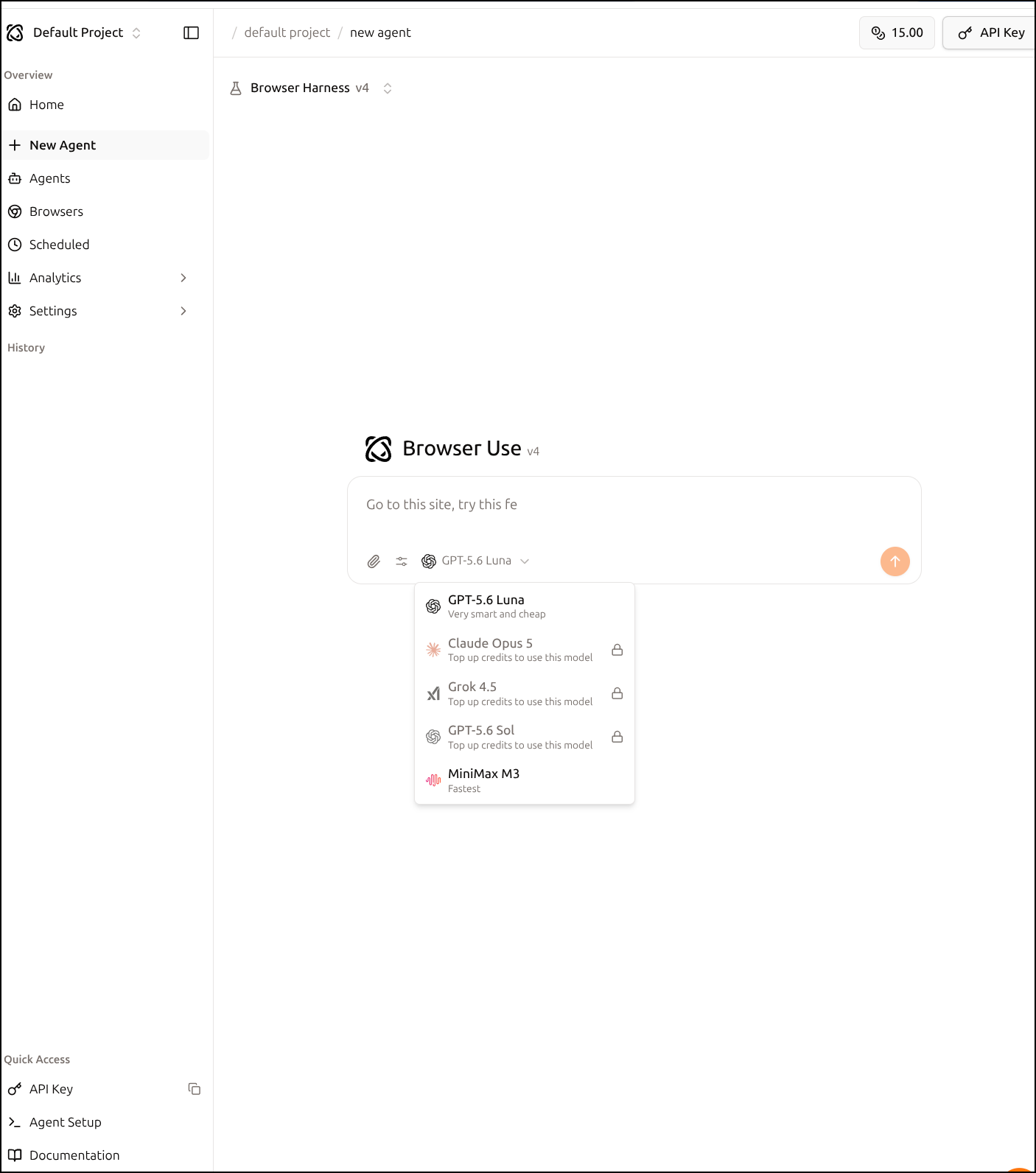
I found the use of grok-4.5 in the python and changed it to GPT 5.6 Luna
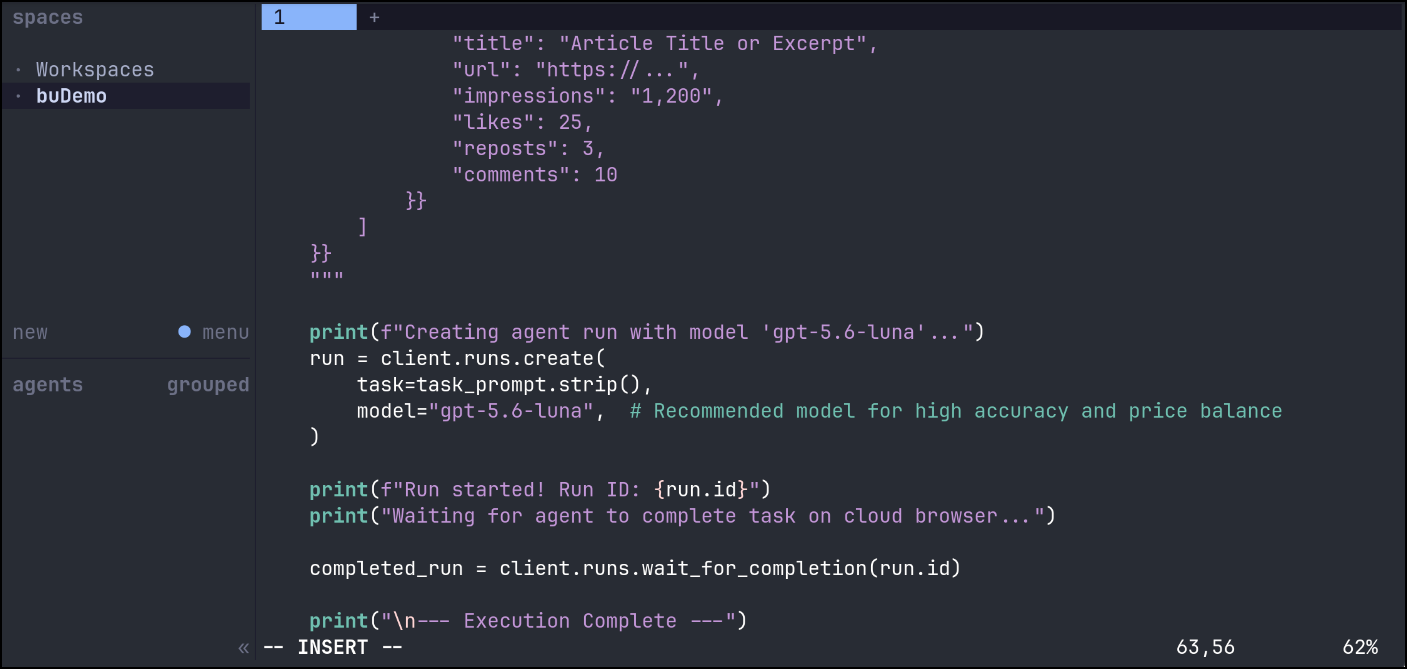
i fired it up
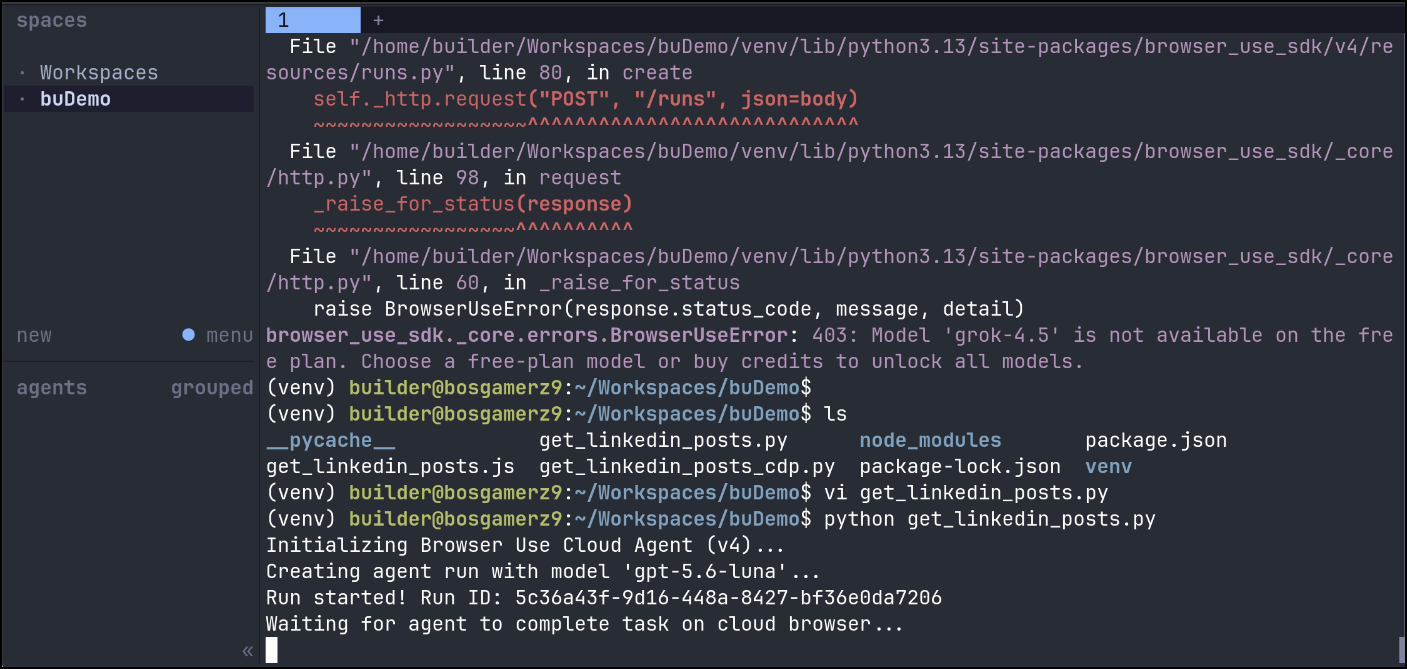
and saw an agent in use now
From a quick glance, it looks like LI is waiting on a login prompt when I view the session
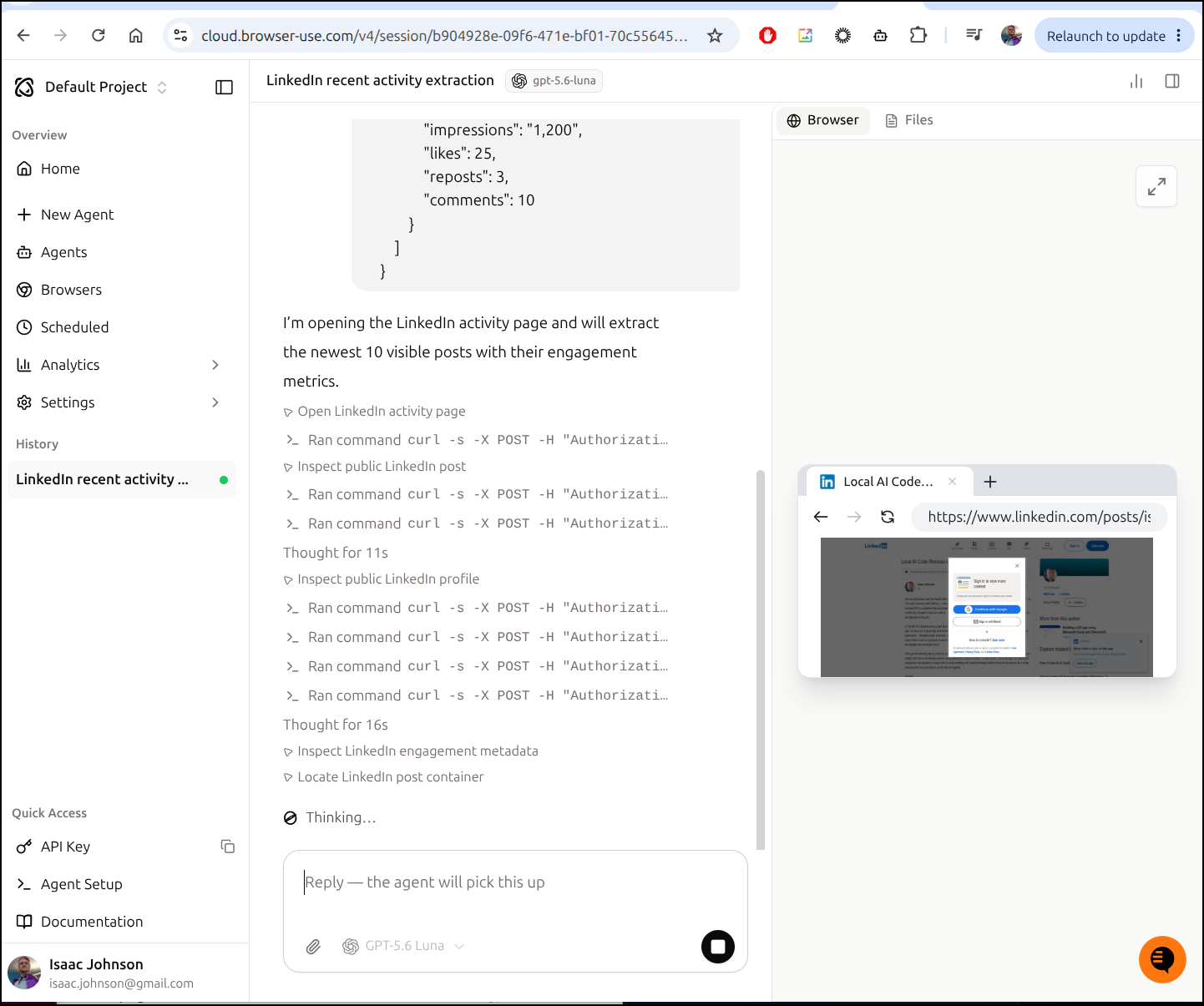
I see Browser Use caught that:
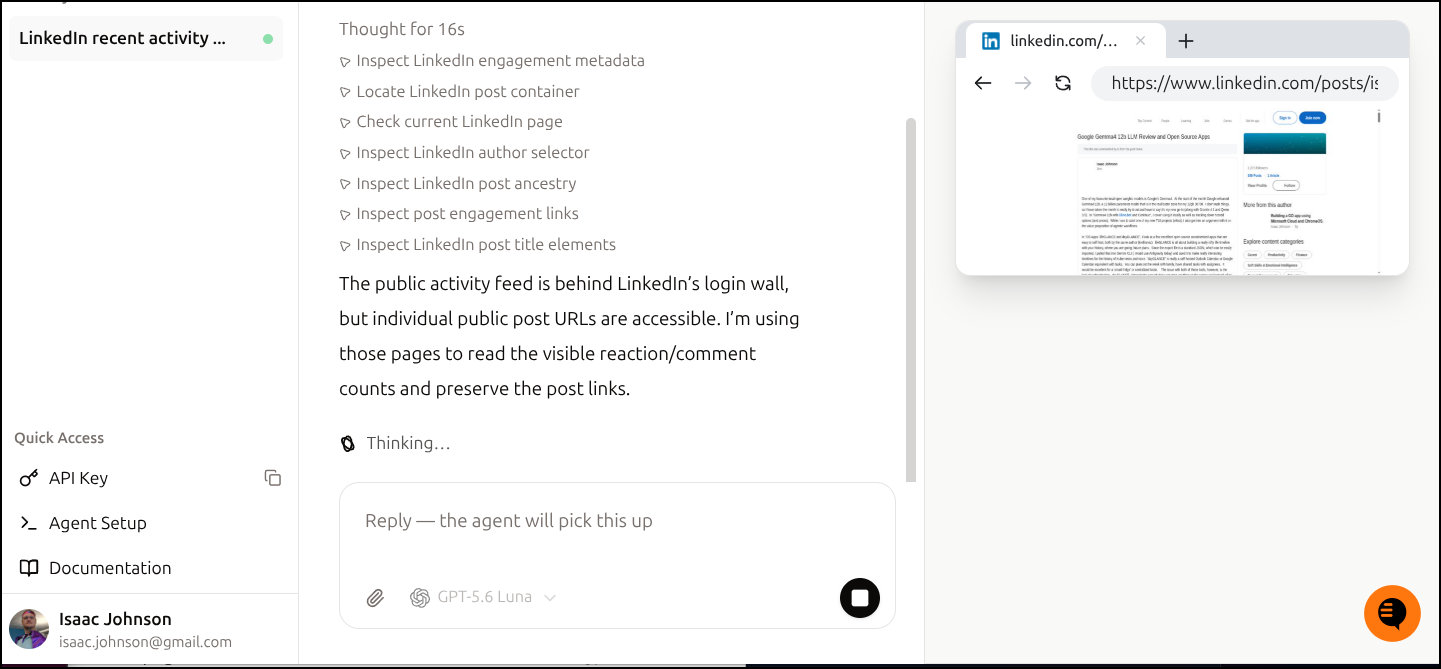
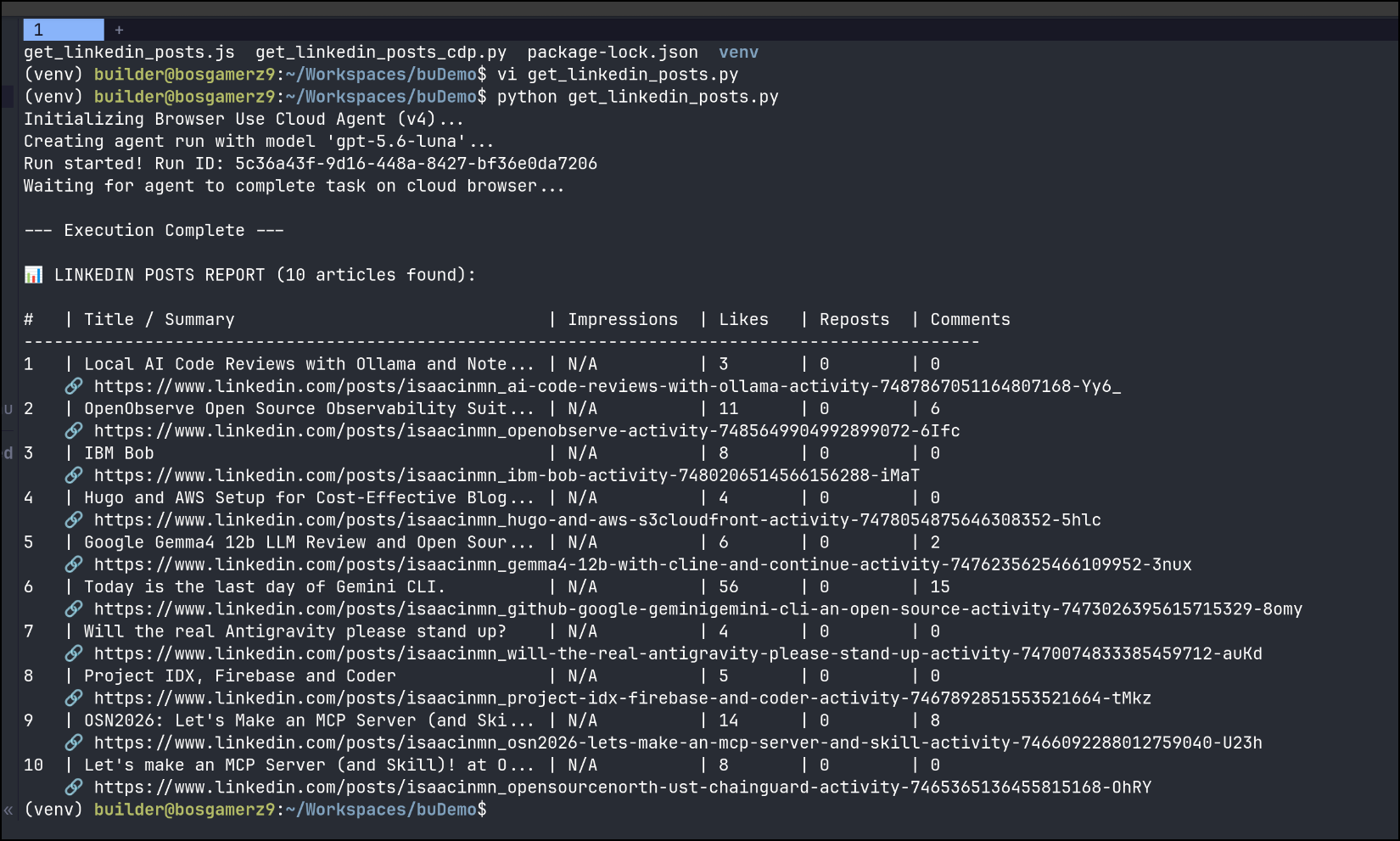
I appreciate the report, but without impressions it does me little good:
Let’s try a bit of a recording. I vibed out a board game yesterday just so I could get in a bit of practice before a guys weekend playing it. It’s likely got a few bugs, but perhaps I would want to share it.
I tried to find the recording but couldn’t, so I just asked
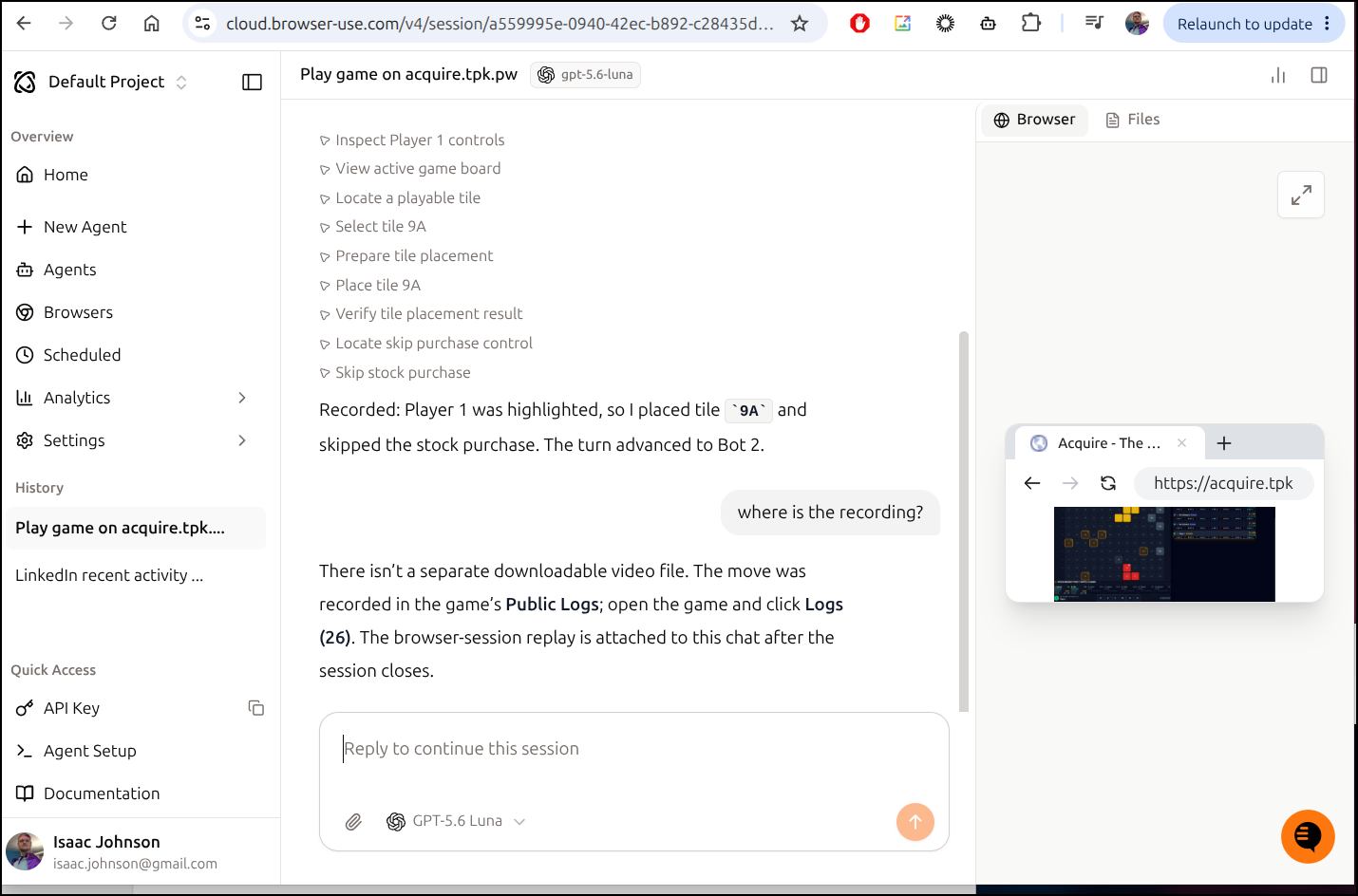
it says the recording will be there when the session is closed, but I see no way to close it. In sessions I see 2 are taken, but there is no close button. They seem stopped and hanging out in idle
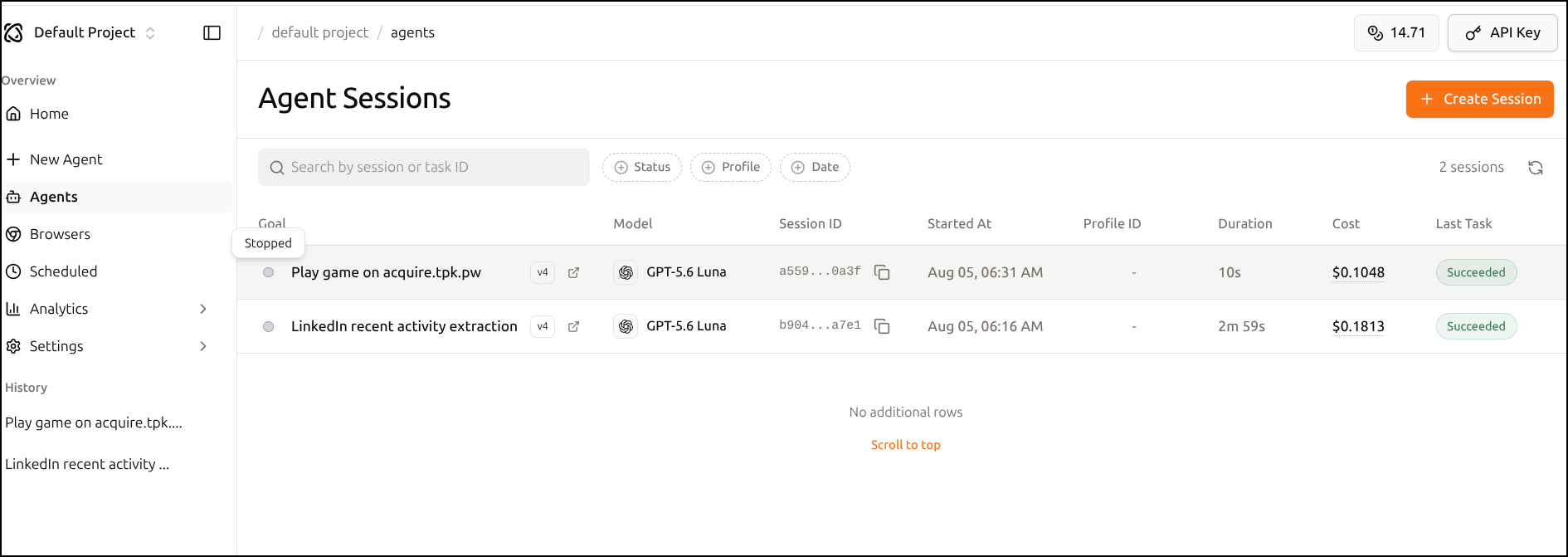
I’ll circle back later to see if it closes…
It took about 30m or so then it “closed” that agent session. I now see a recording link in the logs:
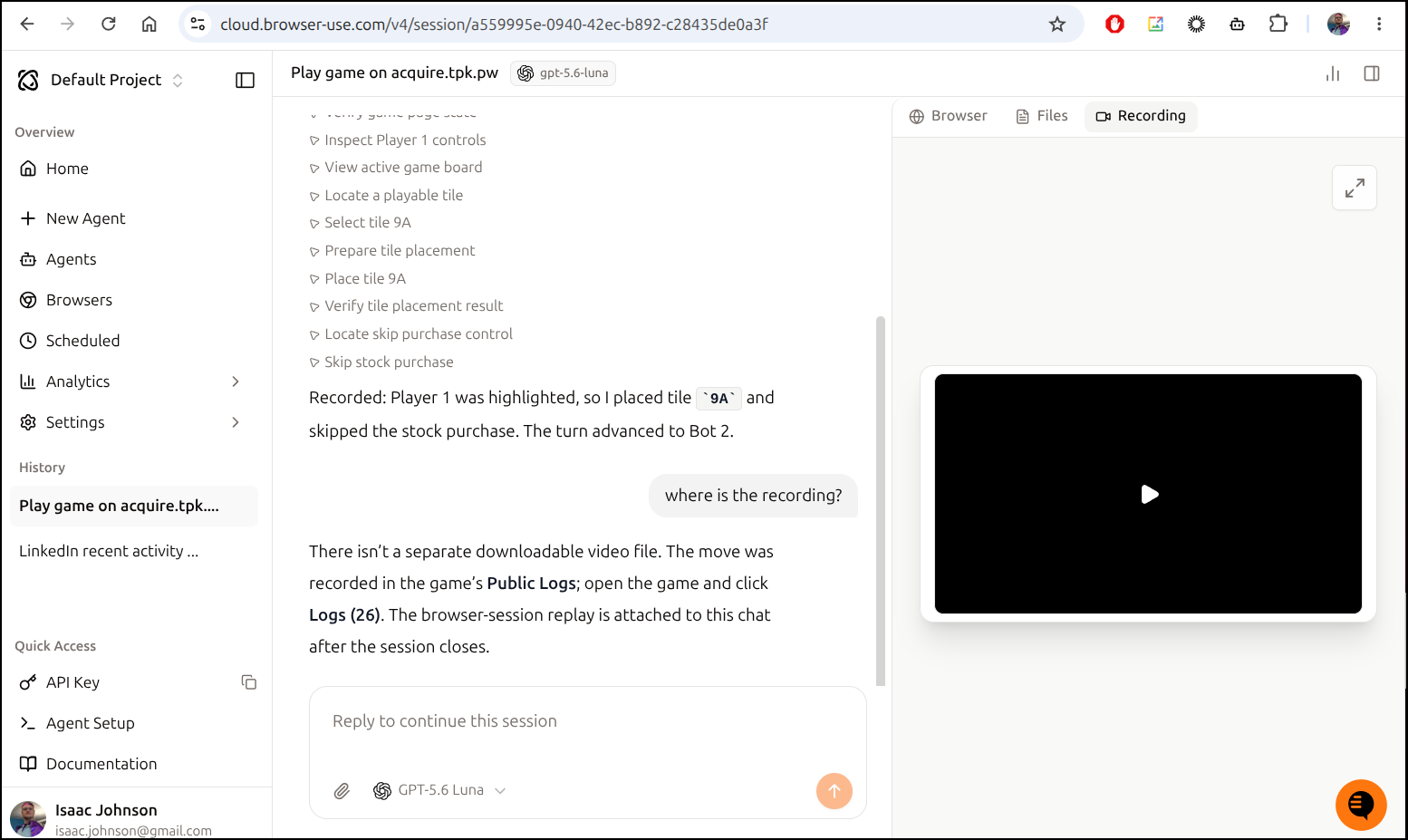
The download link gave me a link to an S3 bucket
But it did not load and watching the screen also shows a 0:00 video
I then tried using just wget on that
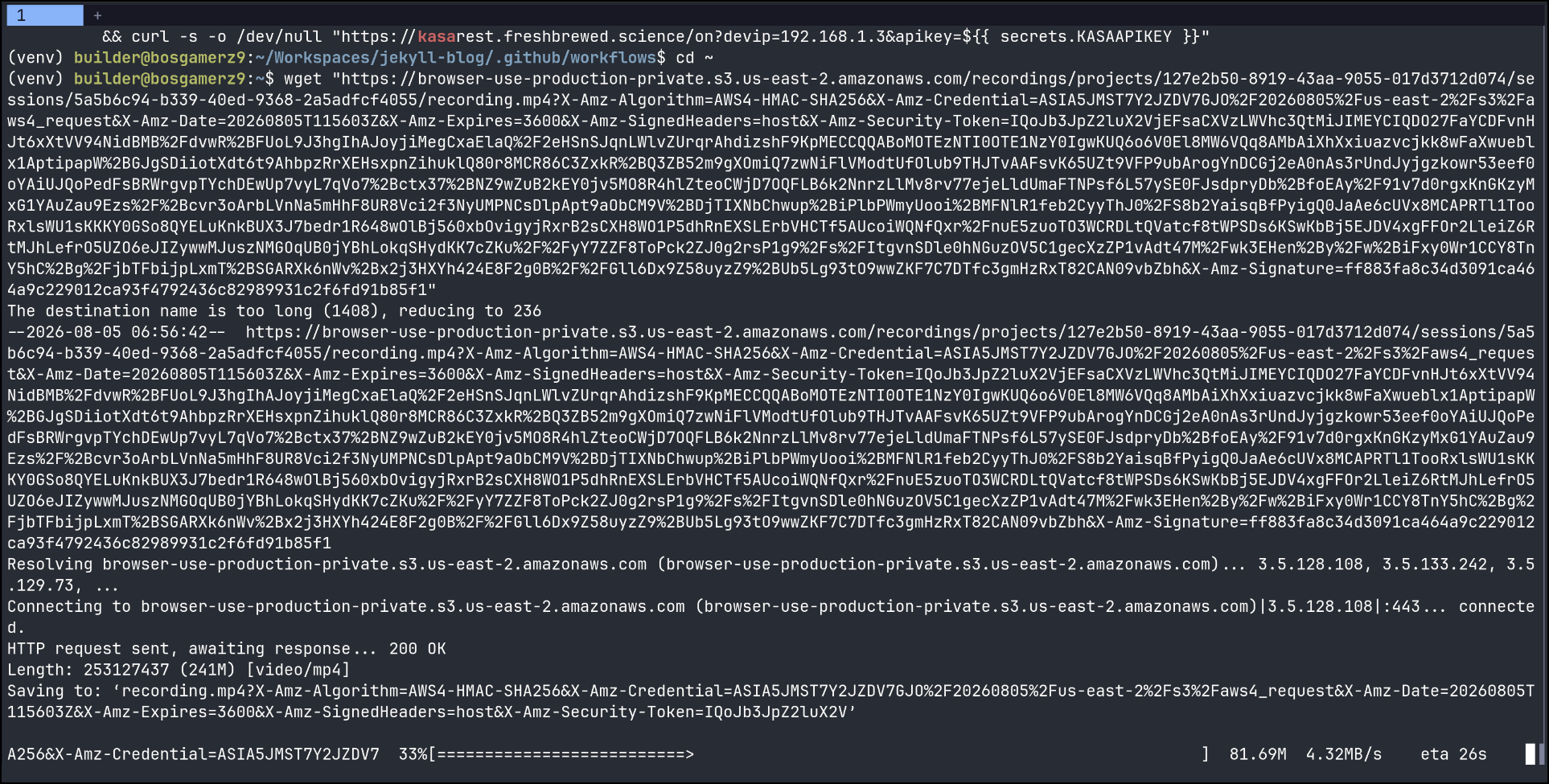
While I saw it downloading, I then saw my browsers update:
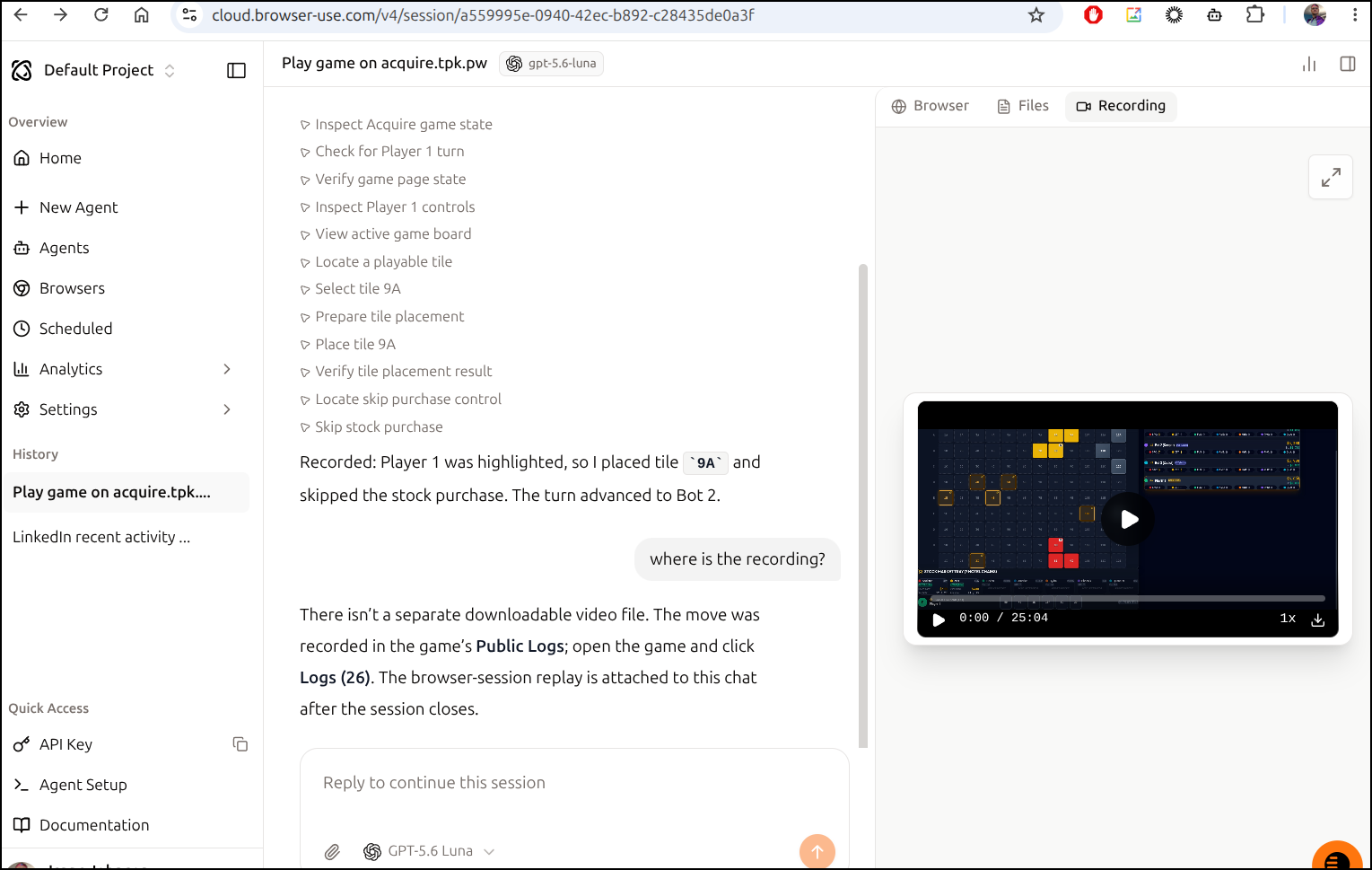
I wont put the video here - it’s mostly just sitting waiting on the next move for 20+ minutes:
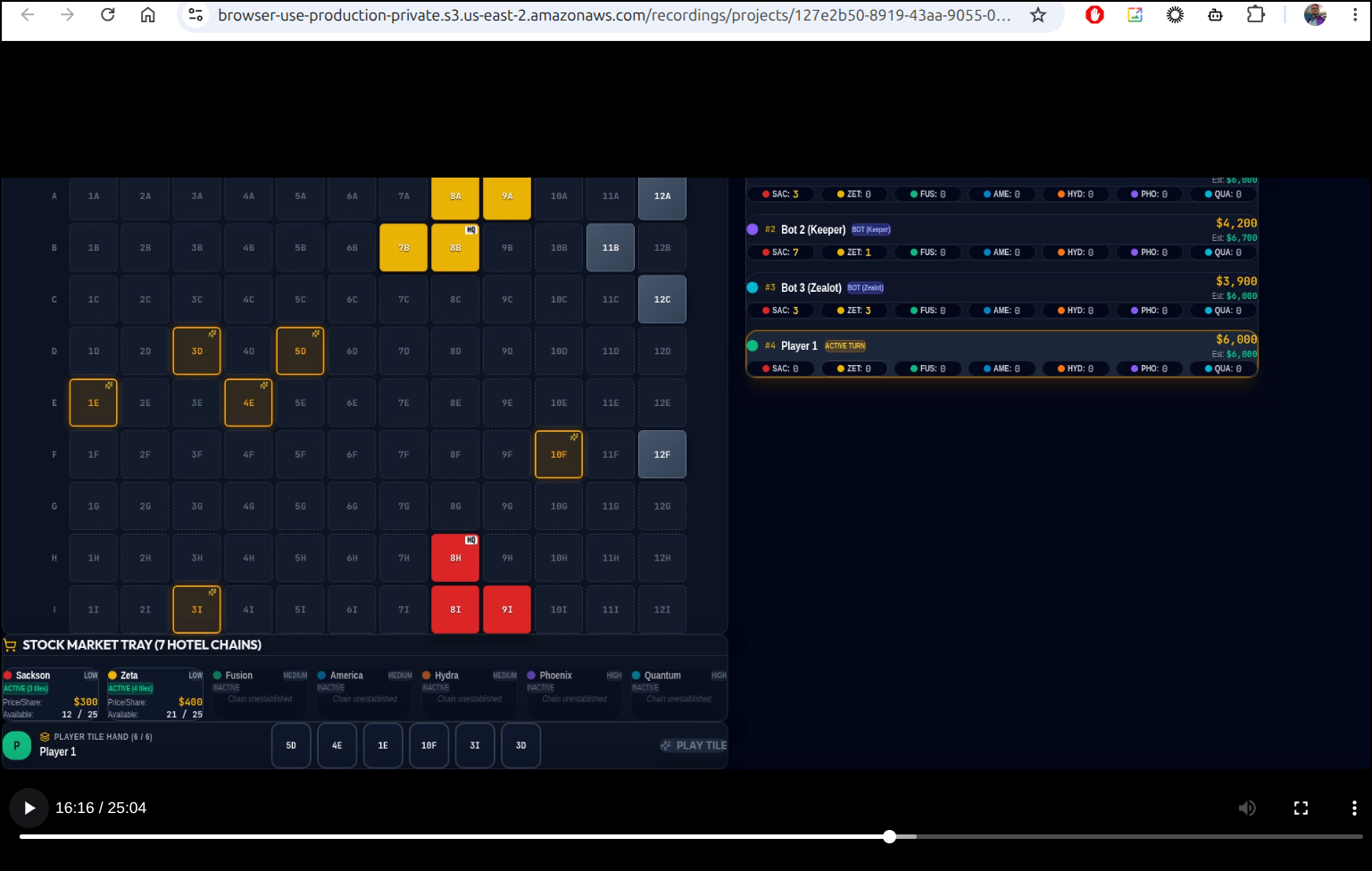
That said, I’ll record a bit of a fast forwarded video so you can get an idea of what is on there:
Scheduled tasks
We can use scheduled tasks to automate things. It could be a great use for synthetics.
For instance, perhaps I want to check a front door every hour and then turn on a lightbulb in my office it things are down
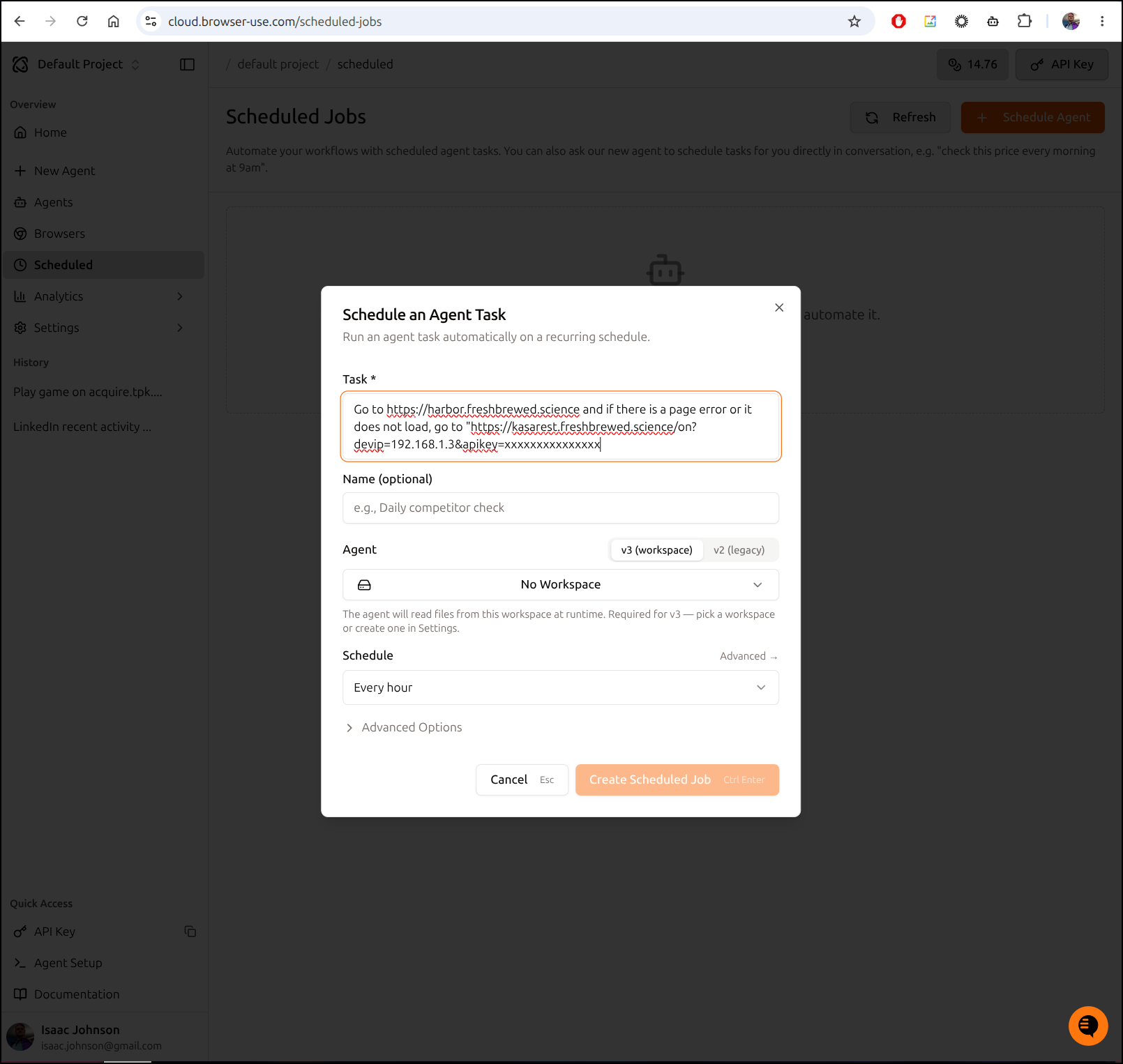
You could even build more automations with something like n8n or RunDeck
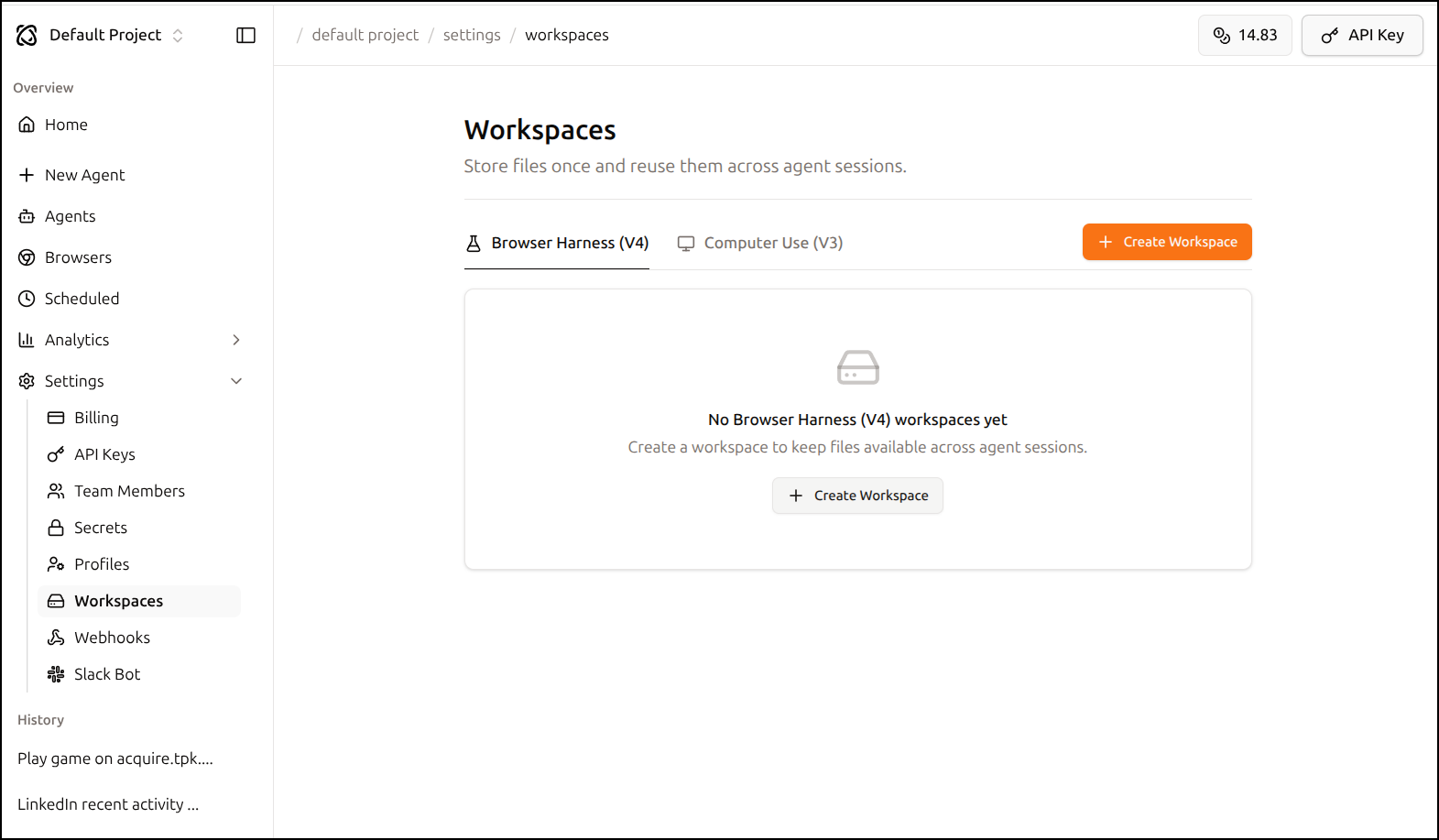
Workspaces
We can create a new Workspace
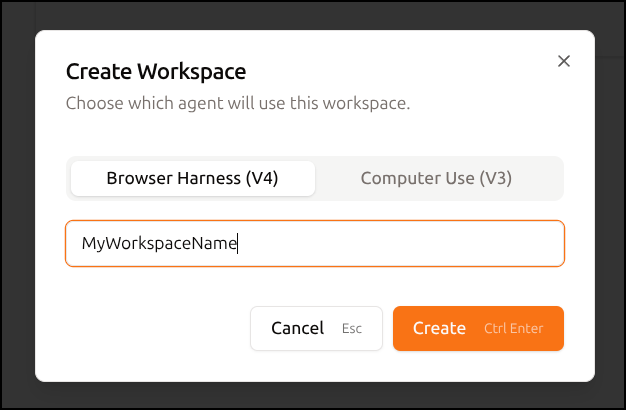
giving it a name
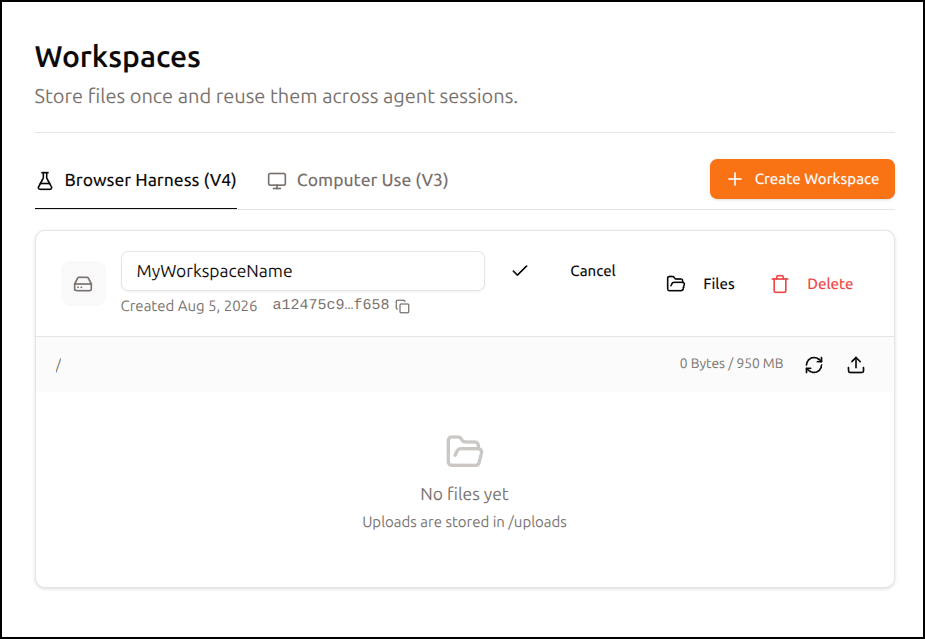
Then stash files to use there between sessions
Because the “Secrets Management” just uses 1Password and that’s it
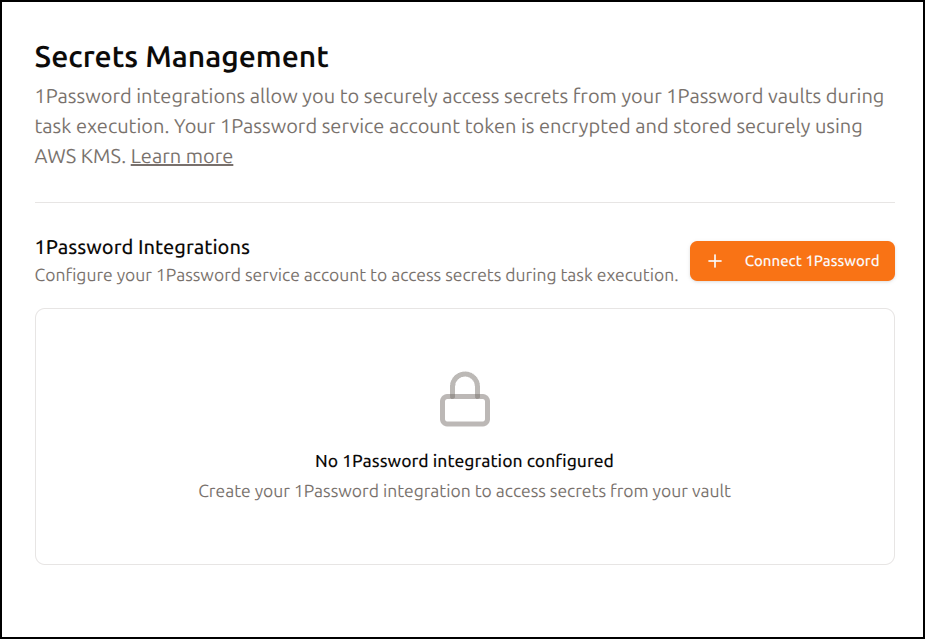
I was thinking perhaps files could be a good place to store a key
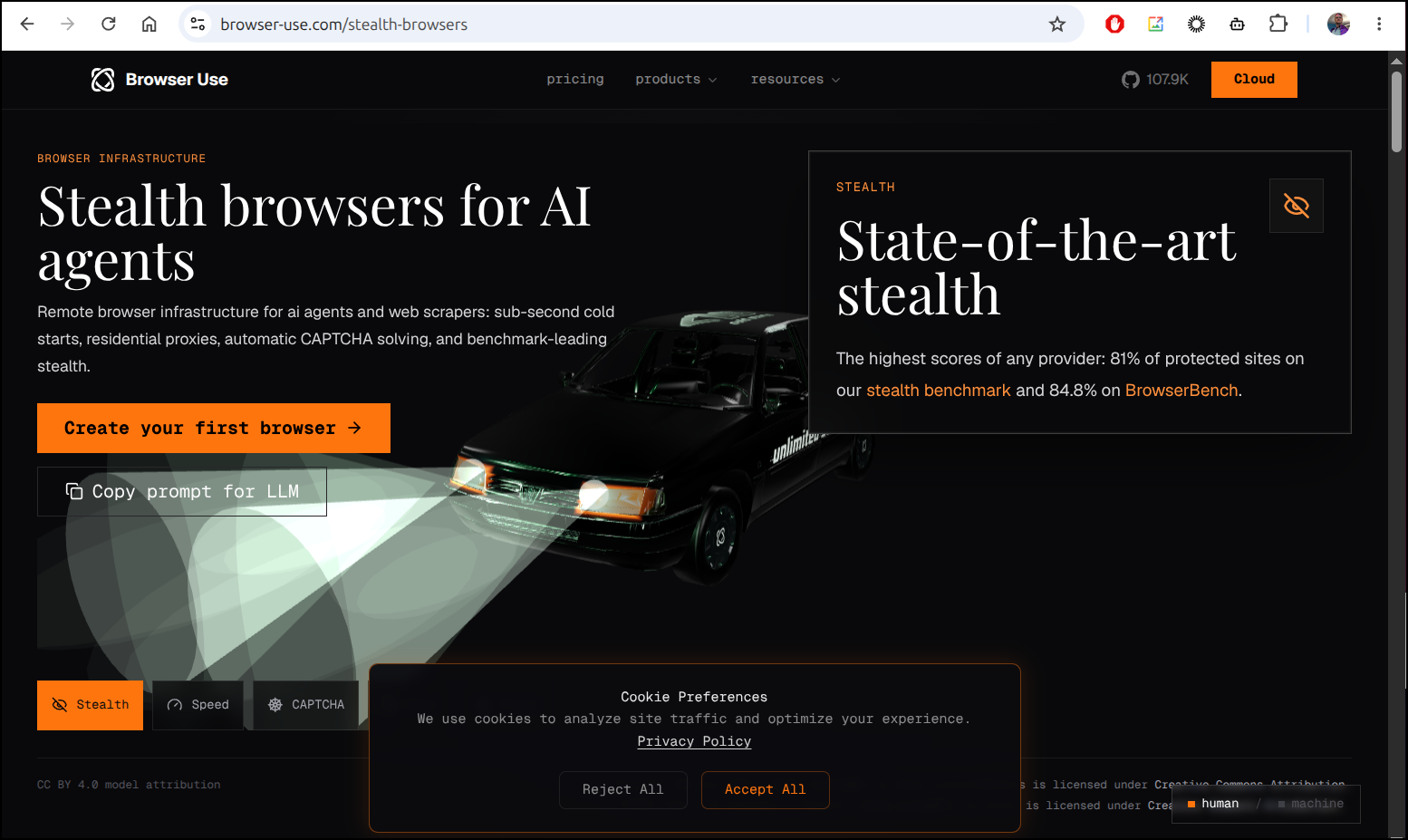
Stealth browsers
I do not plan to explore this feature, but it seems really shady to me:
Plans
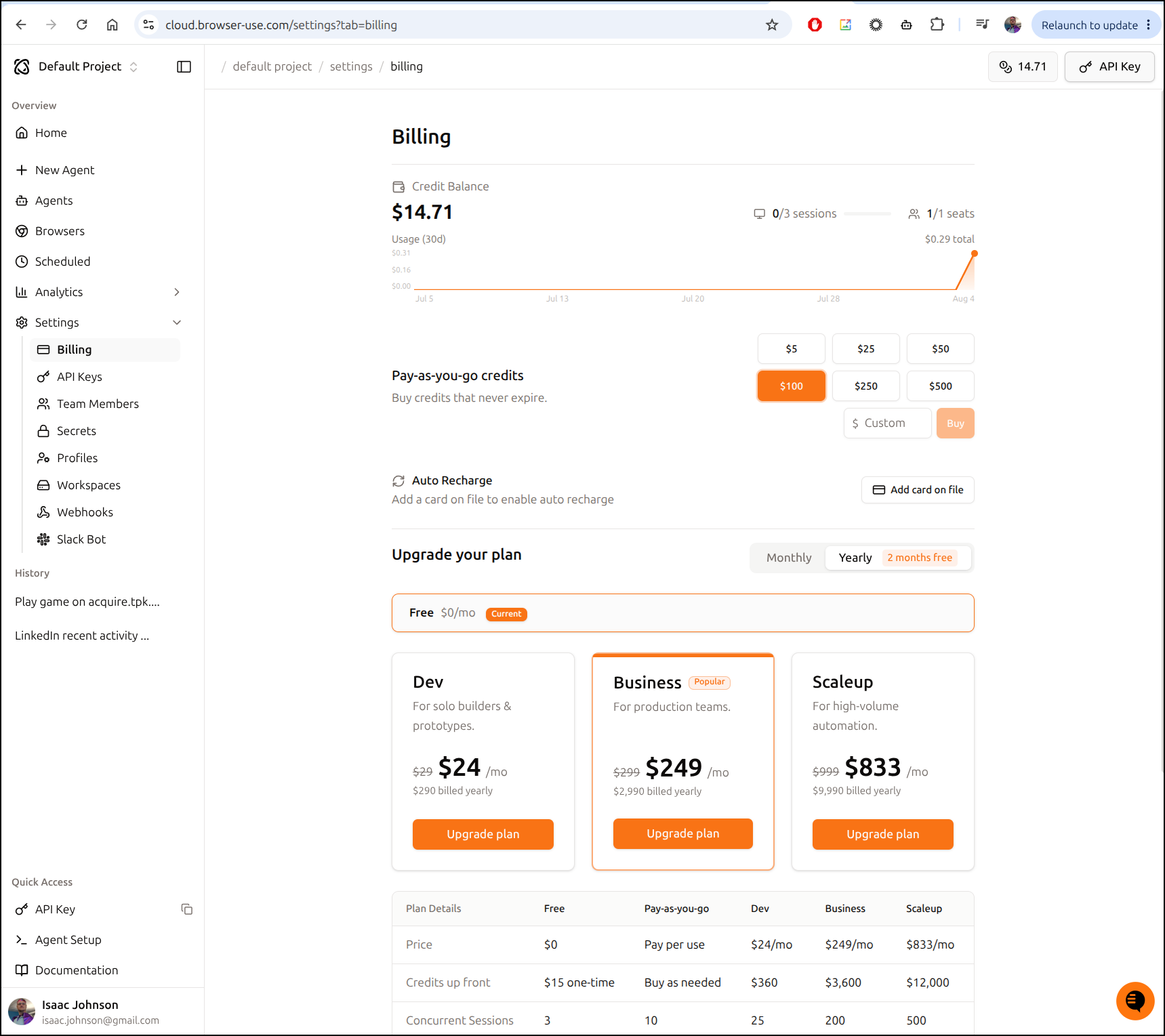
When you sign up, they basically credit you $15 in usage, some basic models and 3 agents for doing work.
You can click the usage icon in the upper right to see where you sit with billing/usage
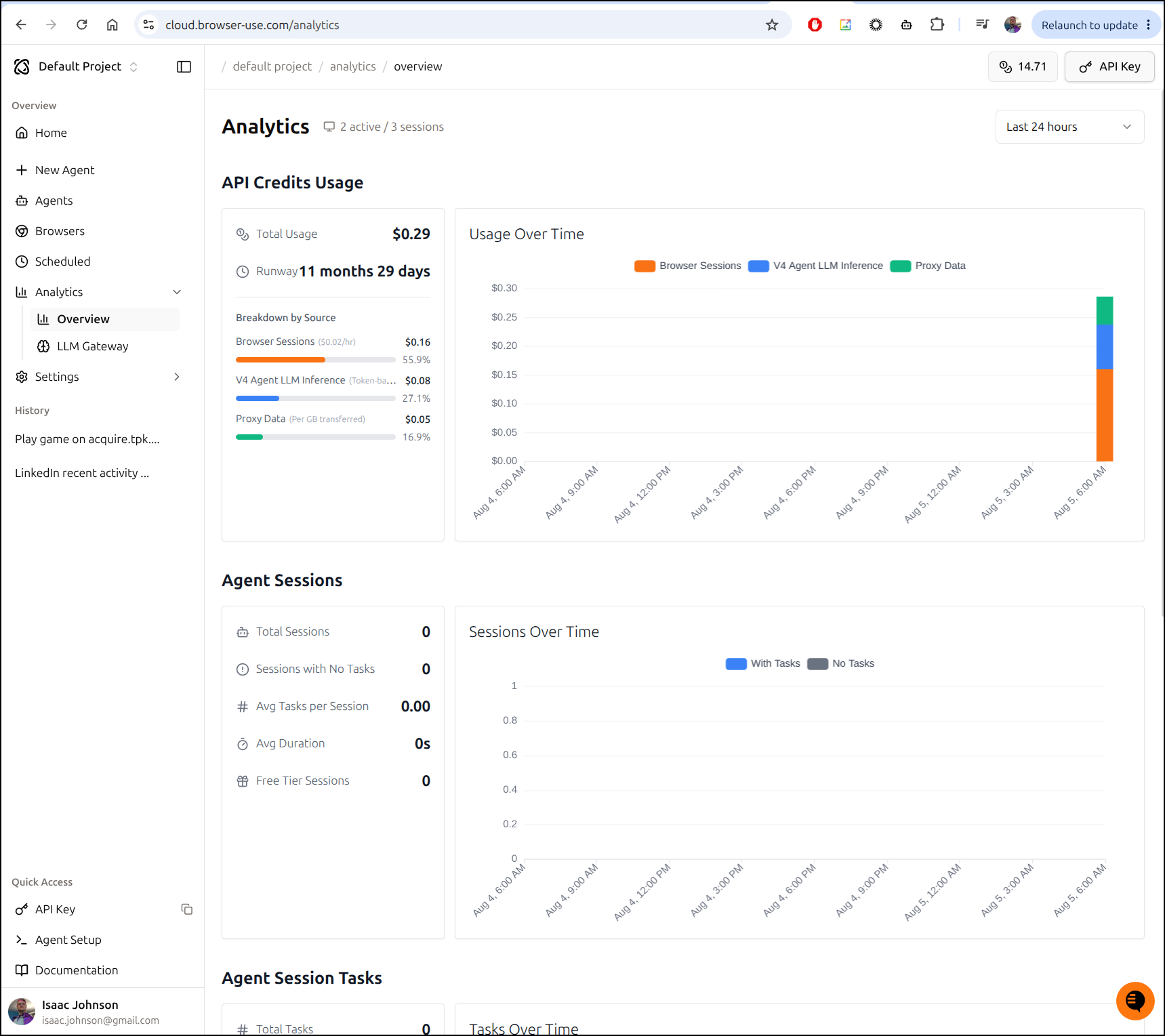
We can also see usage under the “Analytics” view
Summary
Browser Use is interesting, especially if one is building headless systems. I could imagine using it with Googles Agent Platform (and others like it) to allow agents to engage with various web-based systems.
With scheduled tasks, we can populate data systems - imagine using an MCP server that updates an internal database with competitor prices tied to a scheduled Browser Use scheduled job that goes to their website, gets the data and sends it back.
Or, I could have an n8n chatbot that would use Browser Use to jump out and book a hotel or restaurant or a door dash order. Imagine if you had a meeting scheduler that would book a room at the office and based on the number of attendees also schedule a food delivery to arrive in advance automatically.
I can see a lot of potential here and I’ll likely keep playing with it. My only real issue is there needs to be a $10 month plan. The fact there is $0 then the next tier is $30 puts it out of my budget