

Published: Jun 4, 2026 by Isaac Johnson
Where Gemini CLI was well-loved and open-source, with heavy adoption and plenty of clones (Qwen coder is a pretty direct fork), Antigravity is a horse of a different colour.
As I saw it, Antigravity started as essentially VS Code clone that I had (errantly) assumed would just replace GCA. However, after Next26 and IO we see “Antigravity” is now the term for a CLI, an IDE and version of AI Studio.
It likely is intended to replace Firebase Studio (which itself replaced Project IDX). moreover, there are times we call and invoke it as agy (I had suggested “Aunty G”, but “agy” is better)
I generally lean into Open-Source tooling but going forward after June 18th, this will be the only valid way I will be able to use my Gemini AI Pro account to do AI coding.
Does taking my tooling away and making me use a closed-source tool make me a bit salty? yes. yes it does. But after June 18th my only alternative is really to use Gemini (model) via Vertex AI and pay-as-you go which seems costly.
So let’s give it a go in WSL, Ubuntu and Windows and see how well (or not) it works.
The TL/DR is that indeed I was able to use it to build a solid TUI for an Open-Source tool i like - so it did get me there. Just the journey.. well, let’s see what happened…
Installing on Linux
Since this isn’t just an open-source project now, we’ll have to go down the path of the install docs to setup the Debian.
Setup apt
sudo mkdir -p /etc/apt/keyrings
curl -fsSL https://us-central1-apt.pkg.dev/doc/repo-signing-key.gpg | \
  sudo gpg --dearmor --yes -o /etc/apt/keyrings/antigravity-repo-key.gpg
echo "deb [signed-by=/etc/apt/keyrings/antigravity-repo-key.gpg] https://us-central1-apt.pkg.dev/projects/antigravity-auto-updater-dev/ antigravity-debian main" | \
  sudo tee /etc/apt/sources.list.d/antigravity.list > /dev/null
Then we can apt update and install
$ sudo apt update
$ sudo apt install antigravity
antigravity is already the newest version (1.23.2-1776332190).
Summary:
  Upgrading: 0, Installing: 0, Removing: 0, Not Upgrading: 5
TIP: this may install a very old version. In fact, Antigravity (IDE) is now 2.x. So be aware that for all intents and purposes agy is the CLI and in most cases now antigravity is the IDE sometimes. other times antigravity is a wrapped web app and antigravity ide (with a space) is the IDE
I highly recommend going to https://antigravity.google/ and reviewing what the latest install steps are today
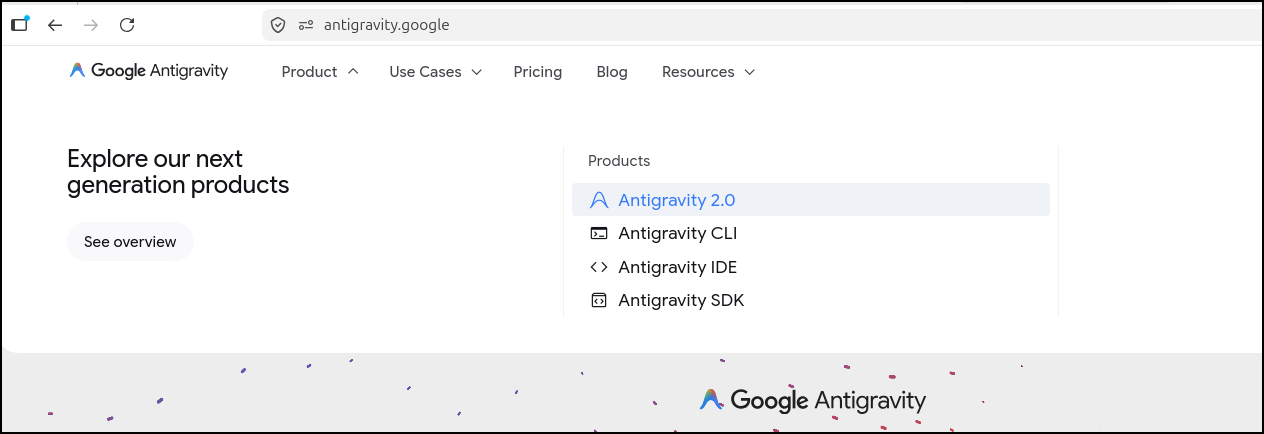
Installing the CLI
Installing the CLI
$ curl -fsSL https://antigravity.google/cli/install.sh | bash
⠋ Detecting system environment...
✓ Platform detected: linux_amd64
⠋ Querying release repository...
✓ Latest available version: 1.0.3
⠋ Downloading release package...
✓ Download complete and checksum verified.
⠋ Extracting binary from archive...
⠋ Configuring shell environment...
I0530 19:34:53.289211 21171 installer.go:27] Running Antigravity CLI setup...
I0530 19:34:53.289403 21171 installer.go:147] Appending PATH export to profile /home/builder/.bashrc: export PATH="/home/builder/.local/bin:$PATH"
I0530 19:34:53.289768 21171 installer.go:184] Successfully updated shell profile: /home/builder/.bashrc
I0530 19:34:53.289865 21171 installer.go:147] Appending PATH export to profile /home/builder/.profile: export PATH="/home/builder/.local/bin:$PATH"
I0530 19:34:53.290038 21171 installer.go:184] Successfully updated shell profile: /home/builder/.profile
I0530 19:34:53.290052 21171 installer_unix.go:40] PATH verification: ~/.local/bin is correctly configured in active PATH environment.

✅ Antigravity CLI installed successfully at /home/builder/.local/bin/agy
Run 'agy' to start the CLI
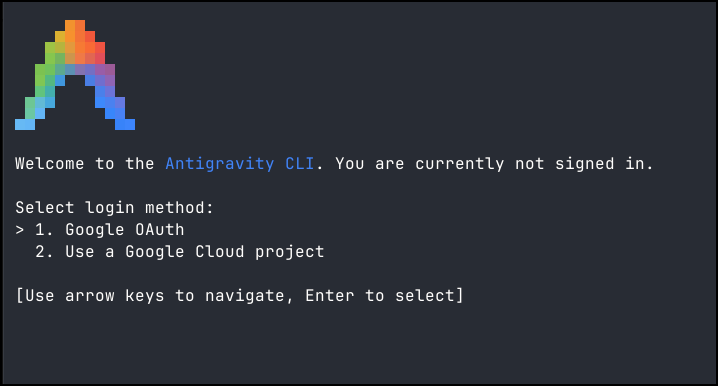
Now we can fire it up with agy which is a much better name than Antigravity
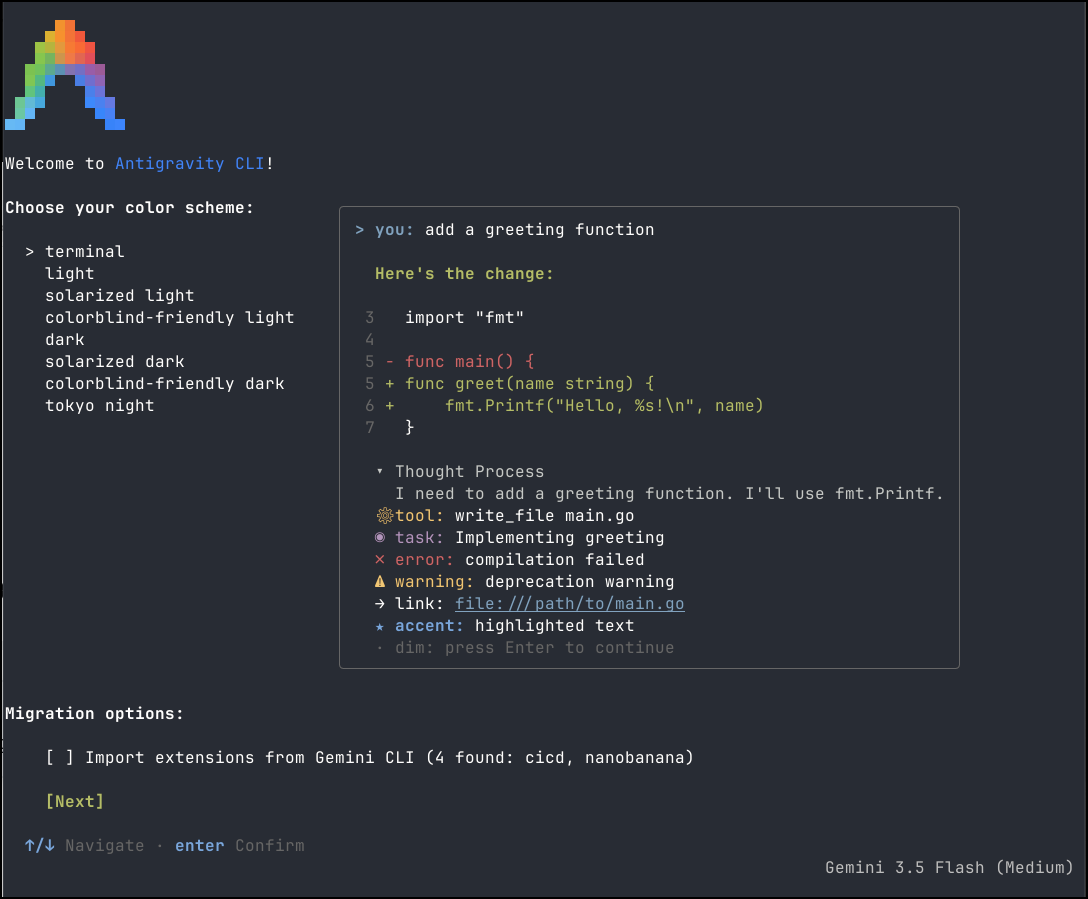
I can now set my colour scheme and import extensions from Gemini CLI
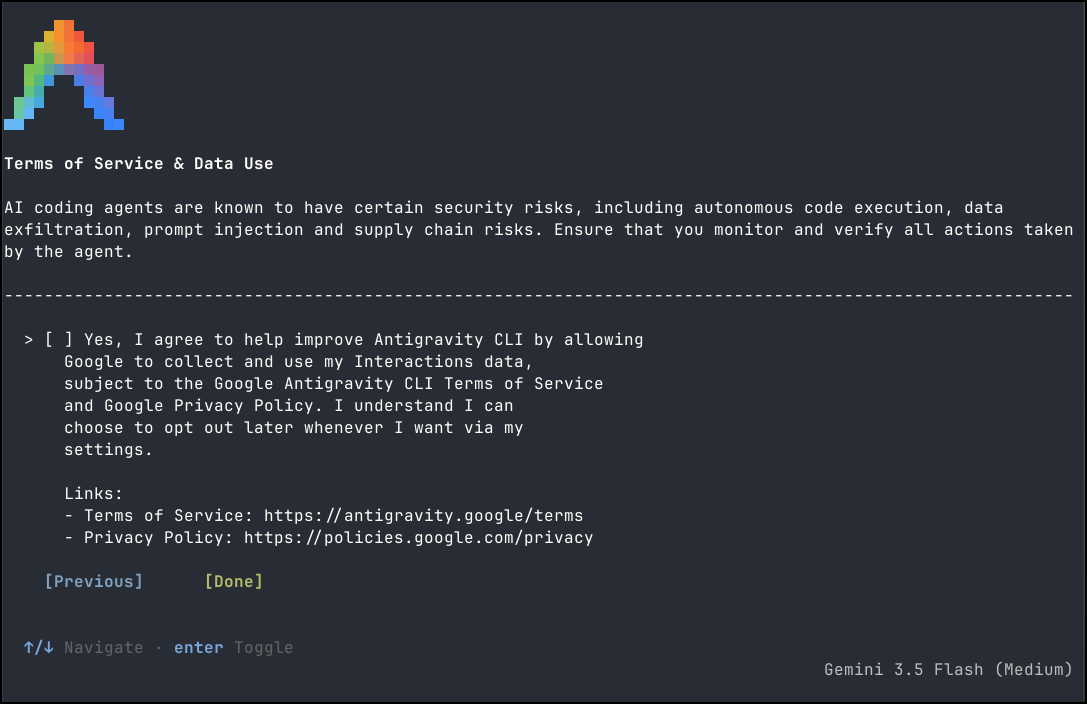
The next screen is about collecting data and I opted out
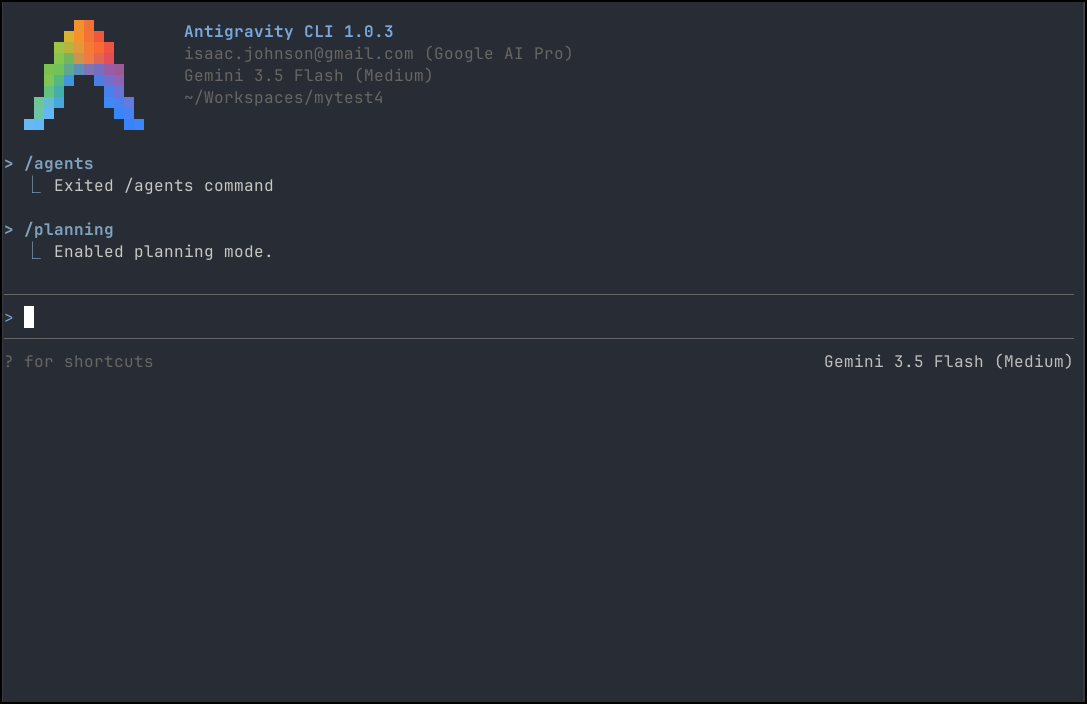
I’m now setup. I’ll use /planning to set planning mode
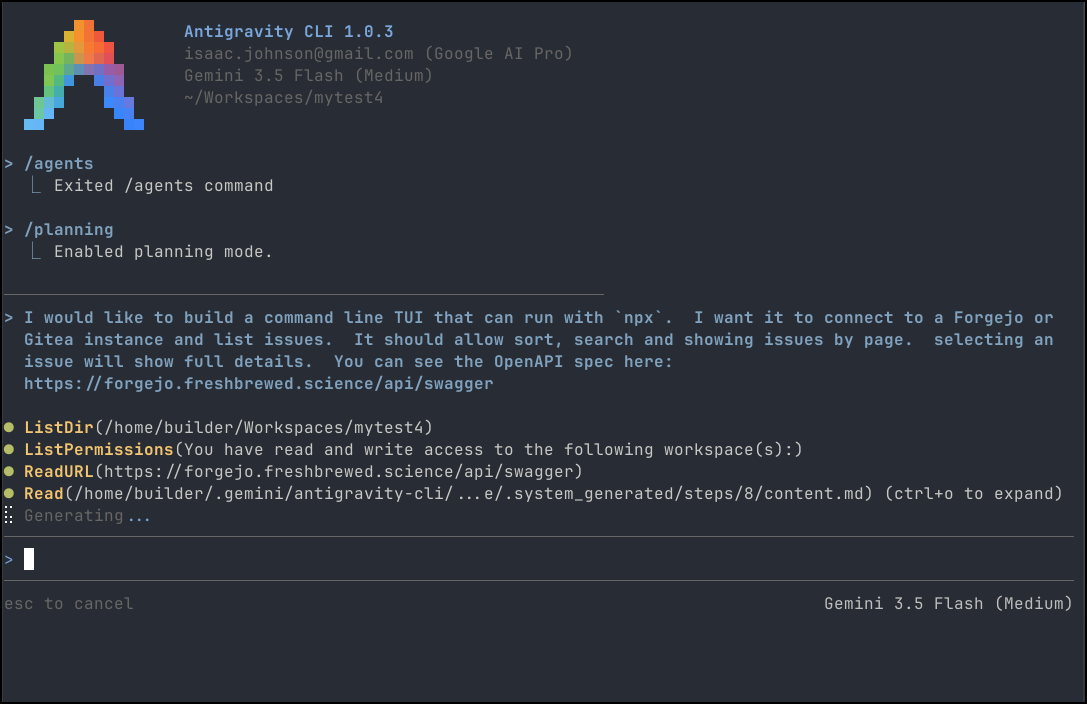
I’ll then give it a small project of a TUI to build
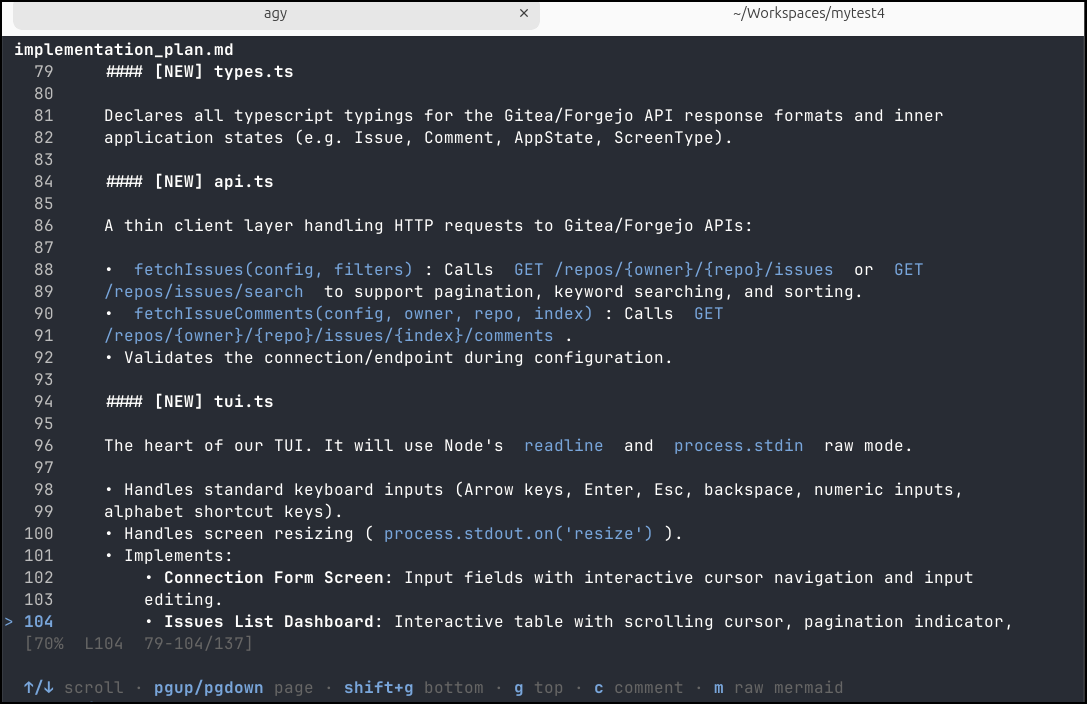
The plan looks good
I’ll approve the plan
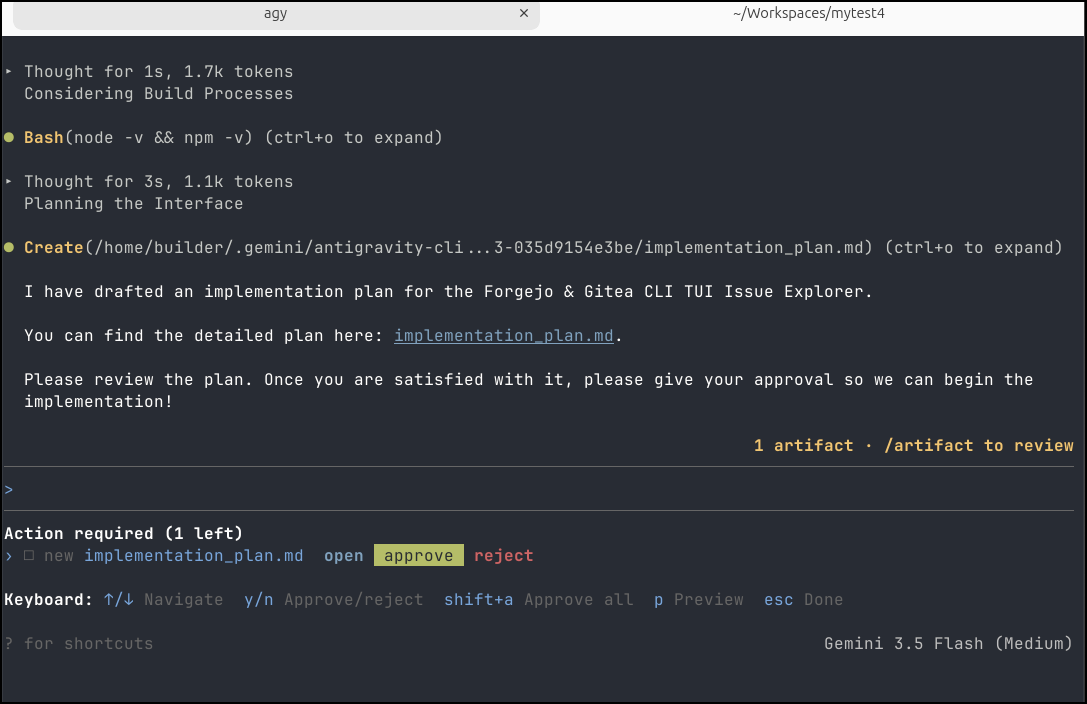
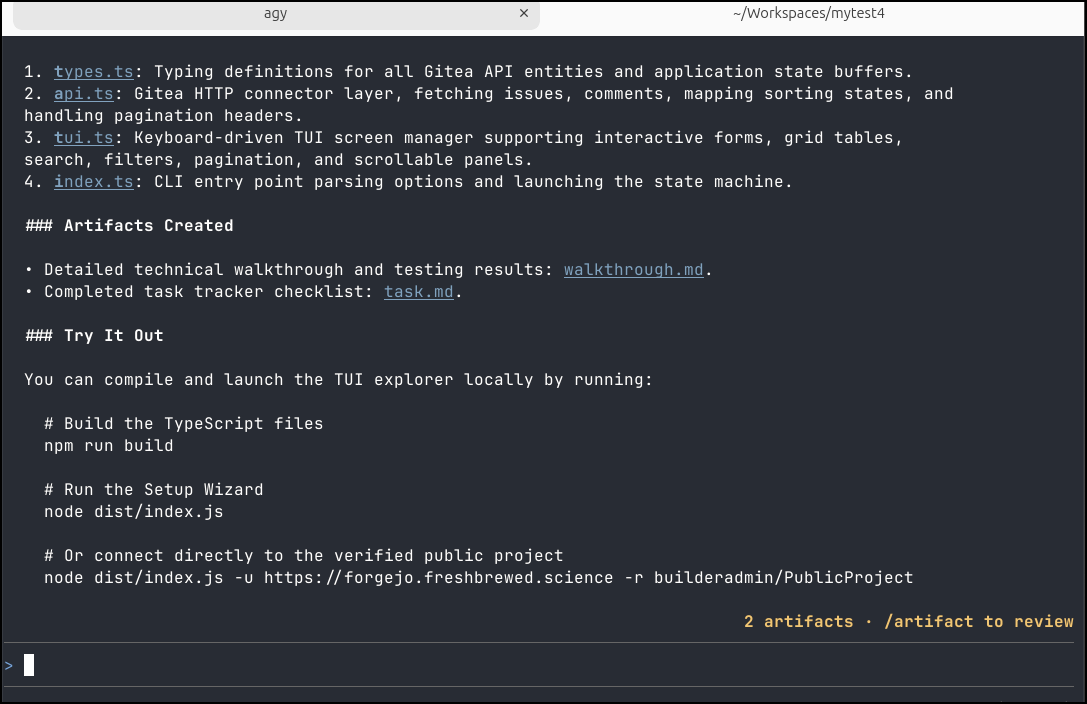
It says it completed the first draft
Problems with WSL
So i used to do a lot of my development in Windows Subsystem for Linux (WSL). But here is where we have an issue.
I can “install” it into my Linux environment
$ sudo apt install antigravity
Reading package lists... Done
Building dependency tree... Done
Reading state information... Done
antigravity is already the newest version (1.23.2-1776332190).
The following packages were automatically installed and are no longer required:
  aspnetcore-runtime-3.1 aspnetcore-targeting-pack-3.1 aspnetcore-targeting-pack-6.0 crda cryptsetup-run dotnet-apphost-pack-3.1
  dotnet-apphost-pack-6.0 dotnet-runtime-deps-6.0 dotnet-runtime-deps-8.0 dotnet-targeting-pack-3.1 dotnet-targeting-pack-6.0 fluent-bit
  g++-9 gir1.2-gnomebluetooth-1.0 gjs golang-1.13 golang-1.13-doc golang-1.13-go golang-1.13-race-detector-runtime golang-1.13-src
  golang-race-detector-runtime i965-va-driver:i386 intel-media-va-driver:i386 ippusbxd libaom0 libaom0:i386 libaom3:i386 libappstream-glib8
  libasn1-8-heimdal libasn1-8-heimdal:i386 libasync-mergepoint-perl libavcodec58:i386 libavutil56:i386 libboost-context1.71.0
  libboost-iostreams1.71.0 libboost-program-options1.71.0 libboost-thread1.71.0 libcamel-1.2-62 libcbor0.6 libcdio18 libcodec2-0.9
  libcodec2-0.9:i386 libcodec2-1.0:i386 libcroco3 libcurl3-gnutls:i386 libdav1d5:i386 libdbus-glib-1-2 libdc1394-22
  libdigest-bubblebabble-perl libdns-export1109 libedataserver-1.2-24 libedataserverui-1.2-2 libemail-valid-perl libevent-2.1-7
  libffi7:i386 libfl2 libfuture-perl libfwupdplugin1 libgdbm-compat4:i386 libgdbm6:i386 libgdk-pixbuf-xlib-2.0-0:i386
  libgdk-pixbuf2.0-0:i386 libglu1-mesa libglu1-mesa:i386 libgomp1:i386 libgssapi3-heimdal libgssapi3-heimdal:i386 libgupnp-1.2-0
  libhcrypto4-heimdal libhcrypto4-heimdal:i386 libheimbase1-heimdal libheimbase1-heimdal:i386 libheimntlm0-heimdal
  libheimntlm0-heimdal:i386 libhiredis0.14 libhogweed5 libhogweed5:i386 libhx509-5-heimdal libhx509-5-heimdal:i386 libicu66:i386 libidn11
  libieee1284-3:i386 libigdgmm11 libigdgmm11:i386 libigdgmm12:i386 libilmbase24 libio-async-loop-epoll-perl libio-async-perl libjson-c4
  libjsoncpp1 libkrb5-26-heimdal libkrb5-26-heimdal:i386 libldap-2.4-2 libldap-2.4-2:i386 libleveldb1d liblinux-epoll-perl libllvm12
  libllvm12:i386 liblttng-ust-ctl4 liblttng-ust0 libmetrics-any-perl libmozjs-68-0 libmpdec2 libmysqlclient21:i386 libnet-dns-perl
  libnet-dns-sec-perl libnet-ip-perl libnettle7 libnettle7:i386 libnspr4:i386 libnss3:i386 libntfs-3g883 libnuma1:i386 libnumber-range-perl
  libodbc1 libopenexr24 libopengl0:i386 libopenjp2-7:i386 libpci3:i386 libperl4-corelibs-perl libperl5.30 libperl5.30:i386 libperl5.34:i386
  libpgm-5.2-0 libphonenumber7 libpoppler-glib8:i386 libpoppler118:i386 libprotobuf17 libpython2-stdlib libpython2.7-minimal
  libpython2.7-stdlib libpython3.8 libpython3.8-dev libpython3.8-minimal libpython3.8-stdlib libre2-5 libreadline5 libroken18-heimdal
  libroken18-heimdal:i386 librsvg2-2:i386 librsvg2-common:i386 libsane libsane:i386 libsane1:i386 libsereal-perl libshine3:i386
  libsnappy1v5:i386 libsnmp35 libsnmp35:i386 libsnmp40:i386 libsort-key-perl libsoxr0:i386 libssl1.1:i386 libstdc++-9-dev
  libstruct-dumb-perl libswresample3:i386 libtest-fatal-perl libtest-metrics-any-perl libtest-refcount-perl libtext-levenshtein-perl
  liburcu6 libva-drm2:i386 libva-x11-2:i386 libva2:i386 libvdpau1:i386 libvpx6 libvpx6:i386 libwebp6 libwebp6:i386 libwebpmux3:i386
  libwind0-heimdal libwind0-heimdal:i386 libwmf-0.2-7 libwmf0.2-7 libwrap0:i386 libx264-155 libx264-155:i386 libx264-163:i386 libx265-179
  libx265-179:i386 libx265-199:i386 libxml-writer-perl libxmlb1 libxvidcore4:i386 libzvbi0:i386 linux-headers-5.15.0-152
  linux-headers-5.15.0-152-generic linux-headers-5.4.0-208 linux-headers-5.4.0-208-generic linux-headers-5.4.0-216
  linux-headers-5.4.0-216-generic ltrace lz4 mariadb-common mesa-va-drivers:i386 mesa-vdpau-drivers:i386 mousetweaks perl-modules-5.30
  popularity-contest python-pkg-resources python2 python2-minimal python2.7 python2.7-minimal python3-crcmod python3-entrypoints
  python3-requests-unixsocket python3-simplejson python3.8 python3.8-dev python3.8-minimal ruby-afm ruby-ascii85 ruby-blankslate
  ruby-connection-pool ruby-hashery ruby-launchy-shim ruby-molinillo ruby-multi-json ruby-net-http-persistent ruby-oj ruby-parslet
  ruby-pdf-core ruby-pdf-reader ruby-posix-spawn ruby-prawn ruby-prawn-table ruby-rc4 ruby-stringex ruby-thor ruby-toml ruby-ttfunk ruby2.7
  ruby2.7-dev ruby2.7-doc td-agent-bit va-driver-all:i386 vdpau-driver-all:i386 x11proto-input-dev x11proto-randr-dev x11proto-xinerama-dev
  xul-ext-ubufox
Use 'sudo apt autoremove' to remove them.
0 upgraded, 0 newly installed, 0 to remove and 356 not upgraded.
But then agy doesn’t show up
$ agy
Command 'agy' not found, did you mean:
  command 'ag' from deb silversearcher-ag (2.2.0+git20200805-1)
  command 'age' from deb age (1.0.0-1ubuntu0.1)
  command 'asy' from deb asymptote (2.78+ds-2)
Try: sudo apt install <deb name>
And if I try antigravity in WSL it just tells me to set it up in Windows
$ antigravity
To use Antigravity with the Windows Subsystem for Linux, please install Antigravity in Windows and uninstall the Linux version in WSL. You can then use the `antigravity` command in a WSL terminal just as you would in a normal command prompt.
Do you want to continue anyway? [y/N] N
Once I do that, however, if i run antigravity
builder@DESKTOP-QADGF36:~$ antigravity
builder@DESKTOP-QADGF36:~$
it just launches the IDE - i don’t want the IDE. I want a CLI, dammit.
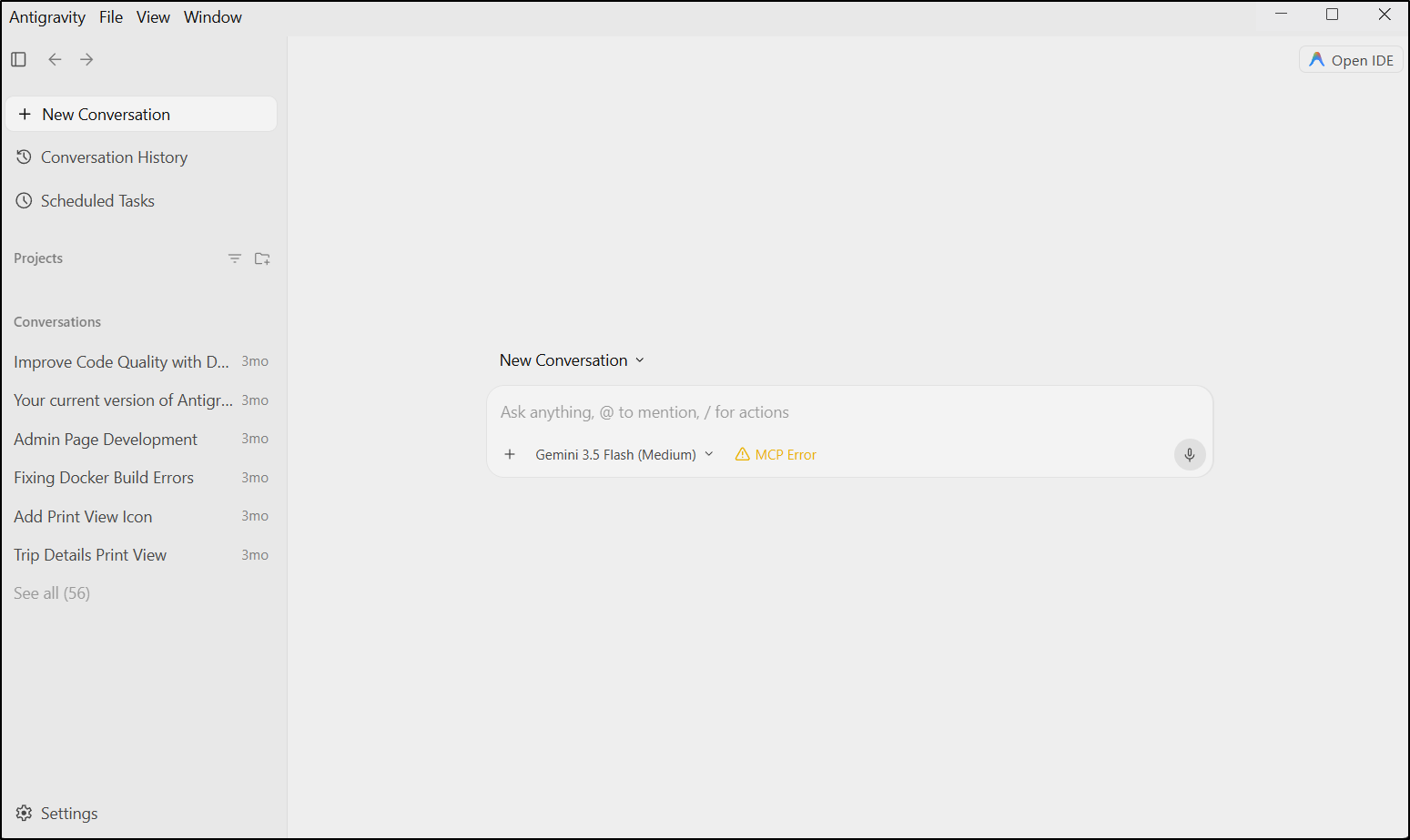
But the IDE doesn’t launch and reinstall doesn’t work either
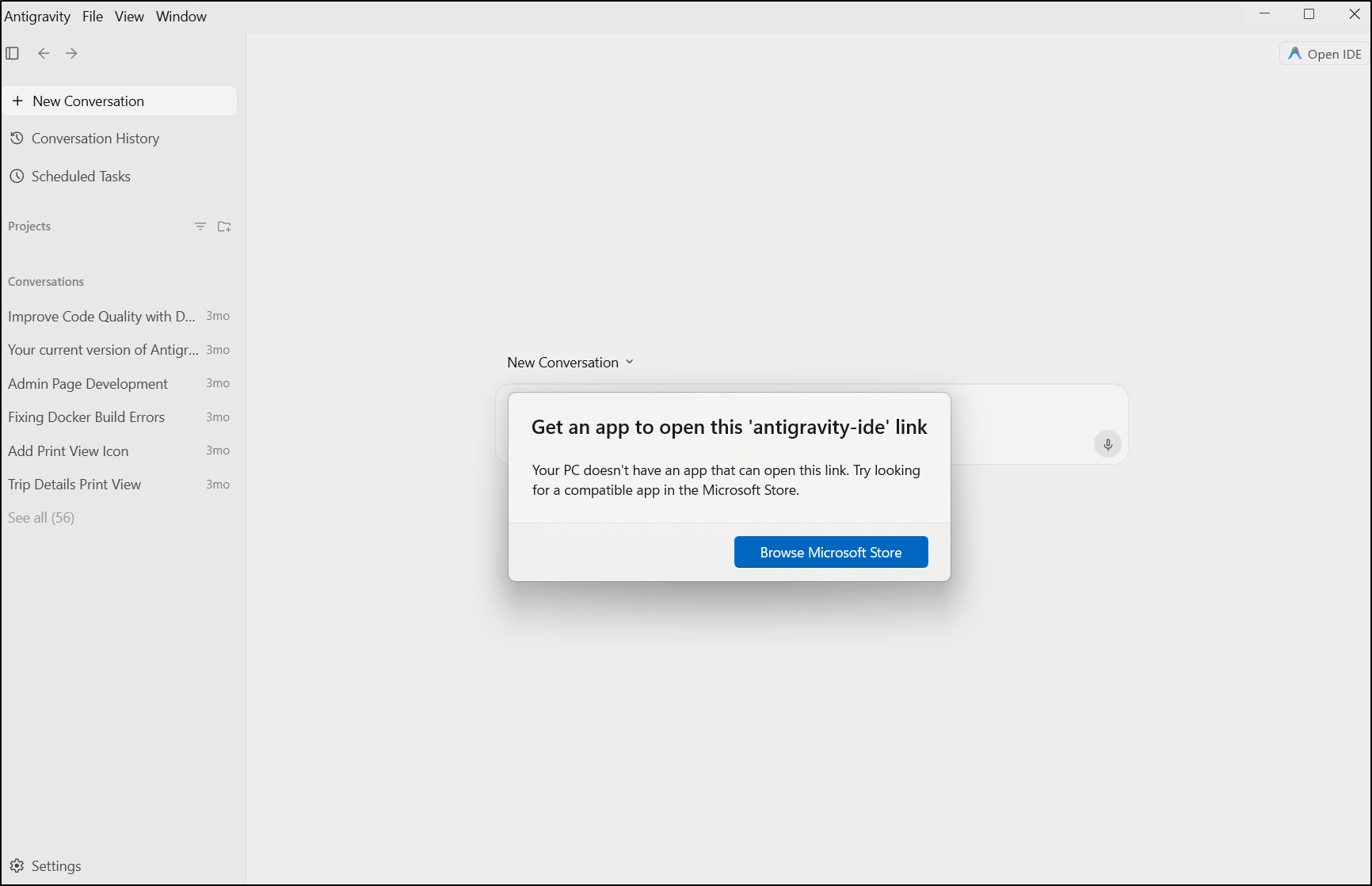
I did get it work in such a shoehorned way.
I ran the powershell installer for the IDE
PS C:\Users\isaac> irm https://antigravity.google/cli/install.ps1 | iex
I0602 14:25:03.877606 30028 installer.go:27] Running Antigravity CLI setup...
I0602 14:25:03.878114 30028 installer_windows.go:45] Configuring Windows user PATH registry environment...
I0602 14:25:03.878114 30028 installer_windows.go:117] Successfully added %LOCALAPPDATA%\agy\bin to User PATH registry variable.
I0602 14:25:03.878114 30028 installer_windows.go:148] Broadcasting environment update system-wide...


PS C:\Users\isaac> irm https://antigravity.google/cli/install.ps1 | iex
Notice: 'agy.exe' is already installed at C:\Users\isaac\AppData\Local\agy\bin\agy.exe.
The Antigravity CLI automatically self-updates in the background.
If you want to perform a fresh installation, delete the binary first:
  Remove-Item "C:\Users\isaac\AppData\Local\agy\bin\agy.exe" -Force
It hung, i ctrl-c’ed and tried again and said it was there.
I then went to WSL to launch by direct pathing:
builder@DESKTOP-QADGF36:~/Workspaces/fjtui$ /mnt/c/Users/isaac/AppData/Local/agy/bin/agy.exe
And now I have it working
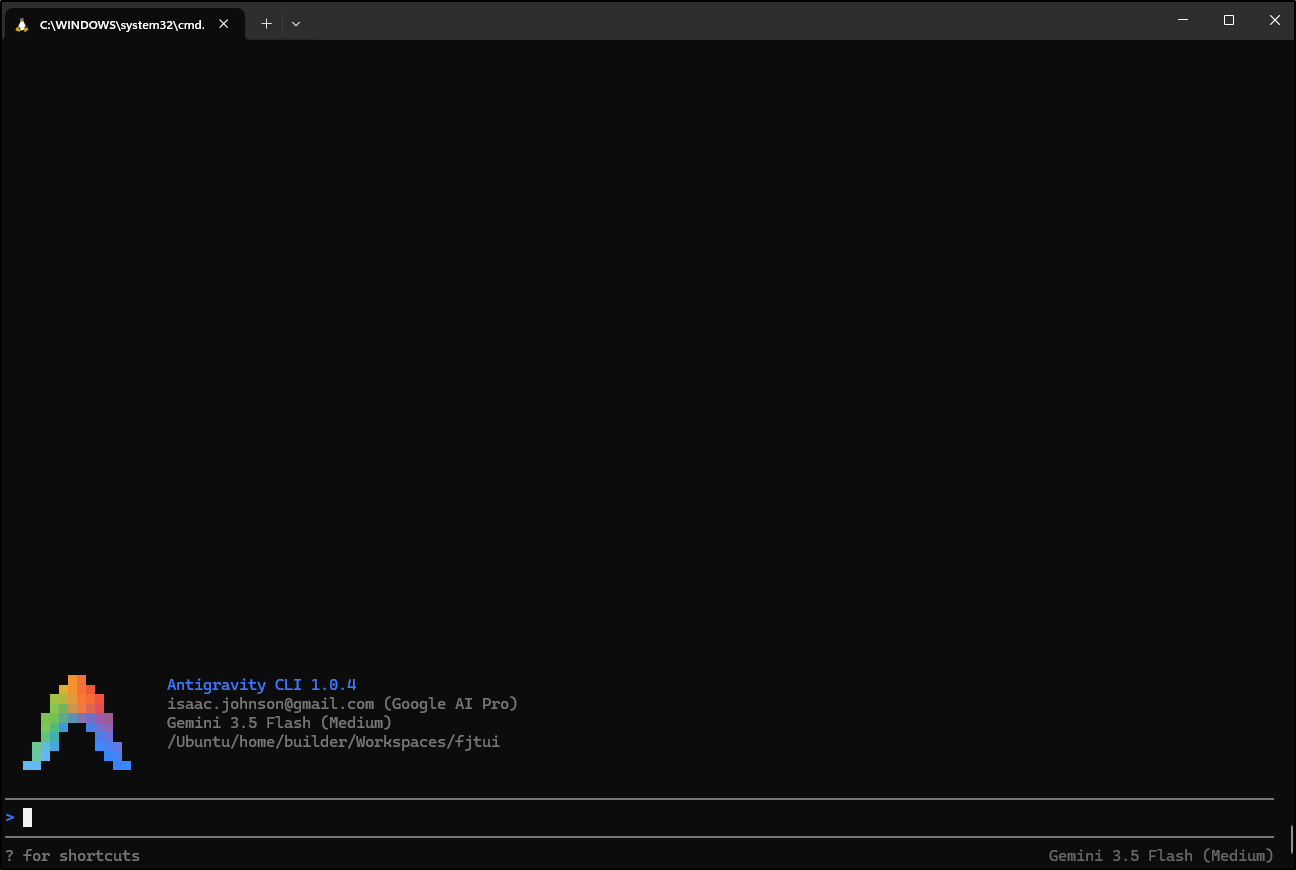
ctrl-d doesn’t actually stop the process tho
But I could kill it by finding the process and terminating that
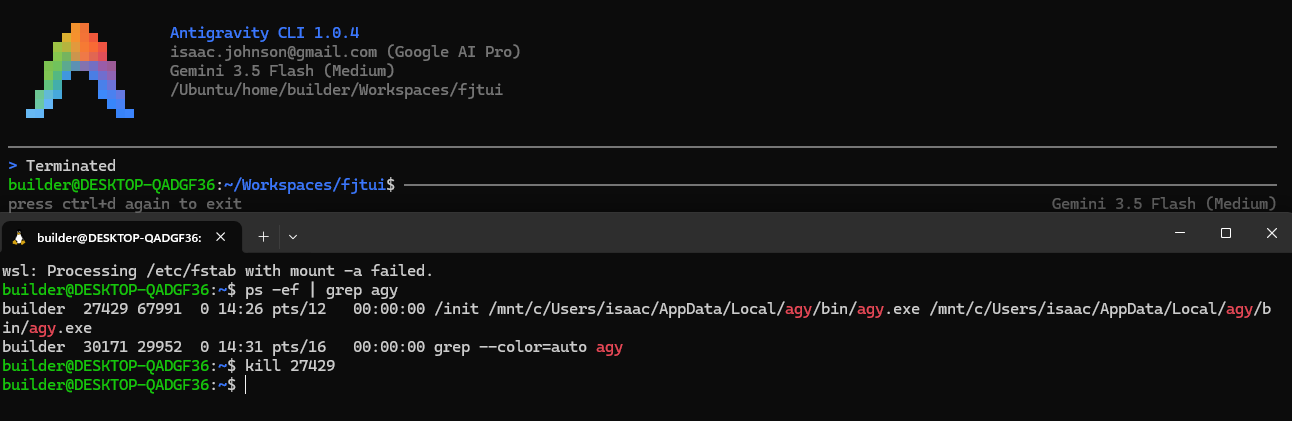
update: speaking with the team, use “/exit” and you’ll be fine, which I tested:

Usage
While I cannot kill the window easily, it did crank up and respond to my ask for a System diagram
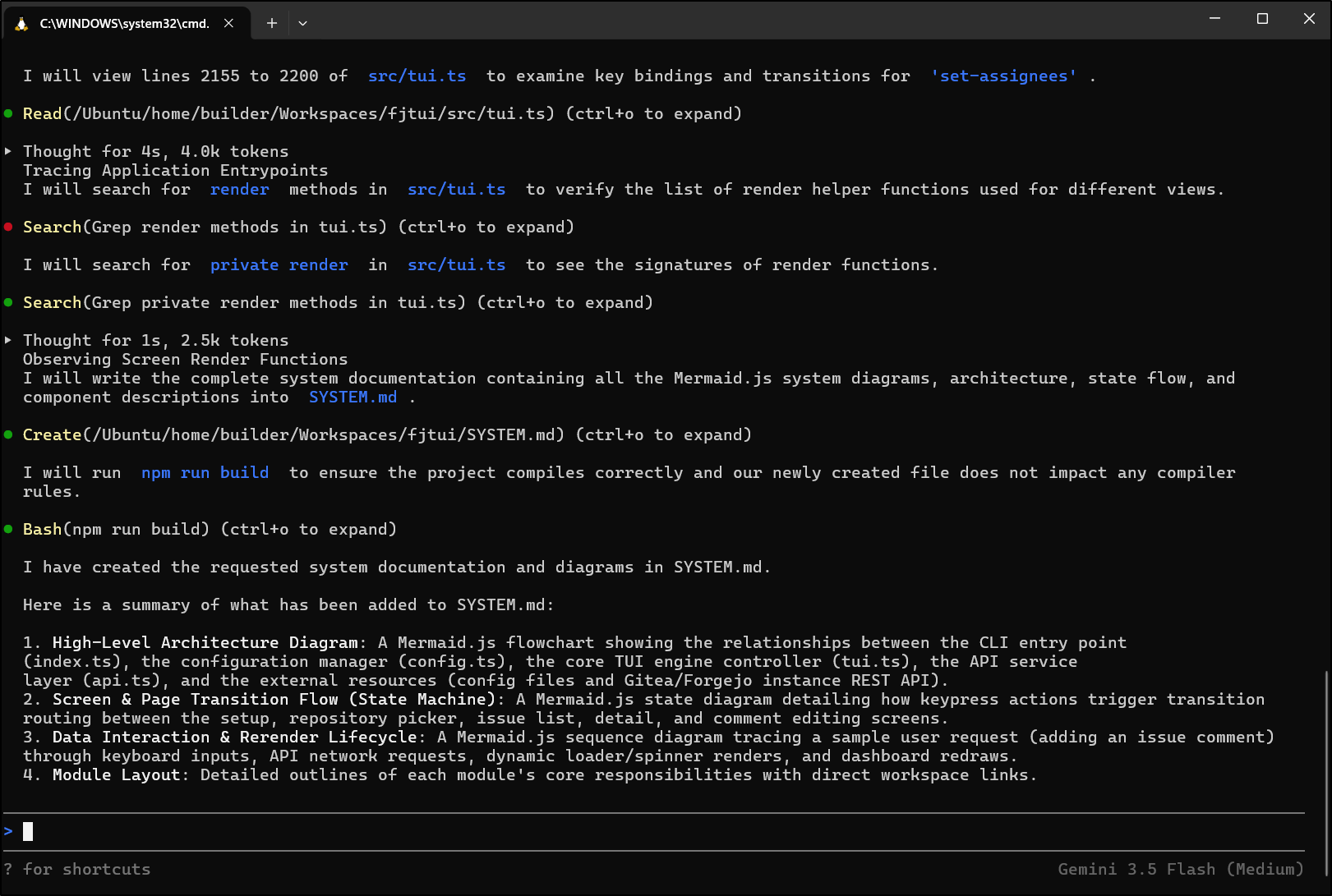
I corrected the one minor typo and it rendered the MermaidJS just fine in VS Code
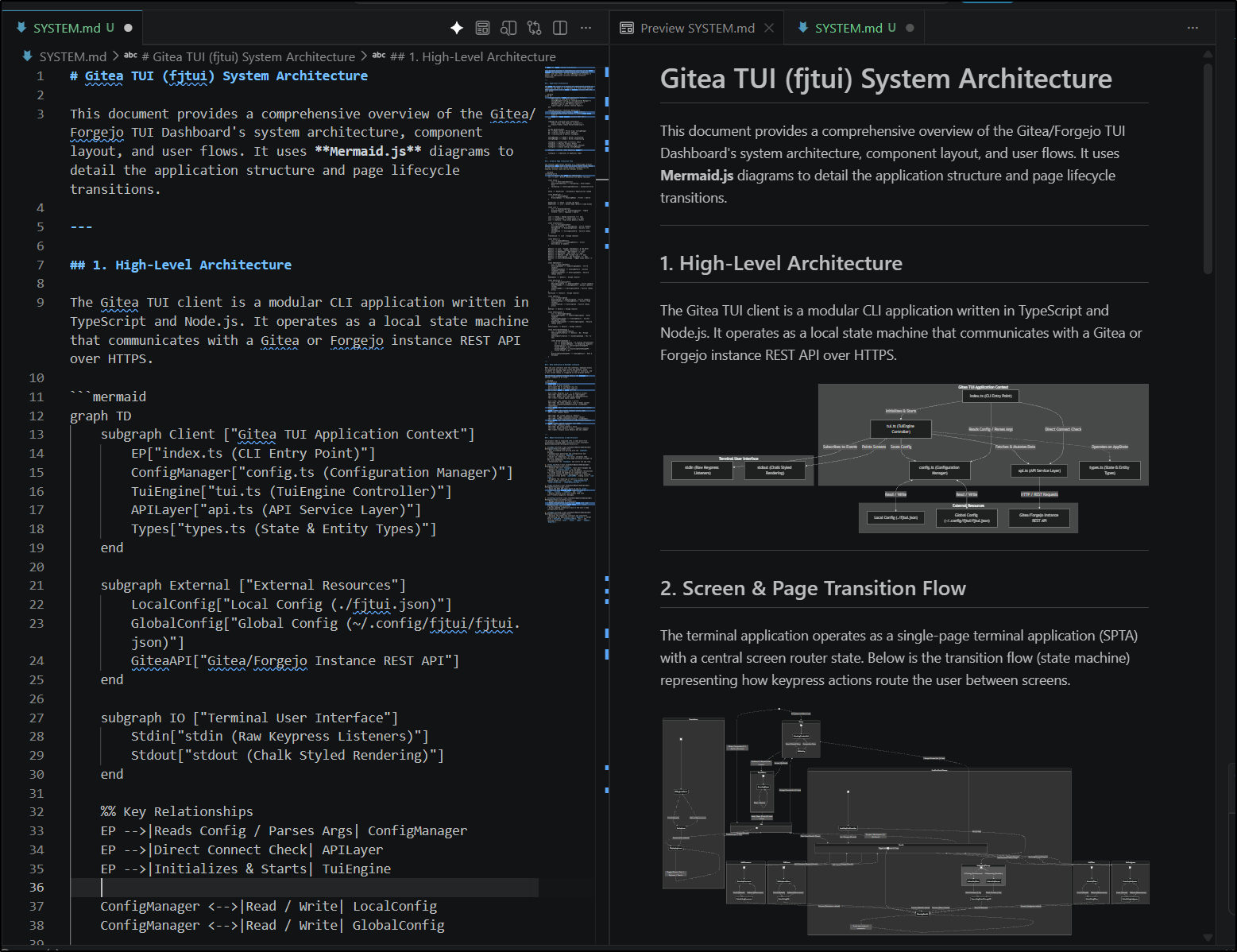
As you can see, it’s clearly running in windows, not Linux, as the file paths are a bit odd, e.g.
file:///wsl.localhost/Ubuntu/home/builder/Workspaces/fjtui/src/api.ts
However, my asks worked just fine
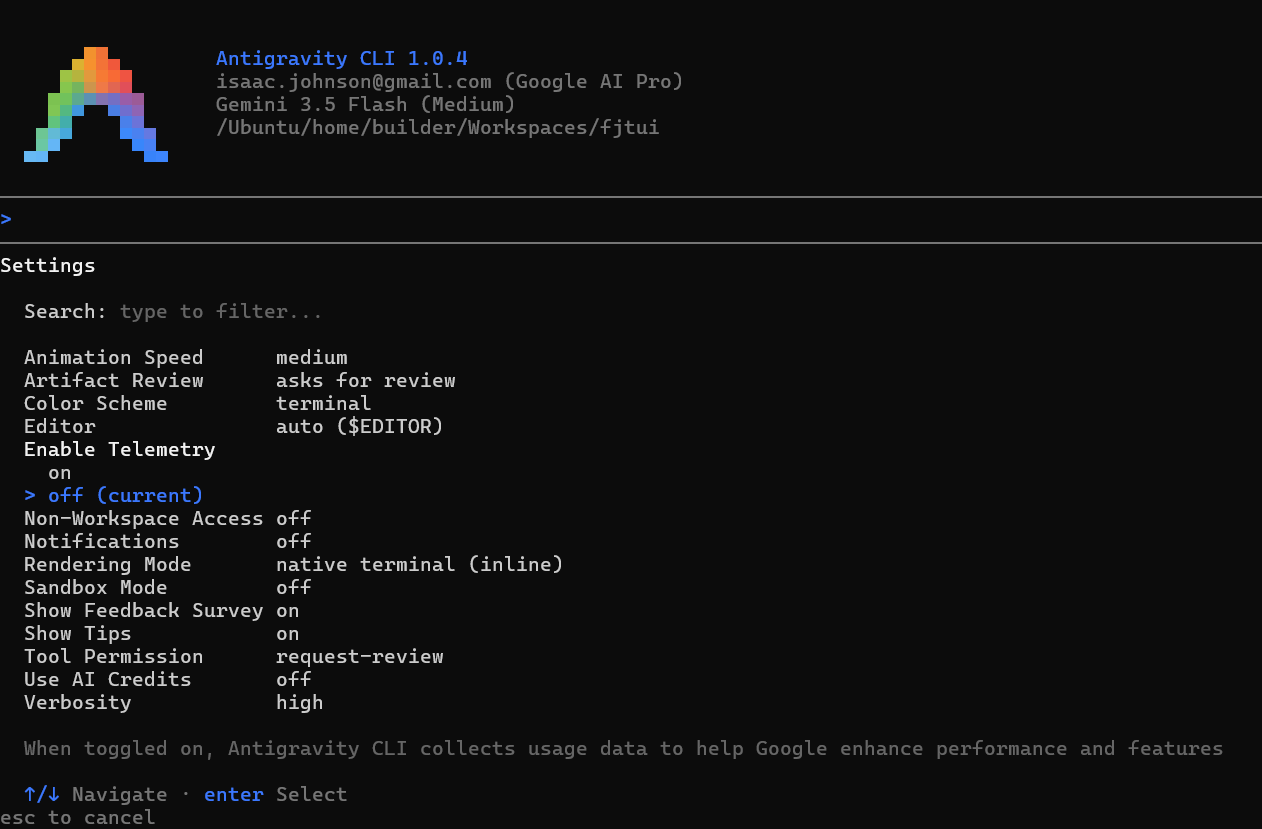
I was hoping to setup OTel like I did for Gemini CLI, however with agy, “Telemetry” just means sending data back to Google
AI Credits
There is a bit of an interesting option with Agy in that you can enable “Use AI Credits”
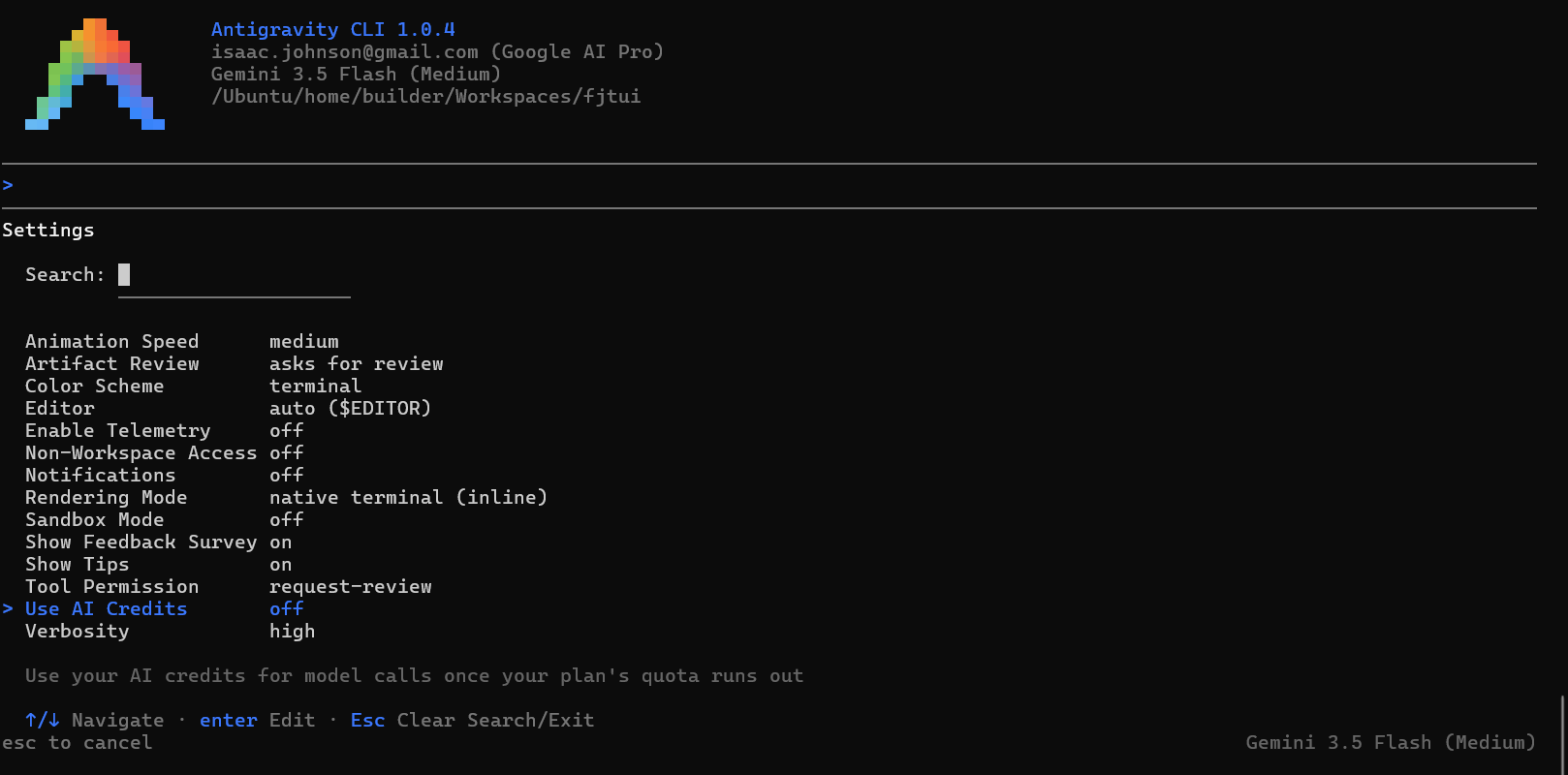
What that means is you can go to some “credits” page for AI Pro/Ultra to see how many monthly credits you have.
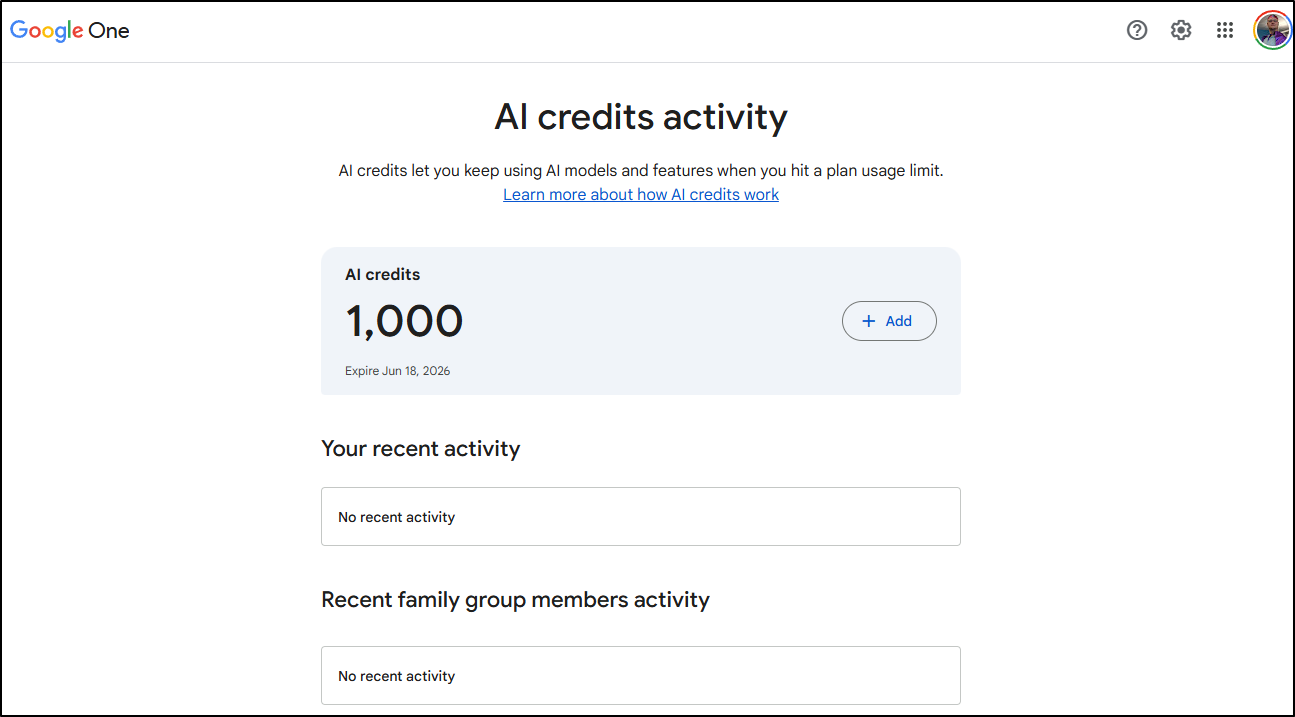
Then if I run out - say I’m just going nuts with AI work and want to add more, I can buy these credits for money:

Since you really don’t know what a credit means - that could be a bunch of input tokens or a mix of input / output. it’s whatever Google says they should mean right now. That is, nowhere on the docs does it hint at what they mean so it’s just try and figure it out.
I’m not trying to be a stinky pete here - but it’s the same issue I always had with Dynatrace - they had “Davis Units” which amounted to some mystery metric. When I would push for totals they would just say “use the trial and see what your spend is and we can figure it out from there”. So, i mean, nothing bad about the people at Dyna - but mystery meat is mystery meat.
Antigravity “App”
I don’t know what to say here. The “App” just shows me effectively the “AI Studio” web page.
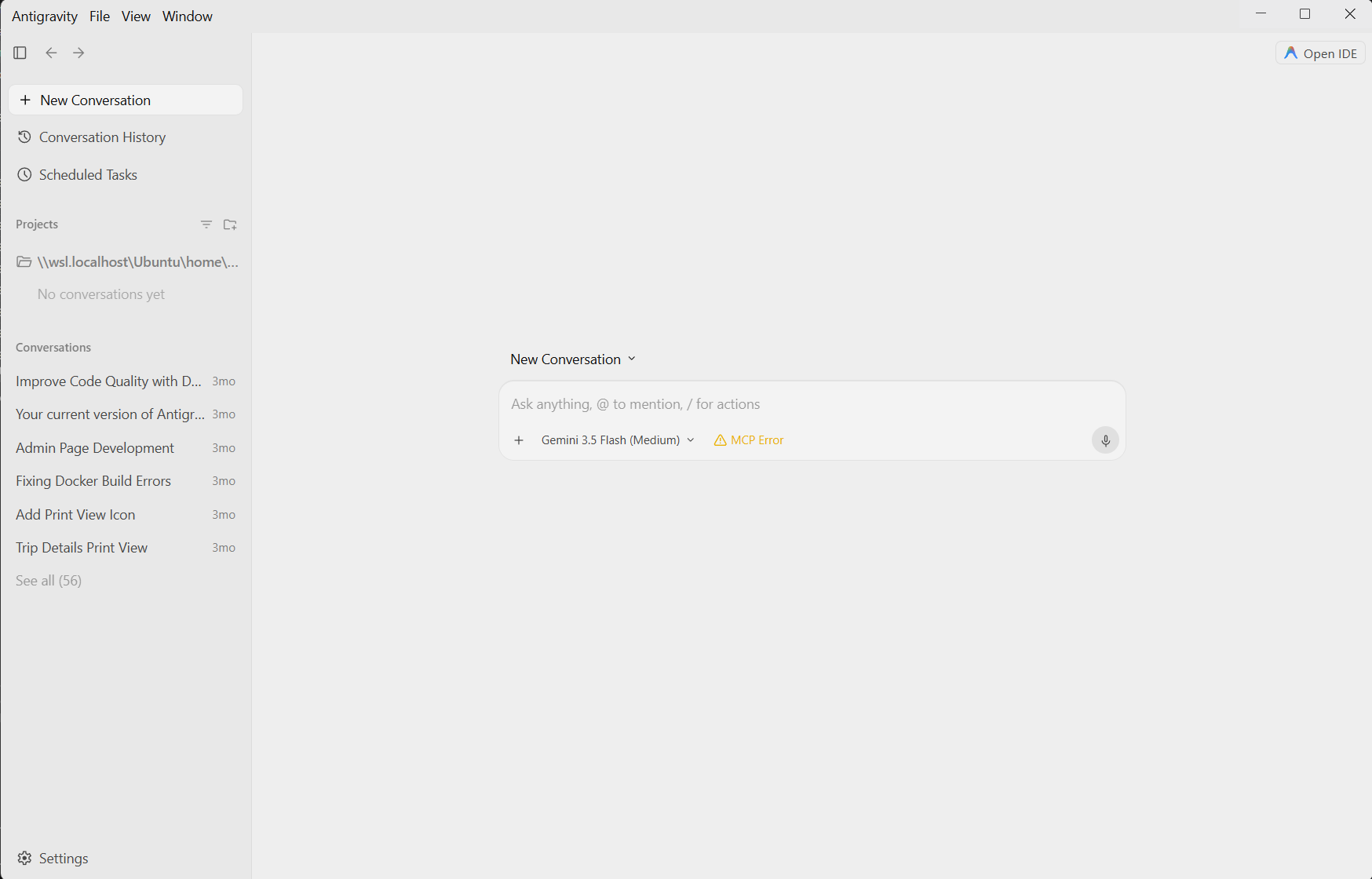
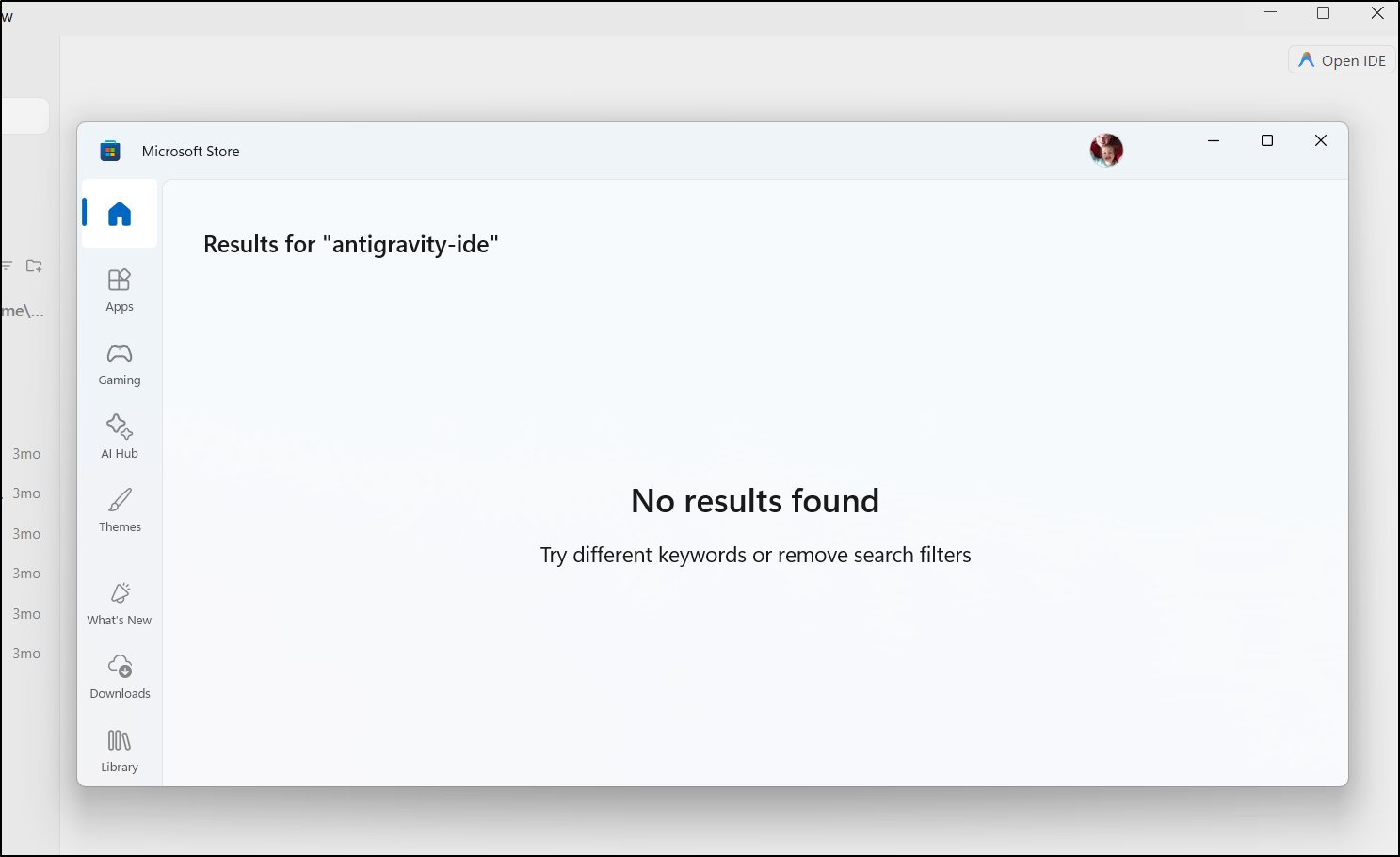
The Open IDE doesn’t work. i get a blank result in the App Store. I’ve tried reinstalling a few times.
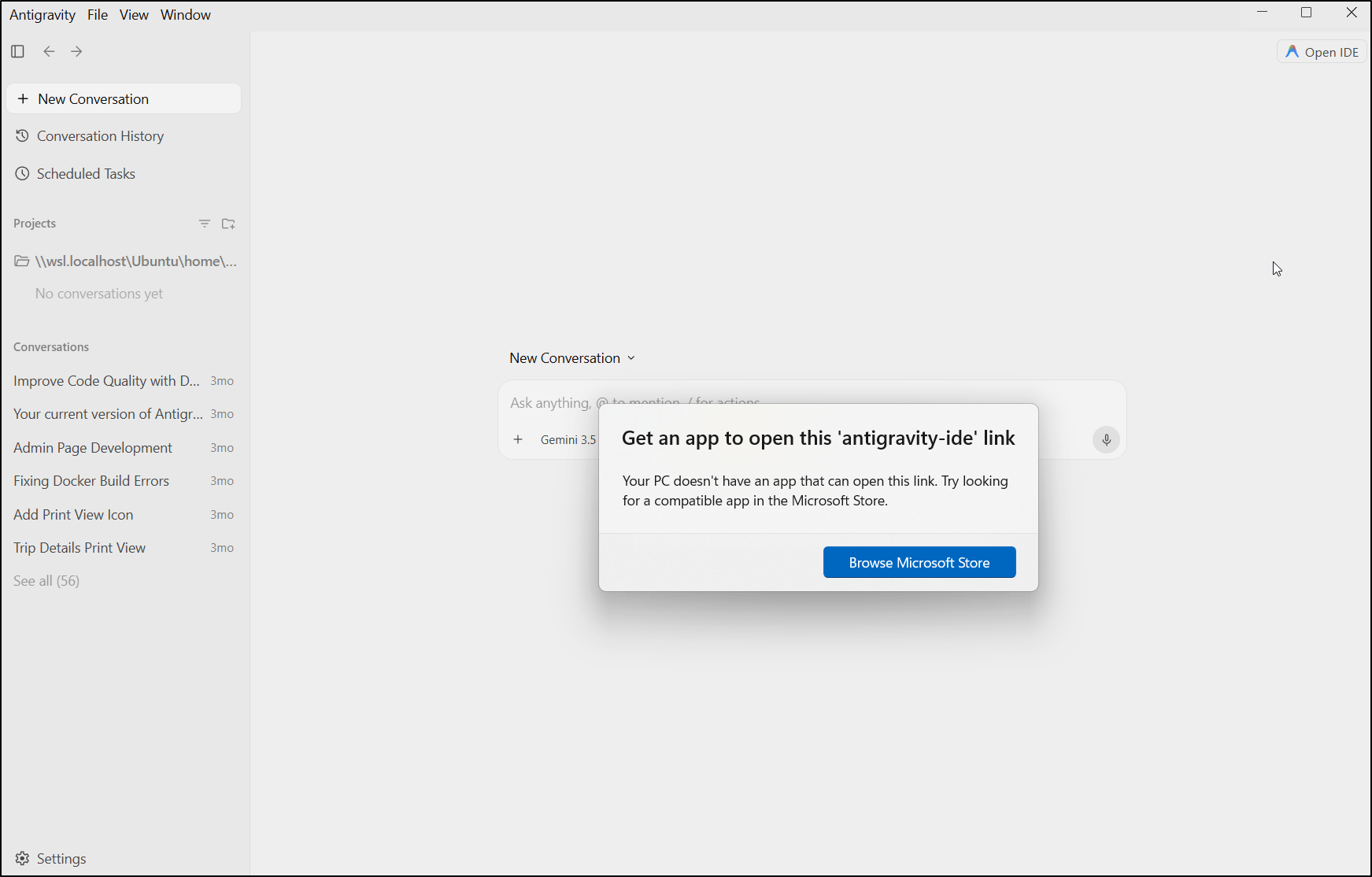
then
That said, it did help make a pretty cool animation
IDE in Linux
I had no issues in Linux
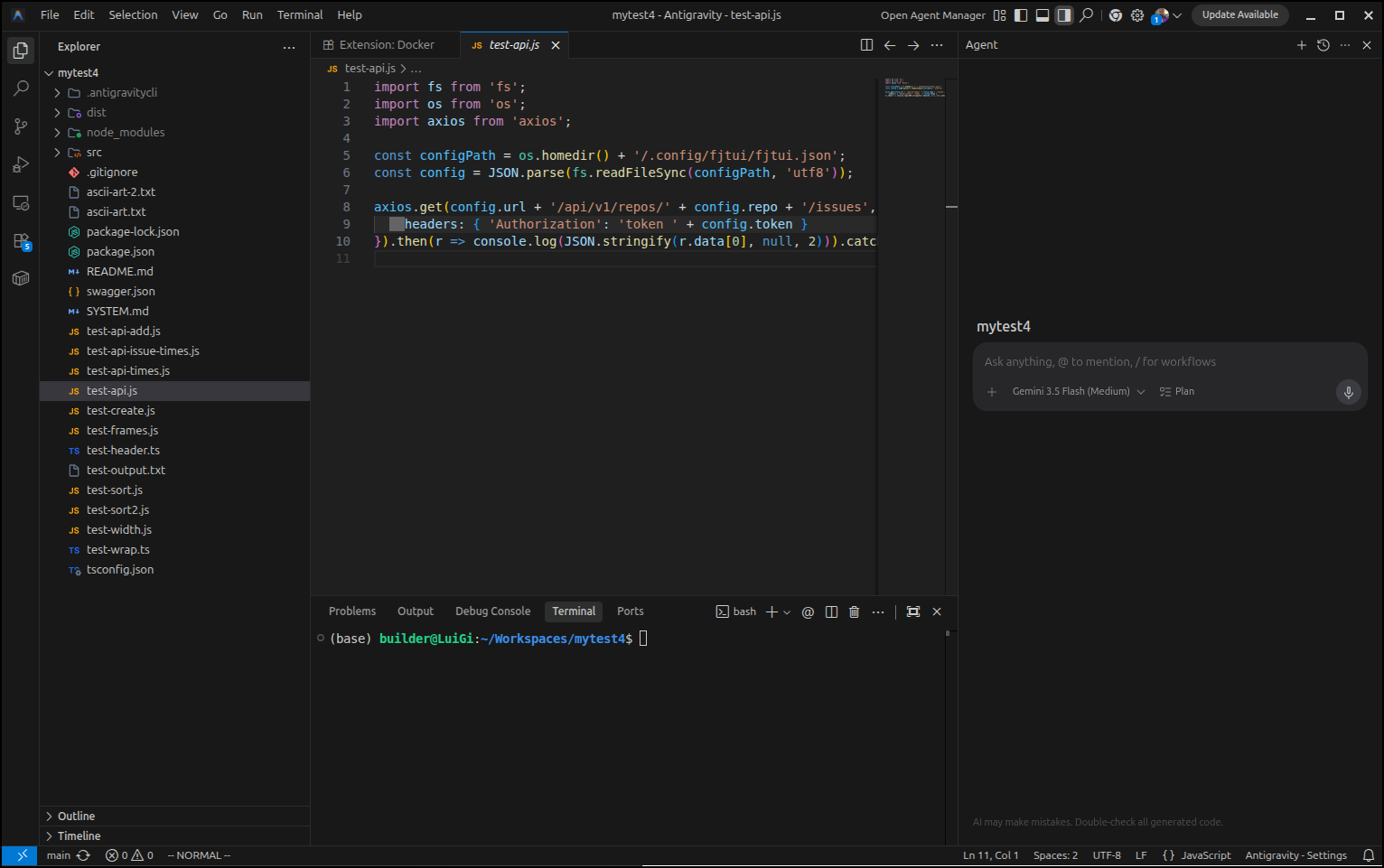
I used it to update some files then circled back to start to dig into settings.
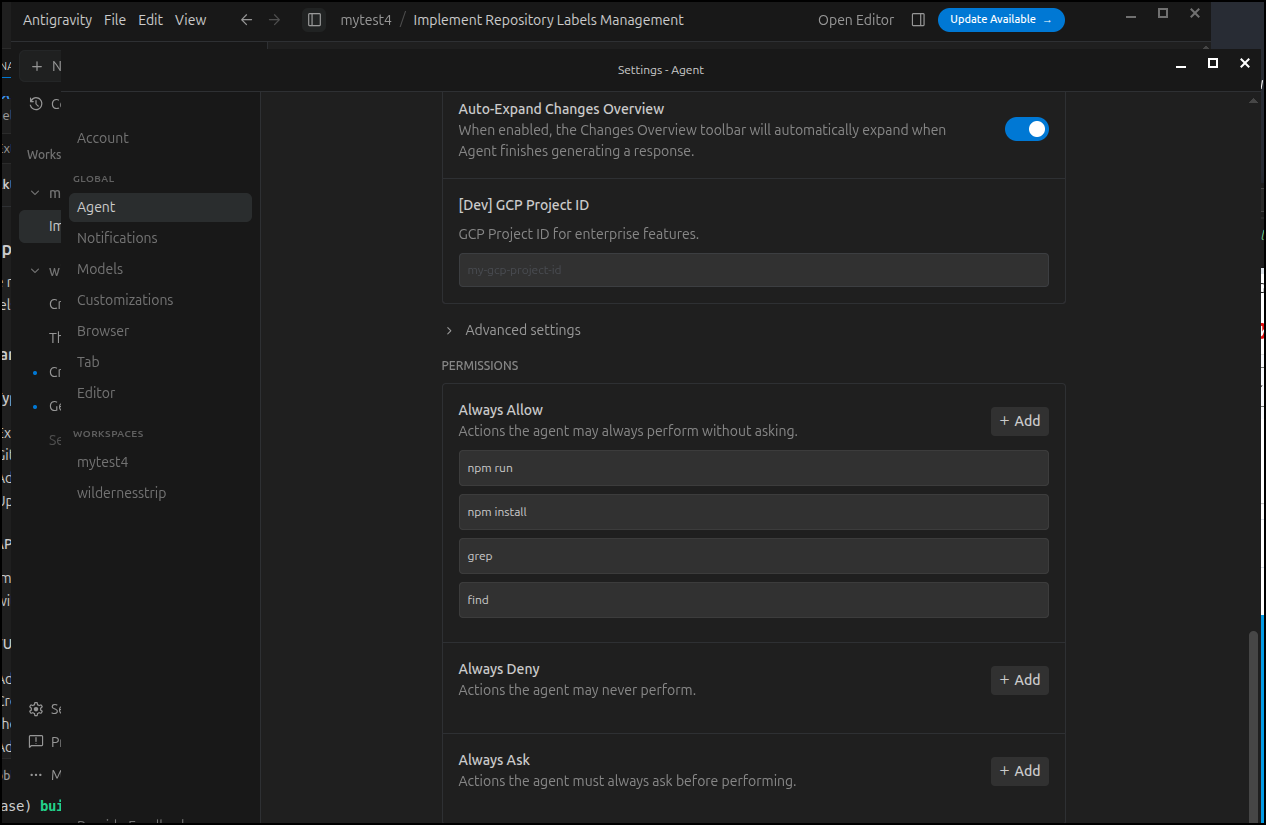
I found it was nice I could automatically allow some common tools
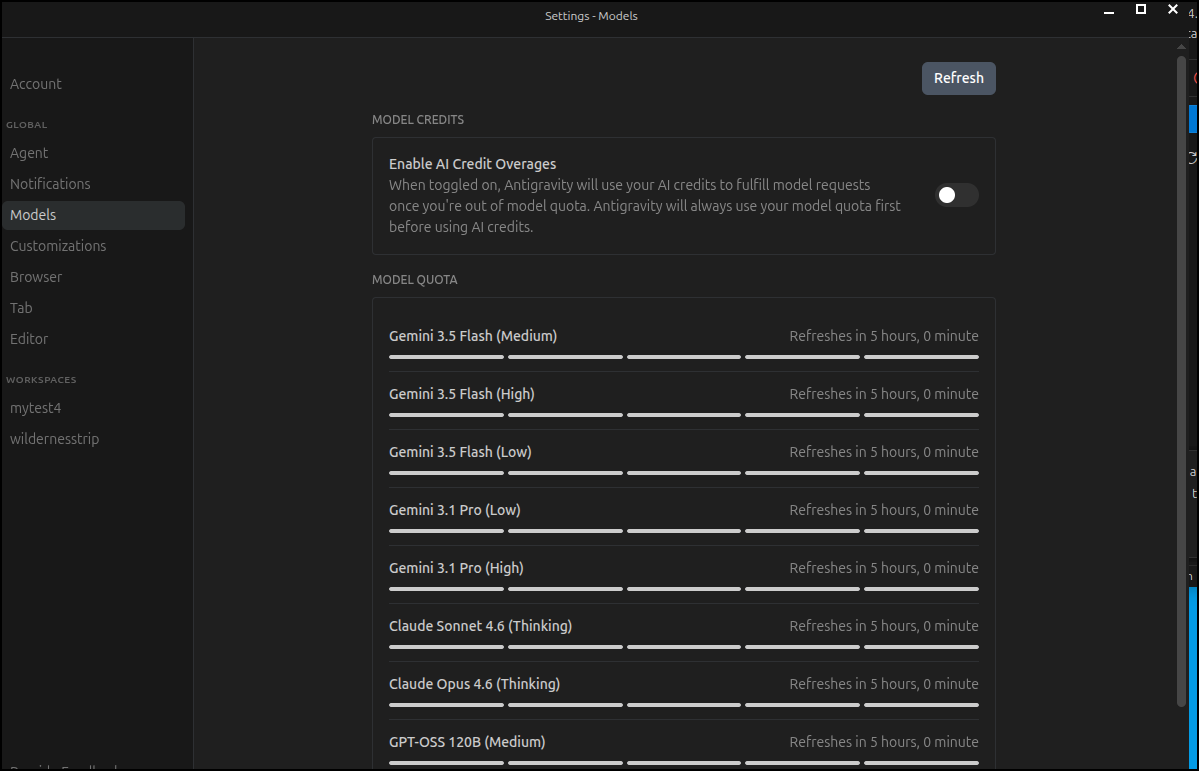
I noticed under settings/models there was a what appeared to be a quota usage page
But coming back from settings indicated a crash
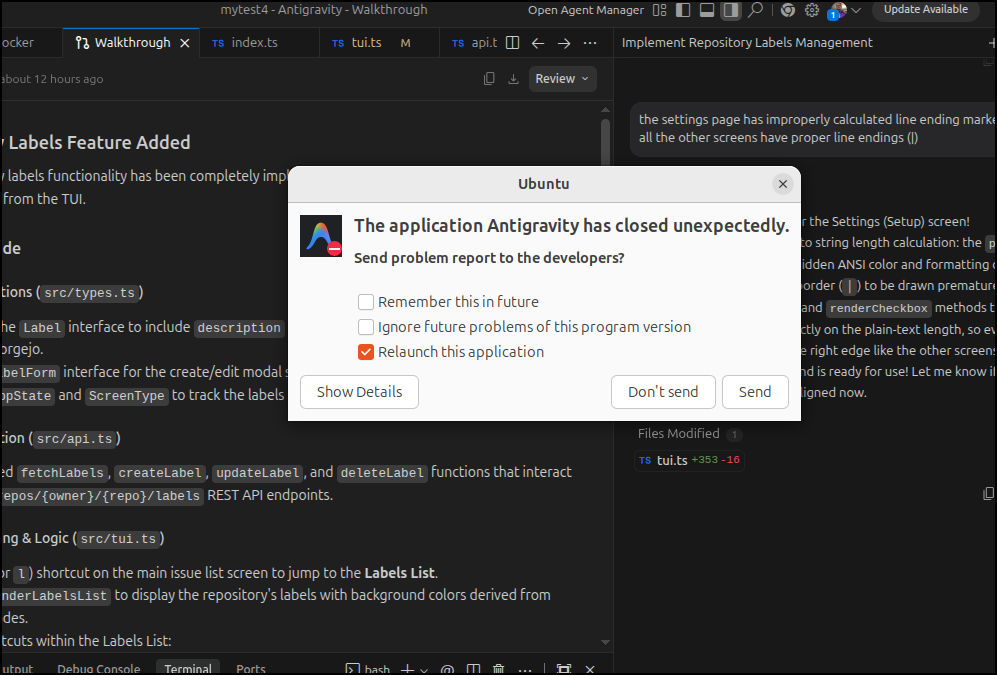
However, everything was fine and my settings persisted (went back to check).
I was notified of an update
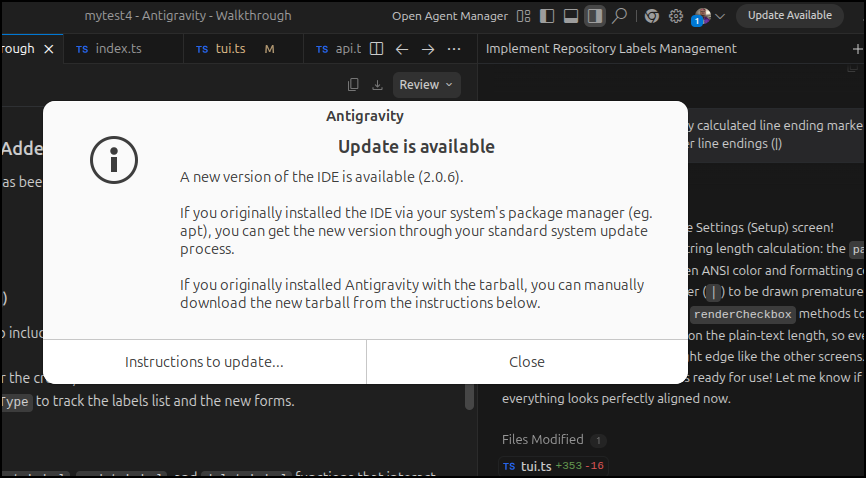
But after an apt update, I see no new versions
$ sudo apt install antigravity
antigravity is already the newest version (1.23.2-1776332190).
Summary:
  Upgrading: 0, Installing: 0, Removing: 0, Not Upgrading: 87
I tried downloading and running. I got a welcome screen and i opted to yes install the IDE, but when done, I just got this lousy project page
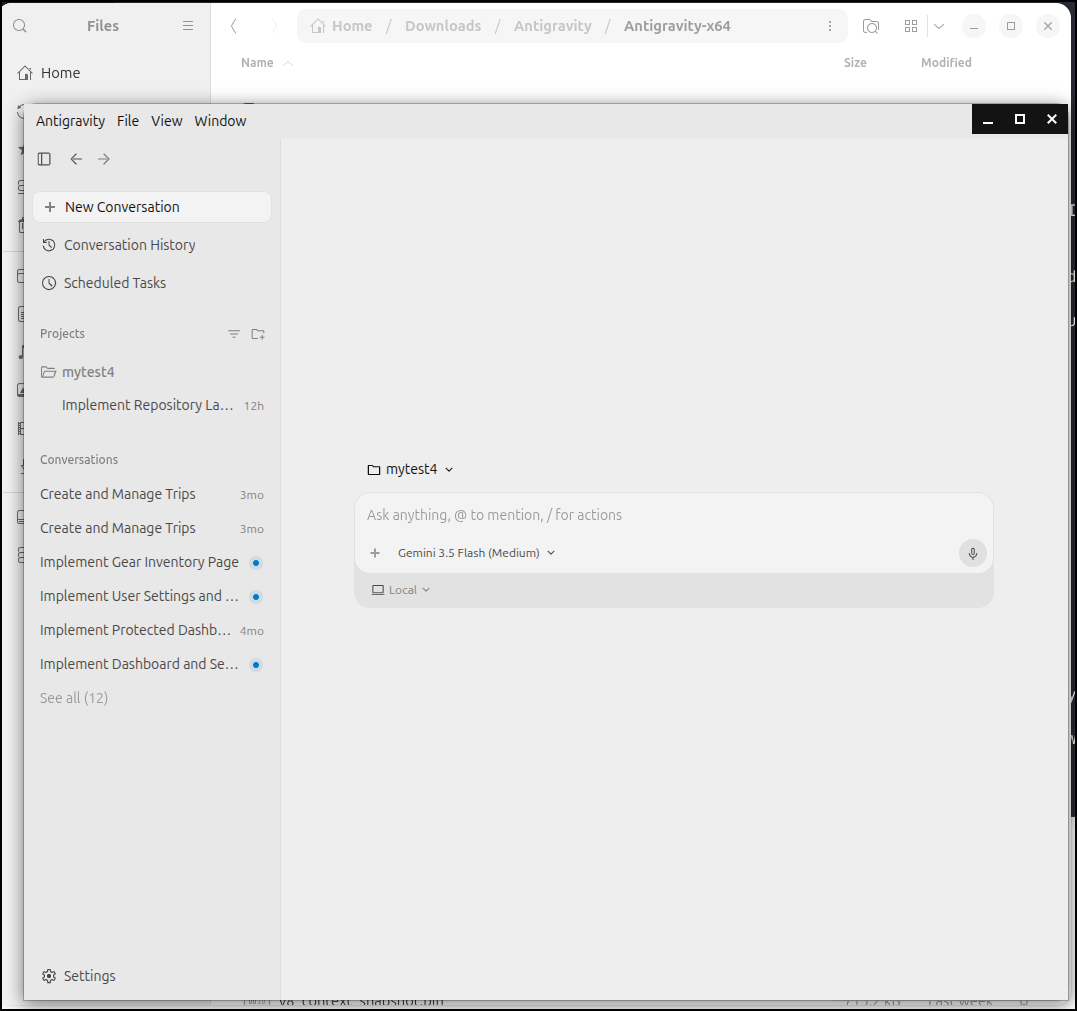
That doesn’t run on the command line.
(base) builder@LuiGi:~/Workspaces/fpcdeacon$ ~/Downloads/Antigravity/Antigravity-x64/antigravity --version
[317160:0603/065227.096138:FATAL:sandbox/linux/suid/client/setuid_sandbox_host.cc:166] The SUID sandbox helper binary was found, but is not configured correctly. Rather than run without sandboxing I'm aborting now. You need to make sure that /home/builder/Downloads/Antigravity/Antigravity-x64/chrome-sandbox is owned by root and has mode 4755.
Trace/breakpoint trap (core dumped)
(base) builder@LuiGi:~/Workspaces/fpcdeacon$ antigravity
(base) builder@LuiGi:~/Workspaces/fpcdeacon$ which antigravity
/usr/bin/antigravity
and firing it back up again use the command line antigravity just shows an ‘update available’ which again takes me to https://antigravity.google/docs/getting-started
I can download “Antigravity IDE” which if I double click in Desktop, starts an onboarding wizard
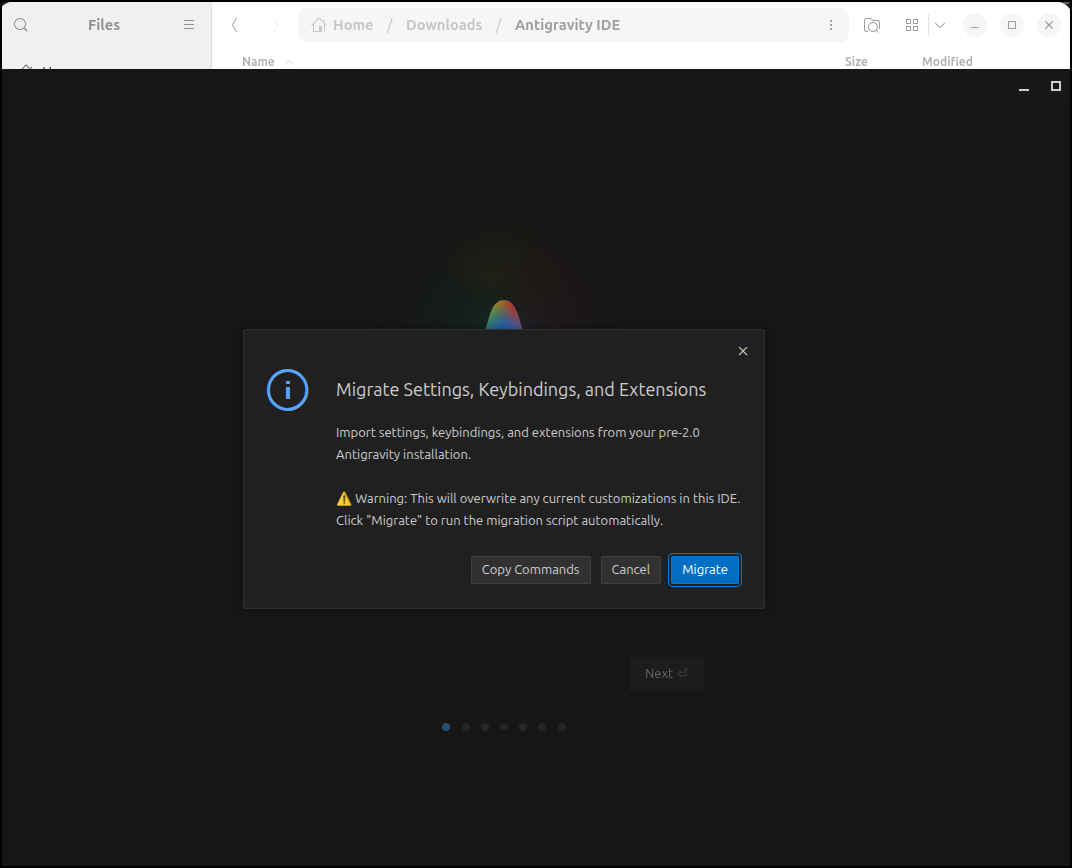
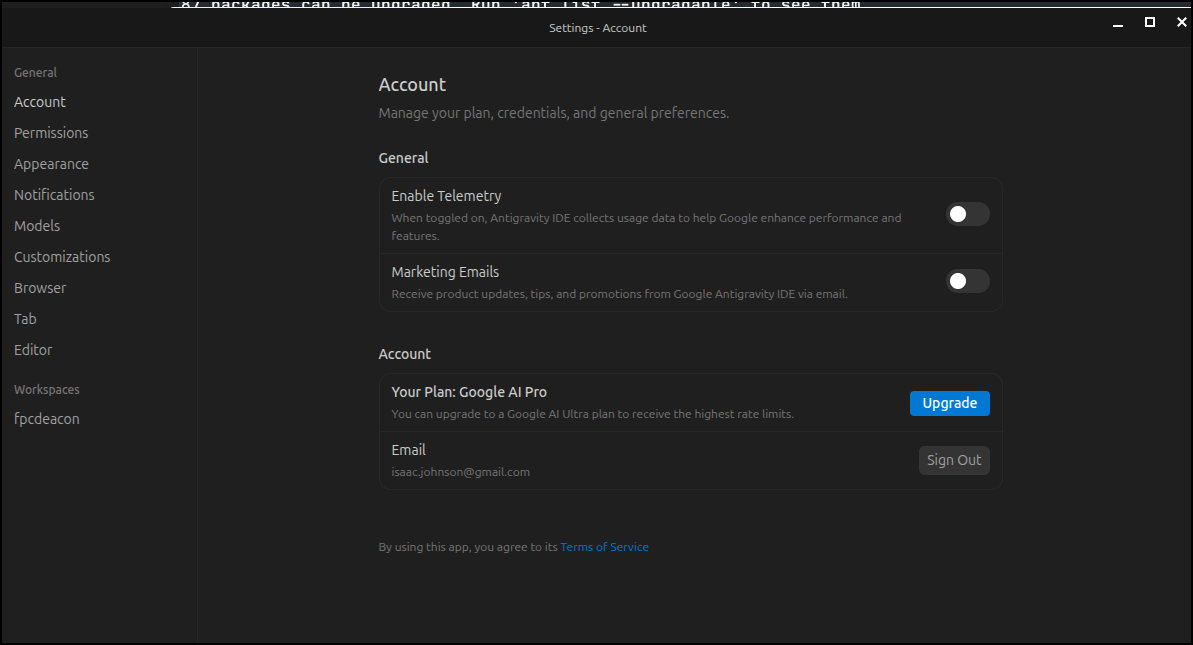
I was Very annoyed I had to opt in to data collection to complete the installer (then its a false choice)

So the very first thing you’ll want to do is go to settings
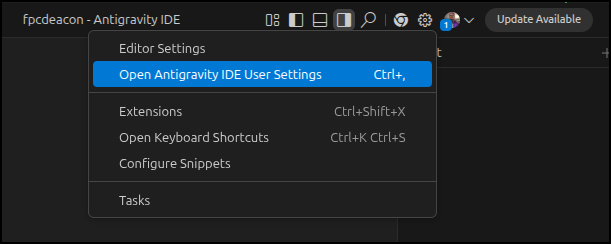
and under account I made user “enable telemetry” was turned off
The old IDE could be invoked from the command line, but it seems the new one cannot
(base) builder@LuiGi:~/Workspaces/fpcdeacon$ antigravity --version
1.107.0
15487b3041e65228cae24980a3f796c905ef582c
x64


(base) builder@LuiGi:~/Workspaces/fpcdeacon$ /home/builder/Downloads/Antigravity\ IDE/antigravity-ide --version
[336860:0603/071022.834824:FATAL:sandbox/linux/suid/client/setuid_sandbox_host.cc:166] The SUID sandbox helper binary was found, but is not configured correctly. Rather than run without sandboxing I'm aborting now. You need to make sure that /home/builder/Downloads/Antigravity IDE/chrome-sandbox is owned by root and has mode 4755.
Trace/breakpoint trap (core dumped)
The old editor still is there and its pretty similar in appearance
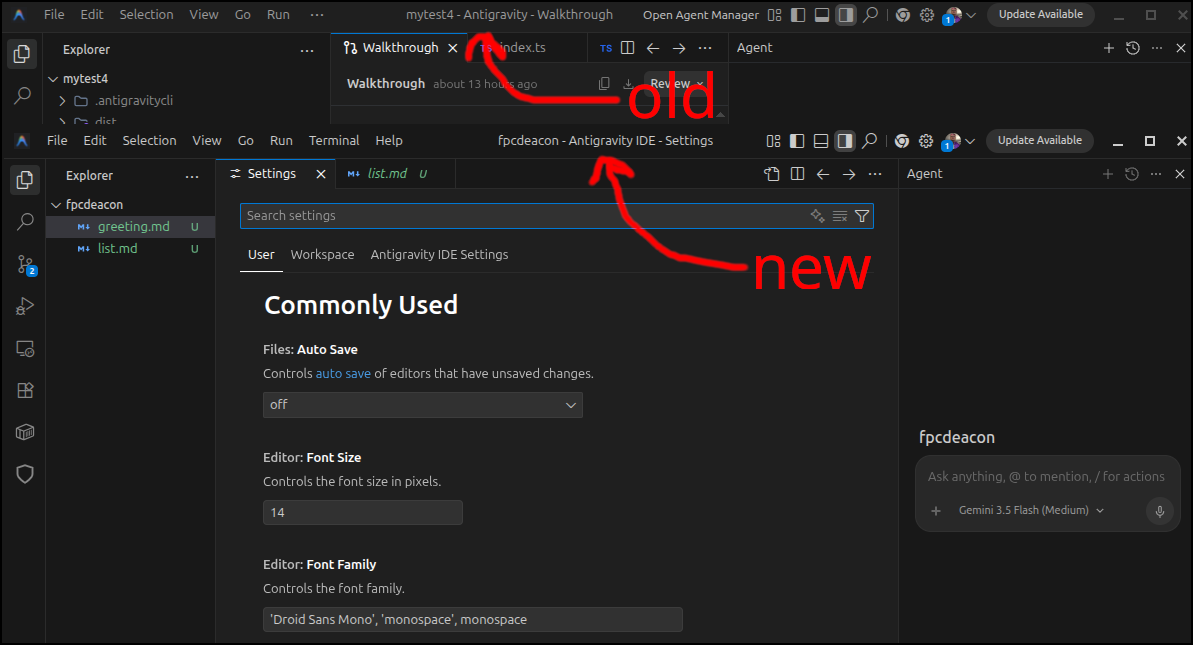
Though, it keeps saying update available even though I just downloaded it from the website
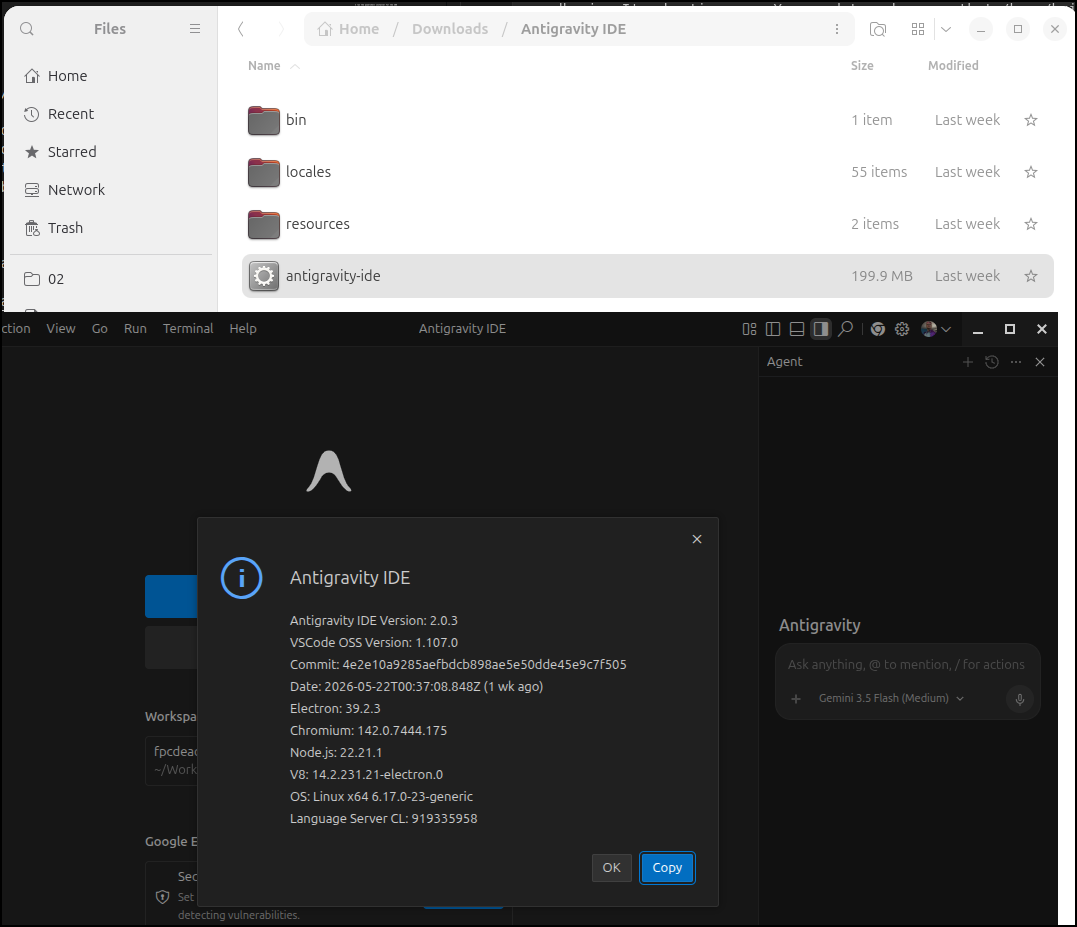
I cannot see a releases page (as its not opensource nor has detailed documentation on the downloads page). But from the URL at the bottom it would seem I downloaded 2.0.3 which lines up.. so no idea why it claims there is an “update available”
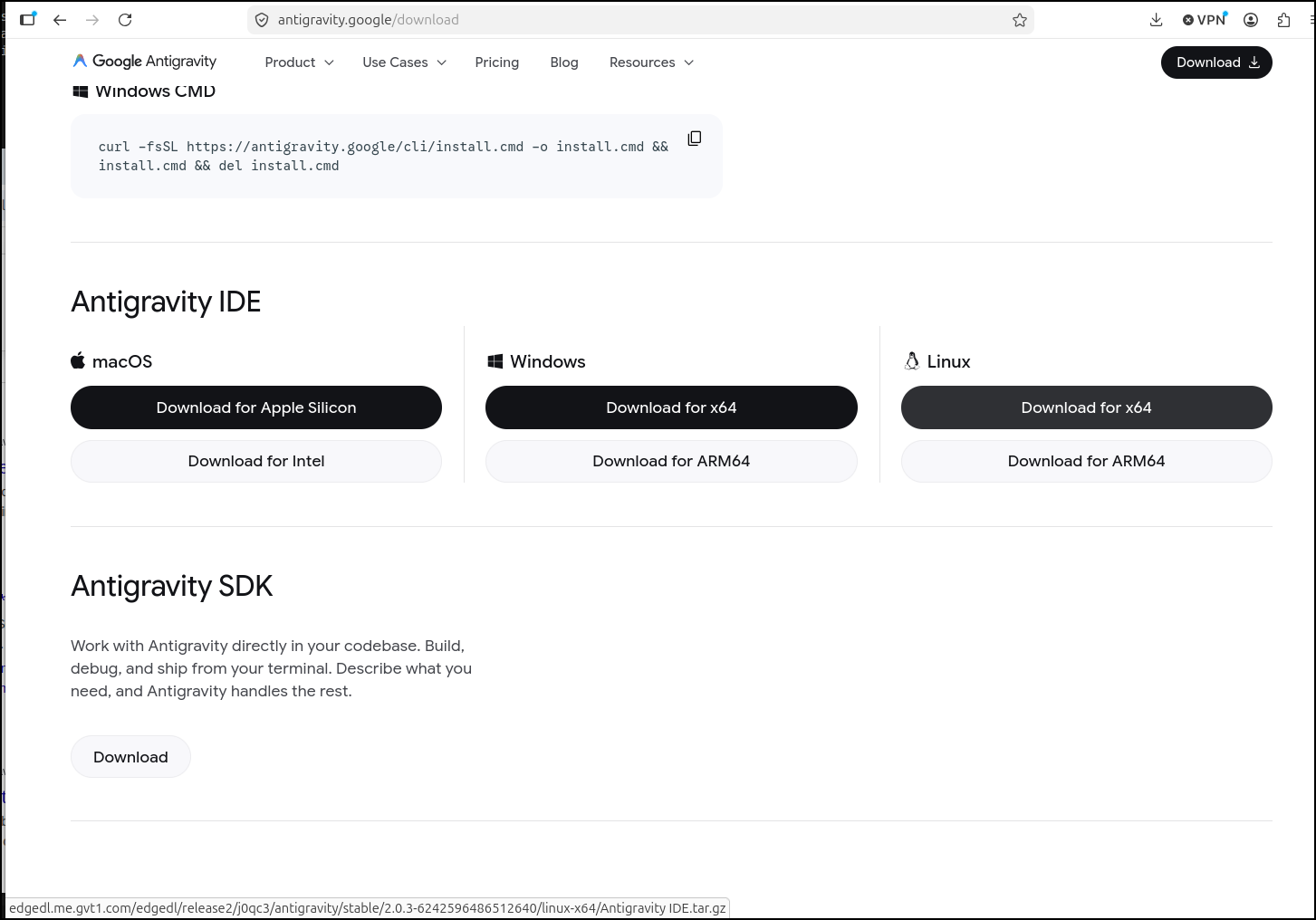
so i searched it up and found a different releases page than what the IDE links to: https://antigravity.google/releases
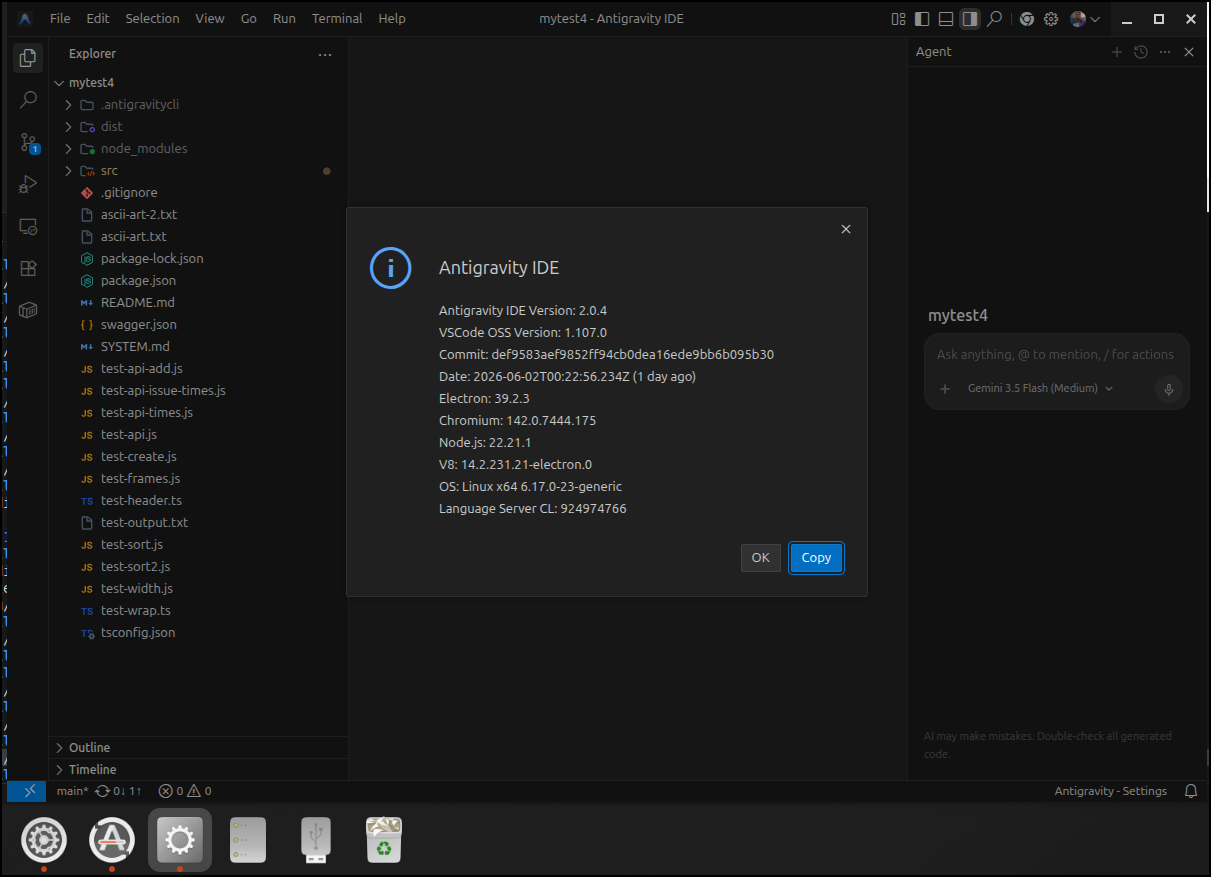
So I used that releases page to download 2.0.4
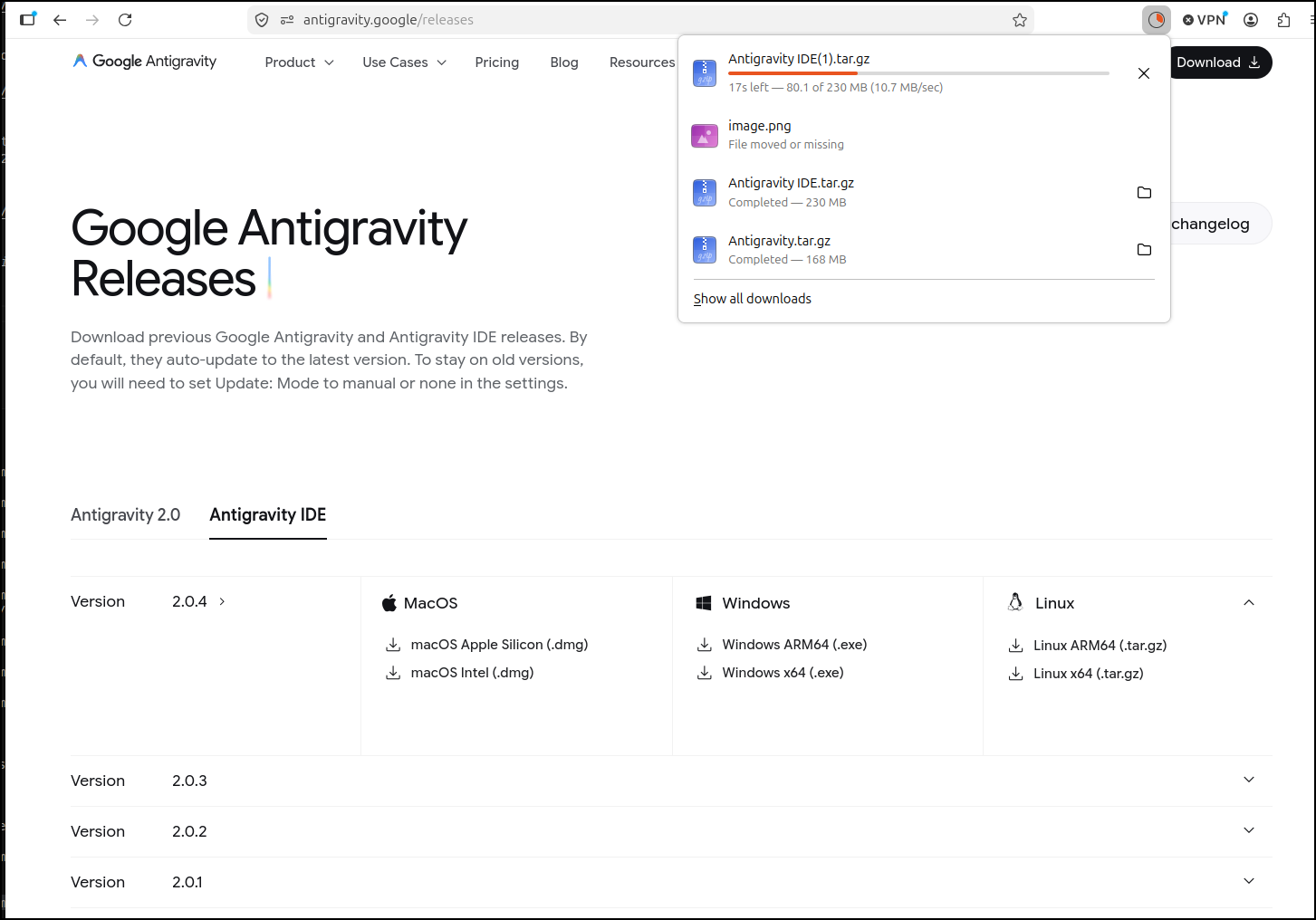
It works, but still the icon is just a gear in the Gnome task bar - minor nit pick really
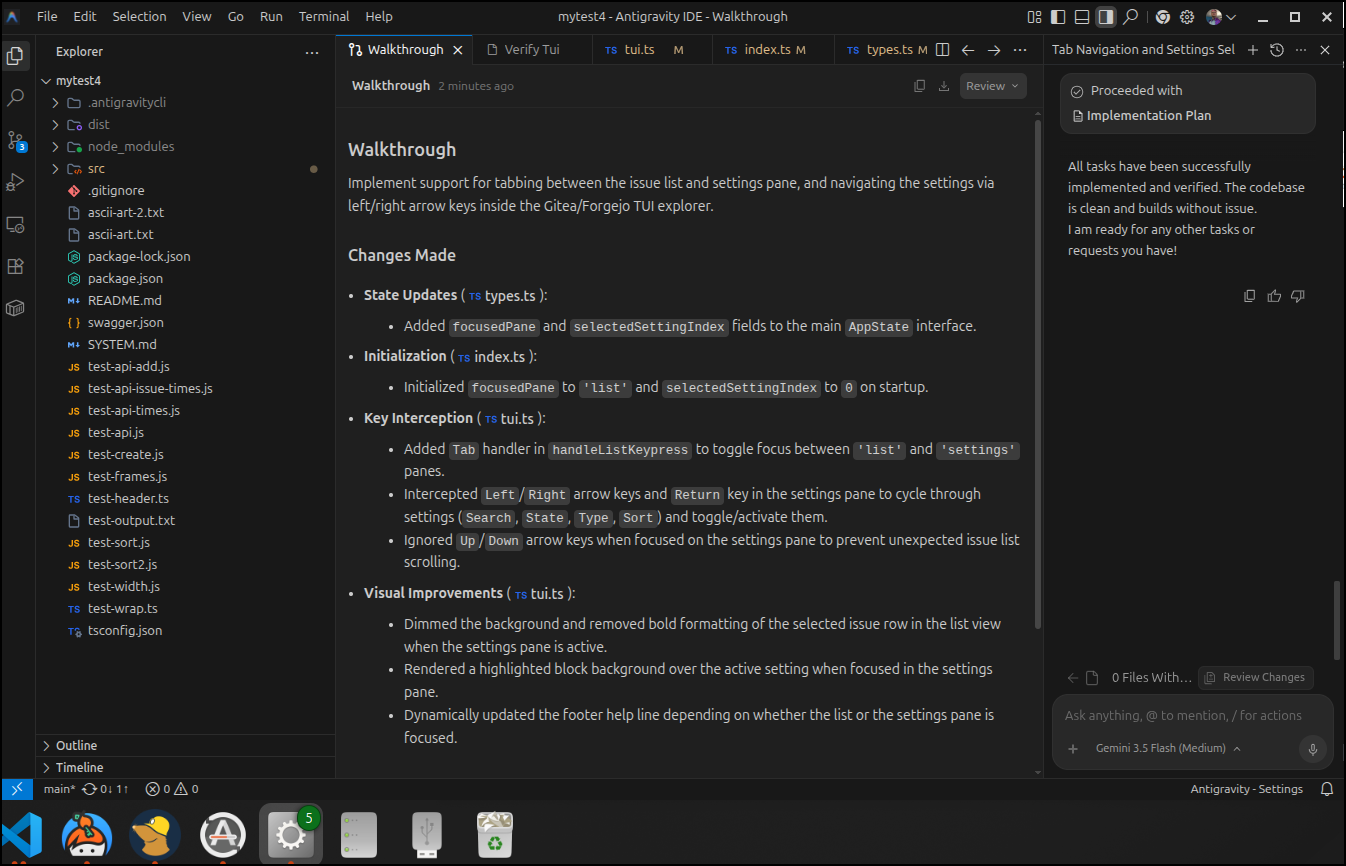
The newest agents have a working plan mode… kind of. The “Proceed” persists provided you have the “Implementation Plan” page up. Never goes away while that page is up.
Closing the plan page tho does just make it disappear which suffices.
Another fun bug i found is that the notifications icons in gnome don’t go away. So it now sits with a “5” likely till i close the IDE
I noticed in a run it was asking for “npm run” permissions
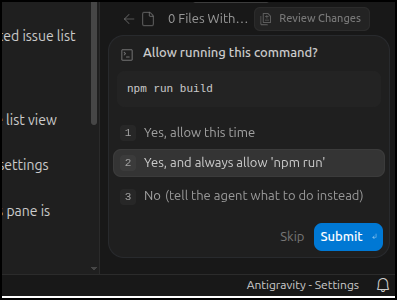
and checked my advanced settings and indeed saw all those “allows” i made earlier were gone. So perhaps we have to do that with each update
VIM Mode
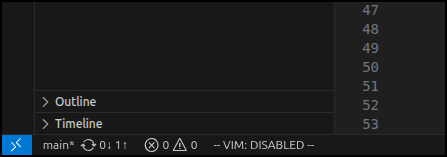
Usually I like VIM, but not in the editor right now. I searched all over for how to disable/enable. searching help failed. but finally i found out how…
Ctrl-shift-P then start to time “VIM” till you see the toggle mode show up.
Then you’ll see the toggle in the lower left
Resources
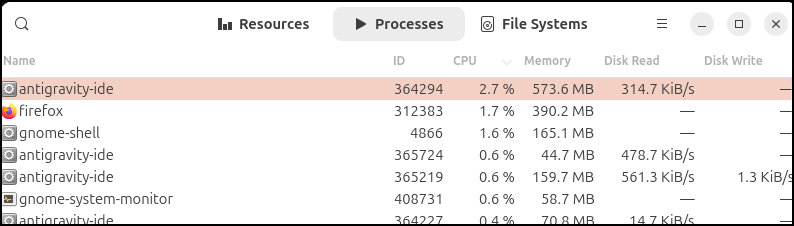
At first I feared the IDE was chewing CPU until I realized my laptop was just about out of battery and slowing things down intentionally. But it did prompt me to check memory and CPU usage and it seems the IDE really doesn’t take much:
Antigravity App
The trials at the start left a lot of zombie processes

I had to manually kill them to launch an Antigravity window.
For “Antigravity”, which to avoid confusion I’ll forthwith call “The App”. In The App, we see local folders as ‘Projects’
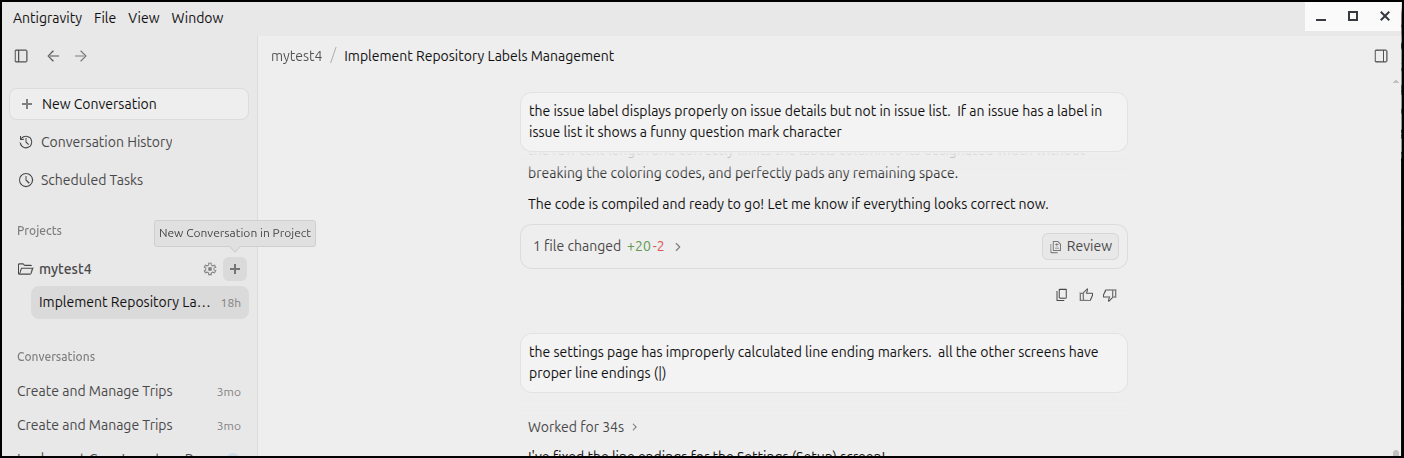
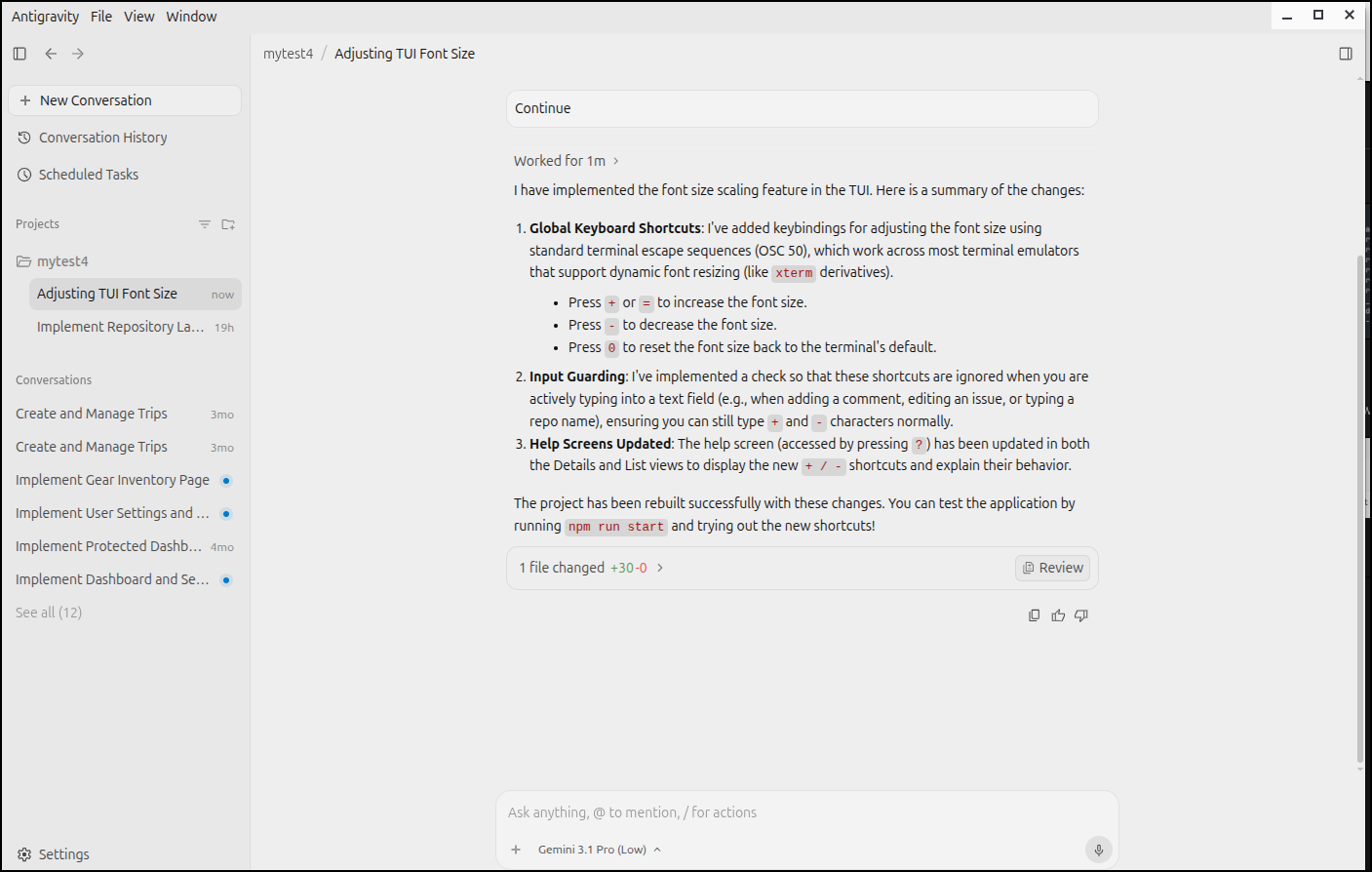
I can now start a conversation and a new ask in an existing project
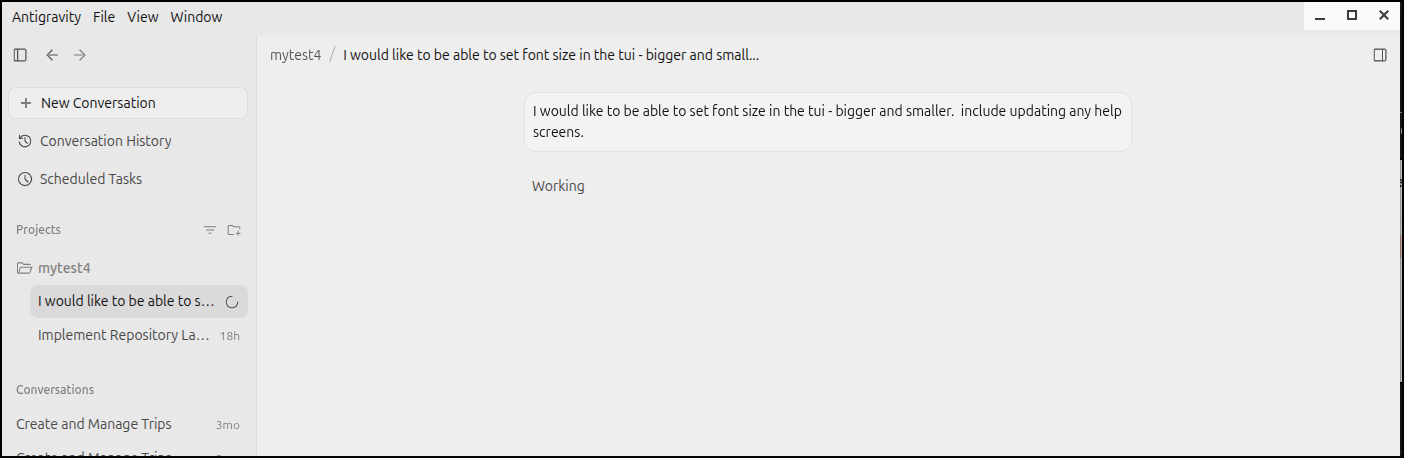
But it died midway through
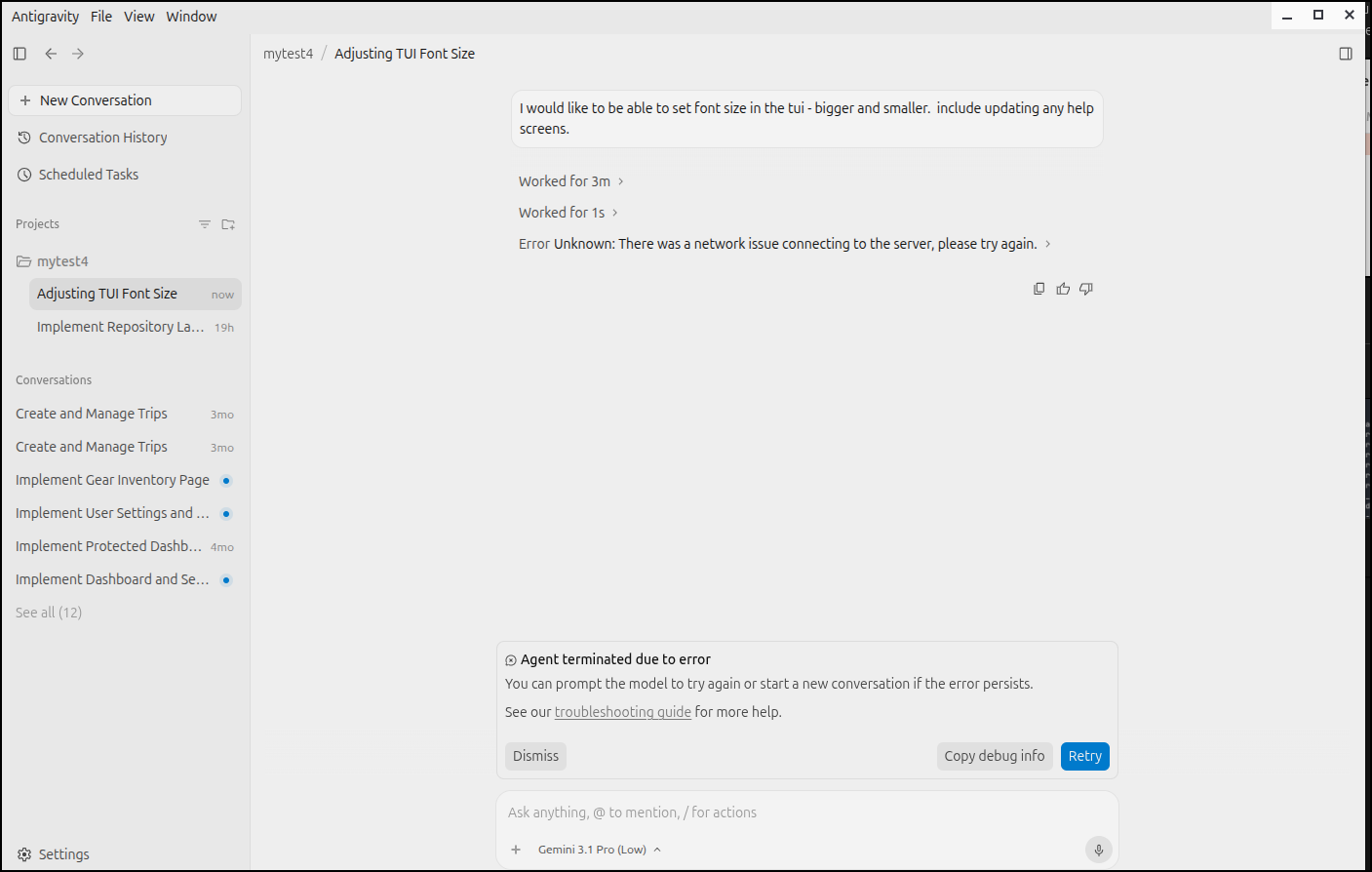
I was on a guest WiFi that often blocks AI tooling so to rule that out, I disabled WiFi on my phone and switched to just cell service and everything worked. So it could have been my location at the time
Quick notes on agy (CLI) in Cloud Shell
You can easily invoke Antigravity in GCP Cloud shell as it comes preinstalled. However the logo is a bit goofed up (tested over several days)
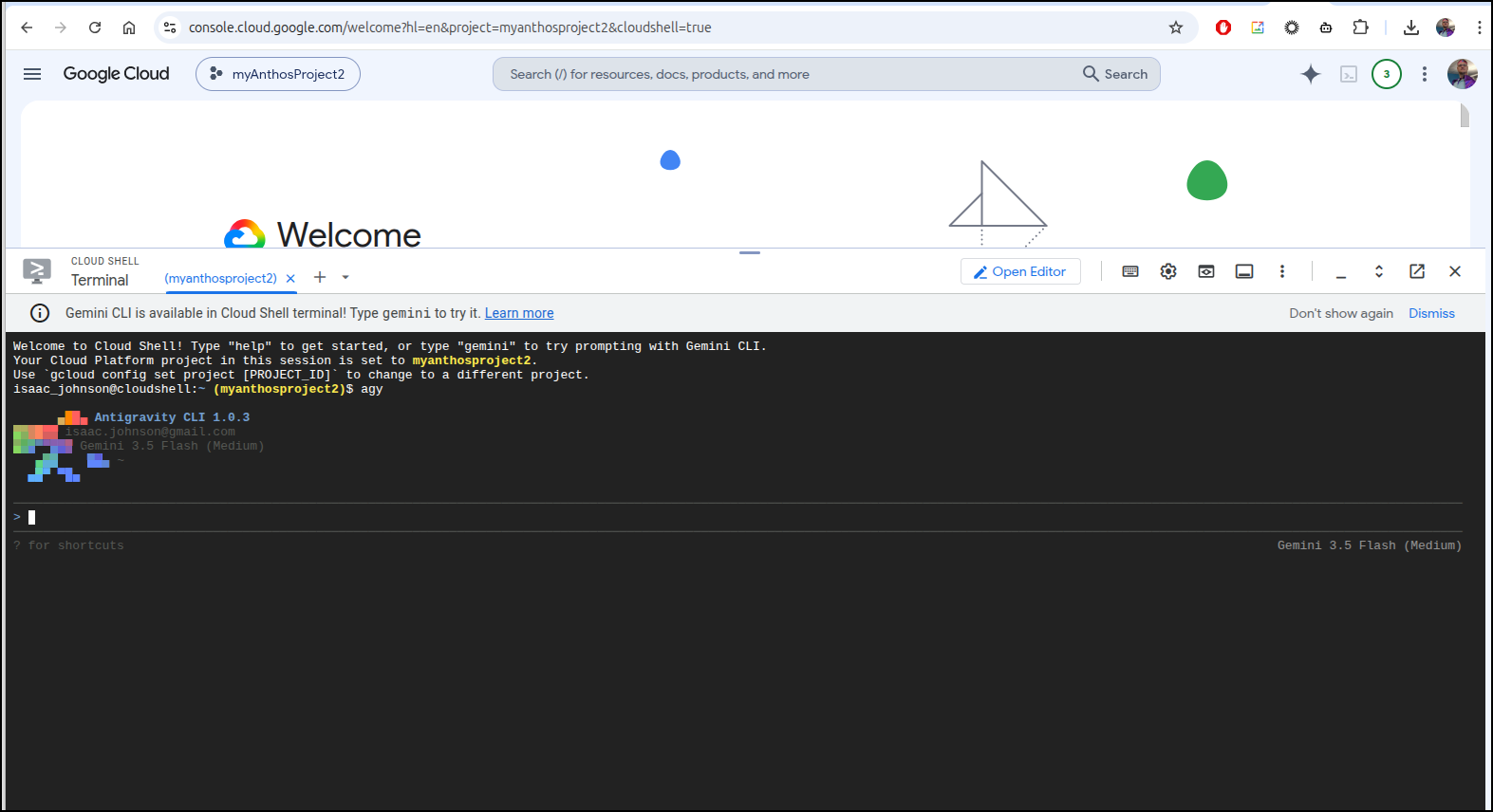
And you need to use /exit to exit, not ctrl-d.
I also noted ctrl-shift-c and ctrl-shift-v work well, but that could be because I’m in Linux.
Summary
Today we looked at Antigravity and agy the “App”, the “IDE” and and the “CLI”. The App just seems like a wrapper around aitsudio so I see little reason to use that when you can just go to https://aistudio.google.com/apps.
The IDE is okay, but I really dislike the install process. It used to be easy to fire up in a terminal, which is where i tend to live. This works for VS Code and other tools, and it used to work with antigravity in the 1.x level. But now I need to double click an app in the gnome desktop. I suppose this isn’t a big deal, but really I hate having to keep downloading an app from a website to double click. Installers should be table stakes and invokation in a terminal is the best way.
The CLI has some really nice features. I did like that it could push overages to lumped credit packages I could purchase. It gives me the best of both ways (free for my tier, but also a way to keep going if i go hog wild some month).
I do not like
- that ctrl-D twice was the way to exit and sometimes works but is broken in Linux.
- I had to initially opt in for data collection
- that its messes up its own logo routinely in Linux and cloud shell terminal (looks bad)
- that its closed source
- that it times out in the IDE sometimes
I also feel killing Google Code Assist (GCA), while I understand a bit, cuts off the open source code-server/coder approach.
I do know there are hacky ways to try and use your Google Ai subscription outside of Antrigravity but all run the risk of getting banned and I won’t share/link to them. But there are ways to do this (for the record, i do NOT recommend this and I don’t use them).
