

Published: May 21, 2026 by Isaac Johnson
I noted there were updates to Warp.dev from a TLDR Newsletter. I recall Warp from my Dec 2025 writeup and thought of it as just another LLM CLI. However, they now have ‘Oz’ agents which are cloud-based agents that consume credits to use. Let’s give it a revisit to see if Warp has changed at all
Kiro, the AWS LLM. It has gotten a lot of grief over time - mostly because it was not available and not used (by anyone outside of AWS from what I gather). But it’s now GA’ed and it was not hard to onboard and start to use. Let’s look at Kiro (and it’s rather generous free tier) as well.
Warp
The part that confuses me a bit is that there is oz-for-oss which suggests we can launch it ourself into Vercel but then there is an Oz credits for OSS that suggests you can apply to get free Oz credits for your open-source project (if approved).
I also think they really want you to use their hosted option (likely as this is where the profit might lie). I say that as later when I went in to the Oz app, I could only host with “Warp hosted”
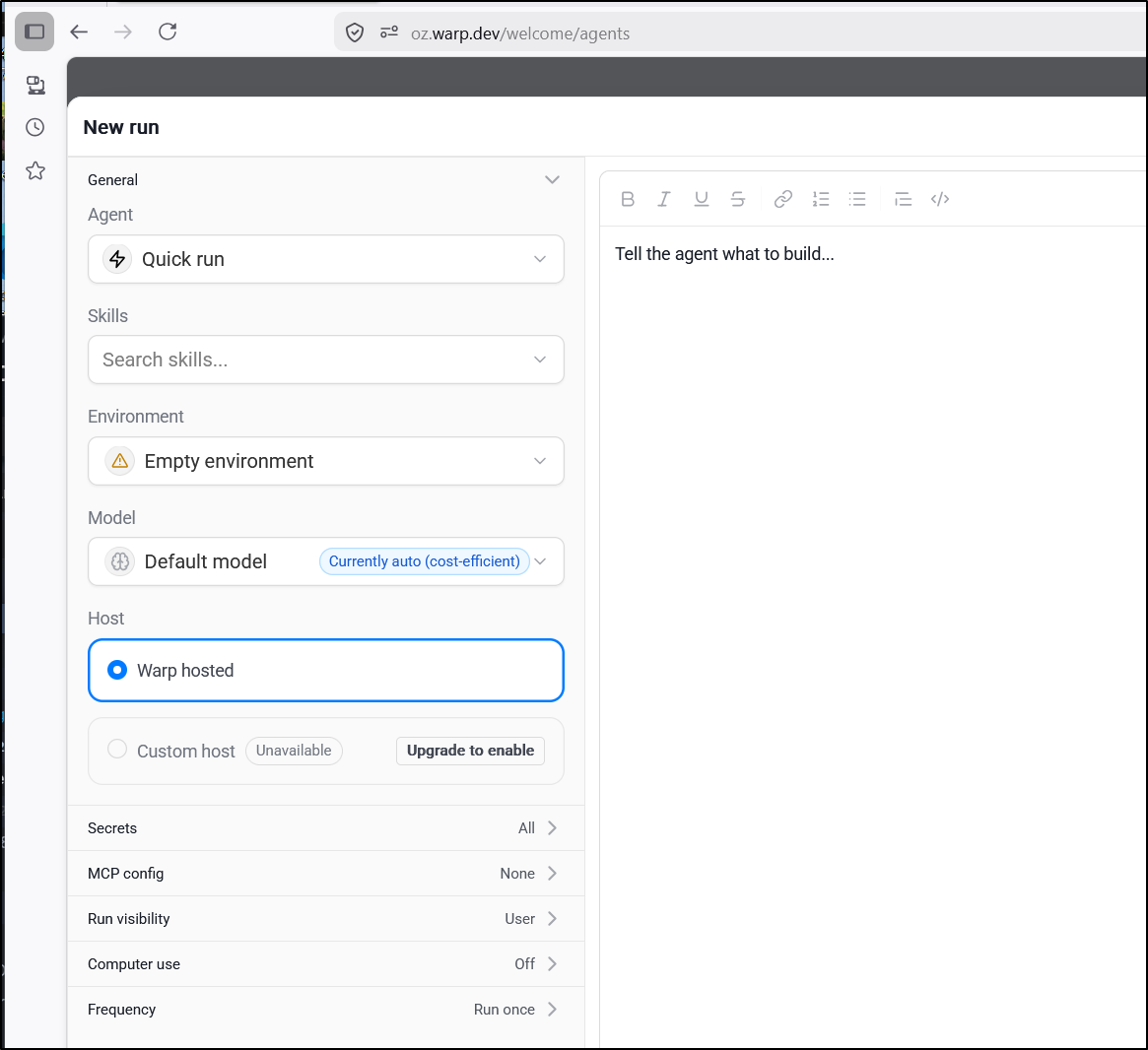
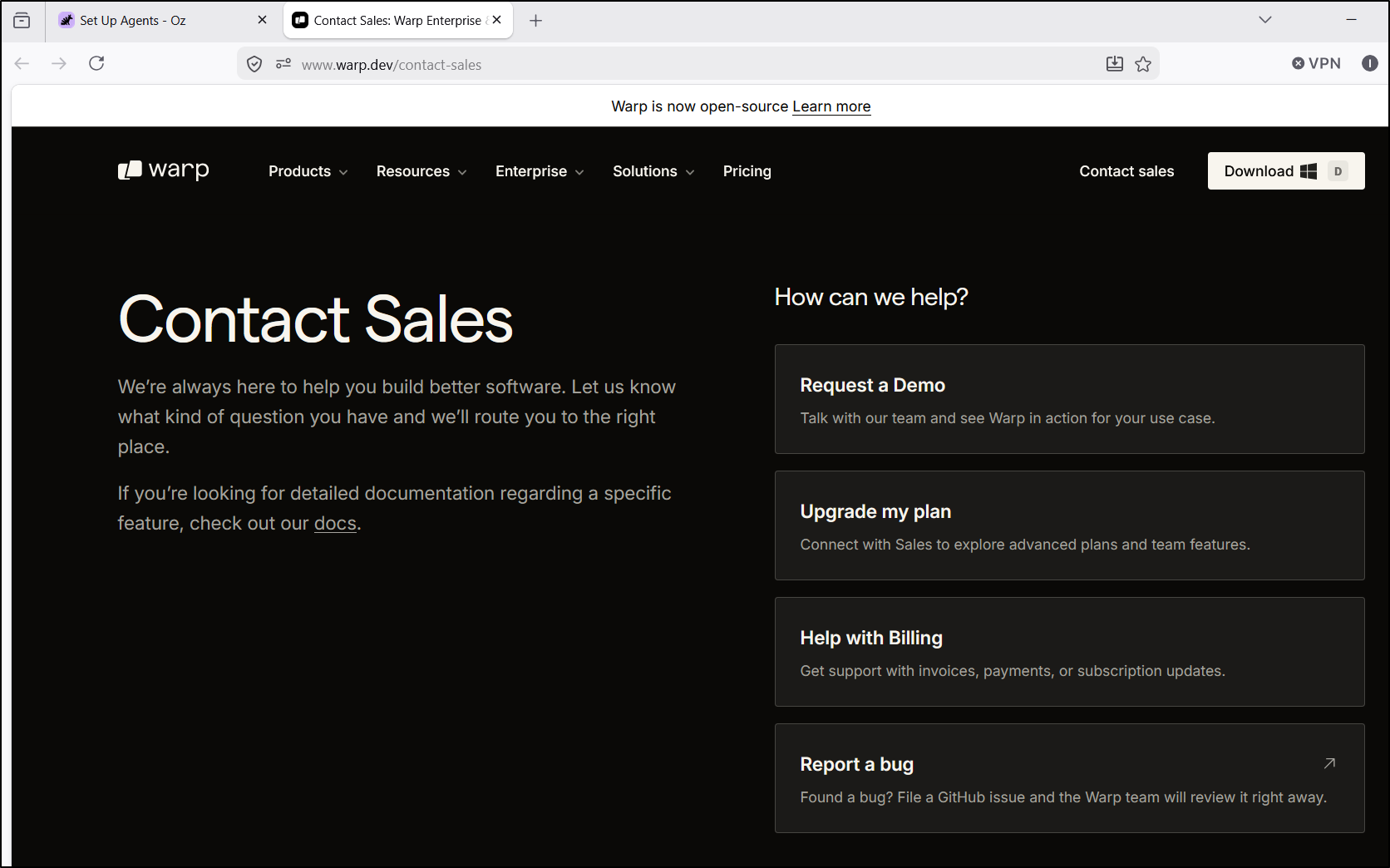
And the “Upgrade to enable” button just takes me to a “talk to sales”
Instead of getting my brain all twisted up, let’s just install this and see what it does.
I’ll start with Windows
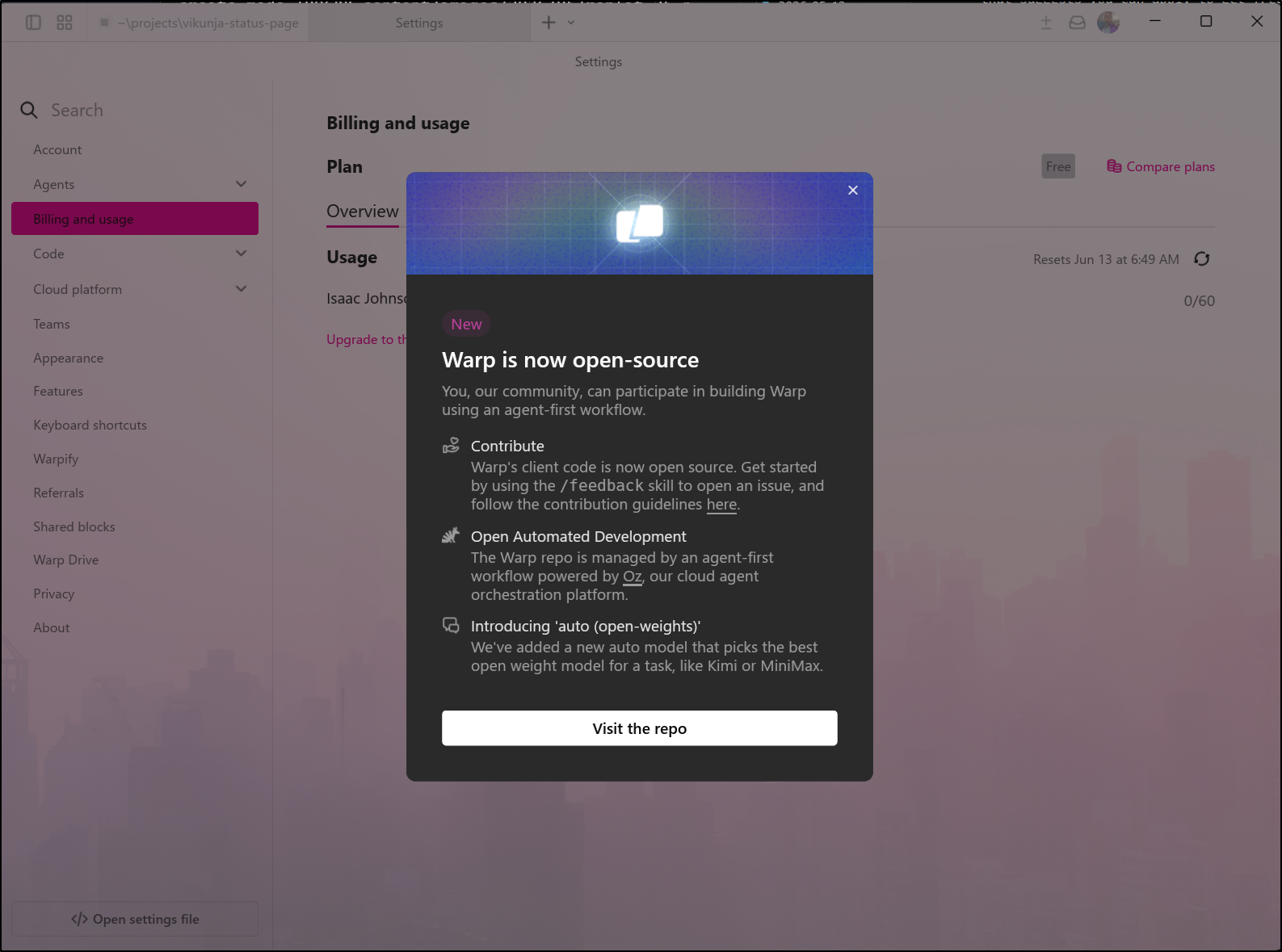
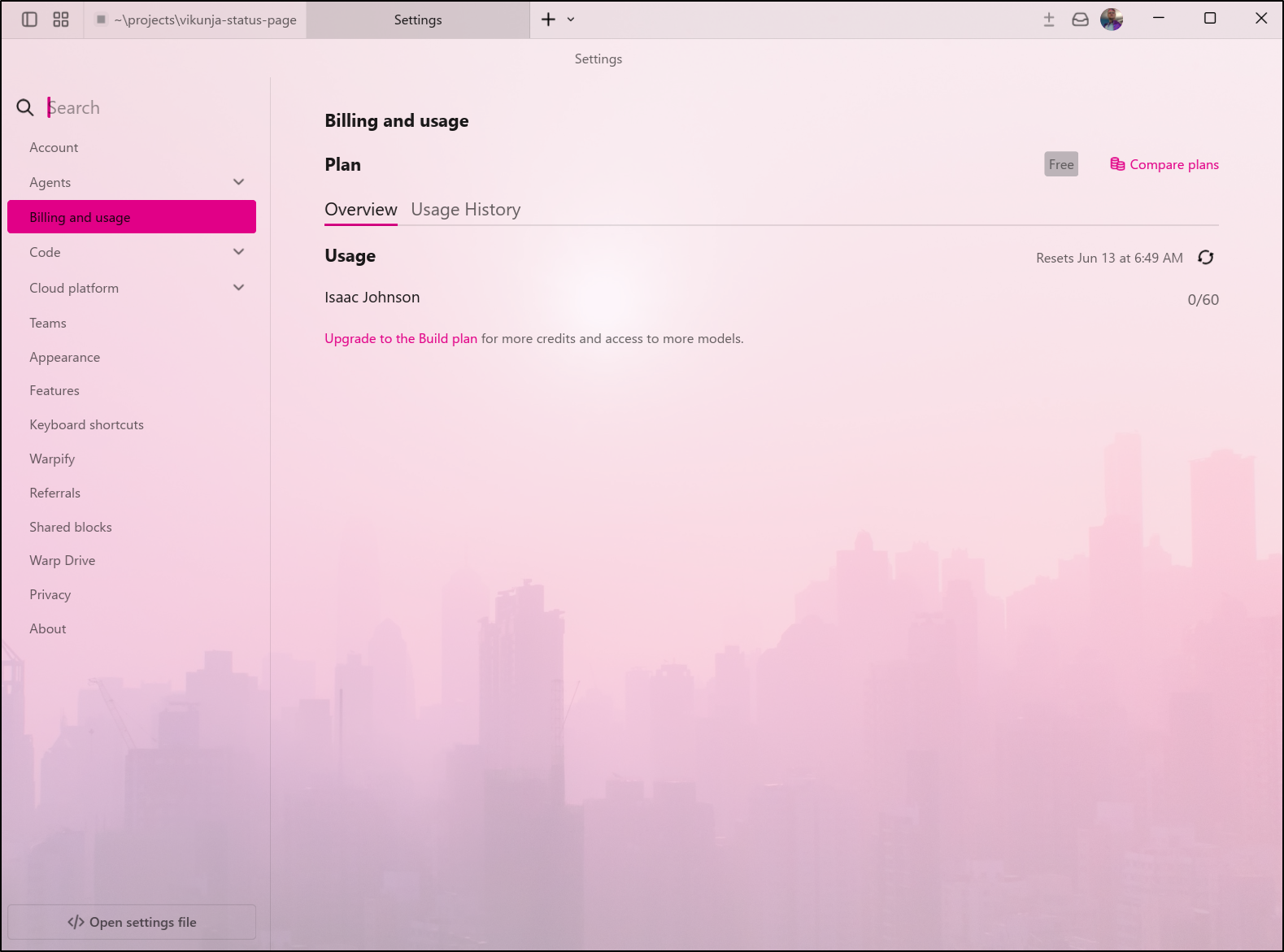
I have a project already and I can see I’m in the free tier with 60 credits available
I recall back in Dec 2025 I checked it out and built out a Vikunja Status page
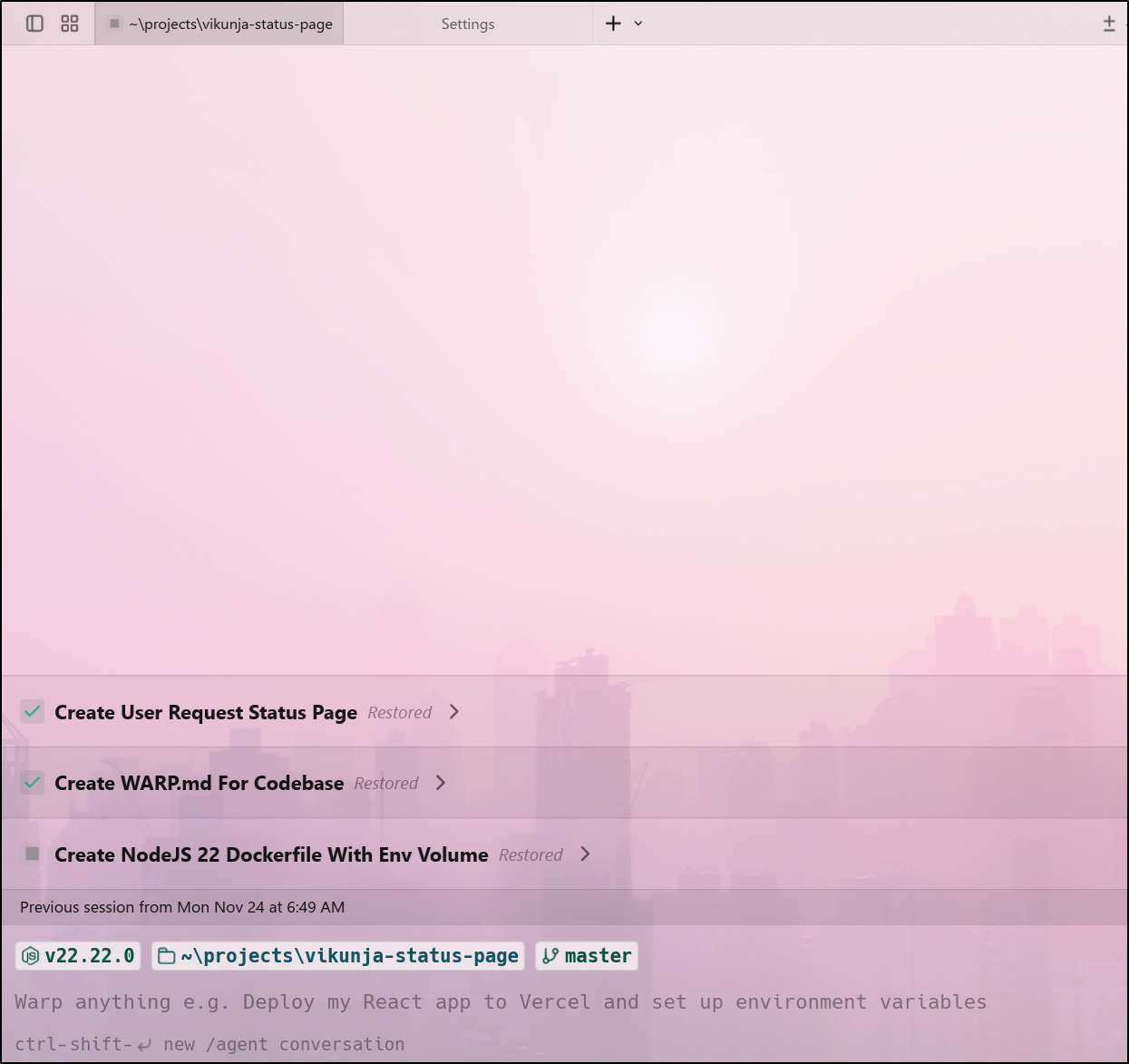
Oz Agentic whatever
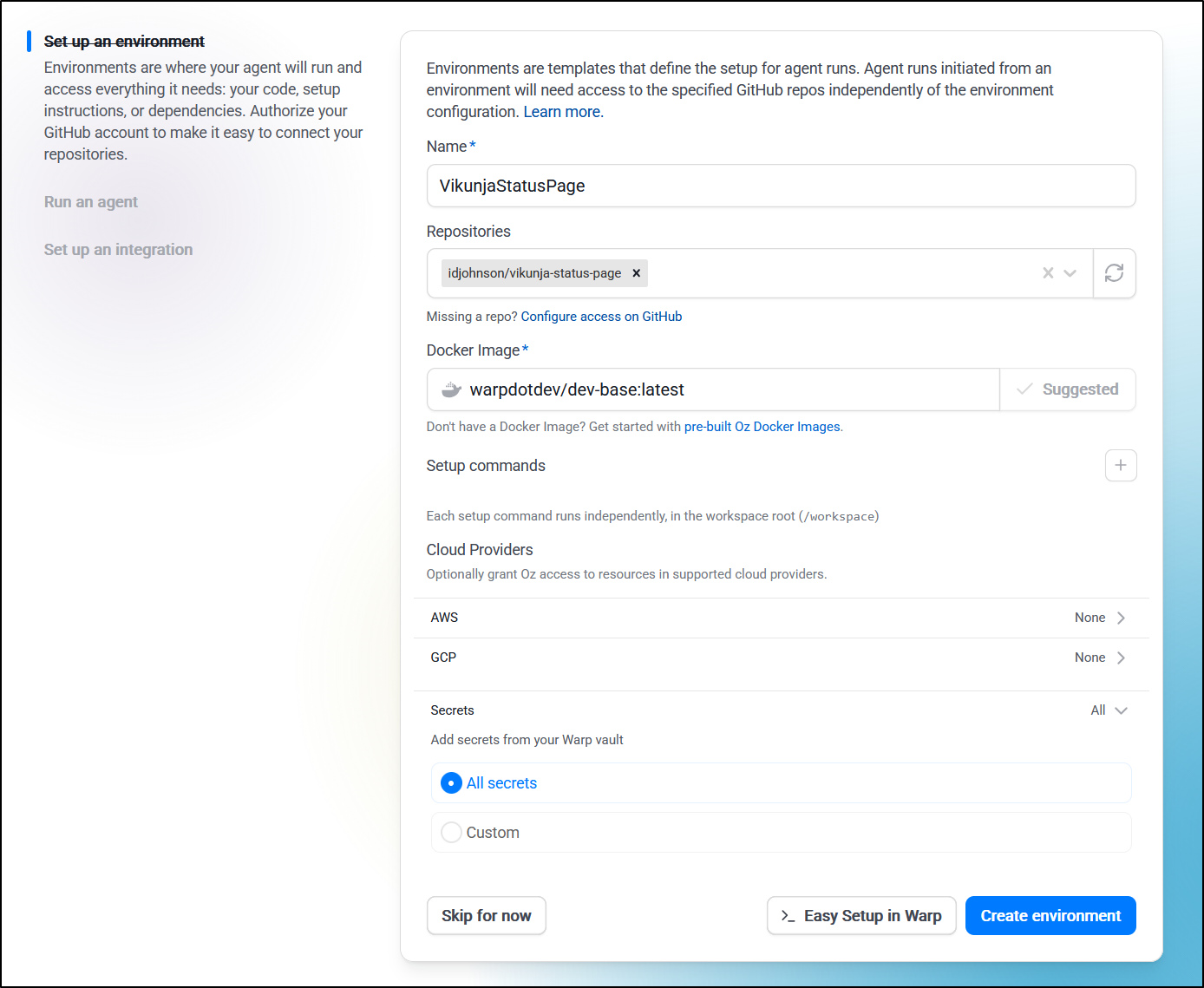
Okay, fine, I’ll do the agent thing. I go to Oz.warp.dev to create a new environment.
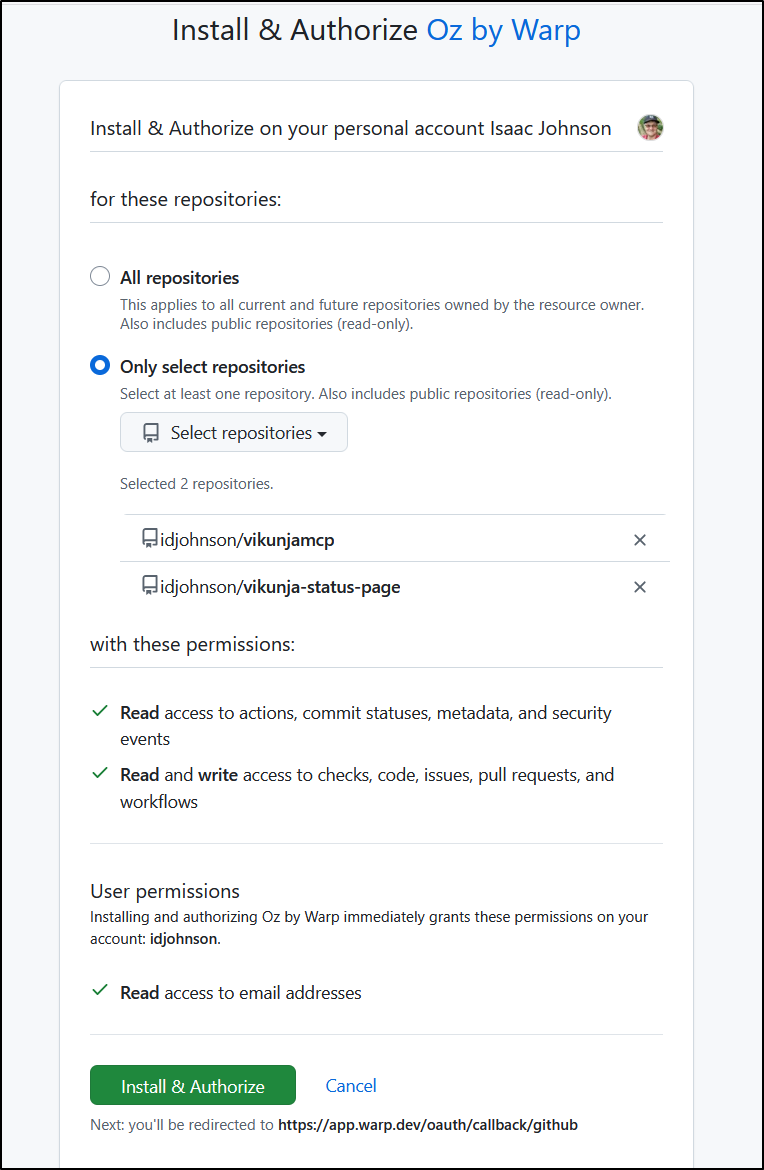
I installed the Github app, but then I still need to authorize for some or all repos. I have trust issues so I’ll just grant access to a couple repos for now
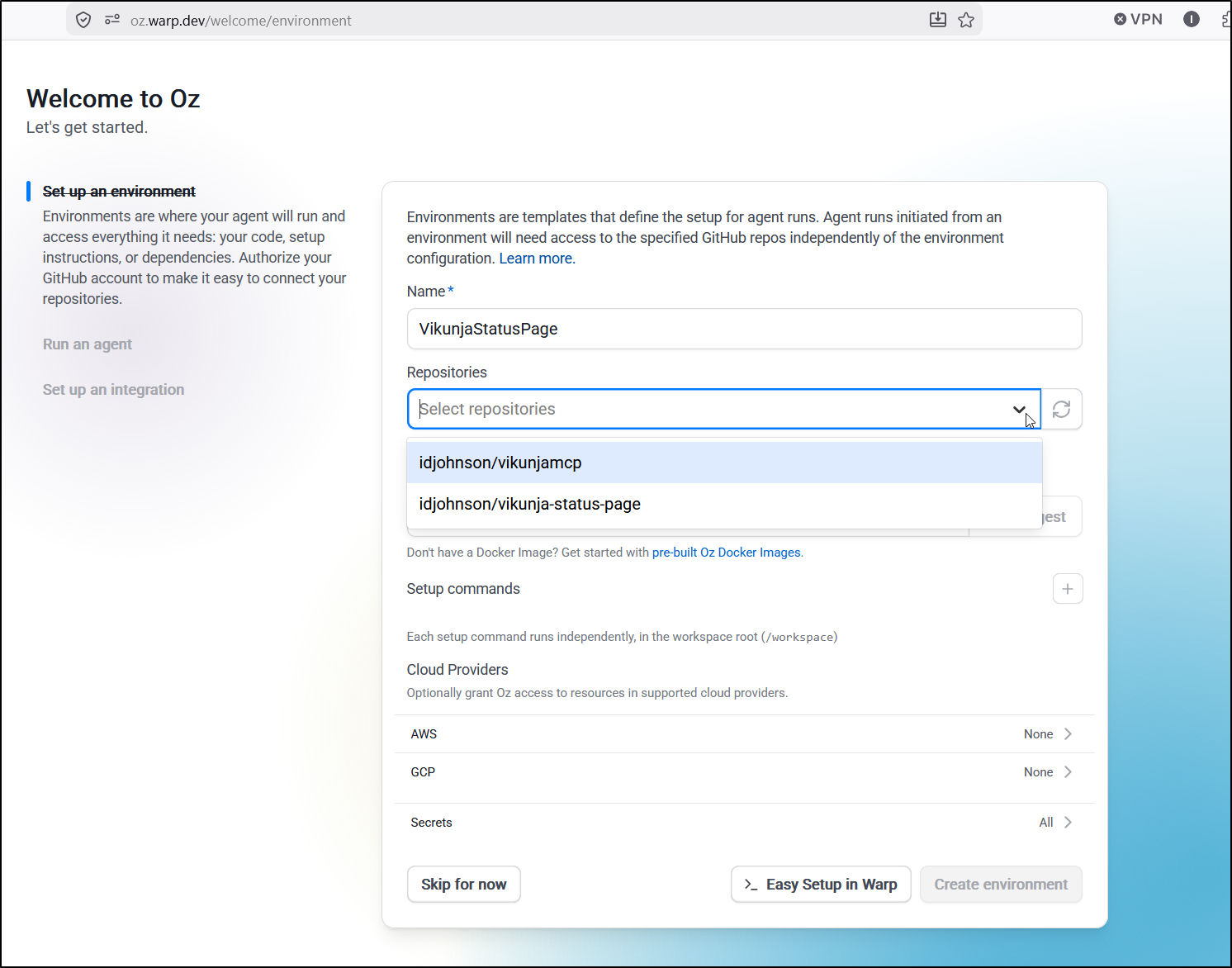
I can now pick the status page from my list which only shows the two repos for which I granted access
Today the status page is live in my k8s at https://requeststatus.tpk.pw/.
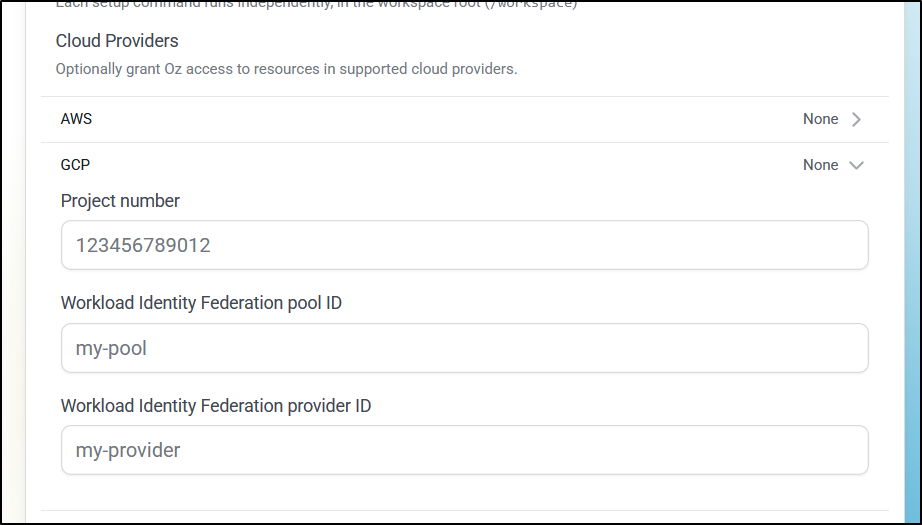
I decided to take a chance and create a GCP WIF pool it could use following their steps
However, as I got to the lower steps in creating a WIF pool, it needs a “team-uid” for restricting access to our GCP from our team :
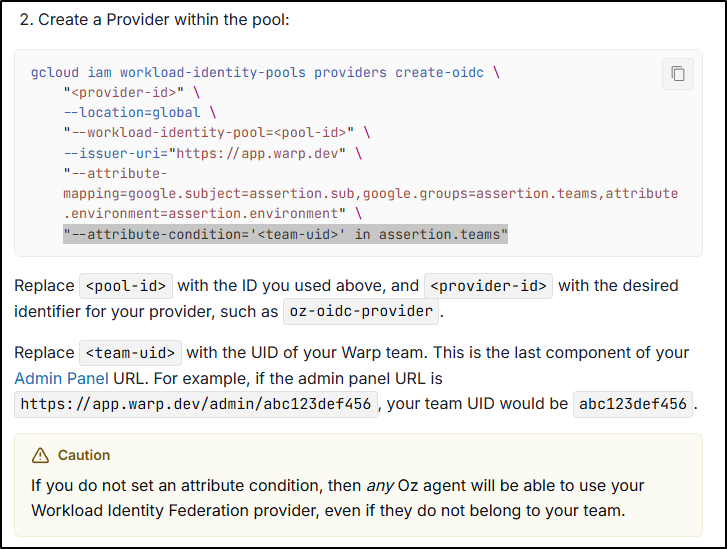
But in my free tier (and assumably any non-business tier), I have no “team” and no ability to create one in https://app.warp.dev/admin
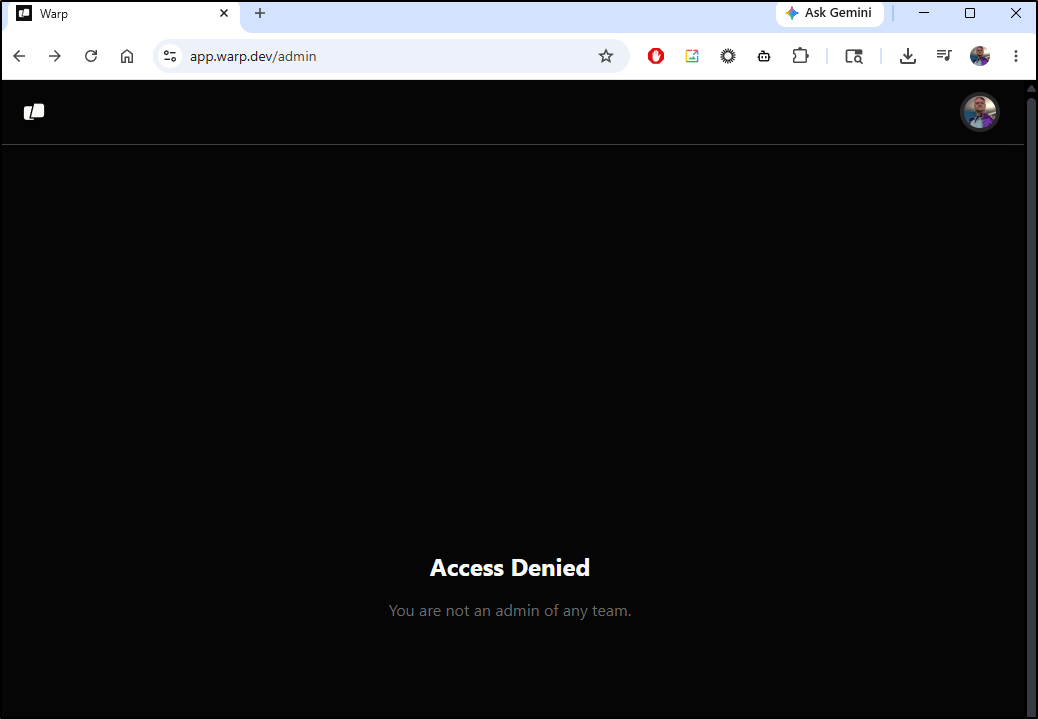
So there would be no way to setup AWS or GCP cloud providers (AWS expects a team set in the role provider condition of the IAM policy)
So I’ll just create with their suggested image and no Cloud configurations
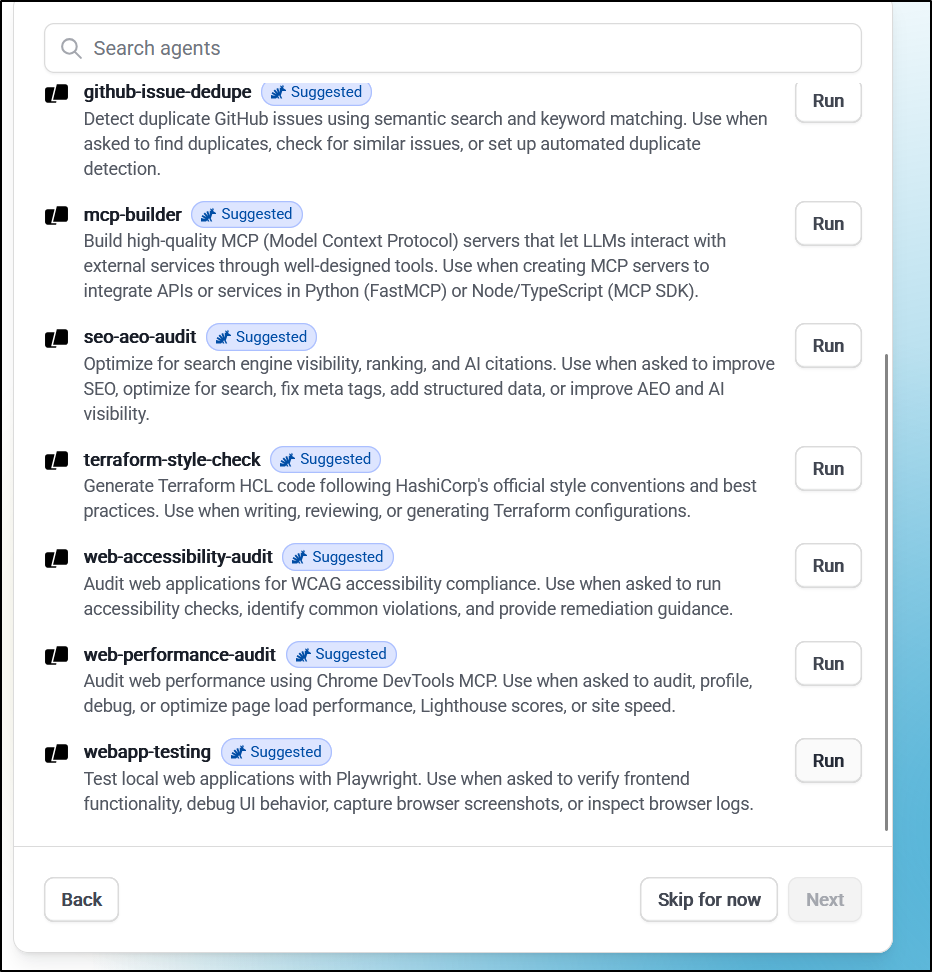
I can now pick what I want this agent to do
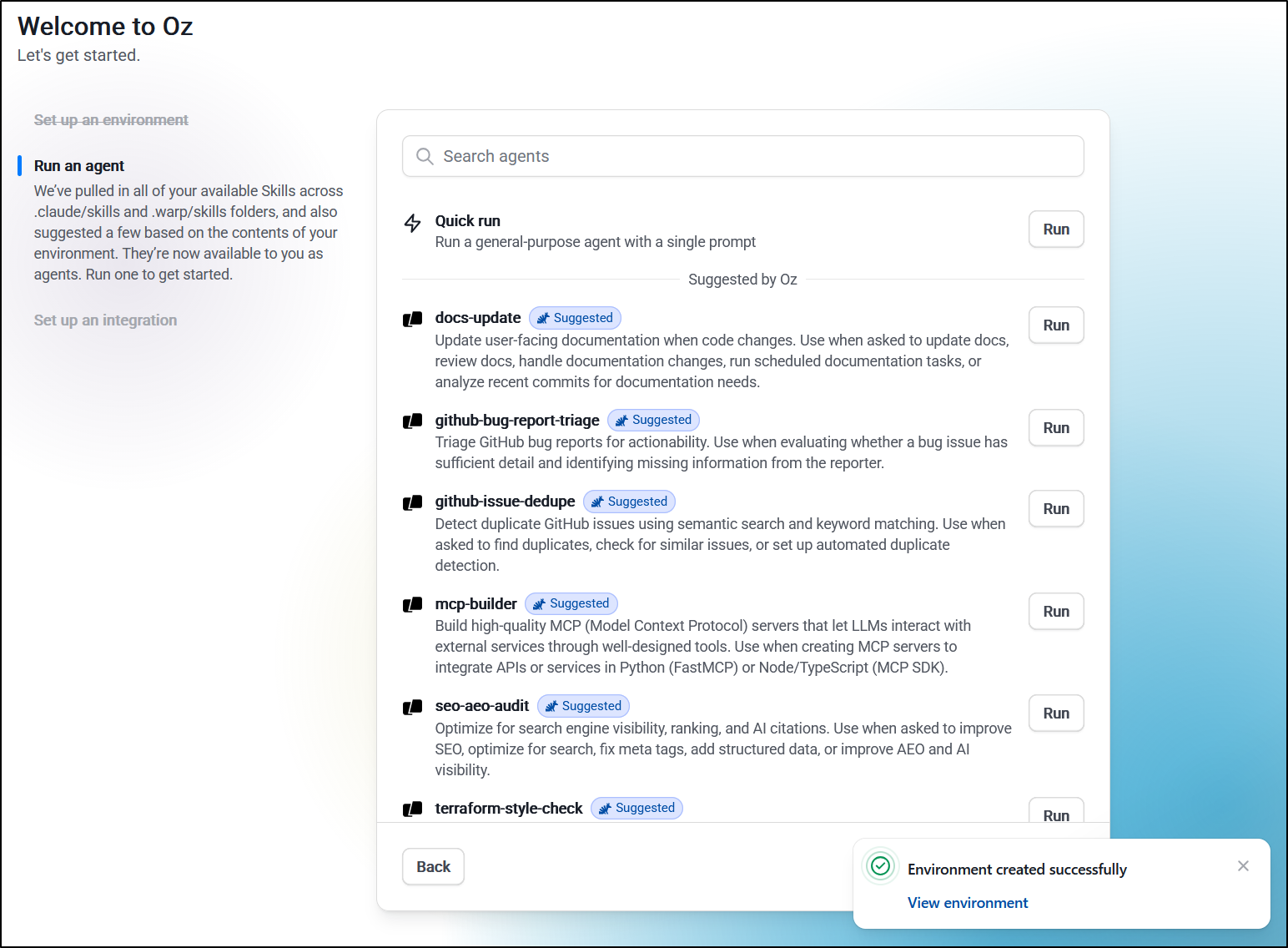
Let’s try web app testing with Playwright
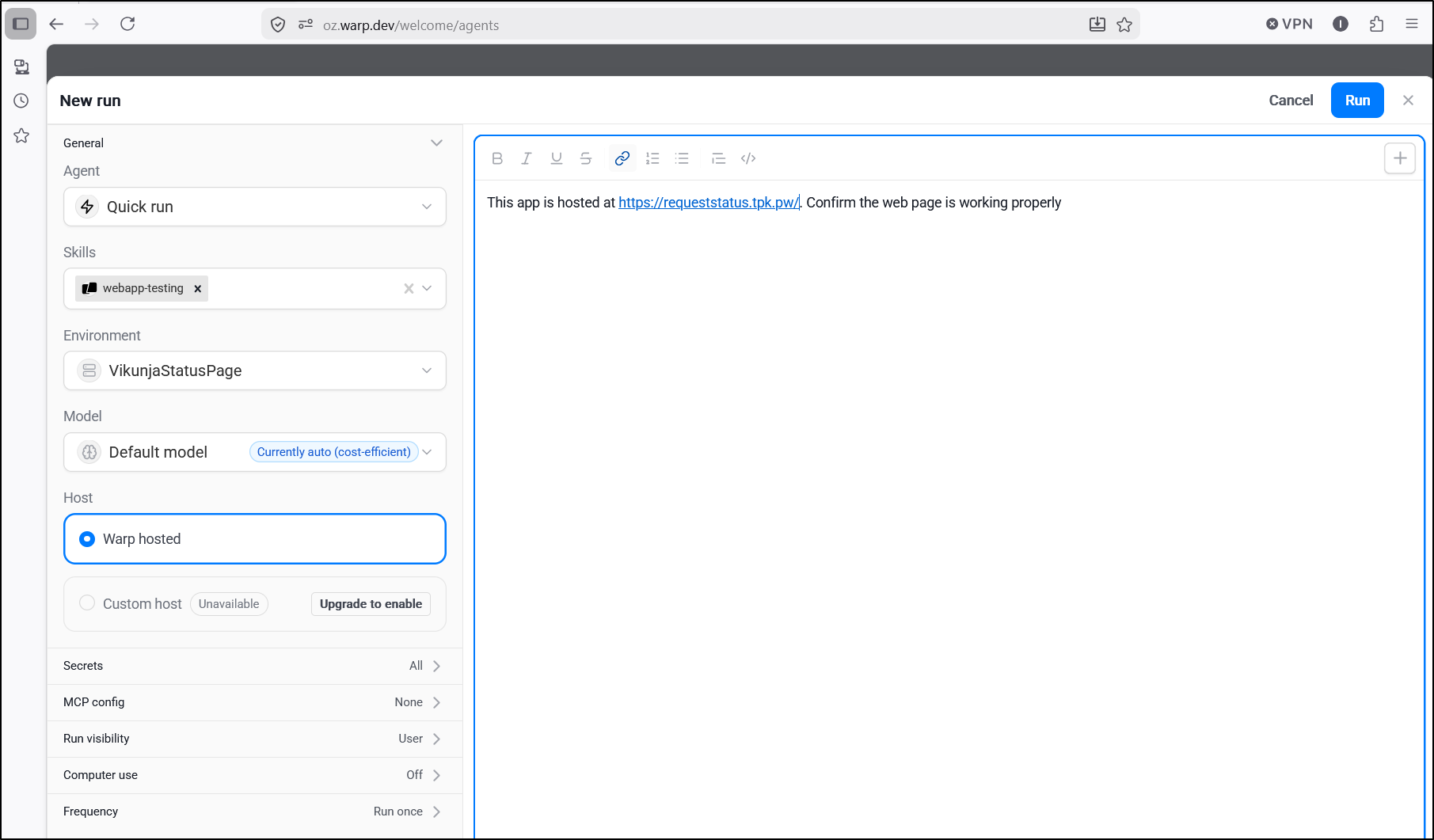
I’ll ask it to check out the hosted app
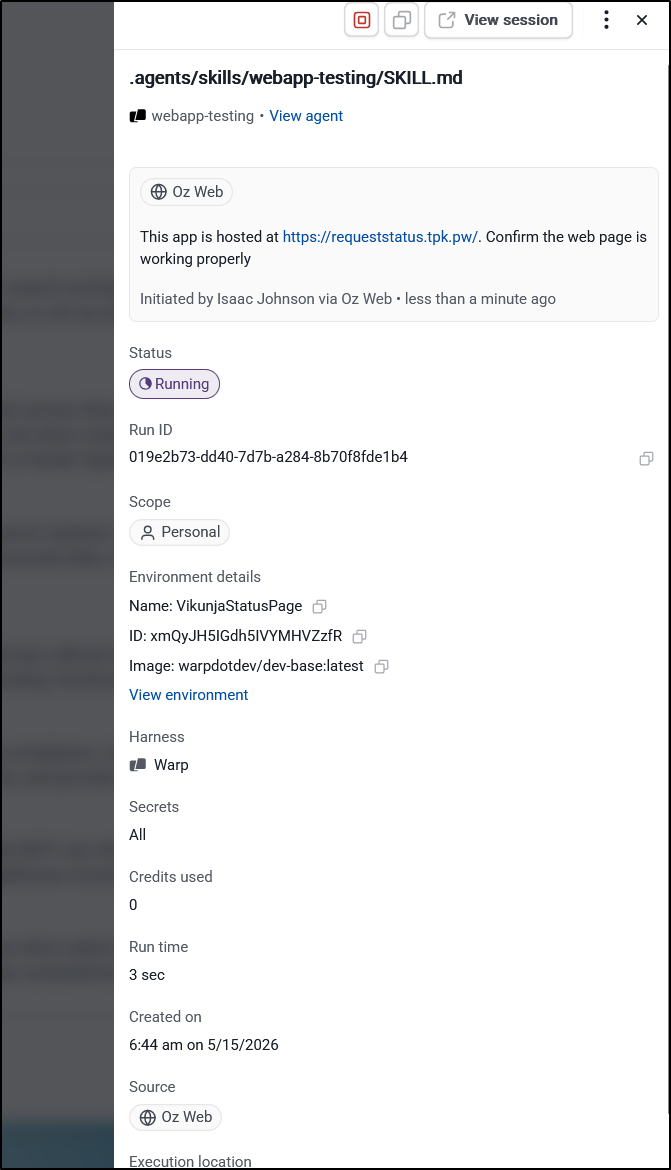
It looks like that kicked off a run
It completed without issue. I’m not sure how long it took (I came back after 15m) as I stepped away from my desk. The link to the image didn’t work from this status page
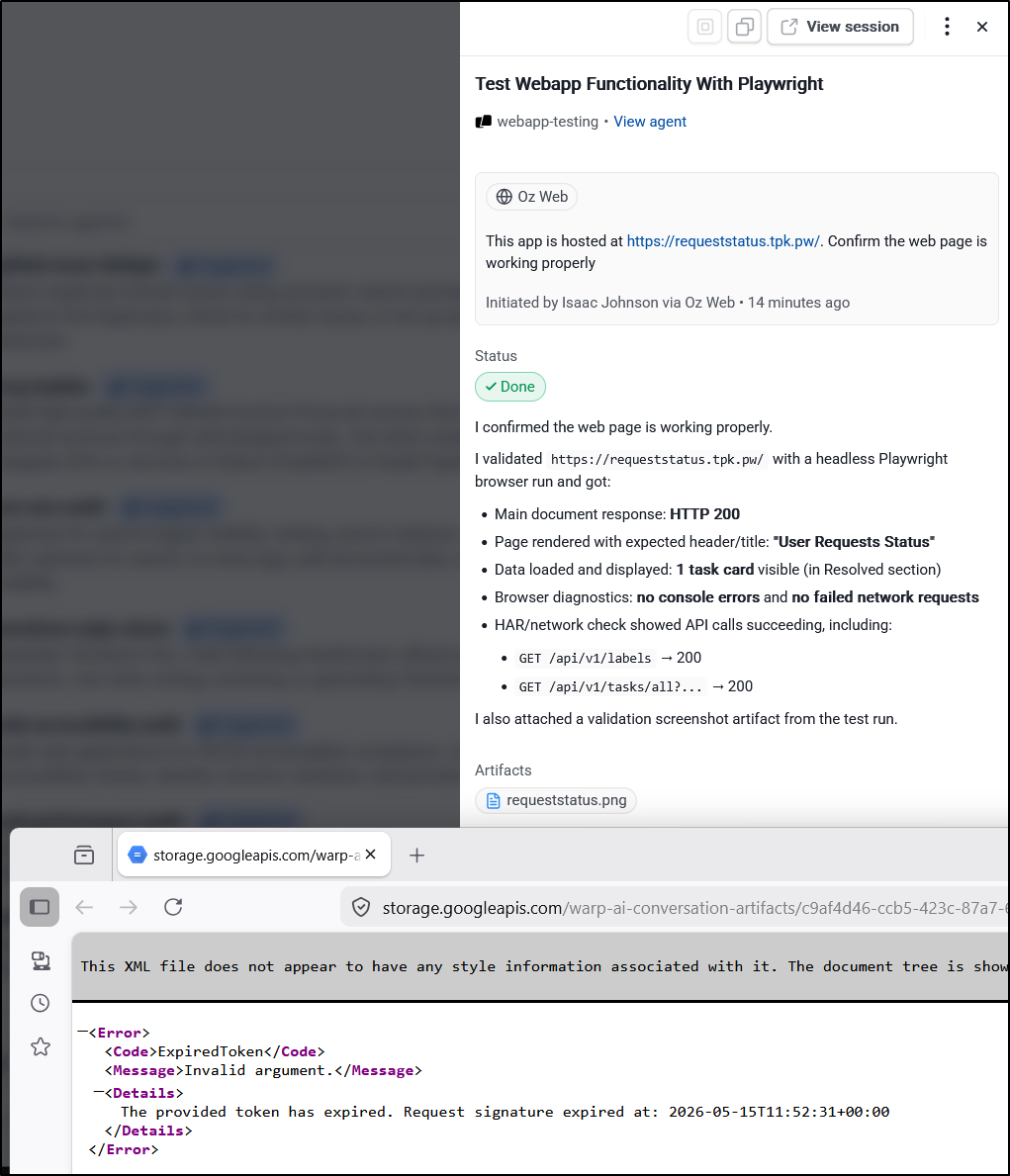
But did from the warp app just fine:
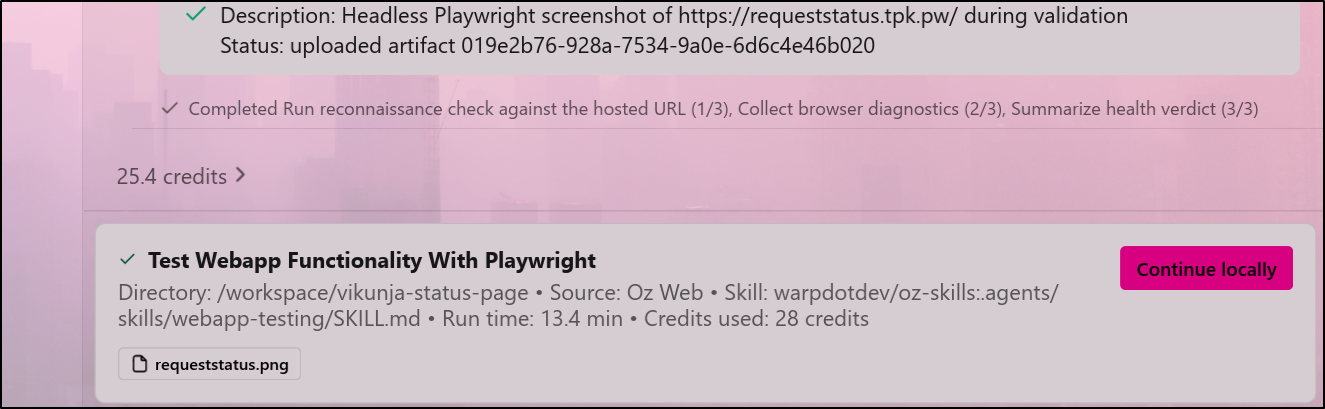
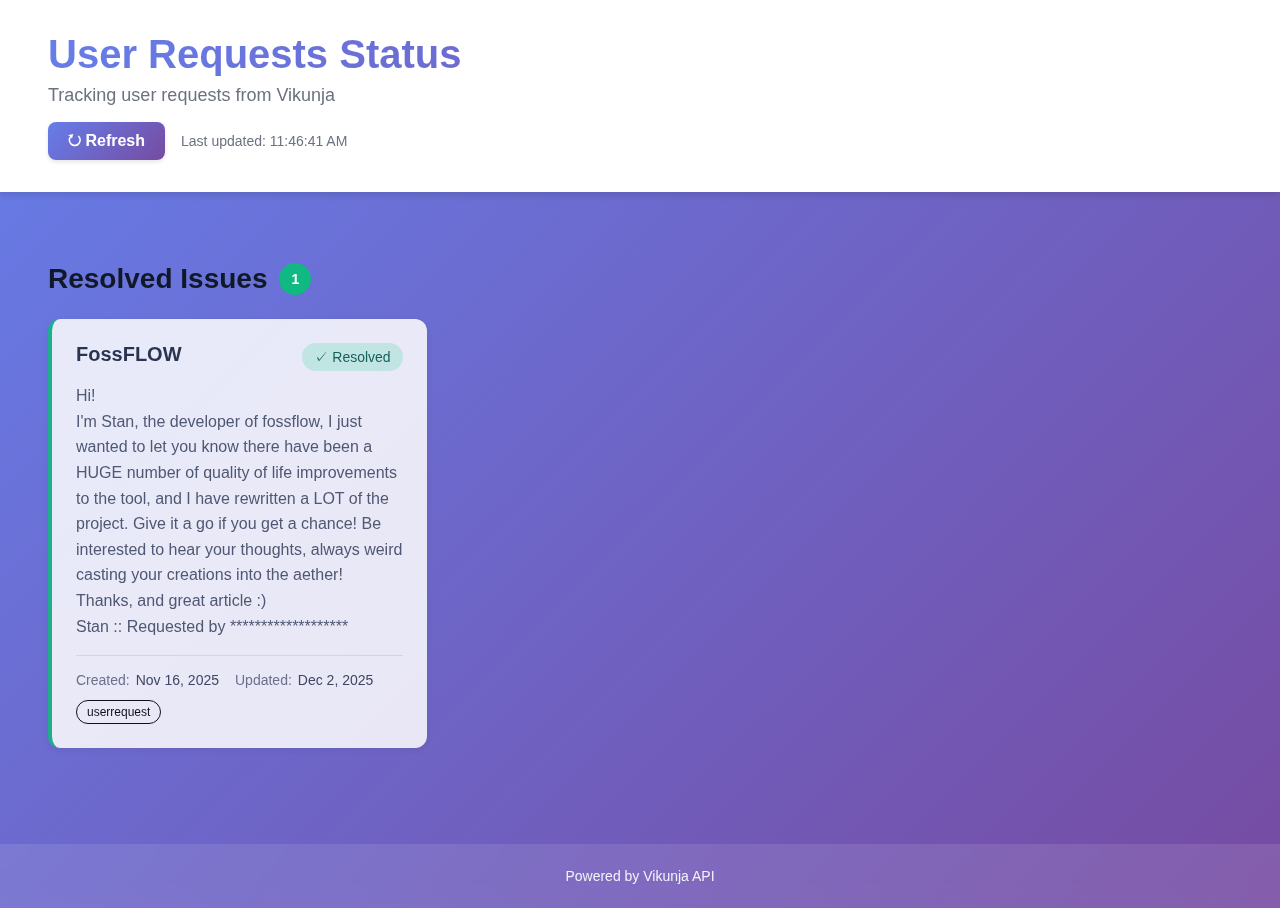
Resulting “requeststatus.png”
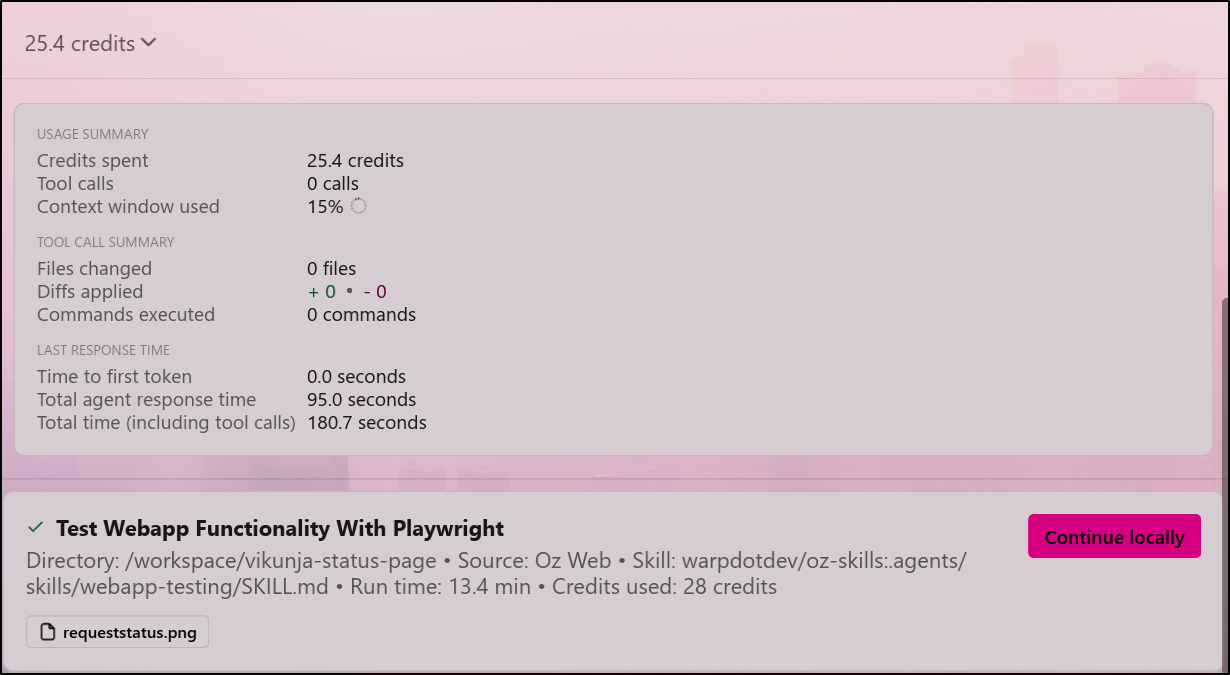
So that used 25.4 of my available 60 credits:
Though the Oz page says we used 28.09
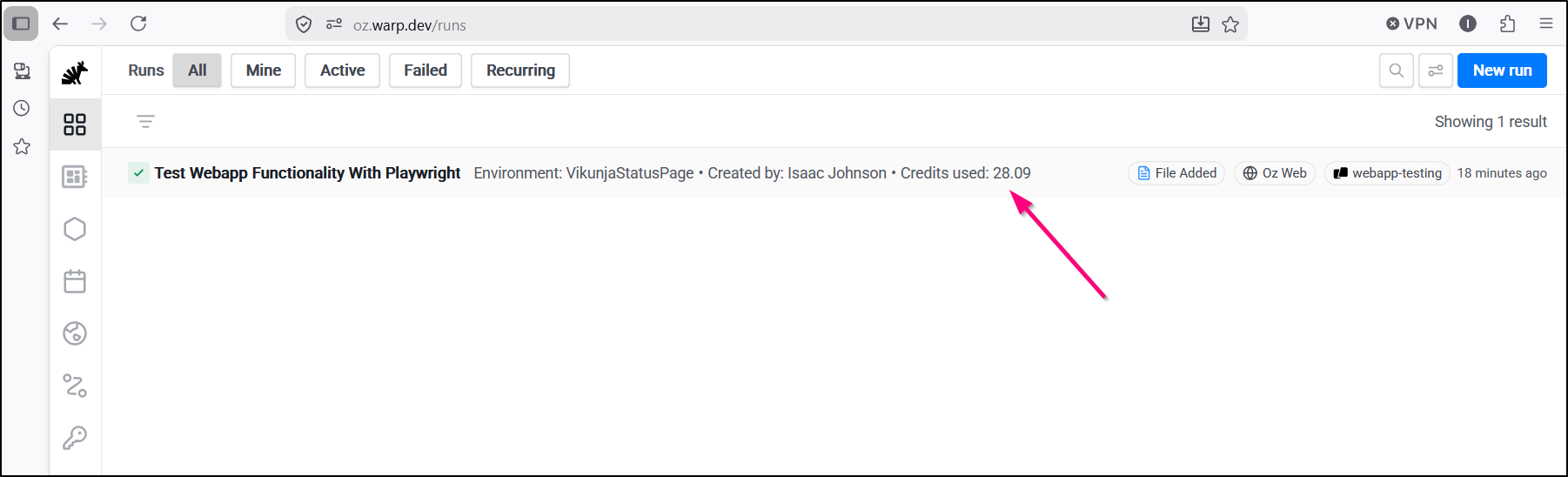
Which seems more inline with what I see on the Billing and Usage page now
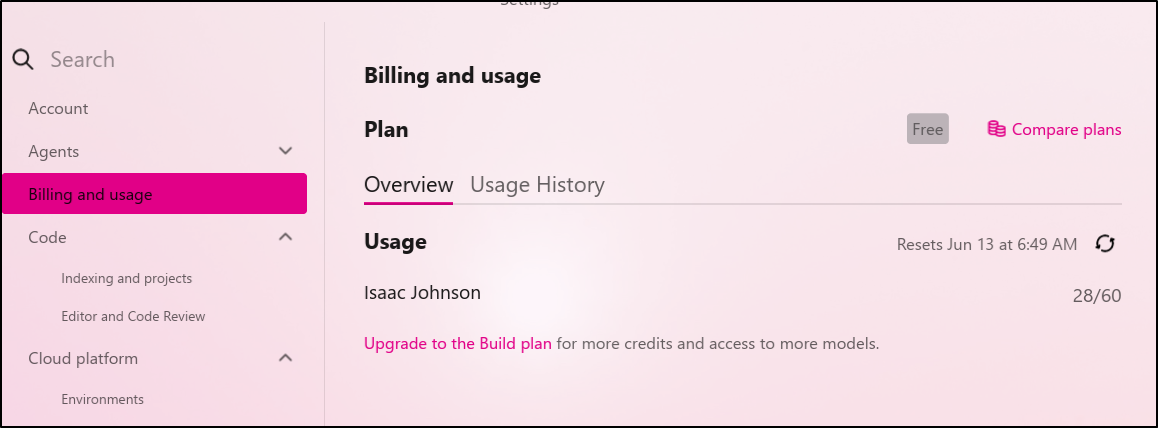
Warp app
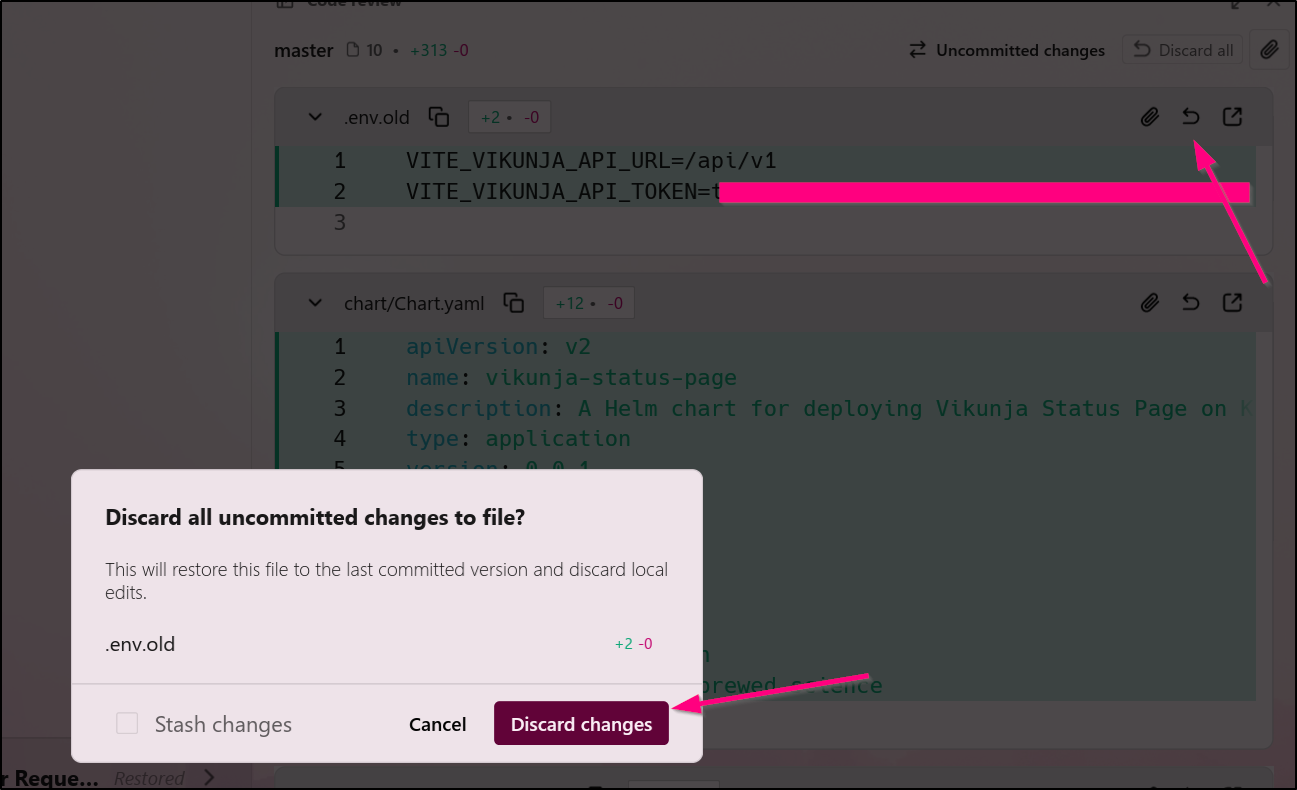
Let’s head back to the app. I realized I left uncommitted changes laying about. However, before I went to commit them, I saw it picked up a file with secrets
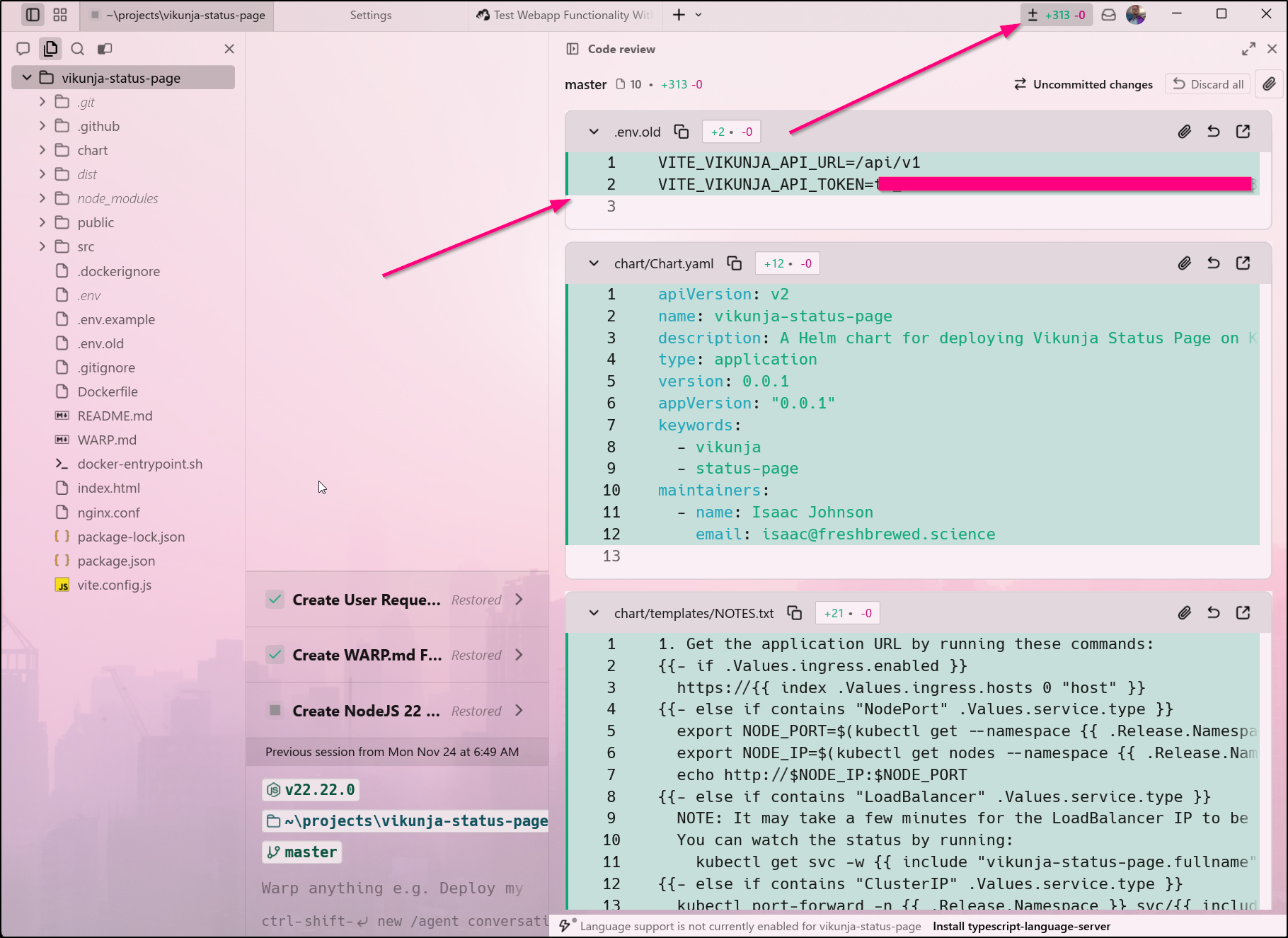
There isn’t really an ‘unstage’, but there is a disregard changes button
However, there is no way I can find to push the changes up or actually commit them in the warp.dev window.
That said, I can always reach the folder from WSL and push it that way
builder@DESKTOP-QADGF36:/mnt/c/Users/isaac/projects/vikunja-status-page$ git config pull.rebase true
builder@DESKTOP-QADGF36:/mnt/c/Users/isaac/projects/vikunja-status-page$ git pull
Successfully rebased and updated refs/heads/master.
builder@DESKTOP-QADGF36:/mnt/c/Users/isaac/projects/vikunja-status-page$ git push
Enumerating objects: 14, done.
Counting objects: 100% (14/14), done.
Delta compression using up to 16 threads
Compressing objects: 100% (13/13), done.
Writing objects: 100% (13/13), 3.95 KiB | 115.00 KiB/s, done.
Total 13 (delta 2), reused 0 (delta 0), pack-reused 0
remote: Resolving deltas: 100% (2/2), completed with 1 local object.
To https://github.com/idjohnson/vikunja-status-page.git
   5cda242..0d09601  master -> master
Mermaid Charts
I was looking at file updates and realized the Warp editor actually does a pretty good job rendering Mermaid Diagrams:
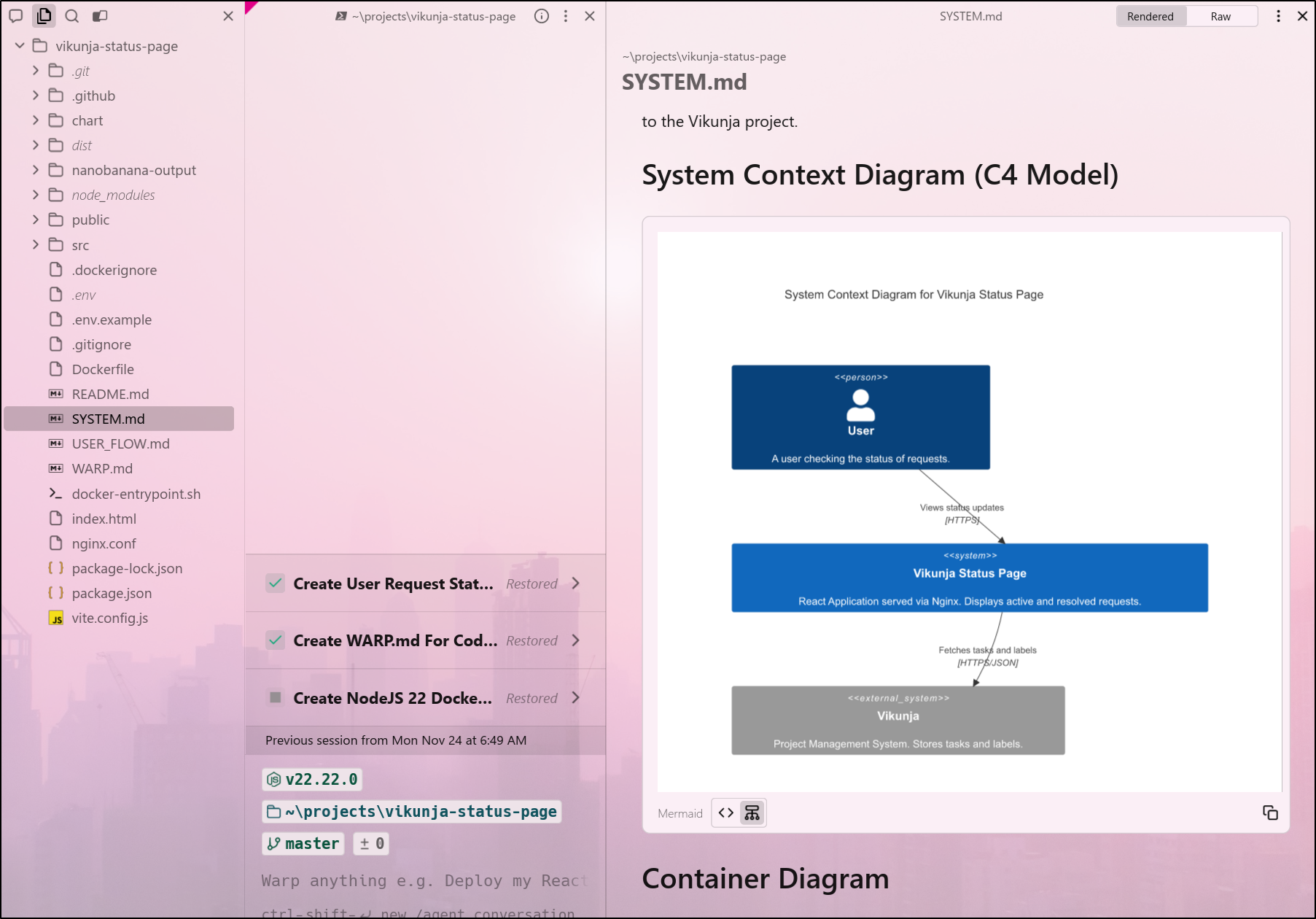
Not perfect, mind you
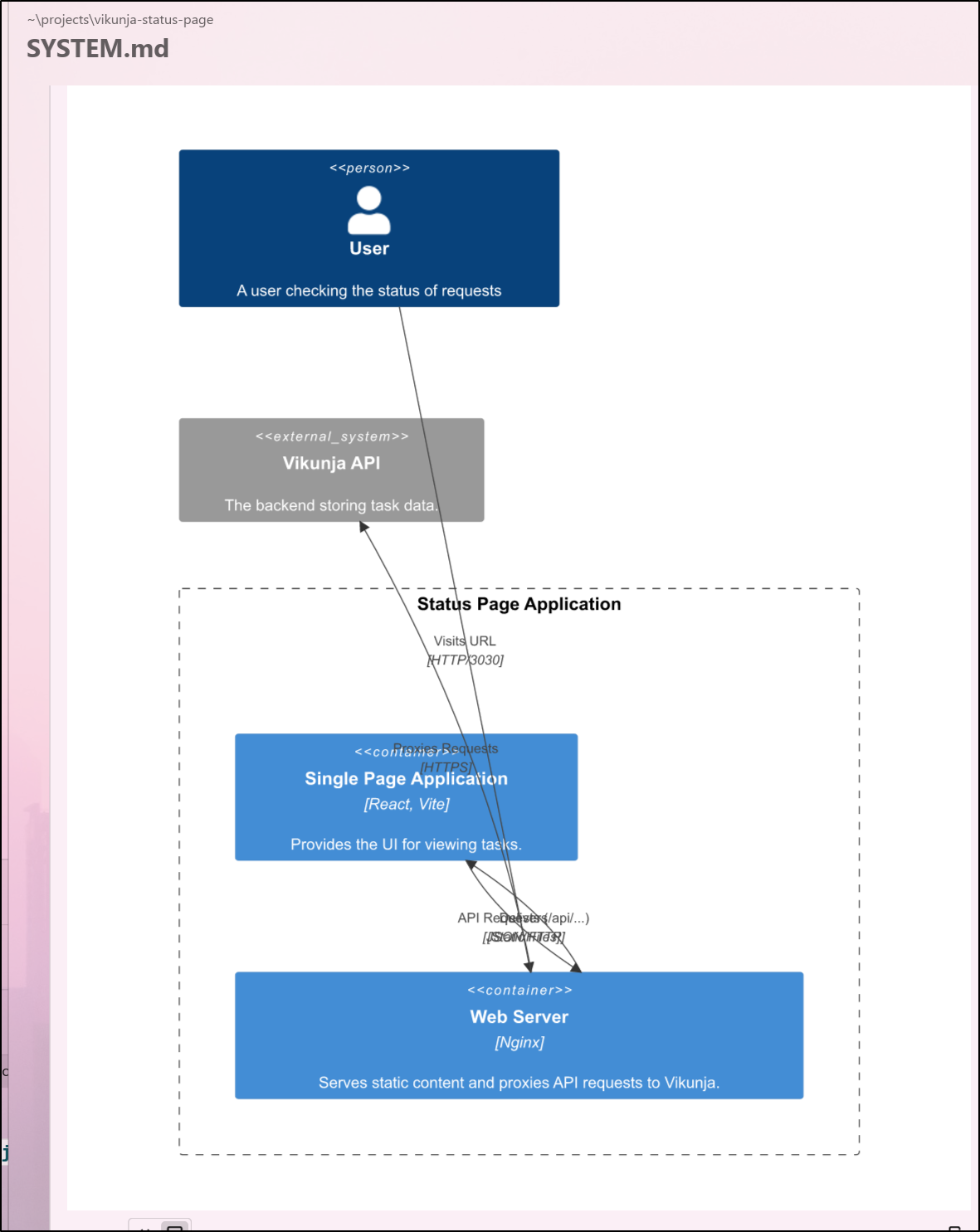
but pretty good for this big of MermaidJS code
C4Container
    title Container Diagram for Vikunja Status Page

    Person(user, "User", "A user checking the status of requests")

    System_Boundary(c1, "Status Page Application") {
        Container(web_app, "Single Page Application", "React, Vite", "Provides the UI for viewing tasks.")
        Container(nginx, "Web Server", "Nginx", "Serves static content and proxies API requests to Vikunja.")
    }

    System_Ext(vikunja, "Vikunja API", "The backend storing task data.")

    Rel(user, nginx, "Visits URL", "HTTP/3030")
    Rel(nginx, web_app, "Delivers", "Static Files")
    Rel(web_app, nginx, "API Requests (/api/...)", "JSON/HTTP")
    Rel(nginx, vikunja, "Proxies Requests", "HTTPS")
One shot example
I had an idea - a script to post to Threads. Let’s see if it can sort this one in one-shot
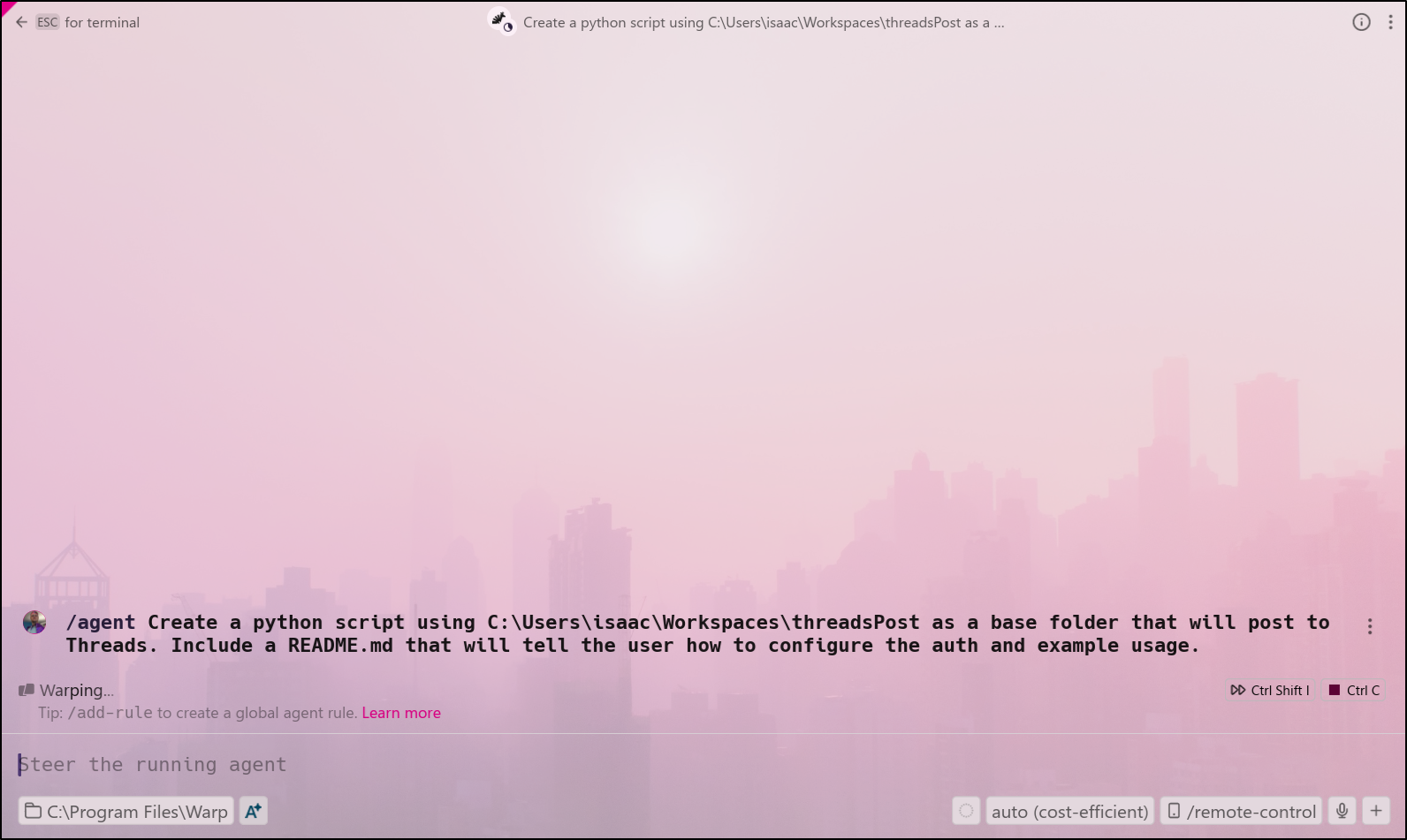
It quickly made a plan then put together a script for me to review
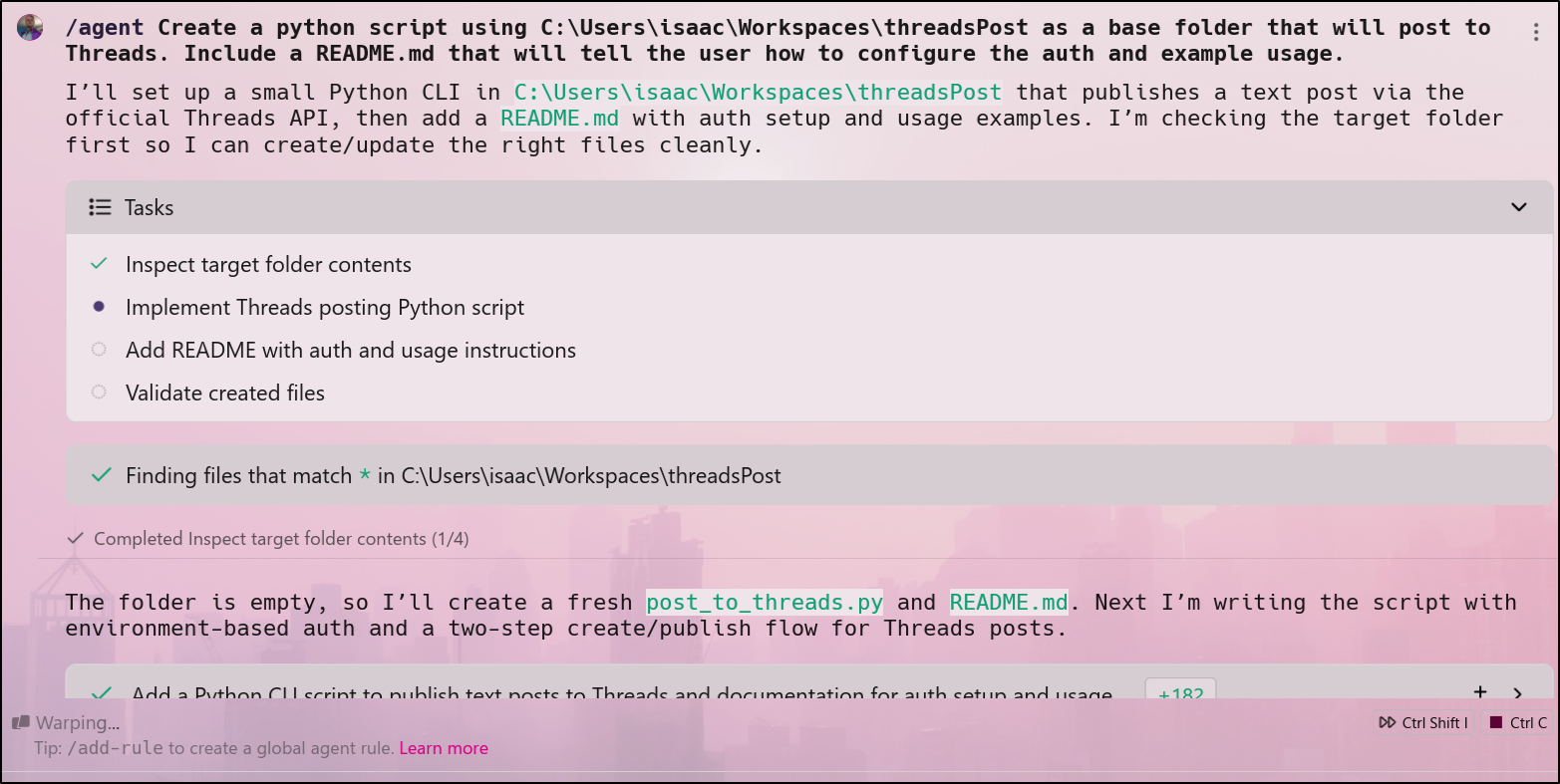
It found and corrected some dependency issues. I honestly didn’t expect Python to really work natively in Windows (at least this host) as I do all my work in WSL
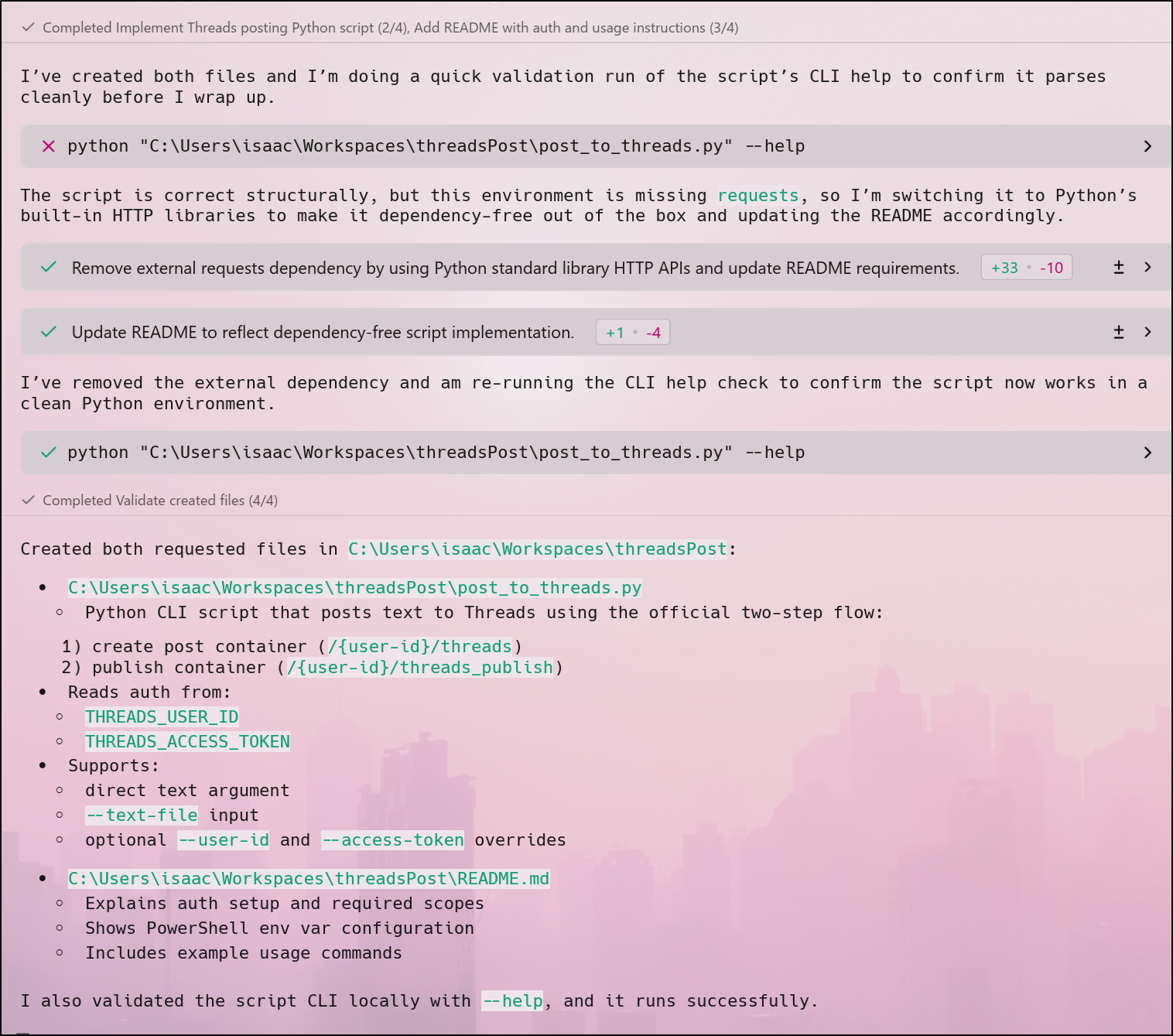
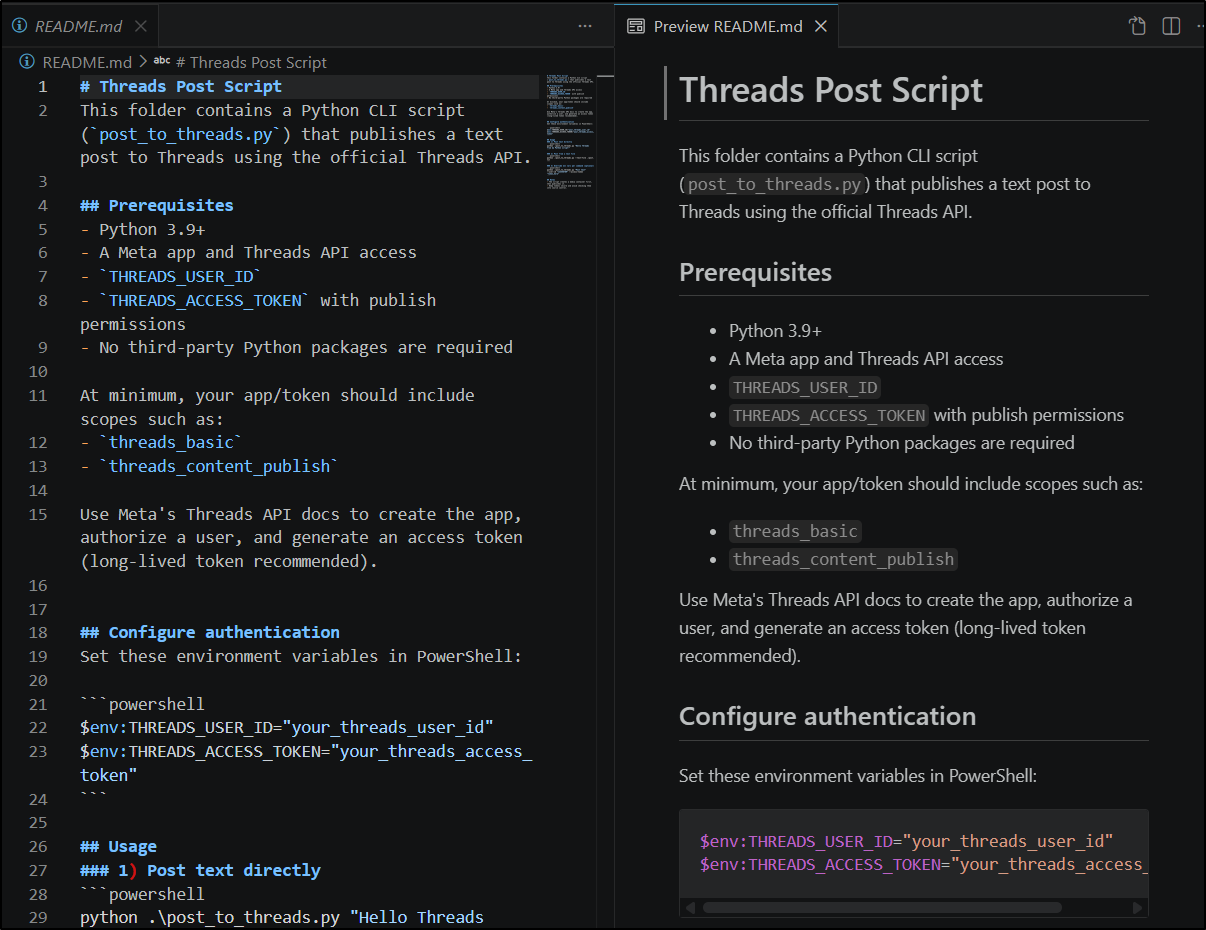
The README did say I needed to just go follow Meta docs to figure out how to make an API key and that it would need two scopes, which was helpful
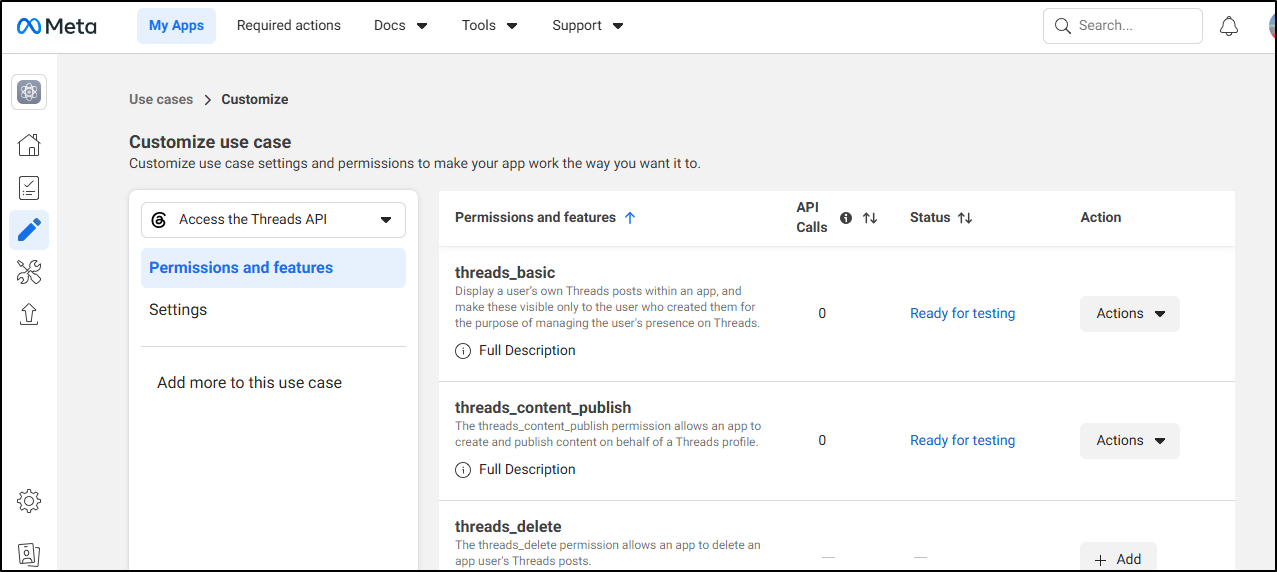
I found the page and in my case, I had tried this once before (and failed), and noted I had only granted “threads_basic” before, not “threads_content_publish”, so I added that to my API key
With the App made
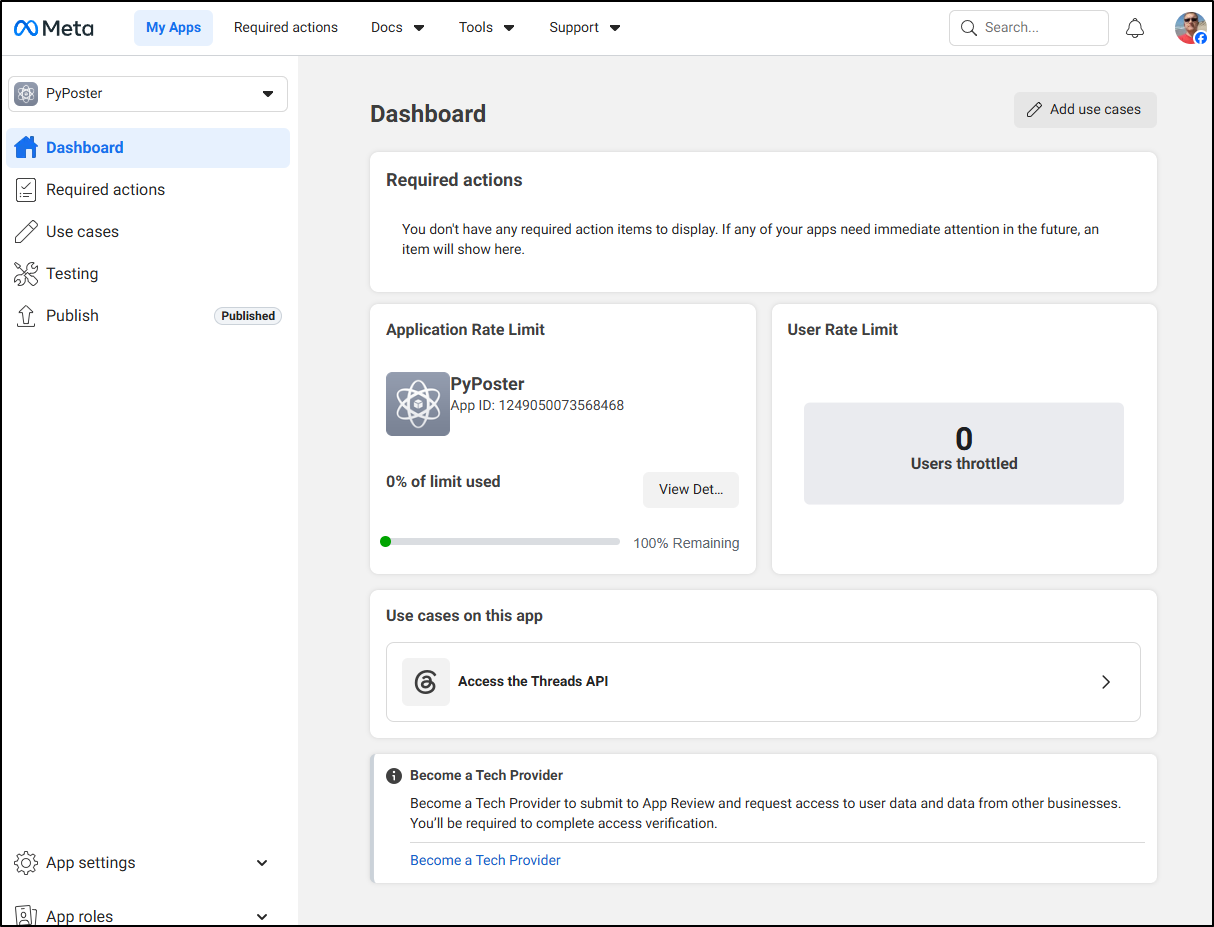
I was still a bit stuck on how to ?onboard a user?
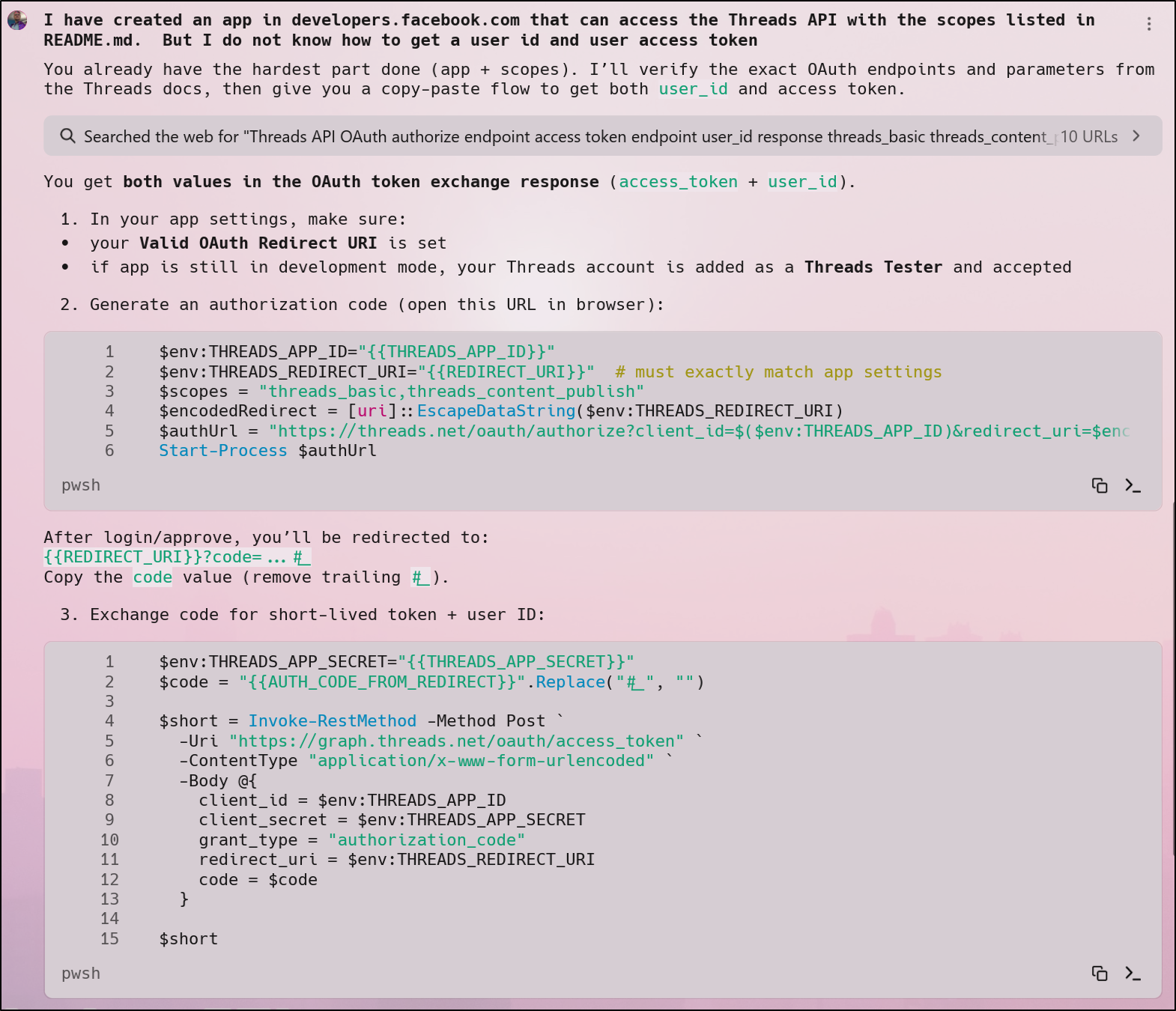
But it needs a redirect URI
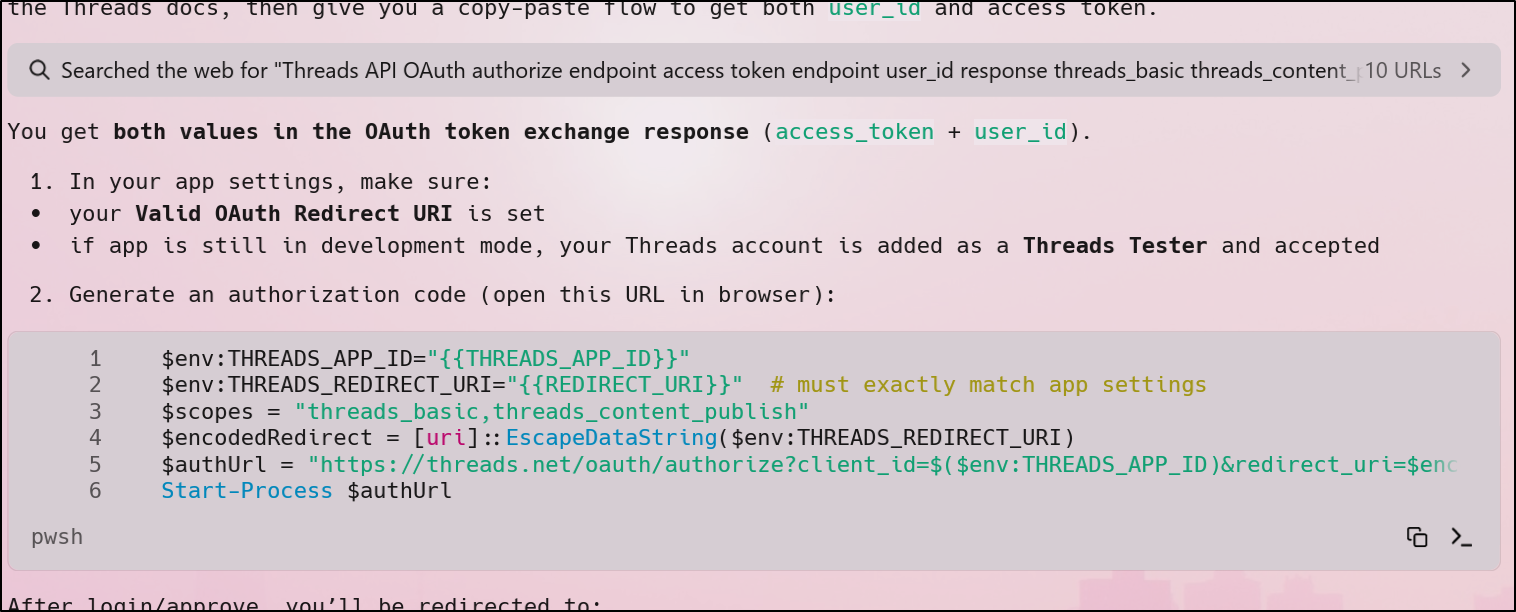
which I don’t think I have
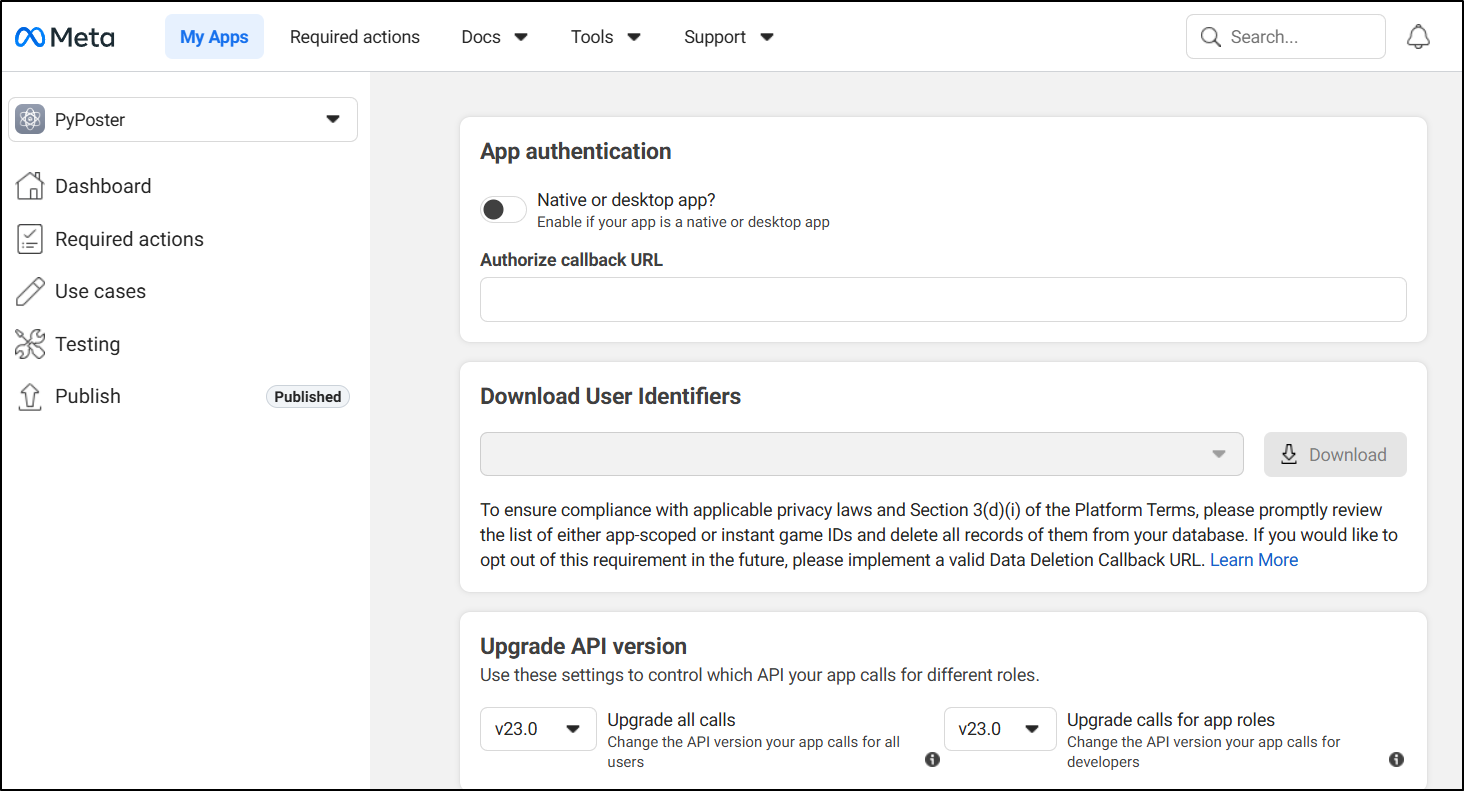
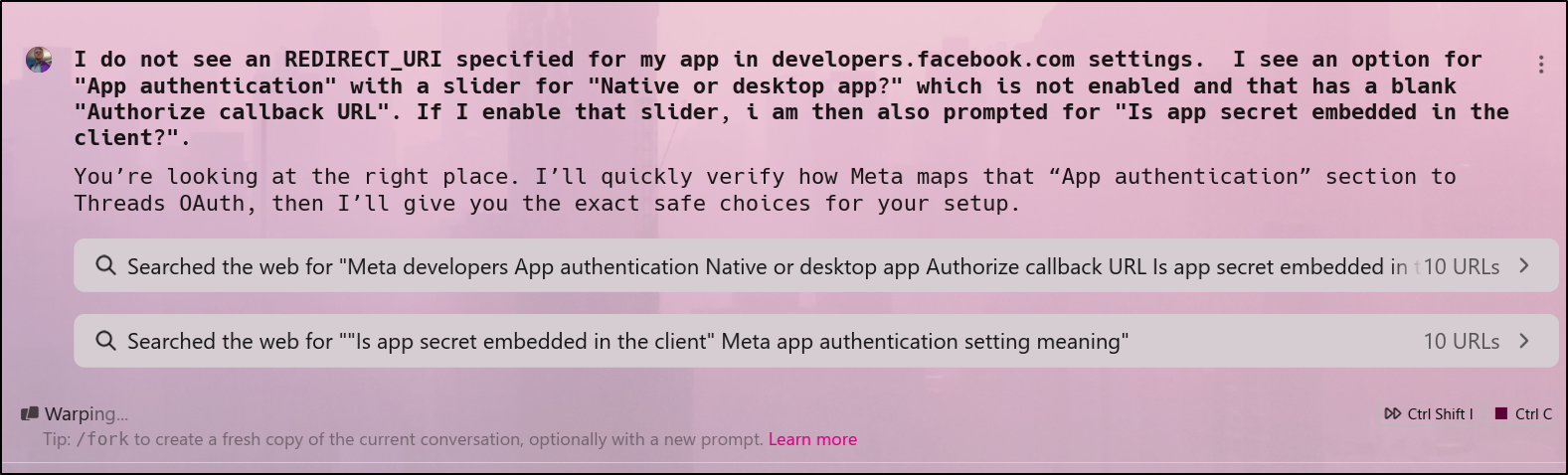
Again, I asked Warp for help
In debugging, however, I ran out of credits
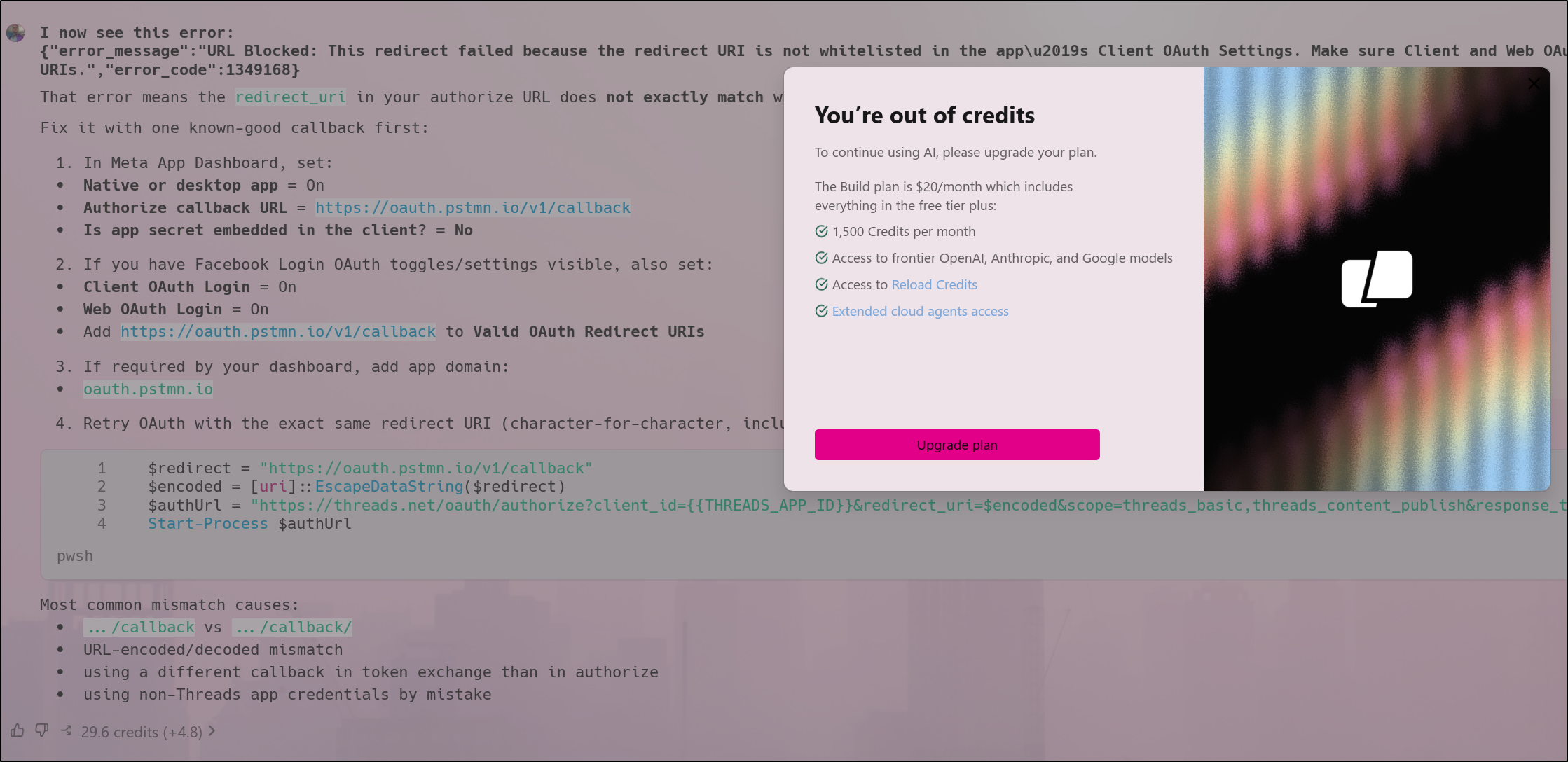
Leaving me stuck with a broken auth
Ubuntu
Last time I just showed Windows. Let’s install this in Desktop Linux (as that is my primary driver now)
$ sudo dpkg -i '/home/builder/Downloads/warp-terminal_0.2026.05.13.09.15.stable.01_amd64.deb'
Selecting previously unselected package warp-terminal.
(Reading database ... 230302 files and directories currently installed.)
Preparing to unpack .../warp-terminal_0.2026.05.13.09.15.stable.01_amd64.deb ...
Unpacking warp-terminal (0.2026.05.13.09.15.stable.01) ...
Setting up warp-terminal (0.2026.05.13.09.15.stable.01) ...
Processing triggers for gnome-menus (3.36.0-1.1ubuntu3) ...
Processing triggers for desktop-file-utils (0.27-2build1) ...
Processing triggers for hicolor-icon-theme (0.17-2) ...
Just a quick note - after I installed it i first tried just running warp
$ warp
Command 'warp' not found, but can be installed with:
sudo apt install libghc-wai-app-static-dev
but then realized the app is called warp-terminal in Linux.
I found it kind of odd we can fire up the temrinal without AI features - seems like that would just make it notepad
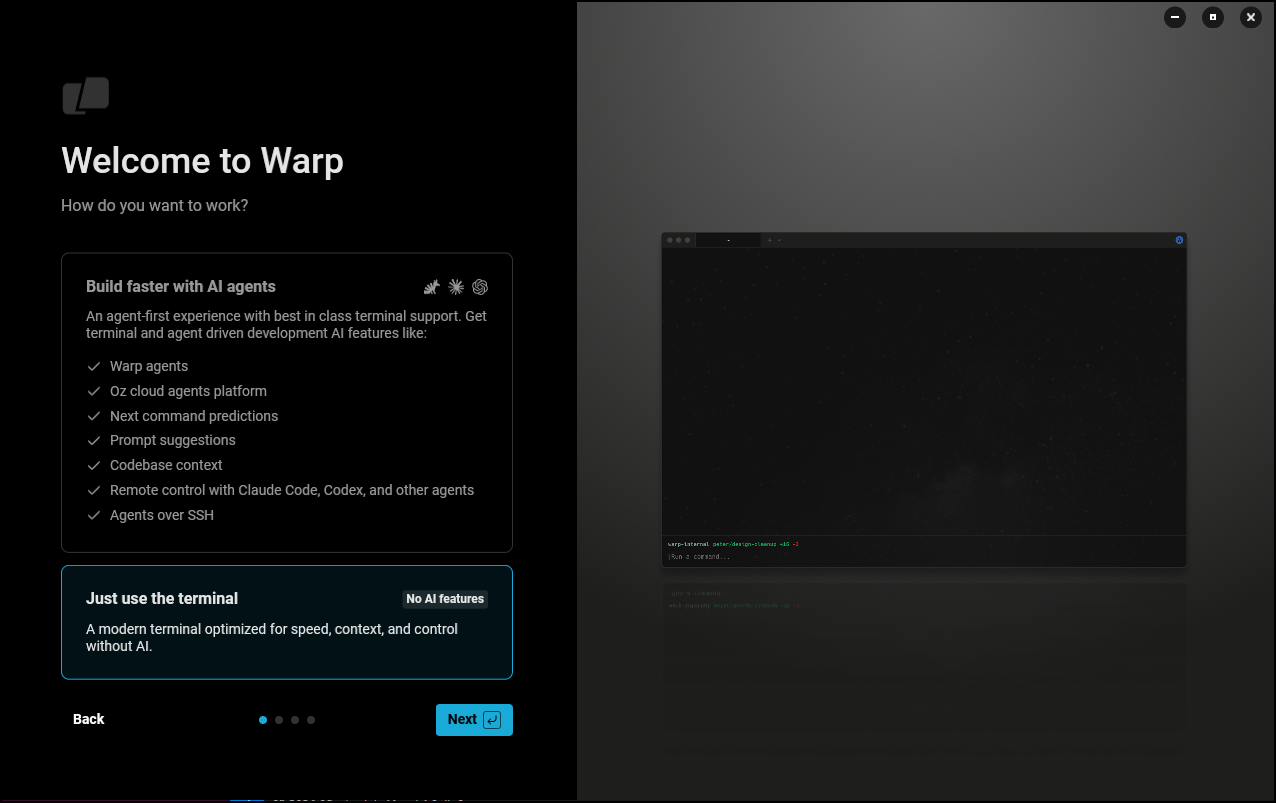
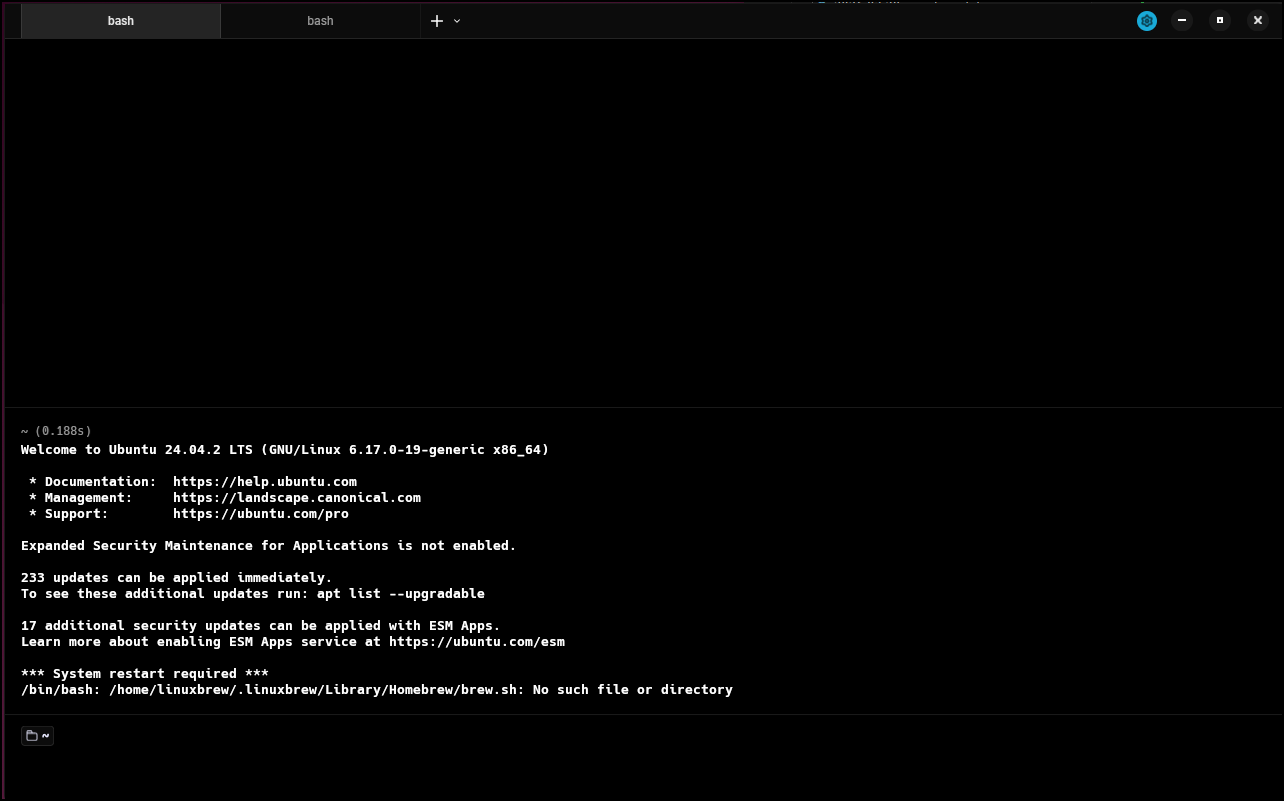
Out of sheer curiousity, i did that and this is what we get:
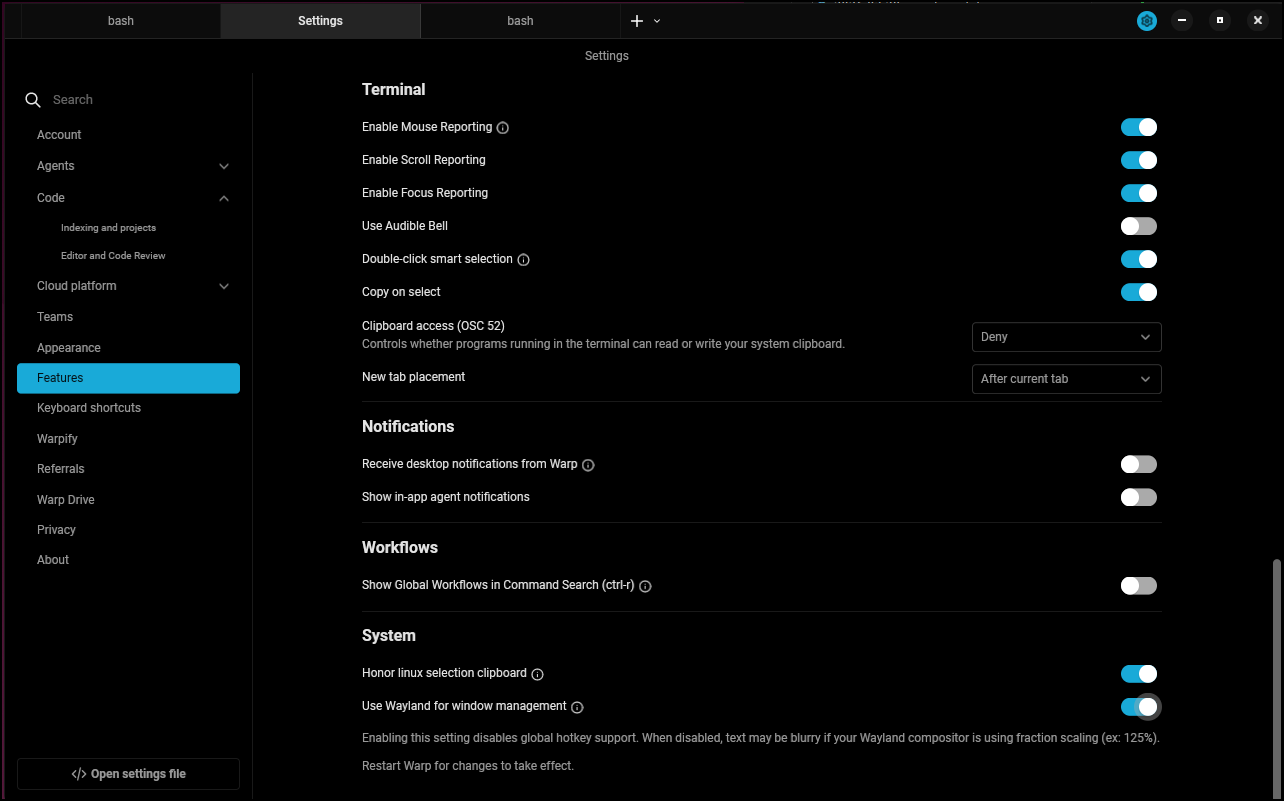
I enabled wayland
In one of the settings, I picked “Upgrade Account” and it popped up a window that said I couldn’t upgrade myself because I wasn’t a member ?of my own team?
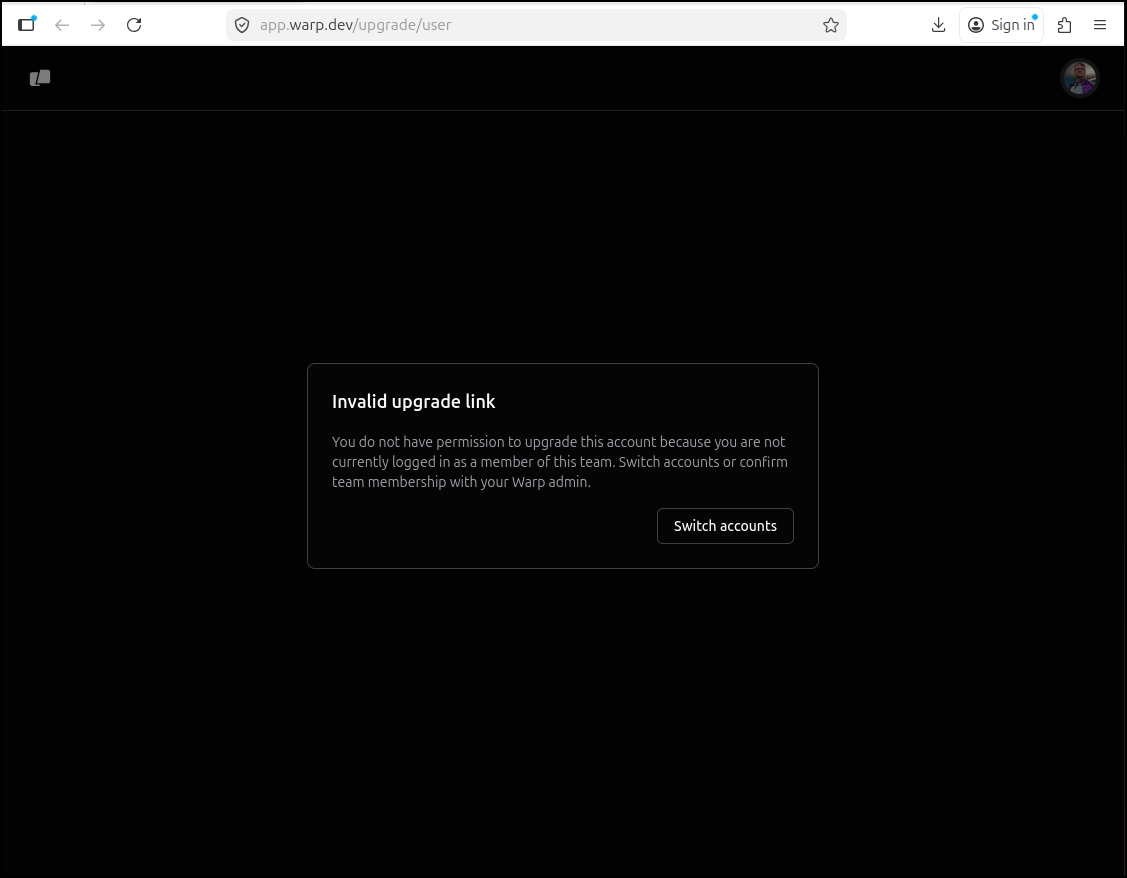
I just got into a wierd loop with Firefox
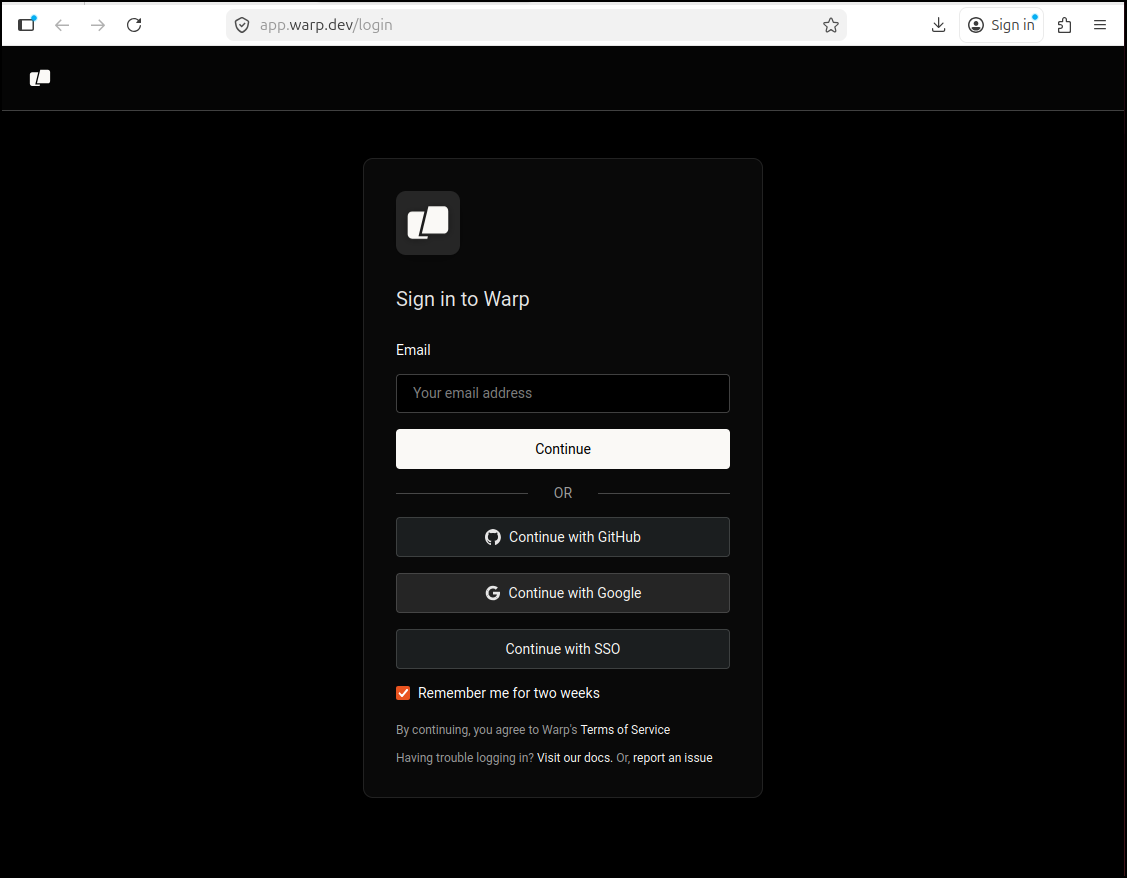
i decided to uninstall then reinstall
builder@bosgamerz9:~/Workspaces/jekyll-blog$ sudo dpkg -r warp-terminal
(Reading database ... 230900 files and directories currently installed.)
Removing warp-terminal (0.2026.05.13.09.15.stable.01) ...
Processing triggers for hicolor-icon-theme (0.17-2) ...
Processing triggers for gnome-menus (3.36.0-1.1ubuntu3) ...
Processing triggers for desktop-file-utils (0.27-2build1) ...
builder@bosgamerz9:~/Workspaces/jekyll-blog$ warp-terminal
bash: /usr/bin/warp-terminal: No such file or directory
Eventually I got the “Sign up” link to actually log me in
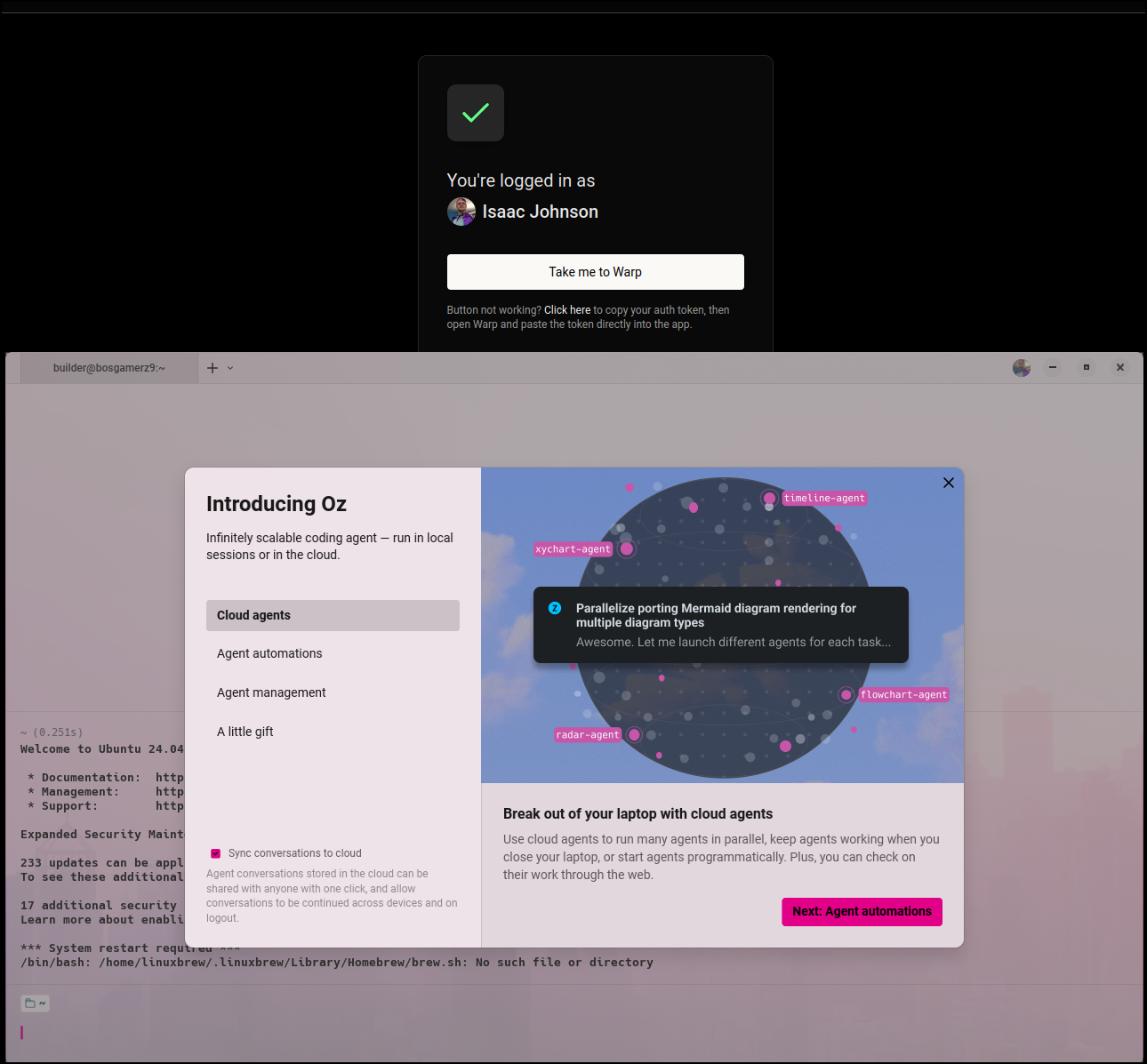
I’m not thrilled with the navigation so far
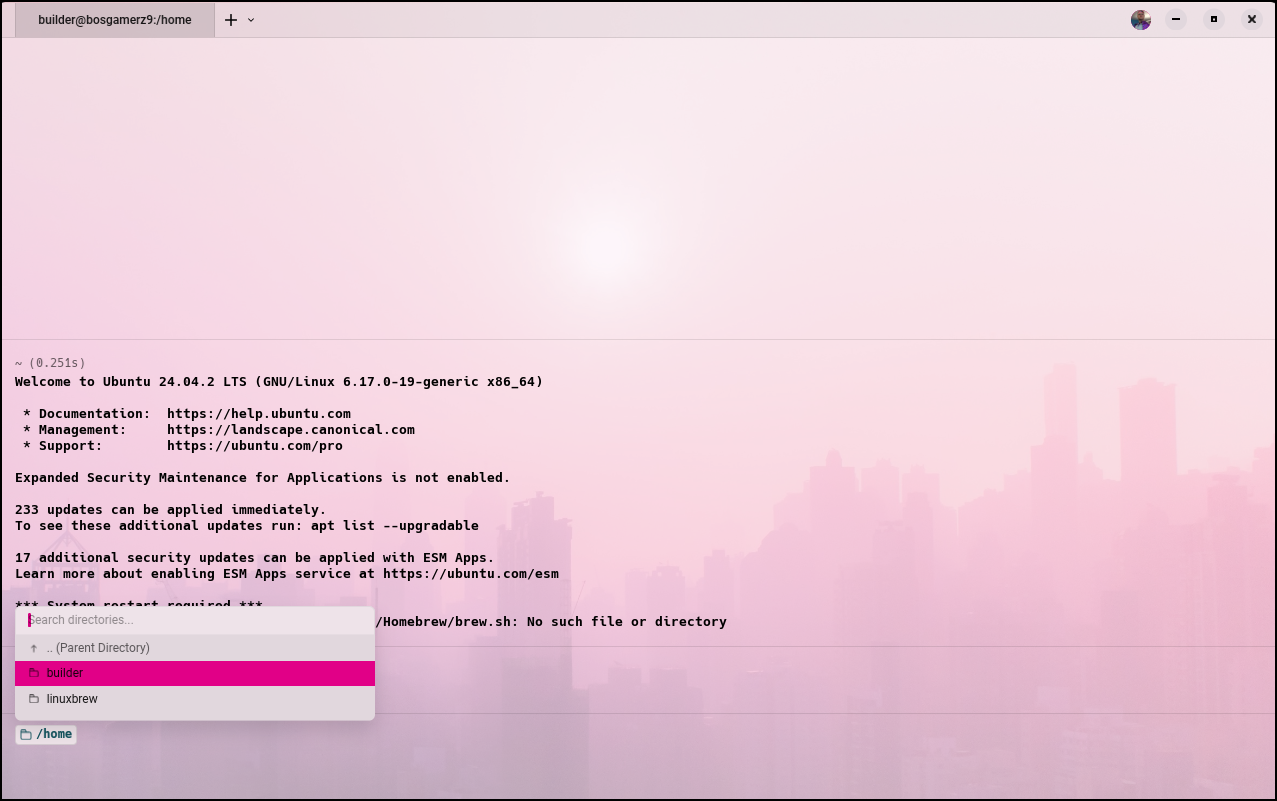
I had to click each directory one at a time until I got to a folder I wanted to use
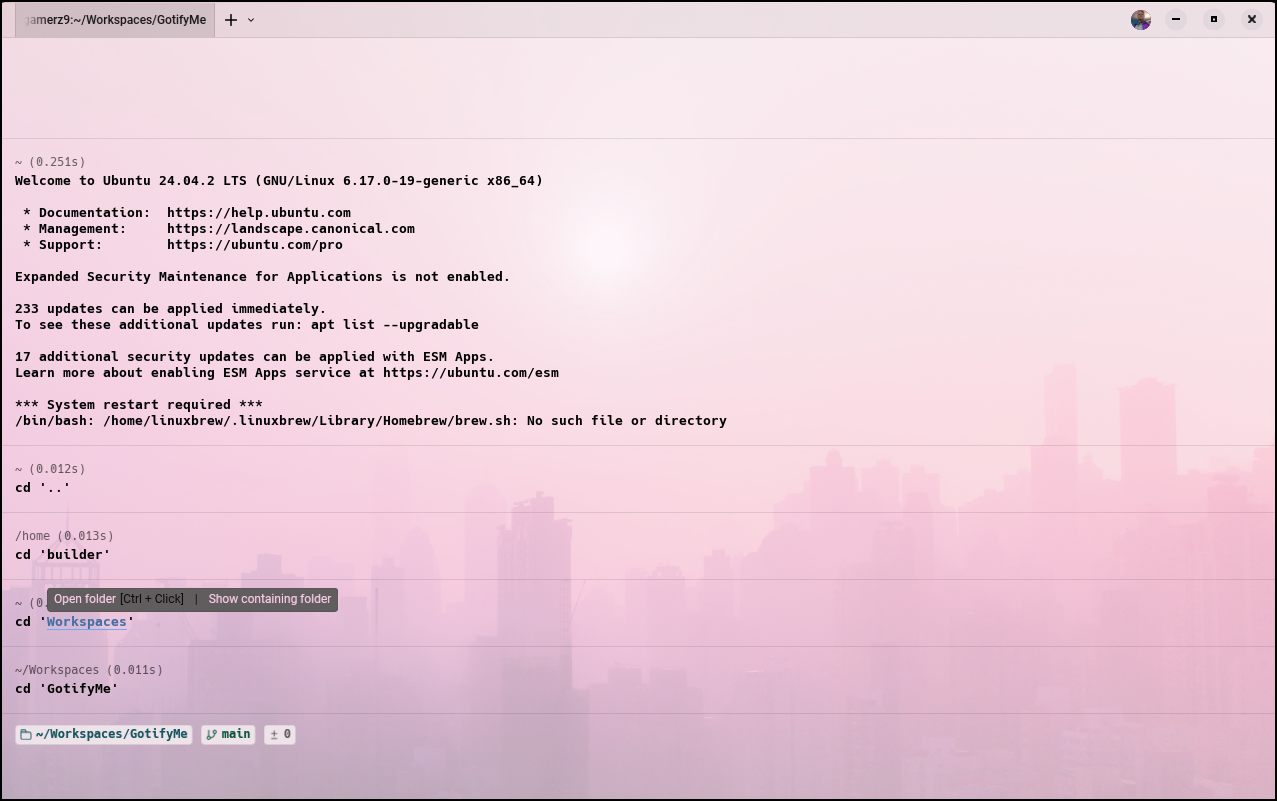
I launched a new session with AI Agents enabled and could finally ‘talk’ to the Warp ai
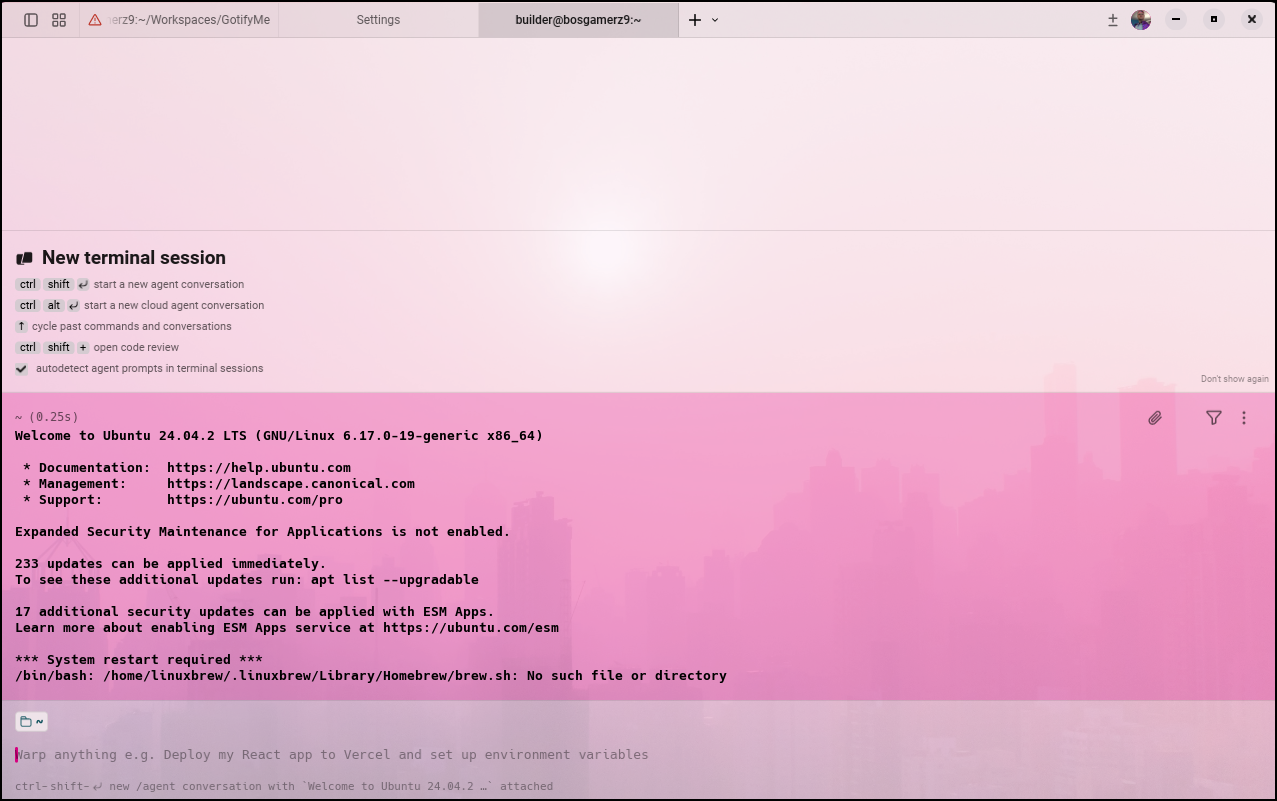
Let’s see it in action
Paid Plans
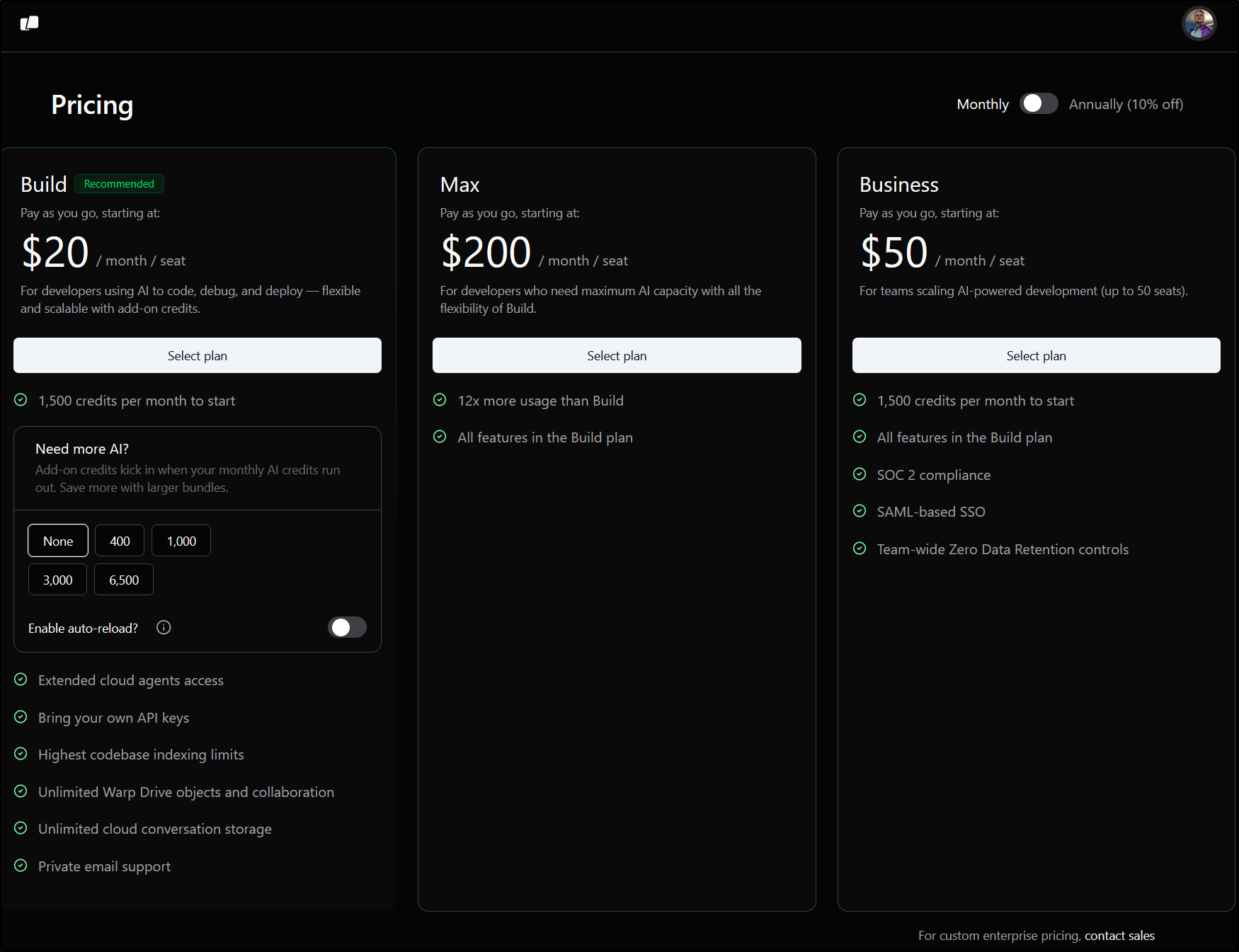
Looking at what was offered in December 2025:

Looks very similar today with the addition of a new “Max” plan
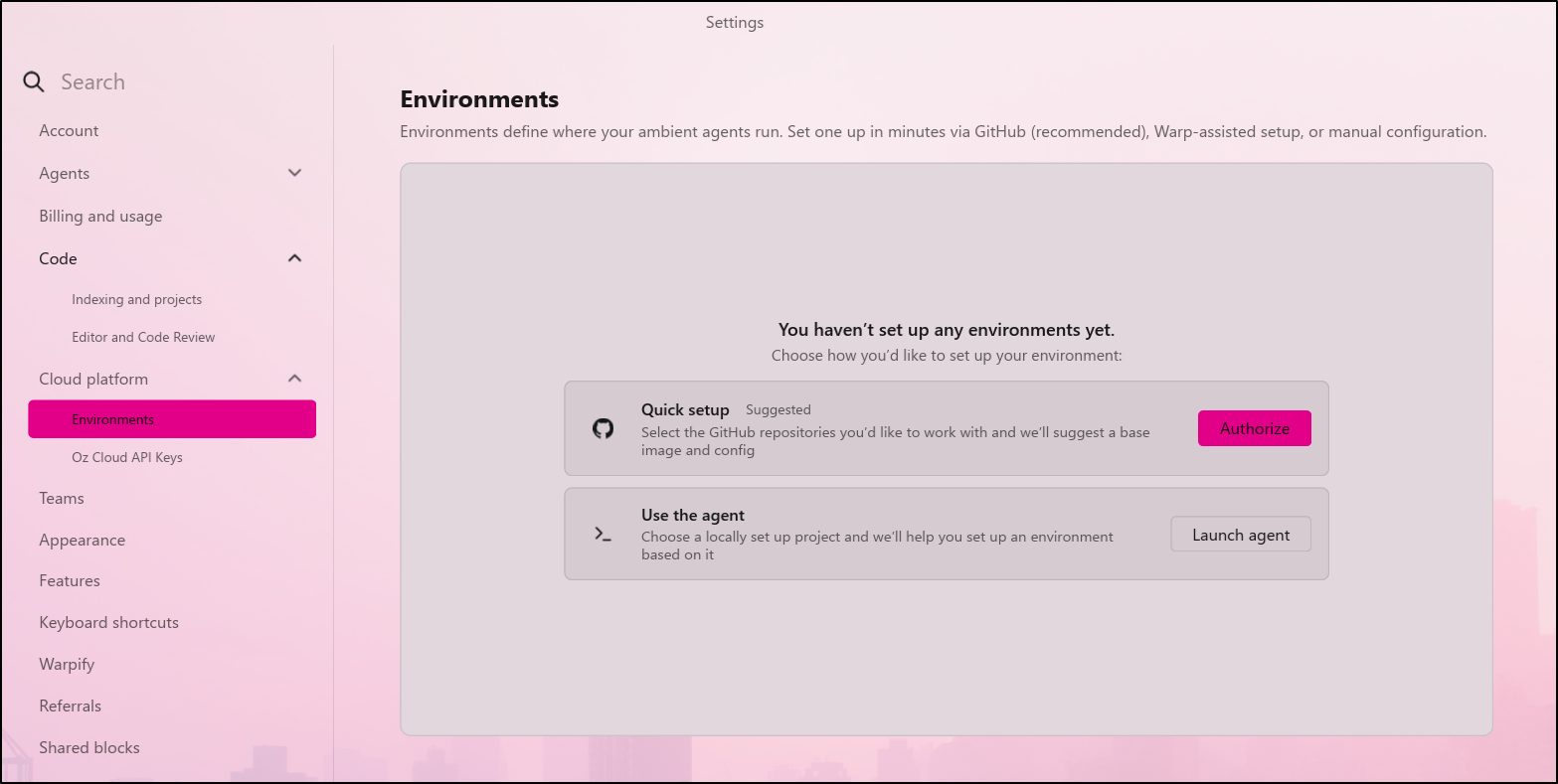
I also noted the “Cloud platform” section was not there just 6 months ago so the “Oz” part is all new
Kiro
I was looking for something else and came across Kiro

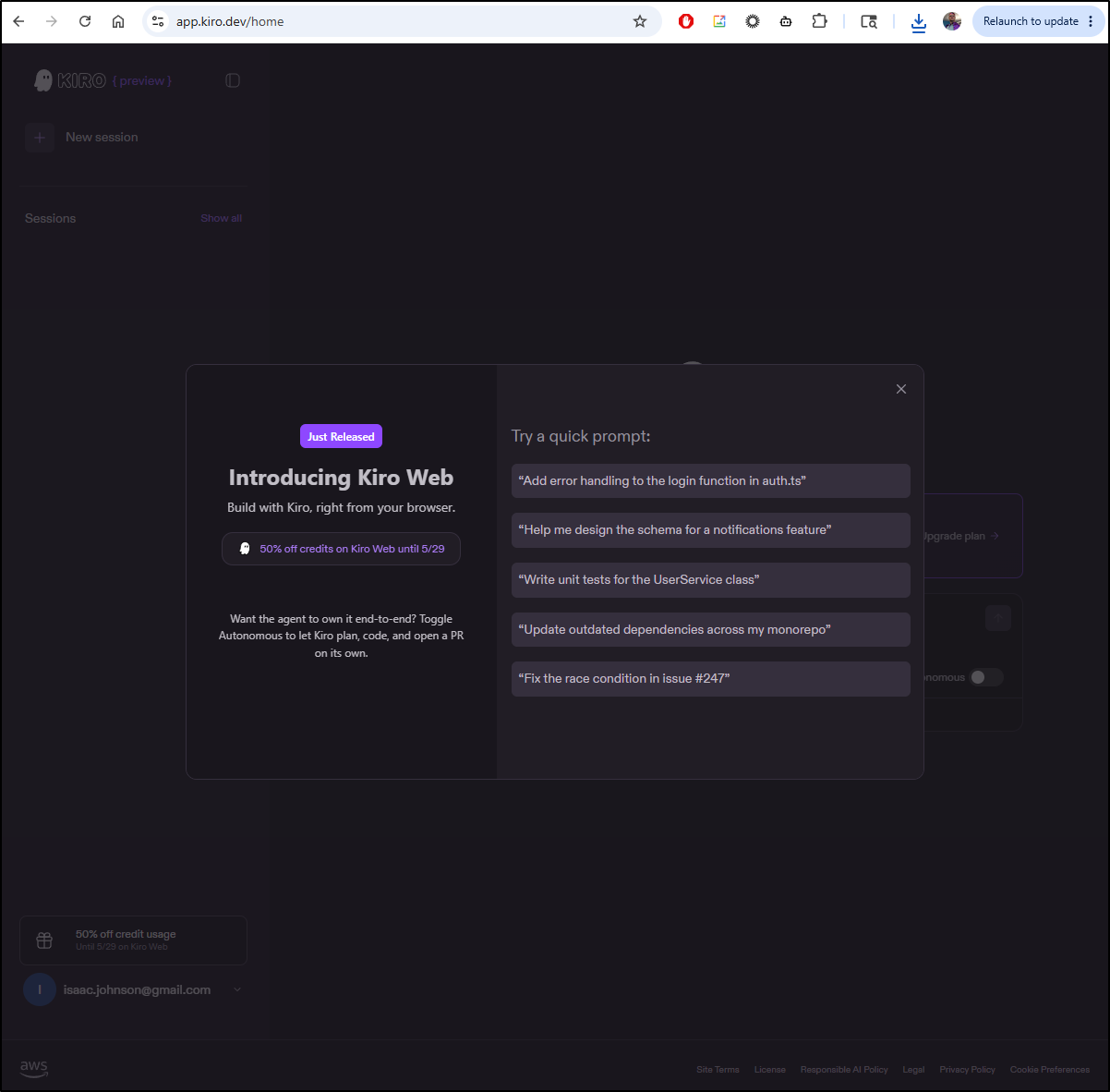
I initially signed into the web portal
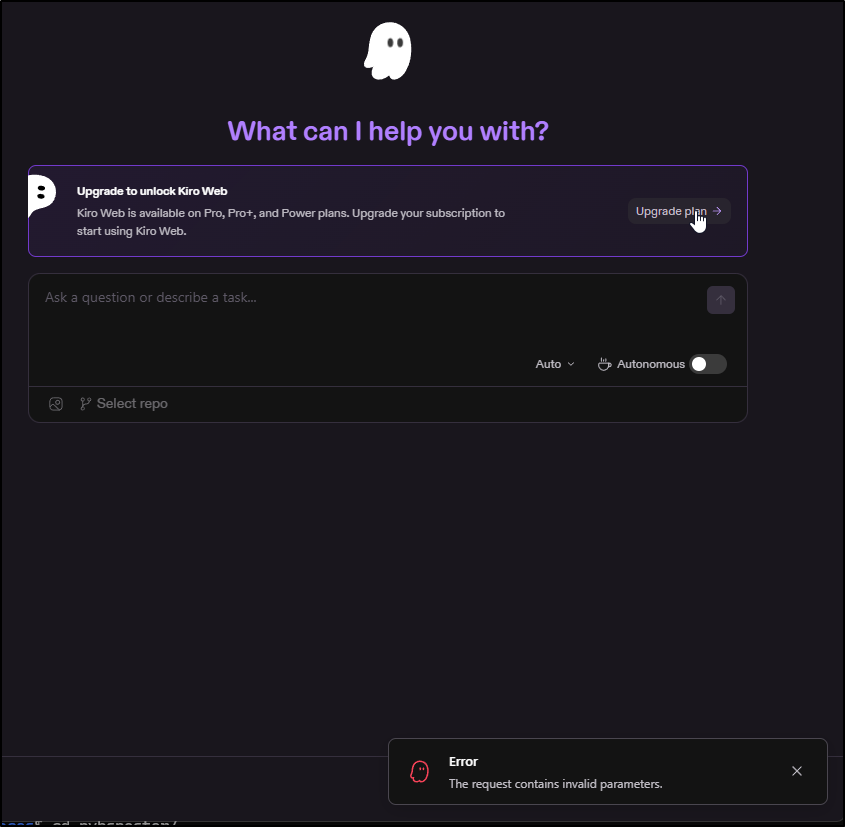
It’s not a great sign when the initial page has an upgrade button that just spawns a page error
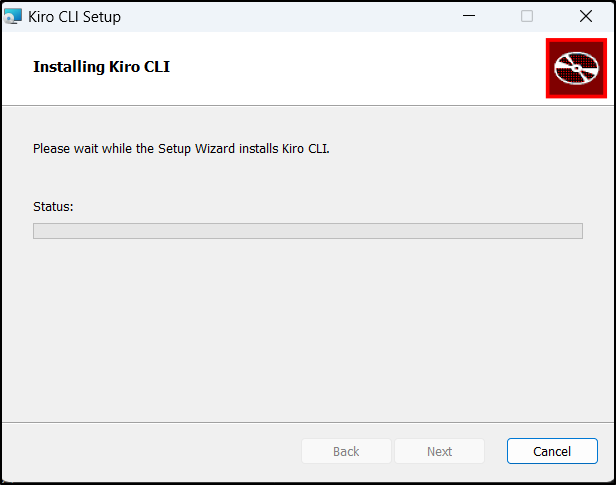
I’ll try the CLI first then, which runs through a windows installer
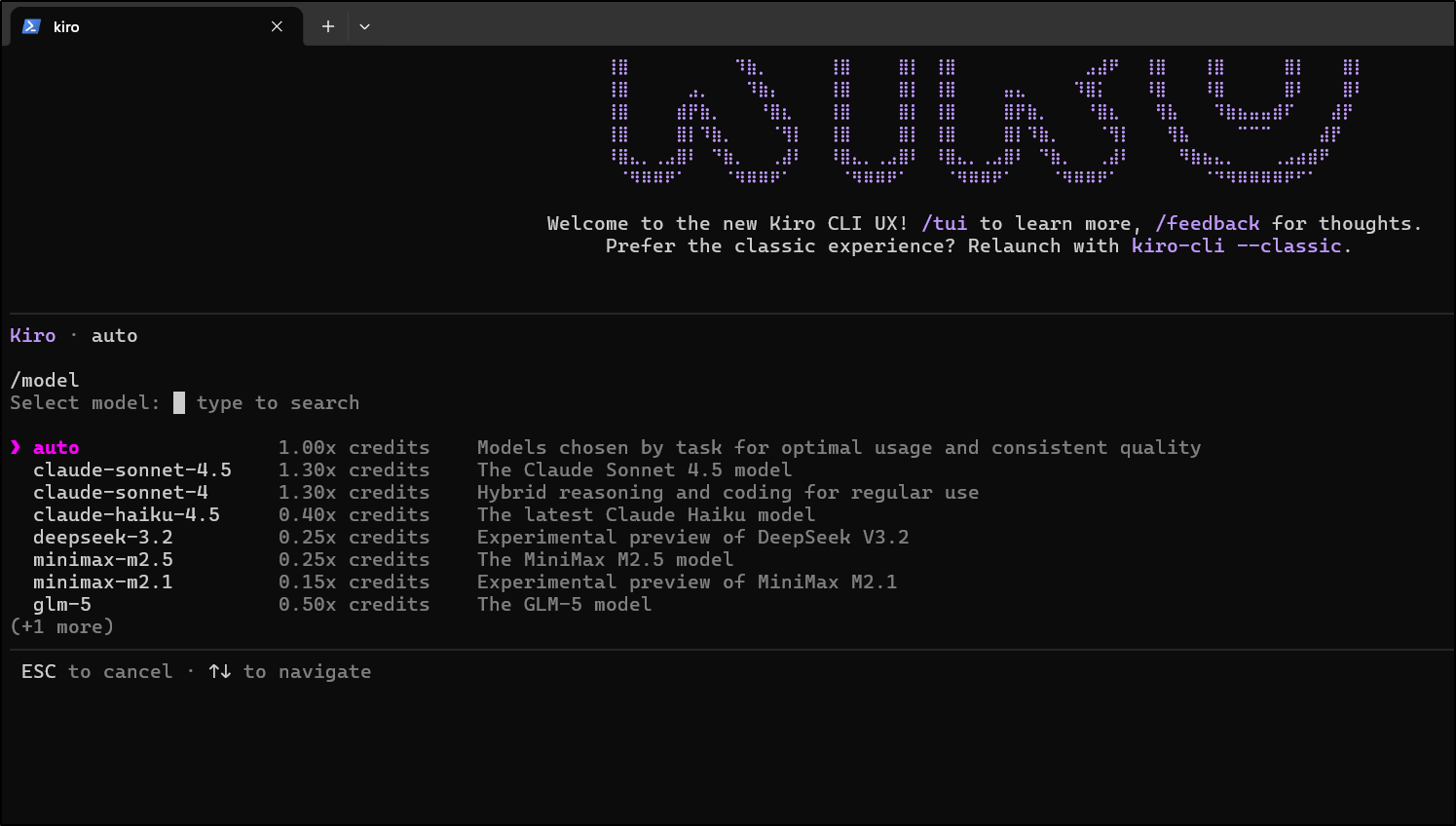
I launched kiro-cli from Powershell and saw a nice header. It had me login with a browser redirect which worked
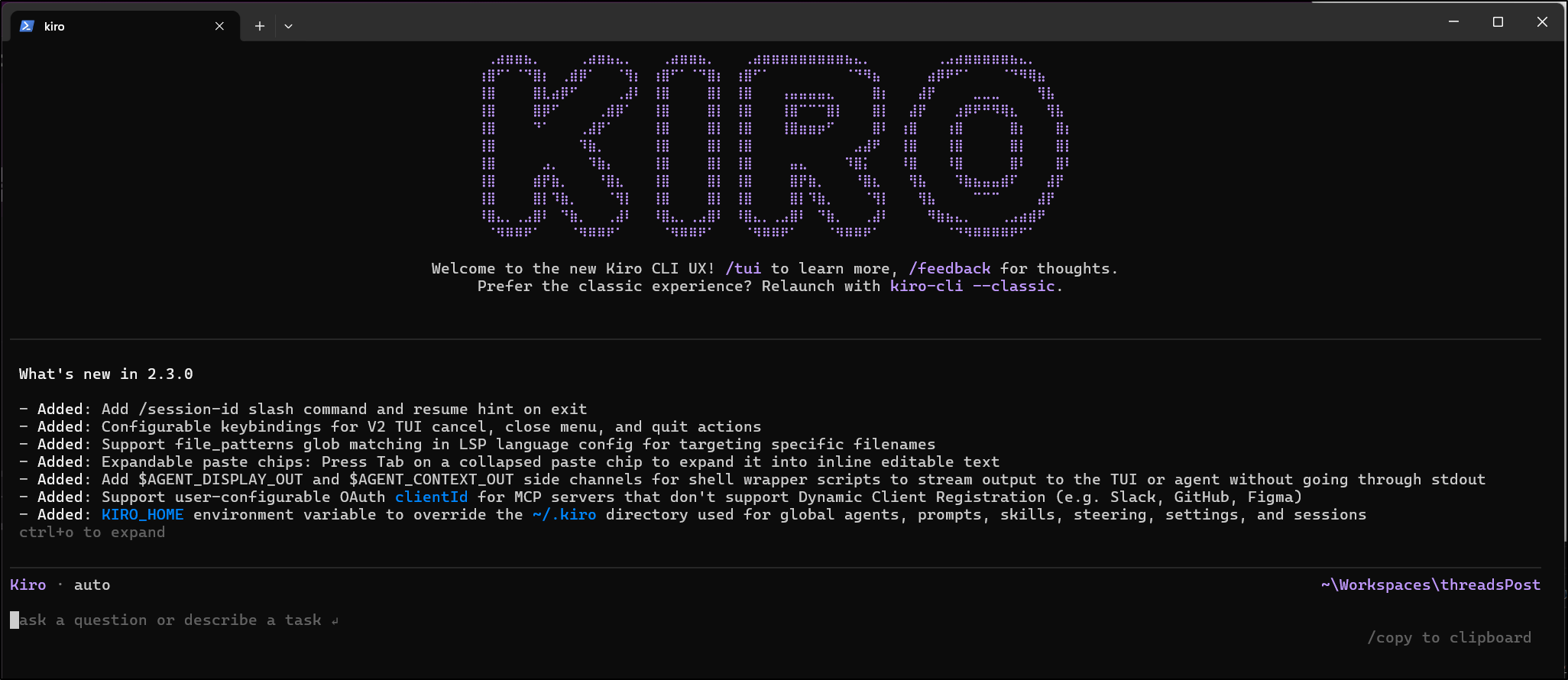
Again, at this point I’m still unclear on costs or usage. there are some impressive models
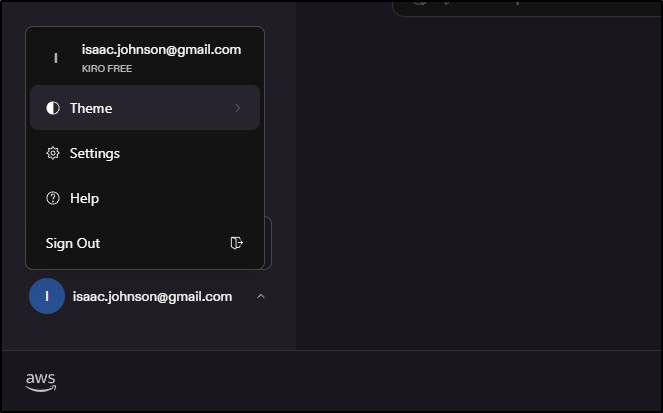
And I can at least confirm in the Web UI I’m in some kind of free tier
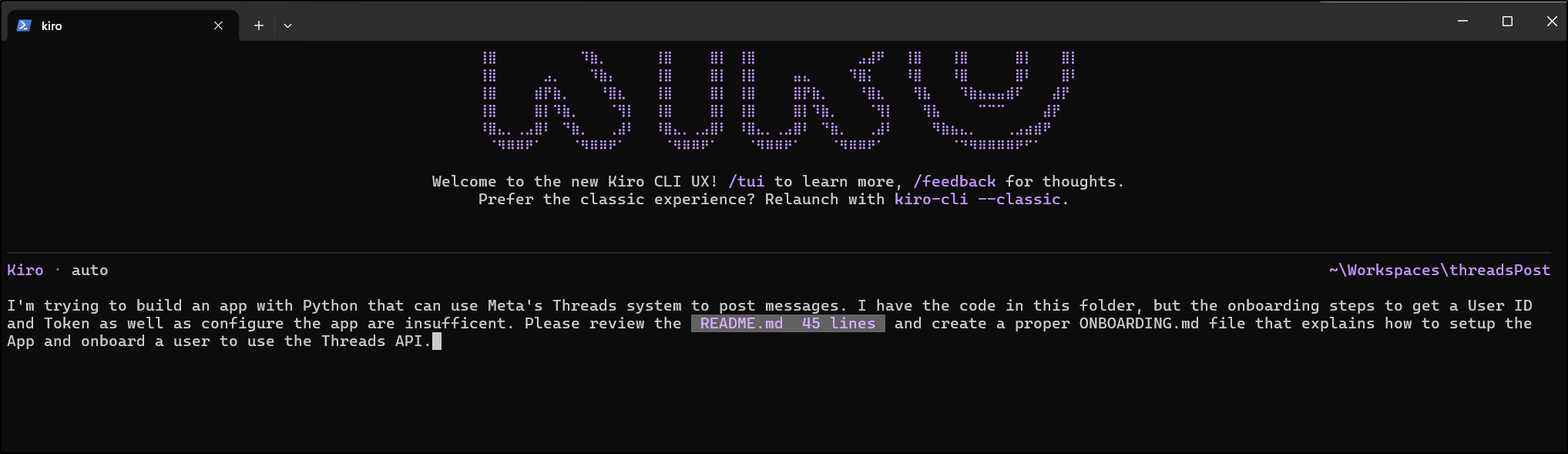
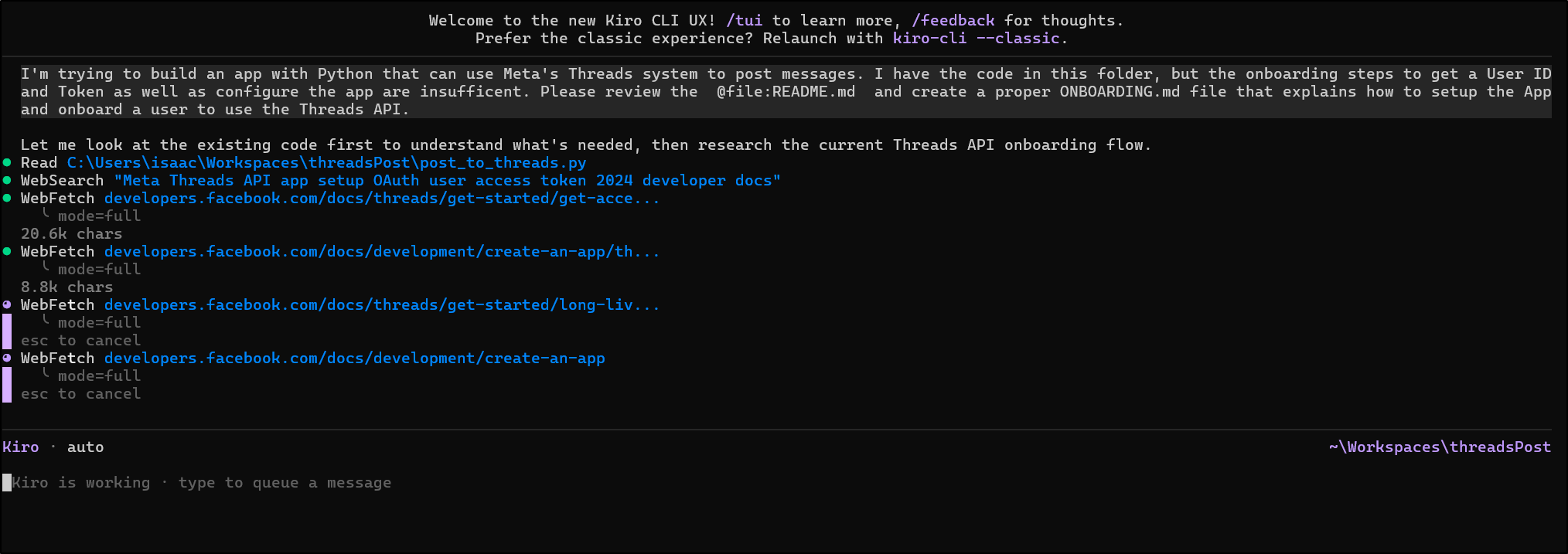
I’ll ask Kiro for help on the threads topic
Oddly it wanted 2024 docs first
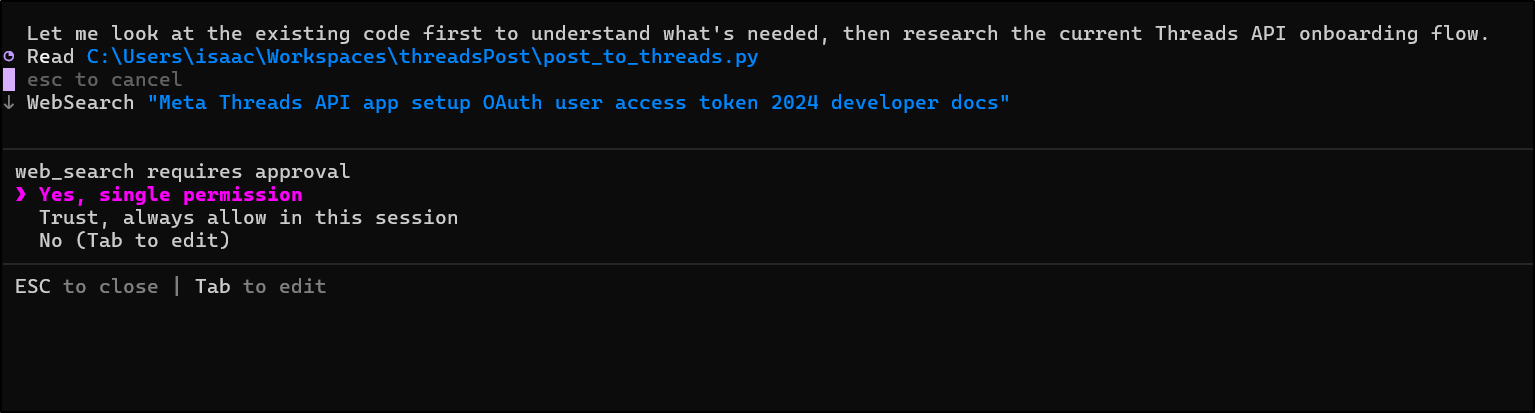
While it crawls the web, I have no idea how many tokens or credits or whatever it is using, nor the model
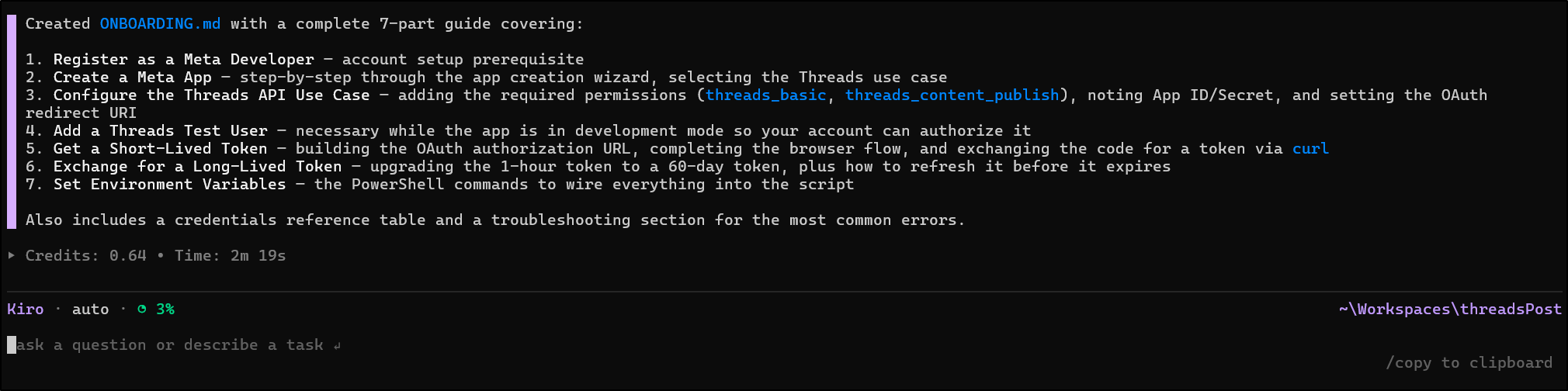
It finished the doc and I think it used 3% of my monthly allotment for the ask
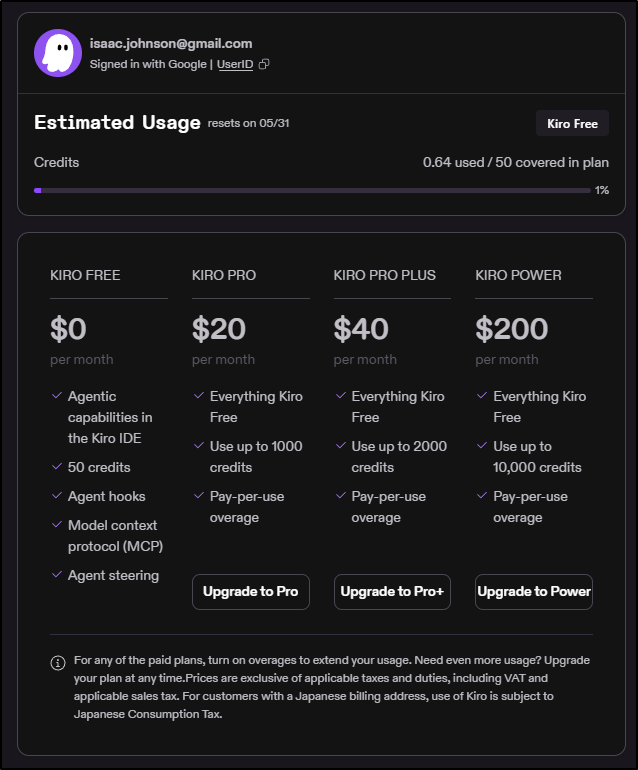
While it was working, I did find the account settings page that shows the free tier gets “50 credits” a month, which is pretty nice.
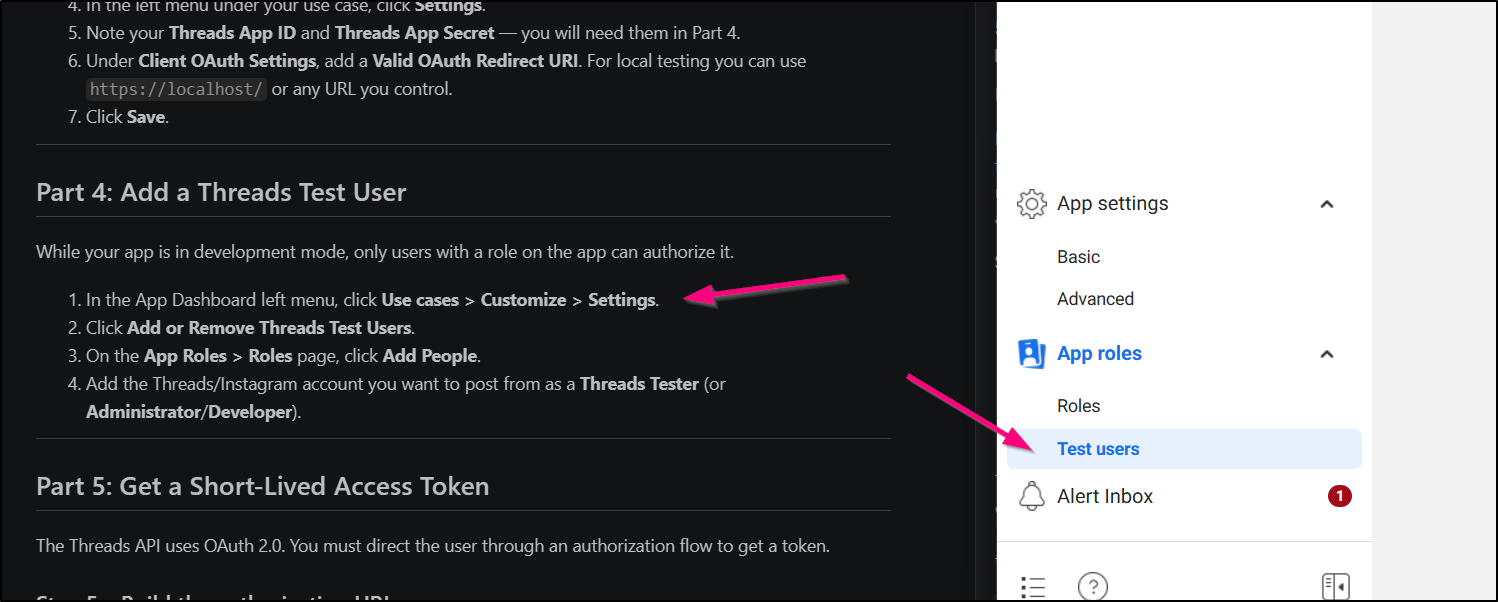
The resulting doc is clearly written, but I fear the “old” 2024 guide is a bit out of date, for instance, where test users are applied
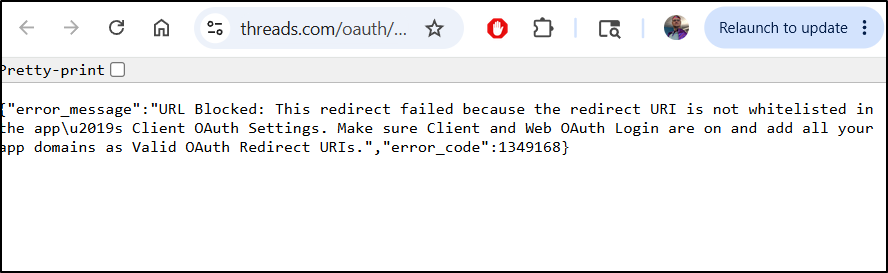
And in using the suggested URL of https://threads.net/oauth/authorize?client_id=1451455712709074&redirect_uri=https://localhost/&scope=threads_basic,threads_content_publish&response_type=code
It fails:
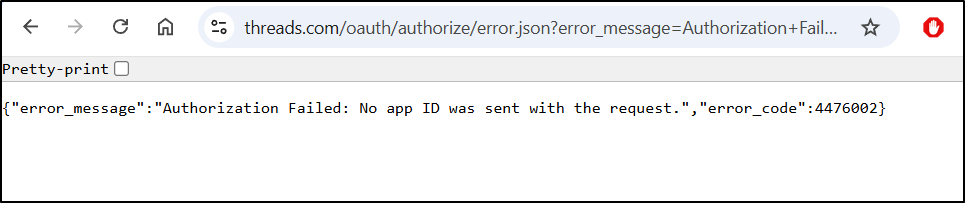
I thought I might try Kiro Web, but that is verboten from the free tier
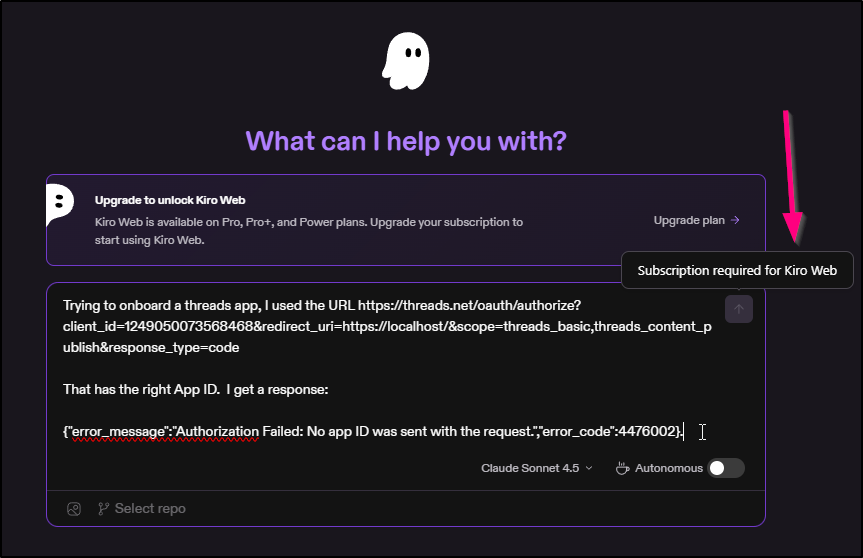
I forced a model switch to Sonnet 4.5 and tried in the CLI

However, debugging with Sonnet 4.5 we got to the correct Redirect URI page under “use cases / customize:
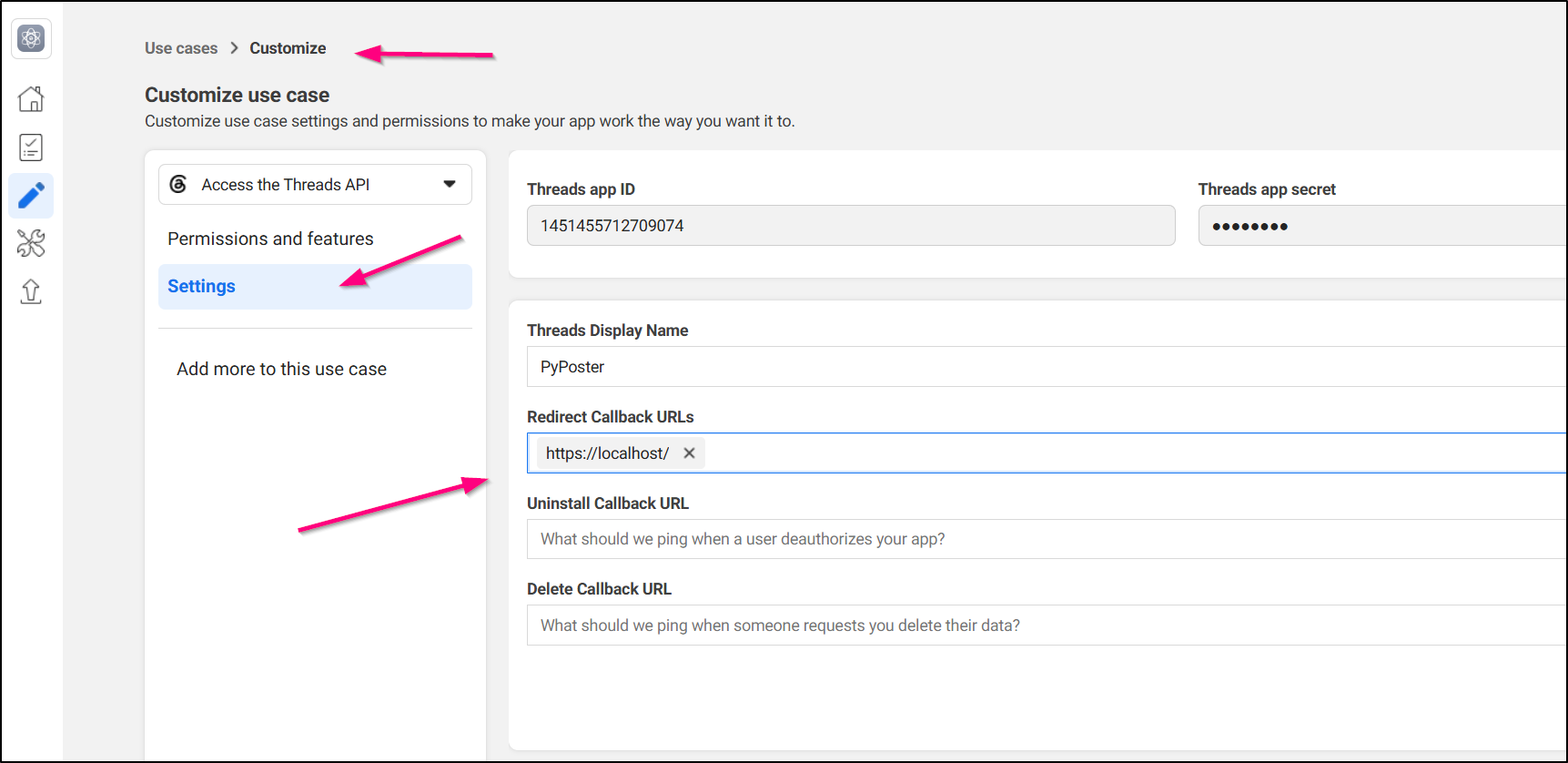
There was a lot of back and forths with Facebook, Threads and Roles.
I had to add my Threads User (which is federated via FB) to a “Threads Tester” role
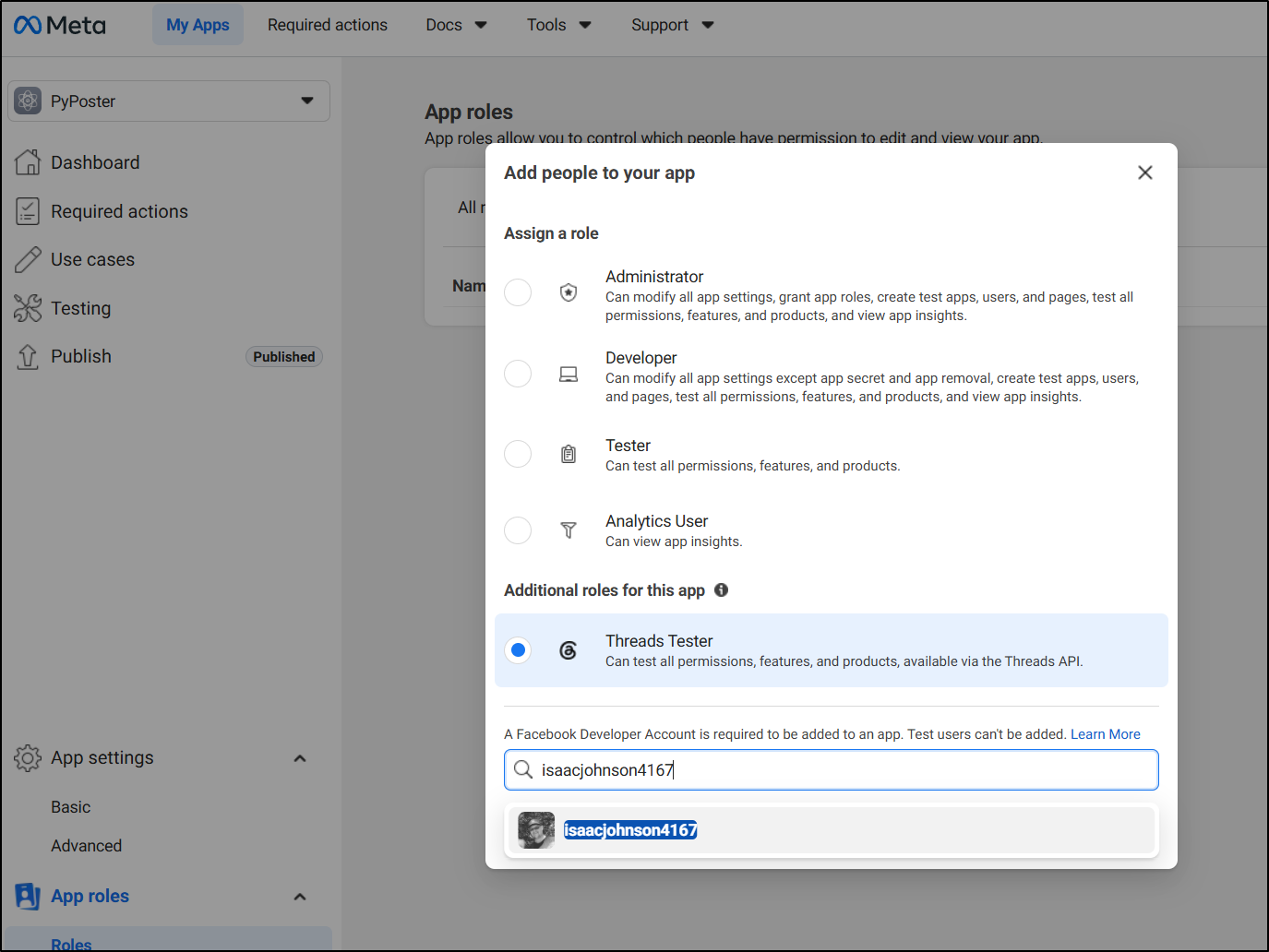
But then also find and accept the invite
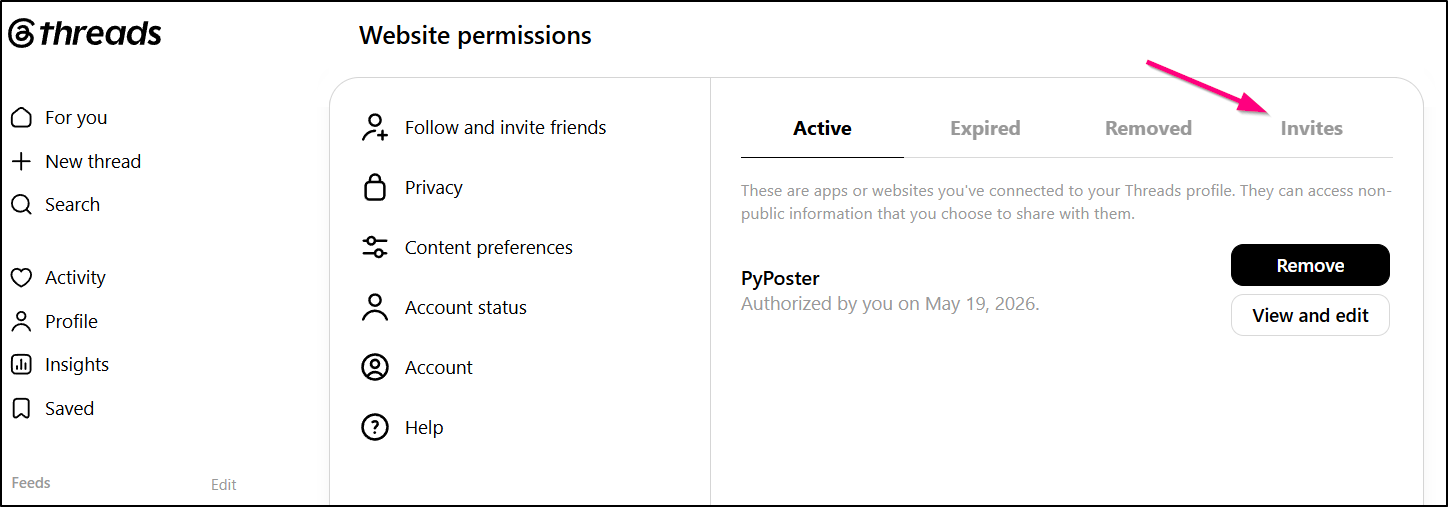
Also, despite what all the guides and Kiro said, I couldn’t use “localhost” as a real redirect URI.. i had to use a domain i controlled (even if i just pulled codes form a 404 redirect page).
And after I figured out that “User ID” isn’t the username, rather the underlying ID number, i sent a test post
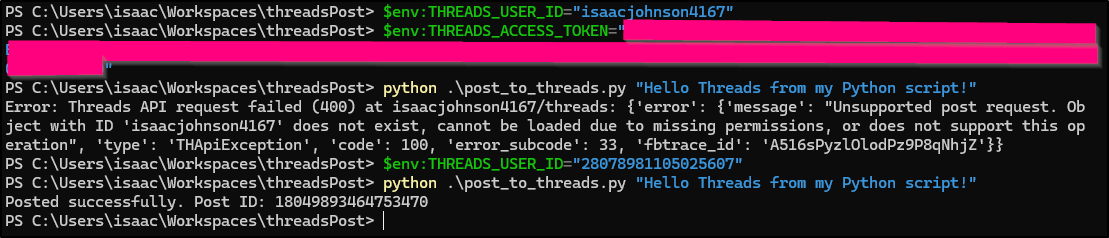
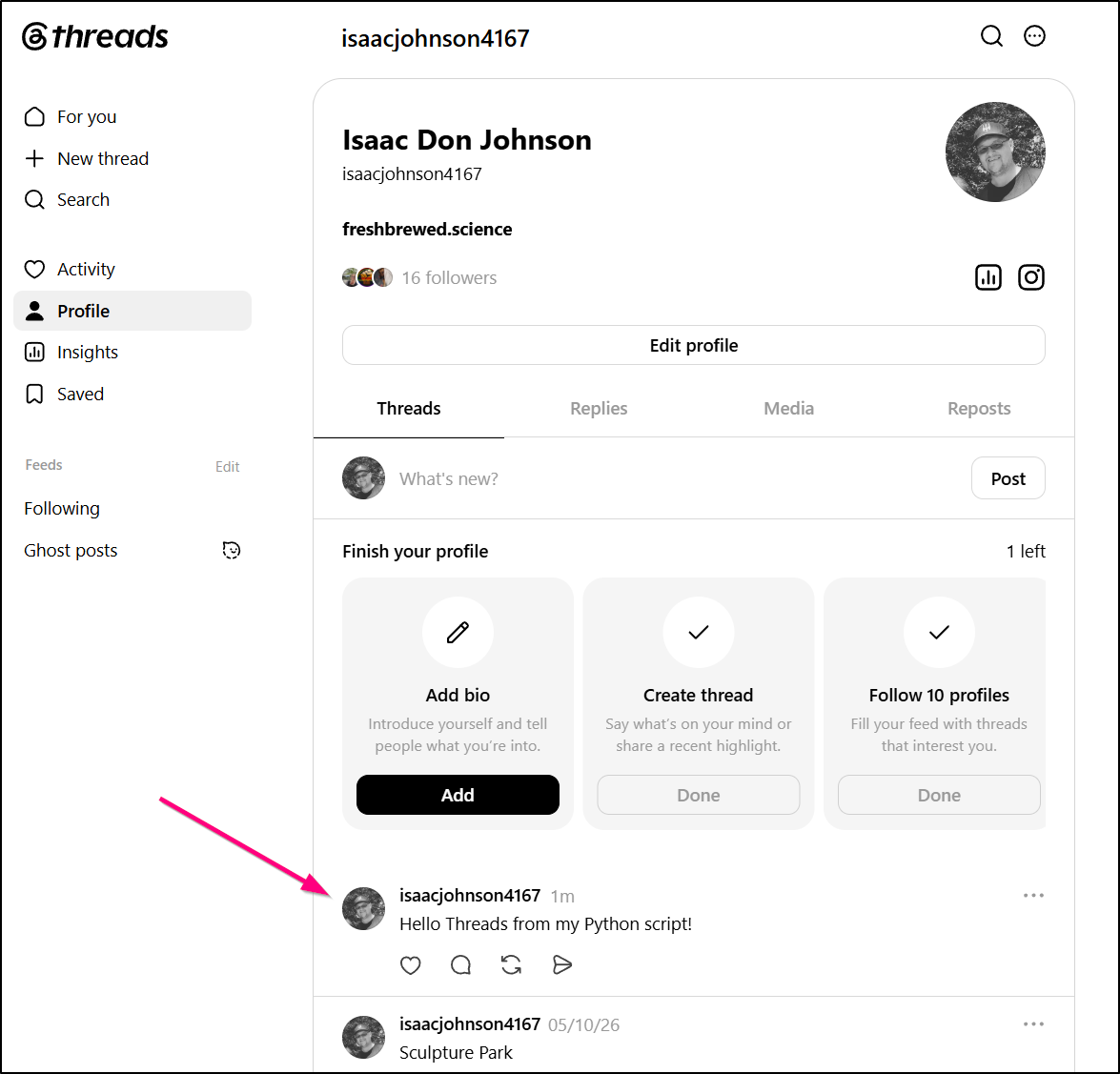
which a (slow) refresh showed
Kiro in Linux
Let’s try the Kiro CLI in WSL
builder@DESKTOP-QADGF36:~/Workspaces/pybsposter$ curl -fsSL https://cli.kiro.dev/install | bash
Kiro CLI installer:

Downloading package...
✓ Downloaded and extracted
✓ Package installed successfully

🎉 Installation complete! Happy coding!

Next steps:
Use the command "kiro-cli" to get started!
The auth step was quite easy and impressively fast.
I was now in kiro-cli in Ubuntu
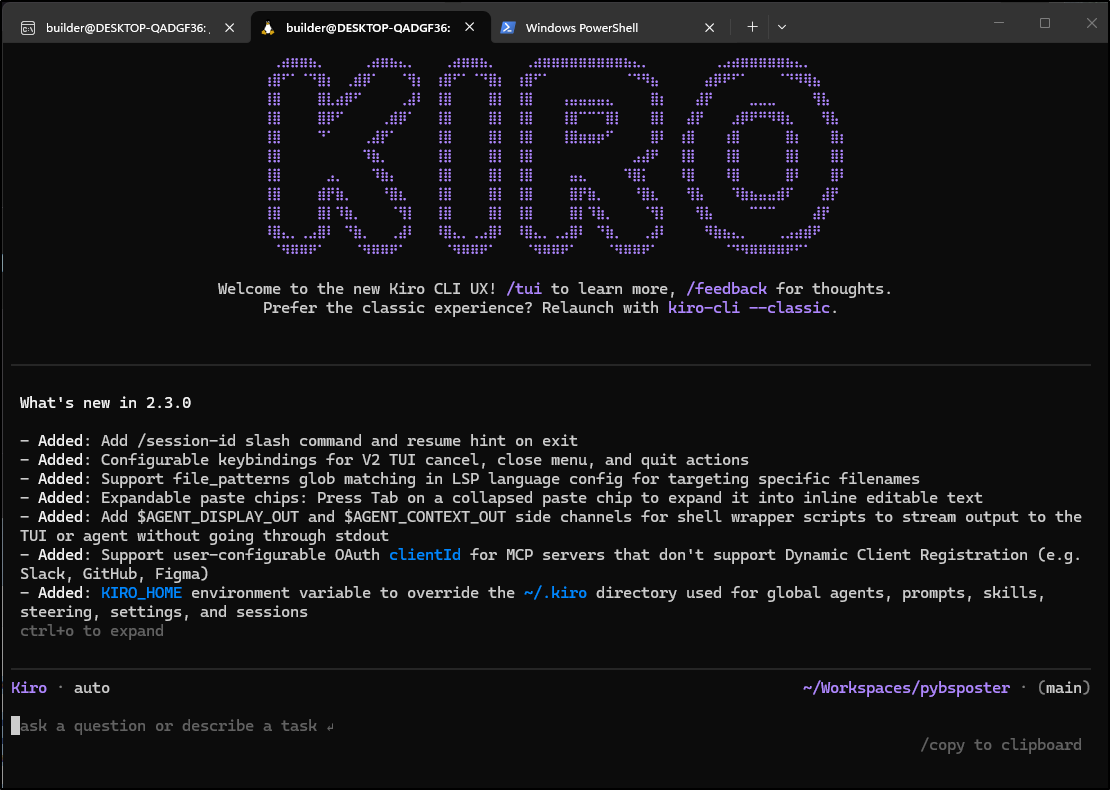
let’s try adding the logic now to my containerized Bluesky poster
Hopefully you don’t mind the screenshot here, but I find colour coding nice when looking at a diff:
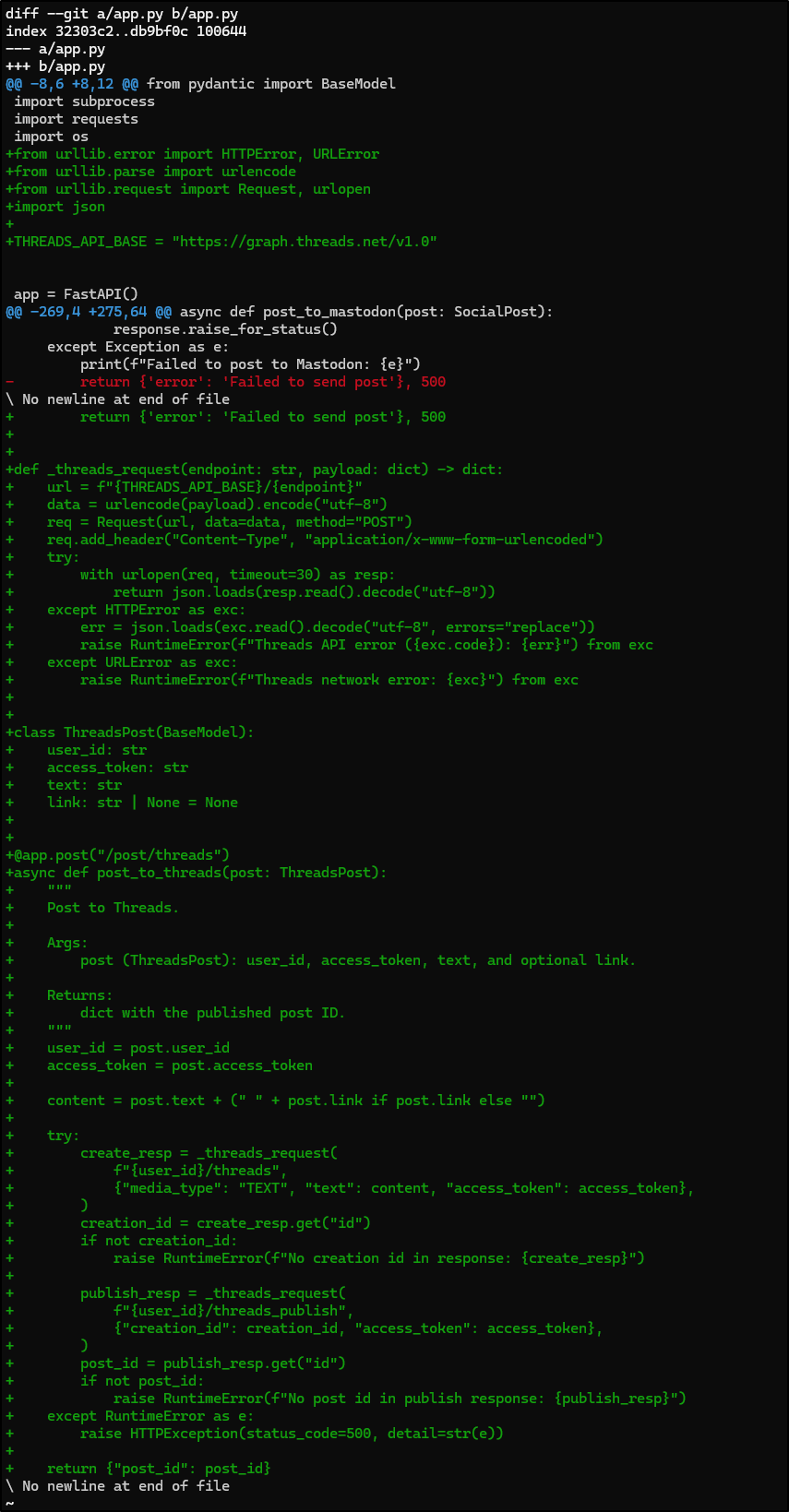
The only part we’ll just have to figure out later is if there is a character limit on Threads like there are on the other tools.
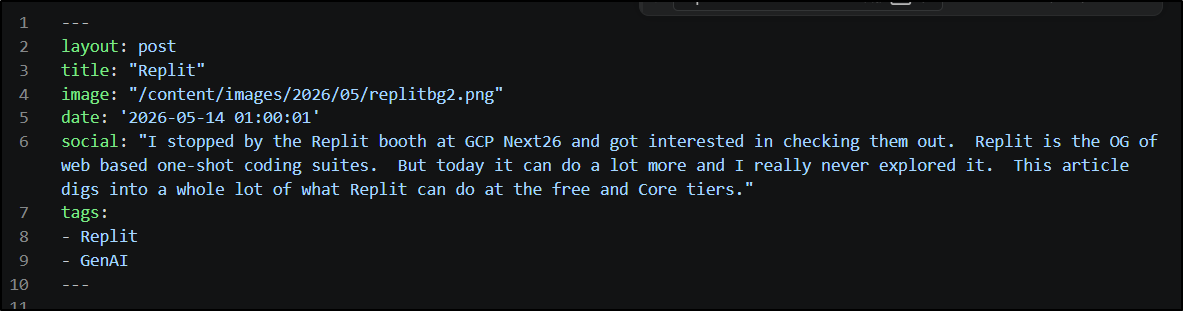
My social blocks are never long so in some cases it’s not an issue (e.g. Replits from earlier this week)
My last piece of work with Kiro is to cleanup the README. I did write up the JSON block and endpoints we will use there, but it’s not quite complete.
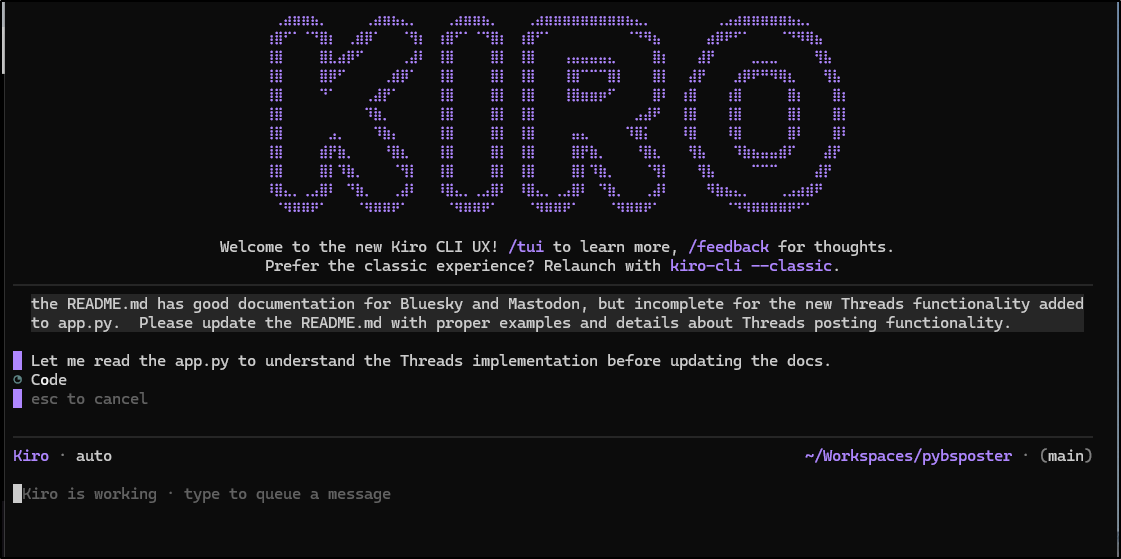
I immediately stopped it as it looked like it wanted to rewrite to omit the Mastodon functionality or mix the two:
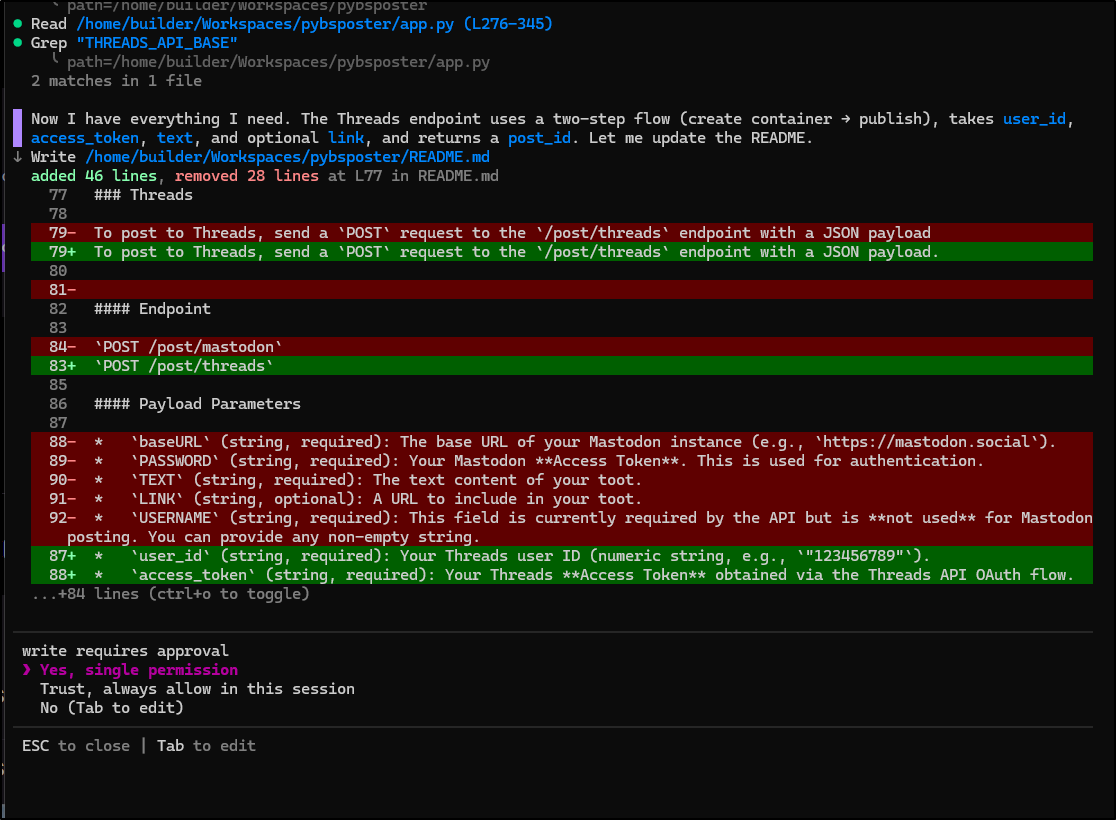
I killed it, then relaunched and force picked the model to be Claude Sonnet 4.5. This produced far better results
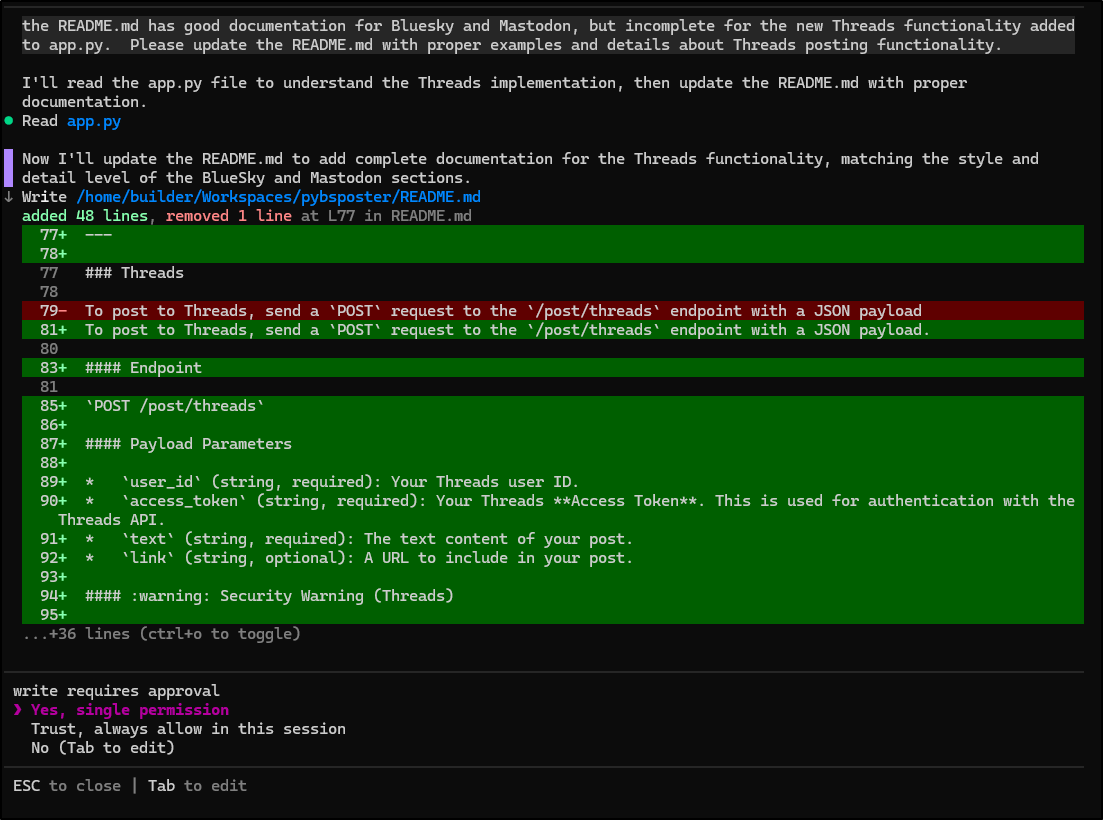
I now have some candidate changes
builder@DESKTOP-QADGF36:~/Workspaces/pybsposter$ git status
On branch main
Your branch is ahead of 'origin/main' by 1 commit.
  (use "git push" to publish your local commits)

Changes not staged for commit:
  (use "git add <file>..." to update what will be committed)
  (use "git restore <file>..." to discard changes in working directory)
        modified:   Dockerfile
        modified:   README.md
        modified:   app.py
But I’m a smidge worried it neglected dependencies so I’ll do a quick build and test locally
builder@DESKTOP-QADGF36:~/Workspaces/pybsposter$ docker build -t mytest:01 .
[+] Building 34.7s (12/12) FINISHED                                                                      docker:default
 => [internal] load build definition from Dockerfile                                                               0.0s
 => => transferring dockerfile: 804B                                                                               0.0s
 => [internal] load metadata for docker.io/library/python:3.11-slim                                                1.1s
 => [auth] library/python:pull token for registry-1.docker.io                                                      0.0s
 => [internal] load .dockerignore                                                                                  0.0s
 => => transferring context: 2B                                                                                    0.0s
 => [1/6] FROM docker.io/library/python:3.11-slim@sha256:9a7765b36773a37061455b332f18e265e7f58f6fea9c419a550d2a8b  6.8s
 => => resolve docker.io/library/python:3.11-slim@sha256:9a7765b36773a37061455b332f18e265e7f58f6fea9c419a550d2a8b  0.0s
 => => sha256:e78299e55776ca065dcb769f80161f48465ad352014240eb5fe4712e22505e9b 1.75kB / 1.75kB                     0.0s
 => => sha256:5d617d87925d3af2acb4b145faa27dea0e454ef9e87b091b97ac8bcfdadafe95 5.47kB / 5.47kB                     0.0s
 => => sha256:57fb71246055257a374deb7564ceca10f43c2352572b501efc08add5d24ebb61 29.78MB / 29.78MB                   1.5s
 => => sha256:01f59aef9b5c2caa2870aa8b9b8b5806ea3c36d893cd6e2467e252fc1b1fea46 1.29MB / 1.29MB                     0.4s
 => => sha256:fb4c70443787d9baef637d0b257f21b935d5feb6481f1ccdf4d07f48b2e393c1 14.37MB / 14.37MB                   0.9s
 => => sha256:9a7765b36773a37061455b332f18e265e7f58f6fea9c419a550d2a8b0e9db834 10.37kB / 10.37kB                   0.0s
 => => sha256:6f92665ed17afc6850bfbeb3fb681d6e1038fe59e2020ab126b859ec572da21b 250B / 250B                         0.8s
 => => extracting sha256:57fb71246055257a374deb7564ceca10f43c2352572b501efc08add5d24ebb61                          2.9s
 => => extracting sha256:01f59aef9b5c2caa2870aa8b9b8b5806ea3c36d893cd6e2467e252fc1b1fea46                          0.2s
 => => extracting sha256:fb4c70443787d9baef637d0b257f21b935d5feb6481f1ccdf4d07f48b2e393c1                          1.8s
 => => extracting sha256:6f92665ed17afc6850bfbeb3fb681d6e1038fe59e2020ab126b859ec572da21b                          0.0s
 => [internal] load build context                                                                                  0.2s
 => => transferring context: 4.35MB                                                                                0.1s
 => [2/6] RUN DEBIAN_FRONTEND=noninteractive apt update -y   && umask 0002   && DEBIAN_FRONTEND=noninteractive ap  4.8s
 => [3/6] WORKDIR /app                                                                                             0.0s
 => [4/6] COPY . /app                                                                                              0.1s
 => [5/6] RUN pip install --upgrade pip &&     pip install "fastapi[standard]"                                    16.0s
 => [6/6] RUN pip install -r requirements.txt                                                                      4.7s
 => exporting to image                                                                                             1.0s
 => => exporting layers                                                                                            1.0s
 => => writing image sha256:3d95751959df97b7b321fca536b964039d8913a06534163b06b723adcf51c1ad                       0.0s
 => => naming to docker.io/library/mytest:01                                                                       0.0s
builder@DESKTOP-QADGF36:~/Workspaces/pybsposter$ vi app.py
builder@DESKTOP-QADGF36:~/Workspaces/pybsposter$ docker run -it -p 8080:8080 mytest:01

   FastAPI   Starting production server 🚀

             Searching for package file structure from directories with __init__.py files
/usr/local/lib/python3.11/site-packages/pydantic/_internal/_config.py:386: UserWarning: Valid config keys have changed in V2:
* 'allow_population_by_field_name' has been renamed to 'validate_by_name'
  warnings.warn(message, UserWarning)
             Importing from /app

    module   🐍 app.py

      code   Importing the FastAPI app object from the module with the following code:

             from app import app

       app   Using import string: app:app

    server   Server started at http://0.0.0.0:8000
    server   Documentation at http://0.0.0.0:8000/docs

             Logs:

      INFO   Started server process [1]
      INFO   Waiting for application startup.
      INFO   Application startup complete.
      INFO   Uvicorn running on http://0.0.0.0:8000 (Press CTRL+C to quit)
Seems okay. I guess I’ll push.
builder@DESKTOP-QADGF36:~/Workspaces/pybsposter$ git commit -m "version 0.2.2.  This adds Threads posting functionality"
[main ca5617b] version 0.2.2.  This adds Threads posting functionality
 3 files changed, 121 insertions(+), 3 deletions(-)
builder@DESKTOP-QADGF36:~/Workspaces/pybsposter$ git push
Enumerating objects: 14, done.
Counting objects: 100% (14/14), done.
Delta compression using up to 16 threads
Compressing objects: 100% (9/9), done.
Writing objects: 100% (9/9), 4.78 KiB | 4.78 MiB/s, done.
Total 9 (delta 6), reused 0 (delta 0), pack-reused 0
remote: Resolving deltas: 100% (6/6), completed with 4 local objects.
To https://github.com/idjohnson/pybsposter.git
   60e384a..ca5617b  main -> main
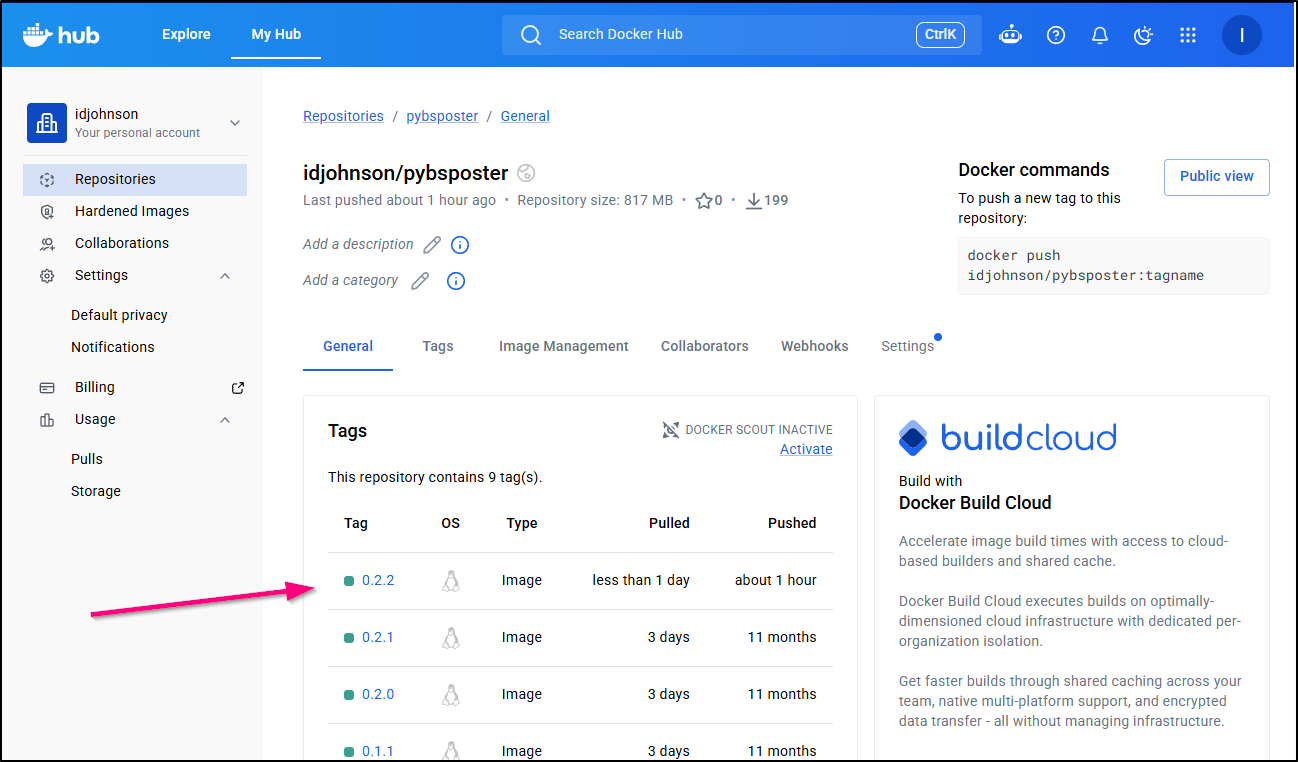
The build went through and I can see my new image on Docker hub
Let’s upgrade with helm
builder@DESKTOP-QADGF36:~/Workspaces/pybsposter$ diff values.yaml values.yaml.bak
2c2
<   tag: 0.2.2
---
>   tag: 0.2.1
builder@DESKTOP-QADGF36:~/Workspaces/pybsposter$ helm upgrade pybsposter -f ./values.yaml ./charts/pybsposter/
Chart.yaml   templates/   values.yaml
builder@DESKTOP-QADGF36:~/Workspaces/pybsposter$ helm upgrade pybsposter -f ./values.yaml ./charts/pybsposter
Release "pybsposter" has been upgraded. Happy Helming!
NAME: pybsposter
LAST DEPLOYED: Tue May 19 10:31:26 2026
NAMESPACE: default
STATUS: deployed
REVISION: 16
TEST SUITE: None
Something I noticed was a spike that caused an OOMKilled rotation
$ kubectl get po | grep -i oster
pybsposter-7c67fd94fd-zx9j8                          0/1     OOMKilled          1 (37s ago)       75s
My default for this app has a 250MiB limit on memory
resources:
  requests:
    cpu: 15m
    memory: 105Mi
  limits:
    cpu: 250m
    memory: 250Mi
I’ll up that a bit to 350 MiB and set the CPU requests a bit higher as well
builder@DESKTOP-QADGF36:~/Workspaces/pybsposter$ helm upgrade pybsposter -f ./values.yaml ./charts/pybsposter
Release "pybsposter" has been upgraded. Happy Helming!
NAME: pybsposter
LAST DEPLOYED: Tue May 19 10:35:02 2026
NAMESPACE: default
STATUS: deployed
REVISION: 17
TEST SUITE: None
builder@DESKTOP-QADGF36:~/Workspaces/pybsposter$ cat values.yaml
image:
  tag: 0.2.2
ingress:
  enabled: true
  host: bskyposter.steeped.icu
  tlsSecretName: pybspostergcp2-tls
resources:
  requests:
    cpu: 150m
    memory: 105Mi
  limits:
    cpu: 250m
    memory: 350Mi
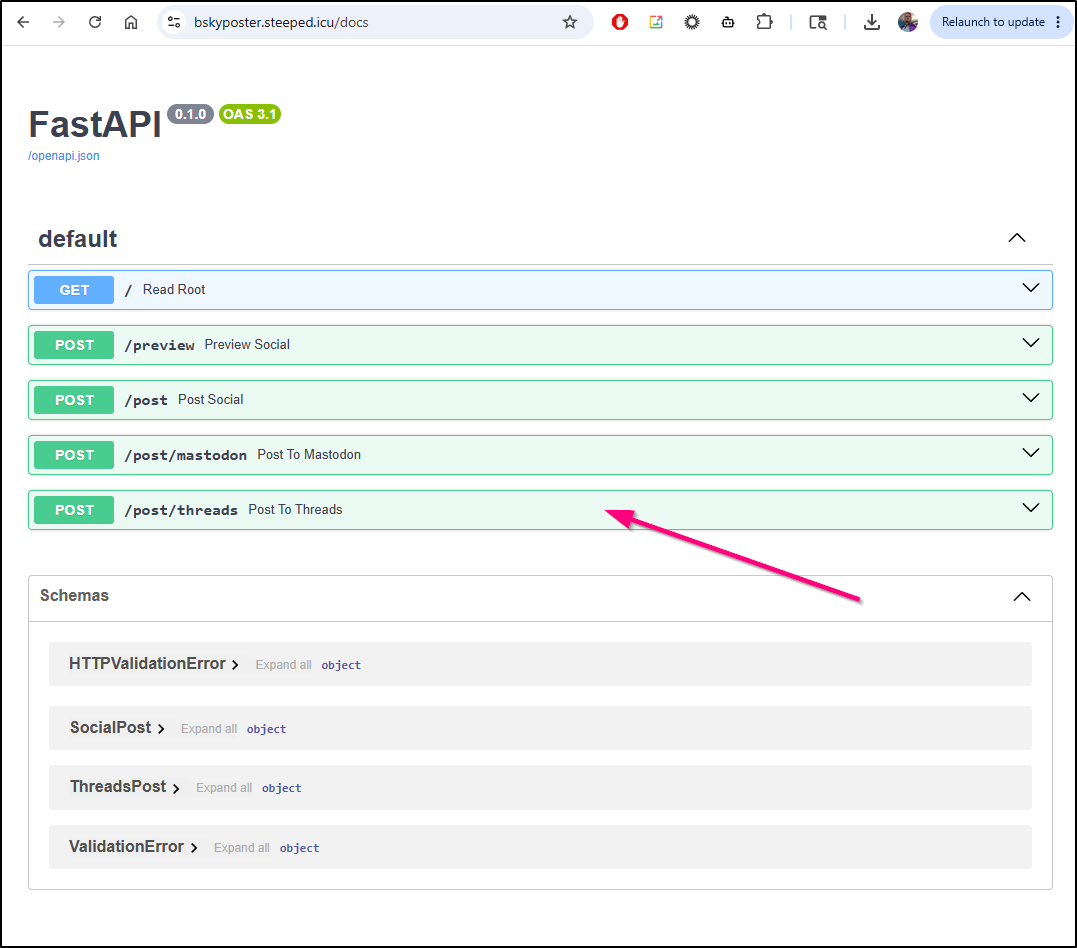
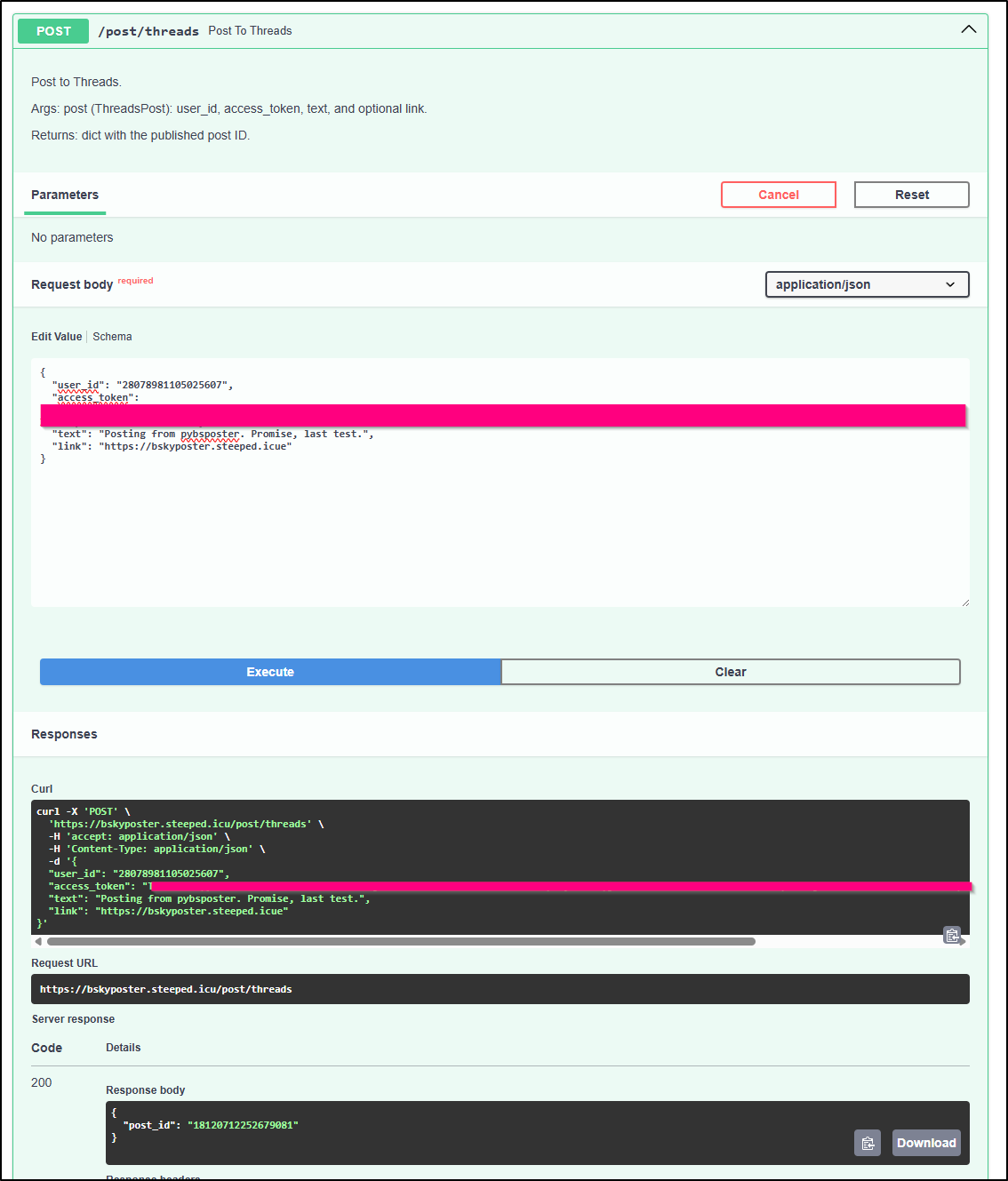
I can now see the threads endpoint in the Swagger (OpenAPI) docs
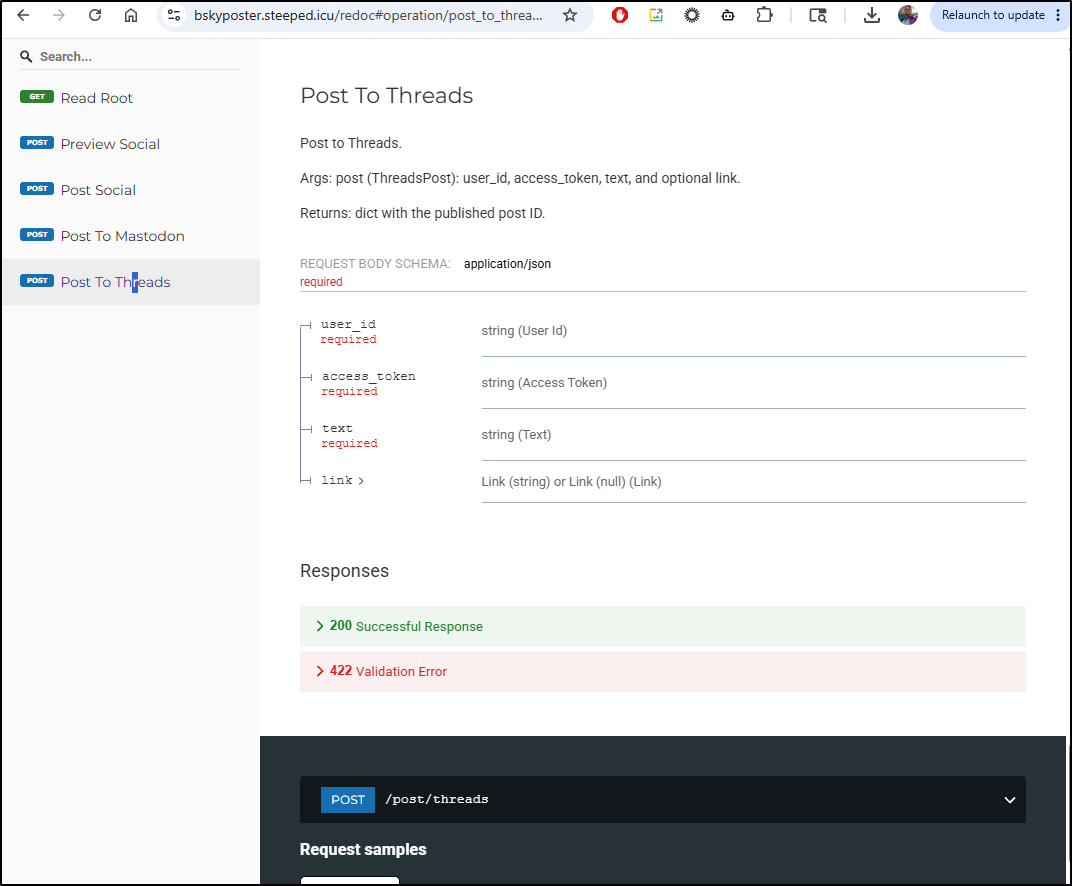
As well as Redocs
Final test - I executed it from the Swagger page
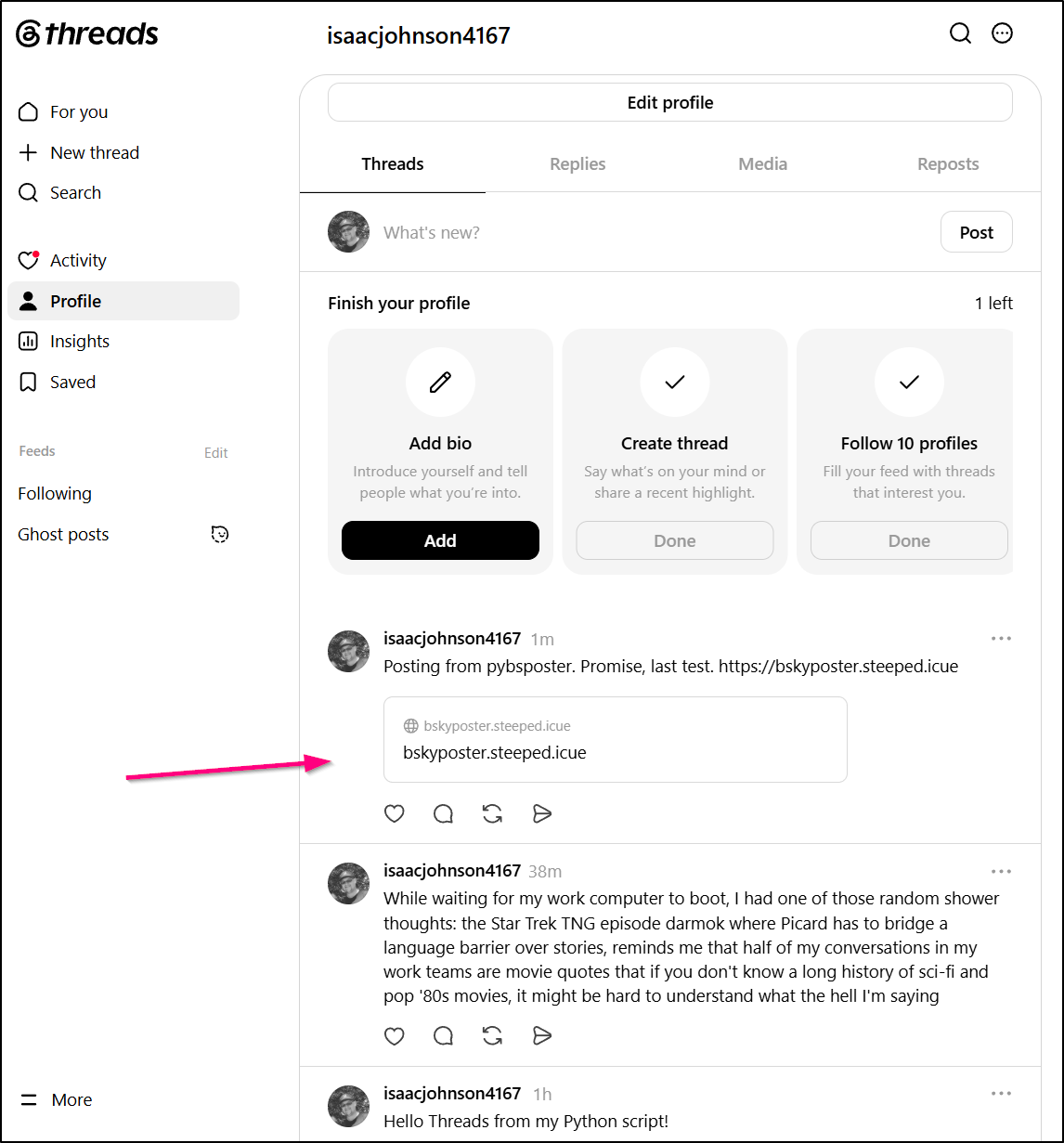
And indeed saw a resulting post!
My last bit I don’t need AI for, I’ll just update my Jekyll GH action to post now to Threads as well
      - name: Post to Threads
        run: |
            # clean
            rm ./title.txt || true
            rm ./threads.payload.json || true
            rm ./target.url || true

            export LATESTFILE=`ls -l _posts/ | grep ".* 20[0-9][0-9]-[0-9][0-9].*markdown" | tail -n1 | sed 's/.* \(20[0-9][0-9]-[0-9][0-9].*markdown\)/\1/'`
            export LATESTURL=`ls -l _posts/ | grep ".* 20[0-9][0-9]-[0-9][0-9].*markdown" | tail -n1 | sed 's/.* \(20[0-9][0-9]-[0-9][0-9]-[0-9][0-9]-\)\(.*\)\.markdown/\2.html/'`
            cat _posts/$LATESTFILE | grep "^title: " | head -n 1 | sed 's/^title: "\(.*\)"/\1/' | tr -d '\n'> title.txt
            cat _posts/$LATESTFILE | grep "^social: " | head -n 1 | sed 's/^social: "\(.*\)"/\1/' | tr -d '\n'> social.txt

            # I suspect I need an extra space
            echo " " | tr -d '\n' >> social.txt

            char_count=$(wc -c ./social.txt)

            echo "================ bluesky ================"
            if [ "$char_count" -gt 275 ]; then
               echo "{\"user_id\": \"$THREADSUSERID\", \"access_token\": \"$THREADSTOKEN\", \"text\": \"`head -c 275 ./social.txt`...\", \"link\": \"`cat $/k_link.txt`\"}" > threads.payload.json
            else
               echo "{\"user_id\": \"$THREADSUSERID\", \"access_token\": \"$THREADSTOKEN\", \"text\": \"`cat ./social.txt`\", \"link\": \"`cat $/k_link.txt`\"}" > threads.payload.json
            fi

            # allow a way to not repost on image updates and hotfixes
            log=$(git log -n 1)

            set -x
            cat threads.payload.json
            if [[ $log != *"SKIPSOCIAL"* ]]; then
              echo "================ now posting ================"
              curl -X POST https://bskyposter.steeped.icu/post/threads -H "Content-Type: application/json" -d @threads.payload.json
            else
              echo "CHECK-SKIP: Skip Posting To Social (Threads).. would have posted:"
              cat threads.payload.json
            fi
        env:
          THREADSUSERID: $
          THREADSTOKEN: $
          GHTOKEN: $
Summary
Today we looked at Warp.dev as well as Kiro. Both break down their offerings into various paid tiers that then tie to tokens and multipliers. Warp is independent and came from Zach Lloyd, a former Google Engineer (and CTO at TIME) back in 2020 and is still going strong. Kiro, came out of AWS and was (sort of) released to the public in 2025 (though I never could get access last year).
Both of these tool have a generous monthly free tier and decide UI clients and CLIs. I see no reason not to add them to one’s arsenal. I’m not sure how much I would pay for them though. Kiro, for instance, has “pay for overage” set on all their paid tiers which spooks me a bit.
I asked Gemini to break down a cost comparison but the summary is basically both offer a $20/mo plan - Kiro giving you 50 credits to Warp’s 150. Kiro will charge you US$0.04 per credit on overages and unused credits don’t roll over. Warp will let you “top up” with blocks in $10 increments.
Really, Kiro’s goal is to get your spend back in AWS. Warp will let you use your own API keys from OpenAI, Anthropic, Google and more. So I think perhaps the Warp offering is a bit more interesting to me.
Either way, both are suites available to checkout now and both have free tiers, so why not check them out?
