

Published: May 19, 2026 by Isaac Johnson
I used to use Project IDX all the time but realized recently it’s folded into Firebase Studio.
I started to wonder if we could do some full stack development using just a browser and Firebase Studio.
STOP .. I wrote that in December 2025 and oddly just lost this post.. so here in May 2026 I went to finish this work only to find Firebase is totally sunset too!
So this post starts with Project IDX to Firebase and was written in 2025, but then the last half takes us from Firebase Studio to something very equivalent.. you’ll see (and we’ll have a Cloud Based IDE and deployments to Cloud Run)
Let’s take a wayback 6 months and start with a workspace…
Create a workspace
As you can see, I have a few projects that came either from Github Imports or Project IDX conversions
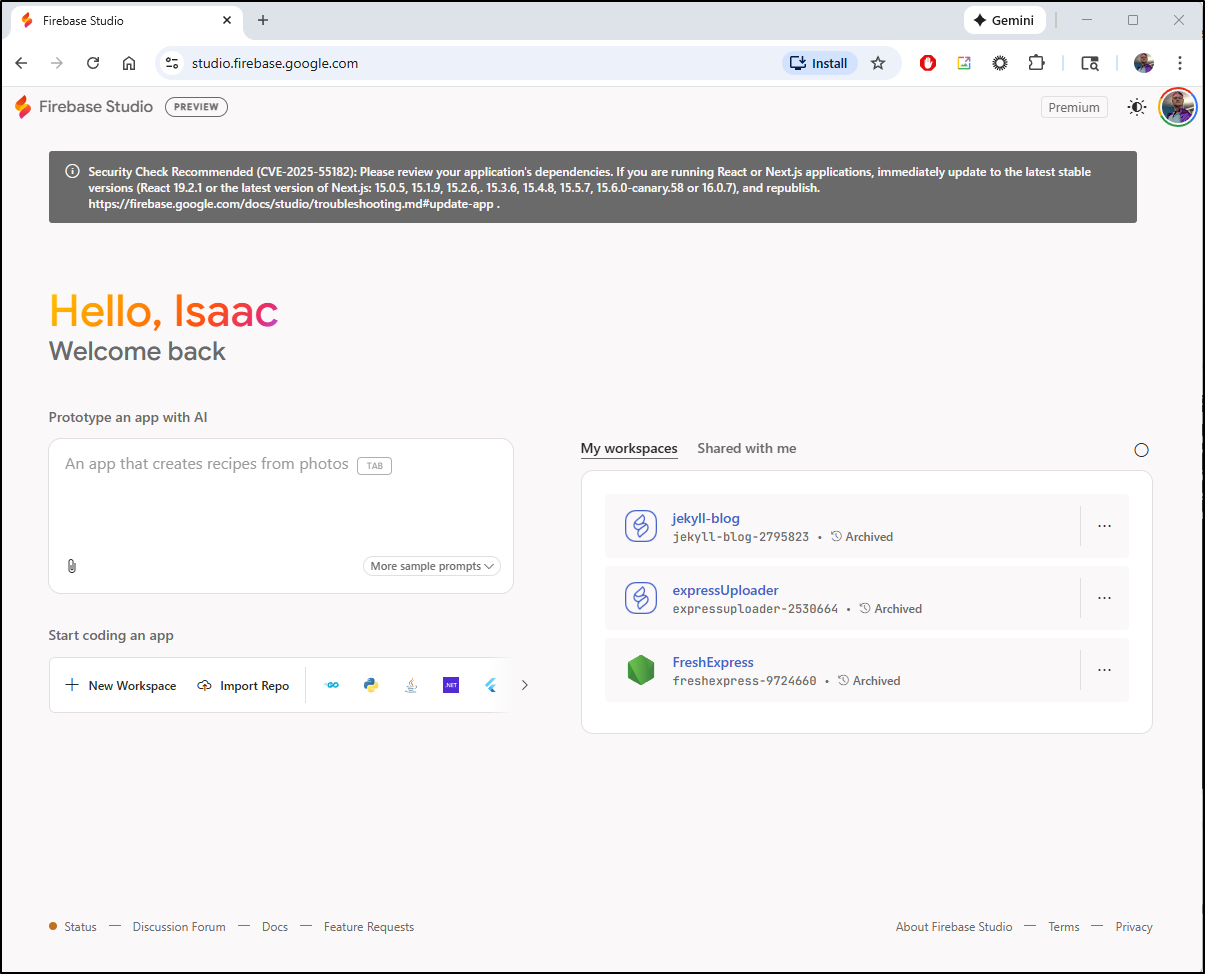
I have a wild idea which may not even work, but I want to try - so let’s start with a fresh workspace.
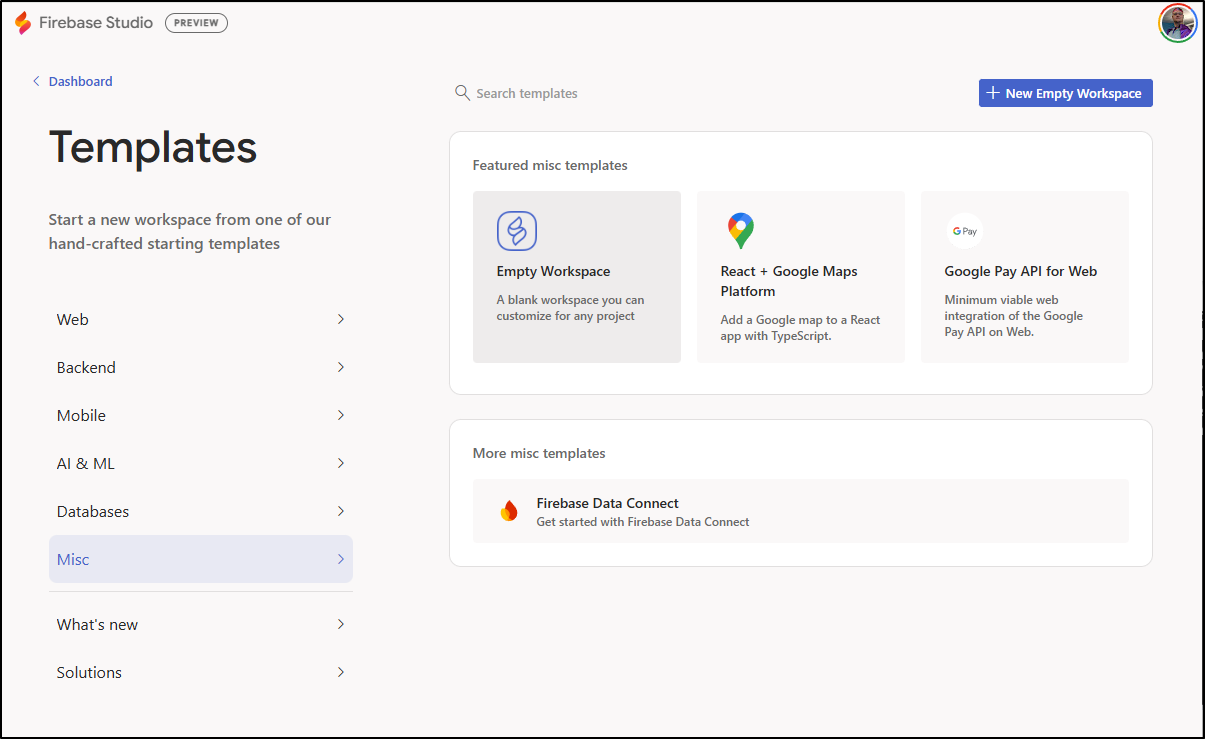
The language I have in mind isn’t listed, so let’s just start with blank
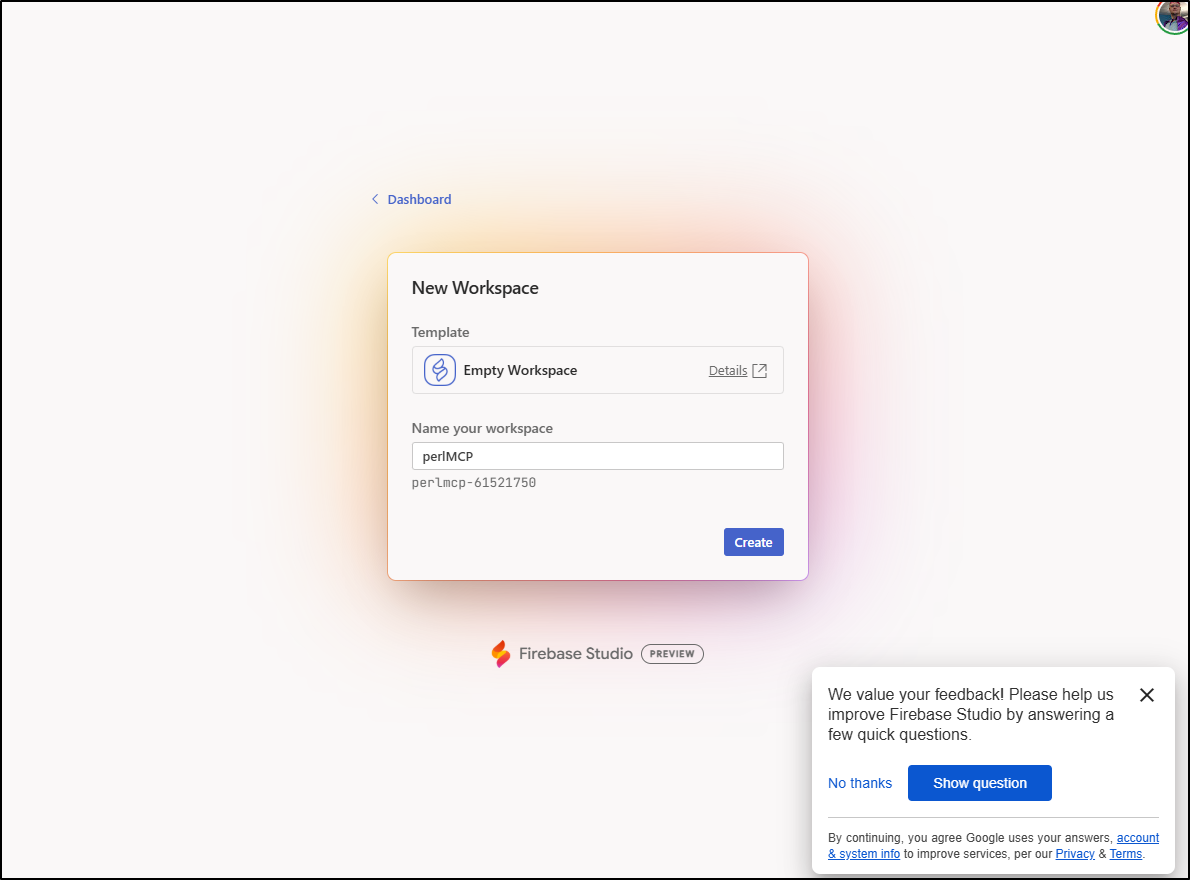
I’m going to call this perlMCP (that’s right - we are getting a bit old school today)
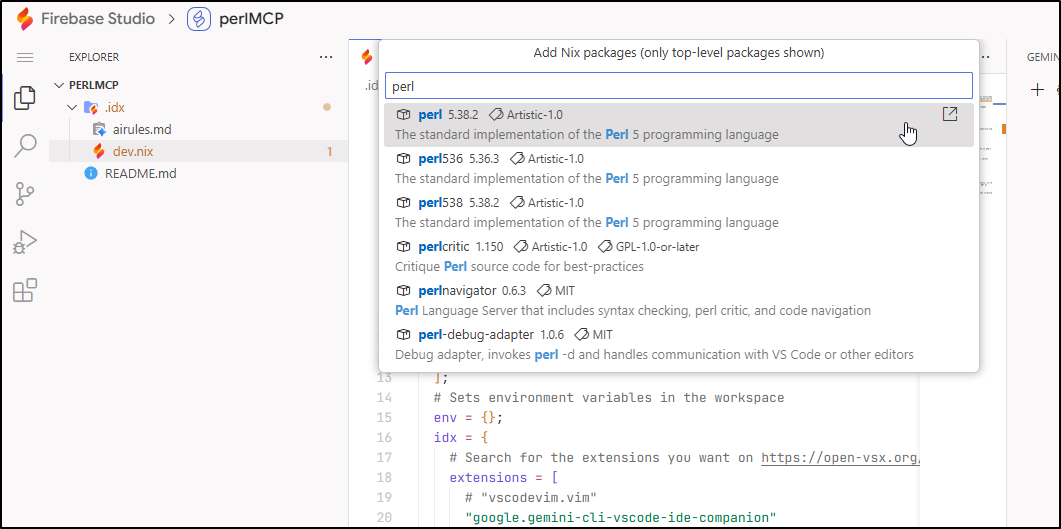
From dev.nix, I’ll click “Add Packages” and add the latest Perl package
We can now see it listed in the “packages” block
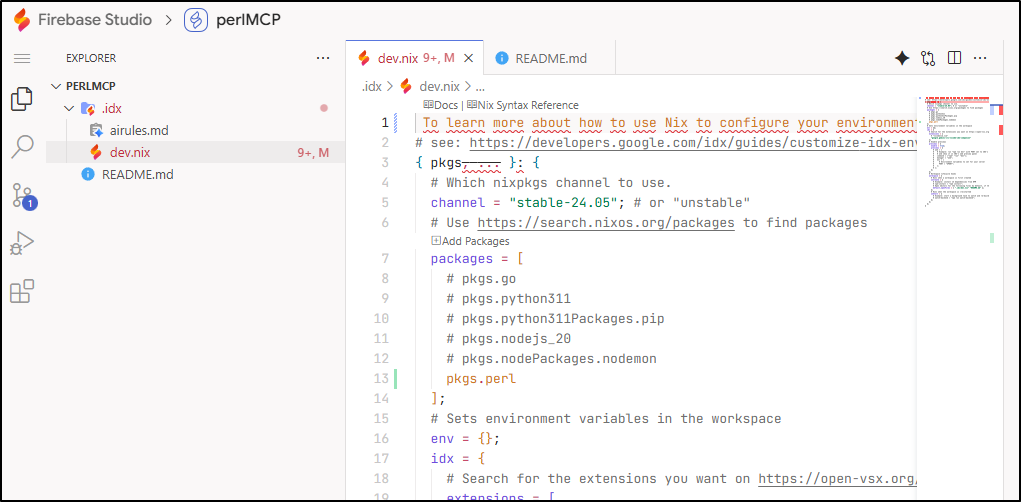
My next step is to create a server.pl with just a simple hello world example.
#!/usr/bin/perl
{
package MyWebServer;
use HTTP::Server::Simple::CGI;
use base qw(HTTP::Server::Simple::CGI);
my %dispatch = (
    '/hello' => \&resp_hello,
    # ...
);
sub handle_request {
    my $self = shift;
    my $cgi  = shift;

    my $path = $cgi->path_info();
    my $handler = $dispatch{$path};
    if (ref($handler) eq "CODE") {
        print "HTTP/1.0 200 OK\r\n";
        $handler->($cgi);

    } else {
        print "HTTP/1.0 404 Not found\r\n";
        print $cgi->header,
              $cgi->start_html('Not found'),
              $cgi->h1('Not found'),
              $cgi->end_html;
    }
}
sub resp_hello {
    my $cgi  = shift;   # CGI.pm object
    return if !ref $cgi;

    my $who = $cgi->param('name');

    print $cgi->header,
          $cgi->start_html("Hello"),
          $cgi->h1("Hello $who!"),
          $cgi->end_html;
}
}
# start the server on port 8080
my $pid = MyWebServer->new(8080)->background();
print "Use 'kill $pid' to stop server.\n";
This should server up a nice Hello page on “/hello” for port 8080.
I’ll want to install the HTTP::Server package first
However, everytime i go away and come back, my sessions is crashed out
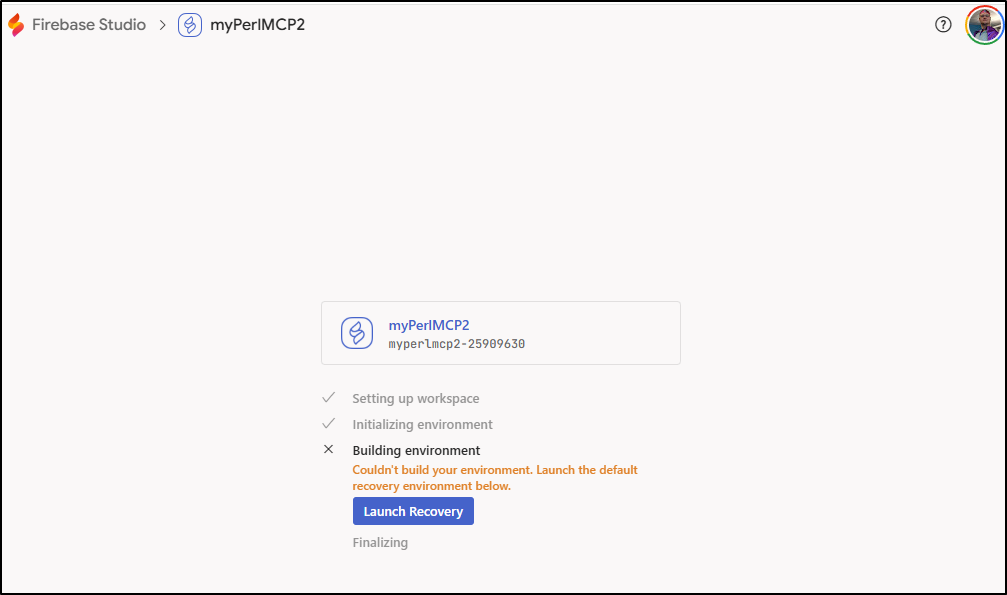
Flash forward 6 months
So it is now mid-may 2026 and coming back we see Firebase Studio is sunset and prompting us to move to AI Studio
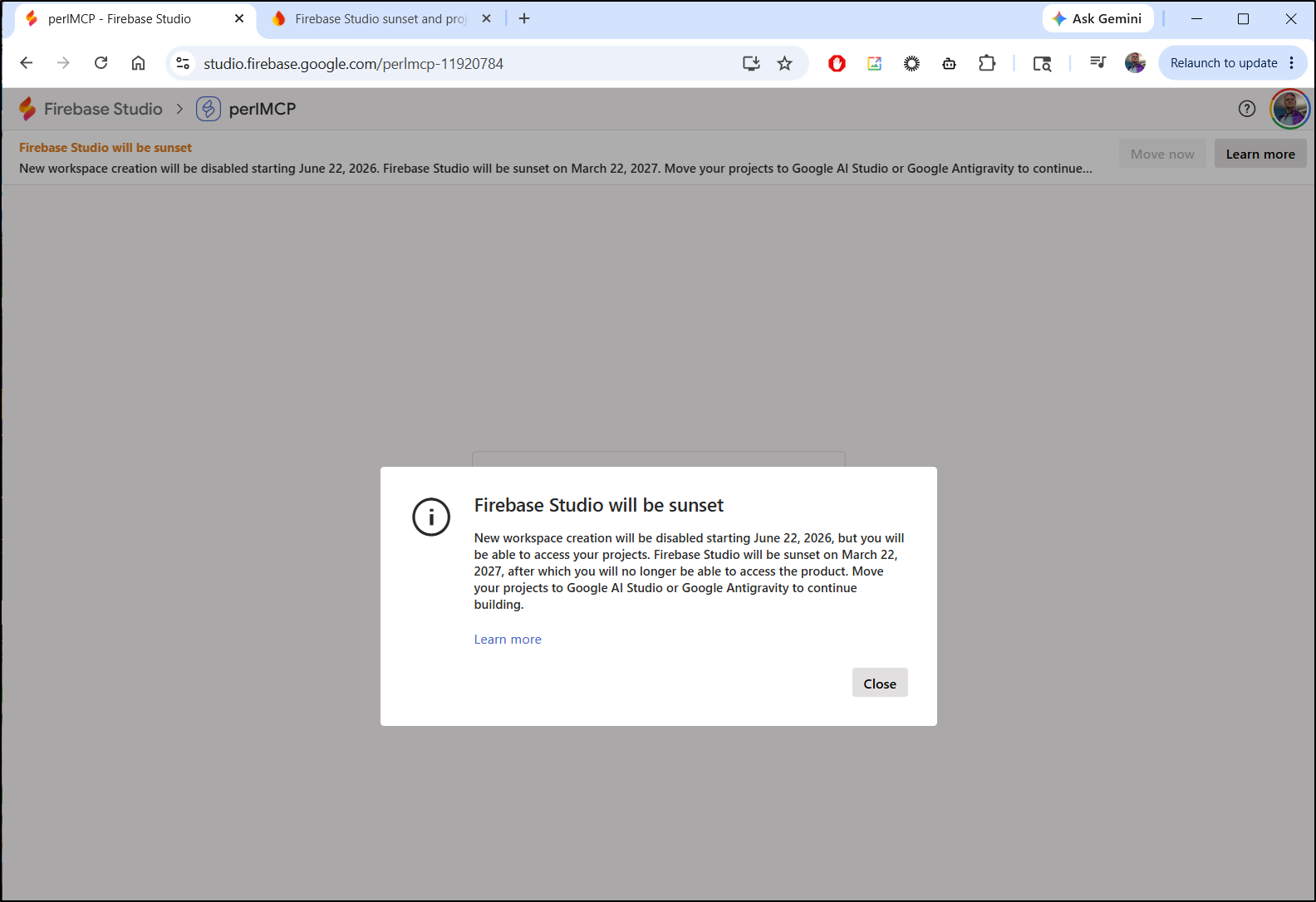
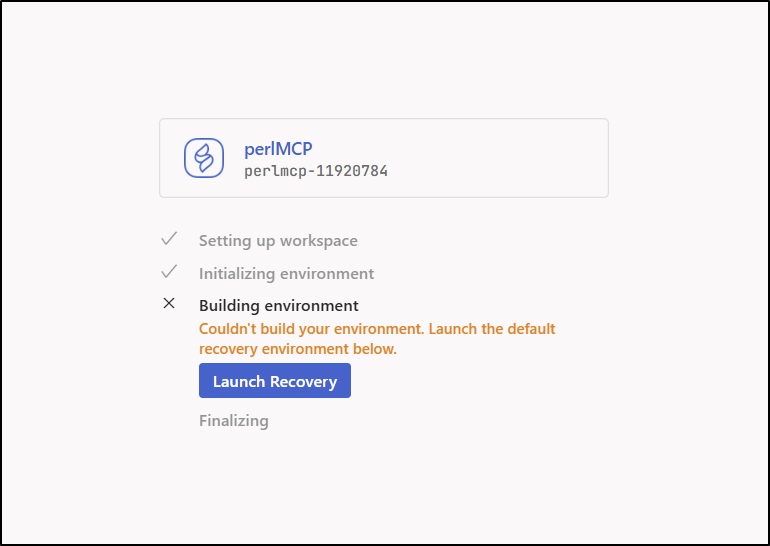
I launched “Recovery”
This brought up Firebase Studio and I can now click “Move Now” to move to “AI Studio”
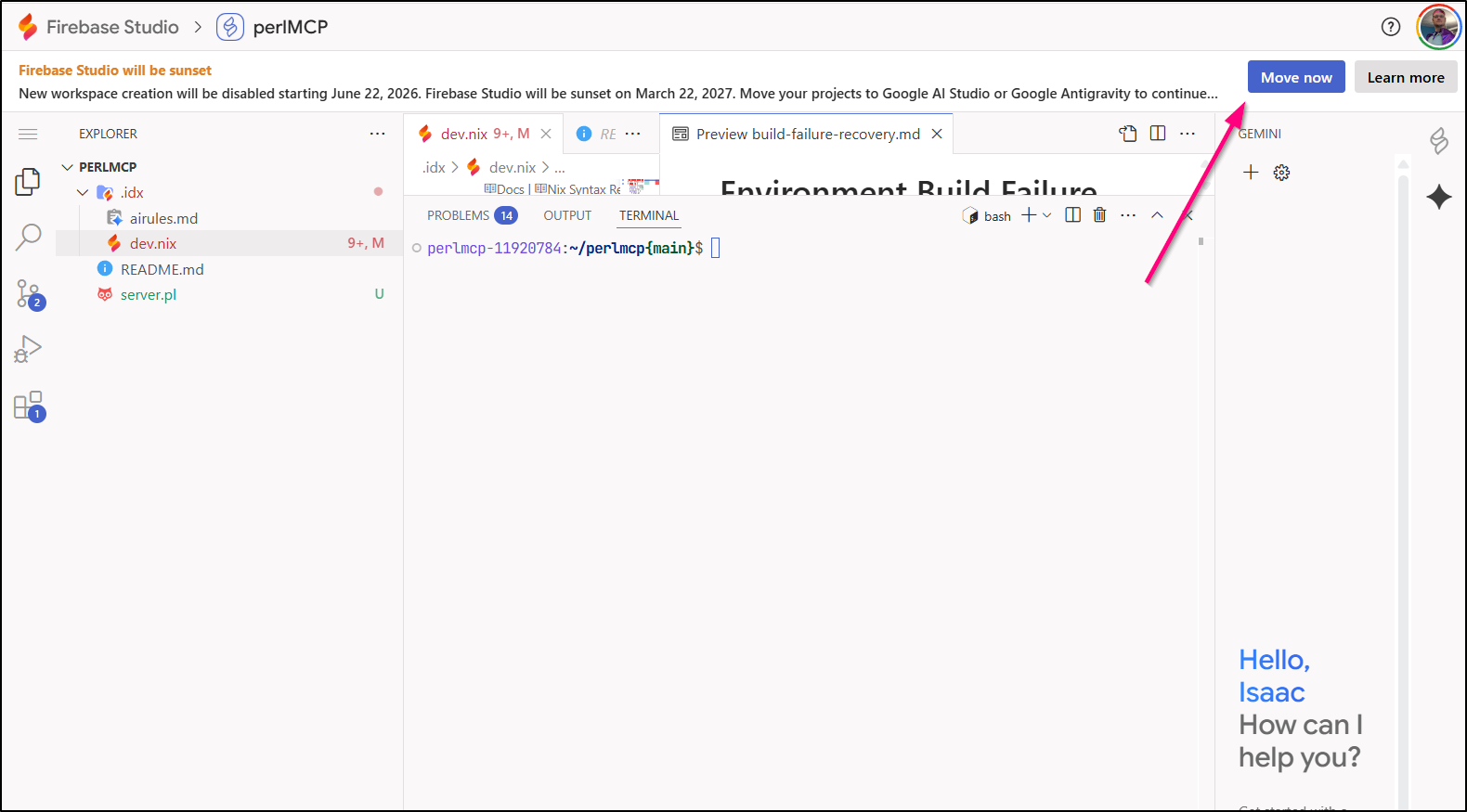
However, this is not letting me move to AI Studio, rather to download for Antigravity which is not what I want
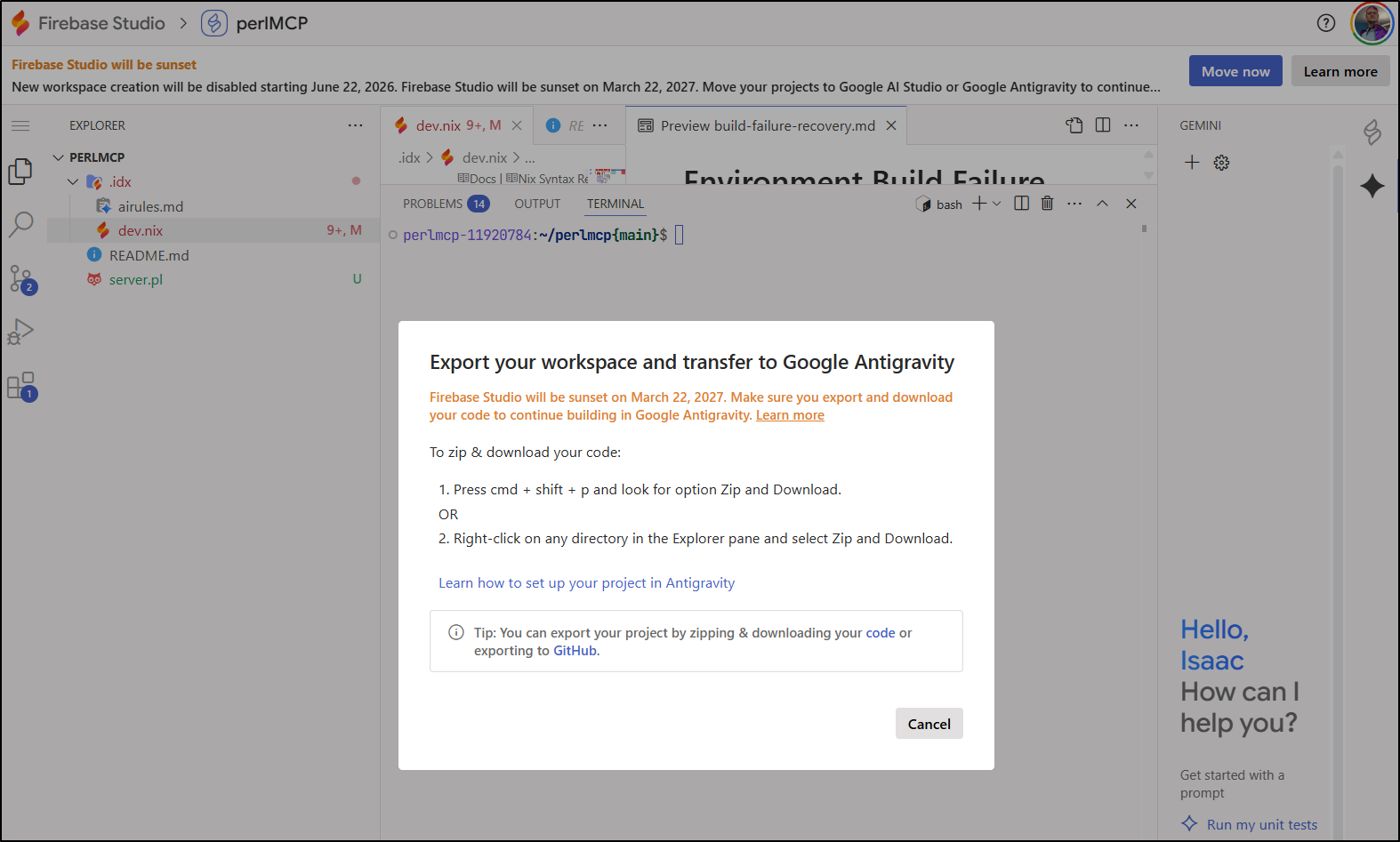
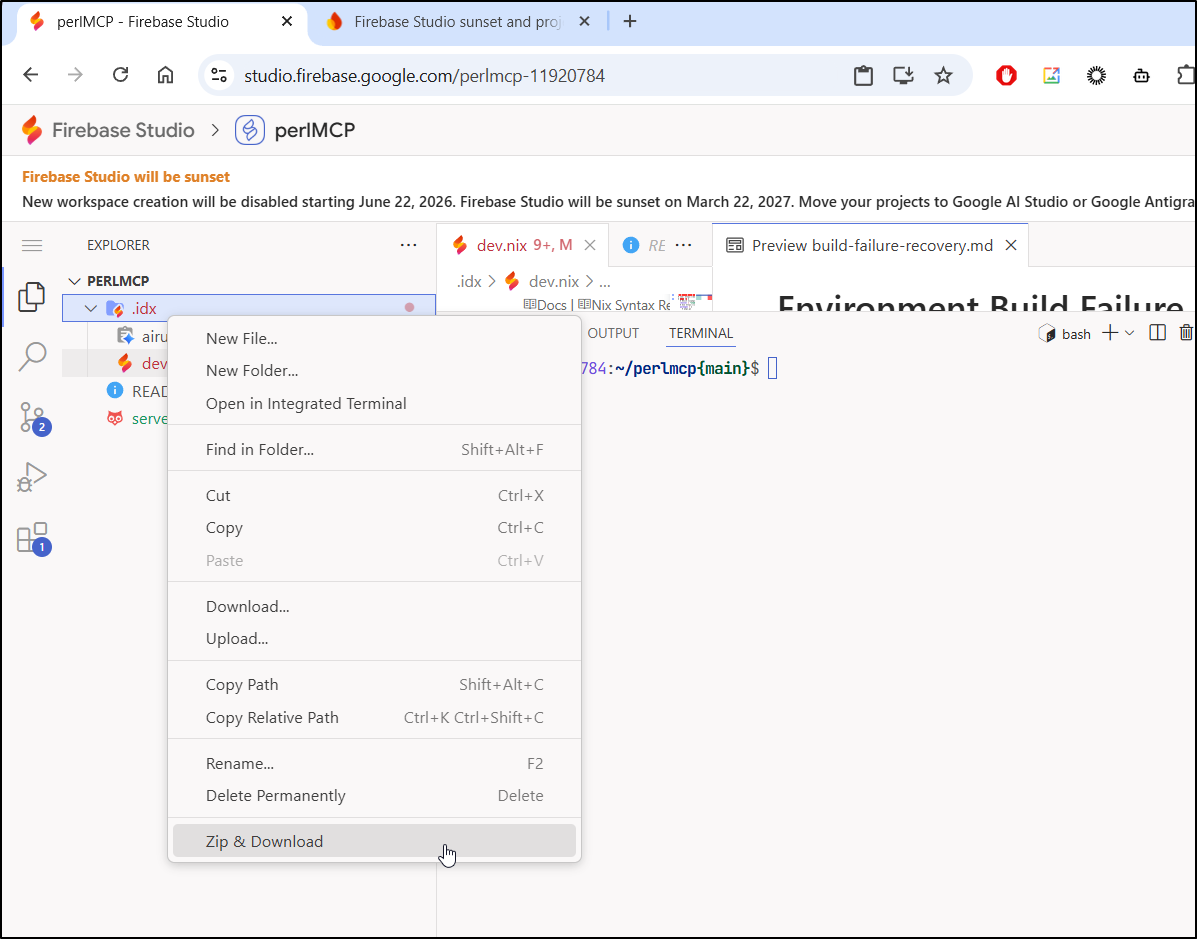
Let’s see if we can “zip & download” - this did work if I highlighted everything before right-clicking…
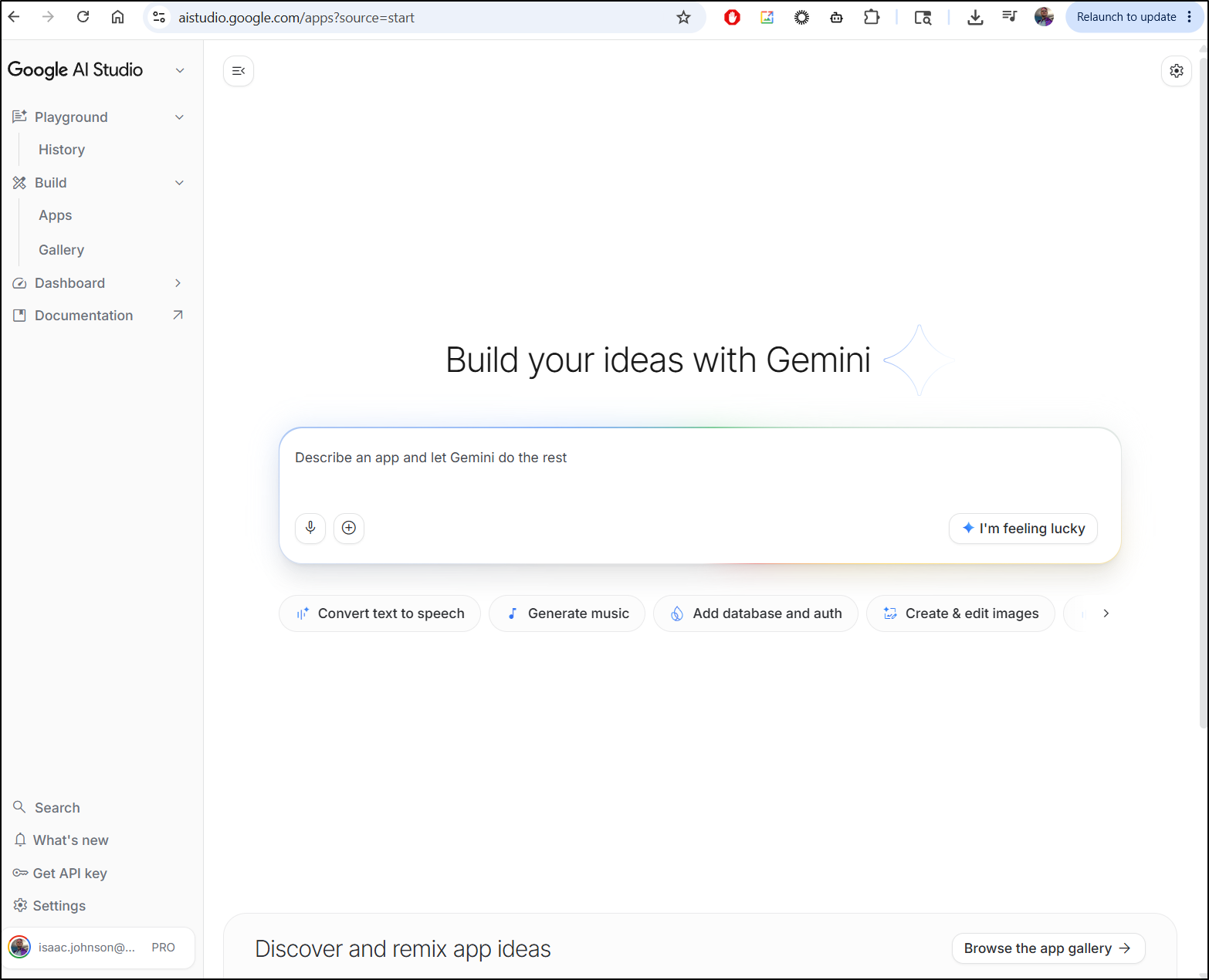
The problem is that going to AI Studio is NOT the same as Project IDX or Firebase.
This is just a prompt page. I don’t want a damn chat interface.
Moving to something else
The editor experience is just not the same in Forgejo/Gitea
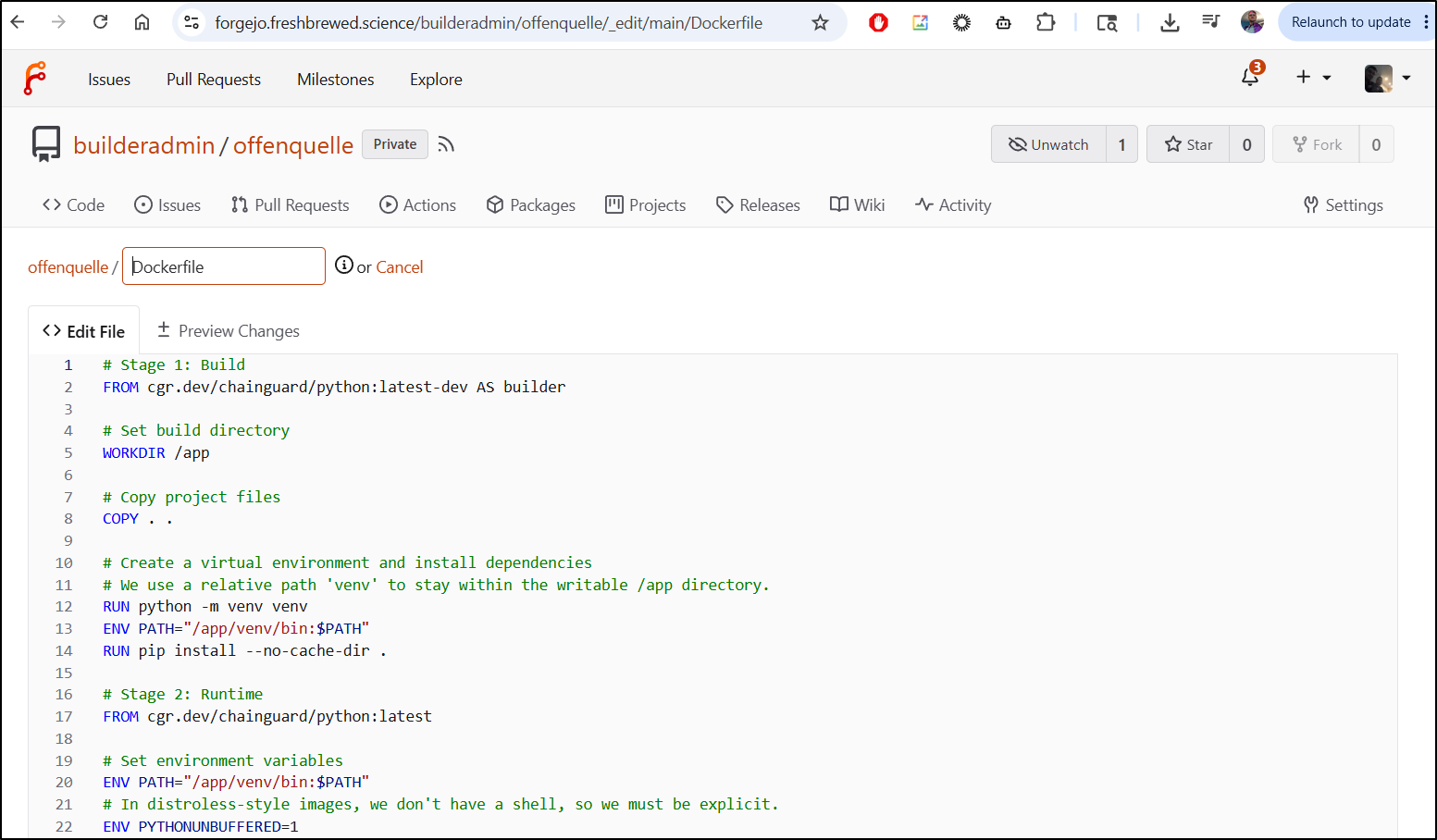
I want a coder interface. I have a couple choices here (in SaaS options of course):
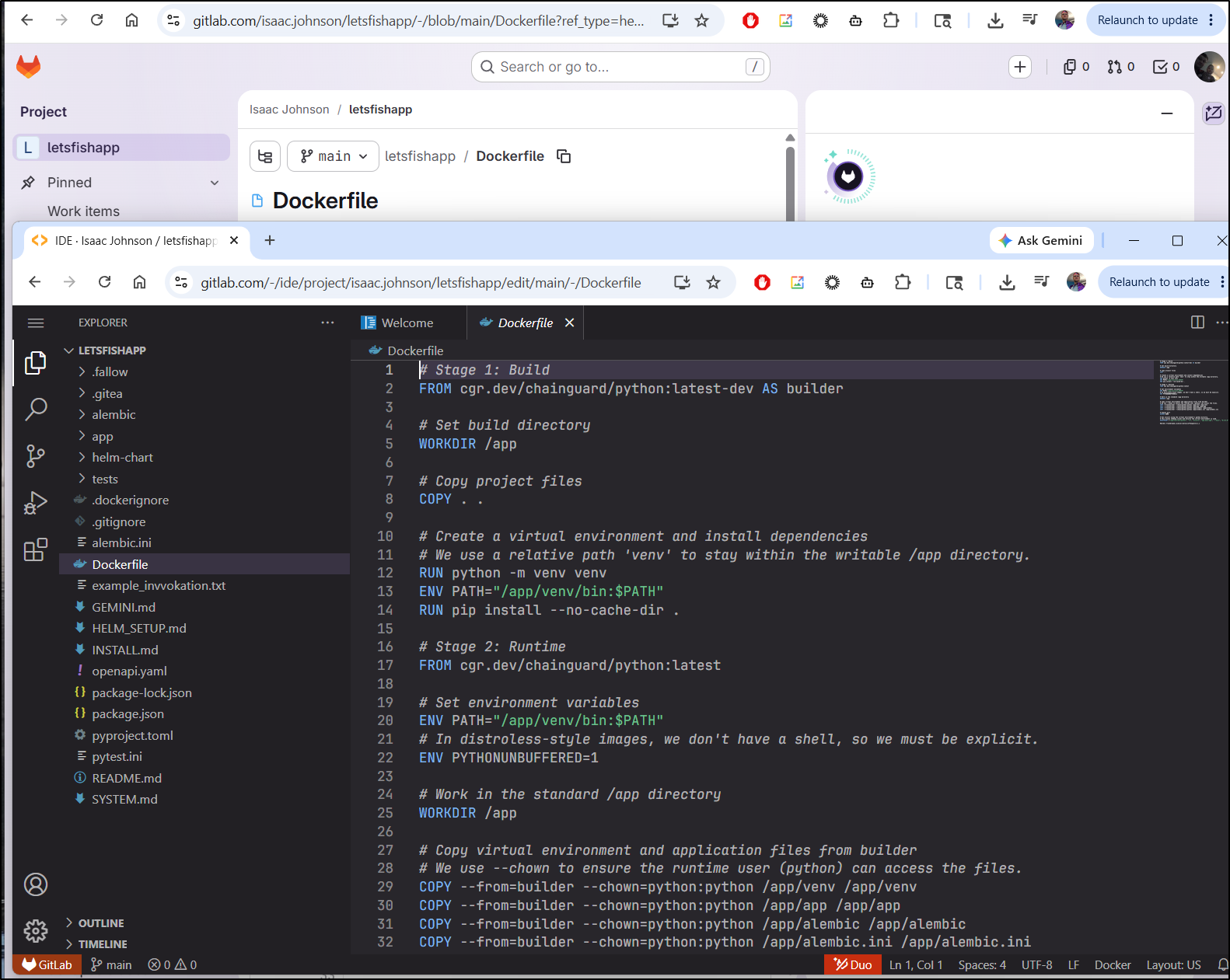
Gitlab, which will give me a Coder interface
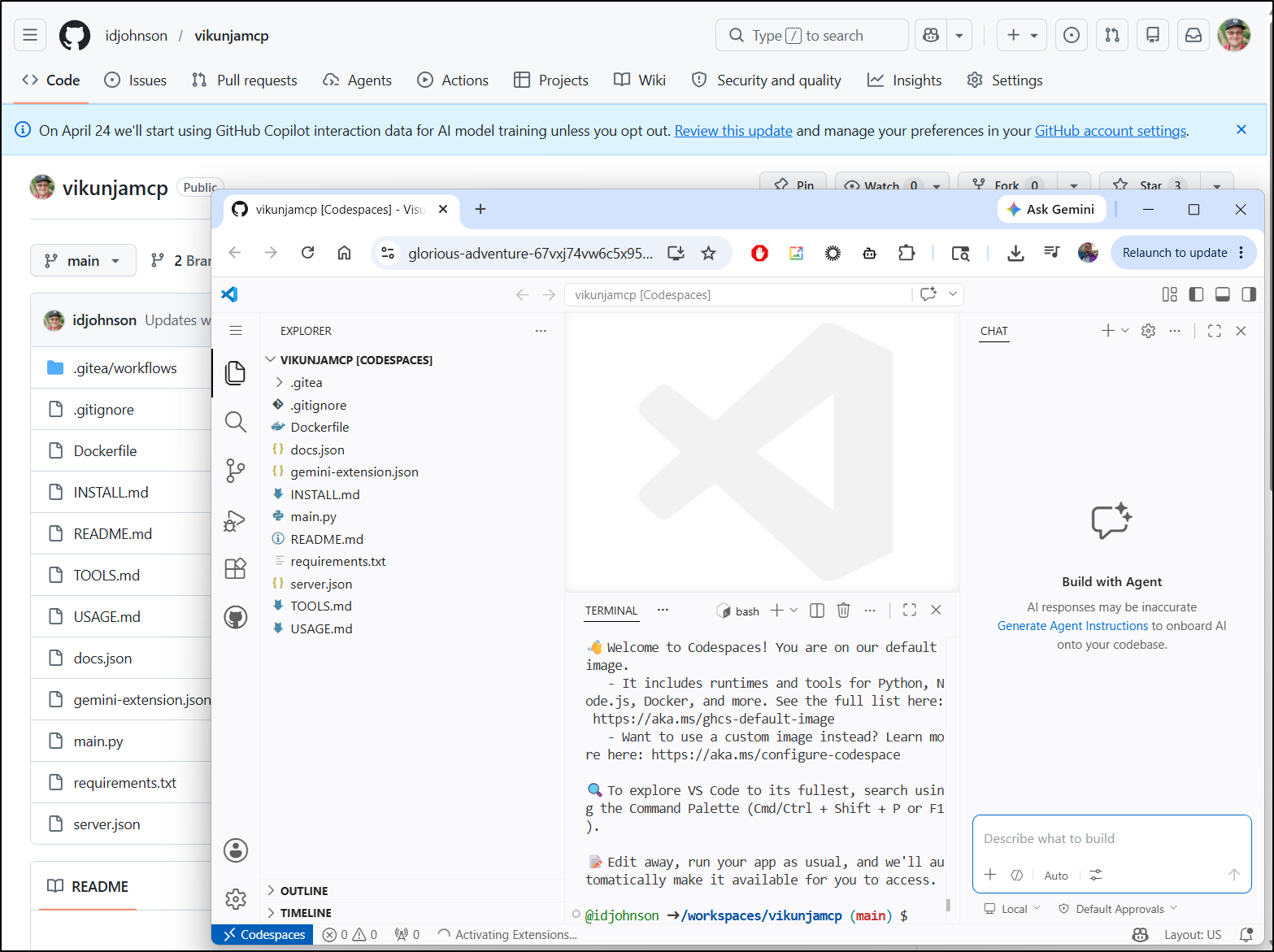
Github, which has “codespaces” in the paid tier
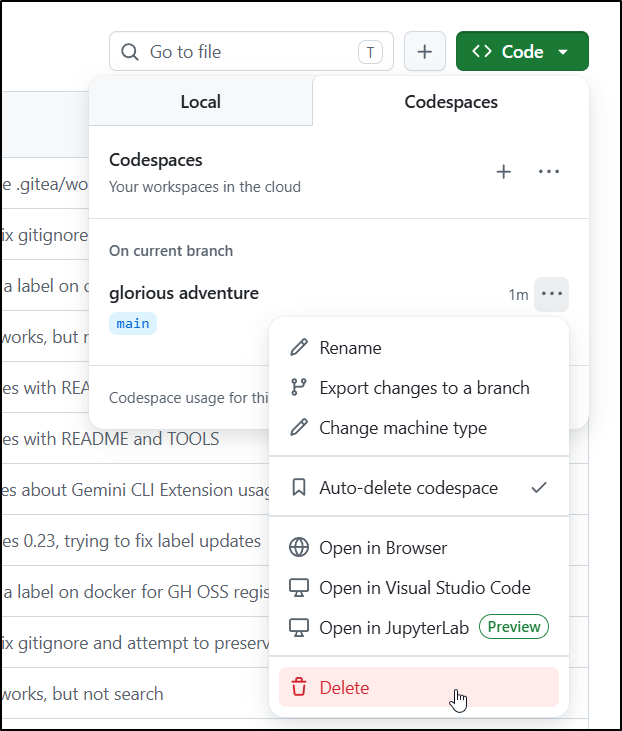
However, those can add up so make sure to delete them when not using them
Gitlab
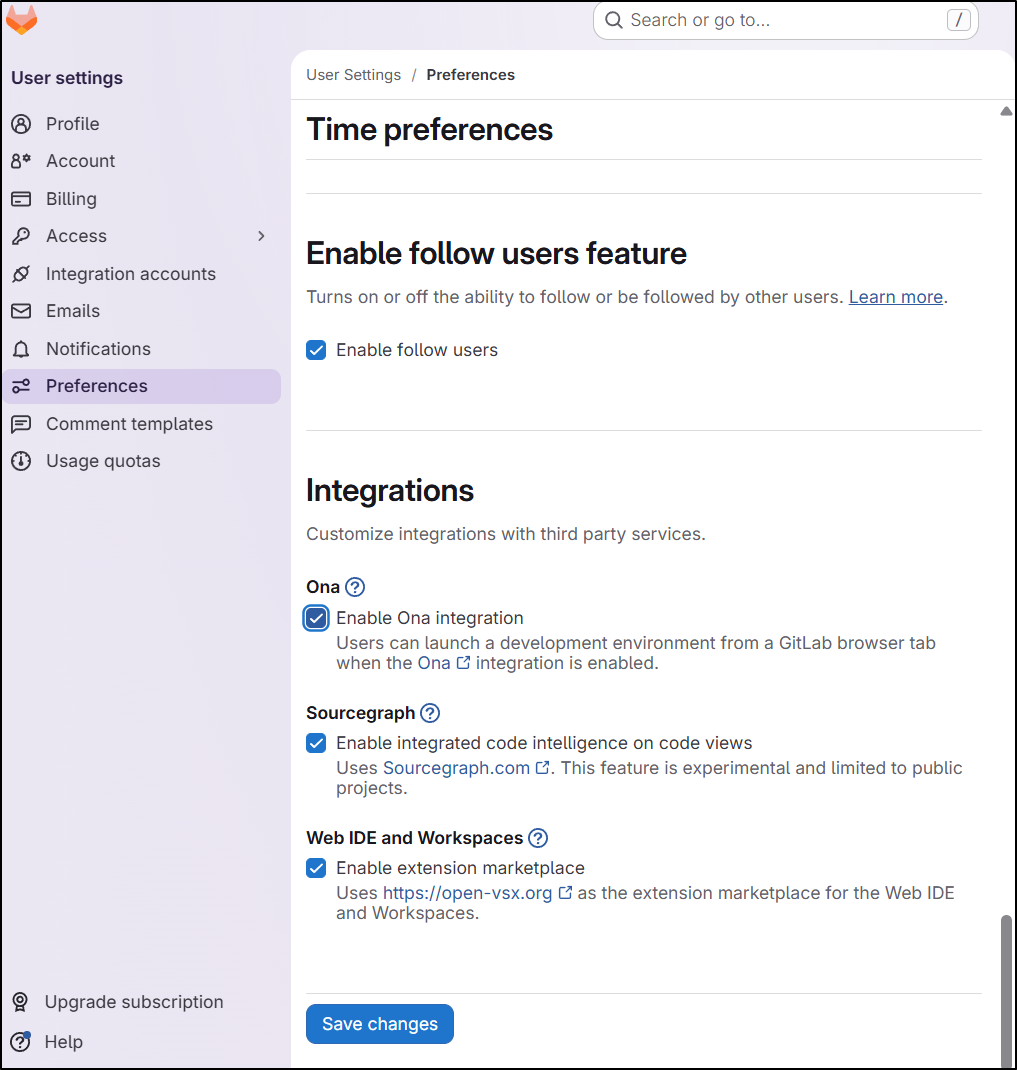
Let’s turn on a few extra features including marketplace in code
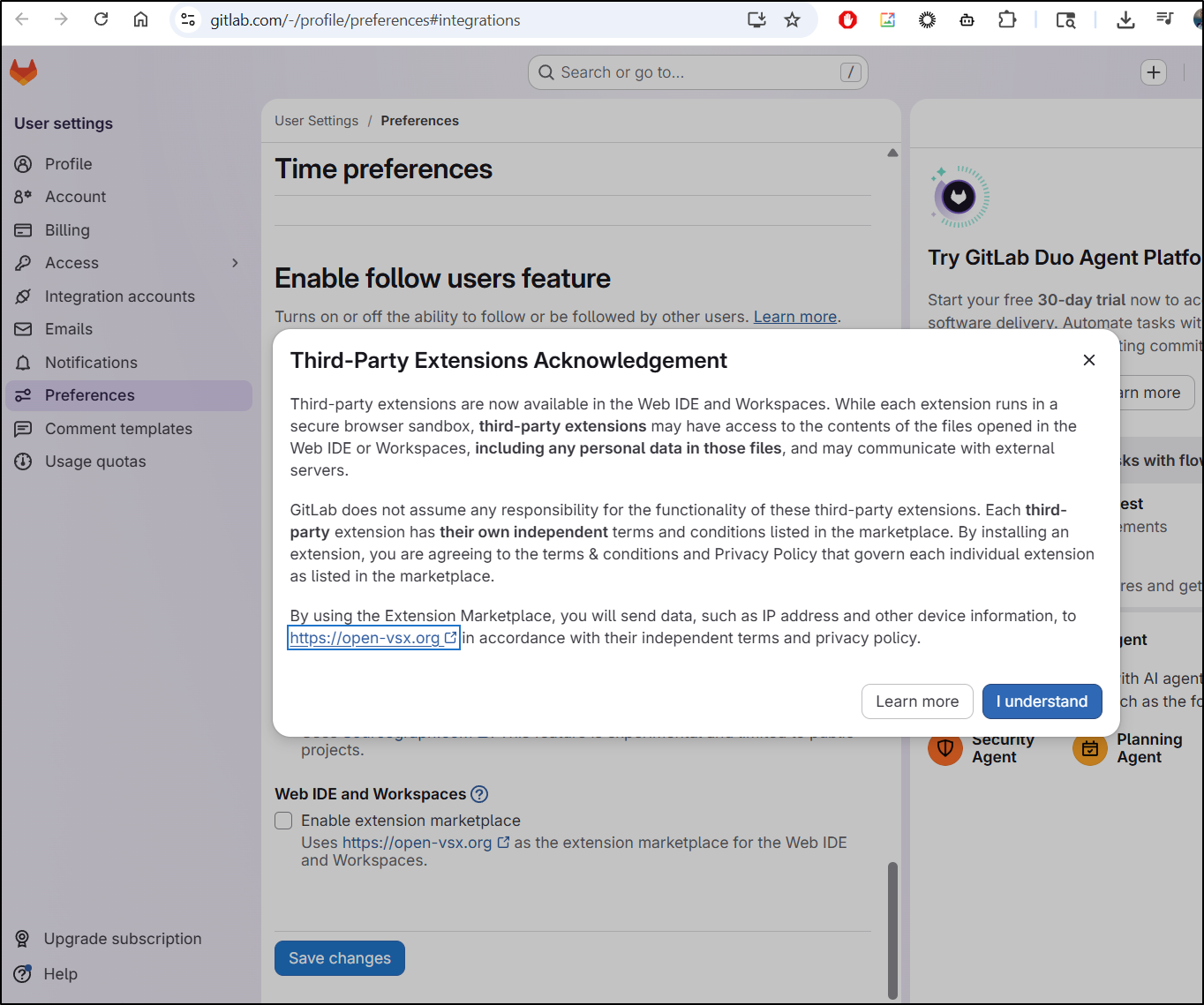
Which does make us accept a warning
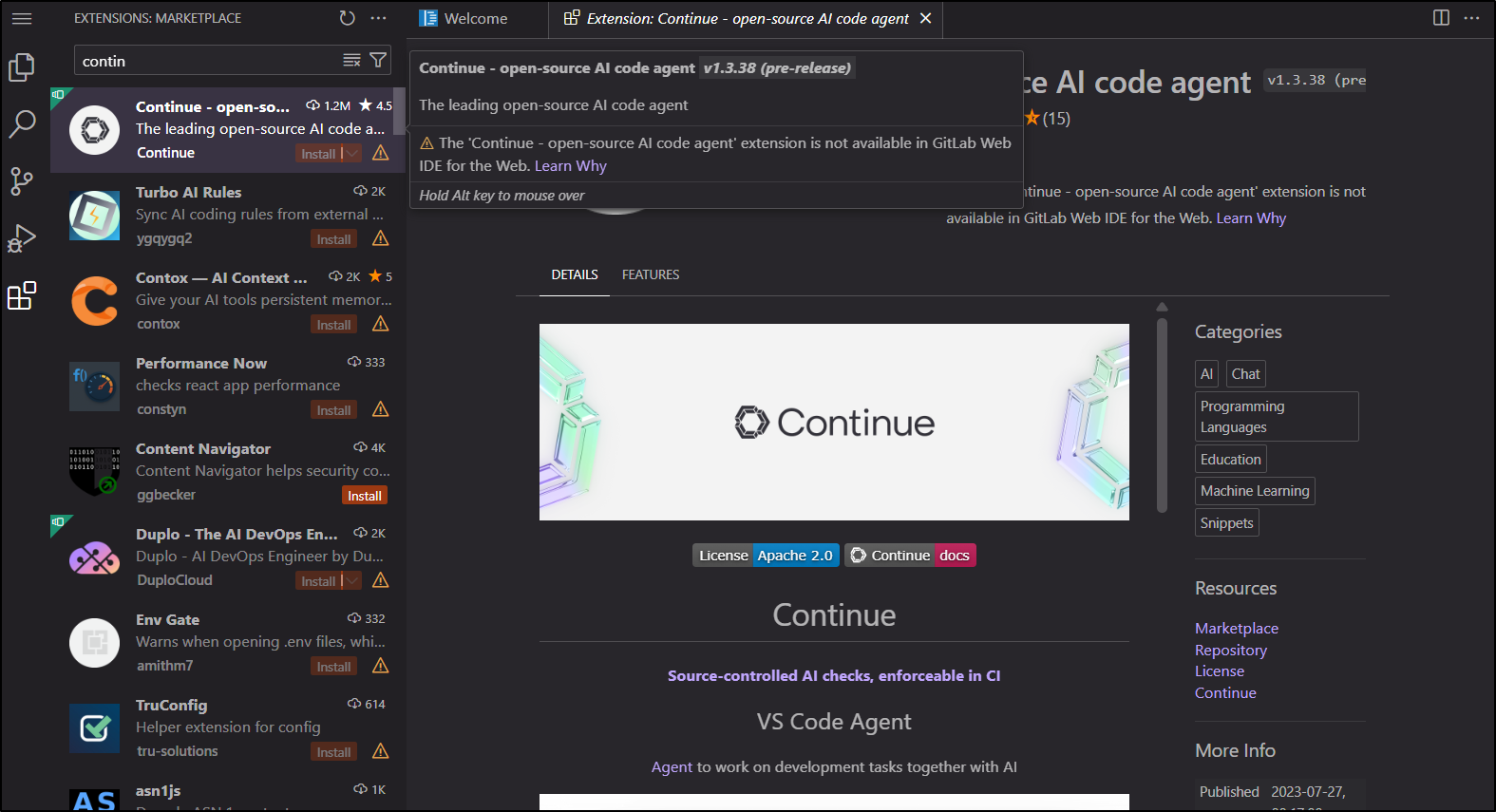
I can’t run a lot of extensions, however, including Continue.dev
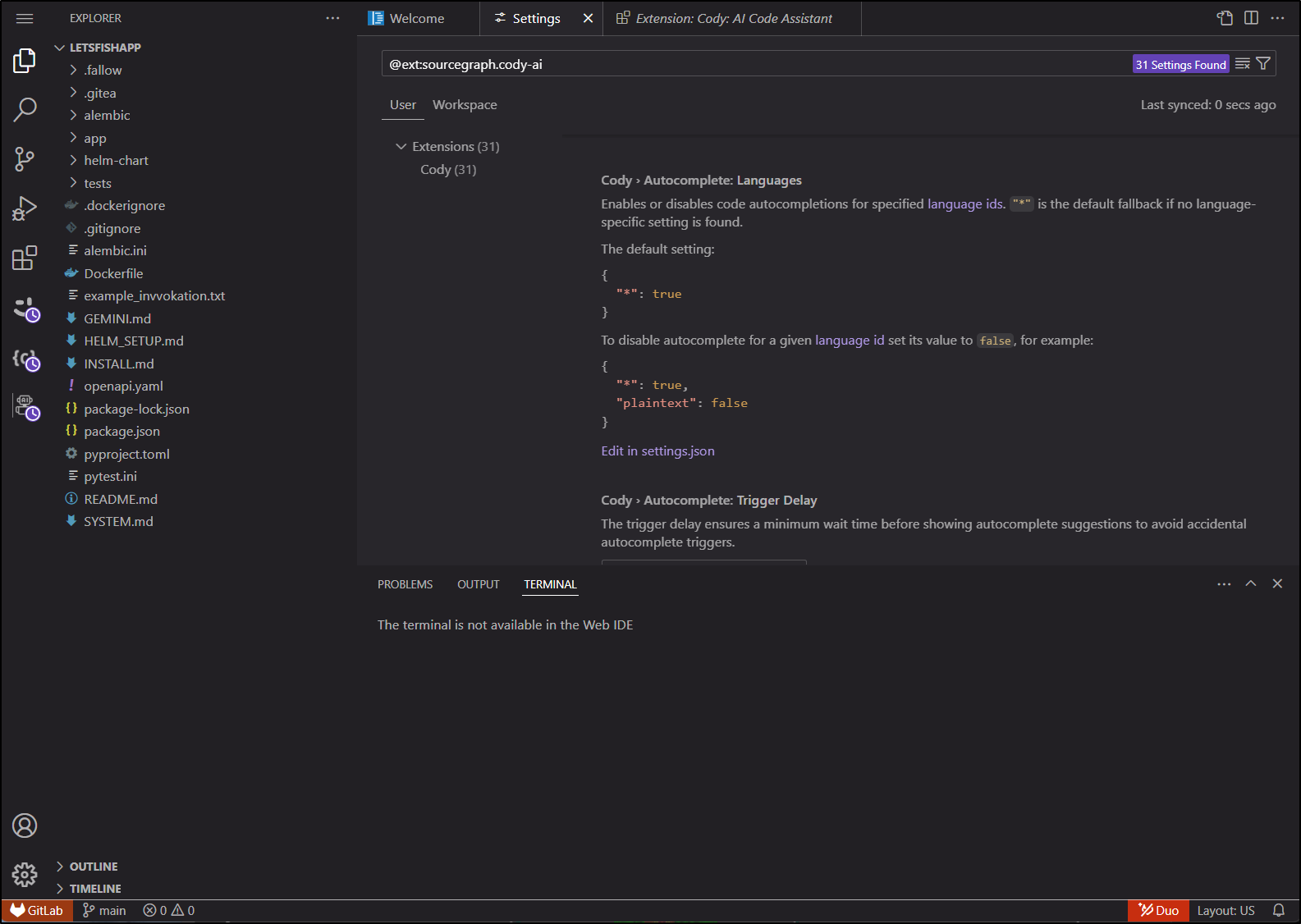
The few extensions I found related to AI were a bit suss and moreover, I couldn’t run a terminal the web IDE
Coder
I keep saying this and I’m sticking to it - back to Coder
Let’s start by creating a new Workspace for the PerlMCP firebase project
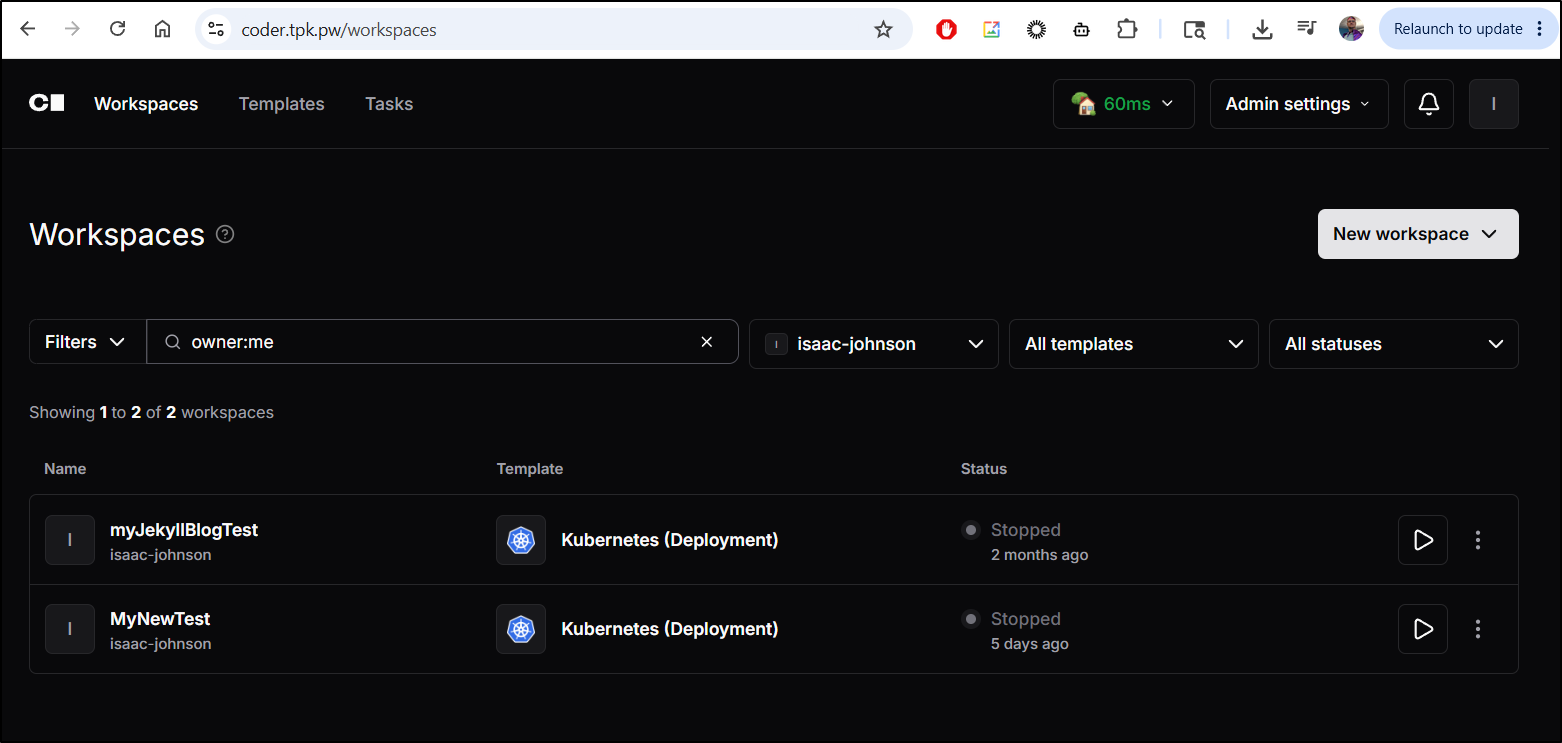
Thus far I’ve been using Kubernetes because frankly I like Kubernetes.
But for argument, let’s say you are fine with just Docker/Podman. Let’s create a workspace with that and to do so, we need to add a template
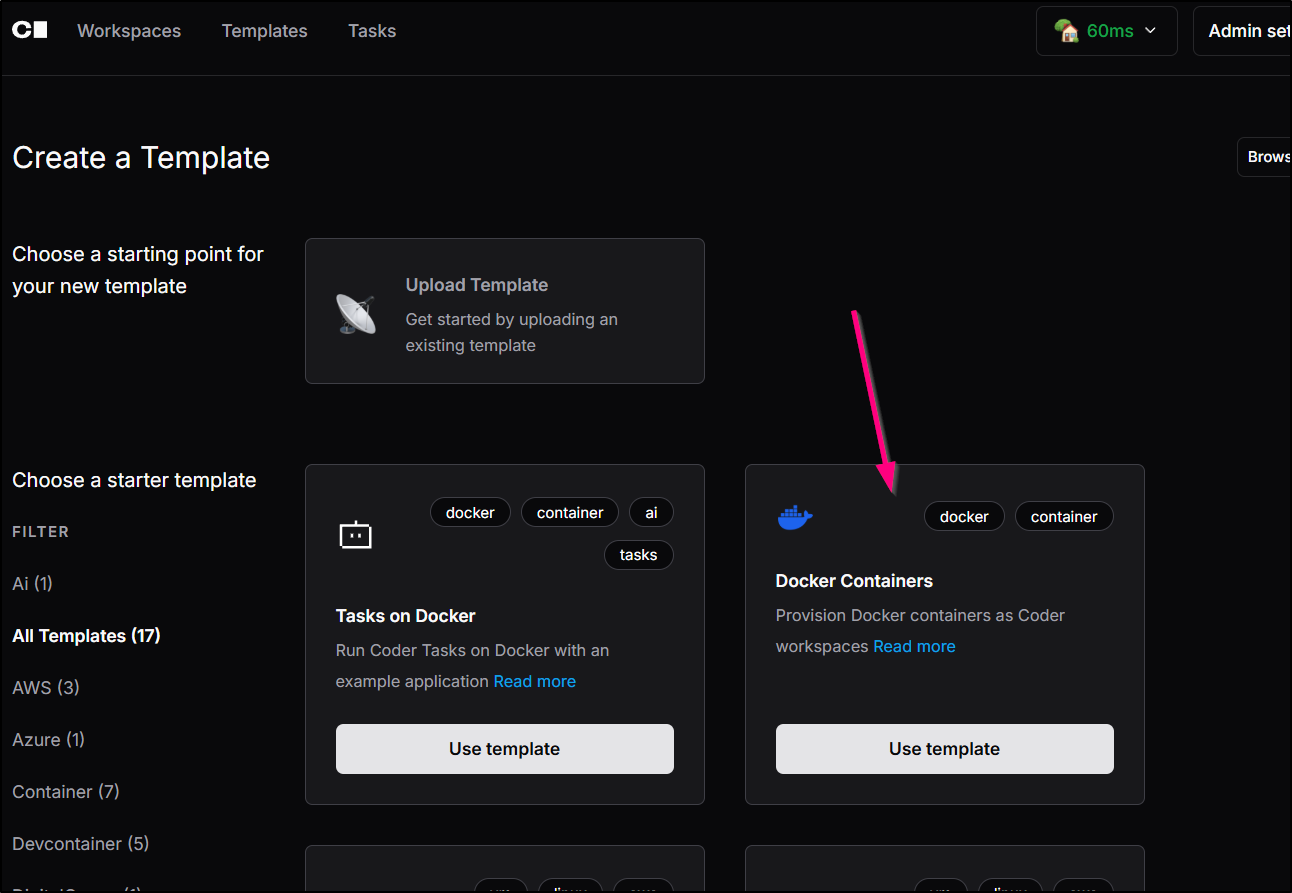
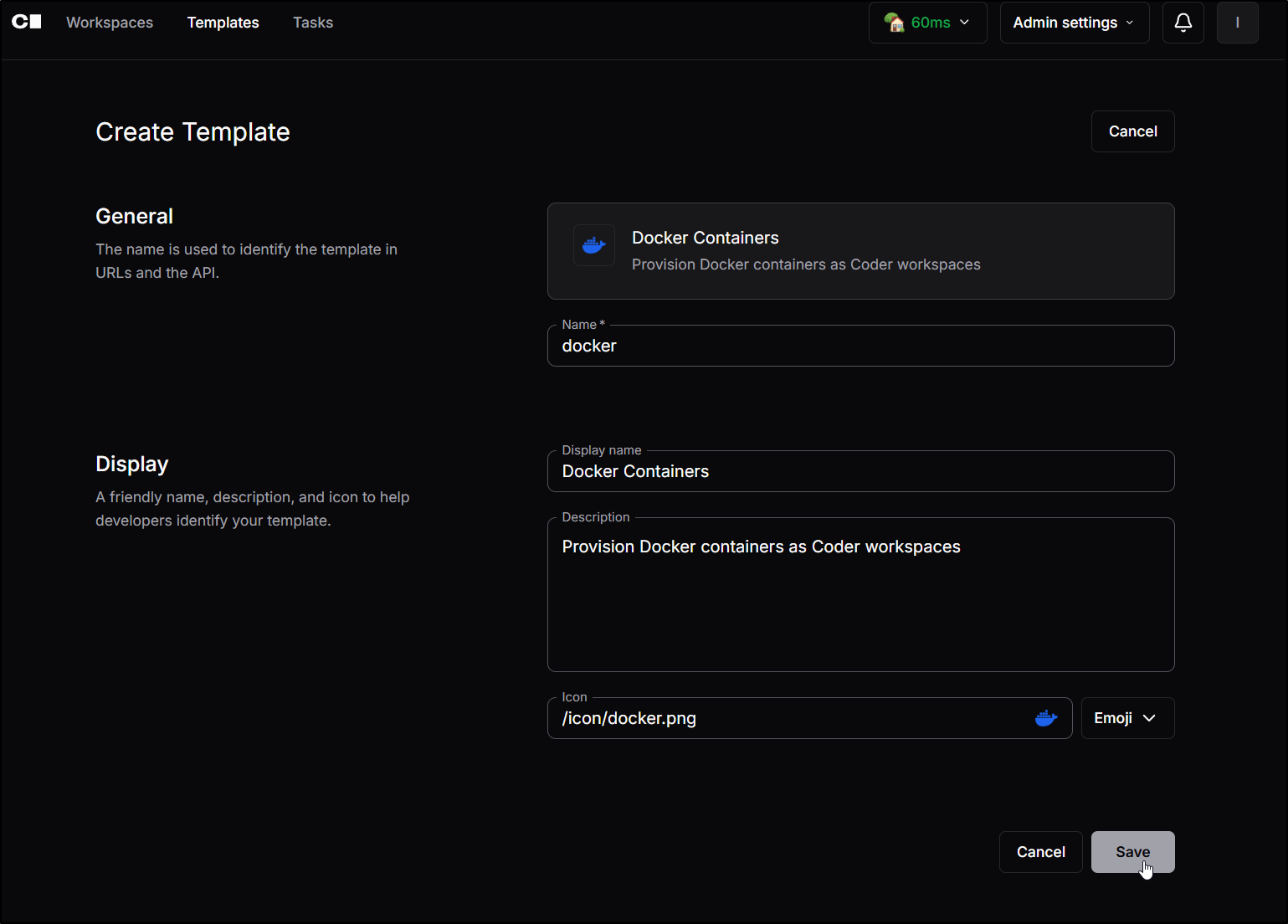
There is not much to the template, I’ll just use it as is
This fires up Terraform to build out the template
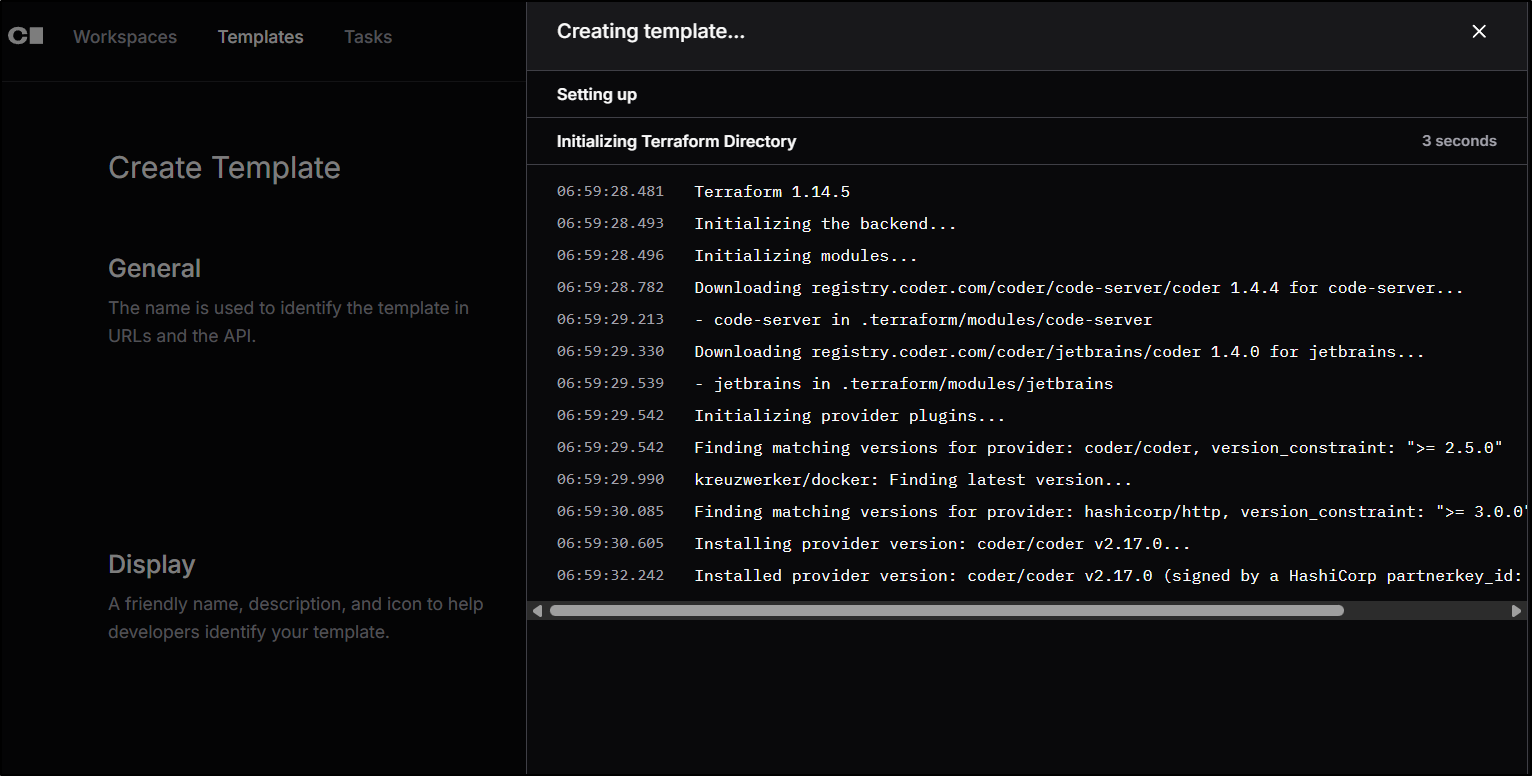
The challenge in my case is I’m not running Coder on a VM or host
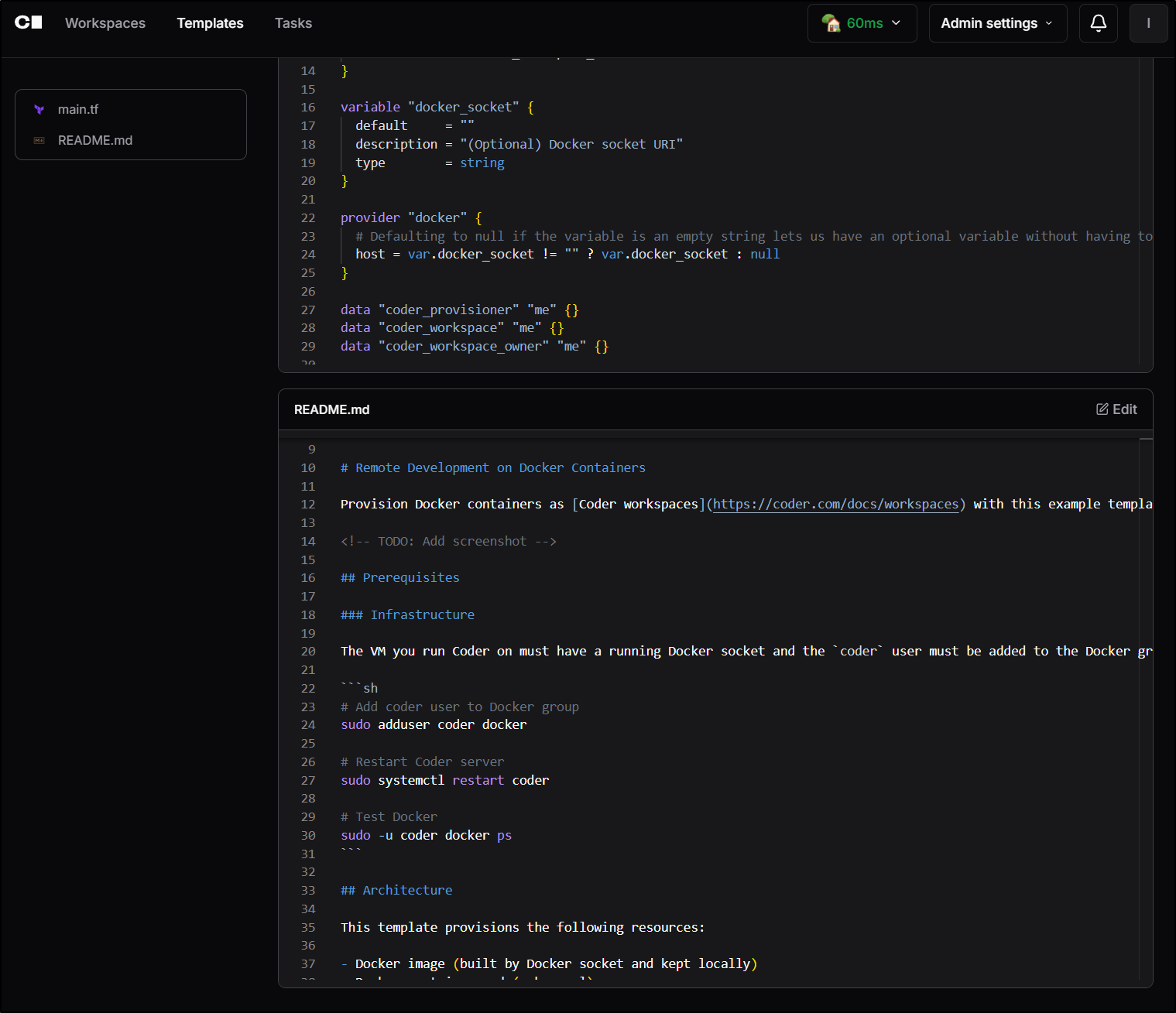
rather its running in Kubernetes:
$ kubectl get ingress -A | grep coder
coder           coderingress                        <none>   coder.tpk.pw                                80, 443   398d
$ kubectl get po -n coder
NAME                     READY   STATUS    RESTARTS      AGE
coder-6cd484f7f8-xqrzp   1/1     Running   1 (51d ago)   51d
coder-db-postgresql-0    1/1     Running   0             146d
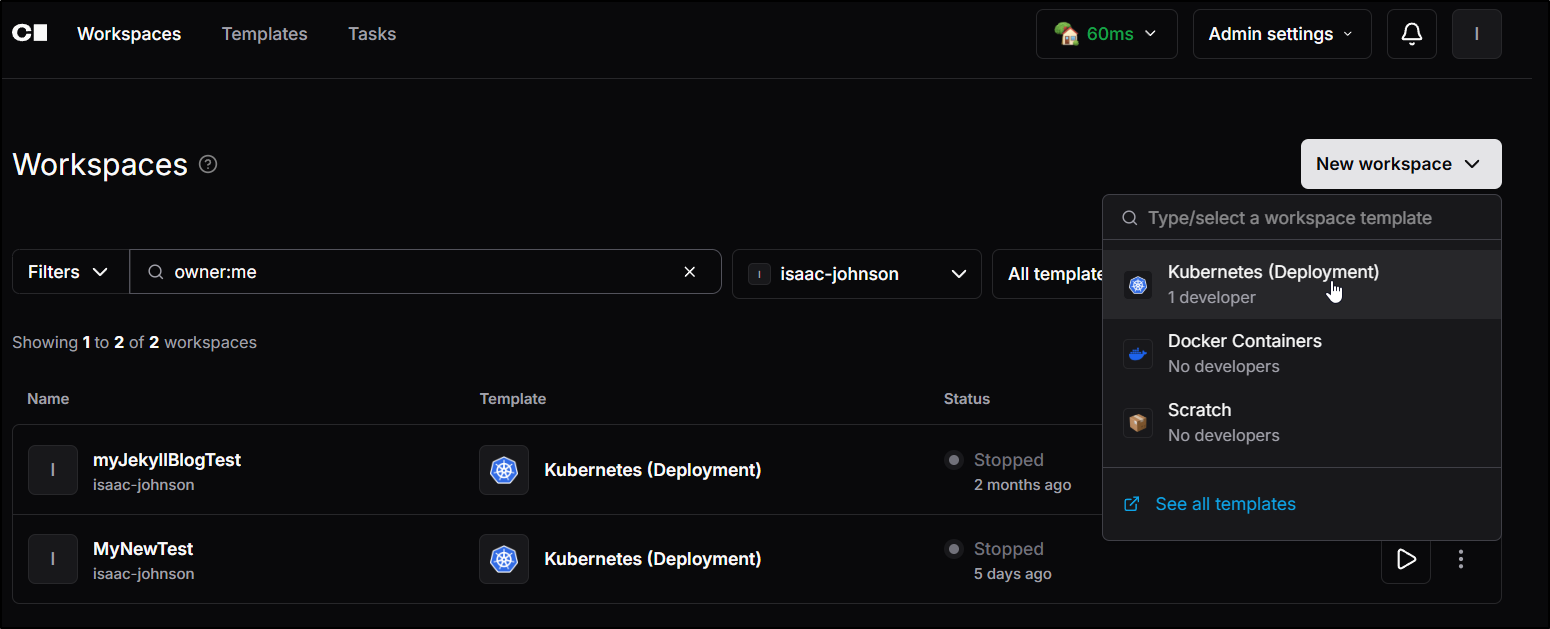
I’ll just do a “New workspace” and chose “Kubernetes” (you can use Docker if running this on a VM)
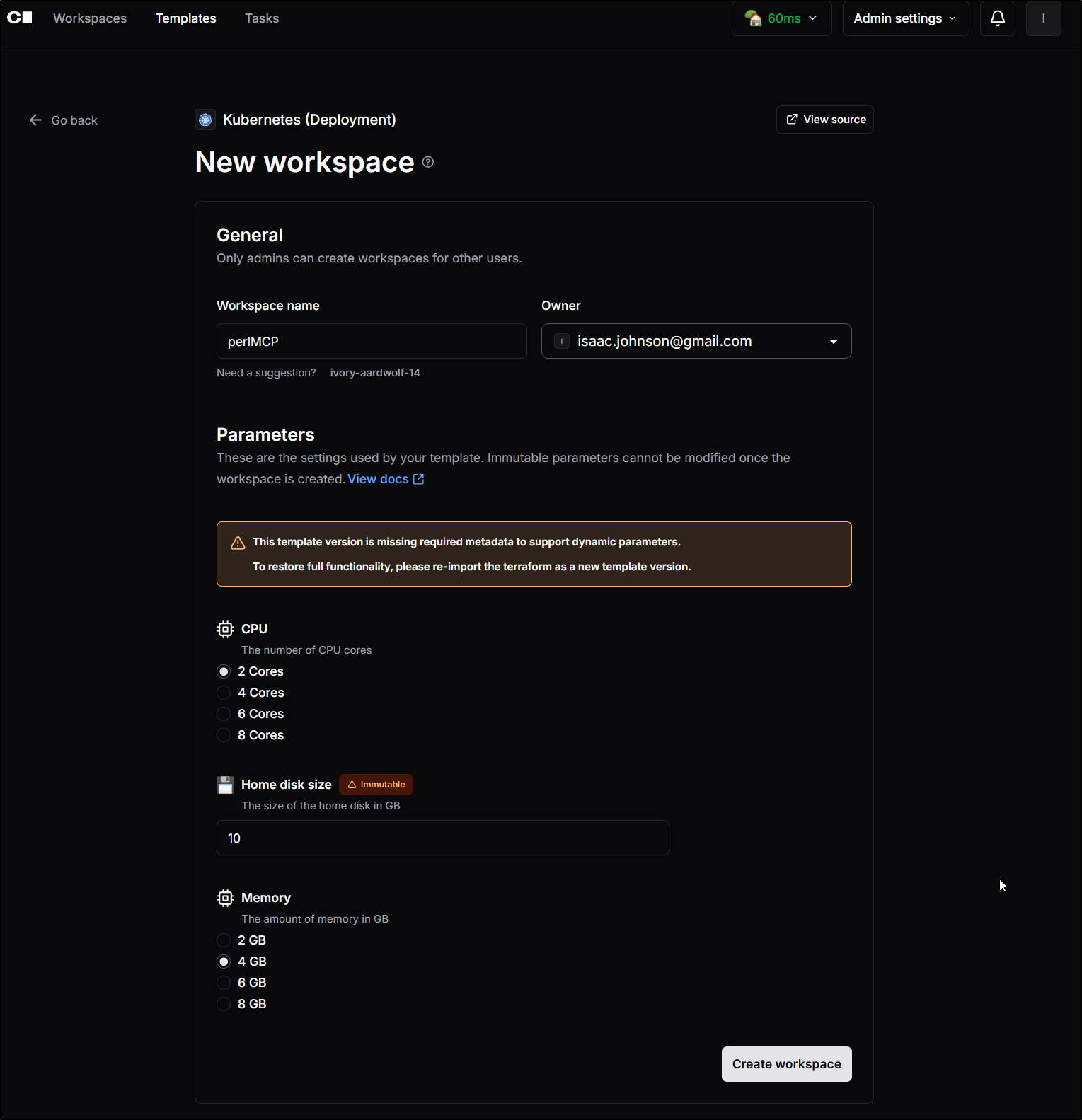
I’ll call it “perlMCP” to focus on this Perl-based MCP project
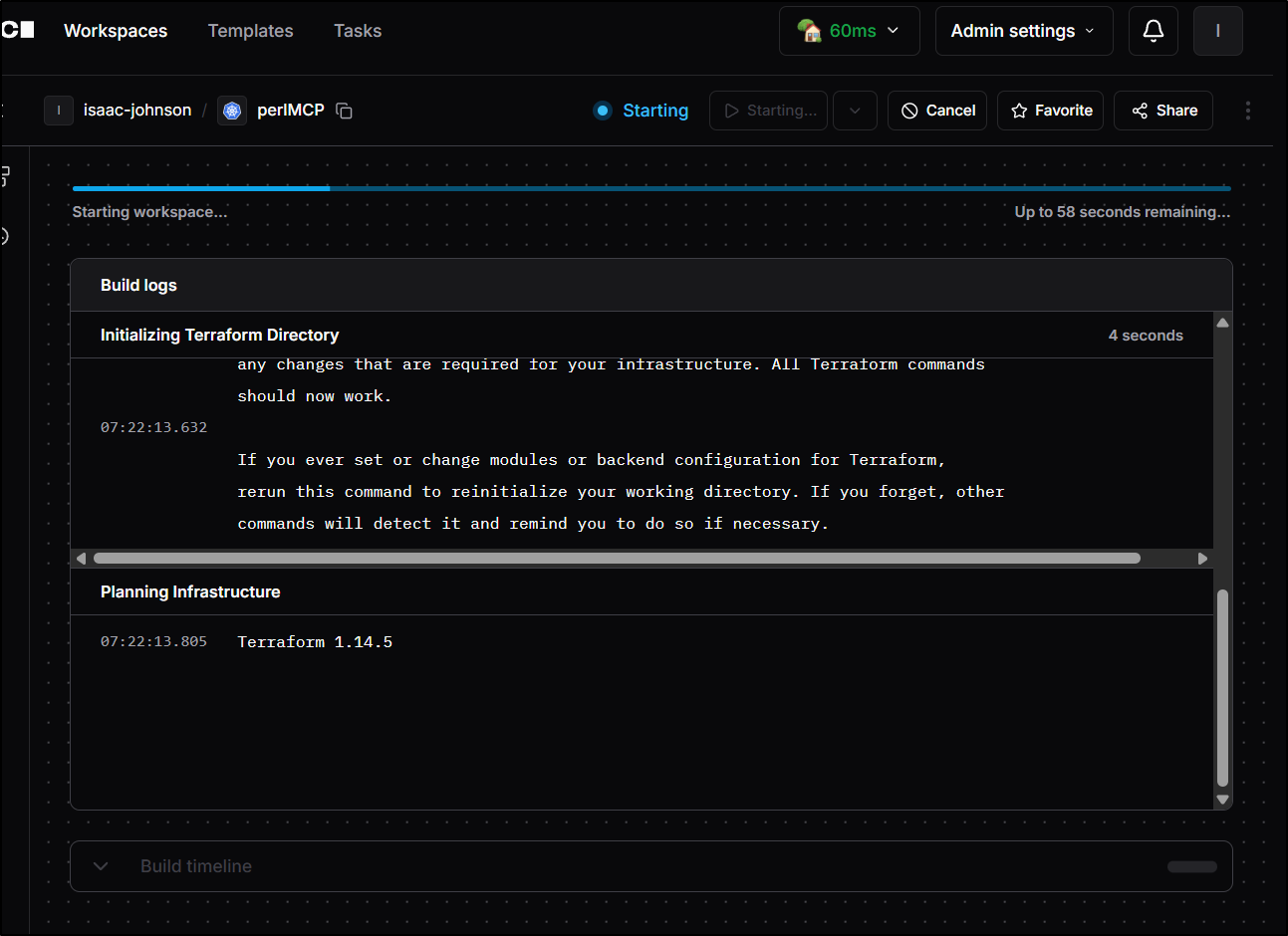
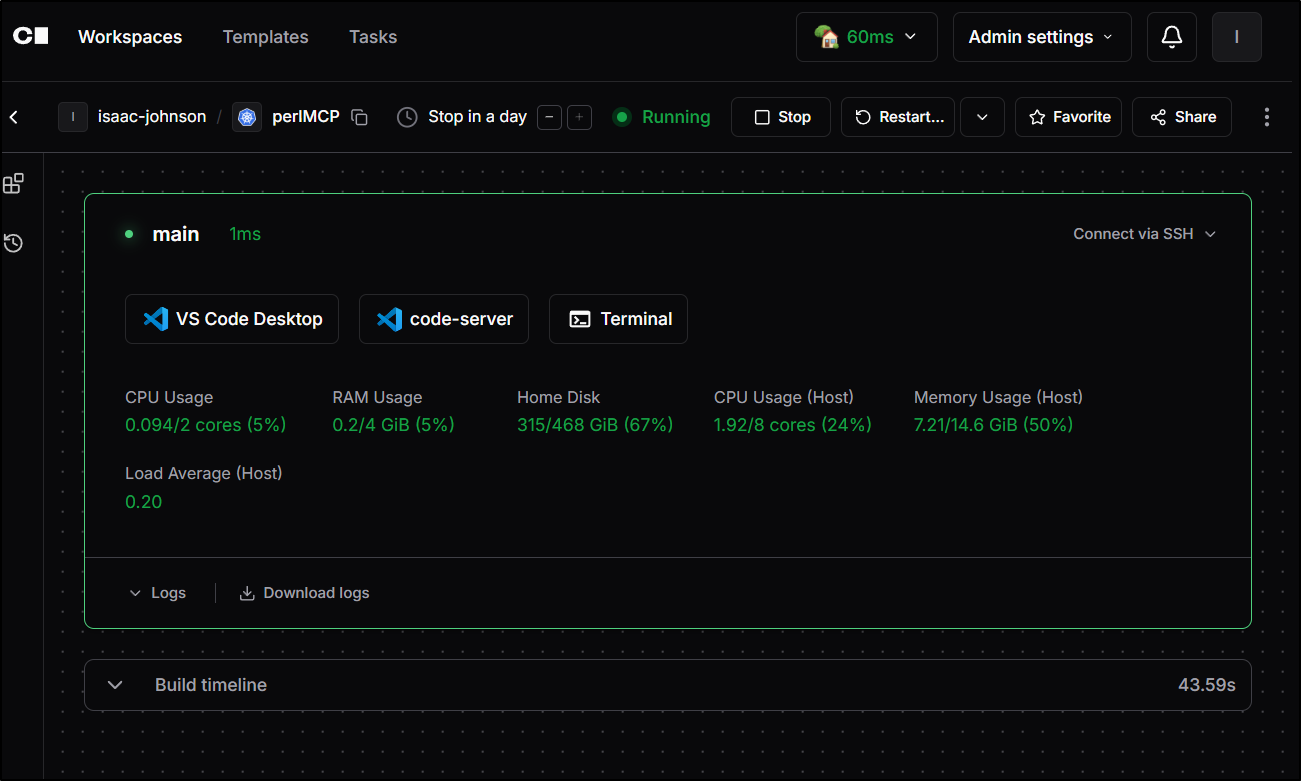
There is some initial startup work that happens
Connect via SSH doesn’t work in my system just because of how my Nginx is configured. That would work fine for the Docker folks. I have alternate ways anyhow.
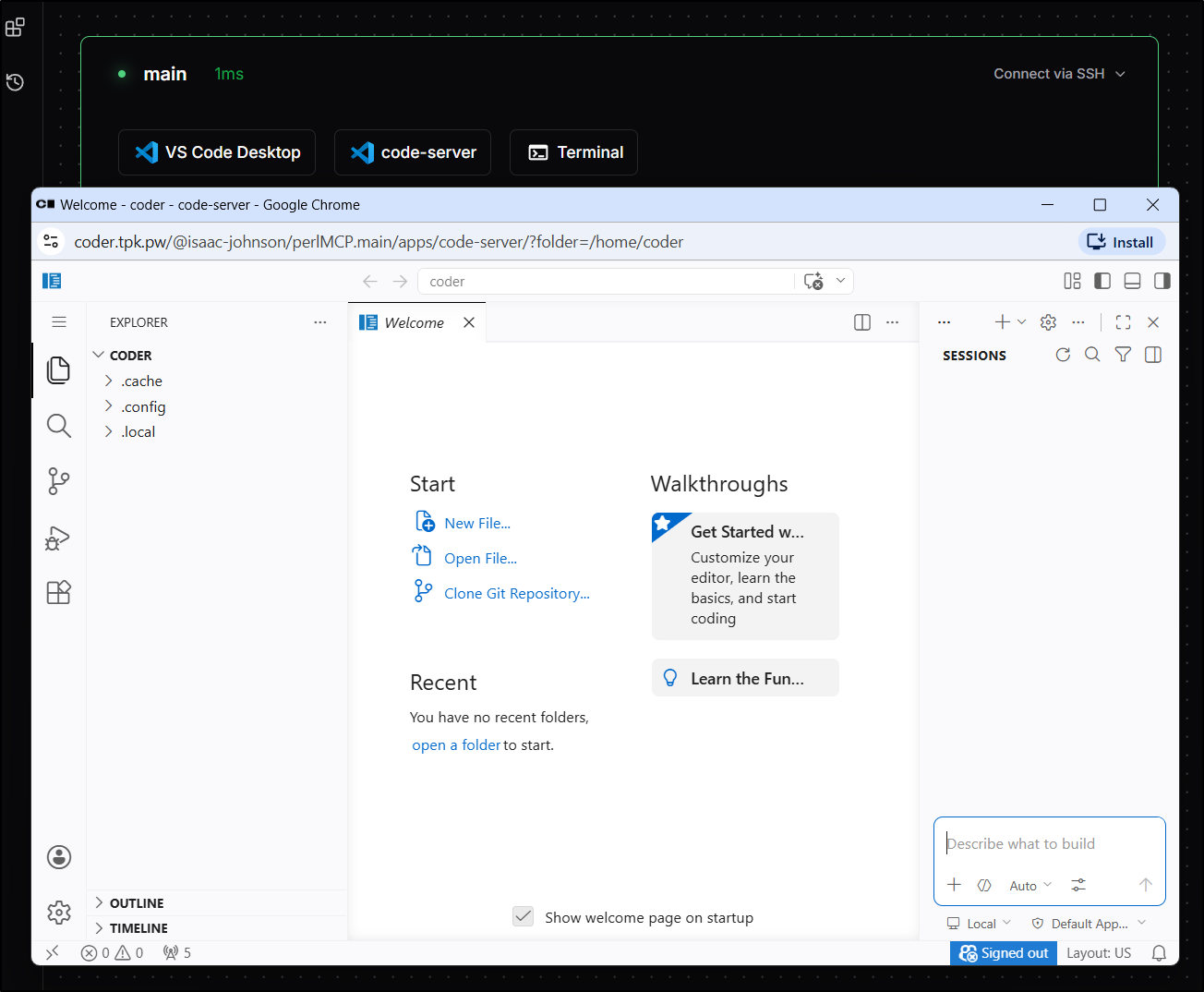
Firing up “code-server” gives me a nice blank window
Transferring files over
We have a zip we get from Firebase, but now we need to think about how to transfer that over.
Let’s look at a few options:
- Use a host in your network and sftp.
- e.g.
sftp builder@192.168.1.99for a linux box in network 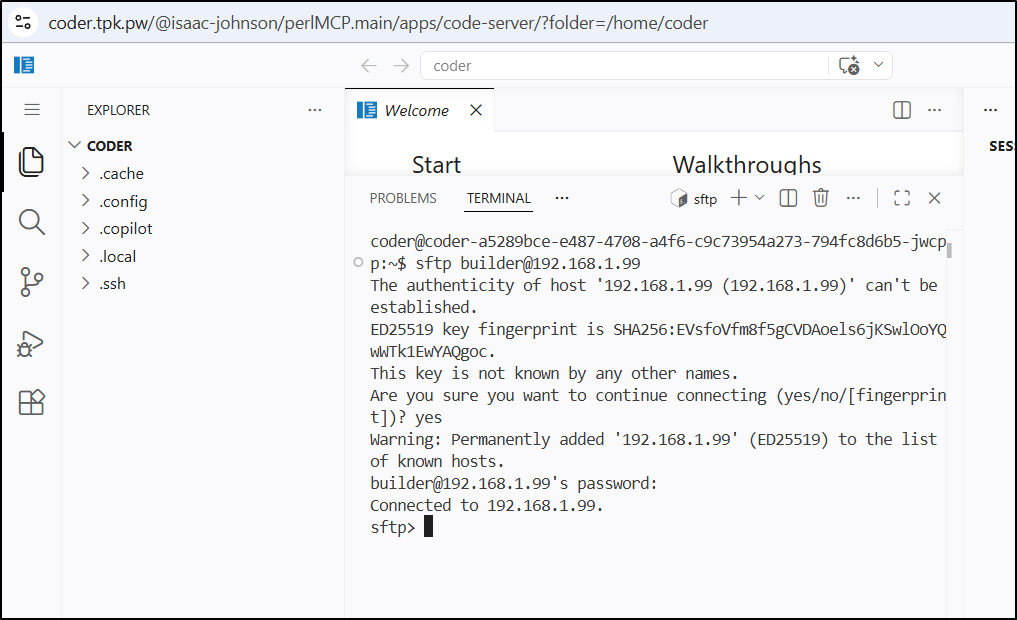
- e.g.
- transfer over to the container in Docker/Podman or Kubernetes
- e.g. let’s find the pod in the namespace
kubectl get po -n coderand usekubectl cp 
- e.g. let’s find the pod in the namespace
- put it in a git repo to bring down
- e.g.
git clone URL 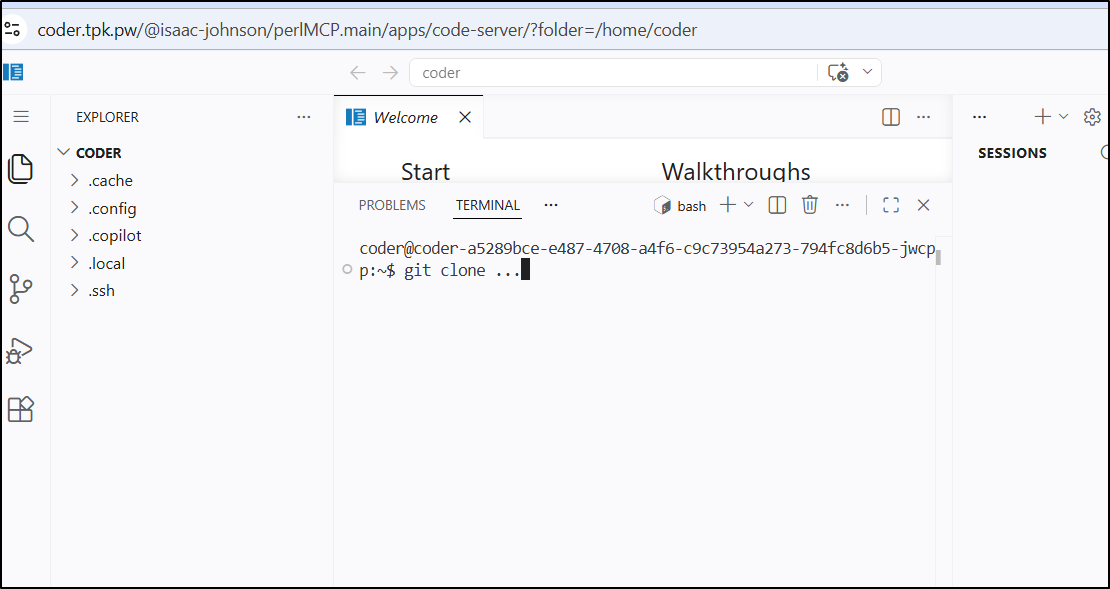
- e.g.
I just did the second and then expanded with unzip FILE
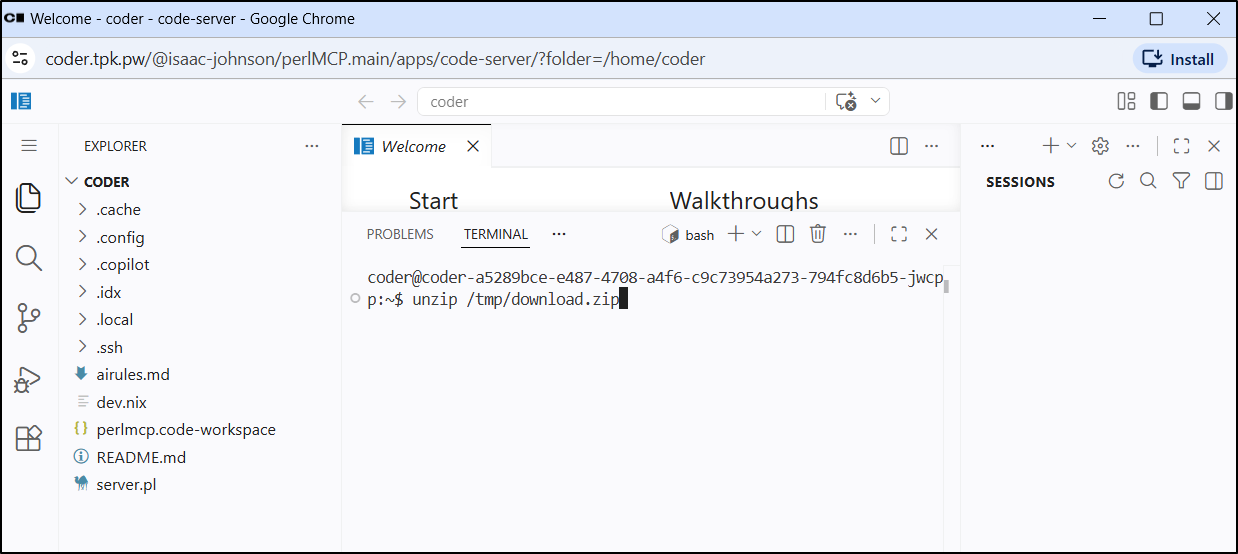
I needed to install the CPAN module. I tried a few ways, but found success with sudo cpan then install HTTP::Server::Simple
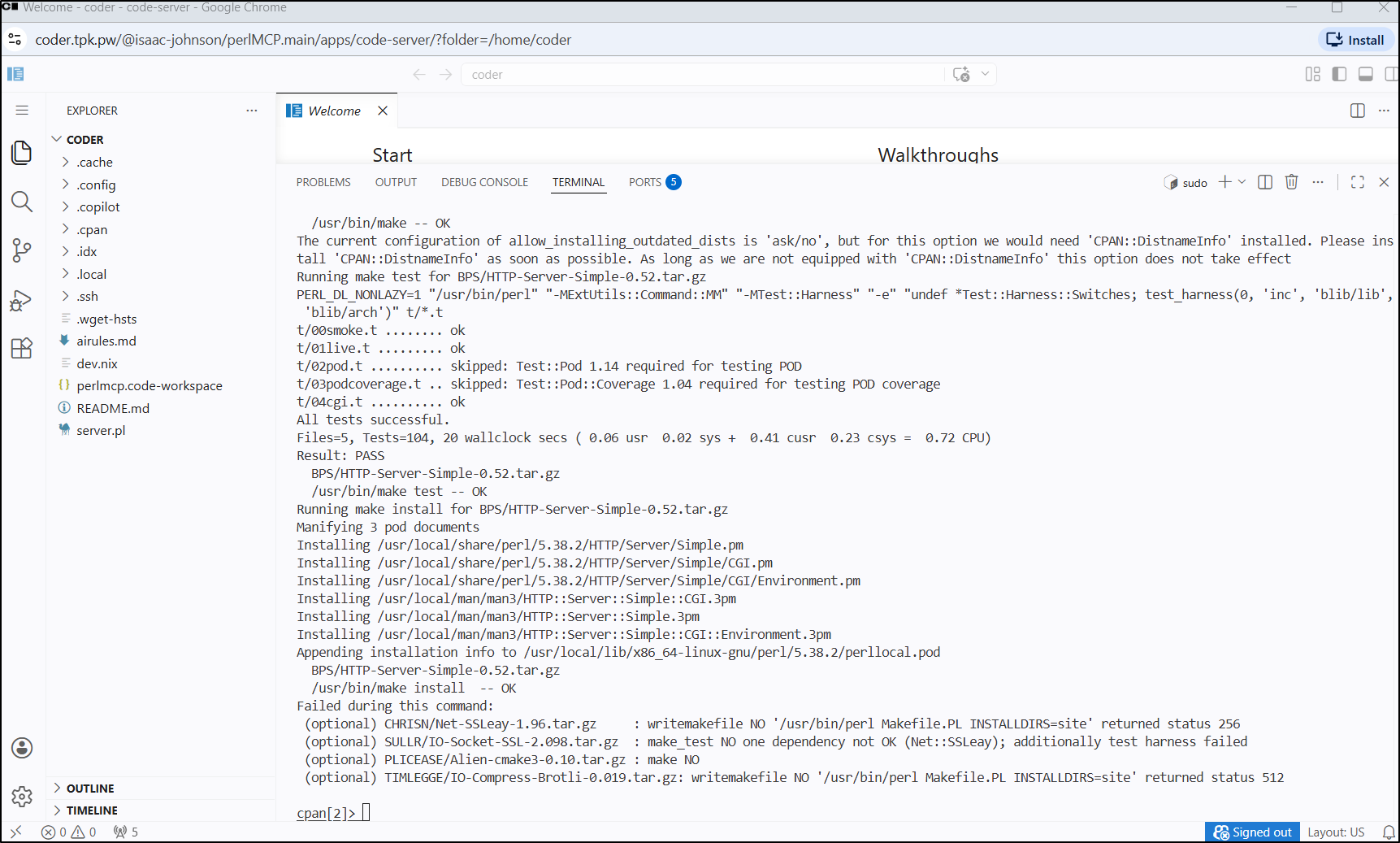
The output was ++verbose so here is just a screenshot as it scrolled by doing makes and tests
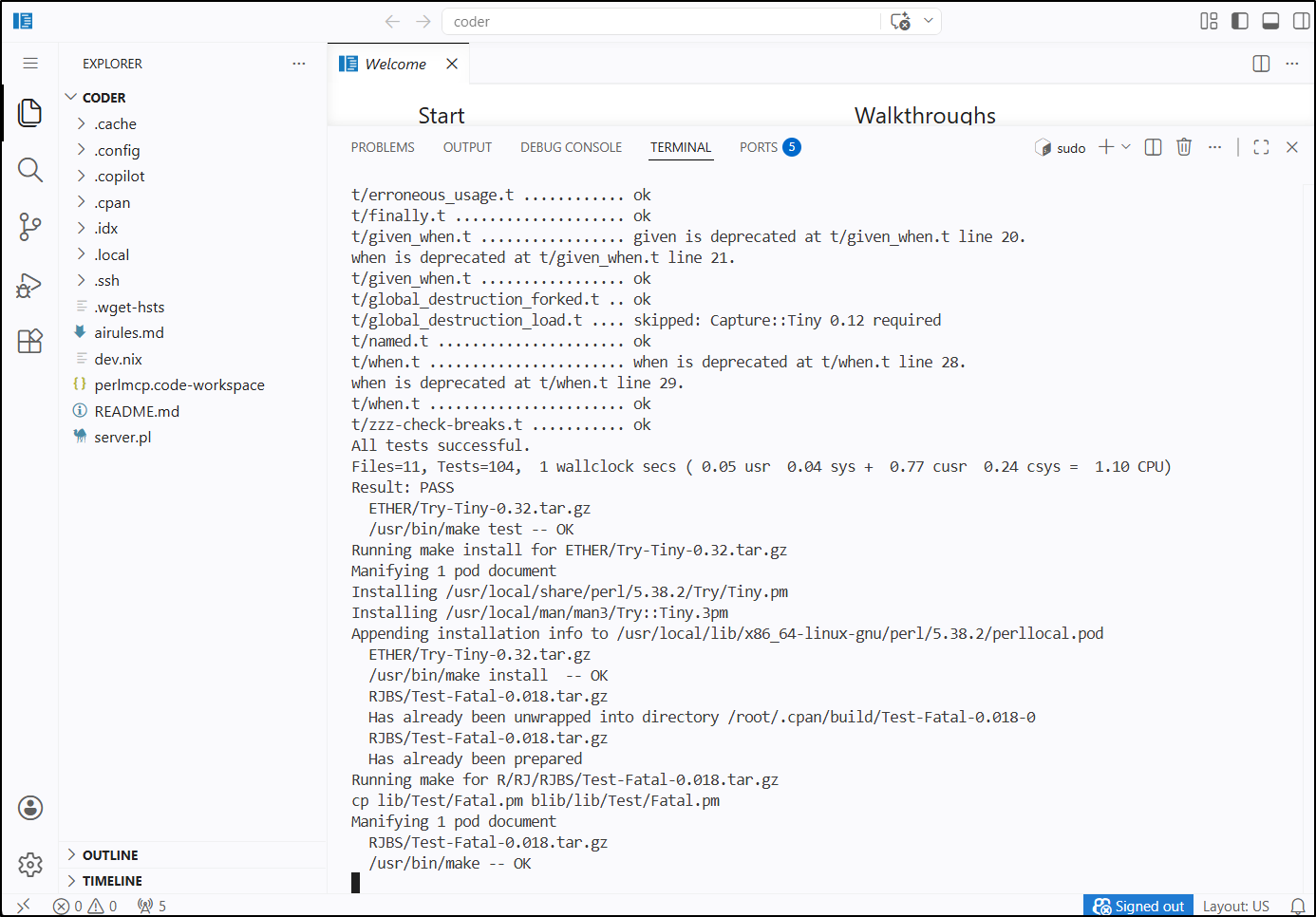
It took a long while, but eventually installed
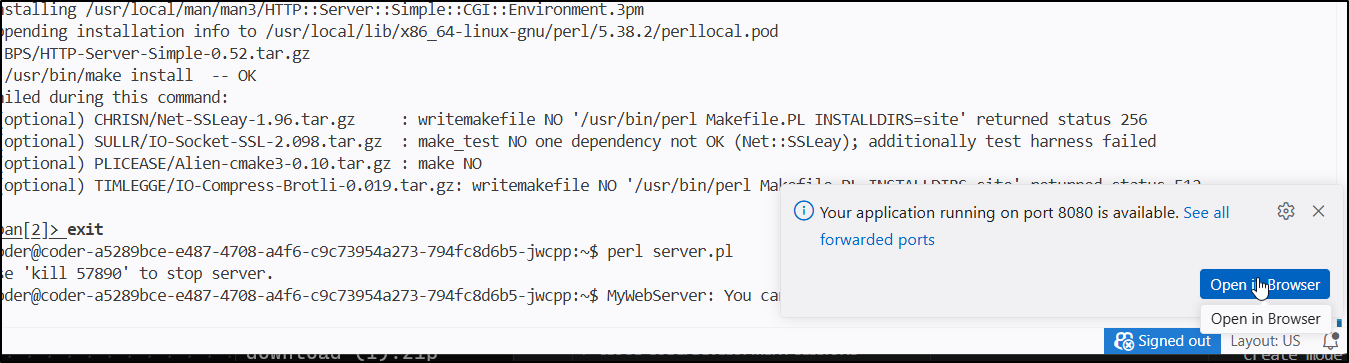
I can now fire up the webserver with perl ./server.pl

This prompts a “open in browser” option
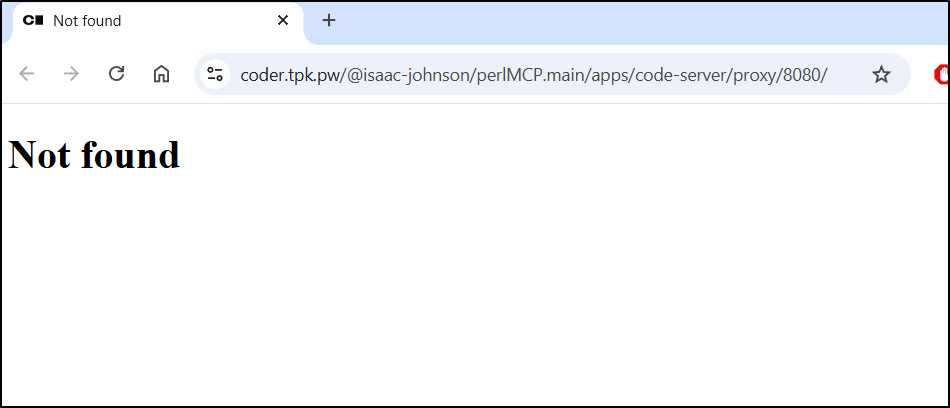
And a Not found .. which is good - i have nothing set for returning at the root /
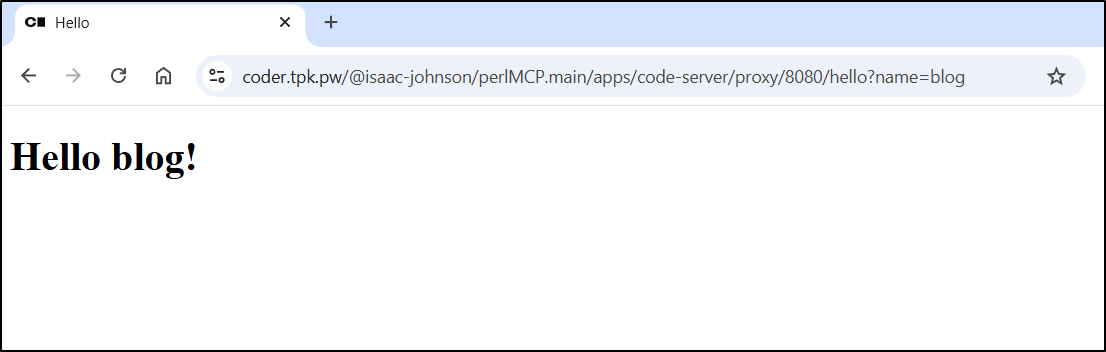
However, if we go to the “hello” request that should go to resp_hello, we can see it properly returns and can take in a q param of name
If I go to the terminal, I’ll see there is no GIT repo for this workspace
coder@coder-a5289bce-e487-4708-a4f6-c9c73954a273-794fc8d6b5-jwcpp:~$ git remote show origin
fatal: not a git repository (or any parent up to mount point /home)
Stopping at filesystem boundary (GIT_DISCOVERY_ACROSS_FILESYSTEM not set).
coder@coder-a5289bce-e487-4708-a4f6-c9c73954a273-794fc8d6b5-jwcpp:~$
Gitea
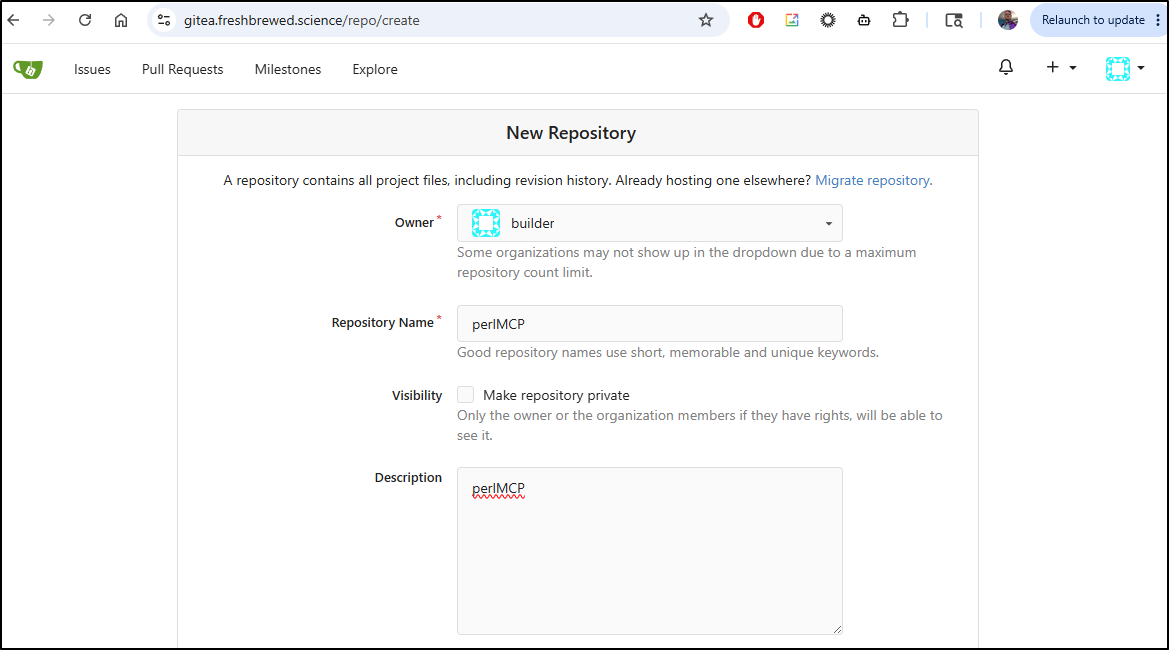
Let’s use Gitea this time. I’ll create a new repo called “perlMCP” and leave it public
I’ll get a gitignore file from here then add the files I think make sense
$ git init
$ git checkout -b main
$ git add ...
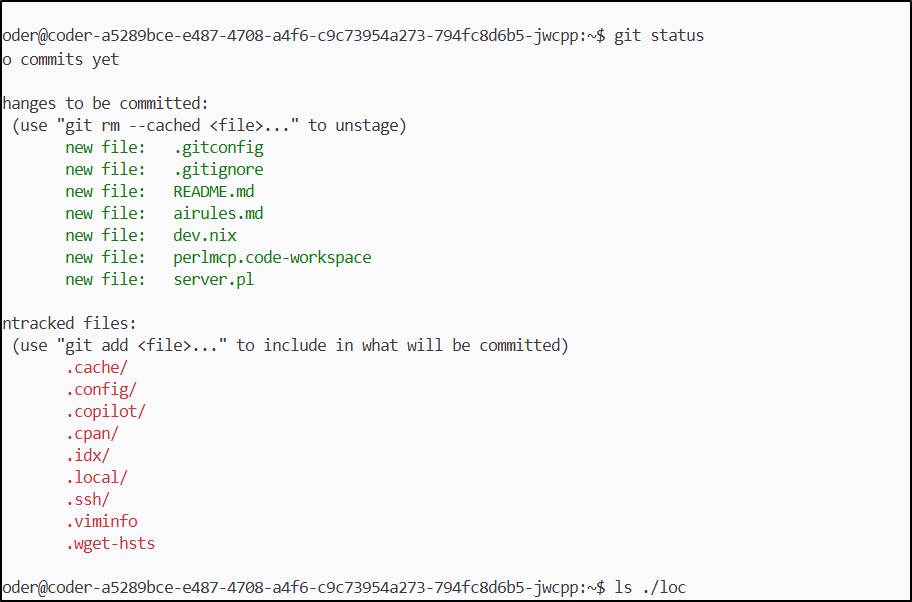
I need to set my name and email, then I can commit the files
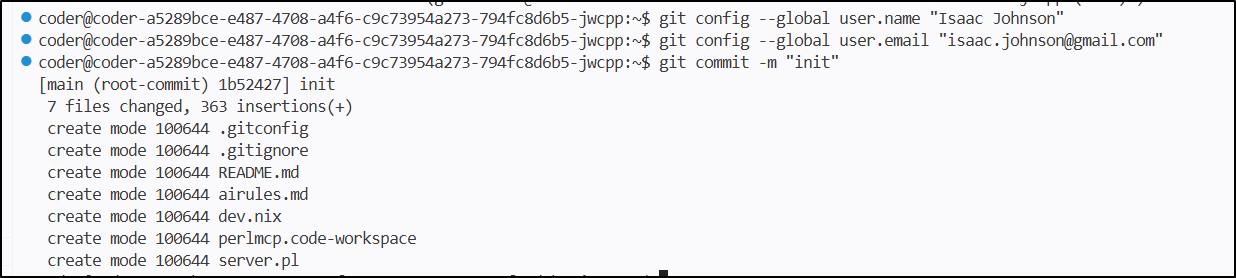
coder@coder-a5289bce-e487-4708-a4f6-c9c73954a273-794fc8d6b5-jwcpp:~$ git push -u origin --all
Enumerating objects: 9, done.
Counting objects: 100% (9/9), done.
Delta compression using up to 8 threads
Compressing objects: 100% (8/8), done.
Writing objects: 100% (9/9), 4.10 KiB | 2.05 MiB/s, done.
Total 9 (delta 0), reused 0 (delta 0), pack-reused 0 (from 0)
remote: . Processing 1 references
remote: Processed 1 references in total
To https://gitea.freshbrewed.science/builder/perlMCP.git
 * [new branch]      main -> main
branch 'main' set up to track 'origin/main'.
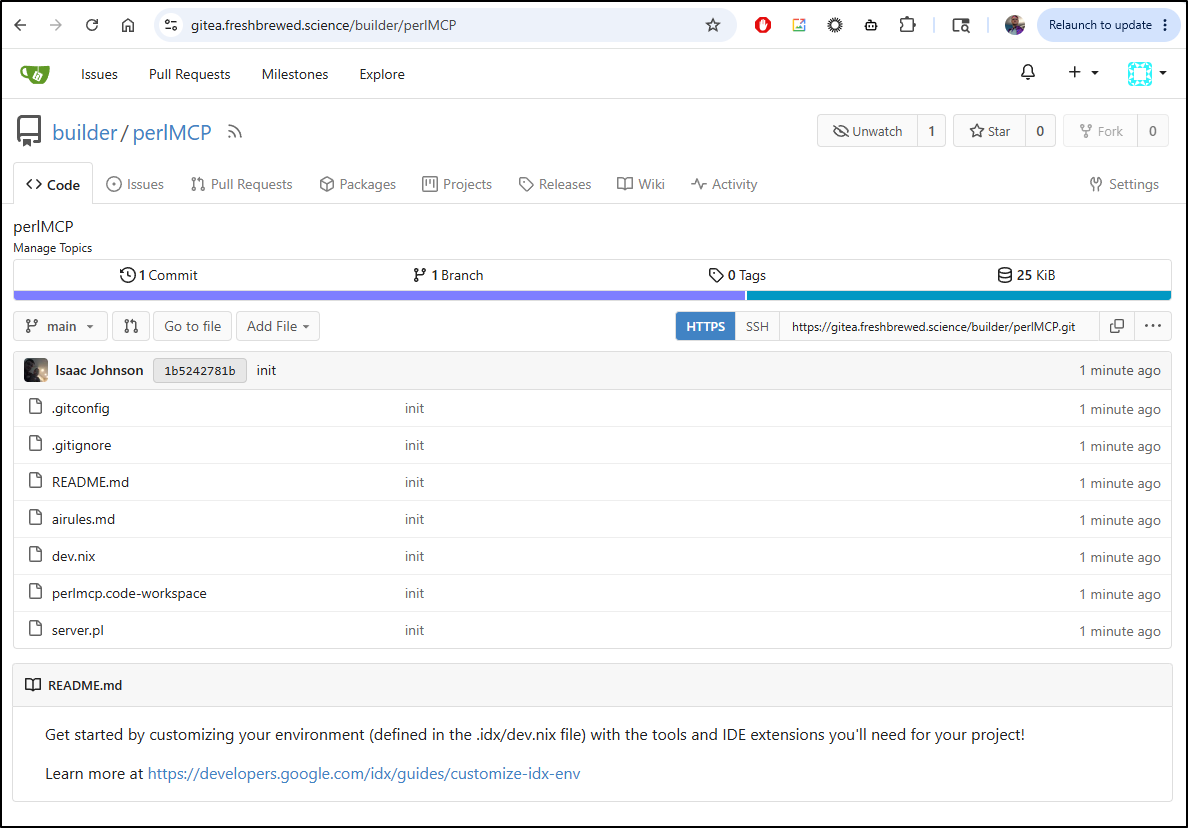
Which we can now see here
Next steps
We could do CI/CD builds with Gitea Actions.
We could also try to get back to GCP for Cloud Run… Since the whole goal here was to get Firebase Studio sorted, let’s do that
Cloud Run
I’ll start with the Gcloud install steps
Then I’ll login both with login and application-default login. I’ll also set my project name.
$ gcloud auth login
$ gcloud config set project myanthosproject2
$ gcloud auth application-default login
GCA
If I want some LLM help, I can install and signin to Gemini Code Assist (GCA)
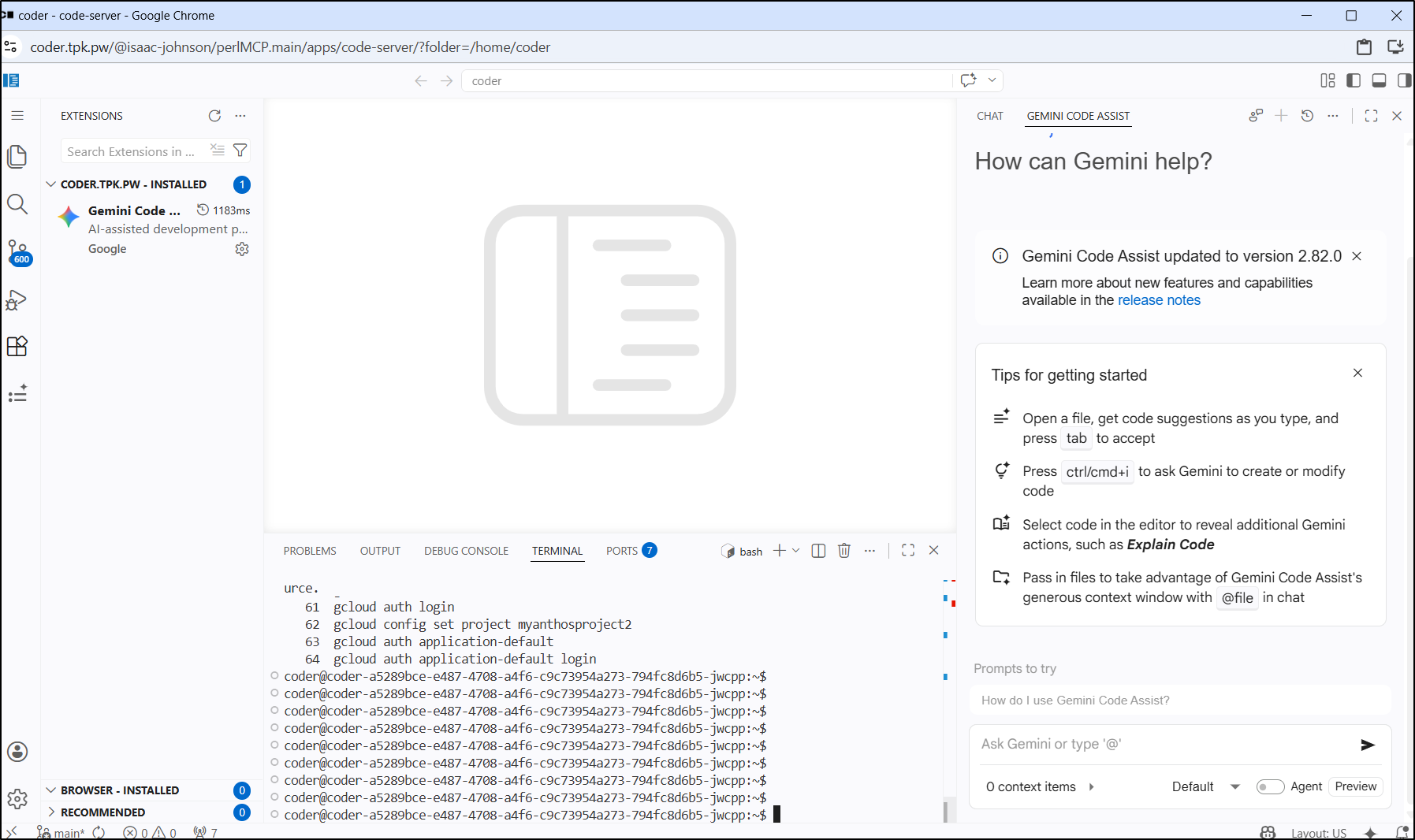
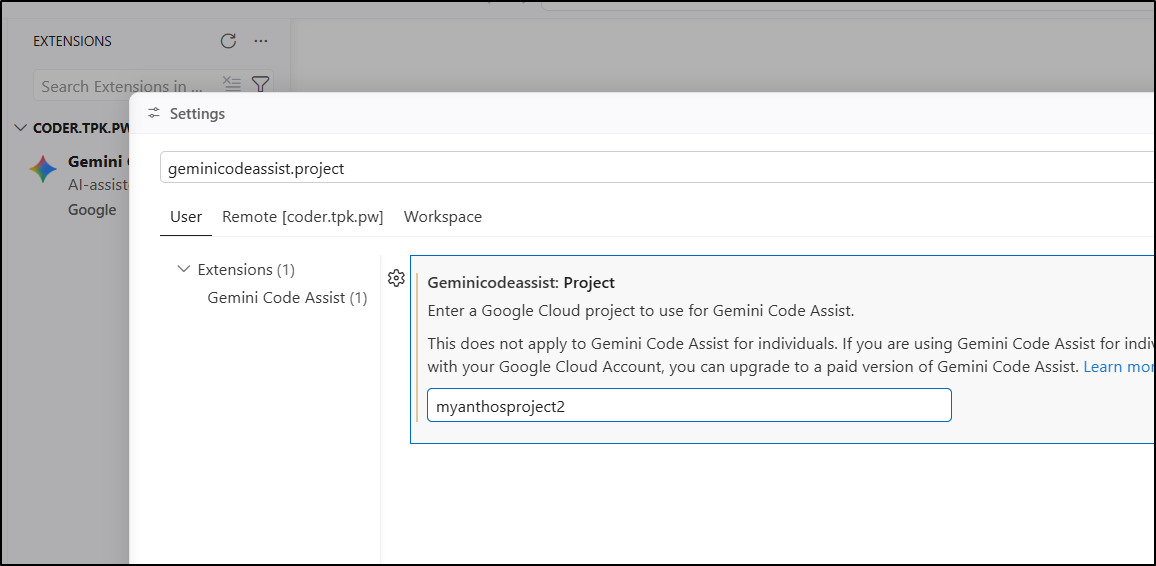
I did need to fix my project ID to get it to work
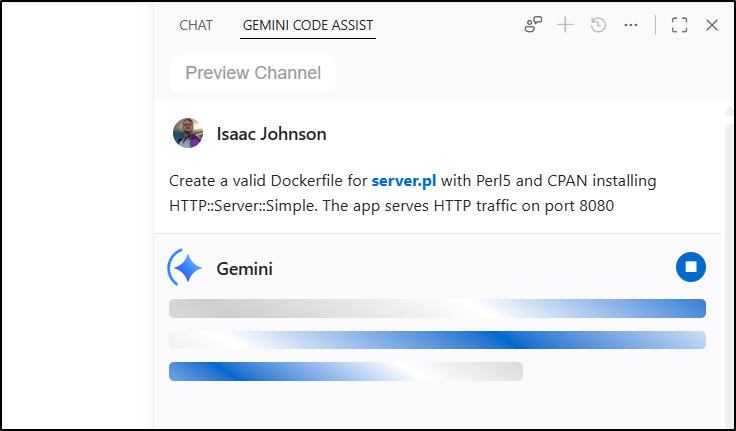
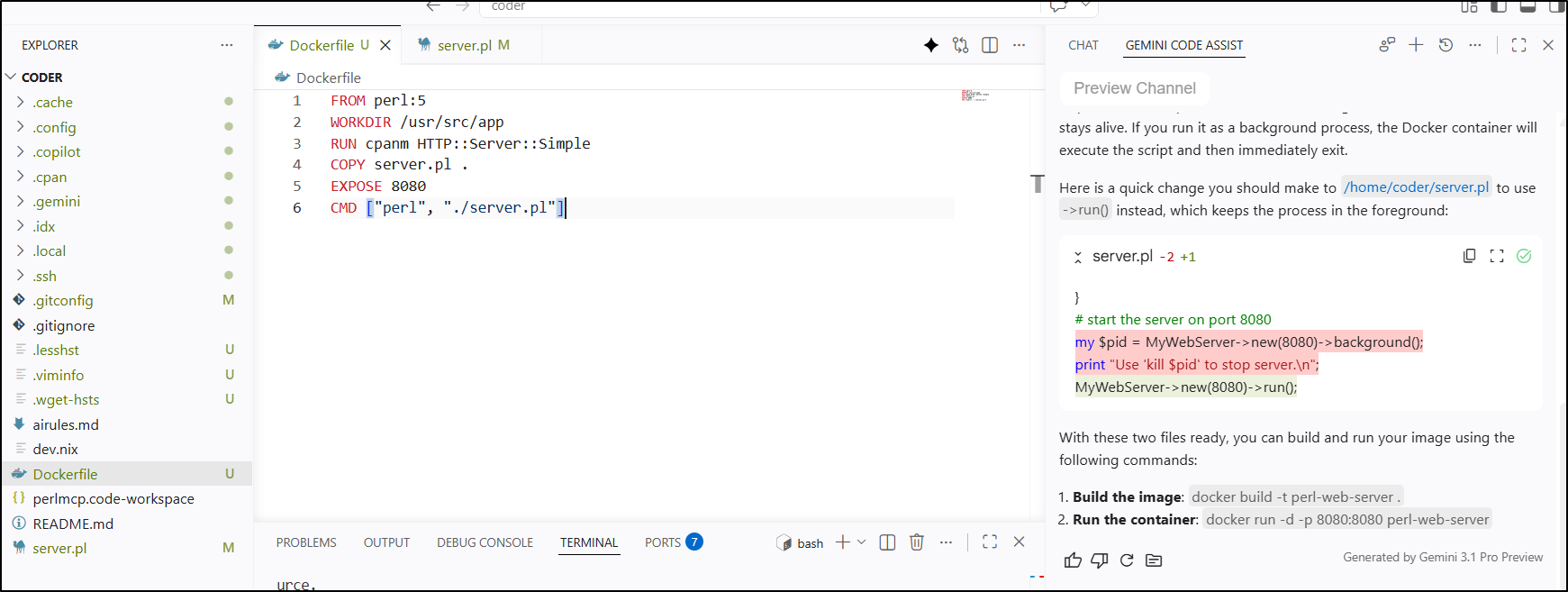
For instance, I just need a quick Perl5 dockerfile for the app so let’s use GCA to make it. (For reference, a rote task like this I consider toil and worth dumping to the LLM)
Looks right.. It did suggest we stop capturing the background project which makes sense as a Dockerfile needs the command to be ‘running’ to know it’s live
Cloud Run Deploy
Since Cloud Run listens on 8080 by default, this makes it even simpler to deploy
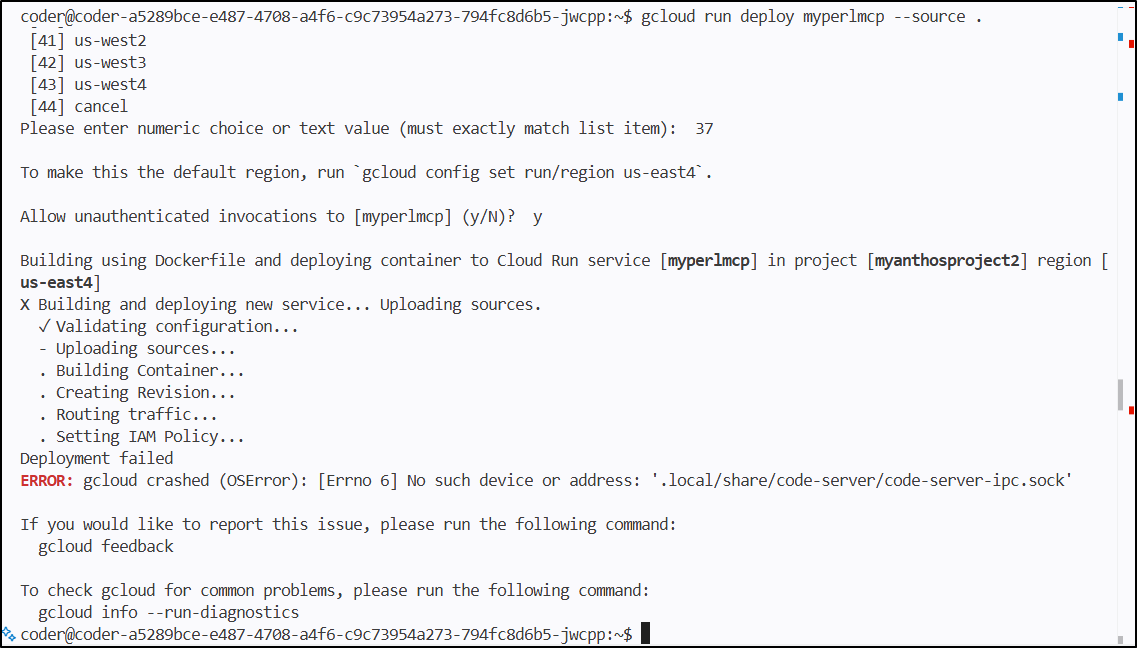
I kept getting an error:
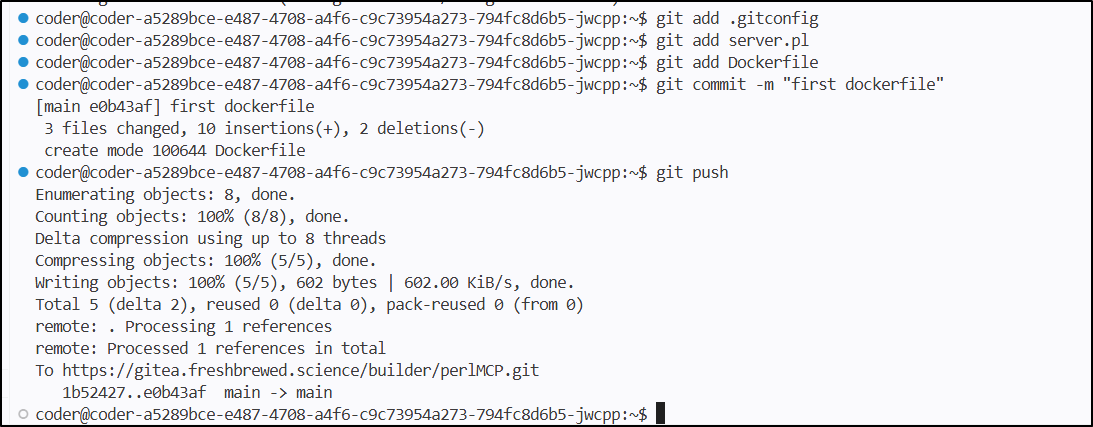
So I saved my new files
Then tried restarting my workspace
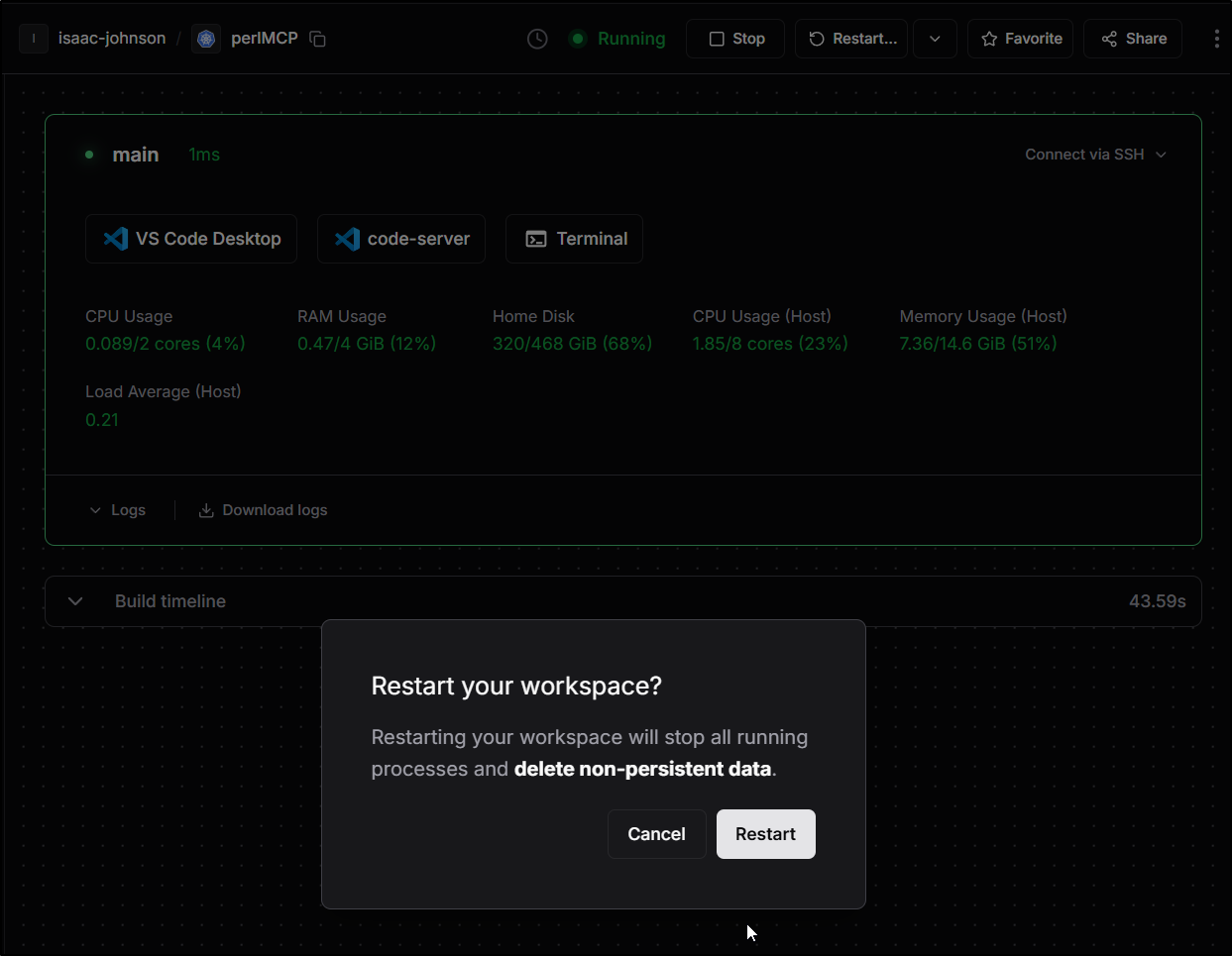
Sadly the gcloud tooling did not persist a restart
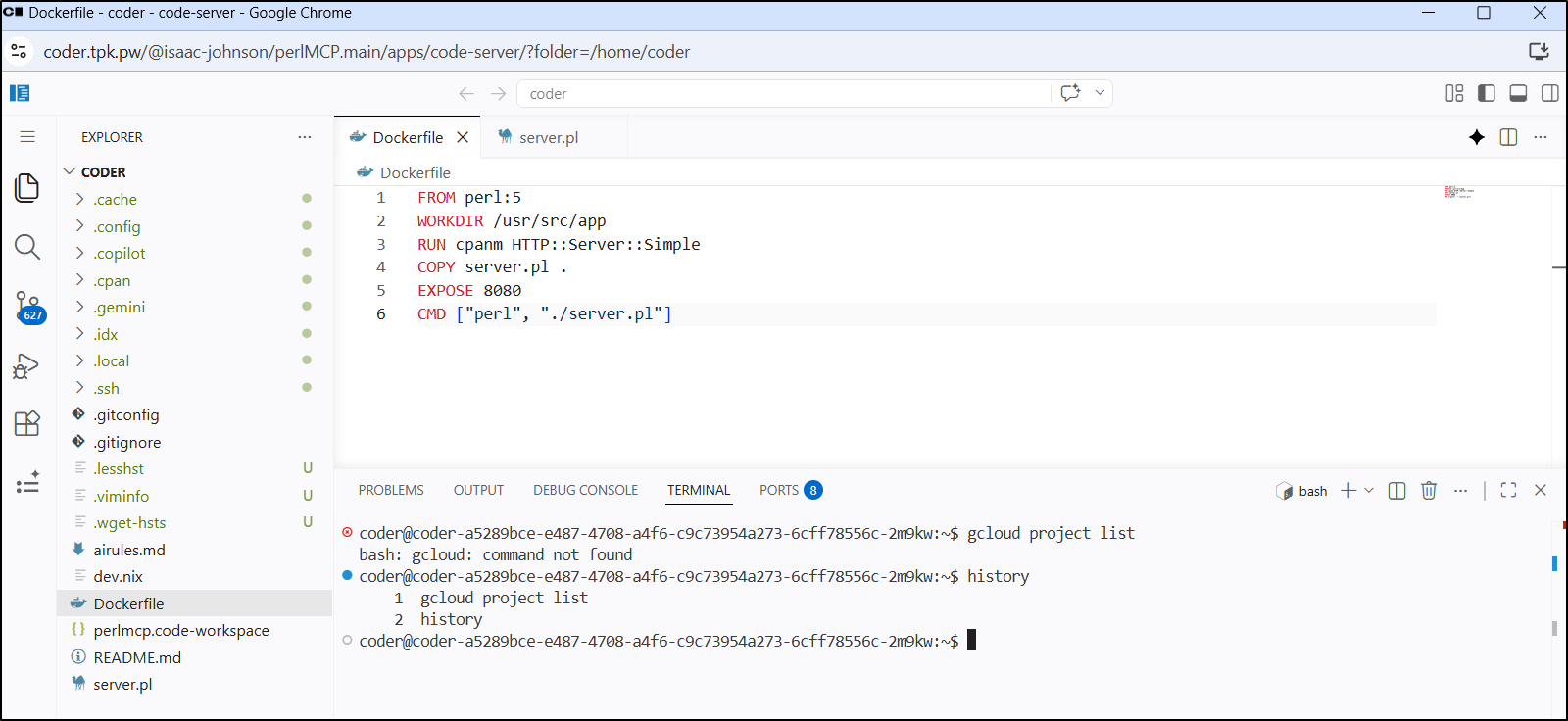
After authing I got the same blocking issue yet again
coder@coder-a5289bce-e487-4708-a4f6-c9c73954a273-6cff78556c-2m9kw:~$ gcloud run deploy myperlmcp --source ./
Please specify a region:
 [1] africa-south1
 [2] asia-east1
 [3] asia-east2
 [4] asia-northeast1
 [5] asia-northeast2
 [6] asia-northeast3
 [7] asia-south1
 [8] asia-south2
 [9] asia-southeast1
 [10] asia-southeast2
 [11] asia-southeast3
 [12] australia-southeast1
 [13] australia-southeast2
 [14] europe-central2
 [15] europe-north1
 [16] europe-north2
 [17] europe-southwest1
 [18] europe-west1
 [19] europe-west10
 [20] europe-west12
 [21] europe-west2
 [22] europe-west3
 [23] europe-west4
 [24] europe-west6
 [25] europe-west8
 [26] europe-west9
 [27] me-central1
 [28] me-central2
 [29] me-west1
 [30] northamerica-northeast1
 [31] northamerica-northeast2
 [32] northamerica-south1
 [33] southamerica-east1
 [34] southamerica-west1
 [35] us-central1
 [36] us-east1
 [37] us-east4
 [38] us-east5
 [39] us-south1
 [40] us-west1
 [41] us-west2
 [42] us-west3
 [43] us-west4
 [44] cancel
Please enter numeric choice or text value (must exactly match list item):  37

To make this the default region, run `gcloud config set run/region us-east4`.

Allow unauthenticated invocations to [myperlmcp] (y/N)?  y

Building using Dockerfile and deploying container to Cloud Run service [myperlmcp] in project [myanthosproject2] region [us-east4]
X Building and deploying new service... Uploading sources.
  ✓ Validating configuration...
  - Uploading sources...
  . Building Container...
  . Creating Revision...
  . Routing traffic...
  . Setting IAM Policy...
Deployment failed
ERROR: gcloud crashed (OSError): [Errno 6] No such device or address: '.local/share/code-server/code-server-ipc.sock'

If you would like to report this issue, please run the following command:
  gcloud feedback

To check gcloud for common problems, please run the following command:
  gcloud info --run-diagnostics
I asked Gemini on the web as I was really stuck. It suggested that the gcloud cli was trying to zip too much to send and to create a .gcloudignore file:
coder@coder-a5289bce-e487-4708-a4f6-c9c73954a273-6cff78556c-2m9kw:~$ vi .gcloudignore
coder@coder-a5289bce-e487-4708-a4f6-c9c73954a273-6cff78556c-2m9kw:~$ cat .gcloudignore
.local/
.config/
.git/
node_modules
That timed out, but I think, again, it was copying too much including all of .cpan!
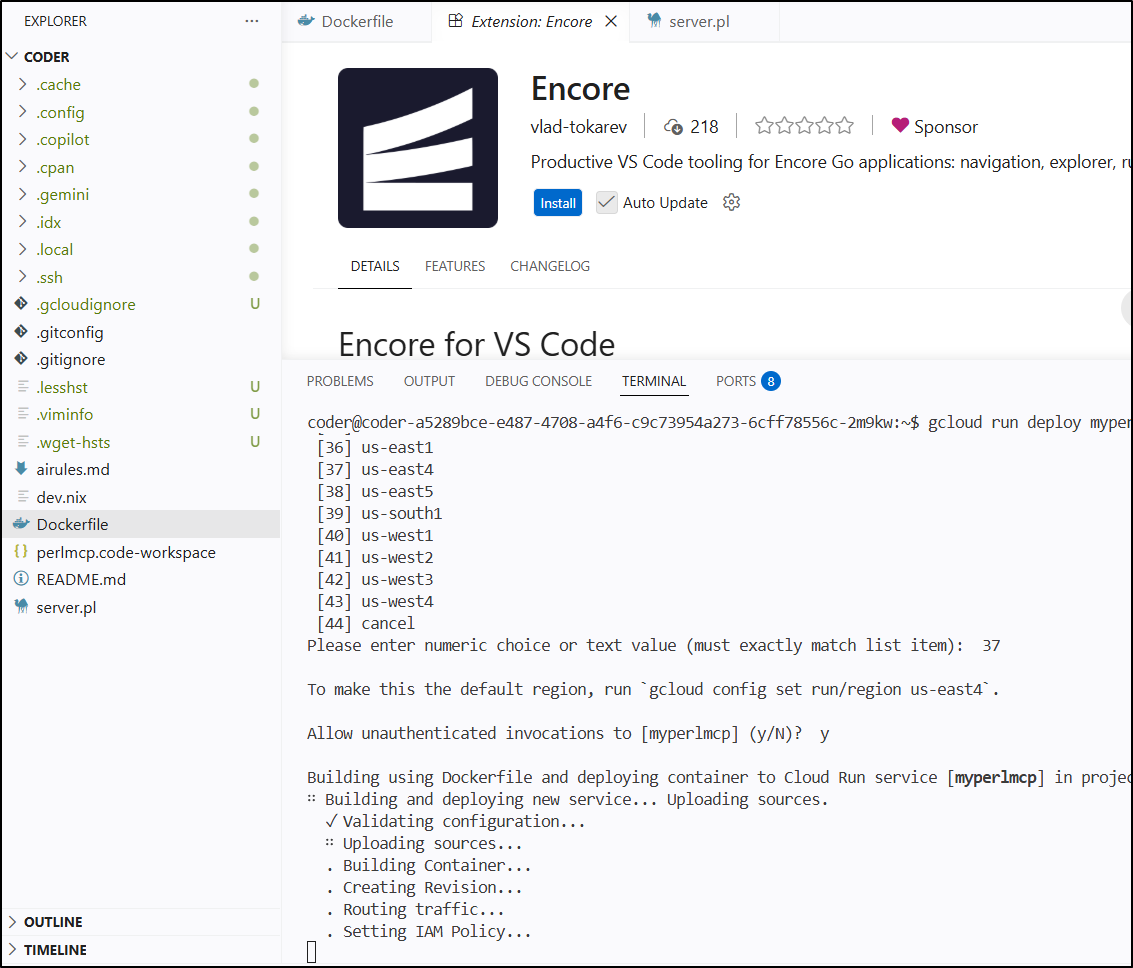
I’ll just exclude the lot of my dot folders
coder@coder-a5289bce-e487-4708-a4f6-c9c73954a273-6cff78556c-2m9kw:~$ !v
vi .gcloudignore
coder@coder-a5289bce-e487-4708-a4f6-c9c73954a273-6cff78556c-2m9kw:~$ cat .gcloudignore
.cache/
.config/
.copilot/
.cpan/
.gemini/
.idx/
.local/
.ssh/
That worked SO much better, but I’ll take the assist from Gemini who clued me on the .gcloudignore file:
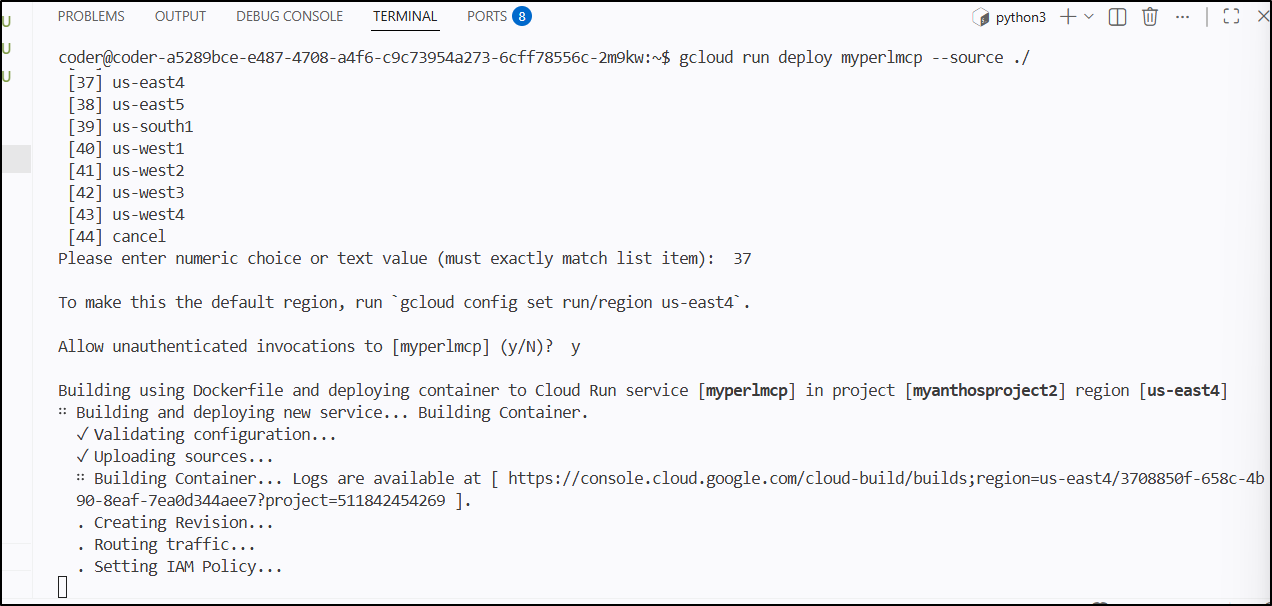
I can actively see Cloud Build cranking away
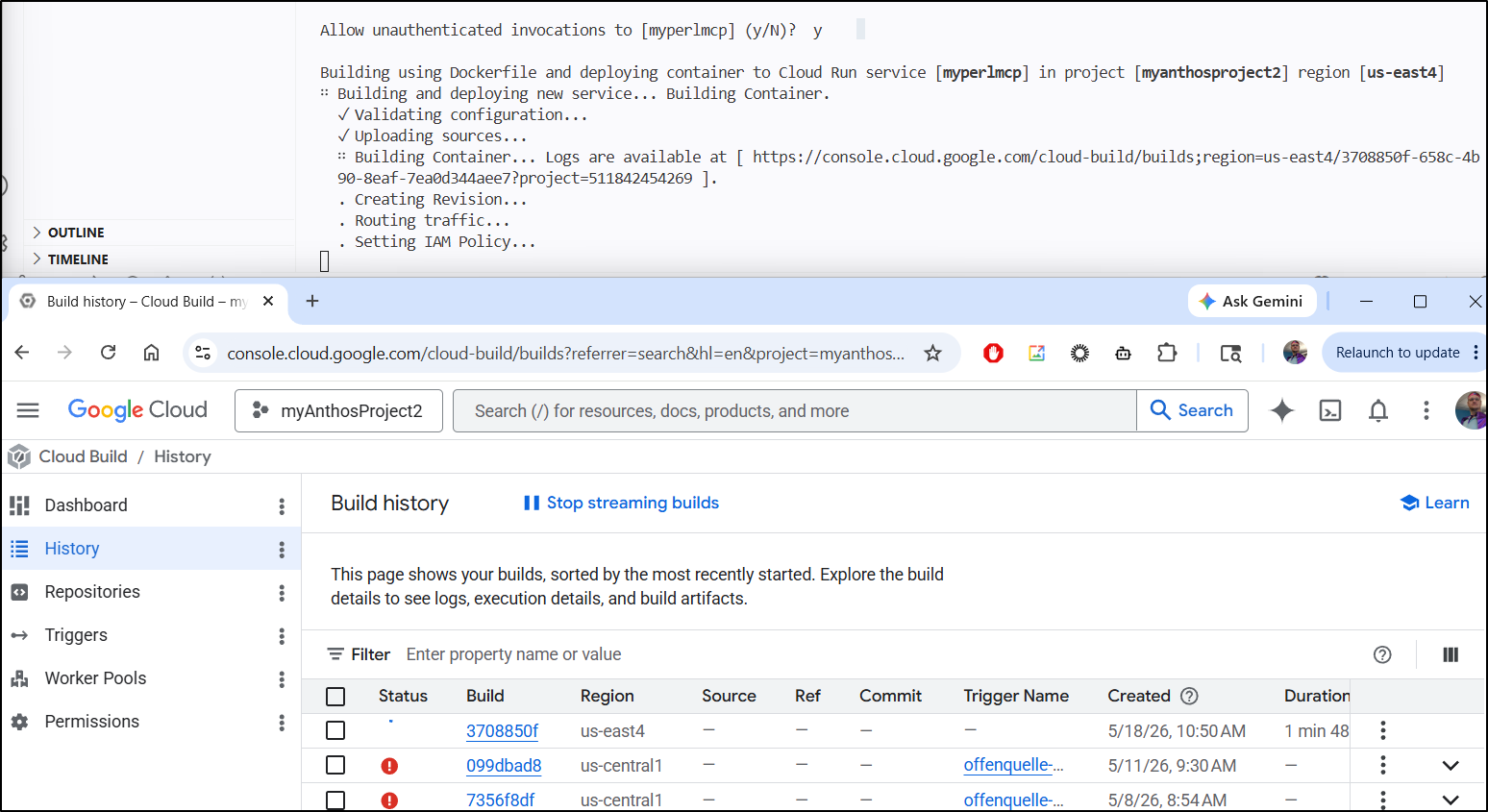
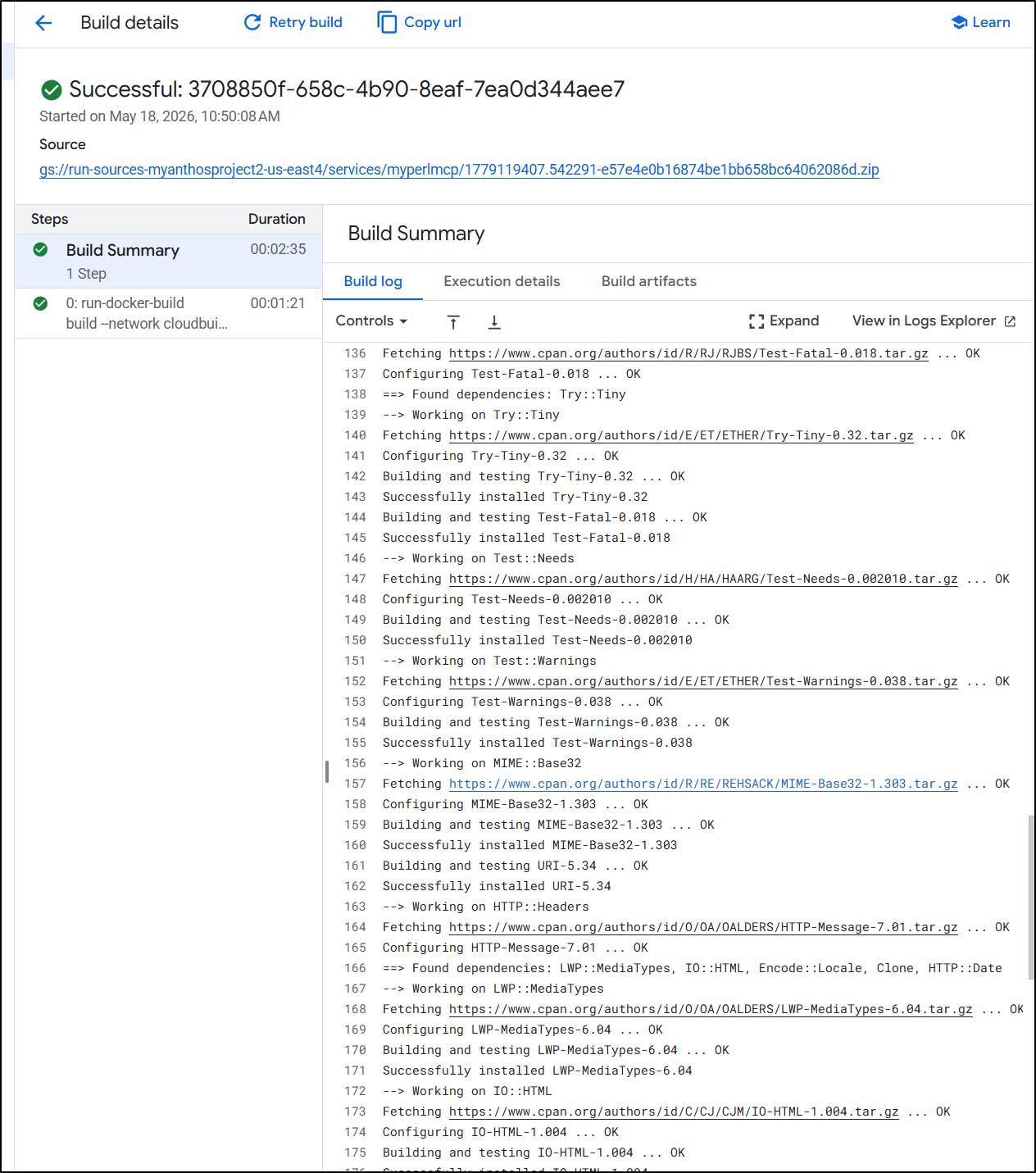
I definitely see the details for CPAN in the build logs
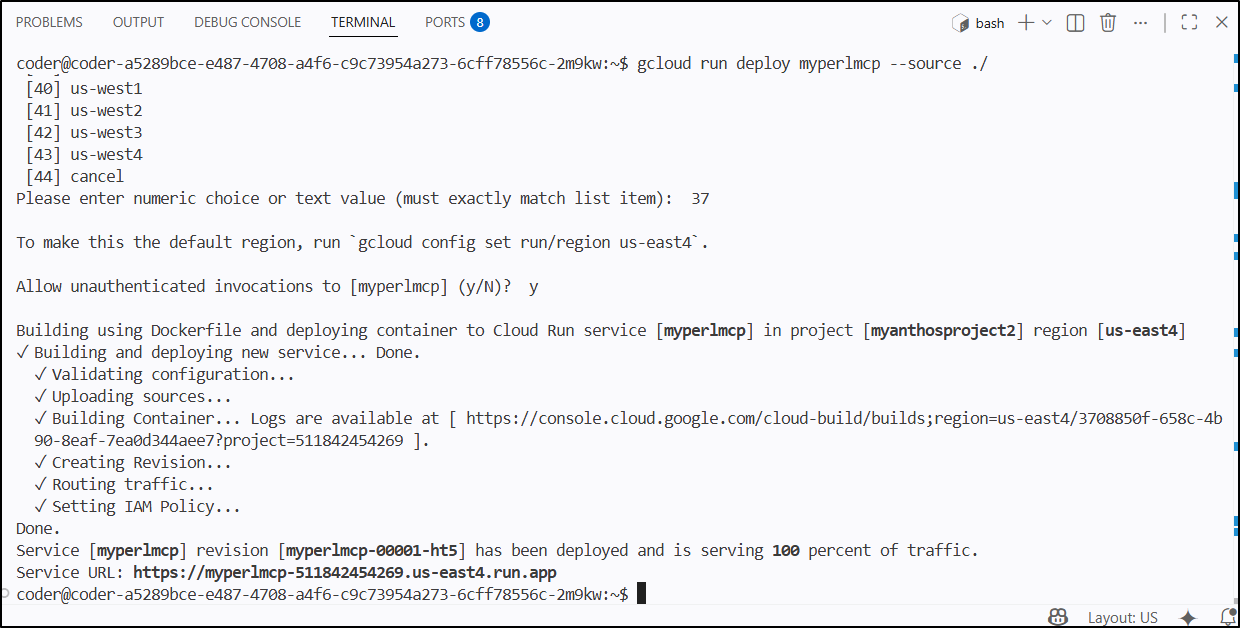
I can see the URL and output in Coder’s code-server terminal window
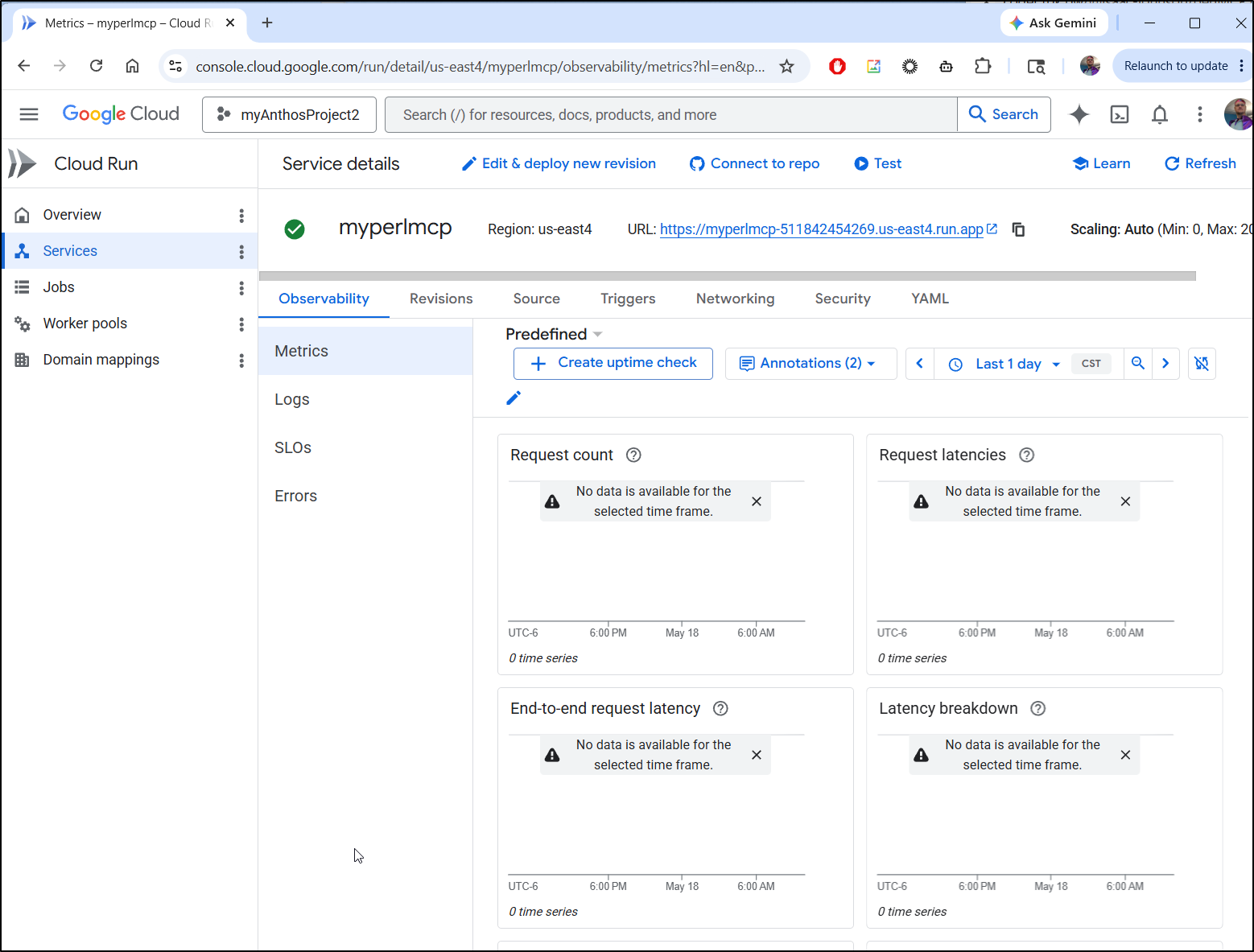
But also in Cloud Run
That URL works great!
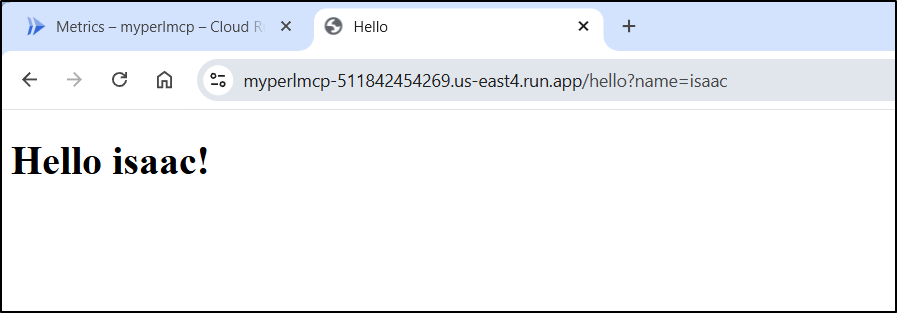
Since I might have to do this again on the next workspace launch, I’ll make a note of those steps in a script and README.md file
coder@coder-a5289bce-e487-4708-a4f6-c9c73954a273-6cff78556c-2m9kw:~$ vi gcloudsetup.sh
coder@coder-a5289bce-e487-4708-a4f6-c9c73954a273-6cff78556c-2m9kw:~$ vi README.md
coder@coder-a5289bce-e487-4708-a4f6-c9c73954a273-6cff78556c-2m9kw:~$ chmod 755 ./gcloudsetup.sh
coder@coder-a5289bce-e487-4708-a4f6-c9c73954a273-6cff78556c-2m9kw:~$ cat ./gcloudsetup.sh
#!/bin/bash
set -x

sudo apt-get update
sudo apt-get install ca-certificates gnupg curl
curl https://packages.cloud.google.com/apt/doc/apt-key.gpg | sudo gpg --dearmor -o /usr/share/keyrings/cloud.google.gpg
echo "deb [signed-by=/usr/share/keyrings/cloud.google.gpg] https://packages.cloud.google.com/apt cloud-sdk main" | sudo tee -a /etc/apt/sources.list.d/google-cloud-sdk.list
sudo apt-get update && sudo apt-get install google-cloud-cli
gcloud auth login
gcloud config set project myanthosproject2
coder@coder-a5289bce-e487-4708-a4f6-c9c73954a273-6cff78556c-2m9kw:~$ cat ./README.md
Get started by customizing your environment (defined in the .idx/dev.nix file) with the tools and IDE extensions you'll need for your project!

Learn more at https://developers.google.com/idx/guides/customize-idx-env

# Gcloud Cloud Run Deploys

---
gccoud auth login
gcloud config set project myanthosproject2
gcloud run deploy myperlmcp --source ./
---
Cleanup
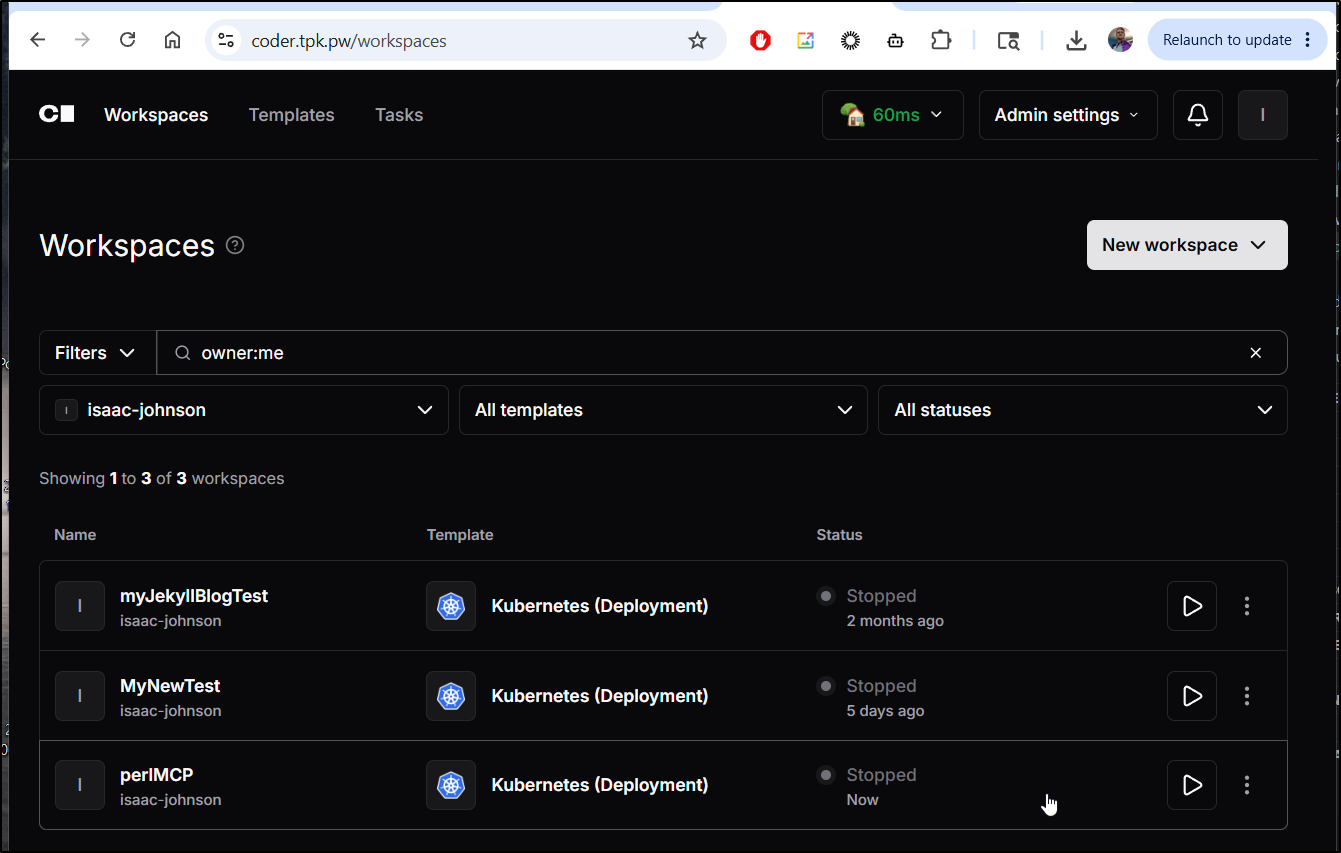
Since I don’t need to keep working on this today, I’ll just stop the container
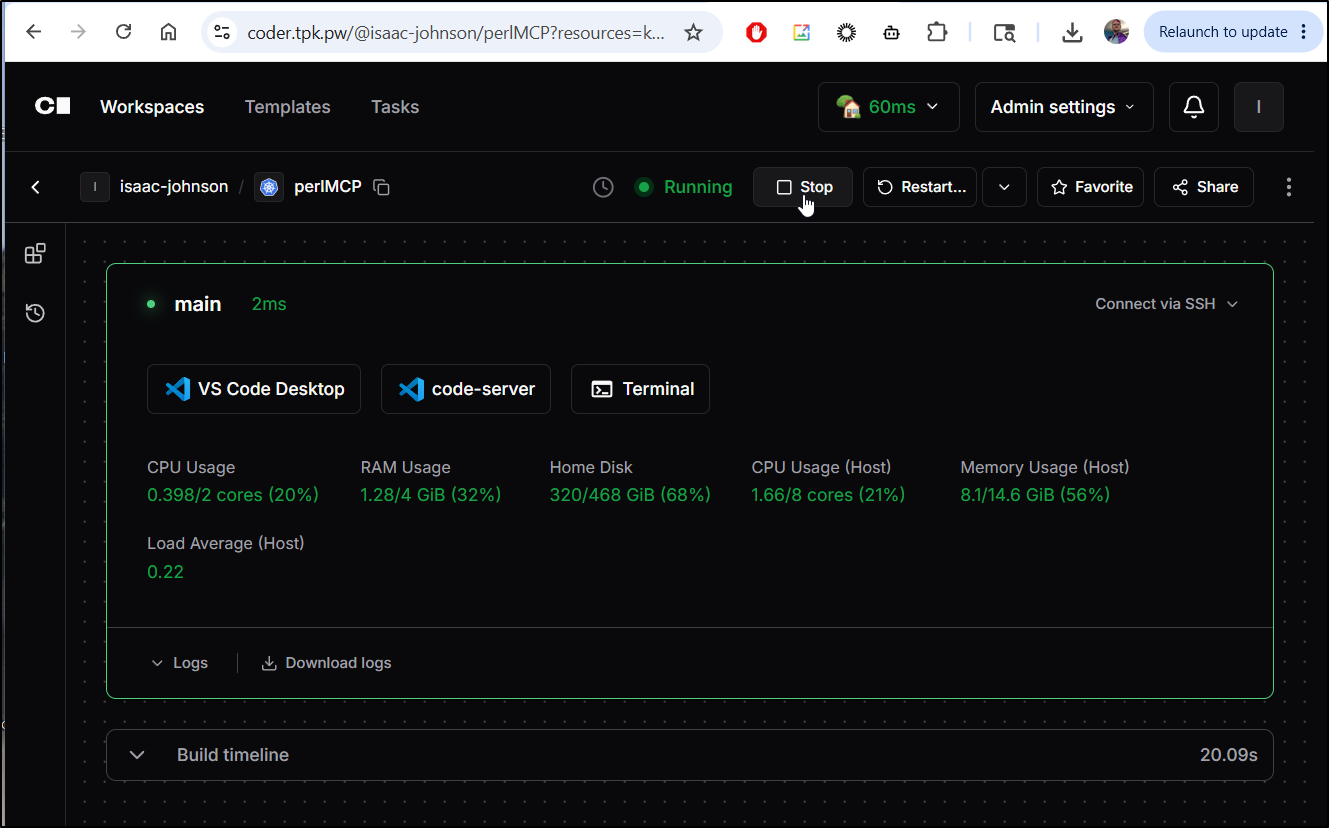
and now it’s stopped till I need it again
Summary
So in just half a year I saw that one offering, Project IDX, was moved to Firebase CLI, which I started to write about only to find out it too was sunset for “AI Studio”.
However, AI Studio is not the same. In fact, it is a just a vibe coding prompt tool - not a real coding IDE.
There are some that are blurring the lines between IDEs and Vibe interfaces and I think losing a web-based IDE is a real sad change.
However, we have options. Honestly, Codespaces in Github is a really solid offering, albeit paid, that gives you control over the docker container (which could have had CPAN setup, gcloud setup, and more). I use Codespaces for some of my biggest workloads and really like it.
To learn more about that, look at this write-up on DevContainers and then the followup that shows those same containers in Github codespaces
