

Published: May 14, 2026 by Isaac Johnson
Let’s talk about Replit. I had a nice visit at their GCP Next26 Booth and that let to some followup calls. While I am exploring this for here and for work, the salesperson was very chill and just gave me time (and credits) to just see what I could do with the tool. Usually that is a good sign (that they let the product speak for itself).
I have not been disappointed. Let’s dig in…
Animations
Let’s try and make an animation
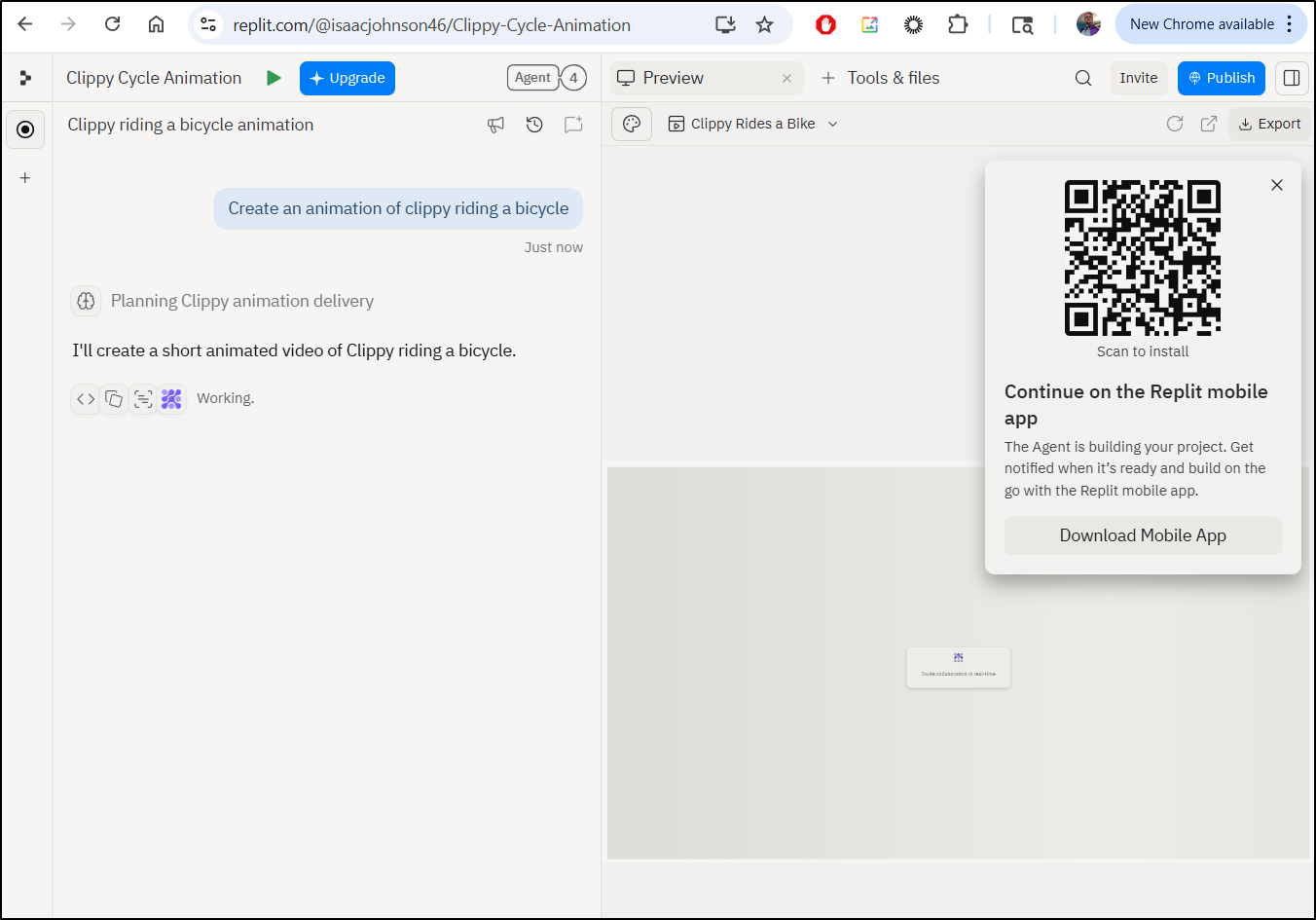
It did a fairly good job
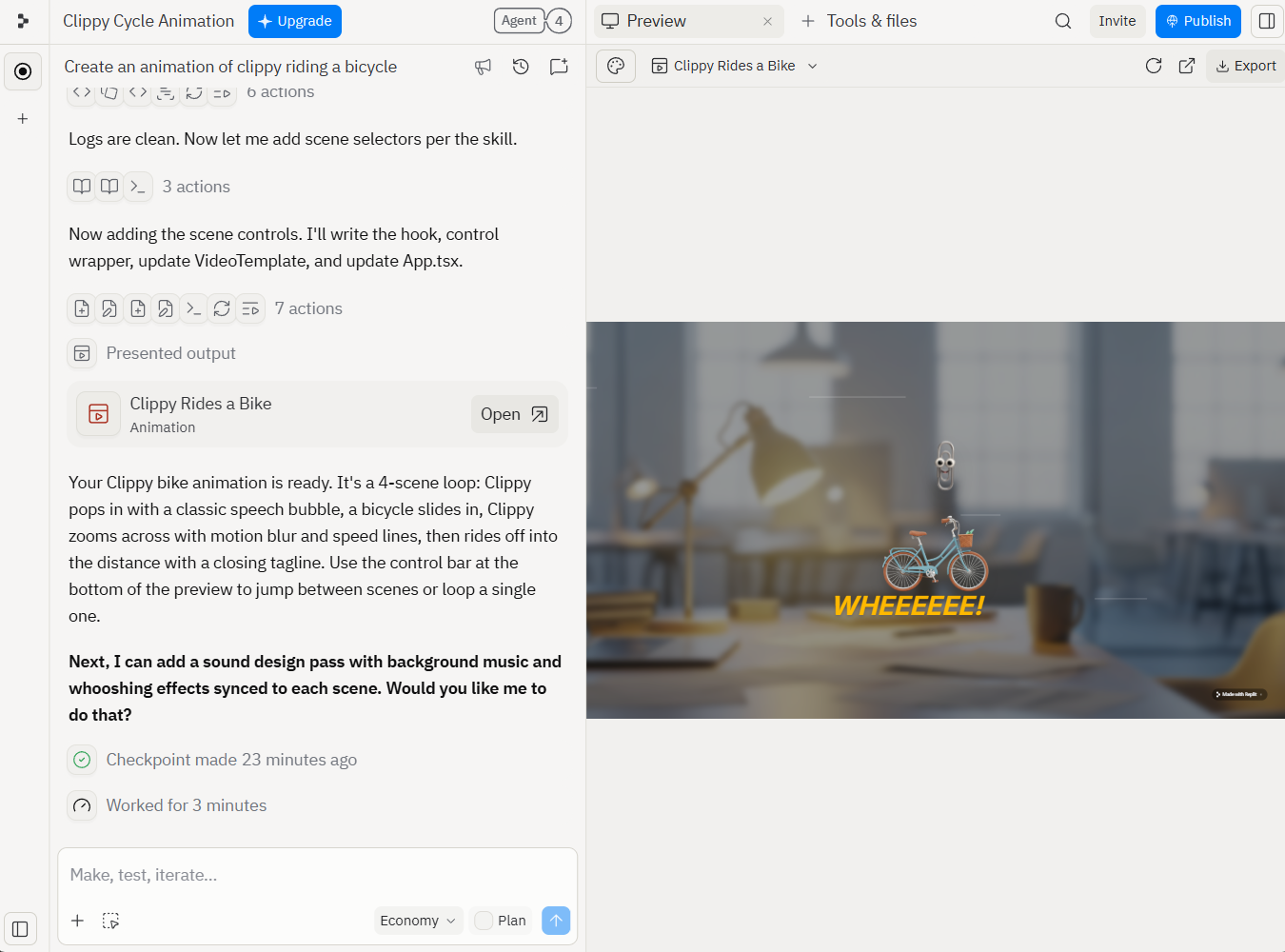
I did download the exported video, but it was missing Clippy for half of it, so i just did a screen cap instead
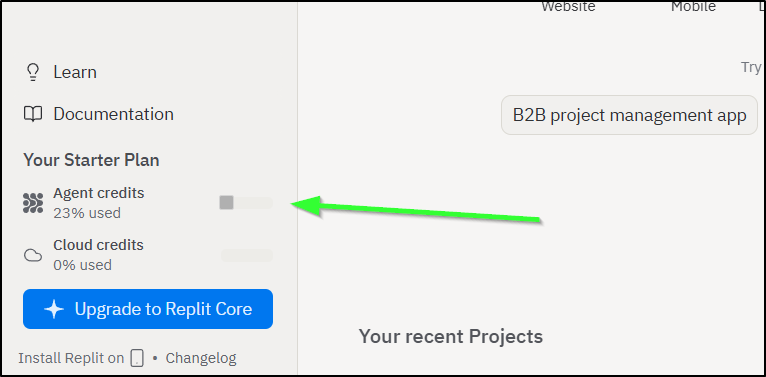
That alone used 25% of my free credits
Website
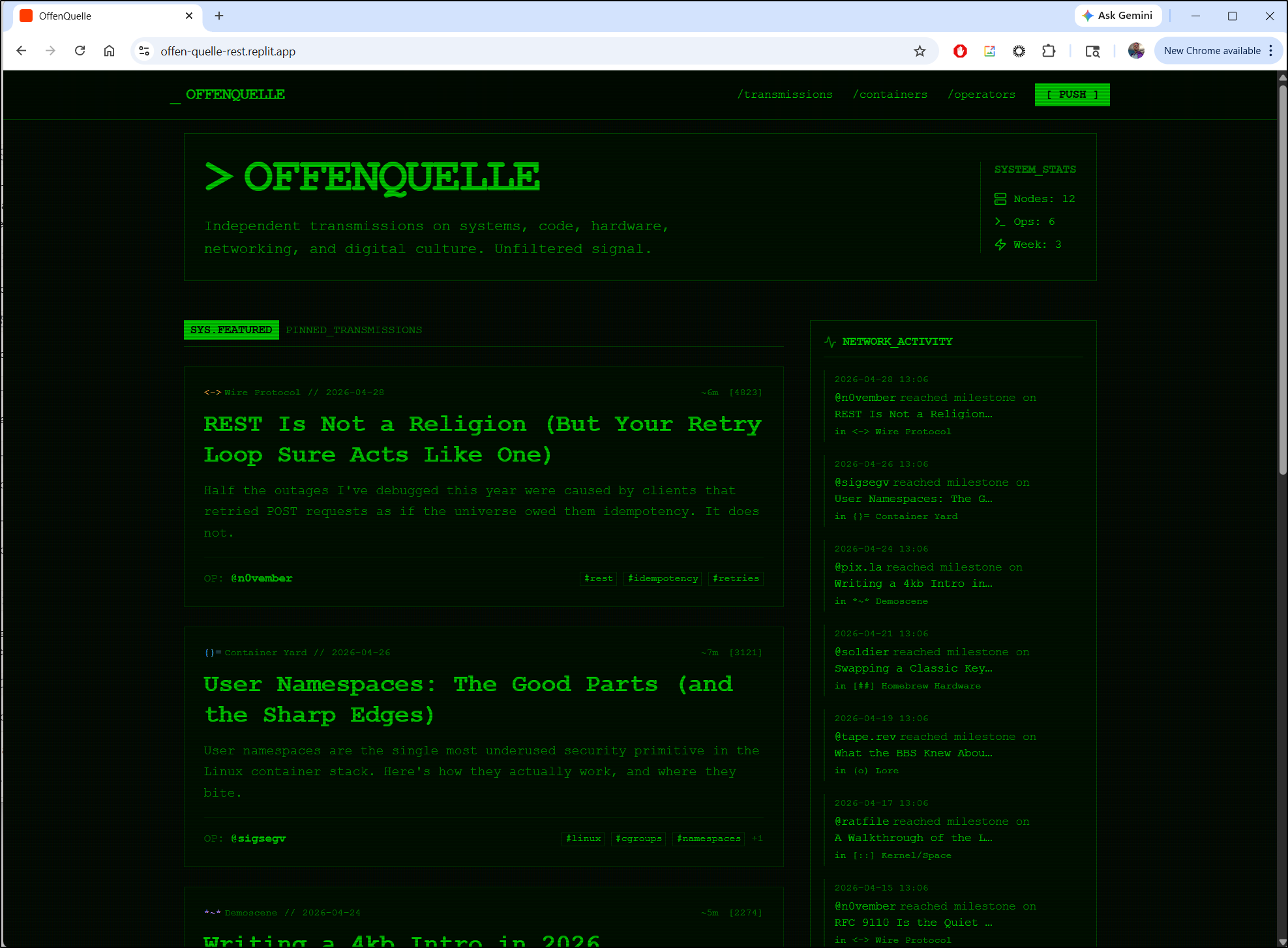
I then went to build a website for OffenQuelle, a new publishing project
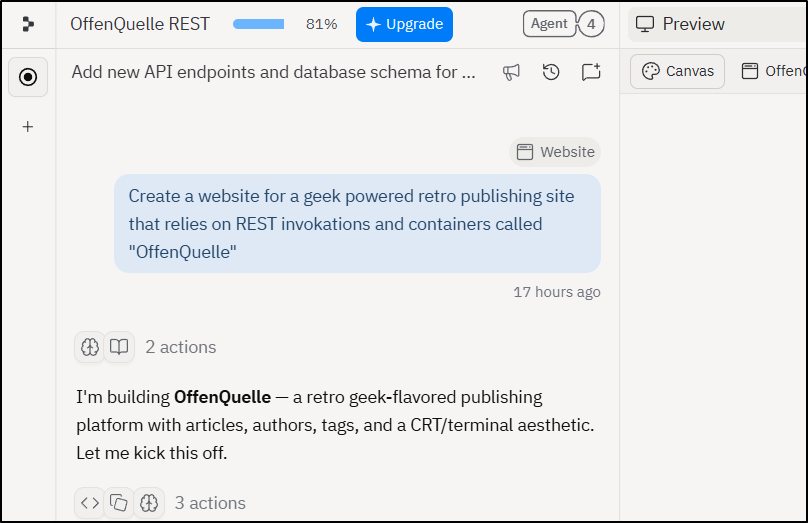
It kicked off and, to be frank, I realized I had a meeting (with Replit themselves of all things) then I ran to fetch kids from school and make dinner and just lost track of time.
The next morning I came back expecting it to have been stuck in a prompt but oh no.. this bada** just went and one-shotted it all for me:
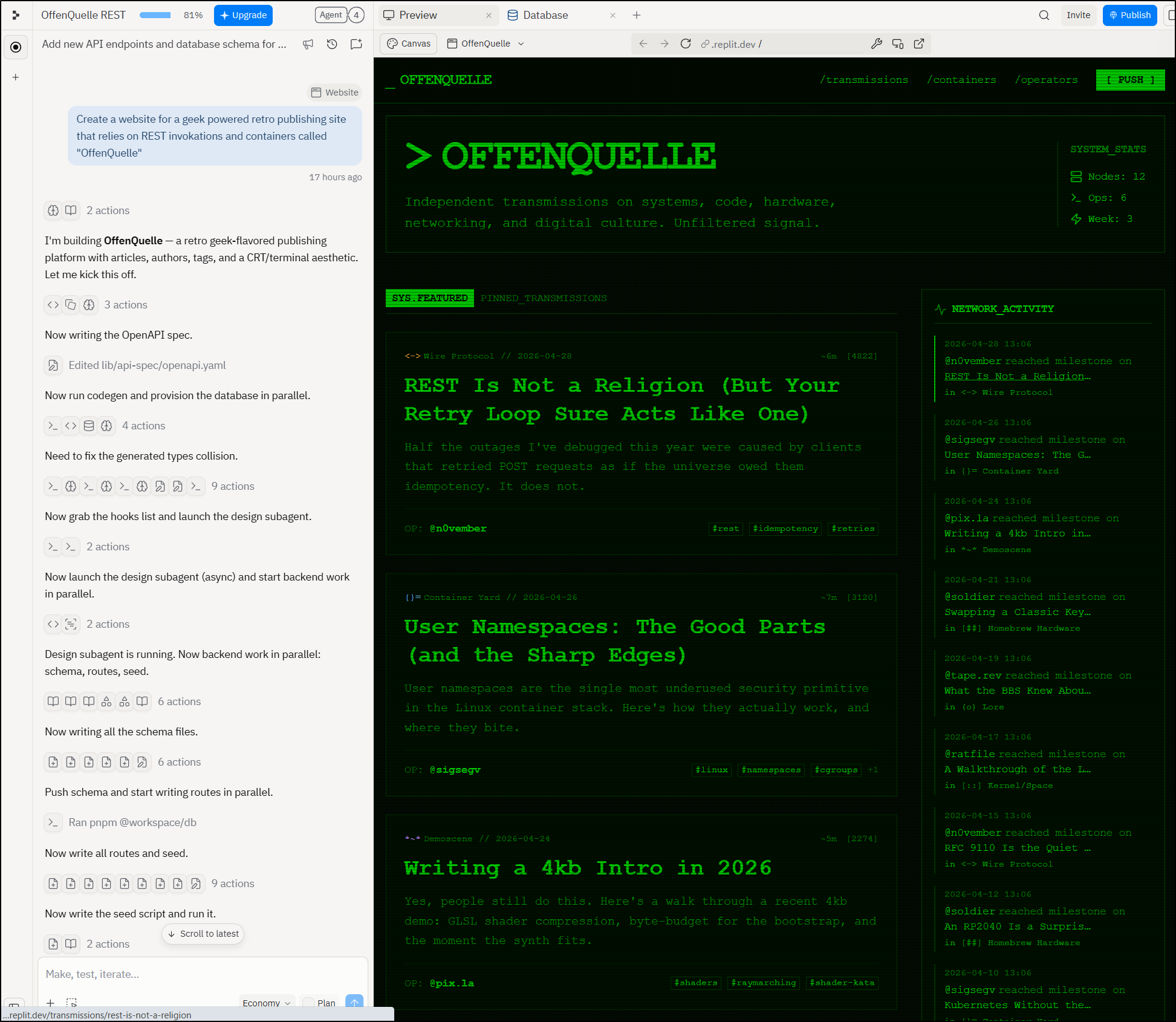
That is not a Figma or Stitch level mock up - Replit went and did all of it:
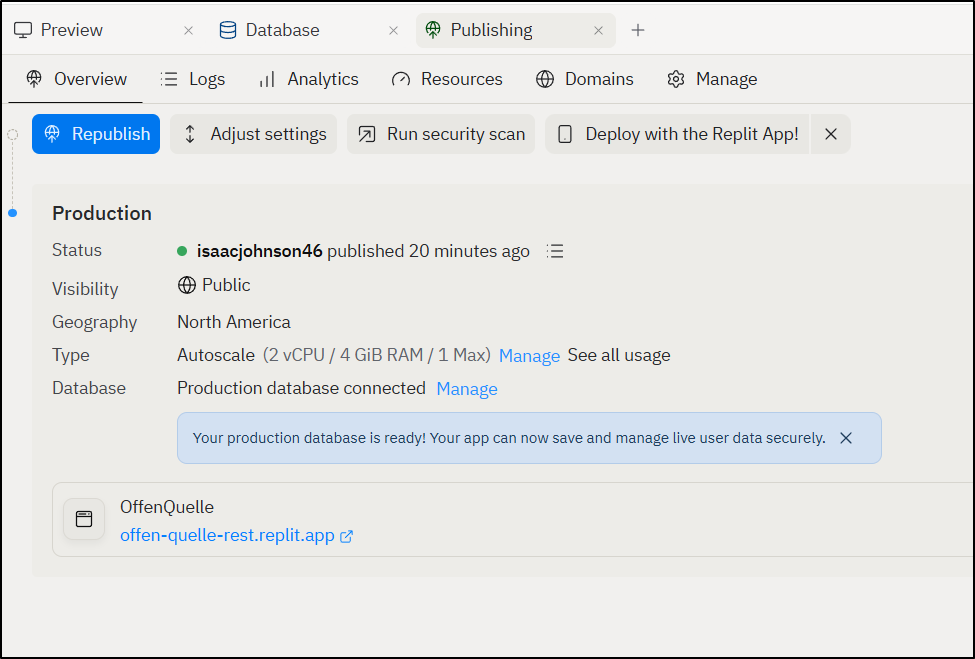
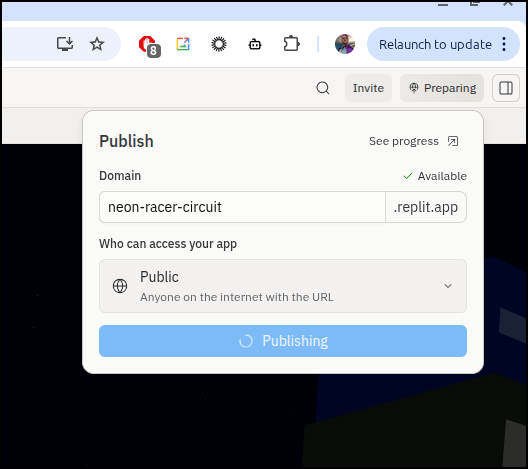
Additionally, if I like it, I can just publish the site as is to a “replit.app” URL:
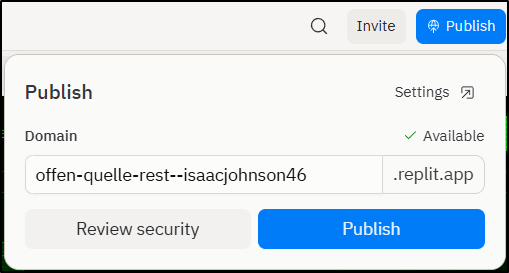
You can see we can set it to be public, or restrict access (Pro account feature), then (again Pro account) add feedback widgets
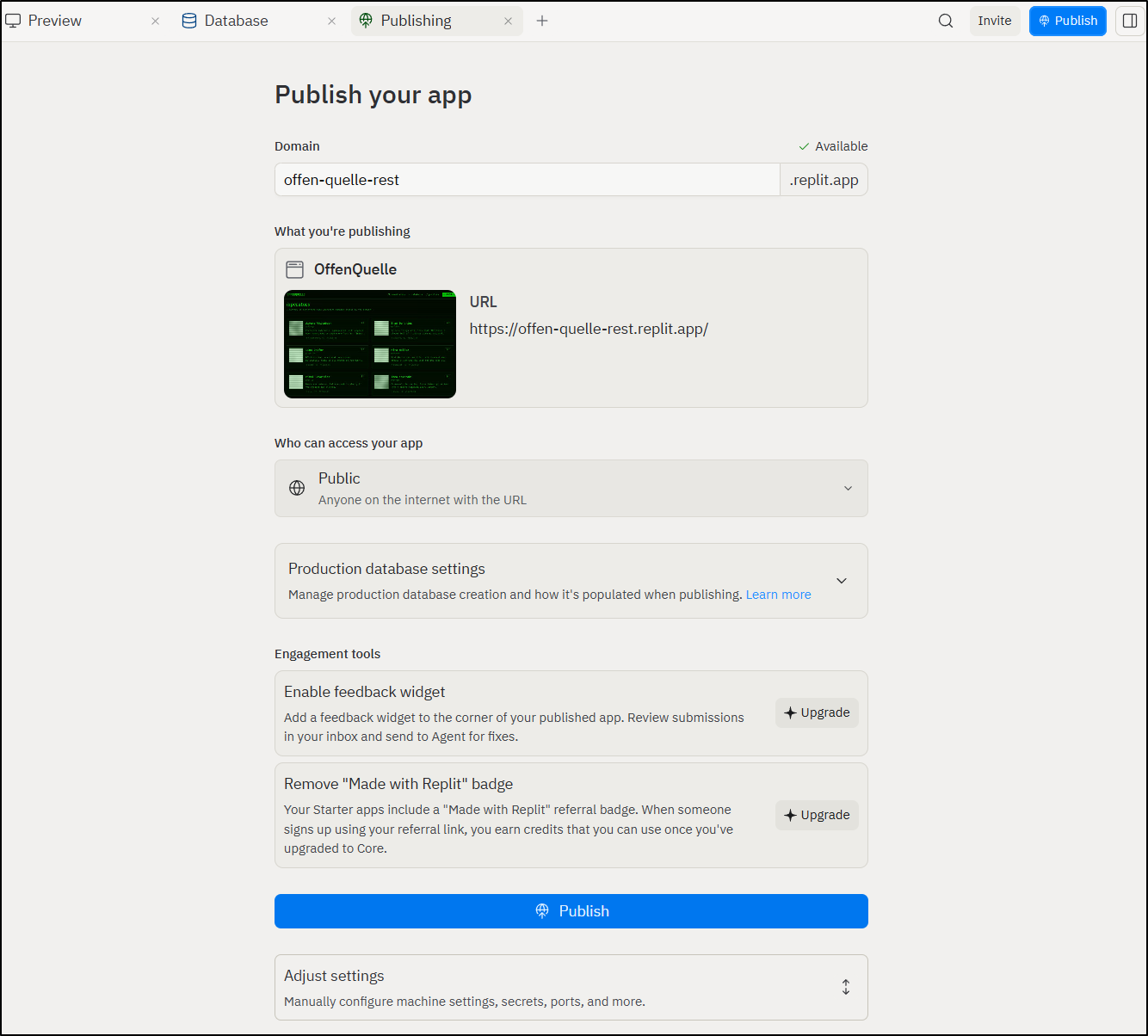
Publishing will do a provision, scan, build, bundle and promote pipeline
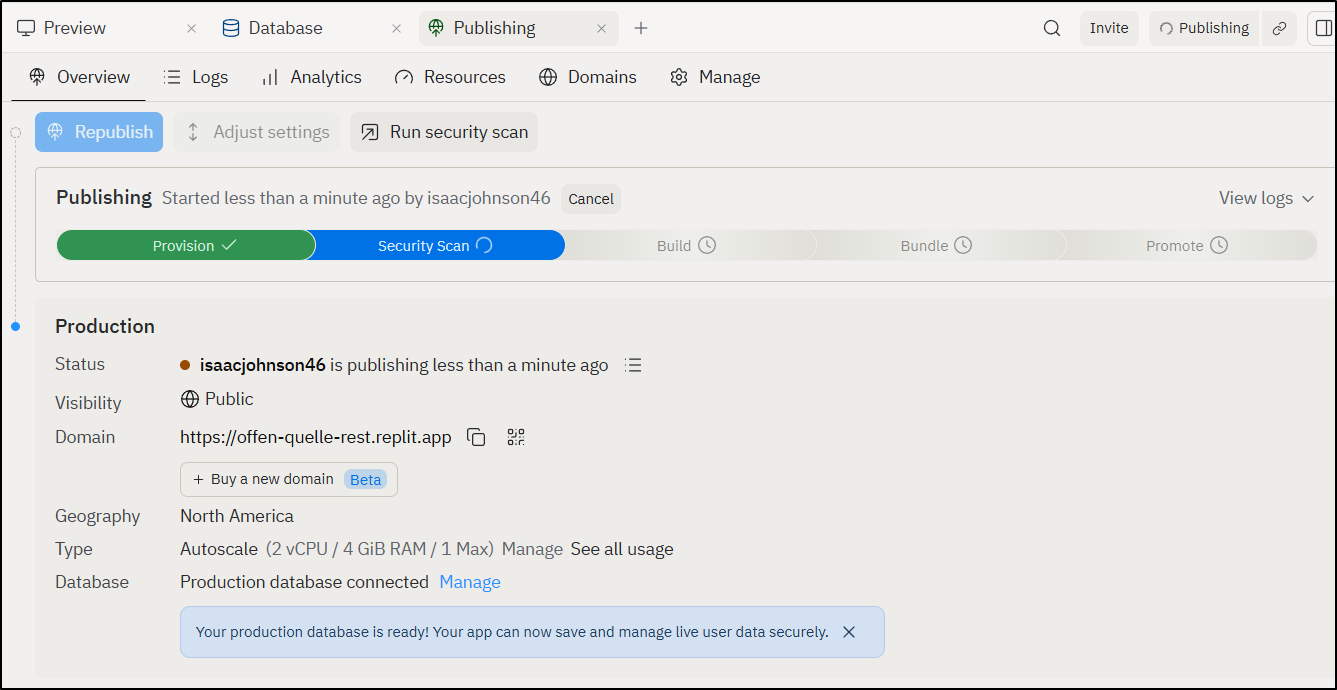
When published
I can easily now view my new Blog complete with articles at https://offen-quelle-rest.replit.app/
Updating
Let’s say we now want to add a new post, but we just have a rough draft
I would like to add a new article called “AI and Day 2”. I’ll be the author (Isaac Johnson). Make sure to create a boilerplate bio for me using the text “With a background as a Cloud and SRE Architect, I have a passion for process and building out scalable solutions. My career has spanned over 20 years experience, and I’ve had the honor of working at local companies such as Medtronic, Abbott, Thomson Reuters, and CH Robinson with a focus on SRE, DevOps and Cloud Migrations. Today, as a Senior Staff Cloud Architect at Abbott (SJM) in the Structured Heart division, my focus is on transcatheter aortic valve implantation (TAVI) next generation solutions. I live in Woodbury, MN and enjoy camping, canoeing and fishing with three wonderful daughters.”. The article should expand on: “AI is easy to create content. There are a variety of suites from Gemini to Claud to Replit. The question then becomes how do we manage these resources we create? How do we set a threshold for quality, revision control and review? And how do we ensure that these don’t spiral into nests of unmanagable code? when considering Day 2 and SRE, we often think about how to manage things after they go to production - alerts, metrics, dashboards, SLIs and SLOs. And of course, finops - what is the cost of maintining…”
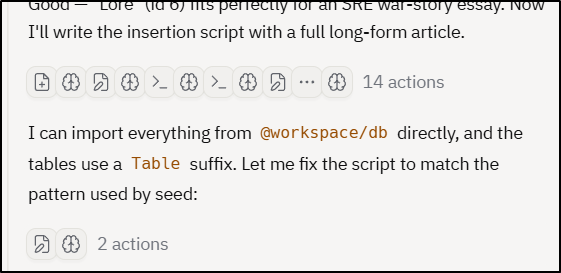
As we can see, the parts it thinks I may not need to see in “++verbose” mode, it hides with a chain of icons:
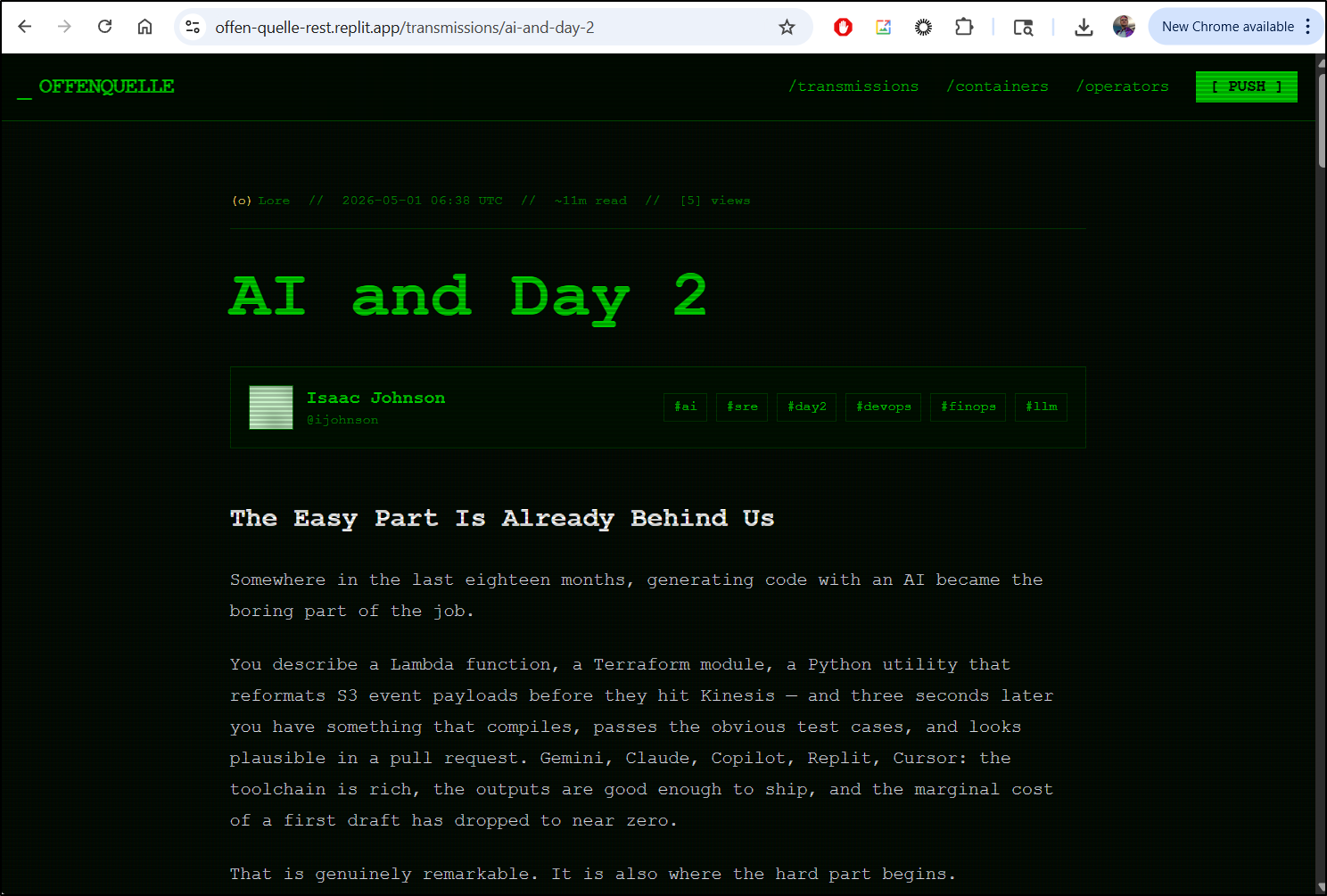
It created a pretty good article in a natural voice
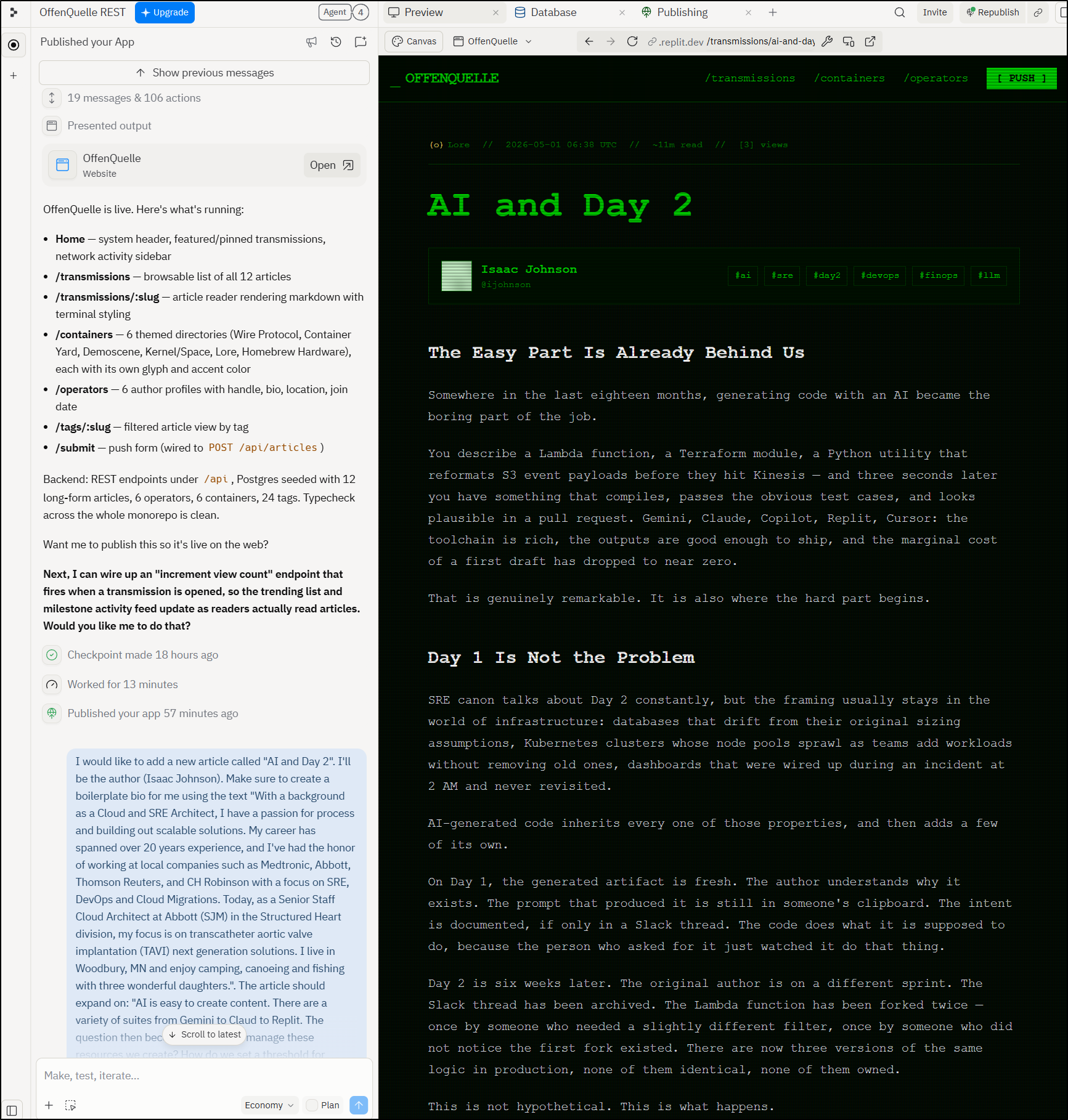
And created a bio for me per my guidance
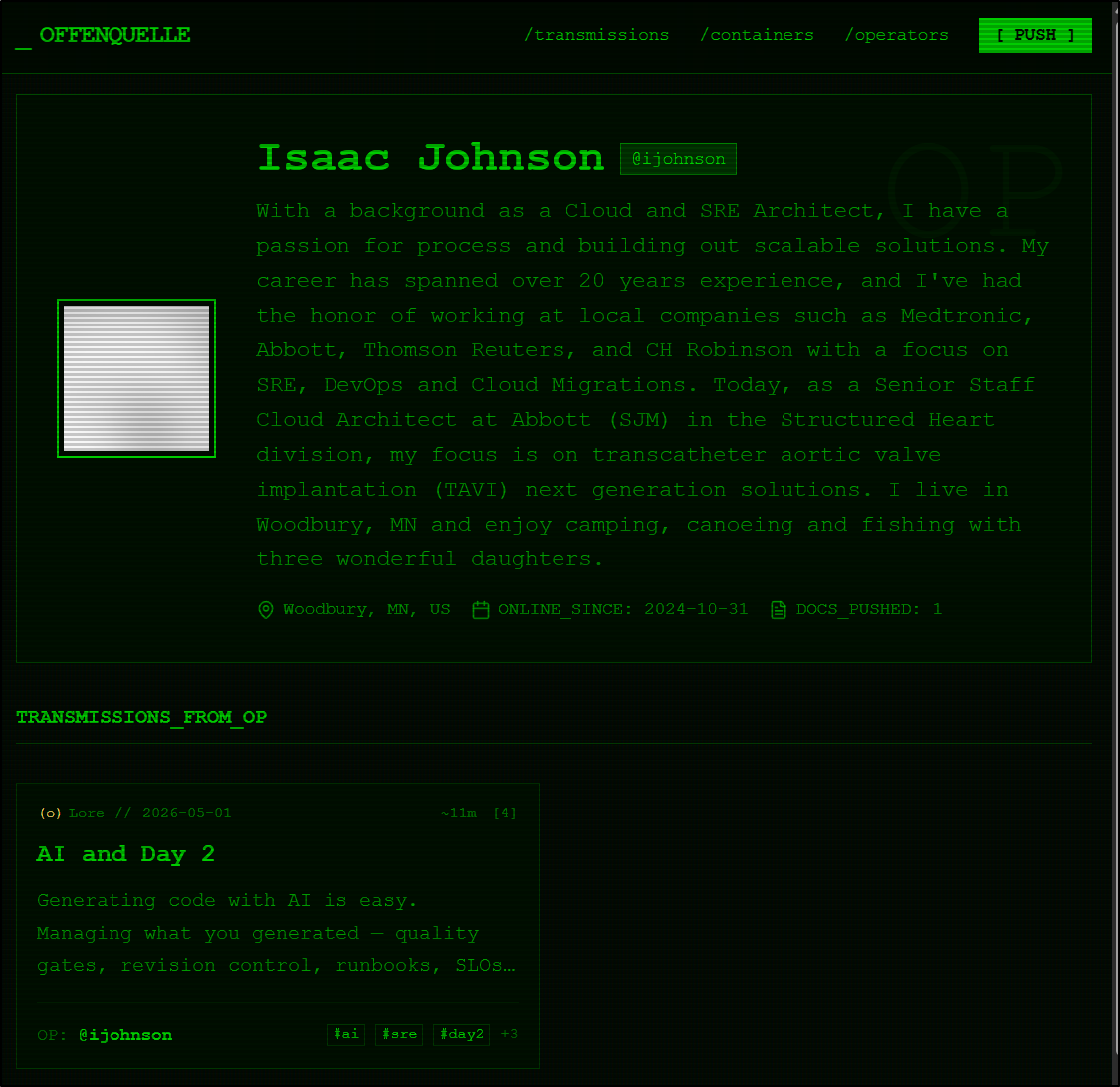
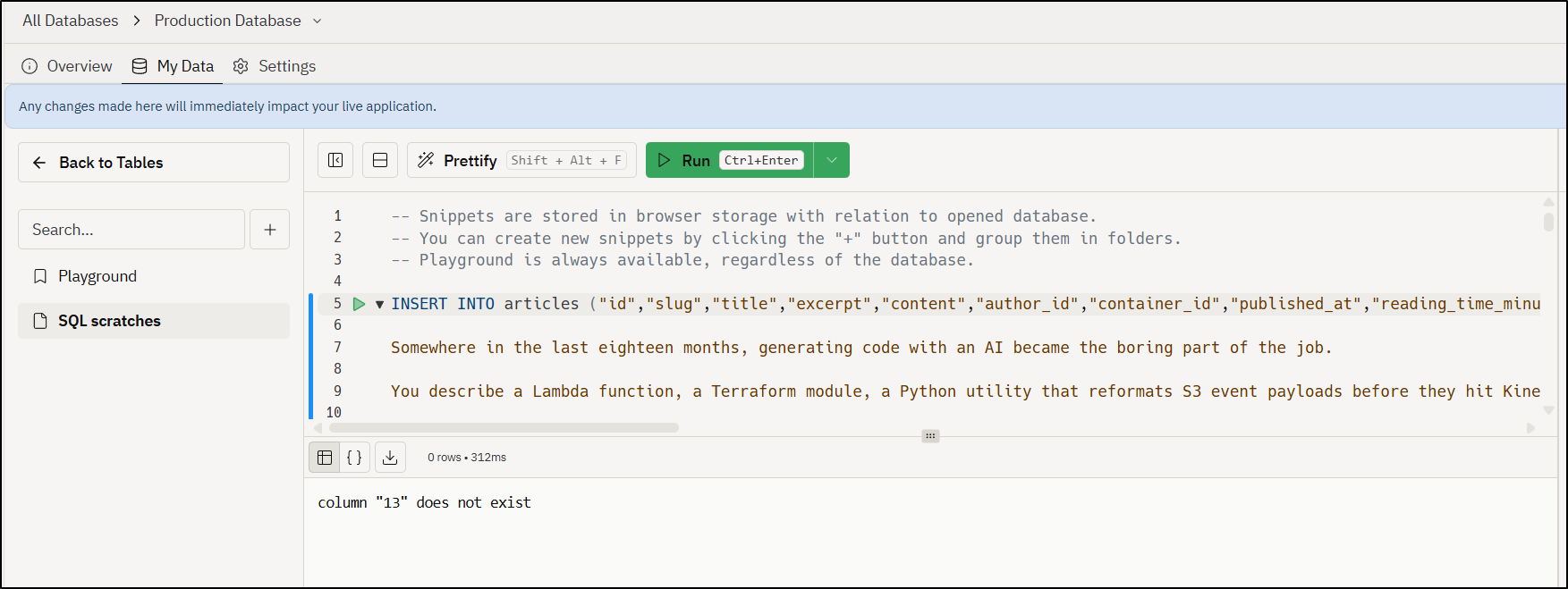
I tried a manual insert but it failed
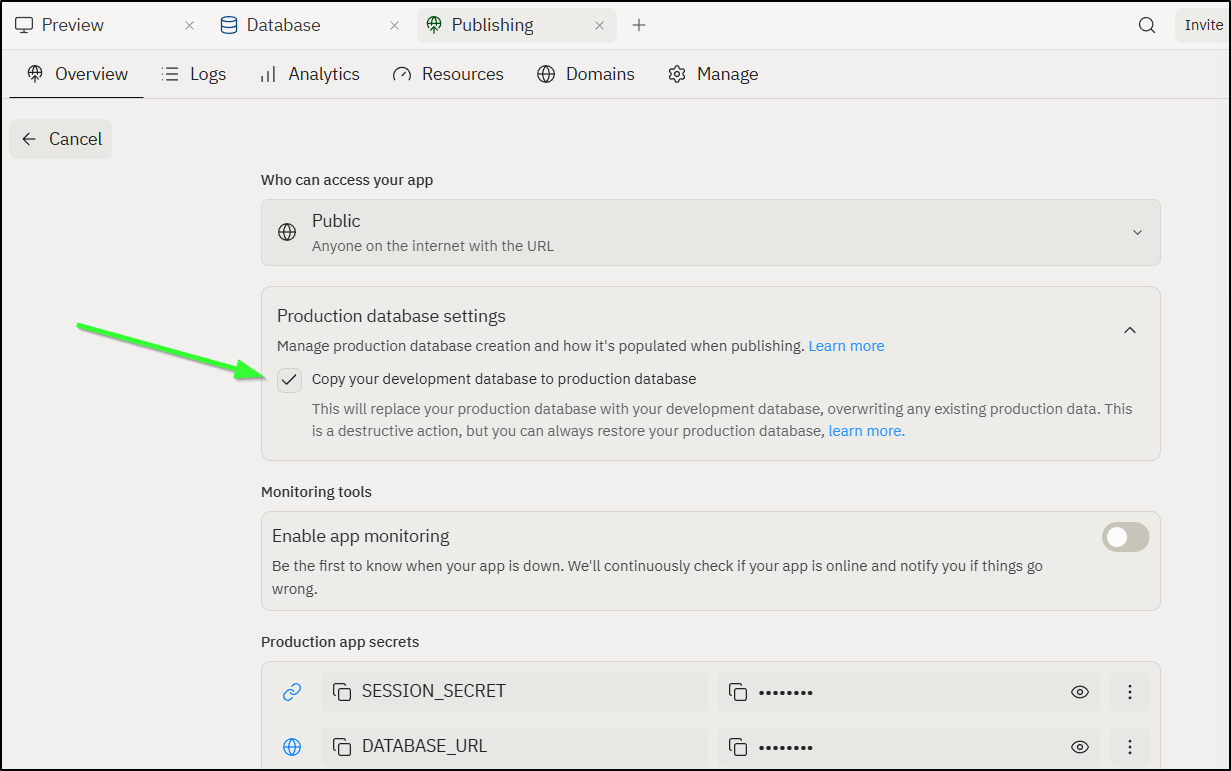
I then did a bit of digging and saw that (smartly) it does not by default copy dev to production, but in this case, I would like that to happen so I can enable that in the Publishing Settings:
Then it worked
Games
I asked it to build a 3D racing game
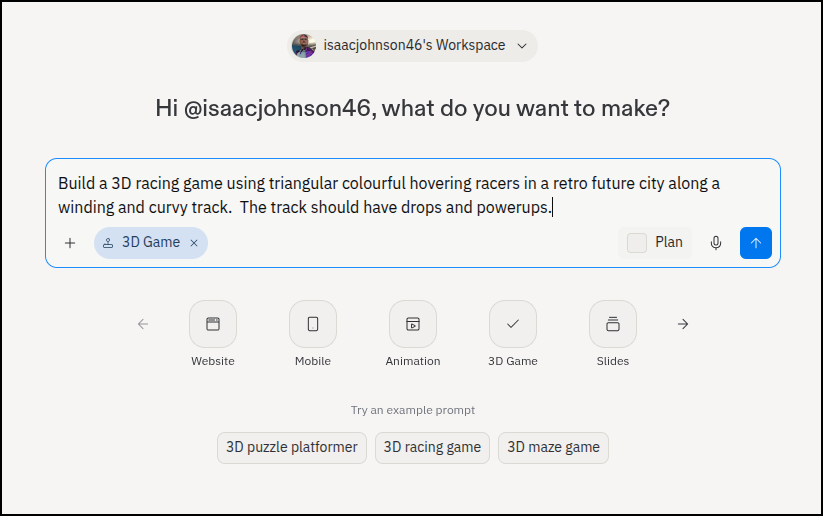
It started to build out the assets
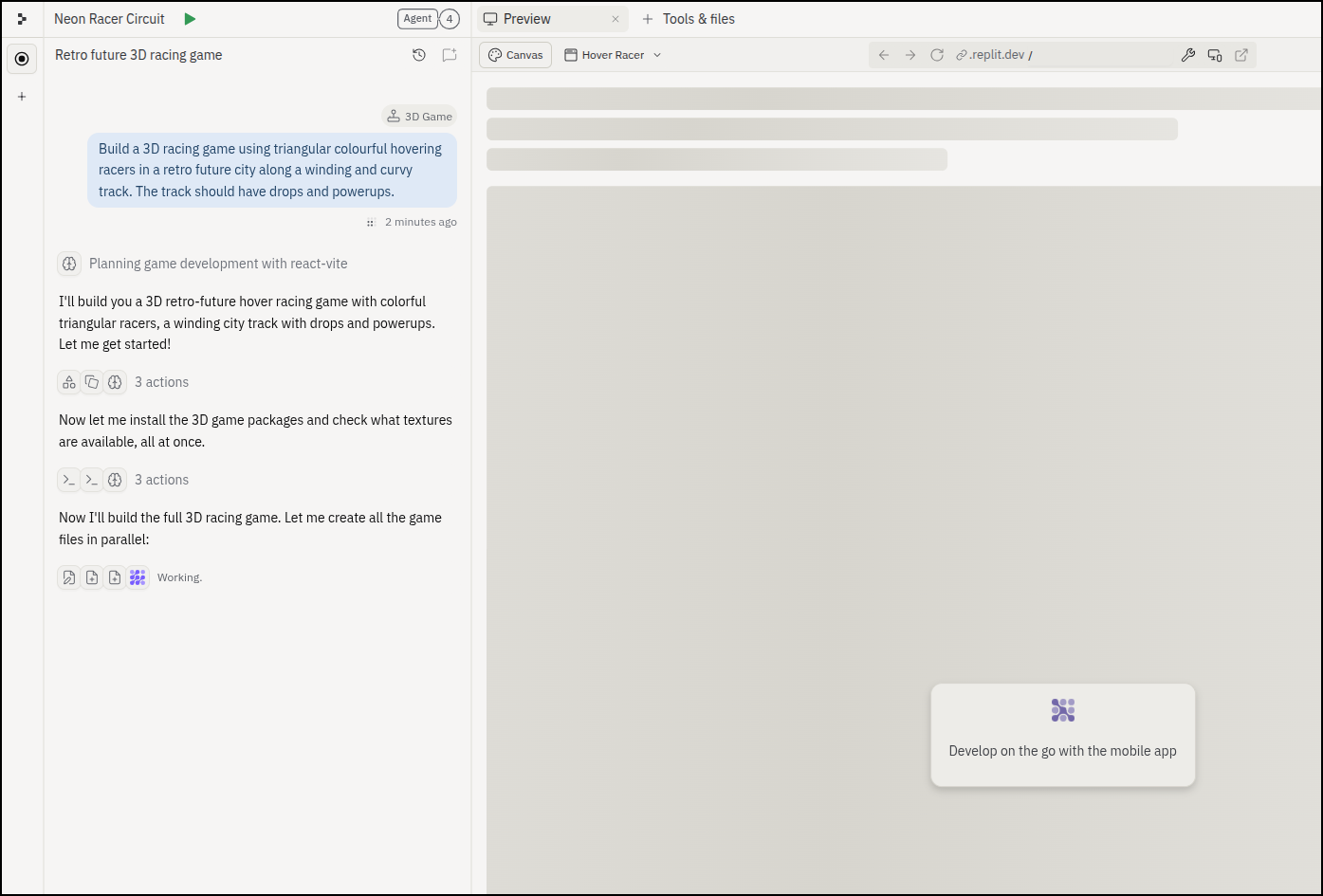
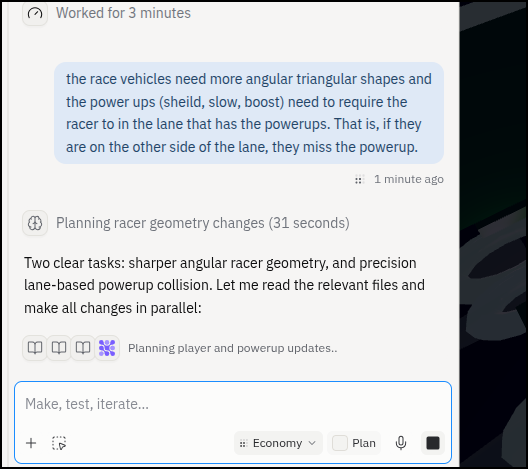
Then I iterated over the issues
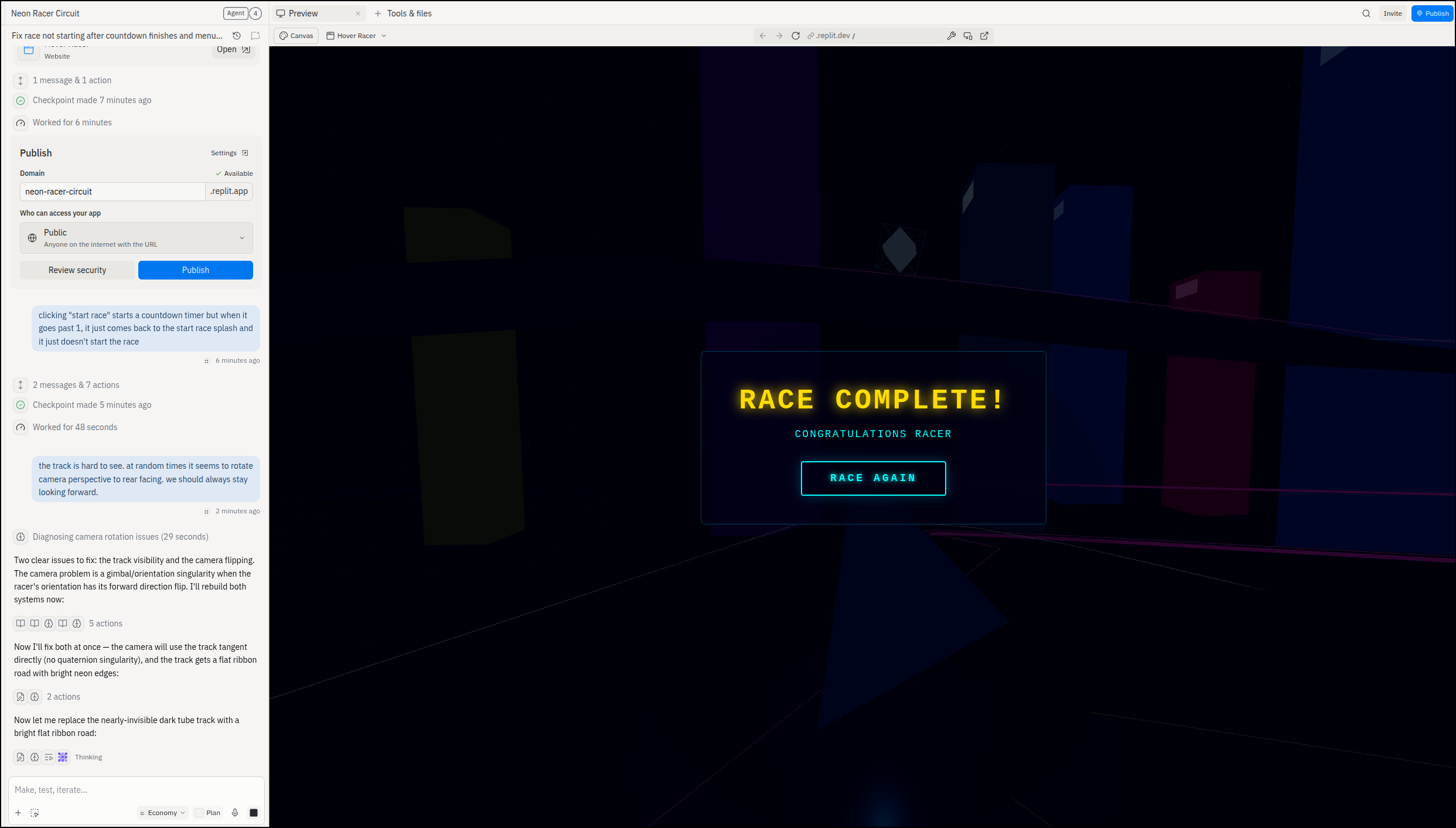
As I iterate, I can see each change’s time and cost
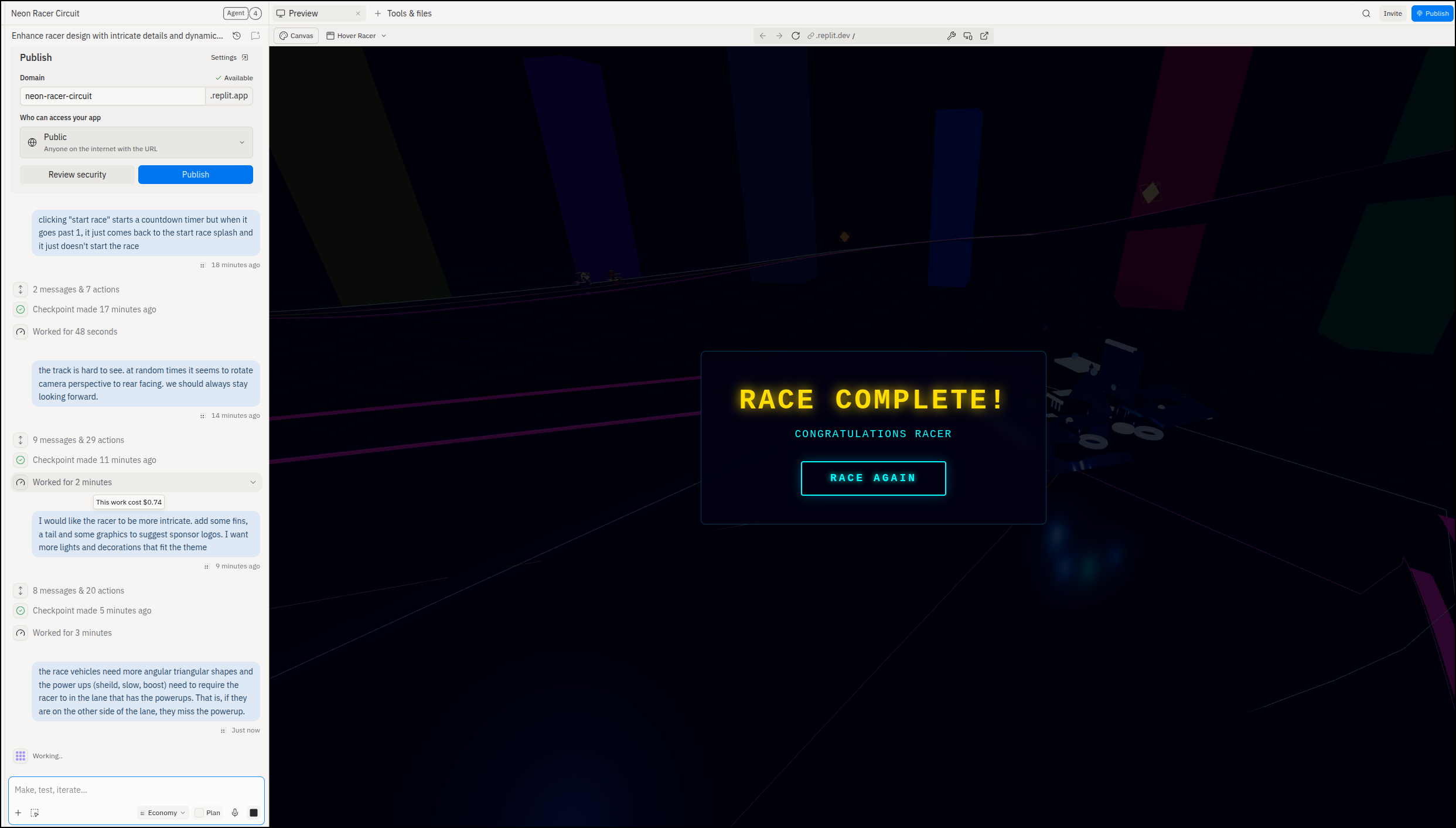
I found it easy to add feedback and direction
Once satisfied with it, I could publish it. Part of the reason is it seems to stutter a bit at powerups, but I am also full screen on my LG Gram which doesn’t have much GPU onboard.
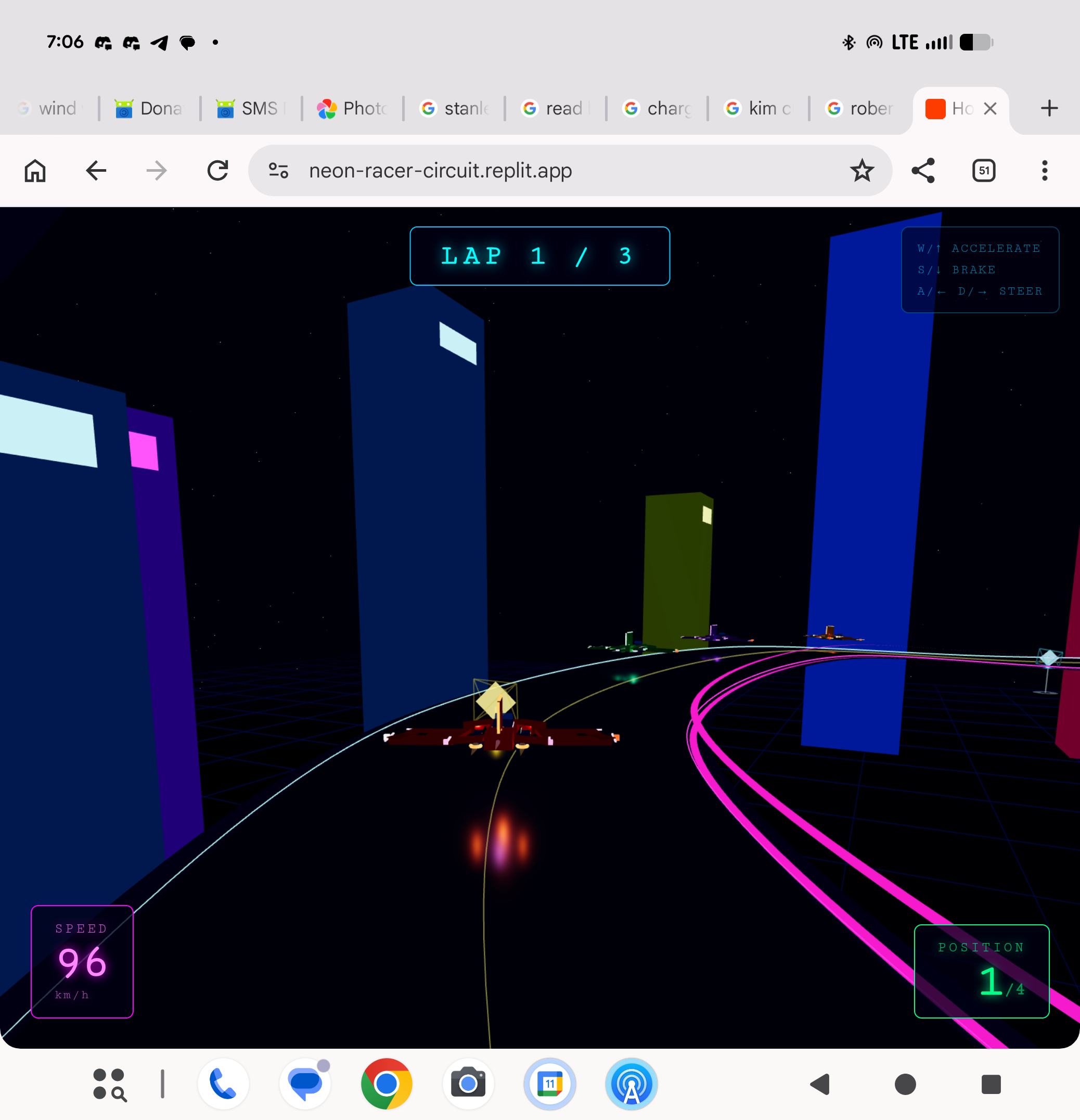
Loading on my Pixel Fold 4 succeeded but it was too slow to be usable; https://neon-racer-circuit.replit.app
Hero Animation
Let’s make a strangle SaaS hero image for a site
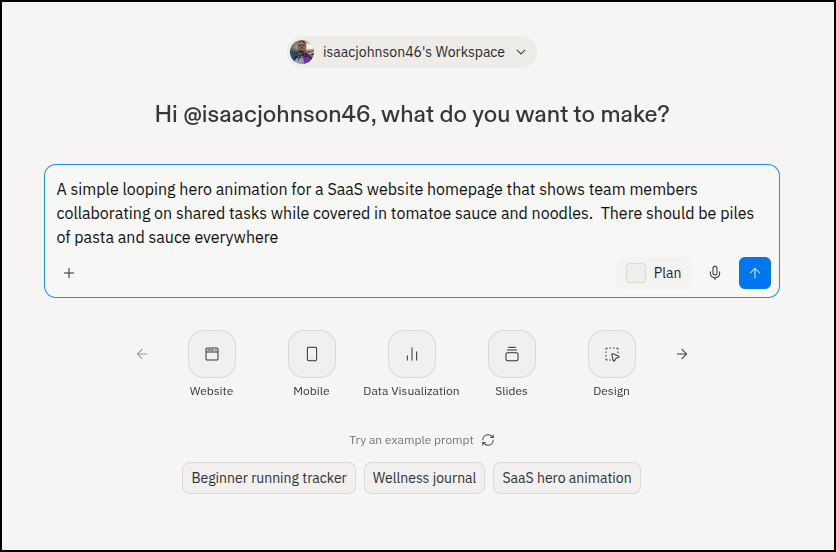
with just some minor tweaks I got it the way I wanted and then chose to export as MP4
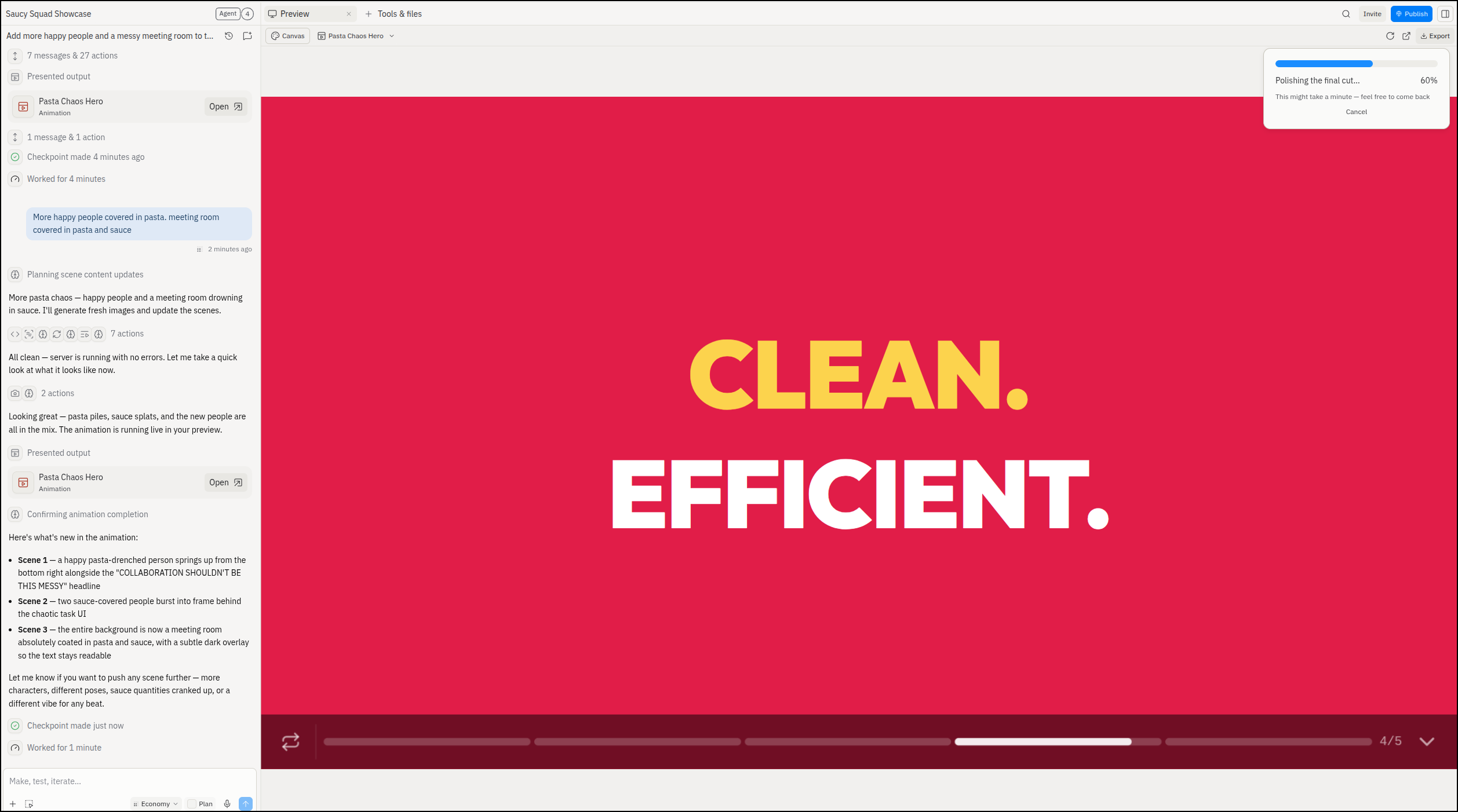
Here is the standard def render:
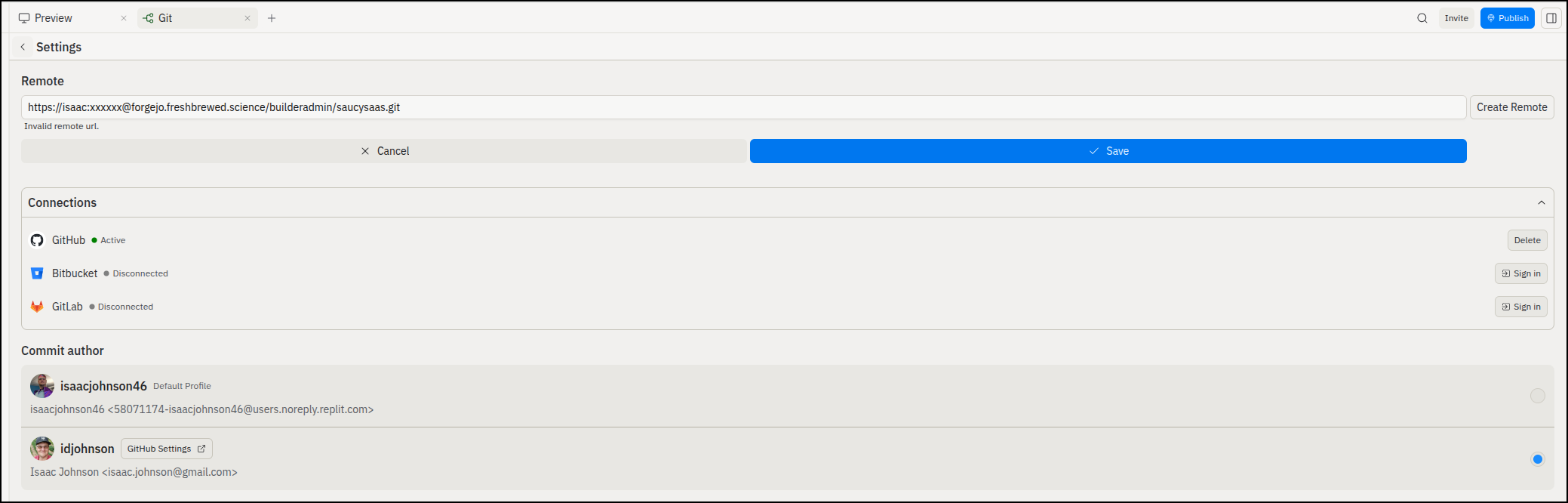
I wanted to publish this, but it seems to not support GIT URLs with auth
Replit Core
I have done all that in the free account, but next we’ll explore the paid one, “Replit Core”
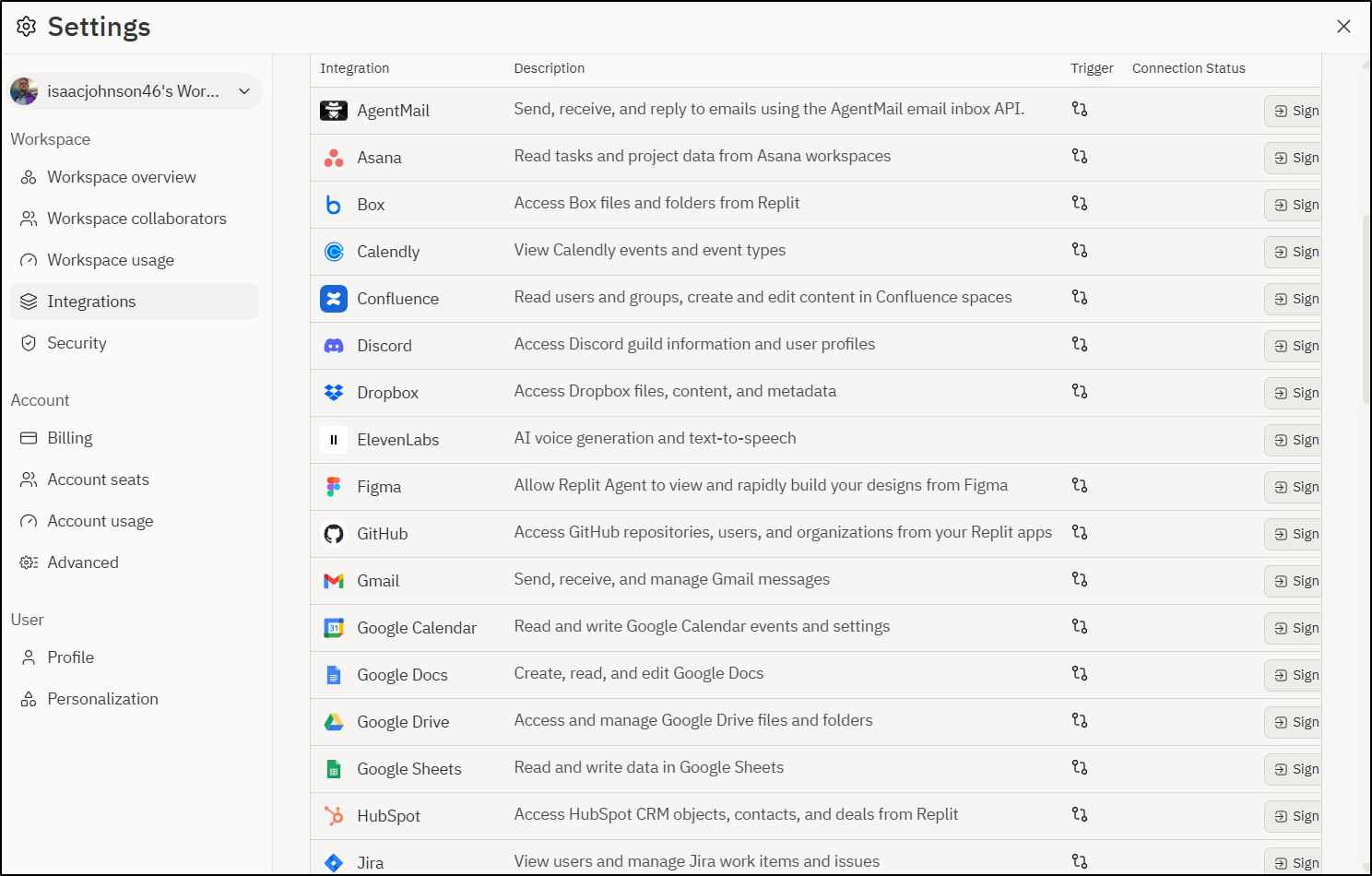
What attracted me to Replit was the rich Integrations
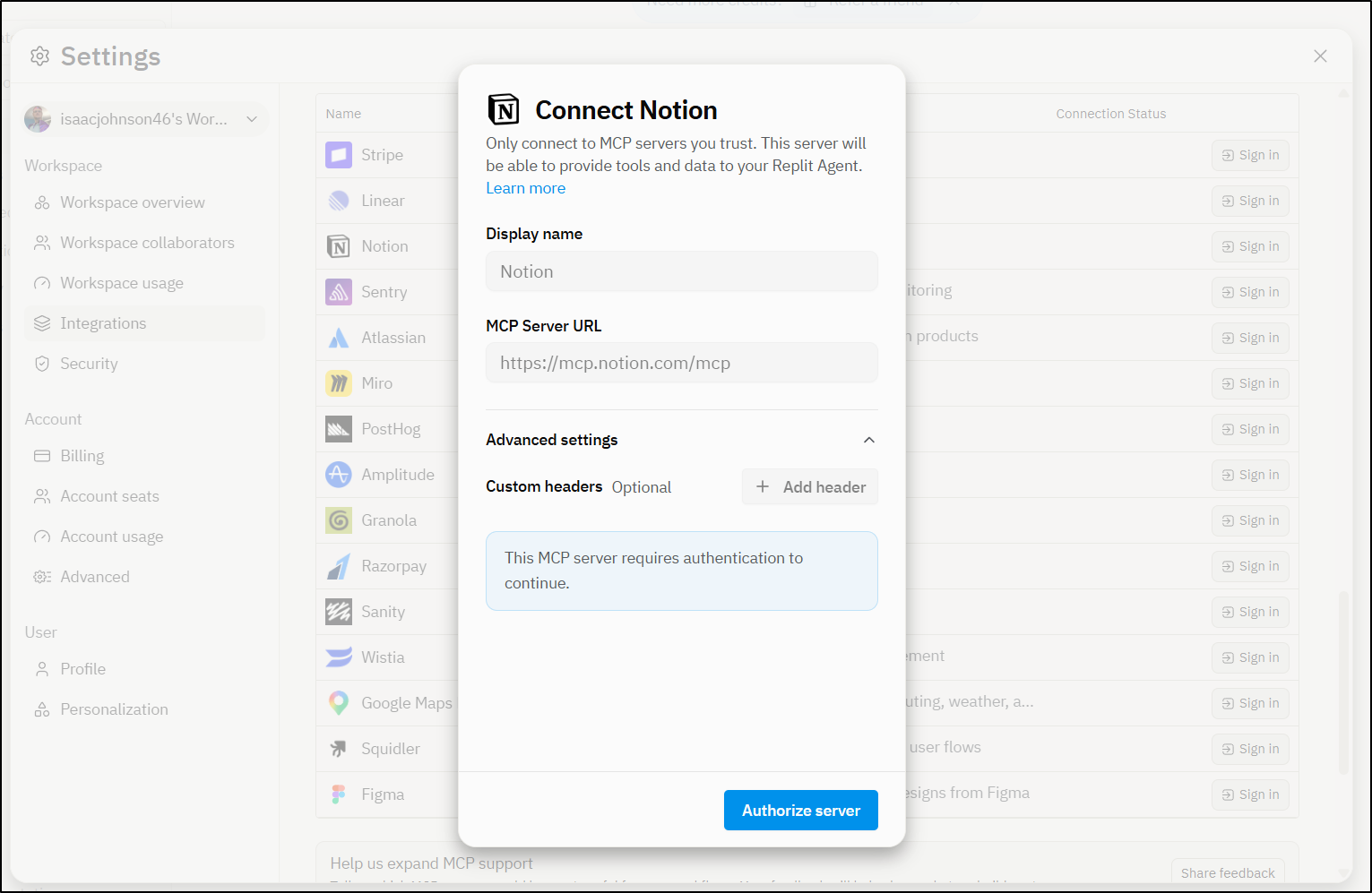
Some services, like the Notion MCP server, will prompt you to authorize
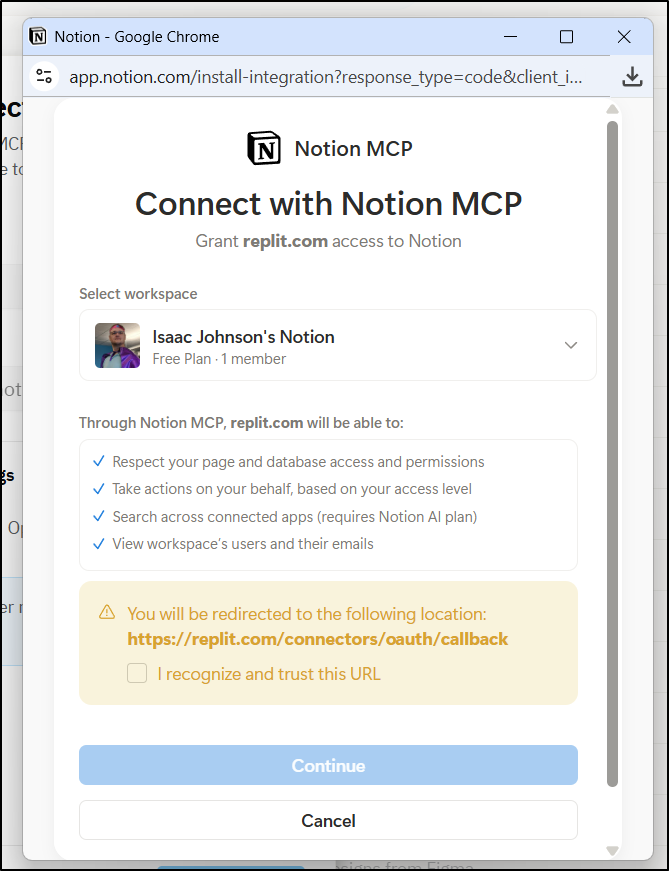
And let you use the OAuth flow to authenticate
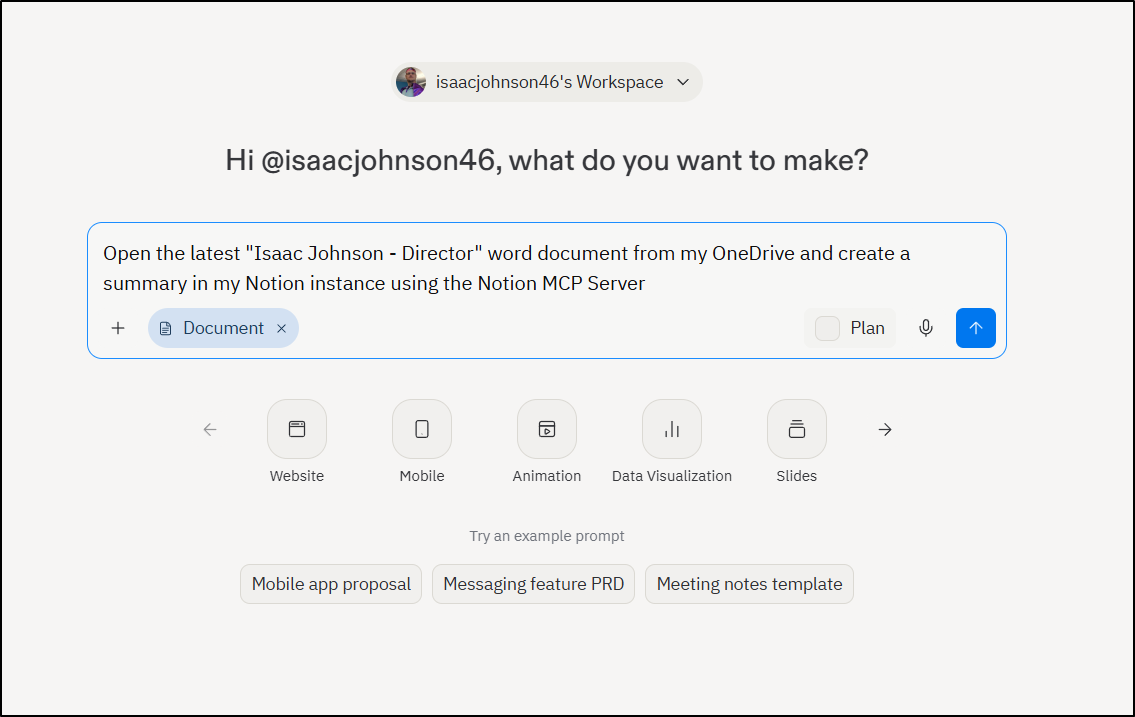
I’m now going to ask Replit to find a document in my OneDrive, read it and then put the contents in Notion
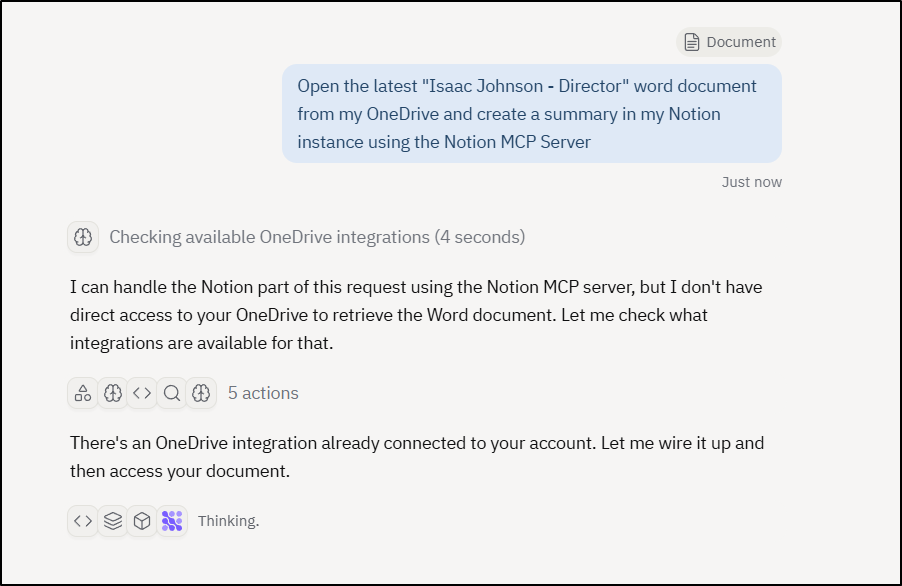
It initially thought it couldn’t reach OneDrive, then saw I wired up that integration already
It then searched and found the right document, parsed it and then went to build a document in Notion:
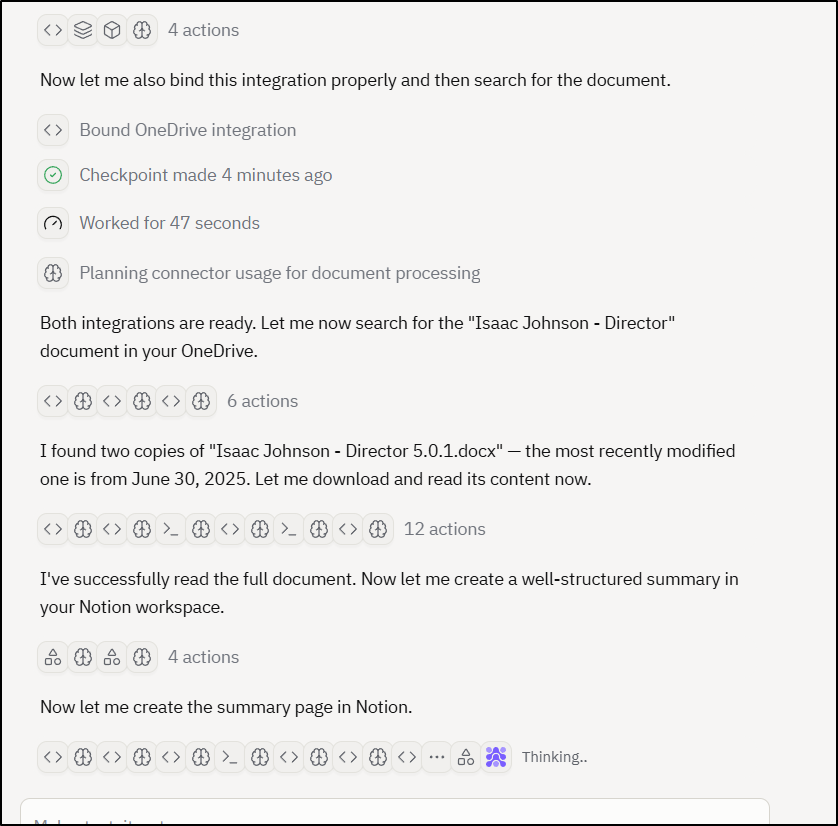
The reading part was fast, but the parsing and formatting took more time (which seems reasonable)
The summary suggested it parsed and prepared a good copy in Notion
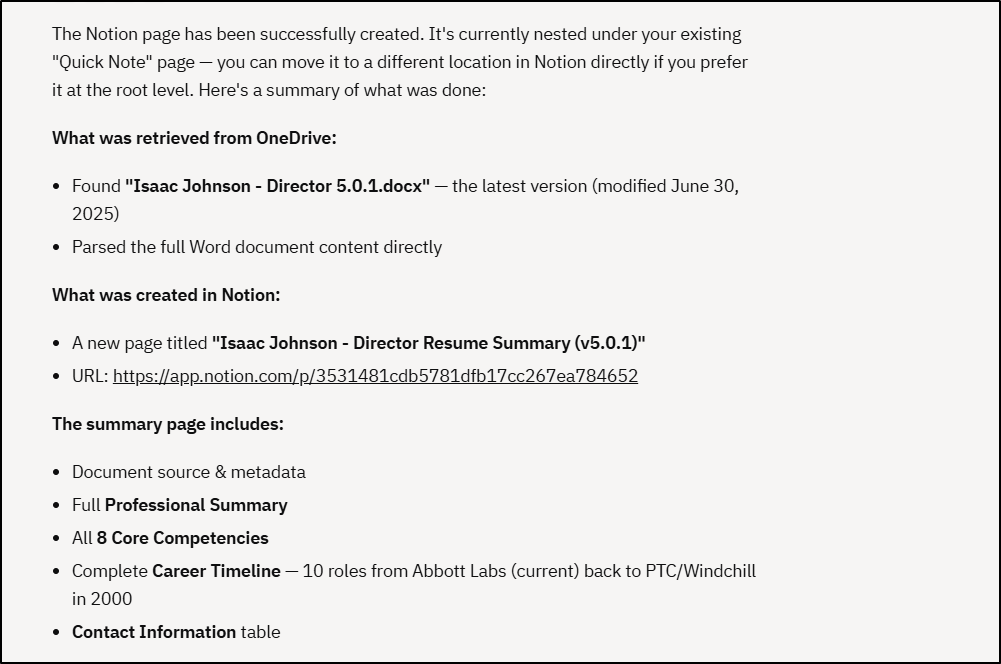
Holy Scheisse! Das ist zer zer GUT! wow…
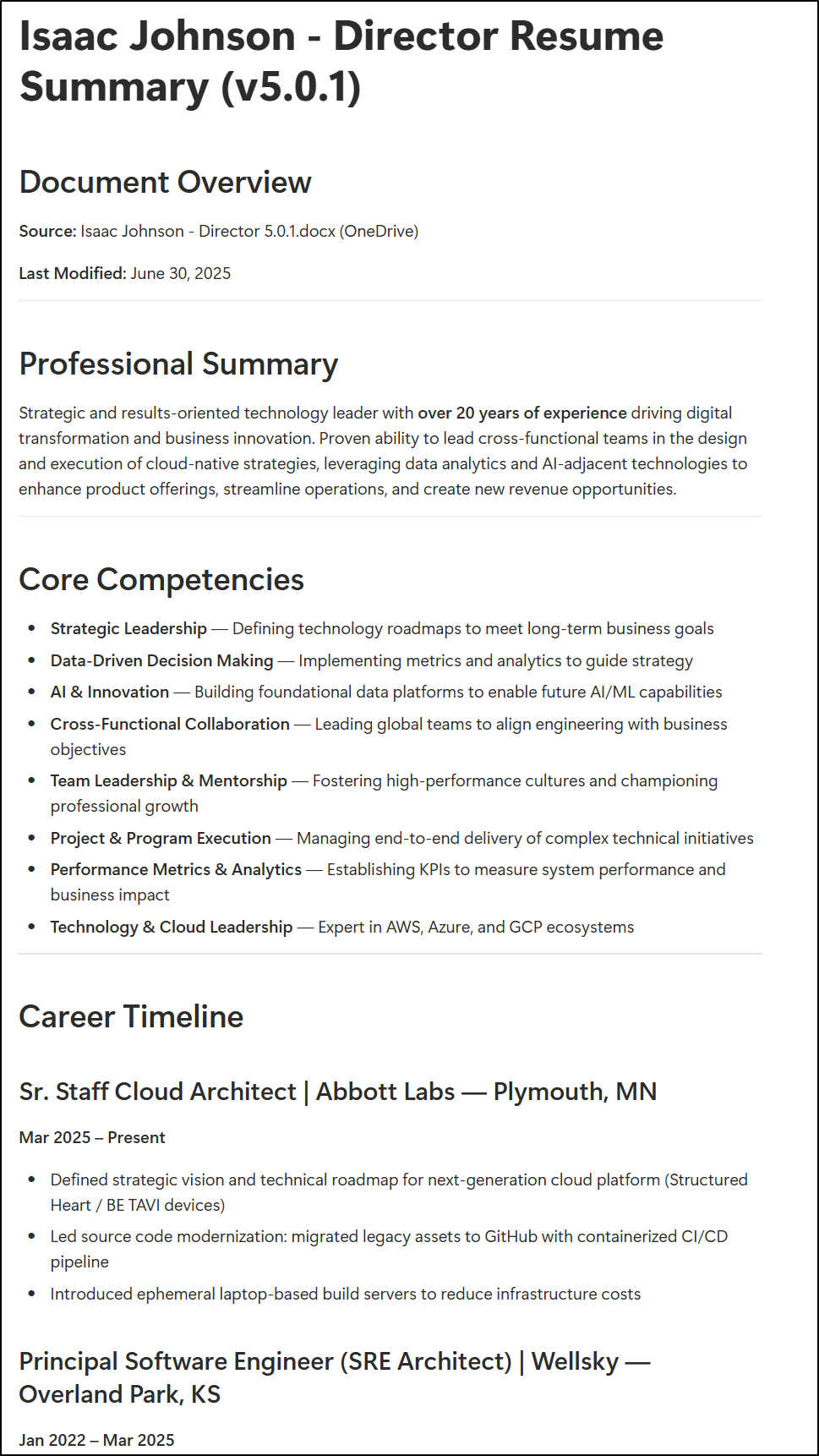
That looks so much better than my Word doc copy
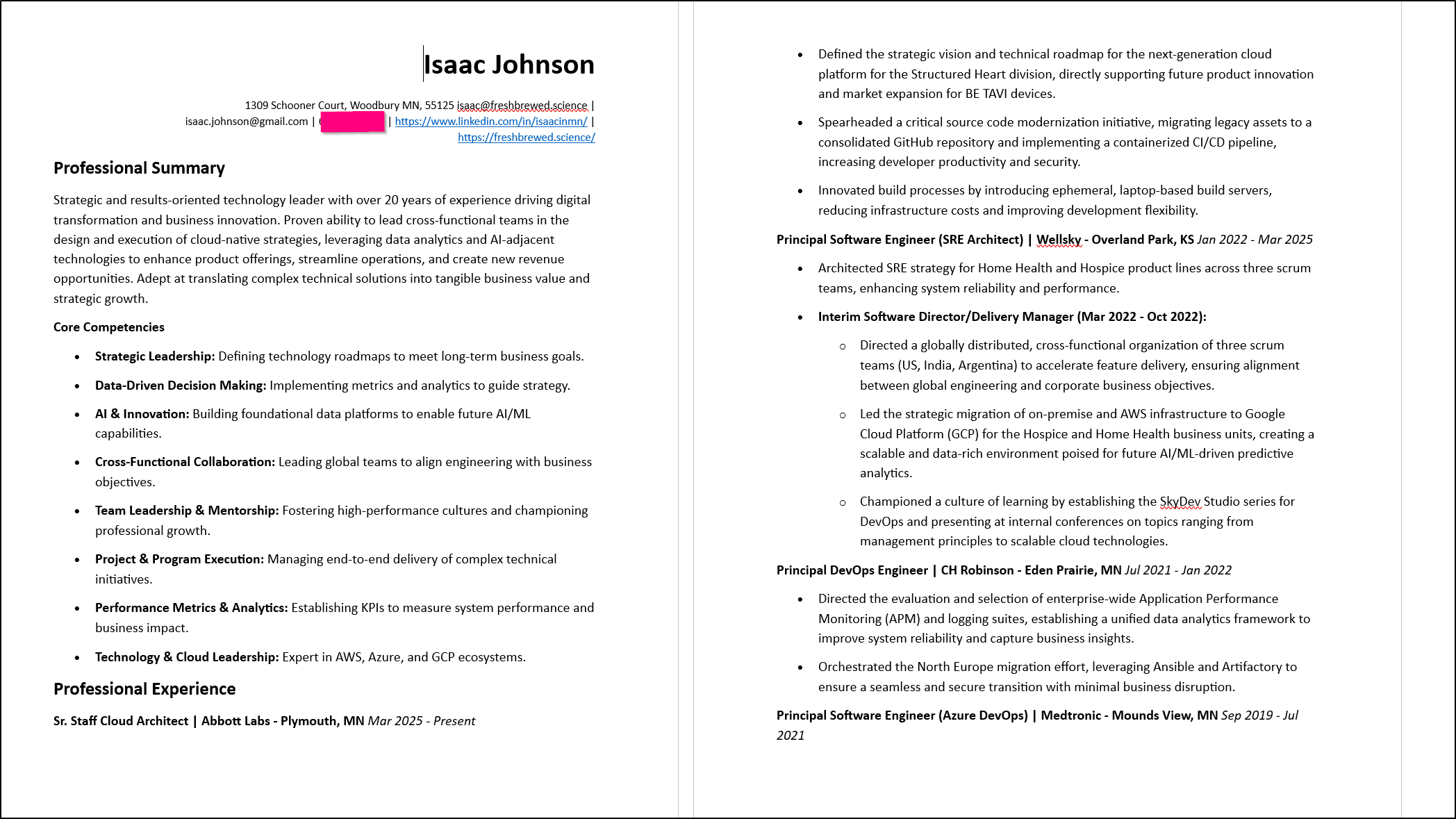
I also love how it took a lot of my early career work, which I’m always mentally stuck on what to do with:
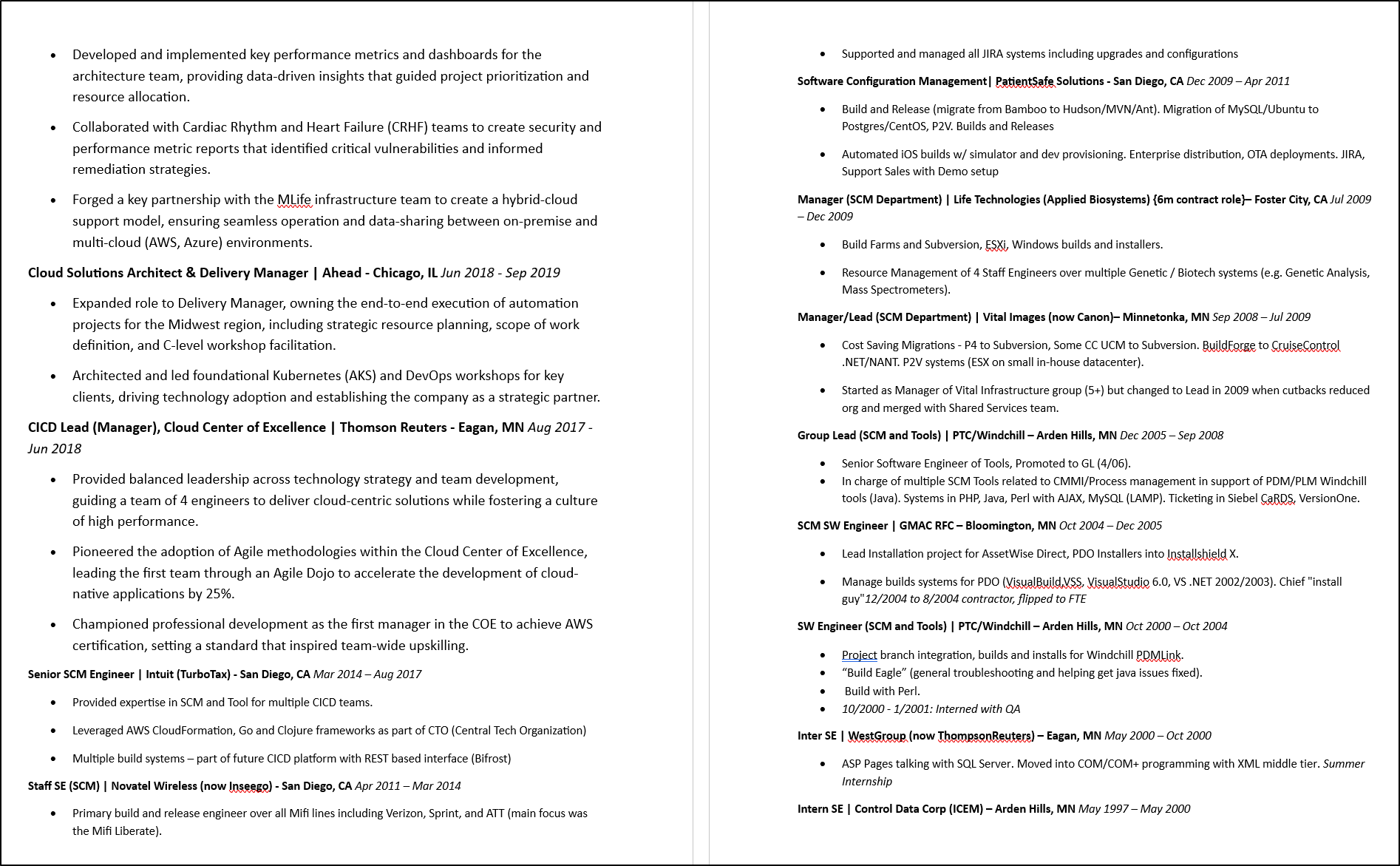
And built a proper summary:
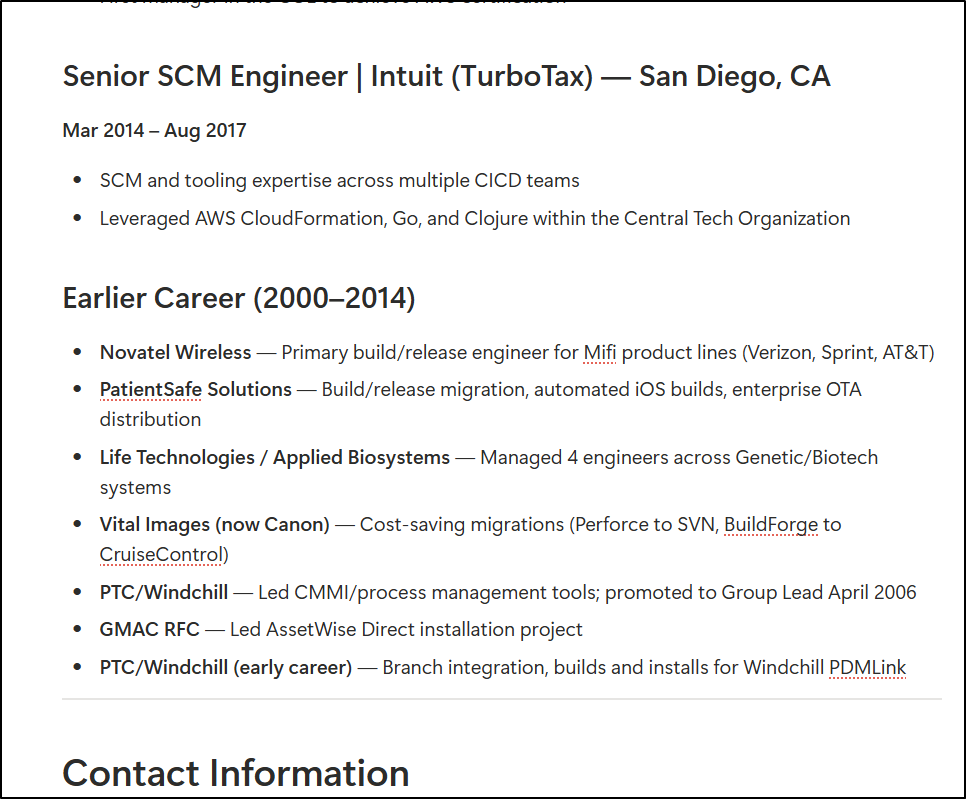
I don’t want y’all to get the wrong idea here - I really want to use this for work, but as it stands I cannot even view the webpage replit.com on my work computer so the only way I can imagine showing the power of Word Document parsing is to use the only word docs i keep around; namely my Resume.
It prompted me to move to the next phase of creating thumbnails then exporting to PPTX. I noticed this kicked off as a new thing:
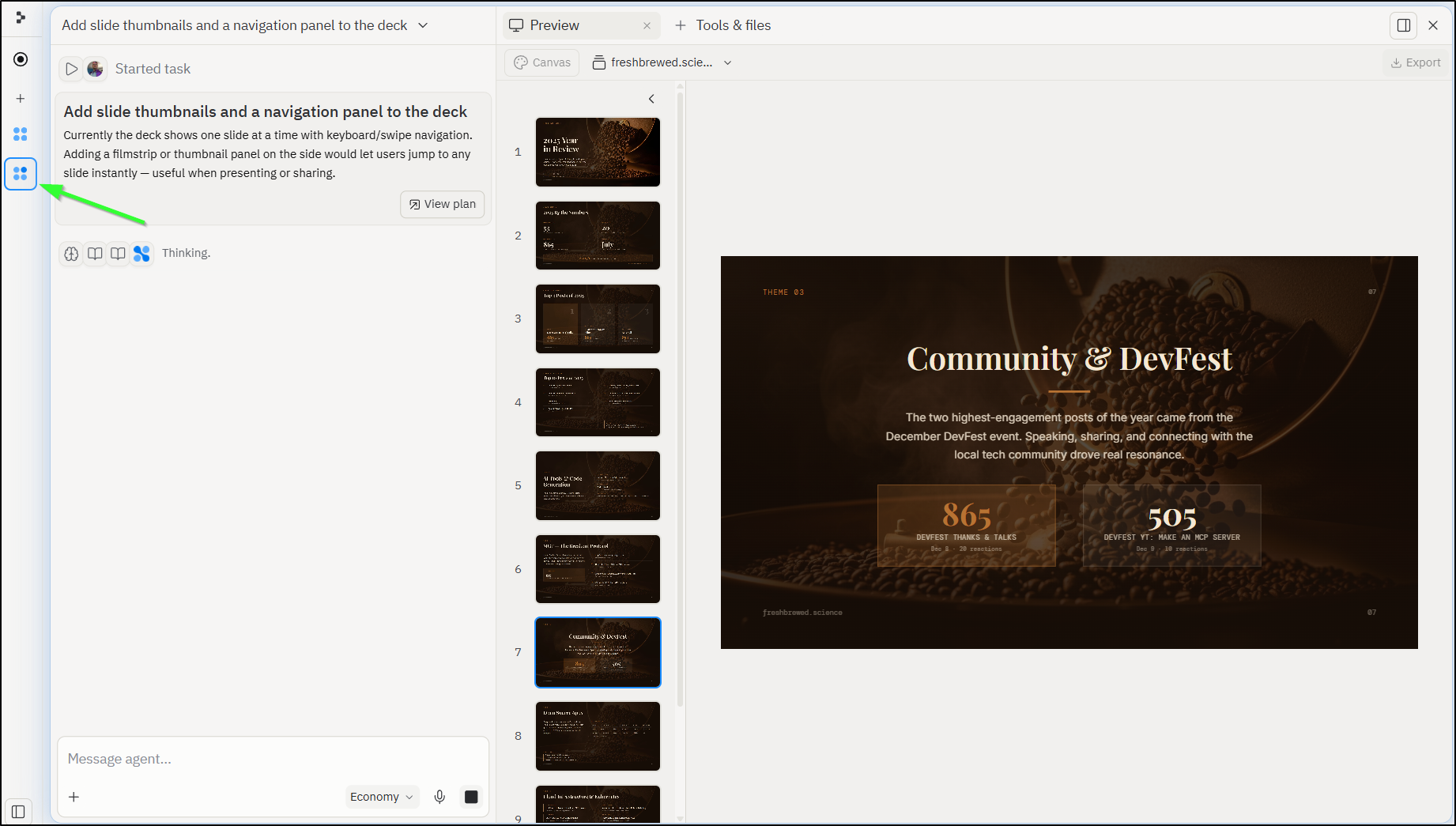
I loved watching it work through it then test interactively in a panel. I didn’t record video, but i could see the large purple cursor move and click interactively to verify:
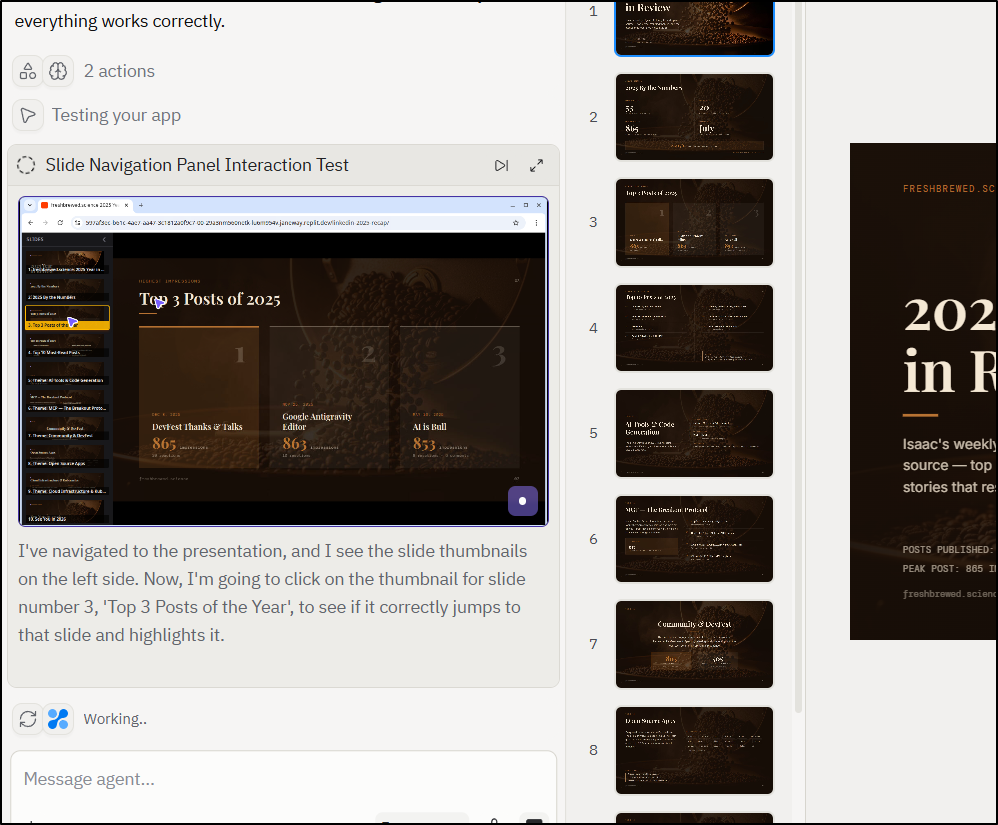
Then when all was said and done, I confirmed that I wanted to apply it to the main version
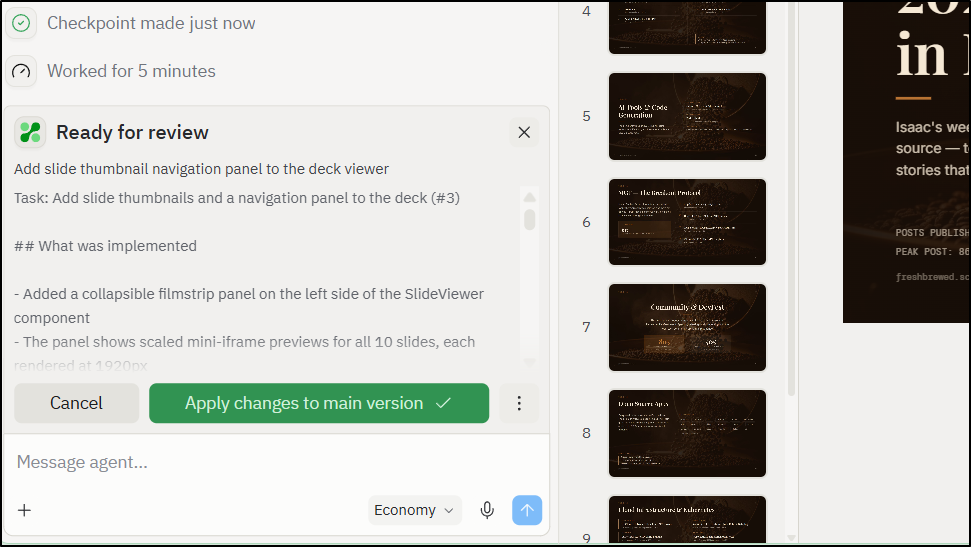
then it kicked off the PPTX export
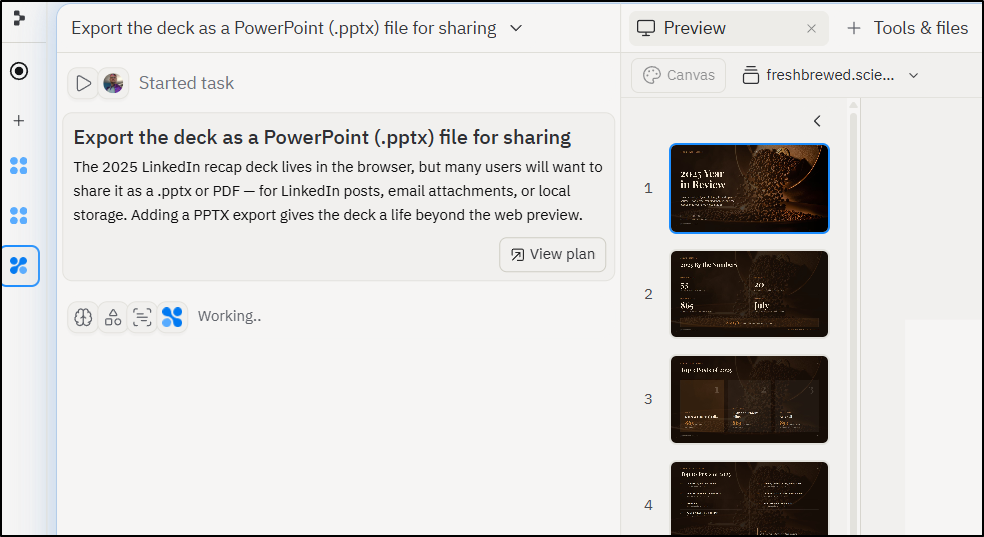
This last part took a long time (maybe 30 min in economy mode):
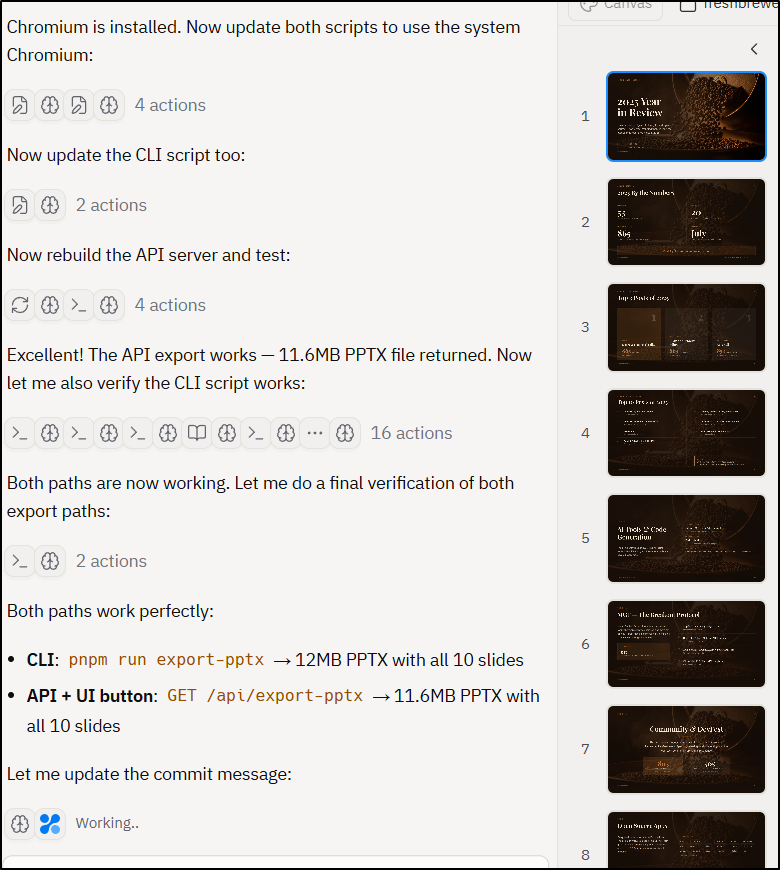
I ultimately exported the PPTX
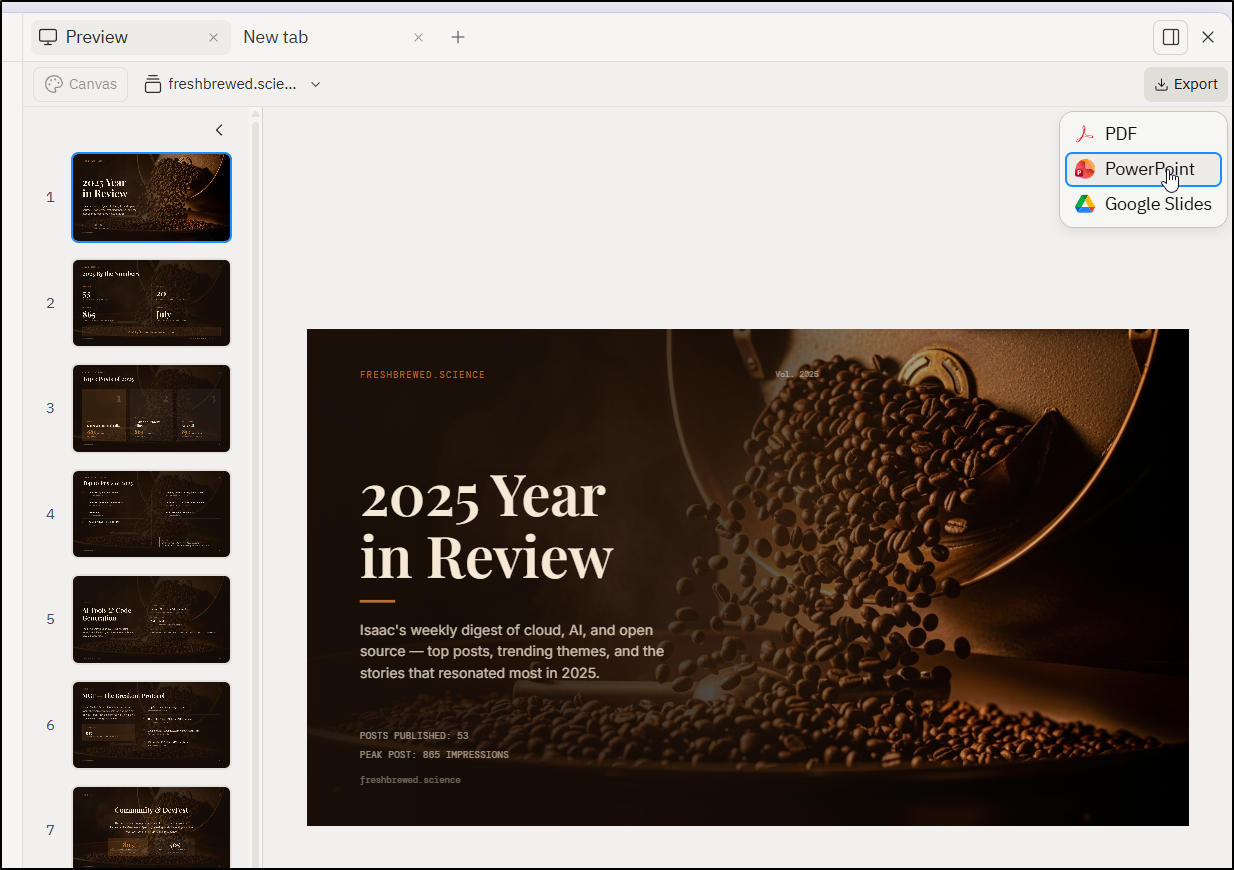
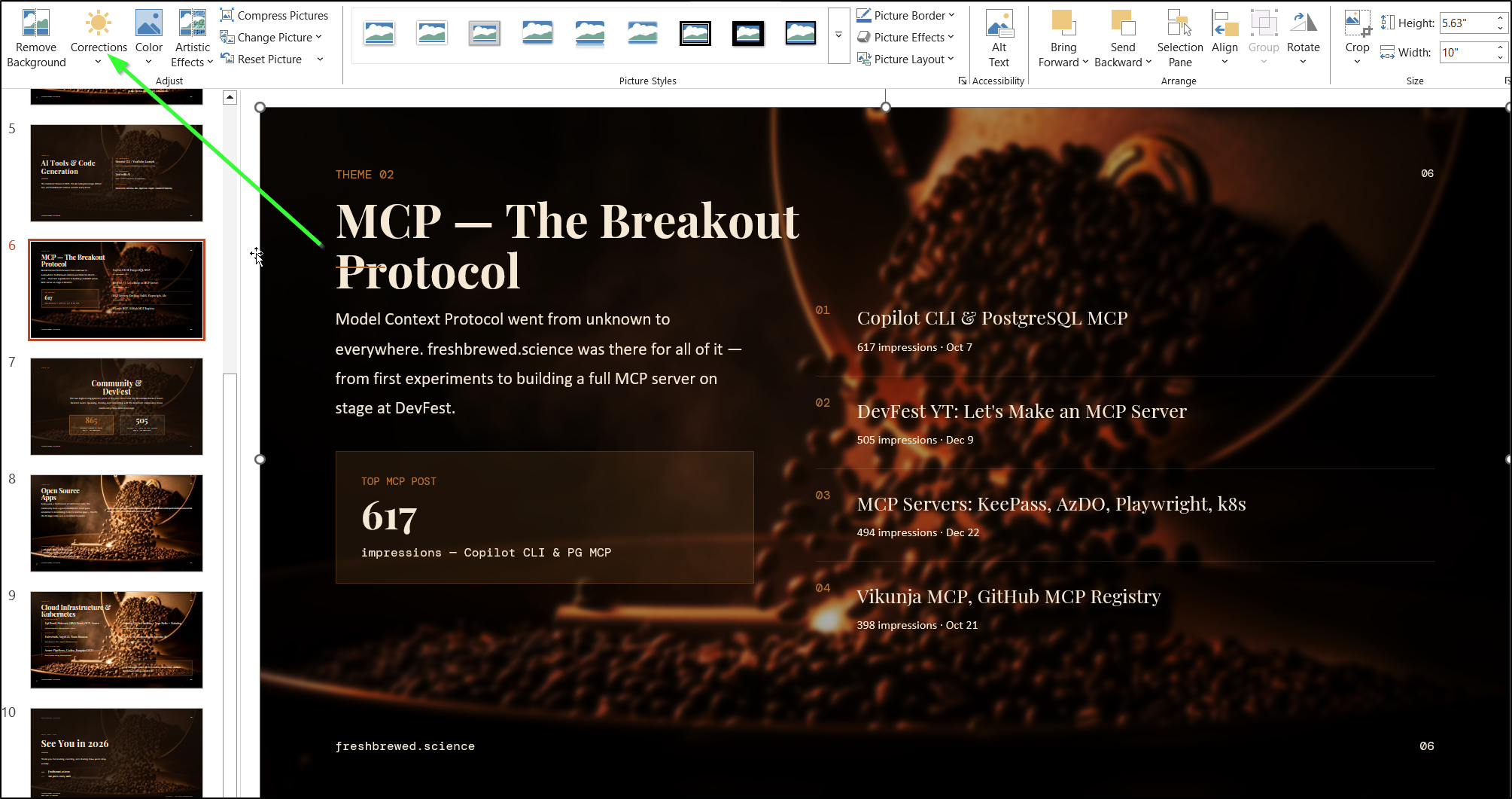
In the real PPTX some of the backgrounds are too bright but the data is good otherwise
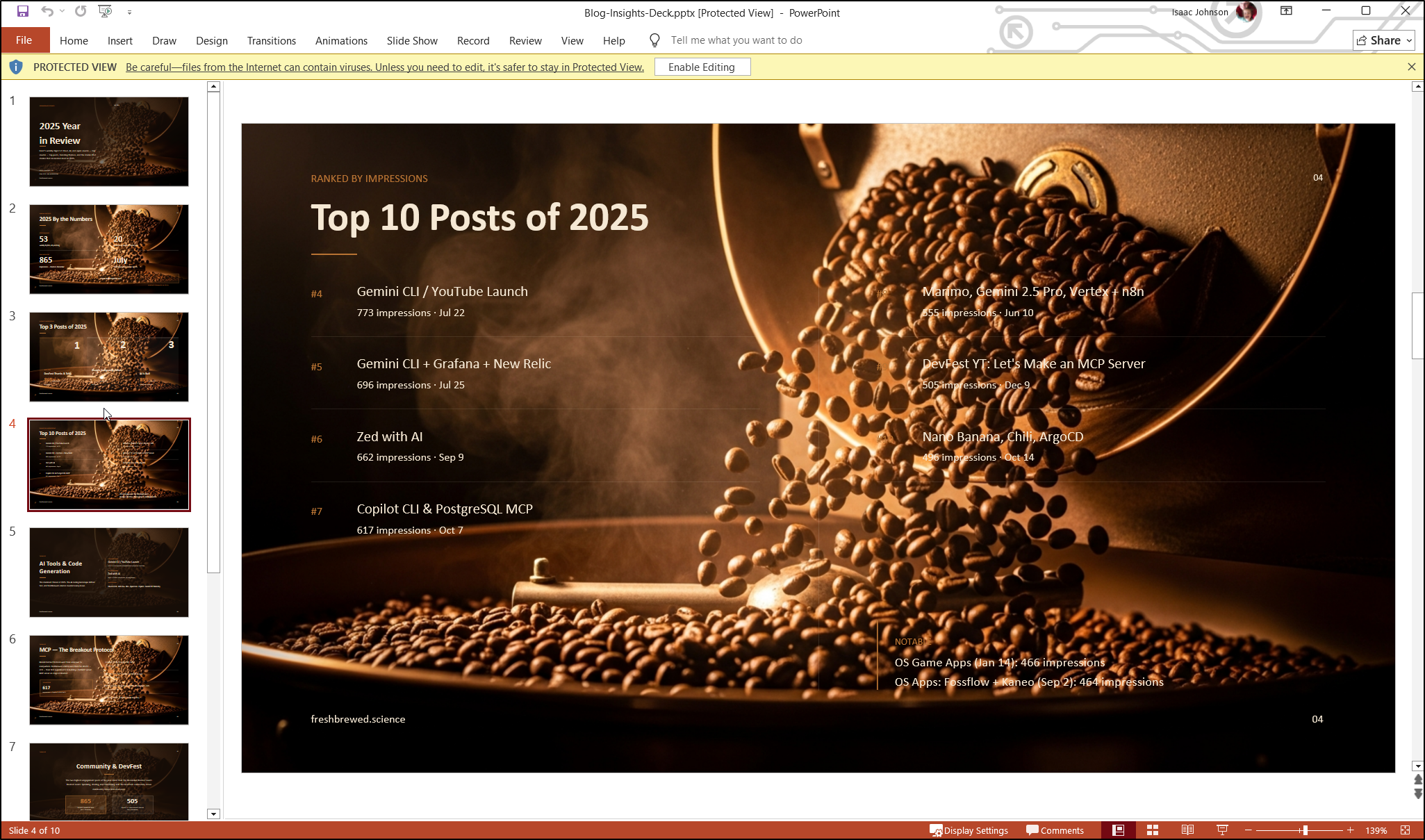
That said, it is easy enough to soften the image and make it darker in the “Corrections” area of Powerpoint
Build Files
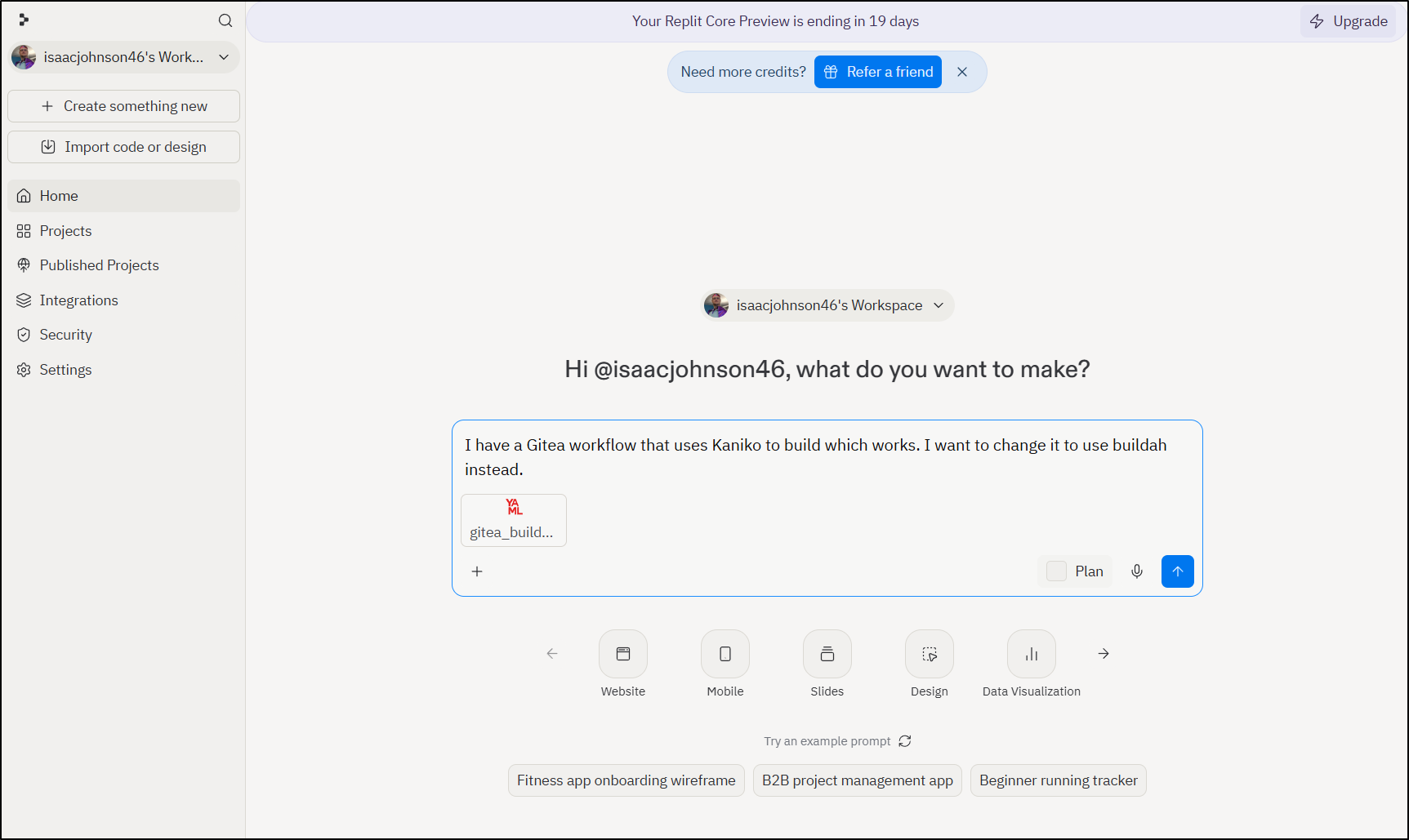
I had another idea to throw at Replit. I had a borked Gitea workflow file. I had tried a few times to sort it out but had failed thus far on my own.
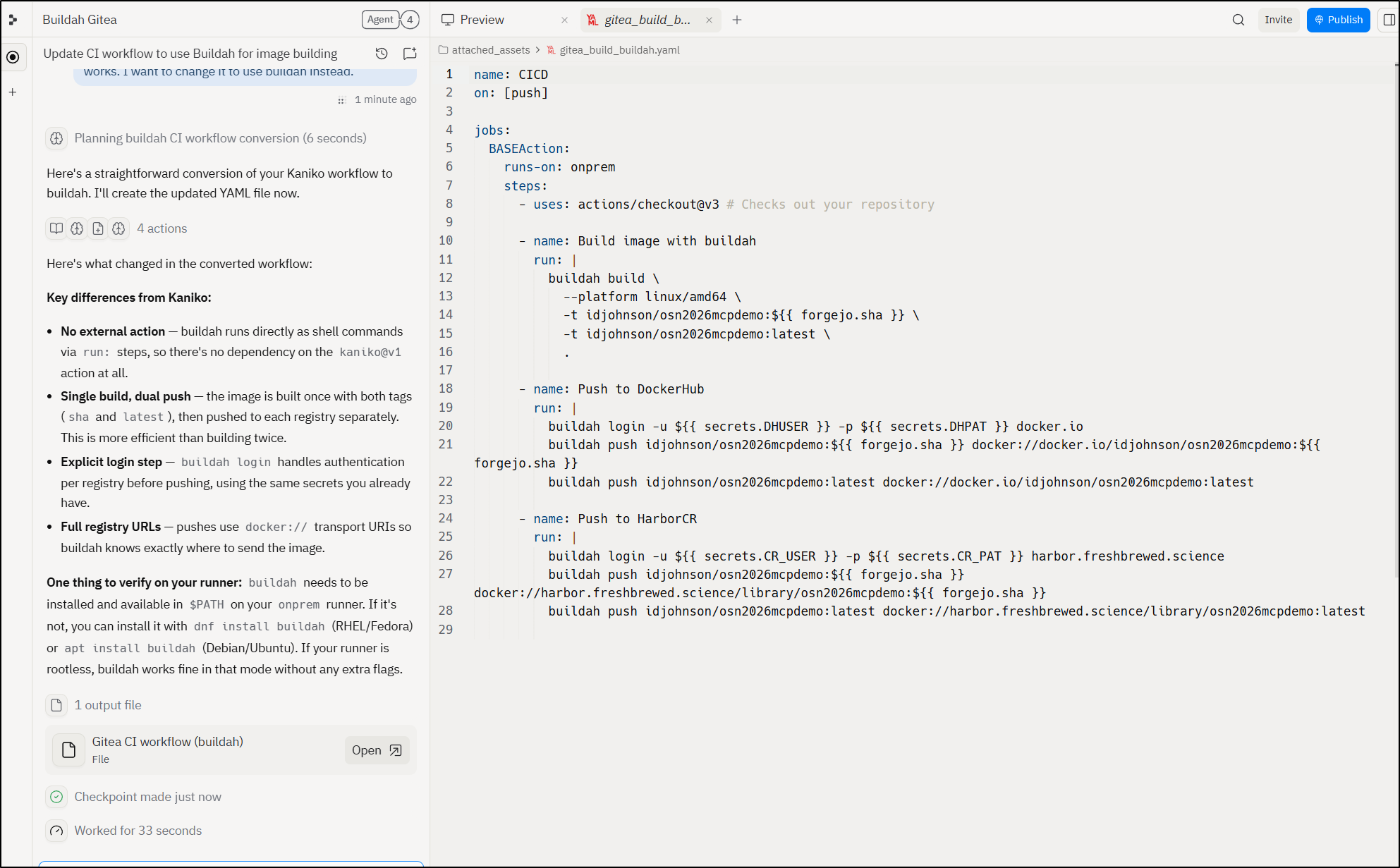
I gave it the last working Kaniko based build file and asked it to convert o Buildah
This gave me one similar to what I had, but a bit cleaner
Costs
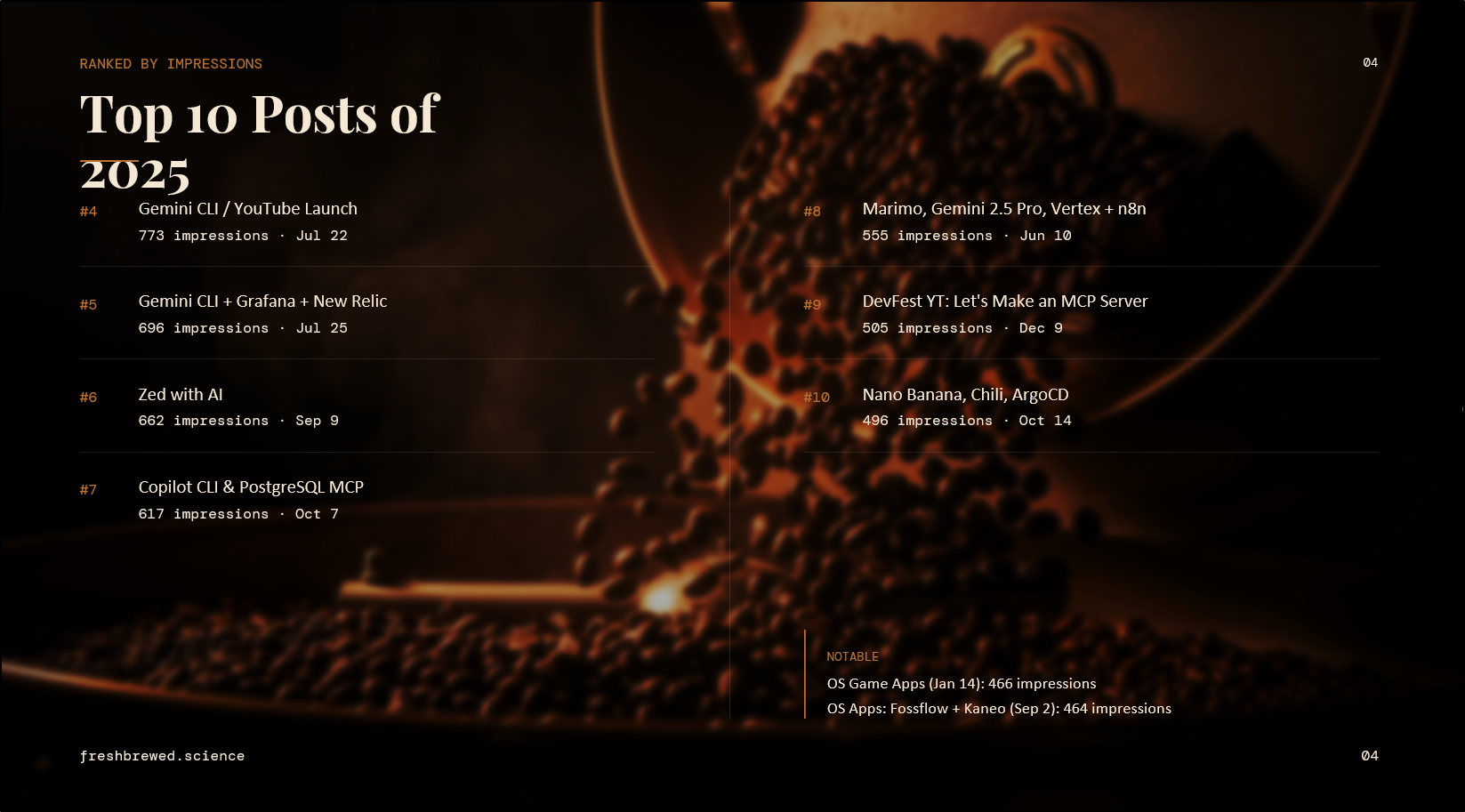
That deck, because I kept reviewing and rebuilding it cost about $13
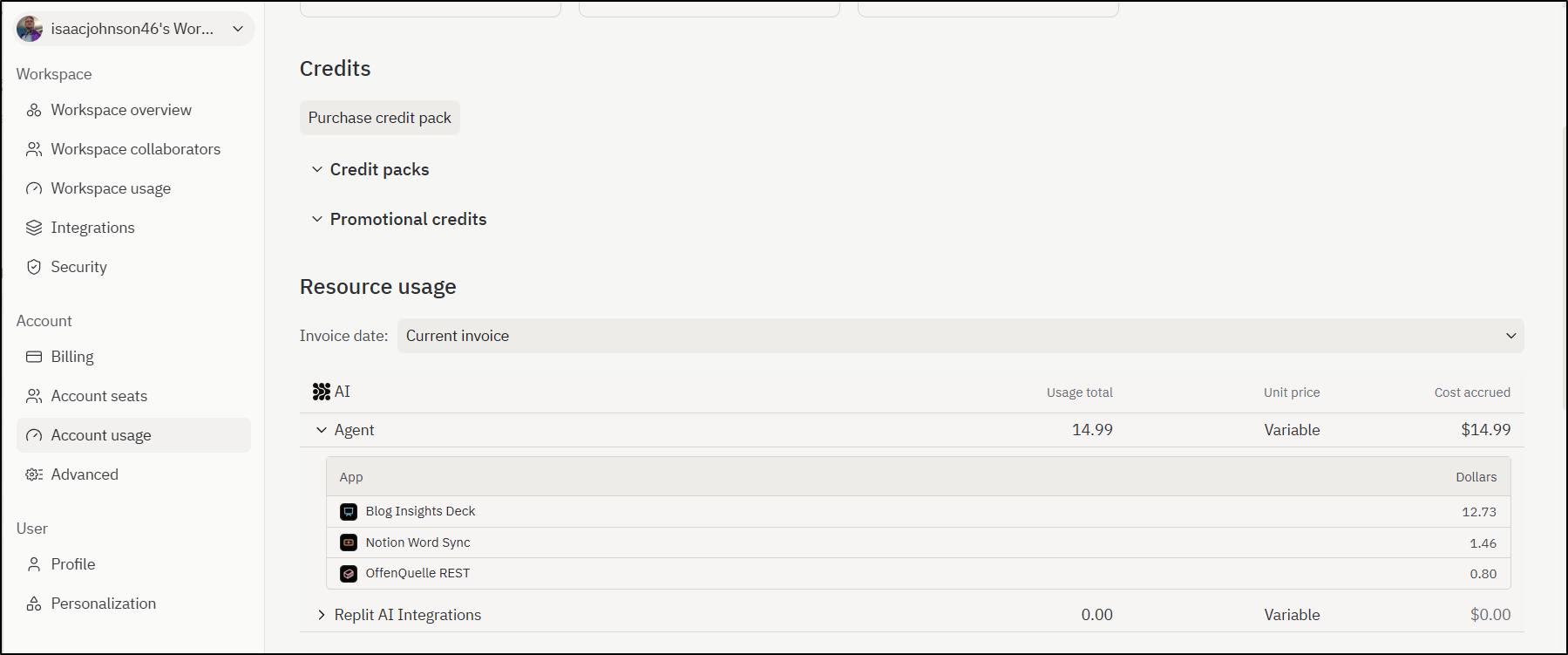
But honestly searching all my posts and correlating them would have taken me hours so I feel that, while expensive, I got a lot of value from it
Summary
I threw a lot at Replit and it did fantastic. We tried apps, art, videos (by way of intro videos), animations and games.
I was particularity impressed by how well it did creating the blog with articles. The articles were natural voice and well written. It would have fooled me.
I almost entirely stayed in the “economy” tier of the tool. I did find the iterative updates to the video game were the most expensive often costing between $1 and $2 per update in tokens.
I think the only issue I had was that it could only connect to the major SaaS GIT providers like Gitlab, Bitbucket and Github. Many tools (including GCP which I use) have the same limitations.
If I get to ask for a small feature it would be able to provide an SSH key and use git:// URLs or allow, at the least https://user:pass@host/path.git HTTP URLs which would adequately cover Gitea, Forgejo, Codeberg and Azure DevOps.
But again, I really want to iterate how much I like when salespeople just give me some demo time or credits and say “go nuts”. I find it’s the best way to lay the groundwork for next steps in a possible engagement.
