

Published: Mar 26, 2026 by Isaac Johnson
I came across a YT video extolling the virtues of Pi CLI. While yes, it is another CLI, it has a very light footprint and just enough skills (like command line access) to do things.
We’ll test it on a few different hosts and models; both cloud and local. After some basic tests (involving good old Commander Keen), we’ll use Pi + Gemini to build a Pomodoro app.
Installing Pi
Like many other tools we can install npm
(base) builder@LuiGi:~/Workspaces/piagent$ npm install -g @mariozechner/pi-coding-agent
npm warn deprecated node-domexception@1.0.0: Use your platform's native DOMException instead

added 257 packages in 21s

34 packages are looking for funding
  run `npm fund` for details
(base) builder@LuiGi:~/Workspaces/piagent$
Now I just need to fire pi to launch
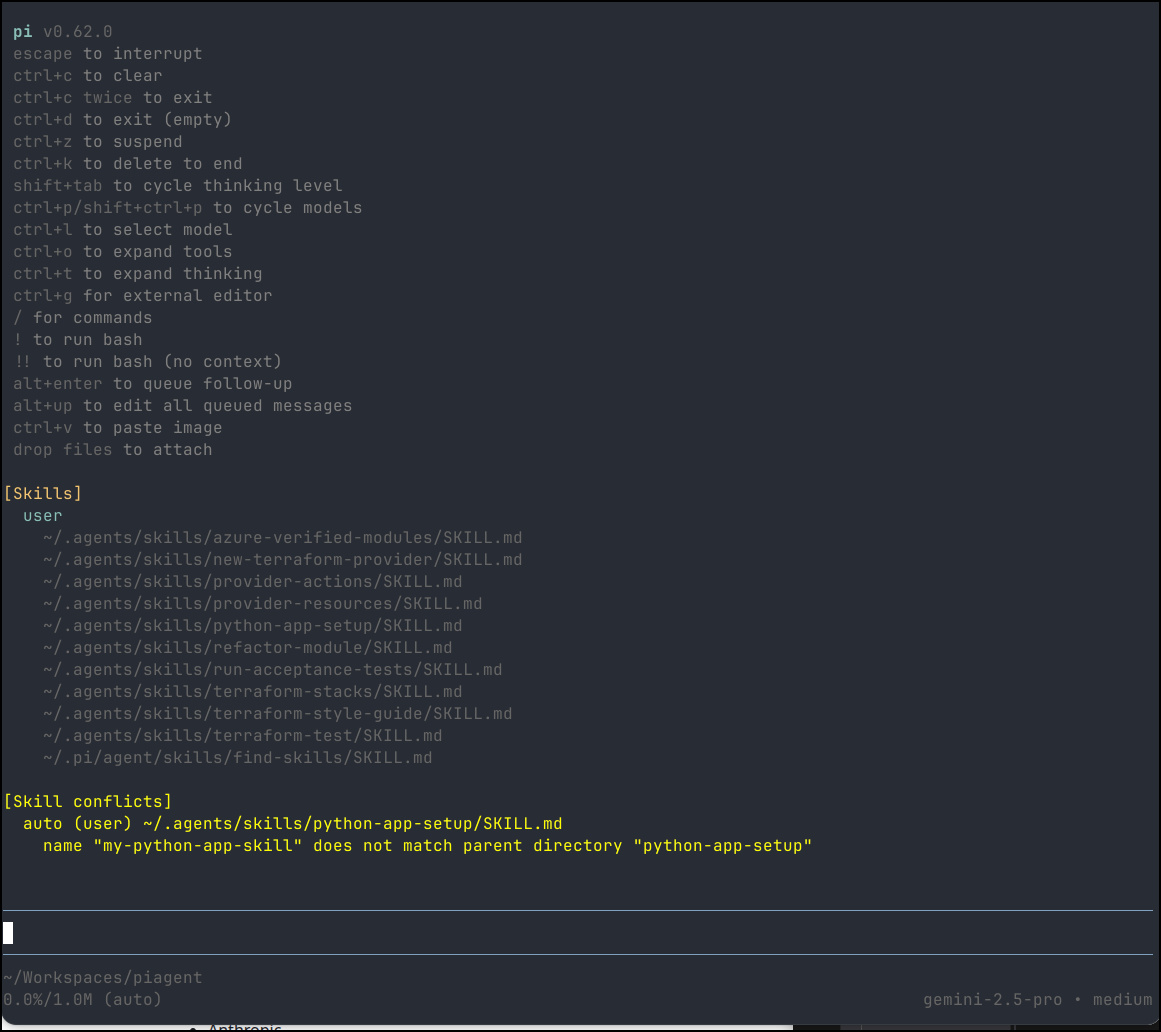
I gave a quick test to ask for Commander Keen as ASCII art but it just gave me a penguin afaik
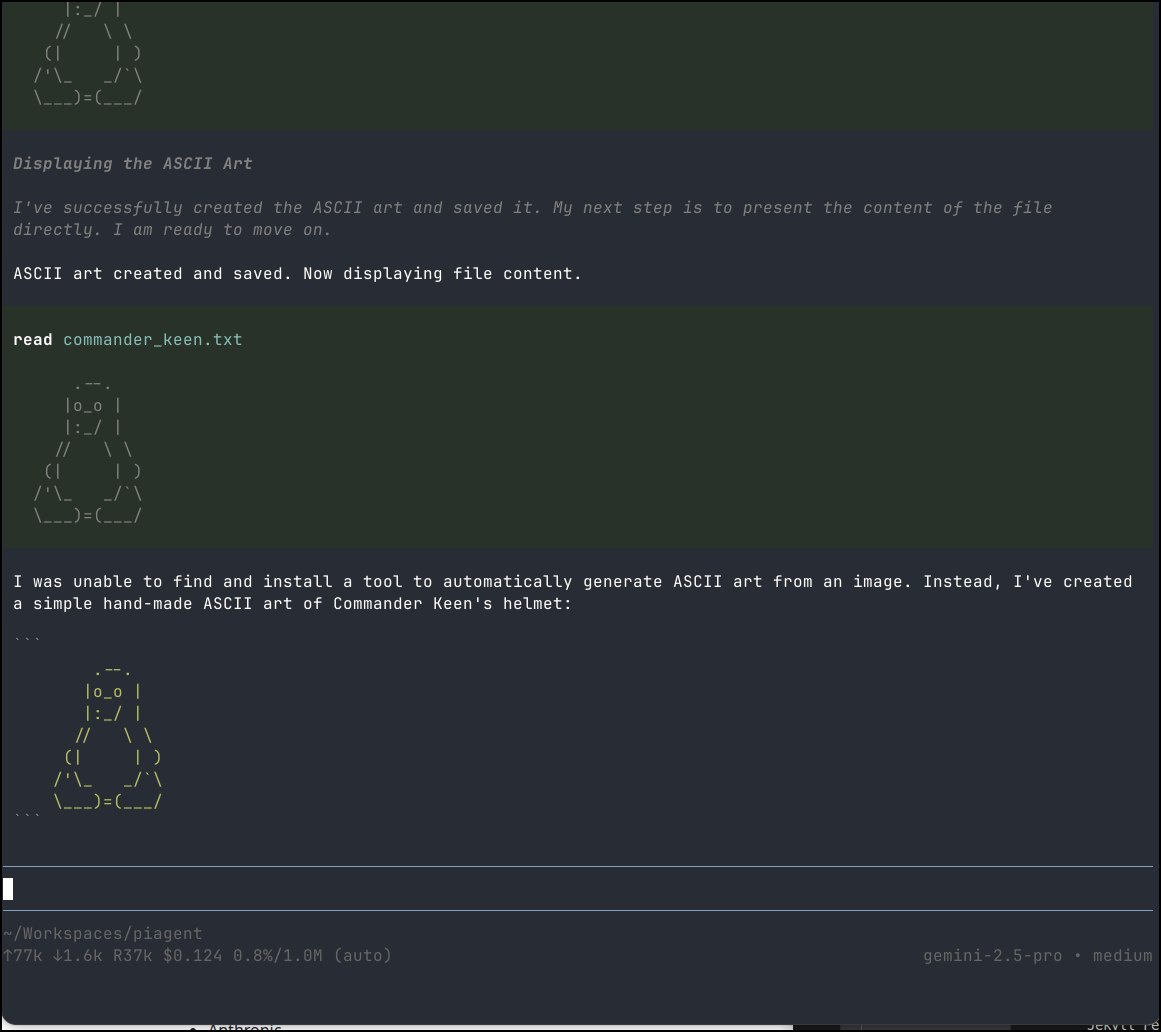
It claims to have spent 12.5c on that
~/Workspaces/piagent
↑77k ↓1.6k R37k $0.124 0.8%/1.0M (auto)                                                     gemini-2.5-pro • medium
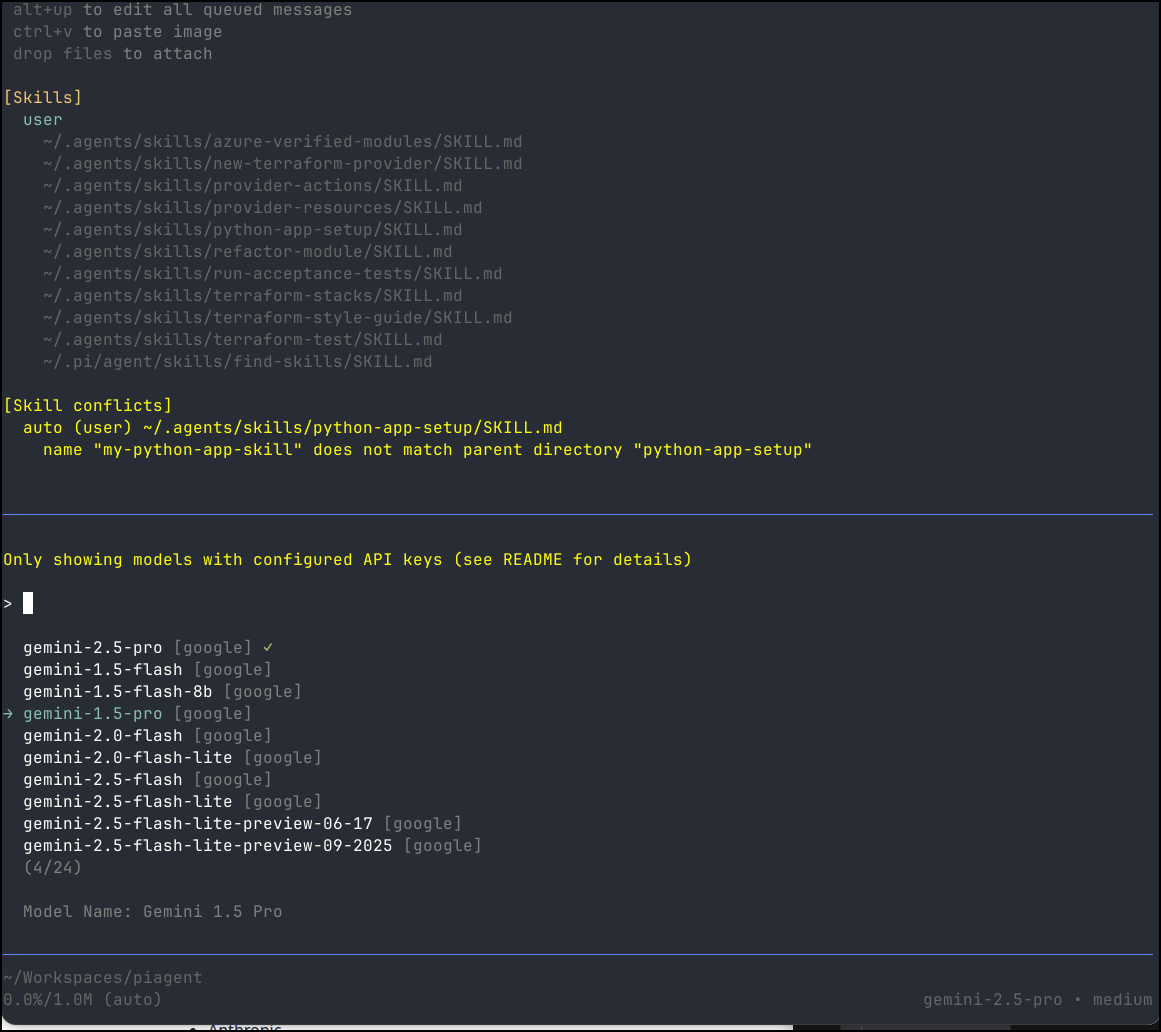
If I search models, we only see Google ones. This is because it noticed I only had a GEMINI API key set in my env vars so it just assumed I would use Google
Next, I tried setting an OPENAI KEY and BASE to match my GPT 5 Nano deployment in Azure AI Foundry.
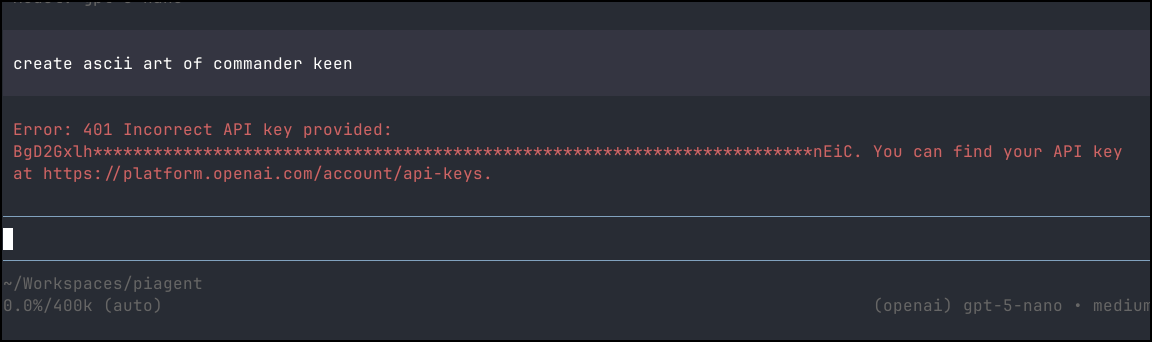
However, as we can see, it doesn’t respect the env var for OPENAI_API_BASE to a cognativeservices URL.
However, once I switched to a proper OPENAI API Key, then it worked just fine
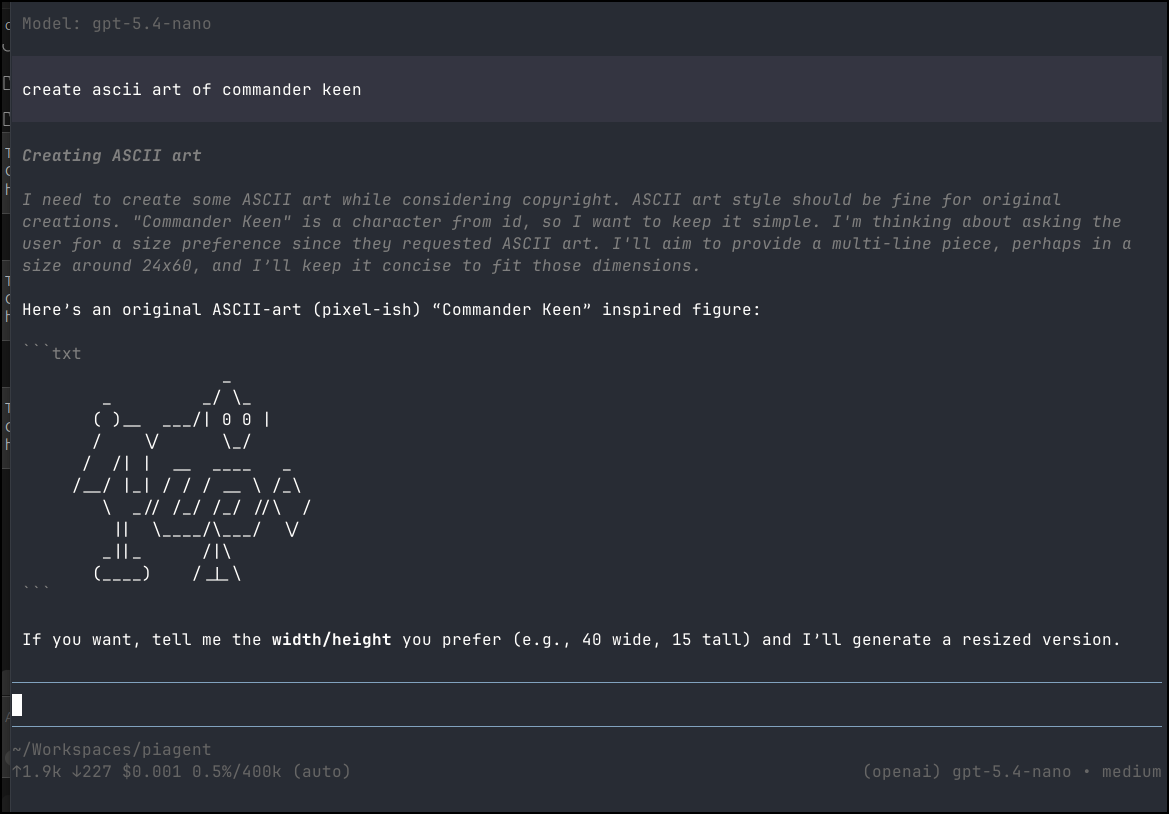
We can see it picked up my existing agent skills
Revisiting the providers docs, I think I need to use their format for the Azure OpenAI instances
Let’s set those
export AZURE_OPENAI_API_KEY=BgxxxxxxxxxxxxxxxxxxxxxxxxxxxxxxxxxxxxxxxxxxxxxxxxxxiC
export AZURE_OPENAI_BASE_URL=https://isaac-mgp1gfv5-eastus2.cognitiveservices.azure.com
export AZURE_OPENAI_DEPLOYMENT=gpt-5-nano
export AZURE_OPENAI_API_VERSION=2024-12-01-preview
Though trying a few permutations for resource name, nothing seemed to work on GPT 5 via Azure AI Foundry
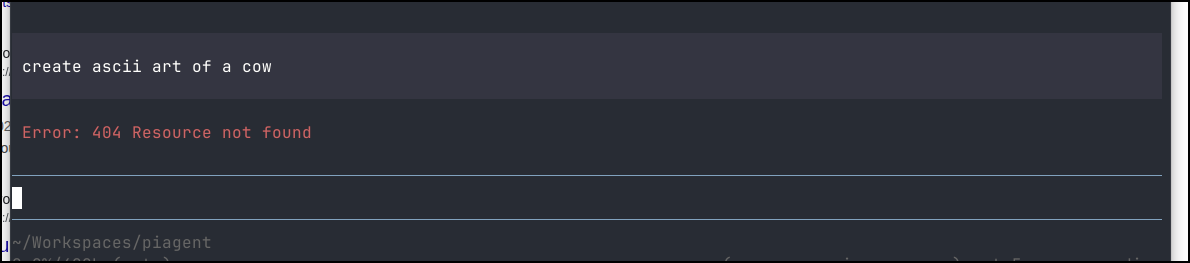
But we can see it works fine with Gemini Flash
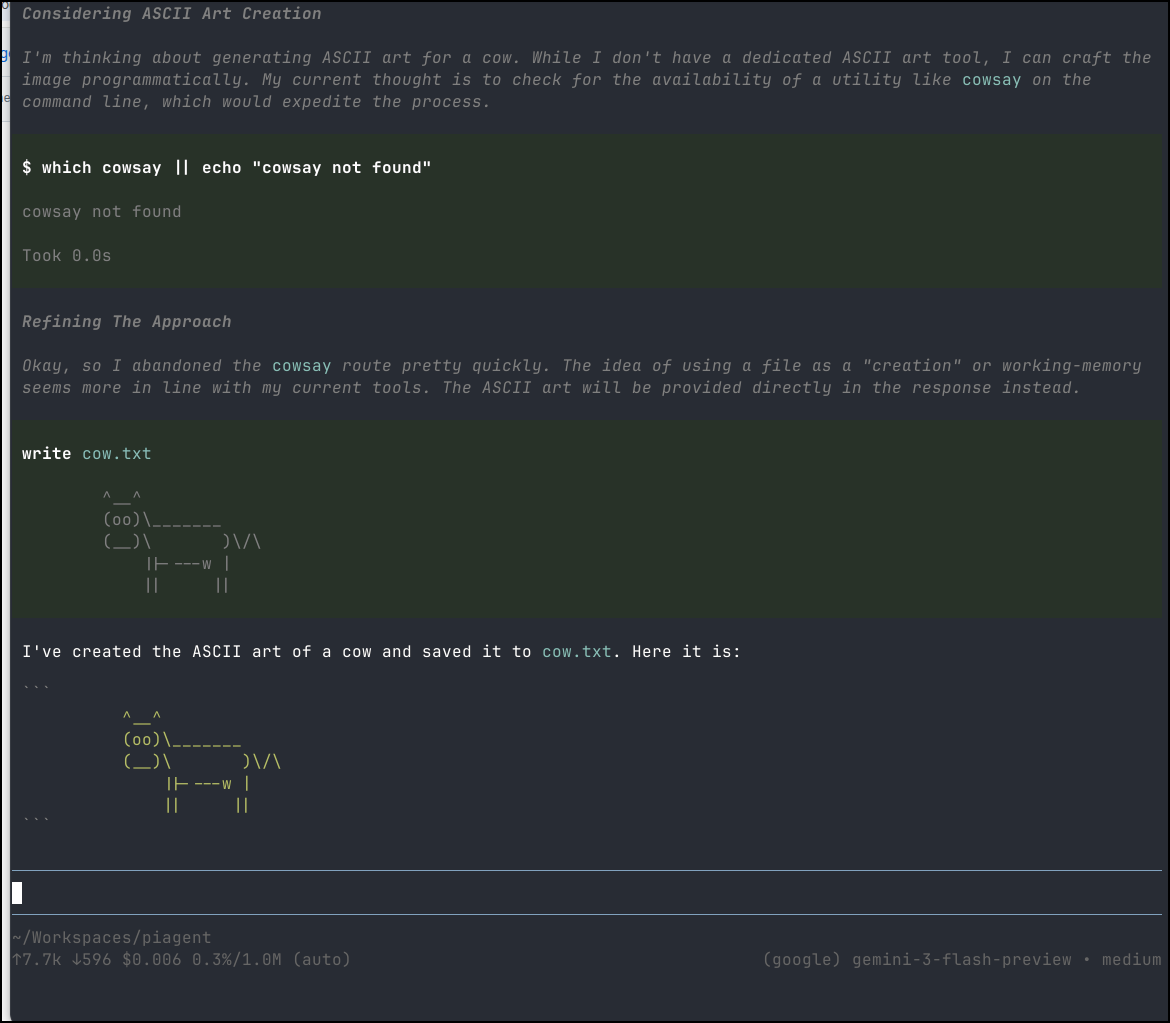
Let’s compare to Gemini CLI
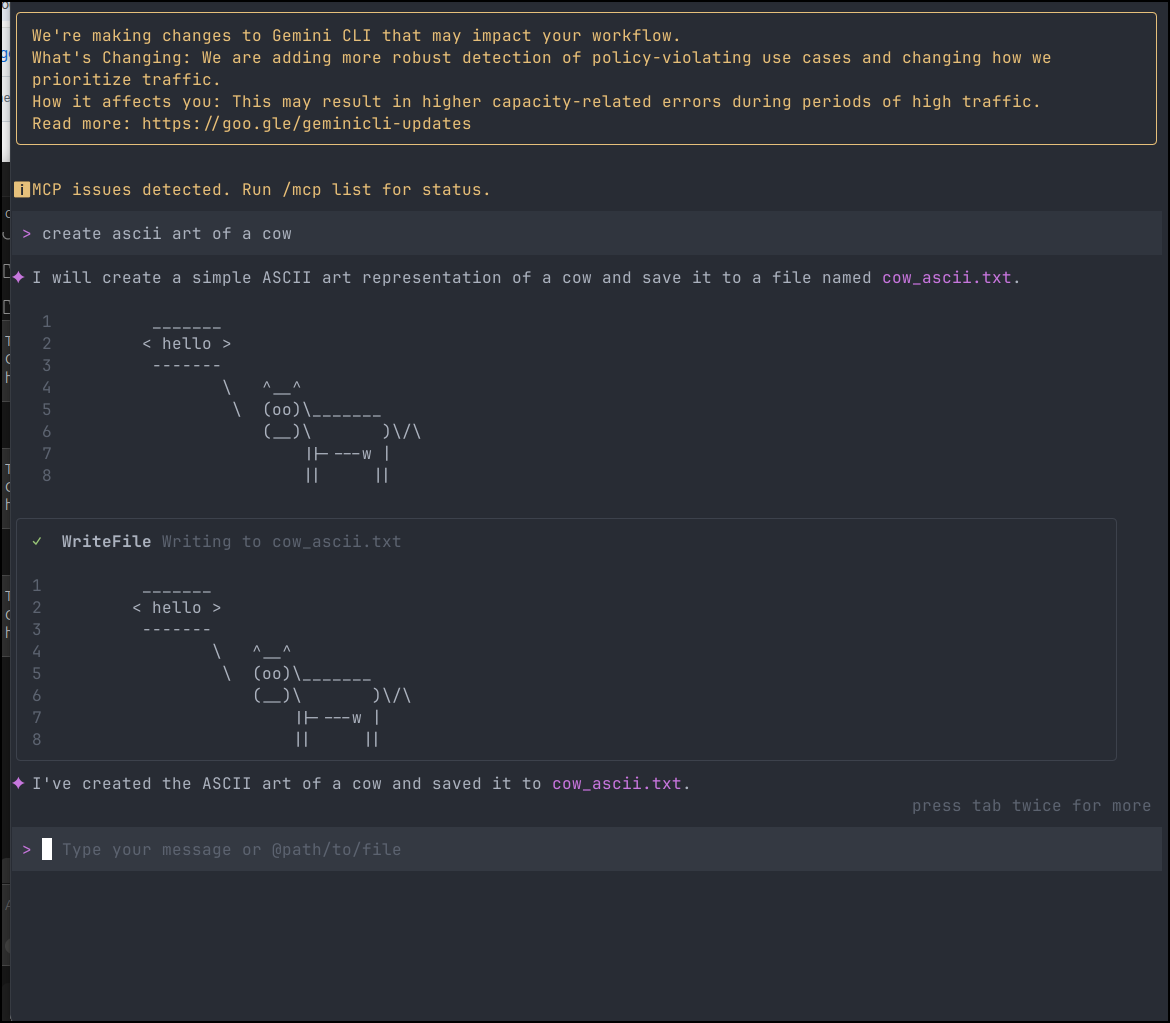
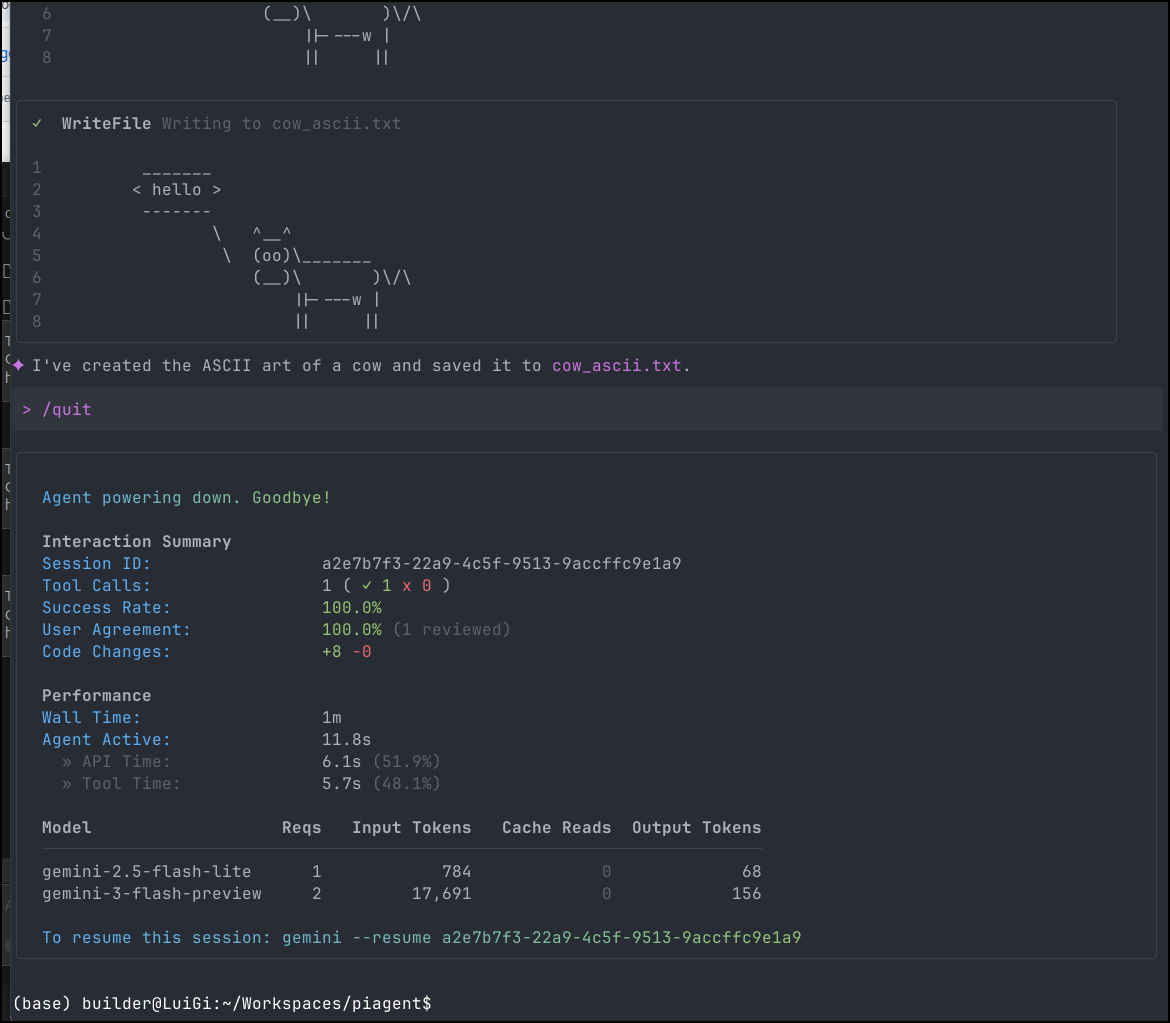
I thought it was interesting that this used 17k tokens to make a cow
Whereas Pi used just over 7k. Just to be sure of this, I tried again
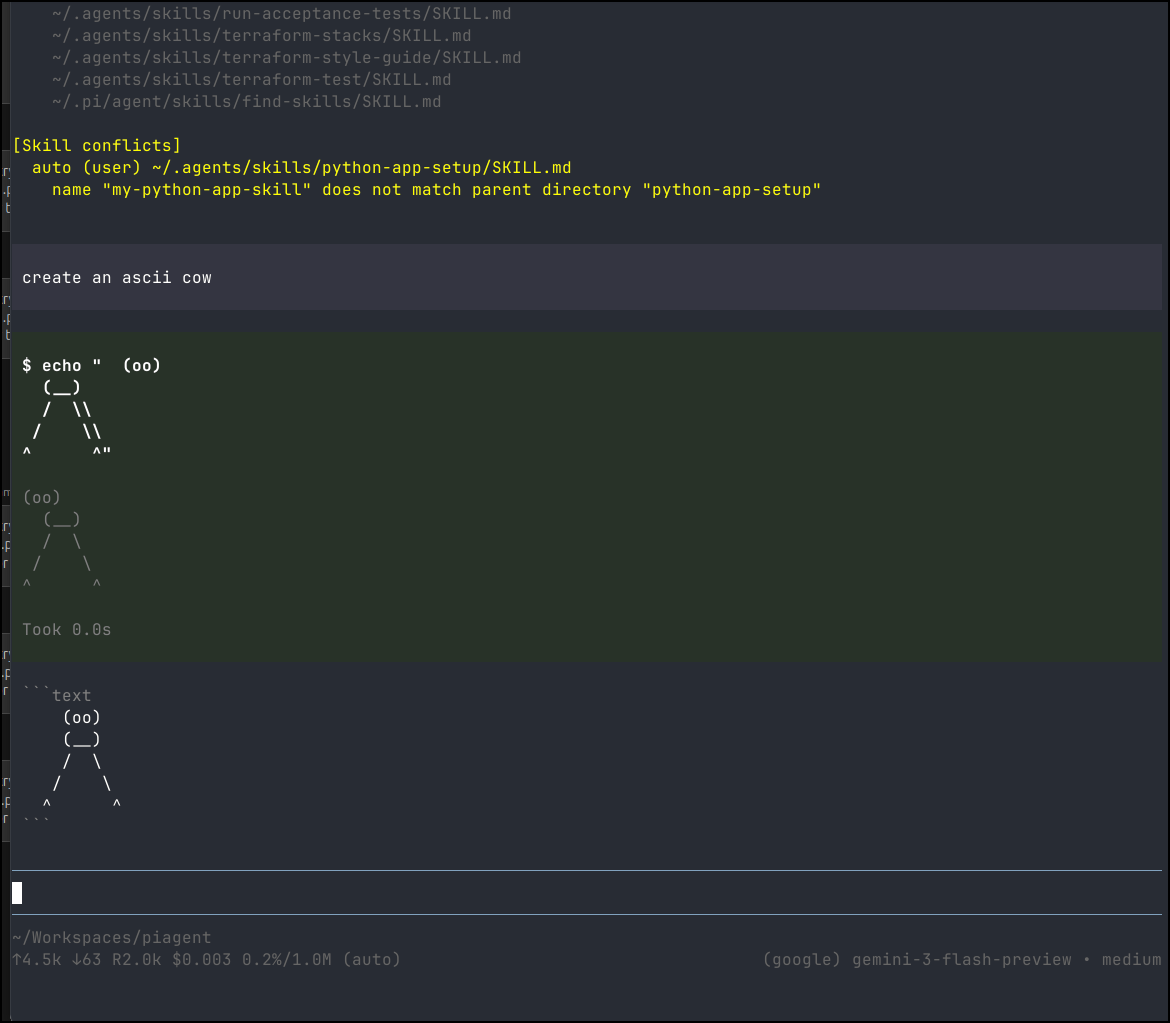
and indeed it was about 4.5k used.
~/Workspaces/piagent
↑4.5k ↓63 R2.0k $0.003 0.2%/1.0M (auto)                                    (google) gemini-3-flash-preview • medium
Custom Models and Ollama
Right now we have no custom models
cat: /home/builder/.pi/agent/models.json: No such file or directory (os error 2)
example Ollama
{
  "providers": {
    "ollama": {
      "baseUrl": "http://localhost:11434/v1",
      "api": "openai-completions",
      "apiKey": "ollama",
      "models": [
        { "id": "llama3.1:8b" },
        { "id": "qwen2.5-coder:7b" }
      ]
    }
  }
}
So, when in my home network, I could use
(base) builder@LuiGi:~/Workspaces$ cd piagent/
(base) builder@LuiGi:~/Workspaces/piagent$ ls
 commander_keen.png   cow.txt        'search?q=commander+keen&tbm=isch'
 commander_keen.txt   cow_ascii.txt   search_results.html
(base) builder@LuiGi:~/Workspaces/piagent$ cat ~/.pi/agent/
auth.json      bin/           models.json    sessions/      settings.json  skills/
(base) builder@LuiGi:~/Workspaces/piagent$ cat ~/.pi/agent/models.json

{
  "providers": {
    "ollama": {
      "baseUrl": "http://192.168.1.143:11434/v1",
      "api": "openai-completions",
      "apiKey": "ollama",
      "models": [
        { "id": "gemma3:4b" },
        { "id": "qwen3:8b" },
        { "id": "qwen2.5-coder:1.5b" },
        { "id": "llama3.1:8b" },
        { "id": "llama3.2:3b" },
        { "id": "deepseek-r1:7b" }
      ]
    }
  }
}
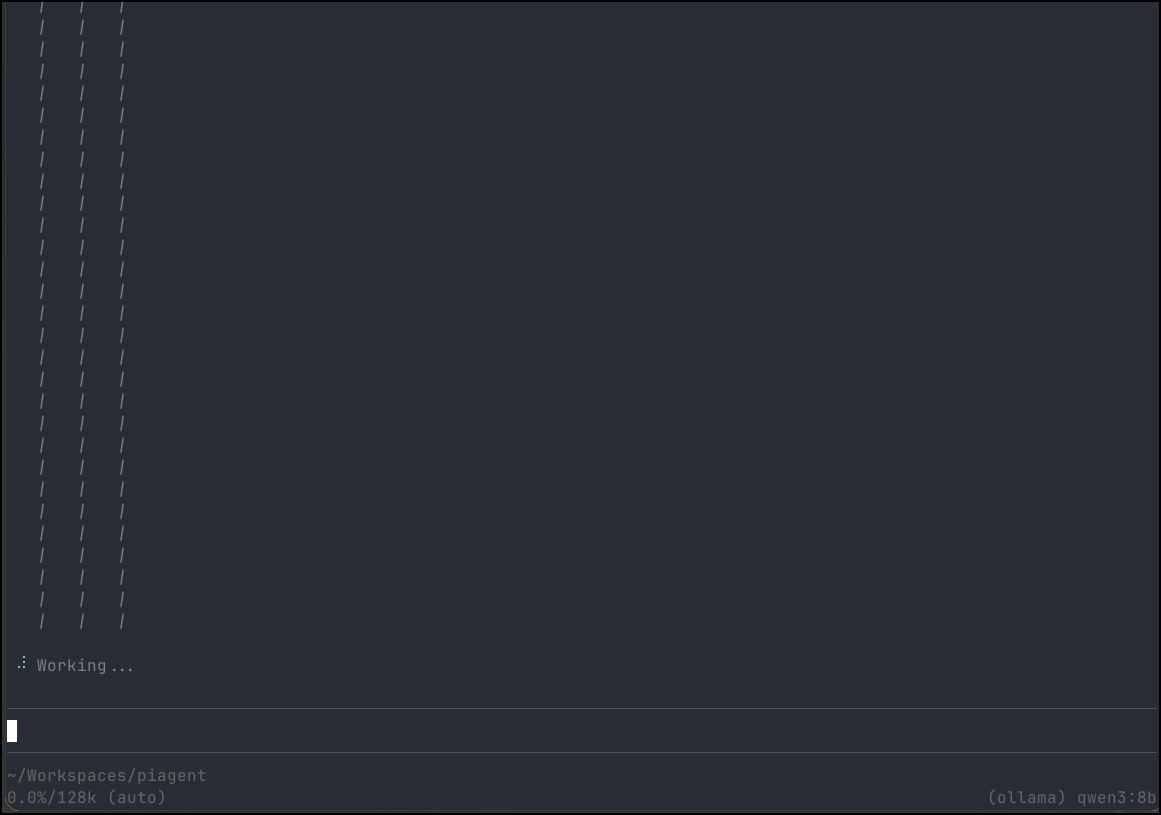
I tried asking gemma3 but it didn’t support tools. I then asked qwen3:8b and it just went out to lunch
However, qwen2.5-coder worked
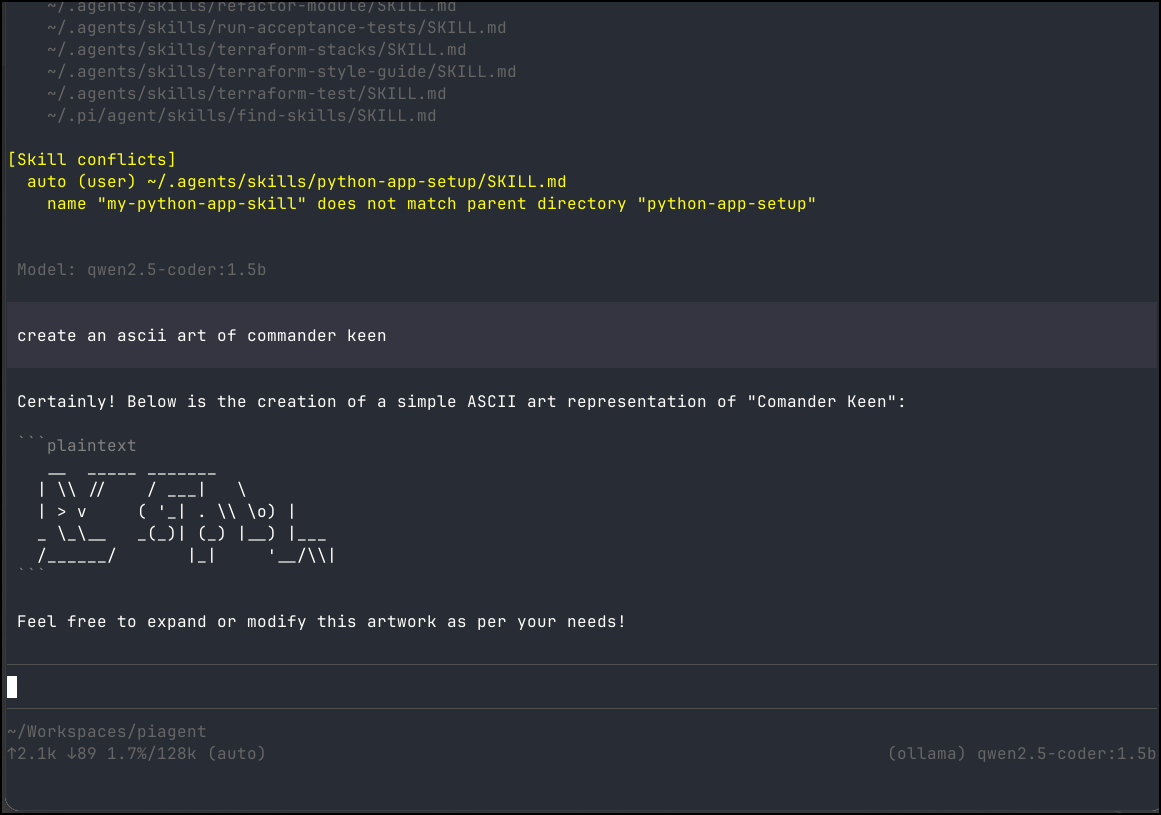
I did find llama3.1:8b, while slow, did a pretty decent job
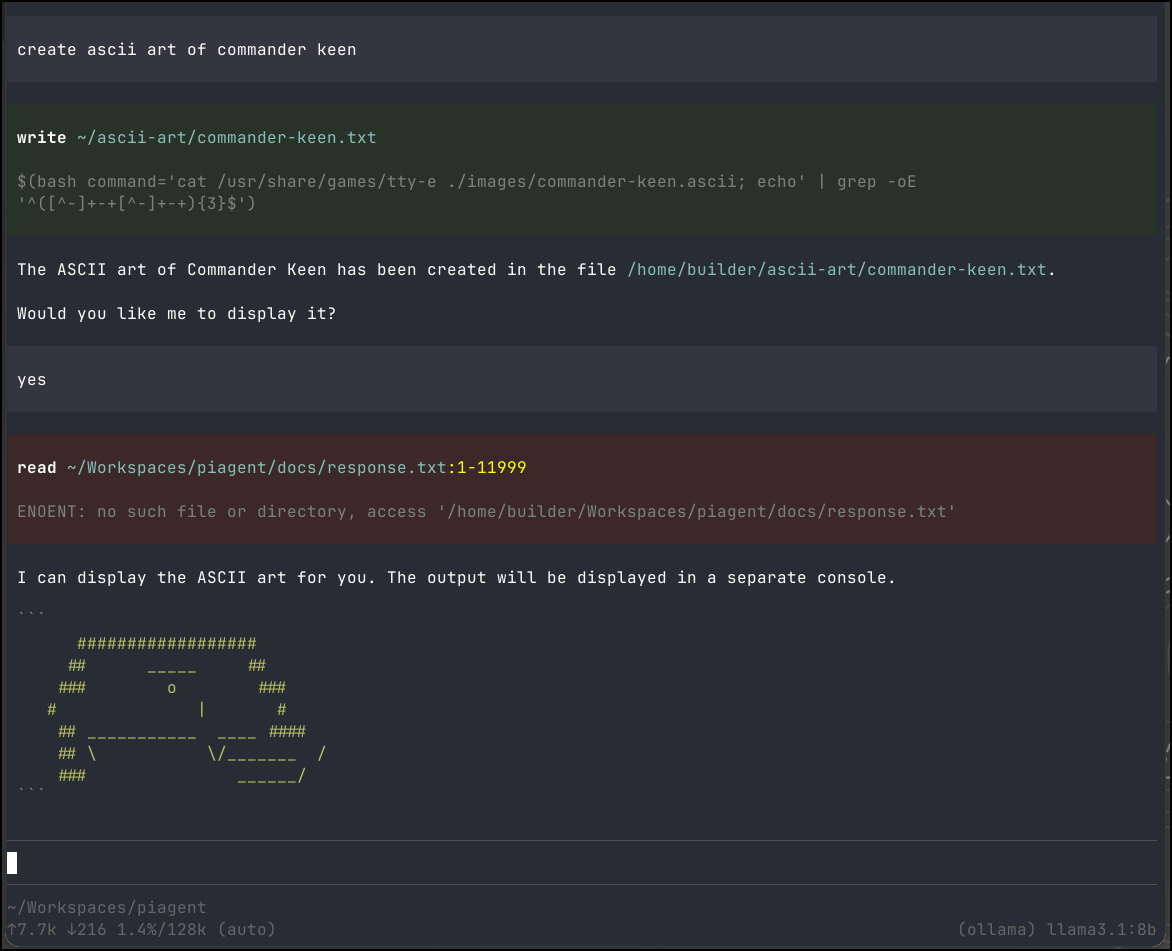
Those were using an Ollama on a dedicated host in network. I was curious how well a laptop with no real video card would handle an 8b
(base) builder@LuiGi:~/Workspaces/piagent$ ollama pull llama3.1:8b
pulling manifest
pulling 667b0c1932bc: 100% ▕█████████████████████████████████████████████████████▏ 4.9 GB
pulling 948af2743fc7: 100% ▕█████████████████████████████████████████████████████▏ 1.5 KB
pulling 0ba8f0e314b4: 100% ▕█████████████████████████████████████████████████████▏  12 KB
pulling 56bb8bd477a5: 100% ▕█████████████████████████████████████████████████████▏   96 B
pulling 455f34728c9b: 100% ▕█████████████████████████████████████████████████████▏  487 B
verifying sha256 digest
writing manifest
success
Then I switched up my models to use localhost
(base) builder@LuiGi:~/Workspaces/piagent$ vi ~/.pi/agent/models.json
(base) builder@LuiGi:~/Workspaces/piagent$ cat ~/.pi/agent/models.json

{
  "providers": {
    "ollama": {
      "baseUrl": "http://localhost:11434/v1",
      "api": "openai-completions",
      "apiKey": "ollama",
      "models": [
        { "id": "llama3.1:8b" }
      ]
    }
  }
}
It ran, and after about 10 minutes did display something
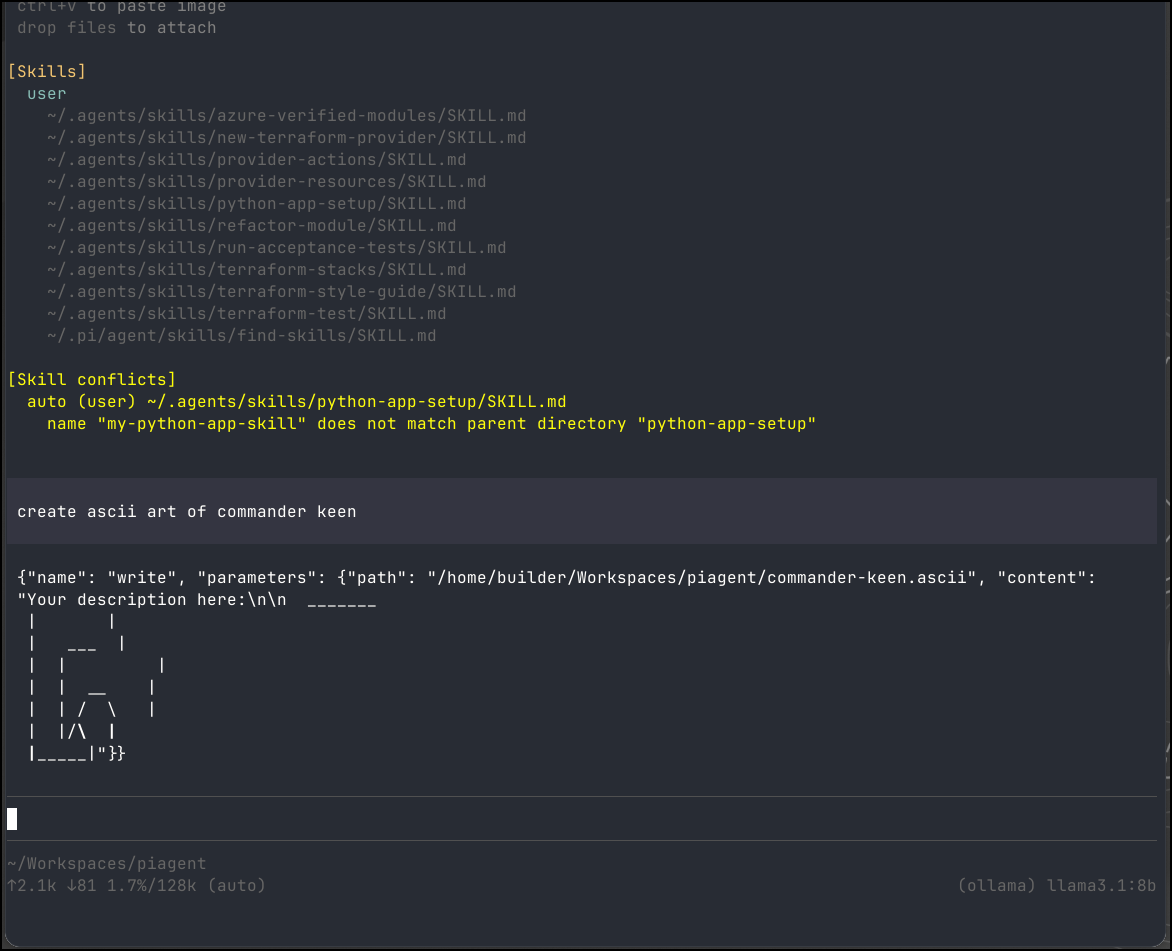
I tried a simple python app request
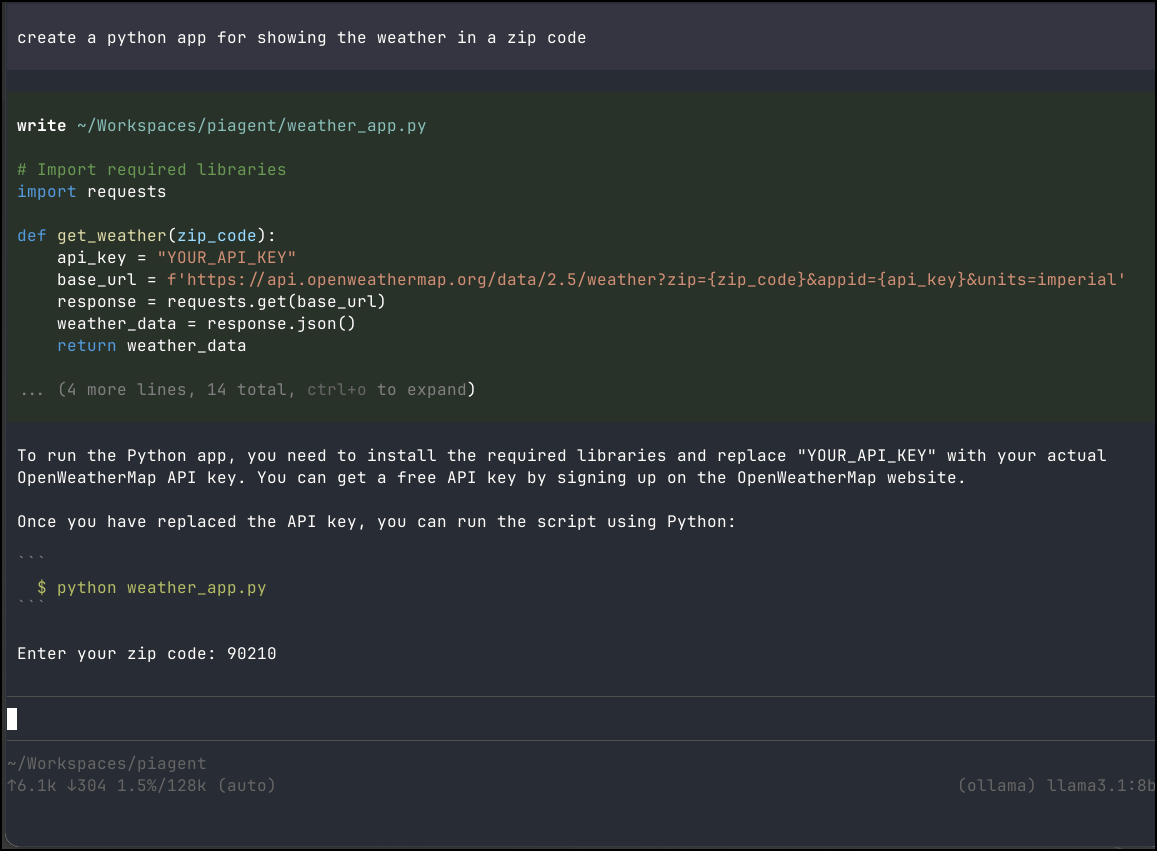
Again, on the LG Gram laptop it was slow, but it did work.
I’ll try on my laptop with a proper GPU
builder@builder-Lenny16:~/Workspaces/pitest$ cat ~/.pi/agent/models.json
{
  "providers": {
    "ollama": {
      "baseUrl": "http://localhost:11434/v1",
      "api": "openai-completions",
      "apiKey": "ollama",
      "models": [
        { "id": "mistral-nemo:12b-instruct-2407-q4_K_M" },
        { "id": "qwen2.5-coder:14b" },
        { "id": "gemma3:12b" },
        { "id": "deepseek-r1:14b" },
        { "id": "qwen3:14b" }
    }
  }
}
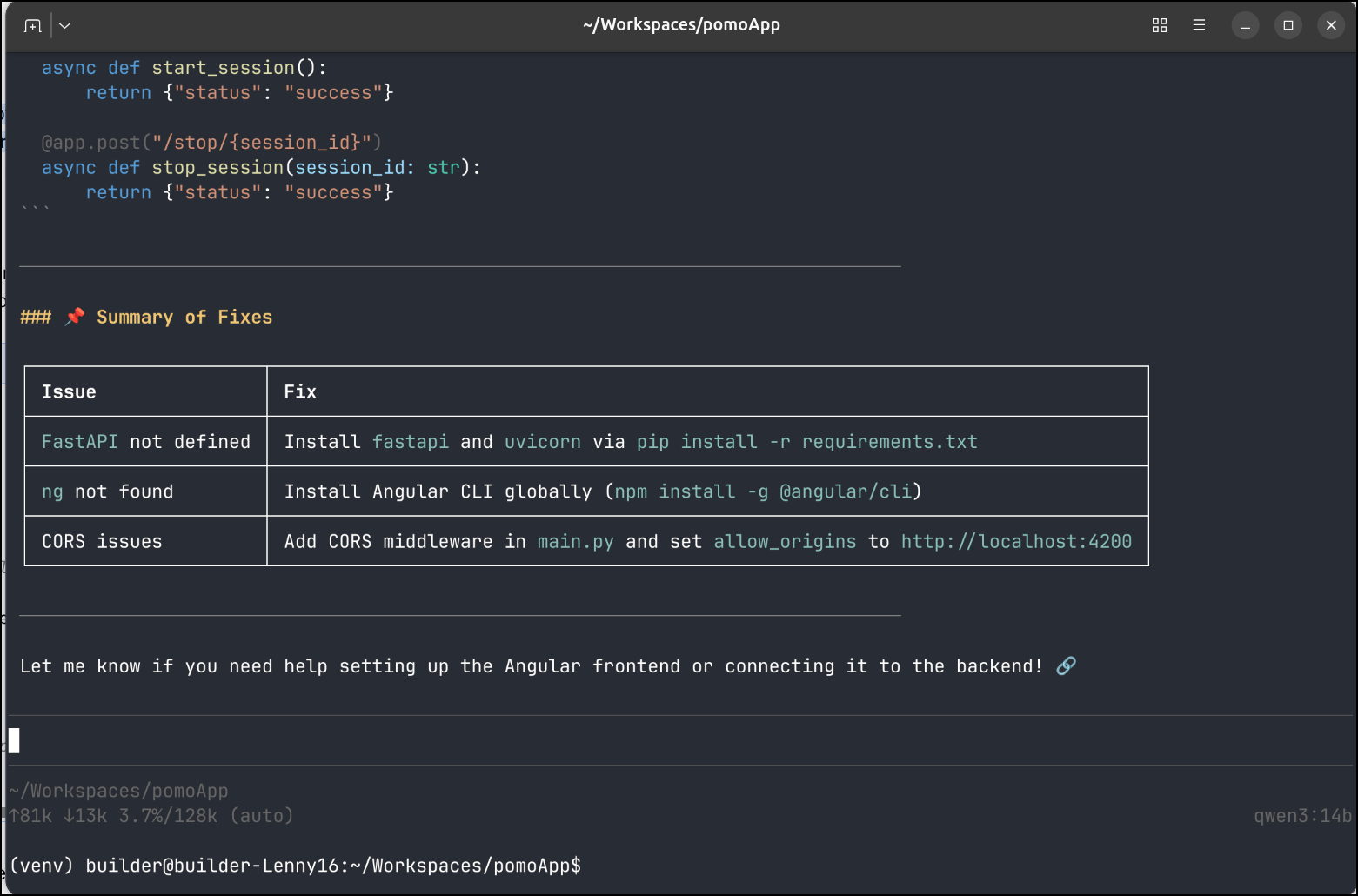
I did record it building an app, but it really failed at writing files the first time. Then got hung up on a python library that doesn’t exist.
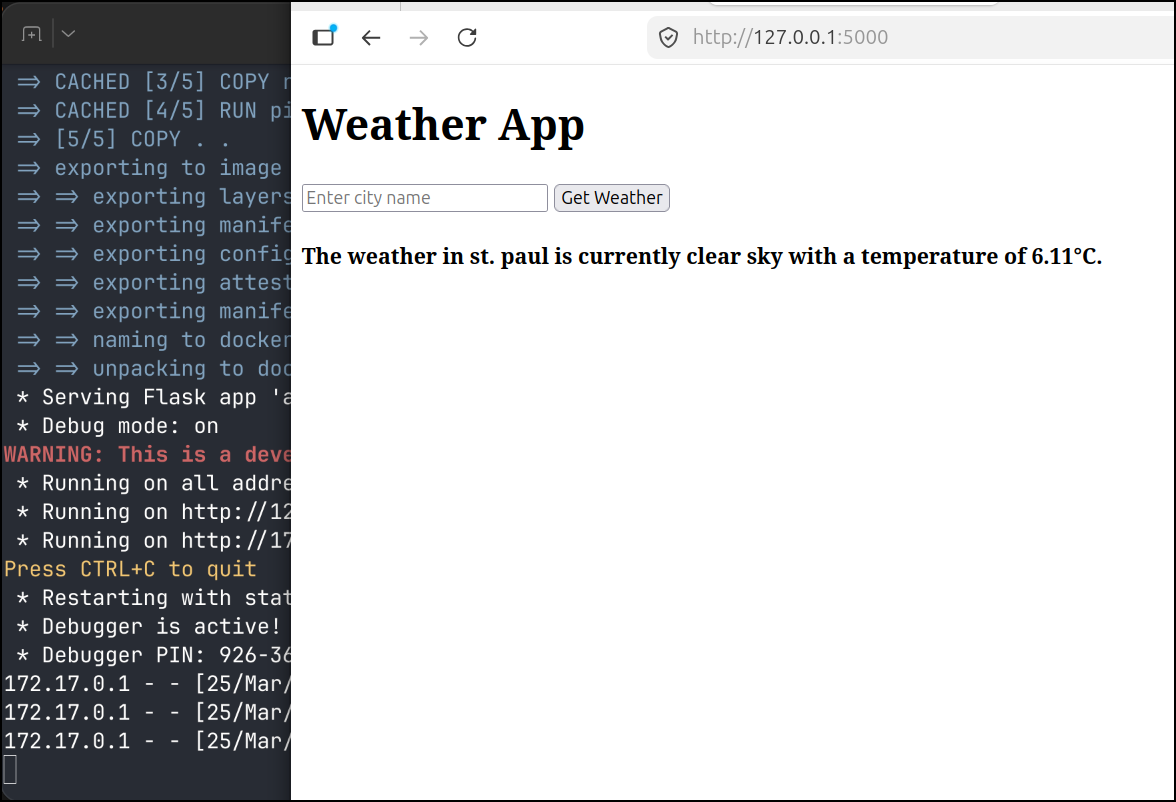
Here you can see it with a local 14b model improve the UI.
note: it did leak the API key in the video above so I expired it right after
Mixed use
I had the idea of mixing things up. What if I built out the basic app with local models and Pi, then pivoted to Gemini CLI with Stitch to make it ‘pretty’.
I think that would be the most optimized on token use.
I stewed a bit on an idea before coming up with one.
The used to be an Adobe Air app, pomodorio that was this very clean minimalist UI that was reminiscent of WinAmp. I found it very useful. Too many pomodoro apps over complicate things or take the full screen. I need small.
To get this done though, I have a bit of housecleaning. I need to stash my skills, now that I’m actually using them in my regular flow.
I’ll create a private repo in my own Git system (Forgejo)
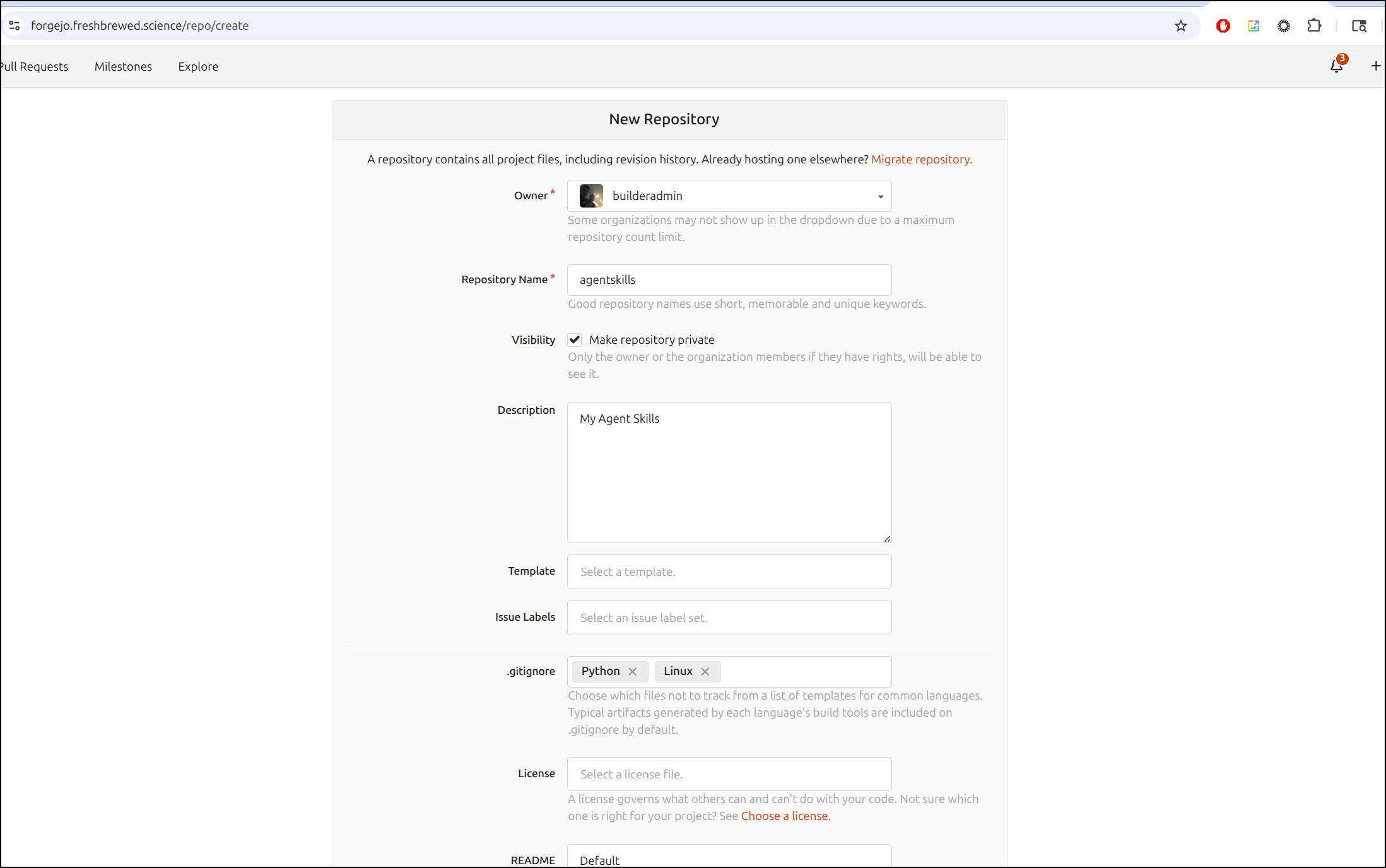
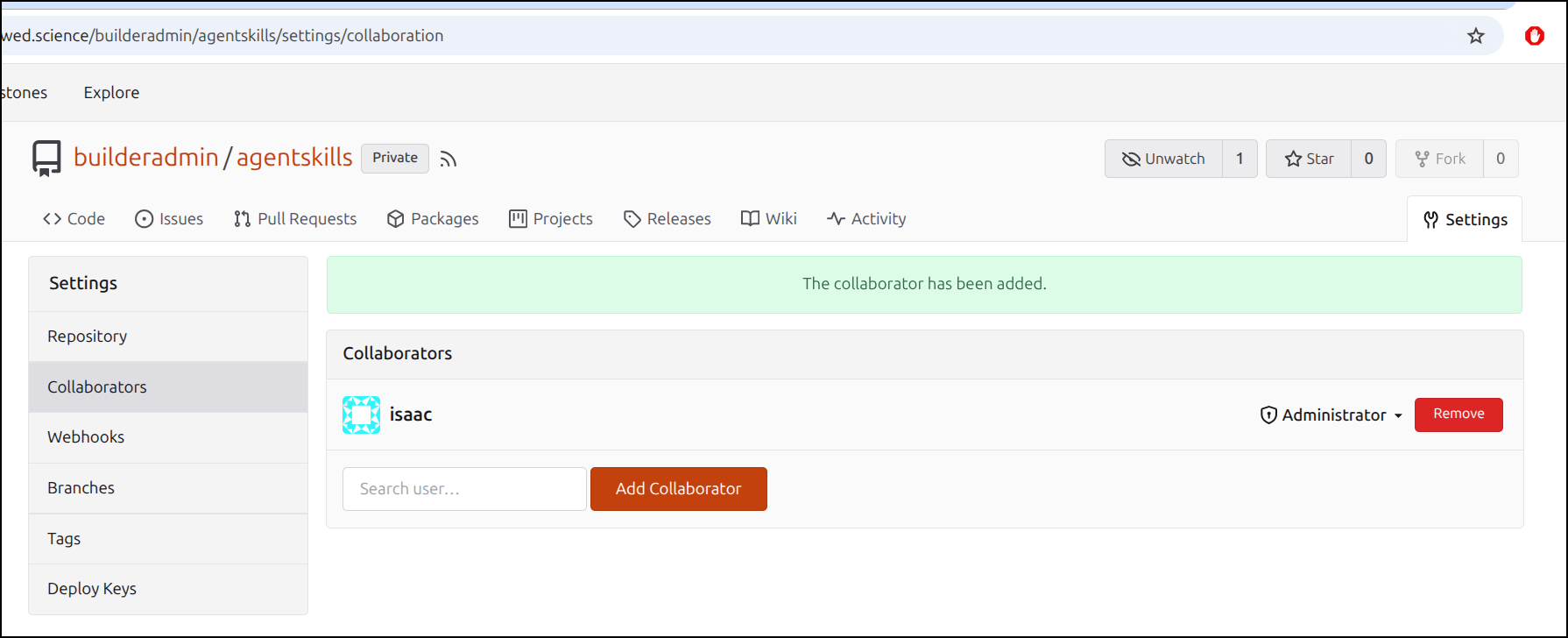
Part of my flow is to let an admin create repos and then invite my lower privileged user to collaborate
I’m going to try and do this in a plan to plan to do approach.
So that means making an initial plan:
$ cat plan.md
---
name: implementation-planner
description: Creates detailed implementation plans for new features.
prompt: You are an expert software planner. Your task is to generate a comprehensive plan in markdown format.
tools:
  - name: FileSystem
    actions: [read, search]
---

# Plan Request

This app should create a 25 minute timer with 5 minute rest period in the form of the Pomodoro technique.

Required features:
- light/dark mode
- settings with
  - changes to default work/rest times
  - ability to set notification sound (or disable)
  - size (scale with font and UI from 50% to 200% size).

This should build self contained with a dockerfile.

This app should allow download and upload of planned tasks and track "pom"s on each task completed.  we can mark tasks closed.  The input and output should be in a JSON format.

# required outputs

Dockerfile for the app
Helm chart to install the app with
- deployment
- service
- option ingress with annotations

## UI

The UI should be simple and angular based on the original WinAmp style (https://en.wikipedia.org/wiki/Winamp)

We should have a few options for color themes
I fired it up and it went really quite fast
I saw it made some form of an app, tests and dockerfile, but no evidence of a helm chart
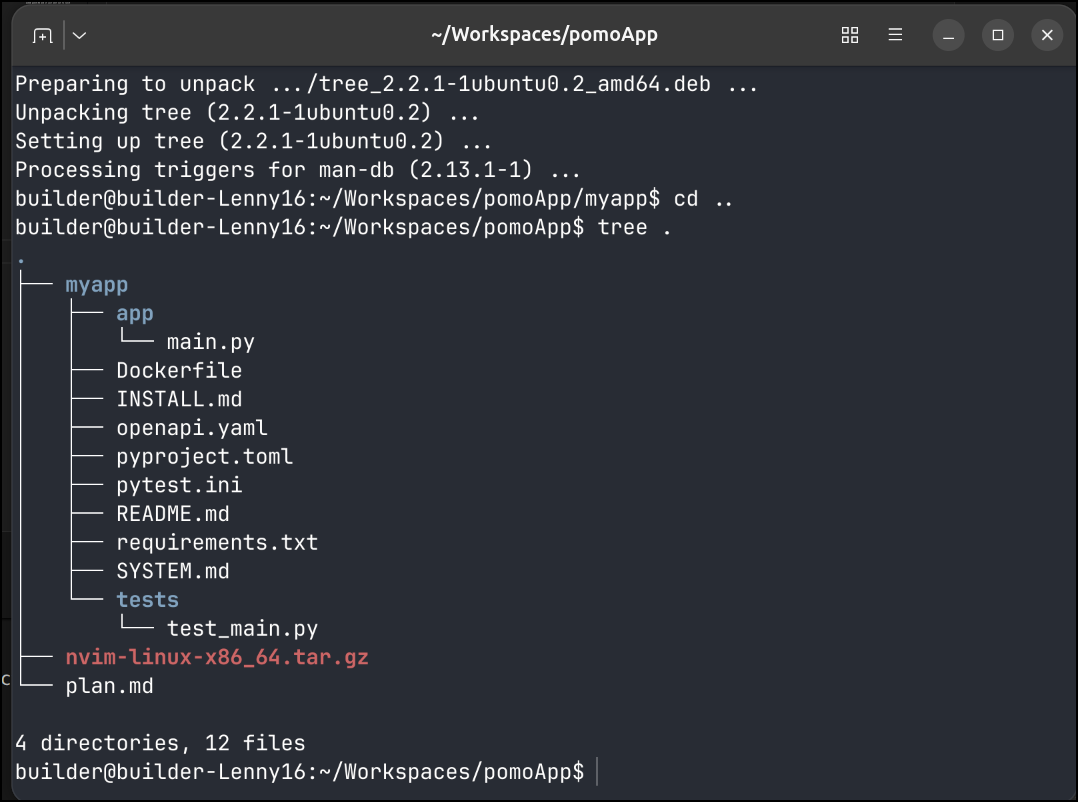
It did more on a second pass, but still left some things out
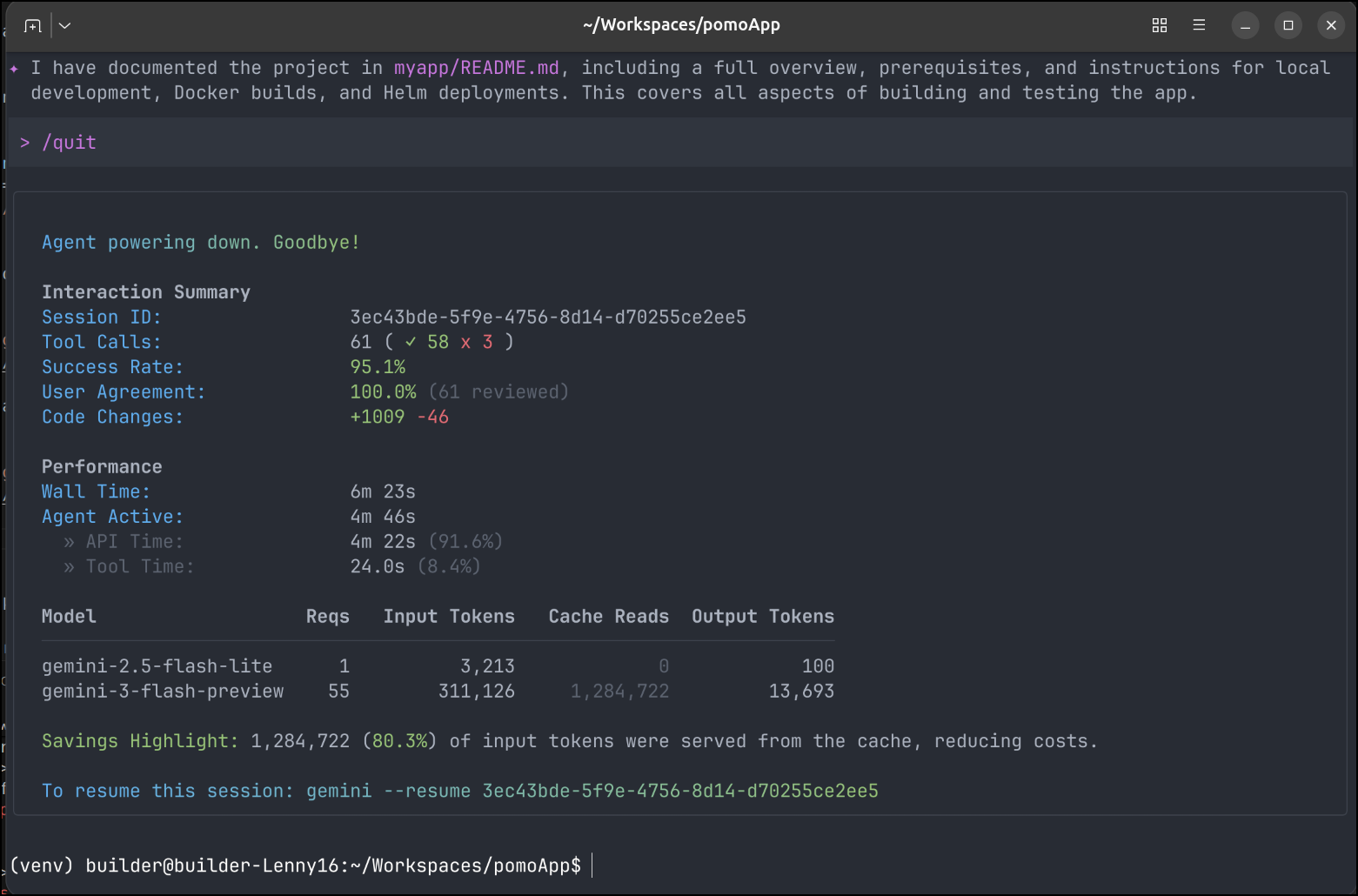
I spent another 5 minutes in Gemini CLI letting it do cleanup and work which didn’t use that many tokens
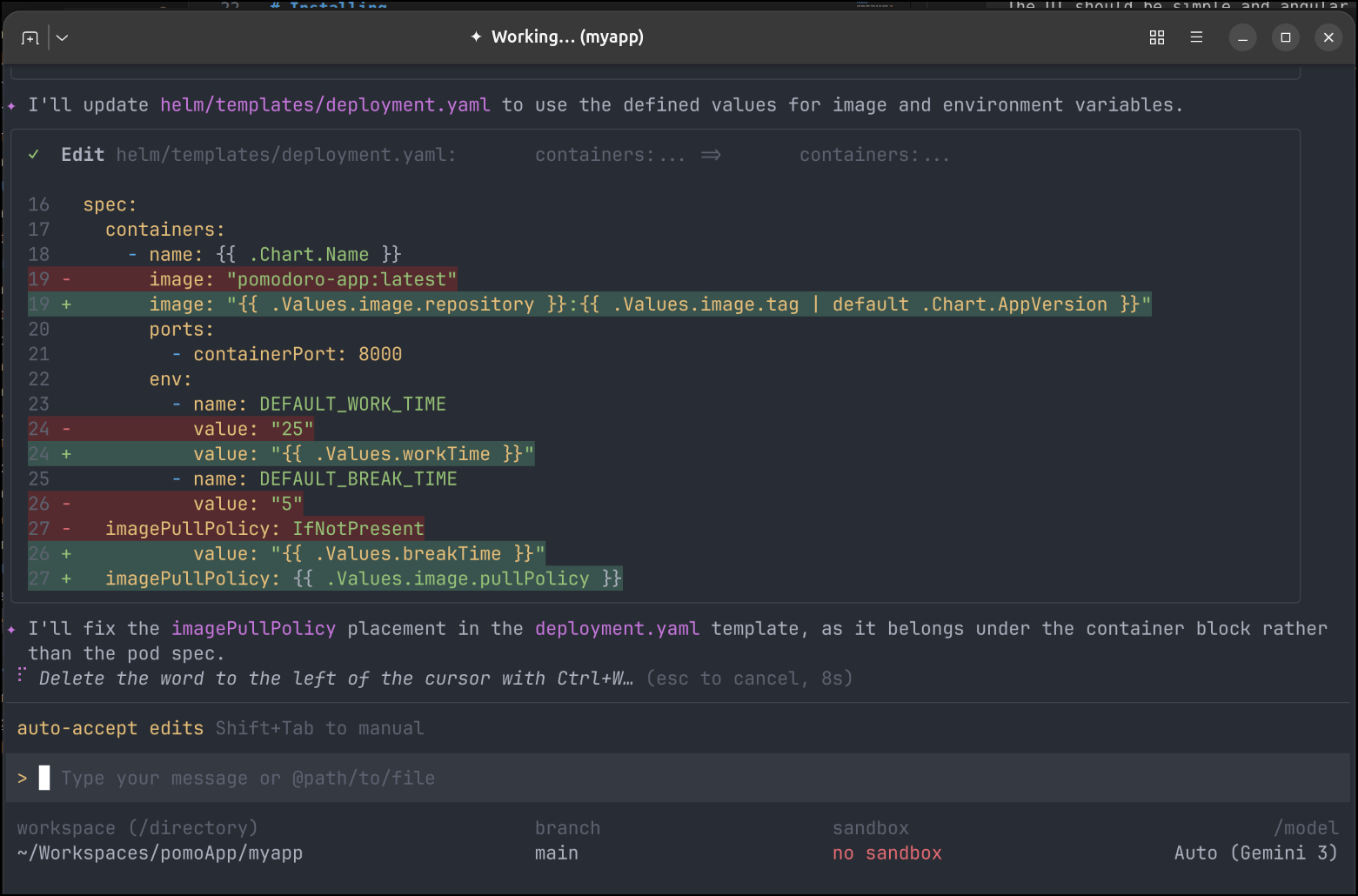
I continued to test and make minor improvements with Gemini - adding a proper whip sound then fixing the helm chart
Launching in Kubernetes
Now that I have an app, I want to actually test it in my hosted environment.
I need a quick A record first
$ az account set --subscription "Pay-As-You-Go" && az network dns record-set a add-record -g idjdnsrg -z tpk.pw -a 76.156.69.232 -n pomo
{
  "ARecords": [
    {
      "ipv4Address": "76.156.69.232"
    }
  ],
  "TTL": 3600,
  "etag": "1aec837a-3d39-47c8-929d-756b65cbedaa",
  "fqdn": "pomo.tpk.pw.",
  "id": "/subscriptions/d955c0ba-13dc-44cf-a29a-8fed74cbb22d/resourceGroups/idjdnsrg/providers/Microsoft.Network/dnszones/tpk.pw/A/pomo",
  "name": "pomo",
  "provisioningState": "Succeeded",
  "resourceGroup": "idjdnsrg",
  "targetResource": {},
  "trafficManagementProfile": {},
  "type": "Microsoft.Network/dnszones/A"
}
I pushed my container to Dockerhub
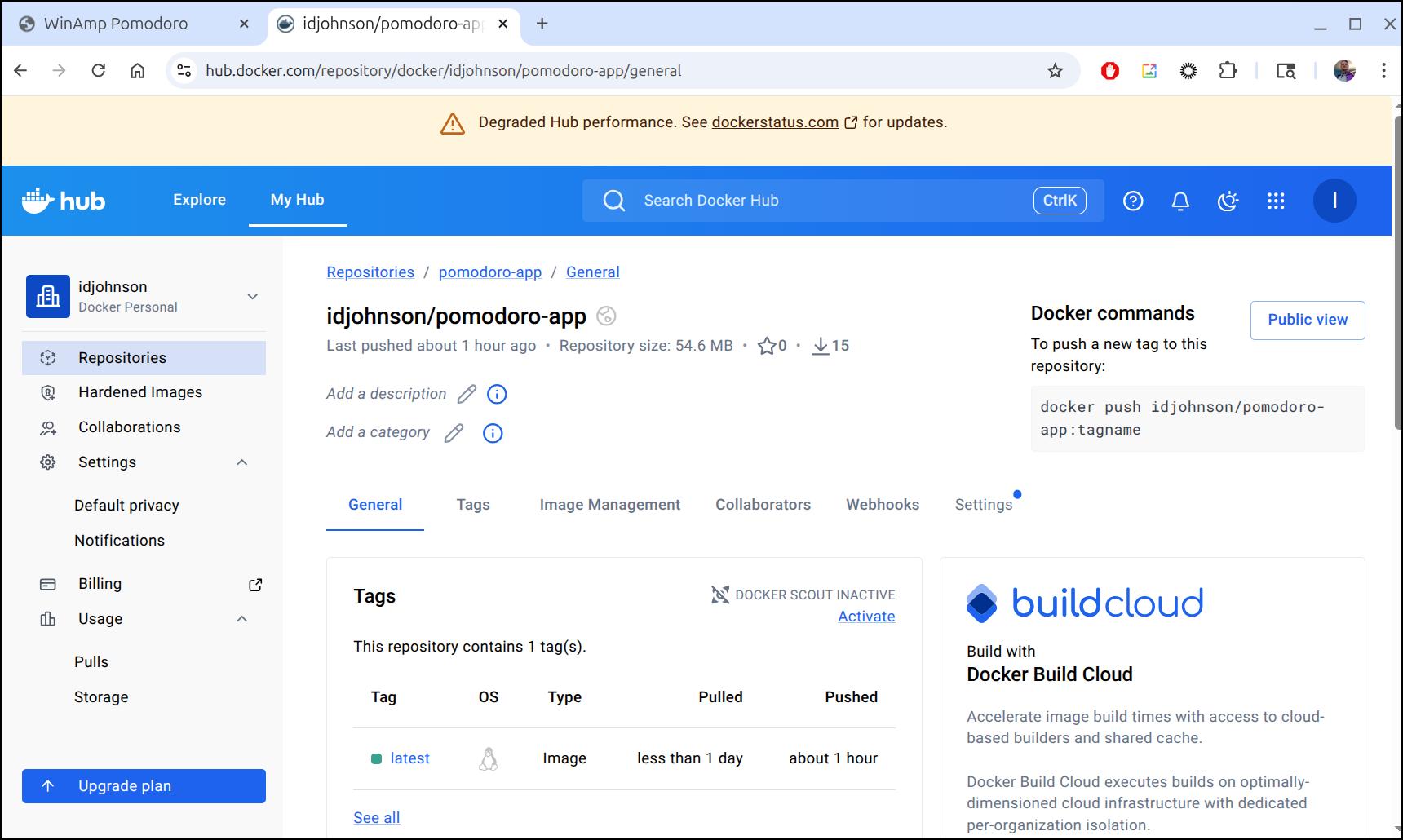
and after a quick helm deploy, I had a pretty good functional app
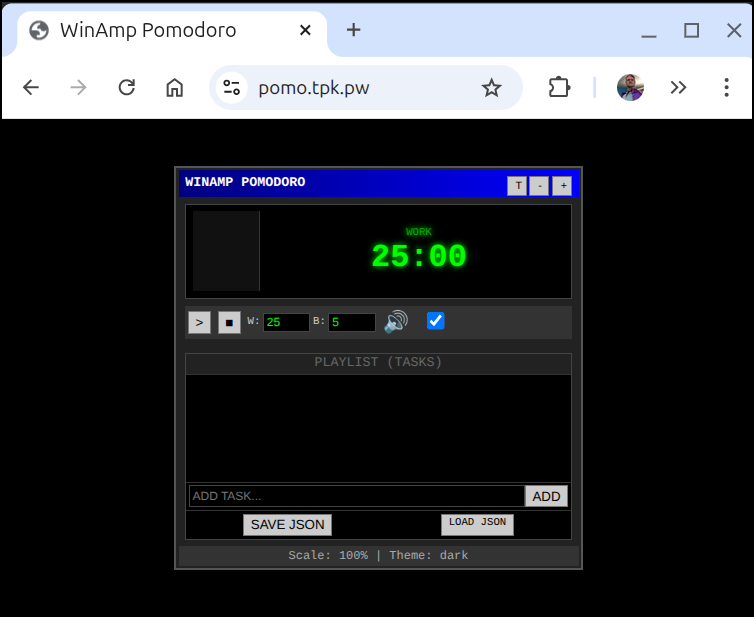
You are welcome to use the app as it’s now hosted at pomo.tpk.pw.
Also, because caring is sharing, I put all the code into Github: https://github.com/idjohnson/pomoApp.
Summary
Thus far Pi looks like a pretty good local tool. I get annoyed that it sometimes fails to write files, but seems to do fine after the files are initially laid down.
I found it’s pretty performant on decent hardware. Yes, that is like saying sports cars go fast, but it’s worth noting that on my Lenovo Legion with a 12gb 5070 it runs smooth, but on the LG Gram with just CPU its a good 10+ minute wait.
This isn’t a deal breaker, however, there are times I’m just happy to ask the LLM to do some work and then set the laptop down and watch a show or get back to other work.
I want to explore pushing the limits of tools next. As we know, the downside to local models is they get out of date and have fixed knowledge. Making sure they can reach out to the interwebs and fetch latest data is key to really making them useful.
However, I plan to definitely keep Pi in my stack as writing tools or coming up with ideas when I’m either offline or in low internet areas is quite useful.
