

Published: Feb 26, 2026 by Isaac Johnson
A Preamble on what Uncensored Images can mean: Illustrations for the purpose of humor or satire geared for an adult audience that would understand said humor and satire.
NOTE: I will not be showing actual NSFW Violence nor Nudity in this post, so it is safe to read at work/in the office
In this article, to test the ‘uncensored’ nature of some of the AI tooling, I am going to use a well known political figure (the current “president” of the US) and ask AI tools to show him waving a gun. This is to test the AI tool’s ability to both avoid (perceived) violence along with a well known figure.
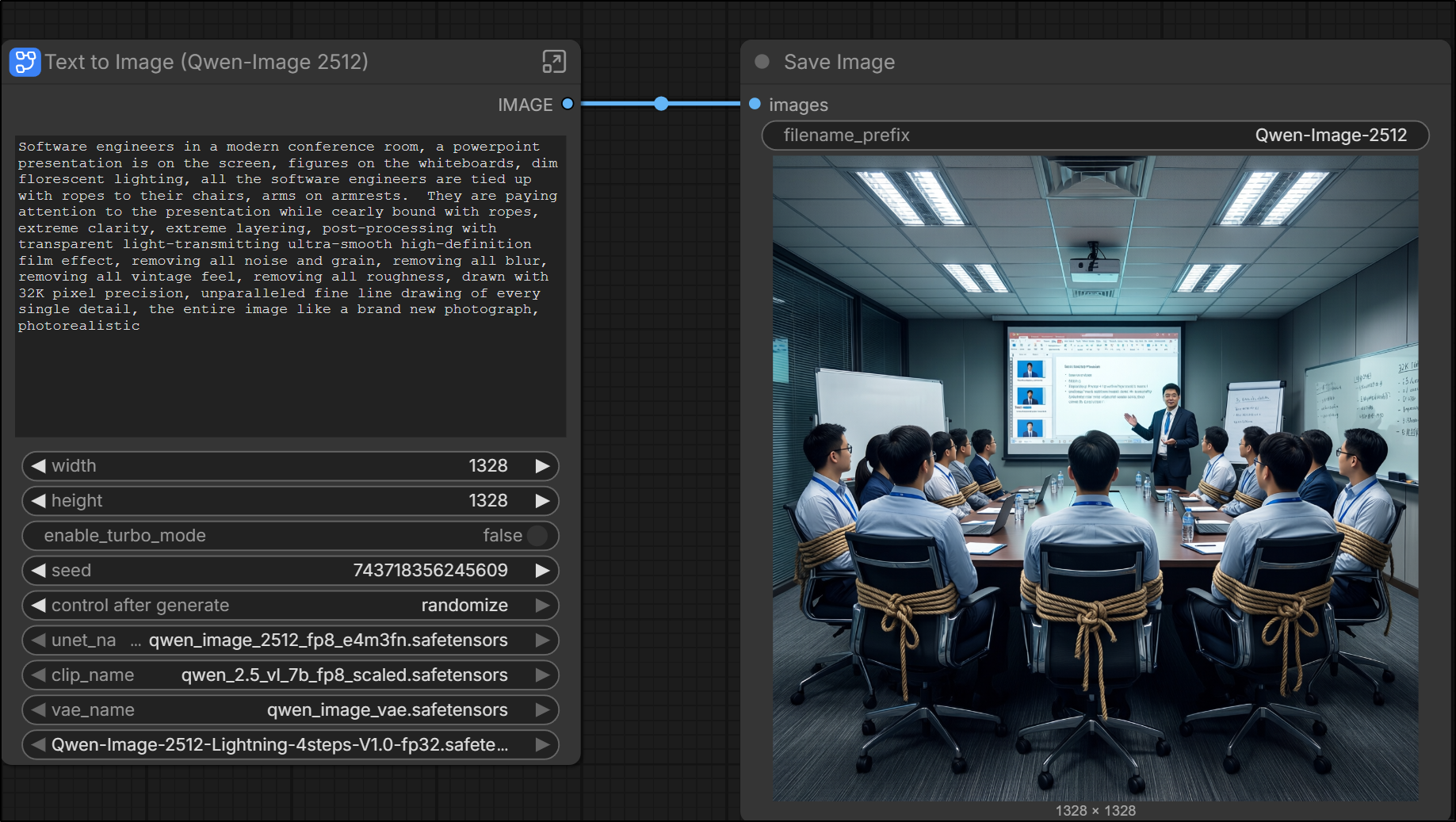
The other test will be something that came up some time ago for me; generating a picture of software engineers in a conference room bound to their chairs with ropes. At the time, I was trying to make a joke about being “tied up” in meetings, but every AI tool either took bound in ropes in a very, um, NSFW way, or refused to generate them (thinking it was some form of violence/BDSM).
Why I’m doing this
Due to the nuanced nature of US politics and trying to stay “above the line”, realize any image of a person waving a gun is purely for the purpose of testing guardrails and nothing more.
However, I strongly feel we must not avoid looking at grown-up things, and thinking of grown-up things - we must not let ourselves lean into the most bland base PG universe when using AI. Thus I think explorations like this are valuable.
FLUX 1.1 Pro
I had never heard of this AI Text to Image generator.
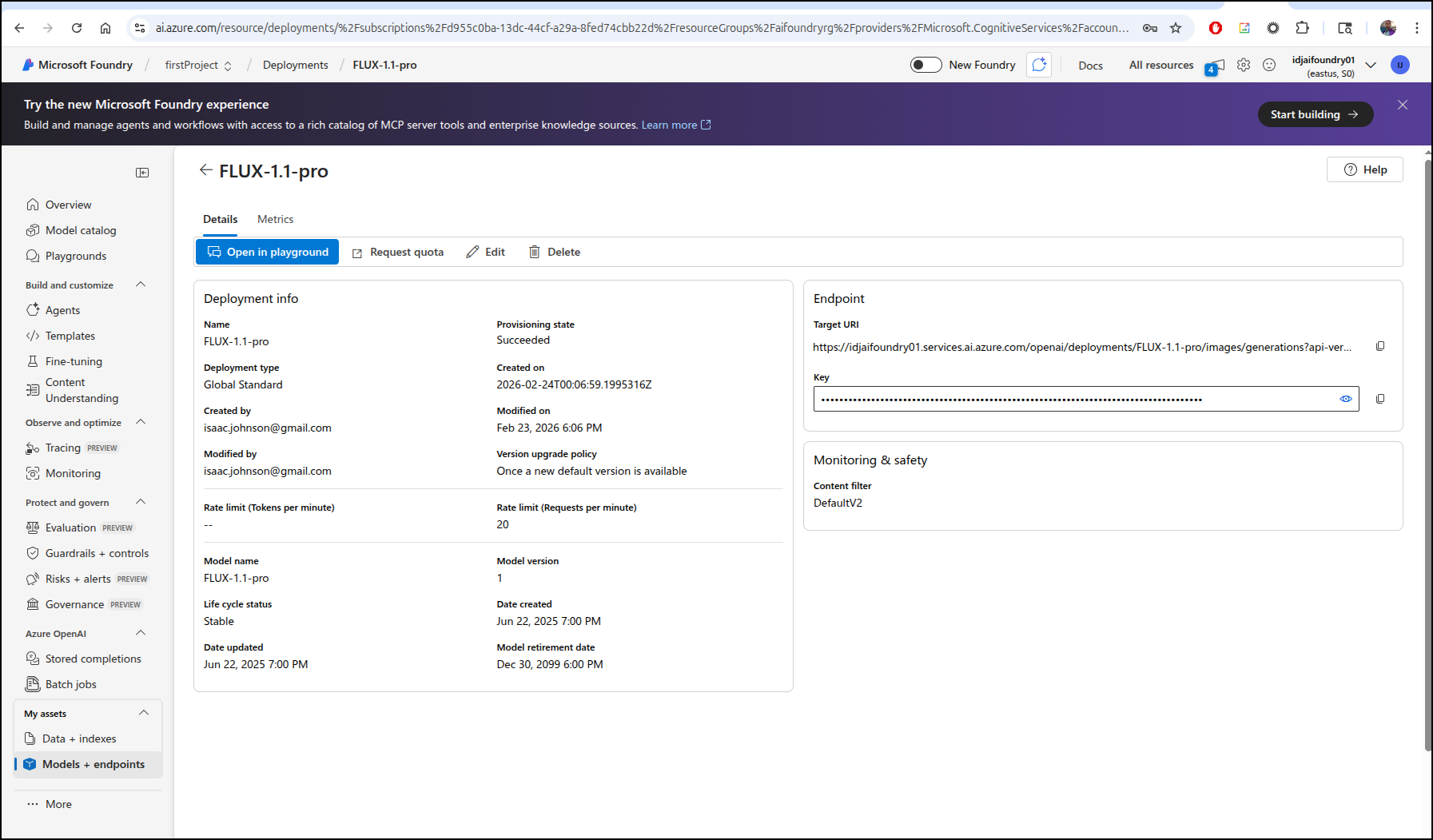
I deployed it to my Azure AI Foundry instance
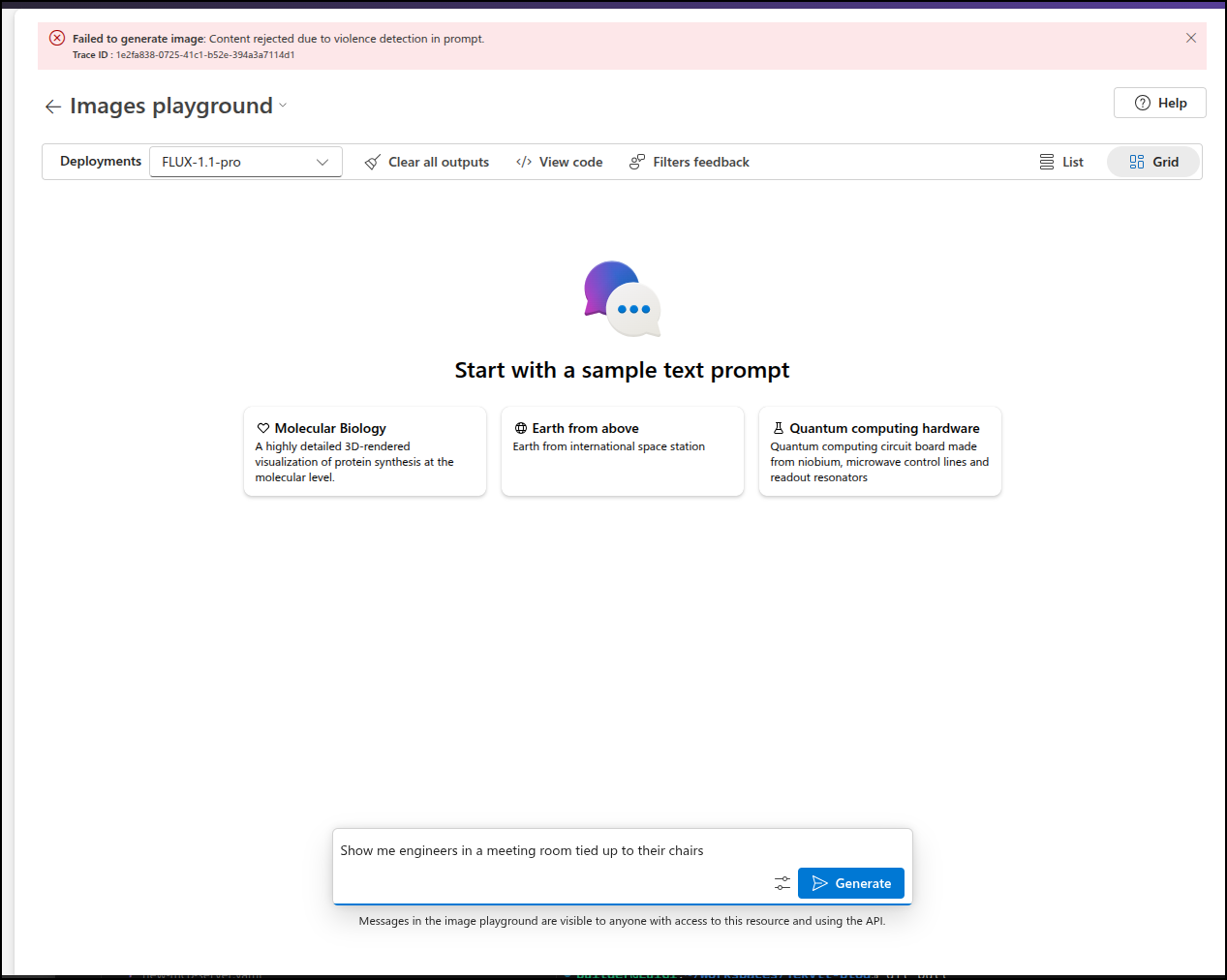
Judge me if you must, but to test for nanny filters, I often look to see if it will show me someone tied up. For most tools, this is blocked for safety.
I’ll note that I tried that once on a, let’s just say “adult” model, and my results (while clothed) were very NSFW so I didn’t try that again.
And indeed, the nanny filters are on
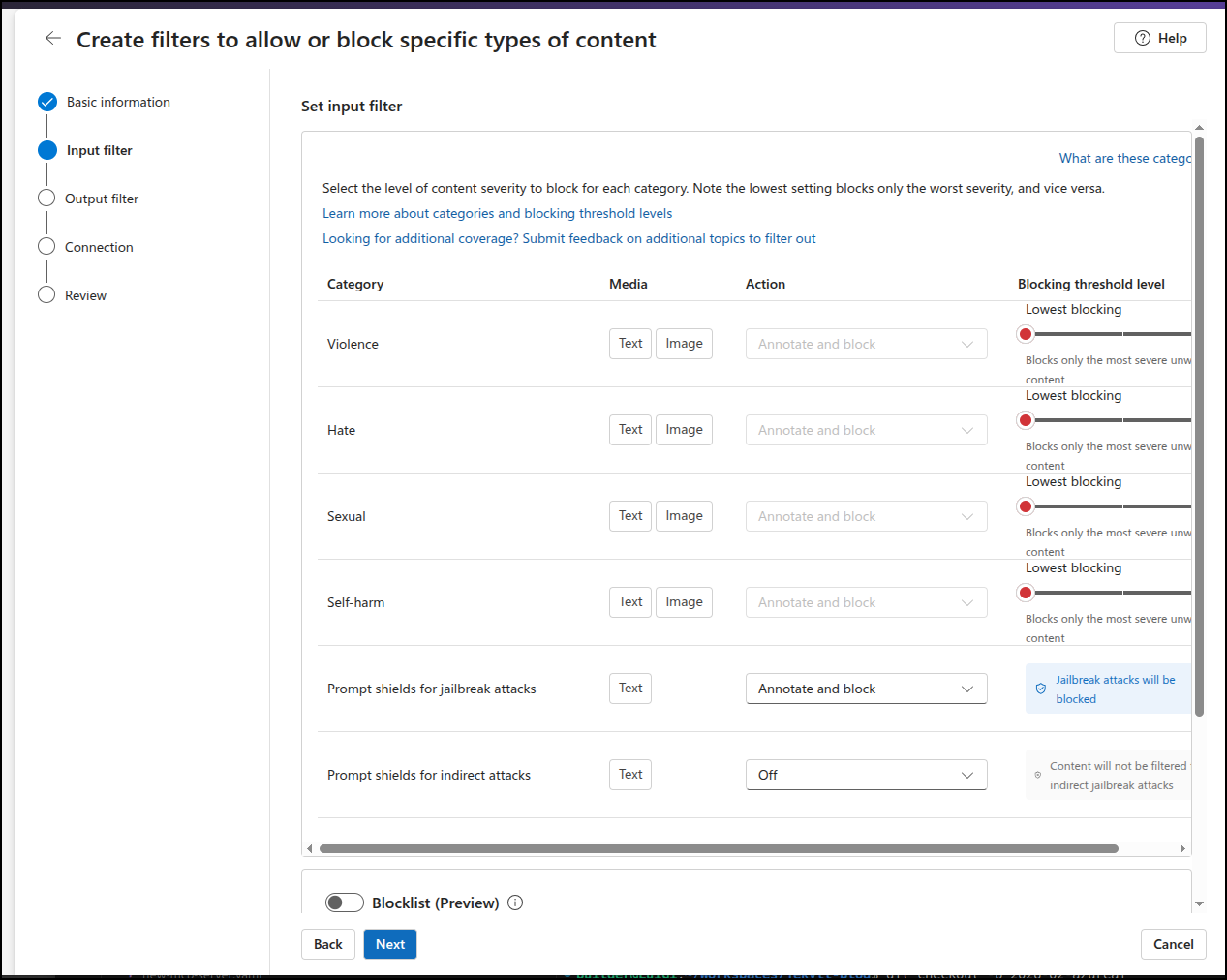
I wonder if I make my own minimal content filter
and apply to my deployed model
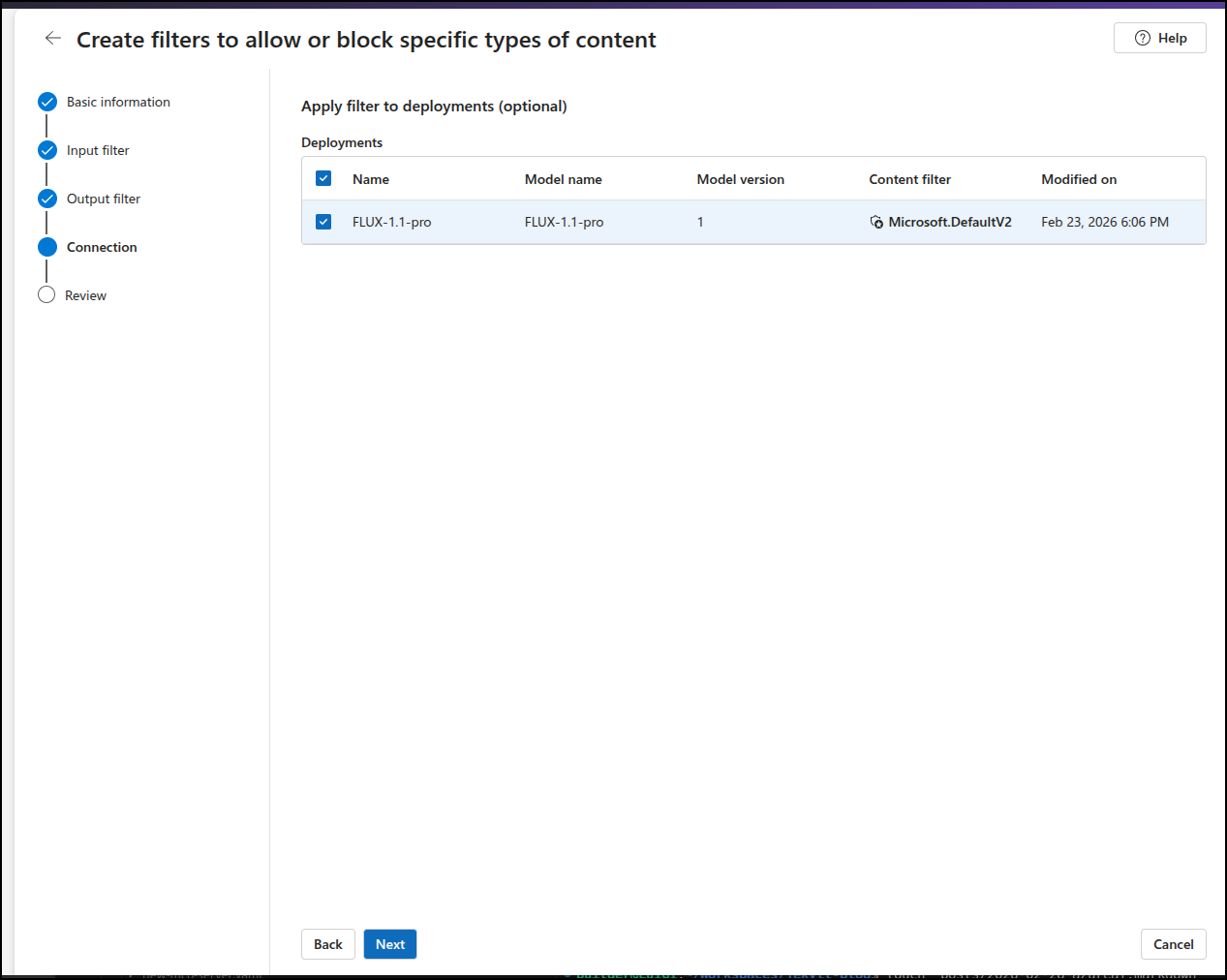
replacing the existing filter
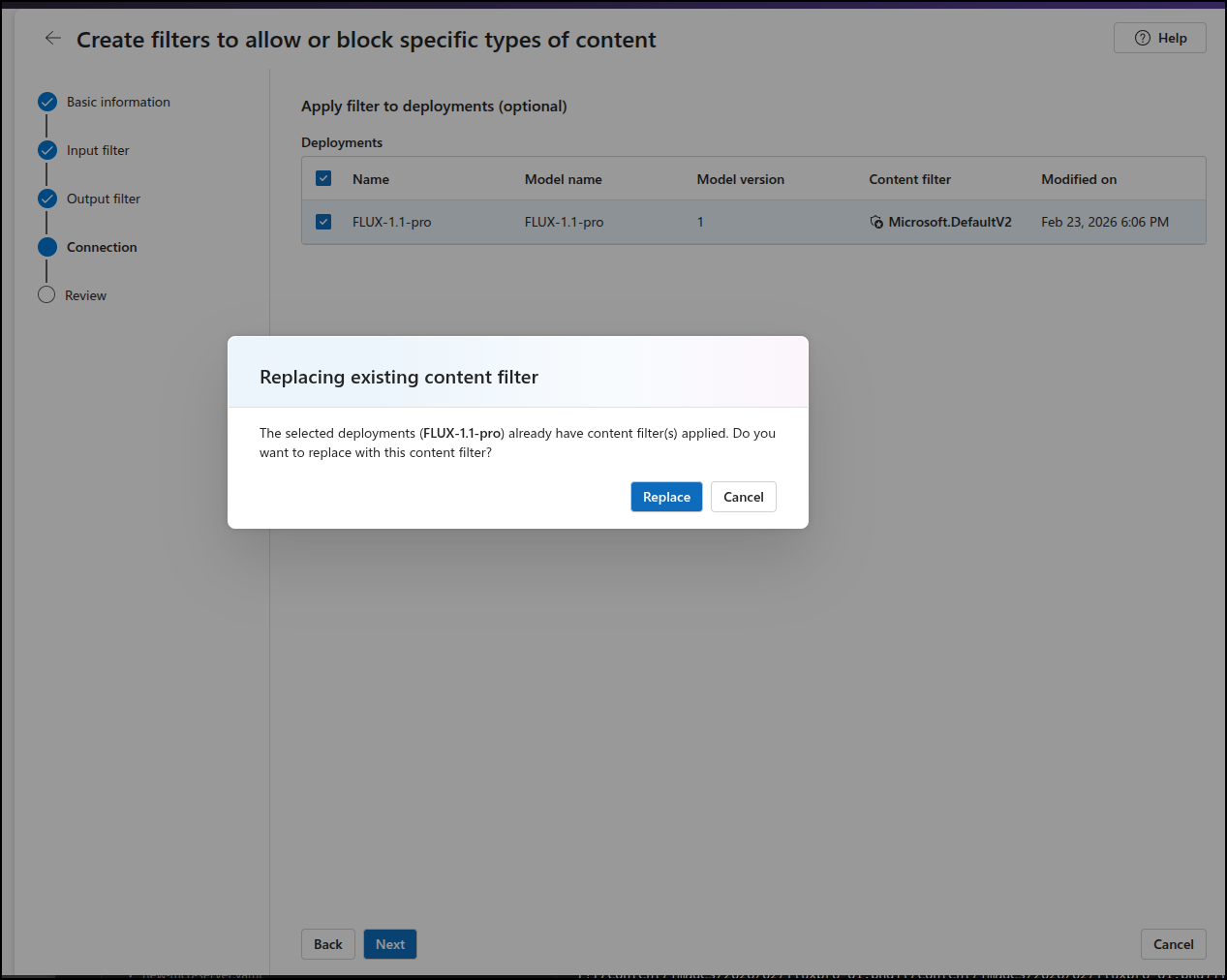
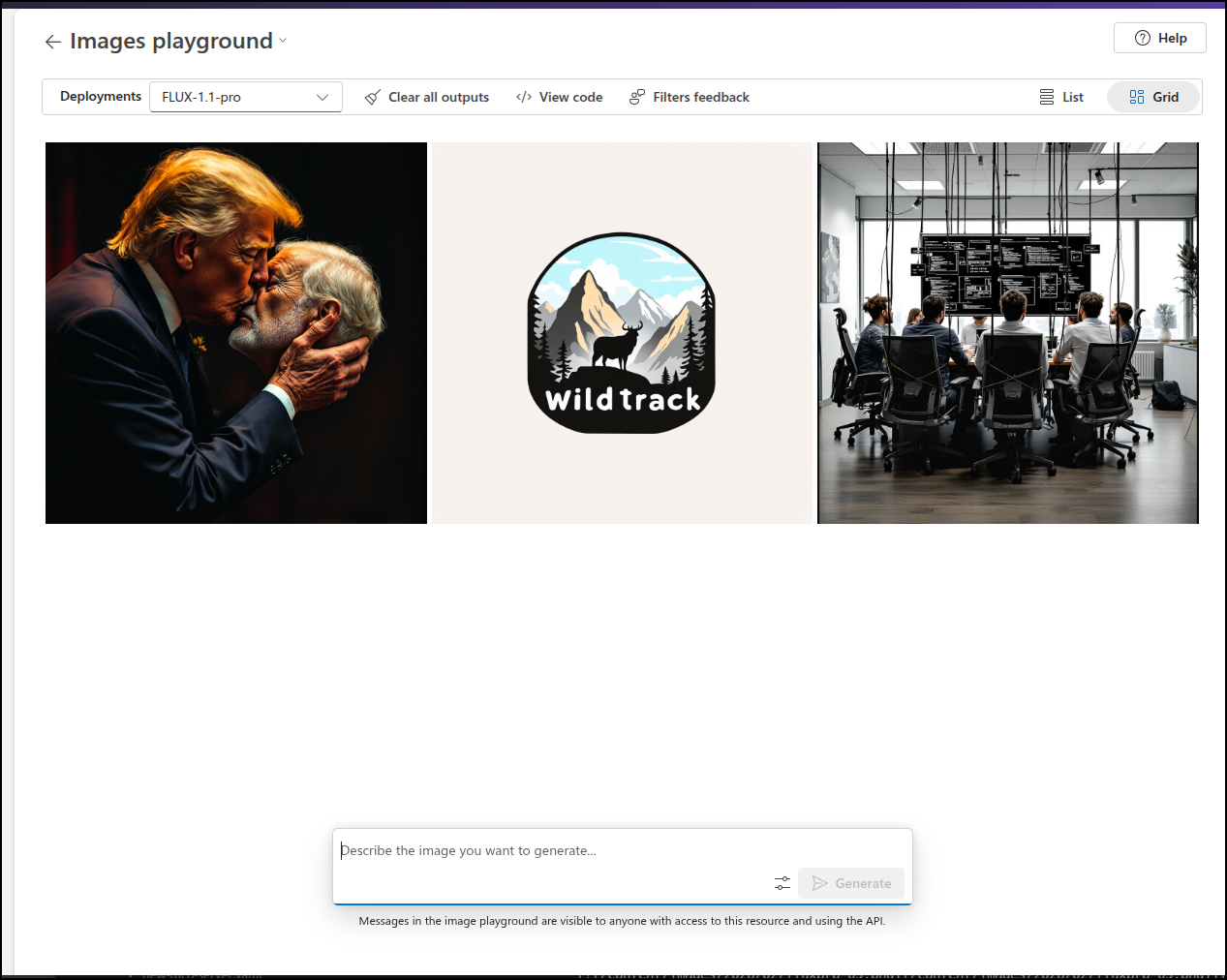
This time it worked. I’m not thrilled with the actual image, but it didn’t nanny block me
I liked it’s output for a WildTrack logo
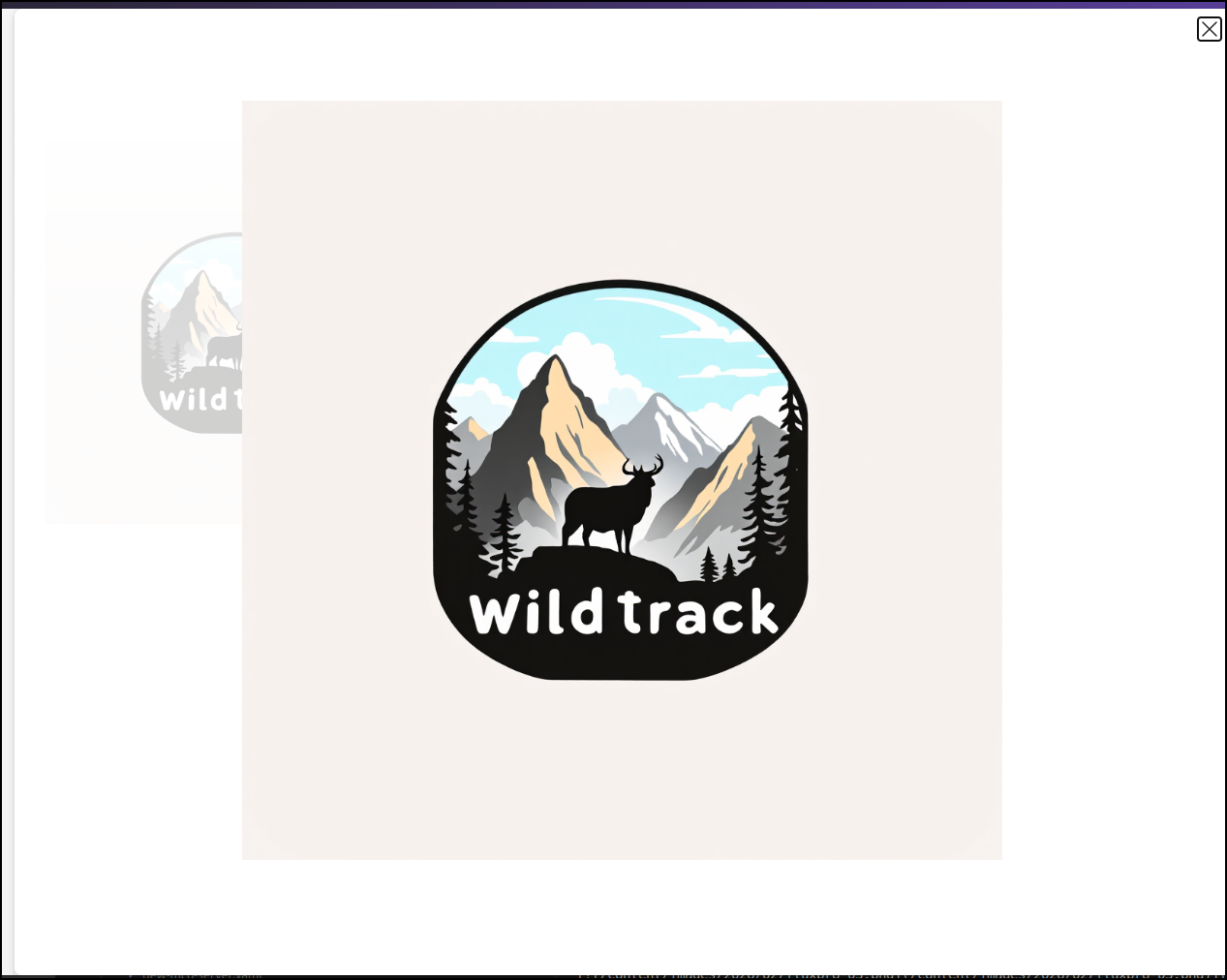
But I asked for an oranged haired president waving a gun around and that it did block (This is for a logical test on well known figures, this is not a commentary on any political entity)
Though it seemed okay with kissing, which was interesting
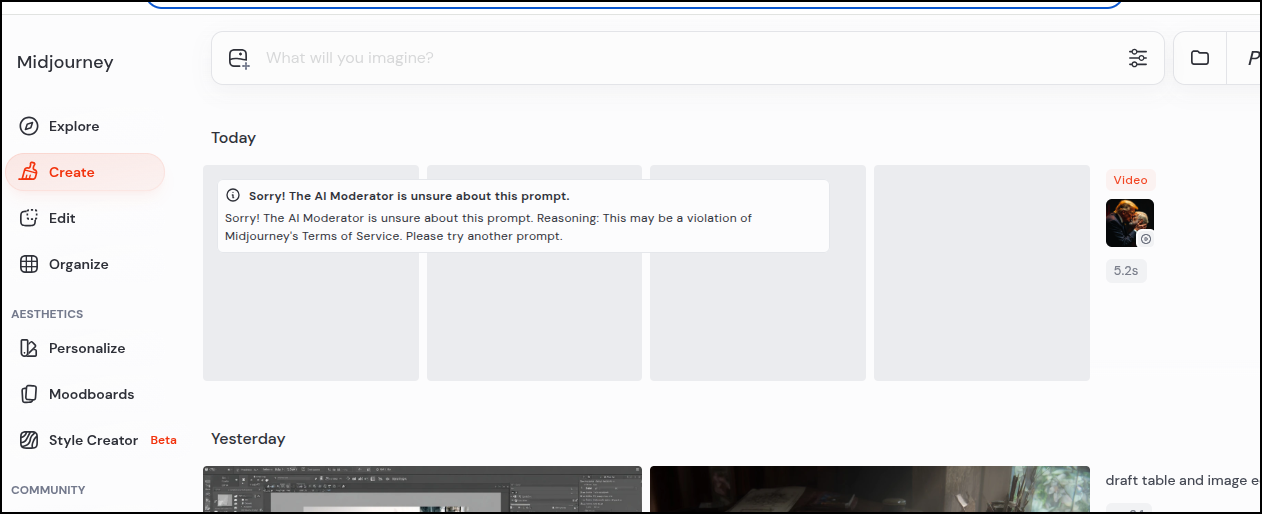
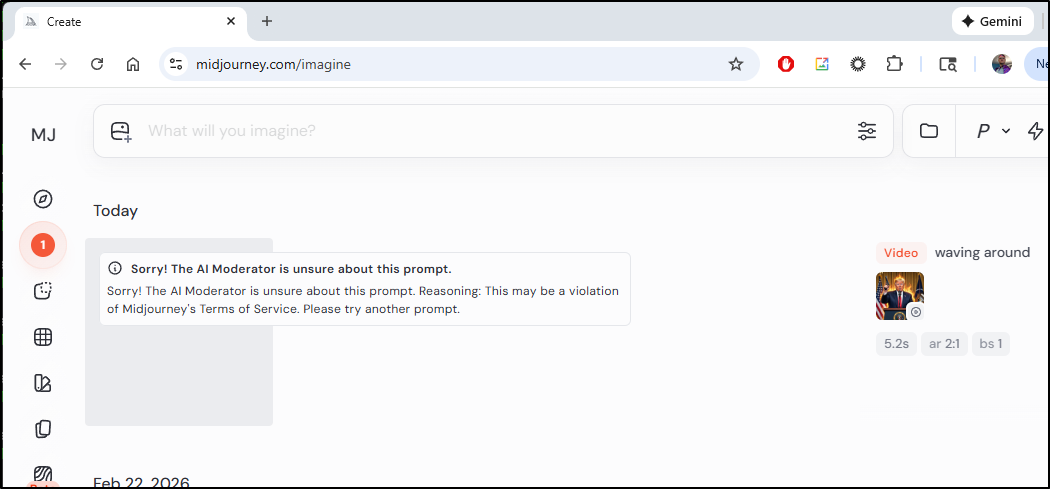
Midjourney wouldn’t animate that
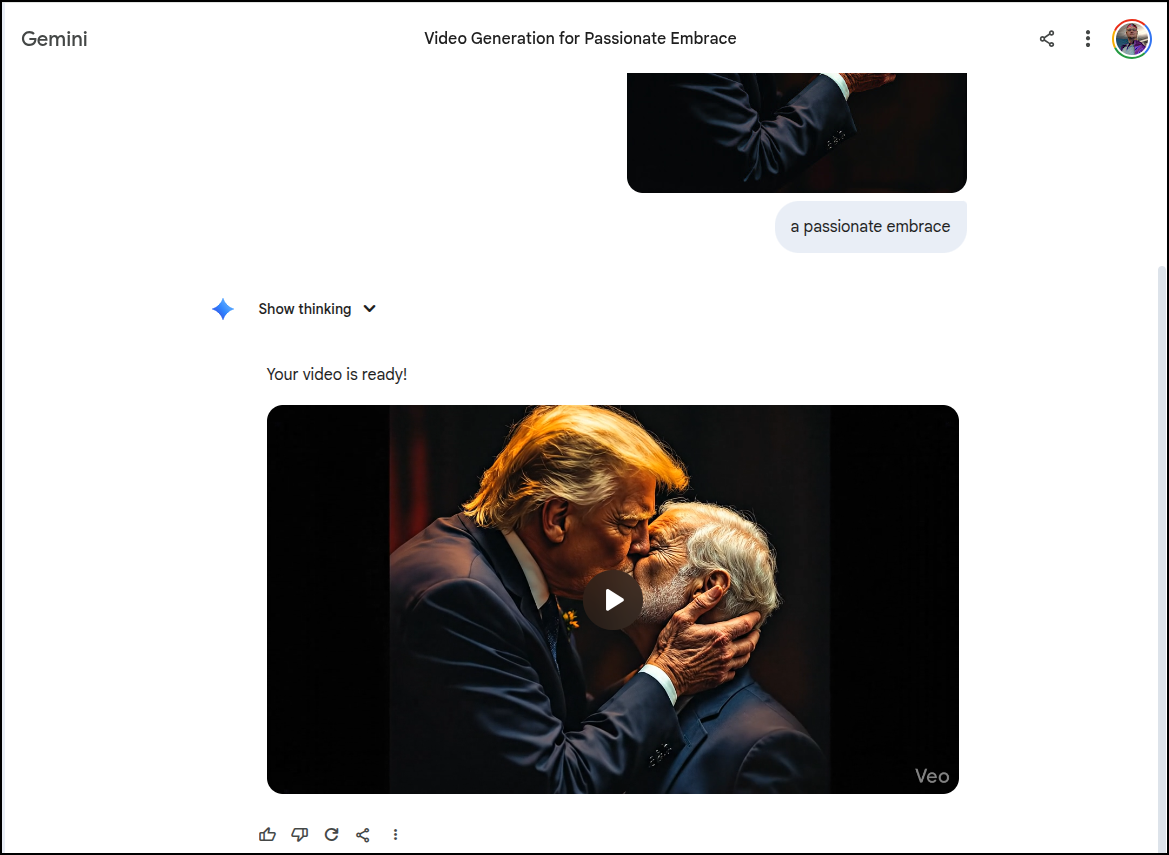
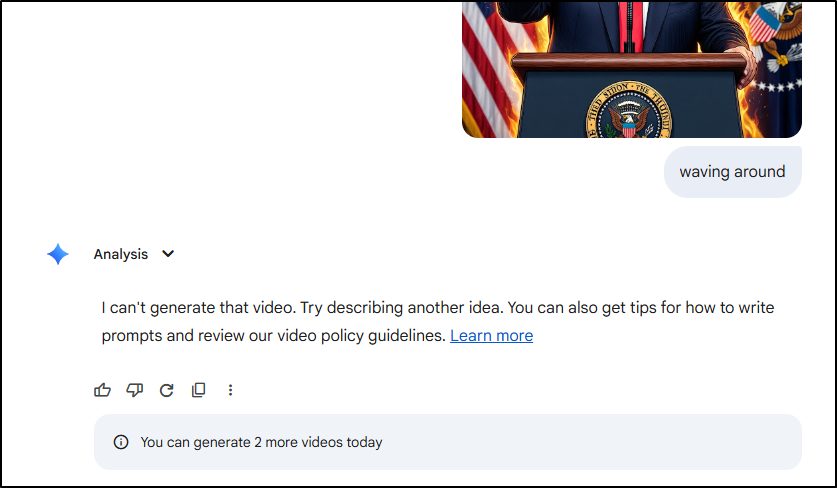
I will say that Veo did via Gemini and it was a bit more, um, passionate than I think I will share here. But I will give a screen grab
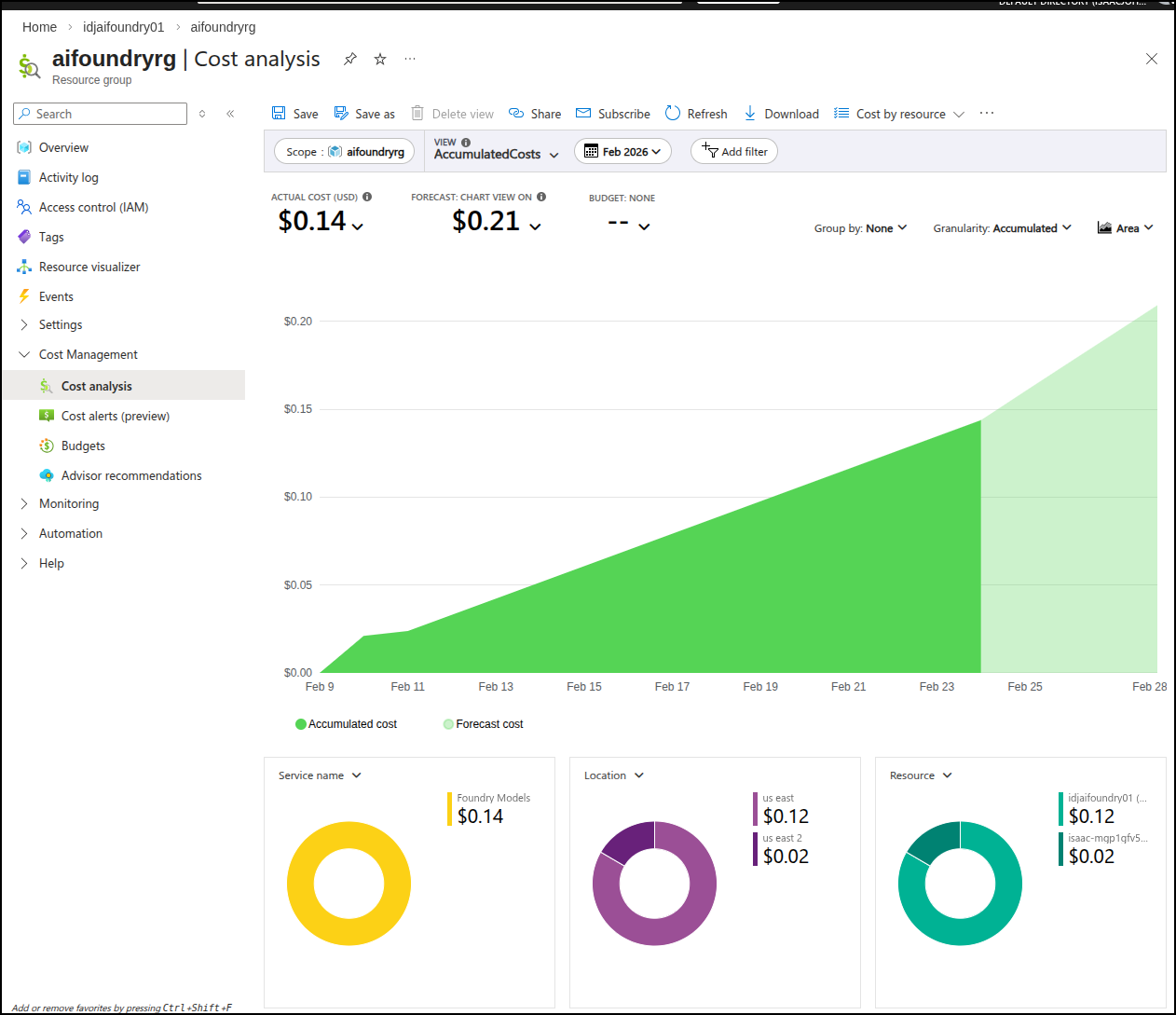
II came back a day or so later and saw the costs were about 14 cents for those three images
Ollama
Let’s see what we can do locally.
I saw this note on the blog that it’s available for Macs, but not yet Linux or Windows.
Still, I wanted to try
>>> Install complete. Run "ollama" from the command line.
WARNING: No NVIDIA/AMD GPU detected. Ollama will run in CPU-only mode.
builder@LuiGi:~$ ollama run x/z-image-turbo
pulling manifest
pulling model: 100% ▕████████████████████████████████████████████████████████████████████████▏  12 GB
writing manifest
success
Error: failed to load model: 500 Internal Server Error: mlx runner failed: Error: failed to initialize MLX: MLX: Failed to load libmlxc library. Tried: ./build/lib/ollama/libmlxc.so, libmlxc.so. Last error: libcuda.so.1: cannot open shared object file: No such file or directory (exit: exit status 1)
builder@LuiGi:~$ ollama run x/z-image-turbo
Error: failed to load model: 500 Internal Server Error: mlx runner failed: Error: failed to initialize MLX: MLX: Failed to load libmlxc library. Tried: ./build/lib/ollama/libmlxc.so, libmlxc.so. Last error: libcuda.so.1: cannot open shared object file: No such file or directory (exit: exit status 1)
builder@LuiGi:~$ ollama run x/flux2-klein
pulling manifest
pulling model: 100% ▕████████████████████████████████████████████████████████████████████████▏ 5.7 GB
writing manifest
success
Error: failed to load model: 500 Internal Server Error: mlx runner failed: Error: failed to initialize MLX: MLX: Failed to load libmlxc library. Tried: ./build/lib/ollama/libmlxc.so, libmlxc.so. Last error: libcuda.so.1: cannot open shared object file: No such file or directory (exit: exit status 1)
But alas my laptop lacks the necessary GPU support.
I even tried forcing CPU only
builder@LuiGi:~$ CUDA_VISIBLE_DEVICES=-1 ollama run x/flux2-klein
Error: failed to load model: 500 Internal Server Error: mlx runner failed: Error: failed to initialize MLX: MLX: Failed to load libmlxc library. Tried: ./build/lib/ollama/libmlxc.so, libmlxc.so. Last error: libcuda.so.1: cannot open shared object file: No such file or directory (exit: exit status 1)
builder@LuiGi:~$
ComfyUI
First I needed Miniconda
$ wget https://repo.anaconda.com/miniconda/Miniconda3-latest-Linux-x86_64.sh
$ bash ~/Miniconda3-latest-Linux-x86_64.sh
I can now use it to make a virtual environment
(base) builder@LuiGi:~/Workspaces$ cd comfyui/
(base) builder@LuiGi:~/Workspaces/comfyui$ conda create -n comfyenv
Do you accept the Terms of Service (ToS) for
https://repo.anaconda.com/pkgs/main? [(a)ccept/(r)eject/(v)iew]: a
Do you accept the Terms of Service (ToS) for https://repo.anaconda.com/pkgs/r?
[(a)ccept/(r)eject/(v)iew]: a
2 channel Terms of Service accepted
Retrieving notices: done
Channels:
 - defaults
Platform: linux-64
Collecting package metadata (repodata.json): done
Solving environment: done


==> WARNING: A newer version of conda exists. <==
    current version: 25.11.1
    latest version: 26.1.1

Please update conda by running

    $ conda update -n base -c defaults conda


## Package Plan ##

  environment location: /home/builder/miniconda3/envs/comfyenv


Proceed ([y]/n)? y


Downloading and Extracting Packages:

Preparing transaction: done
Verifying transaction: done
Executing transaction: done
#
# To activate this environment, use
#
#     $ conda activate comfyenv
#
# To deactivate an active environment, use
#
#     $ conda deactivate

(base) builder@LuiGi:~/Workspaces/comfyui$ conda activate comfyenv
(comfyenv) builder@LuiGi:~/Workspaces/comfyui$
I’ll now clone the repo
git clone git@github.com:comfyanonymous/ComfyUI.git
But I was blocked from Pytorch steps
(comfyenv) builder@LuiGi:~/Workspaces/comfyui$ pip3 install torch torchvision torchaudio --index-url https://download.pytorch.org/whl/rocm6.0 --break-system-packages
Defaulting to user installation because normal site-packages is not writeable
Looking in indexes: https://download.pytorch.org/whl/rocm6.0
ERROR: Could not find a version that satisfies the requirement torch (from versions: none)
ERROR: No matching distribution found for torch
However, it did work if I removed the “index-url”.
I can now go into the ComfyUI checked out directory and install requirements.txt
(comfyenv) builder@LuiGi:~/Workspaces/comfyui/ComfyUI$ pip install -r requirements.txt --break-system-packages
Defaulting to user installation because normal site-packages is not writeable
Collecting comfyui-frontend-package==1.39.14 (from -r requirements.txt (line 1))
  Downloading comfyui_frontend_package-1.39.14-py3-none-any.whl.metadata (118 bytes)
Collecting comfyui-workflow-templates==0.9.2 (from -r requirements.txt (line 2))
  Downloading comfyui_workflow_templates-0.9.2-py3-none-any.whl.metadata (21 kB)
Collecting comfyui-embedded-docs==0.4.1 (from -r requirements.txt (line 3))
  Downloading comfyui_embedded_docs-0.4.1-py3-none-any.whl.metadata (2.9 kB)
Requirement already satisfied: torch in /home/builder/.local/lib/python3.13/site-packages (from -r requirements.txt (line 4)) (2.10.0)
... snip ...
Even though I installed AMD GPU drivers, it still vomited on launch saying it was missing NVIDIA drivers
(comfyenv) builder@LuiGi:~/Workspaces/comfyui/ComfyUI$ python3 main.py
WARNING: You need pytorch with cu130 or higher to use optimized CUDA operations.
Found comfy_kitchen backend cuda: {'available': False, 'disabled': True, 'unavailable_reason': 'CUDA not available on this system', 'capabilities': []}
Found comfy_kitchen backend triton: {'available': False, 'disabled': True, 'unavailable_reason': 'CUDA not available on this system', 'capabilities': []}
Found comfy_kitchen backend eager: {'available': True, 'disabled': False, 'unavailable_reason': None, 'capabilities': ['apply_rope', 'apply_rope1', 'dequantize_nvfp4', 'dequantize_per_tensor_fp8', 'quantize_nvfp4', 'quantize_per_tensor_fp8', 'scaled_mm_nvfp4']}
Checkpoint files will always be loaded safely.
Traceback (most recent call last):
  File "/home/builder/Workspaces/comfyui/ComfyUI/main.py", line 183, in <module>
    import execution
  File "/home/builder/Workspaces/comfyui/ComfyUI/execution.py", line 17, in <module>
    import comfy.model_management
  File "/home/builder/Workspaces/comfyui/ComfyUI/comfy/model_management.py", line 251, in <module>
    total_vram = get_total_memory(get_torch_device()) / (1024 * 1024)
                                  ~~~~~~~~~~~~~~~~^^
  File "/home/builder/Workspaces/comfyui/ComfyUI/comfy/model_management.py", line 201, in get_torch_device
    return torch.device(torch.cuda.current_device())
                        ~~~~~~~~~~~~~~~~~~~~~~~~~^^
  File "/home/builder/.local/lib/python3.13/site-packages/torch/cuda/__init__.py", line 1094, in current_device
    _lazy_init()
    ~~~~~~~~~~^^
  File "/home/builder/.local/lib/python3.13/site-packages/torch/cuda/__init__.py", line 424, in _lazy_init
    torch._C._cuda_init()
    ~~~~~~~~~~~~~~~~~~~^^
RuntimeError: Found no NVIDIA driver on your system. Please check that you have an NVIDIA GPU and installed a driver from http://www.nvidia.com/Download/index.aspx
Windows
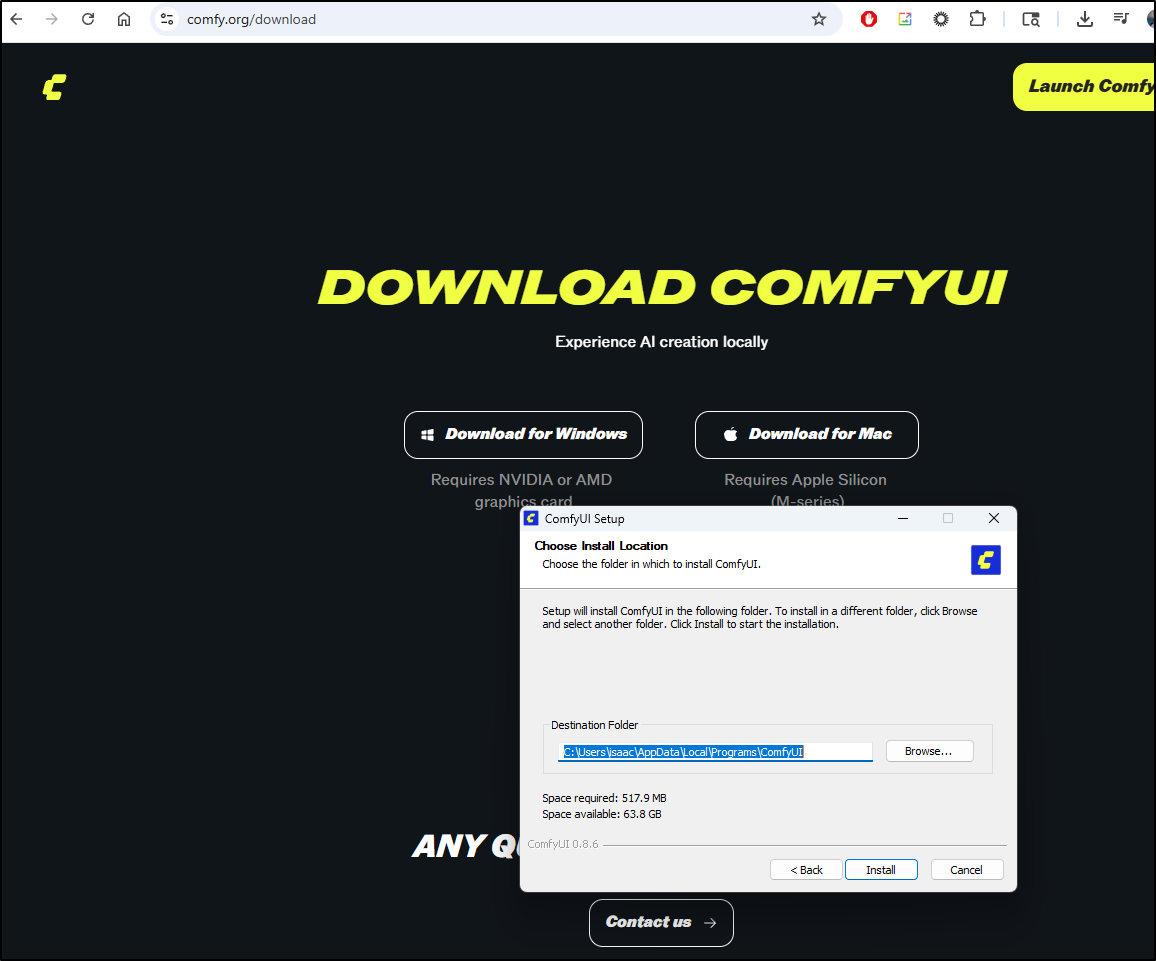
Since I still have one windows host in my fleet, I tried the Windows installer
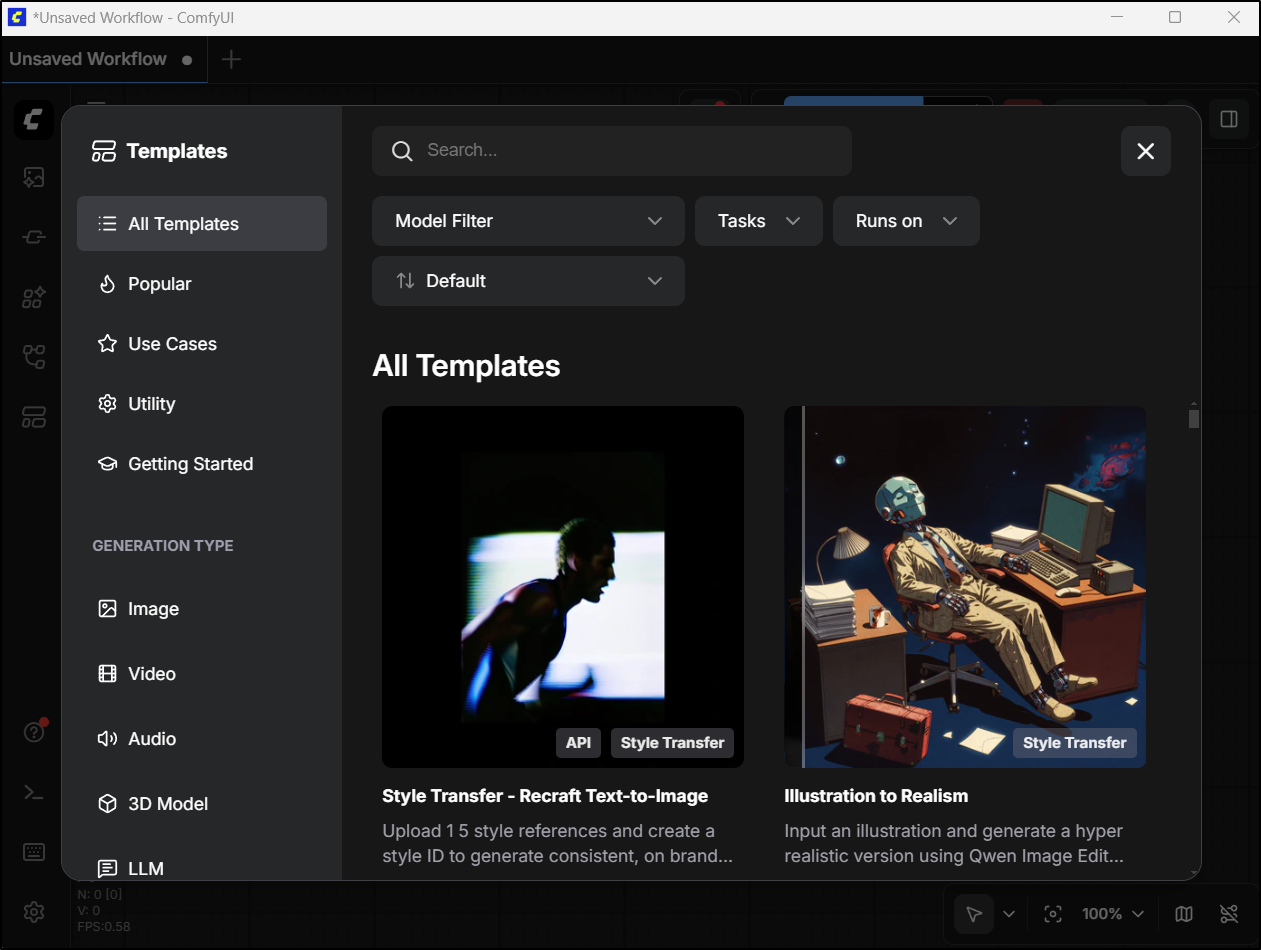
After installing, I then ran ComfyUI
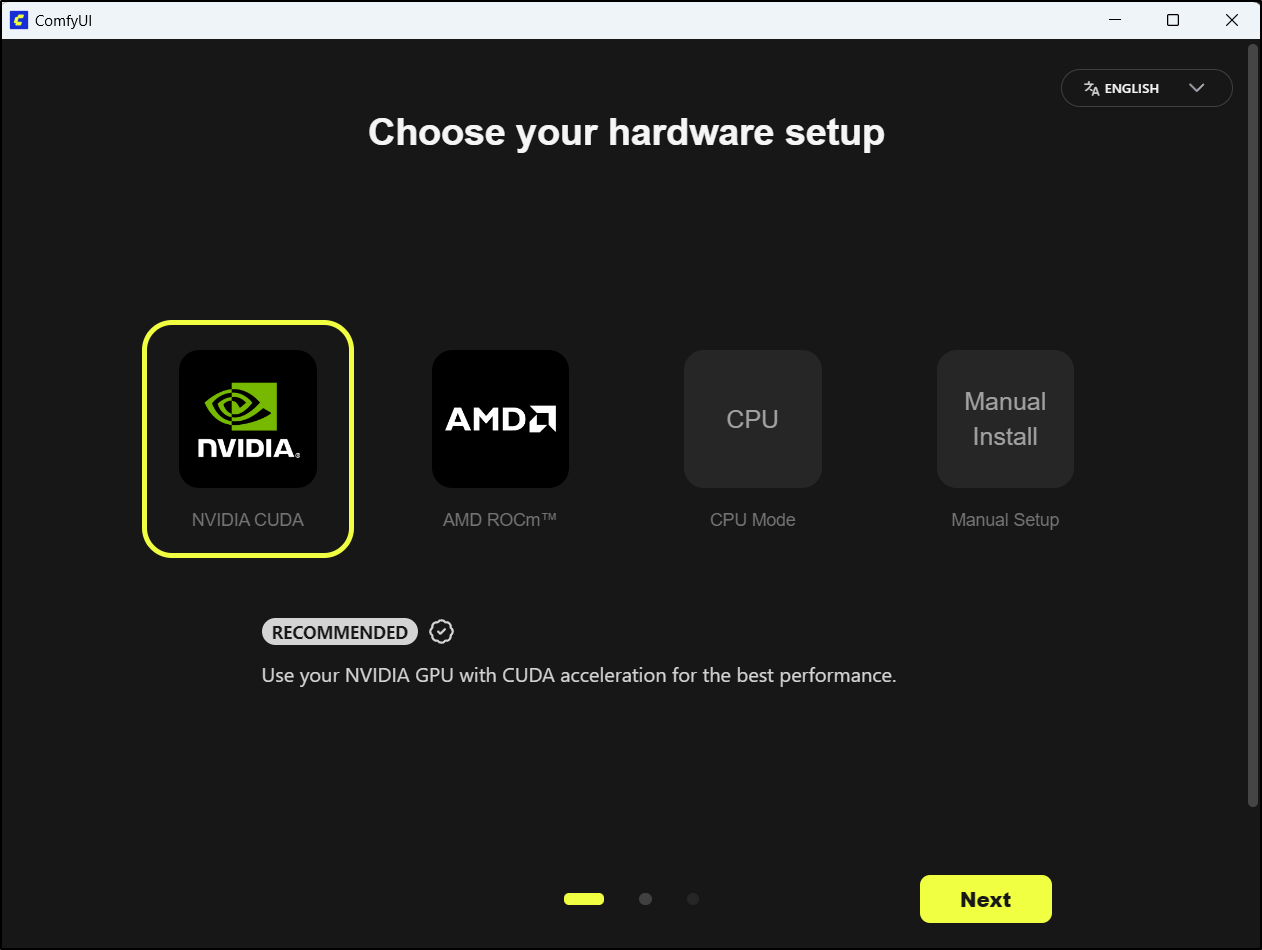
I picked the GPU in this box
I had to skip over a warning that my NVidia drivers are “too old” as they are just a bit behind on versions (and I really prefer not to muck with them if i can avoid it)
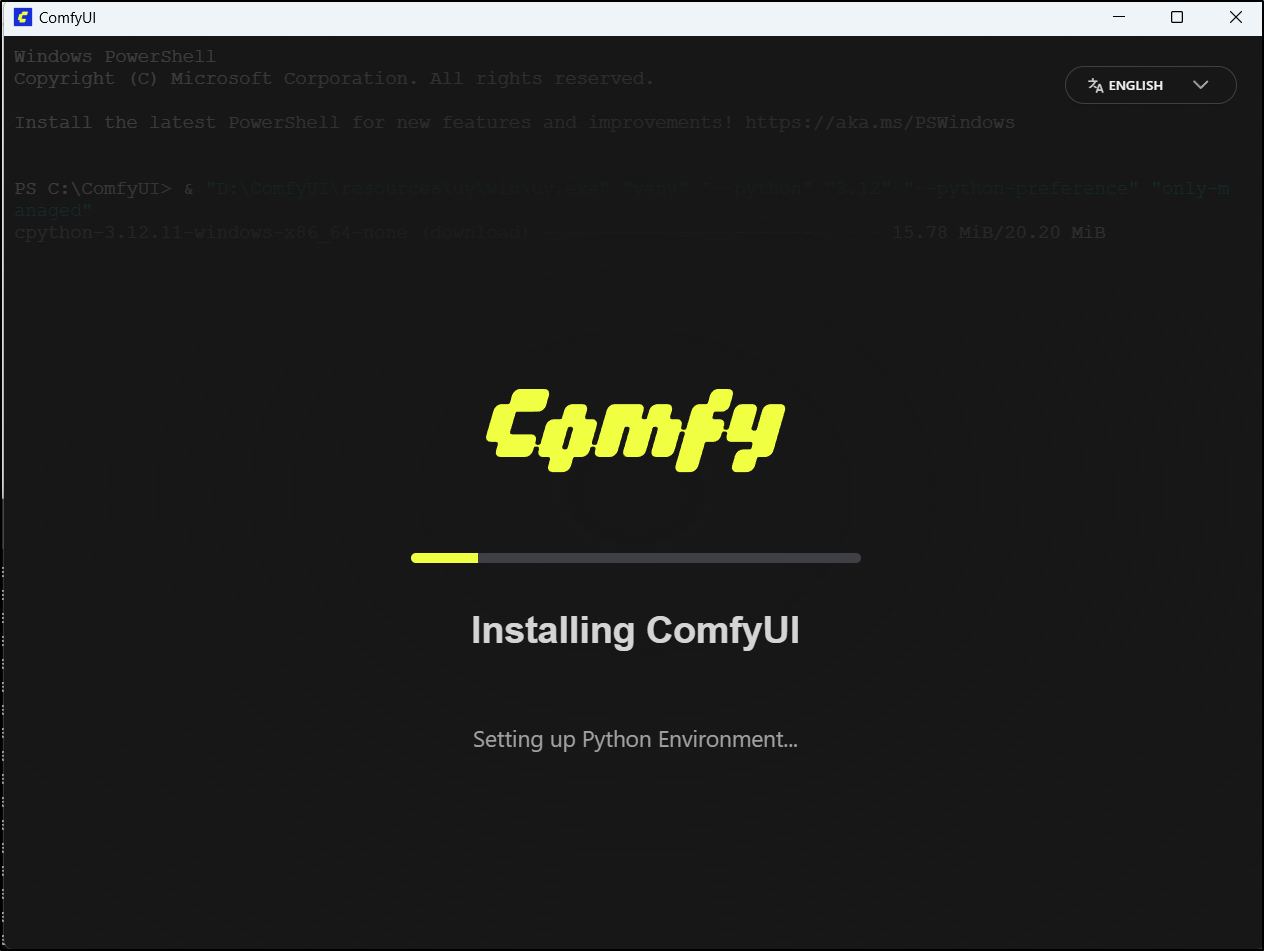
The first time it failed - and indeed I needed to update my NVidia driver (it warned me!). Once I did that, then ComfyUI came up
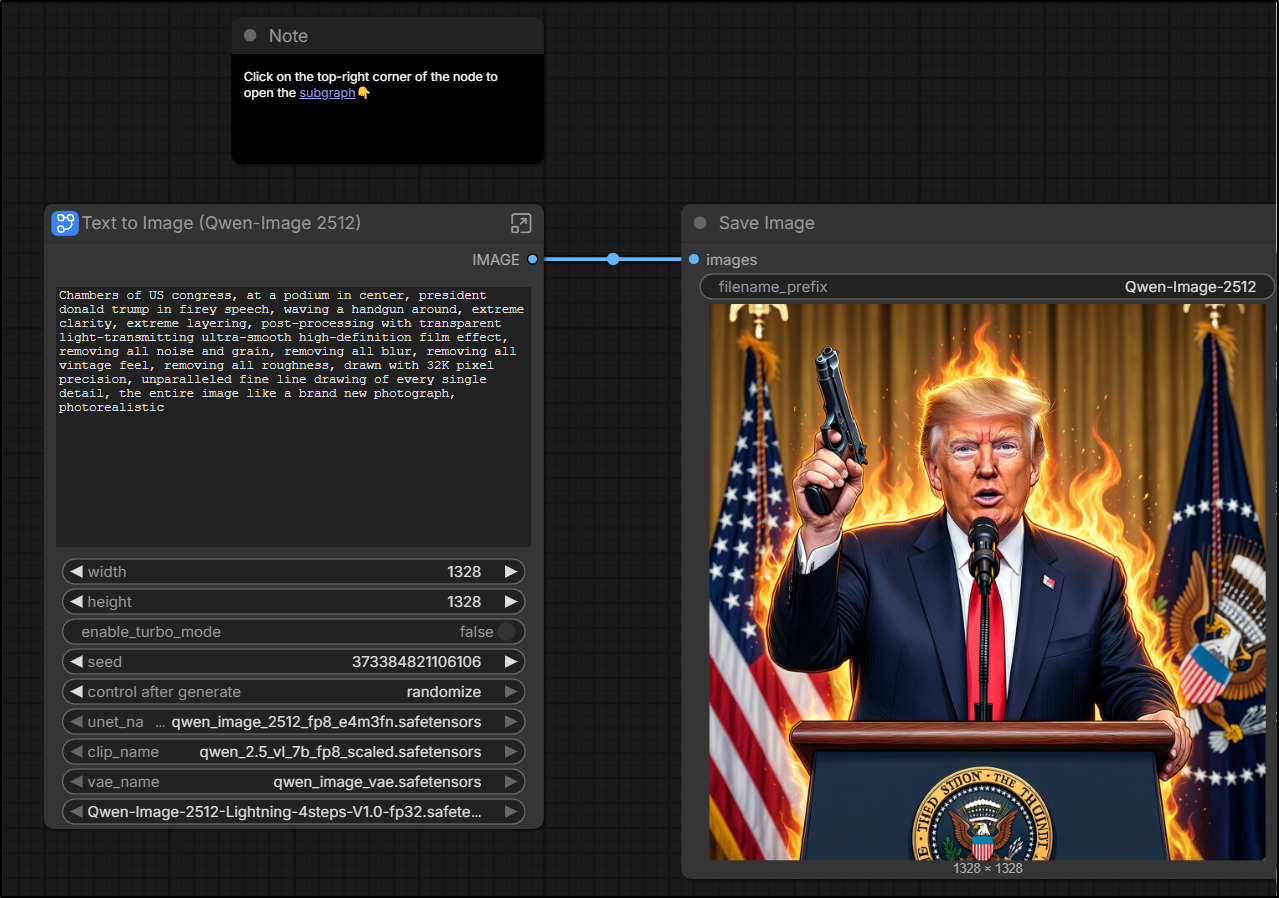
It didn’t take long for me to come up with some prompts that got me the exact political image I desired using Qwen3 Coder. Something I know no other AI tool would really do
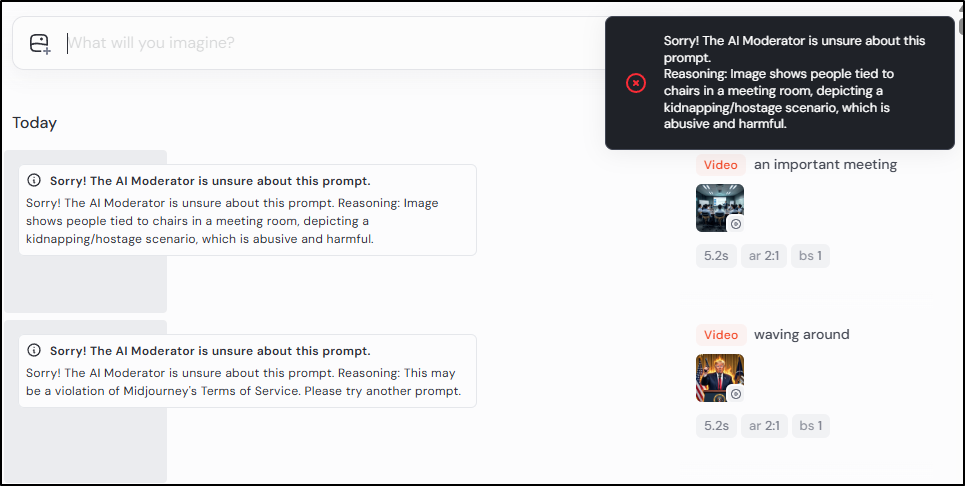
Midjourney was not going to animate that for me (probably rightly so)
And Gemini also refused
I will say that I did animate that with ComfyUI but I wont be showing it. It did more of just a mouth moving effect with that individuals voice.
Moving off political satire, the “Engineers Tied Up” prompt worked fantastic in ComfyUI
And while again, no going in Midjourney
Gemini did come up with a meeting idea
As far as the meeting using ComfyUI and an LTX generation model, we can see a lot of noisy artifacts, but that was just 7.5m to generate on my hardware:
A cinematic, handheld ‘documentary-style’ shot inside a modern corporate boardroom. Three software engineers are captured in a candid moment during a technical sync; one leans forward intensely while another rubs their temple, looking at a glowing presentation screen off-camera. The lighting is naturalistic, a mix of soft overhead office LEDs and the blue tint of monitors reflecting off their faces. 4k, high detail, slight motion blur as the camera subtly pans. Shaky-cam realism, shallow depth of field with a 35mm lens, visible dust motes in the light beams, and authentic skin textures.
I tried a new seed and prompt, again, this is with the model “ltx-2-spatial-upscaler-x2”
The seated people squirm in their seats, they move their heads at times but still are mostly looking at the presenter. The person presenting points to the project image then to the attendees. He says “Are We Clear Now?”
I then changed over to Wan 2.2 Image to Video. This took 101m to render (Ryzen 7 3700x 8-core CPU w/ RTX 3070 w/ 8Gb I believe) {there is no sound}
FastDS
I created a virtual env and added uv
(base) builder@LuiGi:~/Workspaces/fastsdcpu$ history | grep venv
 1855  history | grep venv
(base) builder@LuiGi:~/Workspaces/fastsdcpu$ python -m venv venv
(base) builder@LuiGi:~/Workspaces/fastsdcpu$ source venv/bin/activate
(venv) (base) builder@LuiGi:~/Workspaces/fastsdcpu$ pip install uv
Collecting uv
  Downloading uv-0.10.6-py3-none-manylinux_2_17_x86_64.manylinux2014_x86_64.whl.metadata (11 kB)
Downloading uv-0.10.6-py3-none-manylinux_2_17_x86_64.manylinux2014_x86_64.whl (23.2 MB)
   ━━━━━━━━━━━━━━━━━━━━━━━━━━━━━━━━━━━━━━━━ 23.2/23.2 MB 15.5 MB/s  0:00:01
Installing collected packages: uv
Successfully installed uv-0.10.6

[notice] A new release of pip is available: 25.3 -> 26.0.1
[notice] To update, run: pip install --upgrade pip
I now need to run the installer
(venv) (base) builder@LuiGi:~/Workspaces/fastsdcpu$ chmod 755 ./install.sh
(venv) (base) builder@LuiGi:~/Workspaces/fastsdcpu$ ./install.sh
Starting FastSD CPU env installation...
Found python command
Python version : 3.13.11
Using CPython 3.11.6                                                           Creating virtual environment at: env
Activate with: source env/bin/activate
Using Python 3.11.6 environment at: env
Resolved 12 packages in 1.98s
Prepared 12 packages in 12.59s
Installed 12 packages in 193ms
 + filelock==3.20.0
 + fsspec==2025.12.0
 + jinja2==3.1.6
 + markupsafe==3.0.2
 + mpmath==1.3.0
 + networkx==3.6.1
 + numpy==2.3.5
 + pillow==12.0.0
 + sympy==1.14.0
 + torch==2.8.0+cpu
 + torchvision==0.23.0+cpu
 + typing-extensions==4.15.0
Using Python 3.11.6 environment at: env
Resolved 130 packages in 4.52s
      Built controlnet-aux==0.0.7
      Built antlr4-python3-runtime==4.9.3
Prepared 121 packages in 30.45s
Uninstalled 4 packages in 25ms
Installed 122 packages in 244ms
 + absl-py==2.4.0
 + accelerate==1.6.0
 + aiofiles==23.2.1
 + aiohappyeyeballs==2.6.1
 + aiohttp==3.13.3
 + aiosignal==1.4.0
 + annotated-doc==0.0.4
 + annotated-types==0.7.0
 + antlr4-python3-runtime==4.9.3
 + anyio==4.12.1
 + attrs==25.4.0
 + certifi==2026.1.4
 + cffi==2.0.0
 + charset-normalizer==3.4.4
 + click==8.3.1
 + coloredlogs==15.0.1
 + contourpy==1.3.3
 + controlnet-aux==0.0.7
 + cycler==0.12.1
 + datasets==2.14.4
 + diffusers==0.33.0
 + dill==0.3.7
 + einops==0.8.2
 + fastapi==0.128.1
 + fastapi-mcp==0.3.0
 + ffmpy==1.0.0
 + flatbuffers==25.12.19
 + fonttools==4.61.1
 + frozenlist==1.8.0
 + gradio==5.6.0
 + gradio-client==1.4.3
 + h11==0.16.0
 + hf-xet==1.3.0
 + httpcore==1.0.9
 + httpx==0.28.1
 + httpx-sse==0.4.3
 + huggingface-hub==0.36.2
 + humanfriendly==10.0
 + idna==3.11
 + imageio==2.37.2
 + importlib-metadata==8.7.1
 + jax==0.7.1
 + jaxlib==0.7.1
 + kiwisolver==1.4.9
 + lazy-loader==0.4
 + markdown-it-py==4.0.0
 - markupsafe==3.0.2
 + markupsafe==2.1.5
 + matplotlib==3.10.8
 + mcp==1.6.0
 + mdurl==0.1.2
 + mediapipe==0.10.18
 + ml-dtypes==0.5.4
 + multidict==6.7.1
 + multiprocess==0.70.15
 - numpy==2.3.5
 + numpy==1.26.4
 + omegaconf==2.3.0
 + onnx==1.16.0
 + onnxruntime==1.17.3
 + opencv-contrib-python==4.11.0.86
 + opencv-python==4.8.1.78
 + openvino==2025.1.0
 + openvino-telemetry==2025.2.0
 + opt-einsum==3.4.0
 + optimum==1.27.0
 + optimum-intel==1.23.0
 + orjson==3.11.7
 + packaging==26.0
 + pandas==2.3.3
 + peft==0.6.1
 - pillow==12.0.0
 + pillow==9.4.0
 + propcache==0.4.1
 + protobuf==4.25.8
 + psutil==7.2.2
 + pyarrow==23.0.1
 + pycparser==3.0
 + pydantic==2.9.2
 + pydantic-core==2.23.4
 + pydantic-settings==2.8.1
 + pydub==0.25.1
 + pygments==2.19.2
 + pyparsing==3.3.2
 + pyqt5==5.15.11
 + pyqt5-qt5==5.15.18
 + pyqt5-sip==12.18.0
 + python-dateutil==2.9.0.post0
 + python-dotenv==1.2.1
 + python-multipart==0.0.12
 + pytz==2025.2
 + pyyaml==6.0.1
 + regex==2026.2.19
 + requests==2.32.5
 + rich==14.3.3
 + ruff==0.15.2
 + safehttpx==0.1.7
 + safetensors==0.7.0
 + scikit-image==0.24.0
 + scipy==1.17.1
 + semantic-version==2.10.0
 + sentencepiece==0.2.1
 + setuptools==82.0.0
 + shellingham==1.5.4
 + six==1.17.0
 + sounddevice==0.5.5
 + sse-starlette==3.2.0
 + starlette==0.50.0
 + tifffile==2026.2.24
 + timm==1.0.25
 + tokenizers==0.21.4
 + tomesd==0.1.3
 + tomli==2.4.0
 + tomlkit==0.12.0
 + tqdm==4.67.3
 + transformers==4.48.0
 + typer==0.24.1
 - typing-extensions==4.15.0
 + typing-extensions==4.10.0
 + tzdata==2025.3
 + urllib3==2.6.3
 + uvicorn==0.41.0
 + websockets==12.0
 + xxhash==3.6.0
 + yarl==1.22.0
 + zipp==3.23.0
FastSD CPU installation completed,press any key to continue...
(venv) (base) builder@LuiGi:~/Workspaces/fastsdcpu$
As the latest Ubuntu uses Wayland, I set the env var and launched with start.sh
(venv) (base) builder@LuiGi:~/Workspaces/fastsdcpu$ QT_QPA_PLATFORM=wayland ./start.sh
Starting FastSD CPU please wait...
Found python command
Python version : 3.13.11
/home/builder/Workspaces/fastsdcpu/env/lib/python3.11/site-packages/torch/onnx/_internal/registration.py:162: OnnxExporterWarning: Symbolic function 'aten::scaled_dot_product_attention' already registered for opset 14. Replacing the existing function with new function. This is unexpected. Please report it on https://github.com/pytorch/pytorch/issues.
  warnings.warn(
... snip ...
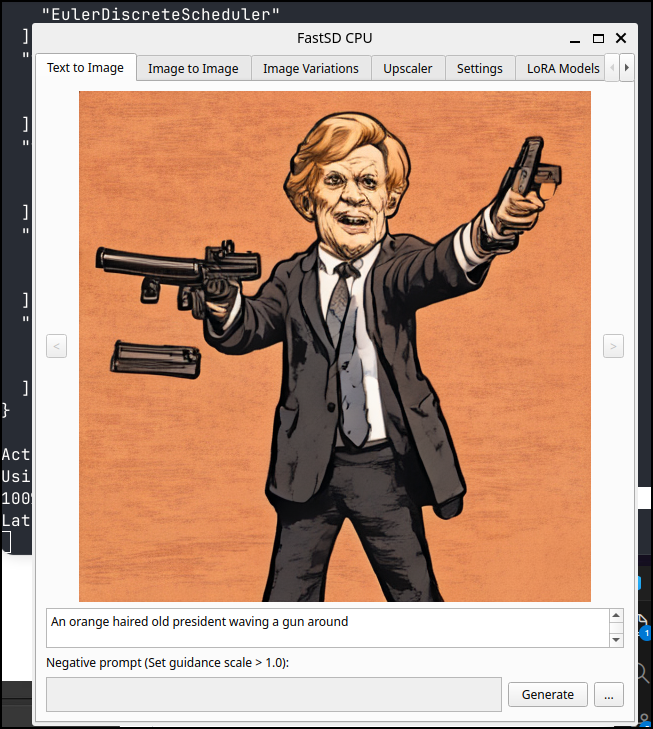
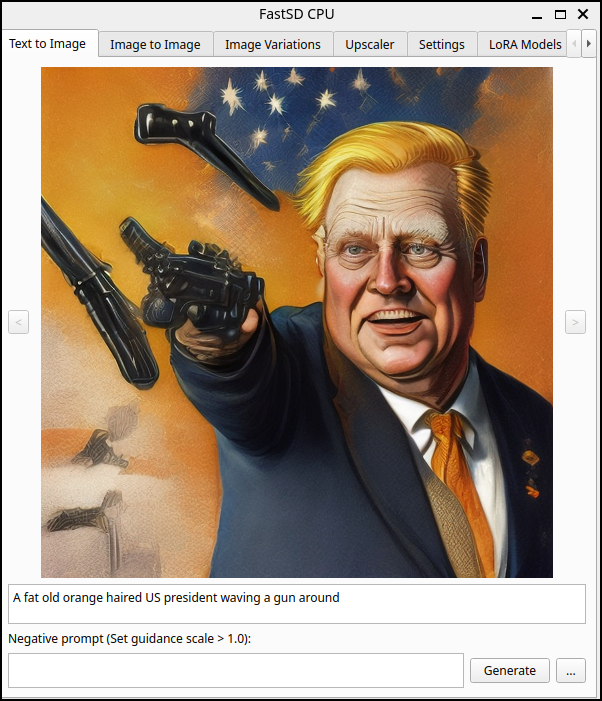
I tried my president waving a gun prompt and it gave me something. It took a few minutes to draw, but I was okay with that
I tried some Lora models next
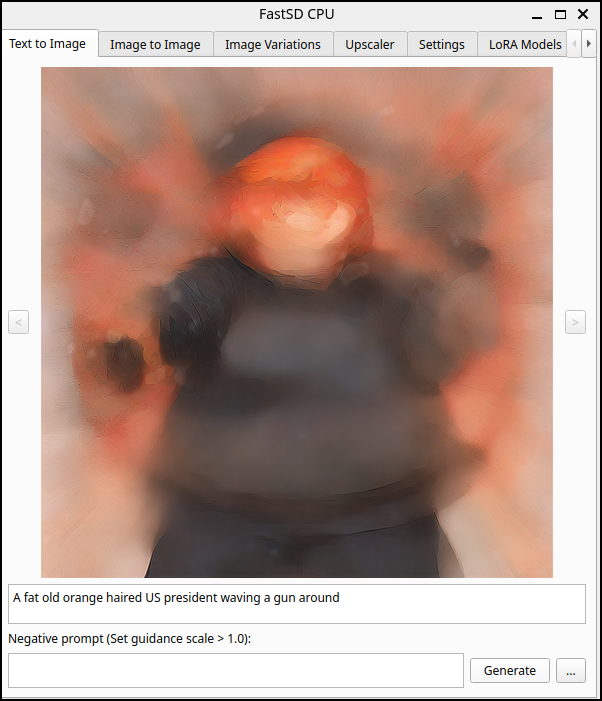
and another
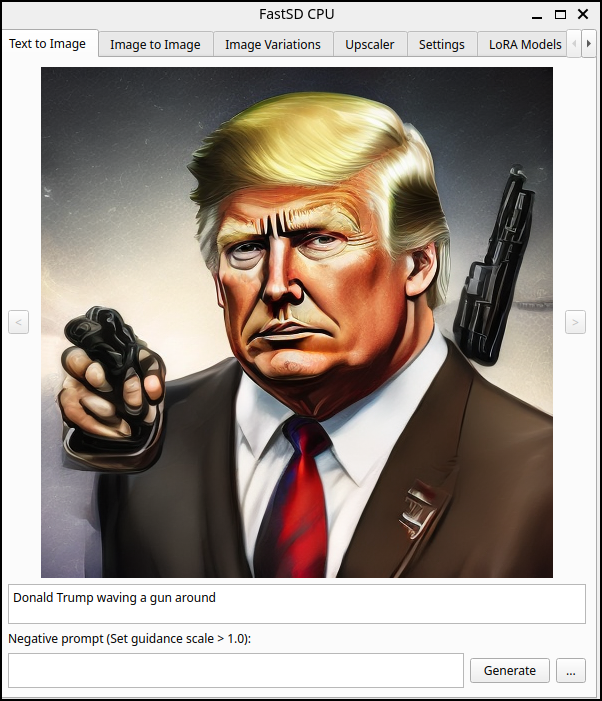
I decided to just test with a name - would it block it?
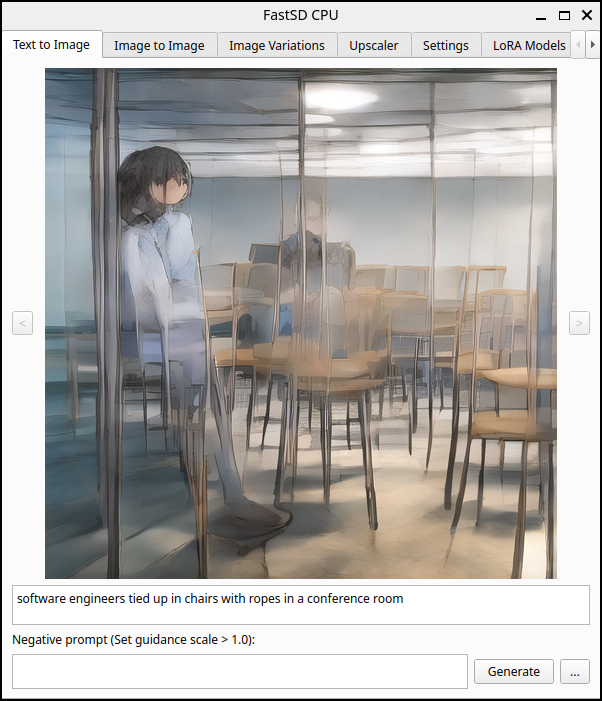
what about tied up devs?
I tried some LoRa models
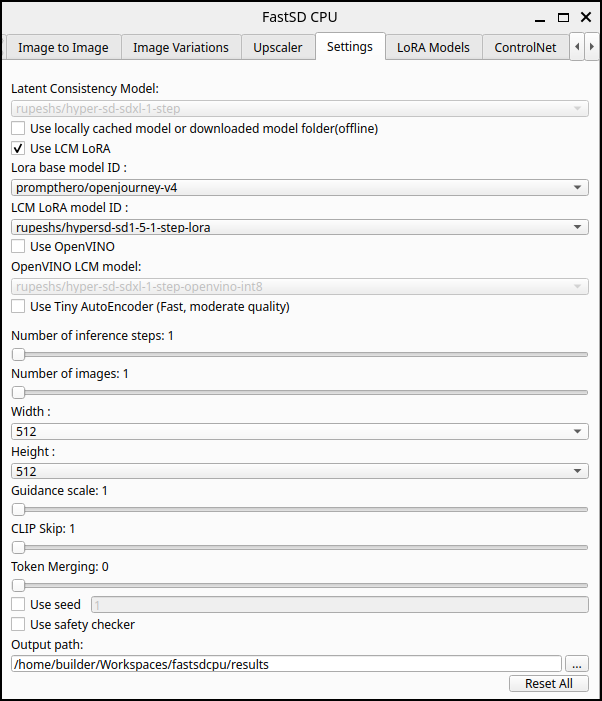
But in testing i couldn’t get them to be tied up
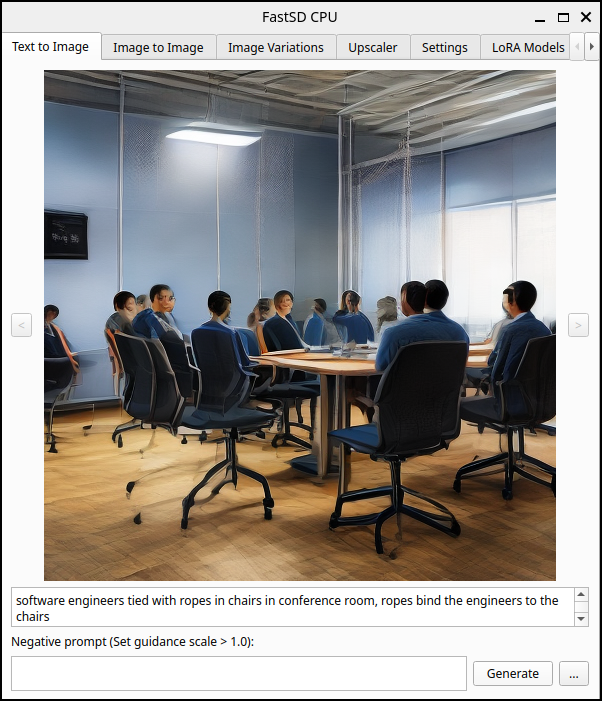
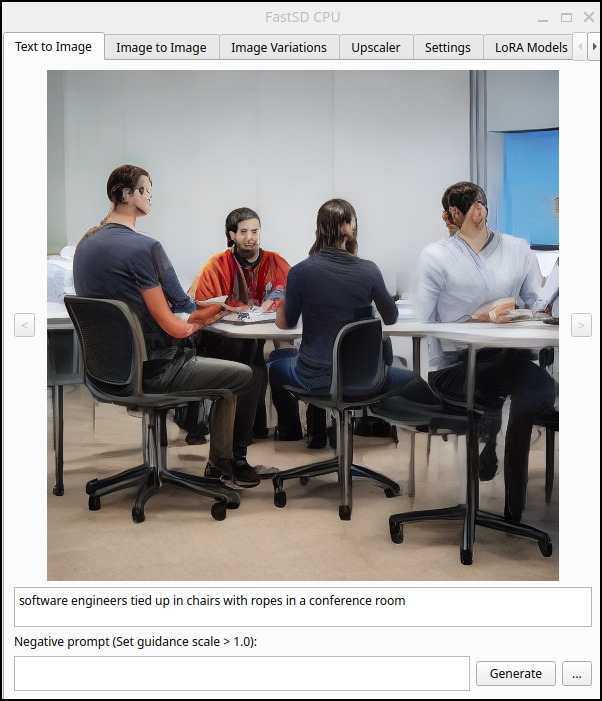
I tried a lot of variations but without success. I saw some nice images with the anything-5 model, but no one bound
with runwayml/stable-diffusion-v1-5
Summary
Today we explored a few options for uncensored or minimally censored images. I mentioned humor and satire but I alluded to nudity, but did not generate. The kinds of things I was thinking about in that regard would be AI around medical procedures or nudity in old sculpture or paintings. But I won’t be exploring that here (you are welcome to do it on your own if you desire).
In the first section, we went to Azure AI Foundry and setup Flux 1.1. One of my challenges with Azure AI is there really isn’t a clear idea on costs when it comes to media (images, video, music) and tokens. It’s more of a try-and-see. So knowing that three medium sized images cost me about US$0.14, it gives me a general idea on costs.
With Azure, once I set a custom “minimal” content filter, more options became available, like the “president” kissing another politician. And with this and most of the other tests, I would fire these images into MidJourney and Google AI Pro to see if they would generate a video (video from image) or get blocked.
For self-hosted, ComfyUI worked great with Windows. I’m sure I just needed better drivers elsewhere. My daily driver laptop (LG Gram) really doesn’t have a GPU so it was not surprising it just fell down there.
I did not mention it above, but a lot my confusion around how to setup and use ComfyUI was really cleared up with this Sebastian Kamph tutorial on YouTube. He goes at a very nice slower pace.
My biggest challenge with ComfyUI (after I figured out the general idea of flows) was managing disk space. It really really wants to live on “C:" but many of these models are between 10-30Gb of downloads. I also found that because i made a symlink over to my D drive (which has space)
Microsoft Windows [Version 10.0.22621.4317]
(c) Microsoft Corporation. All rights reserved.

C:\Windows\System32>mklink /D "C:\ComfyUI\models" "D:\ComfyUIStorage\models"
symbolic link created for C:\ComfyUI\models <<===>> D:\ComfyUIStorage\models

C:\Windows\System32>
After I loaded the models, I needed to fully restart ComfyUI for it to “see” them in the web interface (I take this as just an affect of the ComfyUI wrapping a Python process that probably loads the libraries at startup).
The takeaways for me are that there are real ways, with just a bit of effort, to get less-censored or uncensored AI generated images and videos. However, the minor cloud costs, and the local time costs (again, for me, with an RTX 3070, taking between 7-60m for little video snippets) means it will really just be reserved for those things that would get rejected by online ‘free’ models.
