

Published: Feb 3, 2026 by Isaac Johnson
I saw this LinkedIn post about the new IBM/Hashi Agent Skills. While their repo didn’t cover Gemini CLI, I felt it would be easy to add and test now that Gemini CLI supports Skills (in beta).
I really wanted to get my brain around what Skills were, versus MCP servers. So I also pulled down Anthropic’s skills library to try out the “MCP Builder” skill (and compare to how I just use general CLI to ask for a FastMCP server). To test, I built out a fully working Fitness and Cooking MCP server (and there is a Chili cooking upstairs as I write this that is smelling pretty damn good already)…
Let’s start with the IBM/Hashi offering and see how it handles my GCP tofu code…
Adding Agent Skills
We can easily list and install skills using npx
builder@DESKTOP-QADGF36:~/Workspaces/opentofu$ nvm use lts/jod
Now using node v22.22.0 (npm v10.9.4)
builder@DESKTOP-QADGF36:~/Workspaces/opentofu$ npx skills add hashicorp/agent-skills
...
When launched, I pick all or individual skills to load
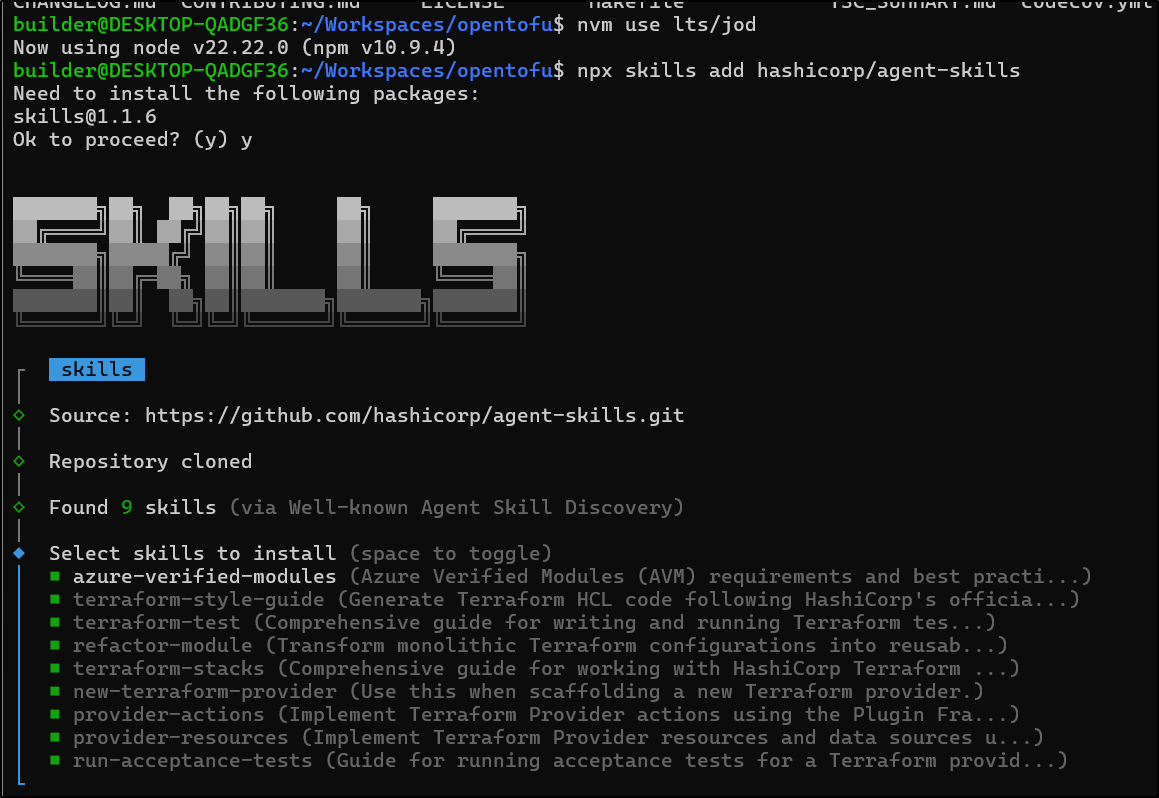
In my case, it detected 7 types of agents and could do all, or let me pick which agents to use
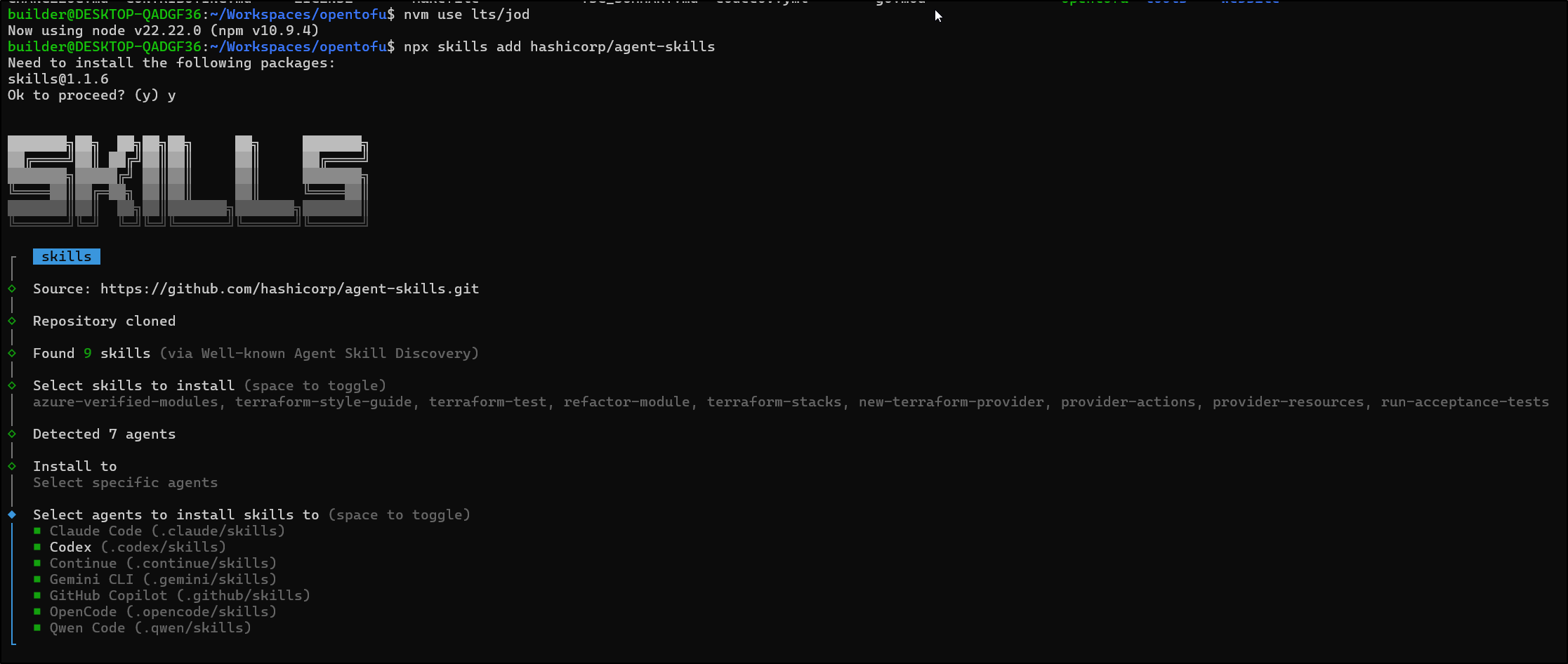
Lastly, I select project-level or global in scope
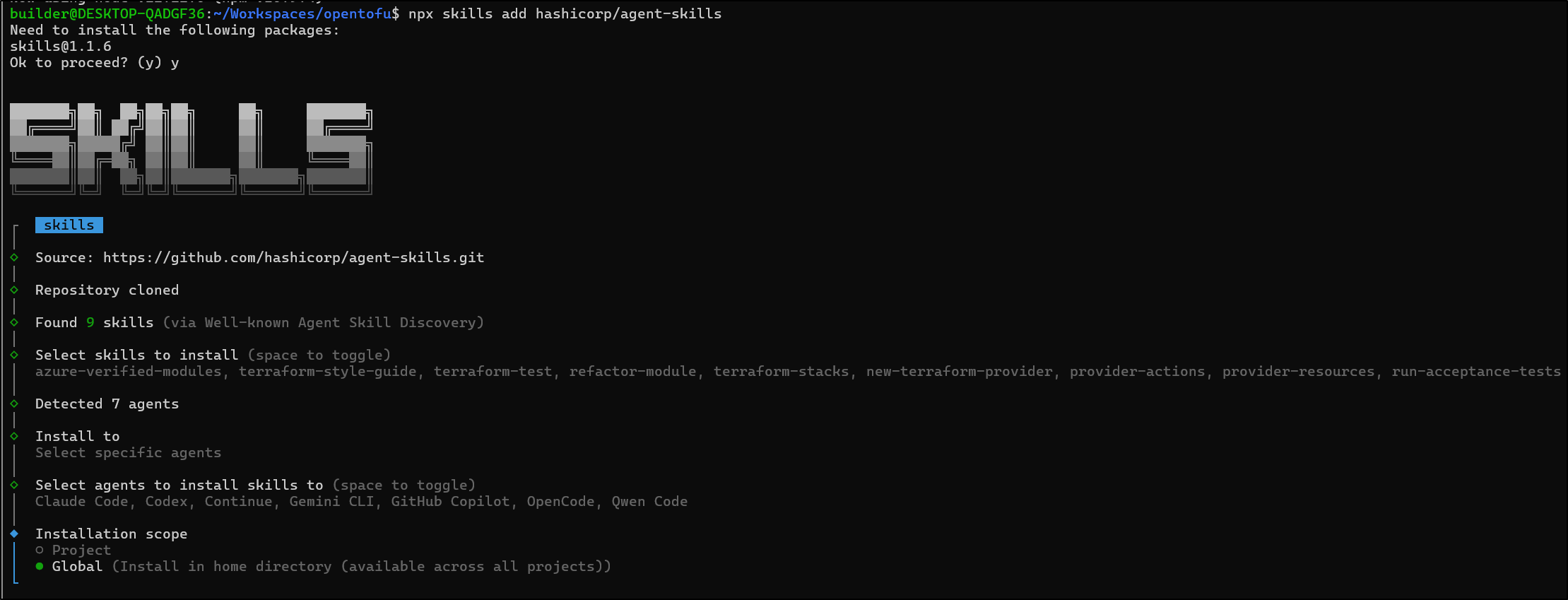
and whether to symlink or copy
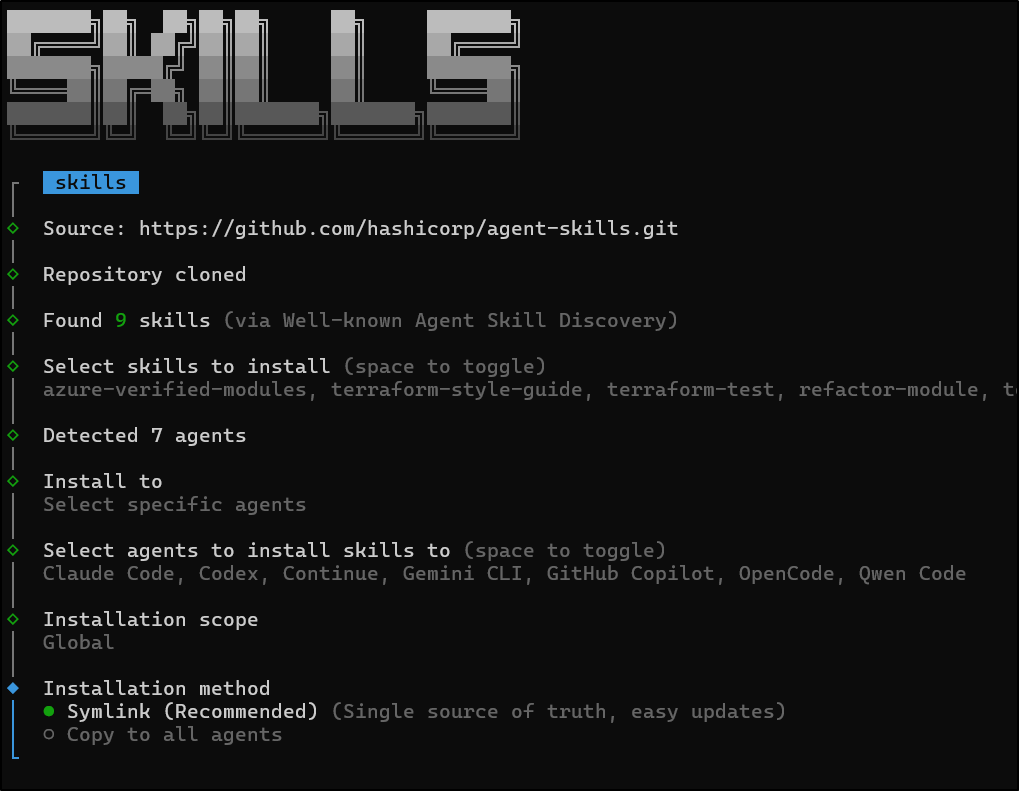
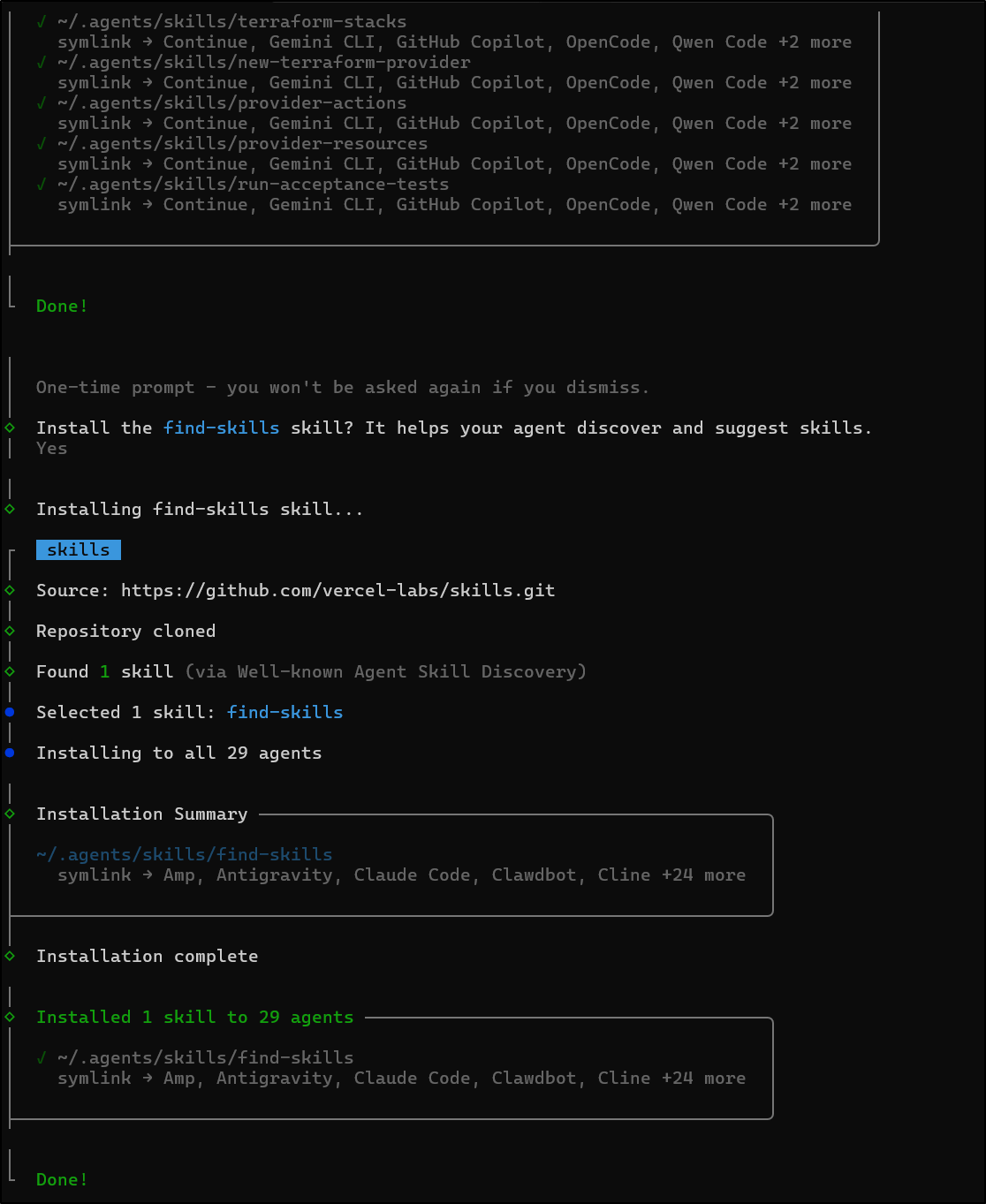
Upon installing, it also offered to install the “find skills” skills for the agents (which I said yes)
Using in Gemini CLI
At the time of this writing, Agent Skills are still a preview feature that is disabled by default. To enable them, you need to go to /settings
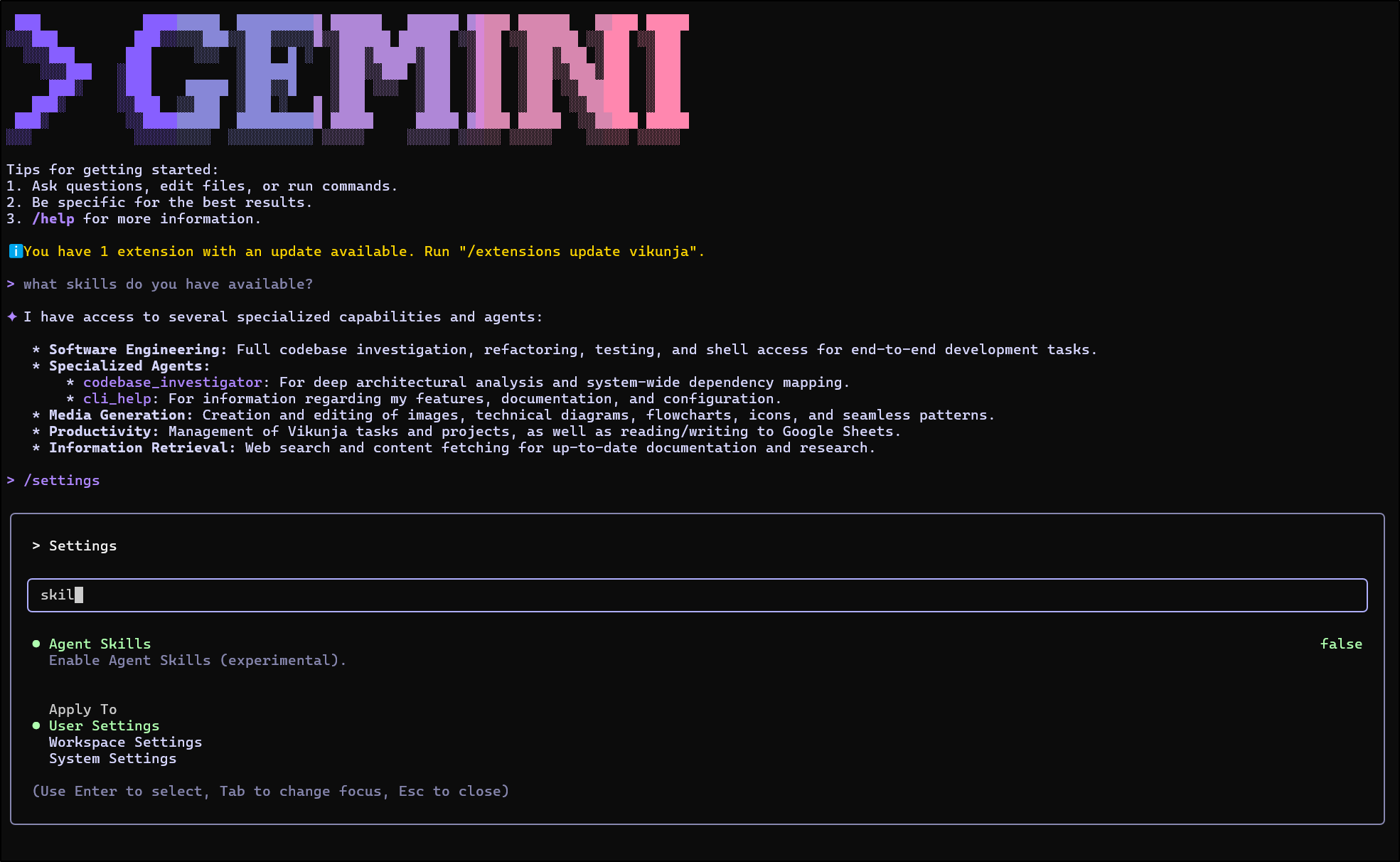
I think the UI is a bit odd here, but you use arrow keys (up down) to pick scope and just hit “enter” to turn on and off (the skill is already selected)
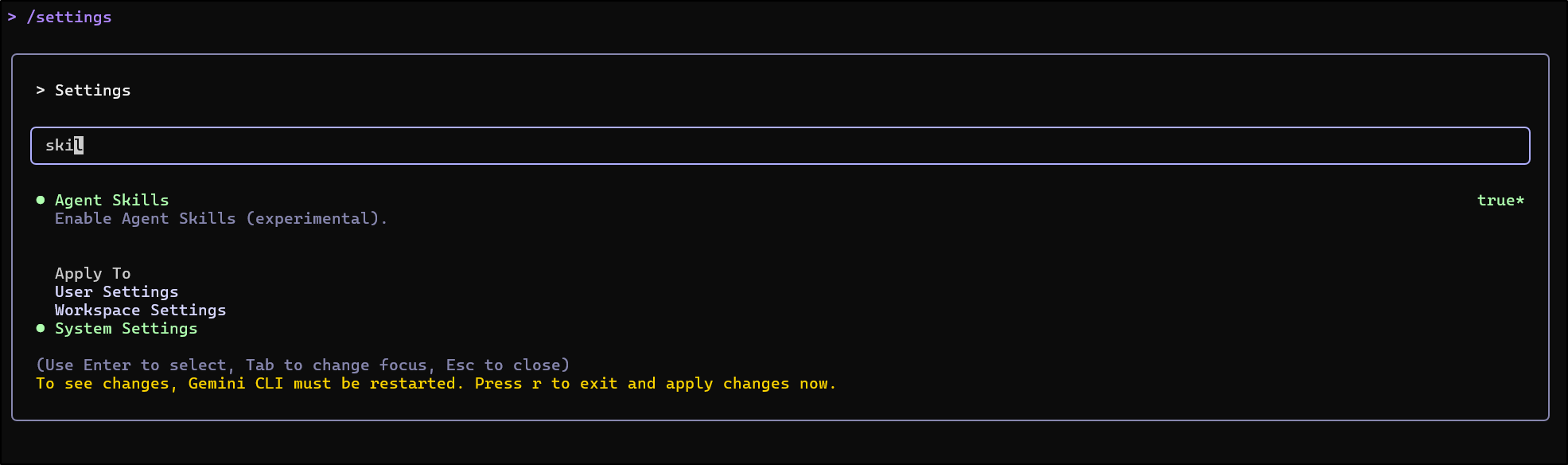
For me, setting them at “System settings” failed to work, but it did at “User Settings”
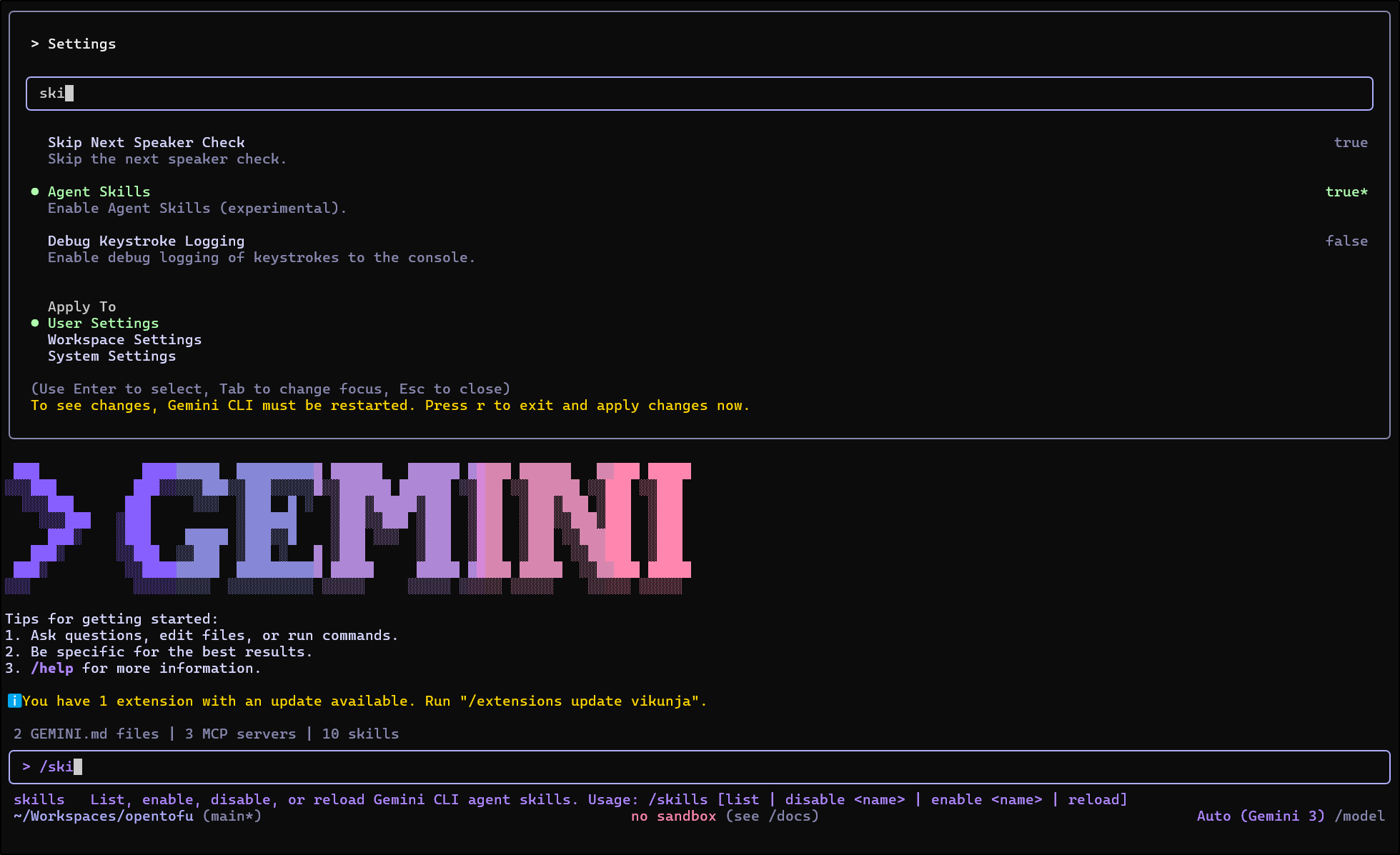
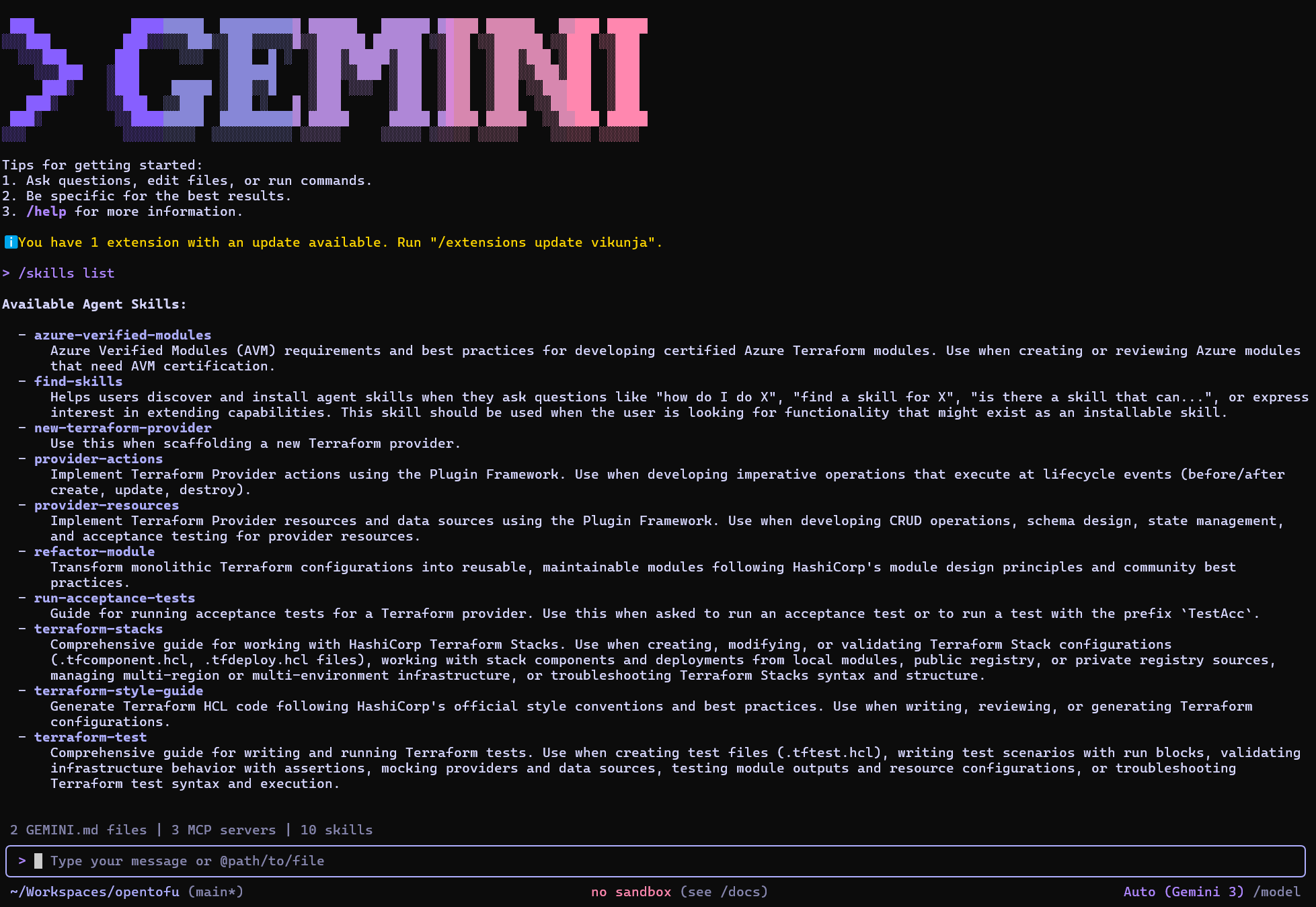
I can now see all my installed skills
Testing with GCP terraform
Let’s pull down the Tofu repo I have for GCP Infrastructure Manager from gcpimexample, then fire up Gemini CLI
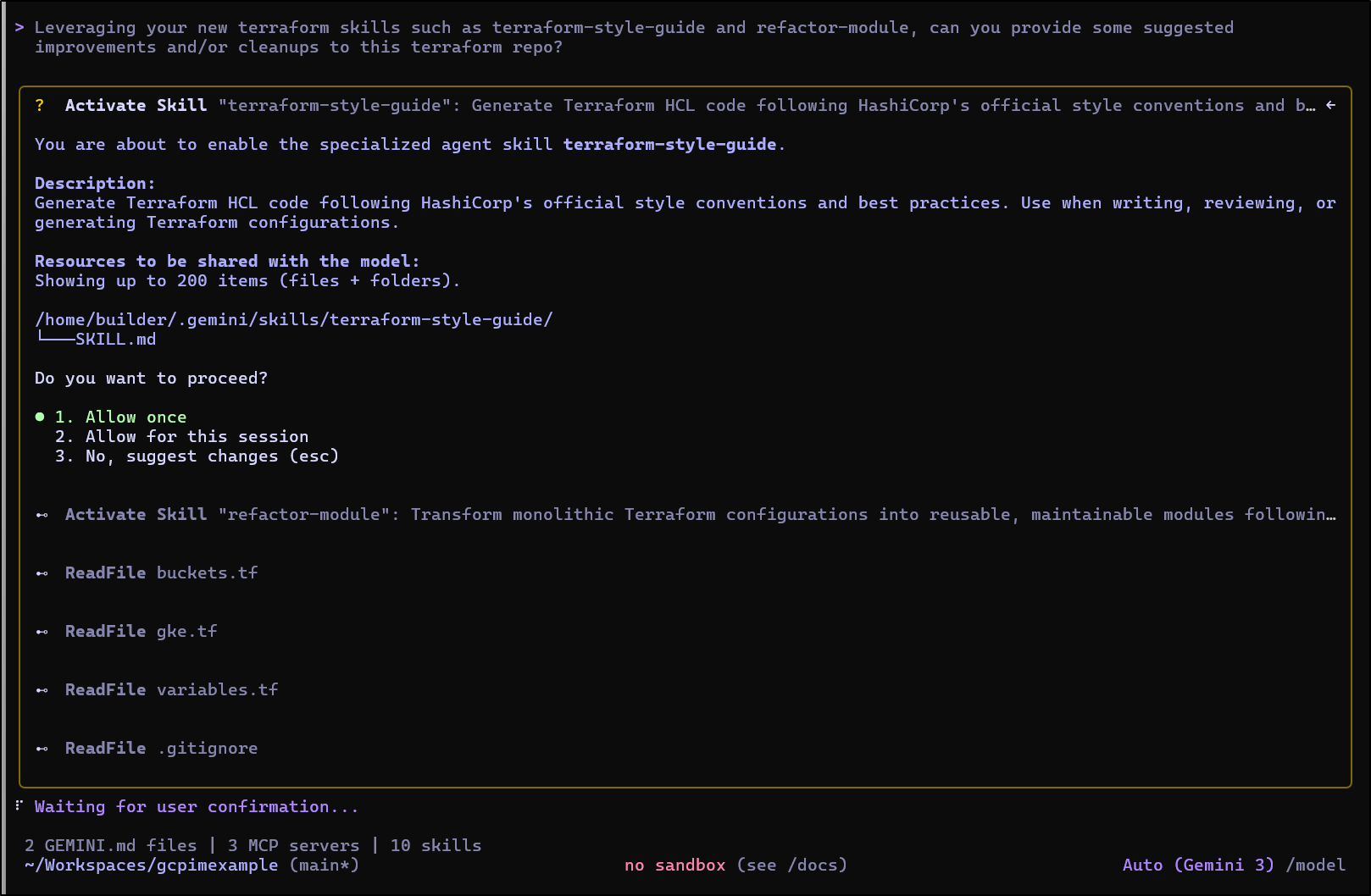
I then asked it to use the skills to suggest some improvements
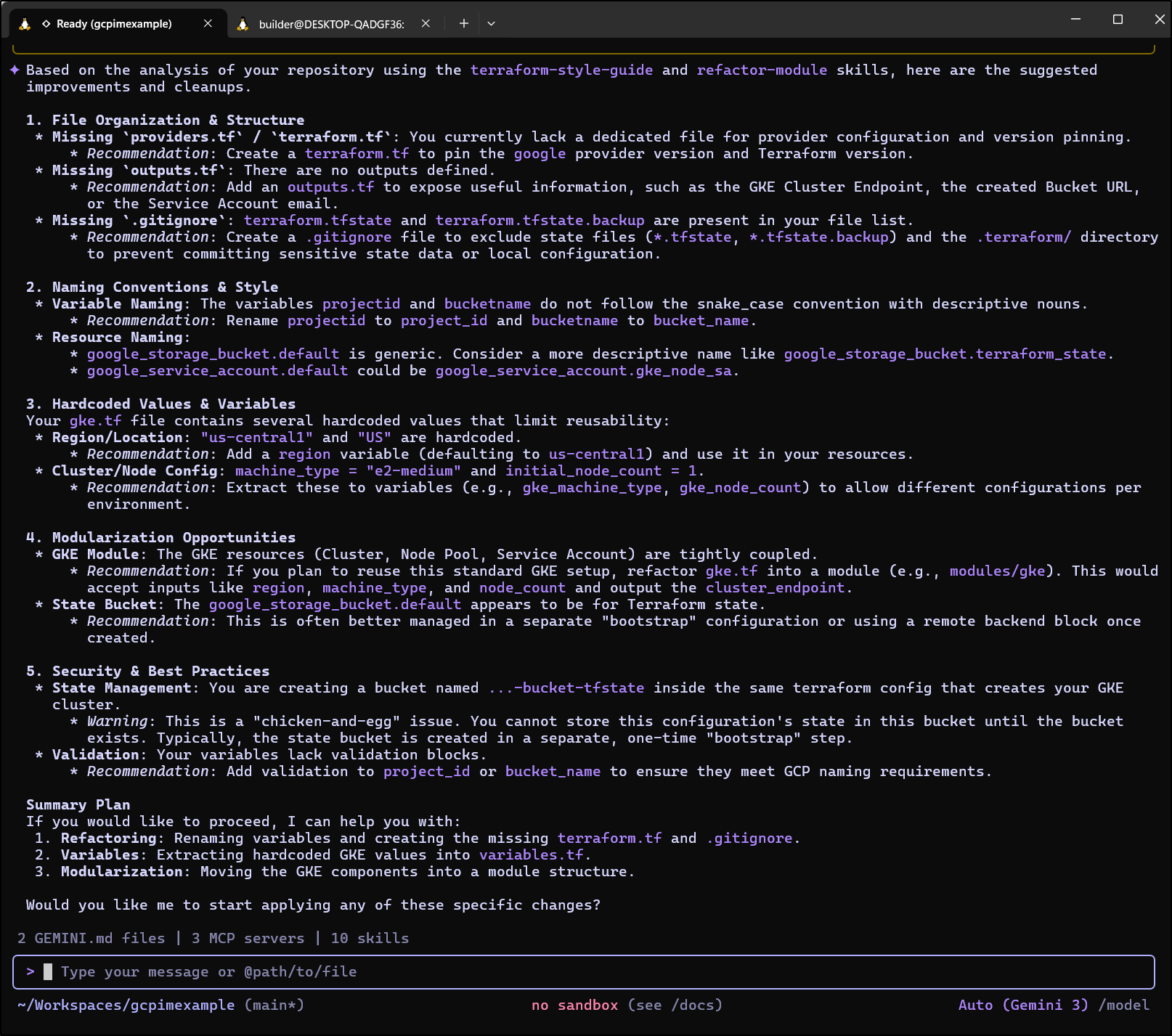
It came back with some pretty good suggestions. I agree with all but maybe the validation blocks (would worry if they use Terraform specific code vs OpenTofu, but we’ll test)
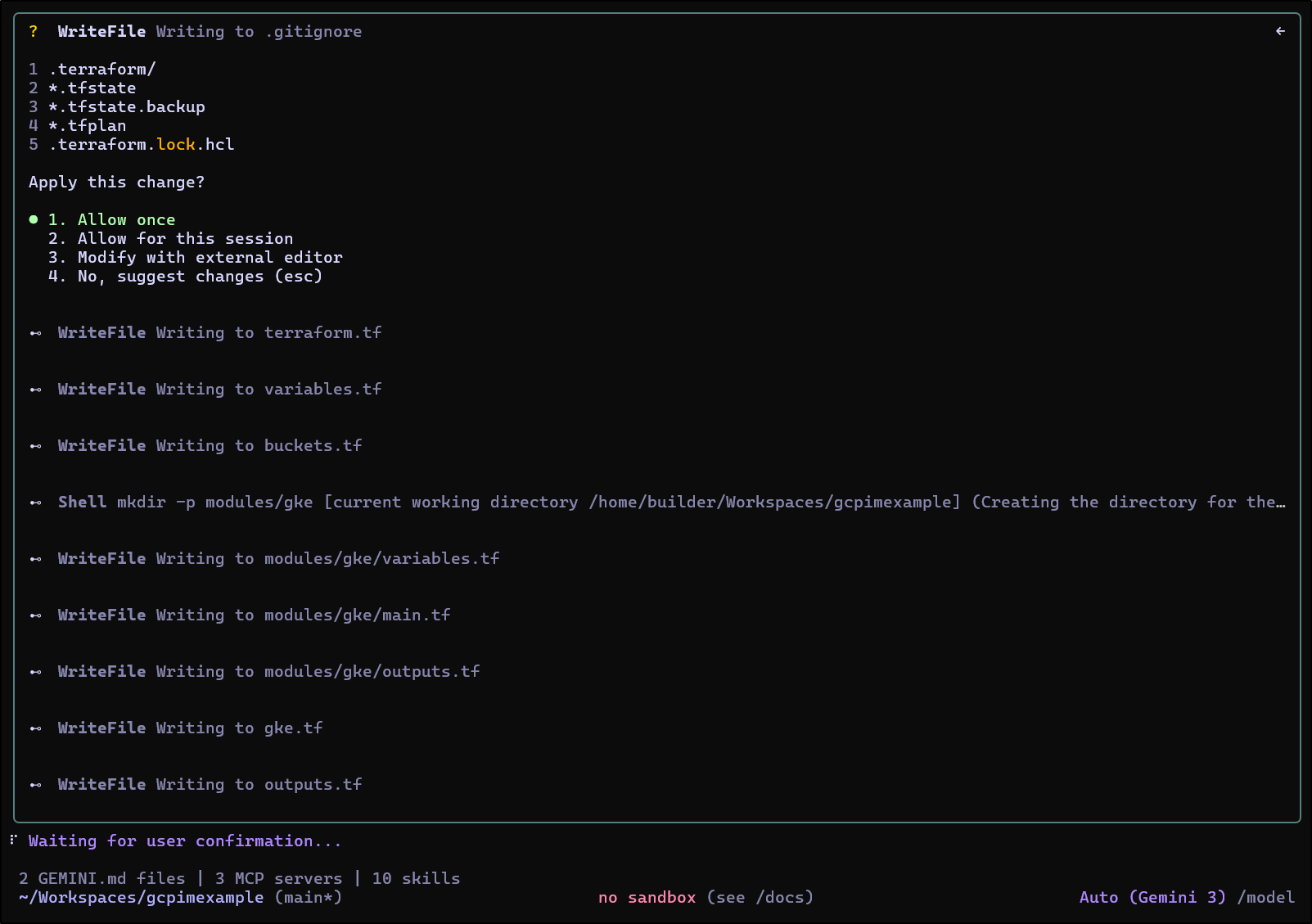
It then prompted to start to do the refactor
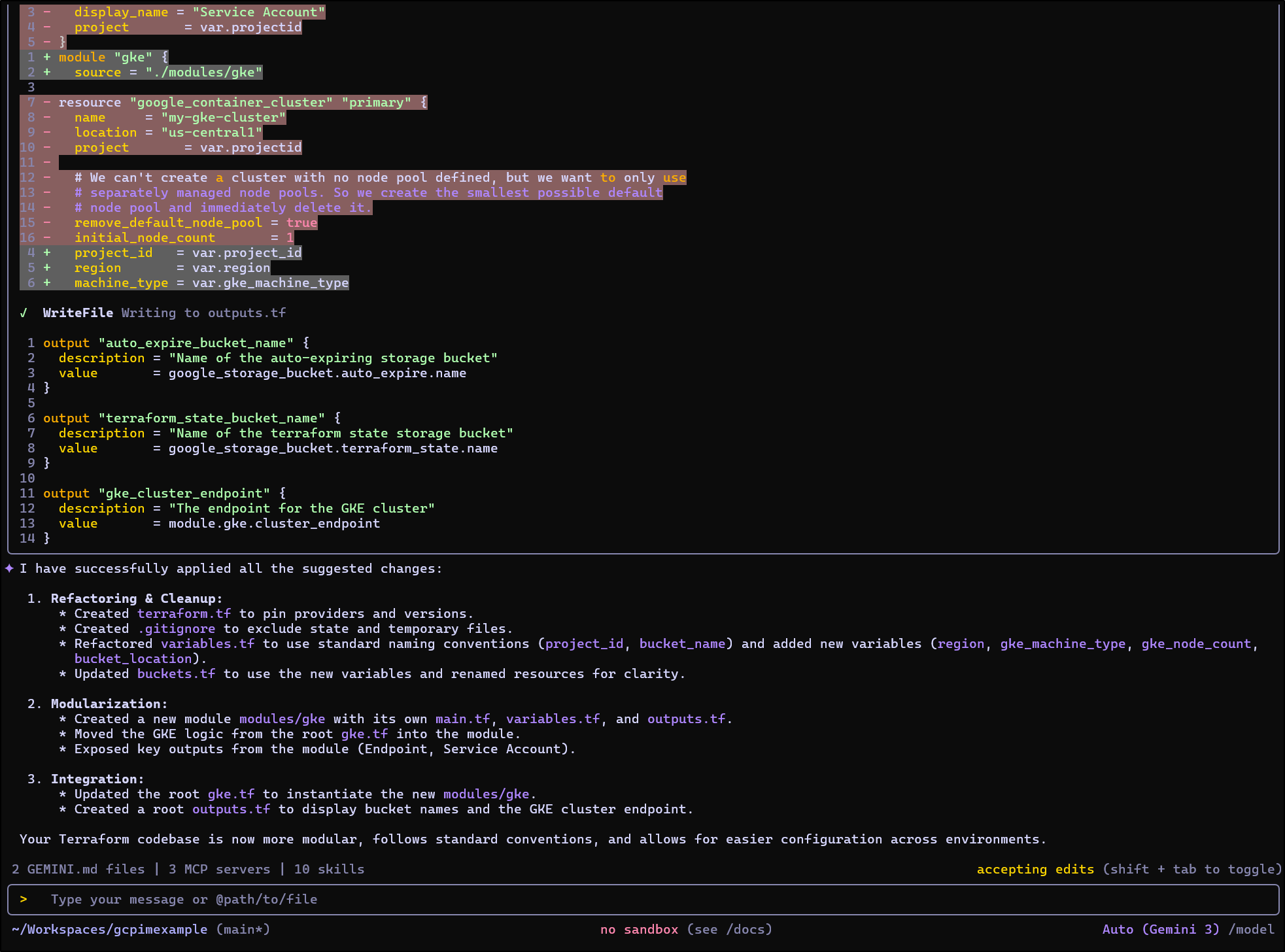
When completed, it gave a summary of the improvements
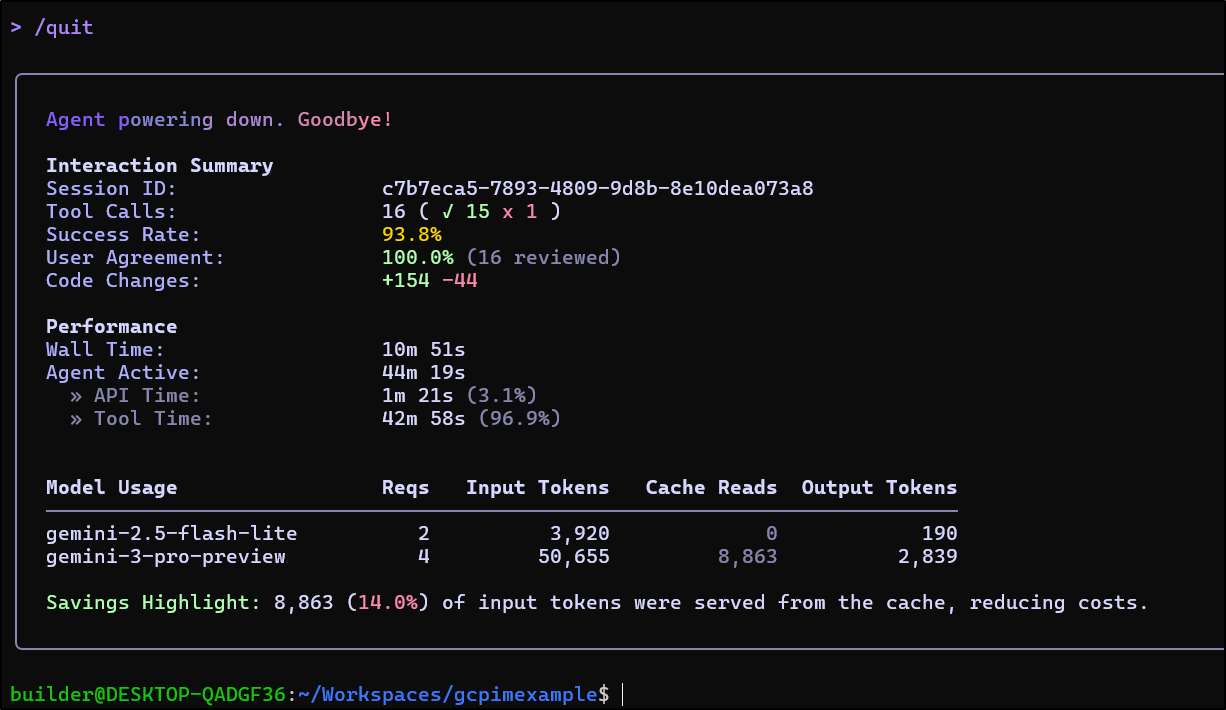
and only used about 50k input tokens of pro
There is a basic gitignore:
.terraform/
*.tfstate
*.tfstate.backup
*.tfplan
.terraform.lock.hcl
But I used one from gitignore.io instead (here)
# Created by https://www.toptal.com/developers/gitignore/api/terraform
# Edit at https://www.toptal.com/developers/gitignore?templates=terraform

### Terraform ###
# Local .terraform directories
**/.terraform/*

# .tfstate files
*.tfstate
*.tfstate.*

# Crash log files
crash.log
crash.*.log

# Exclude all .tfvars files, which are likely to contain sensitive data, such as
# password, private keys, and other secrets. These should not be part of version
# control as they are data points which are potentially sensitive and subject
# to change depending on the environment.
*.tfvars
*.tfvars.json

# Ignore override files as they are usually used to override resources locally and so
# are not checked in
override.tf
override.tf.json
*_override.tf
*_override.tf.json

# Include override files you do wish to add to version control using negated pattern
# !example_override.tf

# Include tfplan files to ignore the plan output of command: terraform plan -out=tfplan
# example: *tfplan*

# Ignore CLI configuration files
.terraformrc
terraform.rc

# End of https://www.toptal.com/developers/gitignore/api/terraform
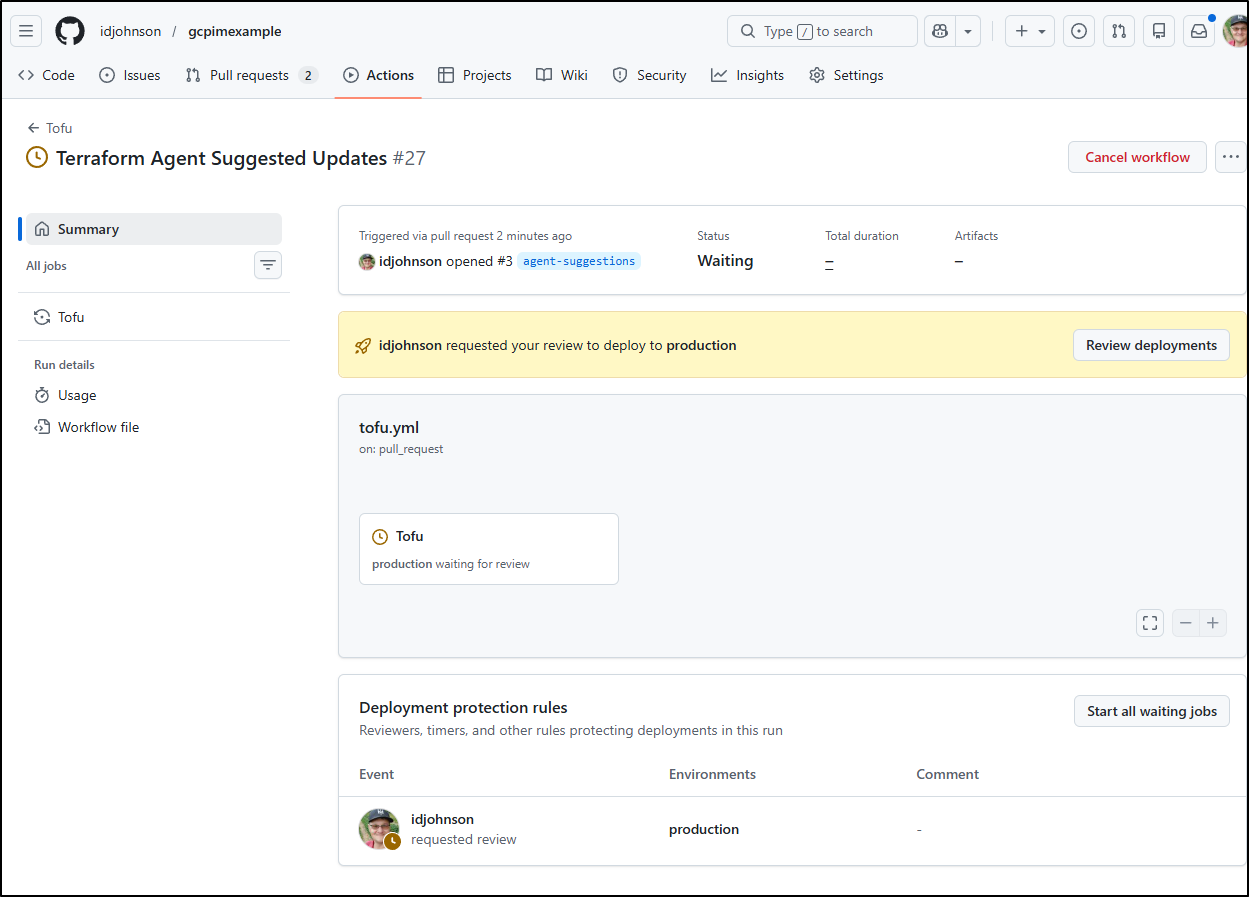
I then fired up a PR which should trigger Spacelift (but that account has expired).
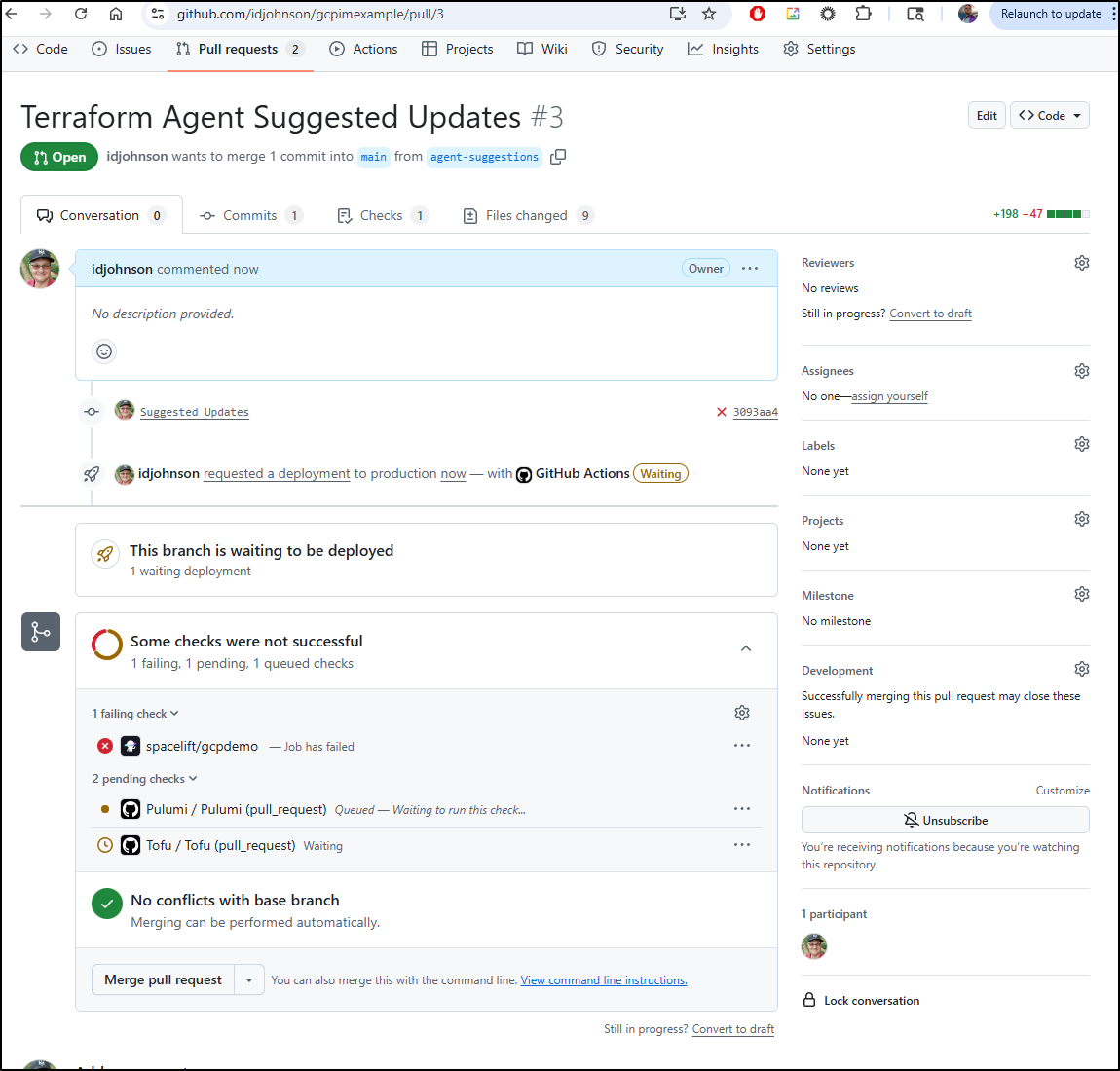
I can also see the Pulumi and Tofu actions need a self-hosted runner that seems to have gone AWOL
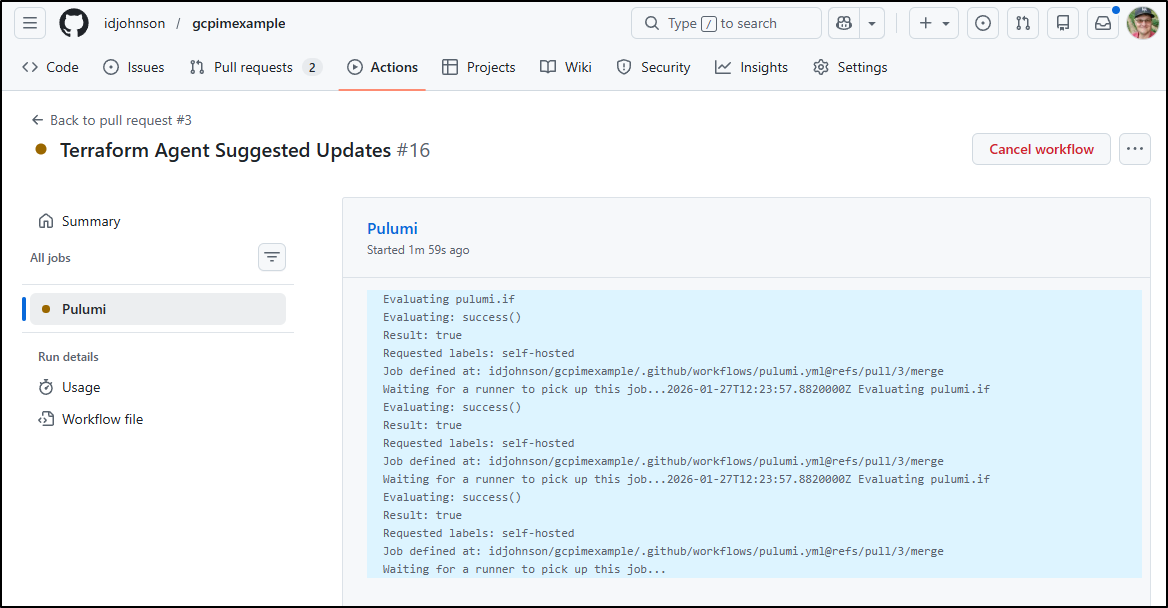
Additionally, my Tofu deployment is waiting on my approval before going to prod
Adding Anthropic skills into Gemini CLI
Let’s first pull down the example skills repo from Github
builder@LuiGi:~/Workspaces$ git clone https://github.com/anthropics/skills.git
Cloning into 'skills'...
remote: Enumerating objects: 391, done.
remote: Counting objects: 100% (166/166), done.
remote: Compressing objects: 100% (86/86), done.
remote: Total 391 (delta 84), reused 80 (delta 80), pack-reused 225 (from 1)
Receiving objects: 100% (391/391), 3.06 MiB | 1004.00 KiB/s, done.
Resolving deltas: 100% (103/103), done.
I’ll now head to the .gemini directory in the home dir and make a sym link for a skill I want to test like the MCP Builder
builder@LuiGi:~/.gemini/skills$ ln -s ../../Workspaces/skills/skills/mcp-builder mcp-builder
builder@LuiGi:~/.gemini/skills$ ls mcp-builder
LICENSE.txt  SKILL.md  reference  scripts
builder@LuiGi:~/.gemini/skills$
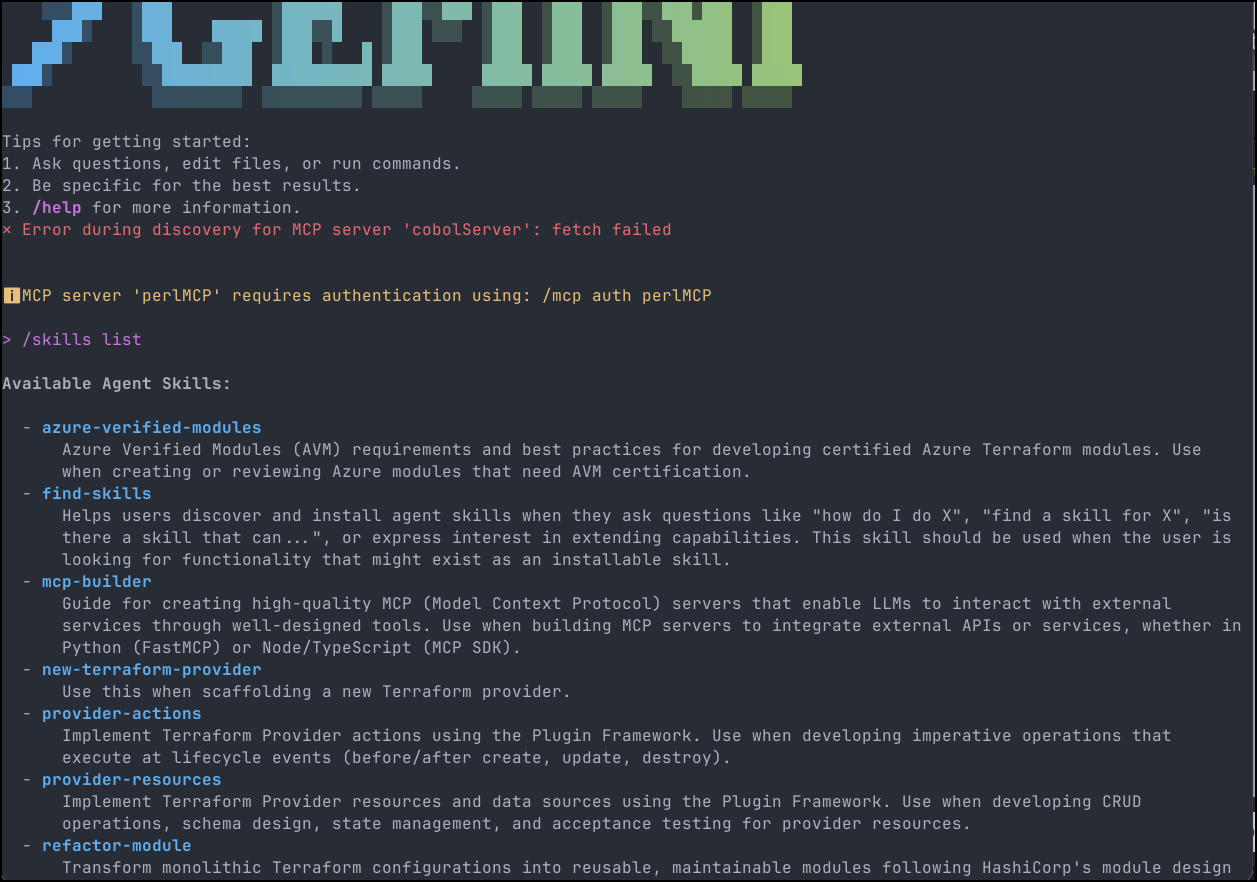
I can now see it in my list of skills
Let’s use it to build a recipe maker MCP server
I can use gemini mcp add to install this into the top level .gemini folder
(venv) builder@LuiGi:~/Workspaces/recipeMakerMCP$ gemini mcp add recipeMaker python /home/builder/Workspaces/recipeMakerMCP/server.py
MCP server "recipeMaker" added to project settings. (stdio)
(venv) builder@LuiGi:~/Workspaces/recipeMakerMCP$ cat .gemini/settings.json
{
  "mcpServers": {
    "recipeMaker": {
      "command": "python",
      "args": [
        "/home/builder/Workspaces/recipeMakerMCP/server.py"
      ]
    }
  }
}
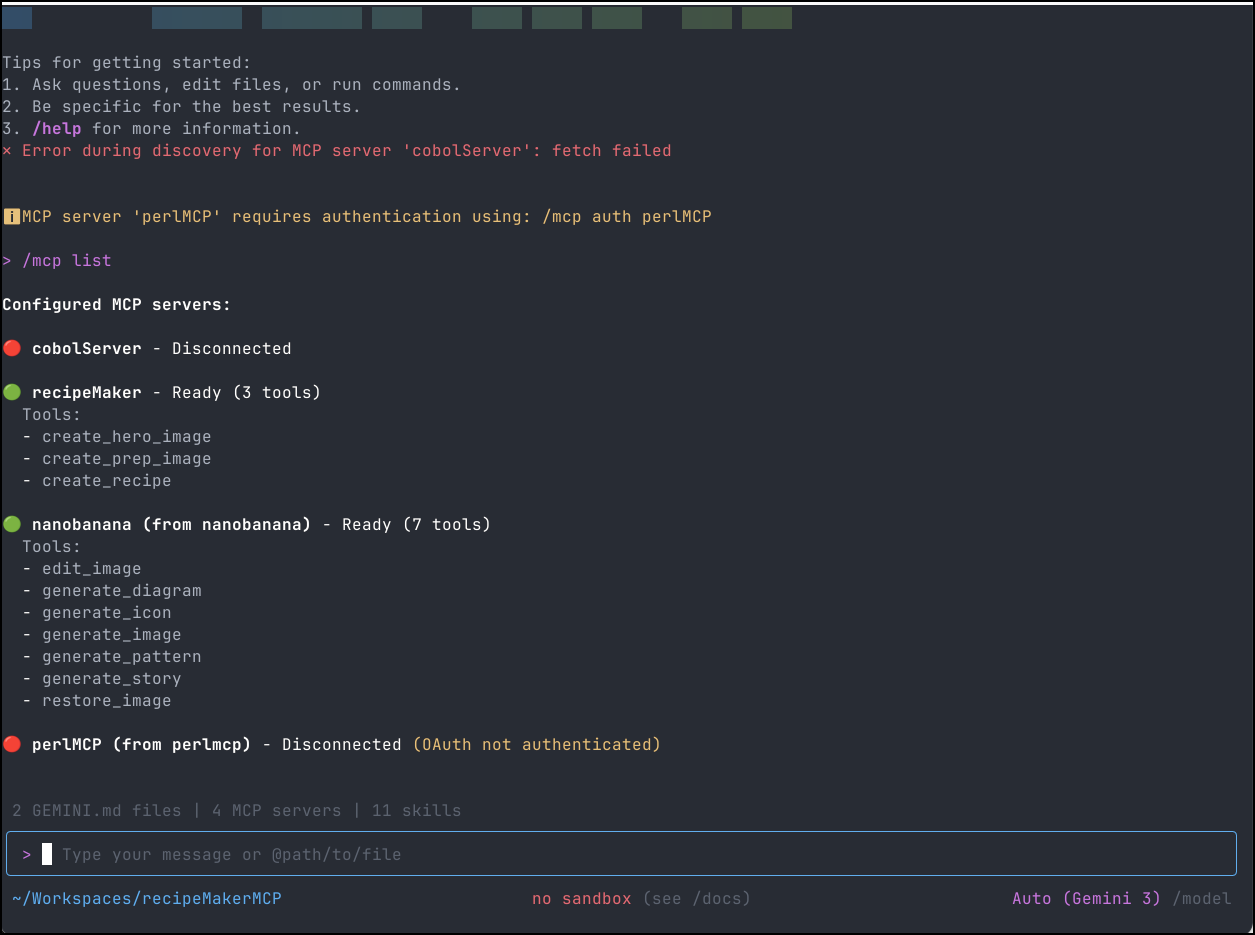
And I can see it listed and running
Let’s give it a try:
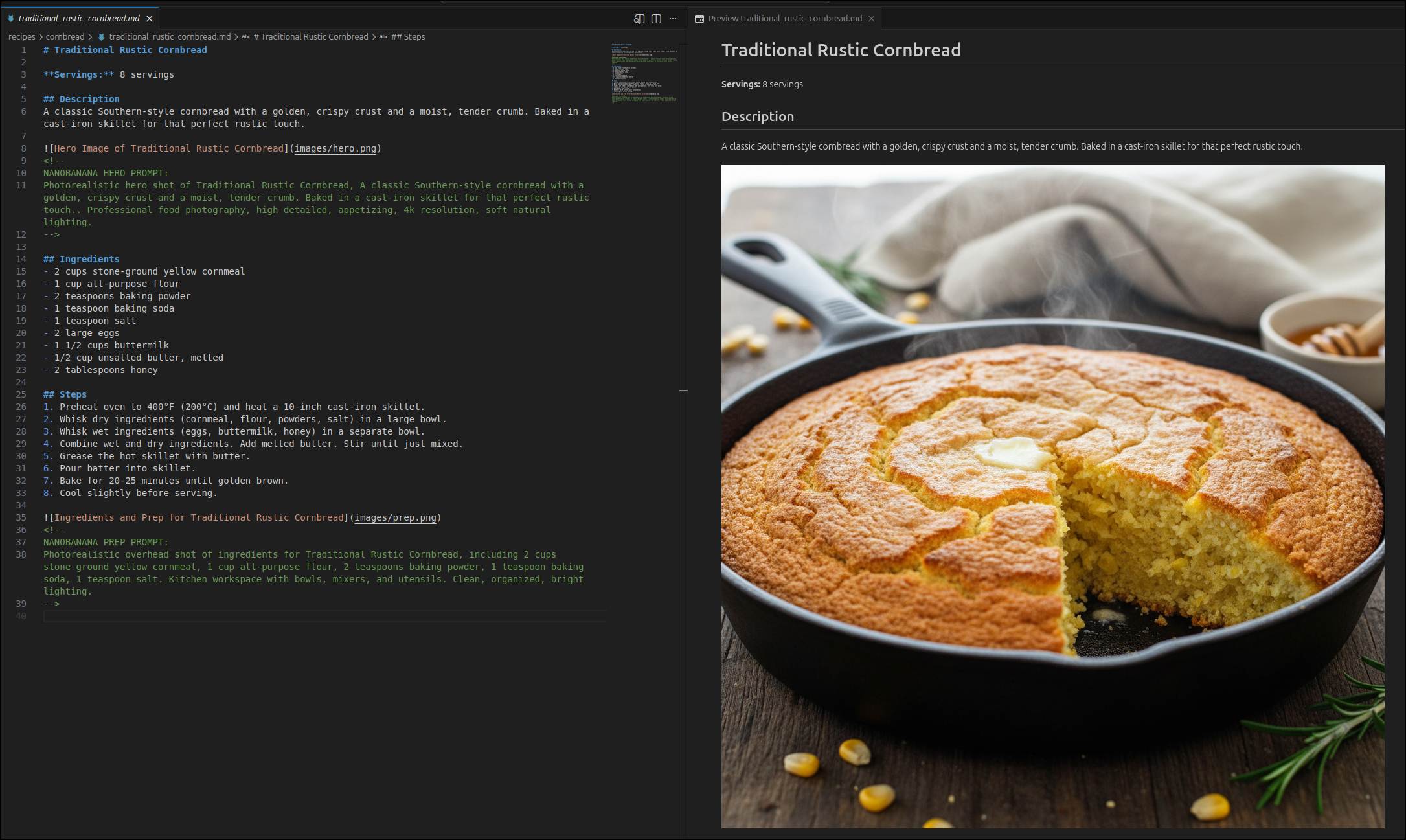
That worked great! and now we have a recipe to try out the next time we make Chili
While I like this, I like not managing dependencies even more.
Let’s use Gemini CLI to create a dockerfile that could run this locally. I also would want a gemini-extension so I wouldn’t need to bother. Lastly, I don’t really want people to have to docker build every time, so let’s stuff it up into Dockerhub too.
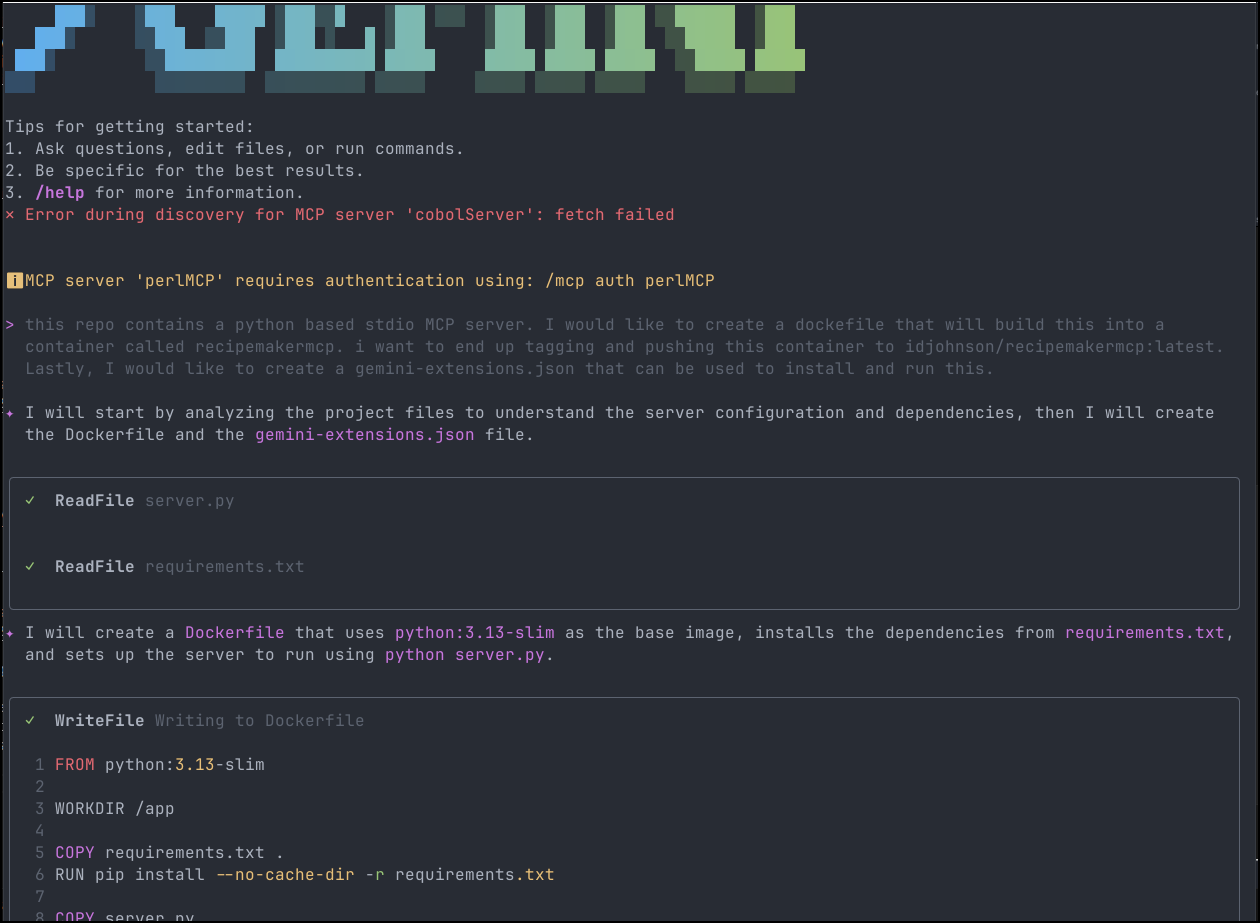
which created the Dockerfile and the extension JSON
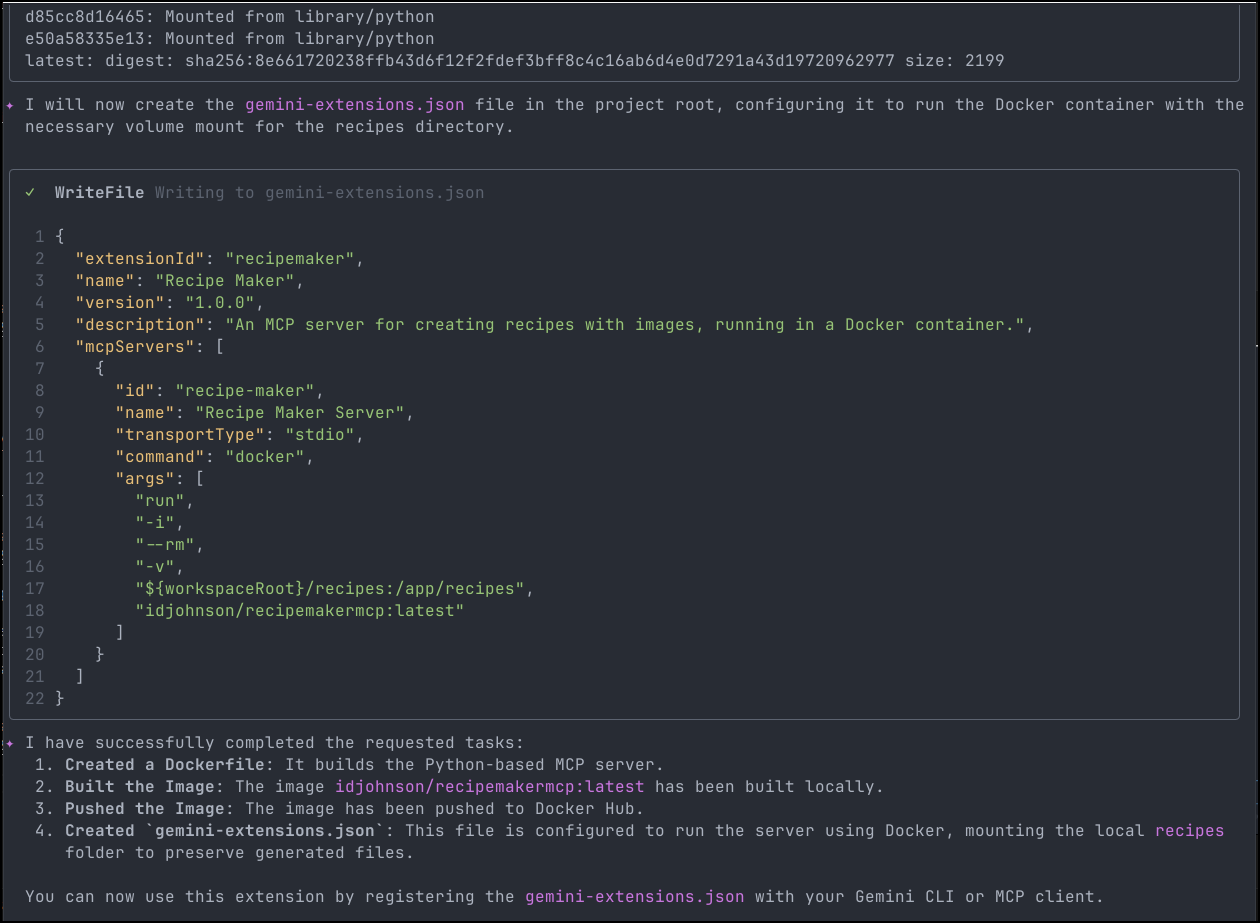
I did a quick sanity check that the container was there:
(venv) builder@LuiGi:~/Workspaces/recipeMakerMCP$ docker images | grep recipe
idjohnson/recipemakermcp                                                           latest                                     eb9fe8cf86c0   3 minutes ago   194MB
and was pushed up to Dockerhub
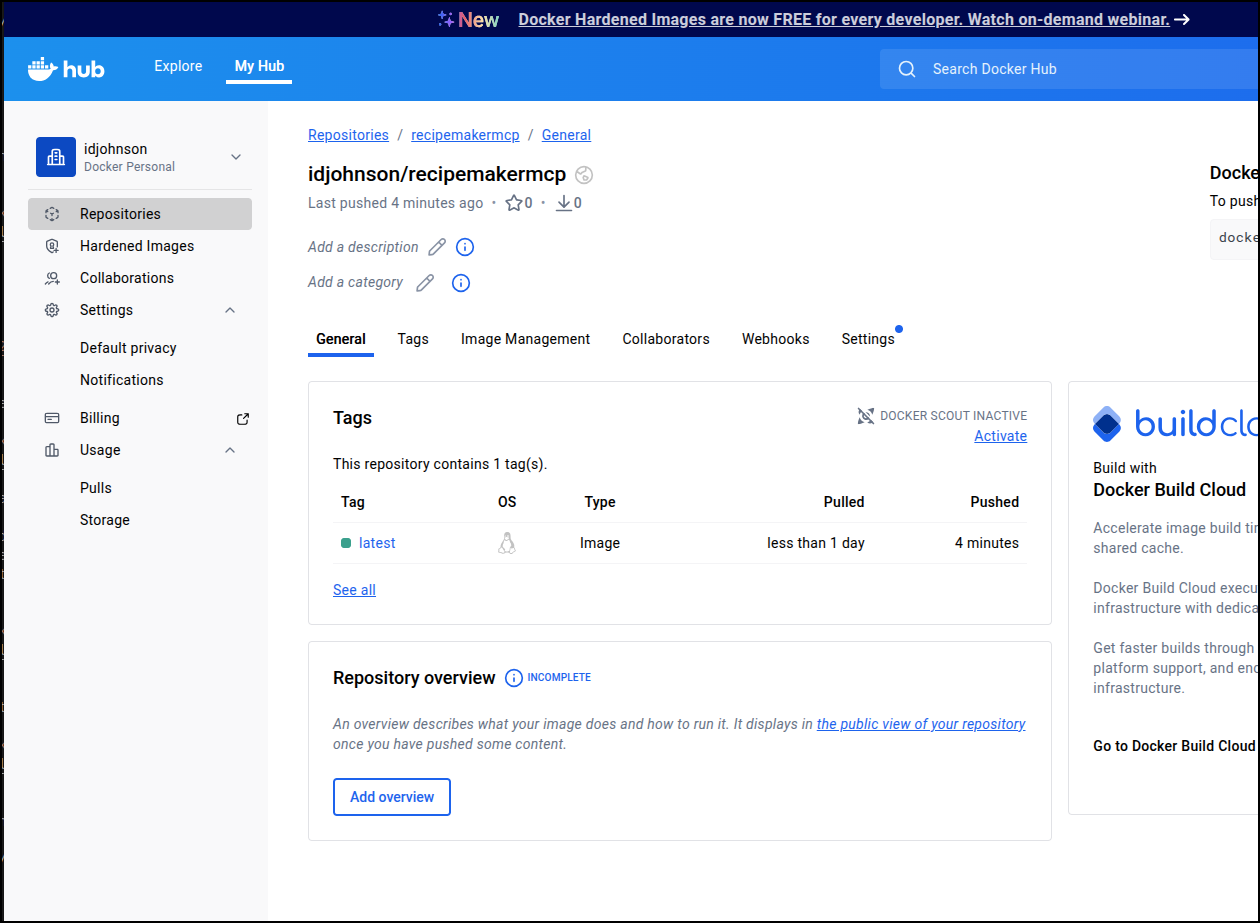
Testing
Let’s move the existing settings out of the way
(venv) builder@LuiGi:~/Workspaces/recipeMakerMCP$ mv .gemini/settings.json .gemini/settings.json.old
(venv) builder@LuiGi:~/Workspaces/recipeMakerMCP$
I can now do a local extensions install with the path to the file (note: do not include the JSON file, just the path to the folder that contains it)
(venv) builder@LuiGi:~/Workspaces/recipeMakerMCP$ gemini extensions install /home/builder/Workspaces/recipeMakerMCP/
Configuration file not found at /home/builder/Workspaces/recipeMakerMCP/gemini-extension.json
I did have to fix the name (remove s) and correct the name in the file (remove a space) to have it work
(venv) builder@LuiGi:~/Workspaces/recipeMakerMCP$ mv gemini-extensions.json gemini-extension.json
(venv) builder@LuiGi:~/Workspaces/recipeMakerMCP$
(venv) builder@LuiGi:~/Workspaces/recipeMakerMCP$
(venv) builder@LuiGi:~/Workspaces/recipeMakerMCP$ gemini extensions install /home/builder/Workspaces/recipeMakerMCP/
Failed to load extension config from /home/builder/Workspaces/recipeMakerMCP/gemini-extension.json: Invalid extension name: "Recipe Maker". Only letters (a-z, A-Z), numbers (0-9), and dashes (-) are allowed.
(venv) builder@LuiGi:~/Workspaces/recipeMakerMCP$ vi gemini-extension.json
(venv) builder@LuiGi:~/Workspaces/recipeMakerMCP$ gemini extensions install /home/builder/Workspaces/recipeMakerMCP/
Installing extension "RecipeMaker".
The extension you are about to install may have been created by a third-party developer and sourced from a public repository. Google does not vet, endorse, or guarantee the functionality or security of extensions. Please carefully inspect any extension and its source code before installing to understand the permissions it requires and the actions it may perform.
This extension will run the following MCP servers:
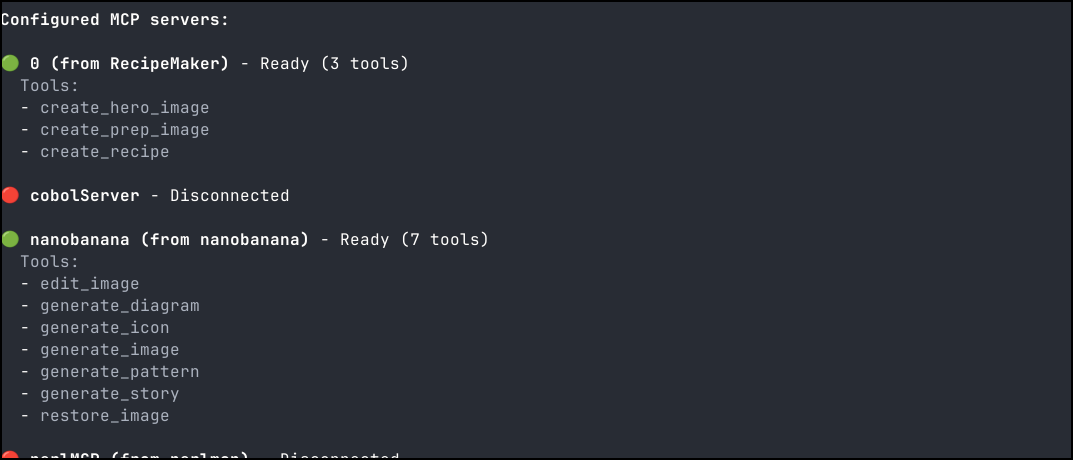
  * 0 (local): docker run -i --rm -v ${workspaceRoot}/recipes:/app/recipes idjohnson/recipemakermcp:latest
Do you want to continue? [Y/n]: Y
Extension "RecipeMaker" installed successfully and enabled.
I can see it listed when I list extensions
(venv) builder@LuiGi:~/Workspaces/recipeMakerMCP$ gemini extensions list
✓ RecipeMaker (1.0.0)
 ID: 8783ea59a7958959235313763317110d8e2f19a81947709de39af02726f30d0b
 name: 24b05ac7cb449047b4c0768bd28654544d1730694fe5803da57f1c8578b71642
 Path: /home/builder/.gemini/extensions/RecipeMaker
 Source: /home/builder/Workspaces/recipeMakerMCP/ (Type: local)
 Enabled (User): true
 Enabled (Workspace): true
 MCP servers:
  0

✓ nanobanana (1.0.10)
 ID: b919d82ef04bd903ccdbe0b1065b4910352166e9c4ca581e9da9dbe017598967
 name: 090af99262e4c4334405d83c2142a3e15ebc7e4540a71e230b484b083262d8e1
 Path: /home/builder/.gemini/extensions/nanobanana
 Source: https://github.com/gemini-cli-extensions/nanobanana (Type: github-release)
 Release tag: v1.0.10
 Enabled (User): true
 Enabled (Workspace): true
 Context files:
  /home/builder/.gemini/extensions/nanobanana/GEMINI.md
 MCP servers:
  nanobanana

✓ perlmcp (1.0.1)
 ID: 2d9cd637e0897357f08f1c088aed7796dda92fd192c971c324f48d12736ec892
 name: ef93e10be69898d0dc3202560f0ba4b75130eb7aa48126fc4dc814b133a08ca5
 Path: /home/builder/Workspaces/myperlmcp/
 Source: /home/builder/Workspaces/myperlmcp/ (Type: link)
 Enabled (User): true
 Enabled (Workspace): true
 MCP servers:
  perlMCP
But let’s try it
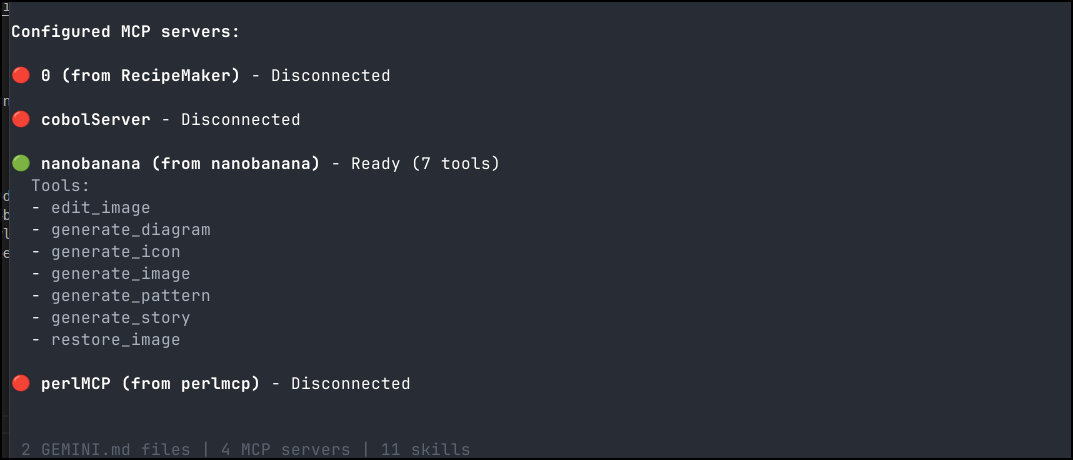
Thats a strange error. I removed the unneccesary volume mount in the docker invokation in the gemini file and updated.
Let’s take a moment and put in source control.
I’ll make a new Forgejo repo
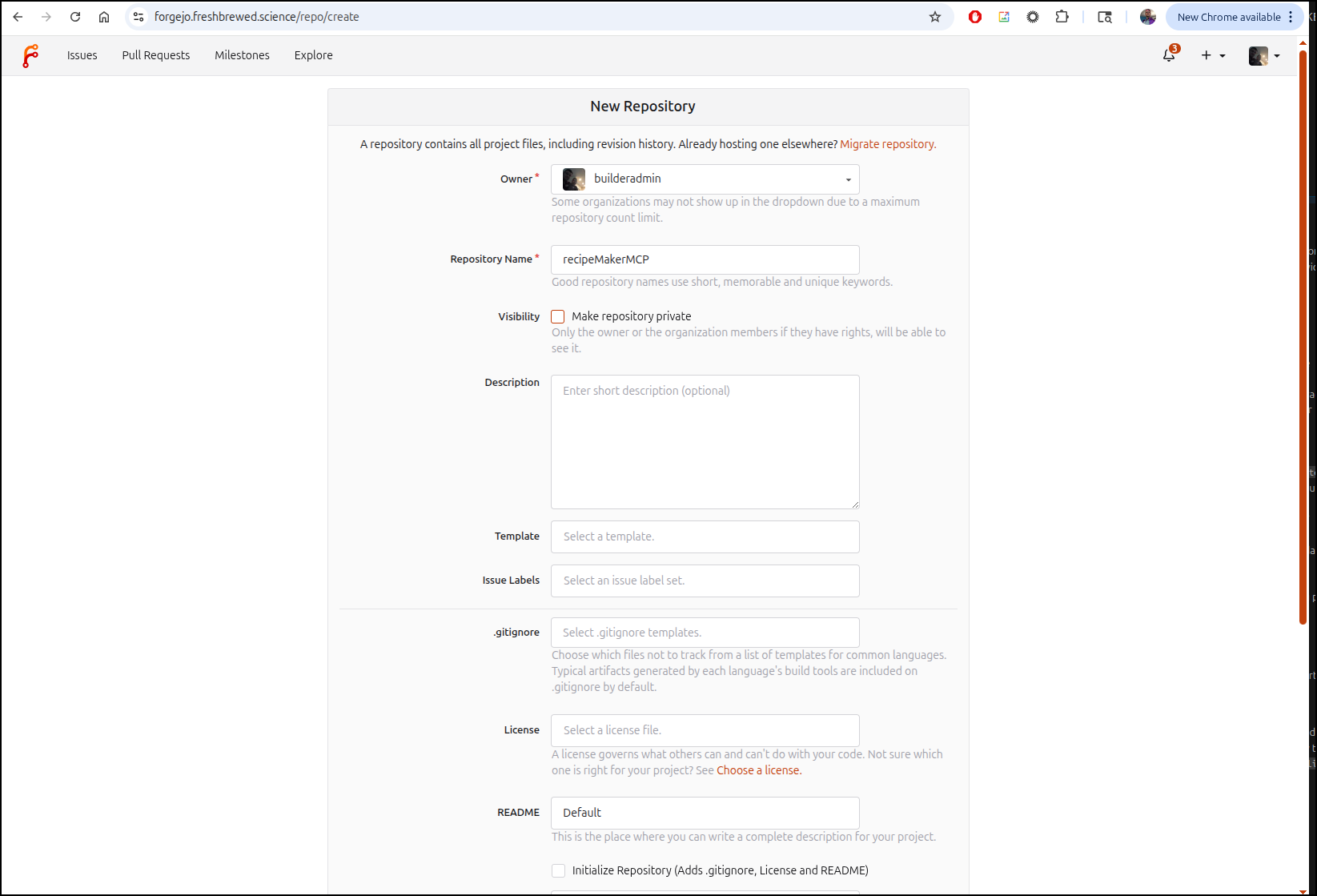
I’ll then use https://gitignore.io for a good gitignore file and init the local repo.
(venv) builder@LuiGi:~/Workspaces/recipeMakerMCP$ git init
hint: Using 'master' as the name for the initial branch. This default branch name
hint: is subject to change. To configure the initial branch name to use in all
hint: of your new repositories, which will suppress this warning, call:
hint:
hint:   git config --global init.defaultBranch <name>
hint:
hint: Names commonly chosen instead of 'master' are 'main', 'trunk' and
hint: 'development'. The just-created branch can be renamed via this command:
hint:
hint:   git branch -m <name>
hint:
hint: Disable this message with "git config set advice.defaultBranchName false"
Initialized empty Git repository in /home/builder/Workspaces/recipeMakerMCP/.git/
(venv) builder@LuiGi:~/Workspaces/recipeMakerMCP$ git branch -m main
(venv) builder@LuiGi:~/Workspaces/recipeMakerMCP$ ls
Dockerfile   gemini-extension.json  recipes           server.py
__pycache__  nanobanana-output      requirements.txt  venv
(venv) builder@LuiGi:~/Workspaces/recipeMakerMCP$ vi .gitignore
(venv) builder@LuiGi:~/Workspaces/recipeMakerMCP$ git status
On branch main

No commits yet

Untracked files:
  (use "git add <file>..." to include in what will be committed)
        .gemini/
        .gitignore
        Dockerfile
        gemini-extension.json
        recipes/
        requirements.txt
        server.py

nothing added to commit but untracked files present (use "git add" to track)
(venv) builder@LuiGi:~/Workspaces/recipeMakerMCP$ git add -A
(venv) builder@LuiGi:~/Workspaces/recipeMakerMCP$ git status
On branch main

No commits yet

Changes to be committed:
  (use "git rm --cached <file>..." to unstage)
        new file:   .gemini/settings.json.old
        new file:   .gitignore
        new file:   Dockerfile
        new file:   gemini-extension.json
        new file:   recipes/cornbread/images/hero.png
        new file:   recipes/cornbread/images/prep.png
        new file:   recipes/cornbread/traditional_rustic_cornbread.md
        new file:   recipes/images/spaghetti_carbonara_hero.png
        new file:   recipes/images/spaghetti_carbonara_prep.png
        new file:   recipes/spaghetti_carbonara.md
        new file:   requirements.txt
        new file:   server.py
(venv) builder@LuiGi:~/Workspaces/recipeMakerMCP$ git commit -m "first"
[main (root-commit) c5d6ec4] first
 12 files changed, 451 insertions(+)
 create mode 100644 .gemini/settings.json.old
 create mode 100644 .gitignore
 create mode 100644 Dockerfile
 create mode 100644 gemini-extension.json
 create mode 100644 recipes/cornbread/images/hero.png
 create mode 100644 recipes/cornbread/images/prep.png
 create mode 100644 recipes/cornbread/traditional_rustic_cornbread.md
 create mode 100644 recipes/images/spaghetti_carbonara_hero.png
 create mode 100644 recipes/images/spaghetti_carbonara_prep.png
 create mode 100644 recipes/spaghetti_carbonara.md
 create mode 100644 requirements.txt
 create mode 100644 server.py
Then add the origina and push the commits up
(venv) builder@LuiGi:~/Workspaces/recipeMakerMCP$ git remote add origin https://forgejo.freshbrewed.science/builderadmin/recipeMakerMCP.git
(venv) builder@LuiGi:~/Workspaces/recipeMakerMCP$ git push -u origin --all
Enumerating objects: 19, done.
Counting objects: 100% (19/19), done.
Delta compression using up to 16 threads
Compressing objects: 100% (17/17), done.
Writing objects: 100% (19/19), 3.19 MiB | 2.51 MiB/s, done.
Total 19 (delta 0), reused 0 (delta 0), pack-reused 0 (from 0)
remote: . Processing 1 references
remote: Processed 1 references in total
To https://forgejo.freshbrewed.science/builderadmin/recipeMakerMCP.git
 * [new branch]      main -> main
branch 'main' set up to track 'origin/main'.
I may move this to Github so the Gemini CLI Extensions library can pull it in, but for now, I’ll host it locally.
I then pulled this down to my desktop, fired up Gemini CLI and asked why it was showing as “0” for an MCP Server name.
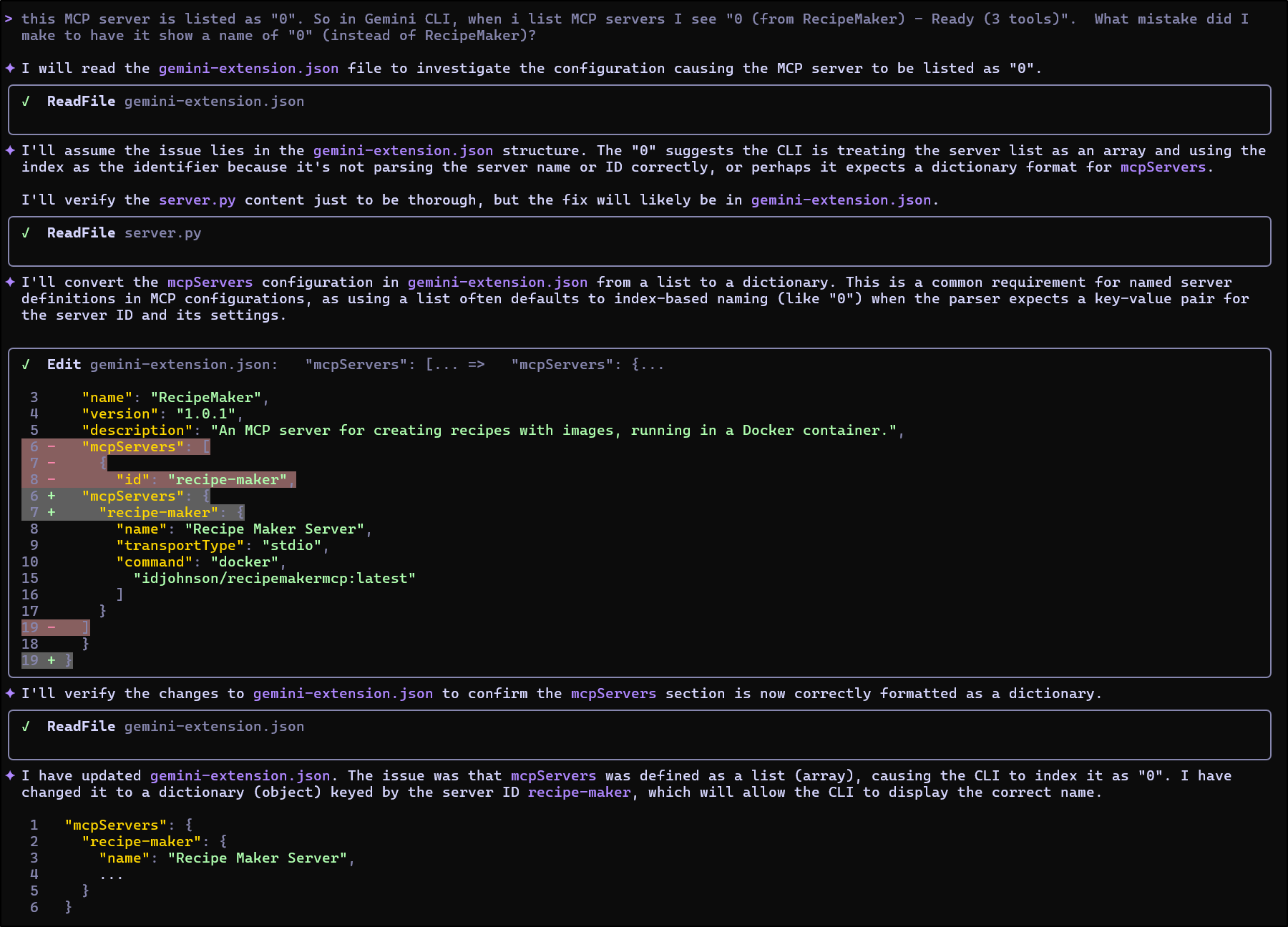
Now that Gemini CLI found and fixed the issue in the extension, I’ll remove and readd to verify
builder@DESKTOP-QADGF36:~/Workspaces/recipeMakerMCP$ gemini extensions uninstall RecipeMaker
Loaded cached credentials.
Extension "RecipeMaker" successfully uninstalled.
builder@DESKTOP-QADGF36:~/Workspaces/recipeMakerMCP$ gemini extensions install /home/builder/Workspaces/recipeMakerMCP/
Loaded cached credentials.
Installing extension "RecipeMaker".
This extension will run the following MCP servers:
  * recipe-maker (local): docker run -i --rm idjohnson/recipemakermcp:latest

The extension you are about to install may have been created by a third-party developer and sourced from a public repository. Google does not vet, endorse, or guarantee the functionality or security of extensions. Please carefully inspect any extension and its source code before installing to understand the permissions it requires and the actions it may perform.
Do you want to continue? [Y/n]:
Extension "RecipeMaker" installed successfully and enabled.
This time it looked good
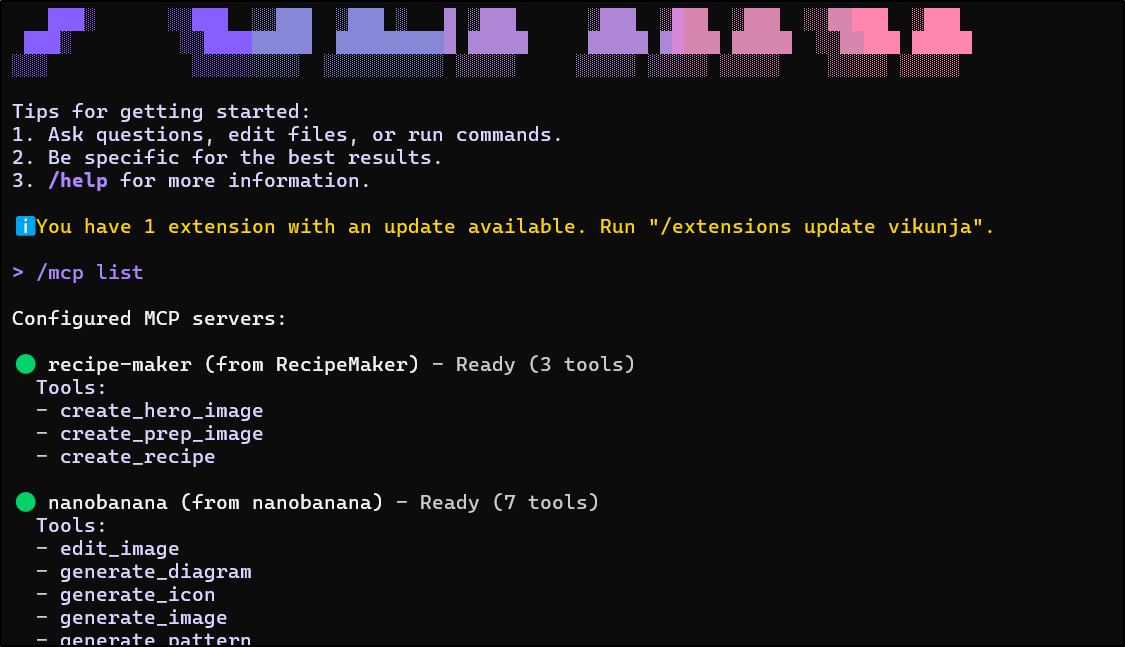
Let’s test it by asking it to make a new Chili recipe for me to try.
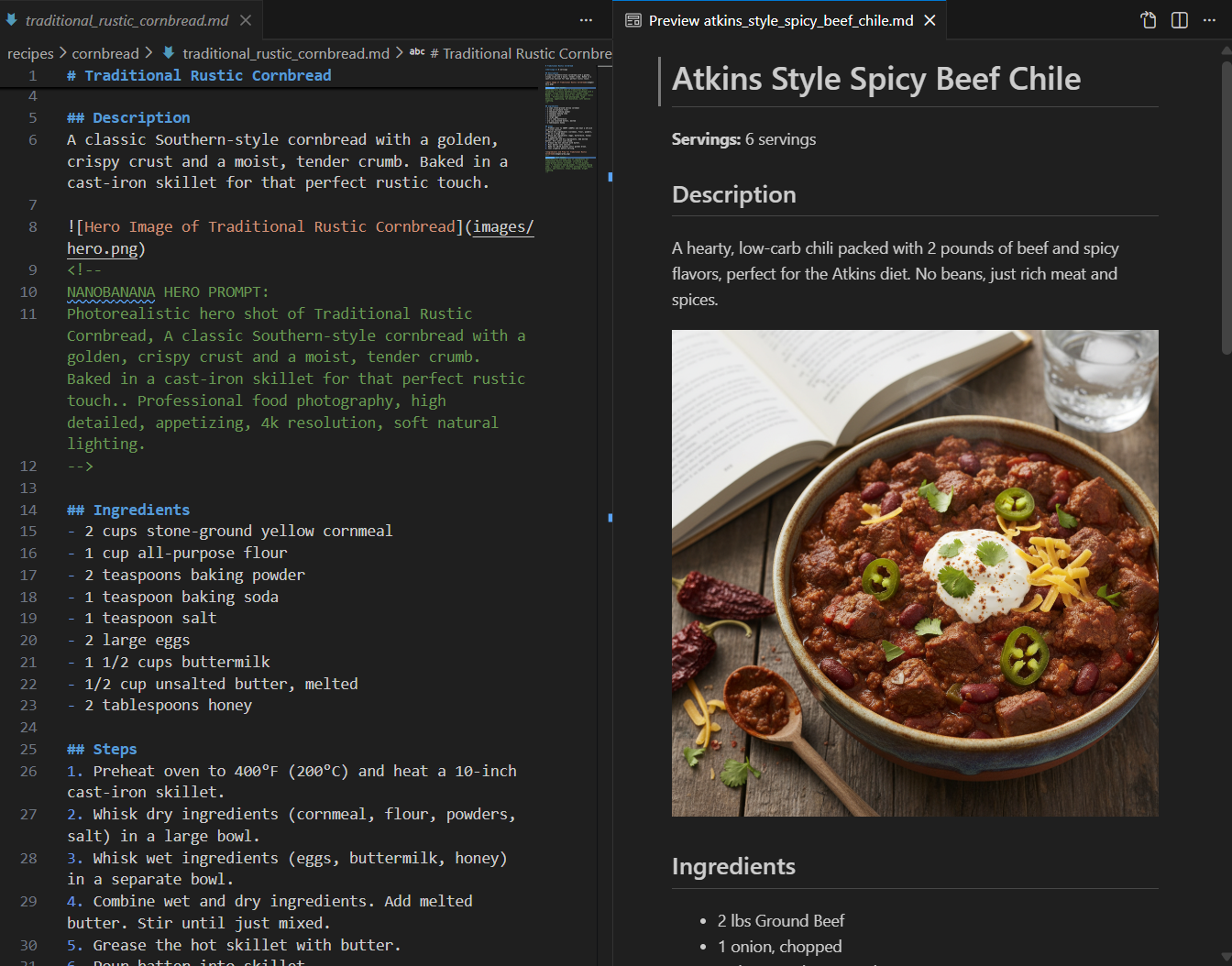
Now, the new containerized version of the MCP server didn’t actually write the recipe out locally, forcing Gemini CLI to do it.
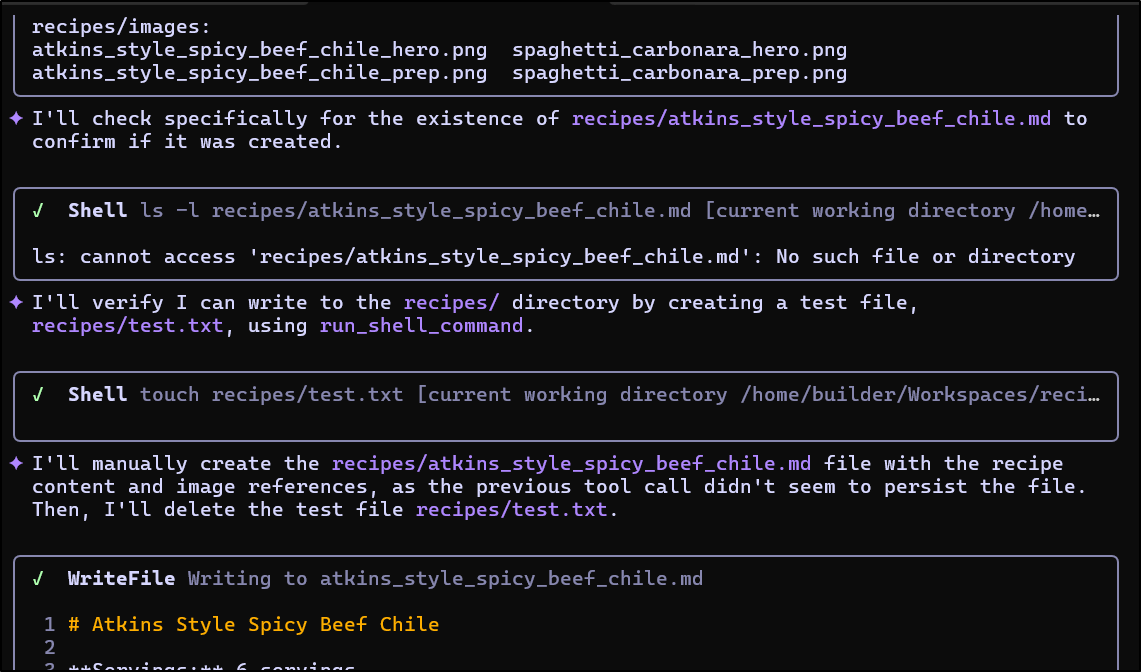
I might need to dig more into that.
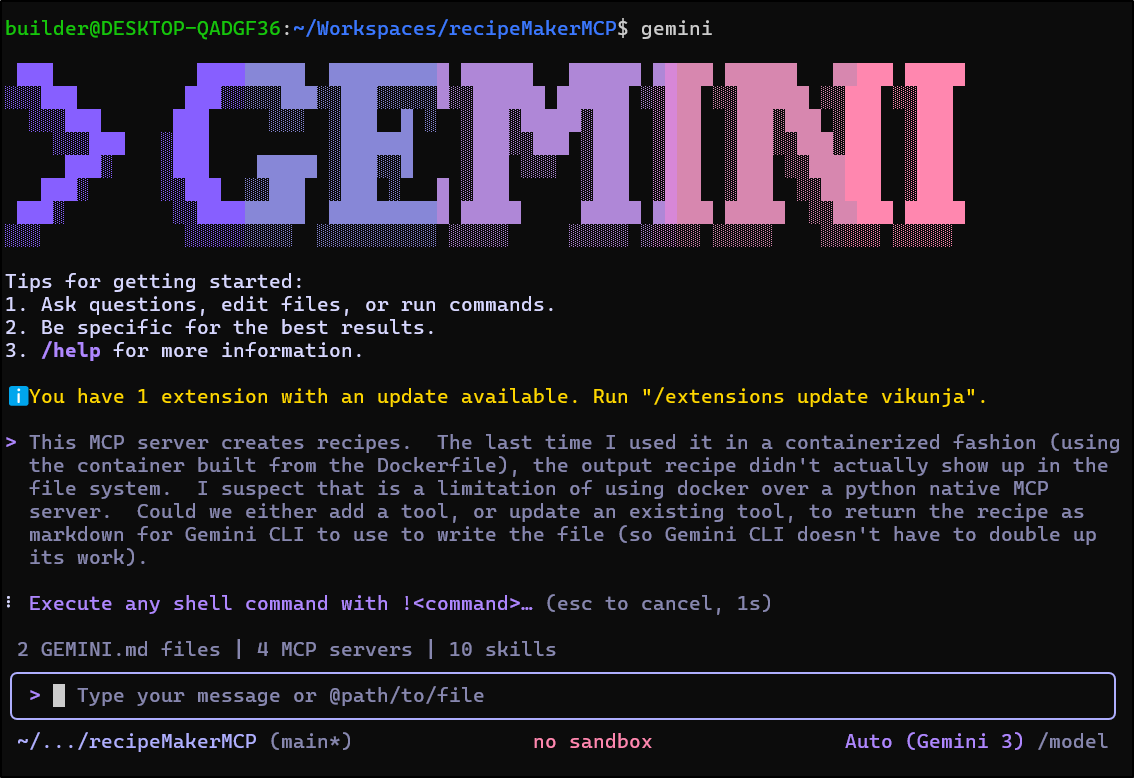
Also, I kind of feel having a shopping list with checkboxes would be nice and more verbose steps for those of us still rather medium skilled in the kitchen.
I updated it to use a volume mount and tried again
I like the output, but I’m not keen on the prep images coming last
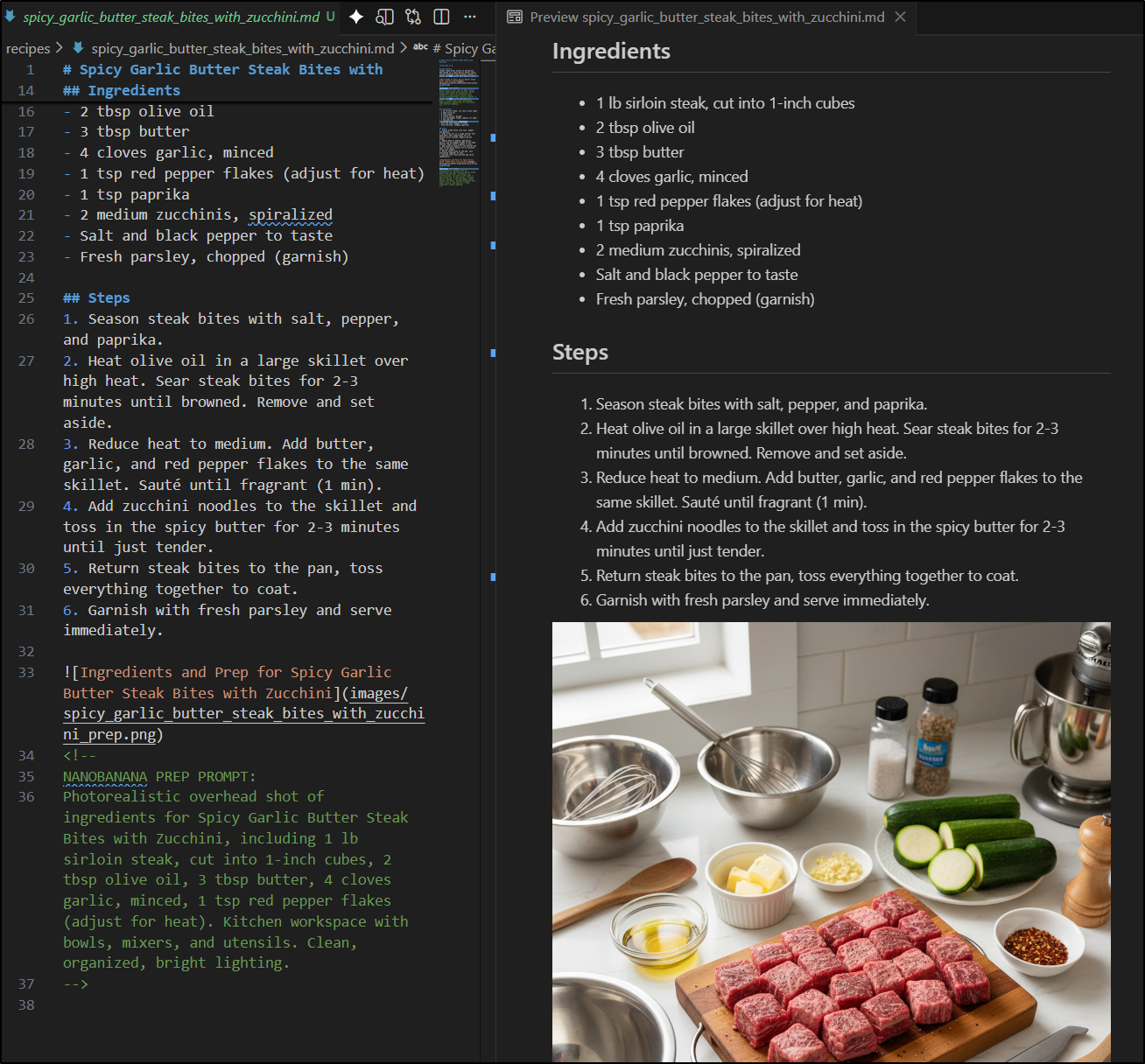
The changes to move things around I need no AI to do, I can just update server.py myself
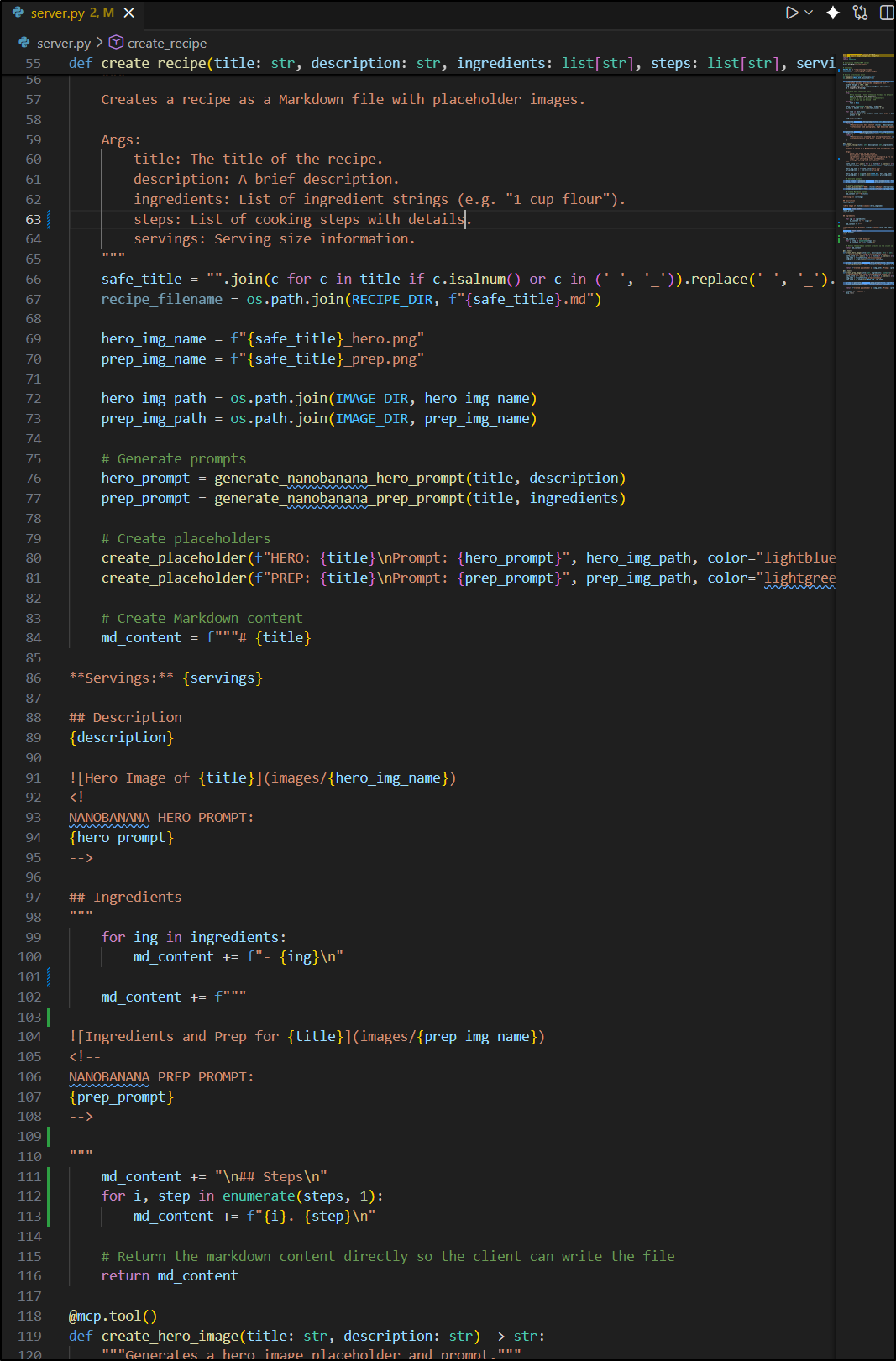
I updated it to use a volume mount and tried again which worked great.
Since I was happy with the changes, I pushed them up to Forgejo. Then I made sure the “latest” tag was updated in Dockerhub
builder@DESKTOP-QADGF36:~/Workspaces$ docker tag idjohnson/recipemakermcp:0.5 idjohnson/recipemakermcp:latest
builder@DESKTOP-QADGF36:~/Workspaces$ docker push idjohnson/recipemakermcp:latest
The push refers to repository [docker.io/idjohnson/recipemakermcp]
fe4dba68afd0: Layer already exists
4efa50819aec: Layer already exists
21e0159f4e8b: Layer already exists
cdd6a4c426fc: Layer already exists
226d3a876401: Layer already exists
a915d0aa80cd: Layer already exists
ad1b18dd62d2: Layer already exists
d85cc8d16465: Layer already exists
e50a58335e13: Layer already exists
latest: digest: sha256:47e76701b4c092ba1db58b11966ff7637d49197e6362bd47484a8ee126c3ce52 size: 2199
The GIT repo is public and available. Feel free to check out those recipes!
Fitness app
Next, I wanted to create a Fitness app. So I asked Gemini to kick that up
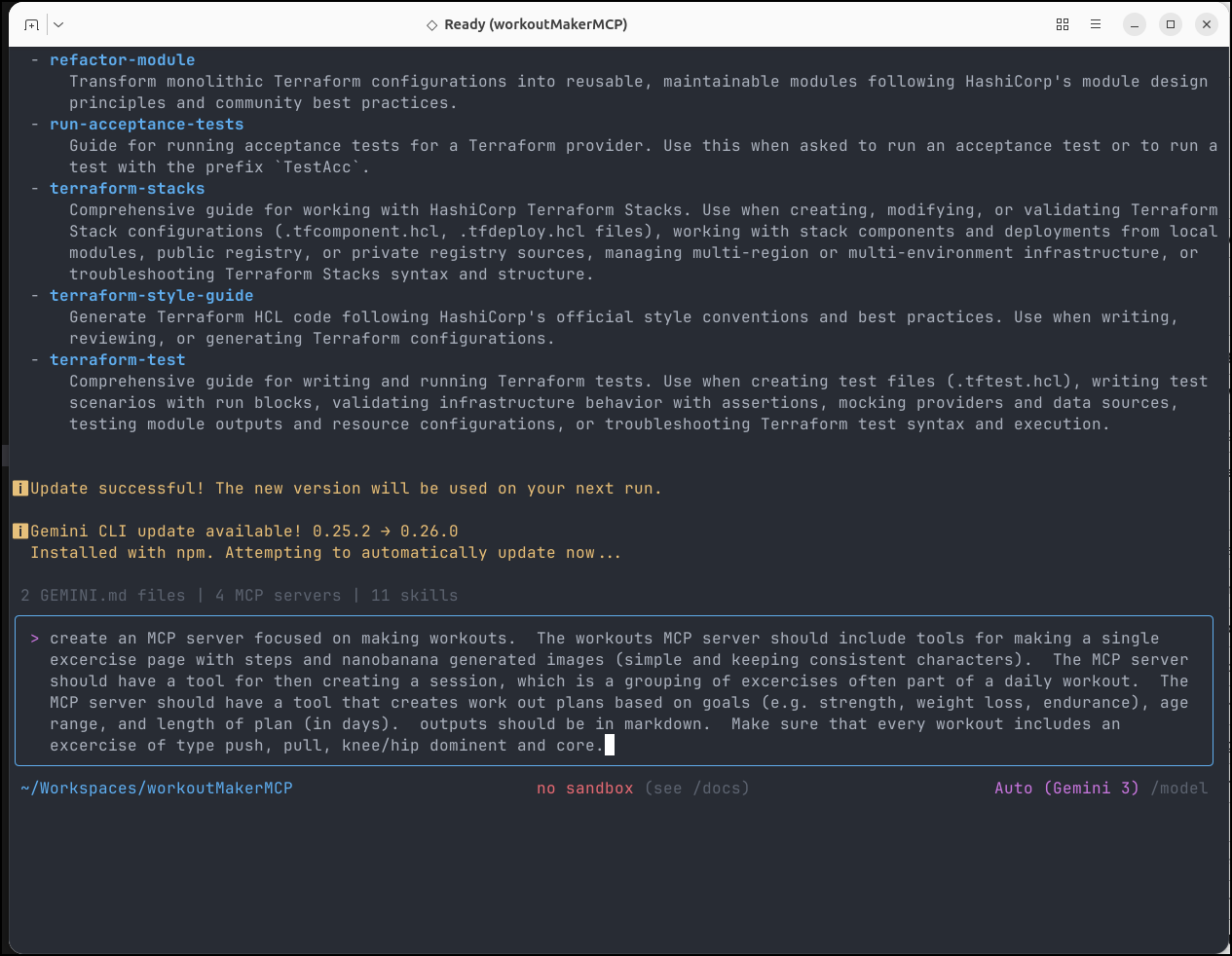
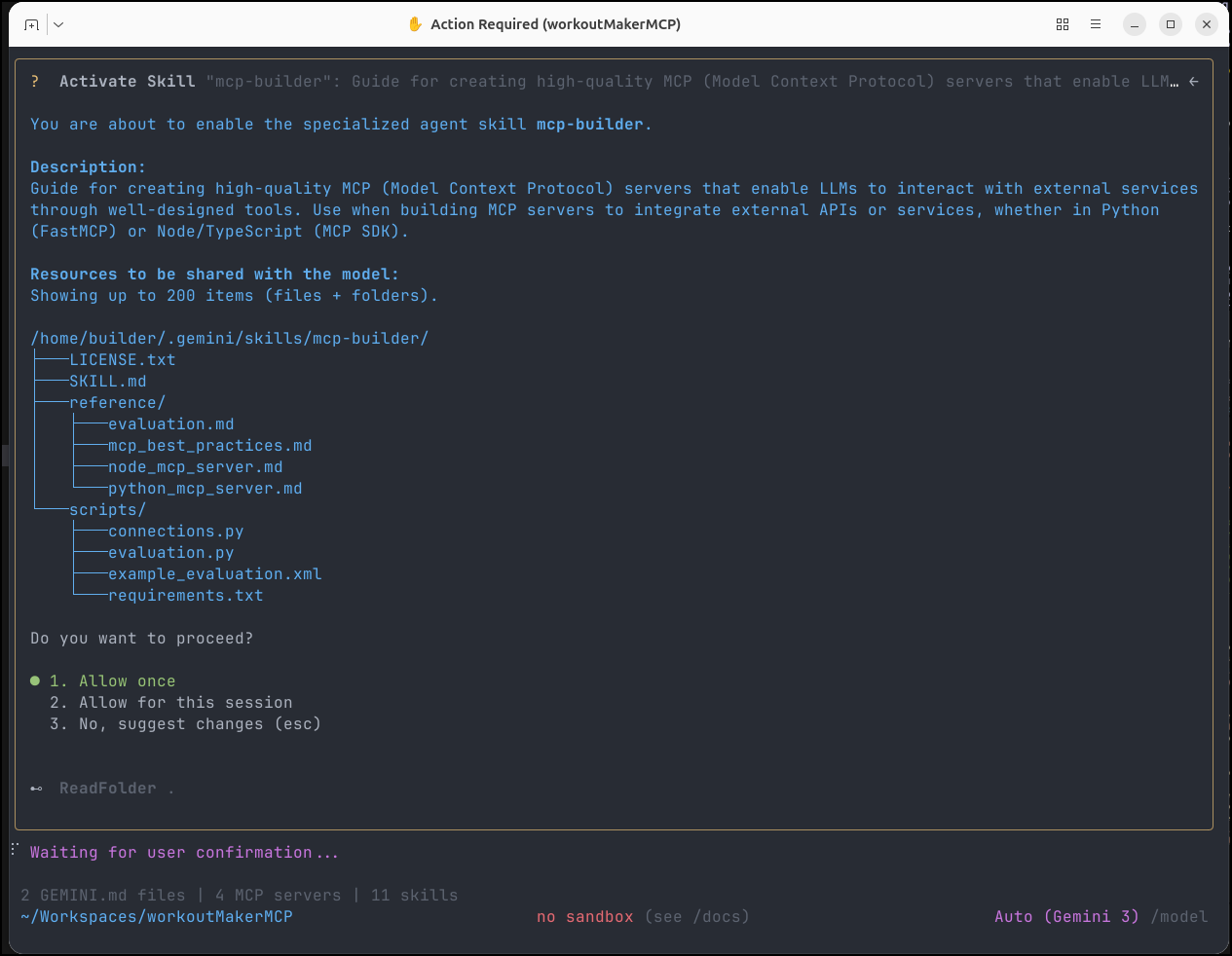
I wasn’t specific about the skills to use so I was happy to see it figured out to use the “mcp-builder” skill
While it did a sufficient job, I wanted some more variety. For a change, I used Claude Haikue 4.5 though the free level of Github Copilot
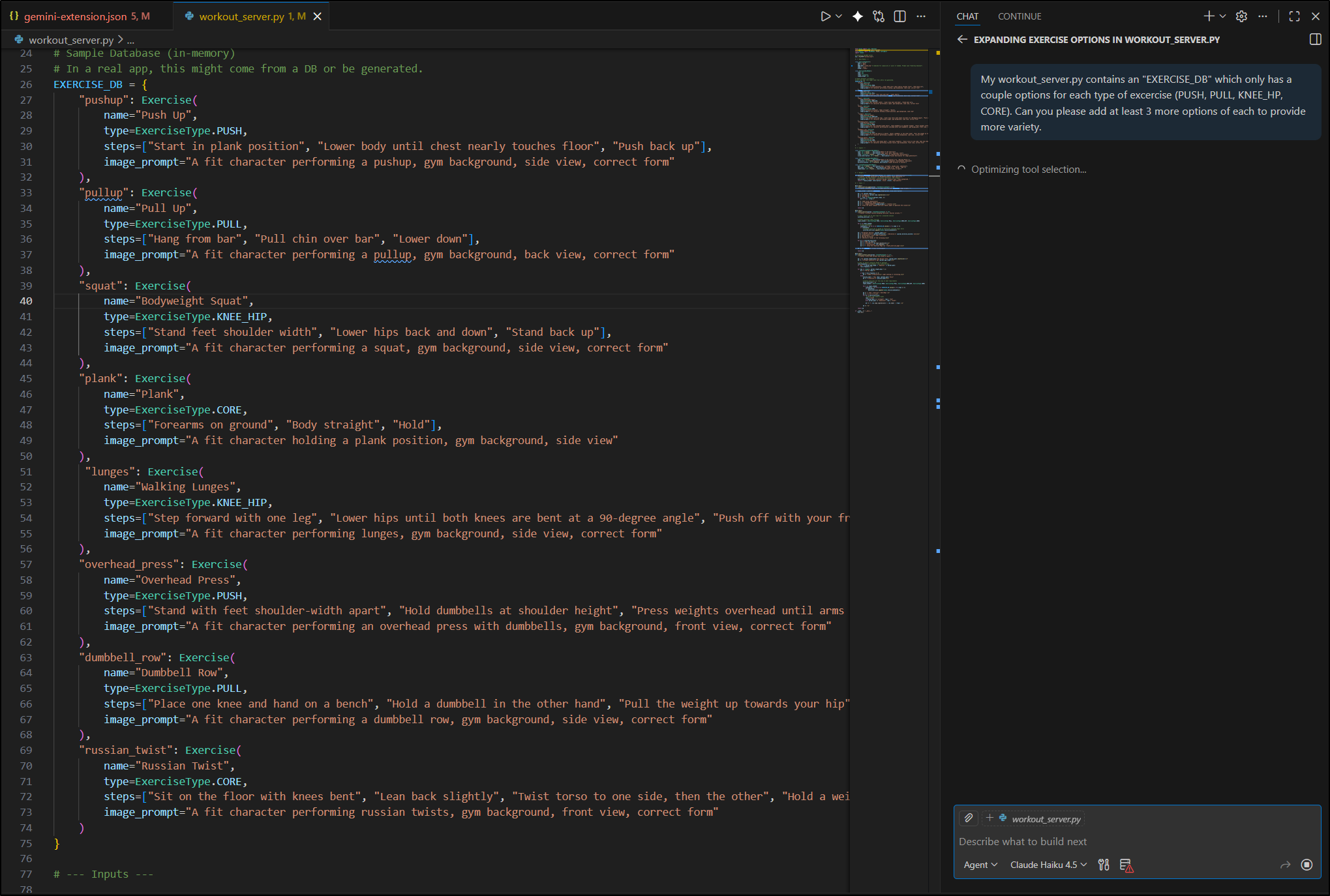
That did a pretty good job
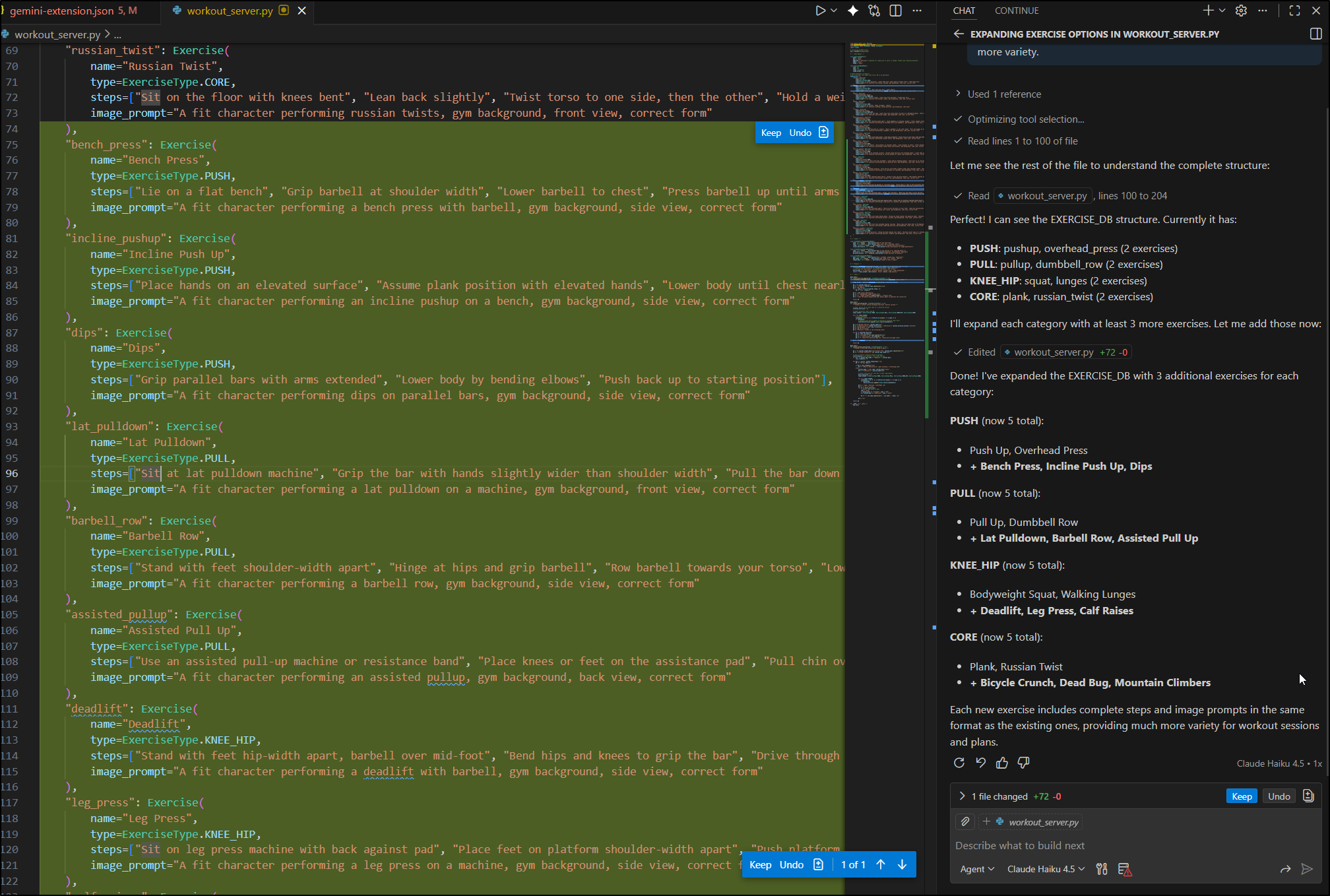
I wanted to test and with all the work I did with recipeMakerMCP, I now have a rather crafty little bash one-liner to update for testing
builder@DESKTOP-QADGF36:~/Workspaces/workoutMakerMCP$ export MYVER=0.3 && docker build -t idjohnson/workoutmcp:$MYVER . && docker push idjohnson/workoutmcp:$MYVER && sed -i "s/version\": \"1.*/version\": \"1.$MYVER\",/" gemini-extension.json && sed -i "s/idj
ohnson\/workoutmcp:.*/idjohnson\/workoutmcp:$MYVER\"/" gemini-extension.json
[+] Building 0.4s (10/10) FINISHED                                                                                docker:default
 => [internal] load build definition from Dockerfile                                                                        0.0s
 => => transferring dockerfile: 250B                                                                                        0.0s
 => [internal] load metadata for docker.io/library/python:3.11-slim                                                         0.3s
 => [internal] load .dockerignore                                                                                           0.0s
 => => transferring context: 2B                                                                                             0.0s
 => [1/5] FROM docker.io/library/python:3.11-slim@sha256:5be45dbade29bebd6886af6b438fd7e0b4eb7b611f39ba62b430263f82de36d2   0.0s
 => [internal] load build context                                                                                           0.0s
 => => transferring context: 2.11kB                                                                                         0.0s
 => CACHED [2/5] WORKDIR /app                                                                                               0.0s
 => CACHED [3/5] COPY requirements.txt .                                                                                    0.0s
 => CACHED [4/5] RUN pip install --no-cache-dir -r requirements.txt                                                         0.0s
 => CACHED [5/5] COPY . .                                                                                                   0.0s
 => exporting to image                                                                                                      0.0s
 => => exporting layers                                                                                                     0.0s
 => => writing image sha256:ad6819a16f86c3c8824a785360cf847a74446796bf64d578578edcddf32ae726                                0.0s
 => => naming to docker.io/idjohnson/workoutmcp:0.3                                                                         0.0s
The push refers to repository [docker.io/idjohnson/workoutmcp]
8a0b6b034fb3: Pushed
fd1e75e7ed17: Pushed
00fd48cc8efd: Pushed
2457578192e8: Pushed
49d74831a287: Mounted from library/python
5d89b1d5fc98: Mounted from library/python
523062ea36b5: Mounted from library/python
e50a58335e13: Mounted from idjohnson/recipemakermcp
0.3: digest: sha256:84b47095c62c99ce65d7e14e9731ca3fbc9080fcdb3d63dfc6e02c9b52f353a3 size: 1993
I can now load as a linked extension
builder@DESKTOP-QADGF36:~/Workspaces/workoutMakerMCP$ gemini extensions install /home/builder/Workspaces/workoutMakerMCP/
Loaded cached credentials.
Installing extension "WorkoutMaker".
This extension will run the following MCP servers:
  * workout-maker (local): docker run -i --rm idjohnson/workoutmcp:0.3

The extension you are about to install may have been created by a third-party developer and sourced from a public repository. Google does not vet, endorse, or guarantee the functionality or security of extensions. Please carefully inspect any extension and its source code before installing to understand the permissions it requires and the actions it may perform.
Do you want to continue? [Y/n]: y
Extension "WorkoutMaker" installed successfully and enabled.
And test with Gemini CLI
One thing you may have noticed as I did, some of the images are just wrong:
For instance, that is a barbell back squat, not a bench press
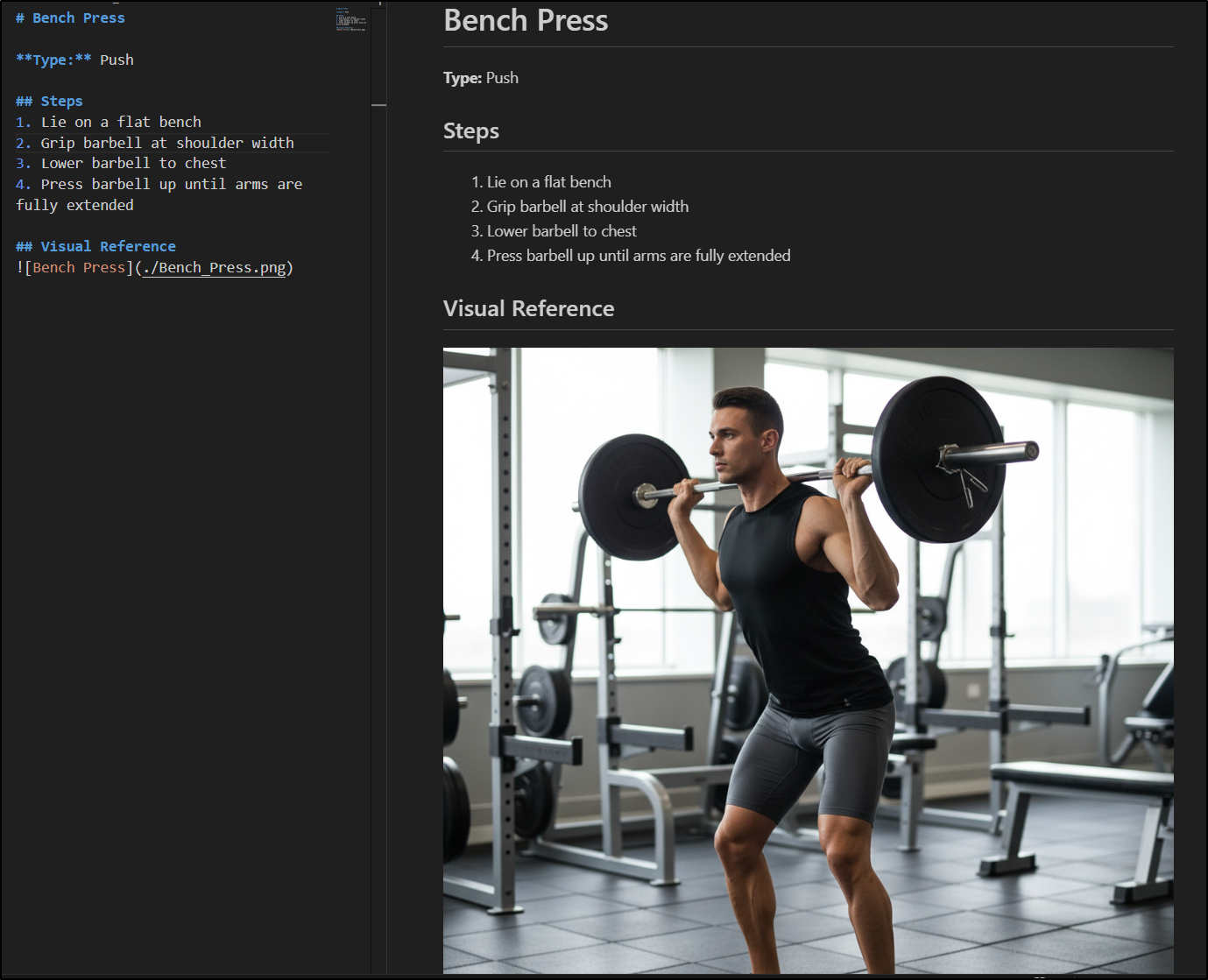
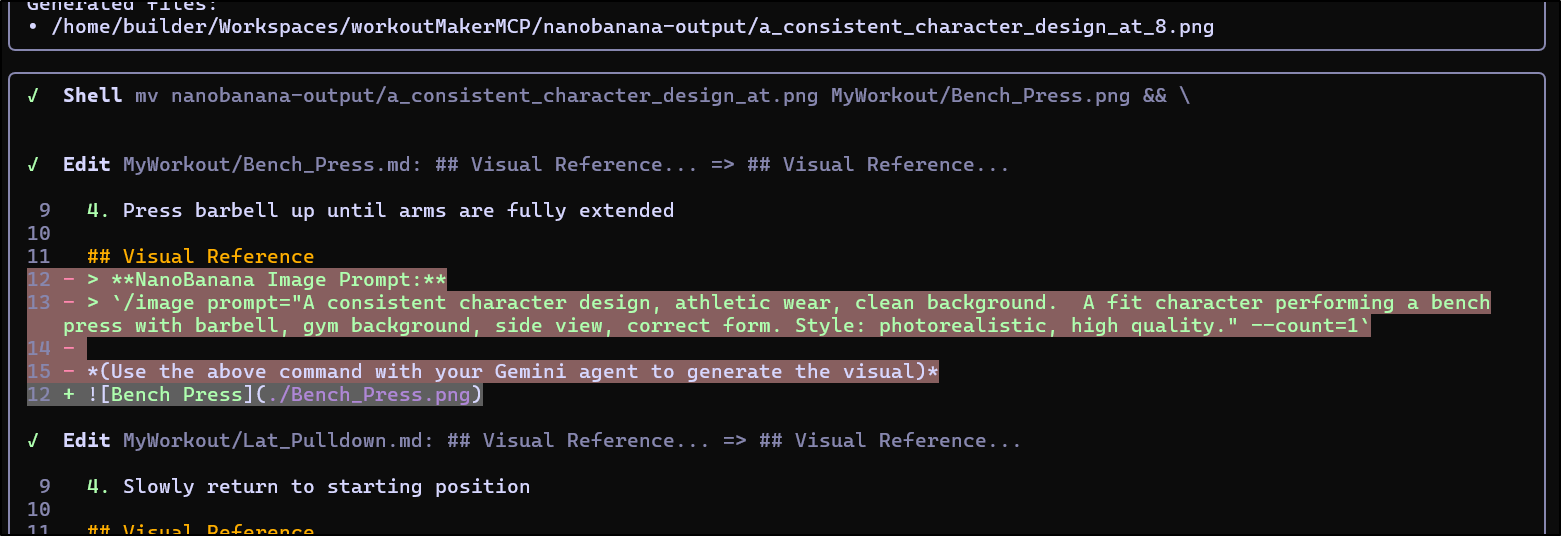
To fix, I can scroll up in my log (thankfully I still had the session as Gemini removed the placeholder text)
I’ll then use the Gemini web app to create the image with nanobanana
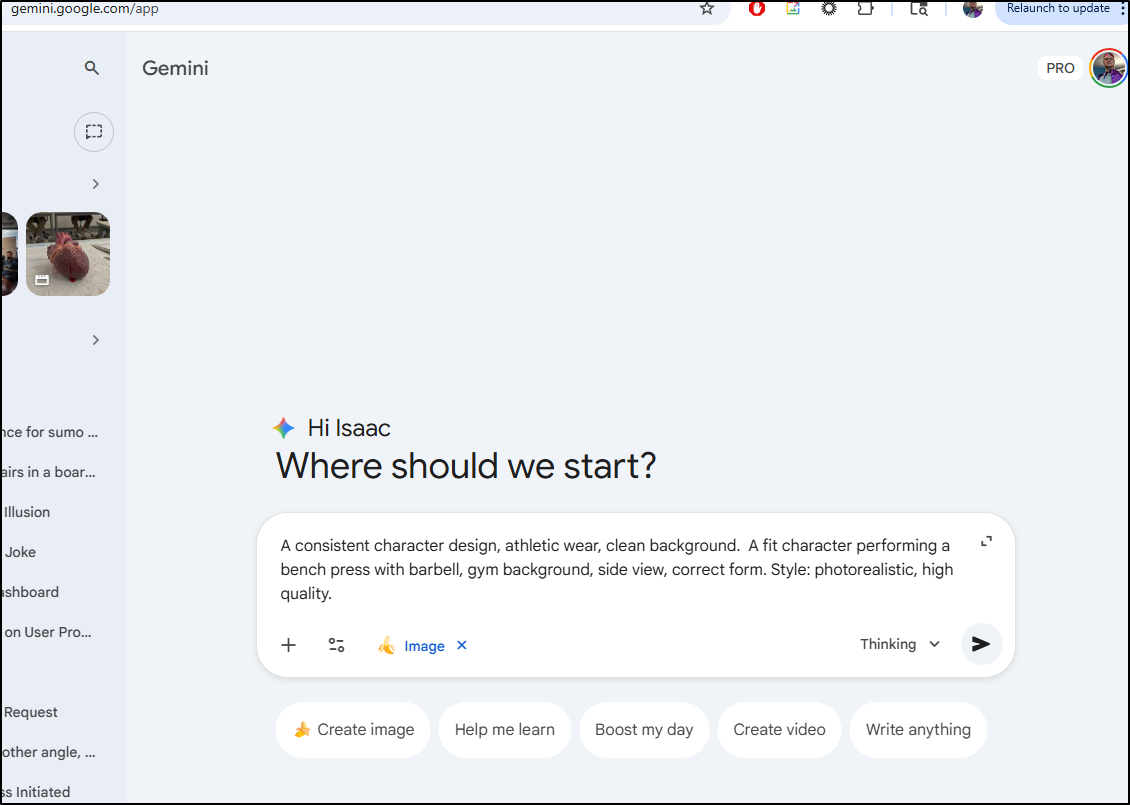
and I can keep redo’ing if I don’t like the output - for instance, this is close but it looks more like an incline bench press to me
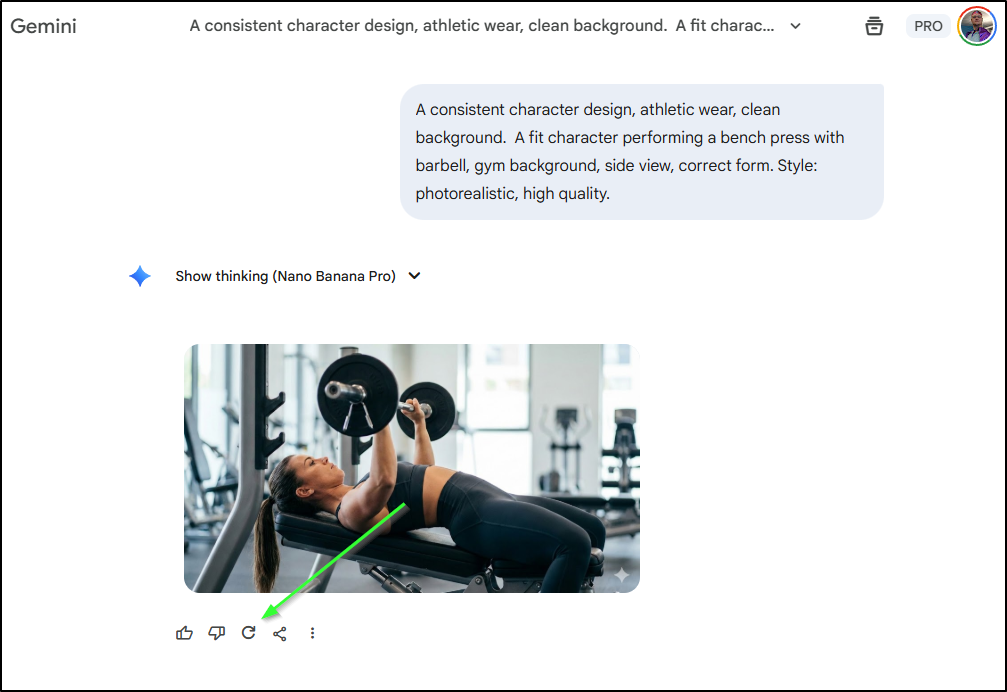
The second generation was what I was seeking
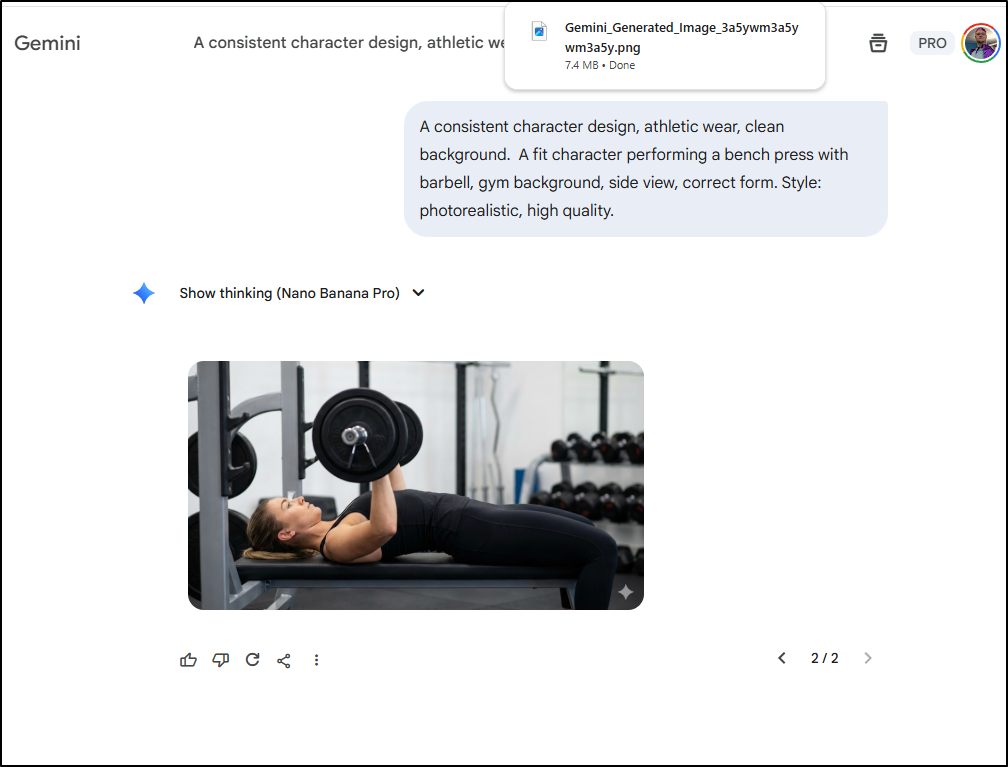
I then just copied it over the last PNG file for an updated exercise page
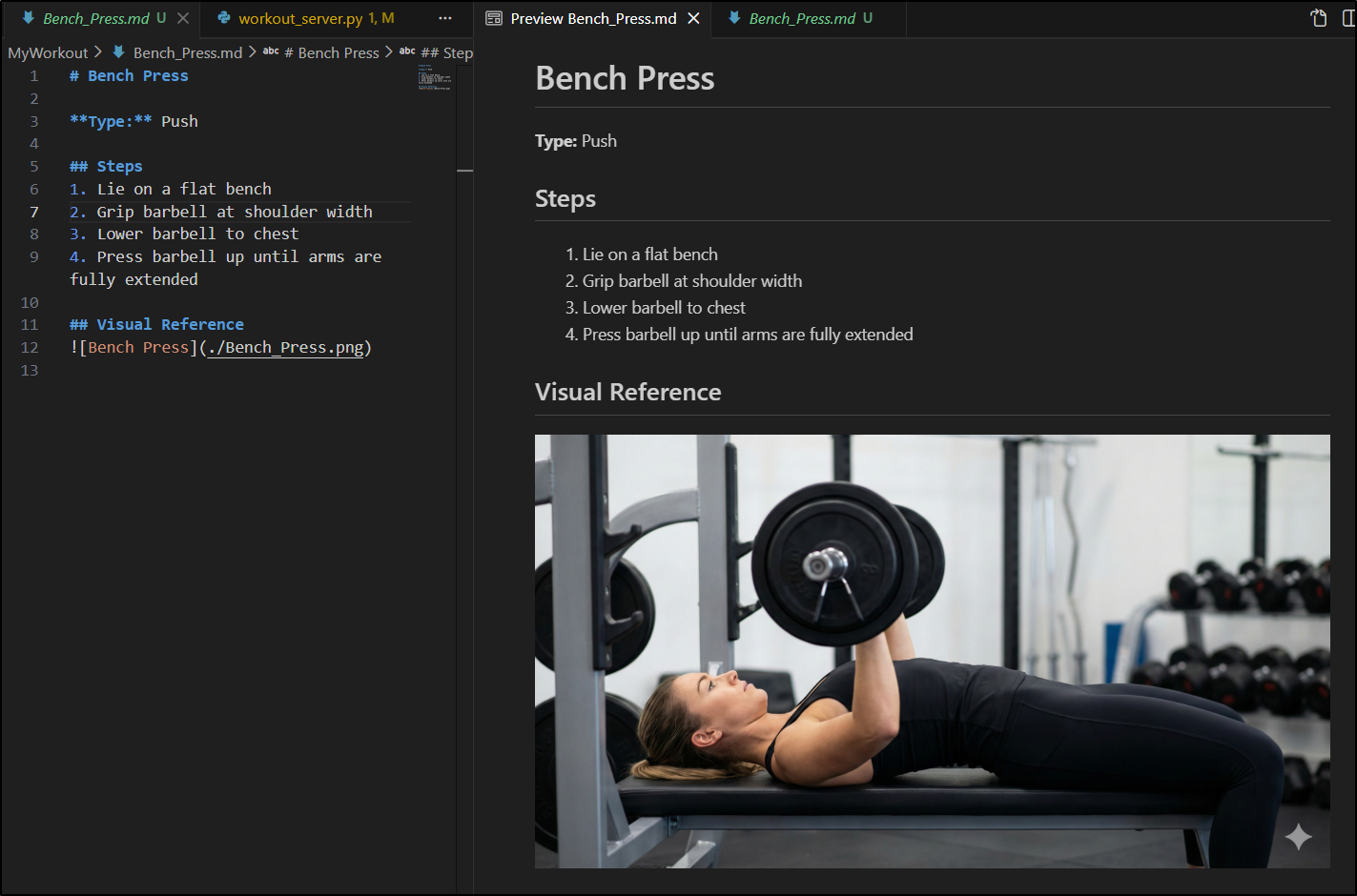
Or here is a fun one - I would have abs like that too if I could hover in mid air
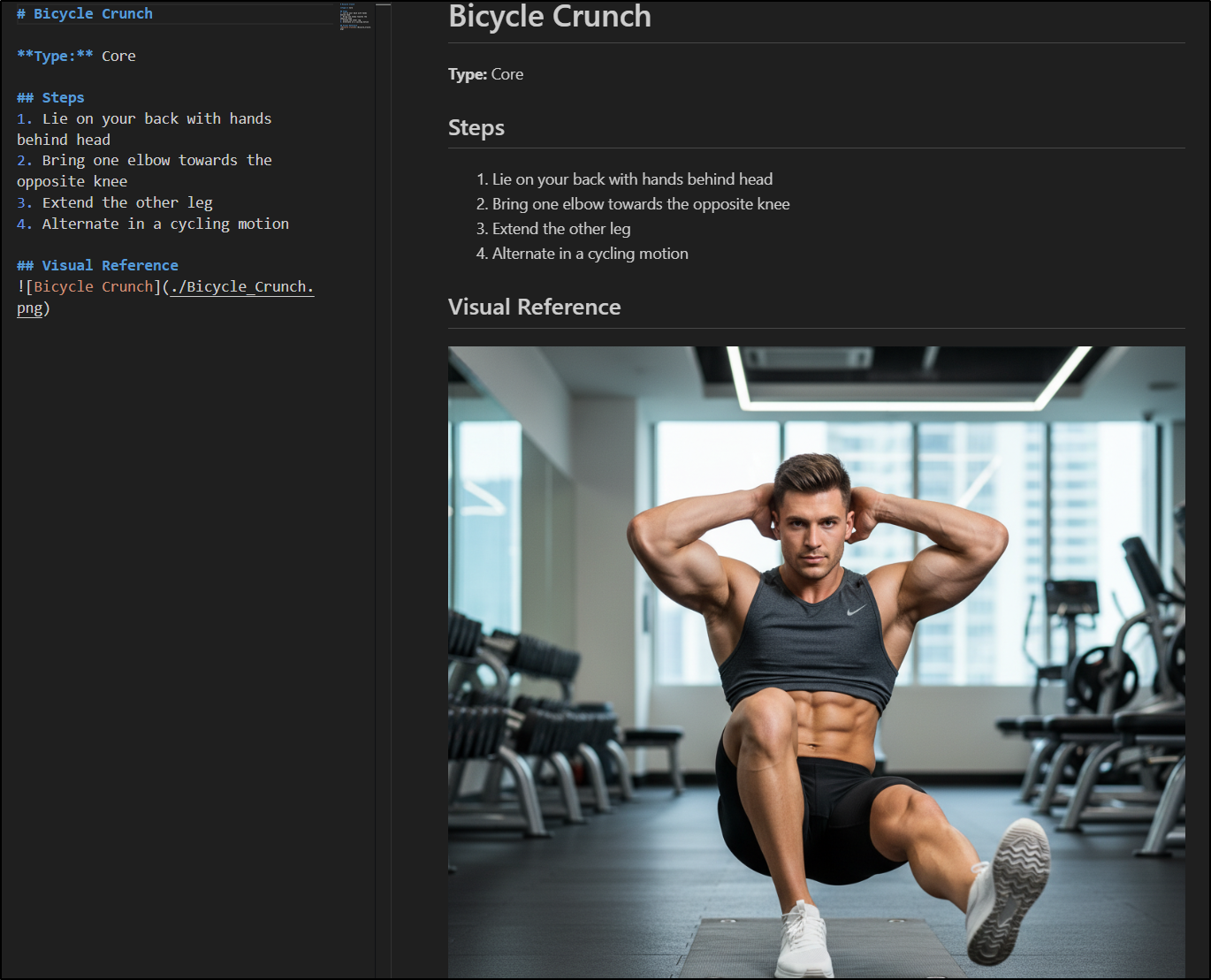
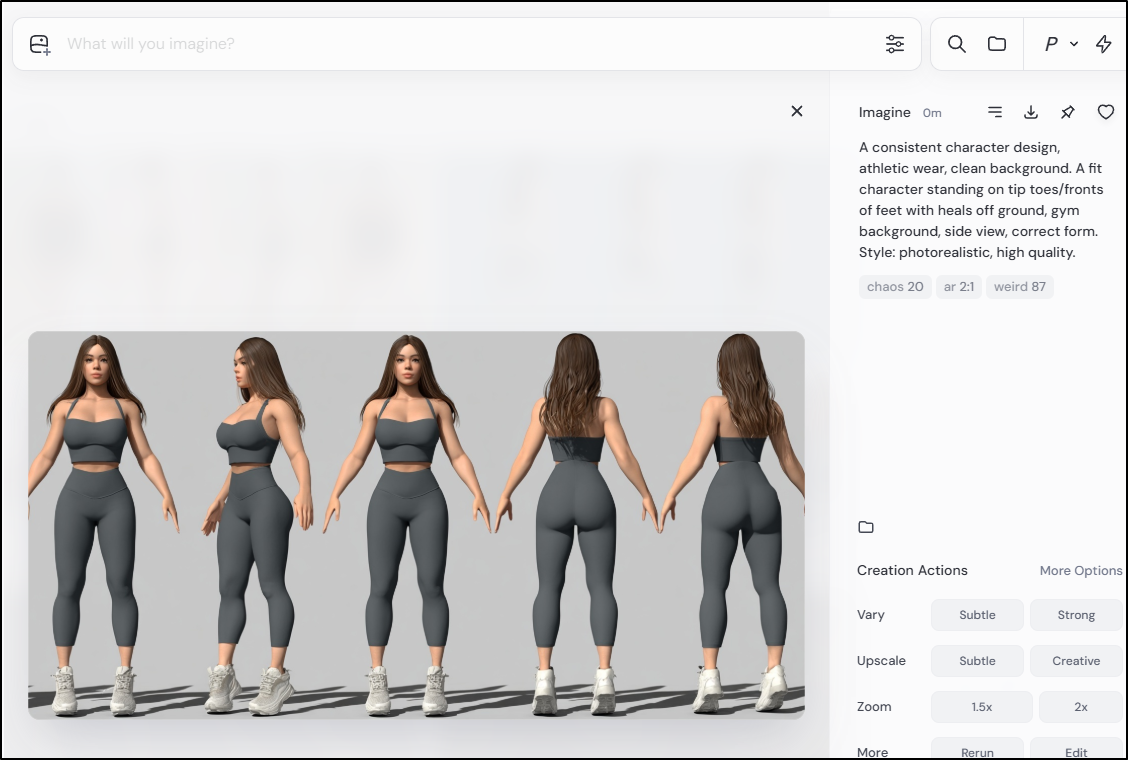
Calf raises were the hardest. I tried and tried and the AI generation kept failing, sometimes in hilarious ways:
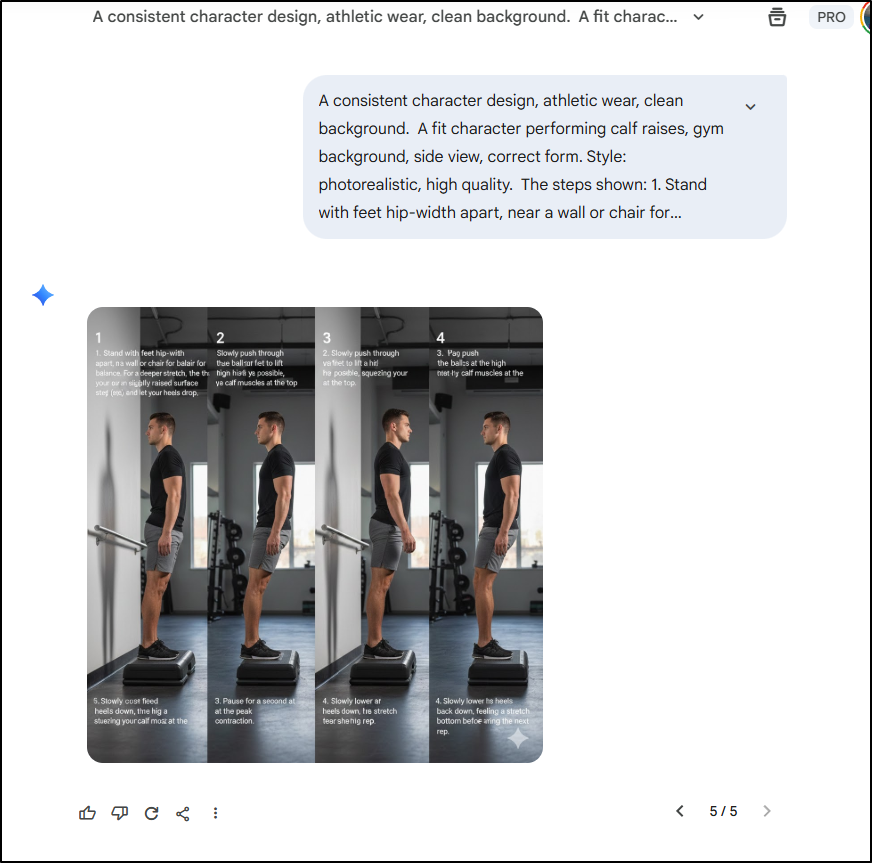
I finally got something reasonable with MidJourney - Gemini just refused to keep our characters from bending their knees.
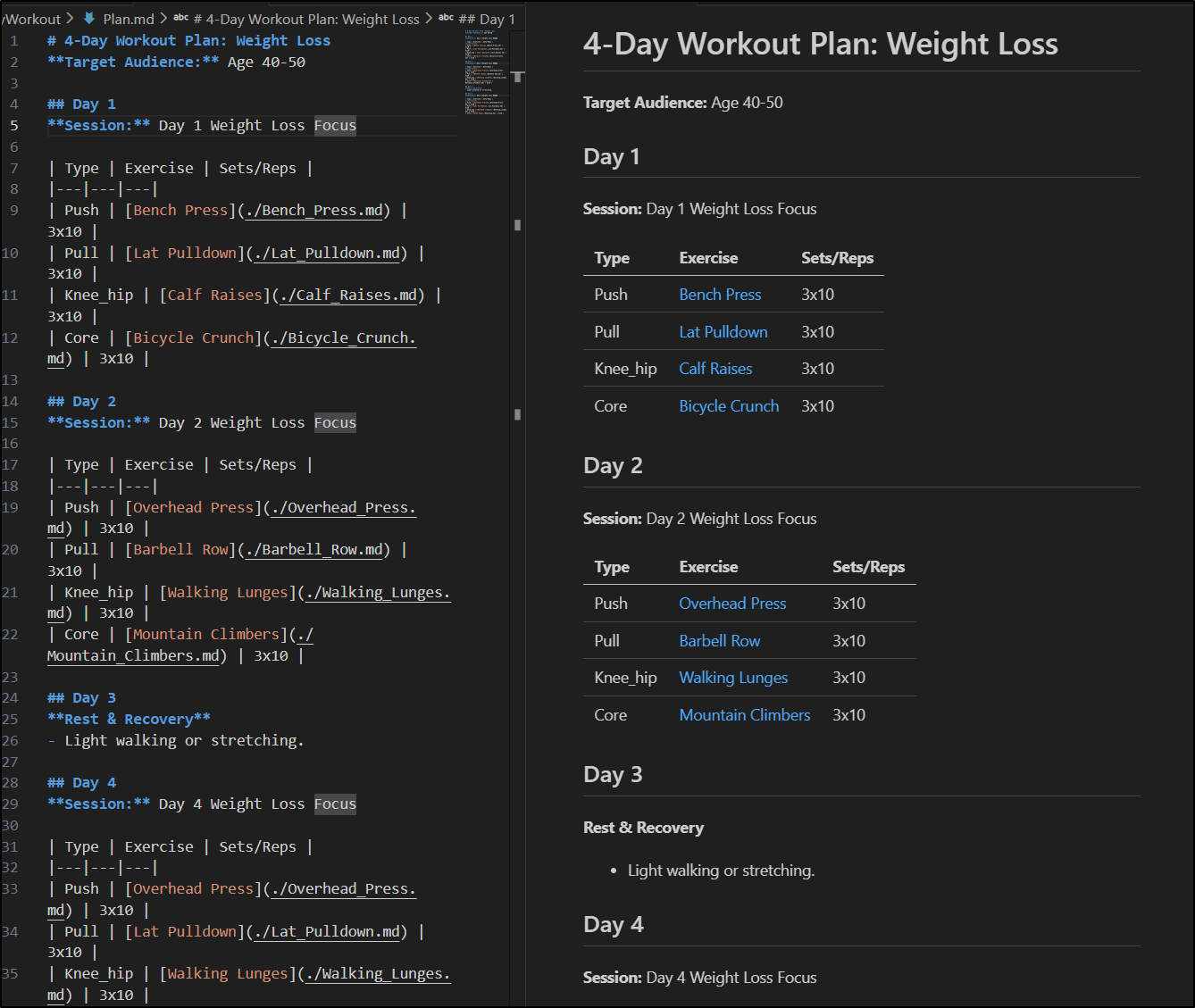
But other than some challenges on images, I think I have a functioning 4-day plan
Since I think this is a pretty good start, I’ll commit to main and push up the public repo
builder@DESKTOP-QADGF36:~/Workspaces/workoutMakerMCP$ git push
Enumerating objects: 29, done.
Counting objects: 100% (29/29), done.
Delta compression using up to 16 threads
Compressing objects: 100% (25/25), done.
Writing objects: 100% (25/25), 17.92 MiB | 10.33 MiB/s, done.
Total 25 (delta 3), reused 0 (delta 0), pack-reused 0
remote: . Processing 1 references
remote: Processed 1 references in total
To https://forgejo.freshbrewed.science/builderadmin/workoutMakerMCP.git
   9a19b88..014c5a3  main -> main
And now you can see my simple 4-day plan
Sharing to Github
IF I want to have these show up in the Gemini Extensions Gallery, I’m required to push to Github (still).
Also, if I want to enable others to fork and contribute - which I do, I think these could be fun to build out, then I need to move out of my Forgejo (I had to lock it down because AI bots just swamped it for a while).
I’ll create a new public repo
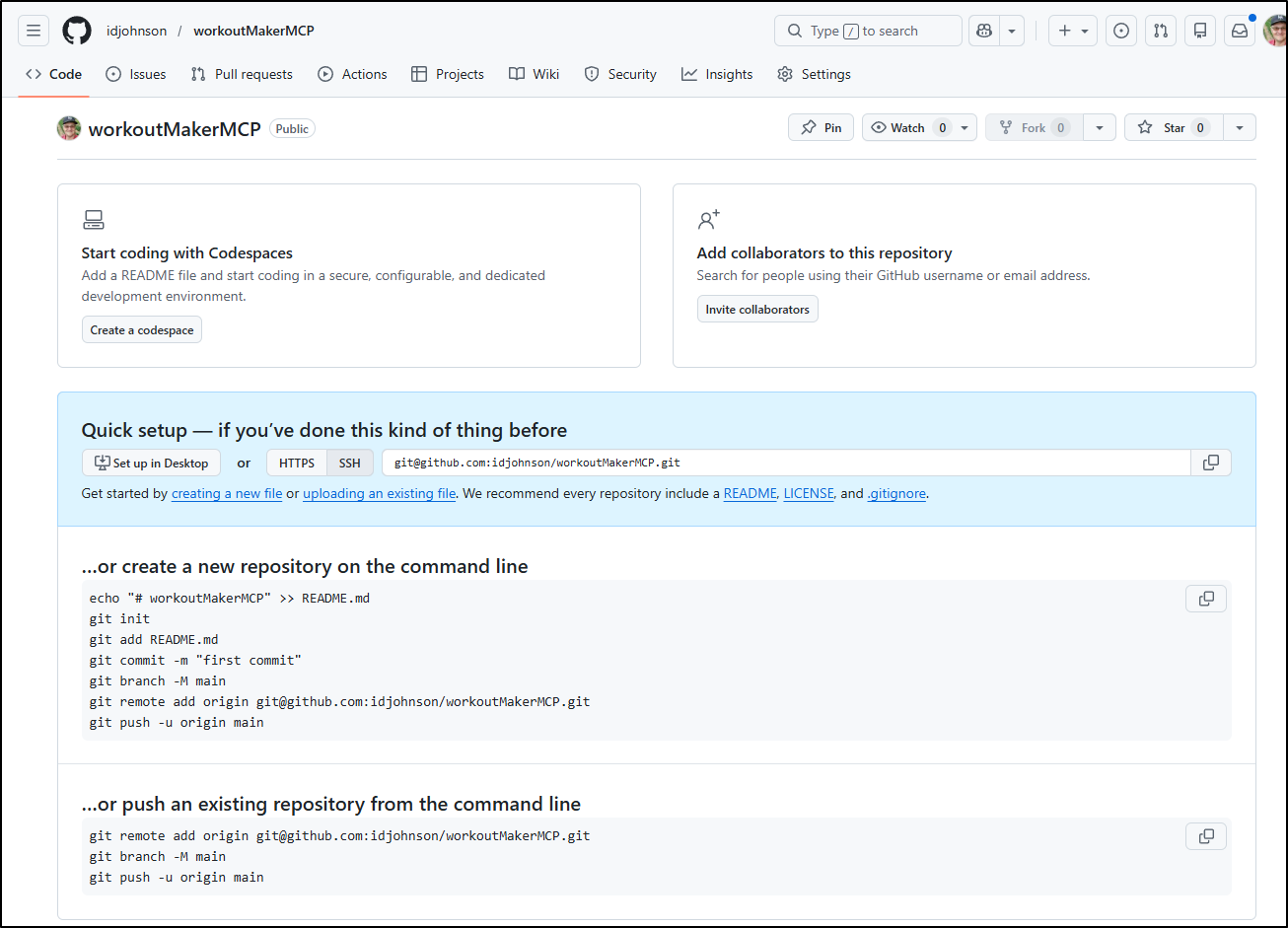
However, my push steps will differ from above as I’m going to treat GH as a second origin:
builder@DESKTOP-QADGF36:~/Workspaces/workoutMakerMCP$ git remote add origin2 git@github.com:idjohnson/workoutMakerMCP.git
builder@DESKTOP-QADGF36:~/Workspaces/workoutMakerMCP$ git push -u origin2 --all
Enumerating objects: 33, done.
Counting objects: 100% (33/33), done.
Delta compression using up to 16 threads
Compressing objects: 100% (32/32), done.
Writing objects: 100% (33/33), 17.92 MiB | 3.95 MiB/s, done.
Total 33 (delta 4), reused 5 (delta 0), pack-reused 0
remote: Resolving deltas: 100% (4/4), done.
To github.com:idjohnson/workoutMakerMCP.git
 * [new branch]      main -> main
Branch 'main' set up to track remote branch 'main' from 'origin2'.
We can now see it populated at https://github.com/idjohnson/workoutMakerMCP.
I did the same thing for the Recipe Maker
builder@DESKTOP-QADGF36:~/Workspaces/recipeMakerMCP$ git remote add origin2 git@github.com:idjohnson/recipeMakerMCP.git
builder@DESKTOP-QADGF36:~/Workspaces/recipeMakerMCP$ git push -u origin2 --all
Enumerating objects: 52, done.
Counting objects: 100% (52/52), done.
Delta compression using up to 16 threads
Compressing objects: 100% (50/50), done.
Writing objects: 100% (52/52), 26.30 MiB | 2.23 MiB/s, done.
Total 52 (delta 9), reused 16 (delta 0), pack-reused 0
remote: Resolving deltas: 100% (9/9), done.
To github.com:idjohnson/recipeMakerMCP.git
 * [new branch]      main -> main
Branch 'main' set up to track remote branch 'main' from 'origin2'.
We can now see that one populated at https://github.com/idjohnson/recipeMakerMCP.
Summary
Today we looked at two skills, or skill packages; Hashi Agent-skills and Anthropic Skills.
I tested the Hashi skills, specifically around Terraform to update my gcpimexample repo. They did well - but I’m not sure how much more valuable they would be then just asking a newer LLM to make my terraform code more robust and compliant.
I tested the MCP Builder skill from the Anthropic library to make a Recipe Maker MCP server and a Workout Maker MCP Server. The fun part comes next when I get to test both of them.
