

Published: Jan 22, 2026 by Isaac Johnson
Today I wanted to catch up on some interesting Open-Source apps that have been in my queue.
We’ll explore BentoPDF, which is a full featured PDF management suite that mostly stays in the browser. Discount Bandit for monitoring prices (similar to camelcamelcamel but not tied to Amazon).
We’ll explore a couple of self-hosted push notification systems, NTFY and Gotify.
Then wrap with a small app dashboard, Dashlit
Let’s dig into BentoPDF first…
BentoPDF
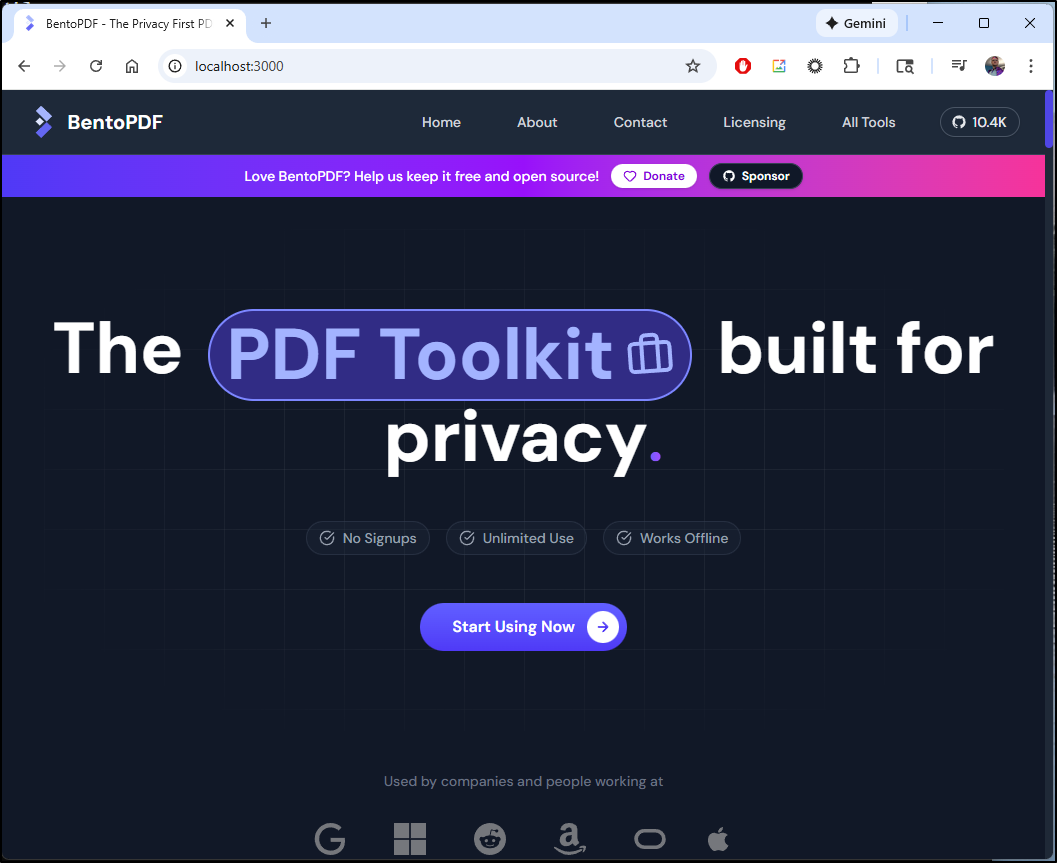
Some time back Marius posted on BentoPDF. It’s a privacy focused PDF toolkit hosted entirely in the browser.
We can easily fire it up with Docker
$ docker run -p 3000:8080 bentopdf/bentopdf:latest
Unable to find image 'bentopdf/bentopdf:latest' locally
latest: Pulling from bentopdf/bentopdf
f637881d1138: Already exists
3bb192aa7097: Pull complete
cbf14a78f57e: Pull complete
5377fdf2058a: Pull complete
d2ebb3089ebc: Pull complete
84b8590e9ac4: Pull complete
be025339d275: Pull complete
f66414f0015f: Pull complete
ab8b6d30cebc: Pull complete
45ef1726f148: Pull complete
938e79f01794: Pull complete
Digest: sha256:4eb4ec8f5030faf87c29a73d3d5a2781f28a597cf440c3ab111eb96aee550871
Status: Downloaded newer image for bentopdf/bentopdf:latest
/docker-entrypoint.sh: /docker-entrypoint.d/ is not empty, will attempt to perform configuration
/docker-entrypoint.sh: Looking for shell scripts in /docker-entrypoint.d/
/docker-entrypoint.sh: Launching /docker-entrypoint.d/10-listen-on-ipv6-by-default.sh
10-listen-on-ipv6-by-default.sh: info: Getting the checksum of /etc/nginx/conf.d/default.conf
10-listen-on-ipv6-by-default.sh: info: /etc/nginx/conf.d/default.conf differs from the packaged version
/docker-entrypoint.sh: Sourcing /docker-entrypoint.d/15-local-resolvers.envsh
/docker-entrypoint.sh: Launching /docker-entrypoint.d/20-envsubst-on-templates.sh
/docker-entrypoint.sh: Launching /docker-entrypoint.d/30-tune-worker-processes.sh
/docker-entrypoint.sh: Configuration complete; ready for start up
and it pops right up
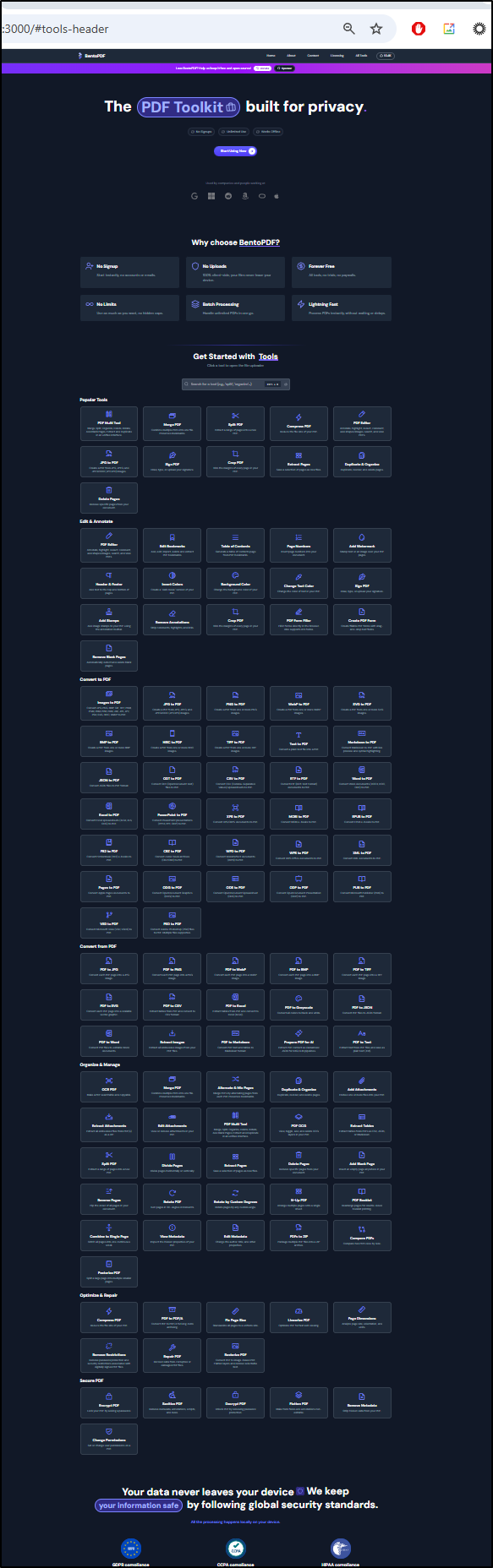
I zoomed out to 25 percent just so you can see how many tools are there:
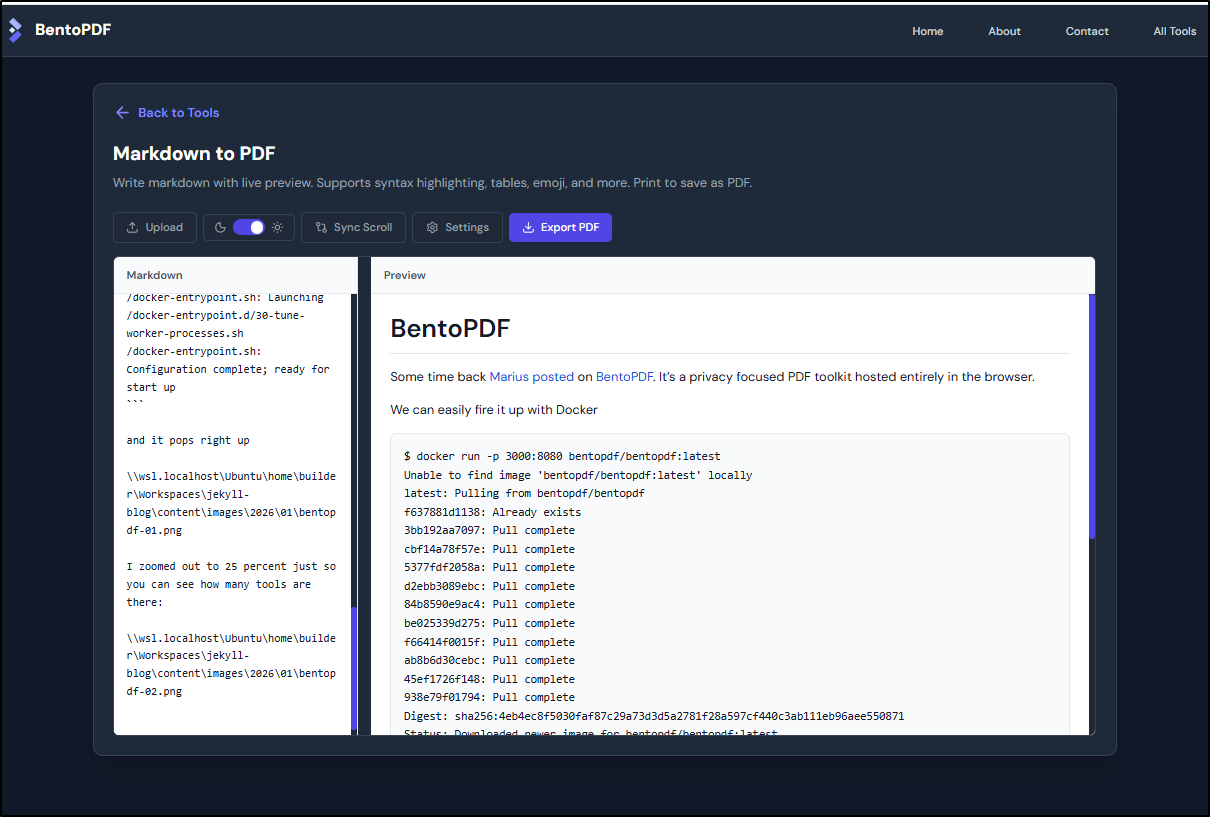
My first tool to try was Markdown to PDF (as I write these posts in Markdown)
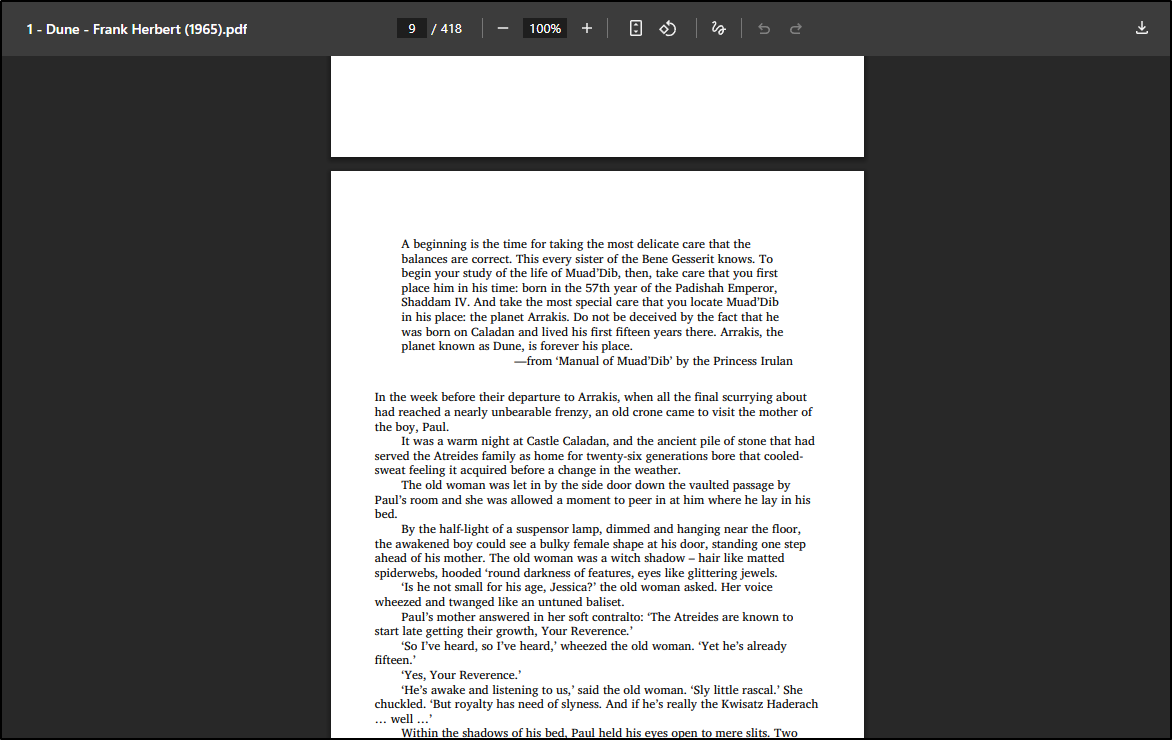
I tried an ePUB file I had and it looked good with proper fonts and margins
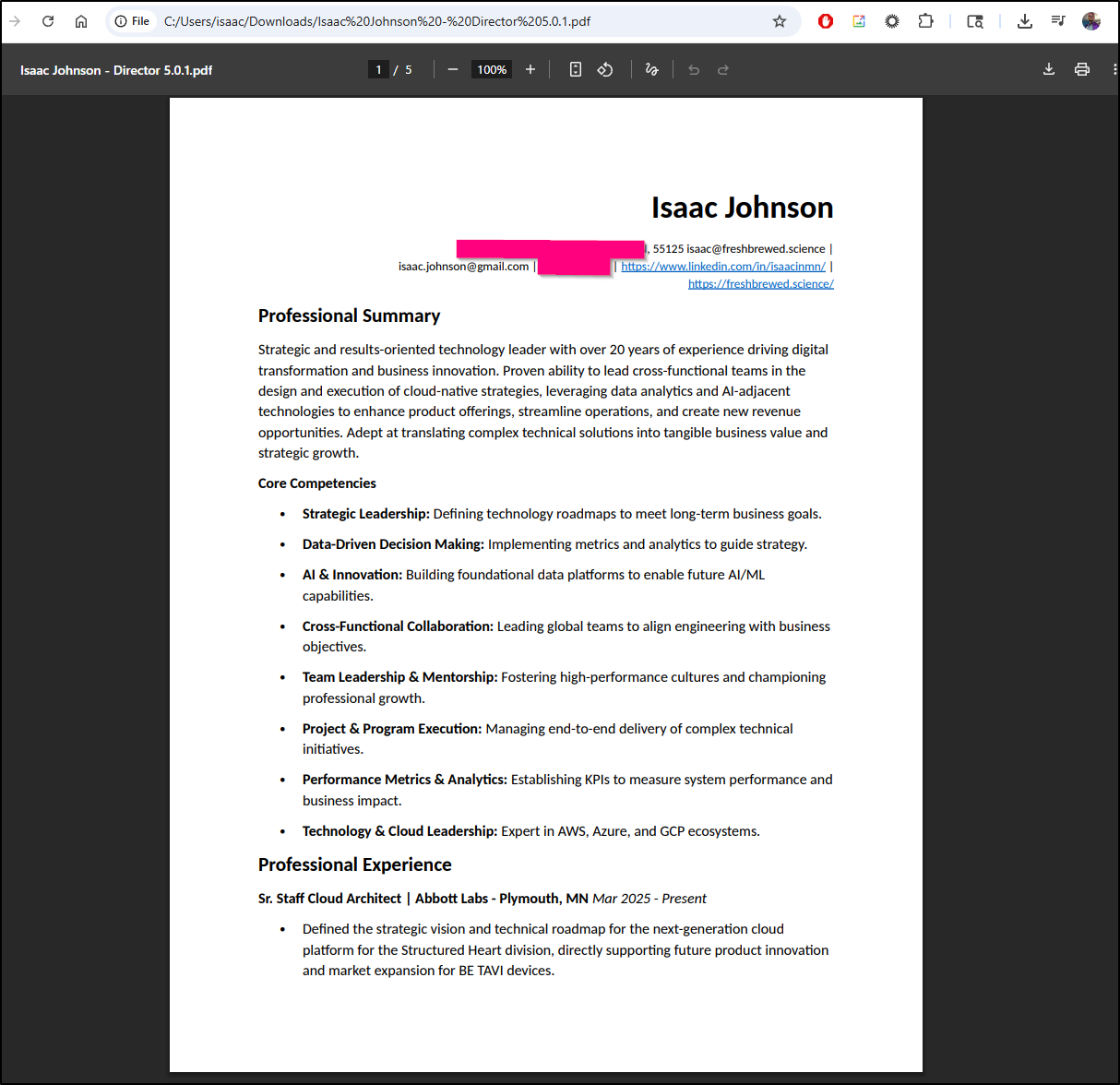
I tried a Word doc next as I find some of my “save as PDF” from Word mangles margins.
It looked fine (not sharing my actual cell phone number here though)
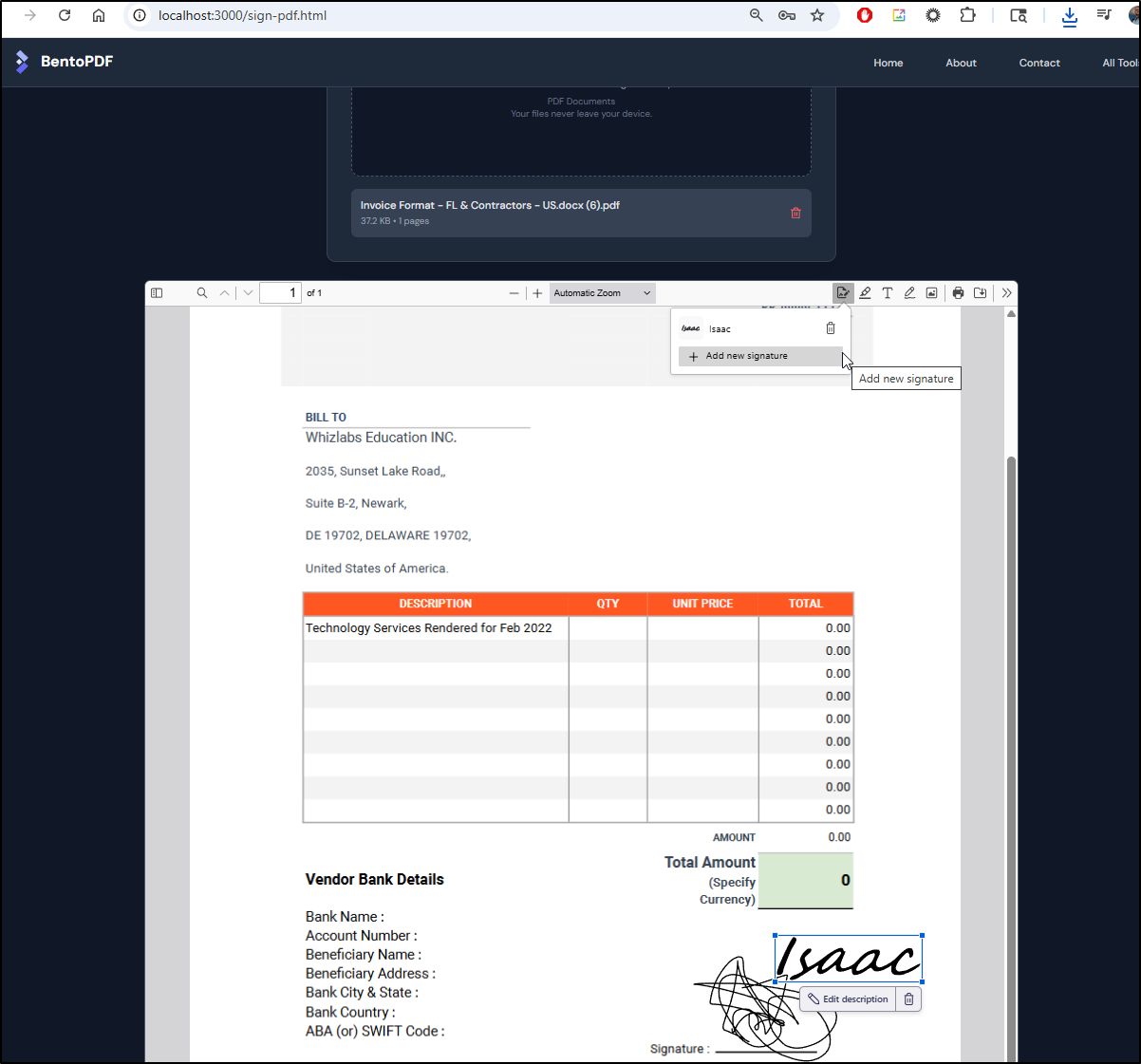
Let’s try signing a document which I sometimes have to do for invoices
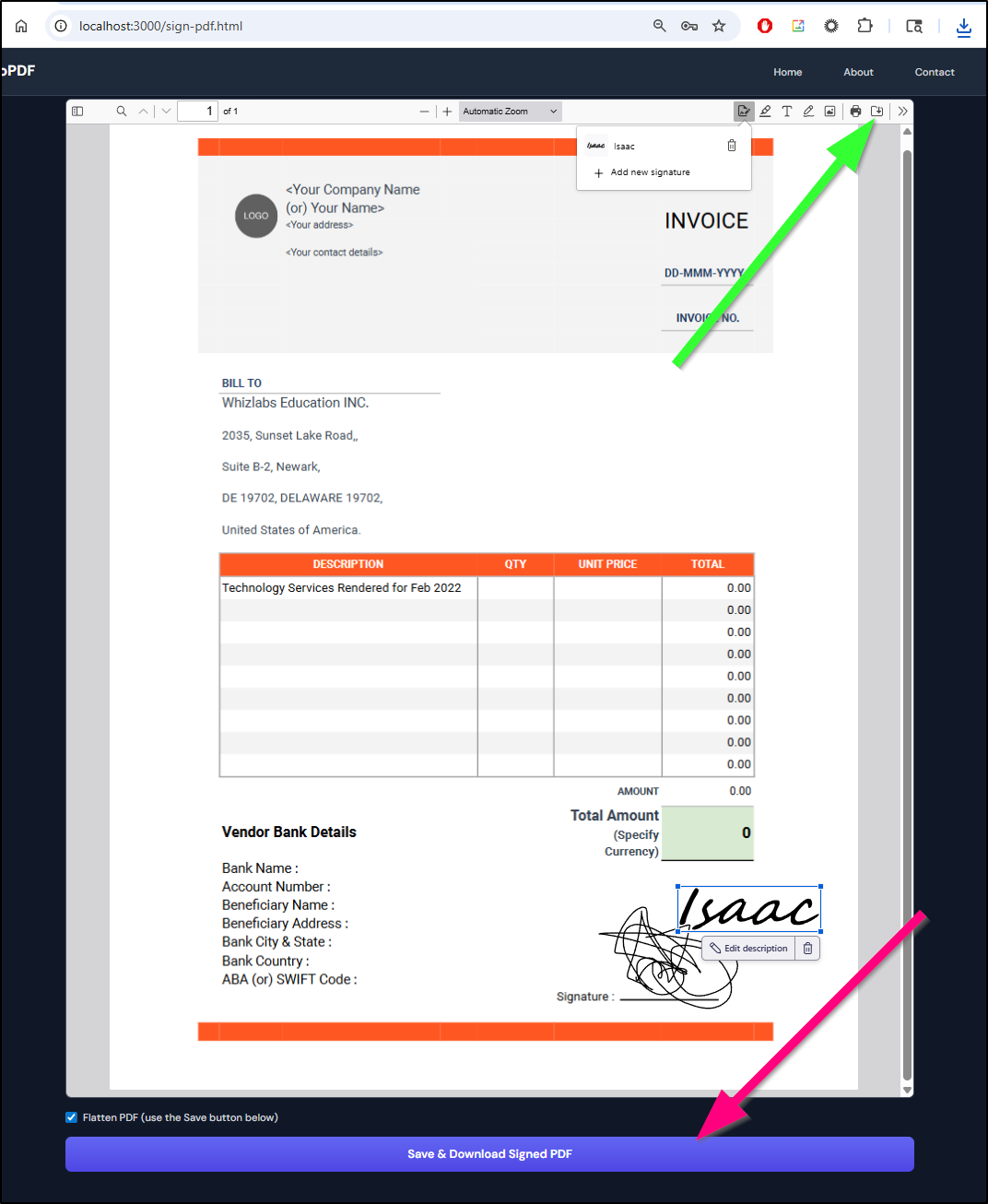
Interestingly, the “Save and Download Signed PDF” button (red arrow) didn’t work (just returned original), but the inline save did work (green arrow):
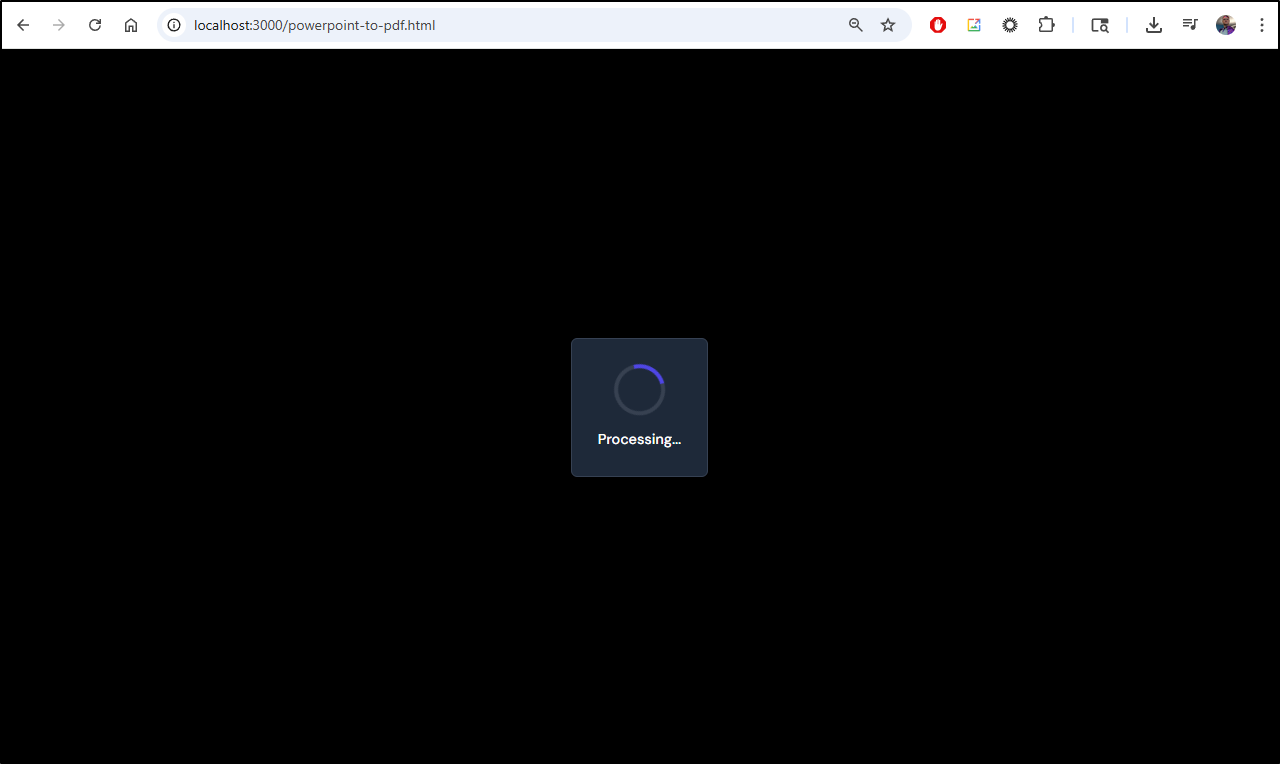
The only conversion that seemed to fall down was a very large PPTX with inline videos. It just timed out processing
Hosting in K8s
Let’s try moving this to a self-hosted URL
I’ll fire off an A Record first in Azure DNS
$ az account set --subscription "Pay-As-You-Go" && az network dns record-set a add-record -g idjdnsrg -z tpk.pw -a 174.53.161.33 -n bentopdf
{
  "ARecords": [
    {
      "ipv4Address": "174.53.161.33"
    }
  ],
  "TTL": 3600,
  "etag": "b3b7baaf-10e9-4167-be72-e096799a415a",
  "fqdn": "bentopdf.tpk.pw.",
  "id": "/subscriptions/d955c0ba-13dc-44cf-a29a-8fed74cbb22d/resourceGroups/idjdnsrg/providers/Microsoft.Network/dnszones/tpk.pw/A/bentopdf",
  "name": "bentopdf",
  "provisioningState": "Succeeded",
  "resourceGroup": "idjdnsrg",
  "targetResource": {},
  "trafficManagementProfile": {},
  "type": "Microsoft.Network/dnszones/A"
}
Next, I need a quick Kubernetes YAML manifest that can use this
---
apiVersion: v1
kind: Service
metadata:
  name: bentopdf
  labels:
    app: bentopdf
spec:
  type: ClusterIP
  ports:
    - port: 80
      targetPort: 8080
      protocol: TCP
      name: http
  selector:
    app: bentopdf
---
apiVersion: apps/v1
kind: Deployment
metadata:
  name: bentopdf
  labels:
    app: bentopdf
spec:
  replicas: 1
  selector:
    matchLabels:
      app: bentopdf
  template:
    metadata:
      labels:
        app: bentopdf
    spec:
      containers:
        - name: bentopdf
          image: bentopdf/bentopdf:latest
          imagePullPolicy: IfNotPresent
          ports:
            - name: http
              containerPort: 8080
              protocol: TCP
          resources:
            requests:
              memory: "32"
              cpu: "100m"
            limits:
              memory: "512Mi"
              cpu: "500m"
---
apiVersion: networking.k8s.io/v1
kind: Ingress
metadata:
  annotations:
    cert-manager.io/cluster-issuer: azuredns-tpkpw
    ingress.kubernetes.io/ssl-redirect: "true"
    kubernetes.io/tls-acme: "true"
    nginx.ingress.kubernetes.io/proxy-body-size: "0"
    nginx.ingress.kubernetes.io/proxy-read-timeout: "3600"
    nginx.ingress.kubernetes.io/proxy-send-timeout: "3600"
    nginx.ingress.kubernetes.io/ssl-redirect: "true"
    nginx.org/client-max-body-size: "0"
    nginx.org/proxy-connect-timeout: "3600"
    nginx.org/proxy-read-timeout: "3600"
    nginx.org/websocket-services: bentopdf
  name: bentopdf-ingress
spec:
  ingressClassName: nginx
  rules:
  - host: bentopdf.tpk.pw
    http:
      paths:
      - backend:
          service:
            name: bentopdf
            port:
              number: 80
        path: /
        pathType: Prefix
  tls:
  - hosts:
    - bentopdf.tpk.pw
    secretName: bentopdf-tls
I can now apply it
$ kubectl apply -f ./bentopdf.yaml
service/bentopdf created
deployment.apps/bentopdf created
ingress.networking.k8s.io/bentopdf-ingress created
When I see the cert is satisfied
builder@DESKTOP-QADGF36:~$ kubectl get cert bentopdf-tls
NAME           READY   SECRET         AGE
bentopdf-tls   False   bentopdf-tls   40s
builder@DESKTOP-QADGF36:~$ watch kubectl get cert bentopdf-tls
builder@DESKTOP-QADGF36:~$ kubectl get cert bentopdf-tls
NAME           READY   SECRET         AGE
bentopdf-tls   True    bentopdf-tls   81s
And the pod is running
$ kubectl get po -l app=bentopdf
NAME                        READY   STATUS    RESTARTS   AGE
bentopdf-7587b7fbb9-w8rwj   1/1     Running   0          112s
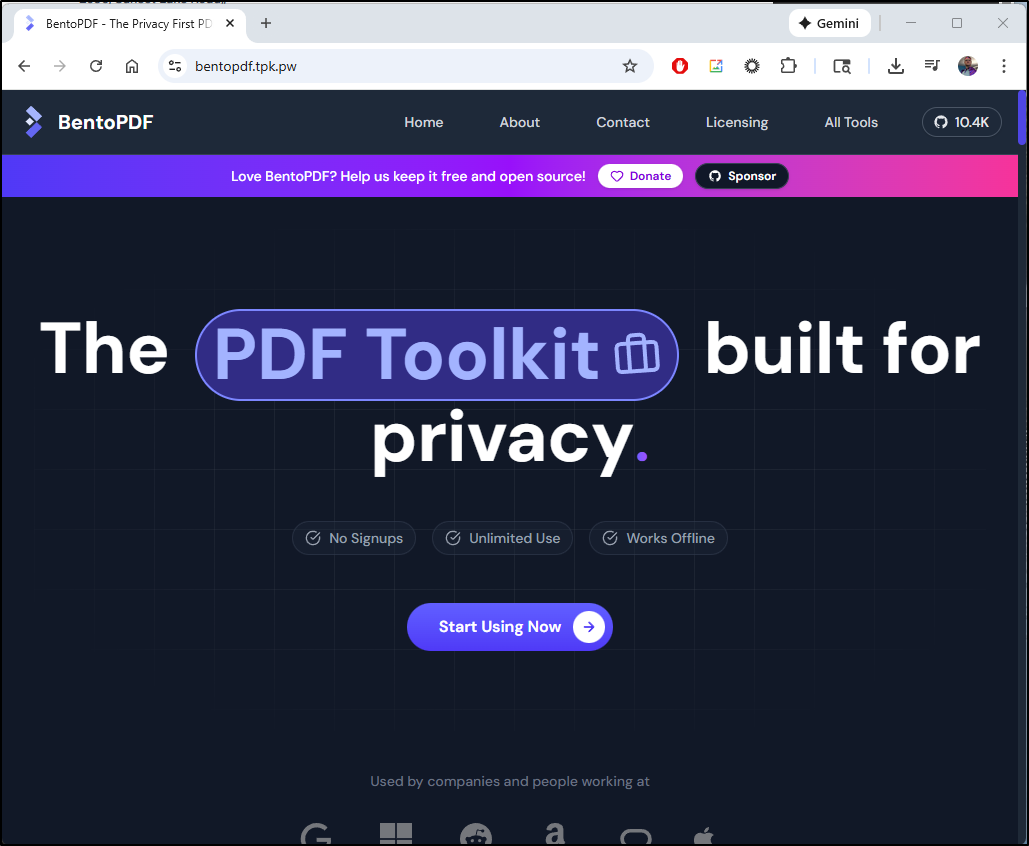
I can test the URL https://bentopdf.tpk.pw/
Discount Bandit
Discount Bandit is all about tracking prices and stock amounts over a variety of sites.
There is a Docker Compose we can download and use:
builder@DESKTOP-QADGF36:~/Workspaces$ git clone https://github.com/Cybrarist/Discount-Bandit.git
Cloning into 'Discount-Bandit'...
remote: Enumerating objects: 3816, done.
remote: Counting objects: 100% (466/466), done.
remote: Compressing objects: 100% (181/181), done.
remote: Total 3816 (delta 350), reused 319 (delta 279), pack-reused 3350 (from 2)
Receiving objects: 100% (3816/3816), 8.14 MiB | 24.37 MiB/s, done.
Resolving deltas: 100% (2075/2075), done.
builder@DESKTOP-QADGF36:~/Workspaces$ cd Discount-Bandit/
builder@DESKTOP-QADGF36:~/Workspaces/Discount-Bandit$ cat docker-compose.yaml

networks:
  discount-bandit:
    driver: bridge

volumes:
  discount-bandit:
  discount-bandit-logs:

services:
  discount-bandit:
    image: cybrarist/discount-bandit:v4
#    build:
#      context: .
    ports:
      - 8080:80
    networks:
      - discount-bandit
    volumes:
      - ./database/database.sqlite:/app/database/sqlite
      - ./logs:/logs
    environment:
      DB_CONNECTION: sqlite
      APP_TIMEZONE: UTC
      THEME_COLOR: Red
      APP_URL: "http://localhost:8080"
      ASSET_URL: "http://localhost:8080"
      EXCHANGE_RATE_API_KEY:
      CRON: "*/5 * * * *"
      APP_KEY: #required, check docs to how generate it
The App Key just needs to be a unique Laravel Encryption key which can be generated from here
I added a key and now did docker compose up (add -d to background it)
builder@DESKTOP-QADGF36:~/Workspaces/Discount-Bandit$ docker compose up
[+] Running 28/28
 ✔ discount-bandit Pulled                                                                                         51.3s
   ✔ 0e4bc2bd6656 Already exists                                                                                   0.0s
   ✔ 544920292505 Pull complete                                                                                    0.5s
   ✔ 2e3678e0bfd8 Pull complete                                                                                   12.0s
   ✔ 307b5681f8a9 Pull complete                                                                                   12.0s
   ✔ ccaecaeb3669 Pull complete                                                                                   12.2s
   ✔ d109bdd21590 Pull complete                                                                                   12.2s
   ✔ e8e15852906c Pull complete                                                                                   13.4s
   ✔ b5c6e9306037 Pull complete                                                                                   13.5s
   ✔ d5d50cebe6b3 Pull complete                                                                                   13.5s
   ✔ 2b0ae4e20e9d Pull complete                                                                                   13.5s
   ✔ 57a362a2272c Pull complete                                                                                   13.6s
   ✔ 48ab4789ced3 Pull complete                                                                                   13.6s
   ... snip ...
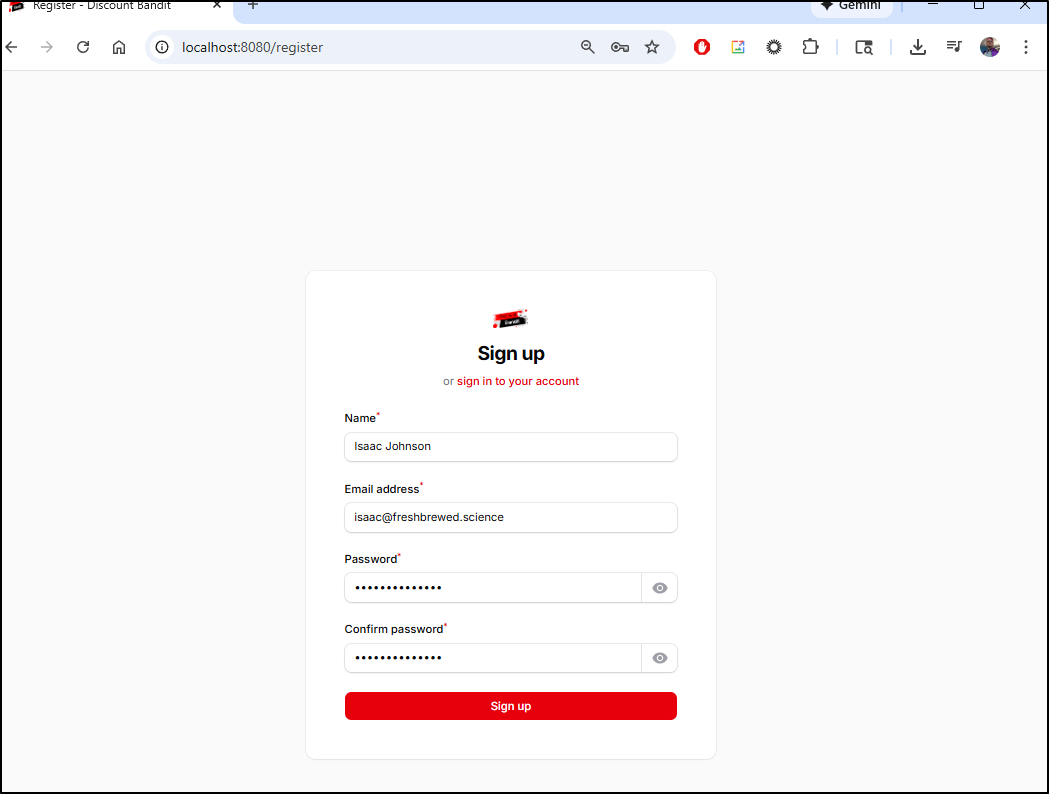
I’m now presented with a Sign Up page
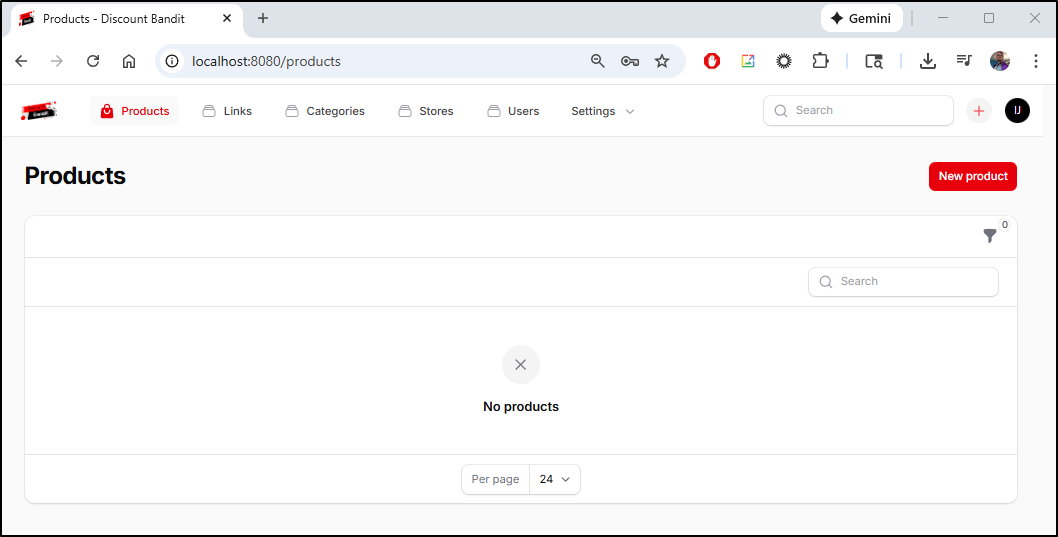
which takes me to a landing page
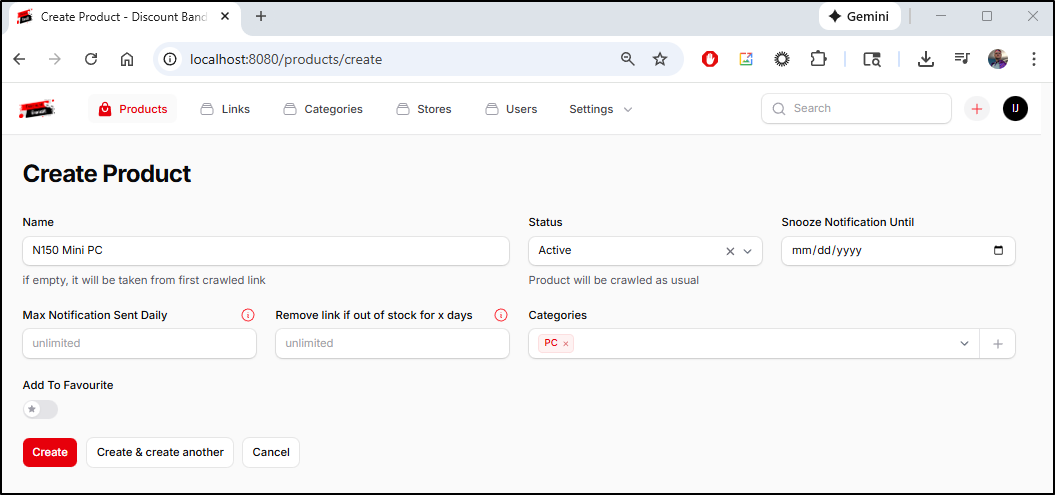
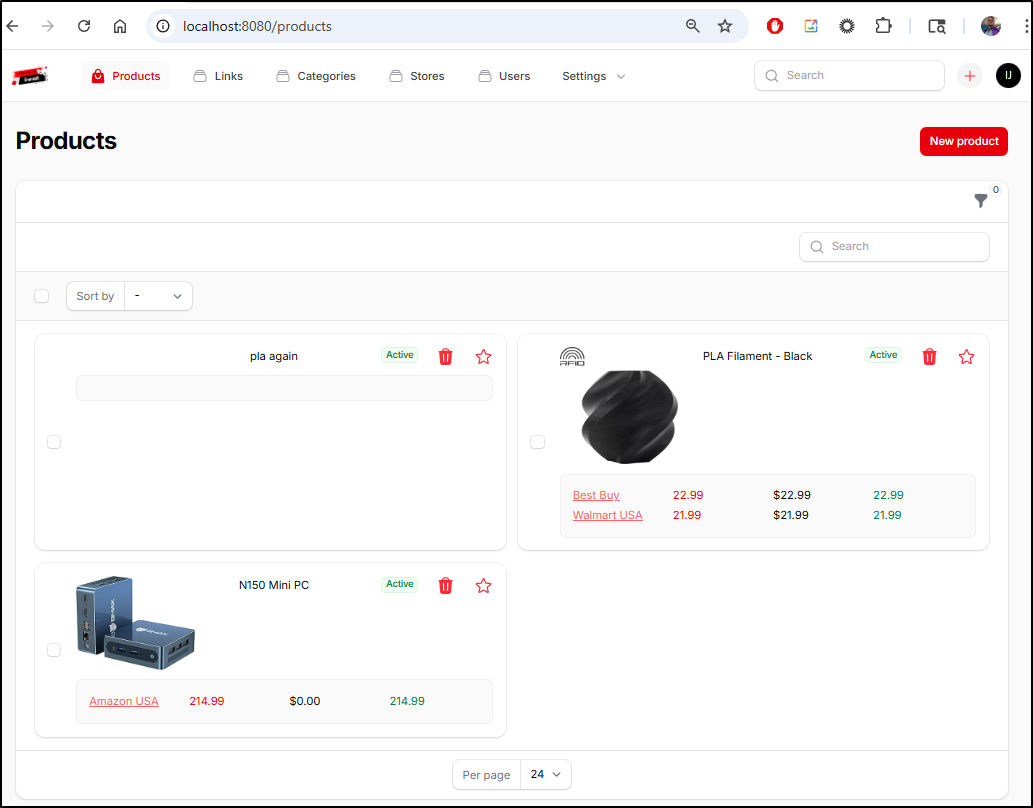
I’ll click new product and add an entry for a Mini PC
Once created, I can add links to product listings
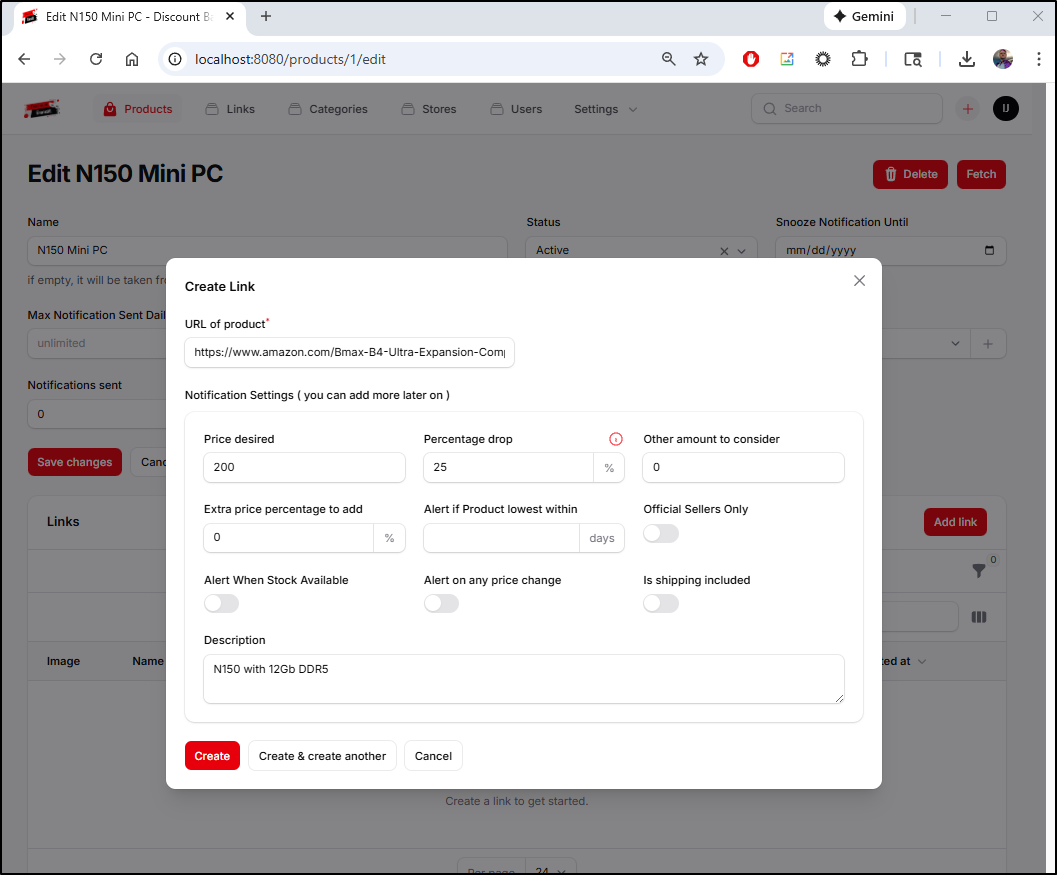
While the listing page did not refresh the price, going back to my main page did
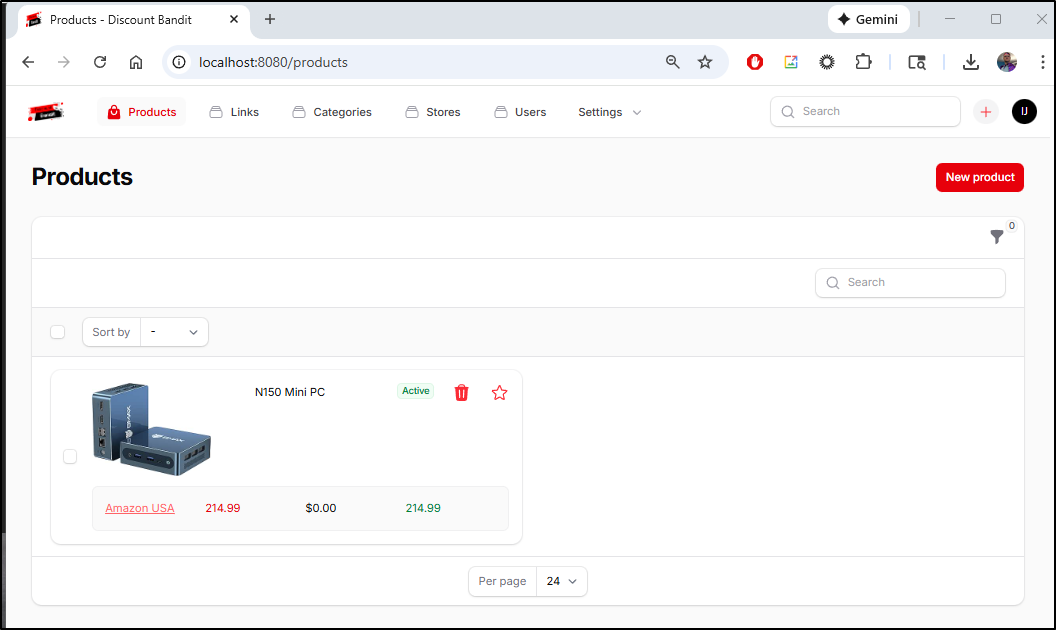
This worked great for Amazon, but not so much for Best Buy
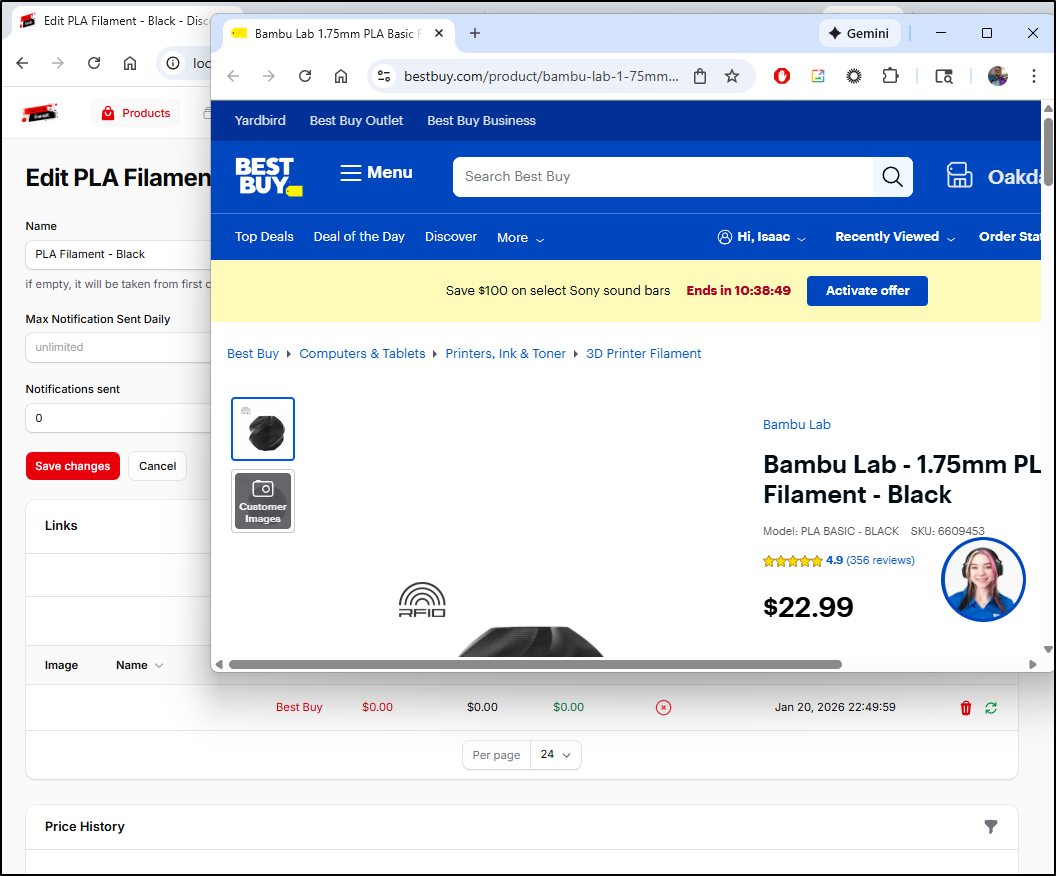
And it refused to add Microcenter (which does have parenthesis in the URL which might be throwing it off)
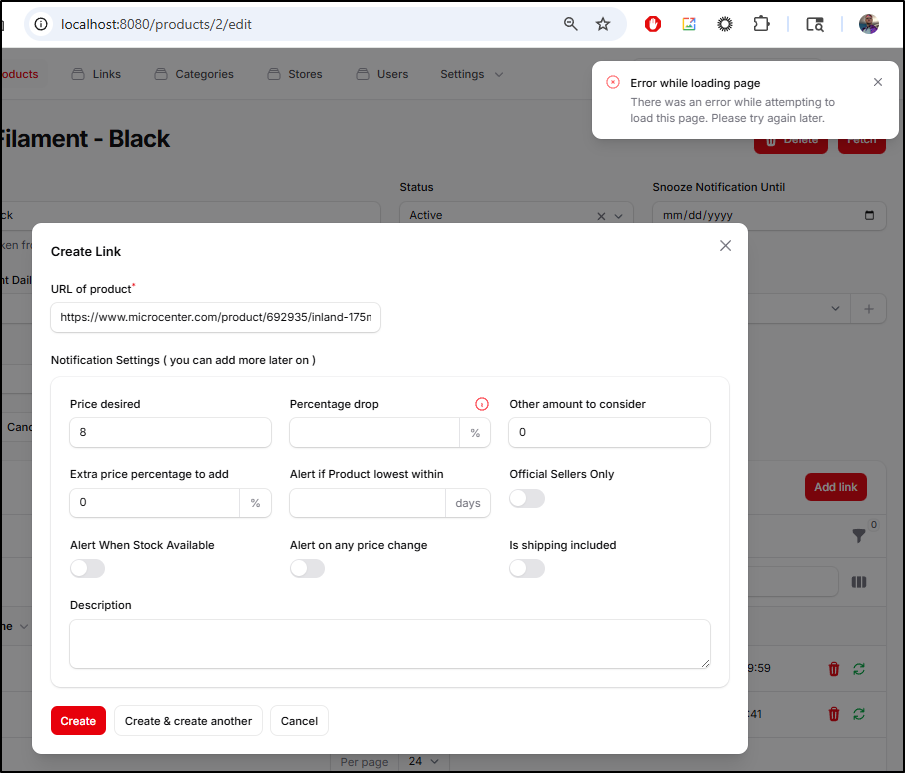
Actually, forcing a fetch made Walmart and Best Buy work so that is a positive
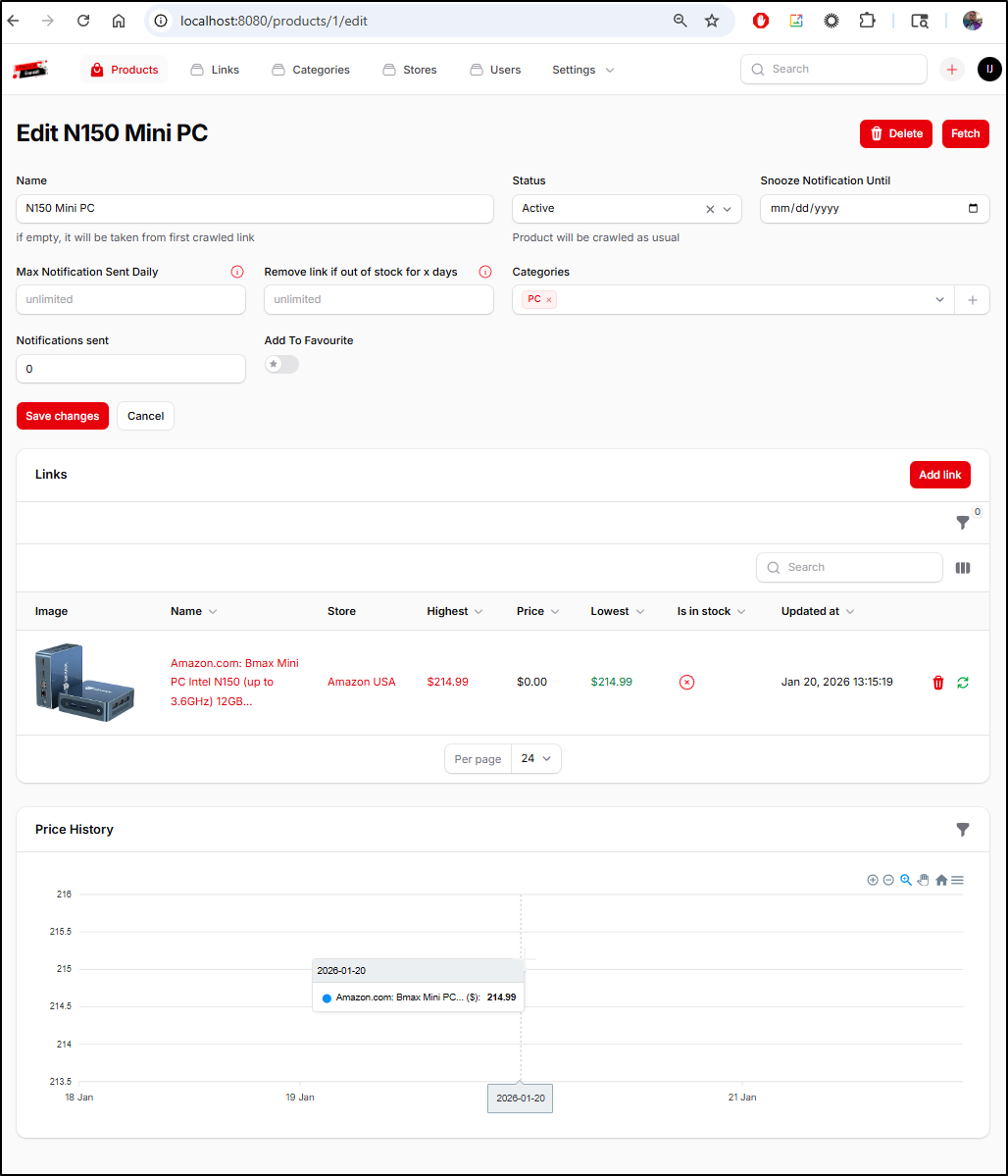
The MiniPC I’ve had up for a day so I can now see an entry in the price history
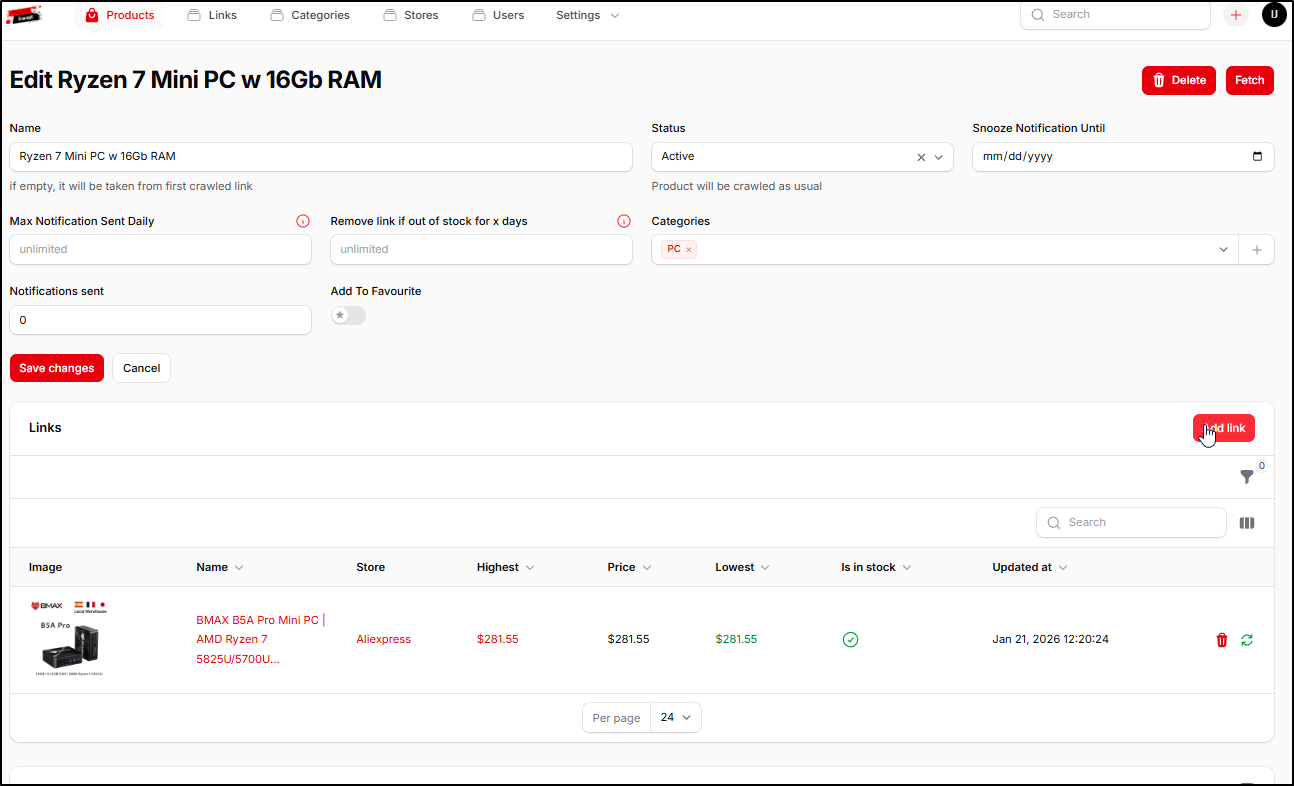
One minor issue I have is that I wanted to add multiple instances of the same Mini PC from AliExpress to a product page but it seems to only allow 1 vendor link per product (that is, I can link to multiple sites, but not multiple products in one site)
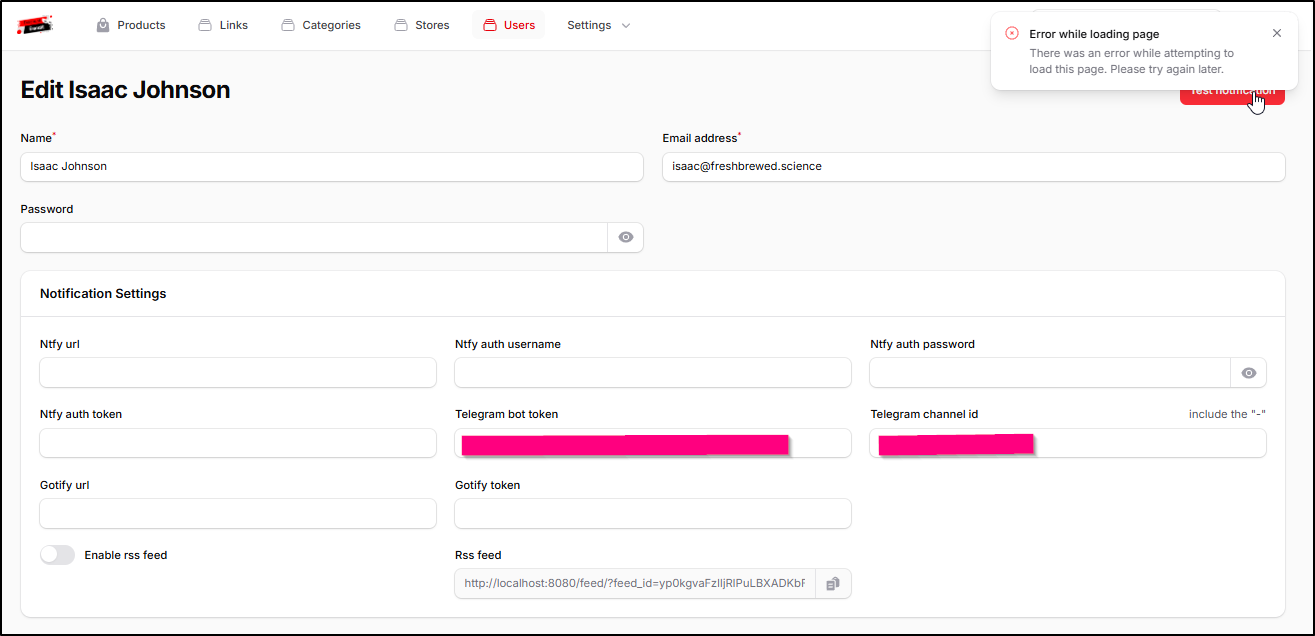
Notifications
I tried using a Bot in a new Channel for Telegram but I just got errors (and nothing in the docker logs)
I can create a new NTFY account and use that with notifications
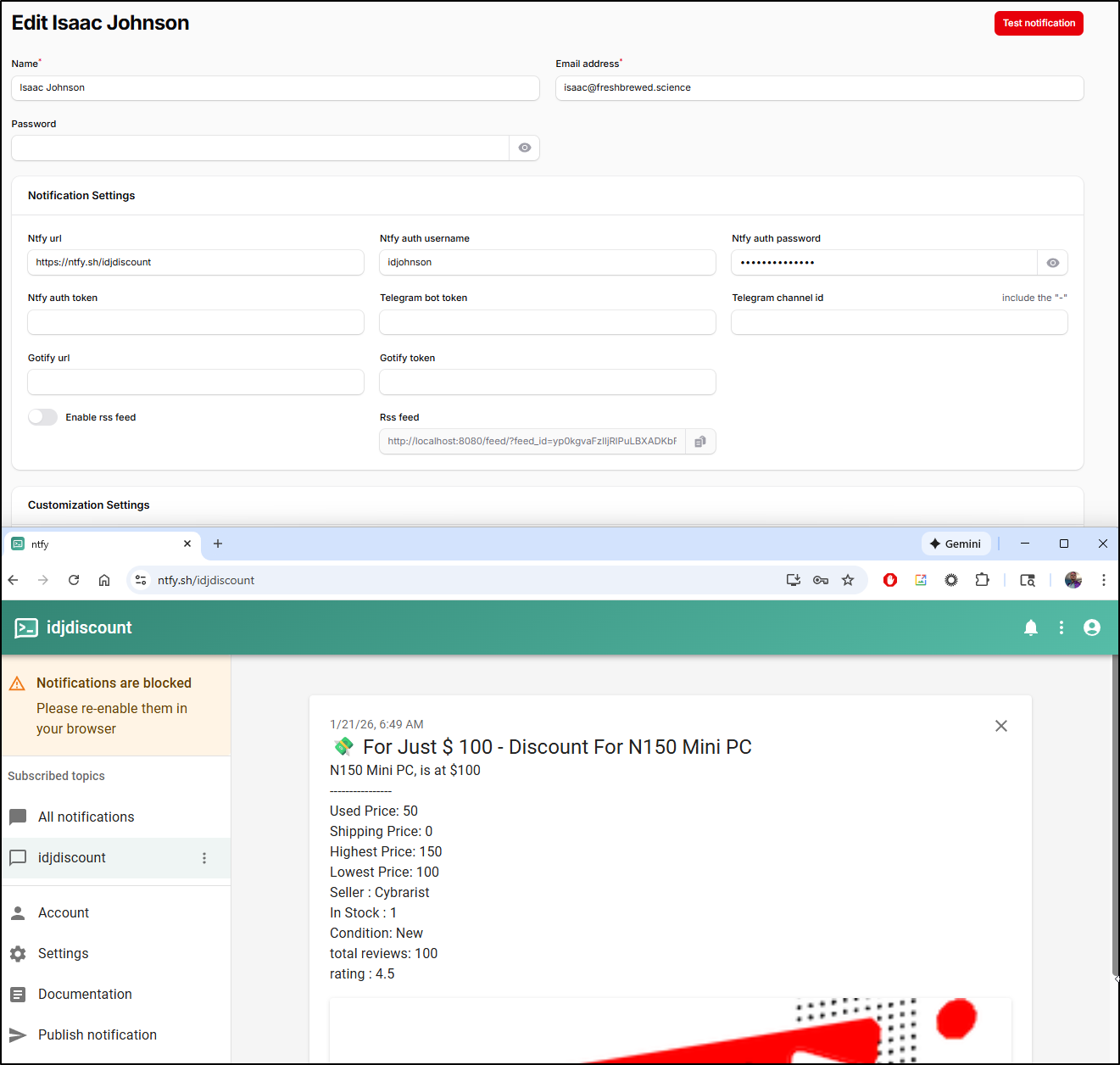
My attempts to use a local ntfy, even with Auth, got nowhere.
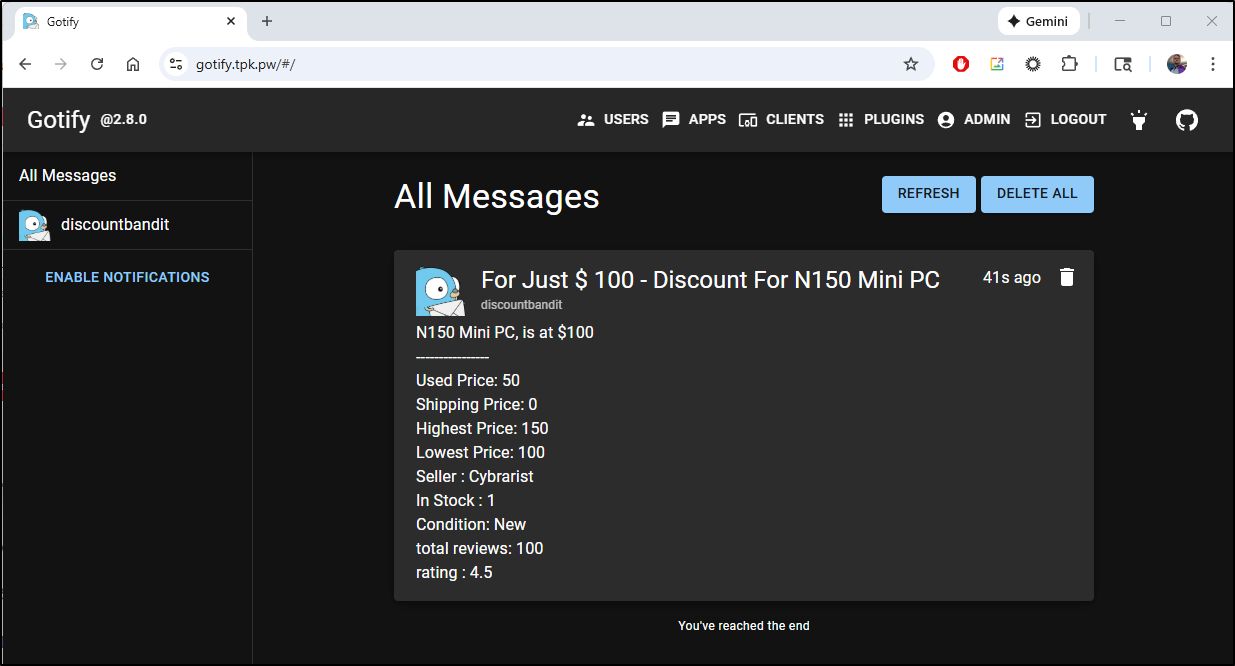
That said, Gotify worked just fine
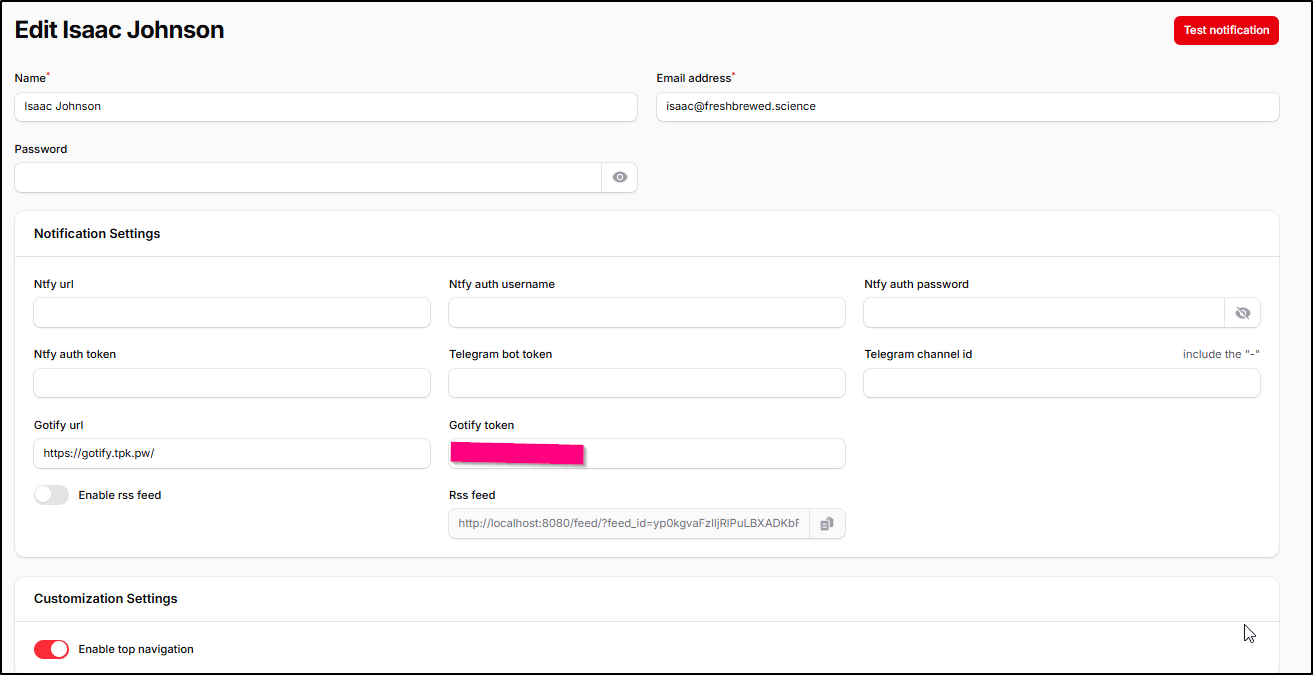
(example post)
Stop start issue
One real blocker for me is that stopping the docker container and starting again didn’t seem to restore the app
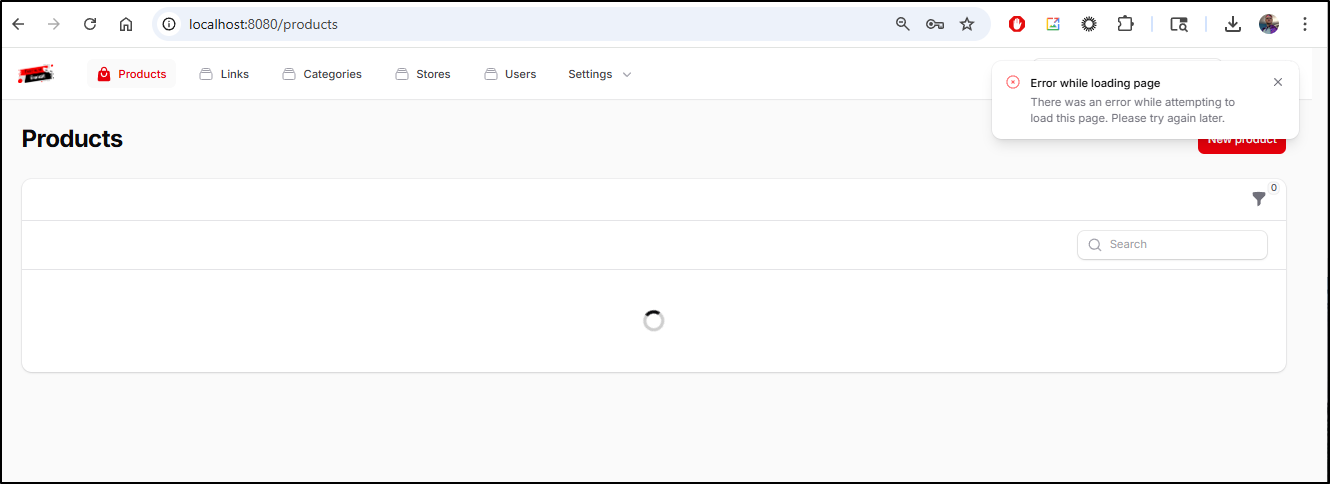
I tried another browser just in case it was cached data
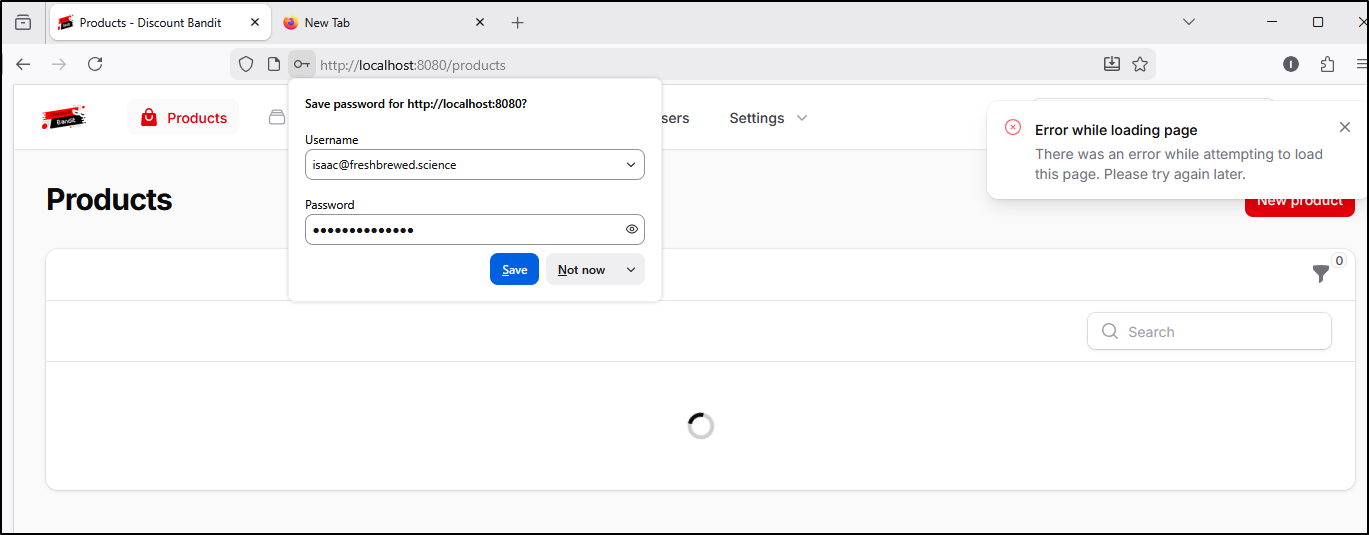
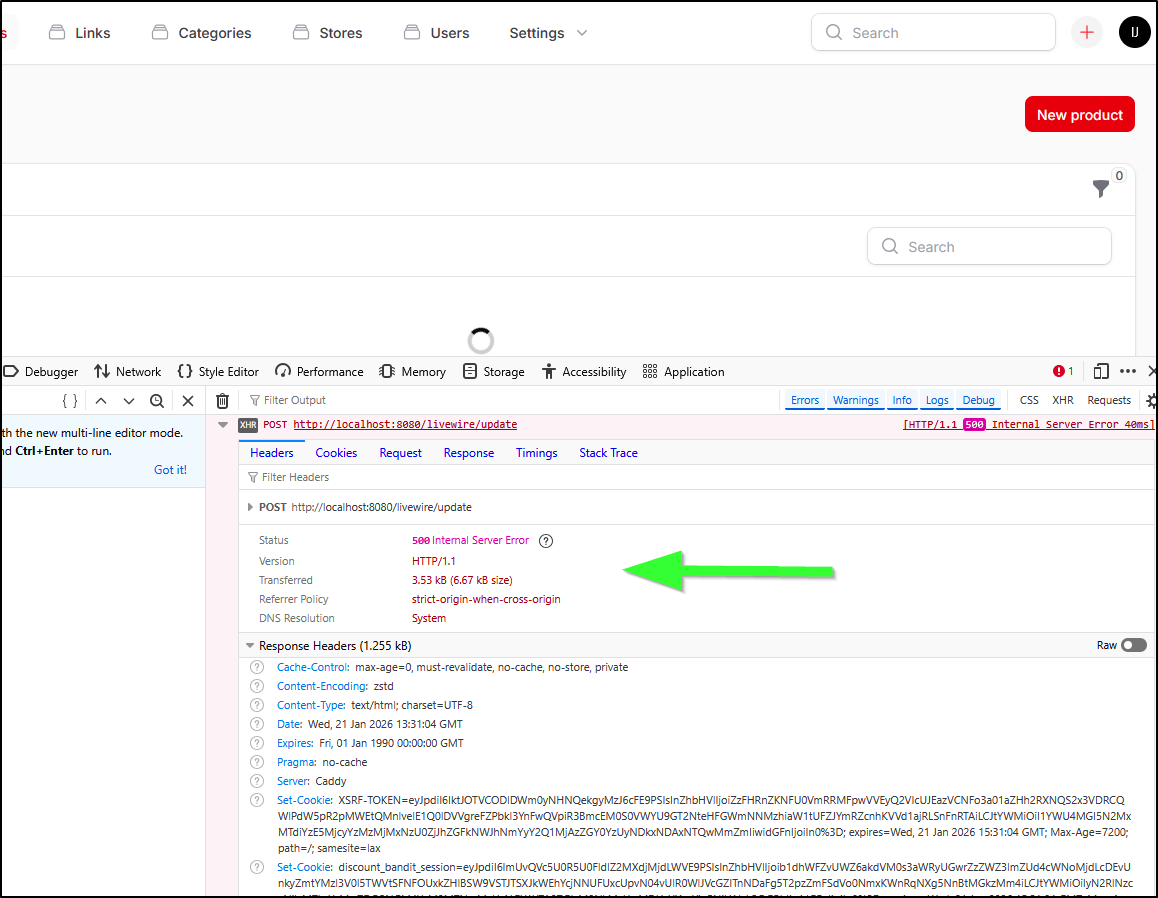
I don’t see anything obvious in the logs other than a Laravel serialization error
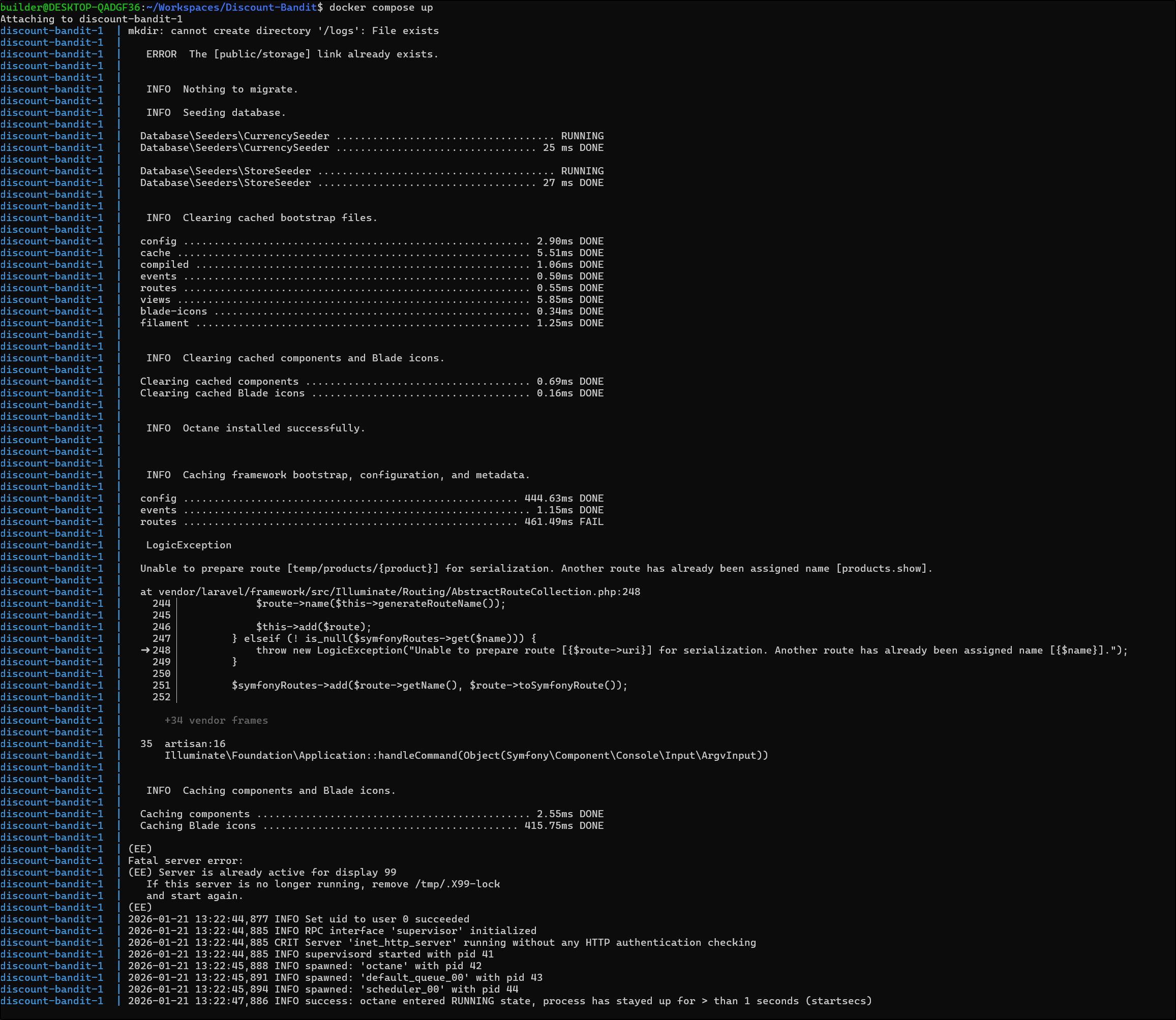
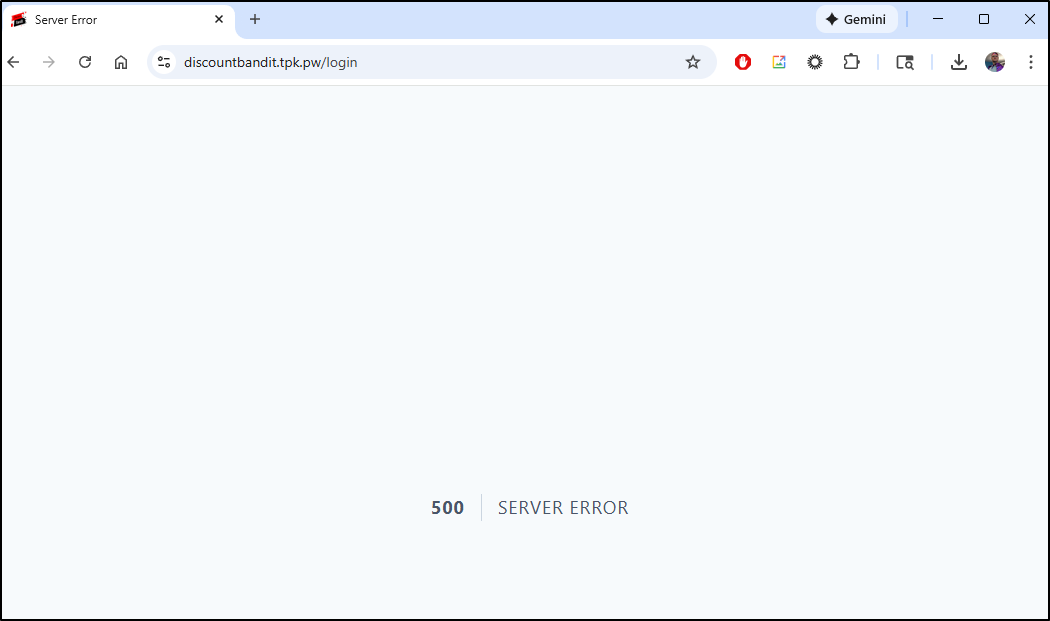
I just get a 500 server error posting to /livewire
A reboot didn’t fix it either.
UPDATE: I Figured it out… if you set your currency in settings (I changed from unset to USD), then it seems to break the app (true in docker and k8s). Just remove the currency set in your settings and the page comes back!
I decided I wanted to test it in Kubernetes natively with proper PVCs and see how it handled some pod migrations
---
apiVersion: v1
kind: PersistentVolumeClaim
metadata:
  name: discount-bandit-db-pvc
spec:
  accessModes:
    - ReadWriteOnce
  storageClassName: local-path
  resources:
    requests:
      storage: 5Gi

---
apiVersion: v1
kind: PersistentVolumeClaim
metadata:
  name: discount-bandit-logs-pvc
spec:
  accessModes:
    - ReadWriteOnce
  storageClassName: local-path
  resources:
    requests:
      storage: 2Gi

---
apiVersion: apps/v1
kind: Deployment
metadata:
  name: discount-bandit
  labels:
    app: discount-bandit
spec:
  replicas: 1
  selector:
    matchLabels:
      app: discount-bandit
  template:
    metadata:
      labels:
        app: discount-bandit
    spec:
      containers:
      - name: discount-bandit
        image: cybrarist/discount-bandit:v4
        ports:
        - containerPort: 80
          name: http
        volumeMounts:
        - name: database
          mountPath: /app/database/sqlite
        - name: logs
          mountPath: /logs
        env:
        - name: DB_CONNECTION
          value: "sqlite"
        - name: APP_TIMEZONE
          value: "UTC"
        - name: THEME_COLOR
          value: "Red"
        - name: APP_URL
          value: "https://discountbandit.tpk.pw"
        - name: ASSET_URL
          value: "https://discountbandit.tpk.pw"
        - name: EXCHANGE_RATE_API_KEY
          value: ""
        - name: CRON
          value: "*/5 * * * *"
        - name: APP_KEY
          value: "base64:ZhYYioPtXYVSghT4lrNLBVAStzK86uY7ecO3C6U04Zw="
        resources:
          requests:
            memory: "256Mi"
            cpu: "250m"
          limits:
            memory: "512Mi"
            cpu: "500m"
      volumes:
      - name: database
        persistentVolumeClaim:
          claimName: discount-bandit-db-pvc
      - name: logs
        persistentVolumeClaim:
          claimName: discount-bandit-logs-pvc

---
apiVersion: v1
kind: Service
metadata:
  name: discount-bandit
  labels:
    app: discount-bandit
spec:
  type: ClusterIP
  ports:
  - port: 80
    targetPort: http
    protocol: TCP
    name: http
  selector:
    app: discount-bandit

---
apiVersion: networking.k8s.io/v1
kind: Ingress
metadata:
  name: discount-bandit
  annotations:
    cert-manager.io/cluster-issuer: azuredns-tpkpw
    nginx.ingress.kubernetes.io/ssl-redirect: "true"
    nginx.ingress.kubernetes.io/proxy-body-size: "0"
    nginx.ingress.kubernetes.io/proxy-read-timeout: "3600"
    nginx.ingress.kubernetes.io/proxy-send-timeout: "3600"
    nginx.ingress.kubernetes.io/ssl-redirect: "true"
    nginx.org/client-max-body-size: "0"
    nginx.org/proxy-connect-timeout: "3600"
    nginx.org/proxy-read-timeout: "3600"
spec:
  ingressClassName: nginx
  tls:
  - hosts:
    - discountbandit.tpk.pw
    secretName: discount-bandit-tls
  rules:
  - host: discountbandit.tpk.pw
    http:
      paths:
      - path: /
        pathType: Prefix
        backend:
          service:
            name: discount-bandit
            port:
              number: 80
I need an A Record of course
$ az account set --subscription "Pay-As-You-Go" && az network dns record-set a add-record -g idjdnsrg -z tpk.pw -a 174.53.161.33 -n discountbandit
{
  "ARecords": [
    {
      "ipv4Address": "174.53.161.33"
    }
  ],
  "TTL": 3600,
  "etag": "79a15633-e615-4259-b97e-cbdd89386fe9",
  "fqdn": "discountbandit.tpk.pw.",
  "id": "/subscriptions/d955c0ba-13dc-44cf-a29a-8fed74cbb22d/resourceGroups/idjdnsrg/providers/Microsoft.Network/dnszones/tpk.pw/A/discountbandit",
  "name": "discountbandit",
  "provisioningState": "Succeeded",
  "resourceGroup": "idjdnsrg",
  "targetResource": {},
  "trafficManagementProfile": {},
  "type": "Microsoft.Network/dnszones/A"
}
I can now apply the Kubernetes Manifest
$ kubectl apply -f ./k8s.yaml
persistentvolumeclaim/discount-bandit-db-pvc created
persistentvolumeclaim/discount-bandit-logs-pvc created
deployment.apps/discount-bandit created
service/discount-bandit created
ingress.networking.k8s.io/discount-bandit created
Once I saw the cert was valid
$ kubectl get cert discount-bandit-tls
NAME                  READY   SECRET                AGE
discount-bandit-tls   True    discount-bandit-tls   107s
I could create a login
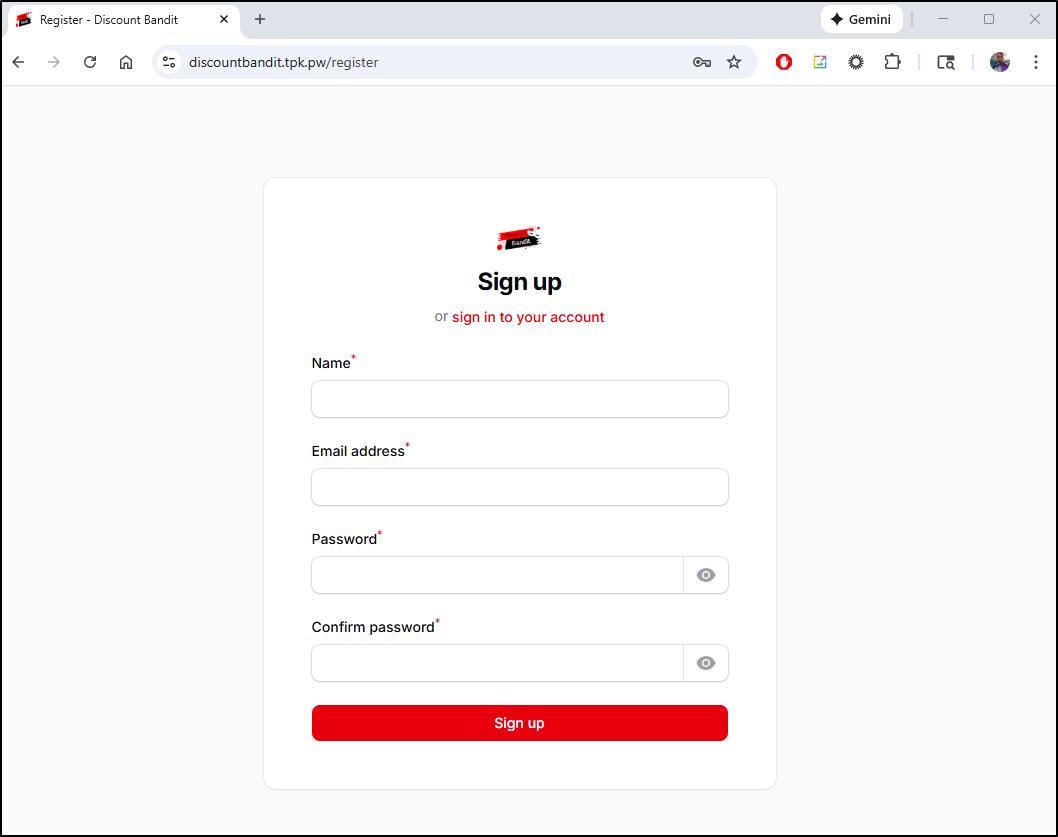
Quick Note: The first time i did this, my PVC mount for the DB was errant and I saw a 500 error. The logs suggested it couldn’t find the SQLite path. Check mounts if you see similar
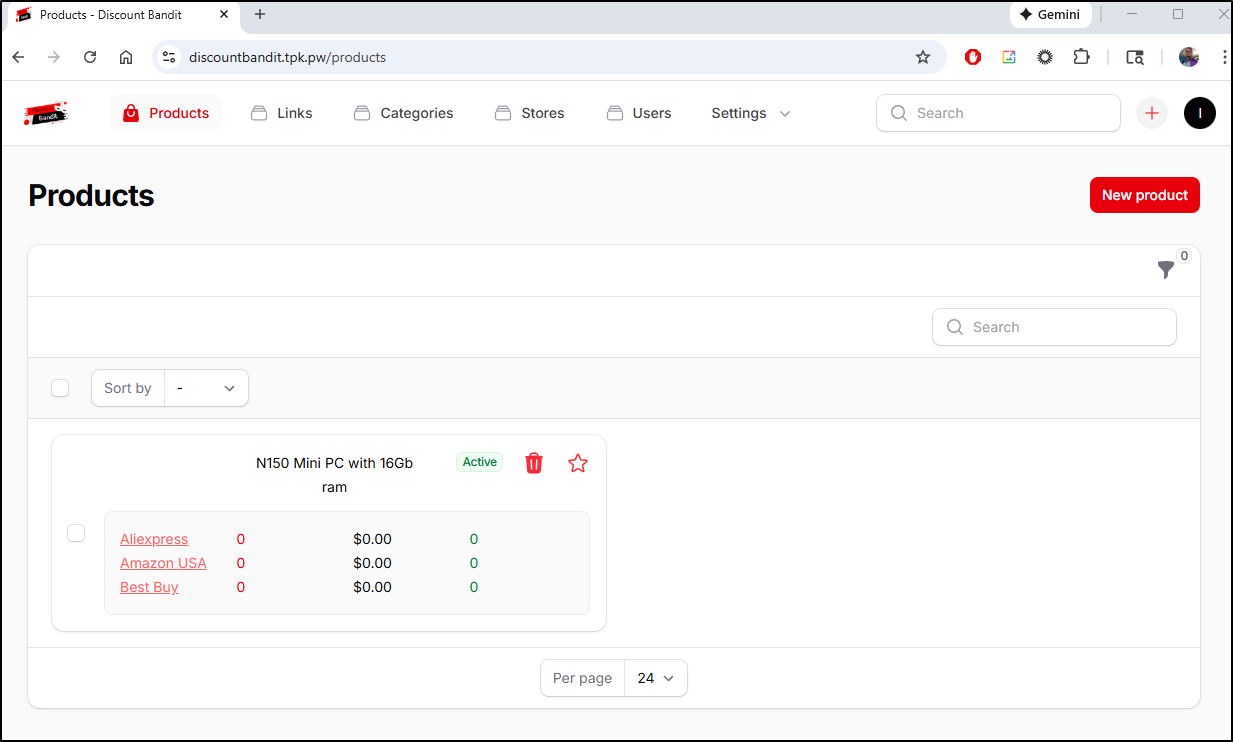
Once logged in, I made a product with links to three vendors
I started to get crashes. It took me a few to figure it out:
State:          Terminated
      Reason:       OOMKilled
      Exit Code:    137
      Started:      Wed, 21 Jan 2026 08:38:40 -0600
      Finished:     Wed, 21 Jan 2026 08:40:09 -0600
    Last State:     Terminated
      Reason:       OOMKilled
      Exit Code:    137
      Started:      Wed, 21 Jan 2026 08:37:21 -0600
      Finished:     Wed, 21 Jan 2026 08:38:27 -0600
    Ready:          False
I clearly was starving this one on memory.
I upped the values and applied
$ cat k8s.yaml | head -n78 | tail -n 7
        resources:
          requests:
            memory: "256Mi"
            cpu: "500m"
          limits:
            memory: "1024Mi"
            cpu: 1
$ kubectl apply -f ./k8s.yaml
persistentvolumeclaim/discount-bandit-db-pvc unchanged
persistentvolumeclaim/discount-bandit-logs-pvc unchanged
deployment.apps/discount-bandit configured
service/discount-bandit unchanged
ingress.networking.k8s.io/discount-bandit unchanged
I saw the new pod up
$ kubectl get po -l app=discount-bandit
NAME                               READY   STATUS        RESTARTS      AGE
discount-bandit-75569cd464-trk29   1/1     Terminating   4 (77s ago)   24m
discount-bandit-7d55b5f5f4-sswqq   1/1     Running       0             23s
i then just set a watch commmand and hit fetch a few times to ensure that it wouldnt fall down on fetch operations
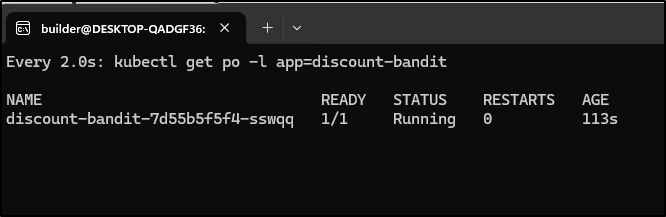
The good news is that the data comes back with every restart so we alleviated the issue I saw with local docker
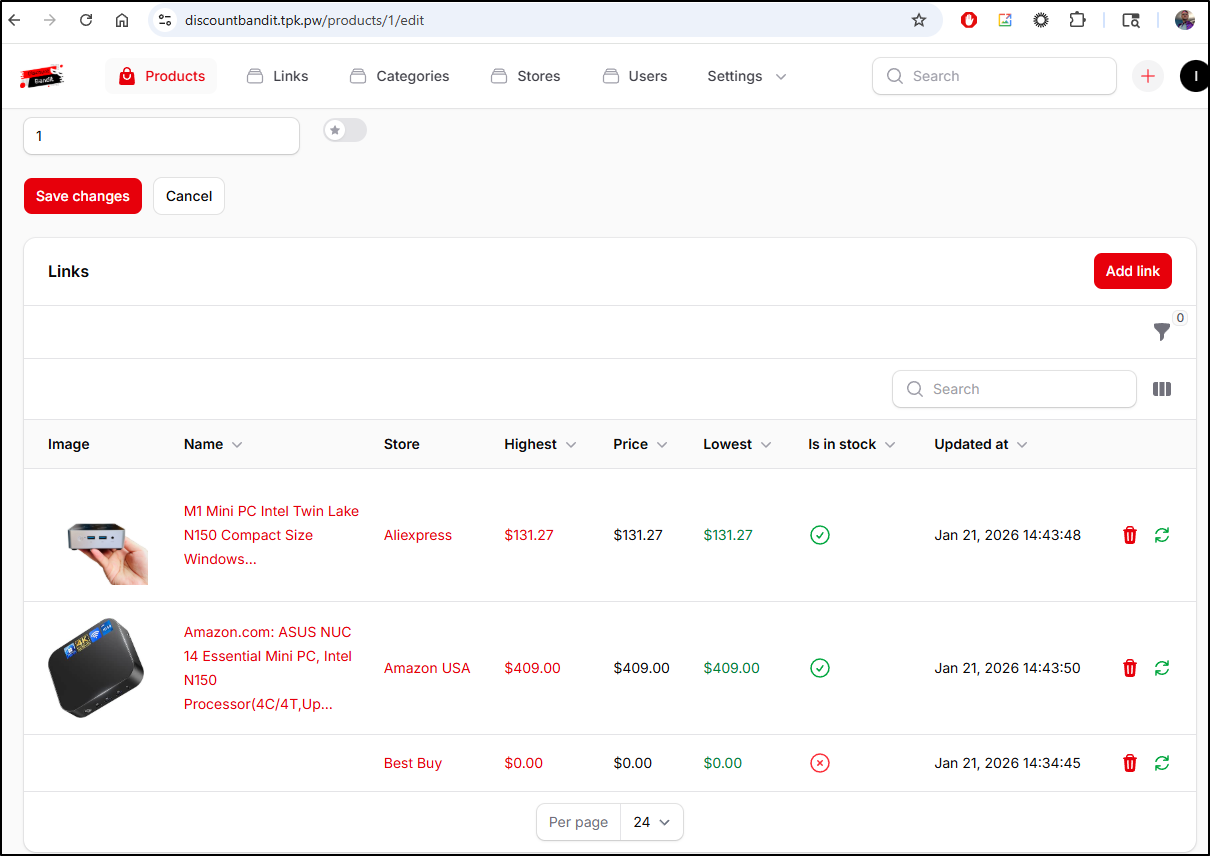
The downside I am seeing is with how AliExpress does the listing. It defaults to the NO ram/SSD config on the URL and while I can see the updated price when I pick 16Gb ram, it doesn’t modify the URL
I ultimately had to just keep searching until I found a listing fixed to 16gb ram
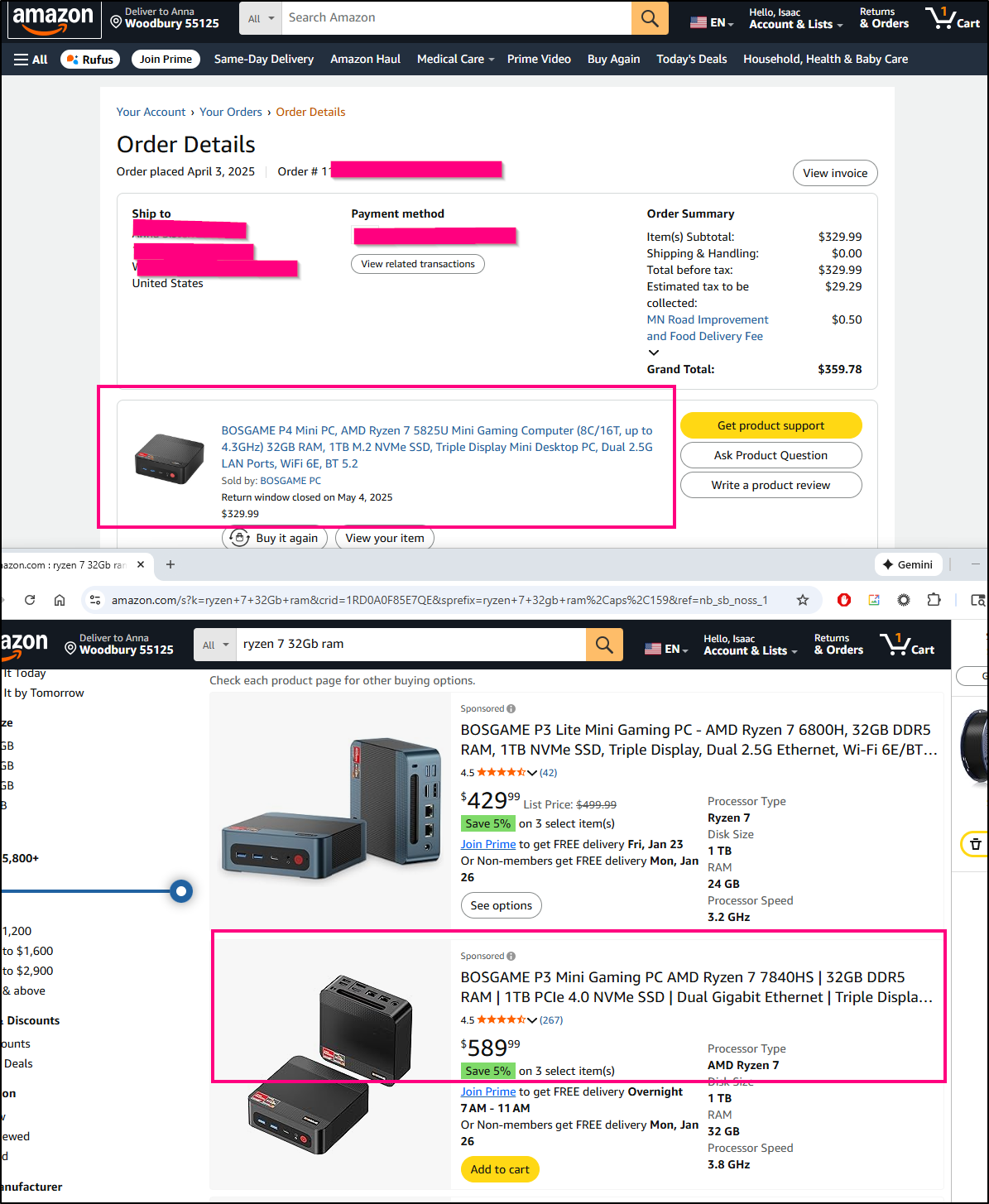
With the high prices caused by tariffs and RAM, we can see how in just 9 months, the prices have gone way up - I got a Ryzen 7 box last April for $330 and the same configuration today is $589.
NTFY
I want to do notifications and ntfy is one option
I’ll fire it up with Docker compose on my Dockerhost
builder@builder-T100:~/ntfy$ cat ./docker-compose.yaml
services:
  ntfy:
    image: binwiederhier/ntfy
    container_name: ntfy
    command:
      - serve
    environment:
      - TZ=CST    # optional: set desired timezone
    user: 1000:1000 # optional: replace with your own user/group or uid/gid
    volumes:
      - /home/builder/ntfy/cache:/var/cache/ntfy
      - /home/builder/ntfy/etc:/etc/ntfy
    ports:
      - 3580:80
    healthcheck: # optional: remember to adapt the host:port to your environment
        test: ["CMD-SHELL", "wget -q --tries=1 http://localhost:80/v1/health -O - | grep -Eo '\"healthy\"\\s*:\\s*true' || exit 1"]
        interval: 60s
        timeout: 10s
        retries: 3
        start_period: 40s
    restart: unless-stopped
    init: true # needed, if healthcheck is used. Prevents zombie processes
builder@builder-T100:~/ntfy$ docker compose up -d
[+] Building 0.0s (0/0)
[+] Running 1/1
 ✔ Container ntfy  Started                                                                                                                                                                                                                                       0.6s
builder@builder-T100:~/ntfy$ ls -l
total 12
drwxrwxrwx 2 builder builder 4096 Jan 21 06:36 cache
-rw-rw-r-- 1 builder builder  778 Jan 21 06:38 docker-compose.yaml
drwxrwxrwx 2 builder builder 4096 Jan 21 06:36 etc
I’ll create an A record in Azure DNS
$ az account set --subscription "Pay-As-You-Go" && az network dns record-set a add-record -g idjdnsrg -z tpk.pw -a 174.53.161.33 -n ntfy
{
  "ARecords": [
    {
      "ipv4Address": "174.53.161.33"
    }
  ],
  "TTL": 3600,
  "etag": "7fb6b750-045c-455f-abf8-bf7170653f0a",
  "fqdn": "ntfy.tpk.pw.",
  "id": "/subscriptions/d955c0ba-13dc-44cf-a29a-8fed74cbb22d/resourceGroups/idjdnsrg/providers/Microsoft.Network/dnszones/tpk.pw/A/ntfy",
  "name": "ntfy",
  "provisioningState": "Succeeded",
  "resourceGroup": "idjdnsrg",
  "targetResource": {},
  "trafficManagementProfile": {},
  "type": "Microsoft.Network/dnszones/A"
}
Then roll out an ingress, service and endpoint in Kubernetes to forward the traffic off to the dockerhost
$ cat ntfy-ingress.yaml

apiVersion: v1
kind: Endpoints
metadata:
  name: ntfy-external-ip
subsets:
- addresses:
  - ip: 192.168.1.99
  ports:
  - name: ntfyint
    port: 3580
    protocol: TCP
---
apiVersion: v1
kind: Service
metadata:
  name: ntfy-external-ip
spec:
  clusterIP: None
  clusterIPs:
  - None
  internalTrafficPolicy: Cluster
  ipFamilies:
  - IPv4
  - IPv6
  ipFamilyPolicy: RequireDualStack
  ports:
  - name: ntfy
    port: 80
    protocol: TCP
    targetPort: 3580
  sessionAffinity: None
  type: ClusterIP
---
apiVersion: networking.k8s.io/v1
kind: Ingress
metadata:
  annotations:
    cert-manager.io/cluster-issuer: azuredns-tpkpw
    ingress.kubernetes.io/ssl-redirect: "true"
    kubernetes.io/tls-acme: "true"
    nginx.ingress.kubernetes.io/proxy-read-timeout: "3600"
    nginx.ingress.kubernetes.io/proxy-send-timeout: "3600"
    nginx.org/websocket-services: ntfy-external-ip
  generation: 1
  name: ntfyingress
spec:
  ingressClassName: nginx
  rules:
  - host: ntfy.tpk.pw
    http:
      paths:
      - backend:
          service:
            name: ntfy-external-ip
            port:
              number: 80
        path: /
        pathType: ImplementationSpecific
  tls:
  - hosts:
    - ntfy.tpk.pw
    secretName: ntfy-tls
$ kubectl apply -f ./ntfy-ingress.yaml
endpoints/ntfy-external-ip created
service/ntfy-external-ip created
ingress.networking.k8s.io/ntfyingress created
Once the cert is satisfied
$ kubectl get cert ntfy-tls
NAME       READY   SECRET     AGE
ntfy-tls   True    ntfy-tls   81s
I can access the portal and post messages.
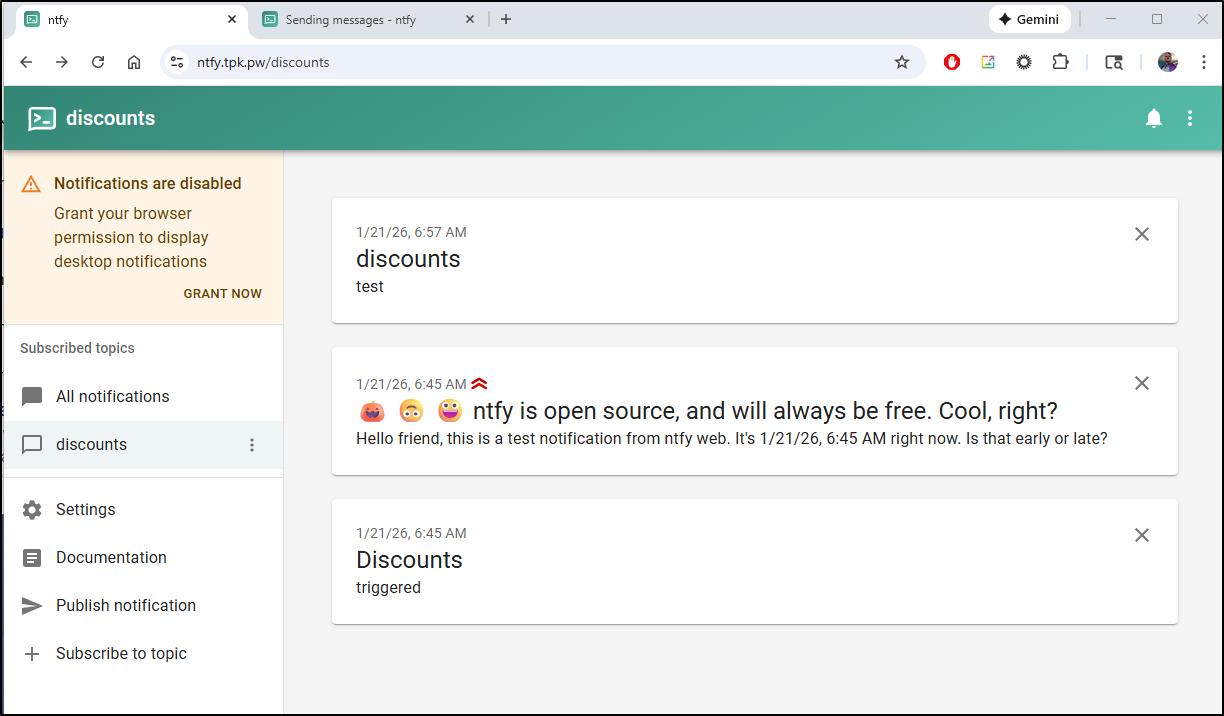
By default, it’s wide open (the idea is to make the topics more complicated in name)
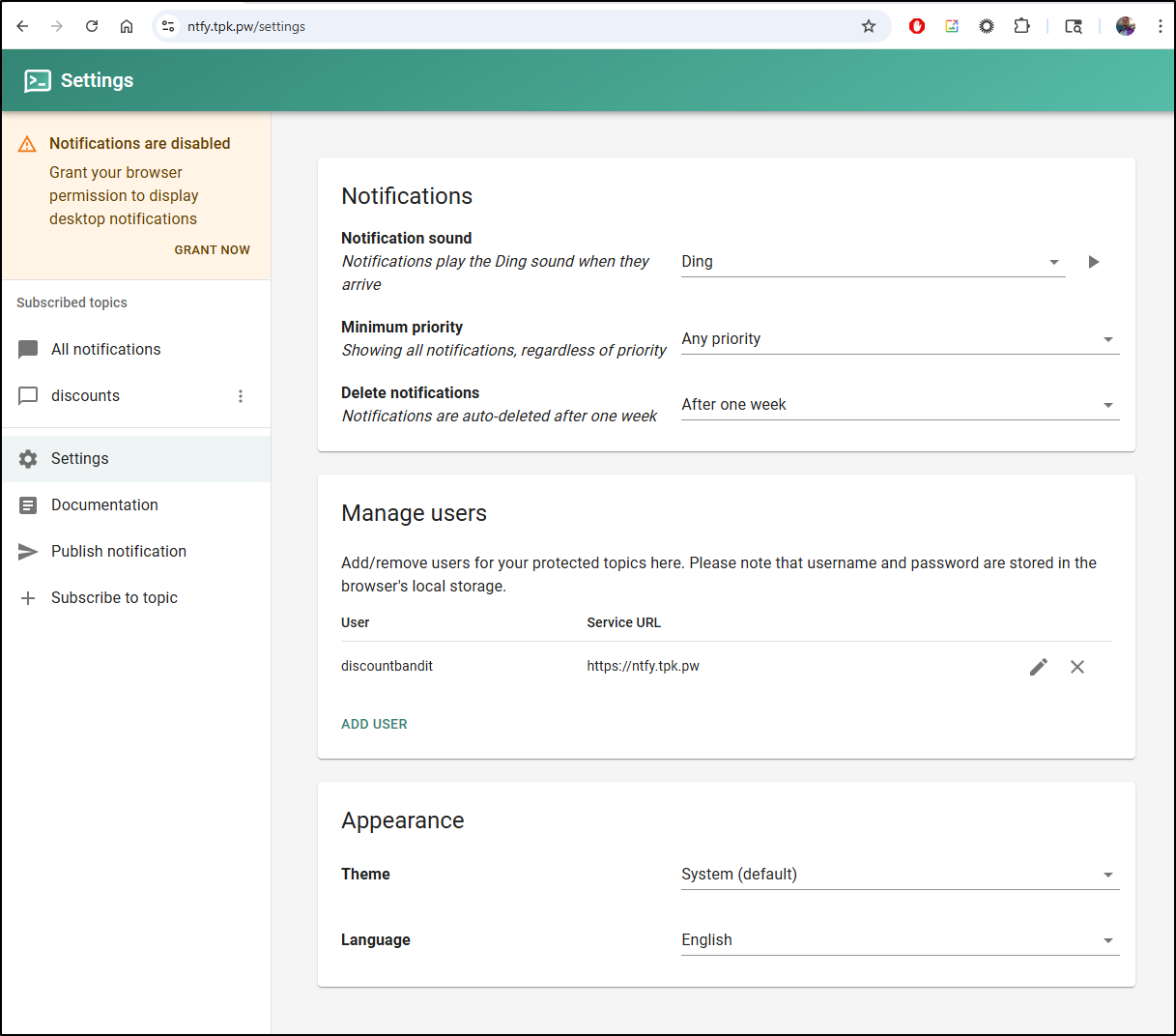
You can add users for “protected topics”
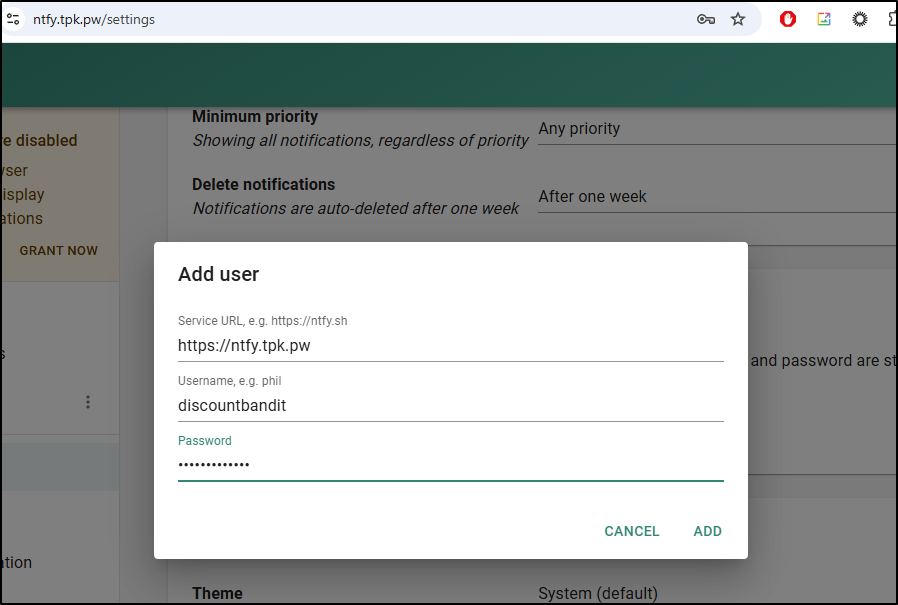
But I see no way to create protected topics in the UI
Gotify
Let’s try a similar project to NTFY, Gotify.
In a similar fashion, I’ll fire it up in Docker
builder@builder-T100:~/gotify$ docker run -d -p 3590:80 -v /home/builder/gotify/data:/app/data ghcr.io/gotify/server
Unable to find image 'ghcr.io/gotify/server:latest' locally
latest: Pulling from gotify/server
a73f85a4e405: Pull complete
6e6bfc983525: Pull complete
9d732763eb83: Pull complete
d2a5df78becb: Pull complete
Digest: sha256:4702c392ca723d5016fc938c8b22572c3509efca812bdc5221d25158ba0201e3
Status: Downloaded newer image for ghcr.io/gotify/server:latest
b4213dea71a523f6e307e113d858f61d38e1654e6ac2ab9ab81e384b4b233b02
Then make an A Record
$ az account set --subscription "Pay-As-You-Go" && az network dns record-set a add-record -g idjdnsrg -z tpk.pw -a 174.53.161.33 -n gotify
{
  "ARecords": [
    {
      "ipv4Address": "174.53.161.33"
    }
  ],
  "TTL": 3600,
  "etag": "5f33e3f9-3856-4302-8cb6-4e12d0862303",
  "fqdn": "gotify.tpk.pw.",
  "id": "/subscriptions/d955c0ba-13dc-44cf-a29a-8fed74cbb22d/resourceGroups/idjdnsrg/providers/Microsoft.Network/dnszones/tpk.pw/A/gotify",
  "name": "gotify",
  "provisioningState": "Succeeded",
  "resourceGroup": "idjdnsrg",
  "targetResource": {},
  "trafficManagementProfile": {},
  "type": "Microsoft.Network/dnszones/A"
}
Then fire up a similar ingress, service and endpoint
$ cat ./gotify-ingress.yaml

apiVersion: v1
kind: Endpoints
metadata:
  name: gotify-external-ip
subsets:
- addresses:
  - ip: 192.168.1.99
  ports:
  - name: gotifyint
    port: 3590
    protocol: TCP
---
apiVersion: v1
kind: Service
metadata:
  name: gotify-external-ip
spec:
  clusterIP: None
  clusterIPs:
  - None
  internalTrafficPolicy: Cluster
  ipFamilies:
  - IPv4
  - IPv6
  ipFamilyPolicy: RequireDualStack
  ports:
  - name: gotify
    port: 80
    protocol: TCP
    targetPort: 3590
  sessionAffinity: None
  type: ClusterIP
---
apiVersion: networking.k8s.io/v1
kind: Ingress
metadata:
  annotations:
    cert-manager.io/cluster-issuer: azuredns-tpkpw
    ingress.kubernetes.io/ssl-redirect: "true"
    kubernetes.io/tls-acme: "true"
    nginx.ingress.kubernetes.io/proxy-read-timeout: "3600"
    nginx.ingress.kubernetes.io/proxy-send-timeout: "3600"
    nginx.org/websocket-services: gotify-external-ip
  generation: 1
  name: gotifyingress
spec:
  ingressClassName: nginx
  rules:
  - host: gotify.tpk.pw
    http:
      paths:
      - backend:
          service:
            name: gotify-external-ip
            port:
              number: 80
        path: /
        pathType: ImplementationSpecific
  tls:
  - hosts:
    - gotify.tpk.pw
    secretName: gotify-tls
$ kubectl apply -f ./gotify-ingress.yaml
endpoints/gotify-external-ip created
service/gotify-external-ip created
ingress.networking.k8s.io/gotifyingress created
Once the cert is ready
$ kubectl get cert gotify-tls
NAME         READY   SECRET       AGE
gotify-tls   True    gotify-tls   85s
I can access the site and am presented with a login/password
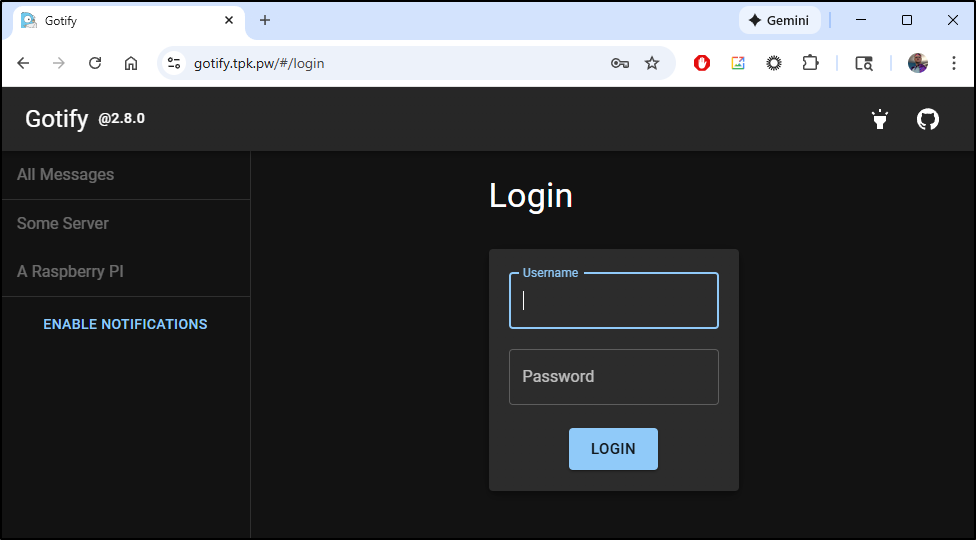
The initial login/pass is admin/admin which brings us to our dashboard
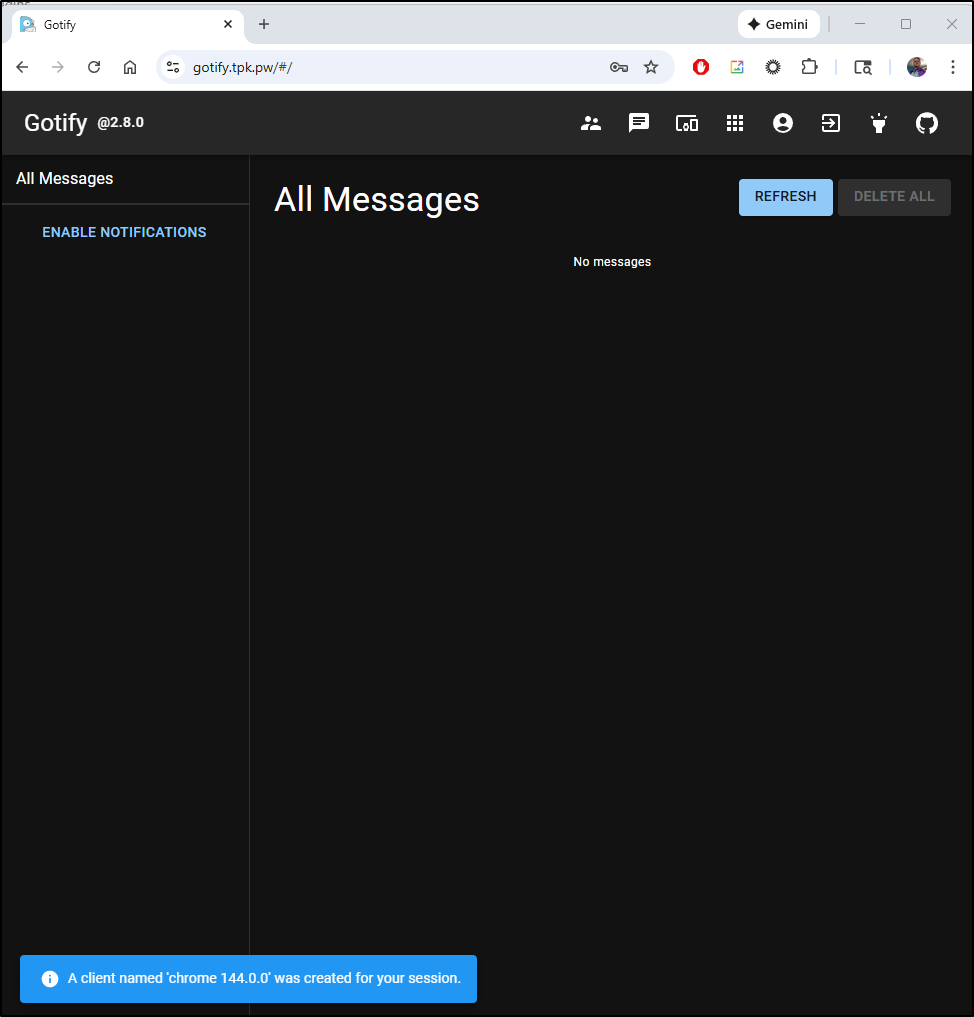
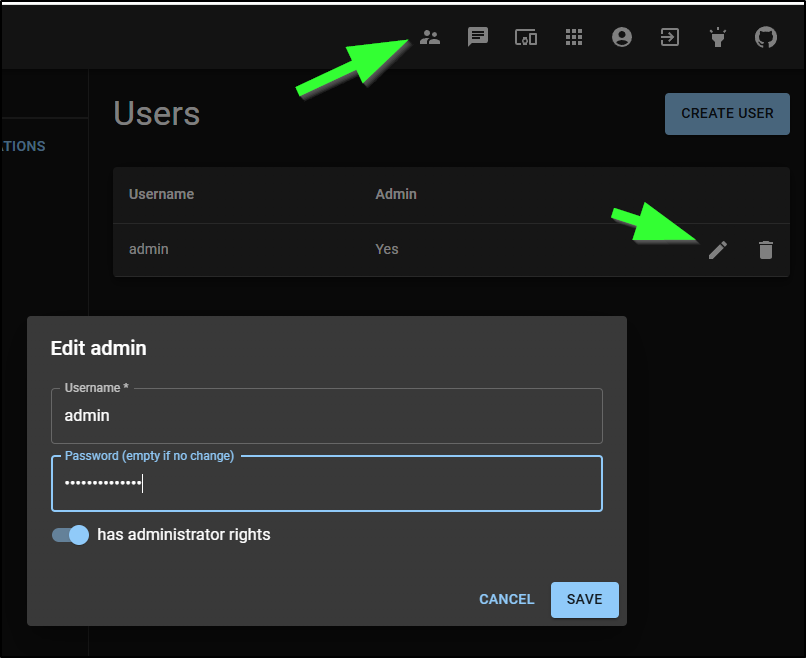
I recommend changing that immediately
I next created an Application (different from a user as an Application uses a token)
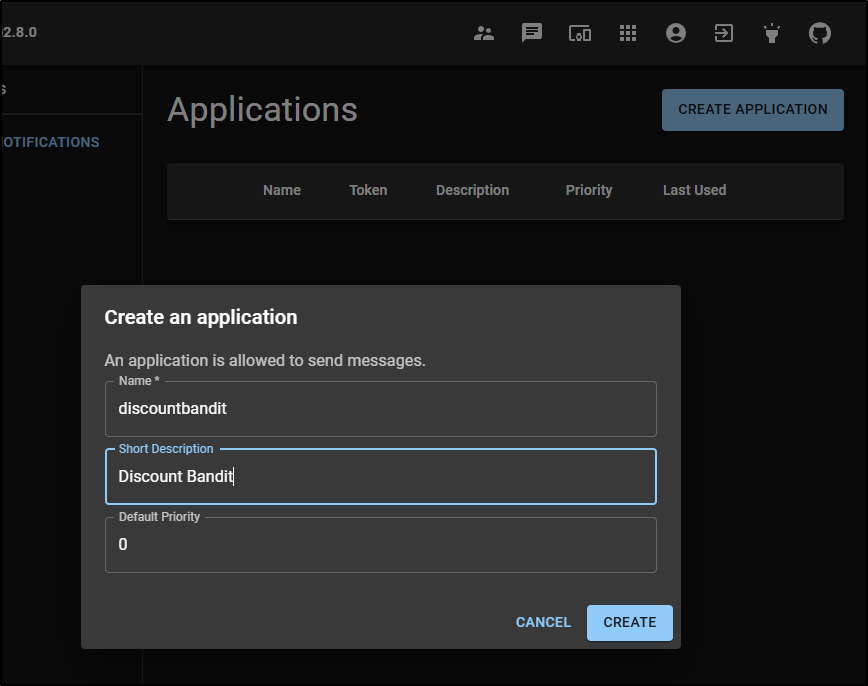
I can now see that in my applications list
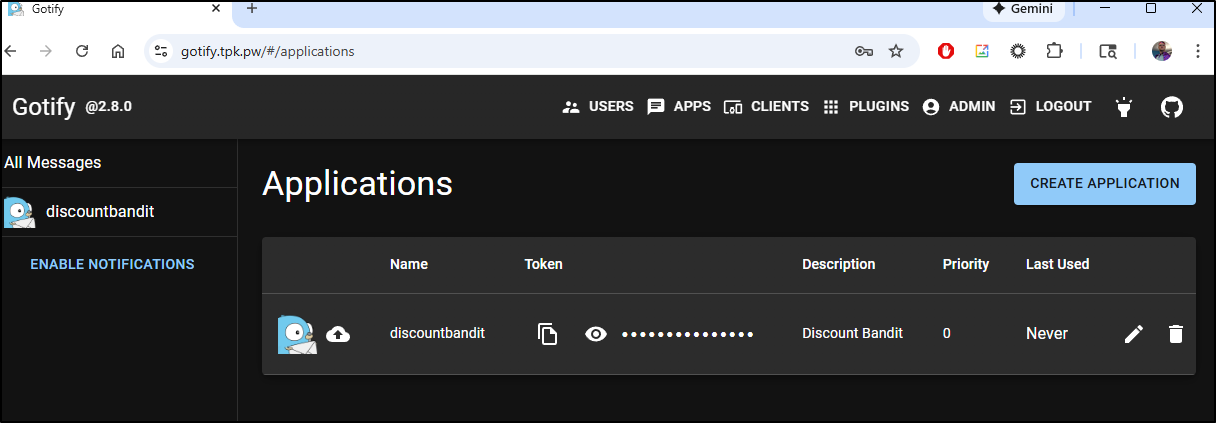
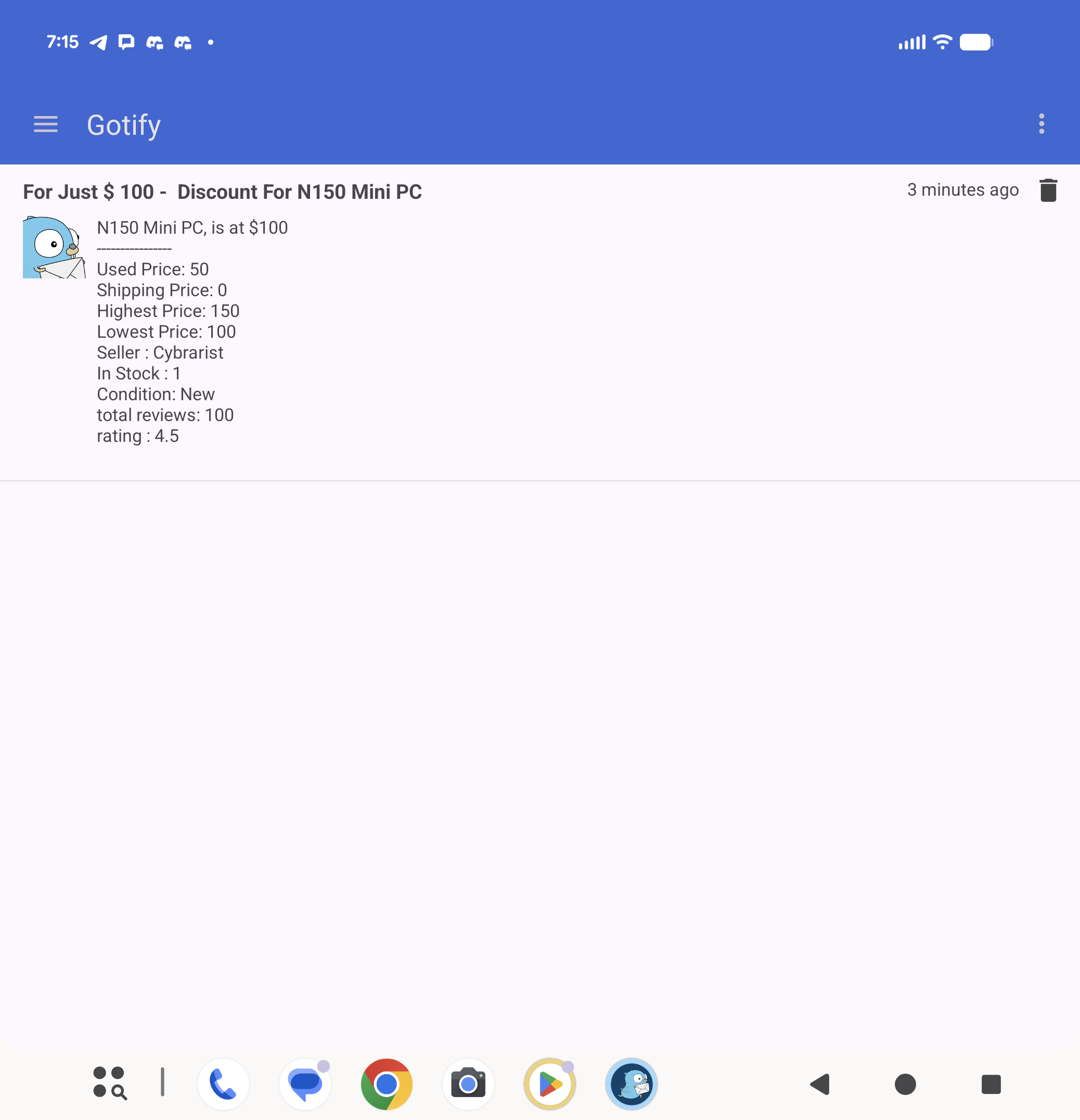
I can then use the application to post to Gotify
Android app
We can install the free Android app and enter our server URL to verify
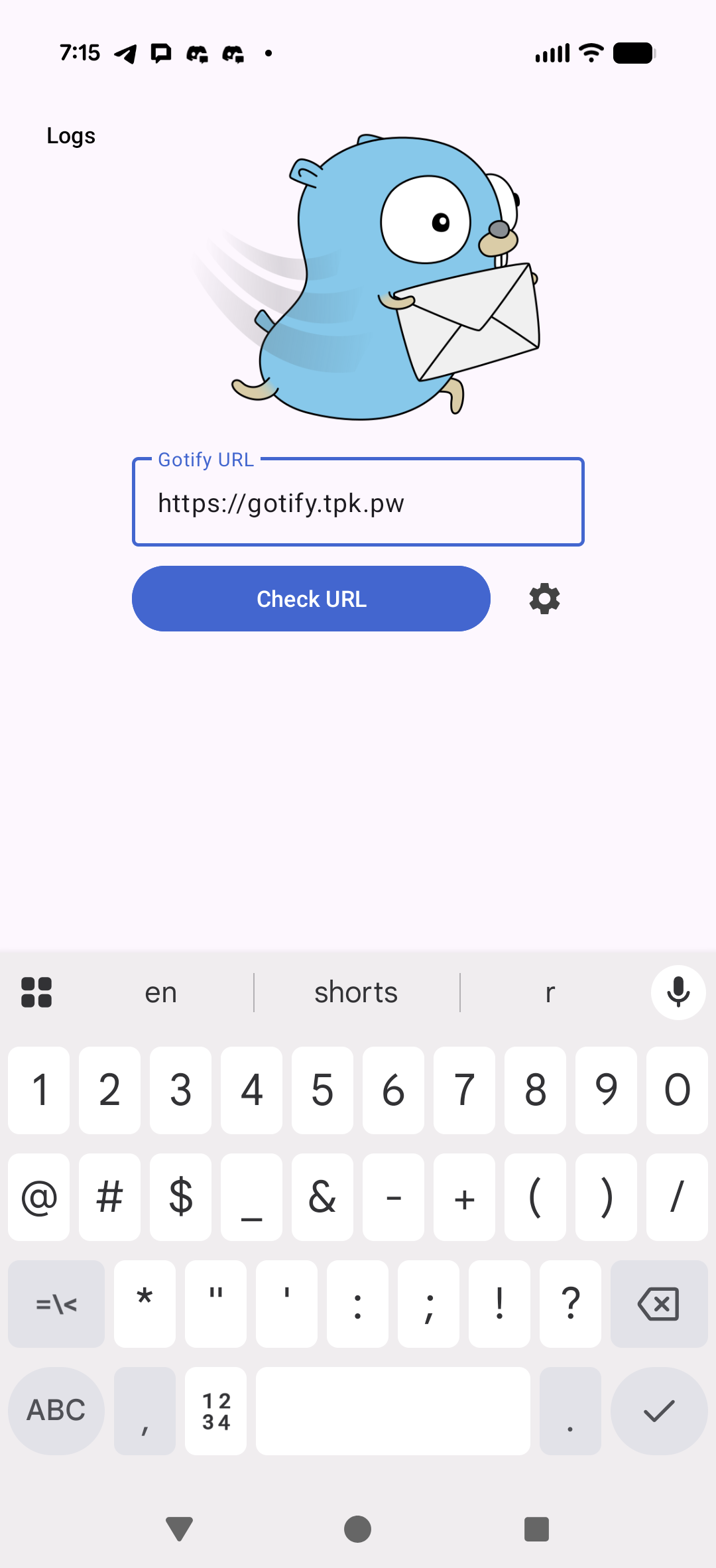
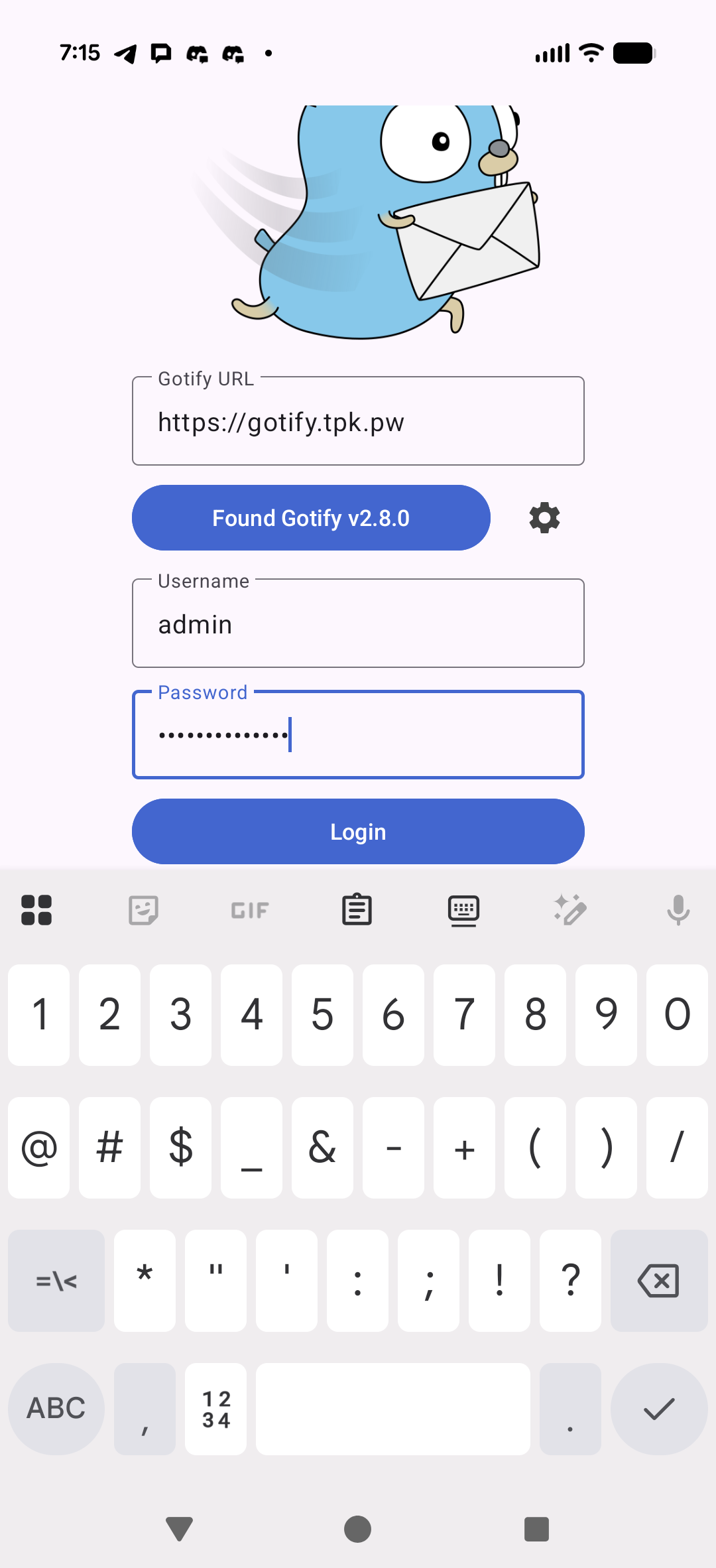
once it verifies the URL you can enter a login/pass
We give our device a name
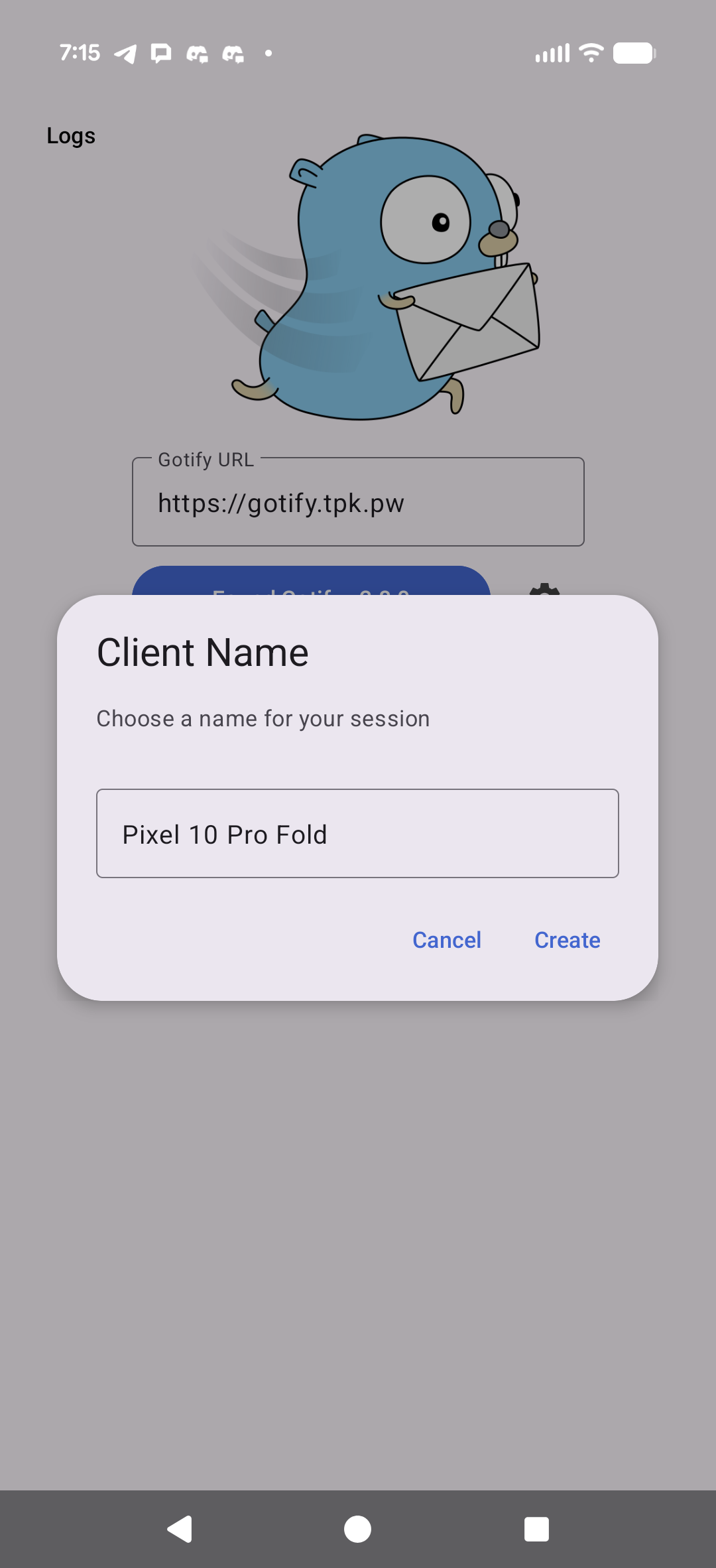
and see our messages

(unfolded)
Dashlit
Another from Marius I wanted to circle back on was Dashlit
Let’s give it a start with a minimal docker-compose file
$ cat docker-compose.yml
services:
  app:
    container_name: dashlit-app
    image: ghcr.io/codewec/dashlit:latest
    restart: unless-stopped
    environment:
      ORIGIN: '${ORIGIN:-http://localhost:3000}' # please provide URL if different
    ports:
      - '3000:3000'
    volumes:
      - ./data:/app/data
Then launch
$ docker compose up
[+] Running 9/9
 ✔ app Pulled                                                                                             122.2s
   ✔ fe07684b16b8 Pull complete                                                                             7.6s
   ✔ 0f5de7b9feda Pull complete                                                                            46.9s
   ✔ 4e500f9ee51d Pull complete                                                                            47.0s
   ✔ 3a953394efe8 Pull complete                                                                            47.1s
   ✔ b02804959b3c Pull complete                                                                            47.2s
   ✔ adcc5ad14ebf Pull complete                                                                            47.3s
   ✔ 9b6fed685d5e Pull complete                                                                           120.6s
   ✔ 337900a6dc7b Pull complete                                                                           120.6s
[+] Running 2/2
 ✔ Network dashlit_default  Created                                                                         0.1s
 ✔ Container dashlit-app    Created                                                                         0.3s
Attaching to dashlit-app
dashlit-app  | Listening on http://0.0.0.0:3000
We can see the main page up without a password
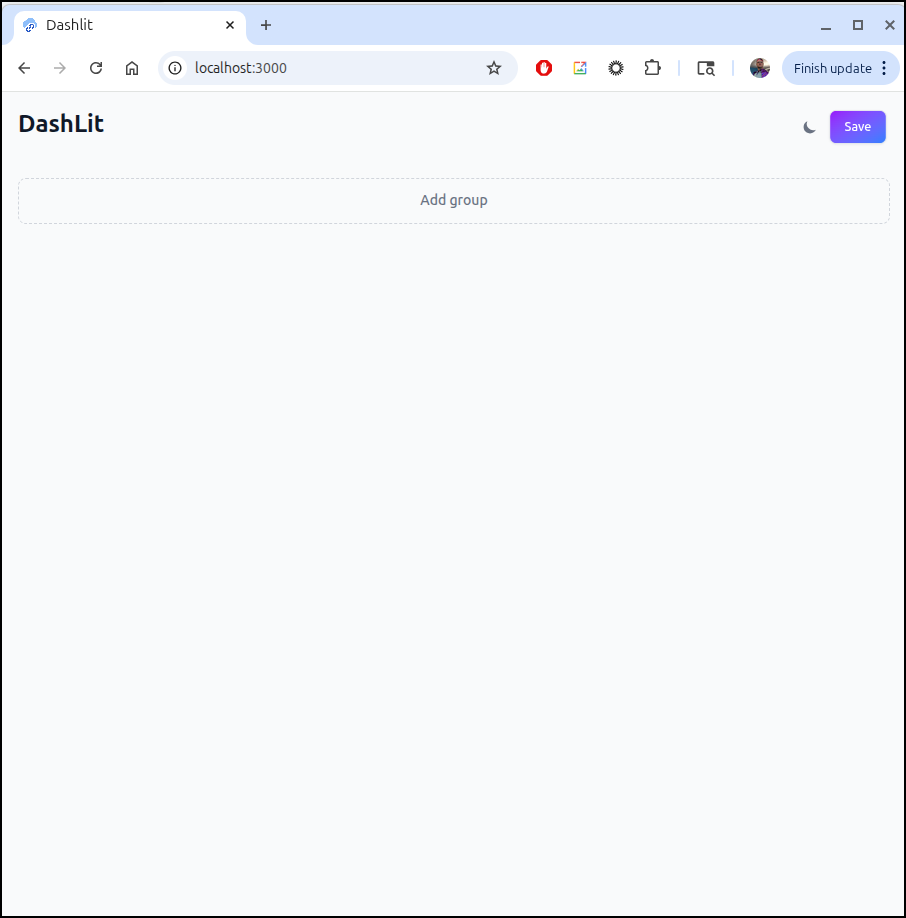
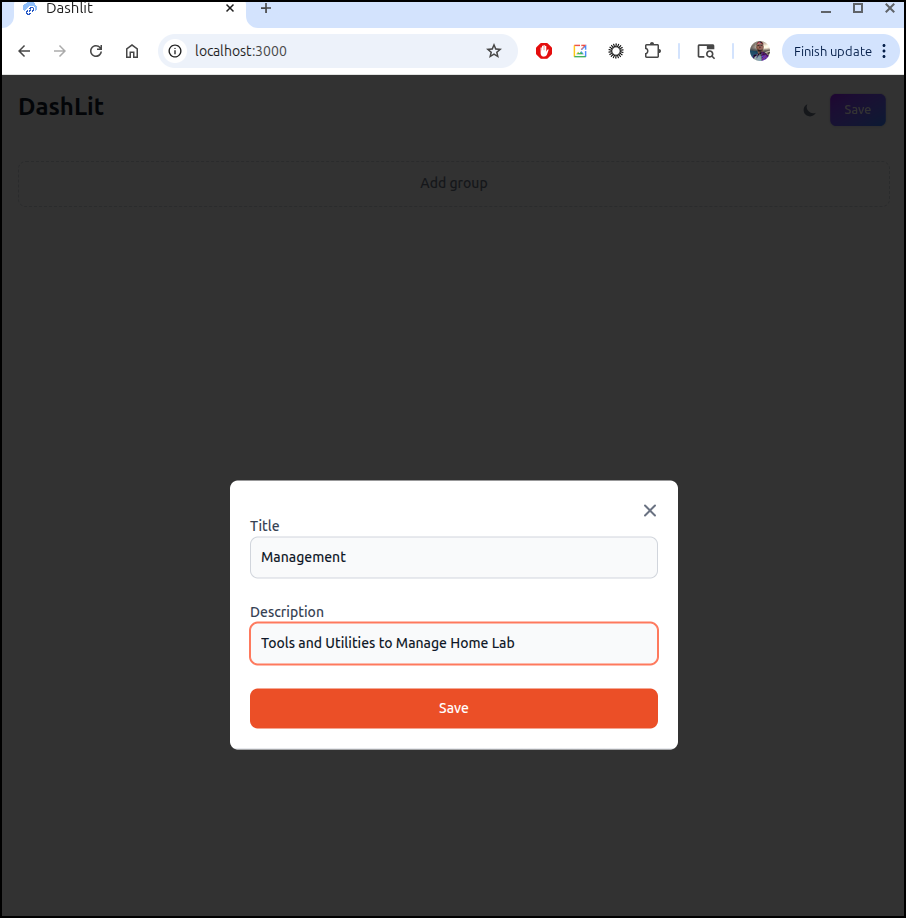
I’ll add a group
Then add an app like Dumbterm
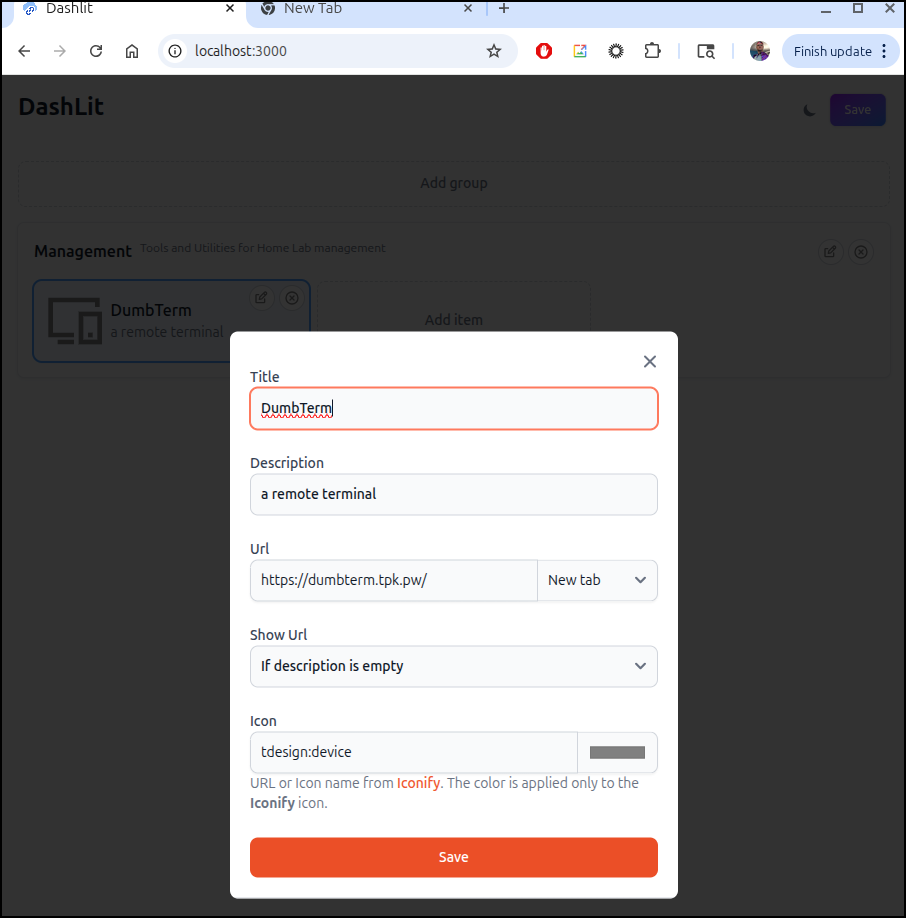
I can save and see the link is live
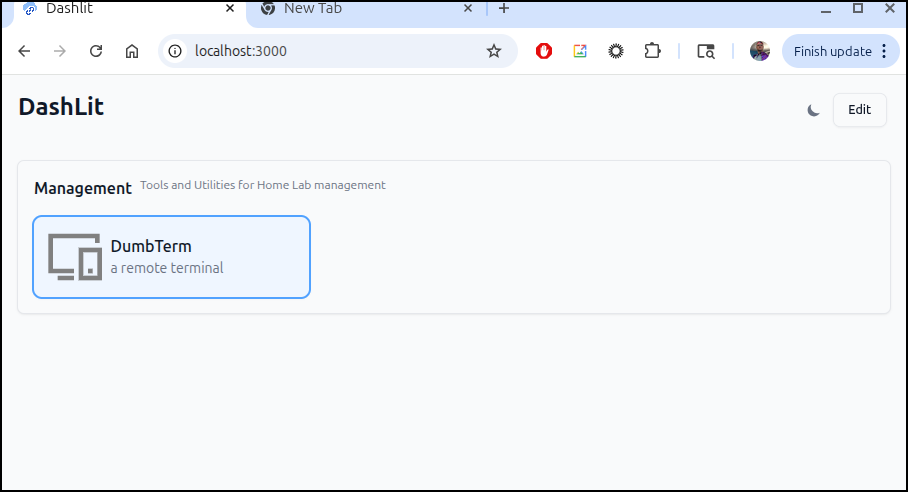
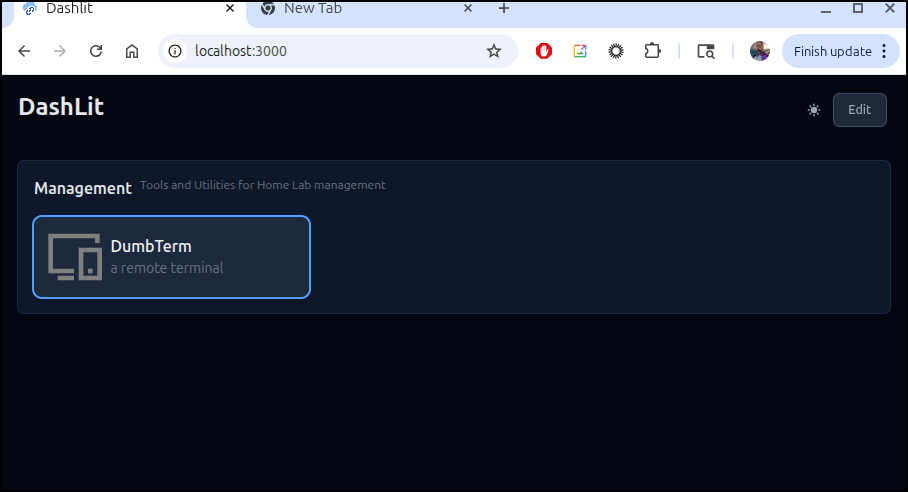
And in dark mode
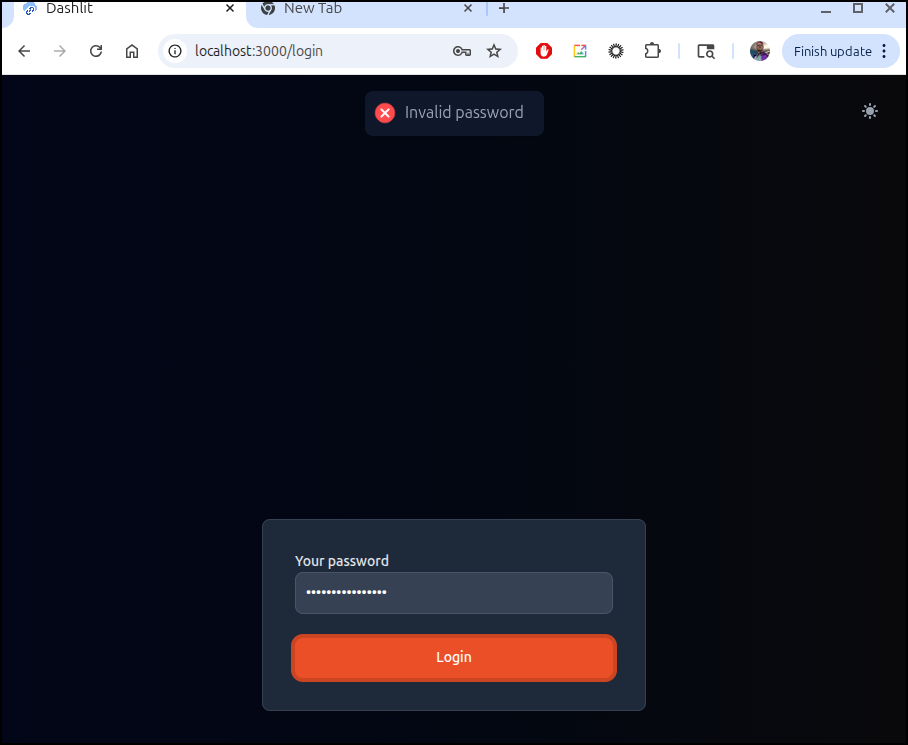
Now if I stop it and change it to require a password
dashlit-app exited with code 0
builder@LuiGi:~/Workspaces/dashlit$ vi docker-compose.yml
builder@LuiGi:~/Workspaces/dashlit$ cat docker-compose.yml
services:
  app:
    container_name: dashlit-app
    image: ghcr.io/codewec/dashlit:latest
    restart: unless-stopped
    environment:
      PASSWORD: 'MyPassword1234'
      ORIGIN: '${ORIGIN:-http://localhost:3000}' # please provide URL if different
    ports:
      - '3000:3000'
    volumes:
      - ./data:/app/data
I can then fire it back up
builder@LuiGi:~/Workspaces/dashlit$ docker compose up
[+] Running 1/1
 ✔ Container dashlit-app  Recreated                                                                         0.2s
Attaching to dashlit-app
dashlit-app  | Listening on http://0.0.0.0:3000
and now I am prompted for a password
Let’s try porting to Kubernetes.
I’ll need an A record
 az account set --subscription "Pay-As-You-Go" && az network dns record-set a add-record -g idjdnsrg -z tpk.pw -a 174.53.161.33 -n  dashlit

[Survey] Tell us what you think of Azure CLI. This survey should take about 2 minutes. Run 'az survey' to open in browser. Learn more at https://go.microsoft.com/fwlink/?linkid=2203309

{
  "ARecords": [
    {
      "ipv4Address": "174.53.161.33"
    }
  ],
  "TTL": 3600,
  "etag": "2518e796-f0de-4f12-a7e0-2b18d72676d9",
  "fqdn": "dashlit.tpk.pw.",
  "id": "/subscriptions/d955c0ba-13dc-44cf-a29a-8fed74cbb22d/resourceGroups/idjdnsrg/providers/Microsoft.Network/dnszones/tpk.pw/A/dashlit",
  "name": "dashlit",
  "provisioningState": "Succeeded",
  "resourceGroup": "idjdnsrg",
  "targetResource": {},
  "trafficManagementProfile": {},
  "type": "Microsoft.Network/dnszones/A"
}
The I can create and apply a YAML manifest
builder@LuiGi:~/Workspaces/dashlit$ cat ./k8s.yaml
---
apiVersion: v1
kind: Namespace
metadata:
  name: dashlit
---
apiVersion: v1
kind: PersistentVolumeClaim
metadata:
  name: dashlit-data-pvc
  namespace: dashlit
spec:
  accessModes:
    - ReadWriteOnce
  storageClassName: local-path
  resources:
    requests:
      storage: 10Gi

---
apiVersion: apps/v1
kind: Deployment
metadata:
  name: dashlit-app
  namespace: dashlit
  labels:
    app: dashlit
spec:
  replicas: 1
  selector:
    matchLabels:
      app: dashlit
  template:
    metadata:
      labels:
        app: dashlit
    spec:
      containers:
      - name: dashlit
        image: ghcr.io/codewec/dashlit:latest
        imagePullPolicy: IfNotPresent
        ports:
        - name: http
          containerPort: 3000
          protocol: TCP
        env:
        - name: ORIGIN
          value: "https://dashlit.tpk.pw"
        - name: NODE_ENV
          value: "production"
        - name: HOST_HEADER
          value: "HOST"
        - name: ADDRESS_HEADER
          value: "X-Real-IP"
        - name: PROTOCOL_HEADER
          value: "X-Forwarded-Proto"
        - name: PASSWORD
          value: "Password1234"
        - name: SECRET_KEY
          value: "eyJhbGciOiJIUzI1NiIsInR5cCI6IkpXVCJ9.eyJzdWIiOiJkYXNoLWxpdCIsImlhdCI6MTcwNDEwNDAwMCwiZXhwIjoyMDAwMDAwMDAwfQ.k7R9mN2pL4xQ8wZ3vT5hB6jC9dF0gH2jK5sL7mN8oP9"
        volumeMounts:
        - name: data
          mountPath: /app/data
        resources:
          requests:
            memory: "256Mi"
            cpu: "250m"
          limits:
            memory: "512Mi"
            cpu: "500m"
        livenessProbe:
          httpGet:
            path: /
            port: http
          initialDelaySeconds: 30
          periodSeconds: 10
        readinessProbe:
          httpGet:
            path: /
            port: http
          initialDelaySeconds: 5
          periodSeconds: 5
      volumes:
      - name: data
        persistentVolumeClaim:
          claimName: dashlit-data-pvc
---
apiVersion: v1
kind: Service
metadata:
  name: dashlit-service
  namespace: dashlit
  labels:
    app: dashlit
spec:
  type: ClusterIP
  selector:
    app: dashlit
  ports:
  - name: http
    port: 80
    targetPort: http
    protocol: TCP
---
apiVersion: networking.k8s.io/v1
kind: Ingress
metadata:
  annotations:
    cert-manager.io/cluster-issuer: azuredns-tpkpw
    ingress.kubernetes.io/ssl-redirect: "true"
    kubernetes.io/tls-acme: "true"
    nginx.ingress.kubernetes.io/proxy-body-size: "0"
    nginx.ingress.kubernetes.io/proxy-read-timeout: "3600"
    nginx.ingress.kubernetes.io/proxy-send-timeout: "3600"
    nginx.ingress.kubernetes.io/ssl-redirect: "true"
    nginx.org/client-max-body-size: "0"
    nginx.org/proxy-connect-timeout: "3600"
    nginx.org/proxy-read-timeout: "3600"
    nginx.org/websocket-services: dashlit-service
  name: dashlit-ingress
  namespace: dashlit
spec:
  ingressClassName: nginx
  rules:
  - host: dashlit.tpk.pw
    http:
      paths:
      - backend:
          service:
            name: dashlit-service
            port:
              number: 80
        path: /
        pathType: Prefix
  tls:
  - hosts:
    - dashlit.tpk.pw
    secretName: dashlit-tls

builder@LuiGi:~/Workspaces/dashlit$ kubectl apply -f ./k8s.yaml
namespace/dashlit created
persistentvolumeclaim/dashlit-data-pvc created
deployment.apps/dashlit-app created
service/dashlit-service created
ingress.networking.k8s.io/dashlit-ingress created
Then when I see the cert is satisifed
$ kubectl get cert -n dashlit
NAME          READY   SECRET        AGE
dashlit-tls   True    dashlit-tls   106s
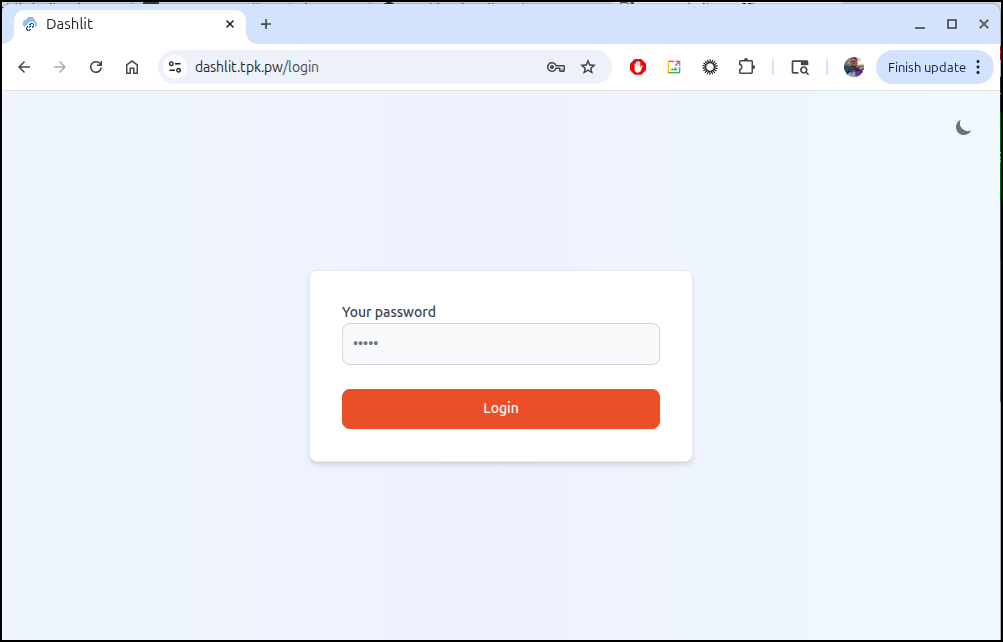
I can test it
Summary
We looked at BentoPDF and found it did a bang-up job converting. There are so many tools I just scratched the surface, but it was valuable enough to set up a hosted instance at bentopdf.tpk.pw.
Discount Bandit is interesting. I thought I had some challenges with it getting into a crash loop in Docker, so I moved to Kubernetes. However, the underlying cause was the currency setting. While I couldn’t get Discount Bandit to use my own NTFY system, it used the public one without issue and it worked just fine with a local Gotify. I might try telegram notifications again, for now it seems borked on that. However, in times of rapid inflation and prices increases it might be nice.
Working on Discount Bandit did have me explore self-hosted NTFY and Gotify. I likely will ditch NTFY (self-hosted) as it is too open and the public endpoint suffices. I will likely, however, keep Gotify for future projects.
Lastly, I looked at Dashlit which is a nice little link portal. It has a password, which is nice. I’m not sure how much I’ll use it but I did like the ability to organize by groups.
