I have a few apps on my todo list today. The first of which is this timezone app in Linux. I’ll try a few ways to install.
The next is Swiish which is an excellent containerized business card app.
Lastly, we’ll look at Bitwarden and Vaultwarden as I try to restore my OS secrets engine on the cluster.
But let’s start with a simple timezone app…
Timezone
I found this timezone app some time back and really wanted to get it a try.
Trying with make didn’t work, but the flatpak install works
Add flakpak remote if needed
$ sudo flatpak remote-add --if-not-exists flathub https://dl.flathub.org/repo/flathub.flatpakrepo
We need some flakpak dependencies
$ flatpak install flathub org.gnome.Platform//51
$ flatpak install flathub org.gnome.Sdk//51
I’ll add Platform and SDK
(base) builder@LuiGi:~/Workspaces/timezones$ flatpak install flathub org.gnome.Platform//51
Looking for matches…
Remote ‘flathub’ found in multiple installations:

   1) system
   2) user

Which do you want to use (0 to abort)? [0-2]: 1


        ID                                                Branch                 Op            Remote             Download
 1. [✓] org.freedesktop.Platform.GL.default               26.08                  i             flathub            149.4 MB / 150.5 MB
 2. [✓] org.freedesktop.Platform.GL.default               26.08-extra            i             flathub             28.9 MB / 150.5 MB
 3. [✓] org.freedesktop.Platform.VAAPI.Intel              26.08                  i             flathub             14.8 MB / 15.0 MB
 4. [✓] org.freedesktop.Platform.codecs-extra             26.08-extra            i             flathub             15.6 MB / 15.7 MB
 5. [✓] org.gnome.Platform.Locale                         51                     i             flathub             18.7 kB / 391.3 MB
 6. [✓] org.gtk.Gtk3theme.Yaru                            3.22                   i             flathub            139.3 kB / 191.5 kB
 7. [✓] org.gnome.Platform                                51                     i             flathub            372.0 MB / 432.2 MB

Installation complete.
(base) builder@LuiGi:~/Workspaces/timezones$ flatpak install flathub org.gnome.Platform//51
Looking for matches…
Remote ‘flathub’ found in multiple installations:

   1) system
   2) user

Which do you want to use (0 to abort)? [0-2]: 1
Skipping: org.gnome.Platform/x86_64/51 is already installed
(base) builder@LuiGi:~/Workspaces/timezones$ flatpak install flathub org.gnome.Sdk//51
Looking for matches…
Remote ‘flathub’ found in multiple installations:

   1) system
   2) user

Which do you want to use (0 to abort)? [0-2]: 1


        ID                            Branch          Op         Remote          Download
 1. [✓] org.gnome.Sdk.Locale          51              i          flathub          18.8 kB / 408.5 MB
 2. [✓] org.gnome.Sdk                 51              i          flathub         507.8 MB / 873.7 MB

Installation complete.
(base) builder@LuiGi:~/Workspaces/timezones$
Now we can add
$ flatpak-builder --user --install --force-clean build-flatpak packaging/flatpak/io.github.hernantz.timezones.json
ownloading sources
Downloading https://download.gnome.org/sources/gweather-locations/2026/gweather-locations-2026.2.tar.xz
  % Total    % Received % Xferd  Average Speed  Time    Time    Time   Current
                                 Dload  Upload  Total   Spent   Left   Speed
100  2.47M 100  2.47M   0      0  3.81M      0                              0
Downloading https://download.gnome.org/sources/geocode-glib/3.26/geocode-glib-3.26.4.tar.xz
100  75352 100  75352   0      0  1.25M      0                              0
Downloading https://download.gnome.org/sources/libgweather/4.6/libgweather-4.6.0.tar.xz
100 339.4k 100 339.4k   0      0  3.32M      0                              0
Initializing build dir
Committing stage init to cache
Starting build of io.github.hernantz.timezones
========================================================================
Building module gweather-locations in /home/builder/Workspaces/timezones/.flatpak-builder/build/gweather-locations-1
========================================================================
The Meson build system
Version: 1.12.0
Source dir: /run/build/gweather-locations
Build dir: /run/build/gweather-locations/_flatpak_build
Build type: native build
Project name: gweather-locations
Project version: 2026.2
Host machine cpu family: x86_64
Host machine cpu: x86_64
Program python3 (gi) found: YES (/usr/bin/python3) modules: gi
Program build-aux/gen_locations_variant.py found: YES (/run/build/gweather-locations/build-aux/gen_locations_variant.py)
Program xmllint found: YES (/usr/bin/xmllint)
Program pylint-3 pylint3 pylint found: NO
Program msgfmt found: YES (/usr/bin/msgfmt)
Program msginit found: YES (/usr/bin/msginit)
... snip ...

Content Total: 45
Content Written: 0
Content Bytes Written: 0 (0 bytes)
Installing runtime/io.github.hernantz.timezones.Debug/x86_64/master
Installing runtime/io.github.hernantz.timezones.Locale/x86_64/master
Installing app/io.github.hernantz.timezones/x86_64/master
Pruning cache
And
$ flatpak run io.github.hernantz.timezones
$ flatpak run io.github.hernantz.timezones
/app/share/timezones/src/app.py:34: PyGIWarning: Adw was imported without specifying a version first. Use gi.require_version('Adw', '1') before import to ensure that the right version gets loaded.
  from gi.repository import Adw, Gdk, GLib, Gtk  # noqa: E402

(io.github.hernantz.timezones:2): Gtk-WARNING **: 18:18:36.342: Theme parser error: style.css:2:29-33: Expected a valid color.

(io.github.hernantz.timezones:2): Gtk-WARNING **: 18:18:36.343: Theme parser error: style.css:2:29-33: Expected a valid color.
MESA-EGL: warning: failed to get driver name for fd -1
MESA-EGL: warning: MESA-LOADER: failed to retrieve device information
MESA-EGL: warning: failed to get driver name for fd -1
MESA: error: ZINK: failed to choose pdev
MESA-EGL: warning: egl: failed to create dri2 screen
which launches
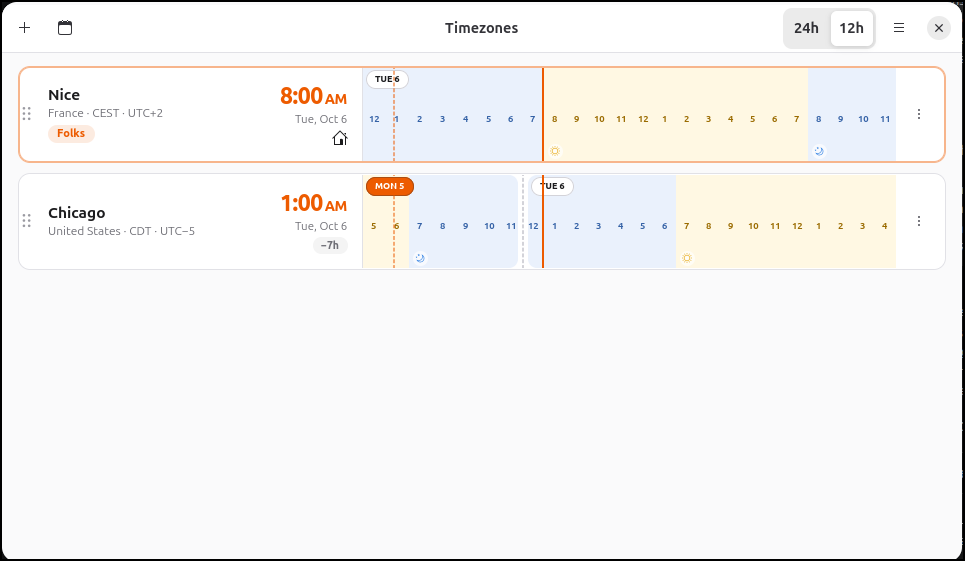
It’s pretty easy to check timezones for people
I could see it useful for disparate teams or global work projects.
Swiish
I found Swish from this Marius post which came up on my feed.
It is pretty to install by using the Github repo
(base) builder@LuiGi:~/Workspaces$ git clone https://github.com/MrCrin/swiish.git
Cloning into 'swiish'...
remote: Enumerating objects: 720, done.
remote: Counting objects: 100% (352/352), done.
remote: Compressing objects: 100% (107/107), done.
remote: Total 720 (delta 281), reused 251 (delta 245), pack-reused 368 (from 2)
Receiving objects: 100% (720/720), 2.06 MiB | 5.54 MiB/s, done.
Resolving deltas: 100% (383/383), done.
(base) builder@LuiGi:~/Workspaces$ cd swiish/
(base) builder@LuiGi:~/Workspaces/swiish$ nvm use lts/jod
Now using node v22.22.0 (npm v10.9.4)
(base) builder@LuiGi:~/Workspaces/swiish$ npm install
npm warn deprecated @npmcli/move-file@1.1.2: This functionality has been moved to @npmcli/fs
npm warn deprecated inflight@1.0.6: This module is not supported, and leaks memory. Do not use it. Check out lru-cache if you want a good and tested way to coalesce async requests by a key value, which is much more comprehensive and powerful.
npm warn deprecated npmlog@6.0.2: This package is no longer supported.
... snip ...
I then copied the sample .env file from the sample
(base) builder@LuiGi:~/Workspaces/swiish$ cp .env.example .env
I then fired up a dev server
Compiled successfully!

You can now view swiish in the browser.

  Local:            http://localhost:3000
  On Your Network:  http://192.168.1.38:3000

Note that the development build is not optimized.
To create a production build, use npm run build.

webpack compiled successfully
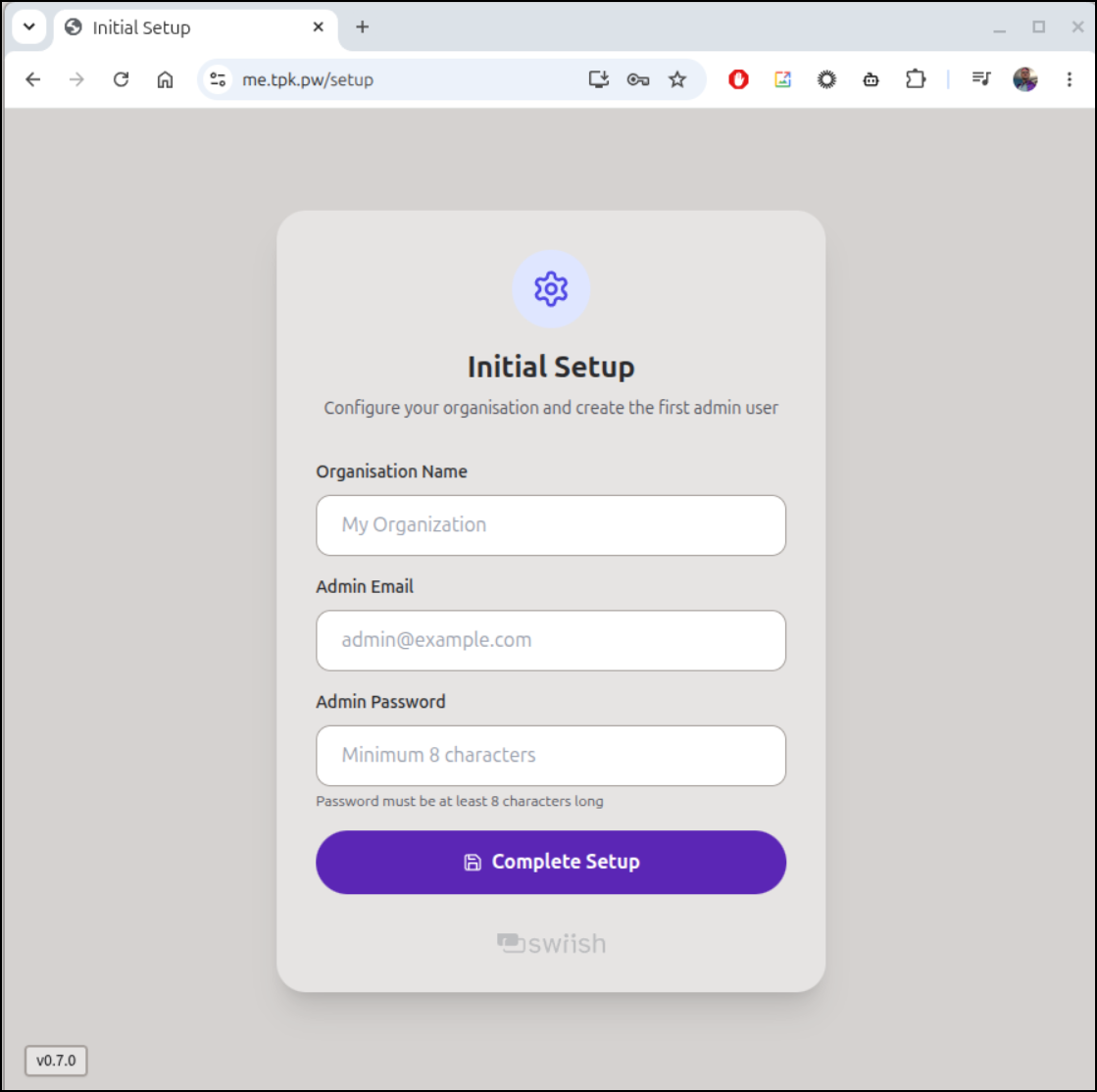
The setup page launched into Firefox
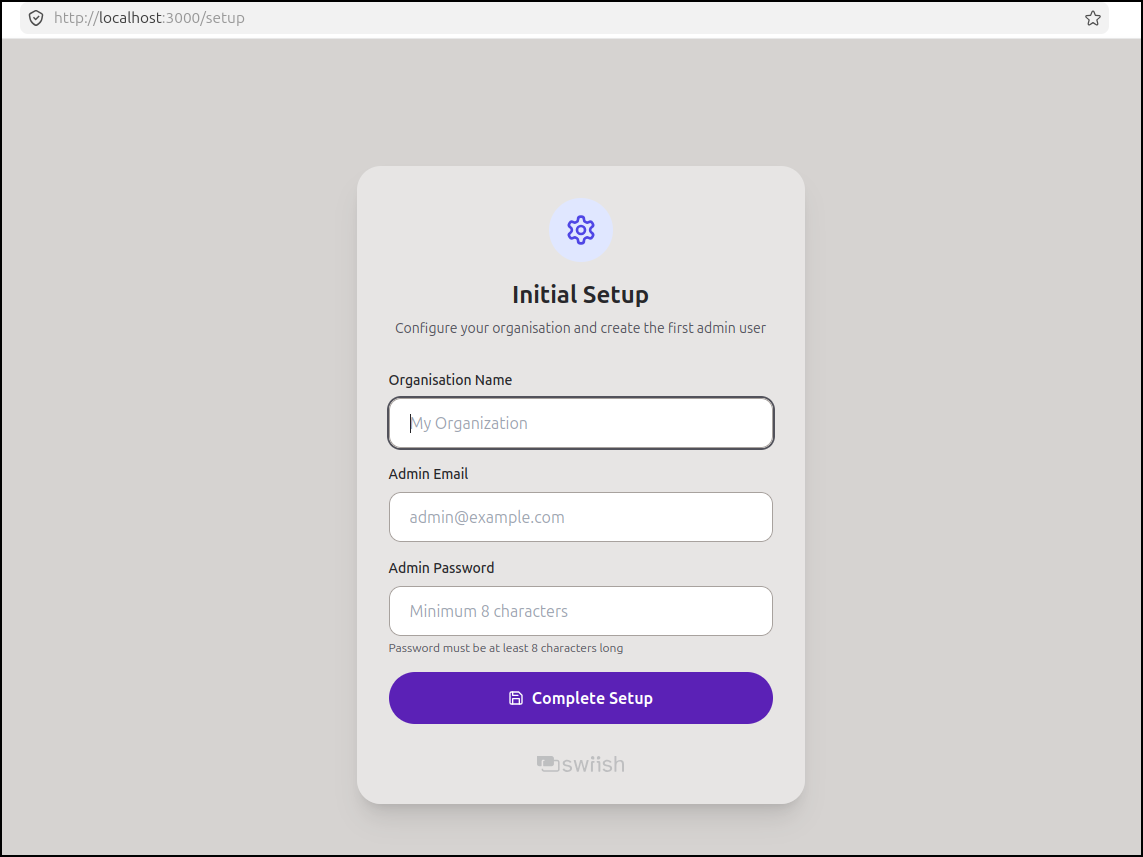
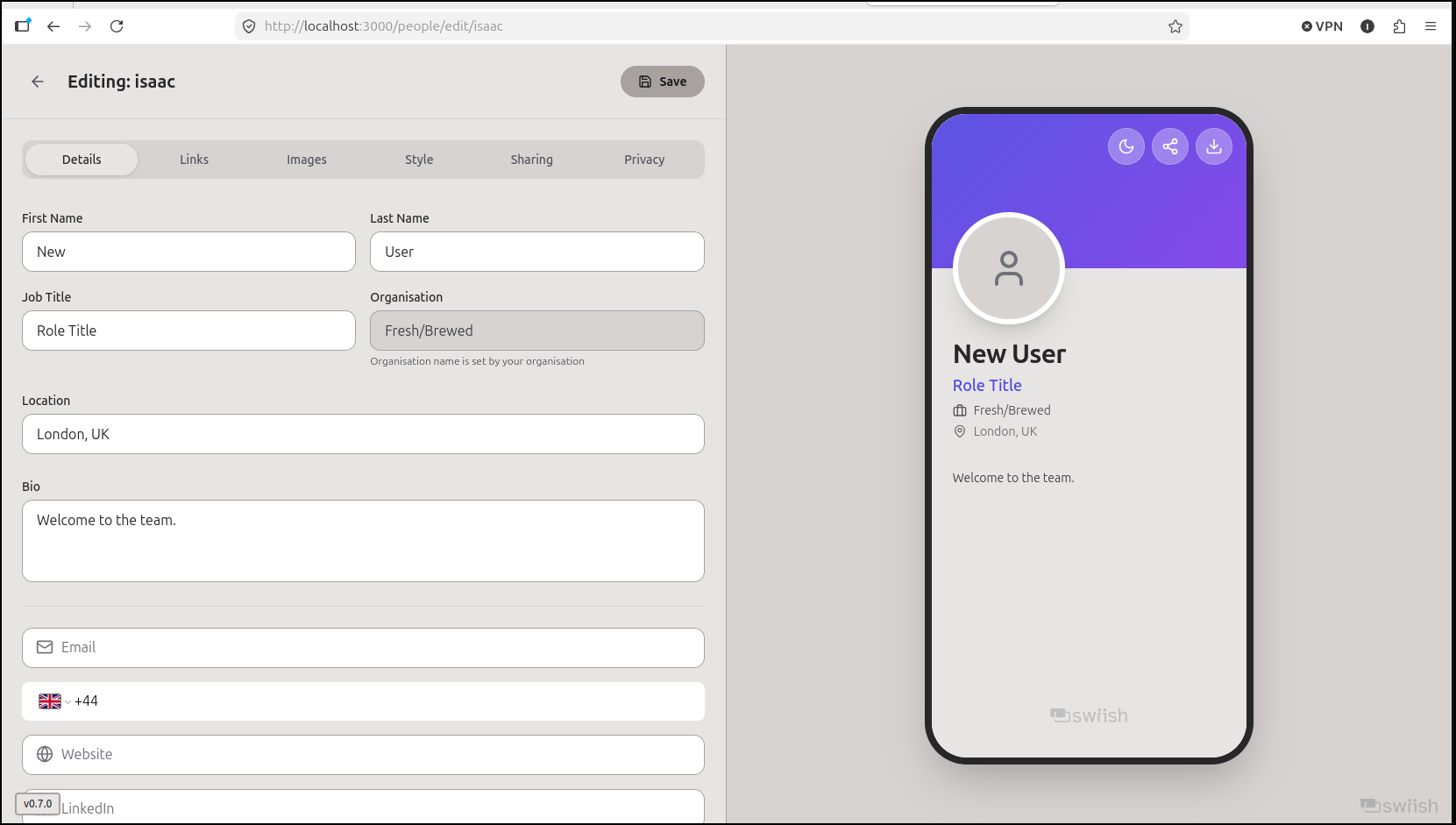
Once setup we can setup our card
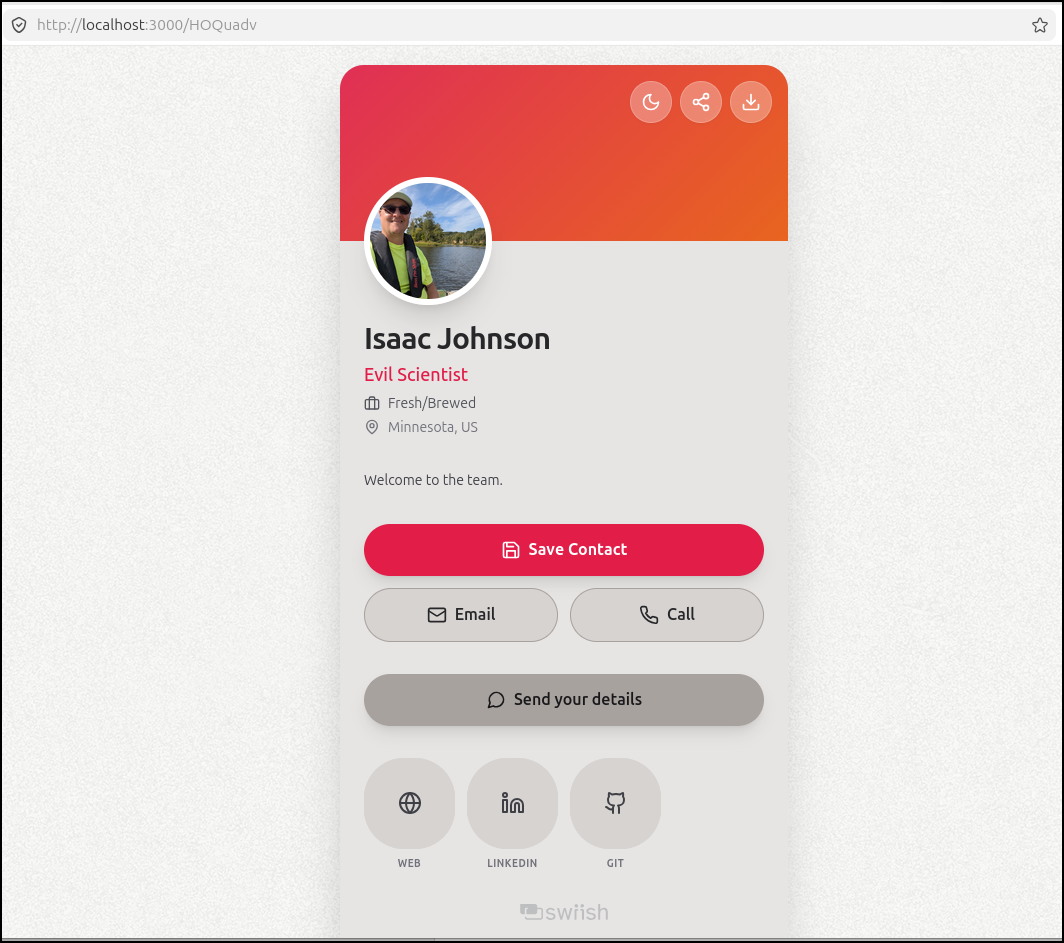
We can see a sample
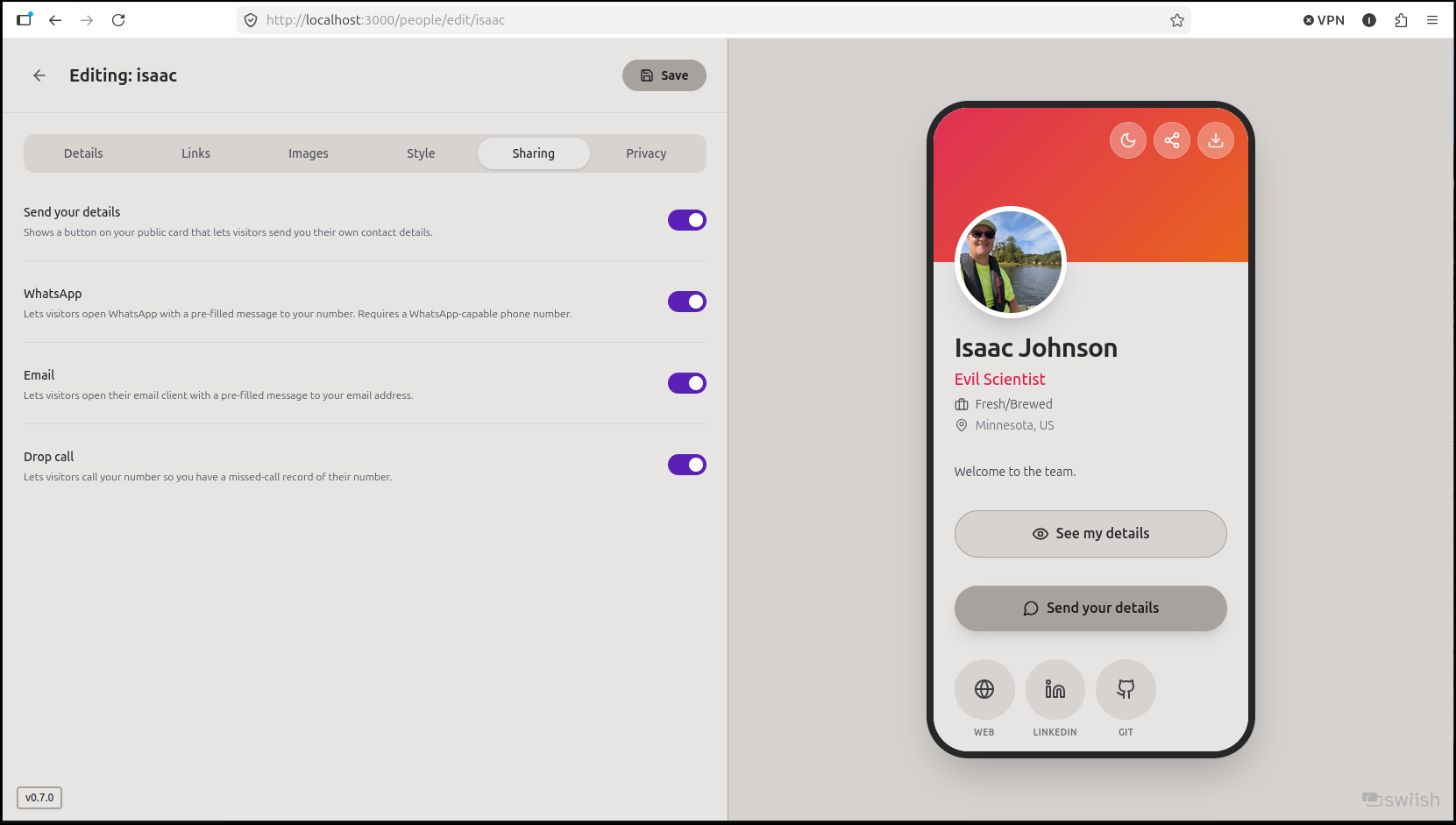
and that would make a good card
K8s
Let’s expose this via Kubernetes. I’ll want an A record.
$ az account set --subscription "Pay-As-You-Go" && az network dns record-set a add-record -g idjdnsrg -z tpk.pw -a 76.156.69.232 -n me
{
  "ARecords": [
    {
      "ipv4Address": "76.156.69.232"
    }
  ],
  "TTL": 3600,
  "etag": "888c1672-e0ae-41f6-9337-44a6a9f058b7",
  "fqdn": "me.tpk.pw.",
  "id": "/subscriptions/d955c0ba-13dc-44cf-a29a-8fed74cbb22d/resourceGroups/idjdnsrg/providers/Microsoft.Network/dnszones/tpk.pw/A/me",
  "name": "me",
  "provisioningState": "Succeeded",
  "resourceGroup": "idjdnsrg",
  "targetResource": {},
  "trafficManagementProfile": {},
  "type": "Microsoft.Network/dnszones/A"
}
I think I’ll just expose this in Kubernetes, but run it in docker on my Rz9 host.
builder@bosgamerz9:~/swiish$ docker compose up -d
WARN[0000] The "JWT_SECRET" variable is not set. Defaulting to a blank string.
[+] up 19/19
 ✔ Image ghcr.io/mrcrin/swiish:latest Pulled                                                                                                                                                                                                       8.0s
 ✔ Network swiish_default             Created                                                                                                                                                                                                      0.0s
 ✔ Container swiish                   Started
 $ docker ps | grep swiish
 dea4a5ebba6d   ghcr.io/mrcrin/swiish:latest                              "docker-entrypoint.s…"   44 seconds ago   Restarting (1) 14 seconds ago                                                            swiish
Now I just need an endpoint, service and ingress created in k3s
$ cat swiish.ingress.yaml
---
apiVersion: v1
kind: Endpoints
metadata:
  name: swiish-external-ip
subsets:
- addresses:
  - ip: 192.168.1.143
  ports:
  - name: swiishint
    port: 8095
    protocol: TCP
---
apiVersion: v1
kind: Service
metadata:
  name: swiish-external-ip
spec:
  clusterIP: None
  clusterIPs:
  - None
  internalTrafficPolicy: Cluster
  ipFamilies:
  - IPv4
  - IPv6
  ipFamilyPolicy: RequireDualStack
  ports:
  - name: swiish
    port: 80
    protocol: TCP
    targetPort: 8095
  sessionAffinity: None
  type: ClusterIP
---
apiVersion: networking.k8s.io/v1
kind: Ingress
metadata:
  annotations:
    cert-manager.io/cluster-issuer: azuredns-tpkpw
    ingress.kubernetes.io/ssl-redirect: "true"
    kubernetes.io/ingress.class: nginx
    kubernetes.io/tls-acme: "true"
    nginx.ingress.kubernetes.io/ssl-redirect: "true"
    nginx.ingress.kubernetes.io/proxy-body-size: "0"
    nginx.org/client-max-body-size: "0"
  name: swiish
spec:
  rules:
  - host: me.tpk.pw
    http:
      paths:
      - backend:
          service:
            name: swiish-external-ip
            port:
              number: 80
        path: /
        pathType: ImplementationSpecific
  tls:
  - hosts:
    - me.tpk.pw
    secretName: swiish-tls
I apply
$ kubectl apply -f ./swiish.ingress.yaml
endpoints/swiish-external-ip created
service/swiish-external-ip created
Warning: annotation "kubernetes.io/ingress.class" is deprecated, please use 'spec.ingressClassName' instead
ingress.networking.k8s.io/swiish created
And watch for the cert to get created
$ kubectl get cert swiish-tls
NAME         READY   SECRET       AGE
swiish-tls   False   swiish-tls   56s
$ kubectl get cert swiish-tls
NAME         READY   SECRET       AGE
swiish-tls   True    swiish-tls   94s
I am now ready with setup
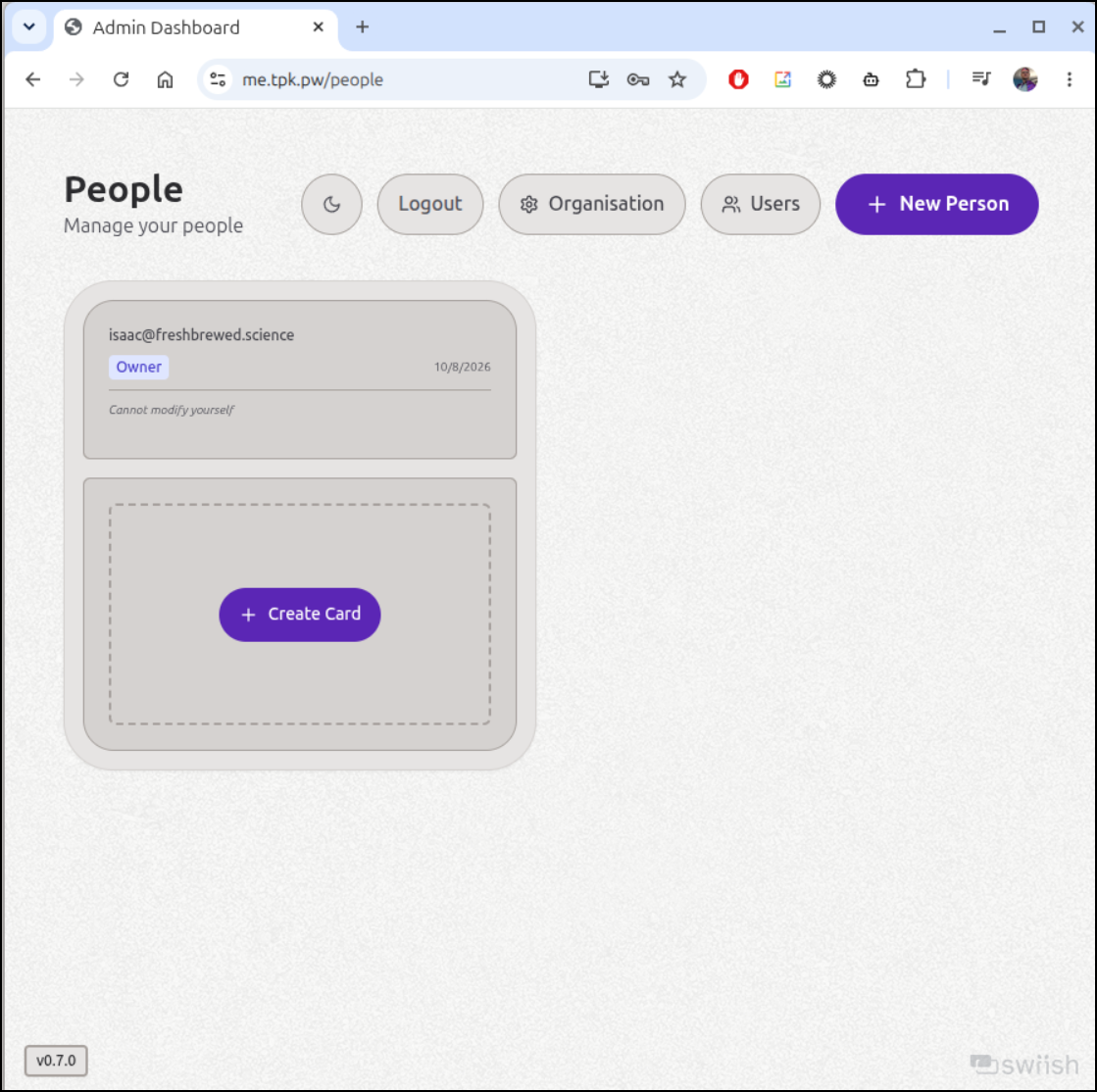
I can now add my card
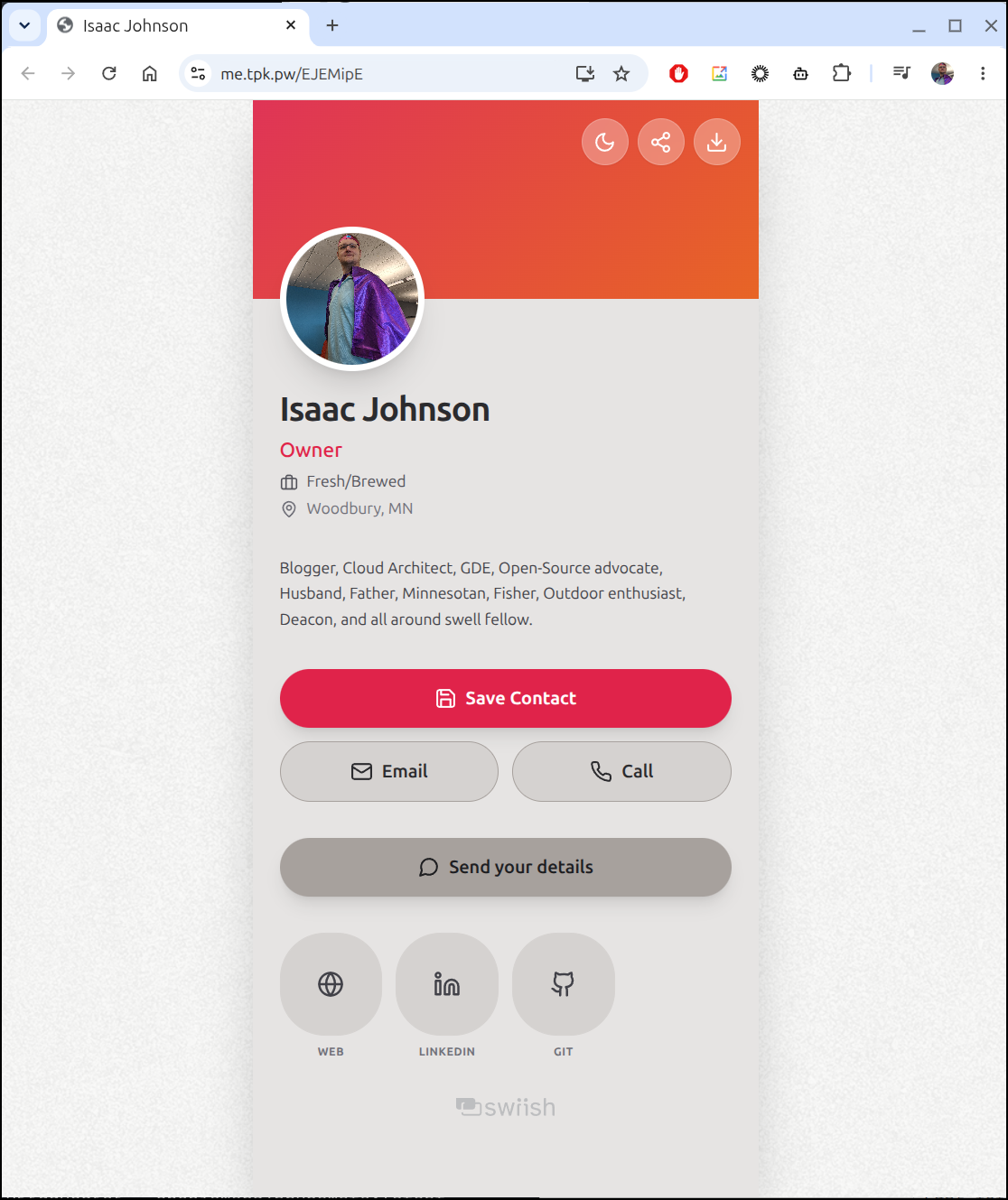
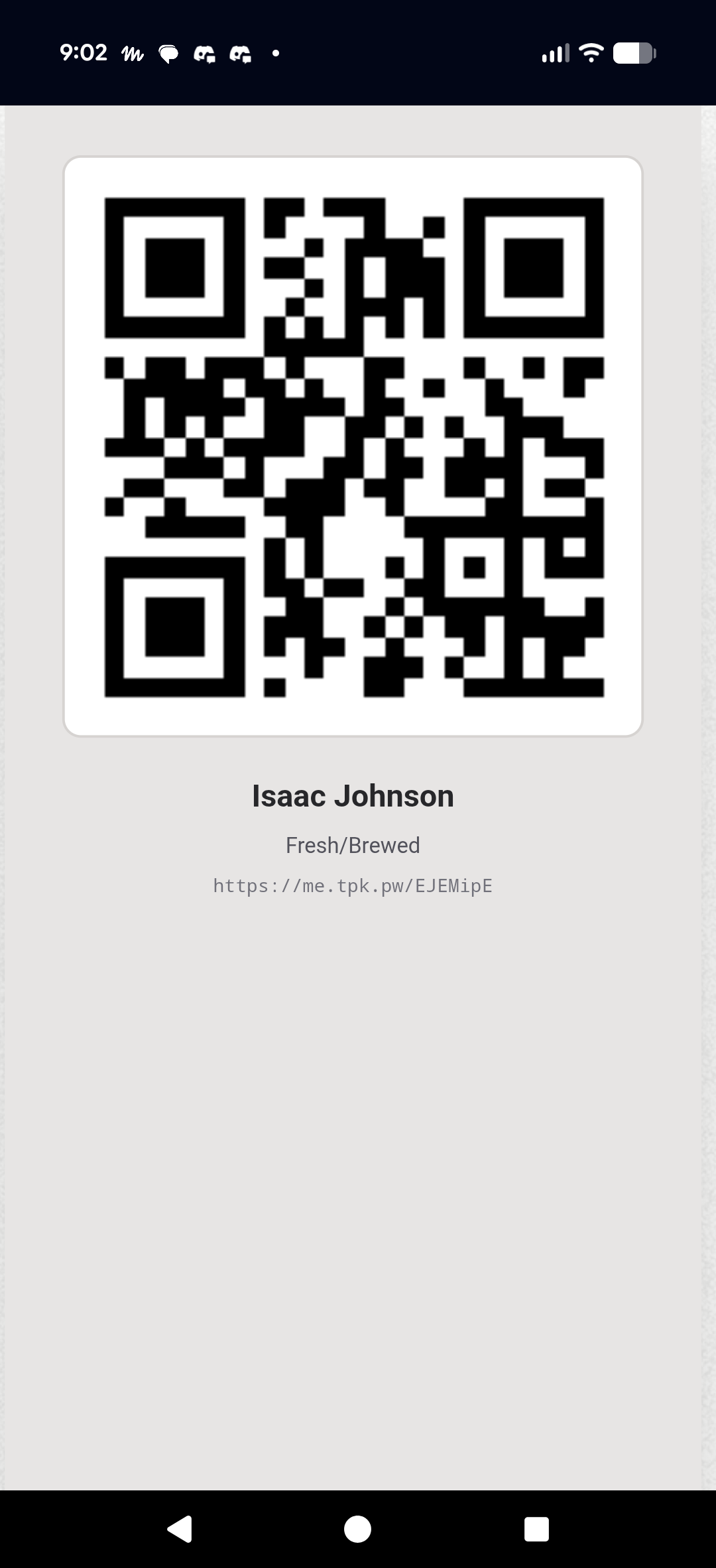
I can now create a card https://me.tpk.pw/EJEMipE
The share button creates a QR code i could just show someone at a conference or tech talk
Bitwarden
I noticed all my Bitwarden instances were down. I really don’t use it but it came up recently when preparing some slides for a presentation.
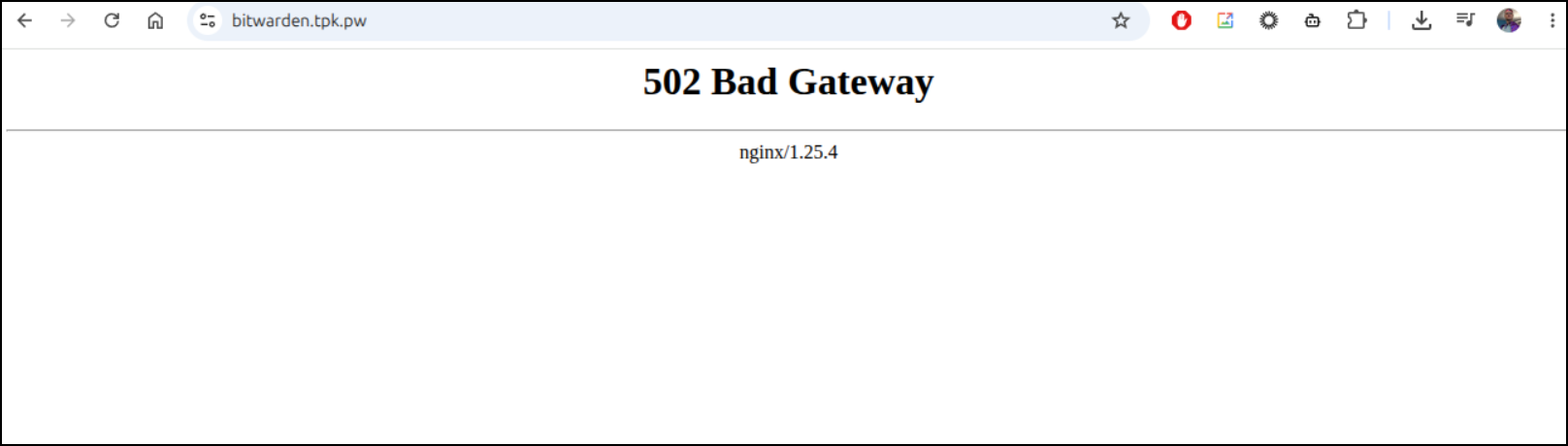
Everything was a mess when i looked in the namespace
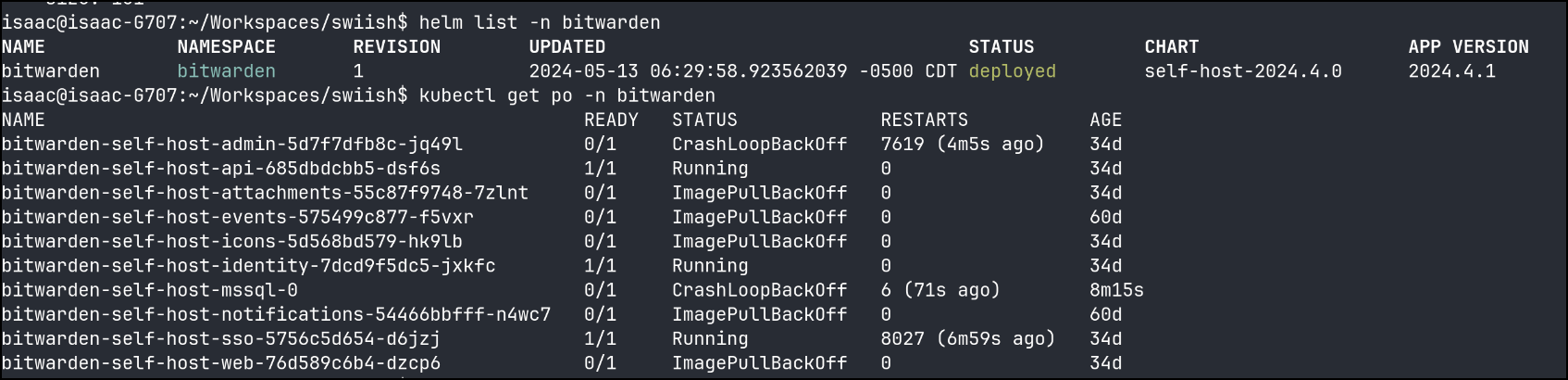
The ImagePullBackoffs came because they yanked the old 2024 container images from Dockerhub (or Dockerhub did it). They MySQL was in a death spiral over a bad file
2026-10-08 02:10:18.15 Server      Logging SQL Server messages in file '/var/opt/mssql/log/errorlog'.
2026-10-08 02:10:18.16 Server      Registry startup parameters:
         -d /var/opt/mssql/data/master.mdf
         -l /var/opt/mssql/data/mastlog.ldf
         -e /var/opt/mssql/log/errorlog
2026-10-08 02:10:18.16 Server      Error: 17113, Severity: 16, State: 1.
2026-10-08 02:10:18.16 Server      Error 5(Access is denied.) occurred while opening file '/var/opt/mssql/data/master.mdf' to obtain configuration information at startup. An invalid startup option might have caused the error. Verify your startup options, and correct or remove them if necessary.
But it was running on some odd Microsoft 2022 Ubuntu forked image.
The more I looked, the less I wanted to fix this.
I’ll (try) and uninstall it properly first:
$ helm delete bitwarden -n bitwarden
^C
It timed out so I then deleted the namespace
$ kubectl delete ns bitwarden
This should cleanup the PVCs and other left-over bits
The new guide for installing with helm is here
I’ll recreate the namespace
$ kubectl create namespace bitwarden
namespace/bitwarden created
Then add and update the helm chart repo
$ helm repo add bitwarden https://charts.bitwarden.com/
helm repo update
"bitwarden" has been added to your repositories
Hang tight while we grab the latest from your chart repositories...
...Successfully got an update from the "bitwarden" chart repository
...Successfully got an update from the "openbao" chart repository
...Successfully got an update from the "authelia" chart repository
...Successfully got an update from the "authentik" chart repository
...Successfully got an update from the "bitnami" chart repository
Update Complete. ⎈Happy Helming!⎈
However, as I reviewed the values, it seems to want to do a lot more connecting to the cloud and registration than I feel comfortable with
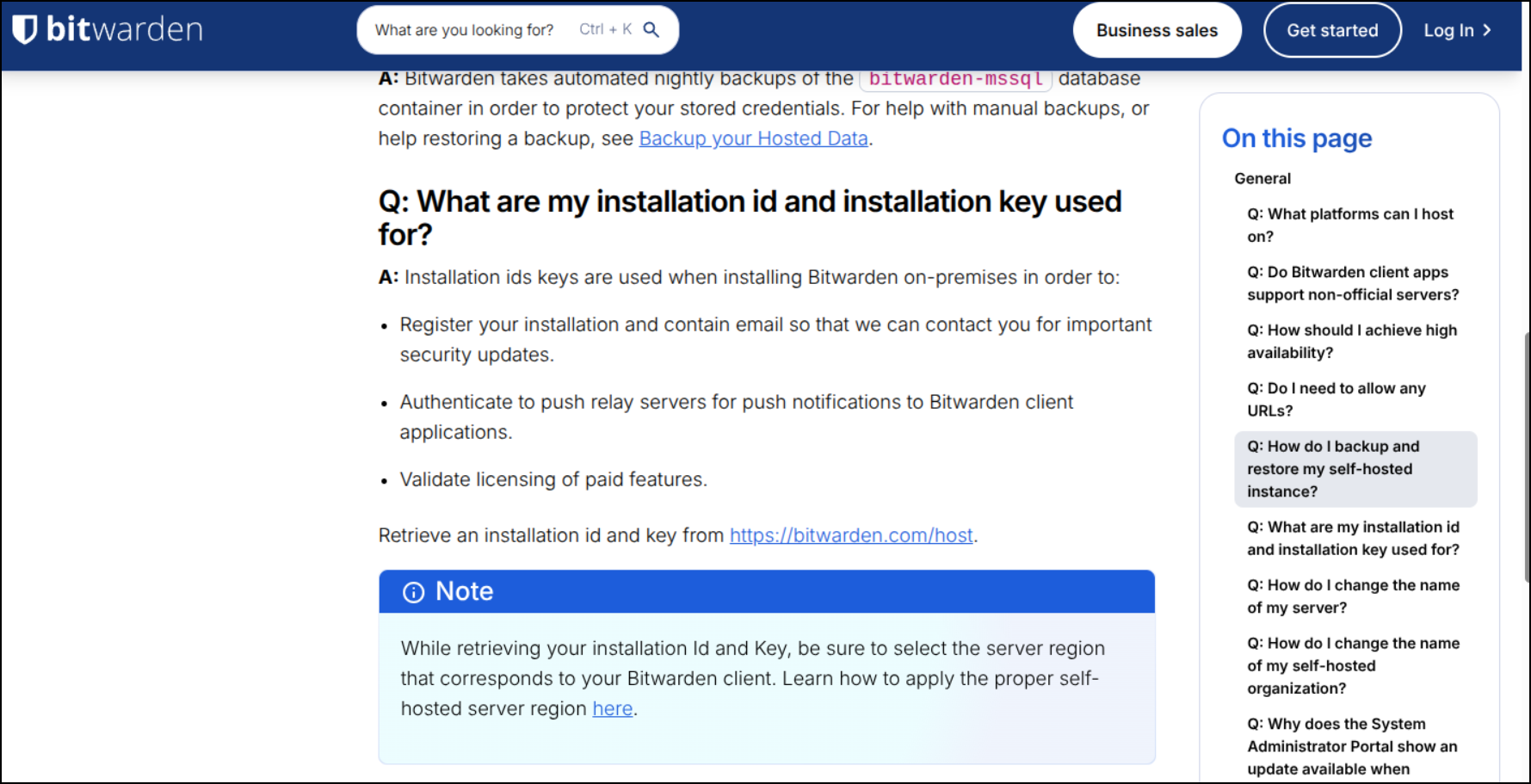
I was reminded that I moved on to Vaultwarden
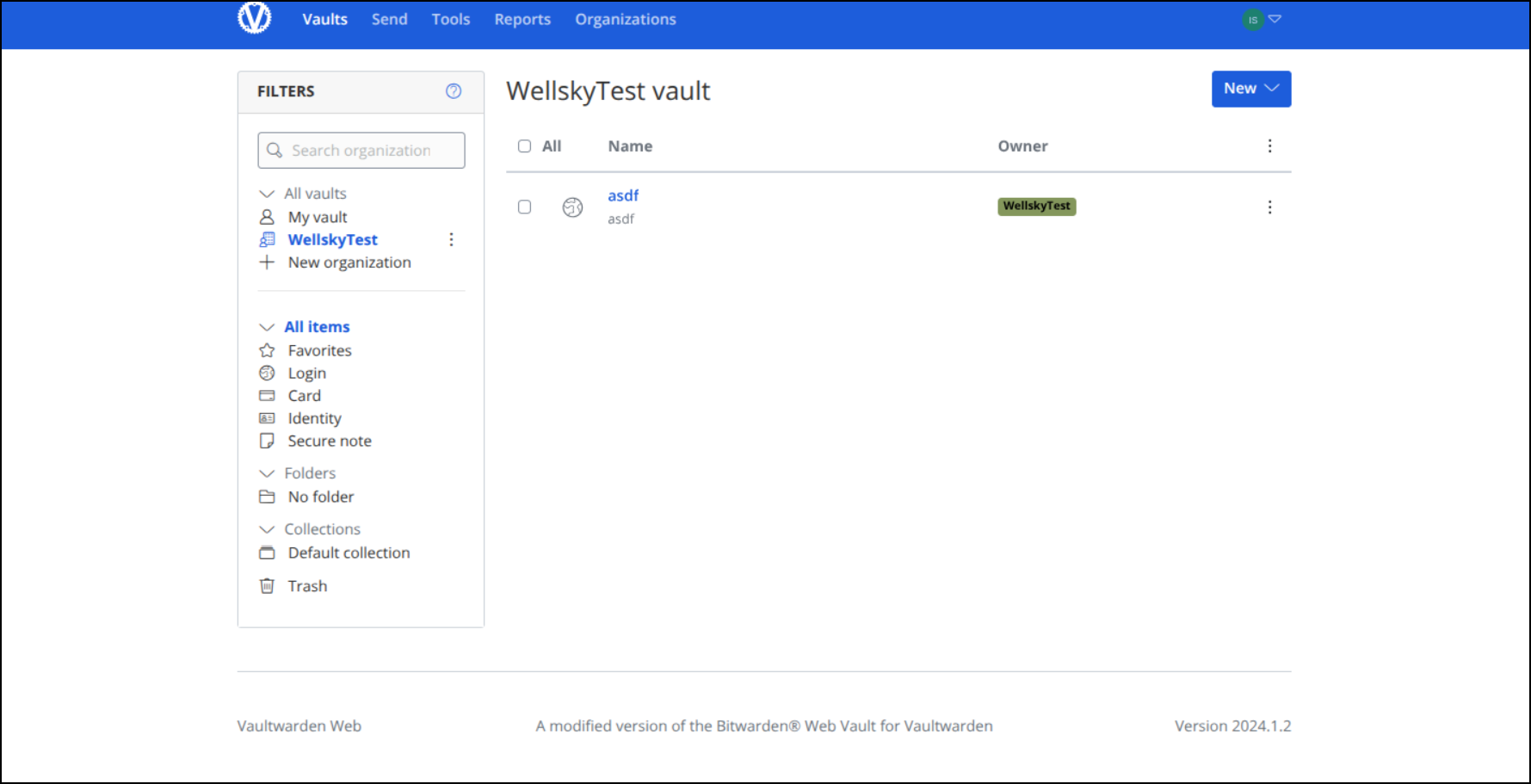
Now, that too is an old image from 2024 (version 2024.1.2)
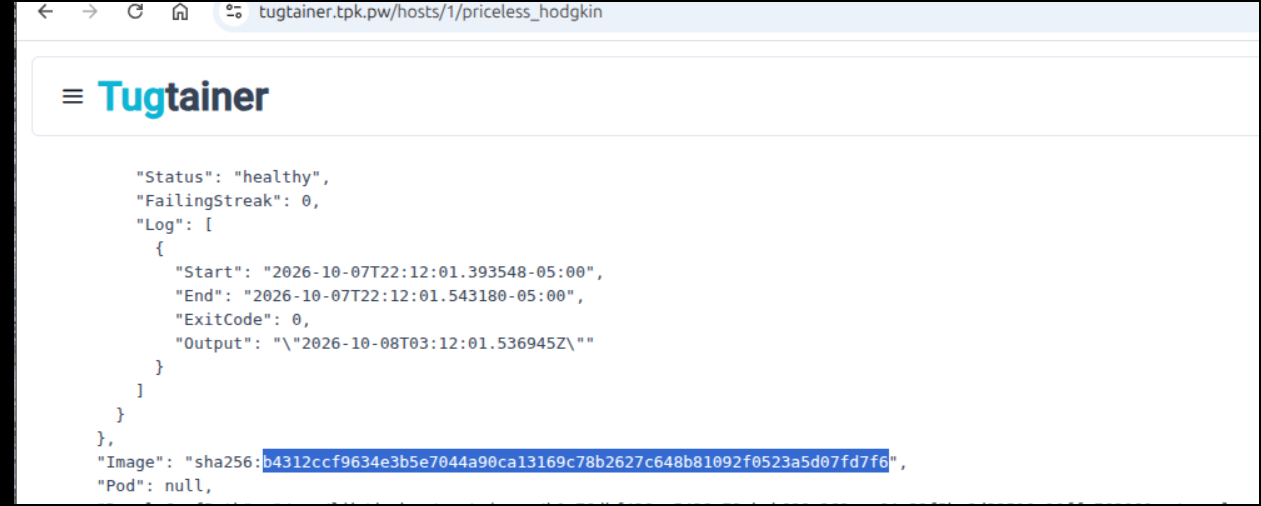
I can use Tugtainer to check the pod and see the SHA is not the latest
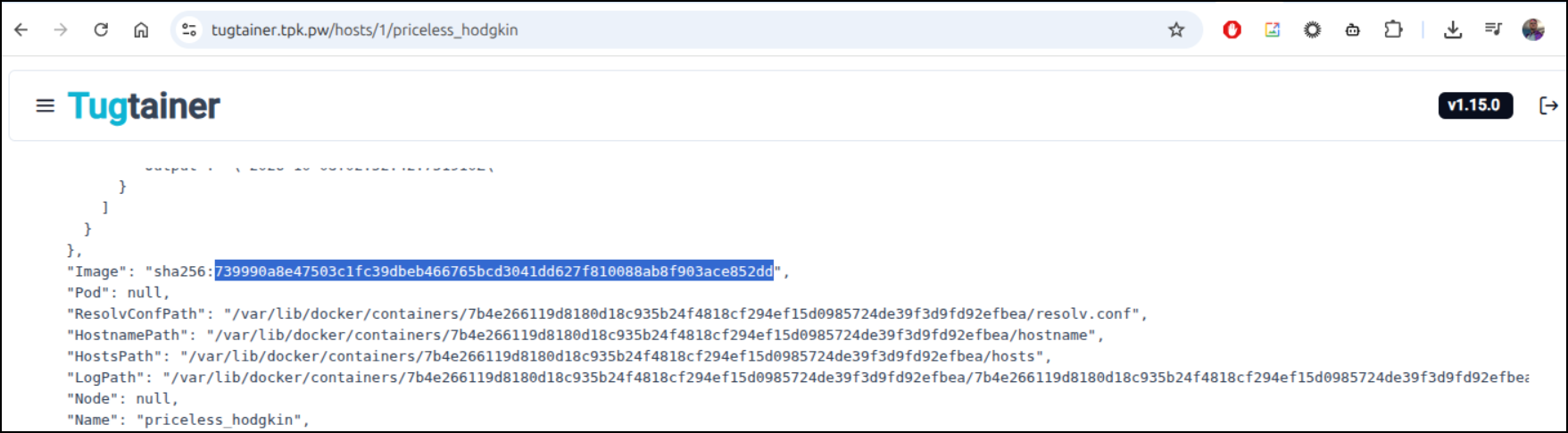
Even though the image tag was set to “latest”
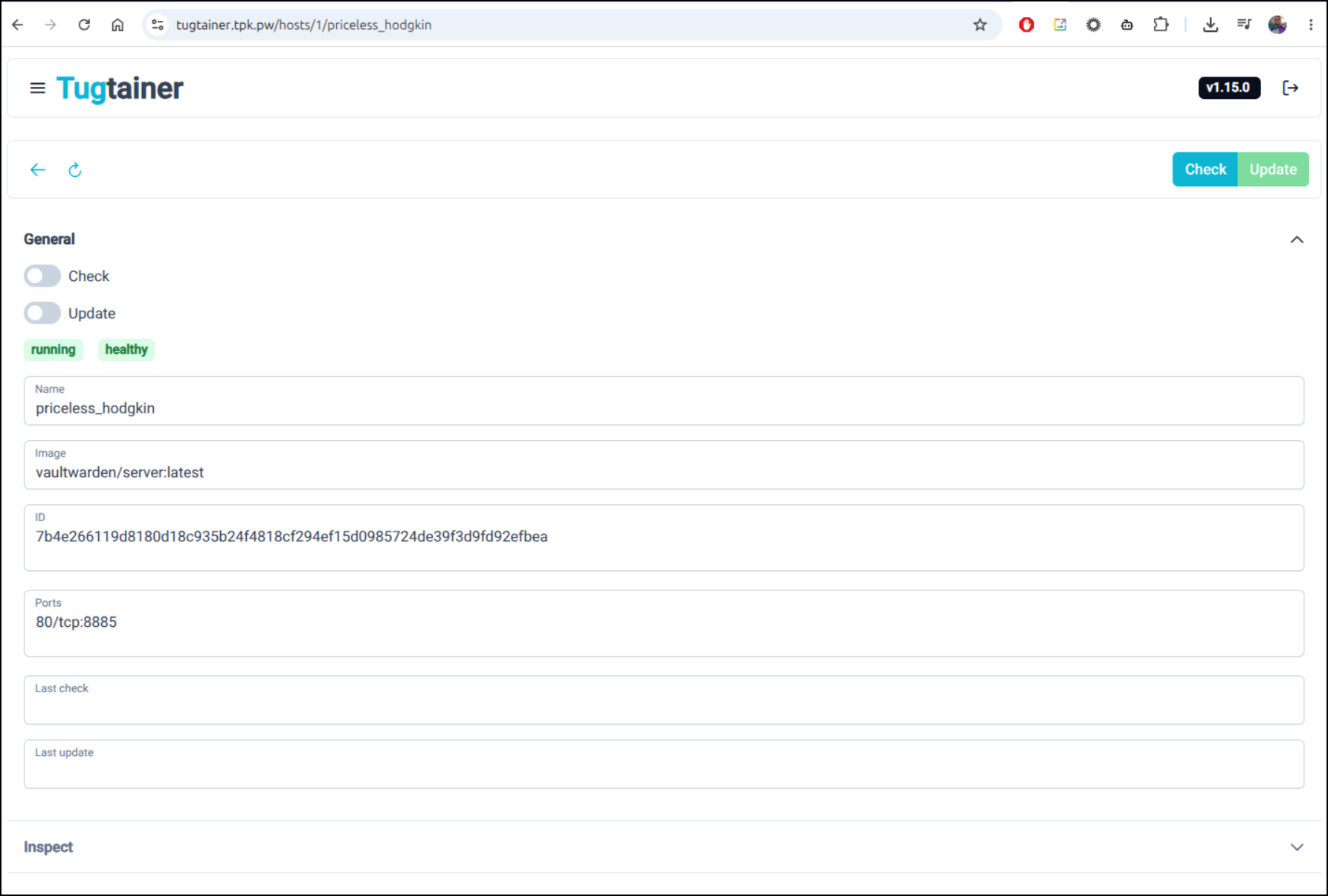
I was getting stumped on the right way to update.
Tugtainer update was not working
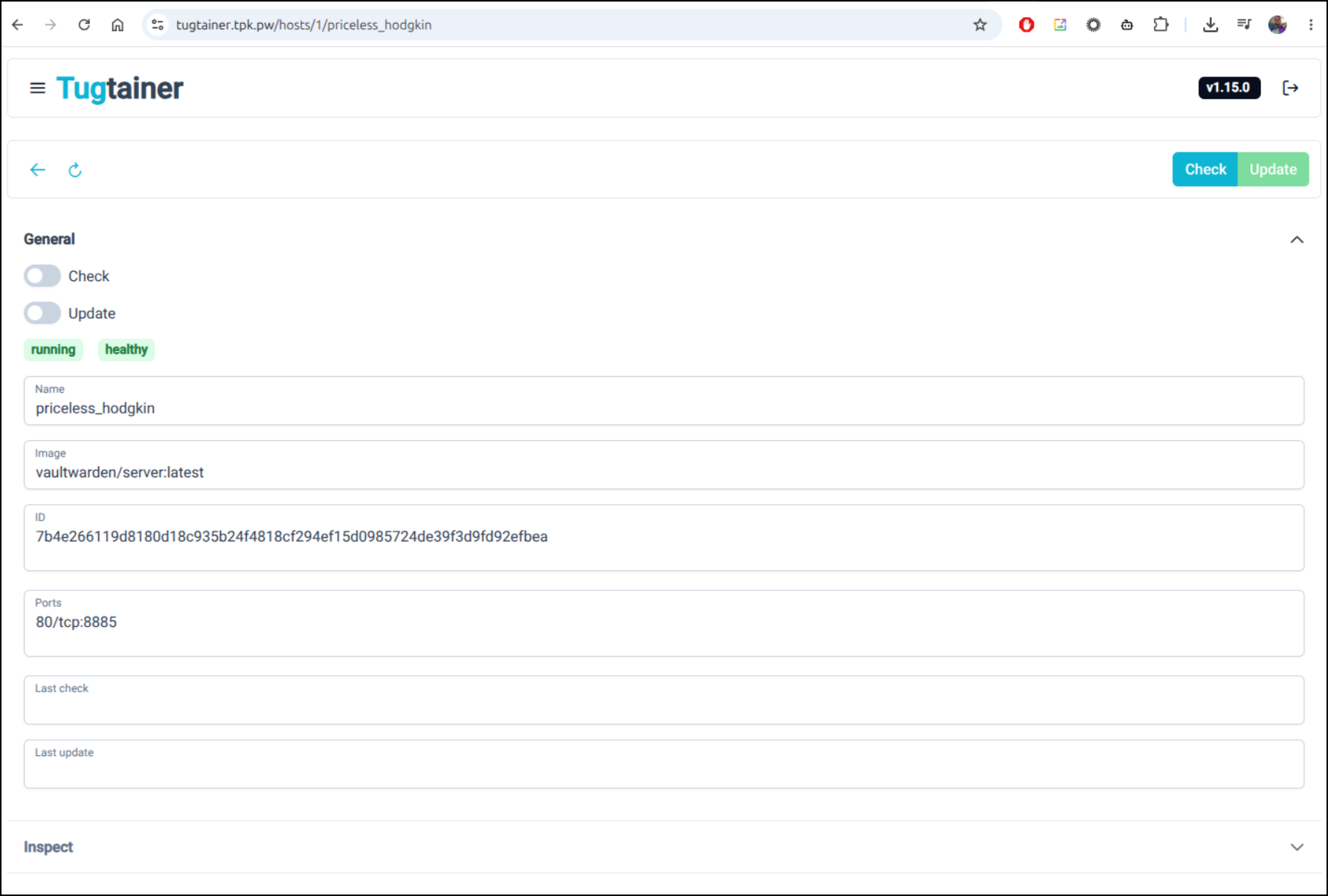
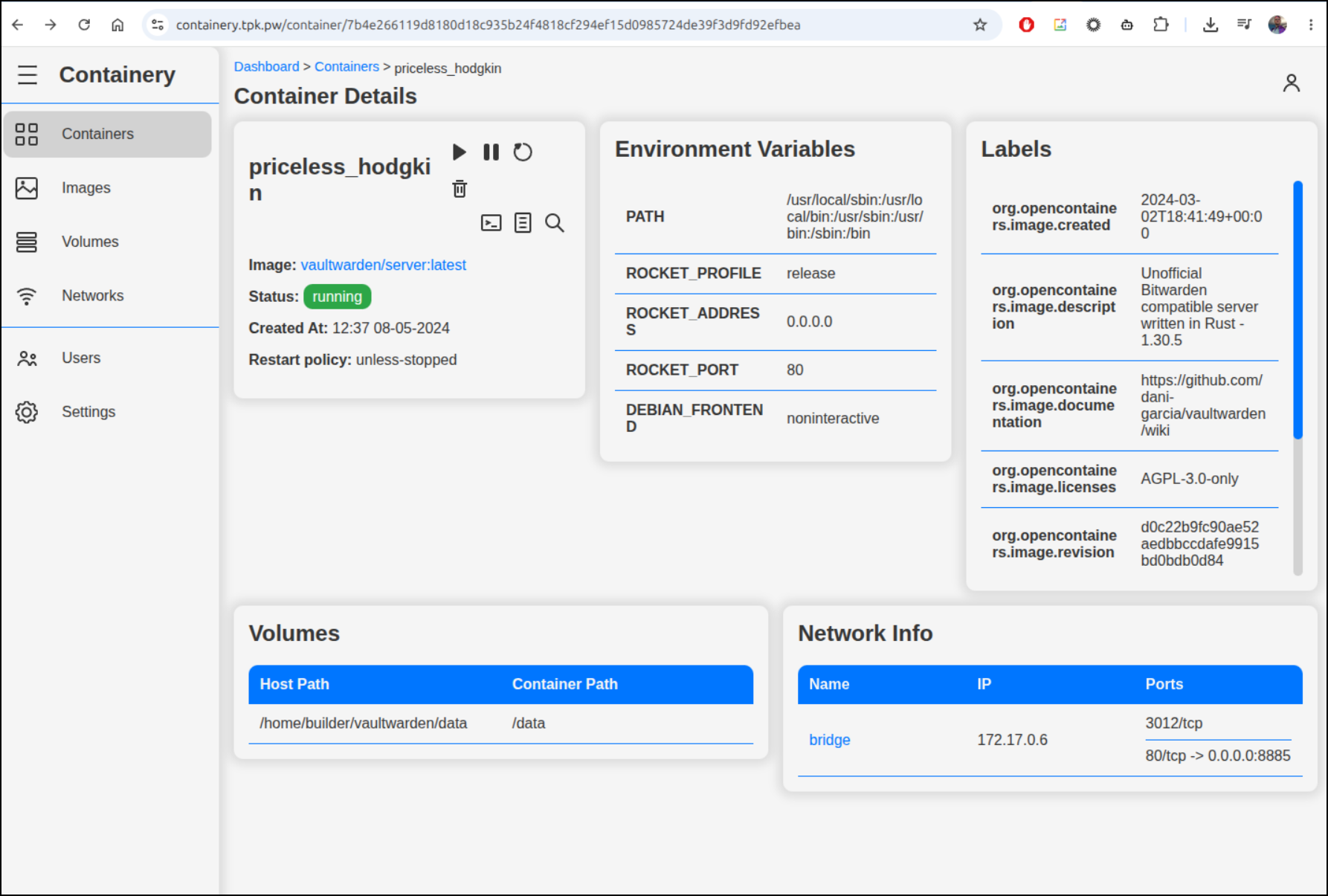
And Containery didn’t have an option
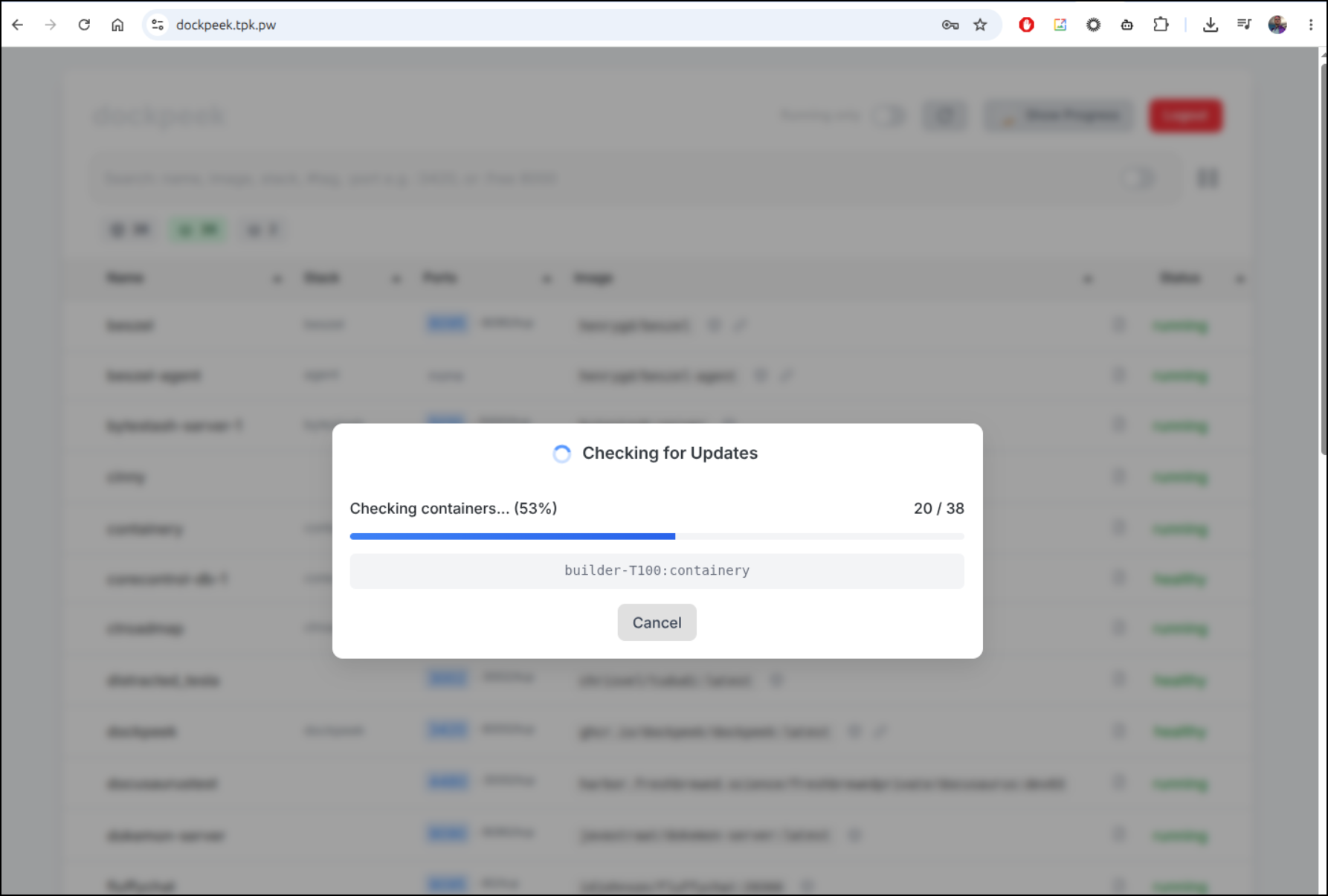
Dockpeek was taking it’s sweet time
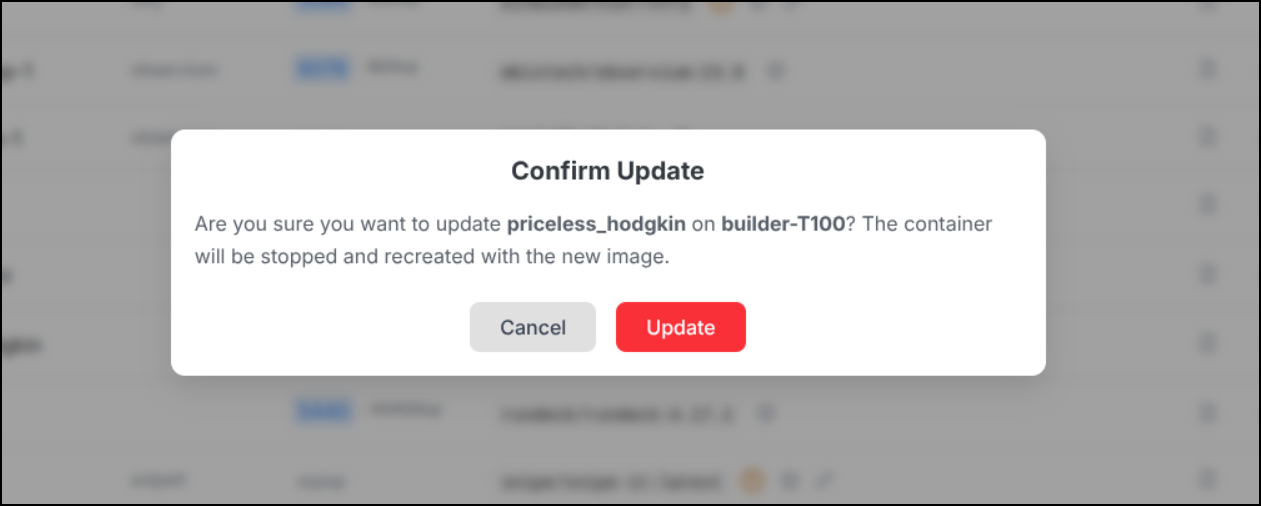
But eventually let me click update

I then ran the update
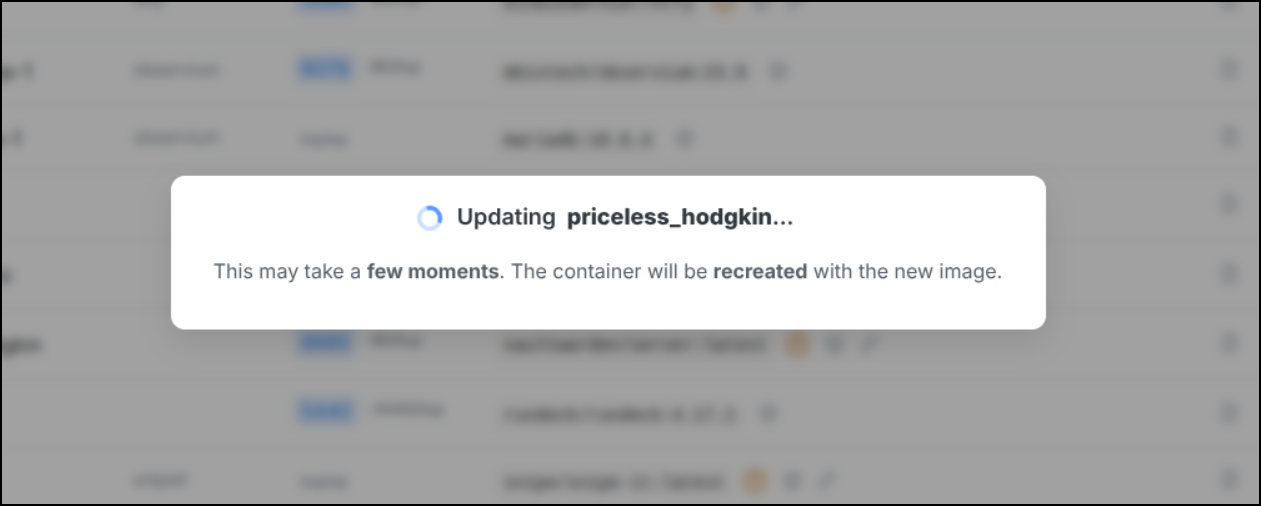
And it claimed it was successful
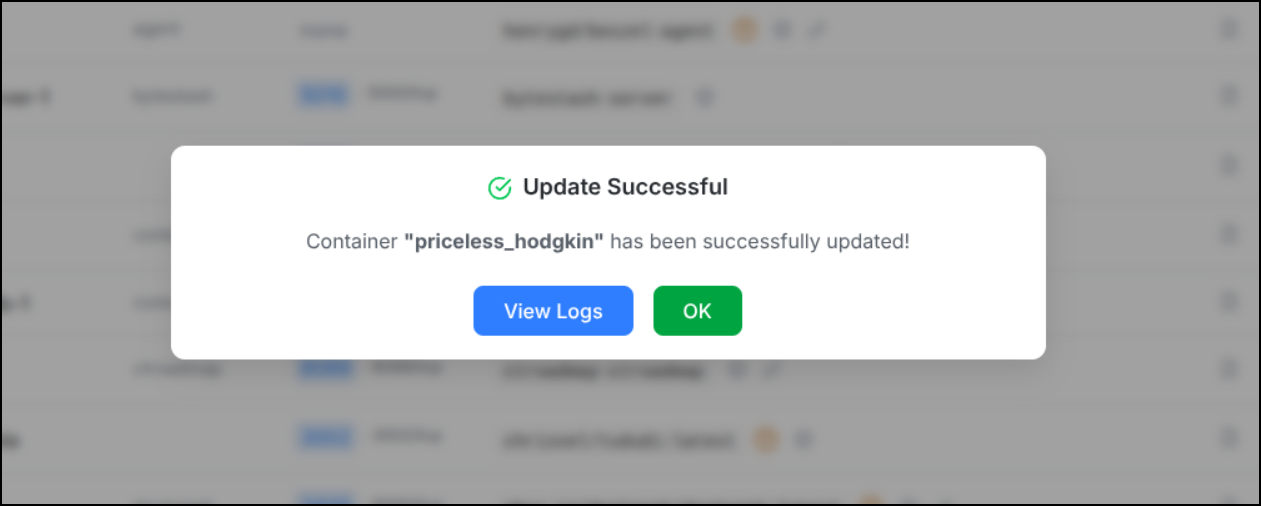
Back on the host i see it restarted
And the SHA in Tugtainer seems updated
The WebUI is definitely updated
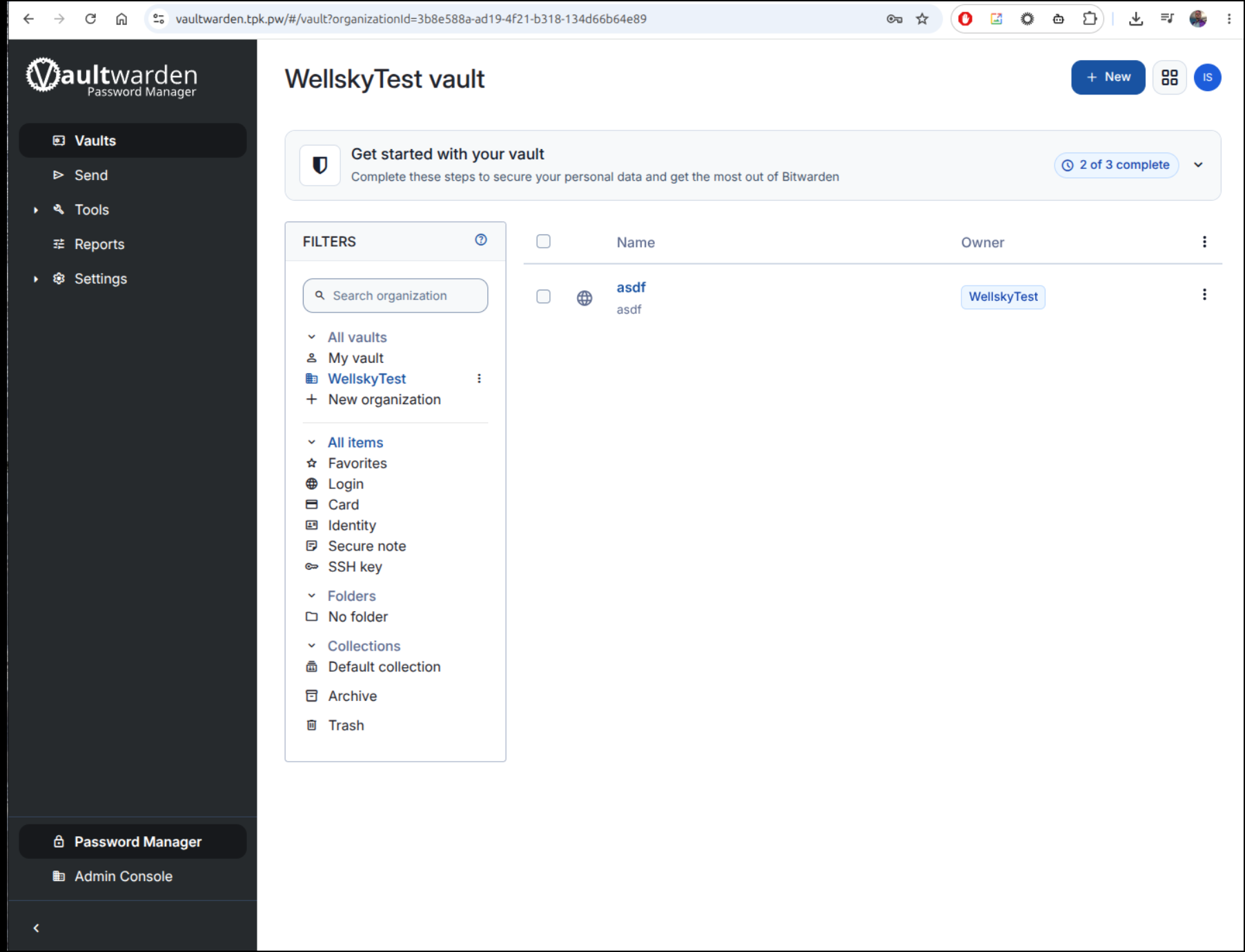
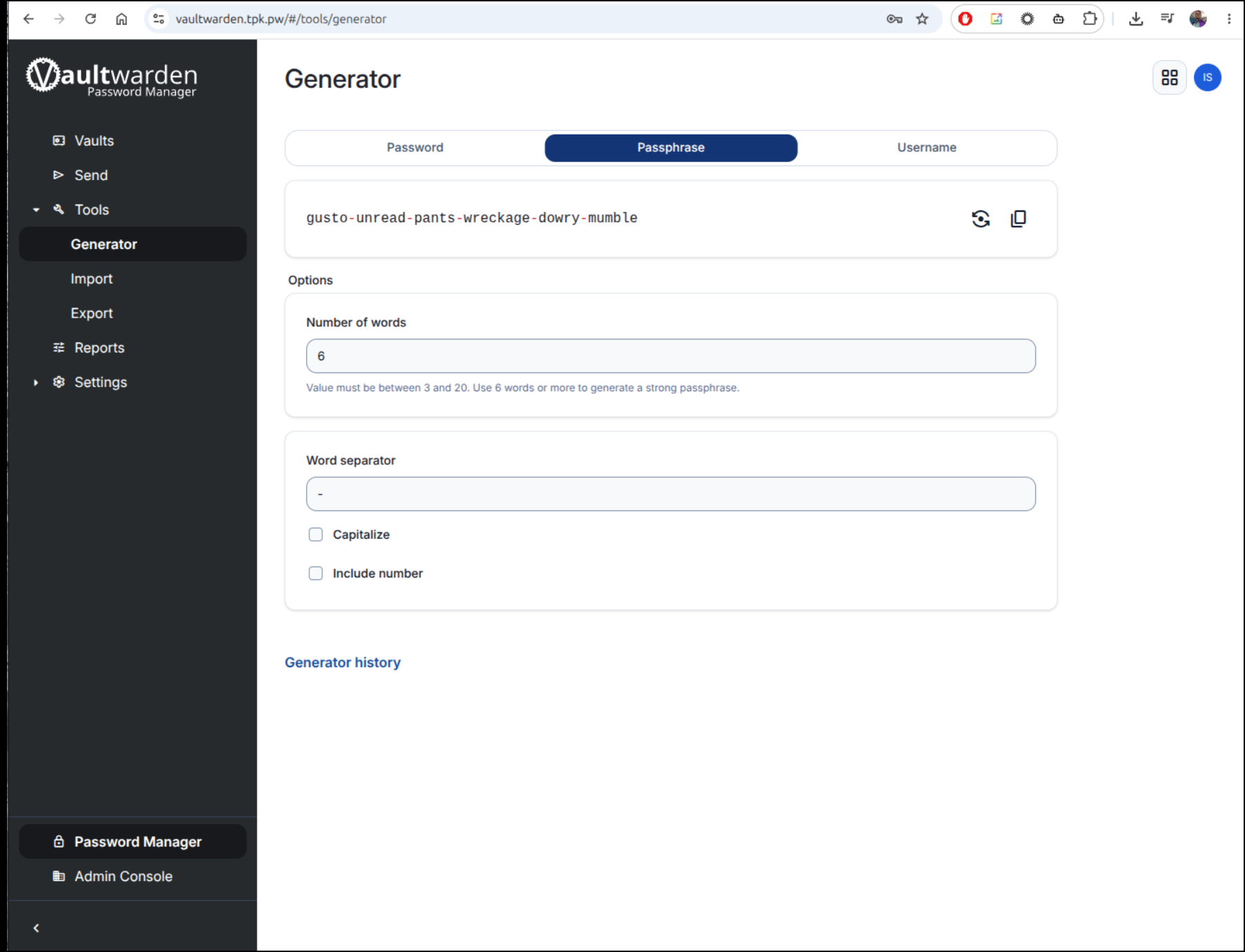
There are some nice generators
I’m not going to share the keys, but all the secrets I had stored there were saved.
I tried some Firefox and Chrome extensions for Bitwarden and Vaultwarden but they seemed stuck wanting to login to the bitwarden site.
I plan to circle back on that.