I was recently chatting with some colleagues about deployment tooling and FleetDM came up. I felt like I was aware of most deployment tools but this was new to me.
Logos are how companies show brands that use their products and of whom they are proud to share. So it is a severe negative to me they show Flock amongst their scrolling list.
But let’s still consider them as they are Open Source and easy to deploy
Containerized setup
The easiest way to fire up Fleet is to launch it in docker
$ curl -sSL https://fleetdm.com/resources/install-fleetctl.sh | bash
Fetching the latest version of fleetctl...
Latest version available on NPM: 4.90.1
Downloading fleetctl 4.90.1 for Linux...
fleetctl installed successfully in /home/builder/.fleetctl/
I can now fire up a new instance with fleetctl preview
$ ~/.fleetctl/fleetctl preview
Downloading dependencies from fleetdm/fleet:main into /home/builder/.fleet/preview...
Pulling Docker dependencies...
Starting Docker containers...
Waiting for server to start up...
Initializing server...
Loading starter library...

Fleet will now log you into the UI automatically.
You can also open the UI at this URL: http://localhost:1337/previewlogin.
Email: admin@example.com
Password: preview1337#

Enrolling local host...
Trying to clear orbit and osquery directories...
Waiting for host to enroll...
Starting simulated Linux hosts...
Gtk-Message: 14:30:00.470: Not loading module "atk-bridge": The functionality is provided by GTK natively. Please try to not load it.
Preview environment complete. Enjoy using Fleet!

Use the fleetctl stop and fleetctl reset subcommands to shut down Fleet or start fresh.
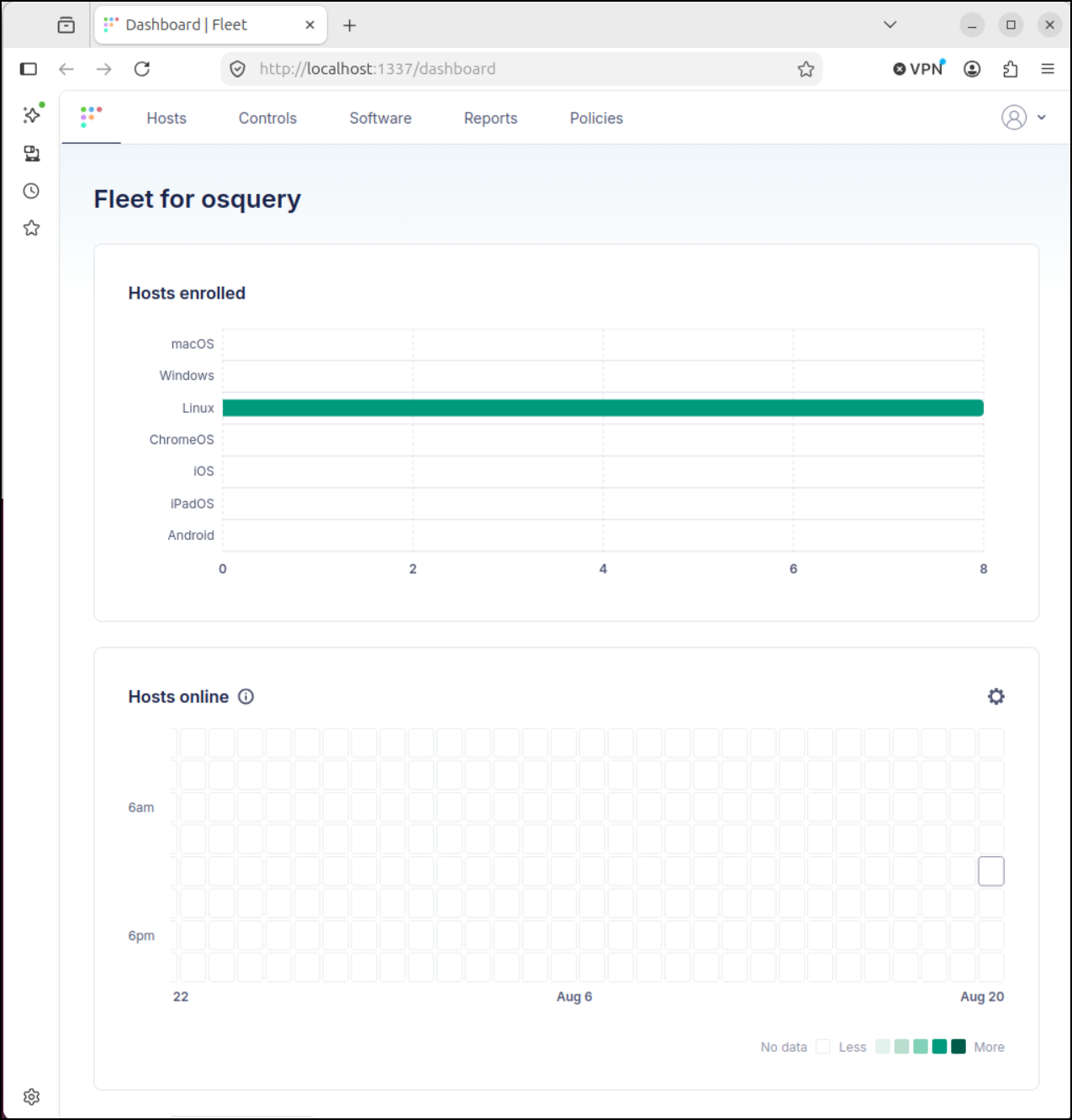
We now see just this docker instance enrolled
Adding hosts
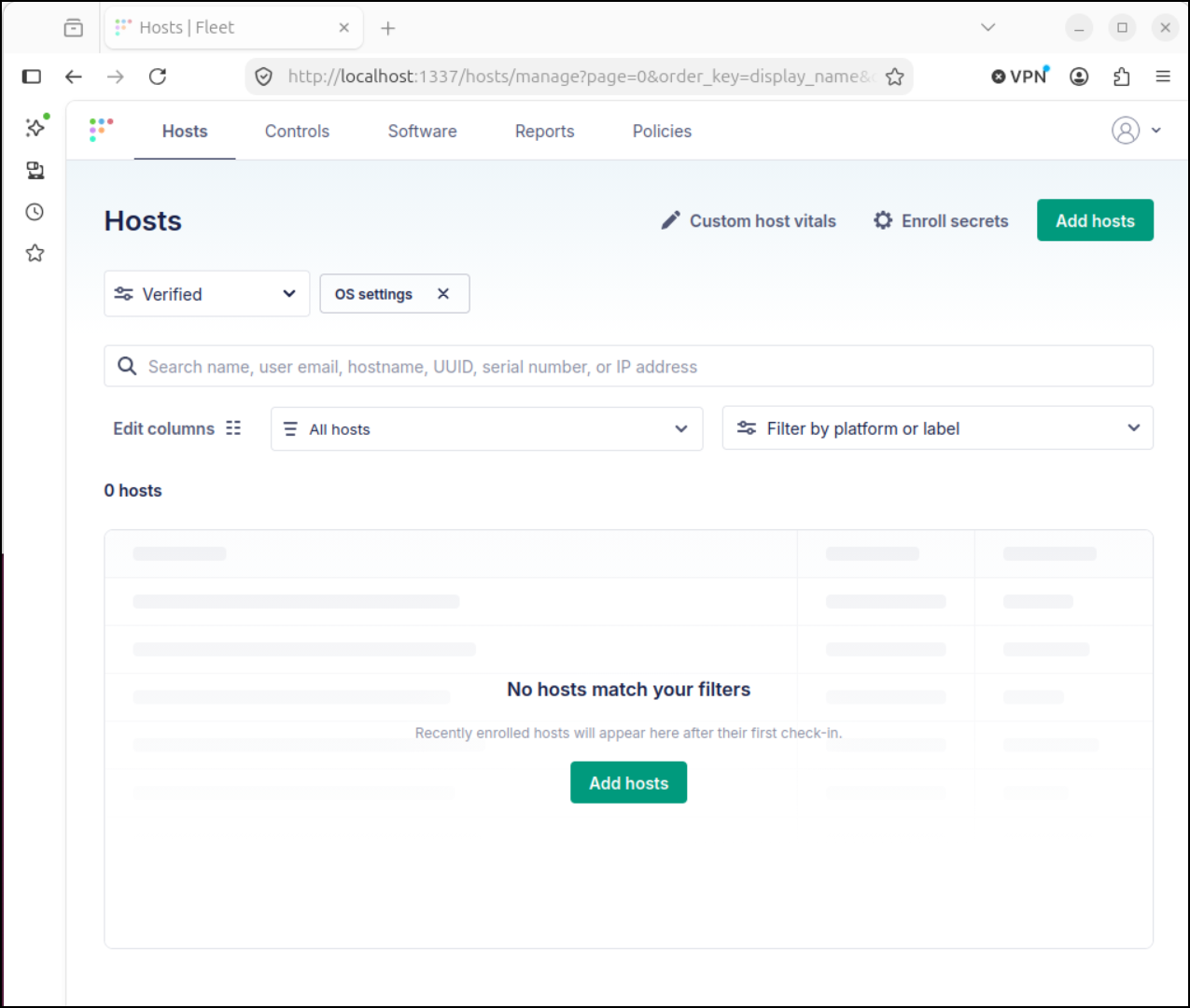
We can go to “hosts” and click “Add hosts”
I’ll then select Linux to get the command to enroll a host
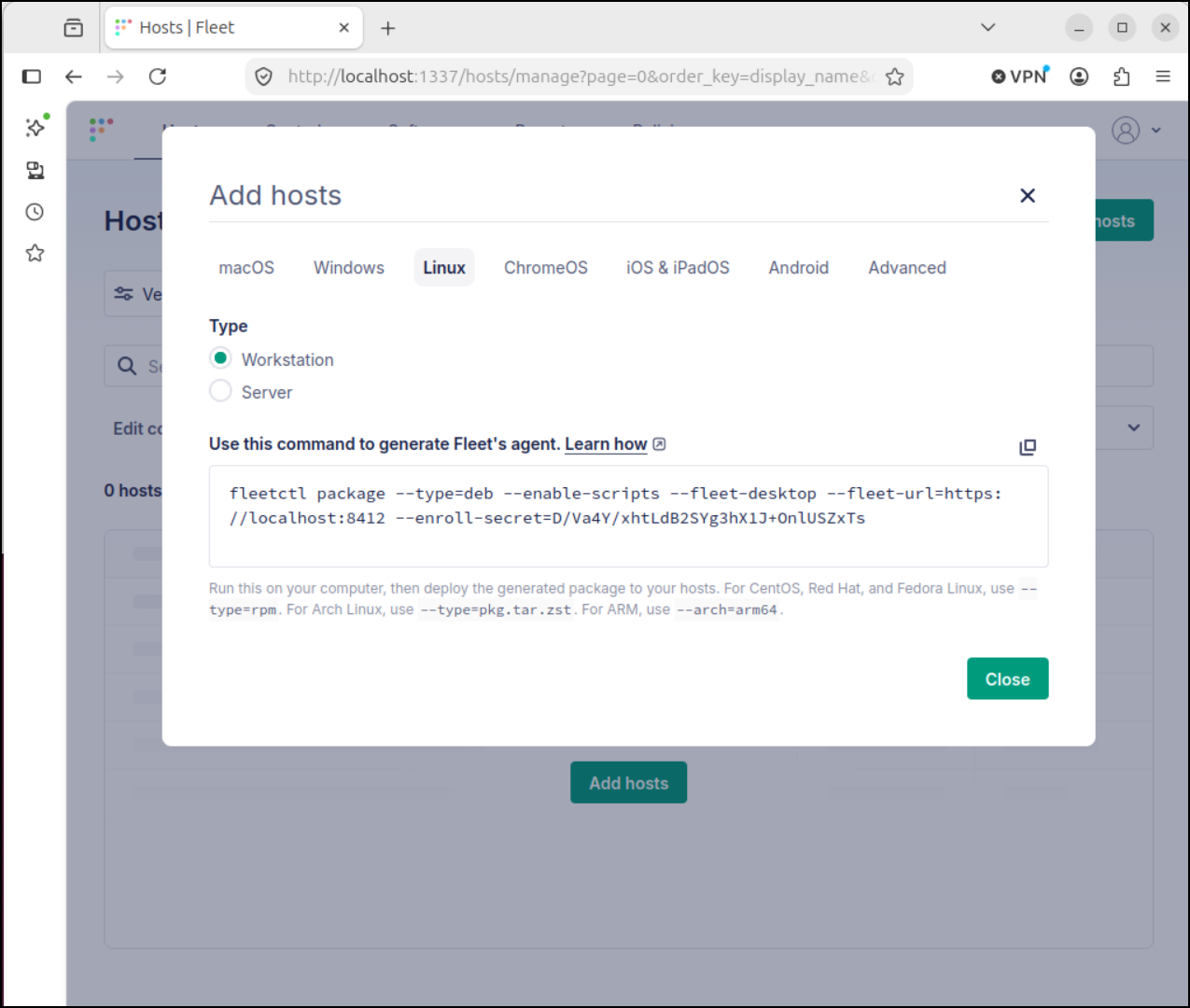
I’ll add my local host that is running docker
$ export PATH=$PATH:/home/builder/.fleetctl
$ fleetctl package --type=deb --enable-scripts --fleet-desktop --fleet-url=https://localhost:8412 --enroll-secret=D/Va4Y/xhtLdB2SYg3hX1J+OnlUSZxTs                                                              Generating your fleetd agent...

                                                                                   Success! You generated fleetd at /home/builder/fleet-osquery_1.59.0_amd64.deb

To add hosts to Fleet, install fleetd.
Learn how: https://fleetdm.com/learn-more-about/enrolling-hosts
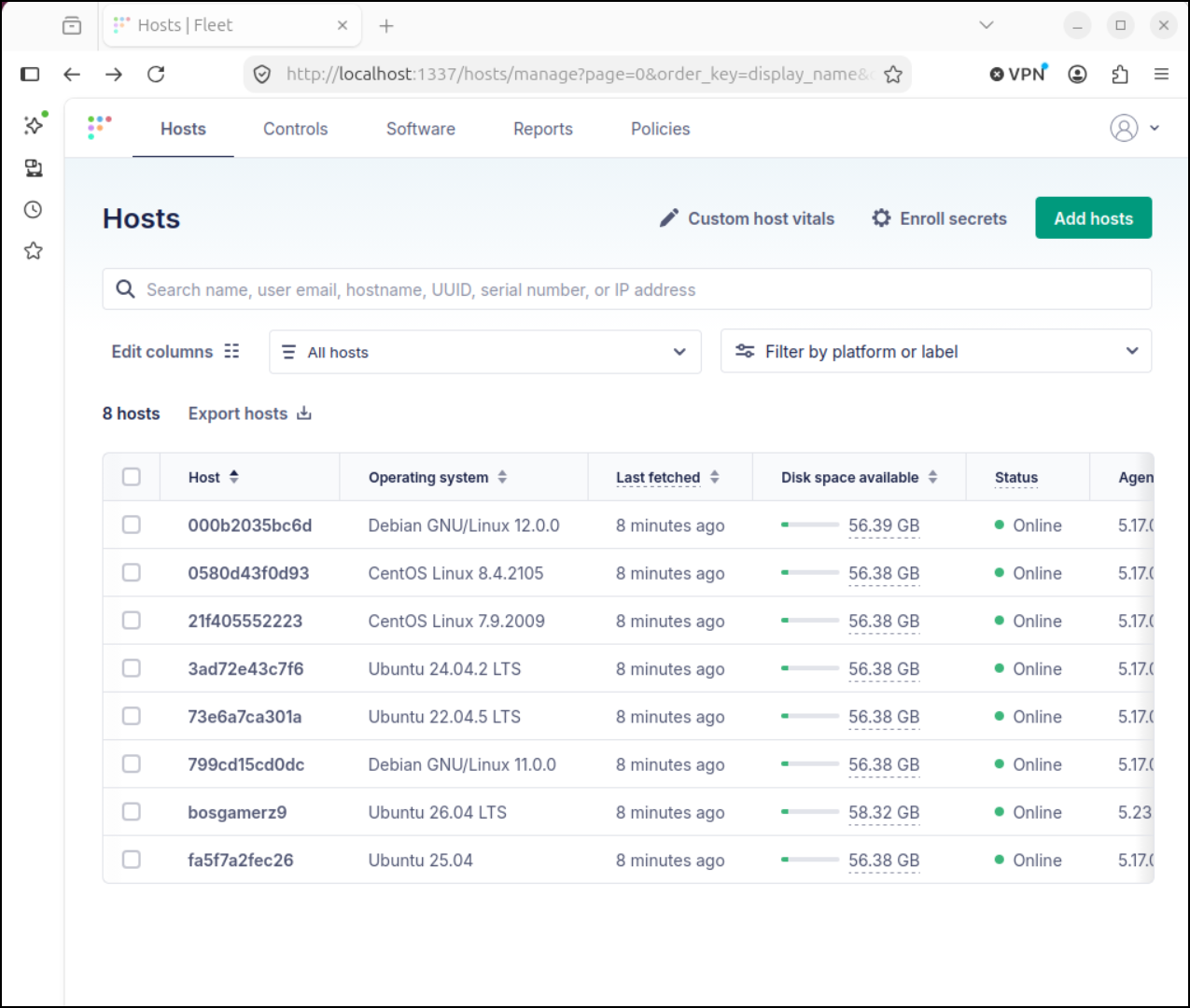
Immediately it picked up all the containers running as well as the local host (bosgamerz9)
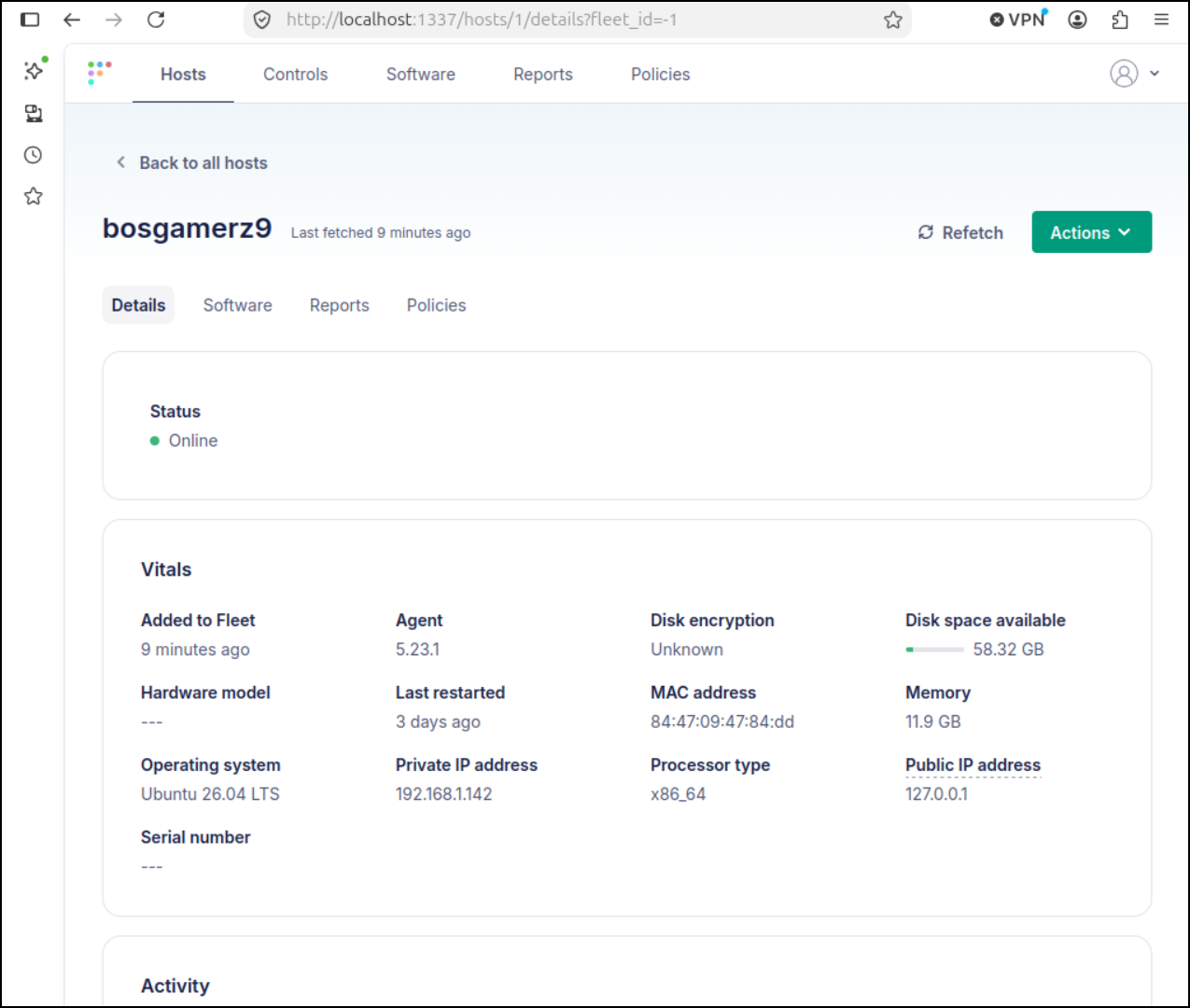
Host Details
We can see the basic information like agent version, disk space and IP address on the details page
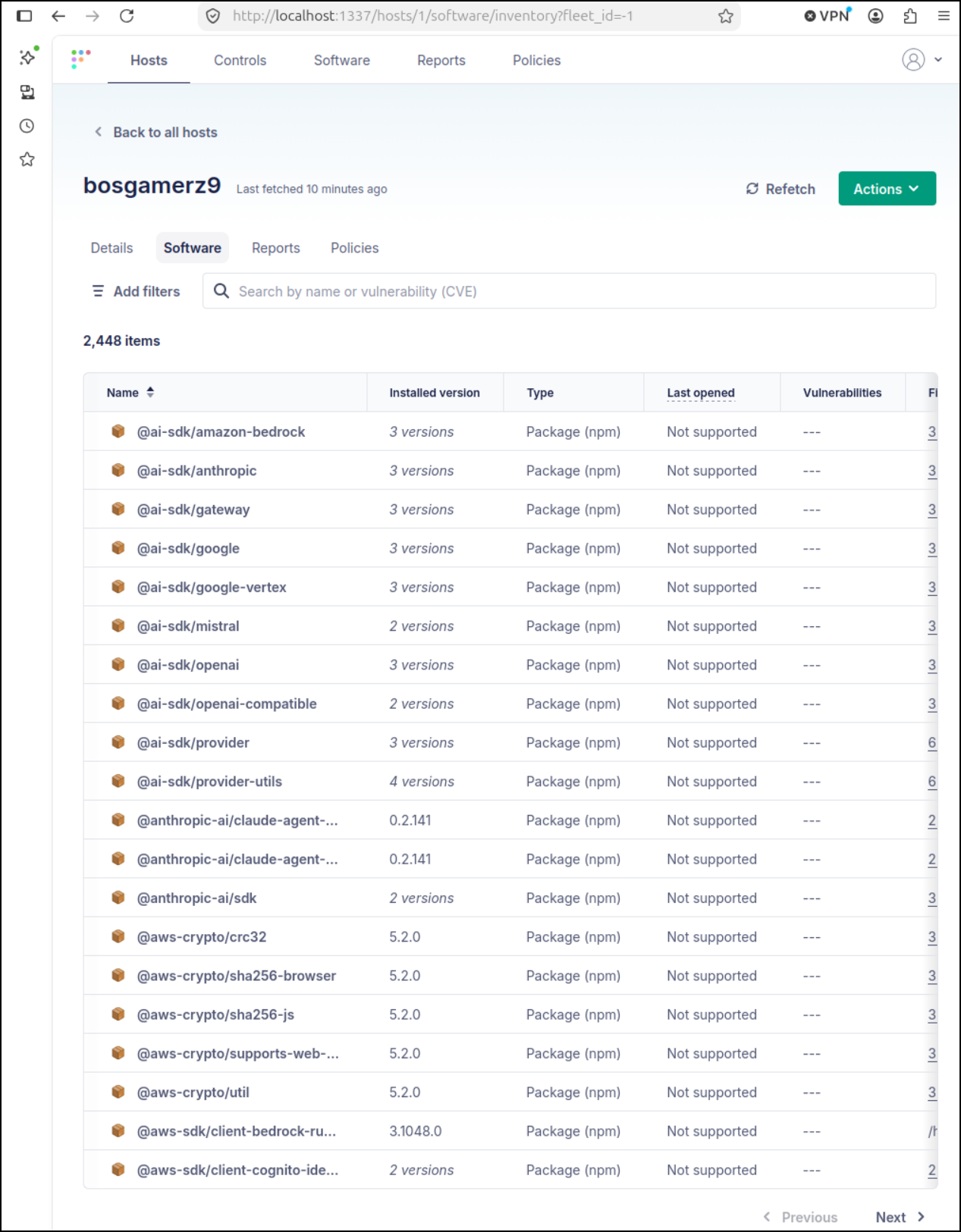
The “Software” section creates an SBOM we can check for any issues or CVEs
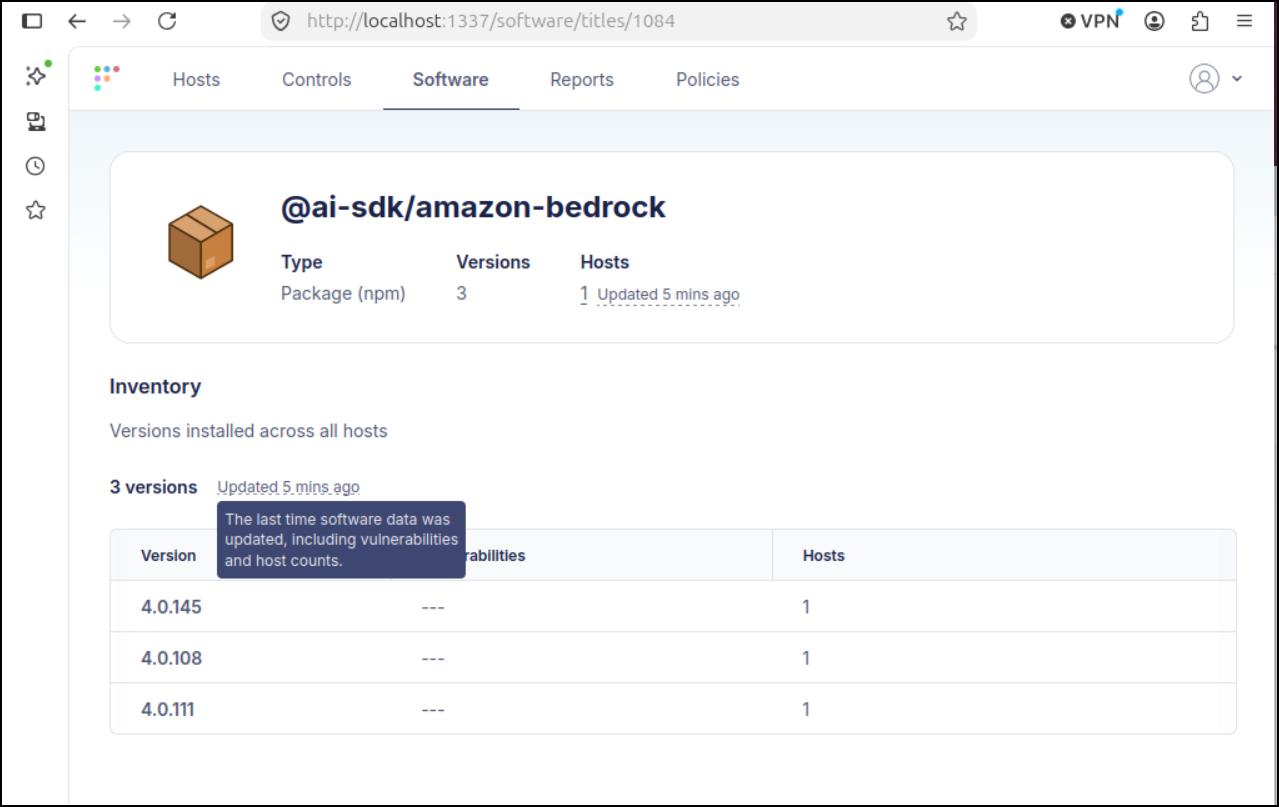
It works both ways - I can also pick a software version and see the versions and hosts that use it (say we had a package vulnerability and wanted to see which devices were already patched)
Scripts
Let’s say we wanted to do something on one of those hosts. We could invoke “Run script” from “Actions”
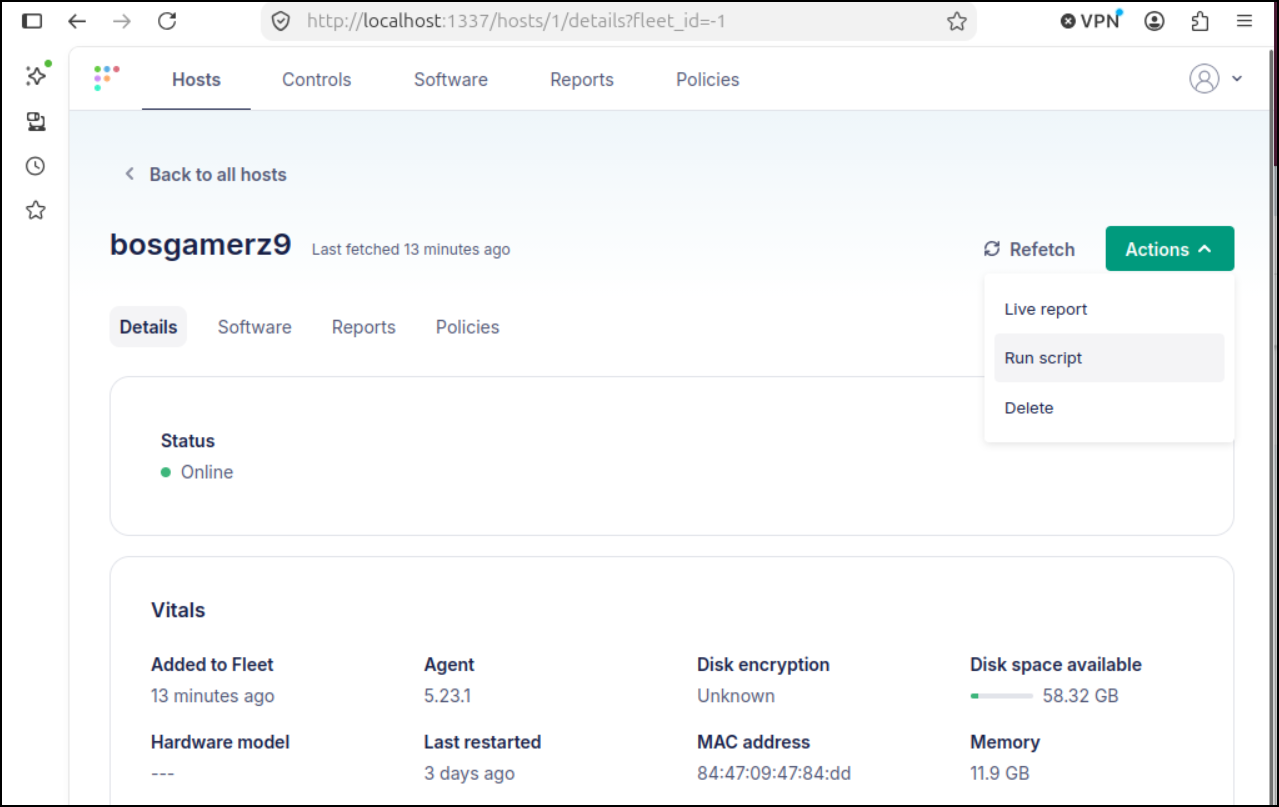
But before we can do that, we need to upload a script.
Lets create a basic “show uptime” script
$ ./showUptime.sh
+ uptime
 14:44:38 up 3 days,  6:20,  1 user,  load average: 1.48, 1.74, 1.39
$ cat ./showUptime.sh
#!/bin/bash
set -x
uptime
I’ll then upload that in the “Scripts” area
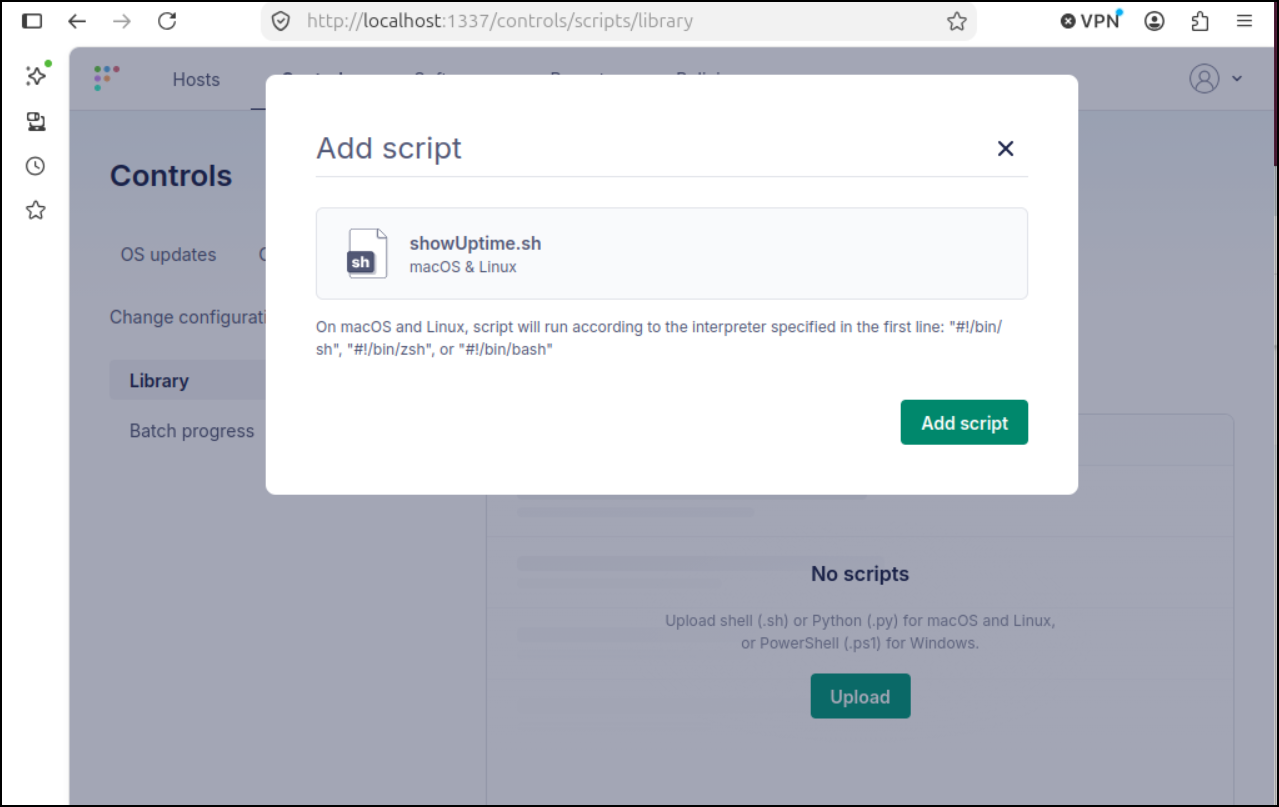
I can now chose to run that on this host
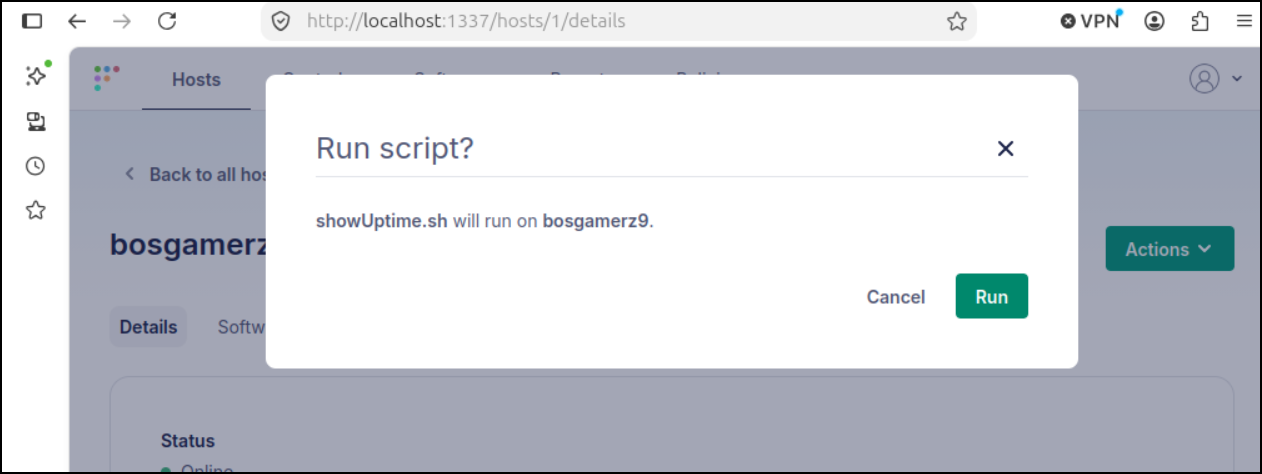
I see a pending
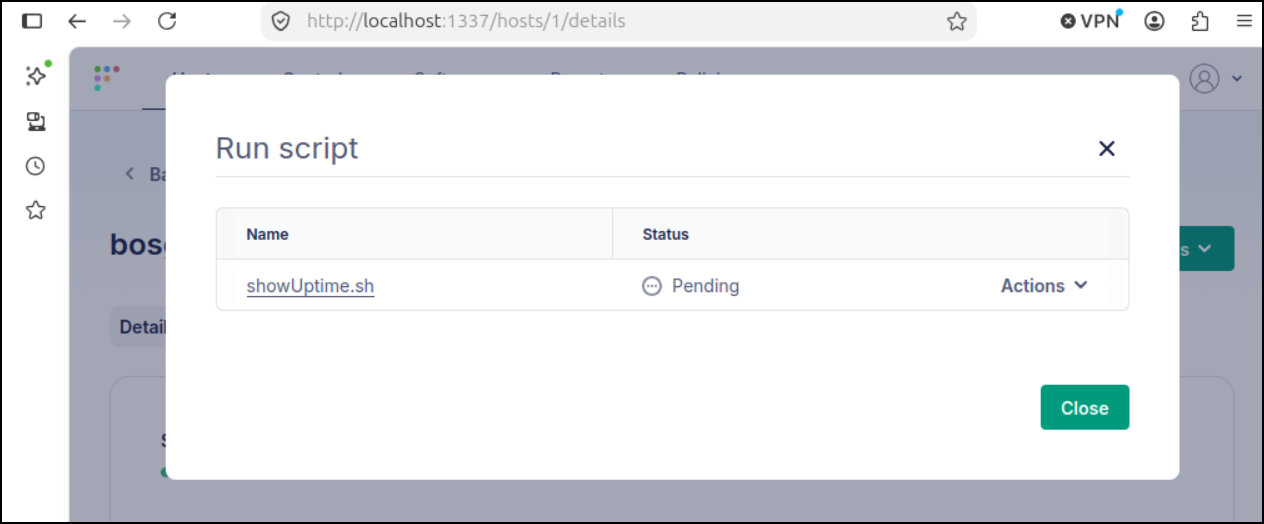
And it says pending as it says it will run when the host comes online
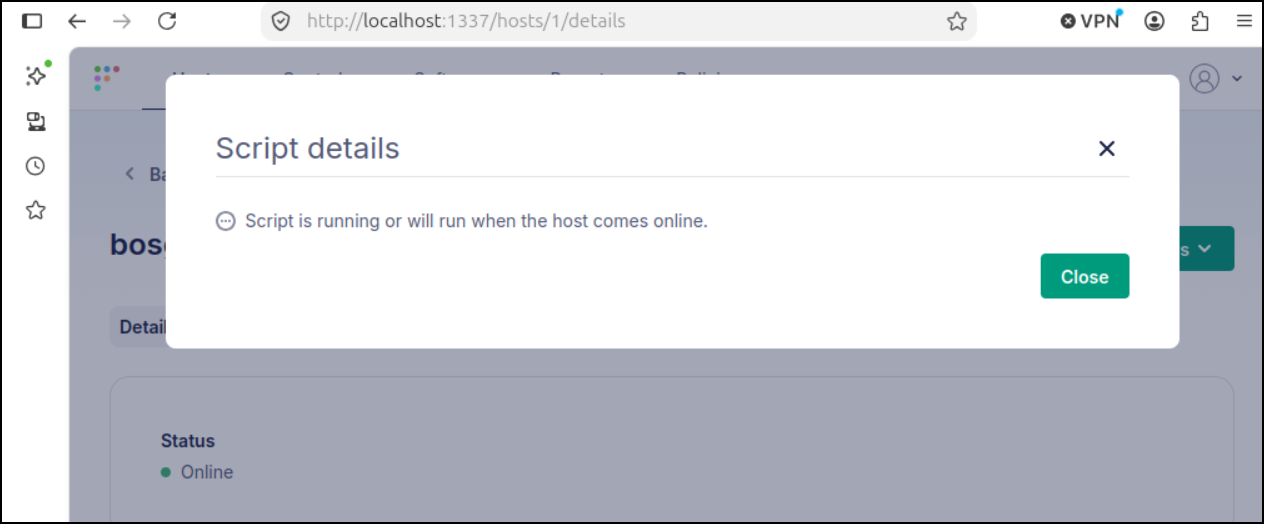
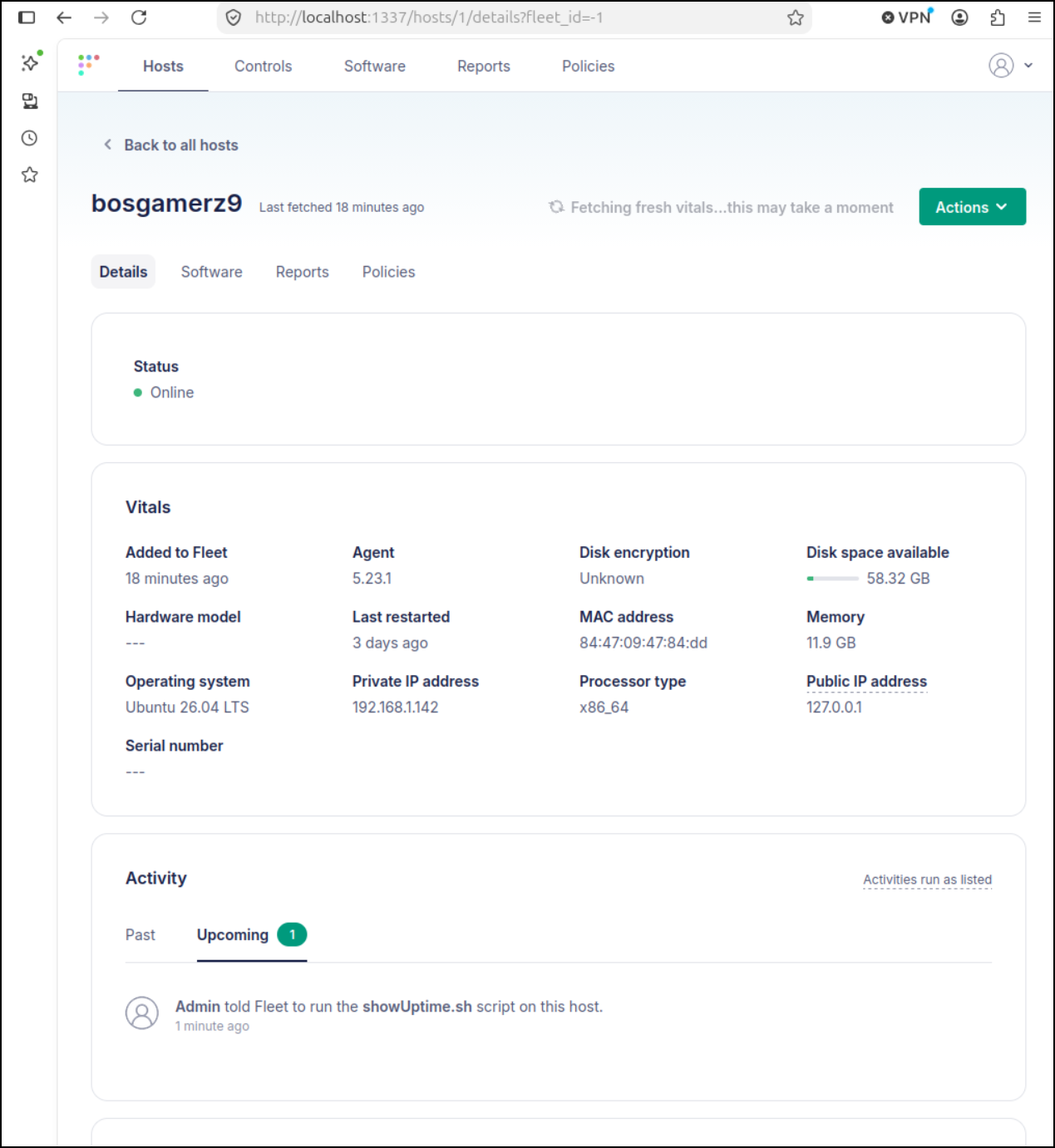
We can also see the script action listed in “Upcoming” activities
My first issue came about when it said “Scripts are disabled”
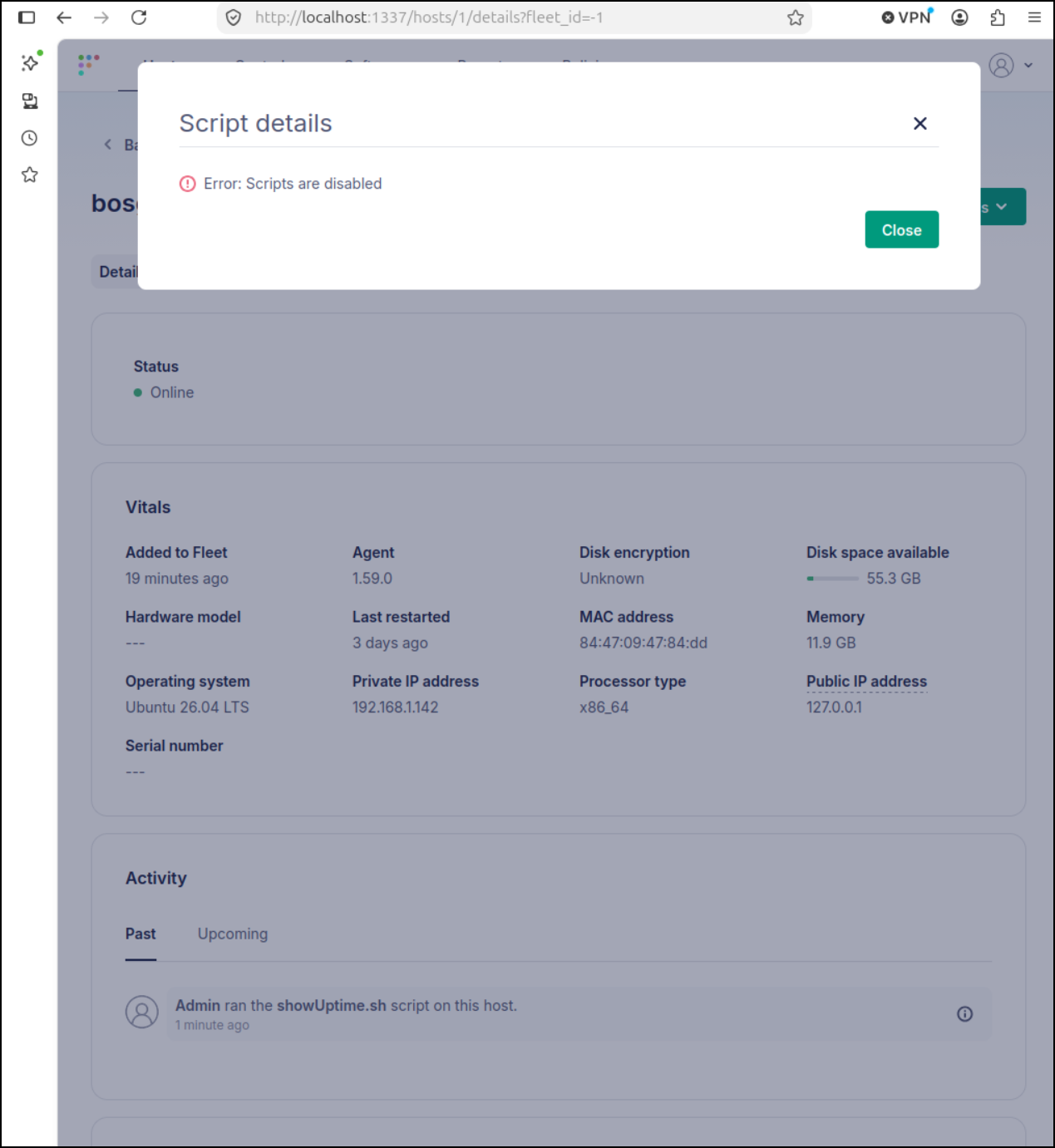
I’m a bit confused as my enroll command did include scripts:
fleetctl package --type=deb --enable-scripts --fleet-desktop --fleet-url=https://localhost:8412 --enroll-secret=D/Va4Y/xhtLdB2SYg3hX1J+OnlUSZxTs
and Script Execution is enabled in Org Settings
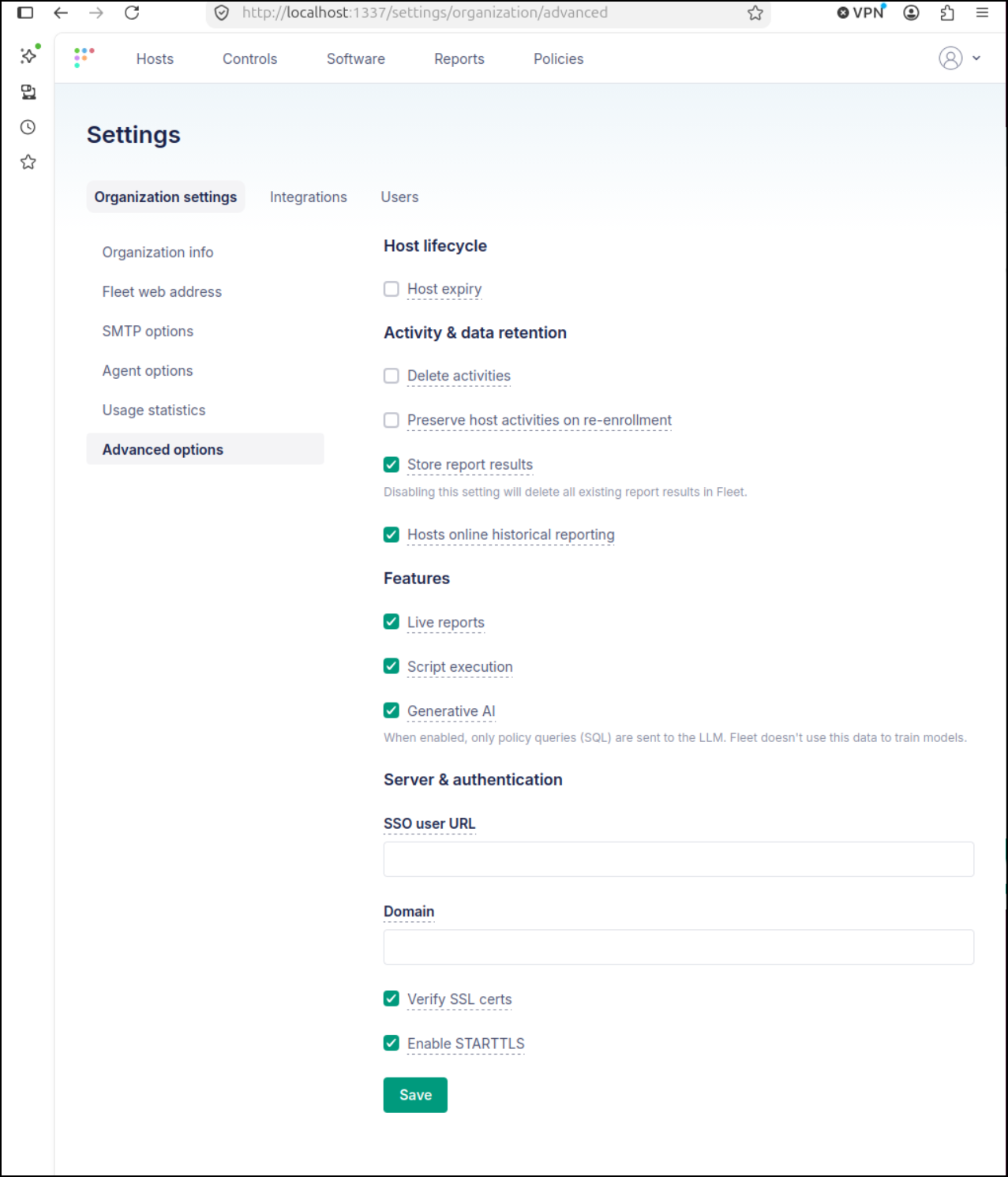
But alas I see its now grayed out
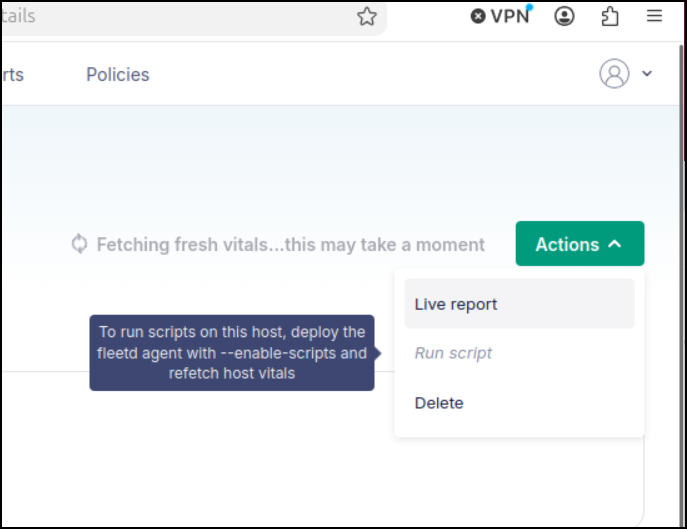
I tried with sudo as well as service. I also installed with dpkg
$ sudo /home/builder/.fleetctl/fleetctl package --type=deb --enable-scripts --service --fleet-desktop --fleet-url=https://localhost:8412 --enroll-secret=D/Va4Y/xhtLdB2SYg3hX1J+OnlUSZxTs
Generating your fleetd agent...

Success! You generated fleetd at /home/builder/fleet-osquery_1.59.0_amd64.deb

To add hosts to Fleet, install fleetd.
Learn how: https://fleetdm.com/learn-more-about/enrolling-hosts
$ sudo systemctl status orbit
Unit orbit.service could not be found.
$ sudo dpkg -i /home/builder/fleet-osquery_1.59.0_amd64.deb
Selecting previously unselected package fleet-osquery.
(Reading database… 263971 files and directories currently installed.)
Preparing to unpack …/fleet-osquery_1.59.0_amd64.deb…
Unpacking fleet-osquery (1.59.0)…
Setting up fleet-osquery (1.59.0)…
Created symlink '/etc/systemd/system/multi-user.target.wants/orbit.service' → '/usr/lib/systemd/system/orbit.service'.
Once I had the service in place, I could more clearly see the issue - it didn’t like the “https”
$ sudo systemctl status orbit
● orbit.service - Orbit osquery
     Loaded: loaded (/usr/lib/systemd/system/orbit.service; enabled; preset: enabled)
     Active: active (running) since Thu 2026-08-20 15:06:44 CDT; 1min 55s ago
 Invocation: e30c01ea5bdc4023845ab0ec857bab71
   Main PID: 2187781 (orbit)
      Tasks: 23 (limit: 11368)
     Memory: 37.4M (peak: 39.4M)
        CPU: 2.270s
     CGroup: /system.slice/orbit.service
             ├─2187781 /opt/orbit/bin/orbit/orbit
             ├─2188433 /opt/orbit/bin/osqueryd/linux/stable/osqueryd --pidfile=/opt/orbit/osquery.pid --extensions_socket=/opt/orbit/orbit-osquery.em --logger_path=/opt/orbit/osquery_log --enroll_secret_env ENROLL_SECRET --tls_hostname=localhost:8412 --en>
             └─2188438 /opt/orbit/bin/osqueryd/linux/stable/osqueryd

Aug 20 15:07:23 bosgamerz9 orbit[2187781]: 2026-08-20T15:07:23-05:00 INF enroll failed, retrying error="enroll request: POST /api/fleet/orbit/enroll: Post \"https://localhost:8412/api/fleet/orbit/enroll\": tls: failed to verify certificate: x509: certific>
Aug 20 15:07:24 bosgamerz9 orbit[2188438]: W0820 15:07:24.238571 2188438 tls_enroll.cpp:101] Failed enrollment request to https://localhost:8412/api/v1/osquery/enroll (Request error: certificate verify failed) retrying...
Aug 20 15:07:33 bosgamerz9 orbit[2187781]: 2026-08-20T15:07:33-05:00 INF orbit enroll attempt failed error="enroll request: POST /api/fleet/orbit/enroll: Post \"https://localhost:8412/api/fleet/orbit/enroll\": tls: failed to verify certificate: x509: cert>
Aug 20 15:07:33 bosgamerz9 orbit[2187781]: 2026-08-20T15:07:33-05:00 INF enroll failed, retrying error="enroll request: POST /api/fleet/orbit/enroll: Post \"https://localhost:8412/api/fleet/orbit/enroll\": tls: failed to verify certificate: x509: certific>
Aug 20 15:07:49 bosgamerz9 orbit[2188438]: W0820 15:07:49.261708 2188438 tls_enroll.cpp:101] Failed enrollment request to https://localhost:8412/api/v1/osquery/enroll (Request error: certificate verify failed) retrying...
Aug 20 15:07:53 bosgamerz9 orbit[2187781]: 2026-08-20T15:07:53-05:00 INF orbit enroll attempt failed error="enroll request: POST /api/fleet/orbit/enroll: Post \"https://localhost:8412/api/fleet/orbit/enroll\": tls: failed to verify certificate: x509: cert>
Aug 20 15:07:53 bosgamerz9 orbit[2187781]: 2026-08-20T15:07:53-05:00 INF enroll failed, retrying error="enroll request: POST /api/fleet/orbit/enroll: Post \"https://localhost:8412/api/fleet/orbit/enroll\": tls: failed to verify certificate: x509: certific>
Aug 20 15:08:25 bosgamerz9 orbit[2188438]: W0820 15:08:25.285691 2188438 tls_enroll.cpp:101] Failed enrollment request to https://localhost:8412/api/v1/osquery/enroll (Request error: certificate verify failed) retrying...
Aug 20 15:08:33 bosgamerz9 orbit[2187781]: 2026-08-20T15:08:33-05:00 INF orbit enroll attempt failed error="enroll request: POST /api/fleet/orbit/enroll: Post \"https://localhost:8412/api/fleet/orbit/enroll\": tls: failed to verify certificate: x509: cert>
Aug 20 15:08:33 bosgamerz9 orbit[2187781]: 2026-08-20T15:08:33-05:00 INF enroll failed, retrying error="enroll request: POST /api/fleet/orbit/enroll: Post \"https://localhost:8412/api/fleet/orbit/enroll\": tls: failed to verify certificate: x509: certifi
Let’s add “–insecure” and try again
$ sudo /home/builder/.fleetctl/fleetctl package --type=deb --enable-scripts --service --insecure --fleet-desktop --fleet-url=https://localhost:8412 --enroll-secret=D/Va4Y/xhtLdB2SYg3hX1J+OnlUSZxTs
Generating your fleetd agent...

Success! You generated fleetd at /home/builder/fleet-osquery_1.59.0_amd64.deb

To add hosts to Fleet, install fleetd.
Learn how: https://fleetdm.com/learn-more-about/enrolling-hosts
$ sudo dpkg -i /home/builder/fleet-osquery_1.59.0_amd64.deb
(Reading database… 263997 files and directories currently installed.)
Preparing to unpack …/fleet-osquery_1.59.0_amd64.deb…
Unpacking fleet-osquery (1.59.0) over (1.59.0)…
Setting up fleet-osquery (1.59.0)…
I can see the setting now reflected in the defaults
$ sudo cat /etc/default/orbit

ORBIT_UPDATE_URL=https://updates.fleetdm.com
ORBIT_ORBIT_CHANNEL=stable
ORBIT_OSQUERYD_CHANNEL=stable
ORBIT_UPDATE_INTERVAL=15m0s

ORBIT_FLEET_DESKTOP=true
ORBIT_DESKTOP_CHANNEL=stable


ORBIT_INSECURE=true

ORBIT_FLEET_URL=https://localhost:8412


ORBIT_ENROLL_SECRET=D/Va4Y/xhtLdB2SYg3hX1J+OnlUSZxTs

ORBIT_ENABLE_SCRIPTS=true
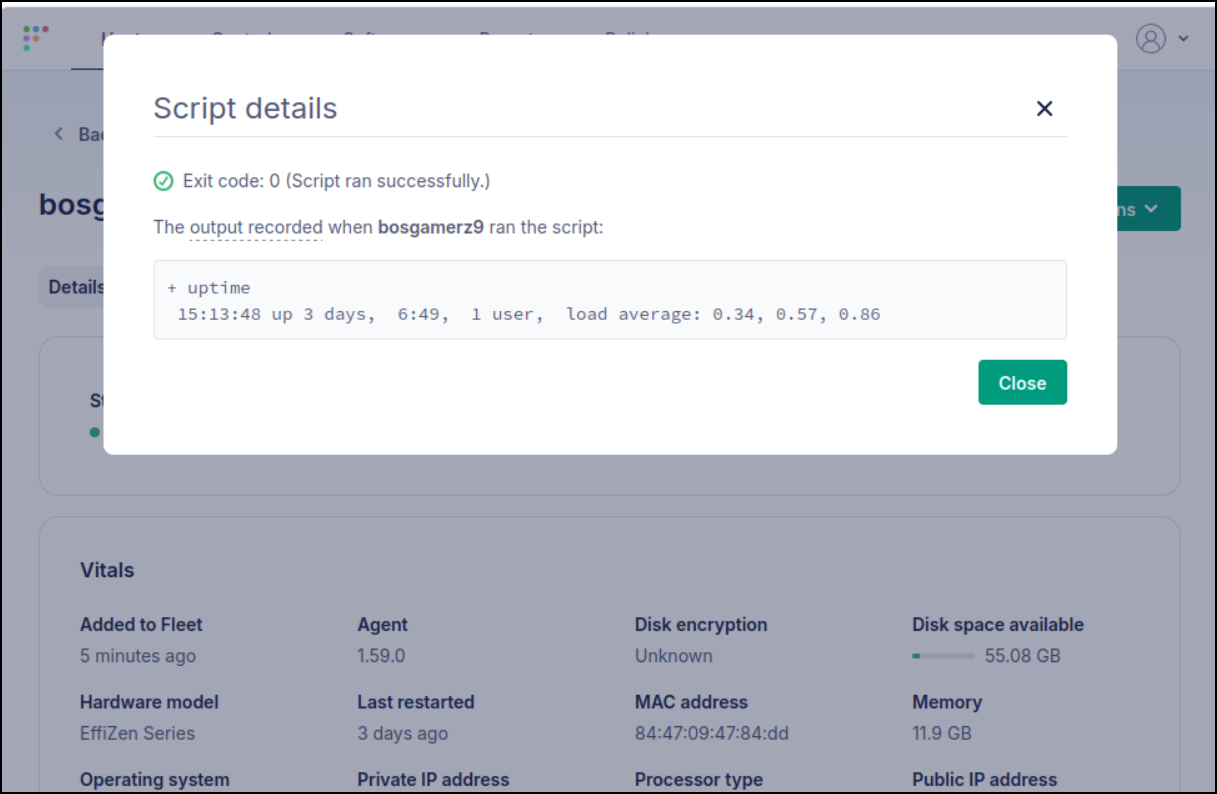
This time it ran without issue
While the User Management seems to be a locked out pay feature:
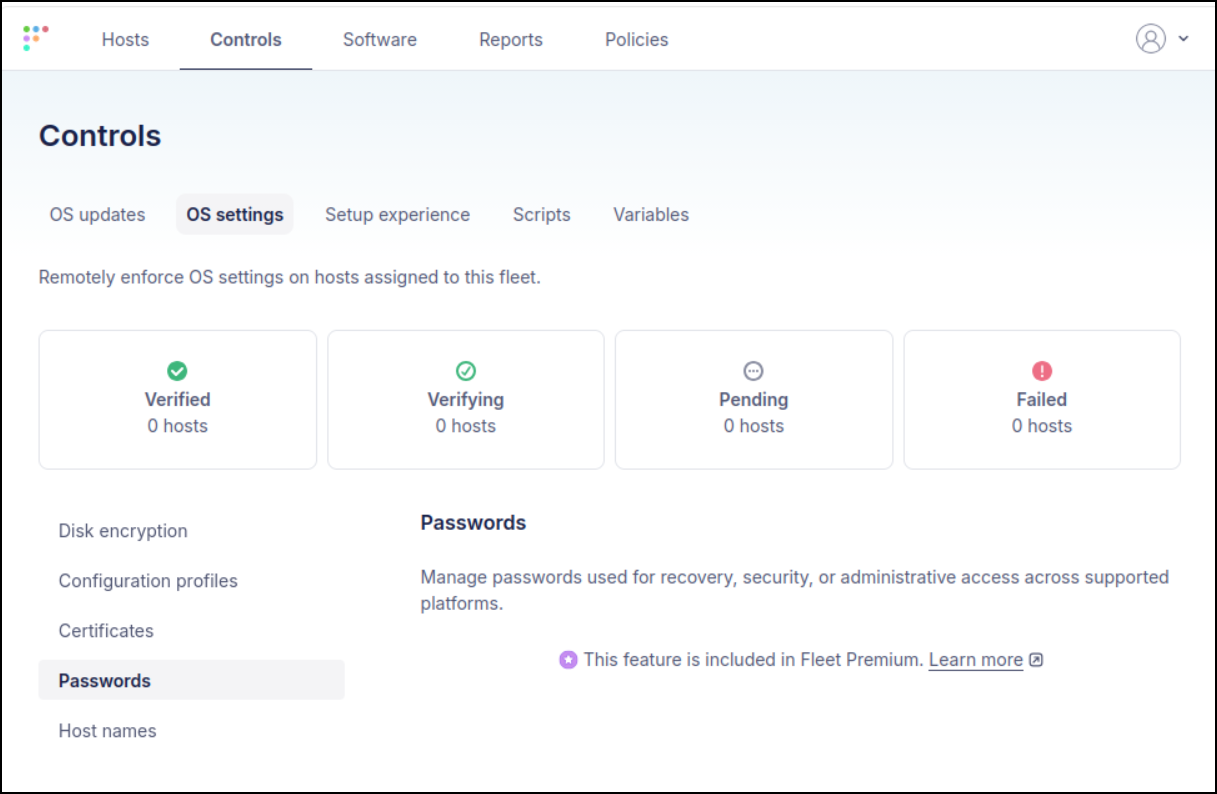
I bet we could sort this with a script.
Here I’ll add a fake user:
$ sudo useradd -m -s /bin/bash myfakeuser
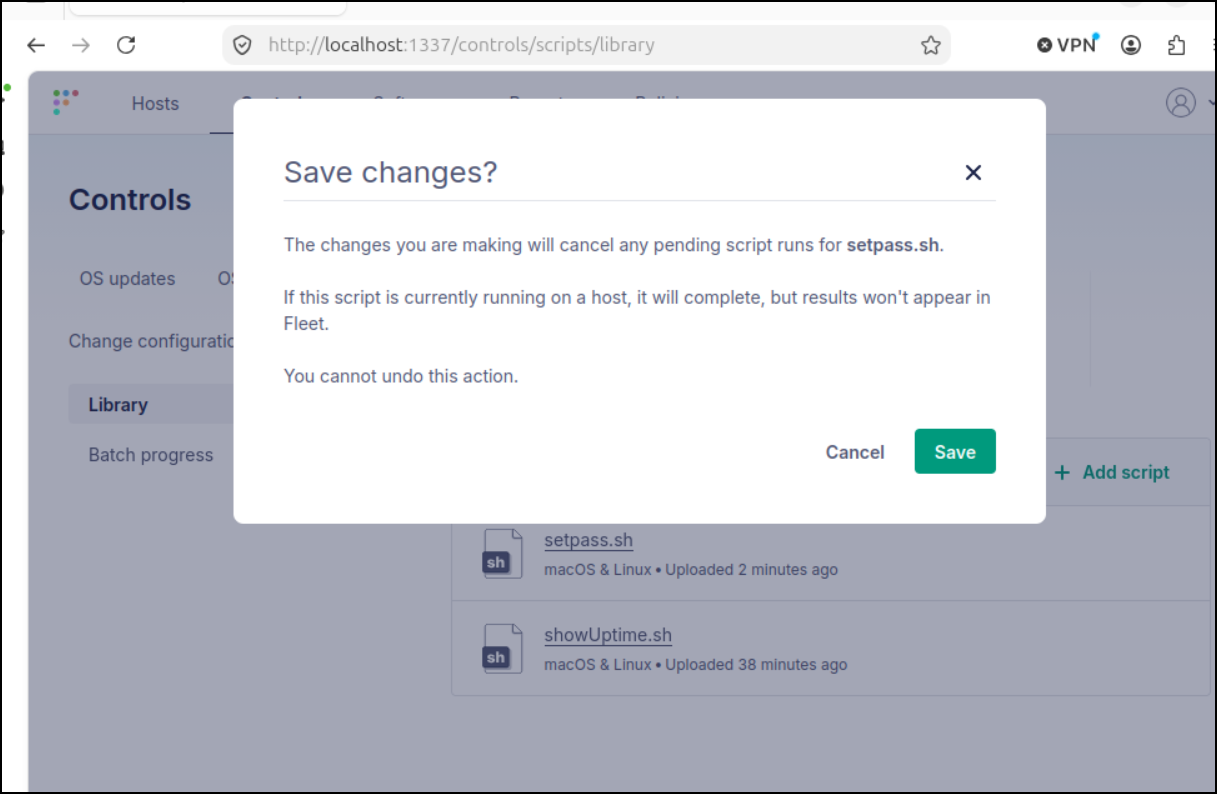
Now we can also edit the scripts in the browser
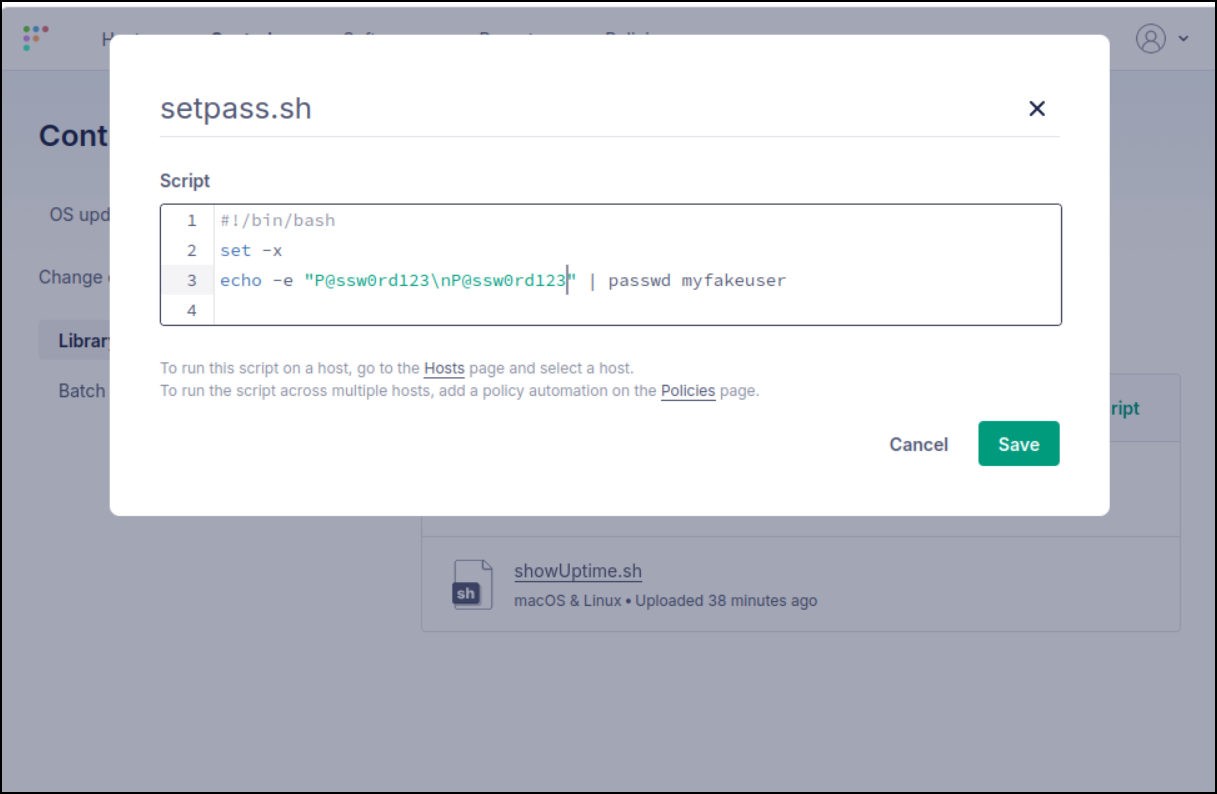
and confirm to save
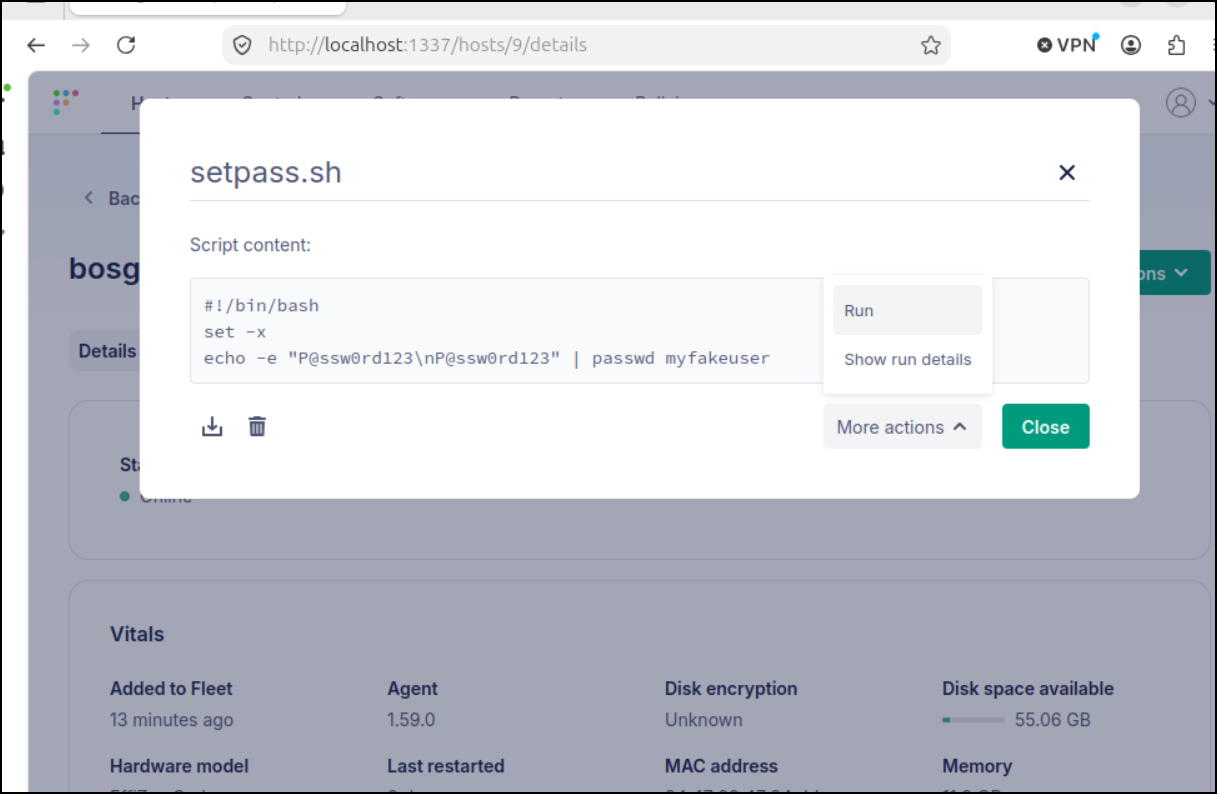
I can see my updated password now when I try and run it
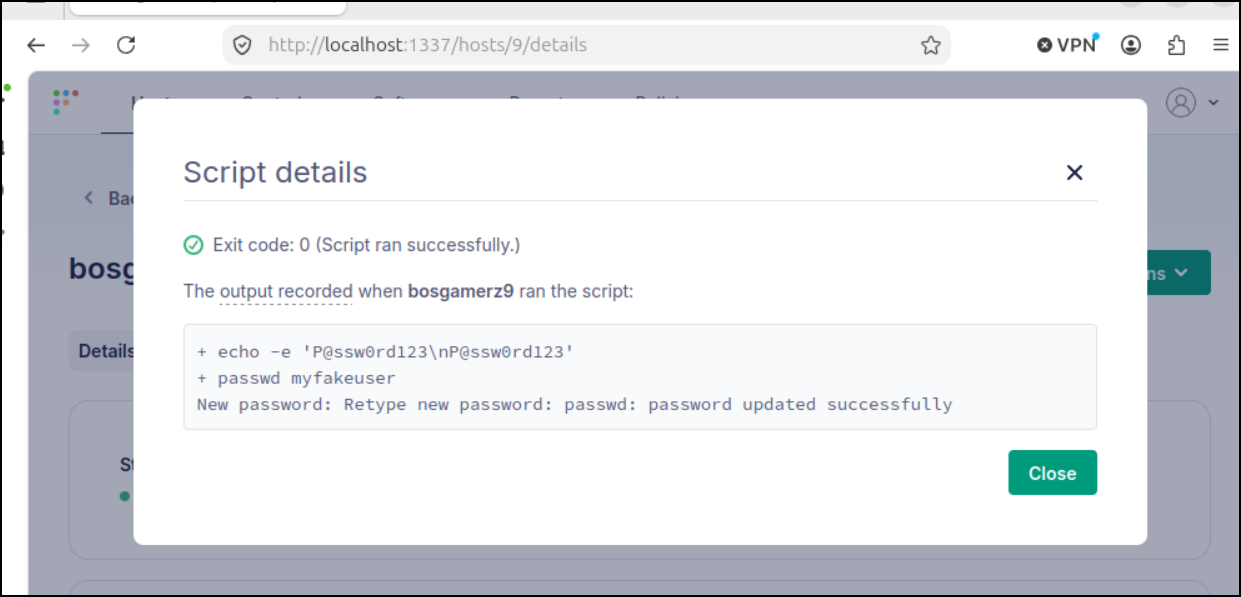
which looks like it worked
Kubernetes Install
Let’s add the helm repo and update
$ helm repo add fleet https://fleetdm.github.io/fleet/charts
"fleet" has been added to your repositories
$ helm repo update
Hang tight while we grab the latest from your chart repositories...
...Successfully got an update from the "fleet" chart repository
...Successfully got an update from the "datadog" chart repository
Update Complete. ⎈Happy Helming!⎈
This will use some subcharts for MariaDB and Valkey so let’s first just create a namespace and a MySQL secret that will get picked up
$ kubectl create ns fleet
namespace/fleet created
$ vi mysql.secret.yaml
$ cat ./mysql.secret.yaml
kind: Secret
apiVersion: v1
metadata:
  name: mysql
  namespace: fleet
stringData:
  mysql-password: my-new-mysql-password
$ kubectl apply -f ./mysql.secret.yaml
secret/mysql created
I see many examples of fleet values, and they all vary.
The only reliable way to see the current defaults is to just use helm
$ helm show values fleet/fleet
## Section: Kubernetes
# All settings related to how Fleet is deployed in Kubernetes
hostName: fleet.localhost
replicas: 3 # The number of Fleet instances to deploy
revisionHistoryLimit: 10 # Number of old ReplicaSets for Fleet deployment to retain for rollback (set to 0 for unlimited)
imageRepository: fleetdm/fleet
imageTag: v4.90.1 # Version of Fleet to deploy
# imagePullPolicy is optional. If unset, Kubernetes defaults to IfNotPresent
# for tagged images and Always for the :latest tag. Valid values: Always,
# IfNotPresent, Never.
# imagePullPolicy: IfNotPresent
# imagePullSecrets is optional.
# imagePullSecrets:
#   - name: docker
#   - name: internal
podAnnotations: {} # Additional annotations to add to the Fleet pod
serviceAnnotations: {} # Additional annotations to add to the Fleet service
serviceAccountAnnotations: {} # Additional annotations to add to the Fleet service account
resources:
  limits:
    cpu: 1 # 1 CPU Core
    memory: 4Gi
  requests:
    cpu: 0.1 # 0.1 CPU Core
    memory: 50Mi

# Node labels for pod assignment
# ref: https://kubernetes.io/docs/user-guide/node-selection/
nodeSelector: {}

# Tolerations for pod assignment
# ref: https://kubernetes.io/docs/concepts/configuration/taint-and-toleration/
tolerations: []

# Configurable affinity for pod assignment
affinity:
  podAntiAffinity:
    preferredDuringSchedulingIgnoredDuringExecution:
      - podAffinityTerm:
          labelSelector:
            matchExpressions:
              - key: app
                operator: In
                values:
                  - fleet
          topologyKey: kubernetes.io/hostname
        weight: 100

ingress:
  enabled: false
  className: ""
  annotations:
    {}
    # kubernetes.io/tls-acme: "true"
    # nginx.ingress.kubernetes.io/proxy-body-size: 10m
    # kubernetes.io/ingress.class: nginx
    # cert-manager.io/cluster-issuer: letsencrypt
  hosts:
    - host: chart-example.local
      paths:
        - path: /
          pathType: ImplementationSpecific
  tls: []
  #  - secretName: chart-example-tls
  #    hosts:
  #      - chart-example.local

## Section: Fleet
# All of the settings relating to configuring the Fleet server
fleet:
  # Will also be the targetPort for the service
  listenPort: 8080
  # servicePort is optional.  Use if the service port needs to differ from the listenPort above.
  # servicePort: 9080
  # Name of the Secret resource storing S3 bucket and optionally TLS secrets
  secretName: fleet
  # Whether or not to run `fleet db prepare` to run SQL migrations before starting Fleet
  autoApplySQLMigrations: true
  # Add extra annotations to the migration Job
  migrationJobAnnotations:
  tls:
    enabled: true
    # Set to true if you need a separate secret for just TLS data.
    # Useful with cert-manager and similar deployments.
    uniqueTLSSecret: false
    secretName: fleet-tls
    compatibility: modern
    certSecretKey: server.cert
    keySecretKey: server.key
  auth:
    bcryptCost: 12
    saltKeySize: 24
  app:
    tokenKeySize: 24
    inviteTokenValidityPeriod: 120h # 5 days
  session:
    keySize: 64
    duration: 2160h # 90 days
  logging:
    debug: false
    json: false
    disableBanner: false
  mdm:
    windows:
      wstepIdentityCertKey: ""
      wstepIdentityKeyKey: ""
  carving:
    s3:
      bucketName: ""
      prefix: ""
      accessKeyID: ""
      secretKey: s3-bucket
      region: ""
      endpointURL: ""
      forceS3PathStyle: false
      gcsIAMAuth: false
      stsAssumeRoleARN: ""
  softwareInstallers:
    s3:
      bucketName: ""
      prefix: ""
      accessKeyID: ""
      secretKey: software-installers
      region: ""
      endpointURL: ""
      forceS3PathStyle: false
      gcsIAMAuth: false
      stsAssumeRoleARN: ""
  license:
    secretName: ""
    licenseKey: license-key
  extraVolumes: []
  extraVolumeMounts: []
  # Currently only passes readOnlyRootFilesystem, runAsNonRoot, runAsUser, runAsGroup
  securityContext:
    readOnlyRootFilesystem: true
    runAsNonRoot: true
    runAsUser: 3333
    runAsGroup: 3333
  # Add additional CA's to the Fleet container truststore
  # To add CA's, set enabled: true
  # Supports adding CA's from Config maps and Secrets
  # configMaps:
  #   - name: fleet-ca-config
  #   - name: ca-config-map-2
  #   - name: ca-config-map-3
  #   - name: ca-config-map-N
  # secrets:
  #   - name: fleet-ca-secret
  #   - name: ca-secret-2
  #   - name: ca-secret-3
  #   - name: ca-secret-N
  additionalCAs:
    enabled: false
    configMaps:
    # - name: fleet-ca-config
    secrets:
    # - name: fleet-ca-secret

# Whether to make fleet vulnerability processing run in a dedicated container
# if you set dedicated=false, you need to increase the main resources section
# to 4Gi or the fleet container will be OOMKilled when vulnerability processing
# tries to run.
vulnProcessing:
  dedicated: false
  schedule: "0 * * * *"
  resources:
    limits:
      cpu: 1 # 1GHz
      memory: 4Gi
    requests:
      cpu: 0.1 # 100Mhz
      memory: 50Mi

## Section: osquery
# All of the settings related to osquery's interactions with the Fleet server
osquery:
  # Name of the secret resource containing optional secrets for AWS credentials
  secretName: osquery
  nodeKeySize: 24
  labelUpdateInterval: 30m
  detailUpdateInterval: 30m

  # To change where Fleet store the logs sent from osquery, set the values below
  logging:
    statusPlugin: filesystem
    resultPlugin: filesystem

    # To congigure the filesystem logger, change the values below
    filesystem:
      statusLogFile: osquery_status # will be placed in the /logs volume
      resultLogFile: osquery_result # will be placed in the /logs volume
      enableRotation: false
      enableCompression: false
      volumeSize: 20Gi # the maximum size of the volume

    # To configure the AWS Firehose logger, change the values below
    firehose:
      region: ""
      accessKeyID: ""
      secretKey: firehose
      stsAssumeRoleARN: ""
      statusStream: ""
      resultStream: ""

    # To configure the AWS Kinesis logger, change the values below
    kinesis:
      region: ""
      accessKeyID: ""
      secretKey: kinesis
      stsAssumeRoleARN: ""
      statusStream: ""
      resultStream: ""

    # To configure the AWS Lambda logger, change the values below
    lambda:
      region: ""
      accessKeyID: ""
      secretKey: lambda
      stsAssumeRoleARN: ""
      statusFunction: ""
      resultFunction: ""

    # To configure the GCP PubSub logger, change the values below
    pubsub:
      project: ""
      statusTopic: ""
      resultTopic: ""

## Section: database
# All of the connection settings for MySQL
database:
  # Name of the Secret resource containing MySQL password and TLS secrets
  secretName: mysql
  address: 127.0.0.1:3306
  database: fleet
  username: fleet
  passwordKey: mysql-password
  maxOpenConns: 50
  maxIdleConns: 50
  connMaxLifetime: 0
  tls:
    enabled: false
    ## Commented options below are optional.  Uncomment to use.
    # caCertKey: ca.cert
    ## Client certificates require both the certKey and keyKey
    # certKey: client.cert
    # keyKey: client.key
    config: ""
    serverName: ""

## Section: database_read_replica:
# All of the connection settings for MySQL read replica
# Commented options are optional. Uncomment to use.
# database_read_replica:
#  # Name of the Secret resource containing MySQL password and TLS secrets
#  address: 127.0.0.1:3306
#  database: fleet
#  username: fleet-ro
#  ## Password configuration. Pick whether you'd like to load from secret or from an accessible mount path.
#  ## Added from Secret
#  secretName: mysql-ro
#  passwordKey: mysql-ro-password
#  ## Added from Mount Path
#  passwordPath: /path/to/password
#  maxOpenConns: 50
#  maxIdleConns: 50
#  connMaxLifetime: 0
#  tls:
#    enabled: false
#    ## Commented options below are optional.  Uncomment to use.
#    # caCertKey: ca.cert
#    ## Client certificates require both the certKey and keyKey
#    # certKey: client.cert
#    # keyKey: client.key
#    config: ""
#    serverName: ""

## Section: cache
# All of the connection settings for Redis
cache:
  address: 127.0.0.1:6379
  database: "0"
  usePassword: false
  secretName: redis
  passwordKey: redis-password

## Section: GKE
# Settings that make running on Google Kubernetes Engine easier
gke:
  # The CloudSQL Proxy runs as a container in the Fleet Pod that proxies connections to a Cloud SQL instance
  cloudSQL:
    enableProxy: false
    imageRepository: gcr.io/cloudsql-docker/gce-proxy
    imageTag: 1.17-alpine
    verbose: true
    instanceName: ""
  # The GKE Ingress requires a few changes that other ingress controllers don't
  ingress:
    useManagedCertificate: false
    useGKEIngress: false
    # 0 to allow the nodeport to be automatically selected, otherwise allowed range (30000-32767)
    nodePort: 0
  # Workload Identity allows the K8s service account to assume the IAM permissions of a GCP service account
  workloadIdentityEmail: ""

## Section: Environment Variables
# All of the environment variables that can be set for Fleet
environments:
  # MDM Settings
  # The following environment variable is required if you are using
  # Fleet's macOS MDM features.  In a production environment, it is recommended that
  # you store this private key in a secret and use envsFrom to reference the secret below.
  # For more information, check out the docs: https://fleetdm.com/docs/configuration/fleet-server-configuration#server-private-key
  FLEET_SERVER_PRIVATE_KEY: ""

## Section: Environment Variables from Secrets/CMs
# envsFrom:
# - name: MY_ENV_NAME_1
#   valueFrom:
#     configMapKeyRef:
#       name: cm-name
#       key: cm-key-name
# - name: MY_ENV_NAME_2
#   valueFrom:
#     secretKeyRef:
#       name: secret-name
#       key: secret-key-name

## Section: MySQL subchart
## Set mysql.enabled=true to deploy a dev/test MySQL instance.
## For production, use an external MySQL and leave this disabled.
## When enabled, also point Fleet to the subchart service and secret:
##   database.address: <release-name>-mysql:3306
##   database.secretName: <release-name>-mysql
mysql:
  enabled: false
  auth:
    rootPassword: ""
    username: fleet
    password: ""
    database: fleet

## Section: Redis/Valkey subchart
## Set redis.enabled=true to deploy a dev/test Valkey (Redis-compatible) instance.
## For production, use an external Redis/Valkey and leave this disabled.
## NOTE: The condition key is "redis.enabled" for backwards compatibility,
## but the sub-chart is now Valkey (https://valkey.io).
## When enabled, also point Fleet to the subchart service:
##   cache.address: <release-name>-valkey:6379
## If valkey.auth.enabled=true, also set cache.usePassword/cache.secretName/
## cache.passwordKey to match your Valkey secret configuration.
redis:
  enabled: false

valkey:
  replica:
    enabled: false
  auth:
    enabled: false
Since I’ll be using a tpk.pw DNS entry from Azure DNS, lets quickly create that
$ az network dns record-set a add-record -g idjdnsrg -z tpk.pw -a 76.156.69.232 -n fleetdm
{
  "ARecords": [
    {
      "ipv4Address": "76.156.69.232"
    }
  ],
  "TTL": 3600,
  "etag": "897208ab-fd69-4c1a-a0e6-0548d18f6a4c",
  "fqdn": "fleetdm.tpk.pw.",
  "id": "/subscriptions/d955c0ba-13dc-44cf-a29a-8fed74cbb22d/resourceGroups/idjdnsrg/providers/Microsoft.Network/dnszones/tpk.pw/A/fleetdm",
  "name": "fleetdm",
  "provisioningState": "Succeeded",
  "resourceGroup": "idjdnsrg",
  "targetResource": {},
  "trafficManagementProfile": {},
  "type": "Microsoft.Network/dnszones/A"
}
Now I can properly set the ingress settings in the values file I want to use:
$ cat fleet.values.yaml
hostname: fleetdm.tpk.pw

ingress:
  enabled: true
  className: "nginx"
  annotations:
    cert-manager.io/cluster-issuer: azuredns-tpkpw
    nginx.ingress.kubernetes.io/proxy-body-size: "0"
    ingress.kubernetes.io/ssl-redirect: "true"
    kubernetes.io/tls-acme: "true"
  hosts:
    - host: fleetdm.tpk.pw
      paths:
        - path: /
          pathType: ImplementationSpecific
  tls:
  - secretName: fleet-tls
    hosts:
      - fleetdm.tpk.pw

fleet:
  tls:
    enabled: false
    # Set to true if you need a separate secret for just TLS data.
    # Useful with cert-manager and similar deployments.
    uniqueTLSSecret: true
    secretName: fleet-tls
    compatibility: modern
    certSecretKey: server.cert
    keySecretKey: server.key

# Enable subcharts
mysql:
  enabled: true
  auth:
    rootPassword: "your-root-password"
    username: fleet
    password: "your-db-password"
    database: fleet

redis:
  enabled: true

# Point Fleet to the subchart services
database:
  address: fleet-mysql:3306
  database: fleet
  username: fleet
  secretName: fleet-mysql
  passwordKey: mysql-password

cache:
  address: fleet-valkey:6379
  database: "0"
  usePassword: false
Now to install
$ helm upgrade --install fleet fleet/fleet   --namespace fleet   --values fleet.values.yaml
Release "fleet" does not exist. Installing it now.
NAME: fleet
LAST DEPLOYED: Fri Aug 21 06:19:29 2026
NAMESPACE: fleet
STATUS: deployed
REVISION: 1
DESCRIPTION: Install complete
TEST SUITE: None
$ kubectl get po -n fleet
NAME                            READY   STATUS      RESTARTS   AGE
fleet-68fc5f7bc7-4d697          1/1     Running     0          101s
fleet-68fc5f7bc7-6wgrc          1/1     Running     0          99s
fleet-68fc5f7bc7-sgcnl          1/1     Running     0          96s
fleet-migration-29dfg           0/1     Completed   0          101s
fleet-mysql-0                   1/1     Running     0          15m
fleet-valkey-56c4fdc58f-2tvfw   1/1     Running     0          15m
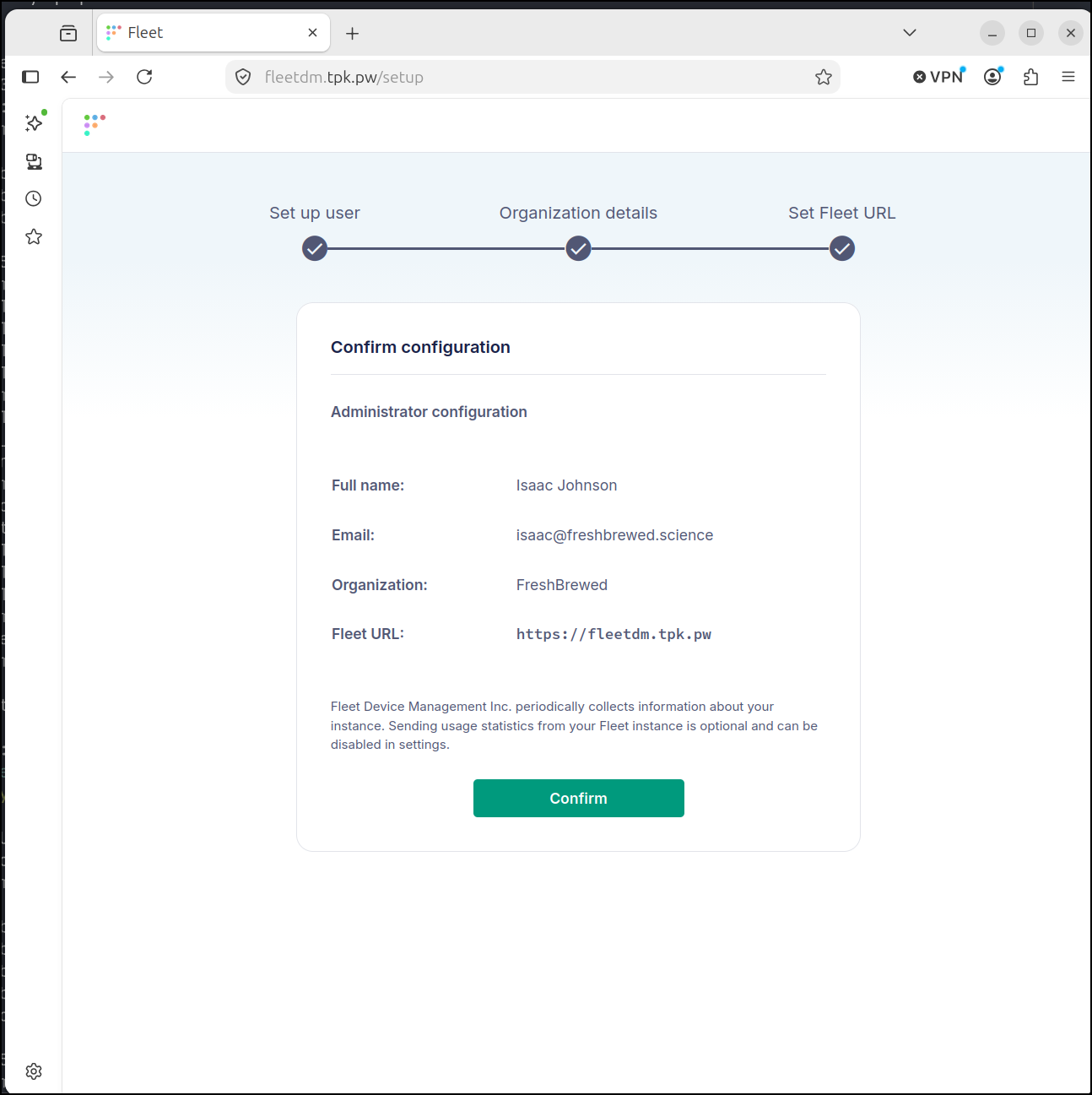
I can now hit the main page and setup the initial user
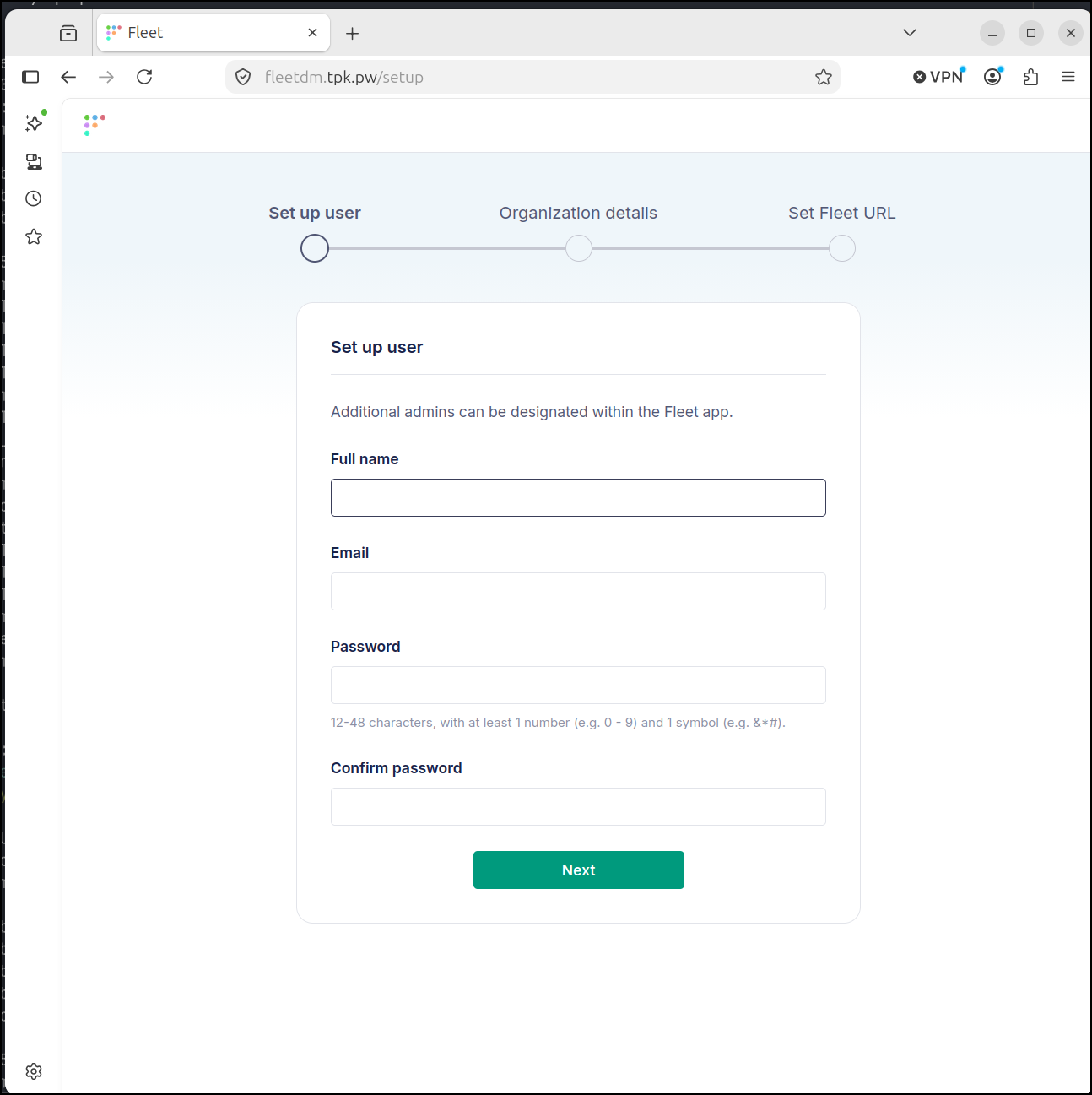
I setup an admin user and org details
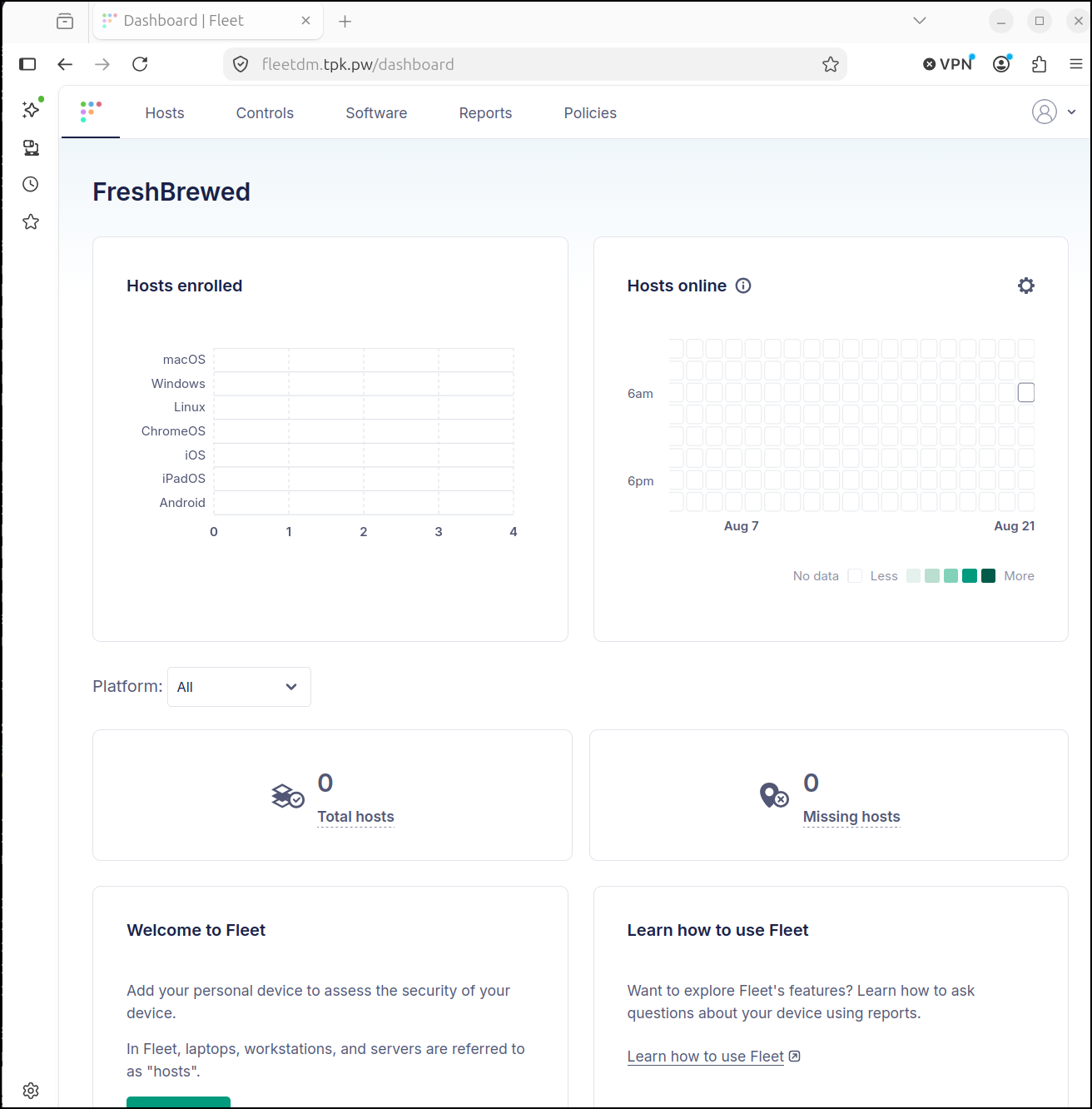
I can now login and see my dashboard
Let’s add a different Linux host this time
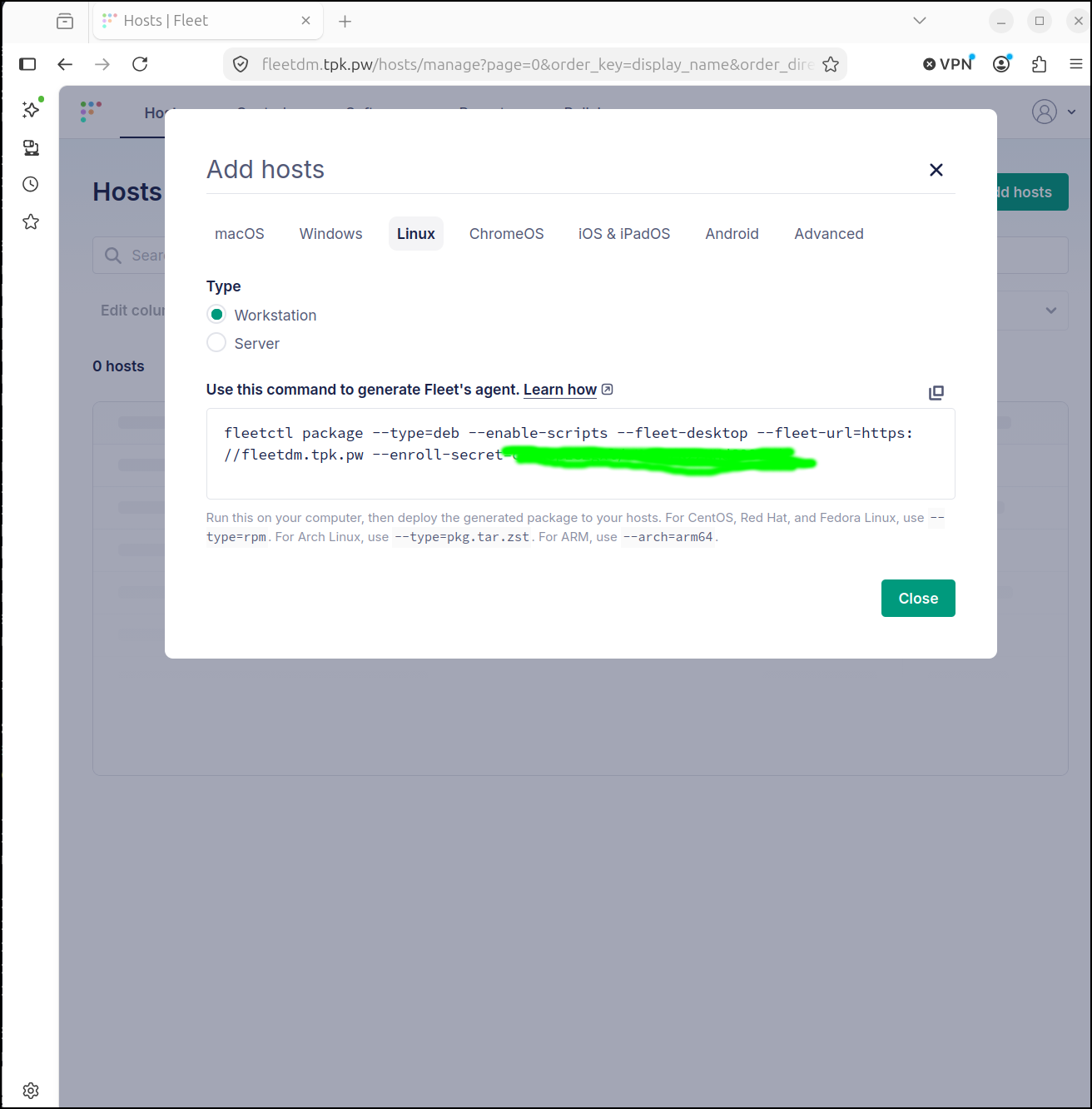
I still need to prep the target with the fleetctl binary
builder@builder-T100:~$ curl -sSL https://fleetdm.com/resources/install-fleetctl.sh | bash
Fetching the latest version of fleetctl...
Latest version available on NPM: 4.90.1
Downloading fleetctl 4.90.1 for Linux...
fleetctl installed successfully in /home/builder/.fleetctl/
builder@builder-T100:~$ ls /home/builder/.fleetctl/
CHANGELOG.md  fleetctl  LICENSE  README.md
builder@builder-T100:~$ export PATH=$PATH:/home/builder/.fleetctl/
builder@builder-T100:~$
Now I can install fleet (orbit) by creating the deb package and installing it.
Ideally, we have this deb package created once (for our helm deploy) and installed at system build time.
builder@builder-T100:~$ fleetctl package --type=deb --enable-scripts --fleet-desktop --fleet-url=https://fleetdm.tpk.pw --enroll-secret=xxxxxxxxxxxxxxxxxxxxxxxxxxxxxxxxxxxxx
Generating your fleetd agent...

Success! You generated fleetd at /home/builder/fleet-osquery_1.59.0_amd64.deb

To add hosts to Fleet, install fleetd.
Learn how: https://fleetdm.com/learn-more-about/enrolling-hosts
builder@builder-T100:~$ sudo dpkg -i /home/builder/fleet-osquery_1.59.0_amd64.deb
Selecting previously unselected package fleet-osquery.
(Reading database ... 340802 files and directories currently installed.)
Preparing to unpack .../fleet-osquery_1.59.0_amd64.deb ...
Unpacking fleet-osquery (1.59.0) ...
Setting up fleet-osquery (1.59.0) ...
Created symlink /etc/systemd/system/multi-user.target.wants/orbit.service → /lib/systemd/system/orbit.service.
builder@builder-T100:~$ sudo systmctl status orbit
sudo: systmctl: command not found
builder@builder-T100:~$ sudo systemctl status orbit
● orbit.service - Orbit osquery
     Loaded: loaded (/lib/systemd/system/orbit.service; enabled; vendor preset: enabled)
     Active: active (running) since Fri 2026-08-21 06:46:40 CDT; 21s ago
   Main PID: 2781593 (orbit)
      Tasks: 27 (limit: 8932)
     Memory: 37.0M
        CPU: 4.139s
     CGroup: /system.slice/orbit.service
             ├─2781593 /opt/orbit/bin/orbit/orbit
             ├─2782808 /opt/orbit/bin/osqueryd/linux/stable/osqueryd --pidfile=/opt/orbit/osquery.pid --extension>
             └─2782816 /opt/orbit/bin/osqueryd/linux/stable/osqueryd "" "" "" "" "" "" "" "" "" "" "" "" "" "" "">

Aug 21 06:47:00 builder-T100 orbit[2781593]: 2026-08-21T06:47:00-05:00 INF killing any pre-existing fleet-desktop>
Aug 21 06:47:01 builder-T100 orbit[2781593]: 2026-08-21T06:47:01-05:00 INF attempting to get user session type an>
Aug 21 06:47:01 builder-T100 orbit[2781593]: 2026-08-21T06:47:01-05:00 INF running sudo display=:0 id=1000 path=/>
Aug 21 06:47:01 builder-T100 orbit[2781593]: 2026-08-21T06:47:01-05:00 INF running command cmd="/usr/bin/sudo -n >
Aug 21 06:47:01 builder-T100 sudo[2783000]:     root : PWD=/home/builder ; USER=builder ; COMMAND=/bin/bash --log>
Aug 21 06:47:01 builder-T100 sudo[2783000]: pam_unix(sudo-i:session): session opened for user builder(uid=1000) b>
Aug 21 06:47:01 builder-T100 orbit[2782816]: I0821 06:47:01.518265 2782816 eventfactory.cpp:156] Event publisher >
Aug 21 06:47:01 builder-T100 orbit[2782816]: I0821 06:47:01.518364 2782816 eventfactory.cpp:156] Event publisher >
Aug 21 06:47:01 builder-T100 orbit[2782816]: I0821 06:47:01.518376 2782816 eventfactory.cpp:156] Event publisher >
Aug 21 06:47:01 builder-T100 orbit[2782816]: I0821 06:47:01.518385 2782816 eventfactory.cpp:156] Event publisher >
Aug 21 06:47:01 builder-T100 orbit[2782816]: I0821 06:47:01.888200 2783028 interface.cpp:137] Registering exten
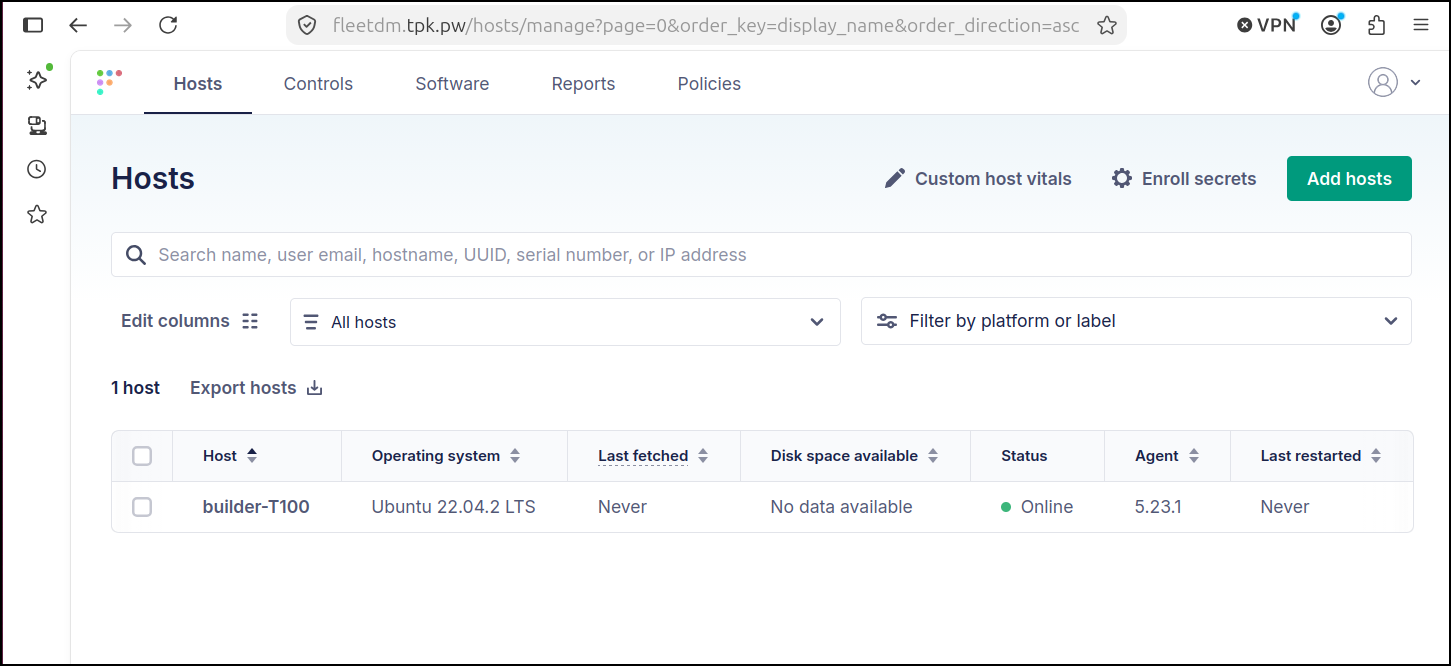
I can now see it listed
I’ll now run a report against this host
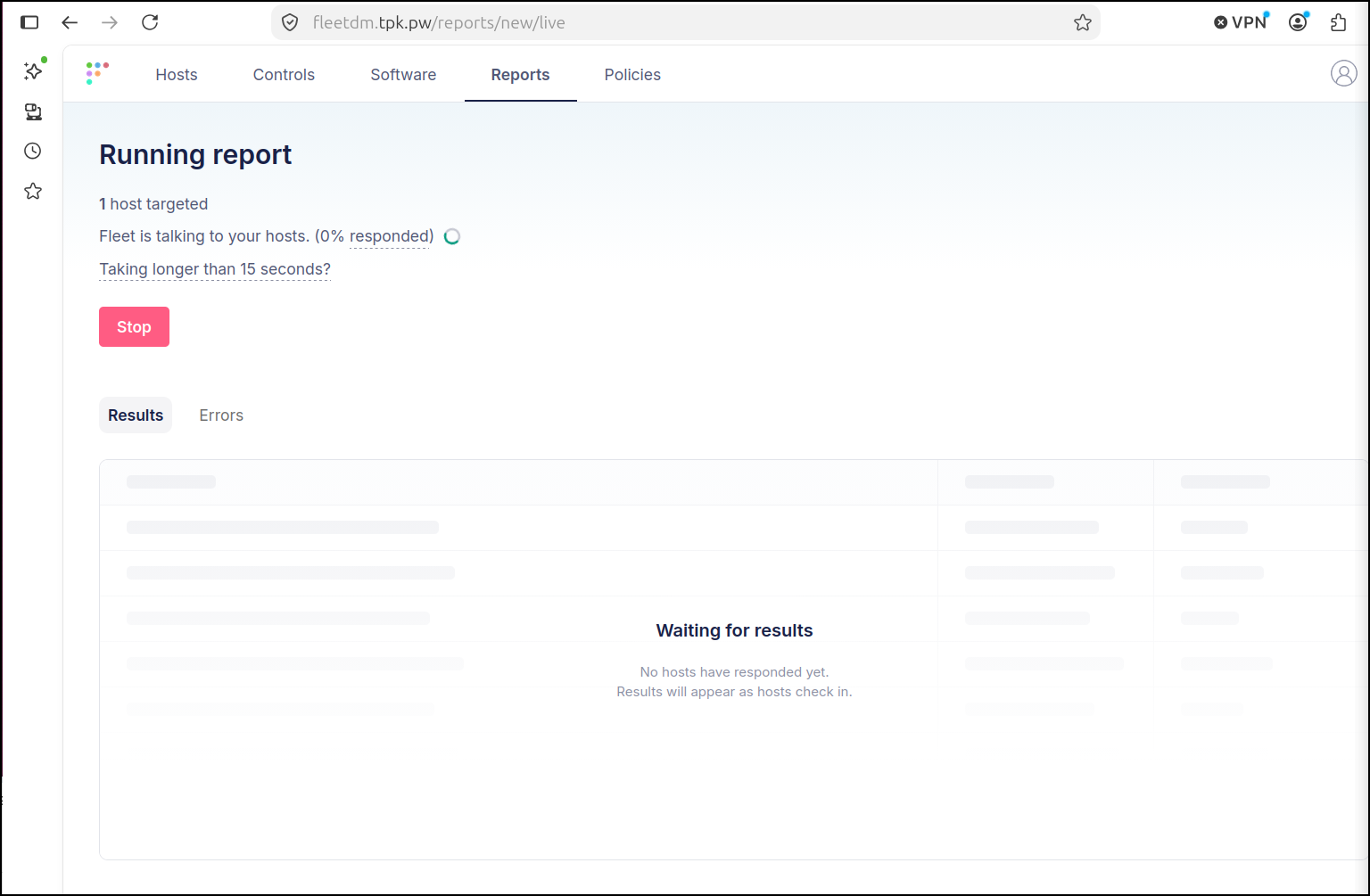
However, it never did anything (I tried a few times)
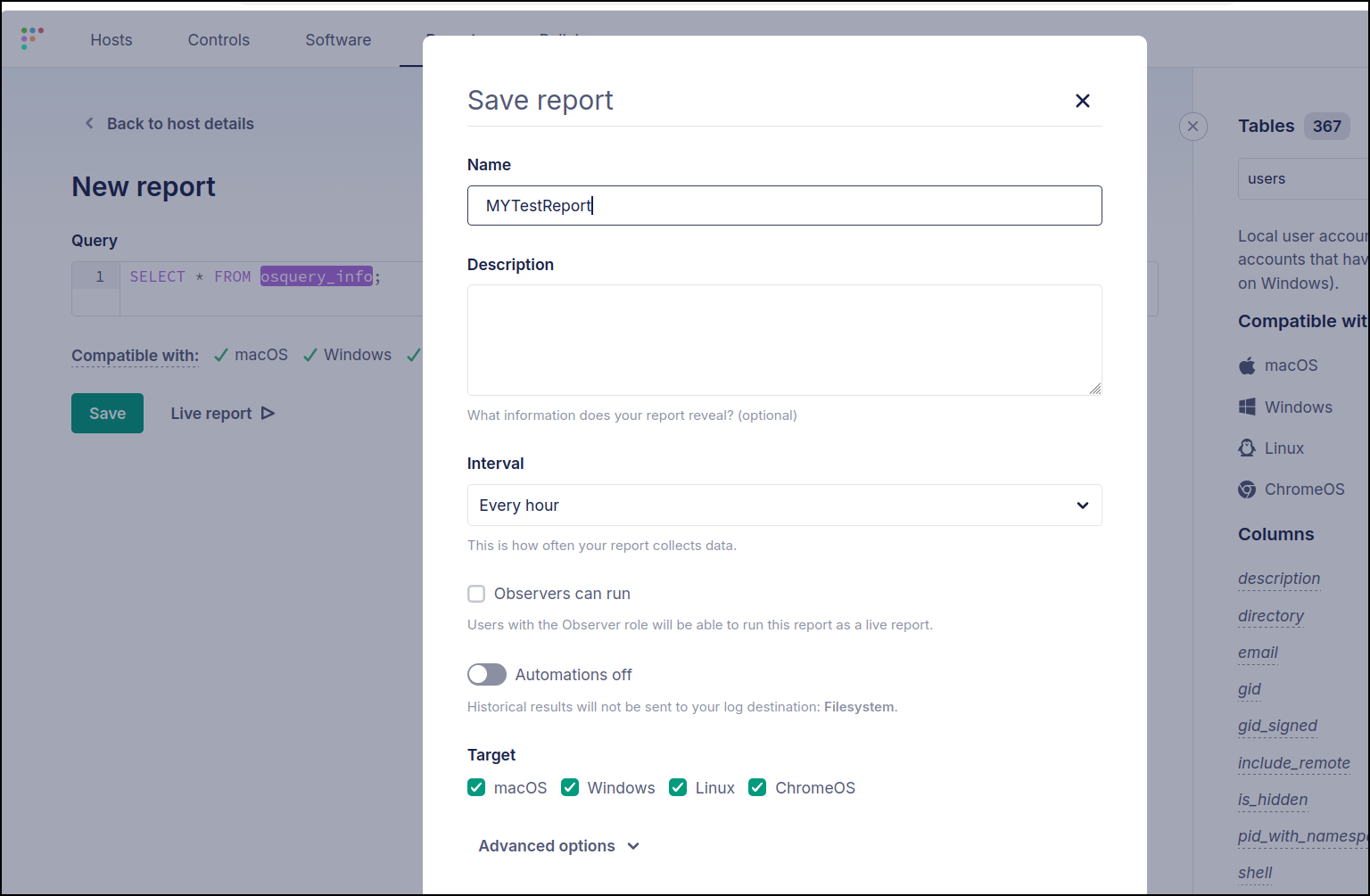
I next tried creating a named report
Scripts
Let’s upload that uptime script
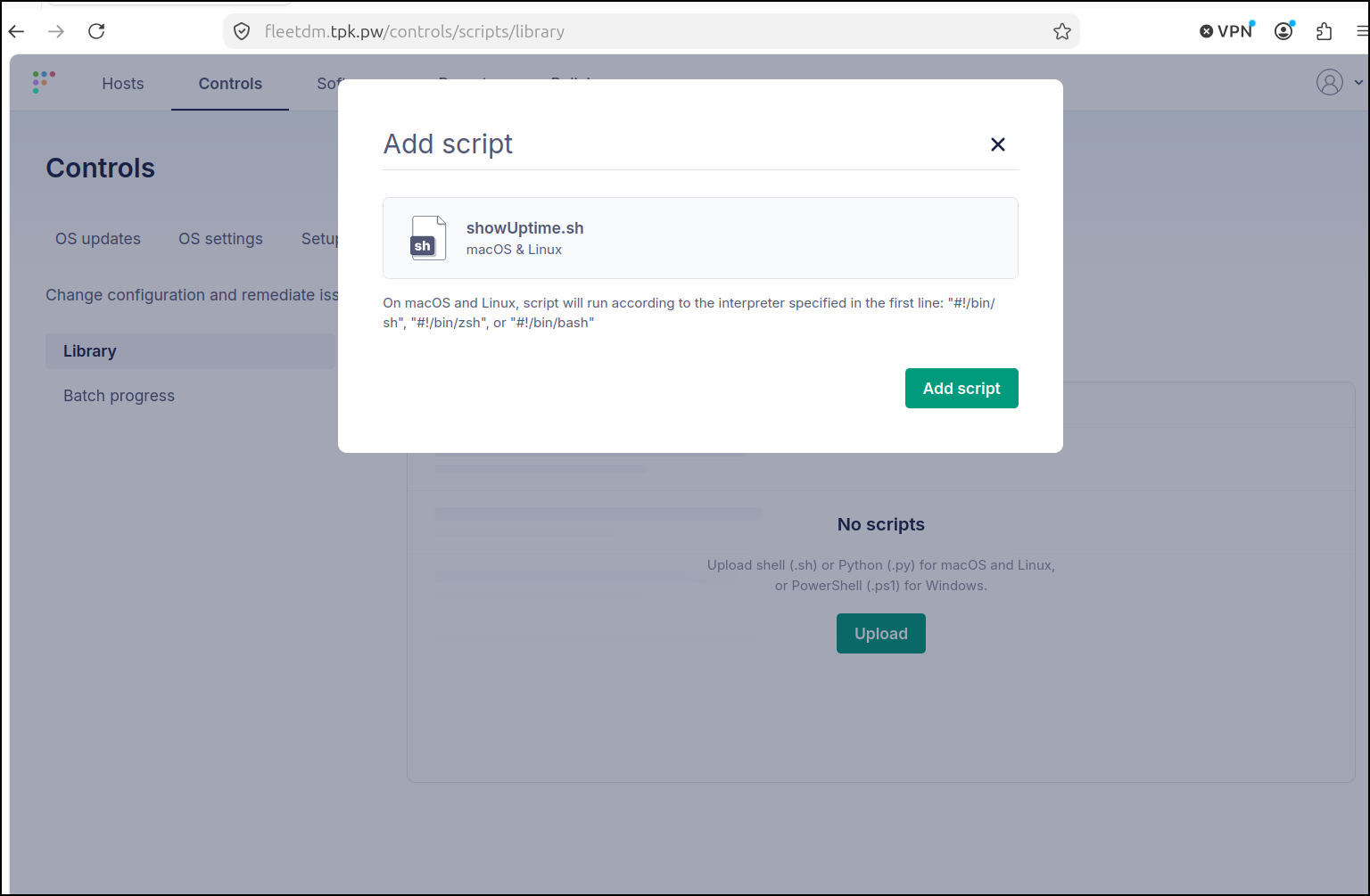
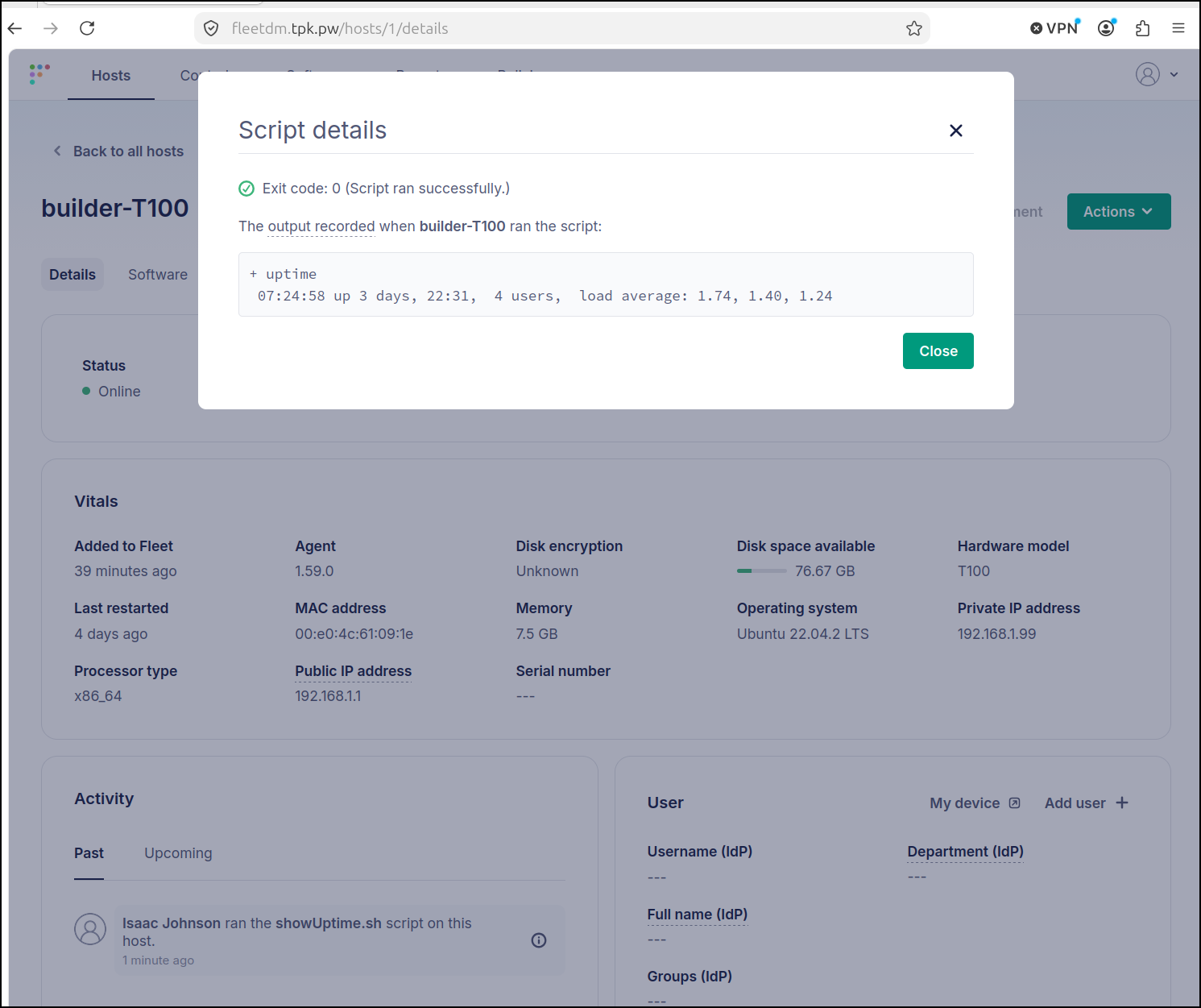
I can quickly run the invoke script from the webpage
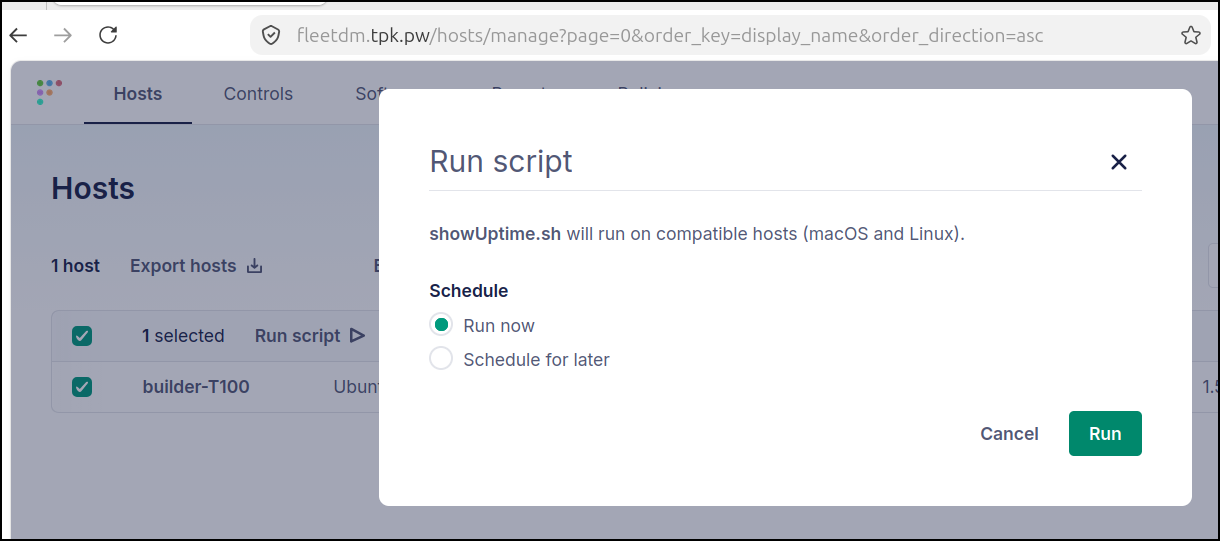
If I wanted to see the script as run against multiple hosts, I could view it from the Scripts page
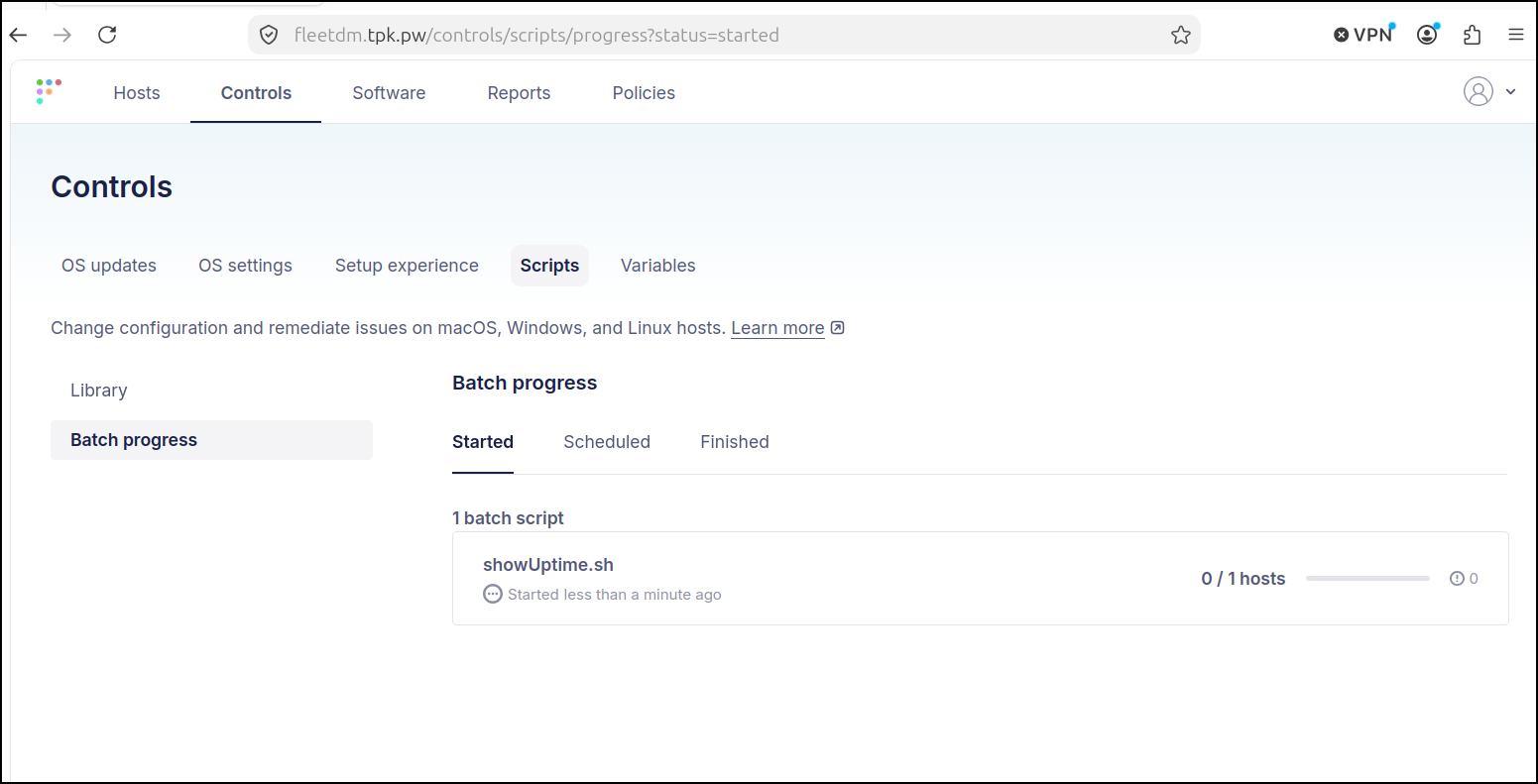
It took a few minutes (5-7m), but it did run and come back with results
What about offline?
I have a situation I wanted to consider about a host that is only online from time to time.
Let’s stop the orbit service to simulate being offline
builder@builder-T100:~$ sudo systemctl stop orbit
builder@builder-T100:~$ sudo systemctl status orbit
○ orbit.service - Orbit osquery
     Loaded: loaded (/lib/systemd/system/orbit.service; enabled; vendor preset: enabled)
     Active: inactive (dead) since Fri 2026-08-21 07:29:24 CDT; 6s ago
    Process: 2781593 ExecStart=/opt/orbit/bin/orbit/orbit (code=exited, status=0/SUCCESS)
   Main PID: 2781593 (code=exited, status=0/SUCCESS)
        CPU: 1min 27.410s

Aug 21 07:29:22 builder-T100 orbit[2781593]: 2026-08-21T07:29:22-05:00 INF interrupt osqueryd runner error="received signal terminated"
Aug 21 07:29:22 builder-T100 orbit[2781593]: 2026-08-21T07:29:22-05:00 INF interrupt capabilities checker error="received signal terminated"
Aug 21 07:29:22 builder-T100 orbit[2781593]: 2026-08-21T07:29:22-05:00 INF interrupt osqueryd extension runner error="received signal terminated"
Aug 21 07:29:22 builder-T100 orbit[2781593]: 2026/08/21 07:29:22 ERROR error processing request err="deregistering extension: read unix @->/opt/orbit/orbit-osquery.em: read: connection reset by peer"
Aug 21 07:29:22 builder-T100 orbit[2781593]: 2026-08-21T07:29:22-05:00 INF interrupt desktop runner error="received signal terminated"
Aug 21 07:29:22 builder-T100 orbit[2781593]: 2026-08-21T07:29:22-05:00 INF interrupt signal handler error="received signal terminated"
Aug 21 07:29:24 builder-T100 orbit[2781593]: 2026-08-21T07:29:24-05:00 ERR unexpected exit error="received signal terminated"
Aug 21 07:29:24 builder-T100 systemd[1]: orbit.service: Deactivated successfully.
Aug 21 07:29:24 builder-T100 systemd[1]: Stopped Orbit osquery.
Aug 21 07:29:24 builder-T100 systemd[1]: orbit.service: Consumed 1min 27.410s CPU time.
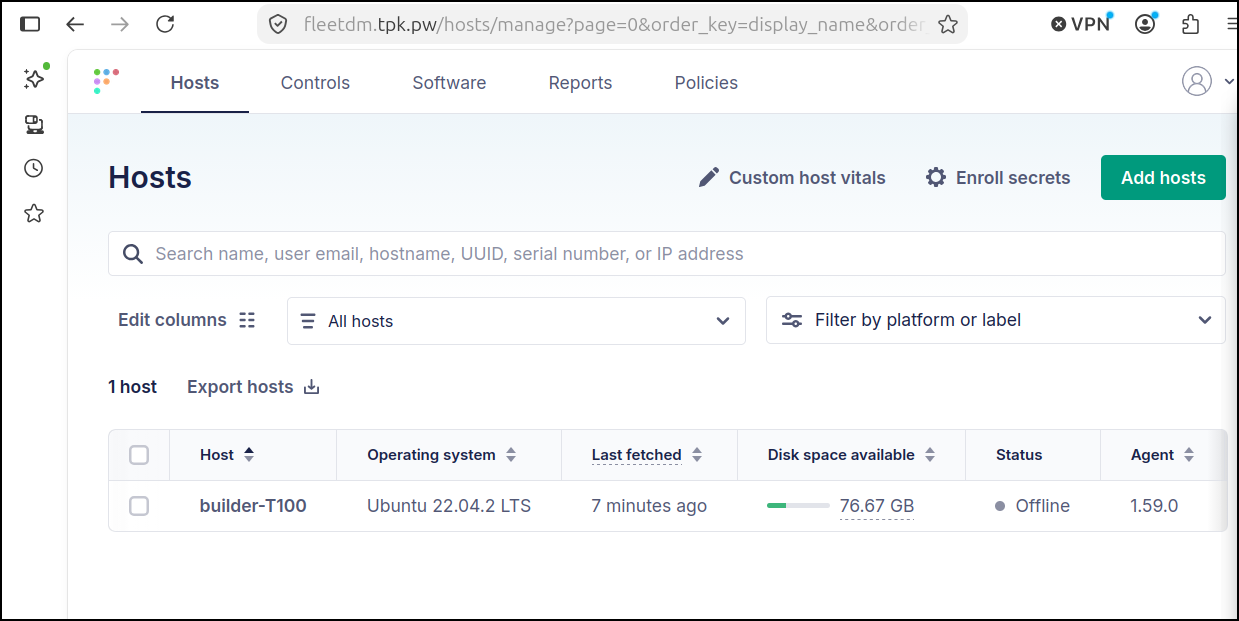
After a couple minutes the page refreshed to show our host is now offline
To test, I’ll just make a little touch script
builder@bosgamerz9:~/Workspaces/fbsnew$ vi ~/touchFile.sh
builder@bosgamerz9:~/Workspaces/fbsnew$ chmod 755 ~/touchFile.sh
builder@bosgamerz9:~/Workspaces/fbsnew$ cat ~/touchFile.sh
#!/bin/bash
set -x
touch /tmp/i_was_here
Let’s add it and set it to run when the host comes online
Now let’s bring the host online and see if the script runs
Debian installs
I wanted next to test if i could use FleetDM to install and/or update remote Debian packages
I created this repo with a hello world Debian
The action ran without issue
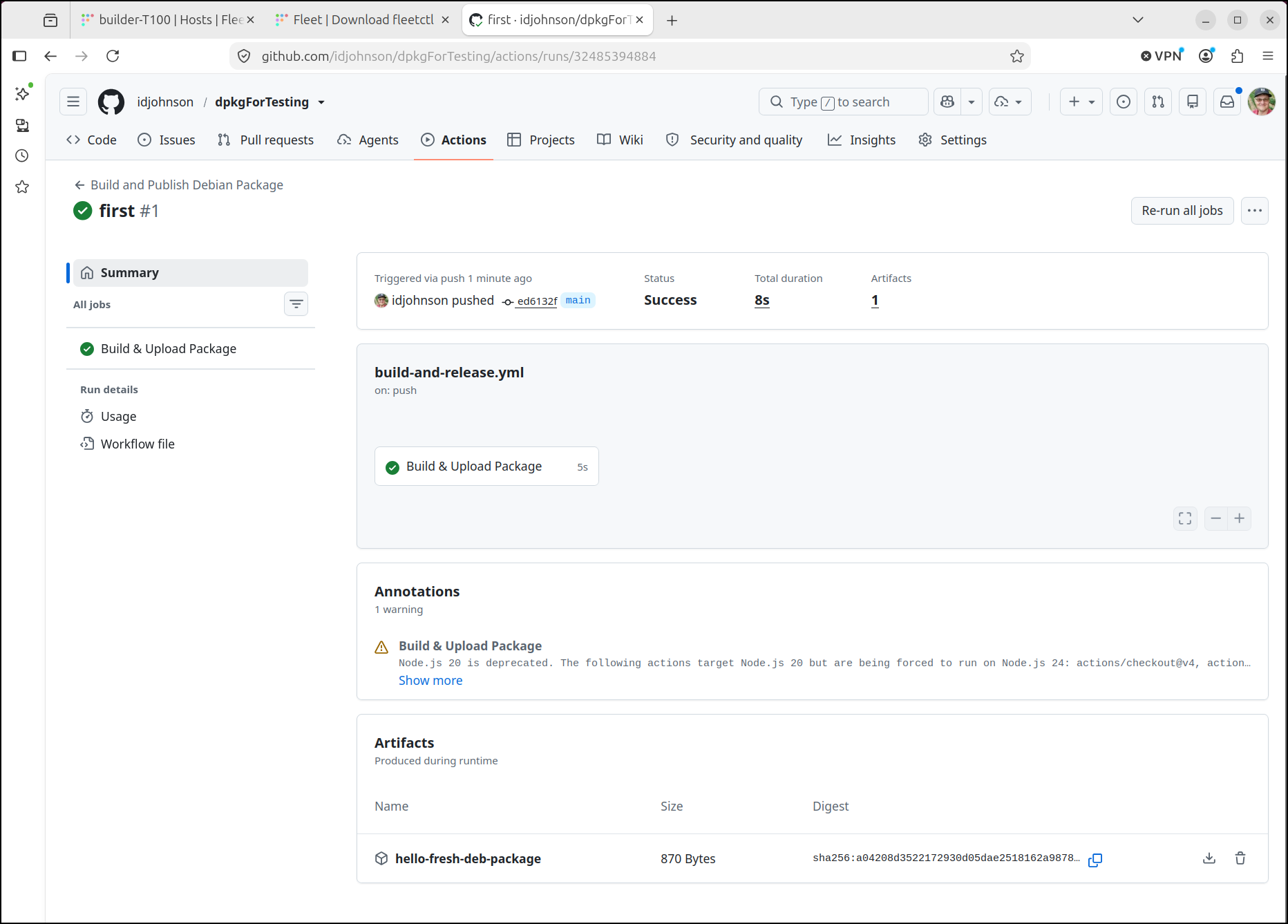
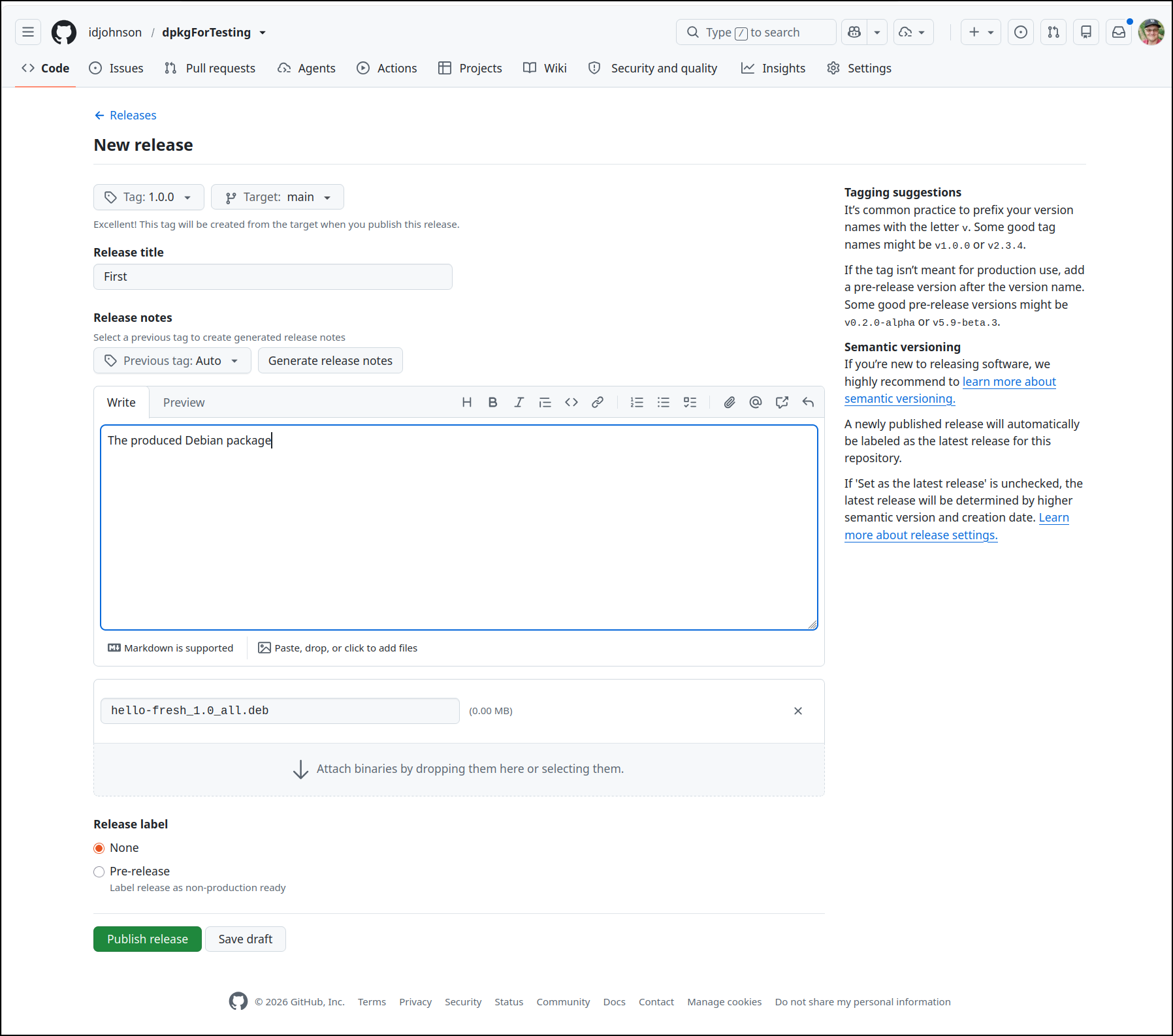
I then created the initial release
I’ll make an install script
builder@bosgamerz9:~/Workspaces/fbsnew$ chmod 755 ~/installHelloWorld.sh
builder@bosgamerz9:~/Workspaces/fbsnew$ cat ~/installHelloWorld.sh
#!/bin/bash
set -x
cd /tmp
wget https://github.com/idjohnson/dpkgForTesting/releases/download/1.0.0/hello-fresh_1.0_all.deb
dpkg -i ./hello-fresh_1.0_all.deb
And as we see from the postinst this should create a file in /tmp/hello.txt if it works.
Let’s see it in action:
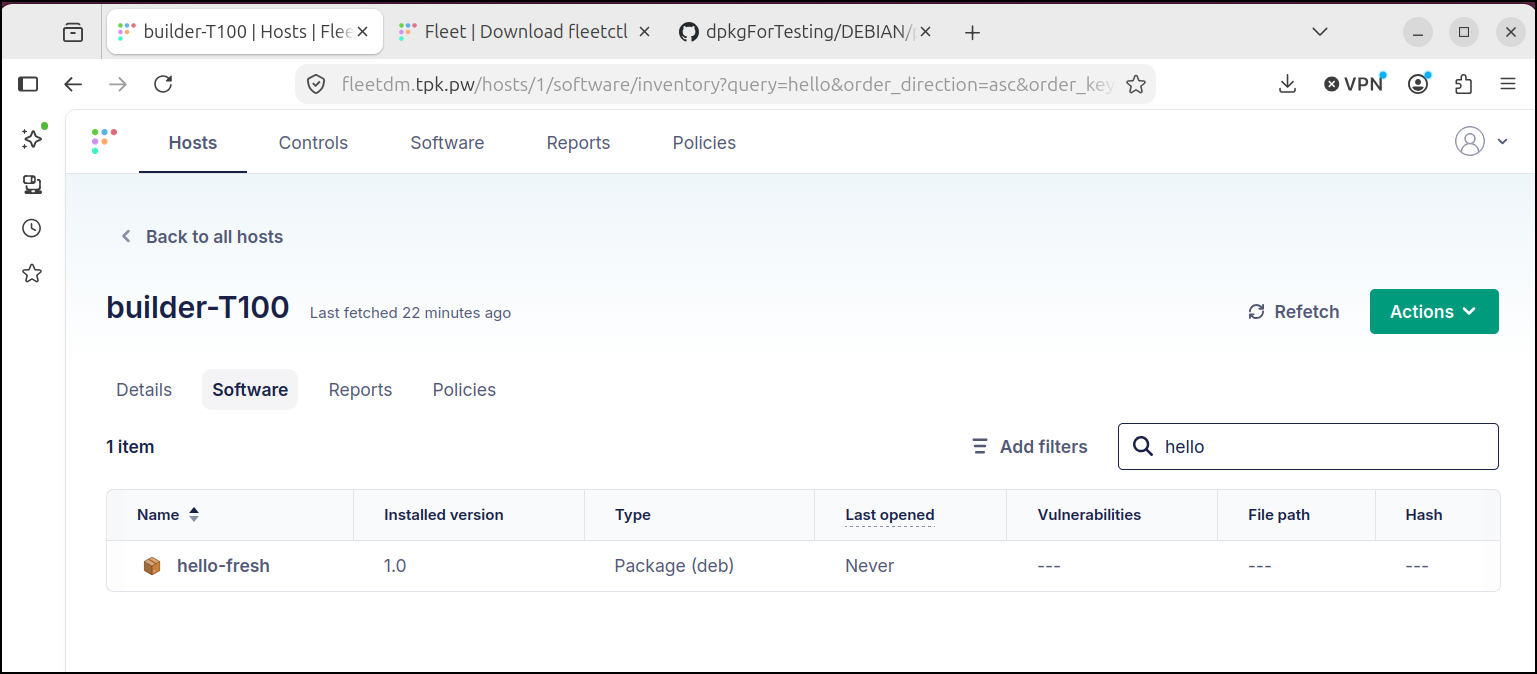
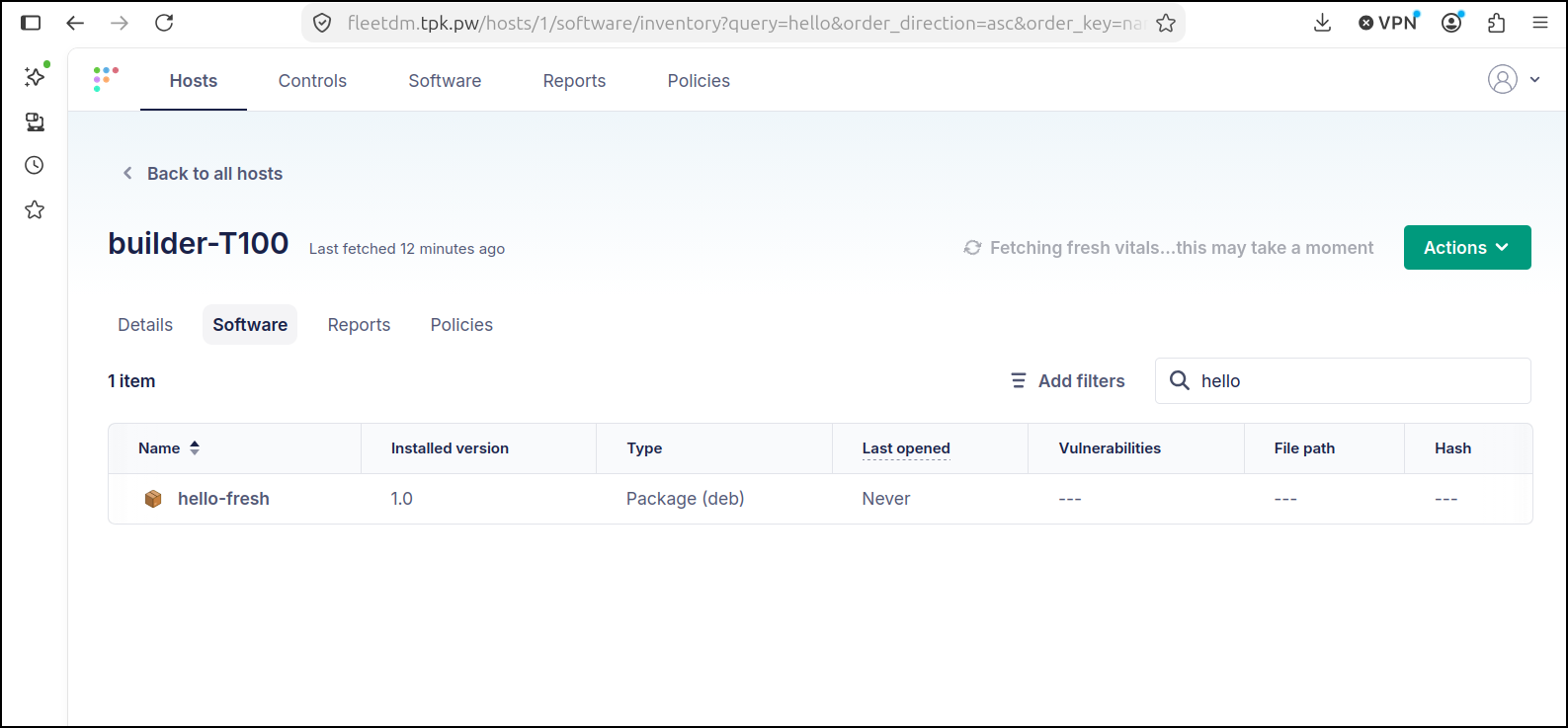
I can now see my package listed:
Debian upgrades
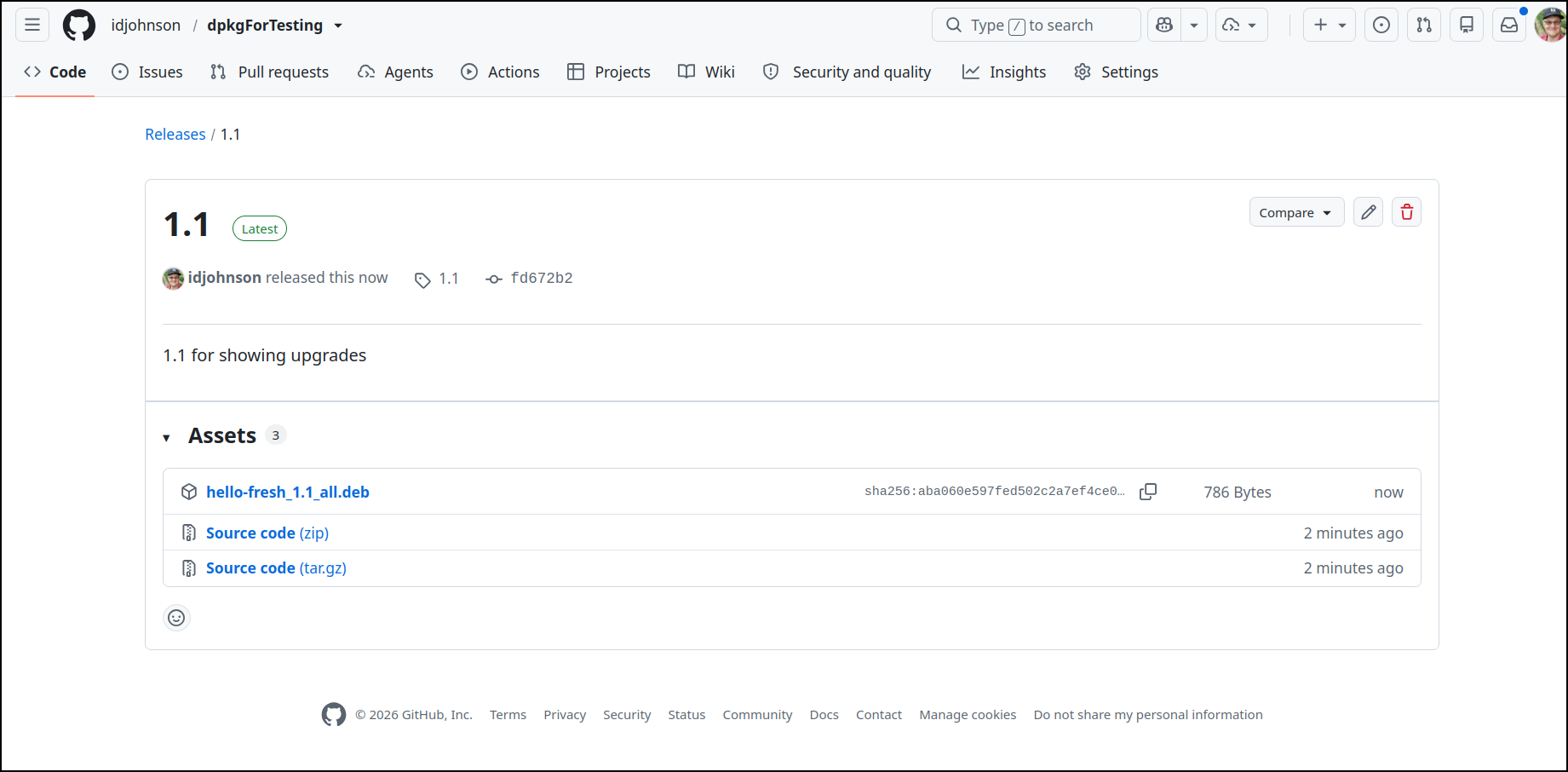
Let’s rev this up now to 1.1. I’ll update the packaging scripts and files here
I then published a new 1.1 release
Now let’s create an upgrade script
builder@bosgamerz9:~/Workspaces/dpkgForTesting$ vi ~/upgradeHelloWorld.sh
builder@bosgamerz9:~/Workspaces/dpkgForTesting$ cat ~/upgradeHelloWorld.sh
#!/bin/bash
set -x
cd /tmp
wget https://github.com/idjohnson/dpkgForTesting/releases/download/1.1/hello-fresh_1.1_all.deb
dpkg -i ./hello-fresh_1.1_all.deb
Let’s now run it:
Initially it doesn’t show the updated version
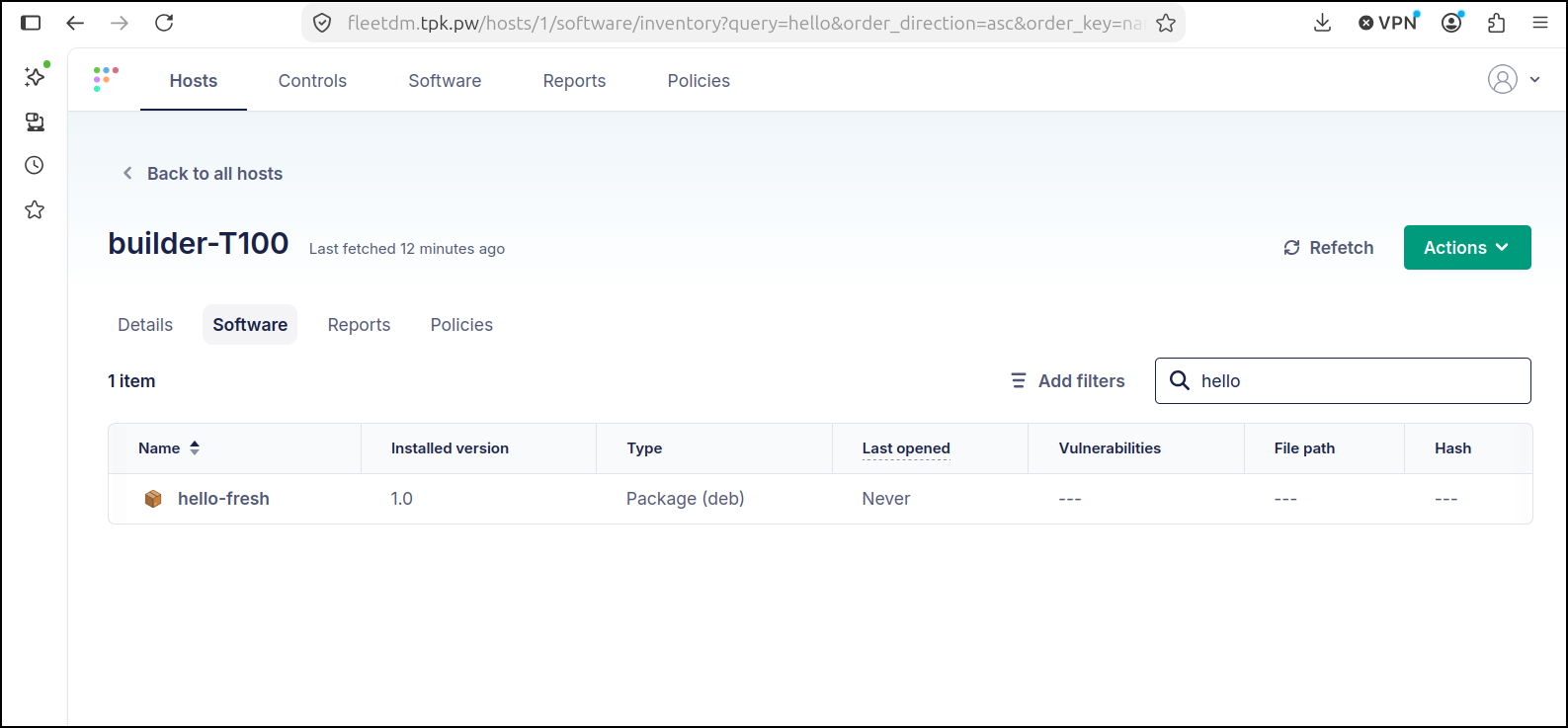
But we can click “Refresh”
Summary
I have traditionally used AWX to handle server maintenance
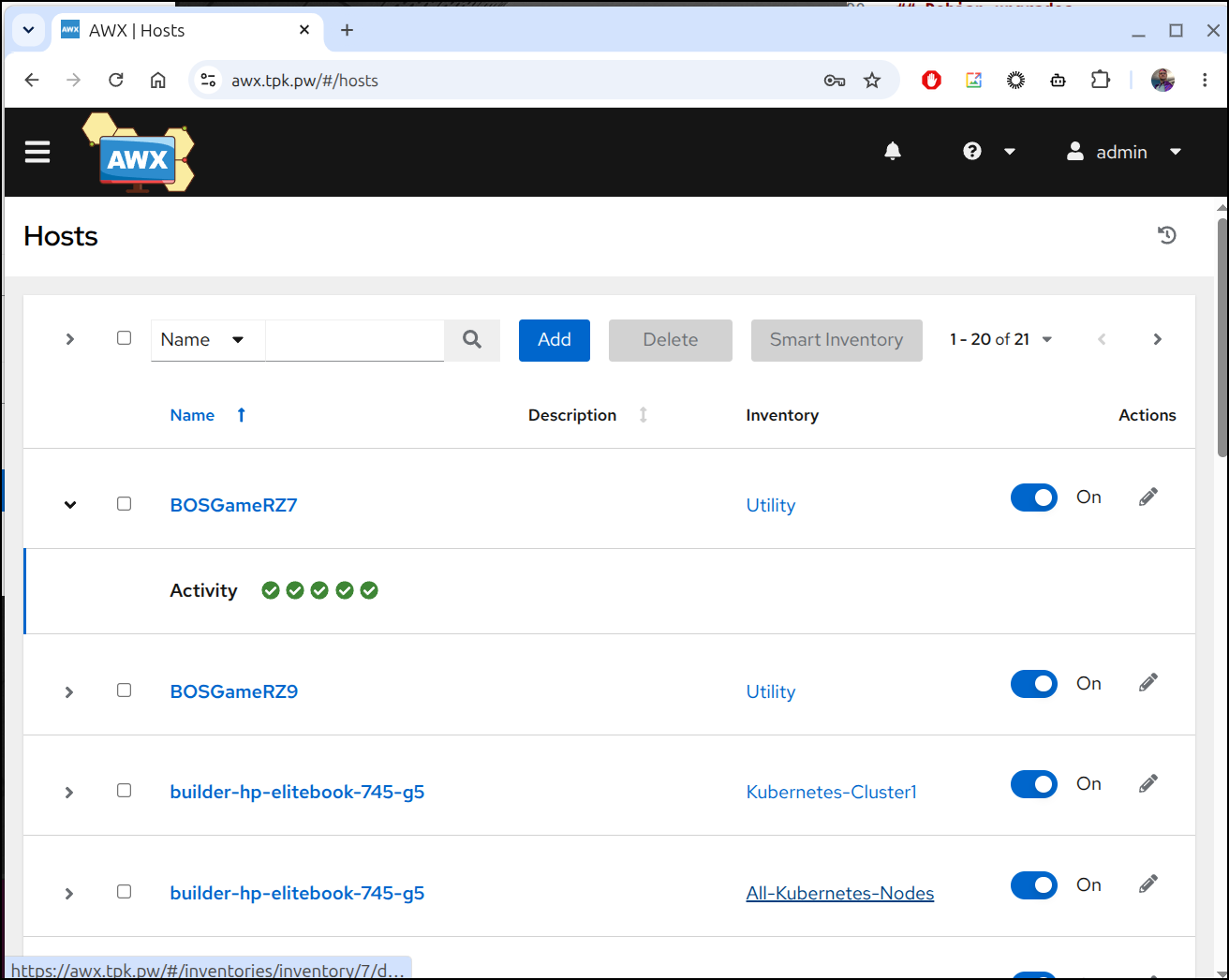
However, the challenge is that AWX must see the hosts to login and do work. This has the advantage that no “Ansible Agent” needs to run. We just need to SSH over and do work.
This works great in a flat network, but creates some real challenges when looking at a distributed network (with distinct dev/stage/prod) or trying to support hosts that run in a colo or target customer environment.
We cannot exactly expect Customer X to create an SSH hole in their network for our Ansible system to remote in and do work.
This is where Fleet comes to play. It does have an agent always running, yes, but the goal here is compliance, reporting and script invokation.
They have a lot of features behind a paywall like installing certificates or setting passwords
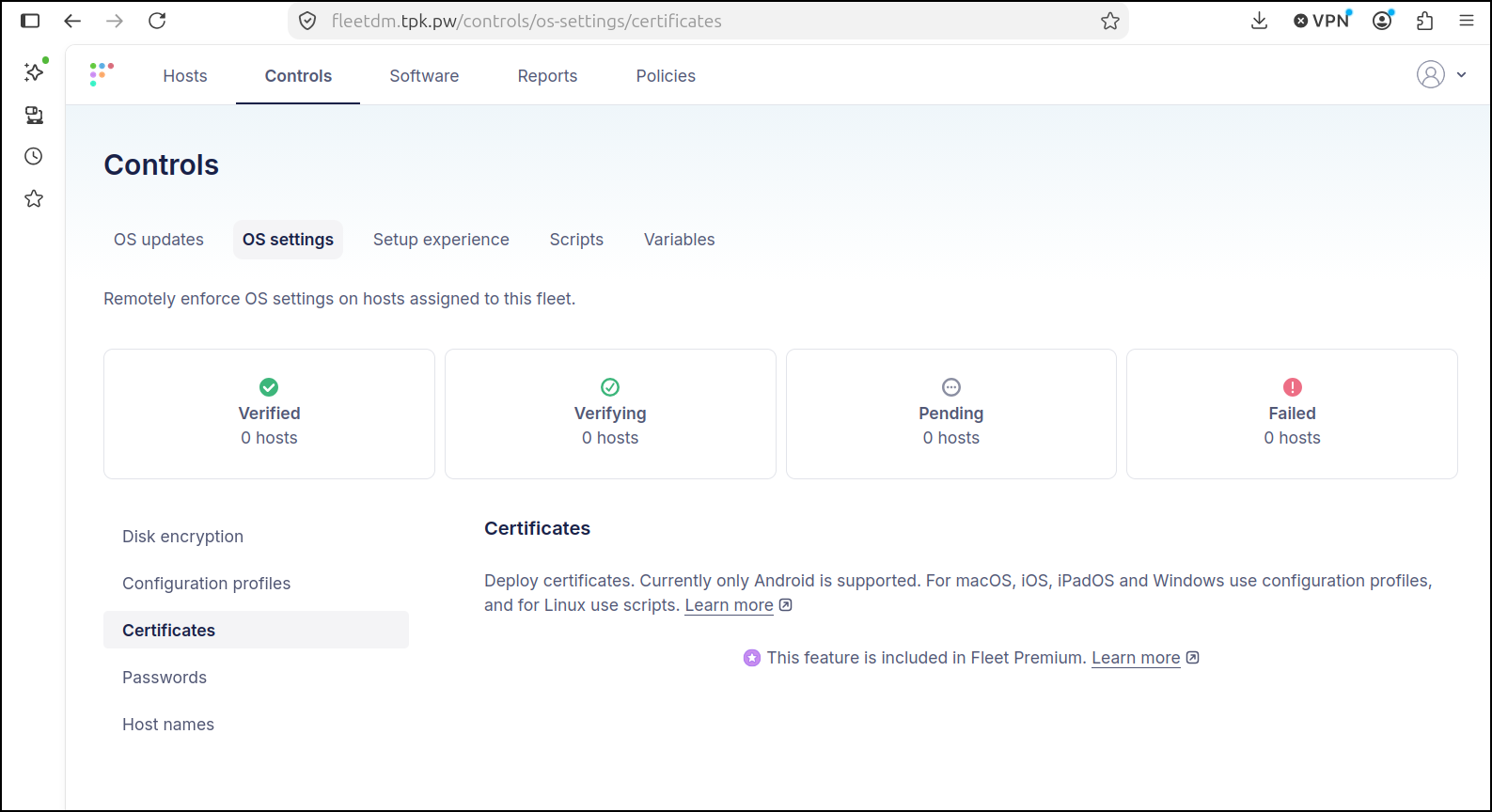
And to me, that is fine - in that case it is used as an MDM platform for device enrollment and ITSM.
But for me, I just want to be able to reliably modify systems whose IPs may change, or they may go offline and pop up in a totally different network.
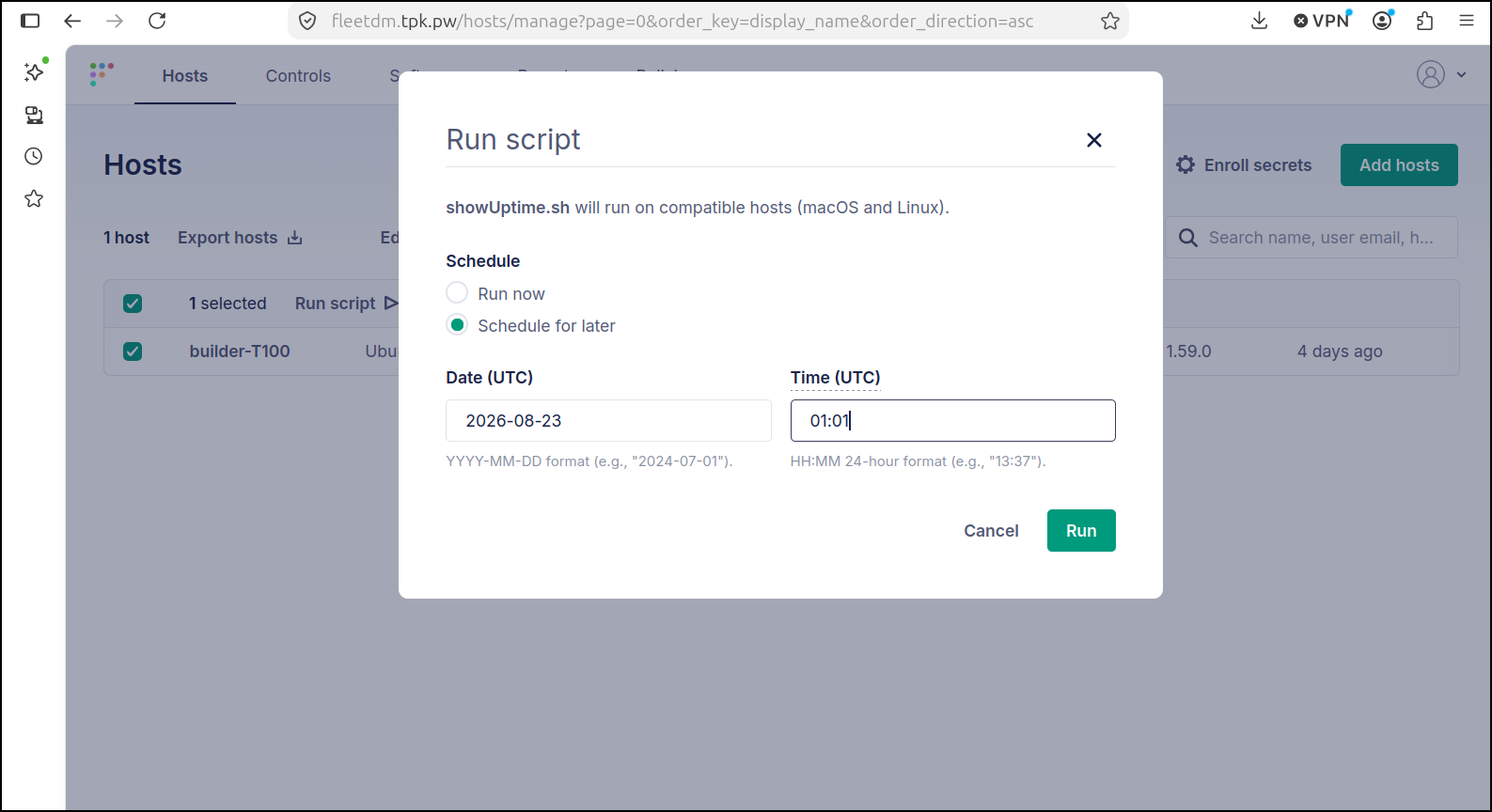
I can even schedule a script - such as an Ubuntu upgrade to go live on a date and not need to rely on updating an apt repository or setting up schedule upgrade tasks in Linux.
Free is free, but there is also a very reasonably priced paid option that enforce disk encryption, push certificates and do much much more for US$7/host/month.
Imagine, if you will, you have to manage 100 hospital devices and quickly rotate passwords, or create inventory lists and you need to support desktop and mobile OSes. The idea that would just be $700/mo ($8400/year) seems ridiculously cheap. Especially when you consider this is a self-hosted SOC 2 complaint system.
As this really solves some specific issues I have, I will definitely be adding FleetDM as a new fixture in my toolset